

kruso
Members
-
Joined
-
Last visited
Everything posted by kruso
-
Snapinsta.app_video_An_ZjgsMKzuvfN-EUaE0ywilLDqBau9Gy2QVwrn4-F5ri7XuQngvdgOJ9Yv-Y9beKKB7L8TKG7bVPyo50vpB5YF4.mp4
-
more Snapinsta.app_video_An9CBHo4xZI8mU17L4VpsOJcUm08rdE_SJrDIofStdXWmKyaEa6gUPxvLXSUxwYIjvrvLac4ZDK_LUhviGXsJ2T0.mp4some of her insta




 by Ryan Hattaway


















 by Olga Konjuchowa / Lelya Konyukhova 3 Snapinsta.app_video_164E8659AA96DEFBC5BF18D47A172D81_video_dashinit.mp4












 by Olga Konjuchowa / Lelya Konyukhova 2




 by Olga Konjuchowa / Lelya Konyukhova




 for placeofloove






 by Pavel Alekseev



 by Darya Ishpakhtina for utrom.brand Snapinsta.app_video_9B4DEA3CC1FD4747DBB0A3F83ADD4898_video_dashinit.mp4








 https://www.instagram.com/p/COmYDVIIb7e/




 some more by Luci△nalogiques


 by Luci△nalogiques






 some of her insta





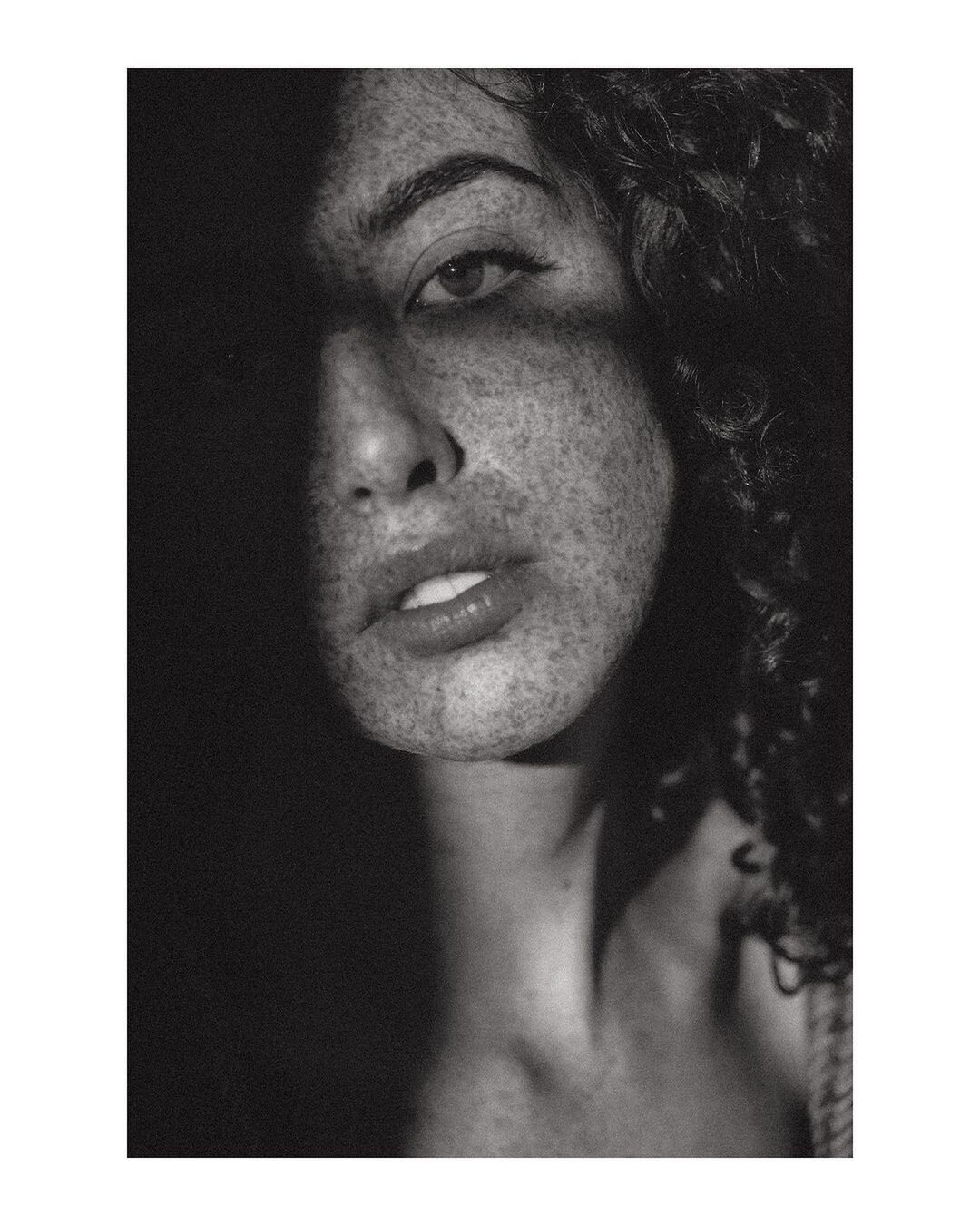
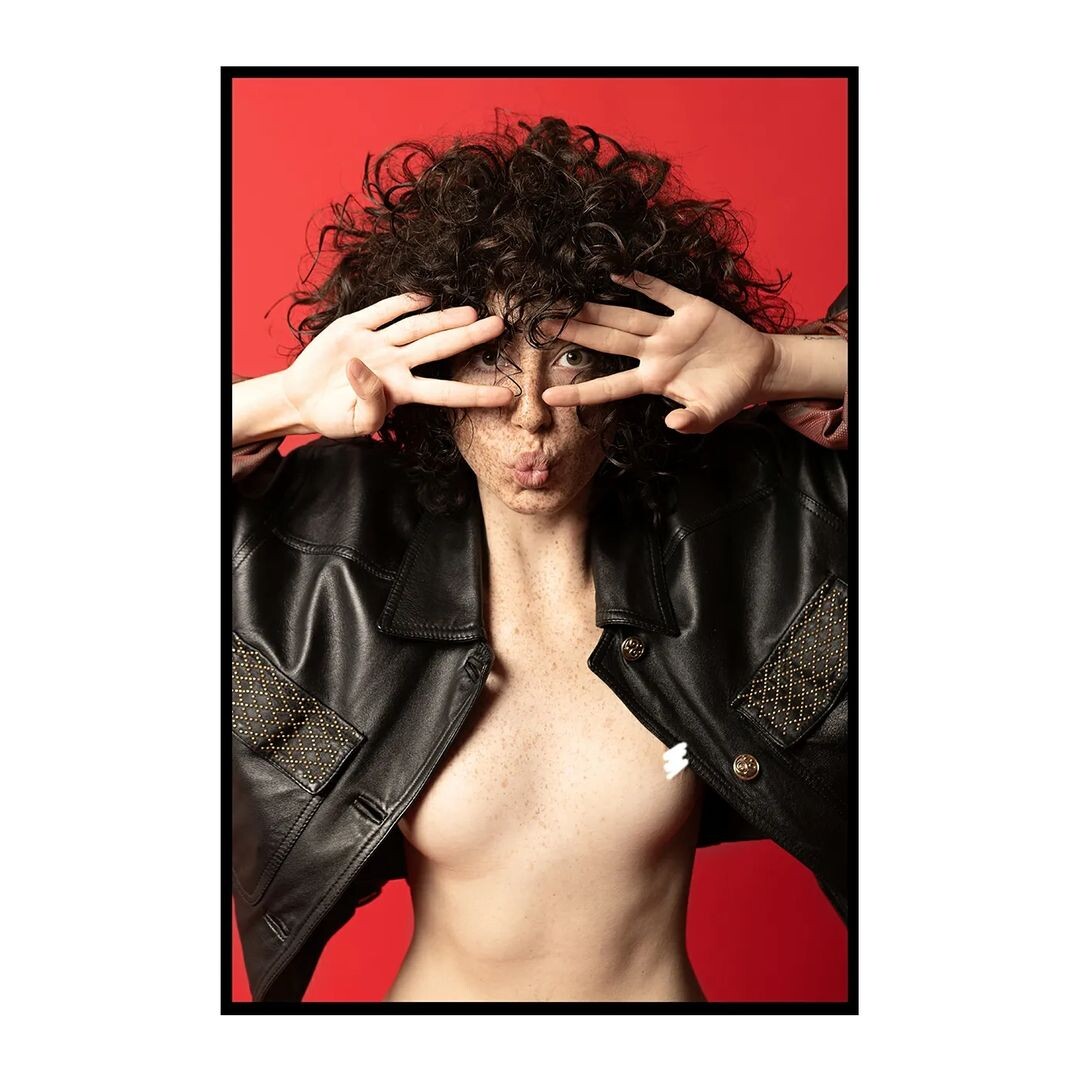
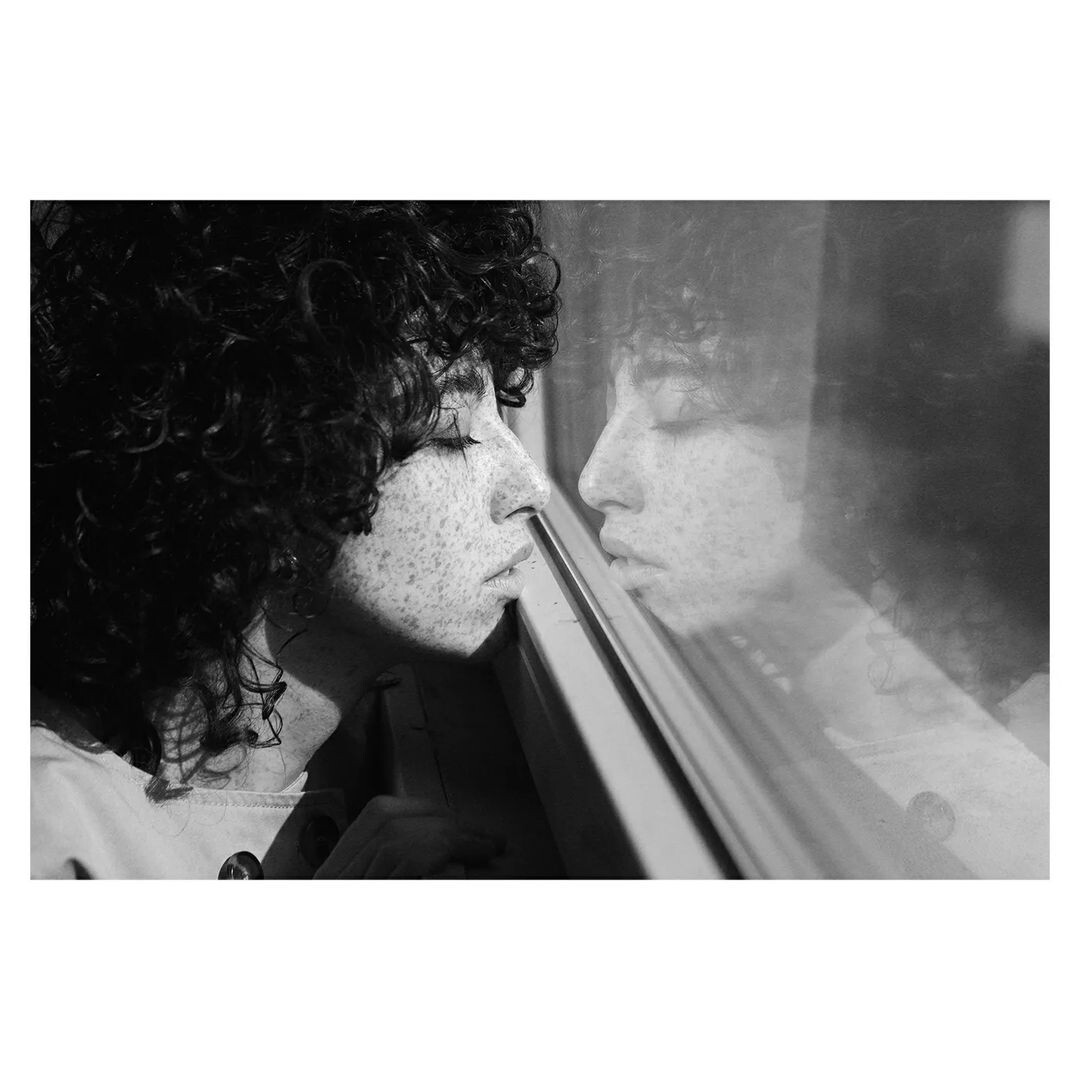
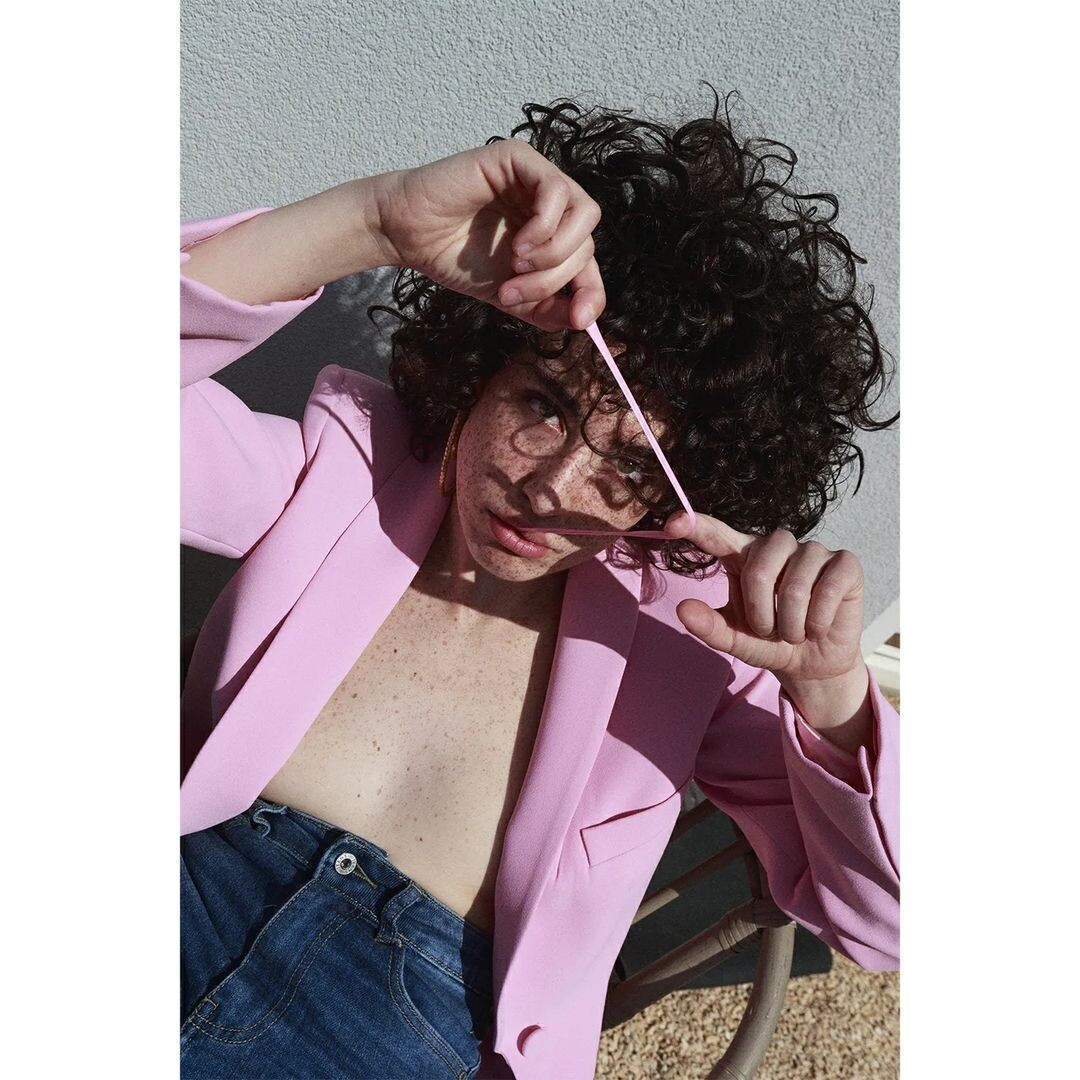
 by Fabio Bottiroli
 and more by Fabio Bottiroli











 some more by Fabio Bottiroli

















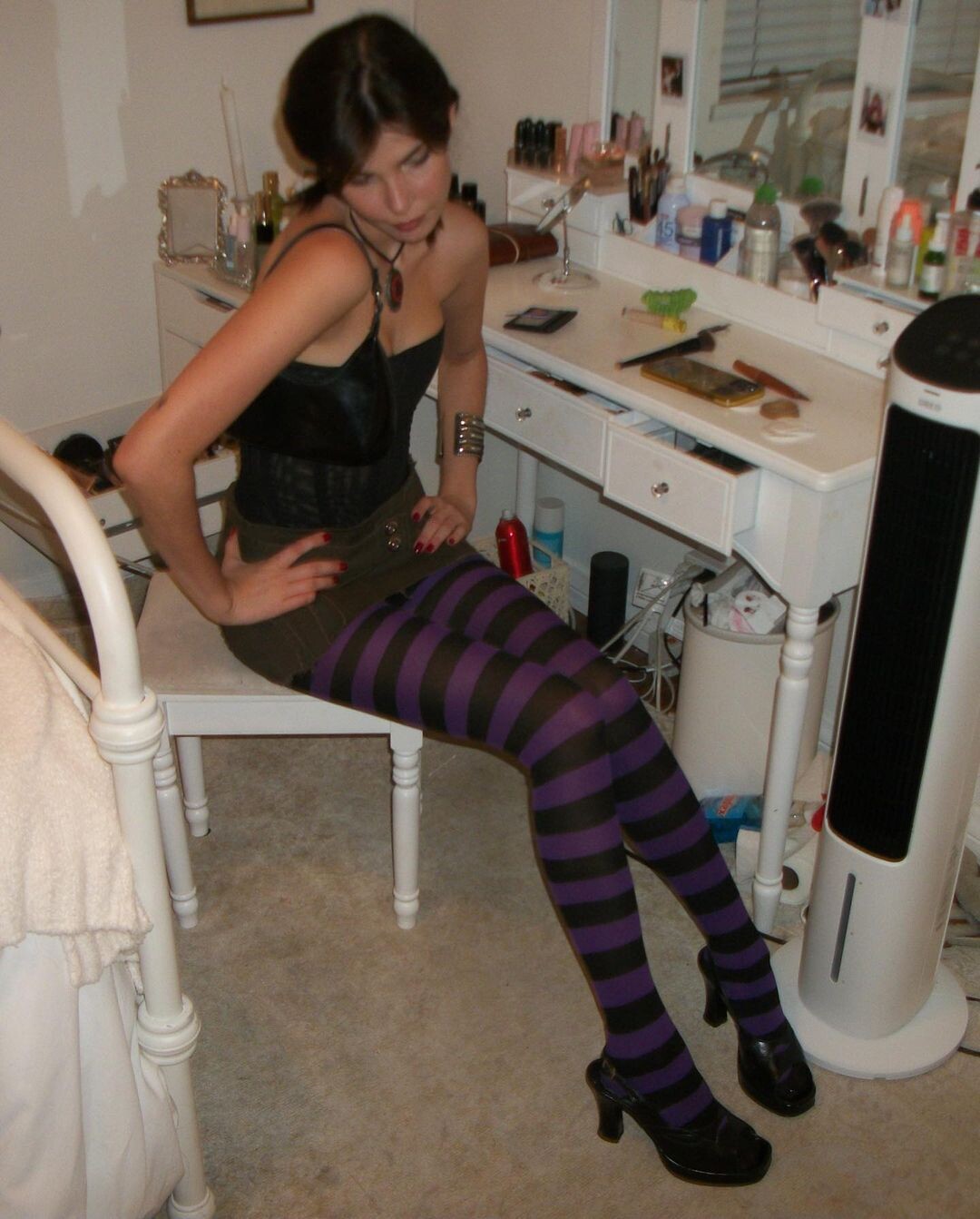
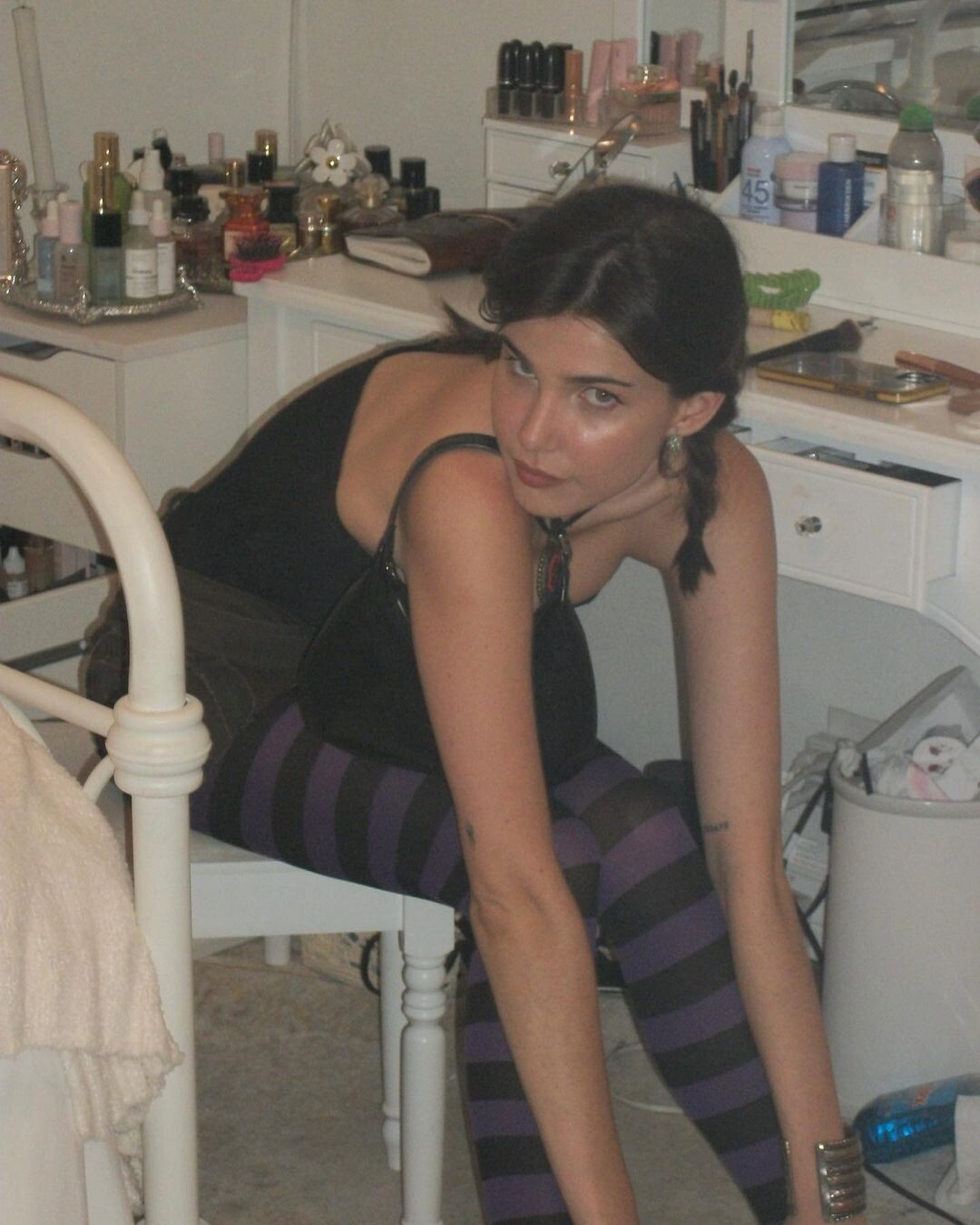


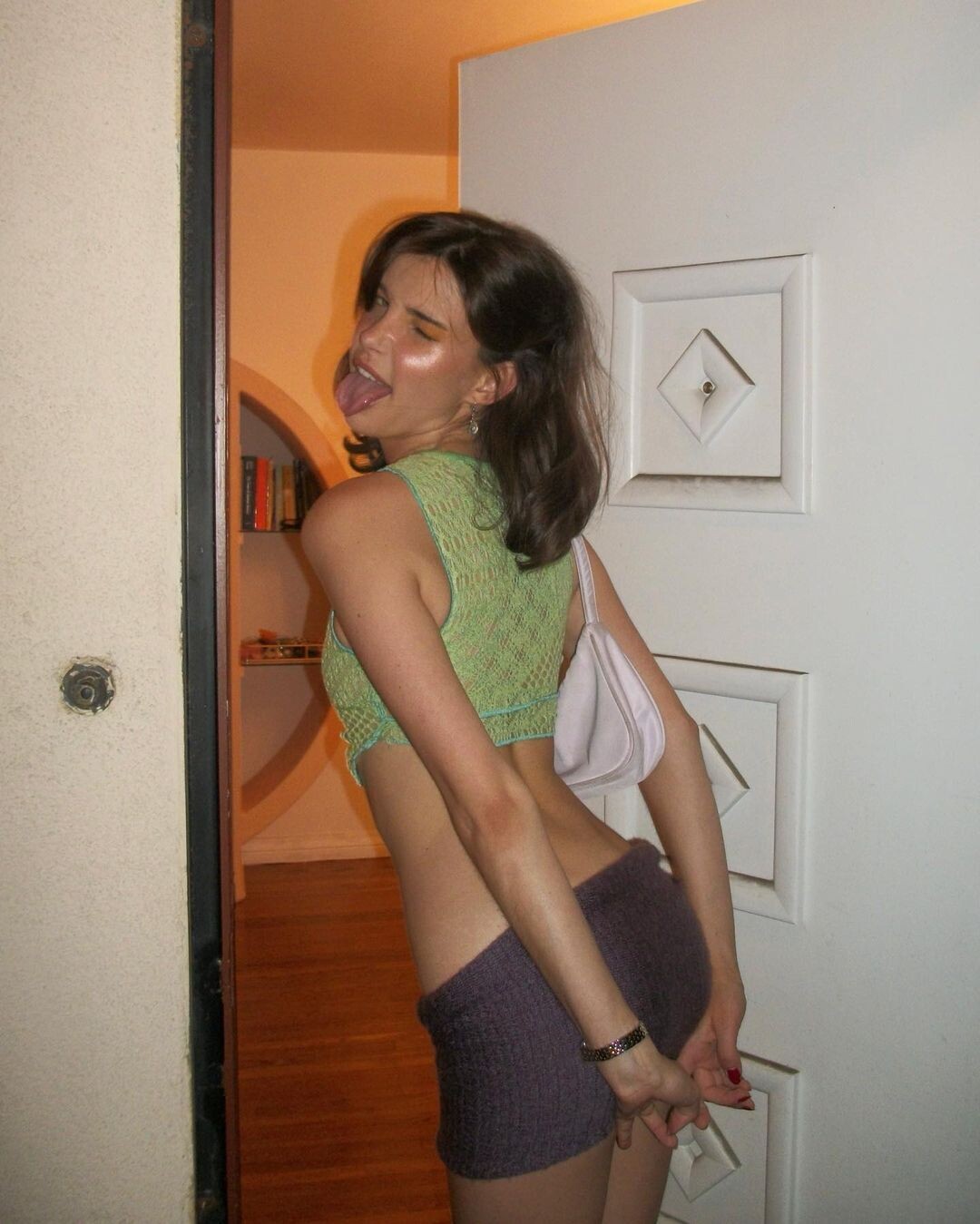






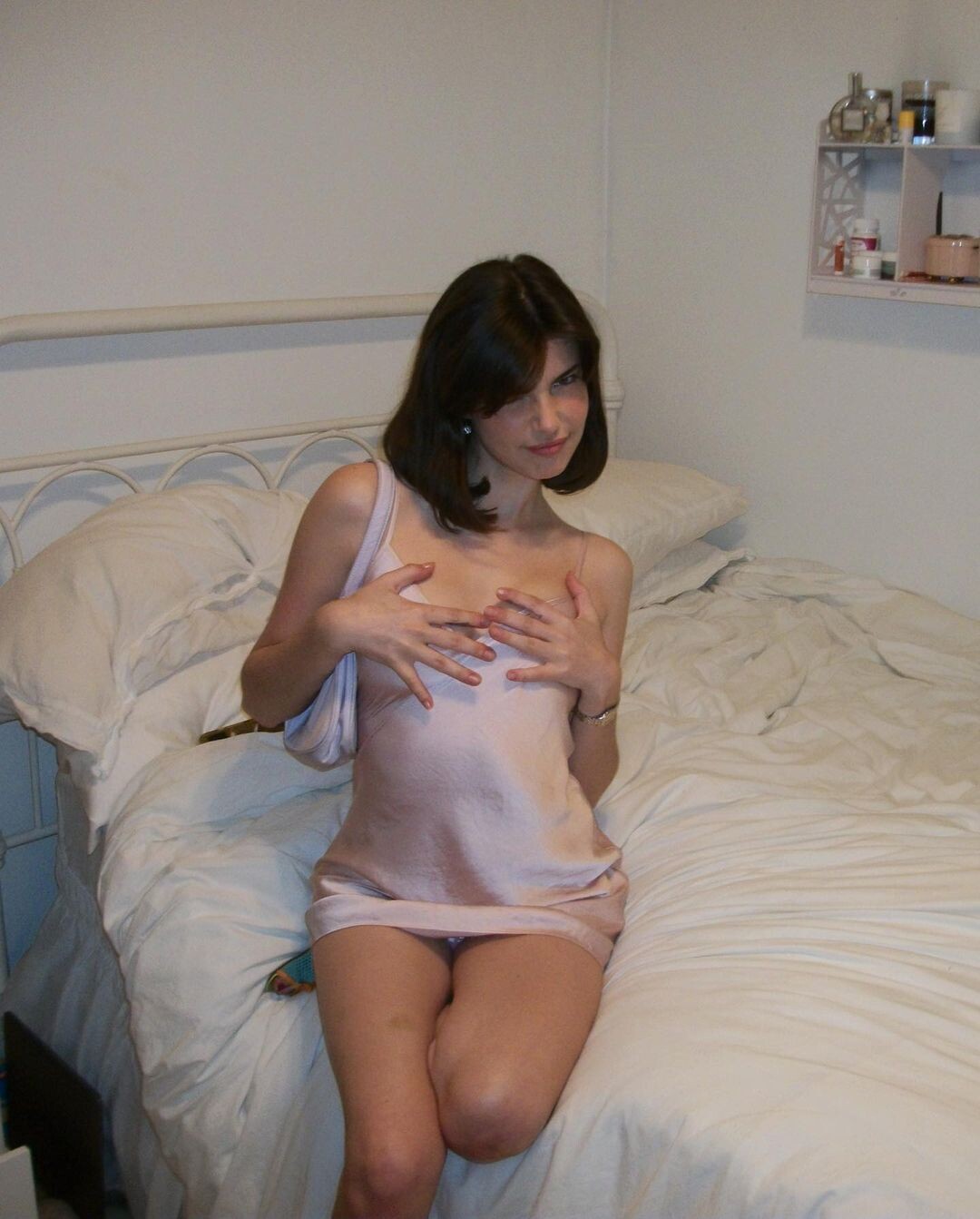
.jpg.6092e04bcbbc24539fe95208b301326a.jpg)


.jpg.e7f8647afd29b5a09611a8e5bdc94901.jpg)




























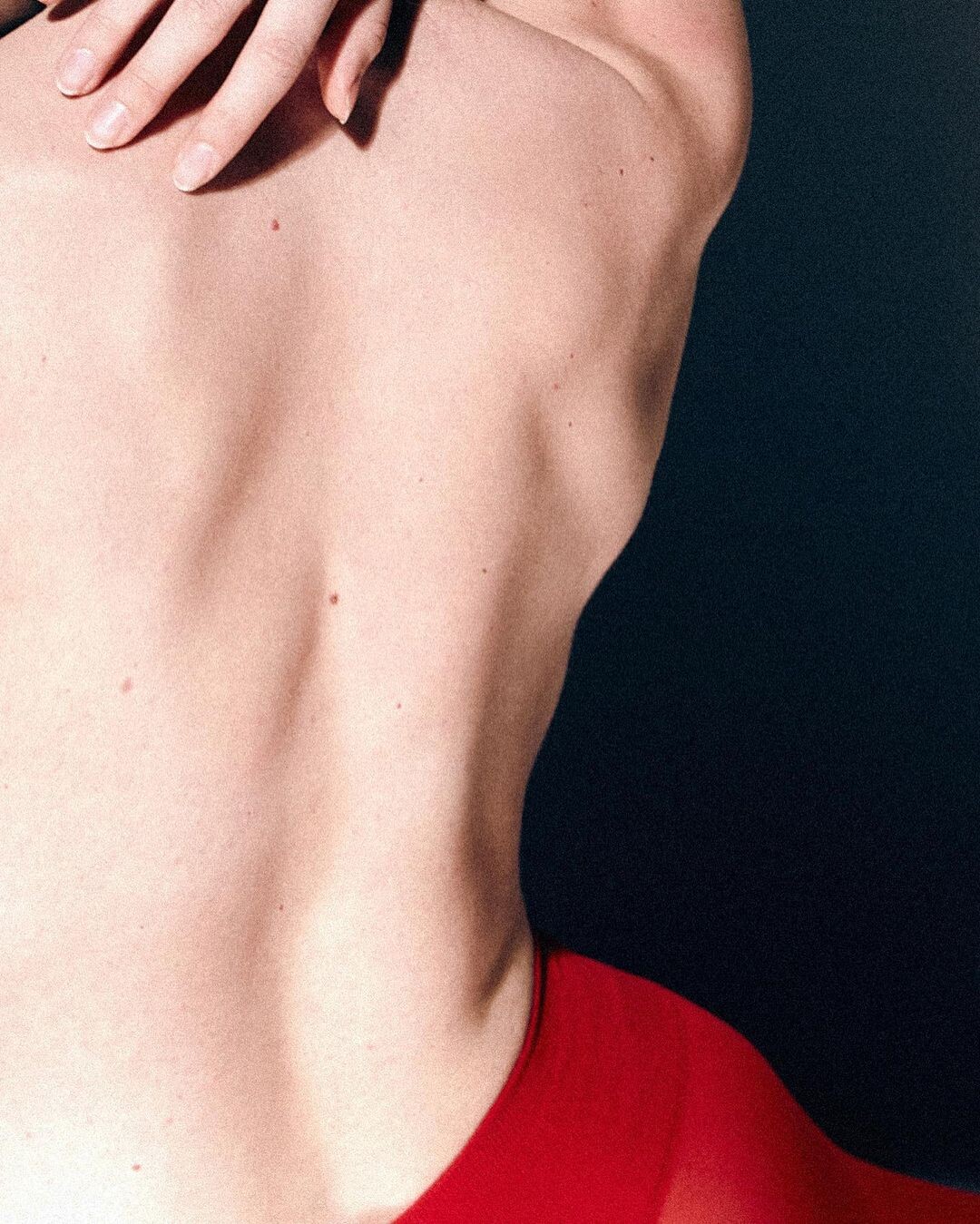







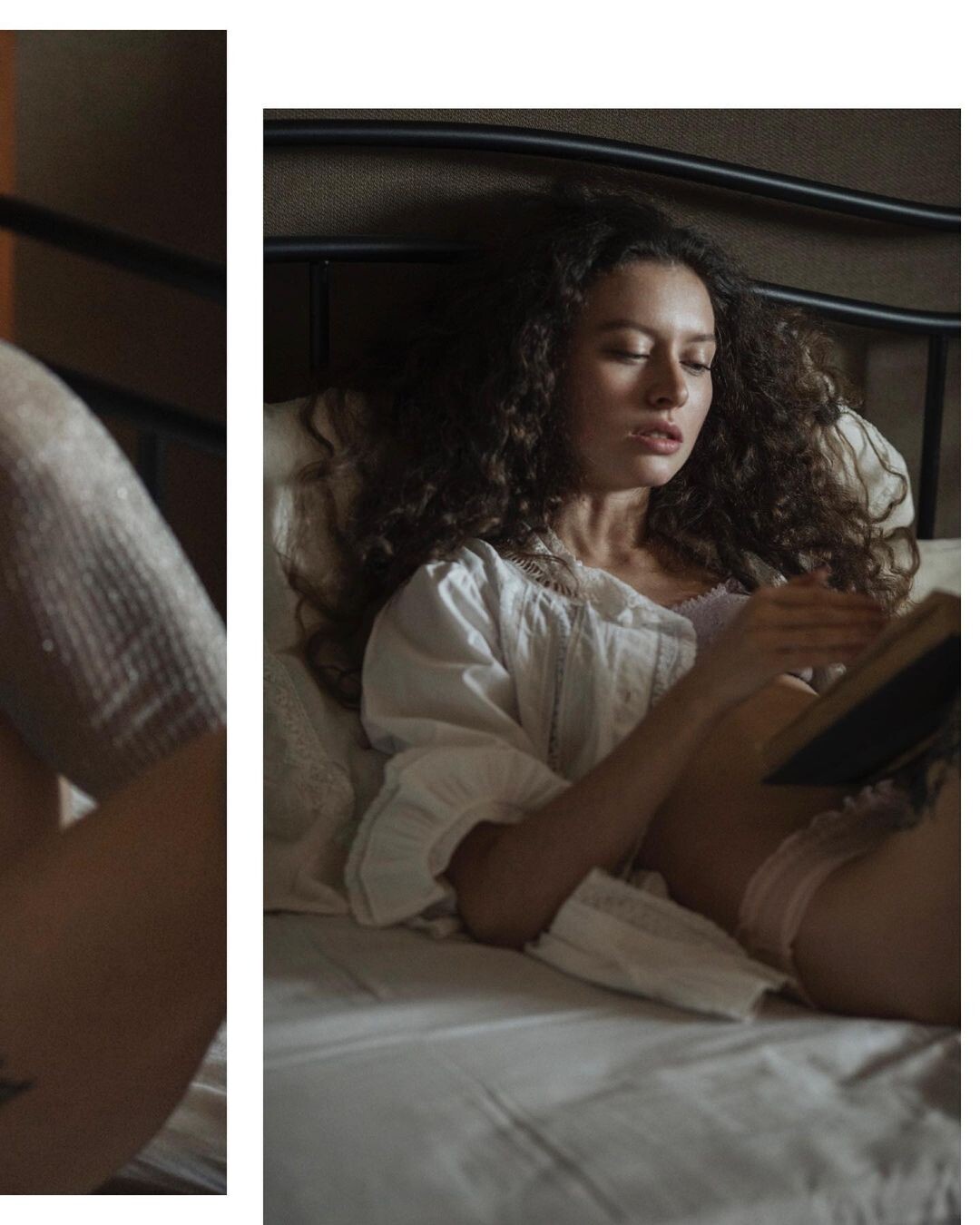




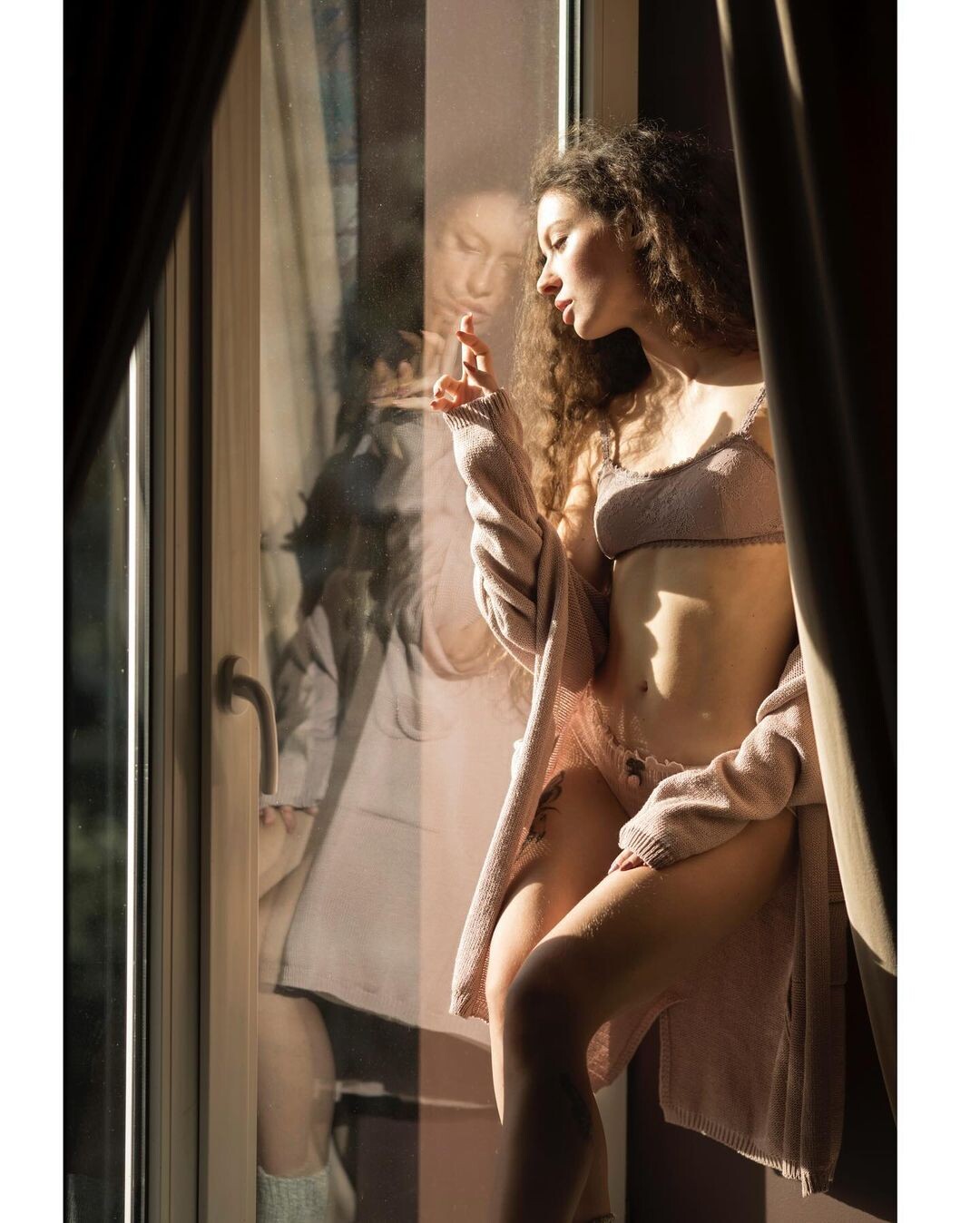



















































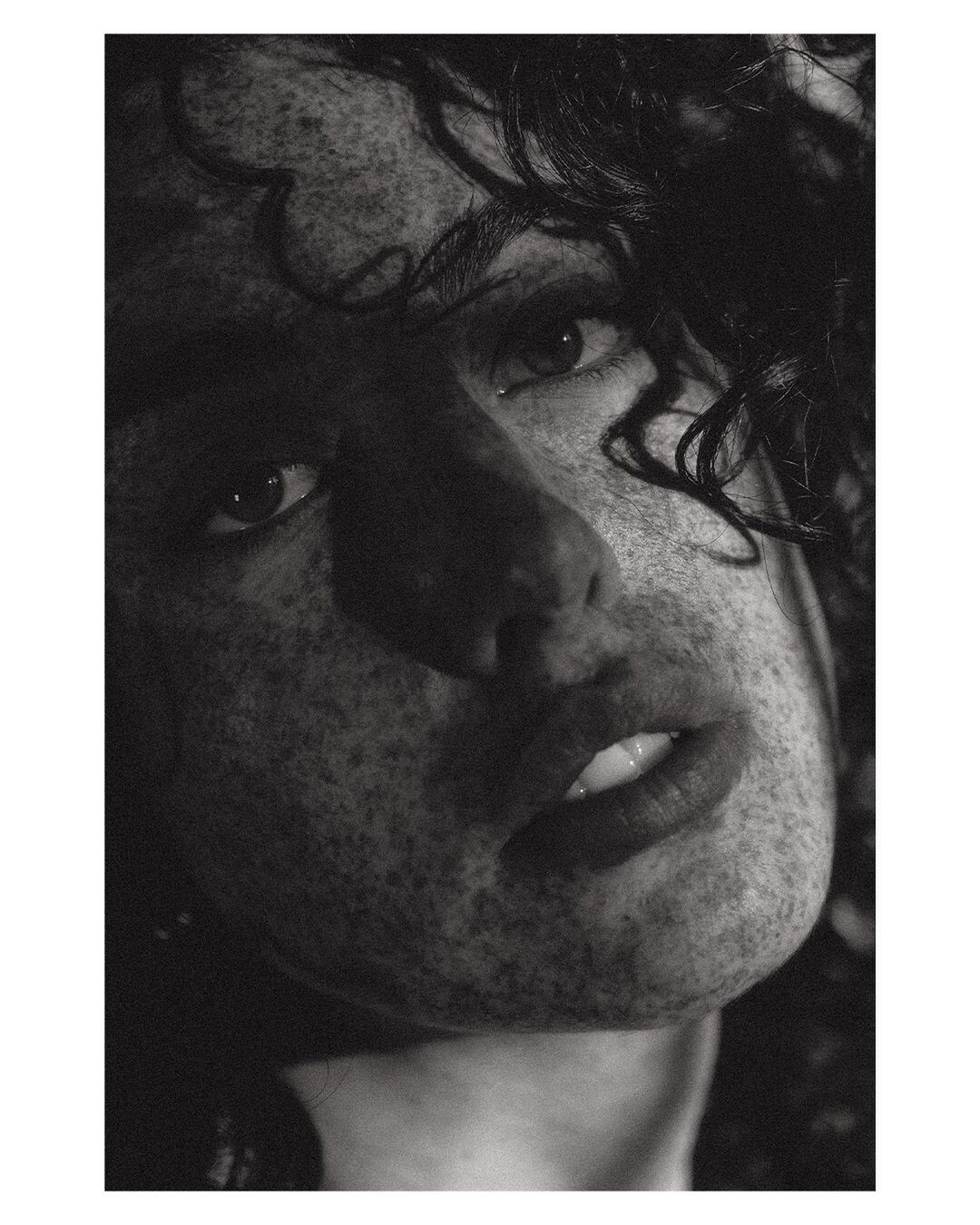






























































Account
Navigation
Search
Configure browser push notifications
Chrome (Android)
- Tap the lock icon next to the address bar.
- Tap Permissions → Notifications.
- Adjust your preference.
Chrome (Desktop)
- Click the padlock icon in the address bar.
- Select Site settings.
- Find Notifications and adjust your preference.
Safari (iOS 16.4+)
- Ensure the site is installed via Add to Home Screen.
- Open Settings App → Notifications.
- Find your app name and adjust your preference.
Safari (macOS)
- Go to Safari → Preferences.
- Click the Websites tab.
- Select Notifications in the sidebar.
- Find this website and adjust your preference.
Edge (Android)
- Tap the lock icon next to the address bar.
- Tap Permissions.
- Find Notifications and adjust your preference.
Edge (Desktop)
- Click the padlock icon in the address bar.
- Click Permissions for this site.
- Find Notifications and adjust your preference.
Firefox (Android)
- Go to Settings → Site permissions.
- Tap Notifications.
- Find this site in the list and adjust your preference.
Firefox (Desktop)
- Open Firefox Settings.
- Search for Notifications.
- Find this site in the list and adjust your preference.