Jump to content
View in the app

A better way to browse. Learn more.

Bellazon

A full-screen app on your home screen with push notifications, badges and more.

To install this app on iOS and iPadOS
  1. Tap the Share icon in Safari
  2. Scroll the menu and tap Add to Home Screen.
  3. Tap Add in the top-right corner.
To install this app on Android
  1. Tap the 3-dot menu (โ‹ฎ) in the top-right corner of the browser.
  2. Tap Add to Home screen or Install app.
  3. Confirm by tapping Install.

model123

Members
  • Joined

  1. Thanks a lot ๐Ÿ™๐Ÿ˜
  2. Thanks a lot ๐Ÿ™
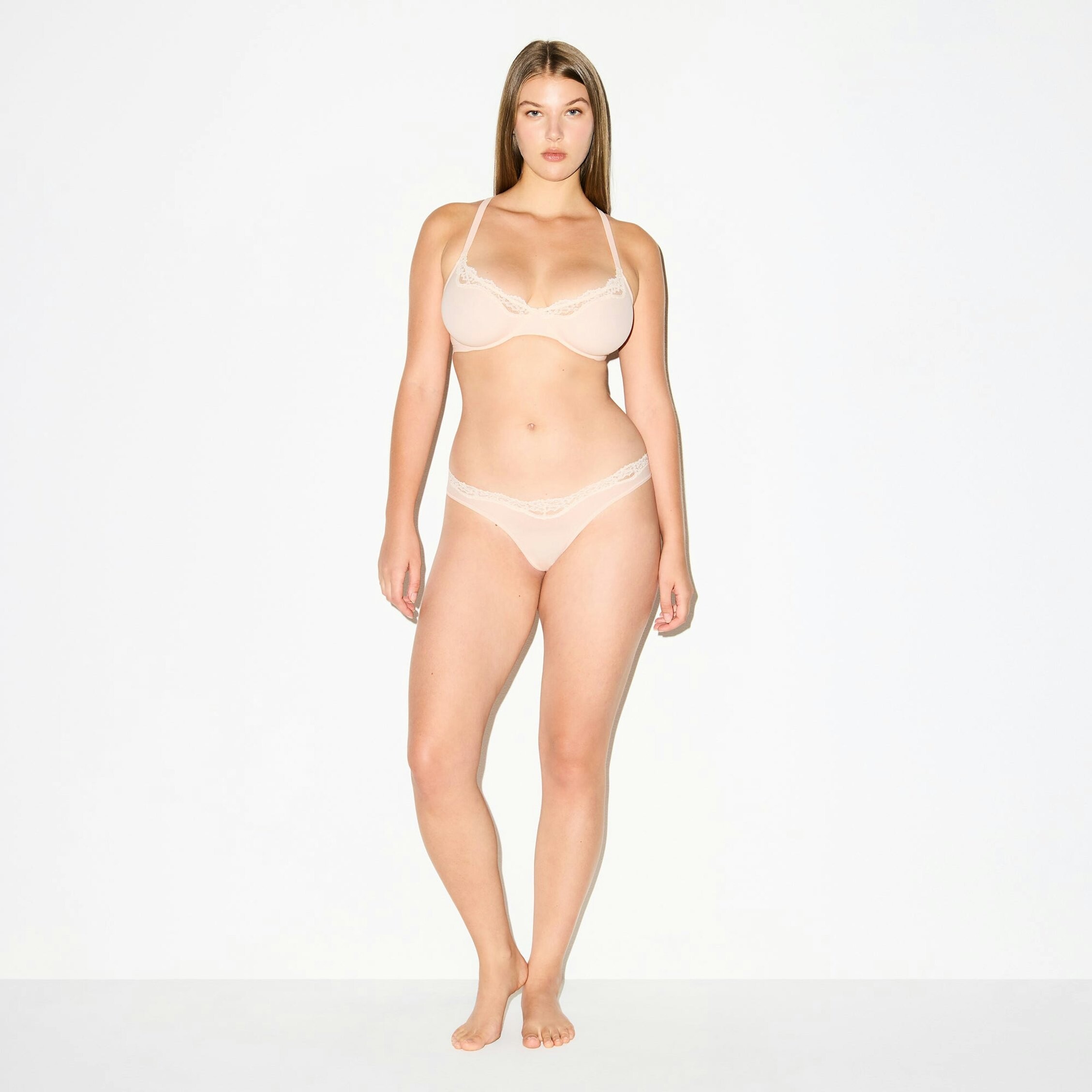
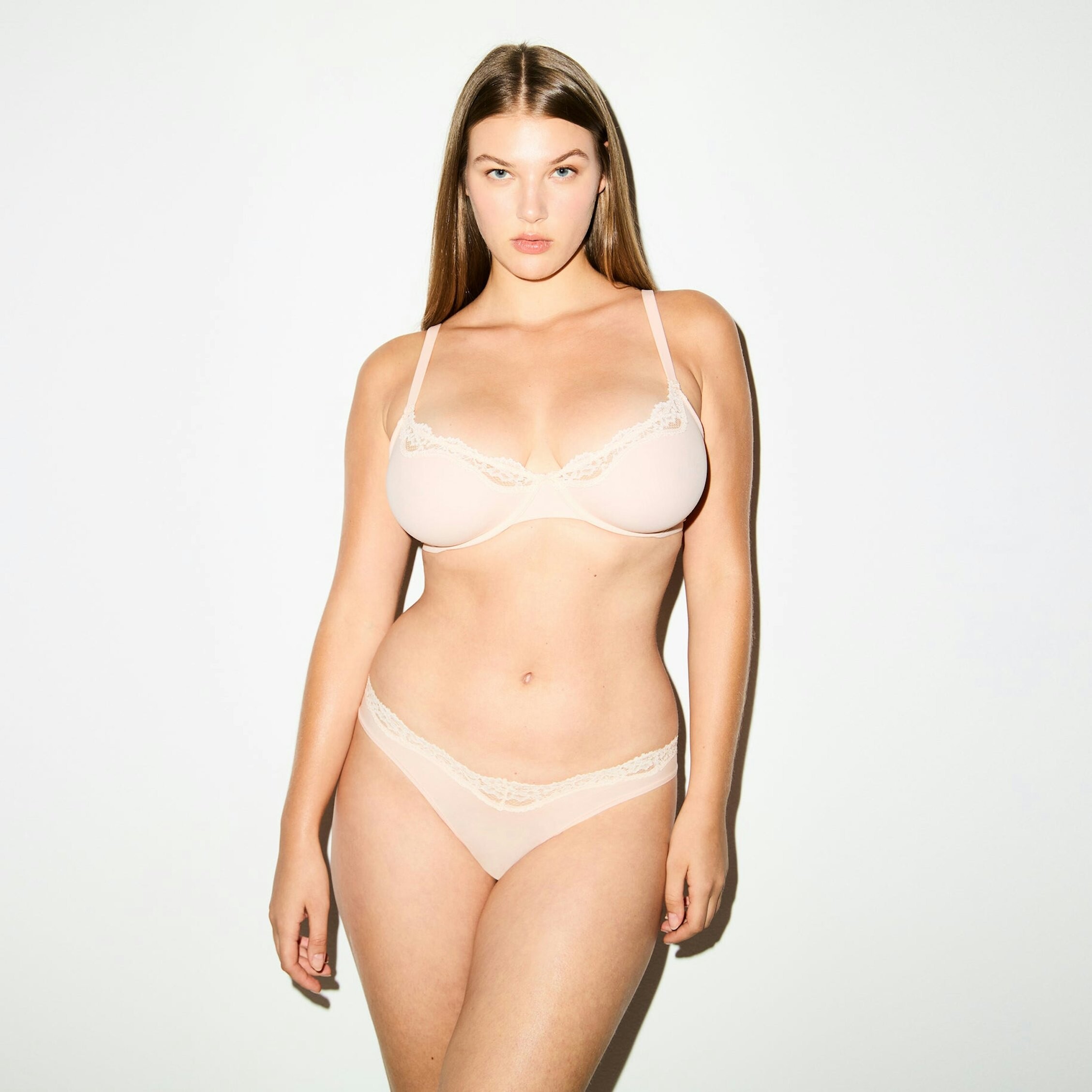


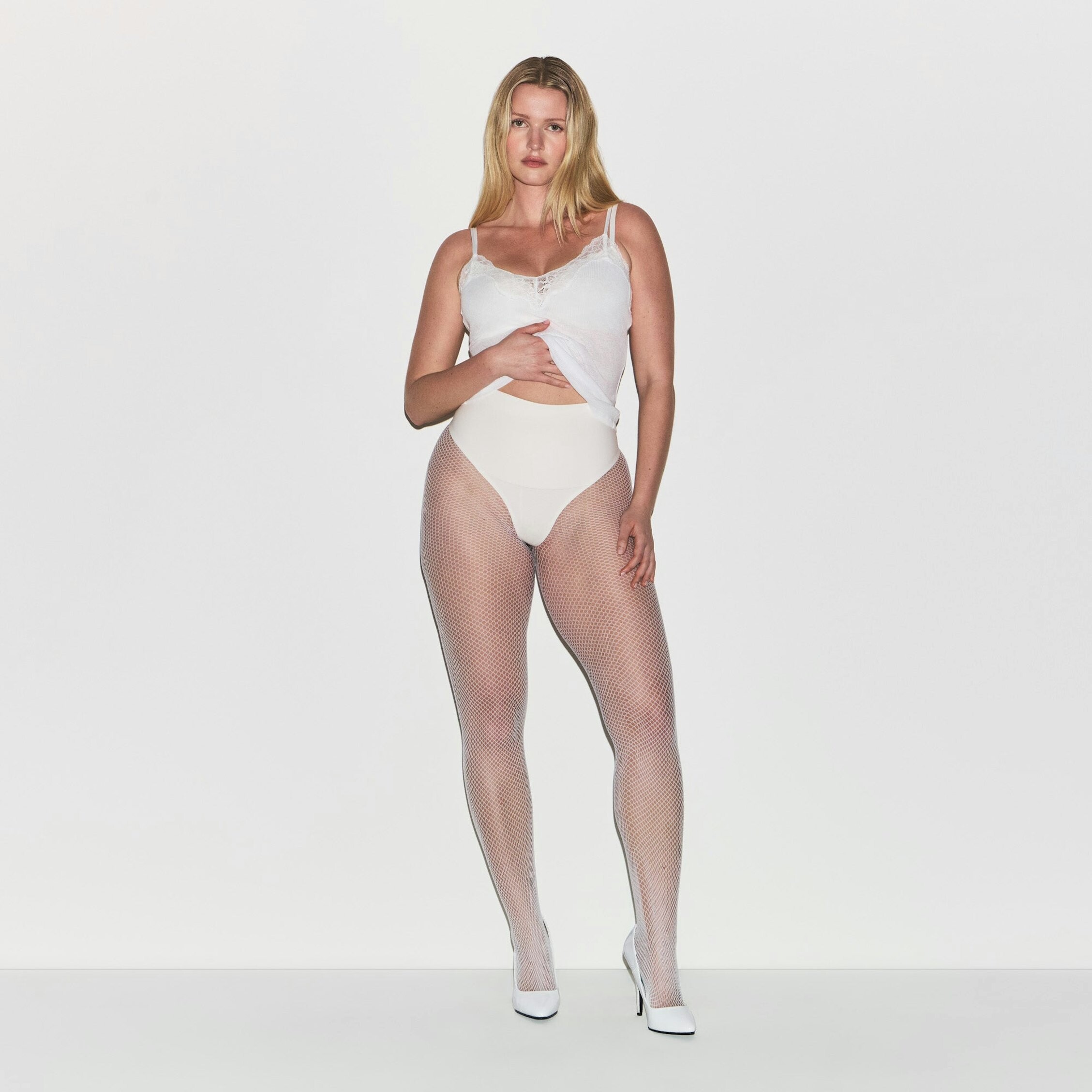
  3. THX https://skims.com/en-dk/products/skims-lace-unlined-minimizer-bra-primrose https://skims.com/en-dk/products/skims-lace-thong-primrose
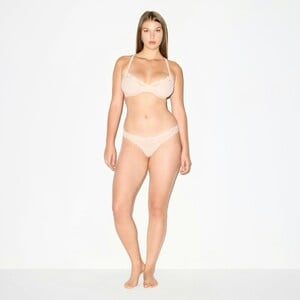


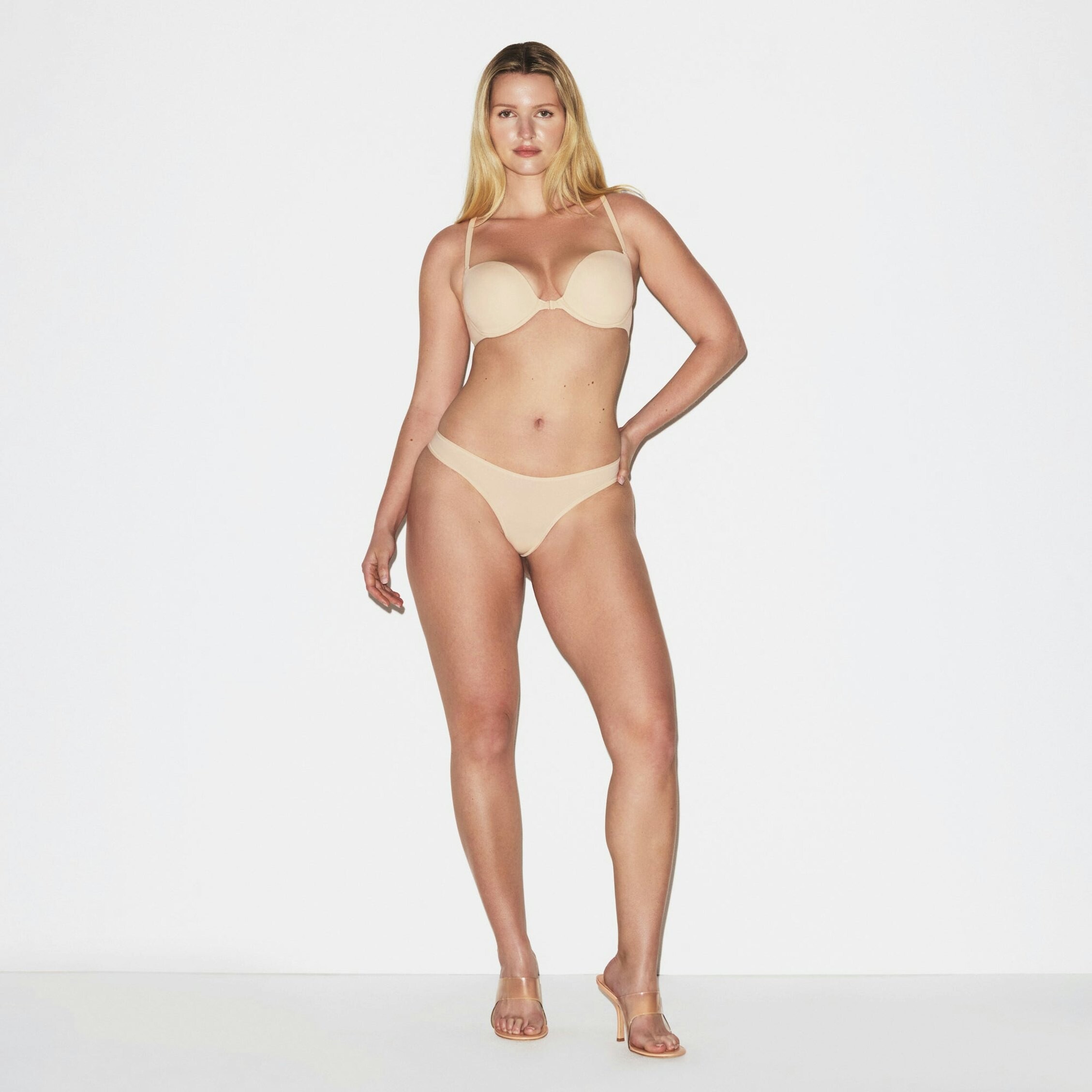
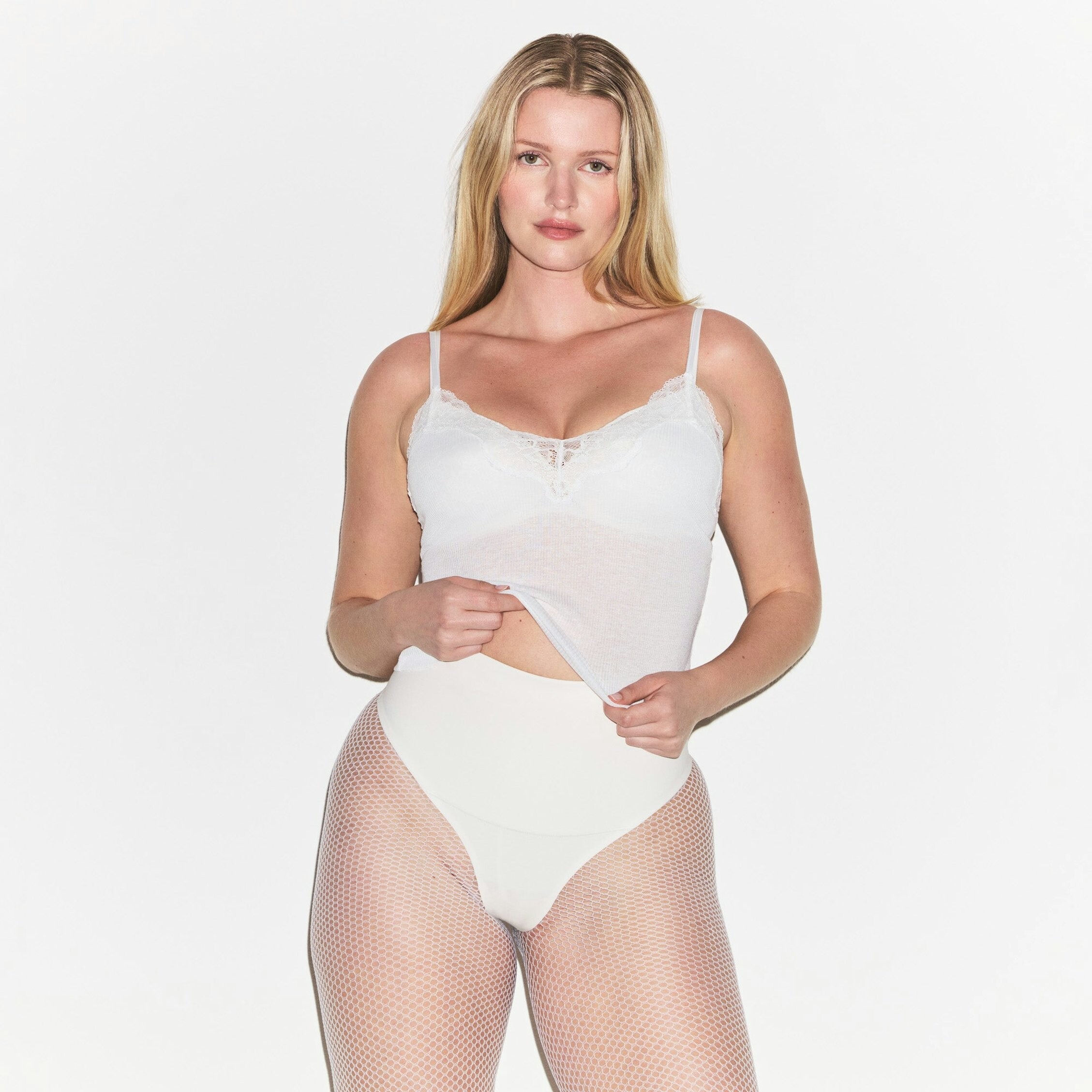

  4. THX https://skims.com/en-dk/products/skims-ultimate-teardrop-push-up-bra-stone-pastel-snake-print https://skims.com/en-dk/products/skims-body-core-sculpt-high-waisted-thong-sand https://skims.com/en-dk/products/cotton-shapewear-thong-bodysuit-marble
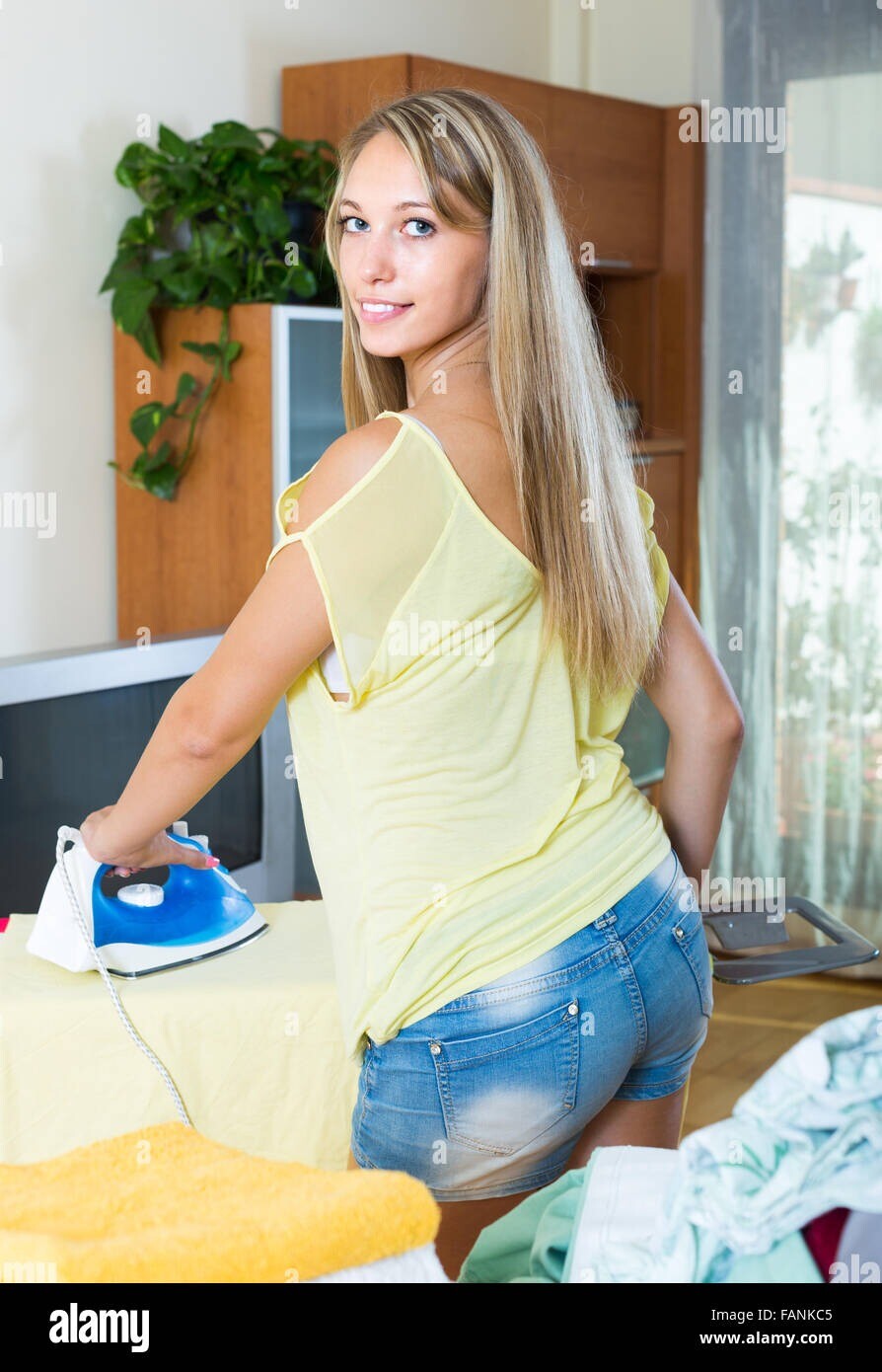
  5. Hello Photografer: Iakov Filimonov Model: ? Description: "Young blonde long-haired woman ironing at ironing board in home" Also on: https://fr.dreamstime.com/photo-stock-femme-blonde-se-r%C3%A9veillant-lit-image55004012 Young blonde long-haired woman ironing at ironing board i...Download this stock image: Young blonde long-haired woman ironing at ironing board in home - FANKC5 from Alamy's library of millions of high resolution stock photos, illustrations and vectors.https://www.dreamstime.com/photos-images/blonde-girl-in-underwear-posing-smiling-blonde-long-haired-girl-in-underwear-posing-on-bed-at-bedroom.html

  6. See if you can recognize this one @ pitounsky
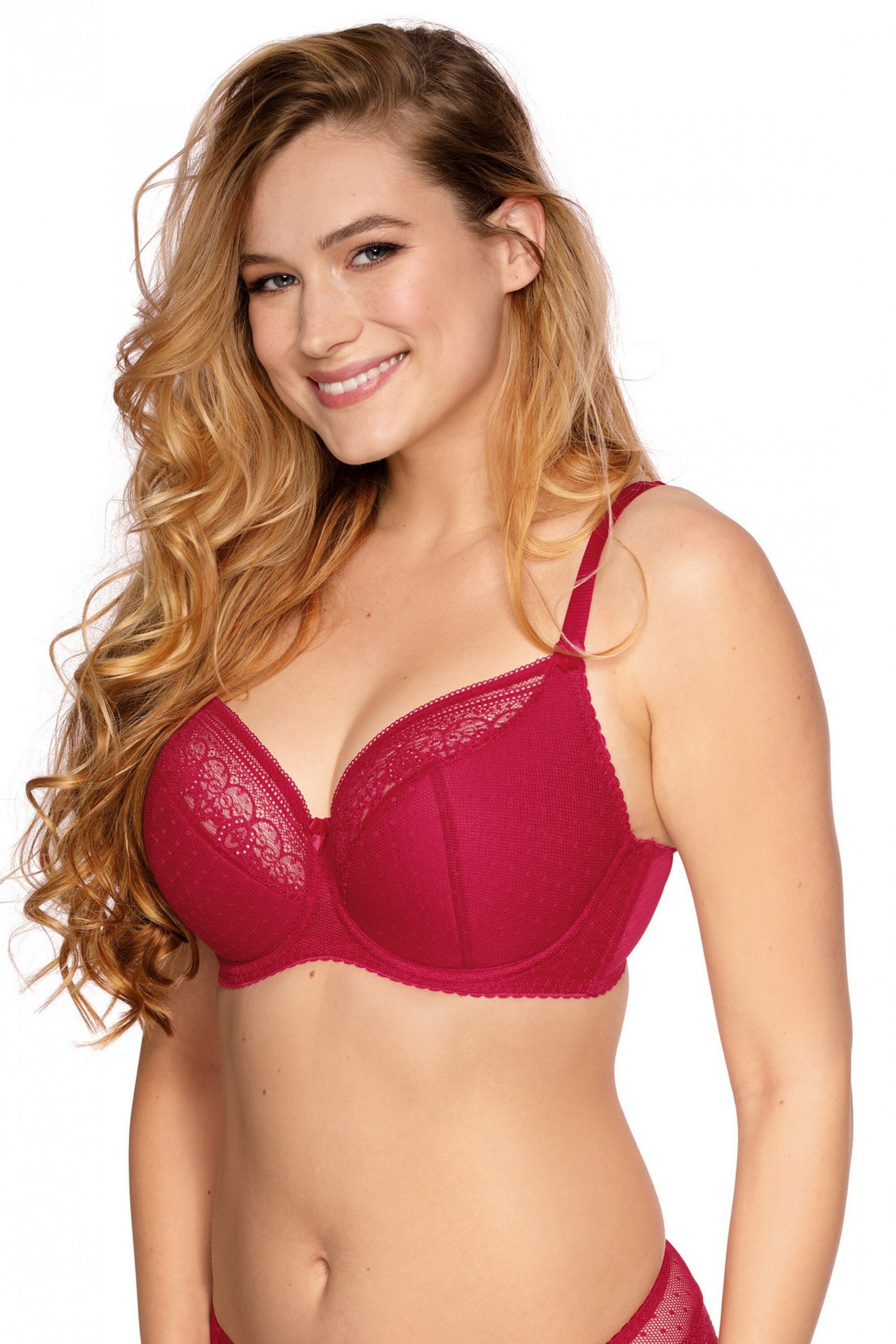
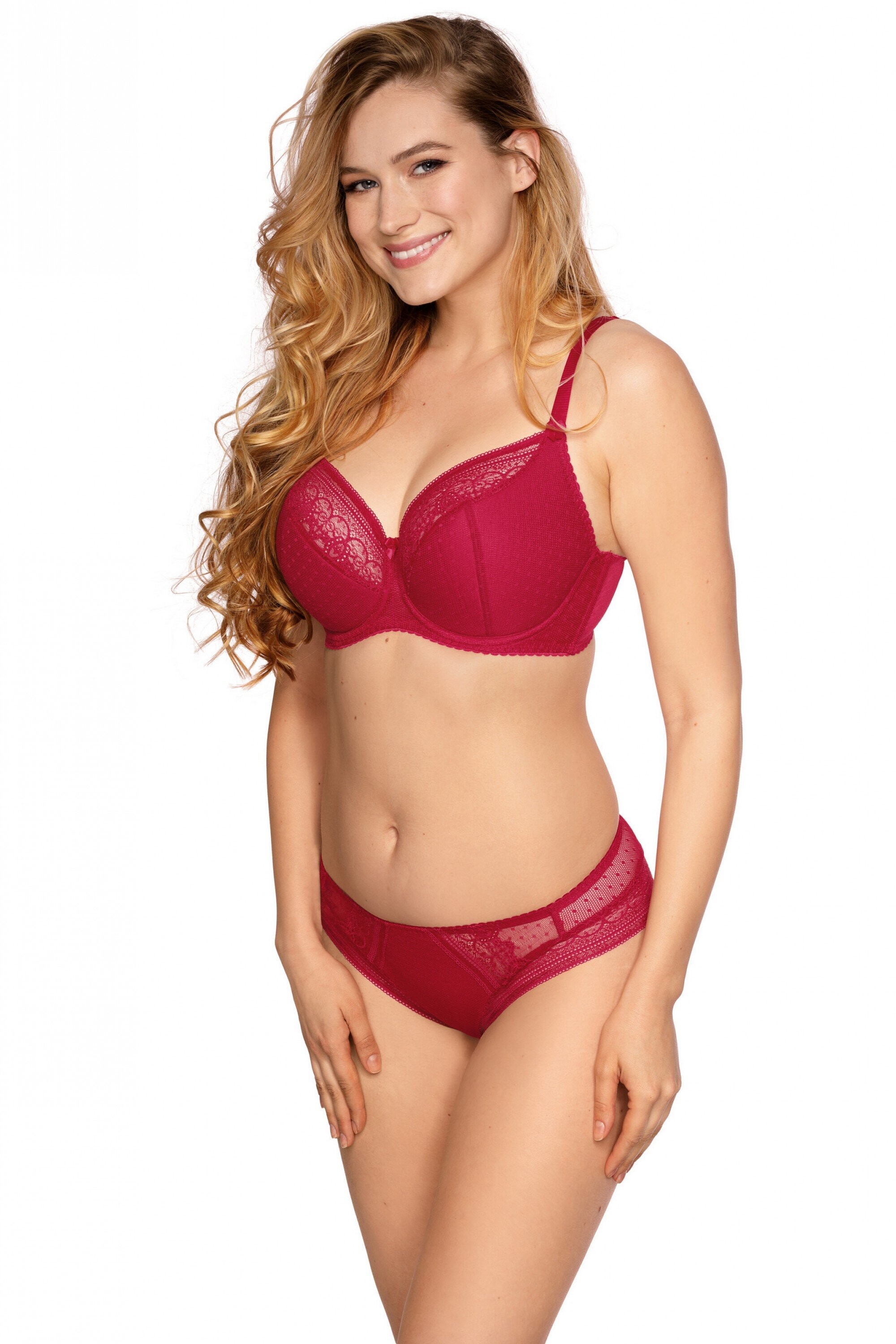
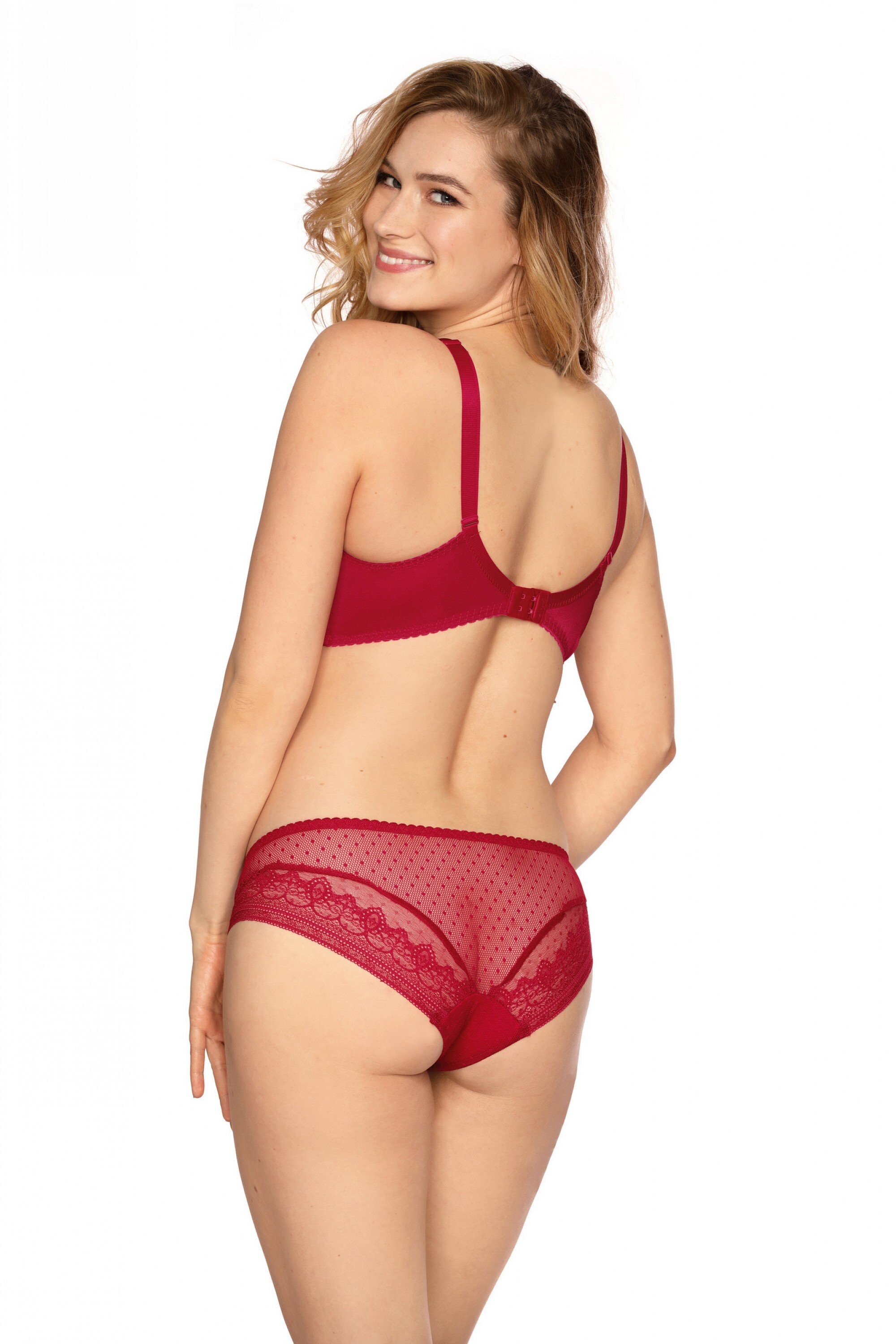
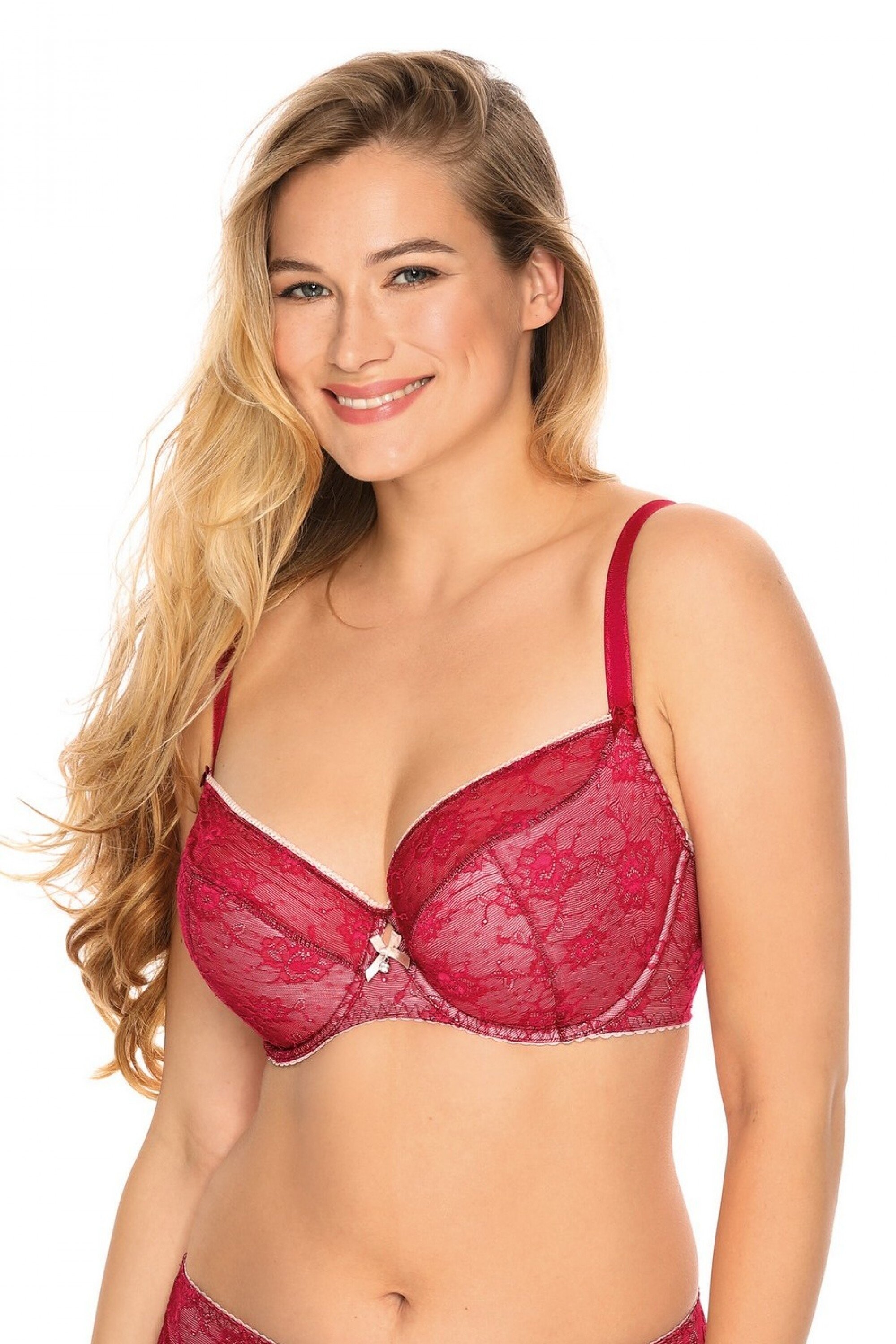
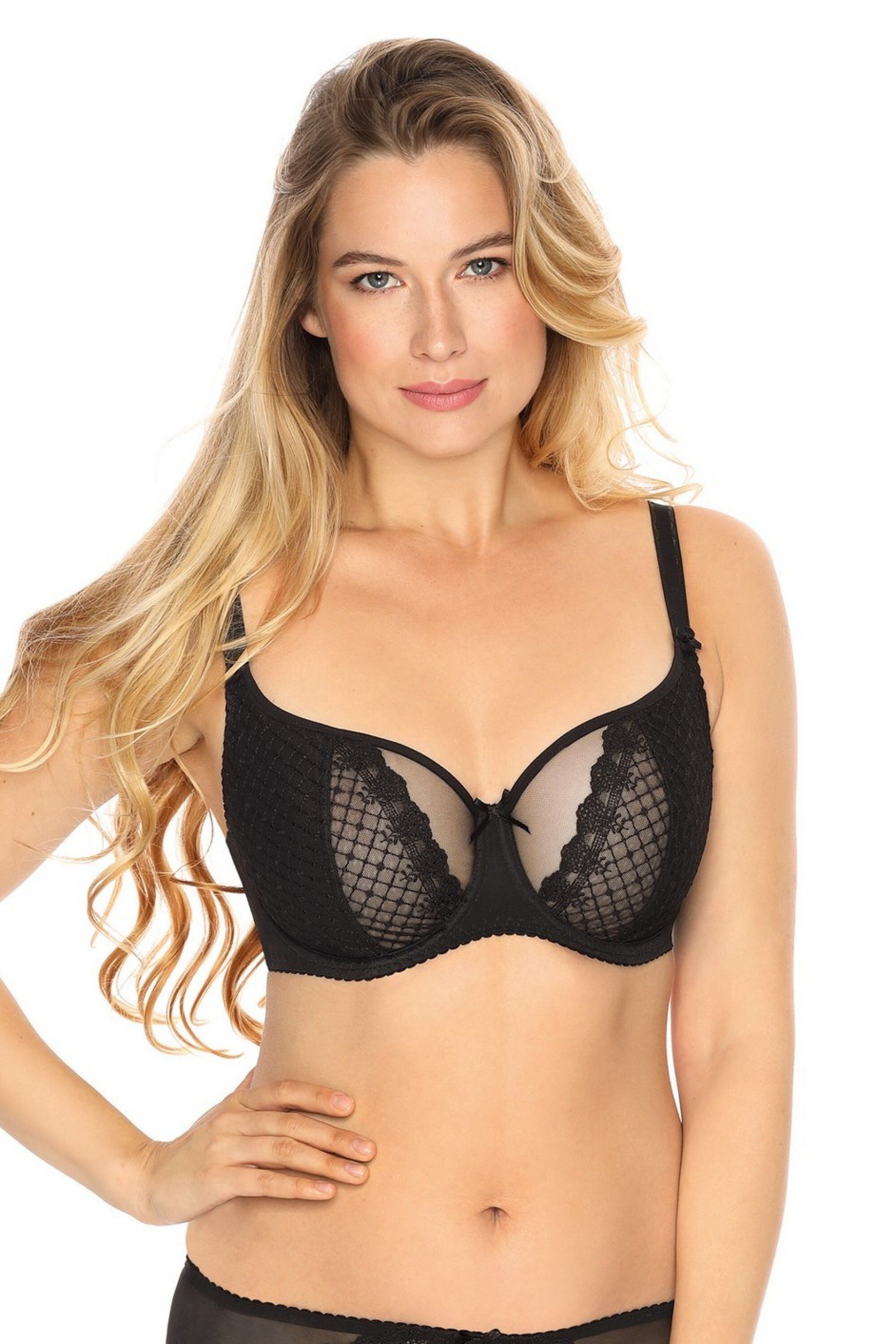
  7. Who is this model from Gaia lingerie? ๐Ÿค” https://en.gaia.com.pl/ Thx:)
  8. model123 changed their profile photo
  9. Who is this model from Gaia lingerie? ๐Ÿ˜ฑShe is all over their website - https://en.gaia.com.pl/ thx:)

Configure browser push notifications

Chrome (Android)
  1. Tap the lock icon next to the address bar.
  2. Tap Permissions โ†’ Notifications.
  3. Adjust your preference.
Chrome (Desktop)
  1. Click the padlock icon in the address bar.
  2. Select Site settings.
  3. Find Notifications and adjust your preference.