
Everything posted by ALPAT
-
 d-mode nº109 June 2005. "Divas" Photographer Gabriel Rocca (2004) Warning! Slight nudity!


-
NOVIAS, Argentina, July 2004. TEJIDO, Argentina, January 2005.


-
Vanidades Argentina (2004? 2005?). La Nación Revista April 1st 2004


-
Intime (Chile) - SS 2003/04.
































-
Gente Argentina, 27-1-2004.





-
Unknown mag Credits FFA ,old forum.











-
Tendencia Hombre (Argentina 2004). Web page... Editorial
















-
Viva, Argentina, 27-6-2004. Scanned by me.


-
Hombre, Nº5 December 2003. Source ebay... Scans...















-
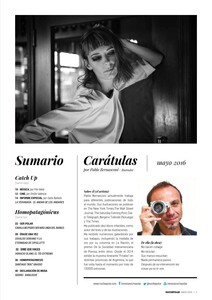
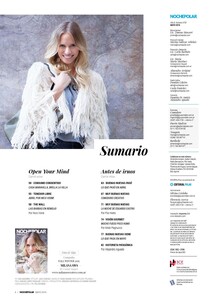
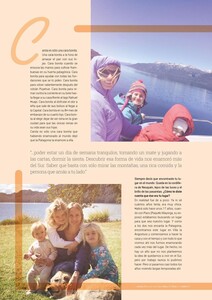
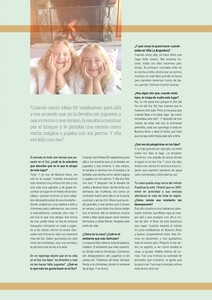
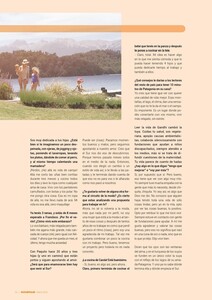
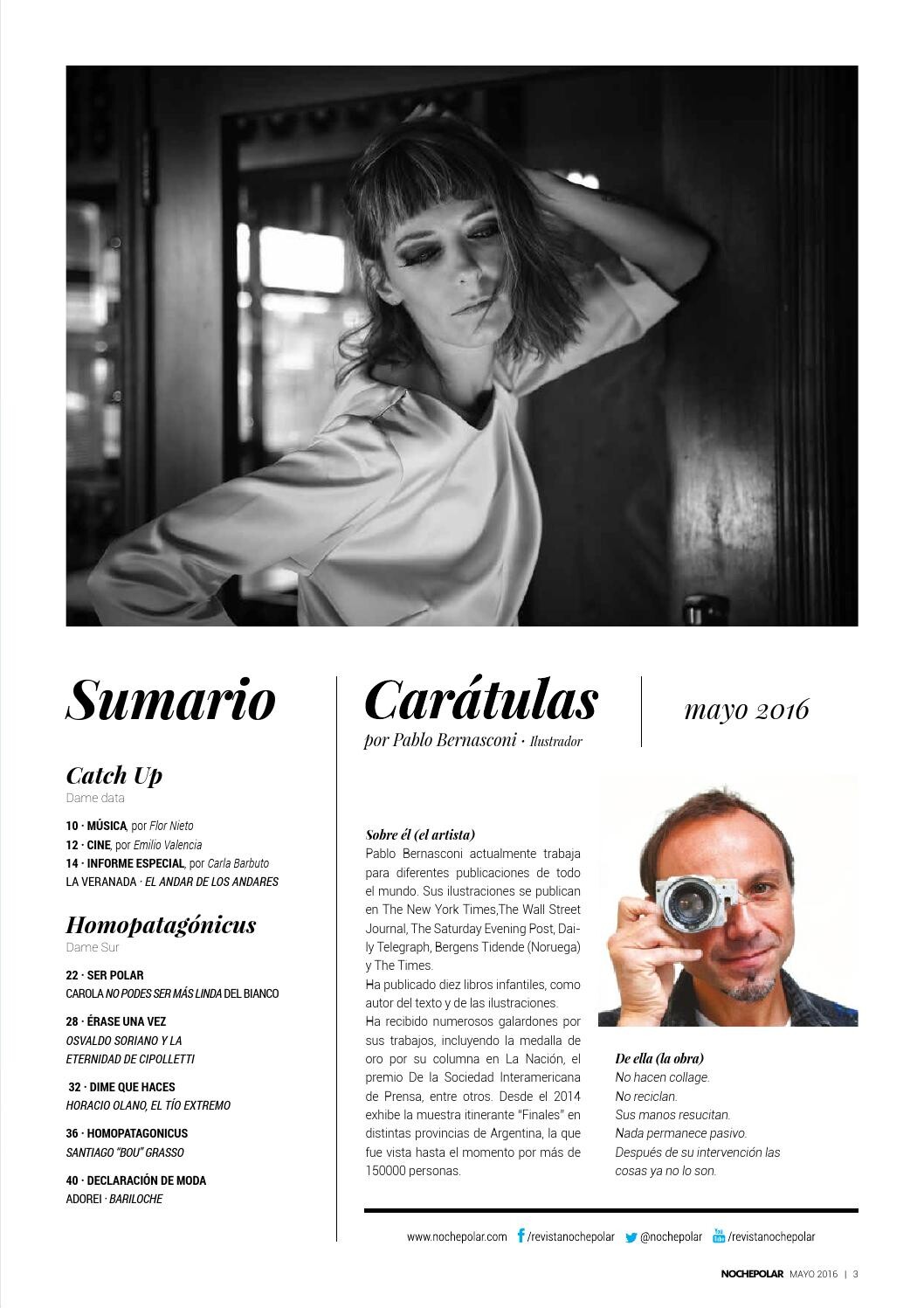
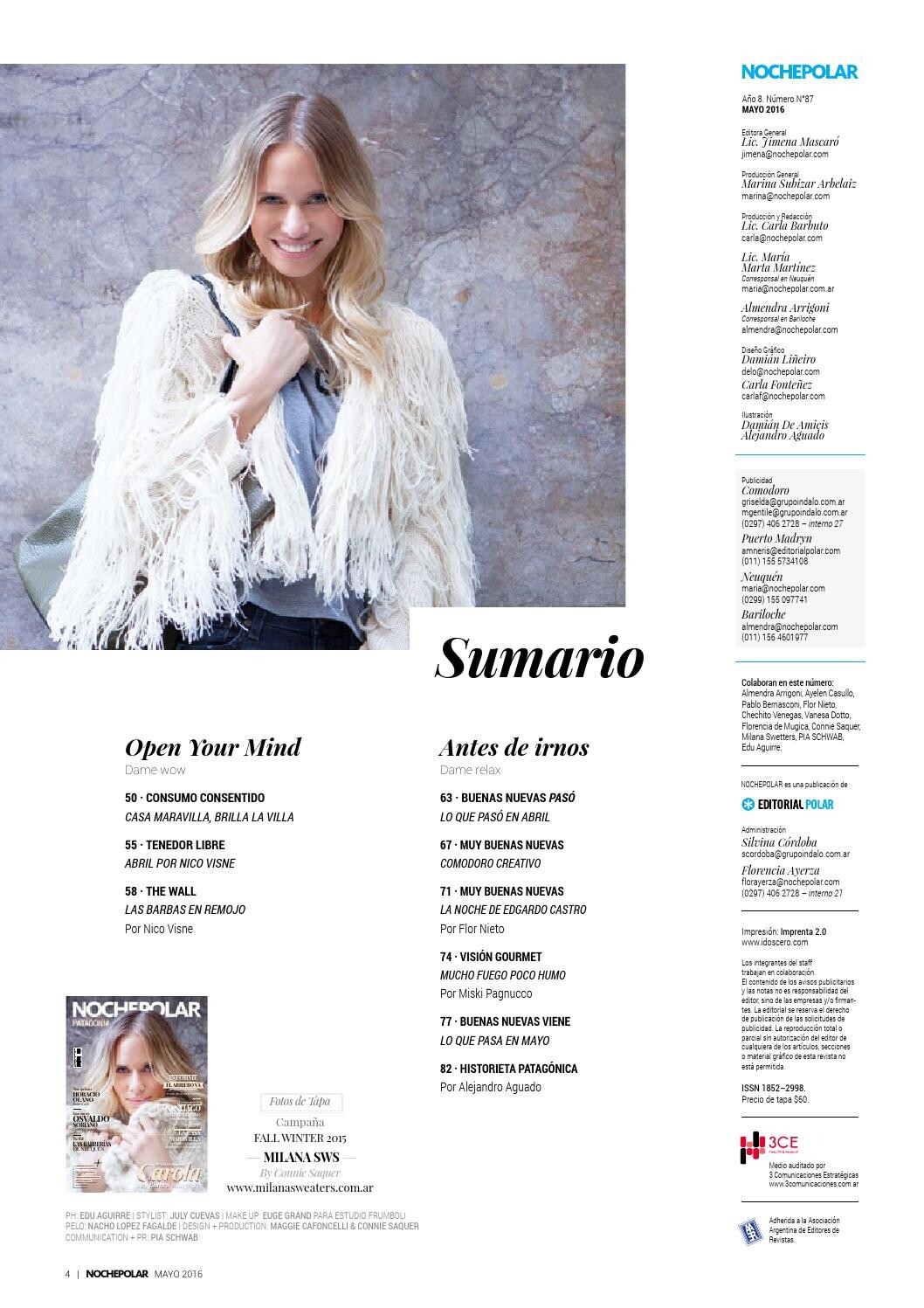
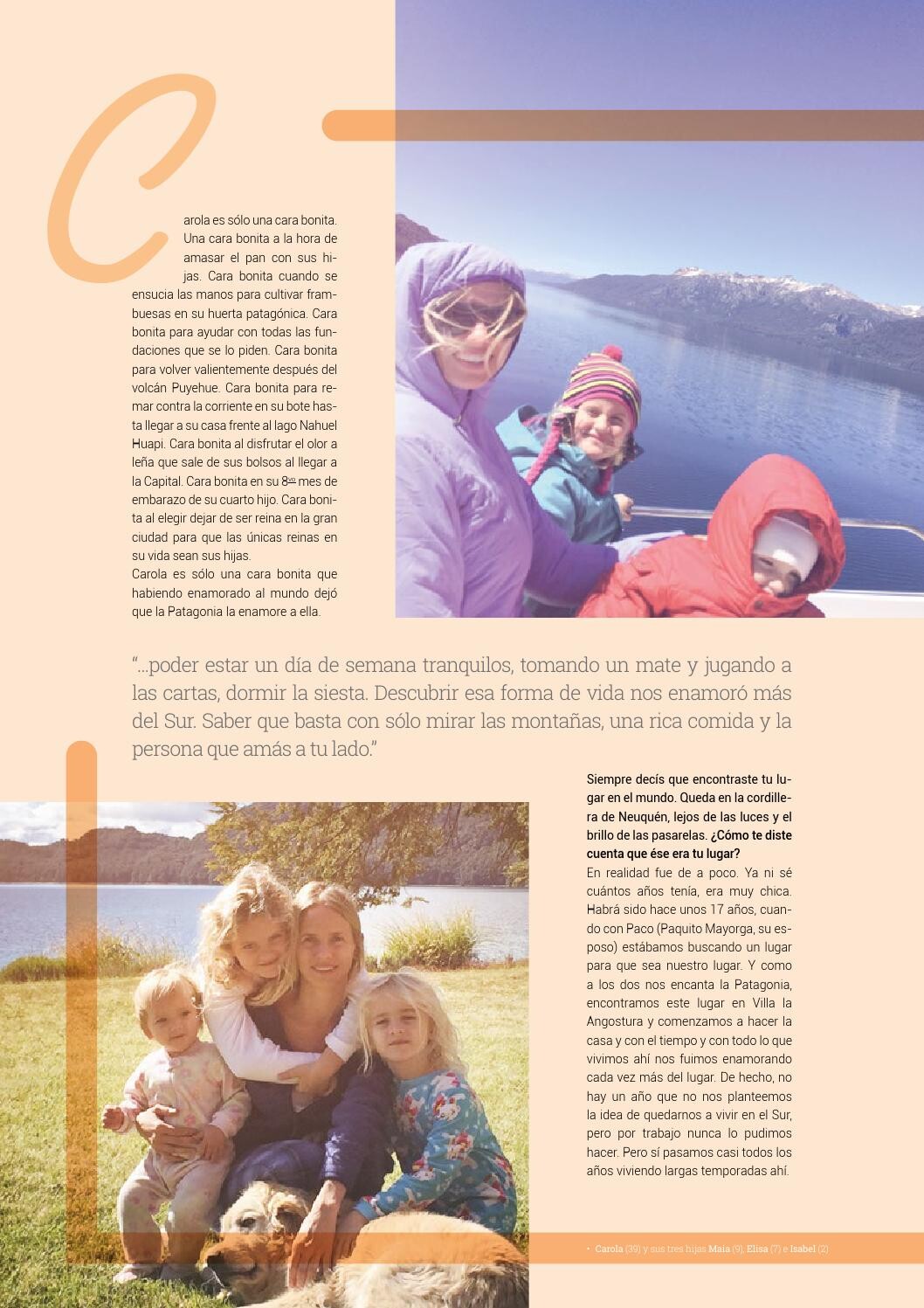
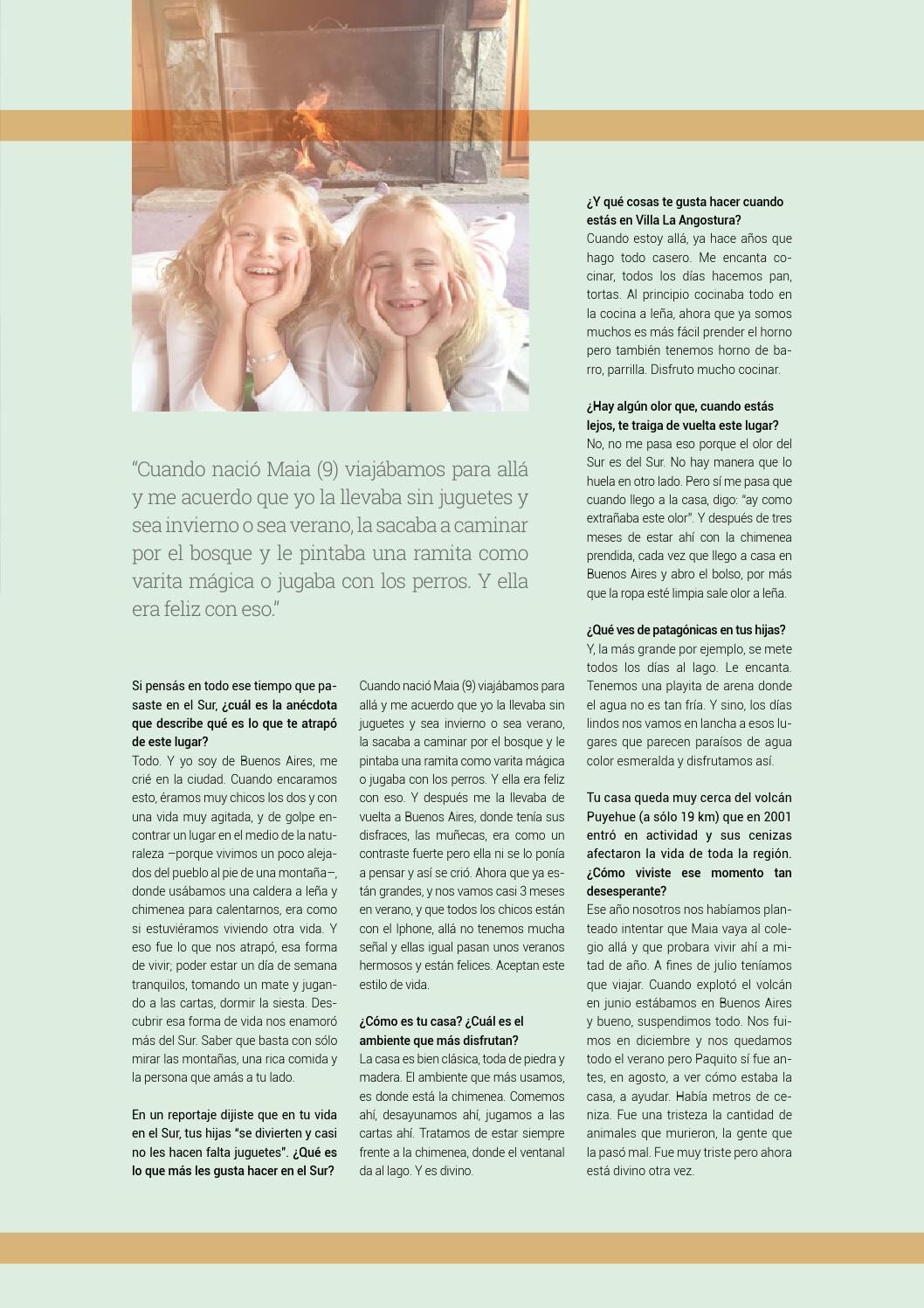
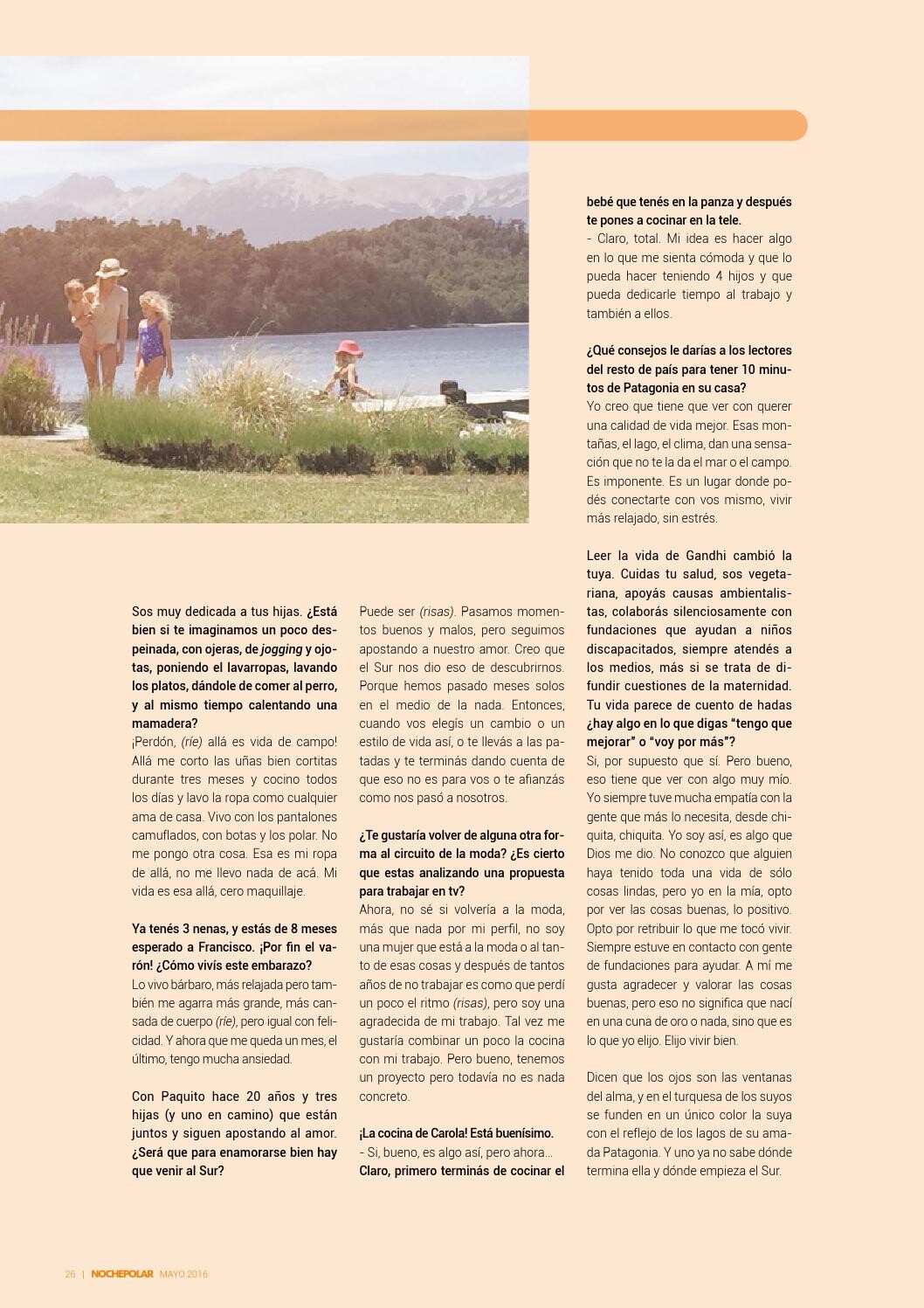
"Noche Polar" magazine, Patagonia, Argentina, Issue may 2016. Credits Issuu...



-
DT, October 2004.






-
La Primera (2004)
 Gente Argentina (2002).


















 Maxim Mexico (2002? 2003?) Backstage...








 MAN. August 2003



 Former ftv site...
























 Caras, Argentina , February 2002






 Calendar 2002...



















 Salud Vital, Argentina, January 2002.






 Unkonwn mag....






 Para ti, Argentina, 26-1-2001











































































































































































































































Account
Navigation
Search
Configure browser push notifications
Chrome (Android)
- Tap the lock icon next to the address bar.
- Tap Permissions → Notifications.
- Adjust your preference.
Chrome (Desktop)
- Click the padlock icon in the address bar.
- Select Site settings.
- Find Notifications and adjust your preference.
Safari (iOS 16.4+)
- Ensure the site is installed via Add to Home Screen.
- Open Settings App → Notifications.
- Find your app name and adjust your preference.
Safari (macOS)
- Go to Safari → Preferences.
- Click the Websites tab.
- Select Notifications in the sidebar.
- Find this website and adjust your preference.
Edge (Android)
- Tap the lock icon next to the address bar.
- Tap Permissions.
- Find Notifications and adjust your preference.
Edge (Desktop)
- Click the padlock icon in the address bar.
- Click Permissions for this site.
- Find Notifications and adjust your preference.
Firefox (Android)
- Go to Settings → Site permissions.
- Tap Notifications.
- Find this site in the list and adjust your preference.
Firefox (Desktop)
- Open Firefox Settings.
- Search for Notifications.
- Find this site in the list and adjust your preference.