Everything posted by ALPAT
-
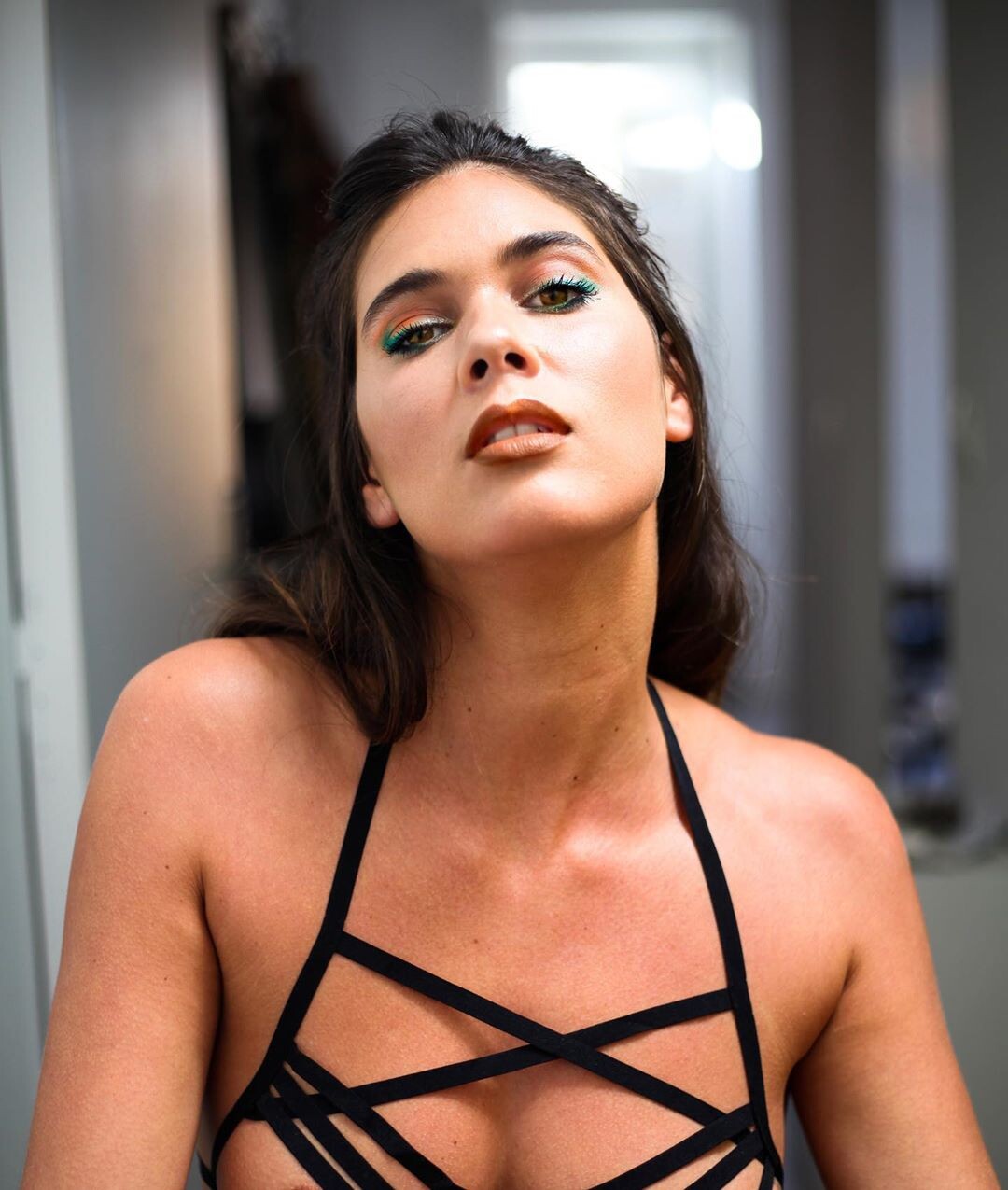
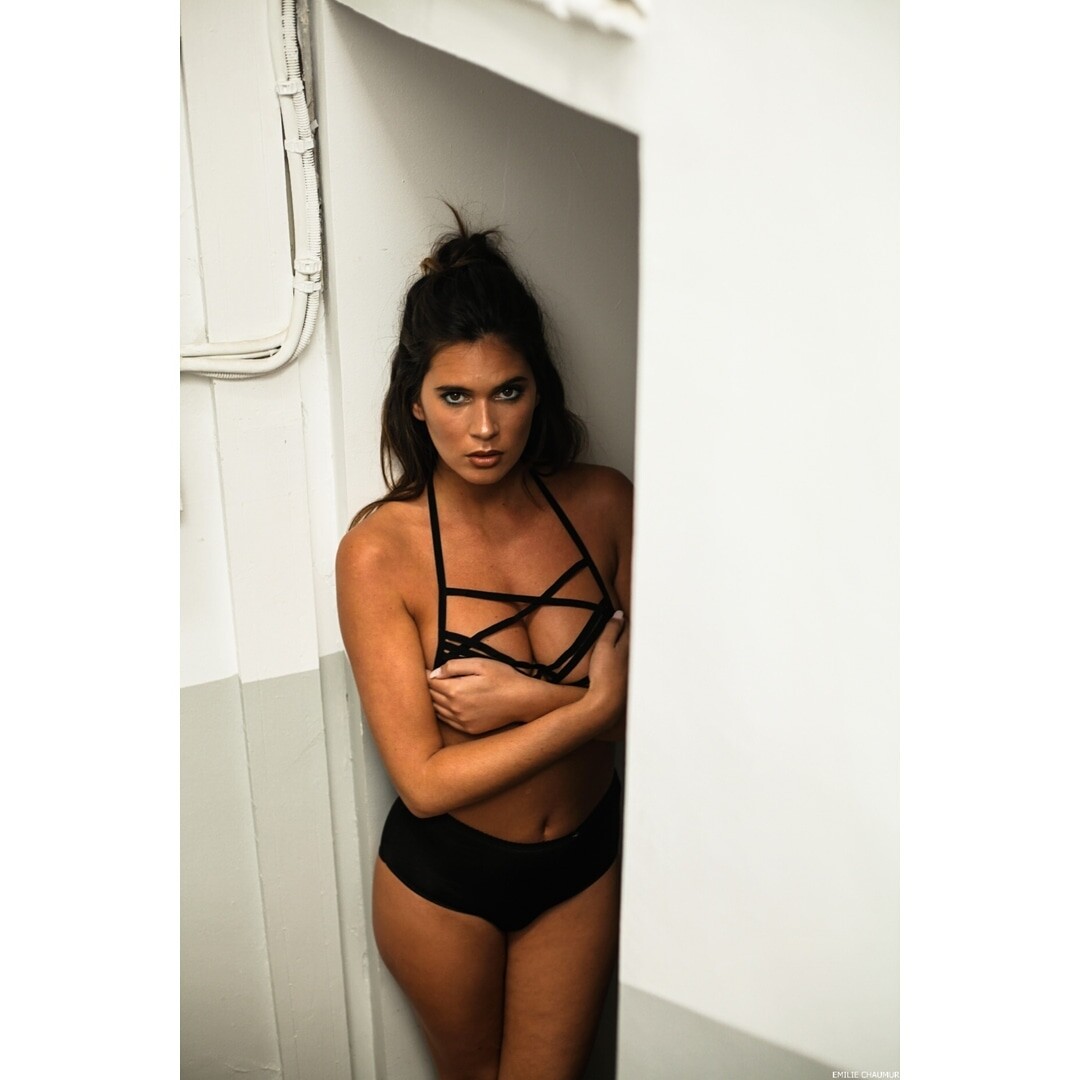
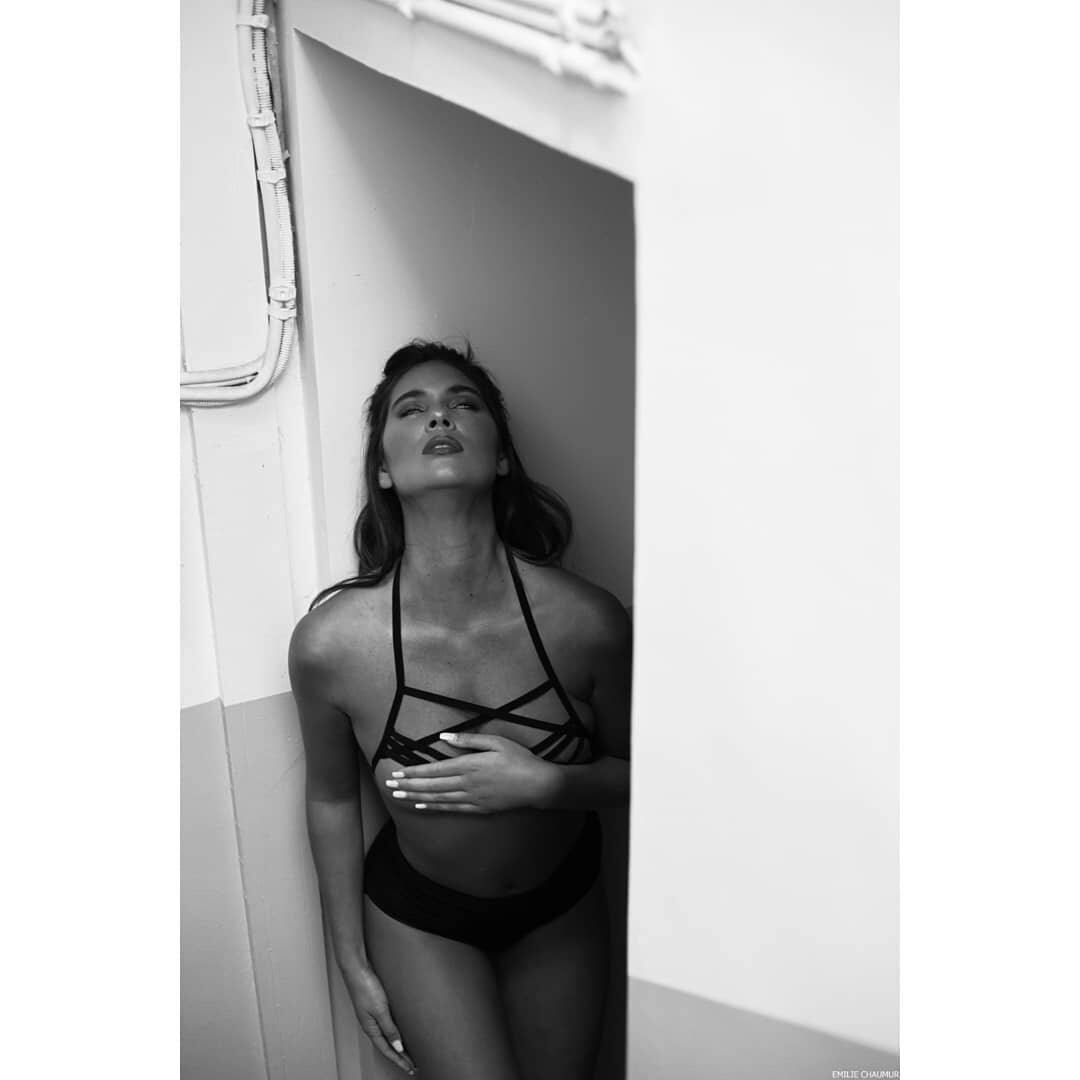
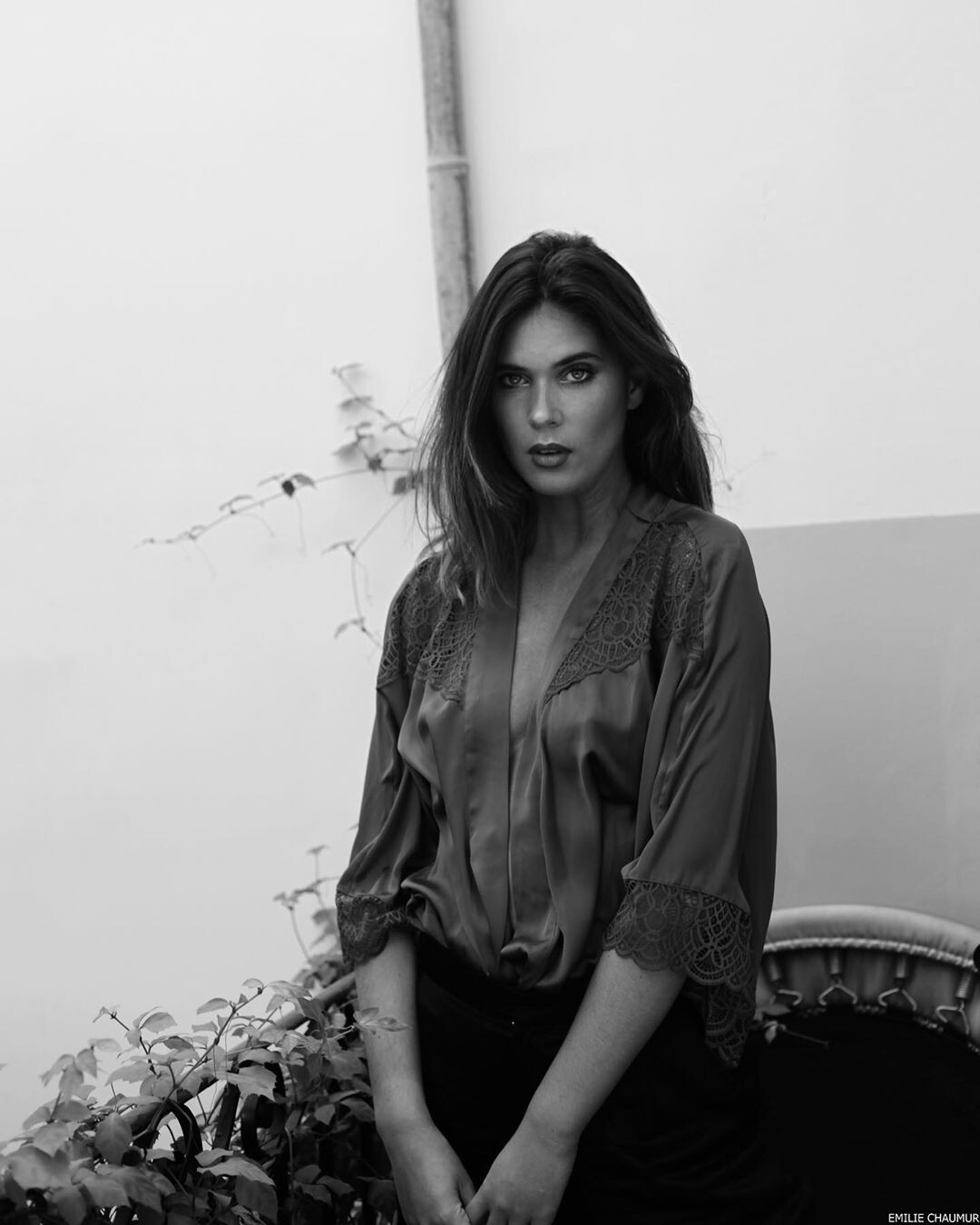
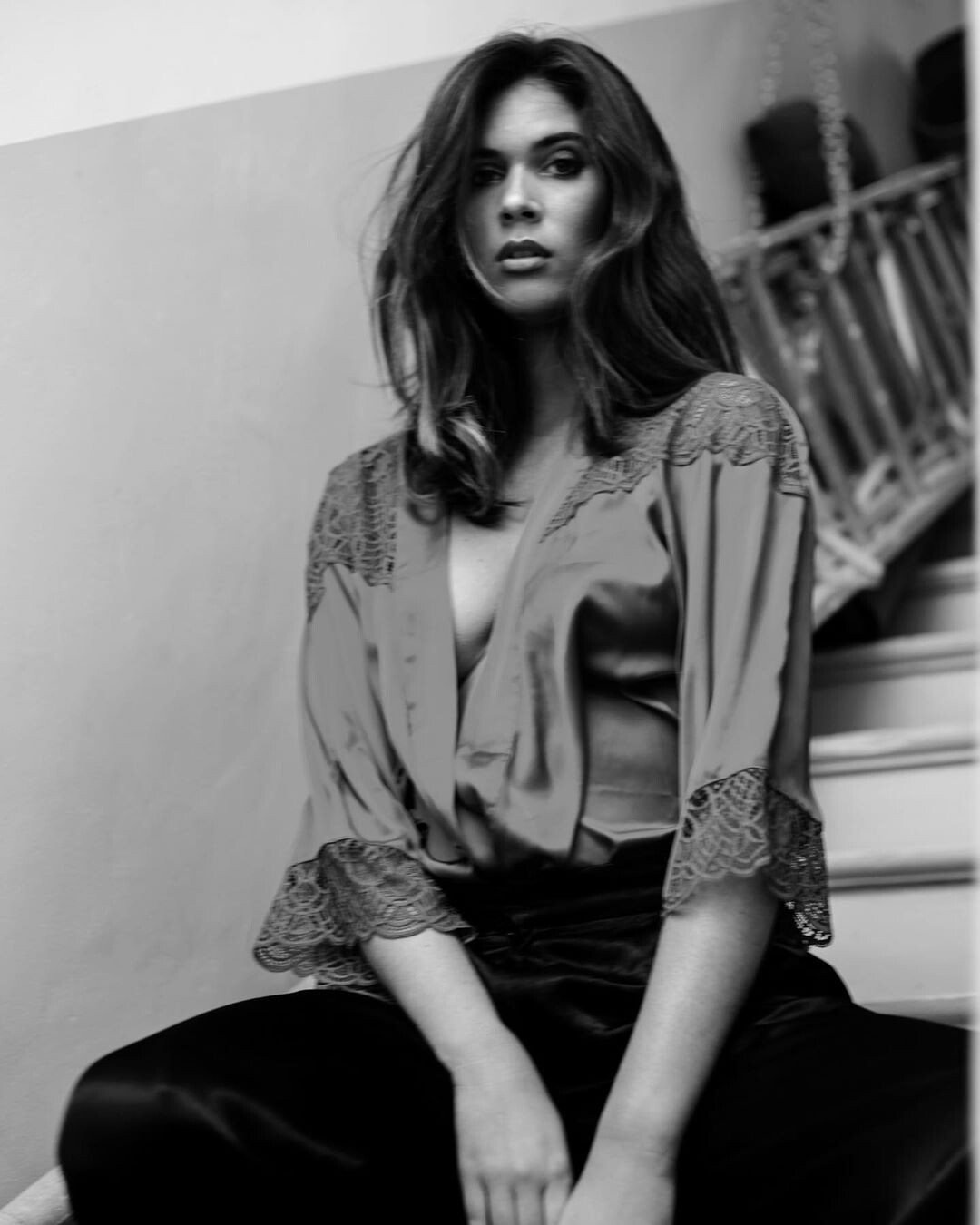
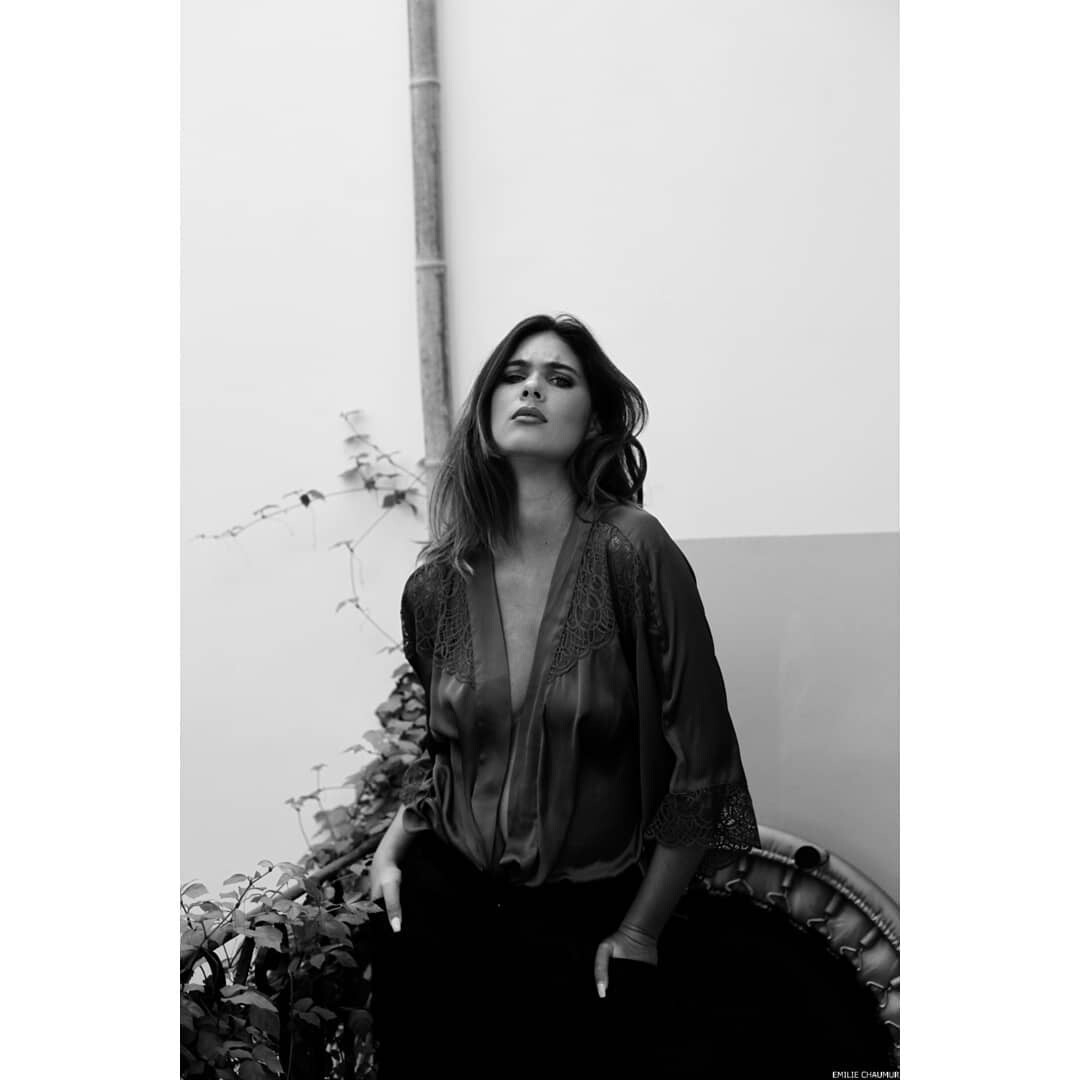
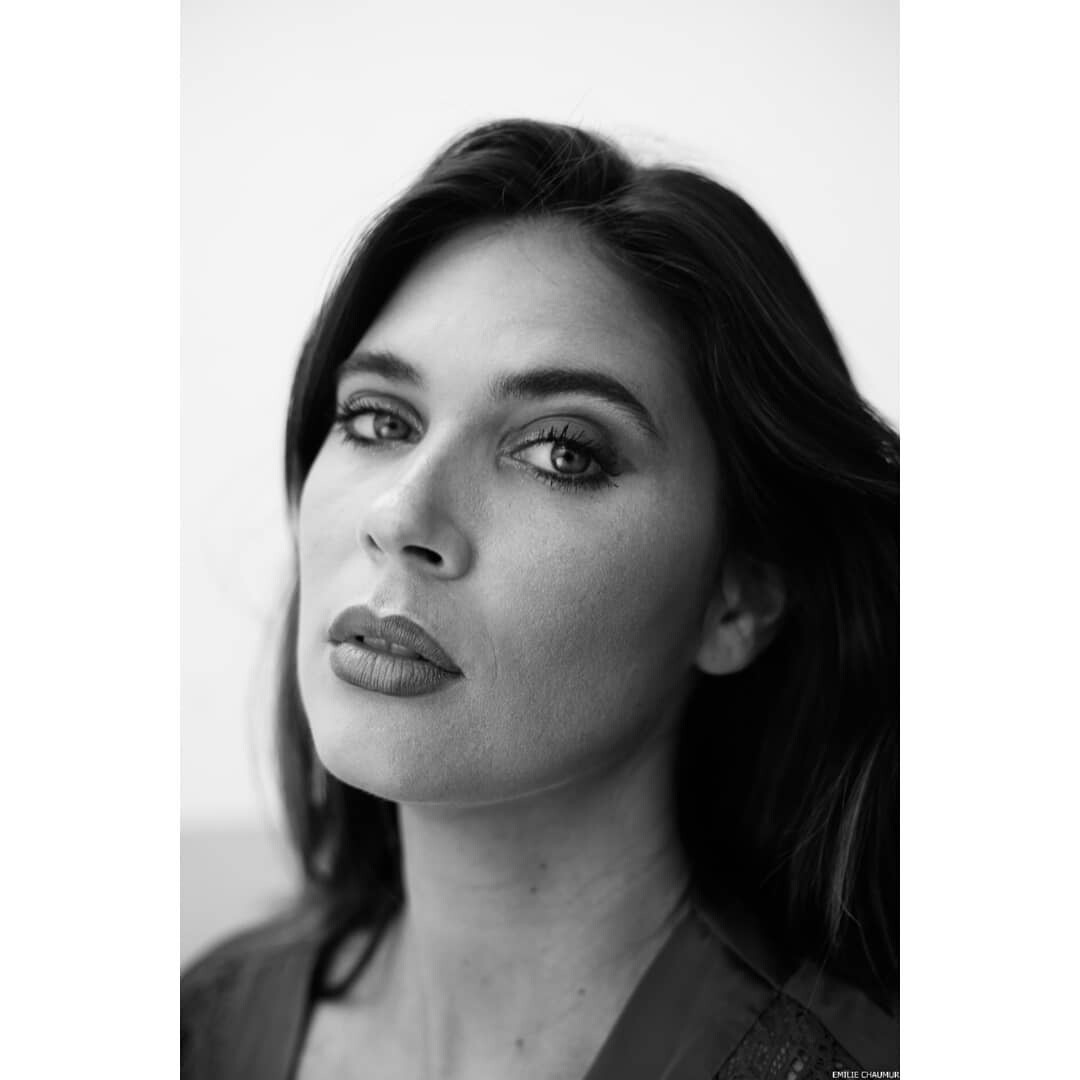
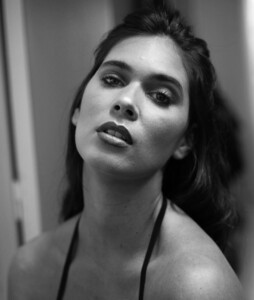
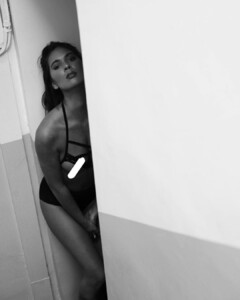
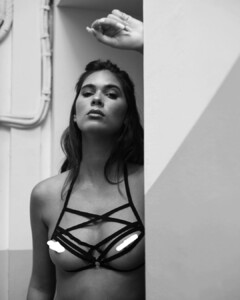
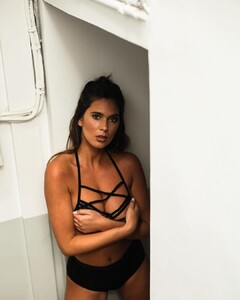
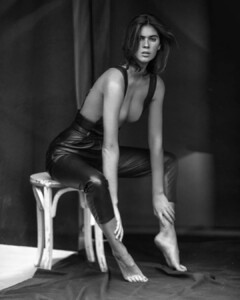
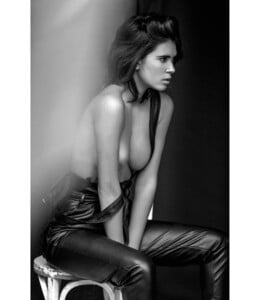
 Ph: Emilie Chaumur
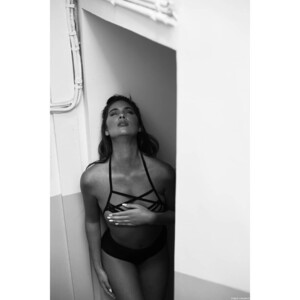

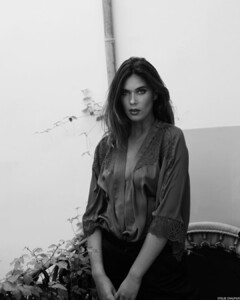
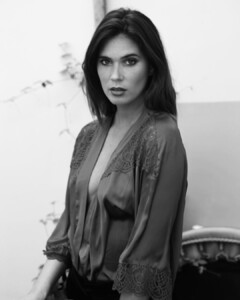
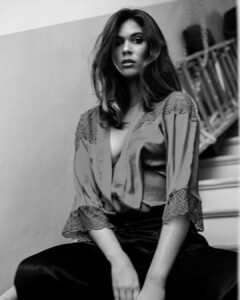
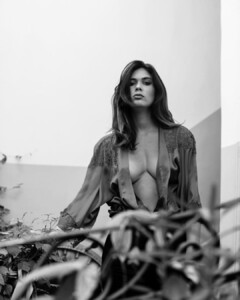
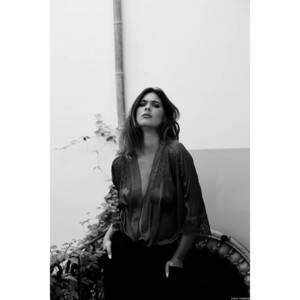
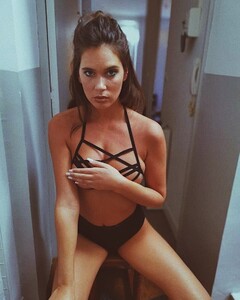
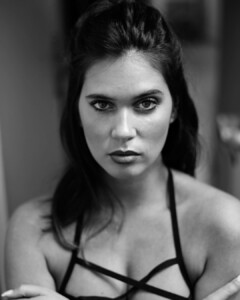
-
Ph: François Lenski


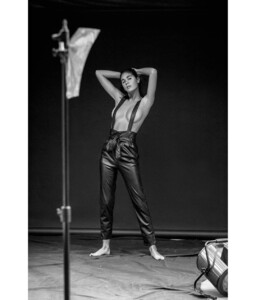
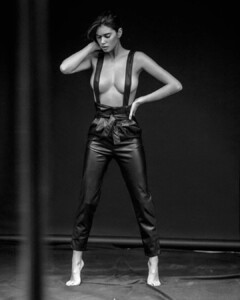
-
-
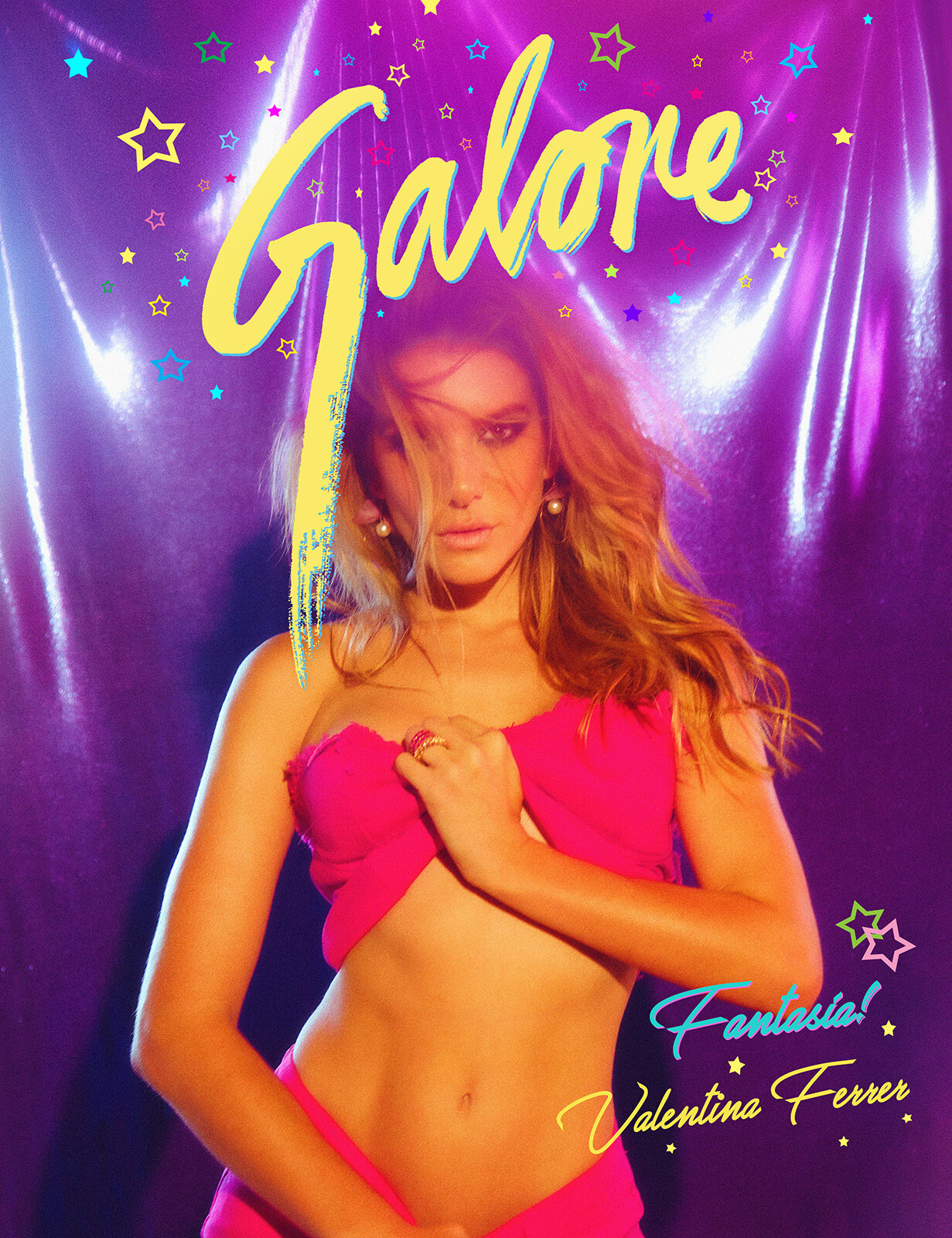
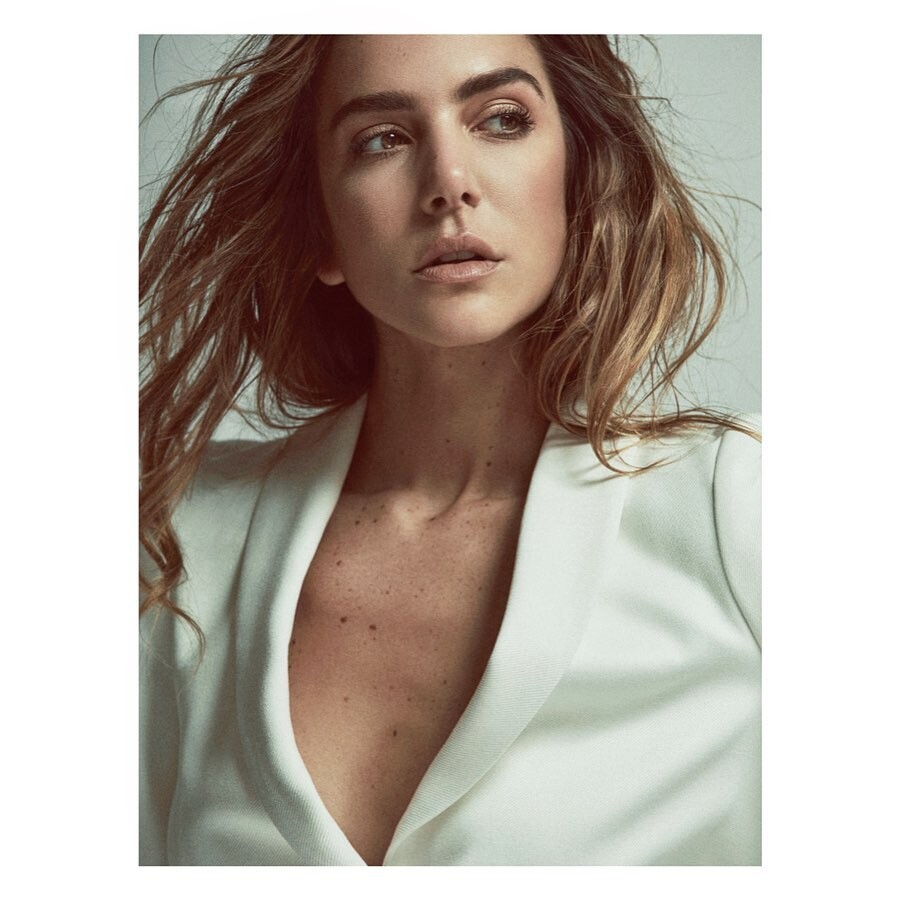
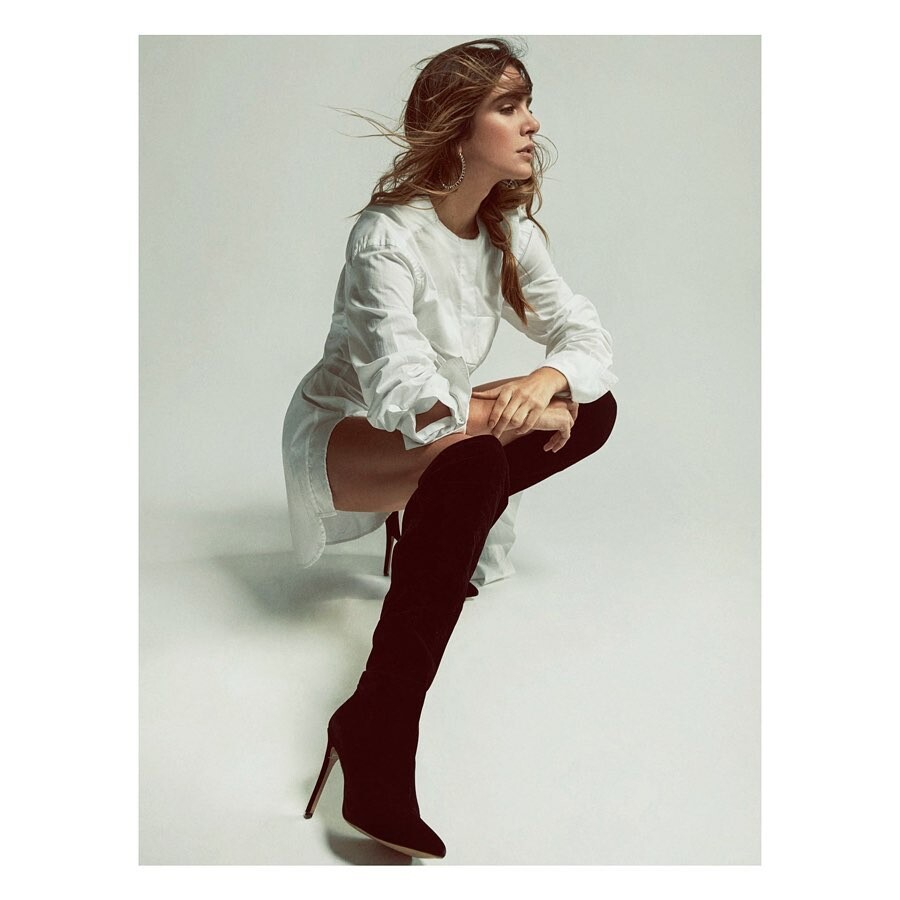
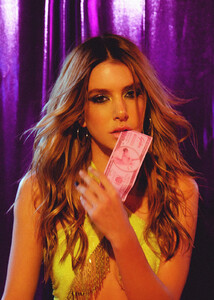
Cover story and Editorial Galore Girl Source Galore Mag Valentina Ferrer has got the power. Or, should we say, the Kapowder? The Latina model is more than just a pretty face (and a hot body). She’s also the owner and director of KAPOWDER, a modern health and wellness brand to keep you looking and feeling super-model fine. We talked to Valentina all about her brand, how social media plays a role in her work, and what’s next up for her this year. You are a model and entrepreneur, how has your experience in fashion helped you start your own business? My modeling career has tremendously helped me with being active and focused on a healthy lifestyle. Being celiac (immune reaction to eating gluten) and having a passion for cooking since a very young age, I am constantly researching to seek the right foods that improve my health from the inside out. KAPOWDER is just that, a healthy lifestyle nutrition. What makes you most proud about being Latina? We hold so much energy! But most importantly, our core values are family first, always. We stick to traditions, are loyal and stay united no matter what. My number one priority in life is my family. I feel the best when I’m surrounded by loved ones. They are what motivate me the most to achieve my goals. Tell us more about KAPOWDER superfood? What made you create this brand and why should we all be using it? KAPOWDER is a sustainable addition to your everyday life to help enhance and improve how you feel inside and out. We have a new range of all natural powders, nectars, and concentrates carefully crafted in Australia. KAPOWDER is inspired by my passion in achieving and maintaining a daily real life balance. How helpful has social media been in your career? Social media has been super influential in finding my voice as a self-made female latina entrepreneur and has also shaped a unique image as a model. It also keeps me in touch with family and friends around the world along with meeting new people through networking. What is your motto? “Family is everything.” What advice would you give your 16 year old self Follow your heart and believe in yourself always. What beauty products are you obsessed with at the moment? I’ve never been really good at doing my own makeup, so I always tend to have a bare face or put on very minimal makeup for a “natural look.” Currently, I’m obsessed with Milk products. They are 100% vegan and super easy to use on the go. I also love Glossier and Kylie Skin, both are cruelty-free and offer a wide range of vegan, gluten free products. Lipstick or Lipgloss? Both! I like to mix. Who’s your favorite fashion icon? I have many… but Gisele Bundchen is someone I have always looked up to for her effortless style and beauty. Who is your hero? I am my own hero! What emoji best describes you? The crying laughing face emoji! What’s the secret to self confidence? “What doesn’t kill you, makes you stronger.” What song are you currently playing on repeat at the gym? I’m always listening to old and new reggaeton tunes at the gym, but also hip hop and catchy pop music. Right now, I have on repeat “Infeliz” by Arcangel & Bad Bunny and Justin Bieber’s new song, “Yummy.” What has been the most absurd thing you have ever read about yourself? Oh no, I don’t pay attention to silly gossip. What is next for you in 2020? This year has so much in store! KAPOWDER is really blowing up, we are reaching more shelves internationally and also building a huge presence in the US, Europe, and South America. We are sold at Revolve and Urban Outfitters here in the US, go check them out! But, what I am most excited about is to share our new amazing life changing products that we’ll be releasing this year. I can’t wait for everyone to try!
-
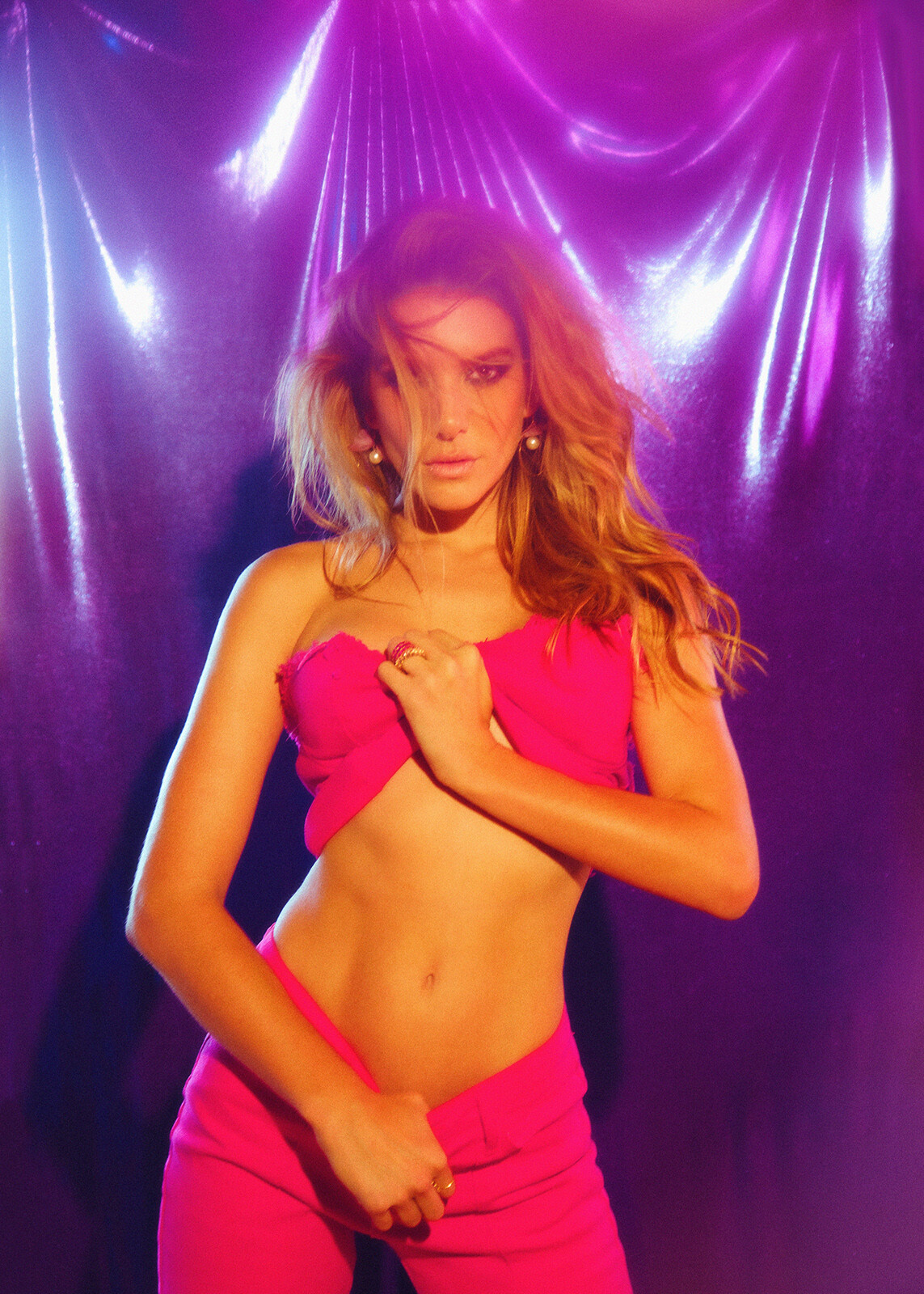
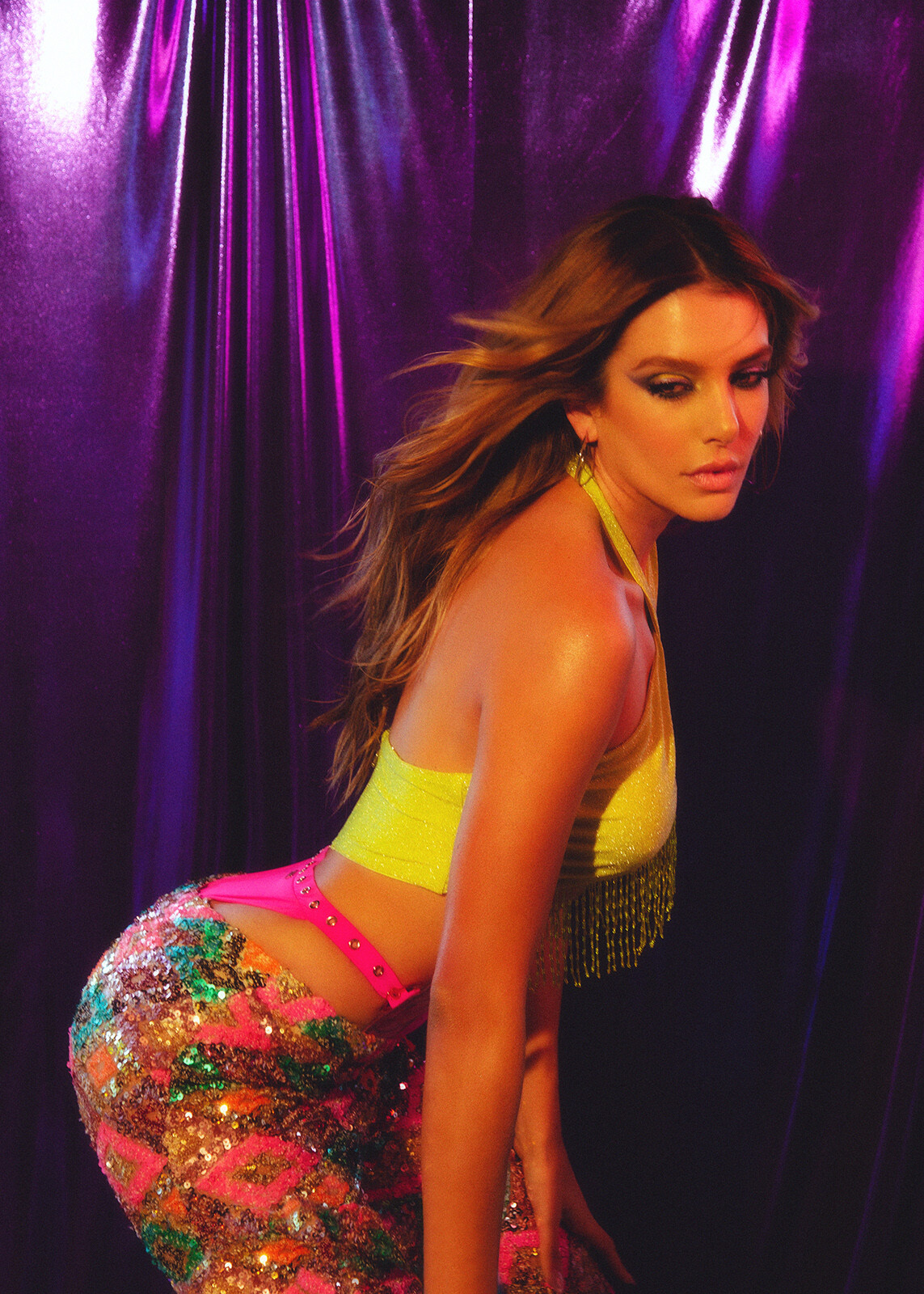
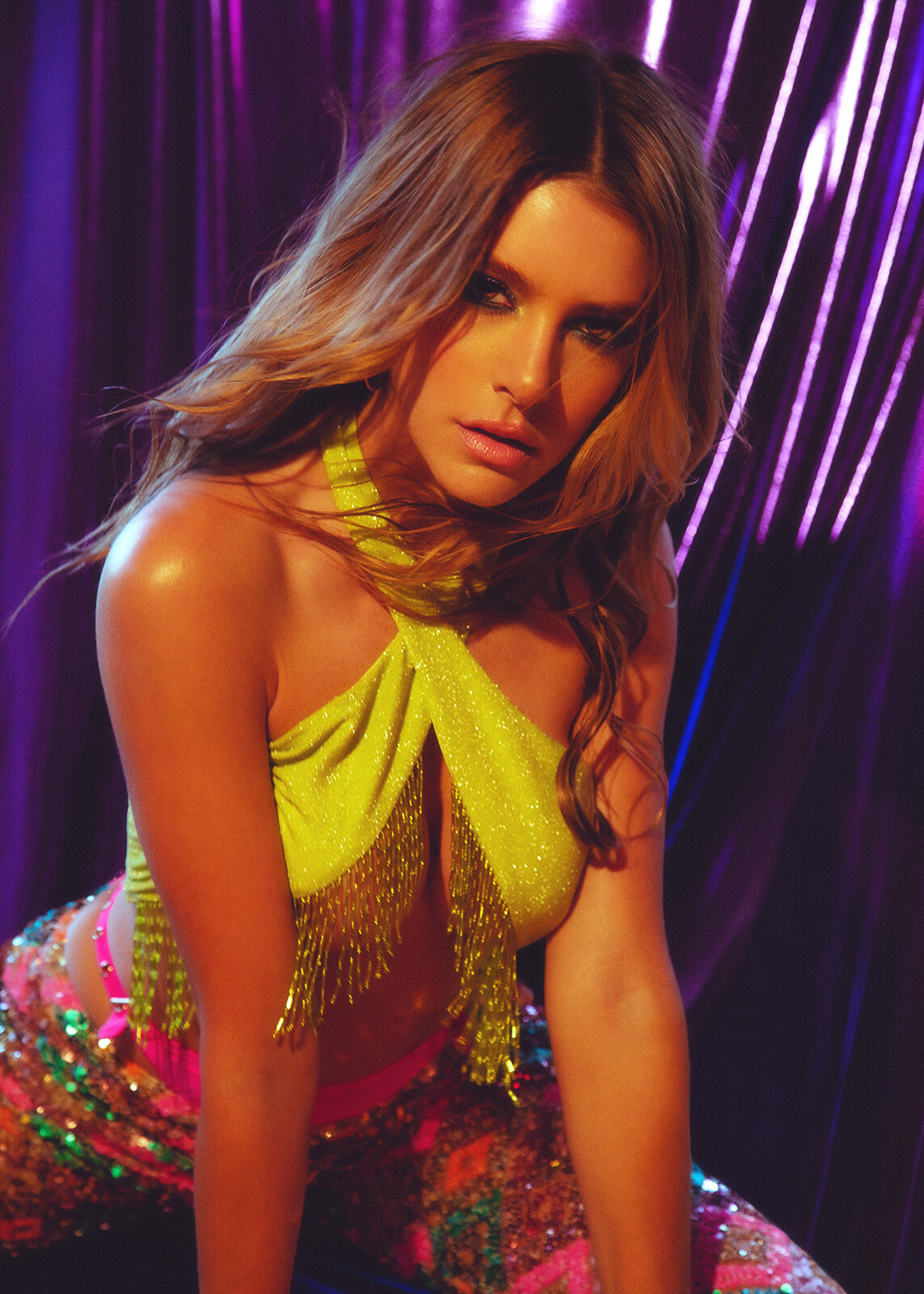
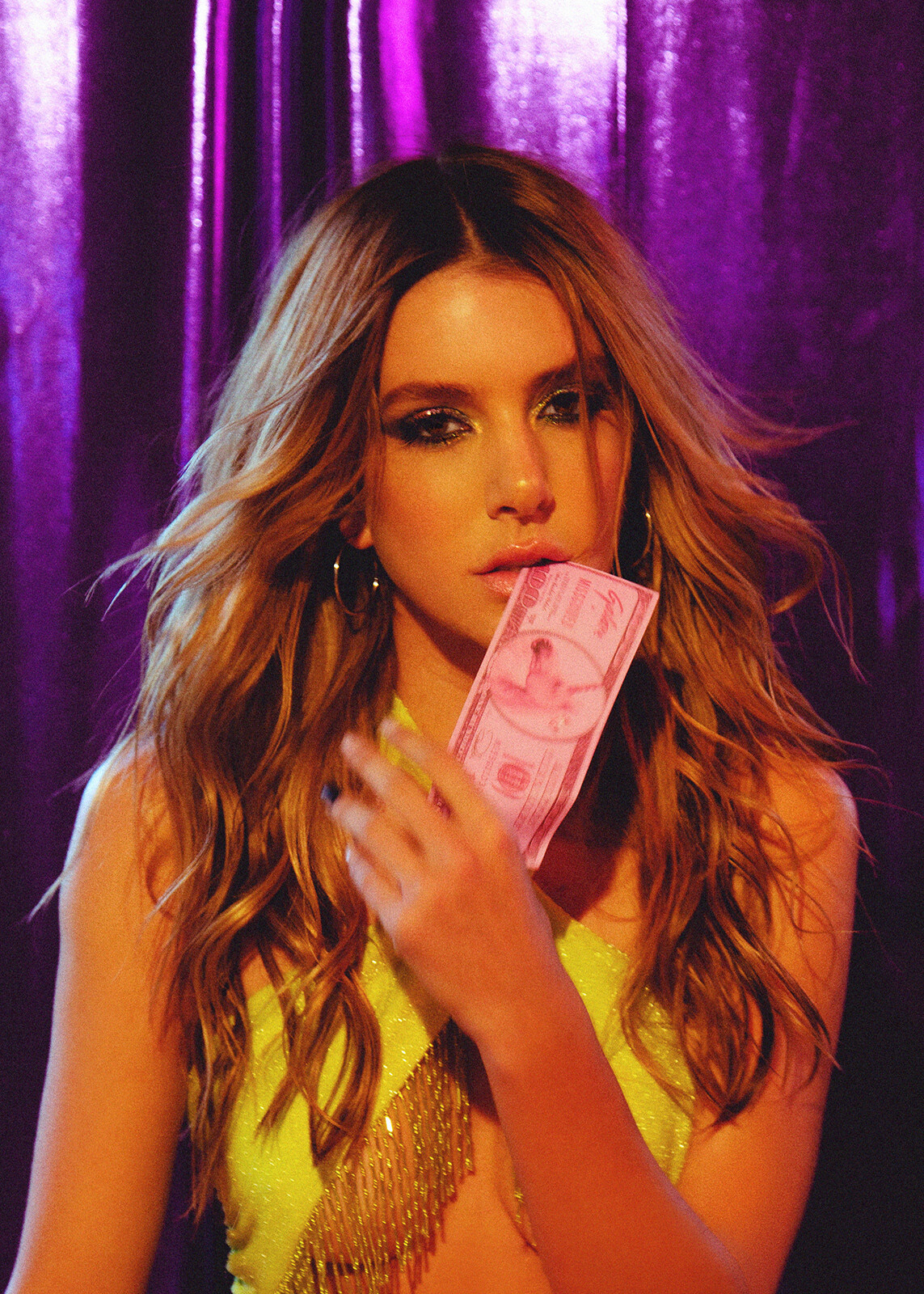
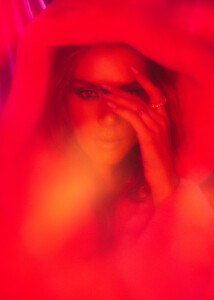
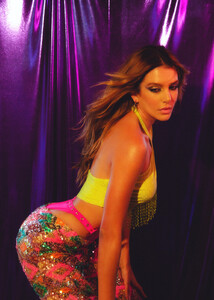
Galore Magazine, March 2020. Cover Story and Editorial. Ph: Prince Chenoa and Jacob Dekat Stylist: Bianca Agrusa Hair: Diego Larez Make up: The Artist sg








-
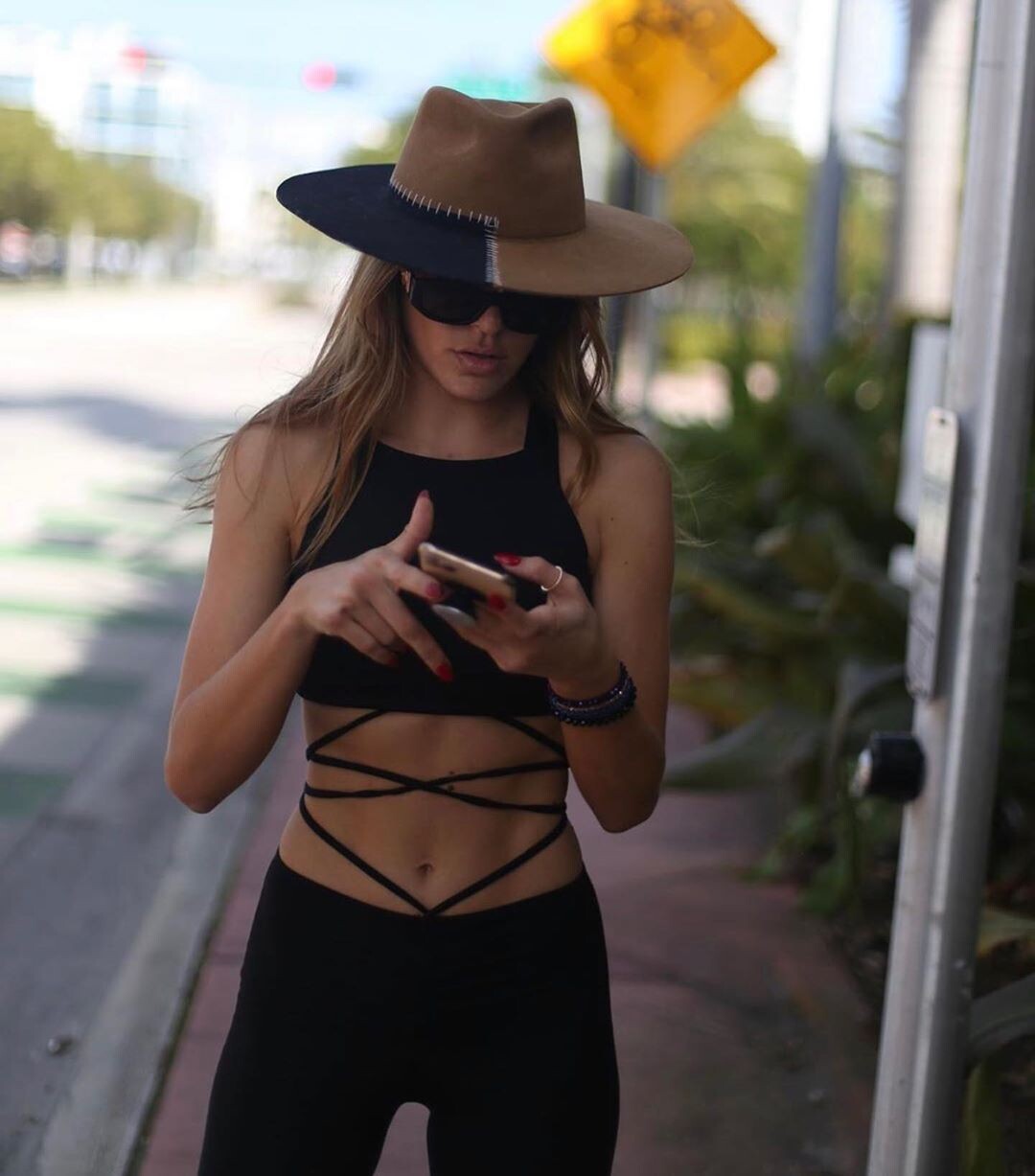
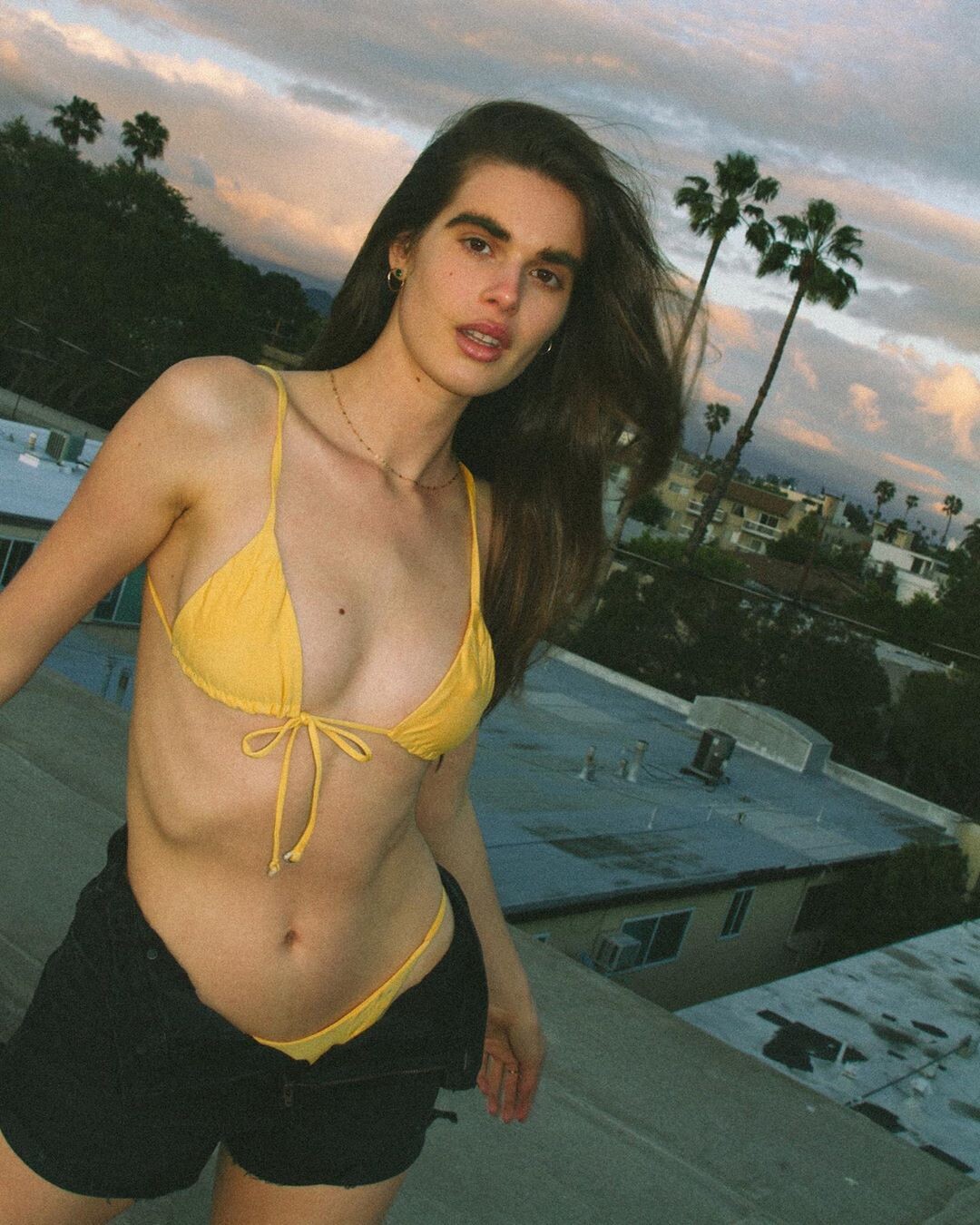
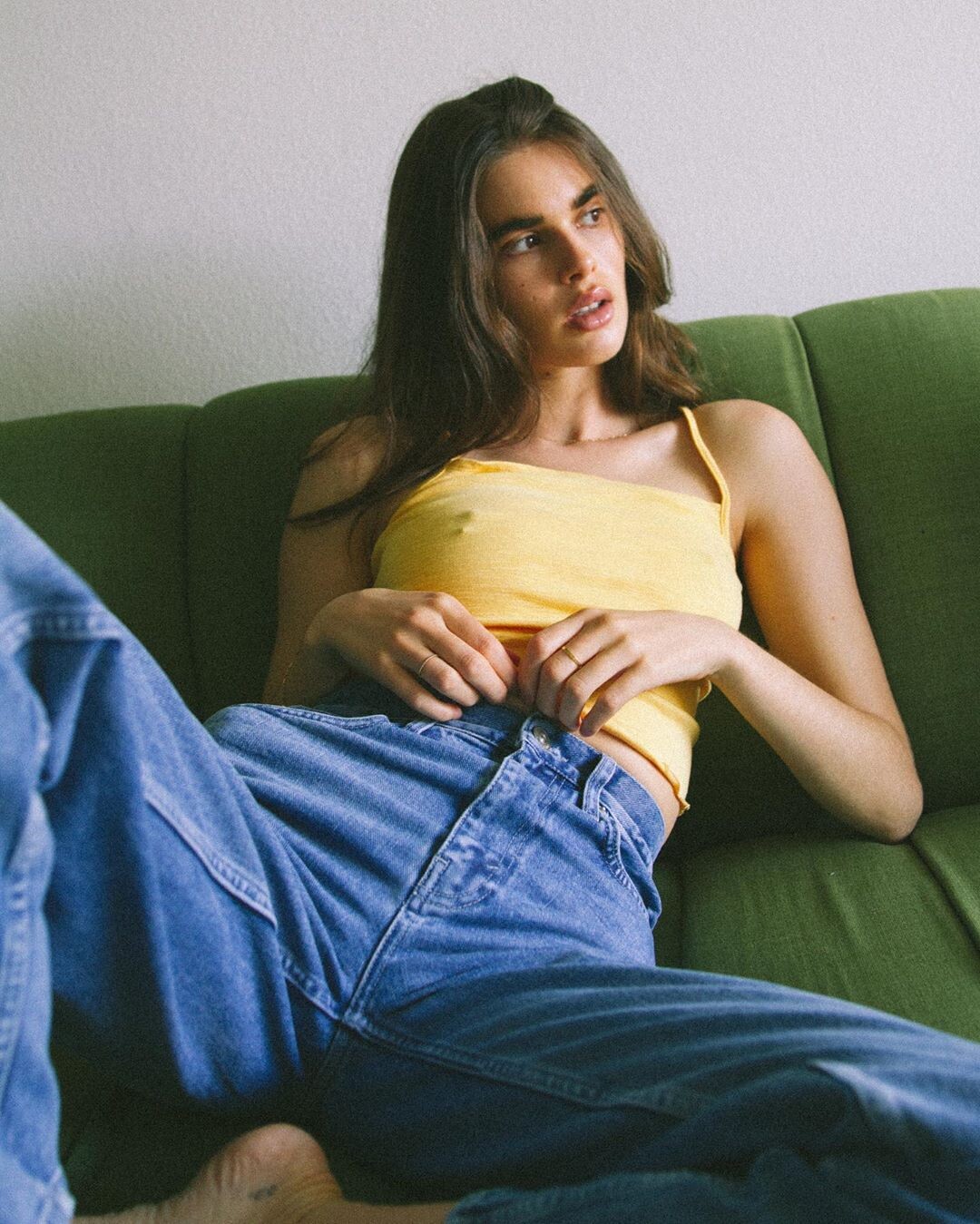
Iorane instagram/valentinaferrer/


-
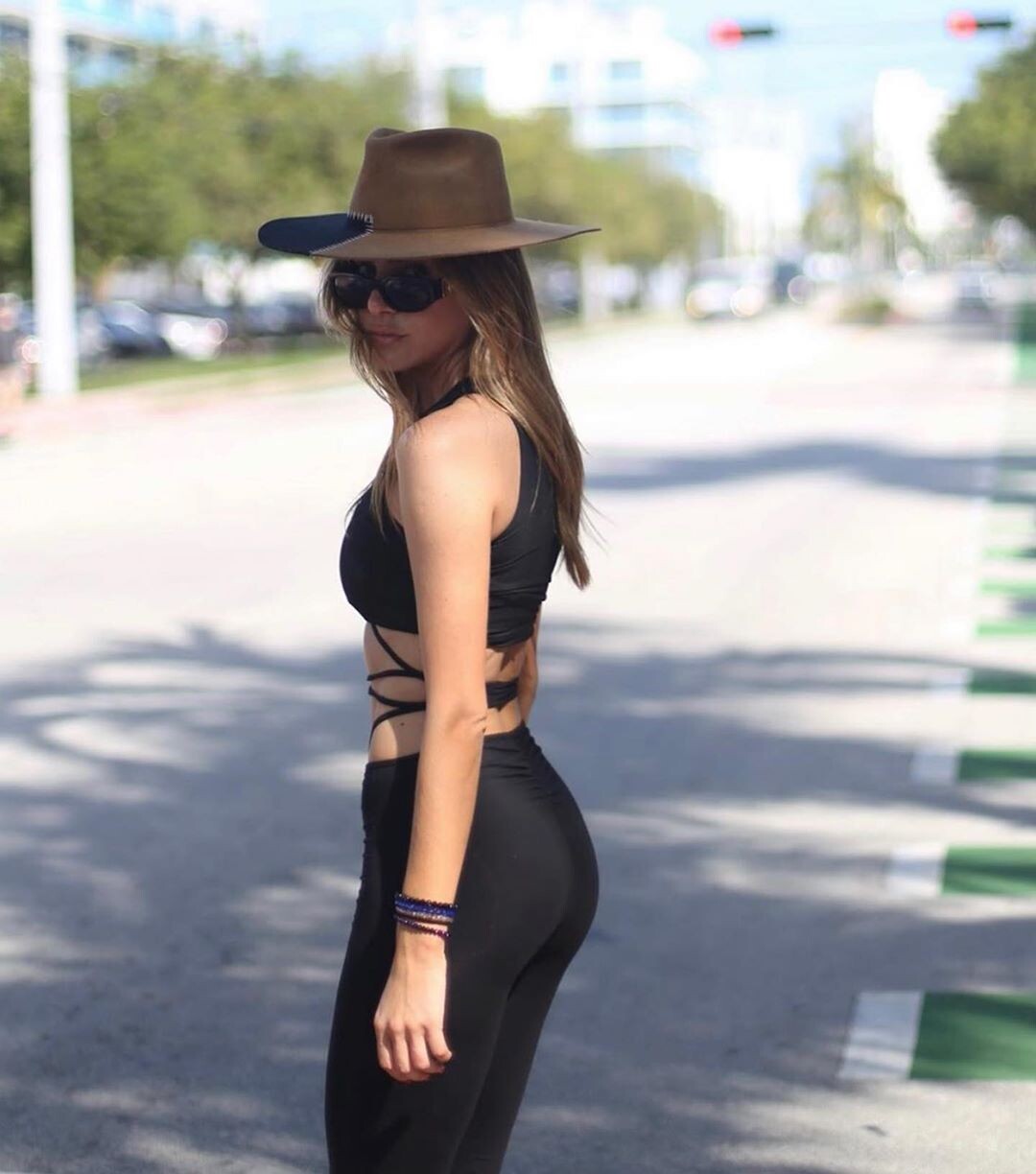
instagram/valentinaferrer/


-
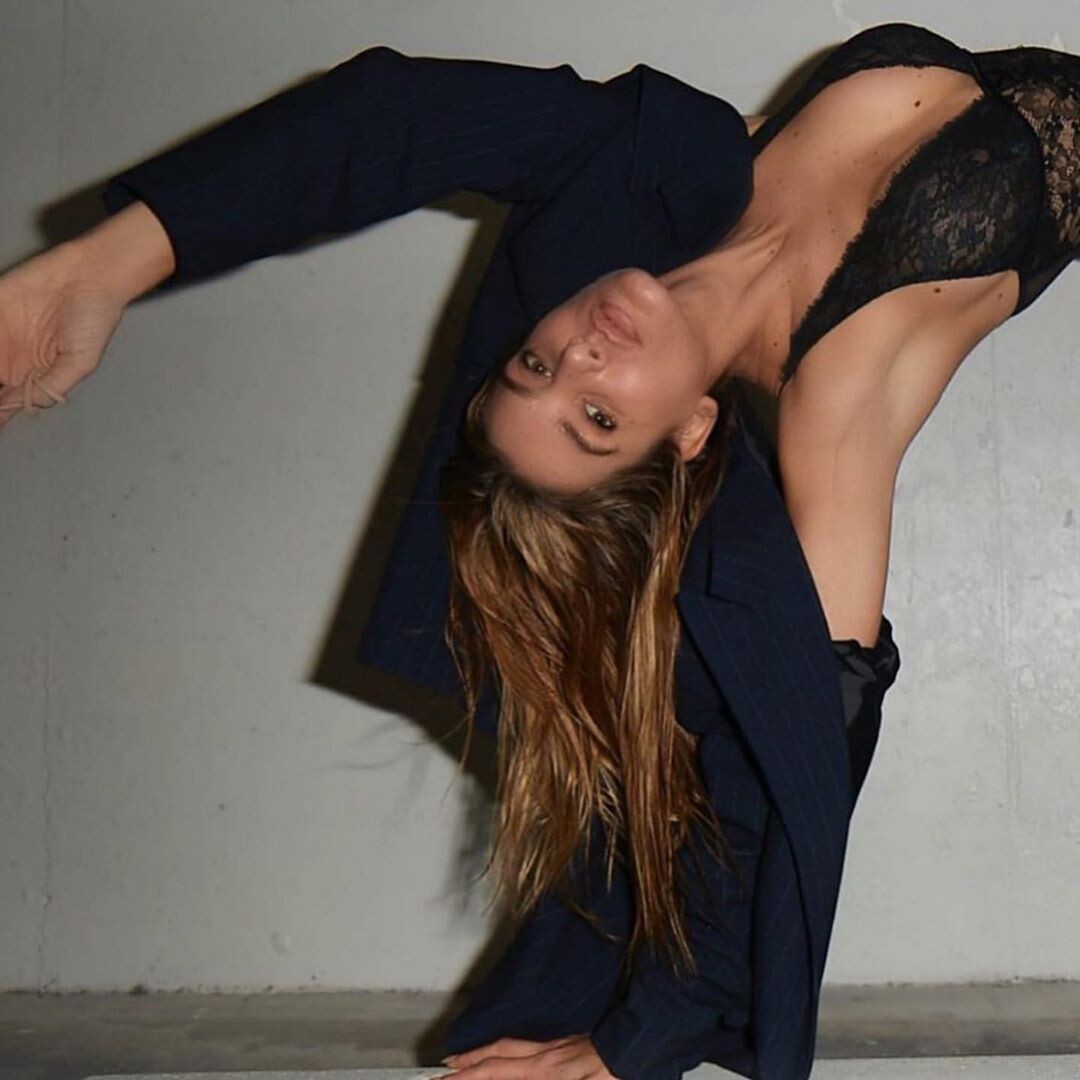
instagram/valentinaferrer/
-
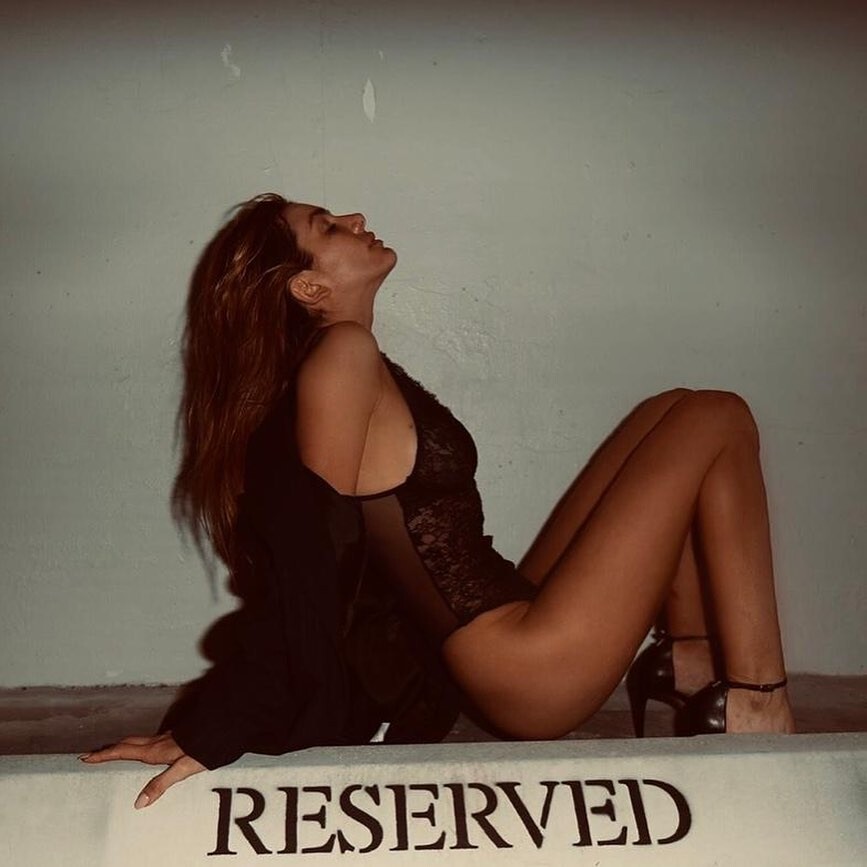
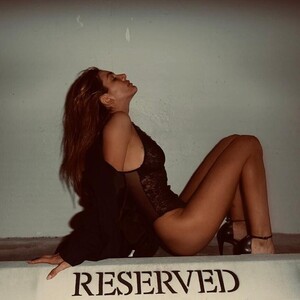
Reserved instagram/valentinaferrer/
-
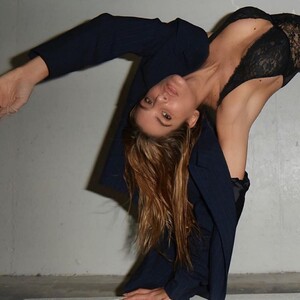
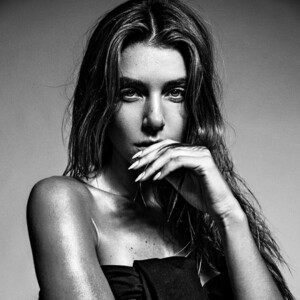
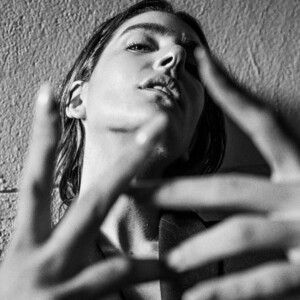
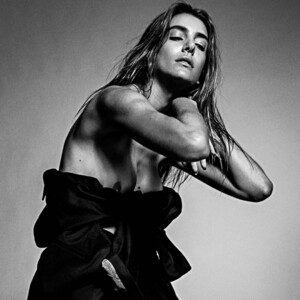
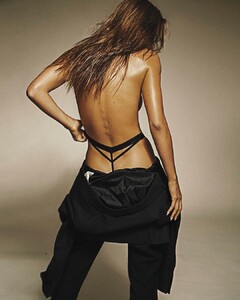
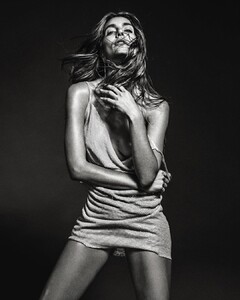
Shotting: Ph: Andrés Francov


-
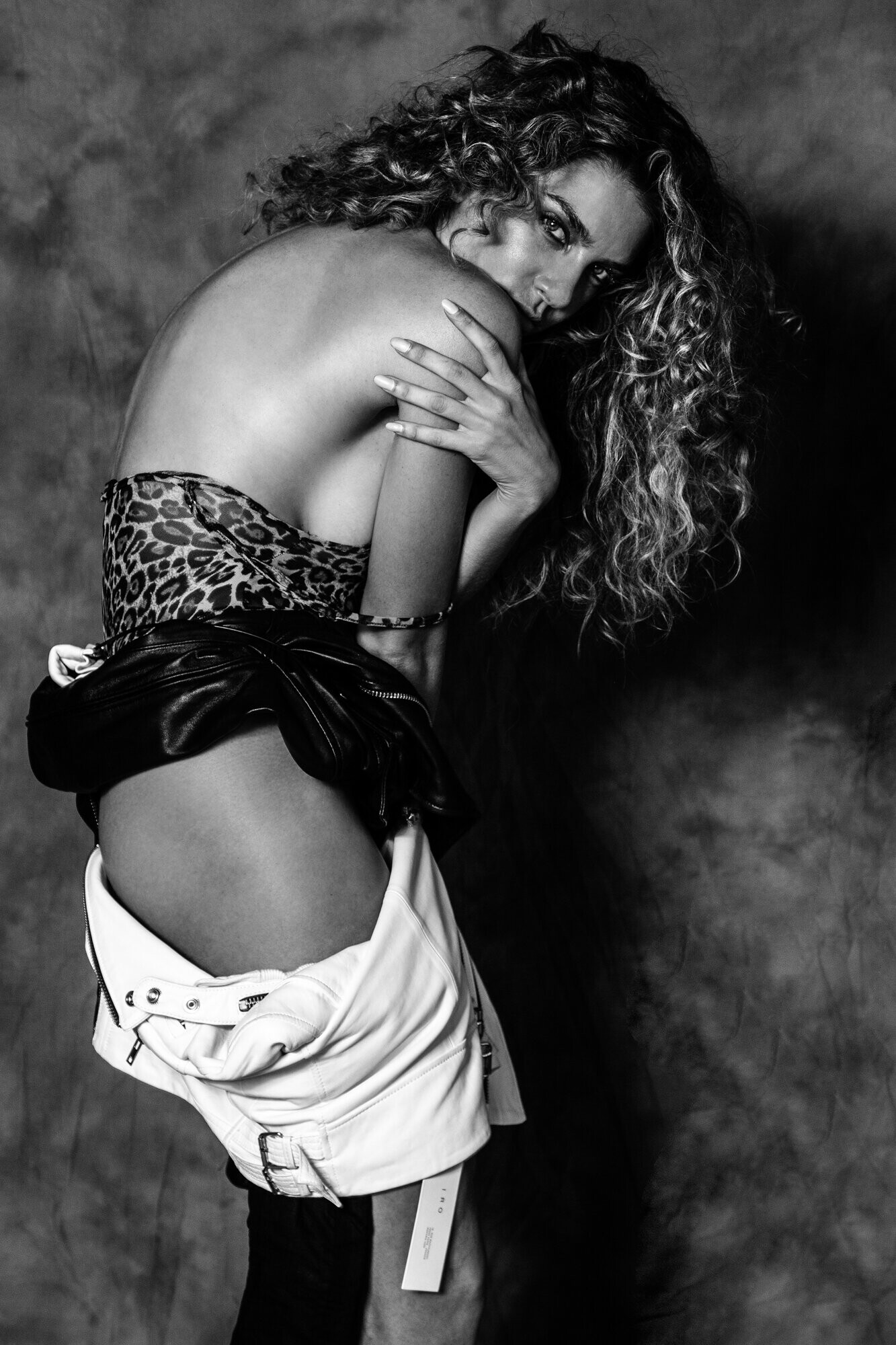
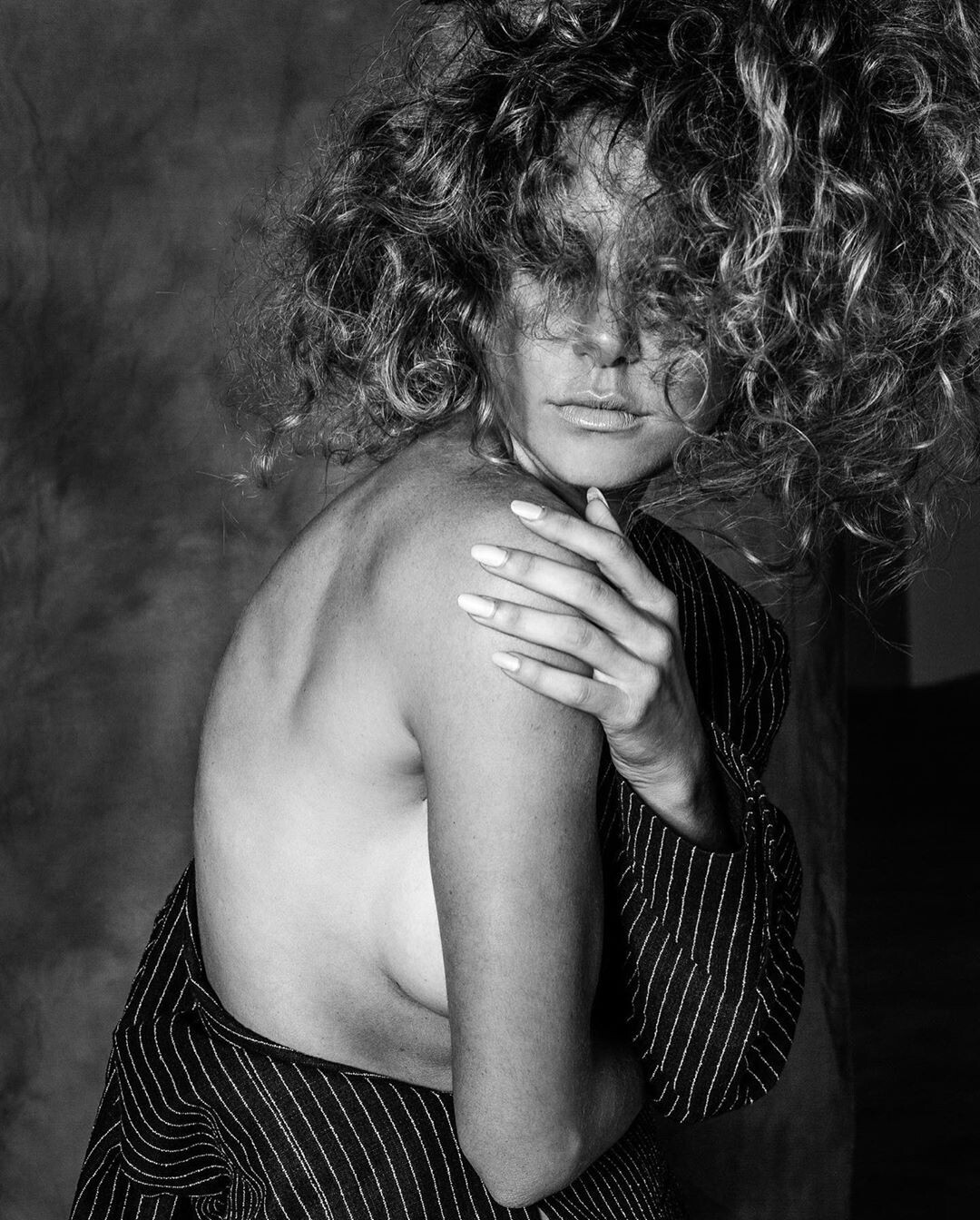
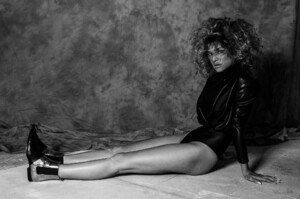
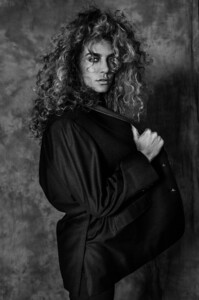
Ph. Messi Schneider HQ





-
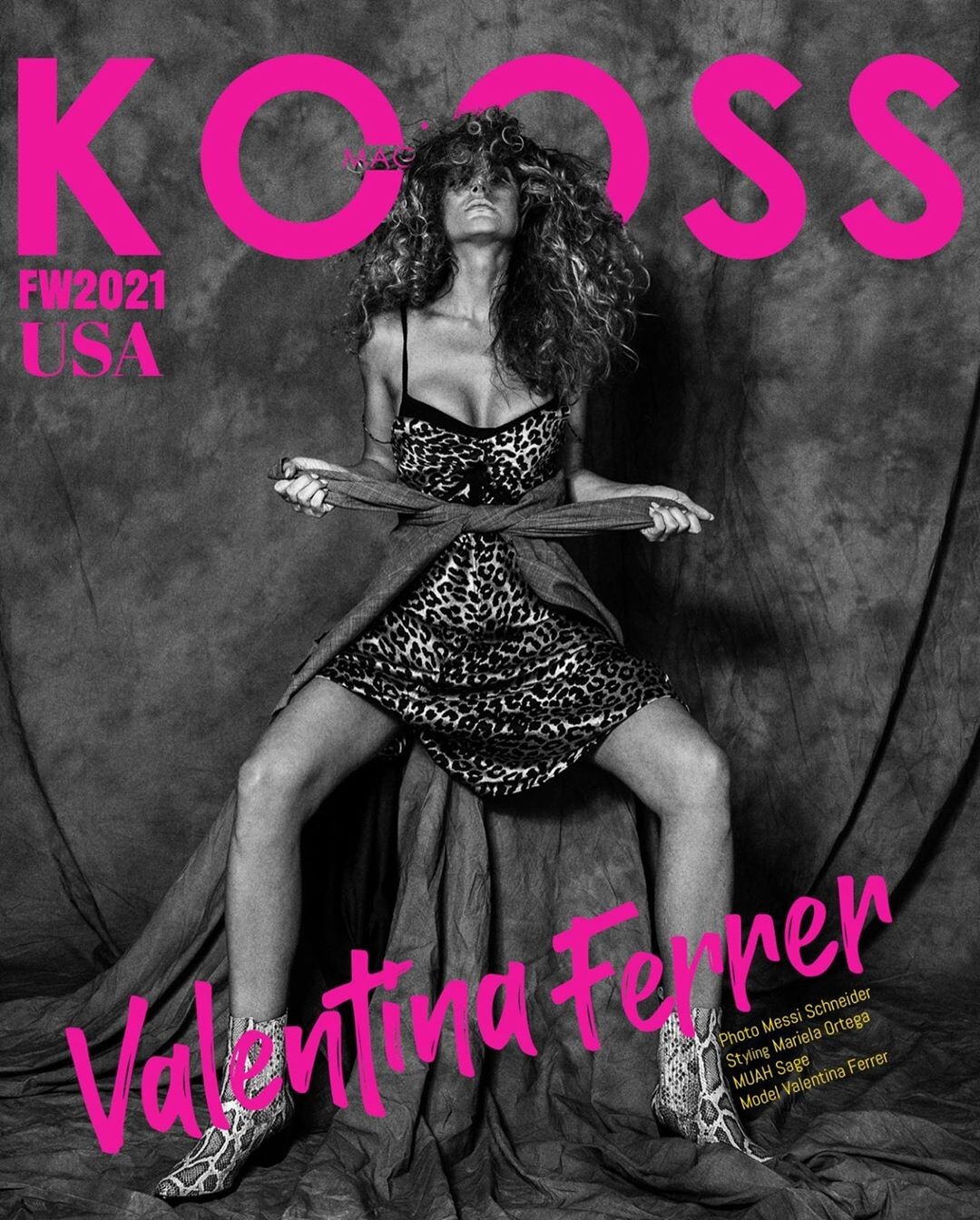
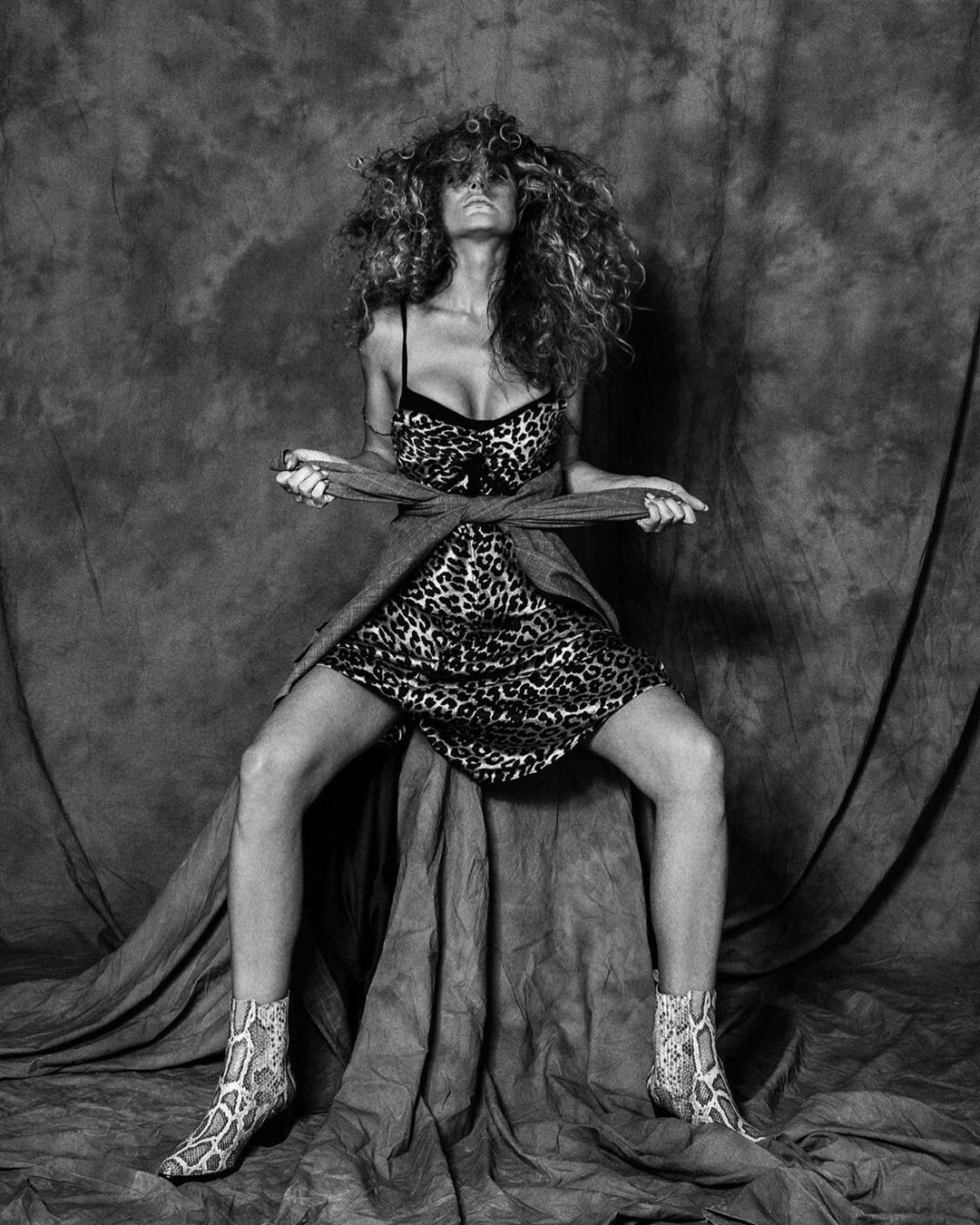
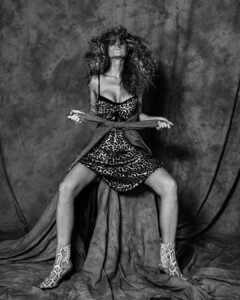
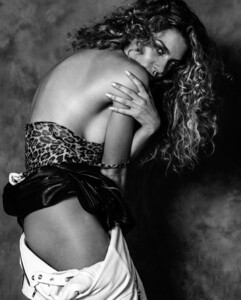
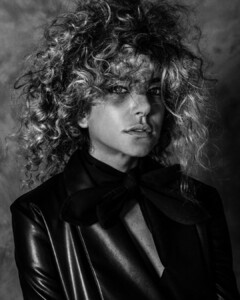
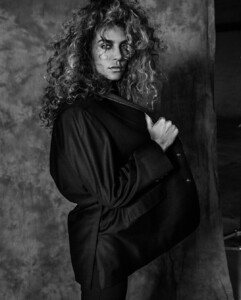
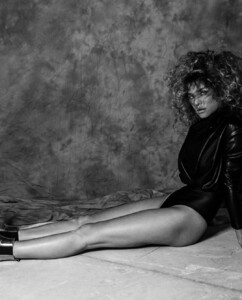
KOOSS Magazine FW 2020 Ph. Messi Schneider



-
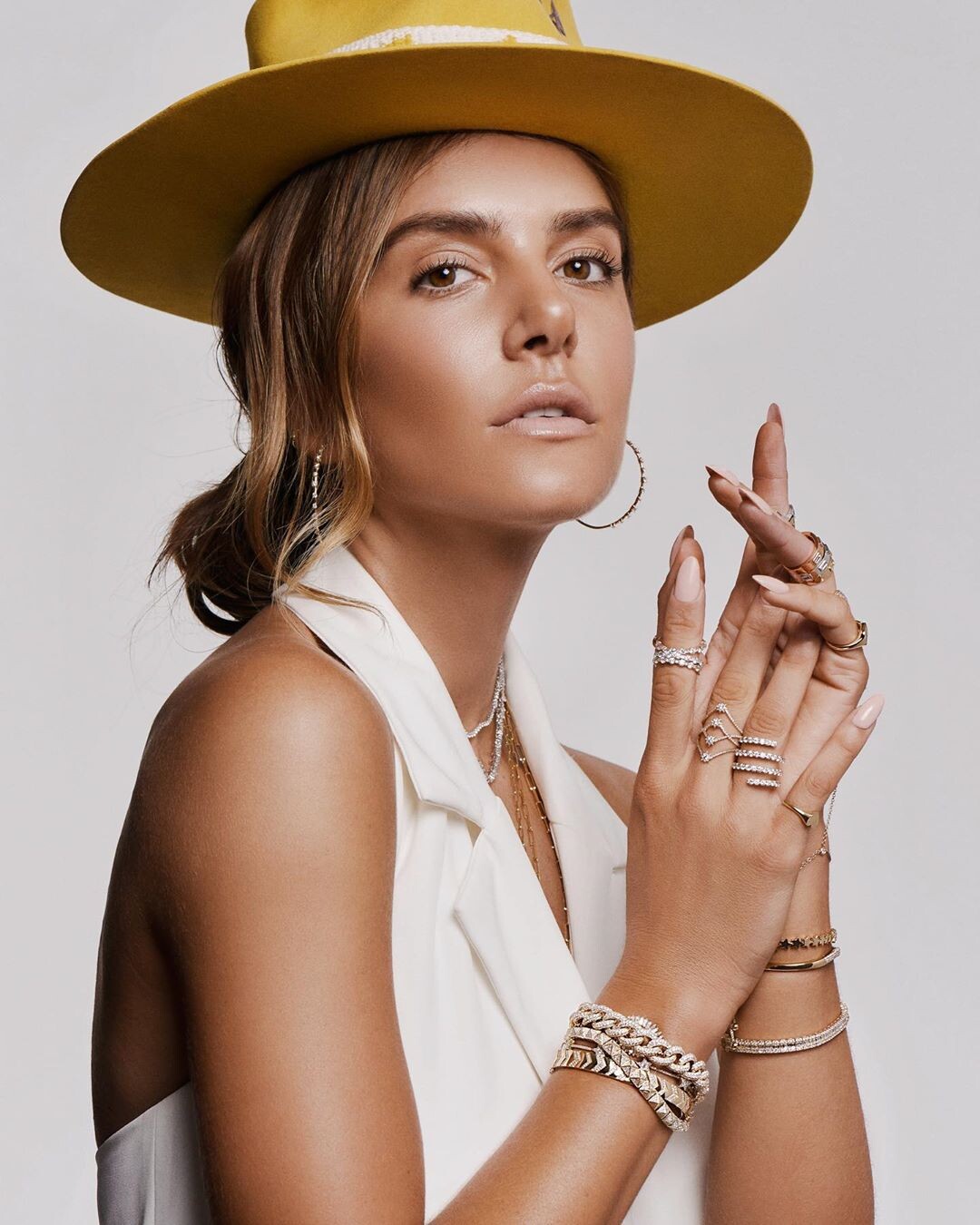
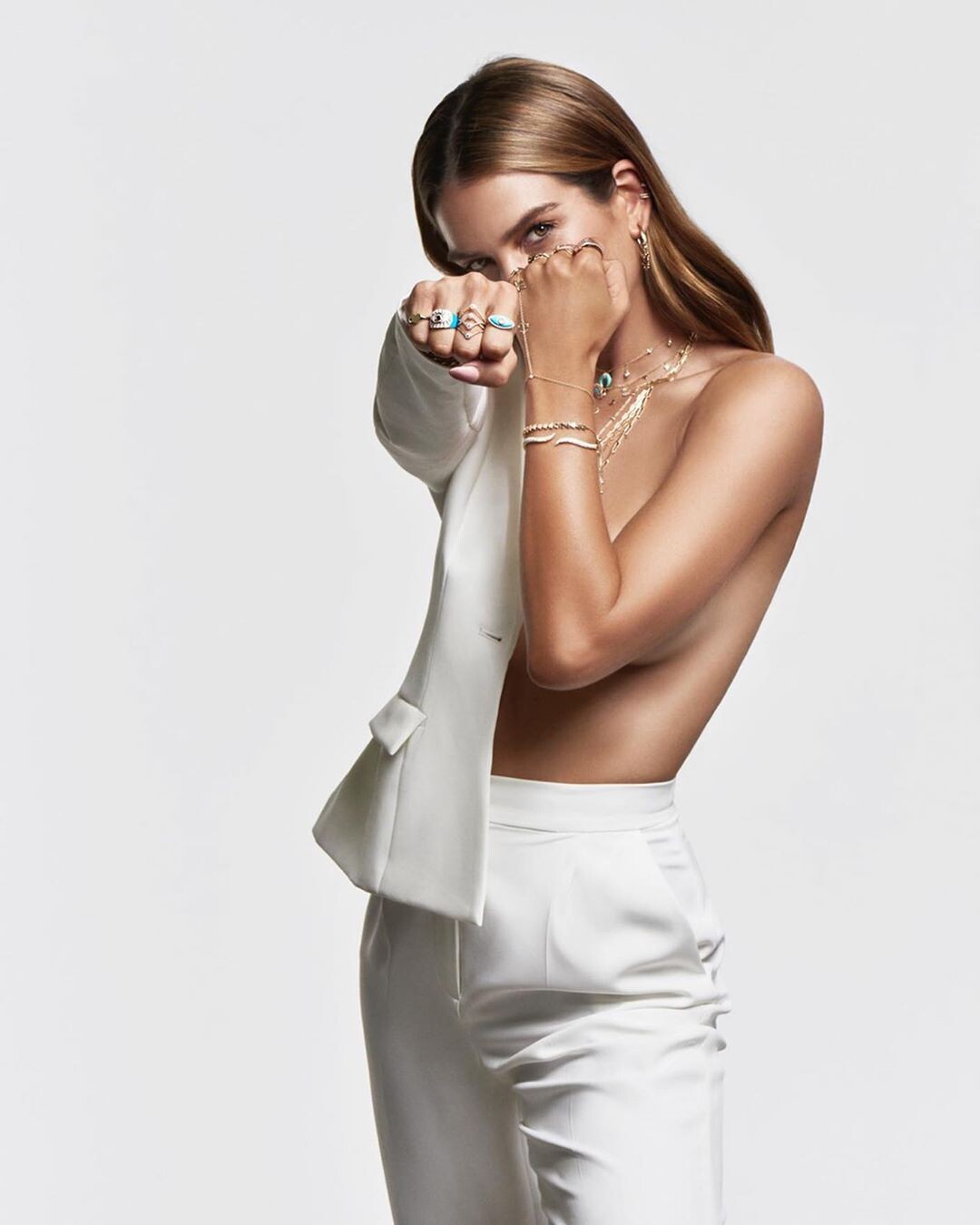
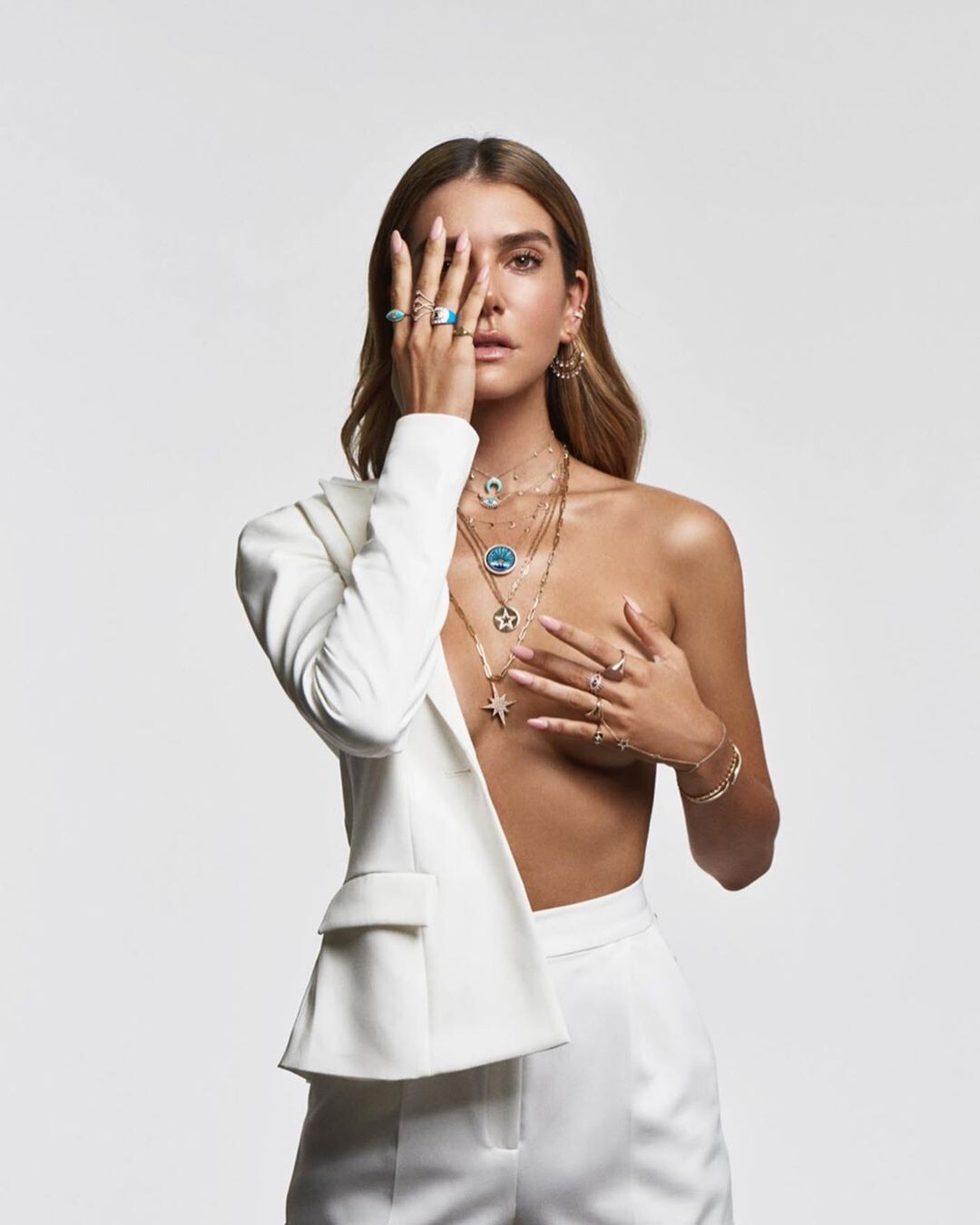
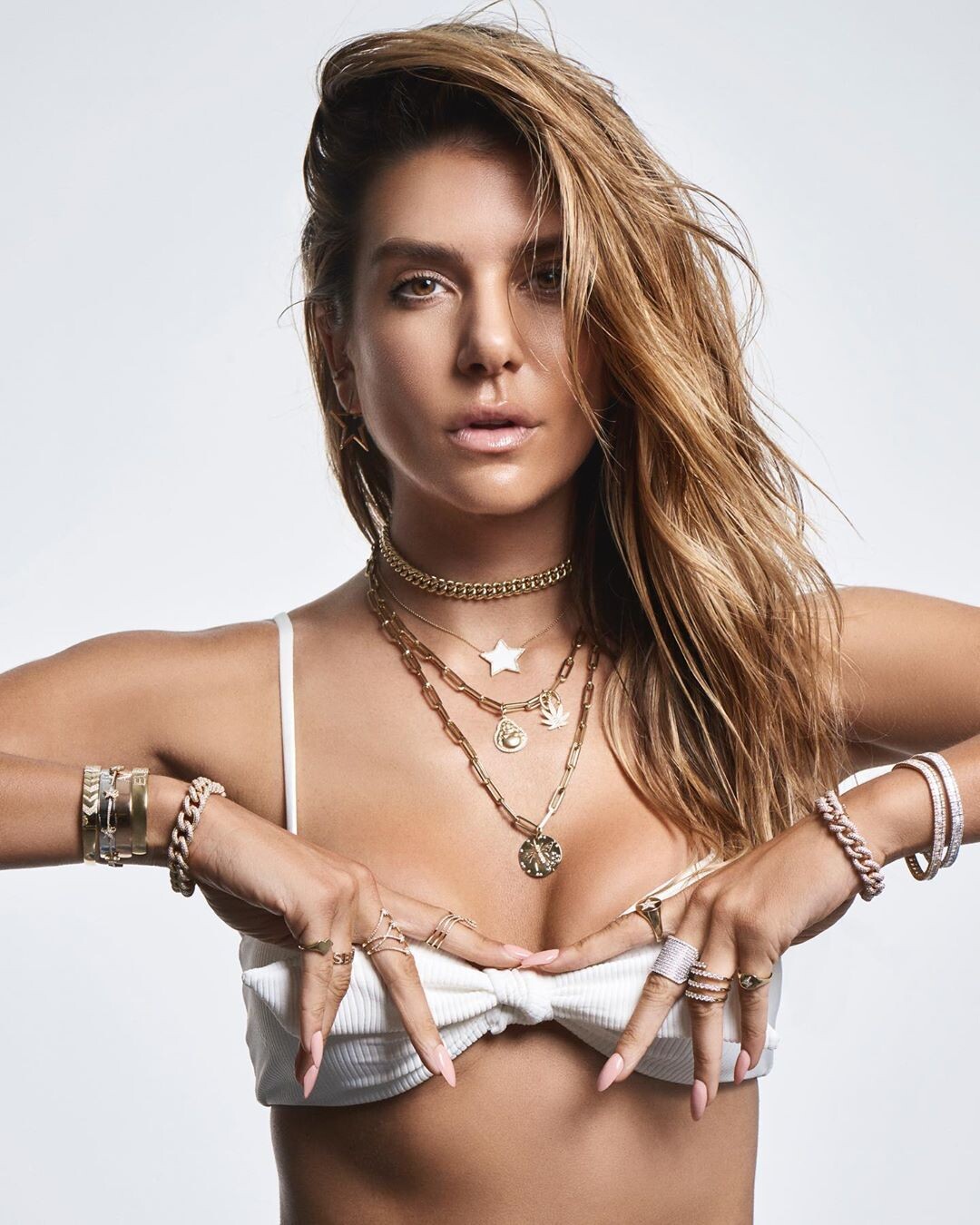
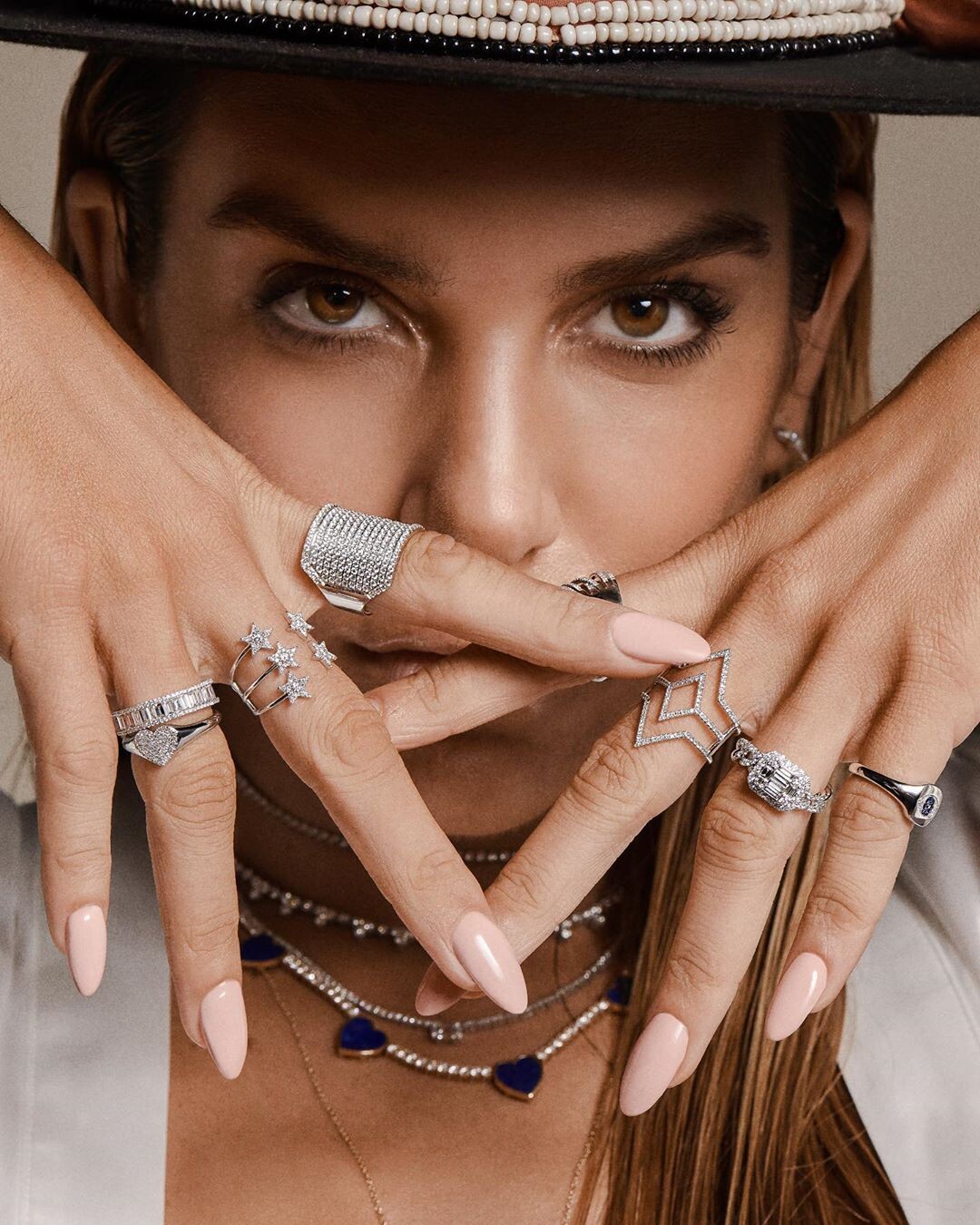
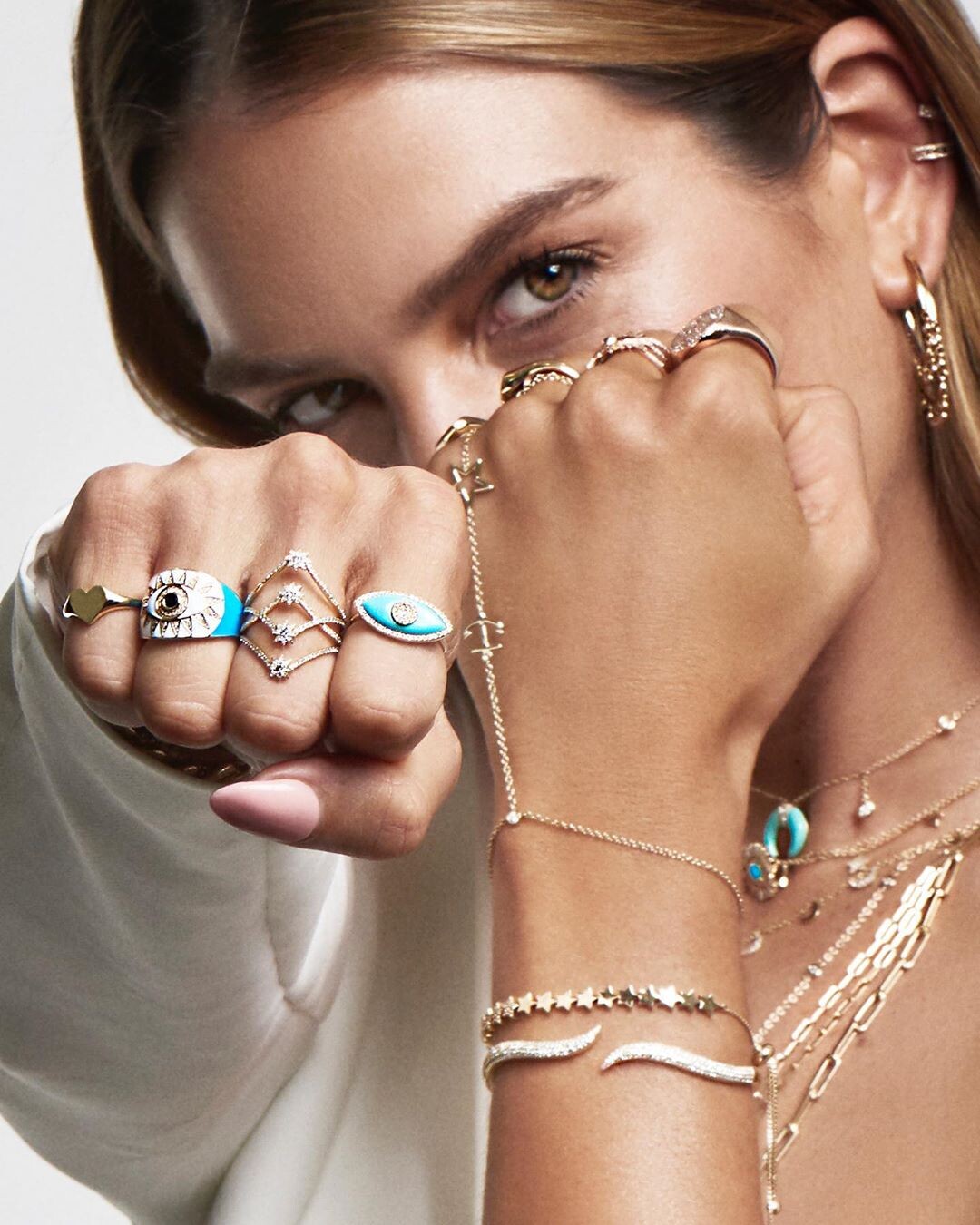
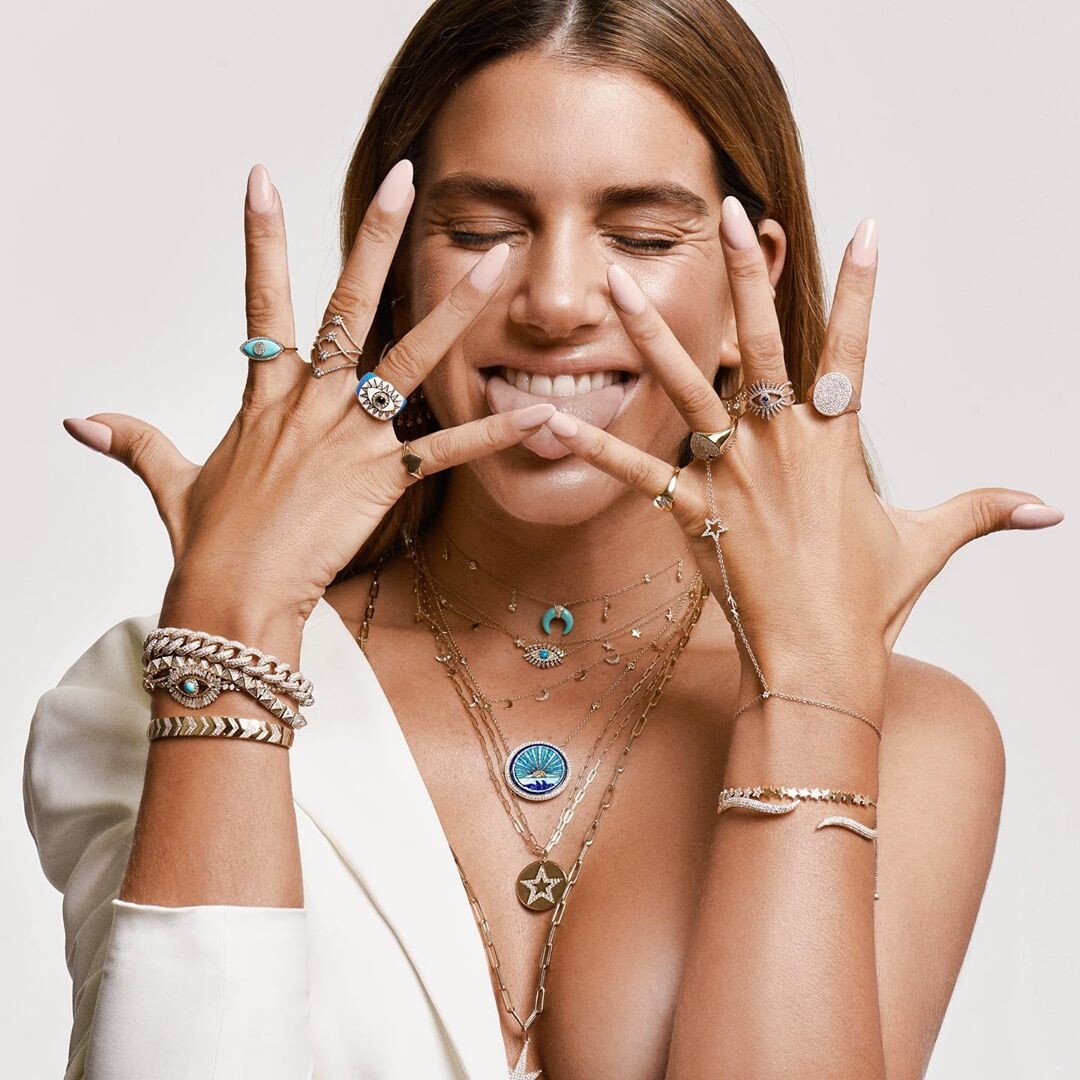
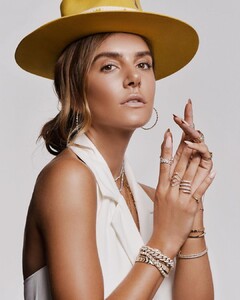
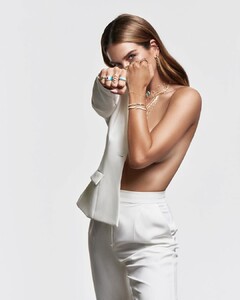
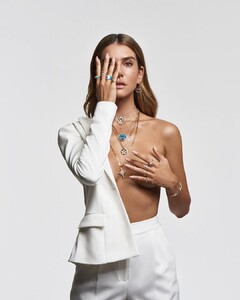
EB Jewels (2020) Ph: Tato Gómez
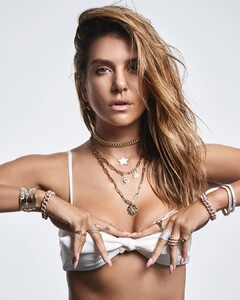
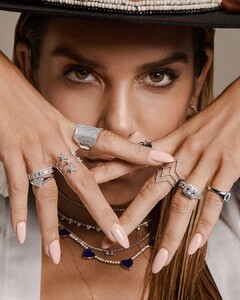
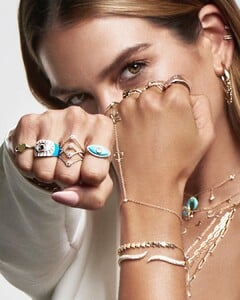
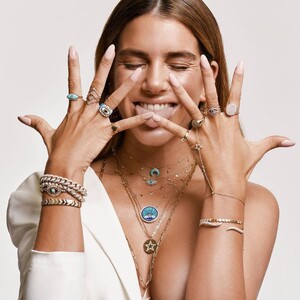
-
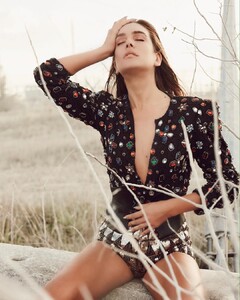
Seta Apparel
-
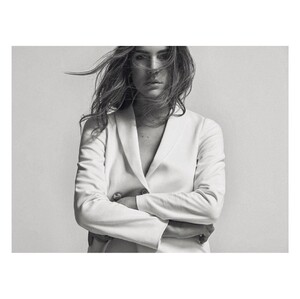
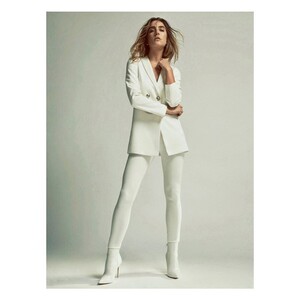
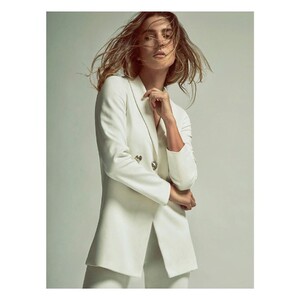
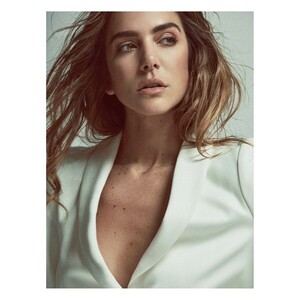
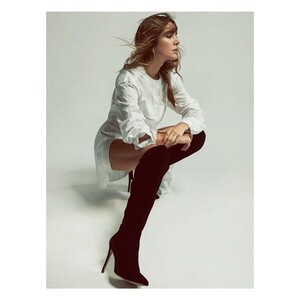
Ph: Chino Toccalino
-
-
-
-
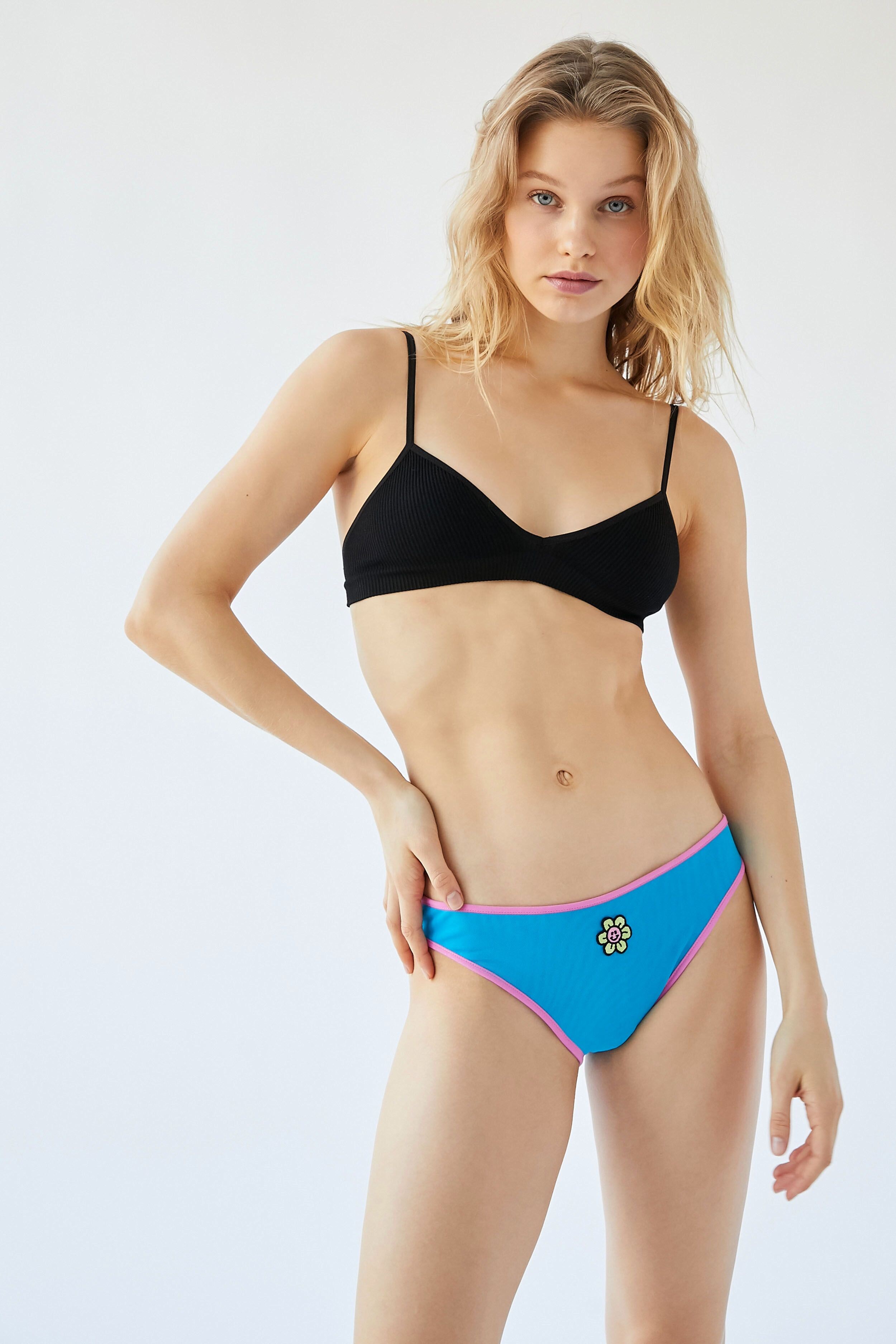
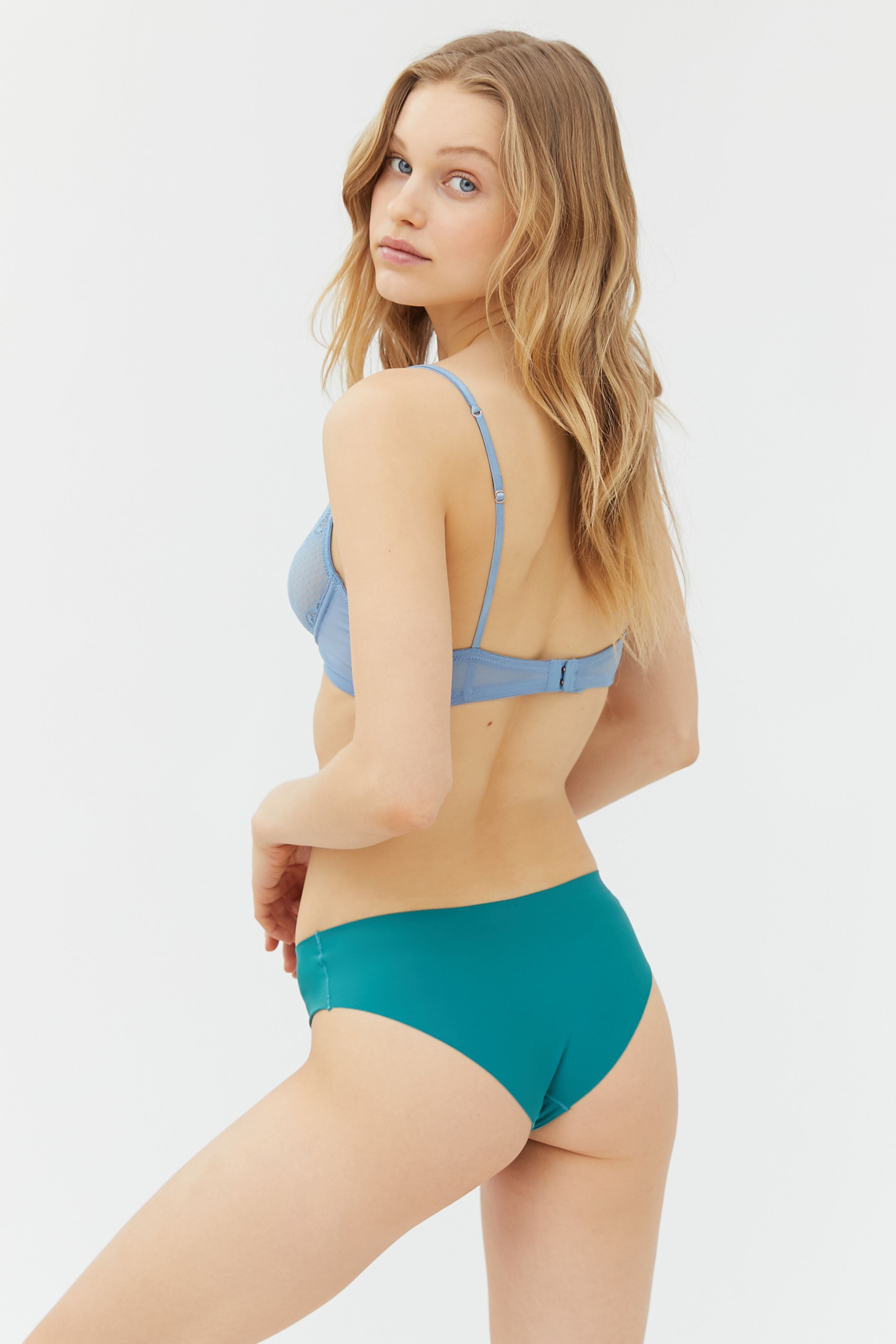
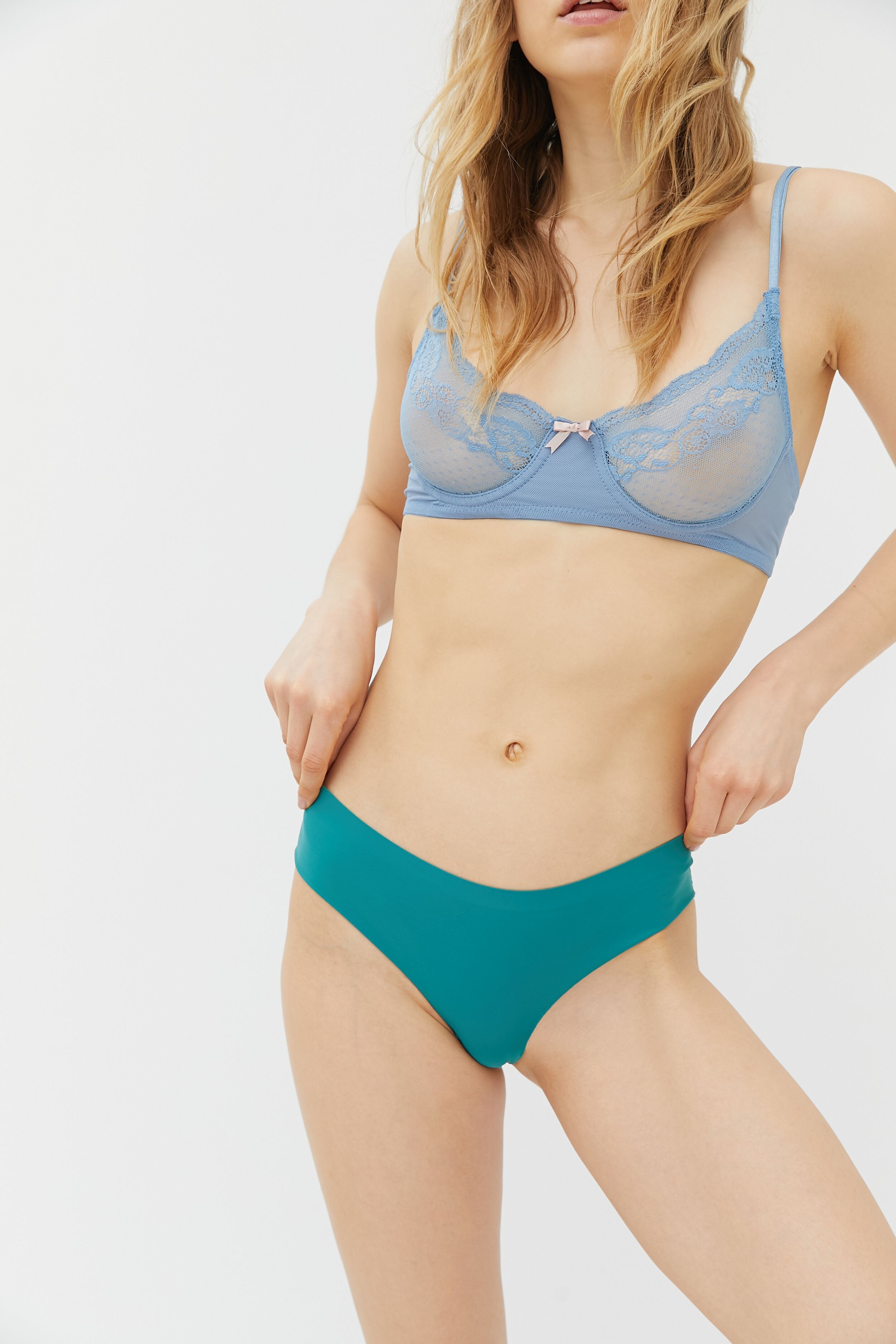
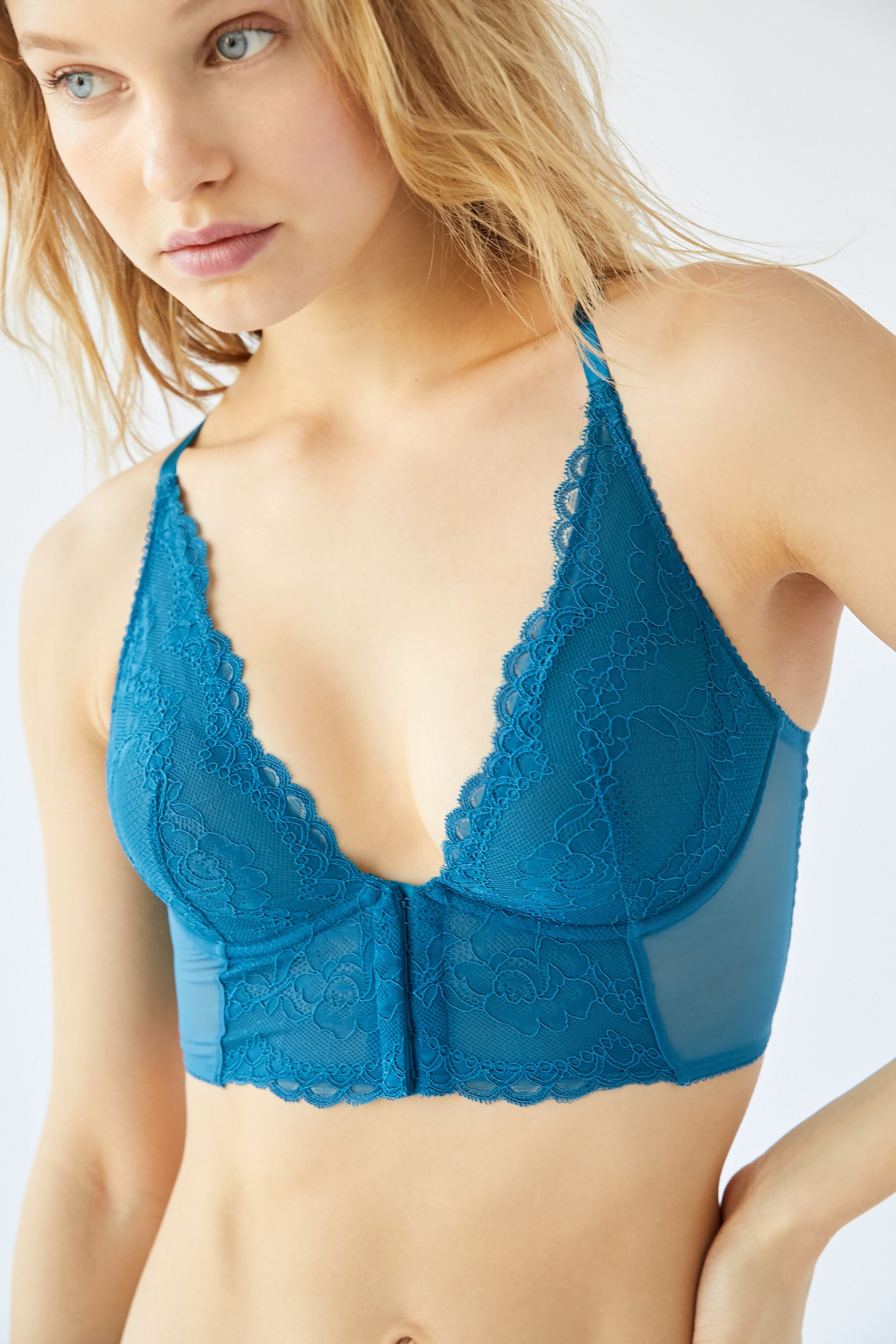
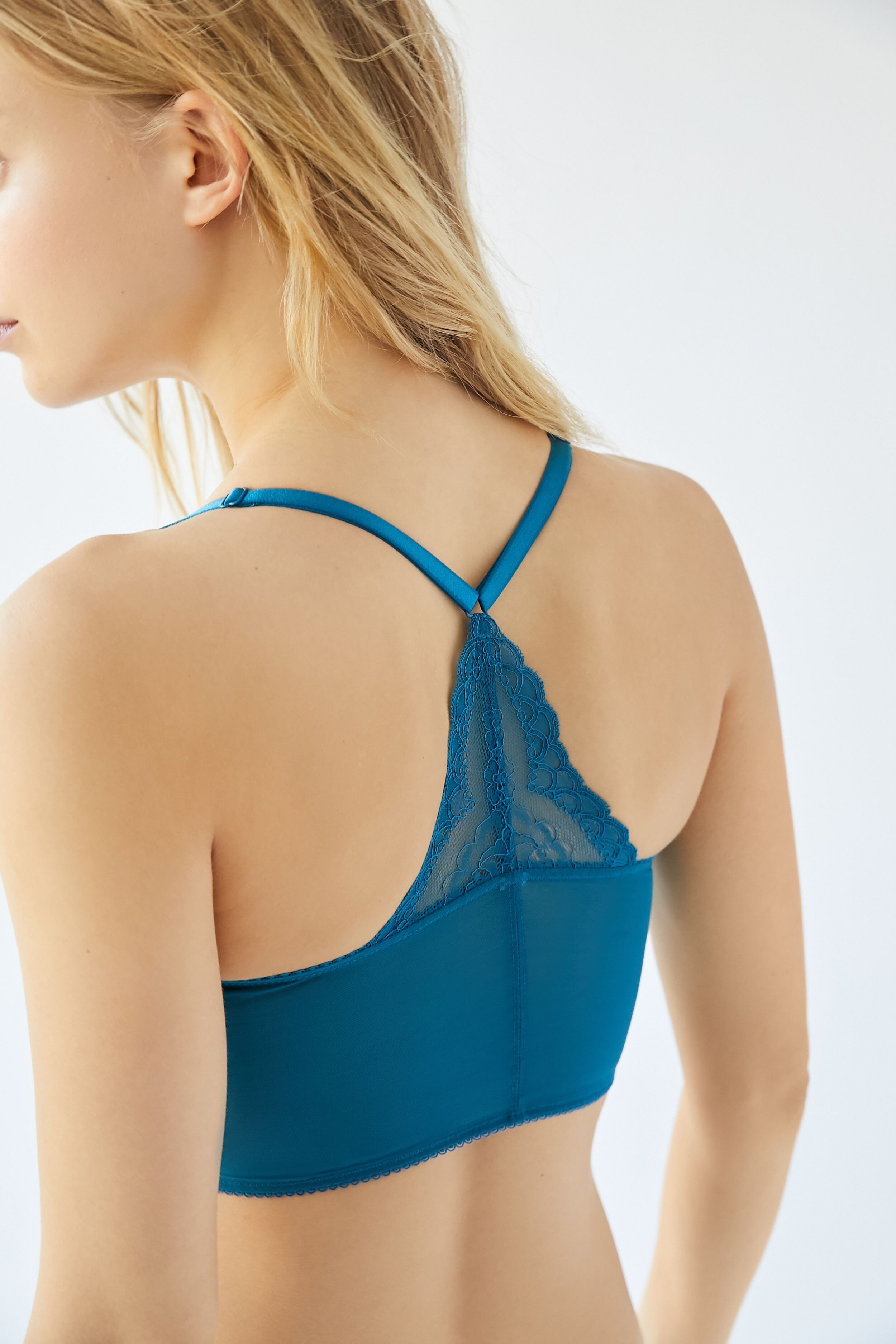
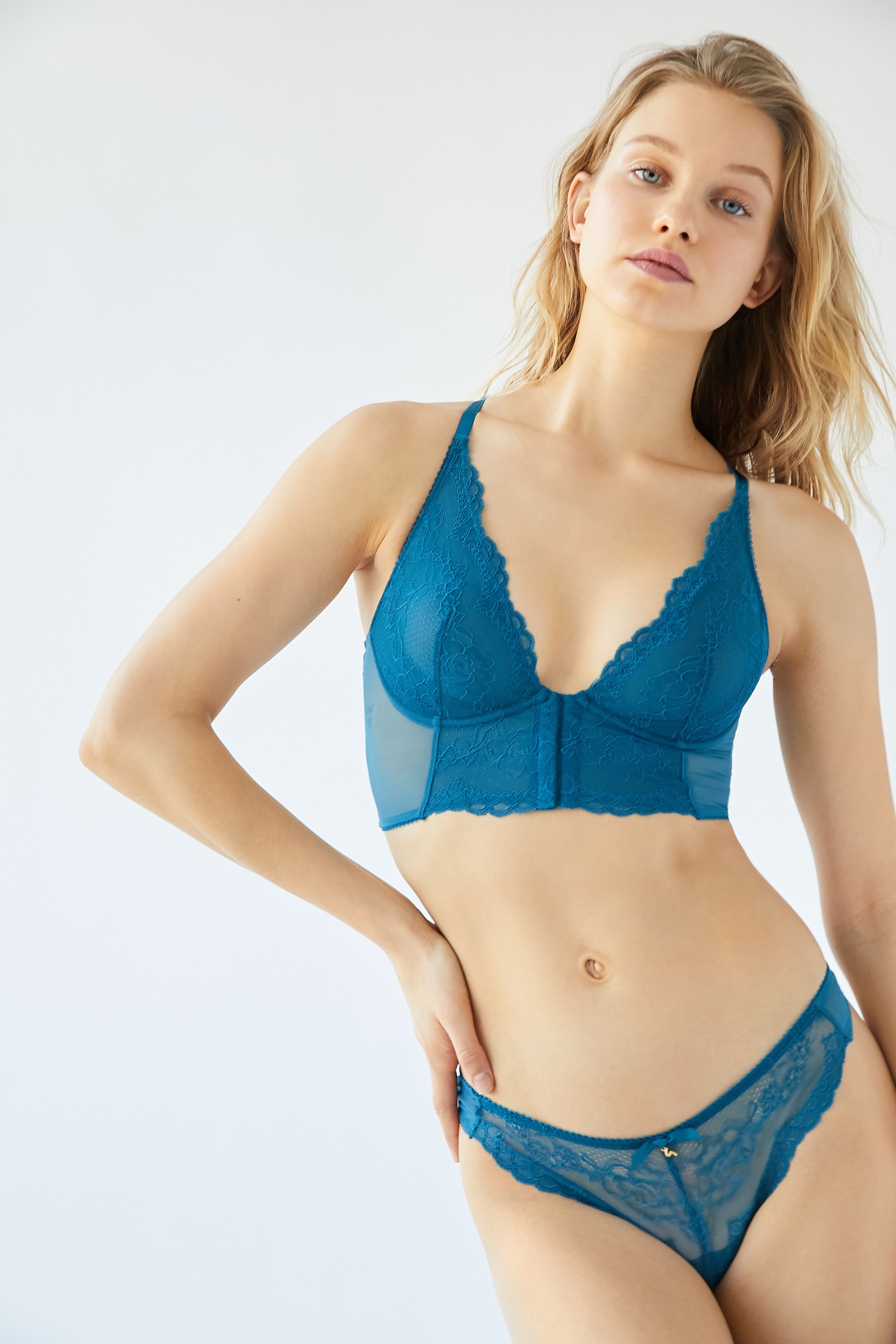
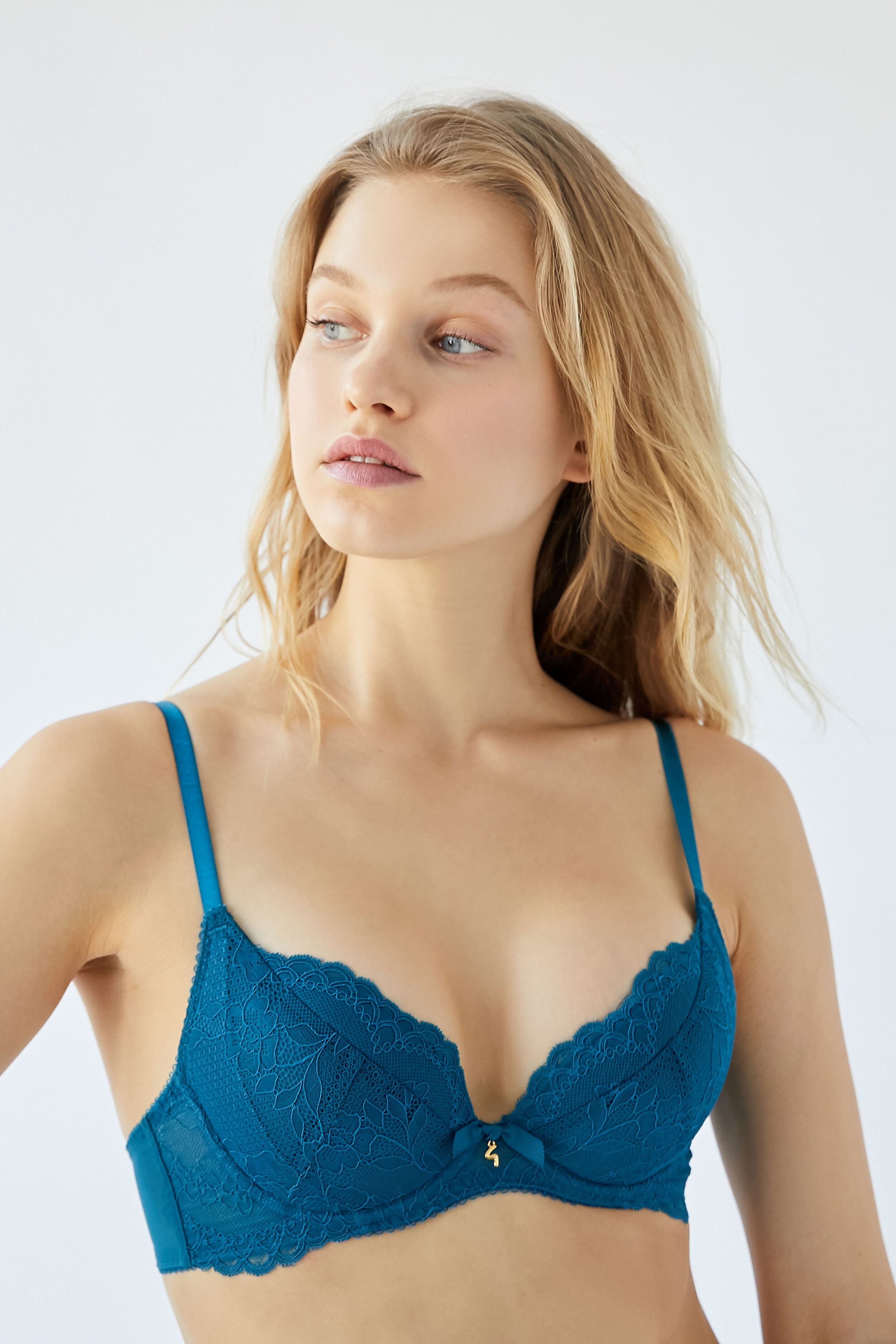
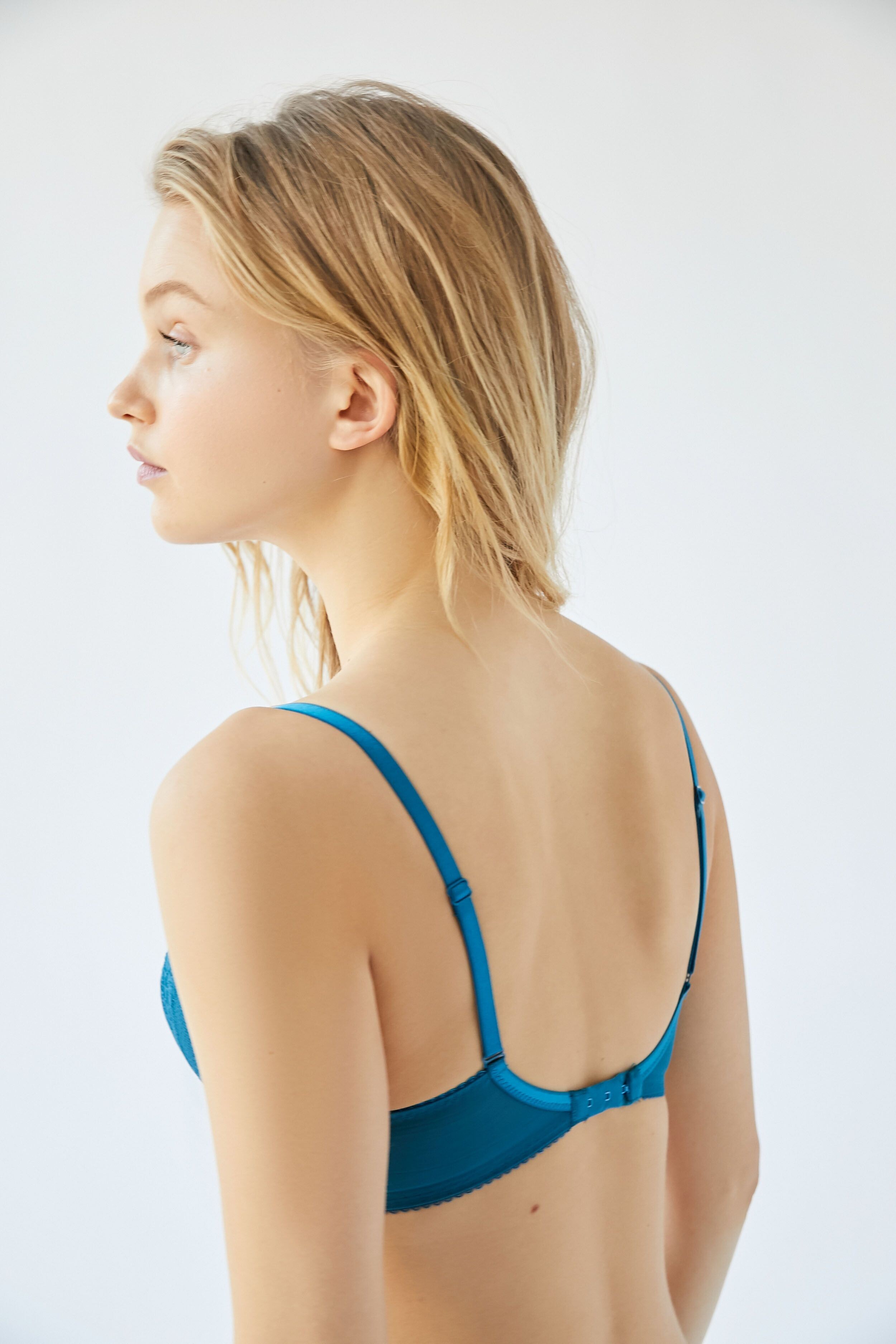
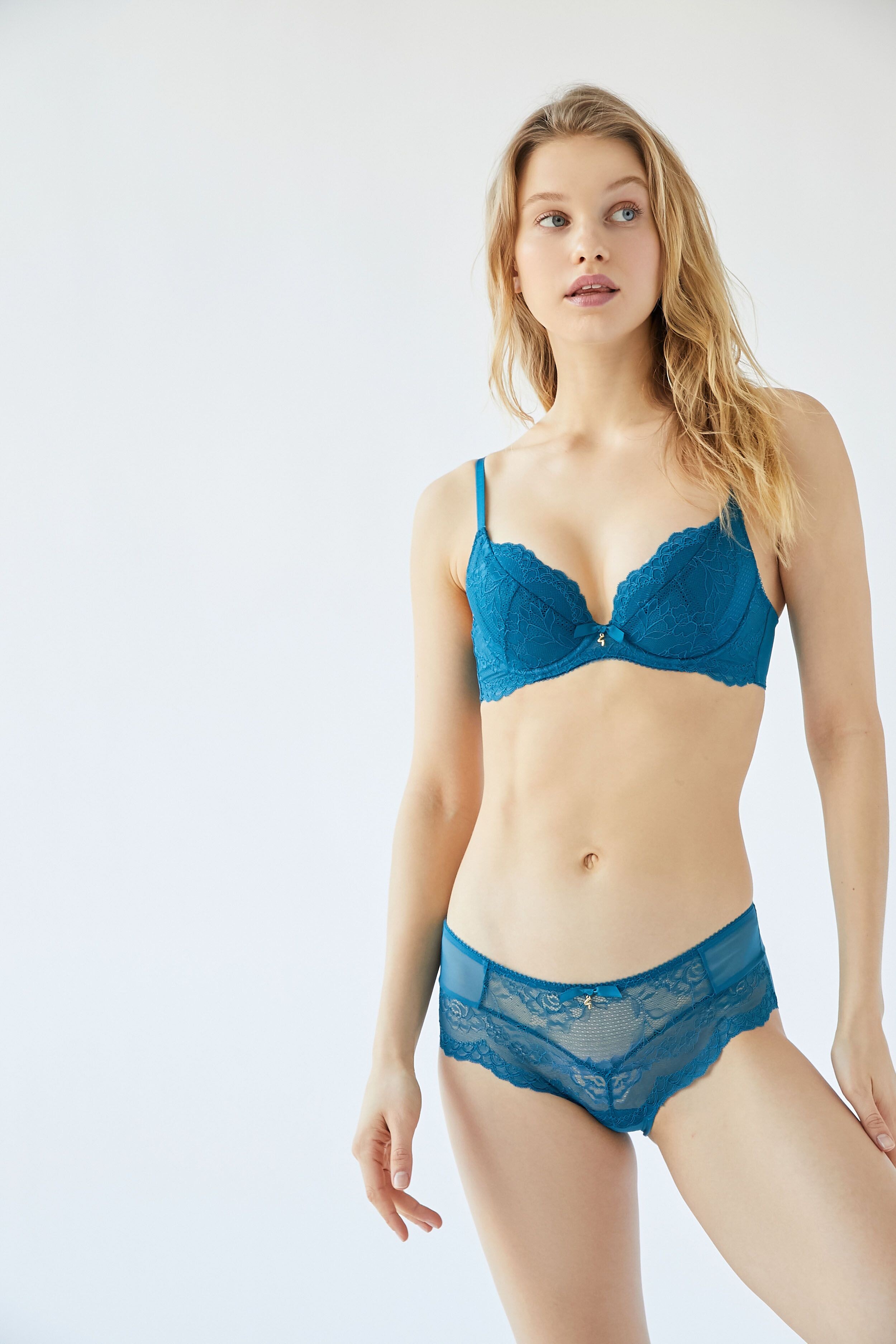
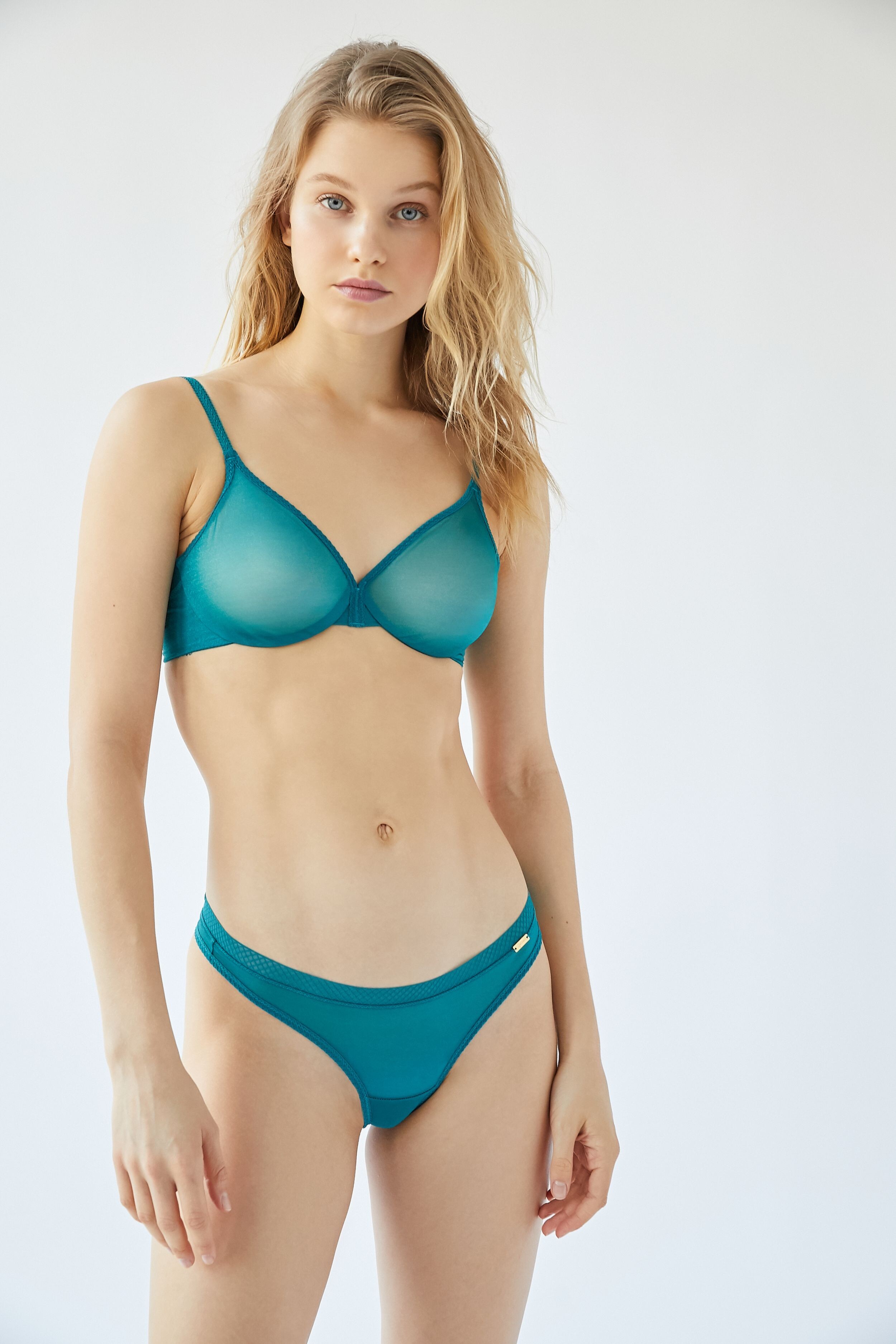
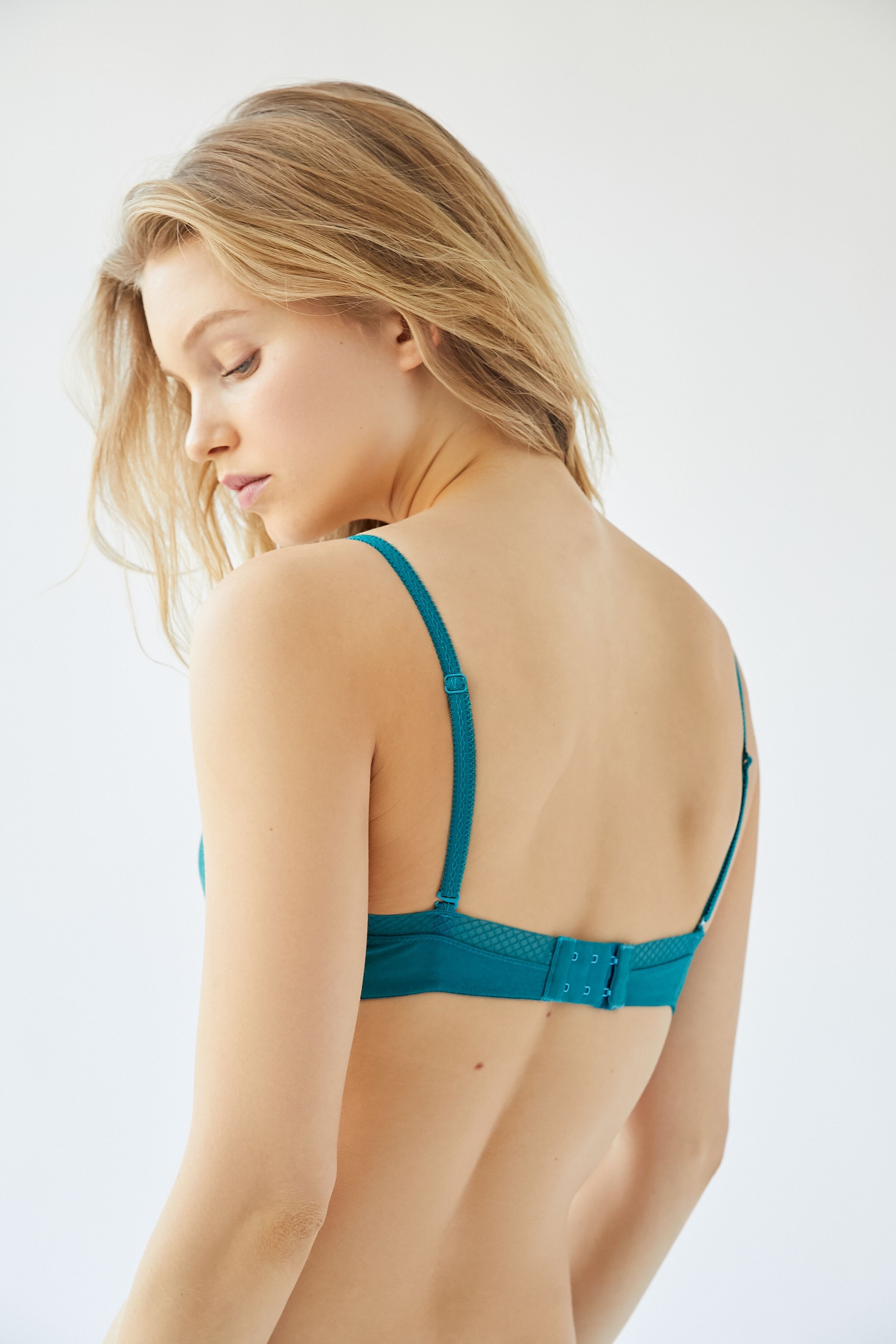
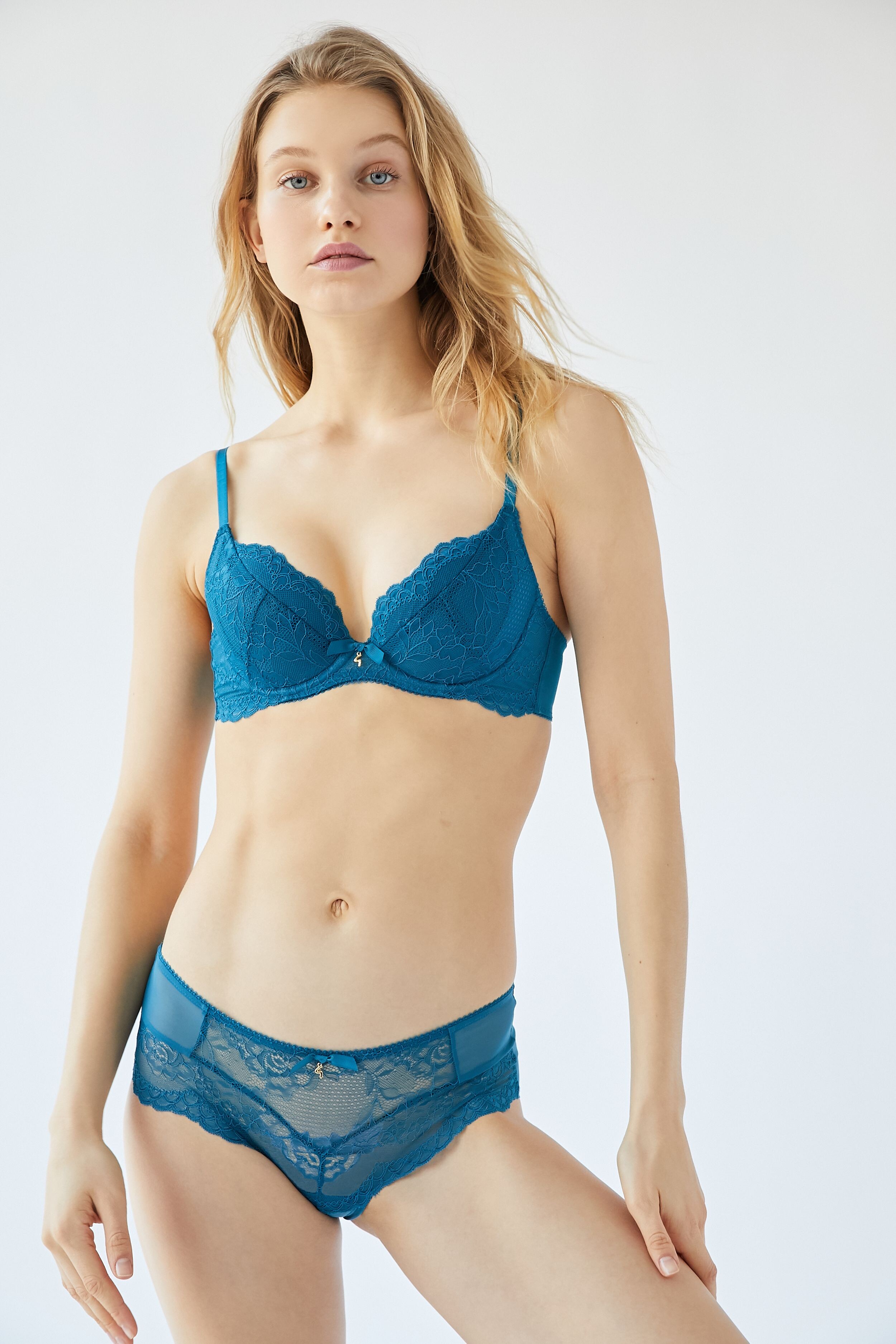
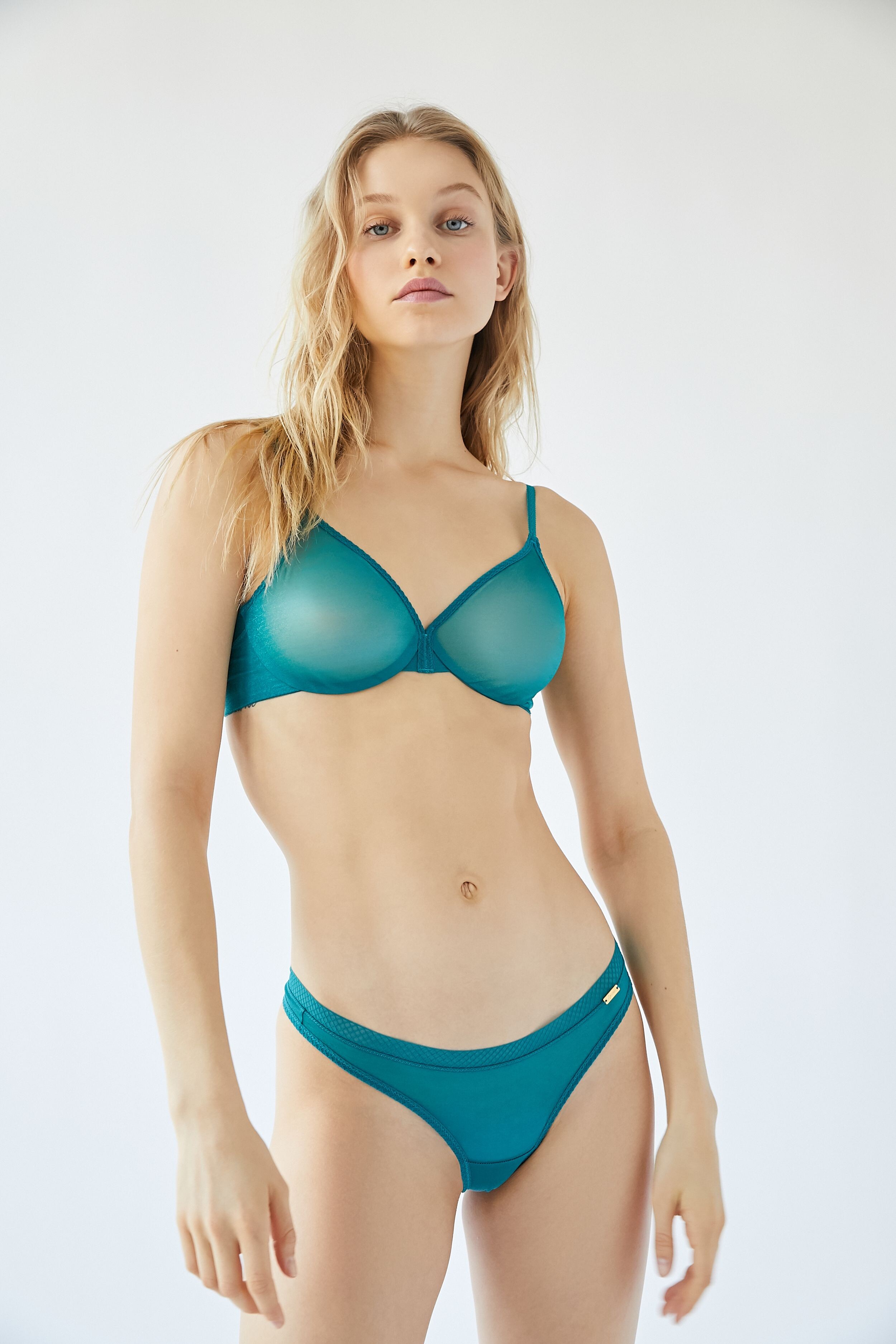
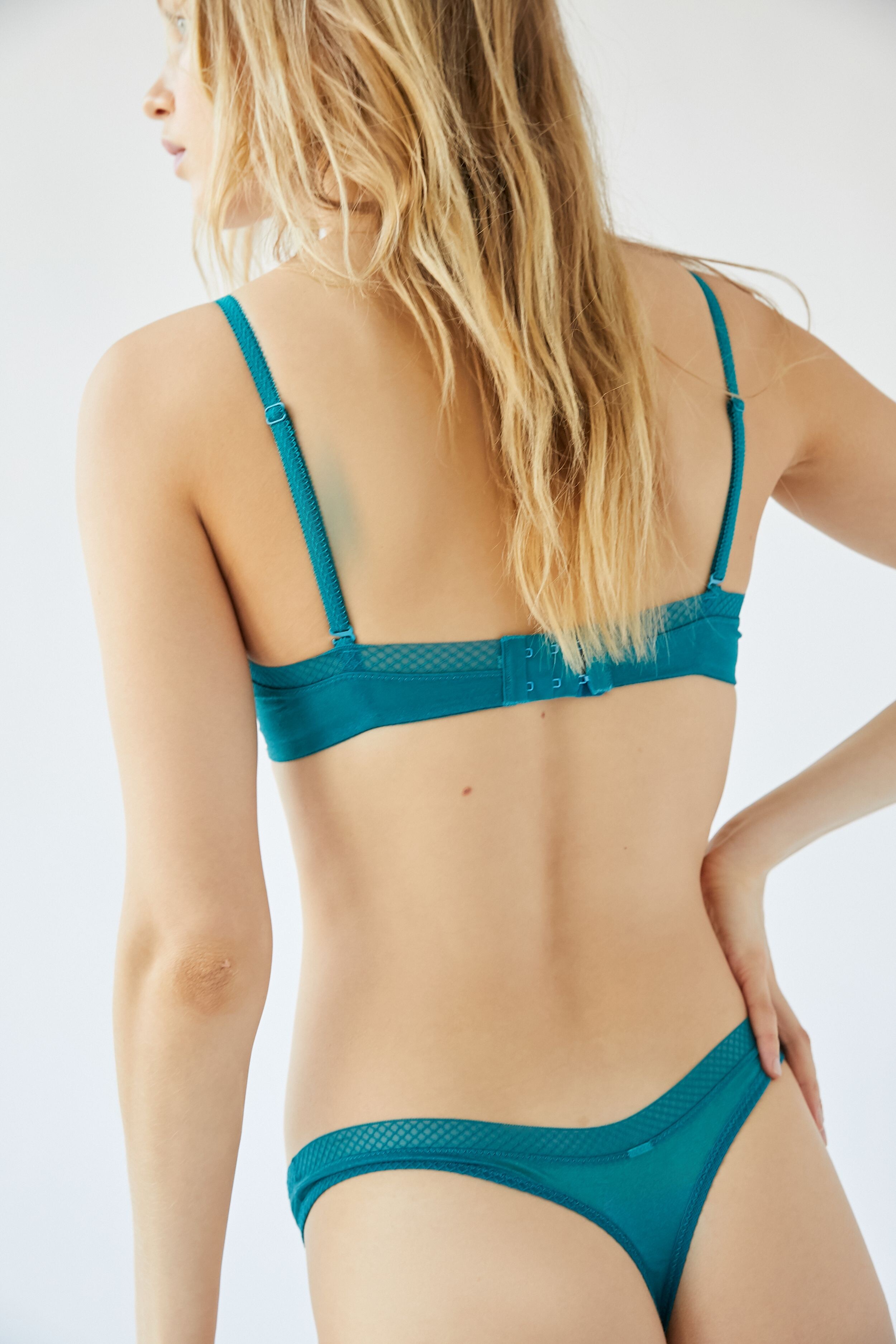
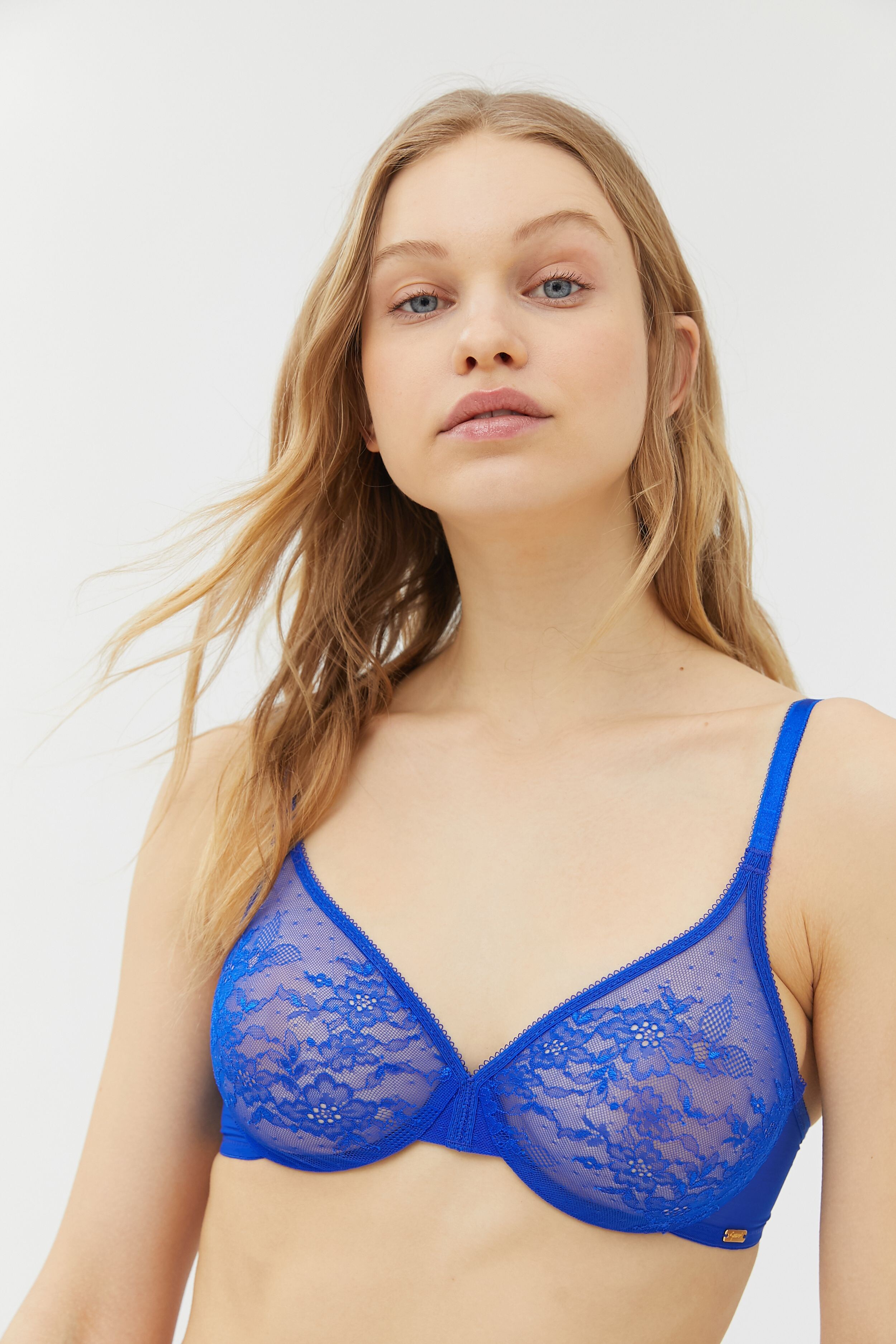
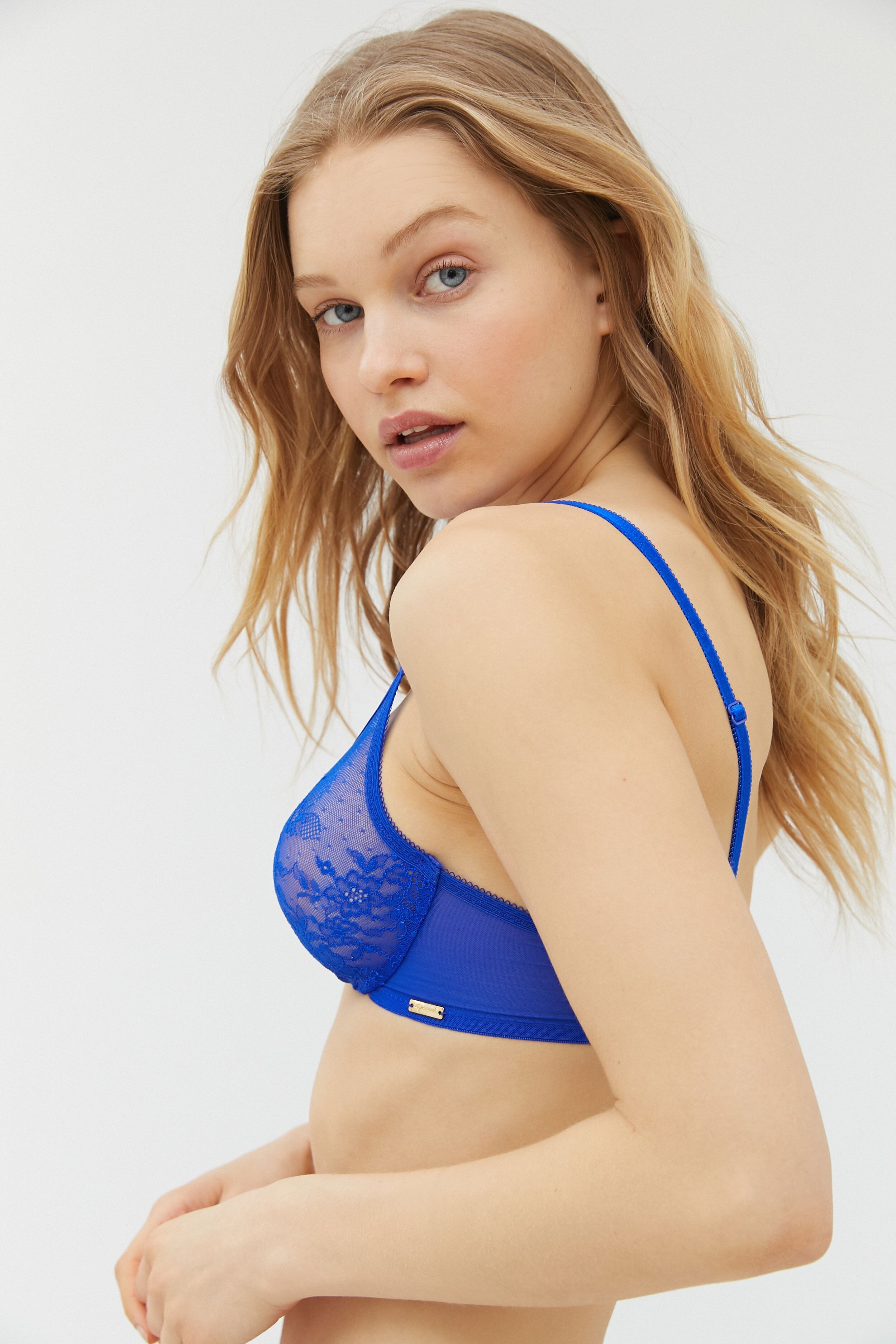
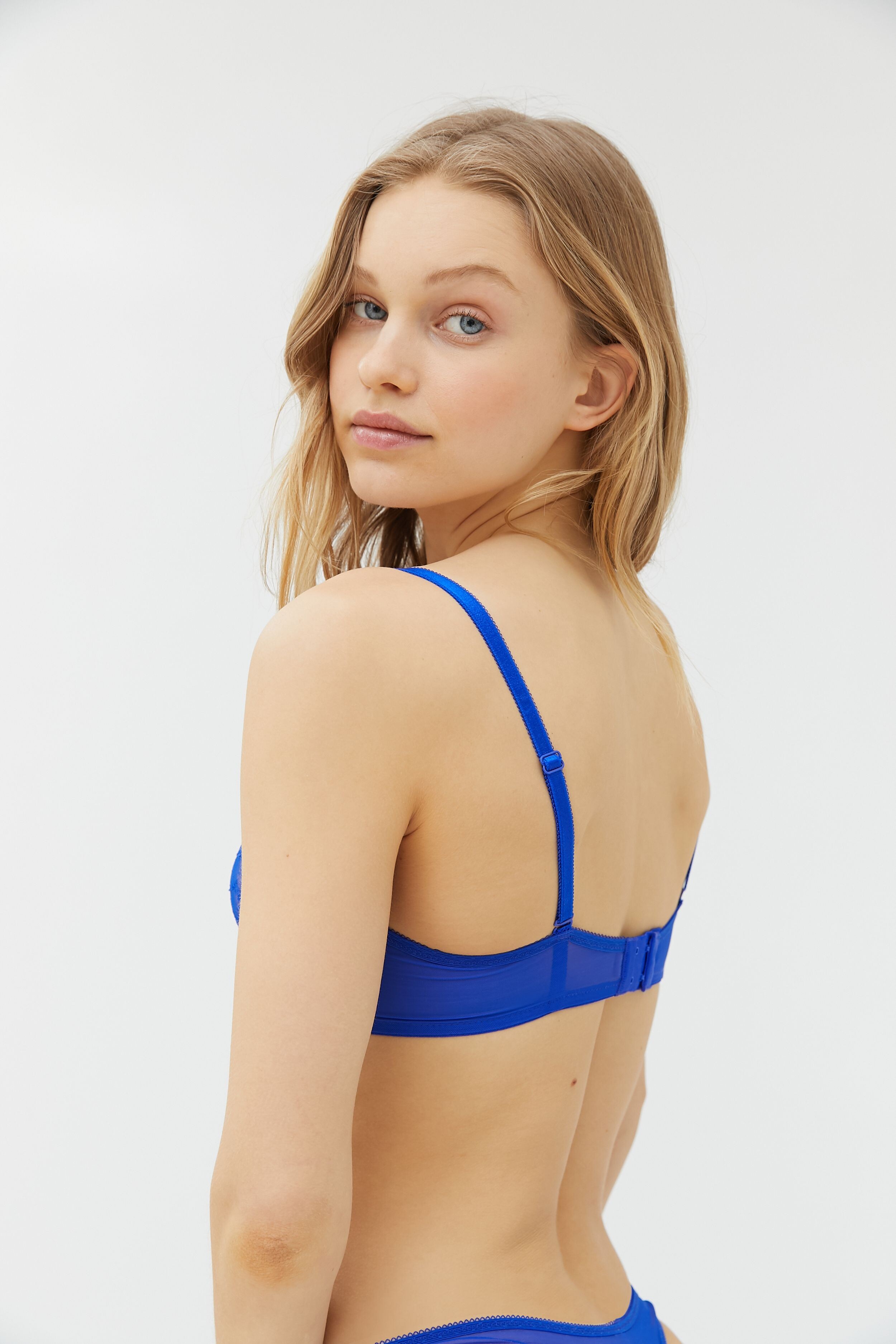
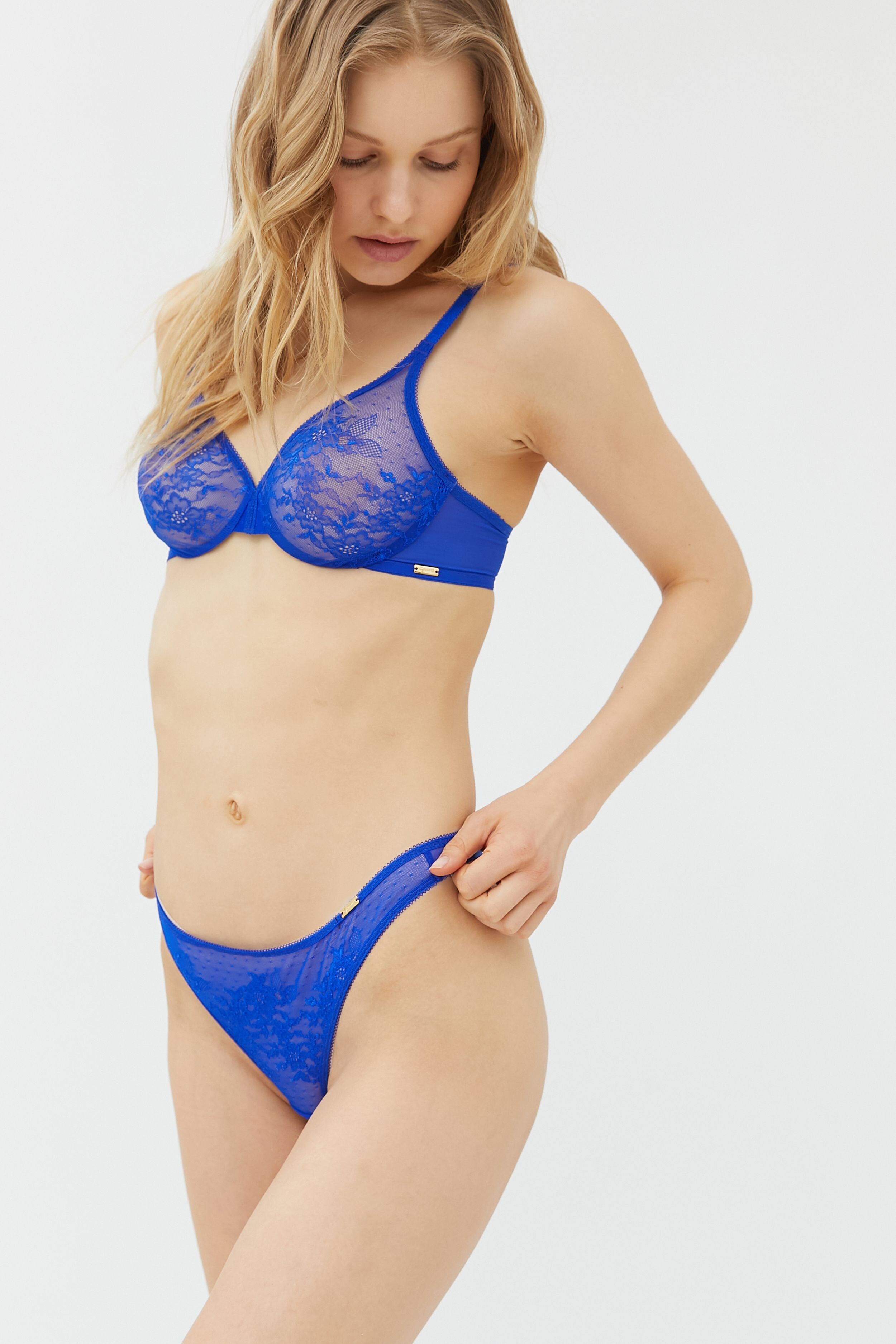
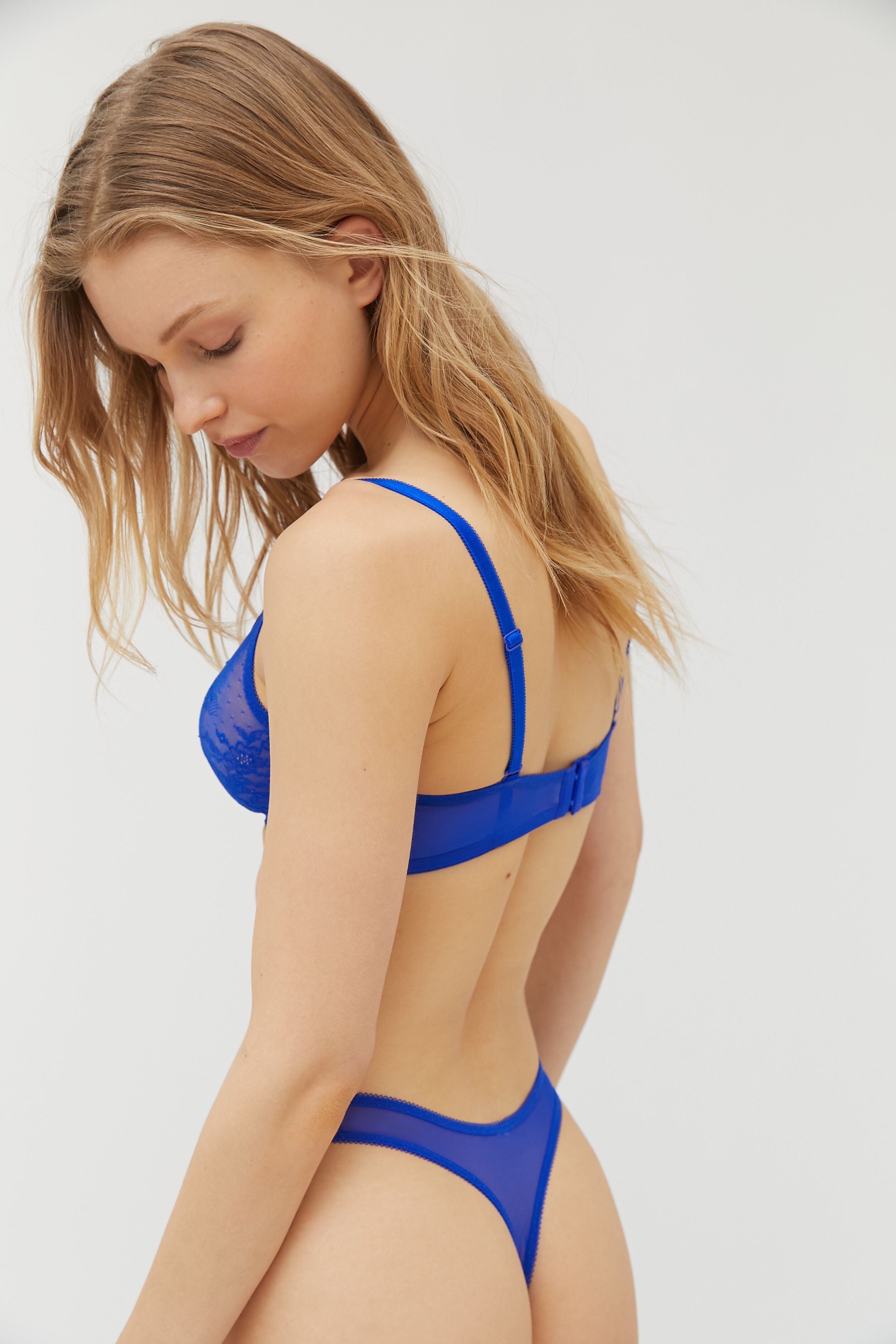
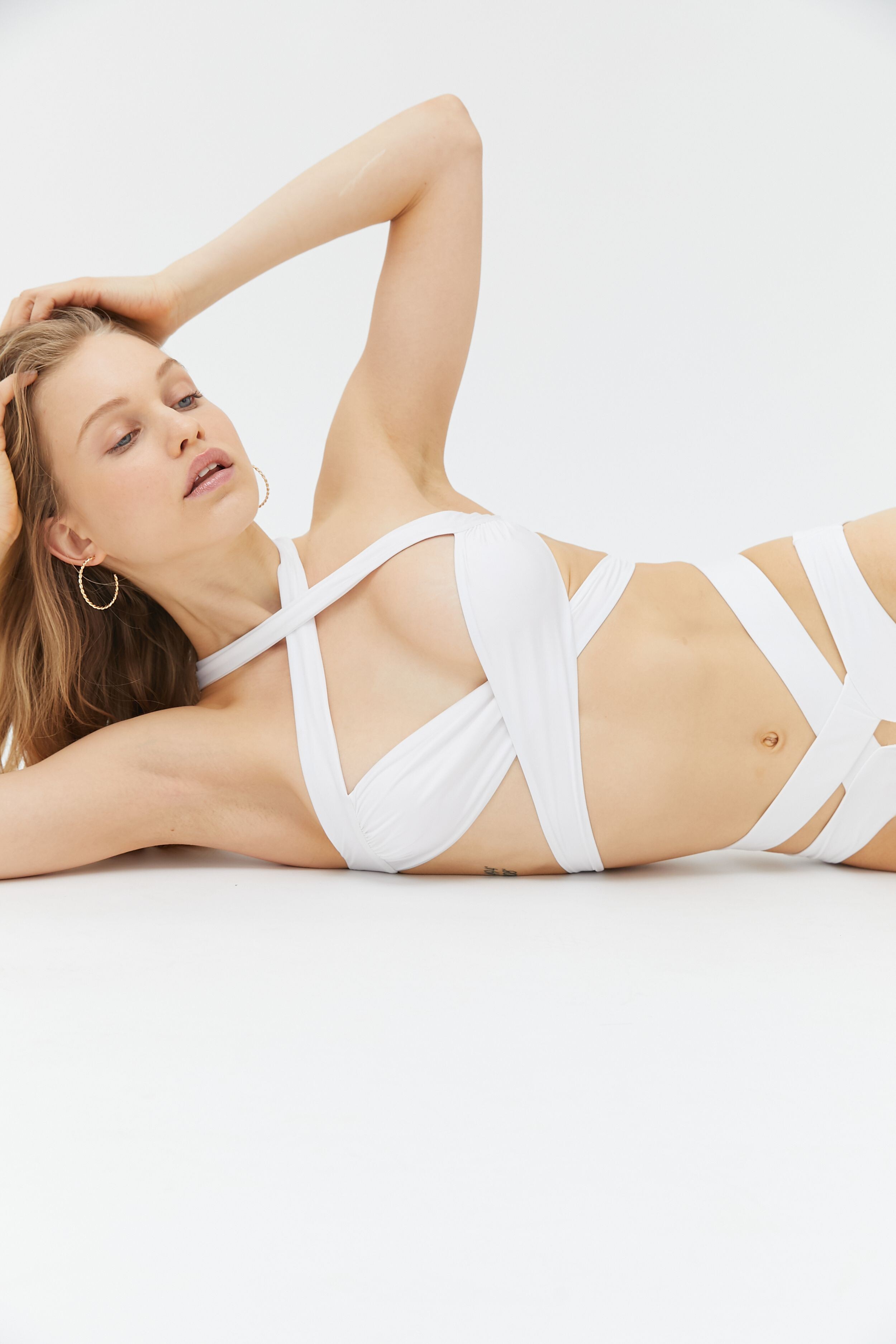
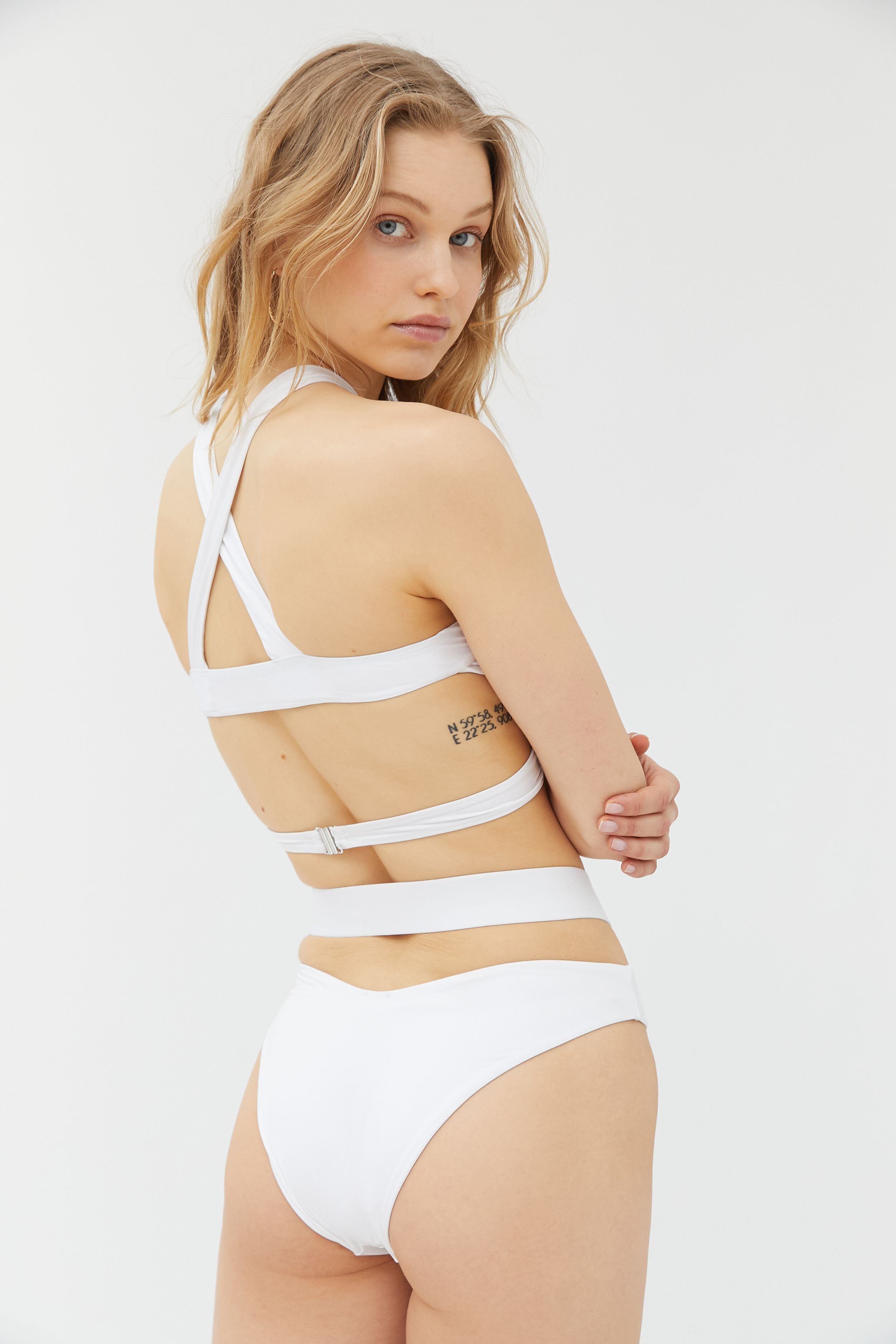
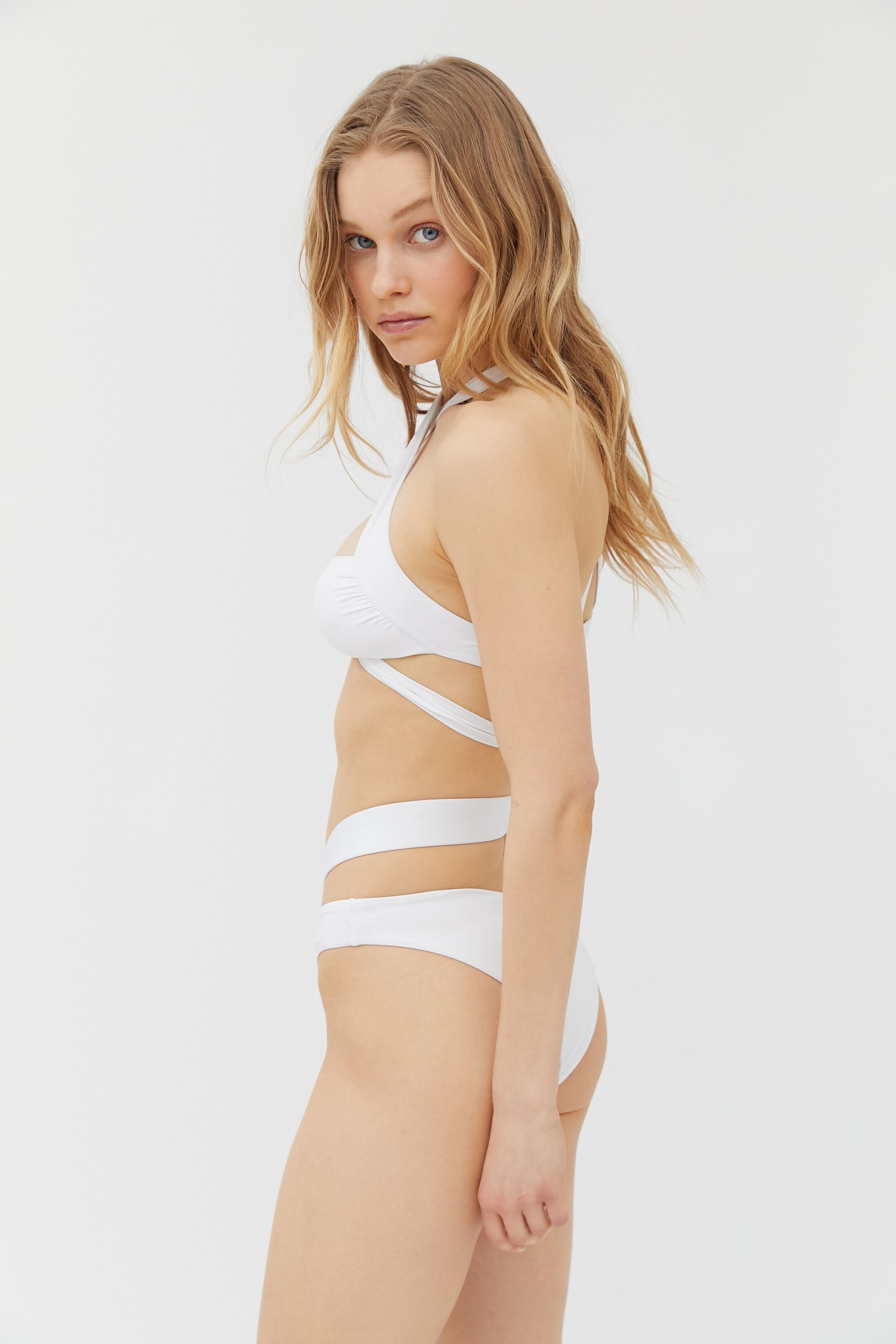
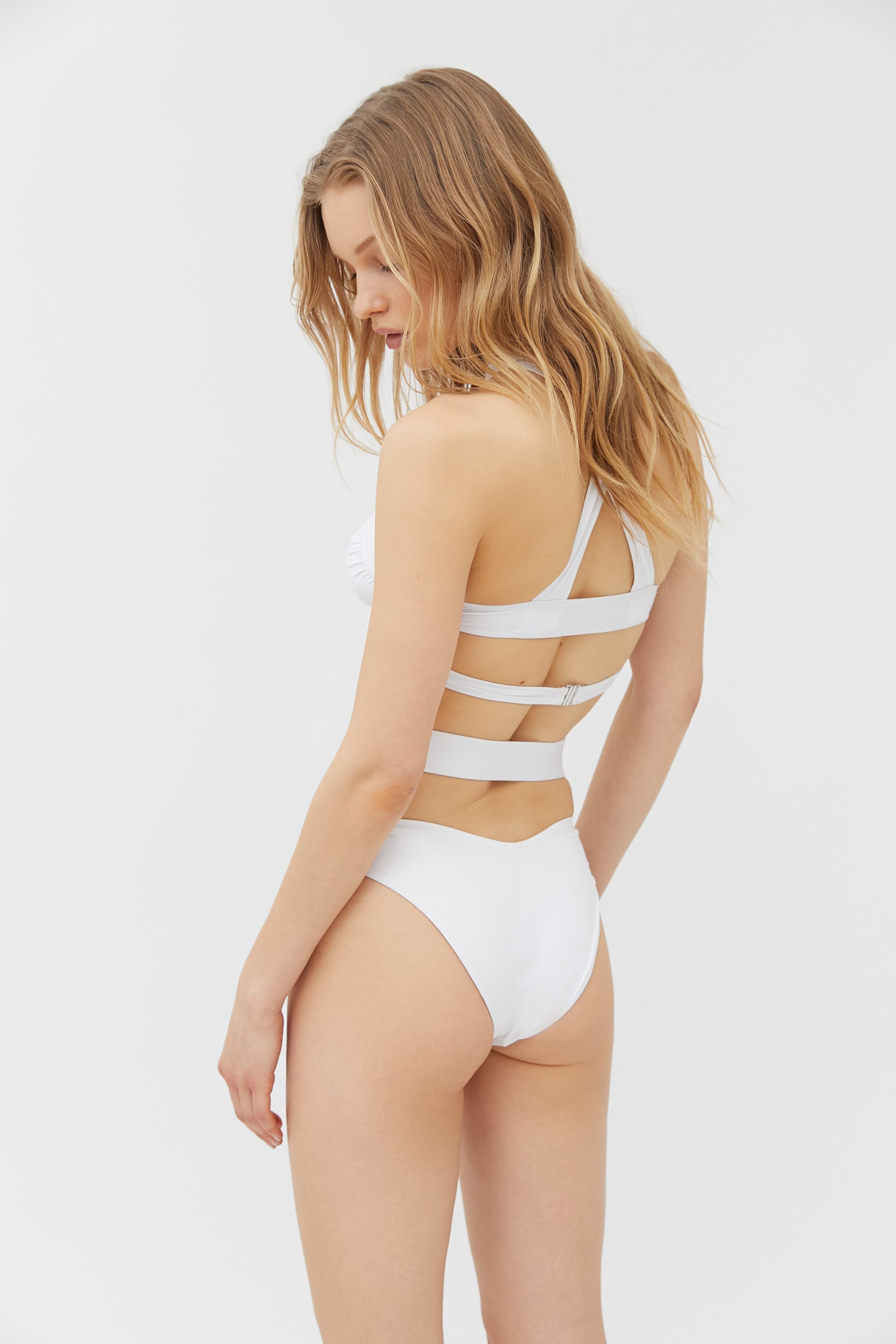
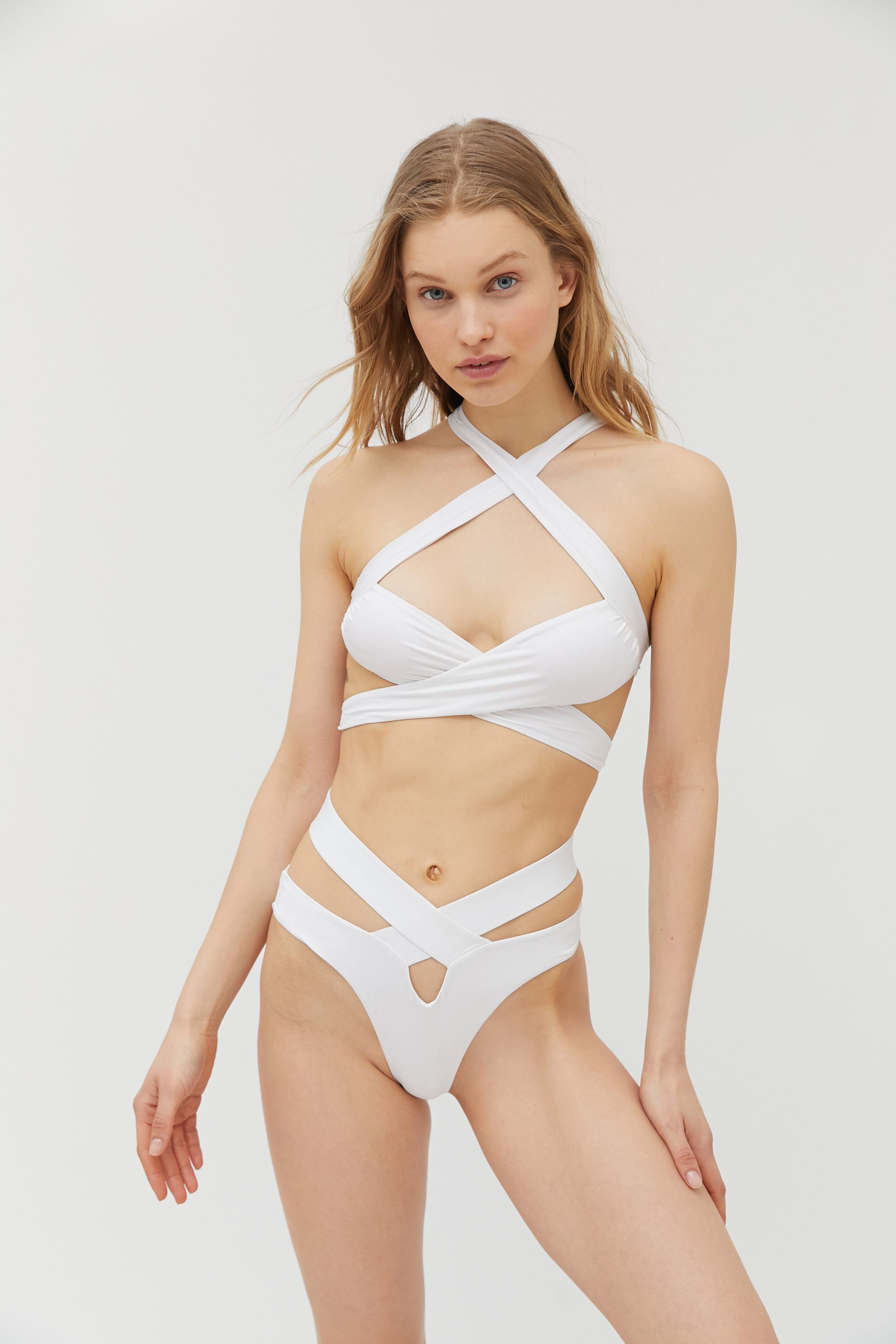
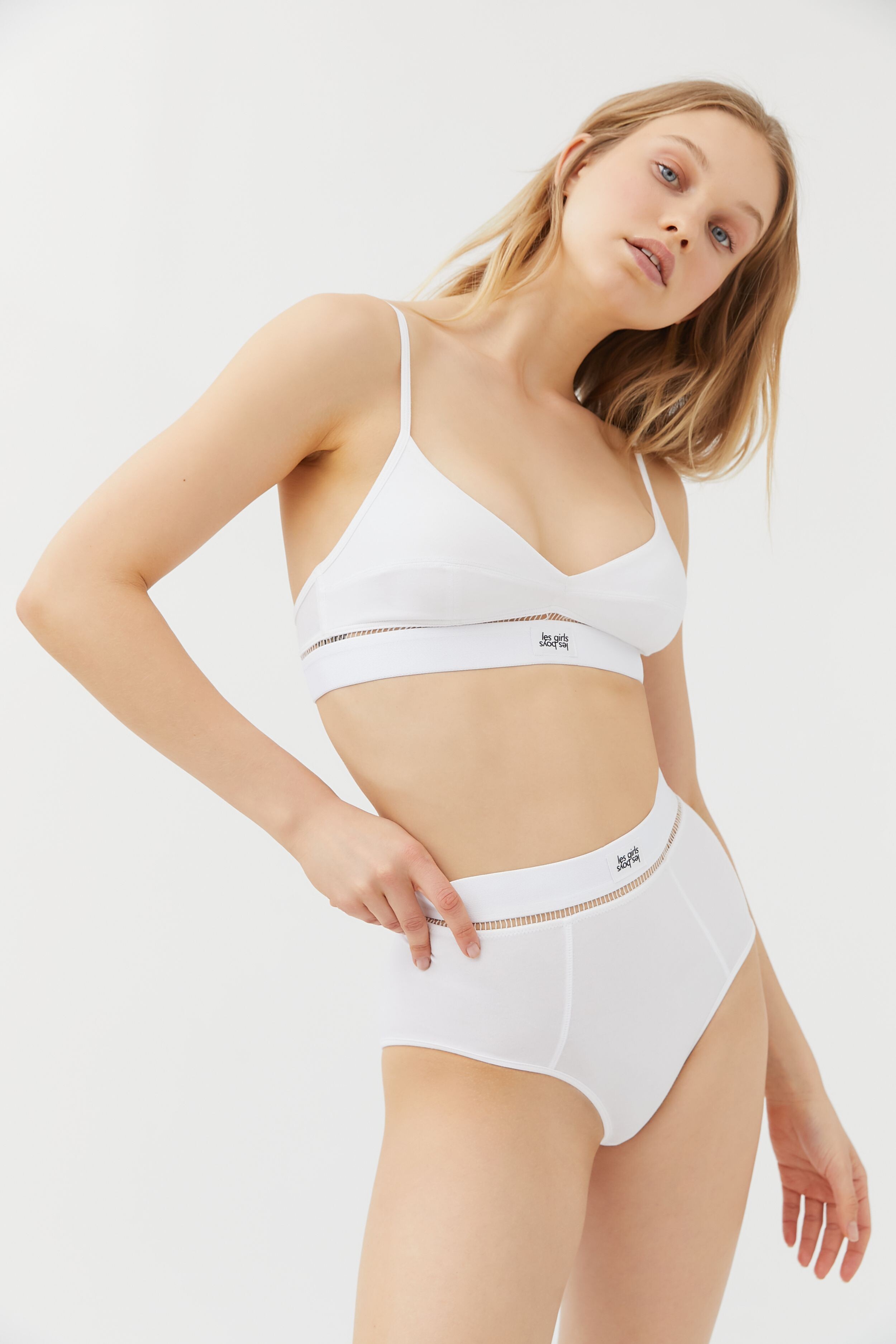
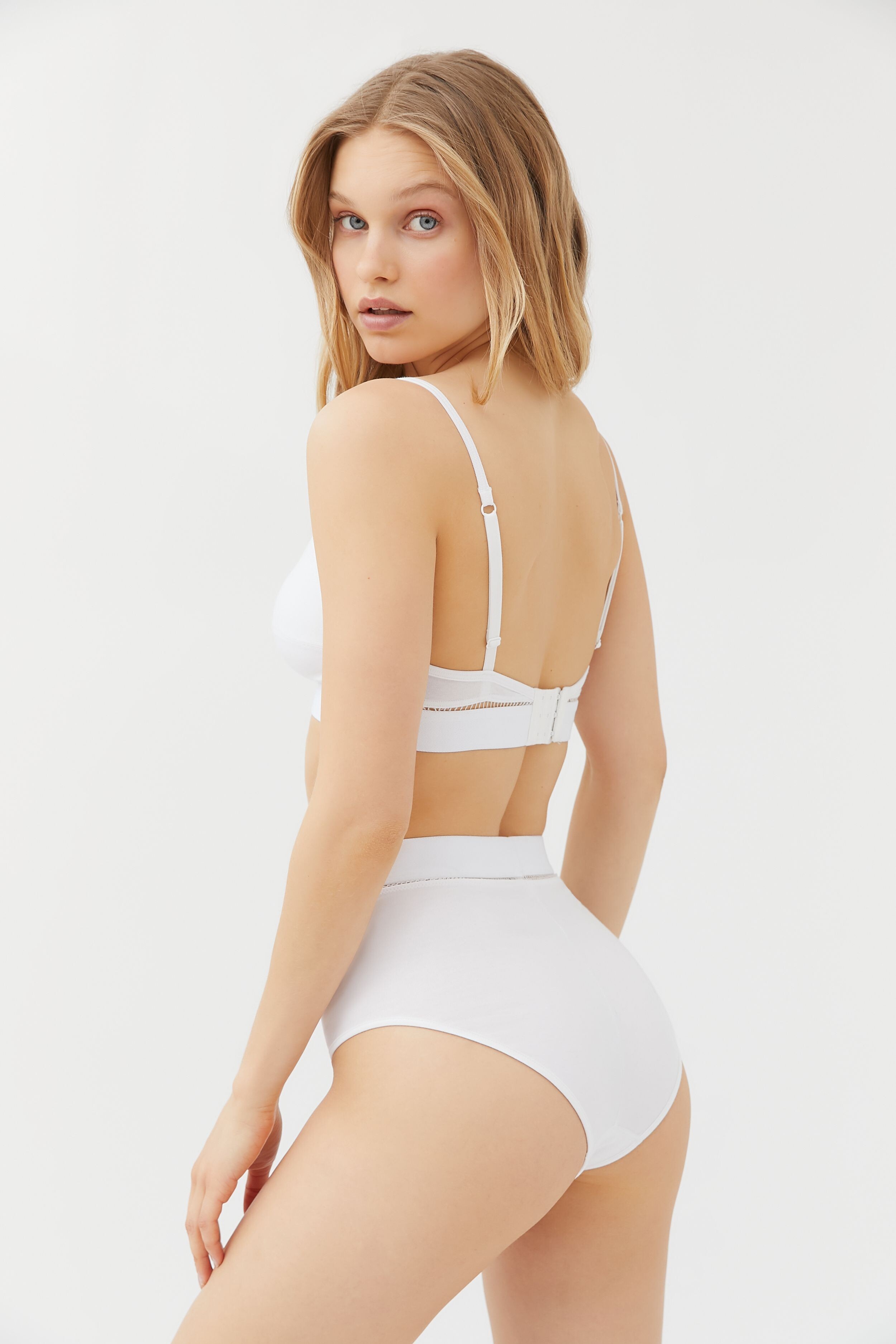
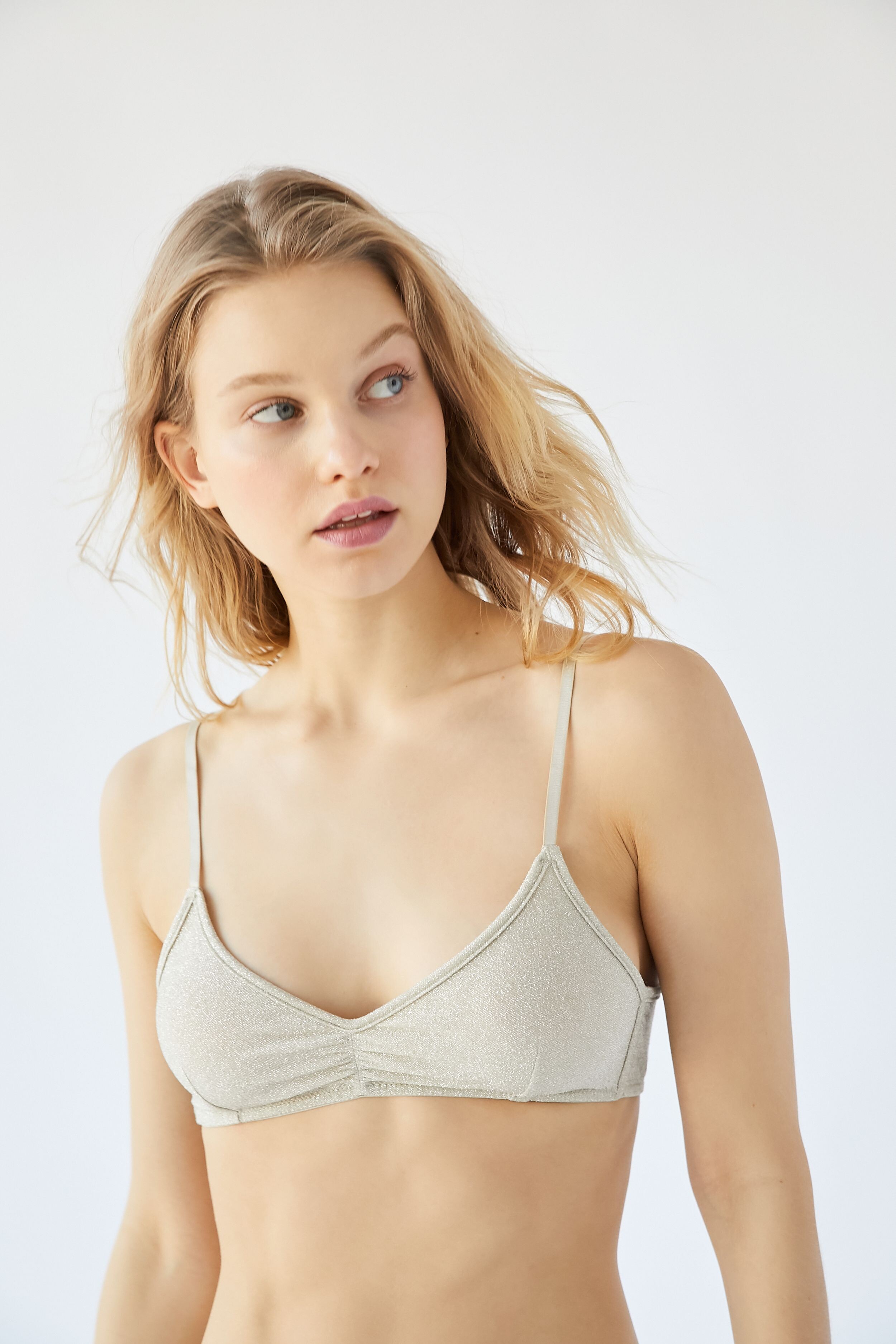
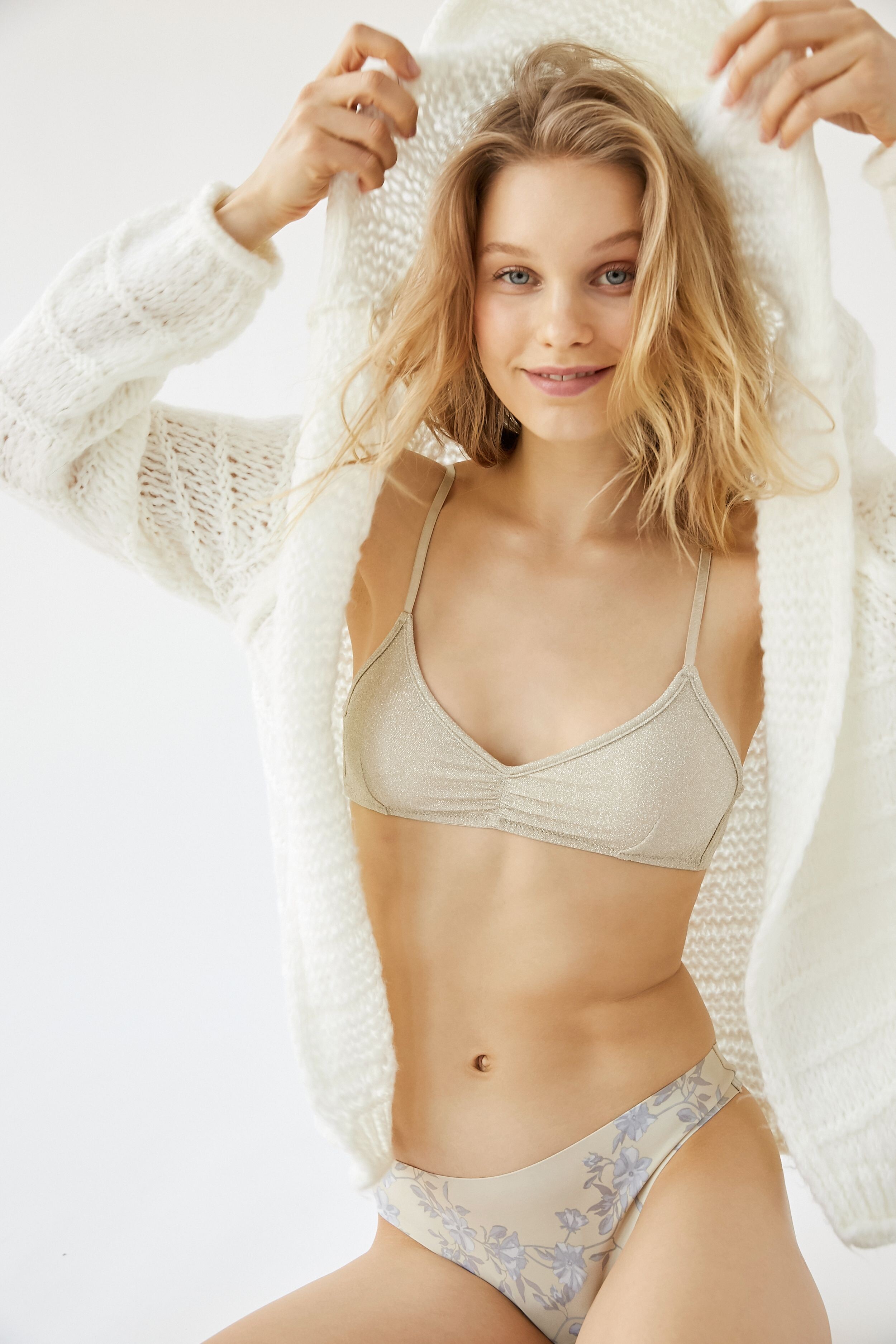
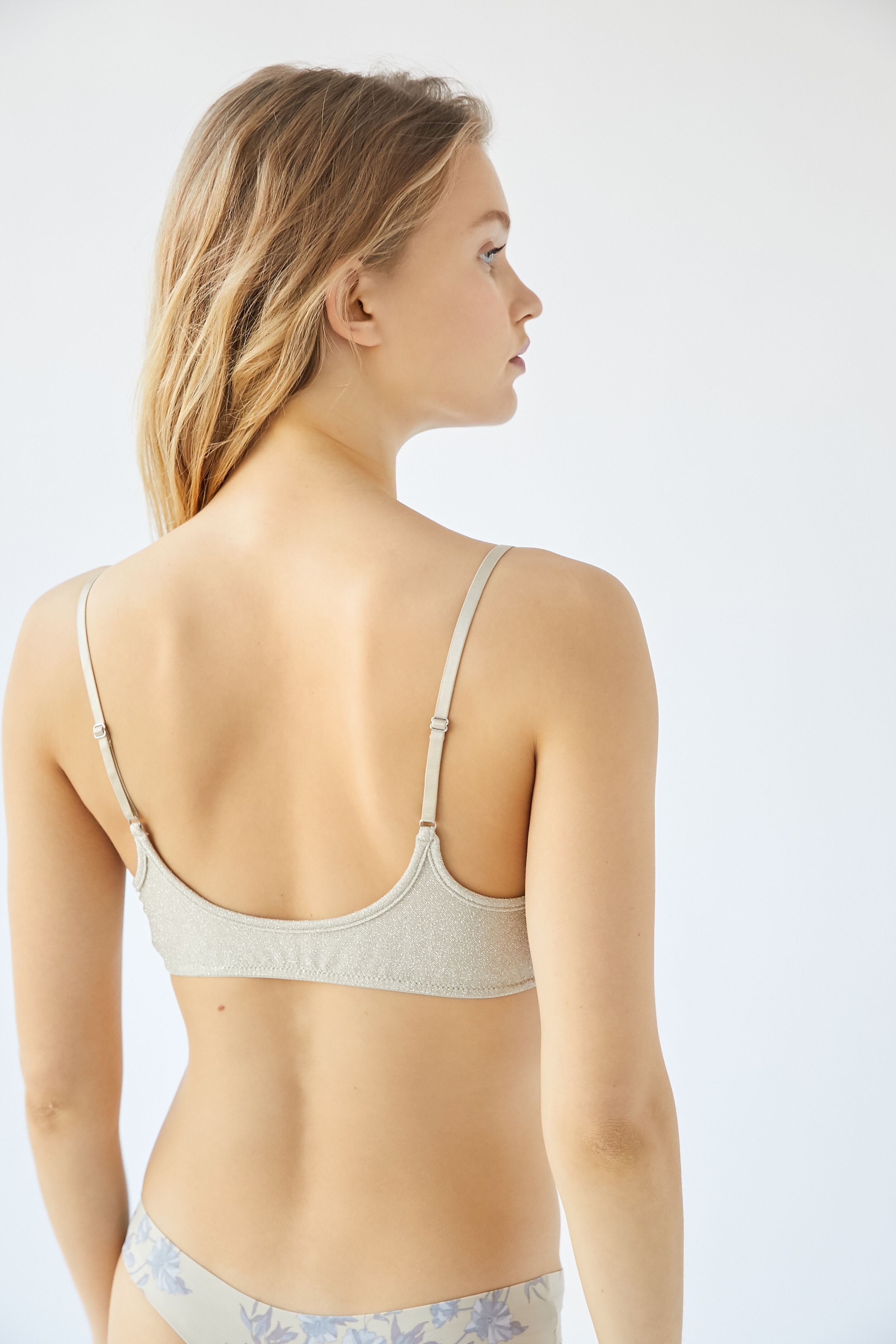
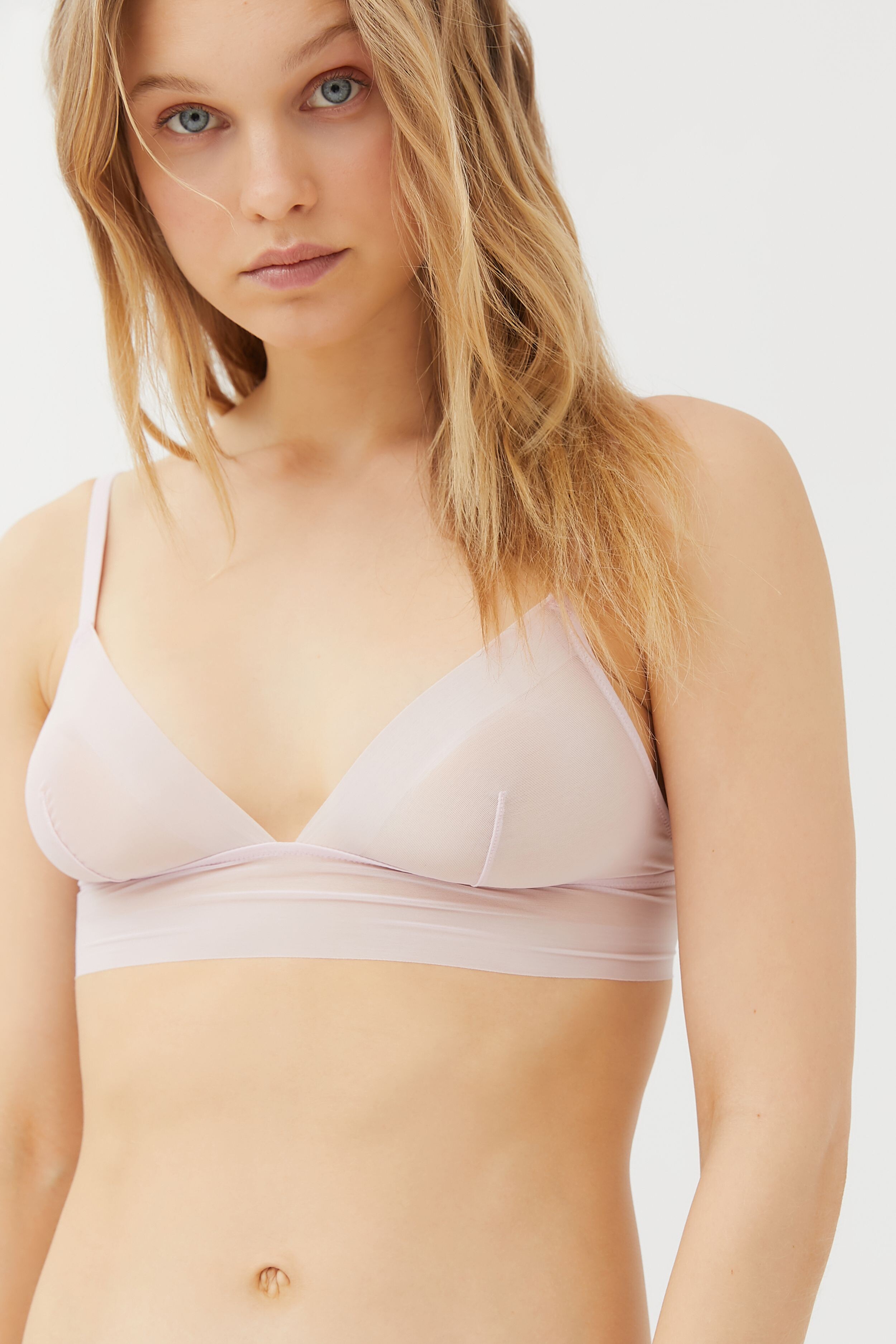
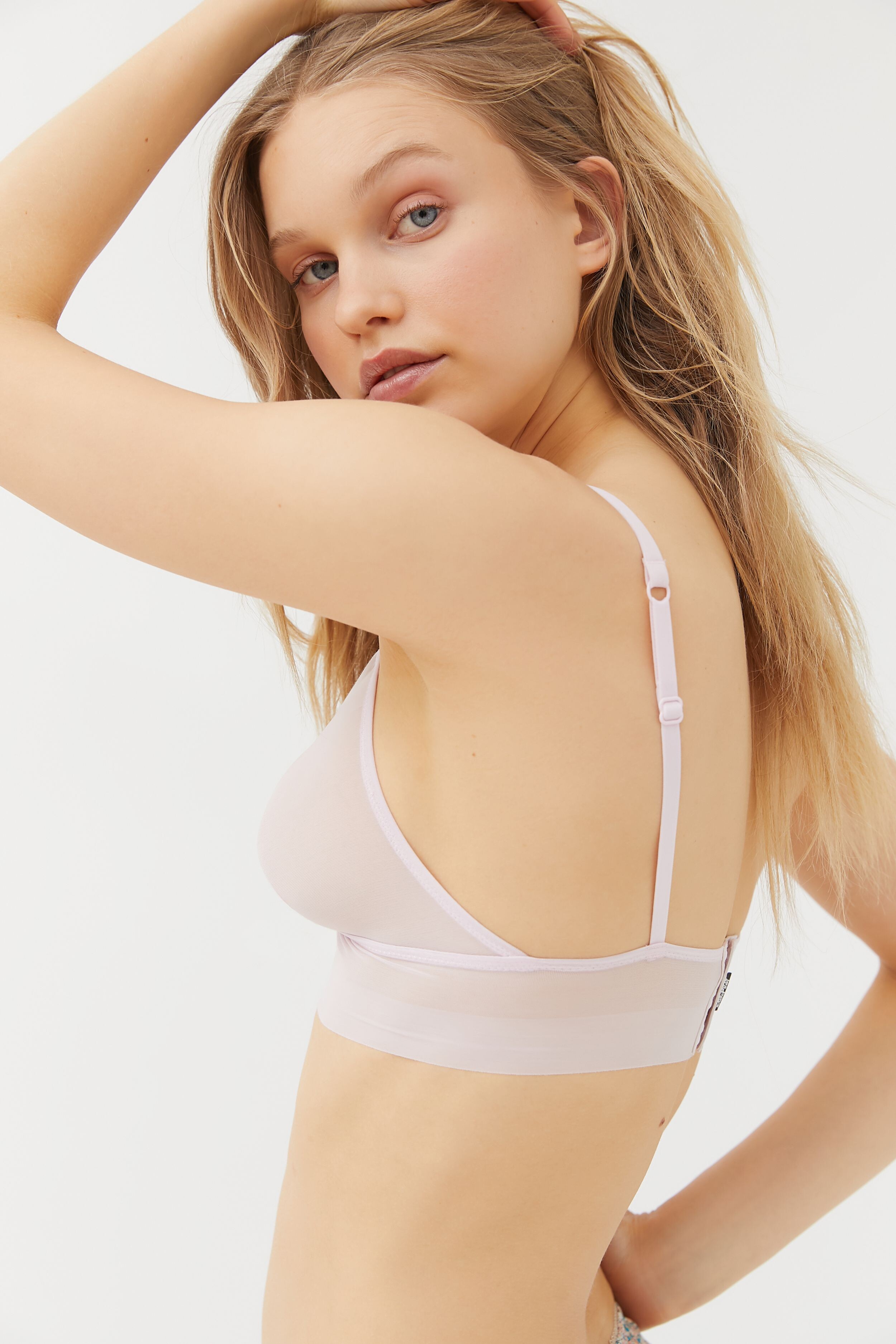
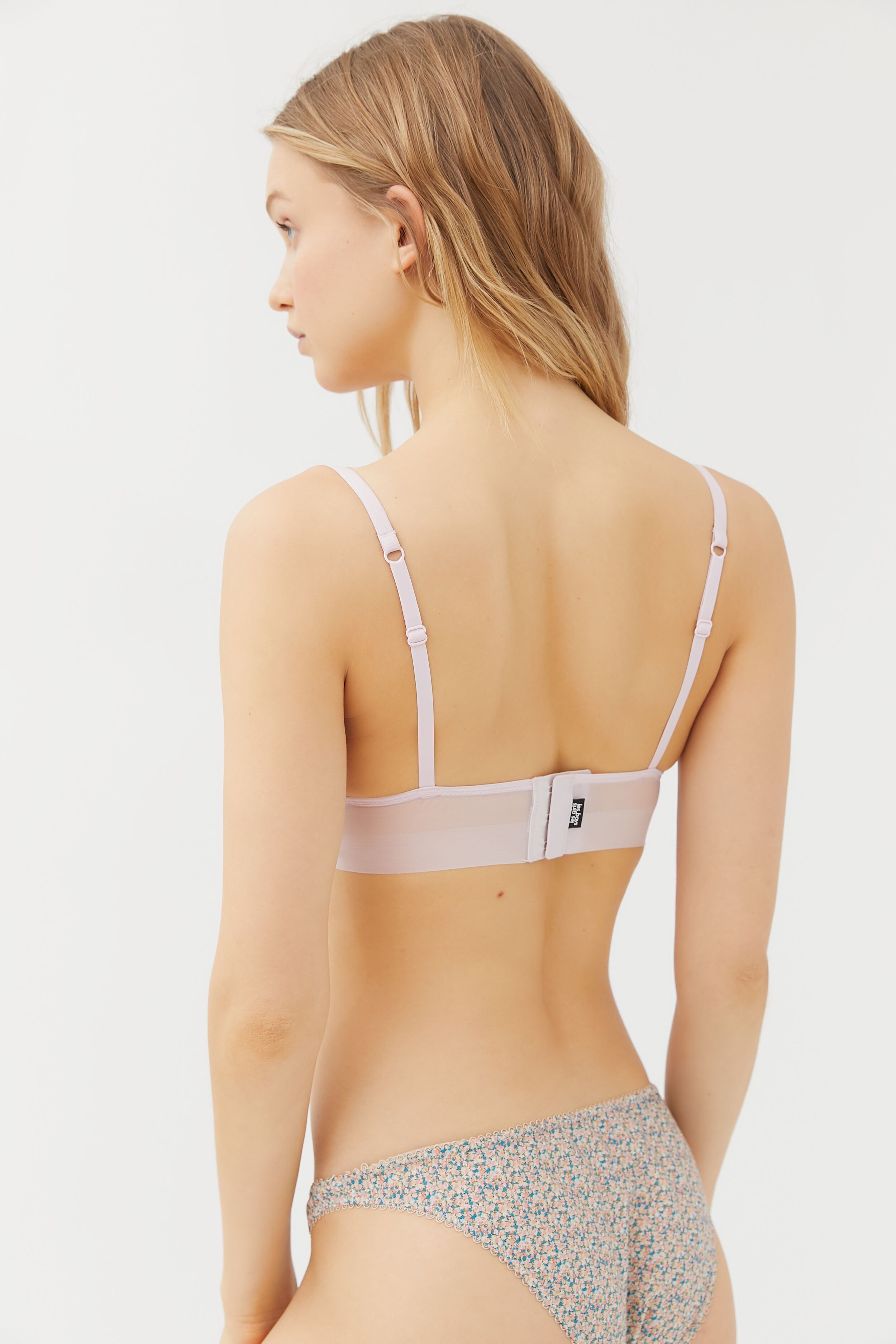
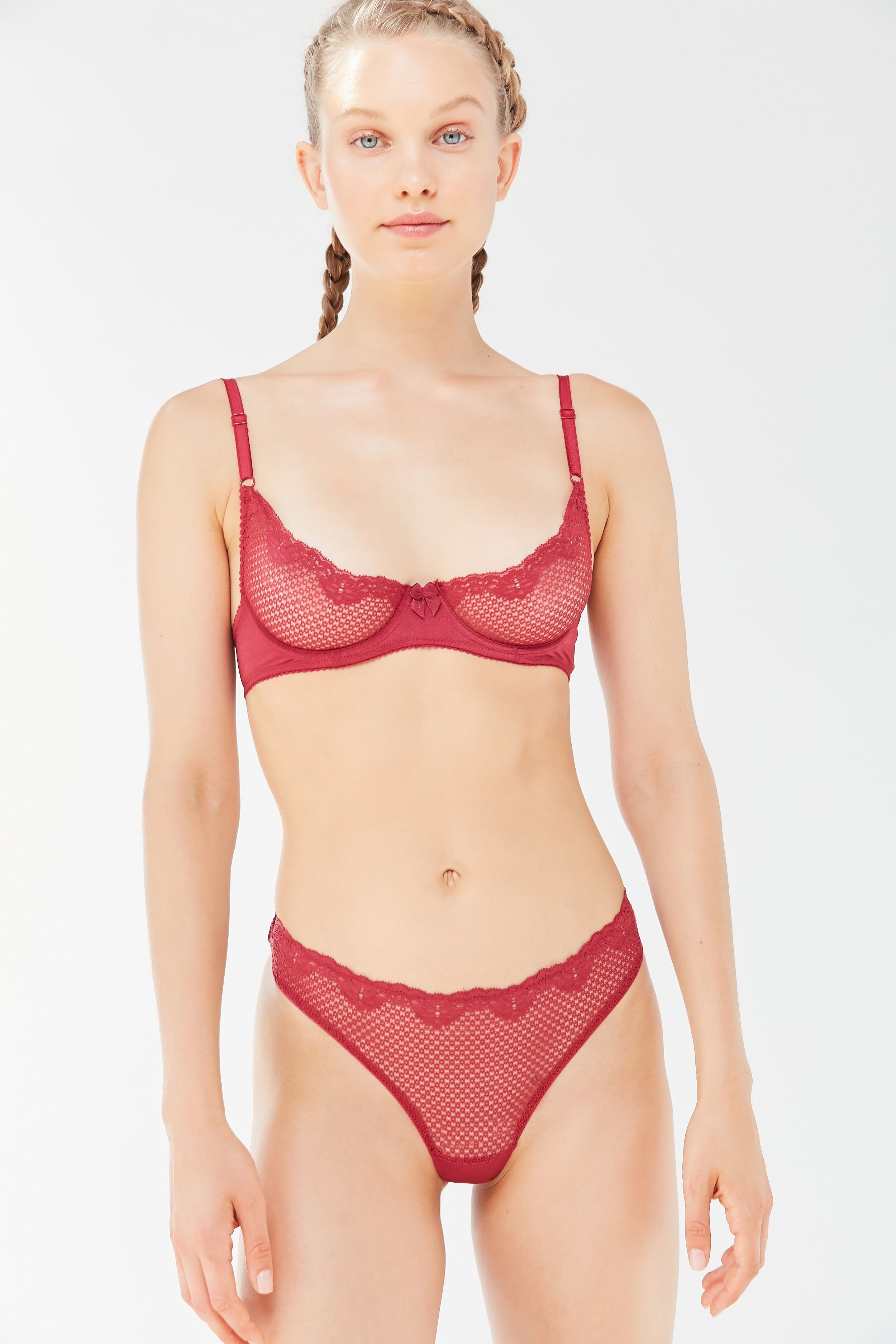
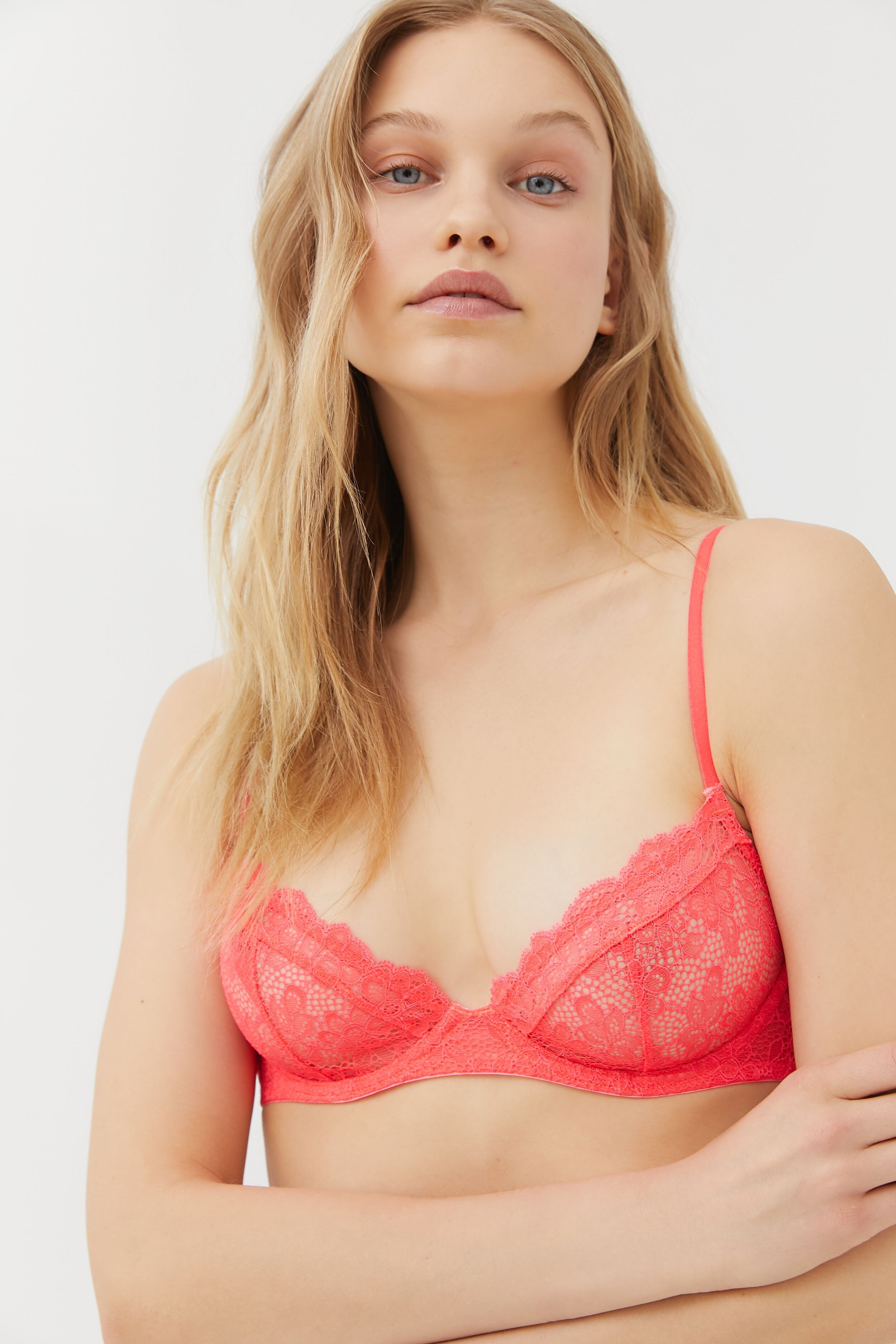
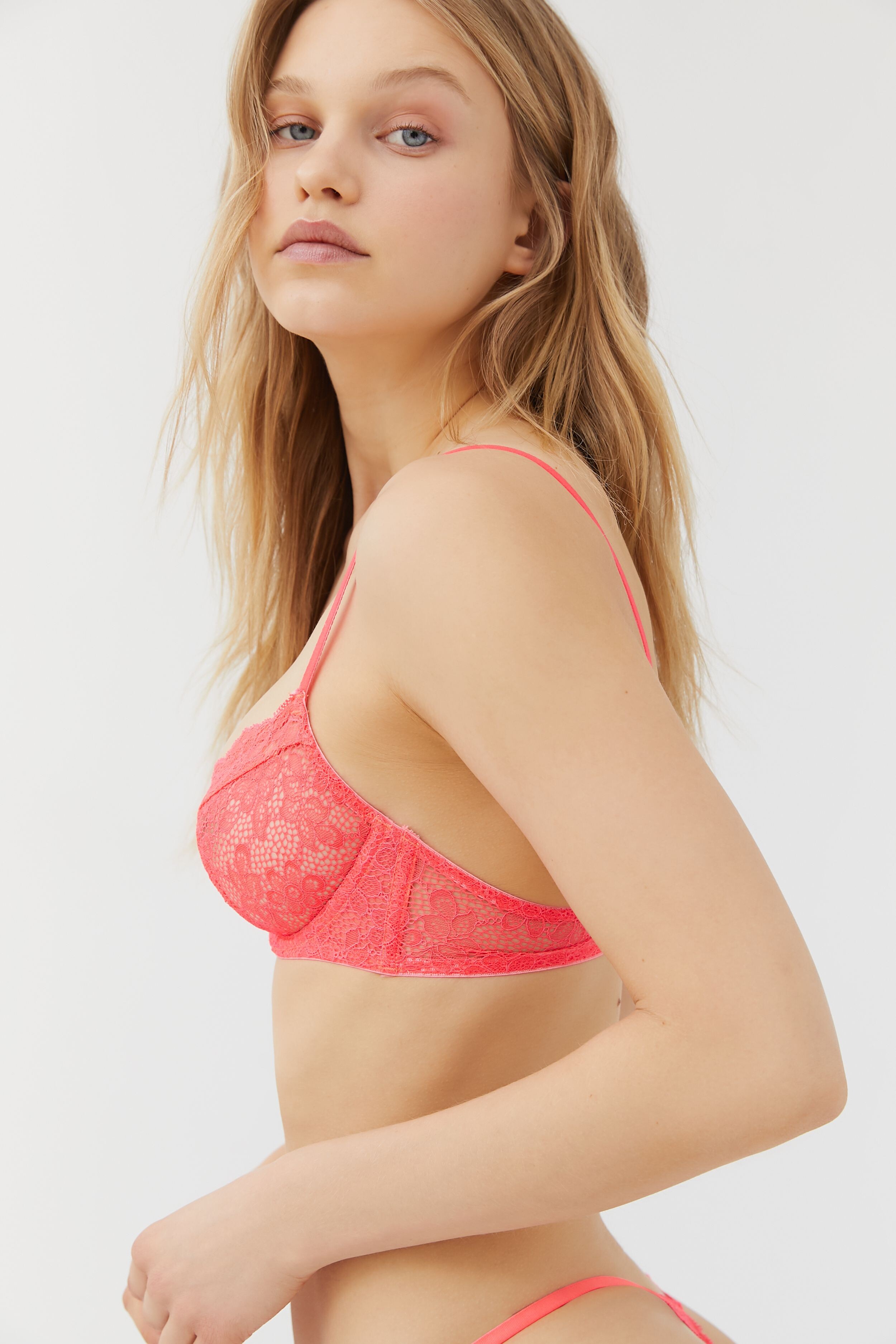
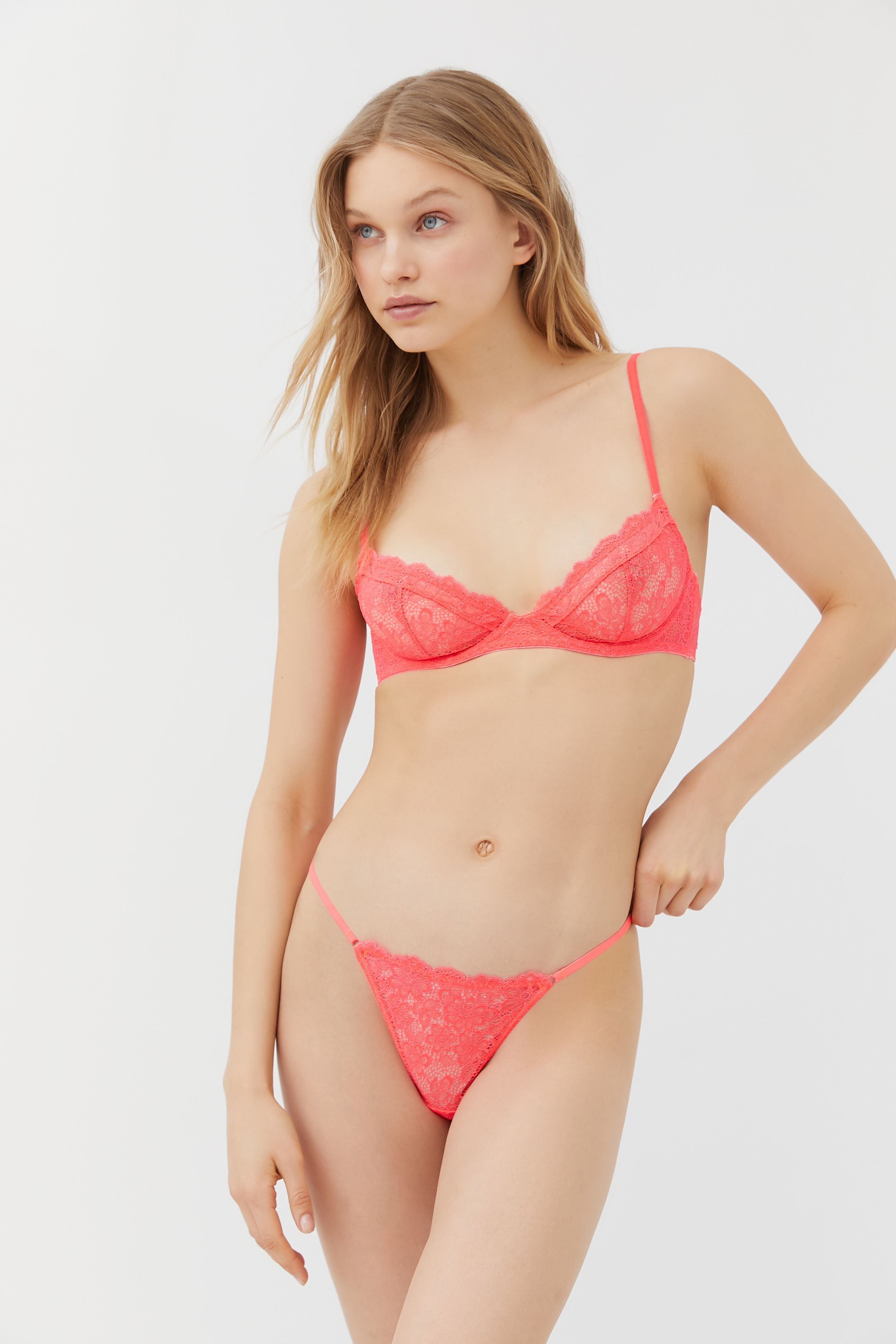
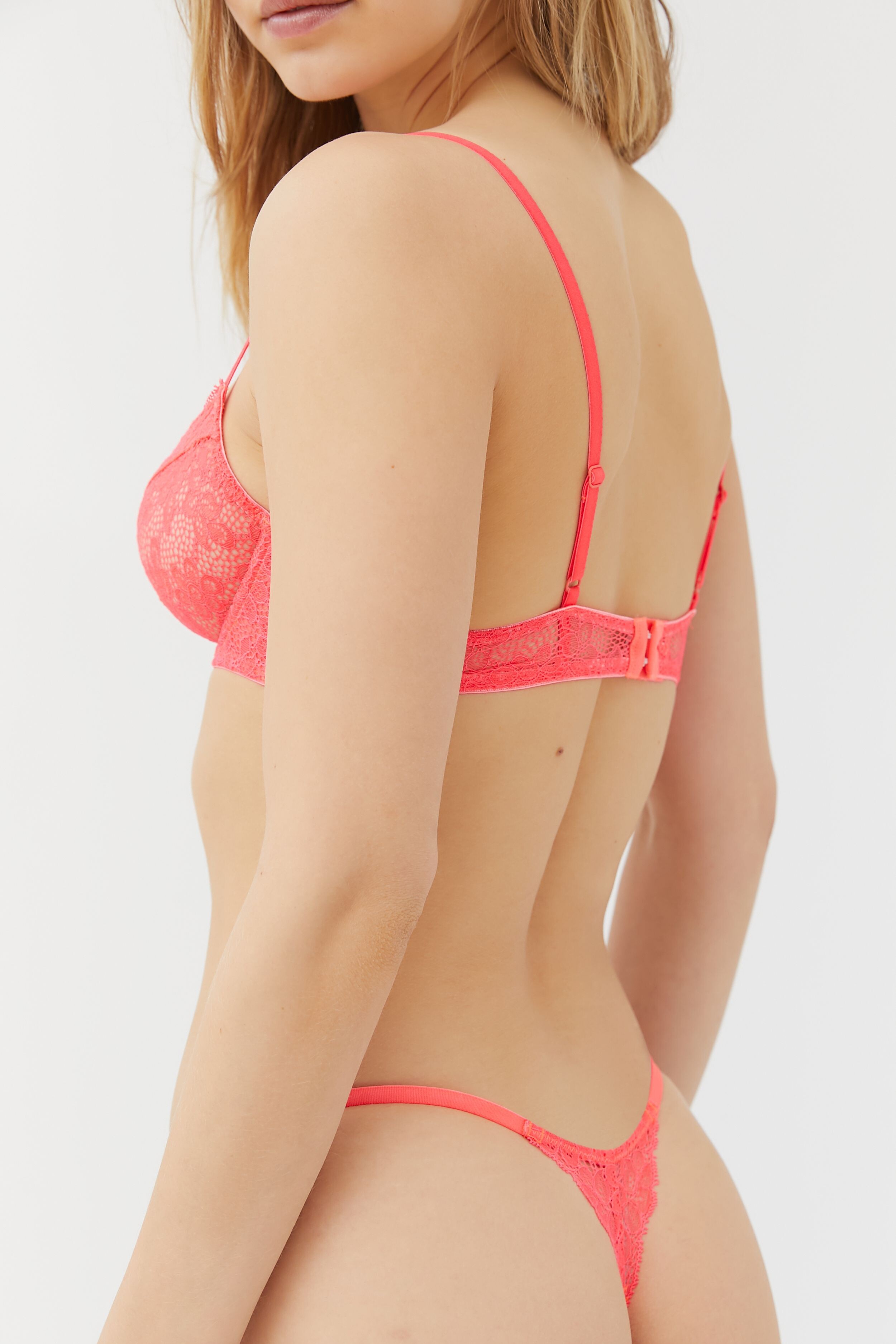
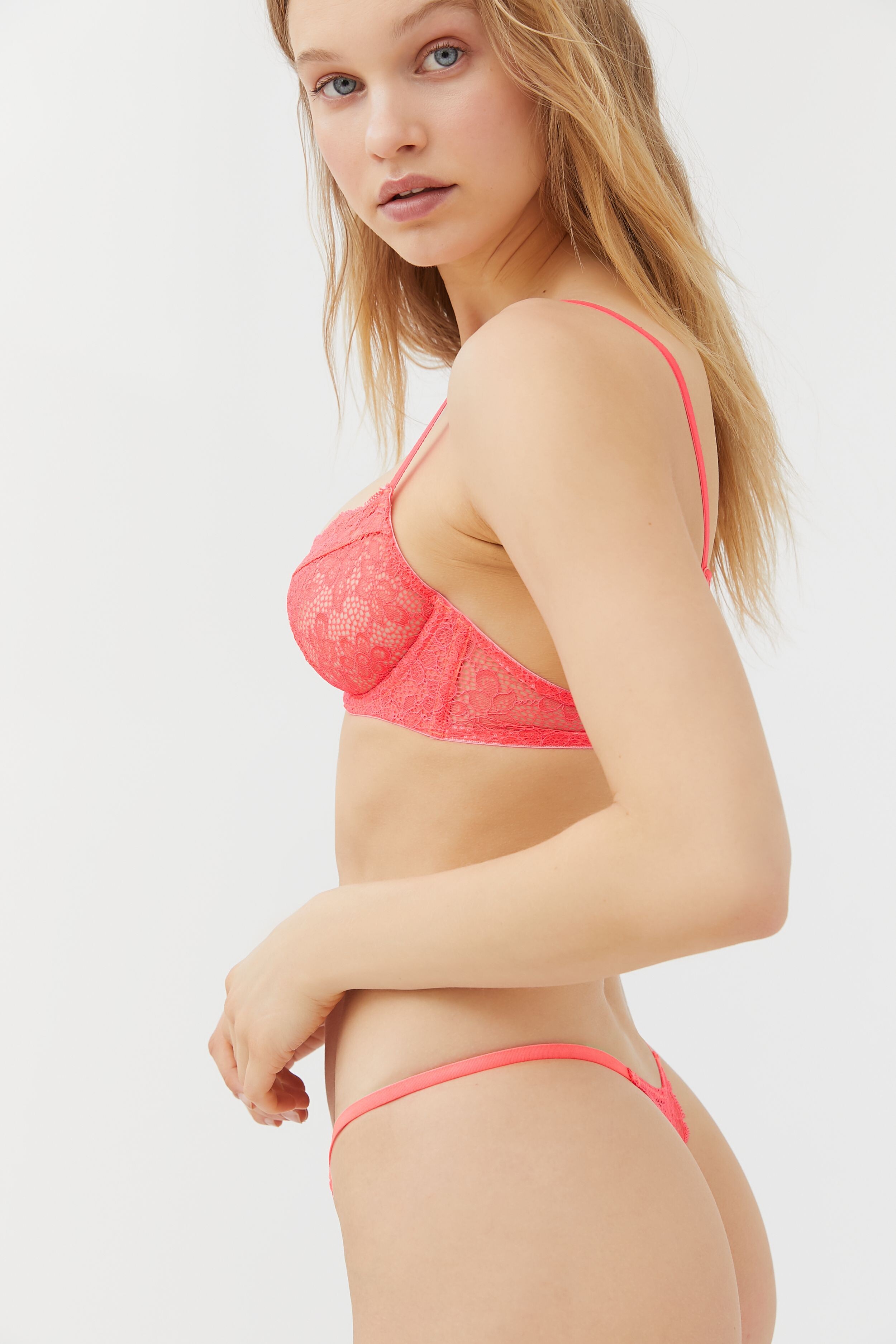
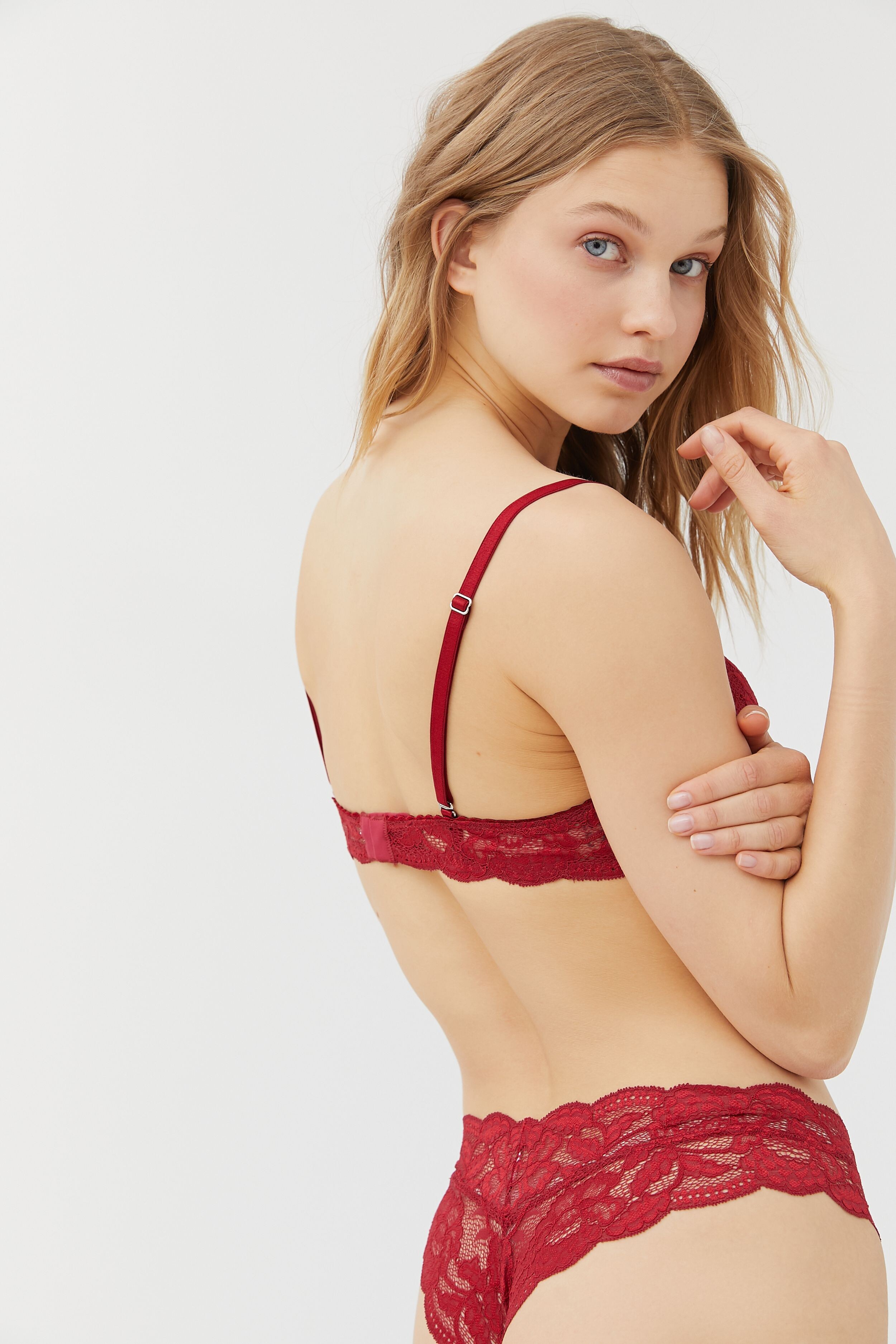
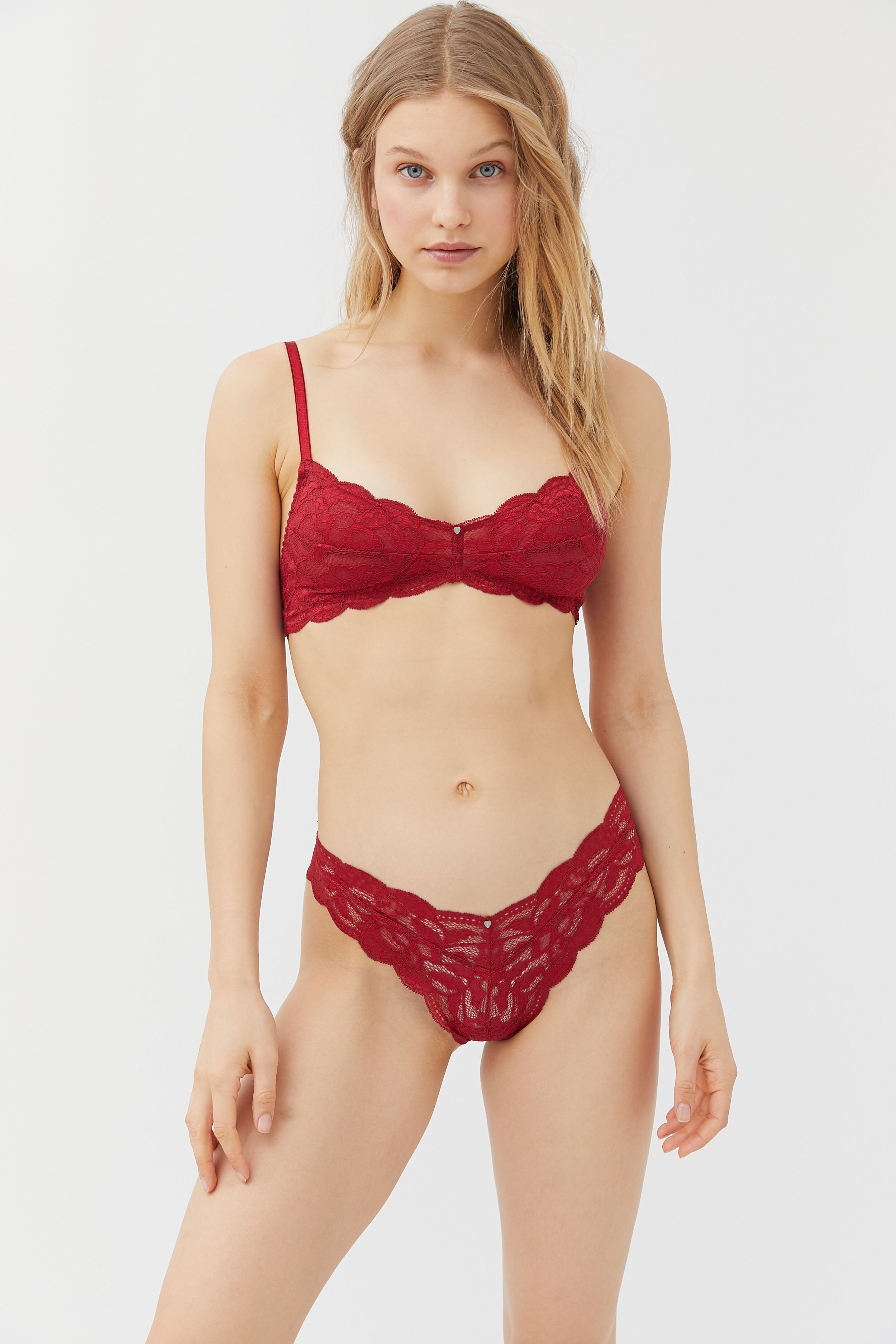
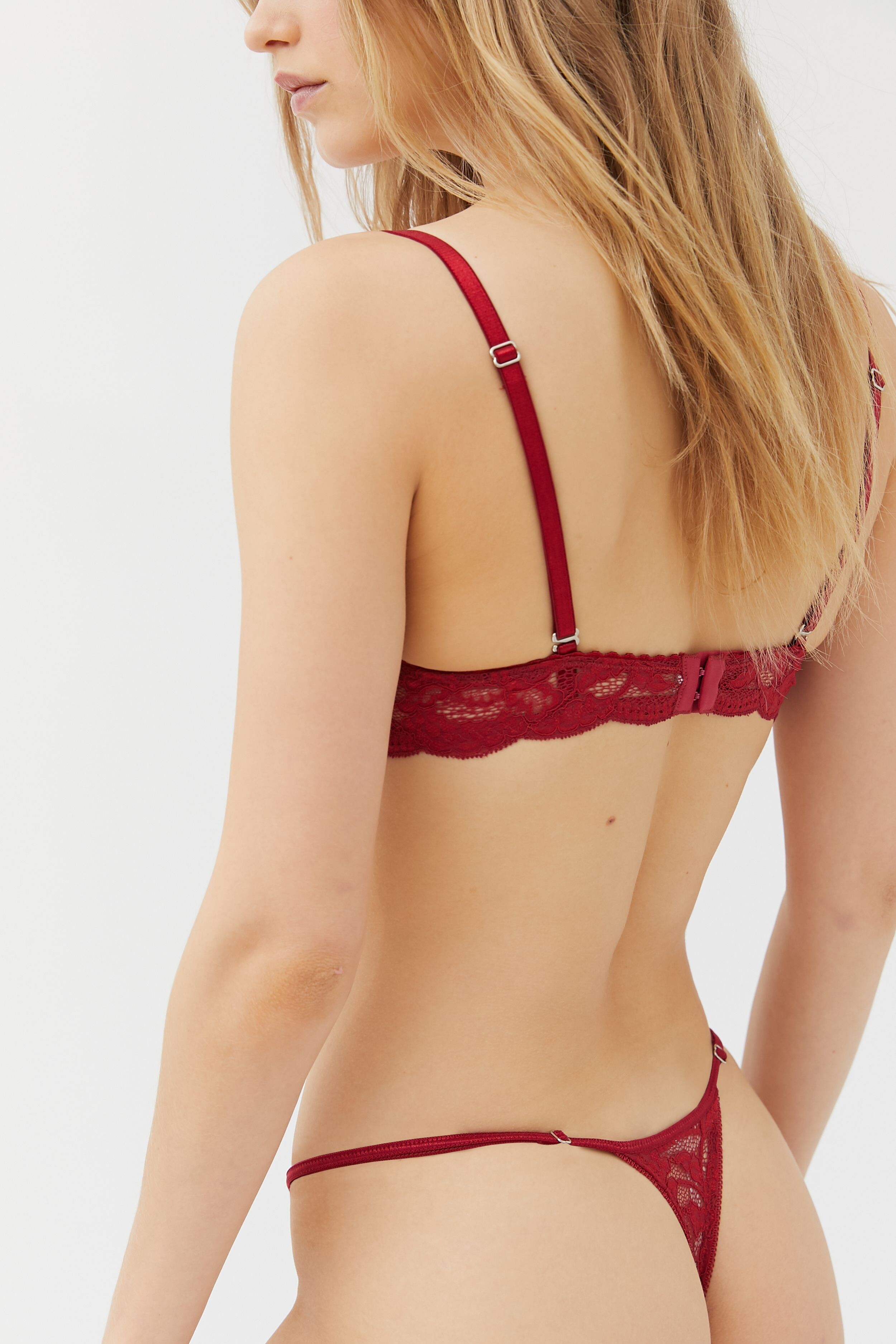
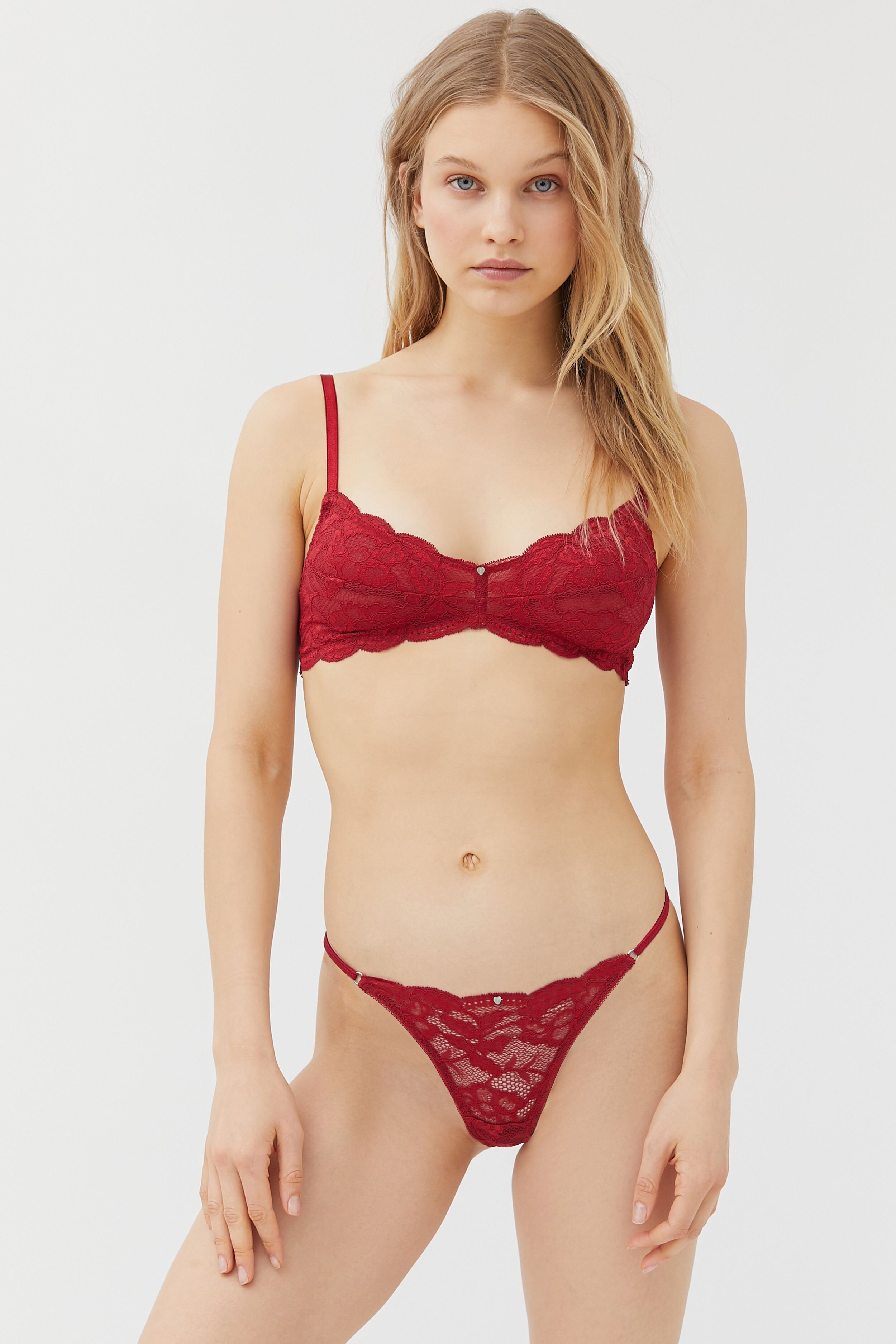
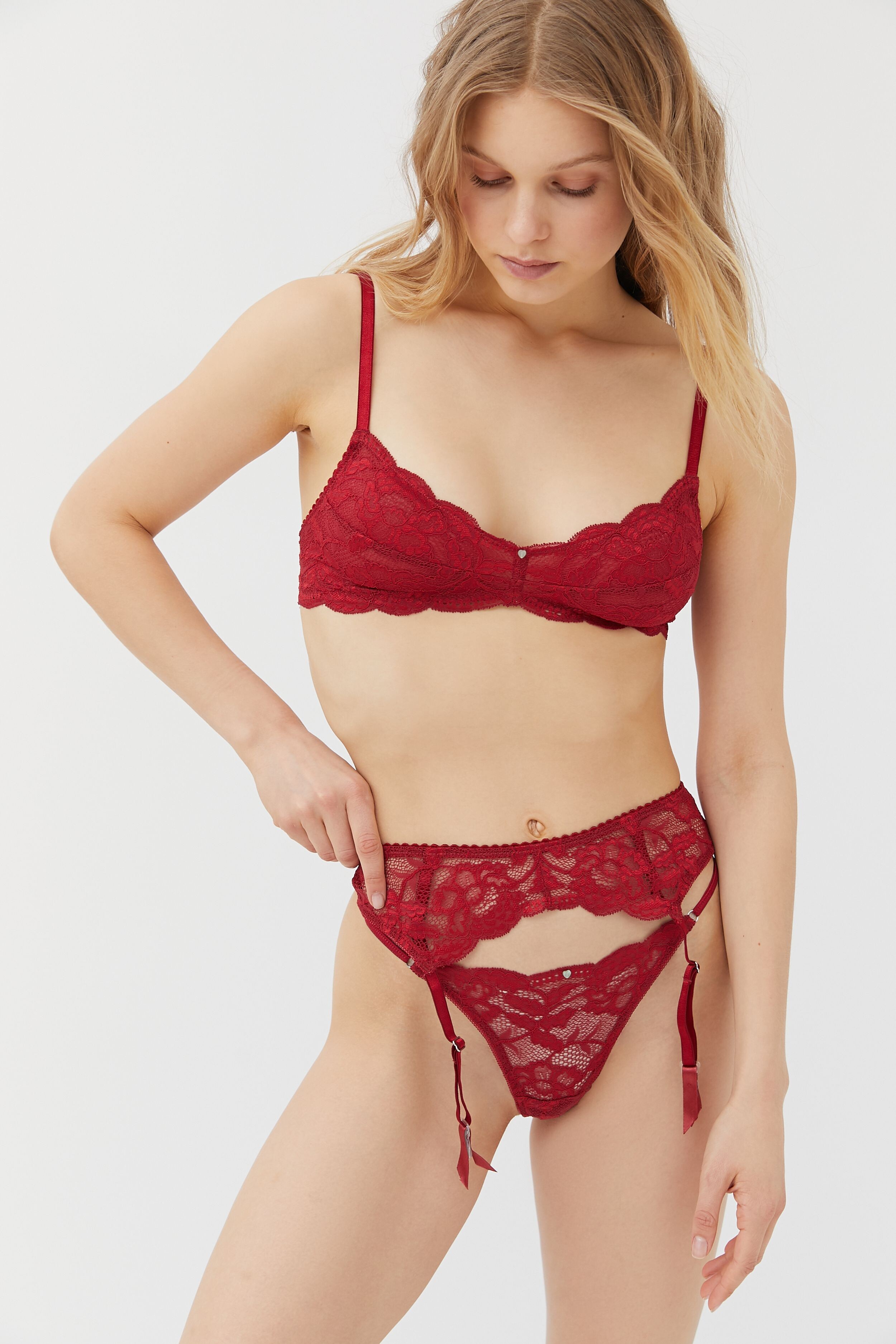
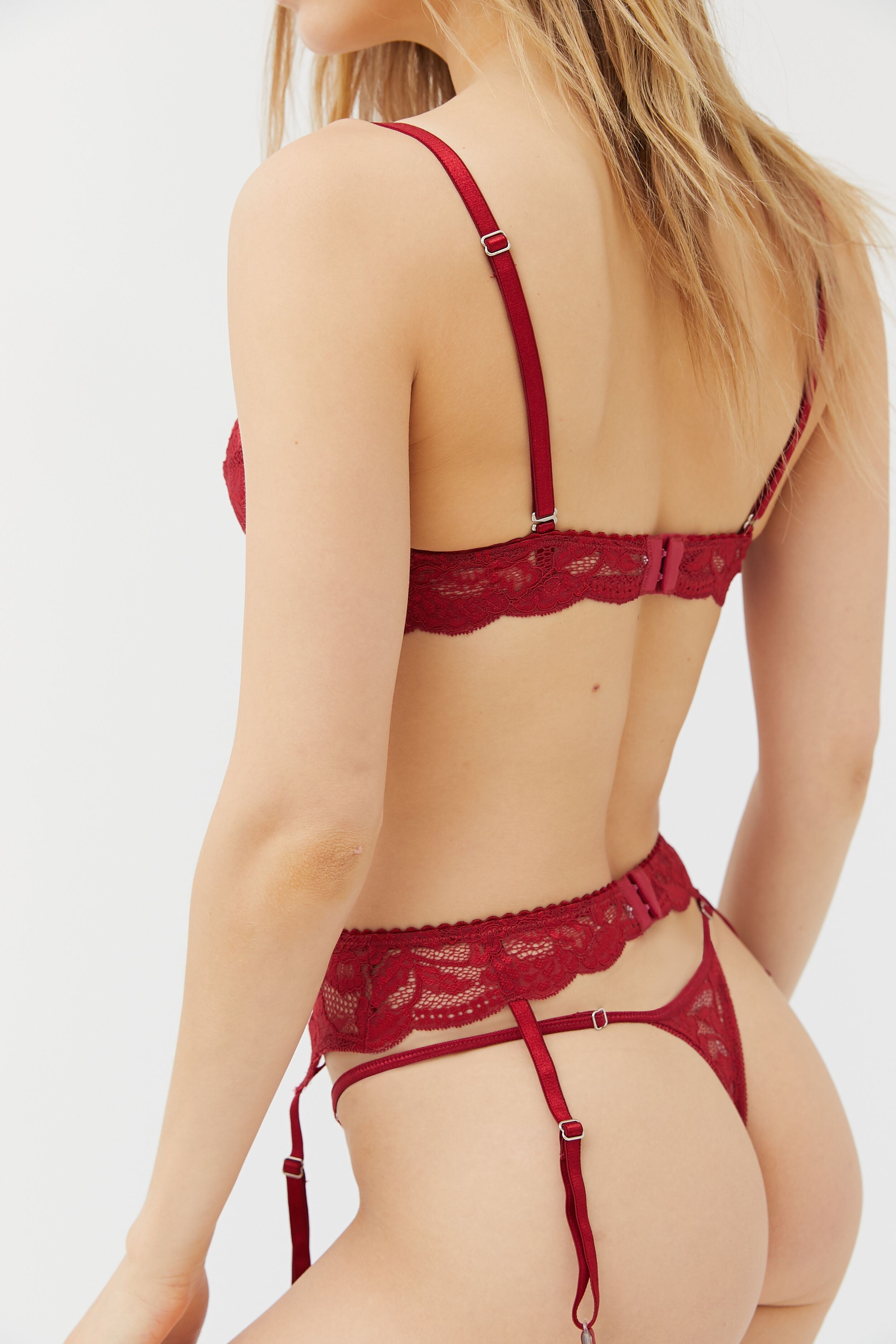
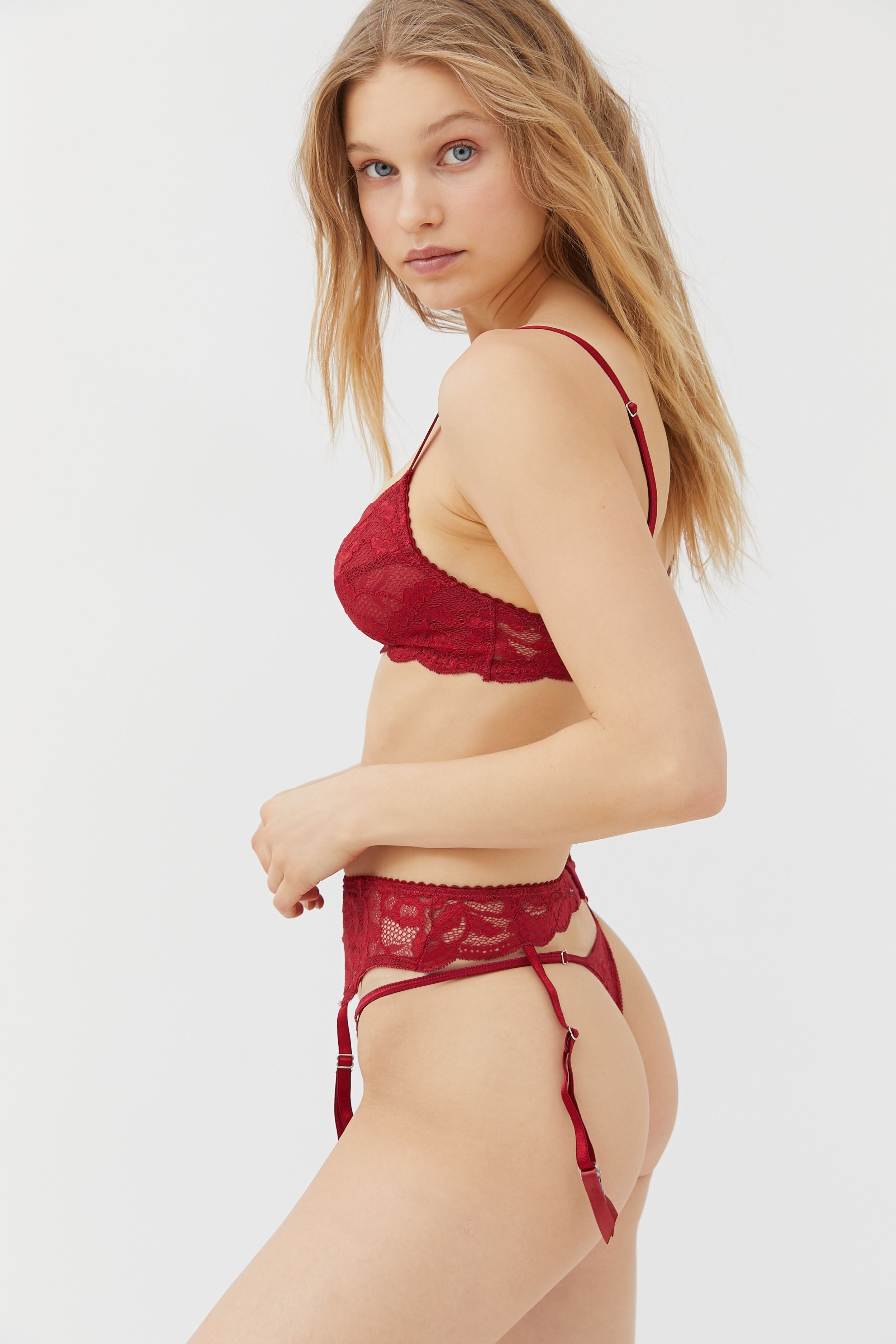
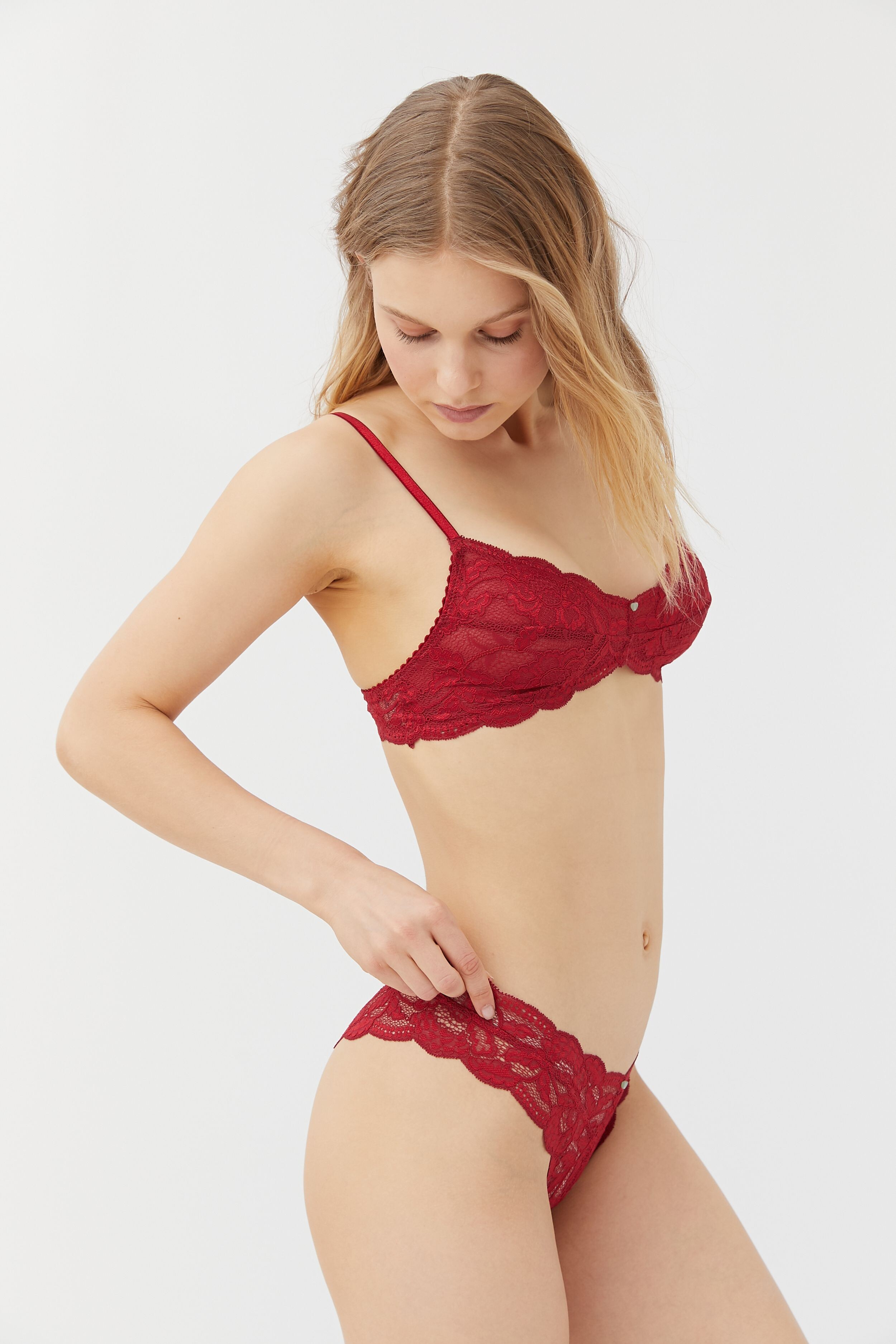
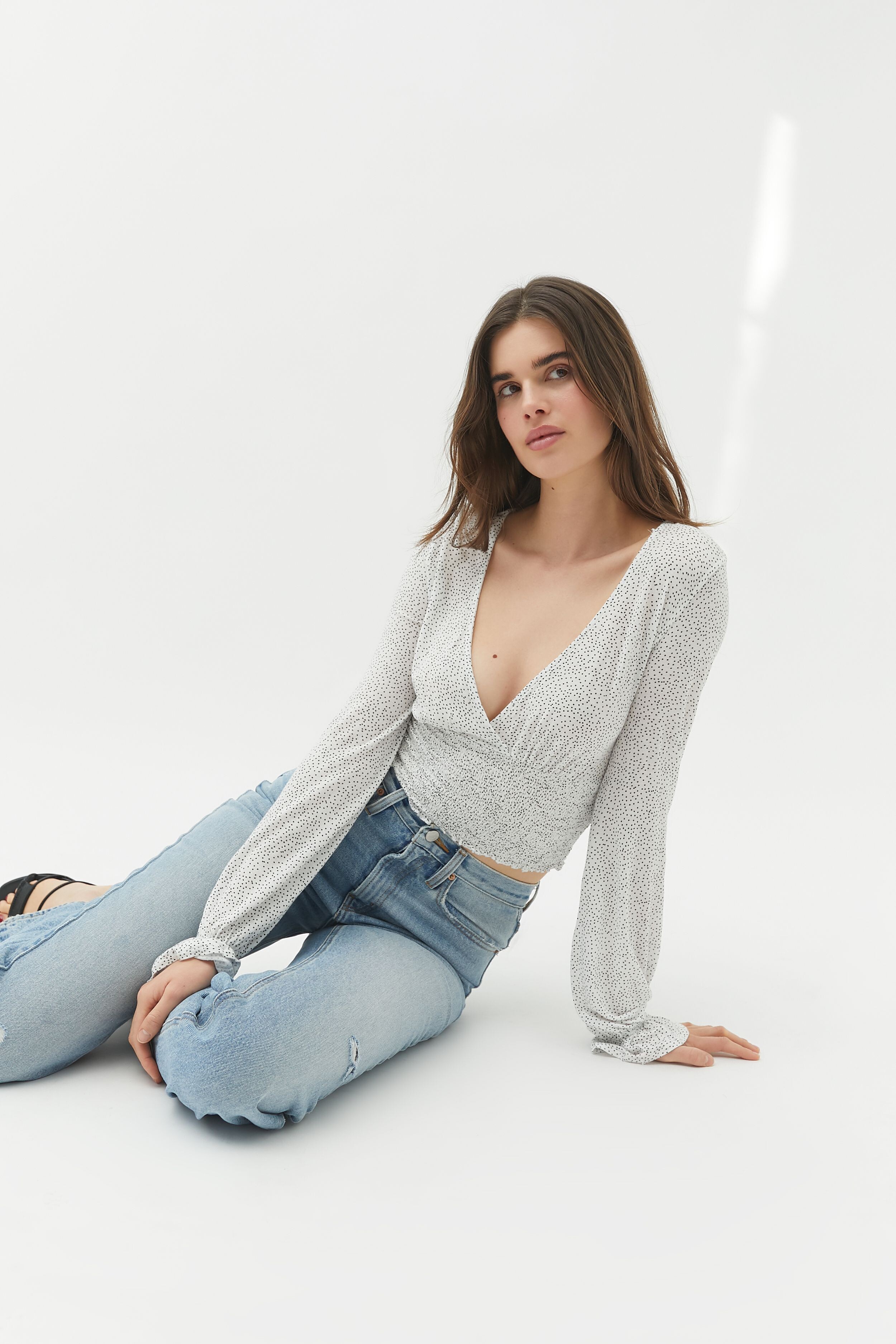
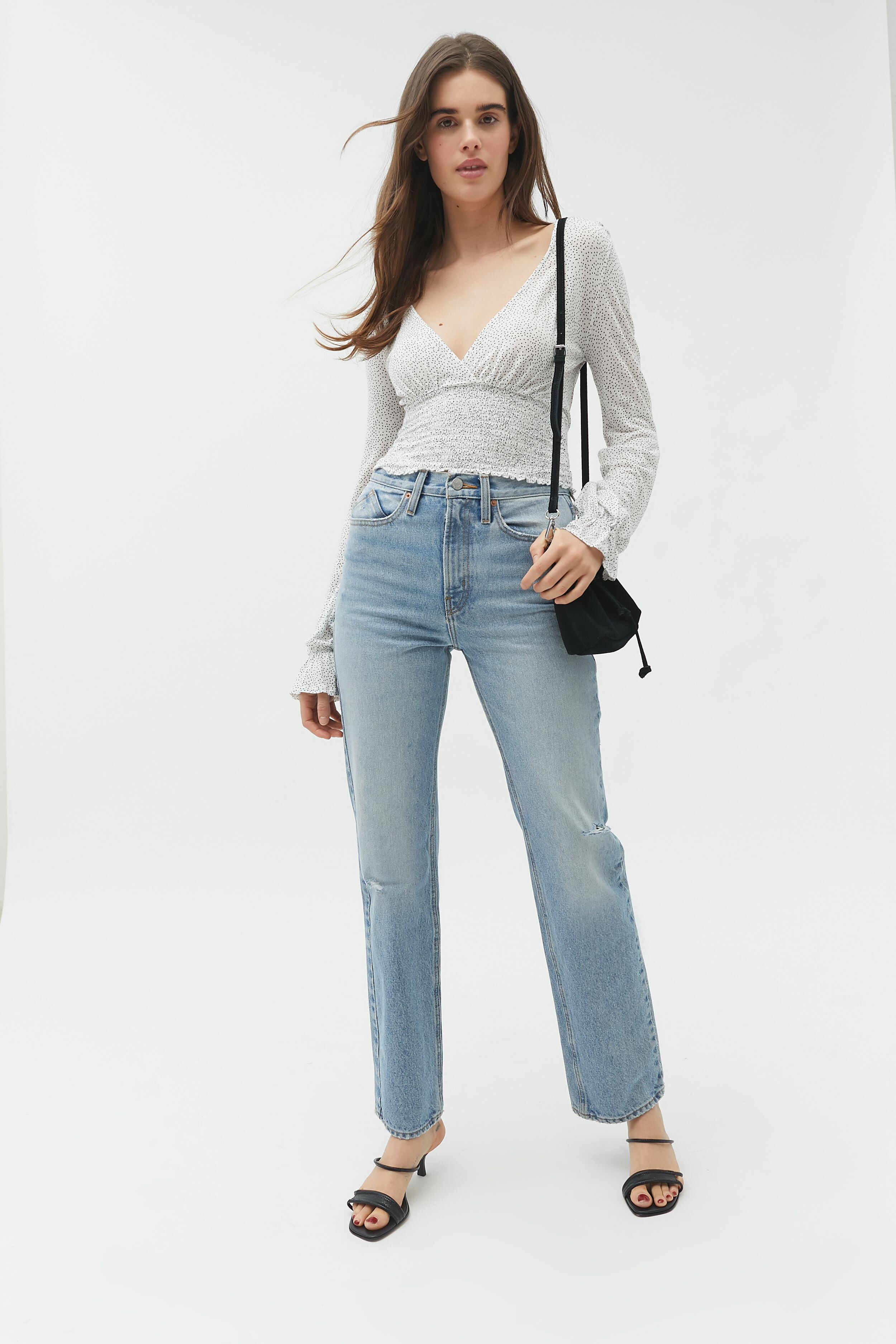
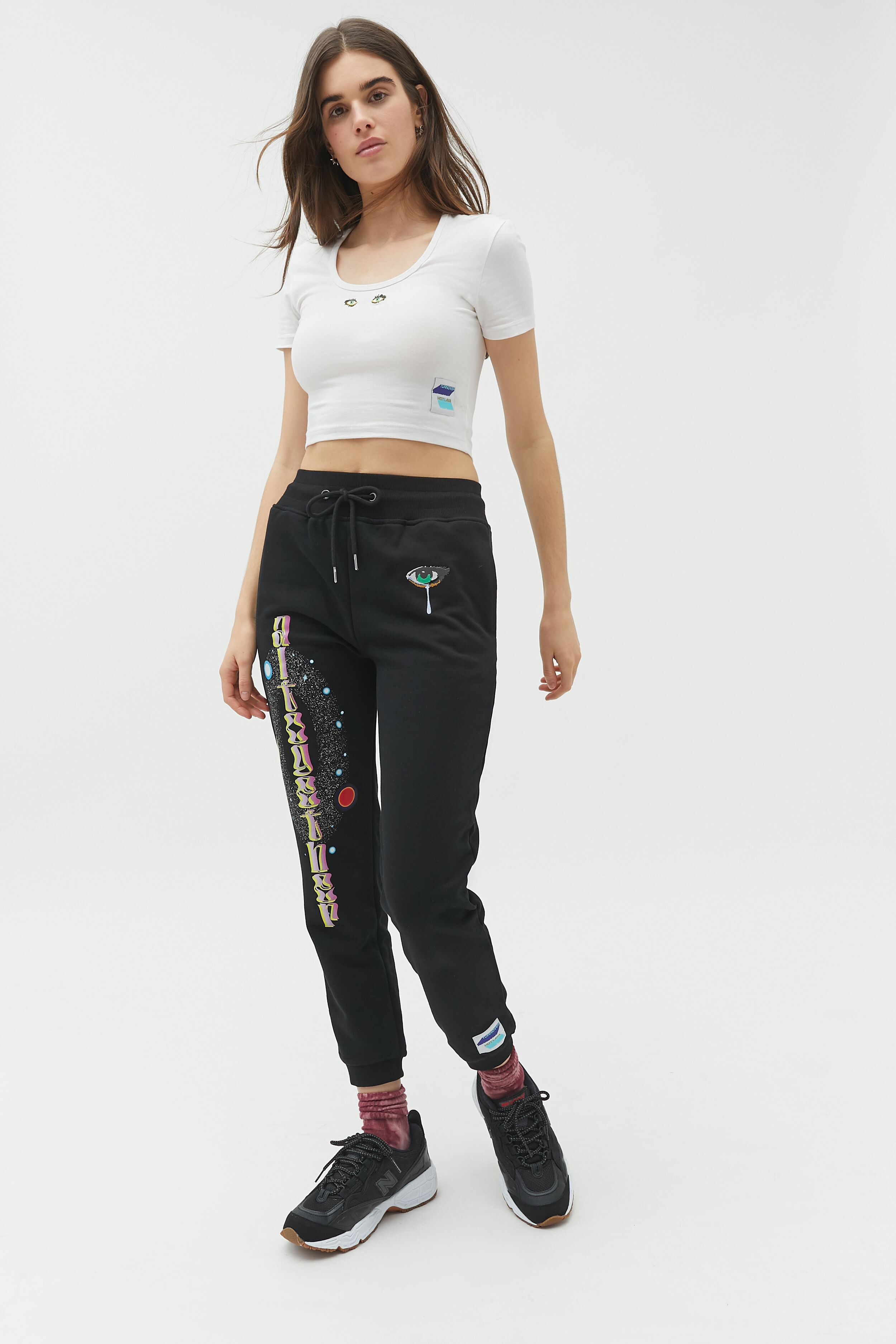
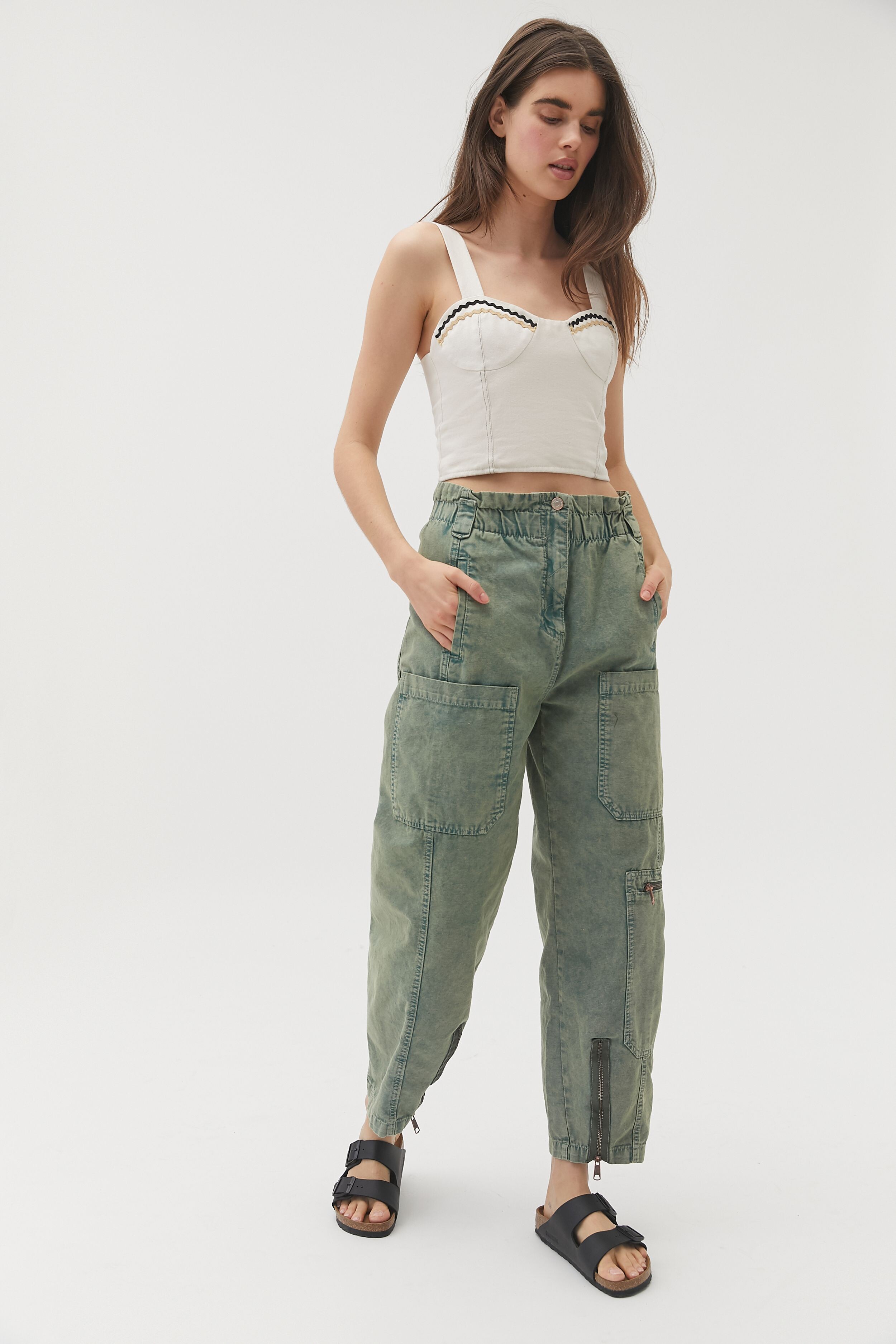
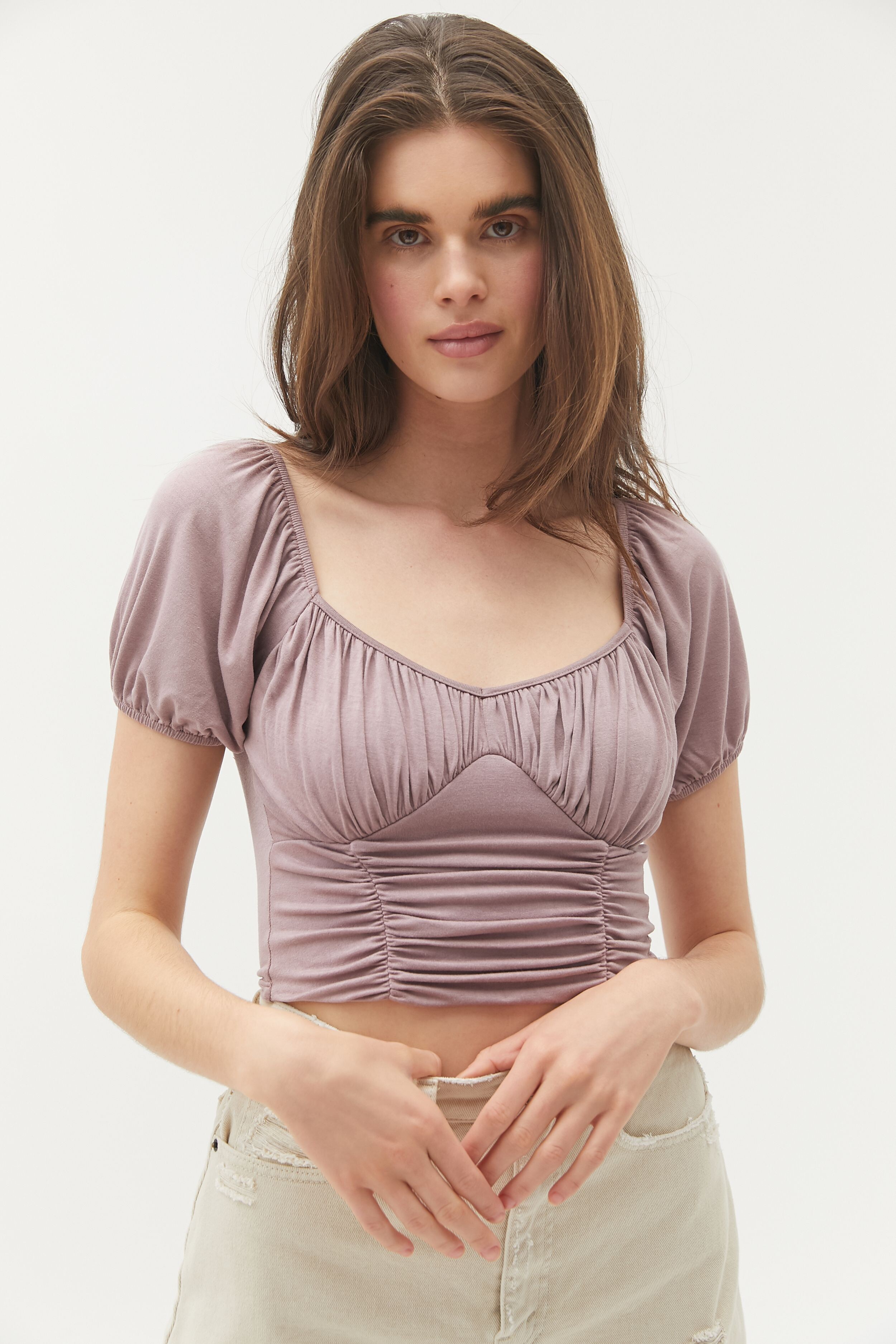
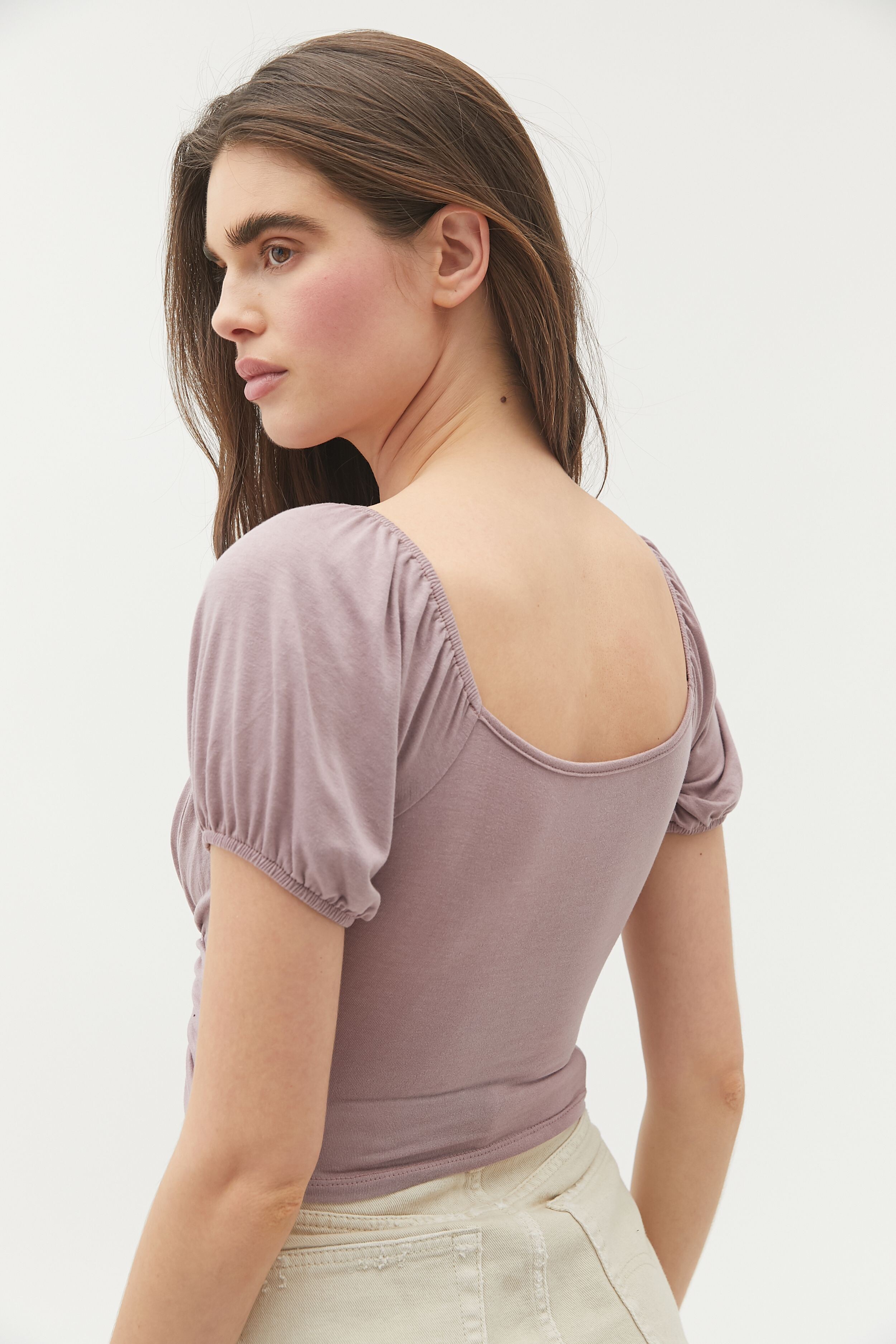
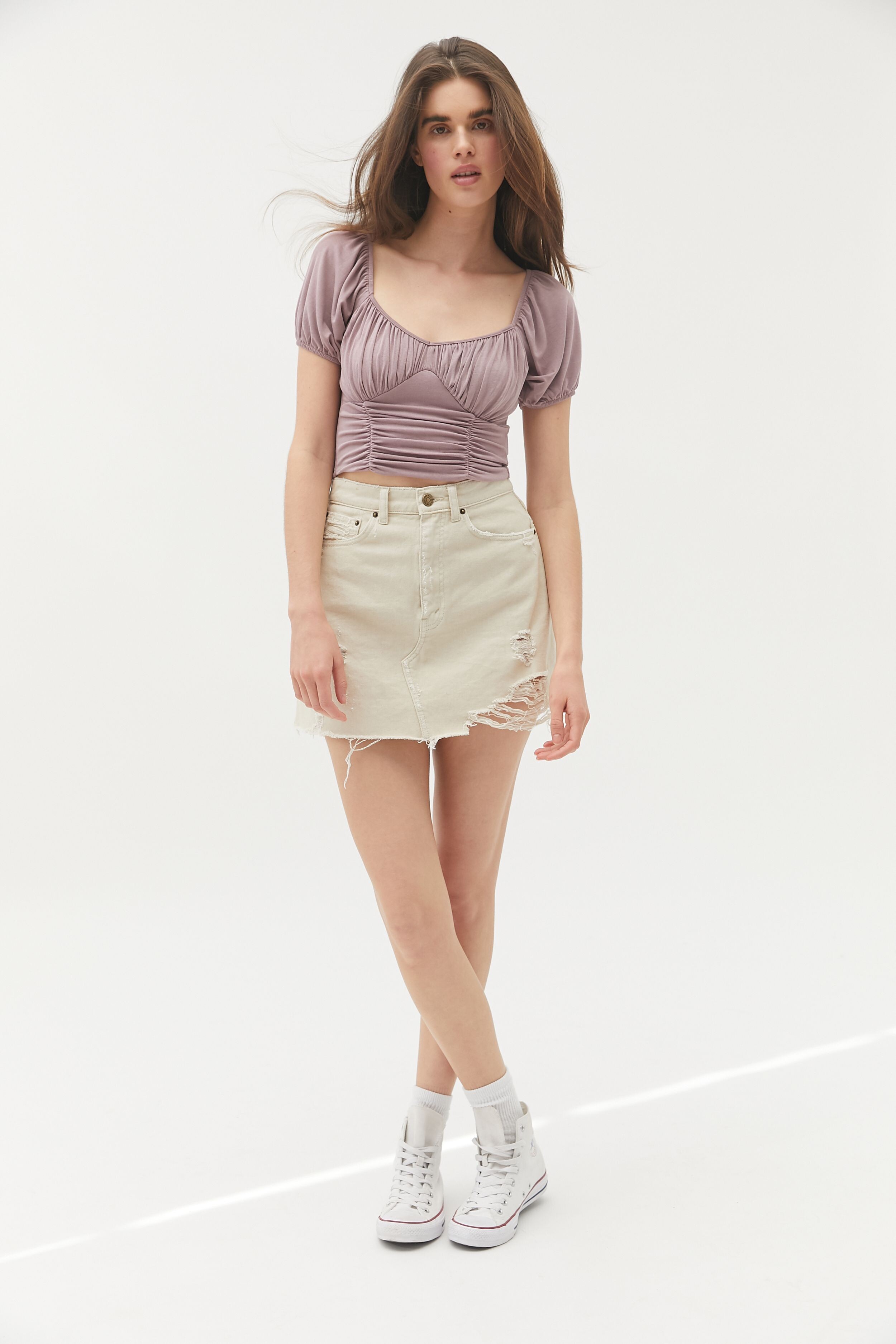
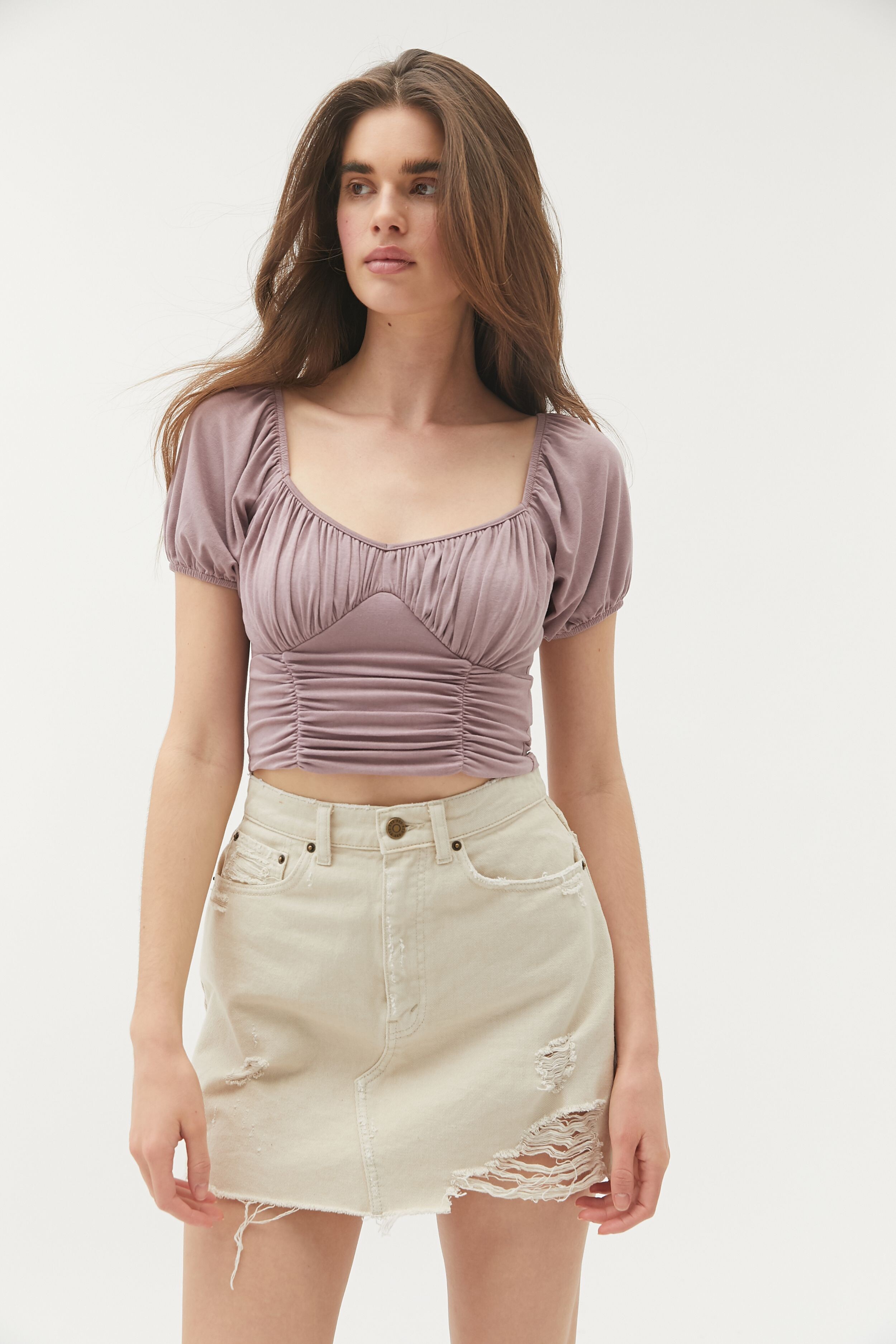
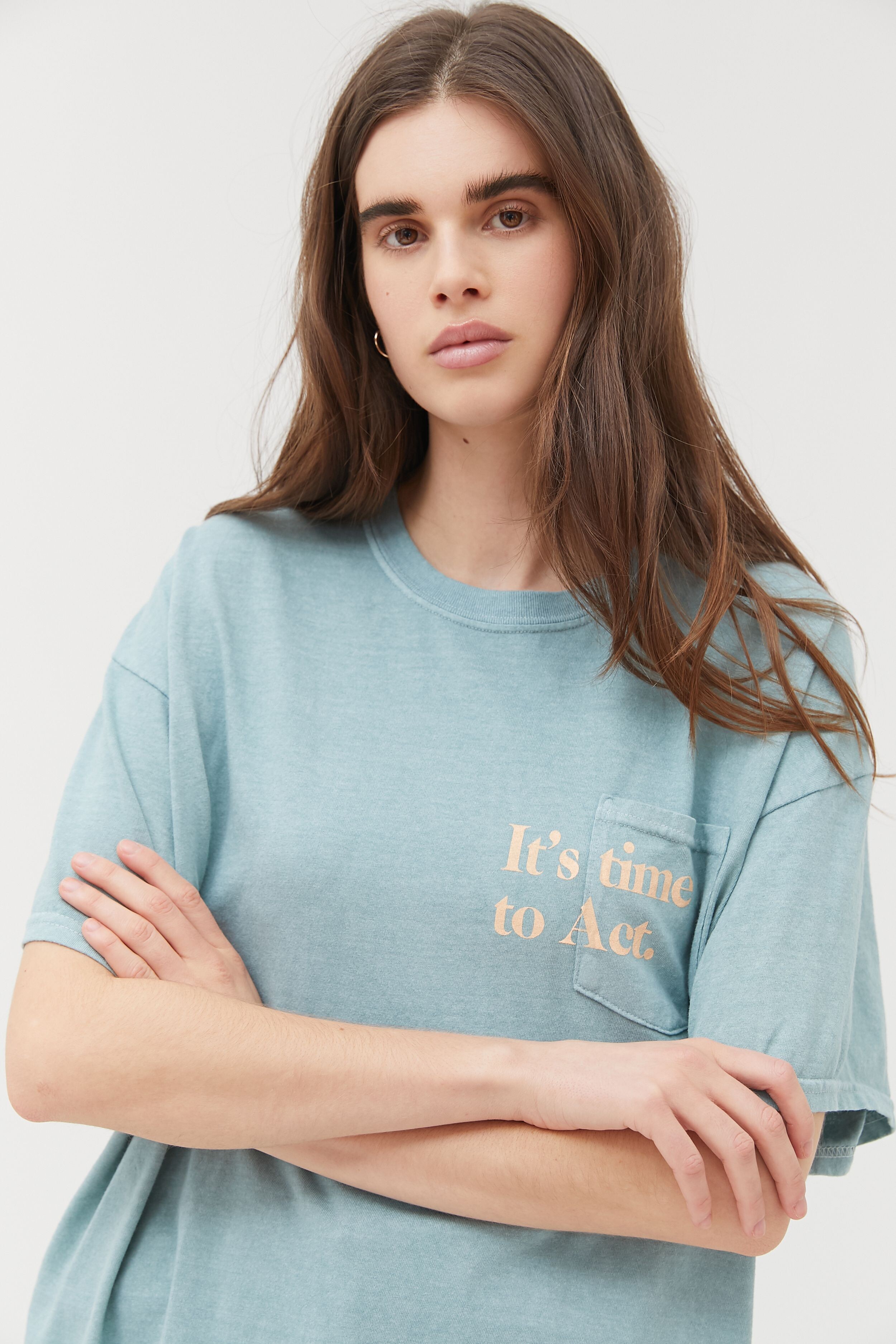
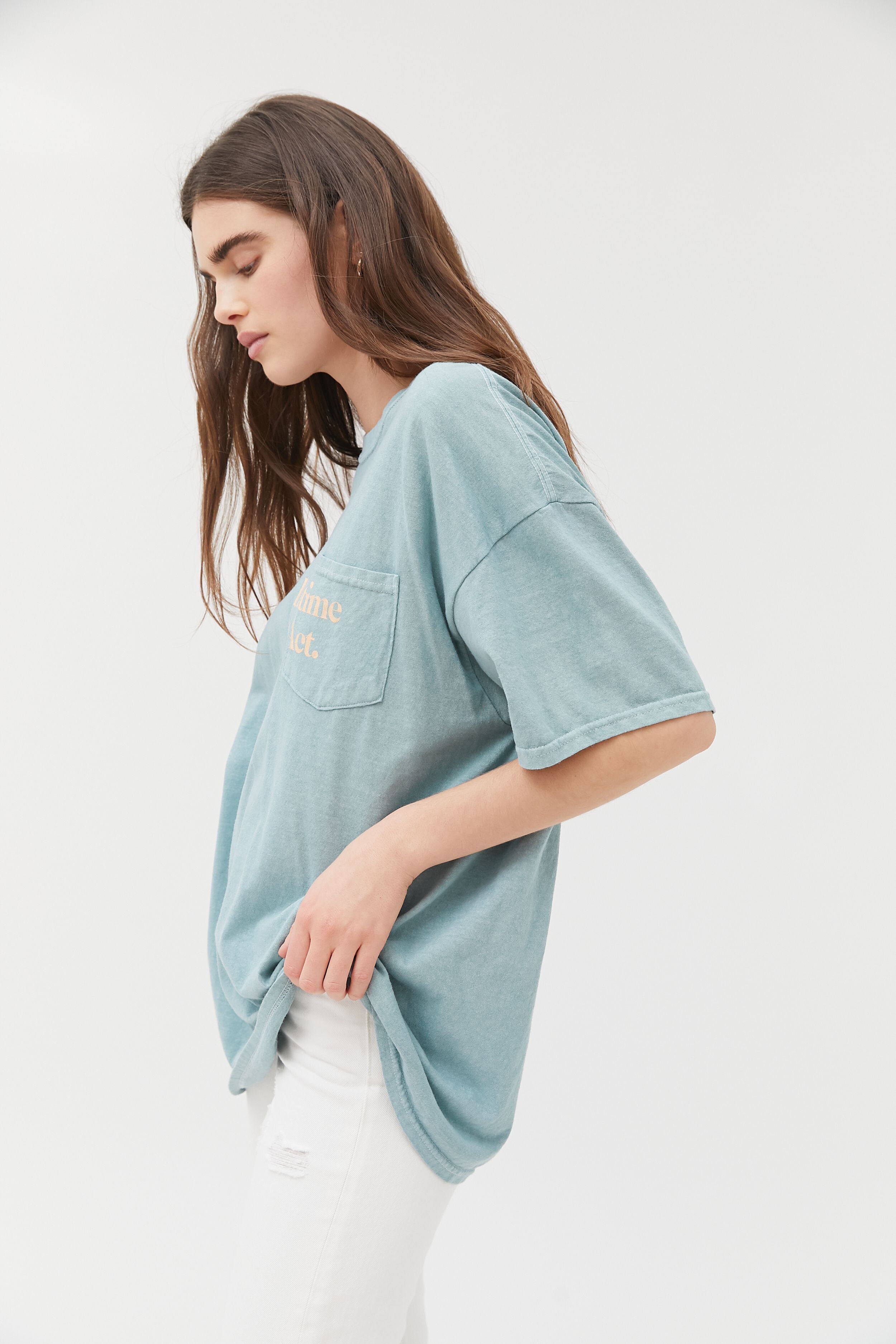
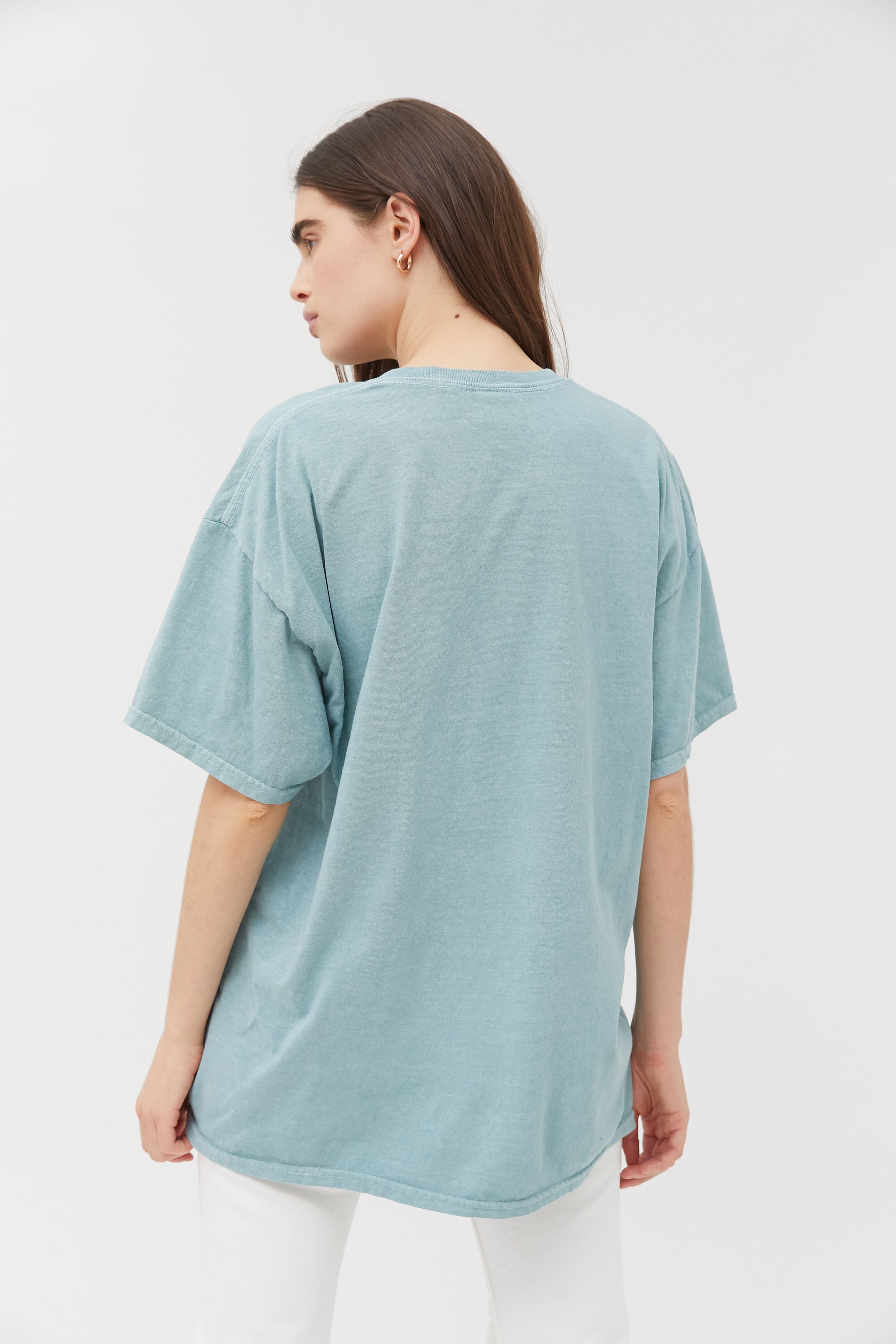
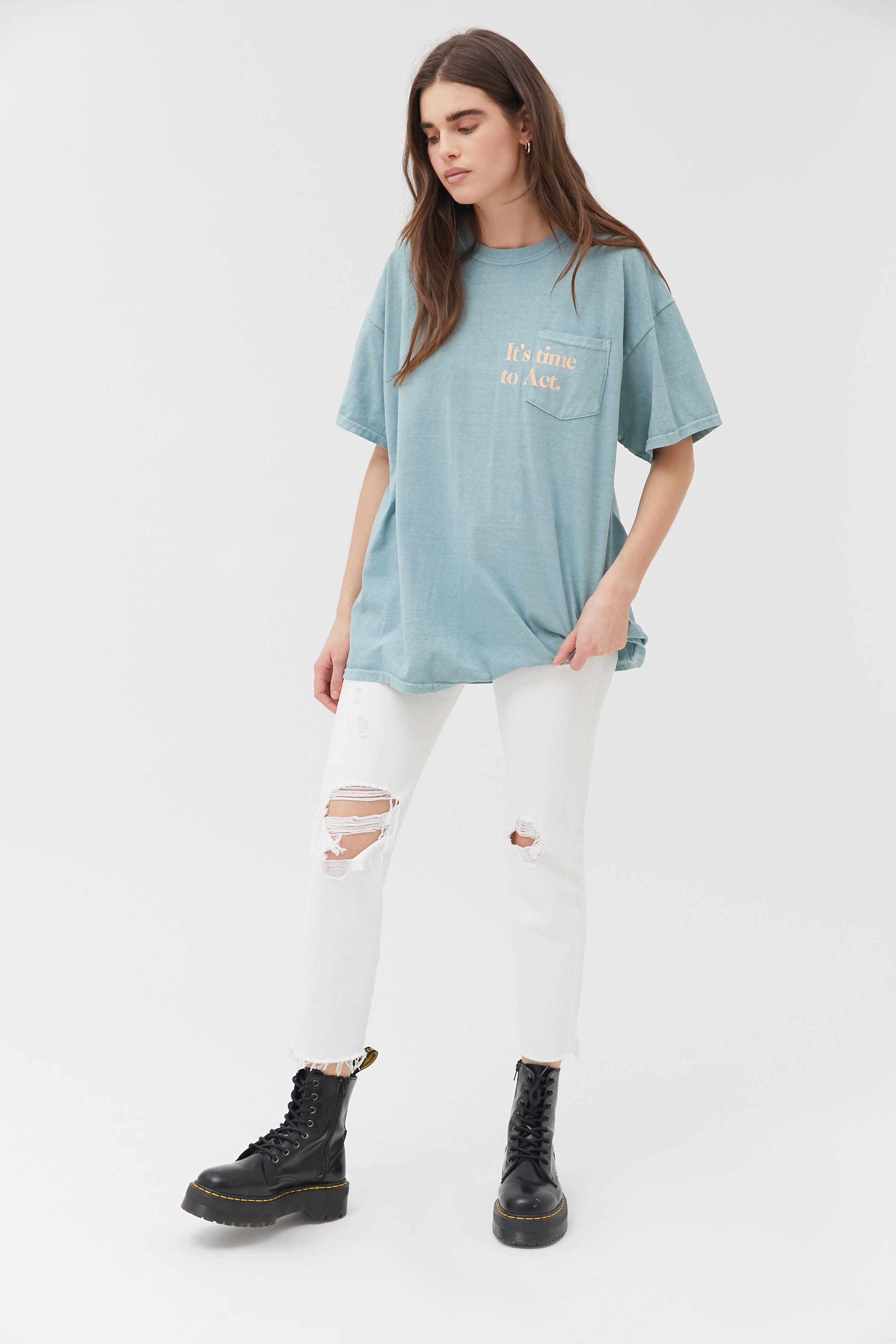
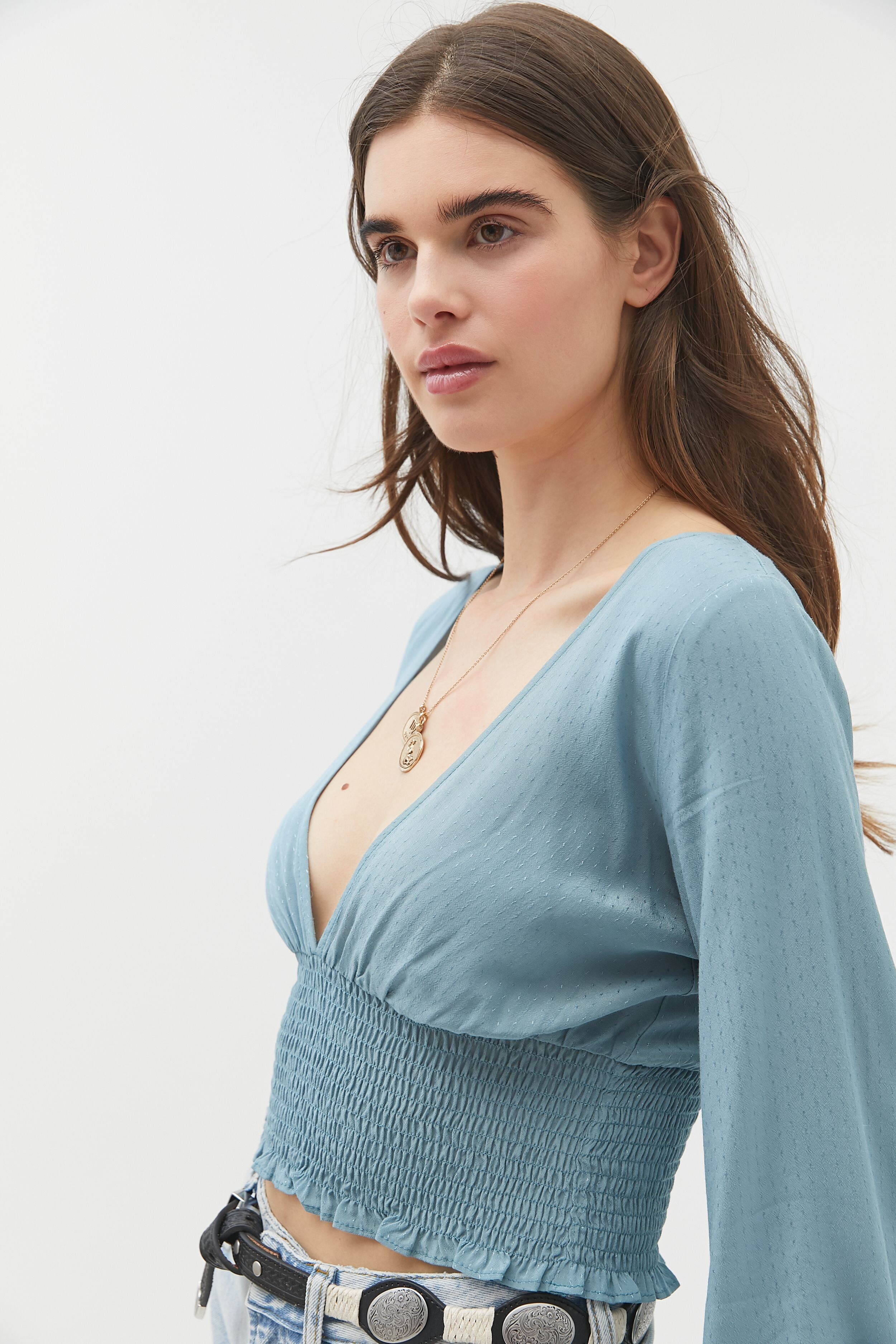
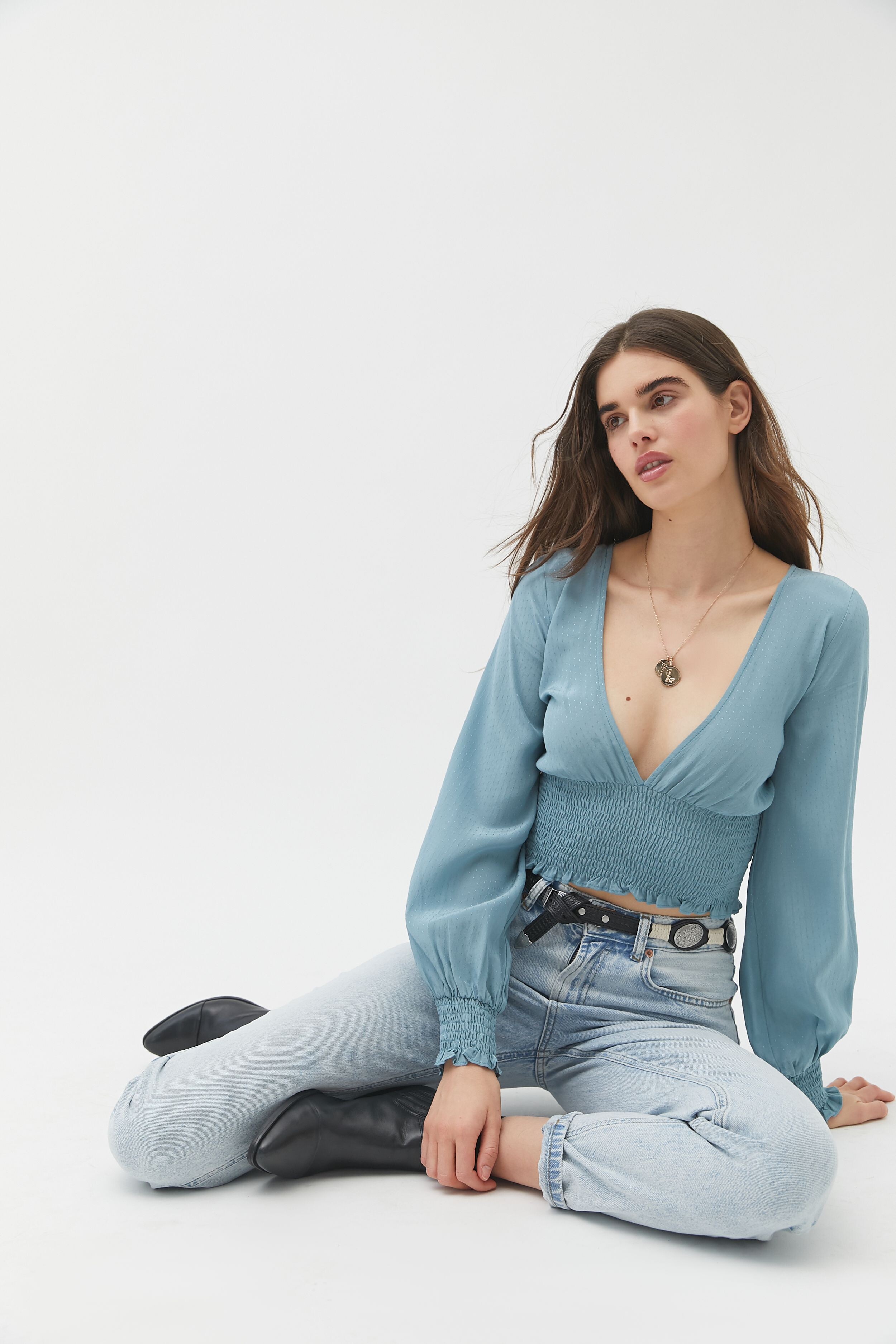
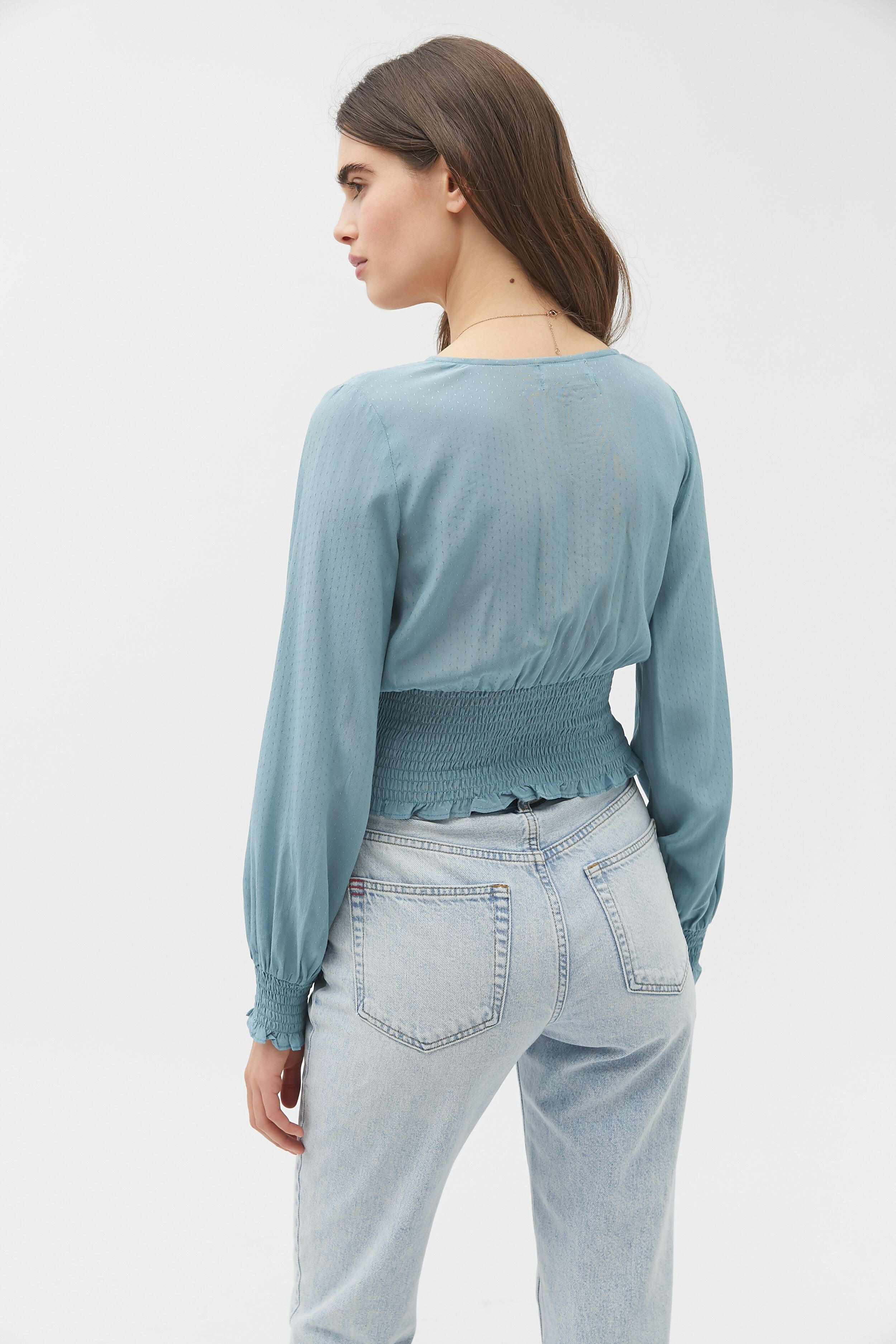
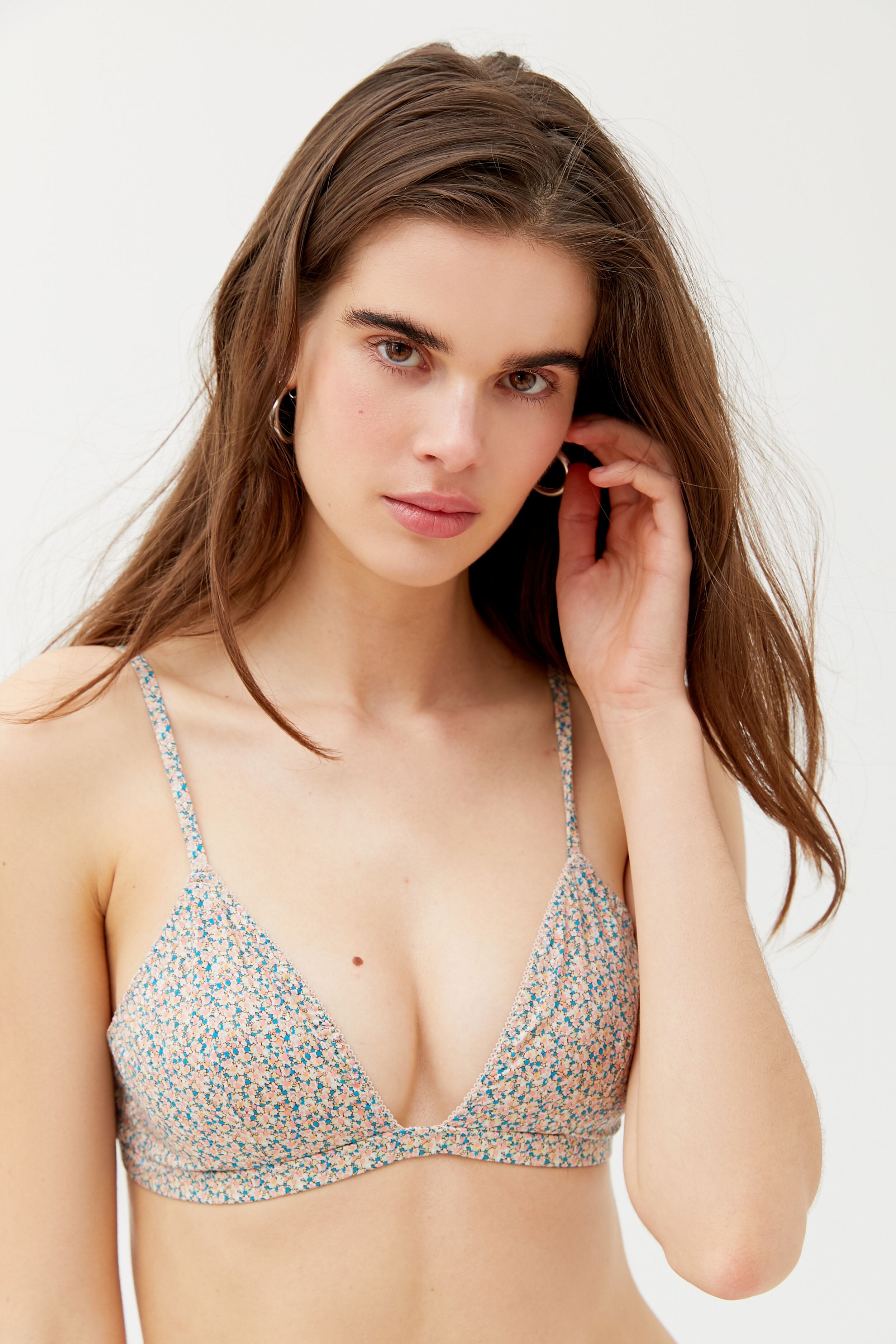
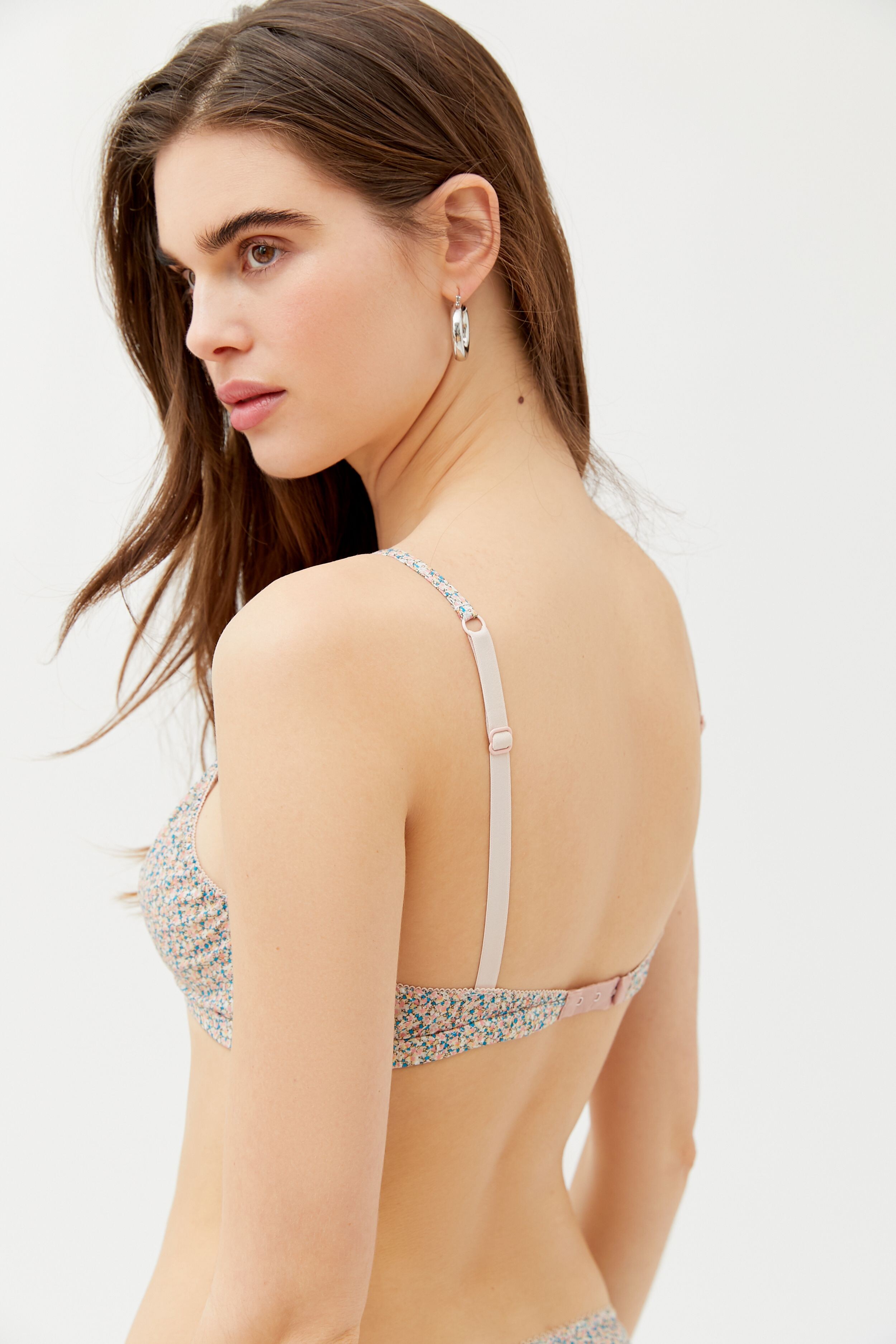
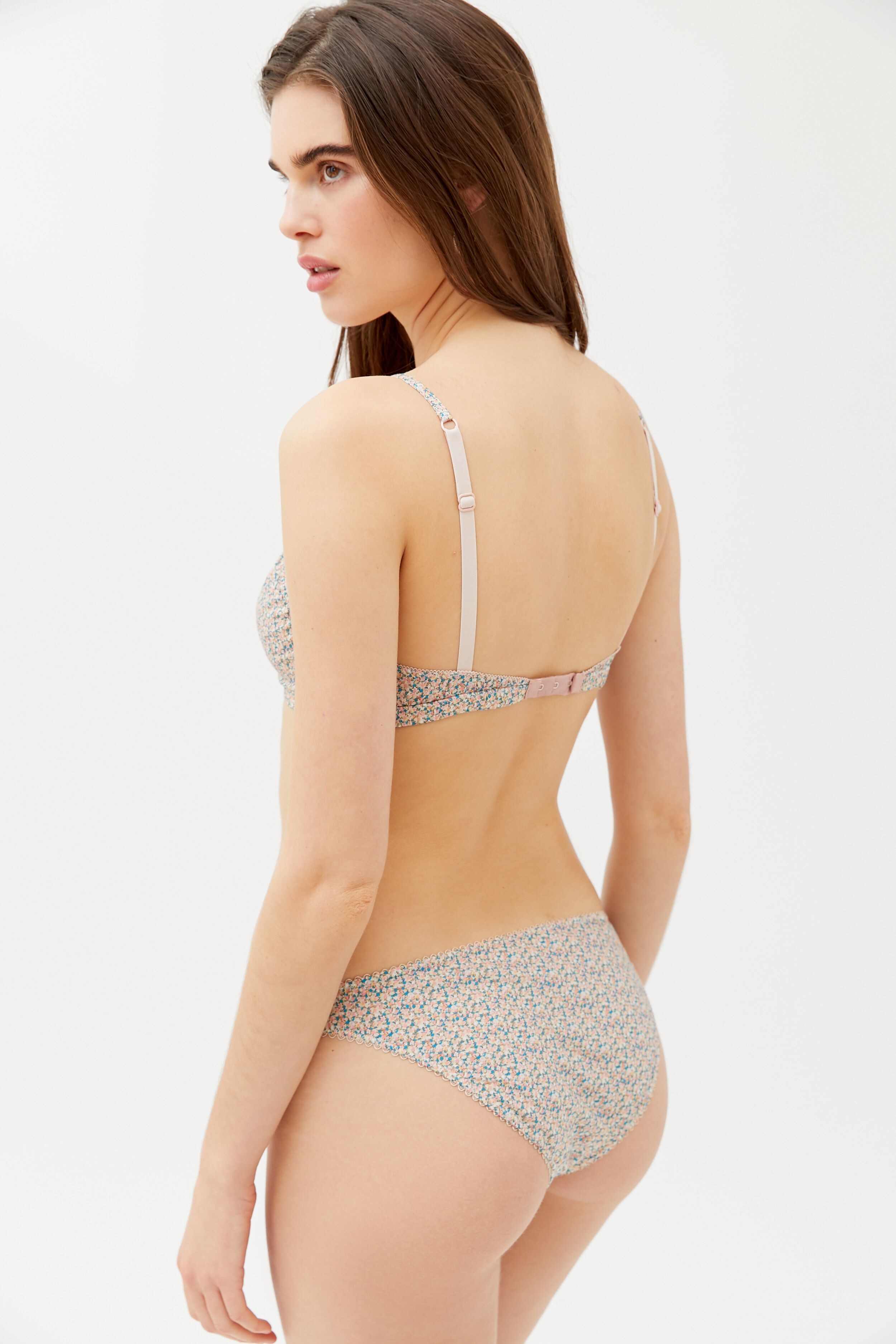
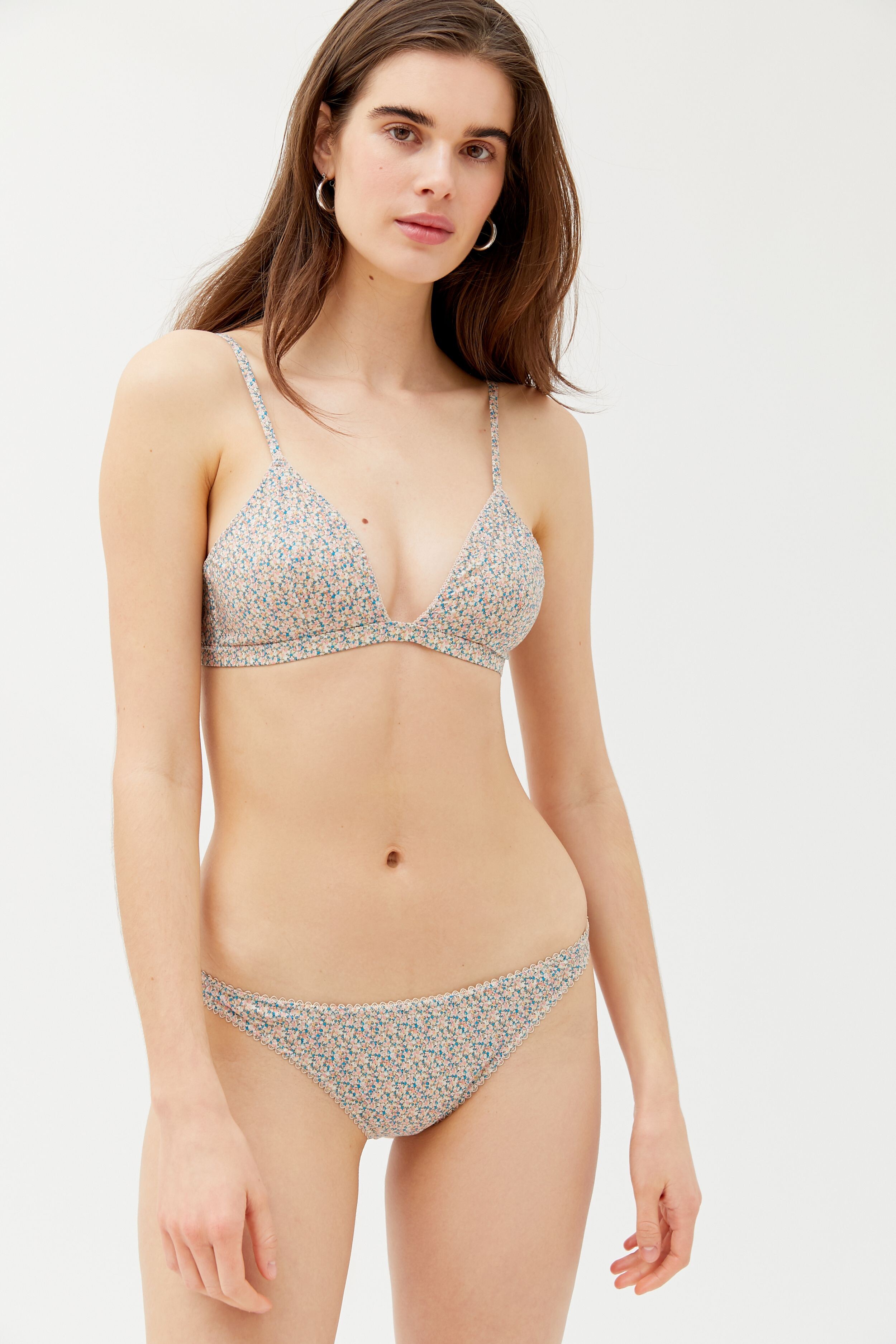
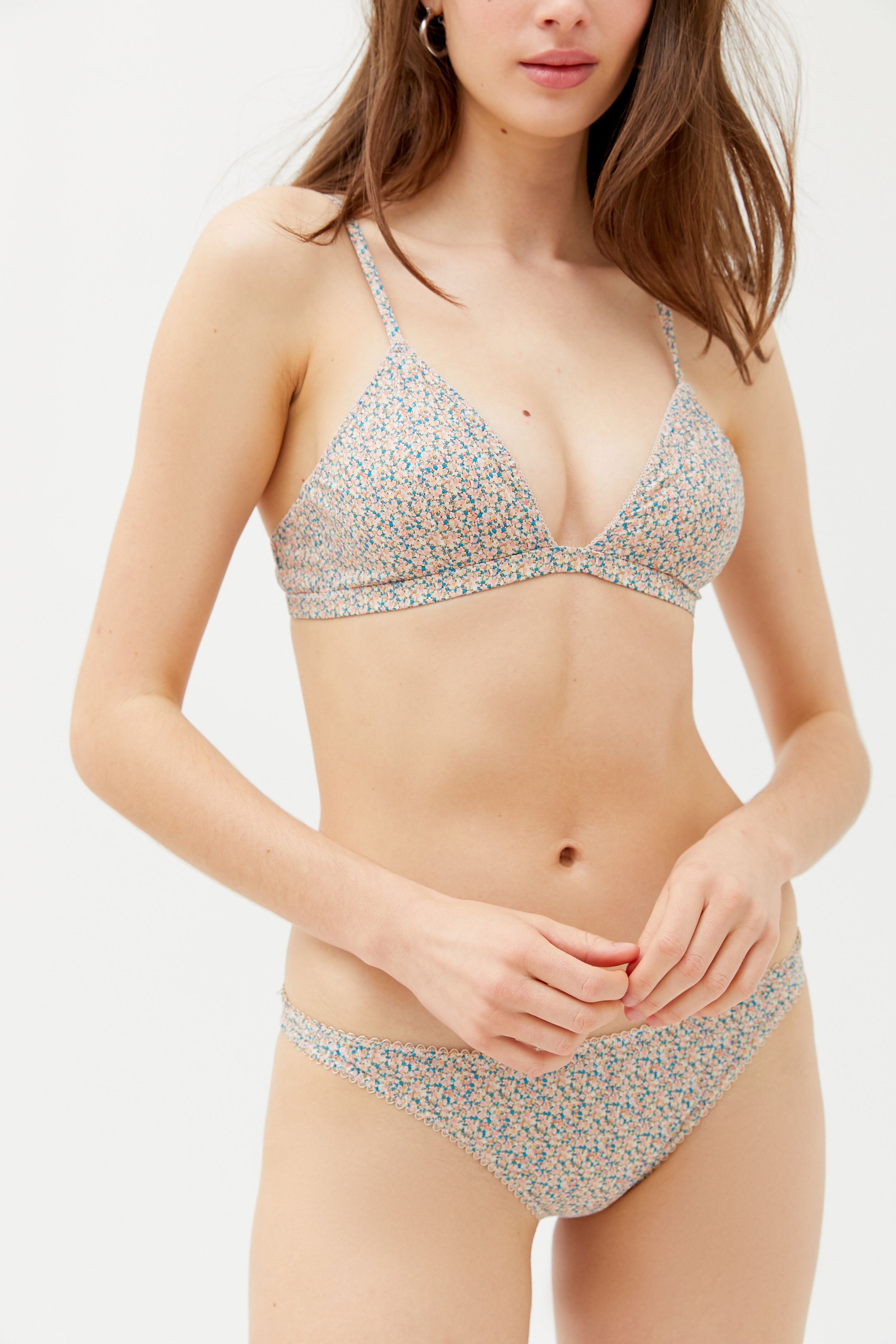
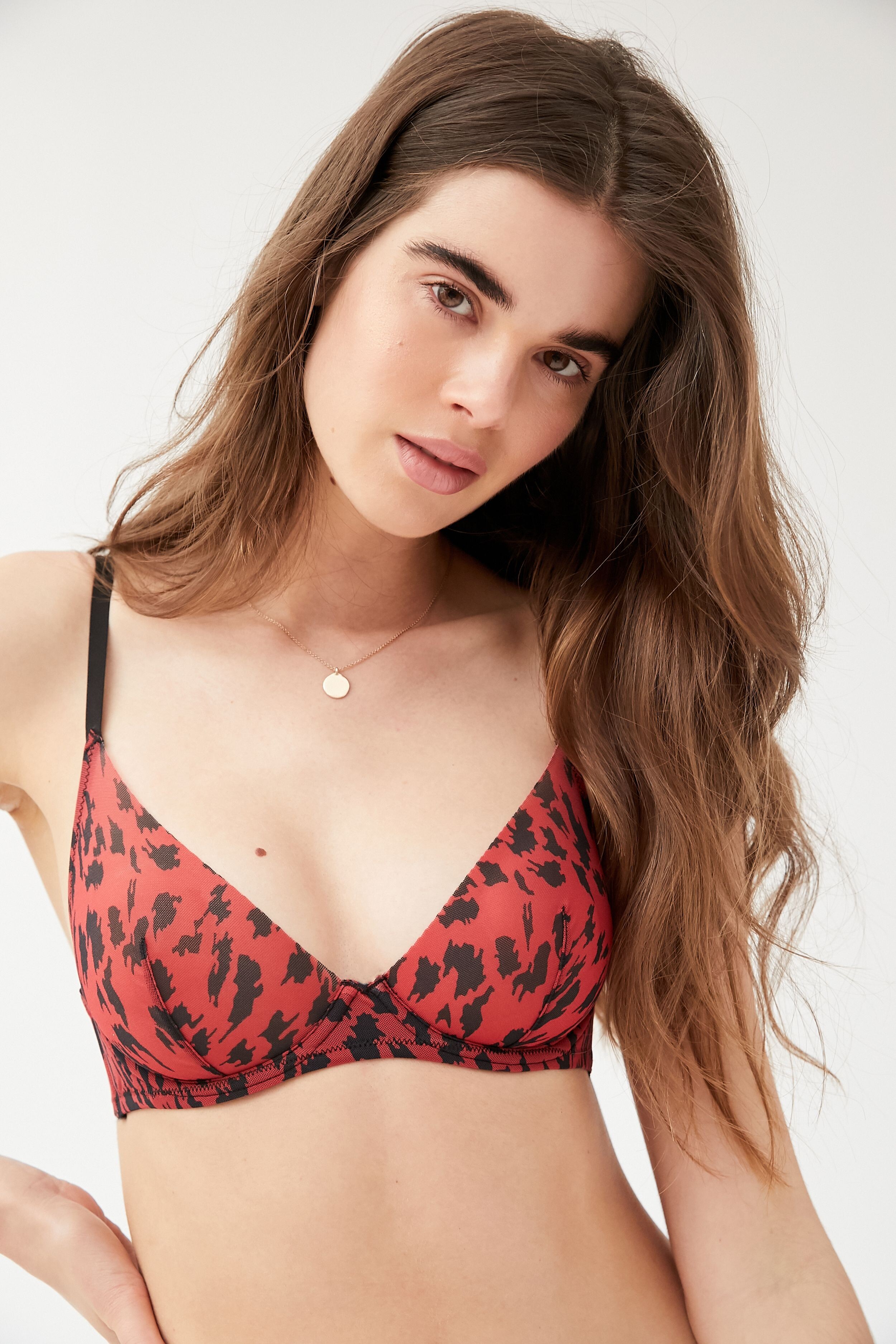
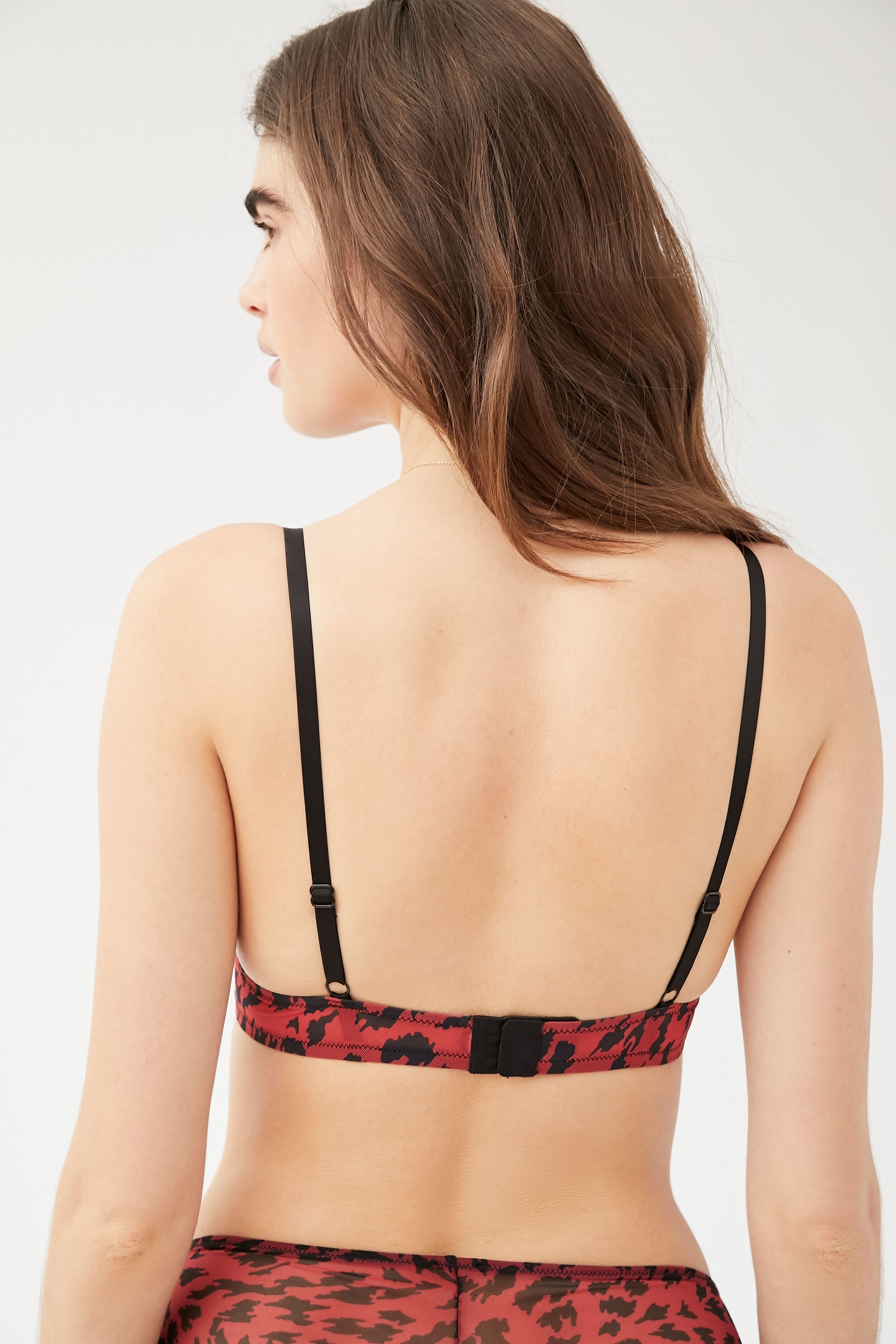
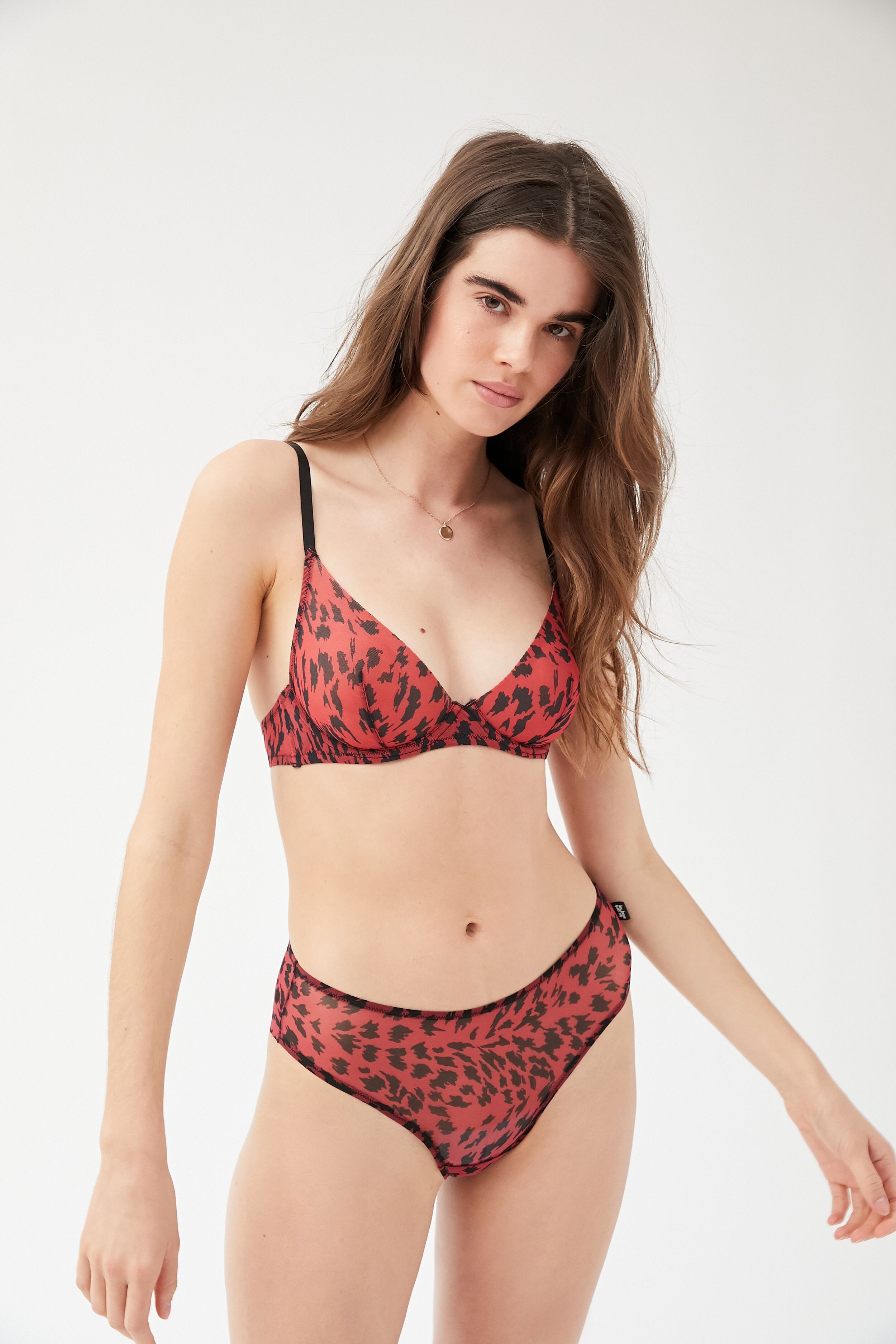
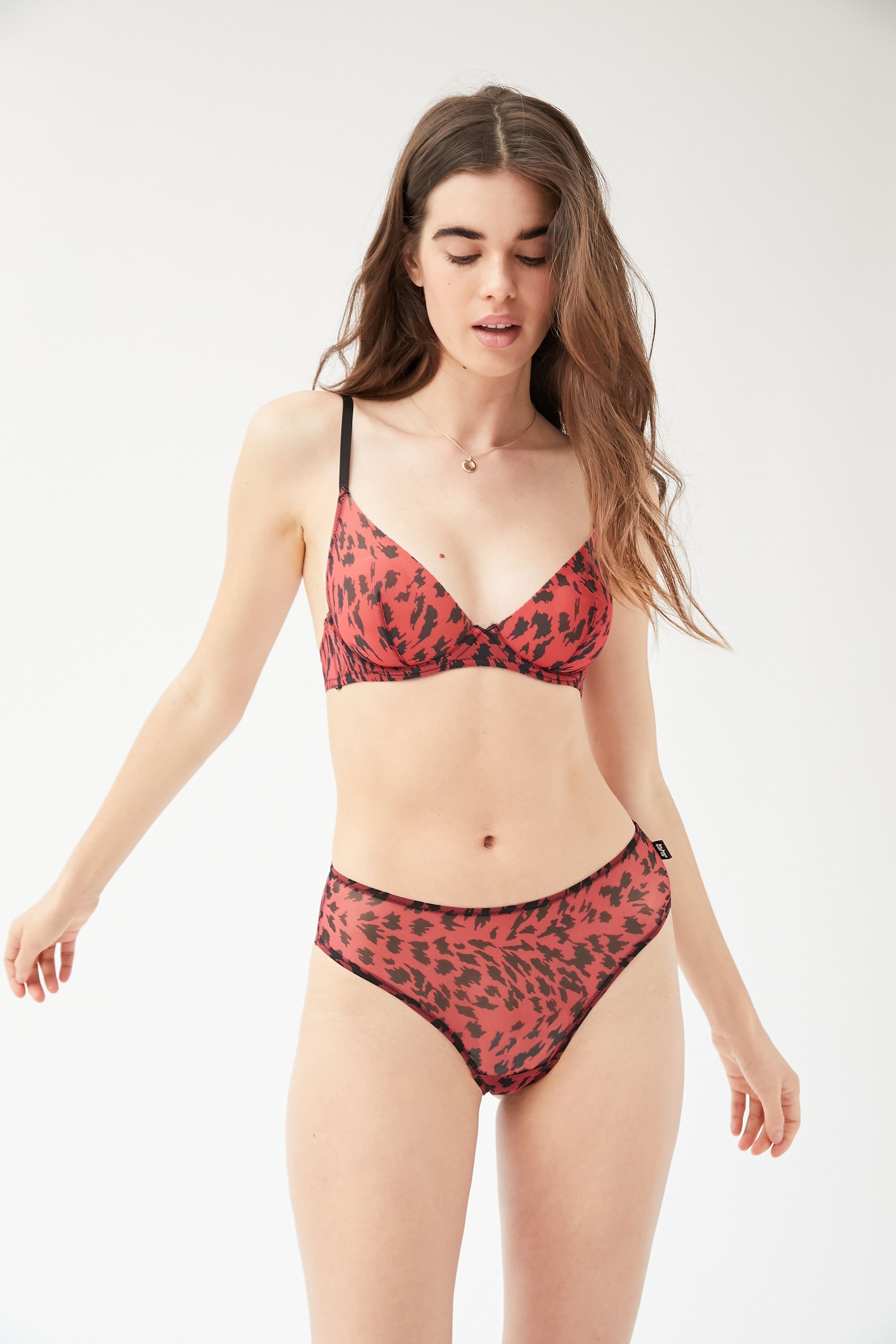
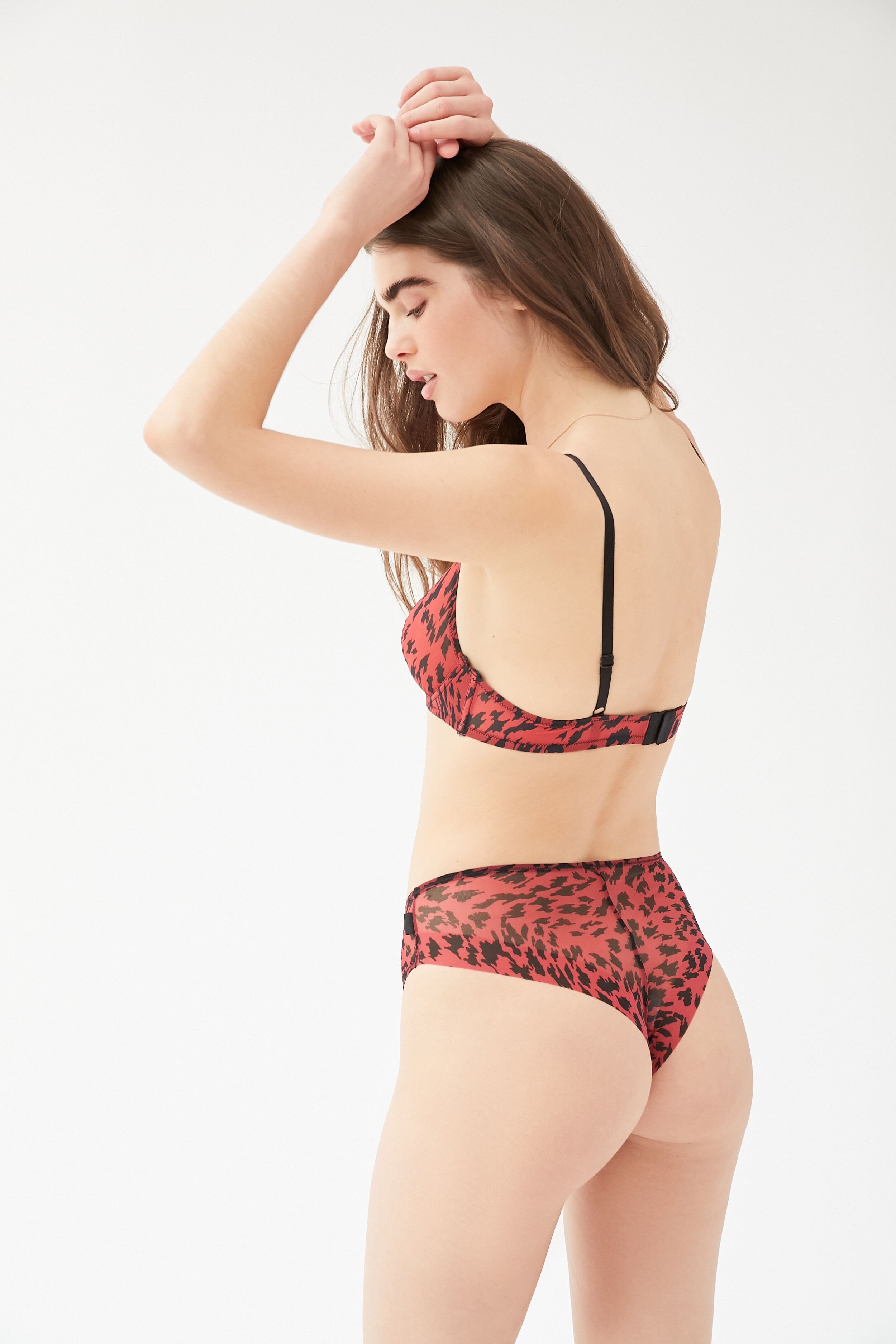
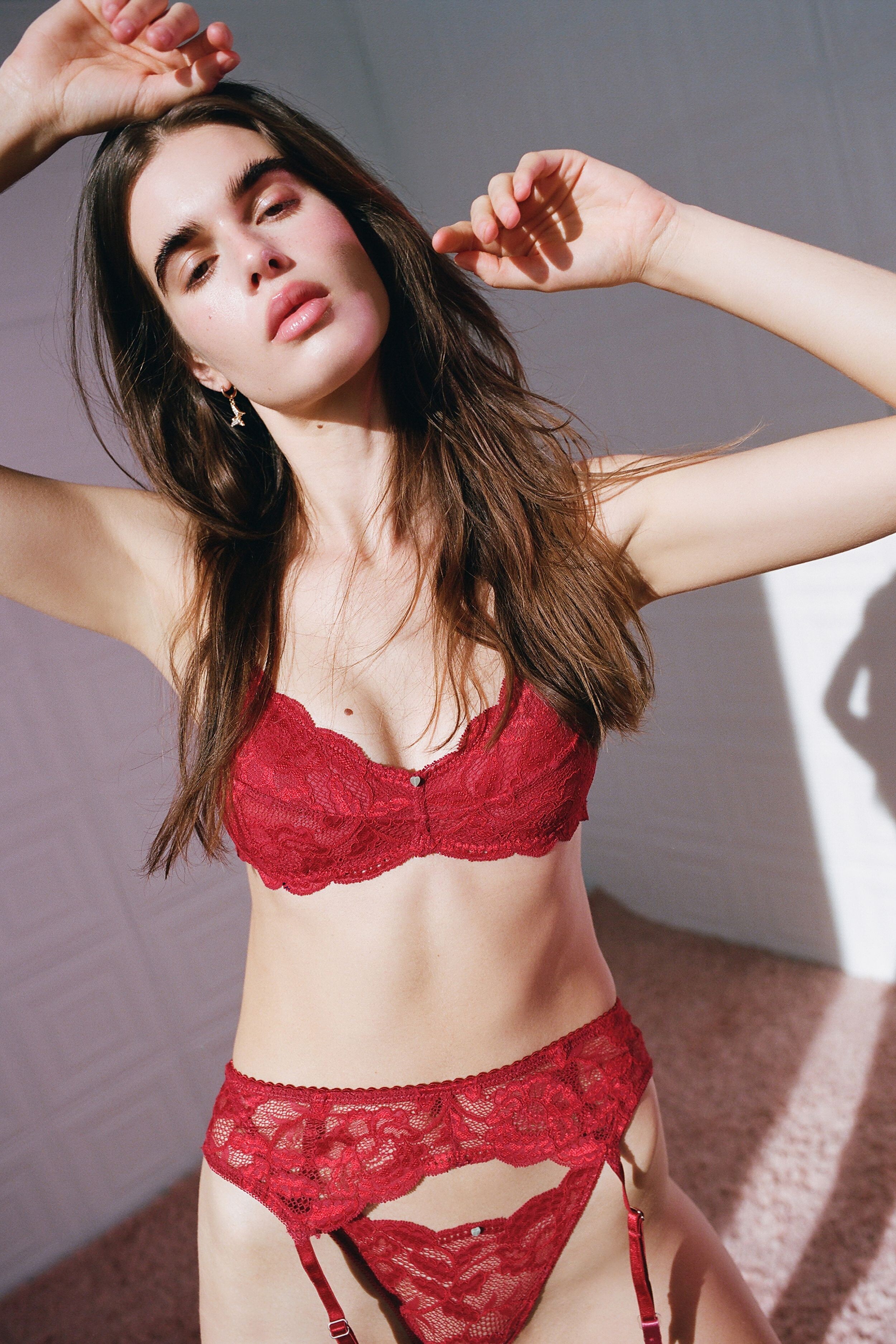
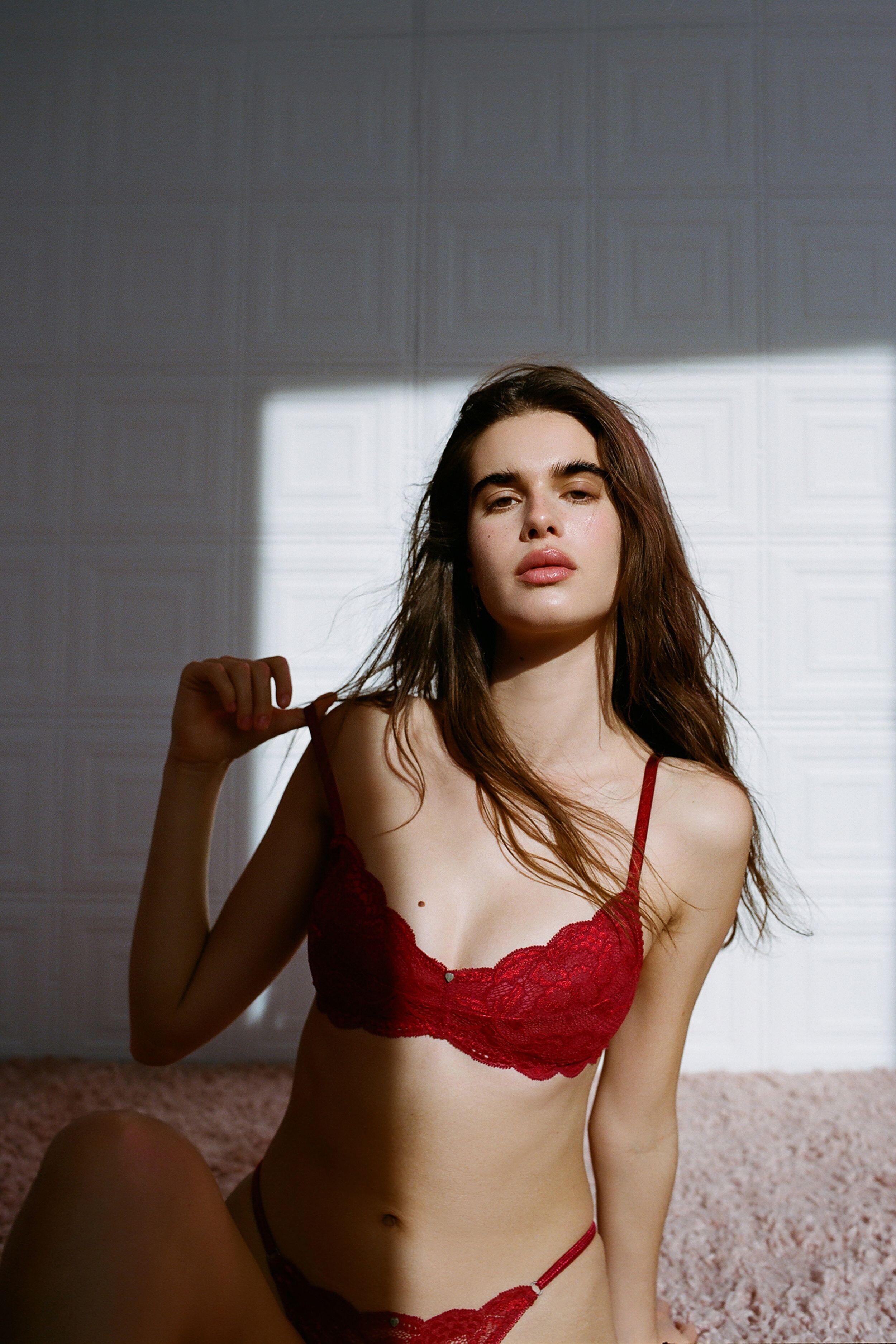
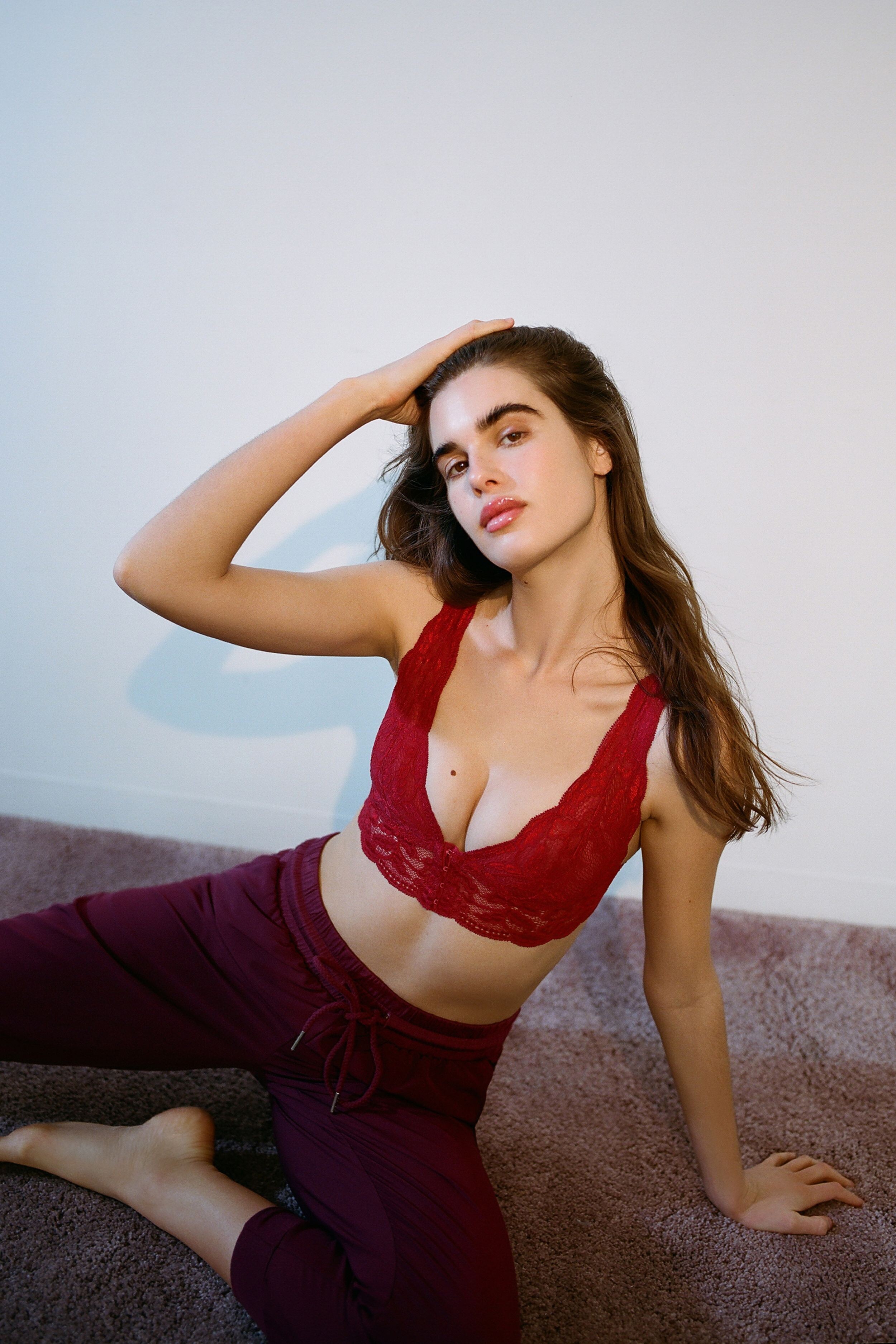
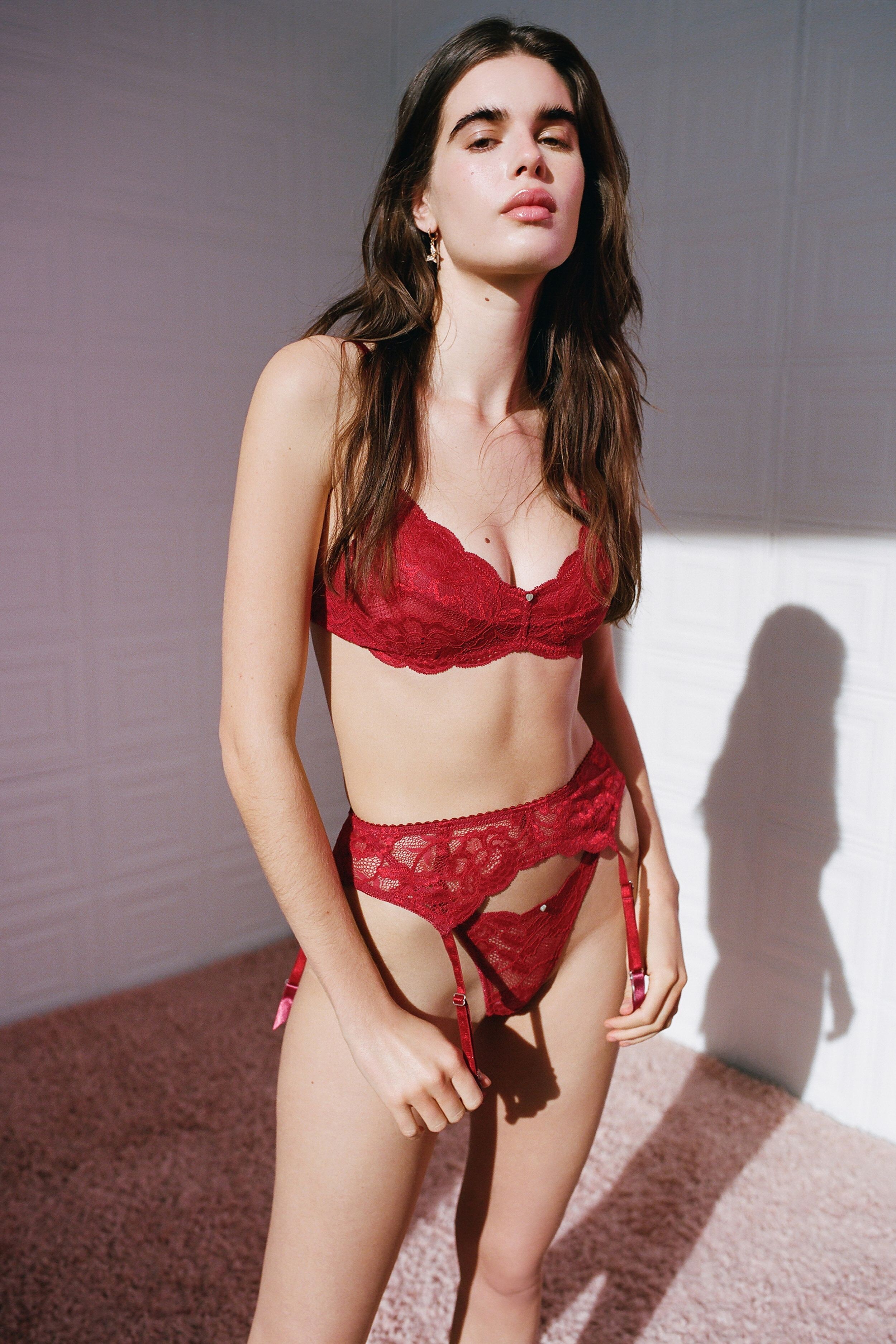
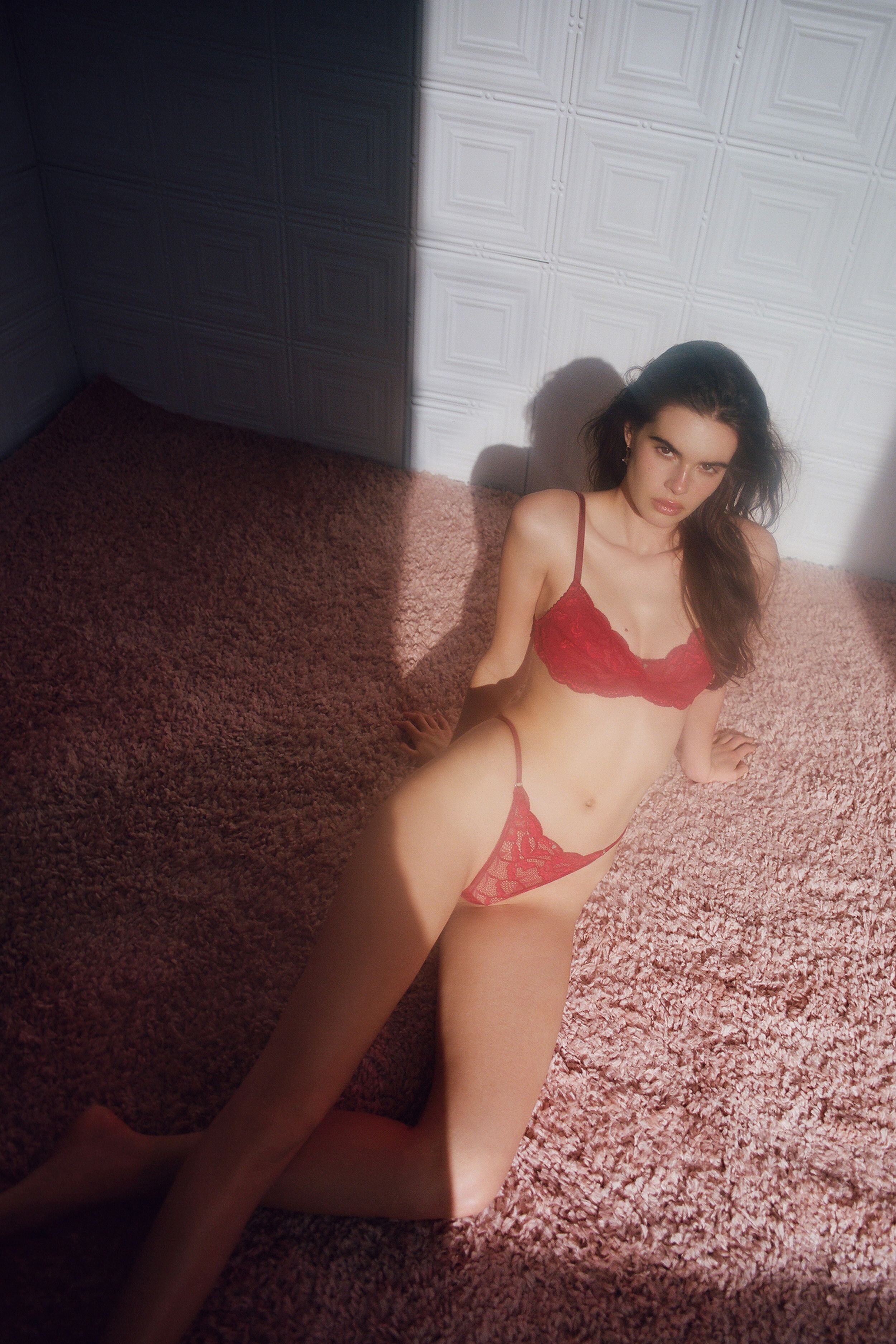
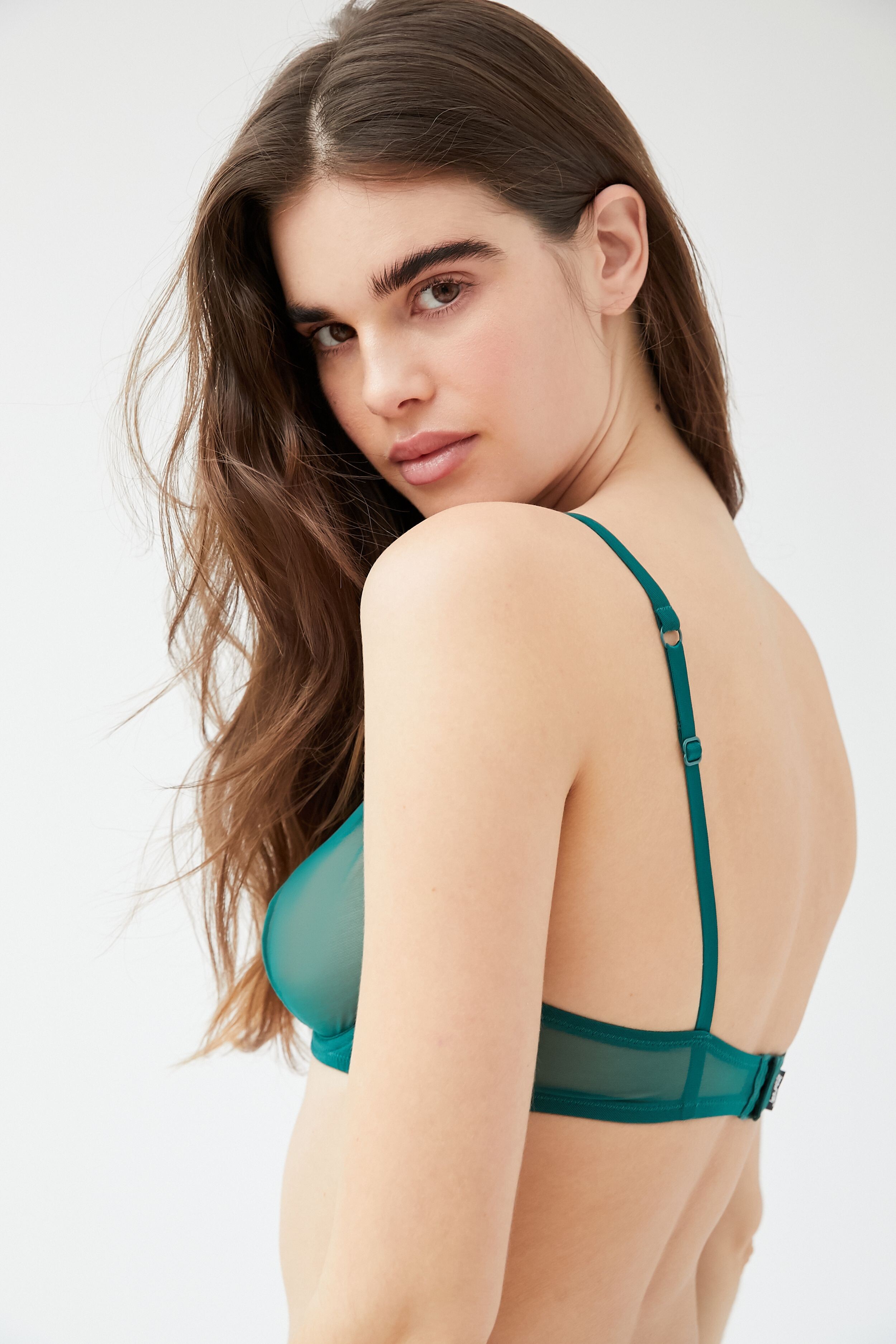
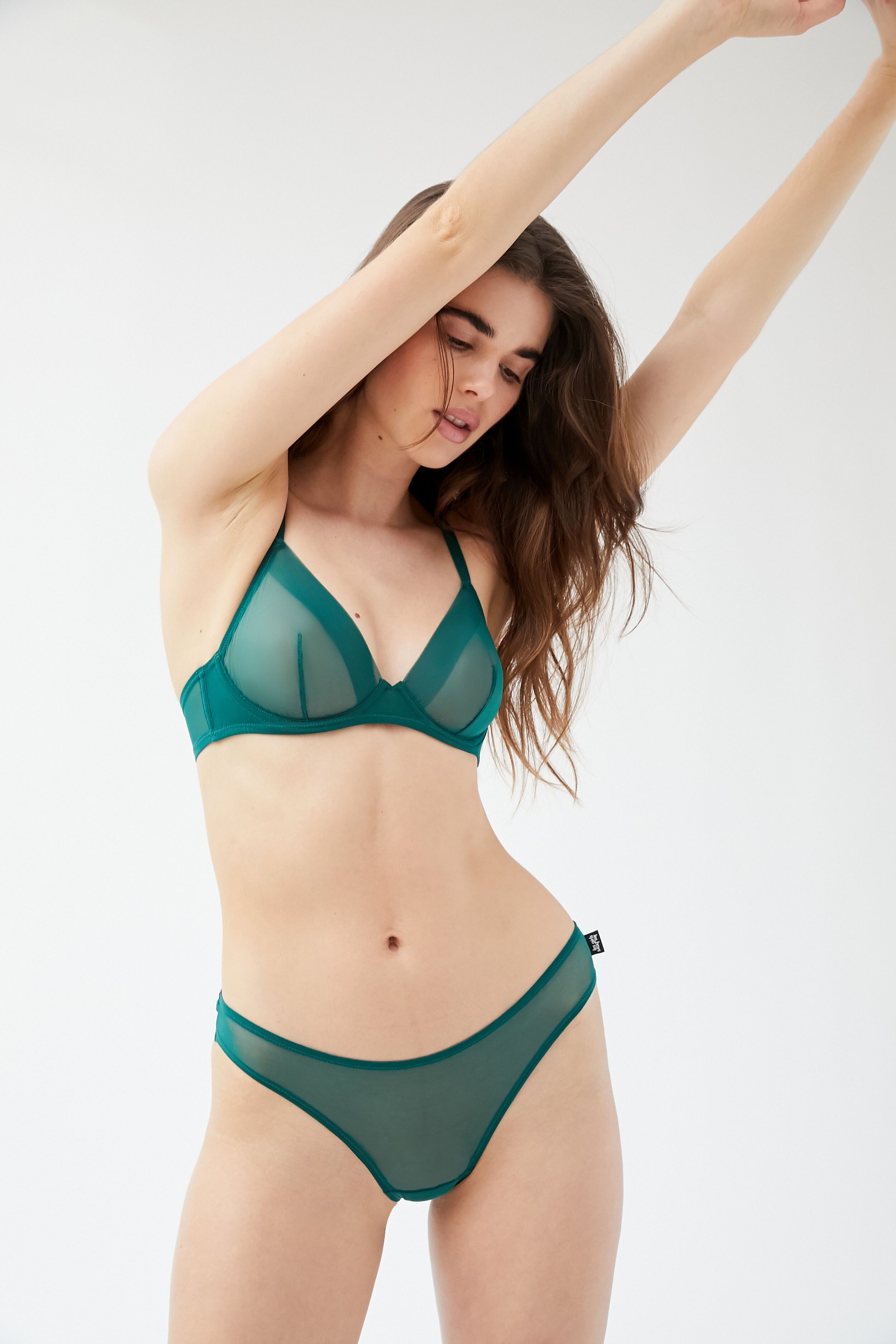
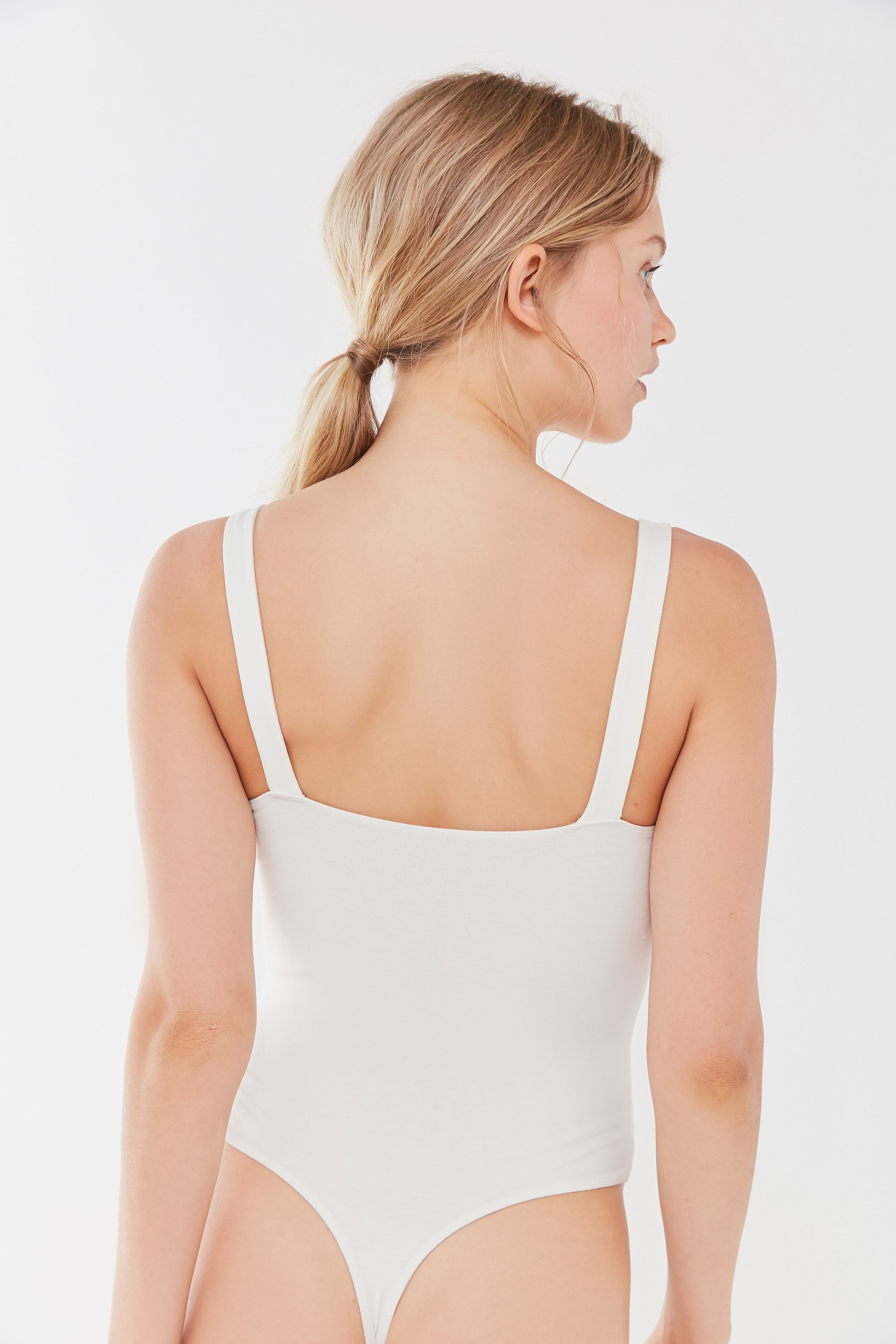
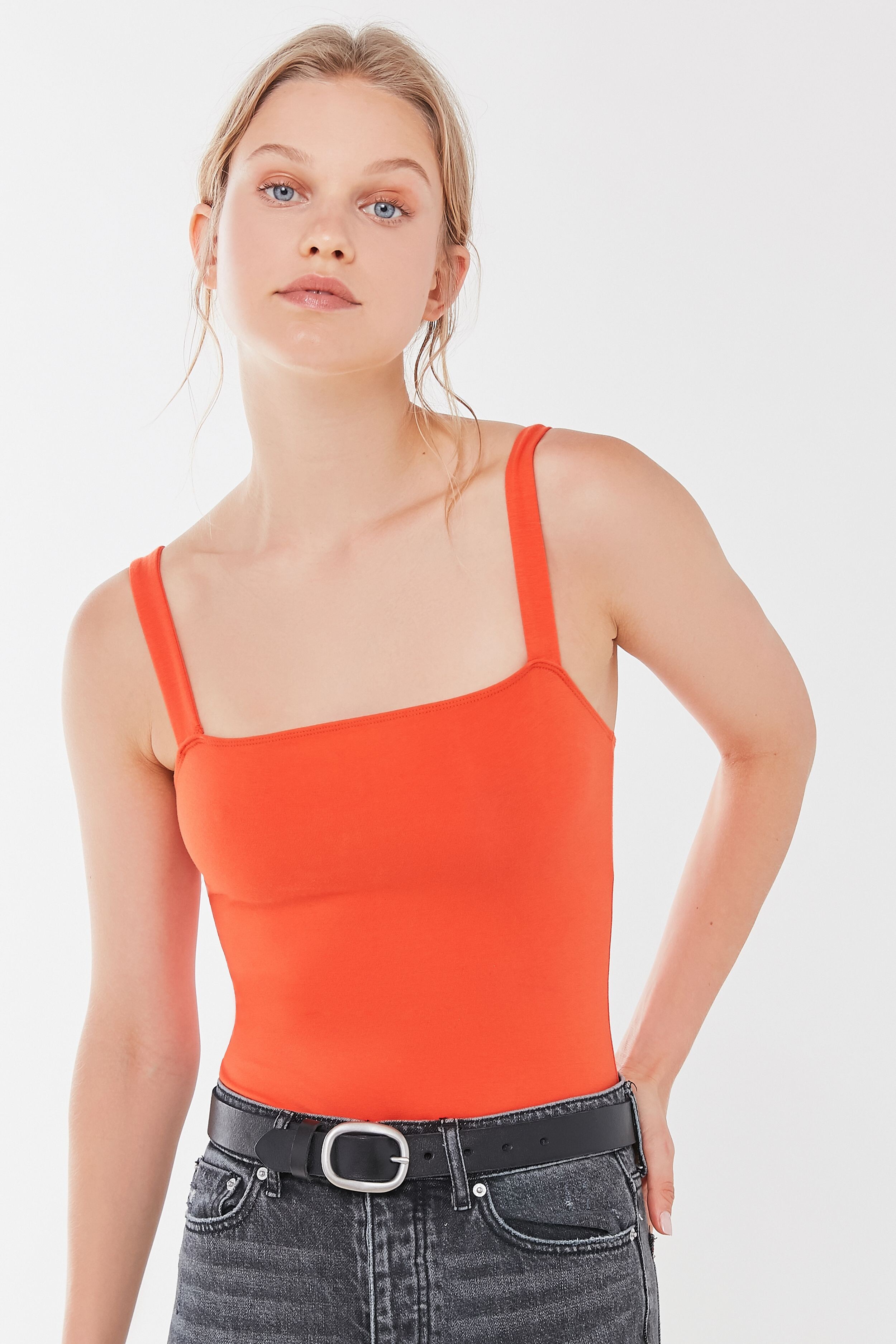
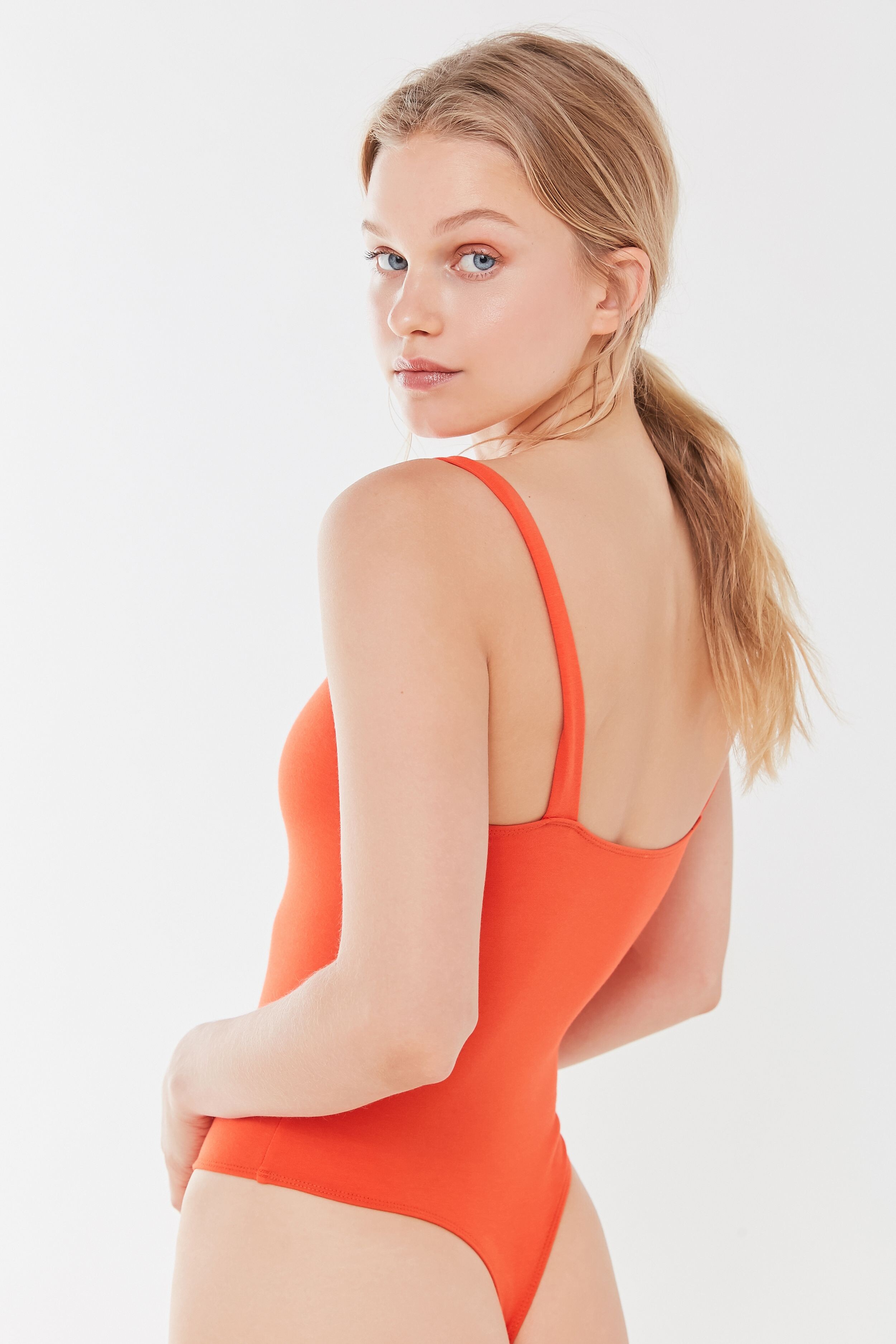
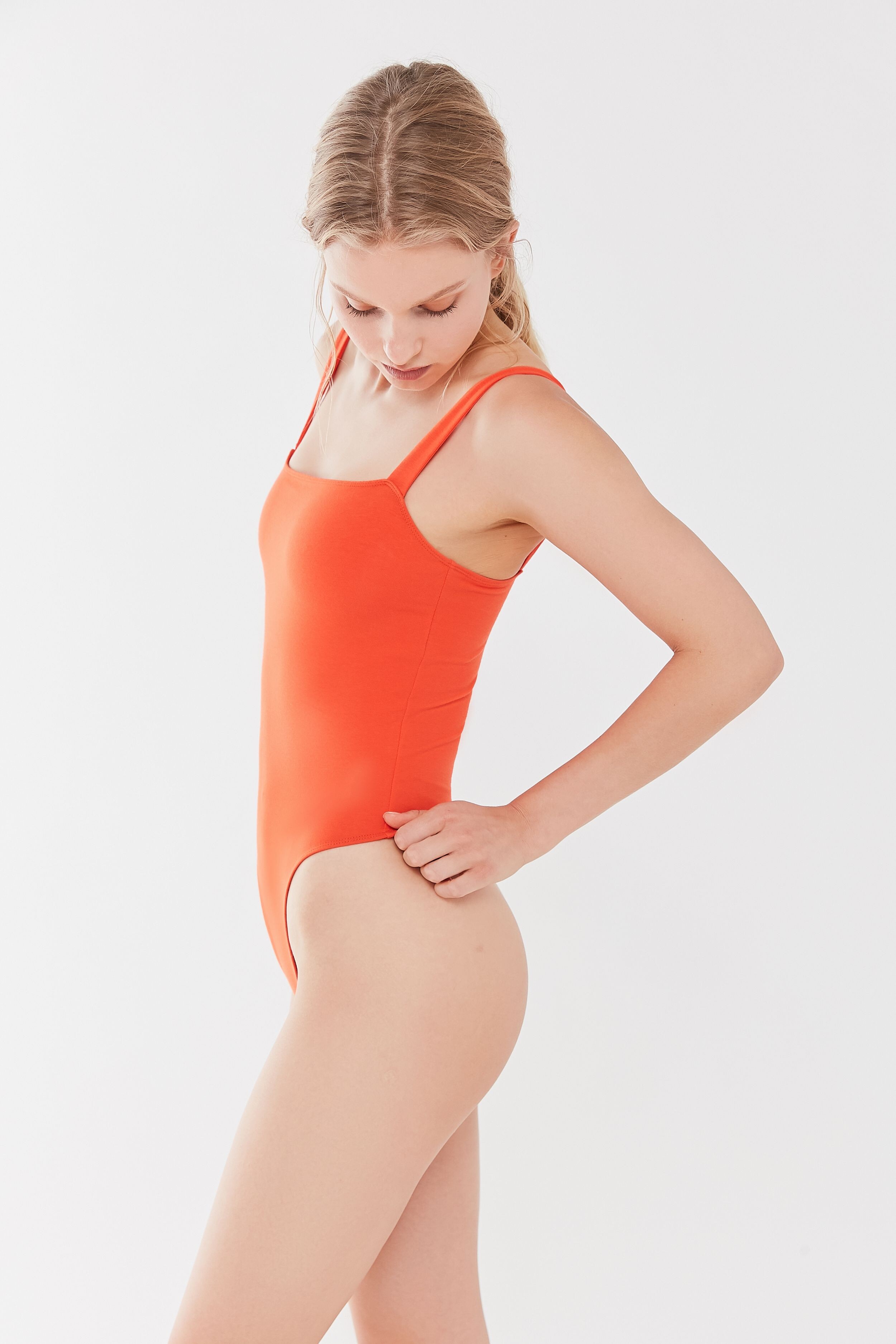
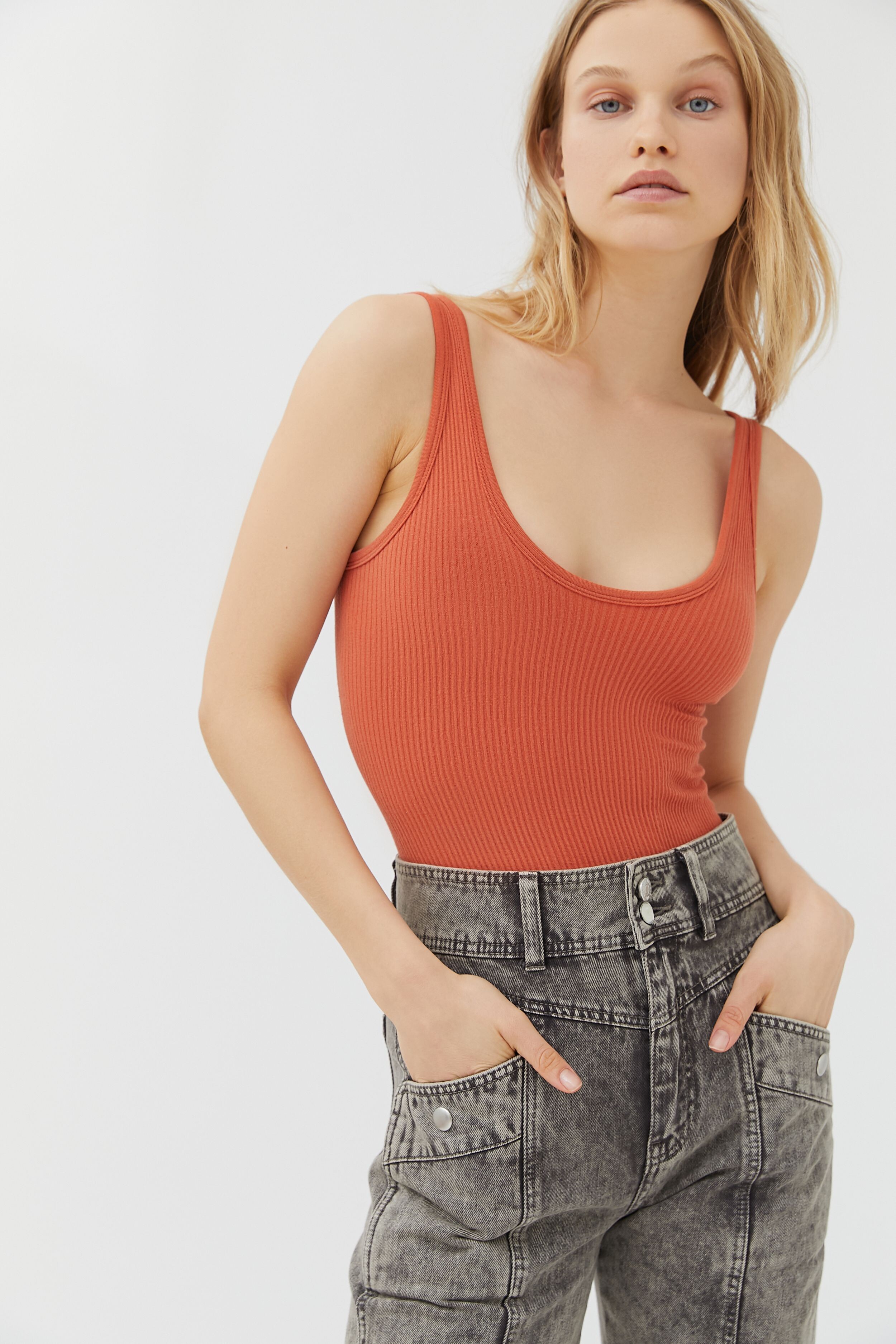
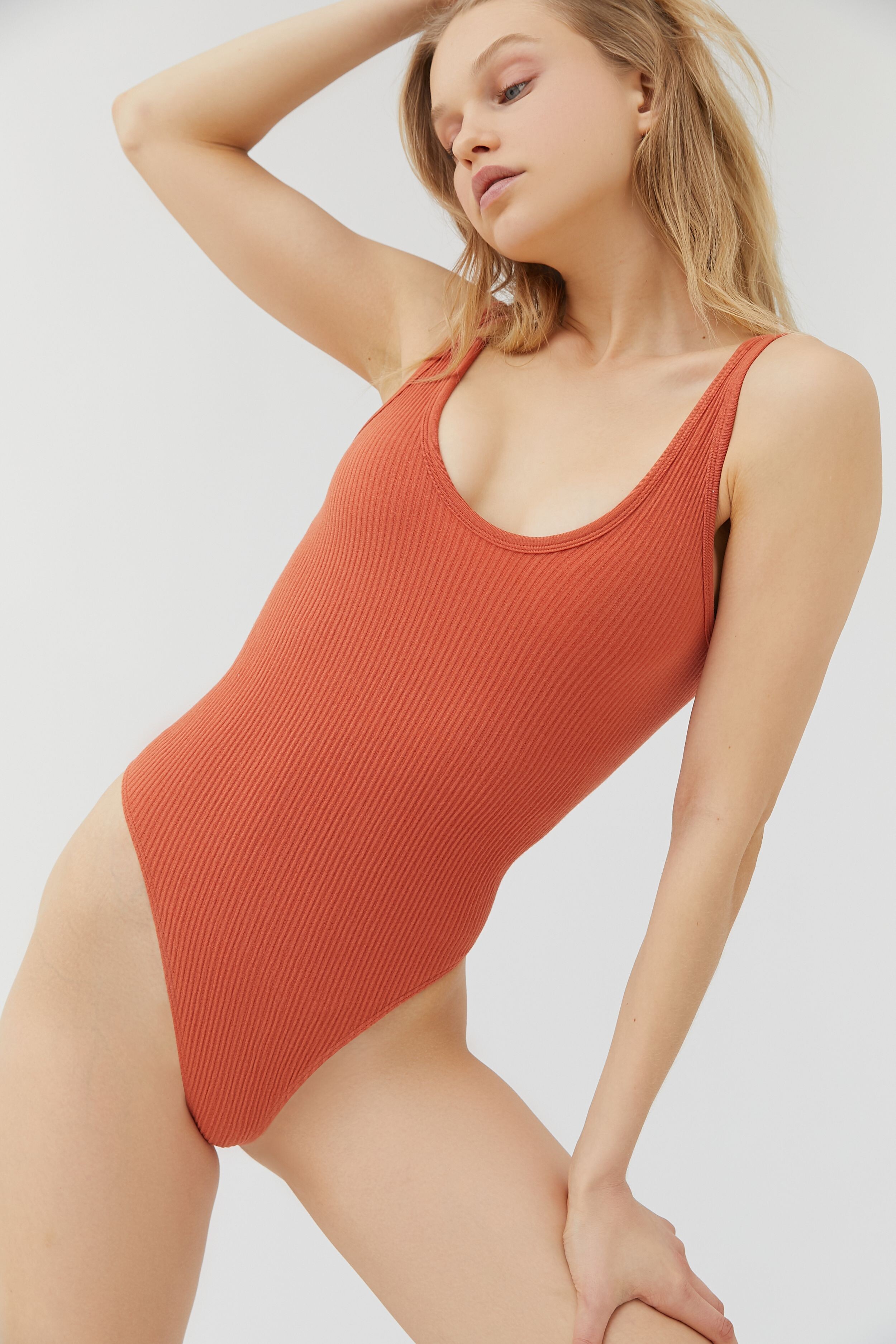
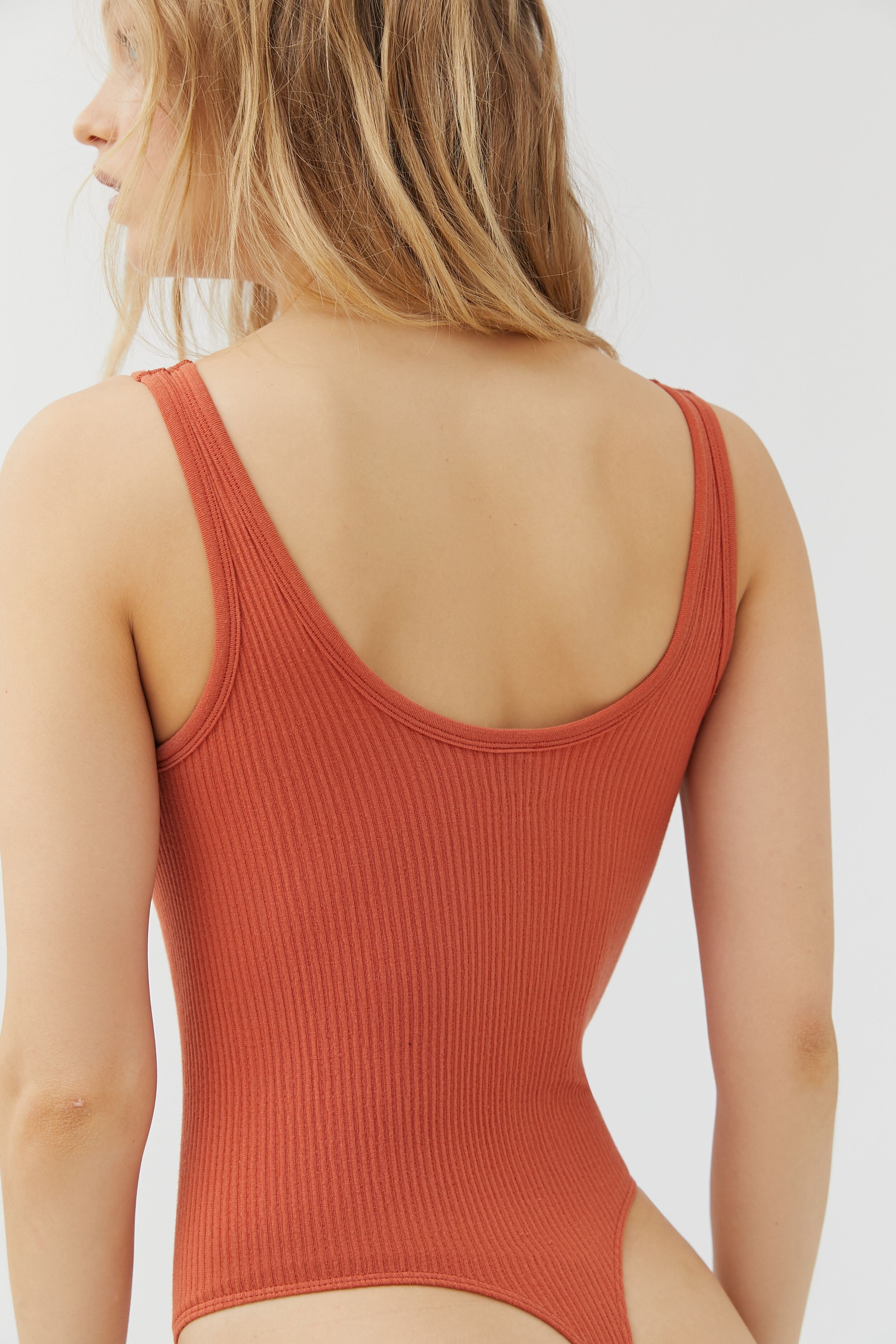
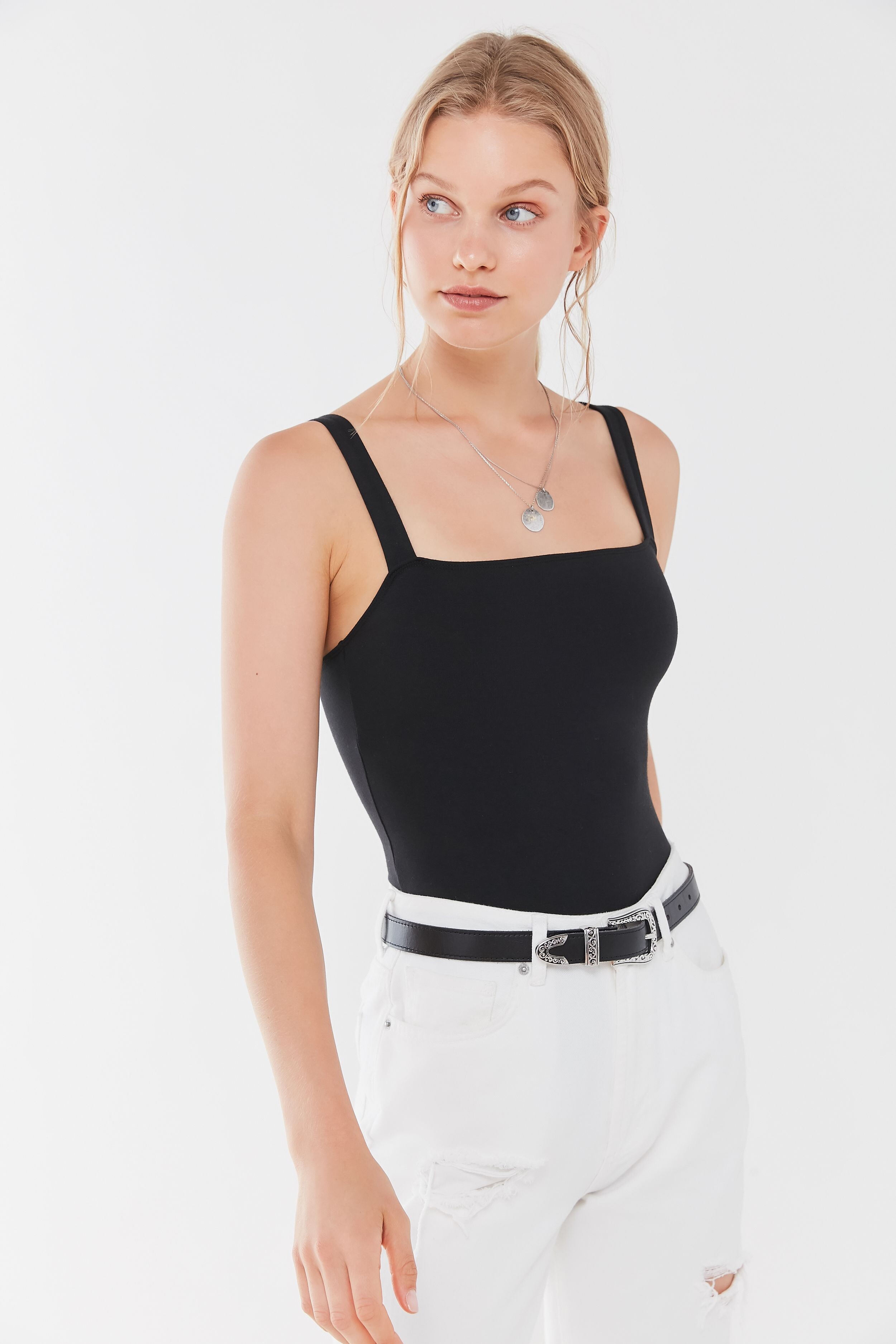
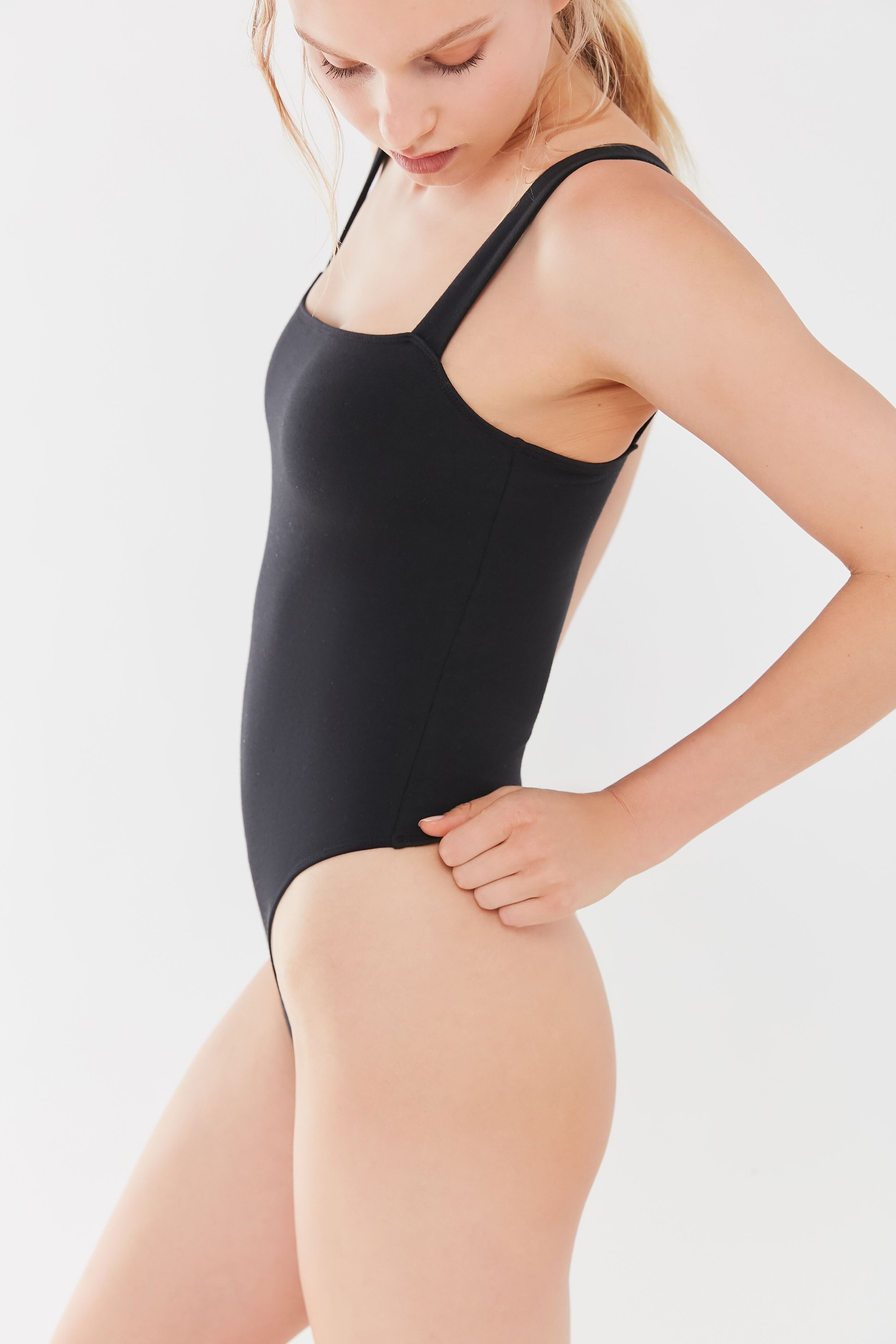
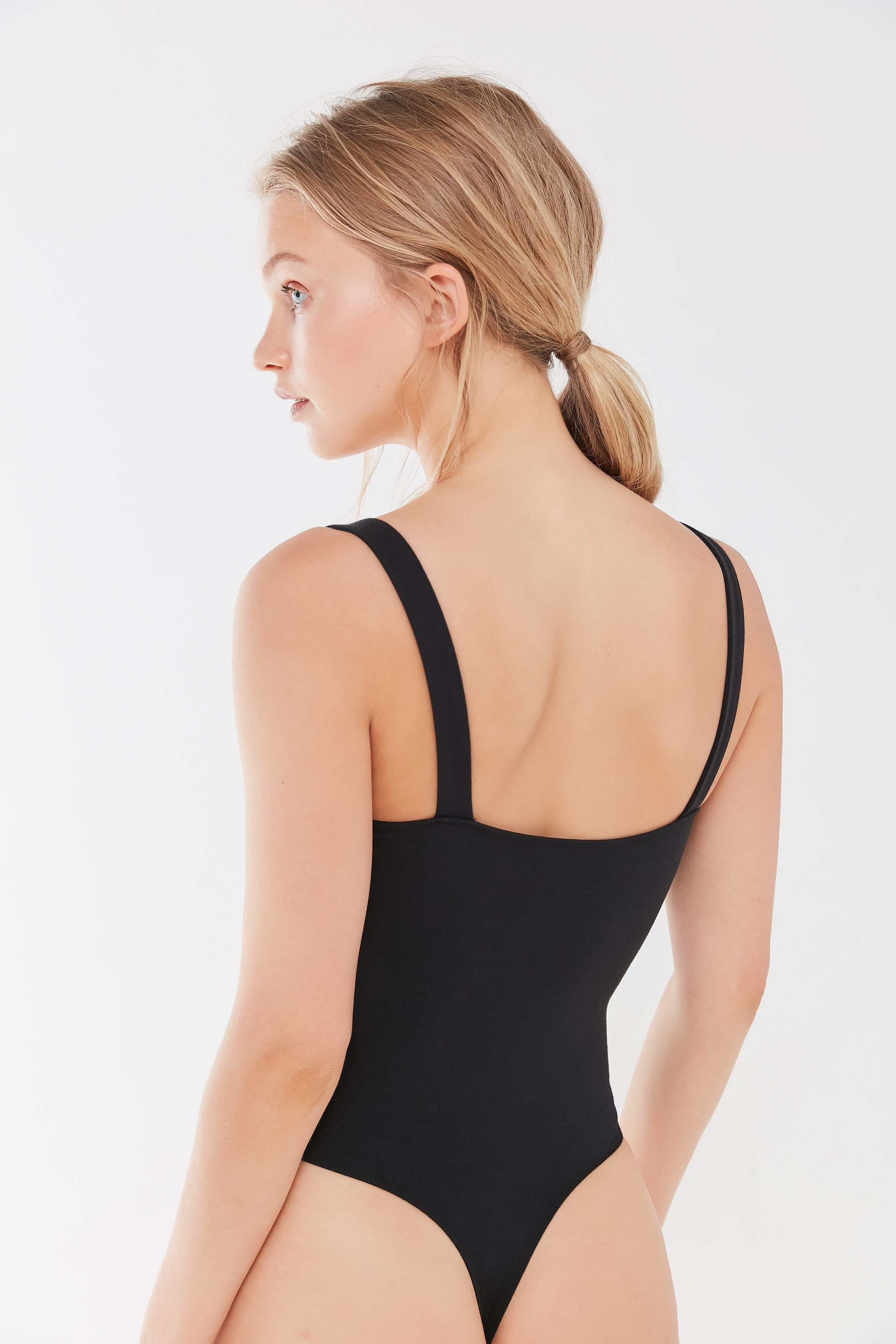
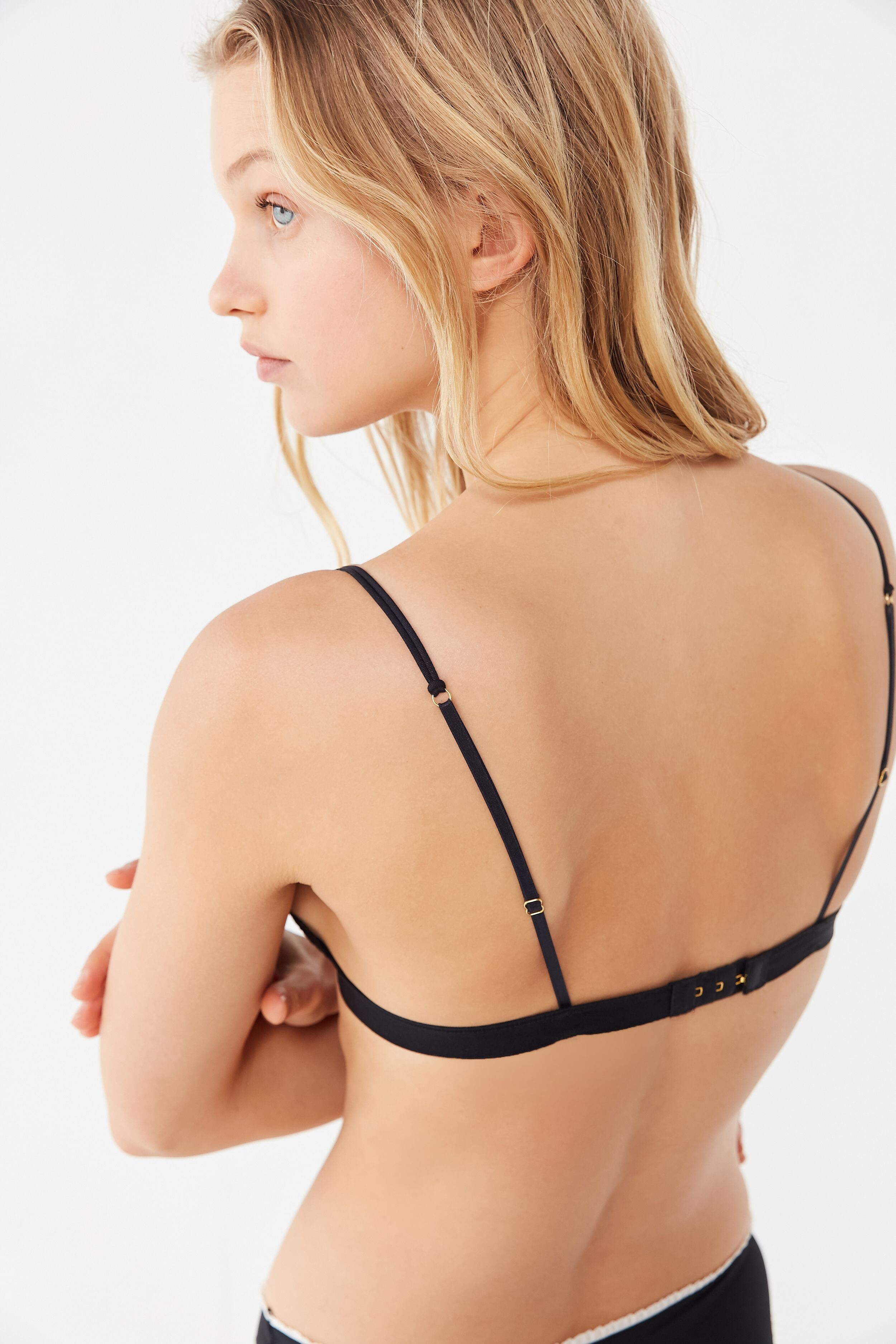
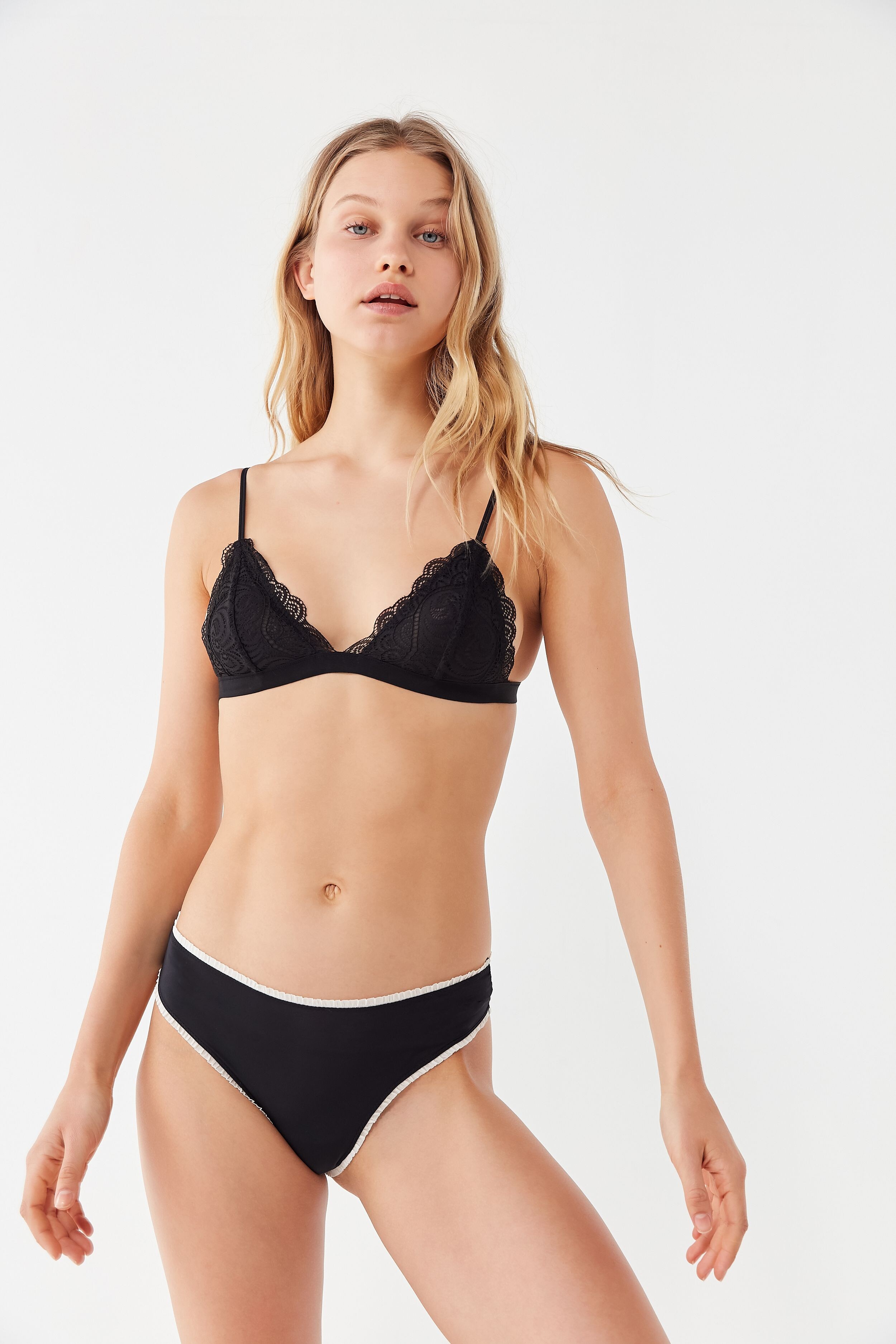
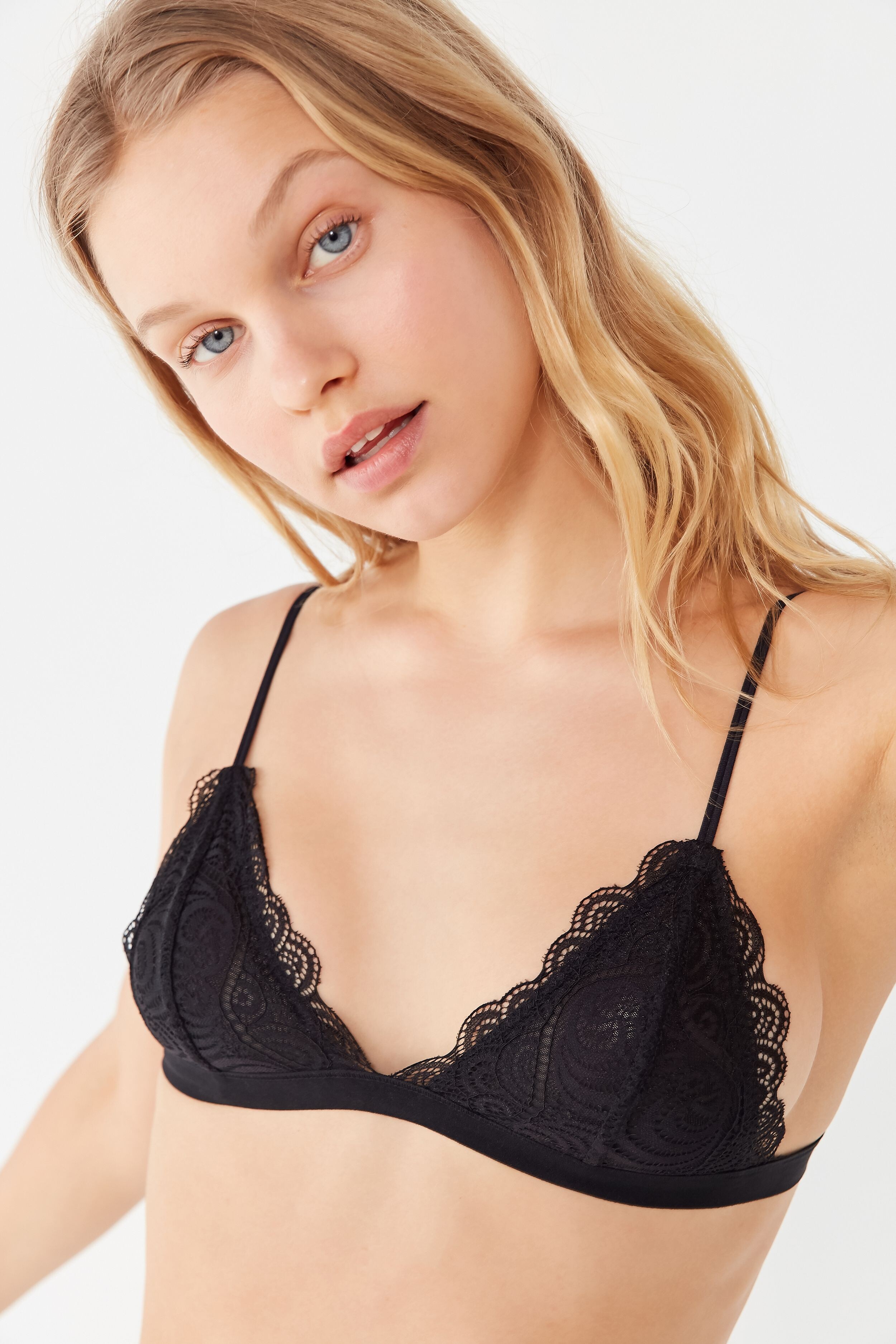
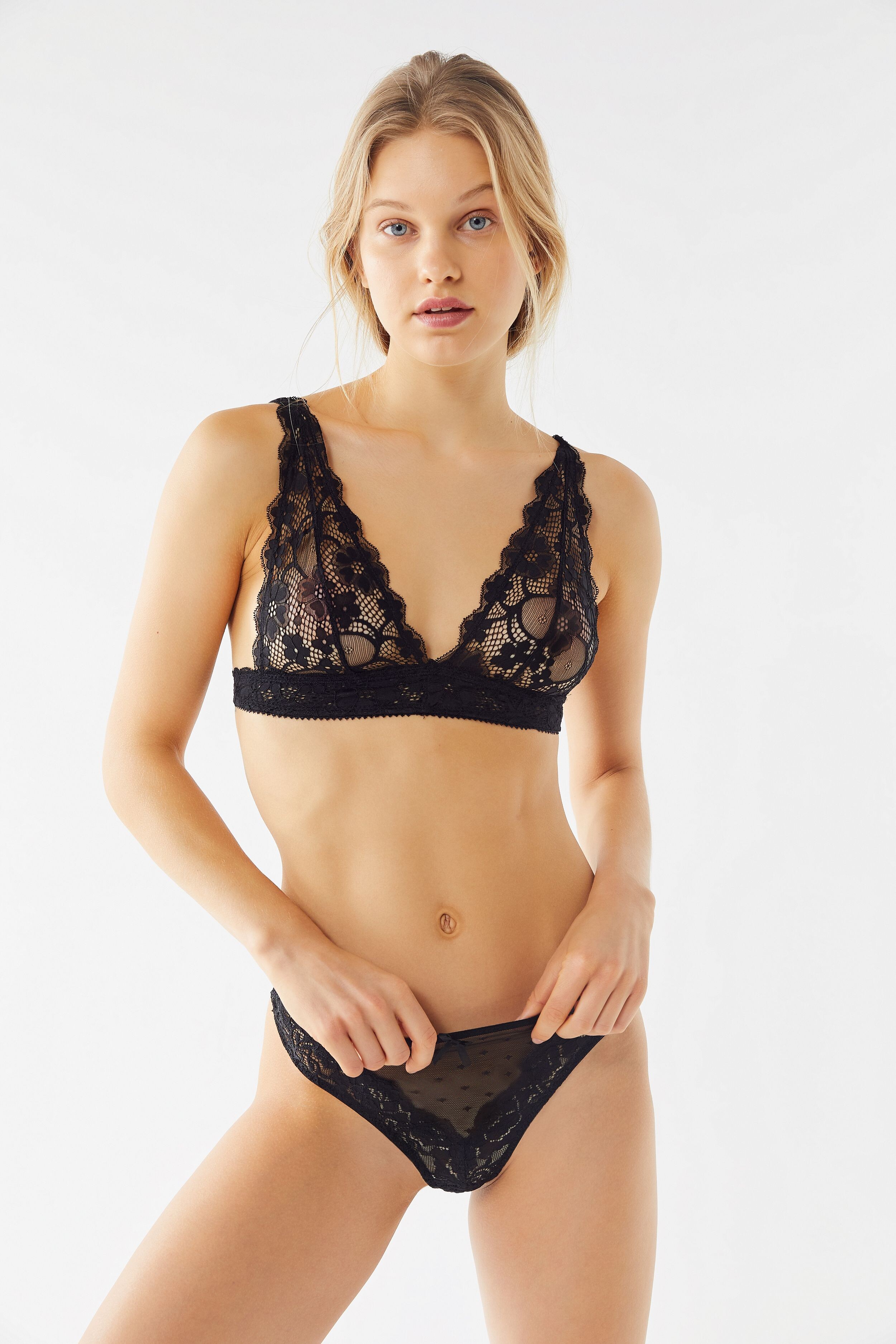
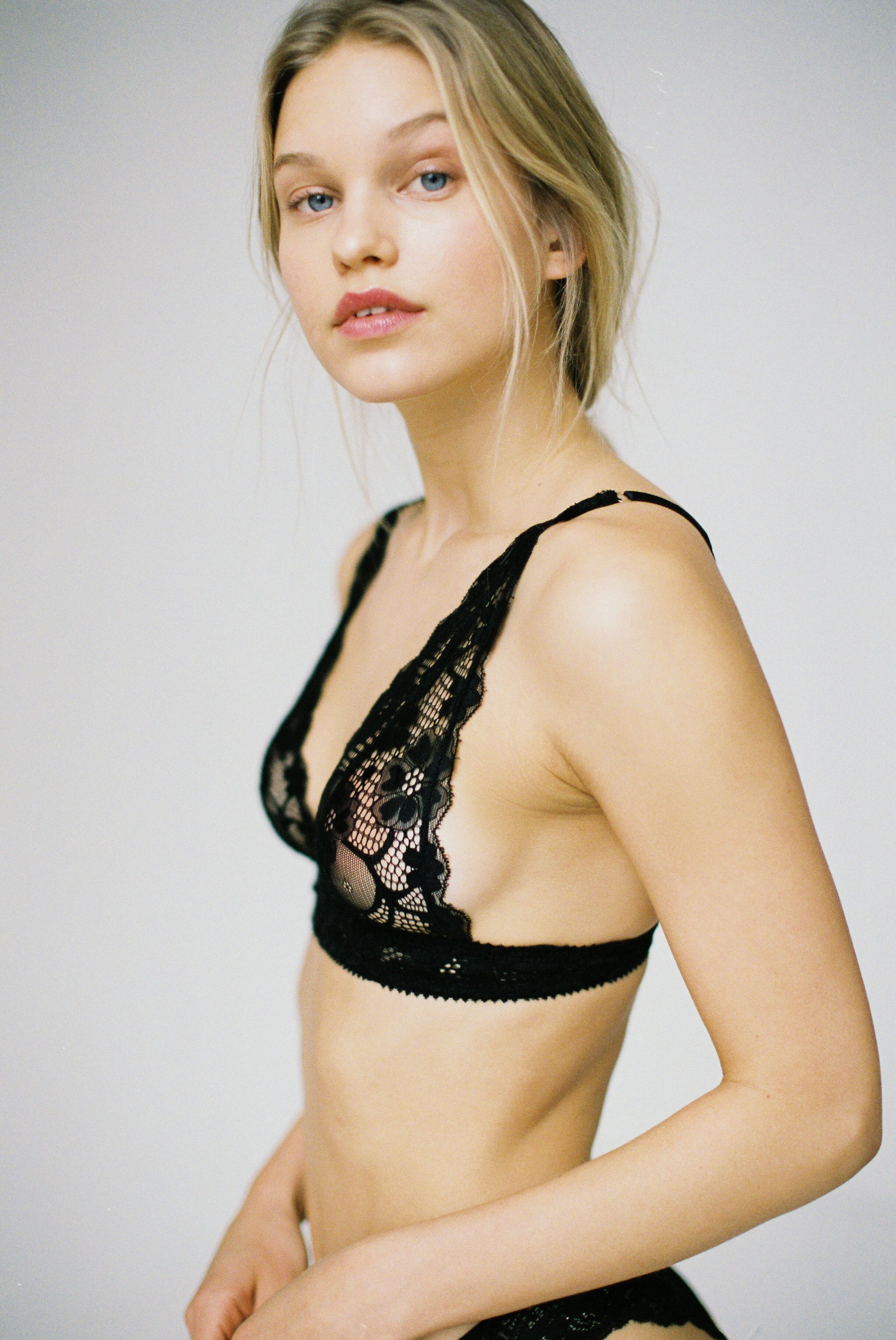
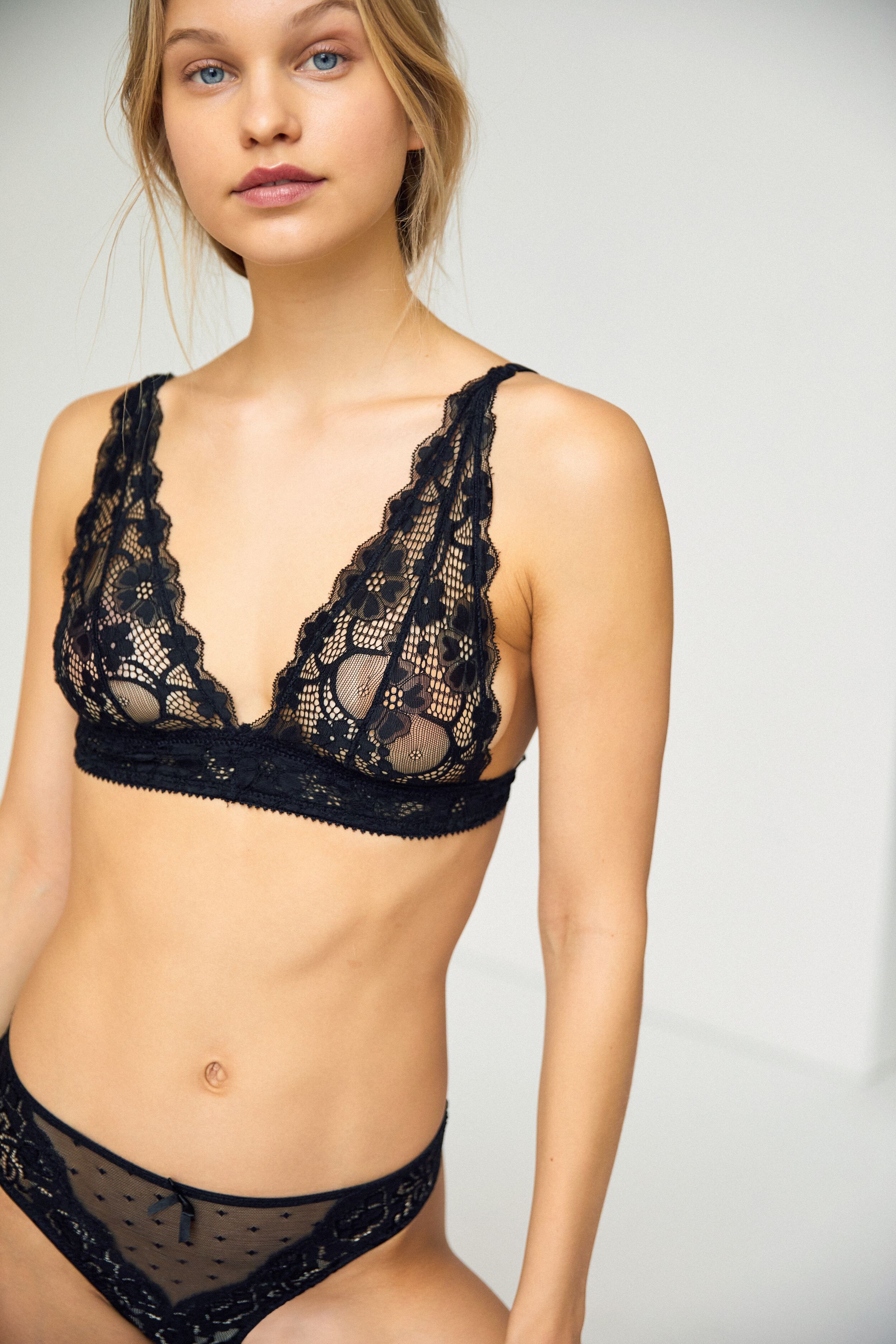
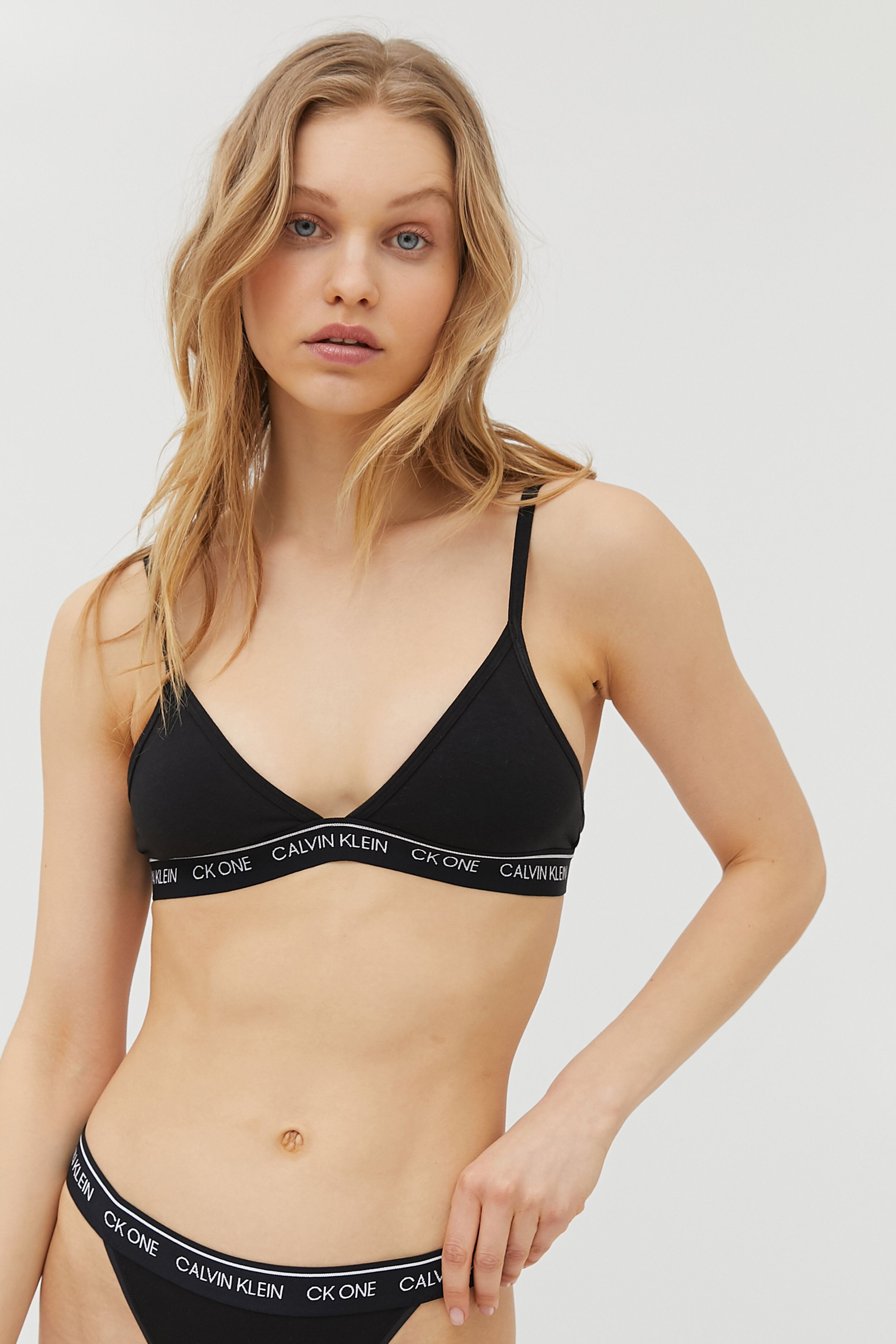
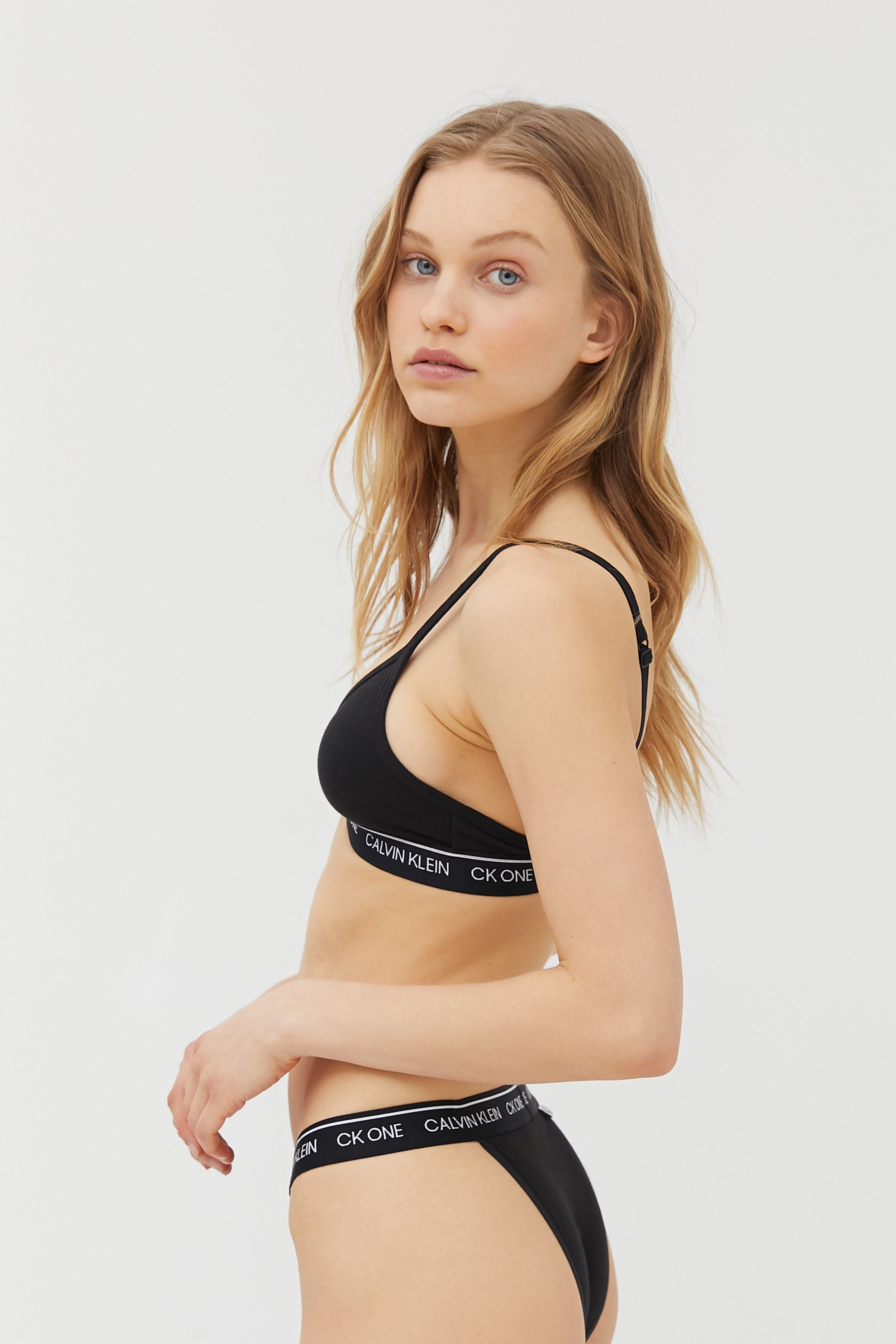
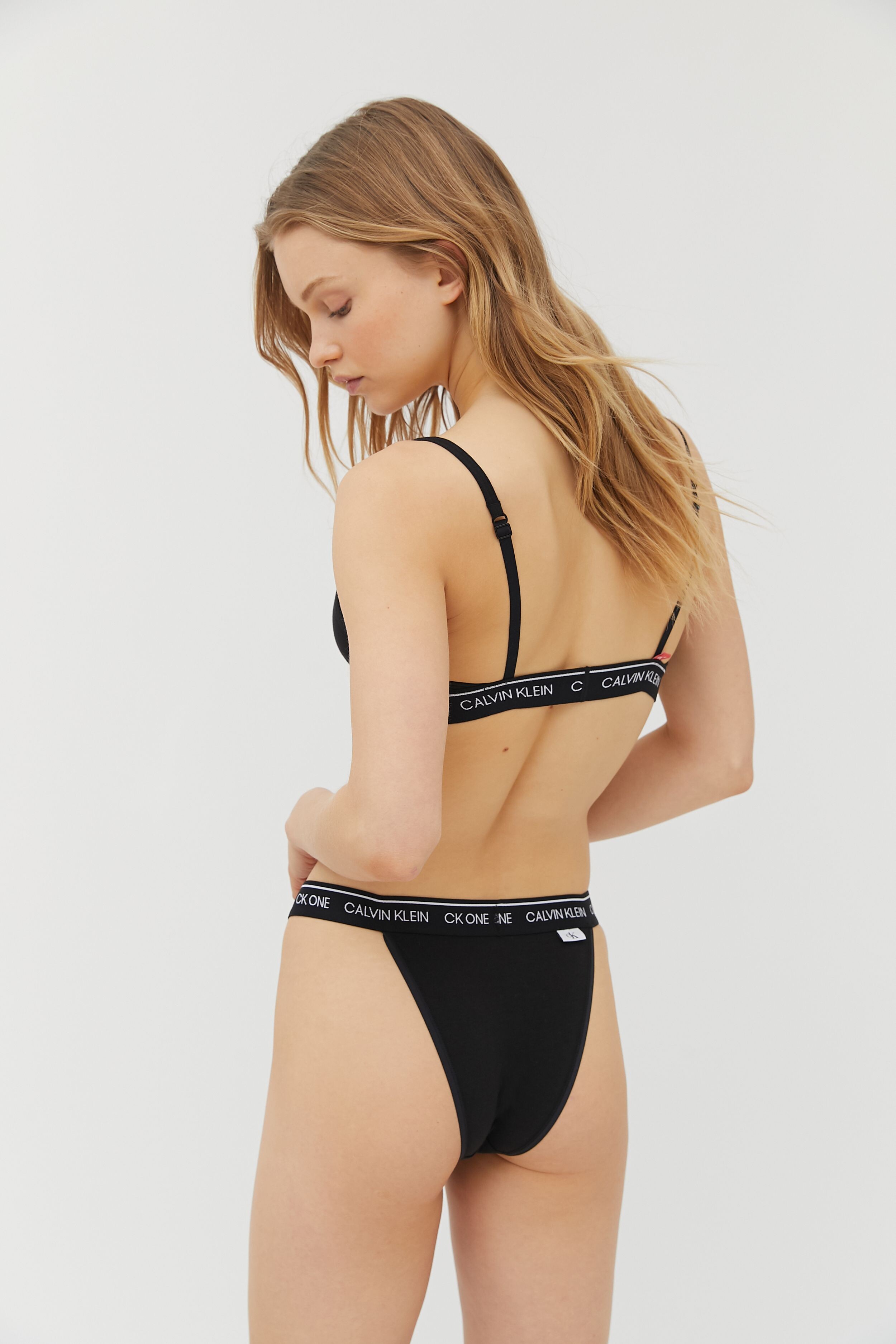
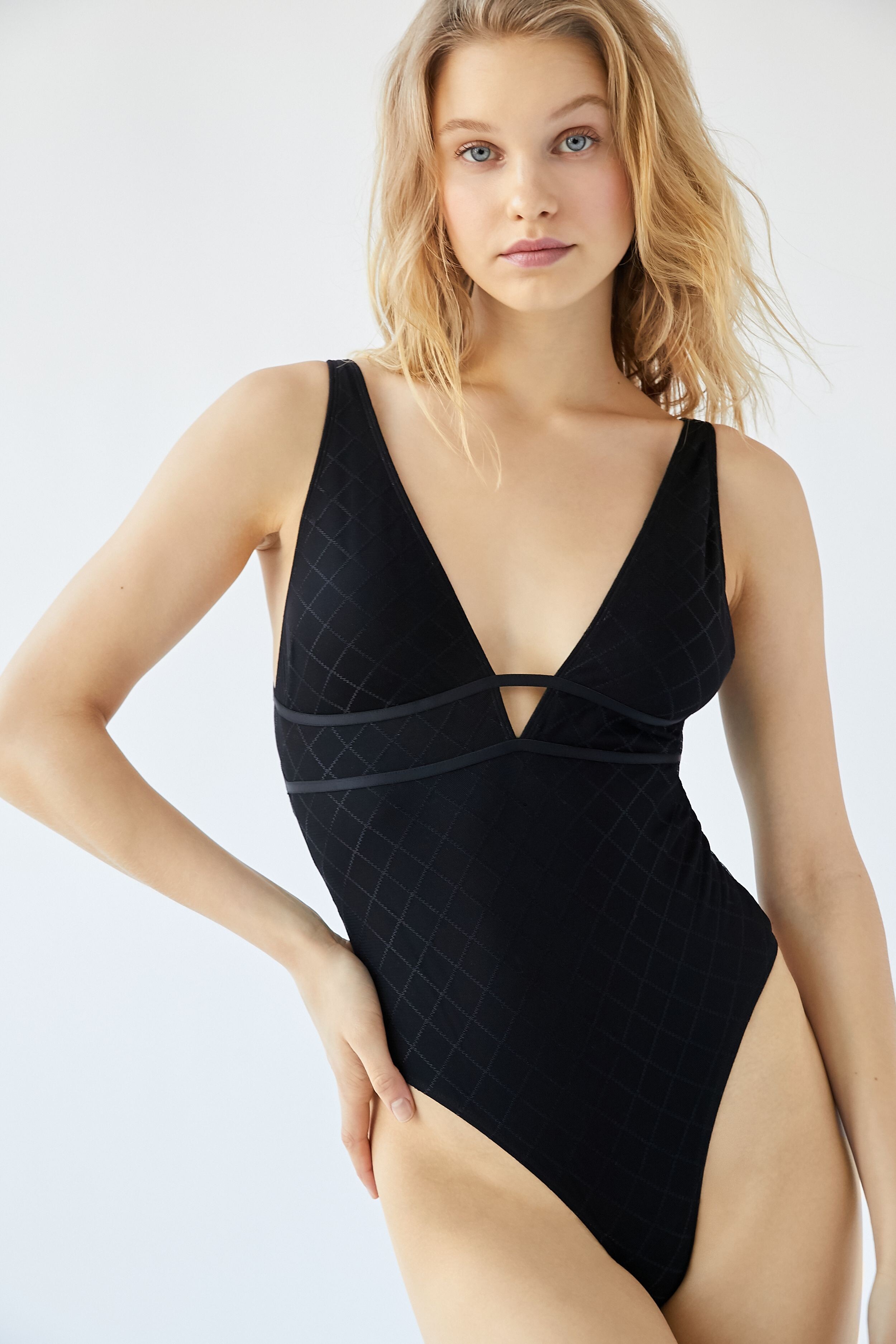
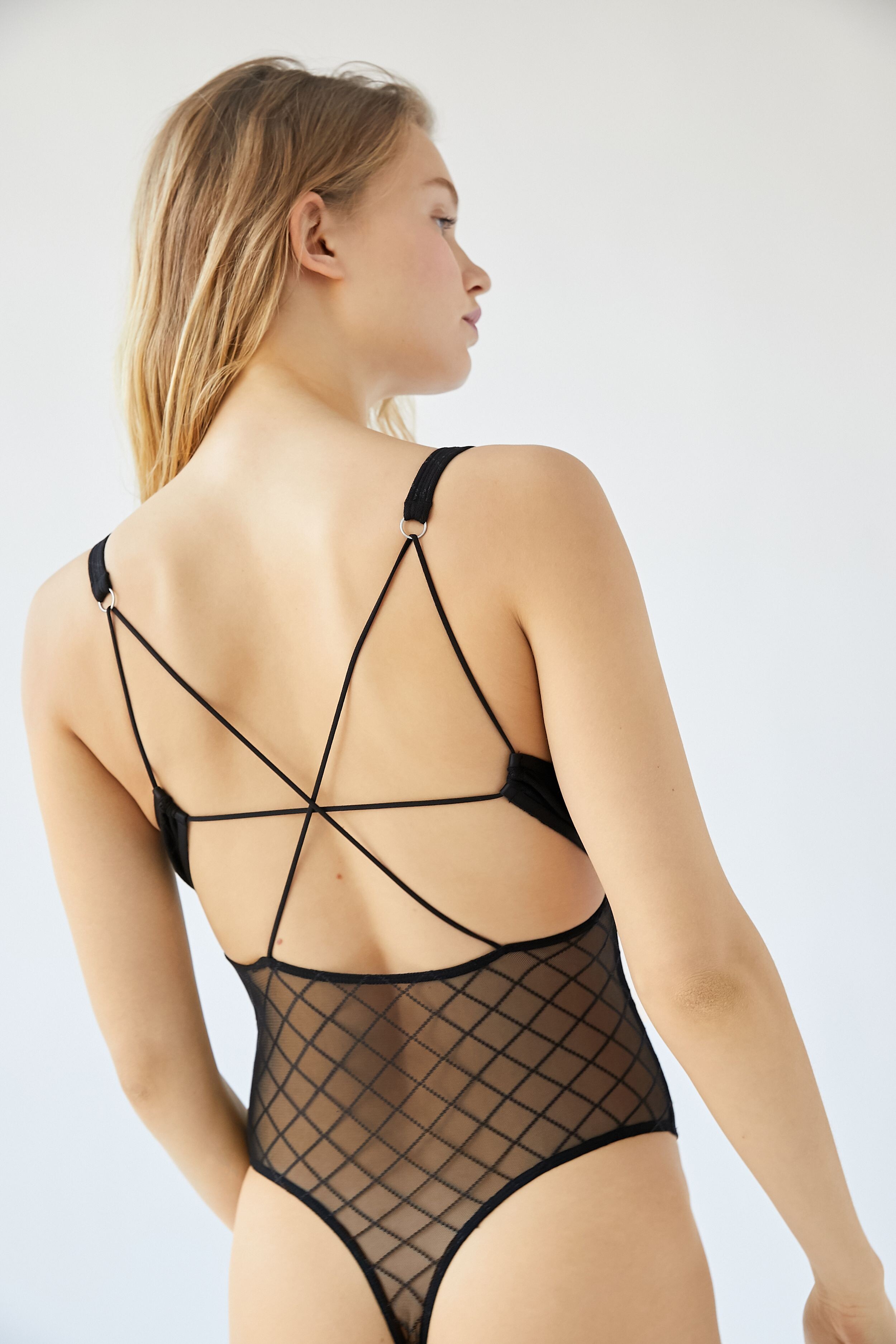
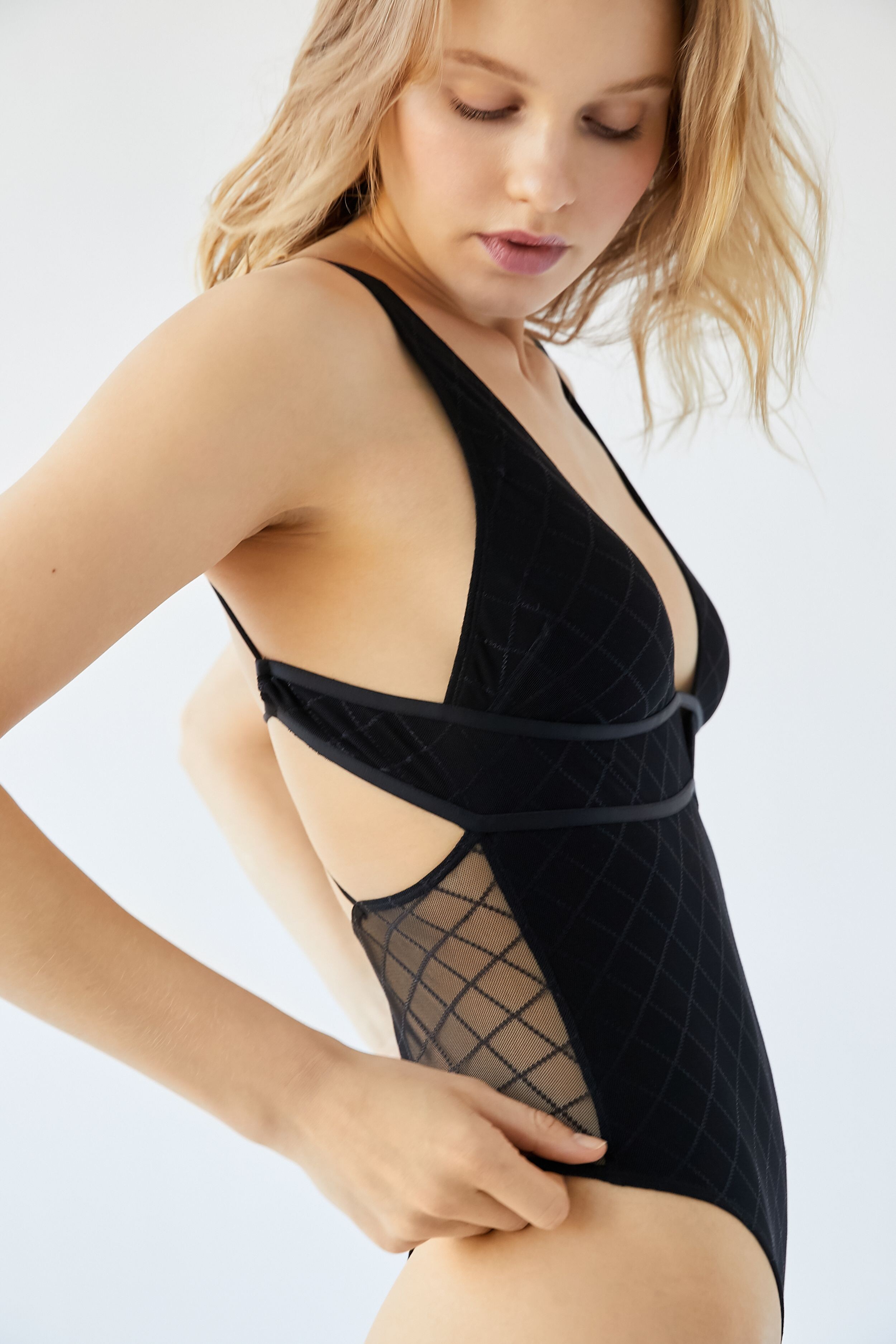
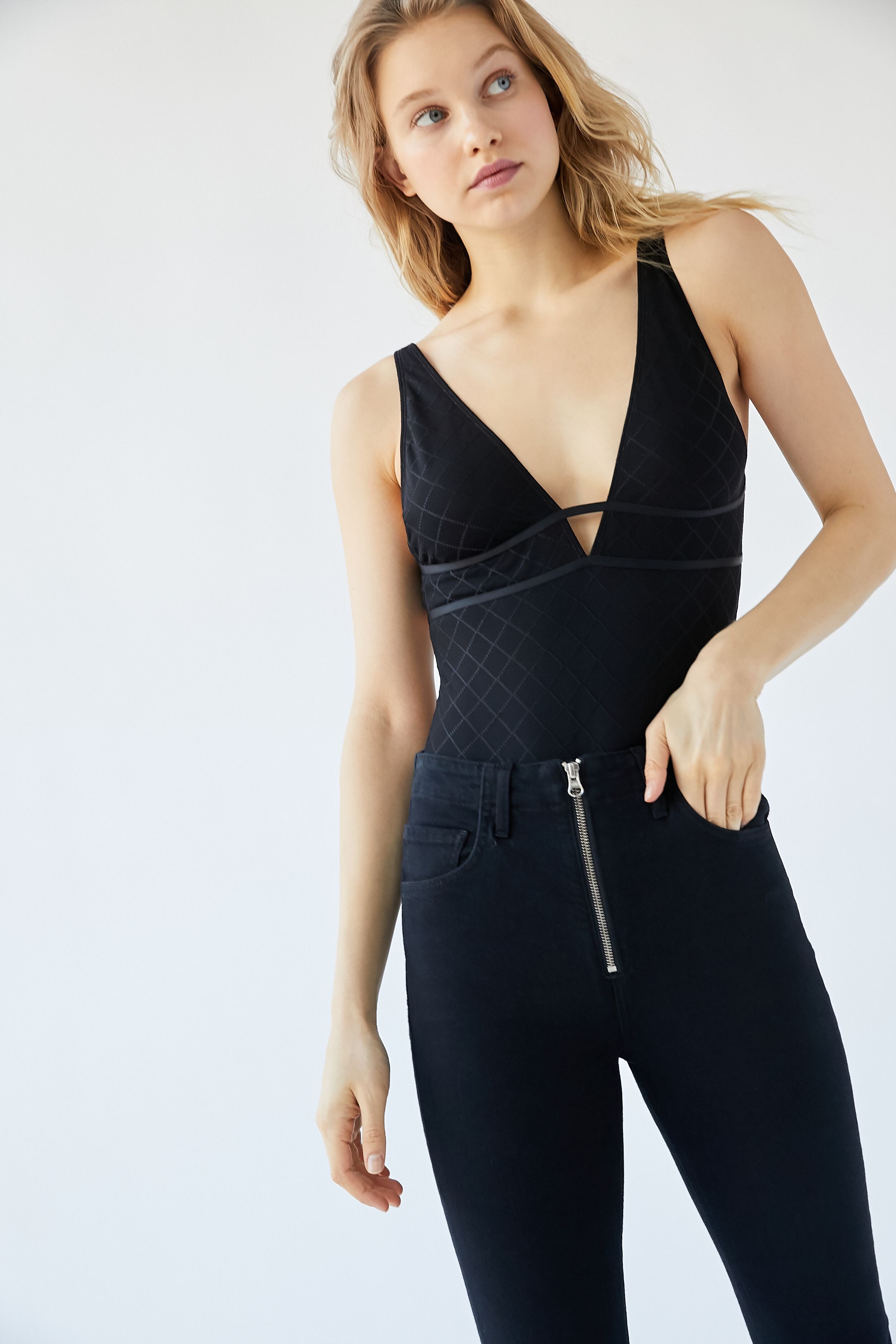
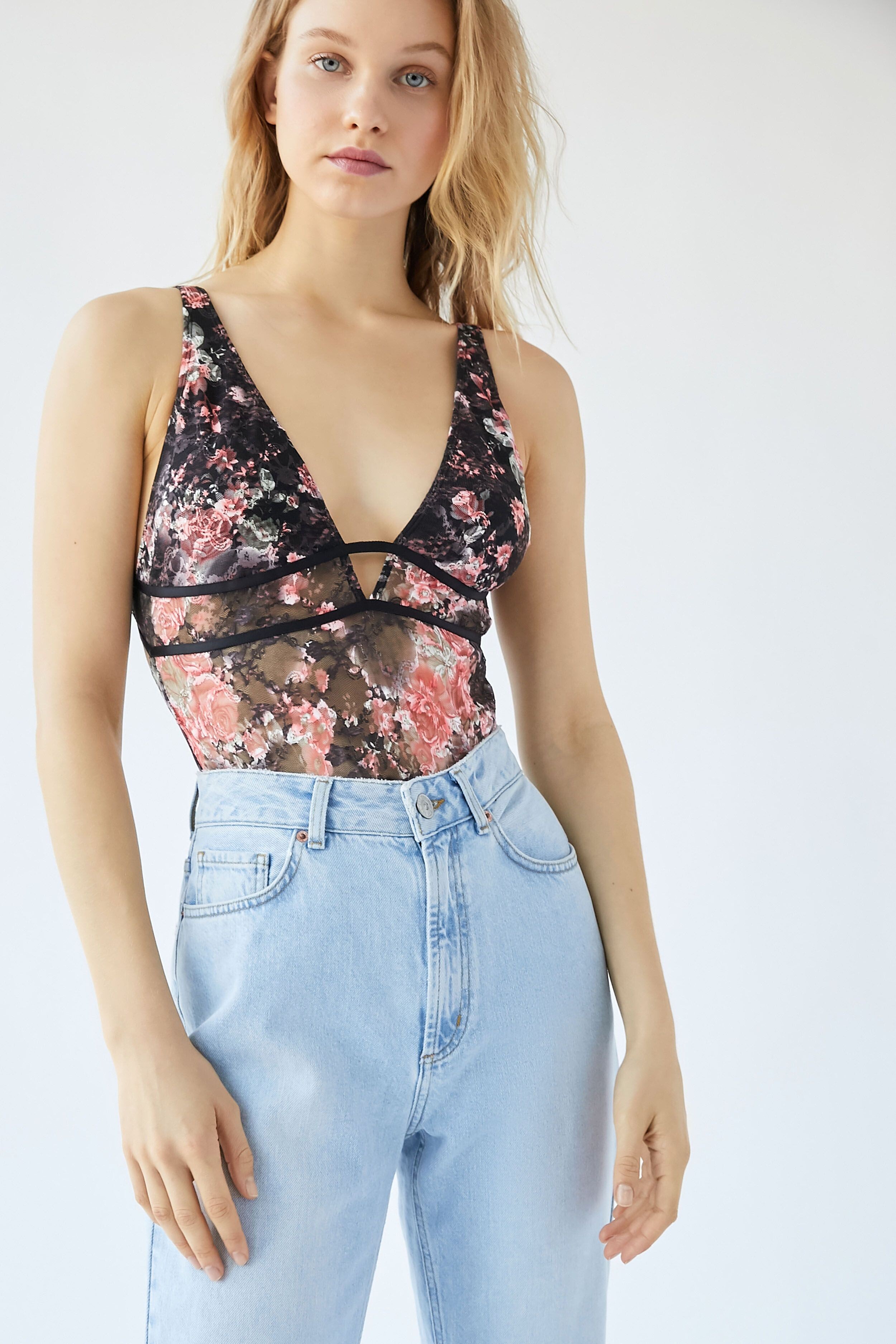
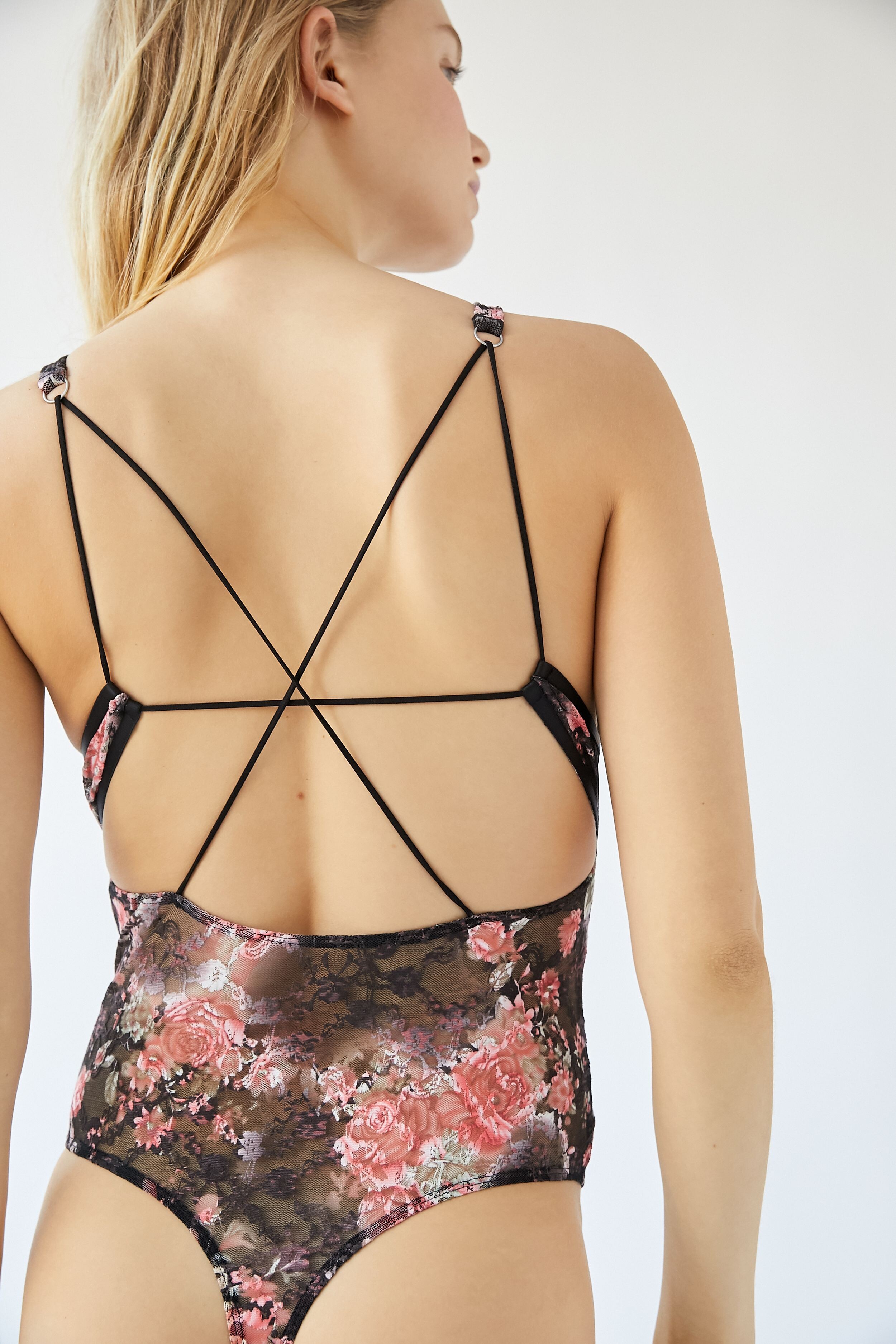
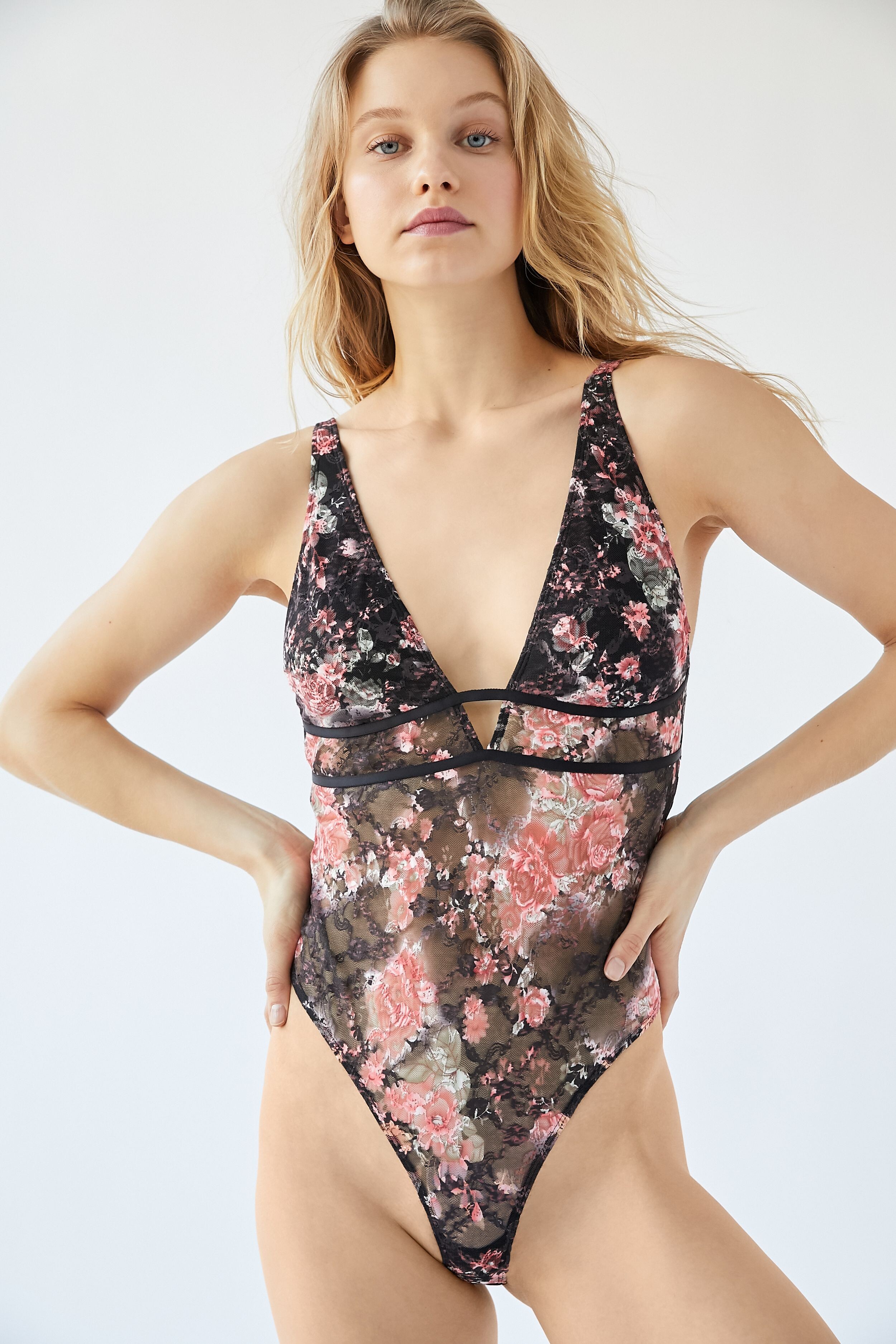
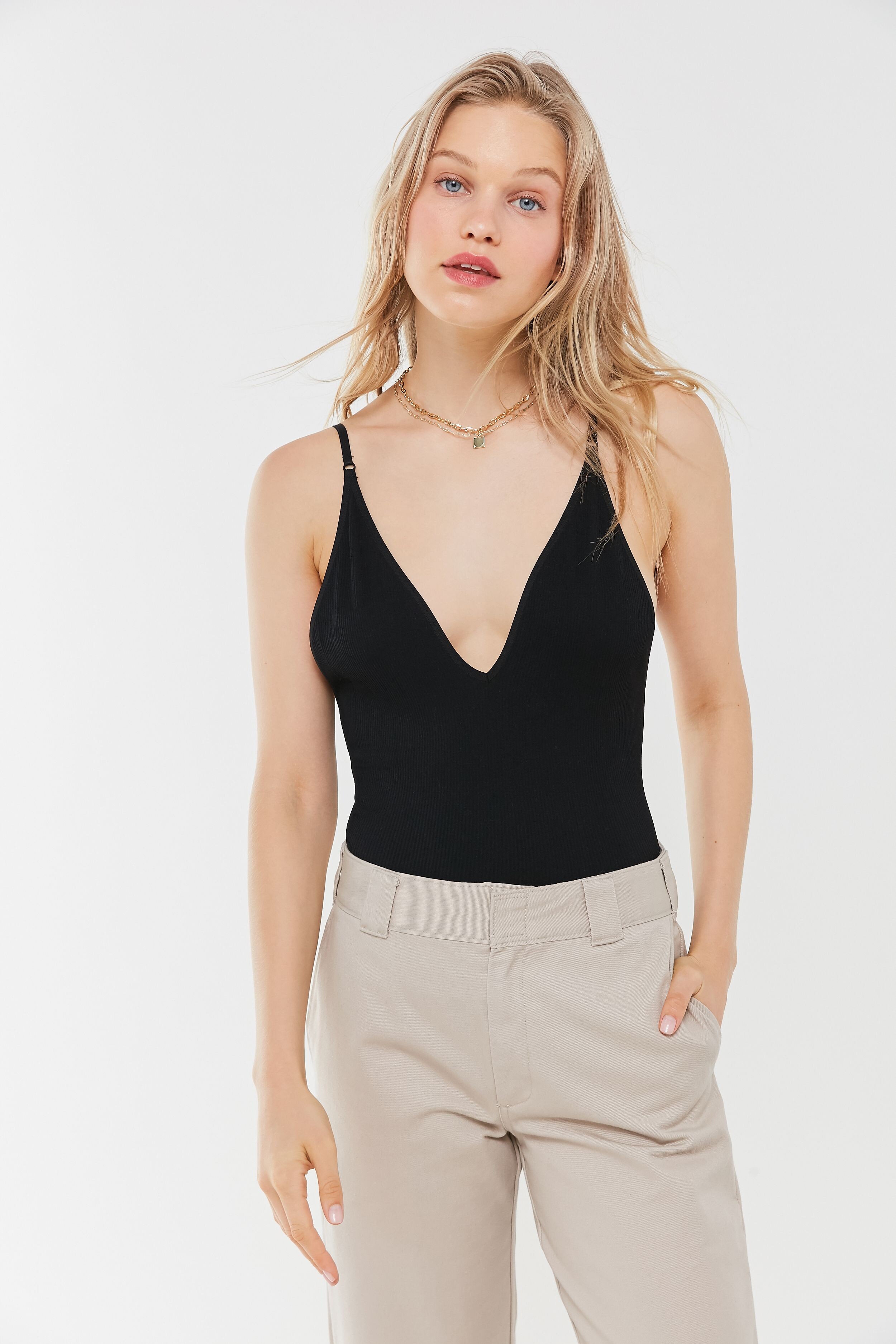
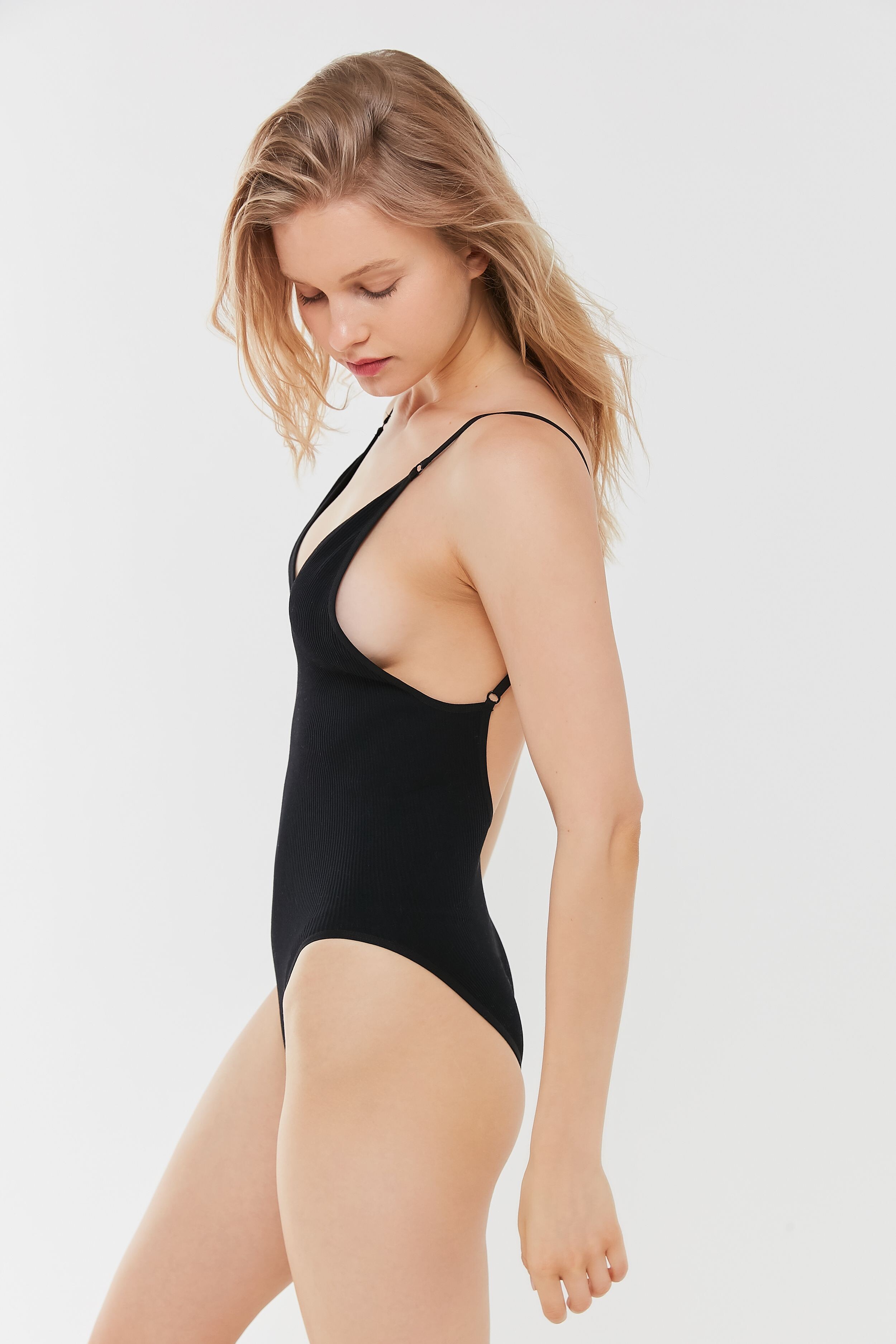
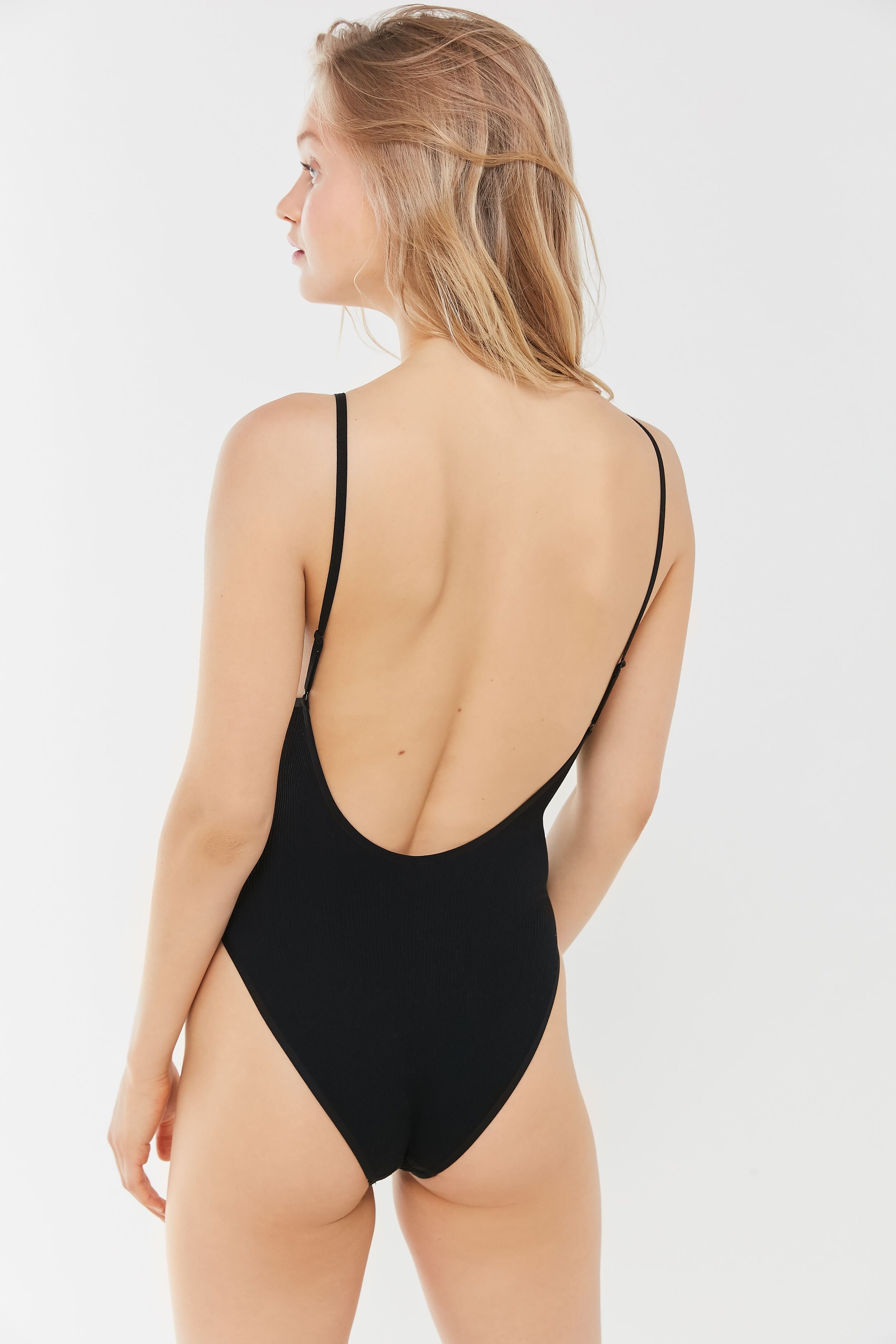
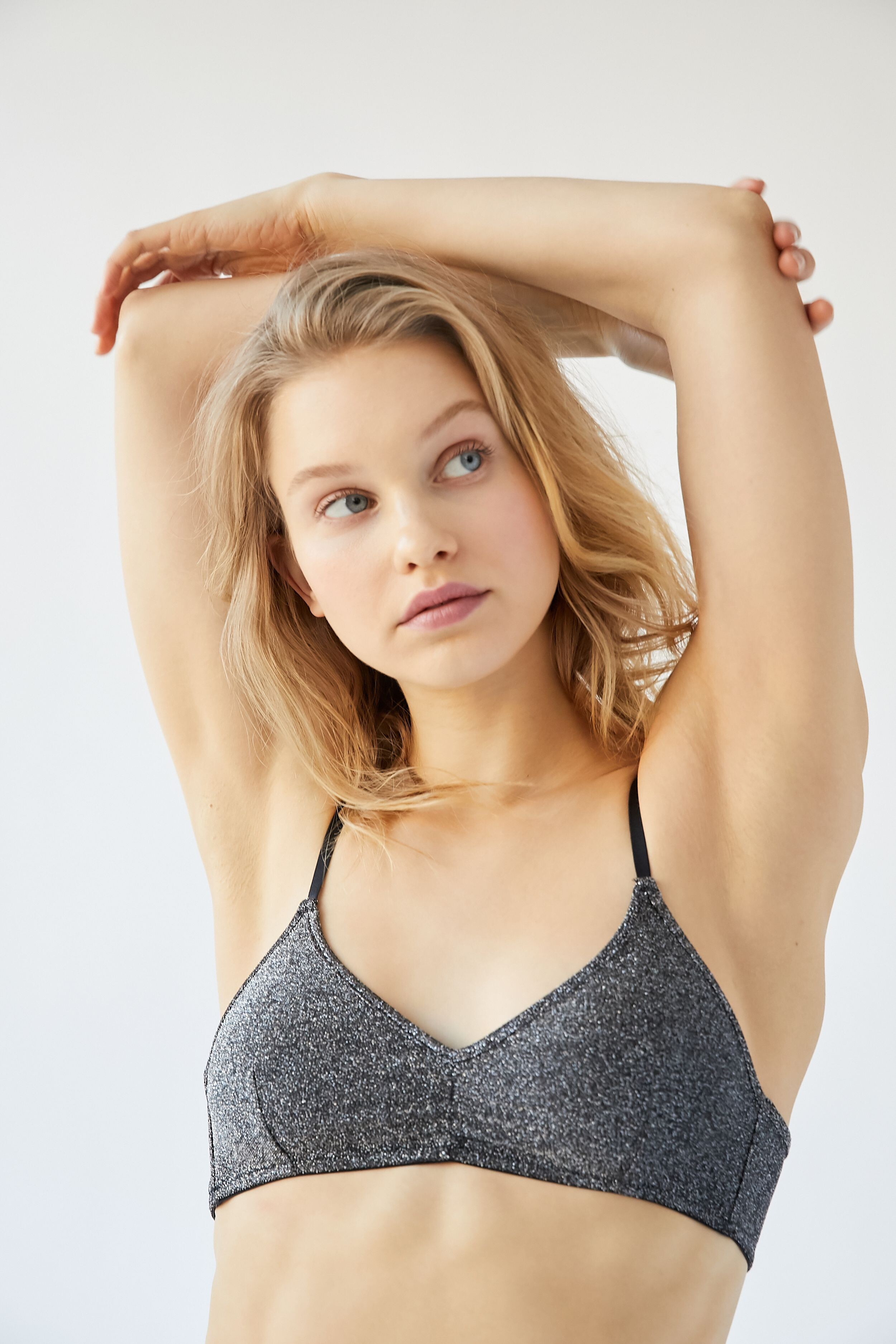
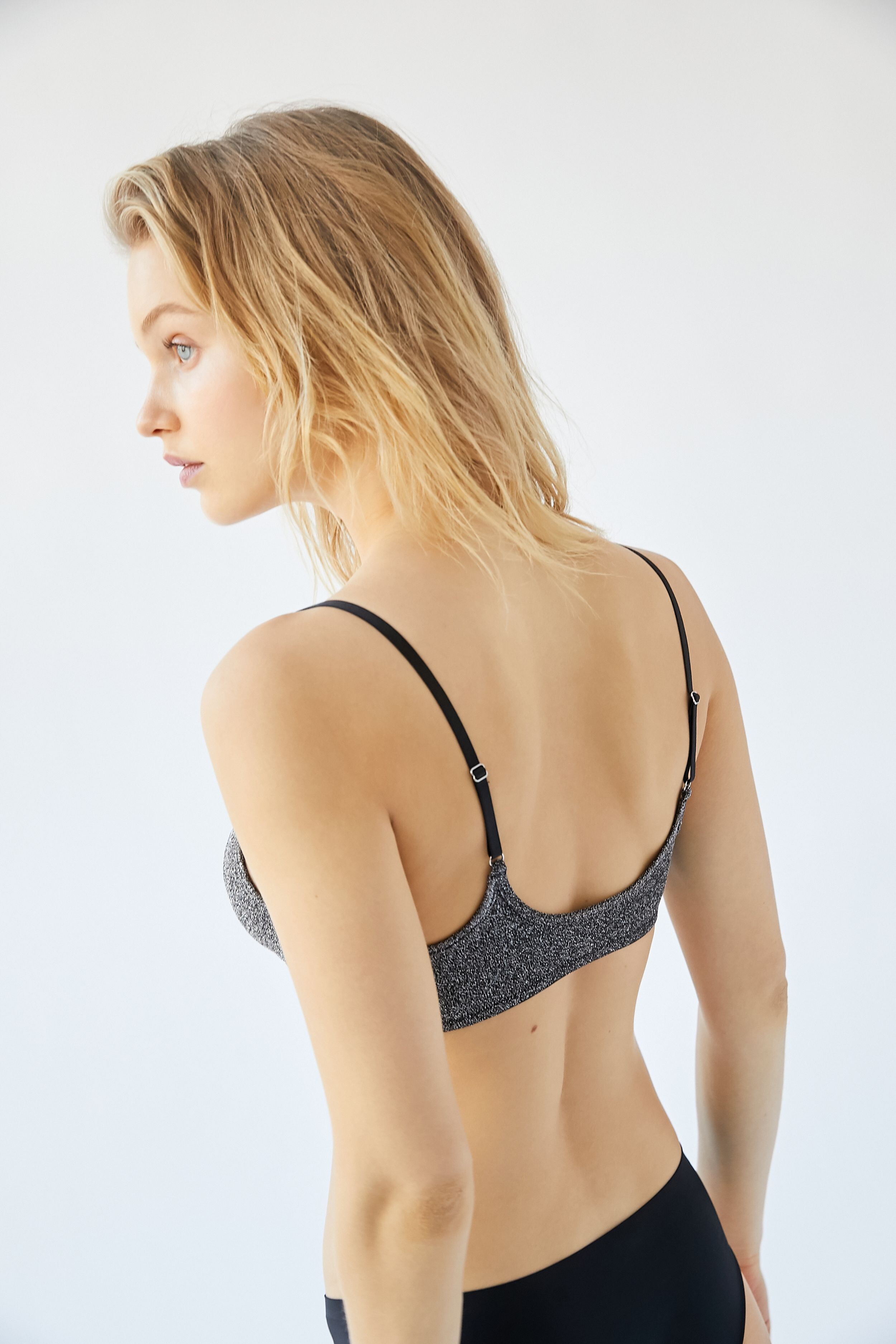
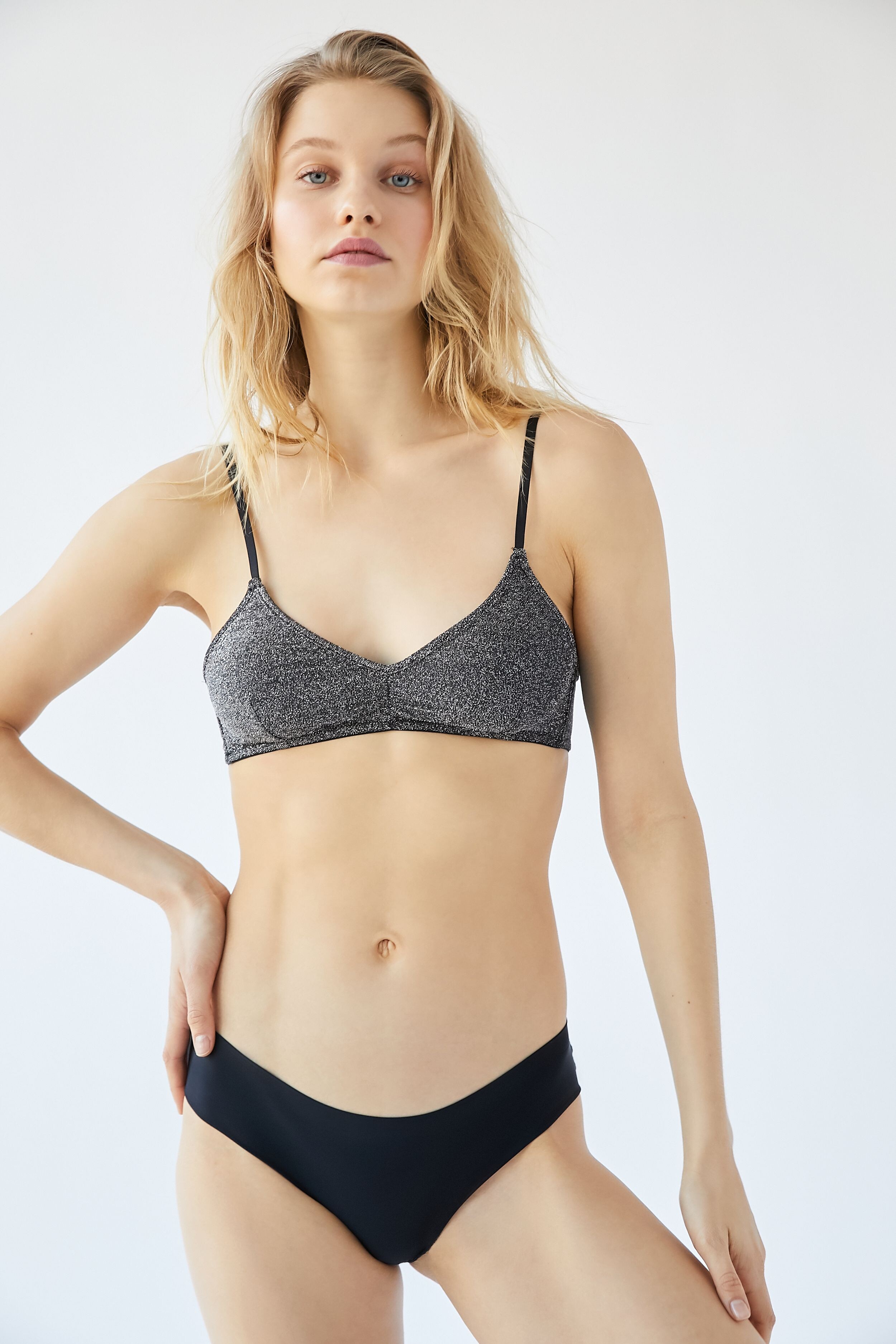
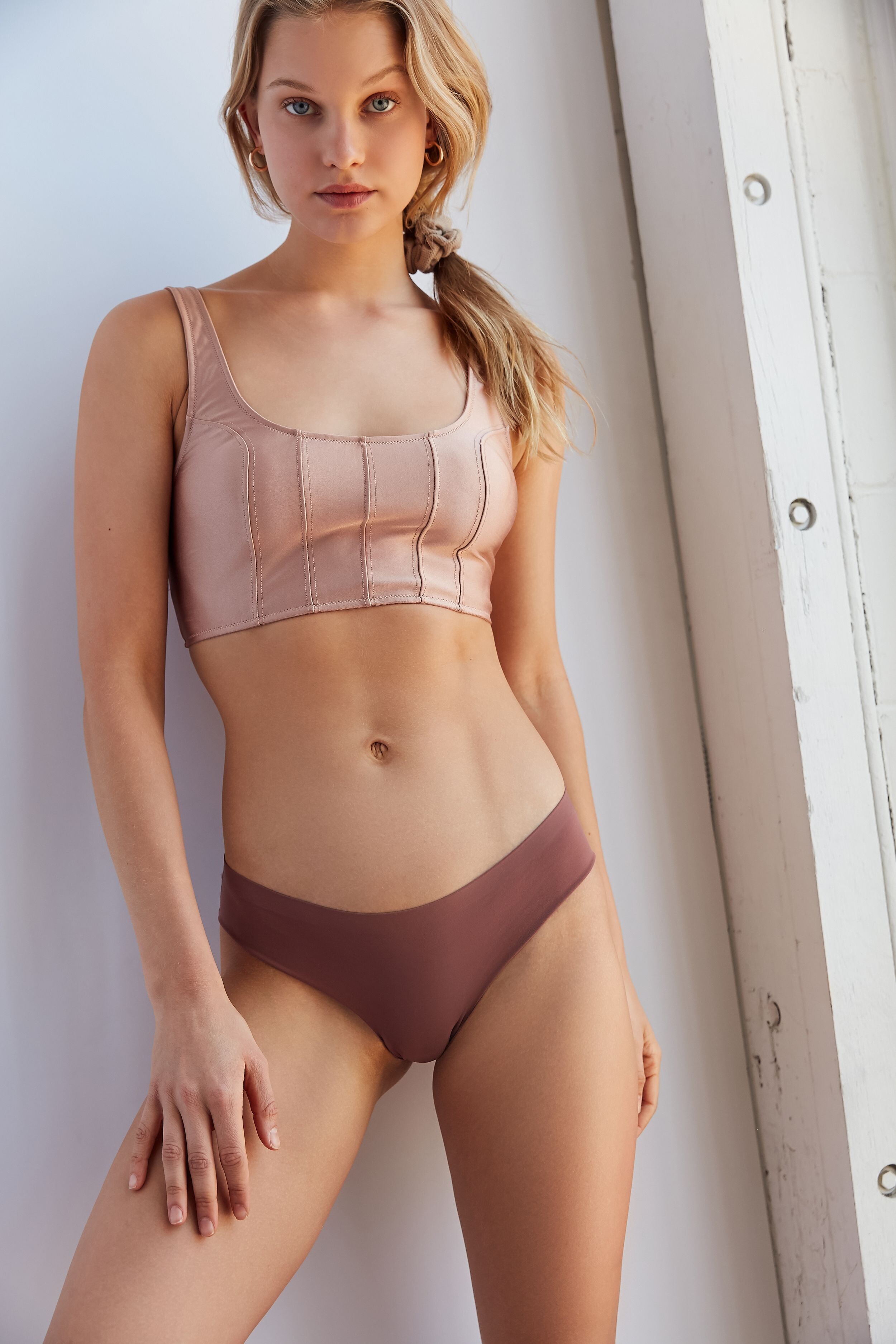
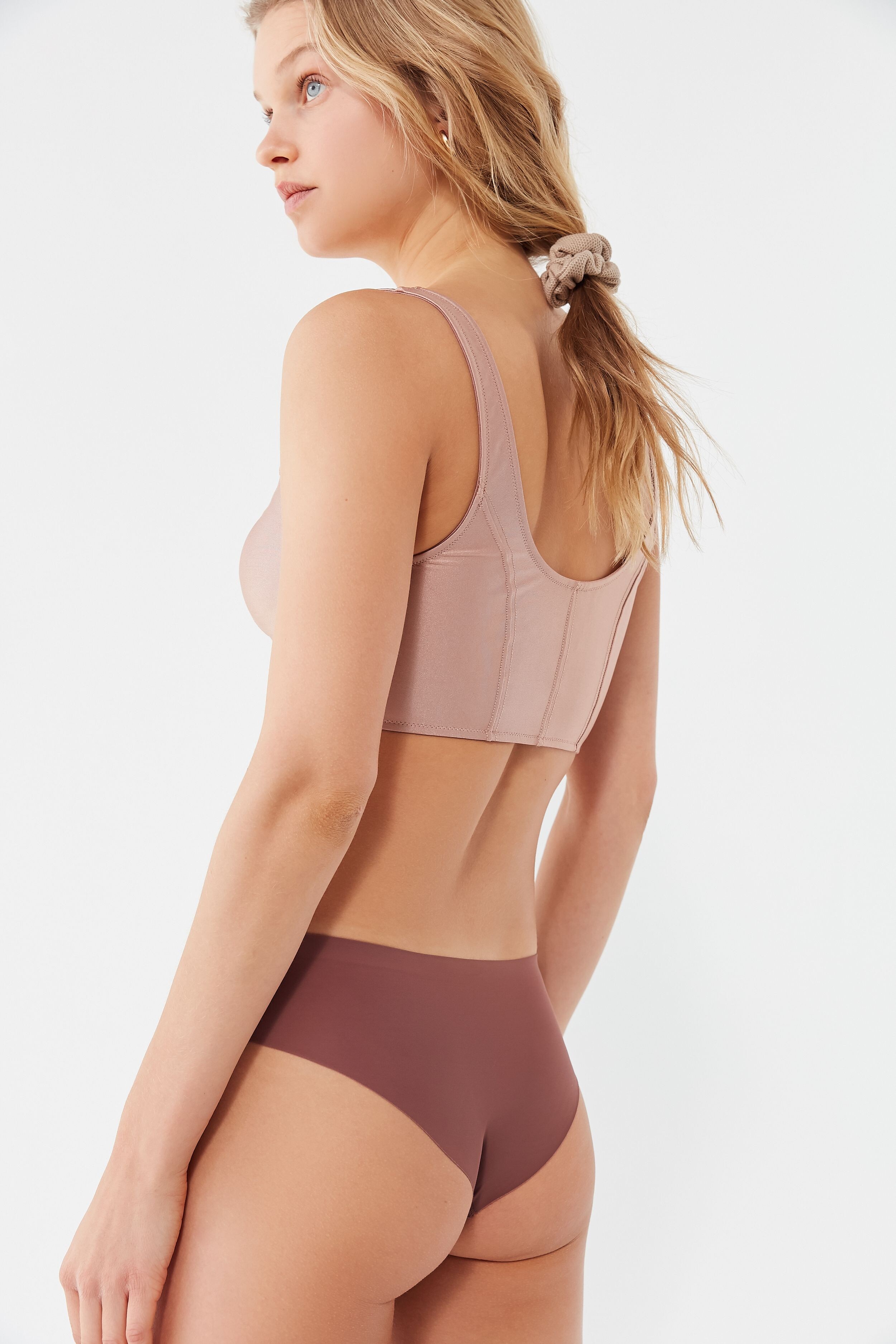
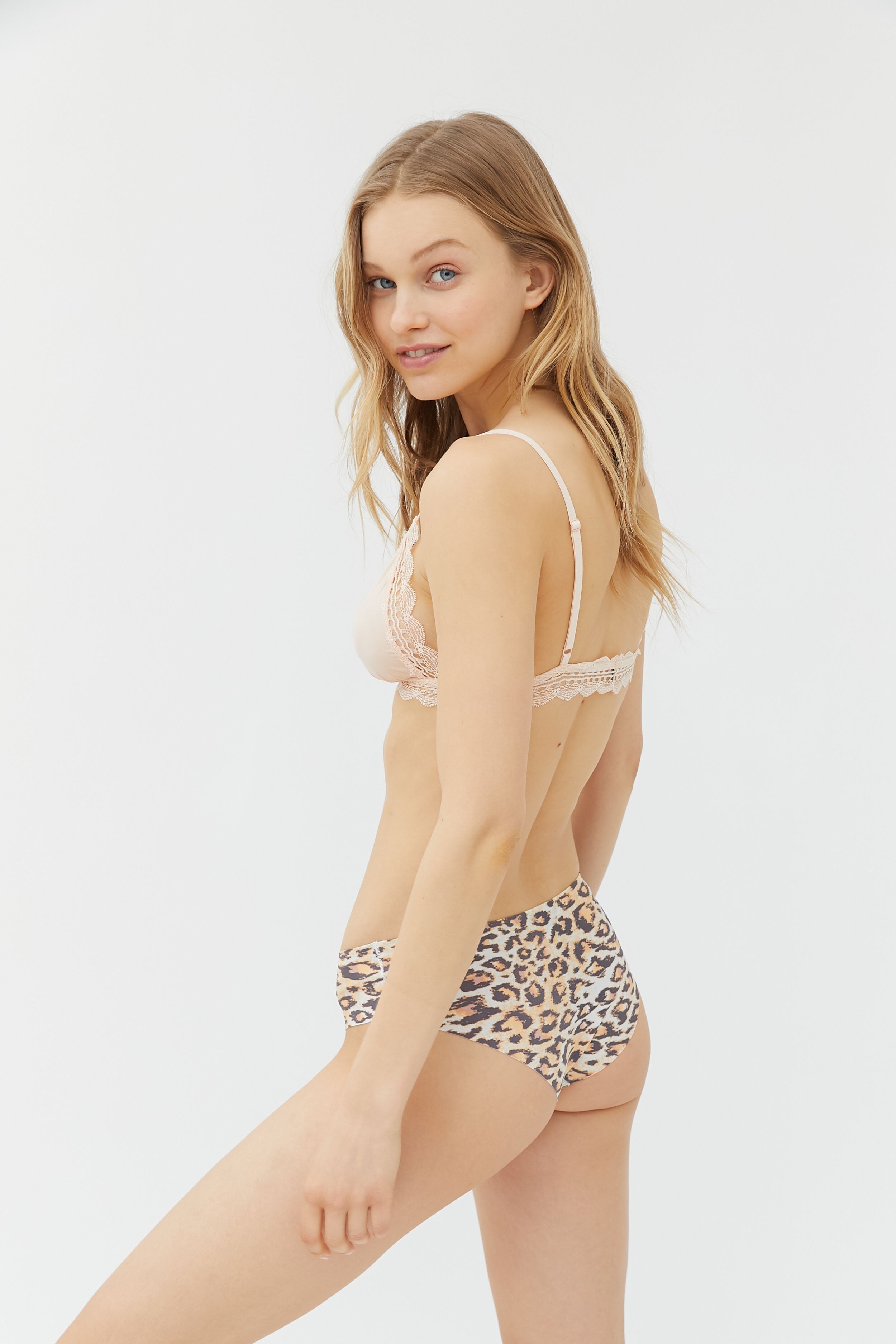
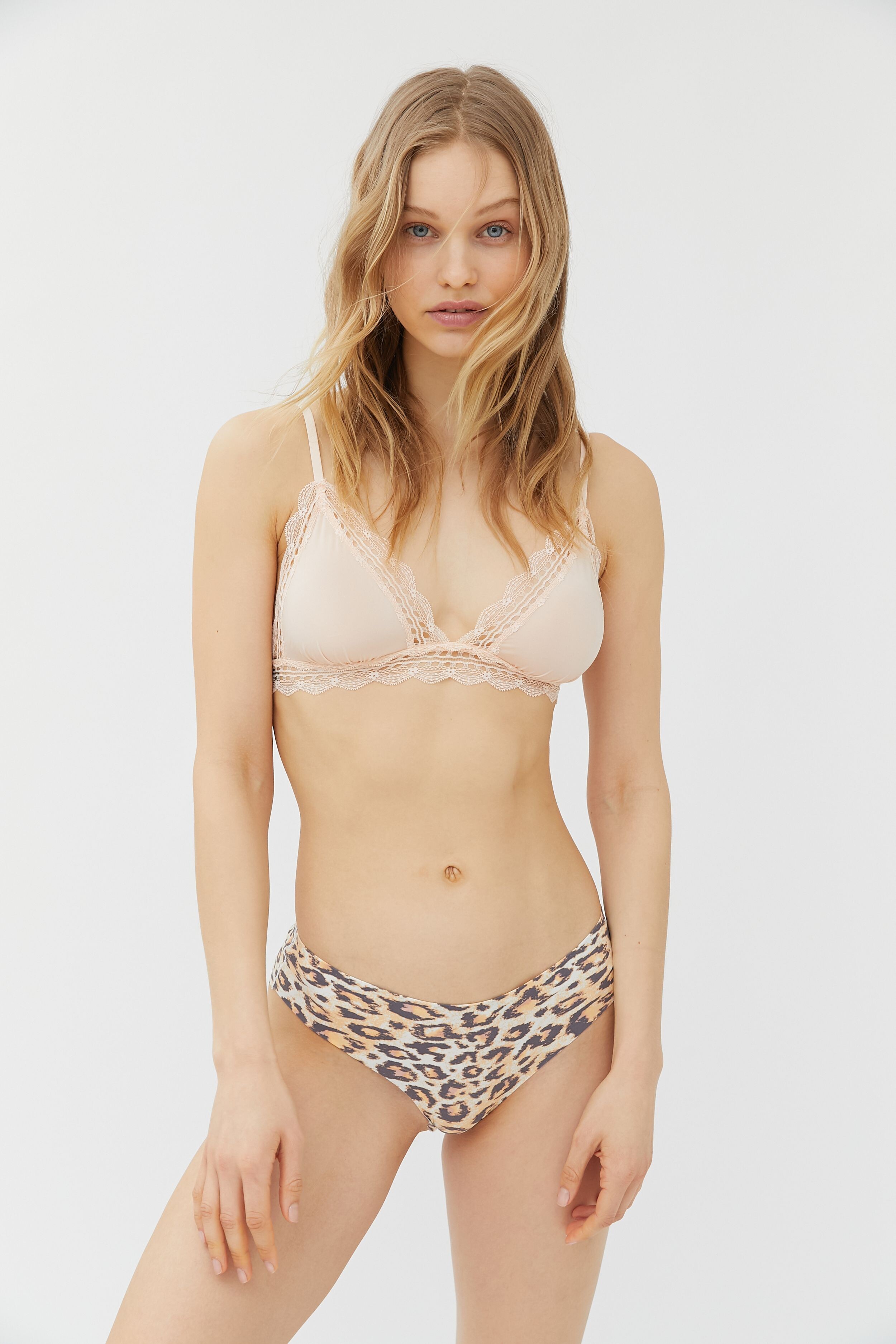
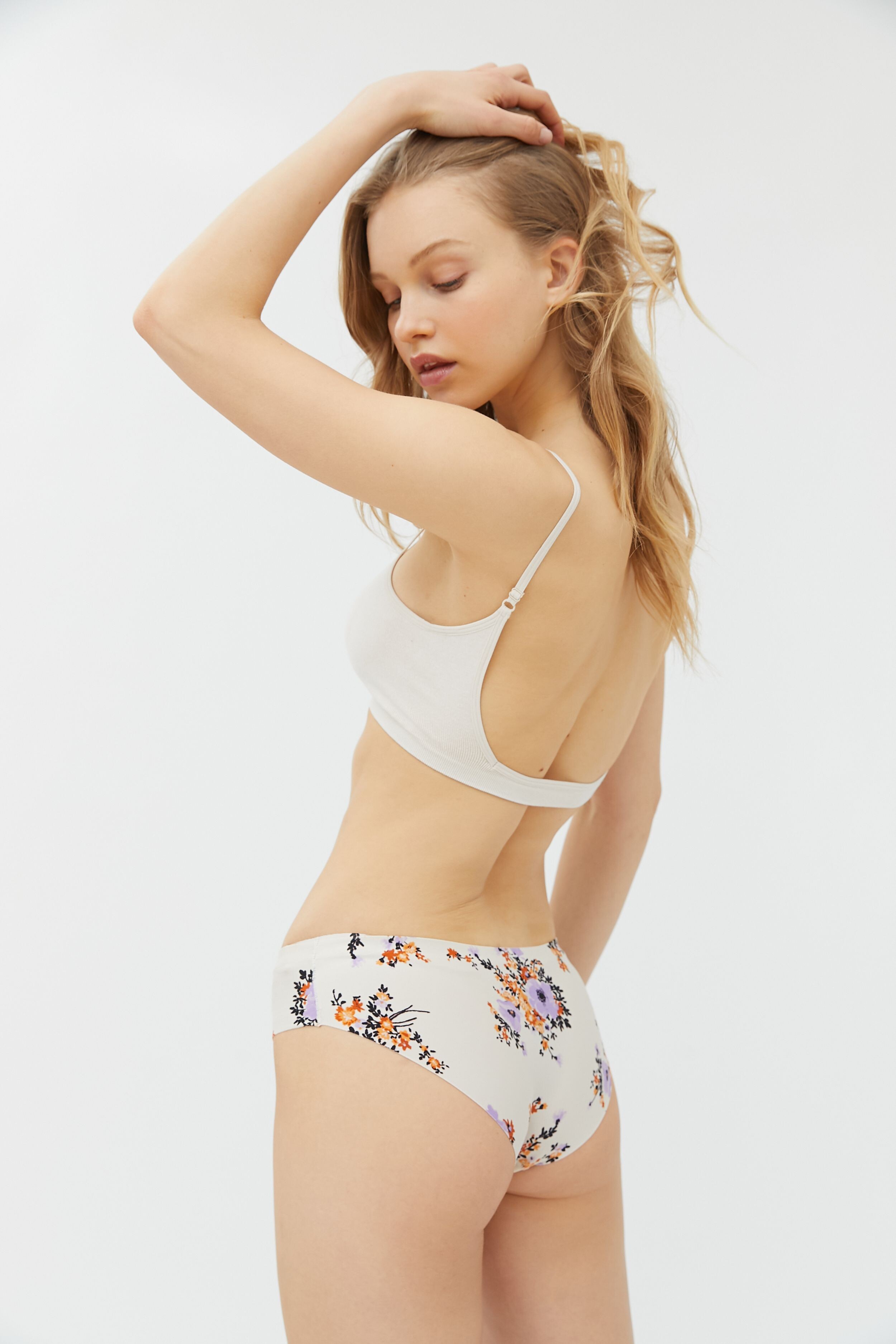
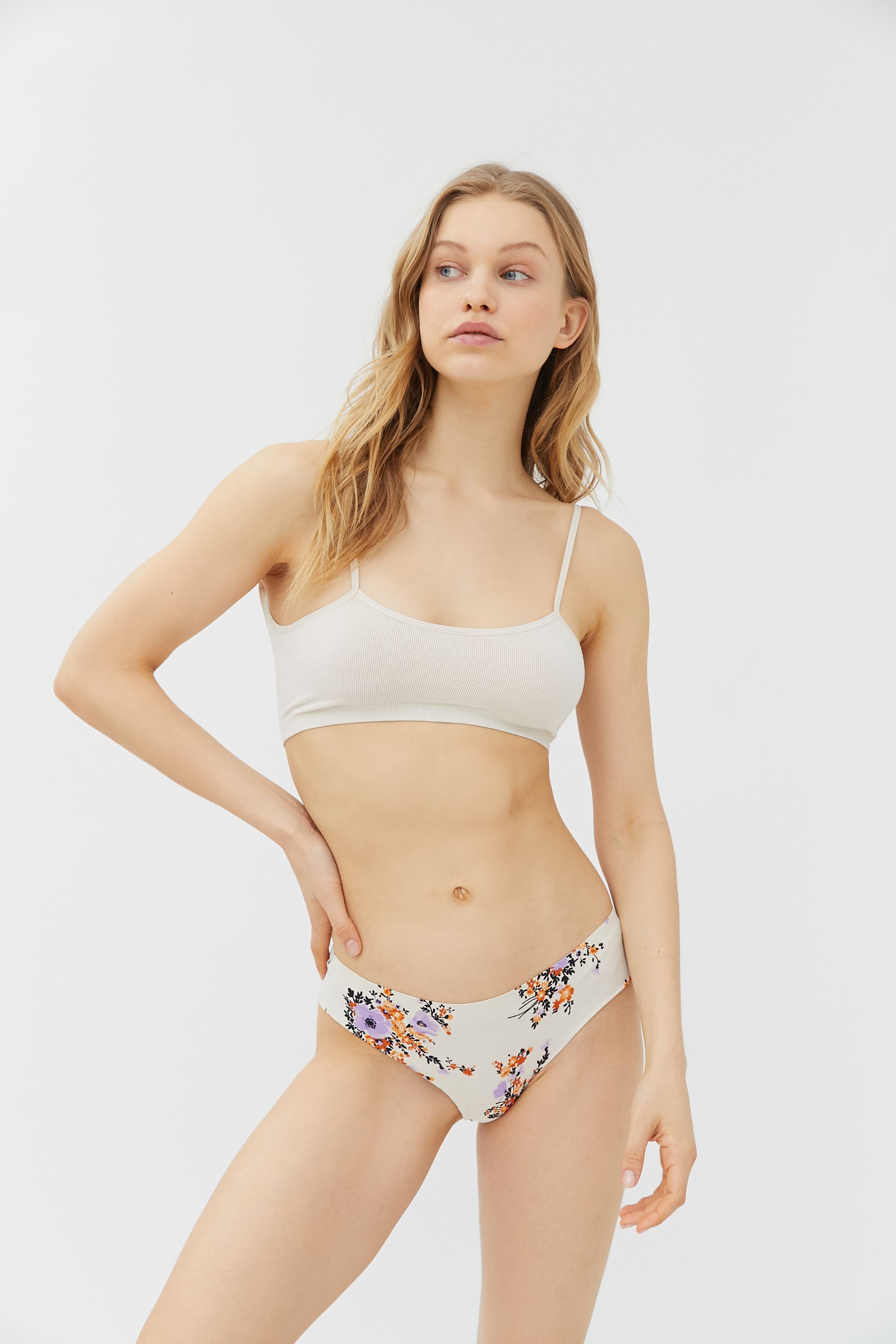
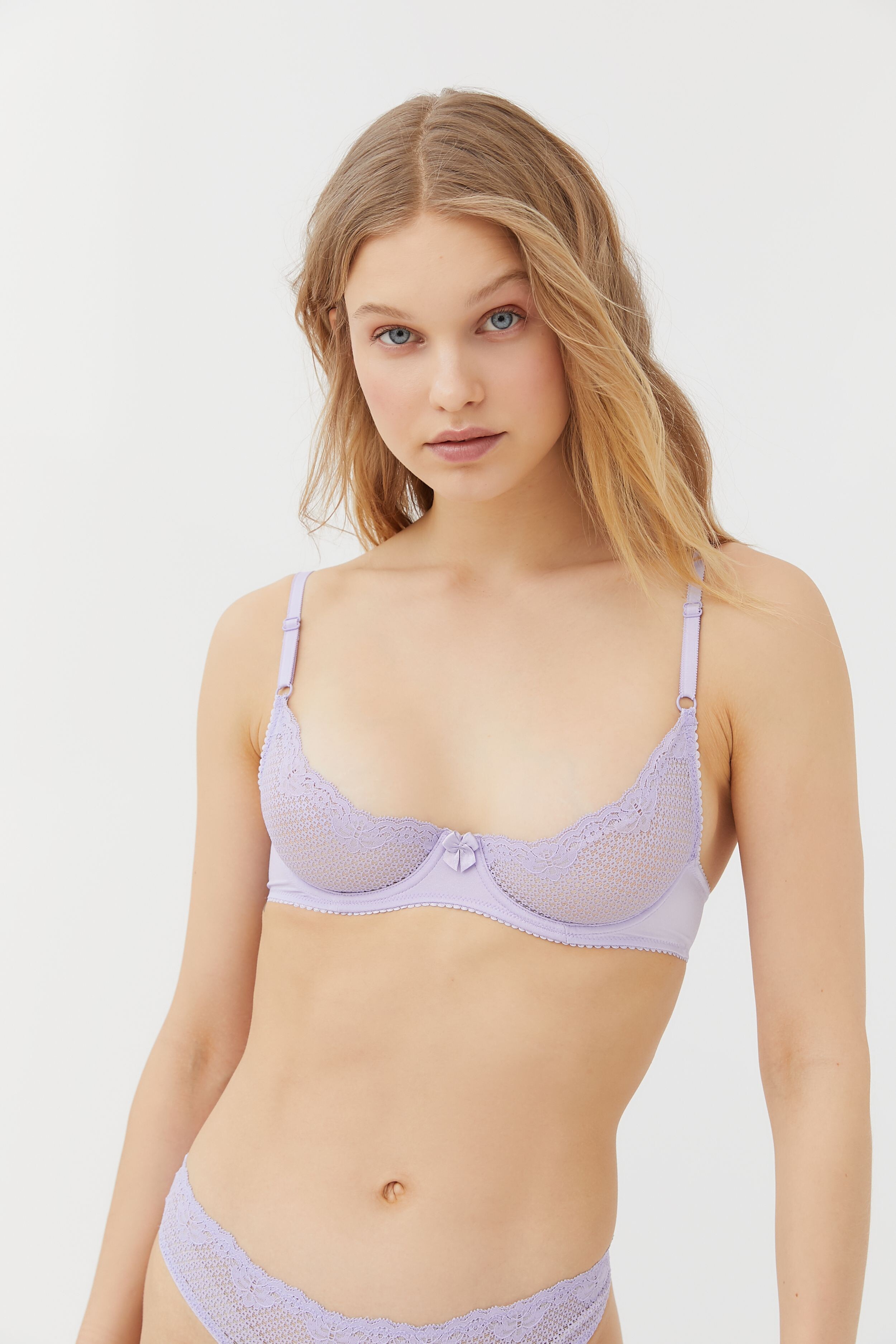
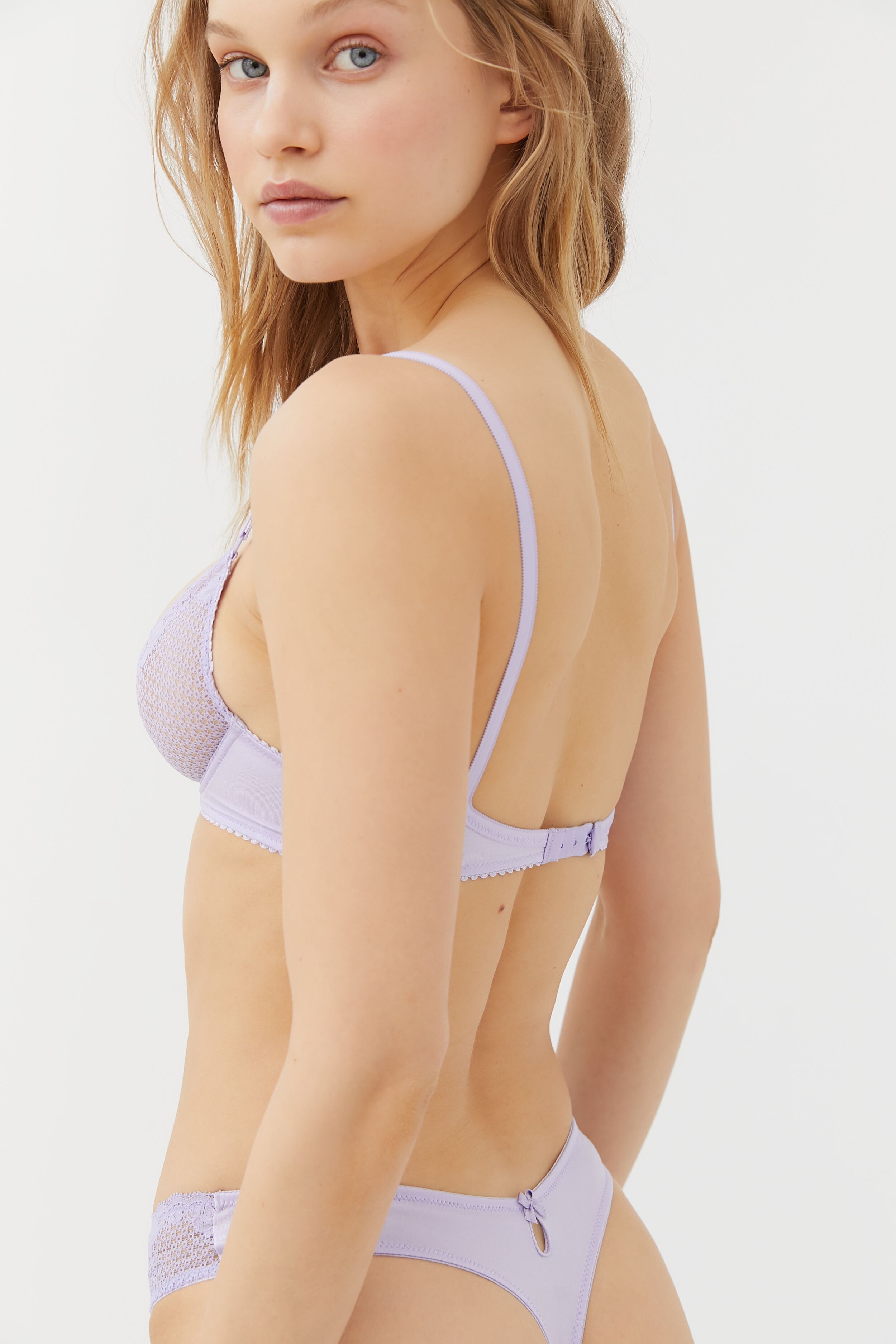
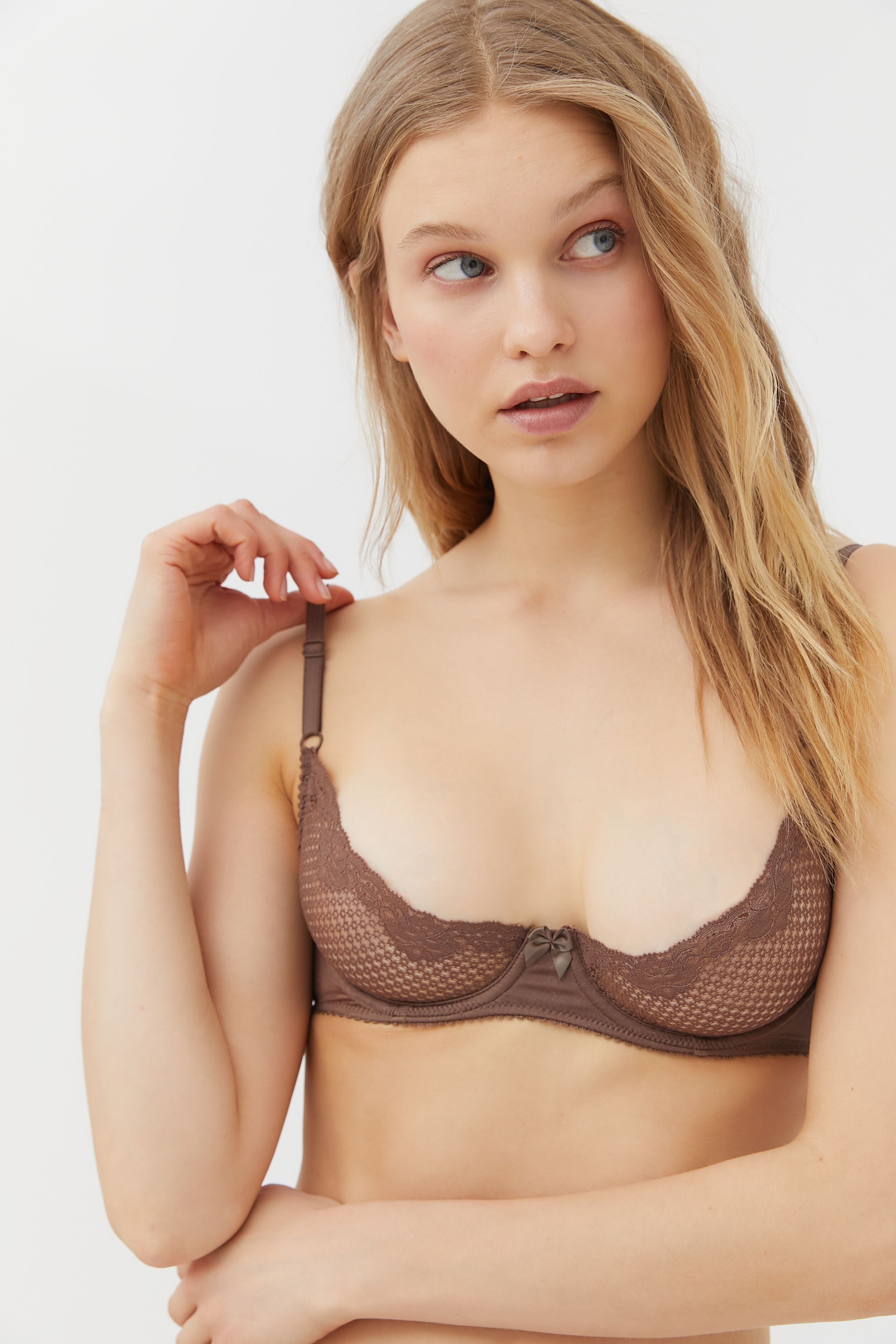
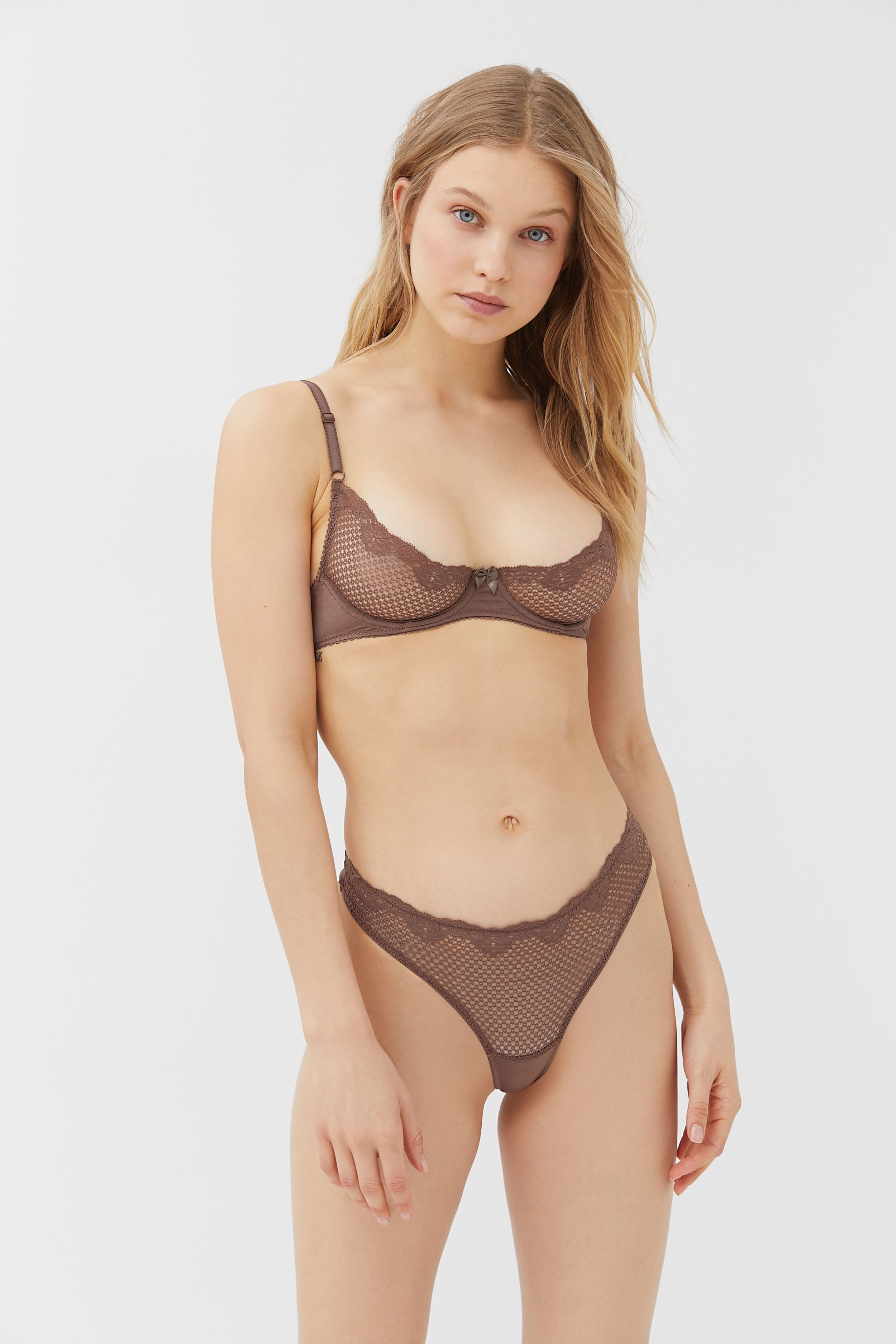
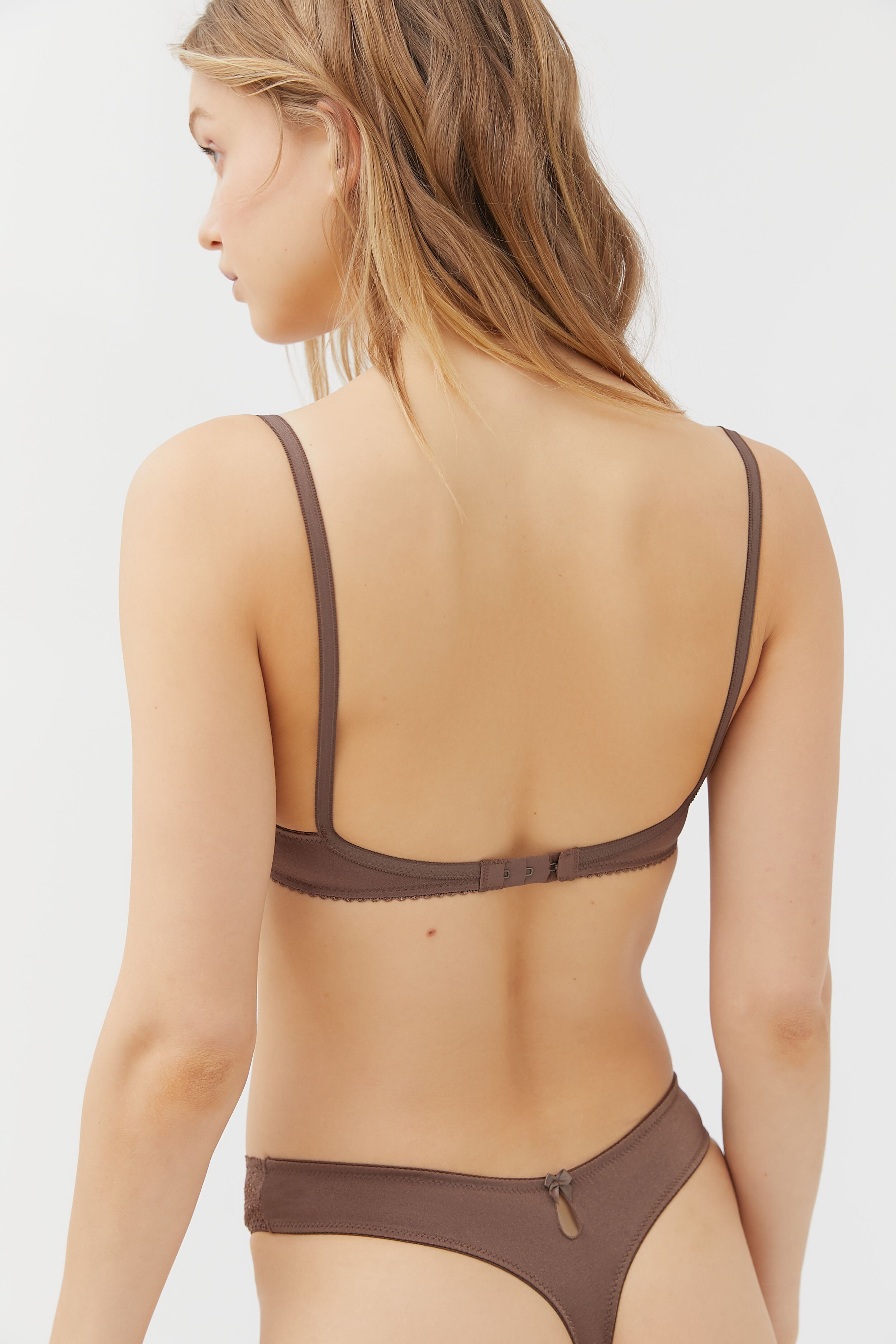
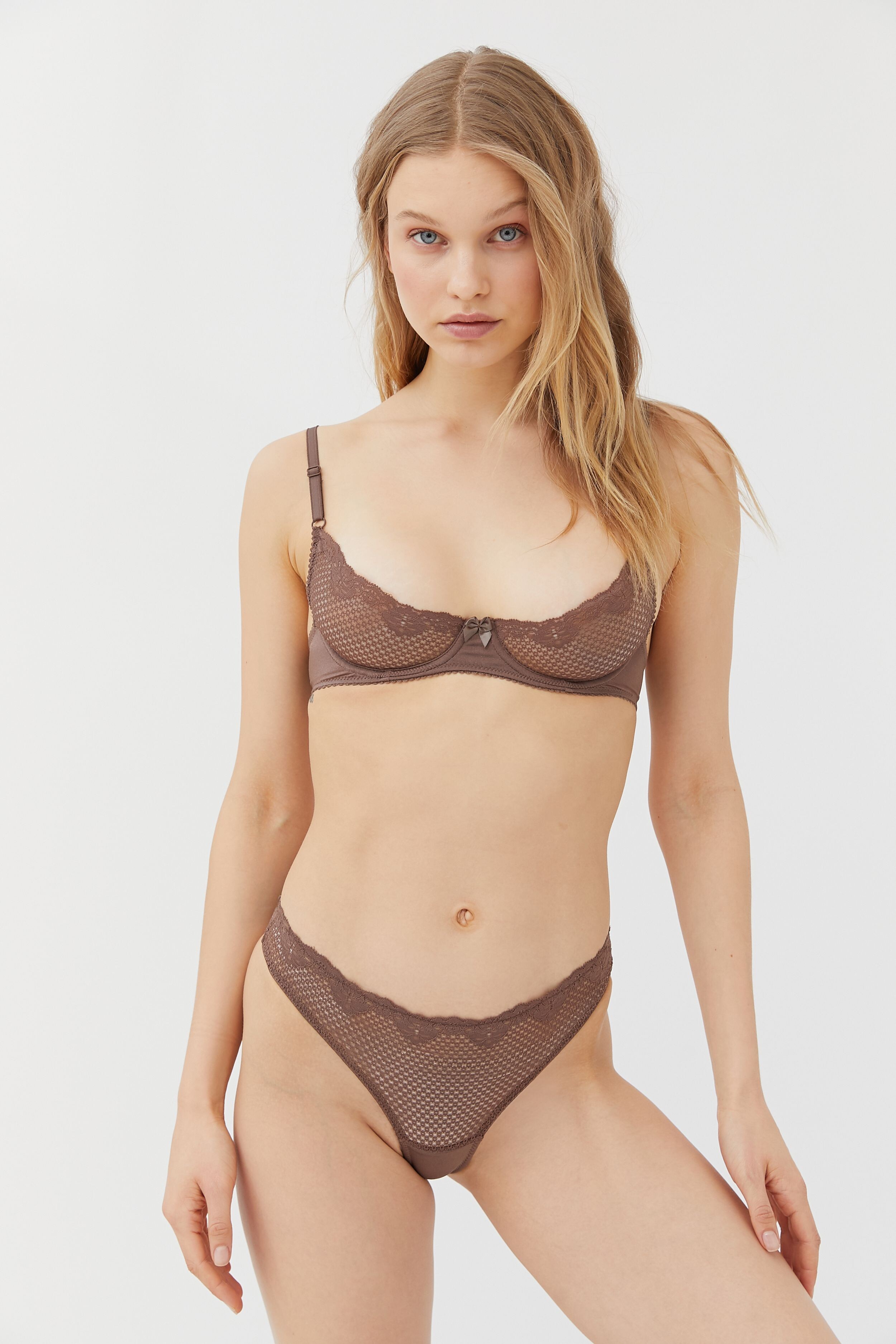
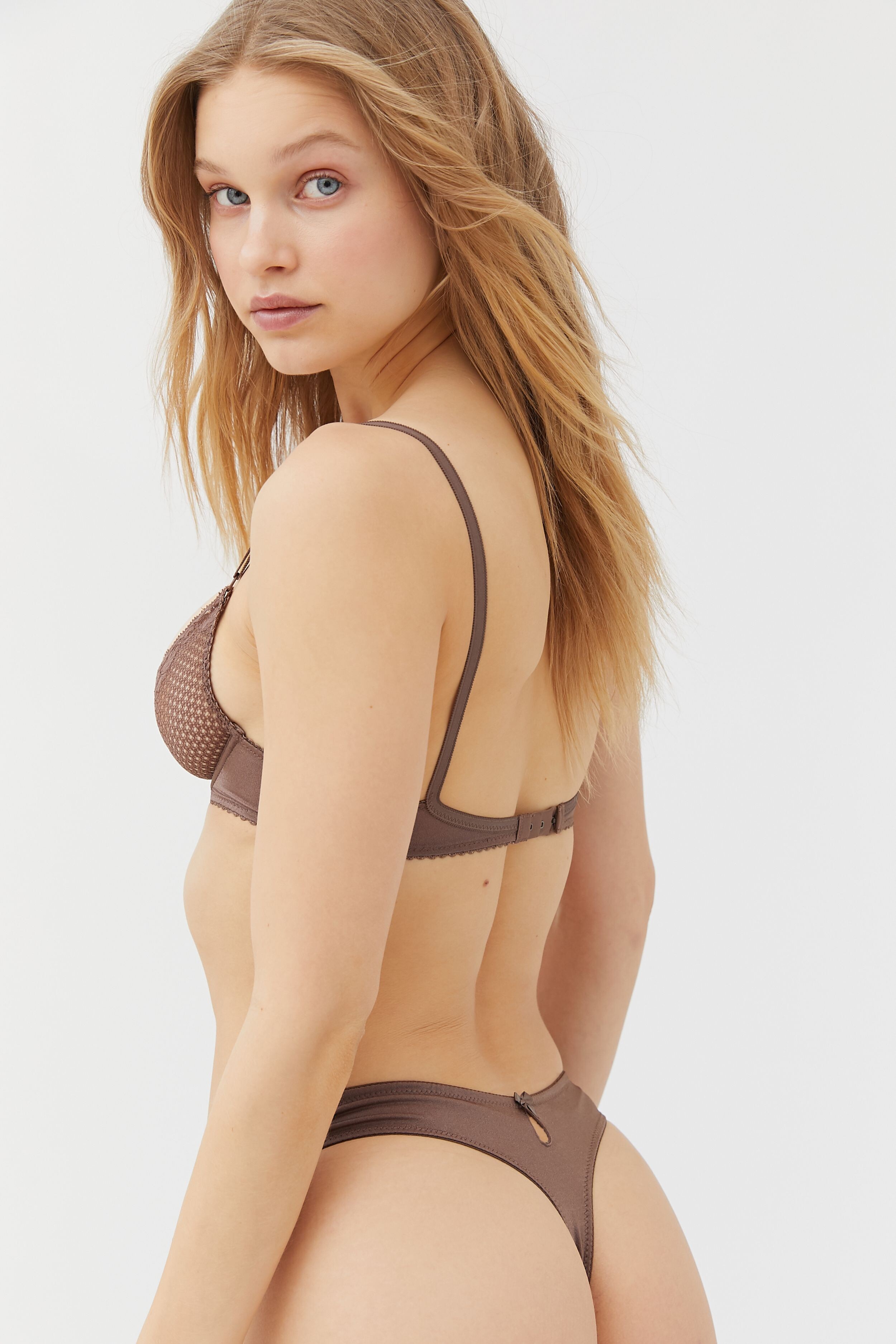
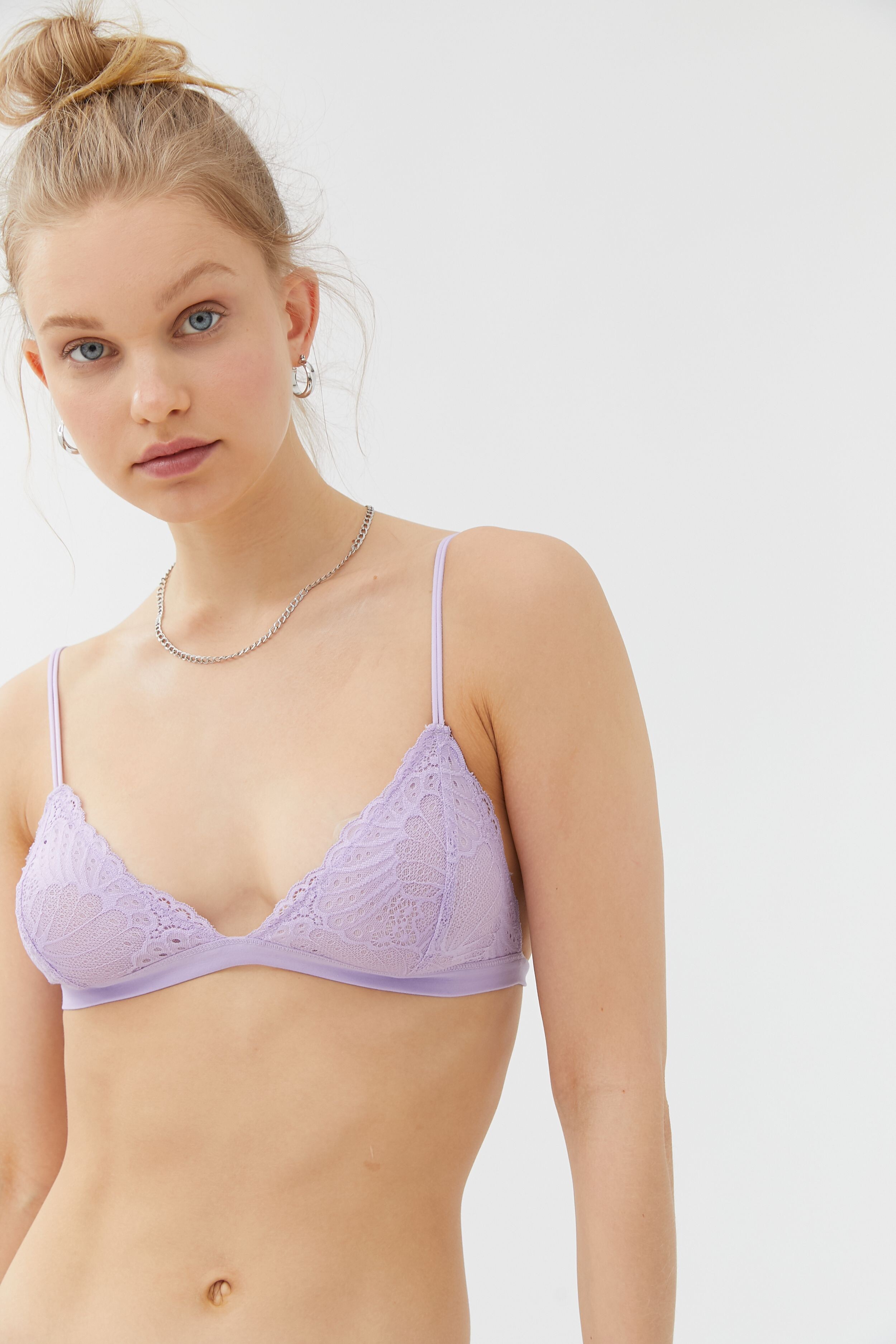
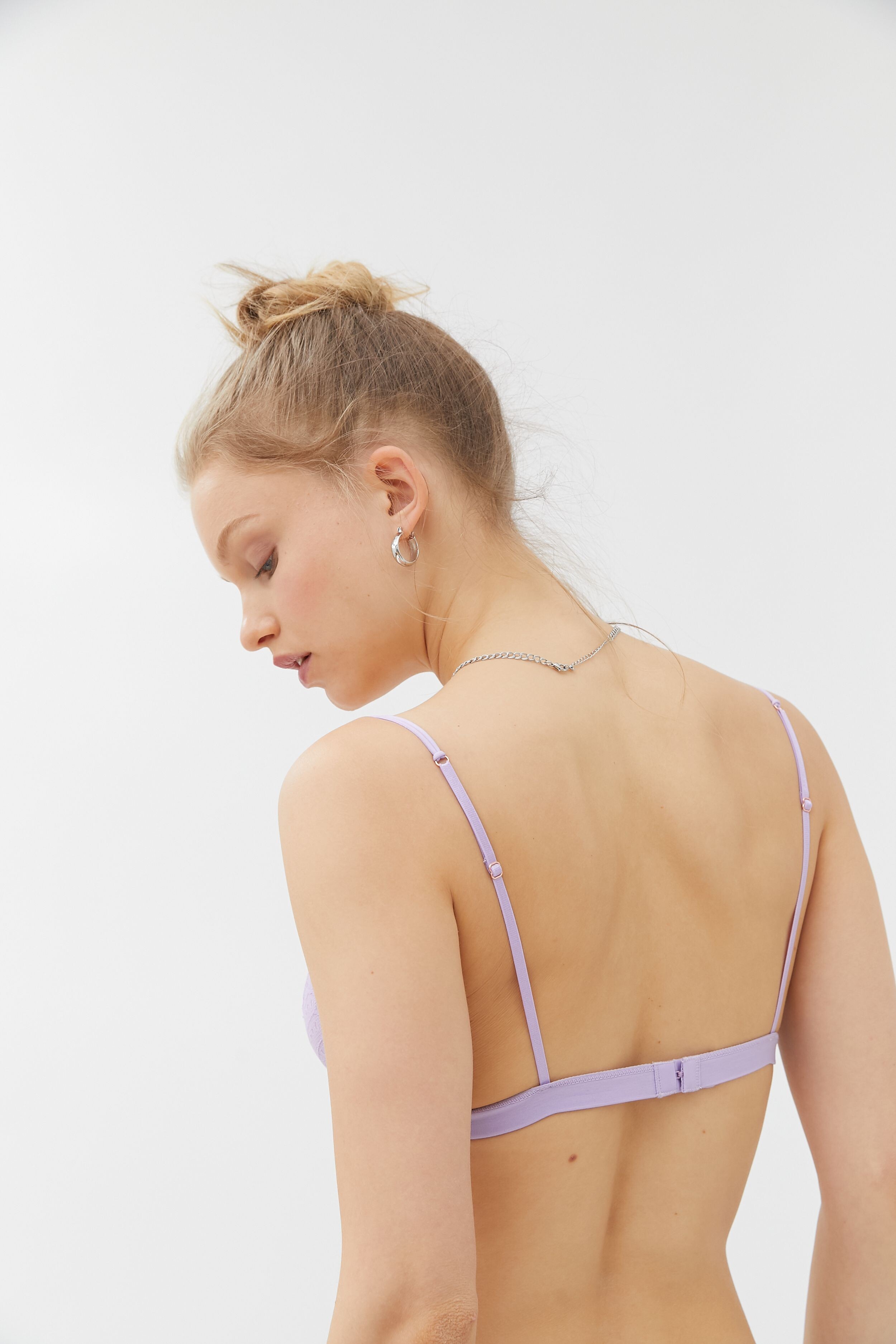
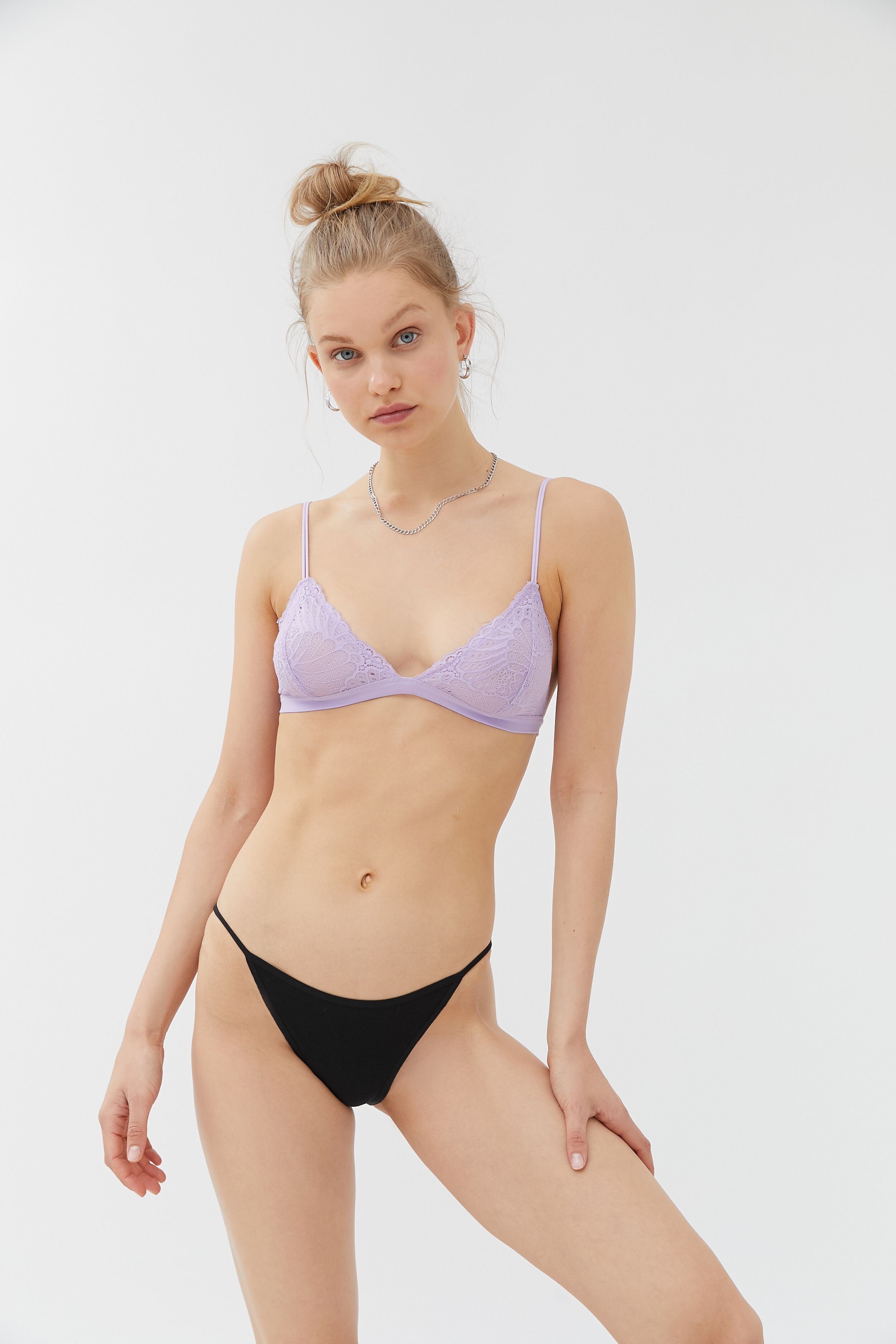
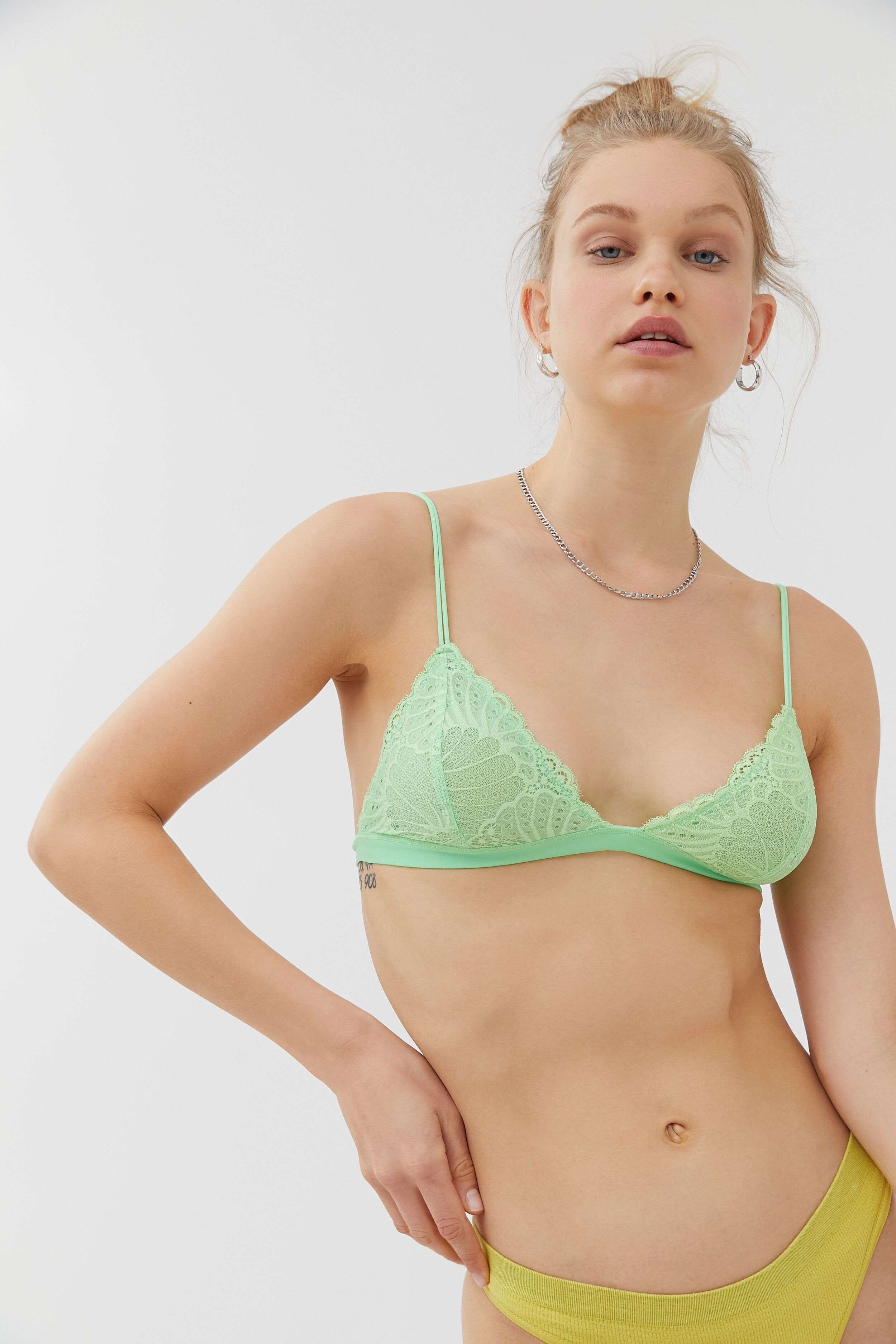
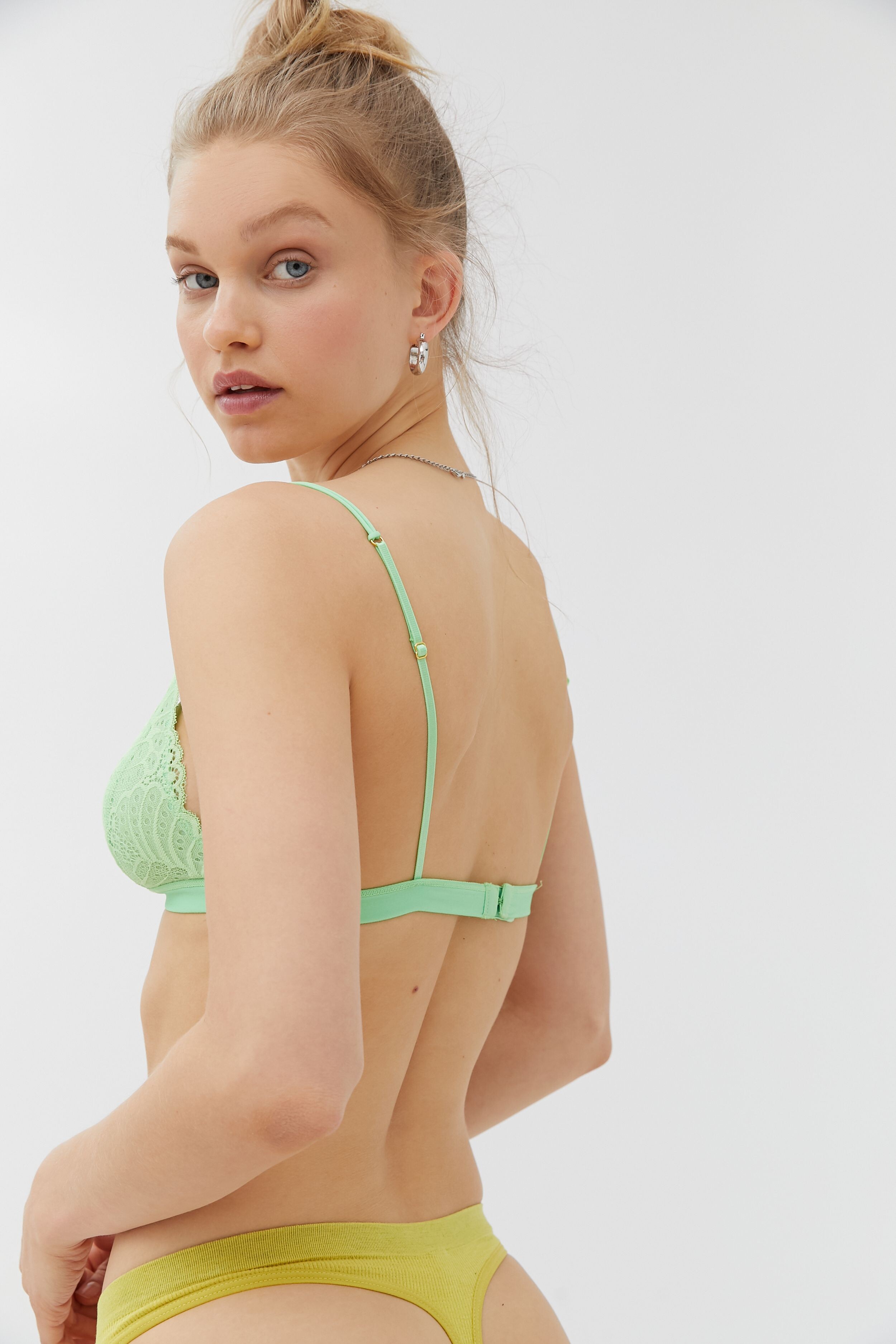
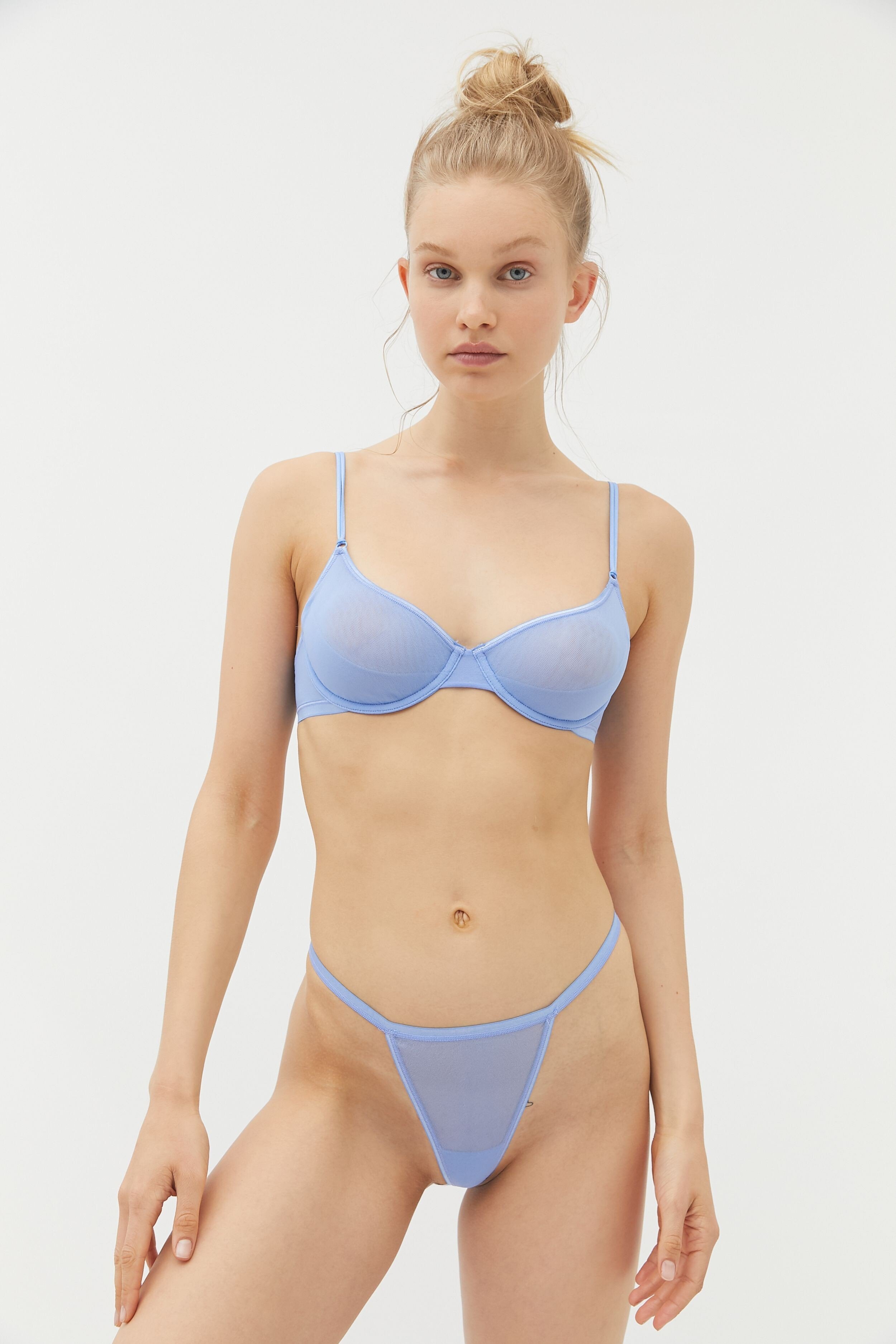
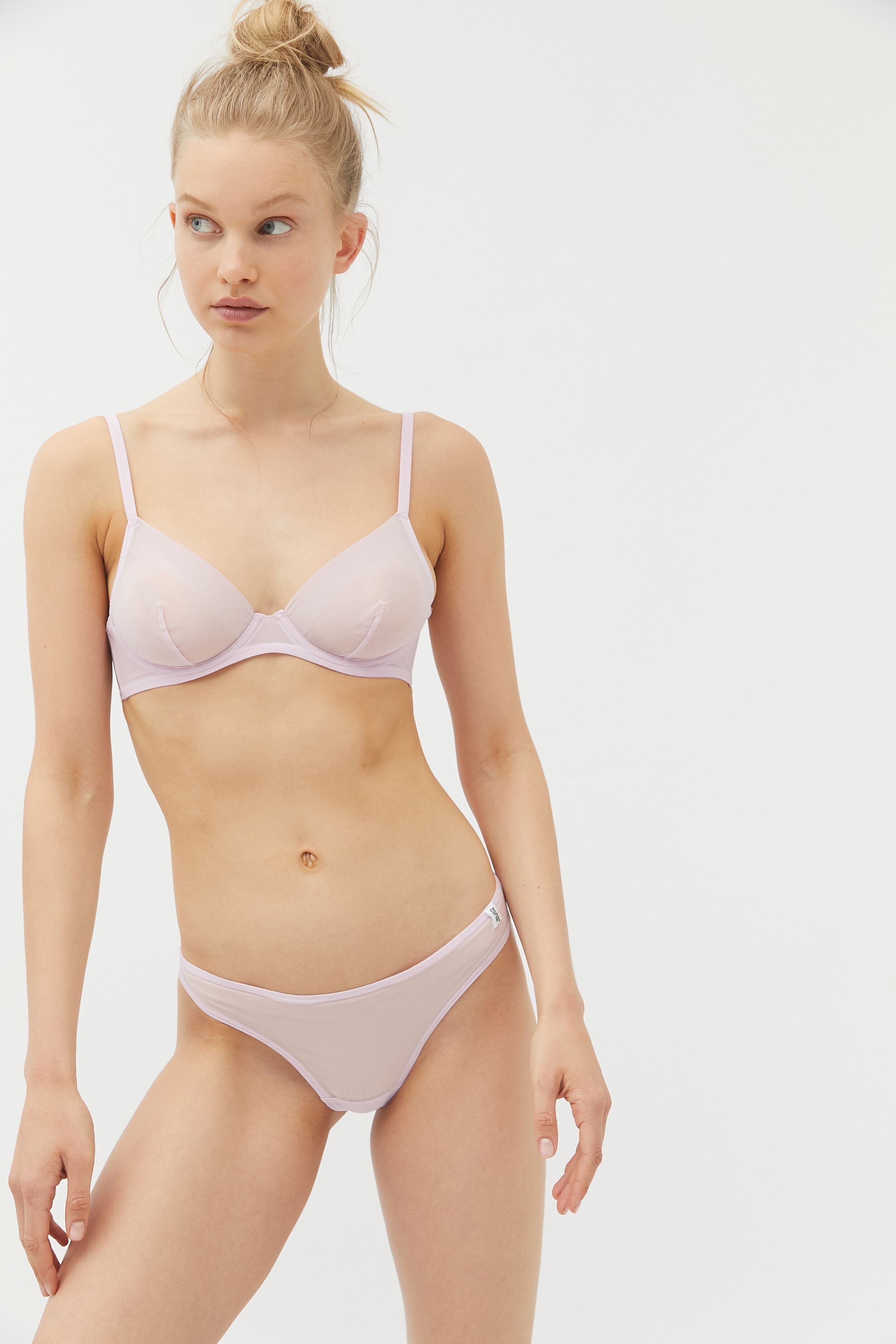
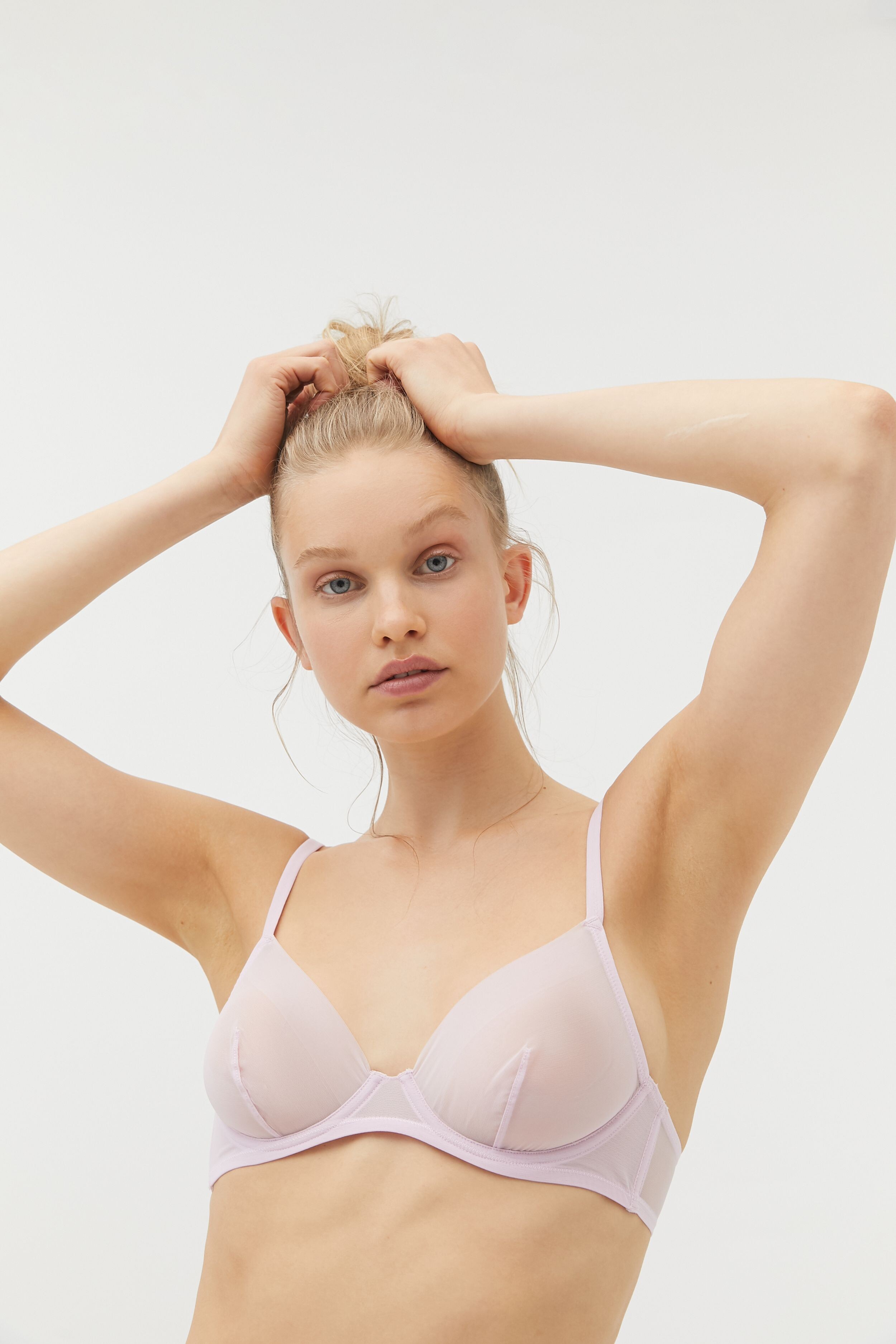
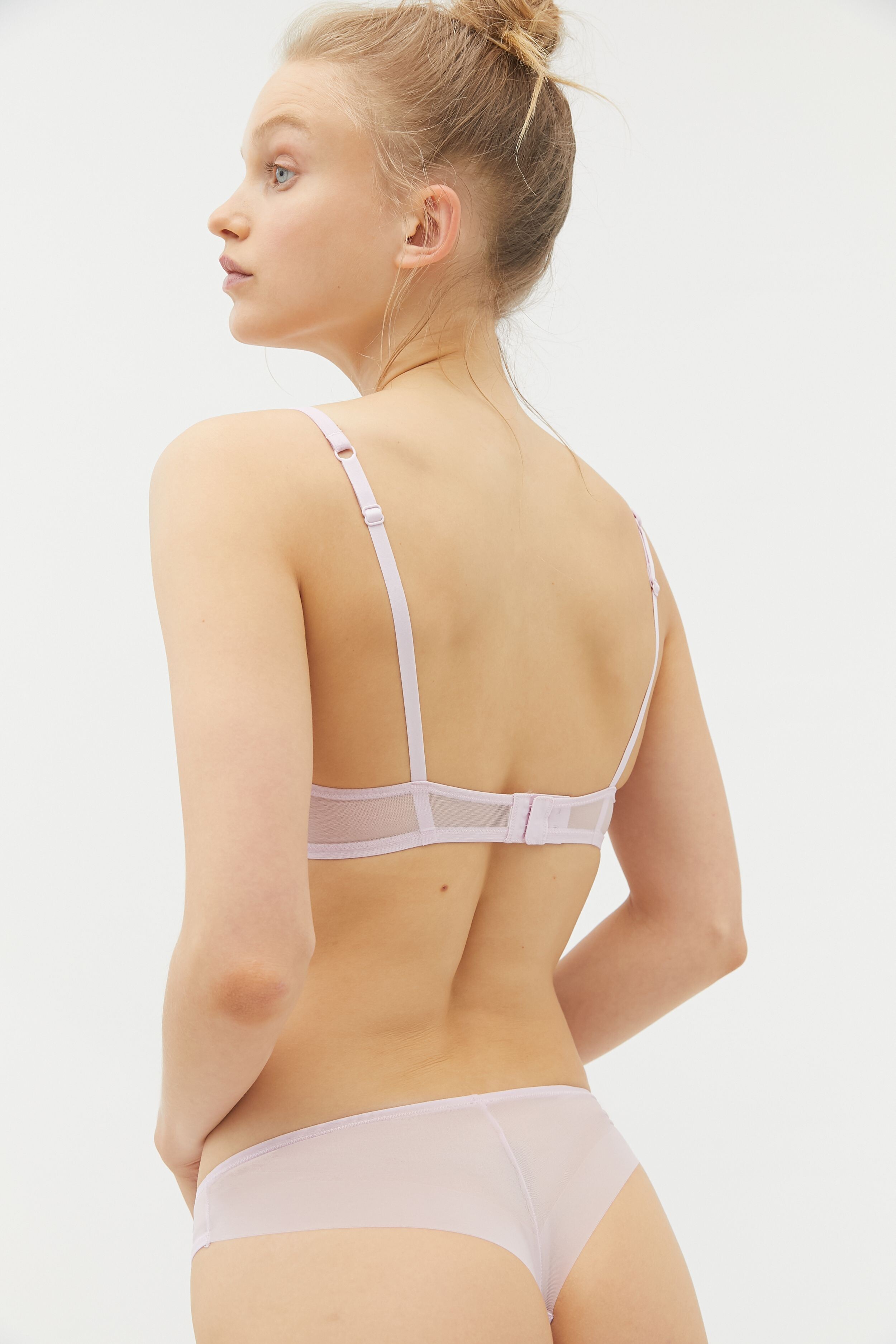
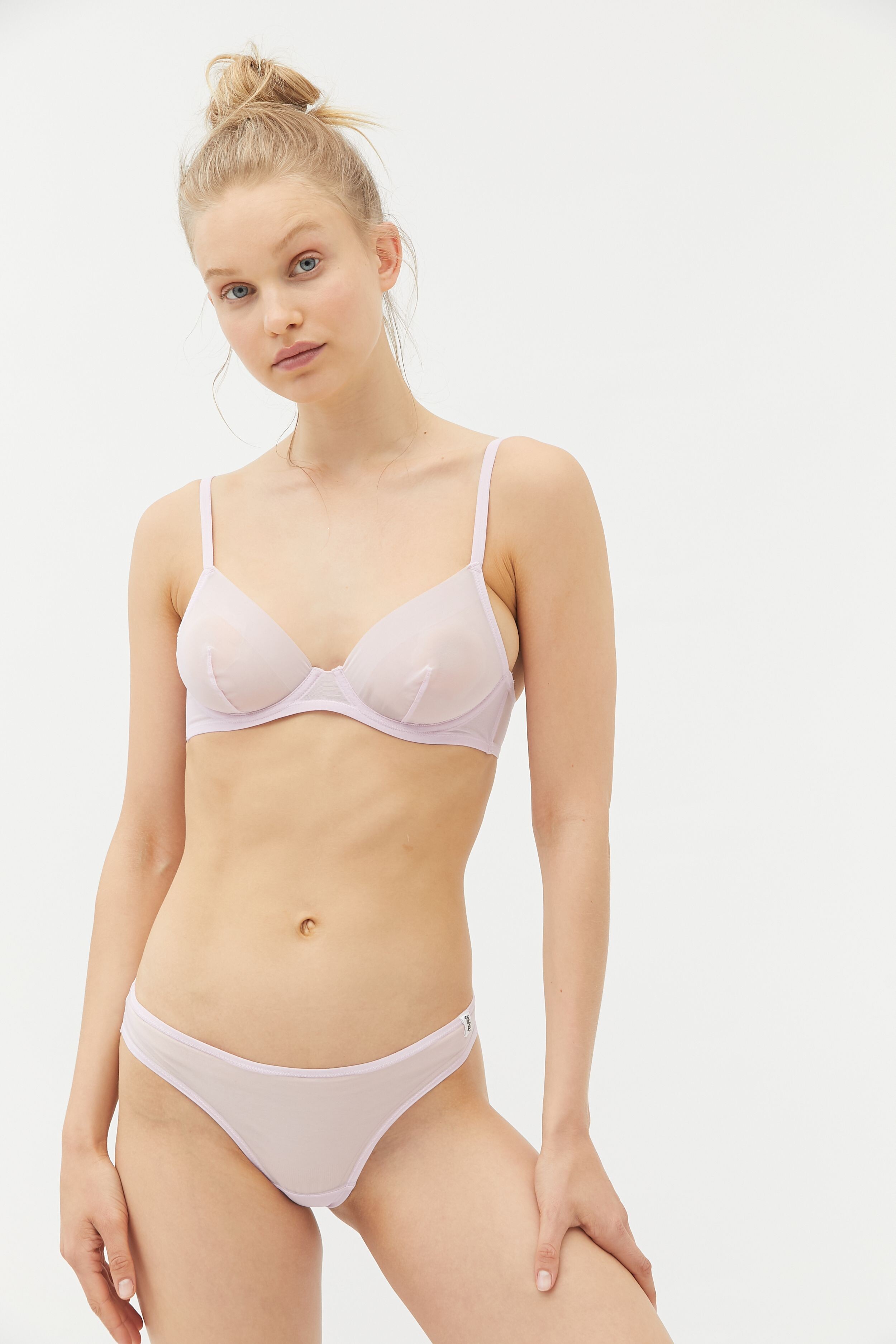
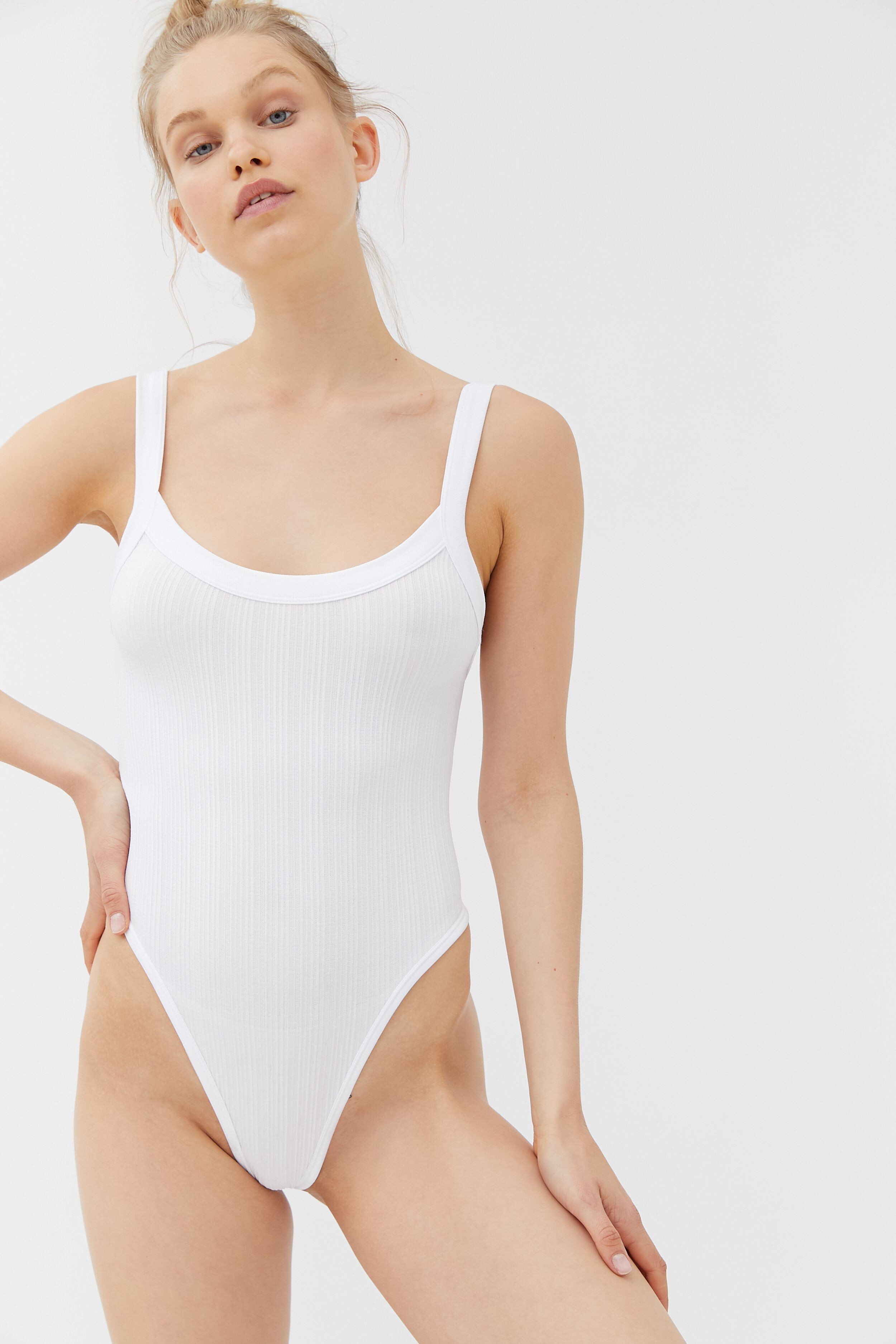
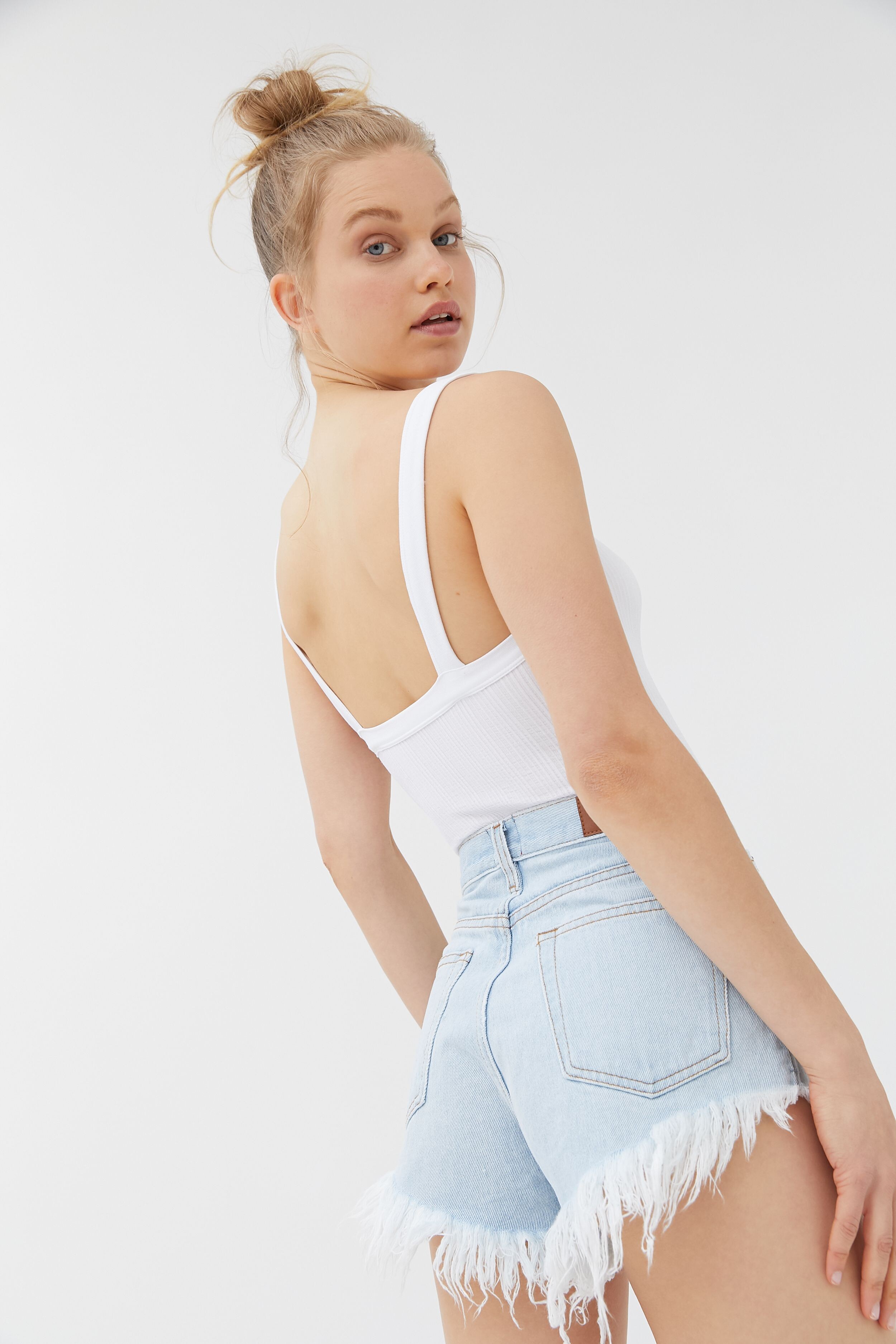
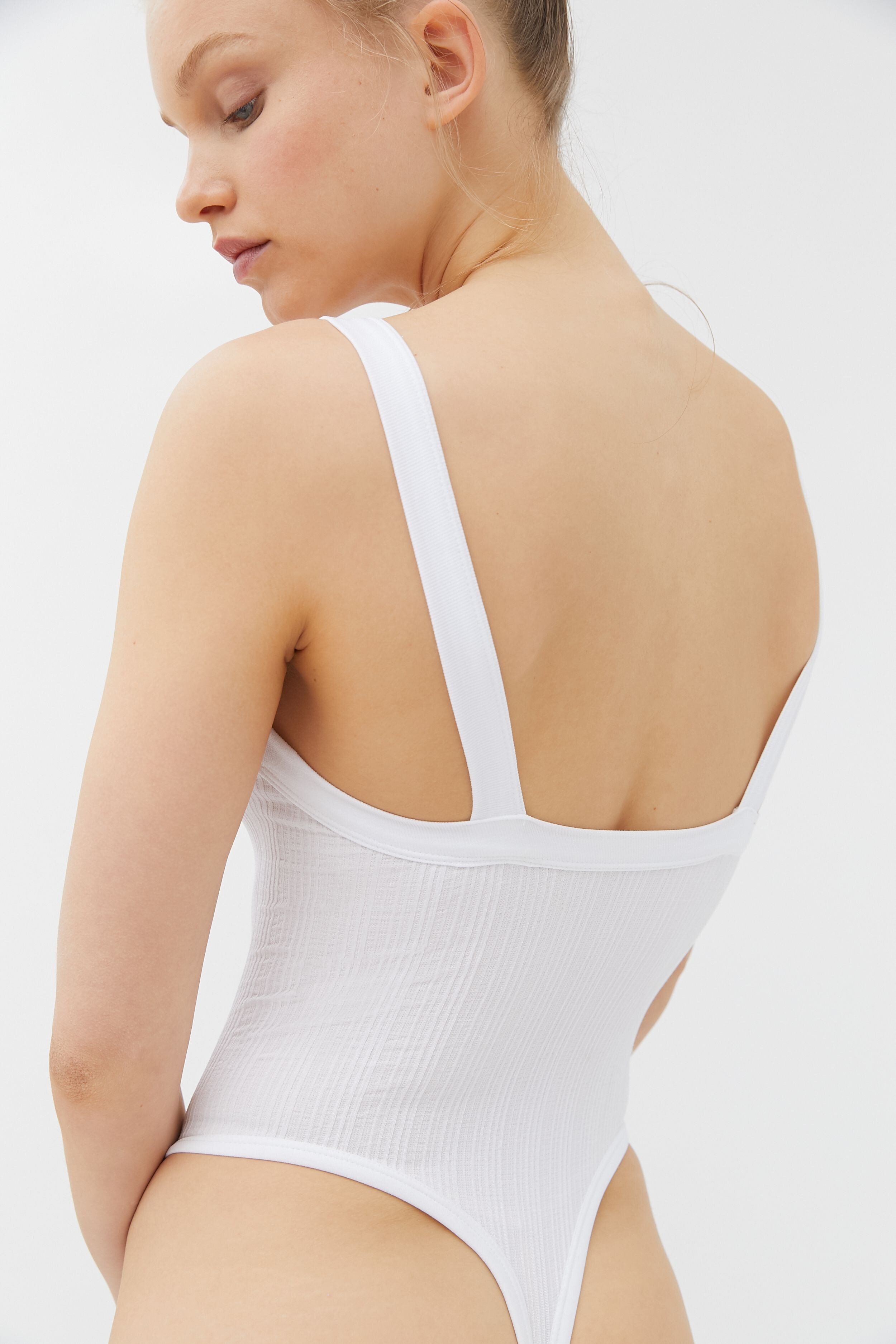
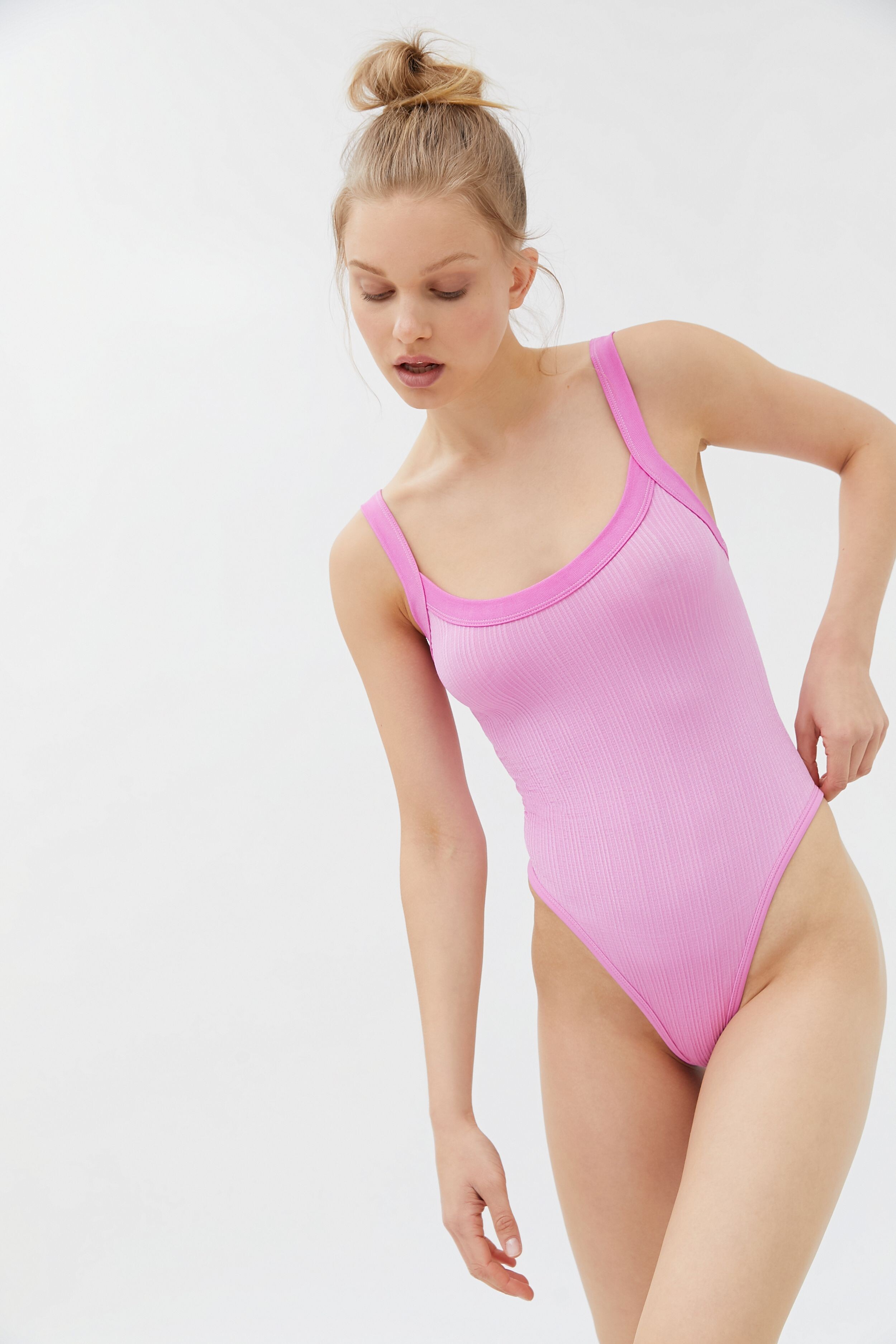
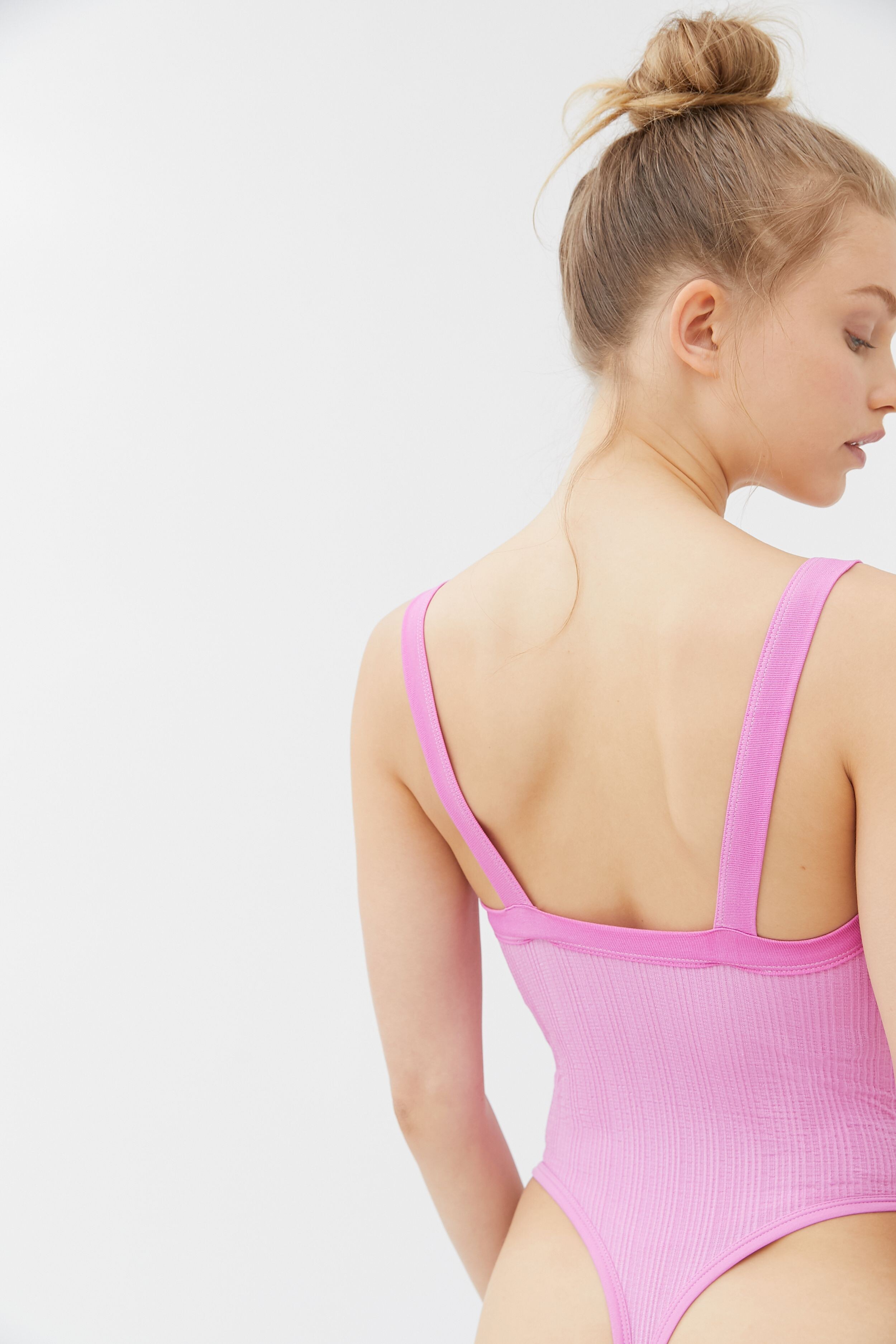
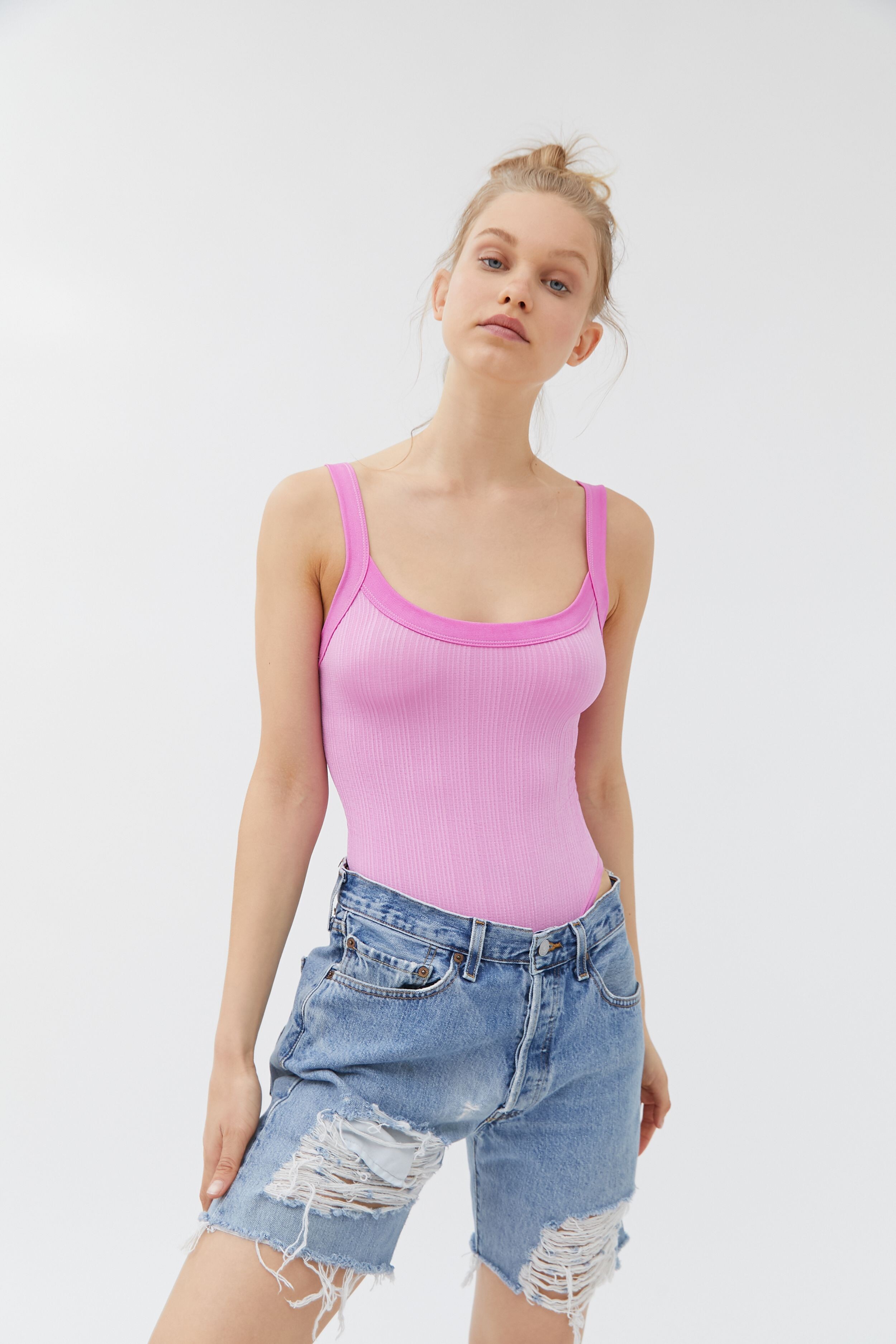
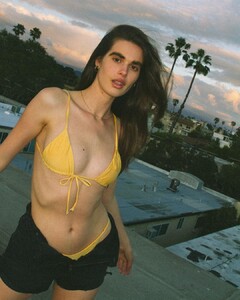
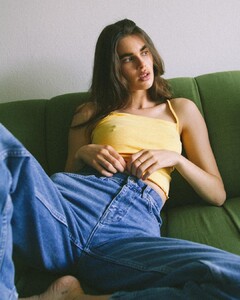
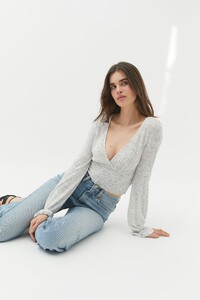
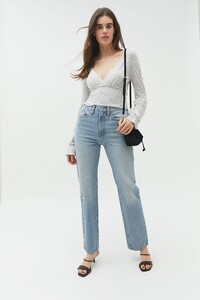
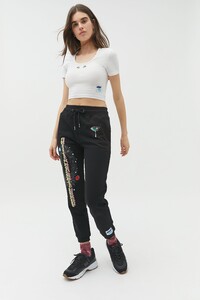
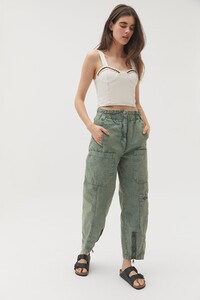
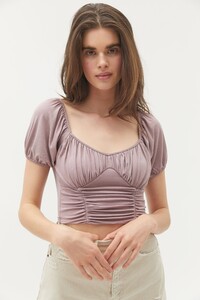
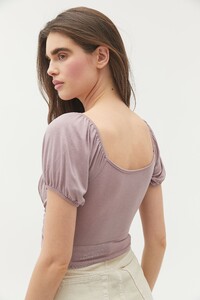
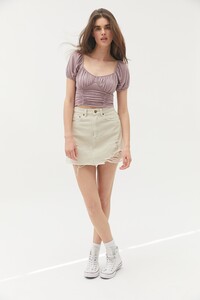
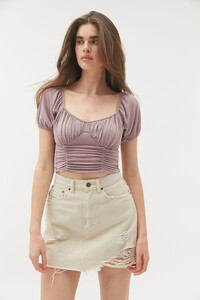
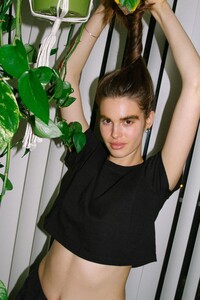
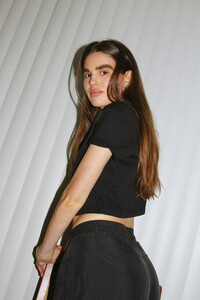
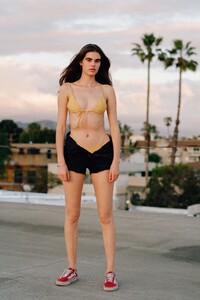
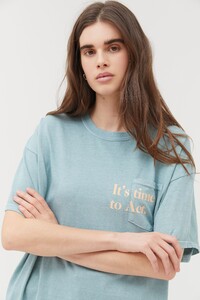
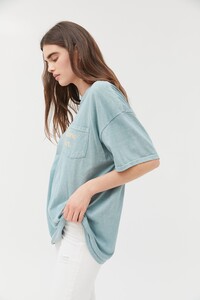
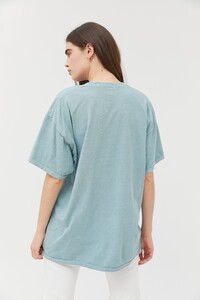
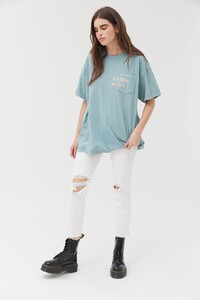
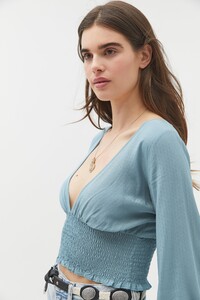
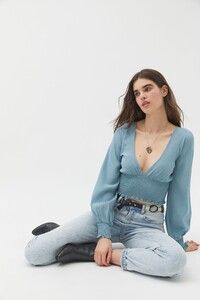
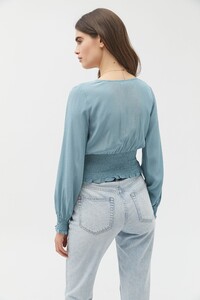
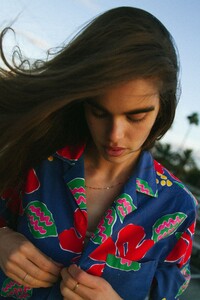
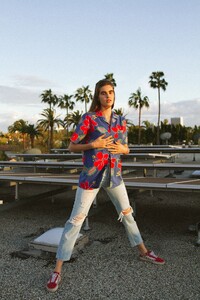
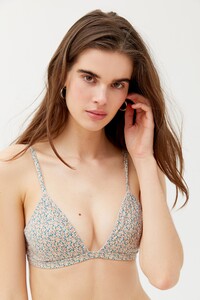
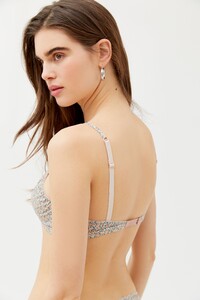
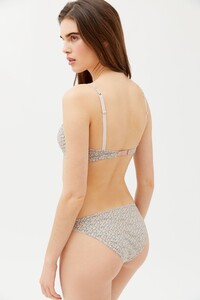
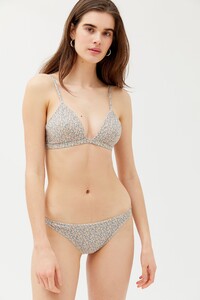
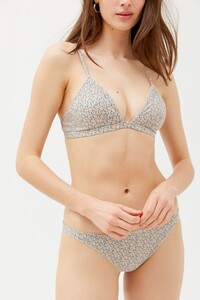
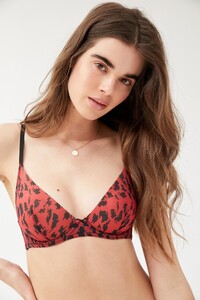
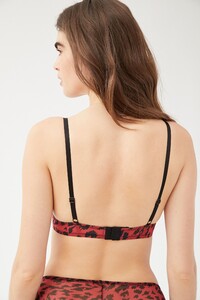
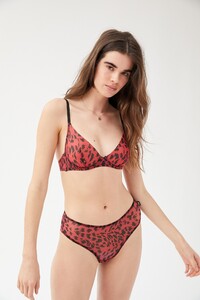
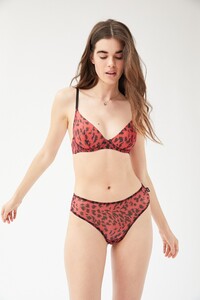
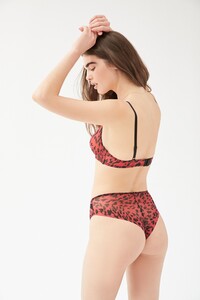
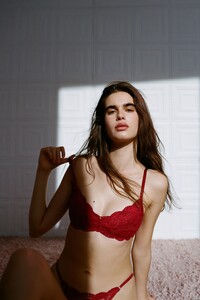
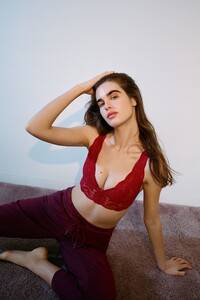
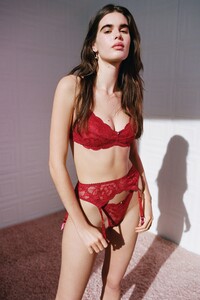
Urban Outfitters 2020. Ph: Mcabe Gregg. Source Instagram
-
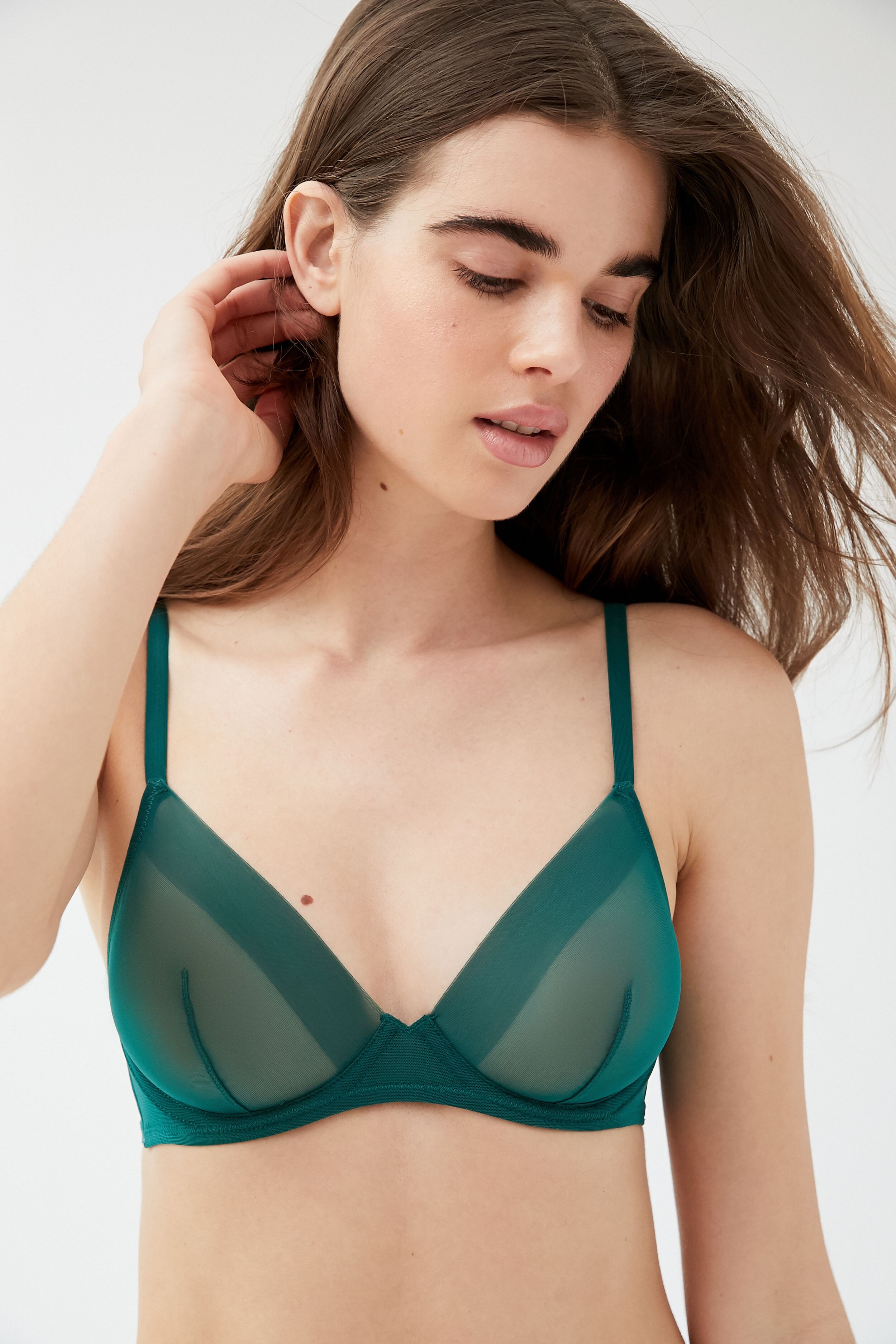
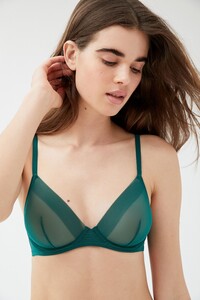
Urban Outfitters. UHQ !


-
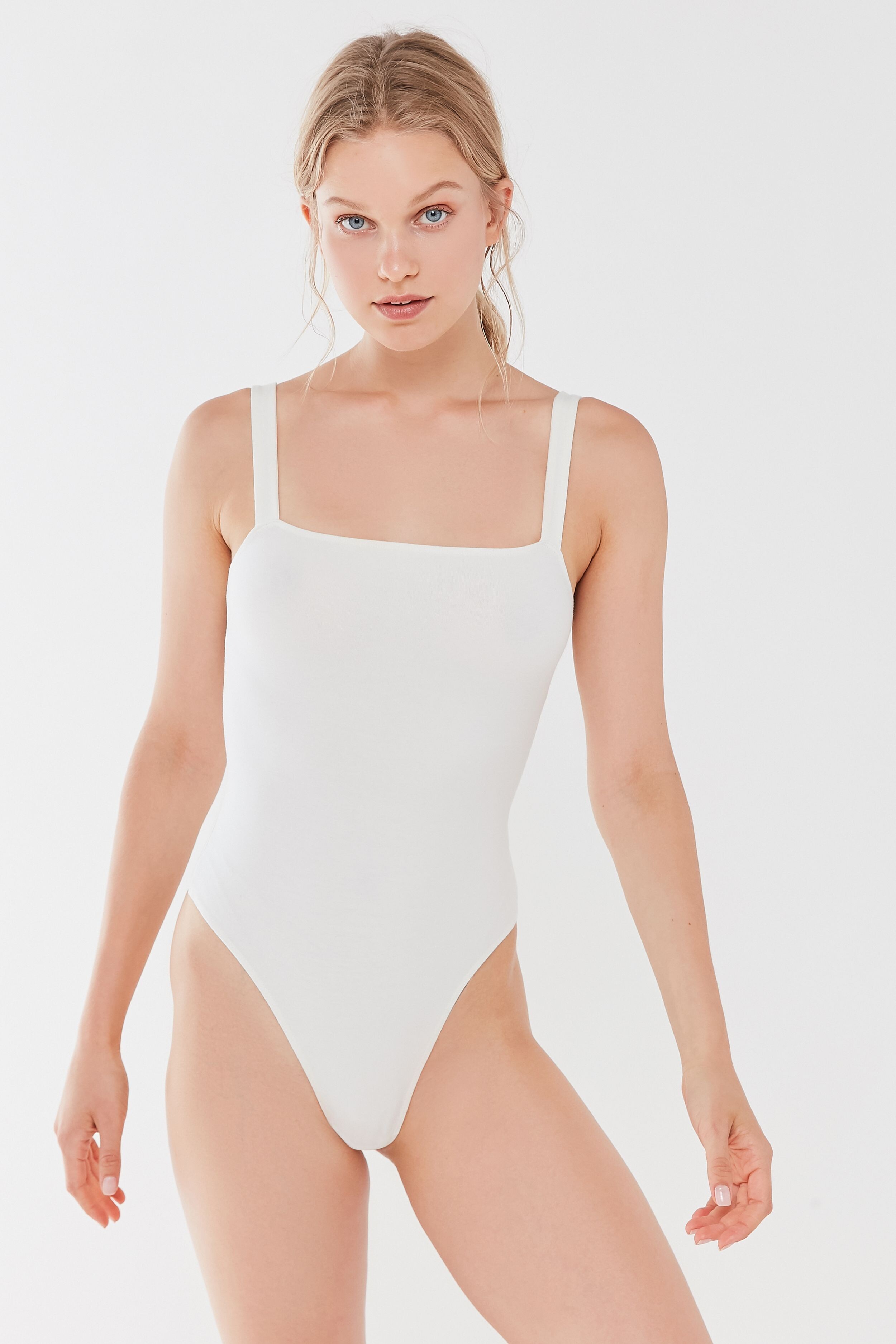
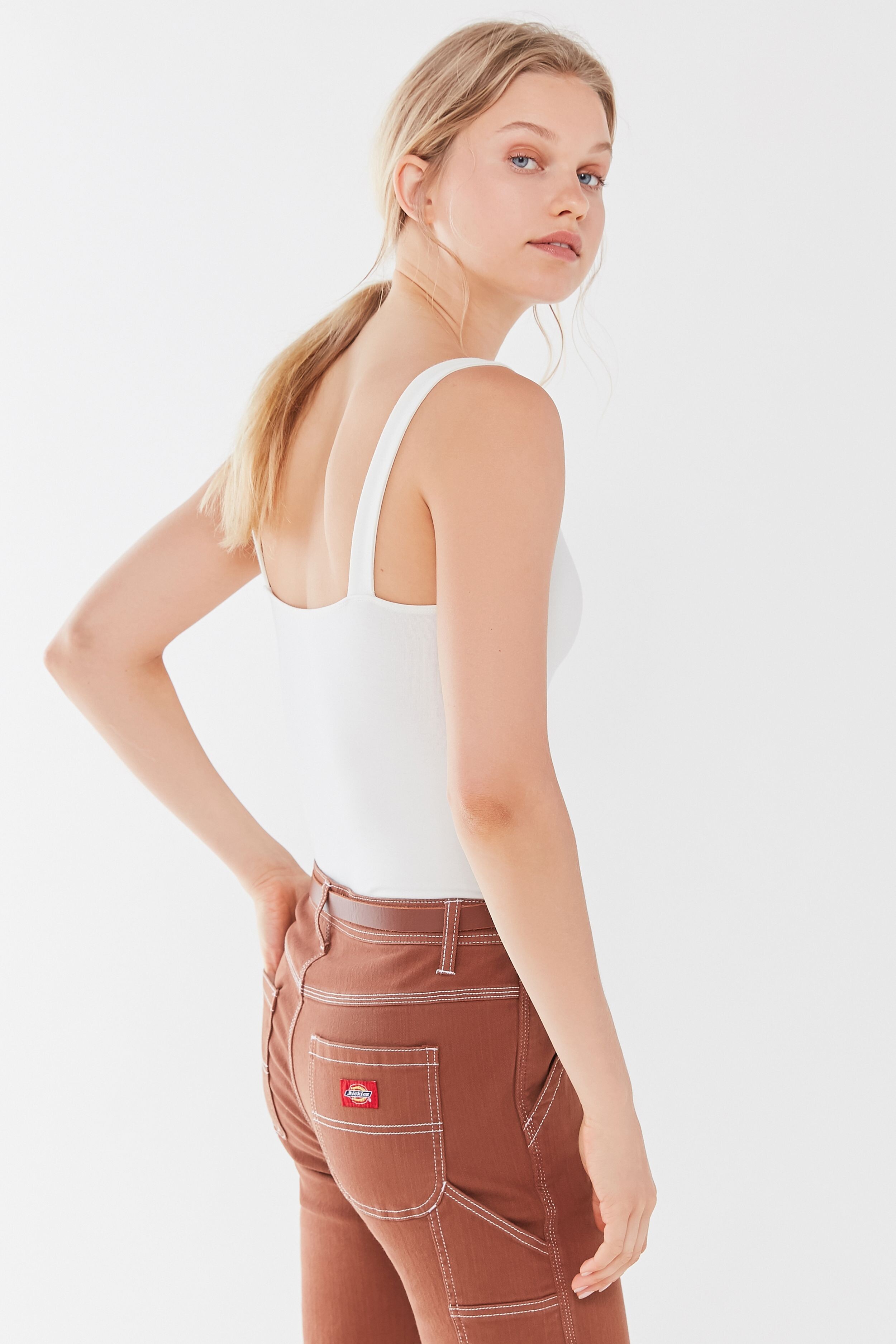
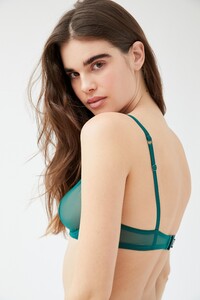
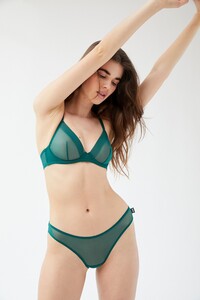
Urban Outfitters. UHQ !


-
-
-
-