
ALPAT
Global Moderators
-
Joined
-
Last visited
Everything posted by ALPAT
-
 Shoot for Para ti Argentina, digital issue (December 2020)... https://www.instagram.com/p/CIlO62ZJSbp/ https://www.instagram.com/p/CIlIVOApvLE/ VIDS




 Instagram 2020 IG 19-12-2020 AQMIqAwkbzwYqWWt6AuAWtUmpDbq7iHKeacRmNnWdoSEHddQIYAHgds4dMF6JRp8yytq6rAPlXD40aaNqKr656Ox3sRH3FQuqzOzQww.mp4
















 d-Pampita talks! https://www.instagram.com/p/CIqbXK9A3Ni/
 c-Insta VIDS...
b-Backstage... https://www.instagram.com/p/CIvzPFVJmI-/
c-Insta VIDS...
b-Backstage... https://www.instagram.com/p/CIvzPFVJmI-/







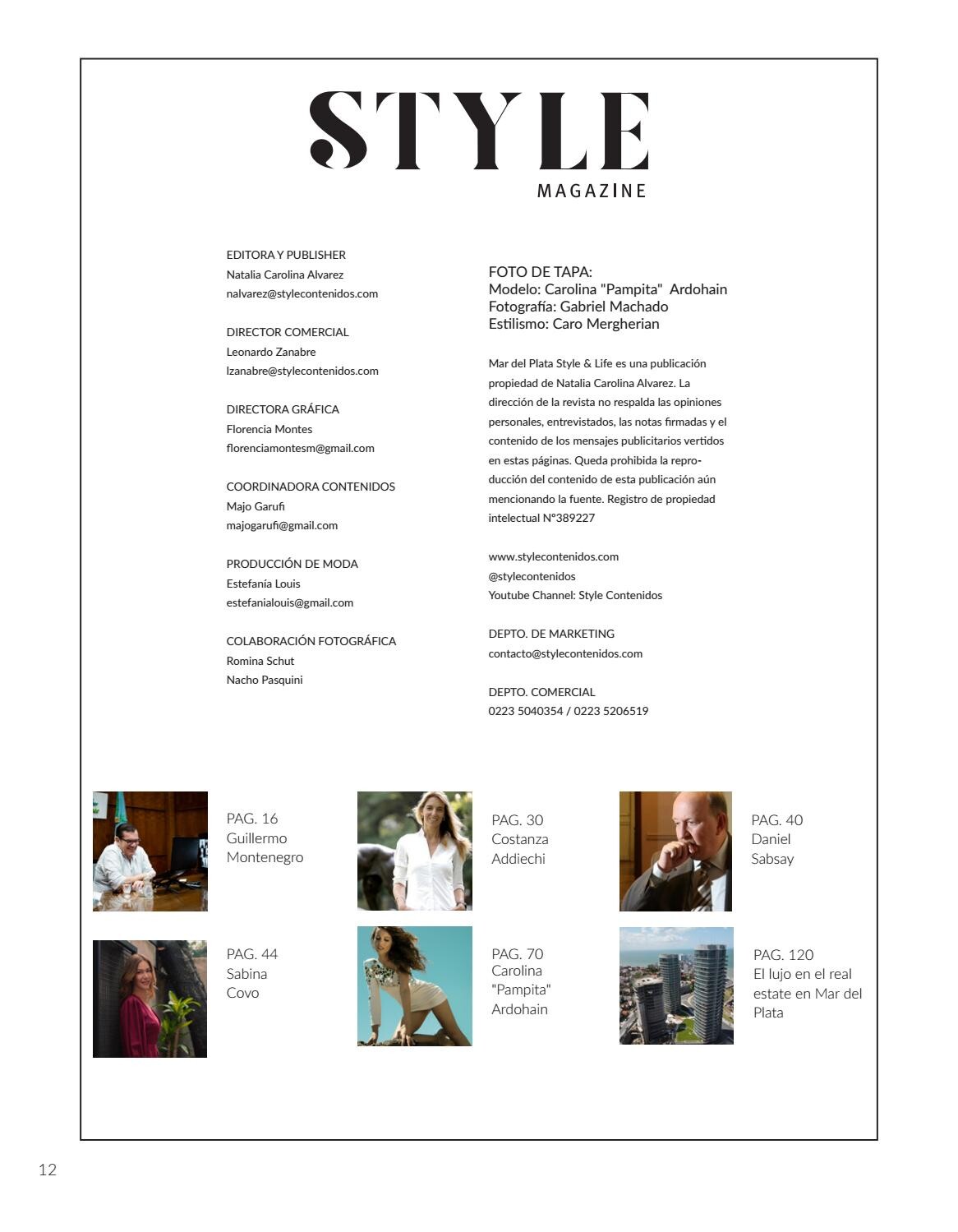
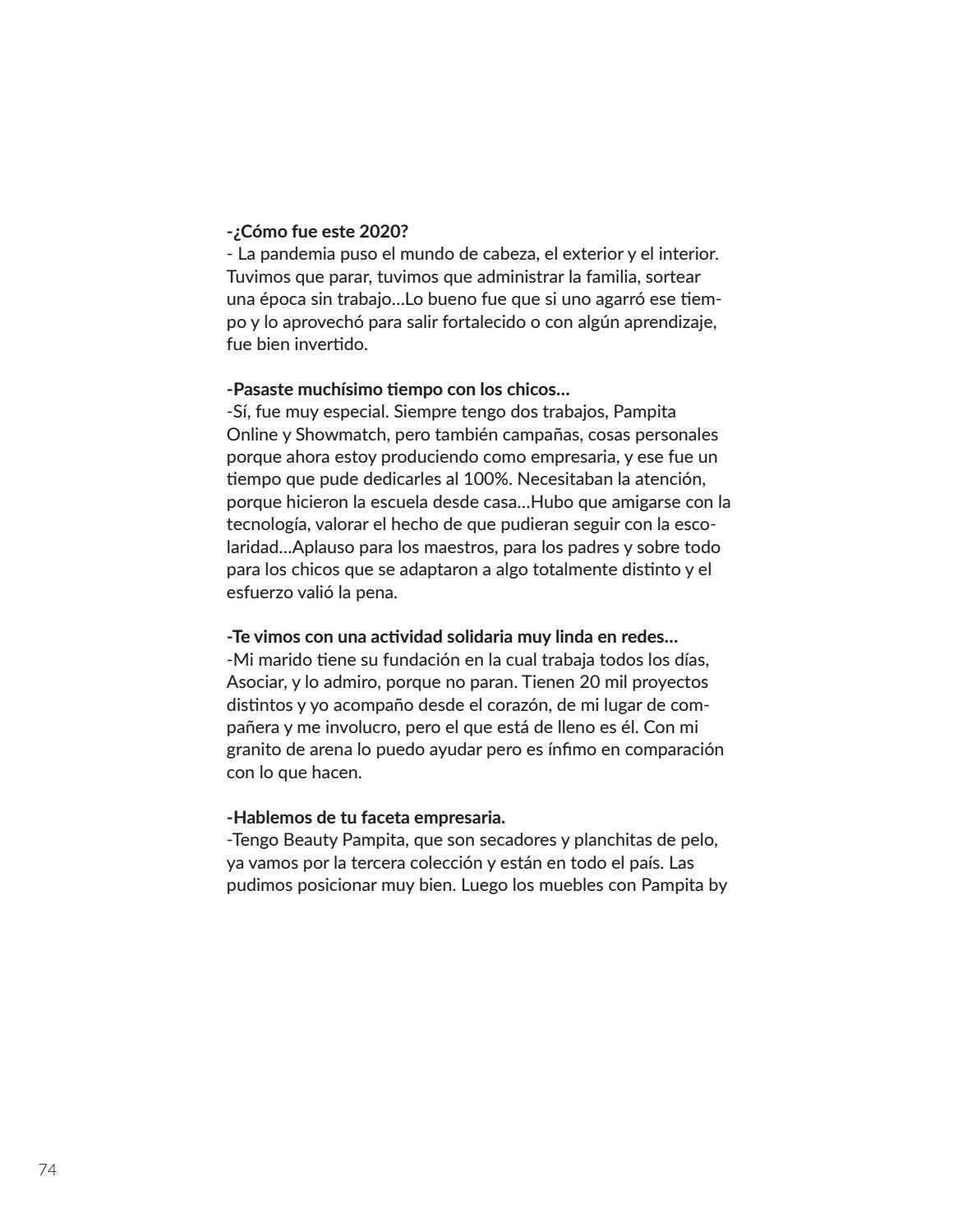
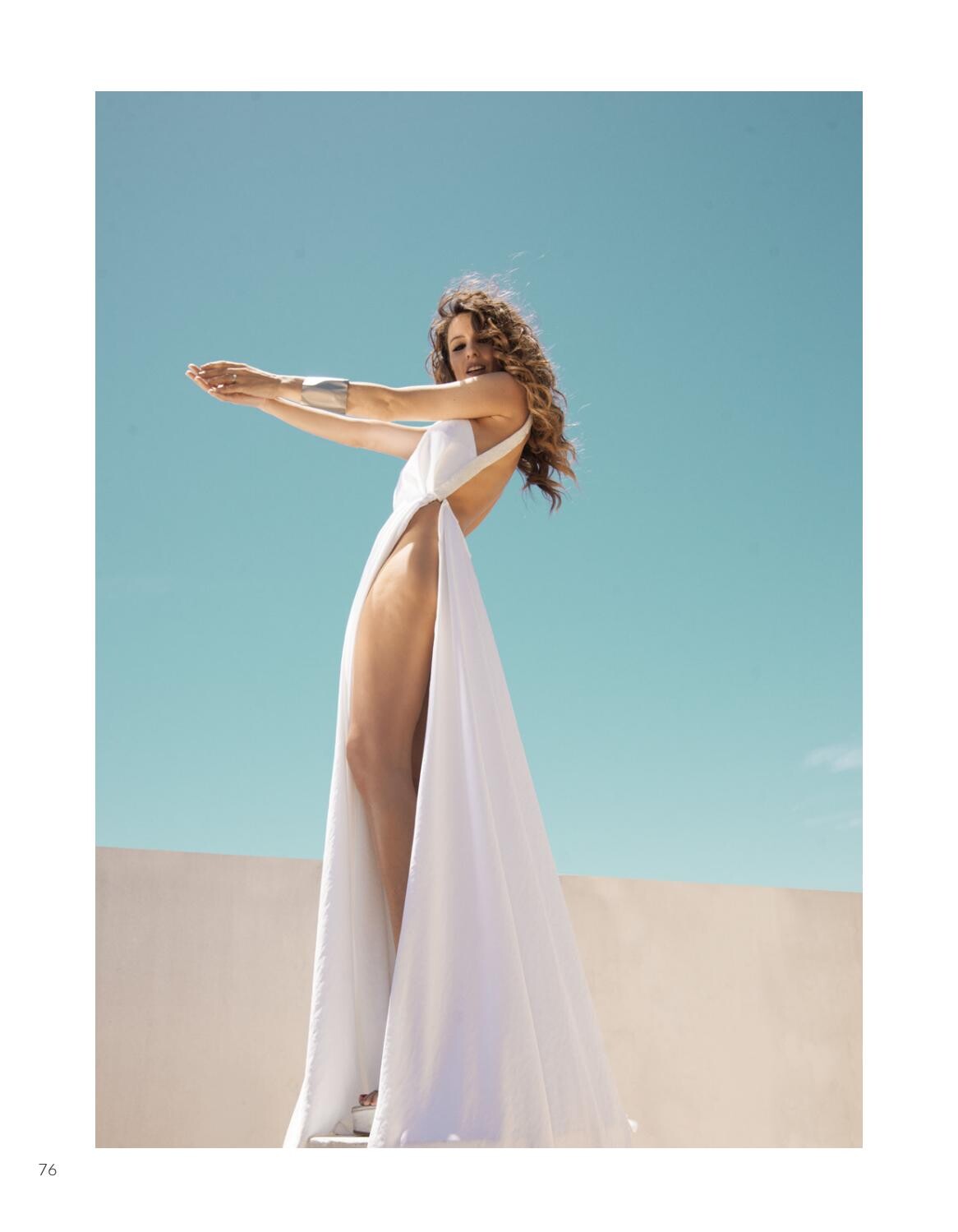
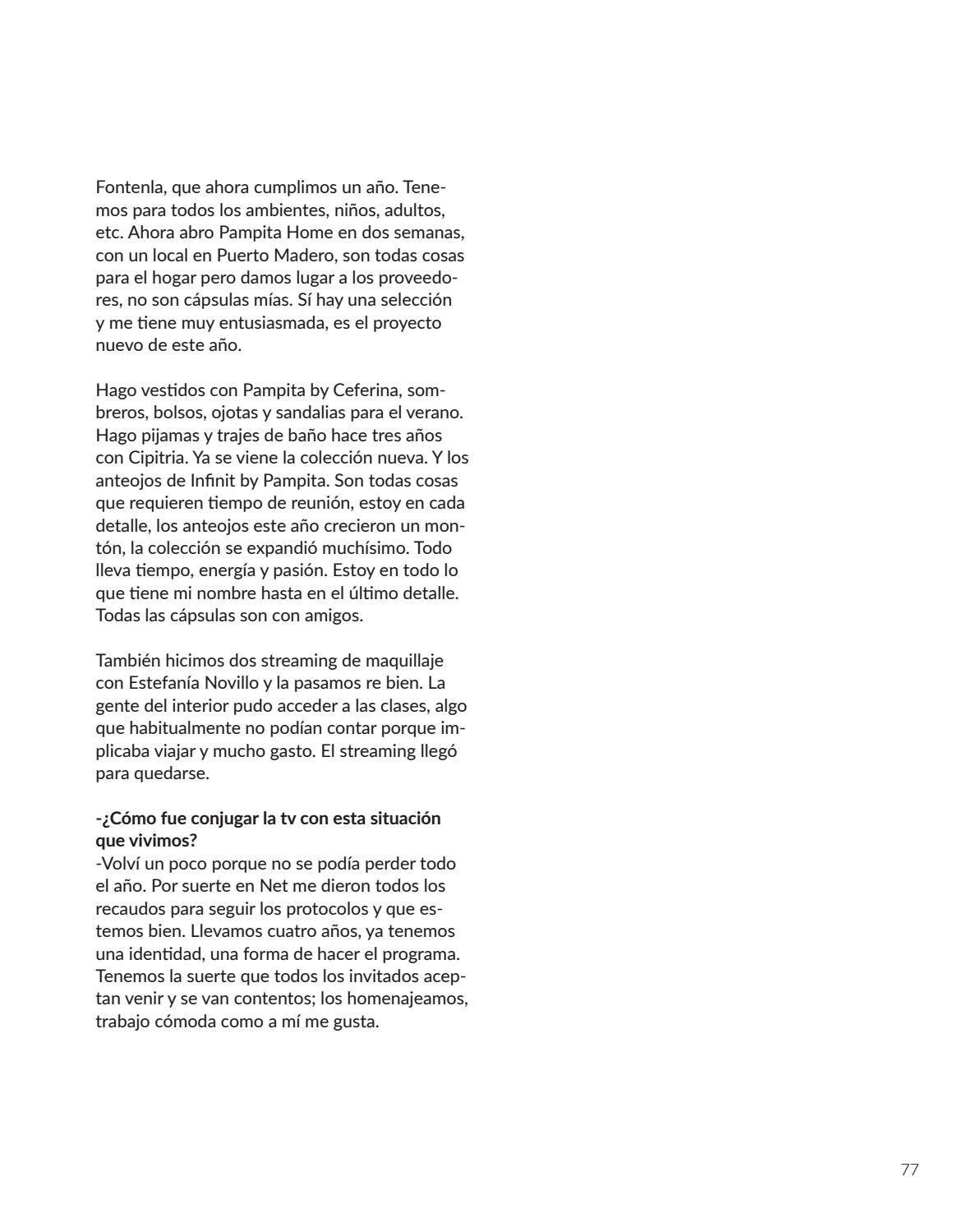
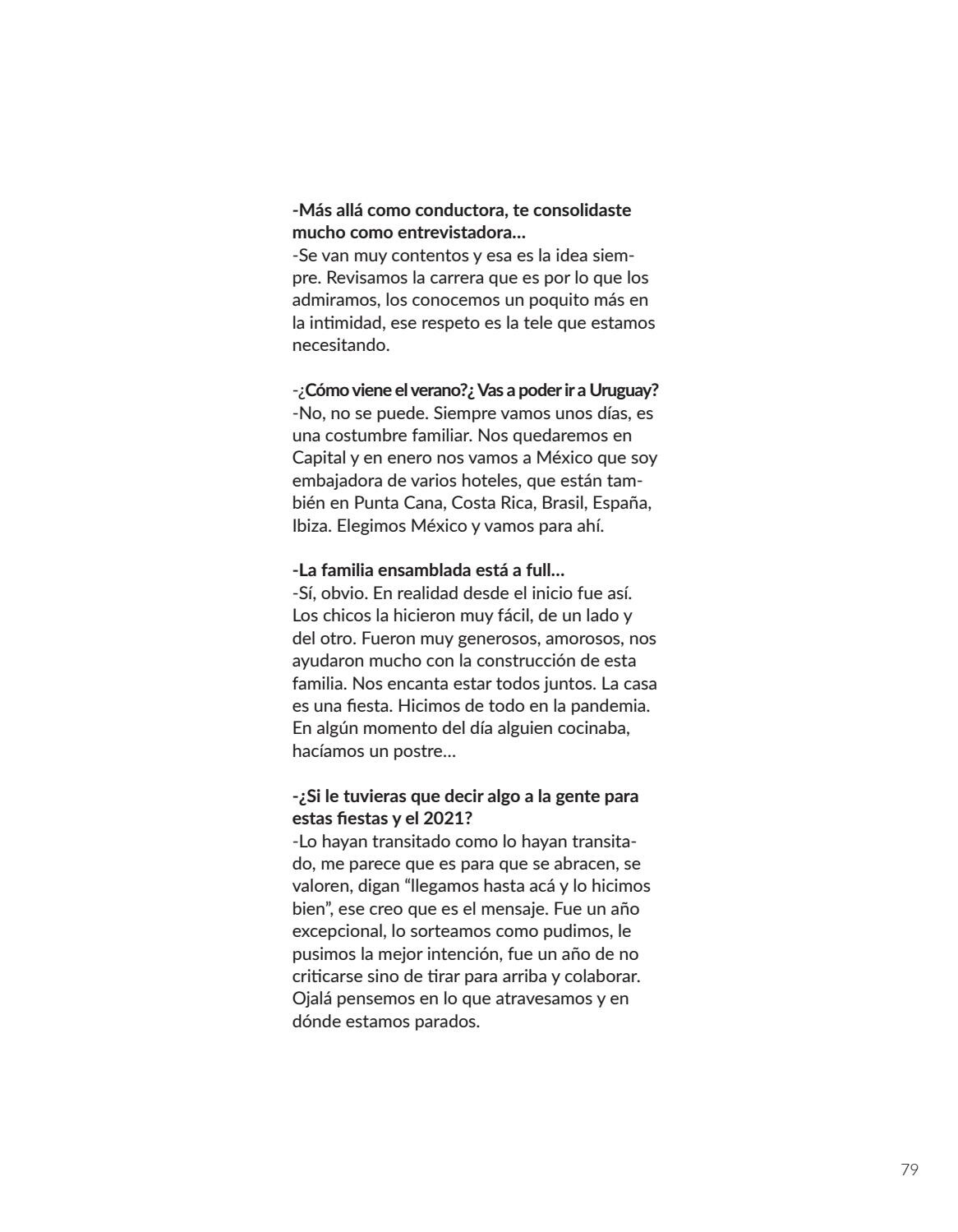
 STYLE MAGAZINE - December 2020. a- COVER and Editorial ISSUU
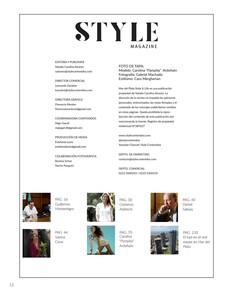




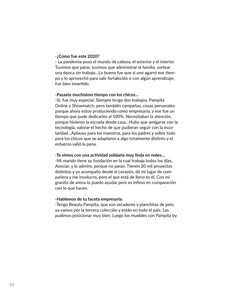


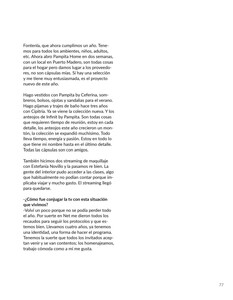

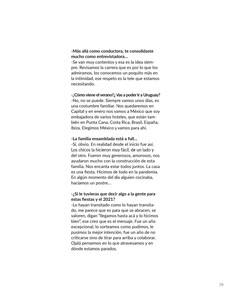 Cover story. Caras Argentina 16-12-2020.









 Influencer VESNA SS 2020-21... https://www.instagram.com/tv/CI5qv8DJc9Q/
 https://www.instagram.com/p/CI0YoHsJa3t/
 https://www.instagram.com/p/CIUGOs5DtX6/

 https://www.instagram.com/p/CIQyqzXDt3D/
 Gente Argentina December 2020. BTS VIDS







 https://www.instagram.com/p/CIWy35hp0p6/




 https://www.instagram.com/p/CHwPLkbp2eO/








 https://www.instagram.com/p/CHyd-MhpMs9/

 IG - November 2020... https://www.instagram.com/p/CHftuk2JLEF/





 IG - November 2020... https://www.instagram.com/p/CHdGOgUpf35/
 IG - November 2020...



































































































Account
Navigation
Search
Configure browser push notifications
Chrome (Android)
- Tap the lock icon next to the address bar.
- Tap Permissions → Notifications.
- Adjust your preference.
Chrome (Desktop)
- Click the padlock icon in the address bar.
- Select Site settings.
- Find Notifications and adjust your preference.
Safari (iOS 16.4+)
- Ensure the site is installed via Add to Home Screen.
- Open Settings App → Notifications.
- Find your app name and adjust your preference.
Safari (macOS)
- Go to Safari → Preferences.
- Click the Websites tab.
- Select Notifications in the sidebar.
- Find this website and adjust your preference.
Edge (Android)
- Tap the lock icon next to the address bar.
- Tap Permissions.
- Find Notifications and adjust your preference.
Edge (Desktop)
- Click the padlock icon in the address bar.
- Click Permissions for this site.
- Find Notifications and adjust your preference.
Firefox (Android)
- Go to Settings → Site permissions.
- Tap Notifications.
- Find this site in the list and adjust your preference.
Firefox (Desktop)
- Open Firefox Settings.
- Search for Notifications.
- Find this site in the list and adjust your preference.