Jump to content
View in the app

A better way to browse. Learn more.

Bellazon

A full-screen app on your home screen with push notifications, badges and more.

To install this app on iOS and iPadOS
  1. Tap the Share icon in Safari
  2. Scroll the menu and tap Add to Home Screen.
  3. Tap Add in the top-right corner.
To install this app on Android
  1. Tap the 3-dot menu (⋮) in the top-right corner of the browser.
  2. Tap Add to Home screen or Install app.
  3. Confirm by tapping Install.

ALPAT

Global Moderators
  • Joined

  • Last visited

Everything posted by ALPAT

  1. ALPAT replied to goose's topic in Actresses
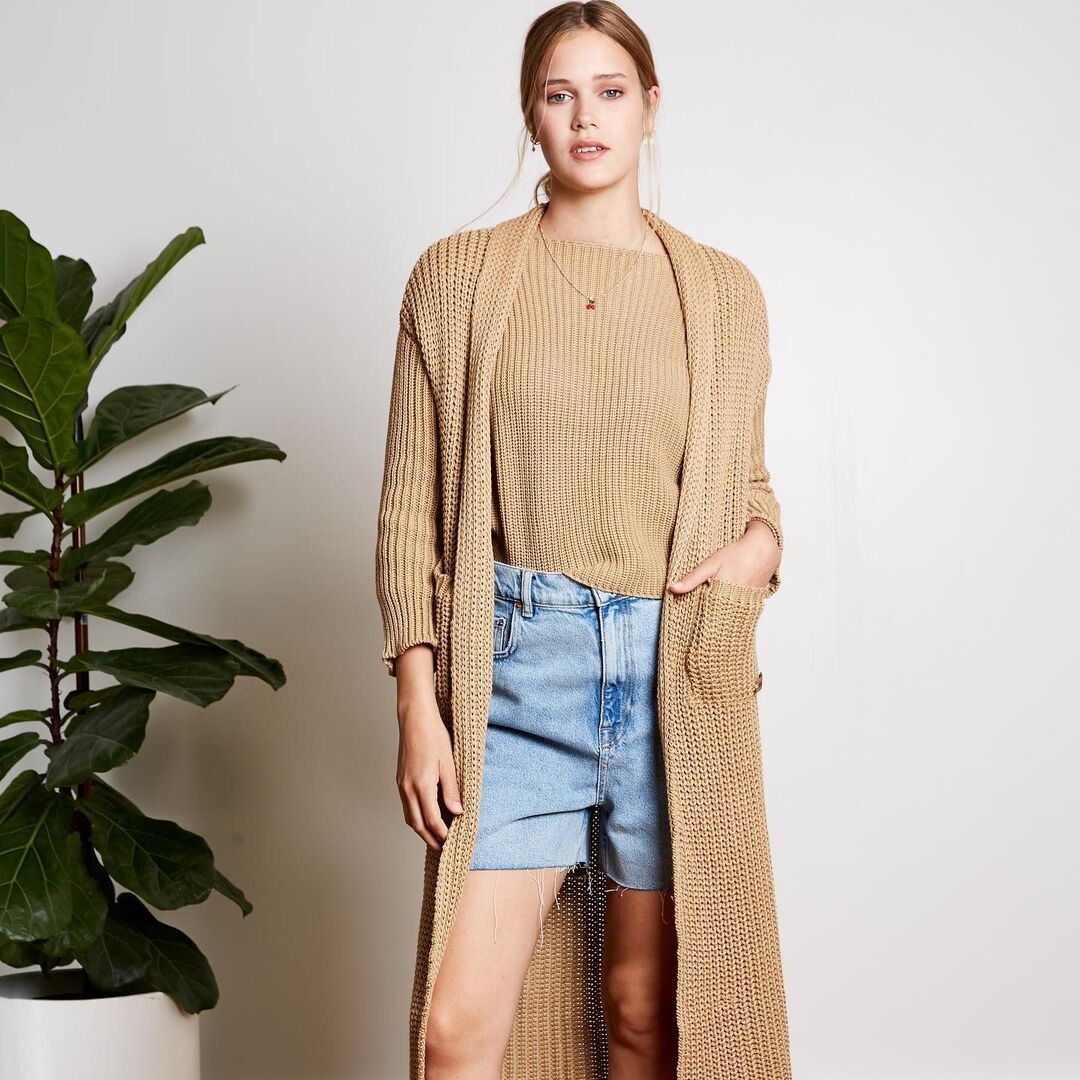
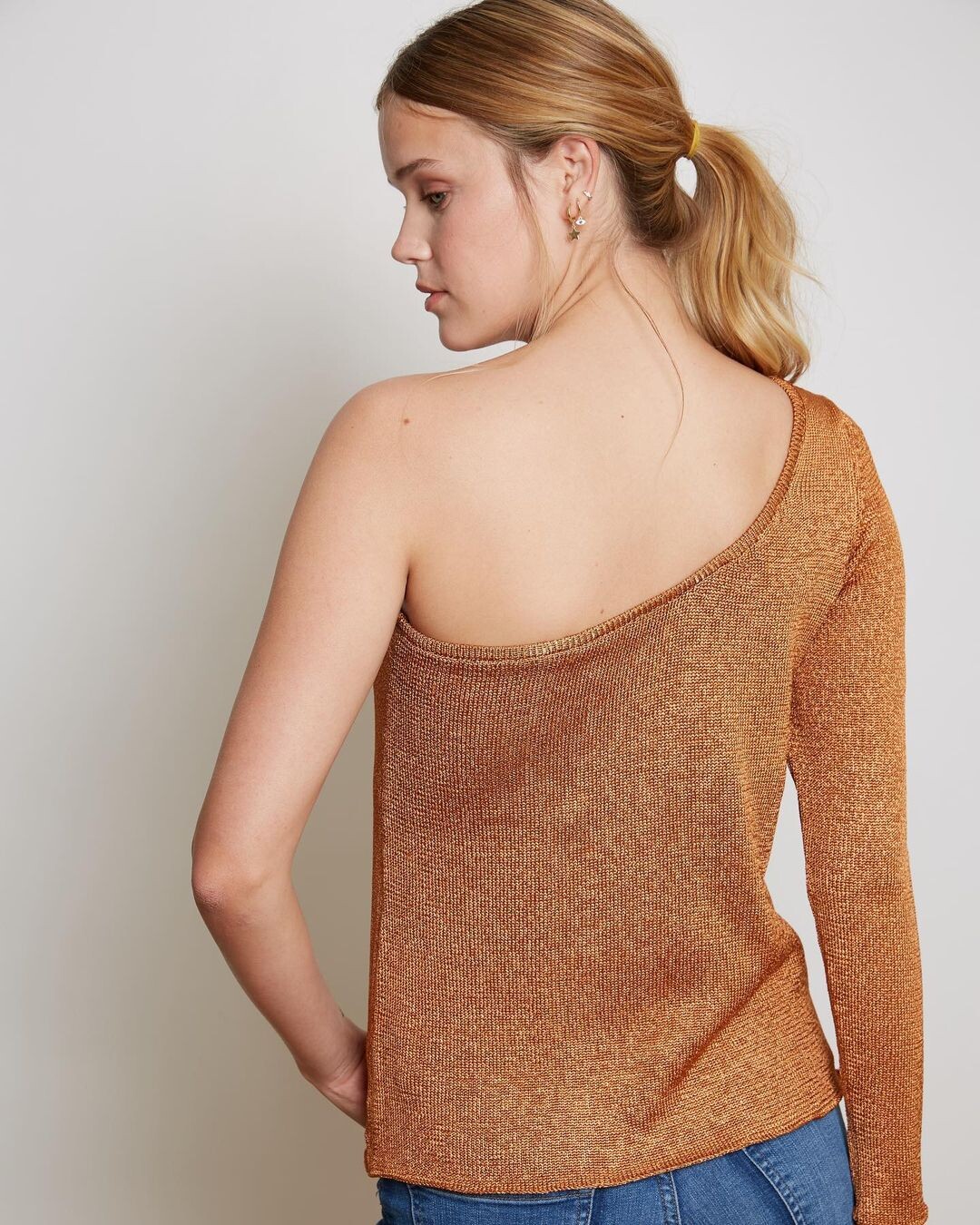
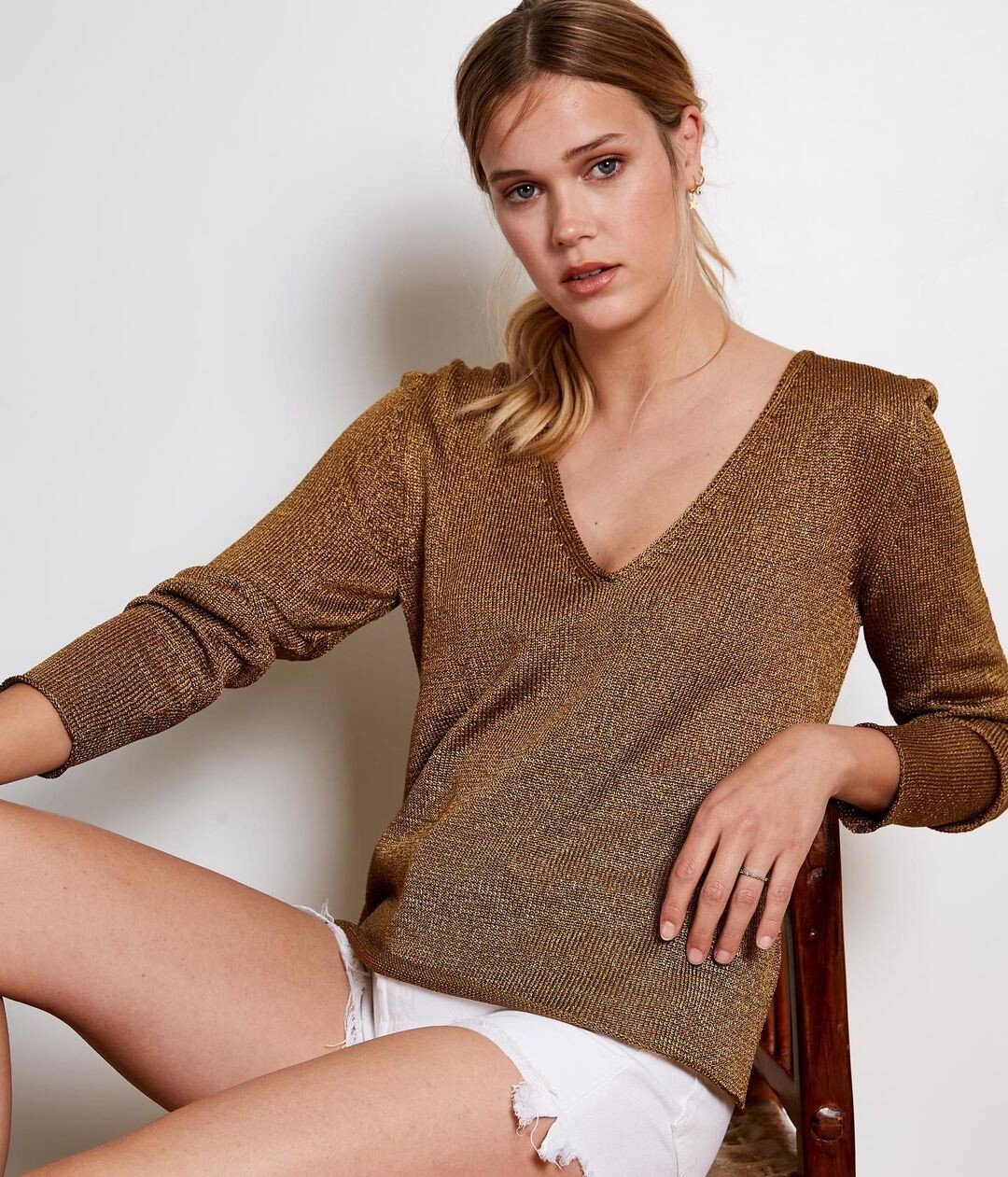
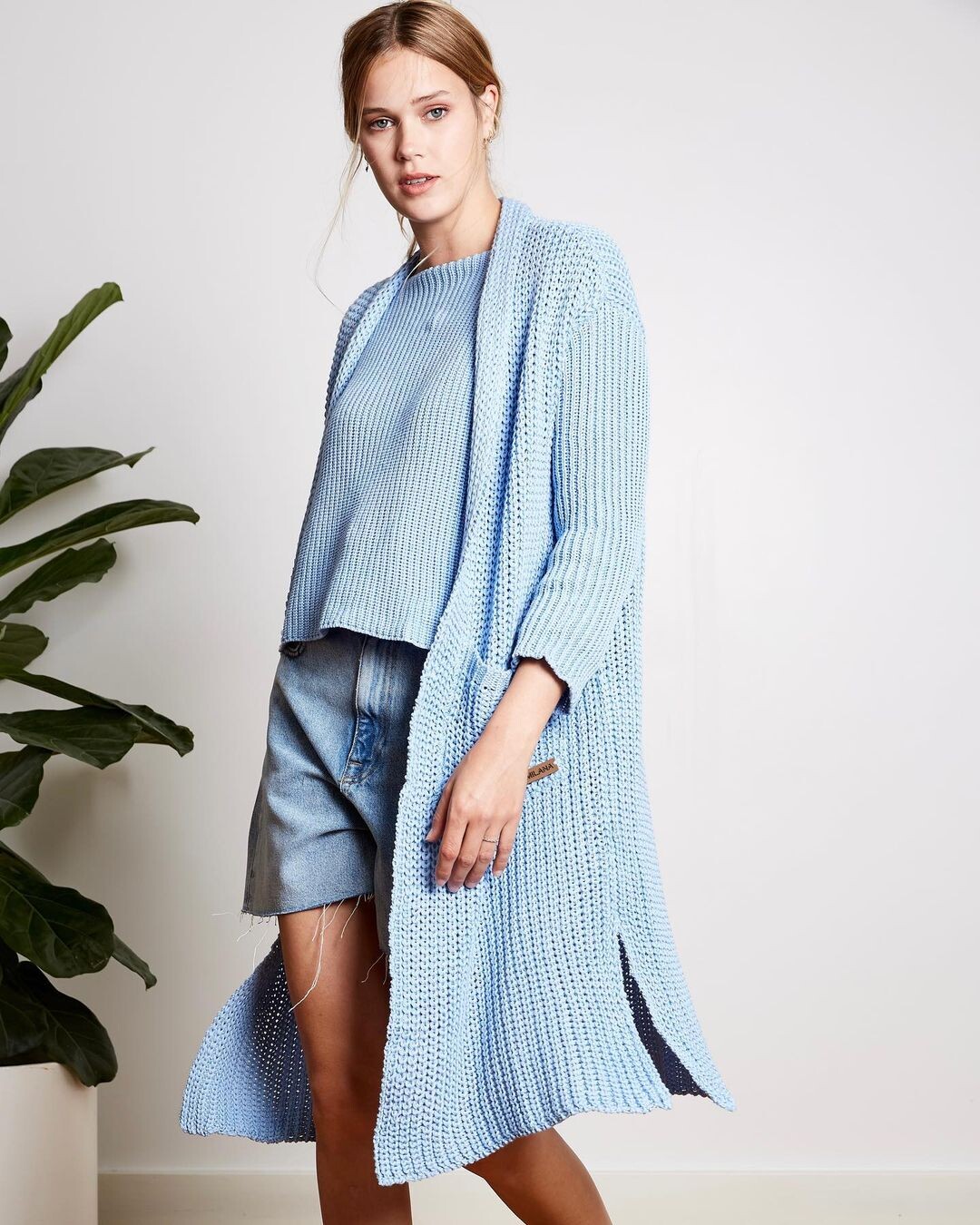
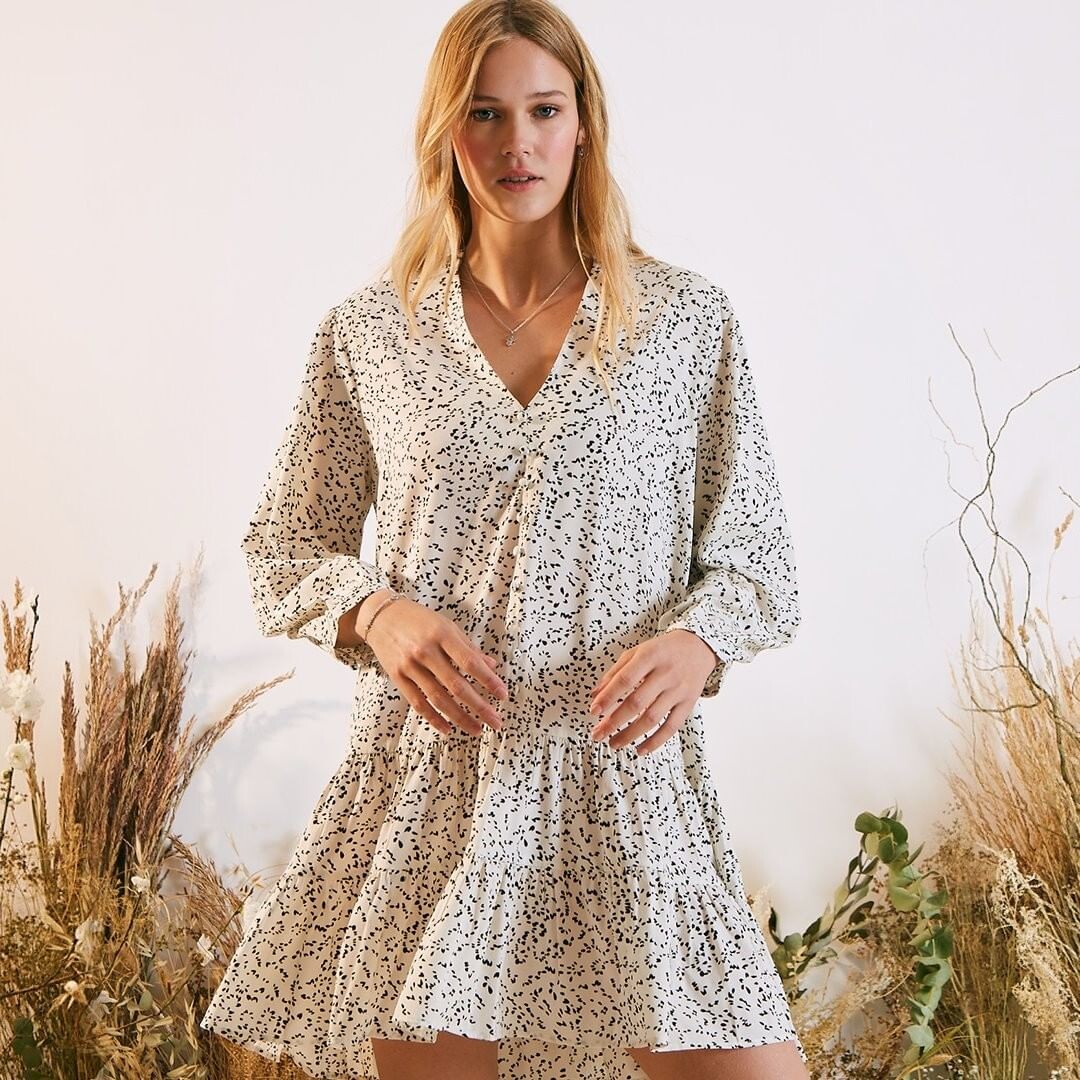
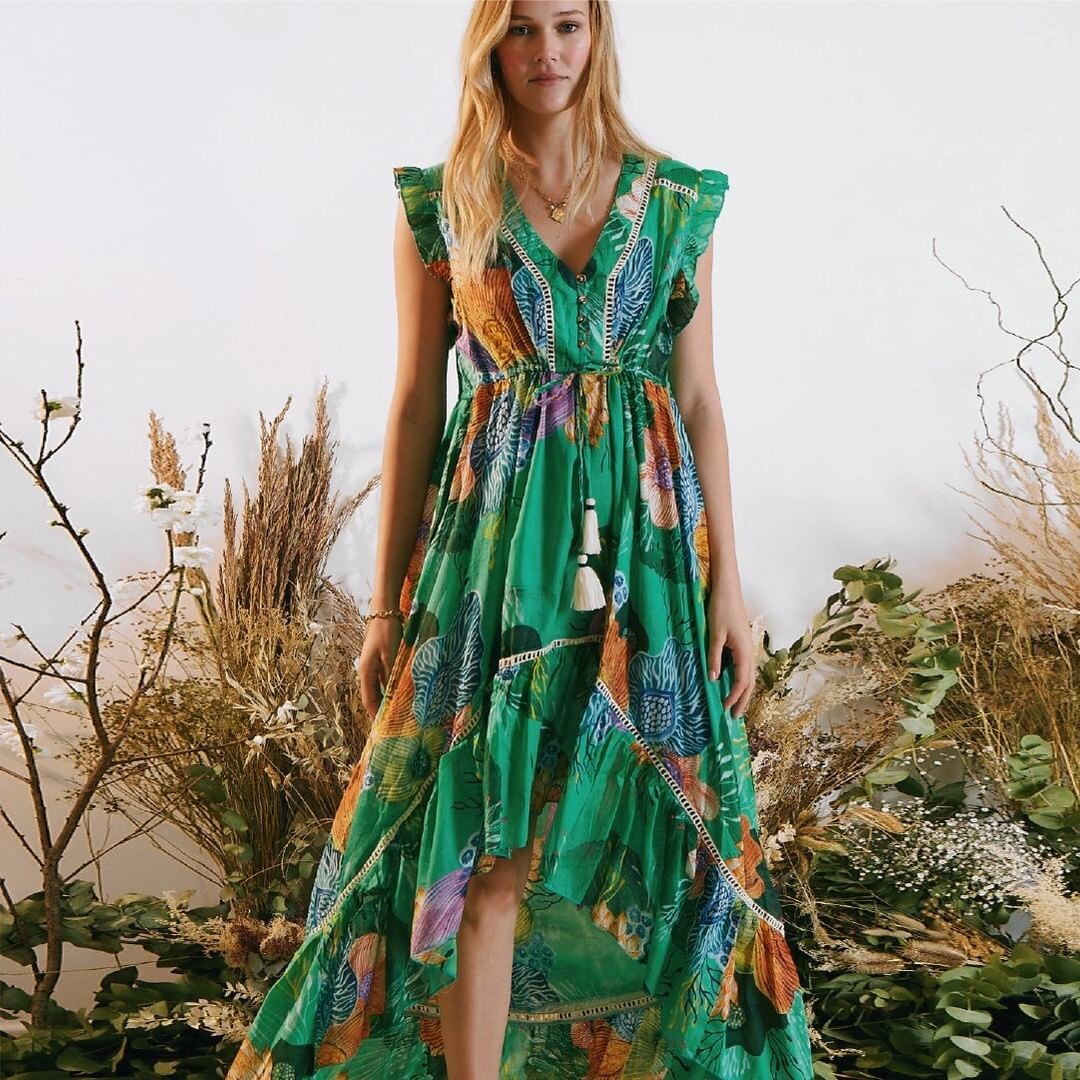
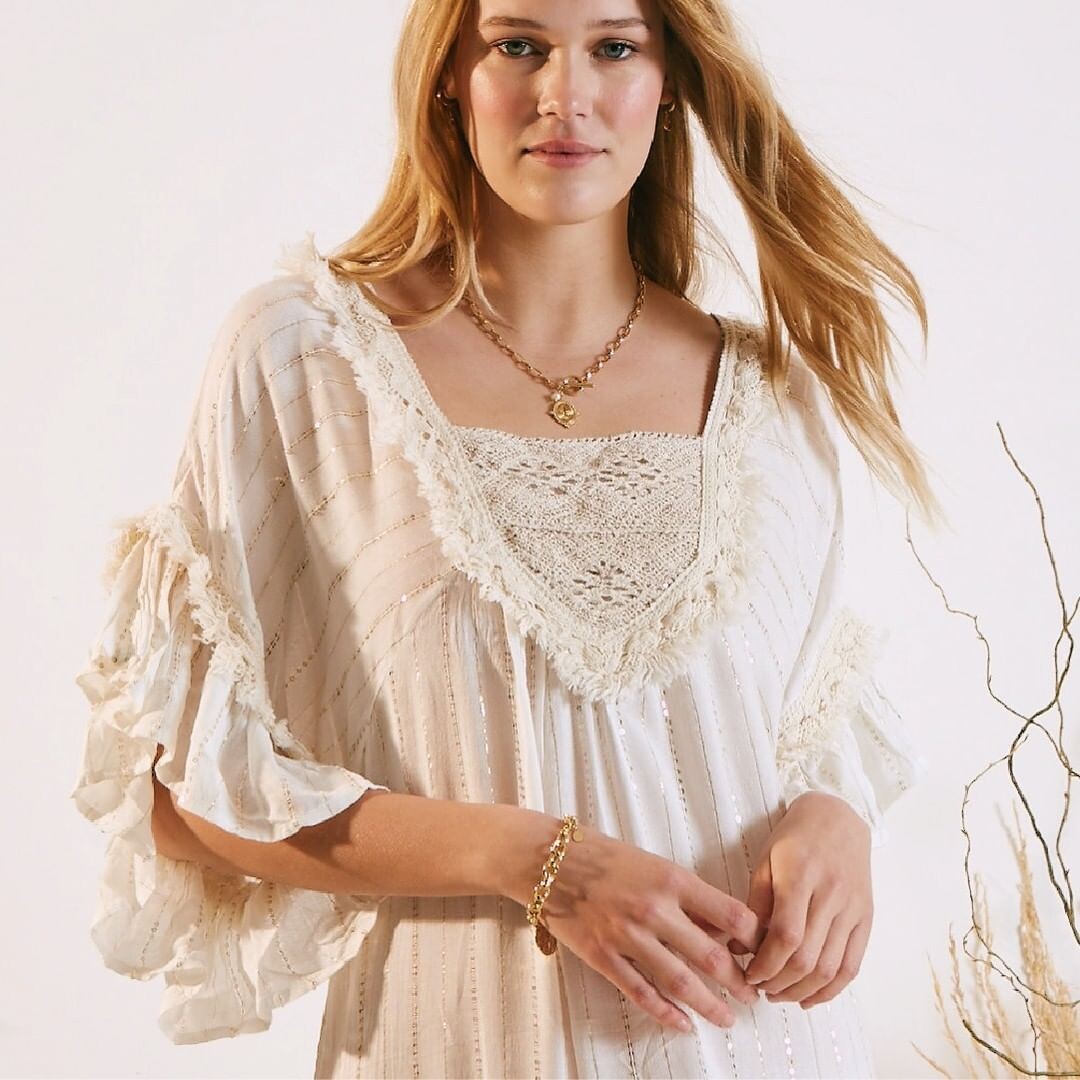
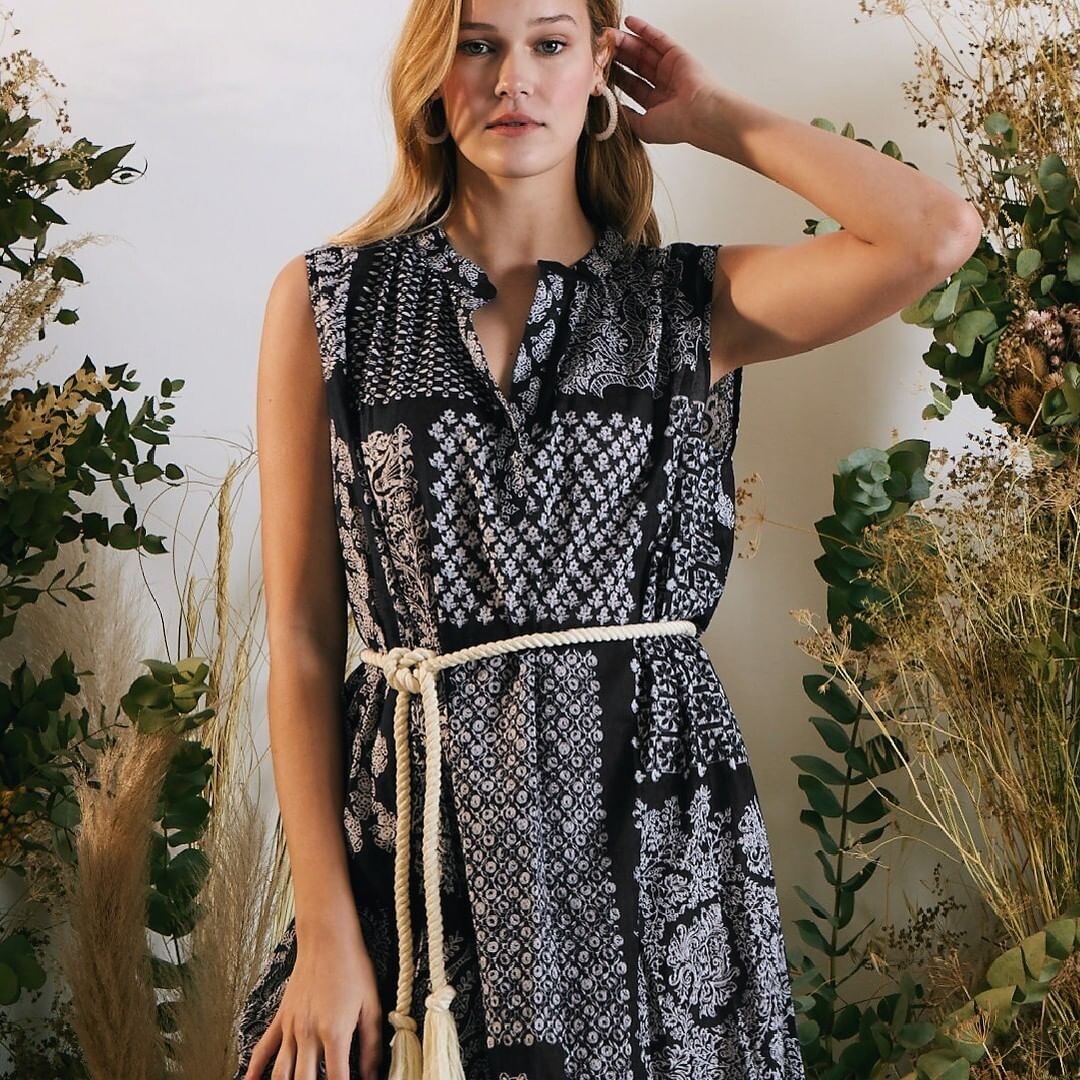
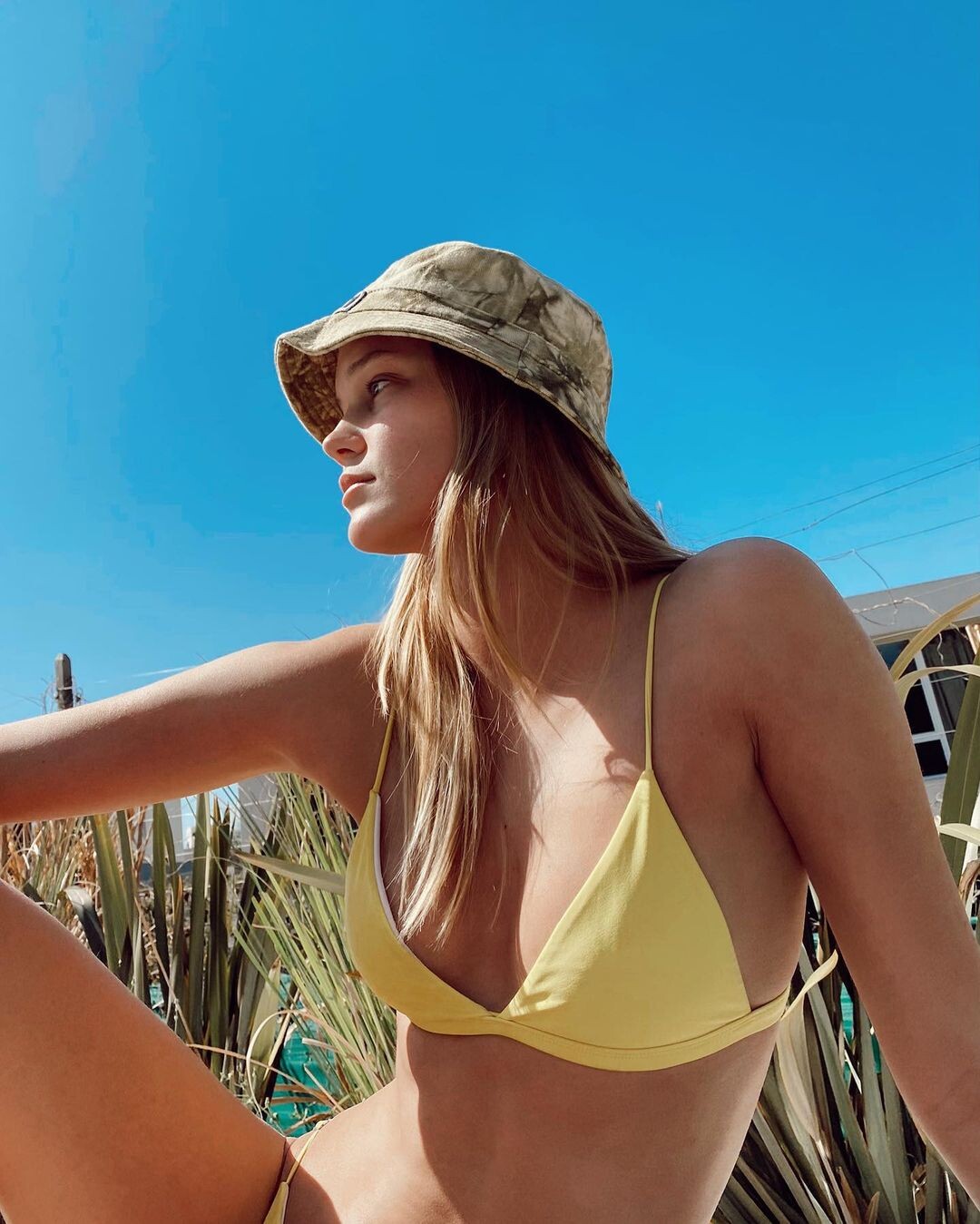
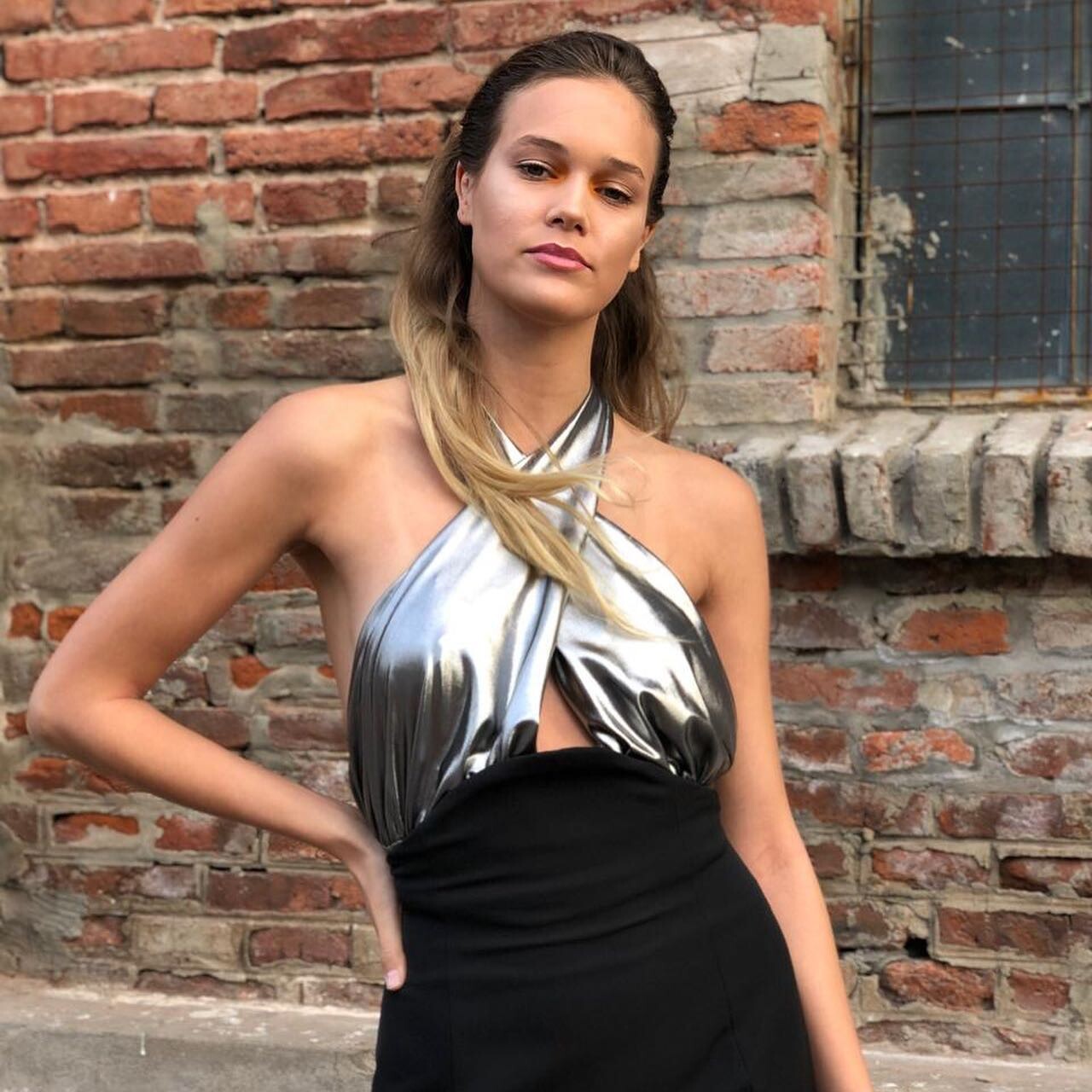
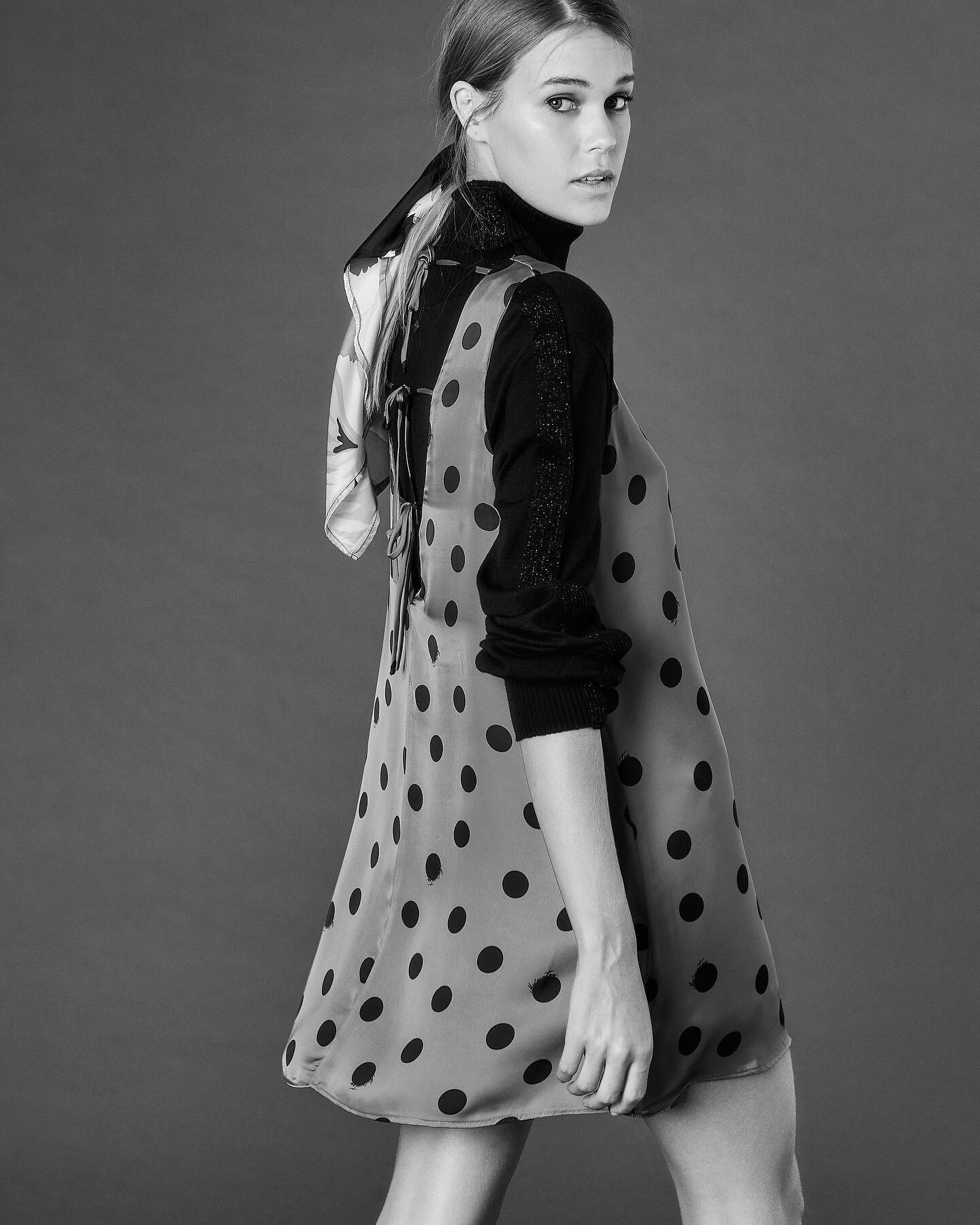
    https://www.instagram.com/p/CI8Ro4NgnK3/ Nargis Magazine (2020)
  2. ALPAT replied to goose's topic in Actresses
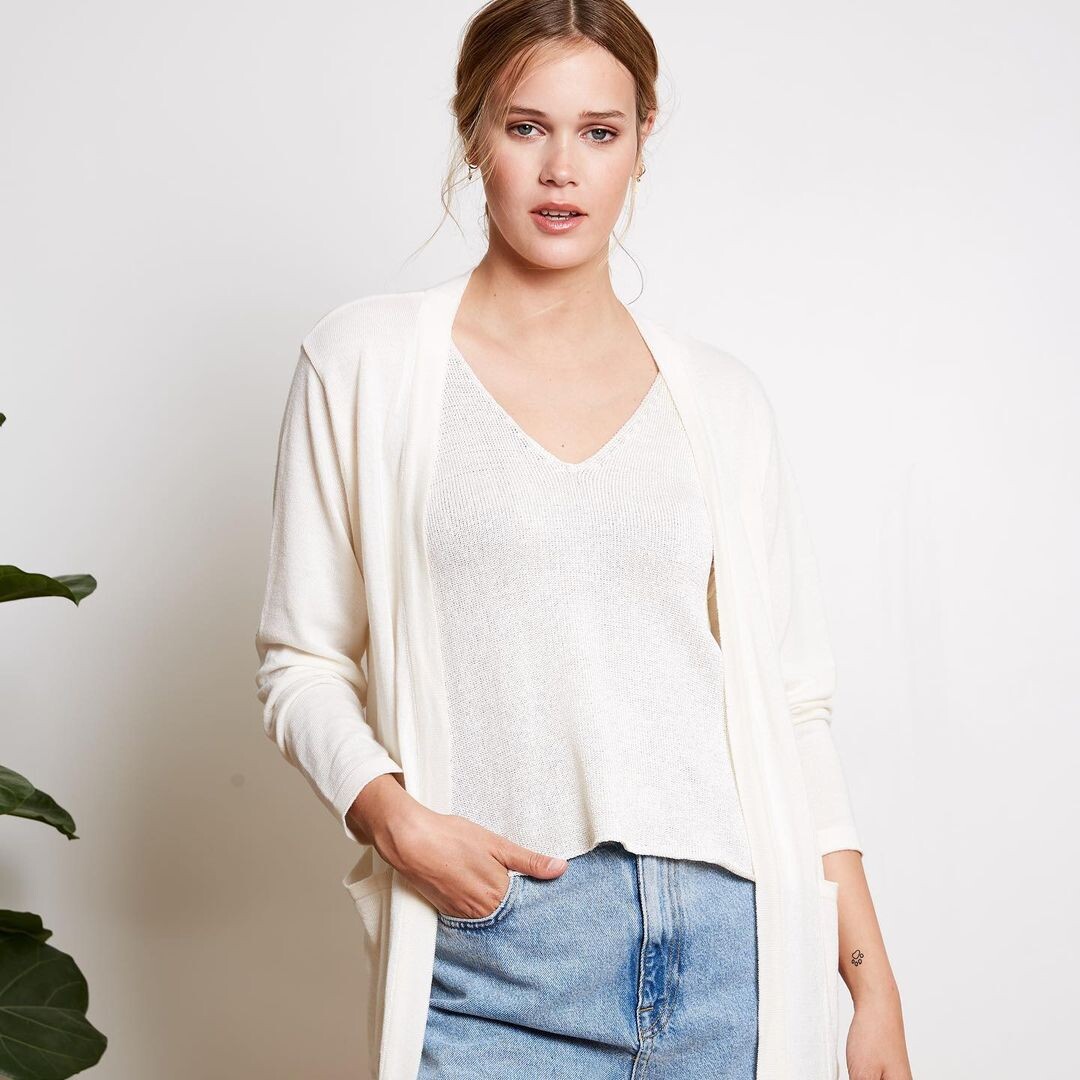
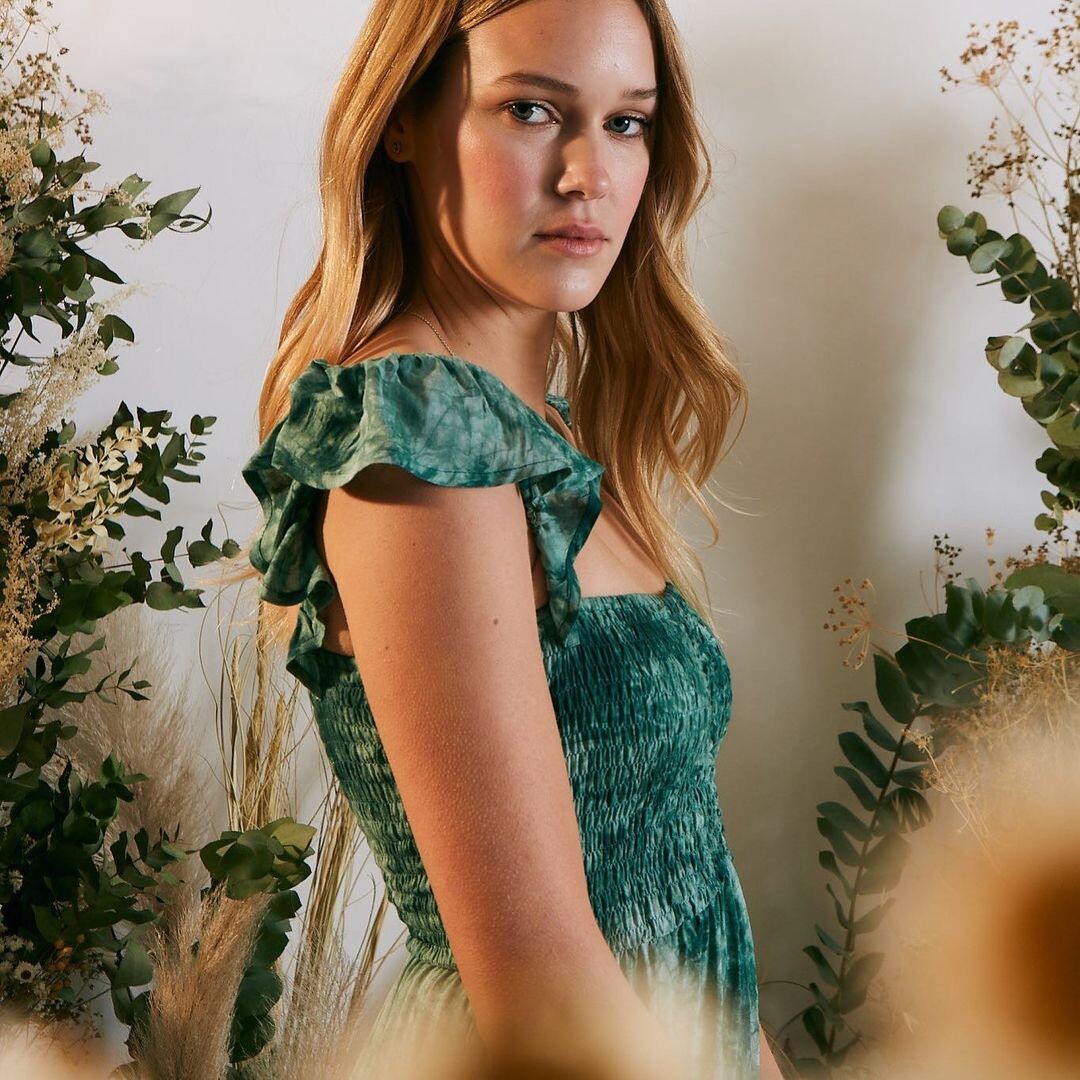
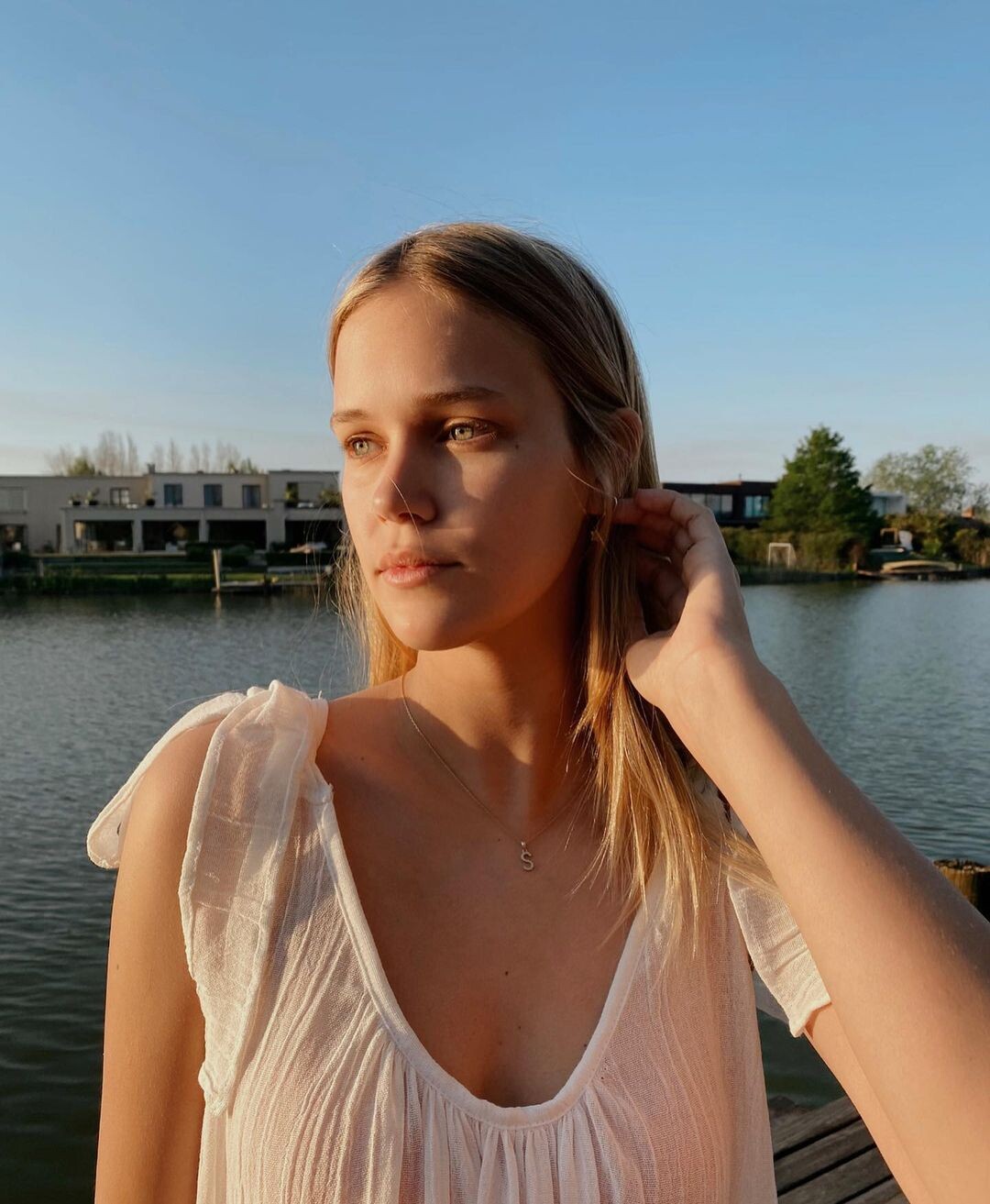
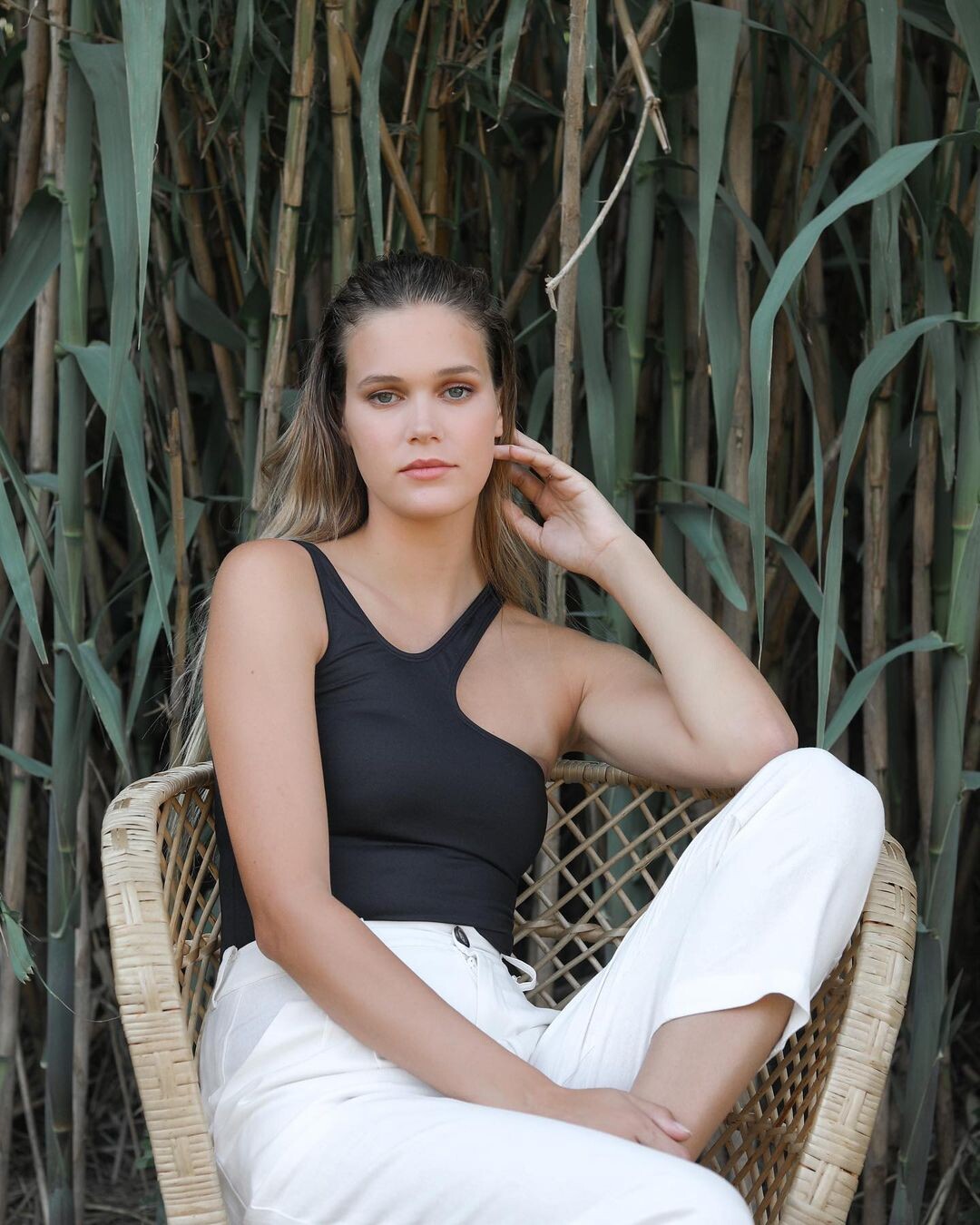
    https://www.instagram.com/p/CIpccF9ATki/
  3. ALPAT replied to goose's topic in Actresses
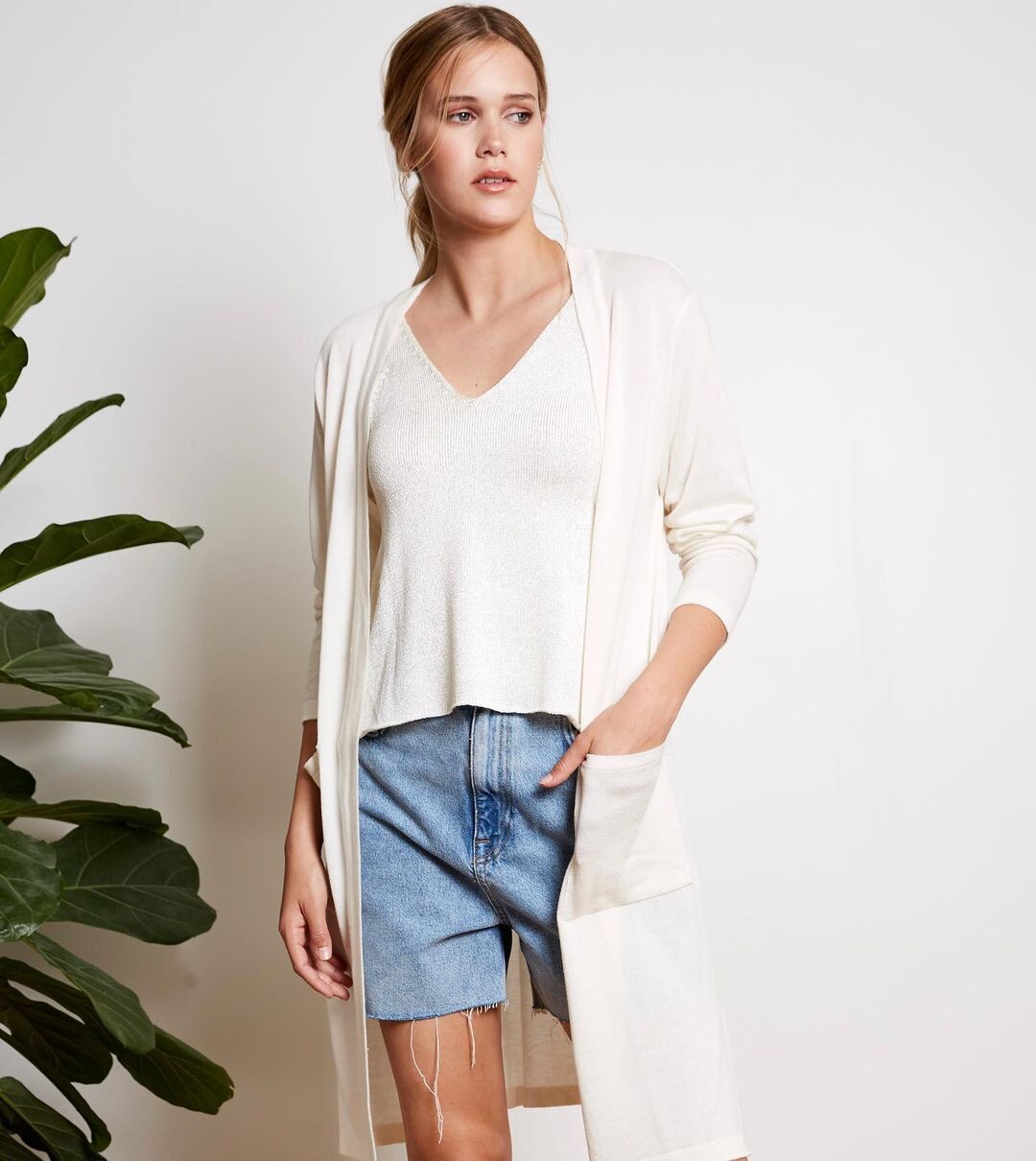
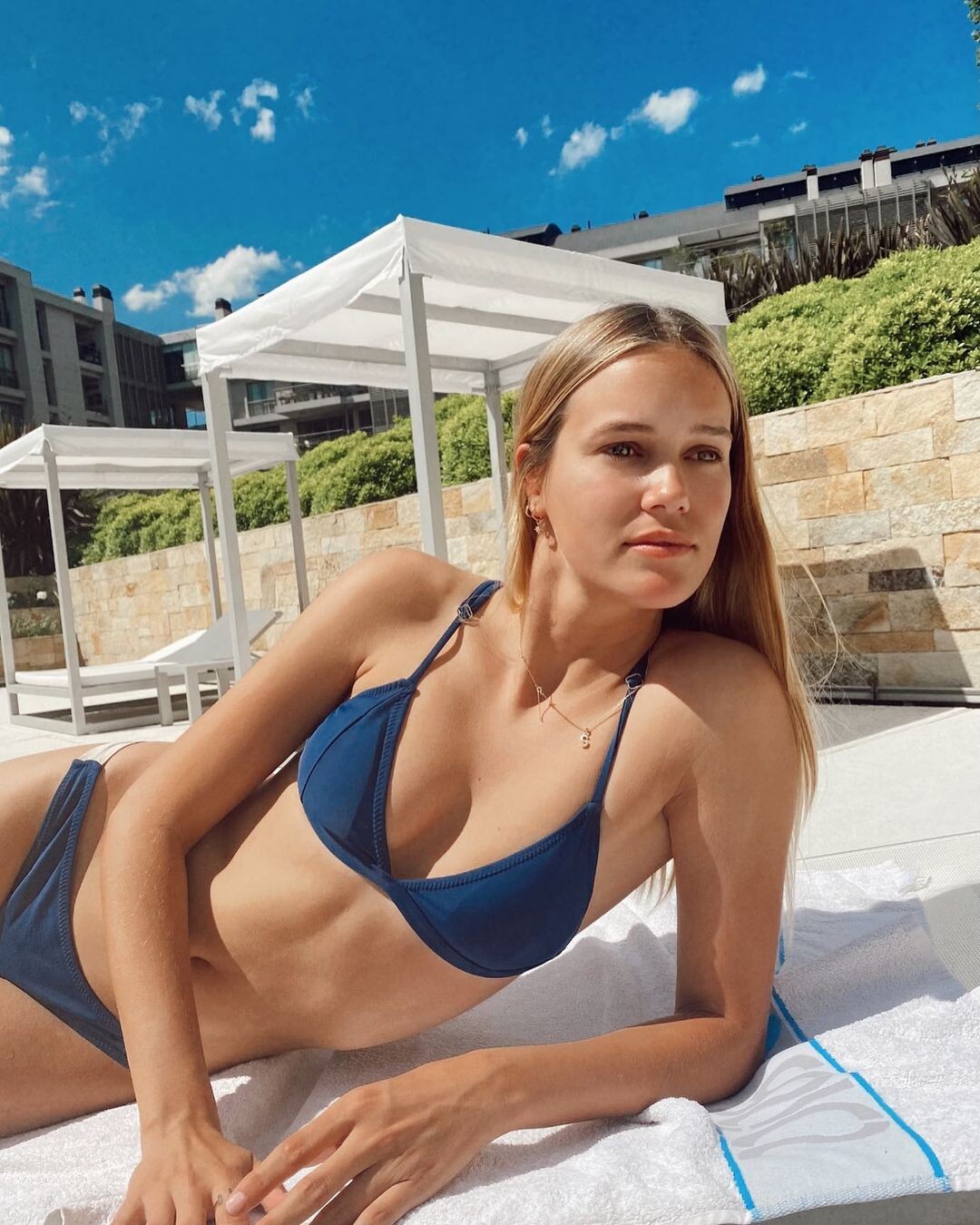
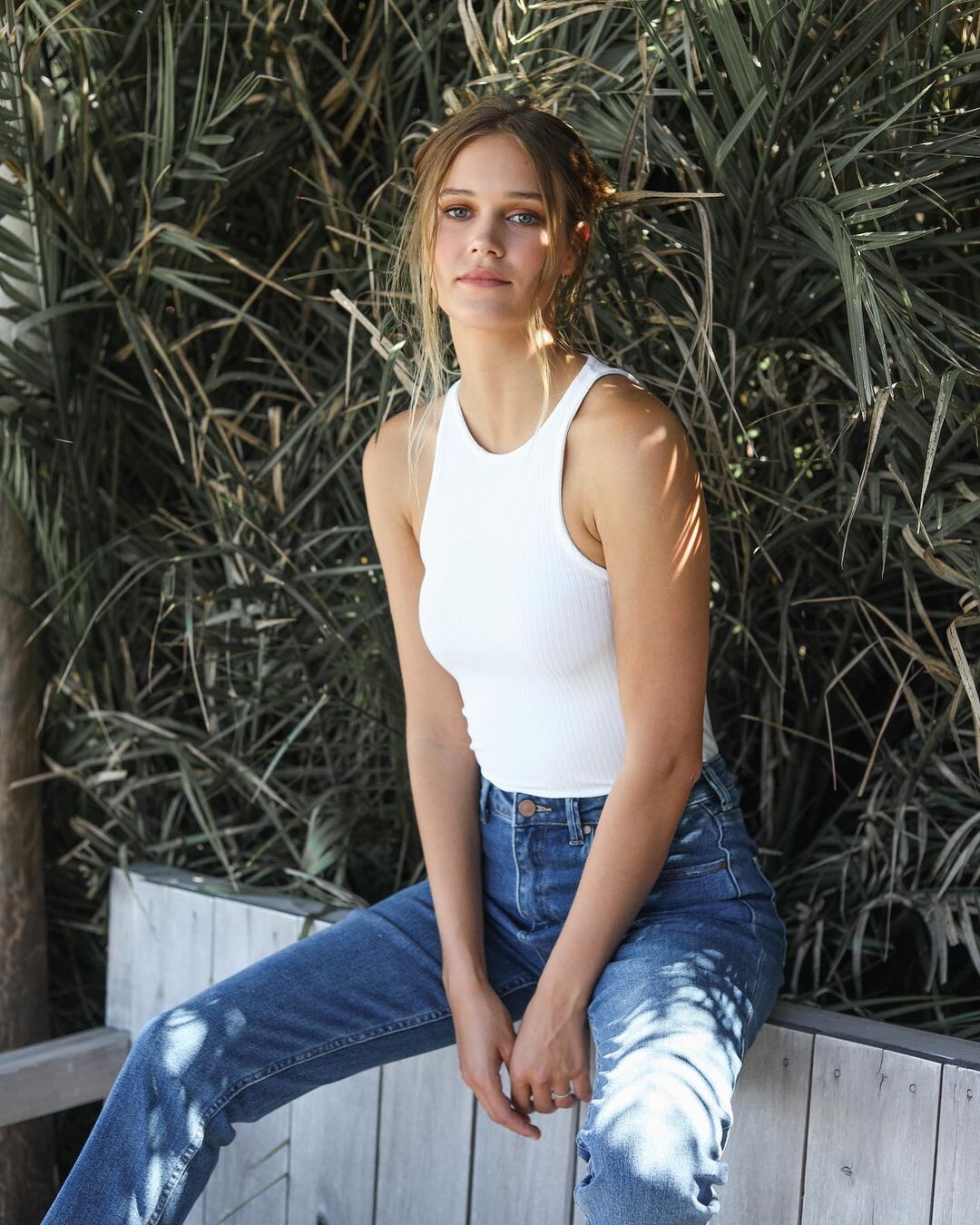
    https://www.instagram.com/p/CIilWzJh3em/
  4. ALPAT replied to goose's topic in Actresses
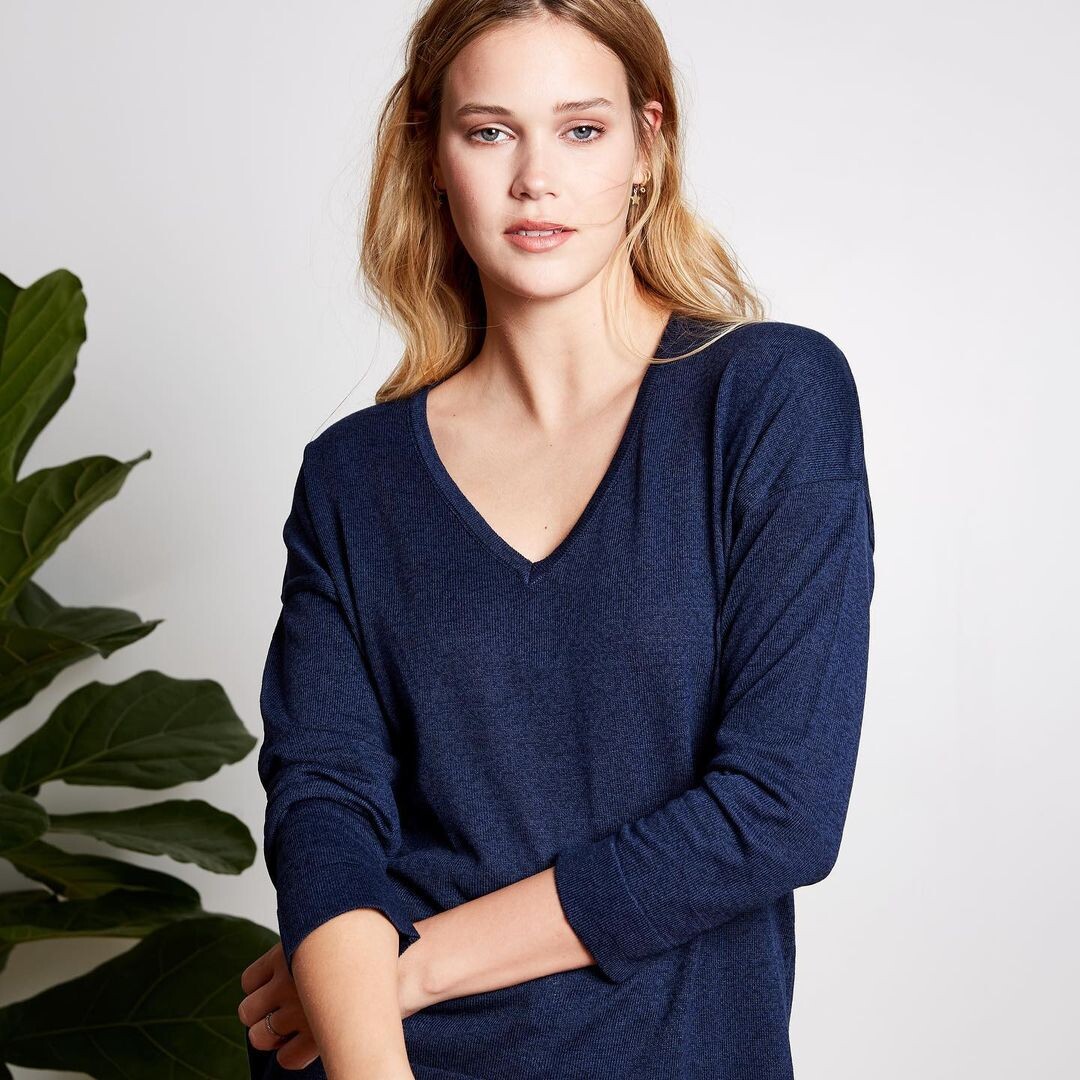
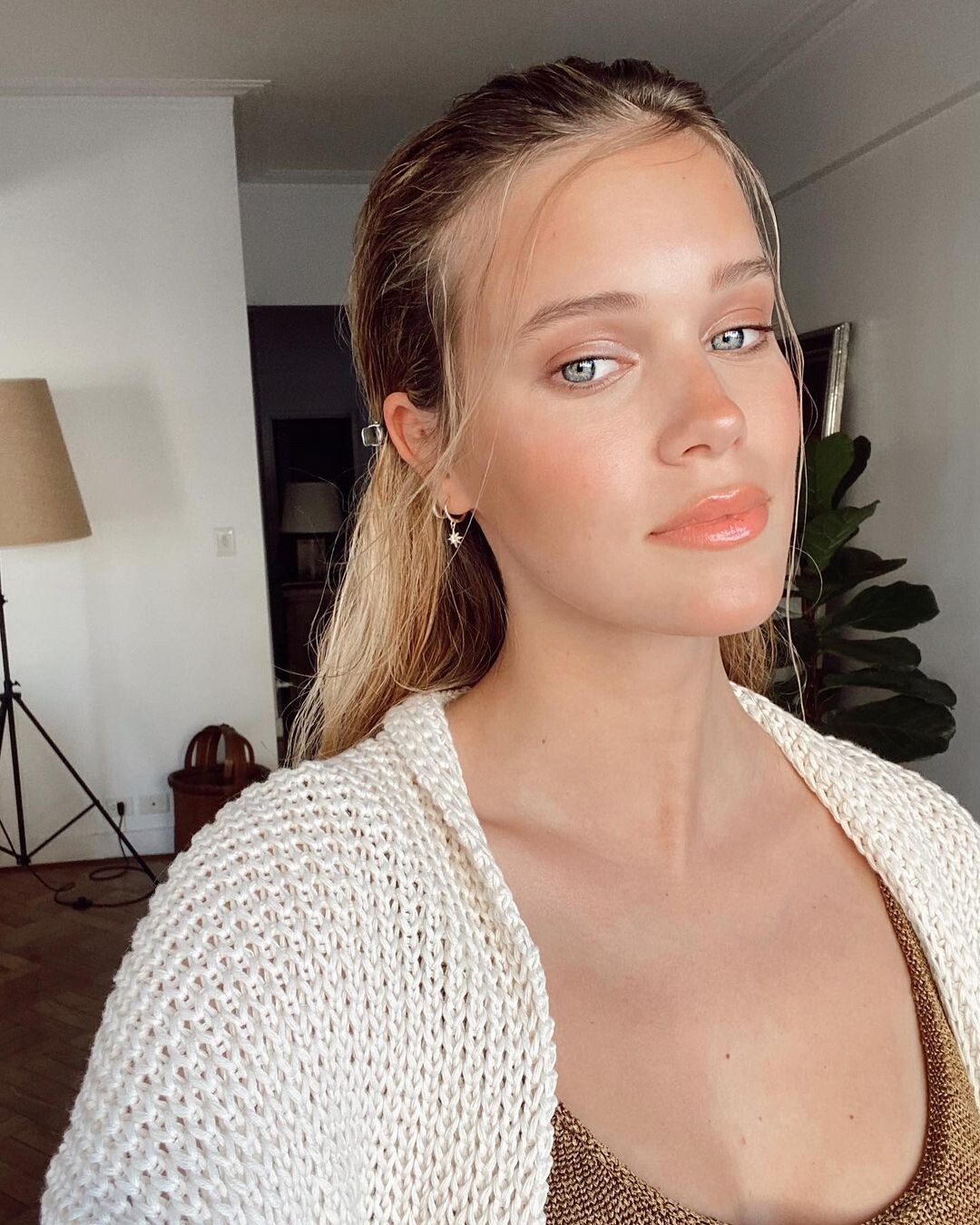
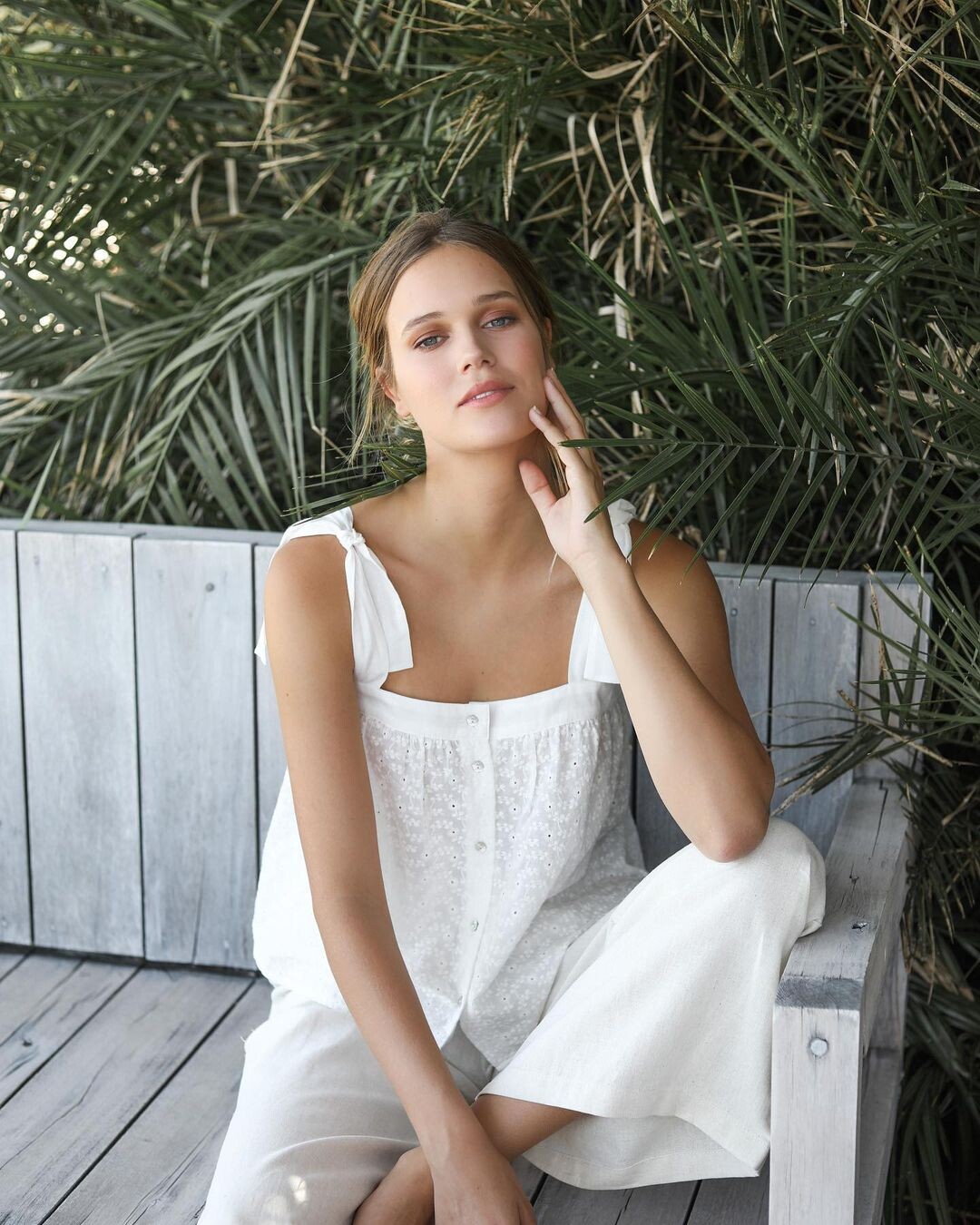
    TELVA MAGAZINE Interview in Spanish (20-10-2020) https://www.telva.com/cultura/2020/10/04/5f770cc302136e736f8b4587.html
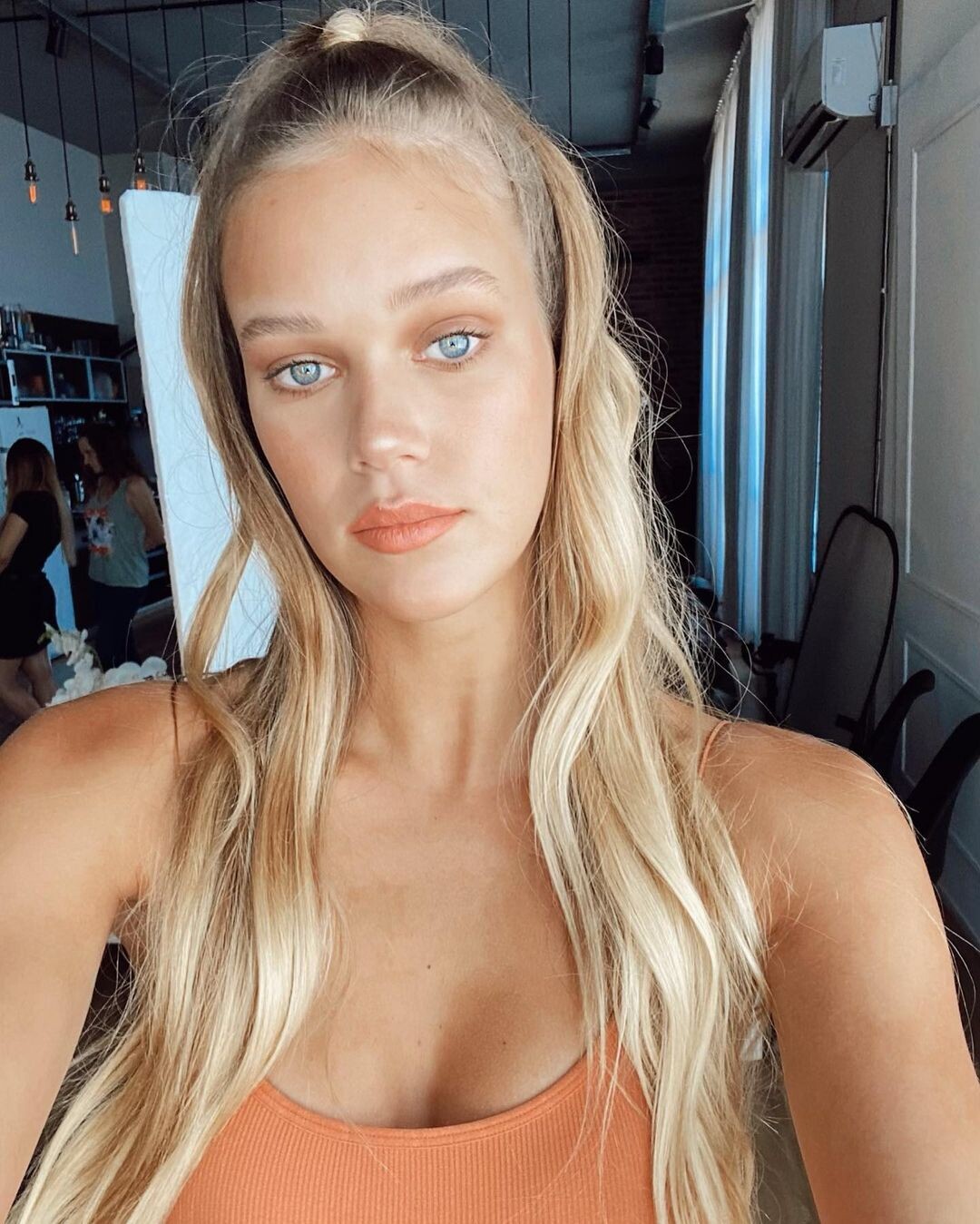
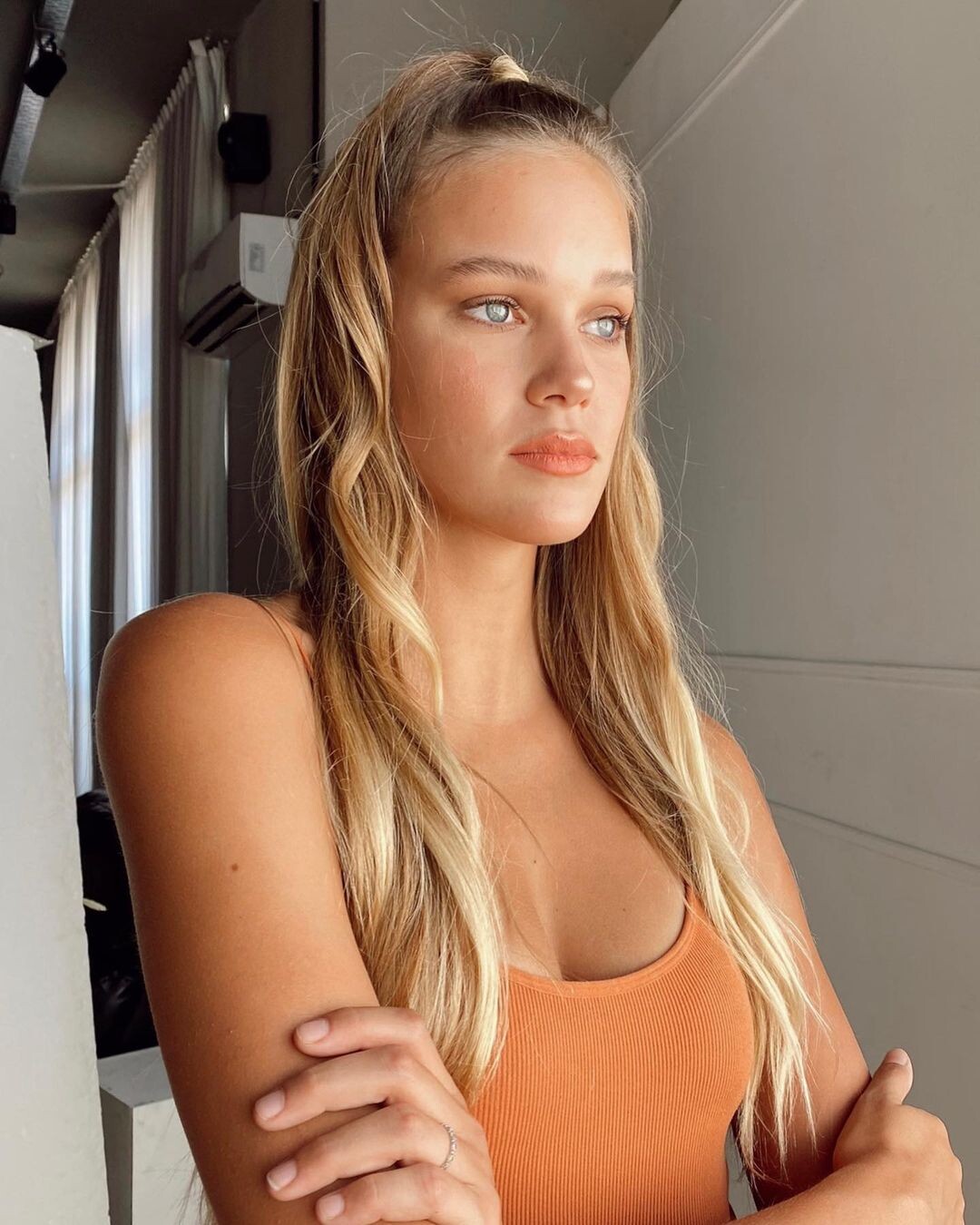
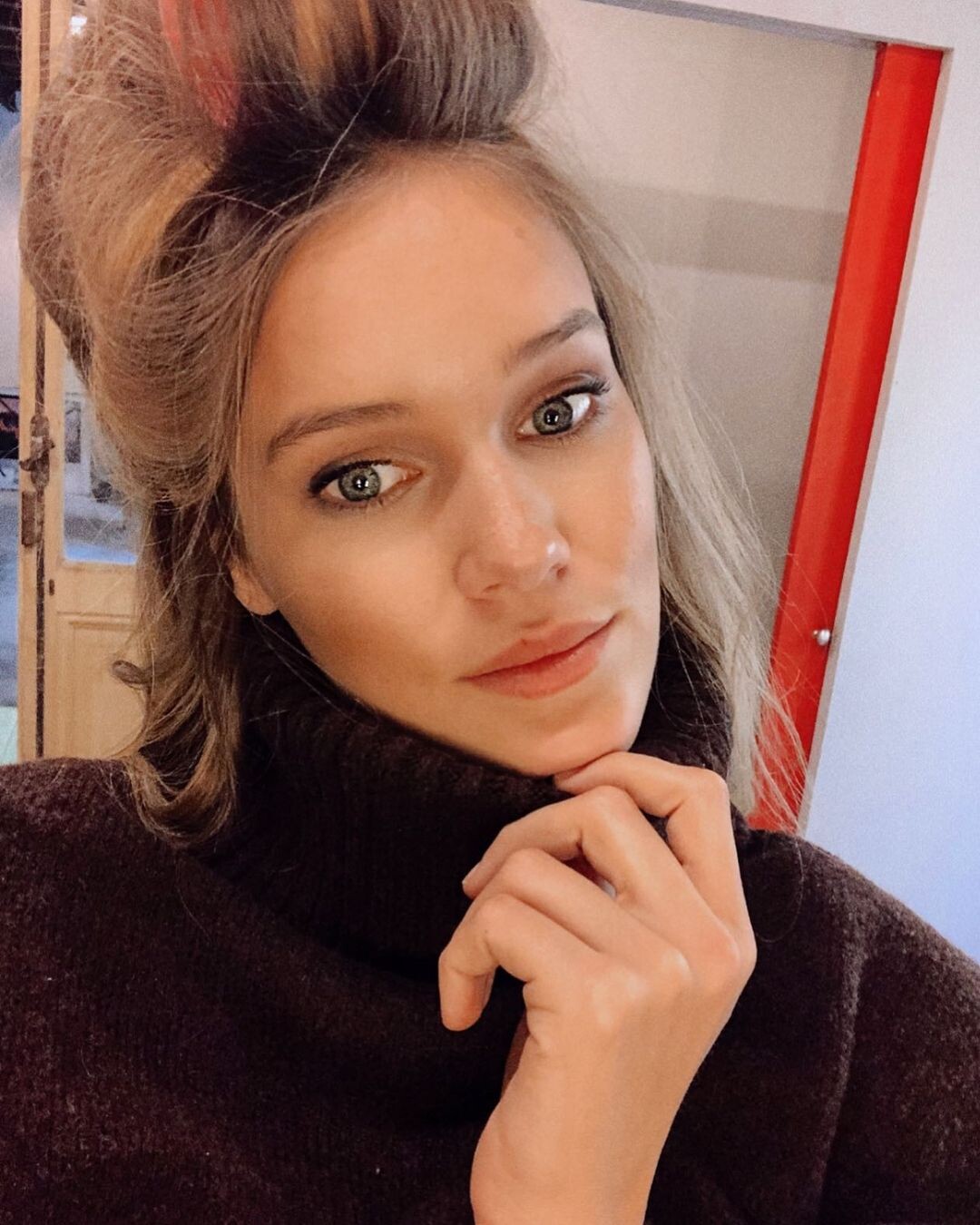
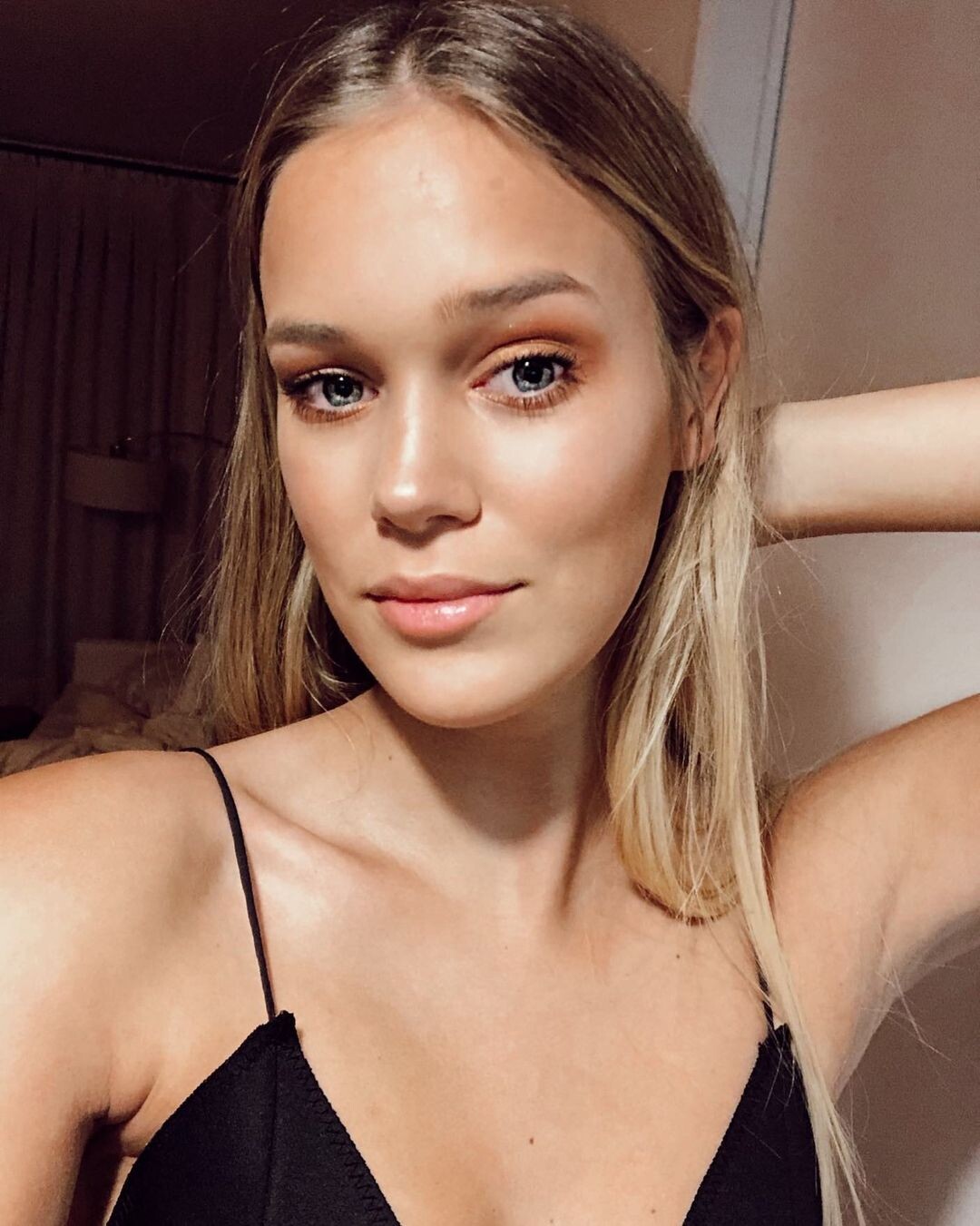
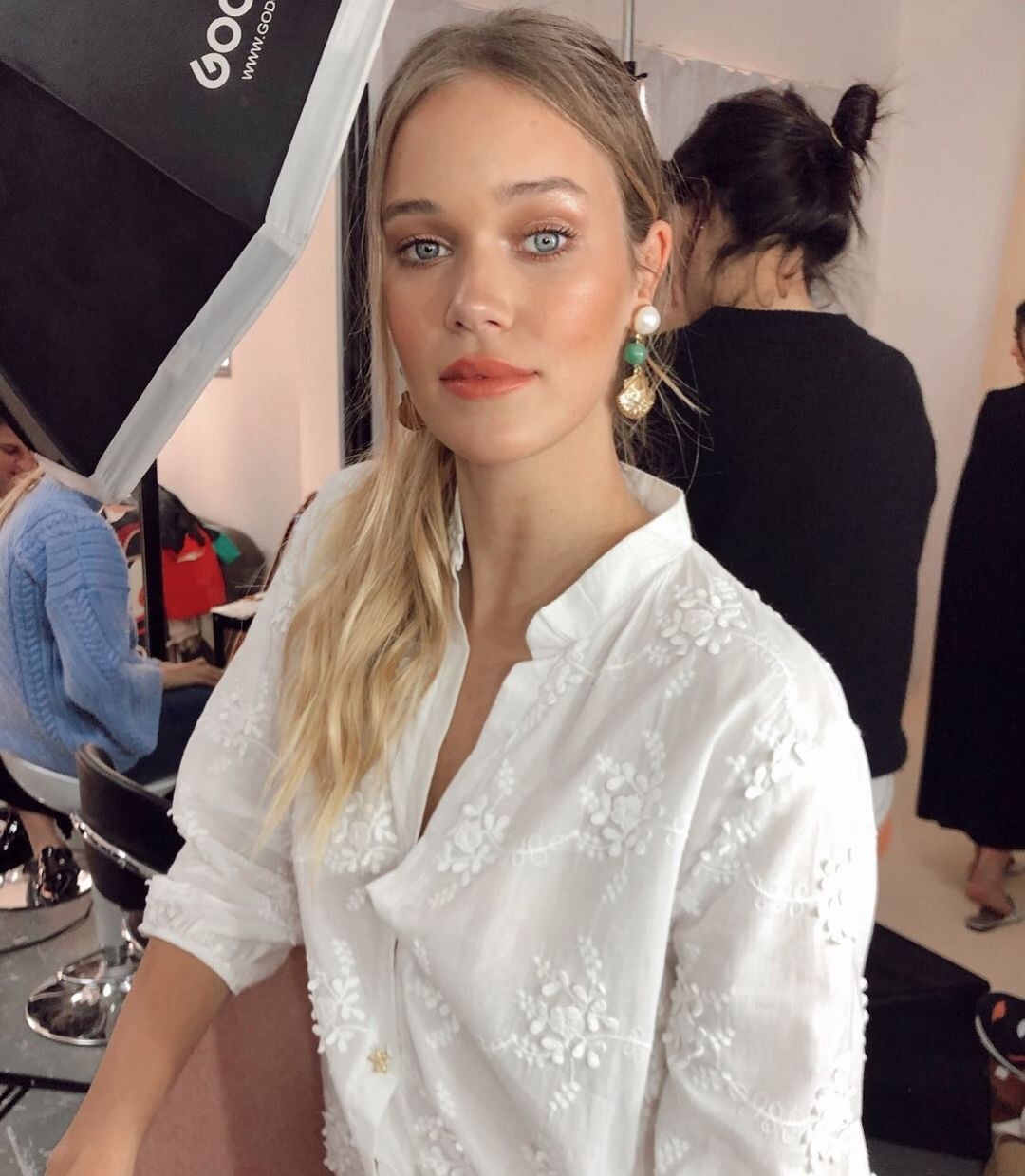
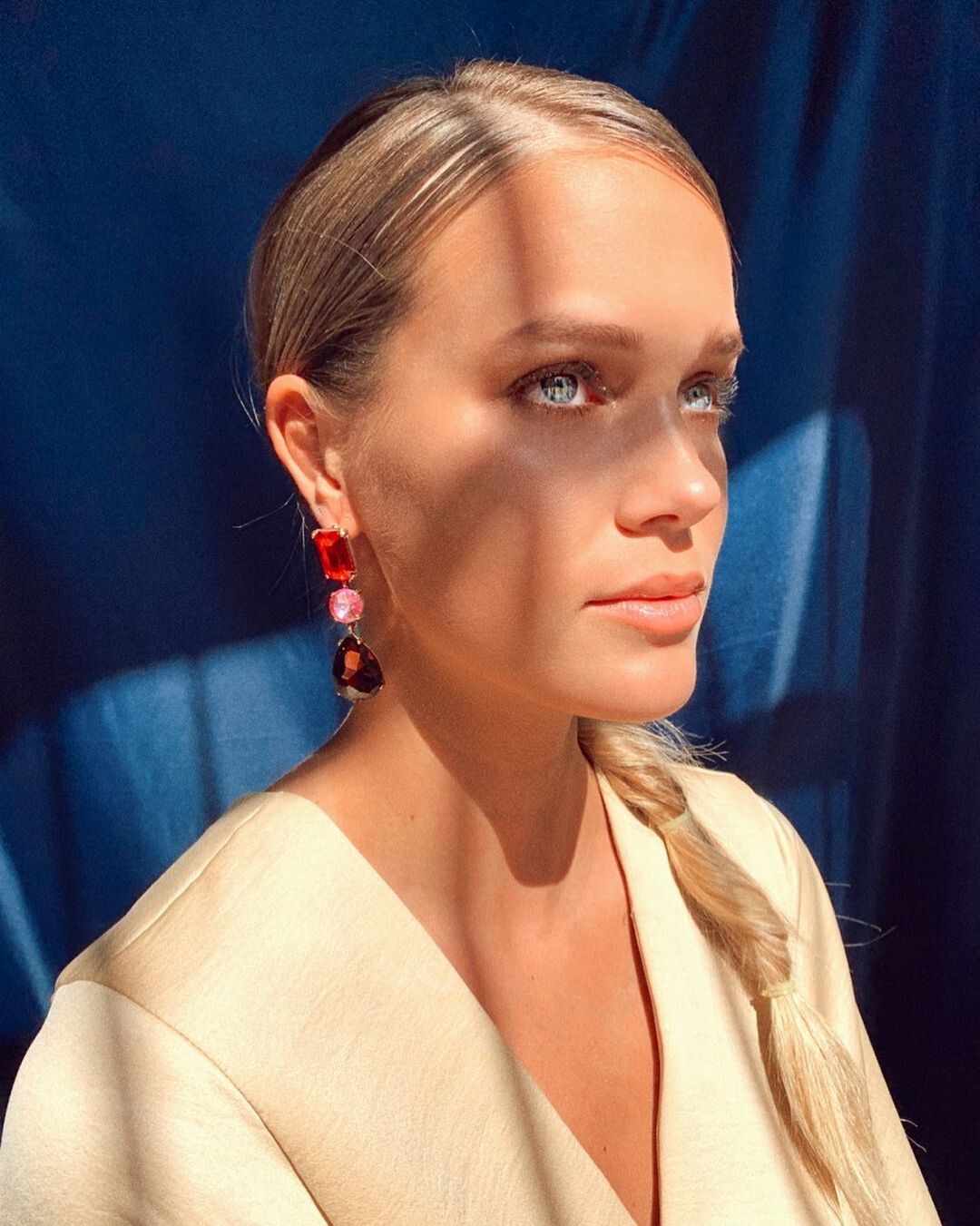
  5. November 2020... Facebook/SofiaJujuyJimenez/photos
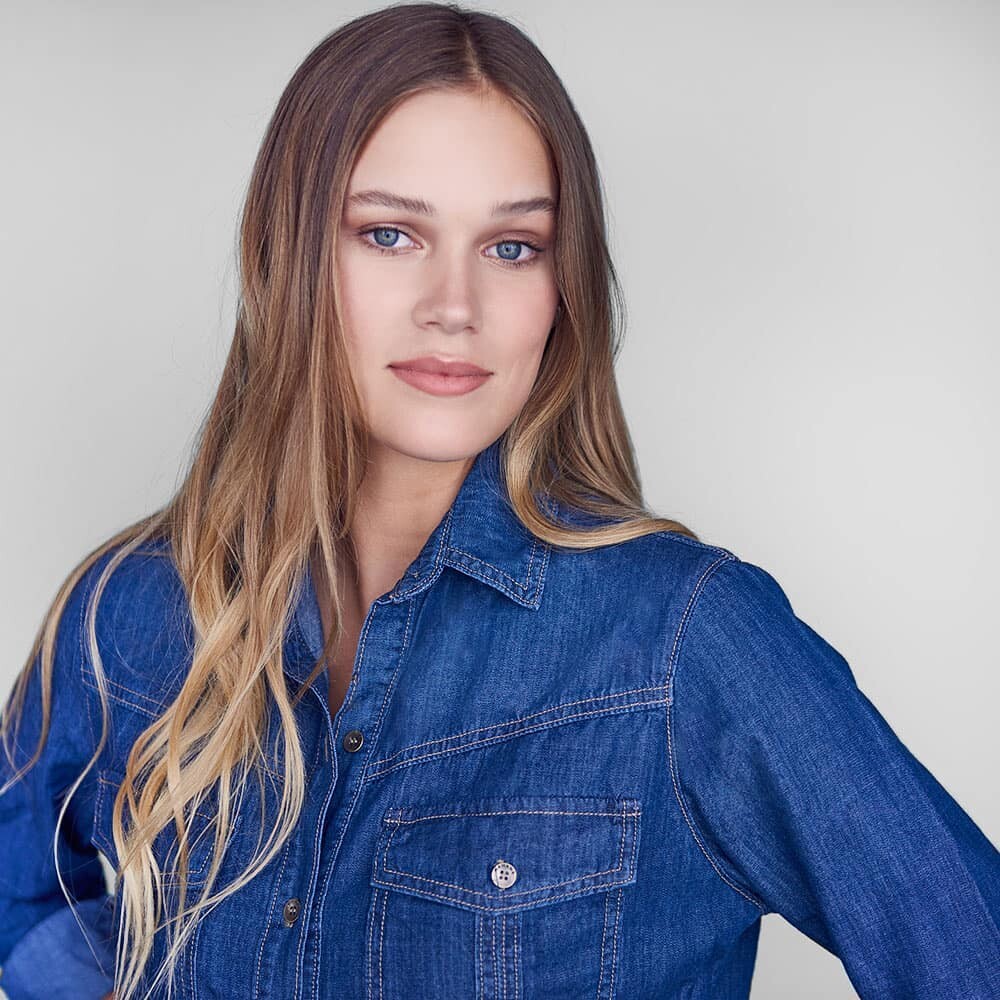
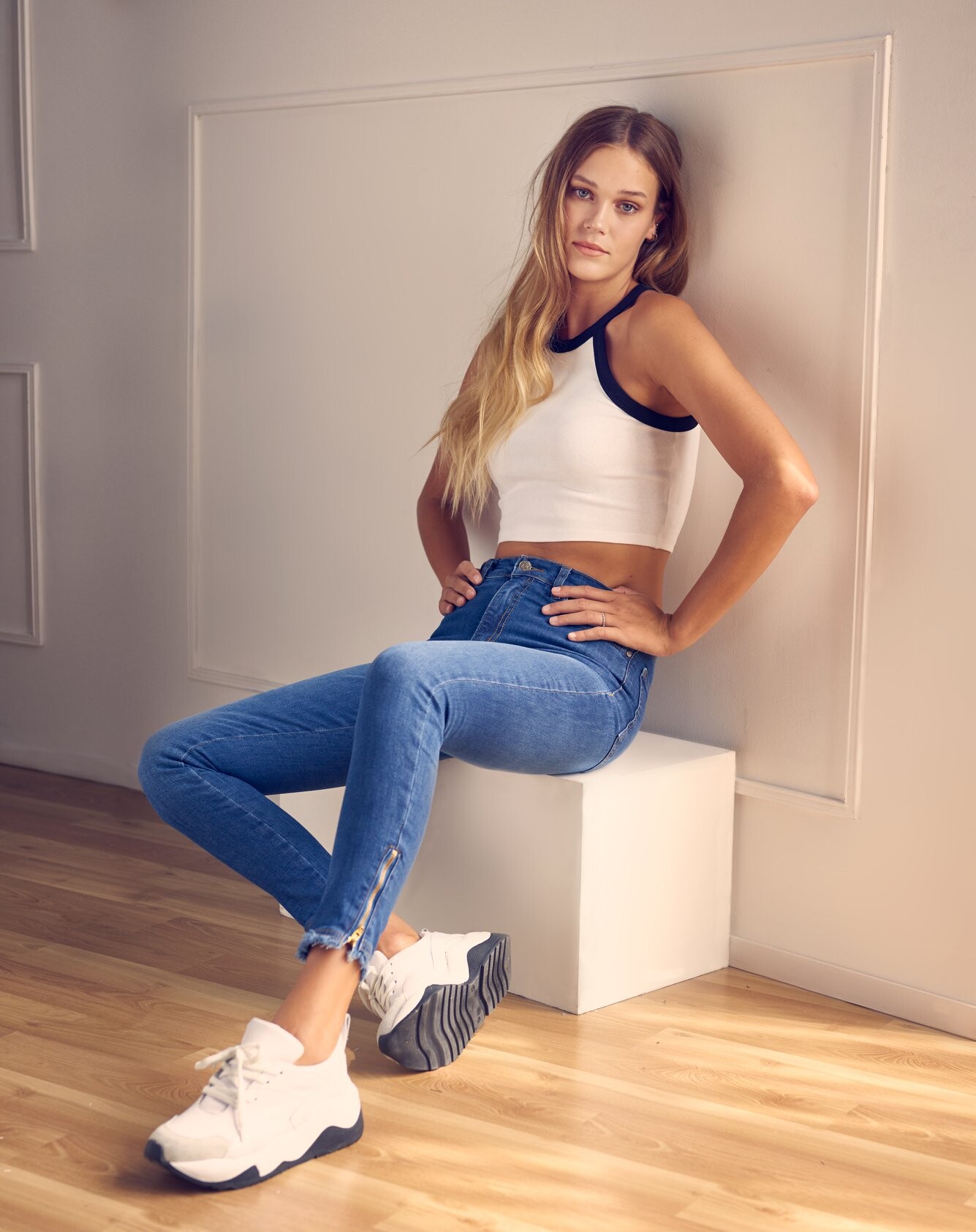
  6. Ph: ART Is for LOVERS (2020).
  7. Ph: Diego Ferrerio (2019)
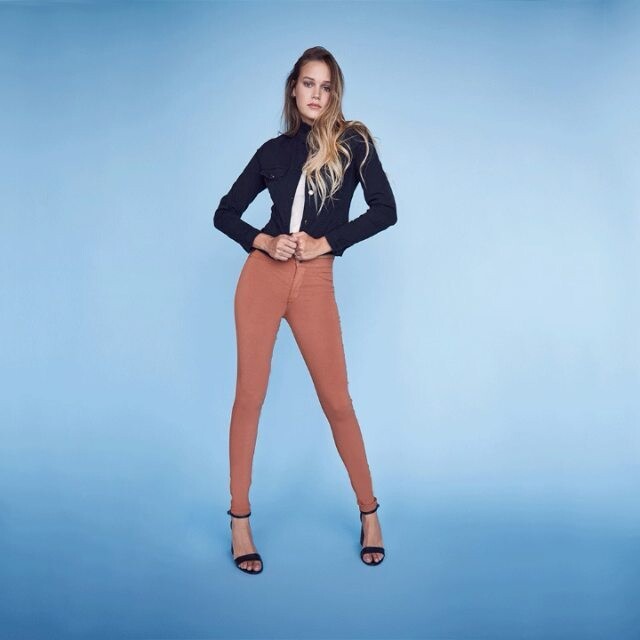
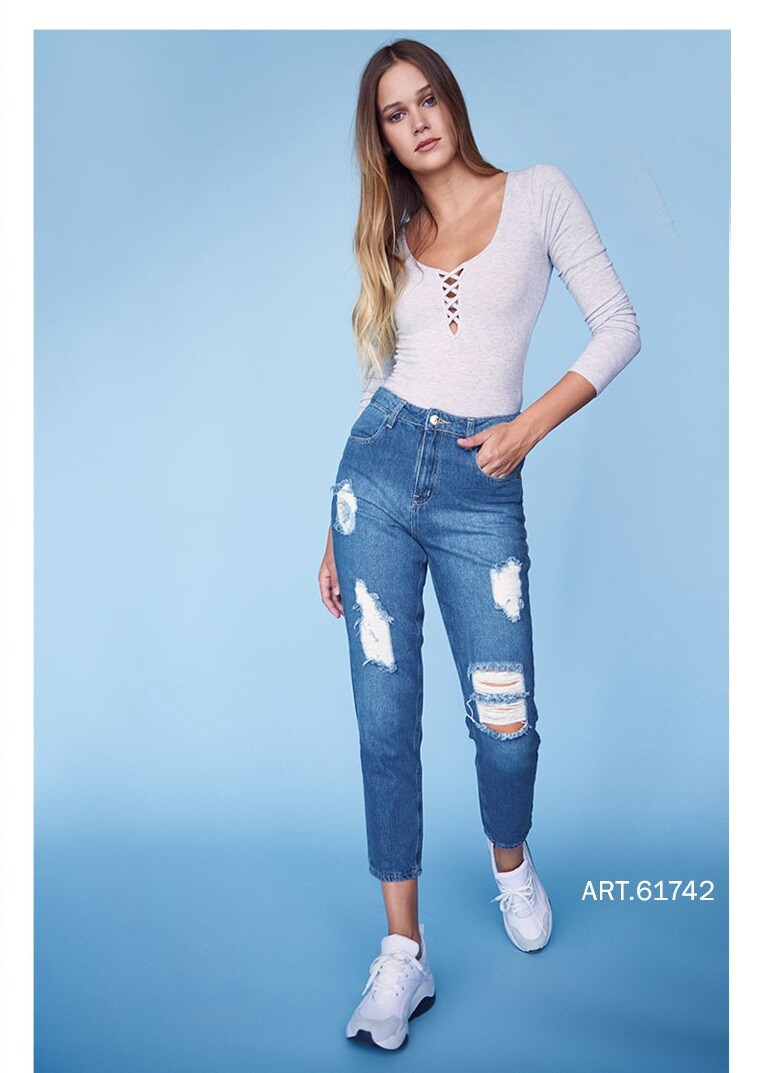
  8. Designers BA - Kostüme (2018). https://www.instagram.com/p/Bnej9HlHJJK/
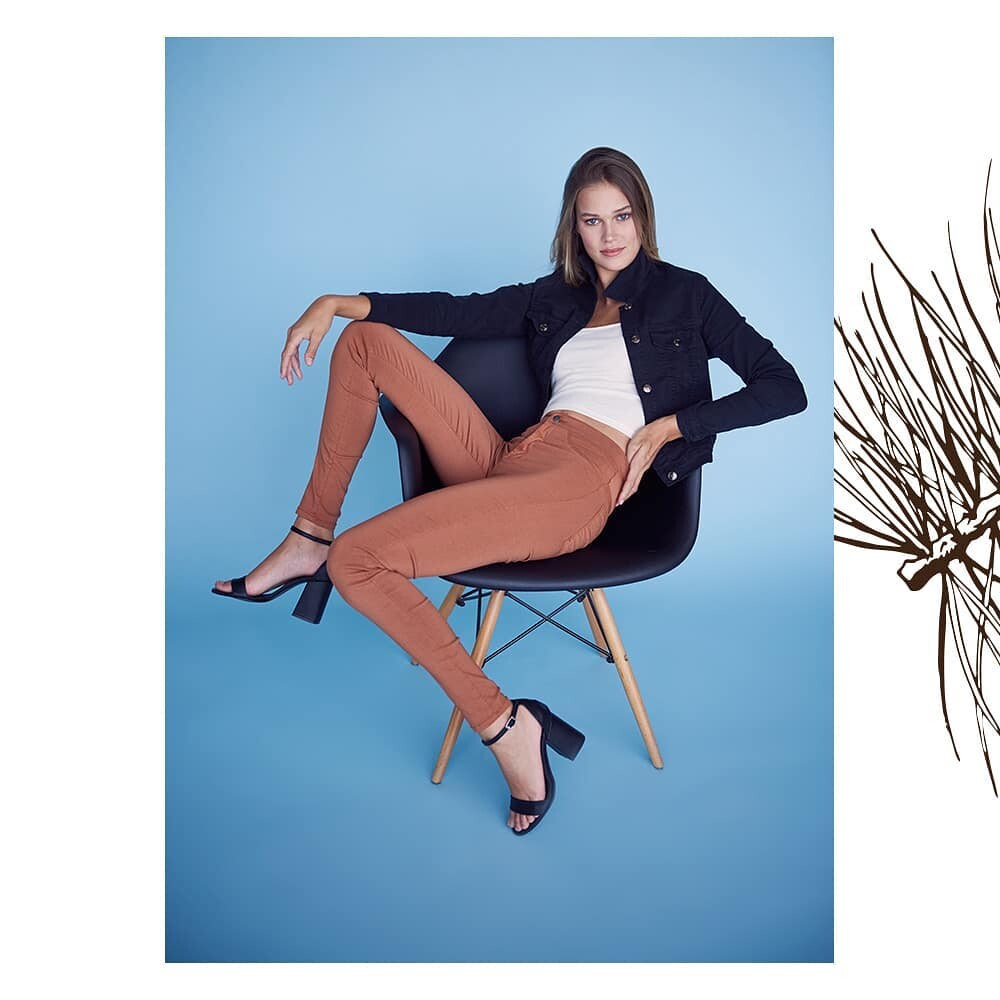
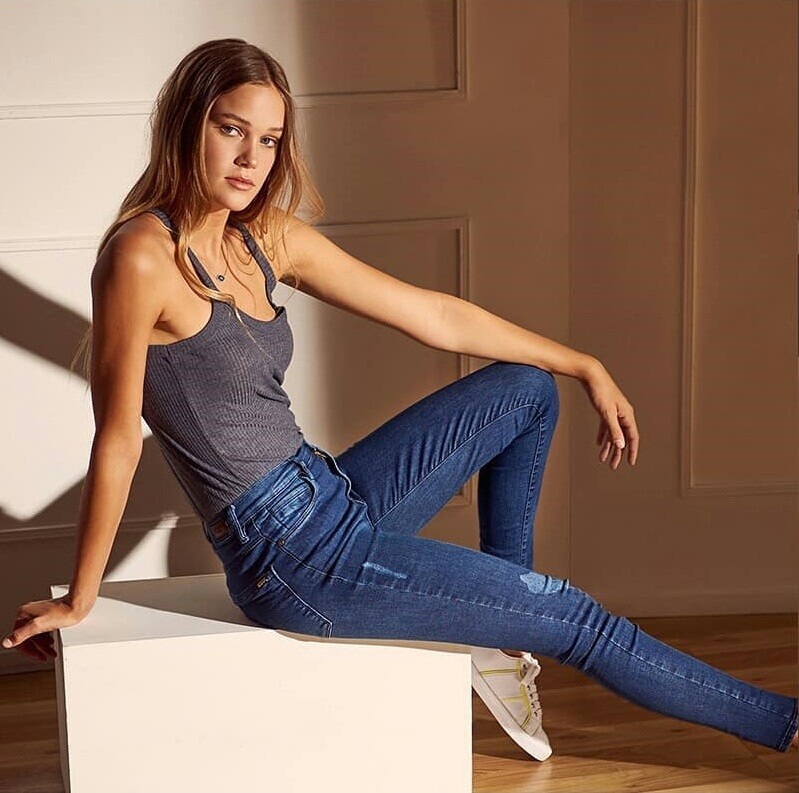
  9. Ph: Edu Weiss (2018).
  10. Influencer. LG Argentina (2017).
  11. ALPAT replied to ntuser1's topic in MODEL ID [help]
    62. Denise LOgusz (brunette) 56/74. Lisy Witt 60. Stephanie Peterson
  12. October 2020... Facebook/SofiaJujuyJimenez/photos
  13. September 2020... Facebook/SofiaJujuyJimenez/photos
  14. August 2020... Facebook/SofiaJujuyJimenez/photos
  15. April 2020... Facebook/SofiaJujuyJimenez/photos
  16. Cover girl...Hola Argentina 28-7-2020. Facebook/SofiaJujuyJimenez/photos
  17. Cover girl... Hola Argentina 7-1-2020. Facebook/SofiaJujuyJimenez/photos
  18. January 2020... Facebook/SofiaJujuyJimenez/photos
  19. December 2019... Facebook/SofiaJujuyJimenez/photos
  20. December 2019... Facebook/SofiaJujuyJimenez/photos
  21. November 2019... Facebook/SofiaJujuyJimenez/photos

Configure browser push notifications

Chrome (Android)
  1. Tap the lock icon next to the address bar.
  2. Tap Permissions → Notifications.
  3. Adjust your preference.
Chrome (Desktop)
  1. Click the padlock icon in the address bar.
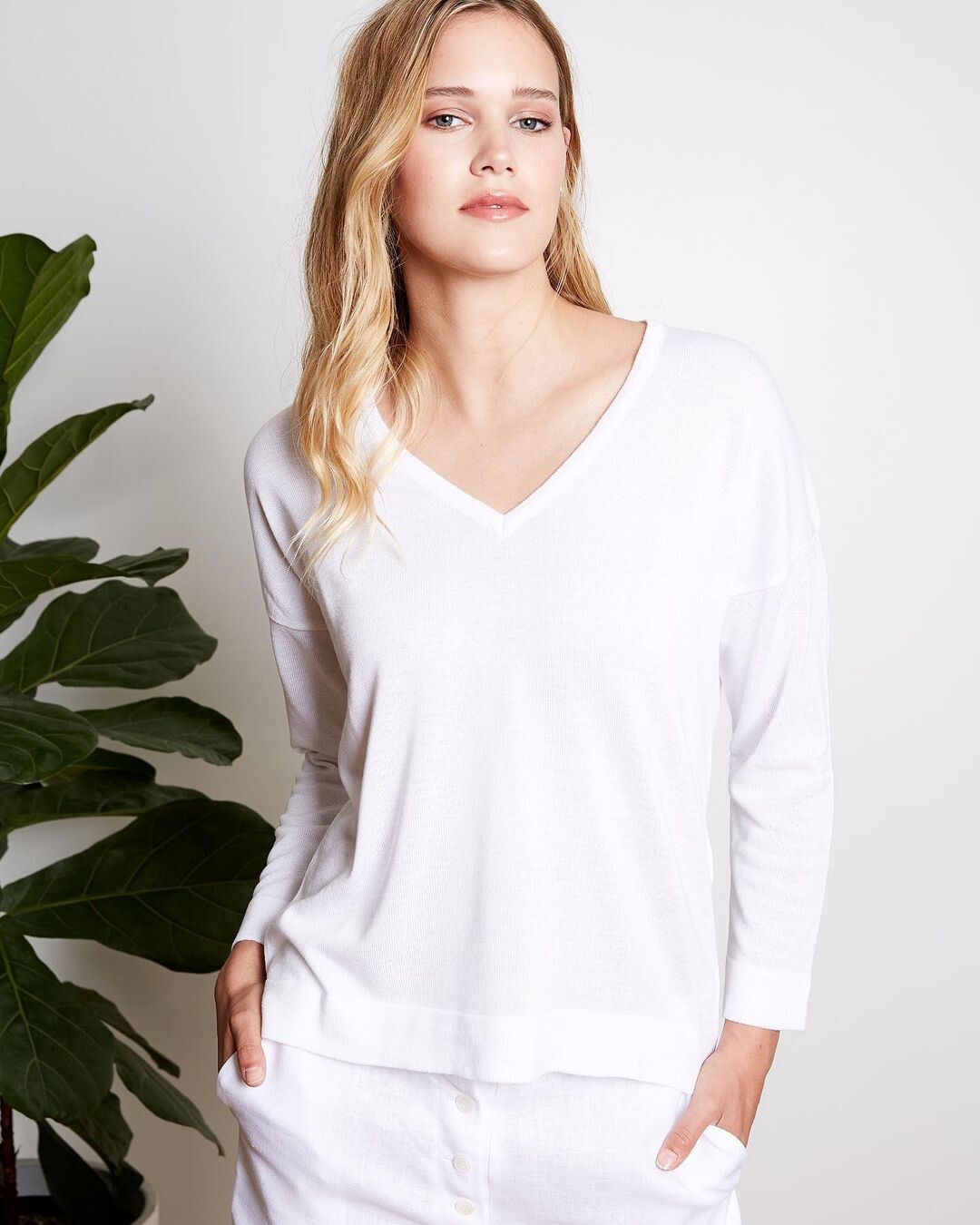
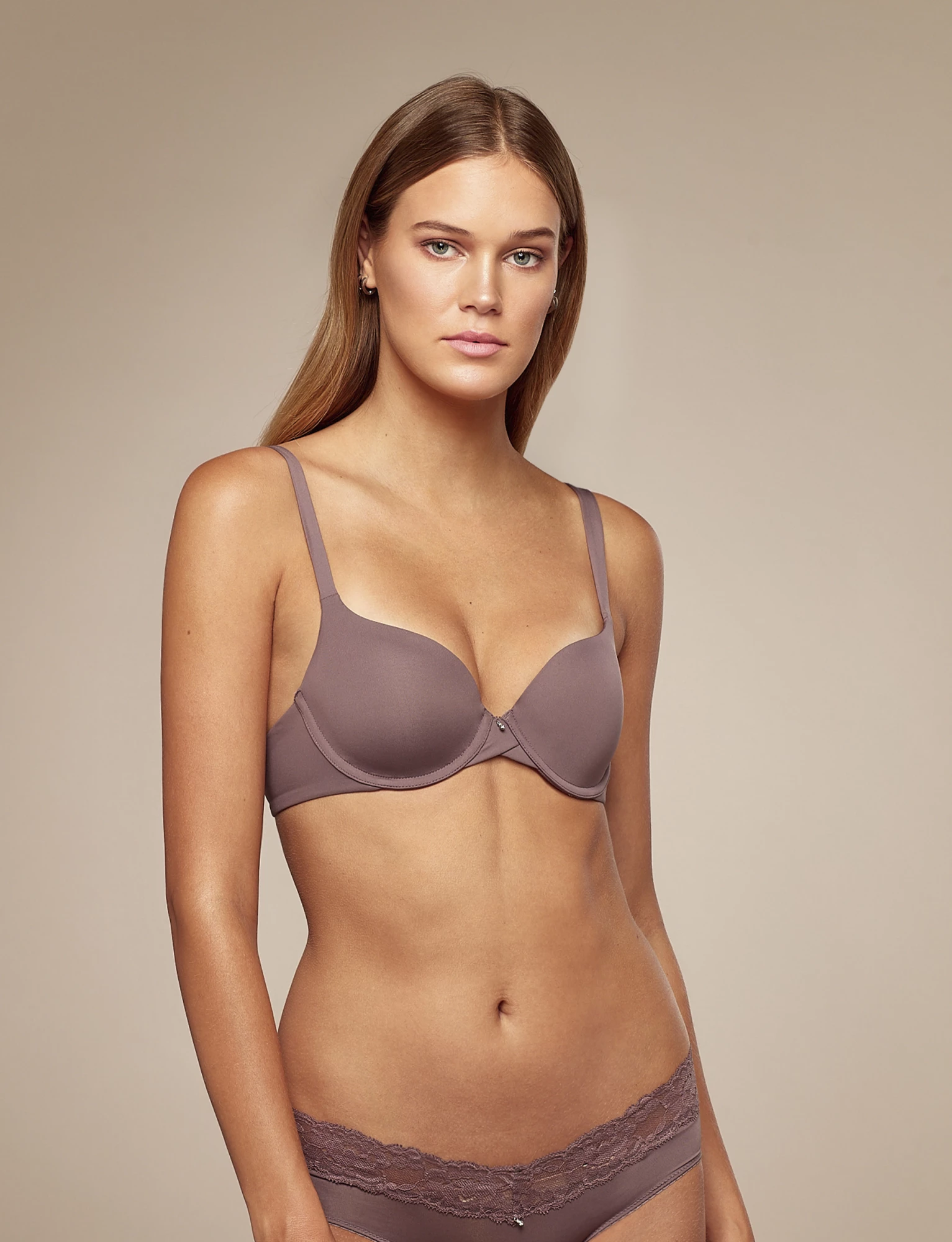
  2. Select Site settings.
  3. Find Notifications and adjust your preference.