
ALPAT
Global Moderators
-
Joined
-
Last visited
Everything posted by ALPAT
-
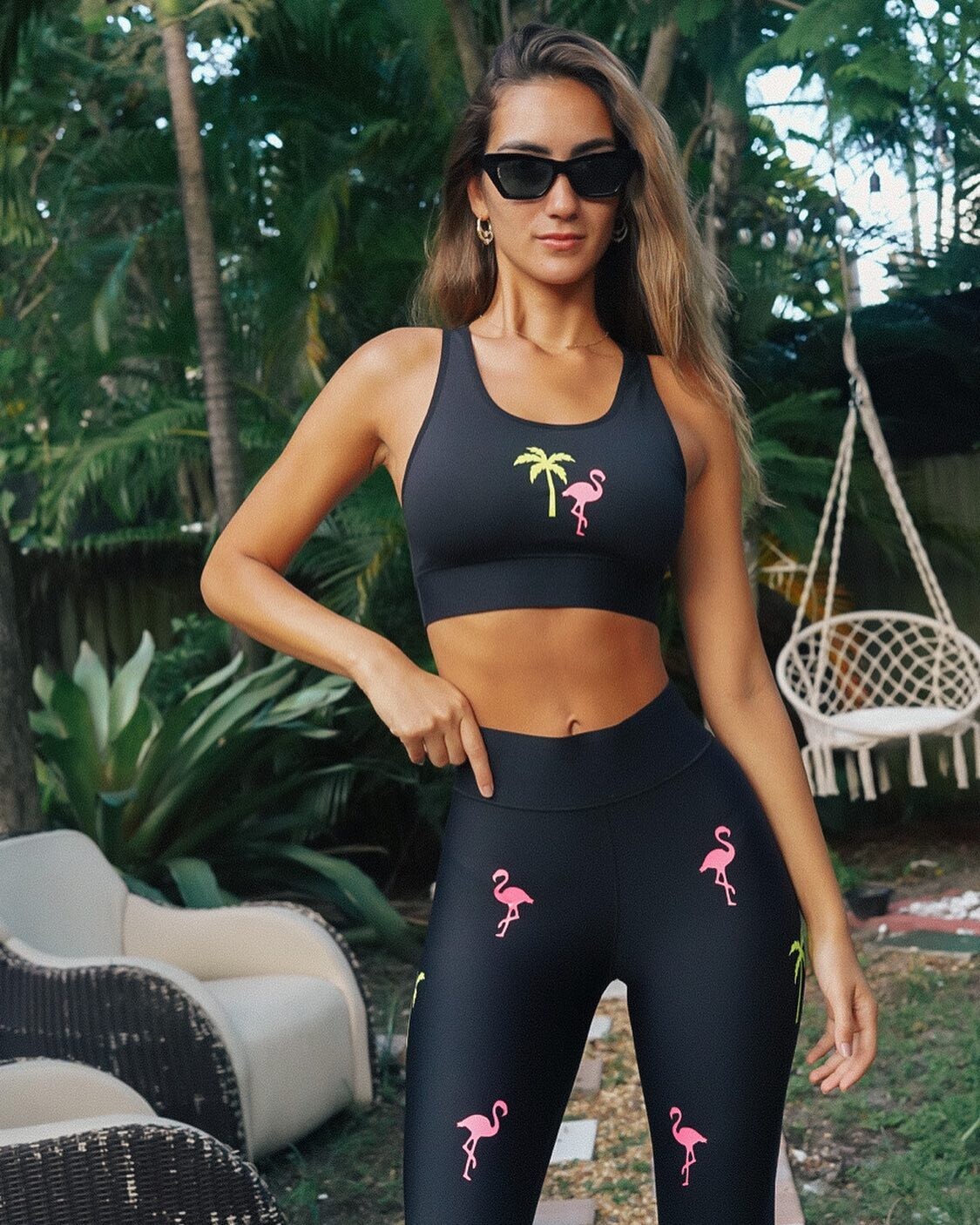
 Luli Fama Resort Wear Collection "Run The Show"





-
-
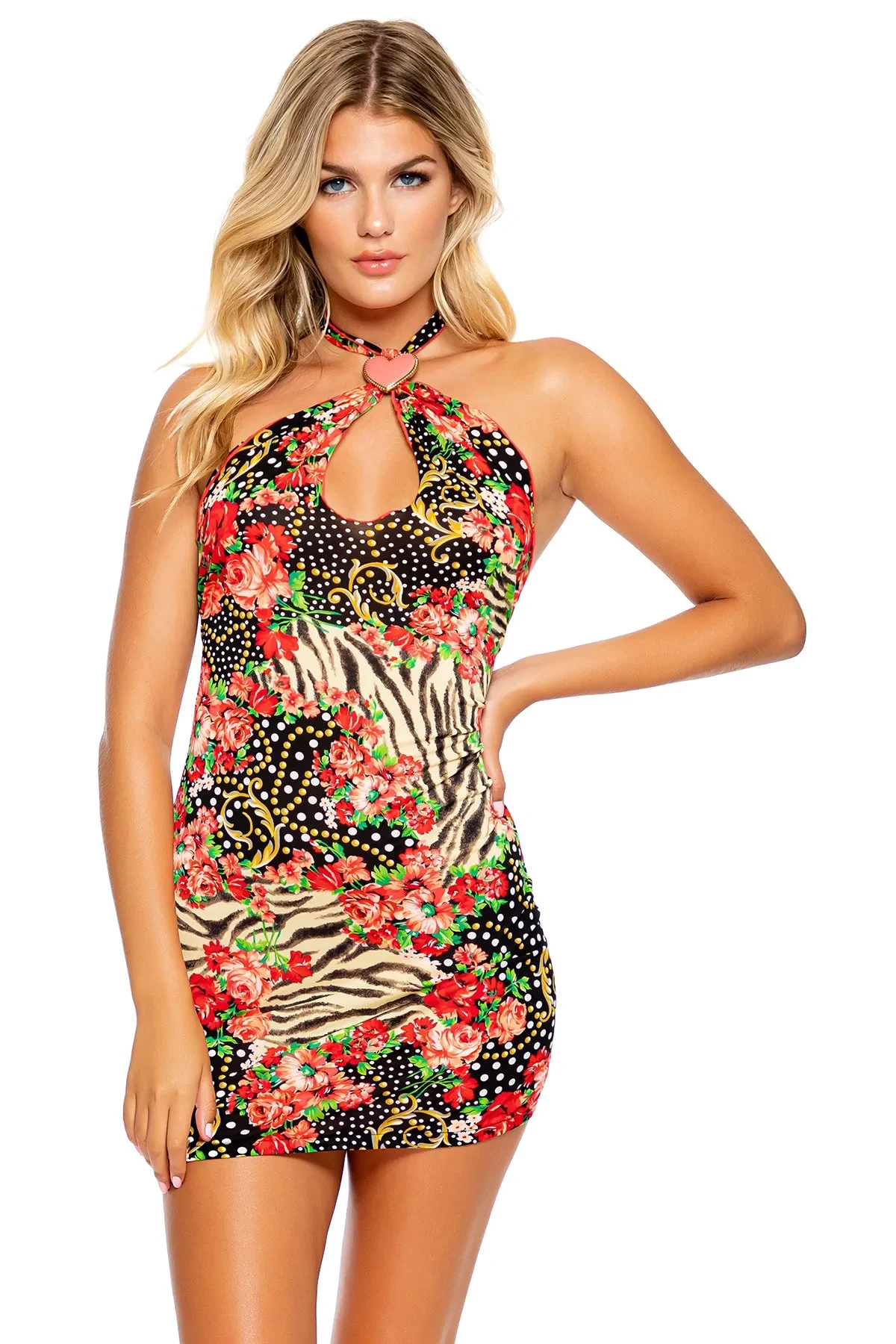
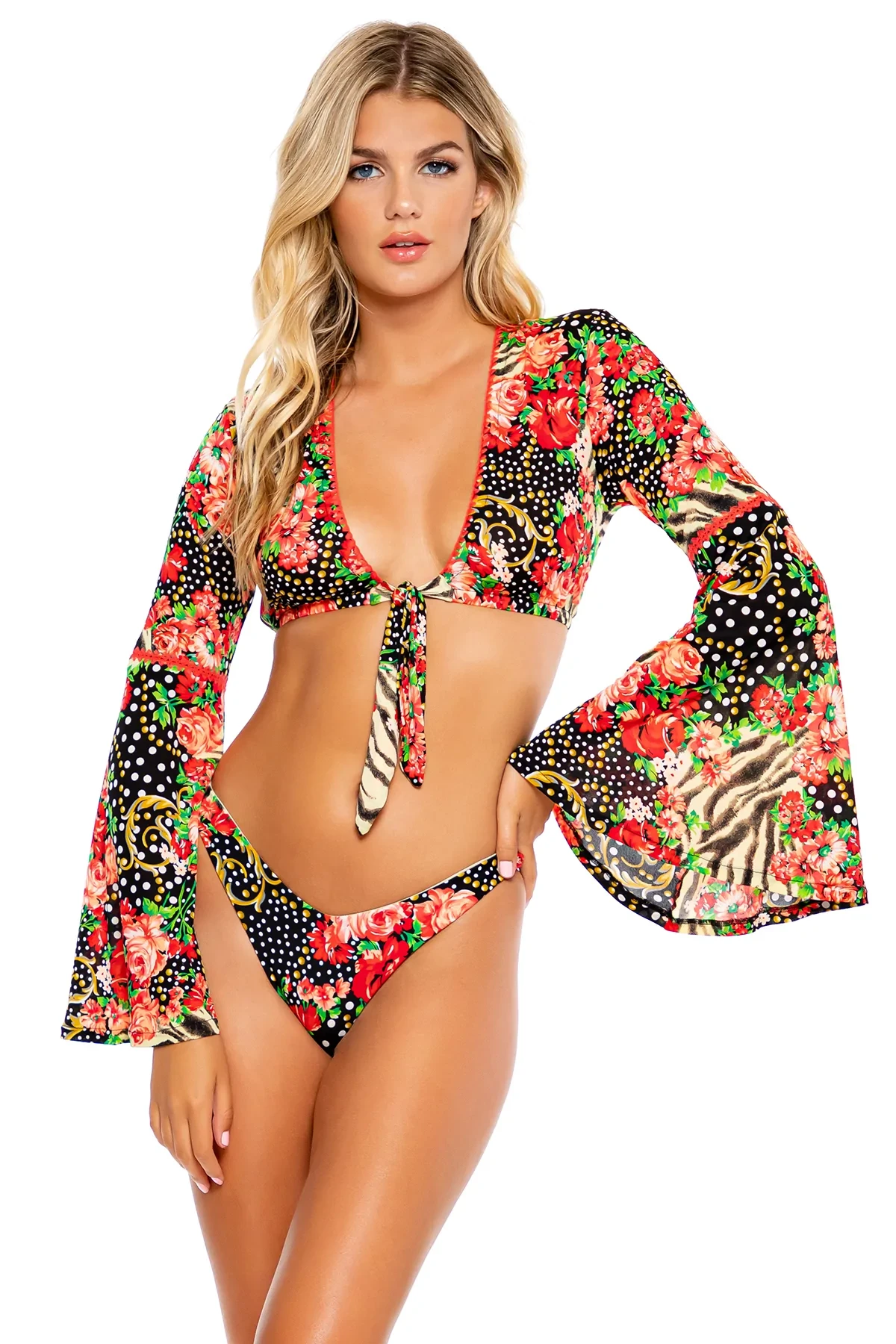
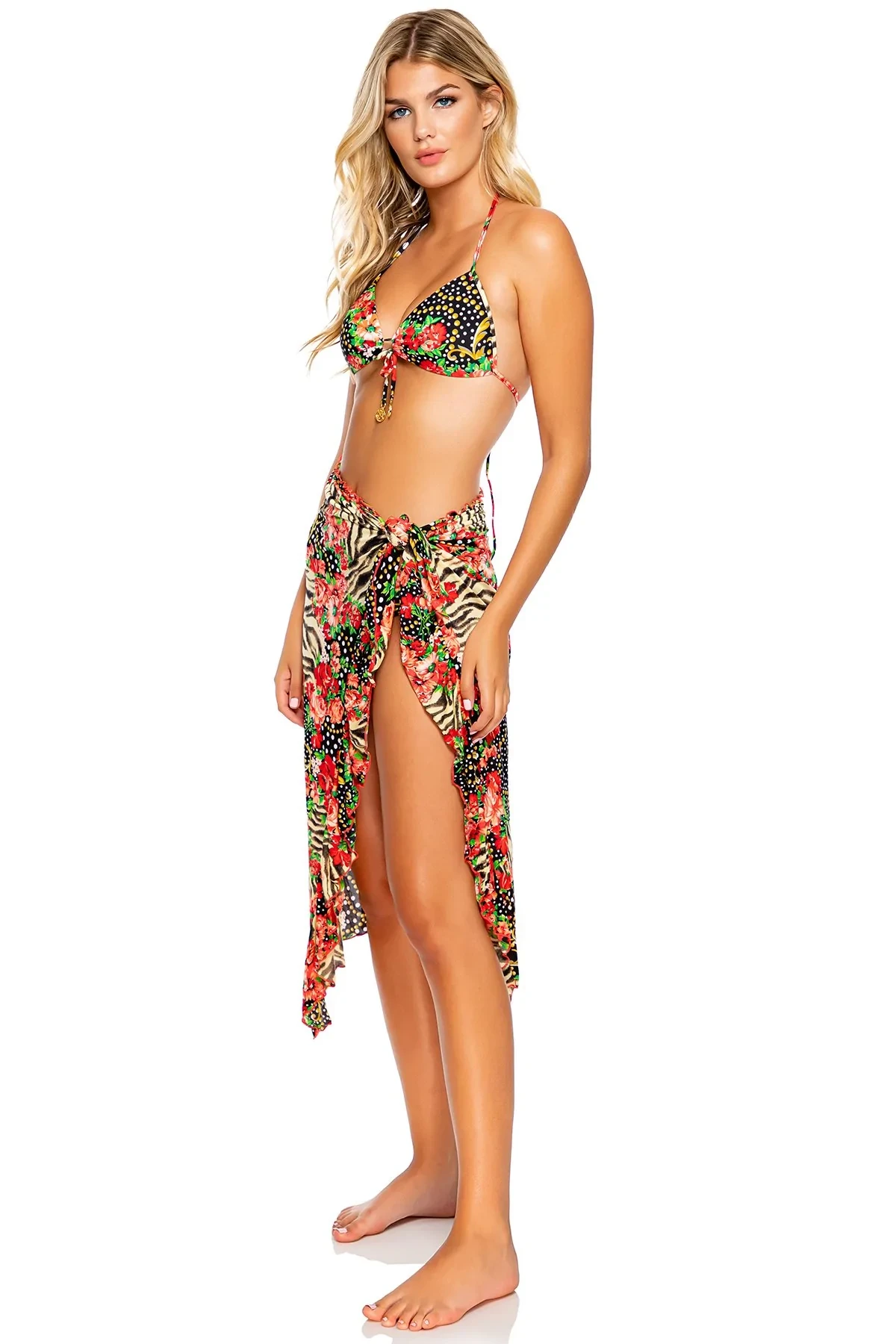
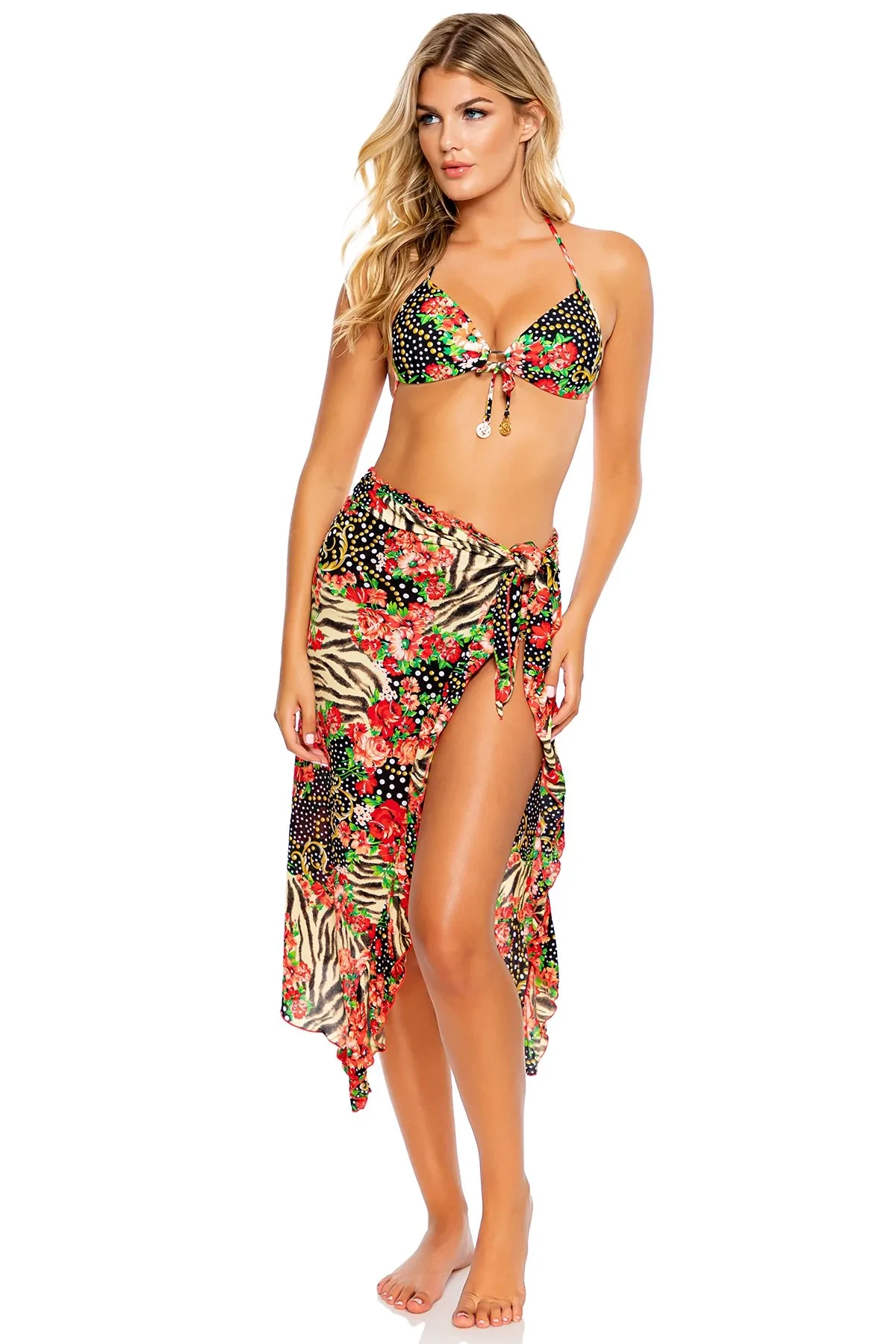
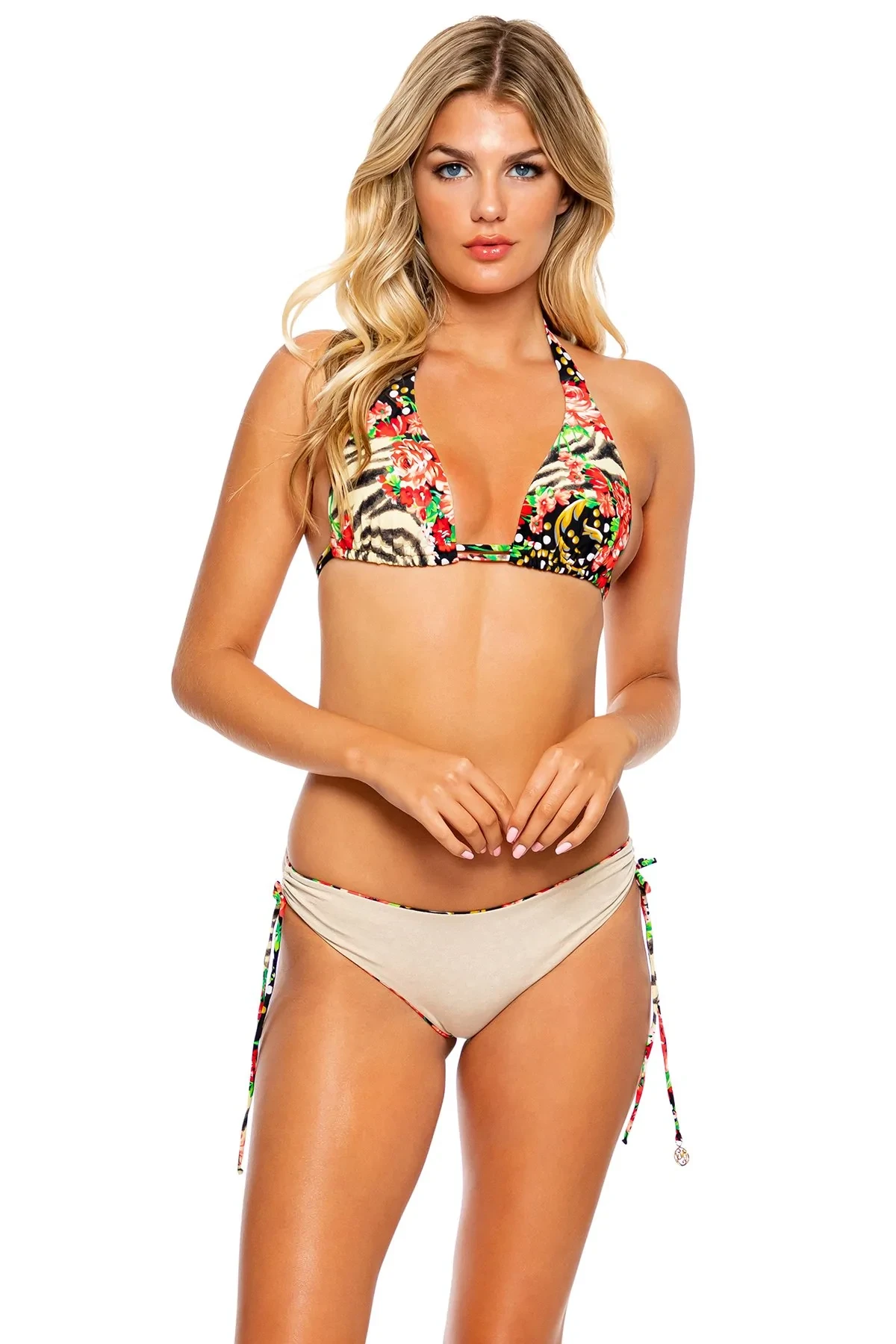
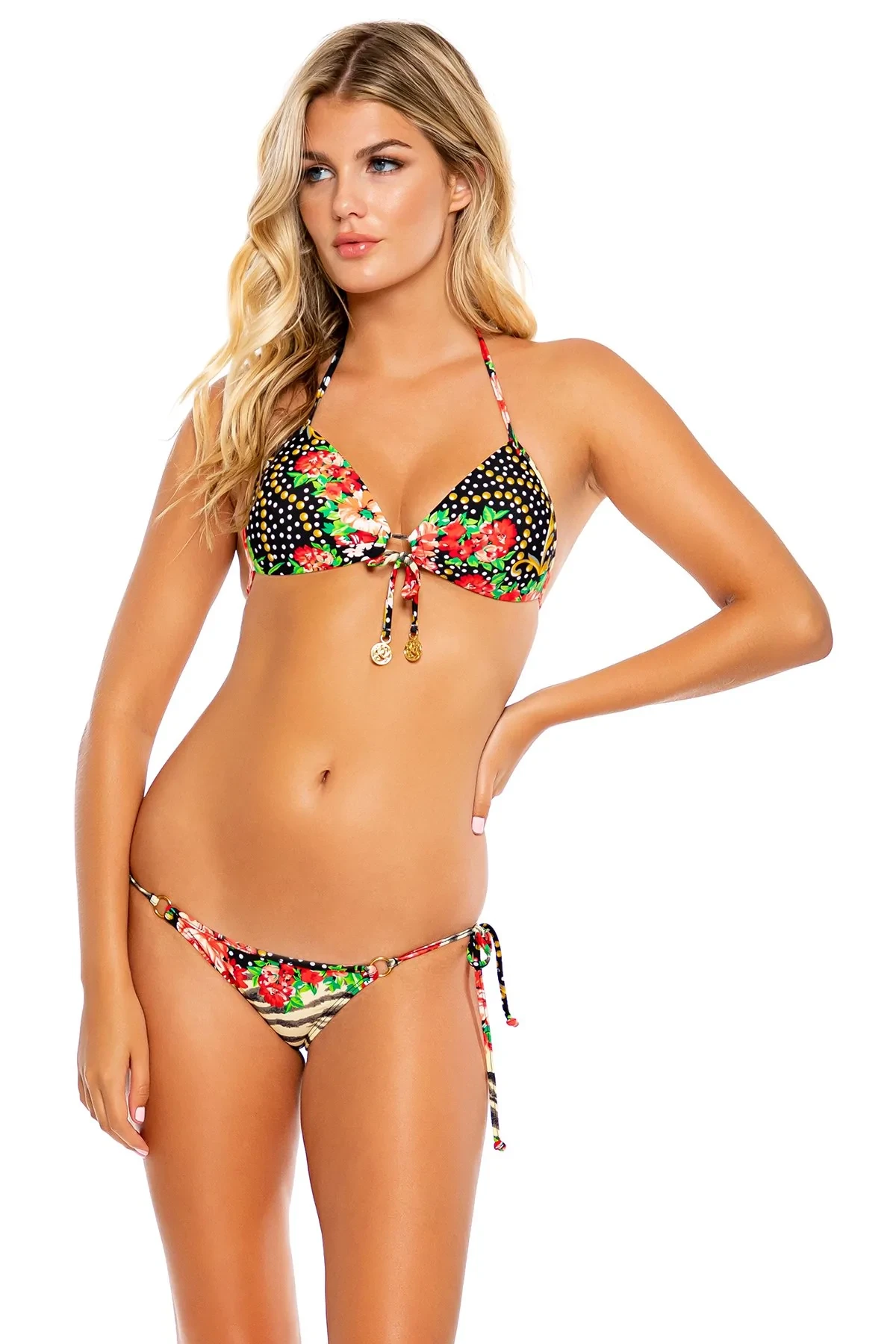
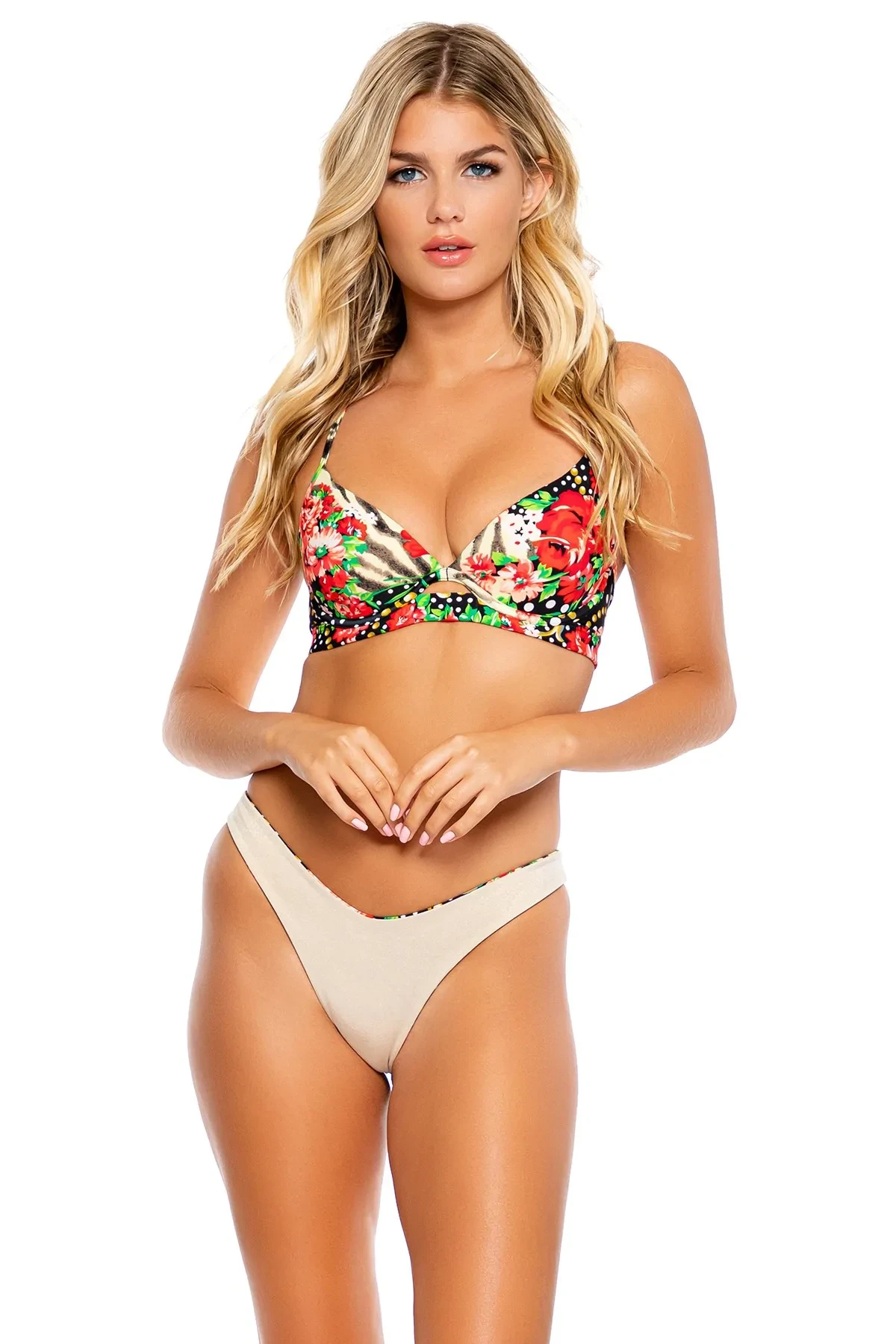
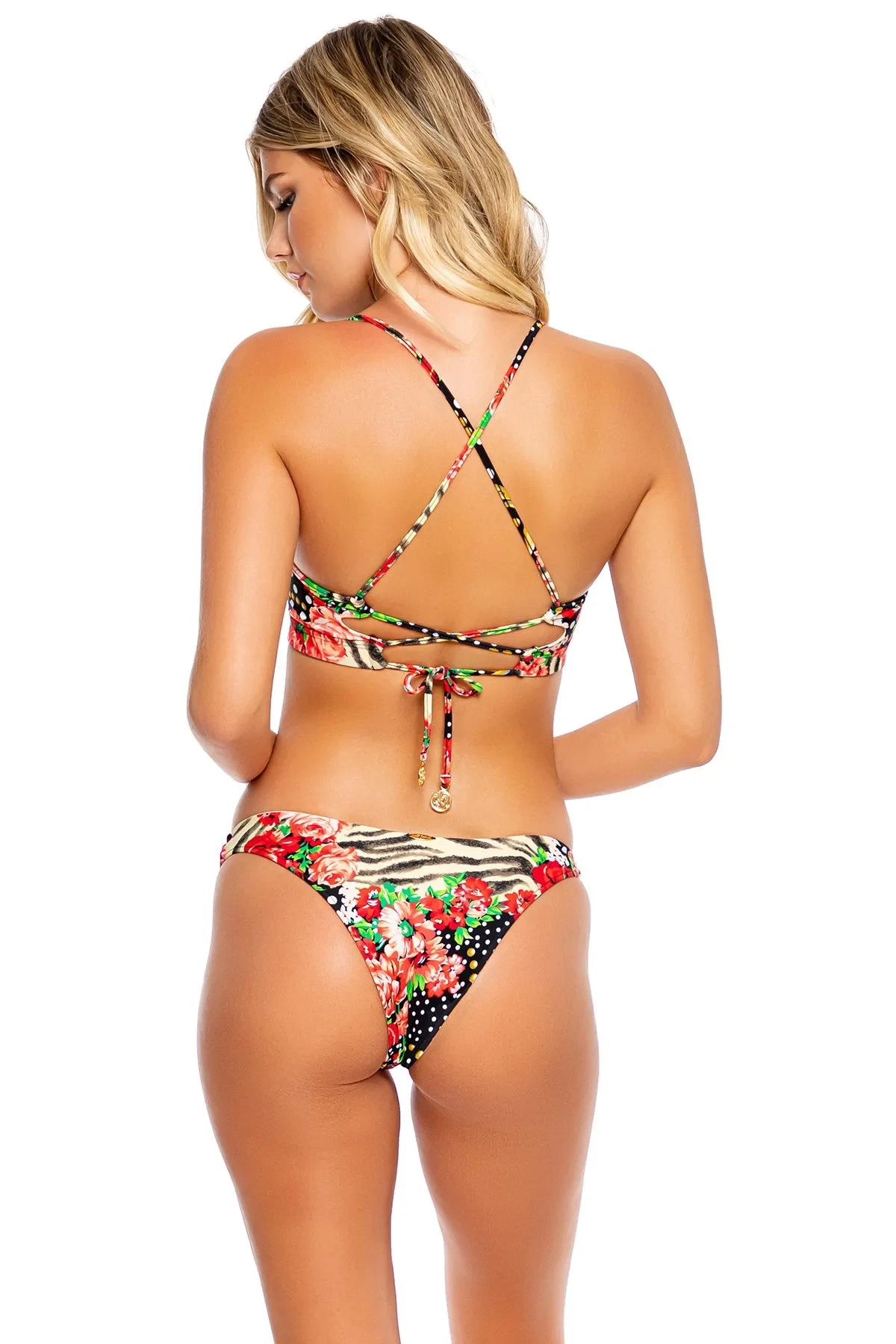
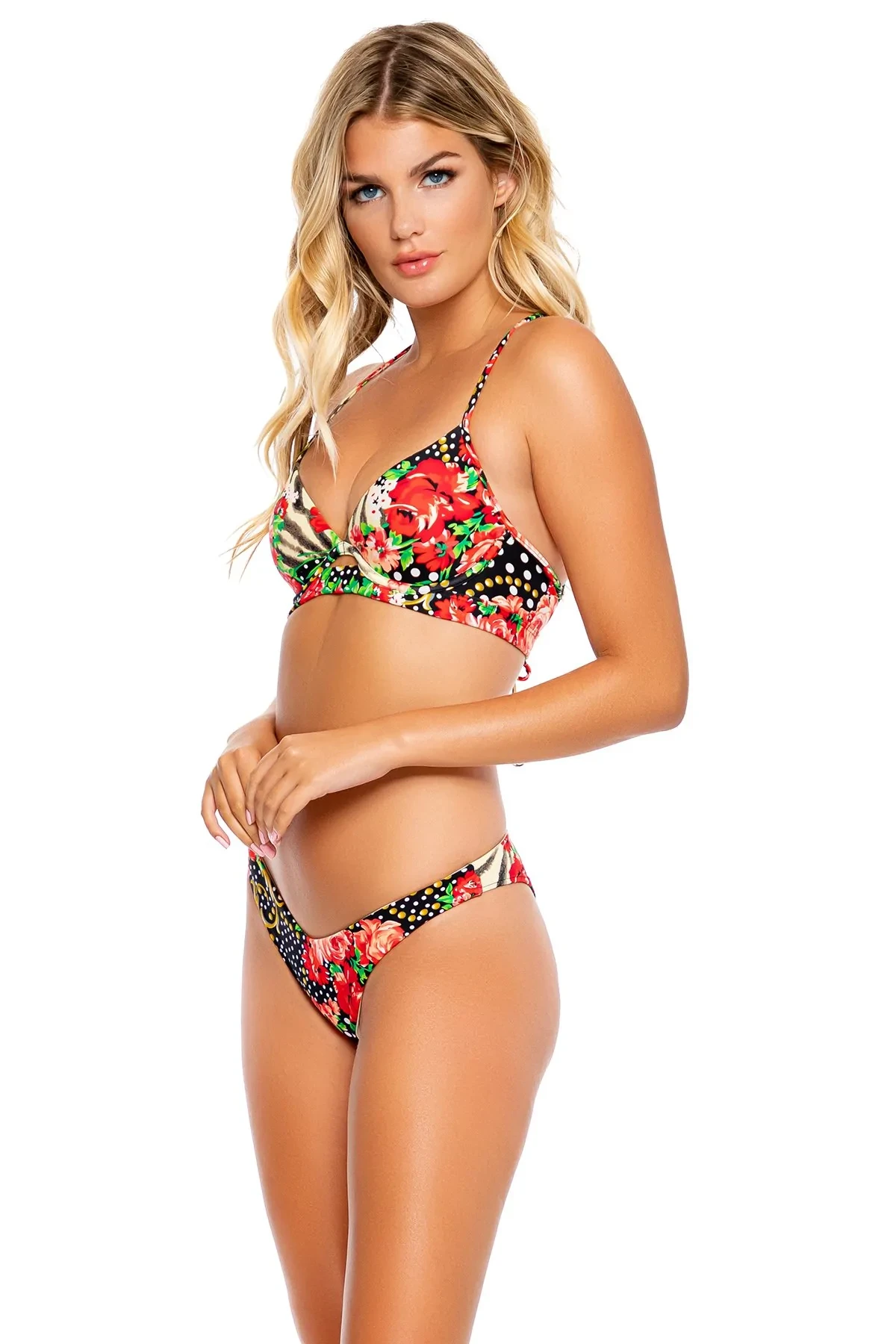
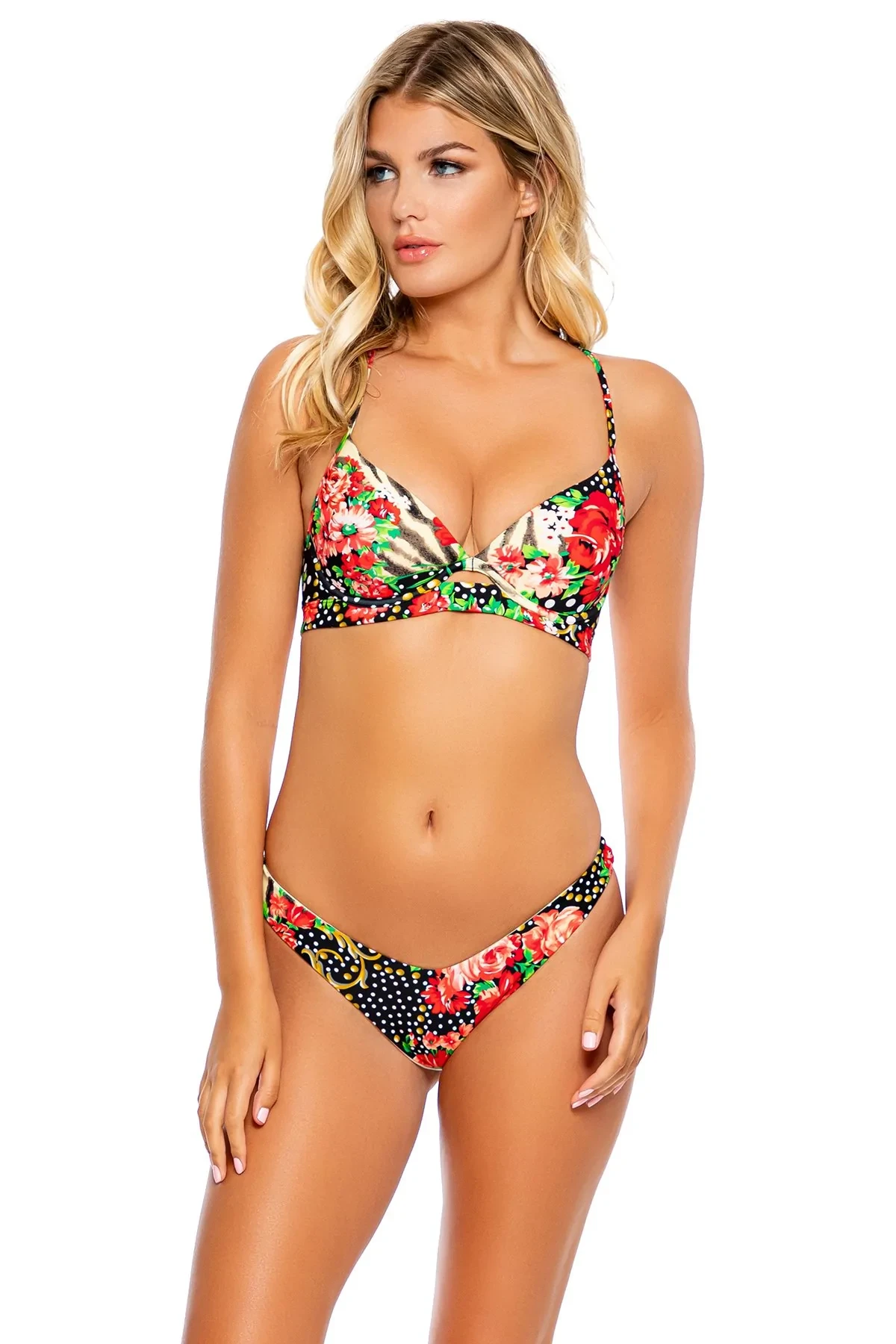
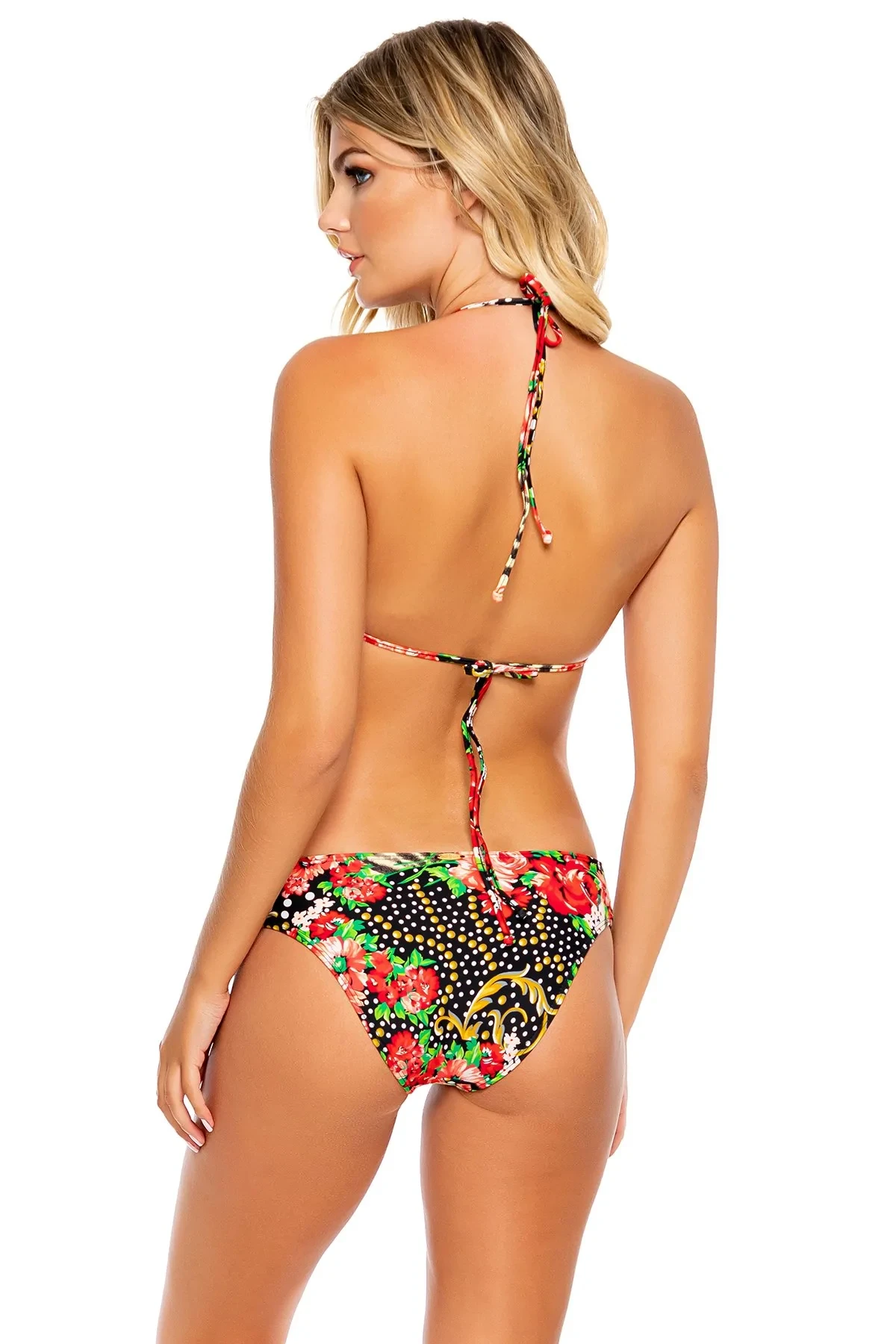
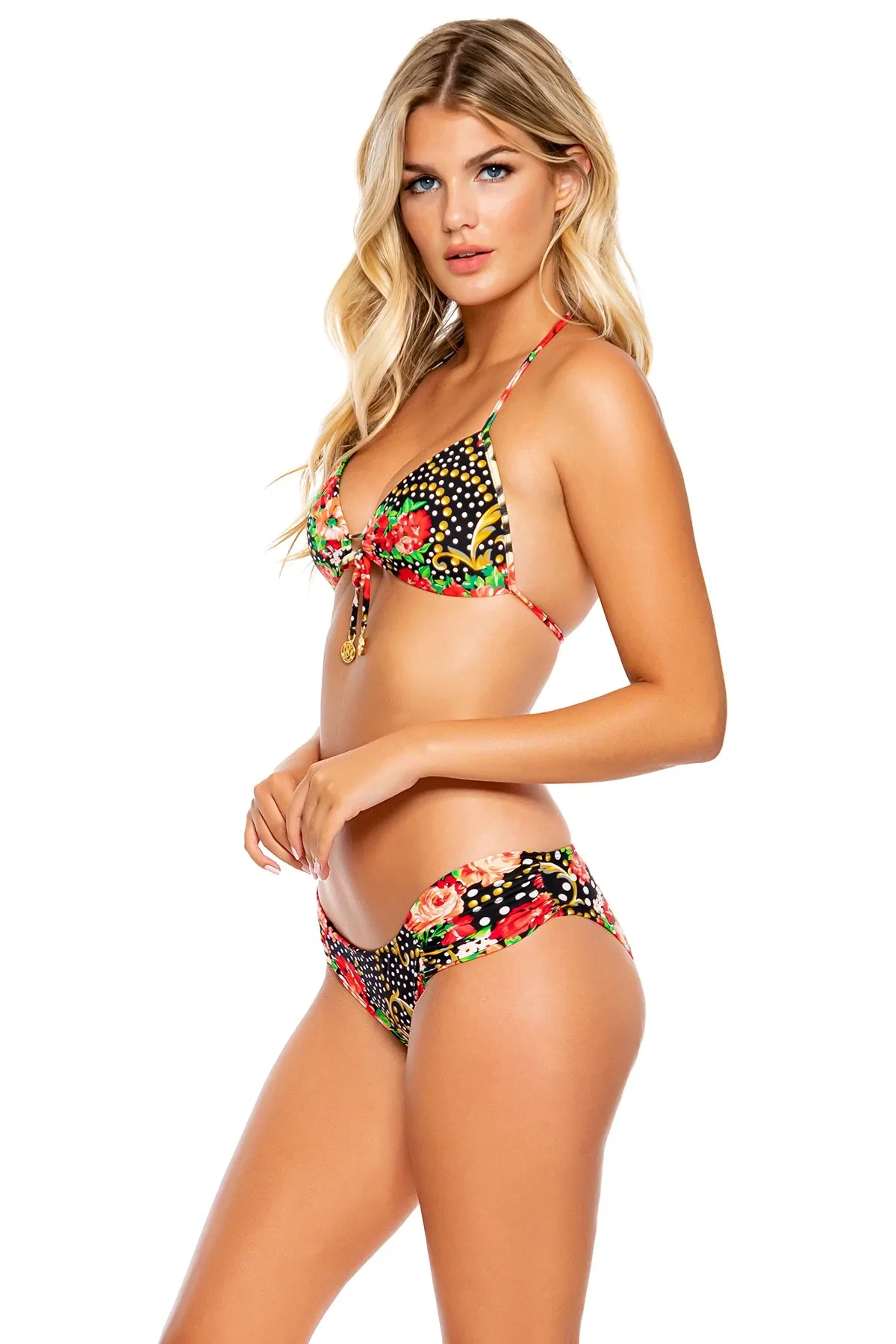
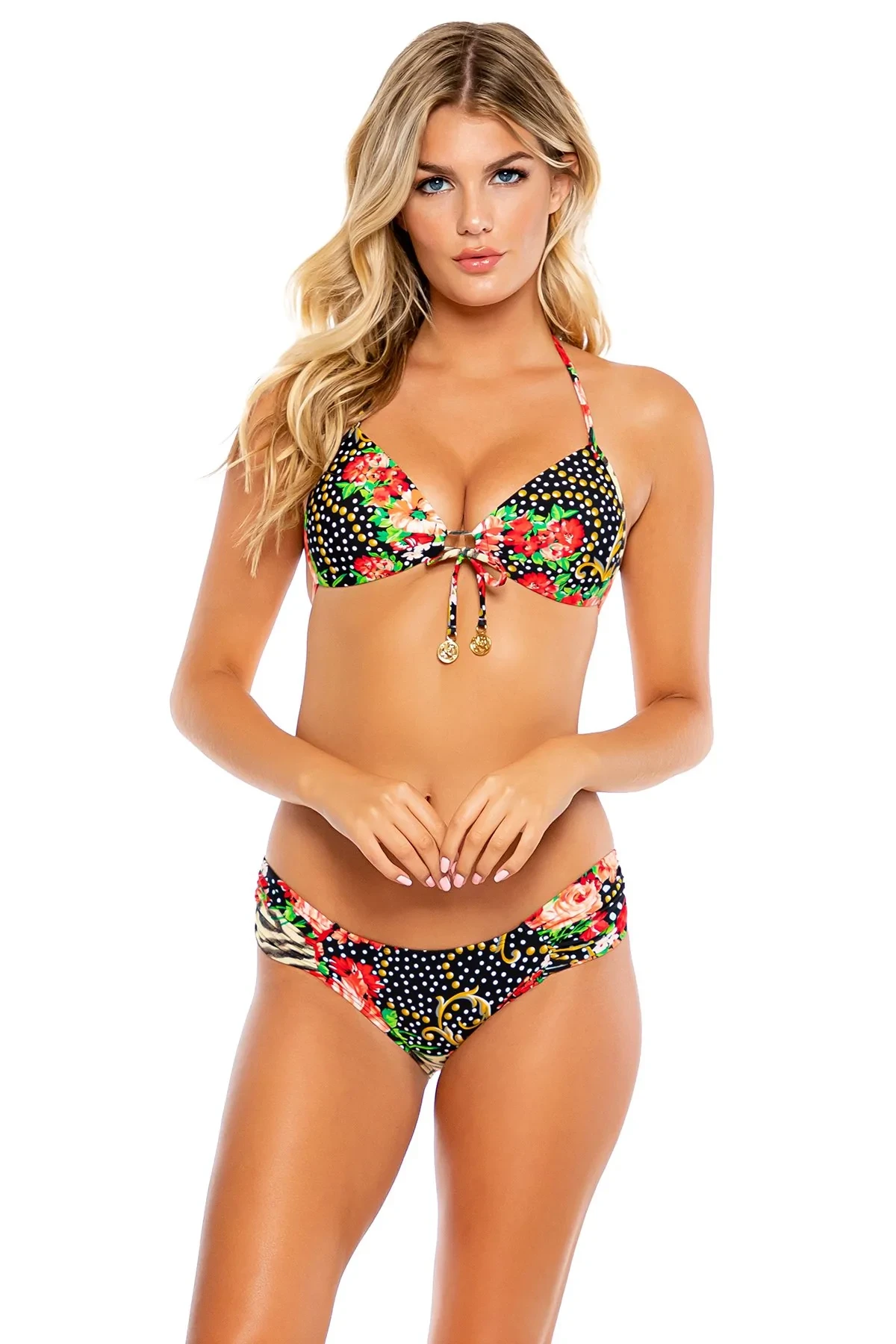
Luli Fama Resort Wear Collection "La Vida es un Carnaval"


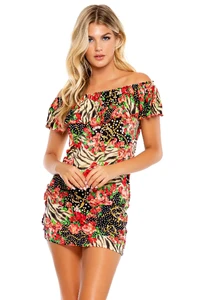


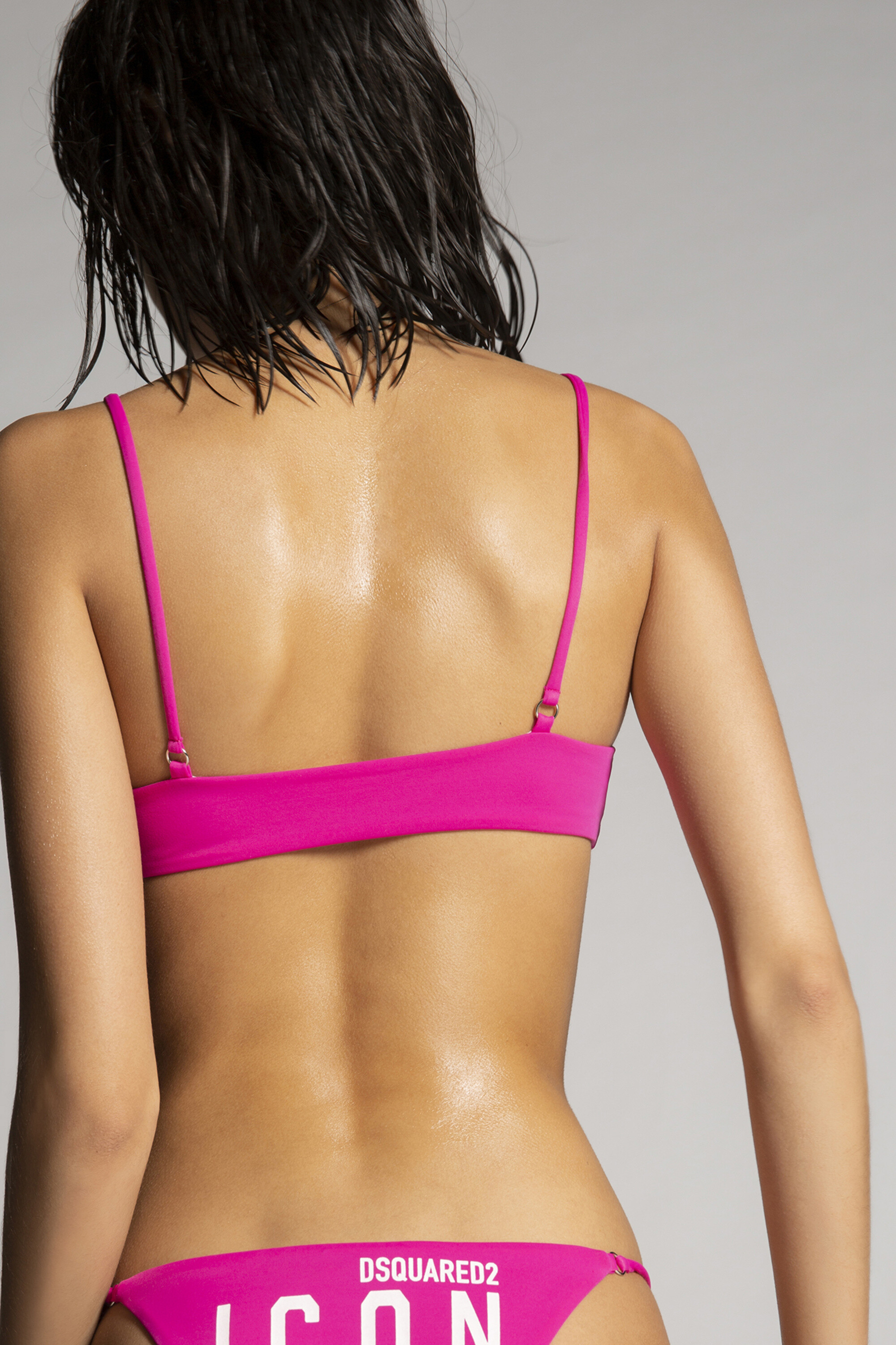
 Dsquared2 (2021)








 Luli Fama Resort Wear Collection "Born to be Wild"




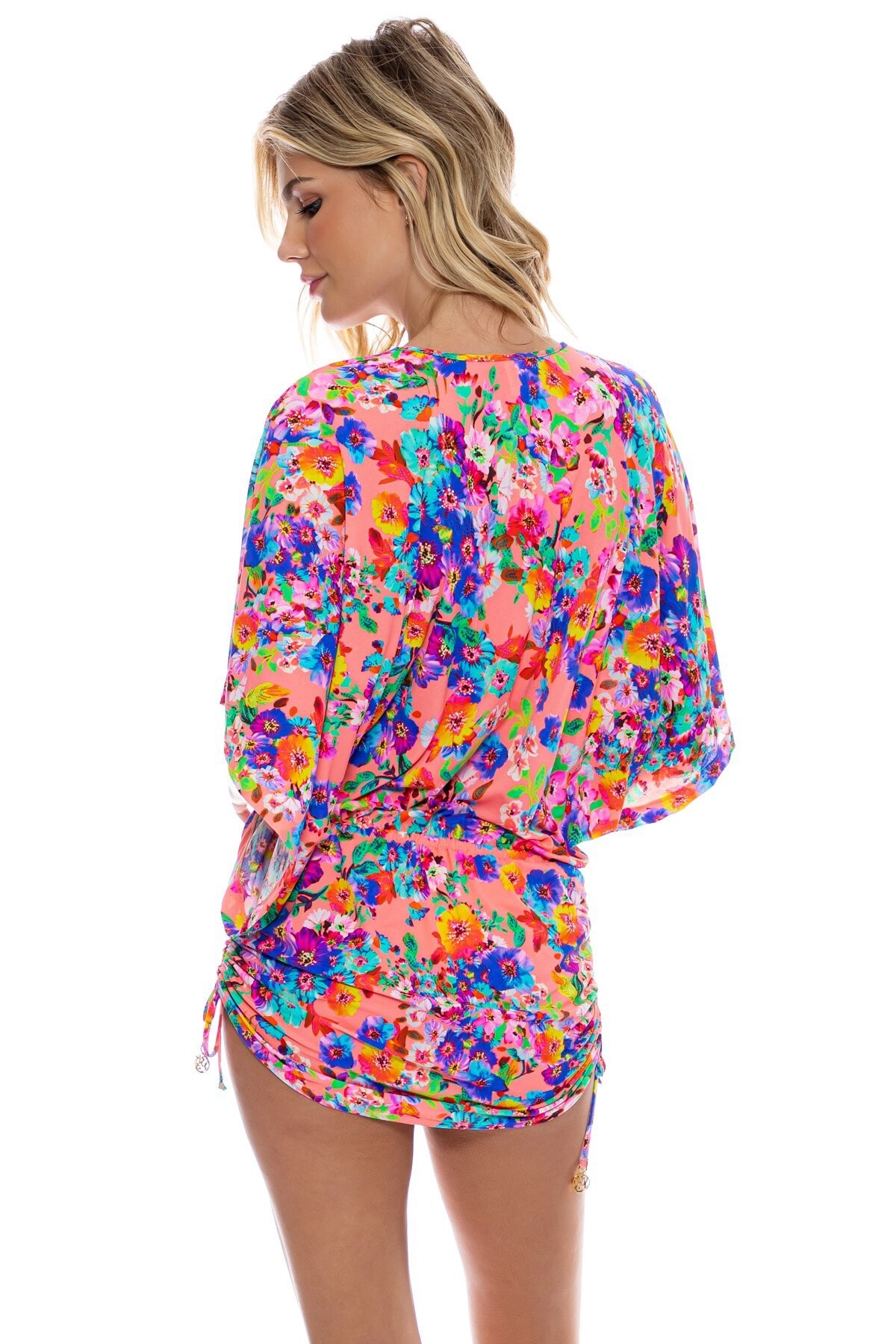
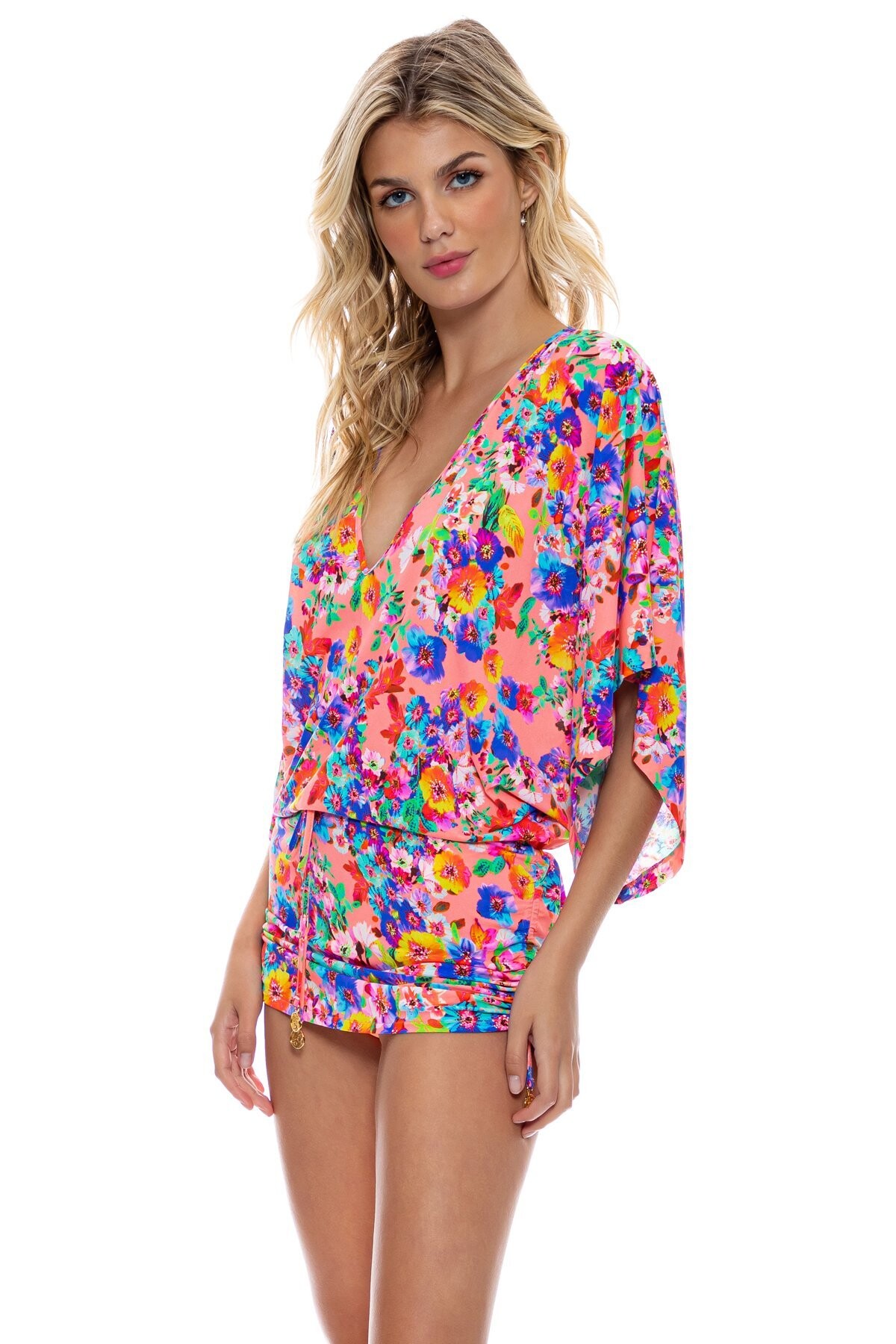
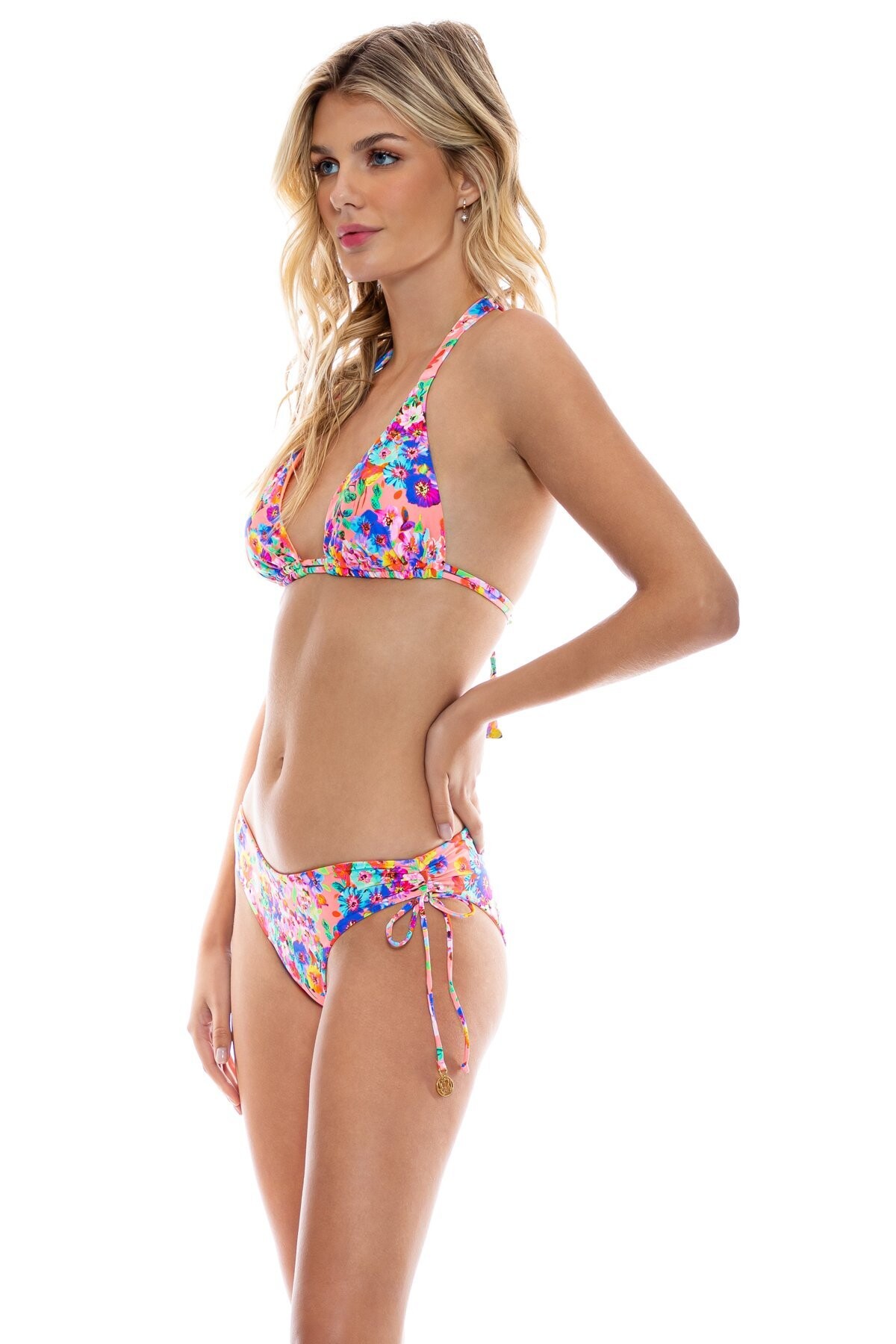
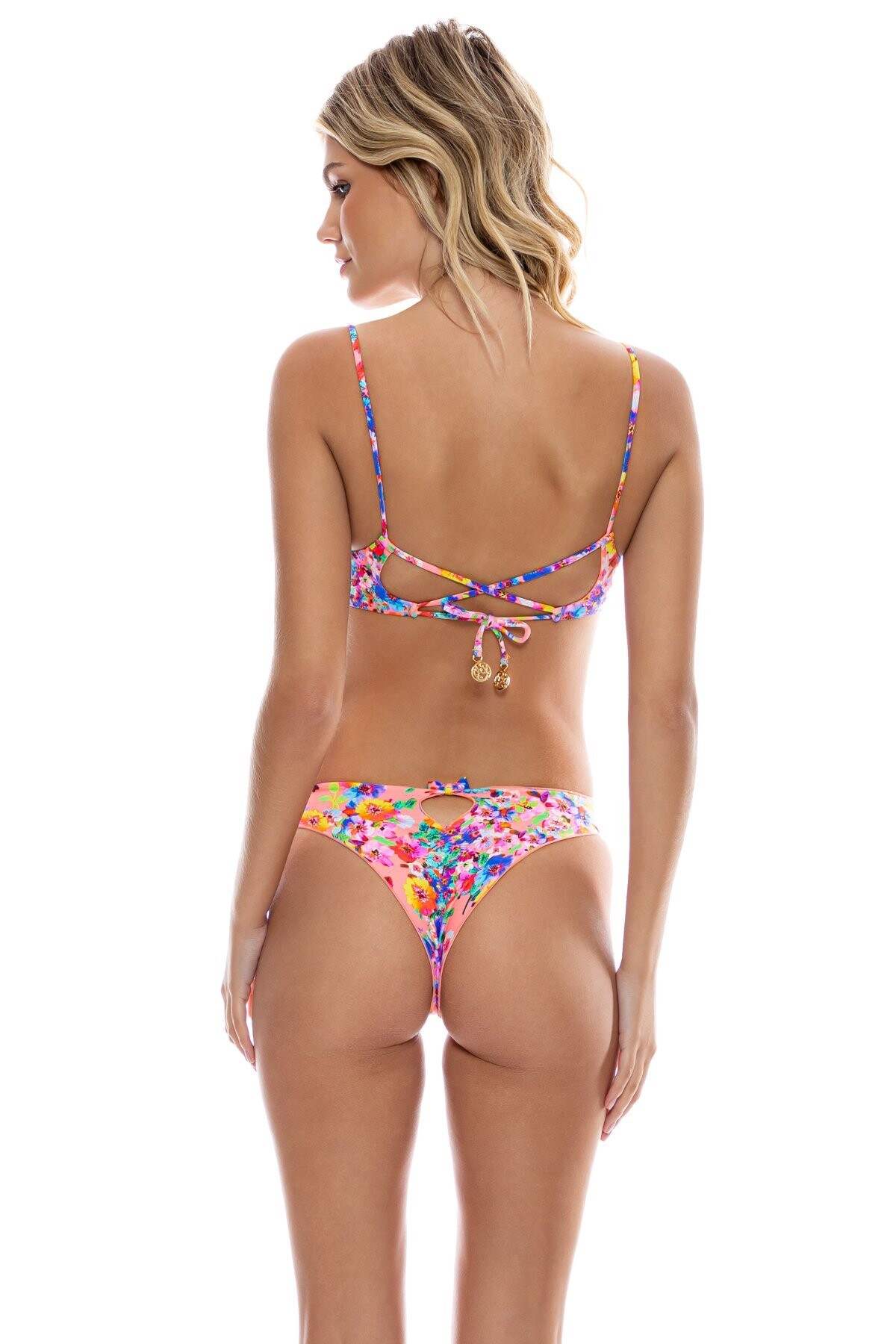
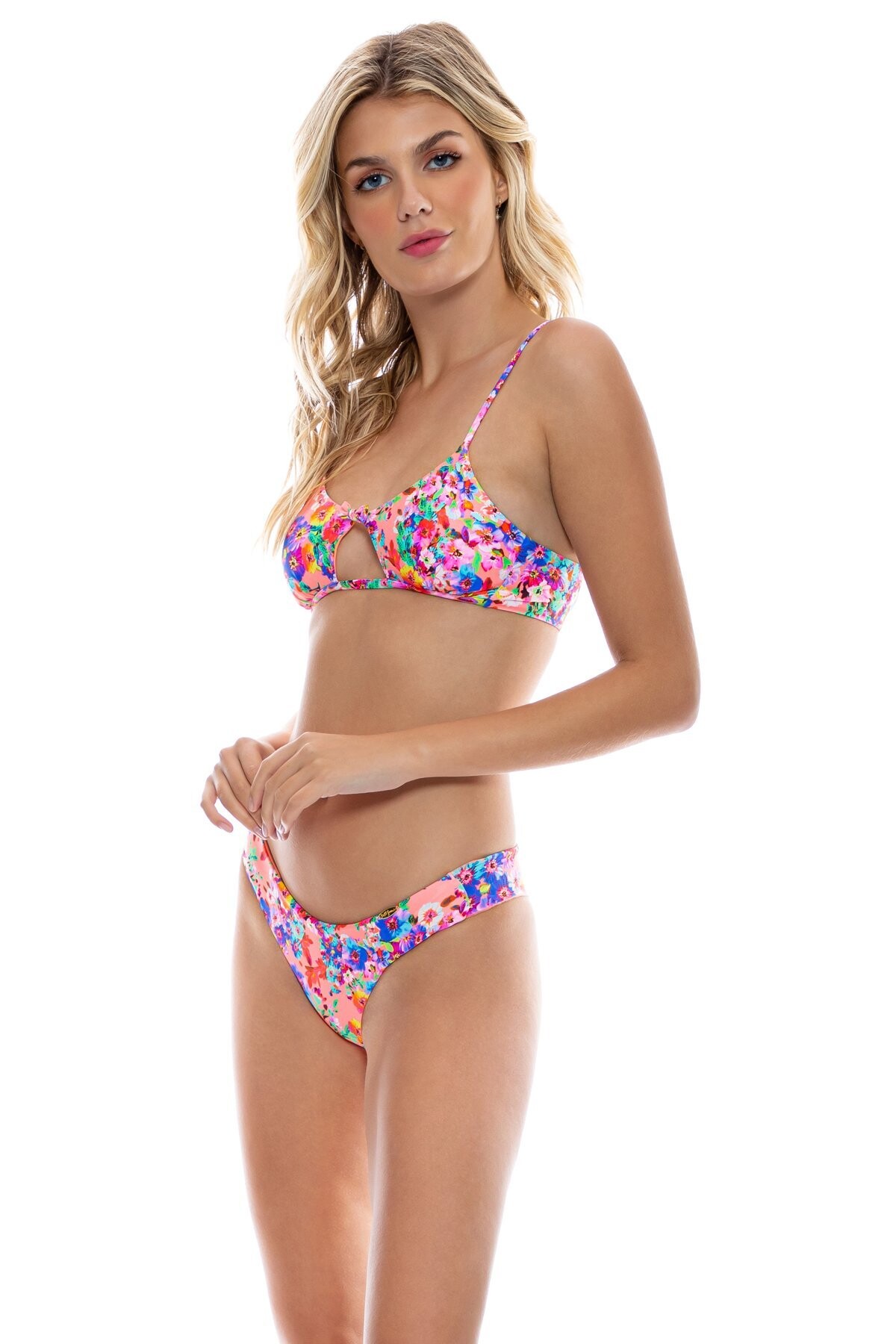
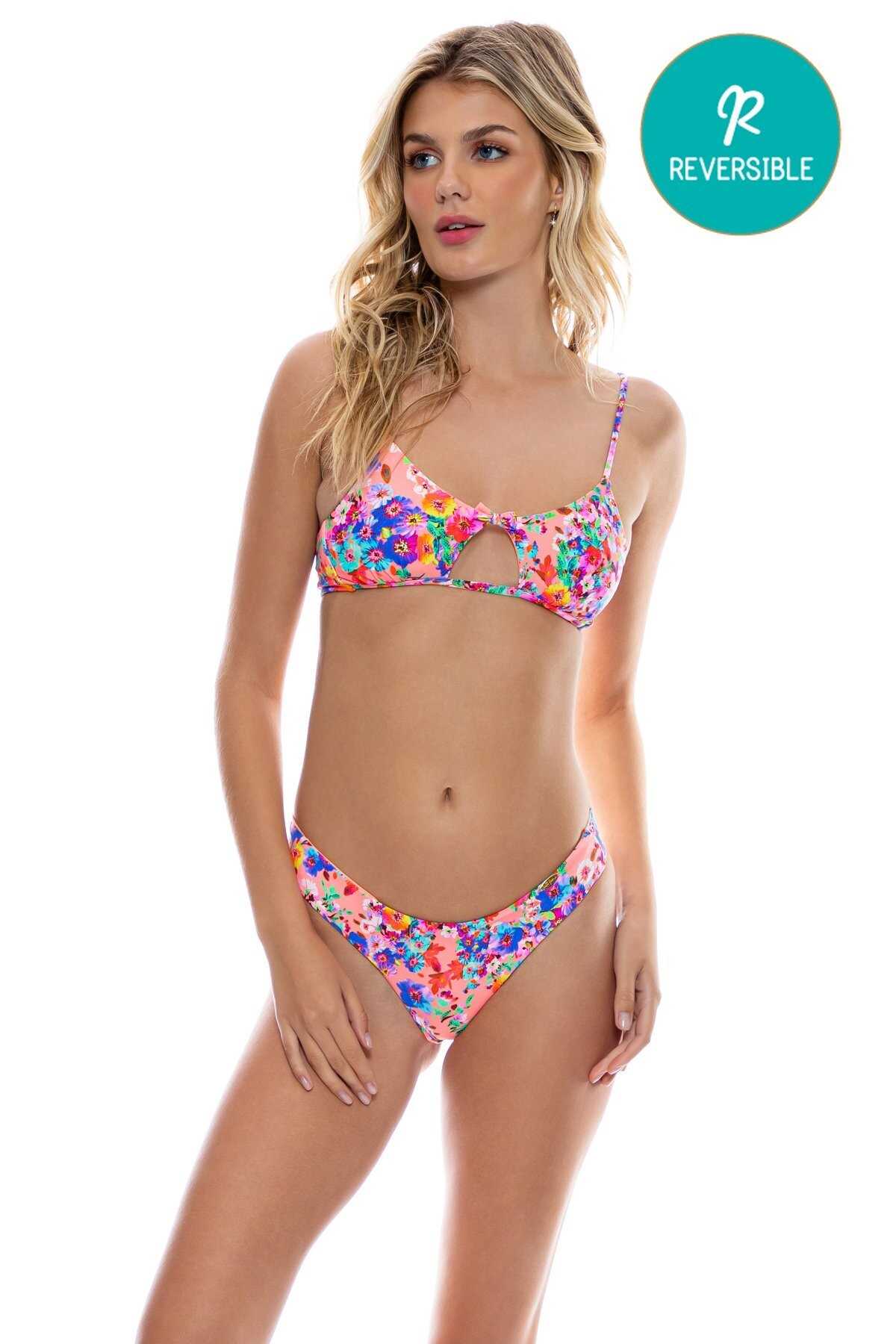
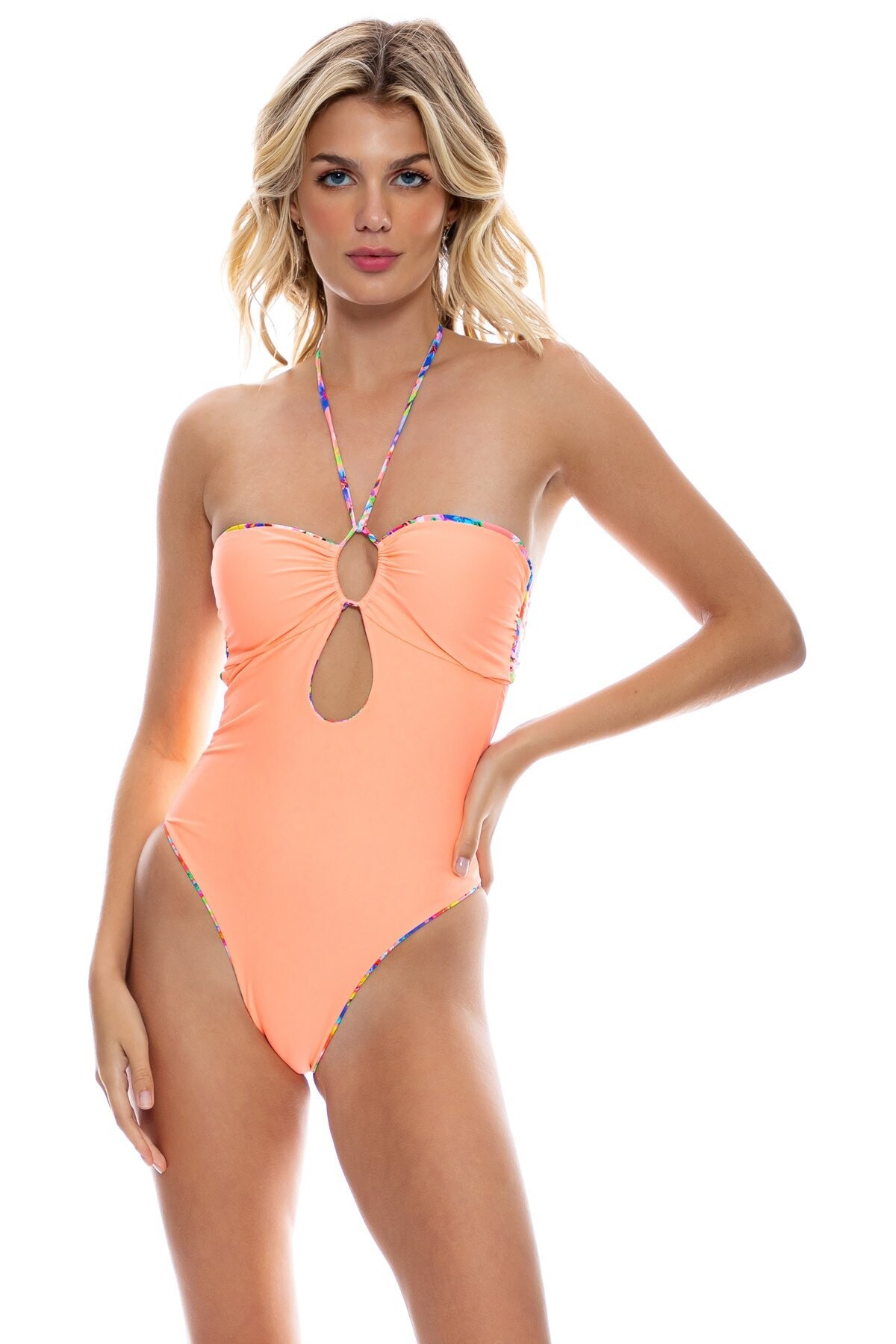
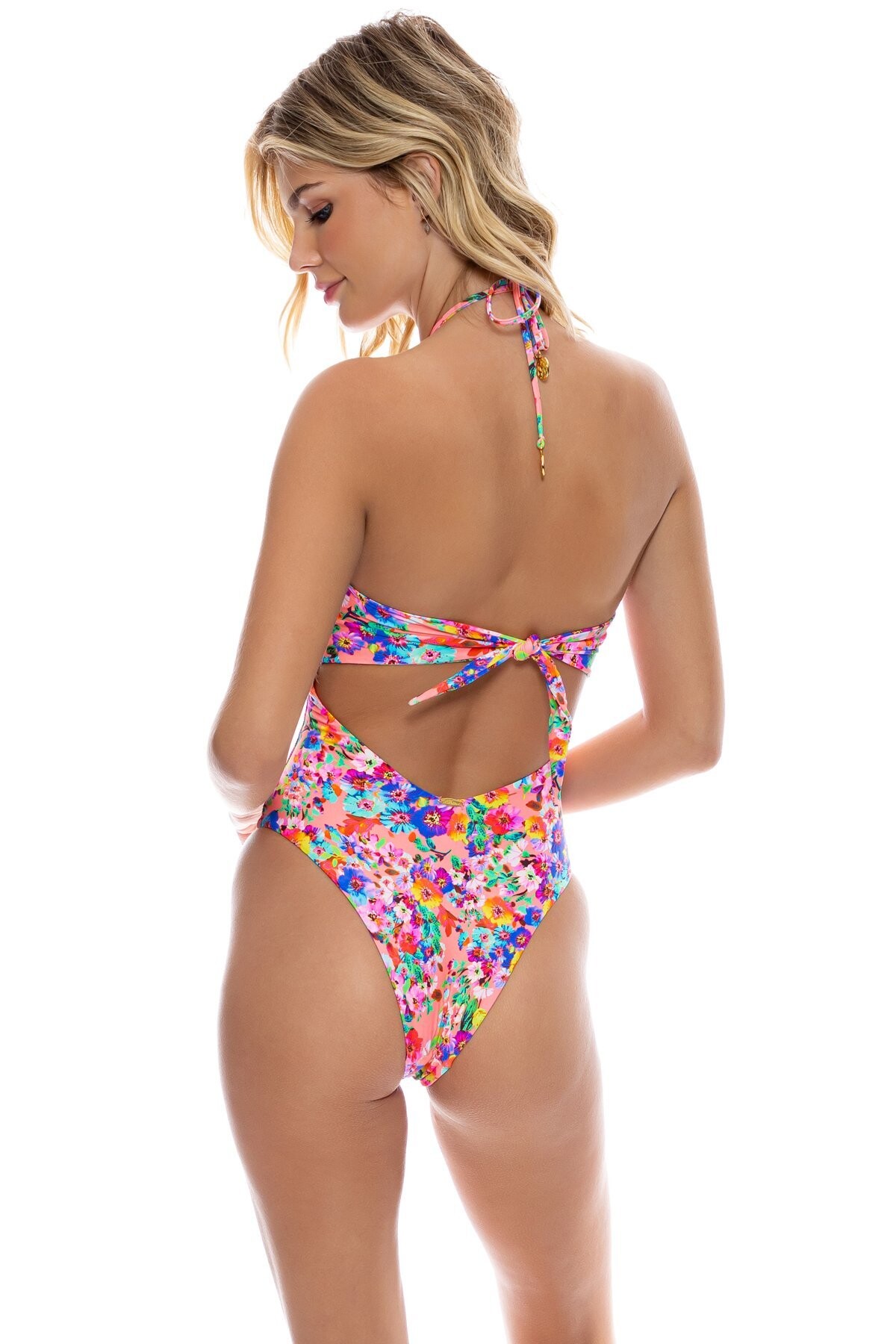
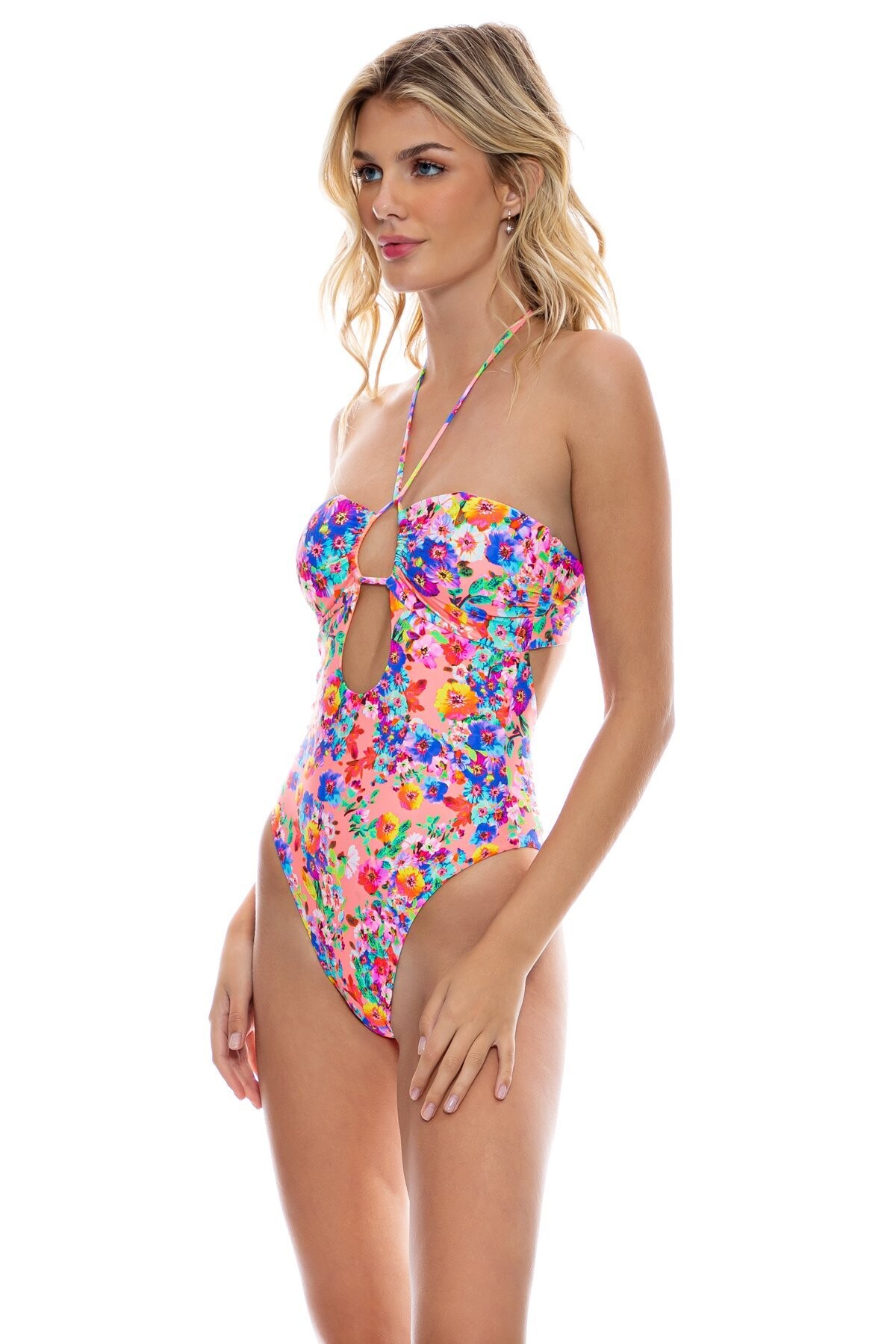
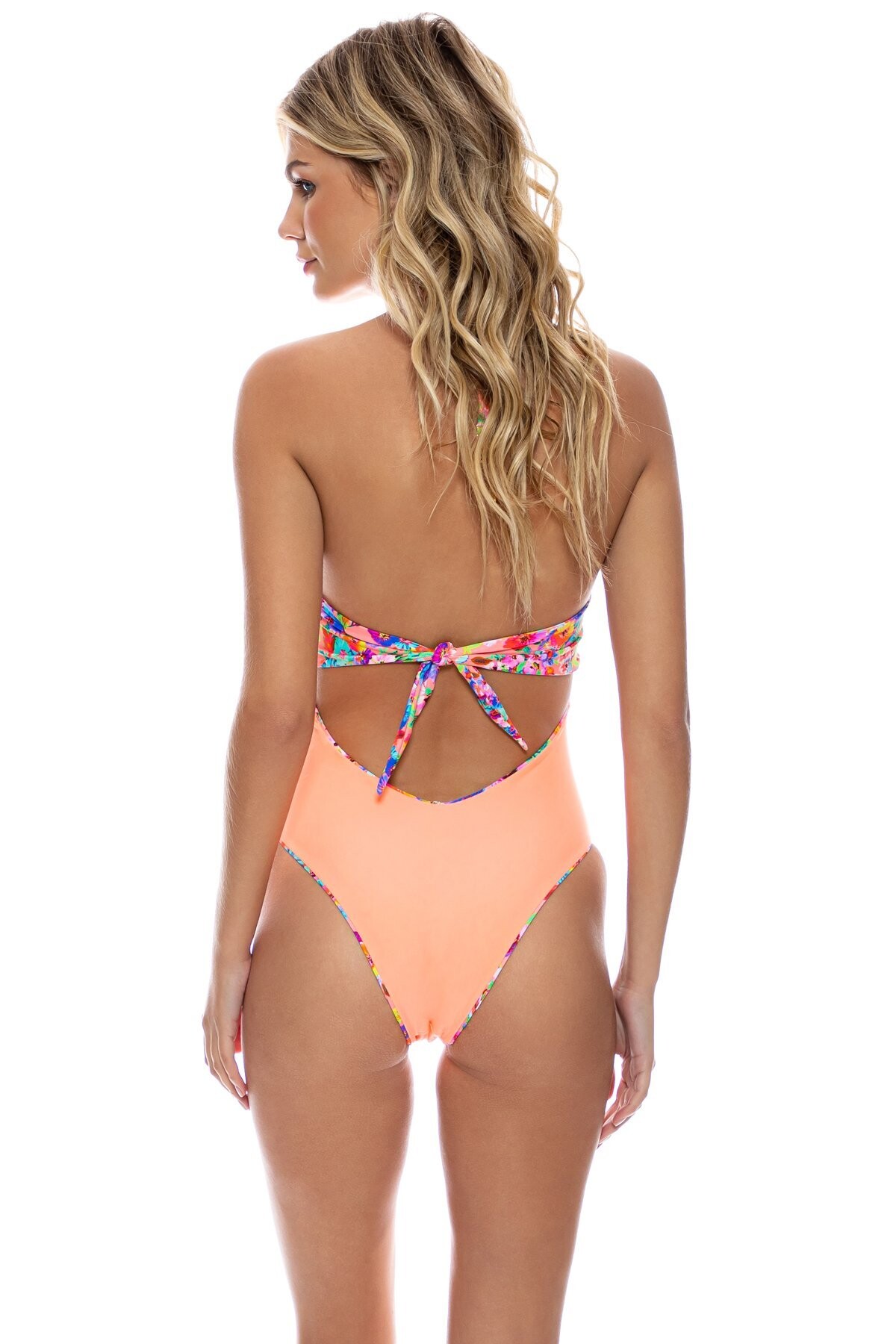
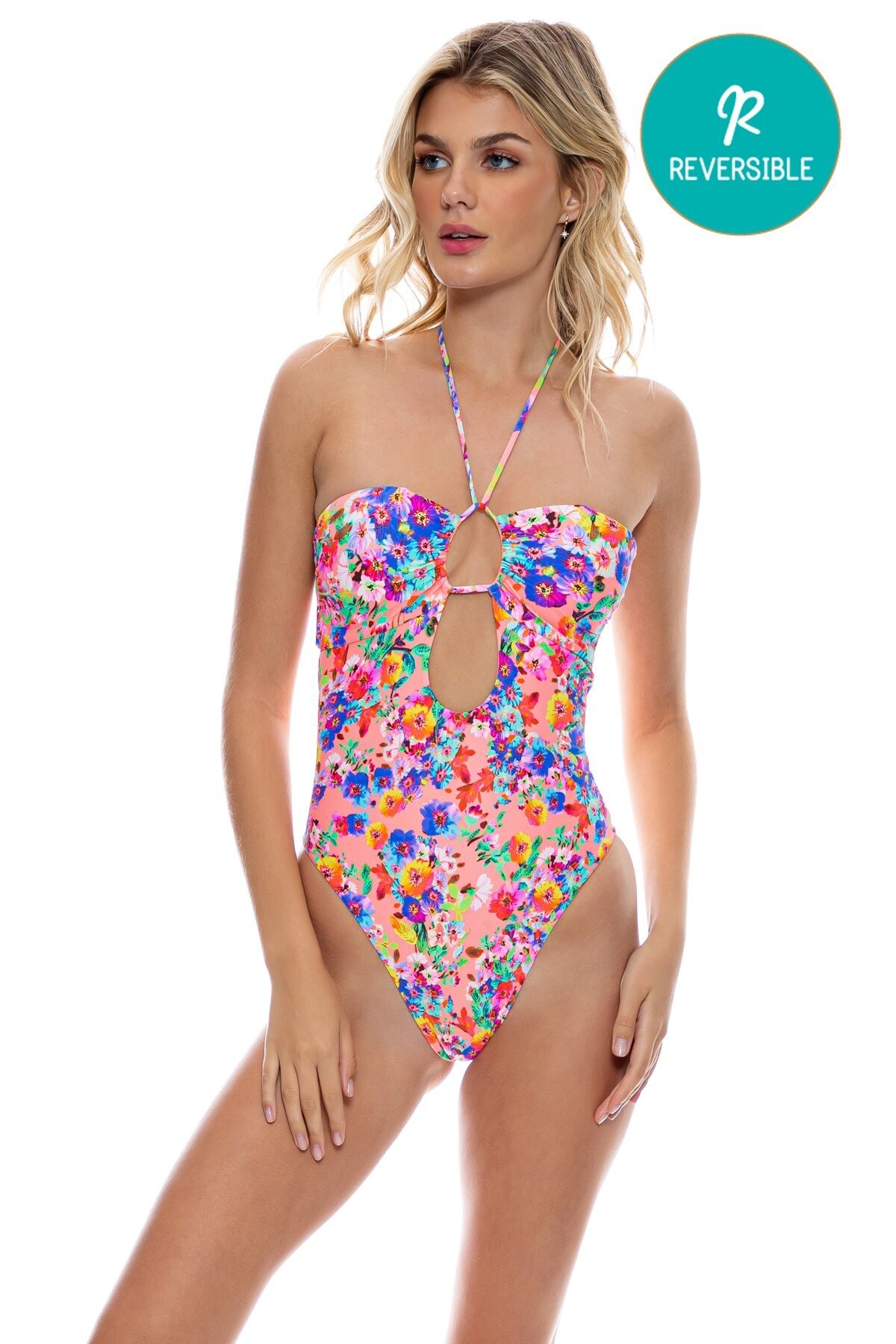
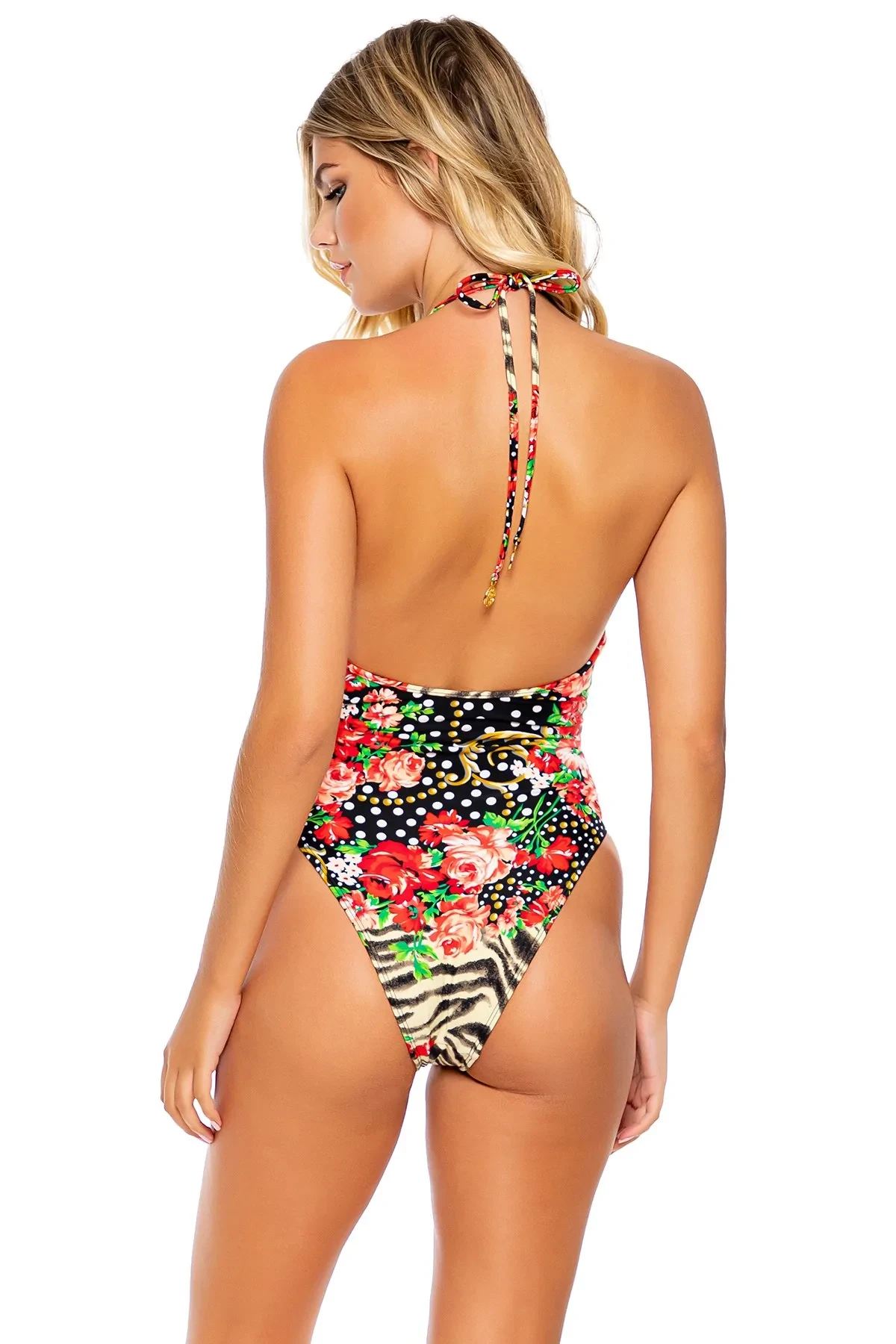
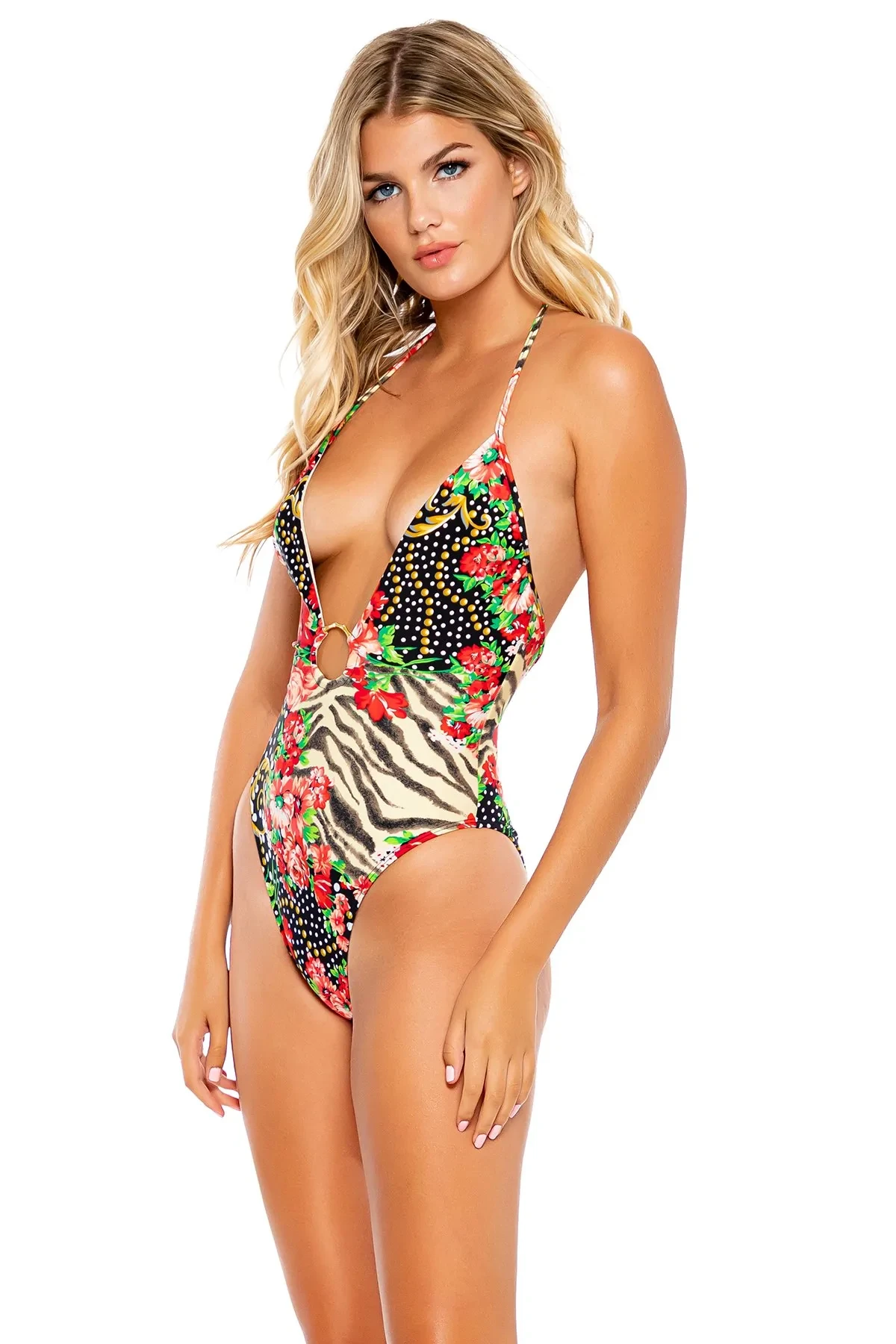
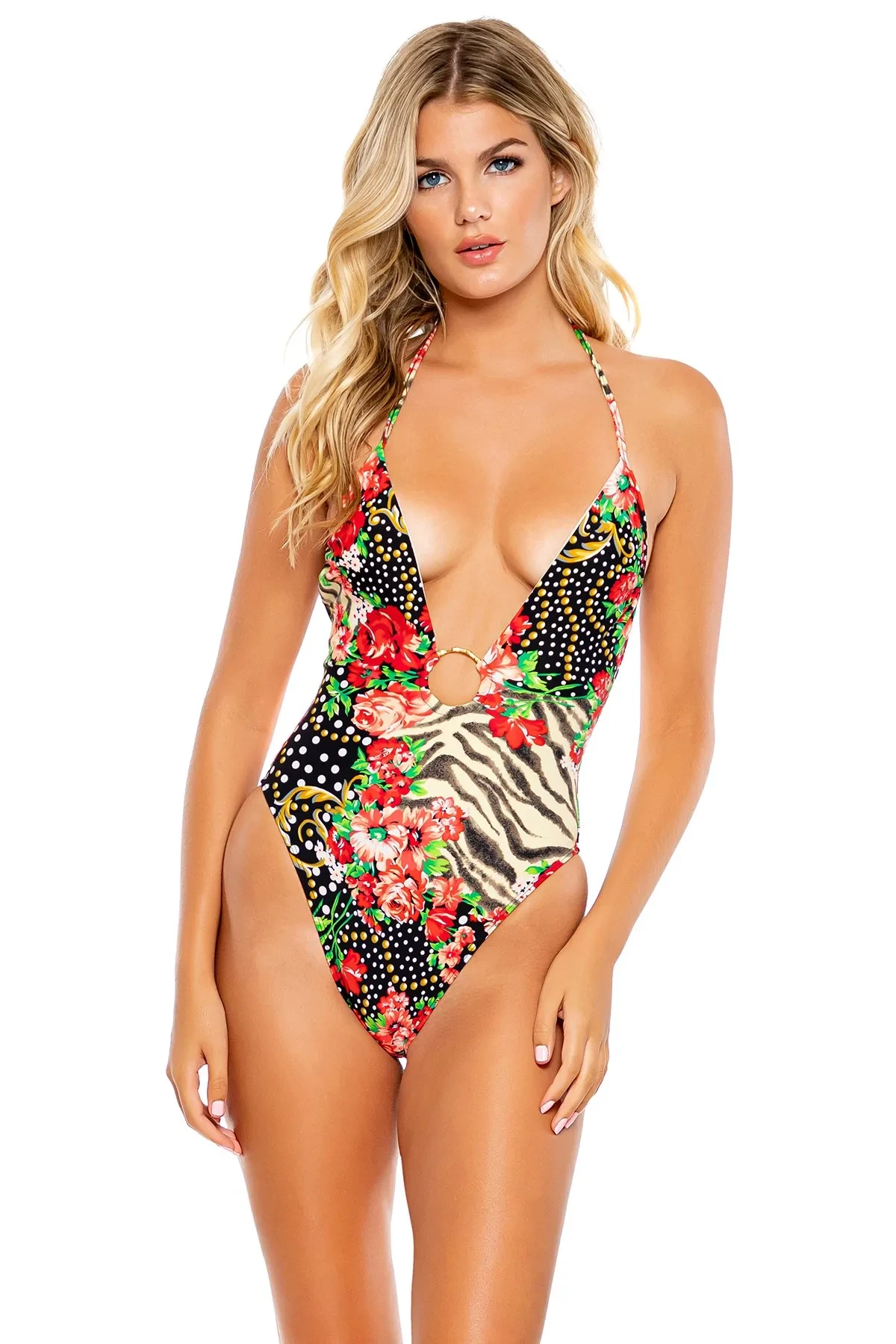
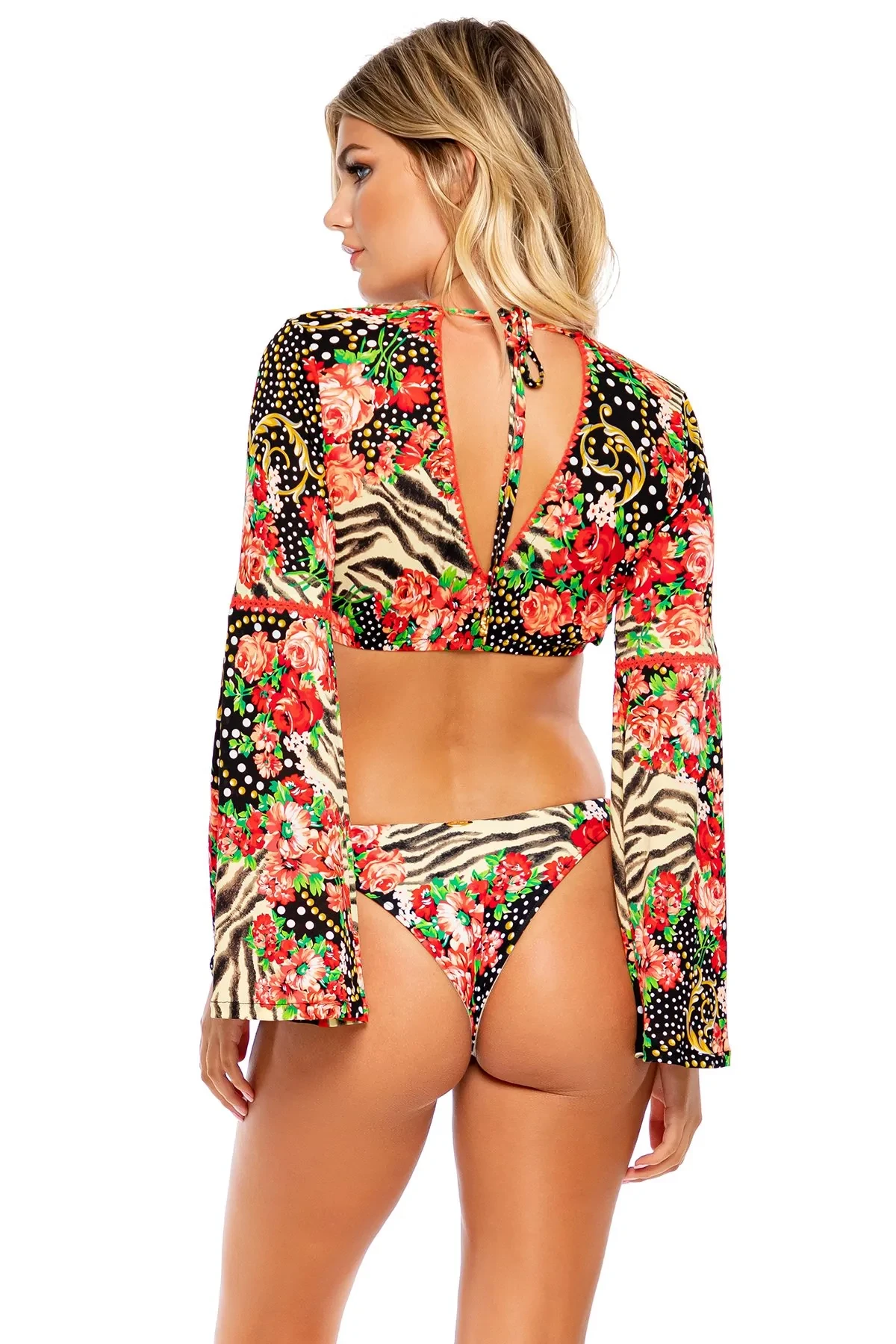
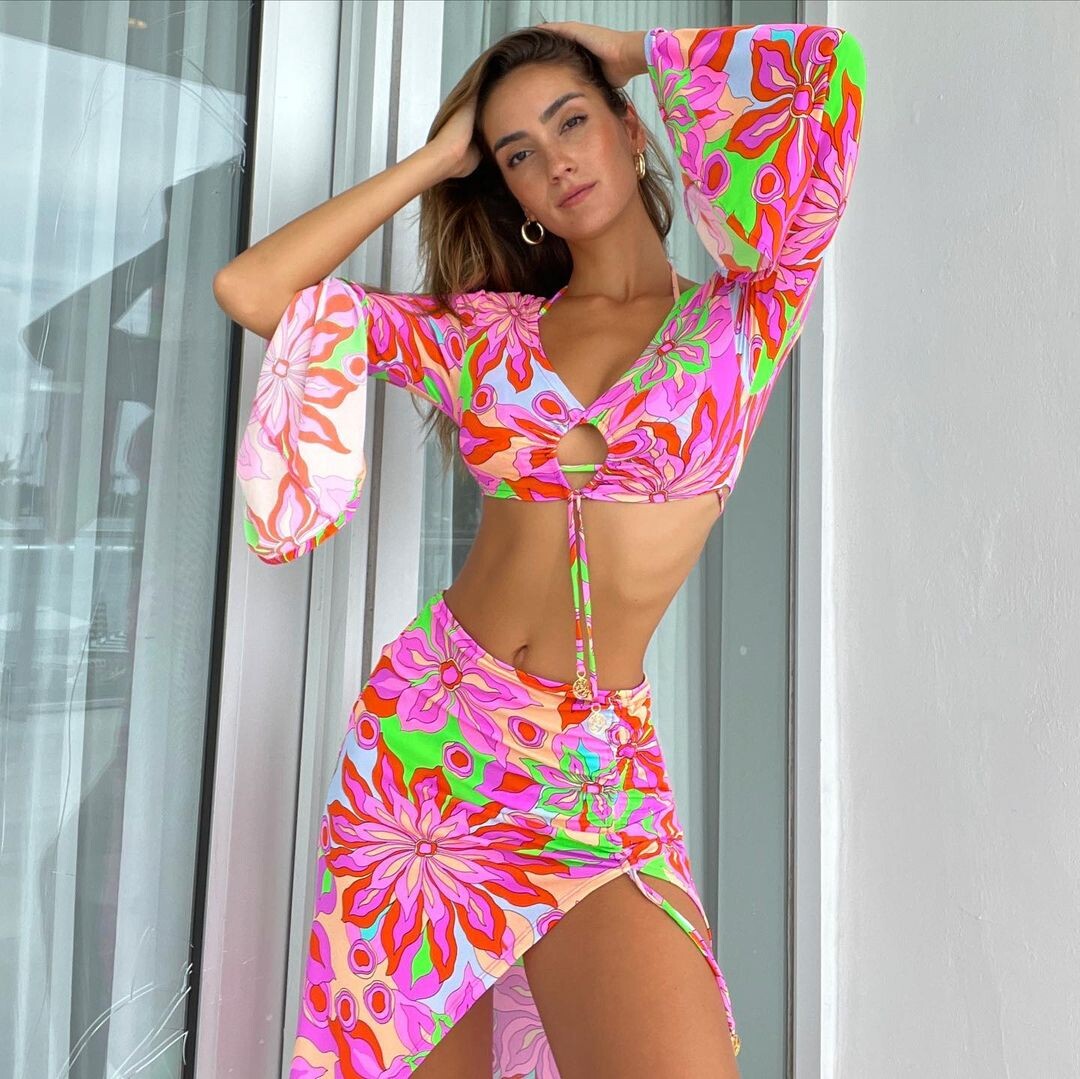
 Luli Fama Resort Wear Collection "Water Blossoms"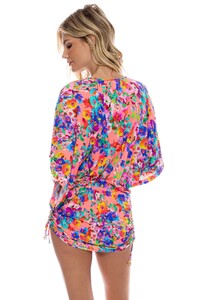
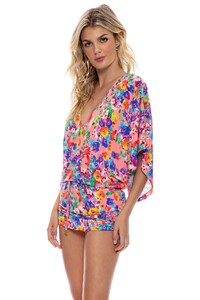



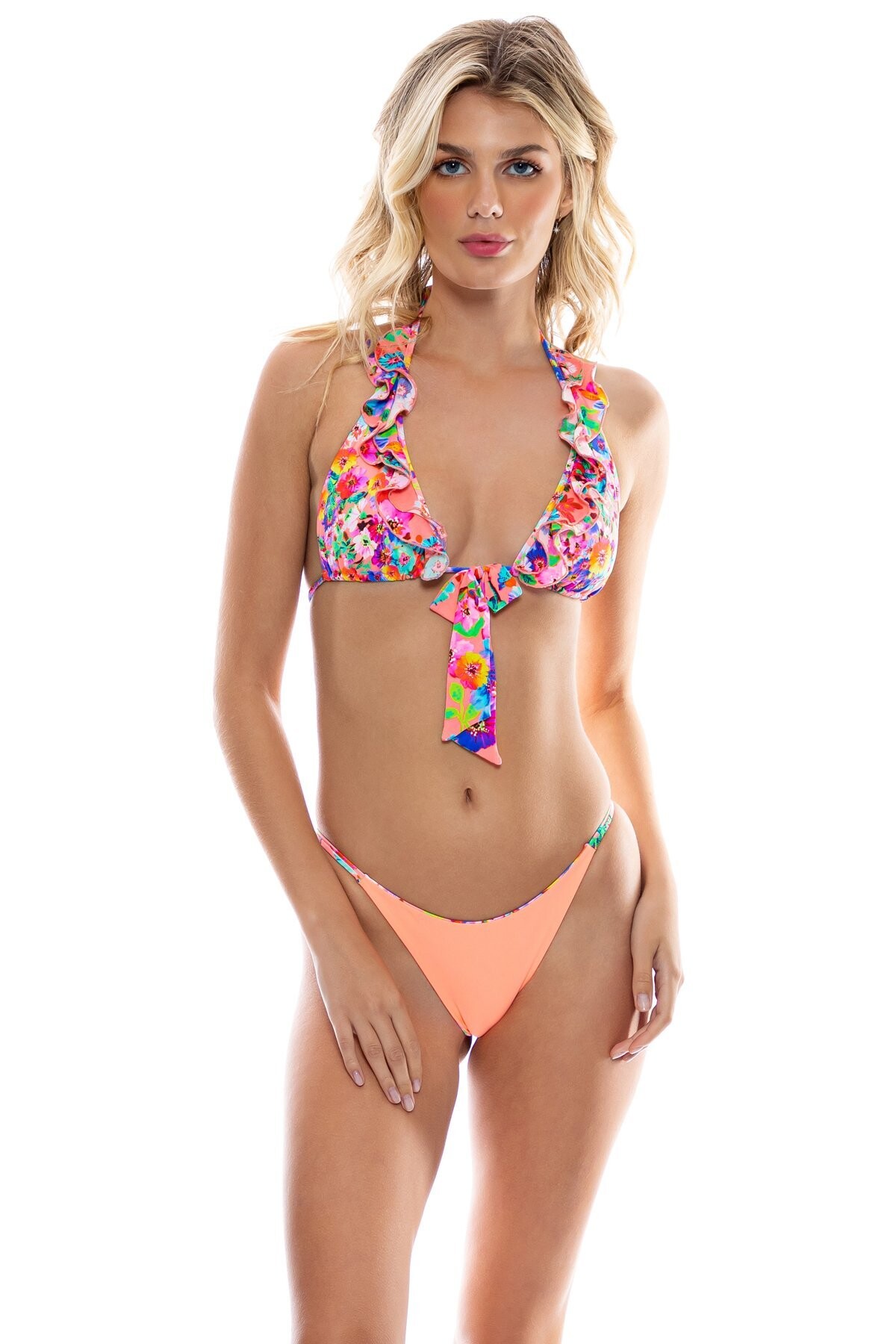
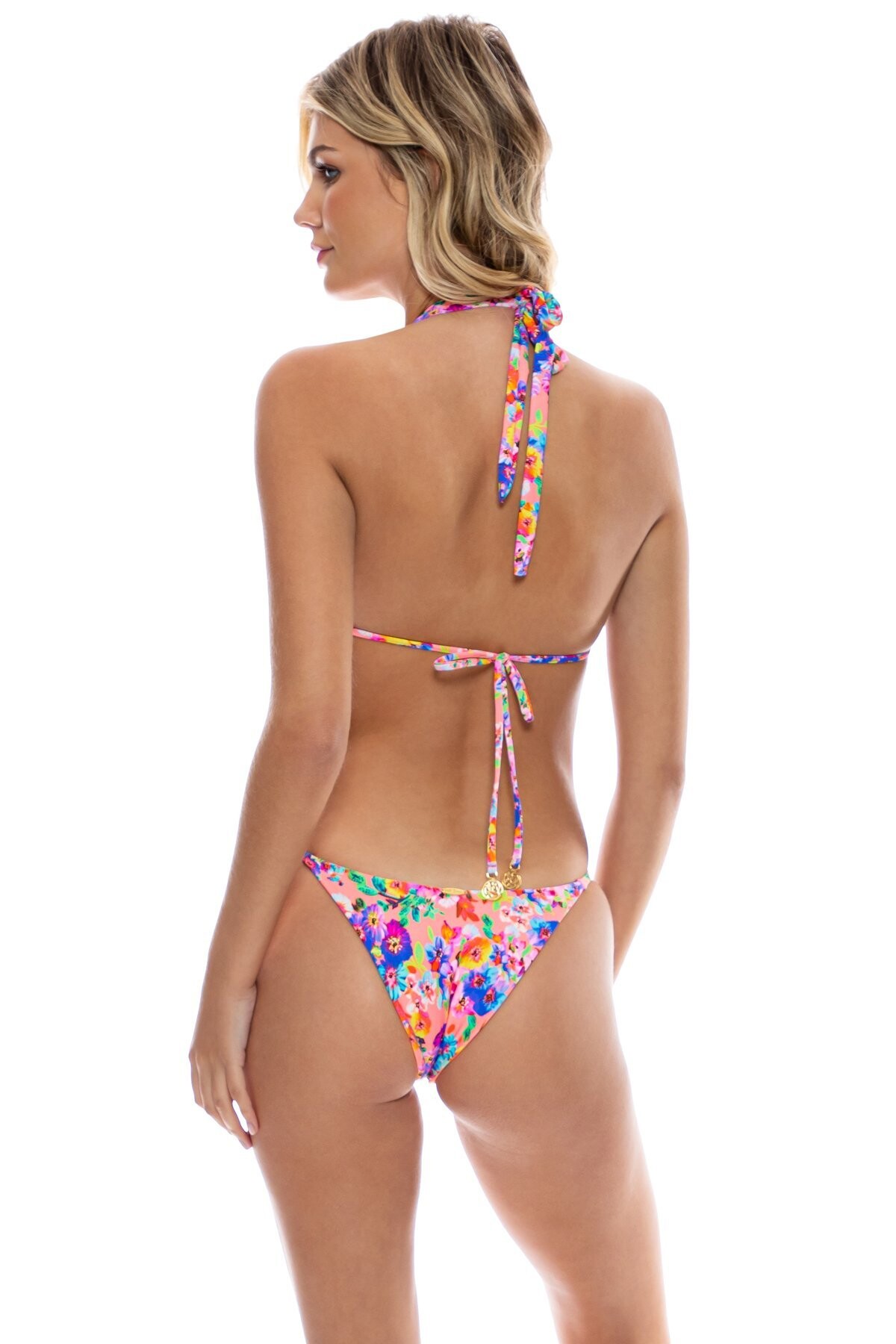
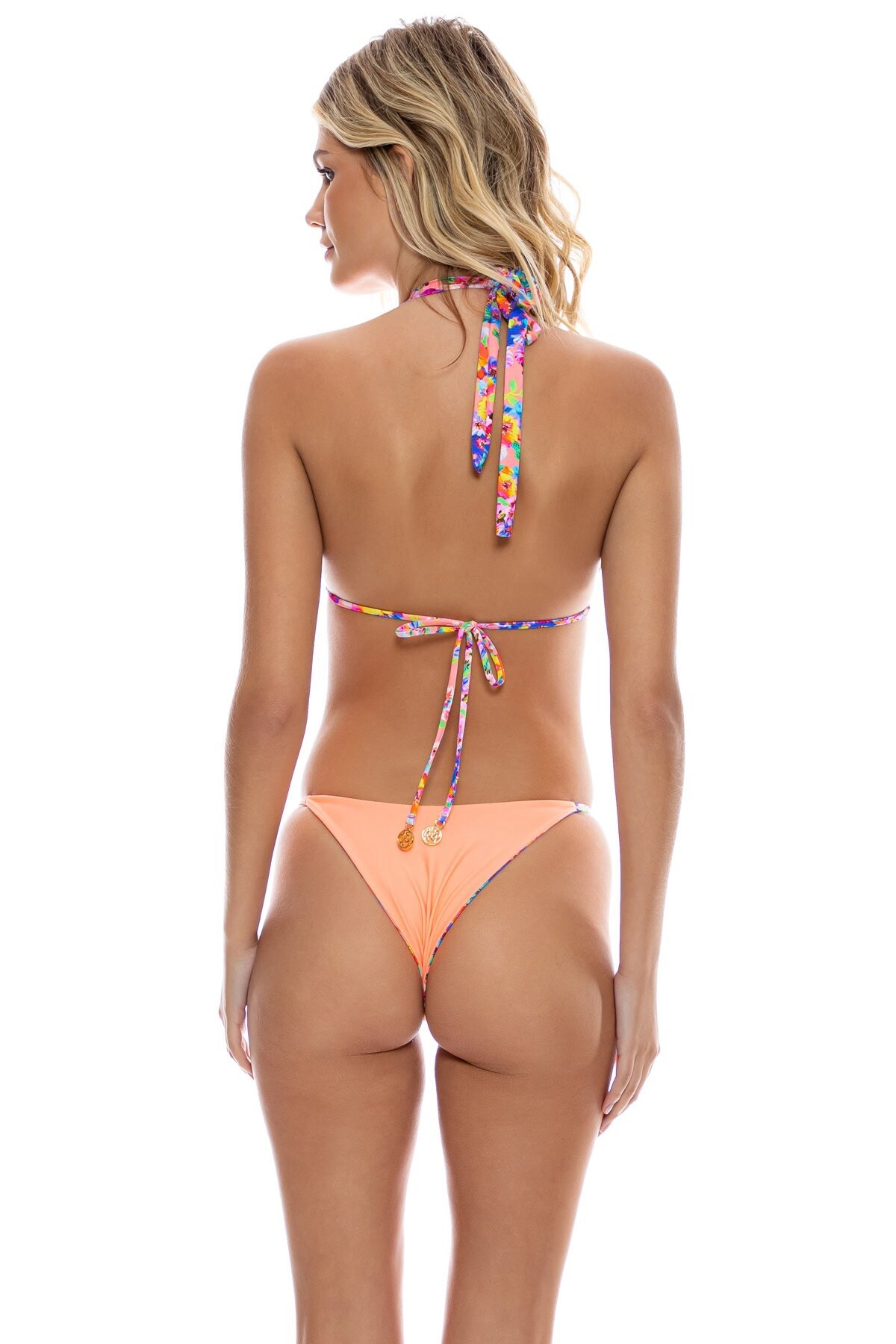
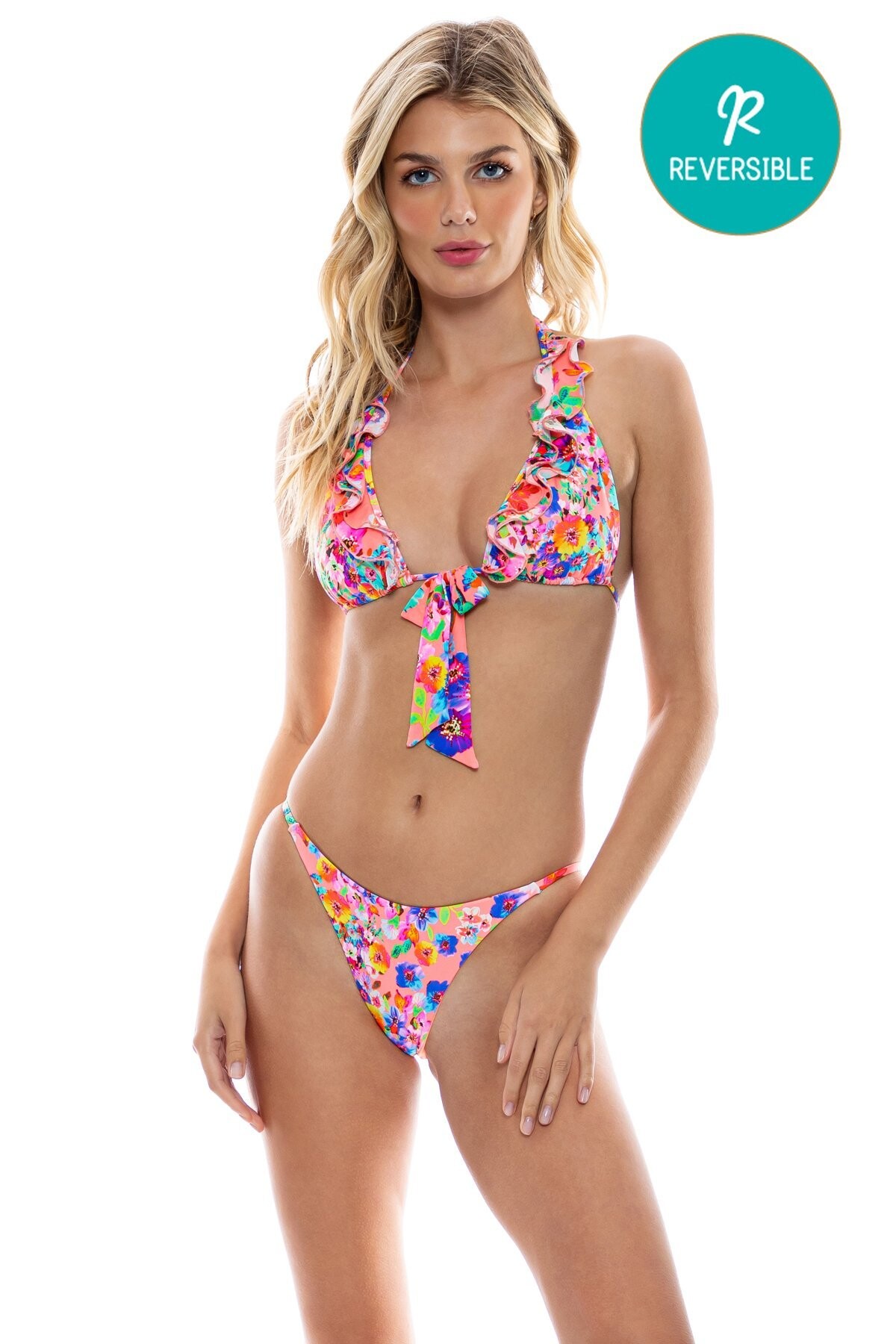
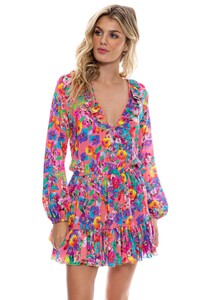 Luli Fama Swim Collection "Water Blossoms"
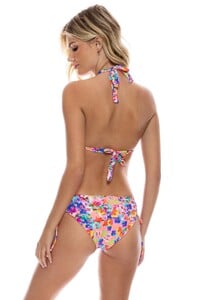
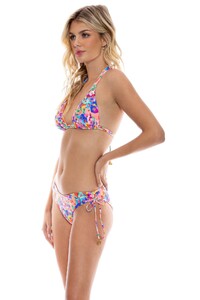

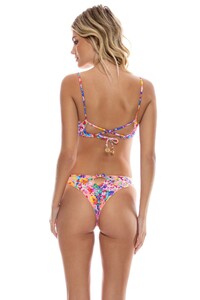


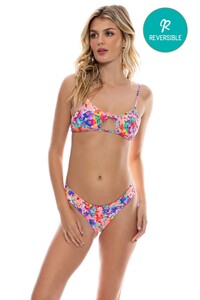
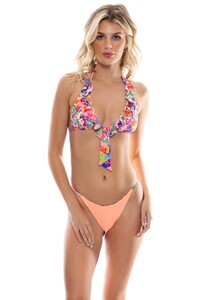
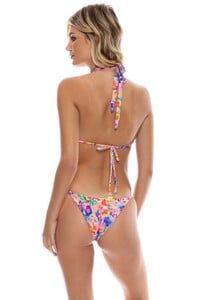

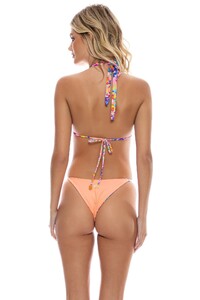



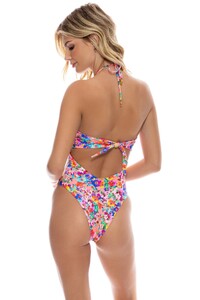


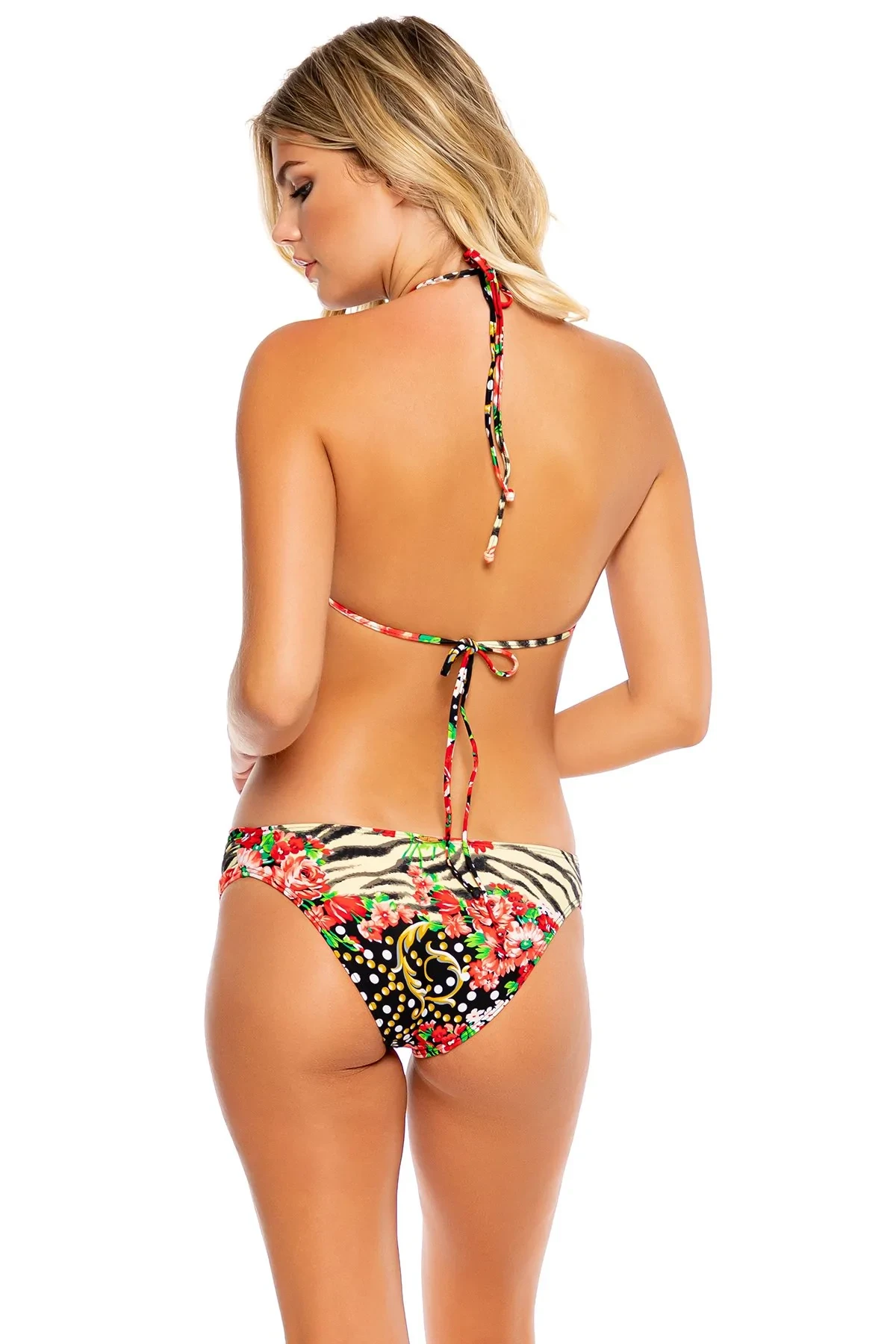
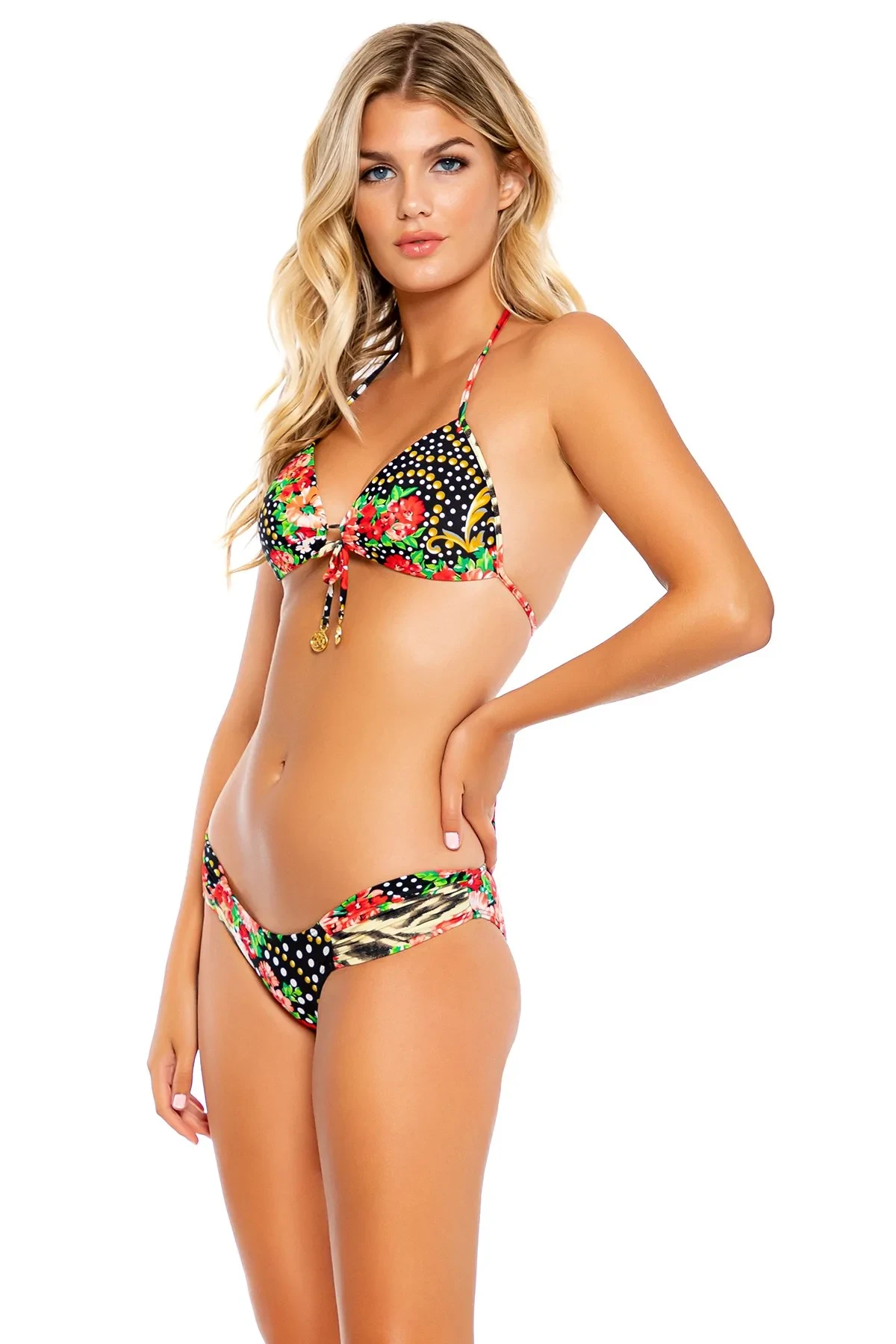
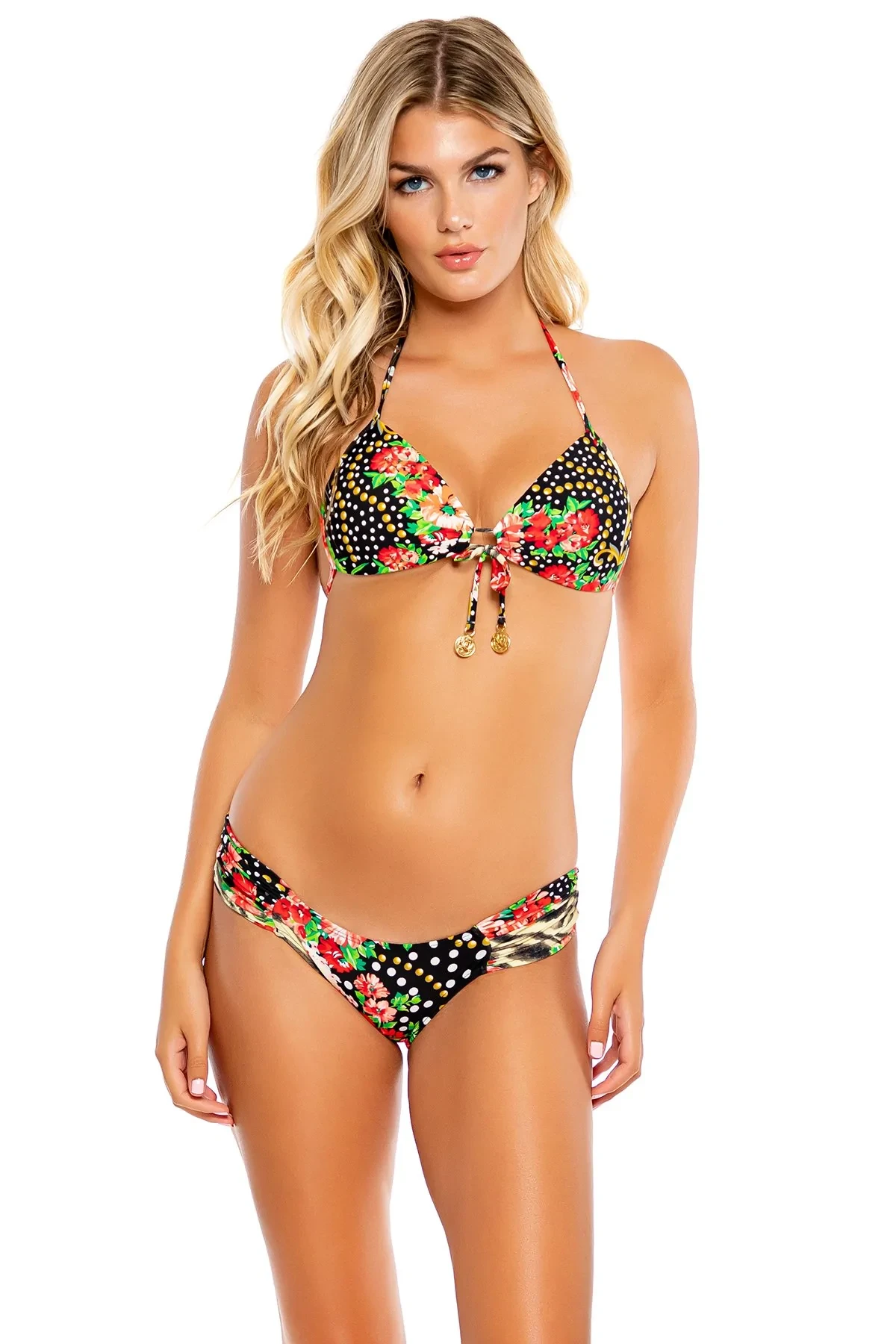
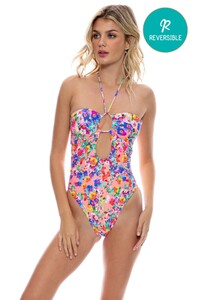 Luli Fama Swim Collection "La Vida es un Carnaval" p2.
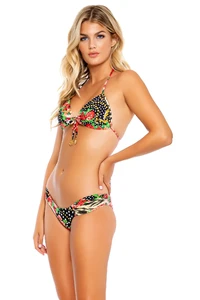

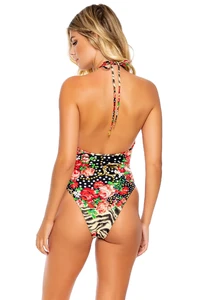







 Luli Fama Swim Collection "La Vida es un Carnaval" p1.



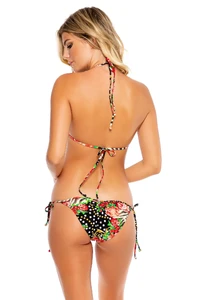


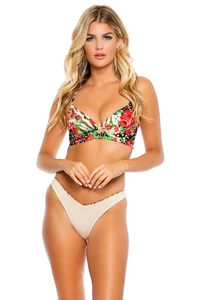





 Instagram





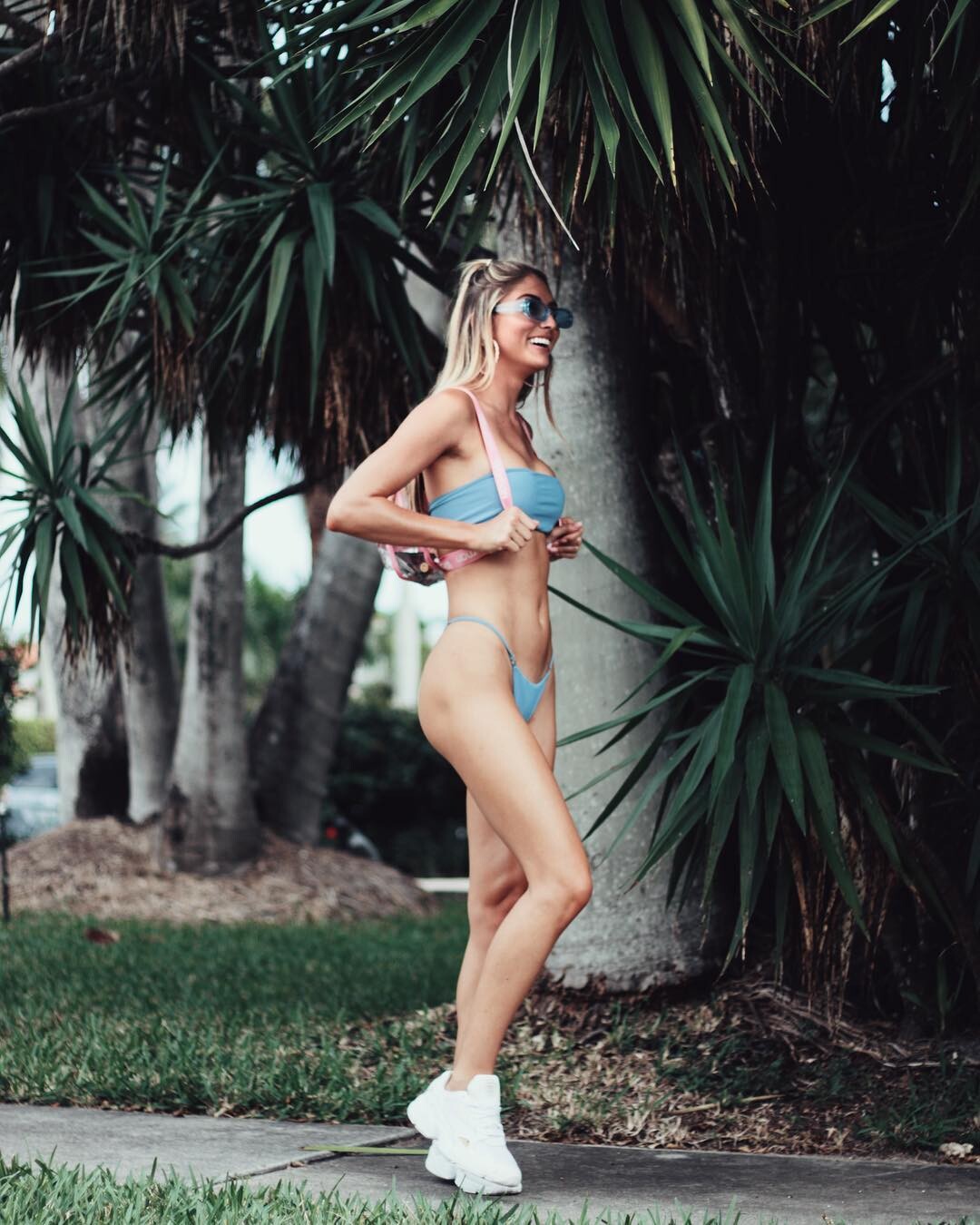
 Ph: Kayla Beatty (2019) UHQ! kaylabeatty.com Instagram






















 Naked Wardrobe https://www.instagram.com/p/CgfKPrUuVt7/
 Oye Swimwer Ph & vid: Grant Friedman OYE V.mp4 https://www.instagram.com/p/Cf4I9ujgnb_/?hl=es
 Riot Swim Miami Fshion Week 2022 by @jessesouligny @evoke.channel 26V.mp4 Instagram




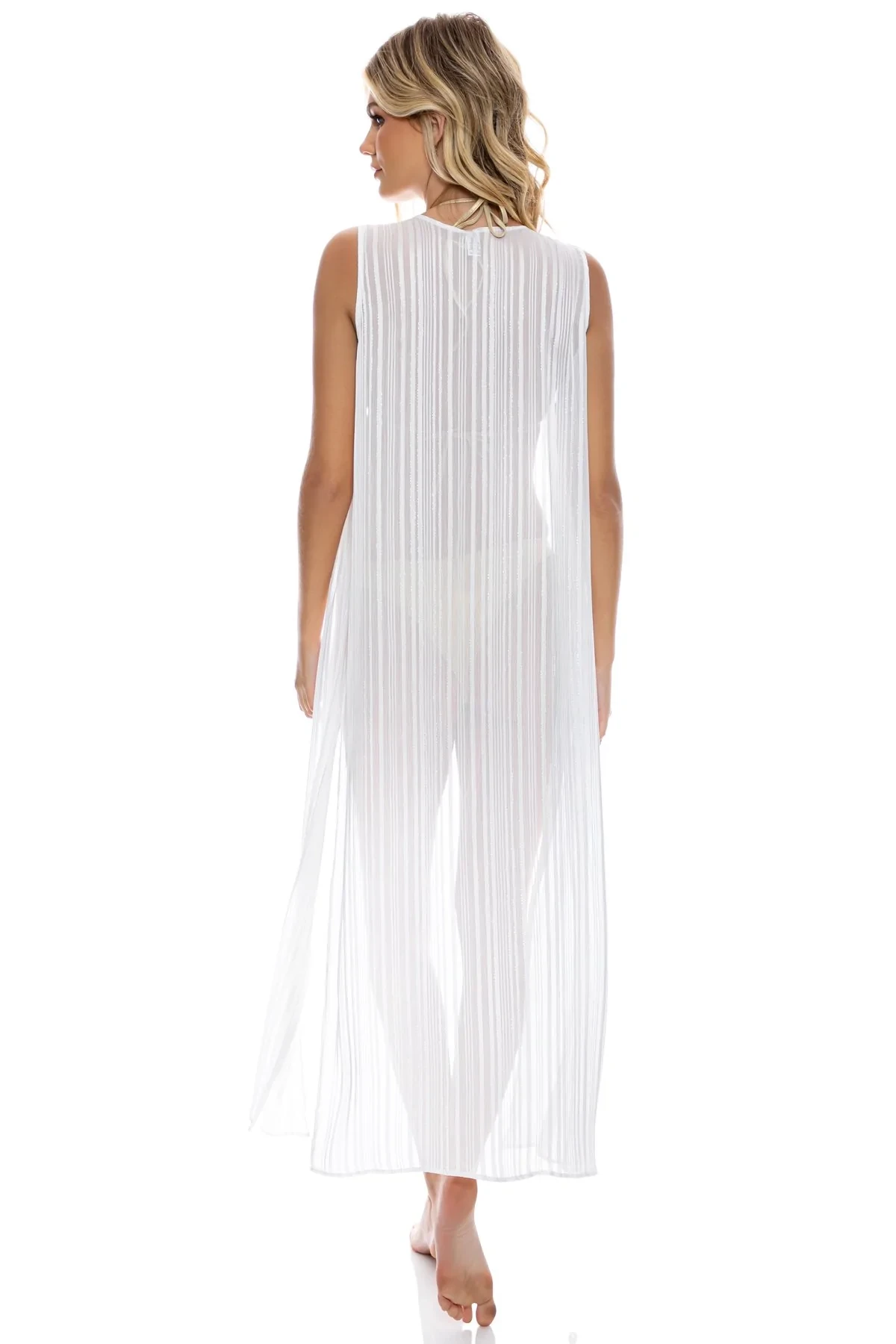








































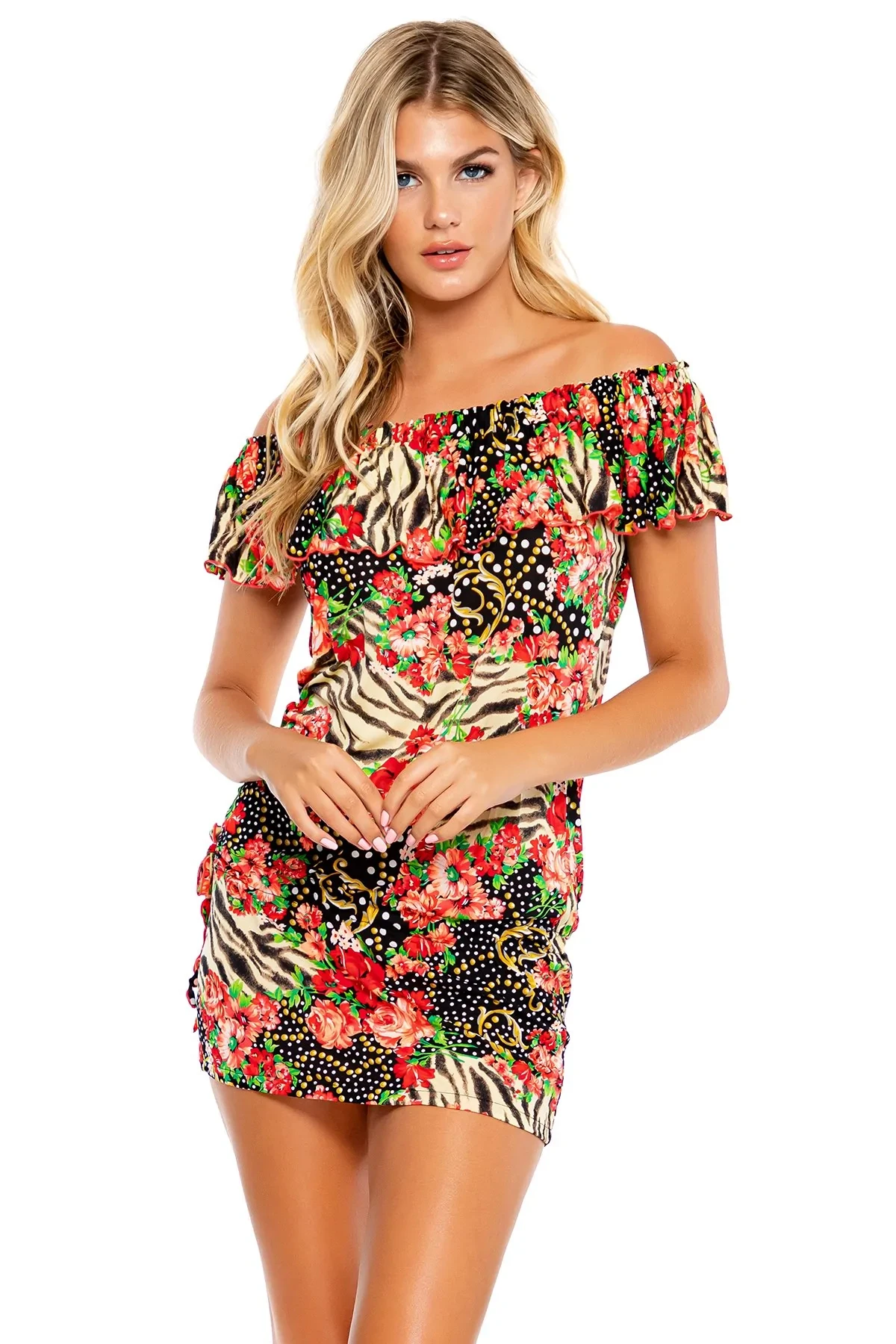

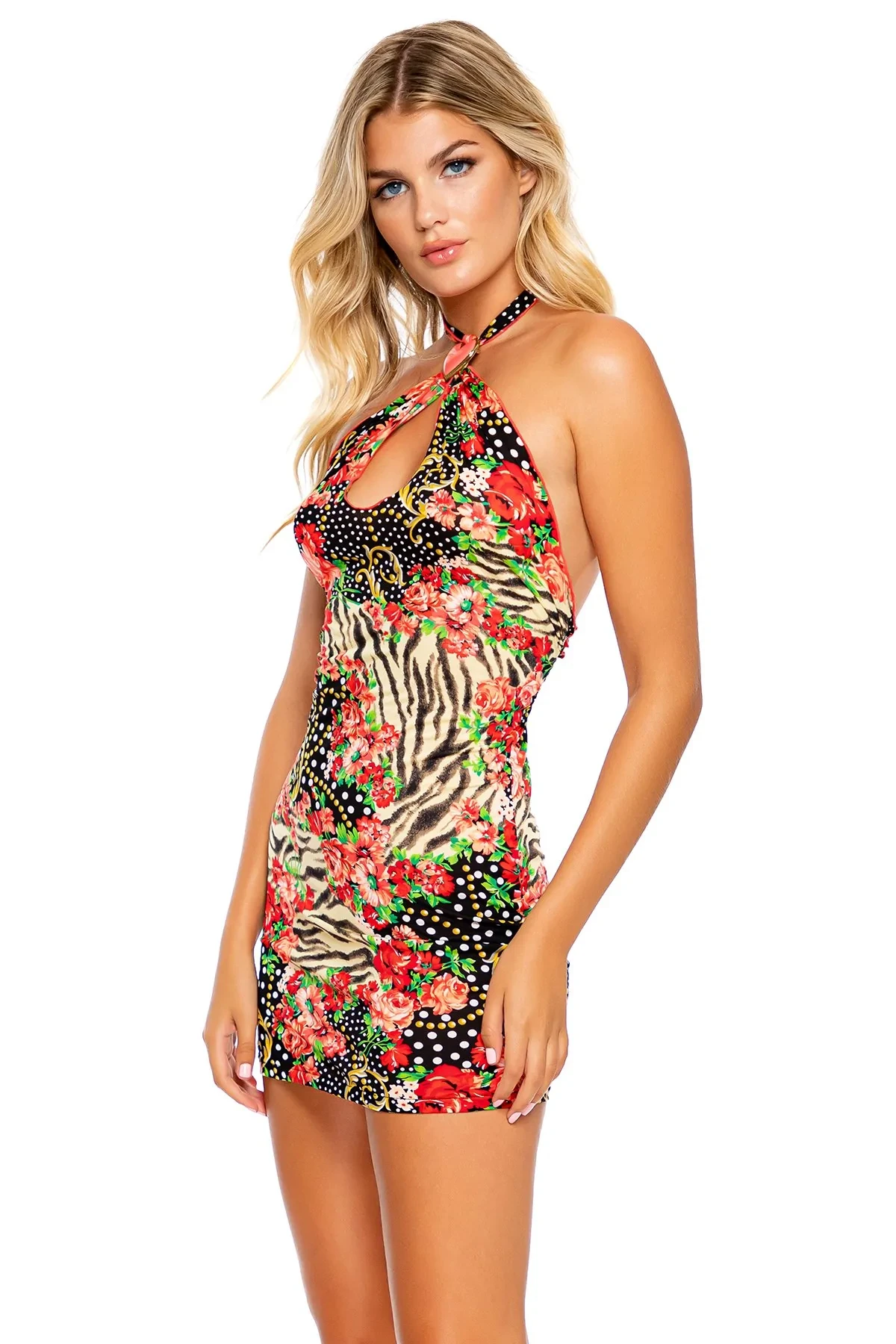
















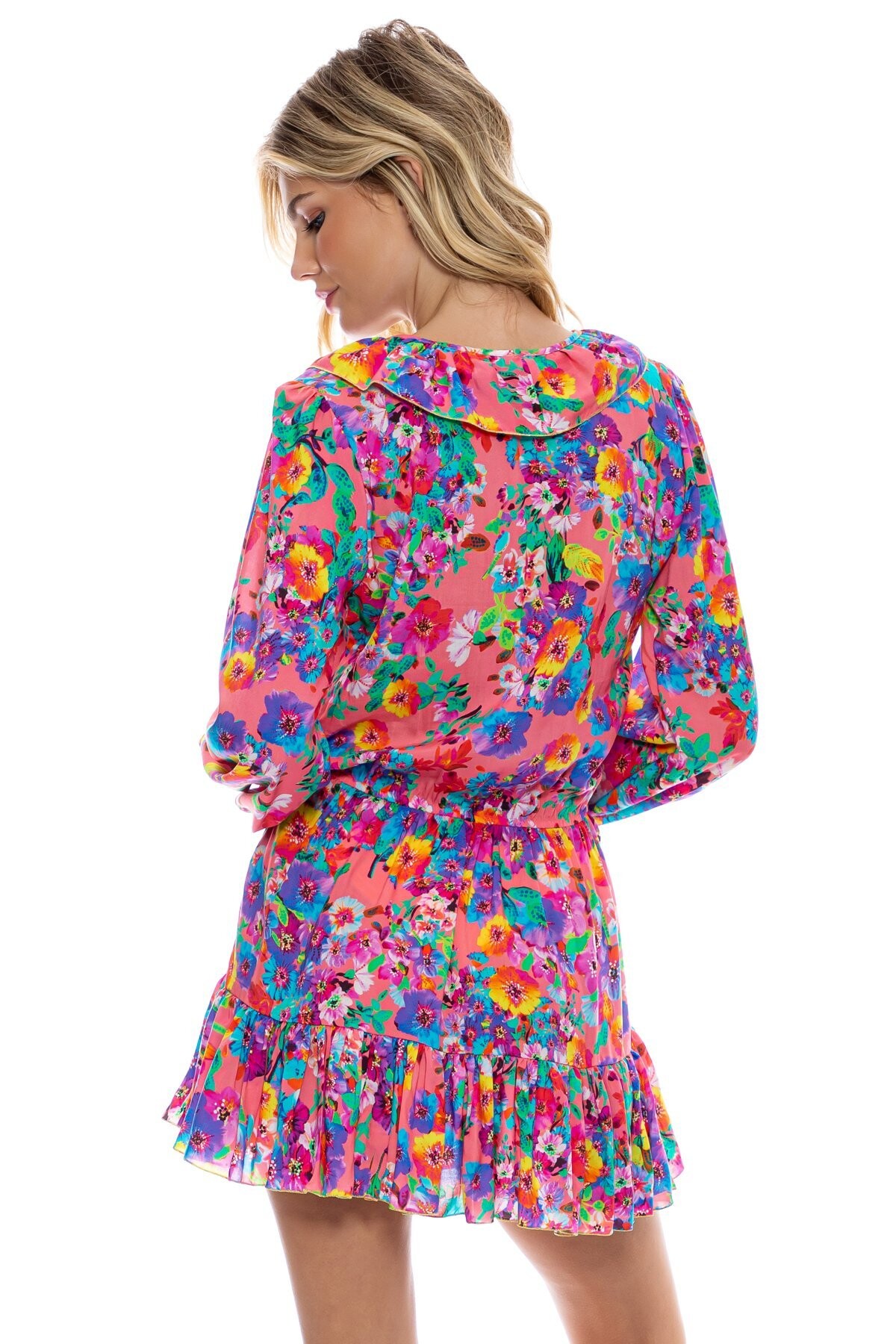
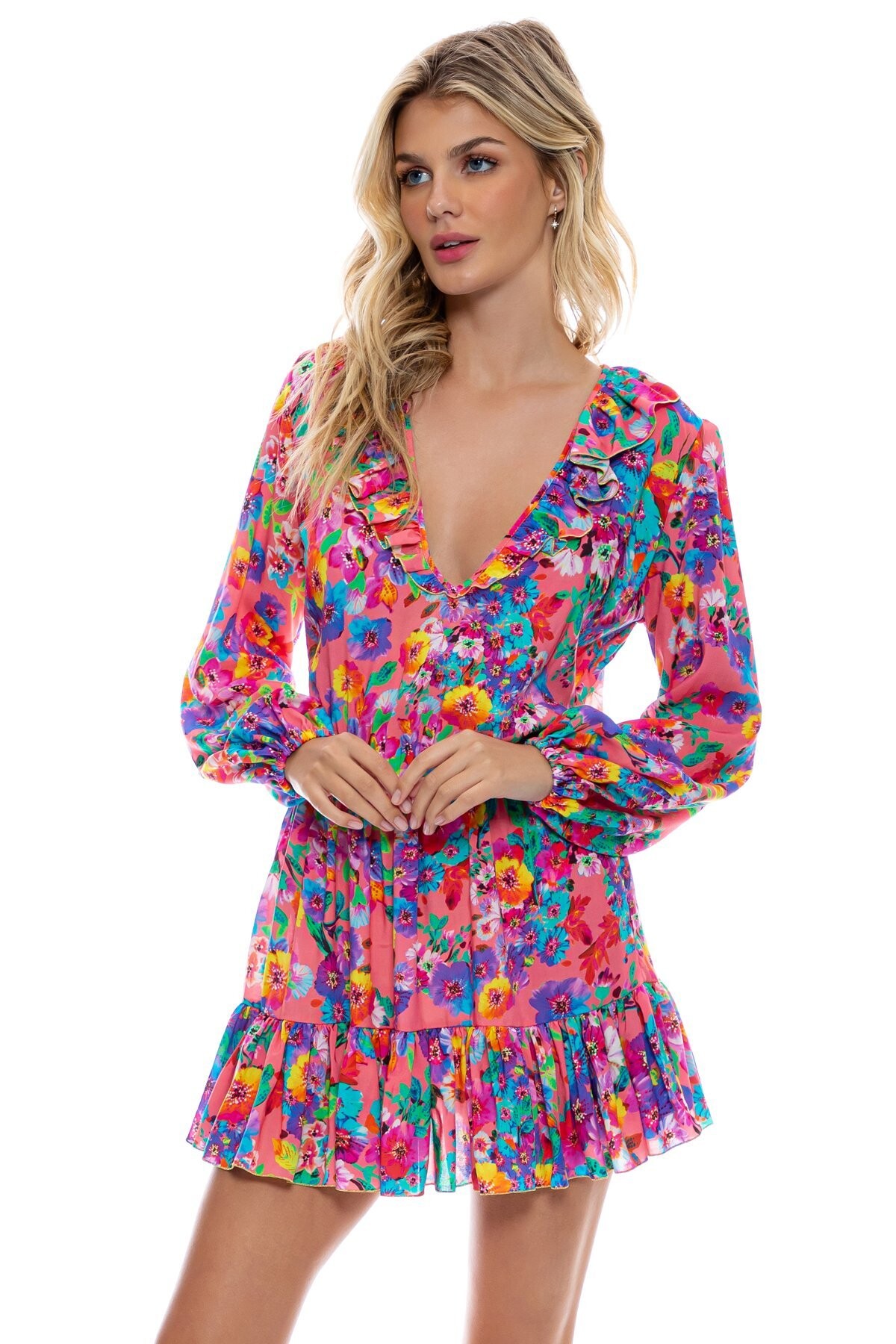
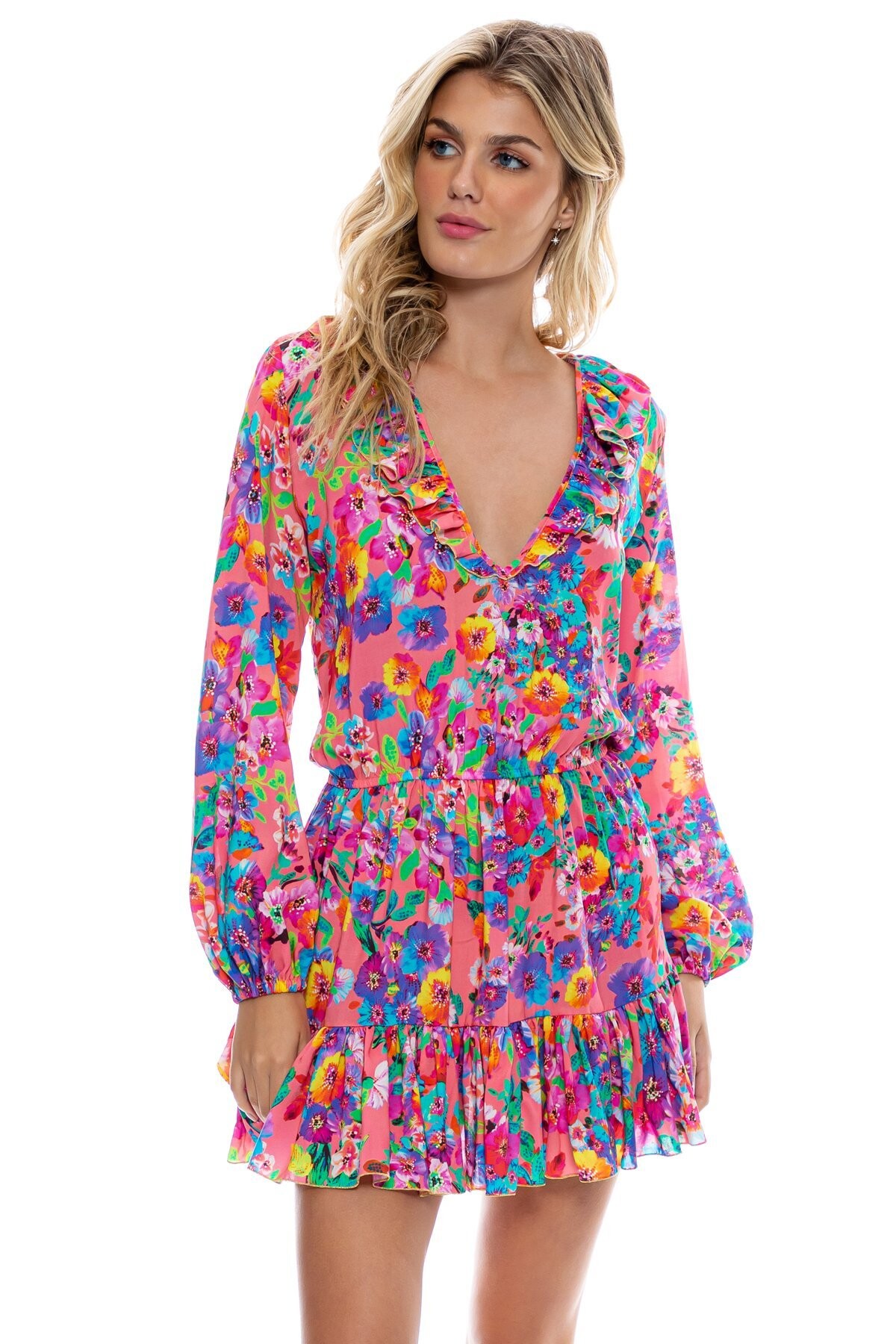

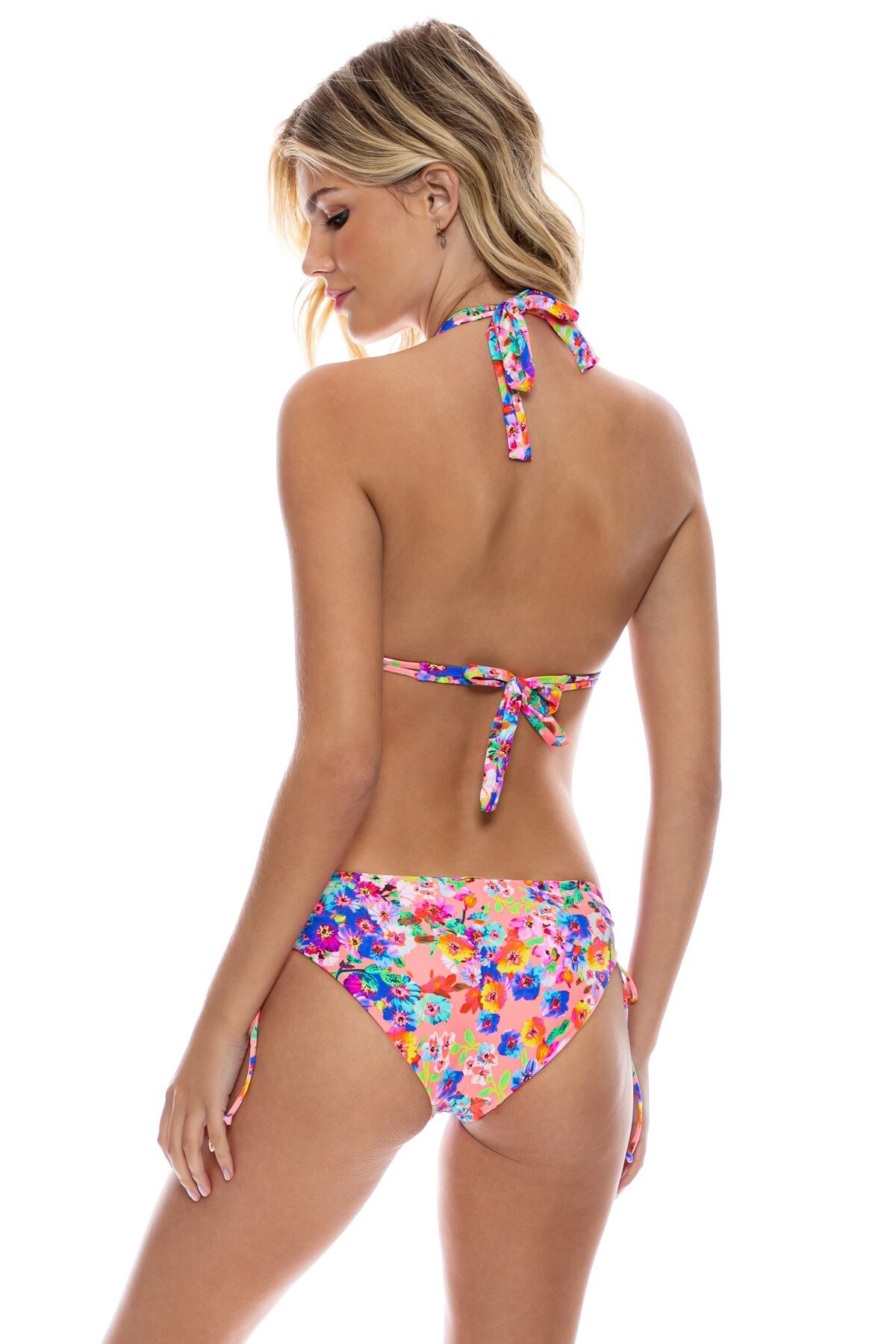






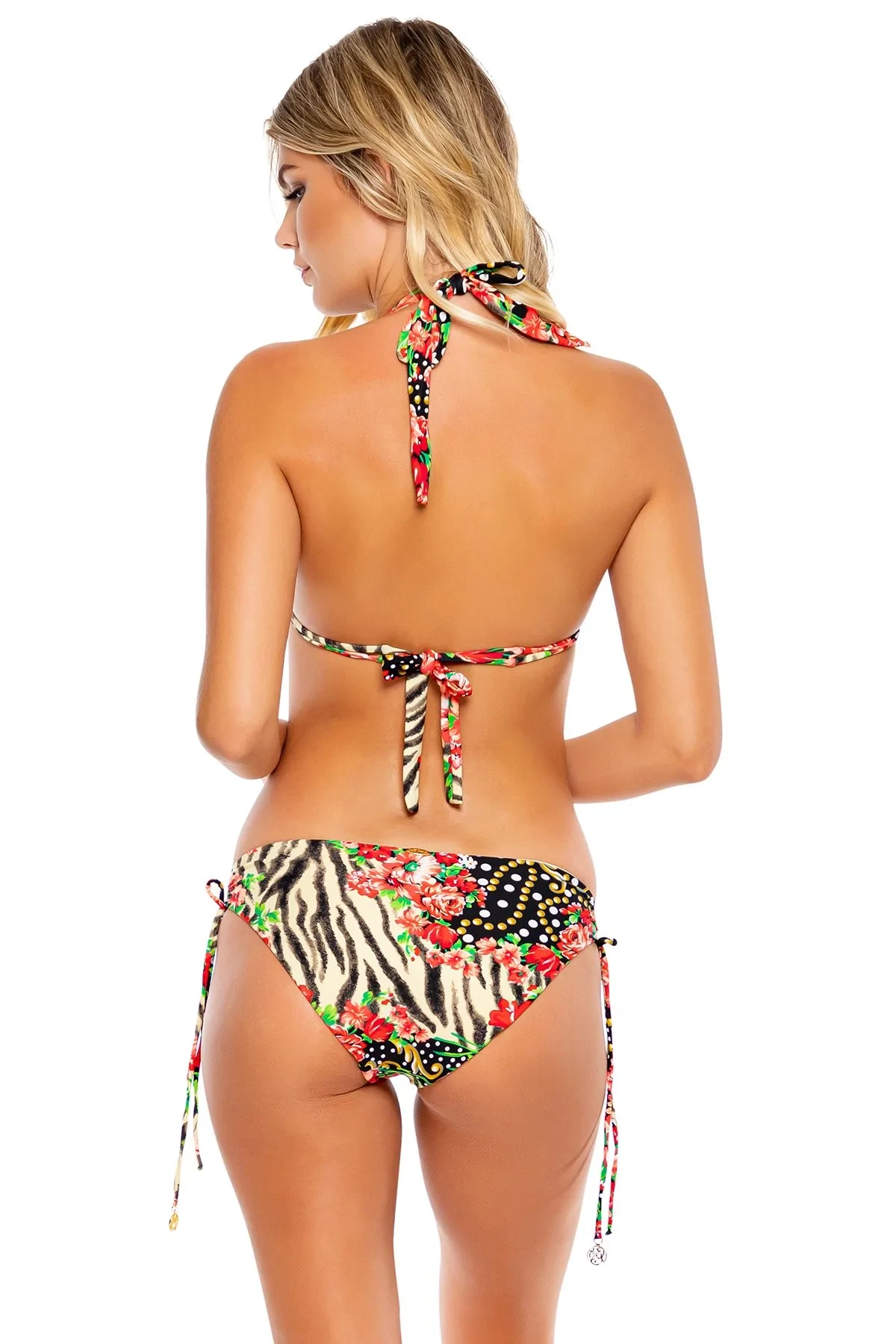

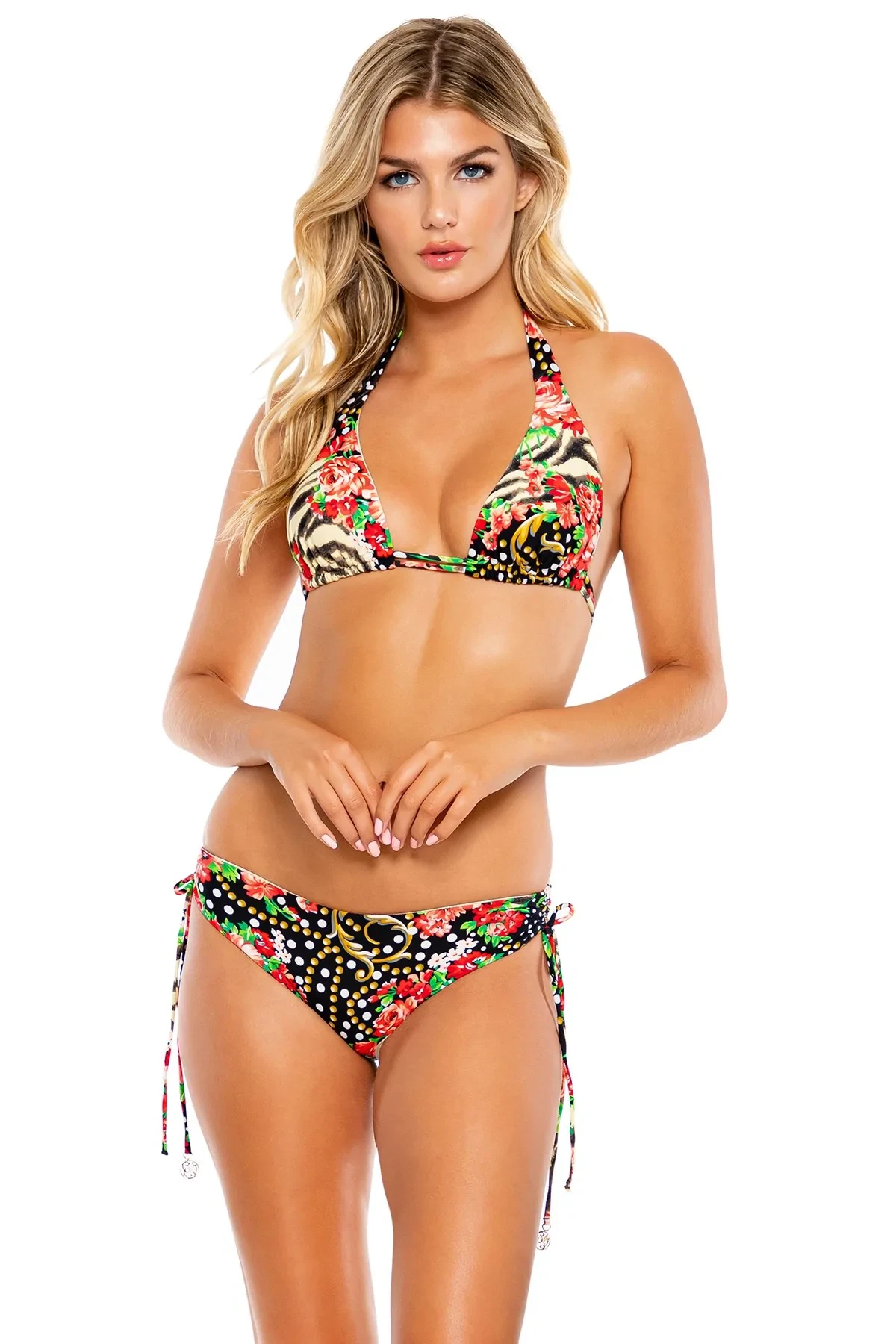
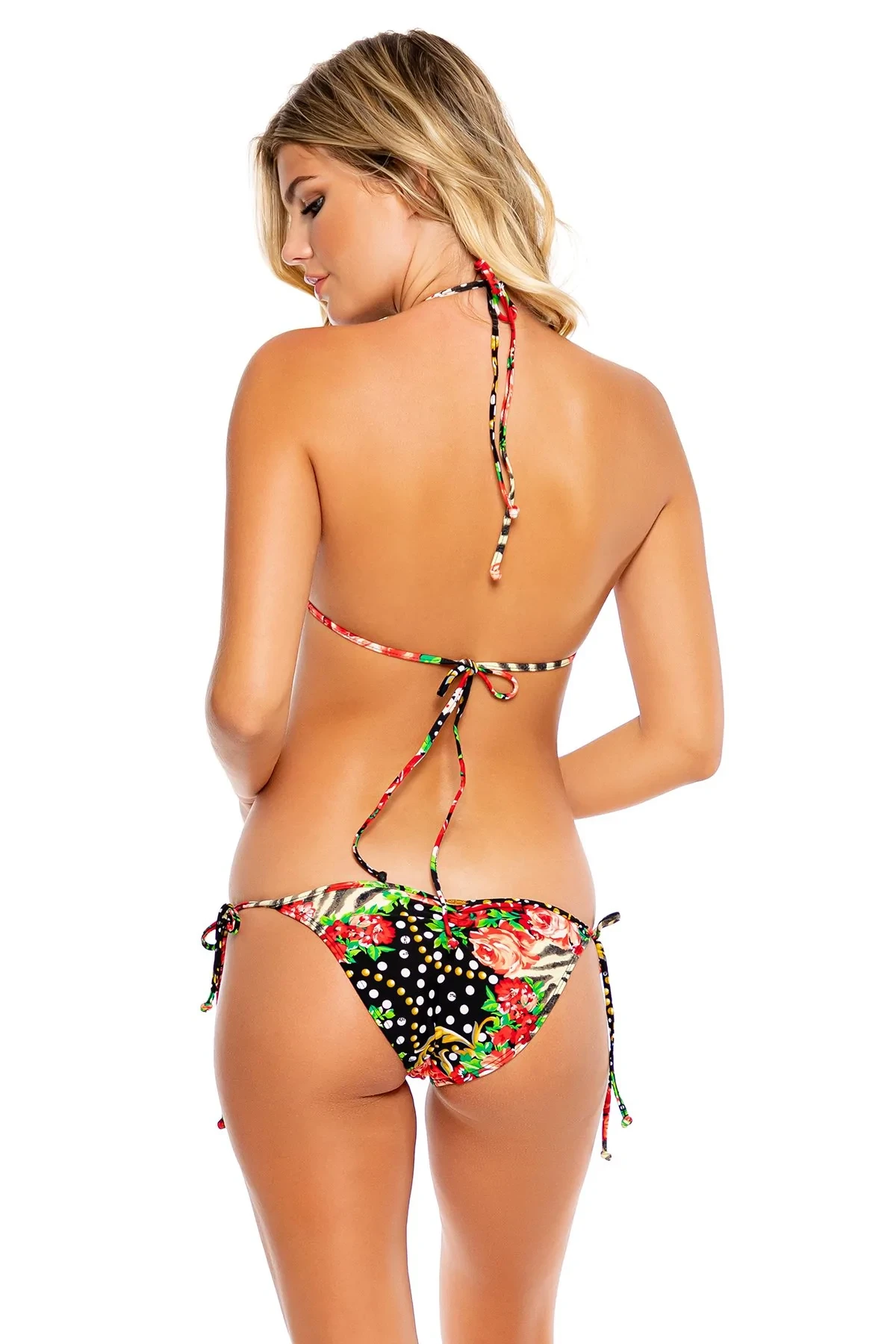
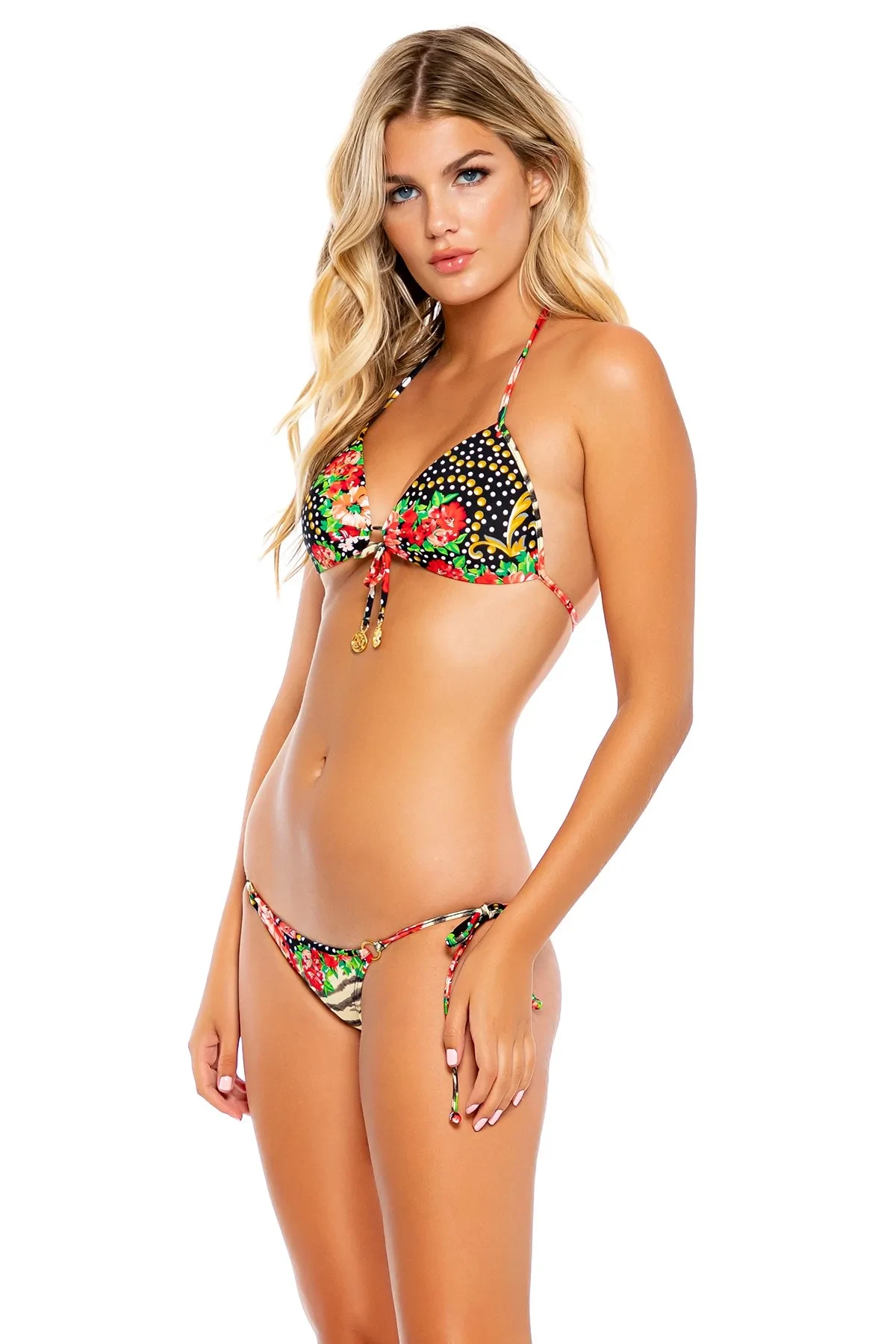








































































Account
Navigation
Search
Configure browser push notifications
Chrome (Android)
- Tap the lock icon next to the address bar.
- Tap Permissions → Notifications.
- Adjust your preference.
Chrome (Desktop)
- Click the padlock icon in the address bar.
- Select Site settings.
- Find Notifications and adjust your preference.
Safari (iOS 16.4+)
- Ensure the site is installed via Add to Home Screen.
- Open Settings App → Notifications.
- Find your app name and adjust your preference.
Safari (macOS)
- Go to Safari → Preferences.
- Click the Websites tab.
- Select Notifications in the sidebar.
- Find this website and adjust your preference.
Edge (Android)
- Tap the lock icon next to the address bar.
- Tap Permissions.
- Find Notifications and adjust your preference.
Edge (Desktop)
- Click the padlock icon in the address bar.
- Click Permissions for this site.
- Find Notifications and adjust your preference.
Firefox (Android)
- Go to Settings → Site permissions.
- Tap Notifications.
- Find this site in the list and adjust your preference.
Firefox (Desktop)
- Open Firefox Settings.
- Search for Notifications.
- Find this site in the list and adjust your preference.