
idlos
Members
-
Joined
-
Last visited
Everything posted by idlos
-
 If so, then I don't know why it's not in the "female models" subforum.
 -
I was also surprised that she was no longer in the models section, but I understand that the requirement for her to be in that section is that she must be represented by an agency and work professionally in modeling. I know that in the end that is sometimes subjective, but I understand that Stephanie does not model for any agency or represent any brand.
-
-
Does anyone know anything about her? For a long time she was one of my favorite models.
-
-
She's Perfect! 😍
-
-
-
-
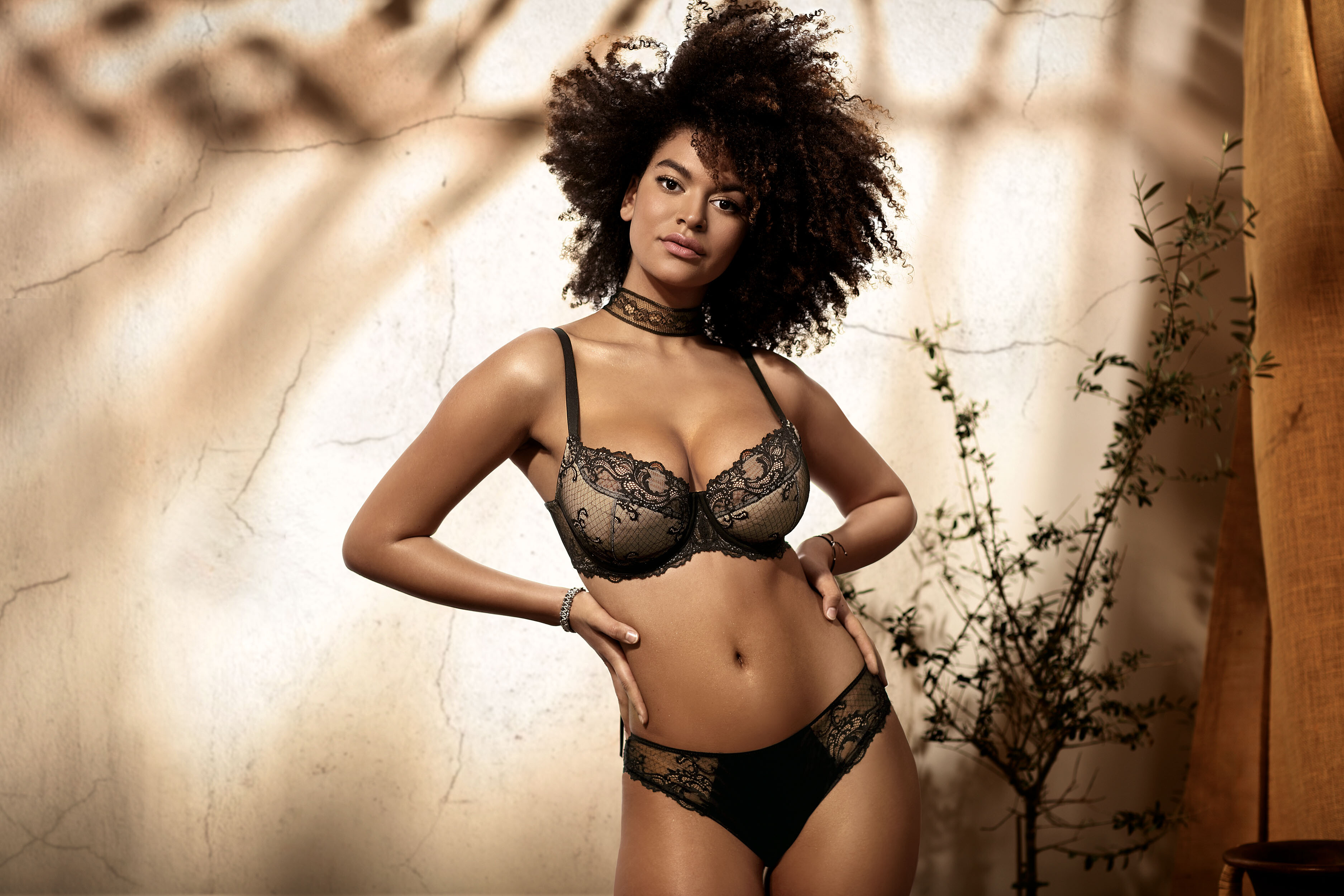
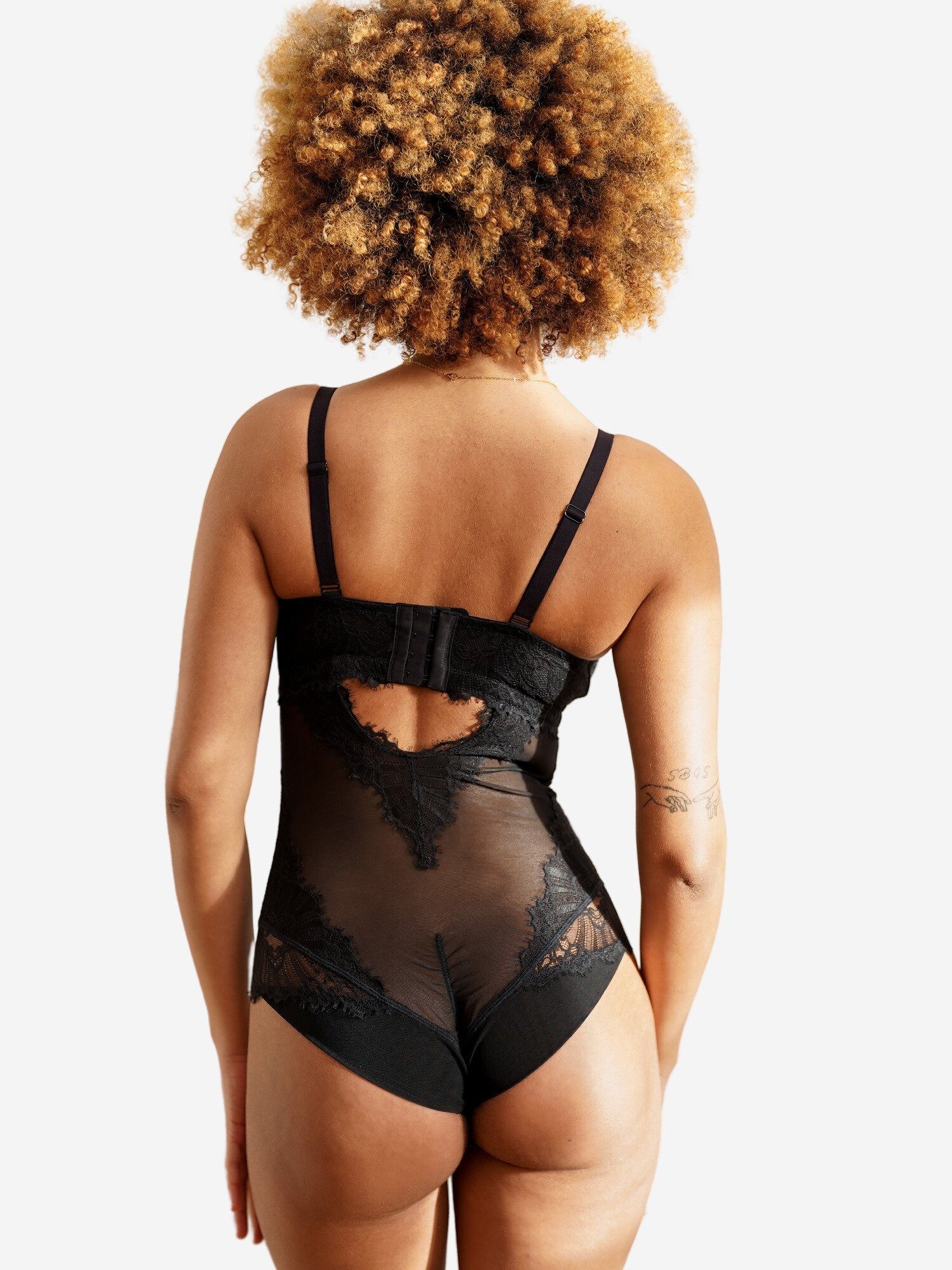
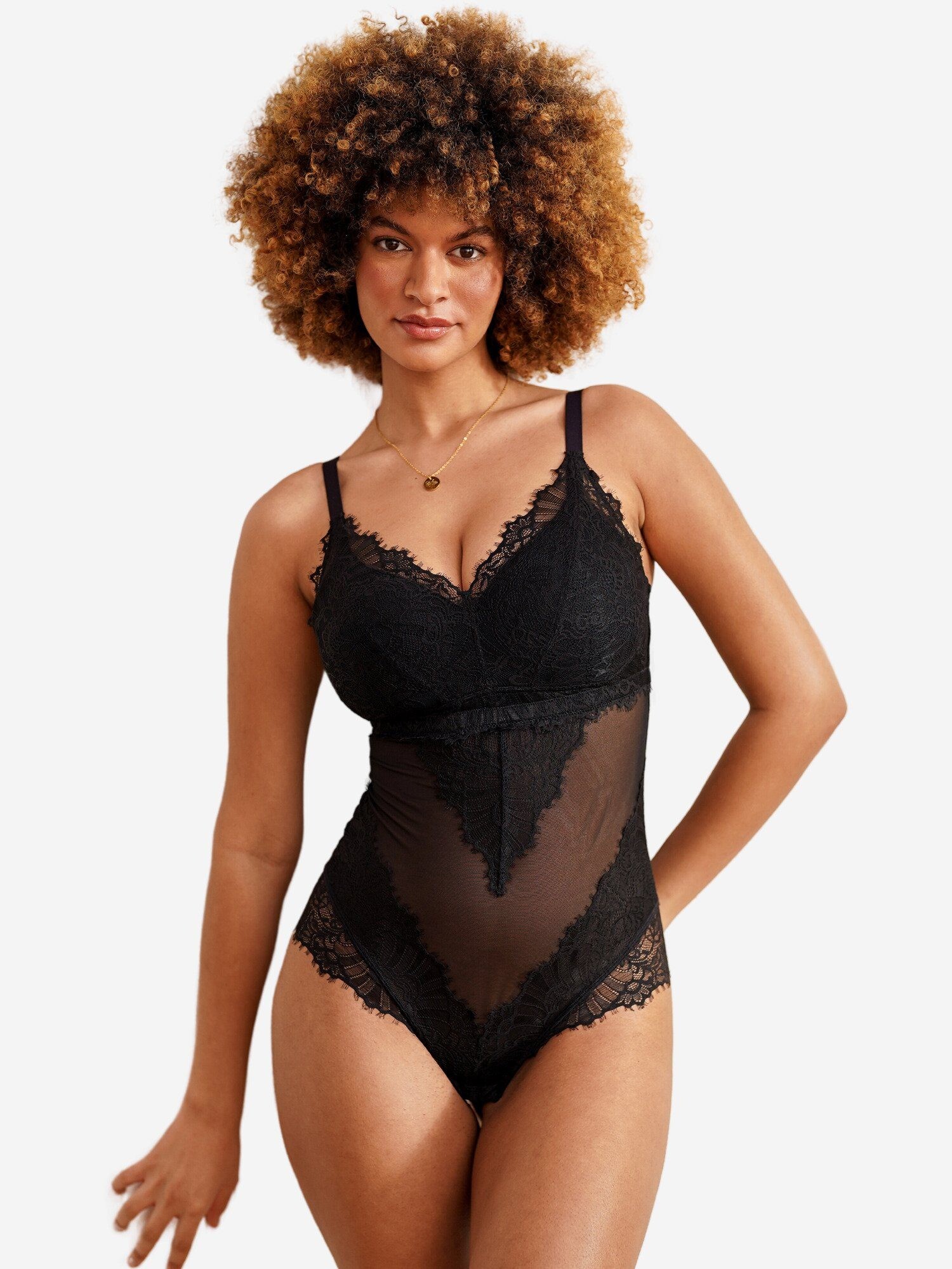
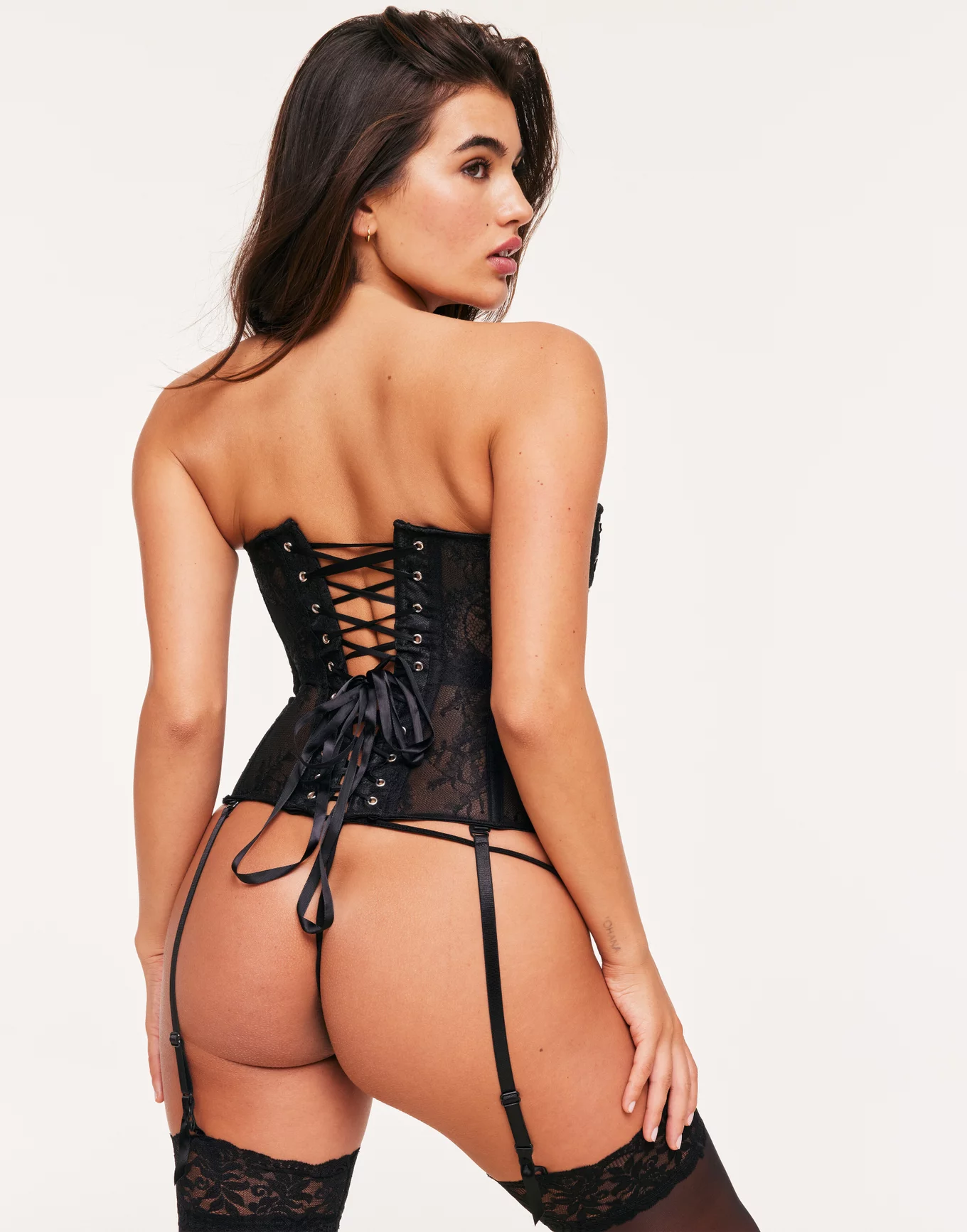
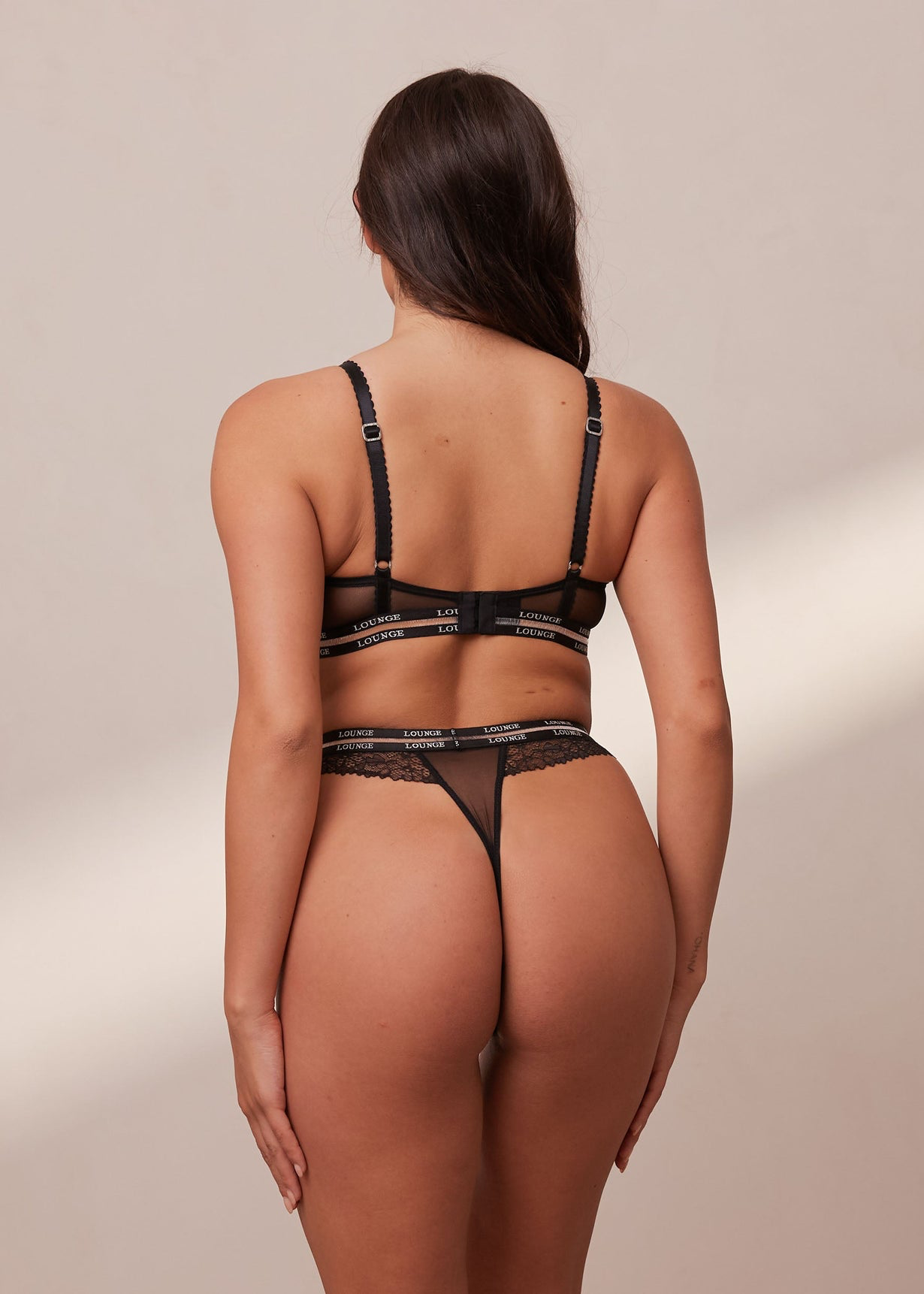
I don't know if it's perfect, but it's certainly very attractive and she knows how to show it off. Maybe it lacks a little shape, but without a doubt, as the other friend mentions, it has a fat ass, with cheeky buttocks, which makes it very pleasant to look at, especially when he wears a tiny thong.
-
-
As far as I know it does not yet have more explicit content, but I think it is preparing the ground for it.
-
It's a shame that the thread was removed, a stupid decision on their part, since as they commented before, forums like this can serve as promotion for their most exclusive content, obviously if what is published is controlled here. On the other hand, fighting with the "internet" is somewhat naive, since there will always be some forum or page where its content can be filtered, it is just a matter of knowing how to search.
-
-
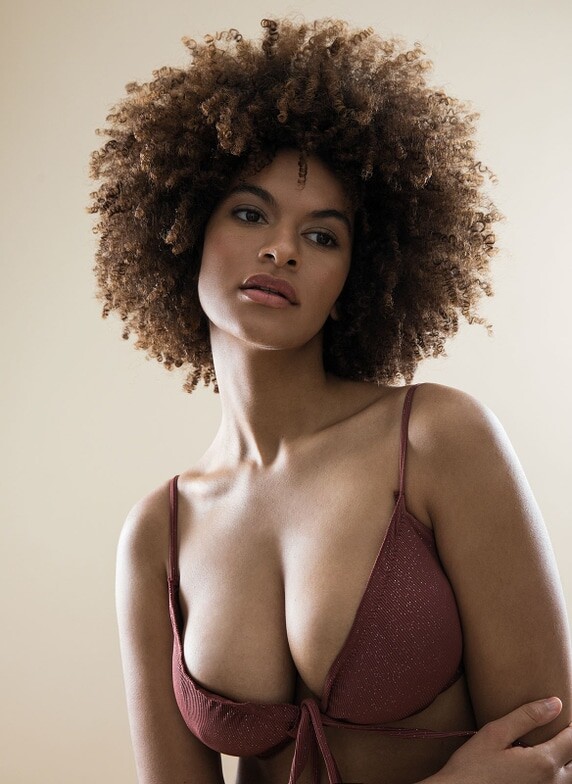
Beautiful big boobs! 🏀🏀
-
-
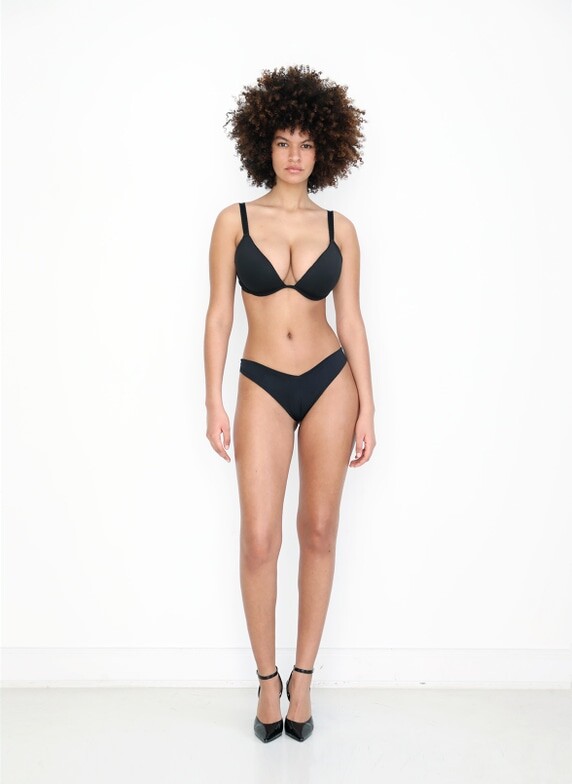
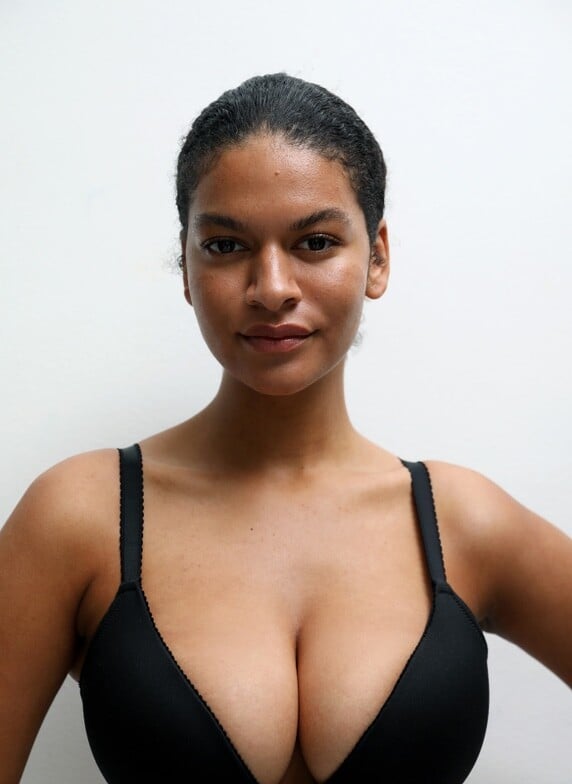
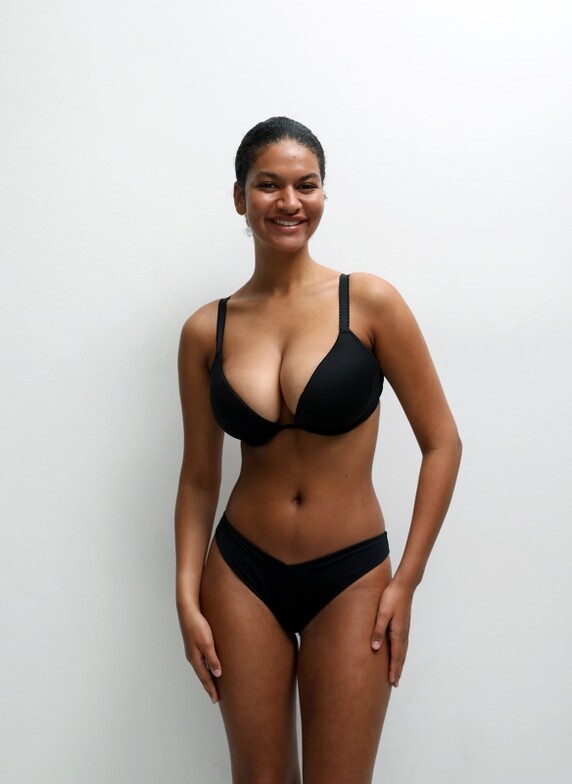
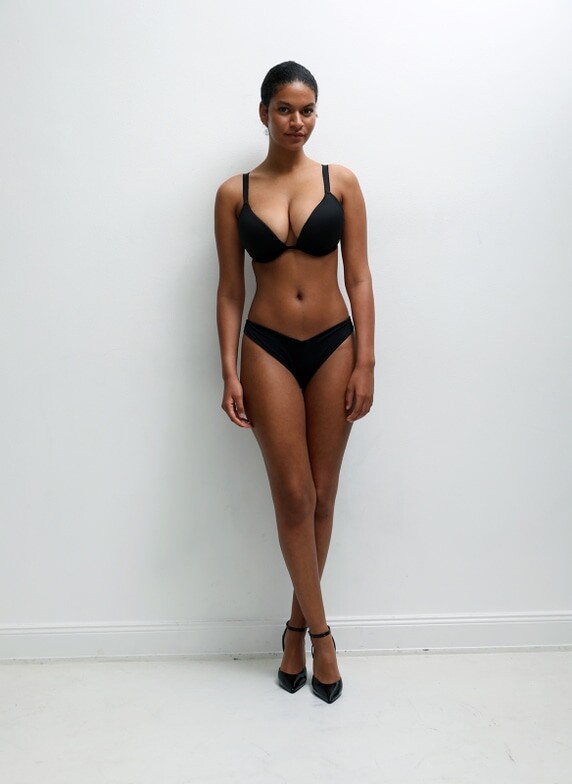
Their face and hair are very similar, but the body is definitely not the same.
I'm in love 😍 . How much sensuality there is in this woman.
I'm not a big fan of Asian women, but I must admit that I find her very beautiful and sexy.


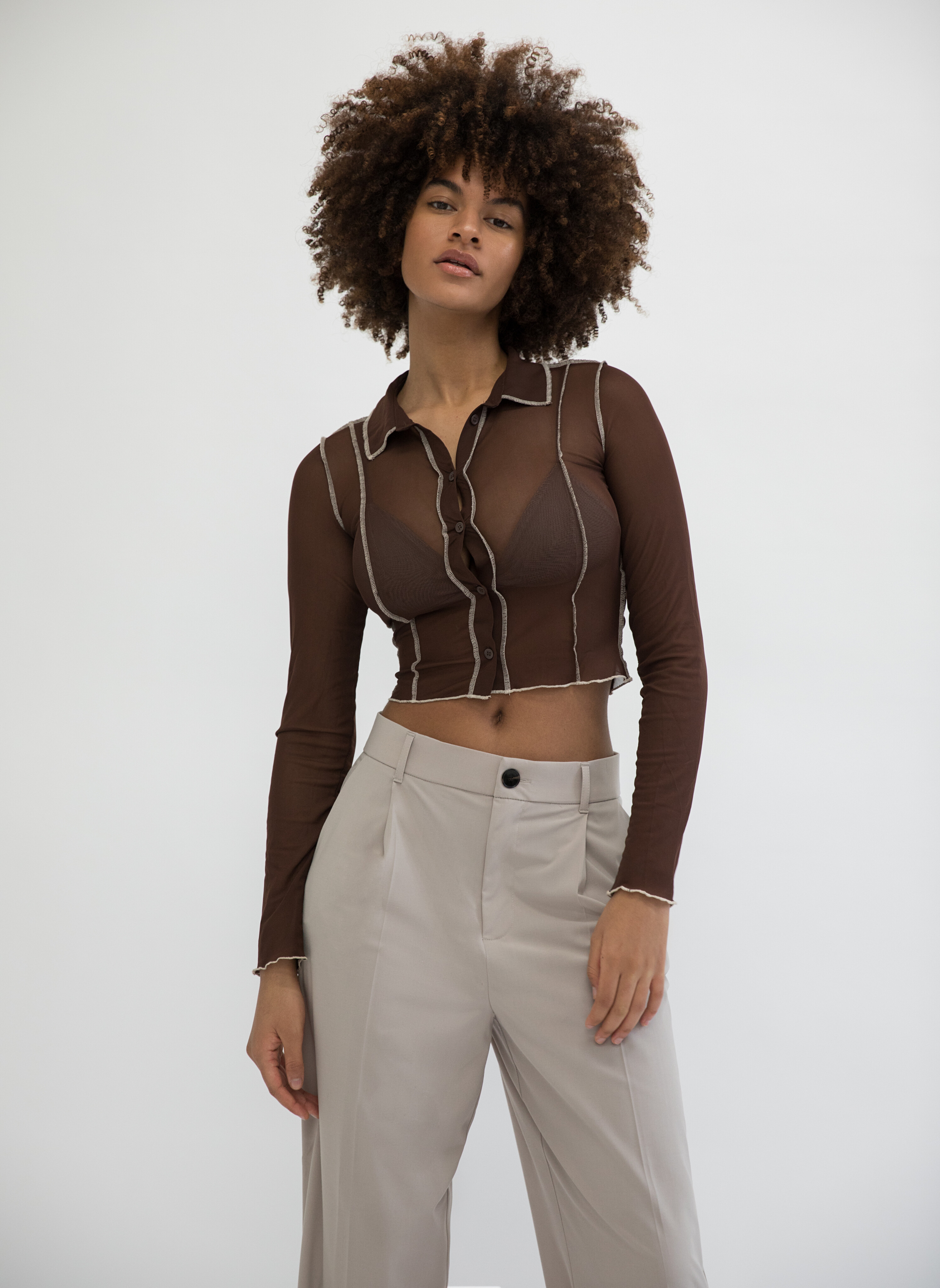
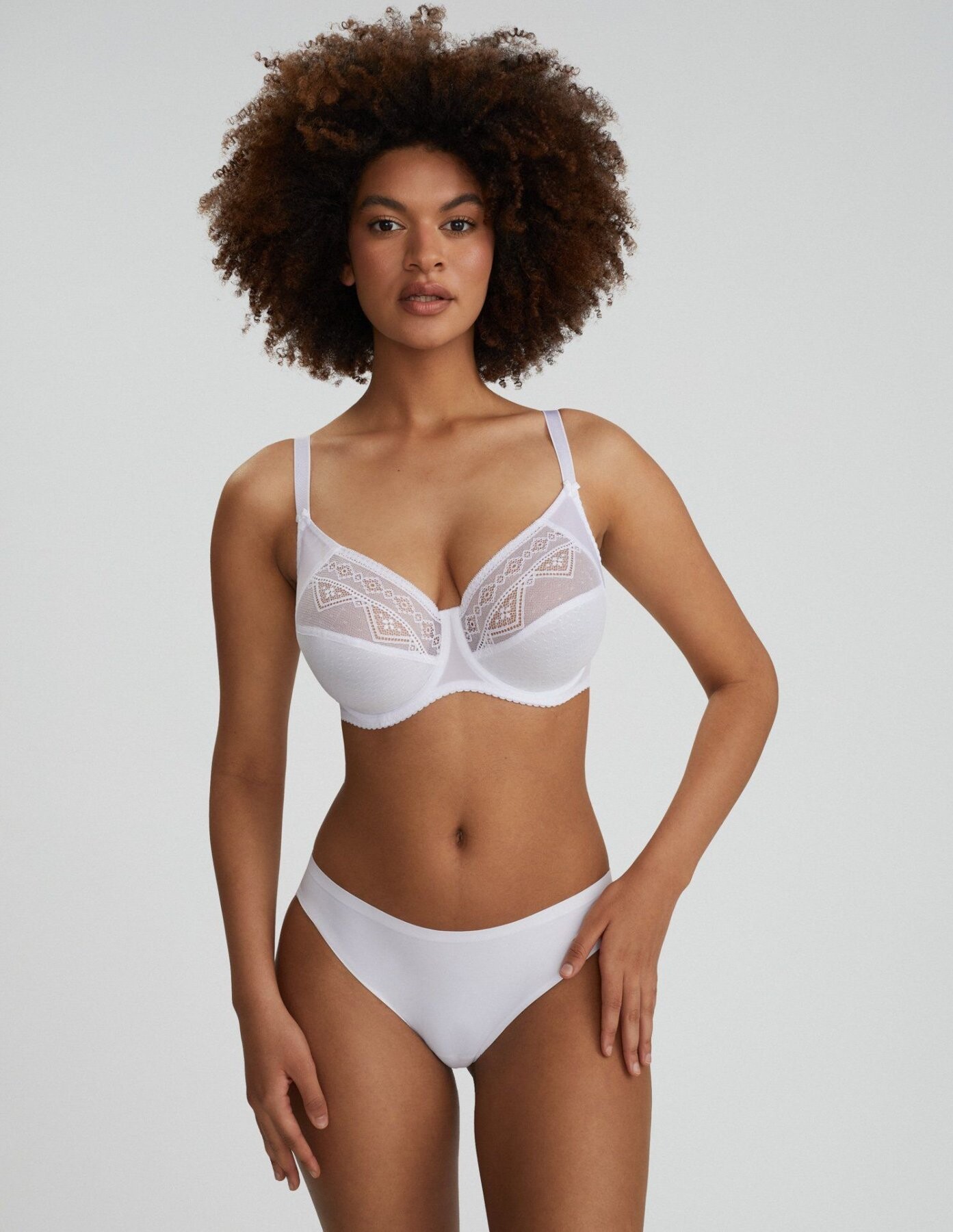
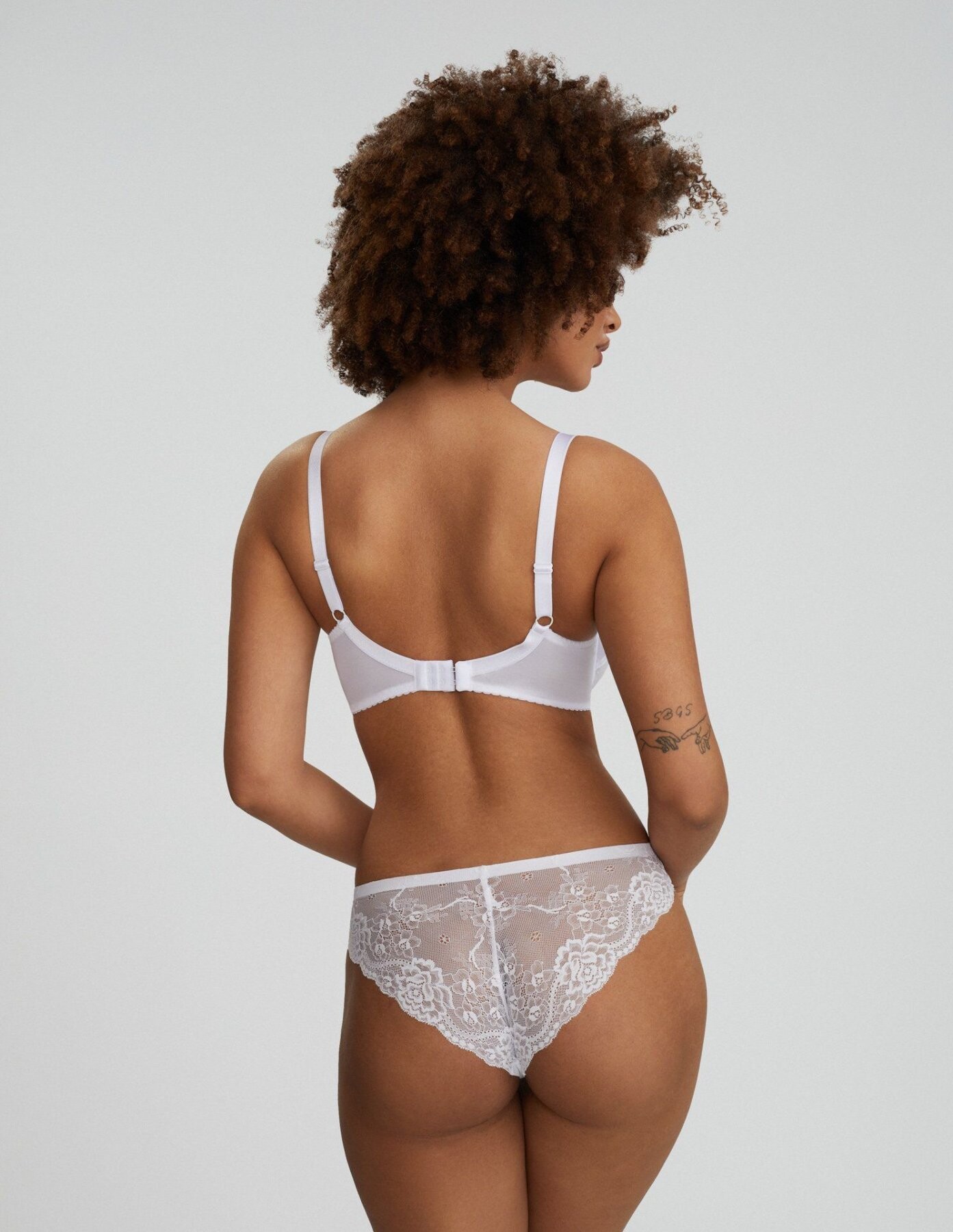
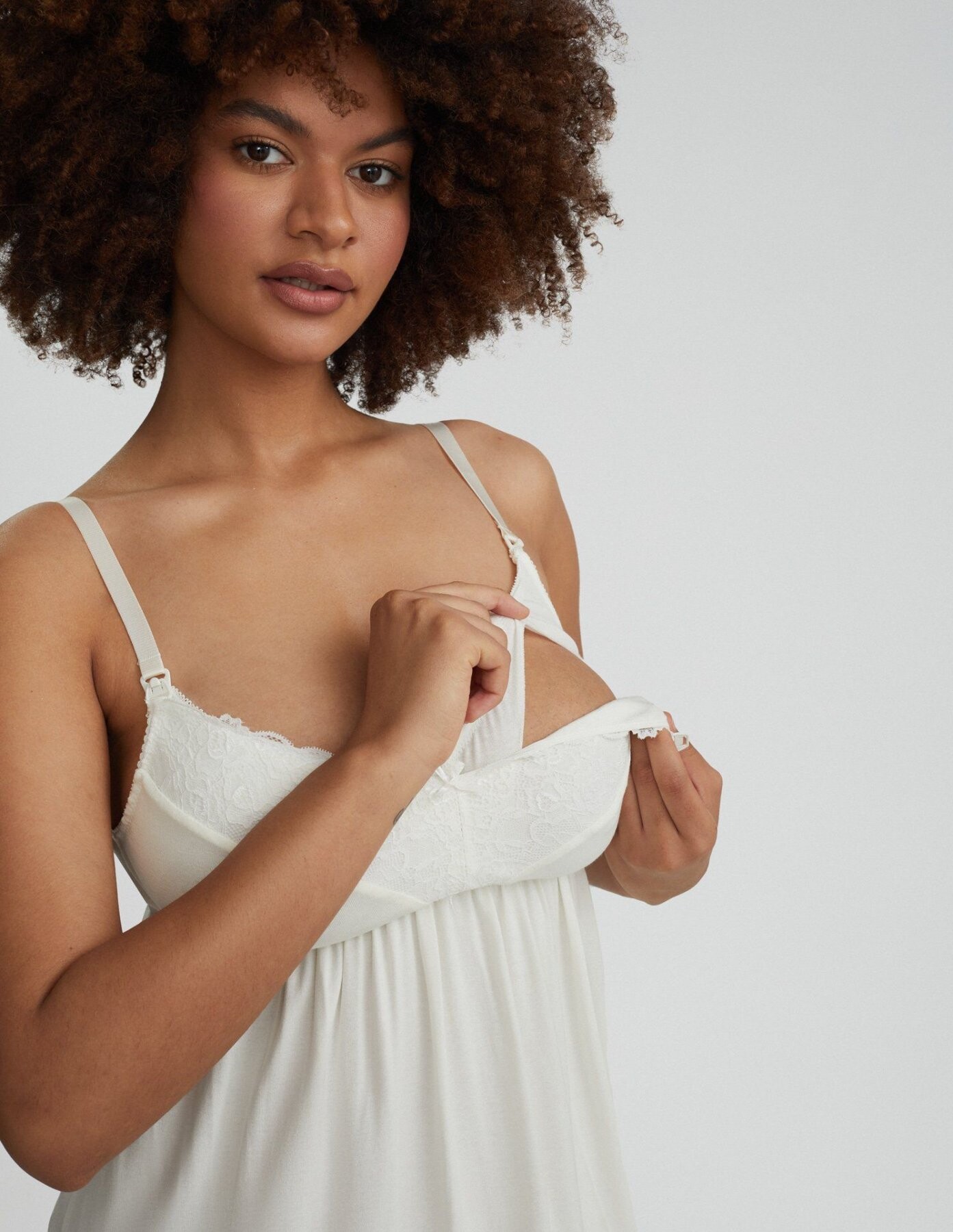



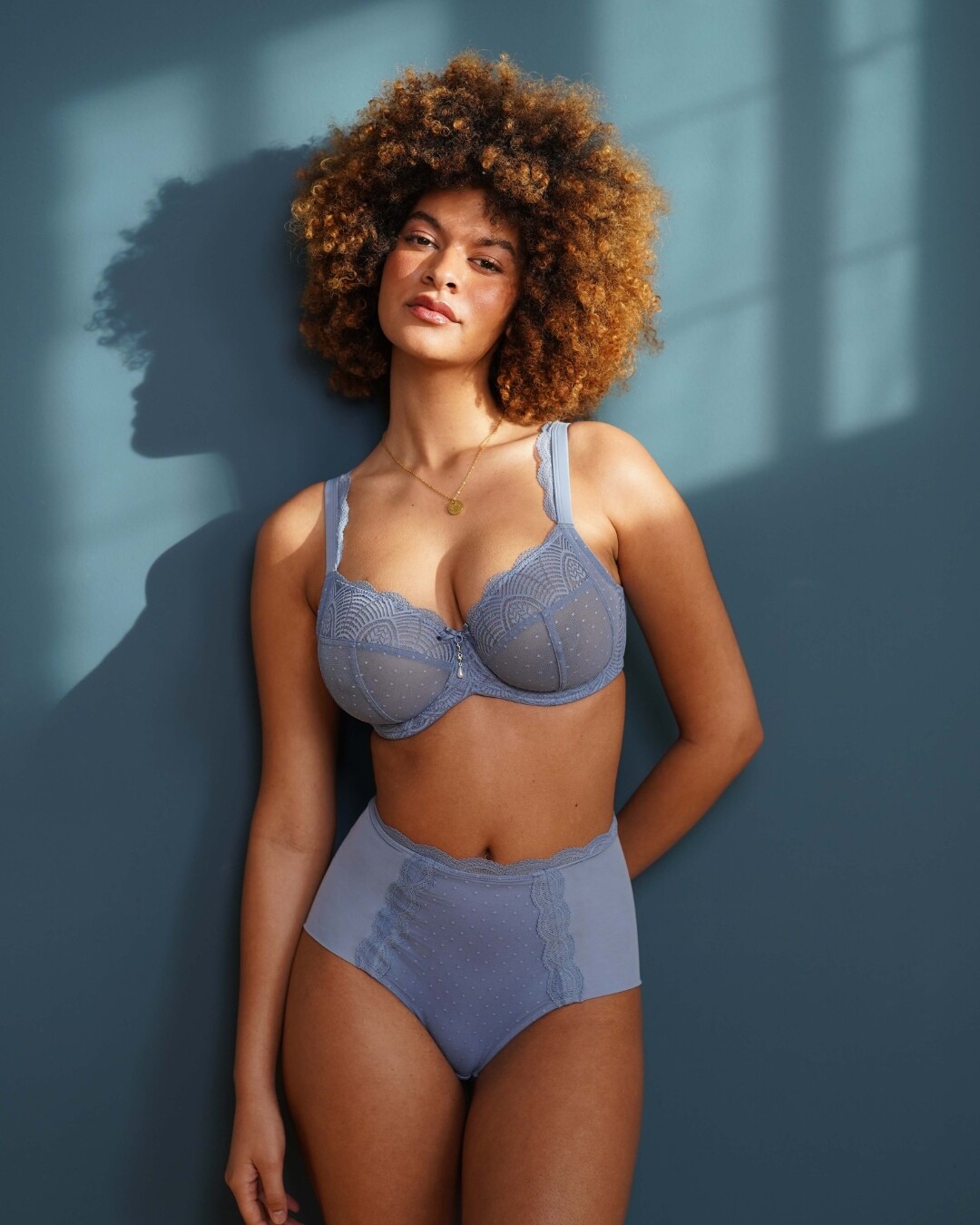

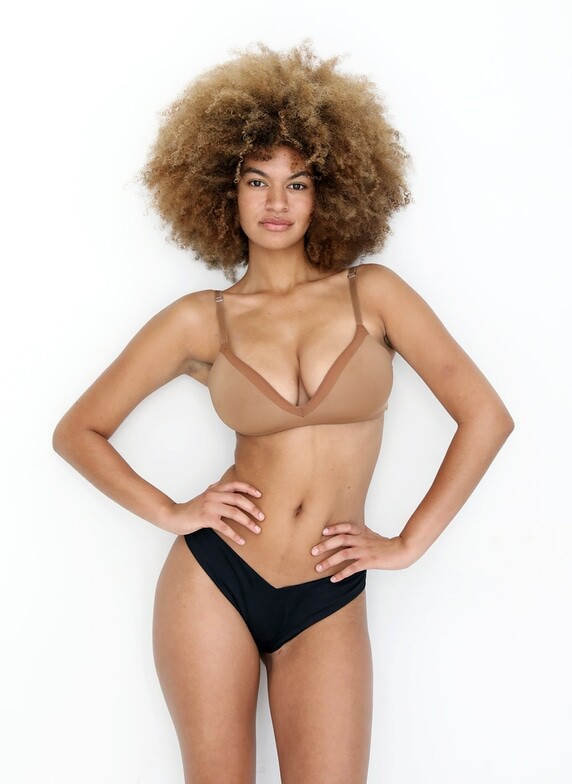
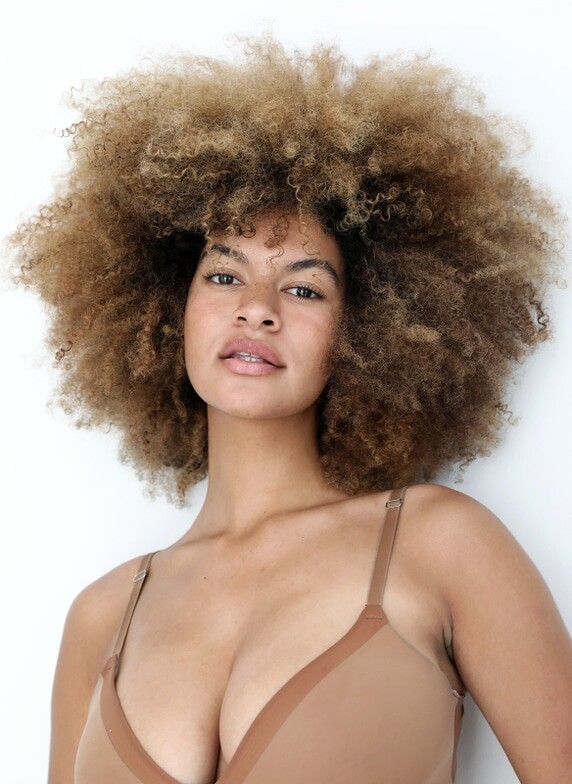
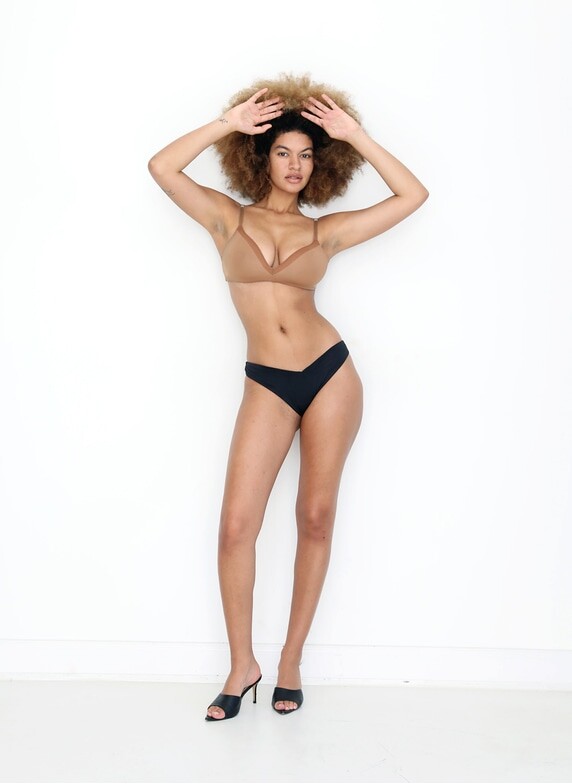
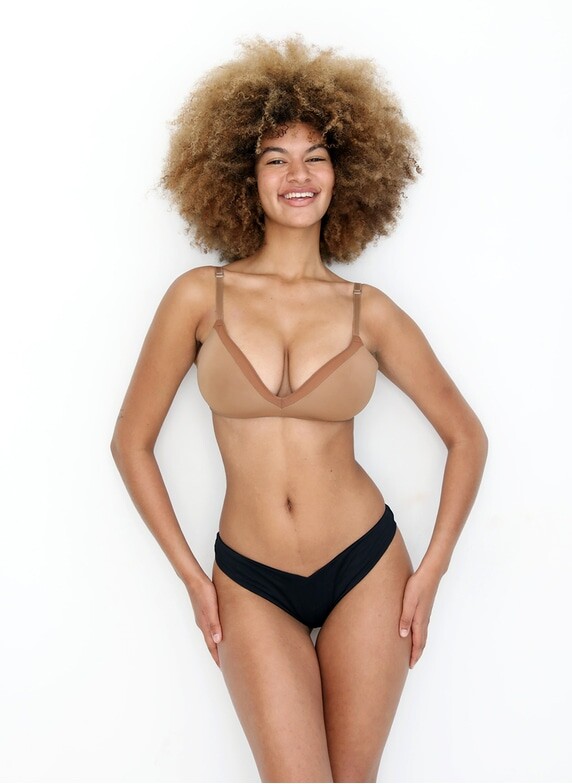
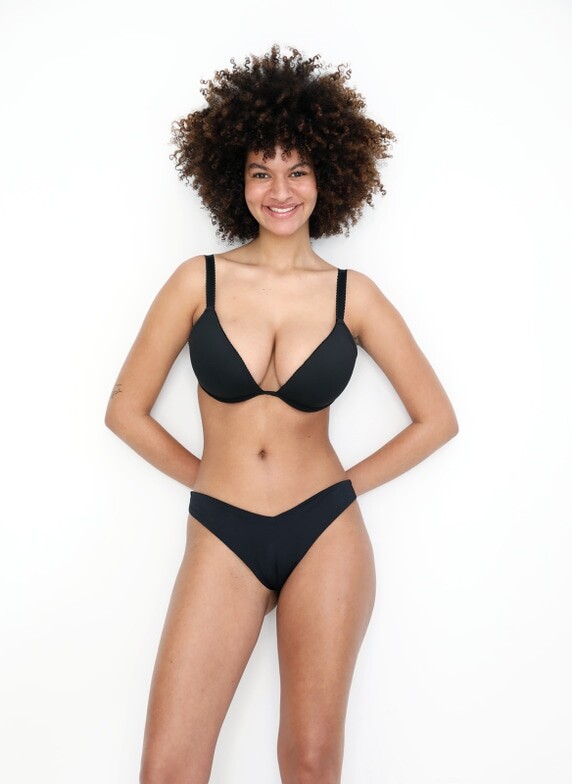
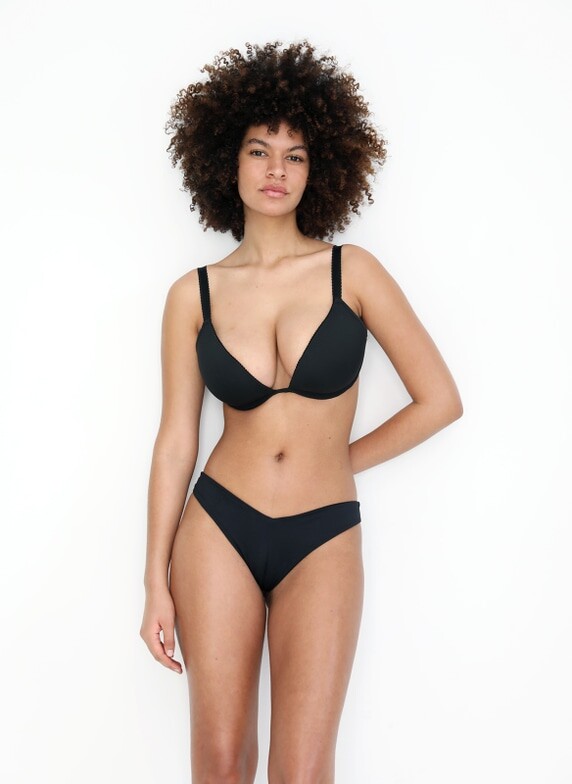
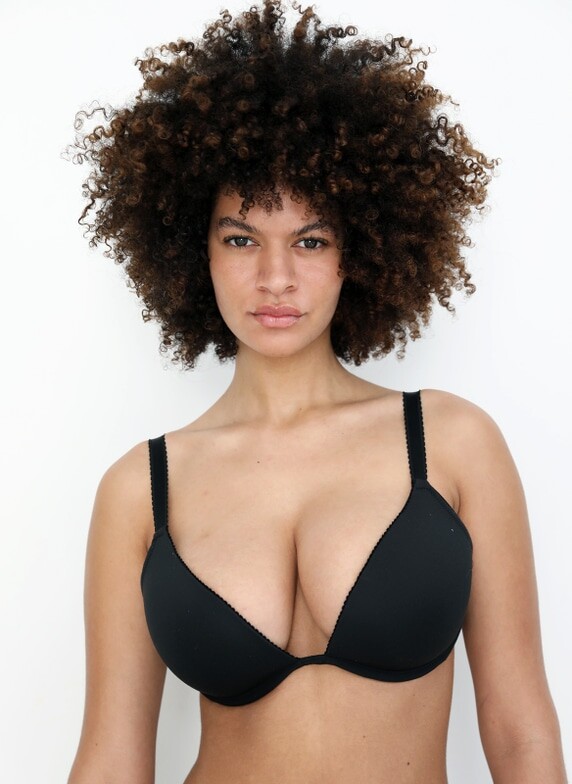
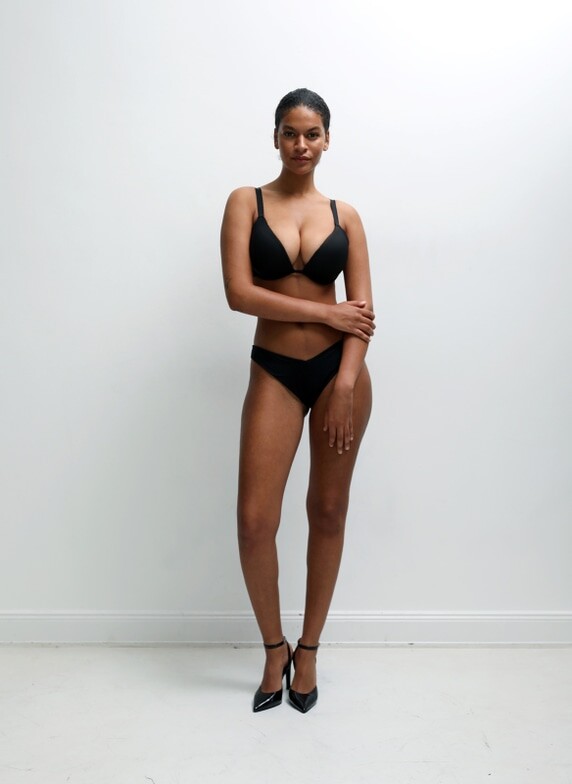
.jpg.980020cd13183aa28447b35bfc490408.jpg)
.jpg.a02e492b424be577ad2a39abd27ea1a4.jpg)

.jpg.e7f03f5b5de7d366613ffffd6e1db1c5.jpg)
.jpg.e8e696323fa0fe968a812e951f15baa5.jpg)

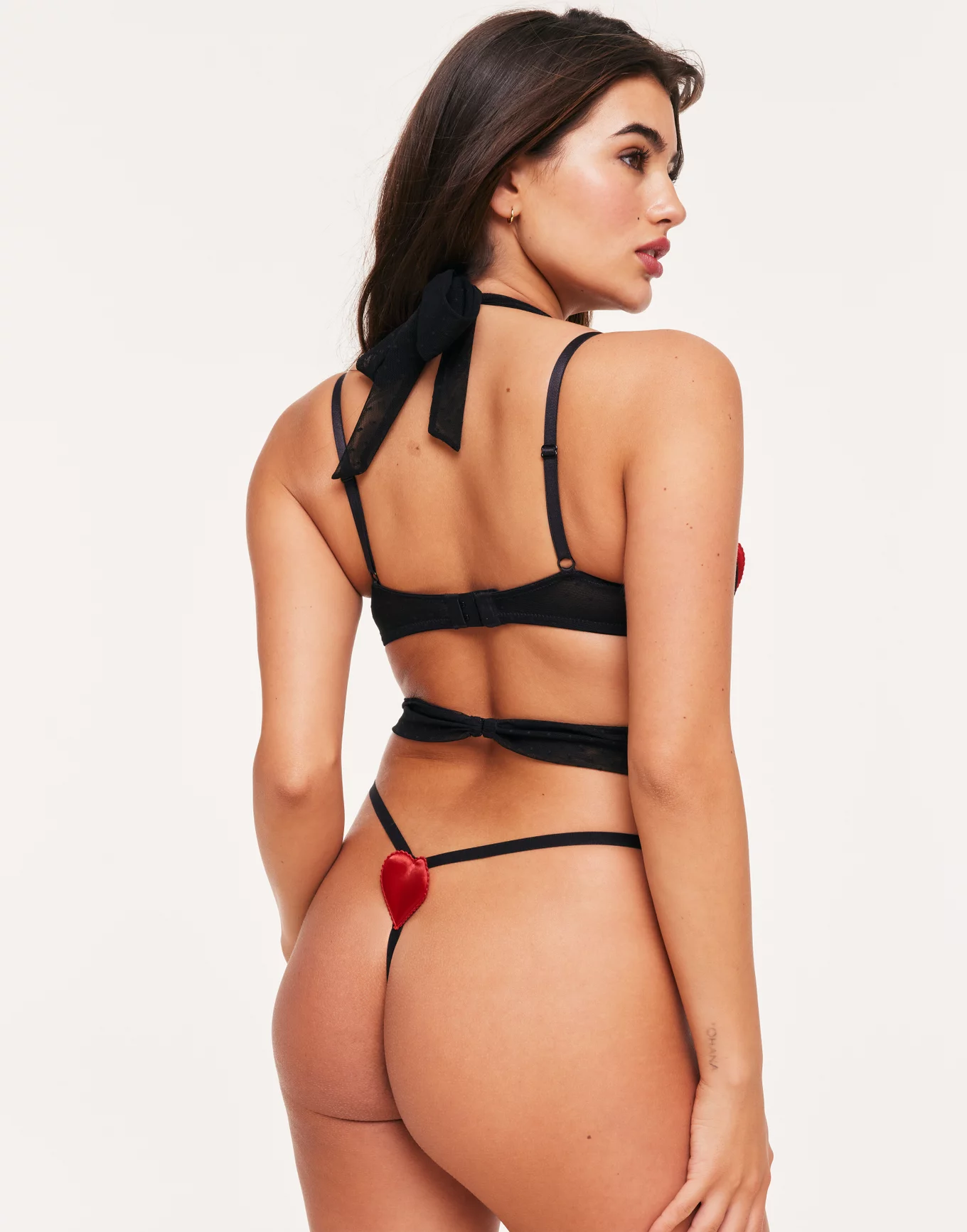
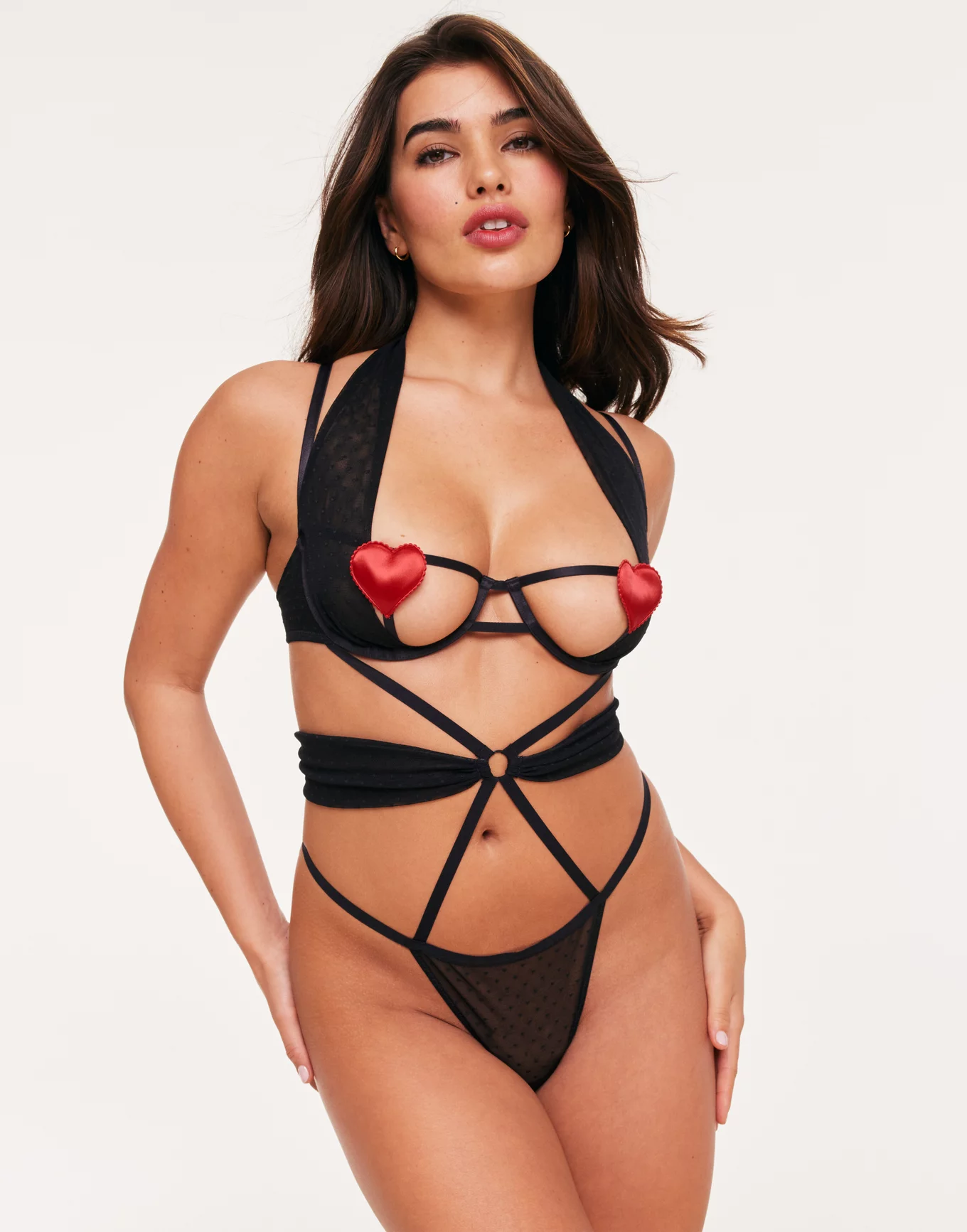
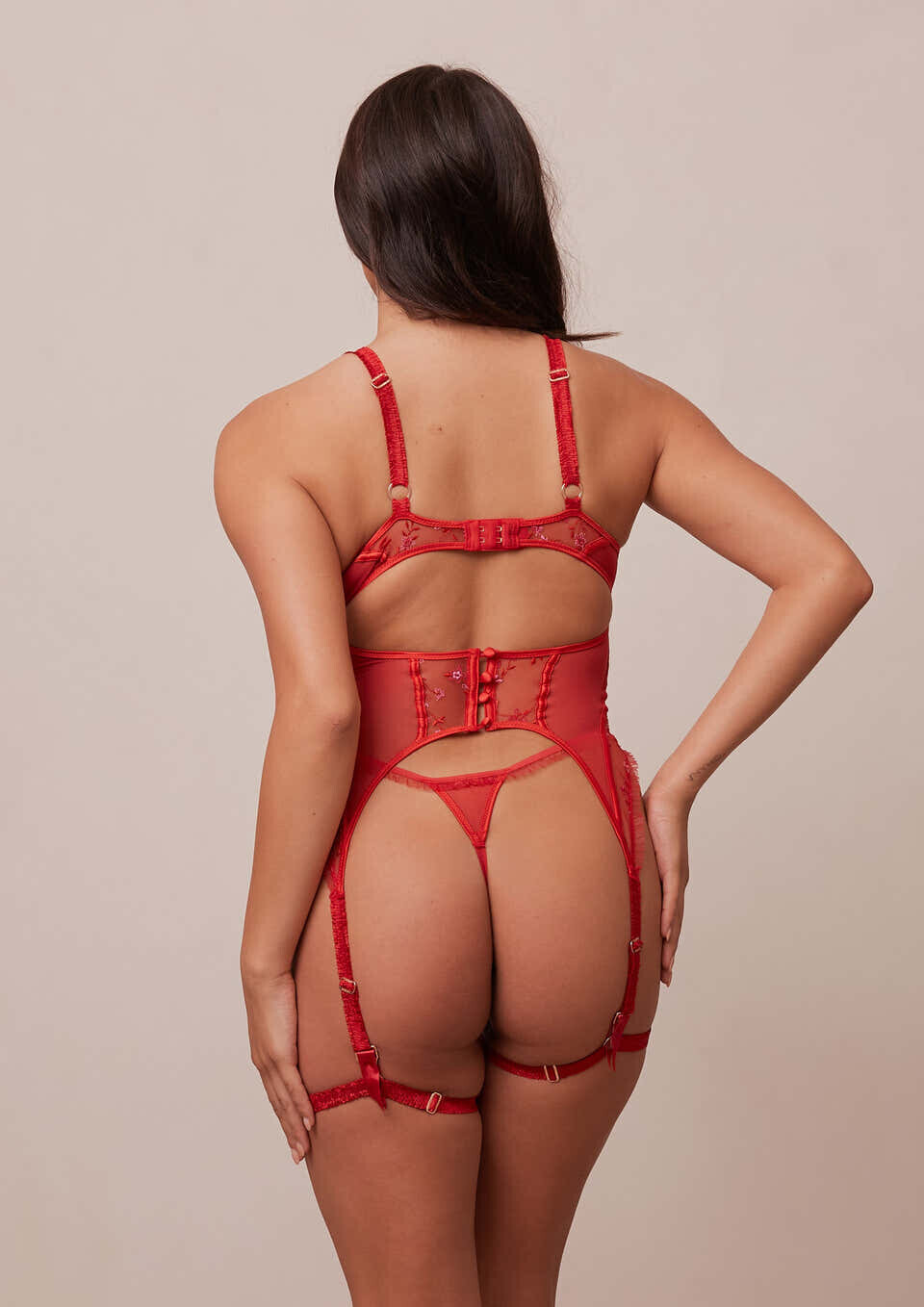
Account
Search
Configure browser push notifications
Chrome (Android)
- Tap the lock icon next to the address bar.
- Tap Permissions → Notifications.
- Adjust your preference.
Chrome (Desktop)
- Click the padlock icon in the address bar.
- Select Site settings.
- Find Notifications and adjust your preference.
Safari (iOS 16.4+)
- Ensure the site is installed via Add to Home Screen.
- Open Settings App → Notifications.
- Find your app name and adjust your preference.
Safari (macOS)
- Go to Safari → Preferences.
- Click the Websites tab.
- Select Notifications in the sidebar.
- Find this website and adjust your preference.
Edge (Android)
- Tap the lock icon next to the address bar.
- Tap Permissions.
- Find Notifications and adjust your preference.
Edge (Desktop)
- Click the padlock icon in the address bar.
- Click Permissions for this site.
- Find Notifications and adjust your preference.
Firefox (Android)
- Go to Settings → Site permissions.
- Tap Notifications.
- Find this site in the list and adjust your preference.
Firefox (Desktop)
- Open Firefox Settings.
- Search for Notifications.
- Find this site in the list and adjust your preference.