

Everything posted by Matt!
-
 Came across this on the bird app. Hella creepy, but also kinda cool.
Moved up 3 spots during a BYE week.
DRAKE MAYE
I support this initiative.
Drake Maye football is better
Those are really cool as well! This one is sick. Dark Horse DirectDOOM: The Dark Ages - Doom Slayer PVC FigurePre-Order Now! A specter of doom from realms unknown, the Outlander stalks Argent D'Nur's battlefields with a fury that silences all who witness it. Though strange to Sentinel eyes, they recognized in
Cameron Clark: Face: 2 Body: 2 Fandom: 2 Maja Elmstrom: Face: 5 Body: 4 Fandom: 8 Aneeqa Farid: Face: 2 Body: 3 Fandom: 0 Mishka Silva: Face: 1 Body: 1 Fandom: 0
Happy Drake Maye day!
Came across this on the bird app. Hella creepy, but also kinda cool.
Moved up 3 spots during a BYE week.
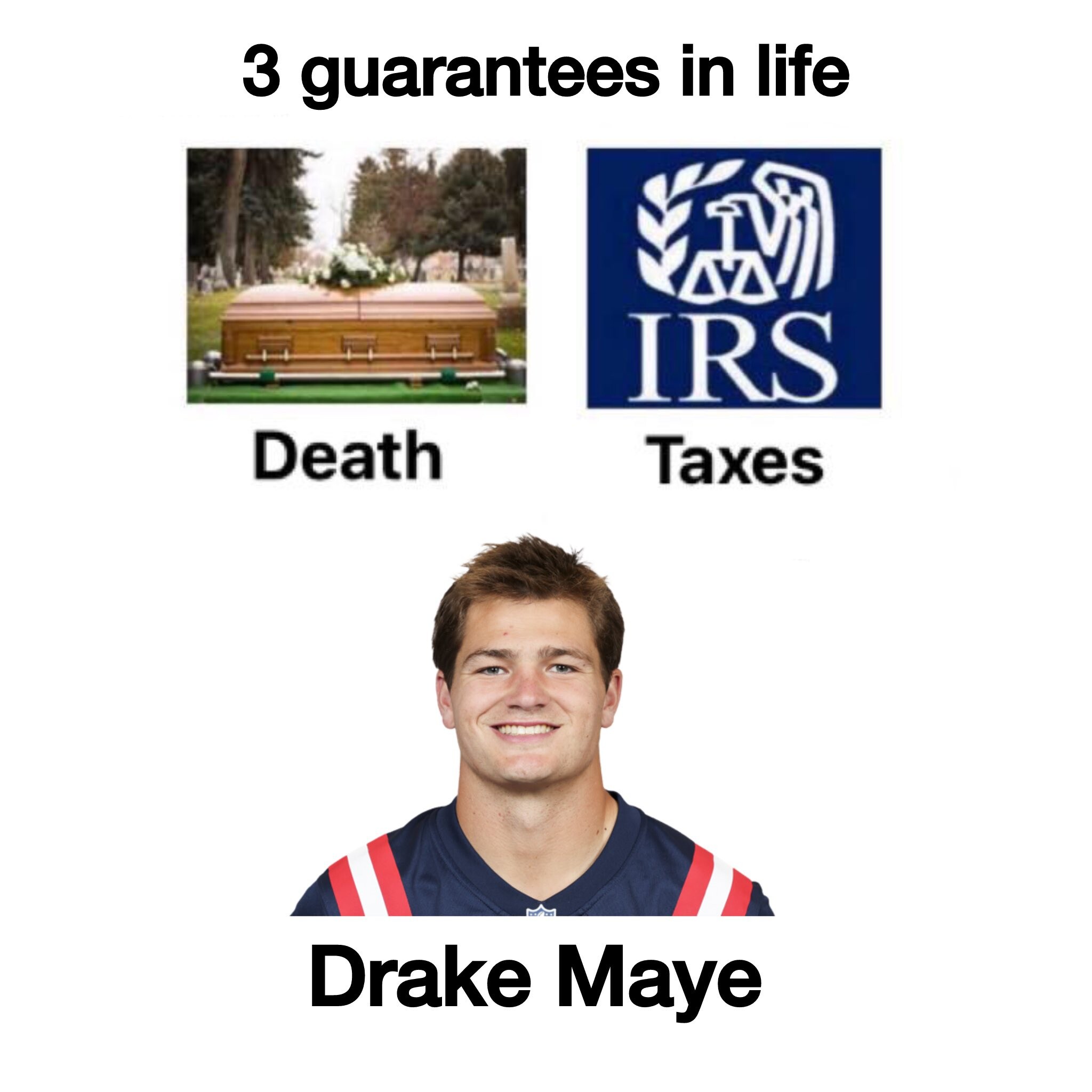
DRAKE MAYE
I support this initiative.
Drake Maye football is better
Those are really cool as well! This one is sick. Dark Horse DirectDOOM: The Dark Ages - Doom Slayer PVC FigurePre-Order Now! A specter of doom from realms unknown, the Outlander stalks Argent D'Nur's battlefields with a fury that silences all who witness it. Though strange to Sentinel eyes, they recognized in
Cameron Clark: Face: 2 Body: 2 Fandom: 2 Maja Elmstrom: Face: 5 Body: 4 Fandom: 8 Aneeqa Farid: Face: 2 Body: 3 Fandom: 0 Mishka Silva: Face: 1 Body: 1 Fandom: 0
Happy Drake Maye day!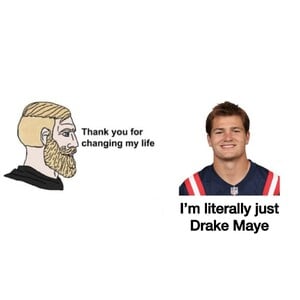 Funkos are actually super dope.
Ph. Richard Guaty
Funkos are actually super dope.
Ph. Richard Guaty



 NO SPOILERS
Au revoir, Washington.
PCStation!
Auf Wiedersehen, Iowa.
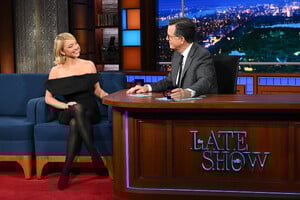
The Late Show with Stephen Colbert
NO SPOILERS
Au revoir, Washington.
PCStation!
Auf Wiedersehen, Iowa.
The Late Show with Stephen Colbert

 Stupid Indiana.





























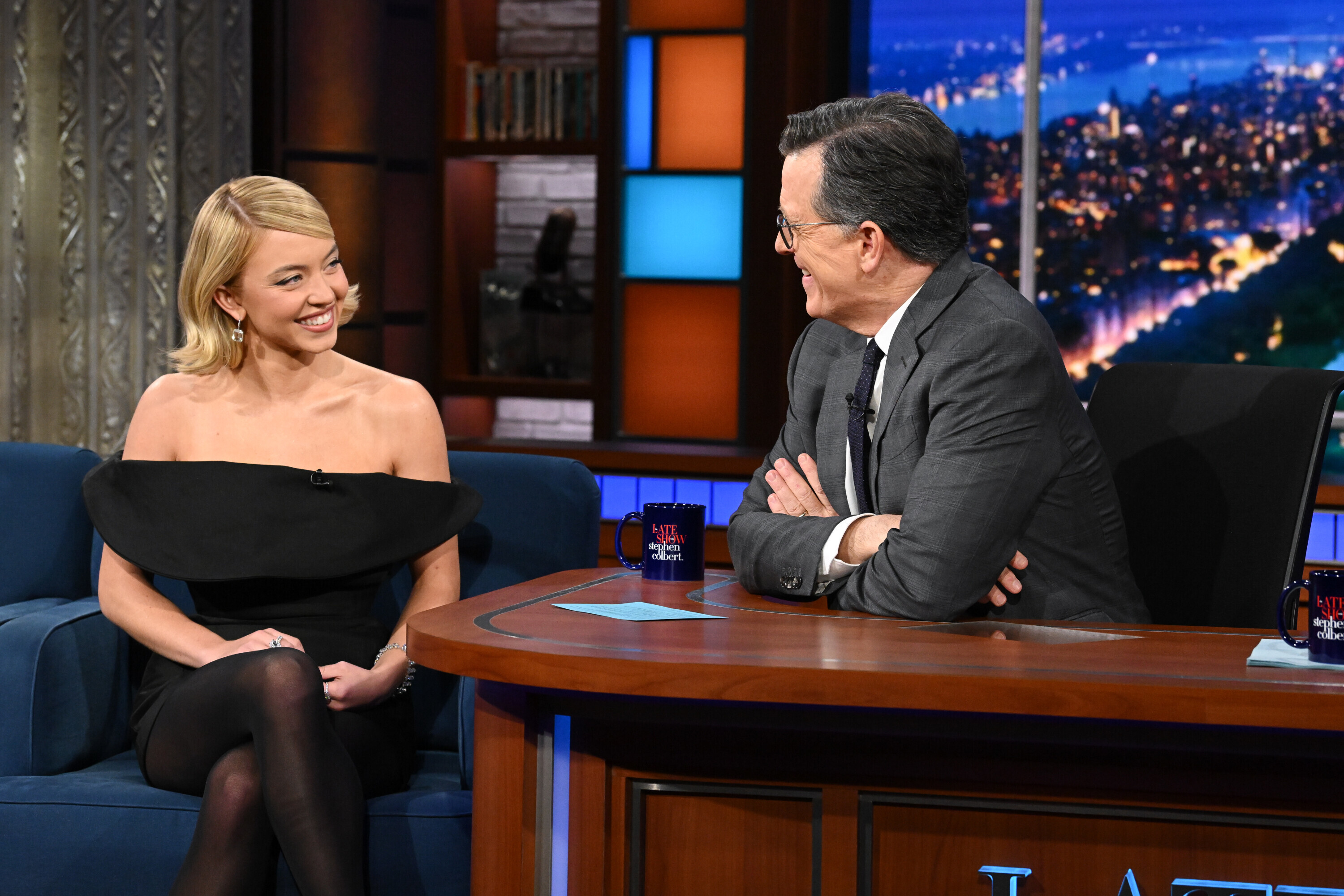
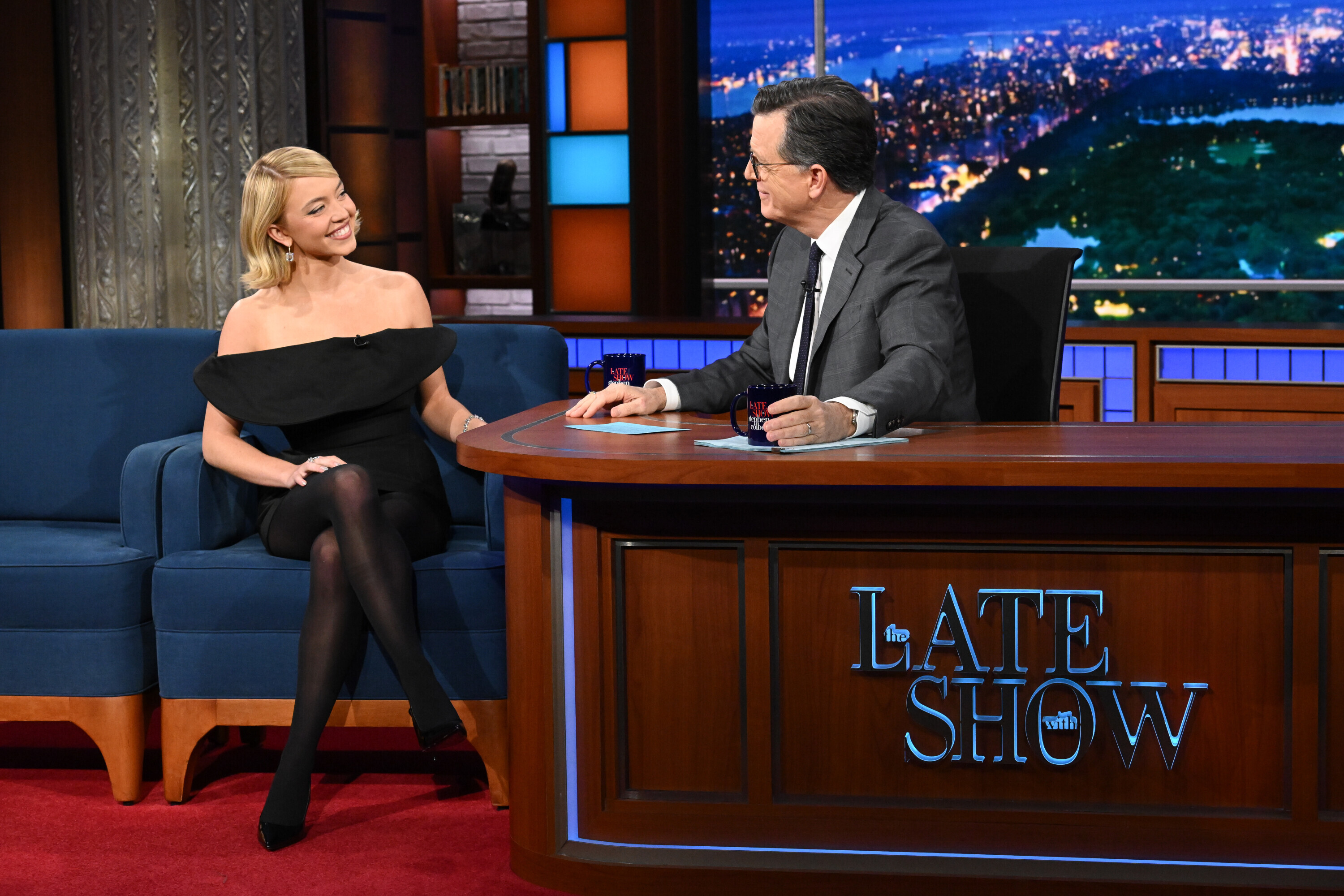
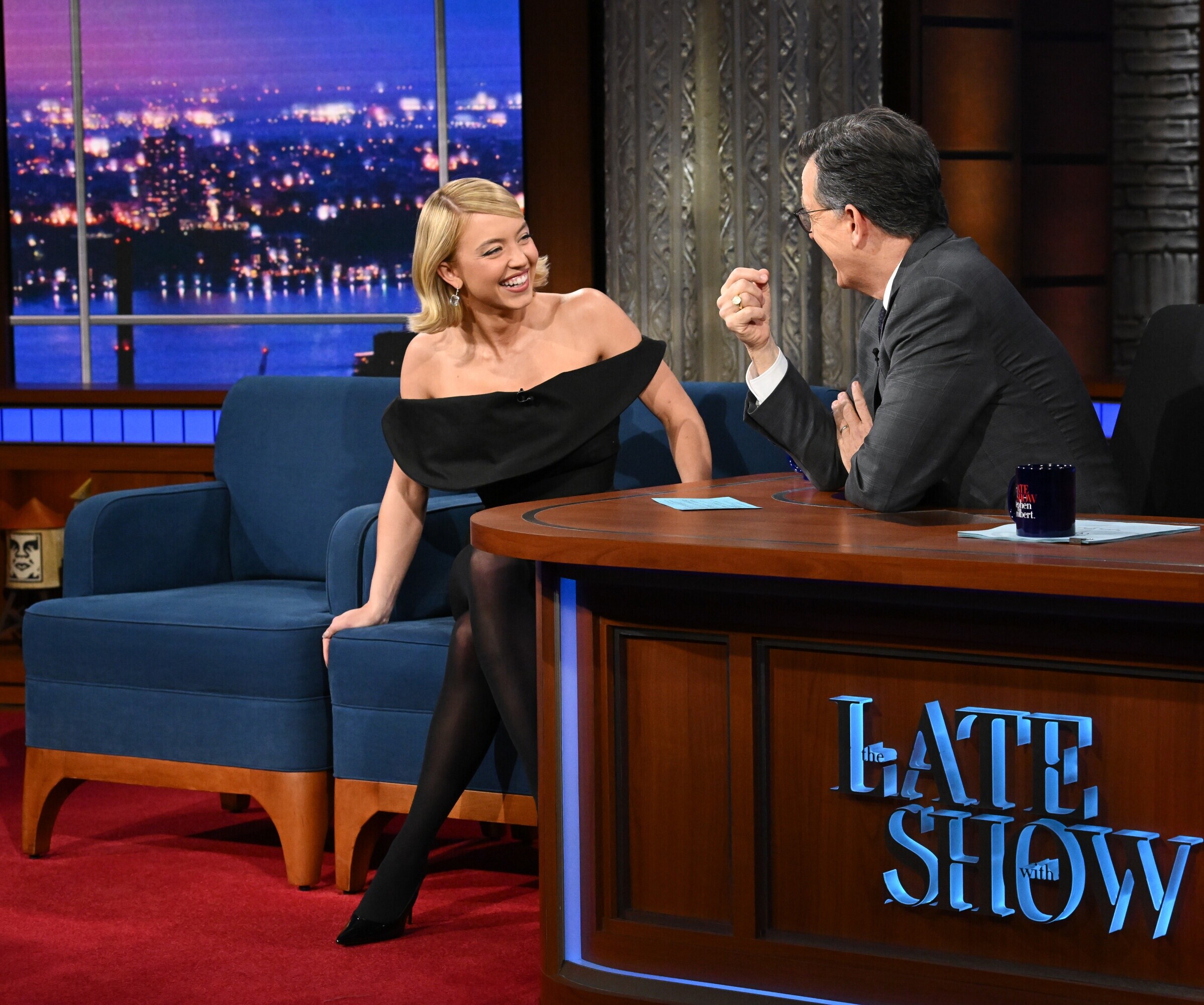
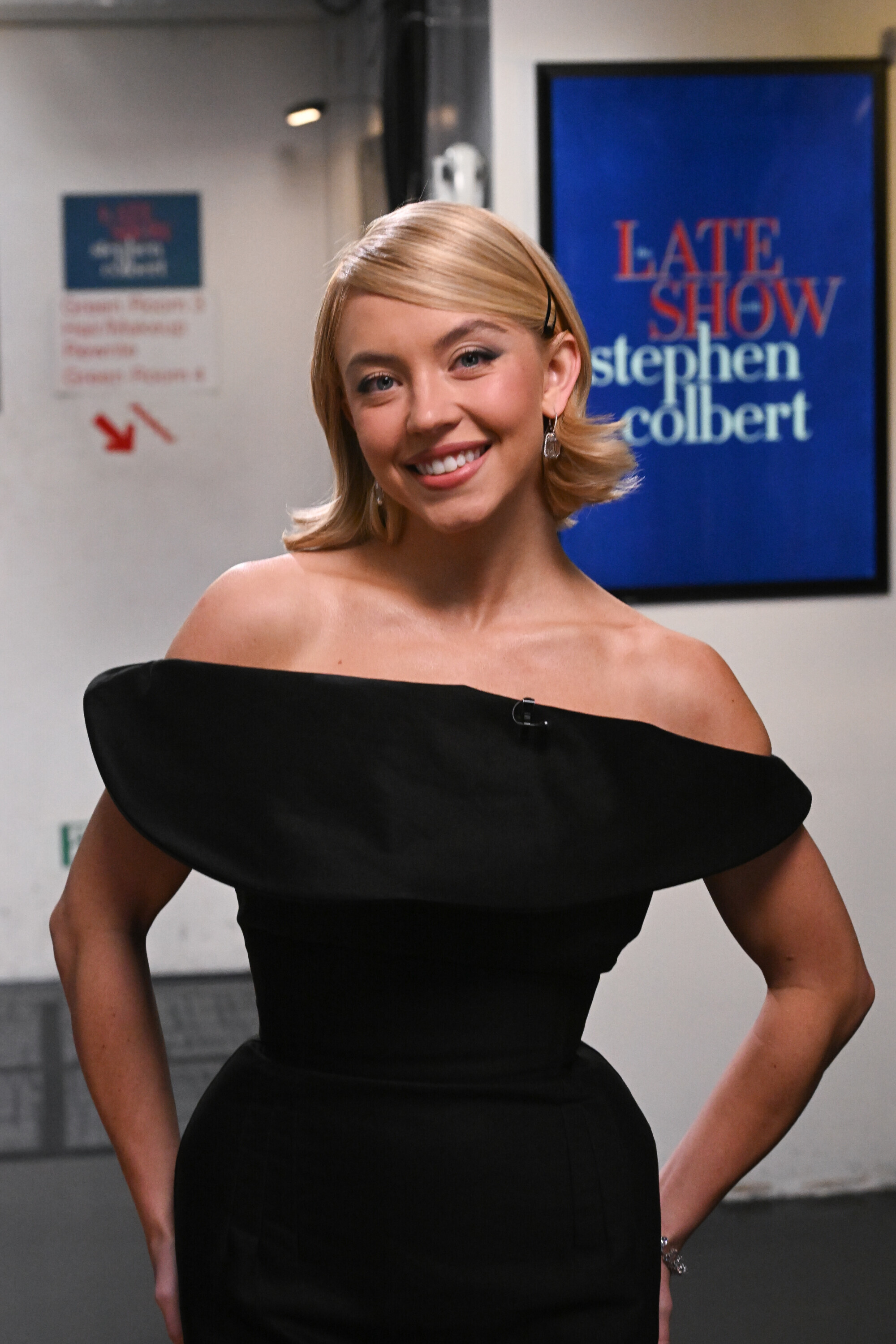

Account
Search
Configure browser push notifications
Chrome (Android)
- Tap the lock icon next to the address bar.
- Tap Permissions → Notifications.
- Adjust your preference.
Chrome (Desktop)
- Click the padlock icon in the address bar.
- Select Site settings.
- Find Notifications and adjust your preference.
Safari (iOS 16.4+)
- Ensure the site is installed via Add to Home Screen.
- Open Settings App → Notifications.
- Find your app name and adjust your preference.
Safari (macOS)
- Go to Safari → Preferences.
- Click the Websites tab.
- Select Notifications in the sidebar.
- Find this website and adjust your preference.
Edge (Android)
- Tap the lock icon next to the address bar.
- Tap Permissions.
- Find Notifications and adjust your preference.
Edge (Desktop)
- Click the padlock icon in the address bar.
- Click Permissions for this site.
- Find Notifications and adjust your preference.
Firefox (Android)
- Go to Settings → Site permissions.
- Tap Notifications.
- Find this site in the list and adjust your preference.
Firefox (Desktop)
- Open Firefox Settings.
- Search for Notifications.
- Find this site in the list and adjust your preference.