
finchesthalia
Members
-
Joined
-
Last visited
Everything posted by finchesthalia
-
Sandra Bullock & Ryan Reynolds - The Proposal Shoot @TFS





 you are welcome everyone.
credits to lirey @AAOF
you are welcome everyone.
credits to lirey @AAOF thank you jal.
UHQ Production Stills & BTS Pictures Season 2
thank you jal.
UHQ Production Stills & BTS Pictures Season 2






















 july 11


 Celebration At Police Headquarters - October 14, 2008 [HQ]
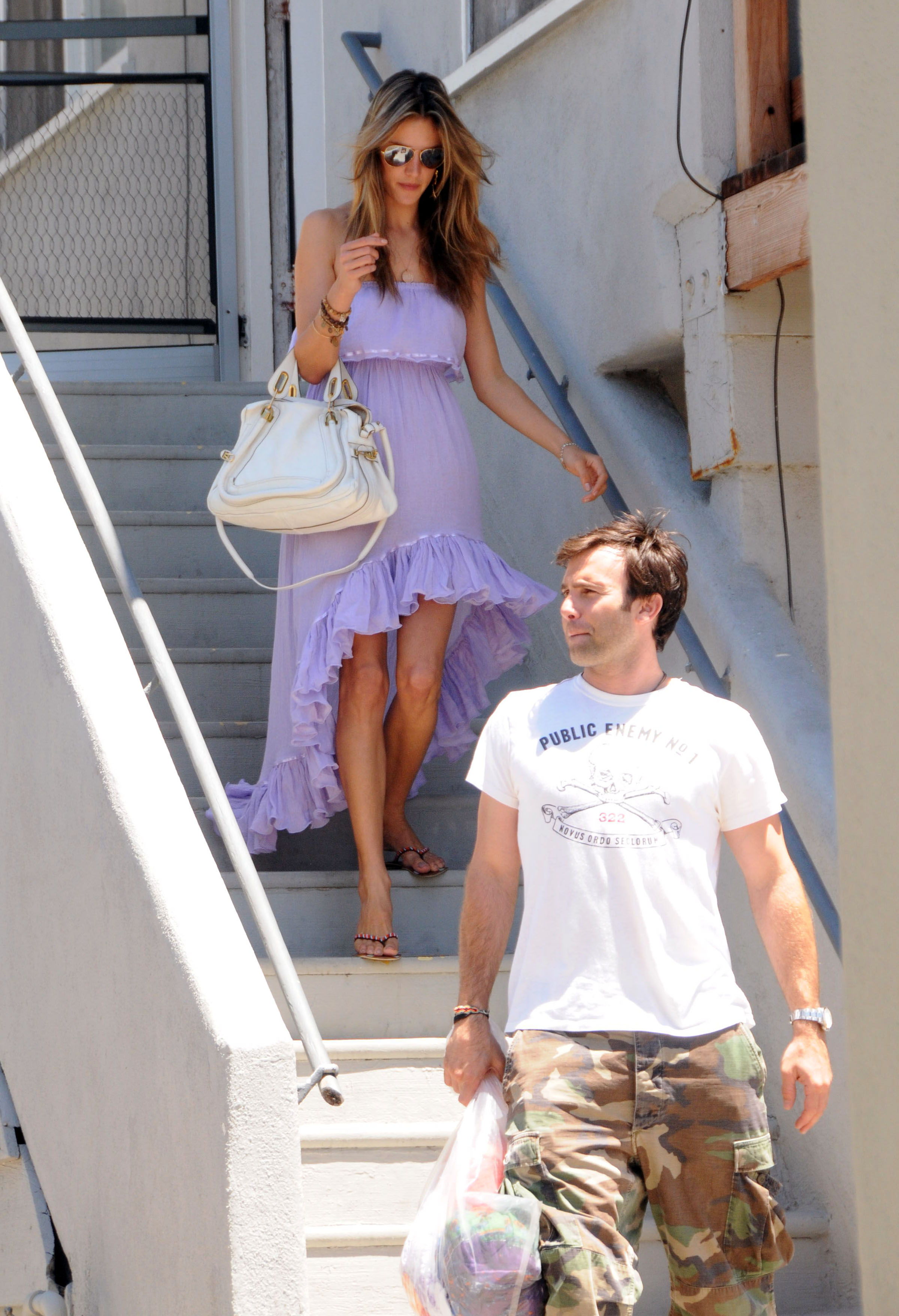
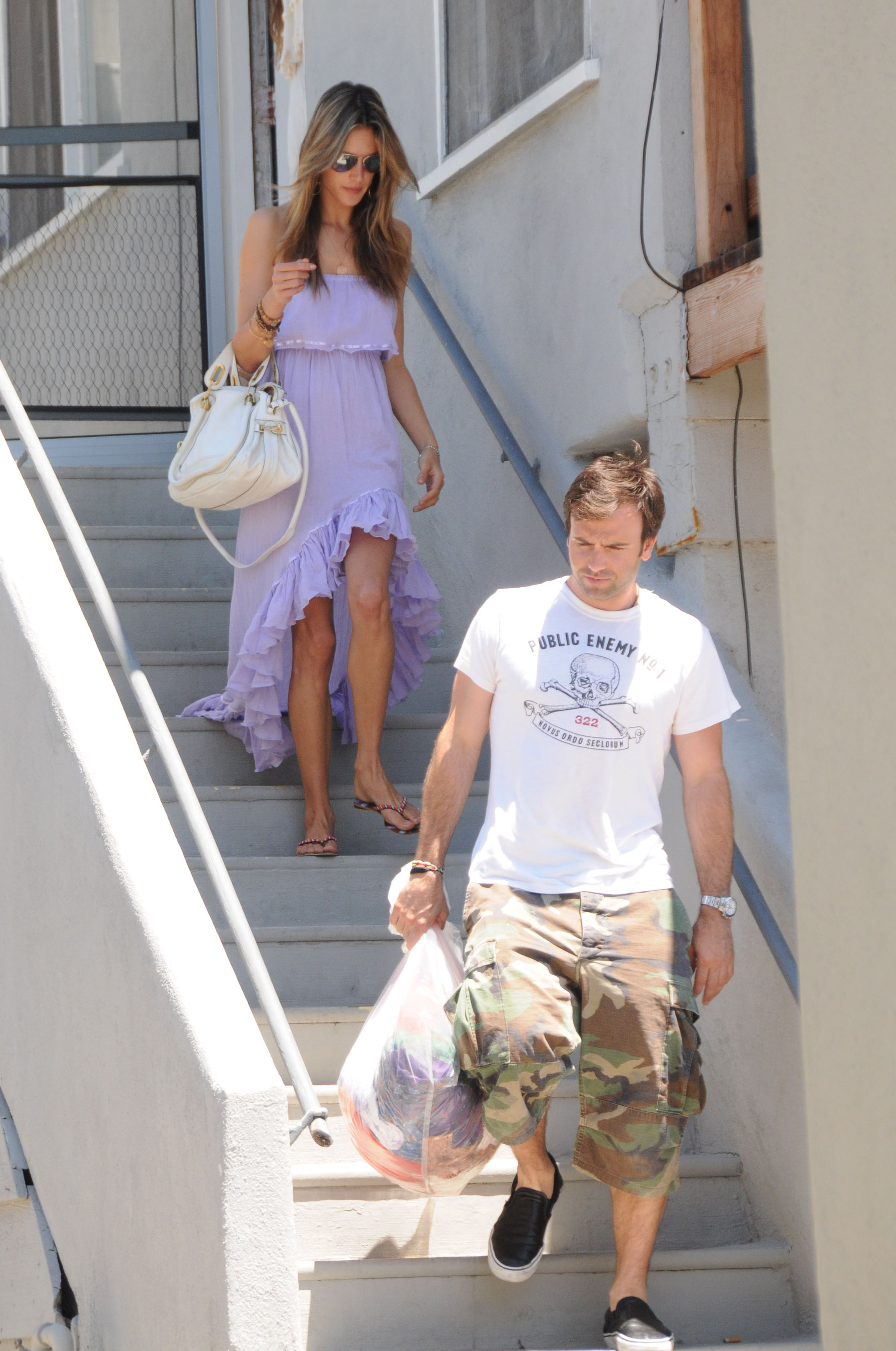
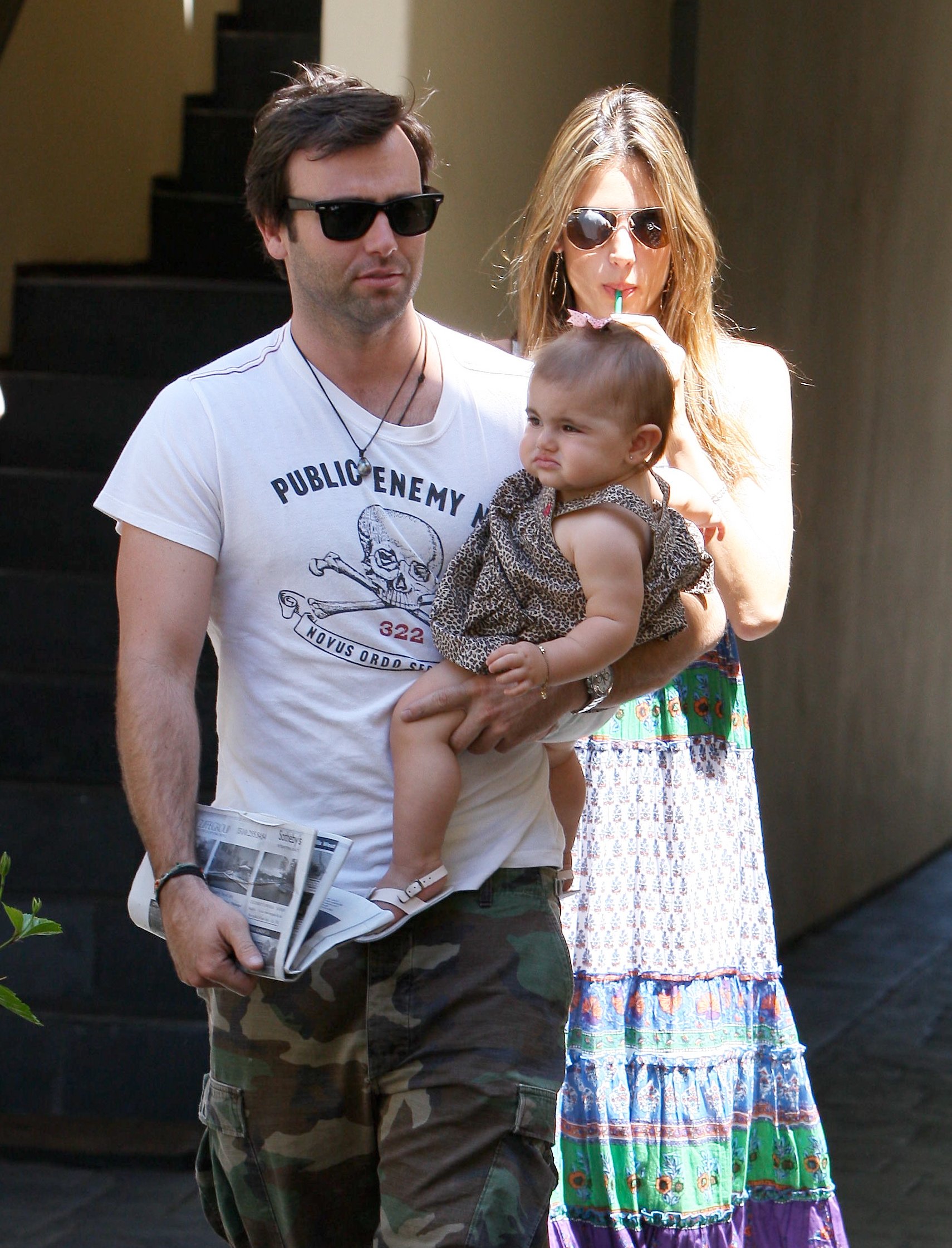
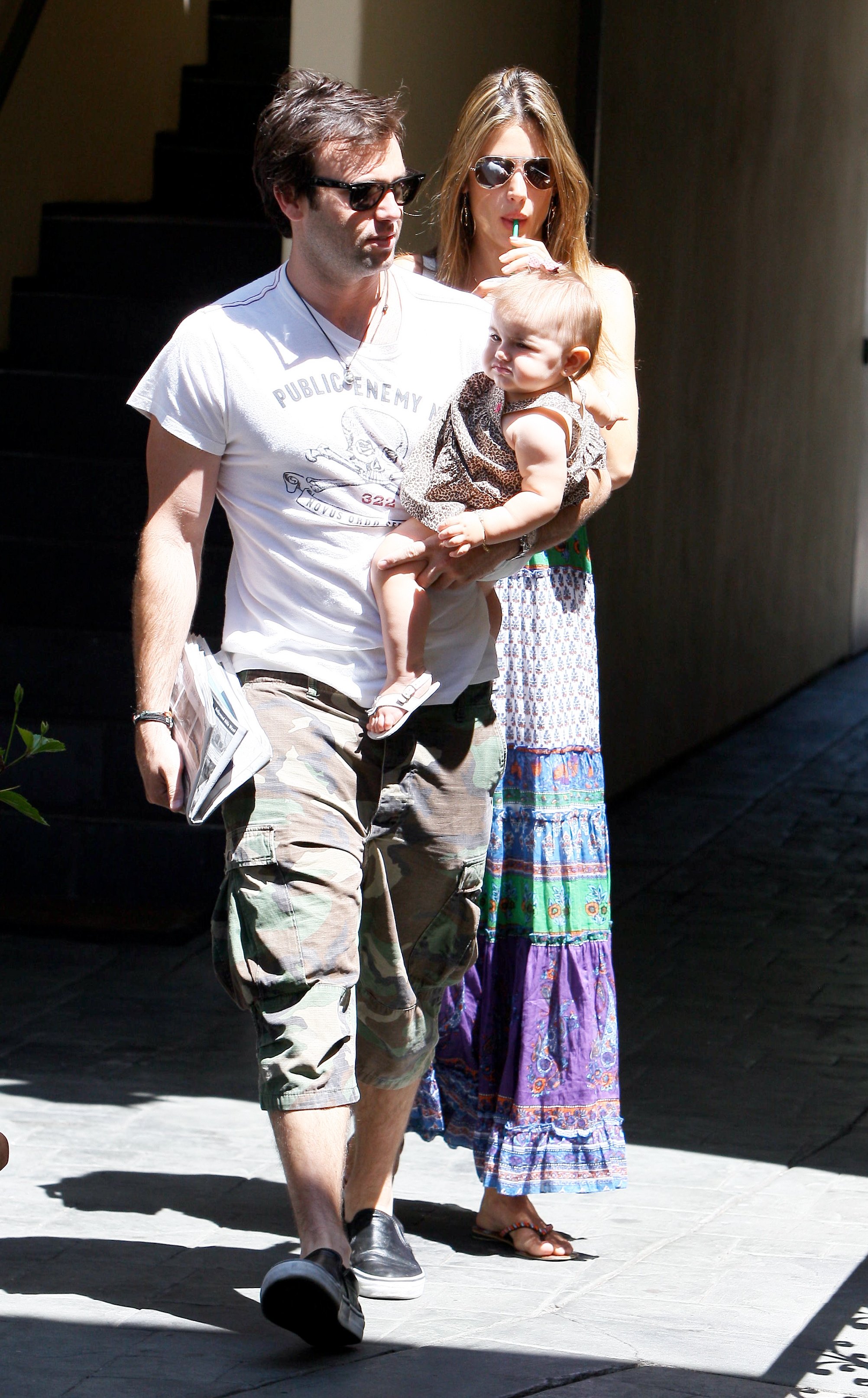
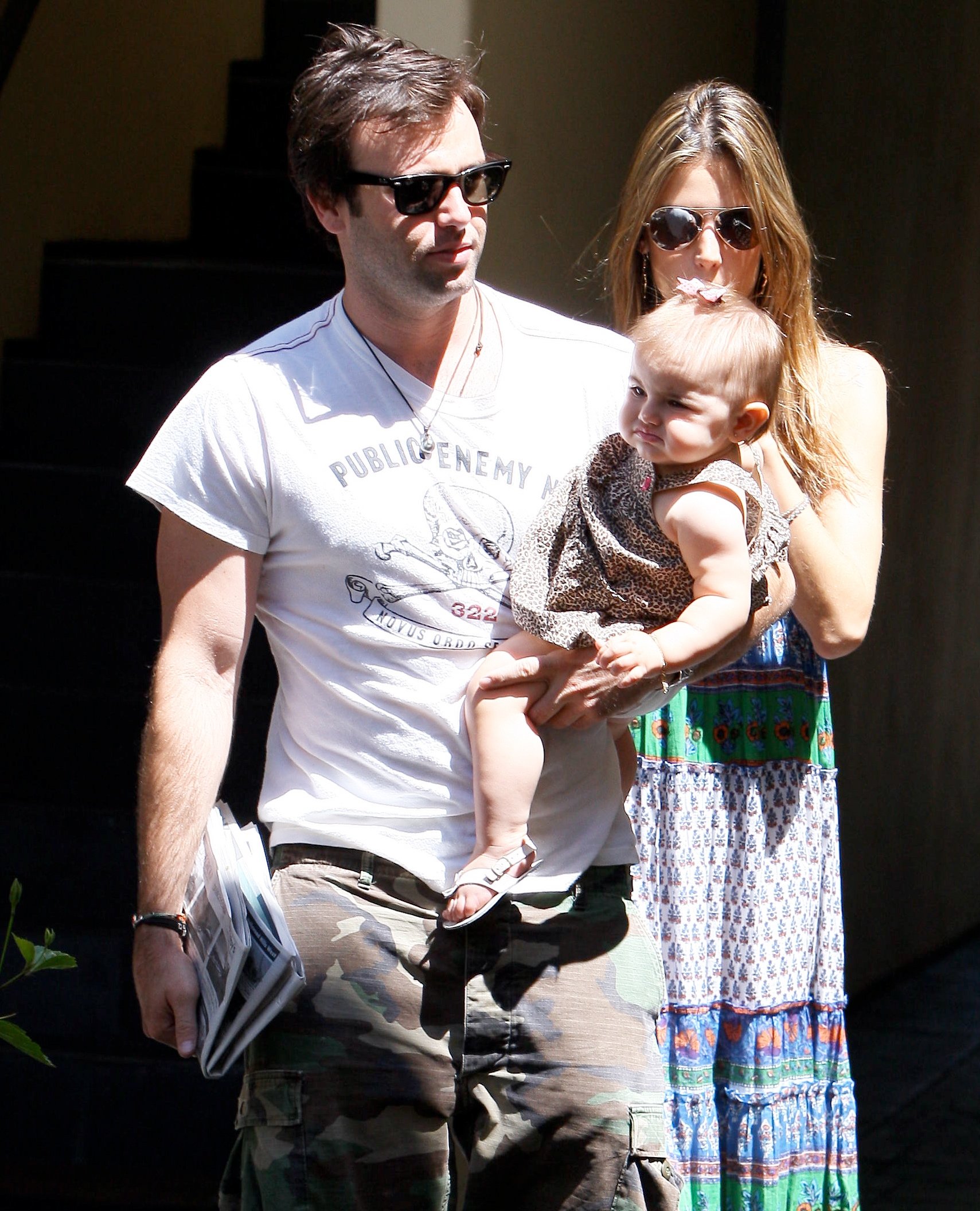
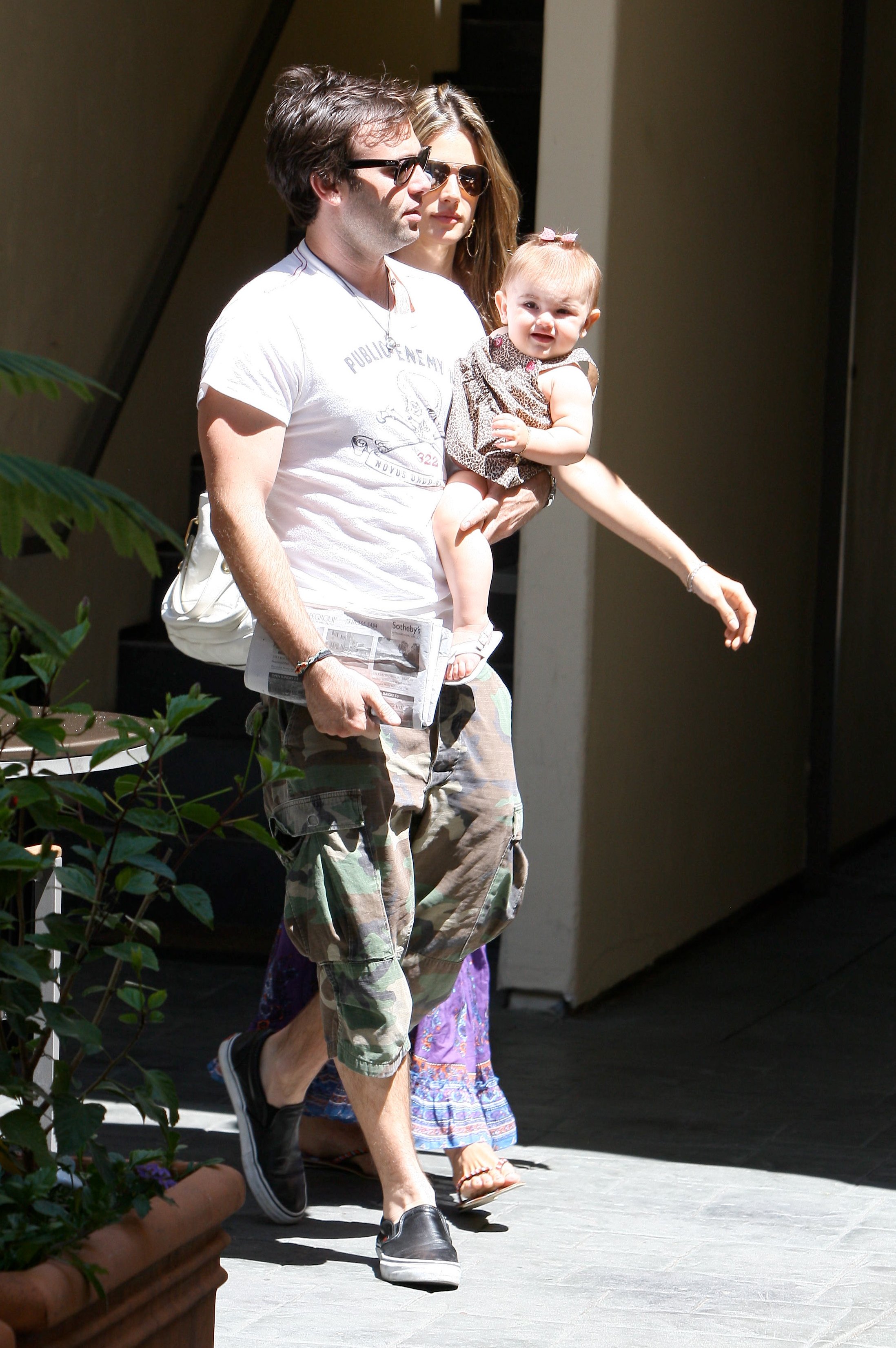
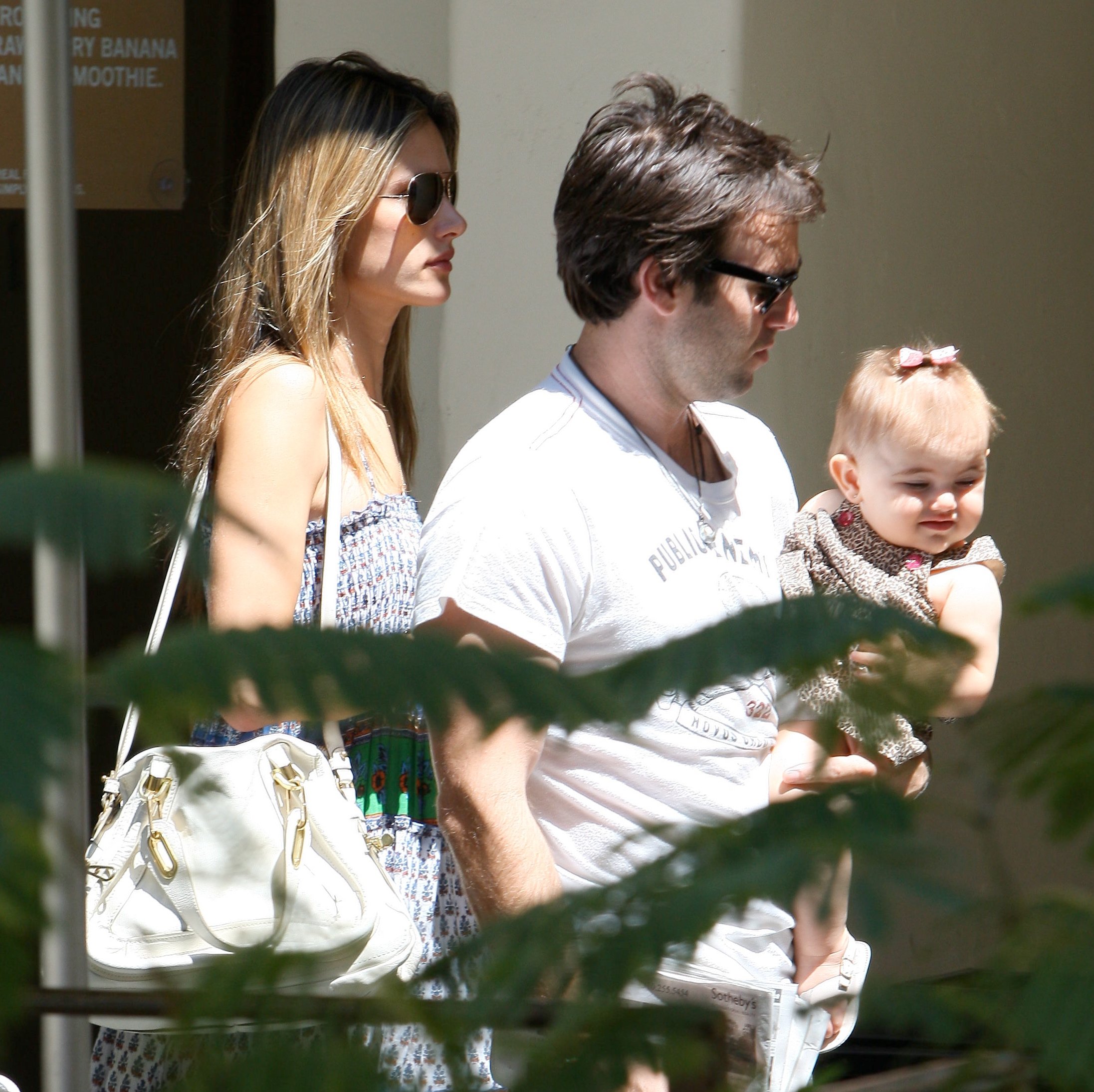
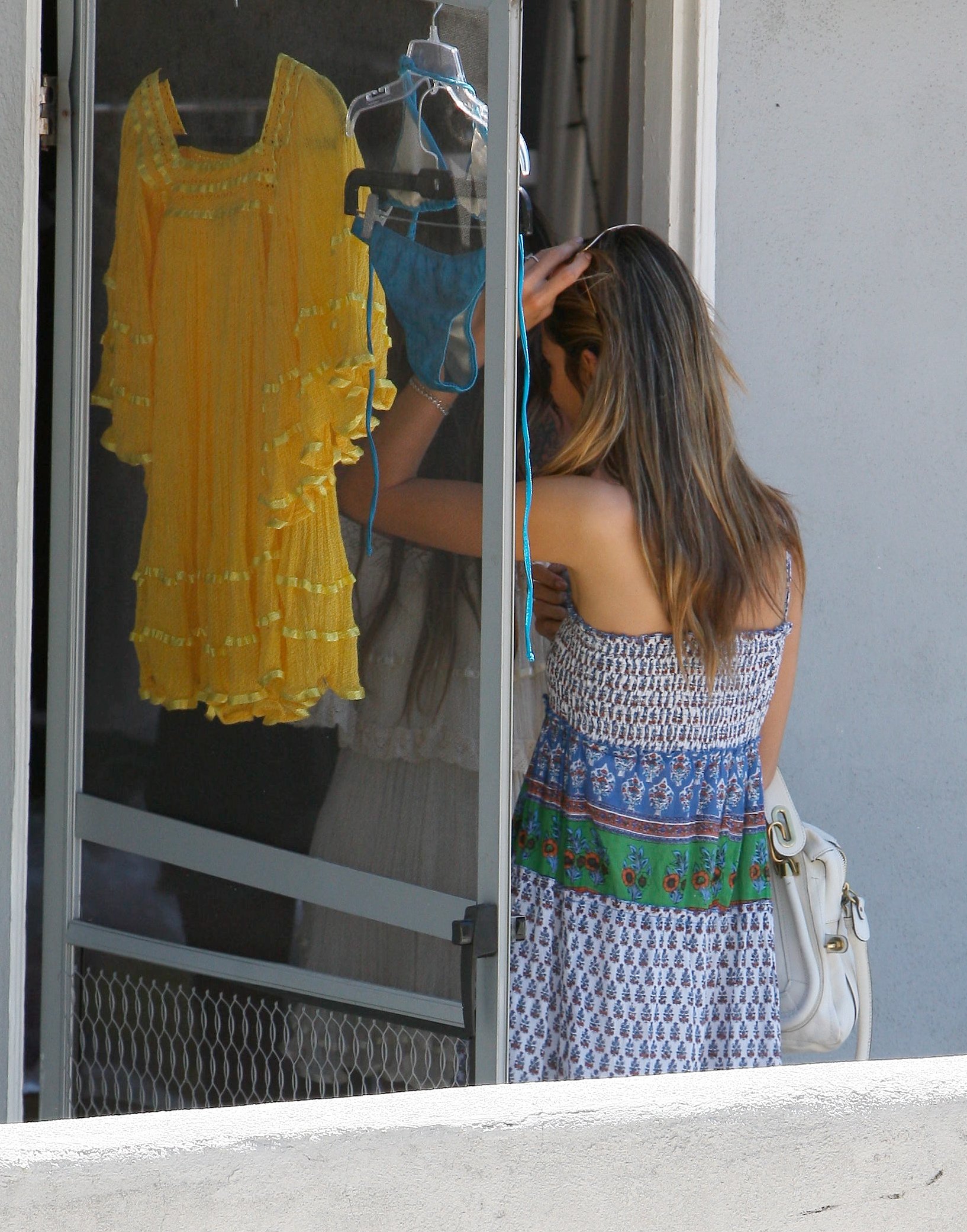
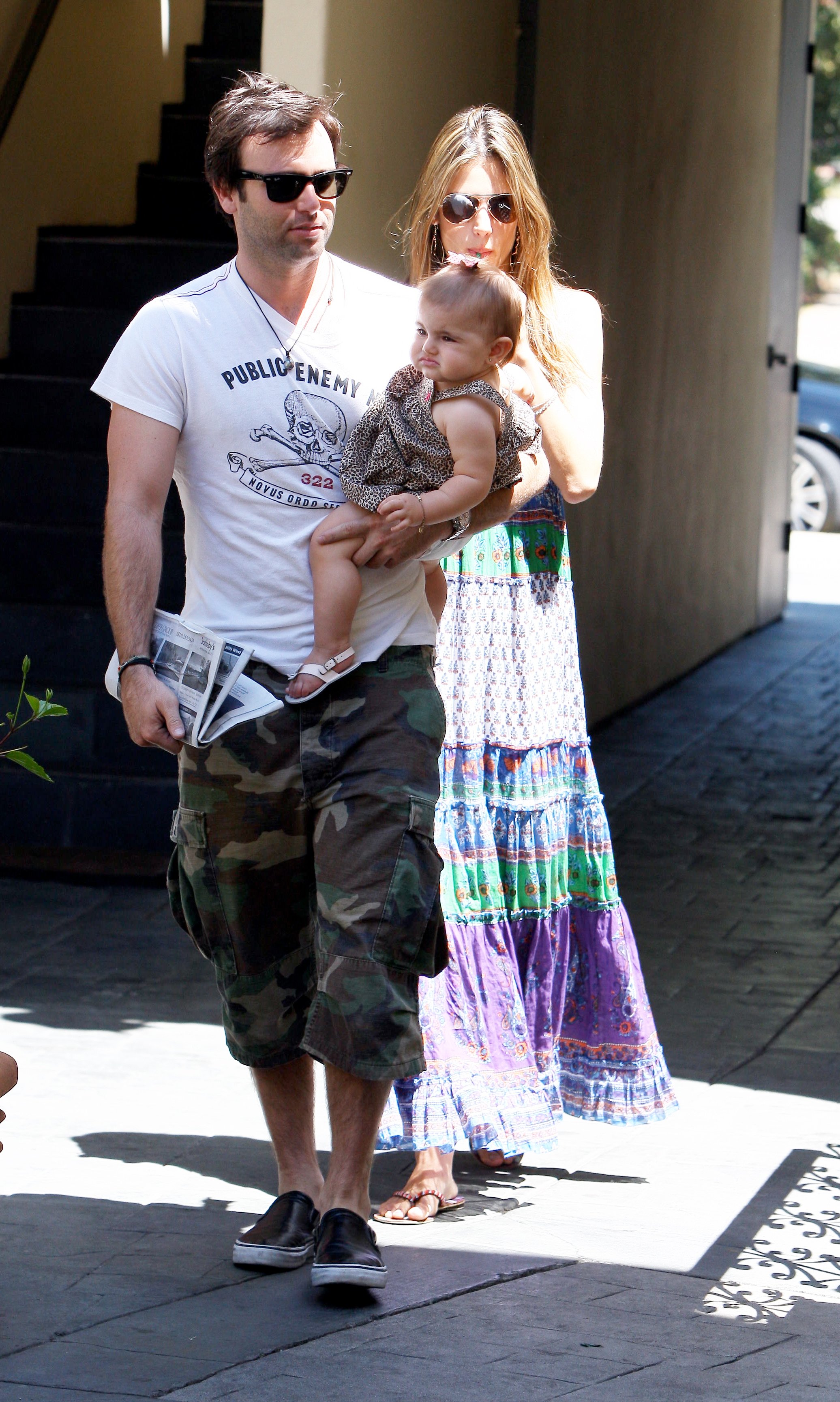
 Alessandra Ambrosio leaving a house in Malibu, July 11 celebutopia.
HQs /monthly_07_2009/post-13213-0-1446084458-09462_thumb.jpg" data-fileid="3733693" alt="post-13213-0-1446084458-09462_thumb.jpg" data-ratio="145.63">
Alessandra Ambrosio leaving a house in Malibu, July 11 celebutopia.
HQs /monthly_07_2009/post-13213-0-1446084458-09462_thumb.jpg" data-fileid="3733693" alt="post-13213-0-1446084458-09462_thumb.jpg" data-ratio="145.63">





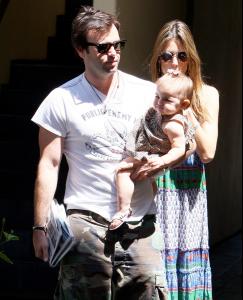




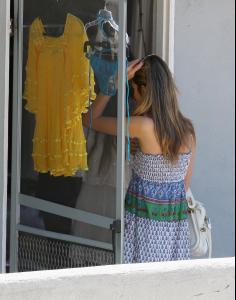








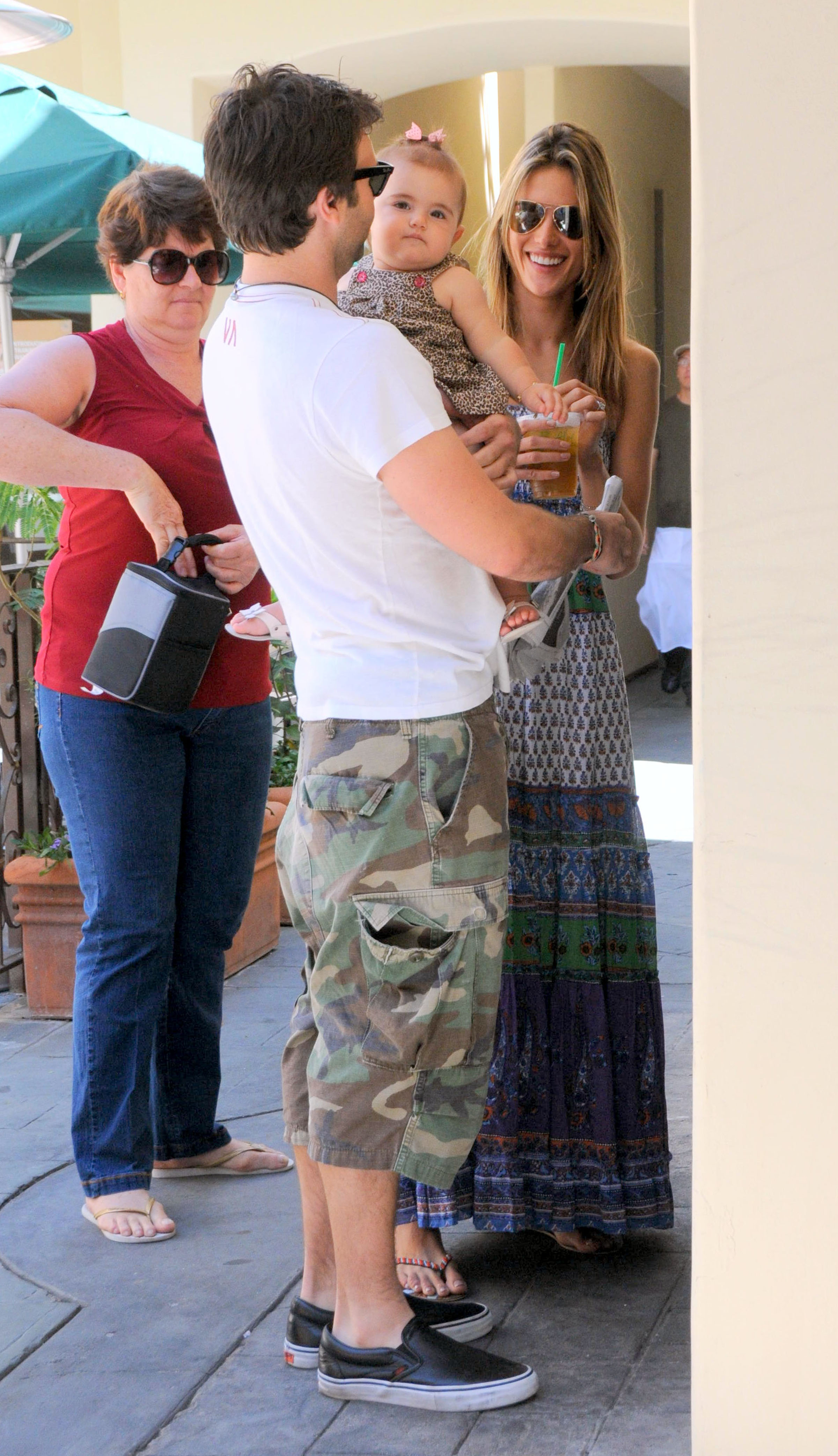
 July 11, 2009



















 thanks a lot lolita.
g176.imagevenue.com/loc556/th_23463_TSCC_StillsUHQ_1x08__896_122_556lo.jpg
thanks a lot lolita.
g176.imagevenue.com/loc556/th_23463_TSCC_StillsUHQ_1x08__896_122_556lo.jpg





















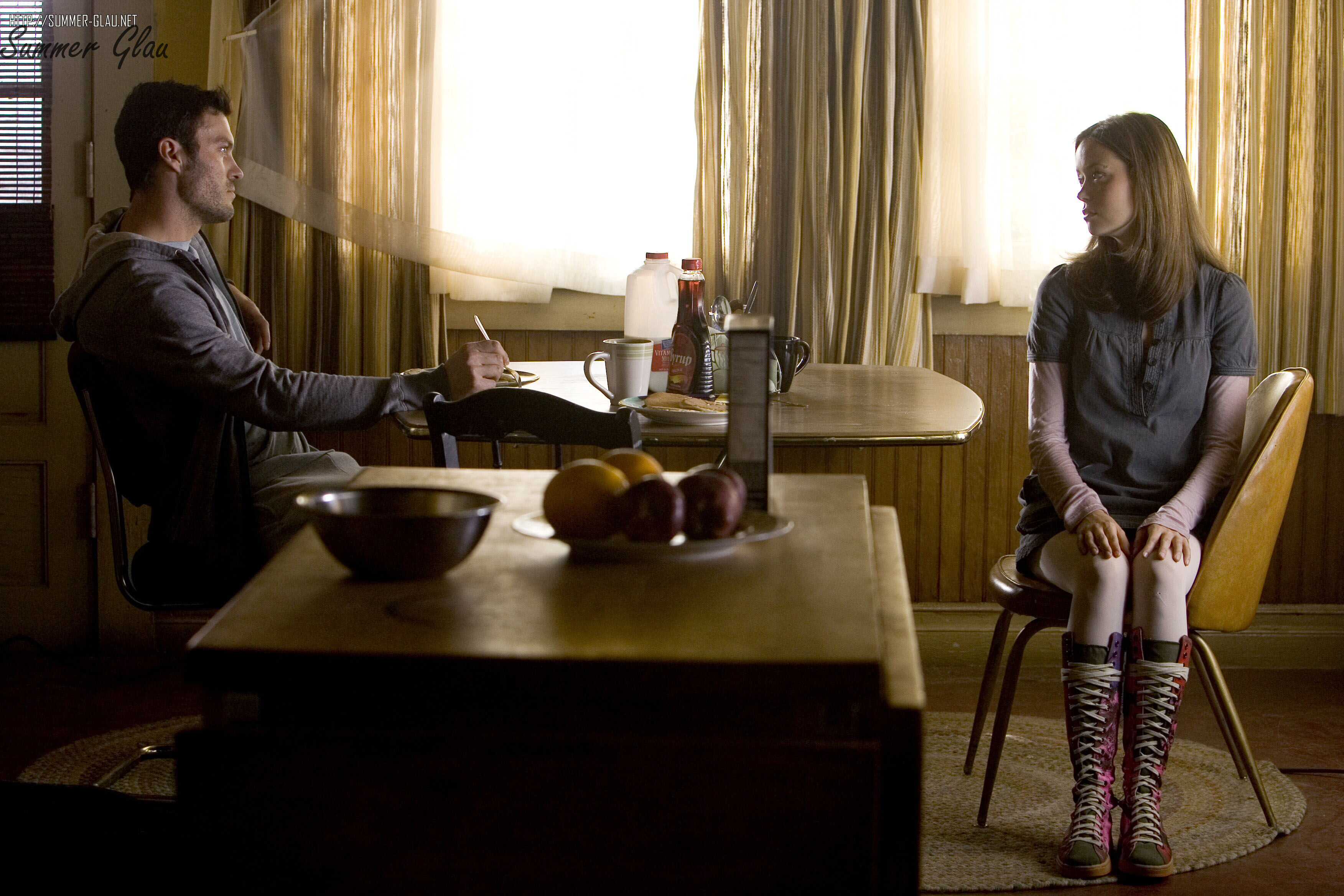
 TSCC Prootional Photography - Season 1
july 4
TSCC Prootional Photography - Season 1
july 4
























































































































































































































































Account
Navigation
Search
Configure browser push notifications
Chrome (Android)
- Tap the lock icon next to the address bar.
- Tap Permissions → Notifications.
- Adjust your preference.
Chrome (Desktop)
- Click the padlock icon in the address bar.
- Select Site settings.
- Find Notifications and adjust your preference.
Safari (iOS 16.4+)
- Ensure the site is installed via Add to Home Screen.
- Open Settings App → Notifications.
- Find your app name and adjust your preference.
Safari (macOS)
- Go to Safari → Preferences.
- Click the Websites tab.
- Select Notifications in the sidebar.
- Find this website and adjust your preference.
Edge (Android)
- Tap the lock icon next to the address bar.
- Tap Permissions.
- Find Notifications and adjust your preference.
Edge (Desktop)
- Click the padlock icon in the address bar.
- Click Permissions for this site.
- Find Notifications and adjust your preference.
Firefox (Android)
- Go to Settings → Site permissions.
- Tap Notifications.
- Find this site in the list and adjust your preference.
Firefox (Desktop)
- Open Firefox Settings.
- Search for Notifications.
- Find this site in the list and adjust your preference.