-
Birgit Kos
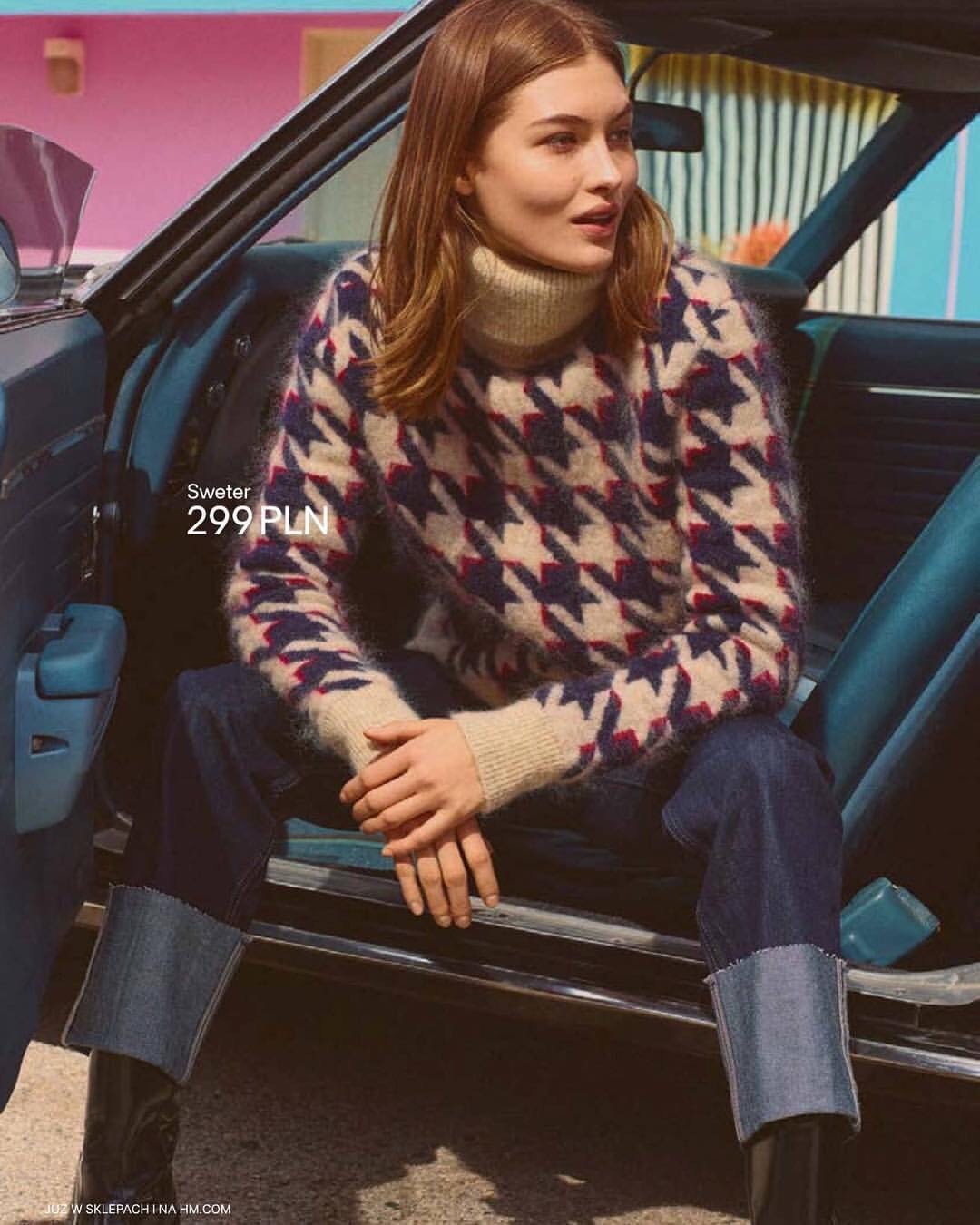
this is old post tho. 2018.....
-
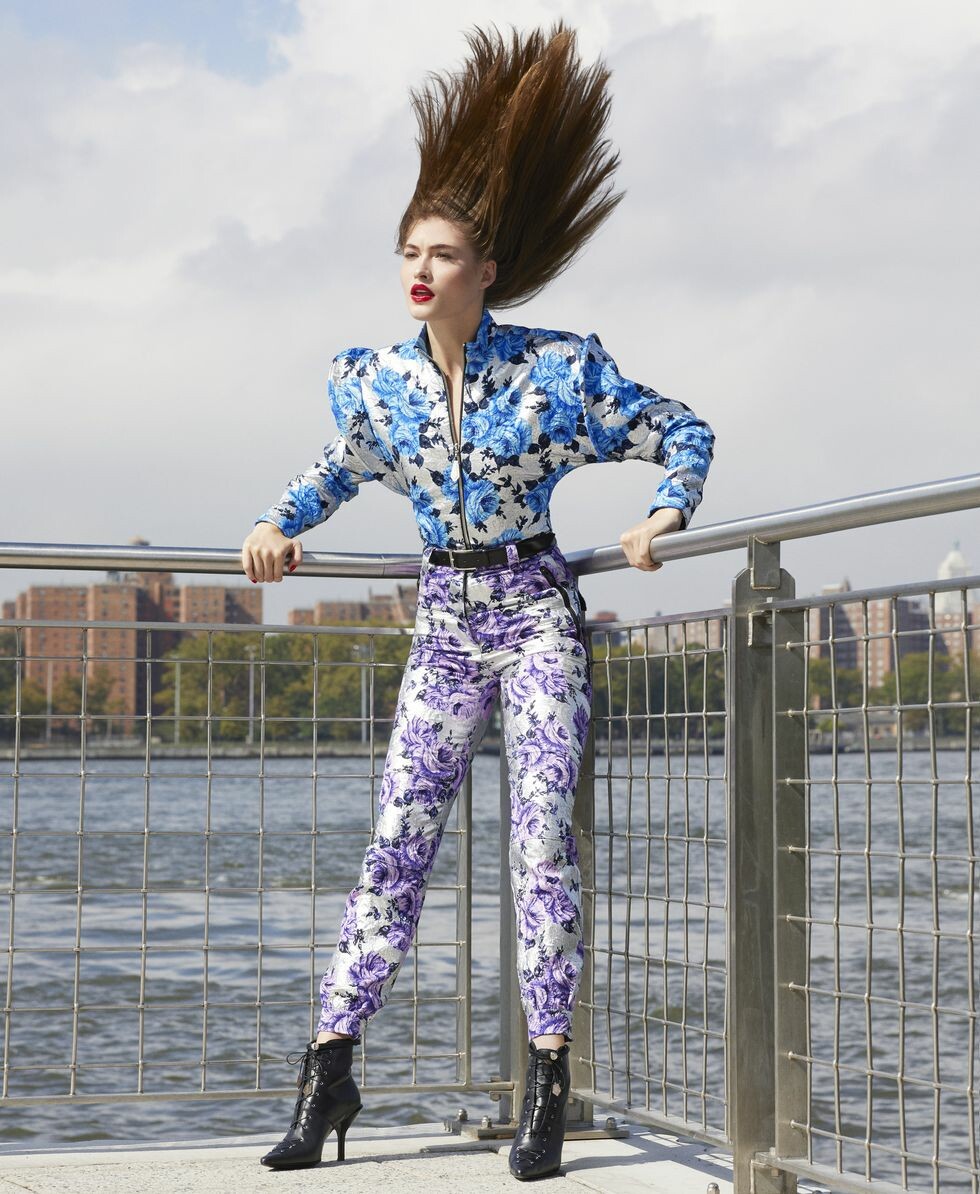
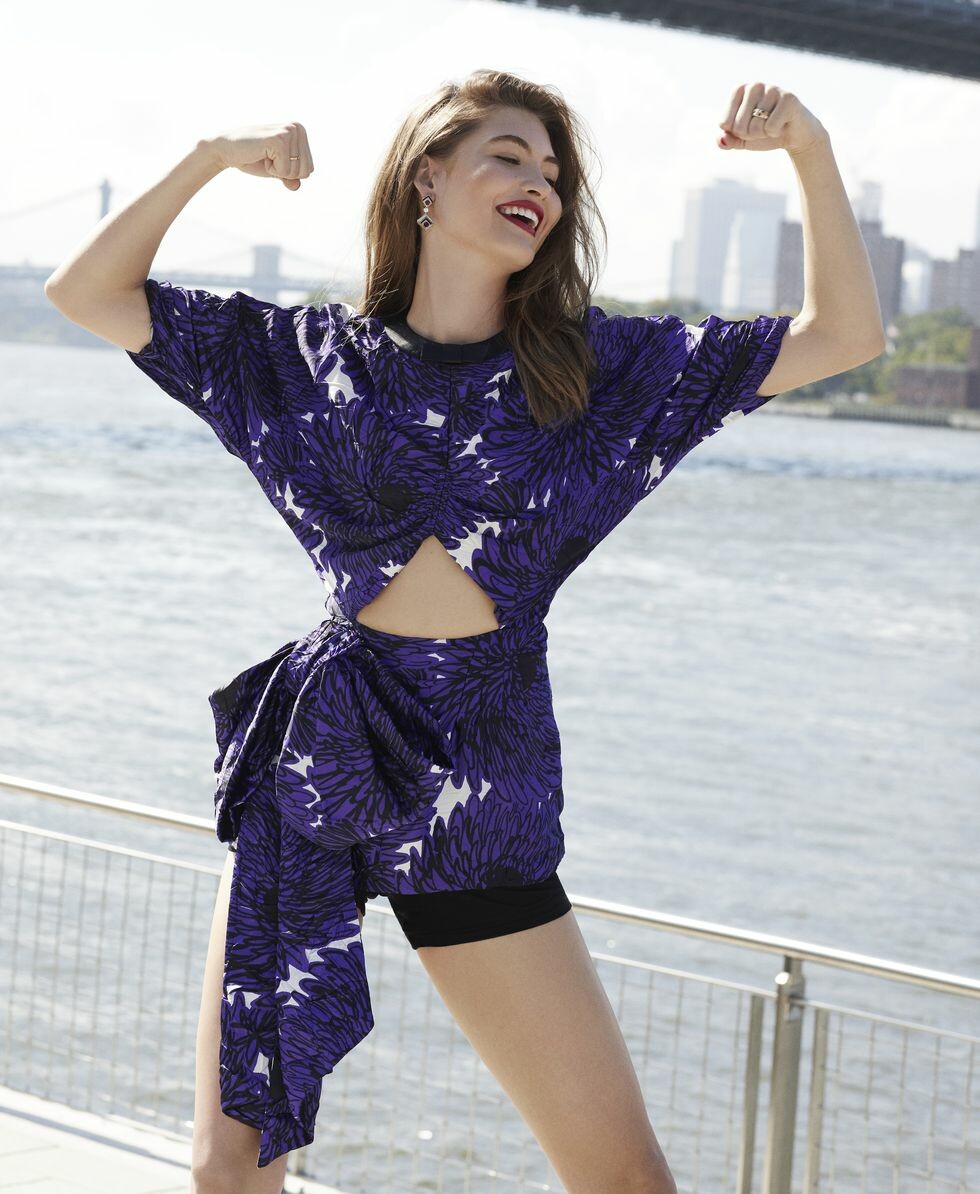
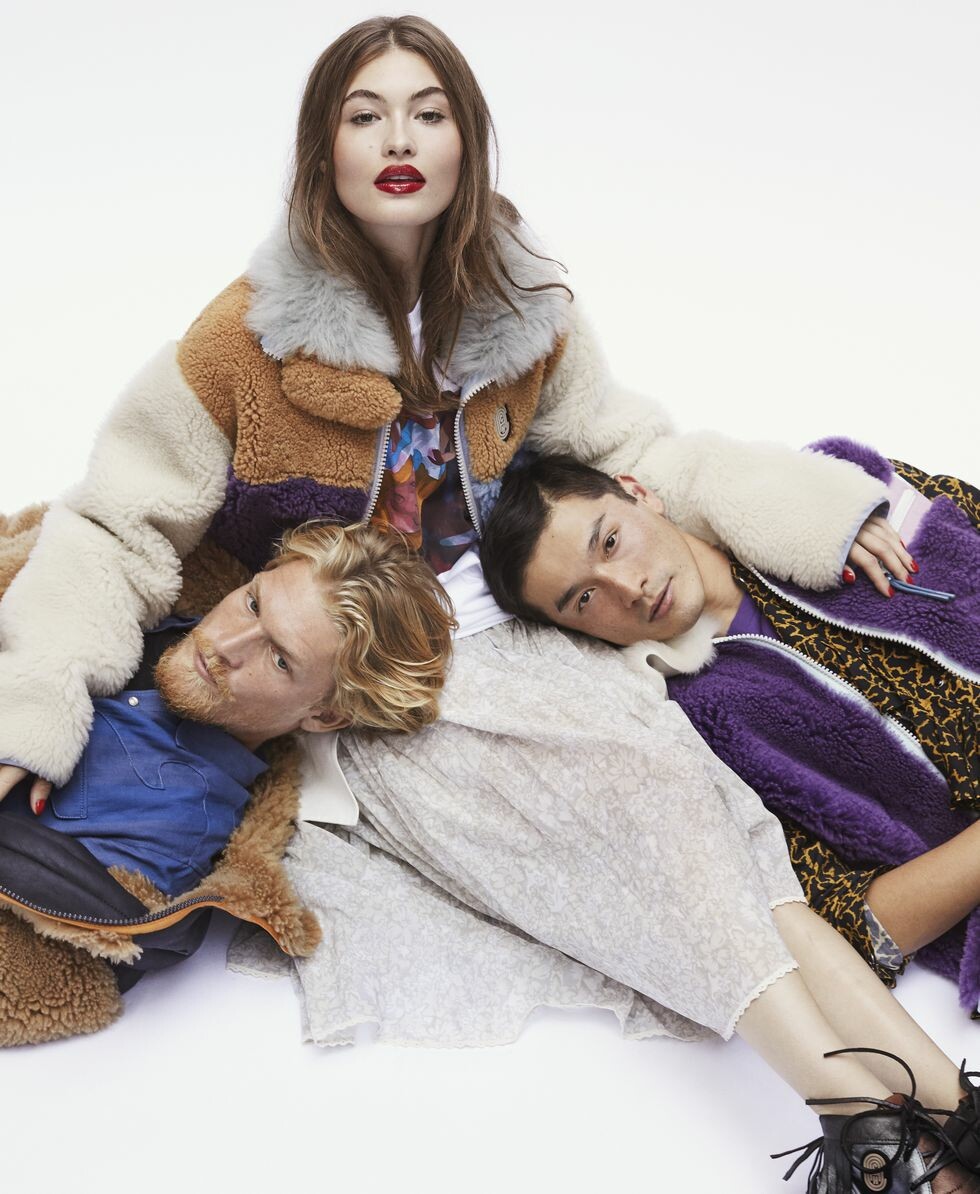
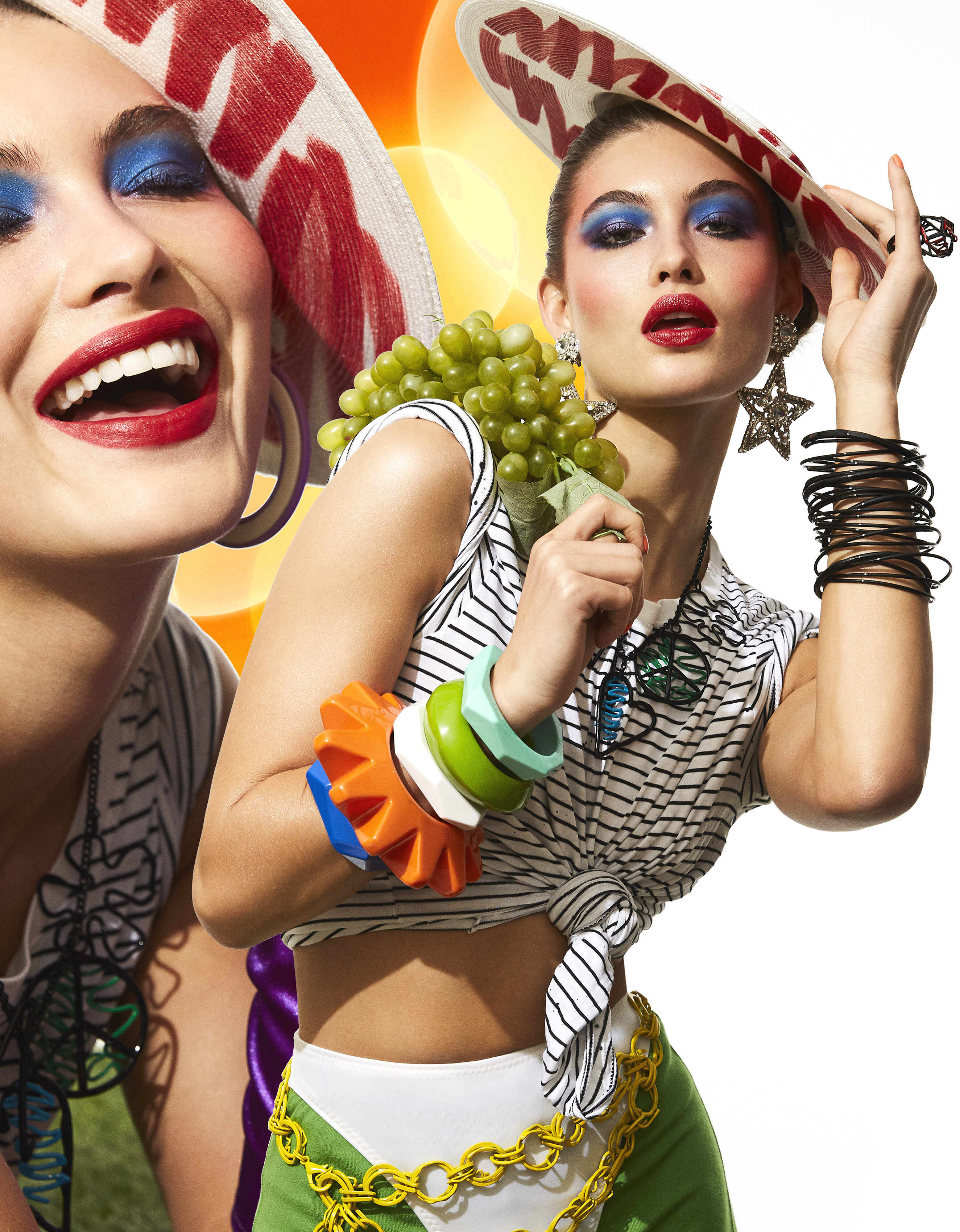
Grace Elizabeth
ELLE US Jan 2019 Photographer: Max Papendieck https://www.elle.com/fashion/trend-reports/a25601813/elle-editorial-spring-fling-january-2019/
-
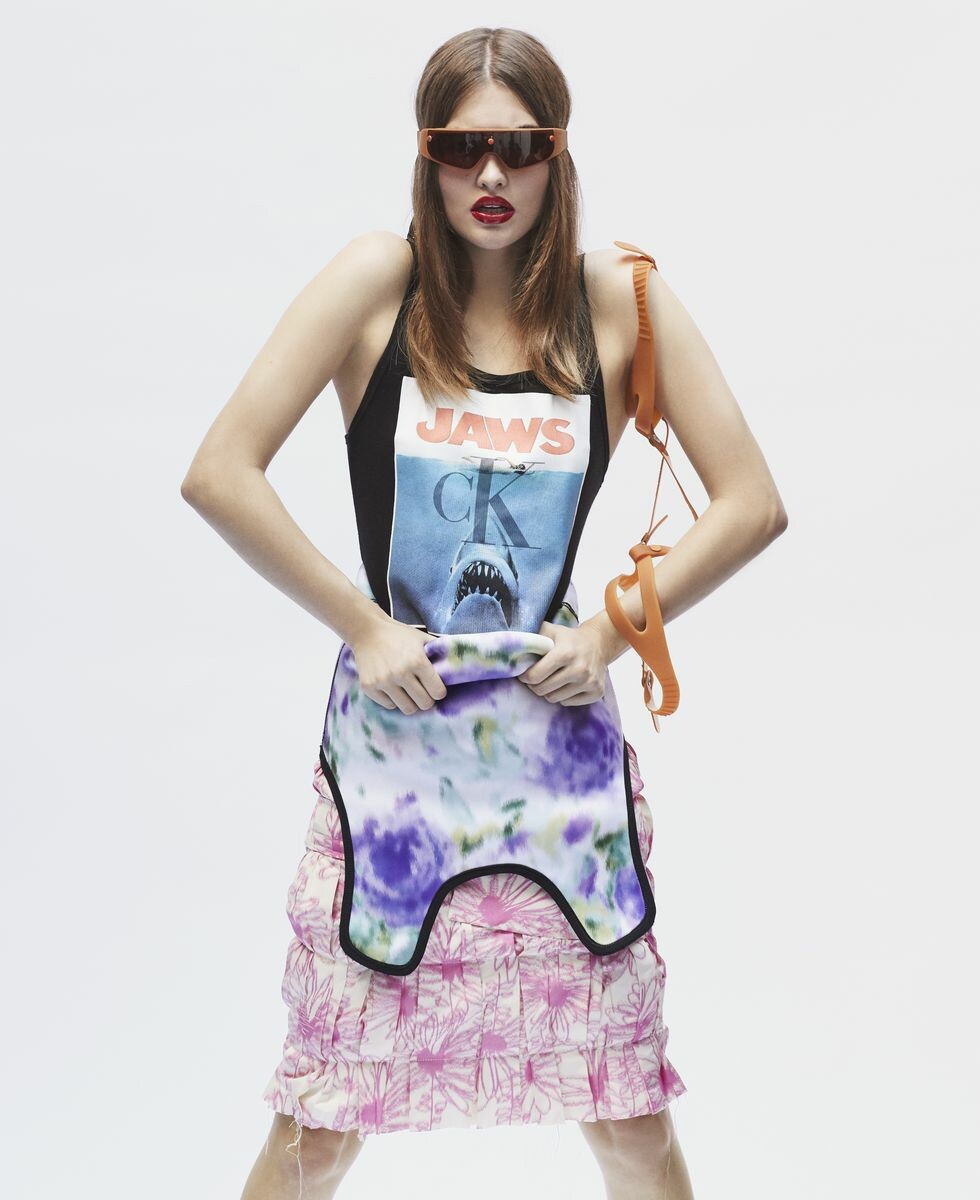
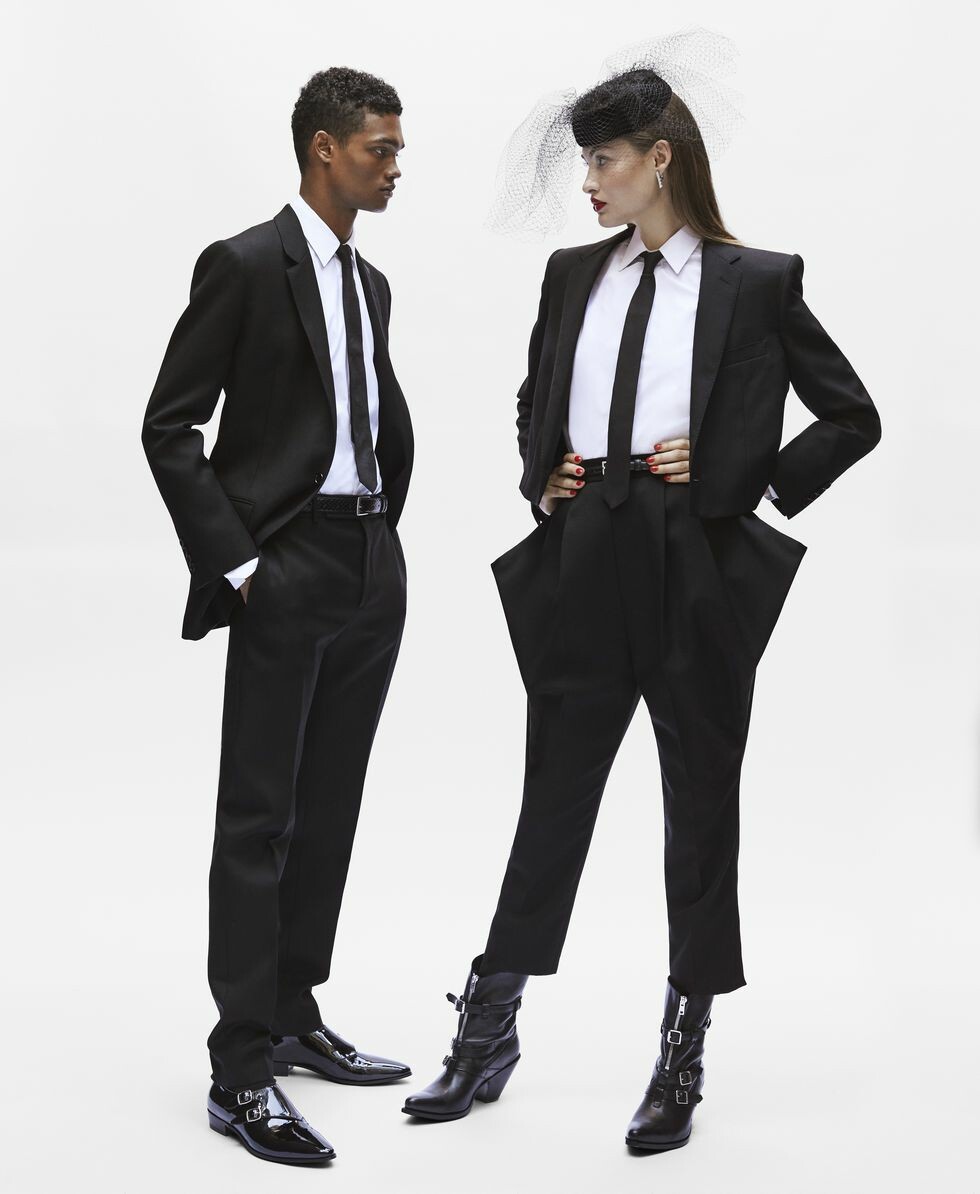
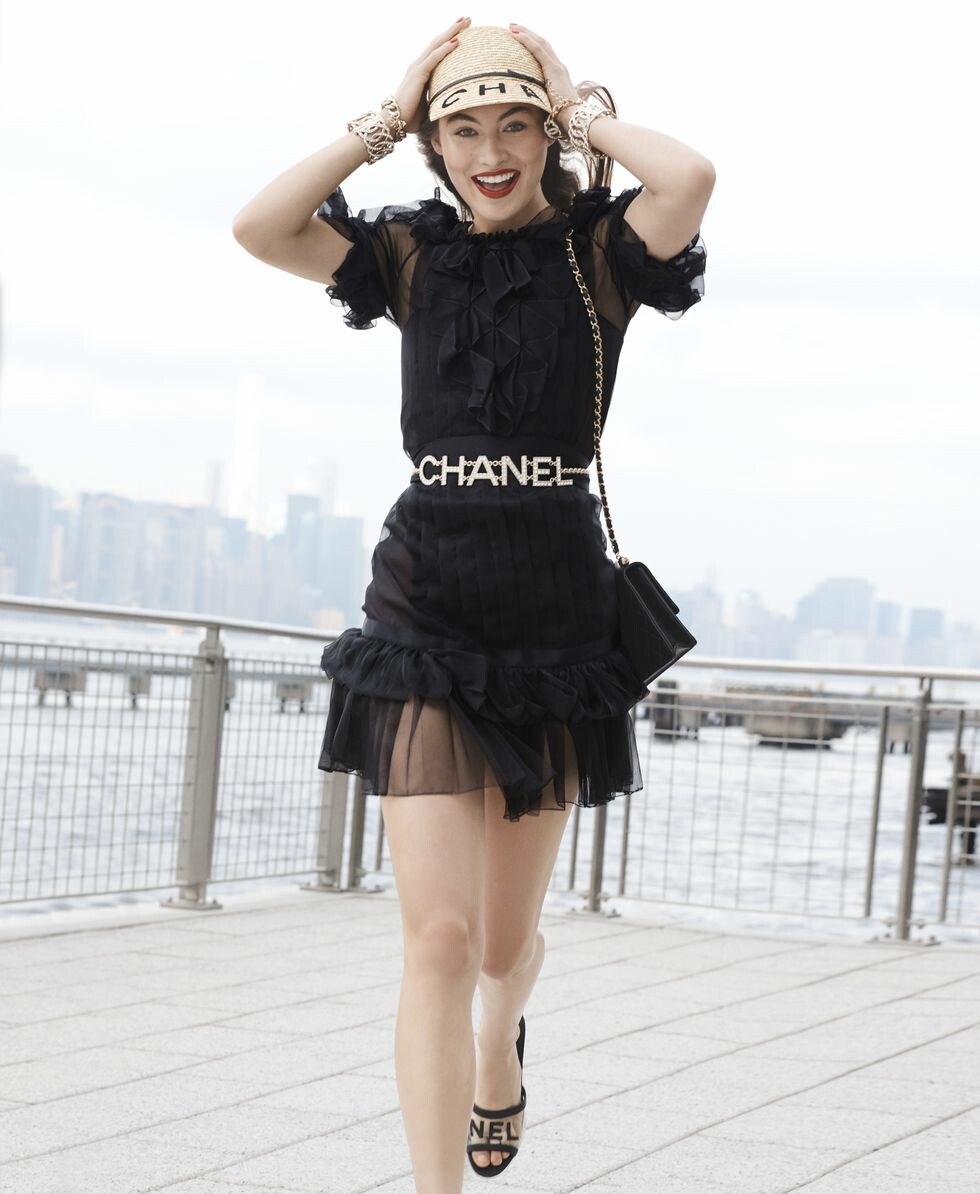
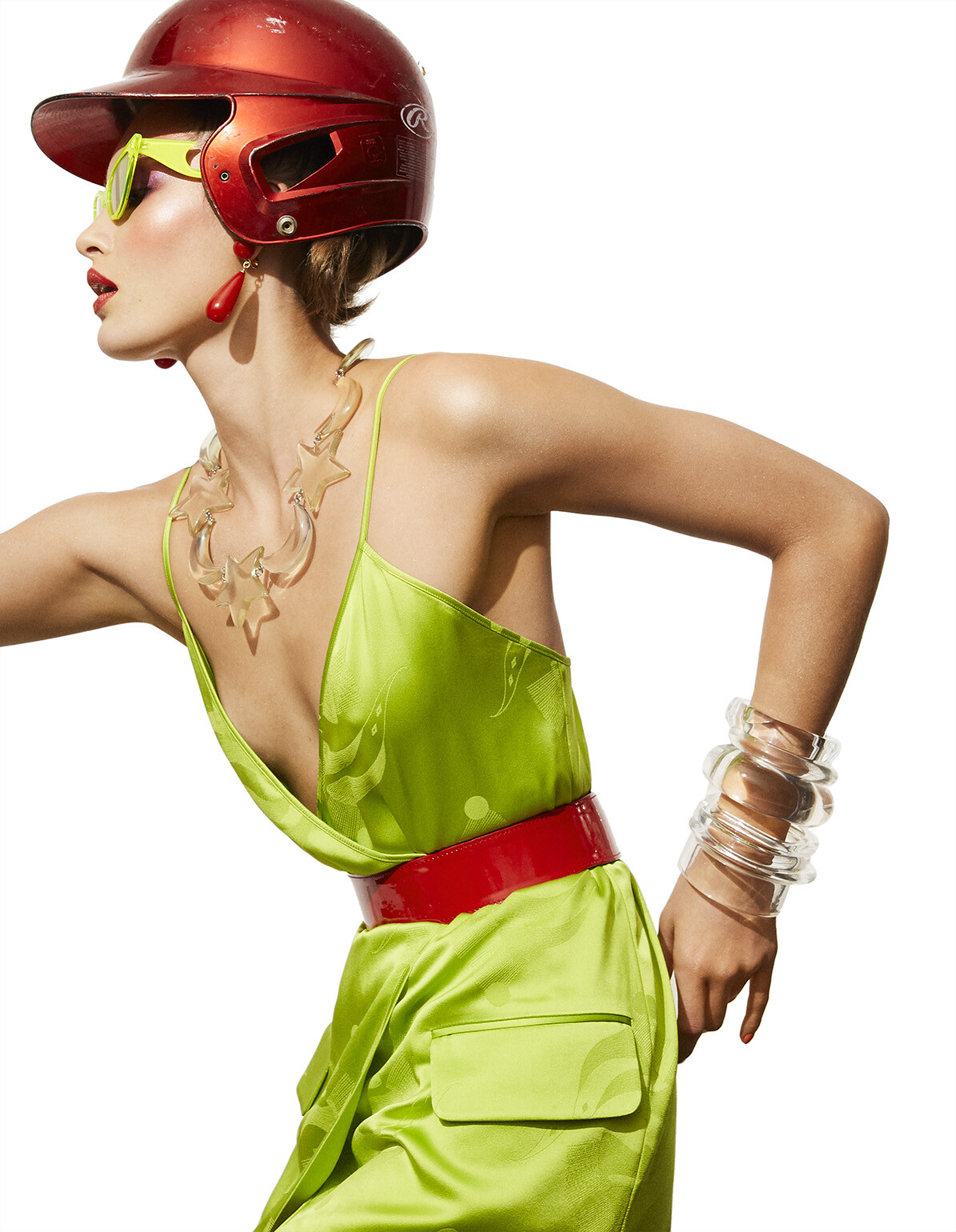
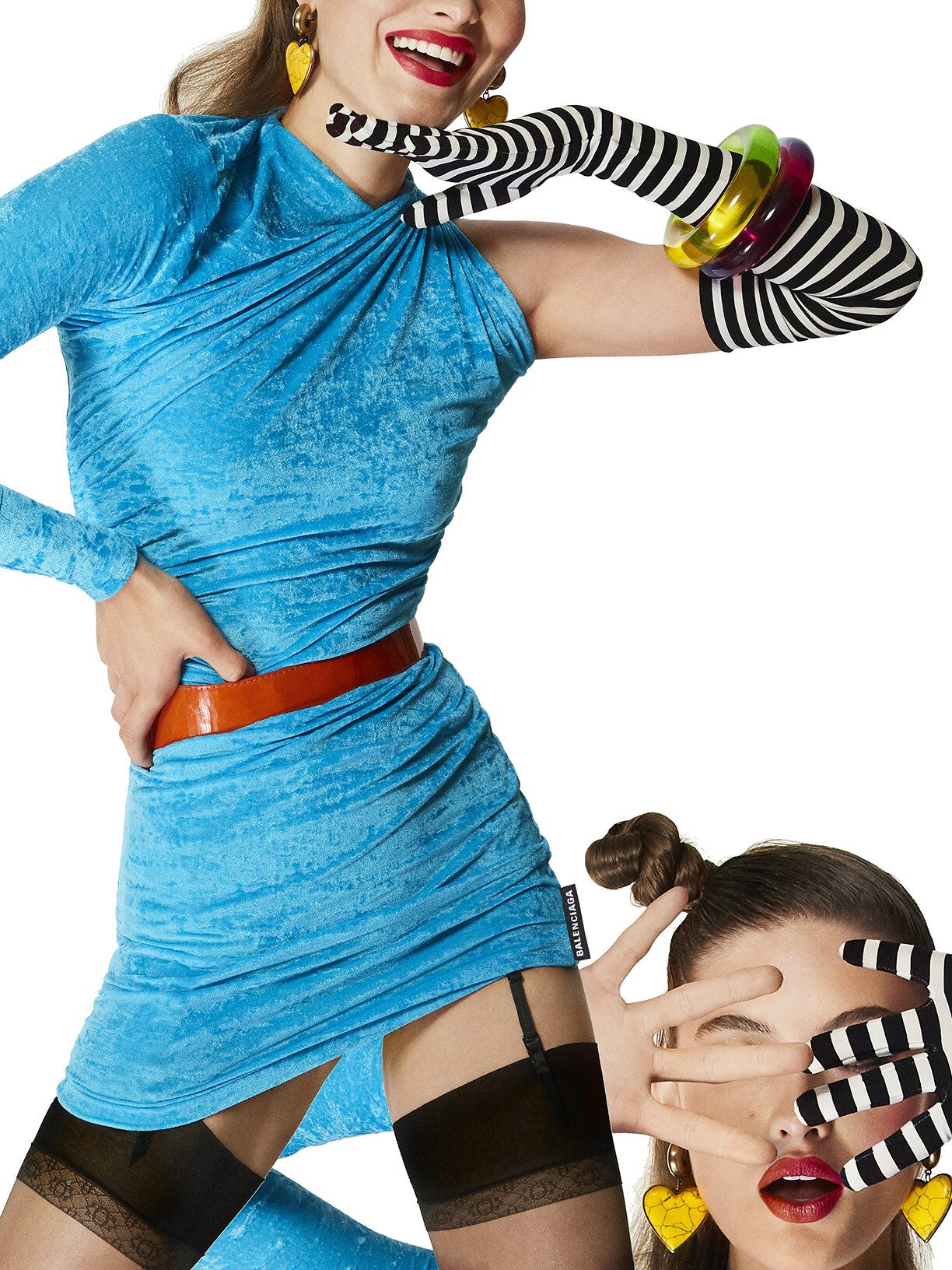
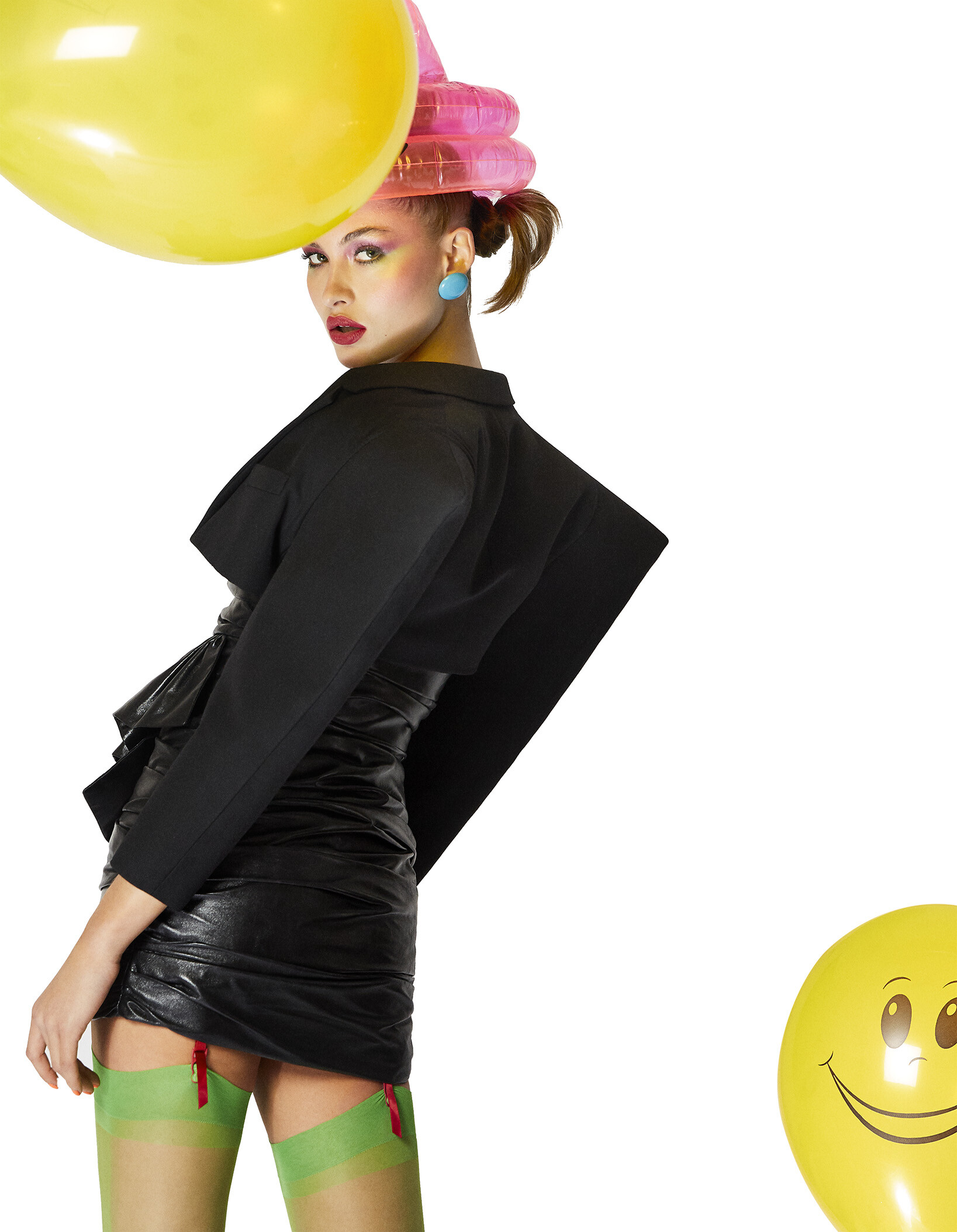
Grace Elizabeth
Grace for Interview Magazine Photography: Charlie Engman https://www.interviewmagazine.com/fashion/who-me-charlie-engman-mel-ottenberg
- Grace Elizabeth
Account
Navigation
Search
Configure browser push notifications
Chrome (Android)
- Tap the lock icon next to the address bar.
- Tap Permissions → Notifications.
- Adjust your preference.
Chrome (Desktop)
- Click the padlock icon in the address bar.
- Select Site settings.
- Find Notifications and adjust your preference.
Safari (iOS 16.4+)
- Ensure the site is installed via Add to Home Screen.
- Open Settings App → Notifications.
- Find your app name and adjust your preference.
Safari (macOS)
- Go to Safari → Preferences.
- Click the Websites tab.
- Select Notifications in the sidebar.
- Find this website and adjust your preference.
Edge (Android)
- Tap the lock icon next to the address bar.
- Tap Permissions.
- Find Notifications and adjust your preference.
Edge (Desktop)
- Click the padlock icon in the address bar.
- Click Permissions for this site.
- Find Notifications and adjust your preference.
Firefox (Android)
- Go to Settings → Site permissions.
- Tap Notifications.
- Find this site in the list and adjust your preference.
Firefox (Desktop)
- Open Firefox Settings.
- Search for Notifications.
- Find this site in the list and adjust your preference.