

Vestalka
Members
-
Joined
-
Last visited
Everything posted by Vestalka
-
 Actress Yunjin Kim attends a meeting for the Special Olympics Korea at Seoul on September 15, 2010 in Seoul, South Korea. Governor Schwarzenegger visited Korea as part of a six-day trip through Asia to discuss trade to help boost California's economy and create jobs.






-
Los Angeles Premiere Of 'Be Natural: The Untold Story Of Alice Guy-Blaché' April 09, 2019 in Los Angeles







 Premiere Of Focus Features' "Greta" February 26, 2019 in Hollywood
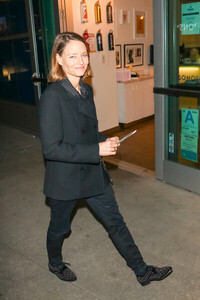
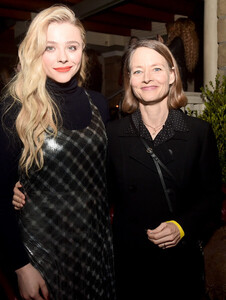
 25th Annual Screen Actors Guild Awards January 27, 2019 in Los Angeles





 Global Road Entertainment's 'Hotel Artemis' Premiere May 19, 2018 in Westwood, California

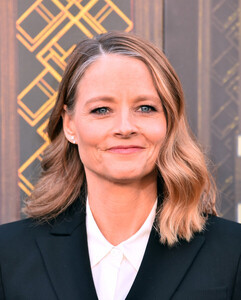

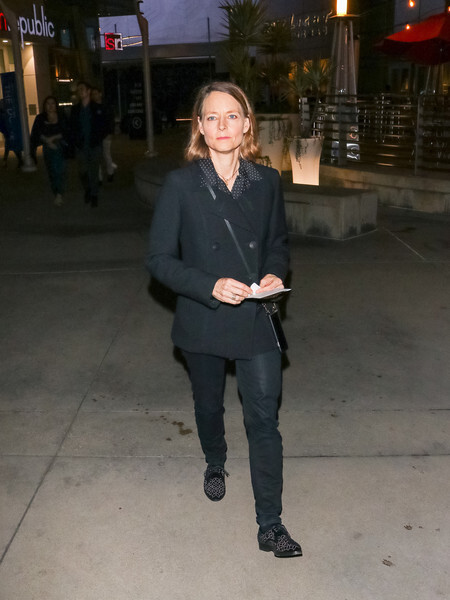
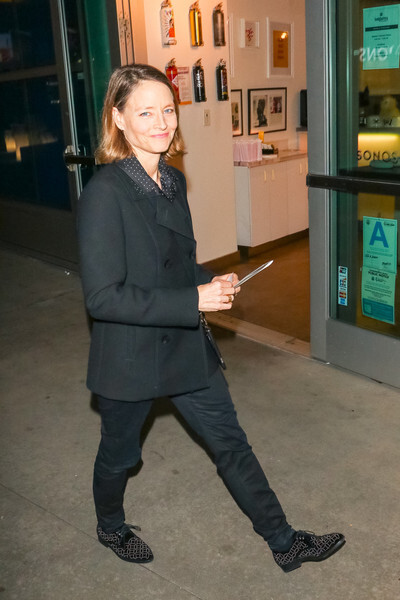
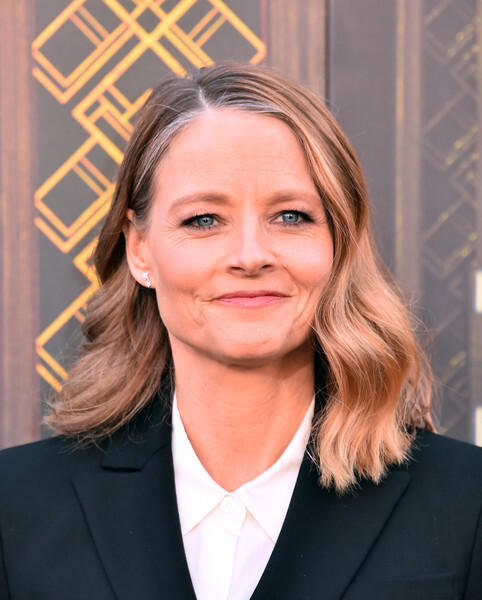
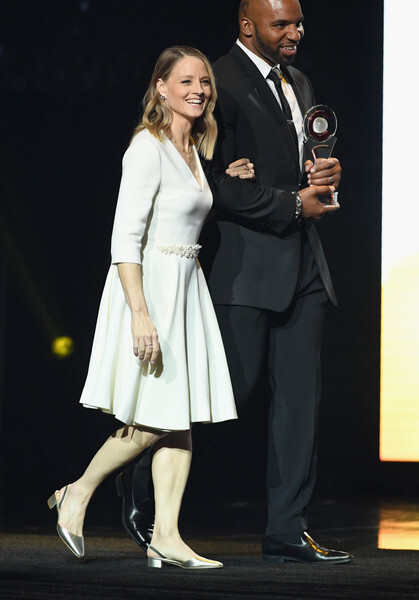
 CinemaCon 2018 - The CinemaCon Big Screen Achievement Awards Brought To You By The Coca-Cola Company April 26, 2018 in Las Vegas, Nevada











 Christie Brinkley Stars In Musical "Chicago" At The Venetian Las Vegas April 10, 2019










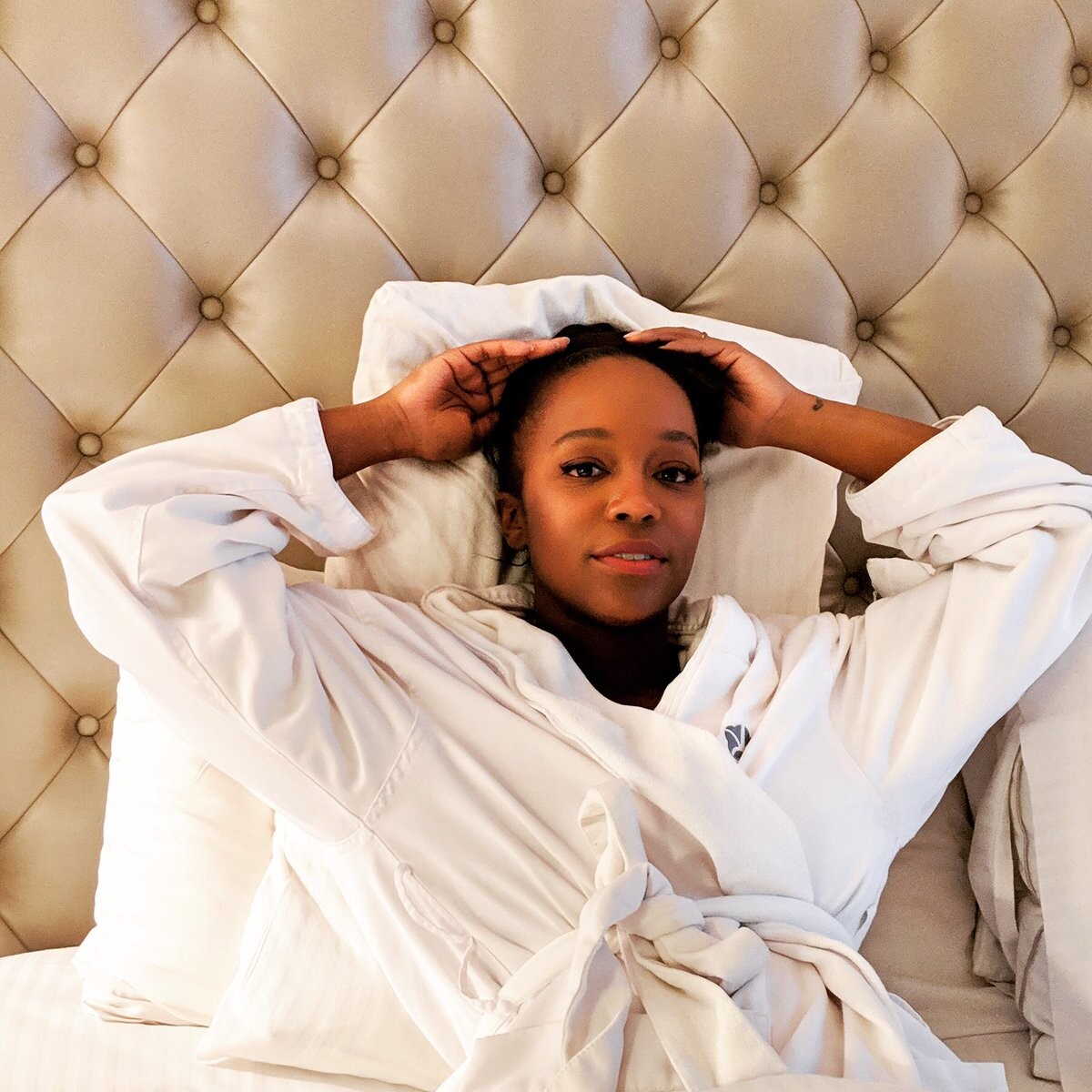
 For Henry Rose parfumes 2019
 2019 Vanity Fair Oscar Party Hosted By Radhika Jones February 24, 2019 in Beverly Hills, California


 25th Annual Screen Actors Guild Awards January 27, 2019 in Los Angeles







 Entertainment Weekly Celebrates Screen Actors Guild Award Nominees At Chateau Marmont Sponsored By L'Oréal Paris January 26, 2019 in Los Angeles






 Isabelle Huppert attends the Atlantic Theater Company 2019 Gala at The Plaza on March 04, 2019 in New York City




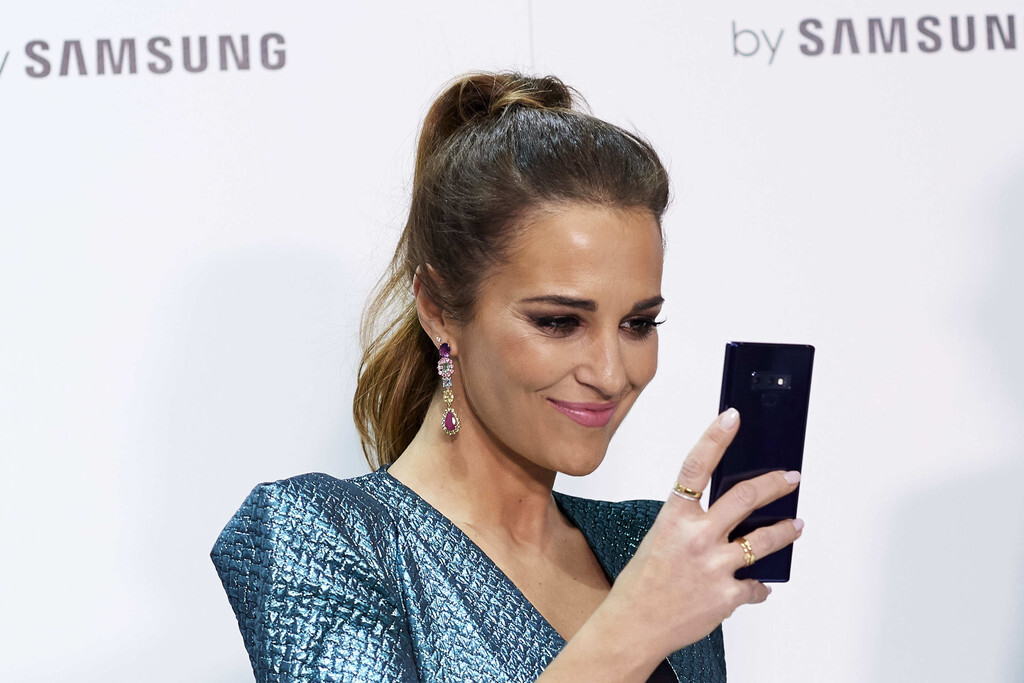
 Samsung Presentation - Mercedes Benz Fashion Week Madrid January 25, 2019







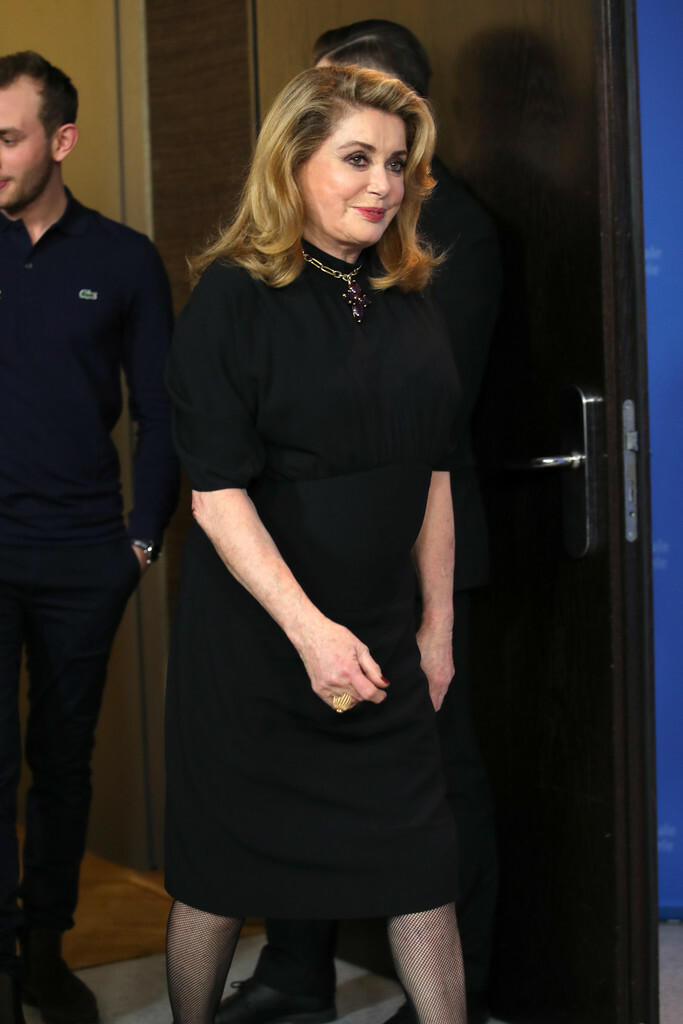
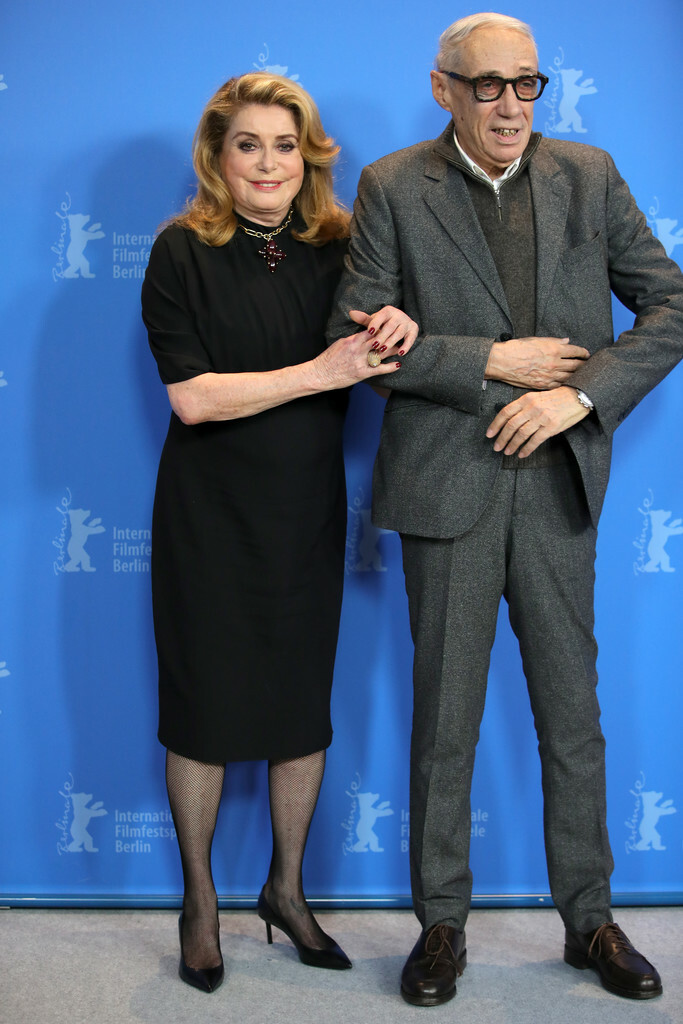
 'Farewell To The Night' Press Conference - 69th Berlinale International Film Festival February 12, 2019 in Berlin








 91st Annual Academy Awards February 24, 2019












 EE British Academy Film Awards February 10, 2019 in London


































































































































































Account
Navigation
Search
Configure browser push notifications
Chrome (Android)
- Tap the lock icon next to the address bar.
- Tap Permissions → Notifications.
- Adjust your preference.
Chrome (Desktop)
- Click the padlock icon in the address bar.
- Select Site settings.
- Find Notifications and adjust your preference.
Safari (iOS 16.4+)
- Ensure the site is installed via Add to Home Screen.
- Open Settings App → Notifications.
- Find your app name and adjust your preference.
Safari (macOS)
- Go to Safari → Preferences.
- Click the Websites tab.
- Select Notifications in the sidebar.
- Find this website and adjust your preference.
Edge (Android)
- Tap the lock icon next to the address bar.
- Tap Permissions.
- Find Notifications and adjust your preference.
Edge (Desktop)
- Click the padlock icon in the address bar.
- Click Permissions for this site.
- Find Notifications and adjust your preference.
Firefox (Android)
- Go to Settings → Site permissions.
- Tap Notifications.
- Find this site in the list and adjust your preference.
Firefox (Desktop)
- Open Firefox Settings.
- Search for Notifications.
- Find this site in the list and adjust your preference.