ekn
Members
-
Joined
-
Last visited
Everything posted by ekn
-
 thelexicicone ig story 1907462040643377143_23549929.mp4 1907462451332746082_23549929.mp4
 -
VS does this on purpose every year with Adriana and it works tho.
-
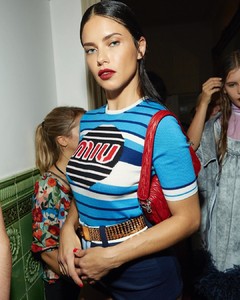
https://www.instagram.com/p/Bprk78jBbV7/
-
source:https://www.instagram.com/princess_of_the_tabernacle/ (private acc)
-
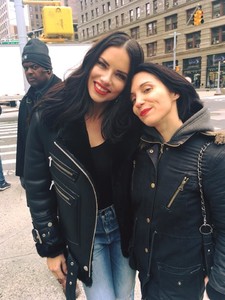
https://www.instagram.com/p/BpmbP9DnKwh/
-
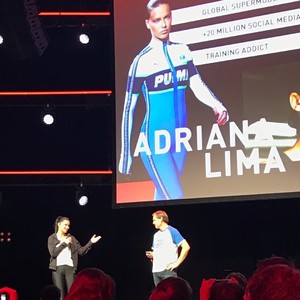
ABS Season1 started in India today. According to imdb she has no relation with the season 2 that has already done filming. There seems to be she is not even the producer of the show as some source claimed.
-
Metin hara posted a picture of her on ig, she is heading to London
-
-
A real estate agent mentioned her on twitter so i assume she visited a real estate office right before she posted 'nice neighborhood' video and i thought she's planning to move nyc until i read your point. Even if highly doubt he can afford some place in nyc without getting any financial support, it also might for metin hara.
-
I asked because dogpound (kirk myers) has kind of sponsorship/collobration with VS and responsible to train vs models for the show as a part of promotion. I found it a bit odd not using brand's most well-known model while she is there almost everyday.
-
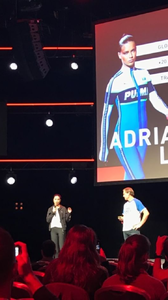
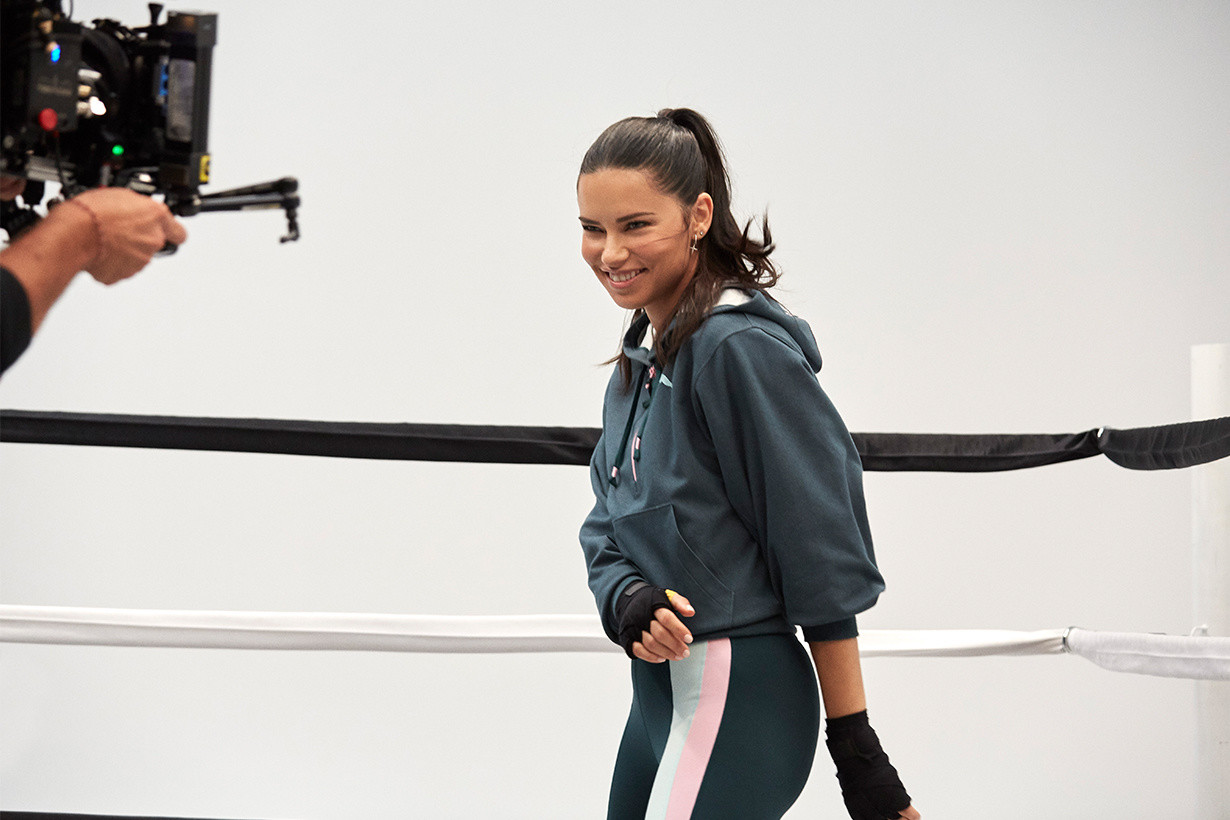
Is it because of her Puma contract she is not getting tag by dogpound or kirkmyersfitness anymore because i know she visits there daily and they share every models training routine on ig but no more Adriana pictures since she signed for Puma.
-
-
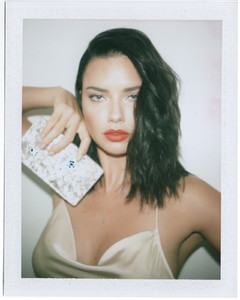
https://www.instagram.com/p/BpLR_unlYEm/?taken-by=haozeng_com
-
3 1864857020084009630_5502060957.mp4 1864857298048970673_5502060957.mp4
-
2 1864856356939542308_5502060957.mp4 1864857008331610344_5502060957.mp4
-
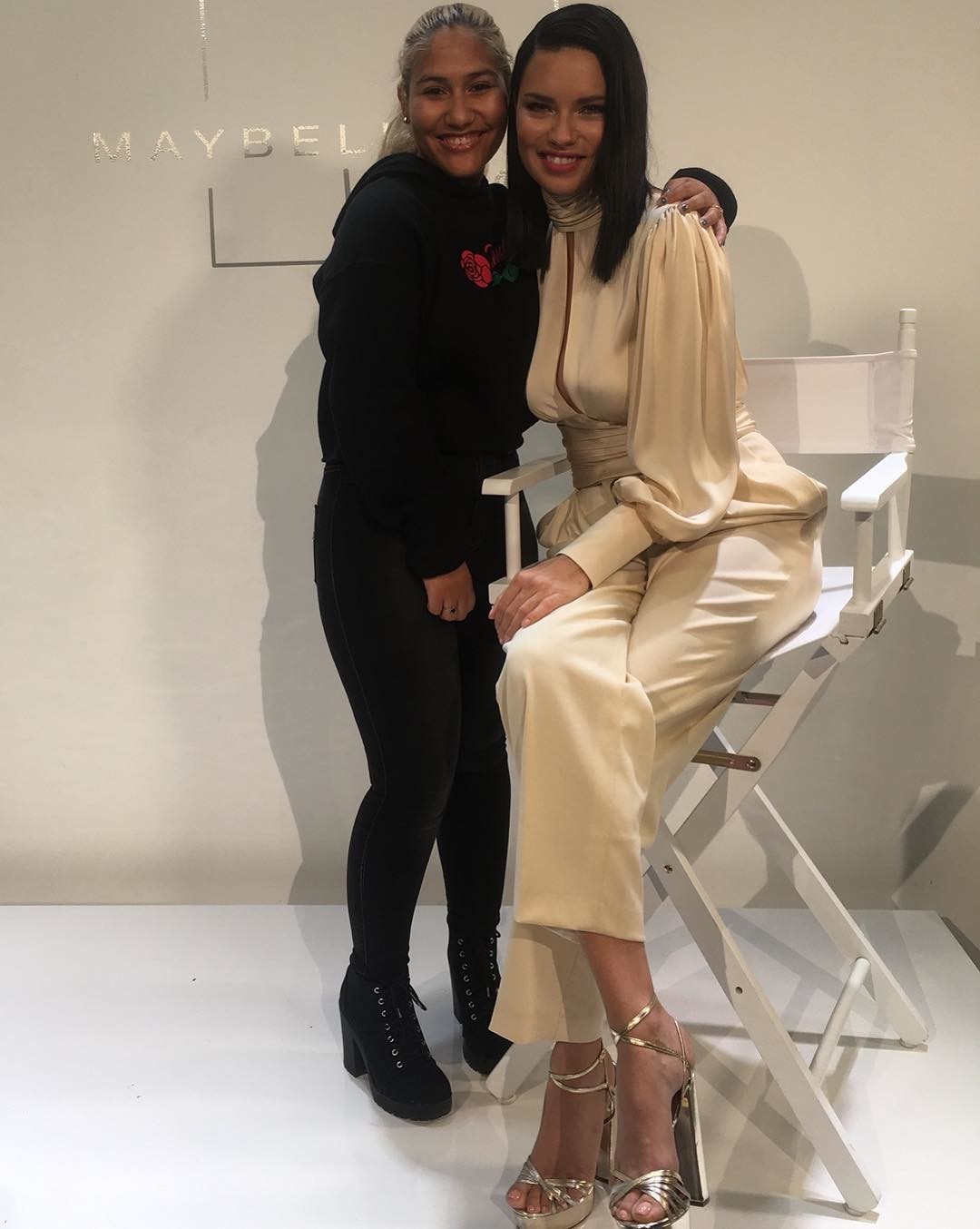
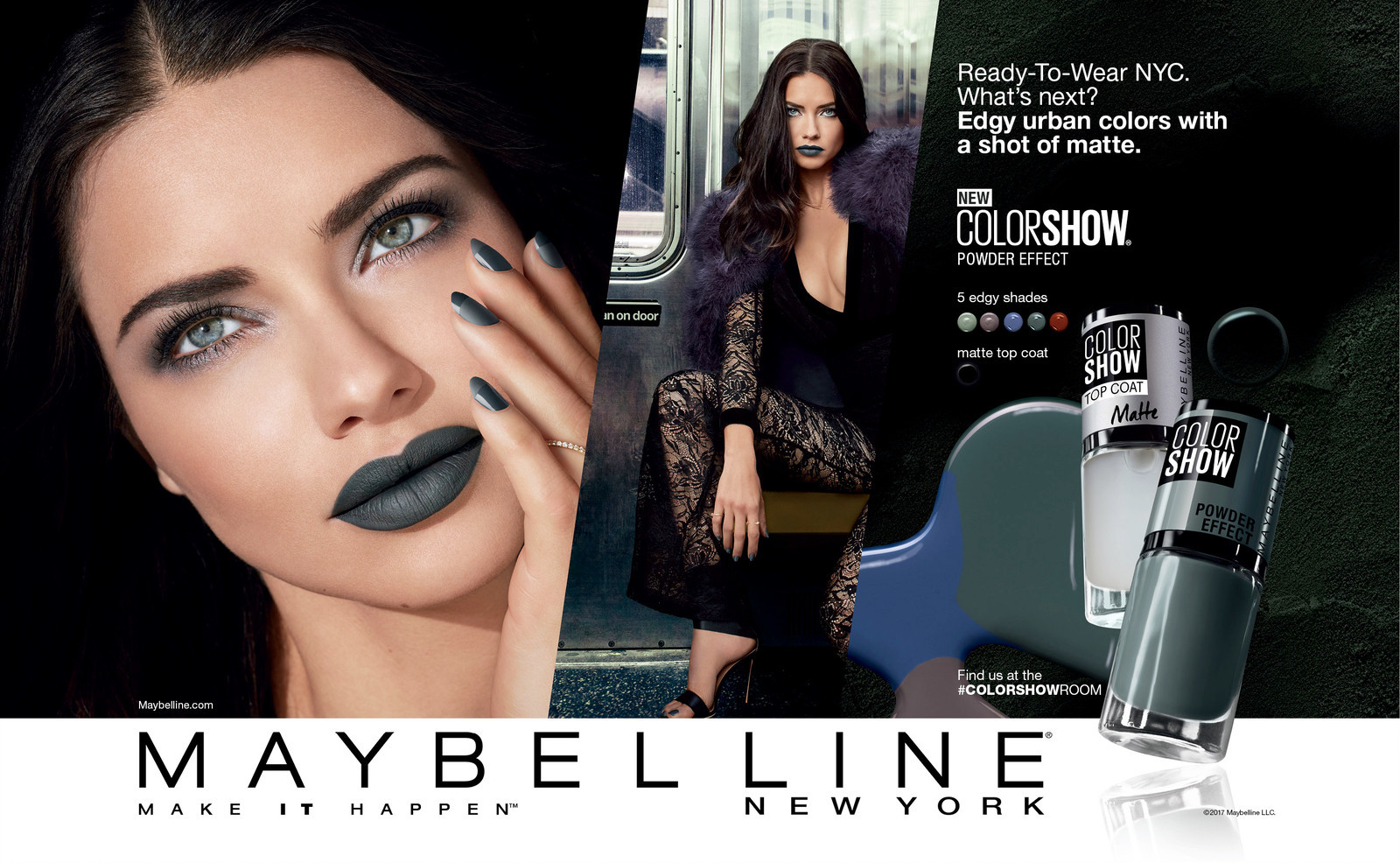
maybelline poland -some polish youtubers decided not to post content from nyfw so these are from ig story 1864856294444324362_5502060957.mp4 1864856356939542308_5502060957.mp4
-
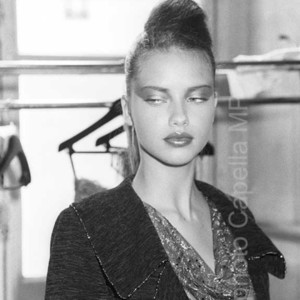
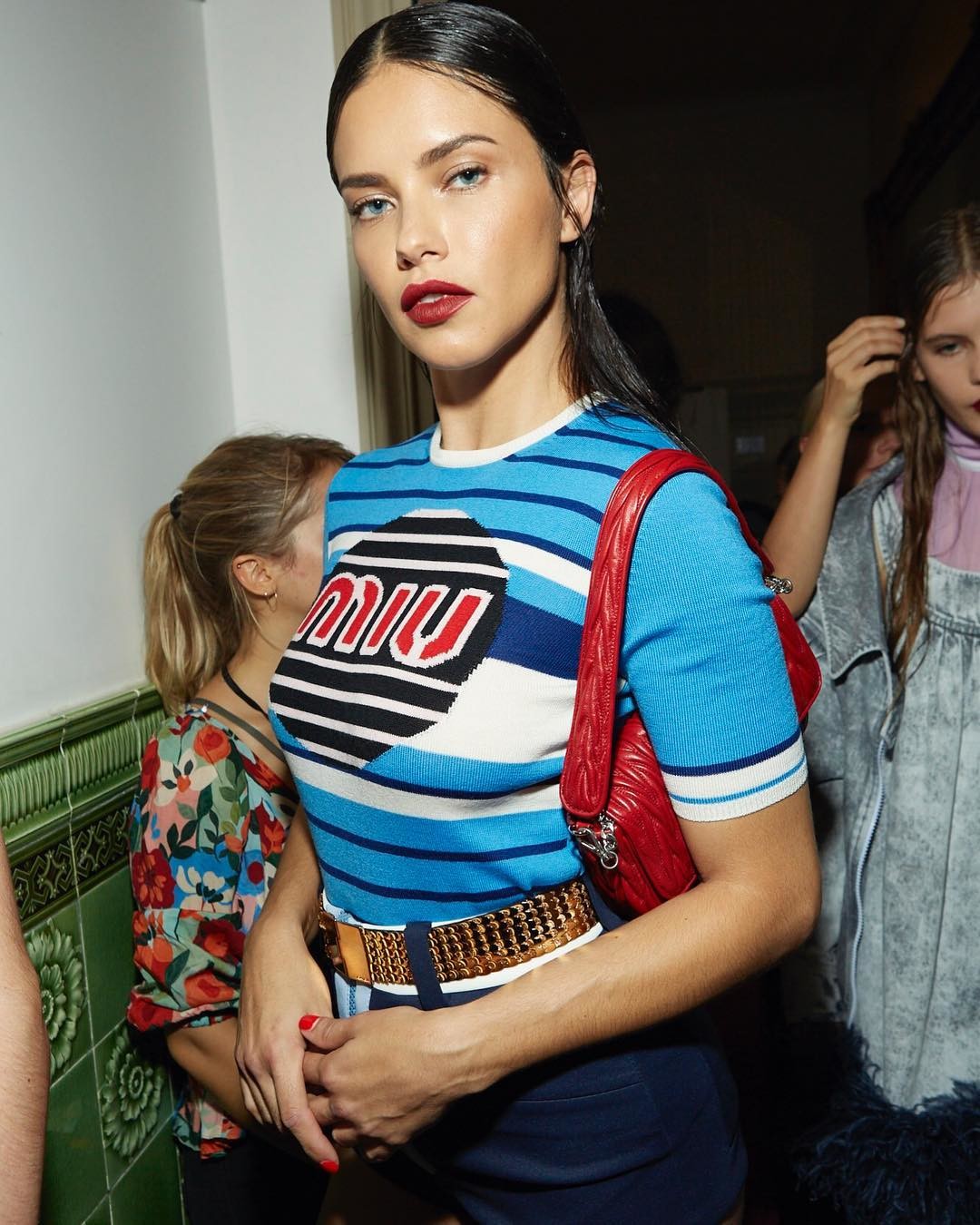
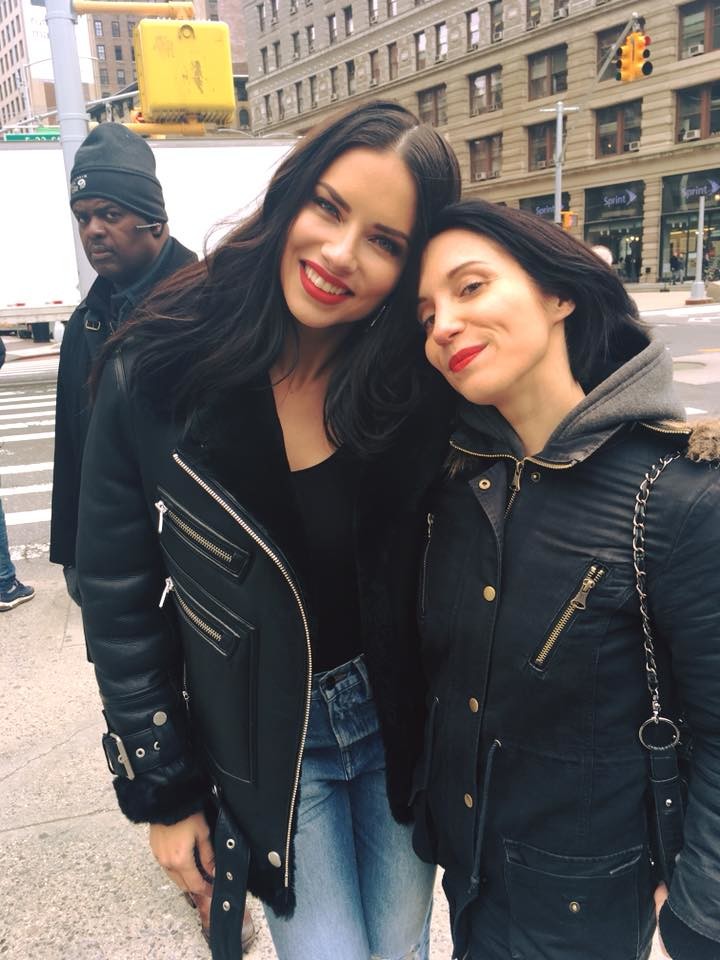
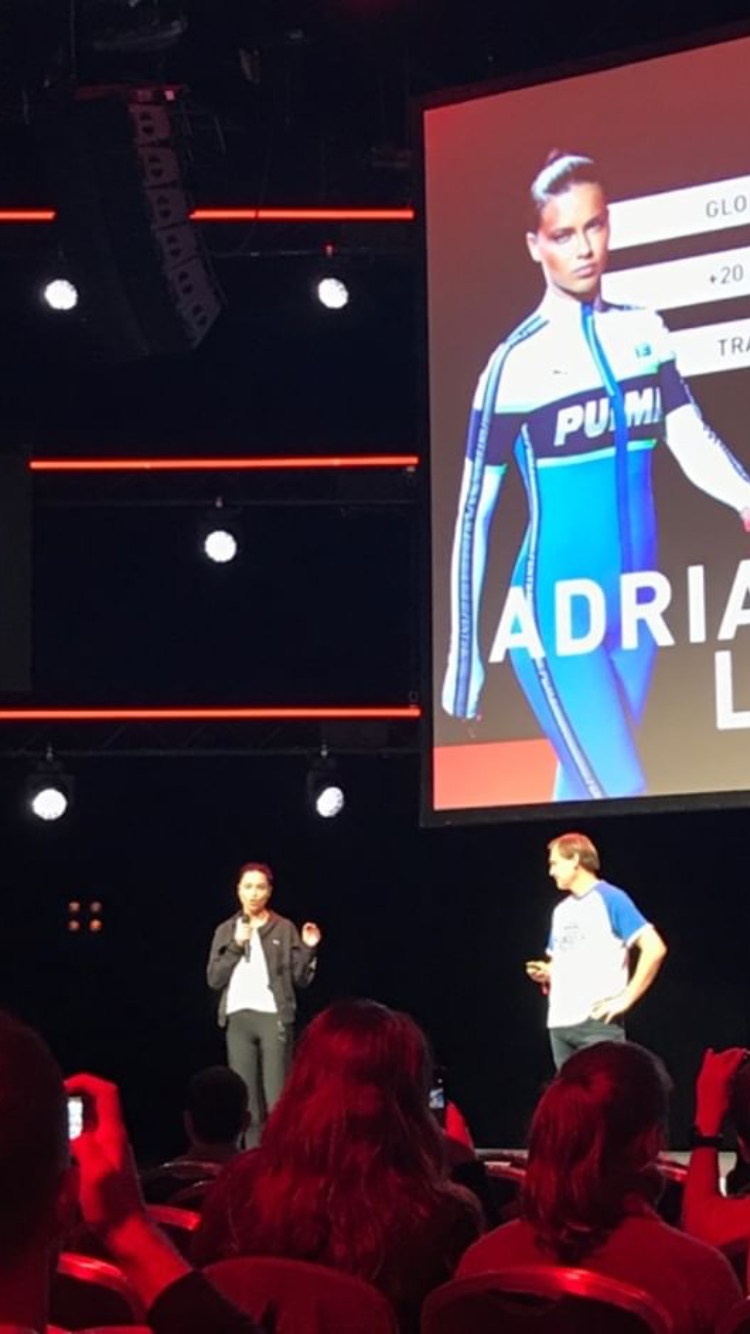
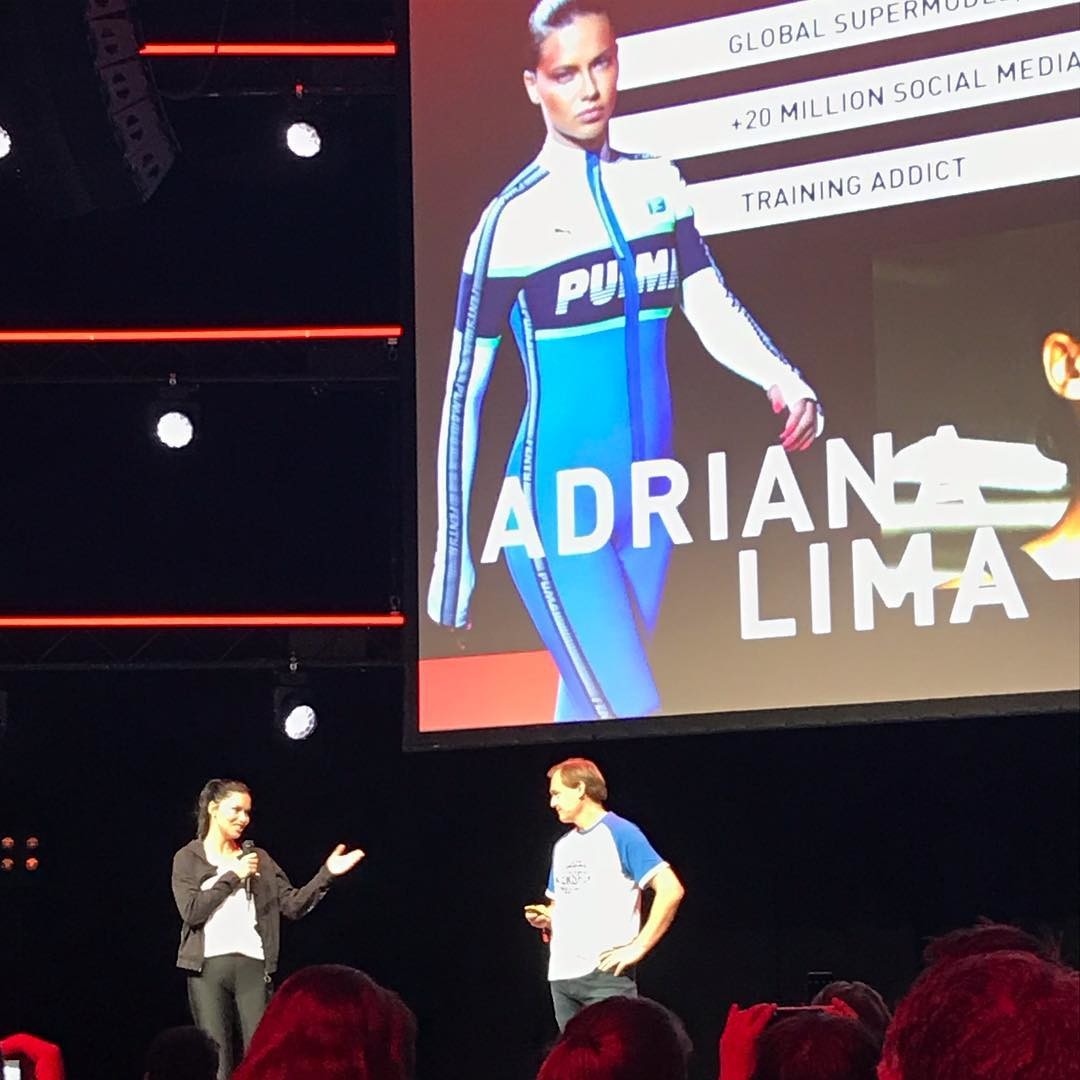
https://www.instagram.com/p/BpHpAm0j_Ro/?taken-by=art_paris_trend
 https://www.instagram.com/p/BovBYEtnfQe/?taken-by=alexaah13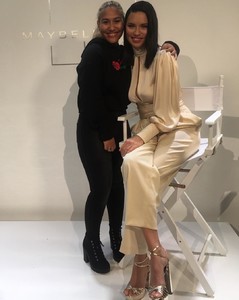
Account
Search
Configure browser push notifications
Chrome (Android)
- Tap the lock icon next to the address bar.
- Tap Permissions → Notifications.
- Adjust your preference.
Chrome (Desktop)
- Click the padlock icon in the address bar.
- Select Site settings.
- Find Notifications and adjust your preference.
Safari (iOS 16.4+)
- Ensure the site is installed via Add to Home Screen.
- Open Settings App → Notifications.
- Find your app name and adjust your preference.
Safari (macOS)
- Go to Safari → Preferences.
- Click the Websites tab.
- Select Notifications in the sidebar.
- Find this website and adjust your preference.
Edge (Android)
- Tap the lock icon next to the address bar.
- Tap Permissions.
- Find Notifications and adjust your preference.
Edge (Desktop)
- Click the padlock icon in the address bar.
- Click Permissions for this site.
- Find Notifications and adjust your preference.
Firefox (Android)
- Go to Settings → Site permissions.
- Tap Notifications.
- Find this site in the list and adjust your preference.
Firefox (Desktop)
- Open Firefox Settings.
- Search for Notifications.
- Find this site in the list and adjust your preference.