ekn
Members
-
Joined
-
Last visited
Everything posted by ekn
-
 sandramalca ig story 1975928598338572644_202190481.mp4 1976434089432333628_202190481.mp4 1976434097493741012_202190481.mp4 1976435748799662795_202190481.mp4
 -
natalie_ac ig story 1975929287724675796_255182562.mp4
-
gabidesangles ig story 1975925447839333765_5814849.mp4 1975925461563116919_5814849.mp4
-
helenblandino ig story 1975924628229391375_275556689.mp4
-
marievelousmarie ig story 1975936899512436796_1995338662.mp4 1975936722538039423_1995338662.mp4
-
neumilives ig story 1975950226680074403_29289681.mp4
-
I love single Adriana 😁 she is more active on social platforms when she is single
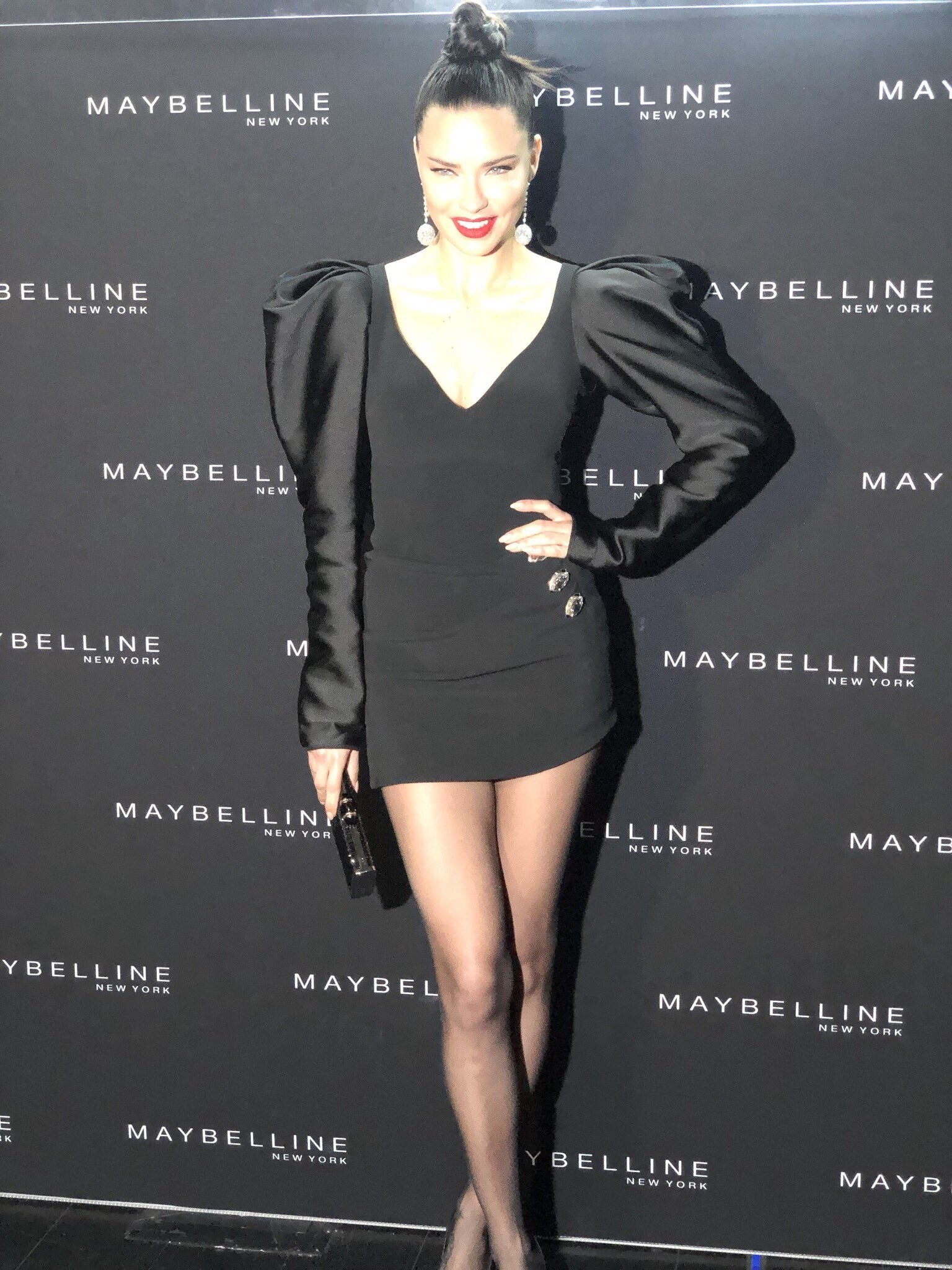
No unfortunately but many Maybelline brand ambassodors from various countries will be in US tomorrow. It has to be something big since they are doing countdown on their US website for a month. But Maybelline always dissapoints me, they might organize events without the face of the campaign attendance.
Colombian sources confirmed NYFW events for PumaxMaybelline but still no info about Adriana.
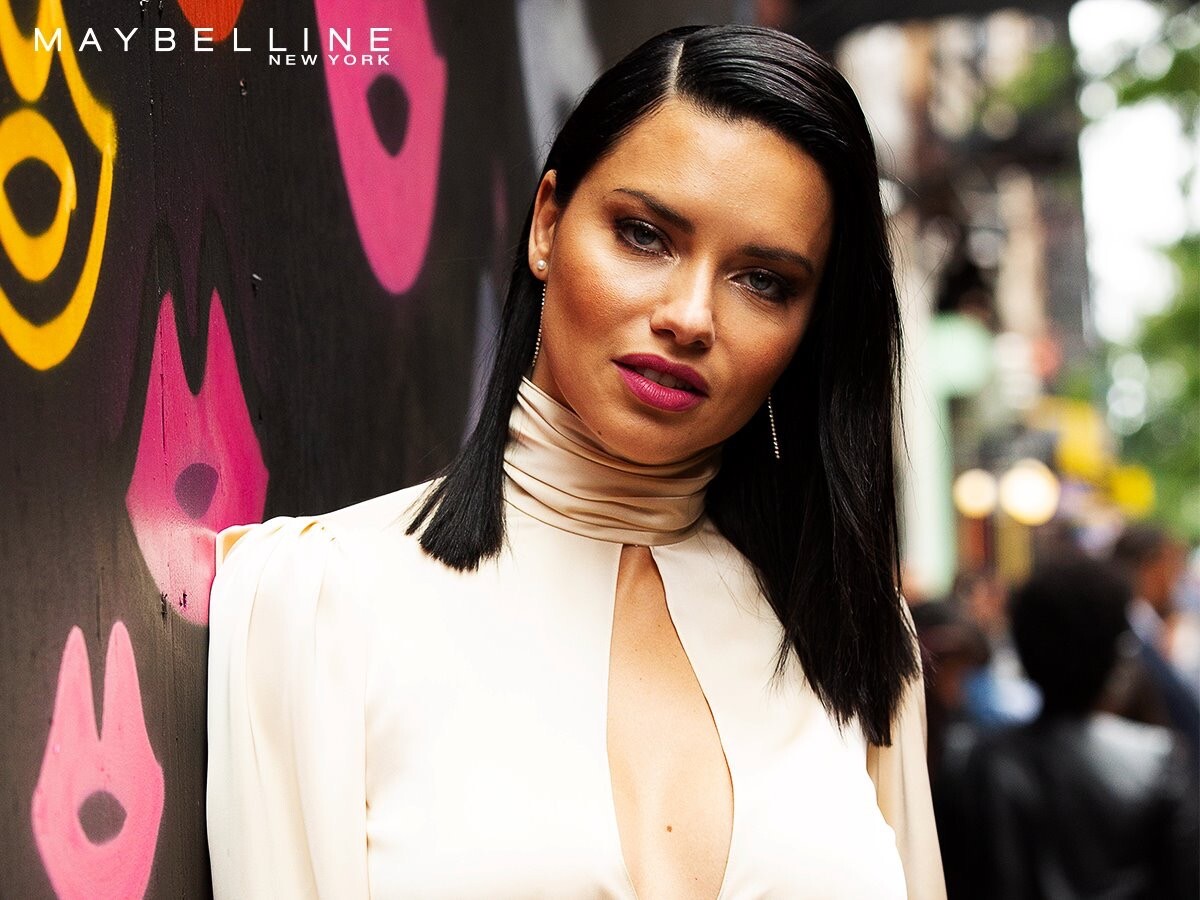
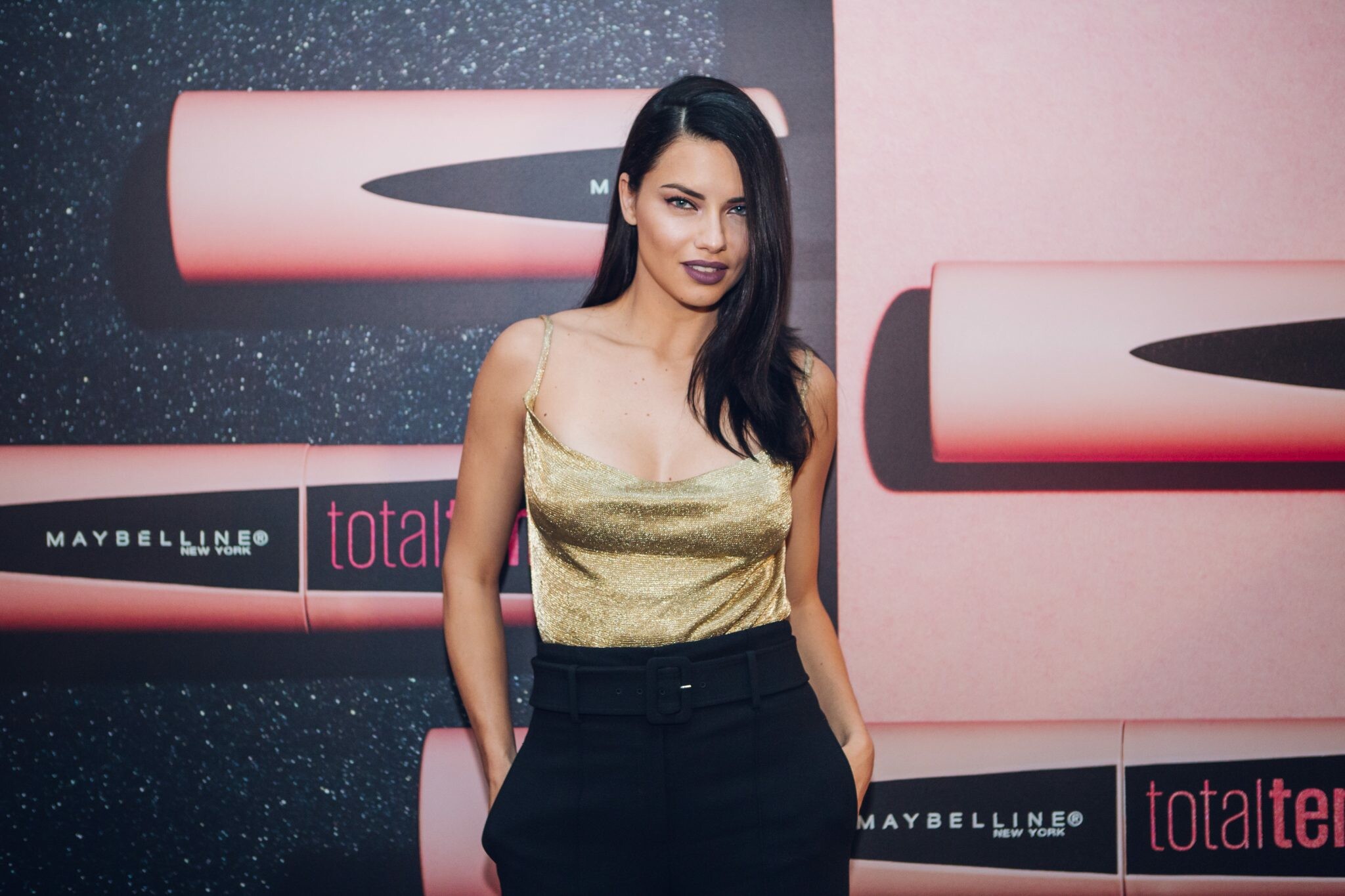
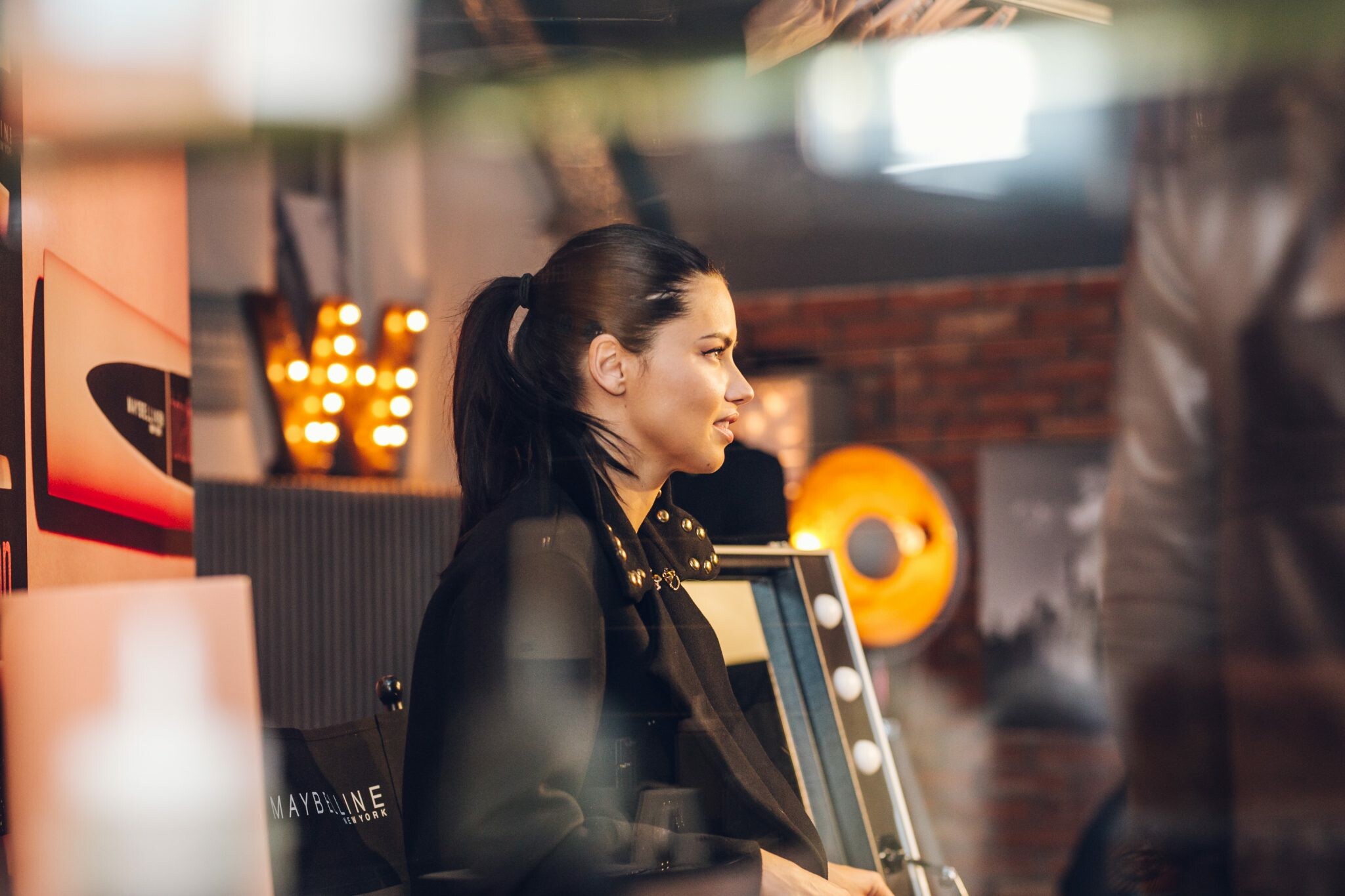
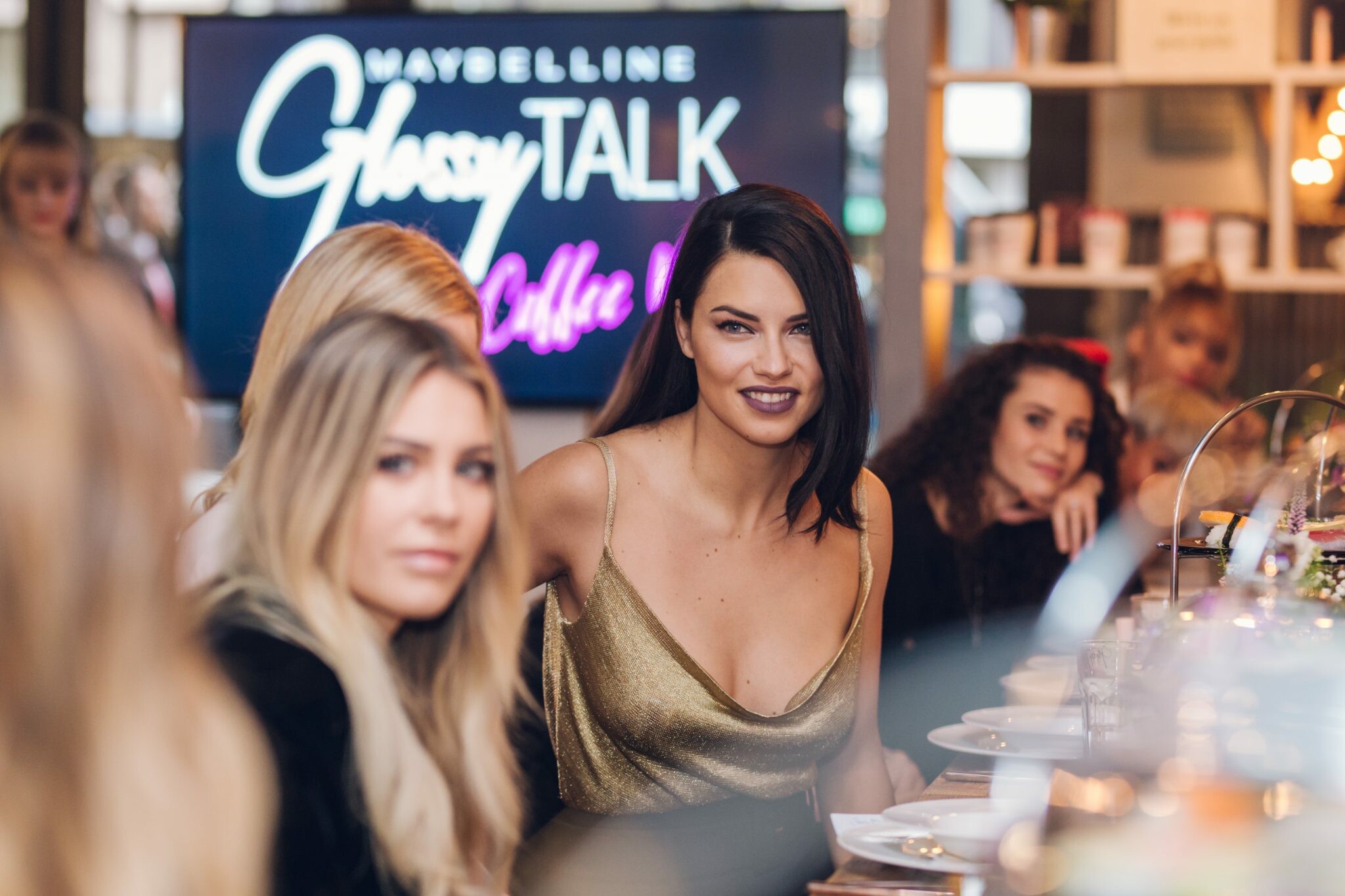
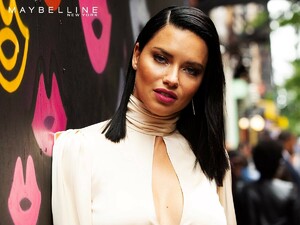 NYFW has started but Maybelline’s not launched its collection yet. She is the face of PumaxMaybelline campaign and the collection will launch tomorrow officially in US. I read there will be some events for Maybelline but not enough info whether she will attend or not.
https://player.vimeo.com/video/312523312?app_id=122963
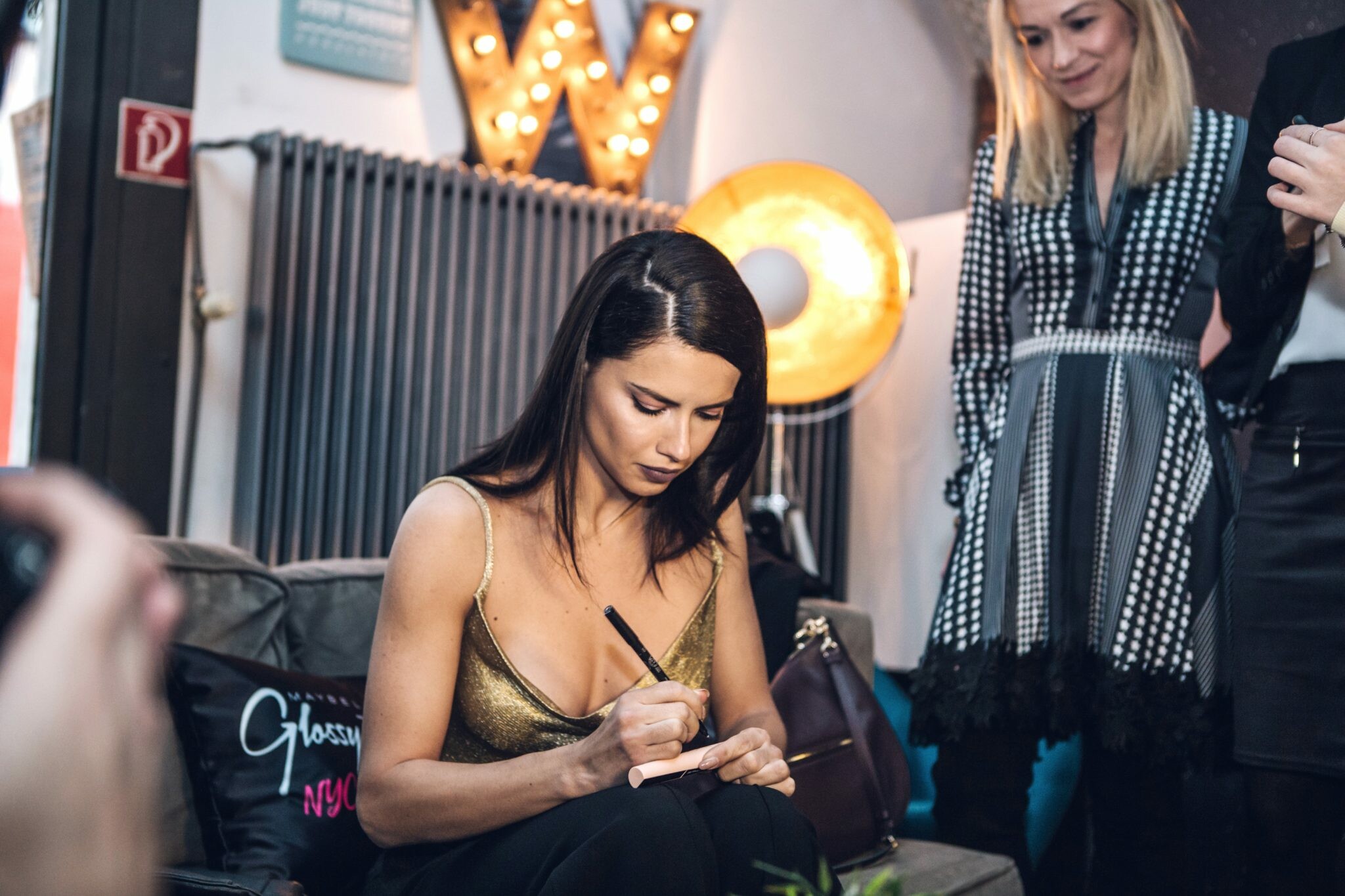
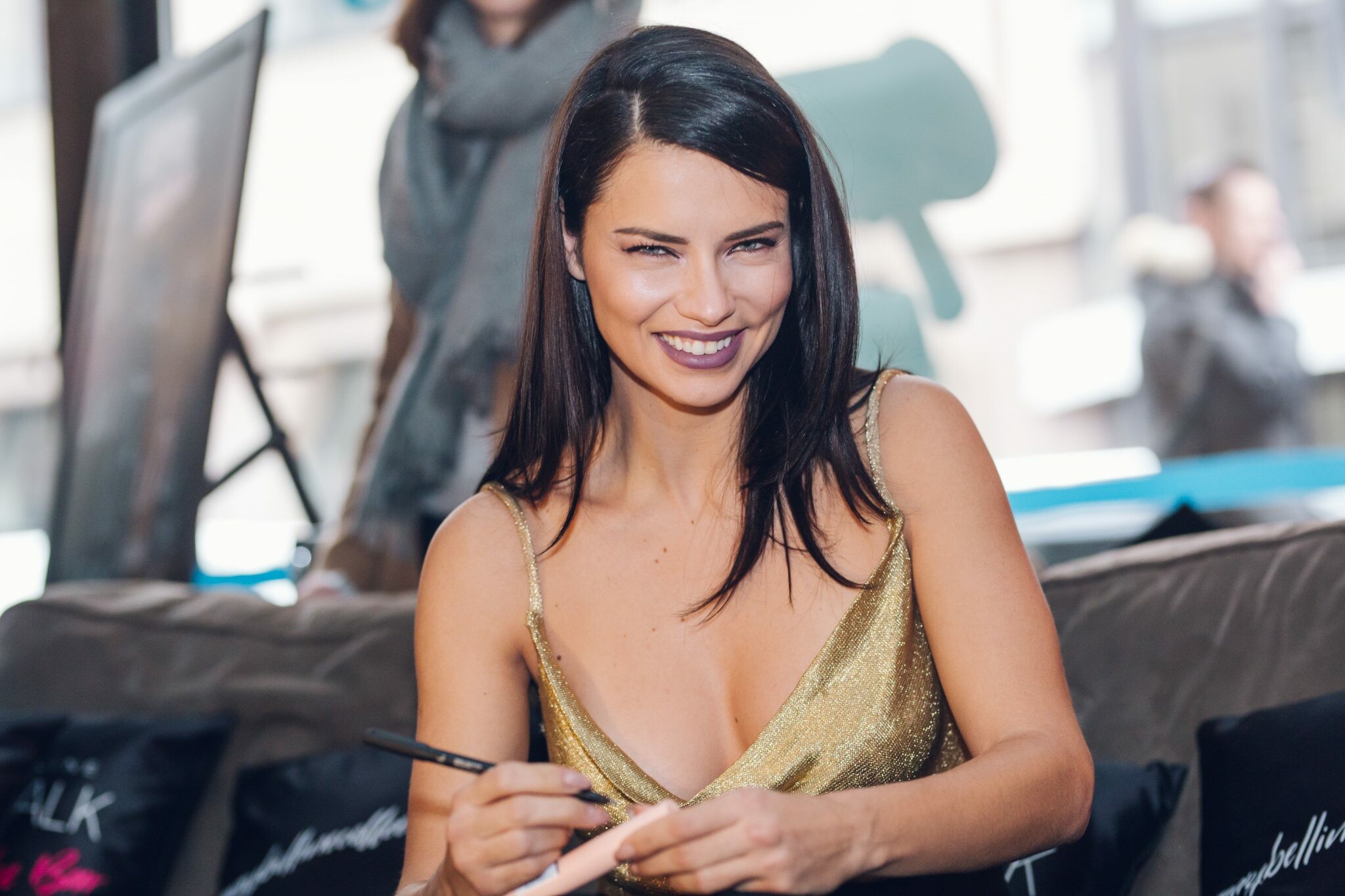
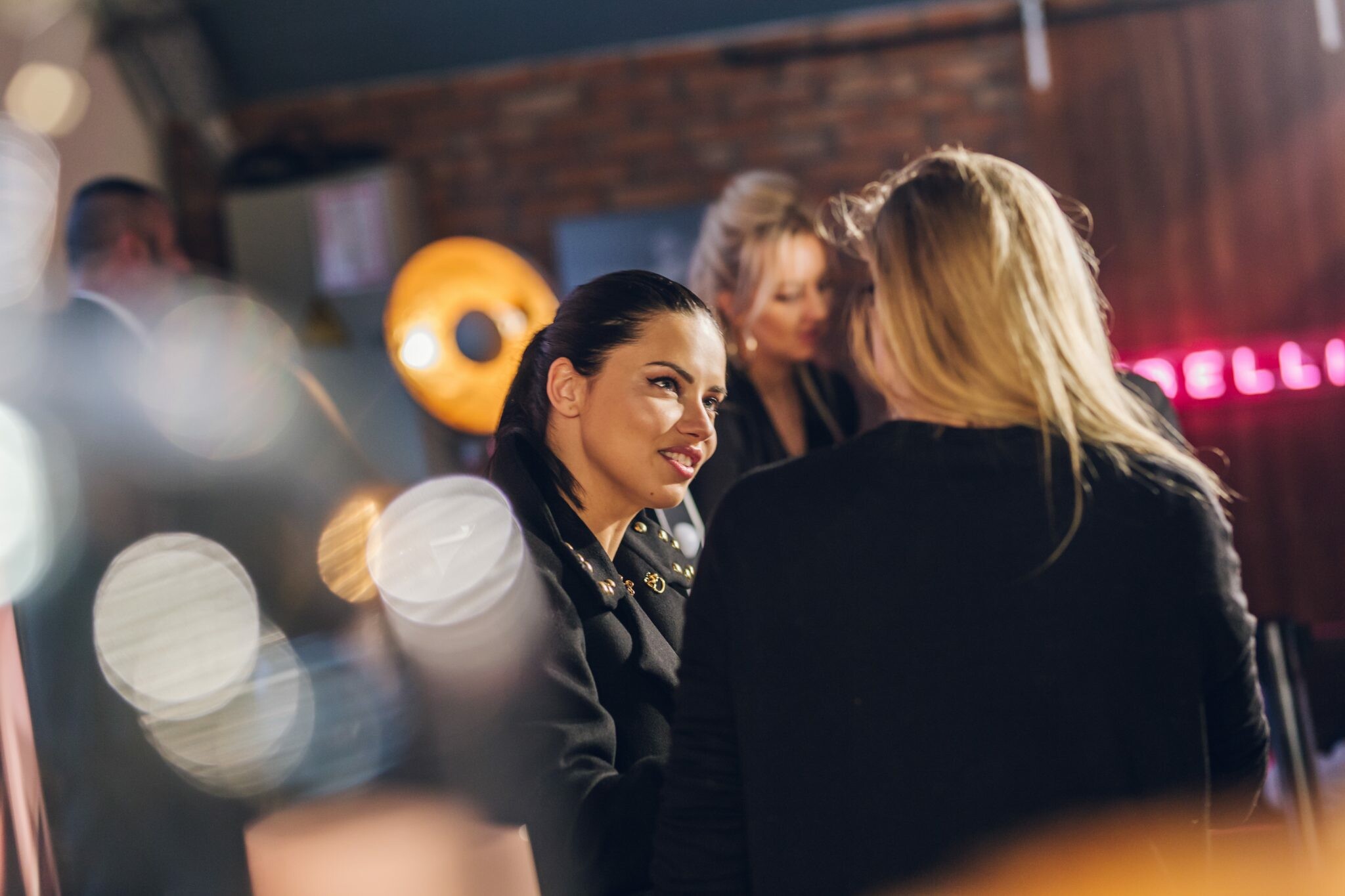
January 2018 Berlin (from last year) source: https://photography-collective.de/portfolio/adriana-lima-berlin/
NYFW has started but Maybelline’s not launched its collection yet. She is the face of PumaxMaybelline campaign and the collection will launch tomorrow officially in US. I read there will be some events for Maybelline but not enough info whether she will attend or not.
https://player.vimeo.com/video/312523312?app_id=122963
January 2018 Berlin (from last year) source: https://photography-collective.de/portfolio/adriana-lima-berlin/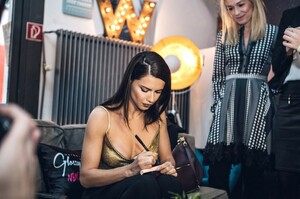
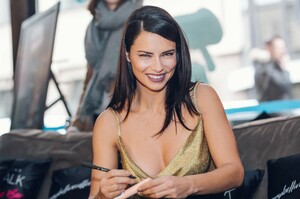
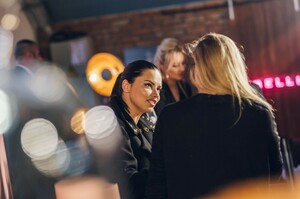
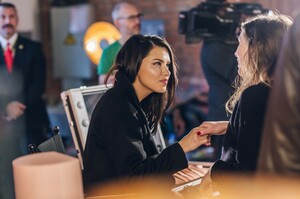
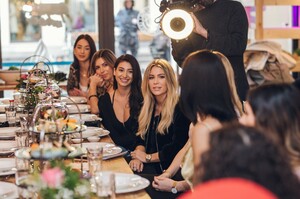
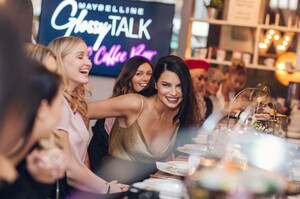
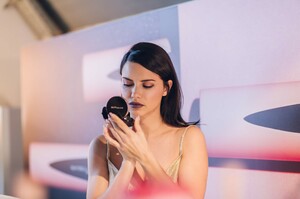
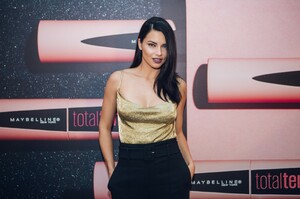
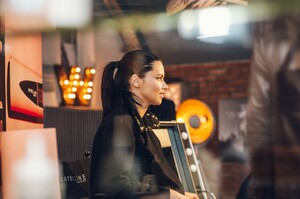
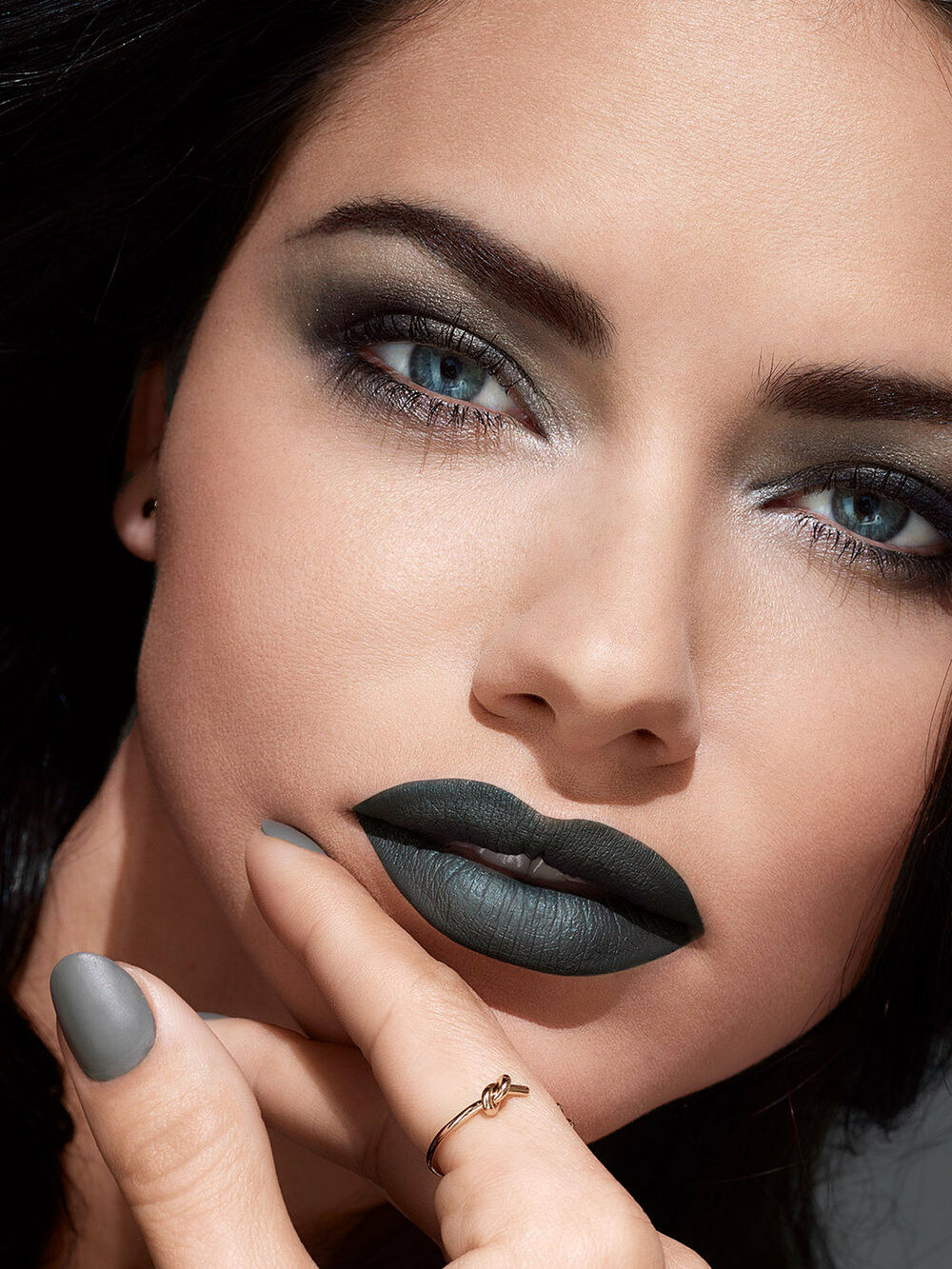
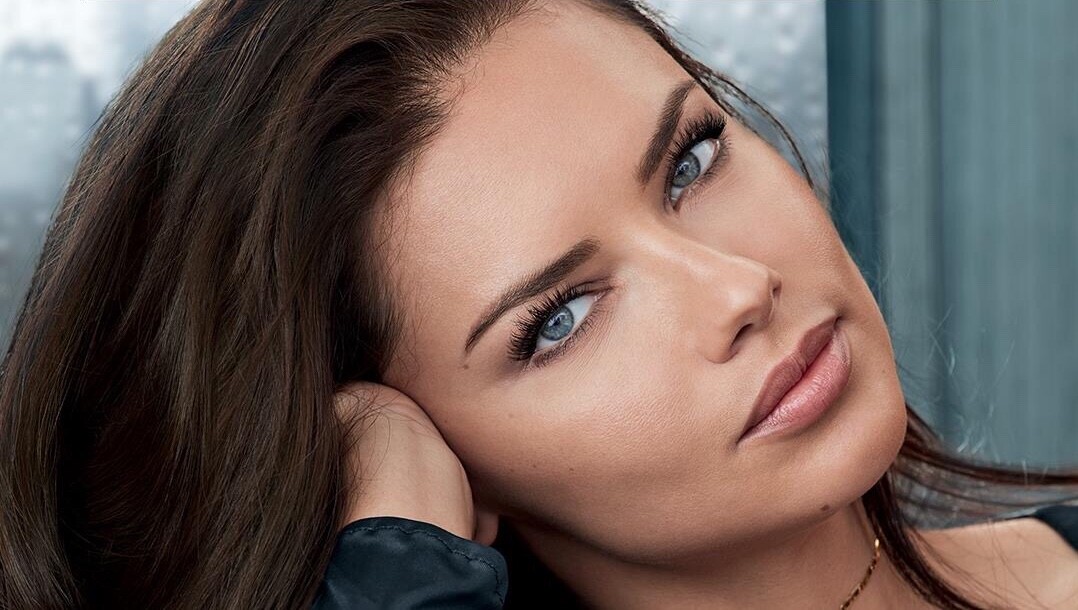
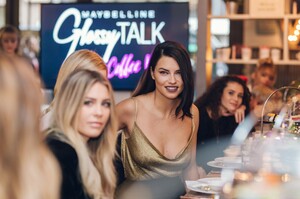 from 'Color Sensational Powder Matte' campaign
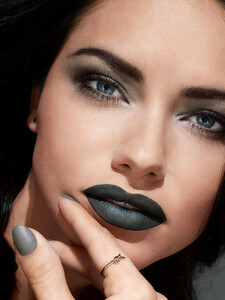 https://www.puma-catchup.com/puma-training-ambassador-adriana-lima-on-pumas-latest-collaboration-with-maybelline-new-york/
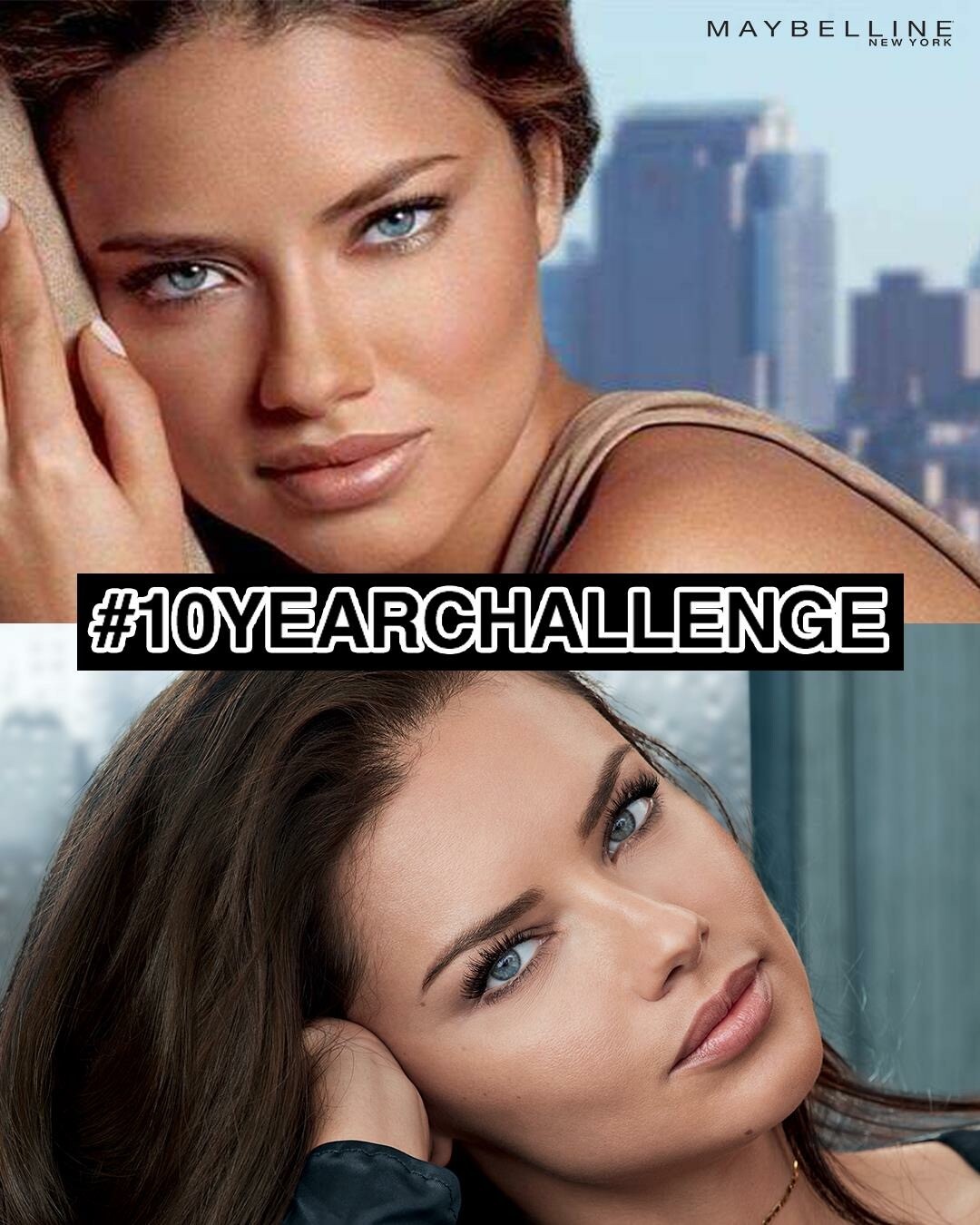
Maybelline involved 10 years challenge
https://www.puma-catchup.com/puma-training-ambassador-adriana-lima-on-pumas-latest-collaboration-with-maybelline-new-york/
Maybelline involved 10 years challenge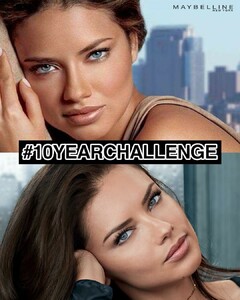
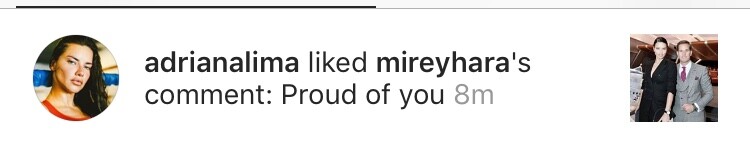
 That's why i immediately checked Mirey's IG but Adri wasn't following her right after she liked her comment. I also remember how much i regretted to unfollow Mirey after i saw that notification because i thought she followed her again for a while. Might be bug or smt. But anyways i do believe news this time because People wouldn't made it news unless her agent confirms it.
She definetely unfollowed her in December, there are also some comments on Metin's post asks why Adriana unfollowed his mother but you know Adriana's follow/unfollow ritual is kind a mess to follow. I was following Mİrey until last month so i'm sure about her but not other members of Hara family.
she is mama Hara and Adriana stop following her last month but she still likes her comments.
That's why i immediately checked Mirey's IG but Adri wasn't following her right after she liked her comment. I also remember how much i regretted to unfollow Mirey after i saw that notification because i thought she followed her again for a while. Might be bug or smt. But anyways i do believe news this time because People wouldn't made it news unless her agent confirms it.
She definetely unfollowed her in December, there are also some comments on Metin's post asks why Adriana unfollowed his mother but you know Adriana's follow/unfollow ritual is kind a mess to follow. I was following Mİrey until last month so i'm sure about her but not other members of Hara family.
she is mama Hara and Adriana stop following her last month but she still likes her comments.
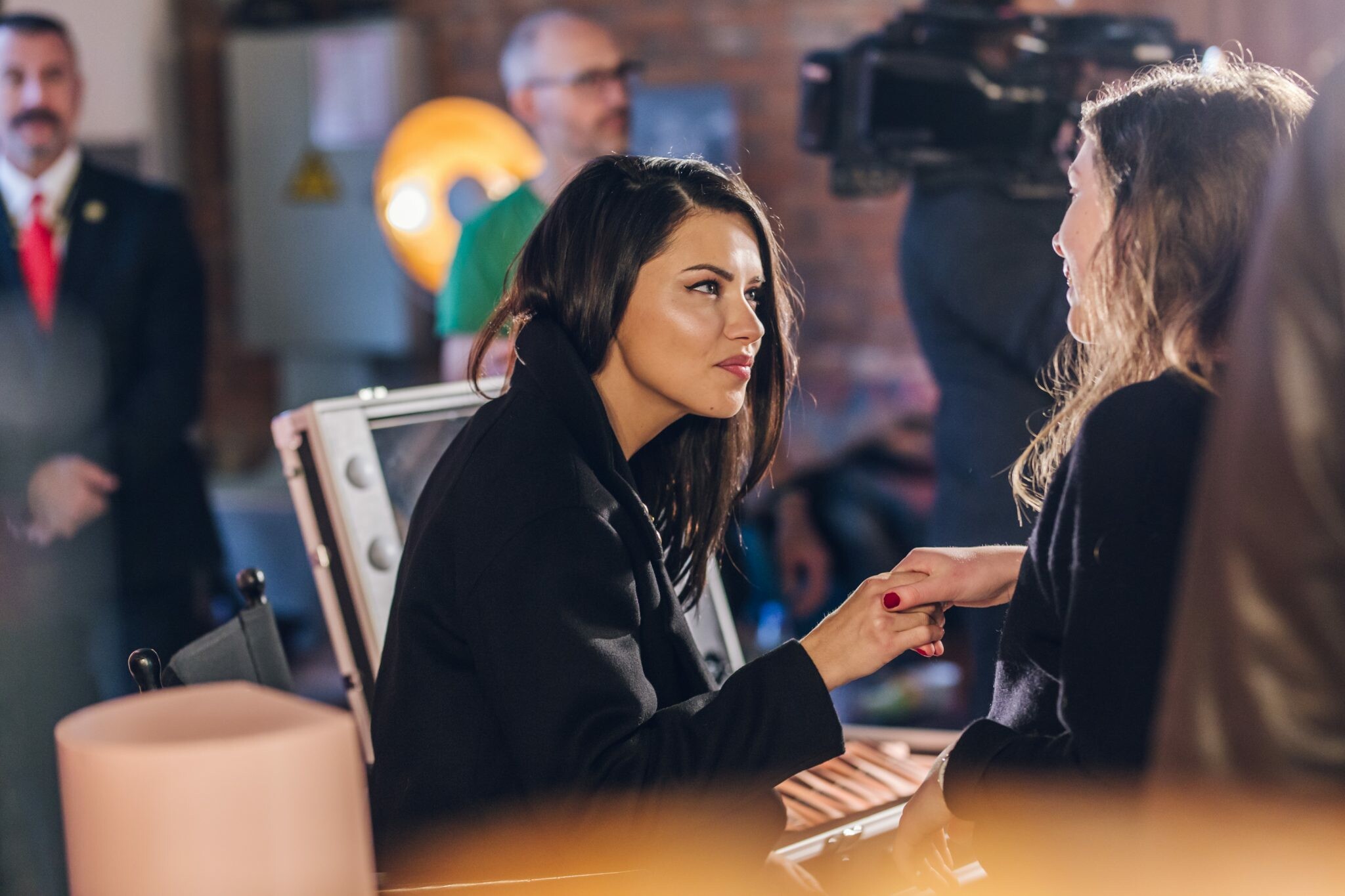
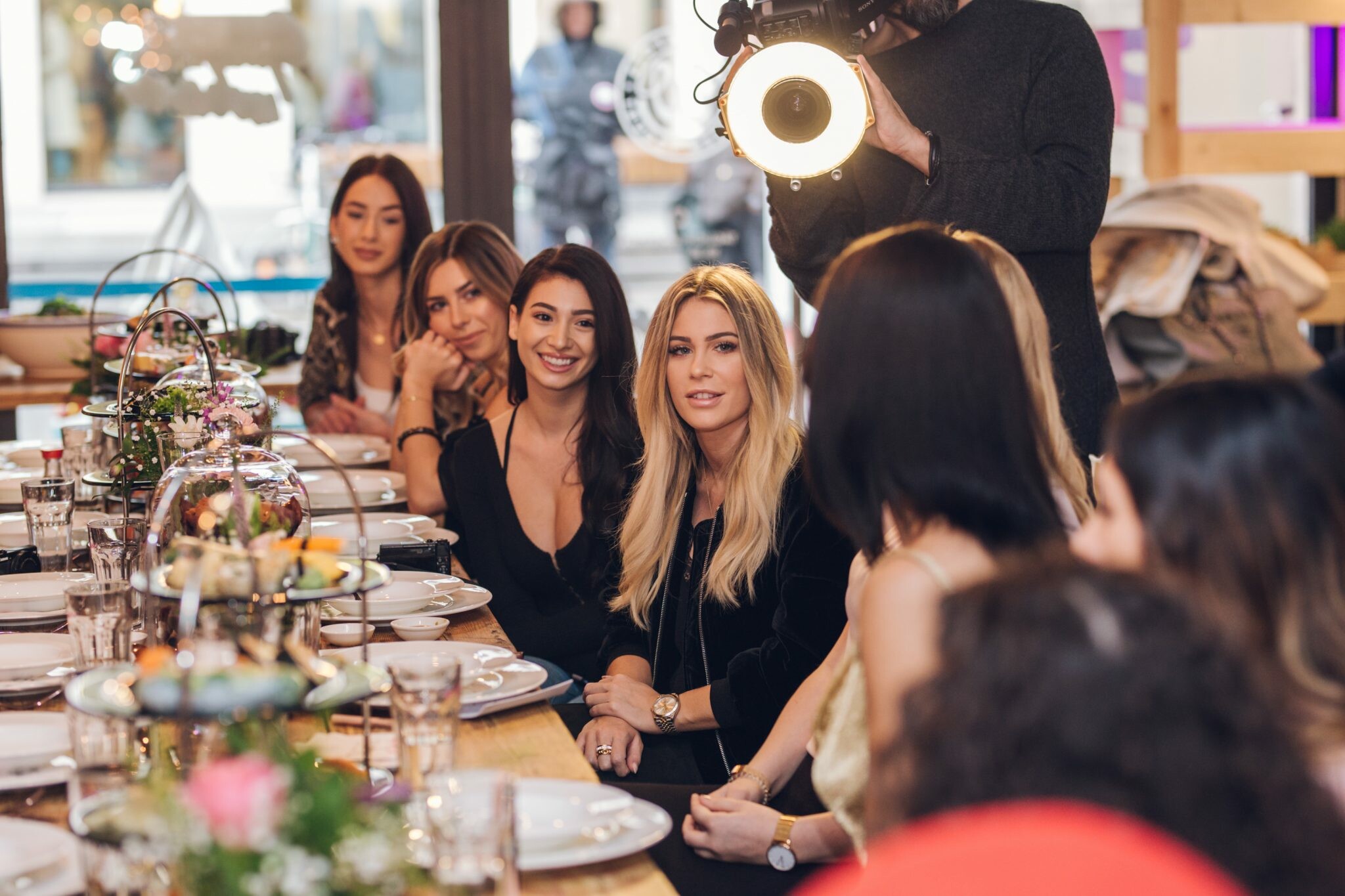
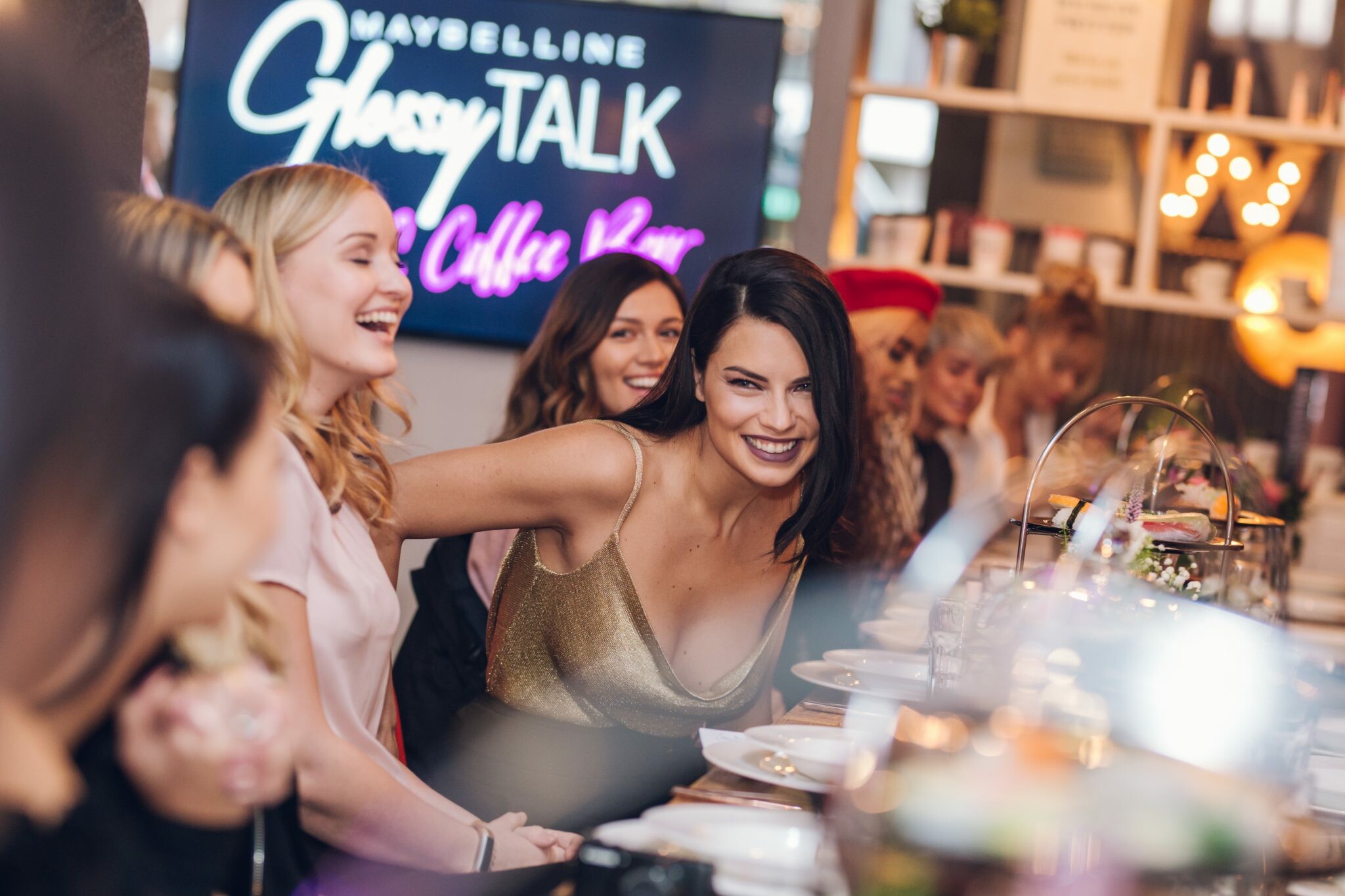
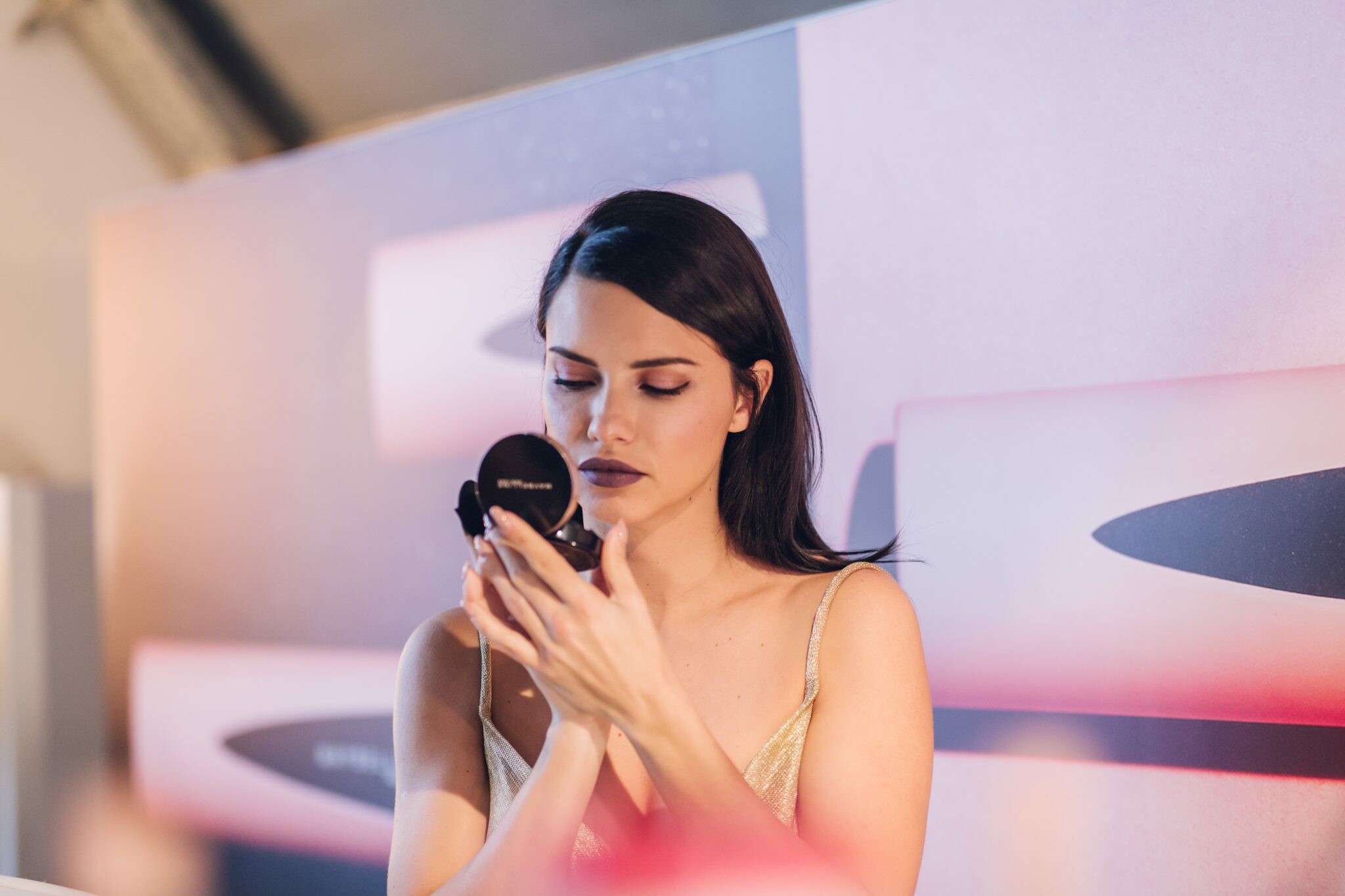
Account
Search
Configure browser push notifications
Chrome (Android)
- Tap the lock icon next to the address bar.
- Tap Permissions → Notifications.
- Adjust your preference.
Chrome (Desktop)
- Click the padlock icon in the address bar.
- Select Site settings.
- Find Notifications and adjust your preference.
Safari (iOS 16.4+)
- Ensure the site is installed via Add to Home Screen.
- Open Settings App → Notifications.
- Find your app name and adjust your preference.
Safari (macOS)
- Go to Safari → Preferences.
- Click the Websites tab.
- Select Notifications in the sidebar.
- Find this website and adjust your preference.
Edge (Android)
- Tap the lock icon next to the address bar.
- Tap Permissions.
- Find Notifications and adjust your preference.
Edge (Desktop)
- Click the padlock icon in the address bar.
- Click Permissions for this site.
- Find Notifications and adjust your preference.
Firefox (Android)
- Go to Settings → Site permissions.
- Tap Notifications.
- Find this site in the list and adjust your preference.
Firefox (Desktop)
- Open Firefox Settings.
- Search for Notifications.
- Find this site in the list and adjust your preference.