
ekn
Members
-
Joined
-
Last visited
Everything posted by ekn
-

-
old XXL Pro extentions mascara ad

-
SCHUTZ (first one is new) Source: https://www.giovannibianco.com/work/schutz-spring-summer-2019
 https://www.instagram.com/p/Btt1d15lxjC/
 Media used both of their names as an owner and mentioned how tough negotiators they were and both of them used and photographed on it after the divorcement but only Marko is/was the official member of the yacht club as an owner and attended their meetings, brunches, dinners etc. Like their NY apartment, nobody knew it was also Marko’s house bc news never mentioned his name then he wrote funny comment on his estate agent’s post on ig ‘you can sell everything except my house’. or something like that Media prefers to use Adriana’s name over Marko bc she can draw 100 times more attention than Marko can.
That Zeelander yacht was Marko’s, at least he paid for it so i don’t think it’s Adriana’s anymore.
https://www.facebook.com/1255738263/posts/10217871933130742?sfns=mo
Media used both of their names as an owner and mentioned how tough negotiators they were and both of them used and photographed on it after the divorcement but only Marko is/was the official member of the yacht club as an owner and attended their meetings, brunches, dinners etc. Like their NY apartment, nobody knew it was also Marko’s house bc news never mentioned his name then he wrote funny comment on his estate agent’s post on ig ‘you can sell everything except my house’. or something like that Media prefers to use Adriana’s name over Marko bc she can draw 100 times more attention than Marko can.
That Zeelander yacht was Marko’s, at least he paid for it so i don’t think it’s Adriana’s anymore.
https://www.facebook.com/1255738263/posts/10217871933130742?sfns=mo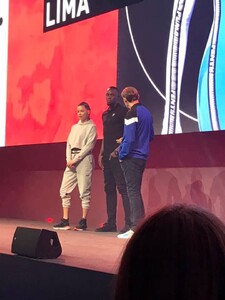

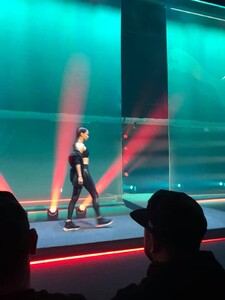
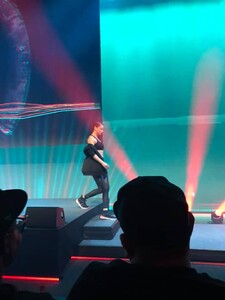
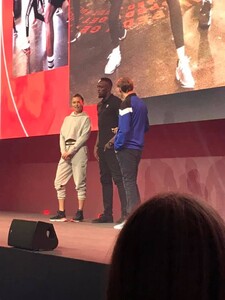

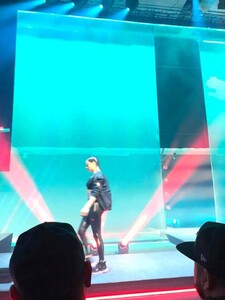
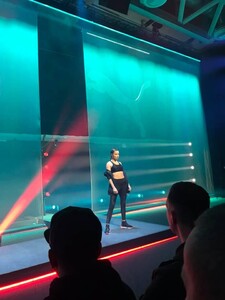
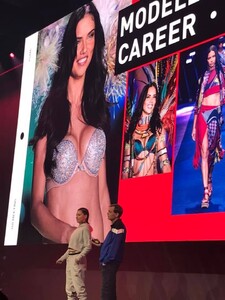
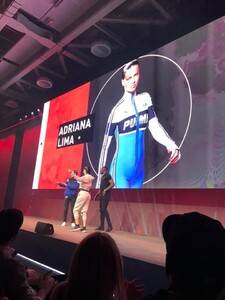 Alperhosaf ig story 2017630869646358498_1334534310.mp4
popwillmakeusfree ig story 2017770249673437641_358404739.mp4
tony_lobarev ig story 2017741557060521060_1529482813.mp4
Adriana herself posted this on her Facebook in 2011 , it's from 2011 at Acun Ilıcalı's house with Acun's wife Zeynep https://www.haberturk.com/magazin/herkes-bunu-konusuyor/haber/679876-adriana-lima-acunnun-evinde
Germany, Nürnberg St. Lorenz Church.
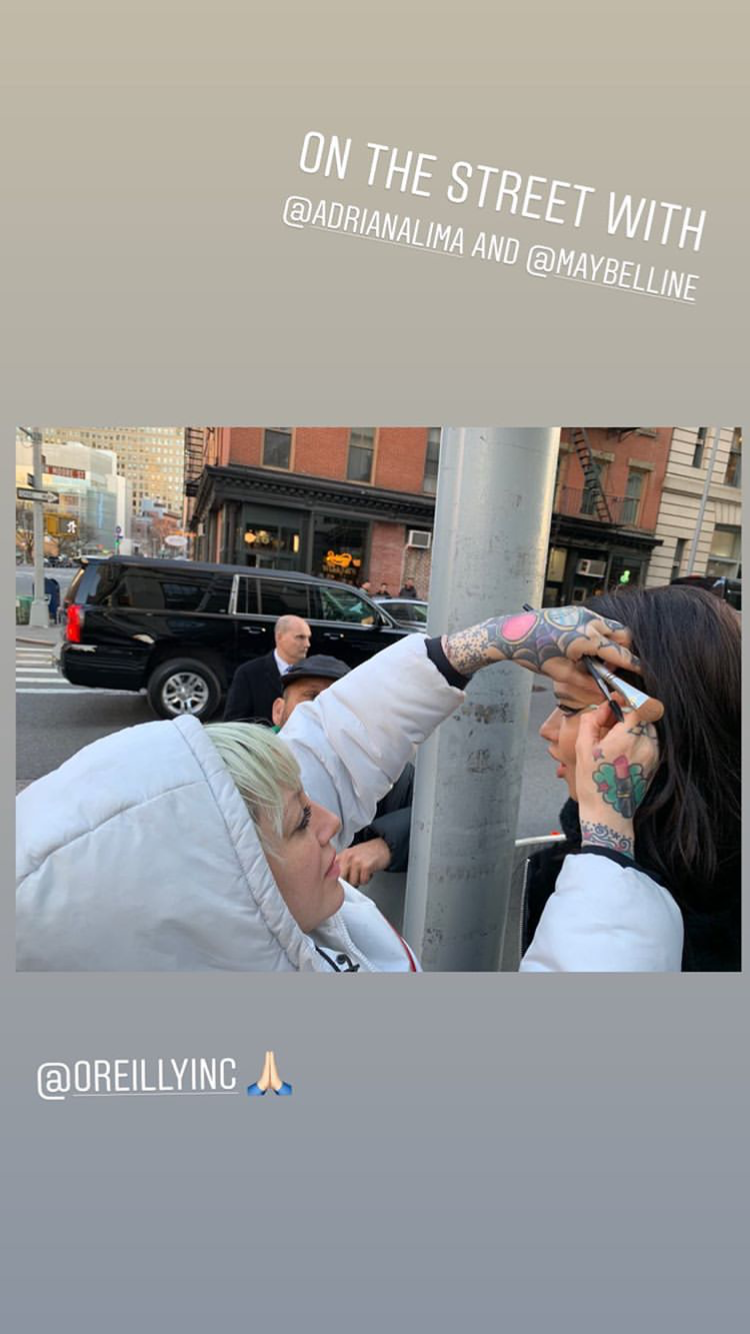
erinparsonsmakeup ig story she got 2 different looks for yesterday
Alperhosaf ig story 2017630869646358498_1334534310.mp4
popwillmakeusfree ig story 2017770249673437641_358404739.mp4
tony_lobarev ig story 2017741557060521060_1529482813.mp4
Adriana herself posted this on her Facebook in 2011 , it's from 2011 at Acun Ilıcalı's house with Acun's wife Zeynep https://www.haberturk.com/magazin/herkes-bunu-konusuyor/haber/679876-adriana-lima-acunnun-evinde
Germany, Nürnberg St. Lorenz Church.
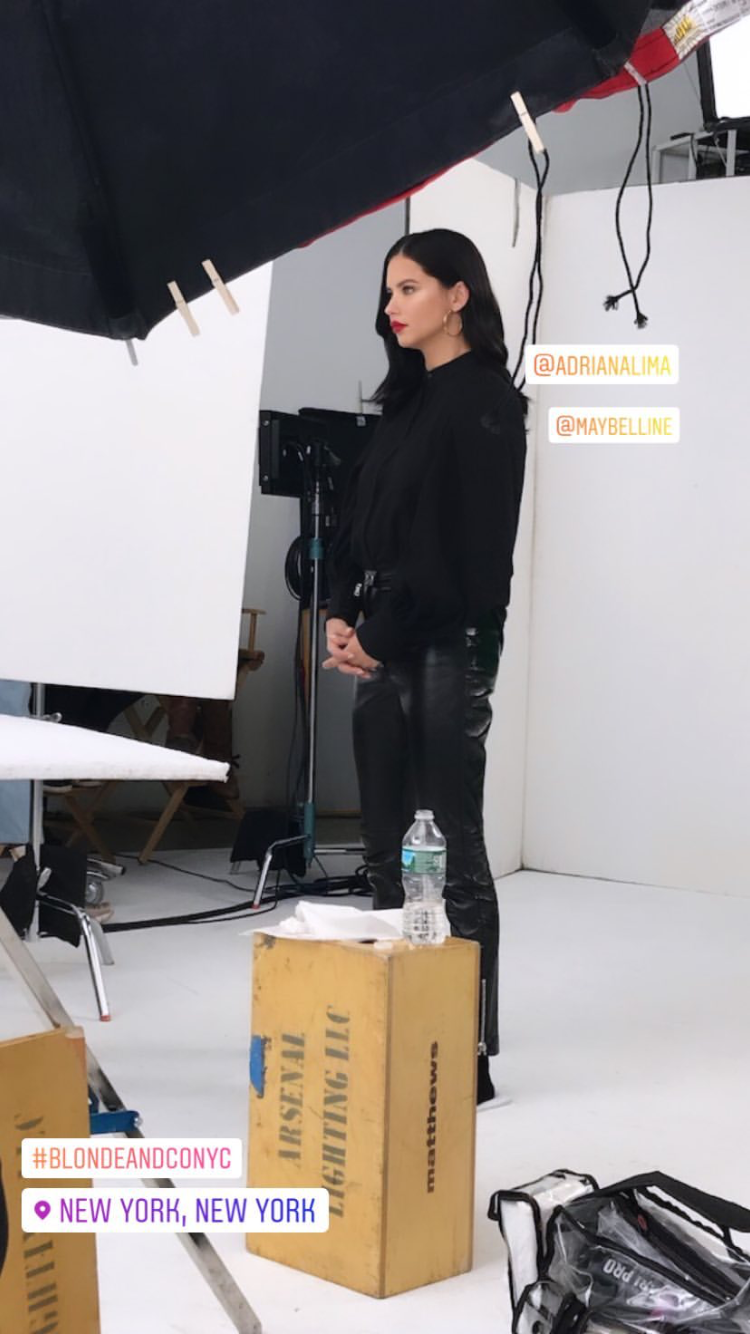
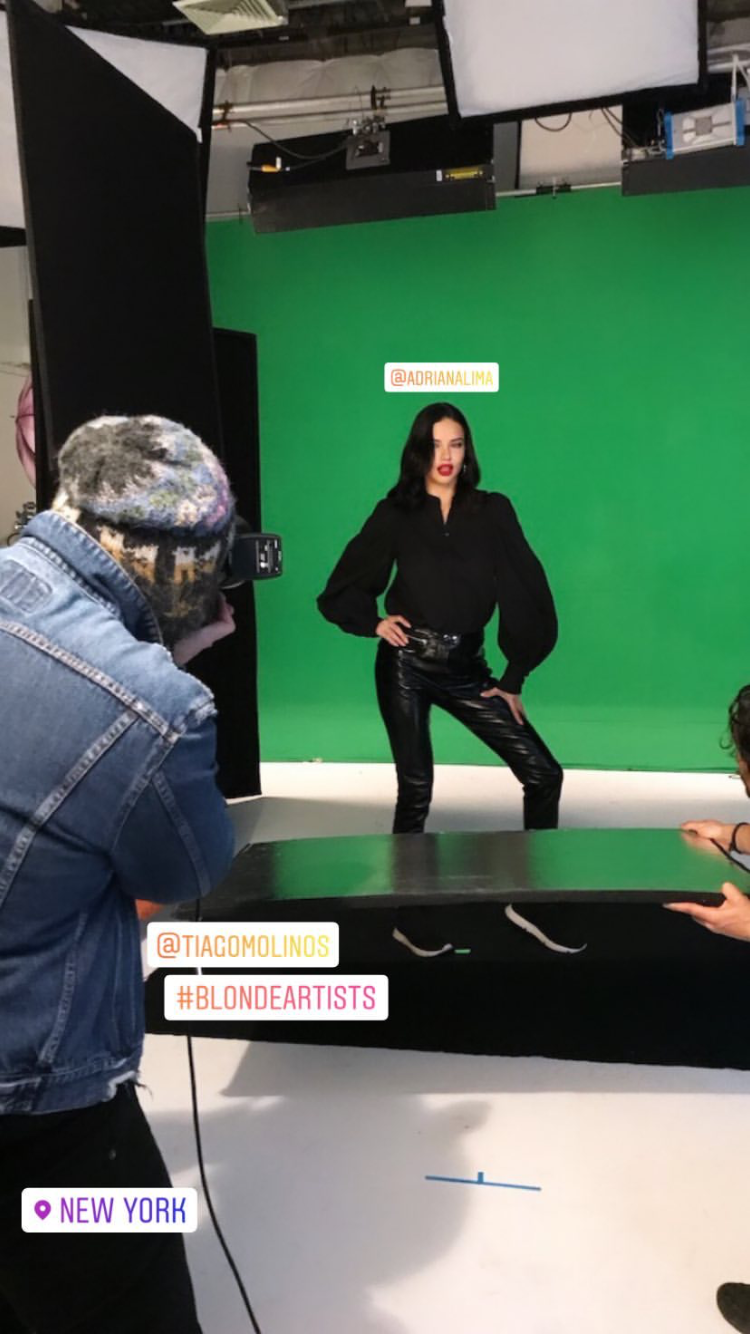
erinparsonsmakeup ig story she got 2 different looks for yesterday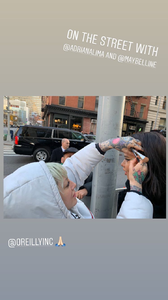 I received notification today, it says Adriana Lima pictured as leaving VS Office today by Splash , i had little heart attack but when i checked other agencies it says 'An Office' rather VS office. I've witnessed their mistakes before this was the worse for me.



















Account
Search
Configure browser push notifications
Chrome (Android)
- Tap the lock icon next to the address bar.
- Tap Permissions → Notifications.
- Adjust your preference.
Chrome (Desktop)
- Click the padlock icon in the address bar.
- Select Site settings.
- Find Notifications and adjust your preference.
Safari (iOS 16.4+)
- Ensure the site is installed via Add to Home Screen.
- Open Settings App → Notifications.
- Find your app name and adjust your preference.
Safari (macOS)
- Go to Safari → Preferences.
- Click the Websites tab.
- Select Notifications in the sidebar.
- Find this website and adjust your preference.
Edge (Android)
- Tap the lock icon next to the address bar.
- Tap Permissions.
- Find Notifications and adjust your preference.
Edge (Desktop)
- Click the padlock icon in the address bar.
- Click Permissions for this site.
- Find Notifications and adjust your preference.
Firefox (Android)
- Go to Settings → Site permissions.
- Tap Notifications.
- Find this site in the list and adjust your preference.
Firefox (Desktop)
- Open Firefox Settings.
- Search for Notifications.
- Find this site in the list and adjust your preference.