
Daradrpipara
Members
-
Joined
-
Last visited
Everything posted by Daradrpipara
-
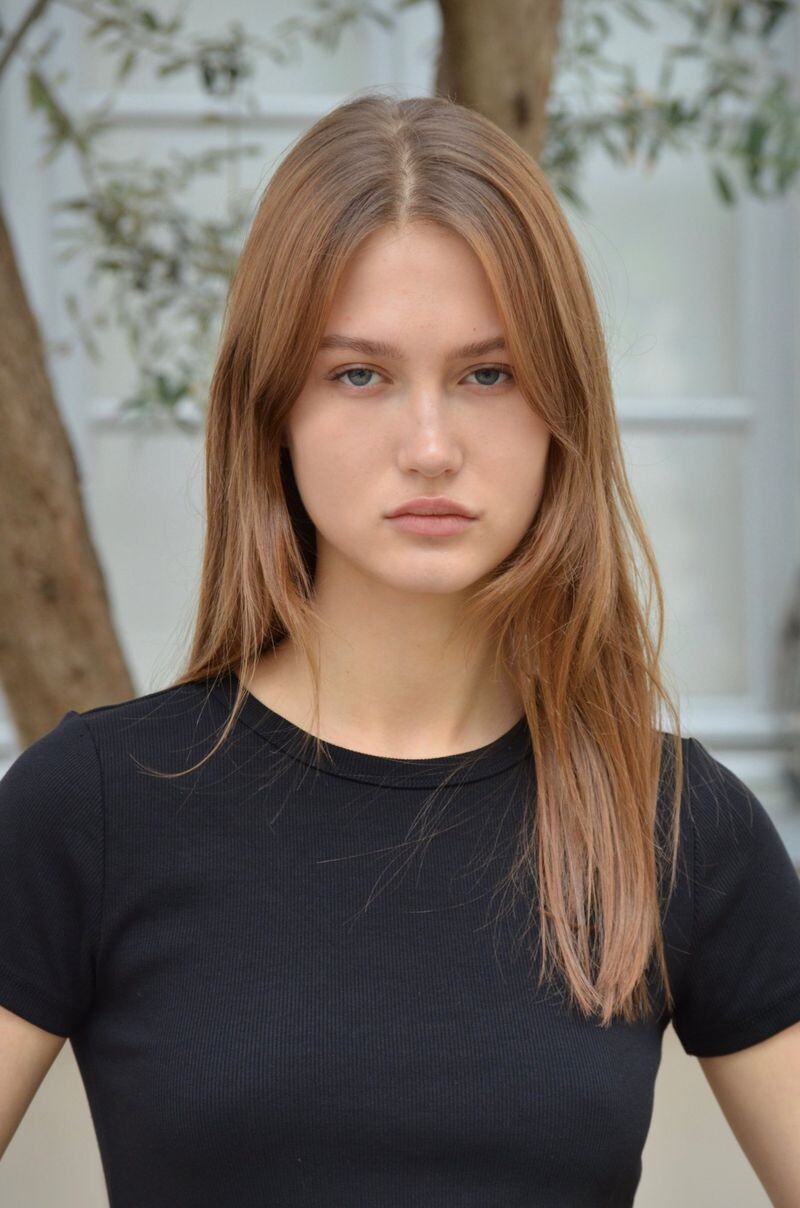
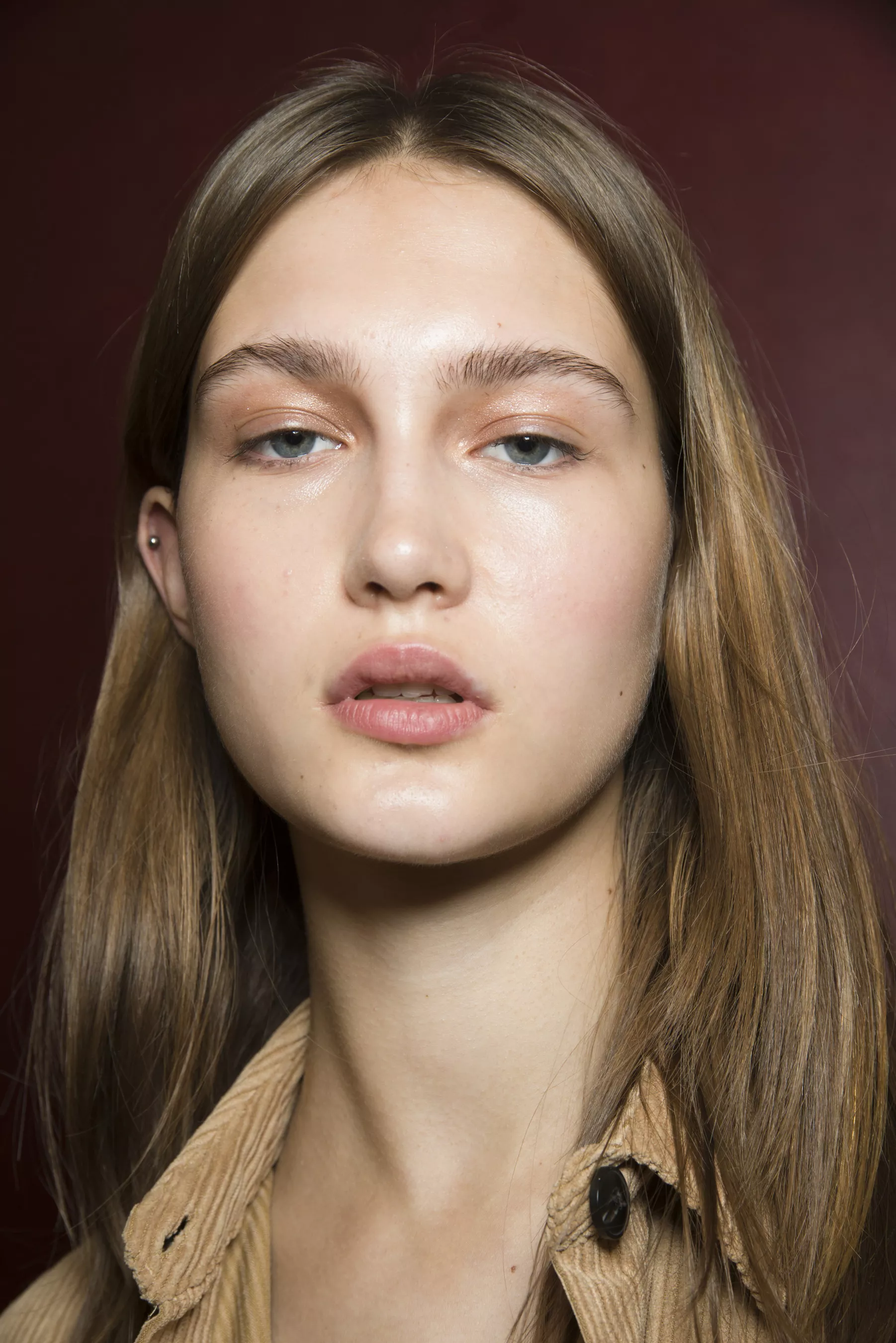
Polaroids/Digitals Oui Models 2019 Polaroids/Portraits Published: Spring/Summer 2019 models

-
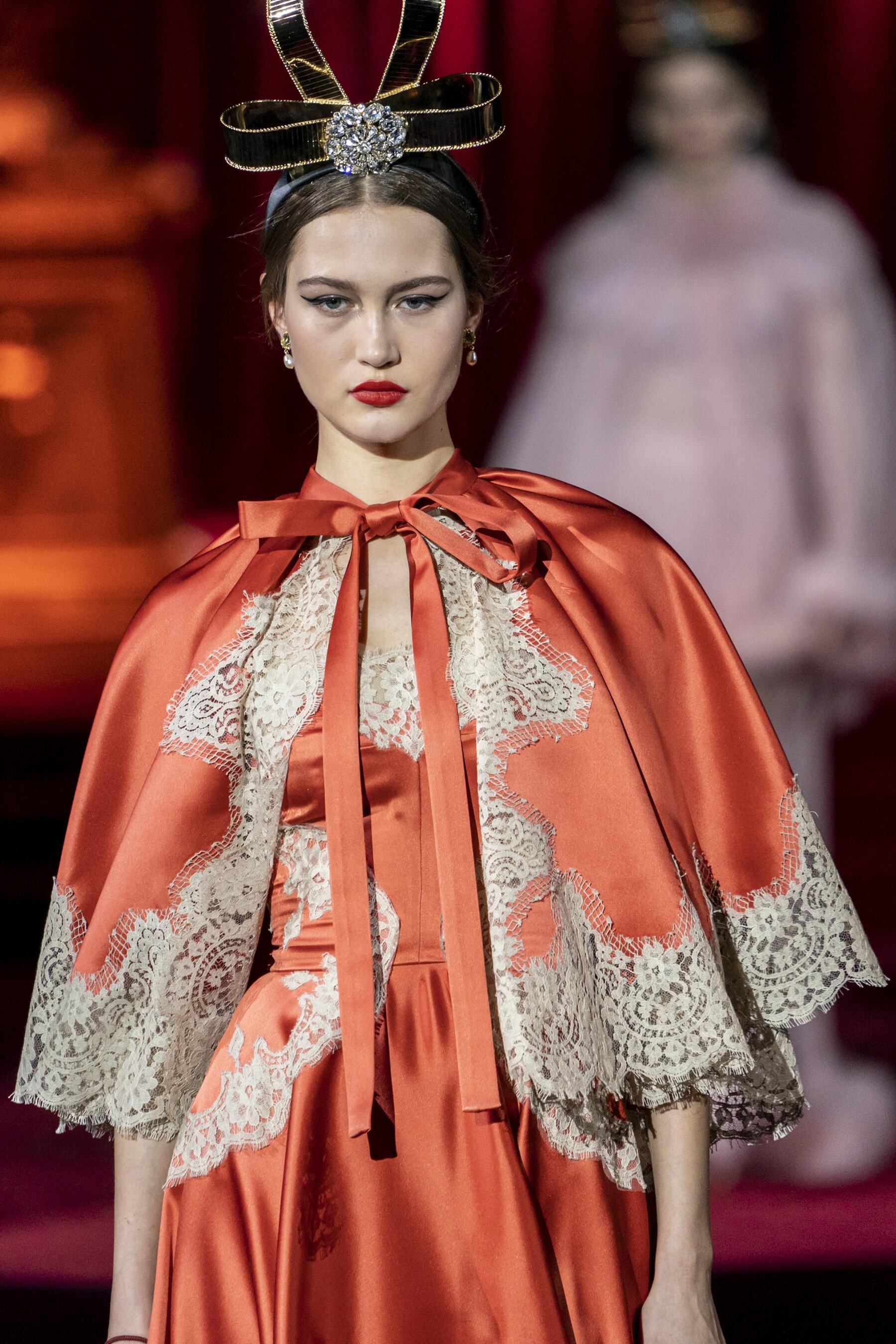
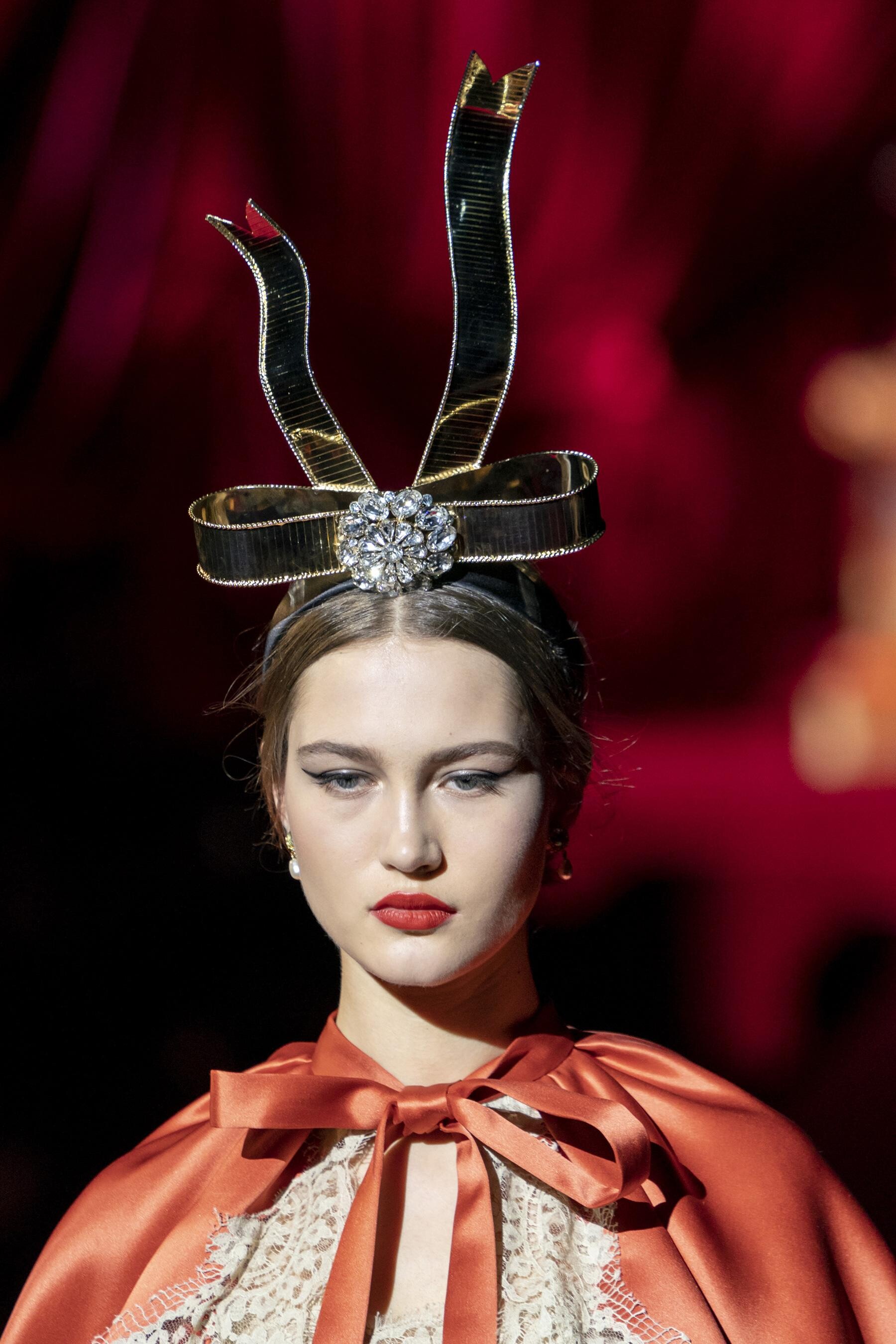
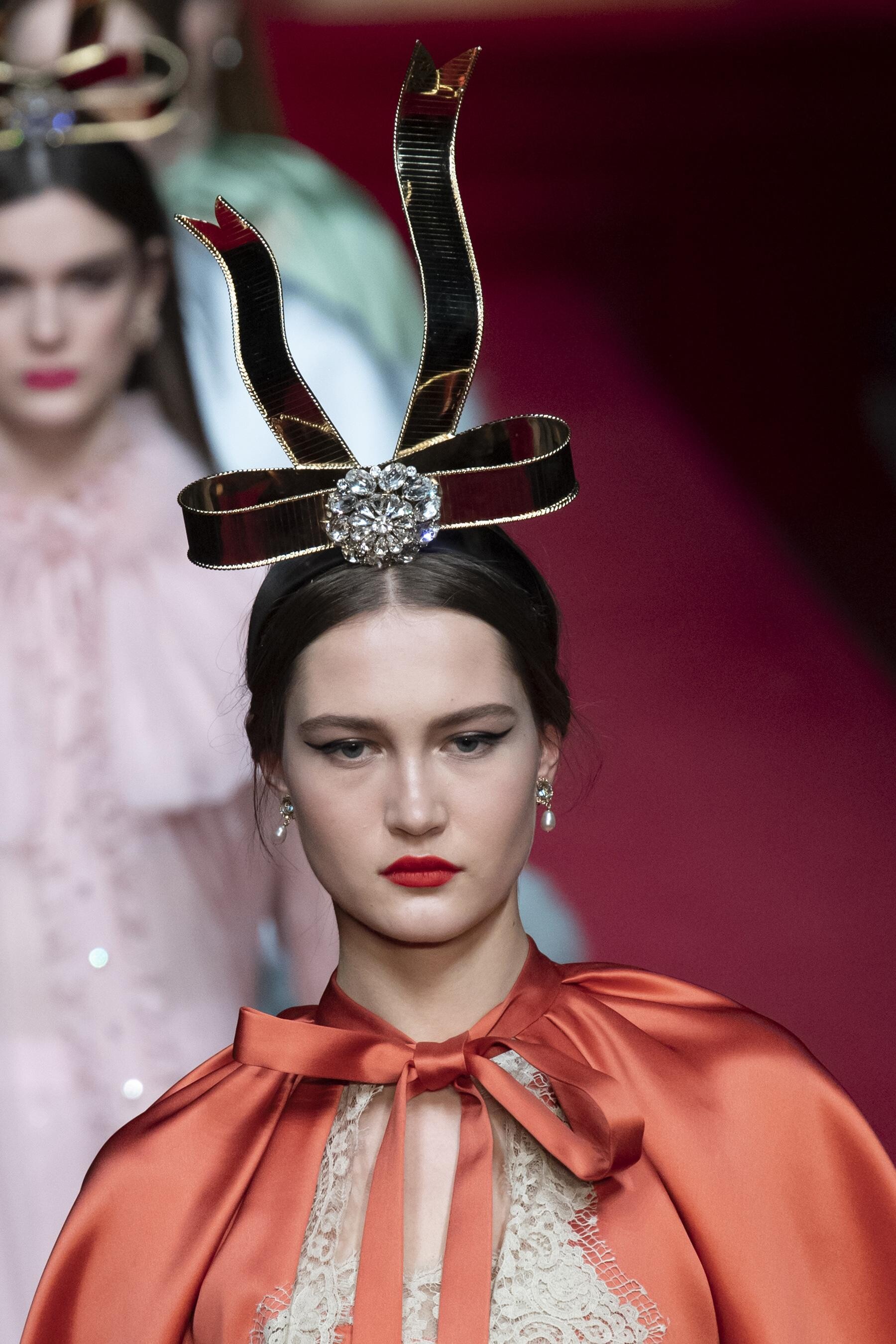
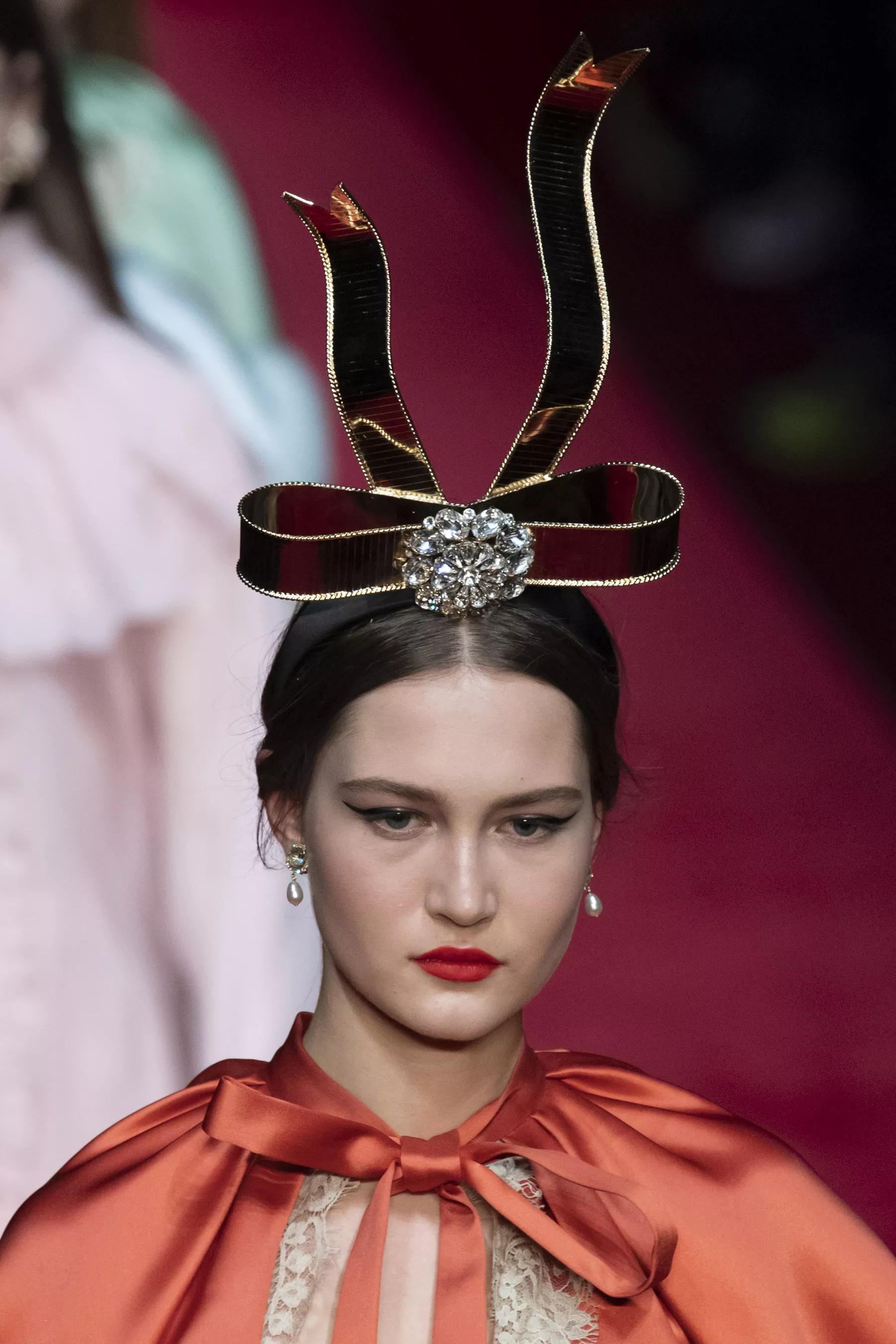
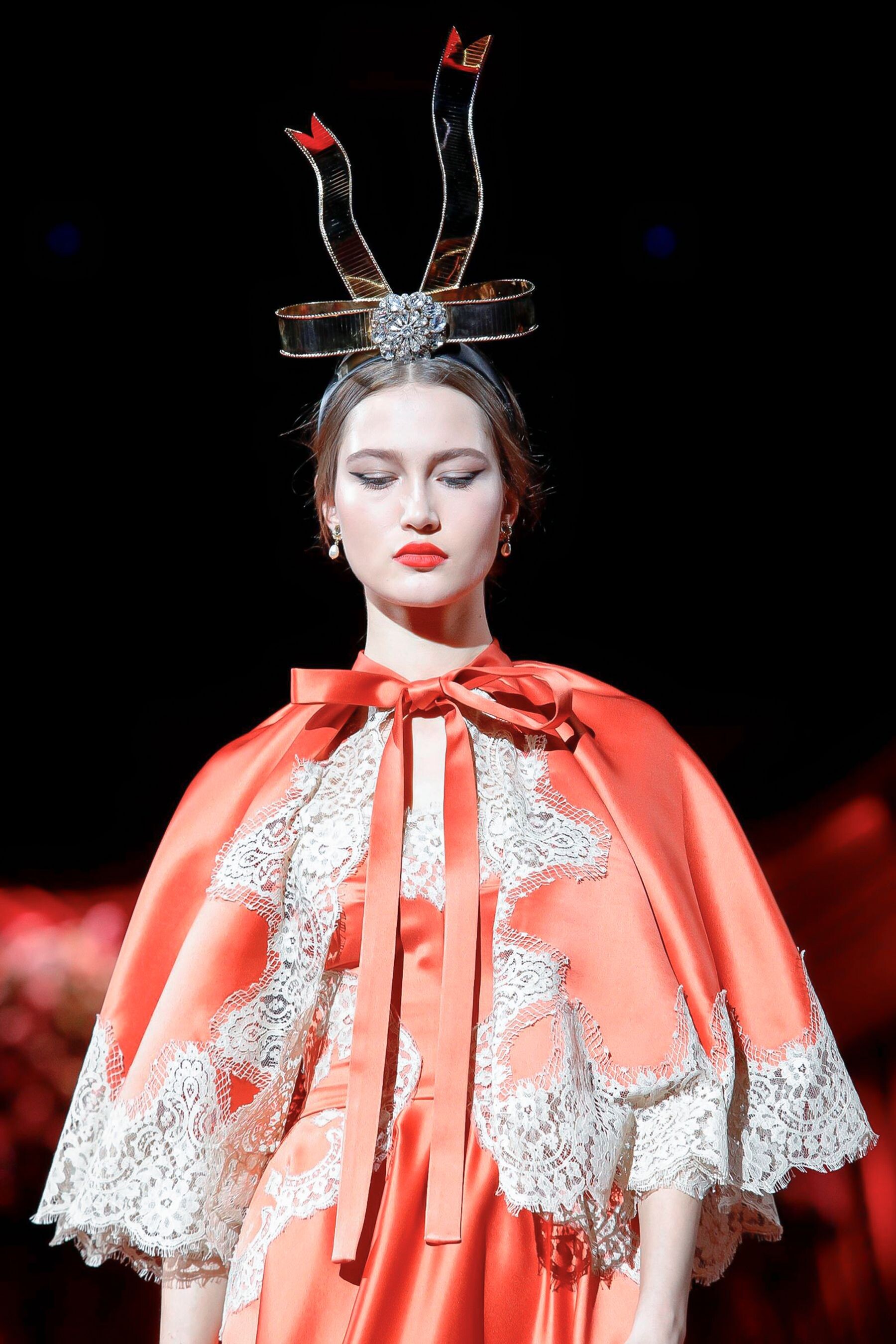
Dolce & Gabbana [FALL 2019 READY-TO-WEAR] backstage vogue, nowfashion, madamefigaro





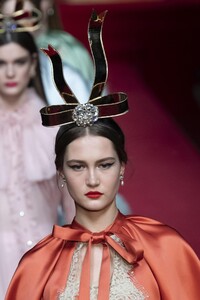
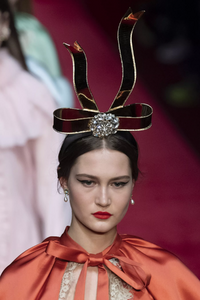


-
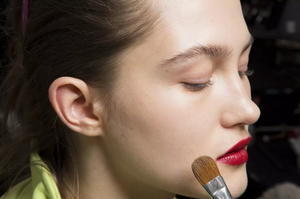
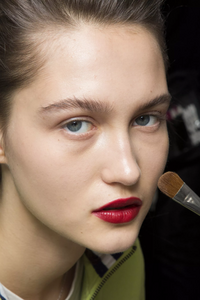
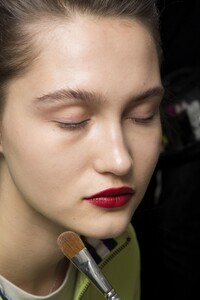
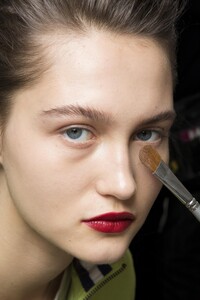
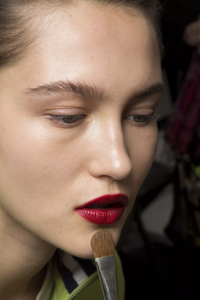
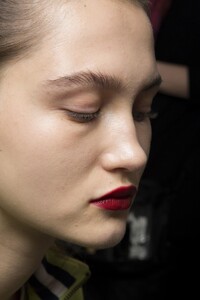
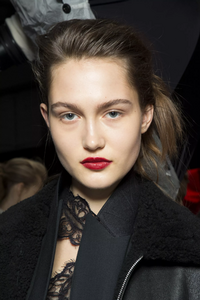
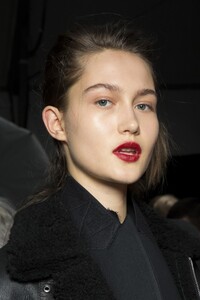
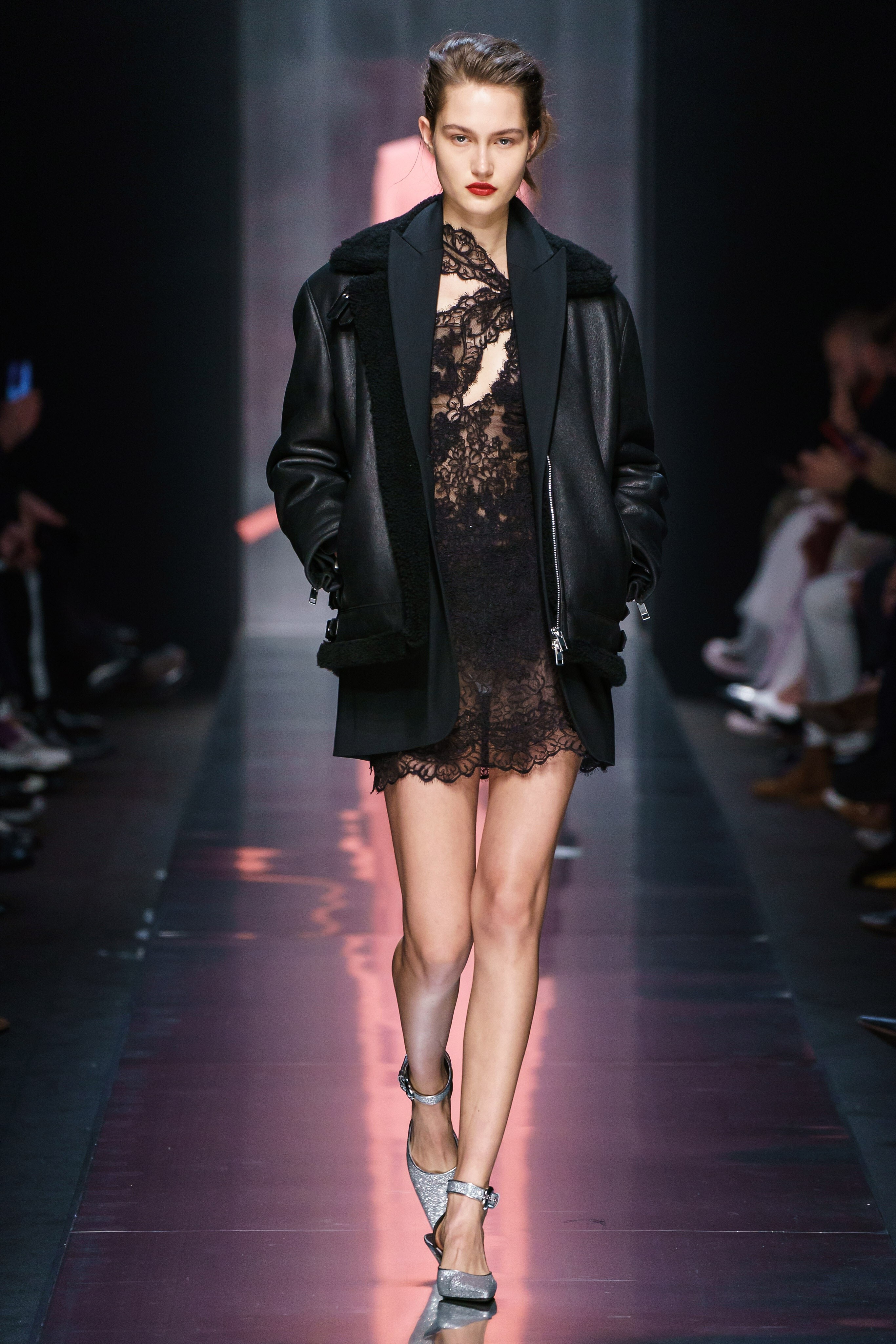
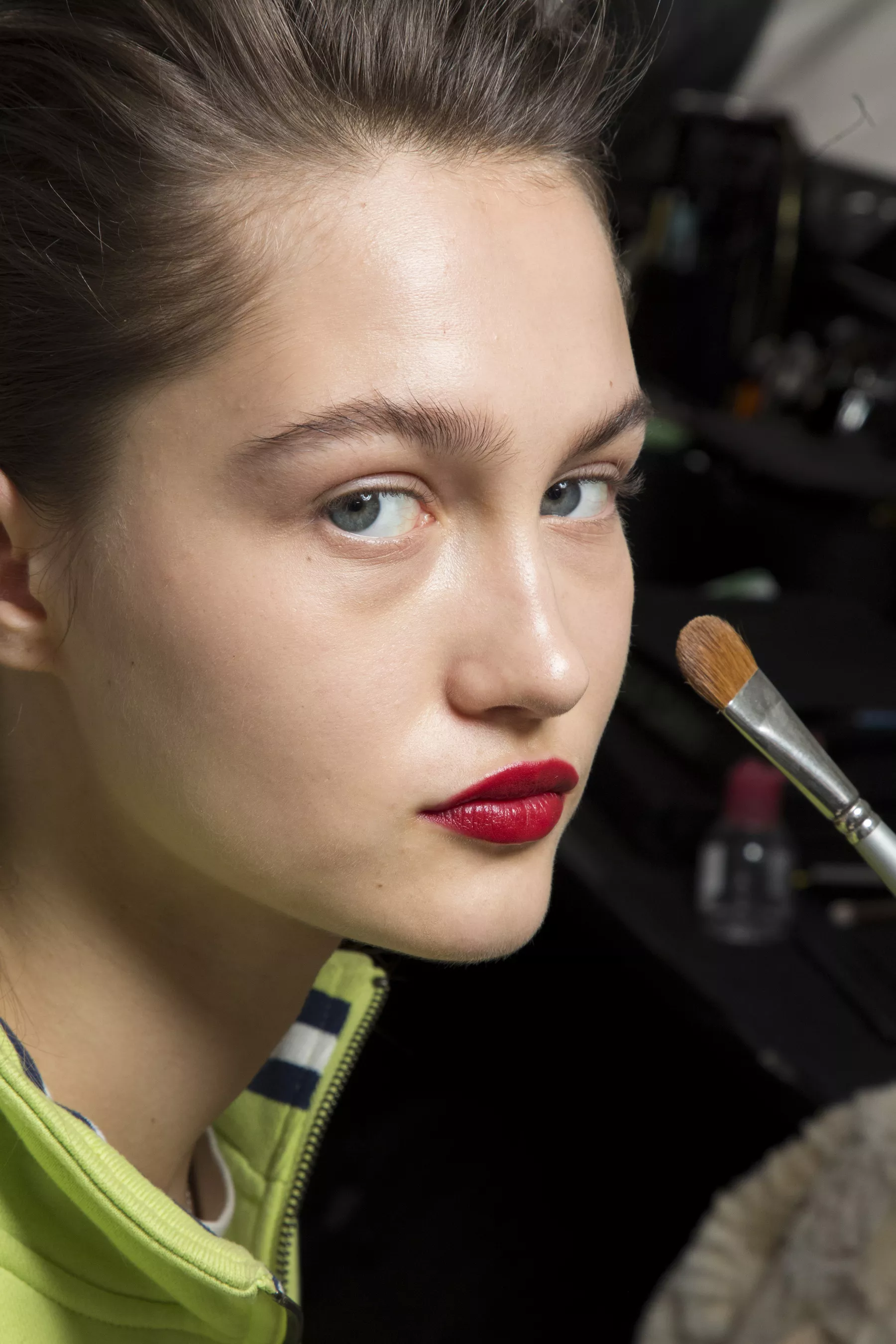
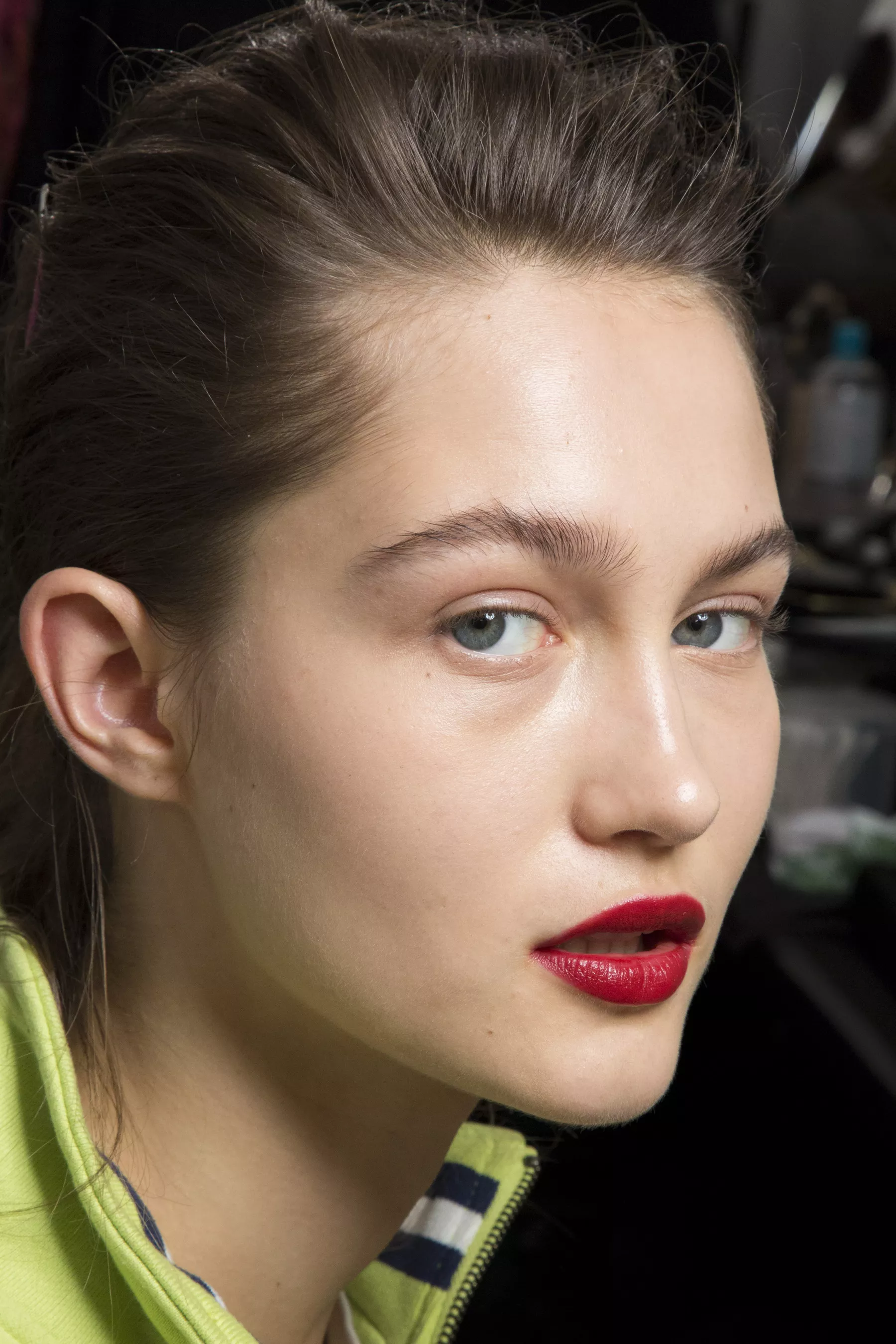
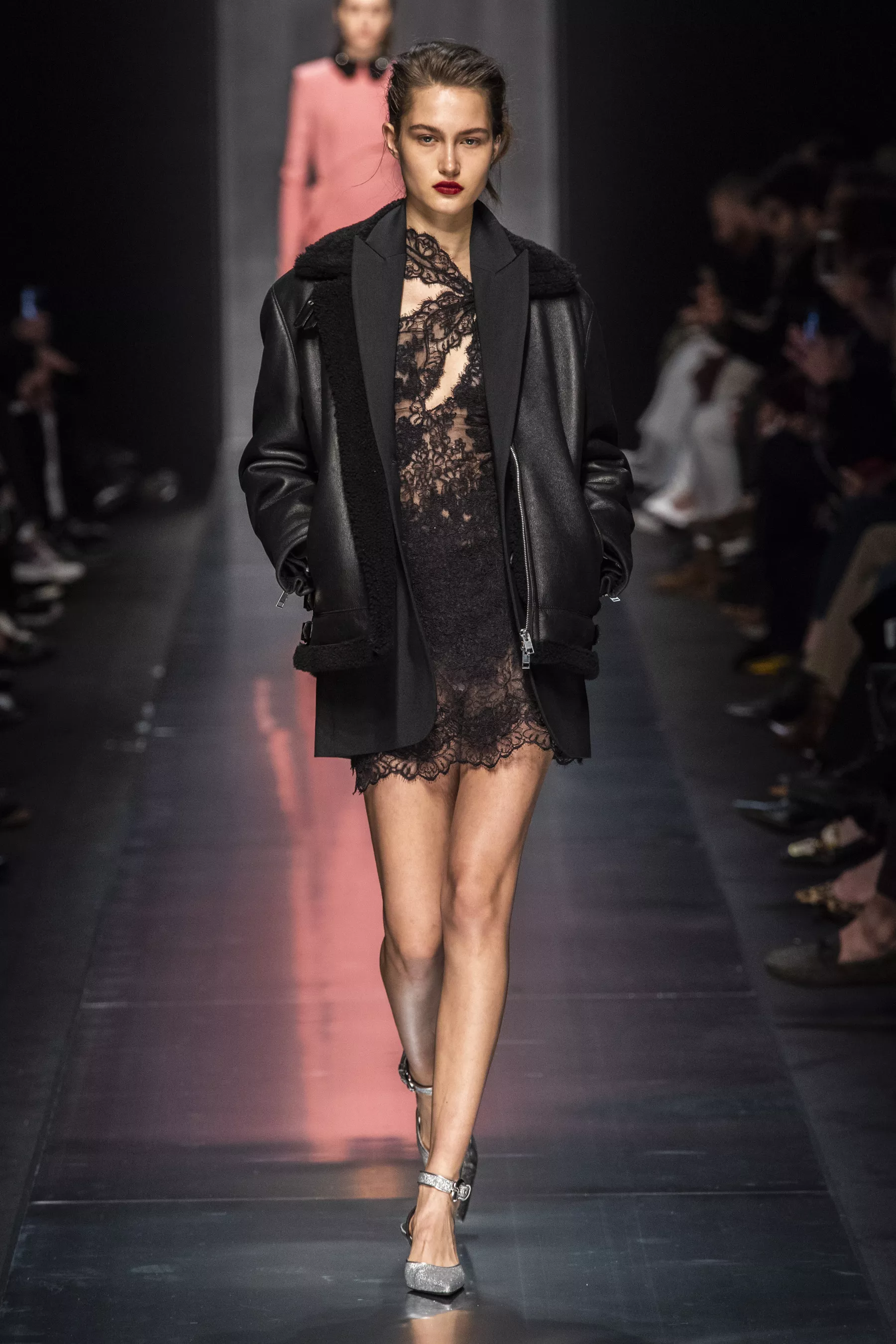
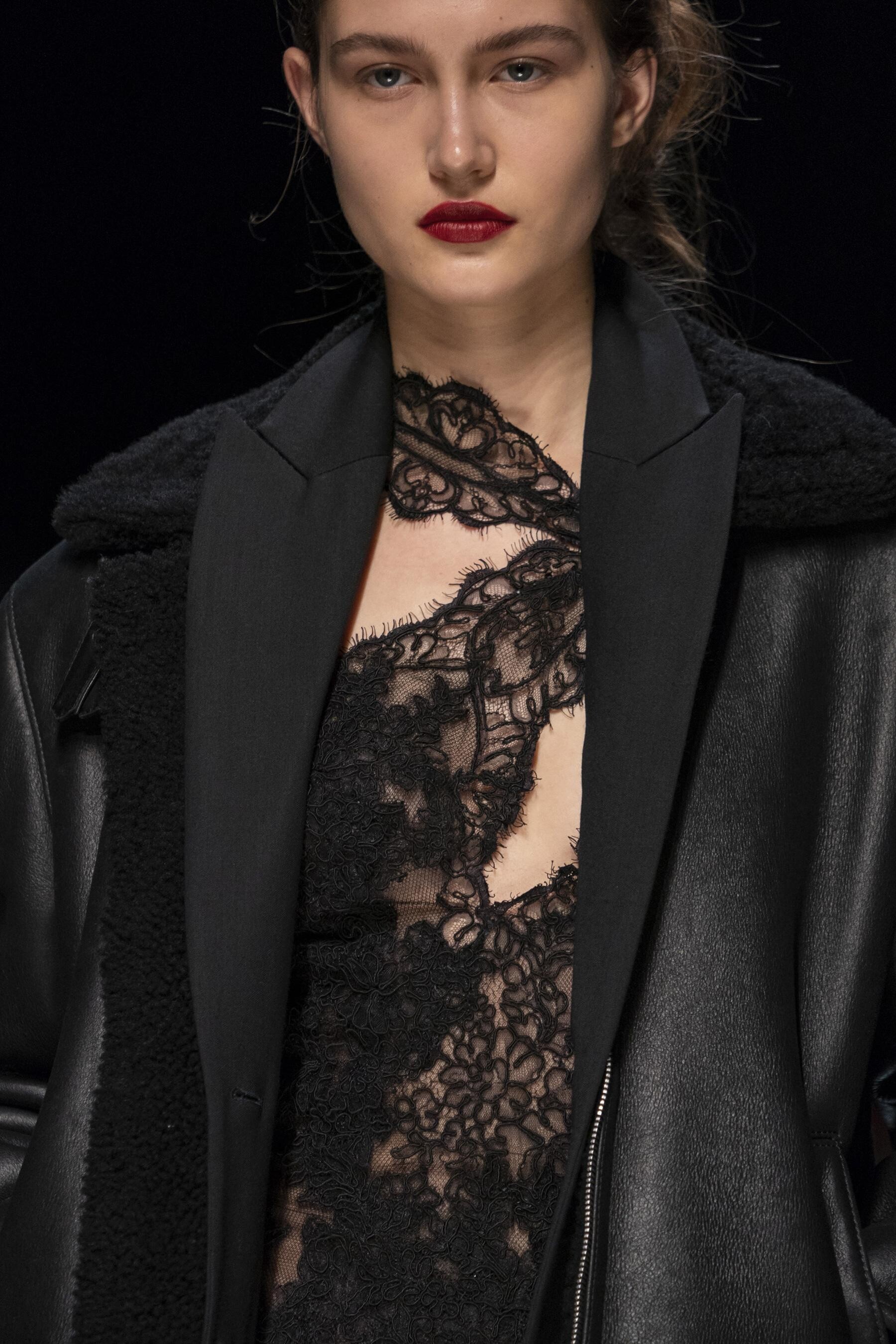
Ermanno Scervino [FALL 2019 READY-TO-WEAR] backstage vogue, nowfashion, madamefigaro

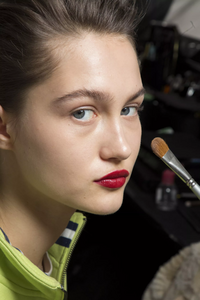
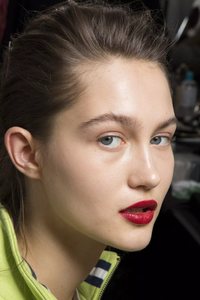


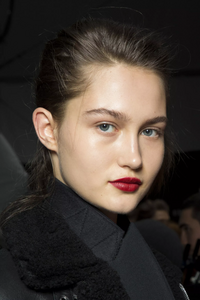

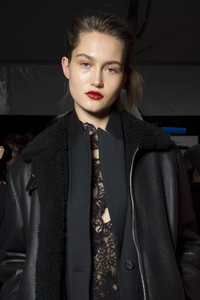
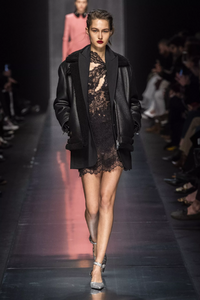



-
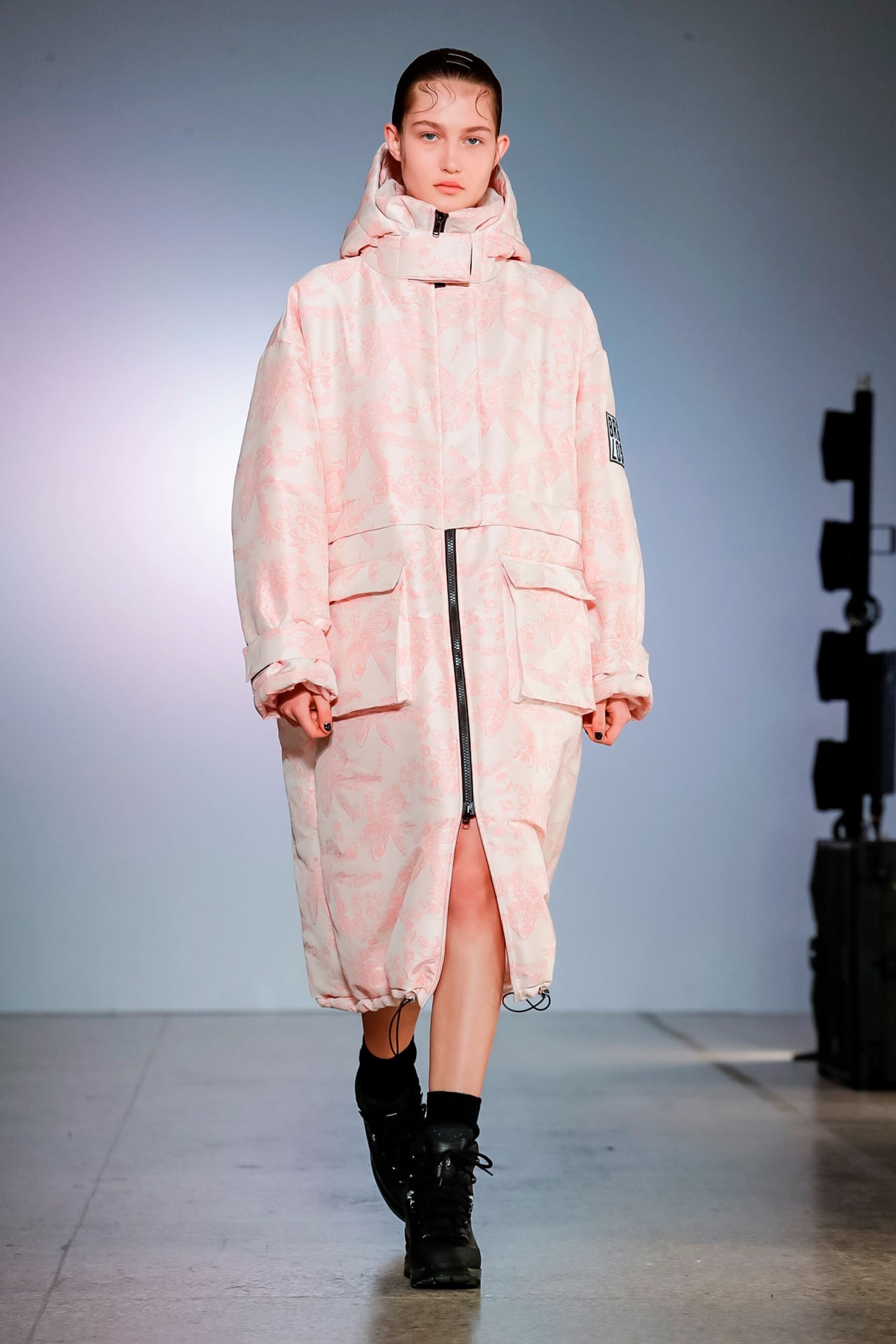
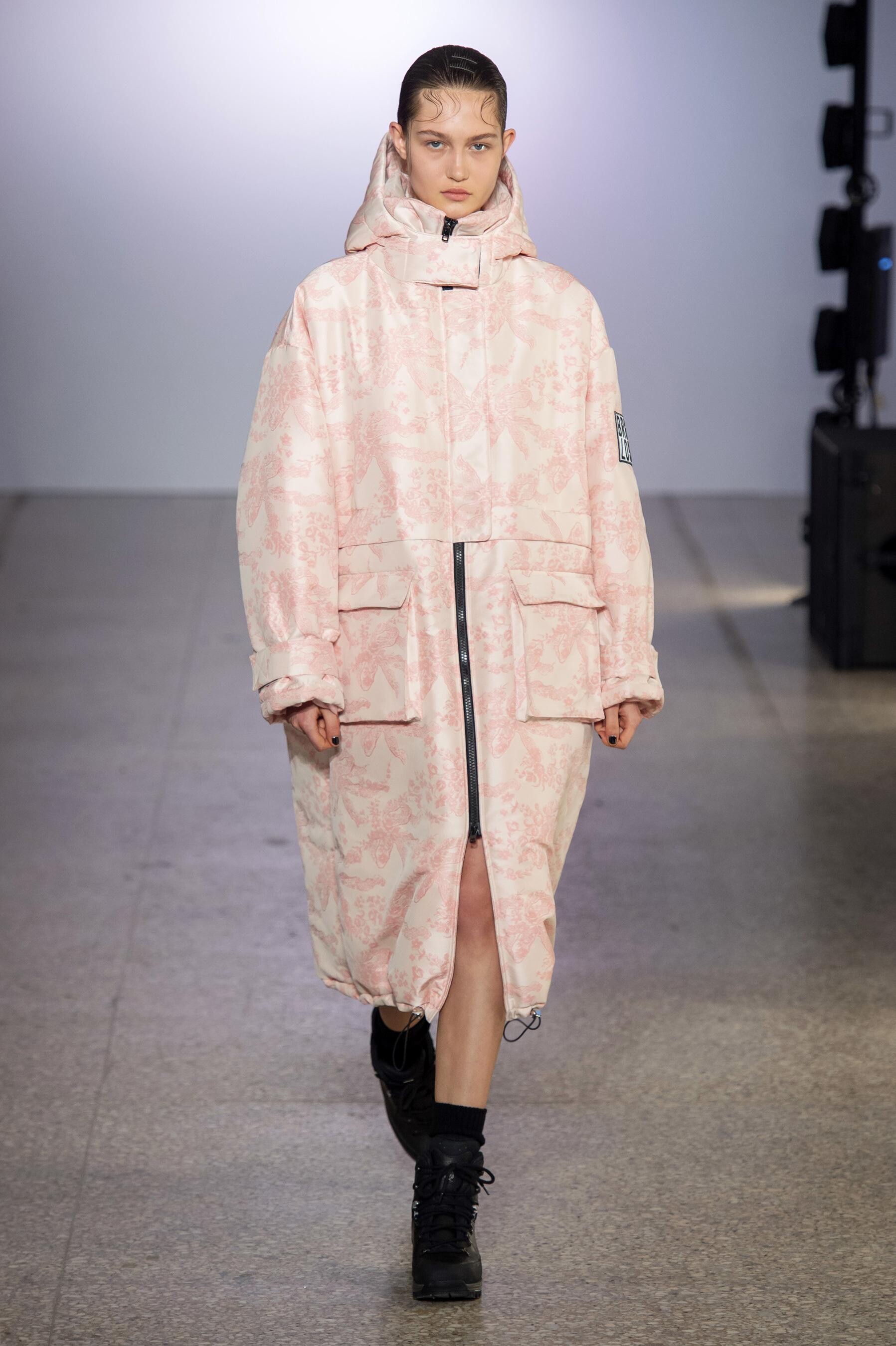
Brognano [FALL 2019 READY-TO-WEAR] nowfashion, madamefigaro

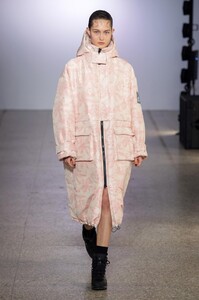
-
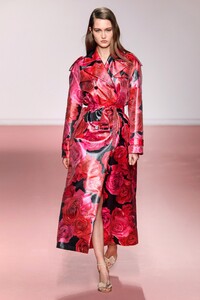
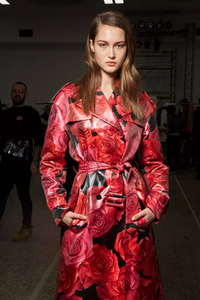
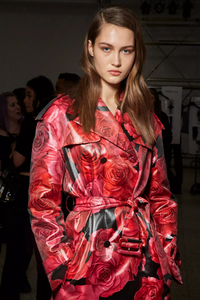
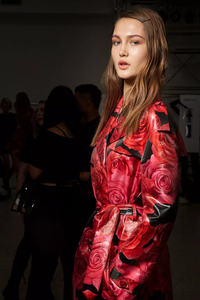
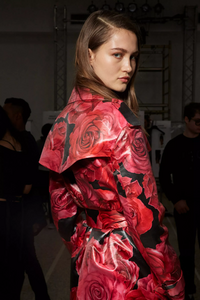
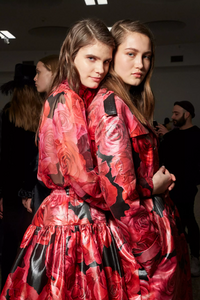
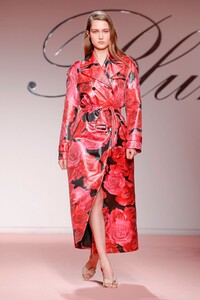
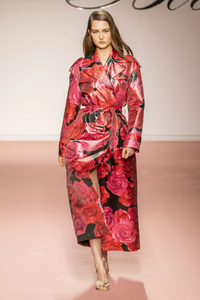
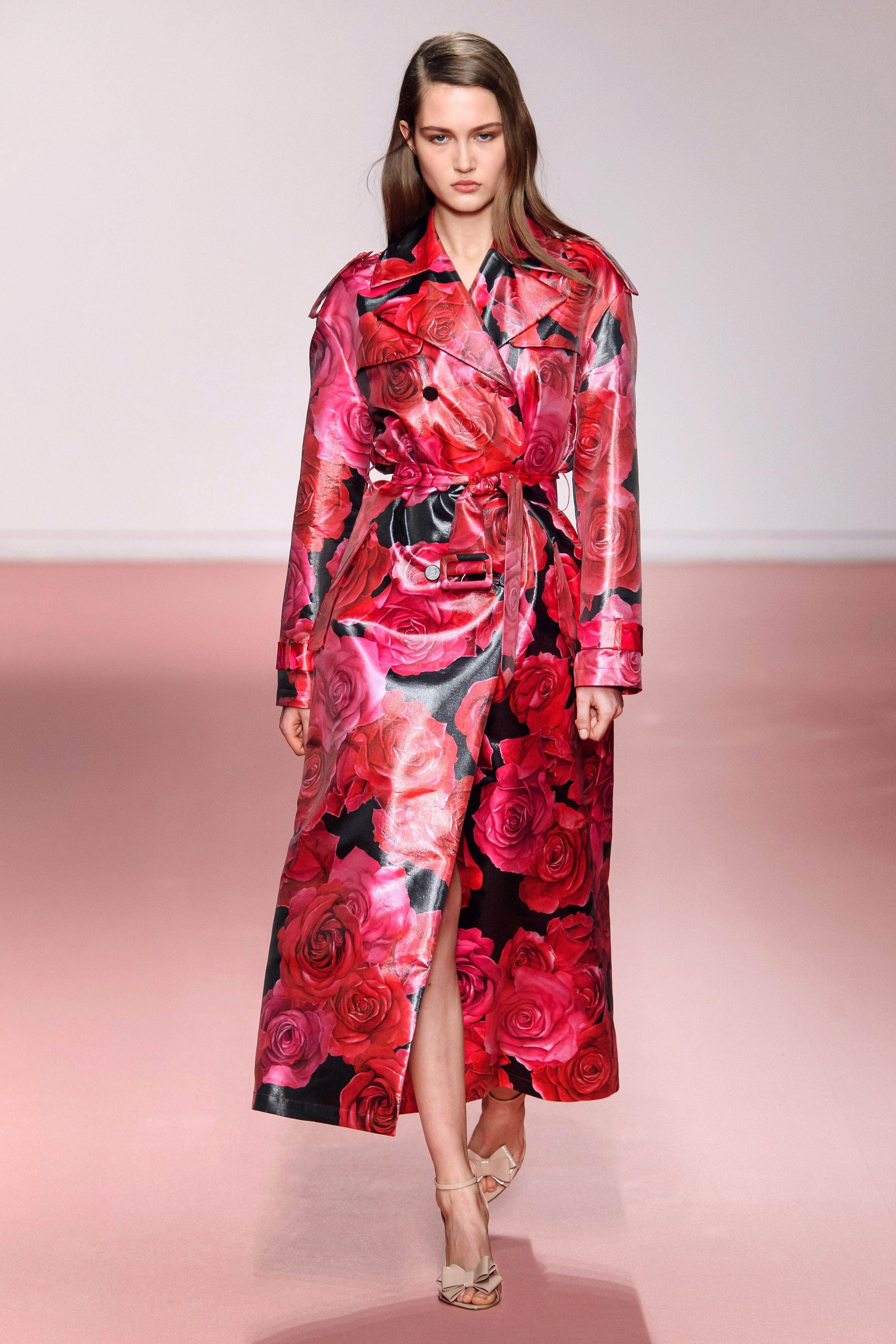
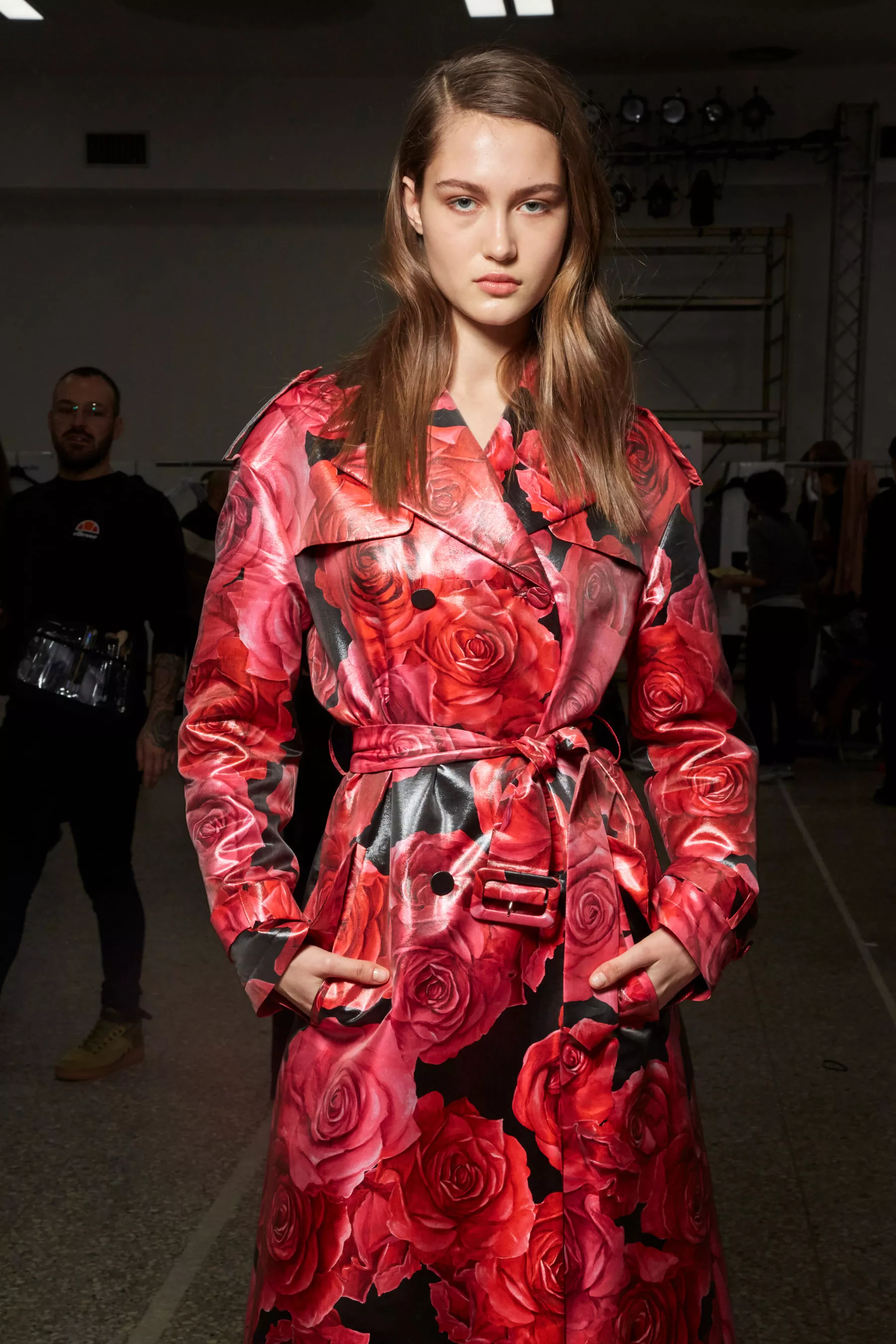
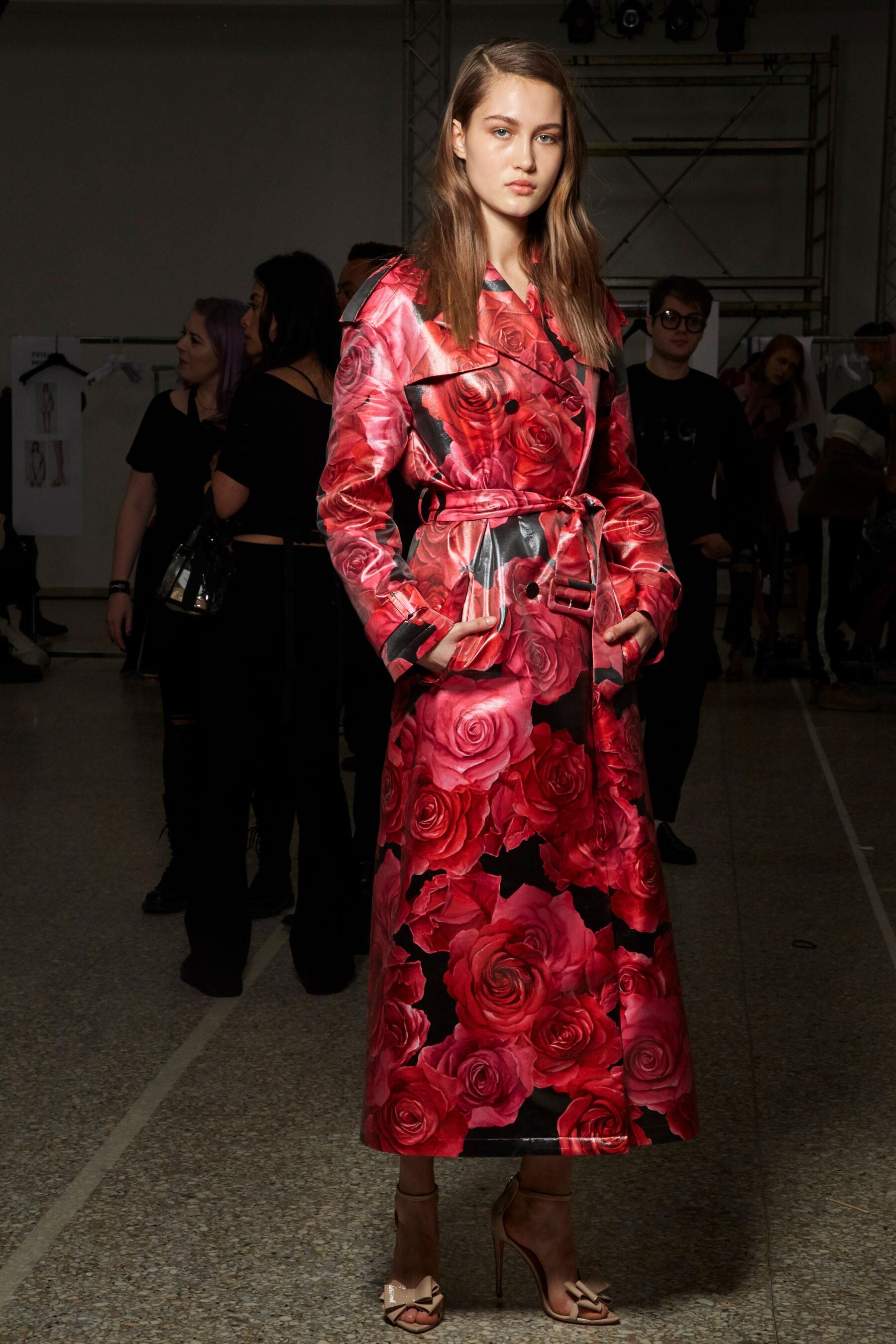
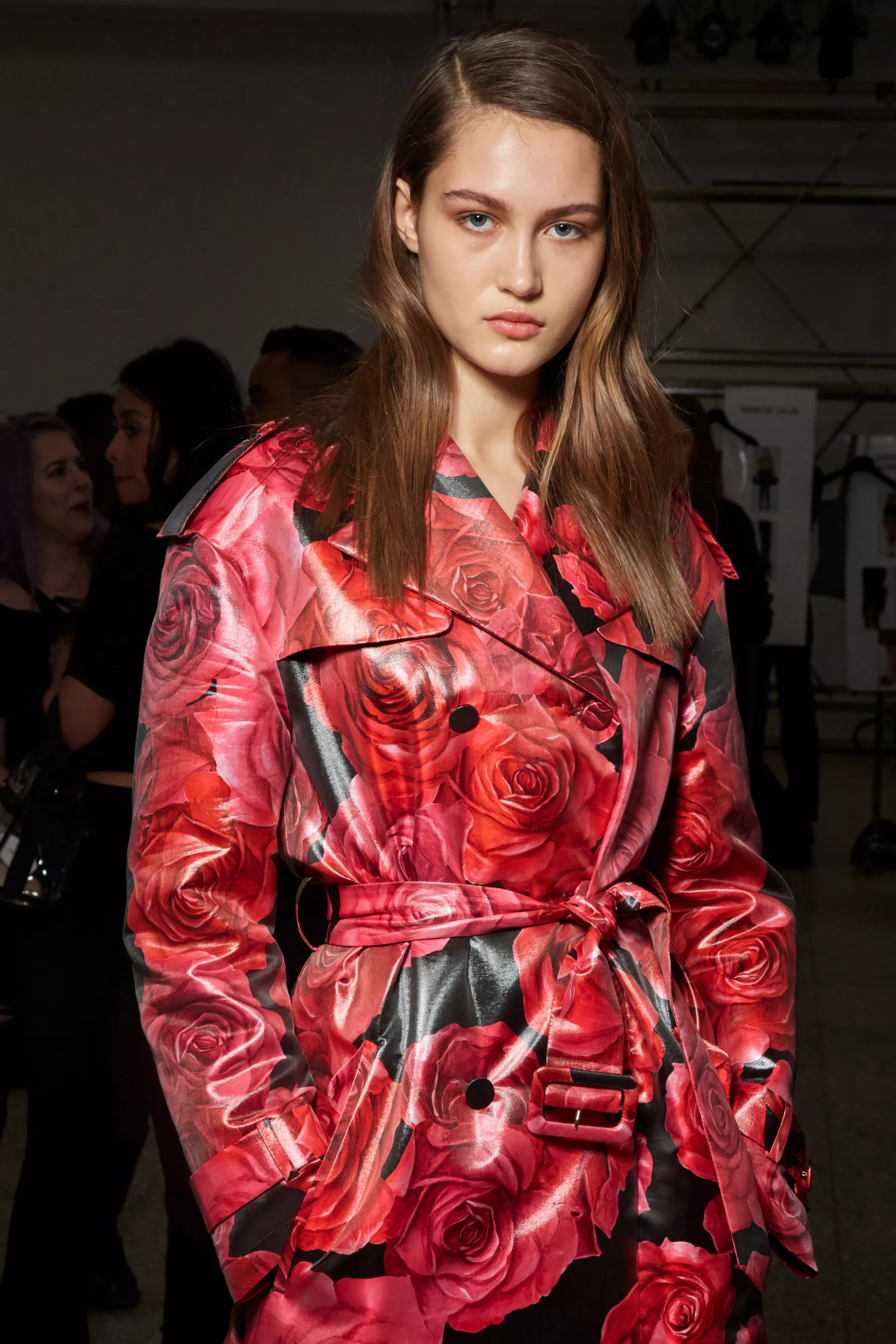
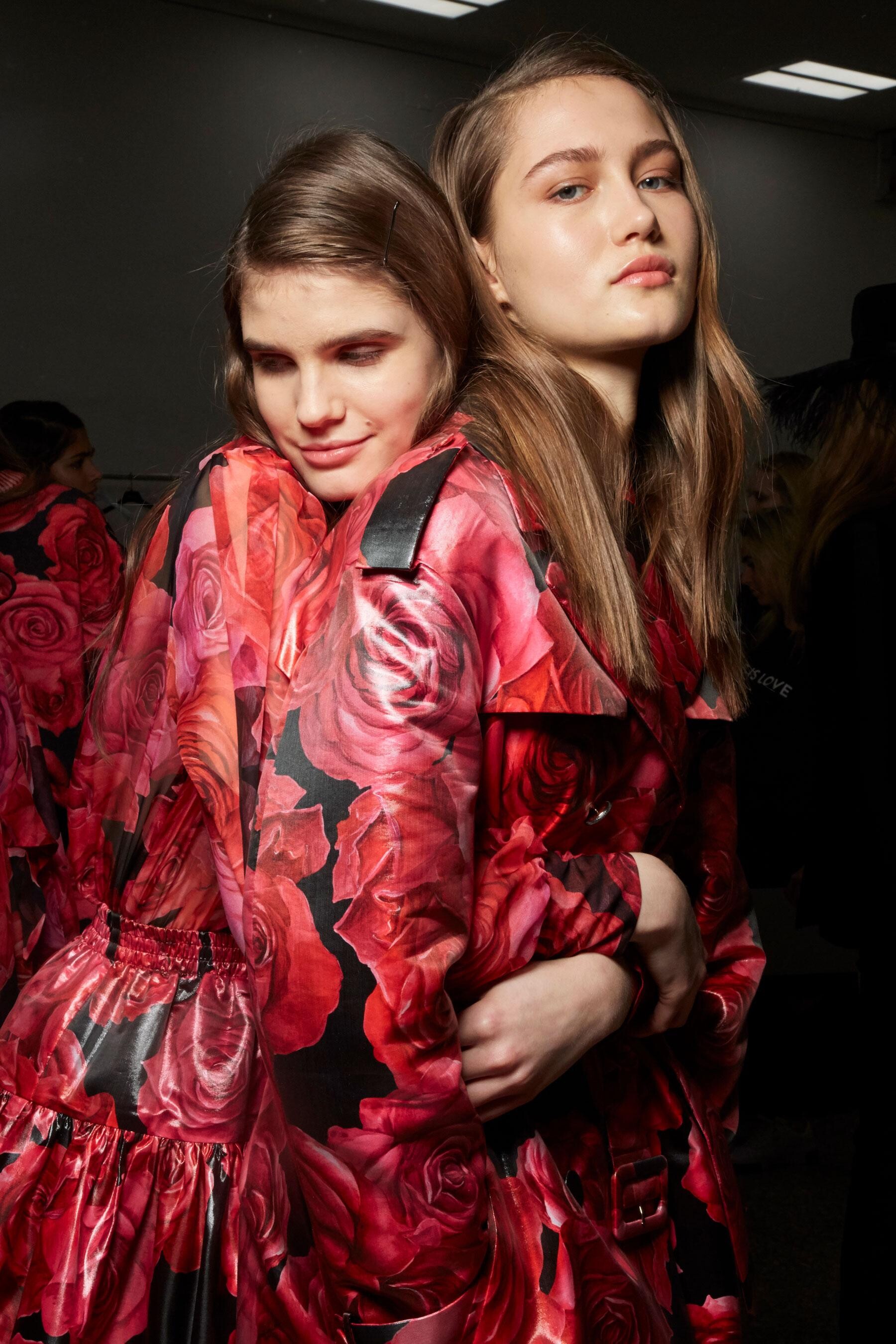
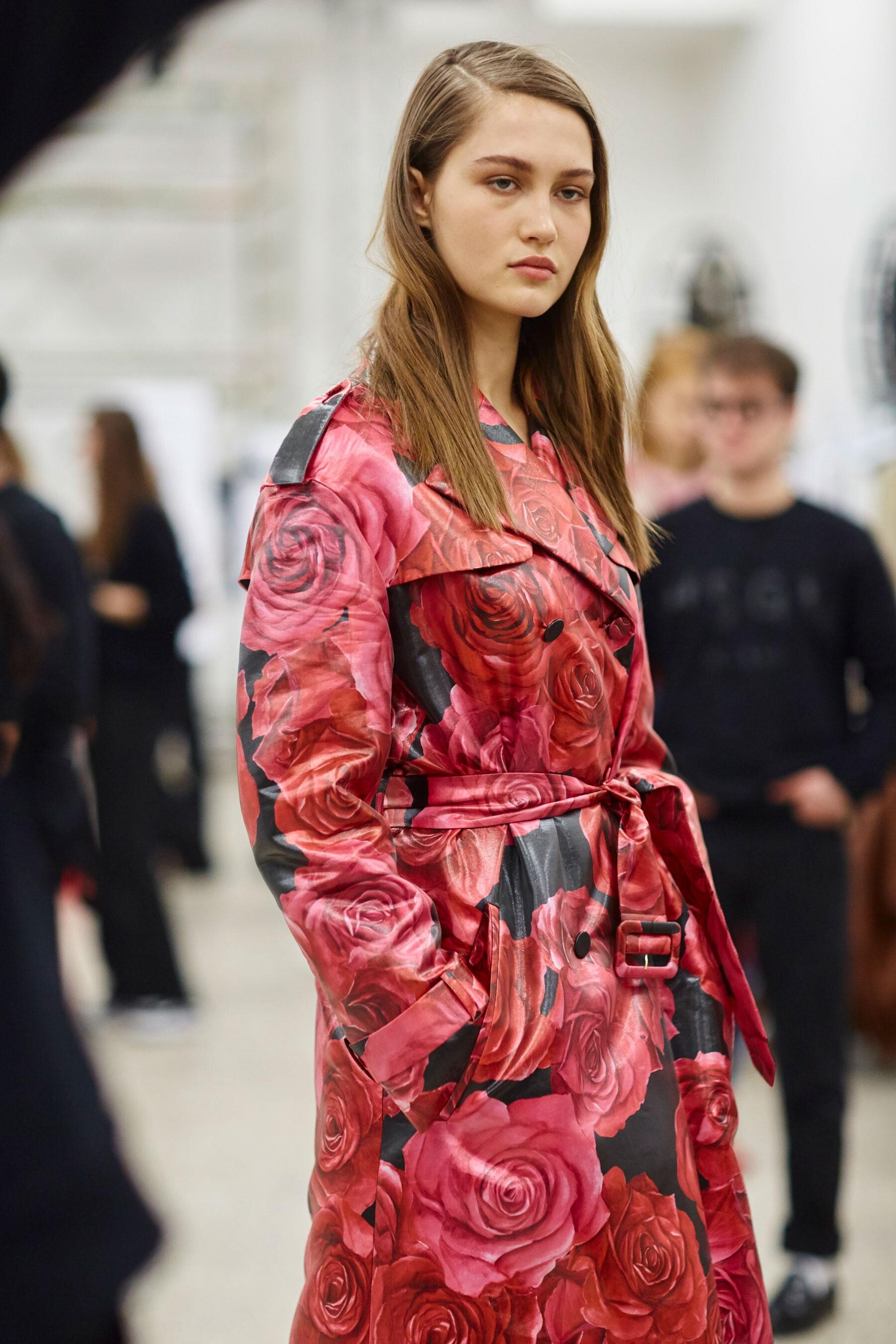
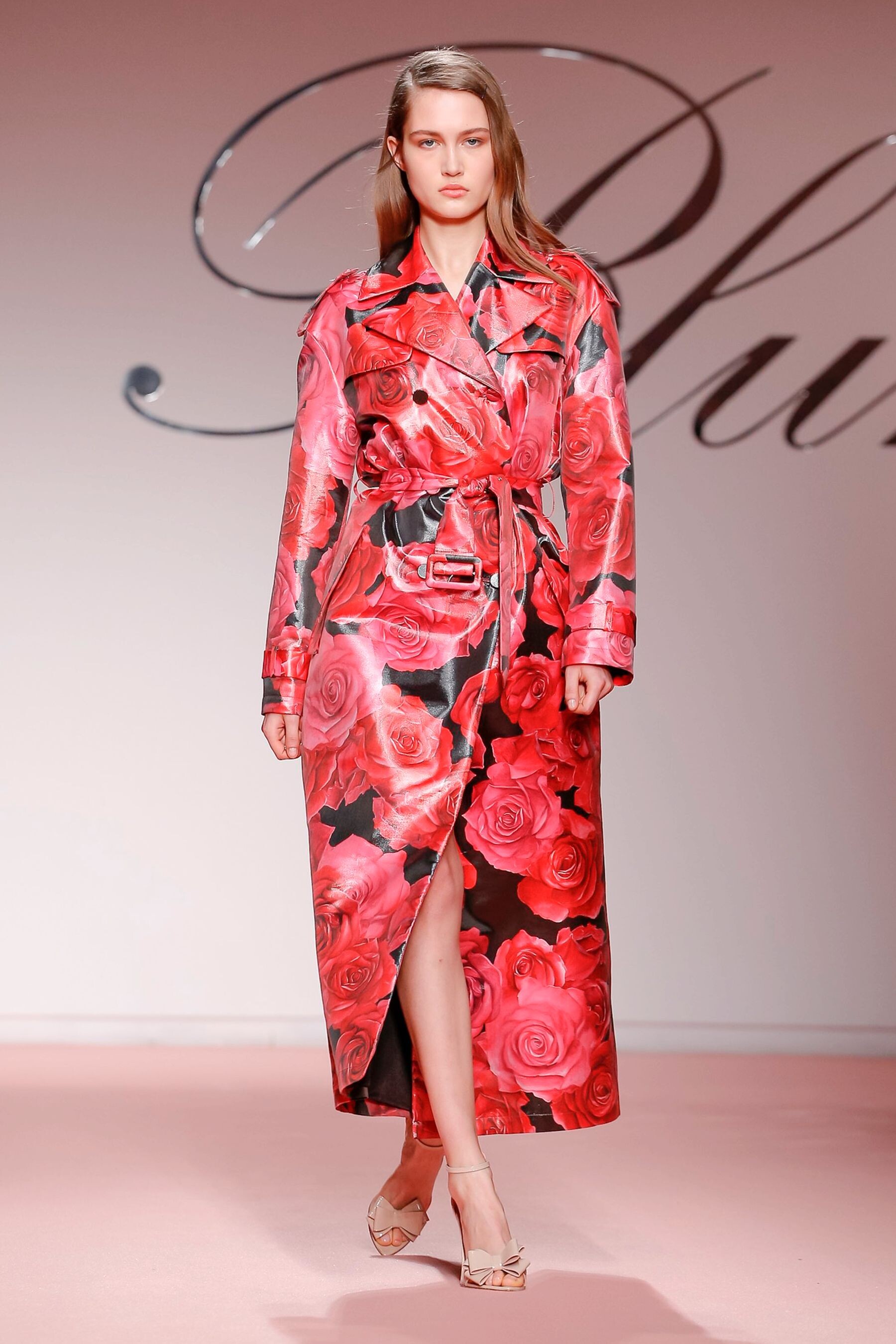
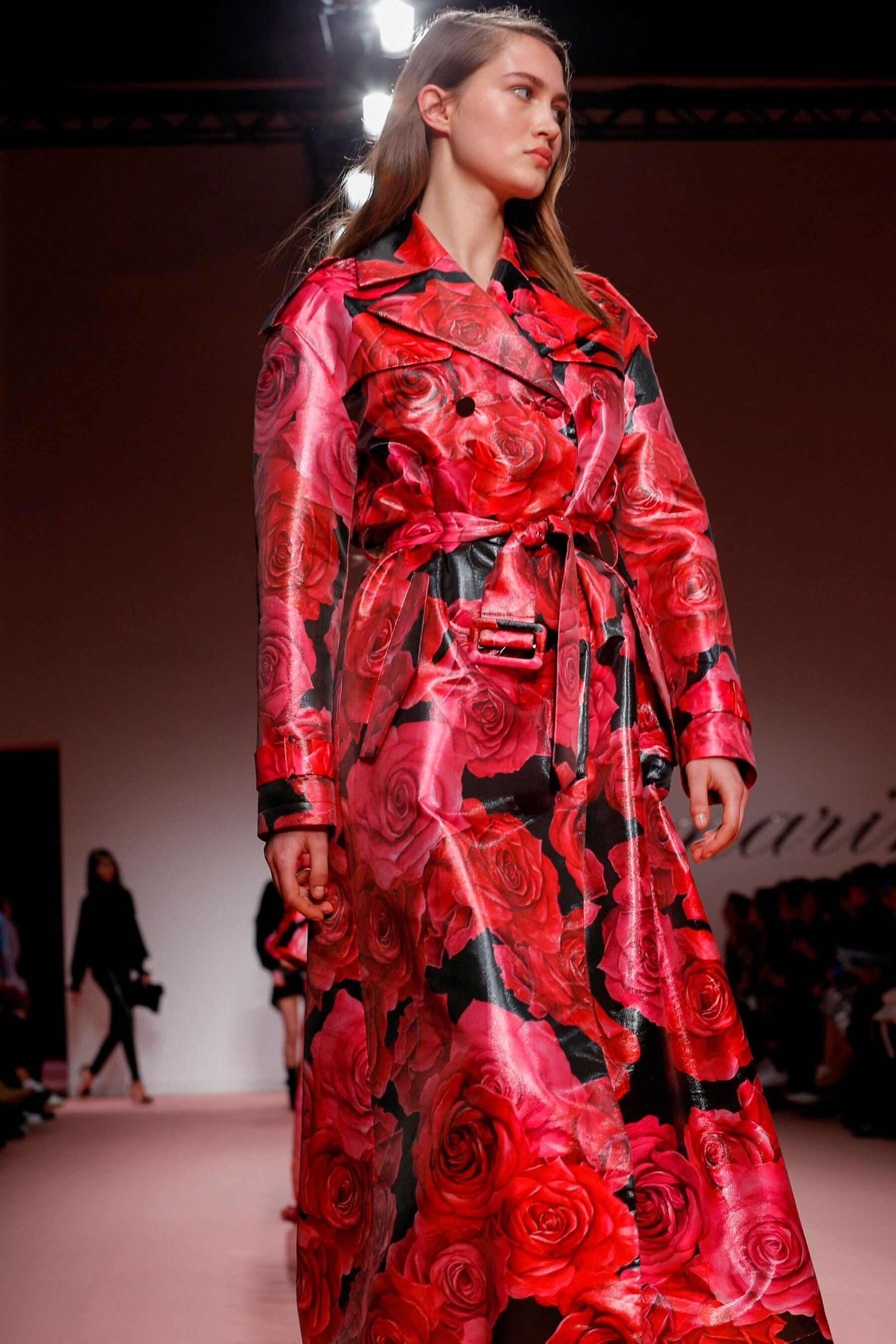
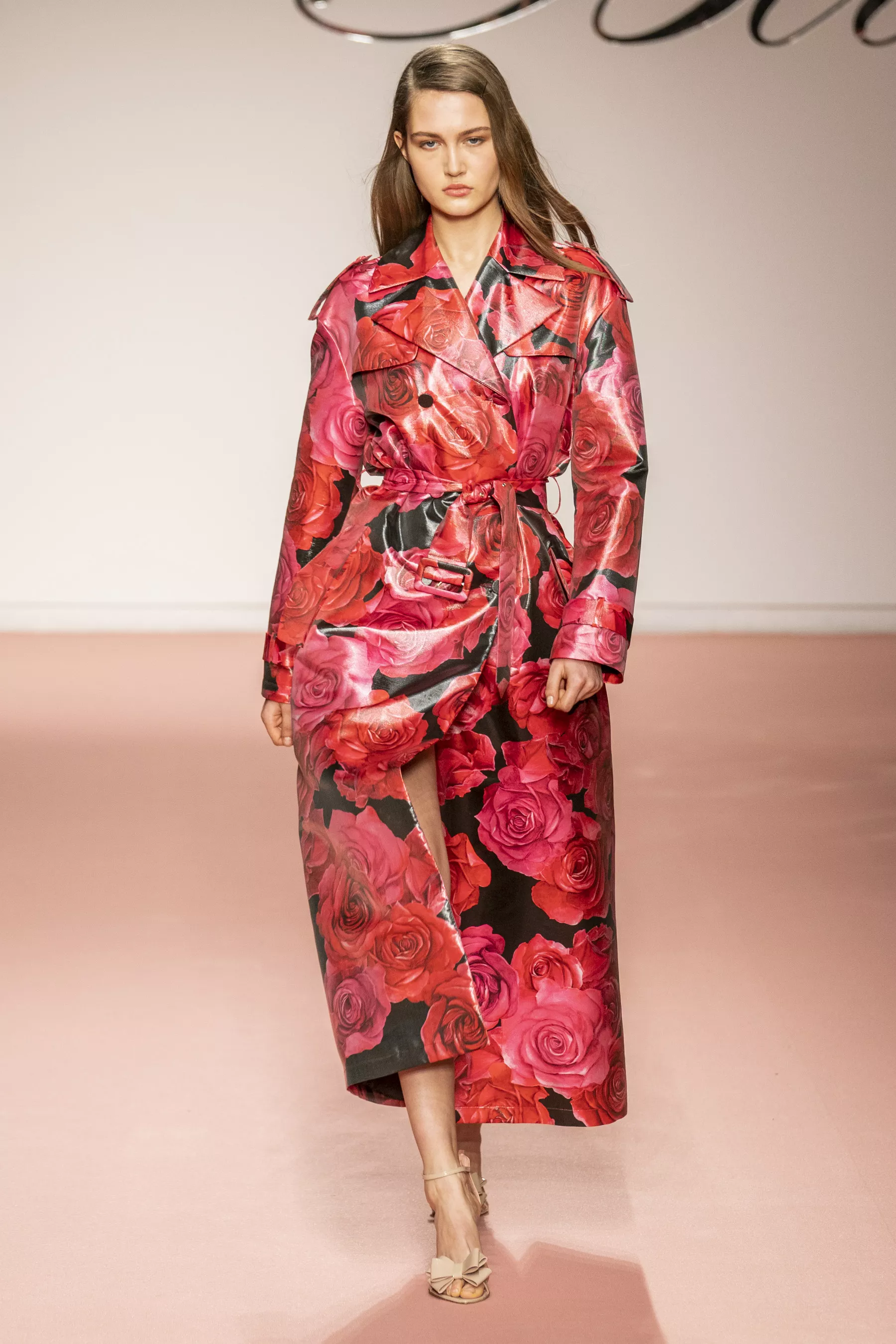
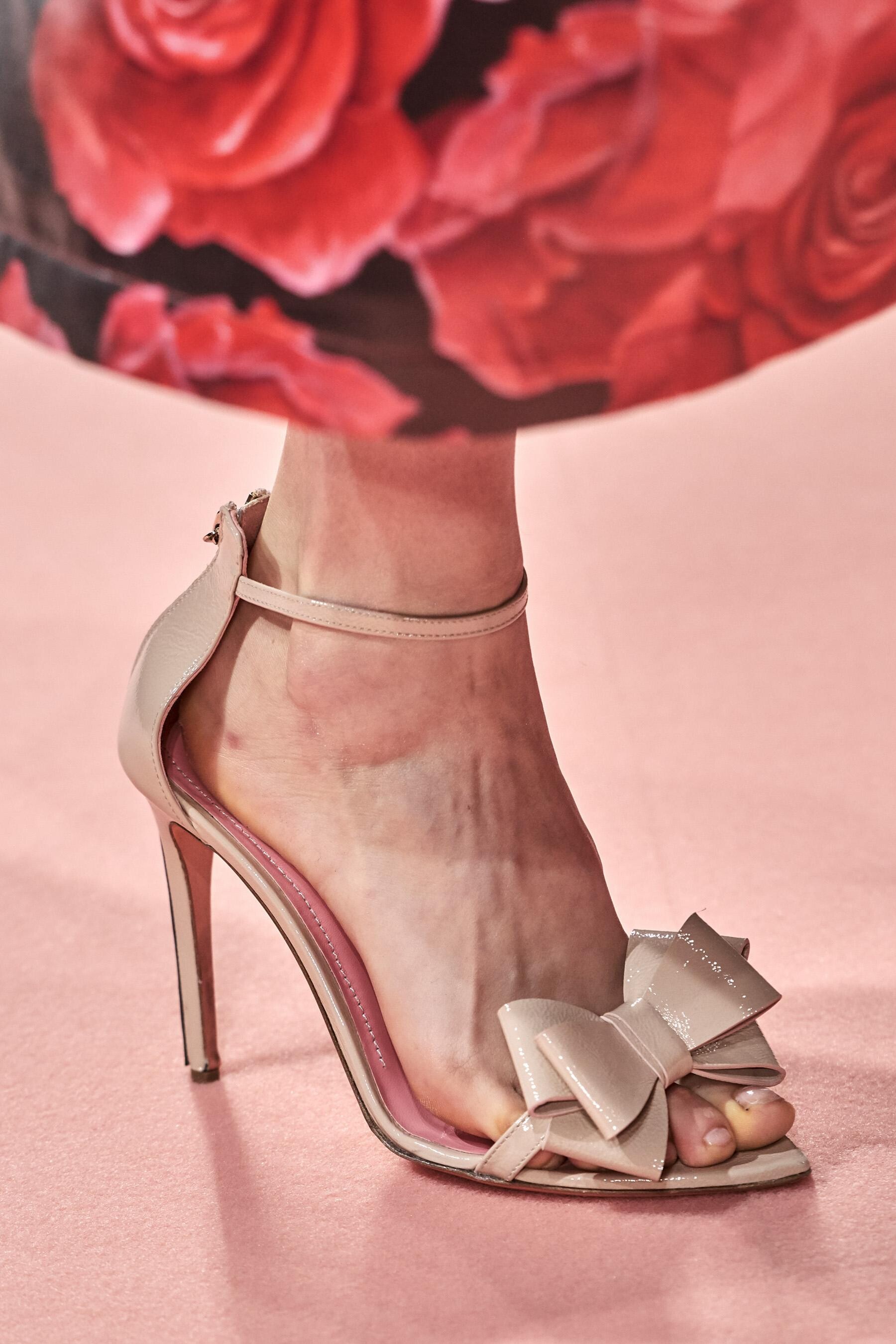
Blumarine [FALL 2019 READY-TO-WEAR] backstage vogue, nowfashion, madamefigaro detail







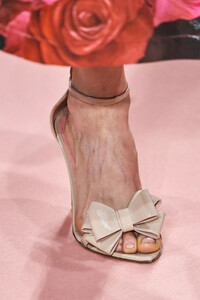
-
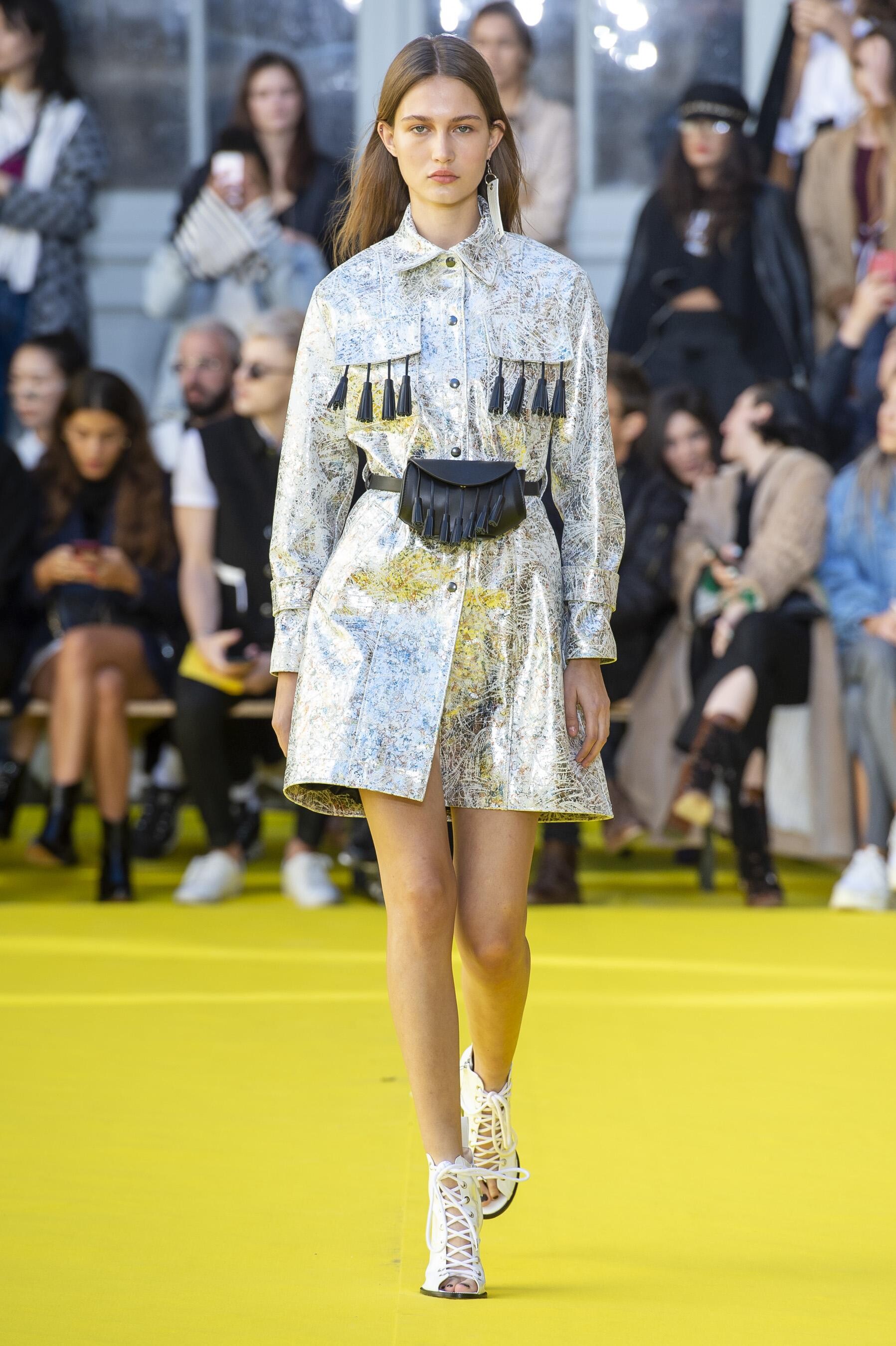
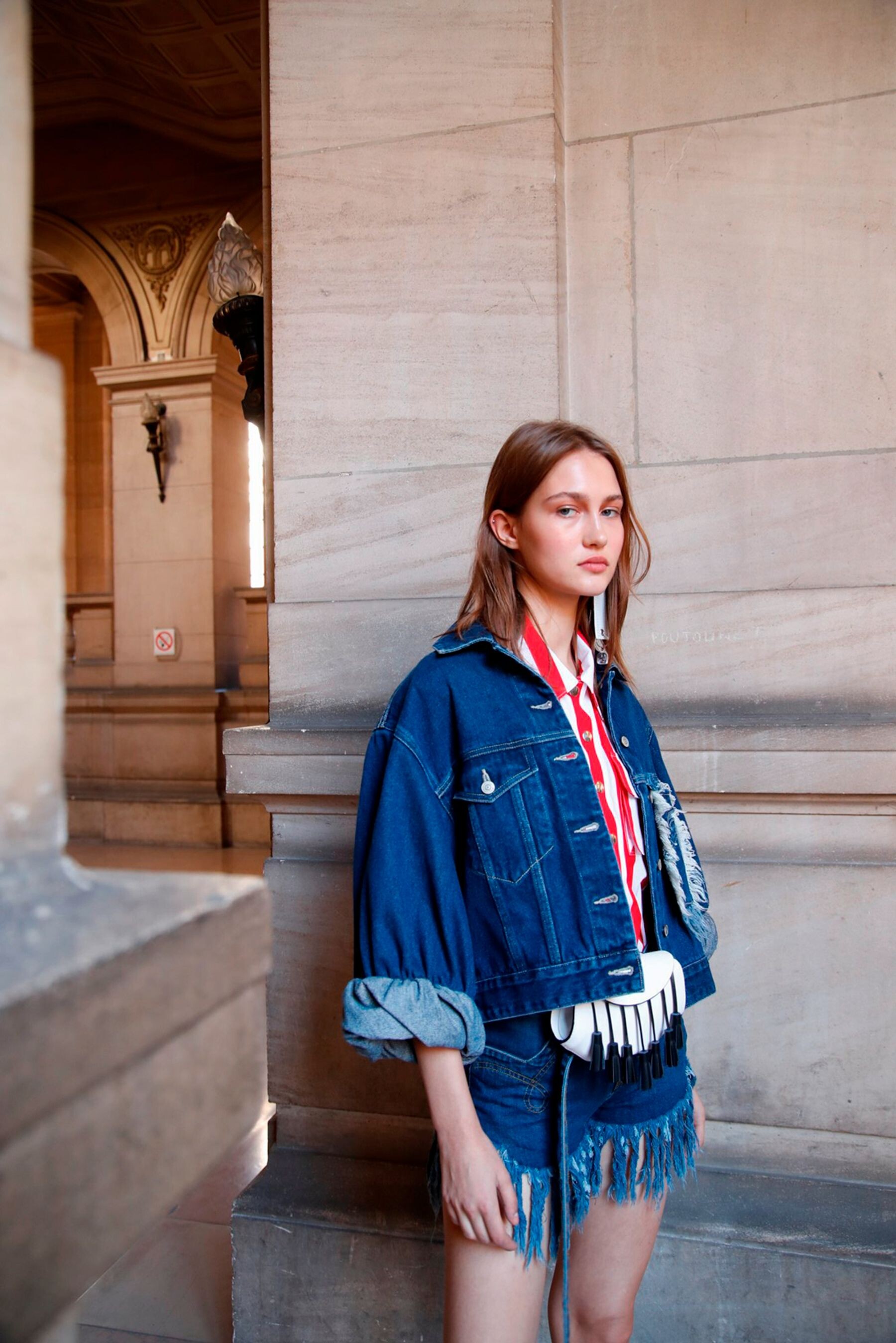
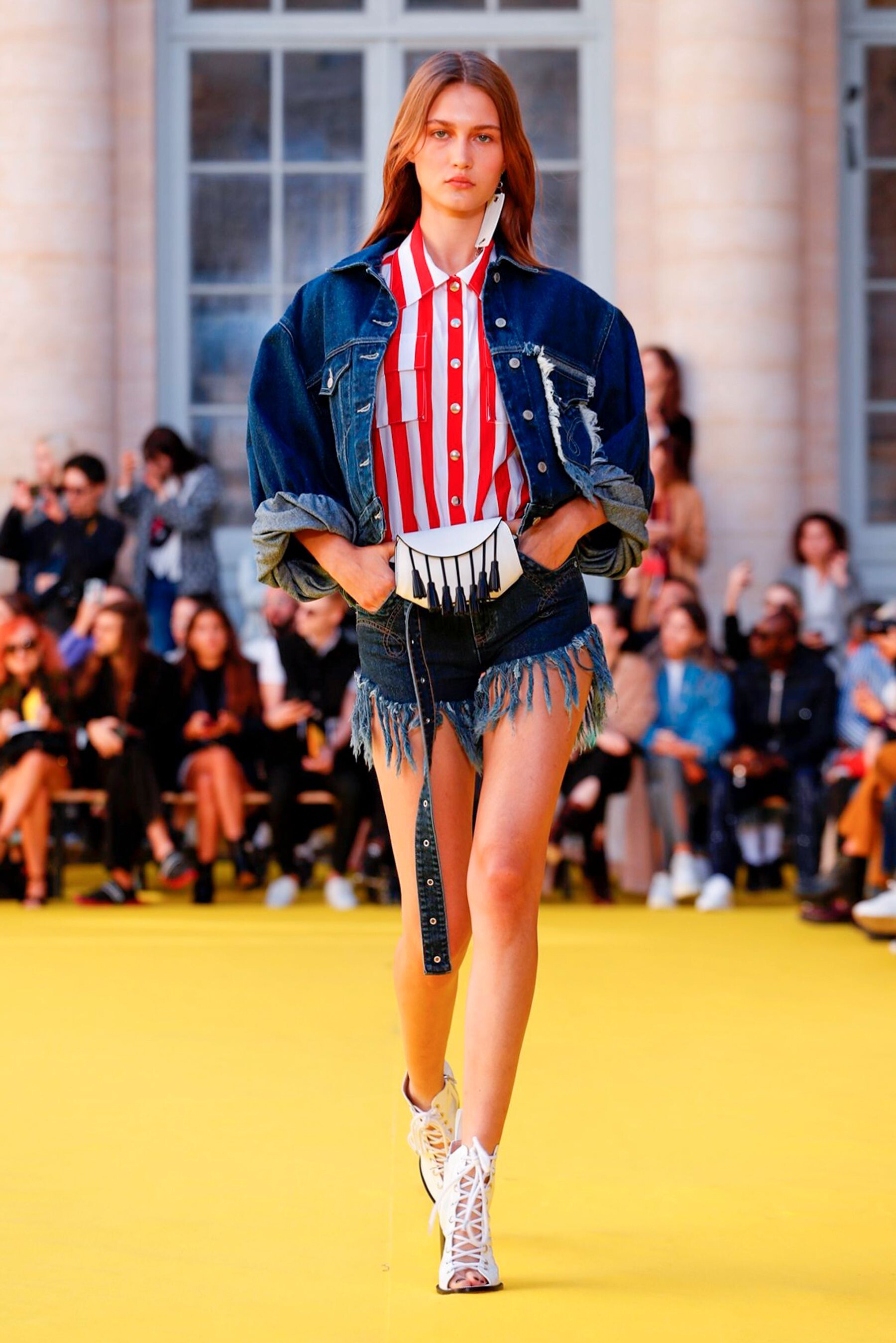
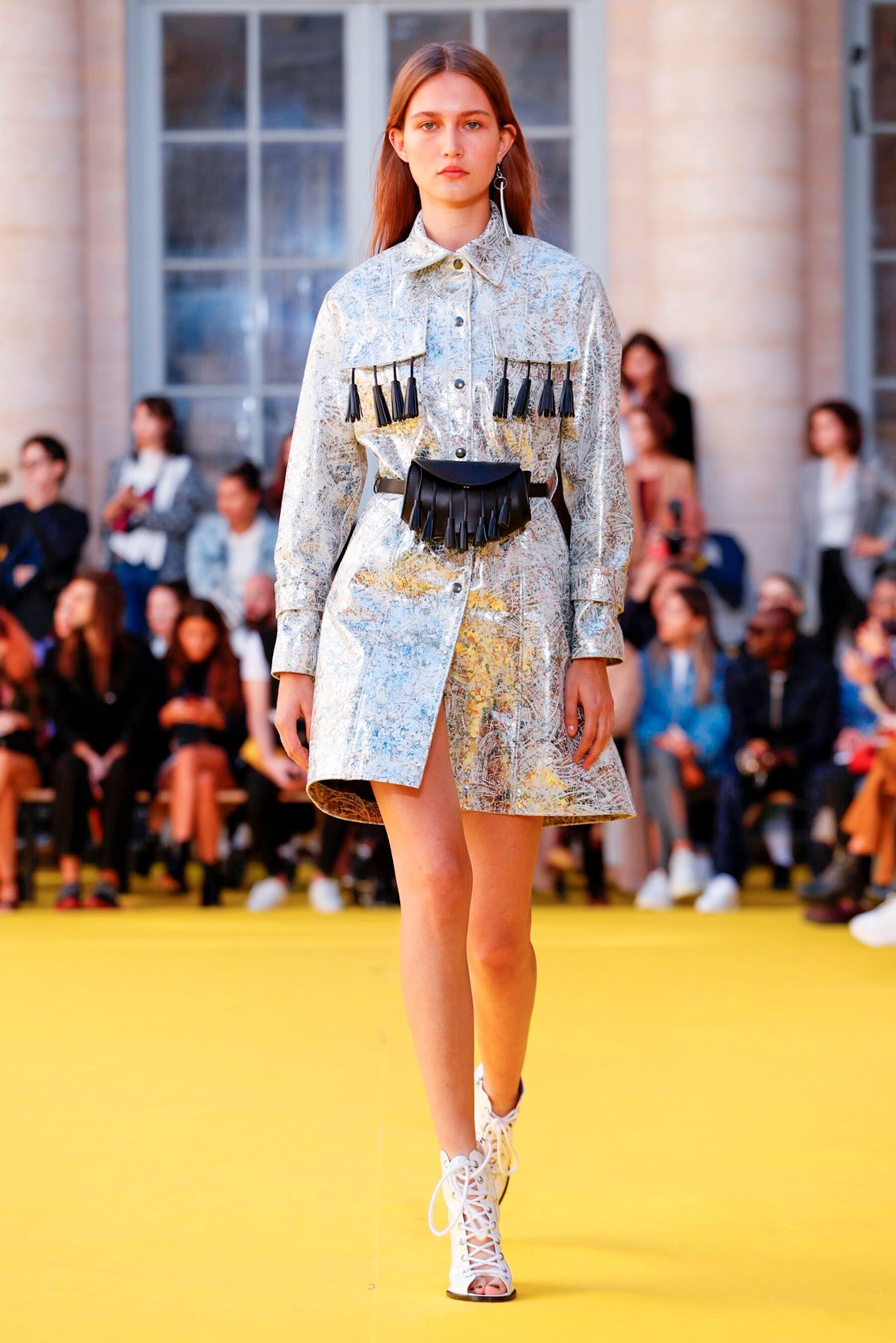
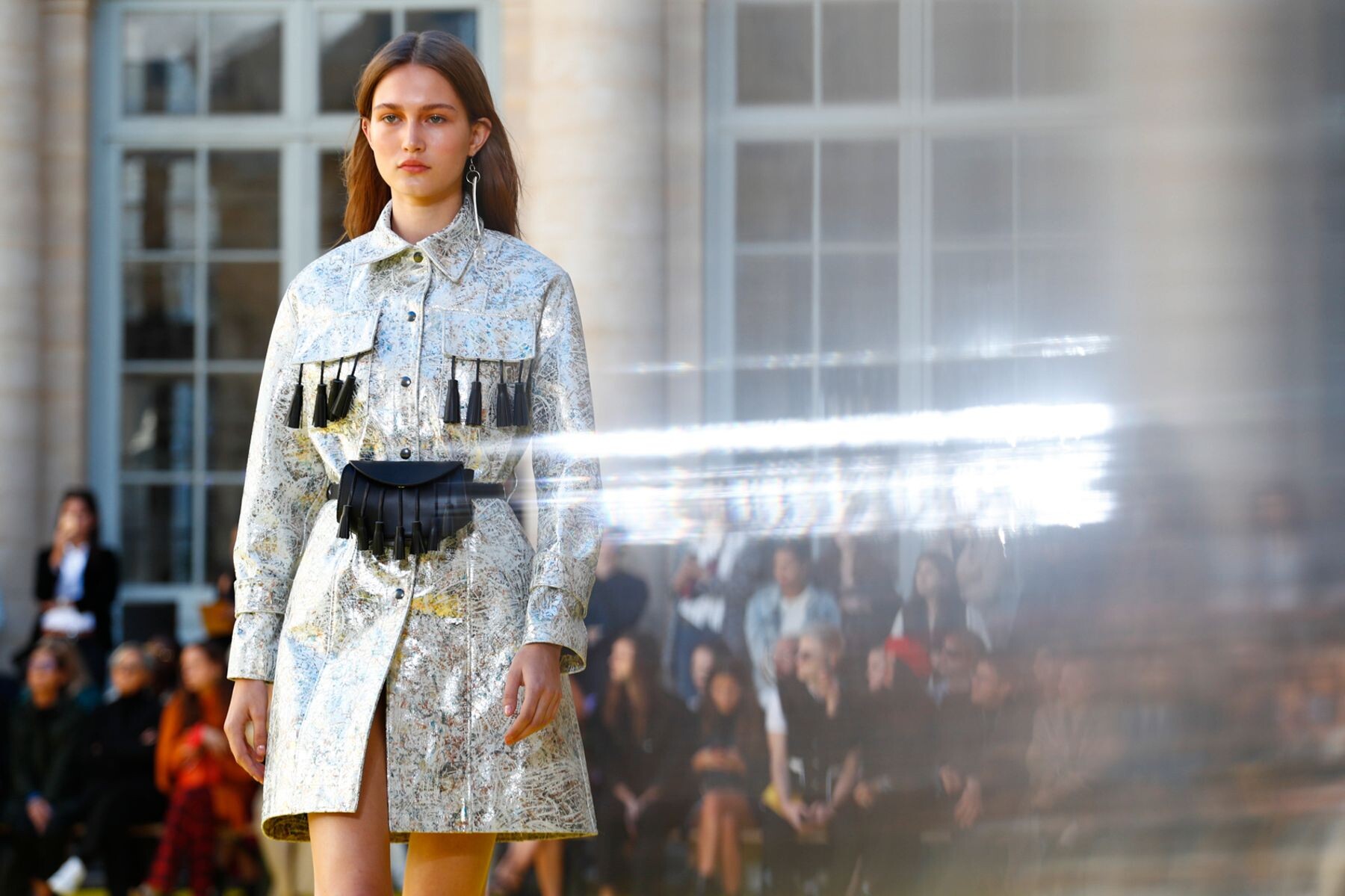
Shiatzy Chen [SPRING 2019 READY-TO-WEAR] nowfashion, madamefigaro

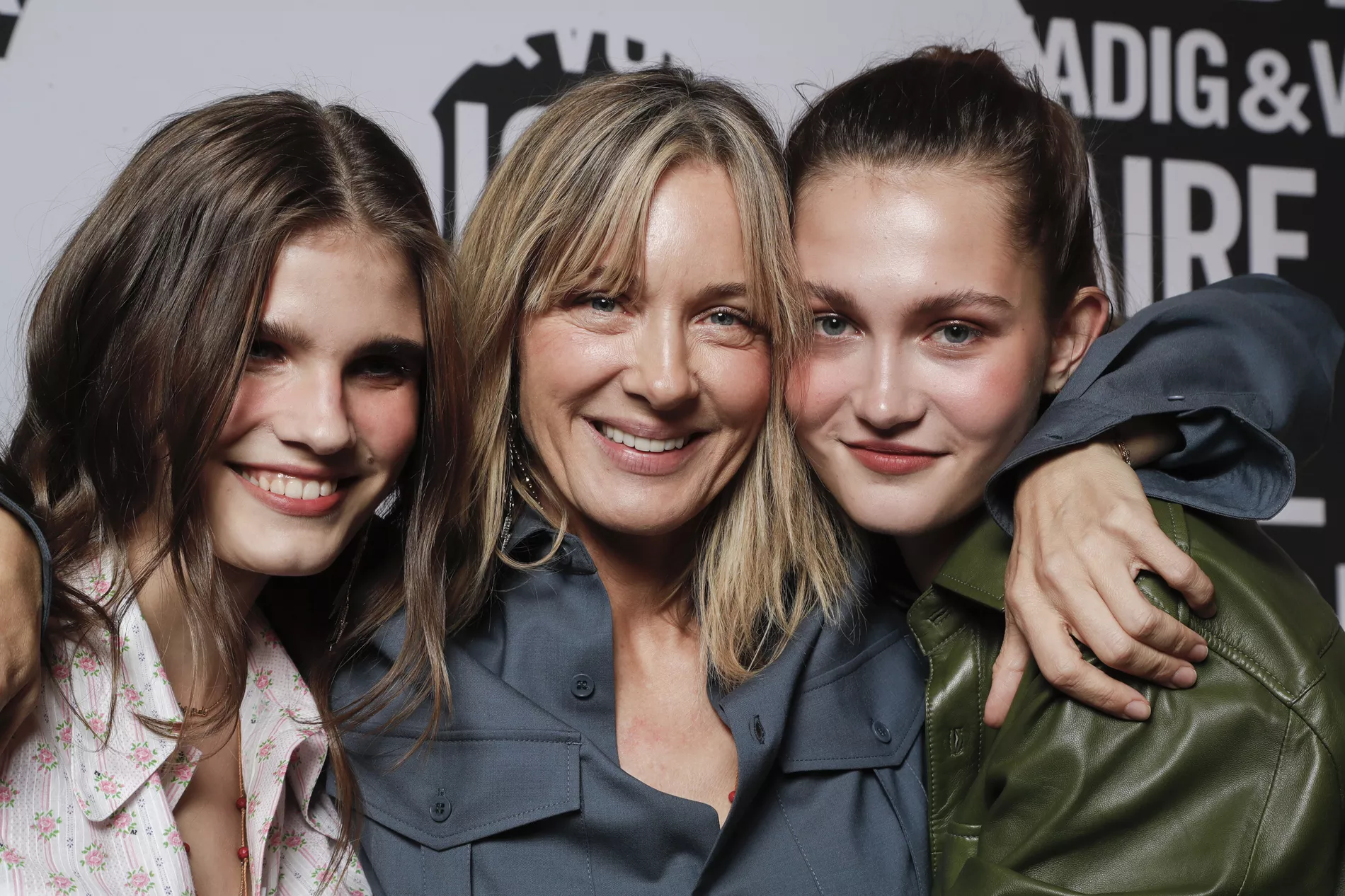
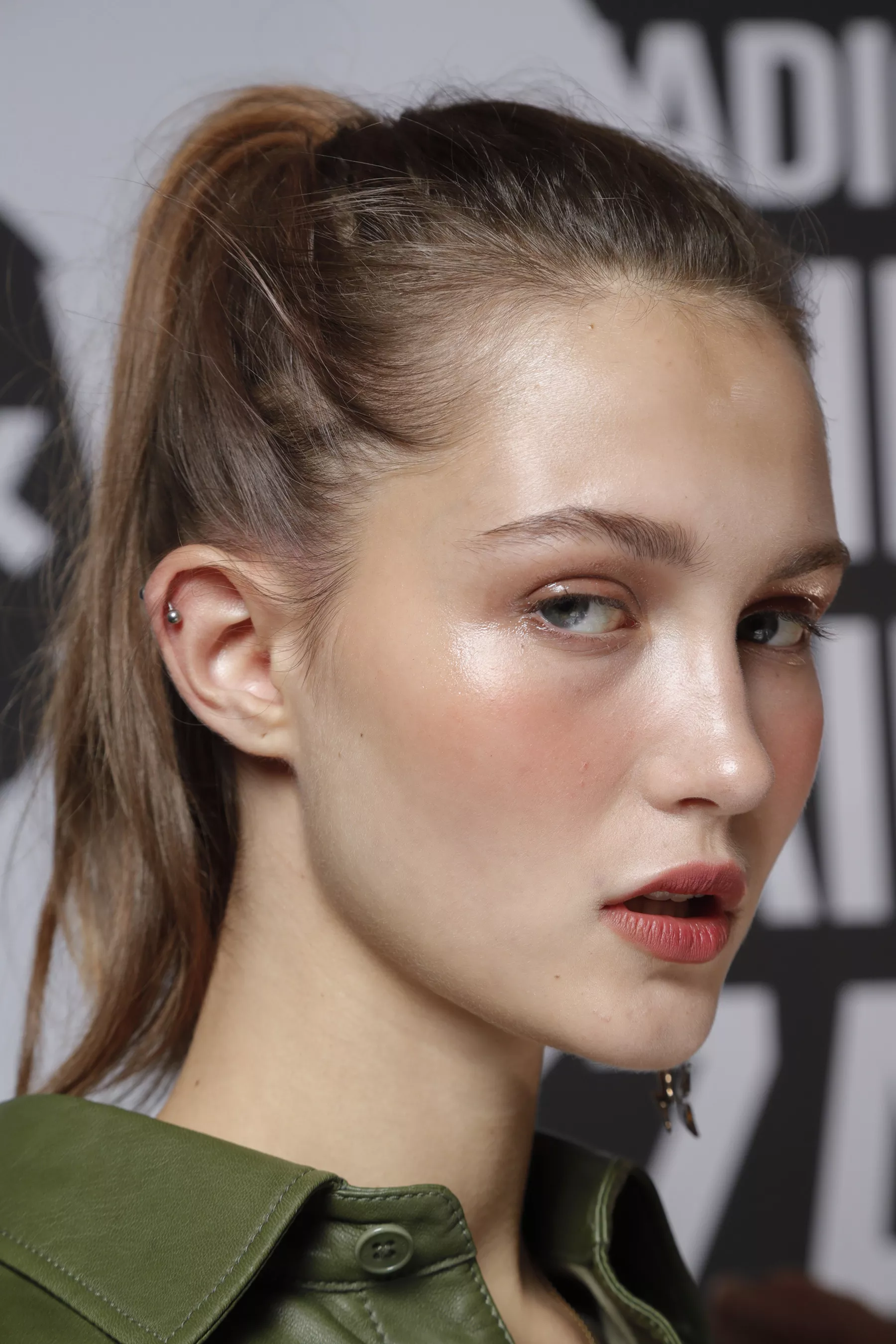
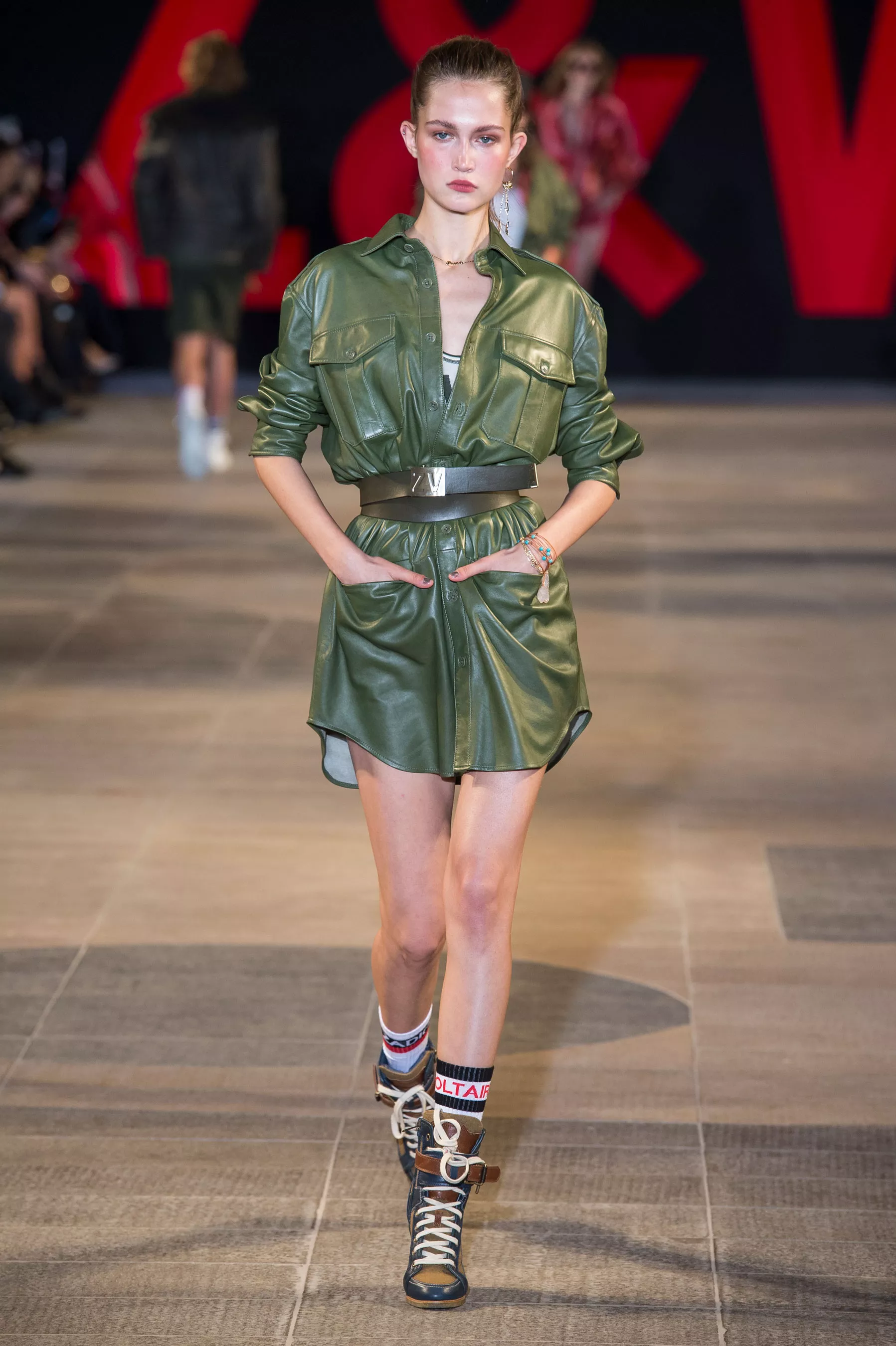
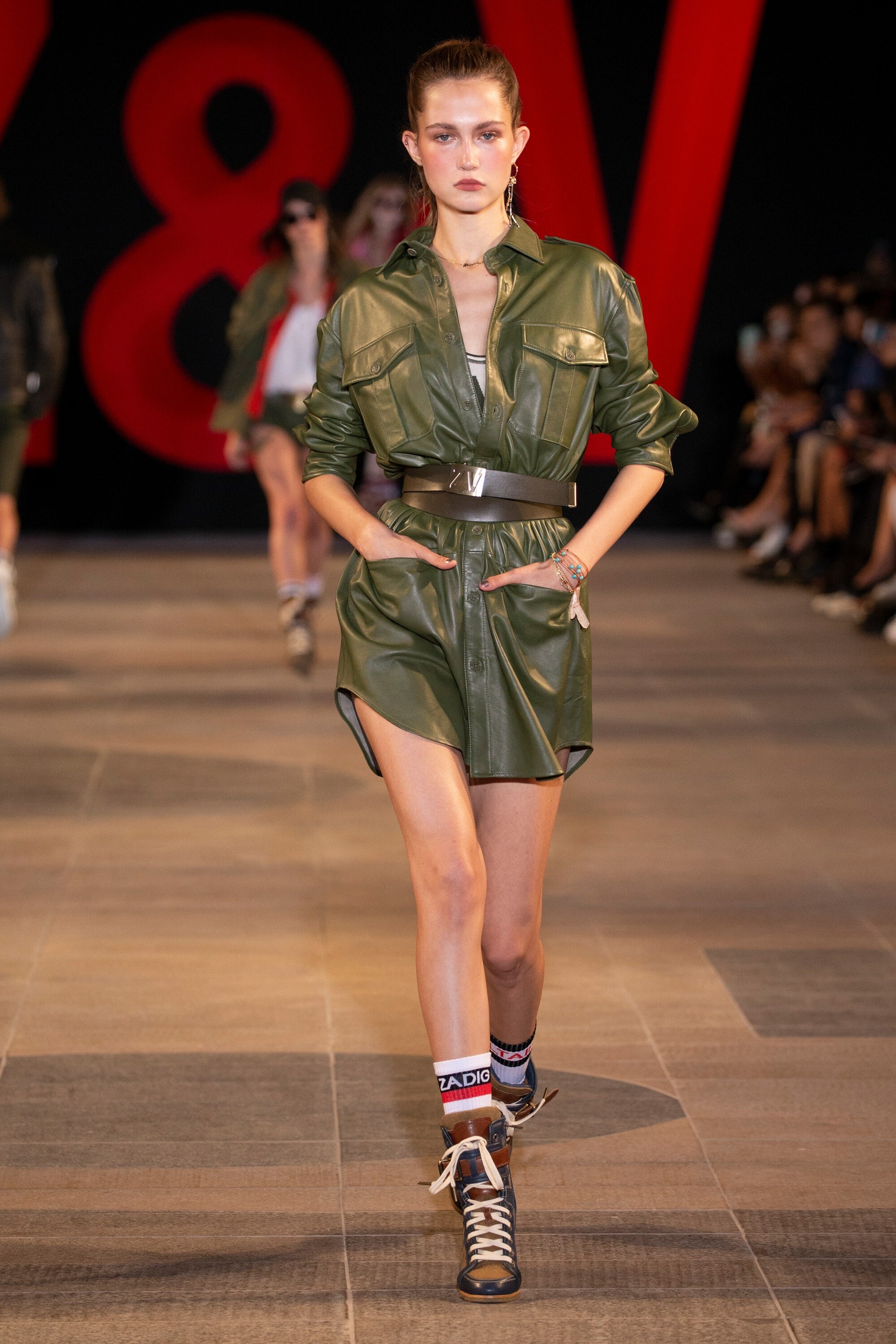
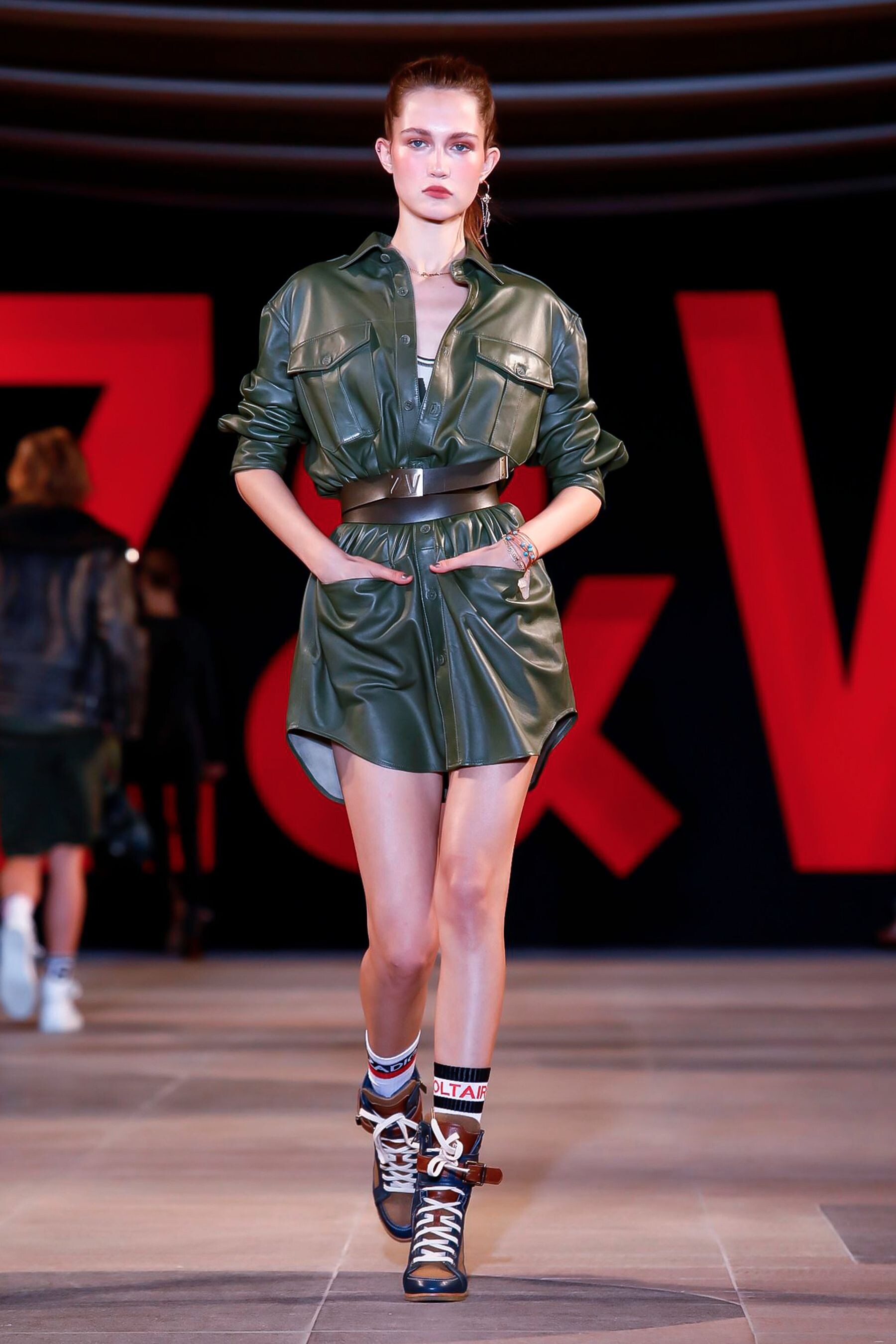
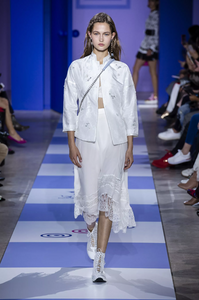 Zadig & Voltaire [SPRING 2019 READY-TO-WEAR] backstage vogue, nowfashion, madamefigaro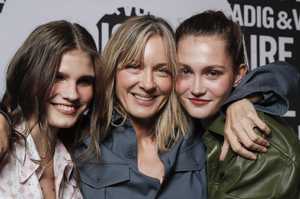


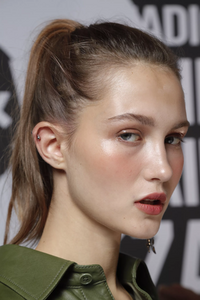

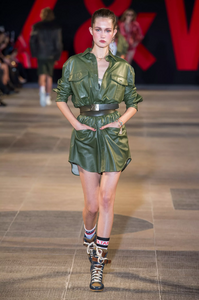

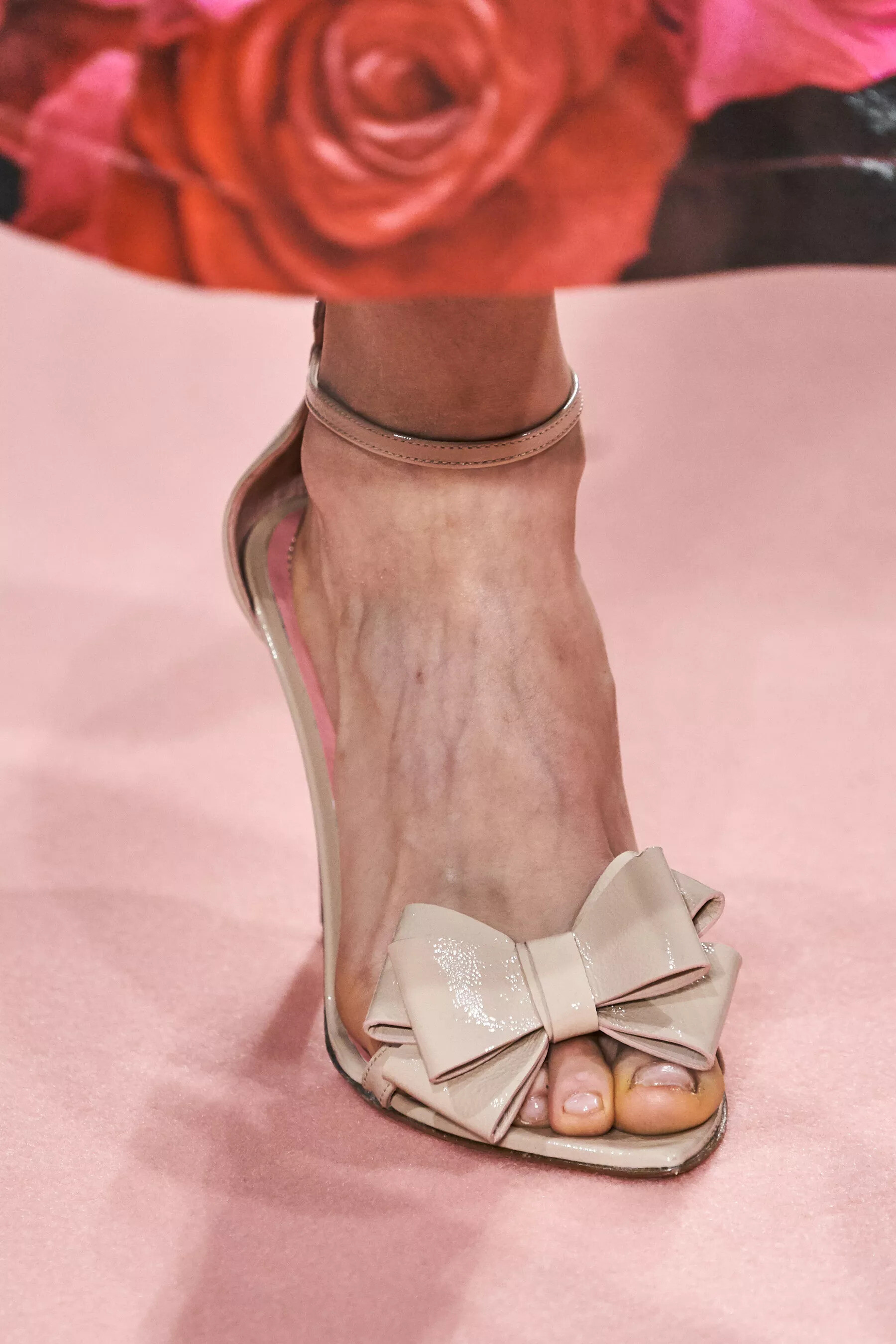
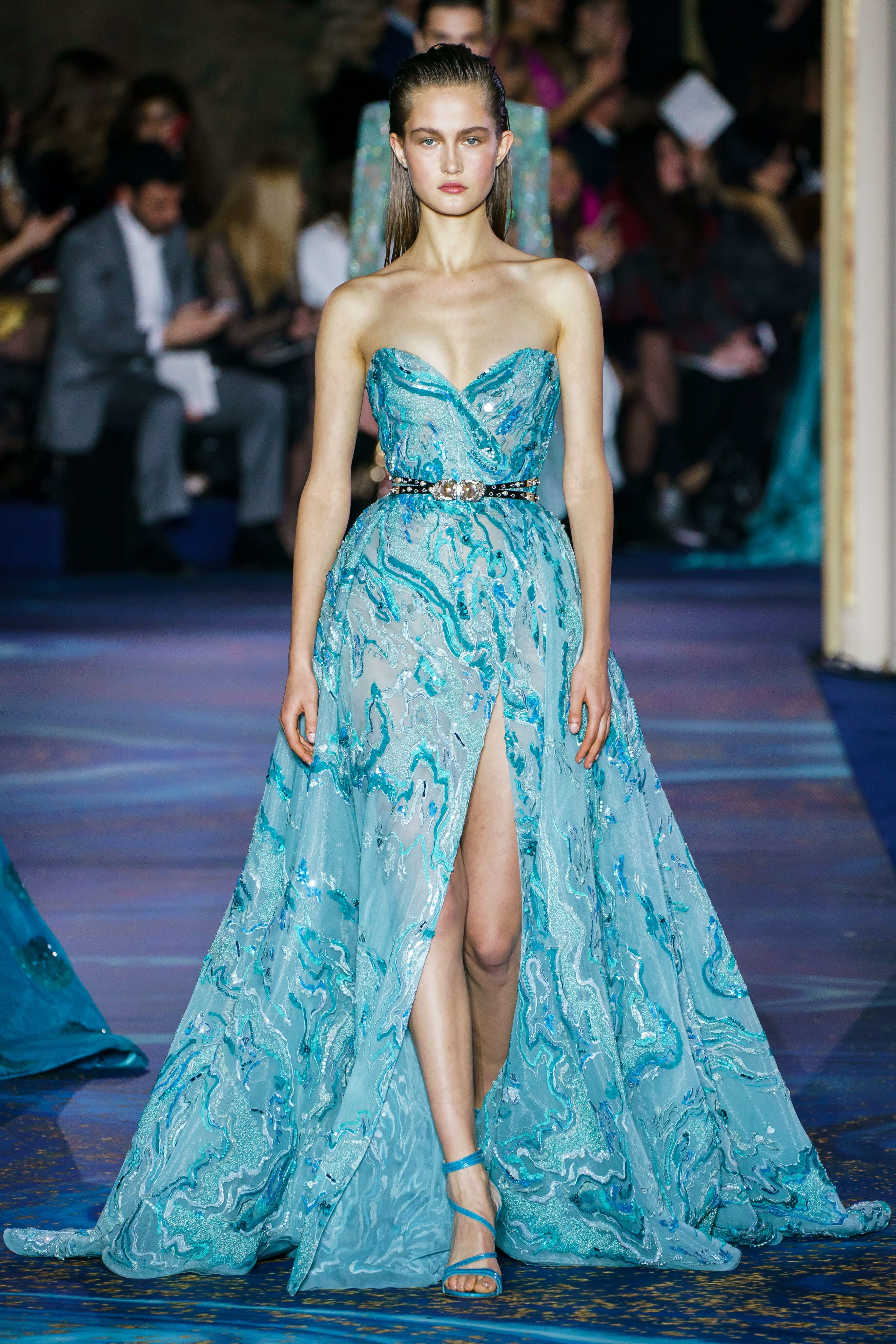
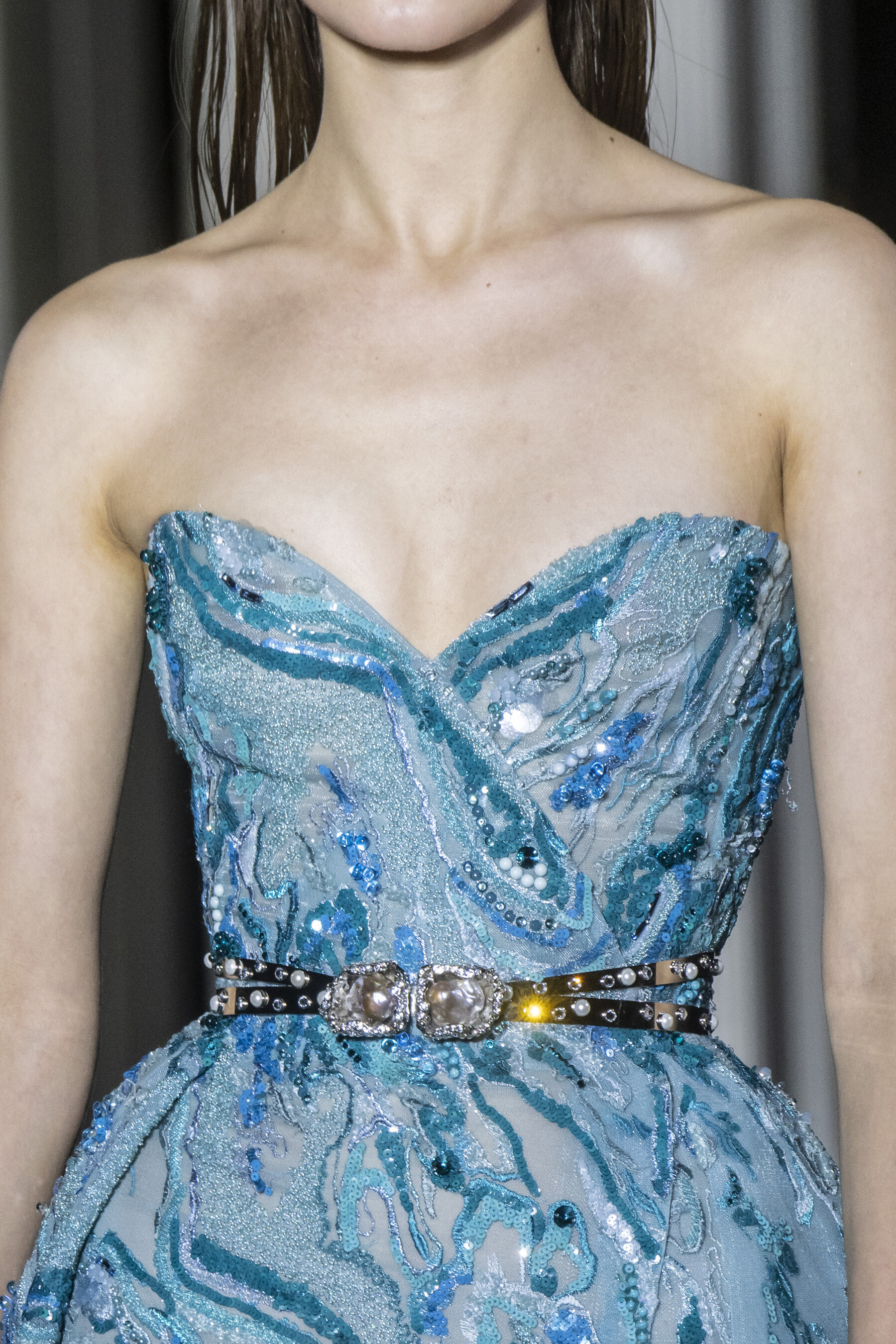
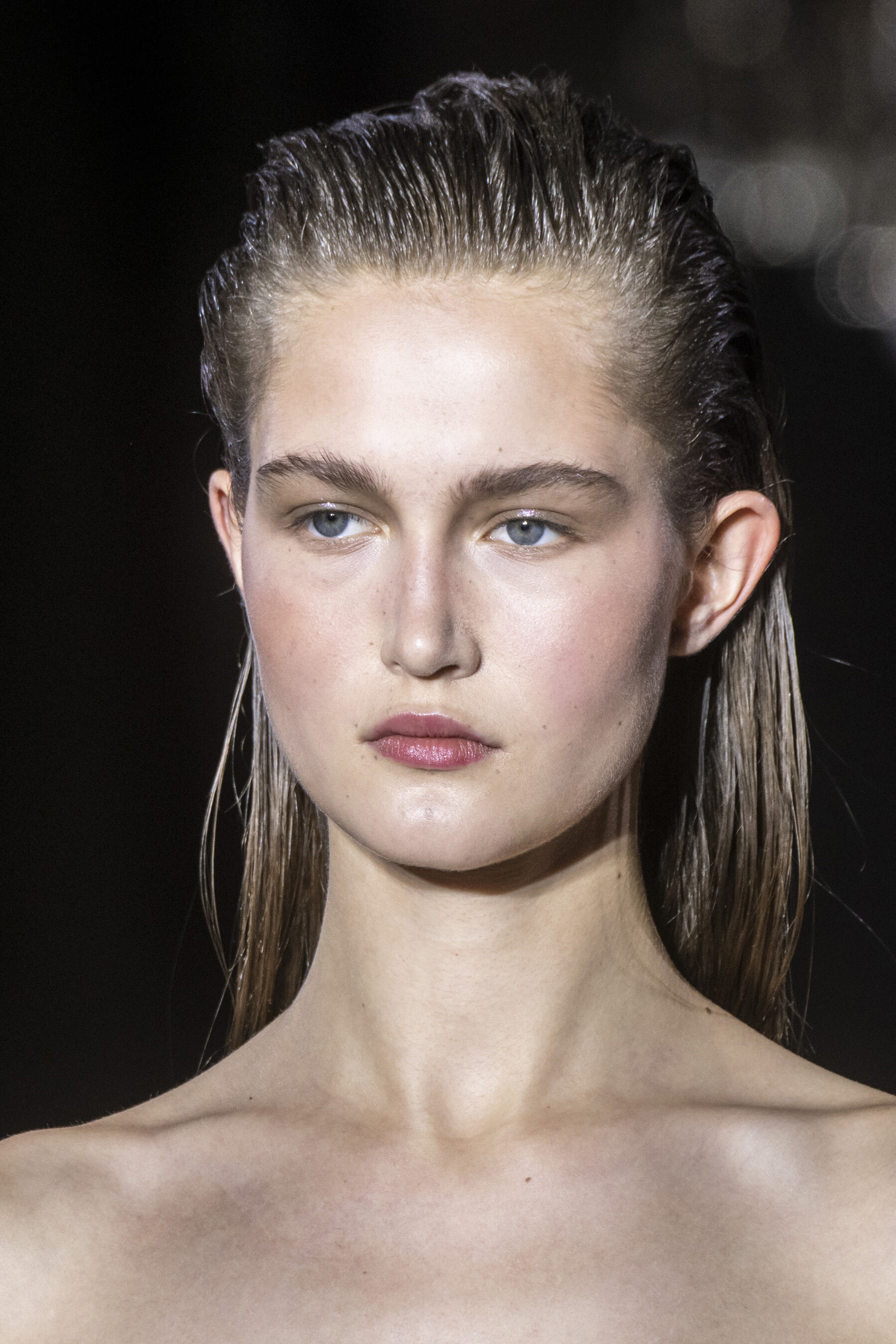
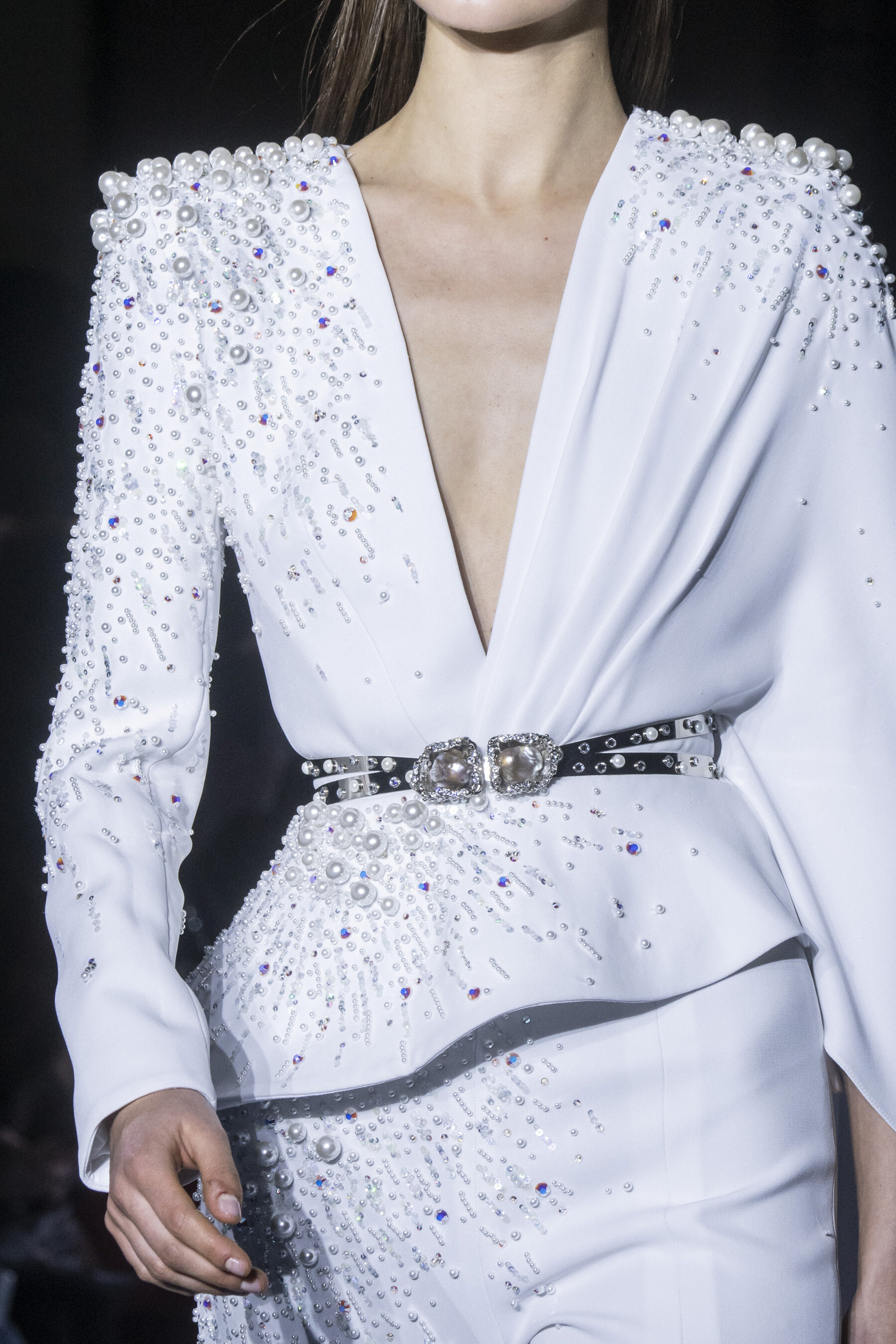
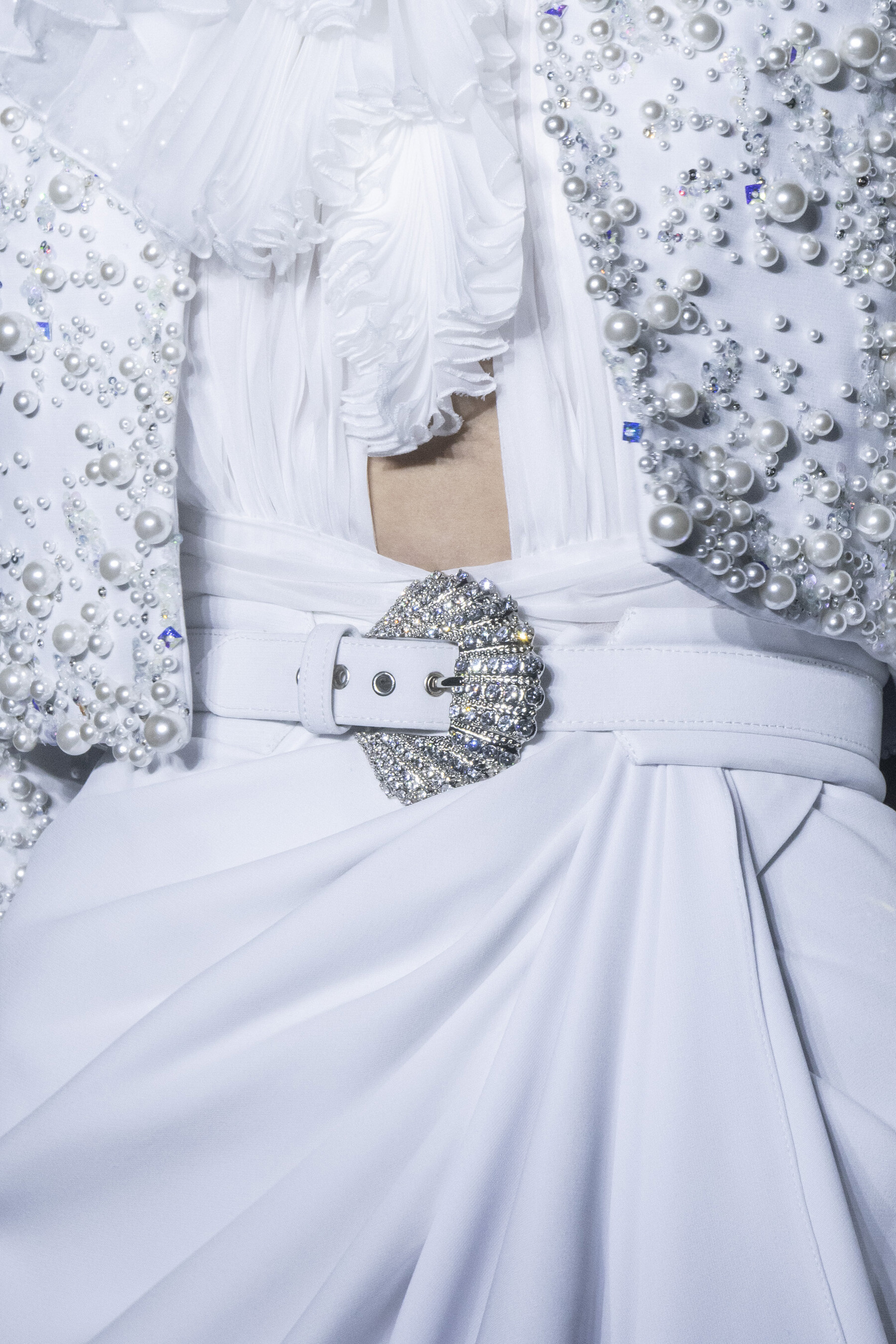
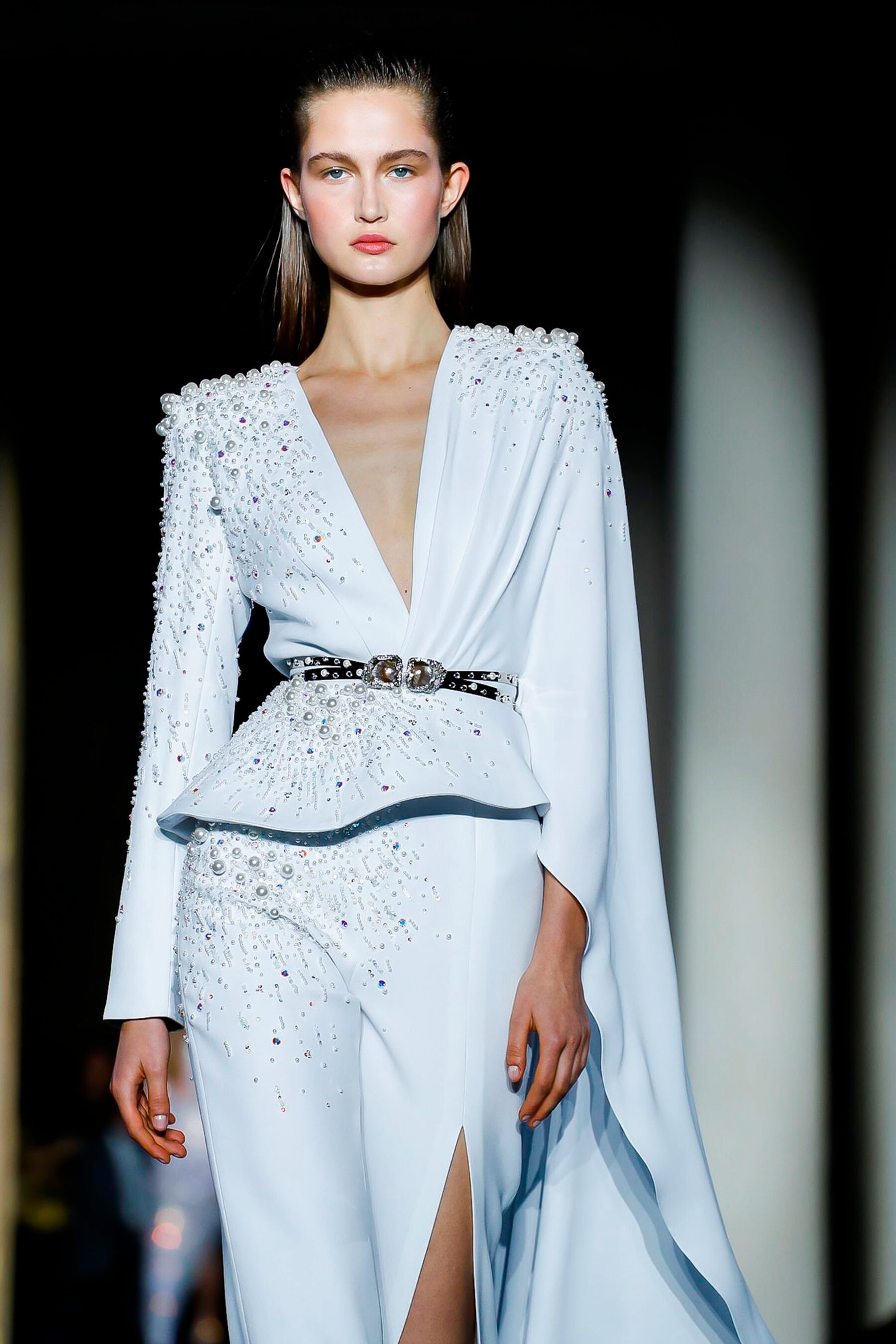
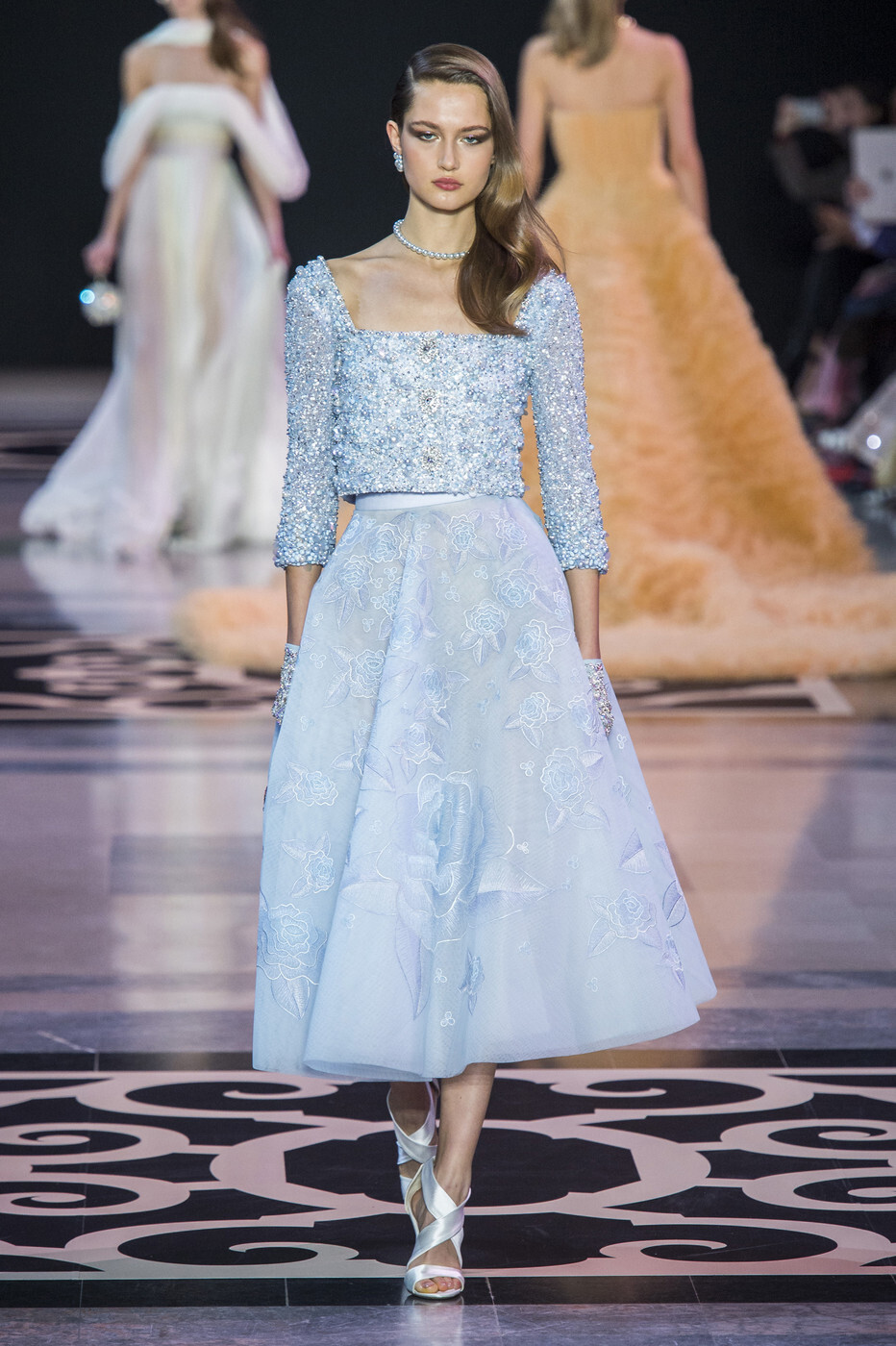
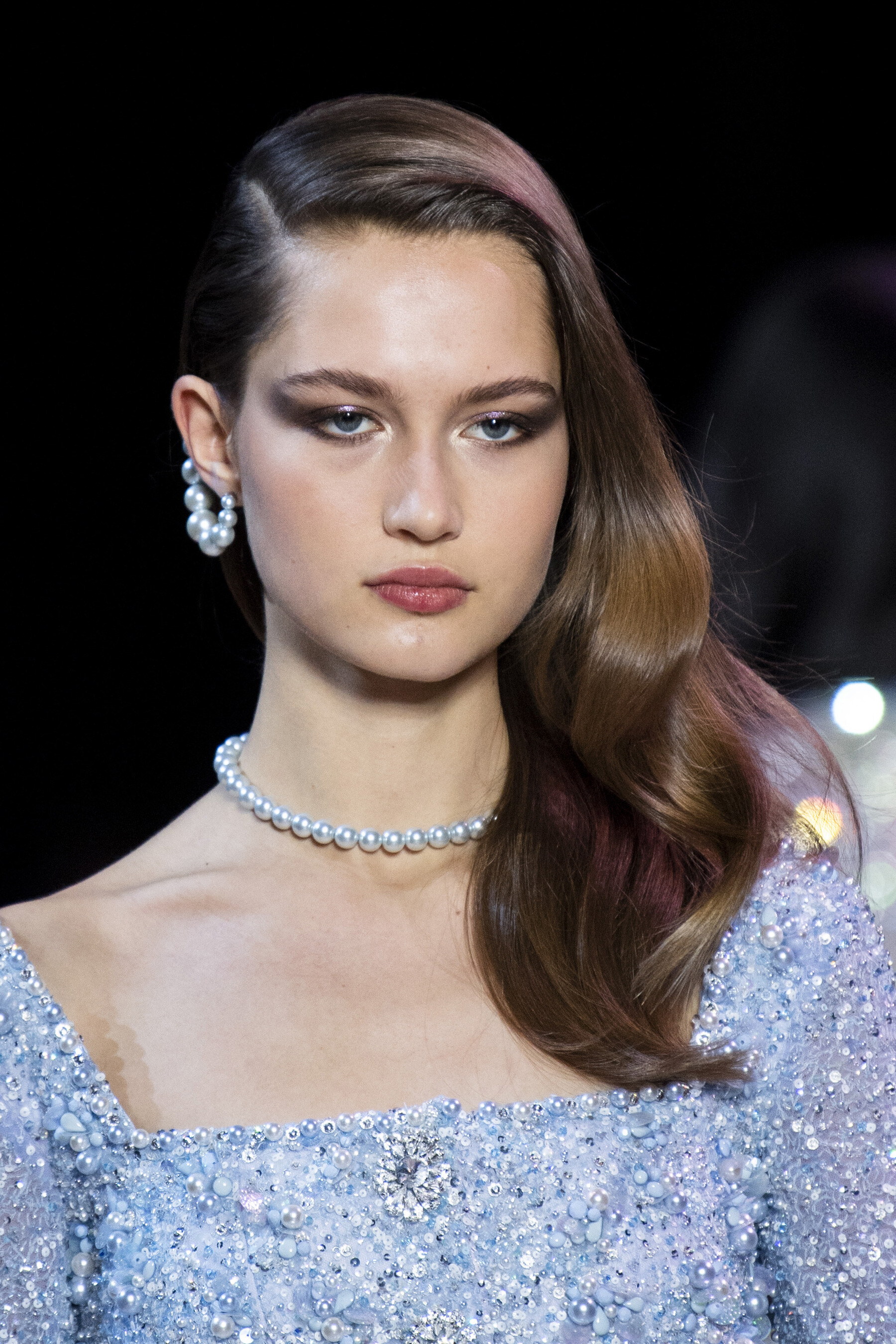
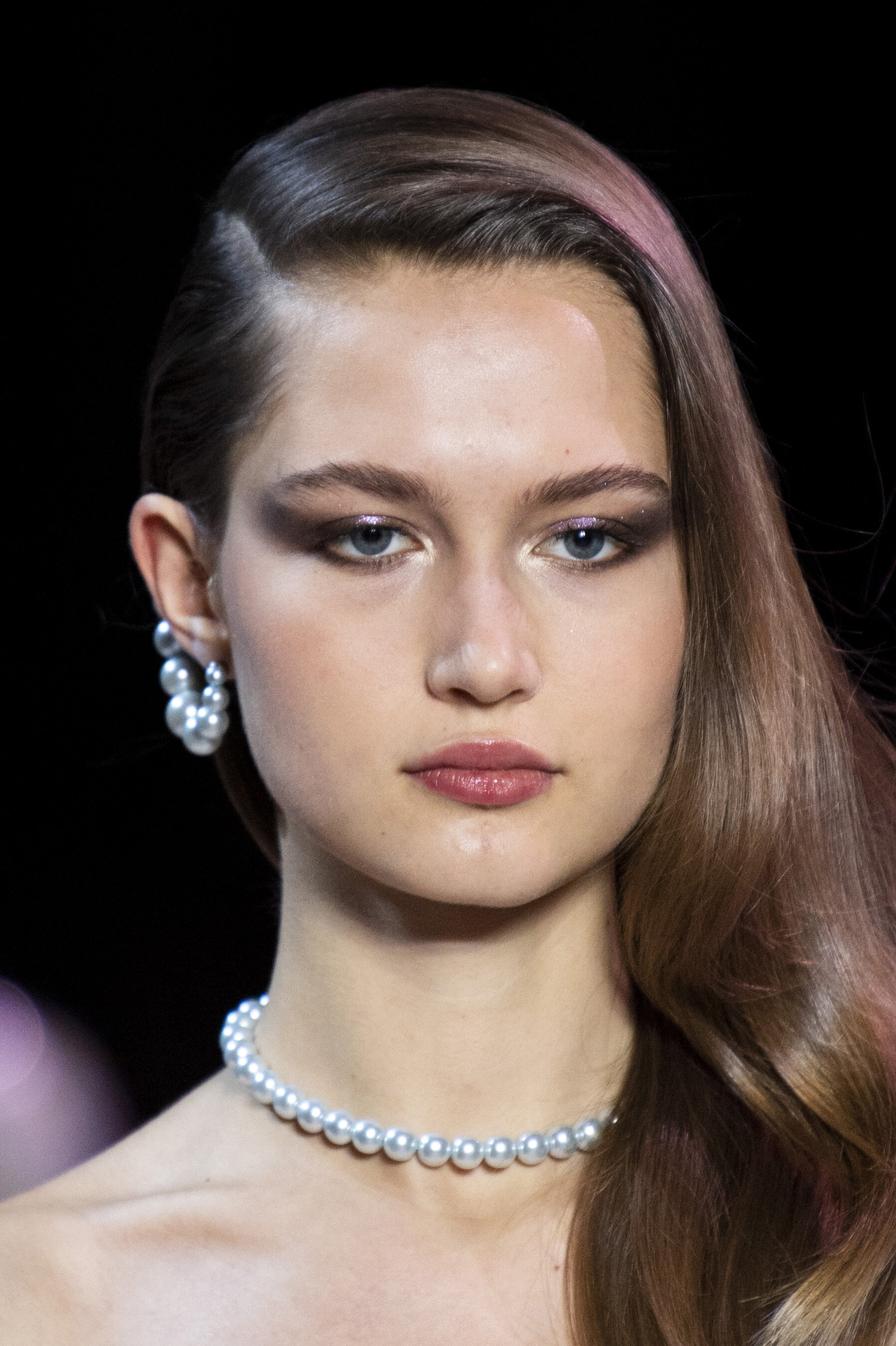
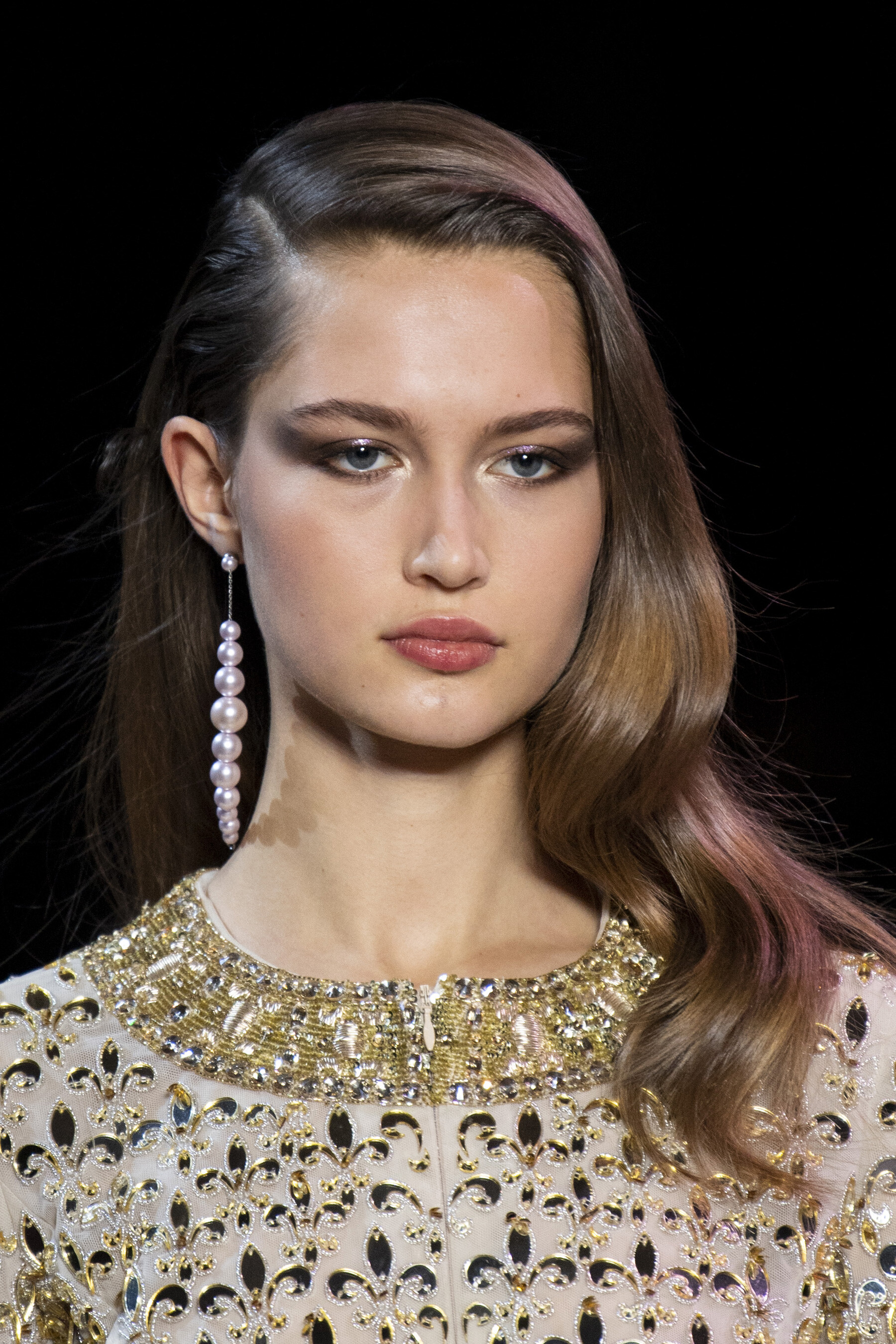
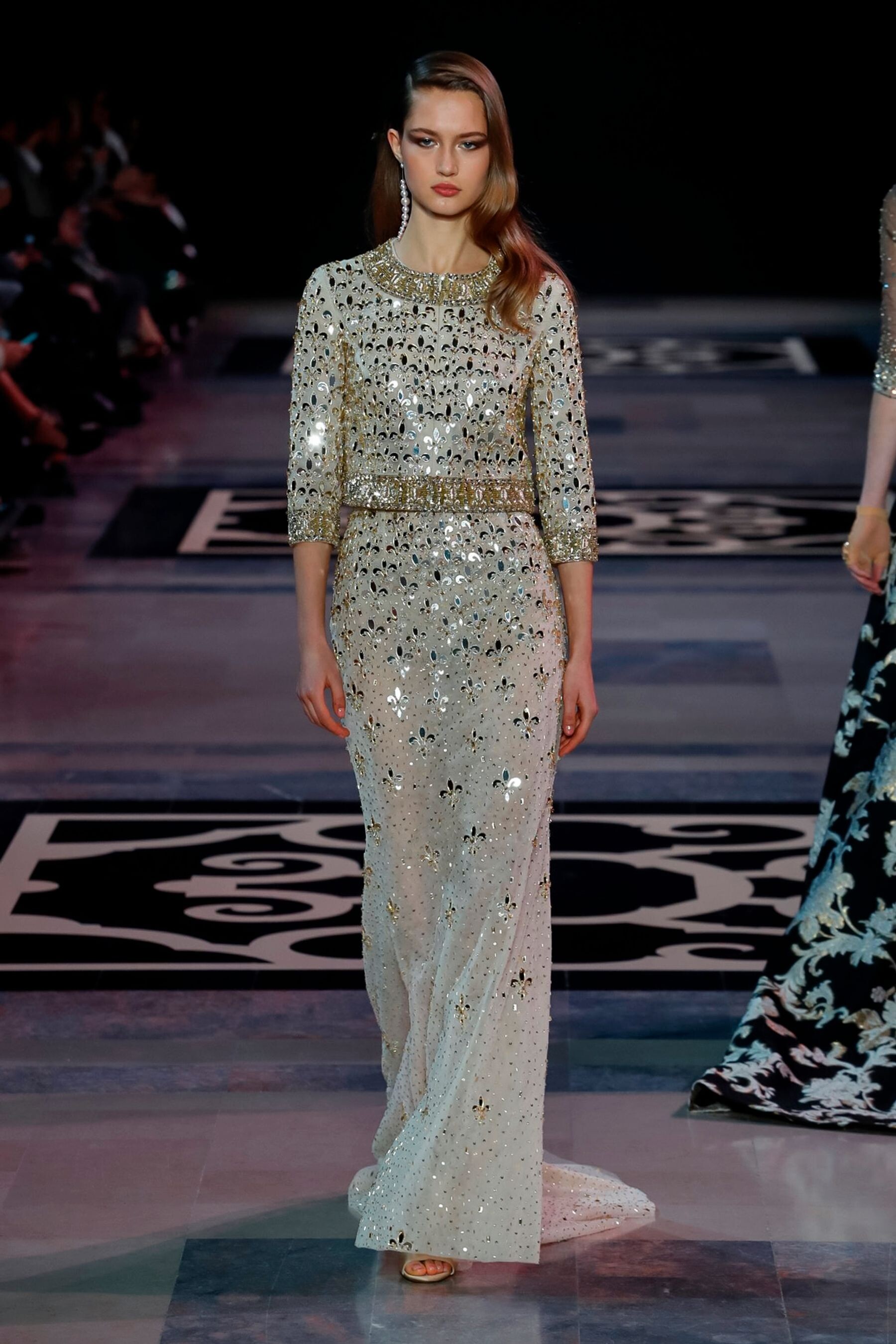
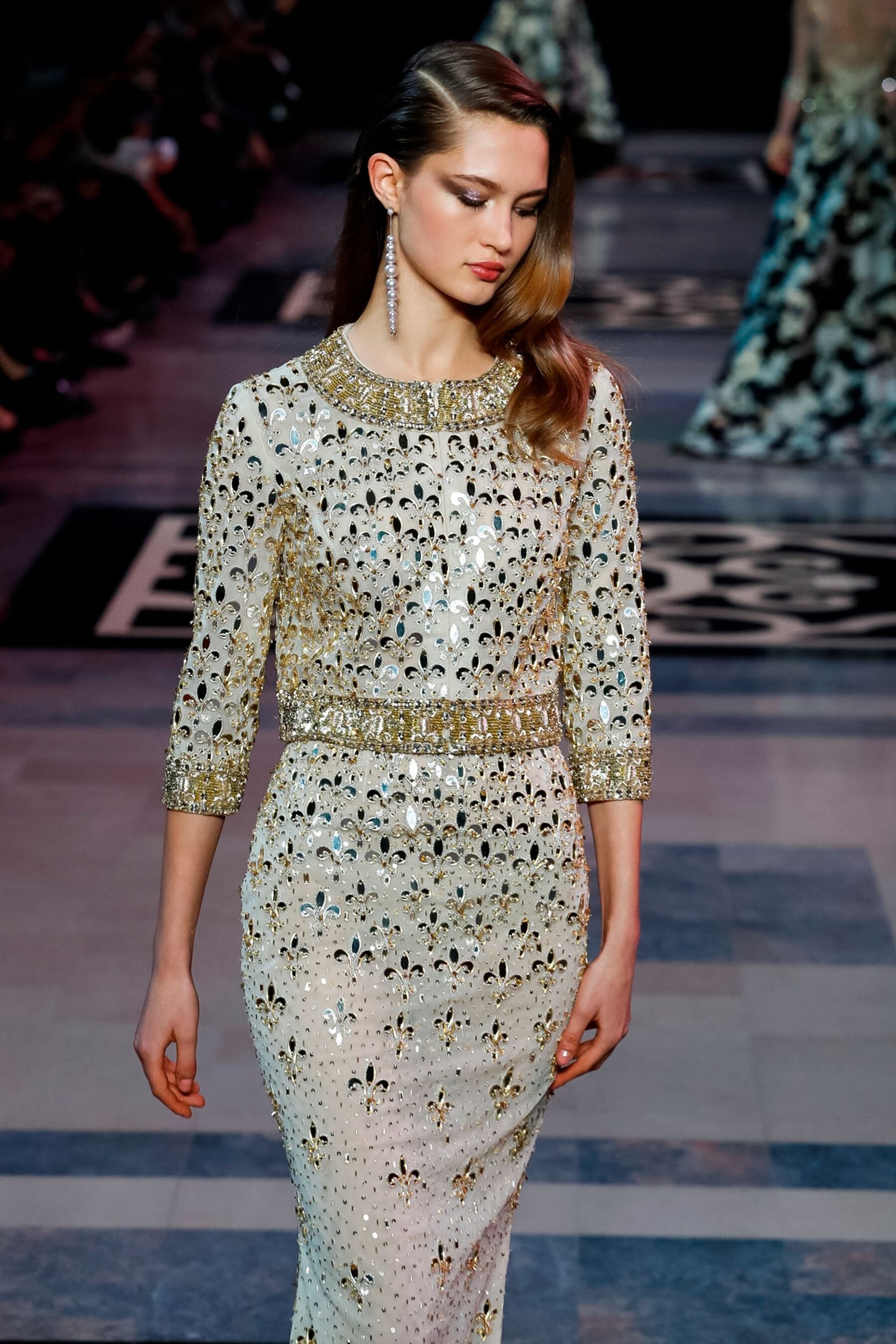
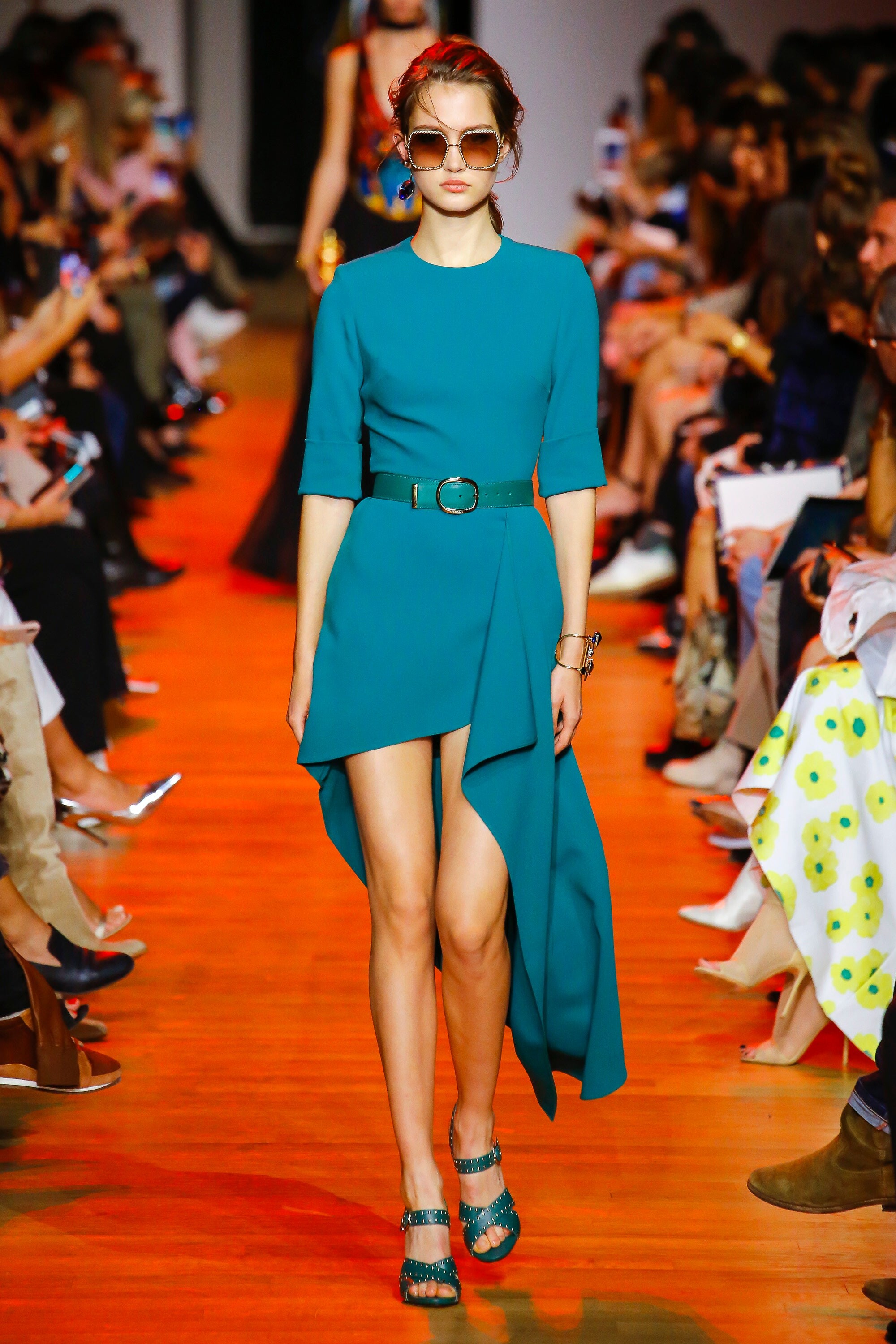
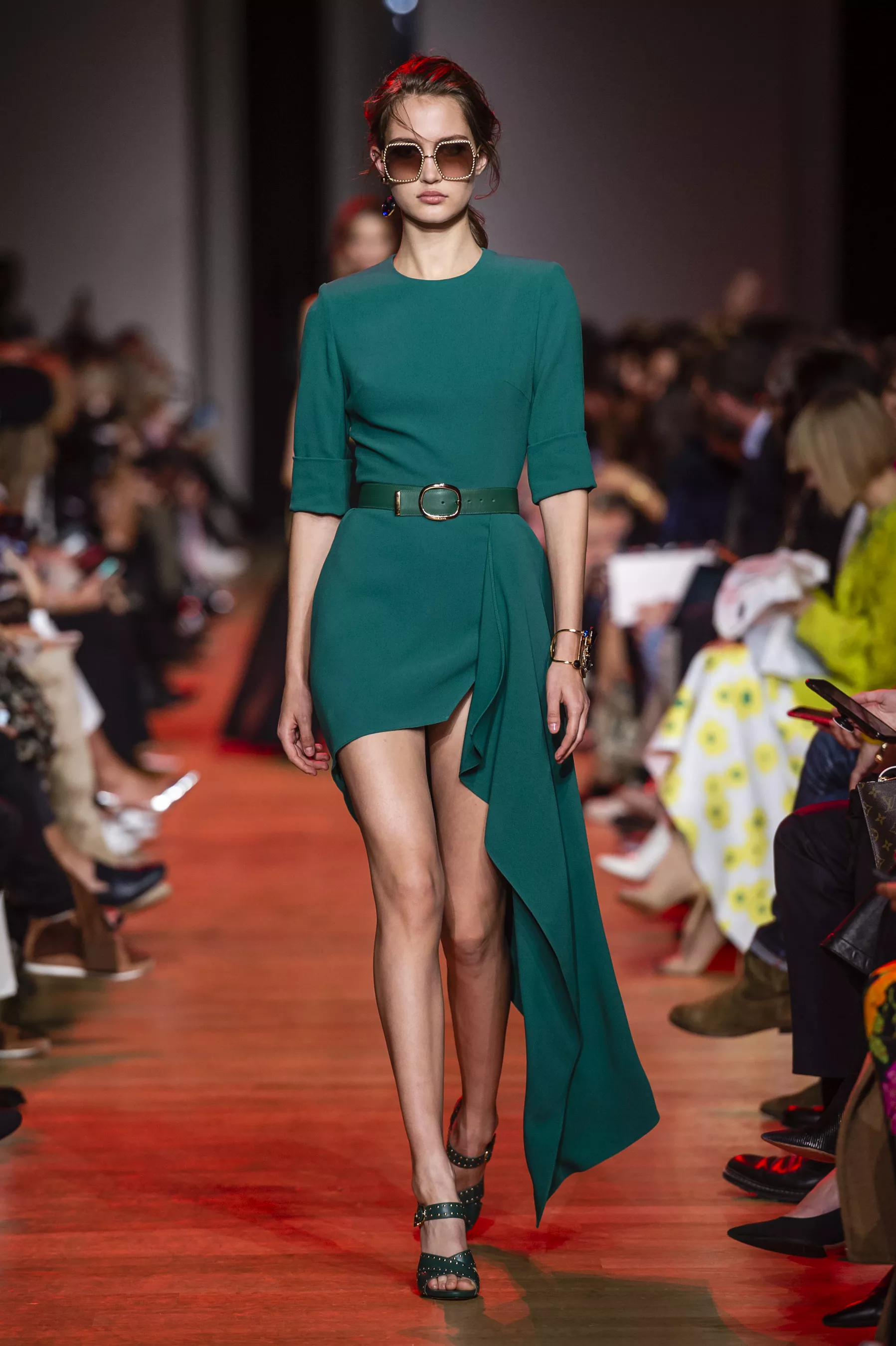
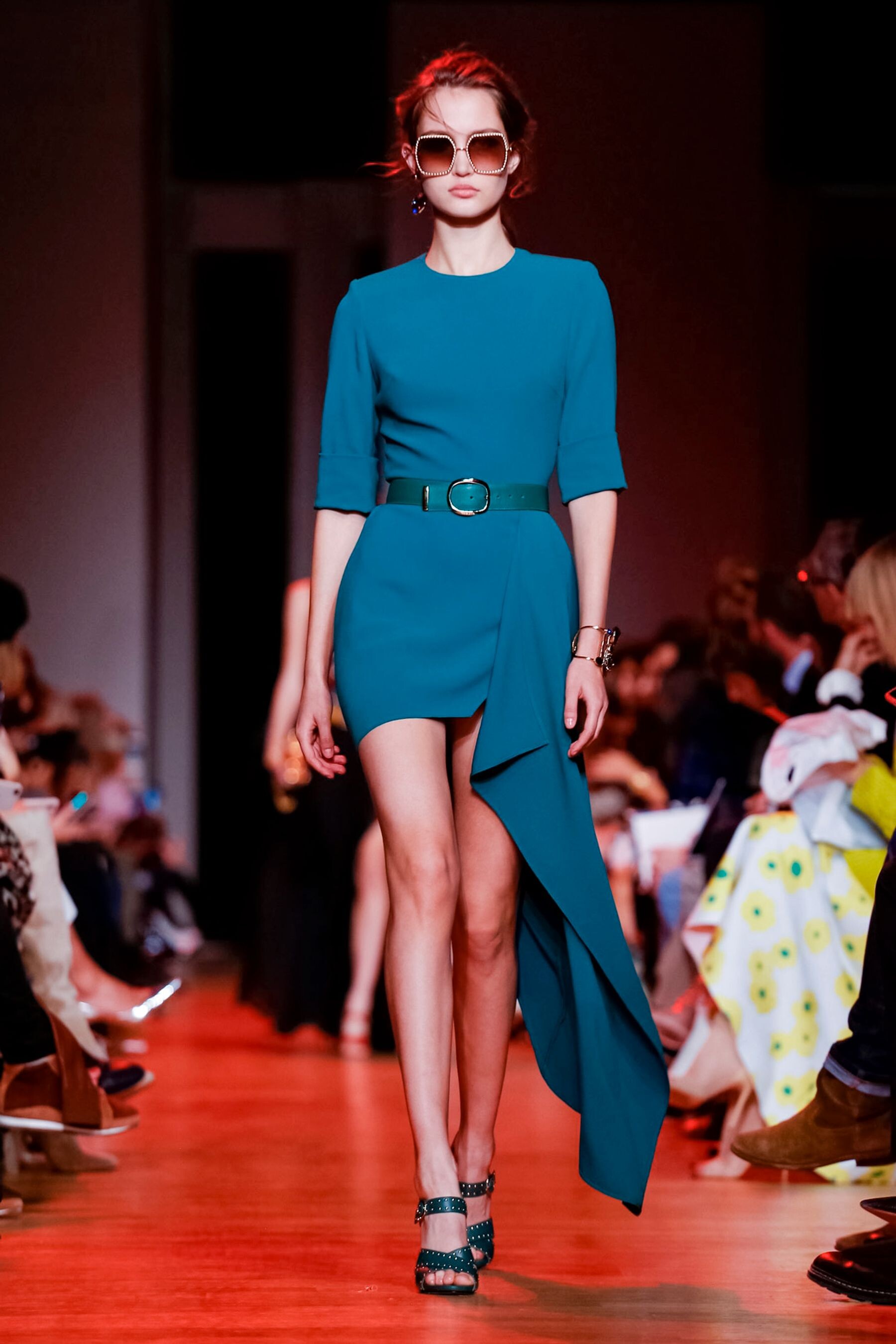
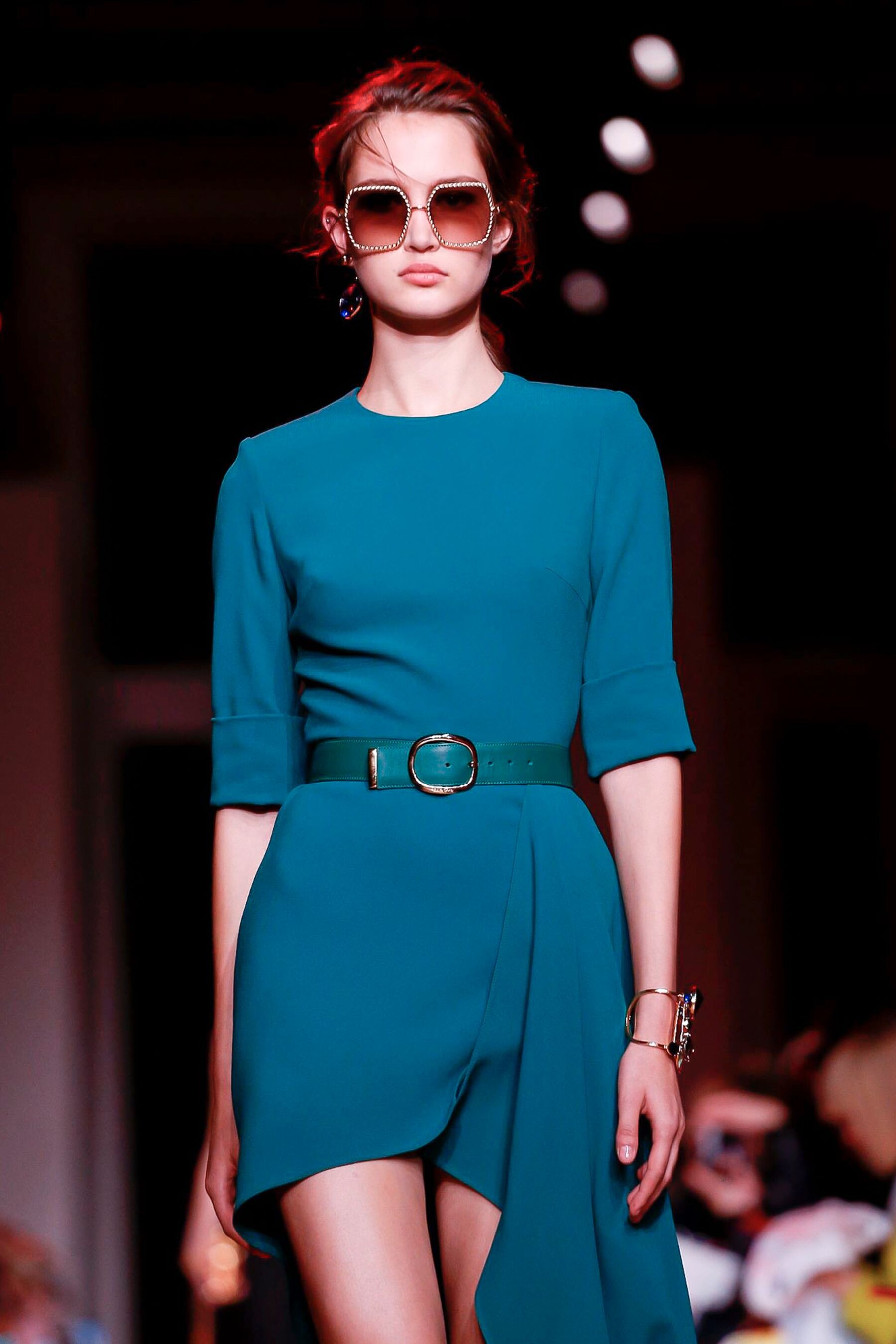
 Elie Saab [SPRING 2019 READY-TO-WEAR] backstage vogue, nowfashion, madamefigaro detail


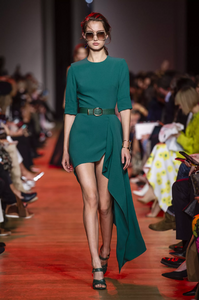


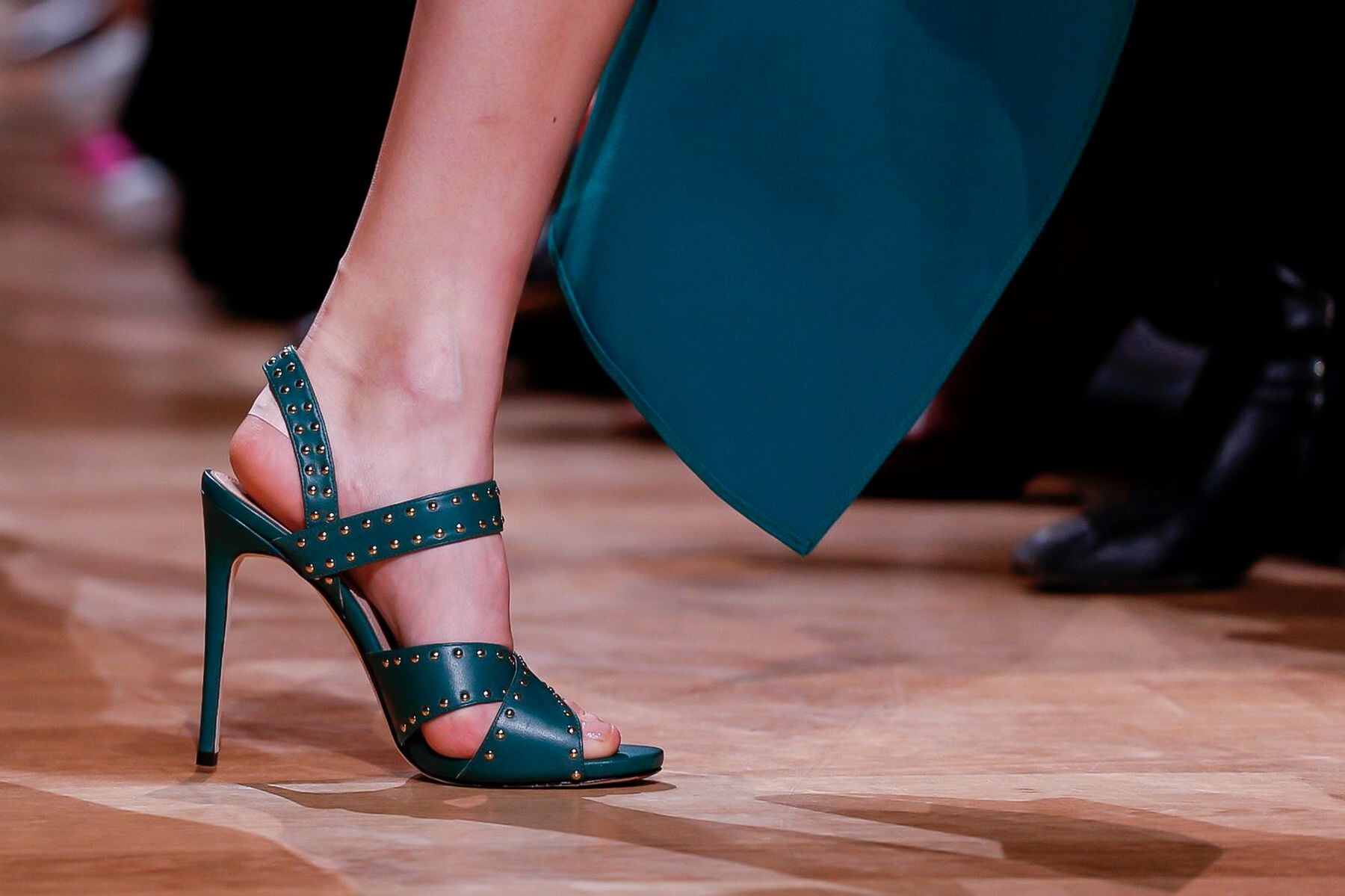
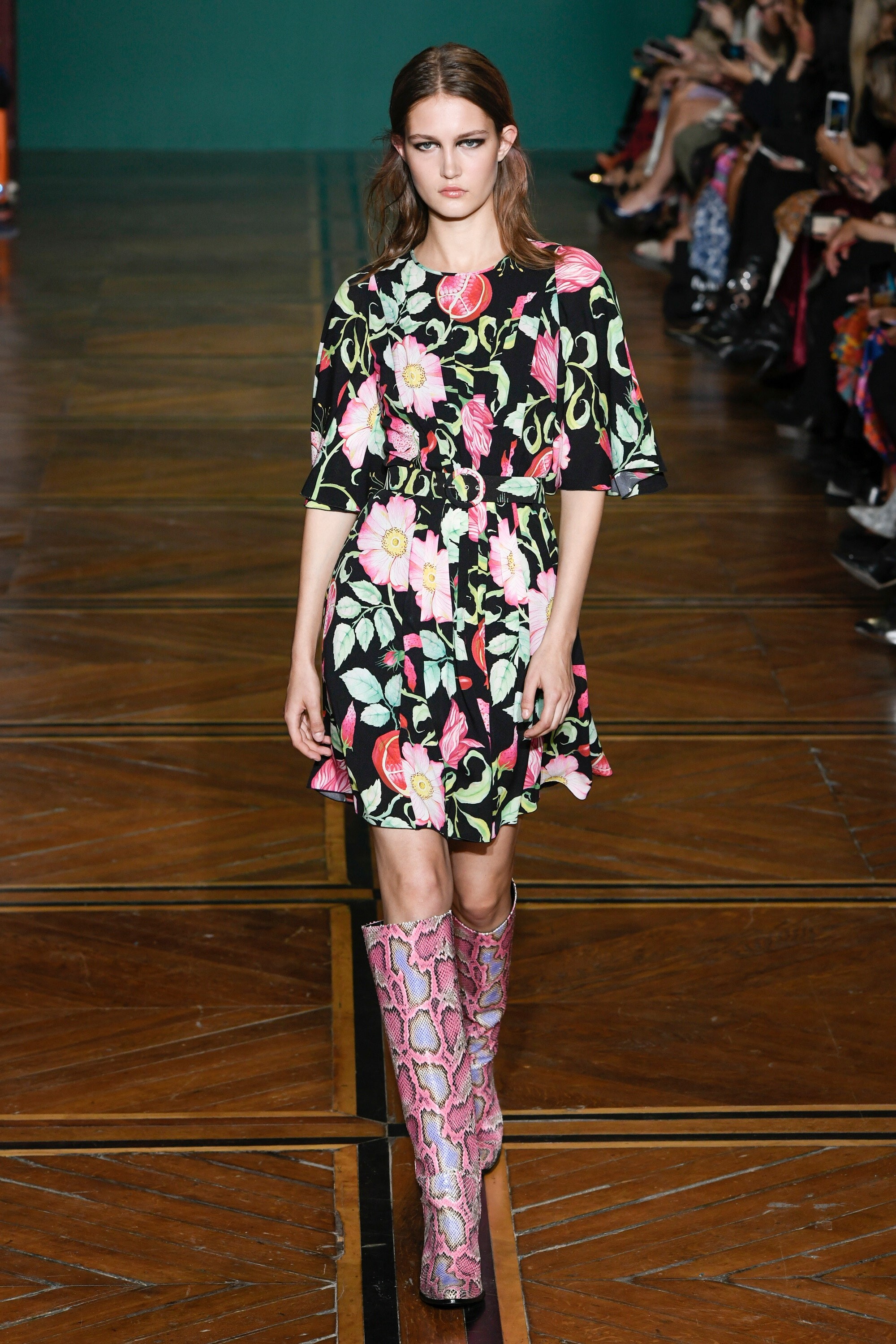
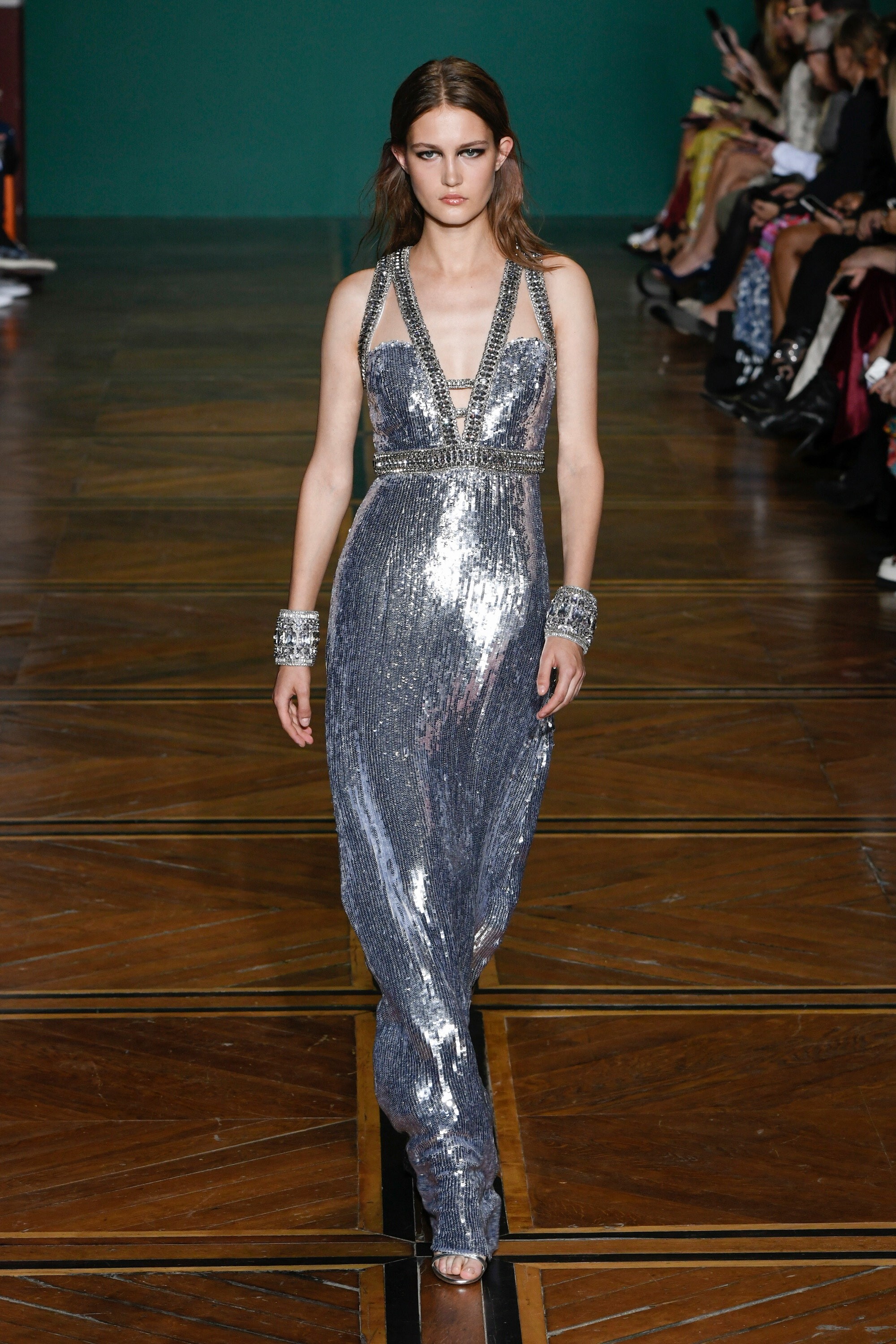
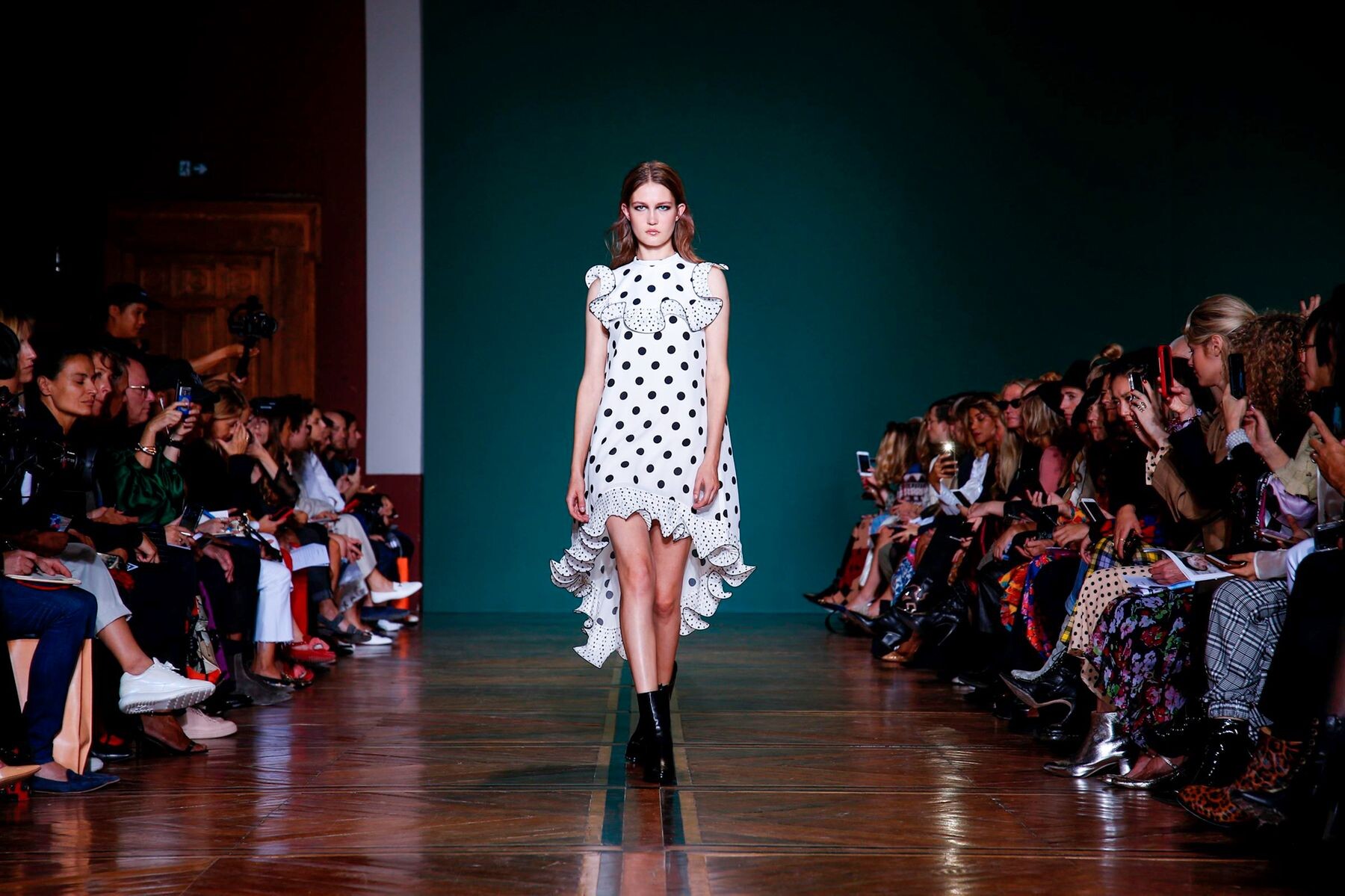
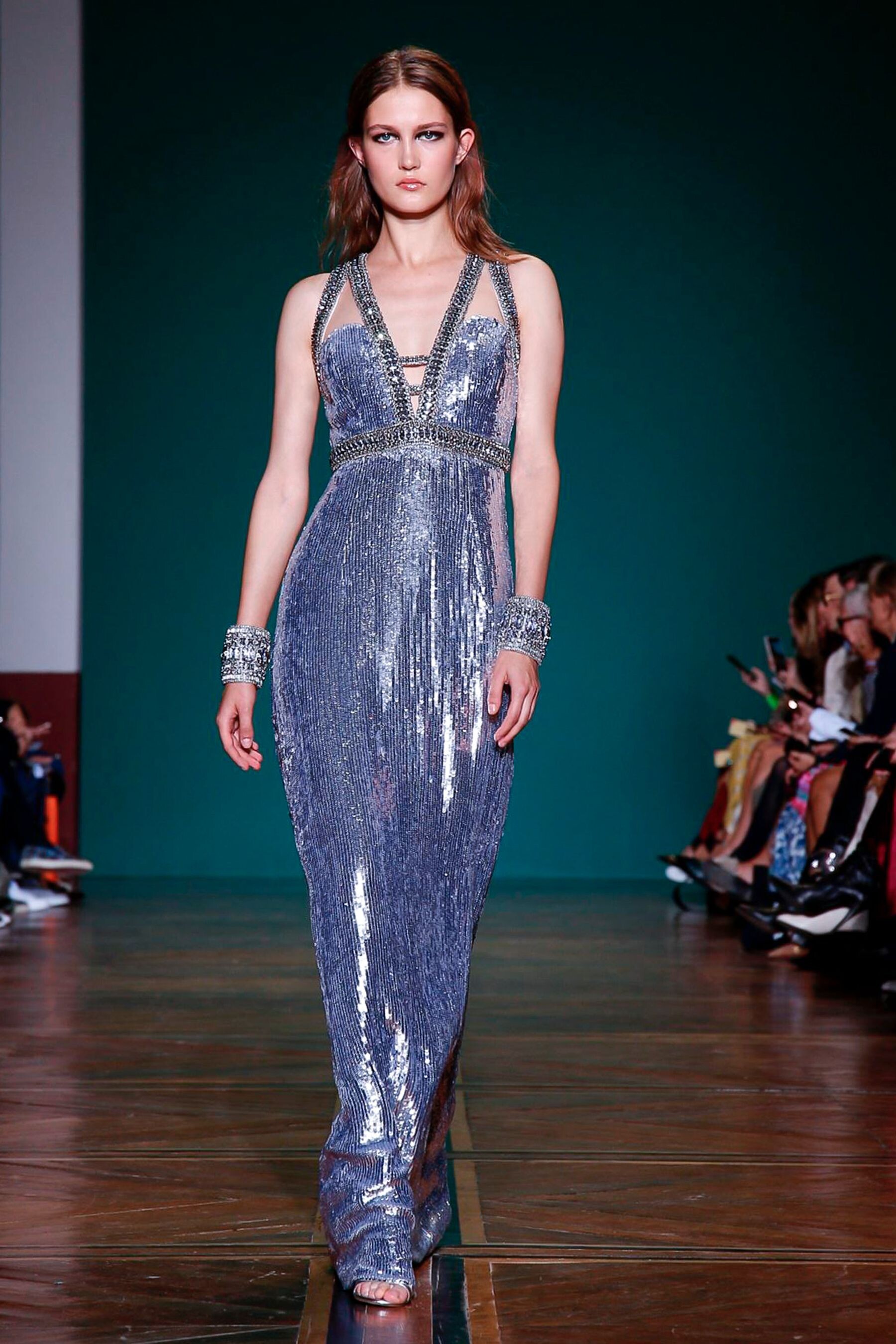
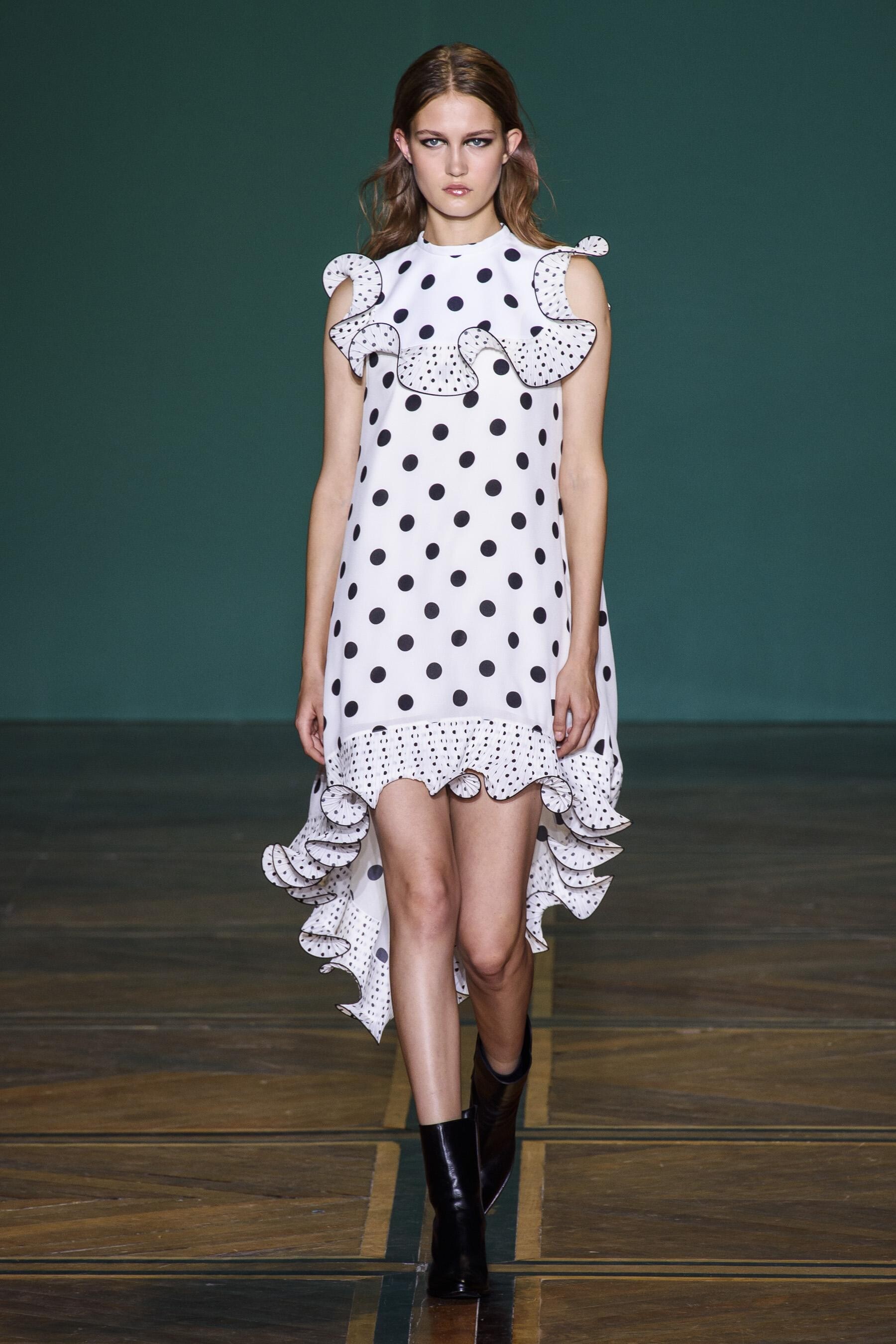
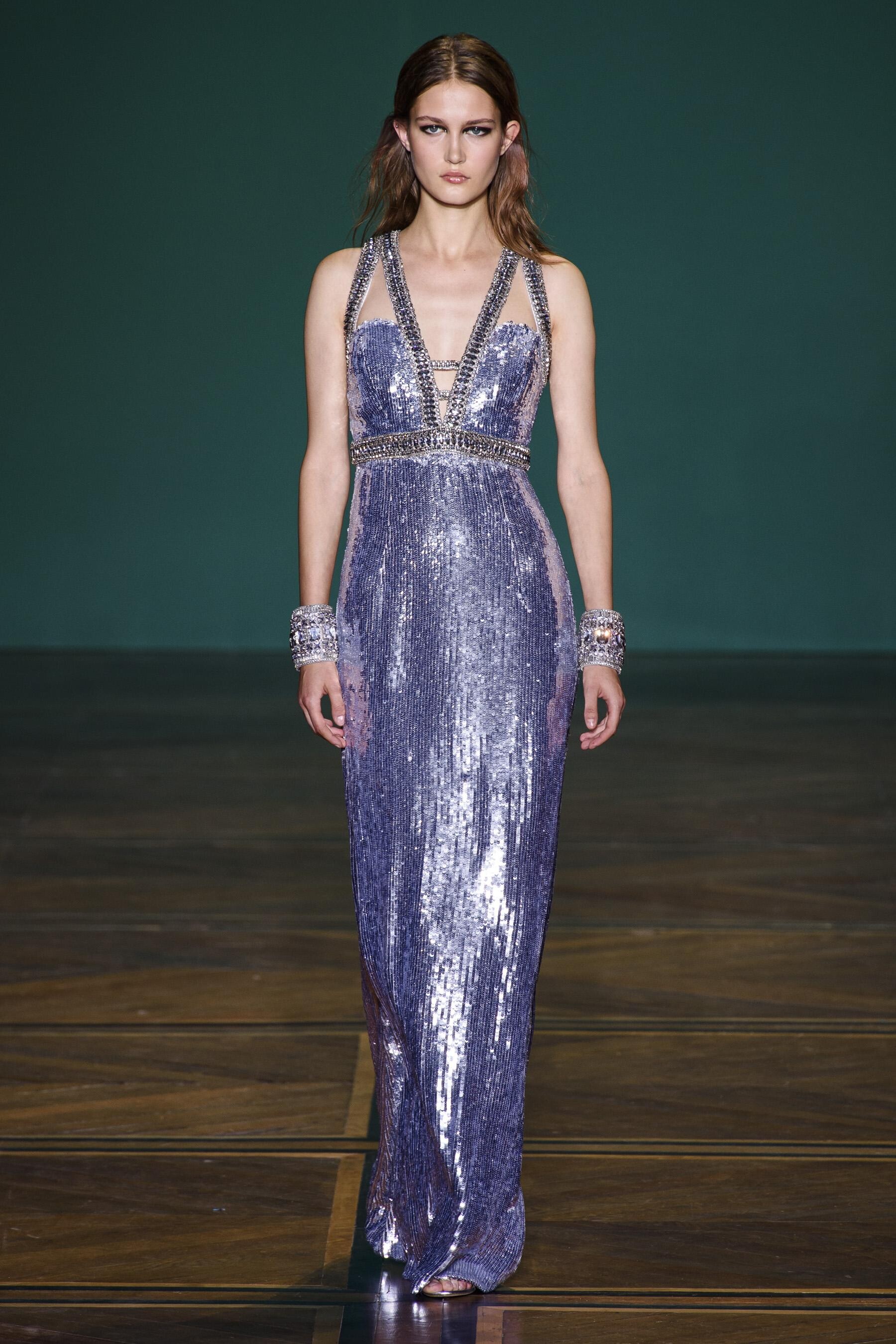
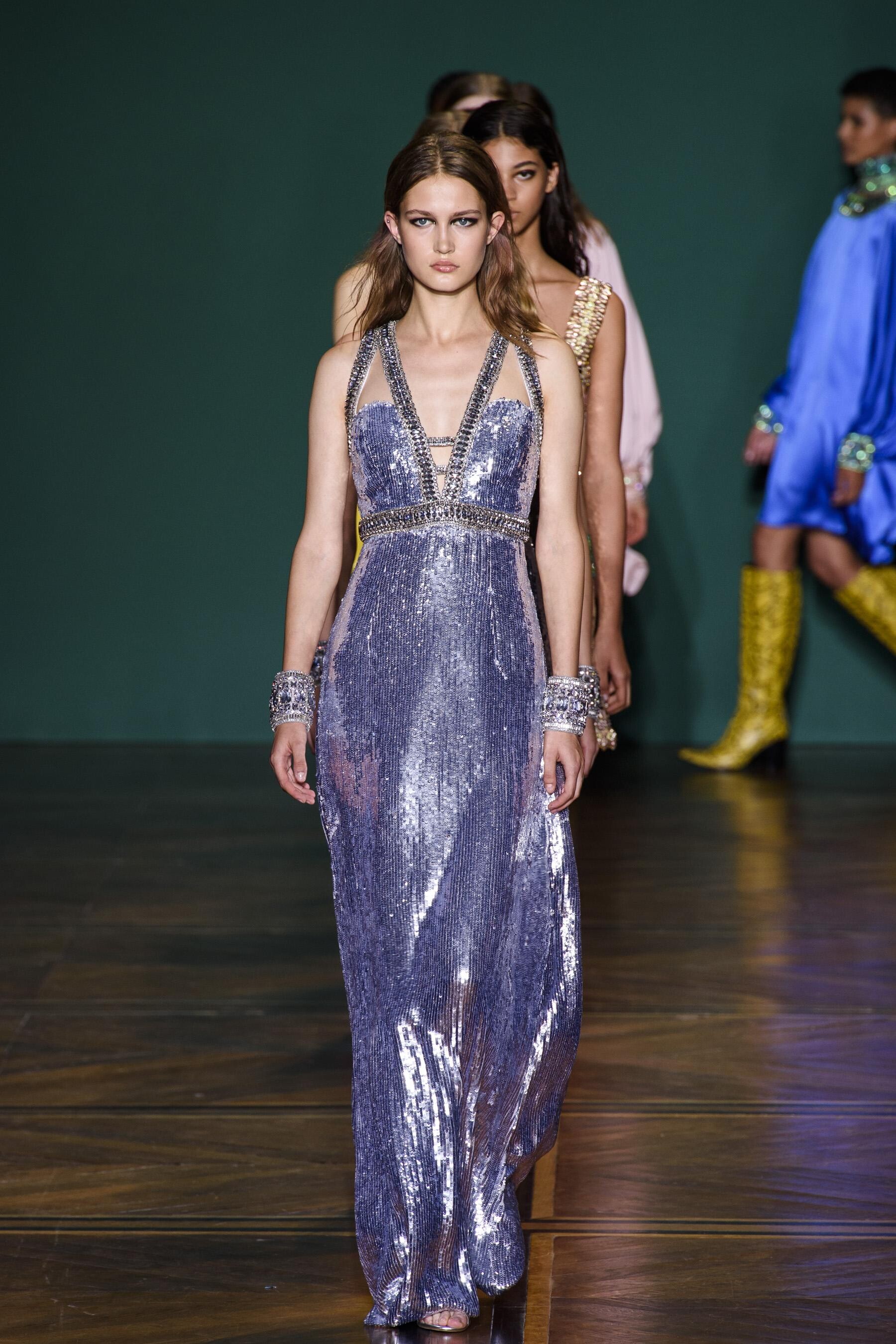
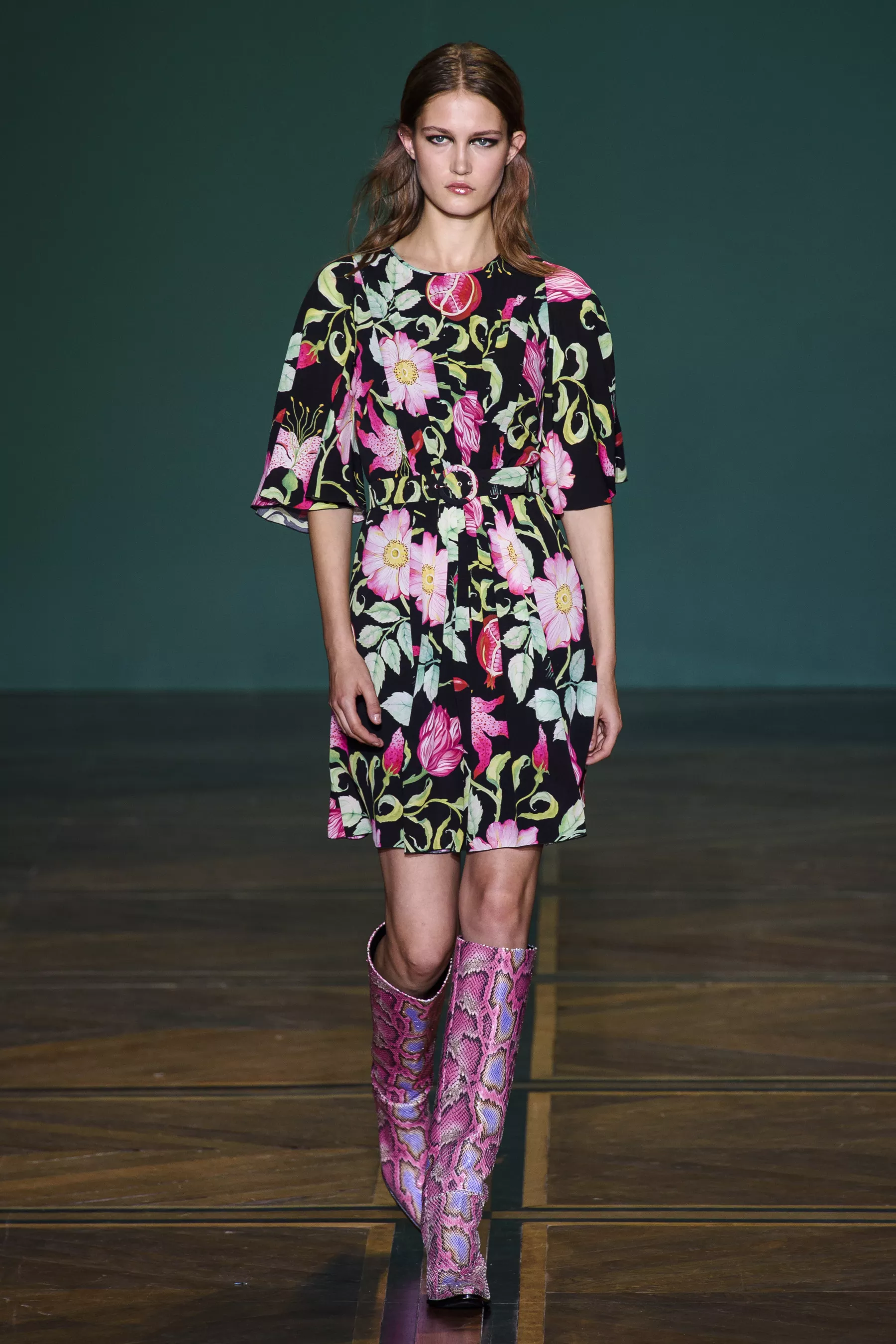
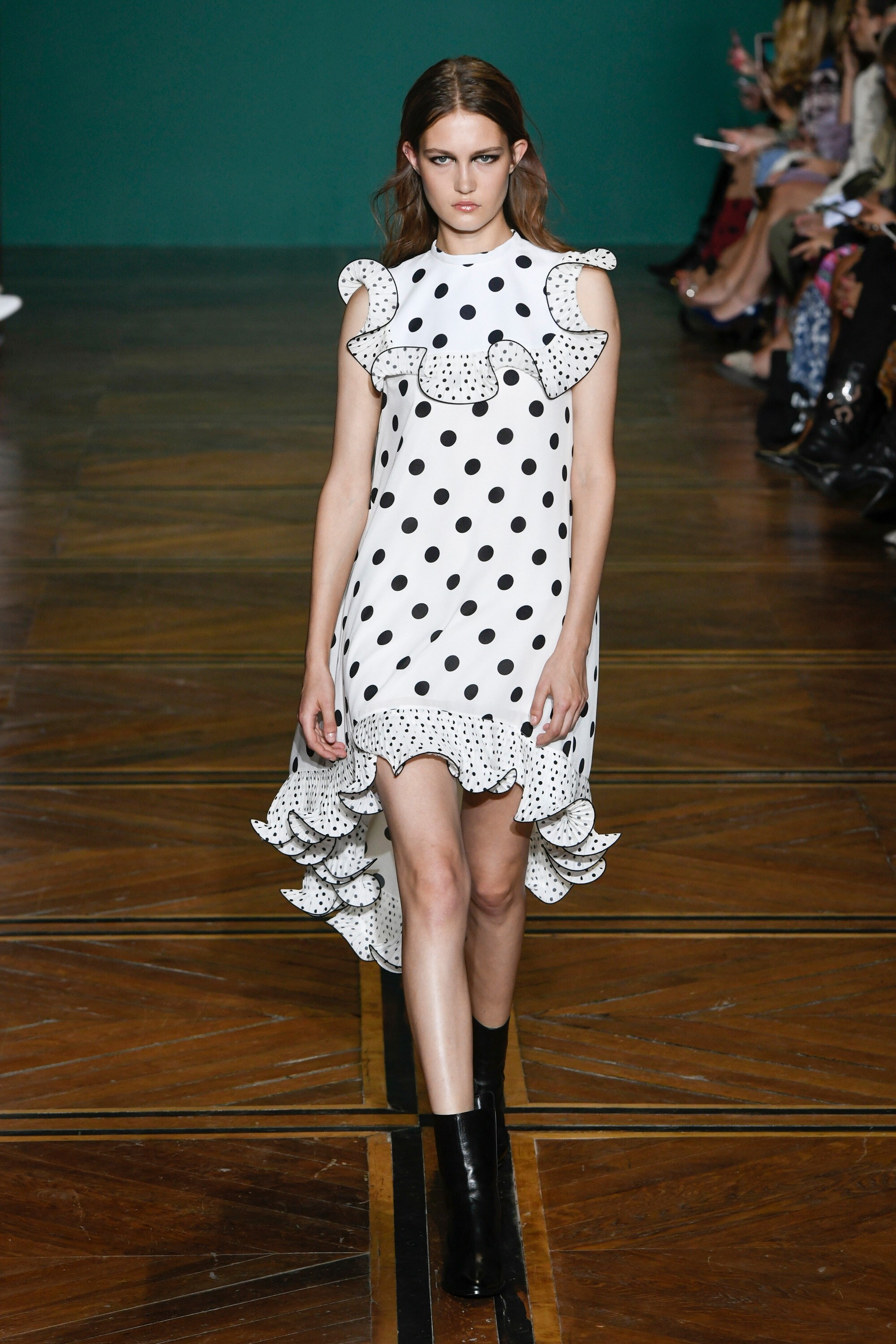
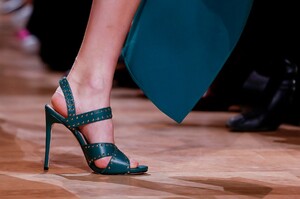 Andrew Gn (closed) [SPRING 2019 READY-TO-WEAR] vogue, nowfashion, madamefigaro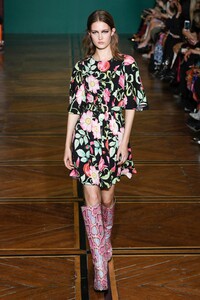











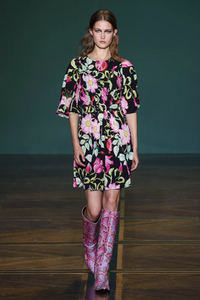
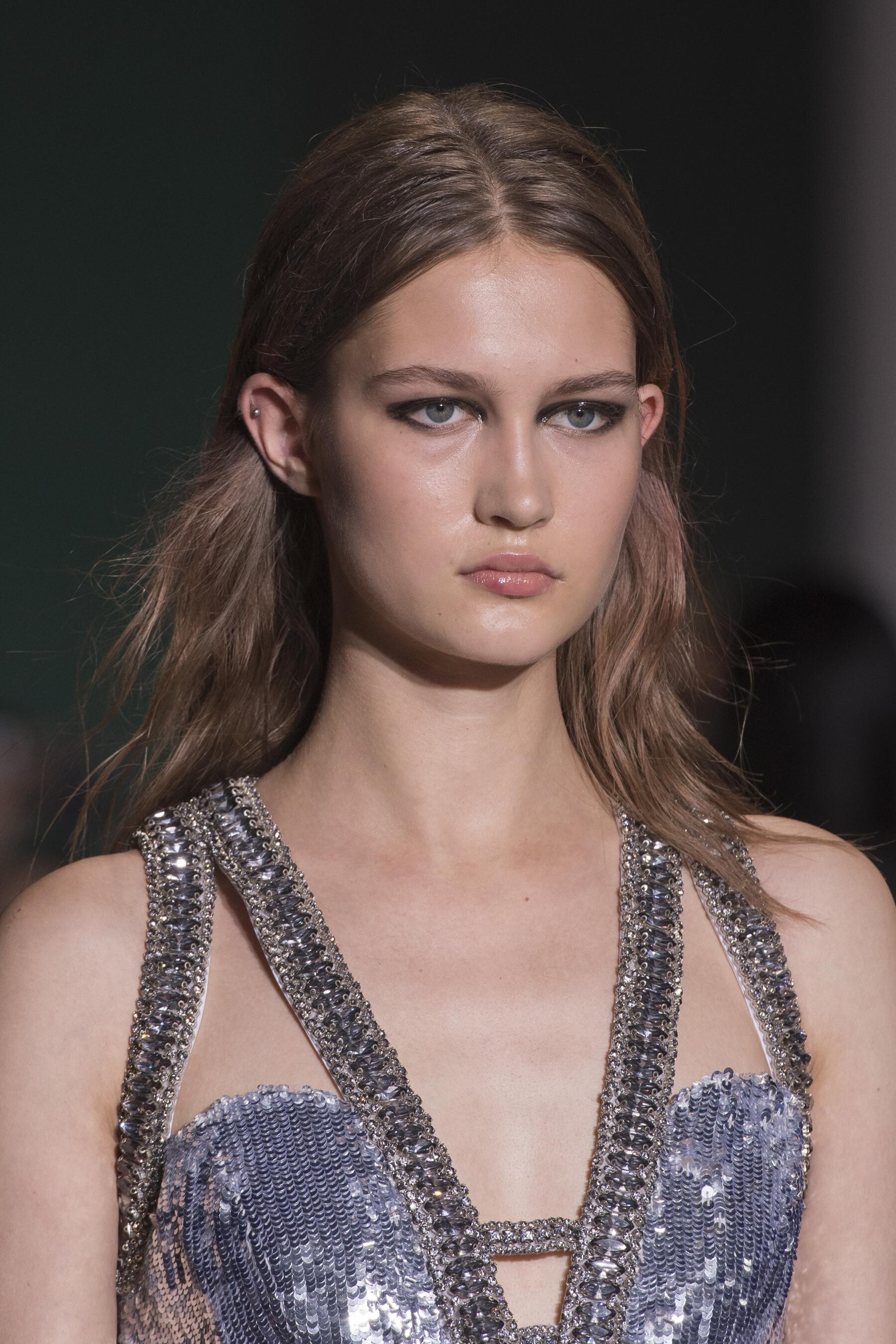
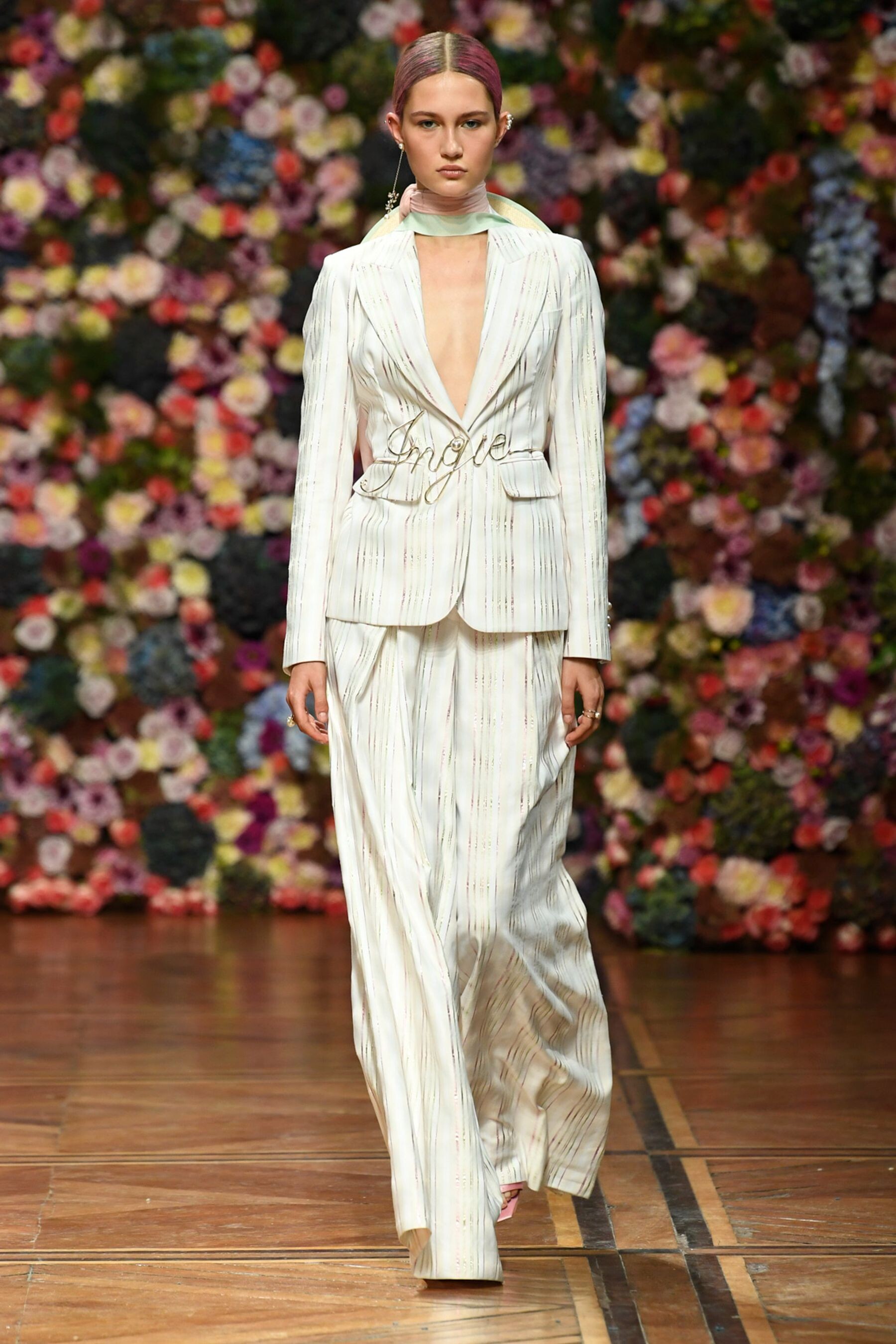
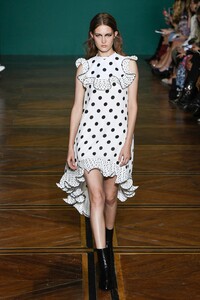 Ingie Paris [SPRING 2019 READY-TO-WEAR] nowfashion
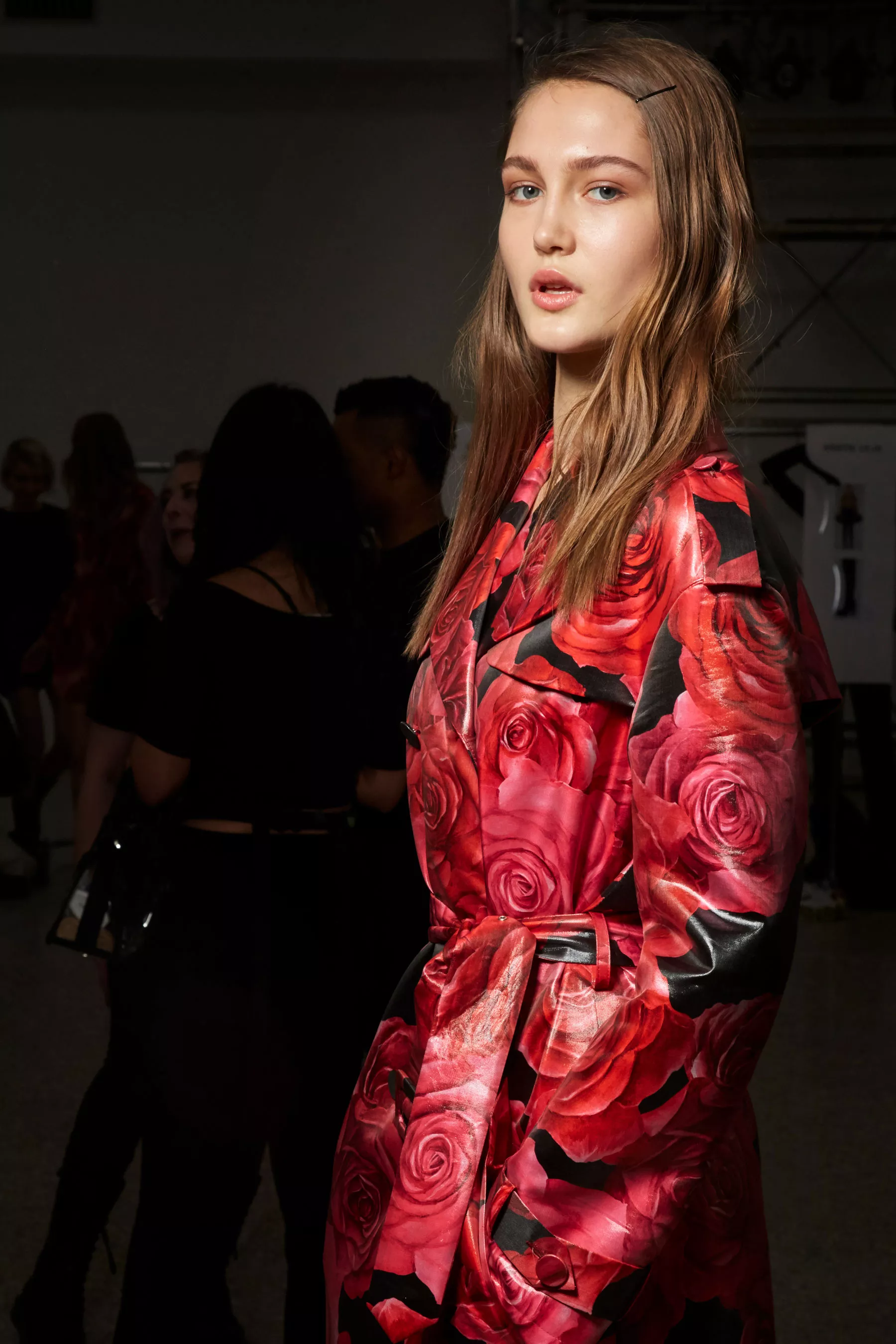
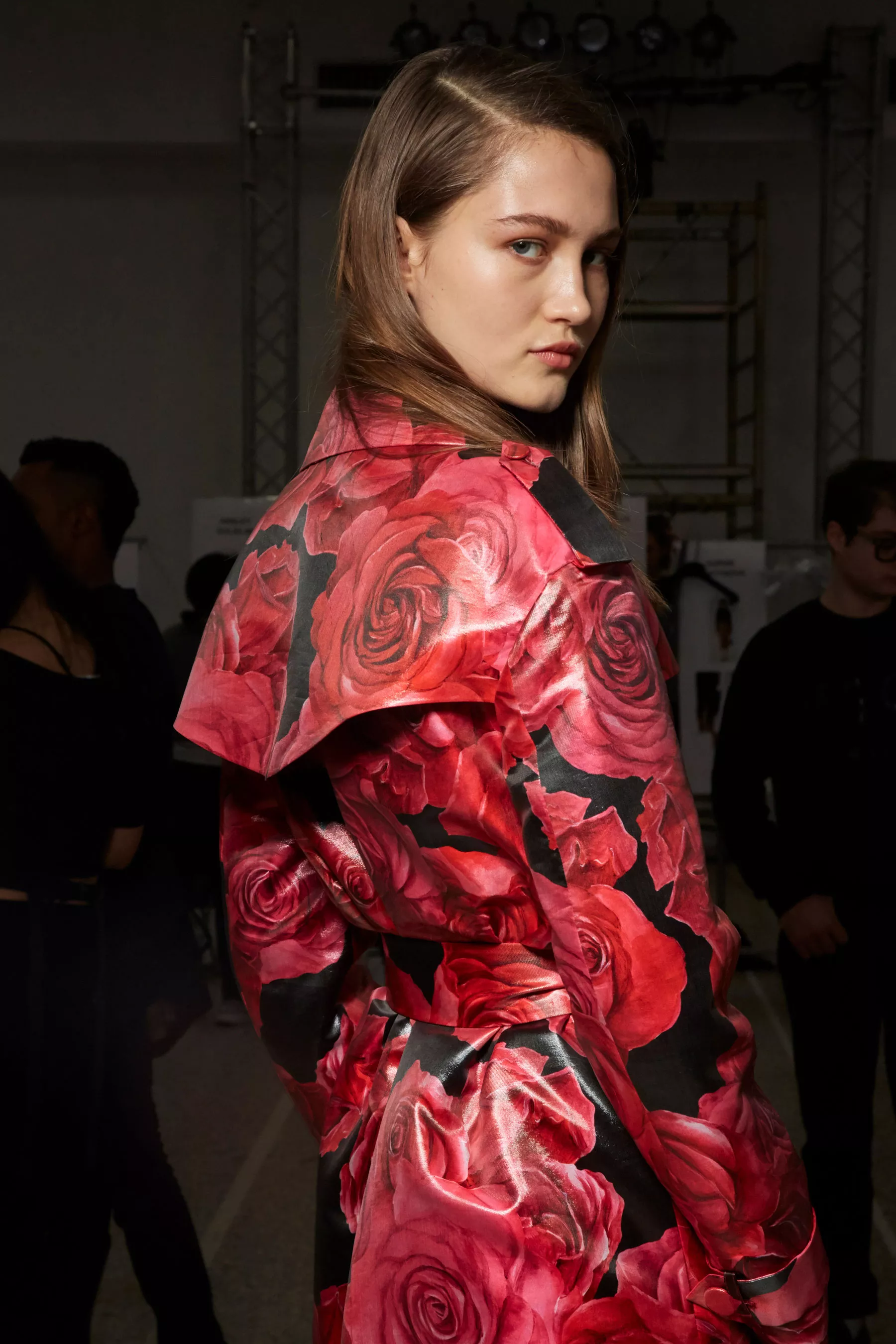
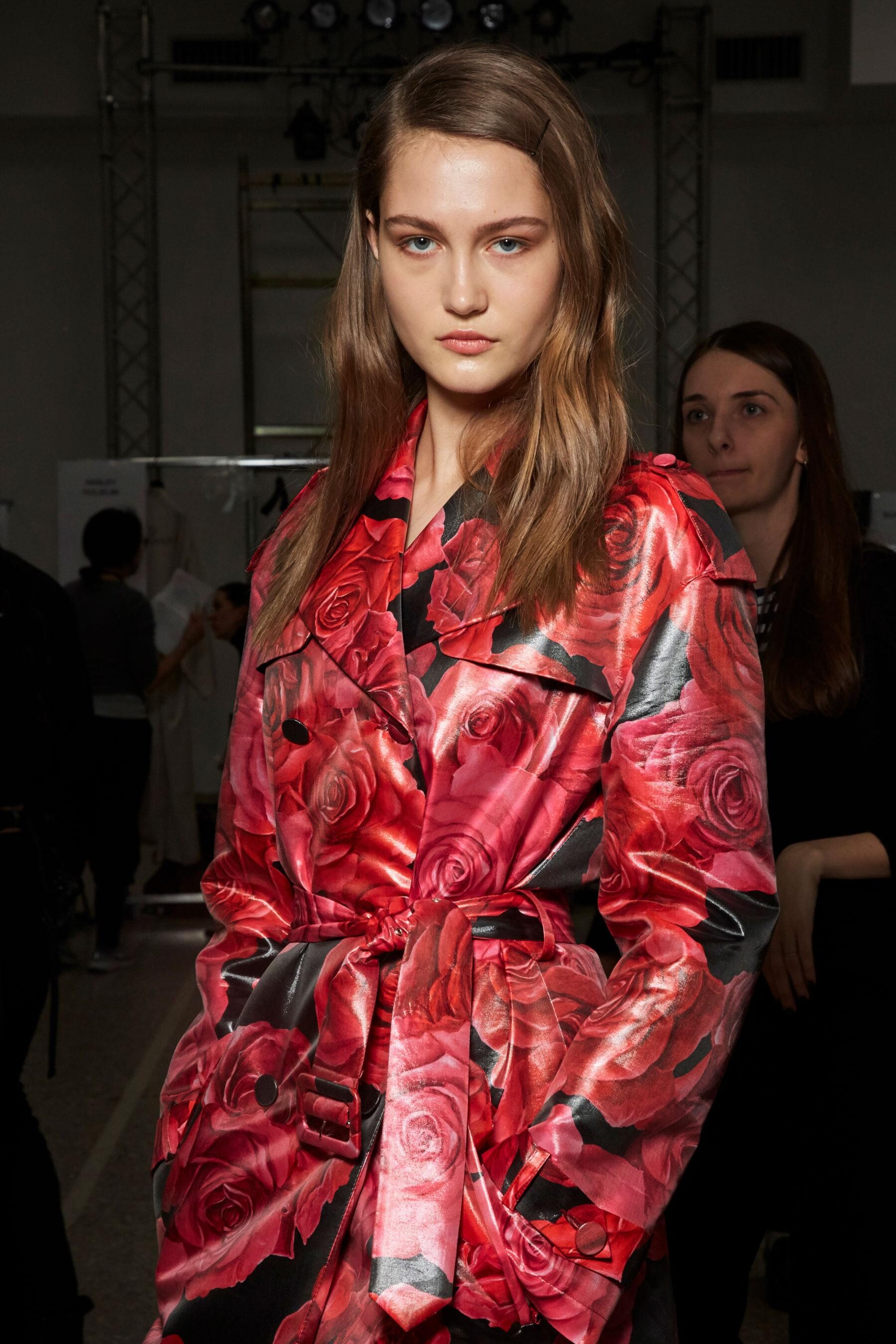
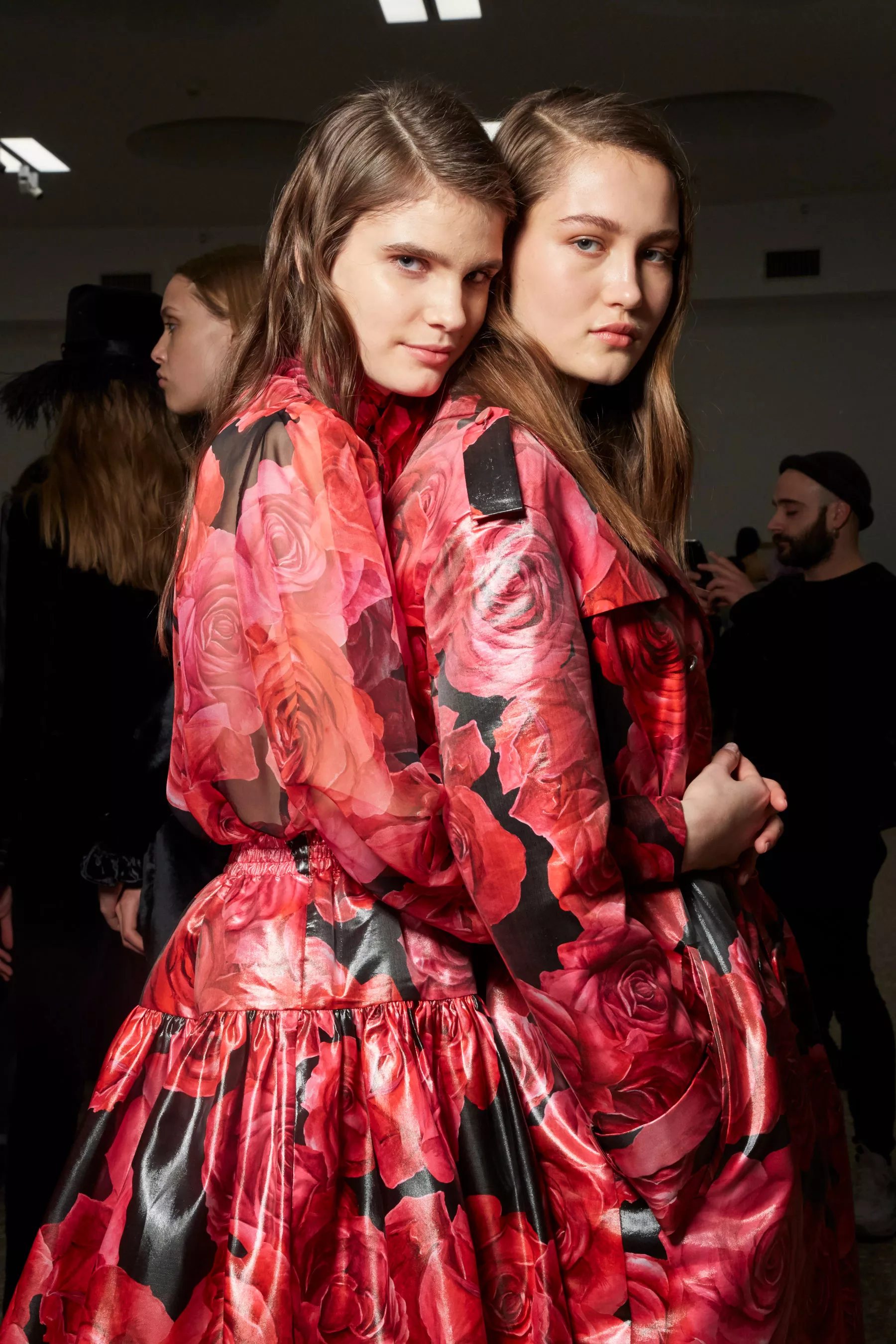
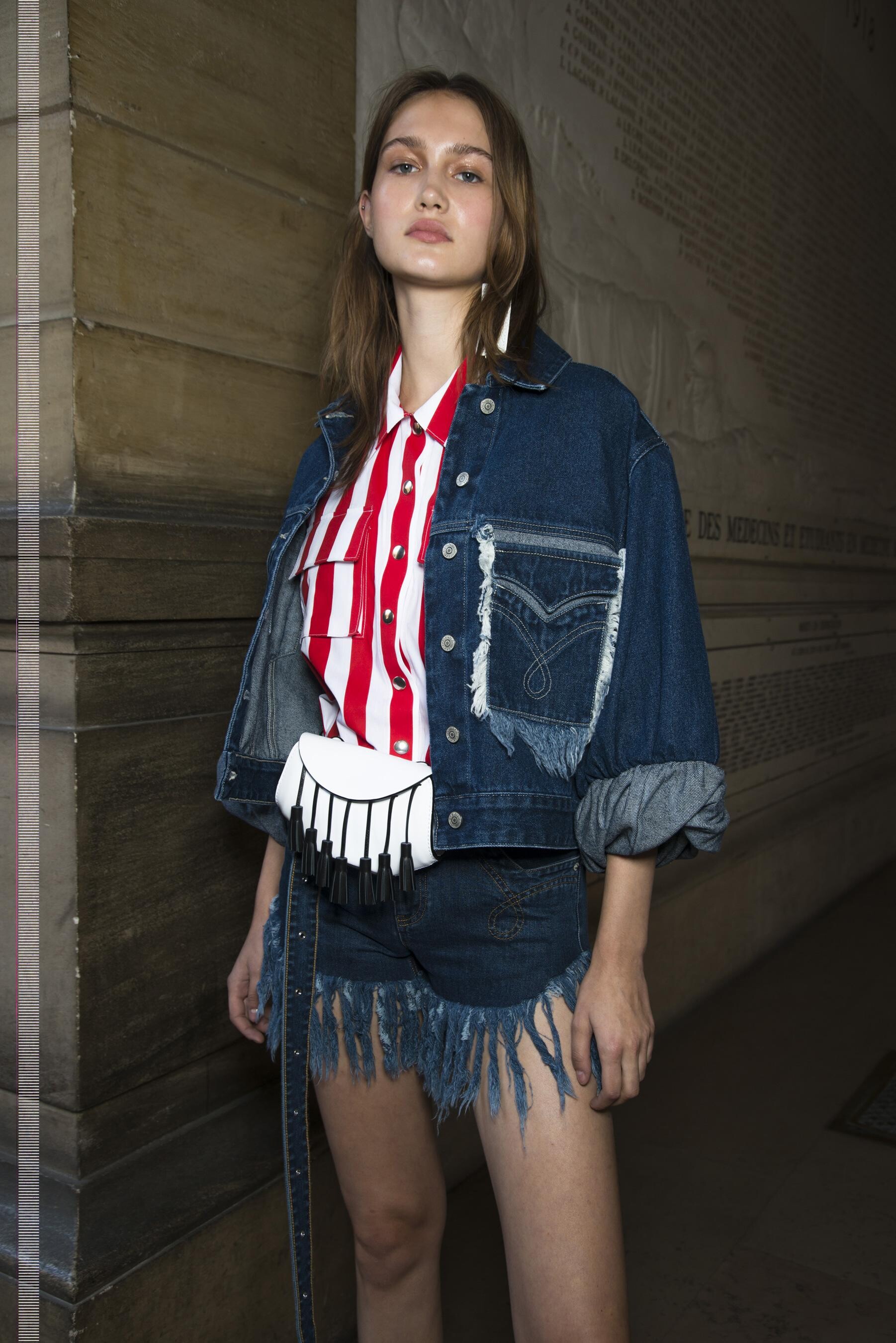
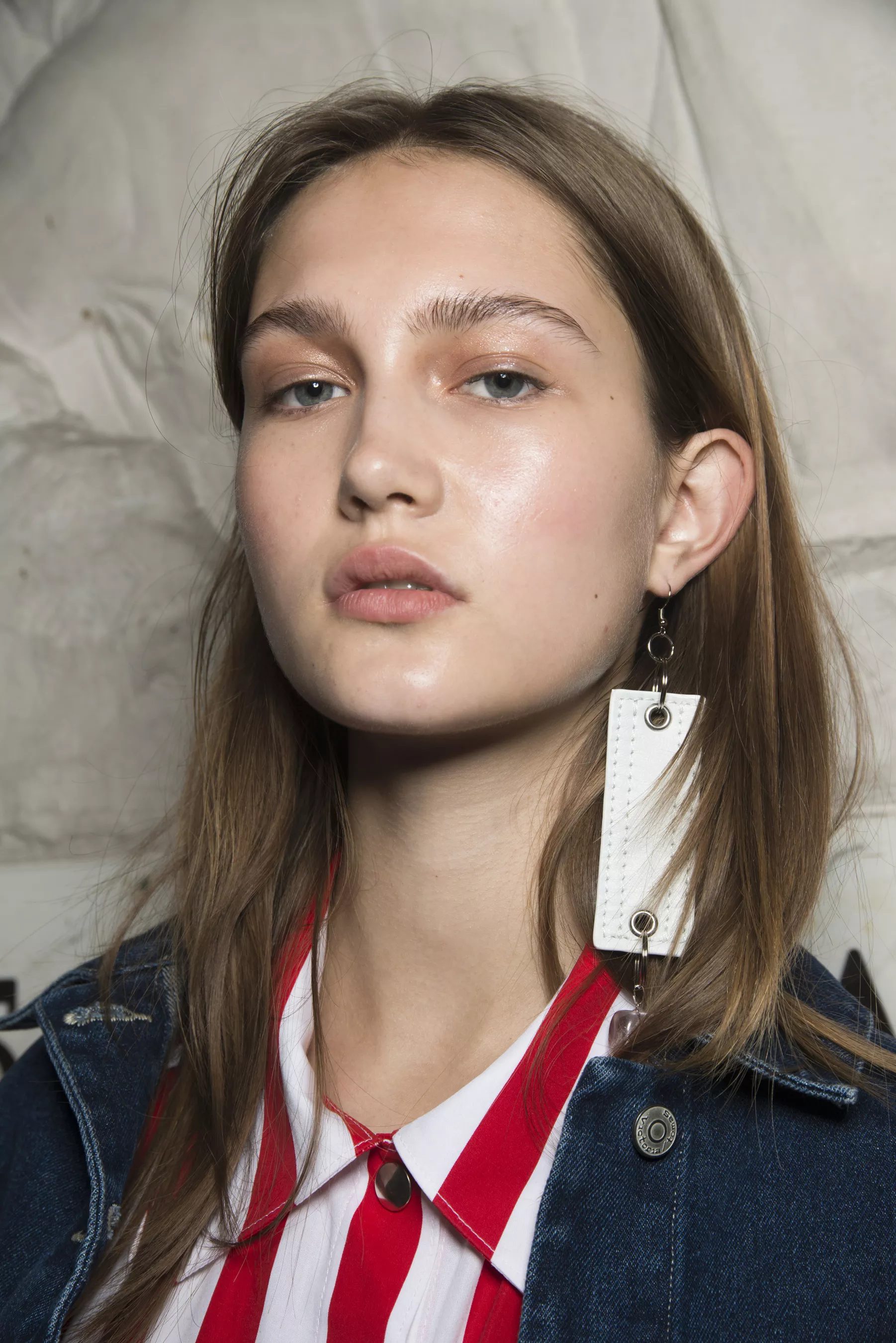
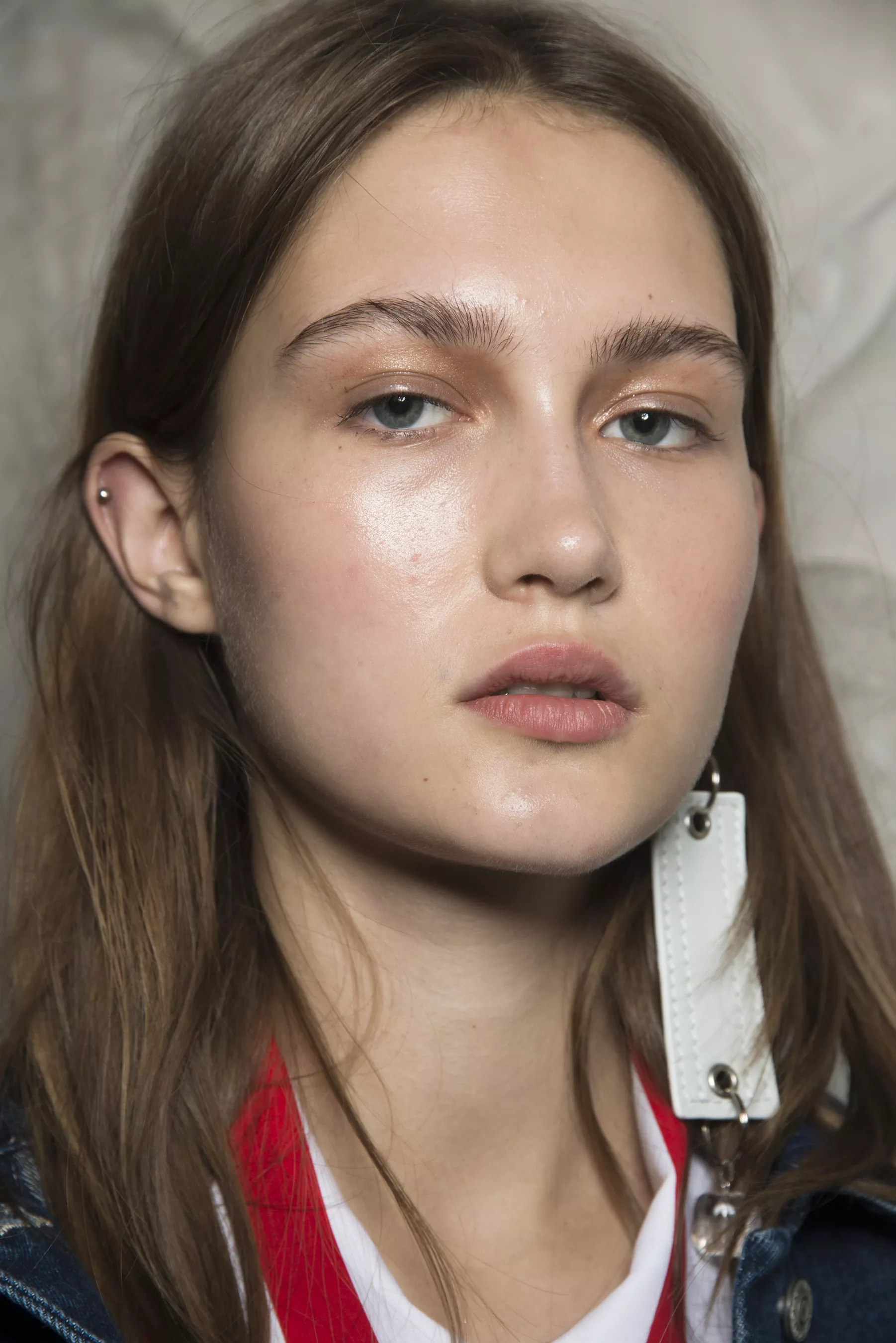
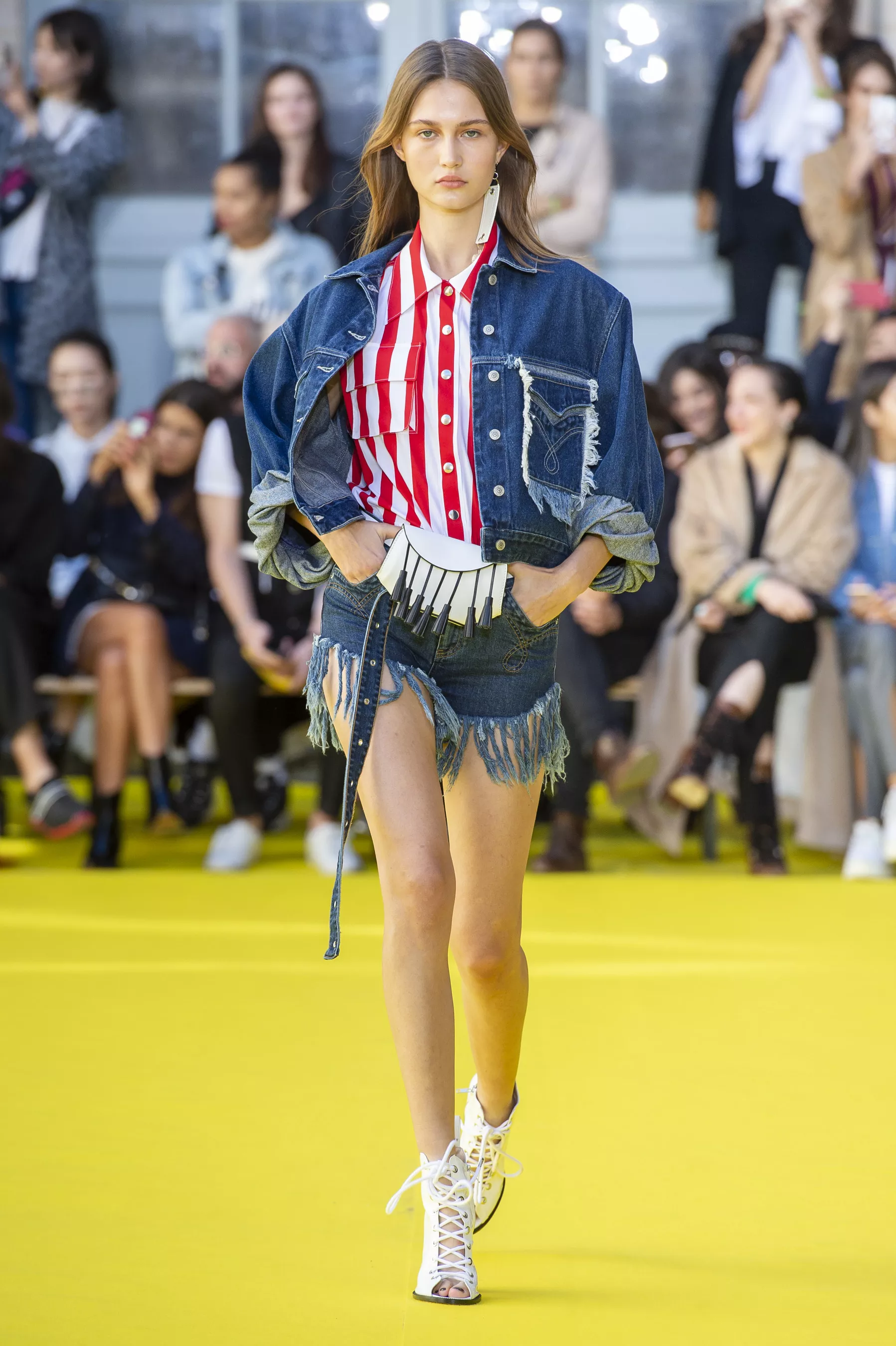
 VICTORIA/TOMAS [SPRING 2019 READY-TO-WEAR] backstage vogue, nowfashion, madamefigaro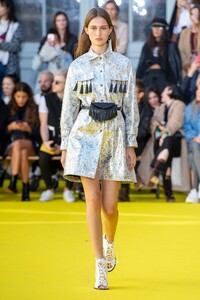
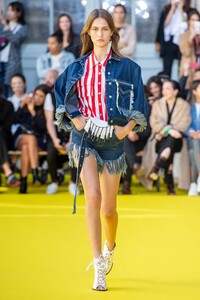
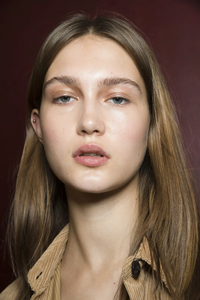
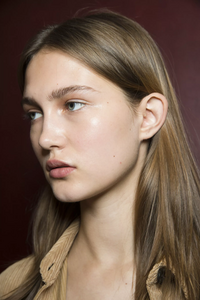
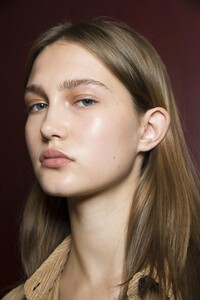
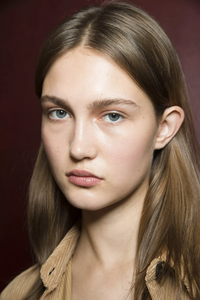
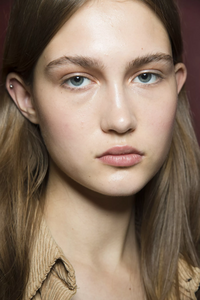

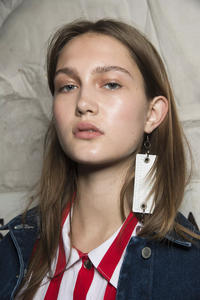
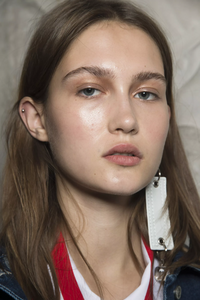
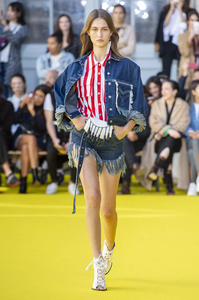
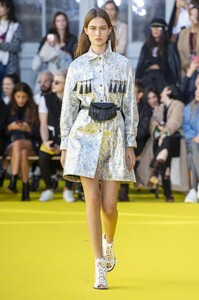
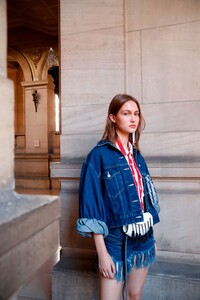
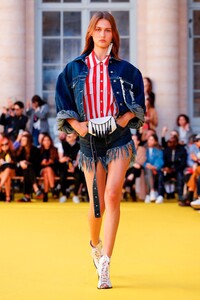
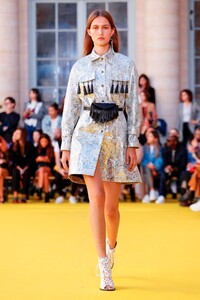

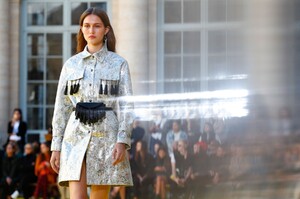
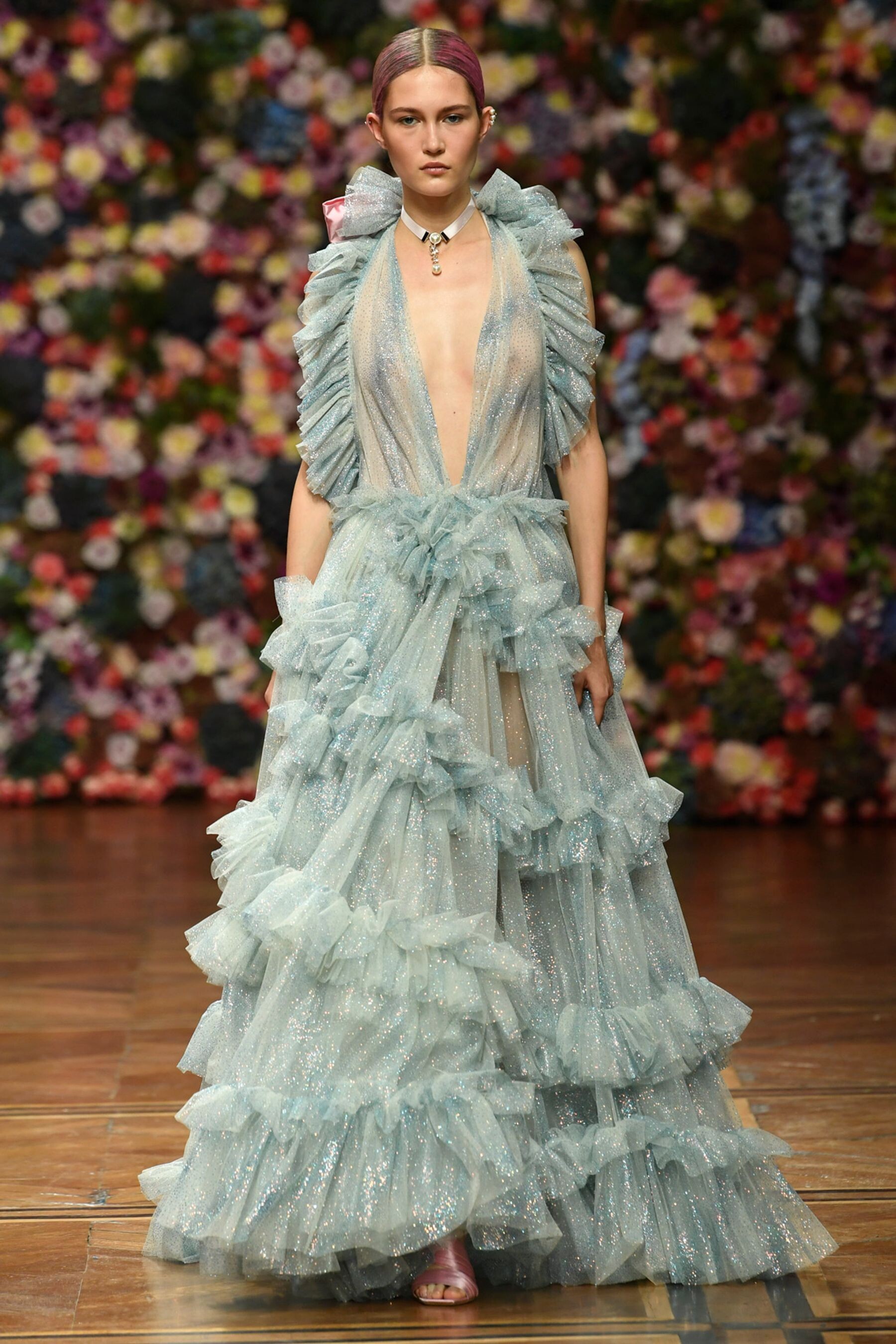
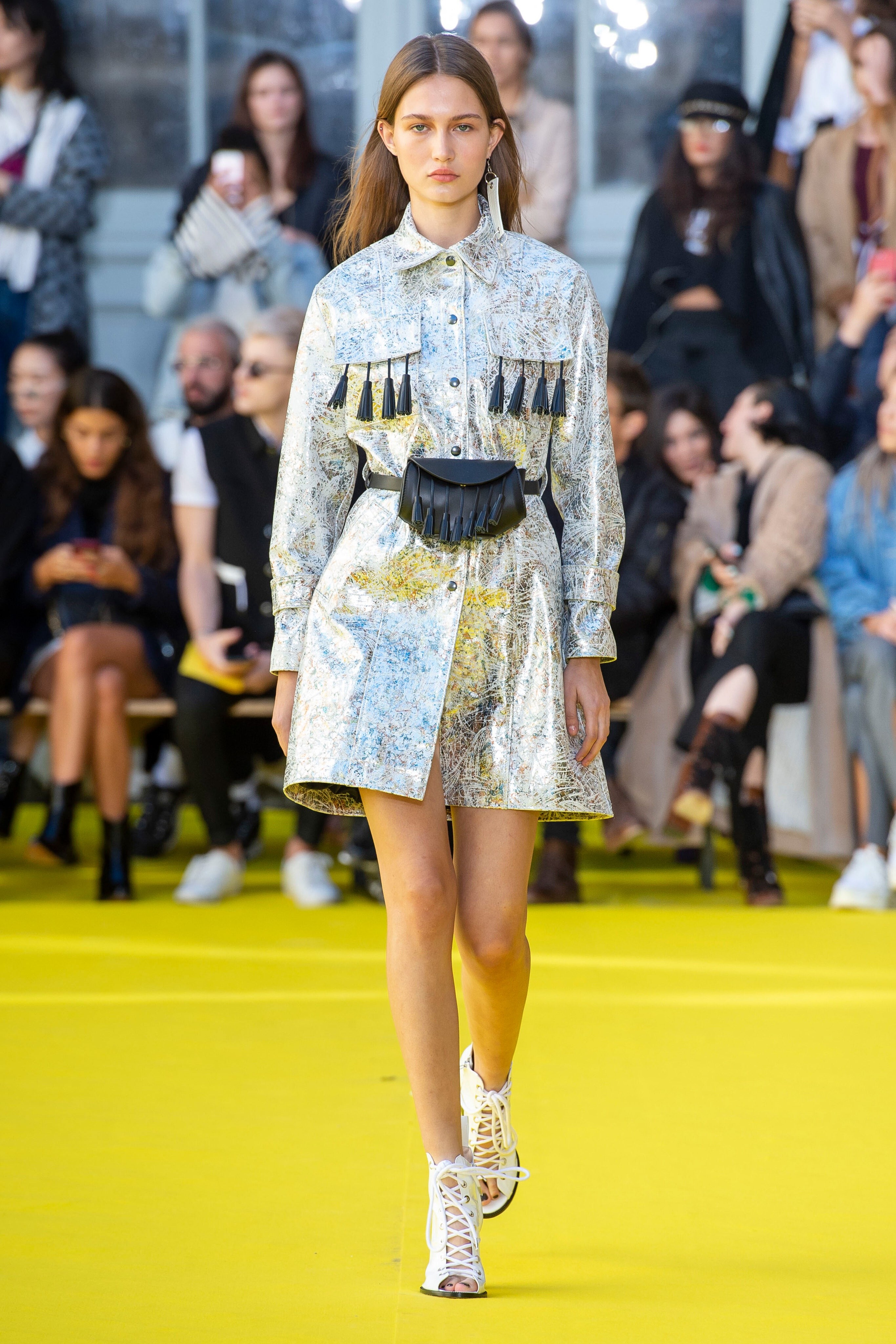
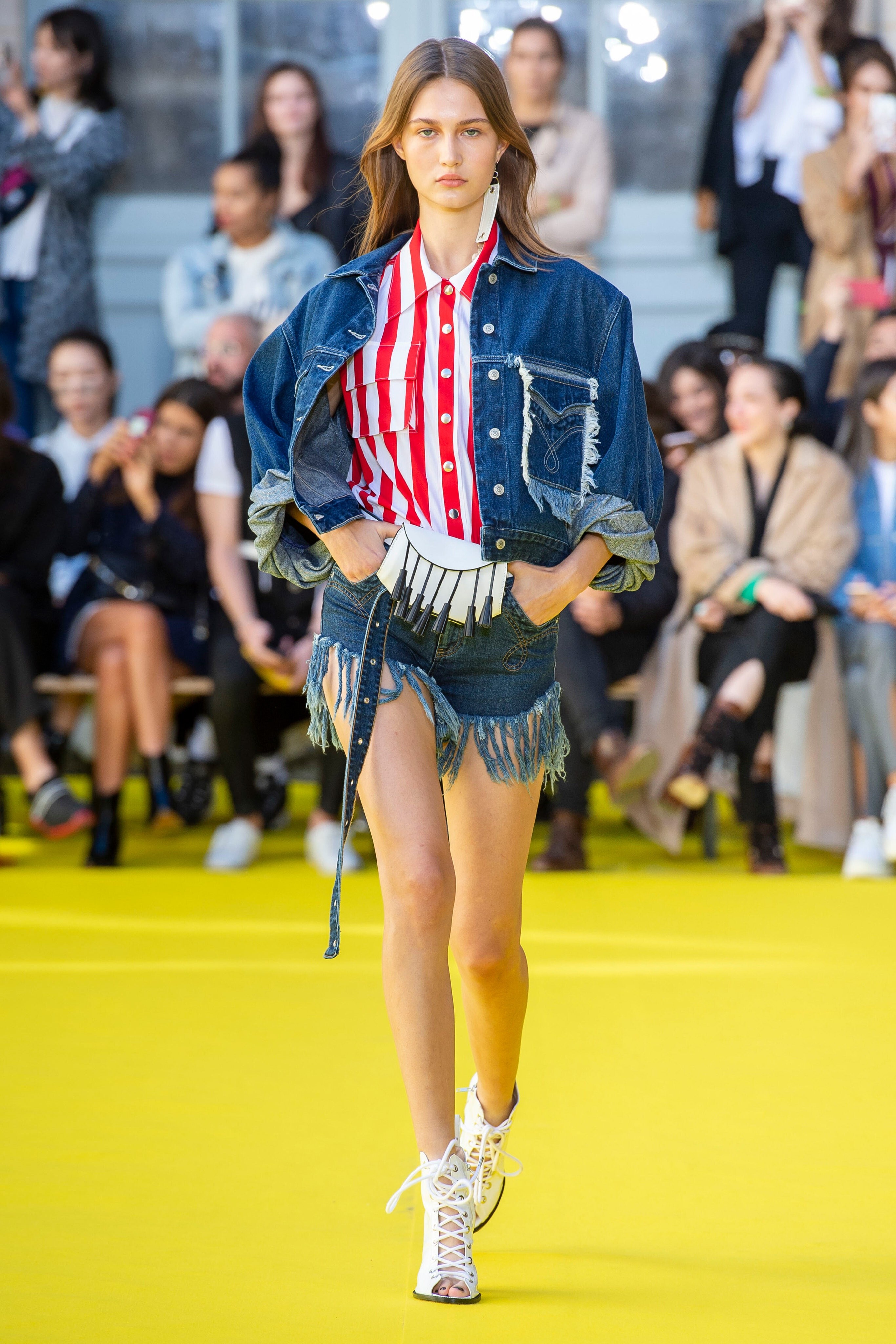
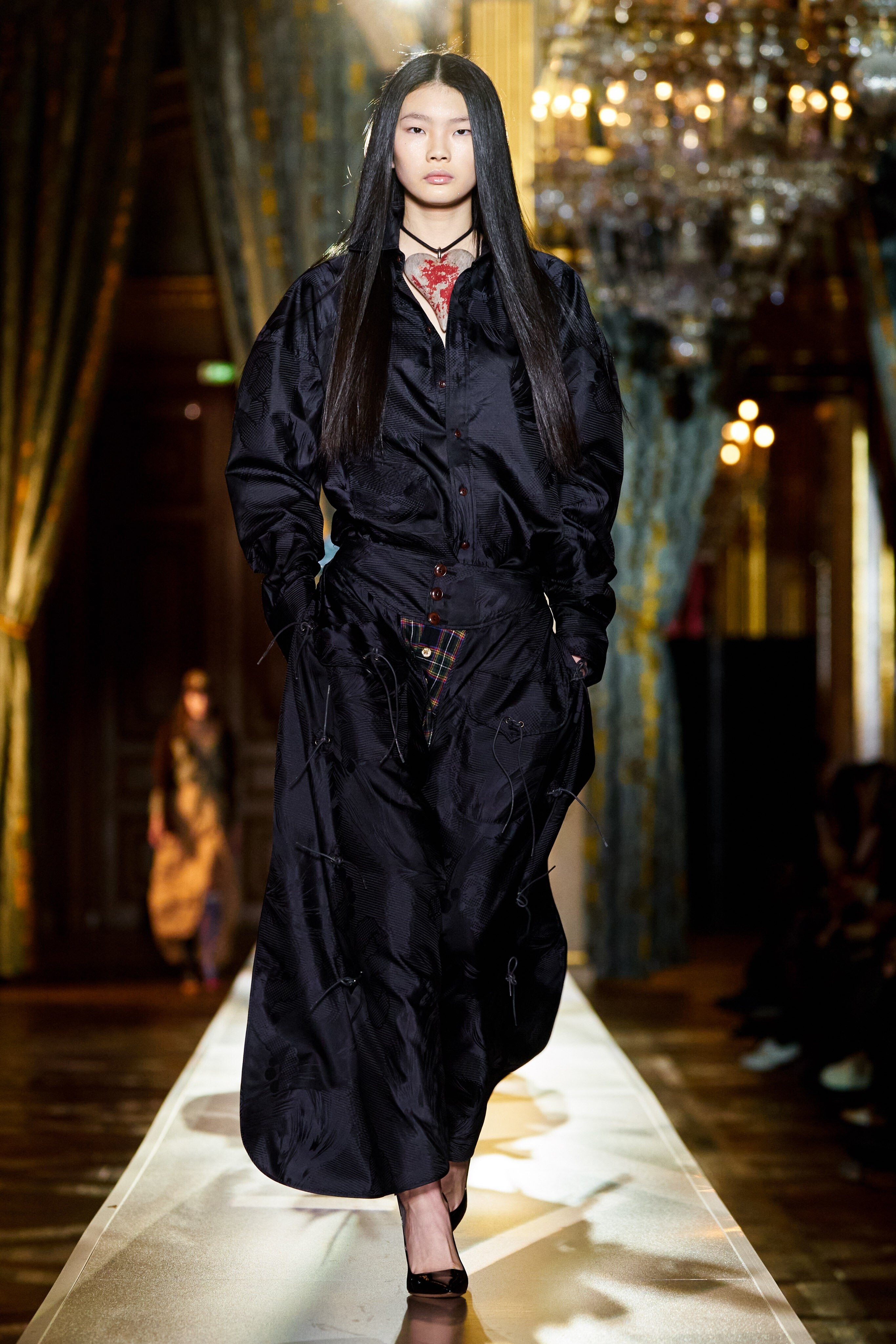
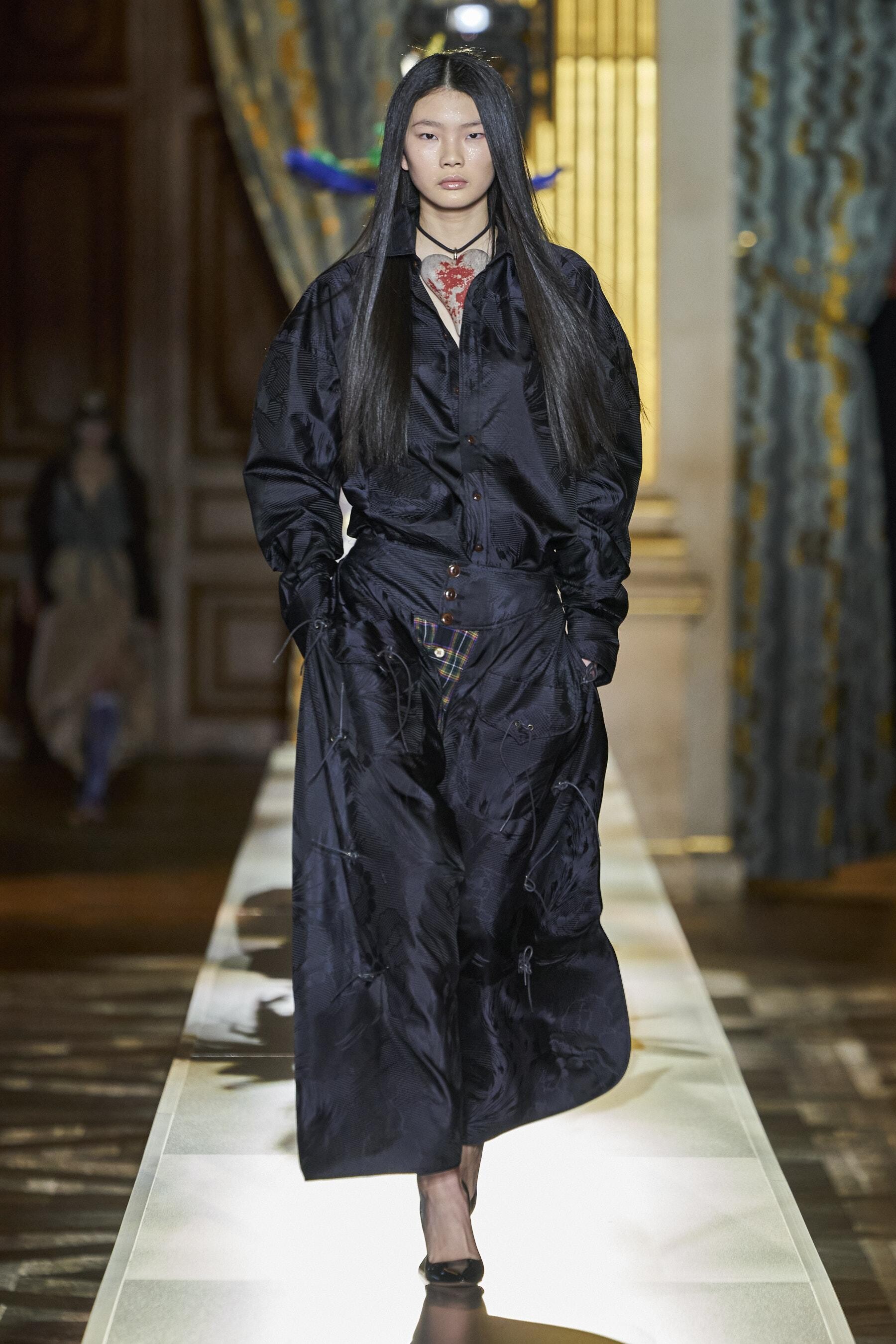
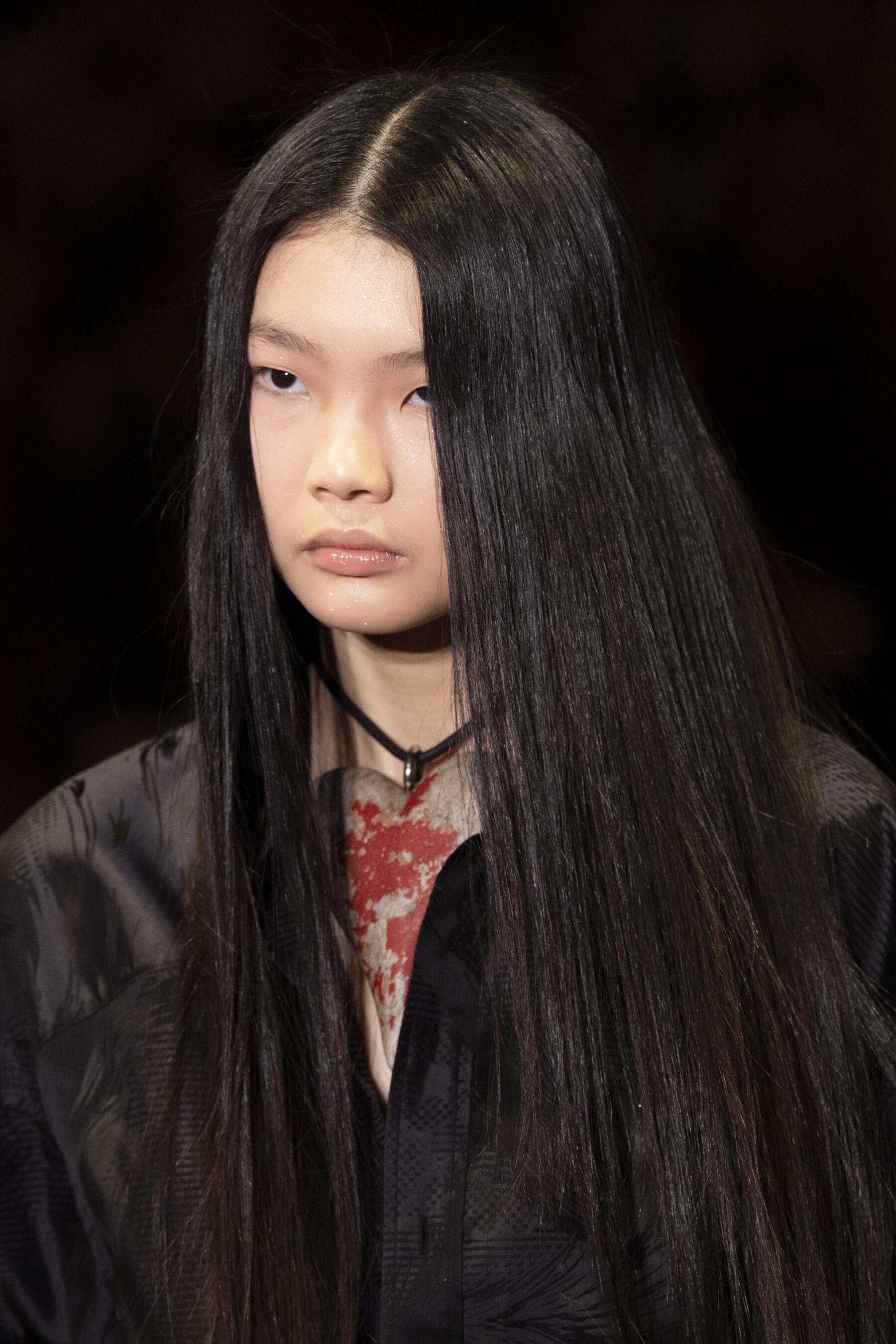
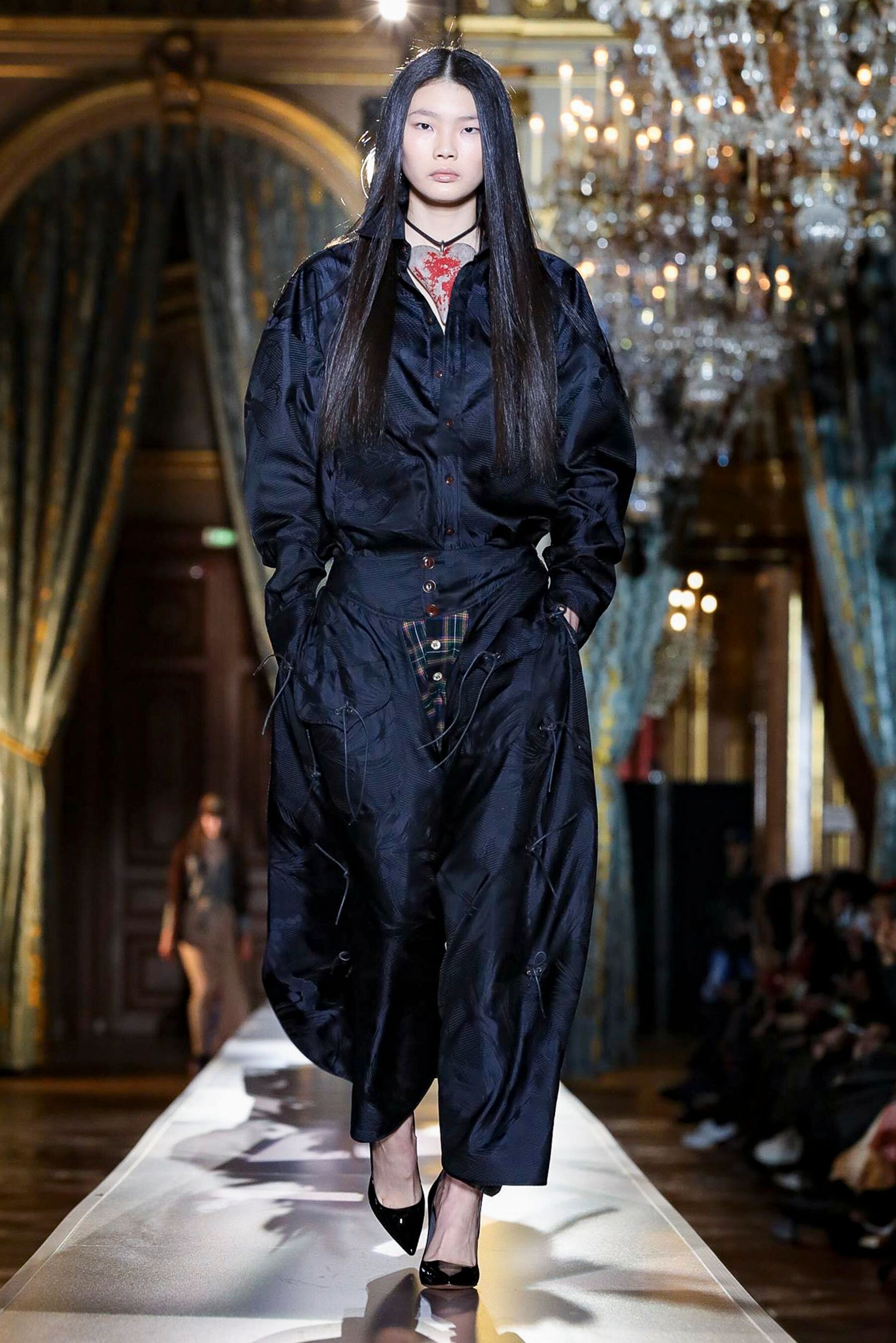
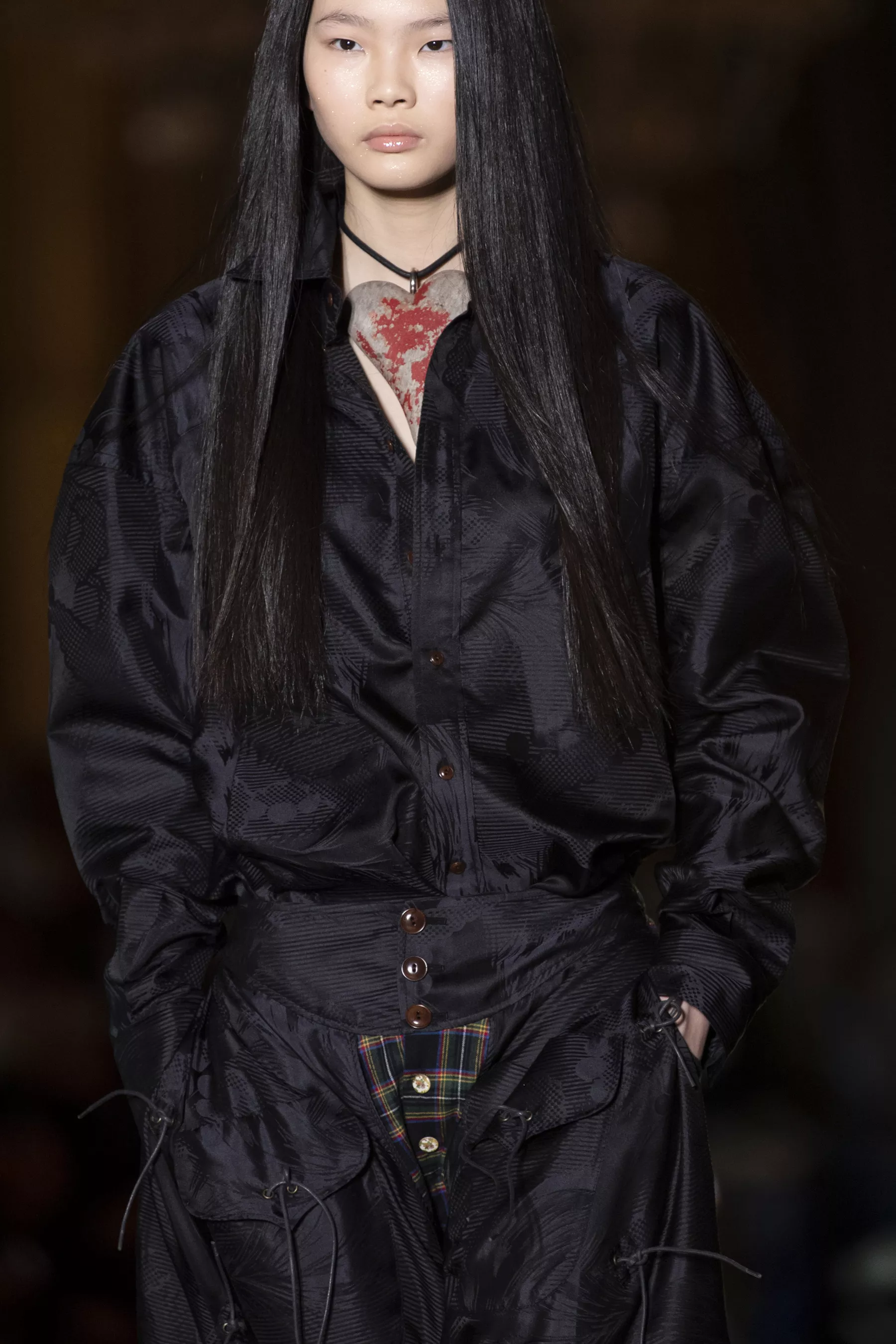
 Andreas Kronthaler for Vivienne Westwood [FALL 2020 READY-TO-WEAR] vogue, nowfashion, madamefigaro



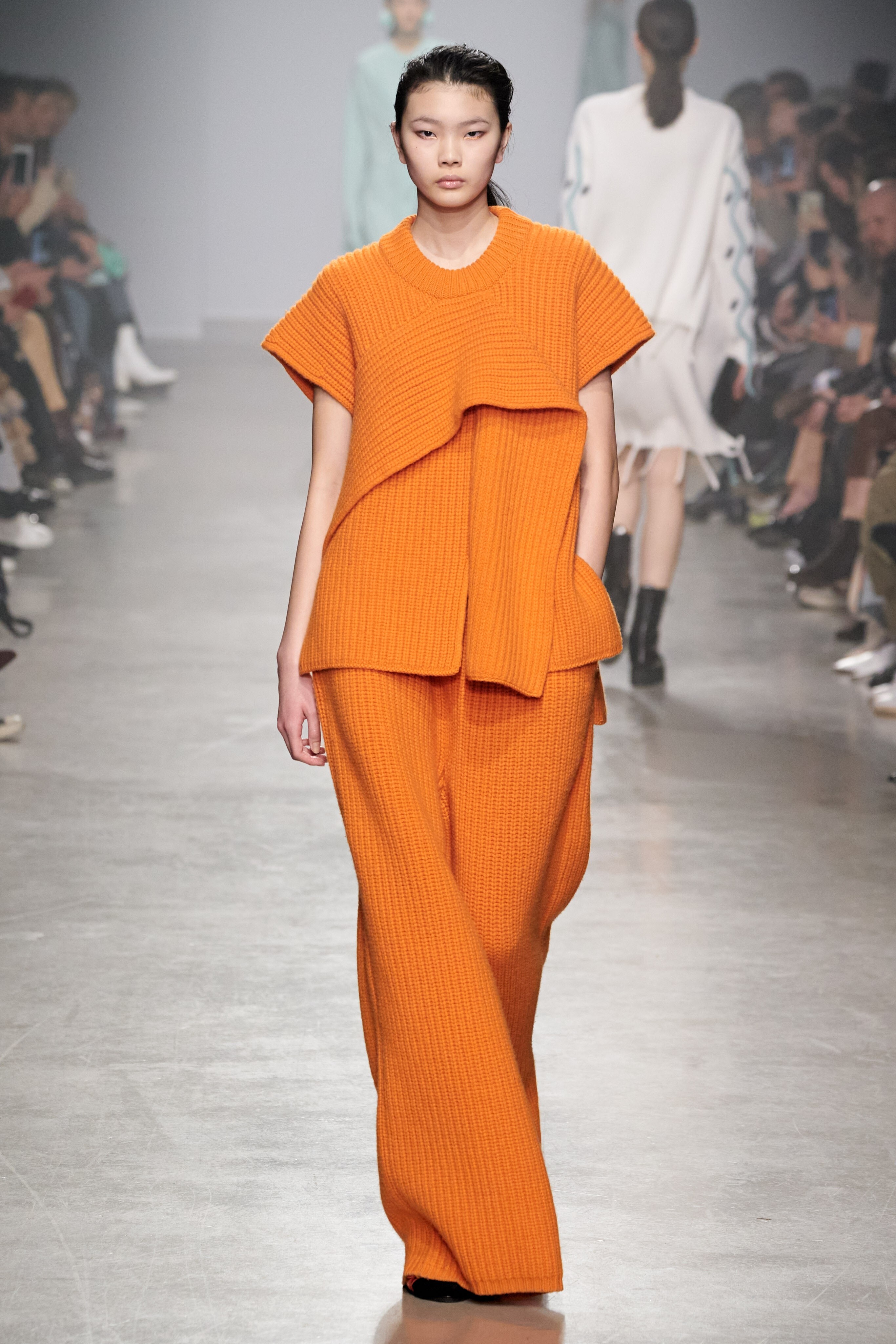
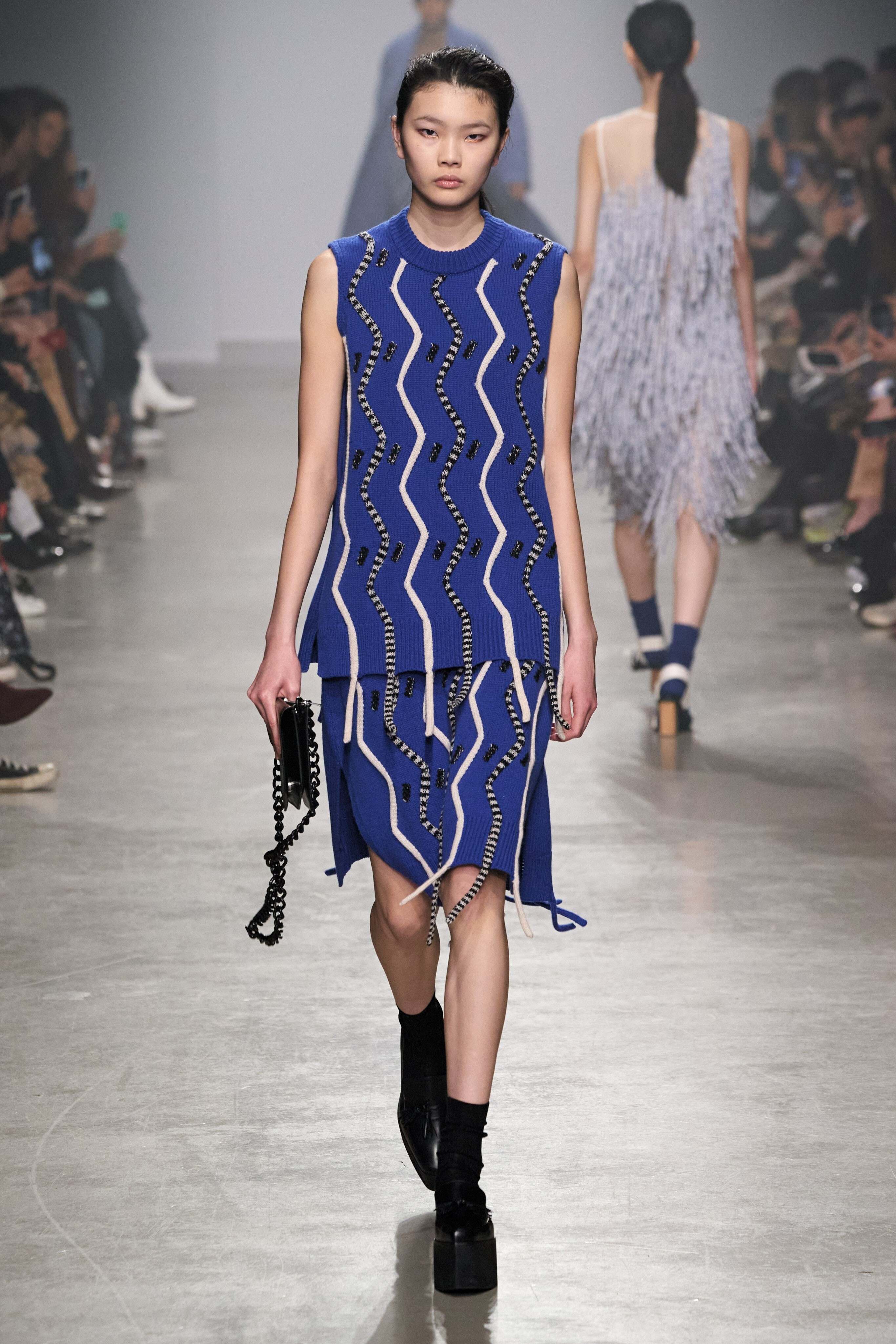
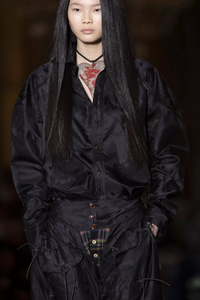 Christian Wijnants [FALL 2020 READY-TO-WEAR] backstage vogue, nowfashion, madamefigaro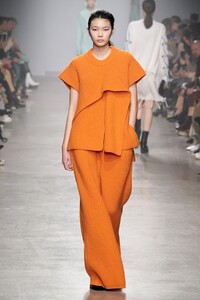
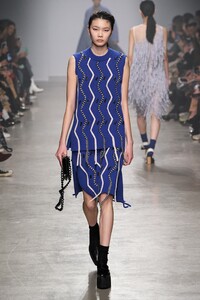




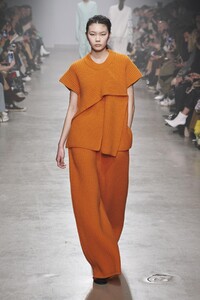
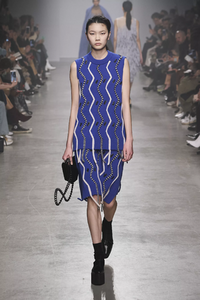 Ryan Roche [FALL 2020 READY-TO-WEAR] backstage vogue, madamefigaro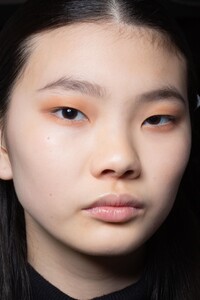
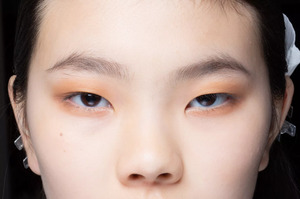
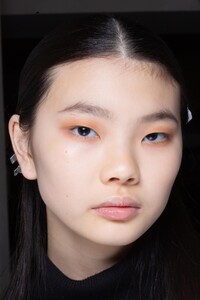
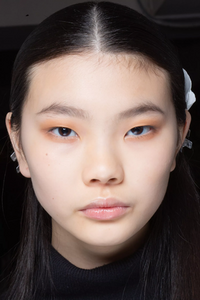
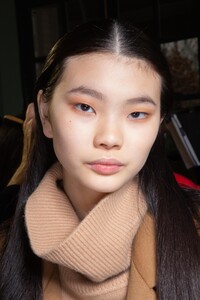
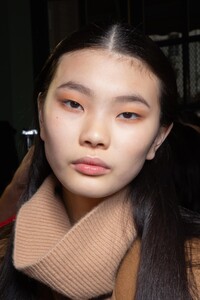
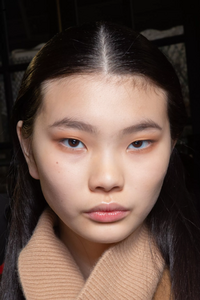


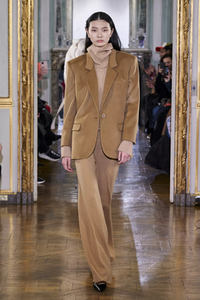
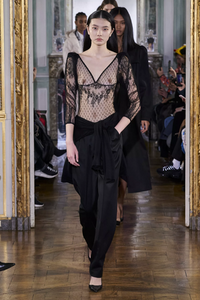

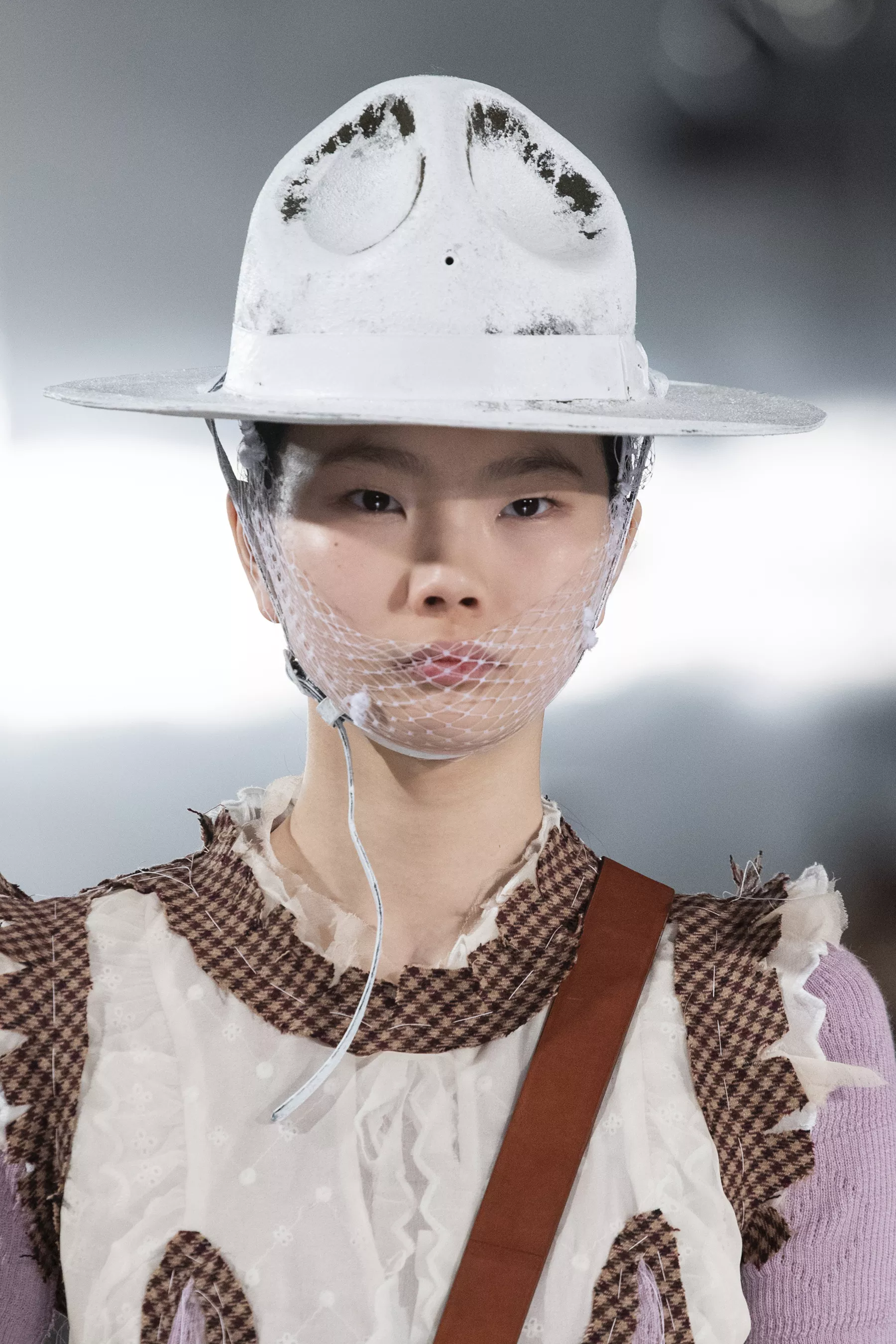
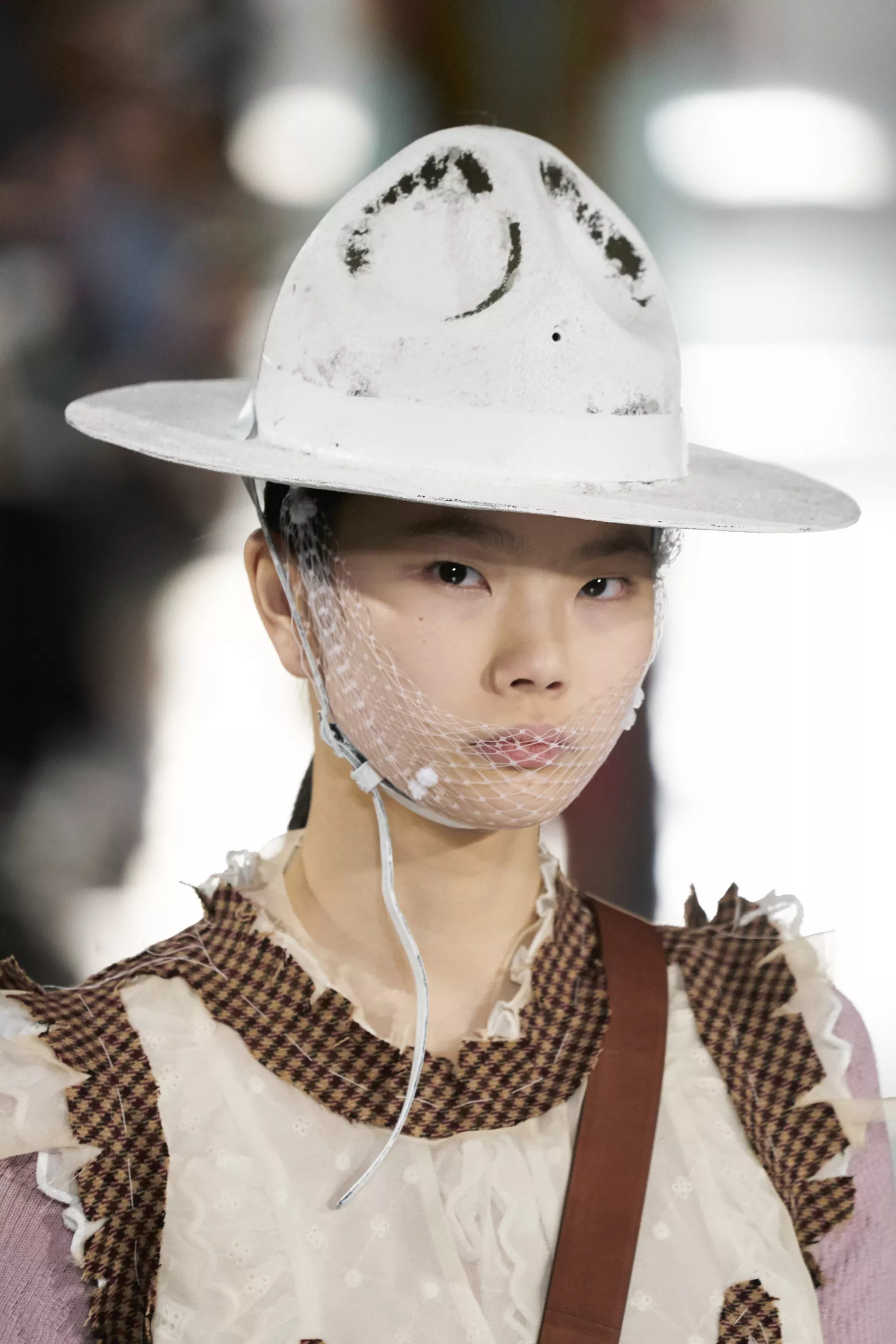
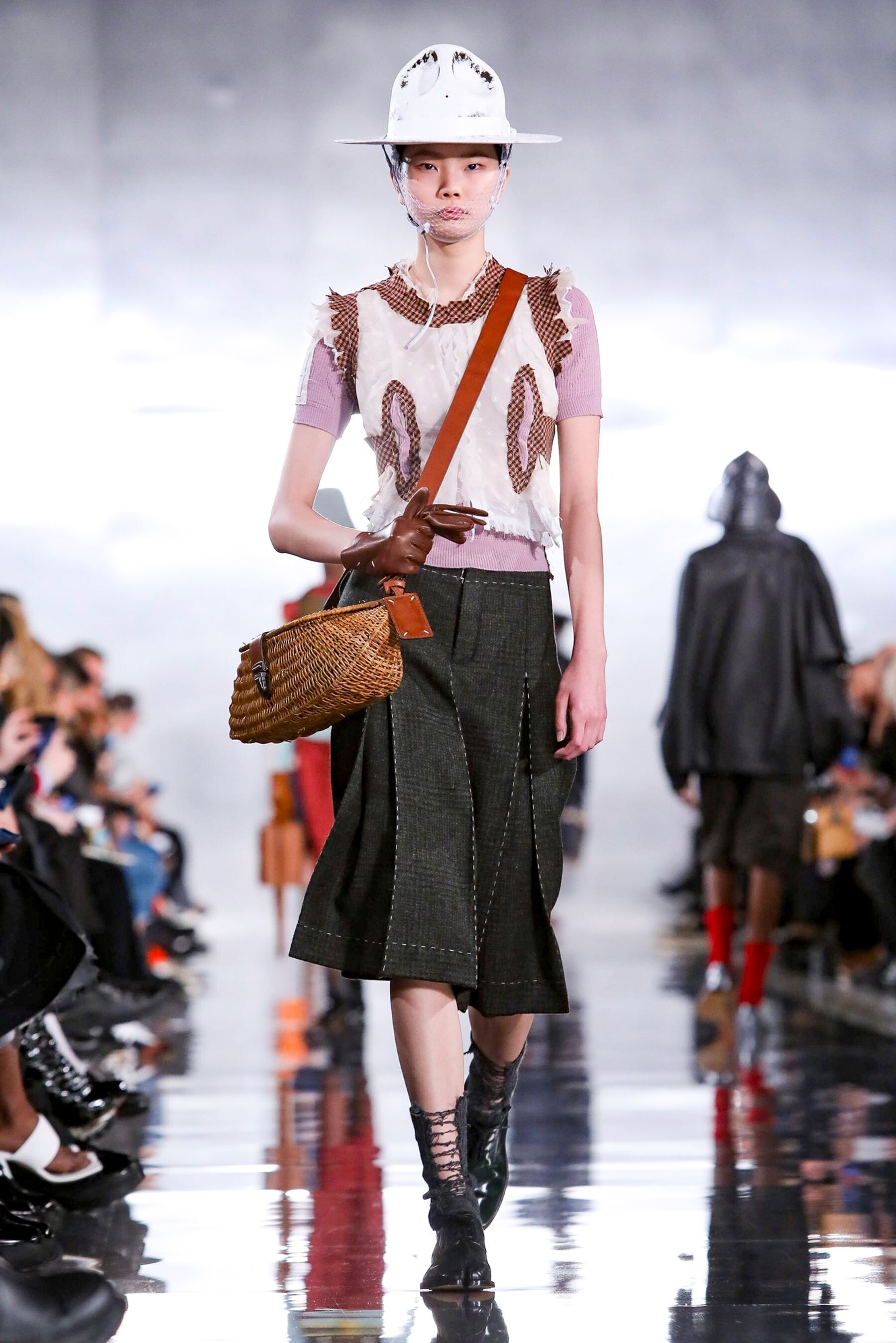
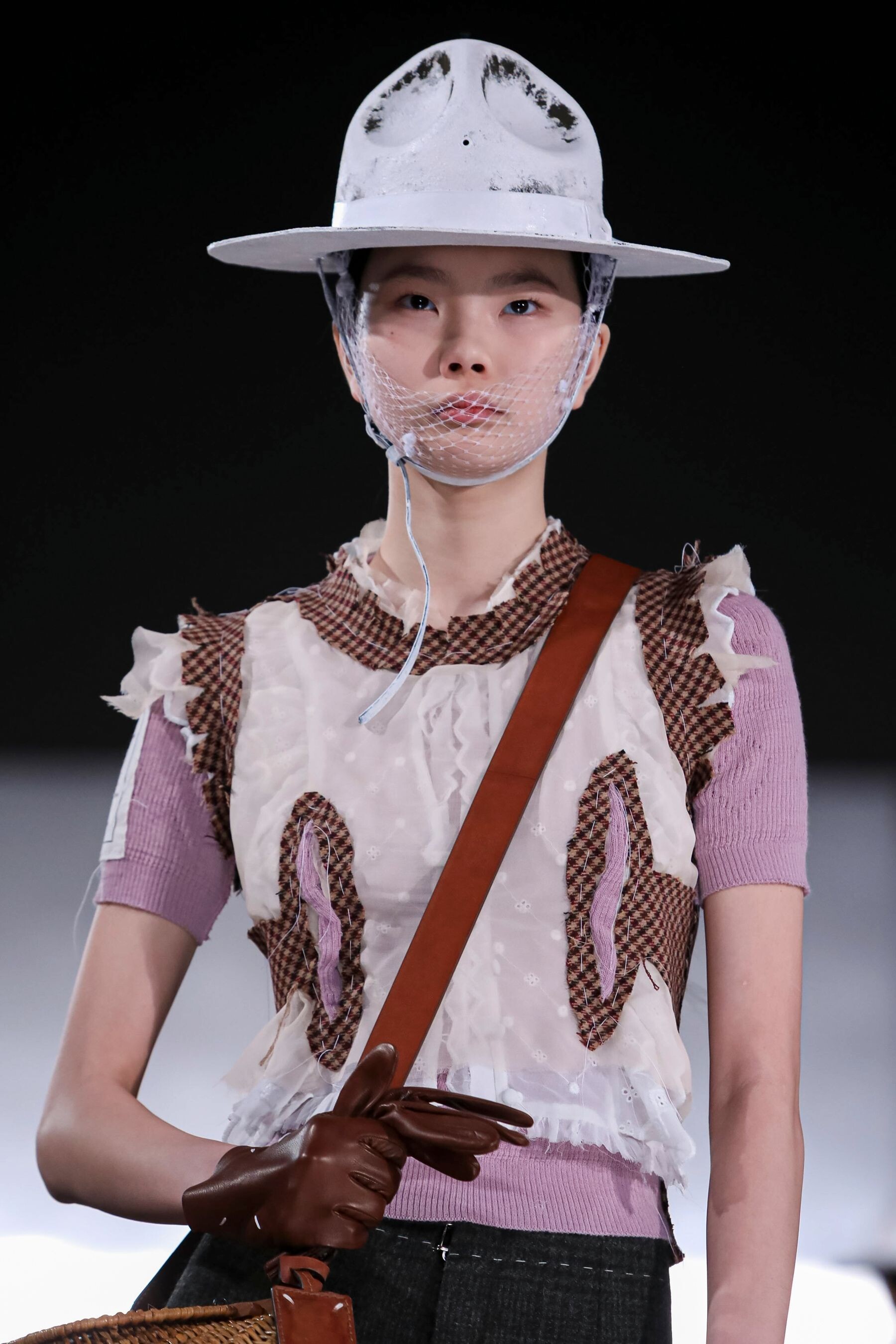
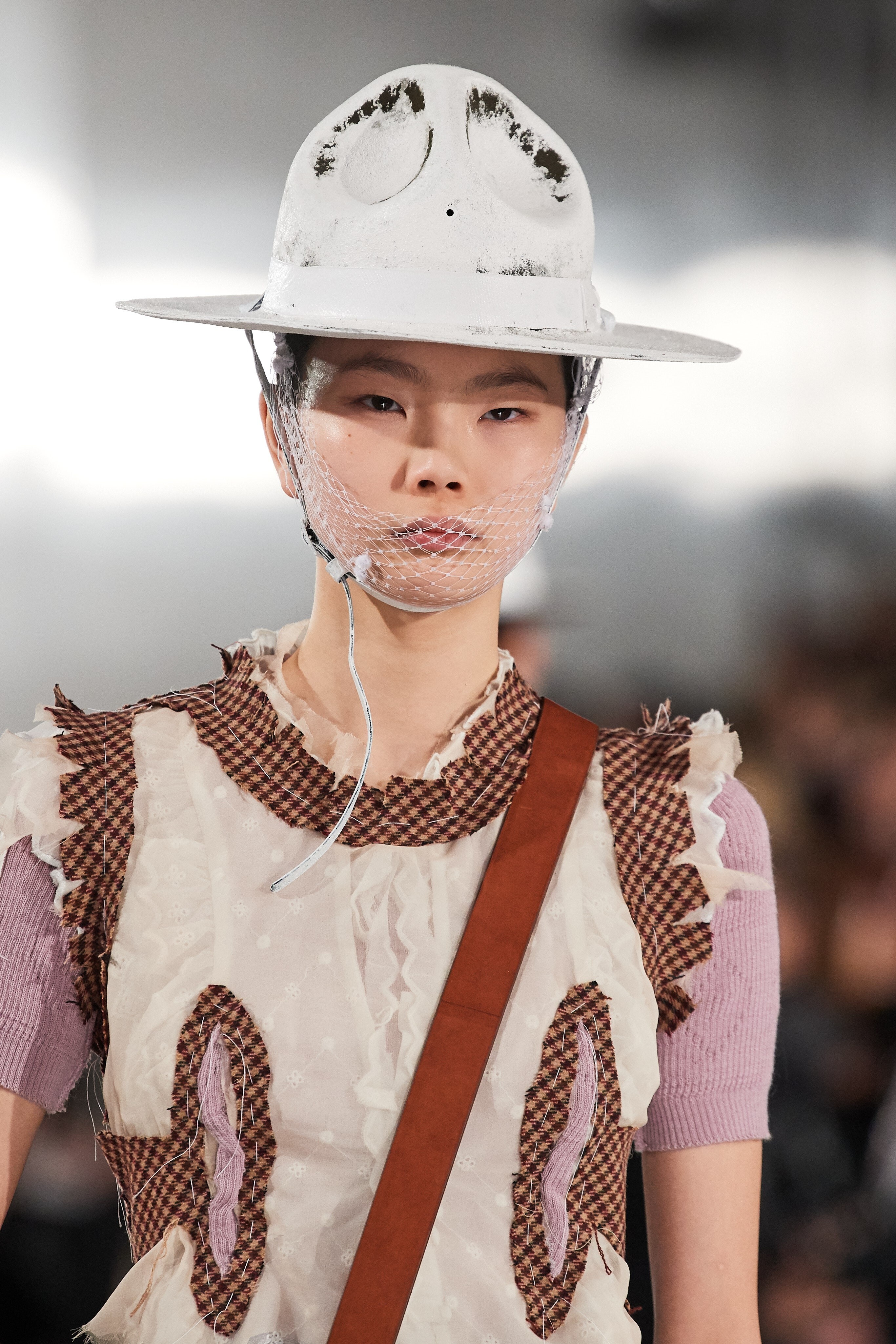
 Maison Margiela [FALL 2020 READY-TO-WEAR] vogue, nowfashion, madamefigaro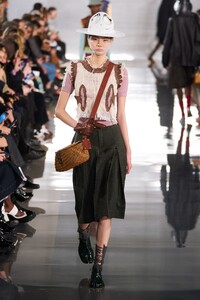
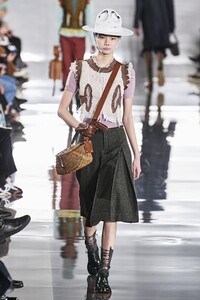
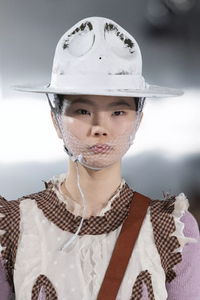
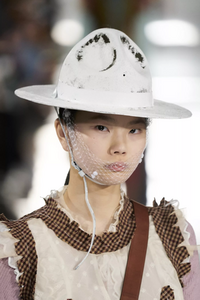
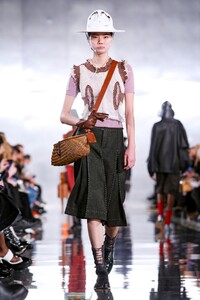
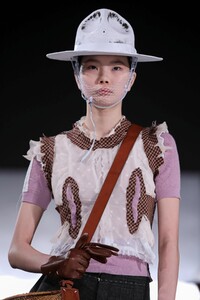
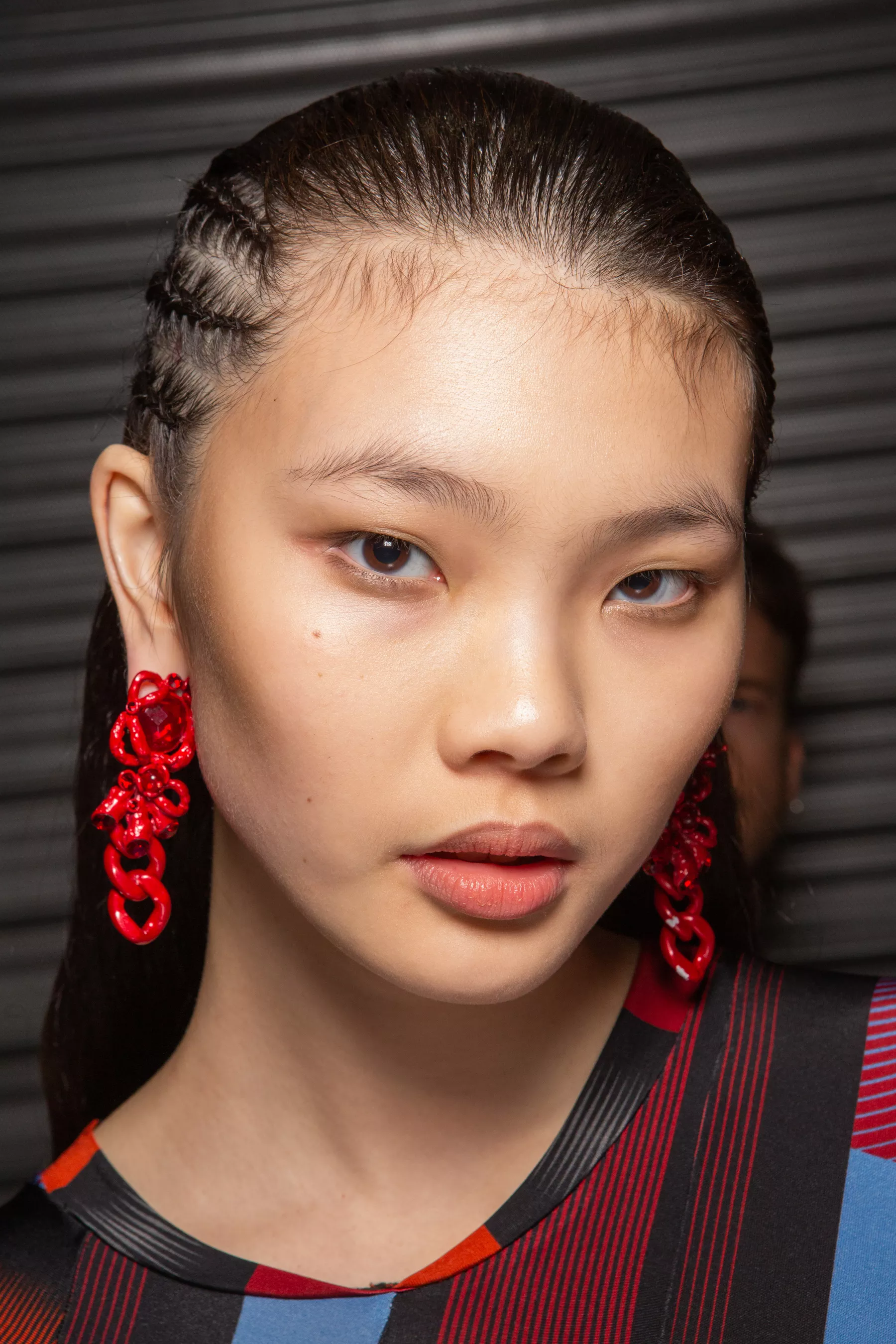
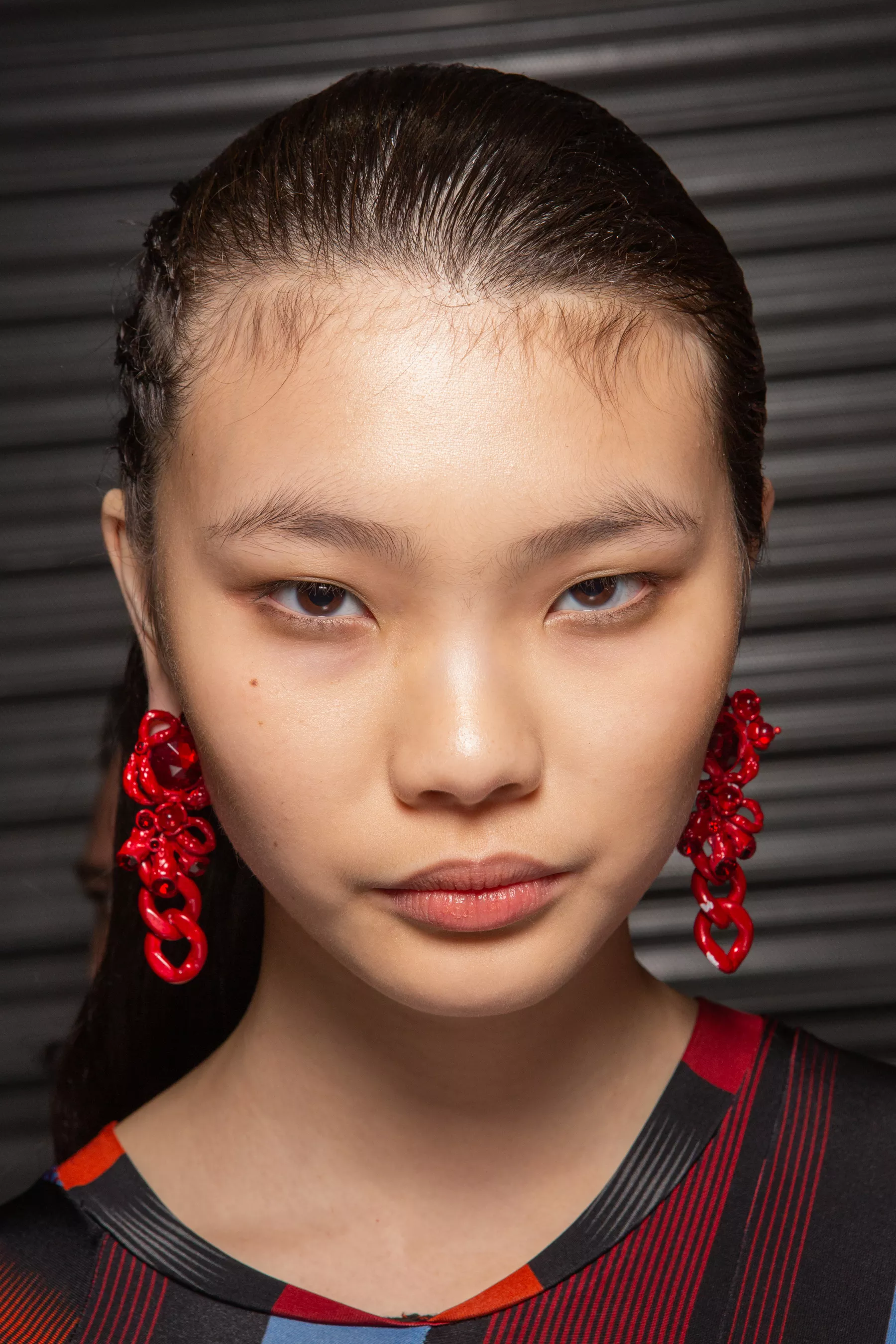
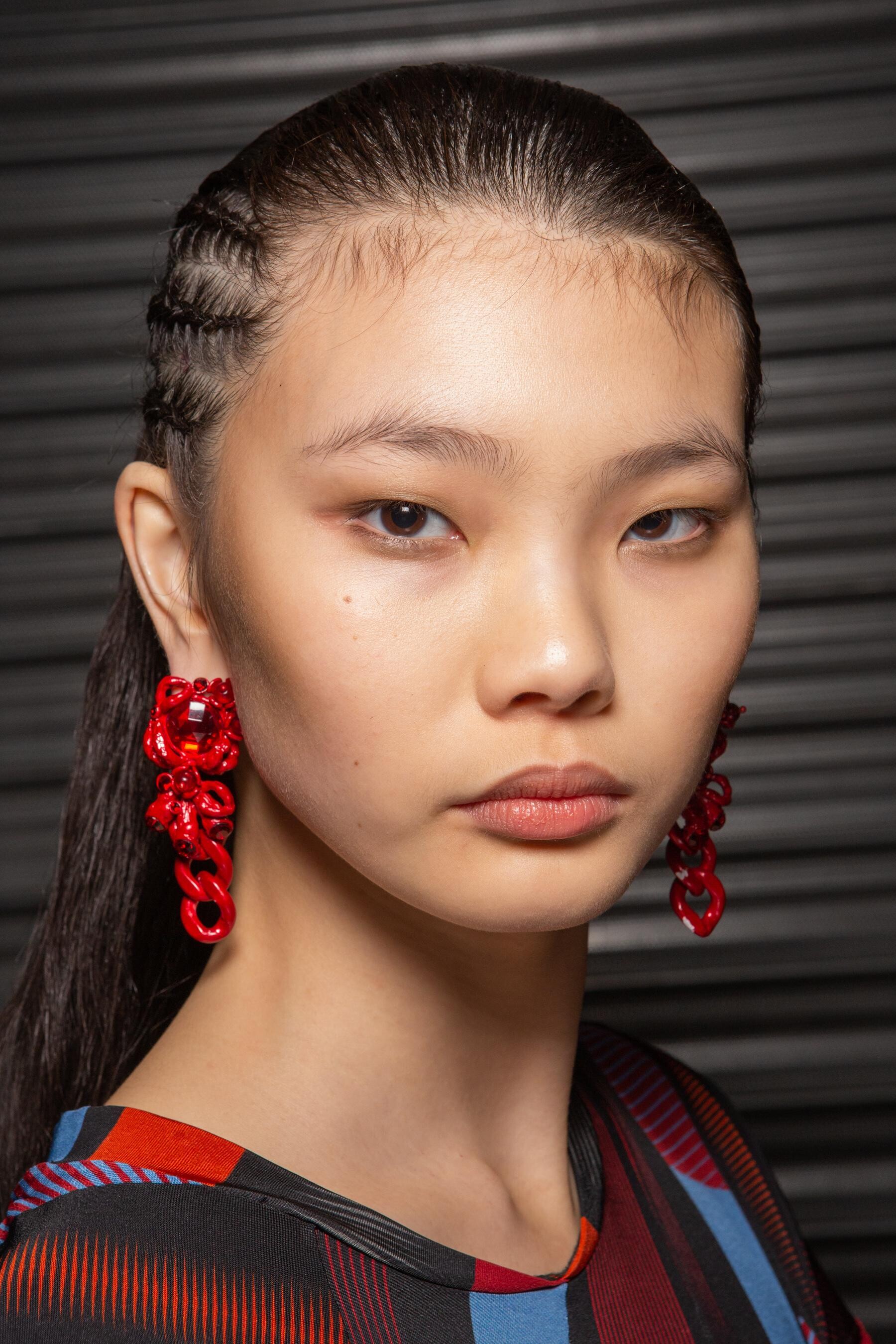
 Koché [FALL 2020 READY-TO-WEAR] backstage vogue, nowfashion, madamefigaro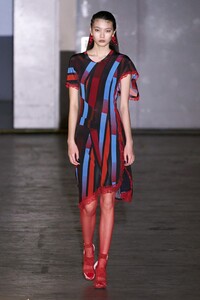
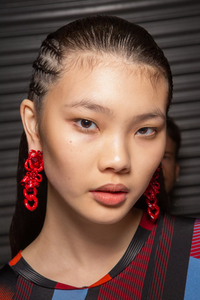
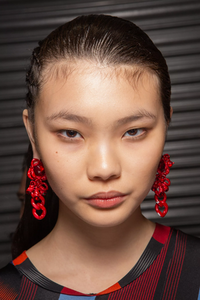
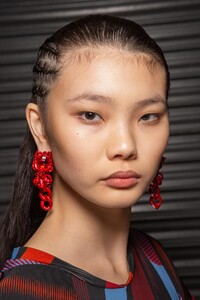
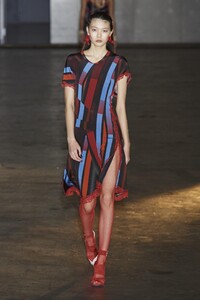

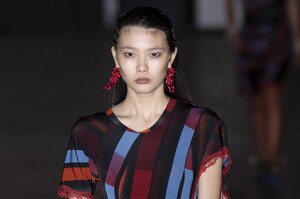
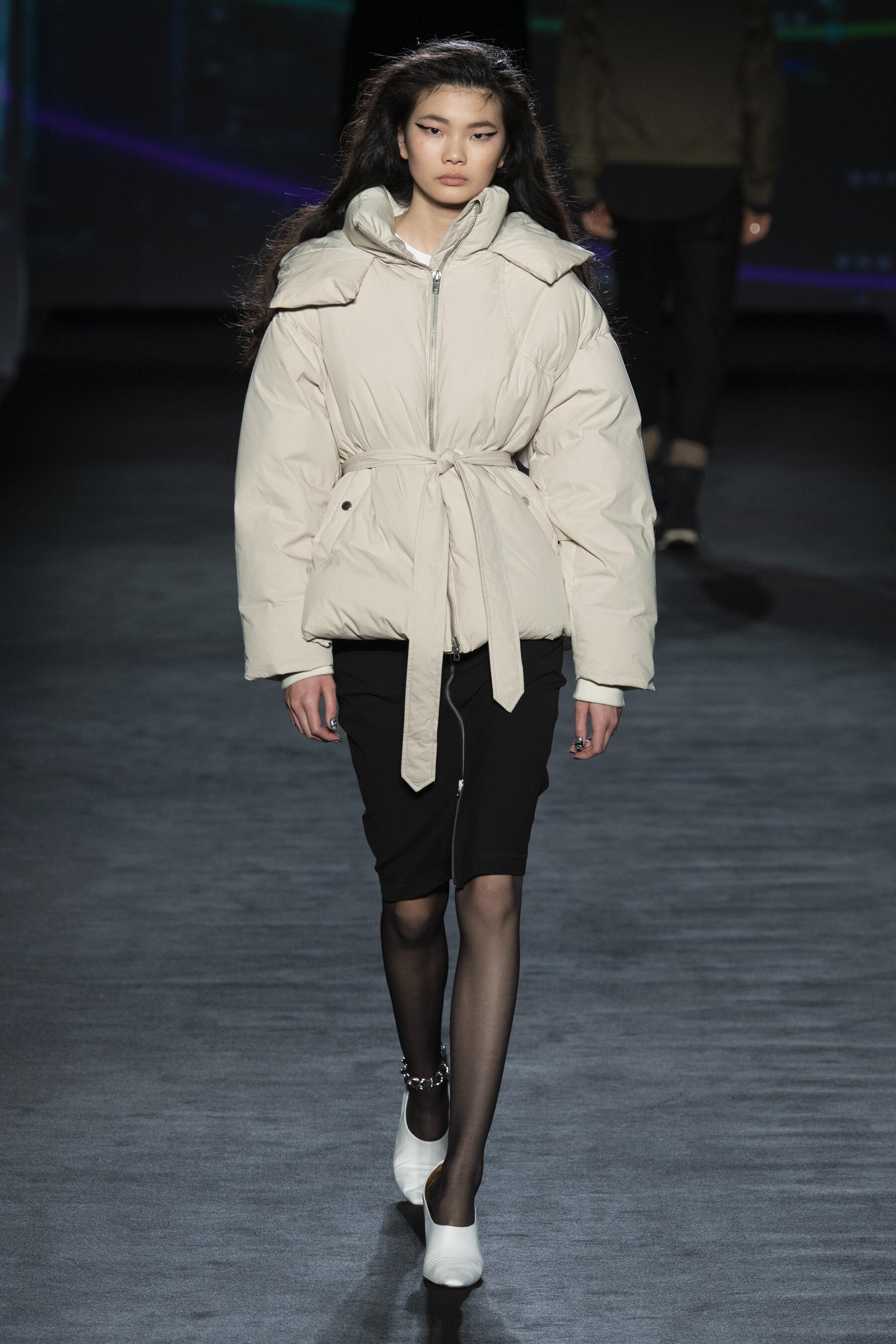
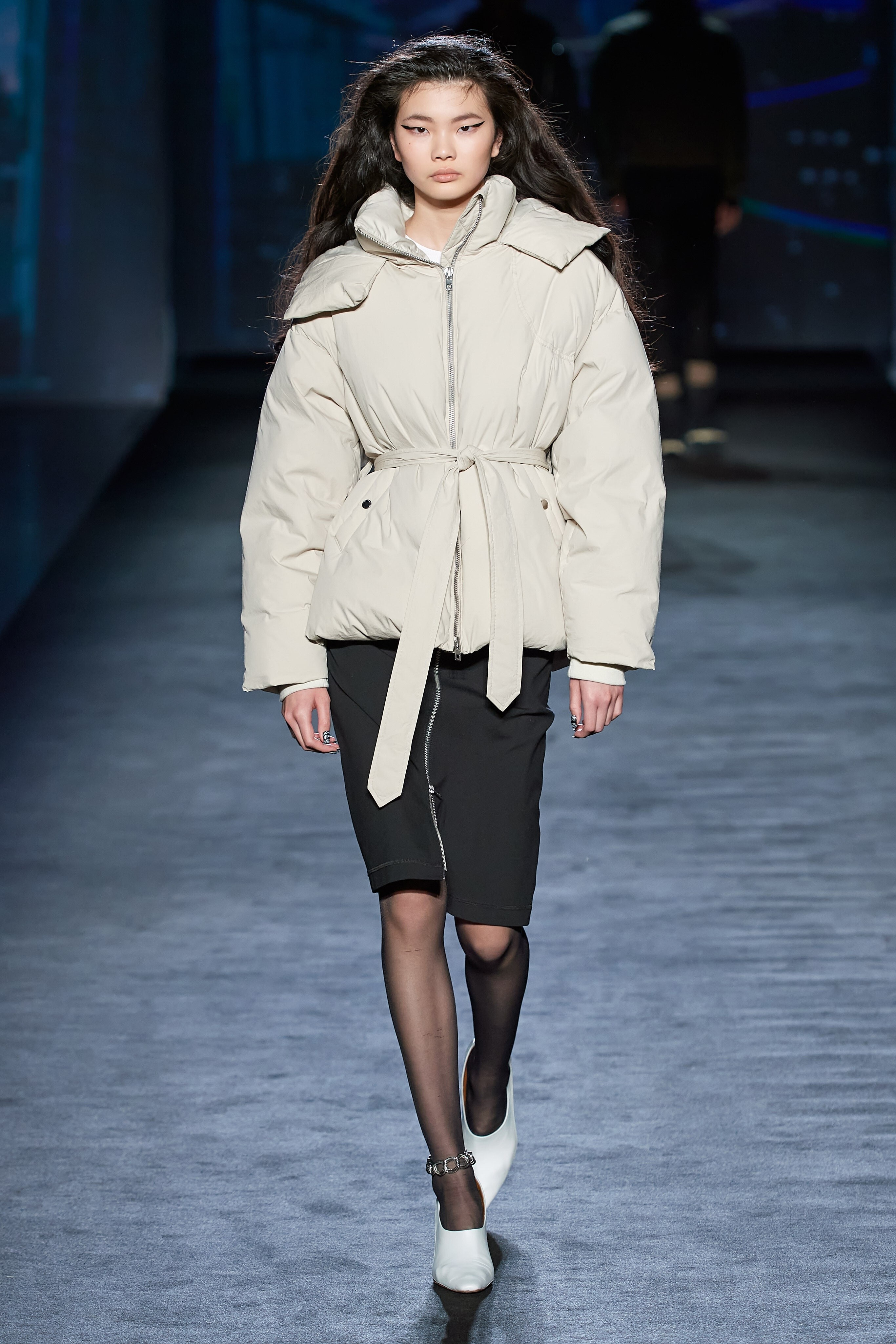
 Rag & Bone [FALL 2020 READY-TO-WEAR] vogue, nowfashion, madamefigaro

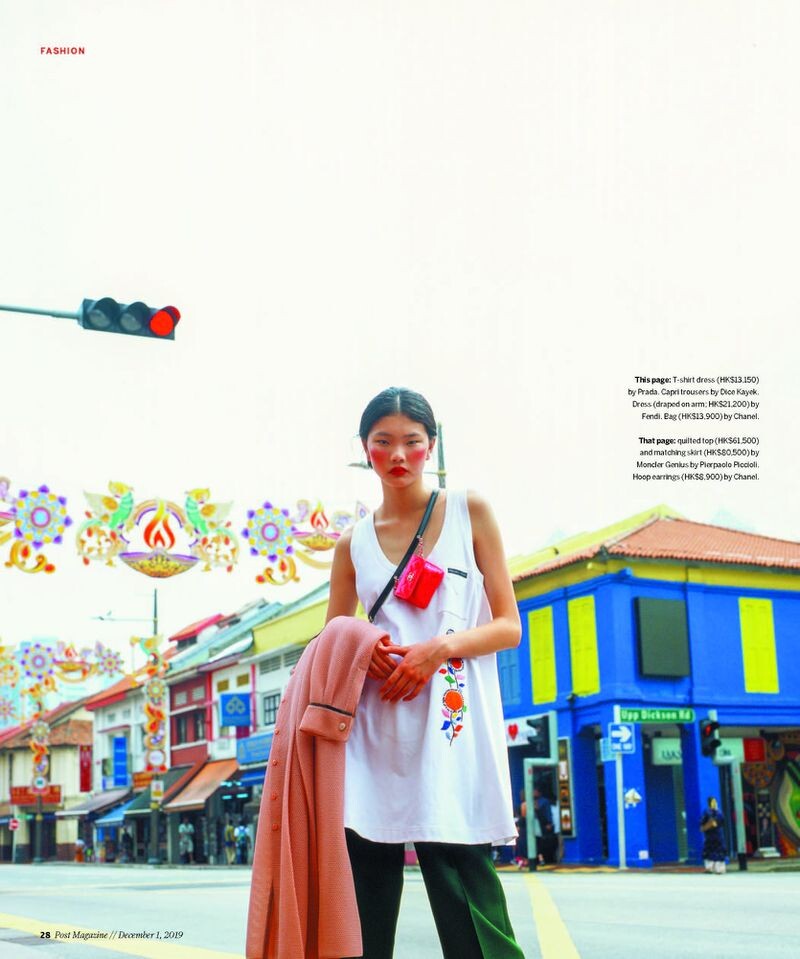
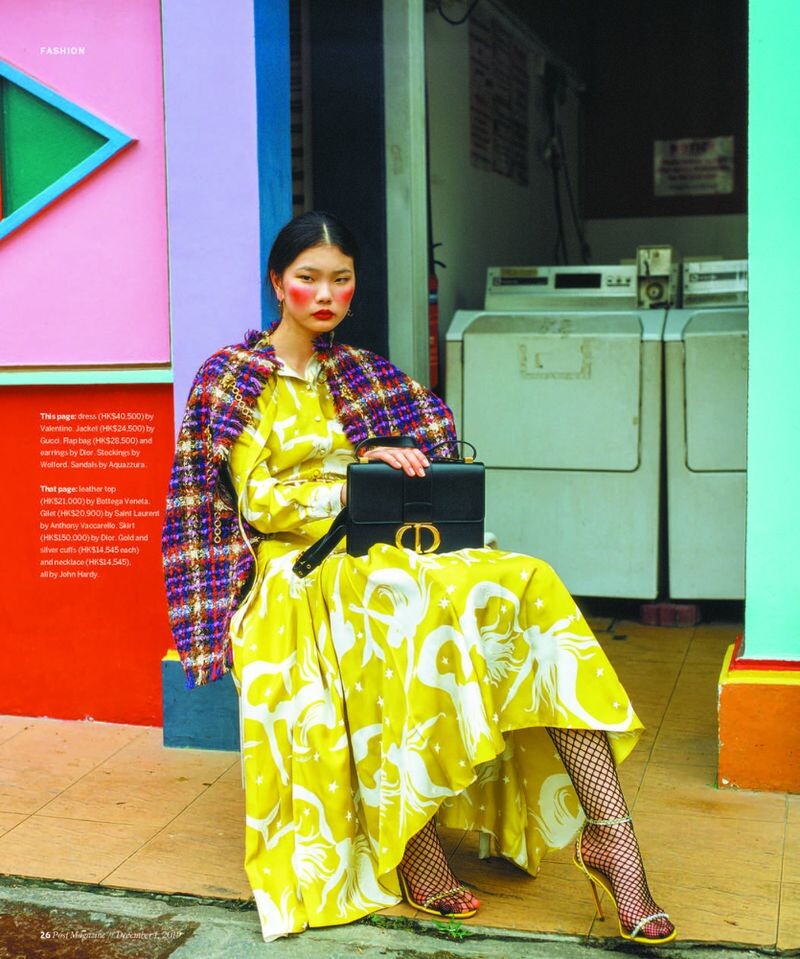
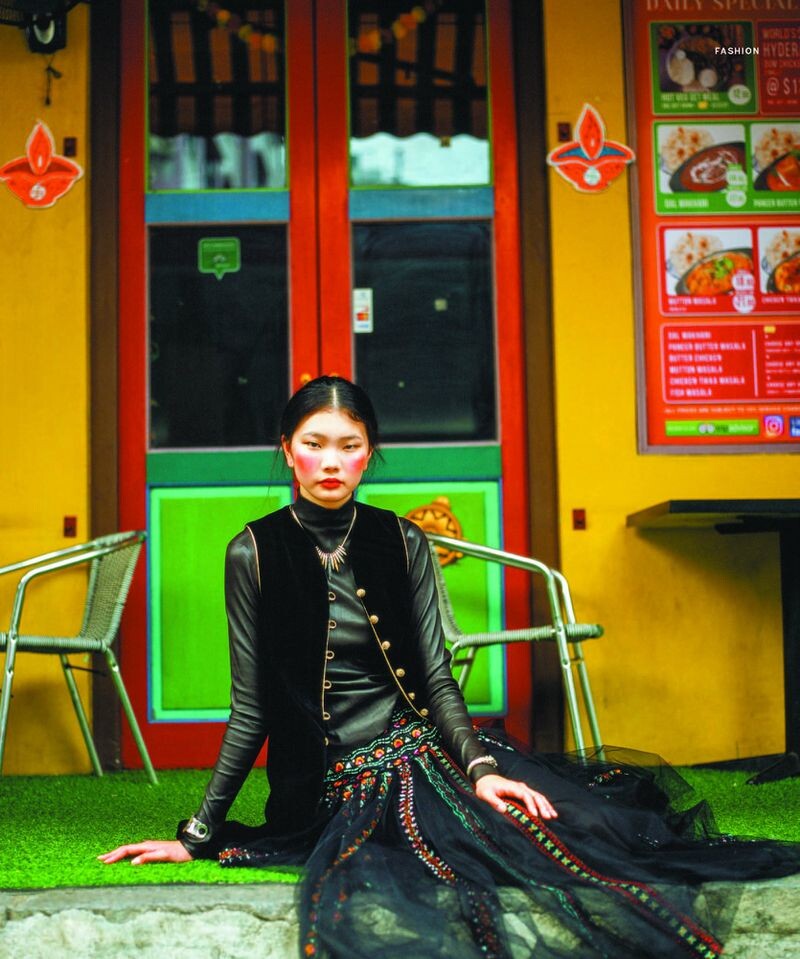
 SCMP Style South China Morning Post Style Magazine Passage To Little India Published: December 2019 models




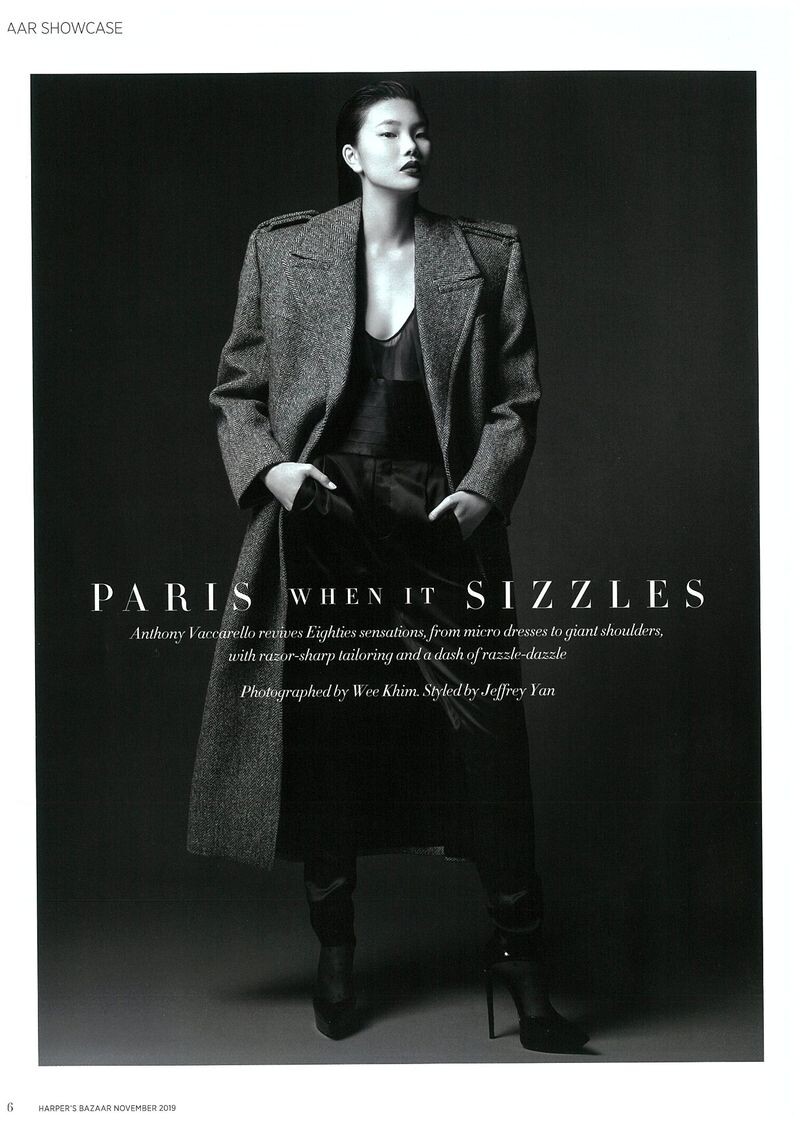
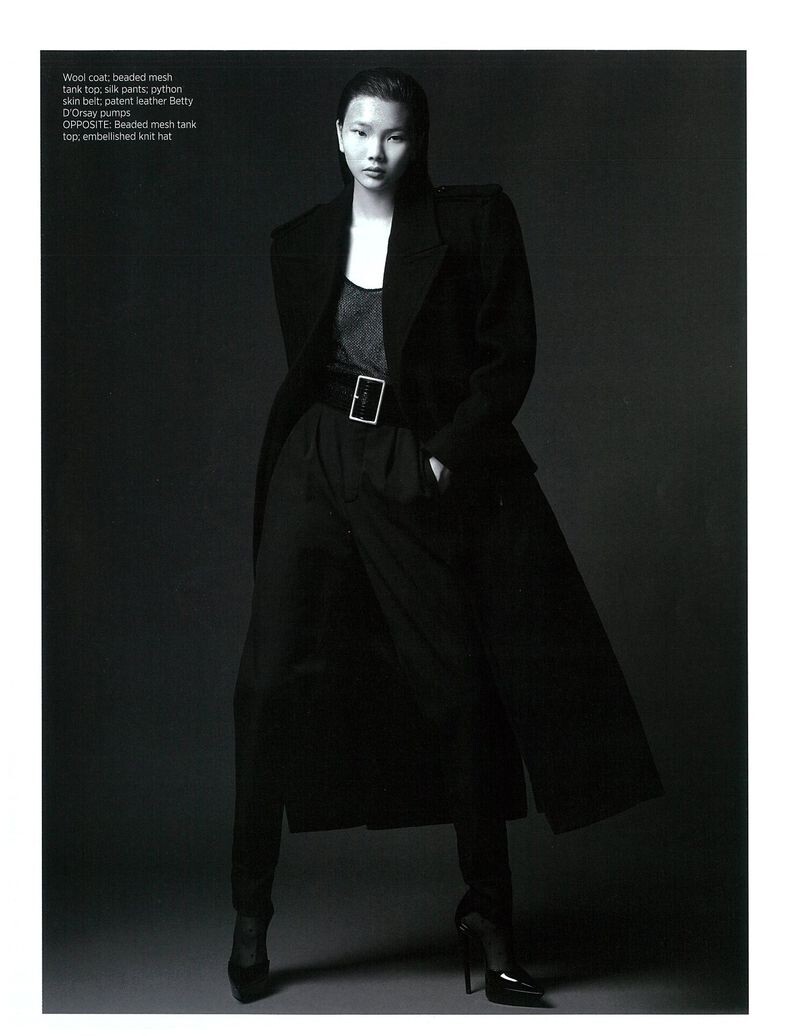
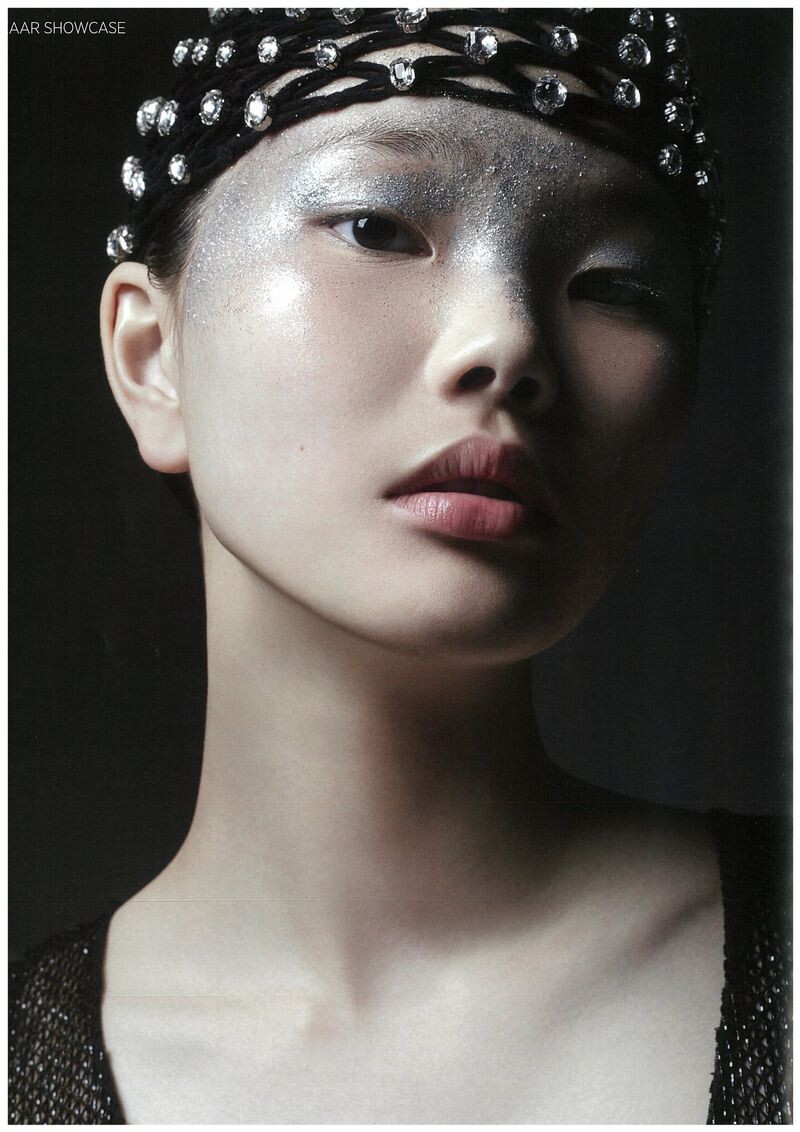
 Harper's Bazaar Singapore Paris When It Sizzles Published: November 2019 models


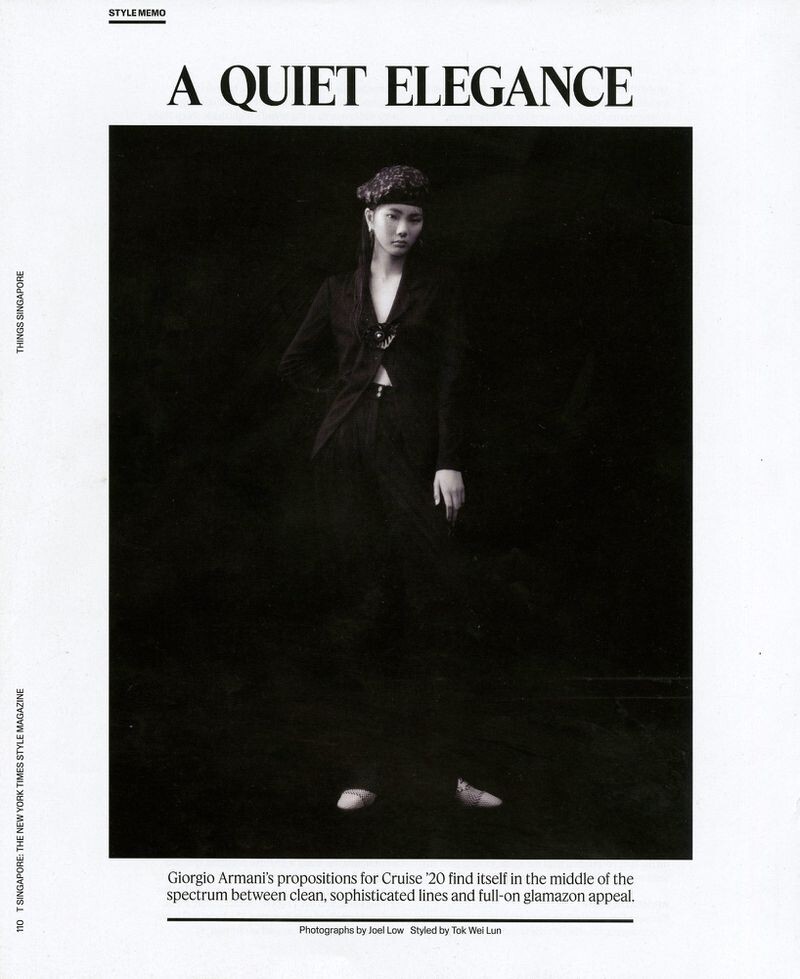
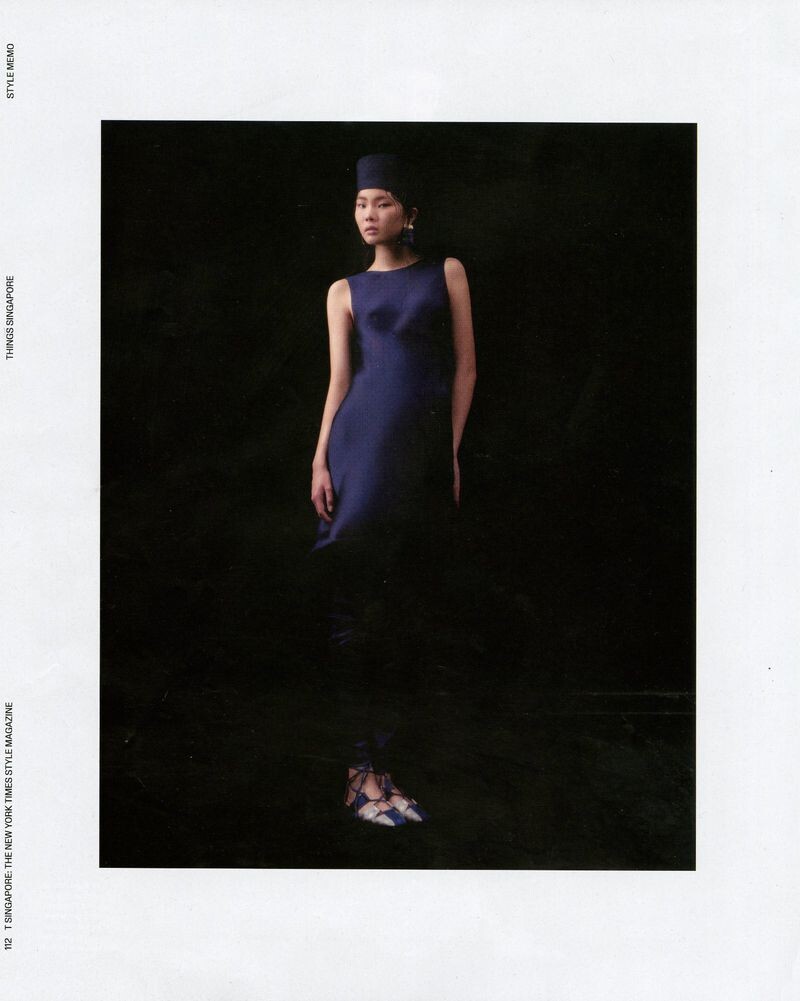
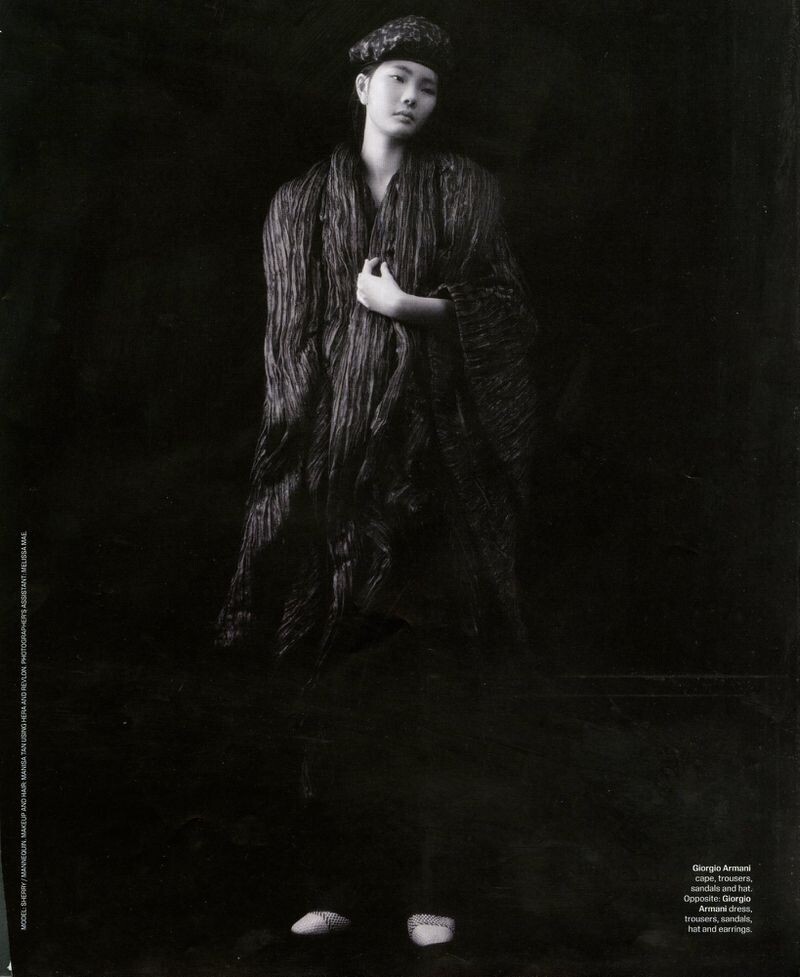
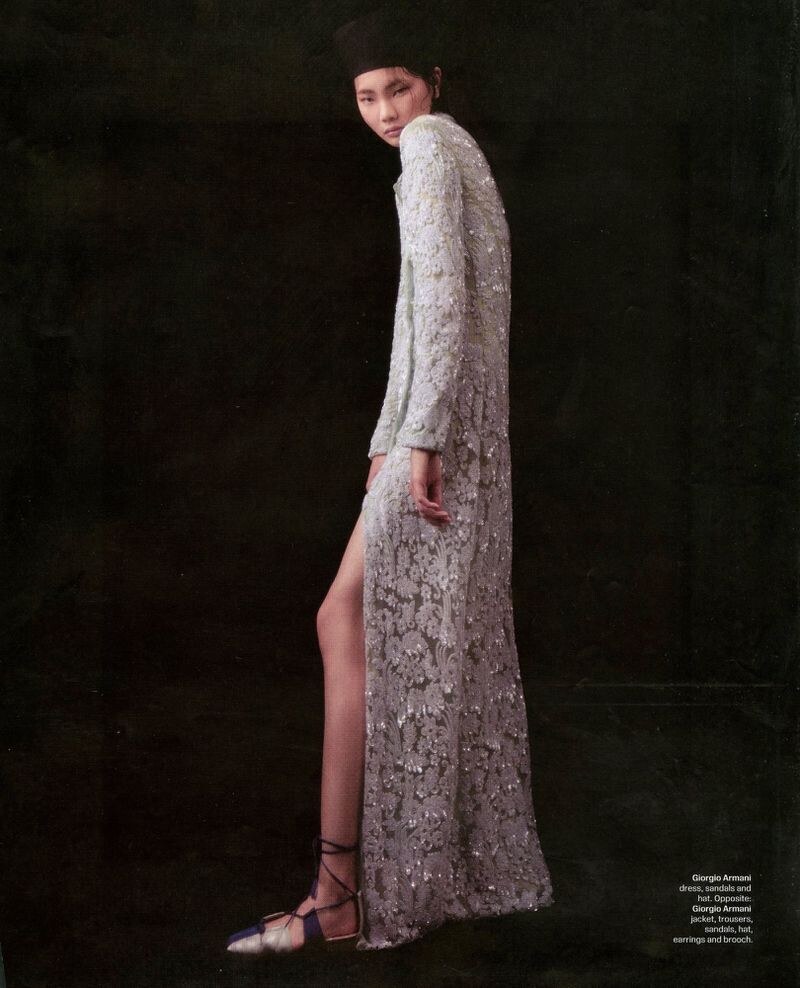
 The New York Times Style Magazine Singapore A Quiet Elegance Published: October 2019 models








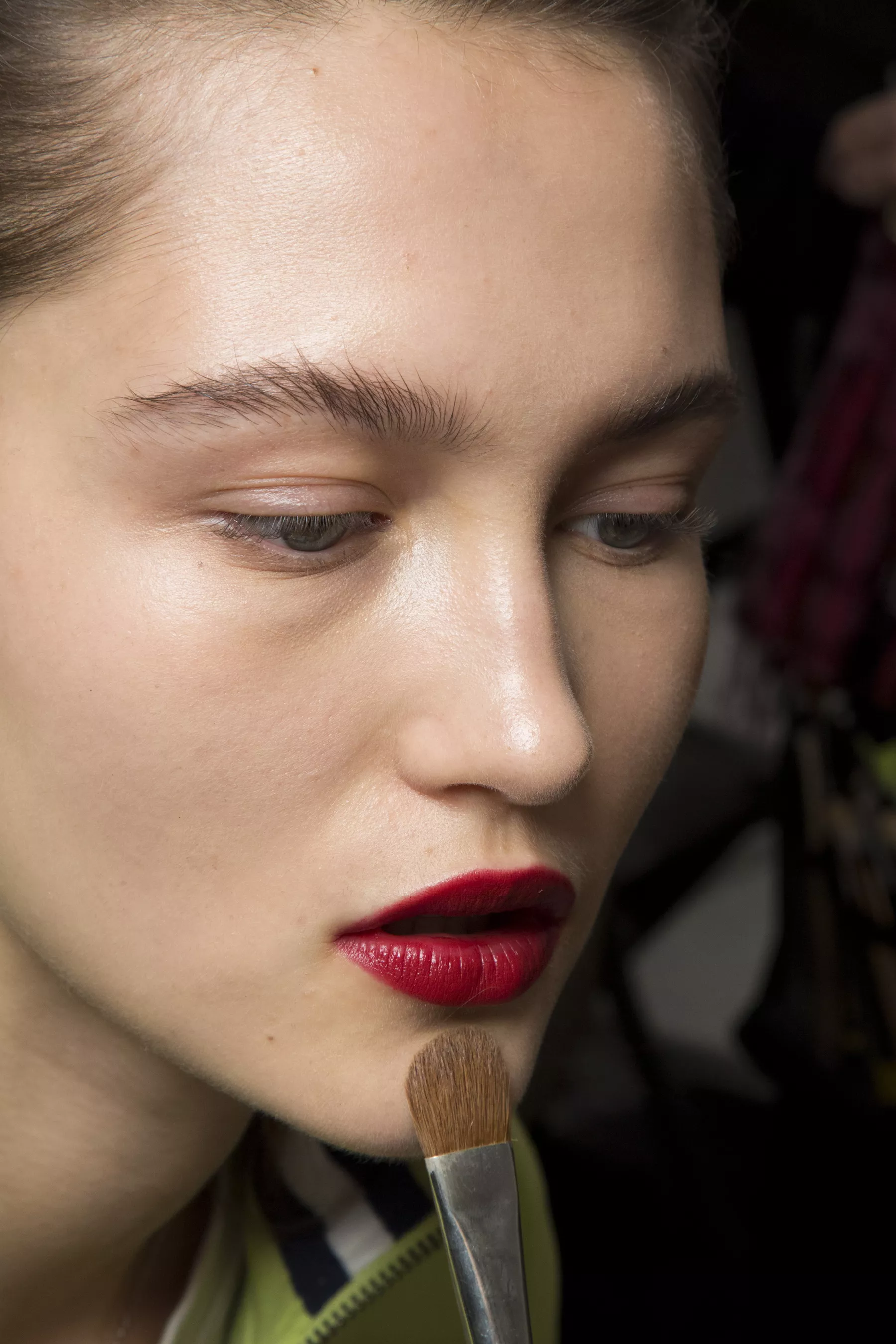
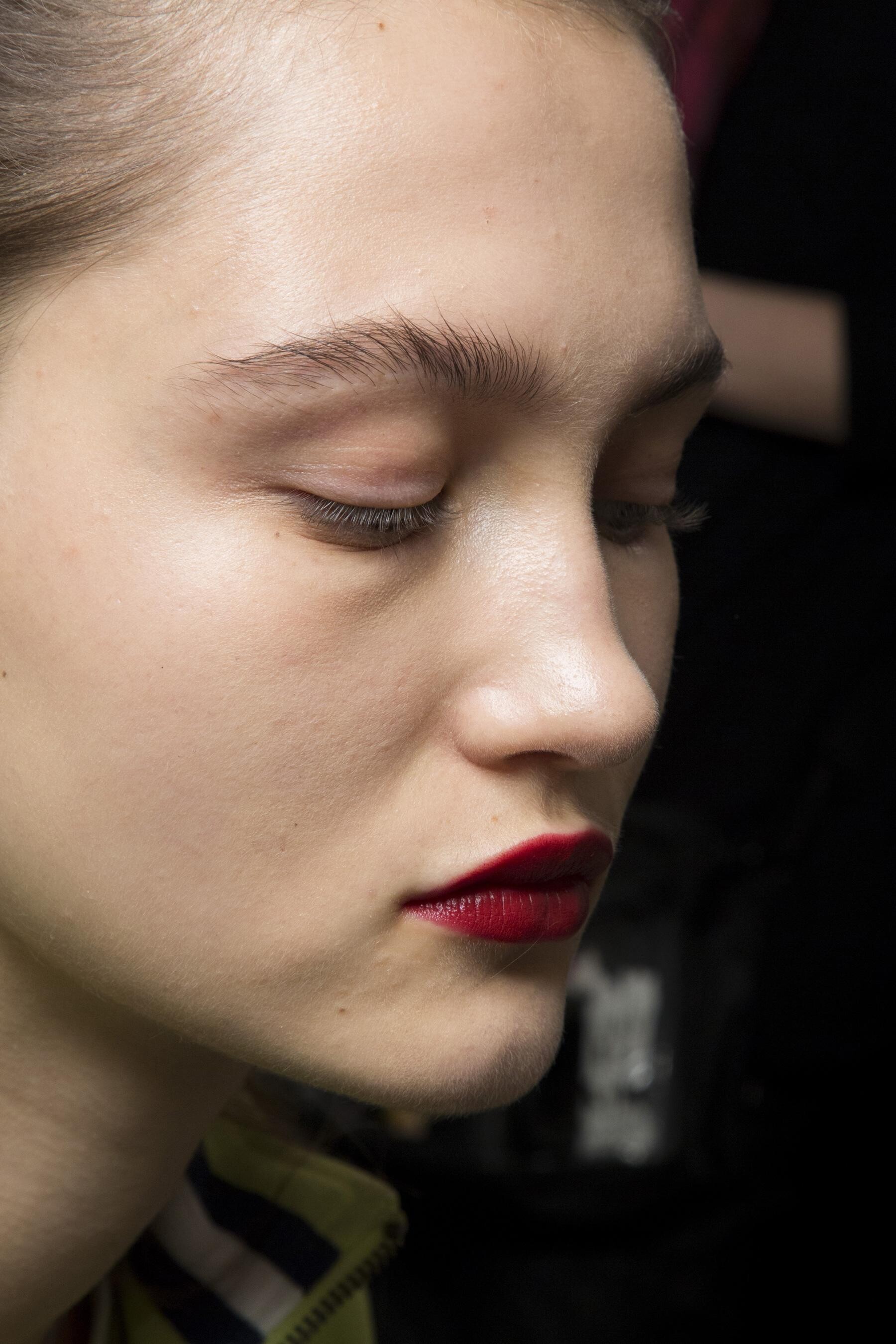
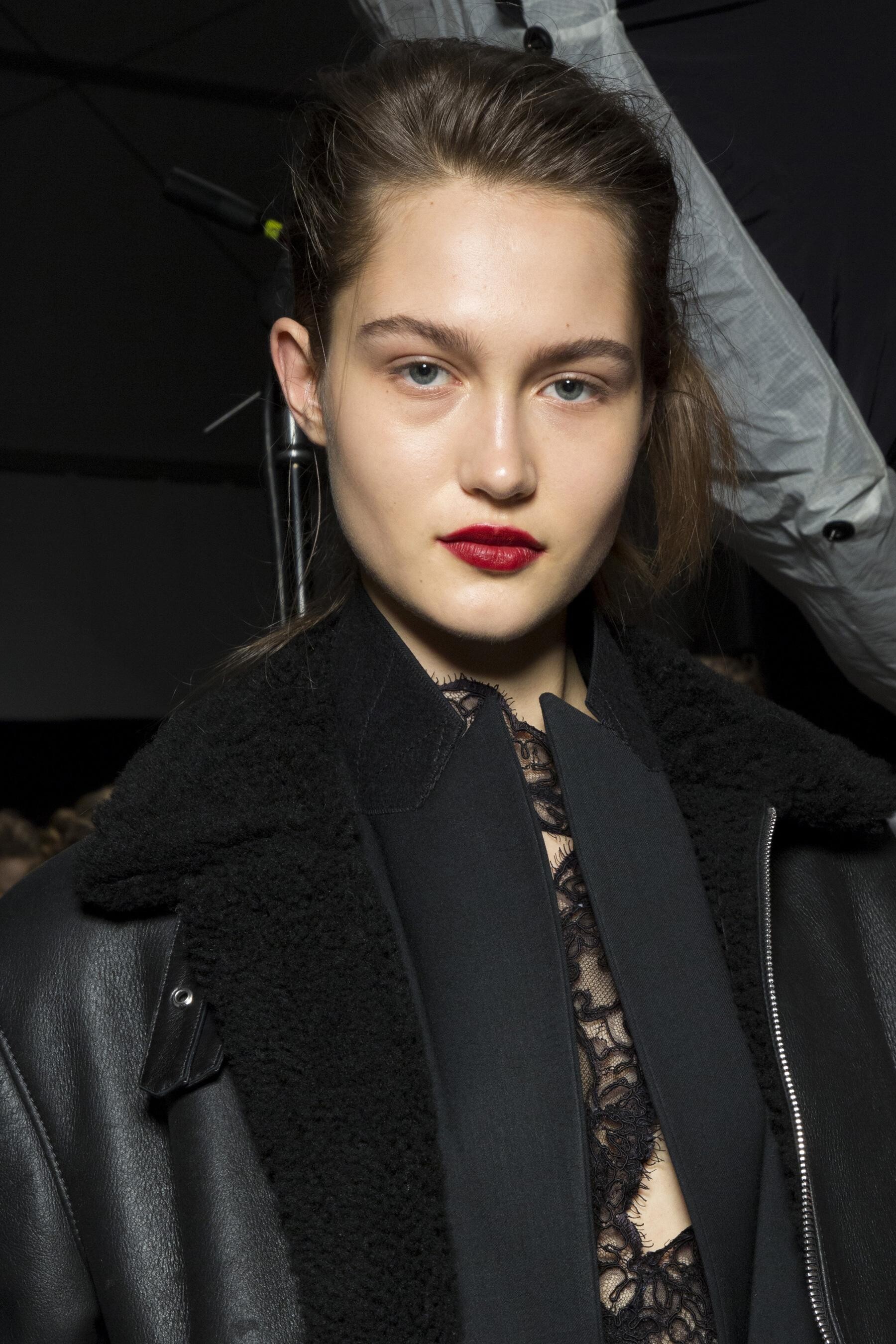

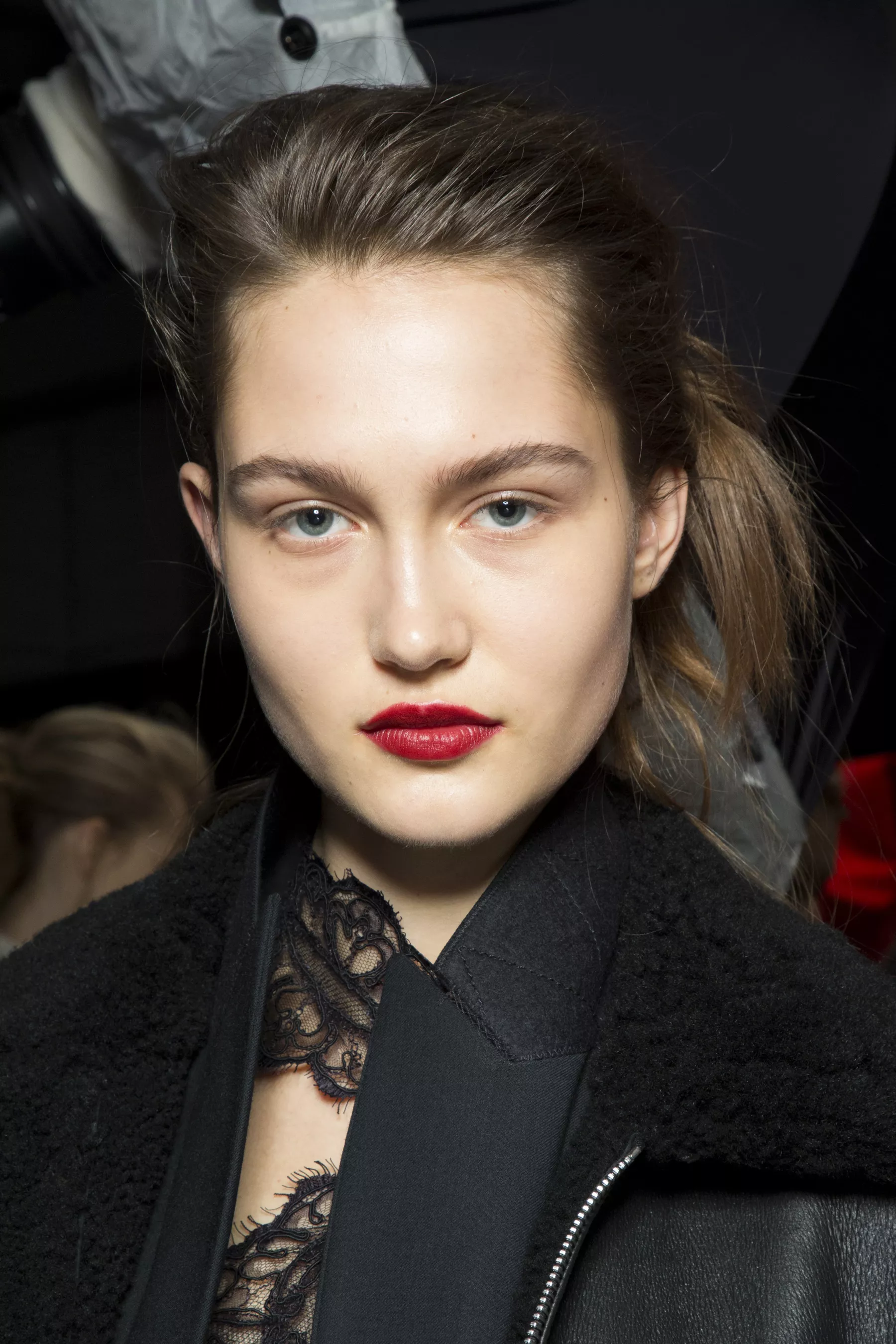
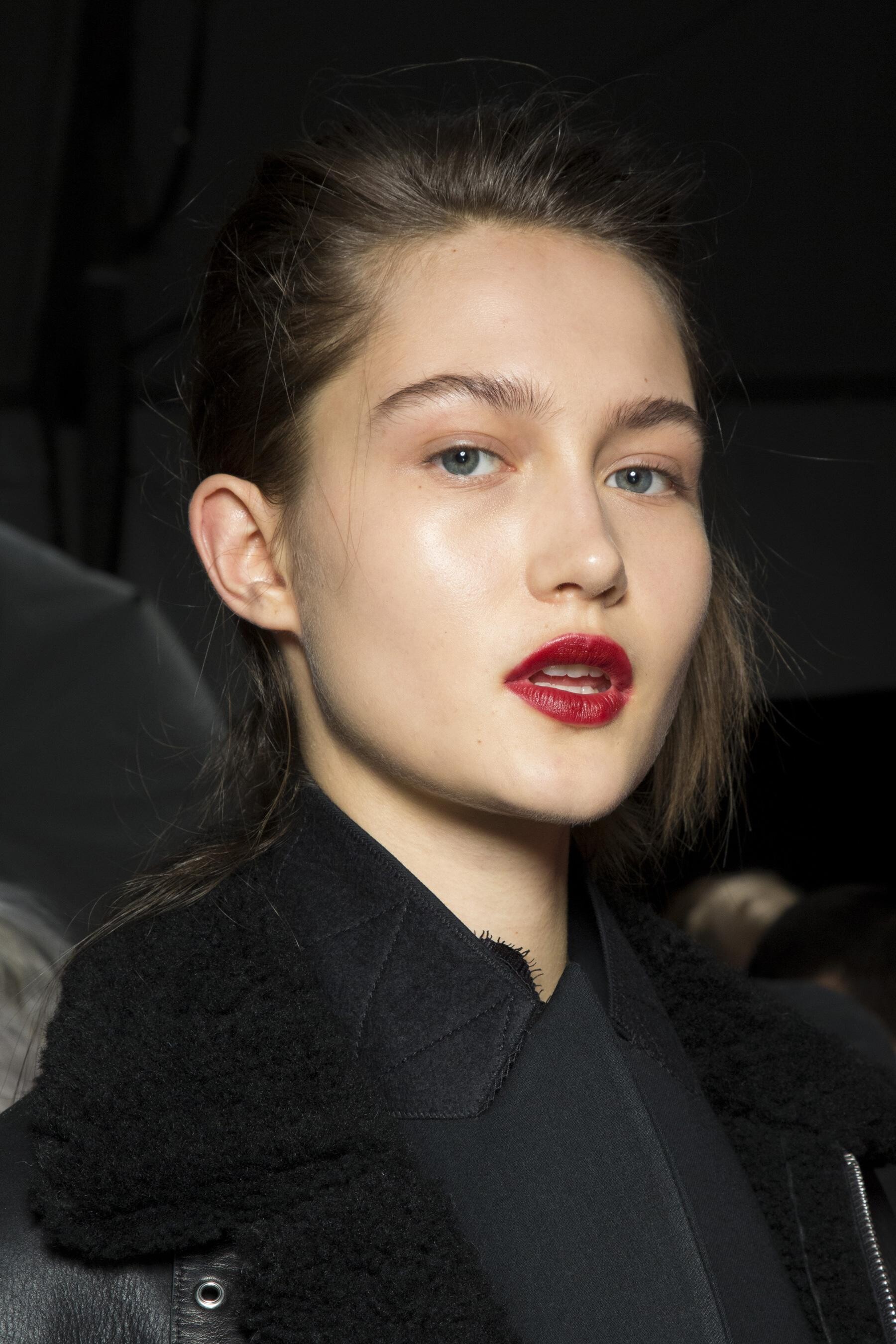
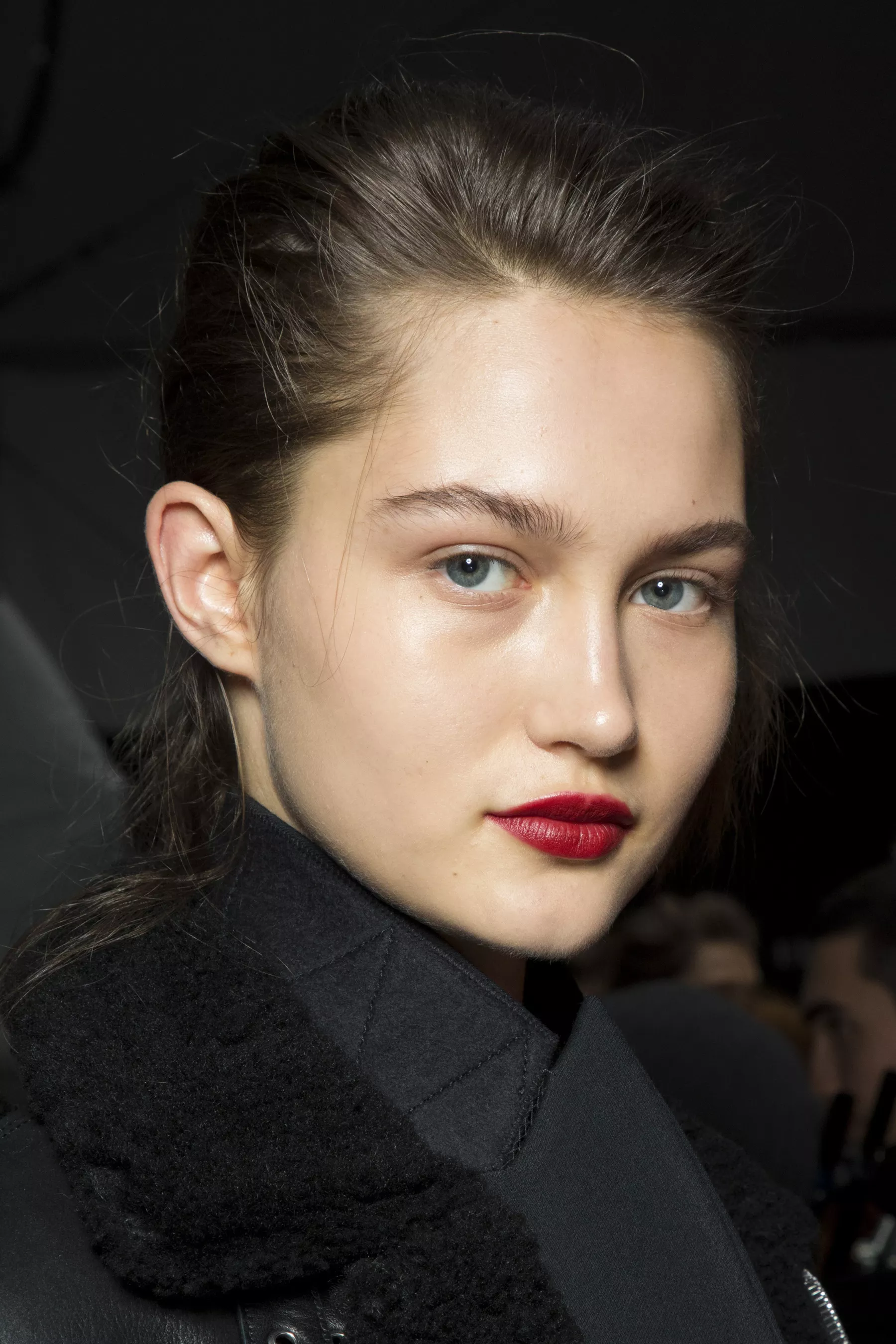
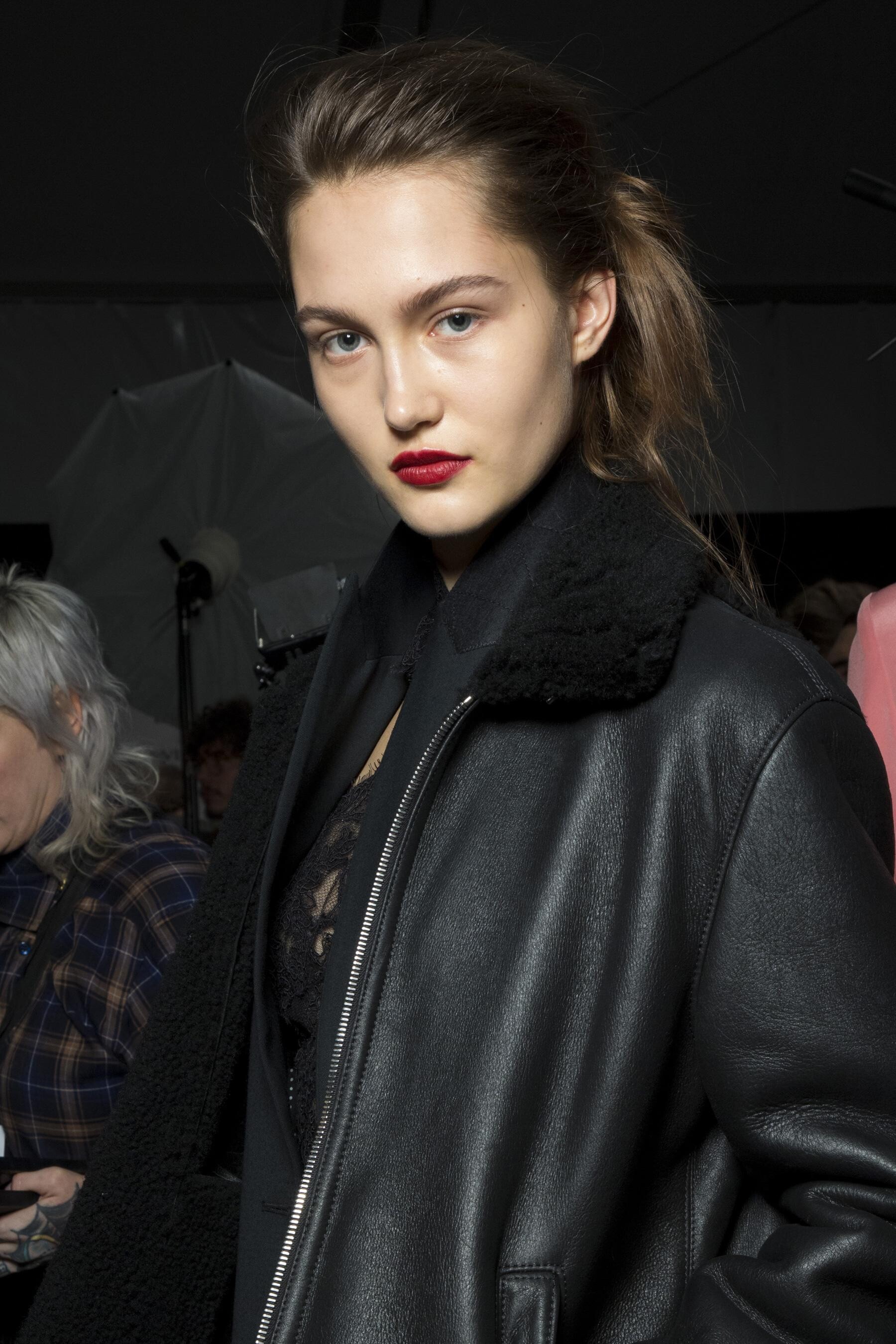
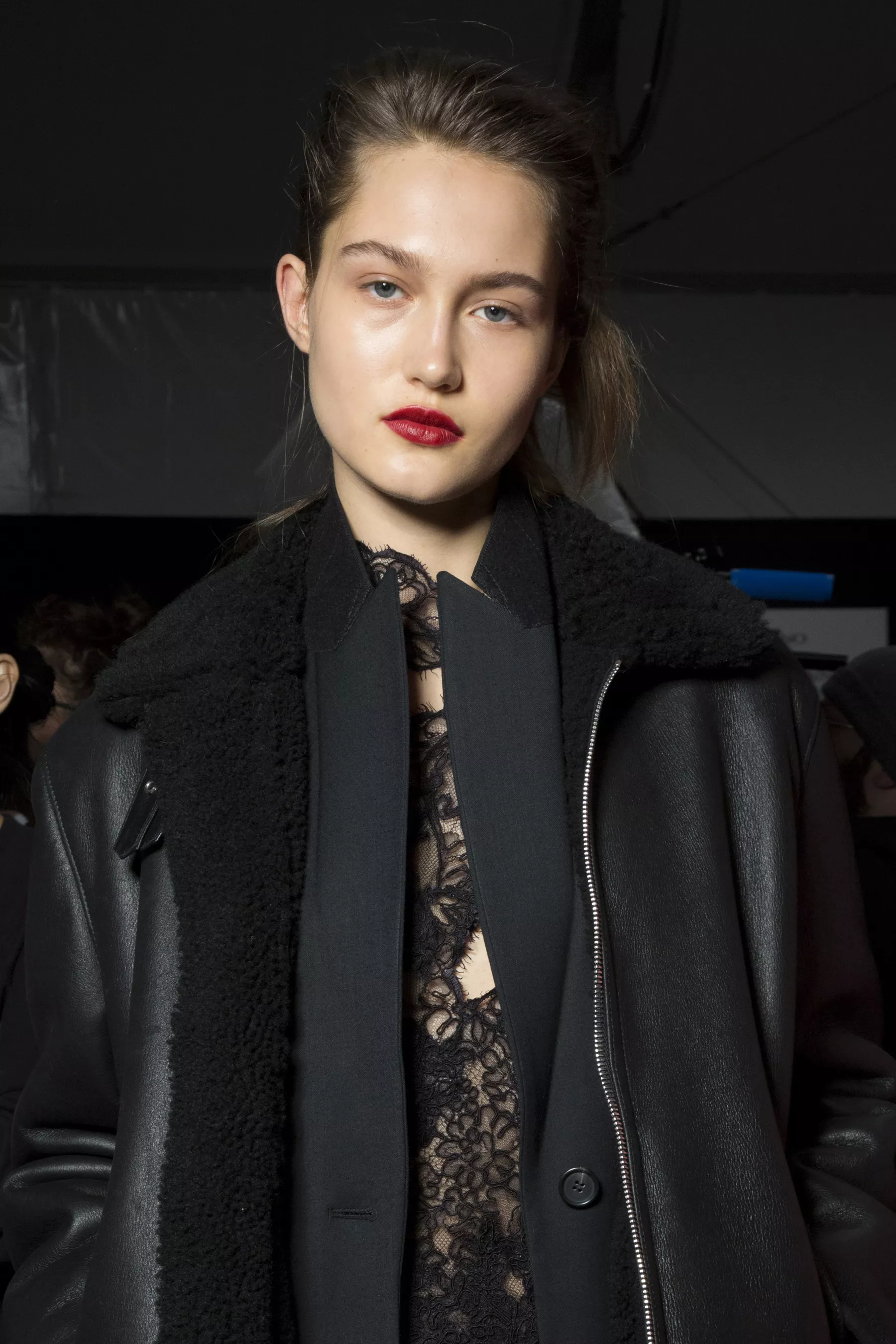



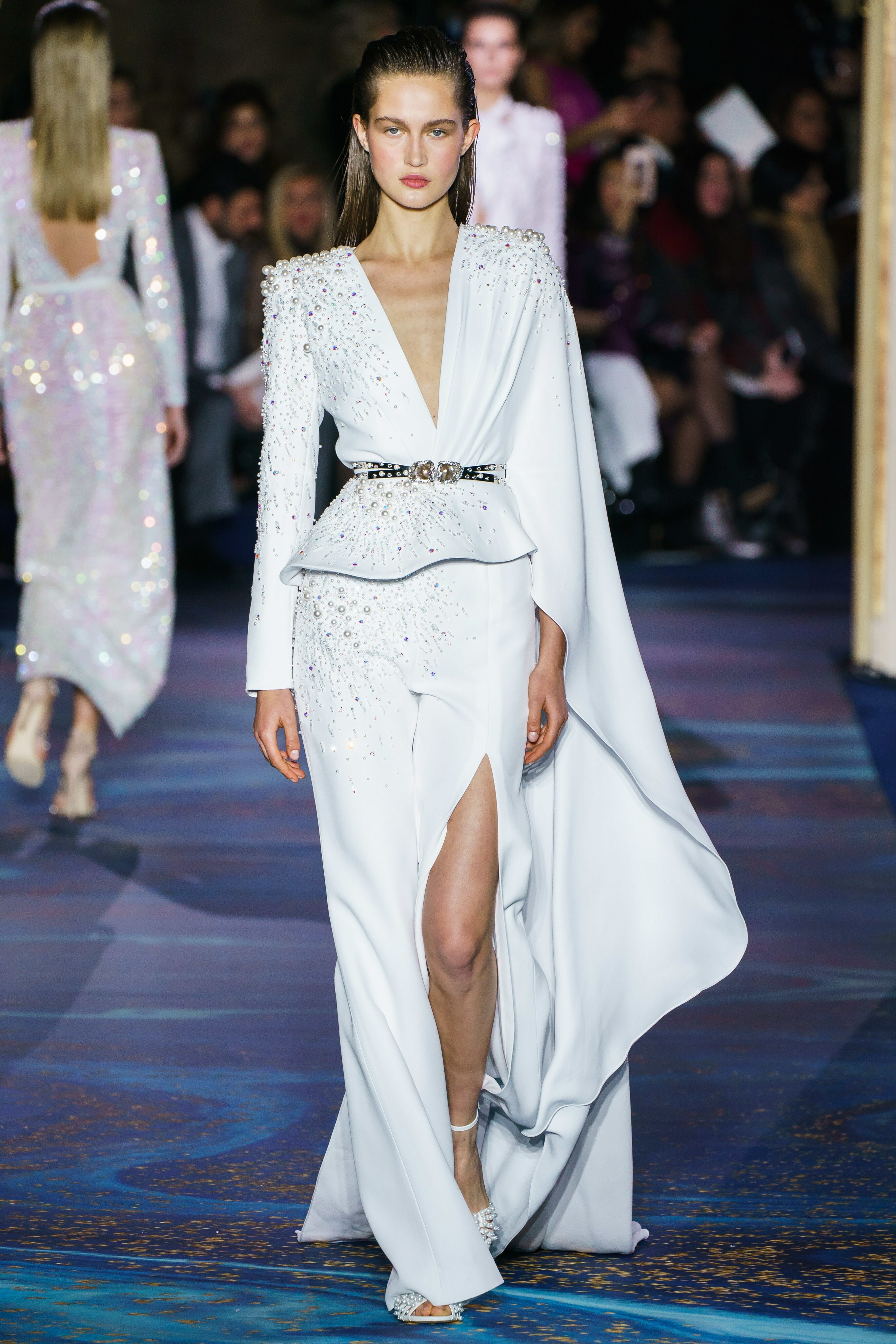
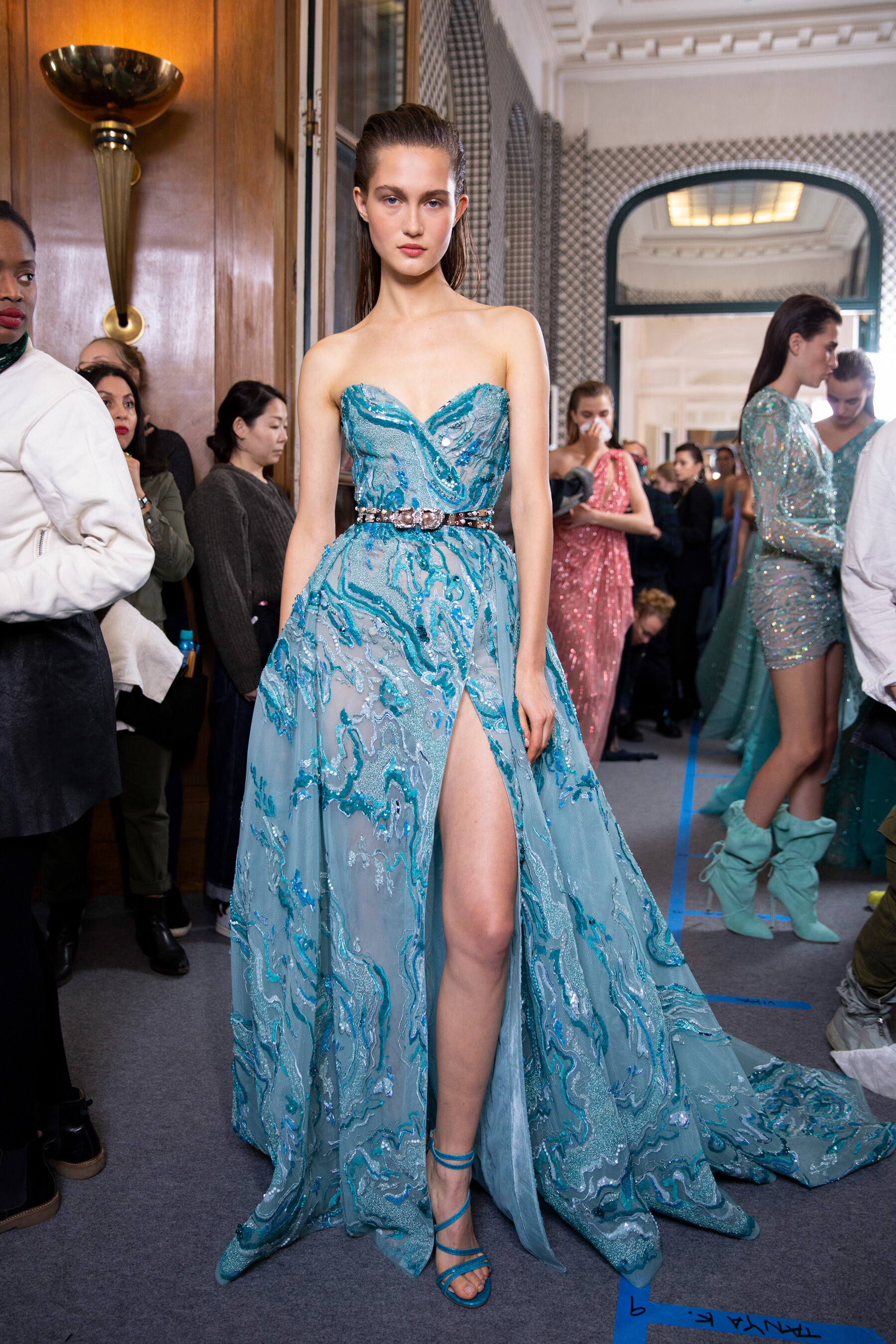
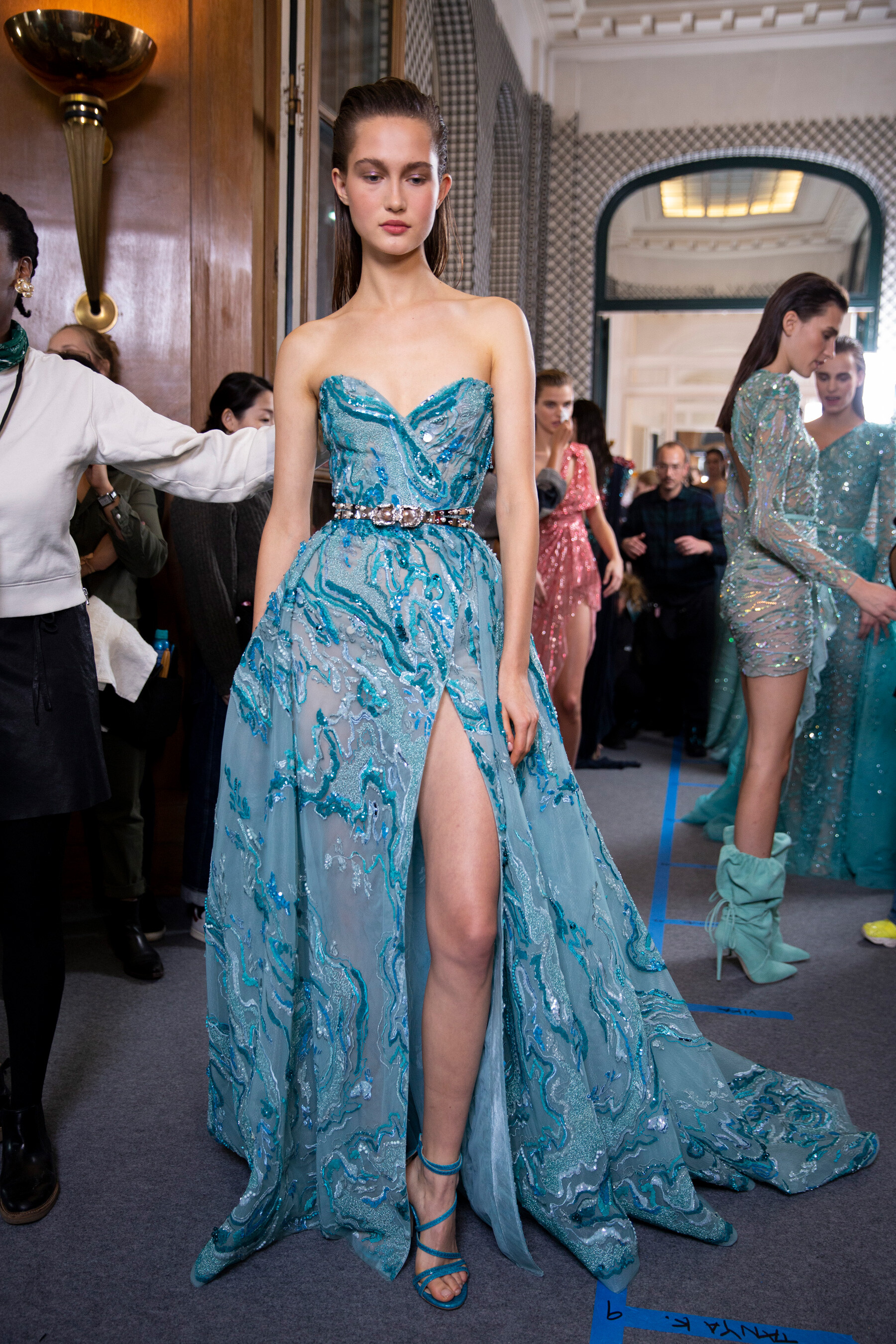
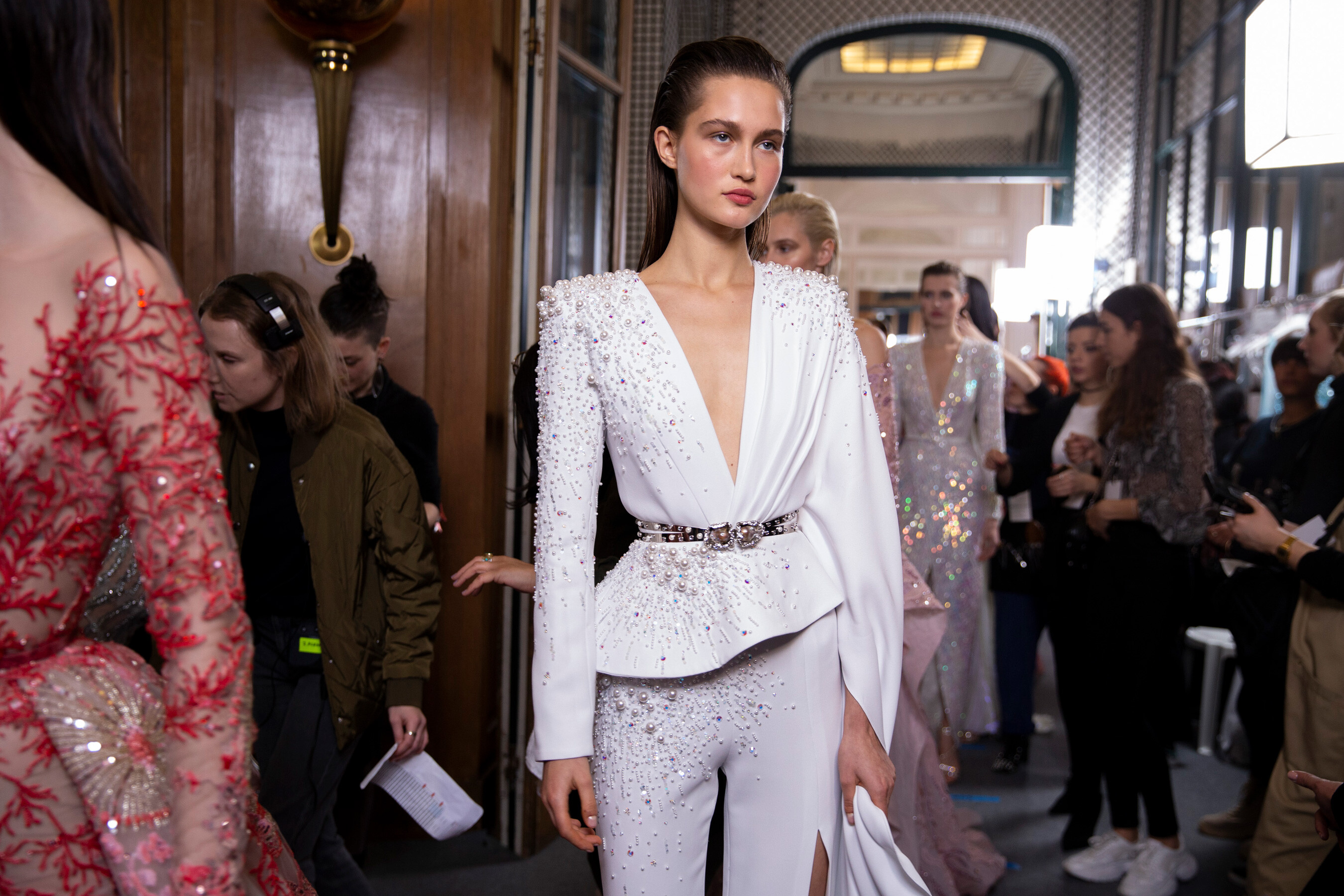
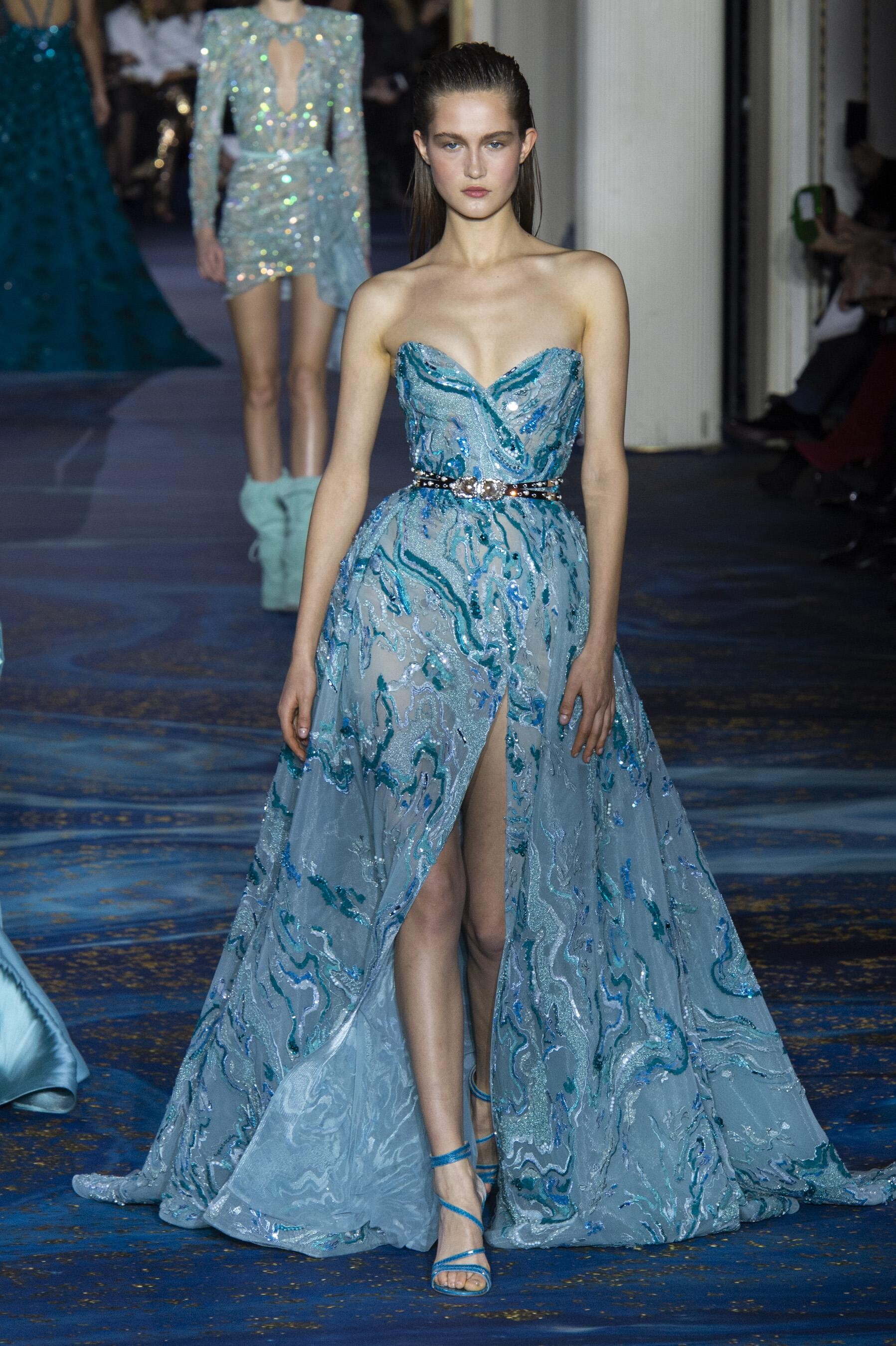
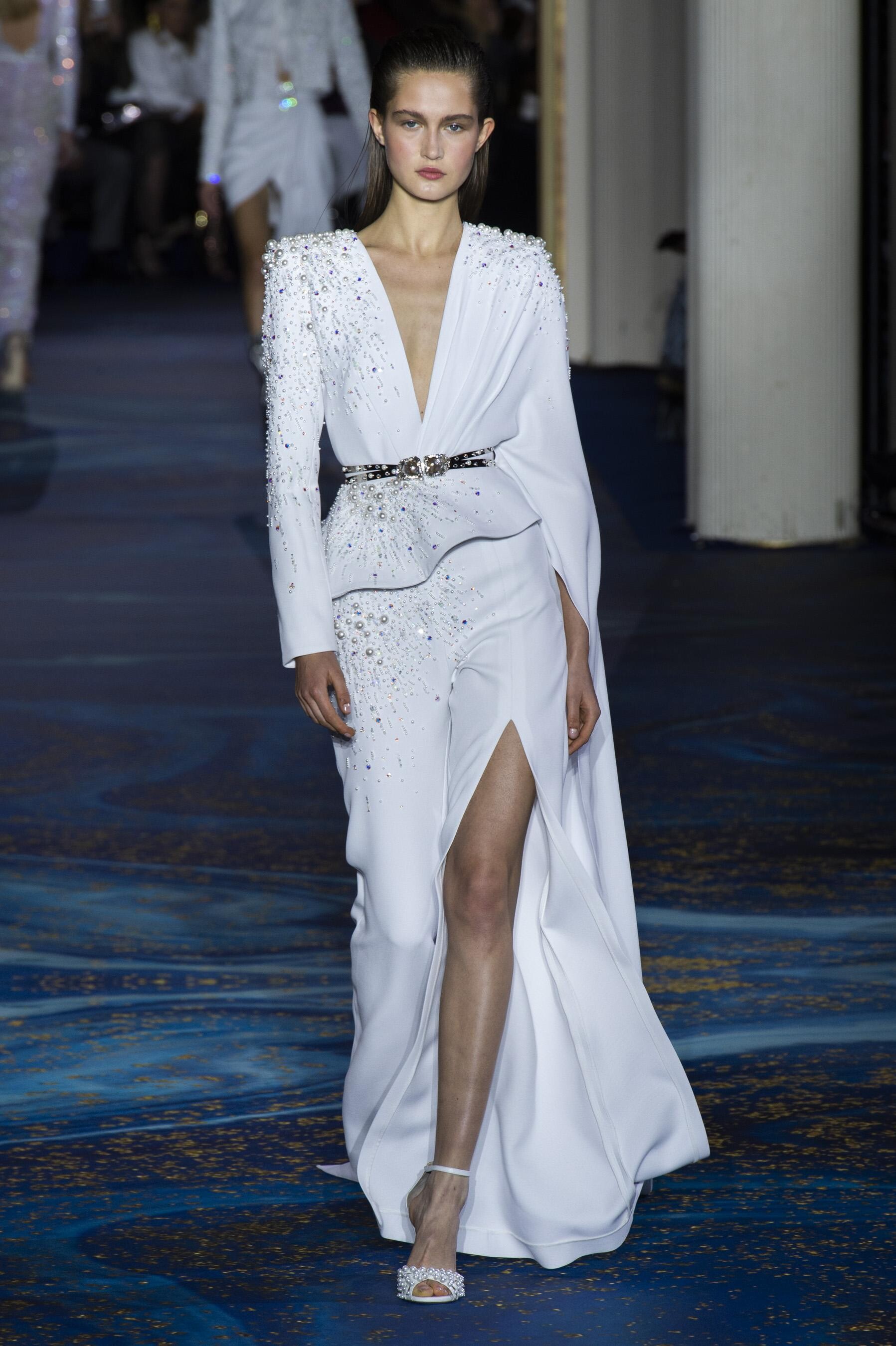
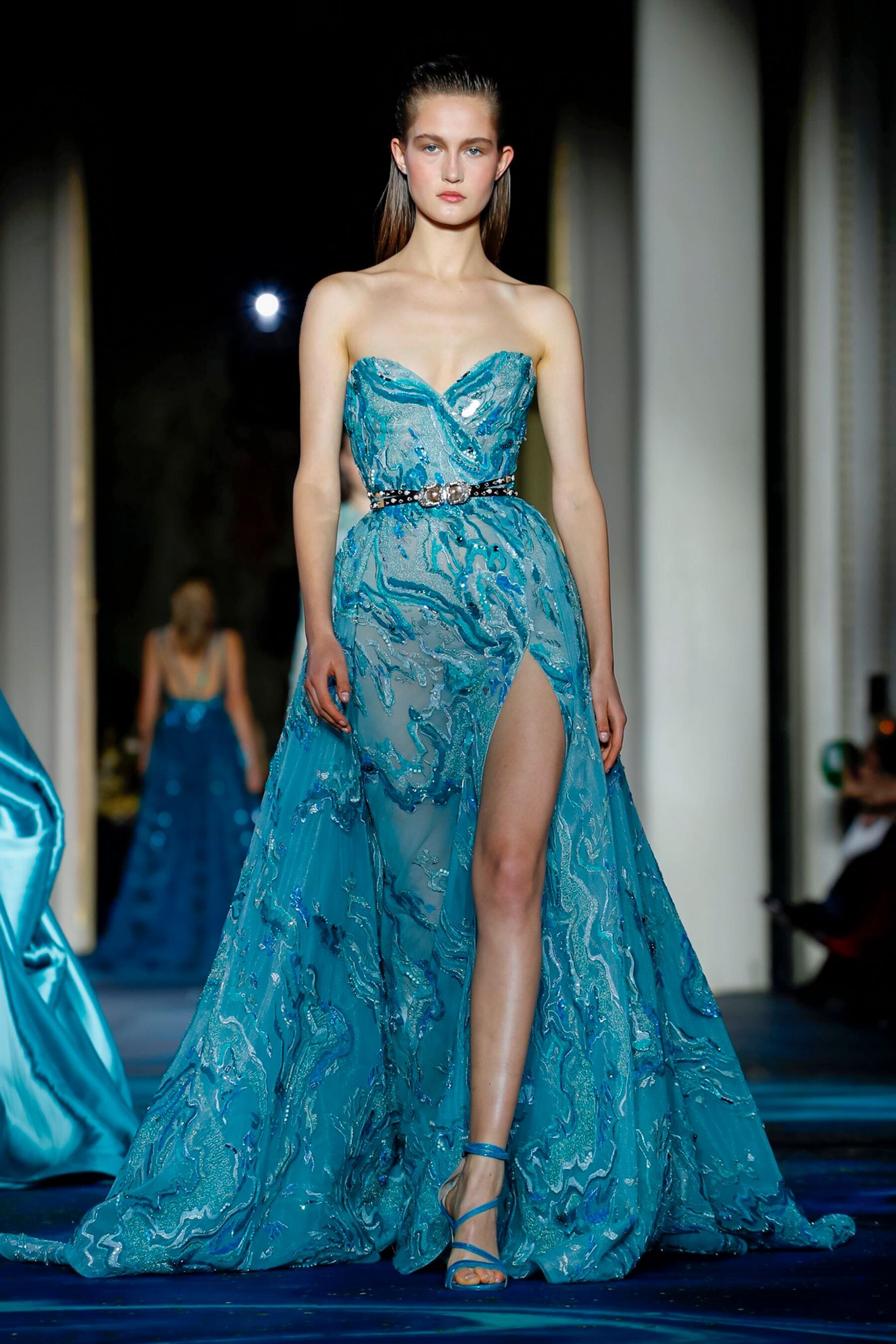
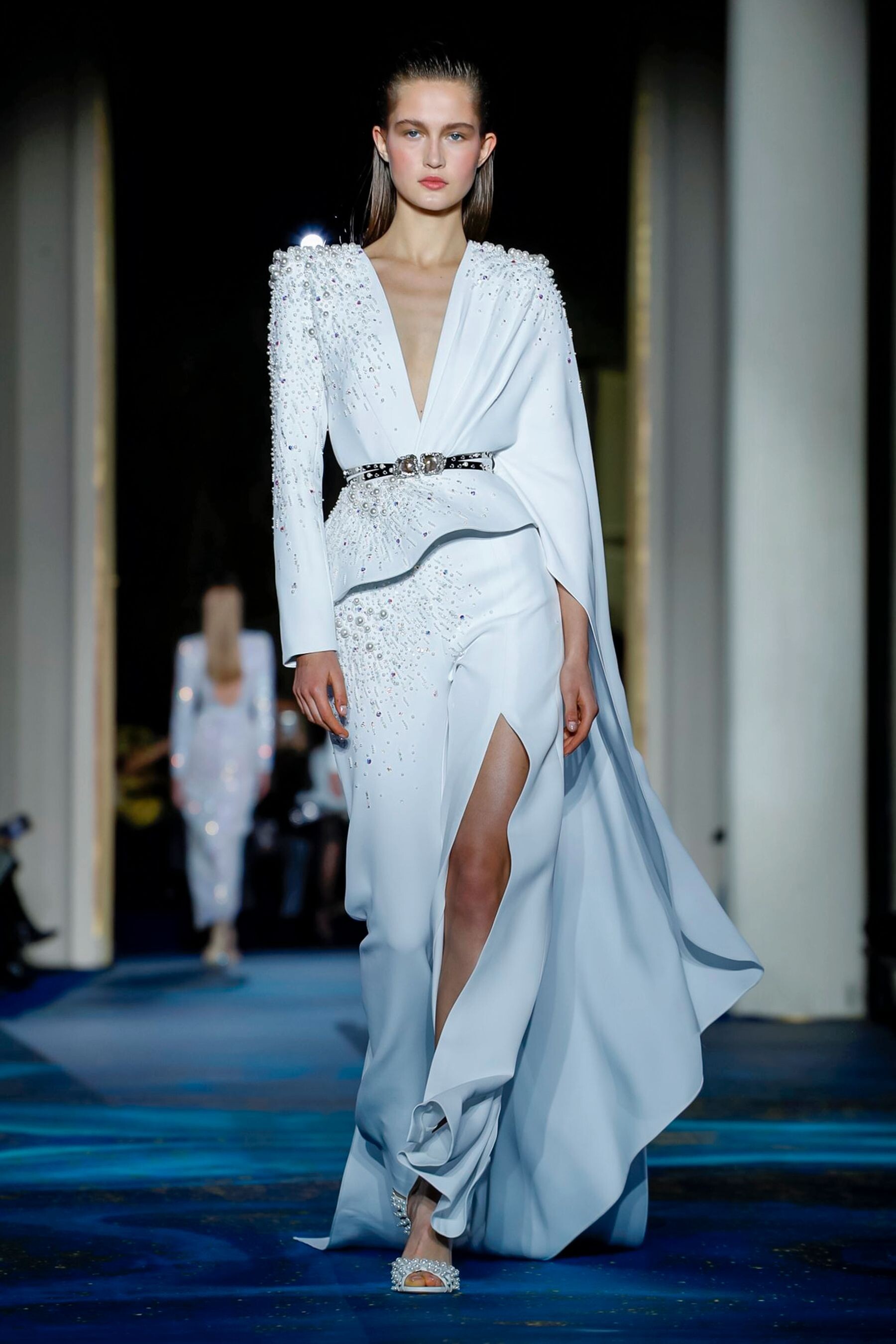











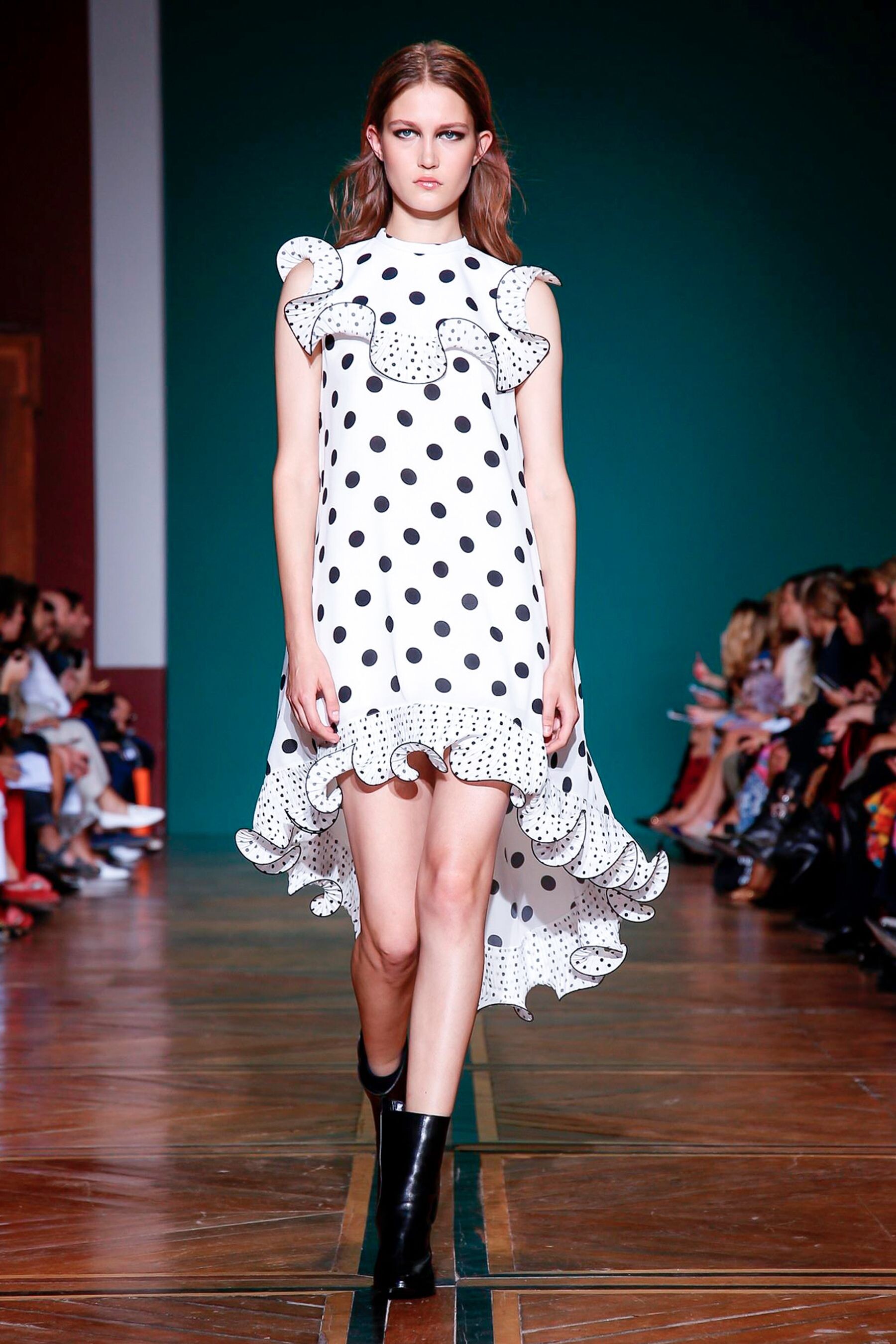
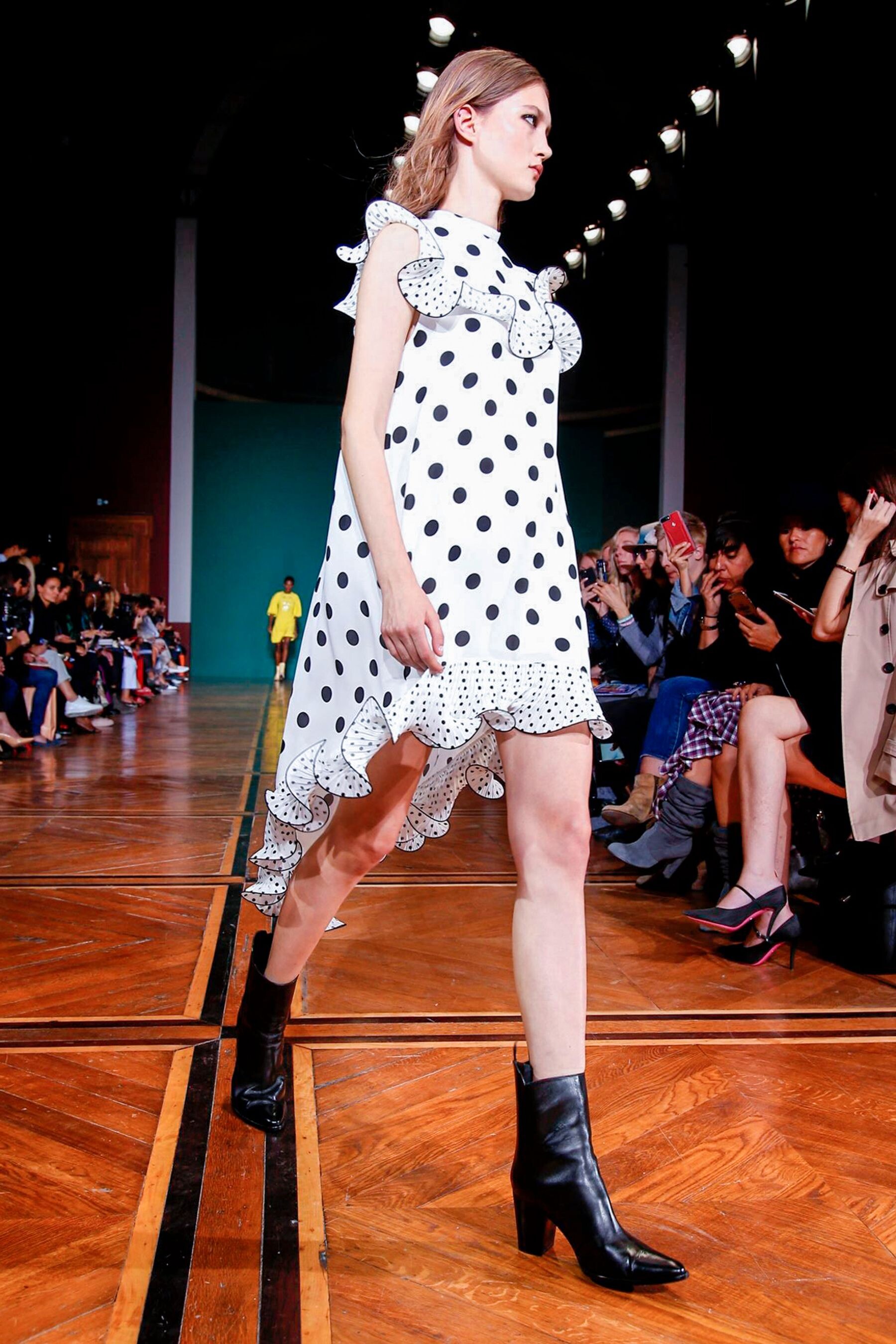
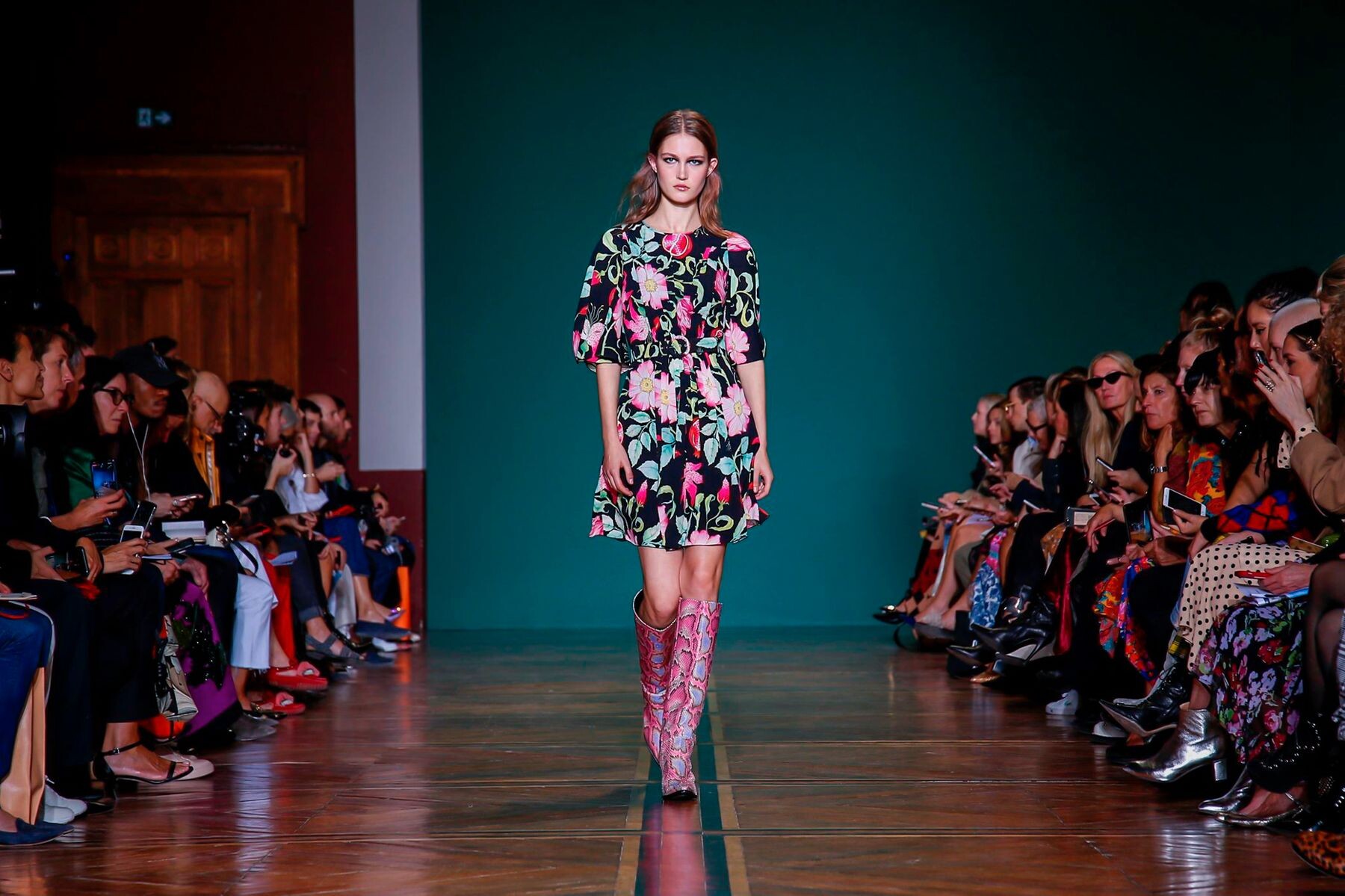
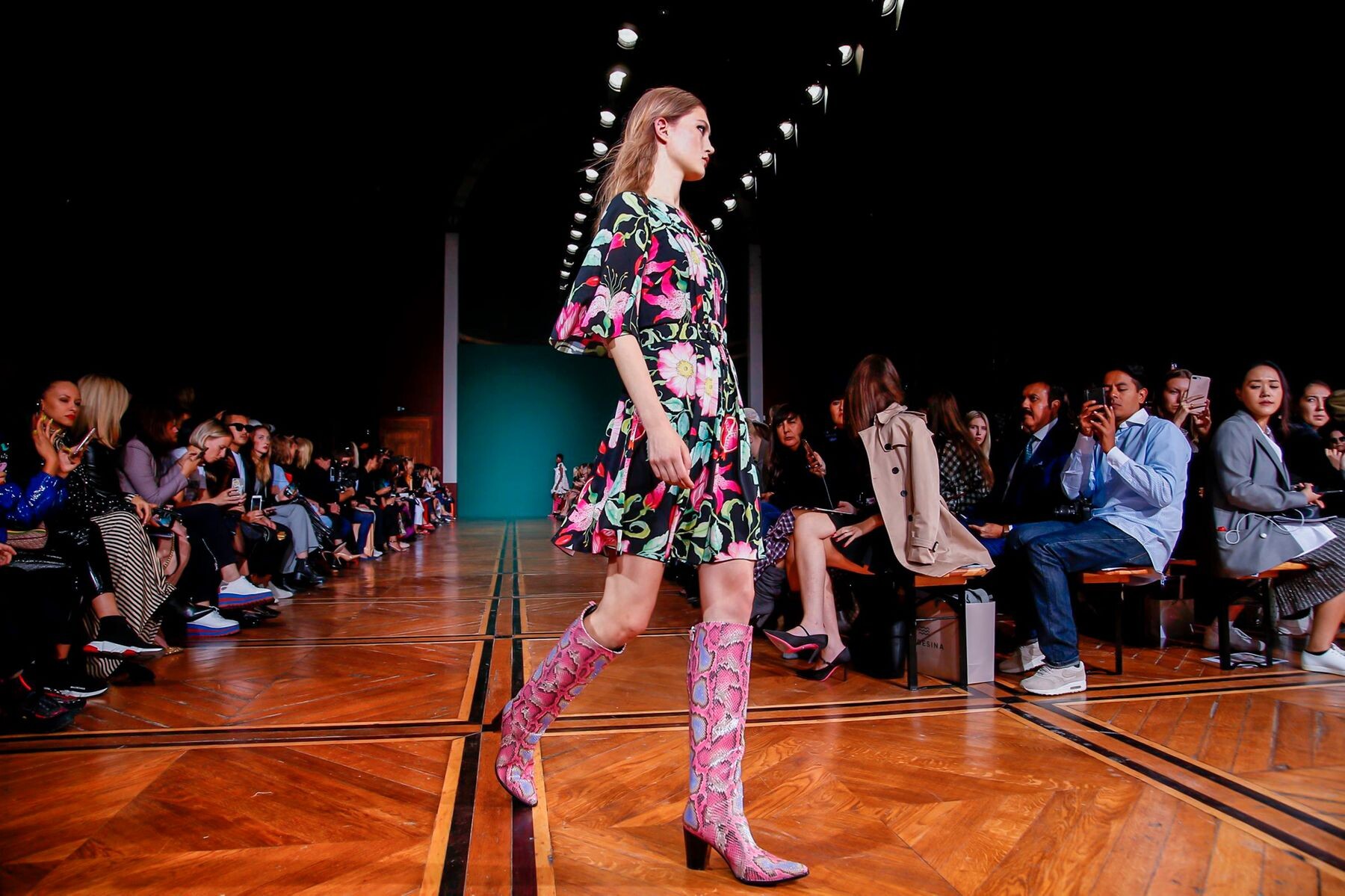
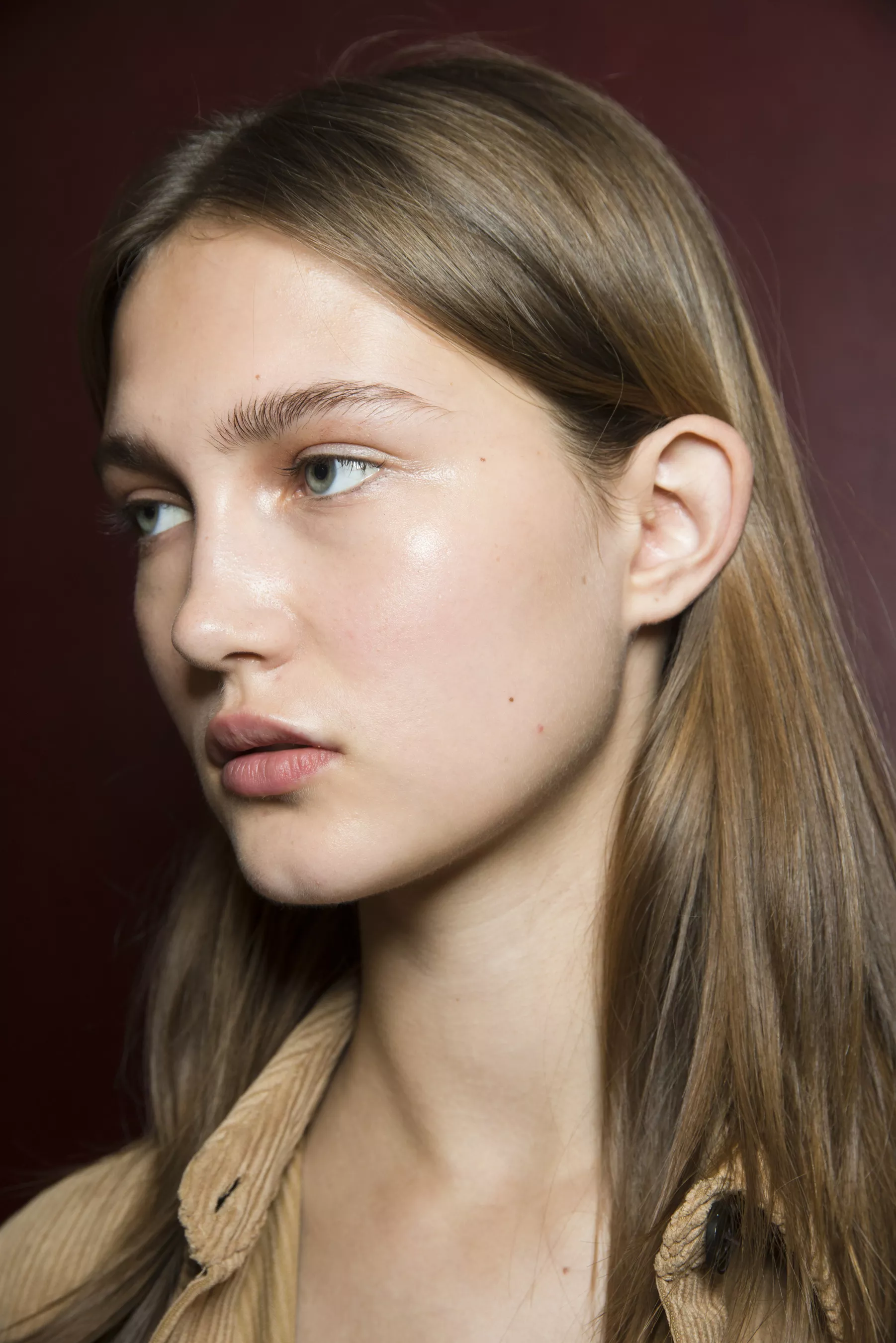
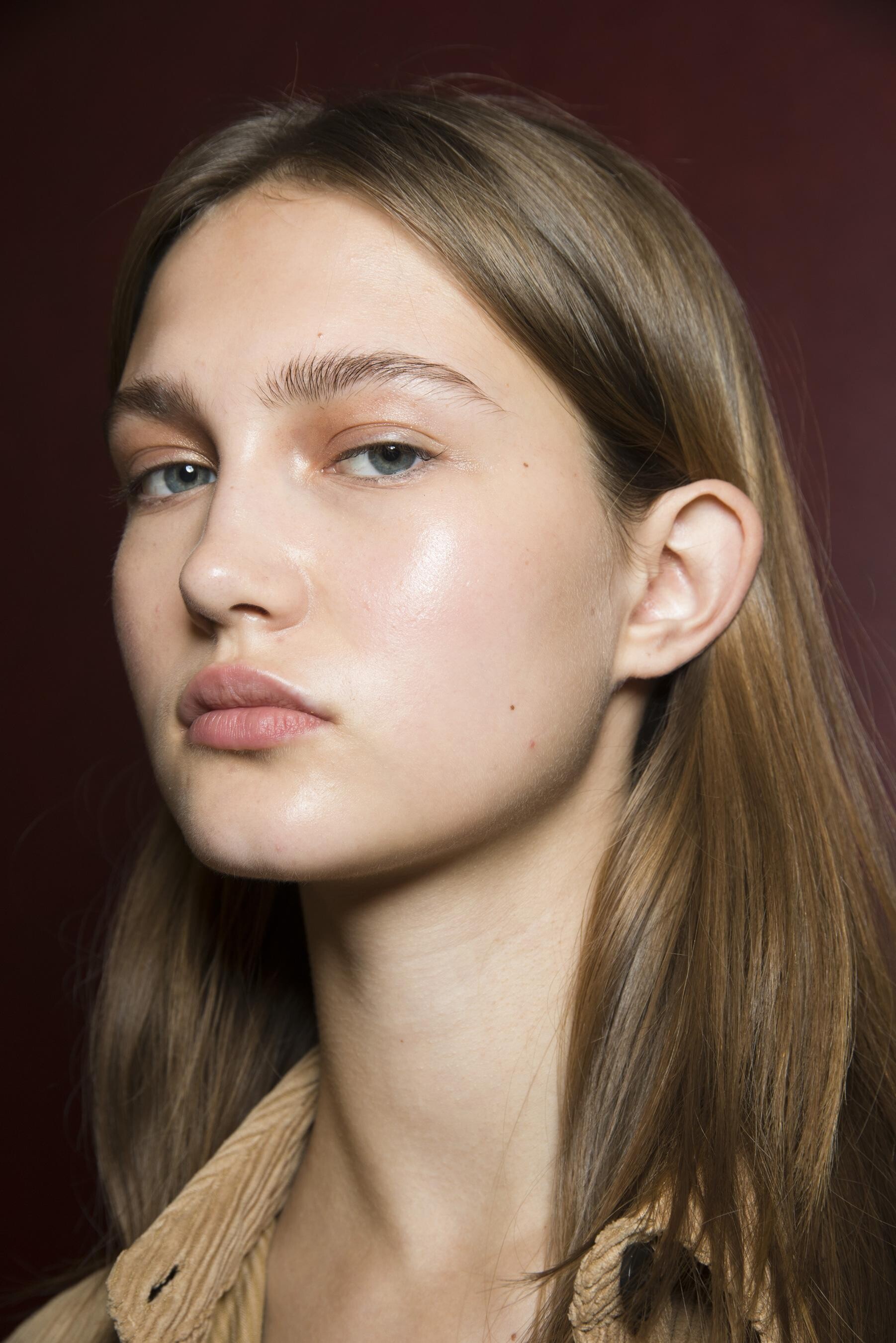
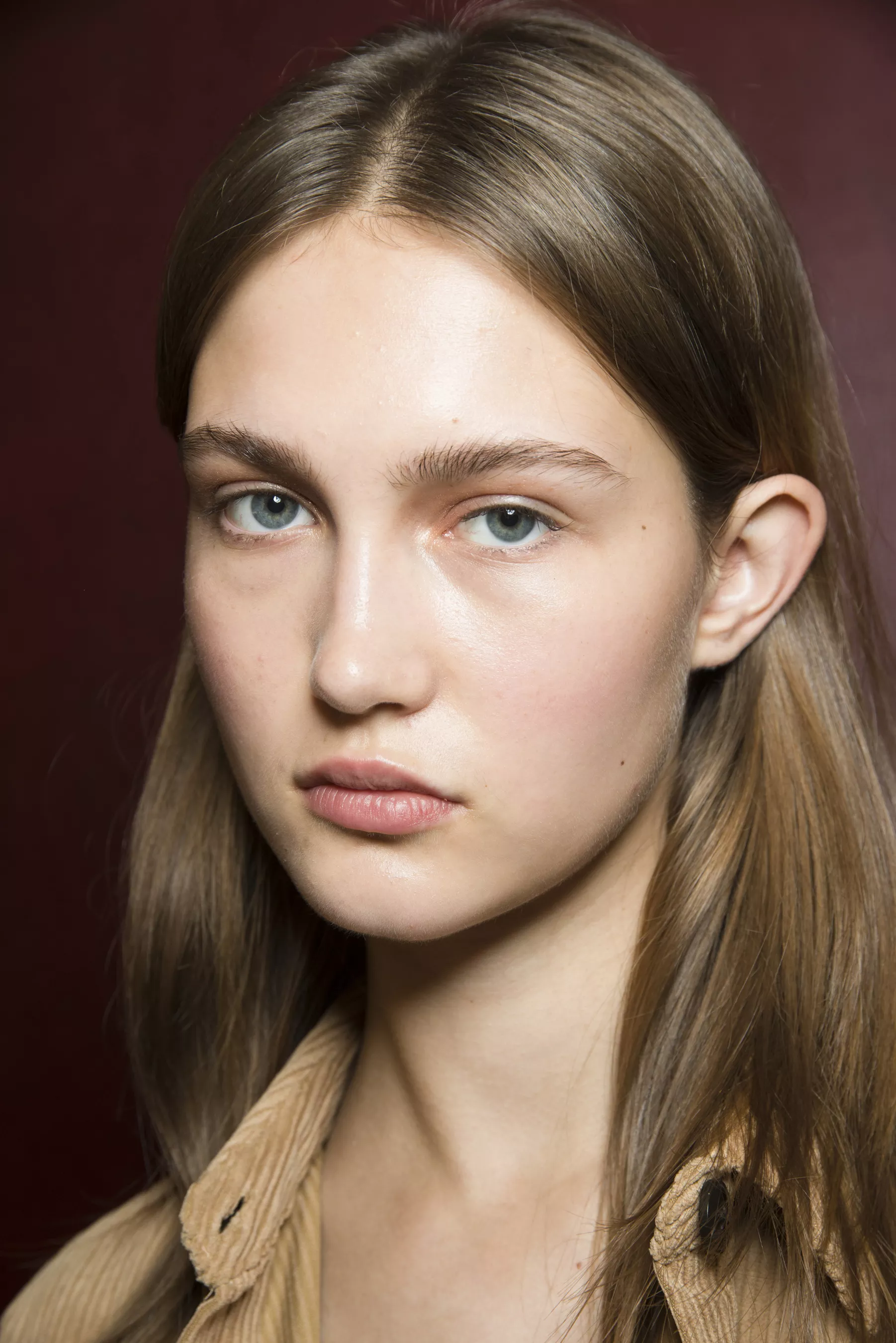
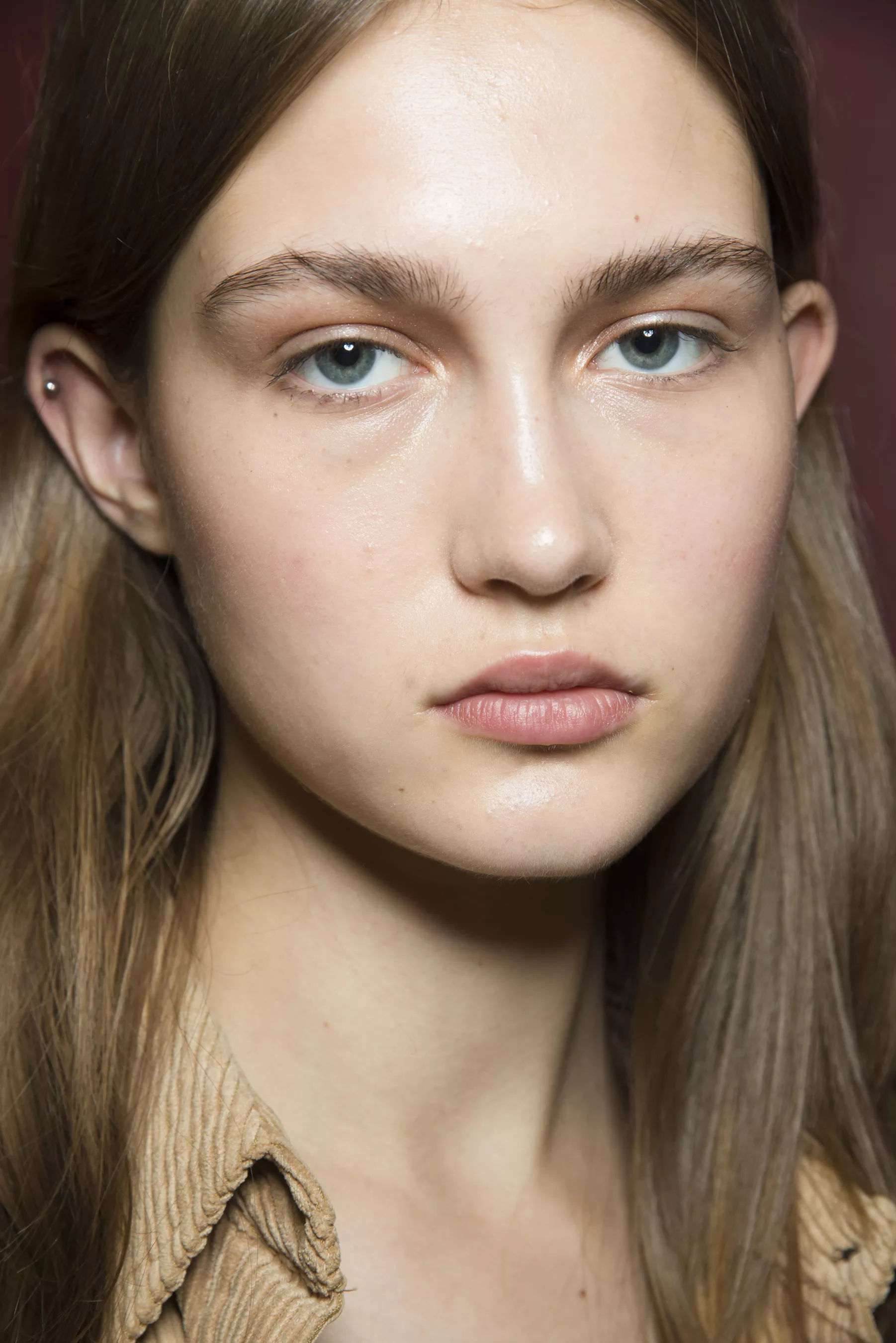


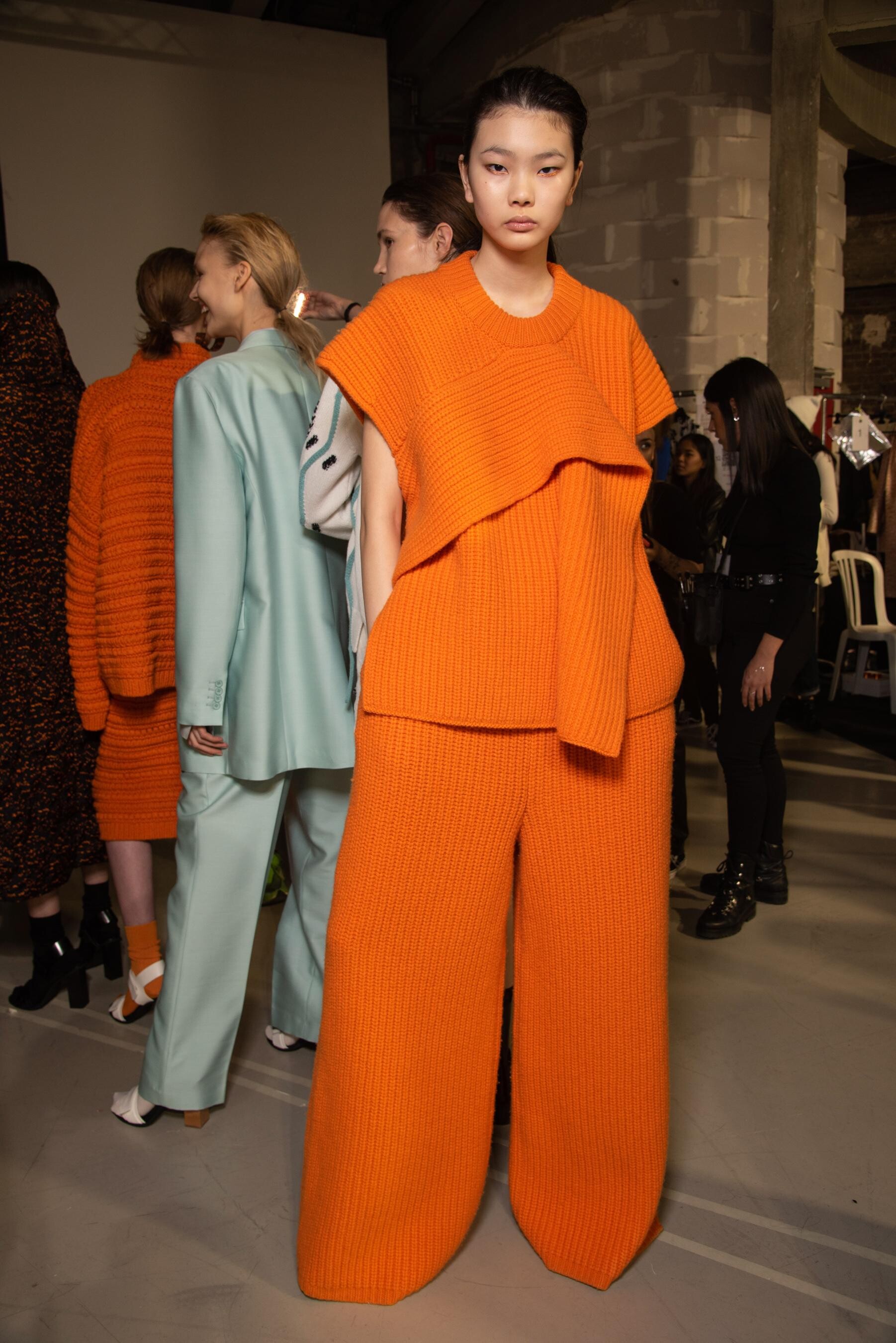
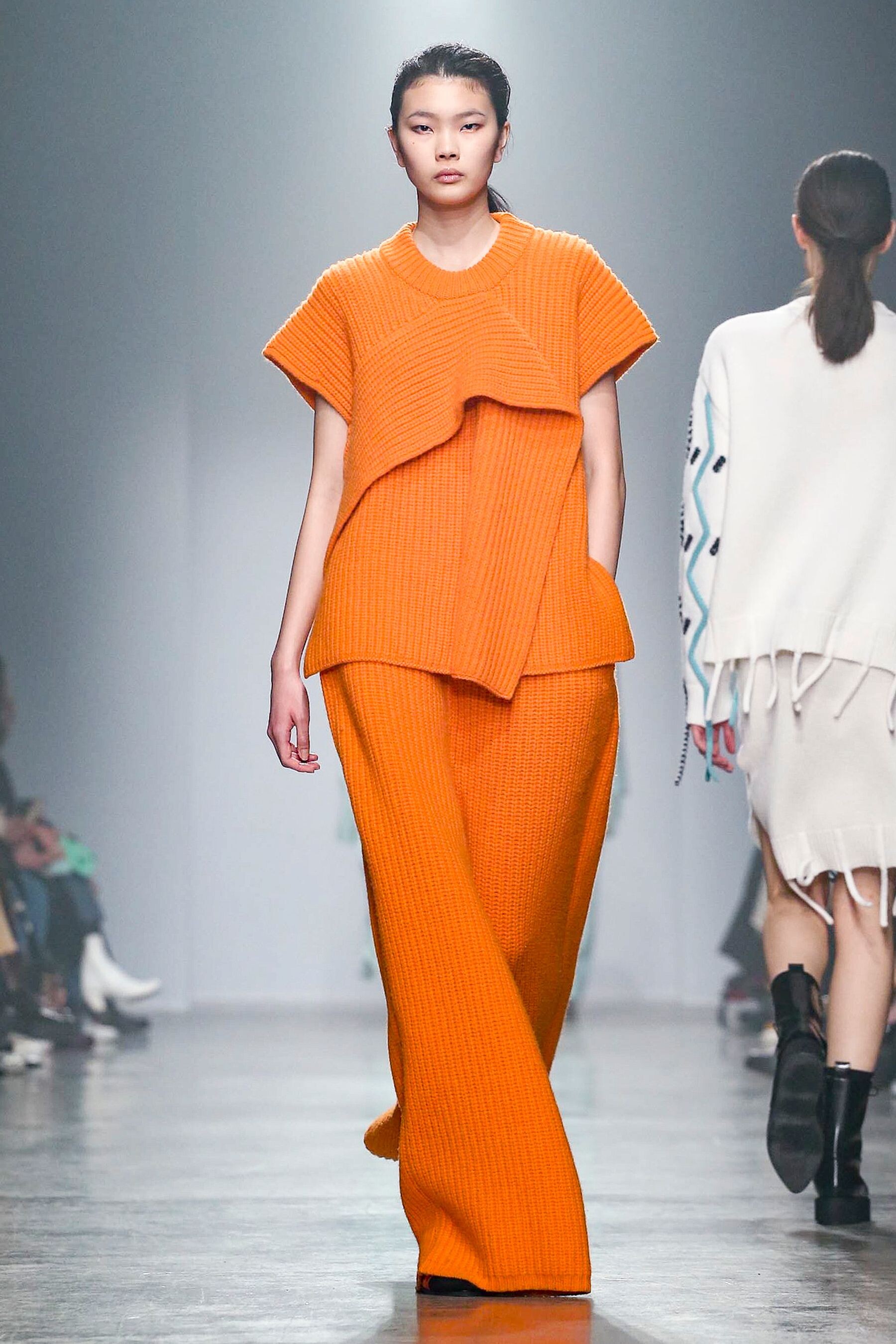
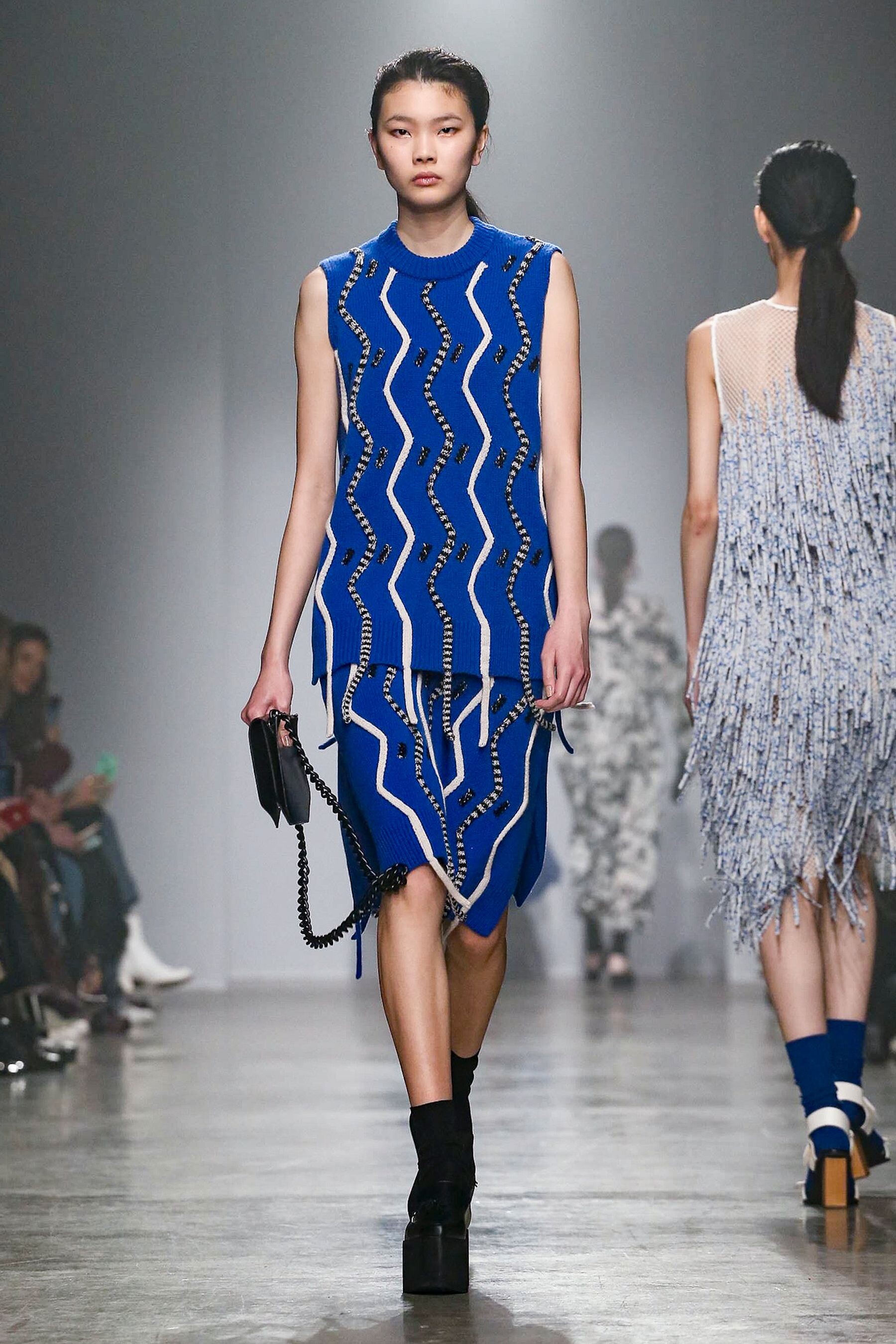
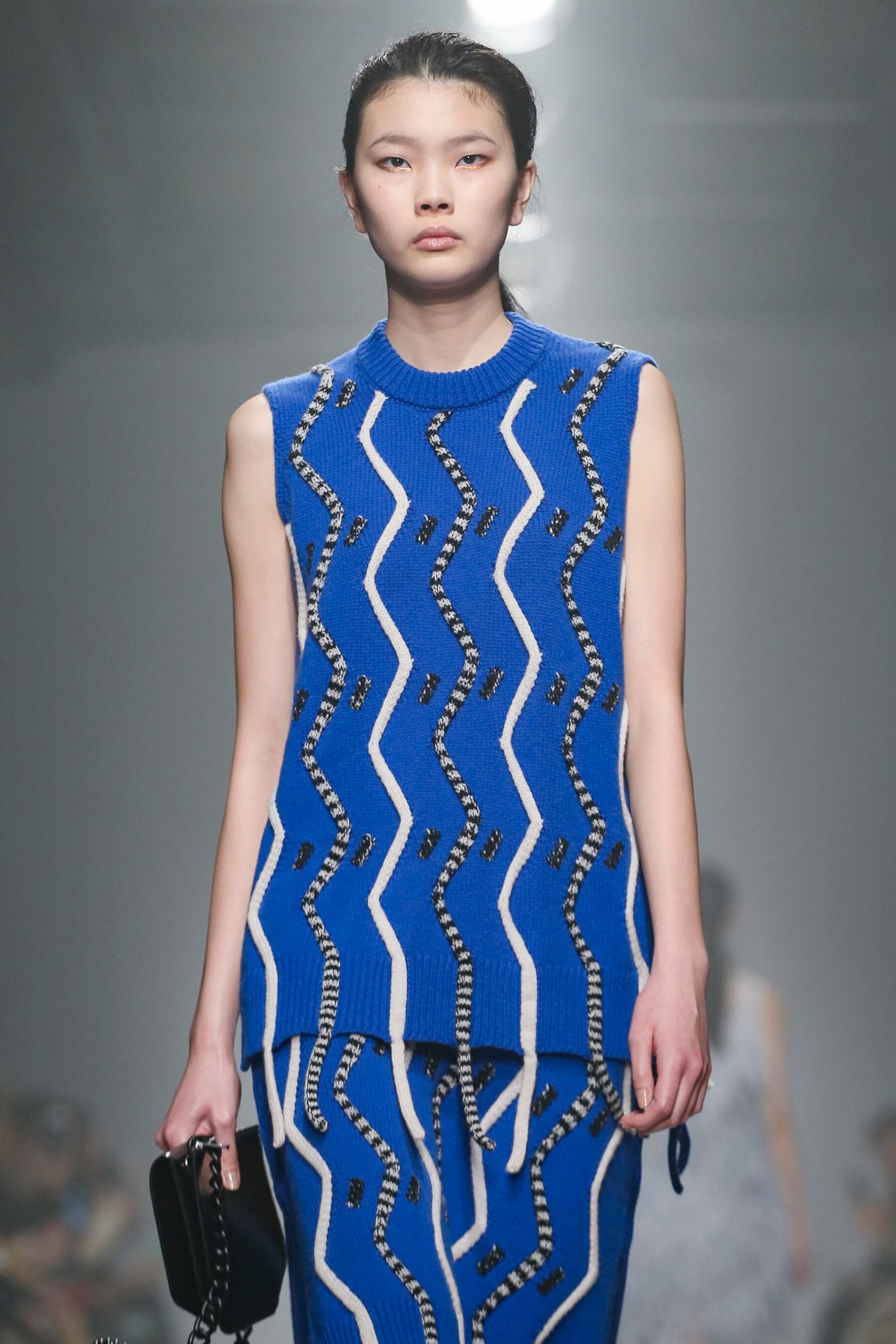
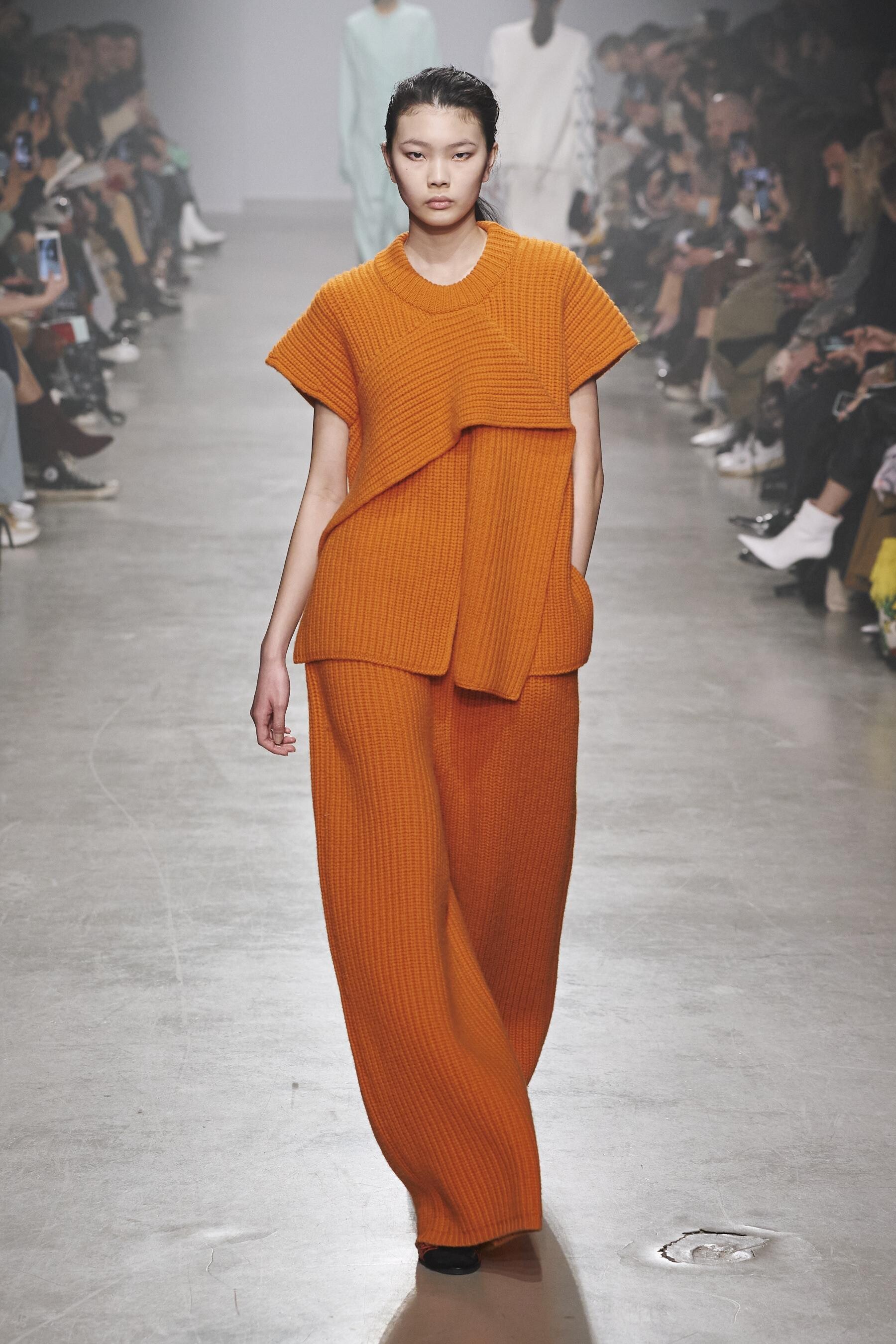
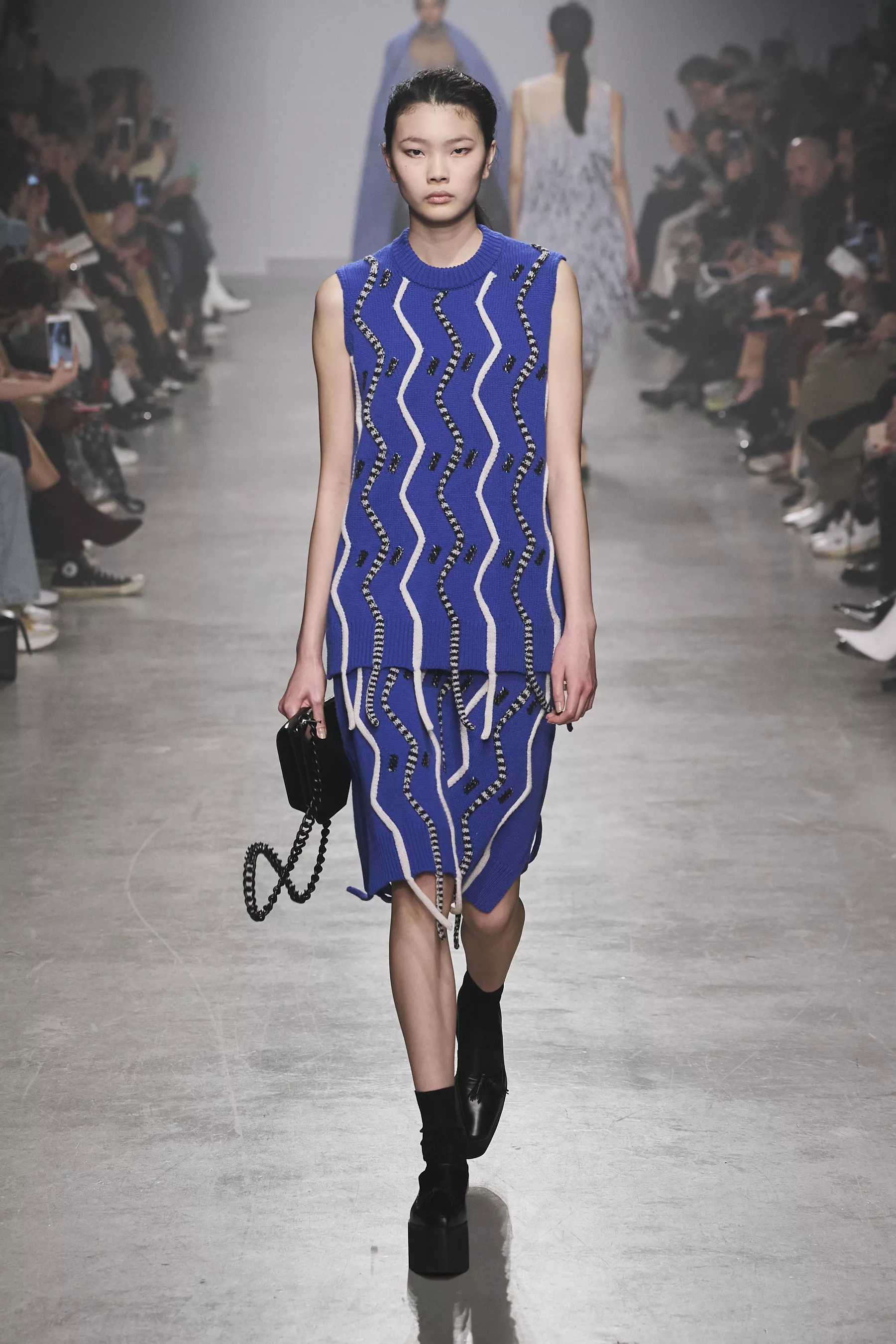
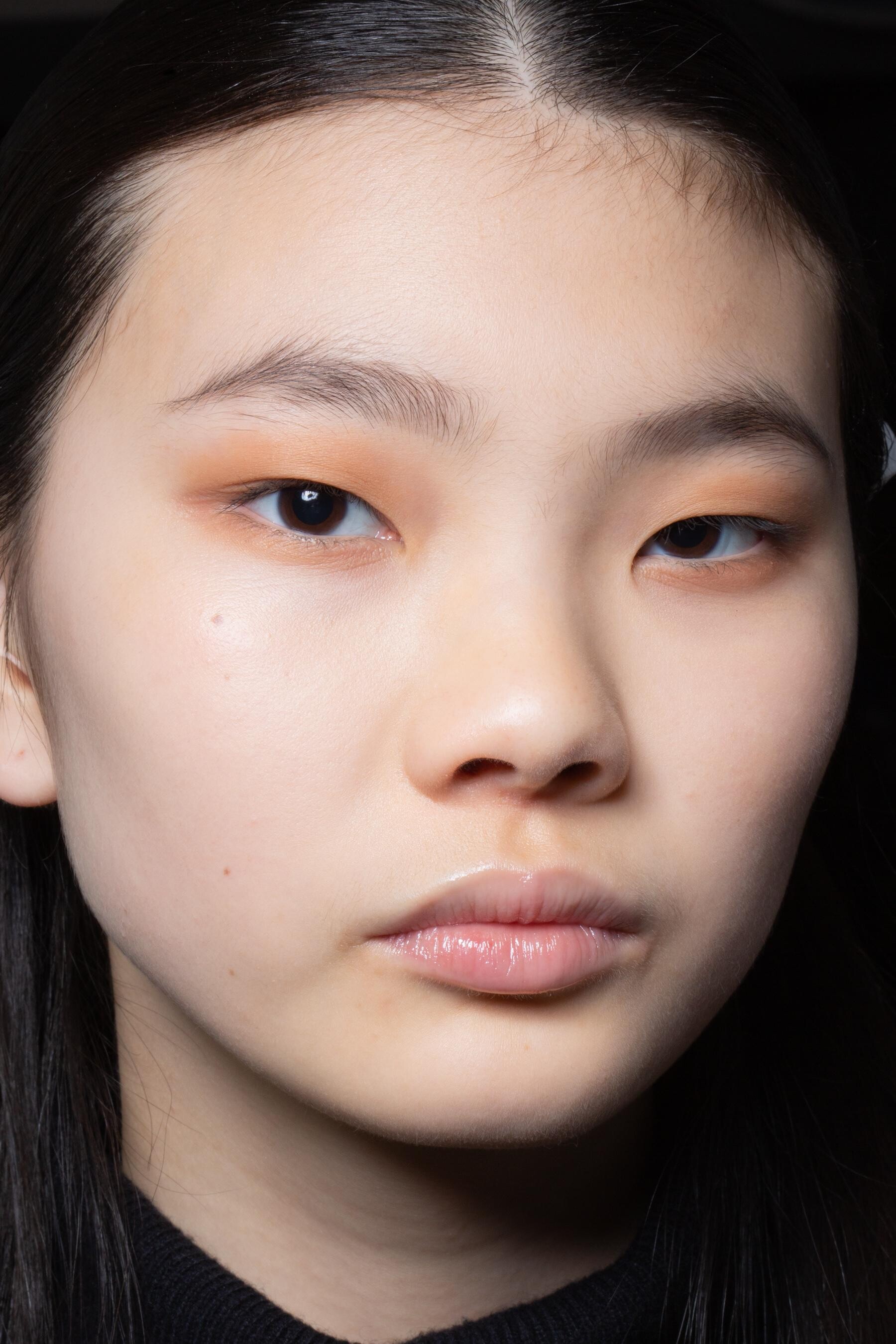
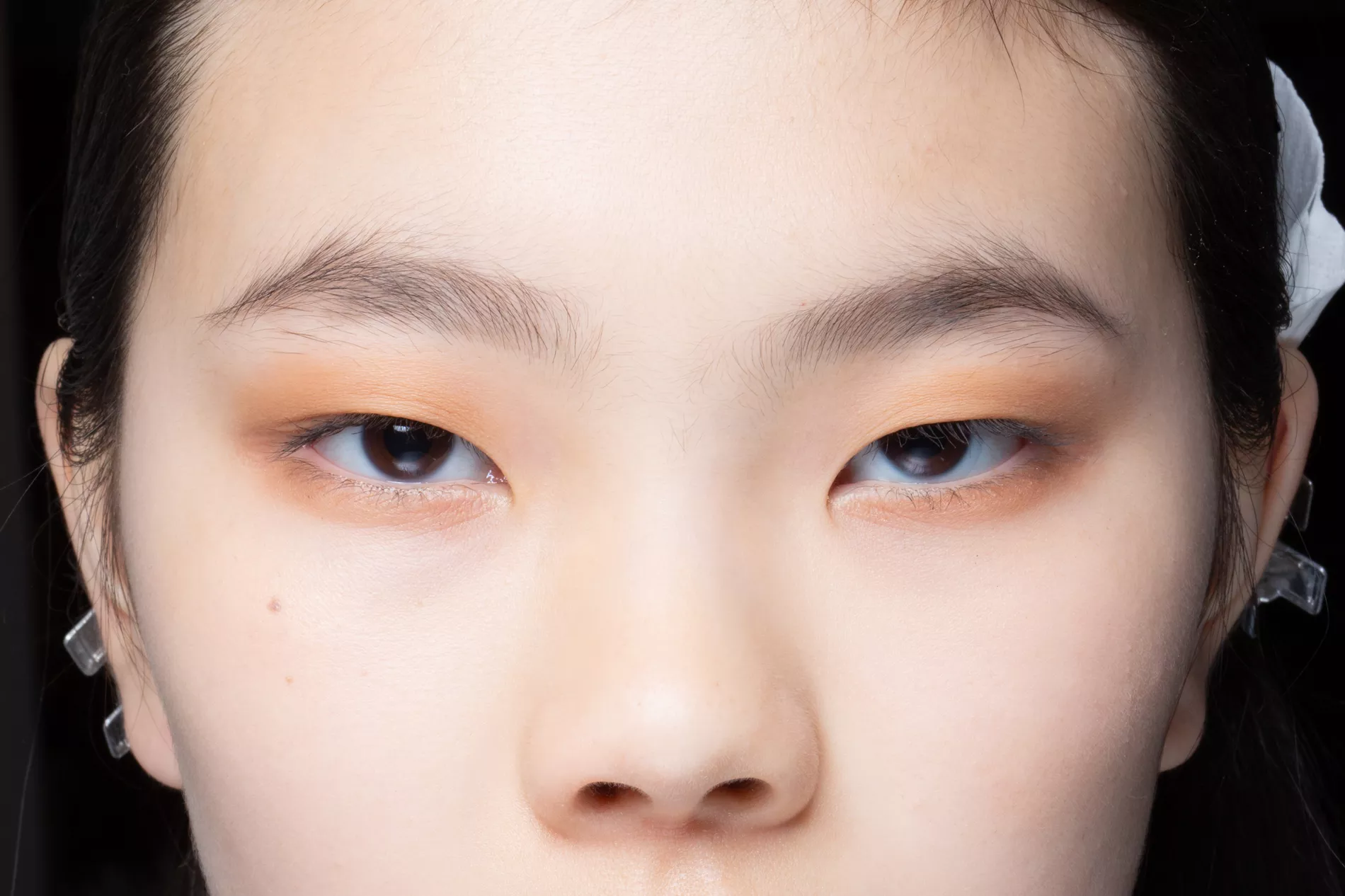
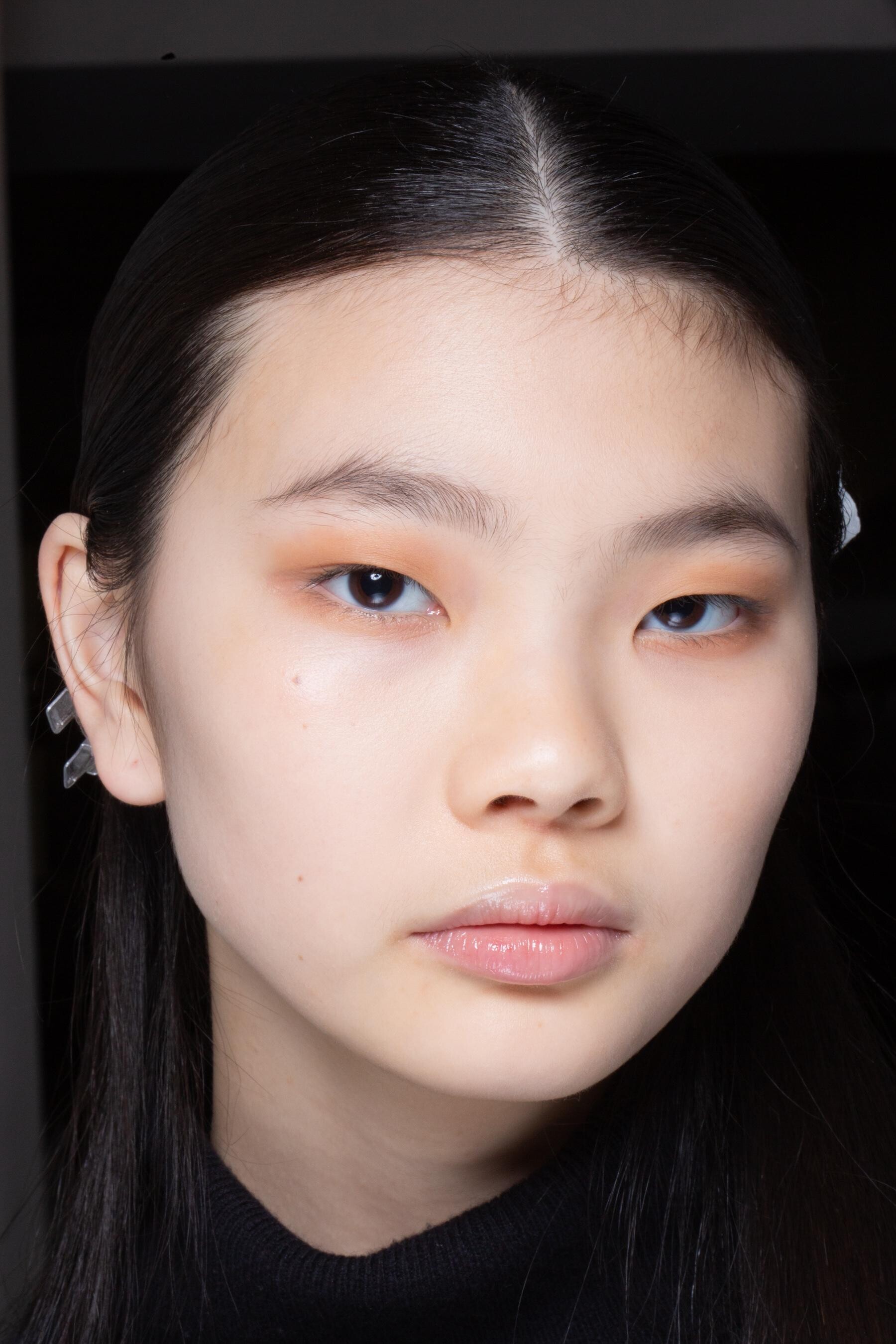
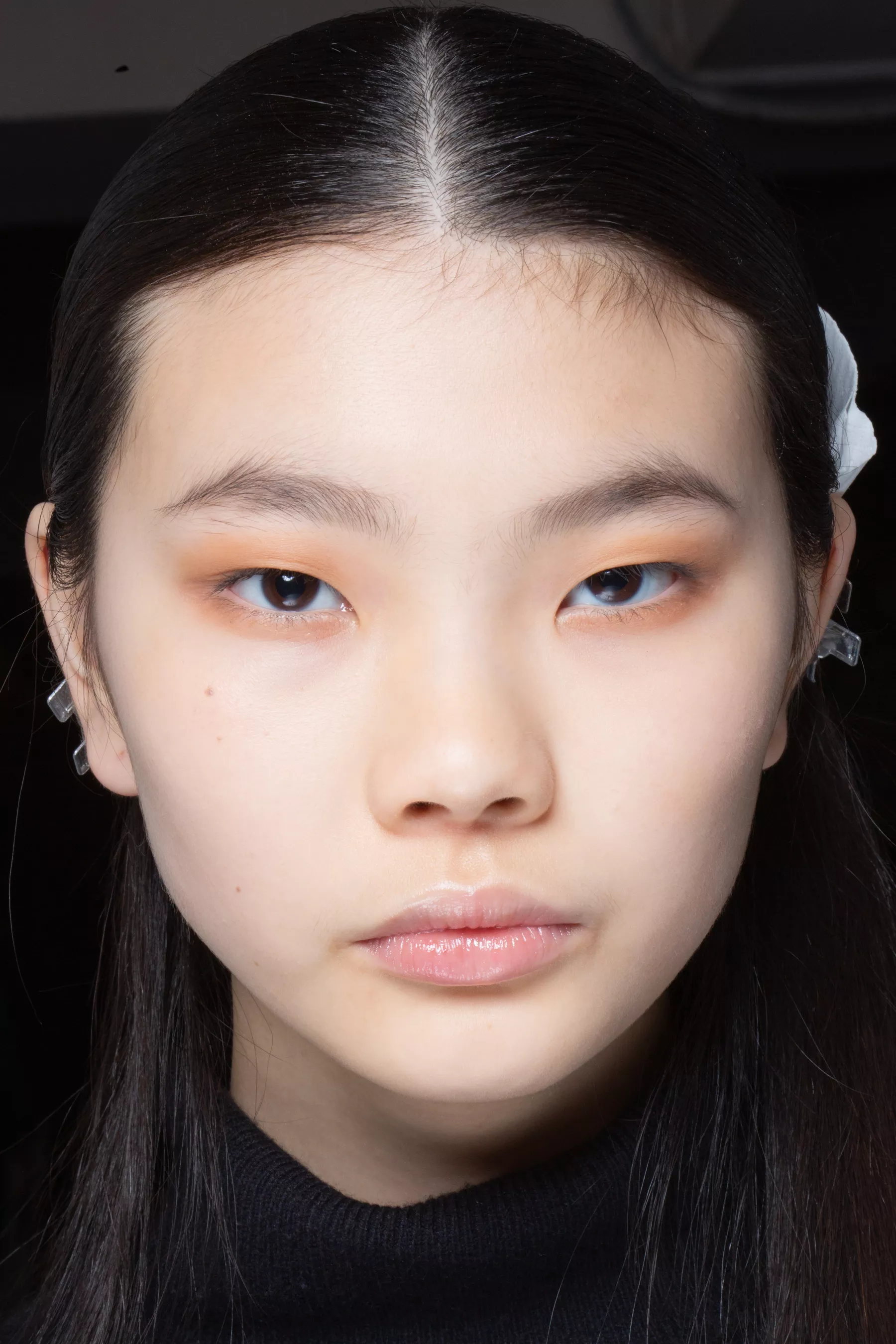
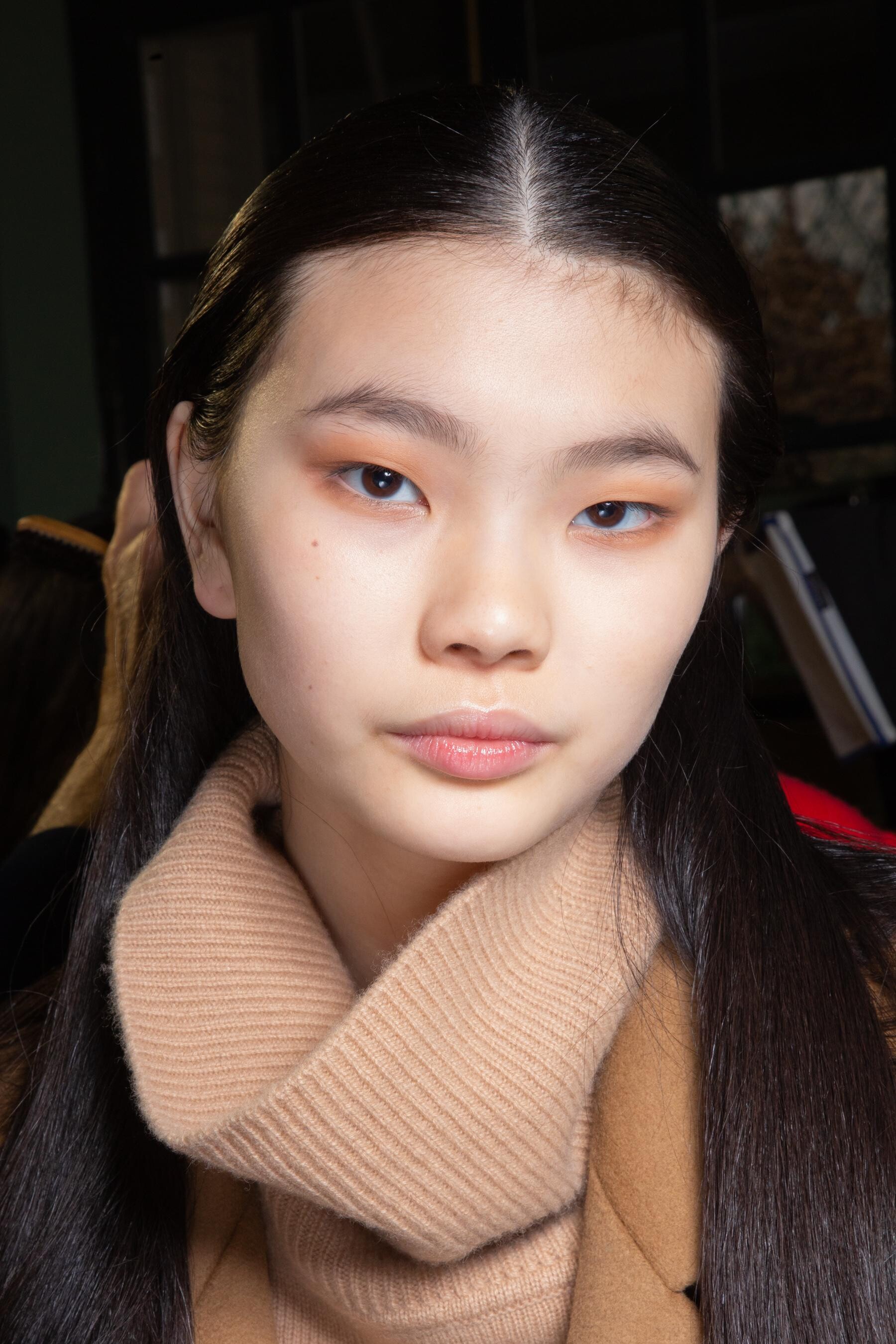
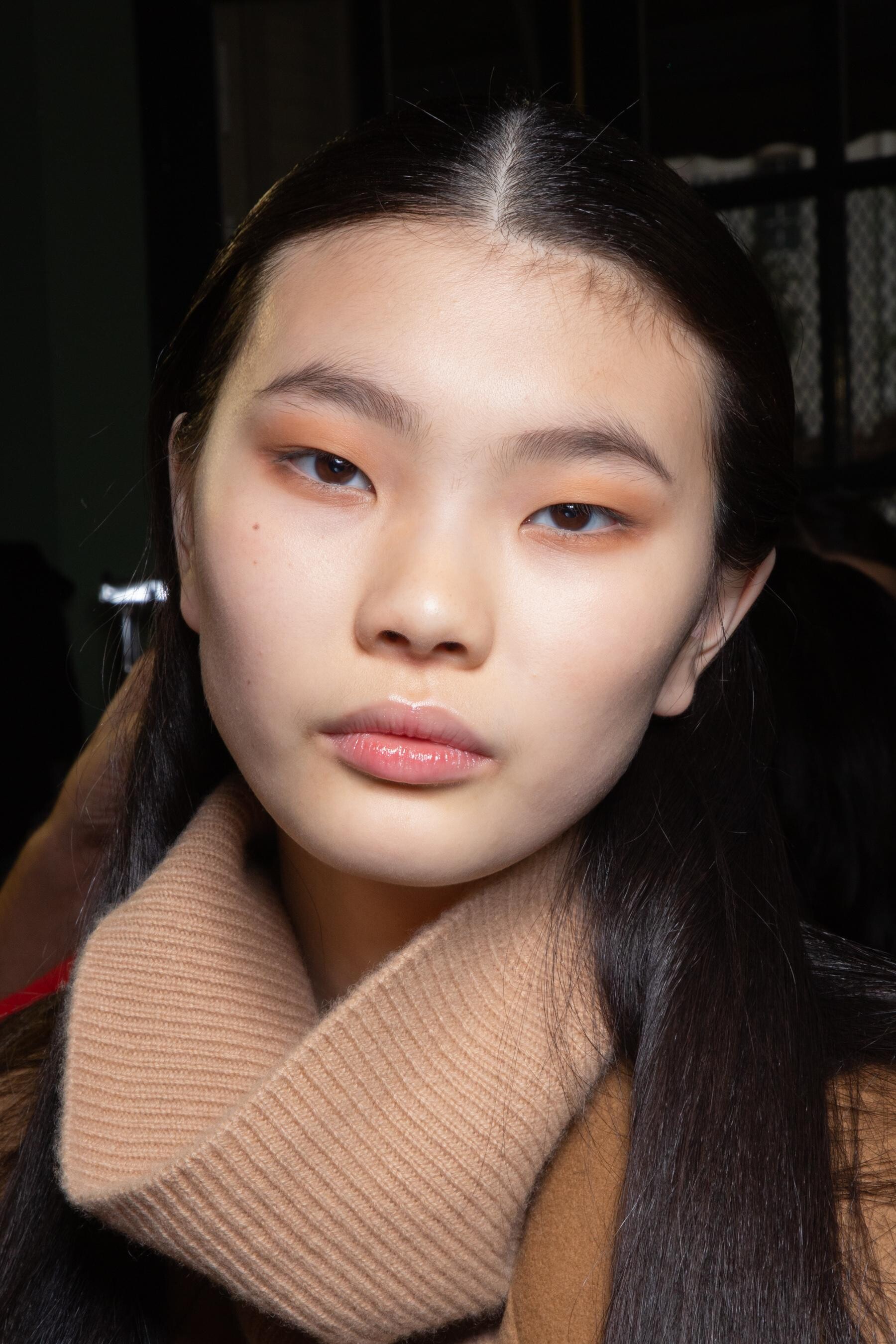
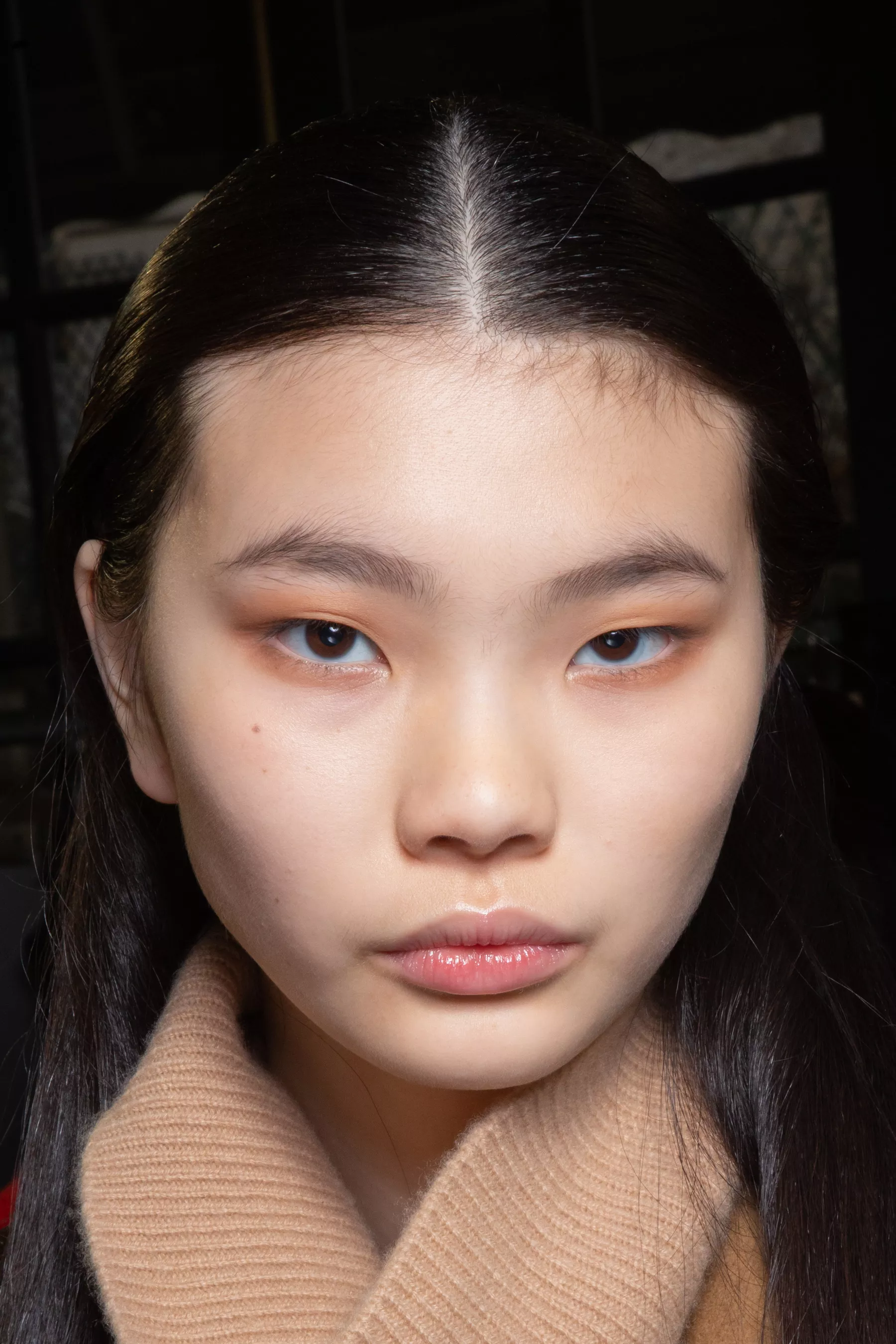

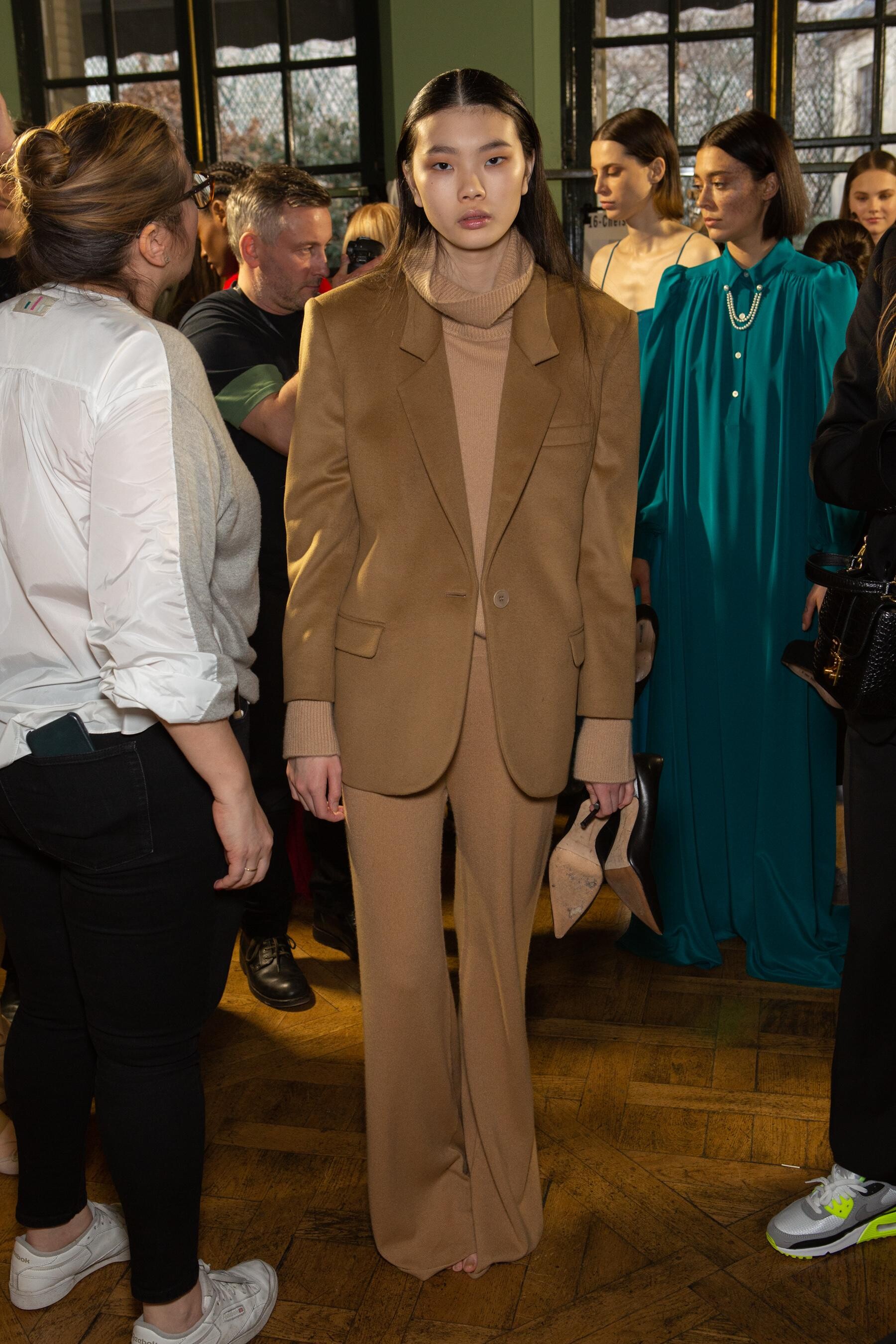
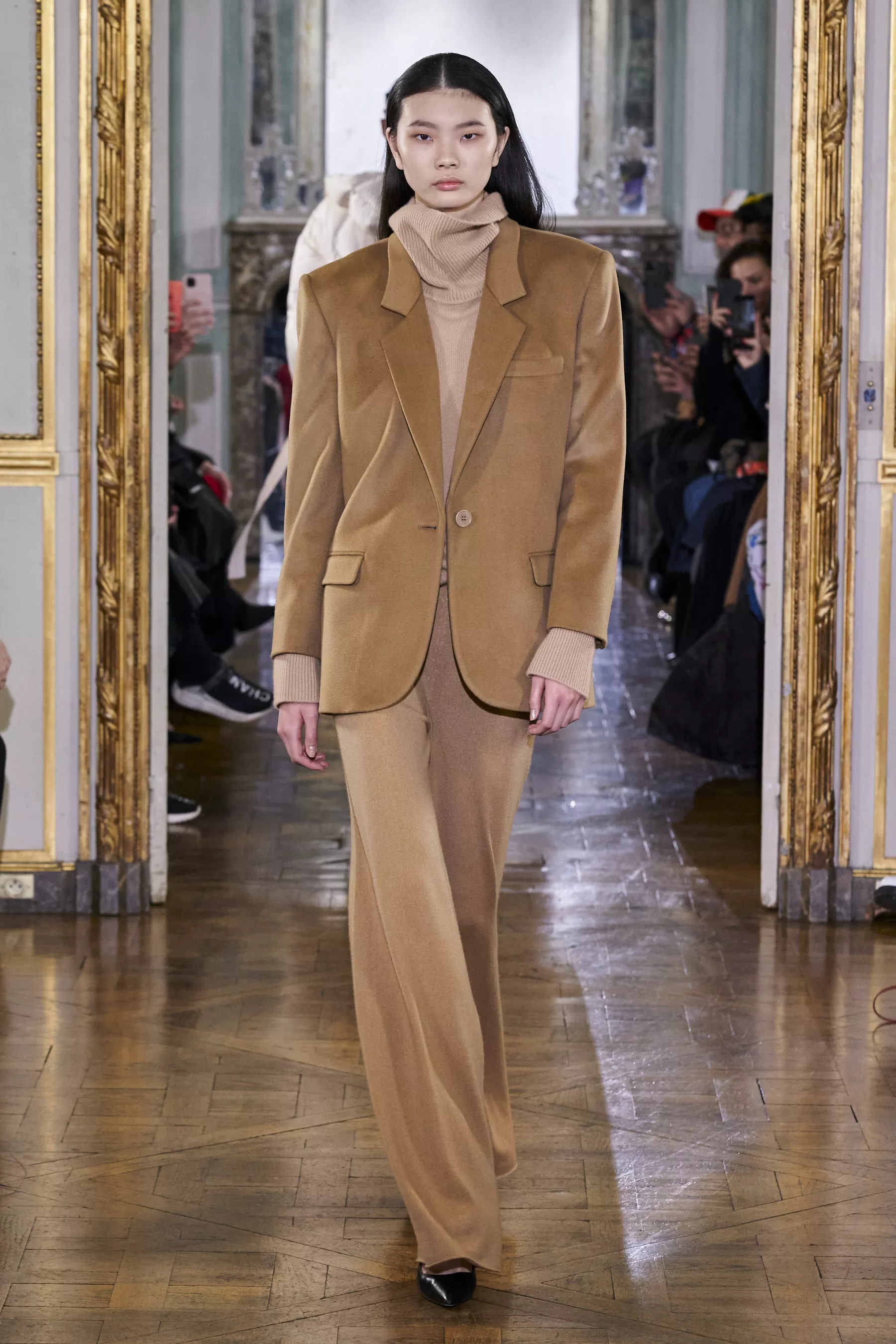
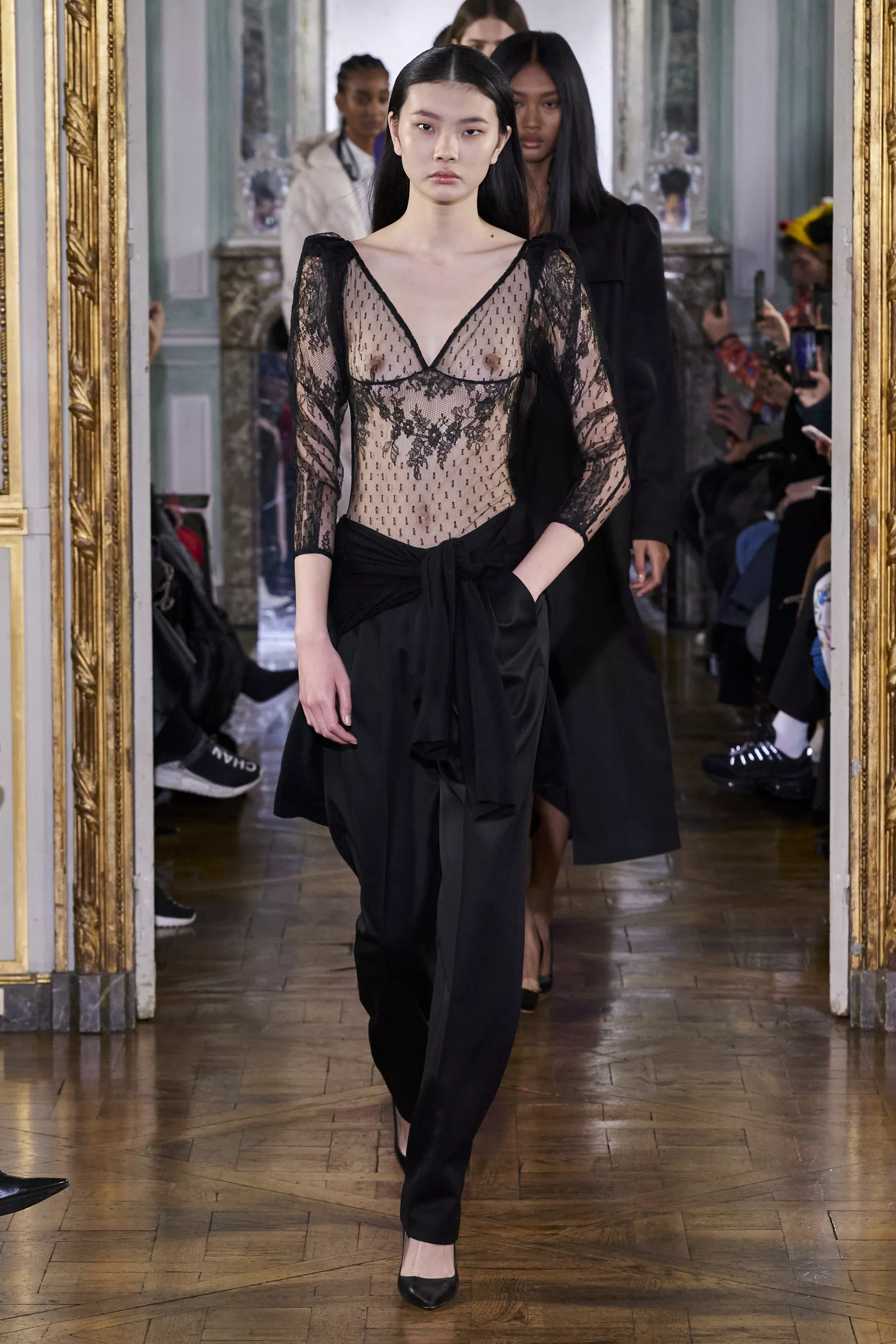
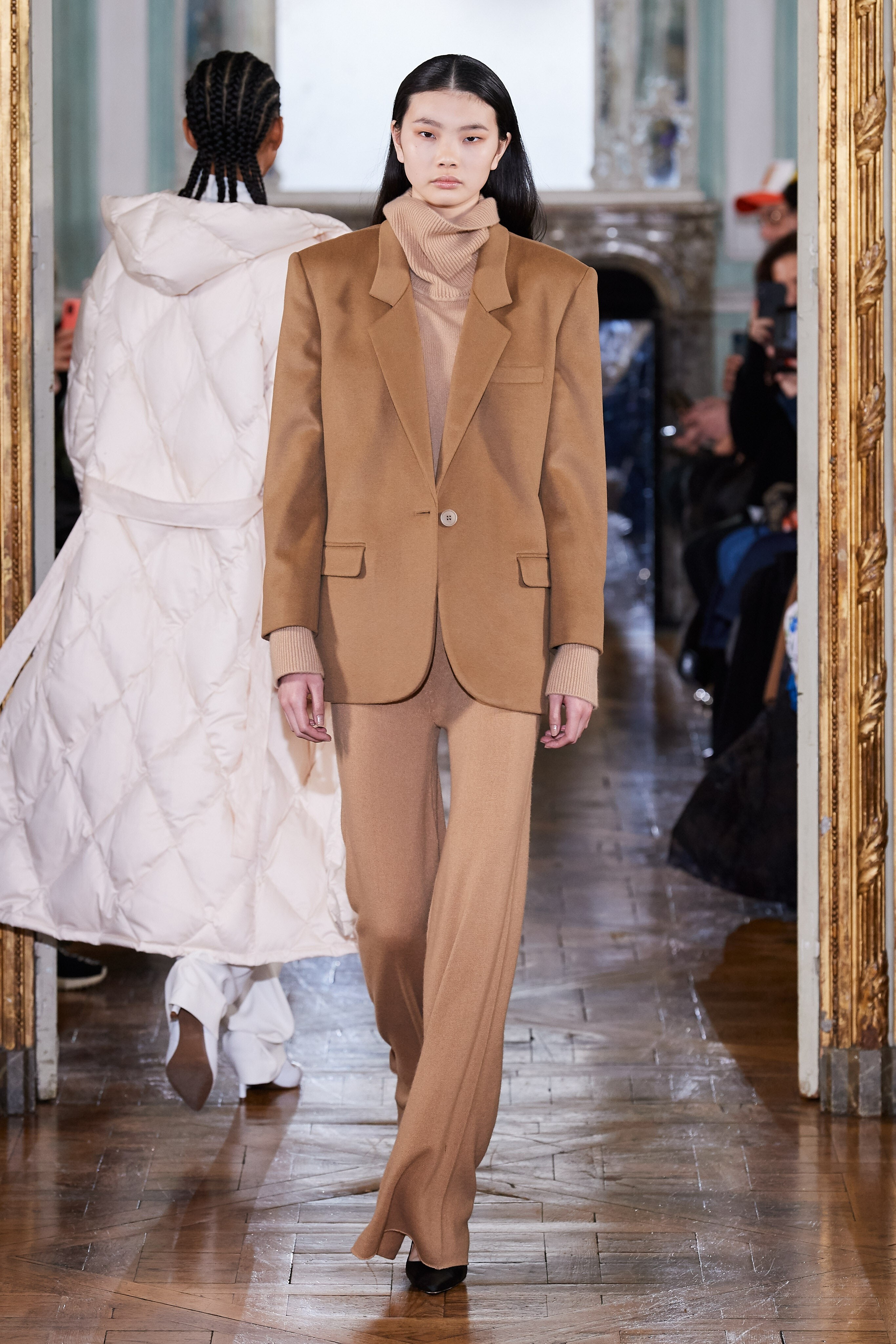
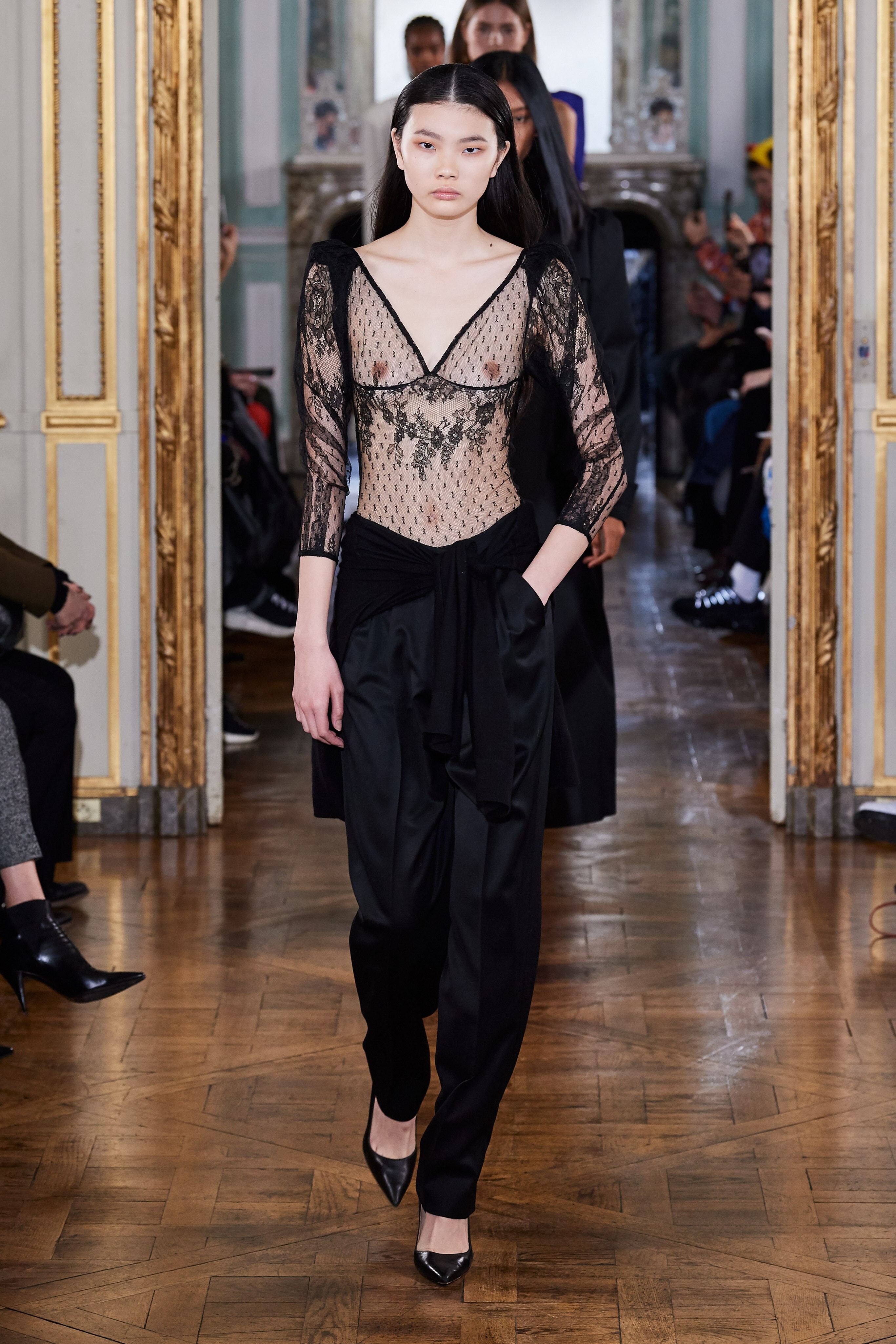
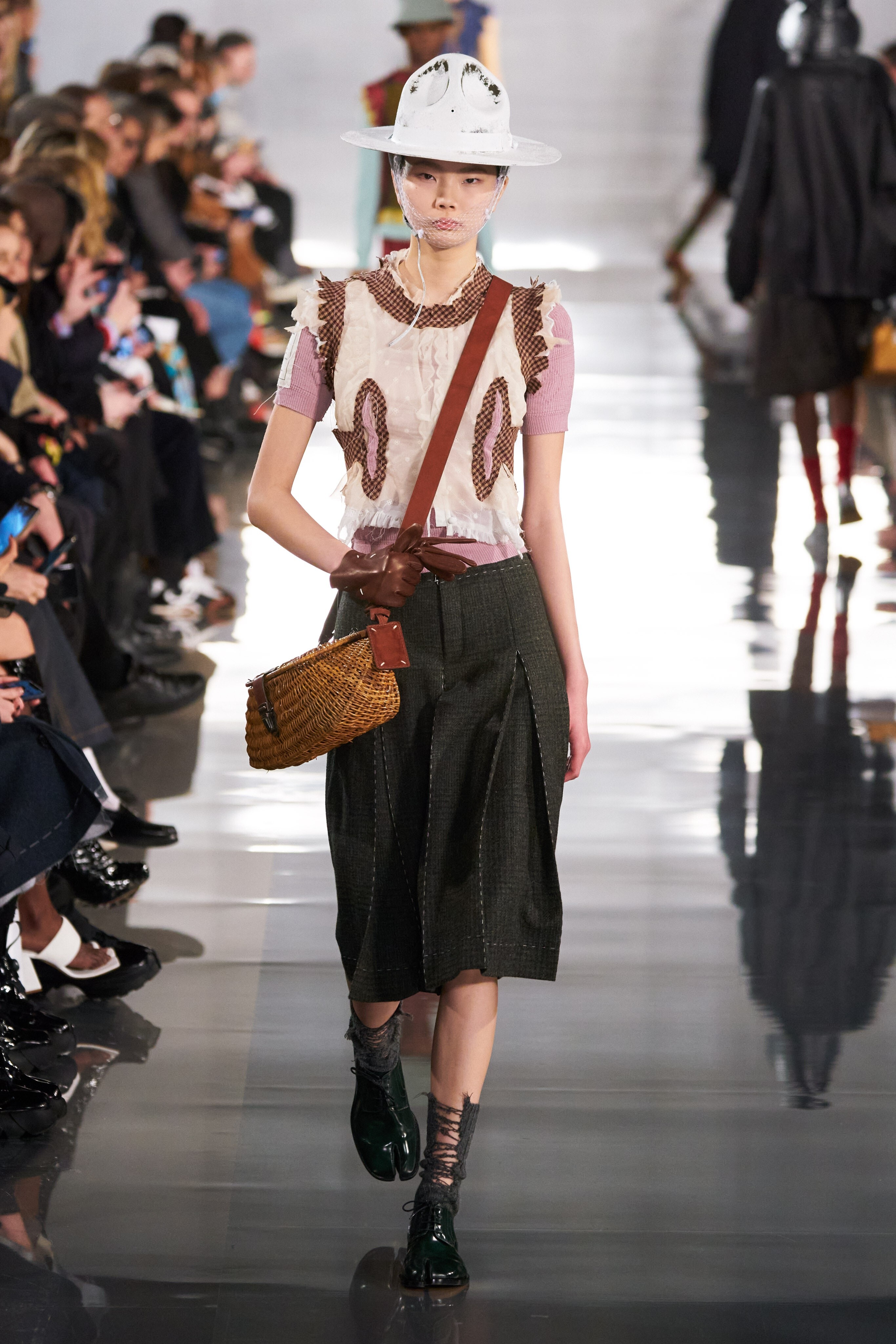
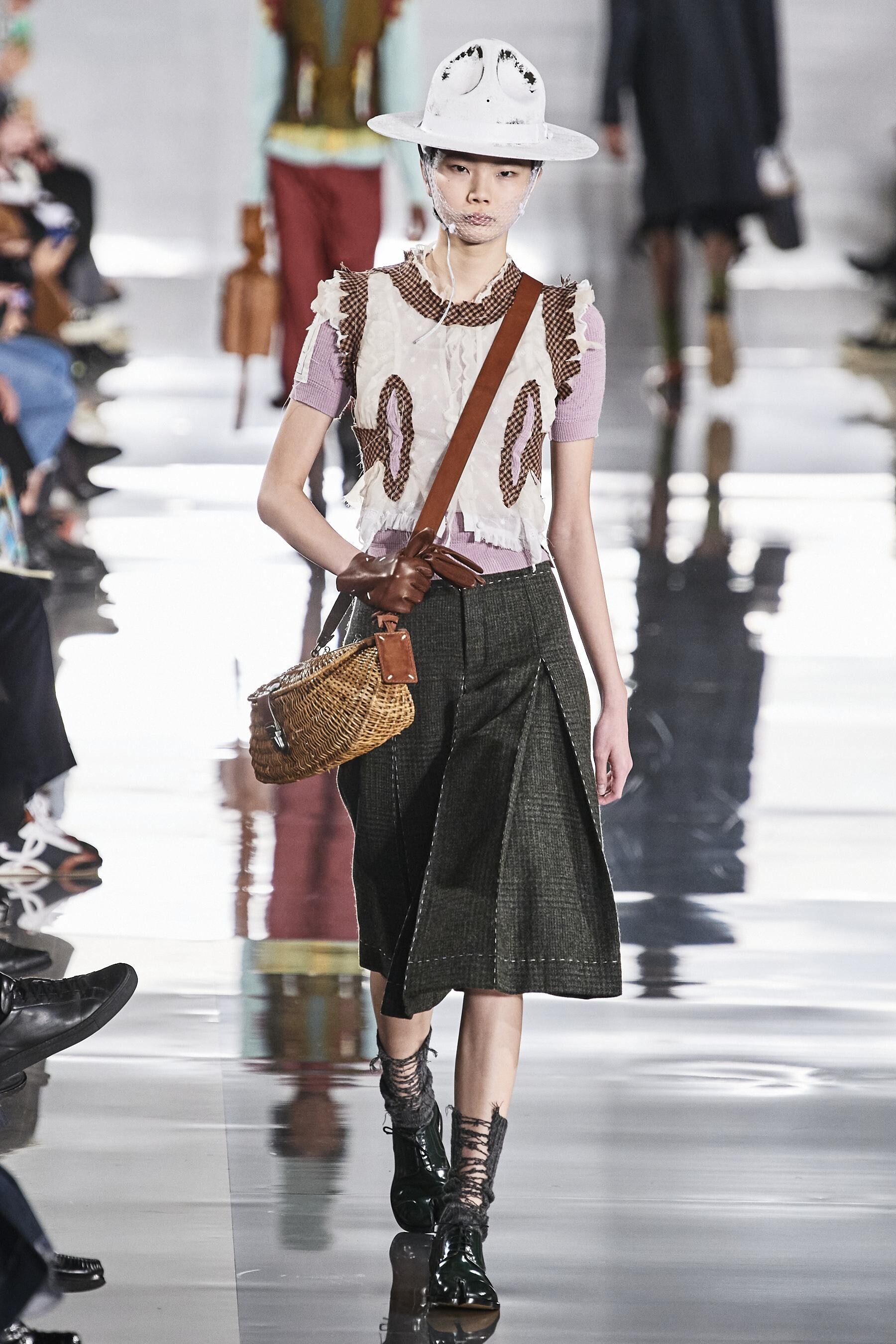

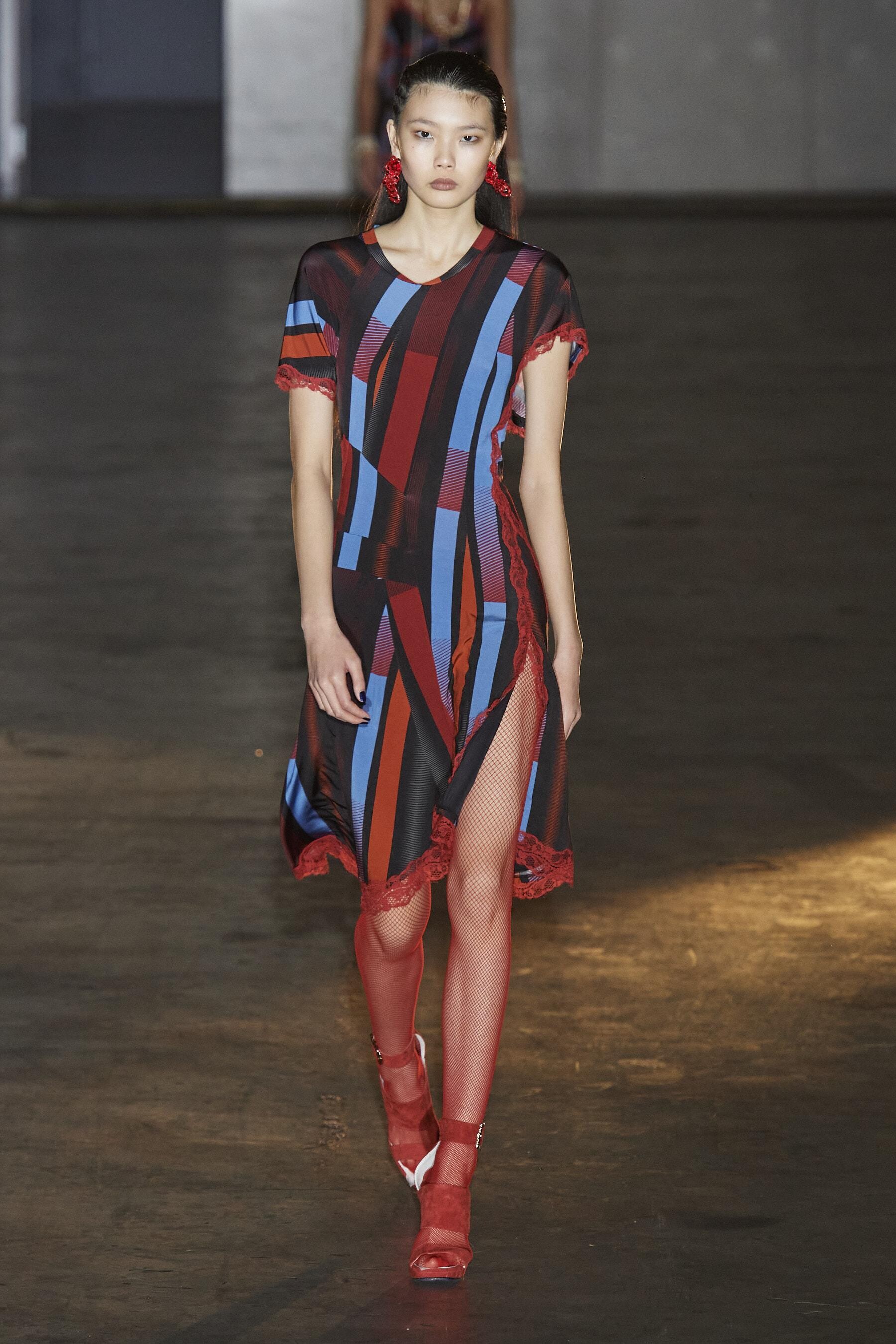
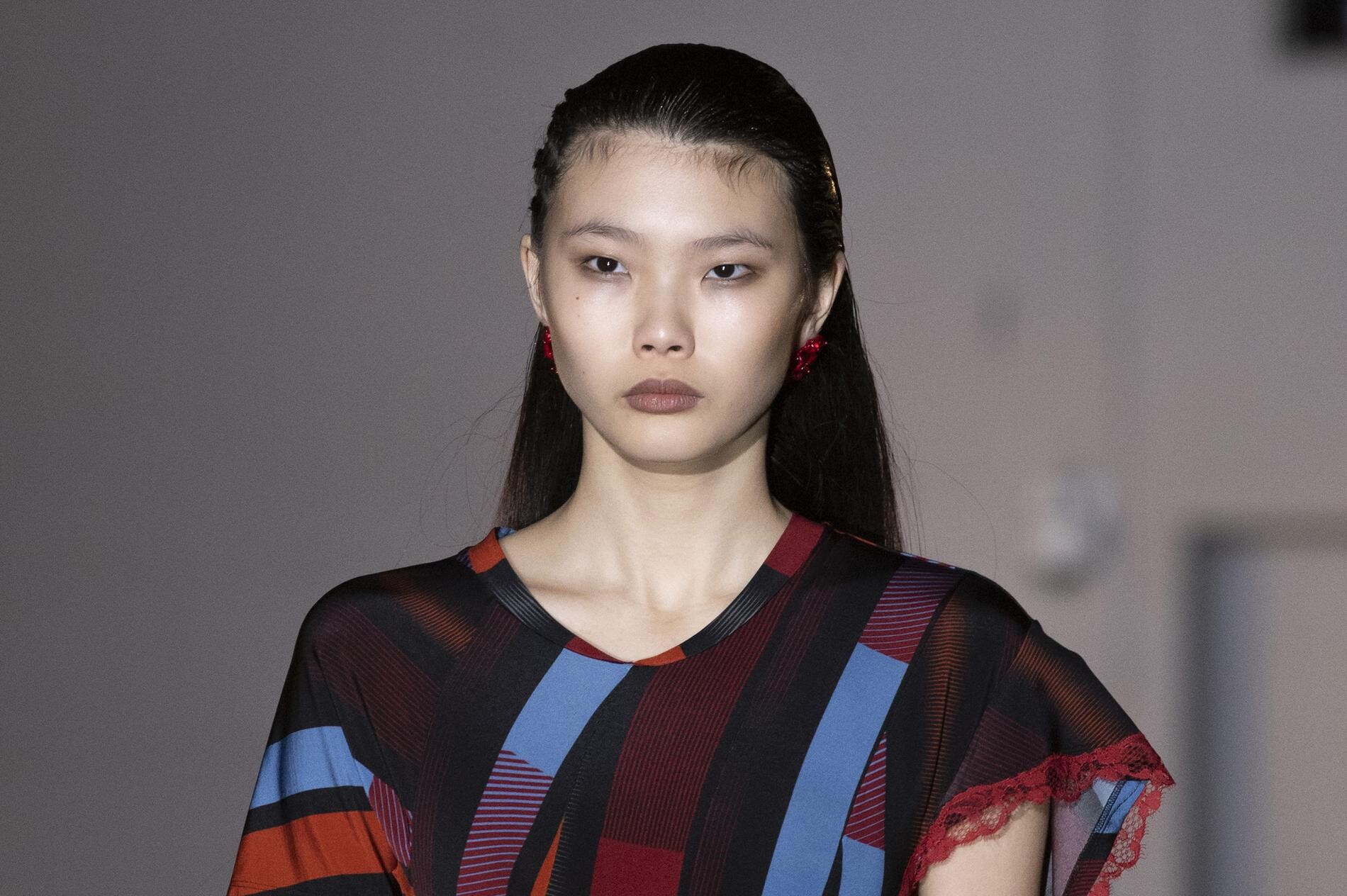
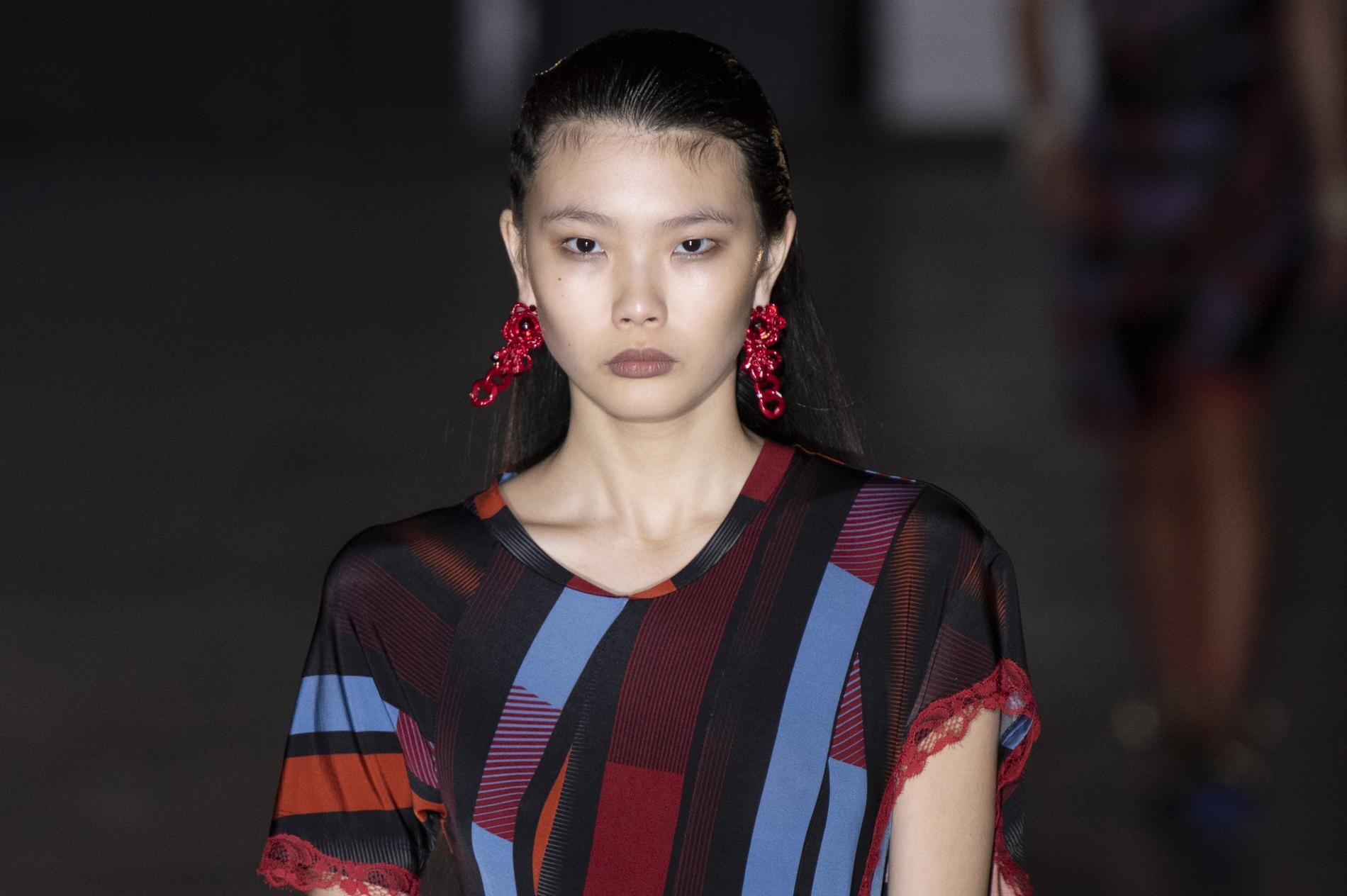
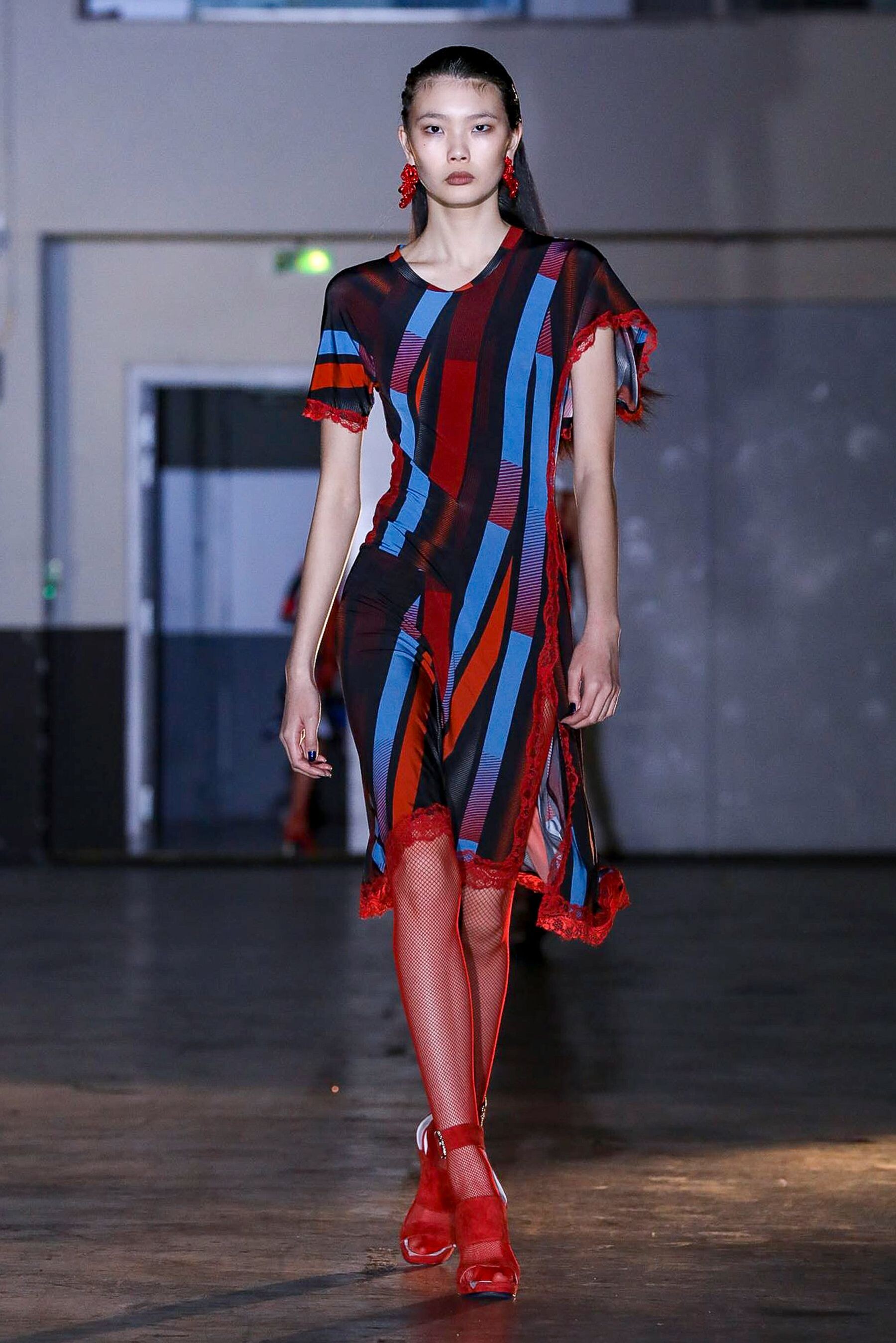





Account
Navigation
Search
Configure browser push notifications
Chrome (Android)
- Tap the lock icon next to the address bar.
- Tap Permissions → Notifications.
- Adjust your preference.
Chrome (Desktop)
- Click the padlock icon in the address bar.
- Select Site settings.
- Find Notifications and adjust your preference.
Safari (iOS 16.4+)
- Ensure the site is installed via Add to Home Screen.
- Open Settings App → Notifications.
- Find your app name and adjust your preference.
Safari (macOS)
- Go to Safari → Preferences.
- Click the Websites tab.
- Select Notifications in the sidebar.
- Find this website and adjust your preference.
Edge (Android)
- Tap the lock icon next to the address bar.
- Tap Permissions.
- Find Notifications and adjust your preference.
Edge (Desktop)
- Click the padlock icon in the address bar.
- Click Permissions for this site.
- Find Notifications and adjust your preference.
Firefox (Android)
- Go to Settings → Site permissions.
- Tap Notifications.
- Find this site in the list and adjust your preference.
Firefox (Desktop)
- Open Firefox Settings.
- Search for Notifications.
- Find this site in the list and adjust your preference.