
Daradrpipara
Members
-
Joined
-
Last visited
Everything posted by Daradrpipara
-
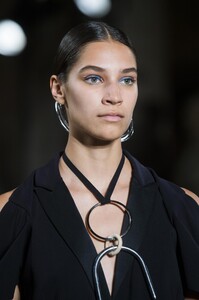
Esteban Cortazar [SPRING 2019 READY-TO-WEAR] vogue, madamefigaro


-
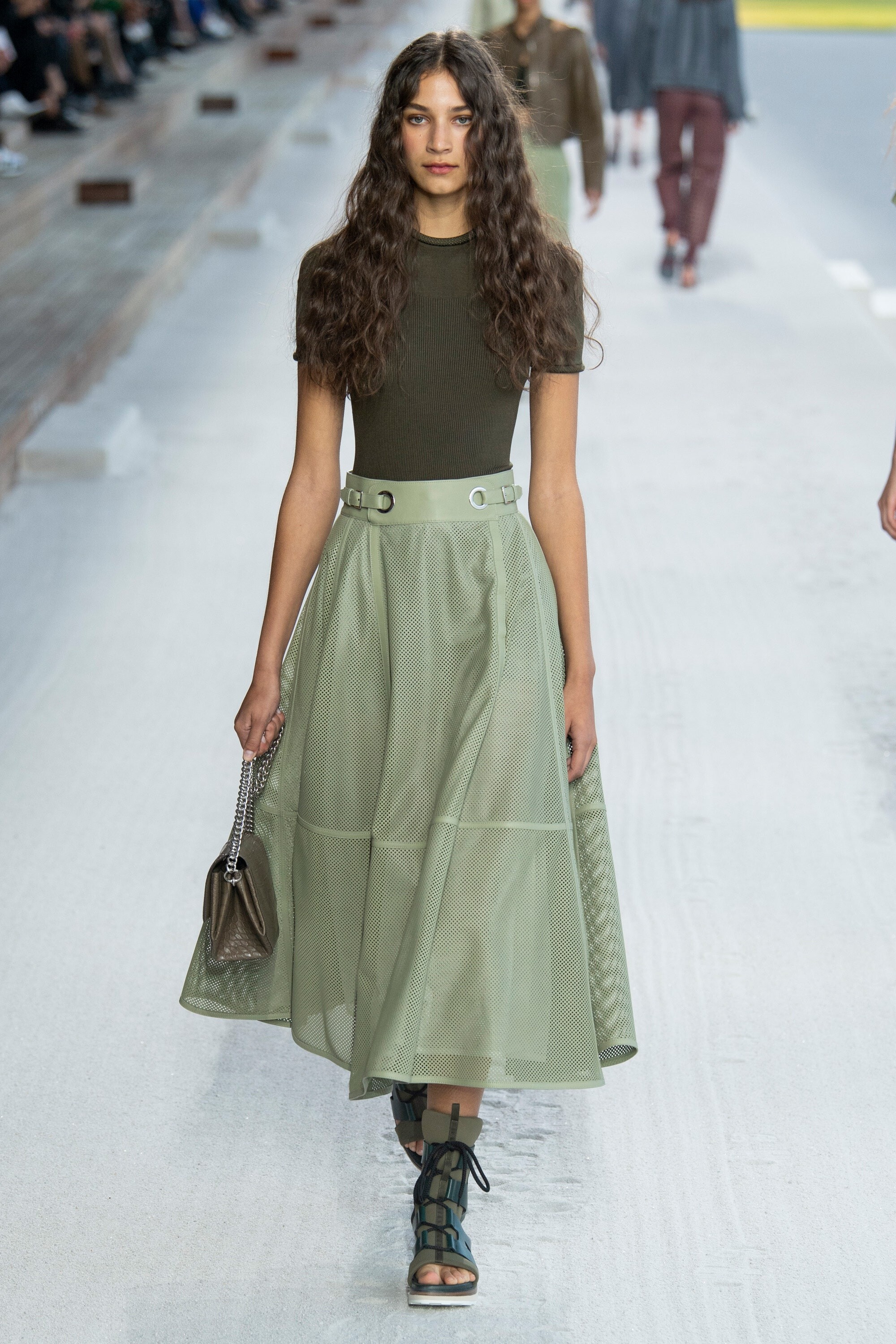
Hermès [SPRING 2019 READY-TO-WEAR] vogue, madamefigaro




-
Roberto Cavalli [SPRING 2019 READY-TO-WEAR] vogue, madamefigaro



-
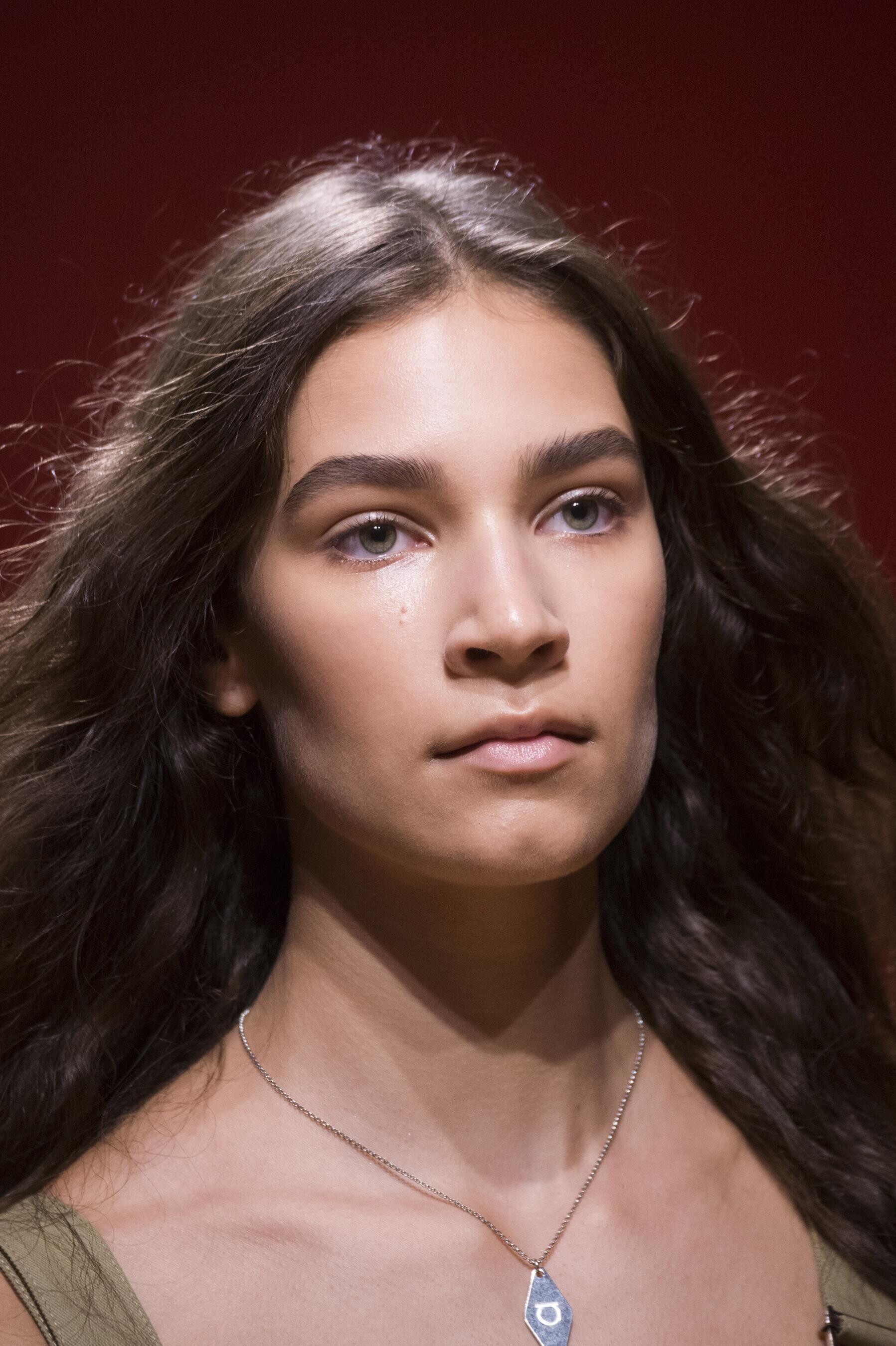
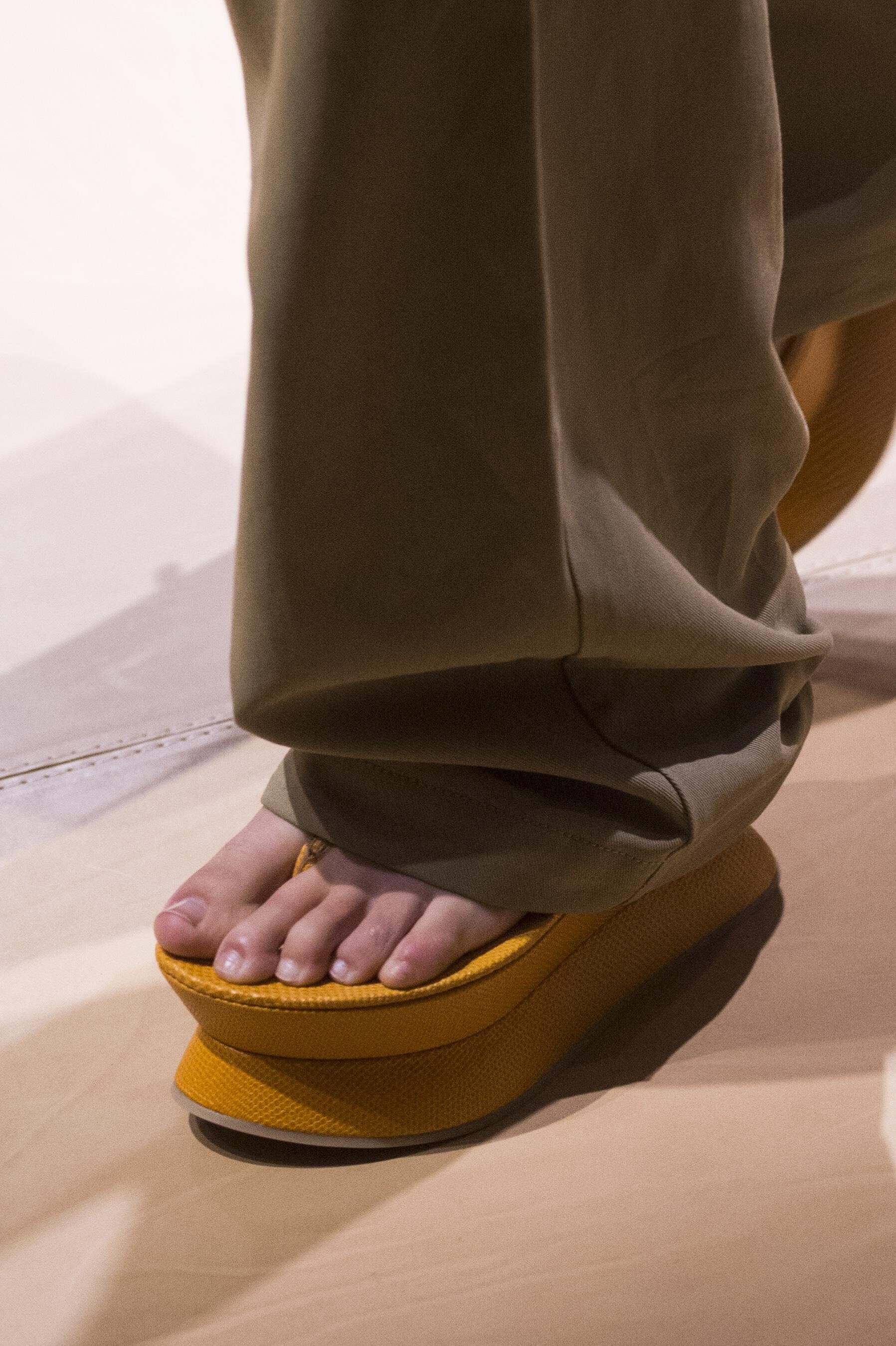
Salvatore Ferragamo [SPRING 2019 READY-TO-WEAR] vogue, madamefigaro detail





-
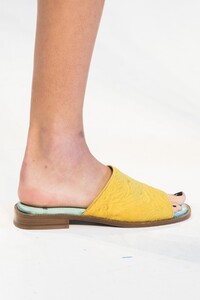
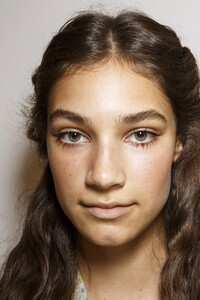
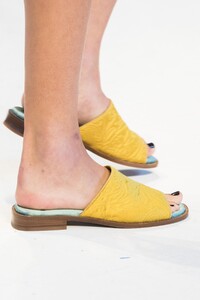
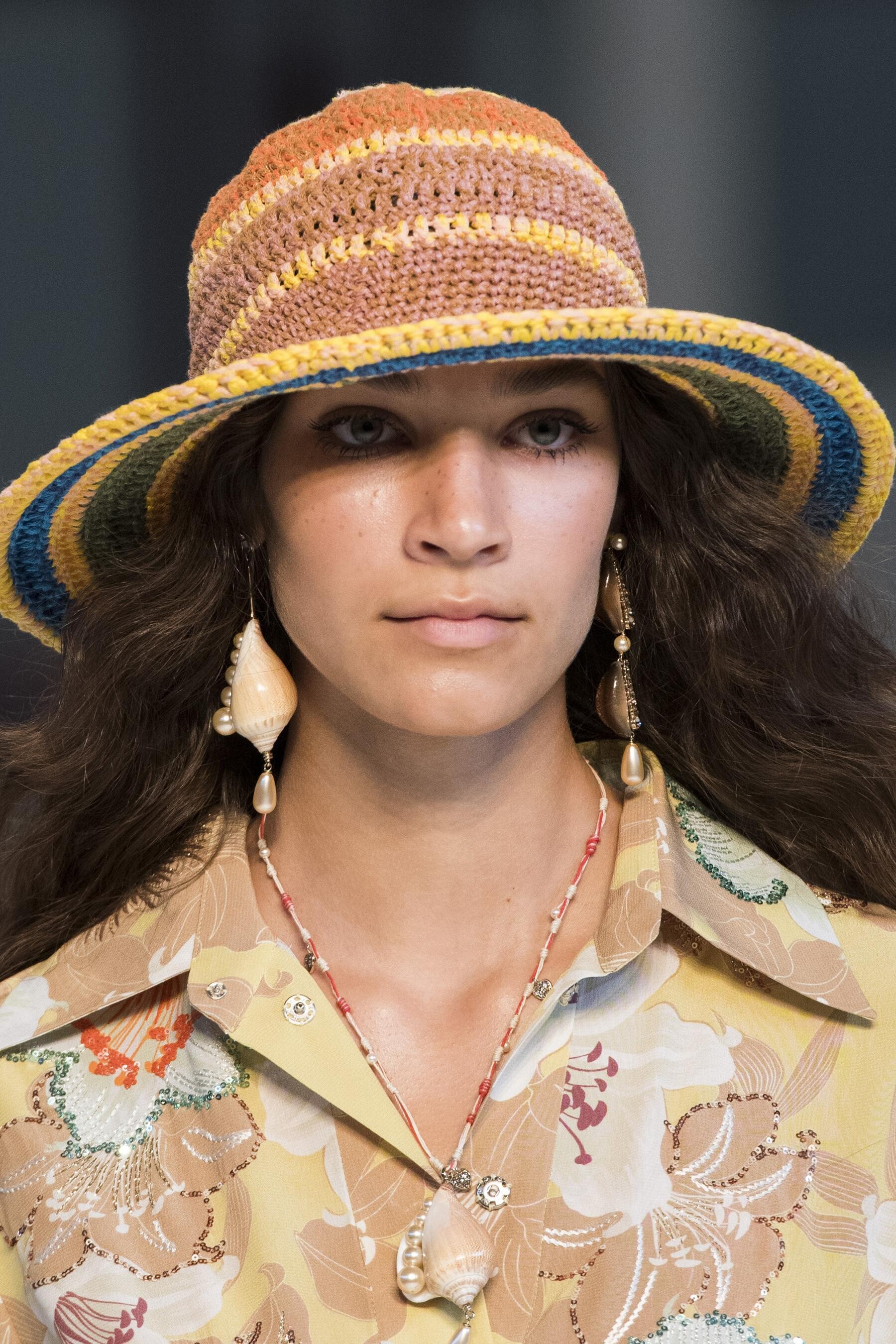
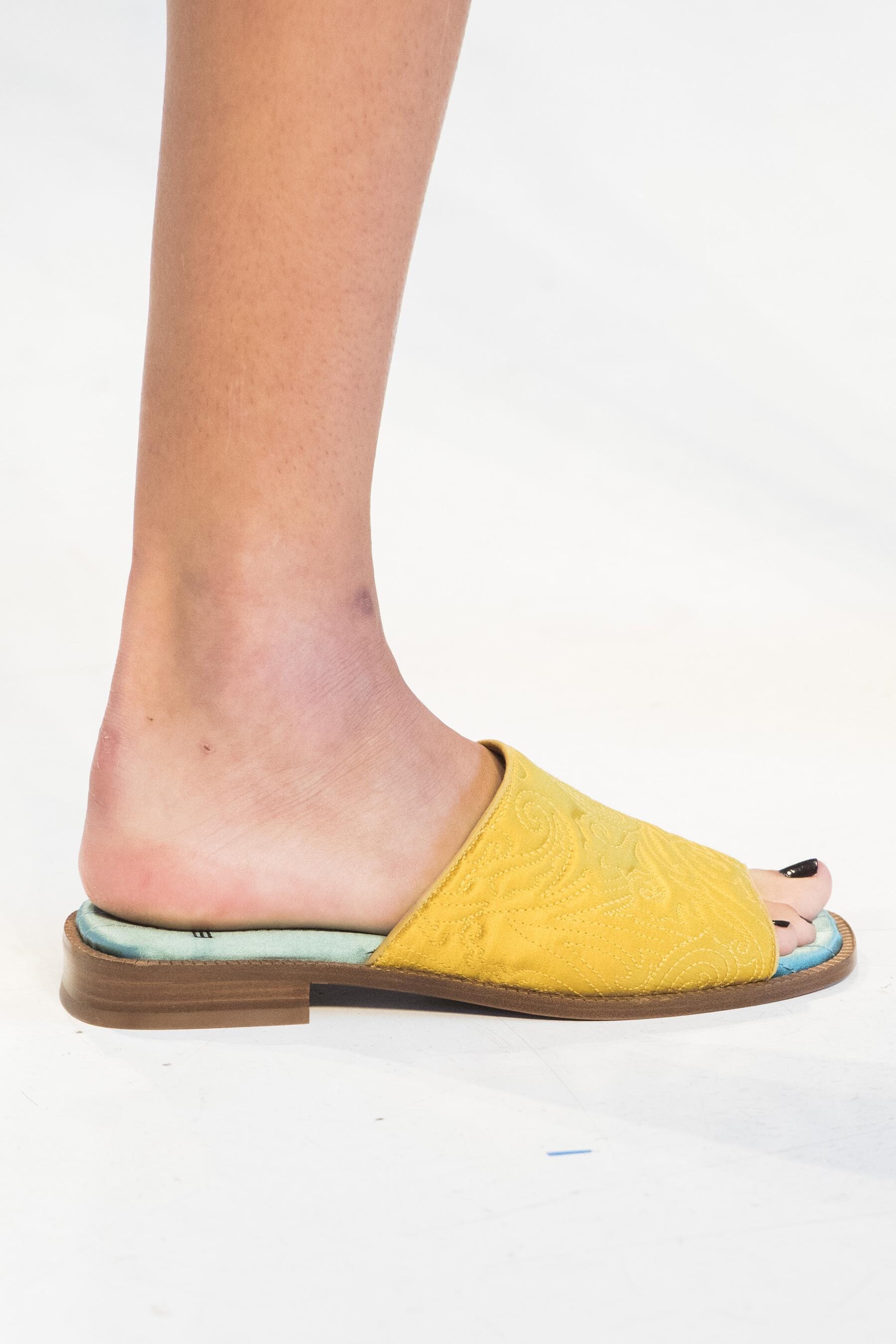
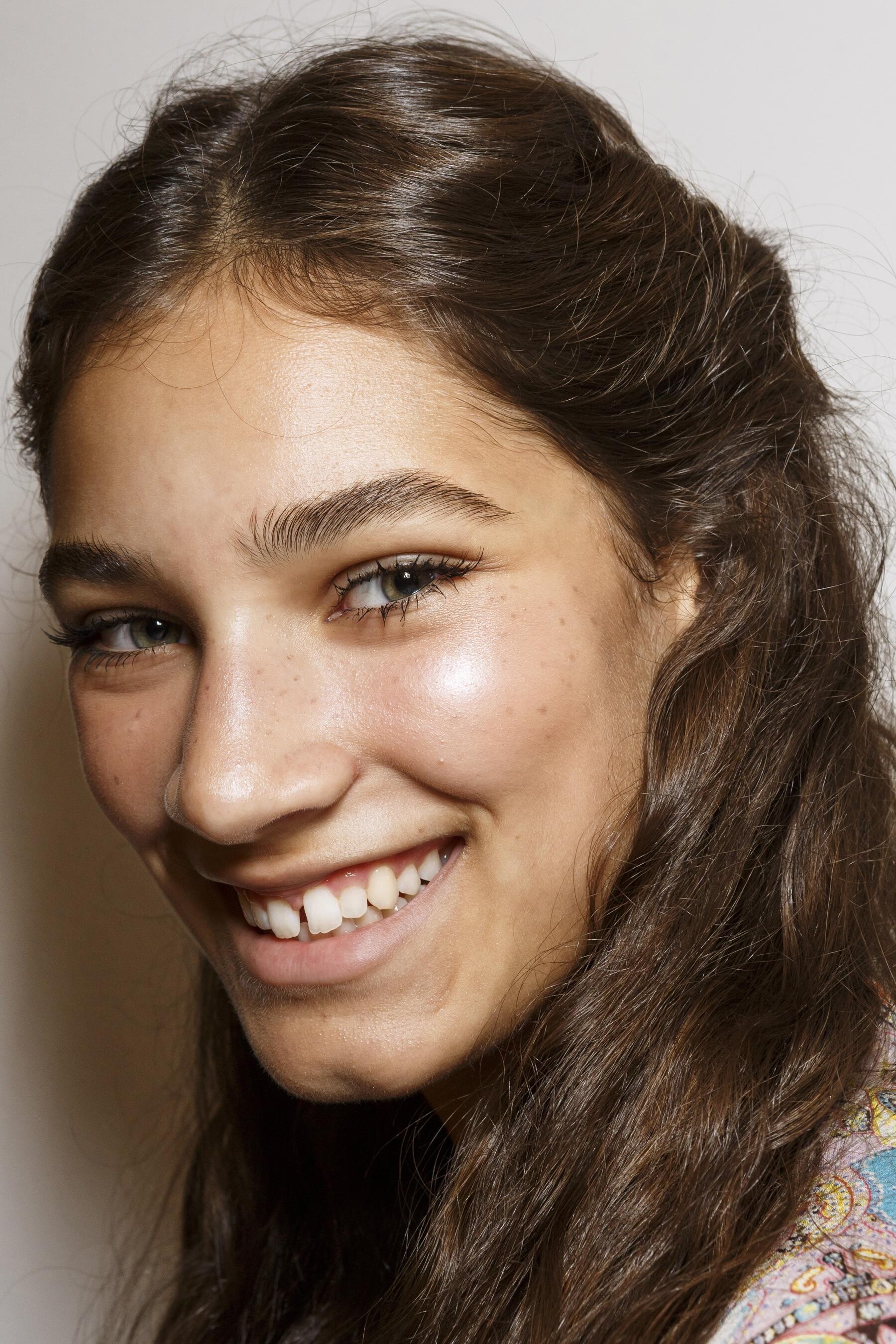
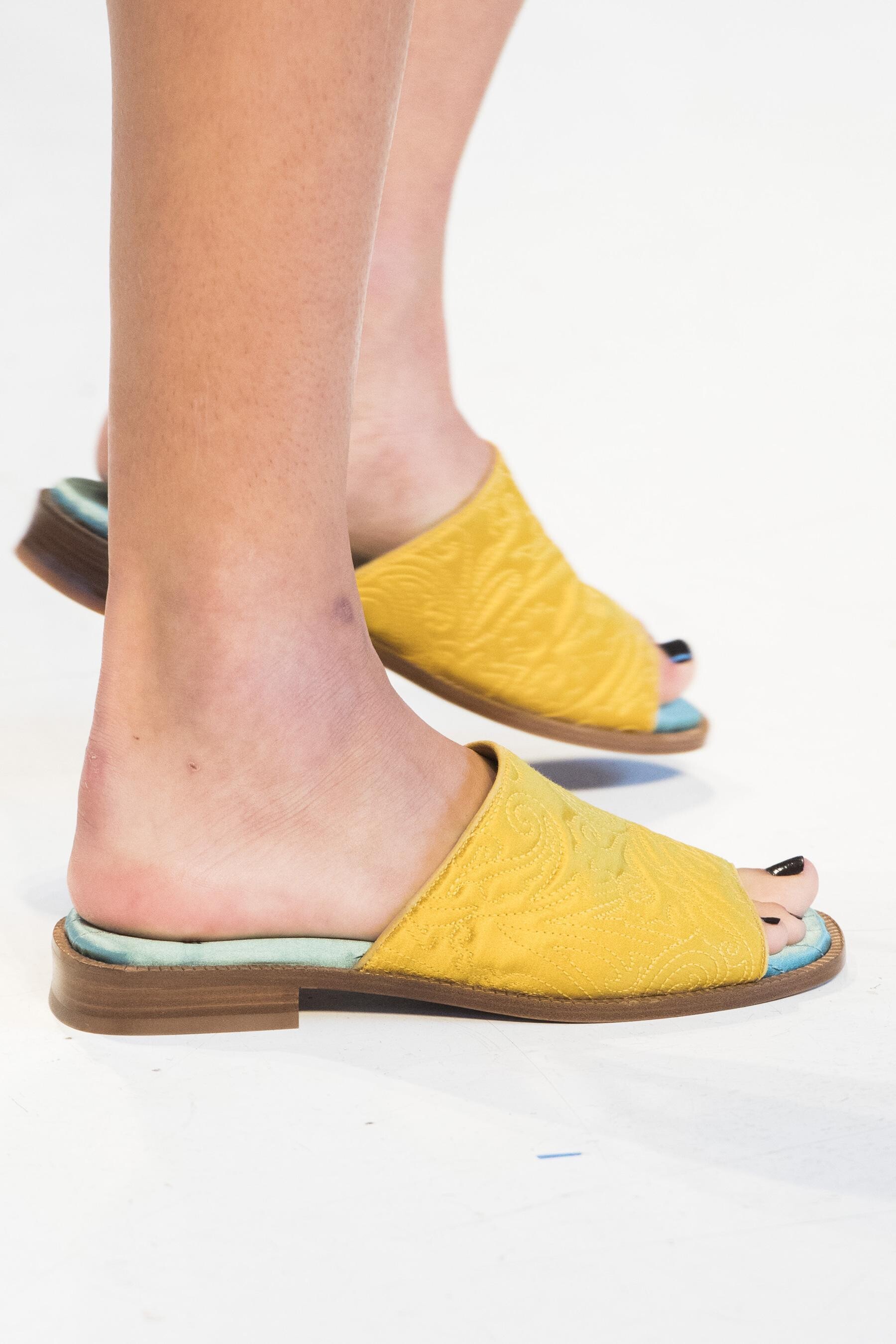
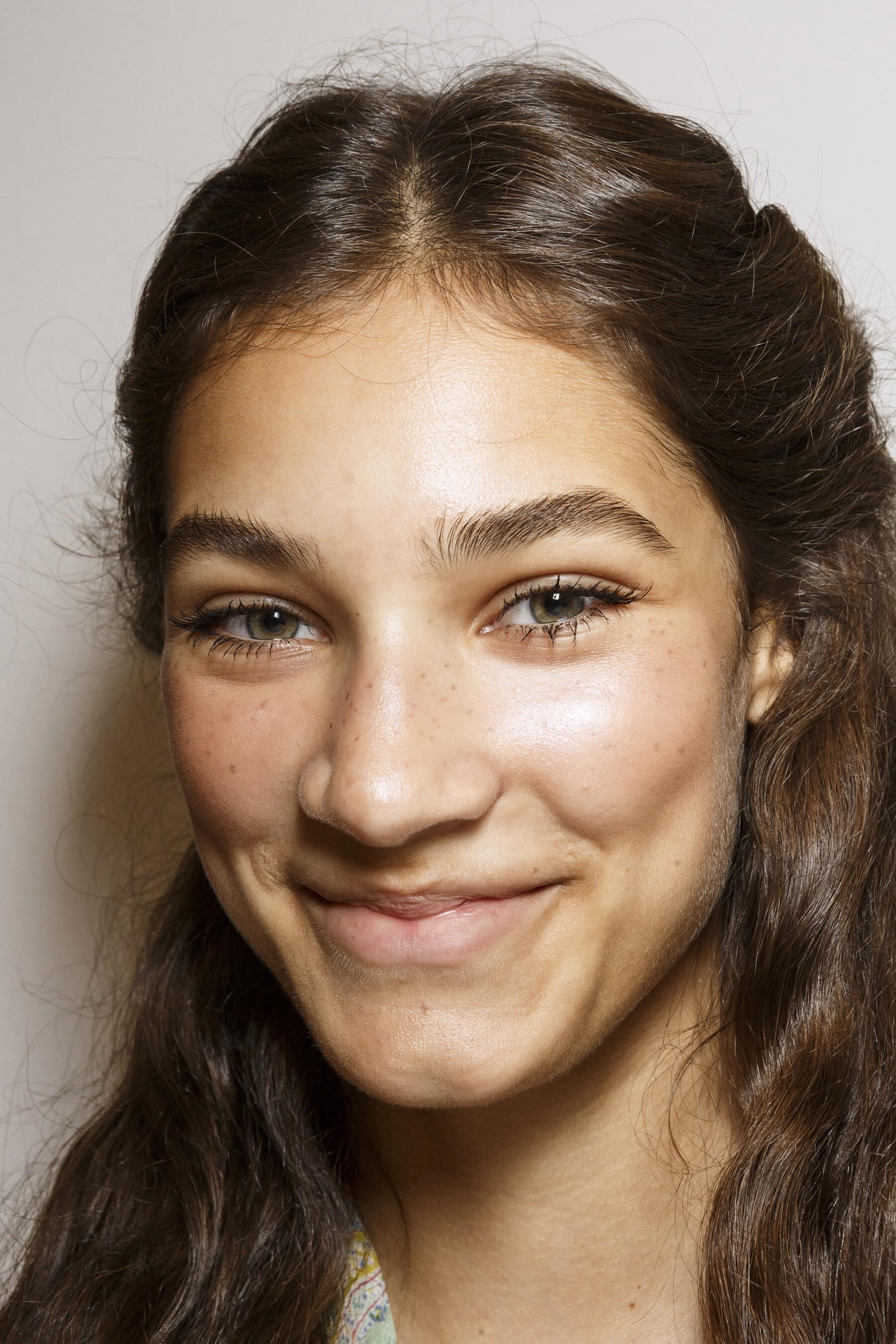
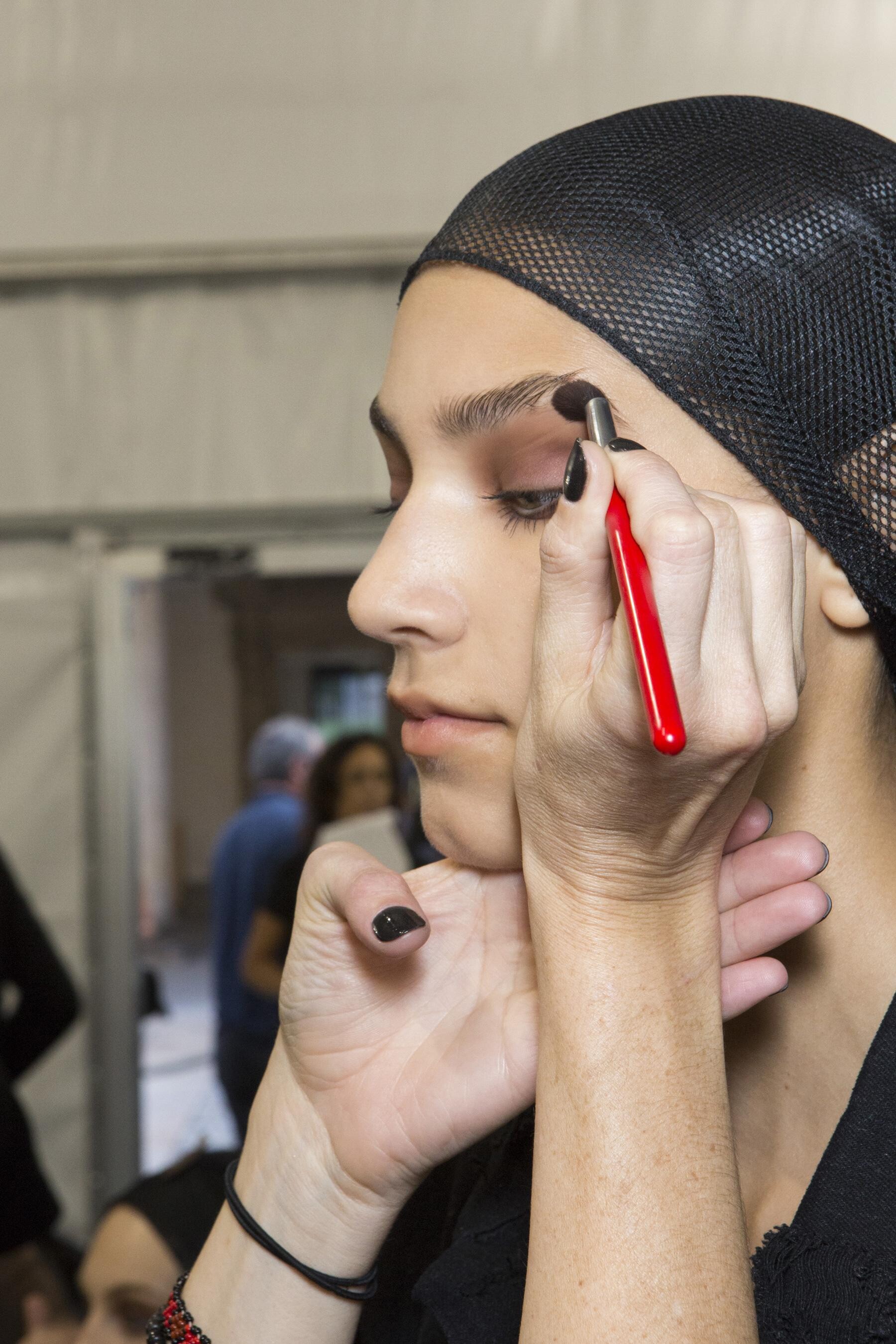
Etro [SPRING 2019 READY-TO-WEAR] backstage vogue, madamefigaro detail























-
Max Mara [SPRING 2019 READY-TO-WEAR] backstage vogue, madamefigaro
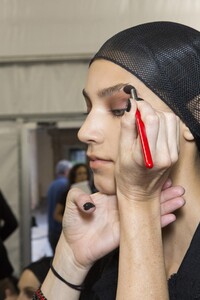


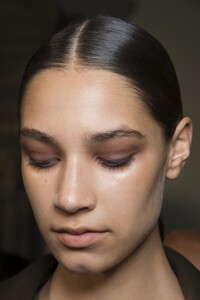

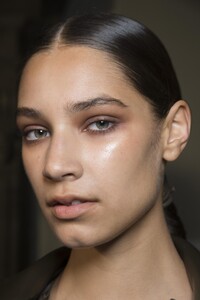









-
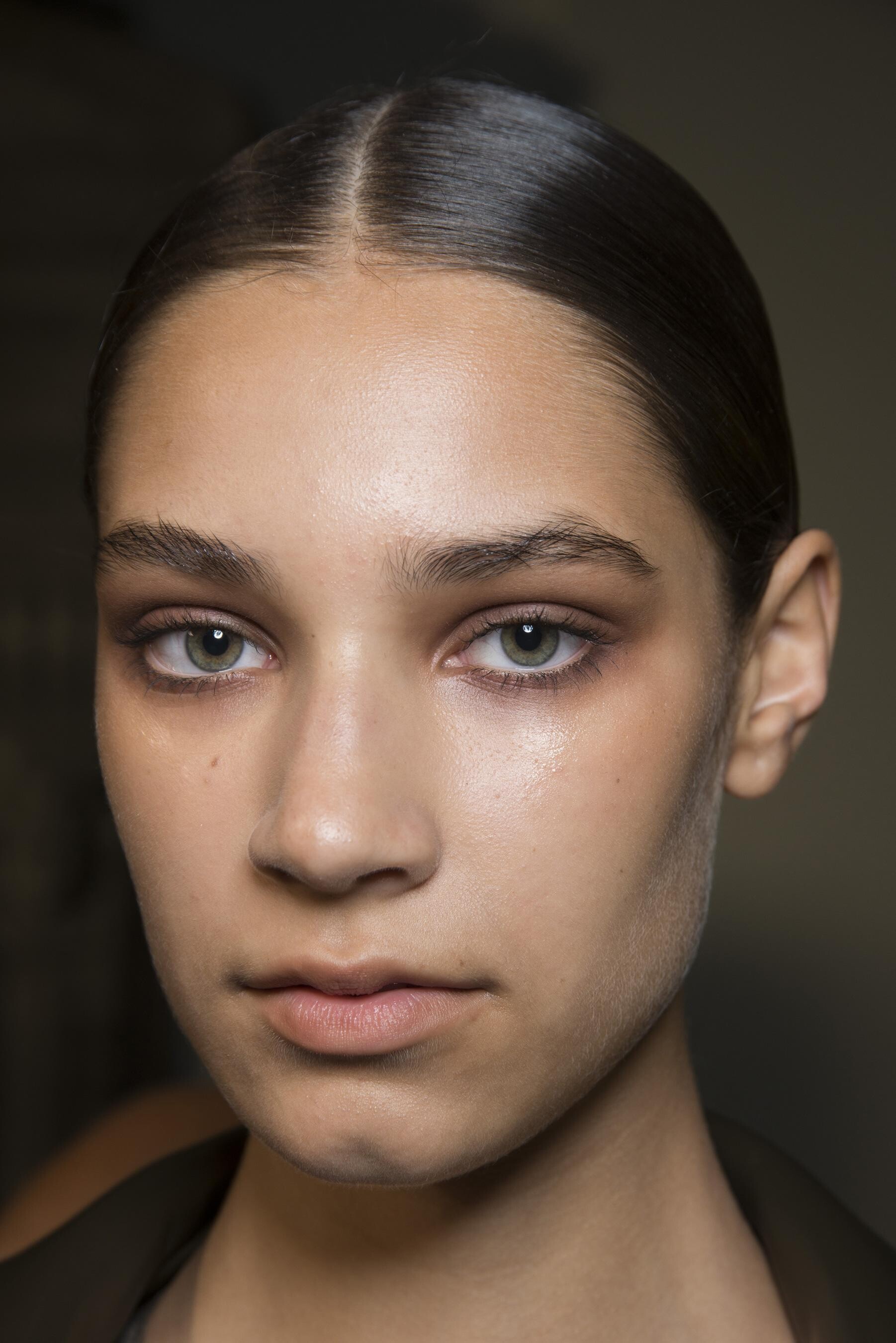
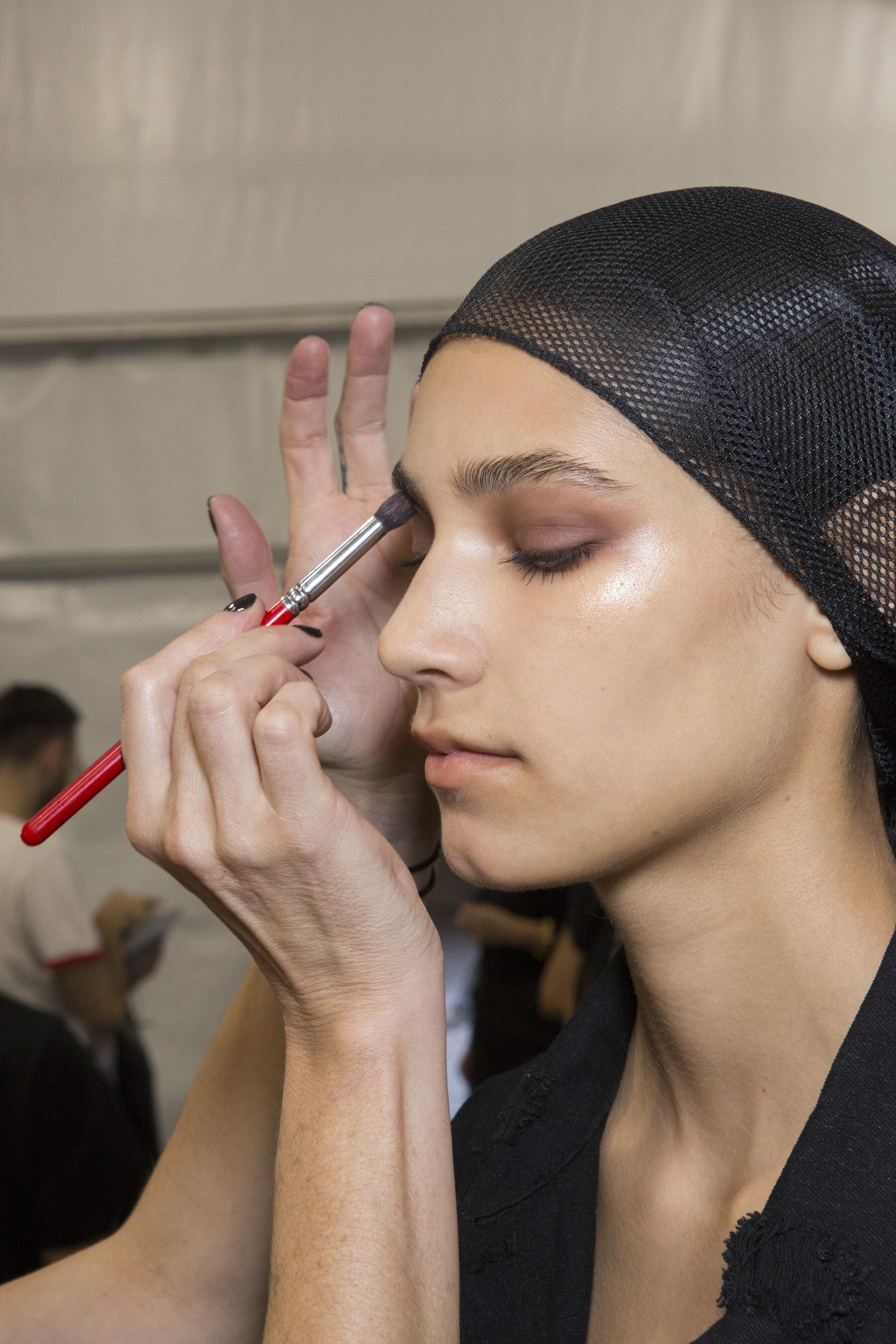
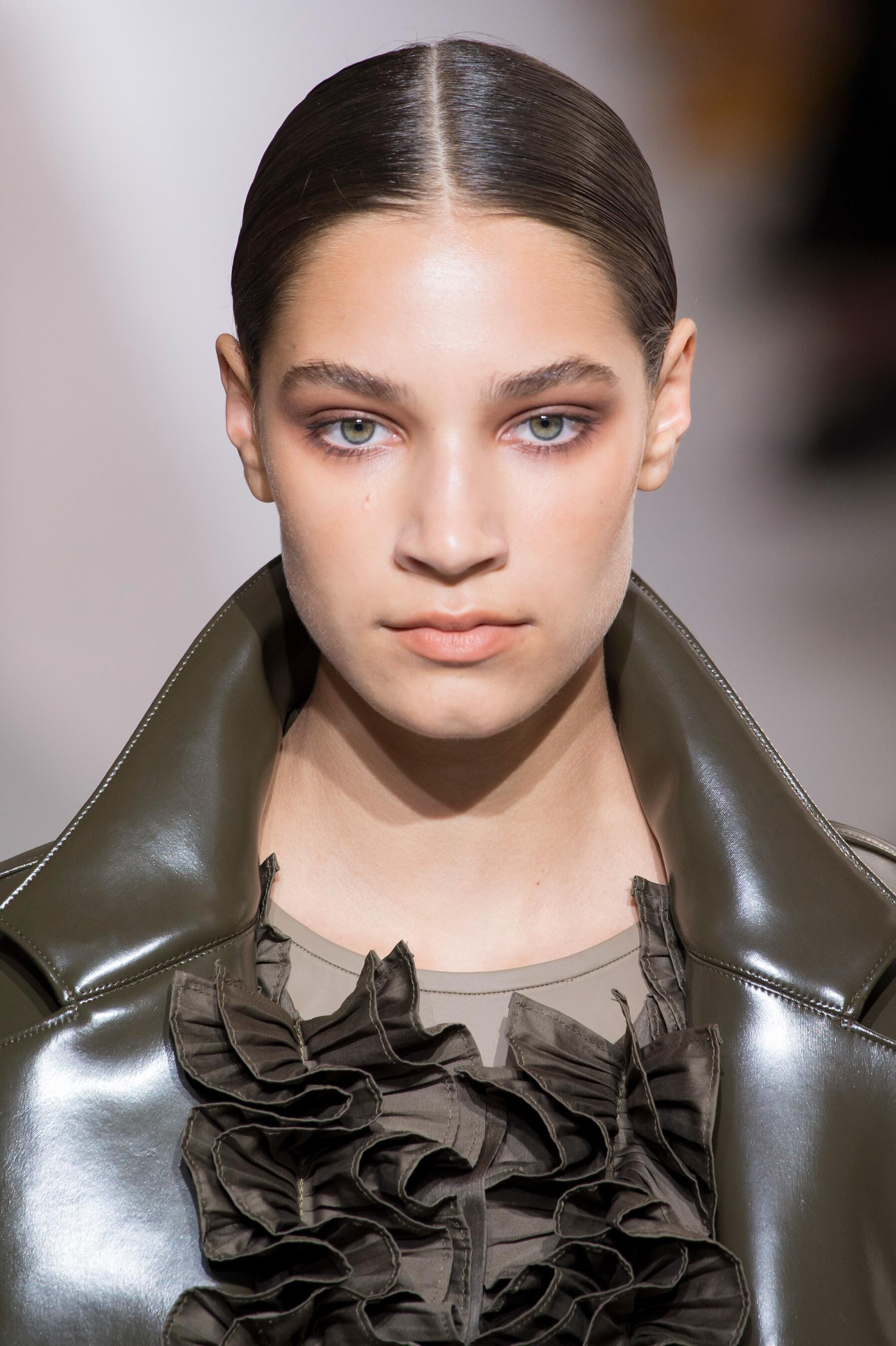
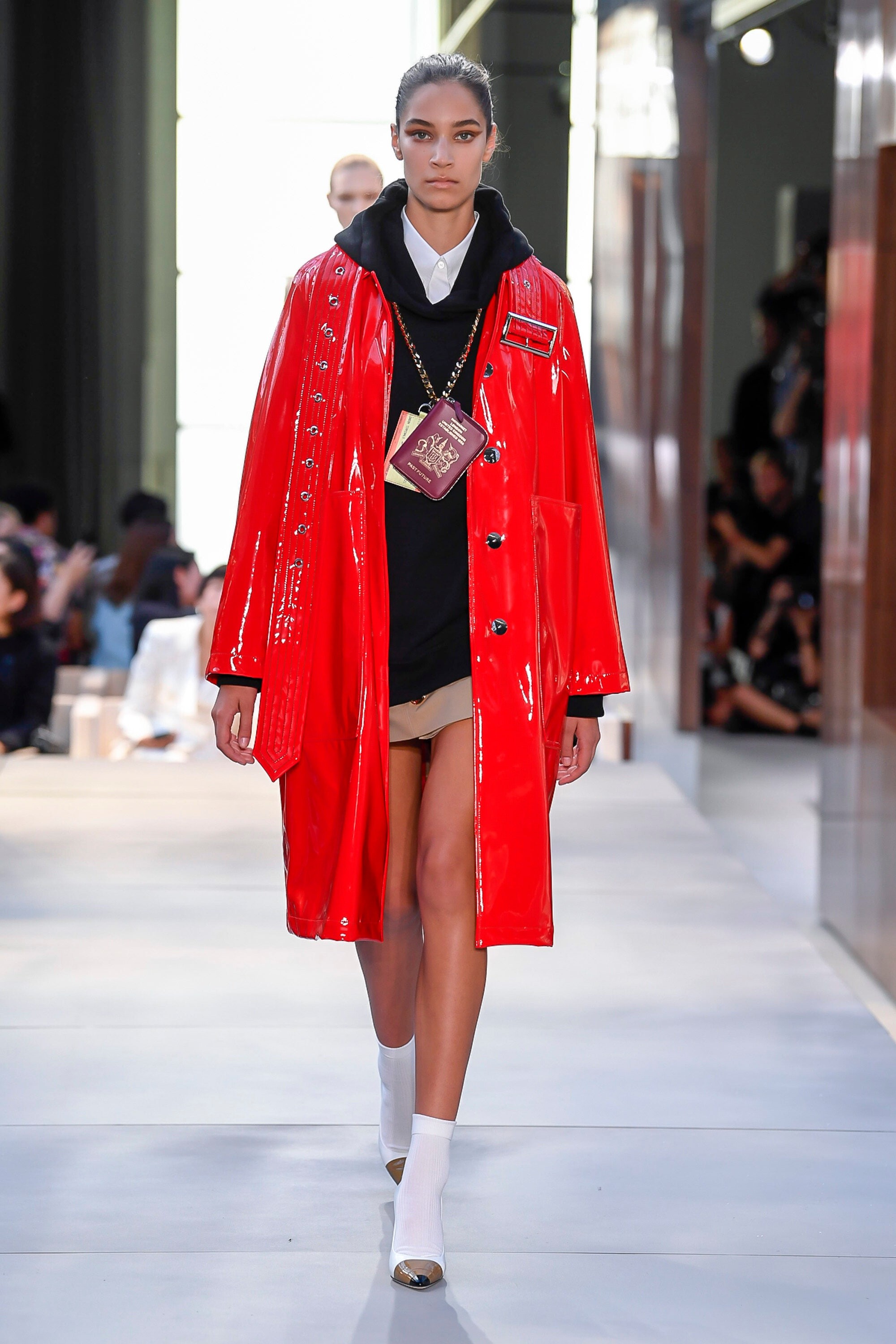
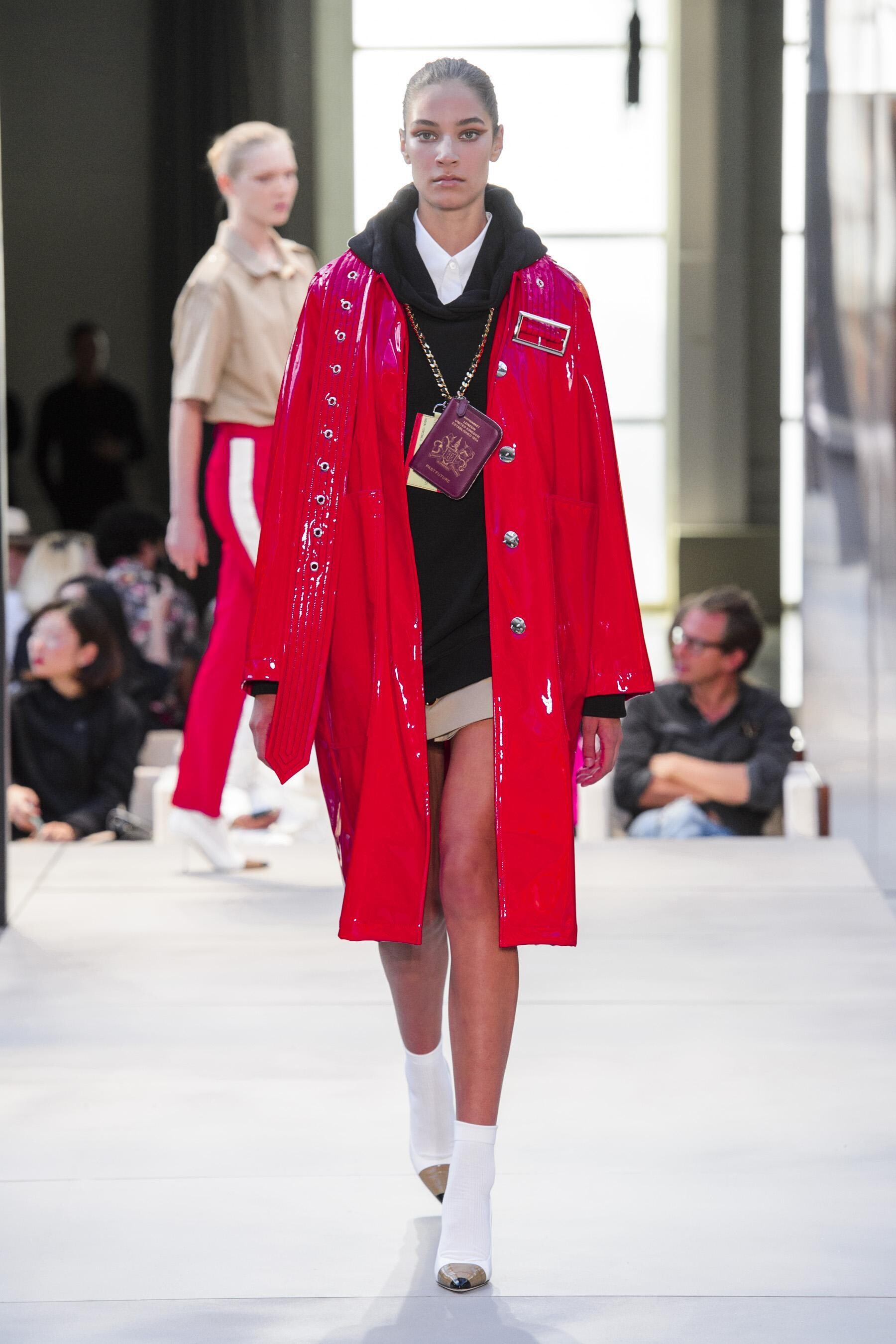
Burberry [SPRING 2019 READY-TO-WEAR] vogue, madamefigaro


-
Mary Katrantzou [SPRING 2019 READY-TO-WEAR] backstage vogue, madamefigaro









-
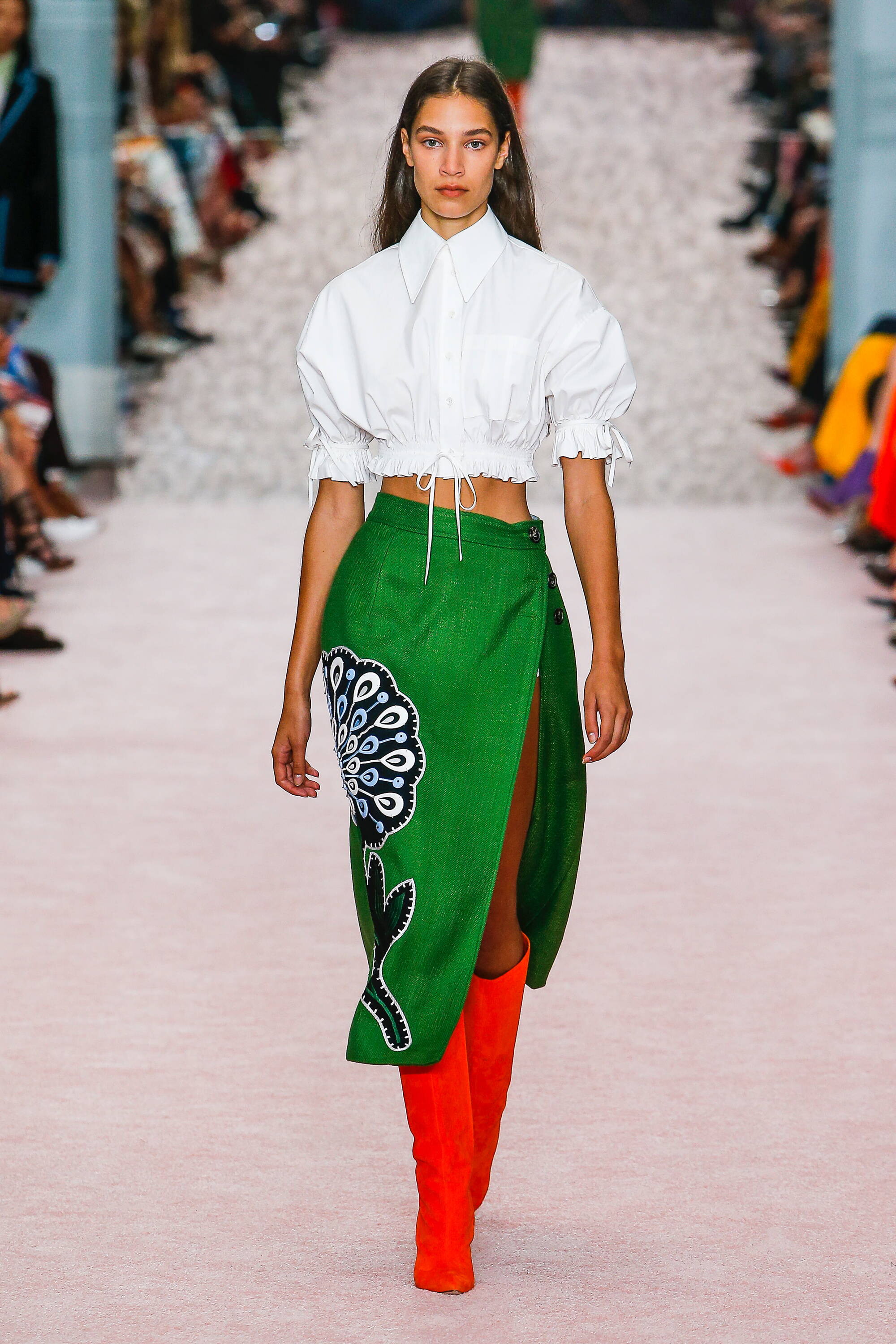
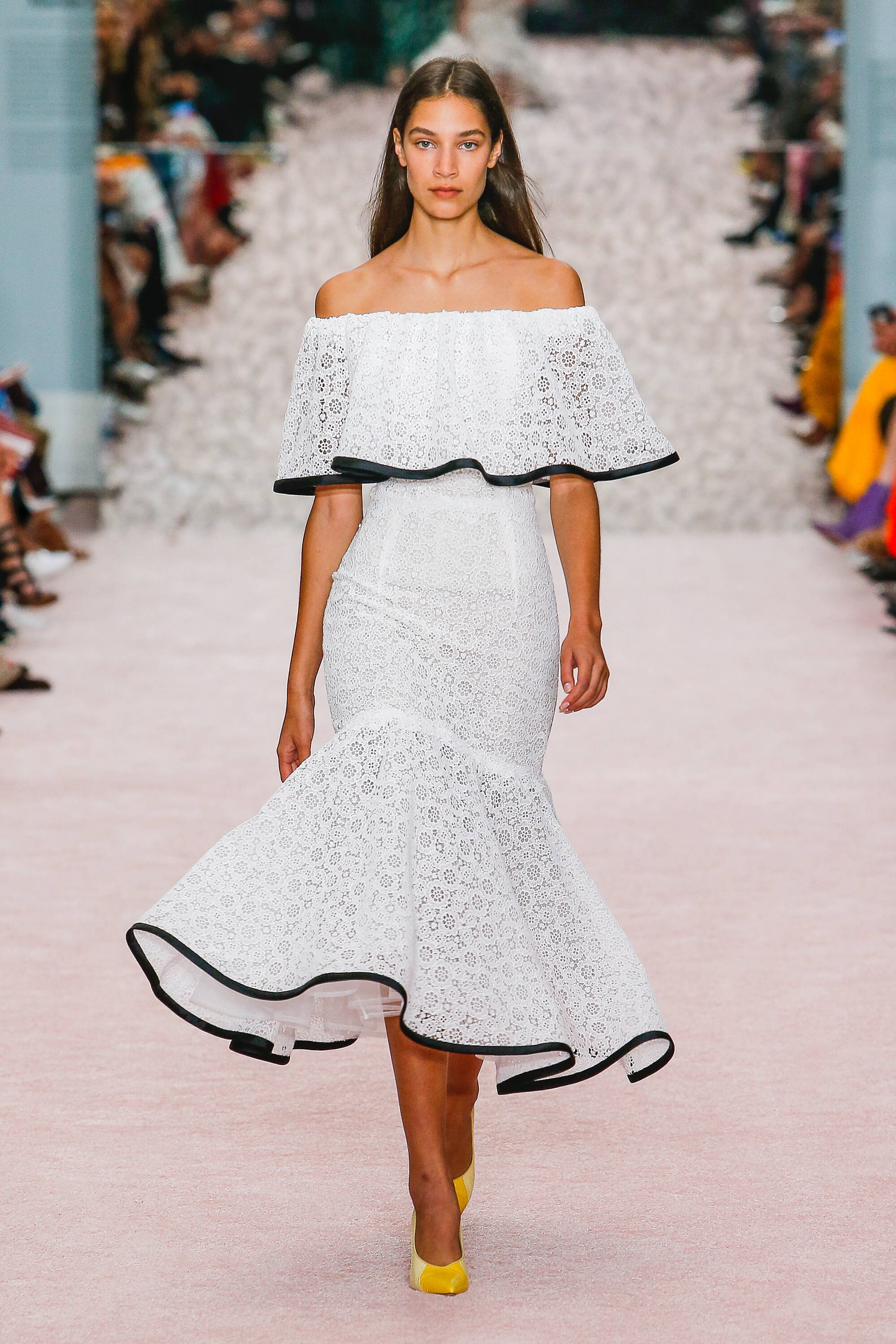
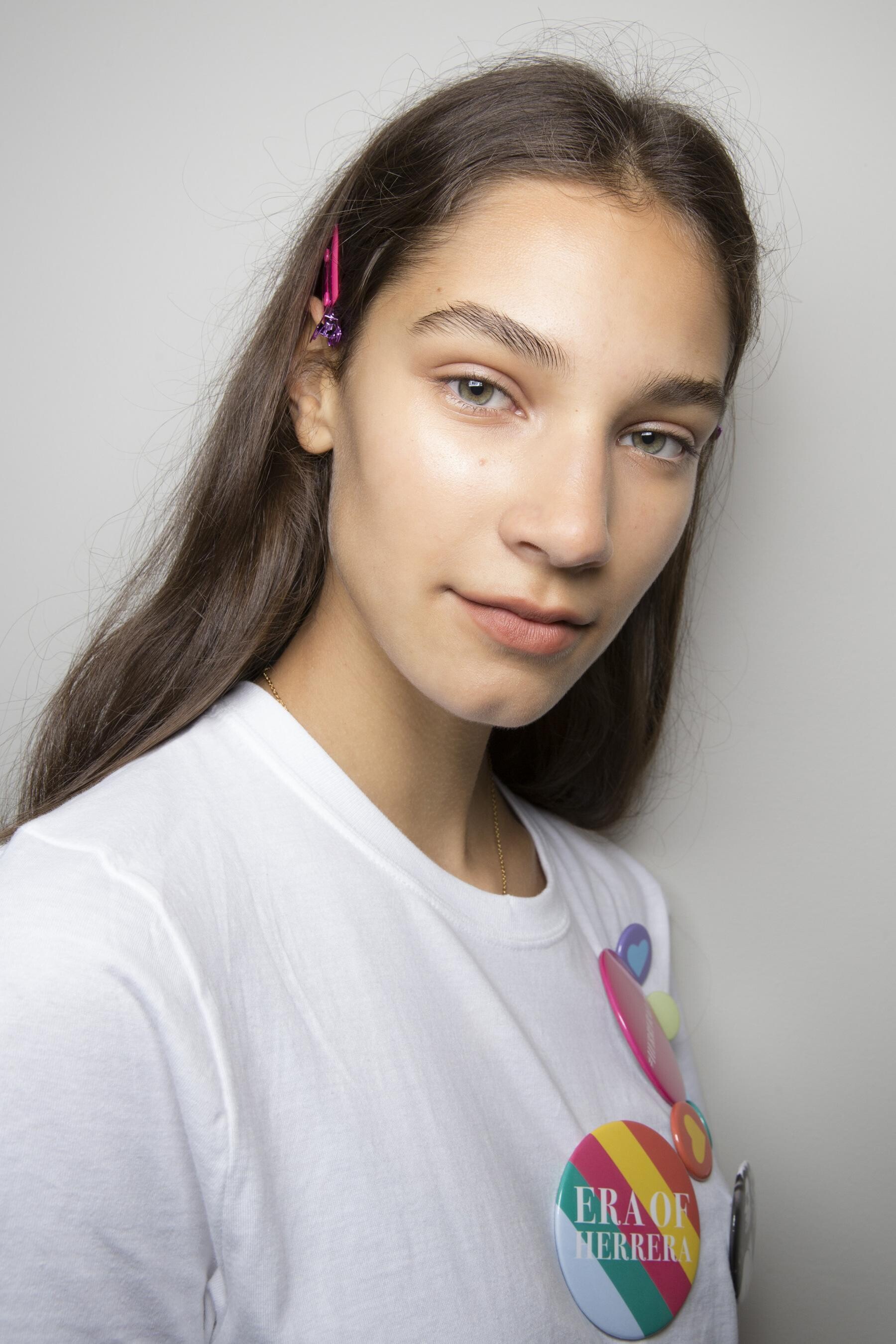
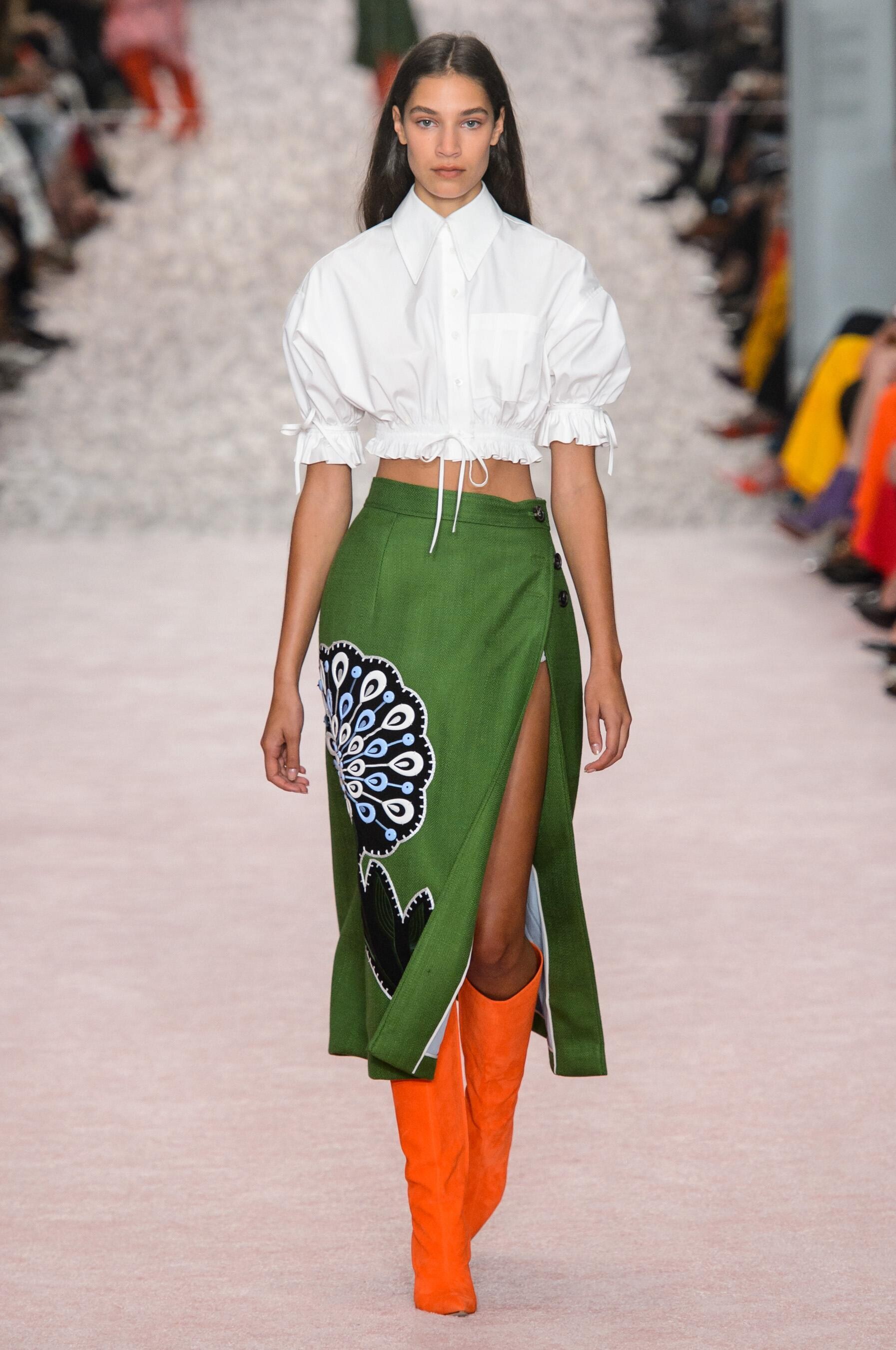
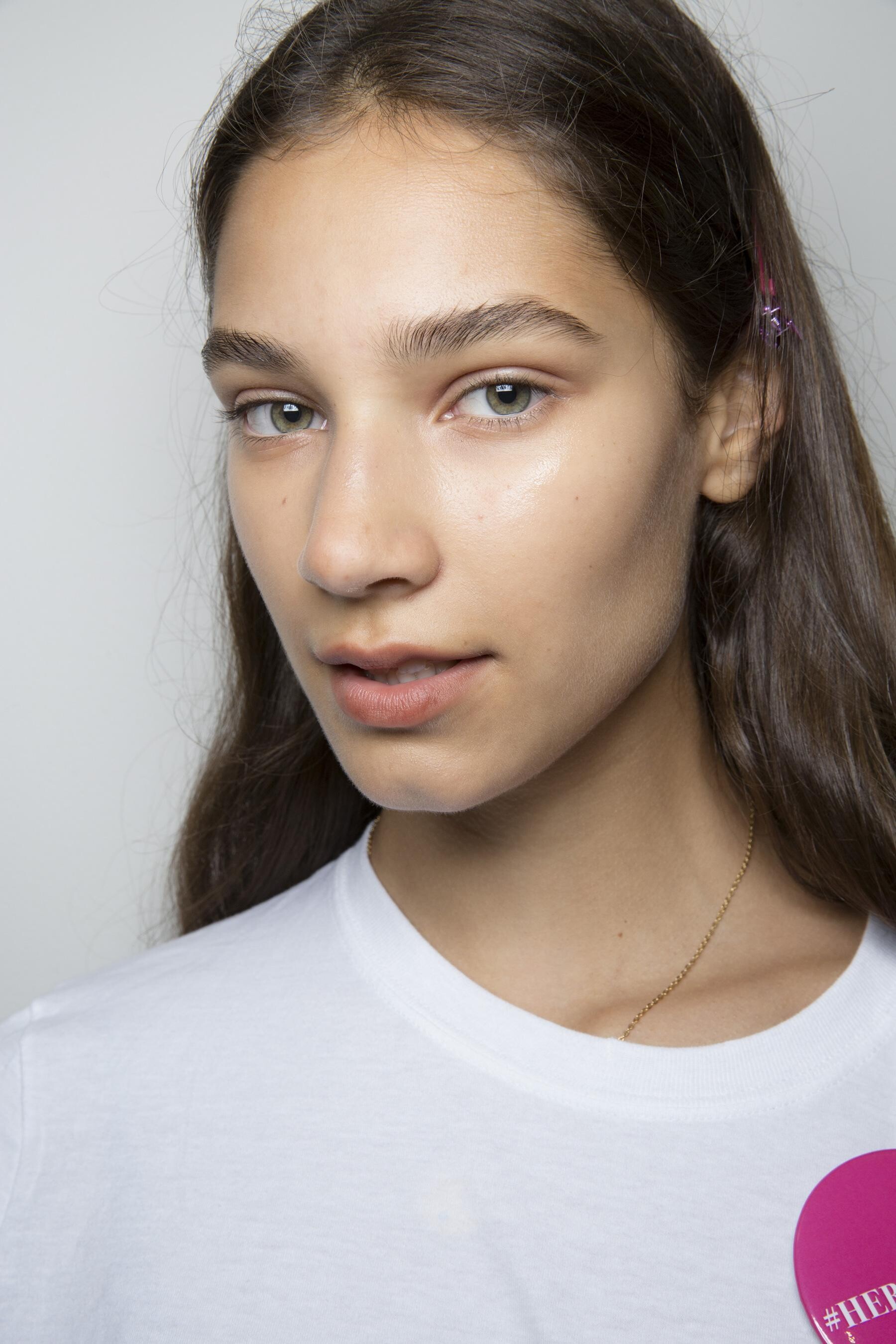
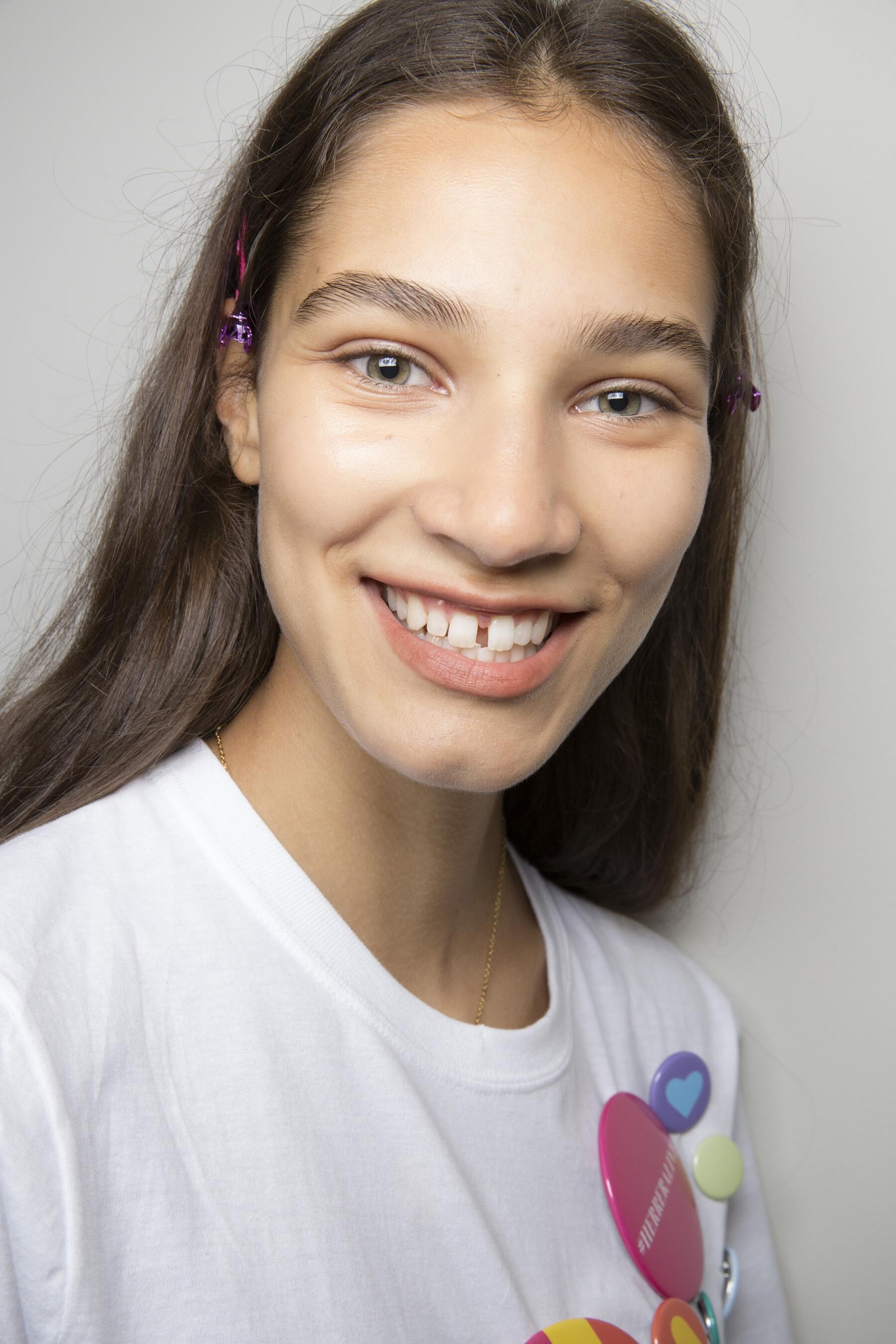
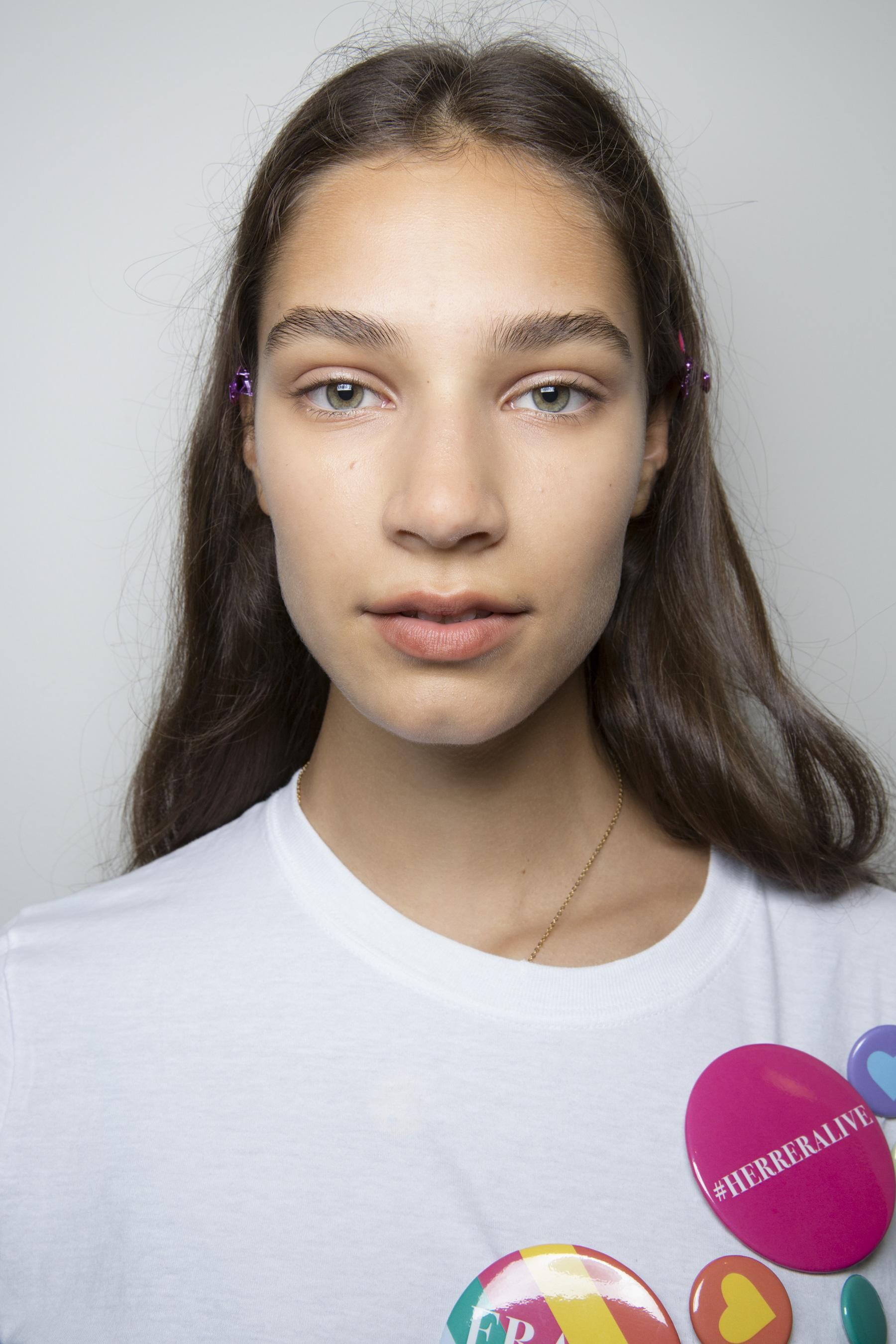
Carolina Herrera [SPRING 2019 READY-TO-WEAR] backstage vogue, madamefigaro

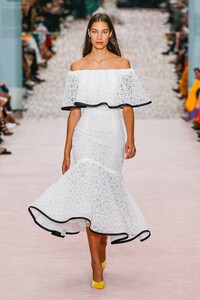




-
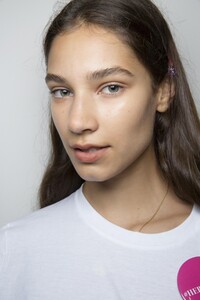
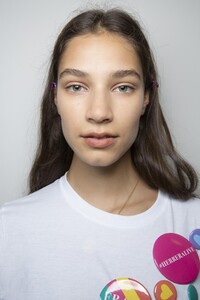
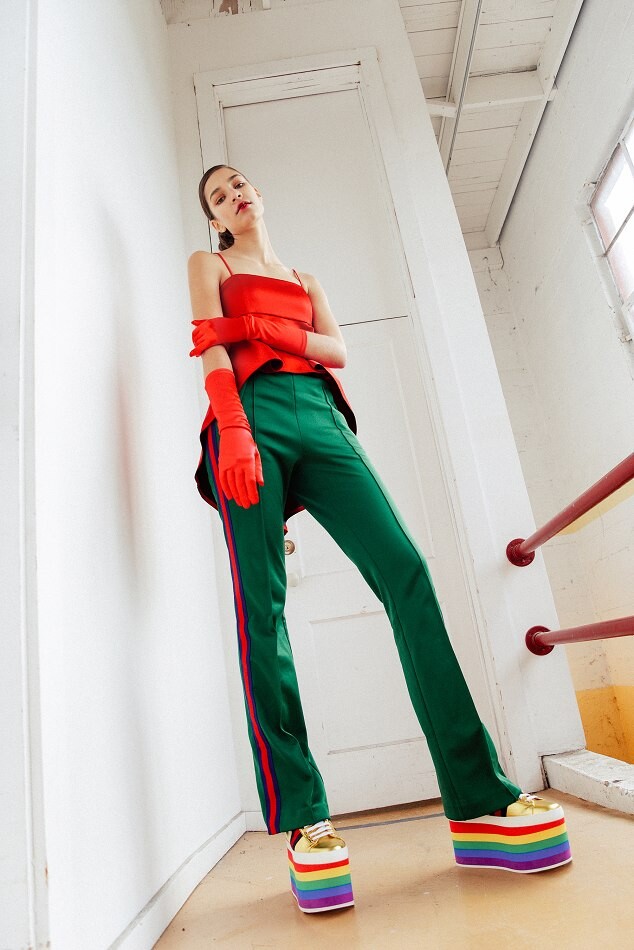
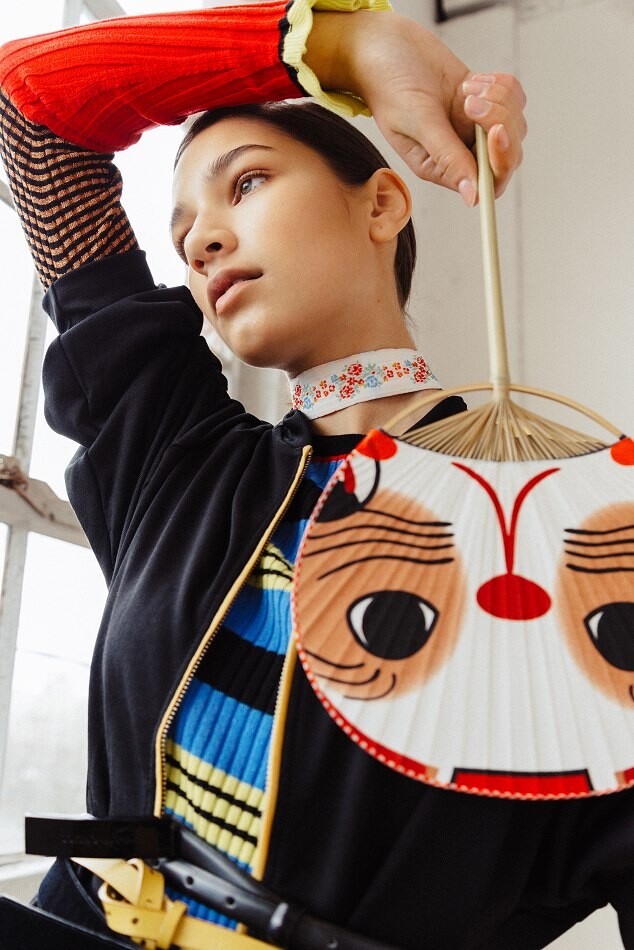
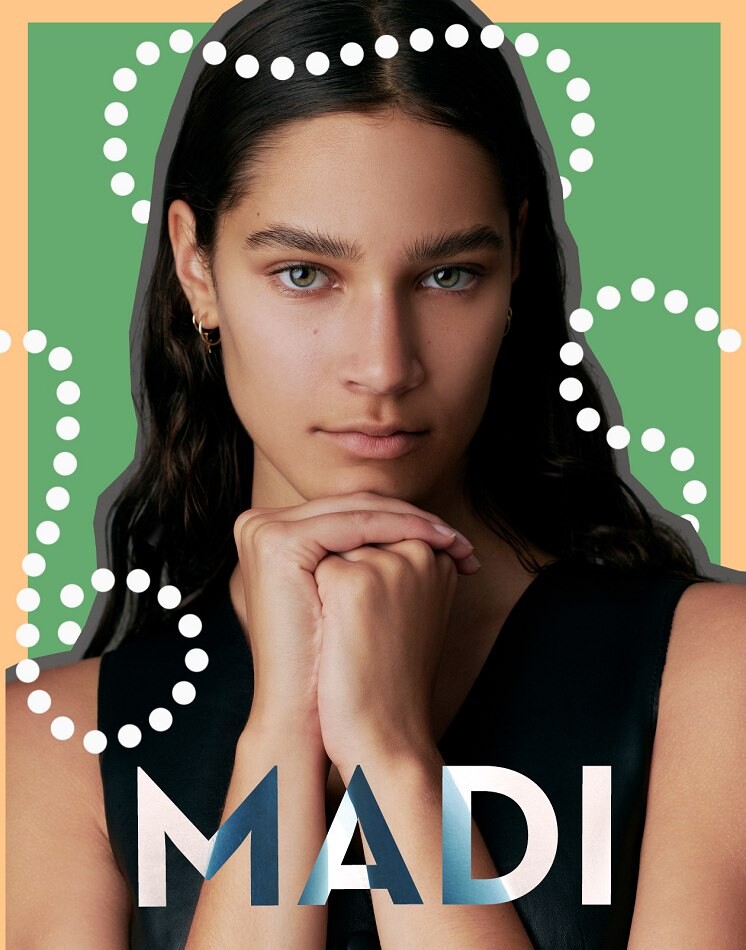
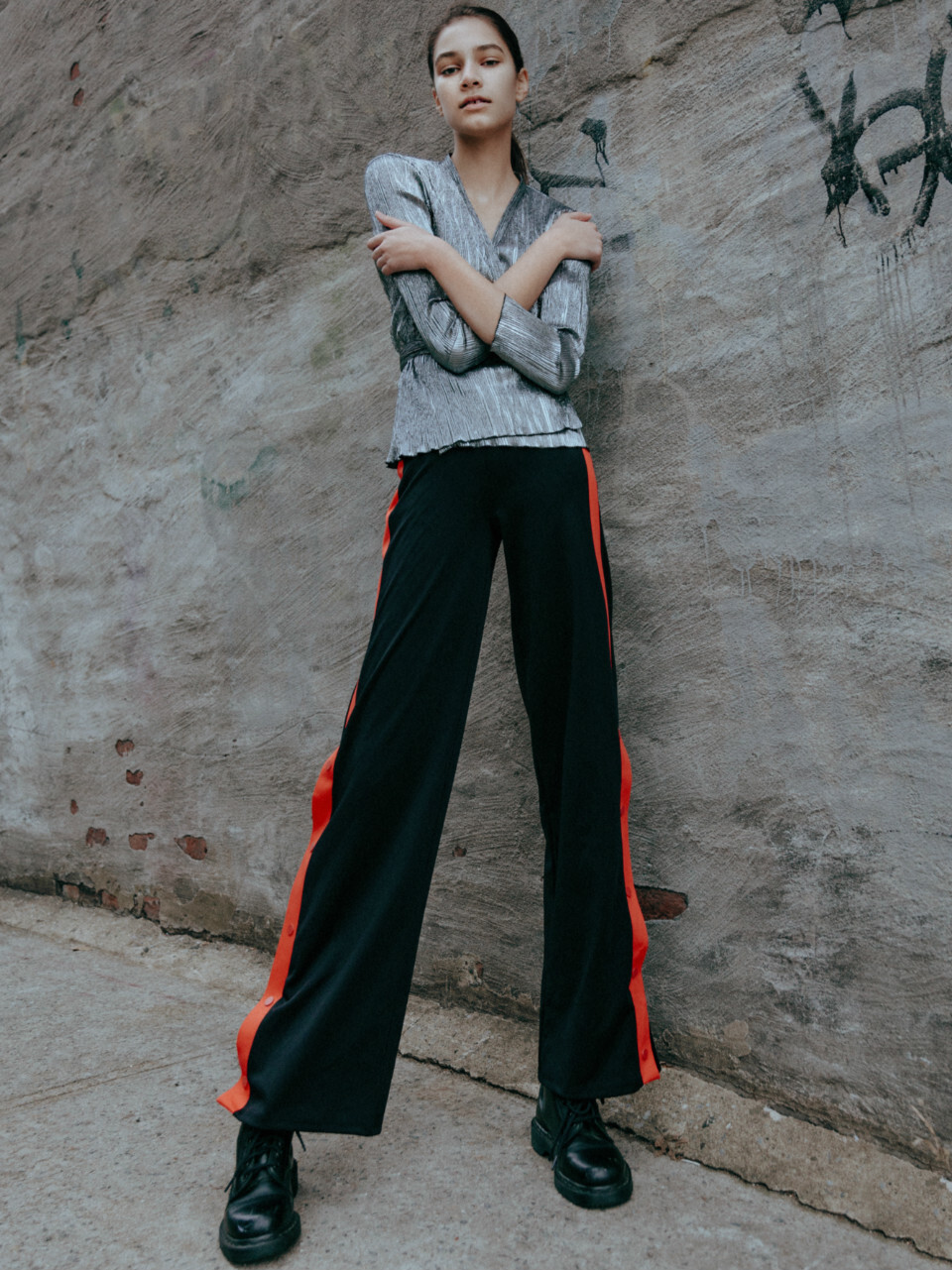
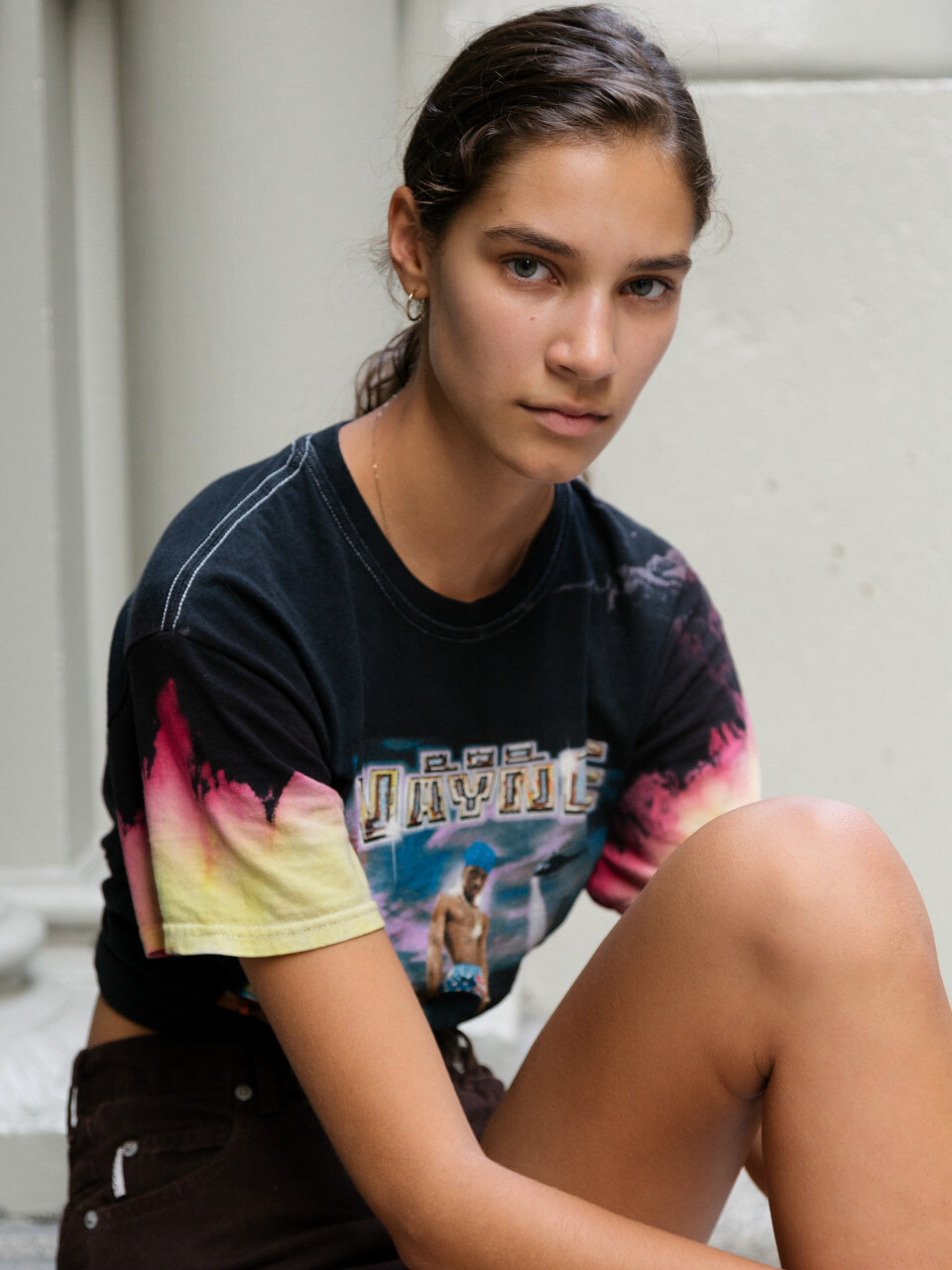
Portrait Madi Landram Source: whitney-hayes.com Published: September 2018 models





 MFW SS19 Street Style
 heffnermanagement




















































 elitemodel














 thesociety




















 Nike Fall 2017 Styleguide Published: August 2017 models
 LOOKING AT EACH OTHER JUNE 2019 VOGUE JAPAN fmd
 UPTOWN GIRLS OCTOBER 2019 WSJ fmd





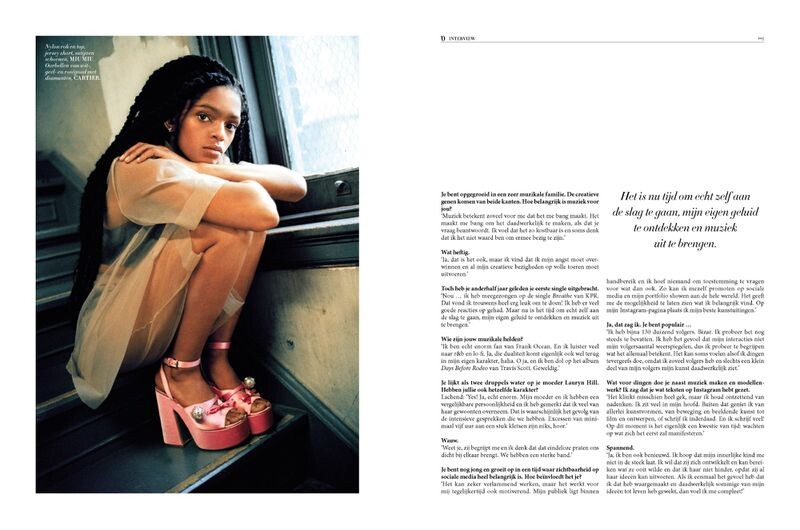
 L'Officiel Netherlands Selah Marley Published: April 2019 models








 Harper's Bazaar U.S. New Bohemians Published: December 2018 models
 Various Lookbooks/Catalogs Symbiotic for Century 21 Published: November 2018 models



 Telfar [SPRING 2019 READY-TO-WEAR] vogue
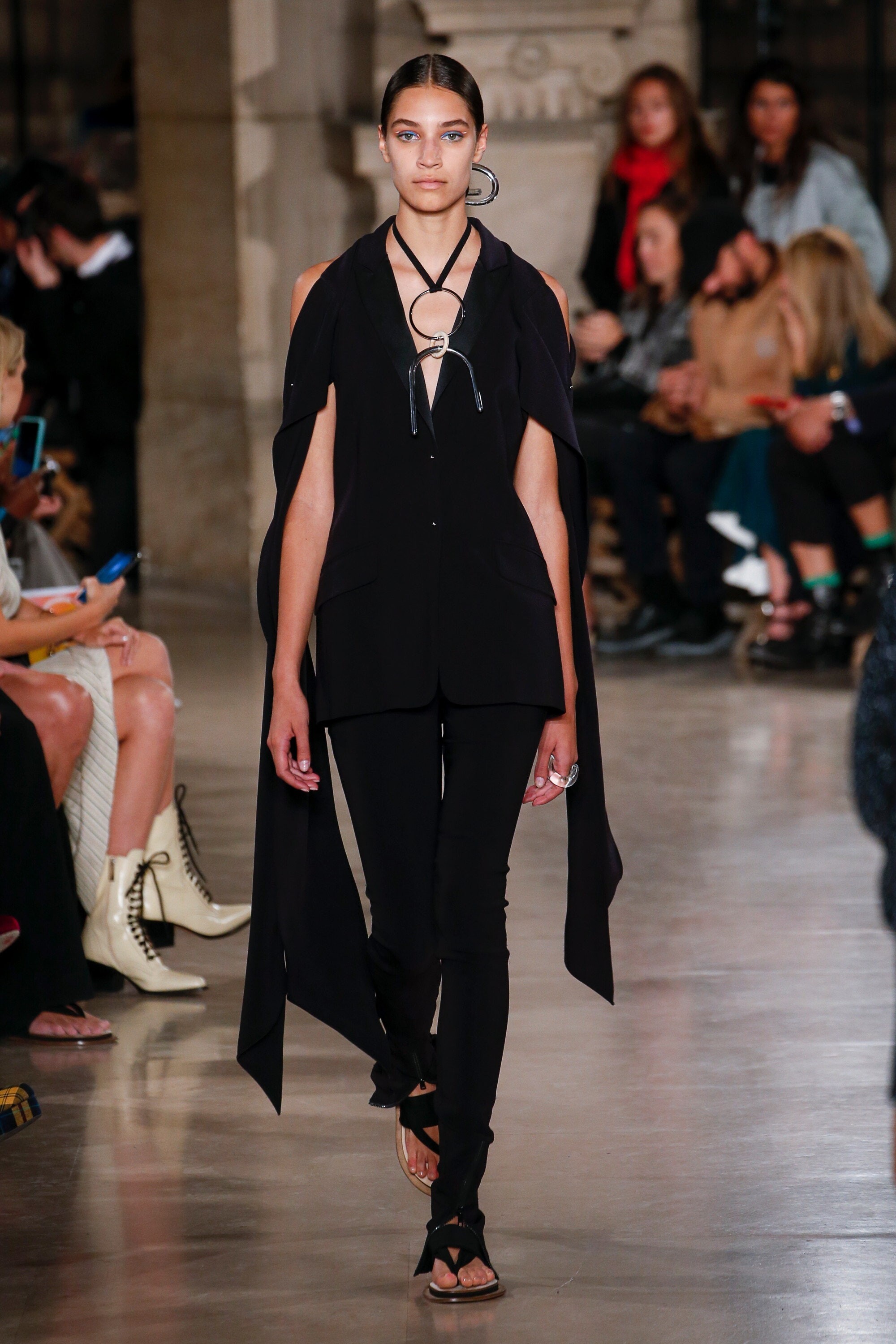
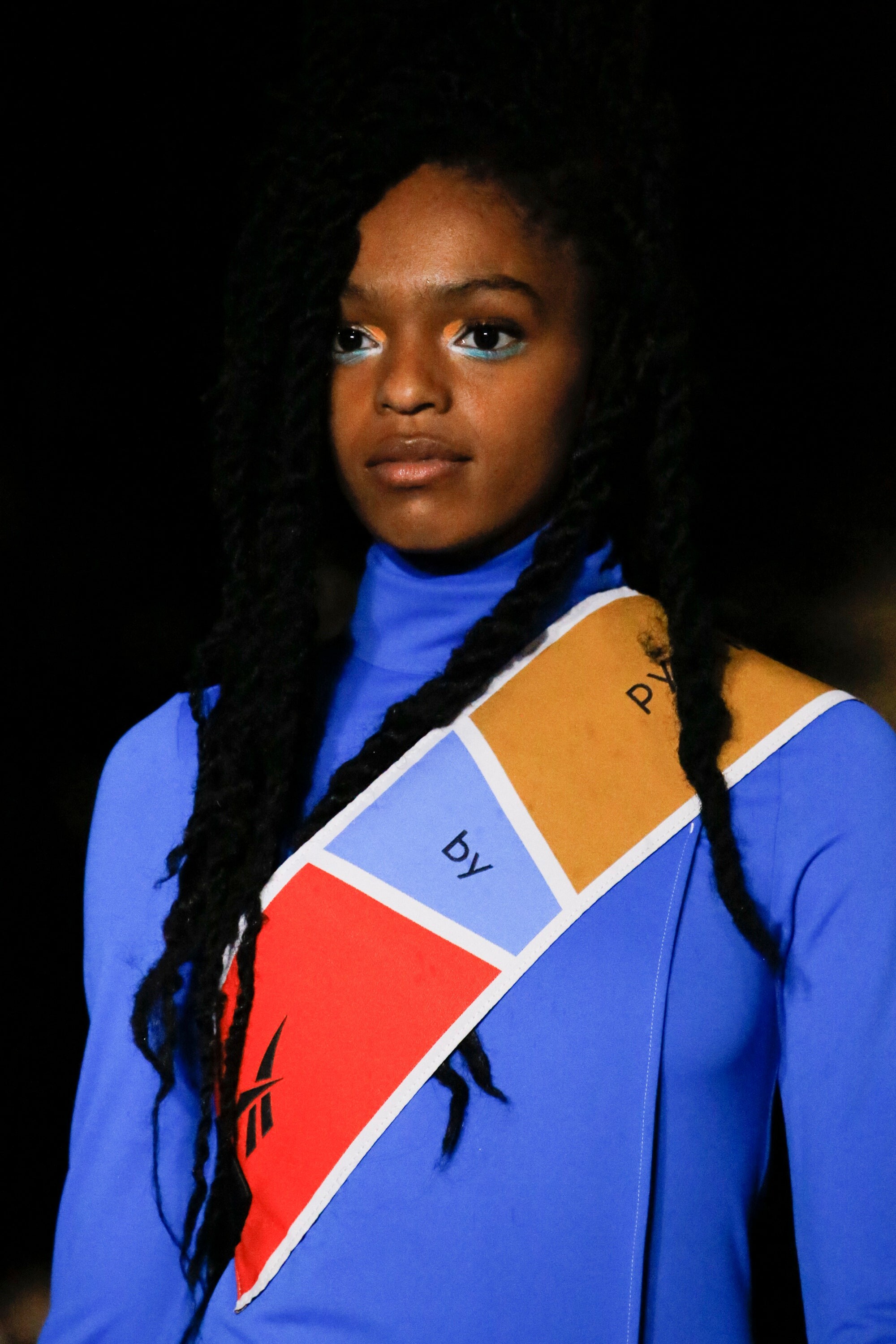
 Pyer Moss [SPRING 2019 READY-TO-WEAR] vogue, madamefigaro


















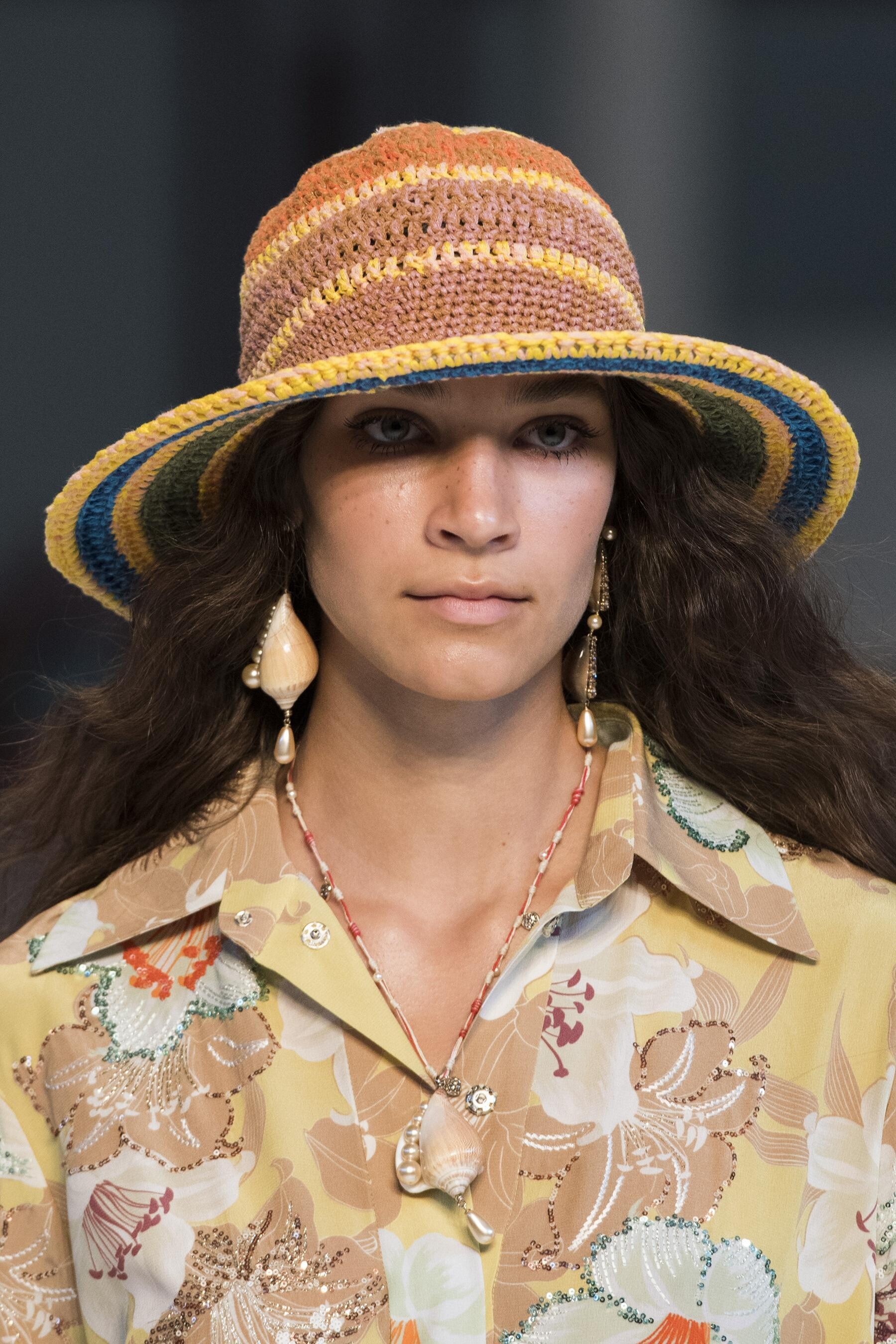
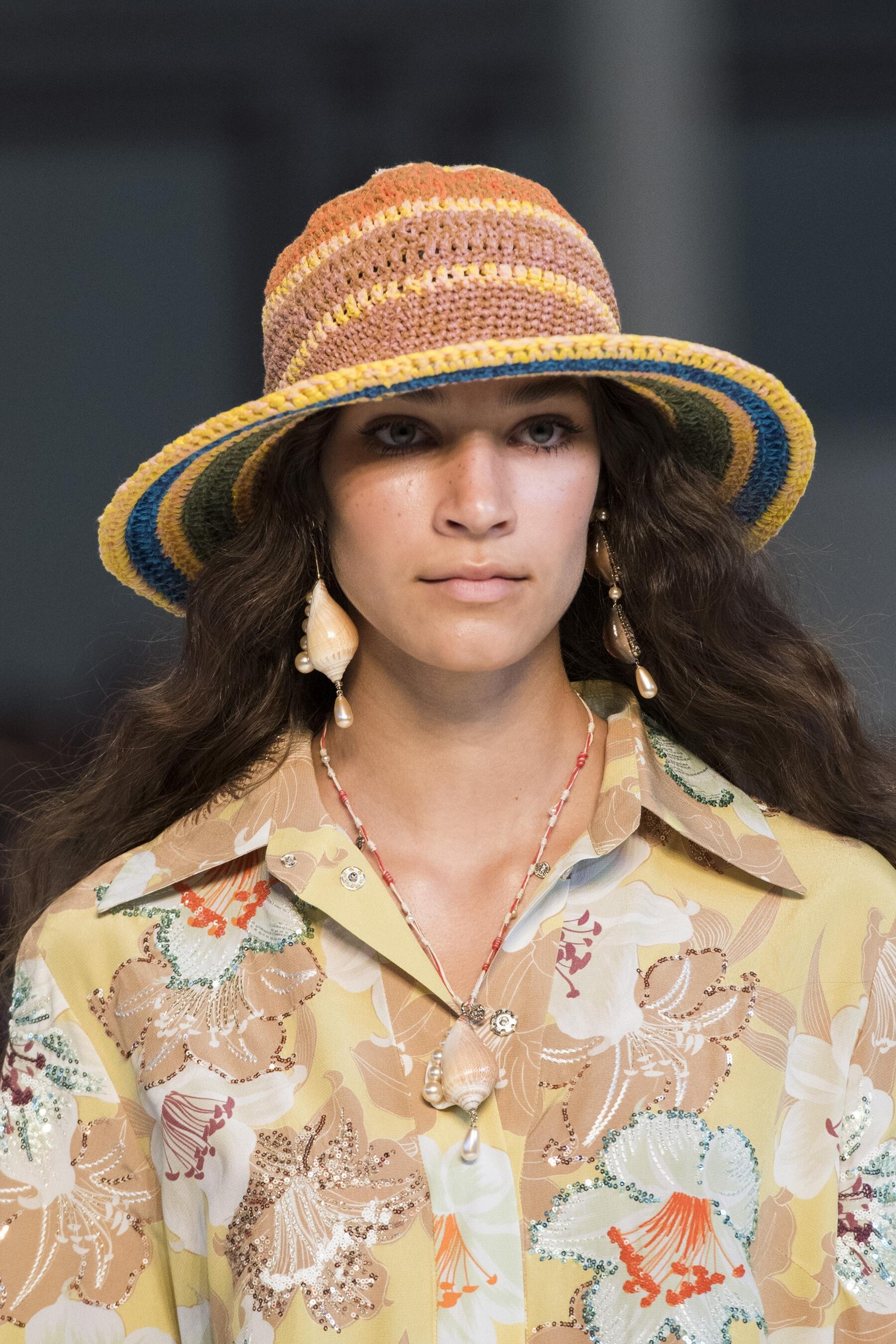
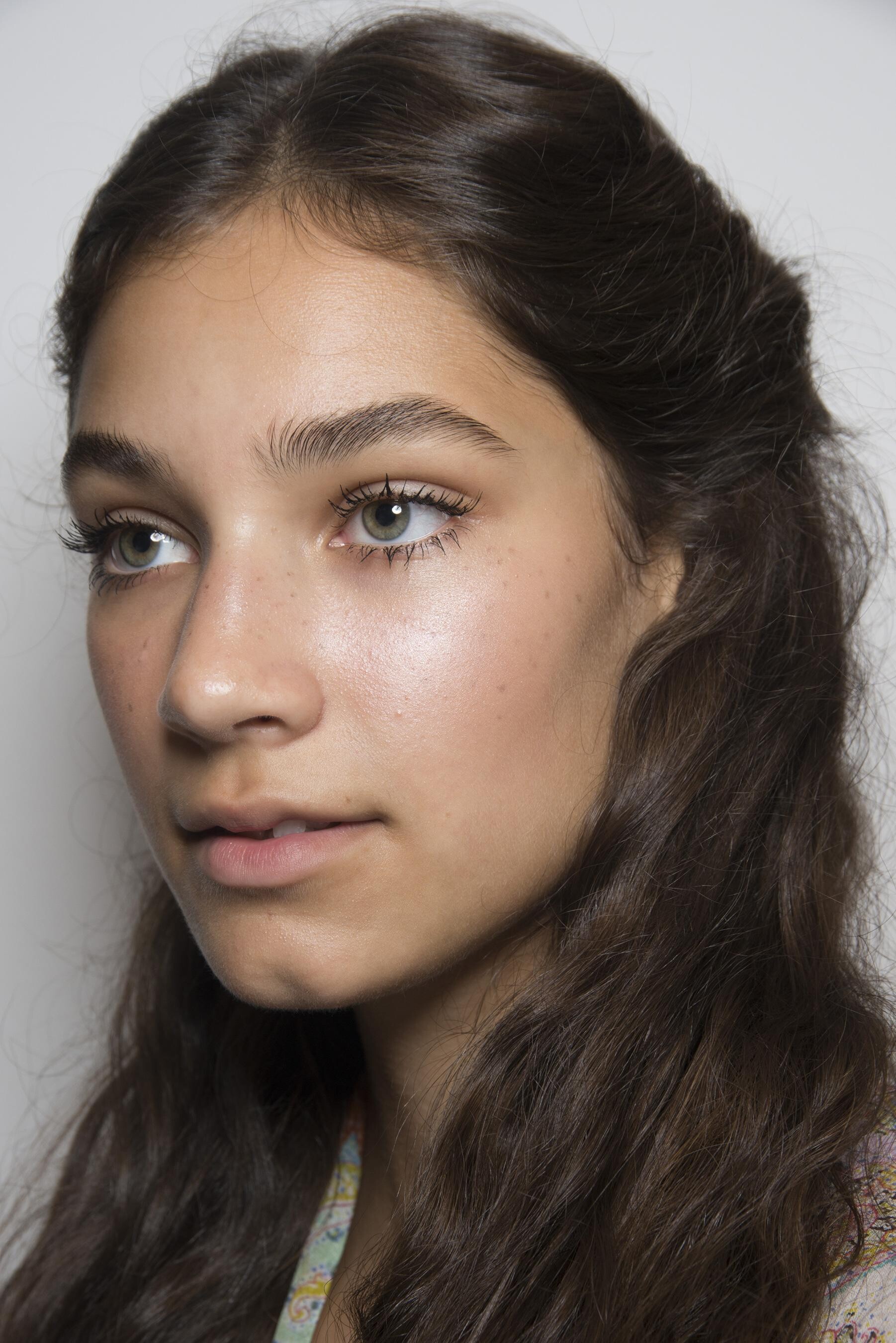






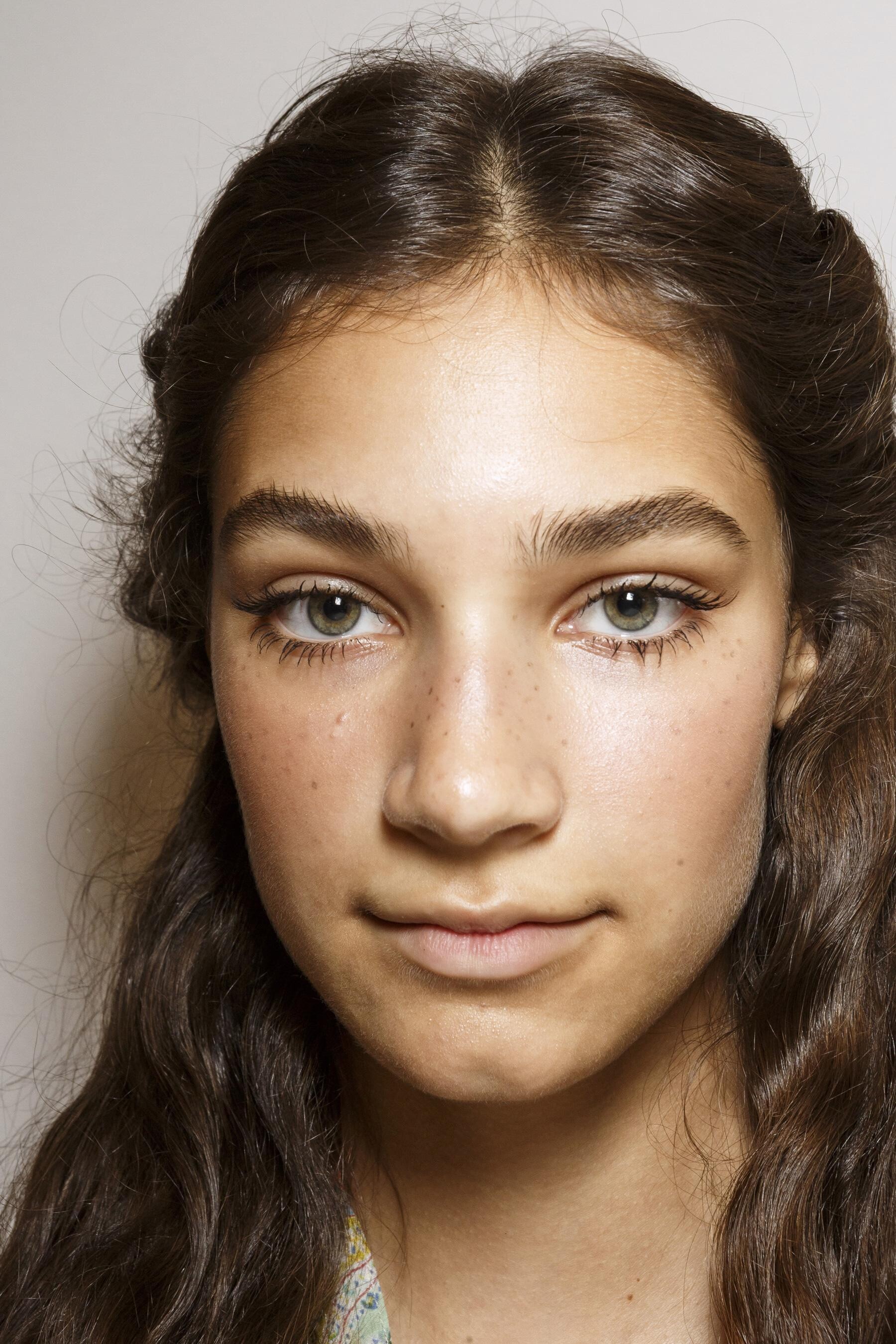









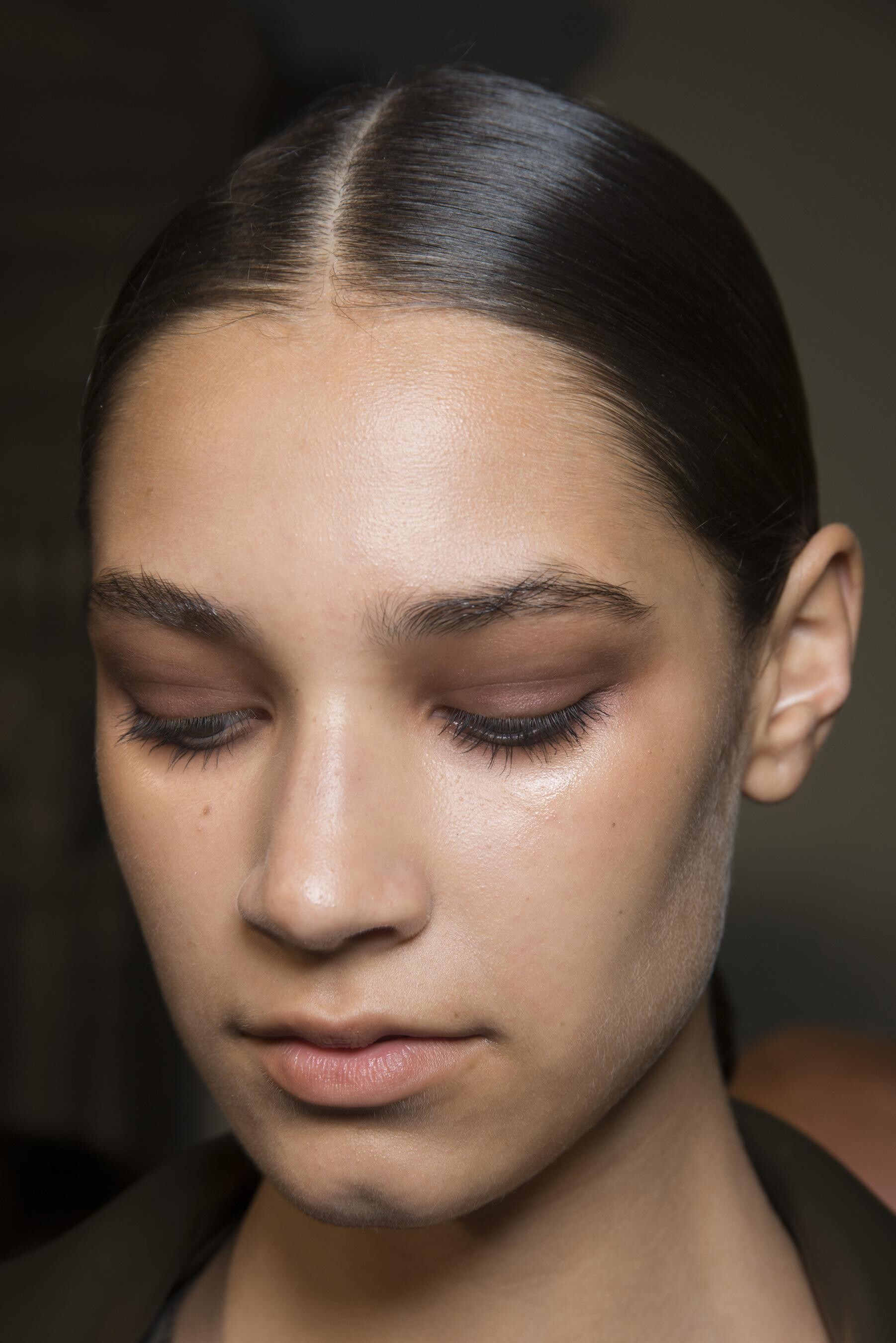
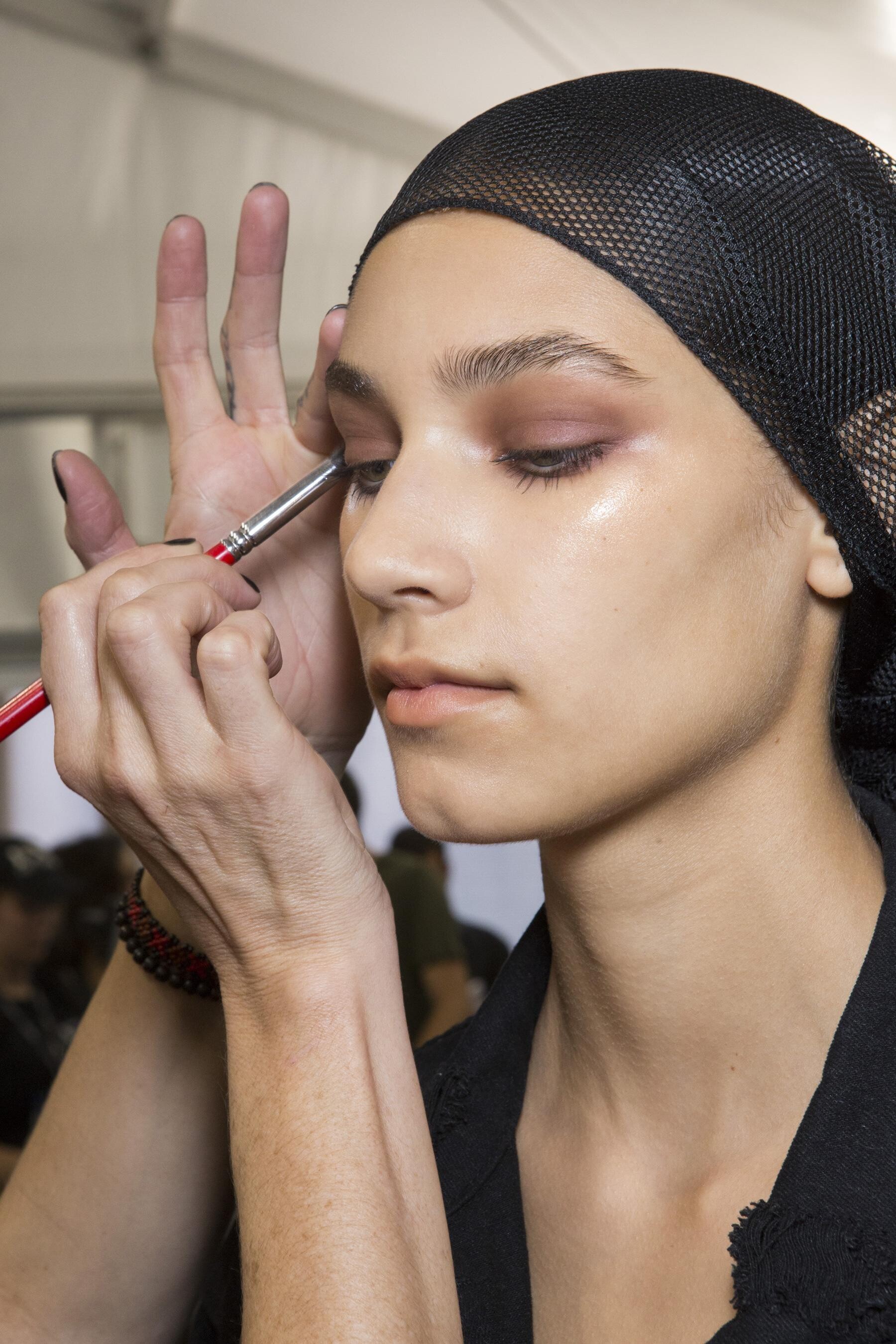
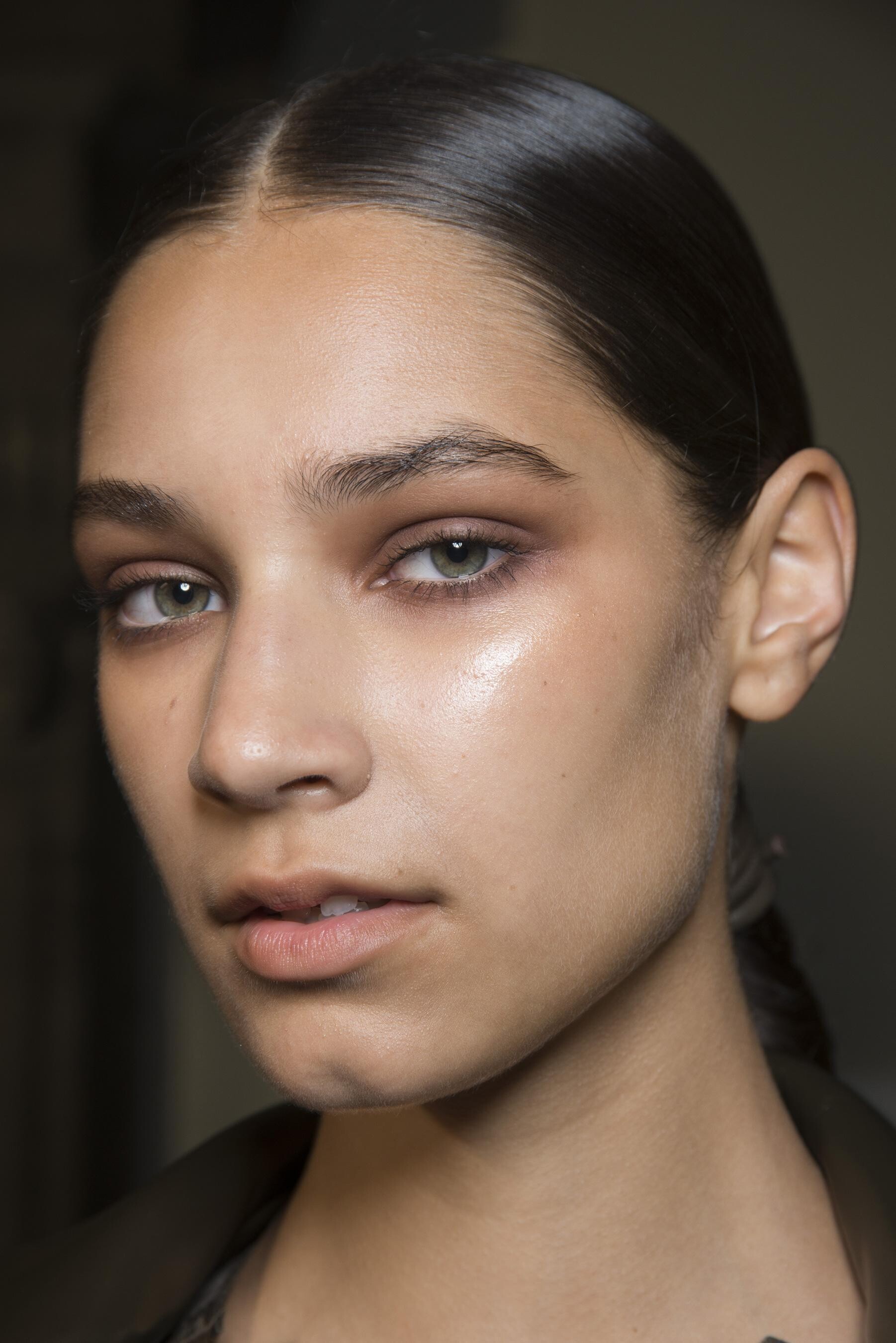


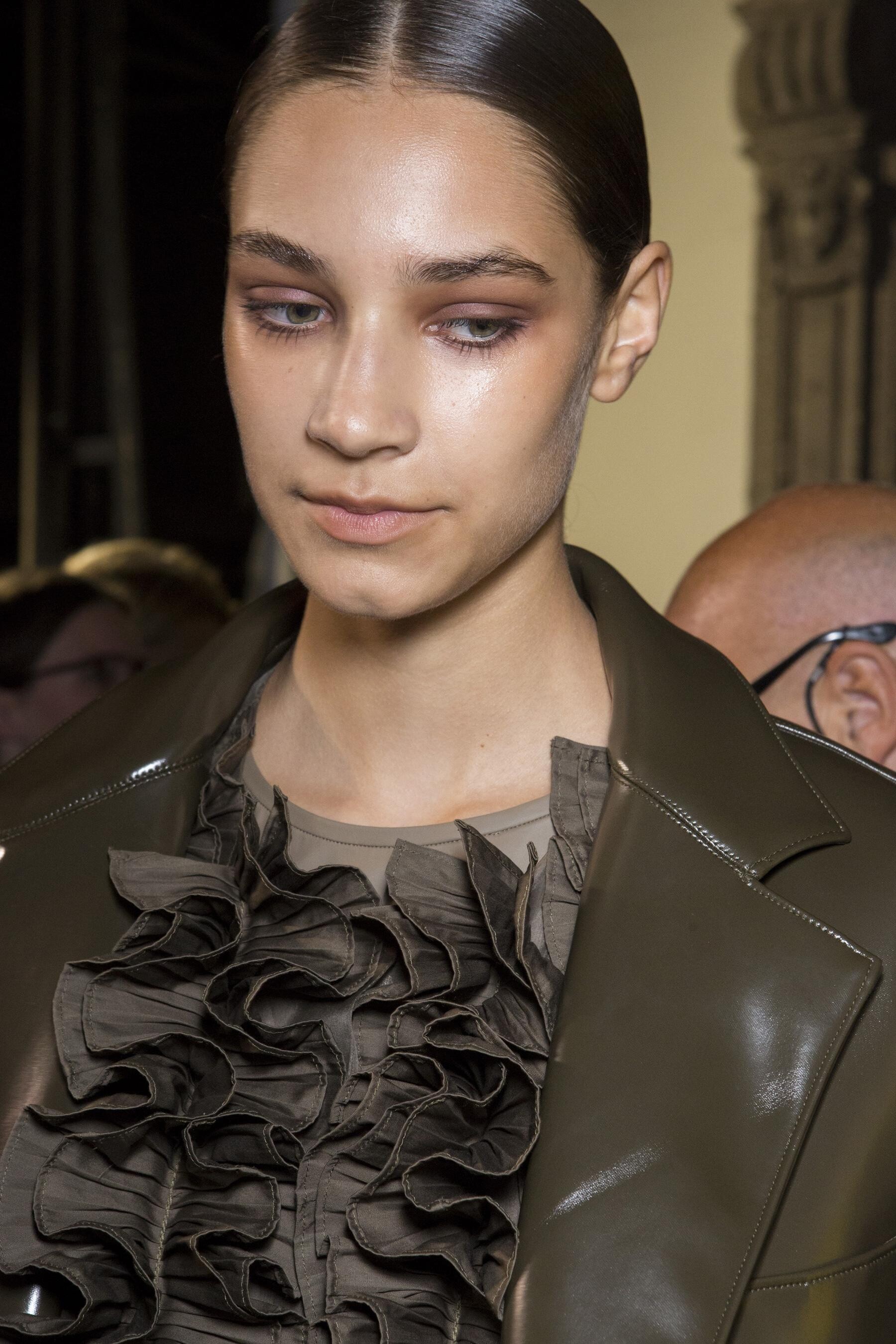












































































































































Account
Navigation
Search
Configure browser push notifications
Chrome (Android)
- Tap the lock icon next to the address bar.
- Tap Permissions → Notifications.
- Adjust your preference.
Chrome (Desktop)
- Click the padlock icon in the address bar.
- Select Site settings.
- Find Notifications and adjust your preference.
Safari (iOS 16.4+)
- Ensure the site is installed via Add to Home Screen.
- Open Settings App → Notifications.
- Find your app name and adjust your preference.
Safari (macOS)
- Go to Safari → Preferences.
- Click the Websites tab.
- Select Notifications in the sidebar.
- Find this website and adjust your preference.
Edge (Android)
- Tap the lock icon next to the address bar.
- Tap Permissions.
- Find Notifications and adjust your preference.
Edge (Desktop)
- Click the padlock icon in the address bar.
- Click Permissions for this site.
- Find Notifications and adjust your preference.
Firefox (Android)
- Go to Settings → Site permissions.
- Tap Notifications.
- Find this site in the list and adjust your preference.
Firefox (Desktop)
- Open Firefox Settings.
- Search for Notifications.
- Find this site in the list and adjust your preference.