
Daradrpipara
Members
-
Joined
-
Last visited
Everything posted by Daradrpipara
-
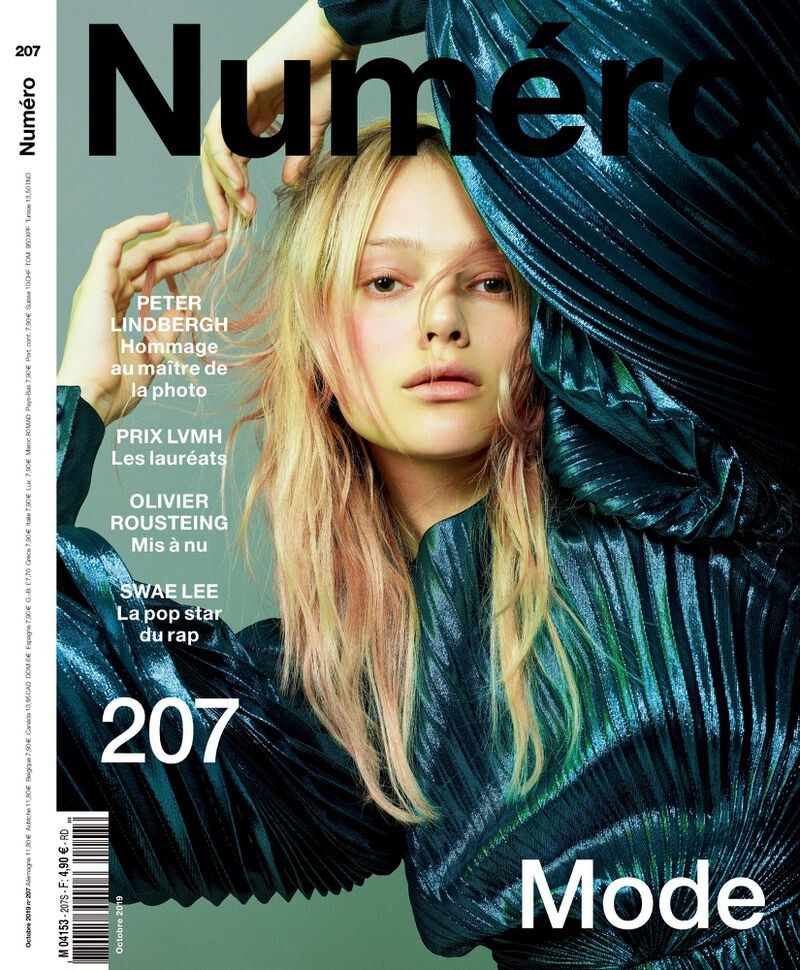
Numéro France Numéro France October 2019 Covers Published: October 2019 models




-
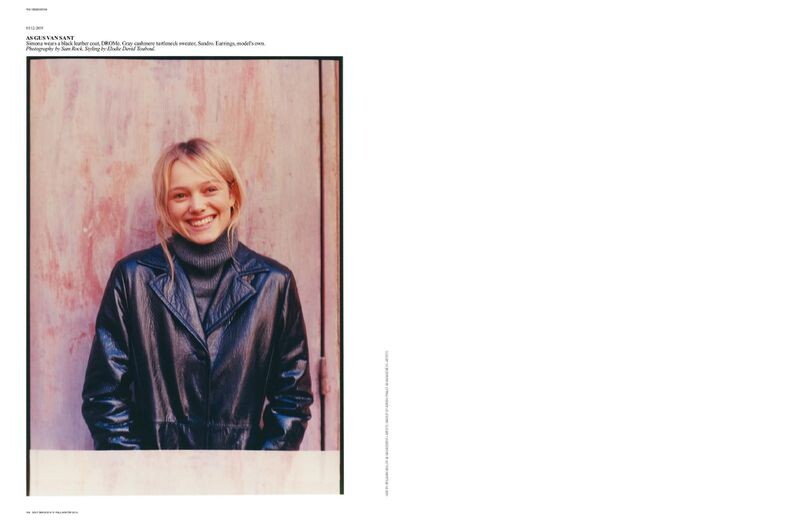
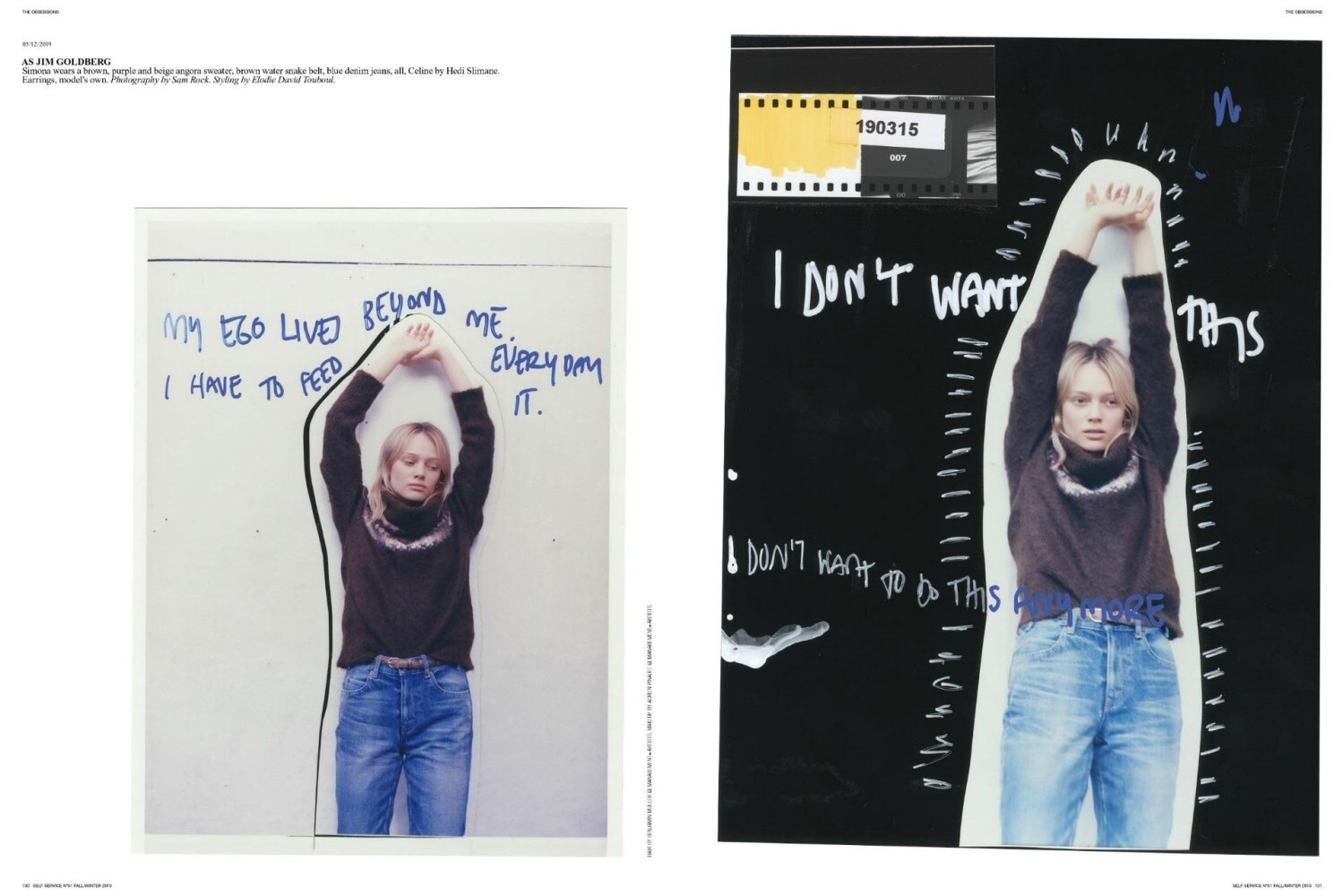
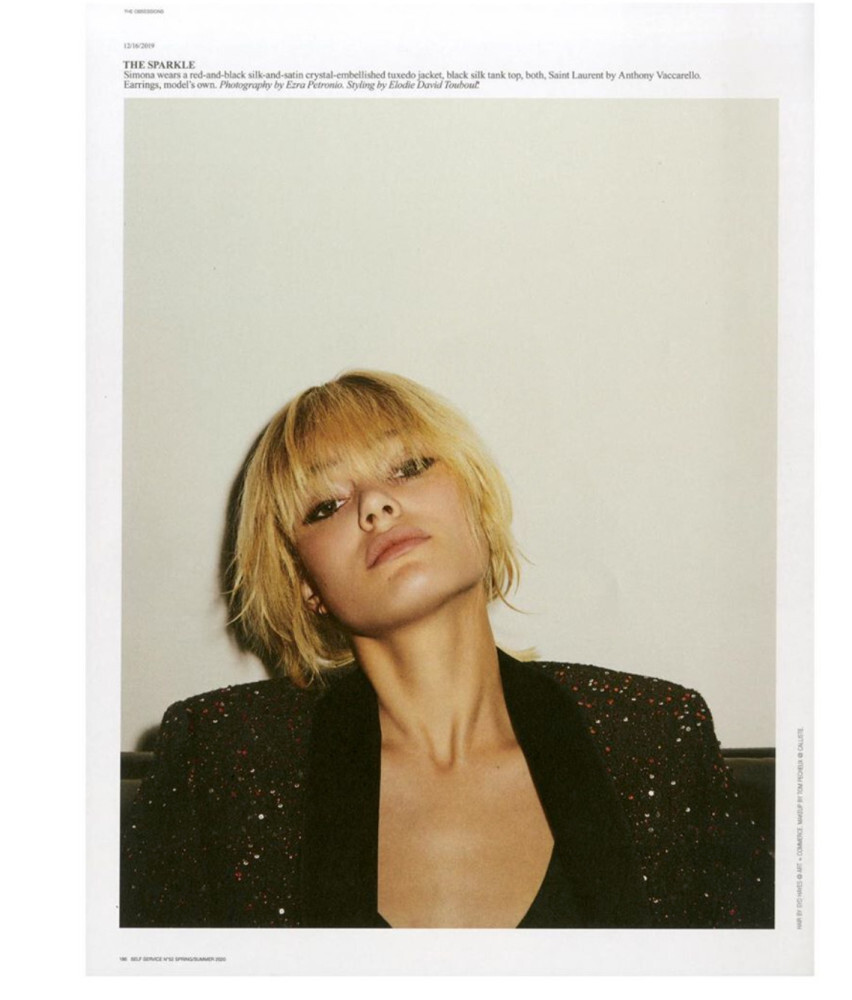
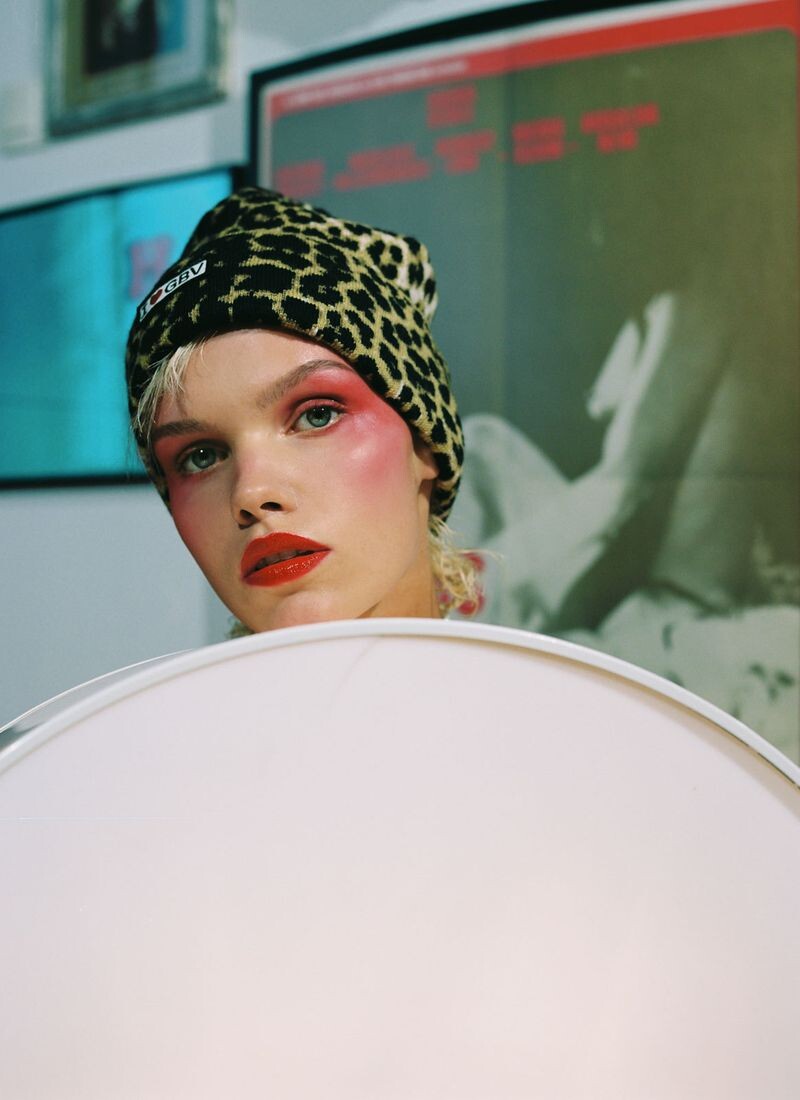
Self Service THE OBSESSIONS by Sam Rock Published: October 2019 models

-
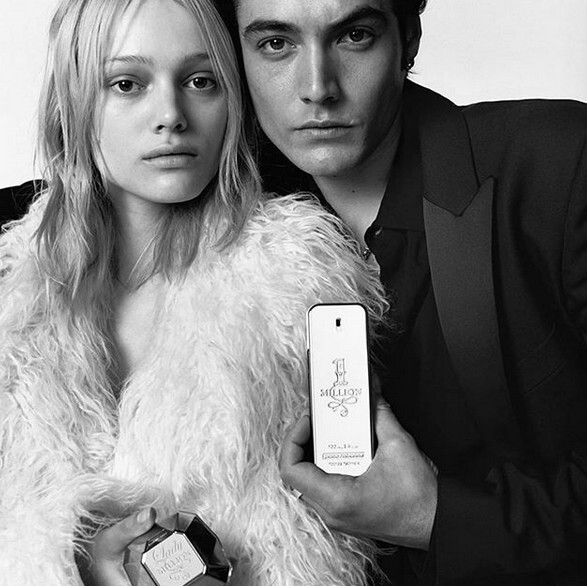
Paco Rabanne Paco Rabanne Lady Million Fragrance Fall 2019 Published: September 2019 models


-
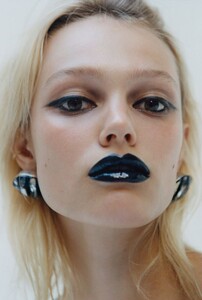
Interview Germany Photography Lukasz Pukowiec Published: September 2019 models


















-
Addiction by Ayako Addiction by Ayako - 10th Anniversary Eau D'Addiction Published: July 2019 models

-
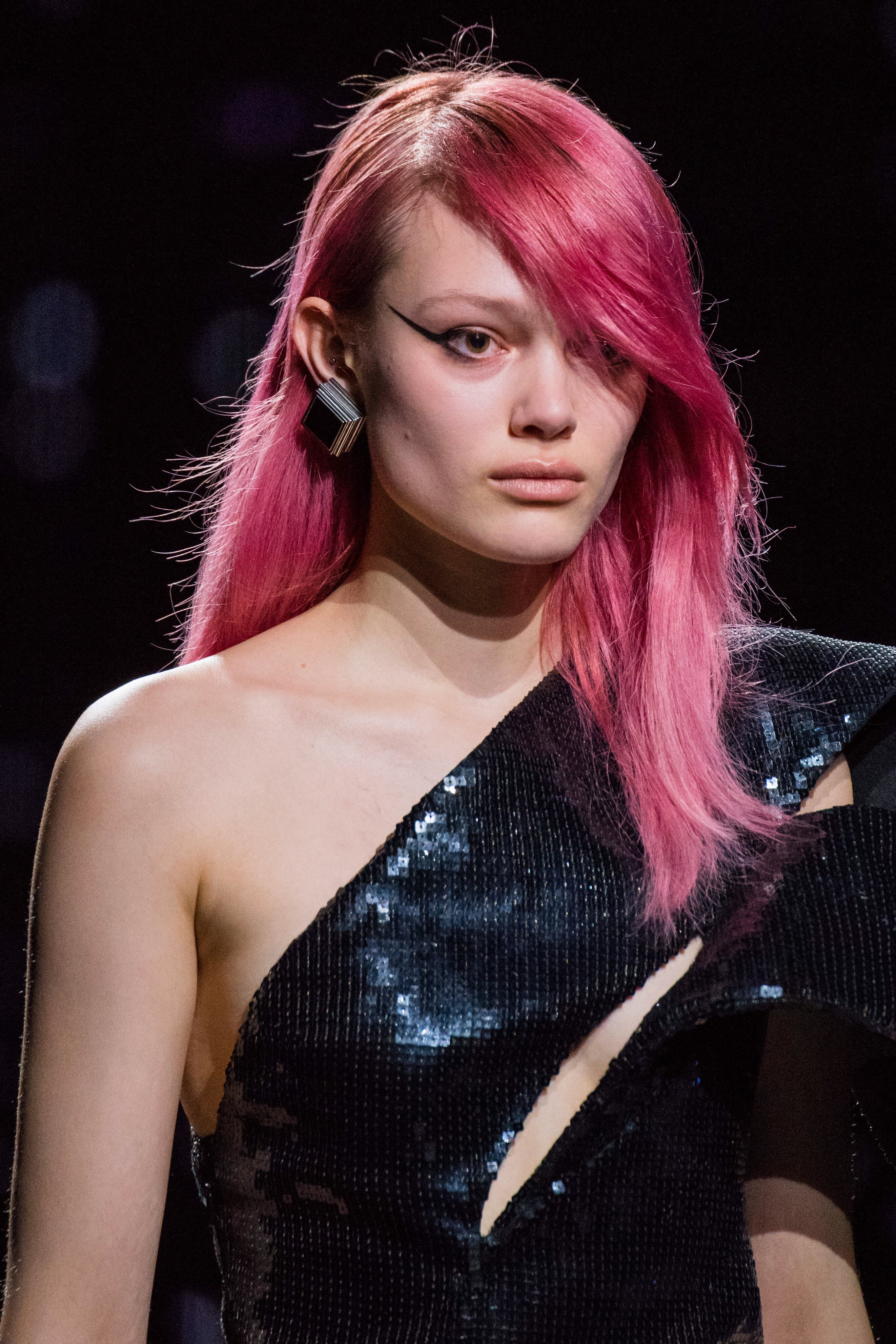
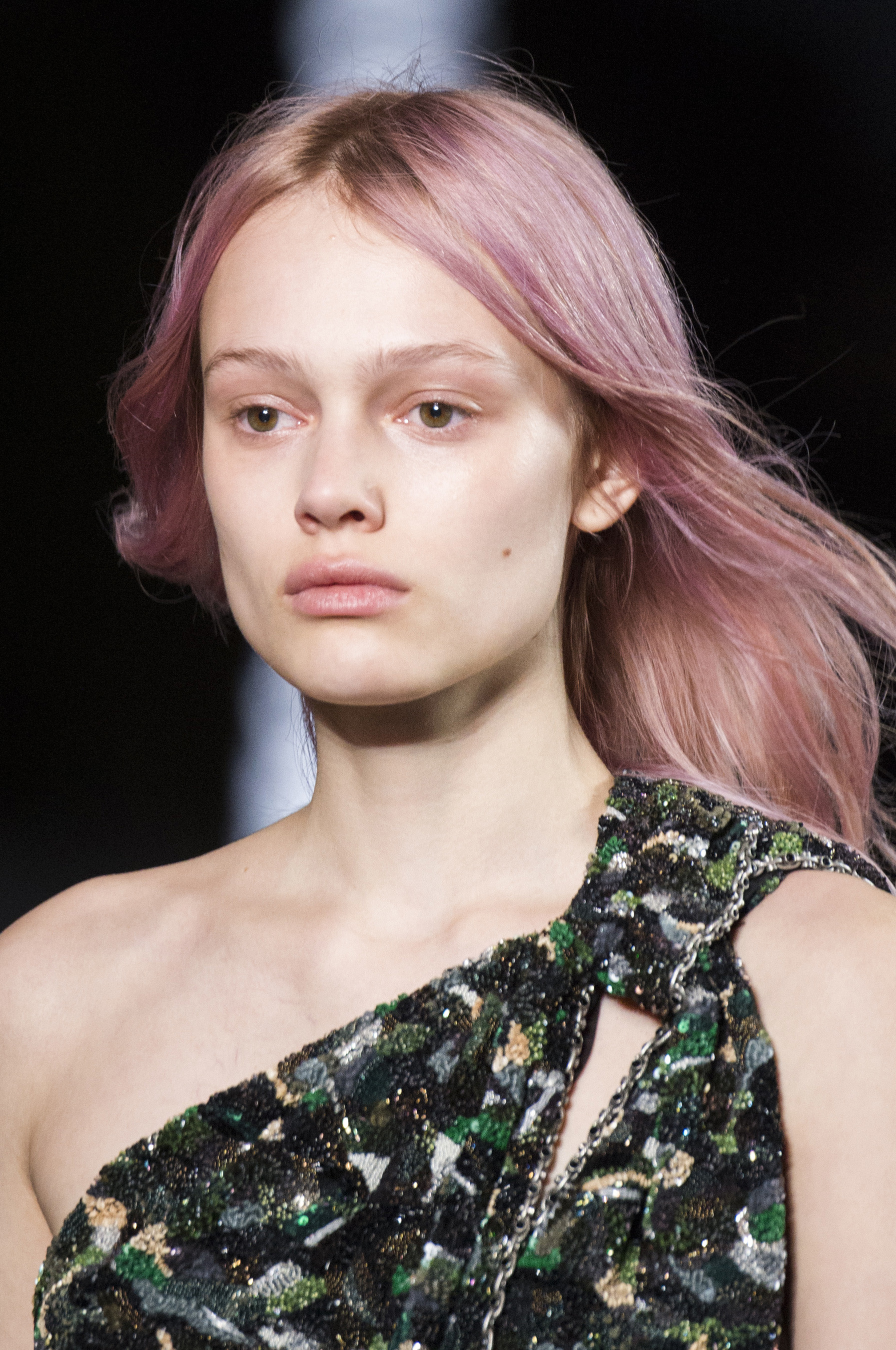
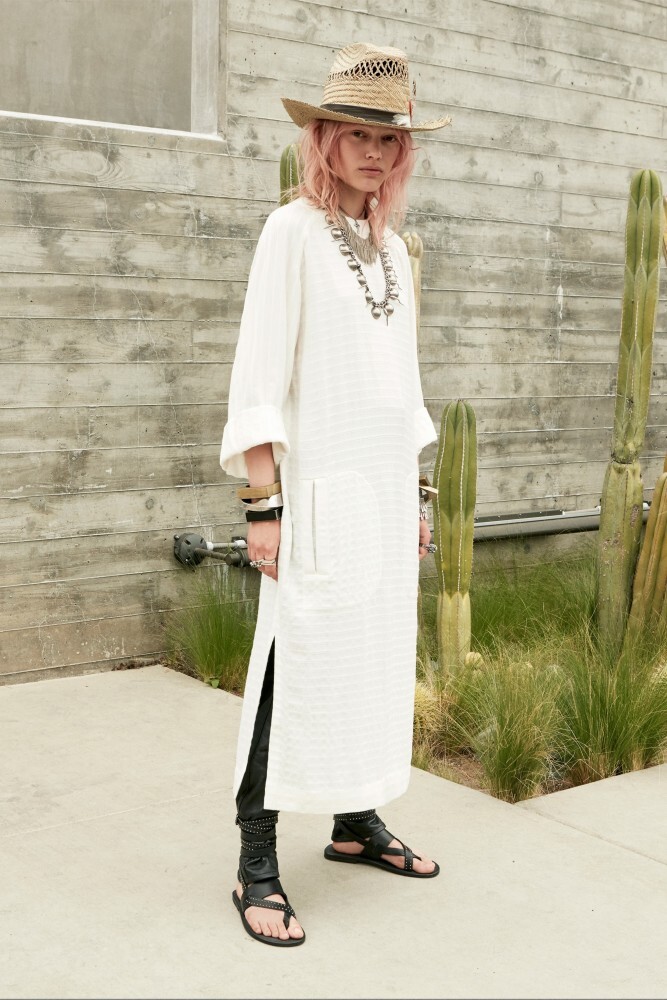
Saint Laurent [PRE-FALL 2019] vogue
 Document Journal Document Journal Spring/Summer 2019 Covers Published: May 2019 models
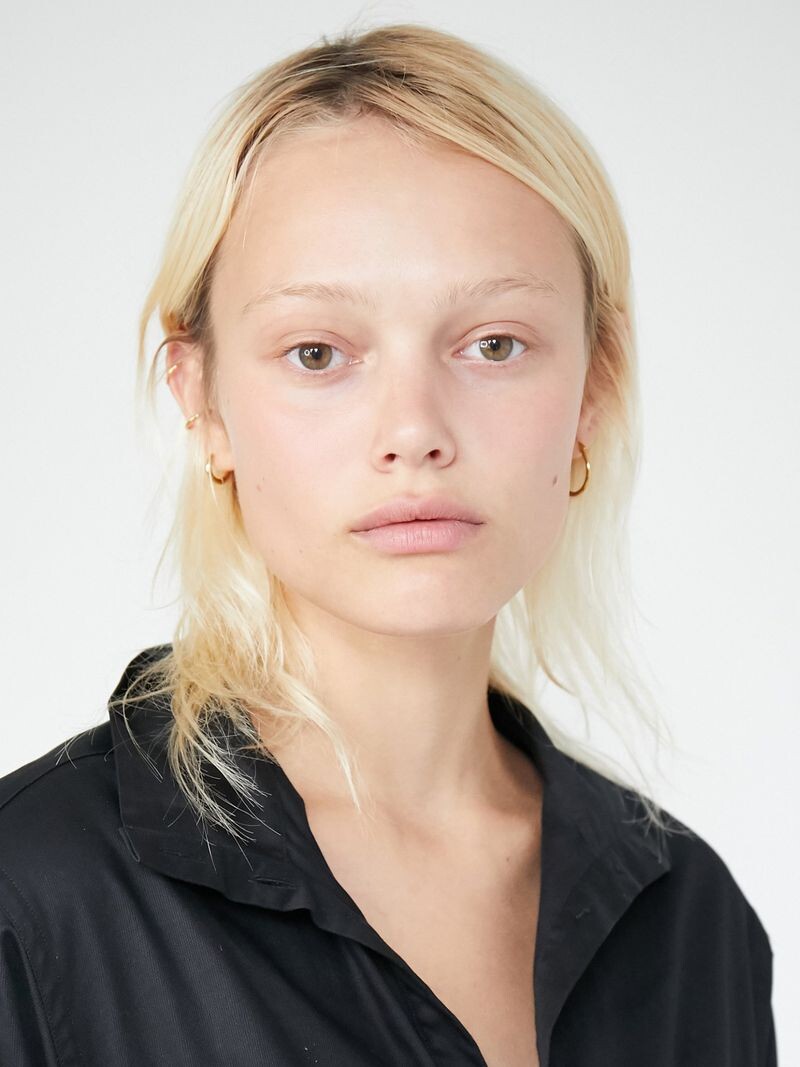
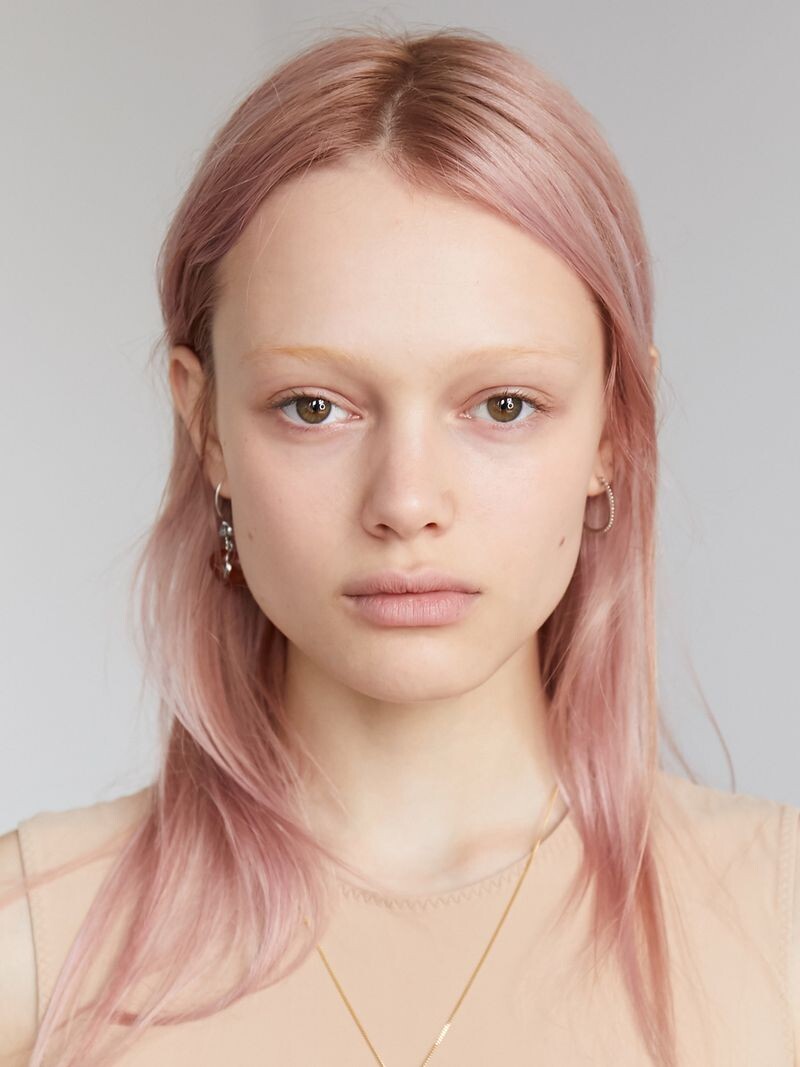
 Polaroids/Digitals Ford Models Paris 2019 Polaroids/Digitals Published: Spring/Summer 2019 models
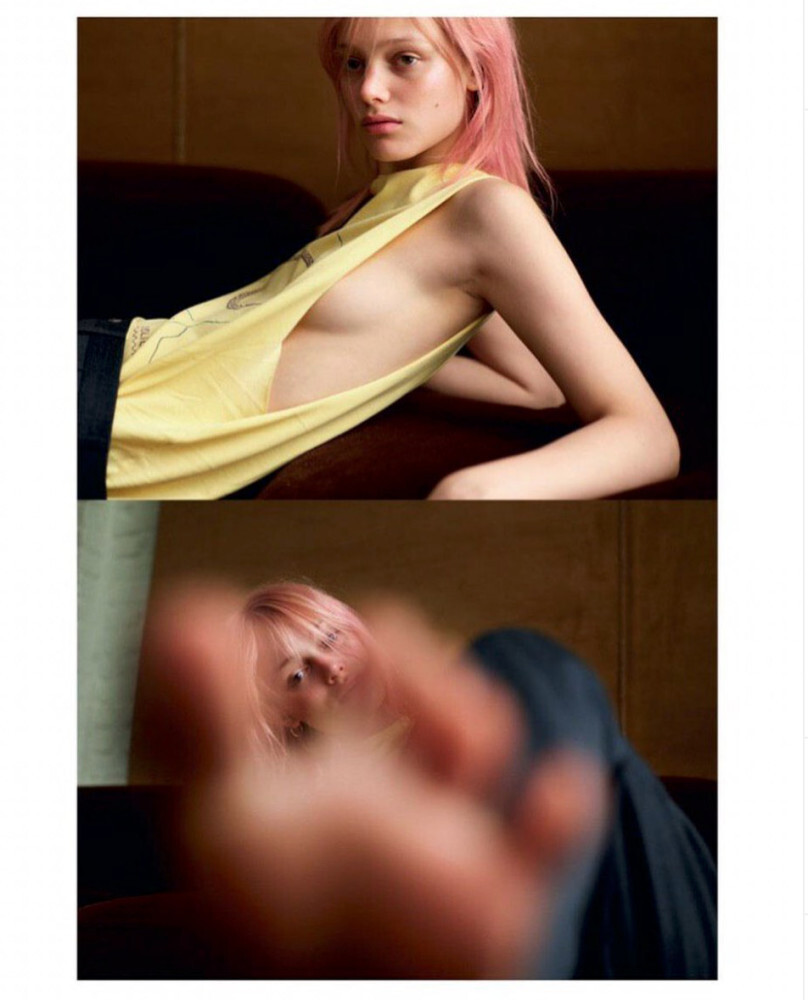
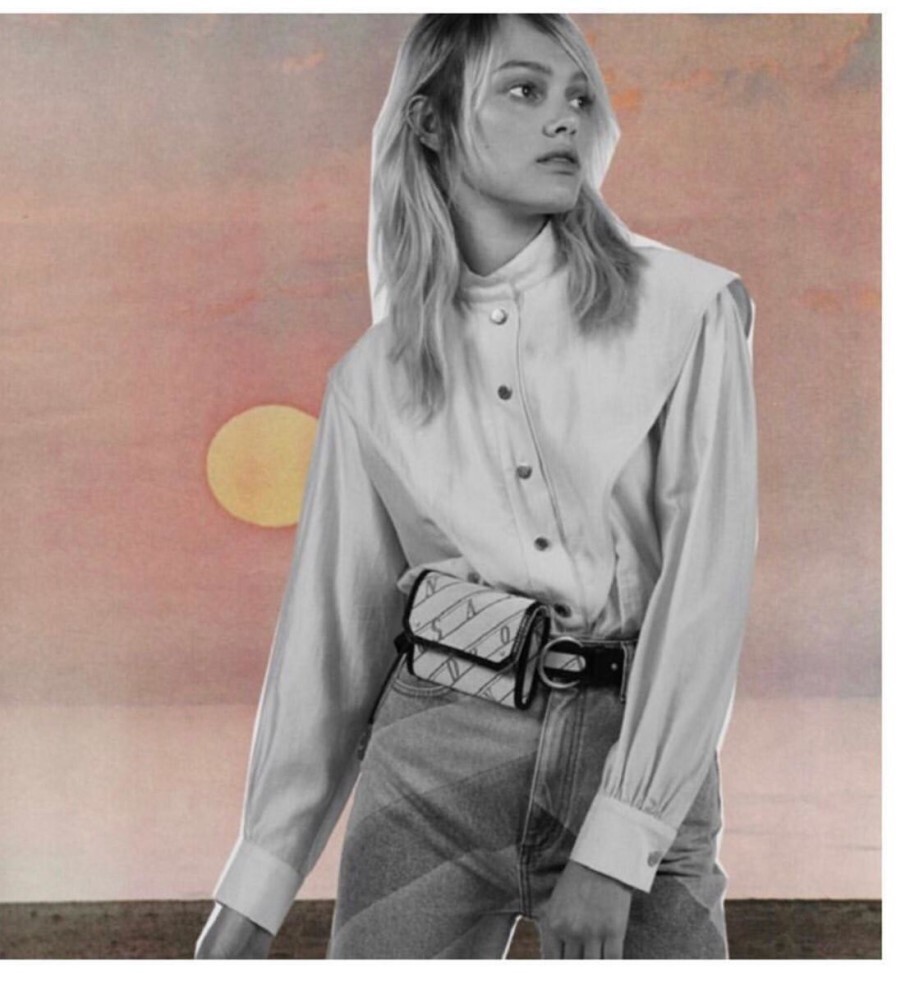
 Self Service Obsessions by Coco Capitán Published: Spring/Summer 2019 models
 Polaroids/Digitals Ford Models New York 2019 Polaroids/Portraits Published: Spring/Summer 2019 models
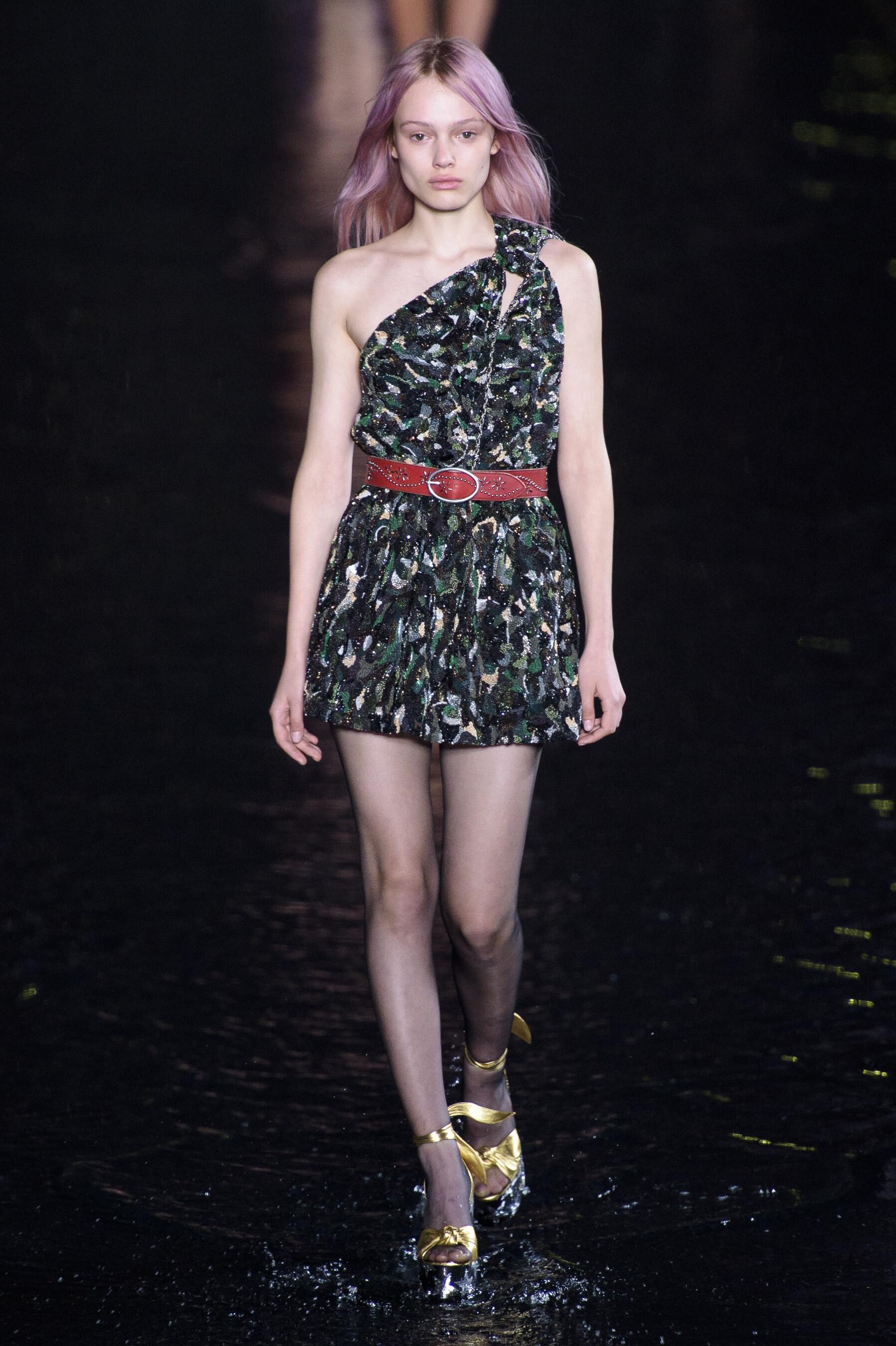
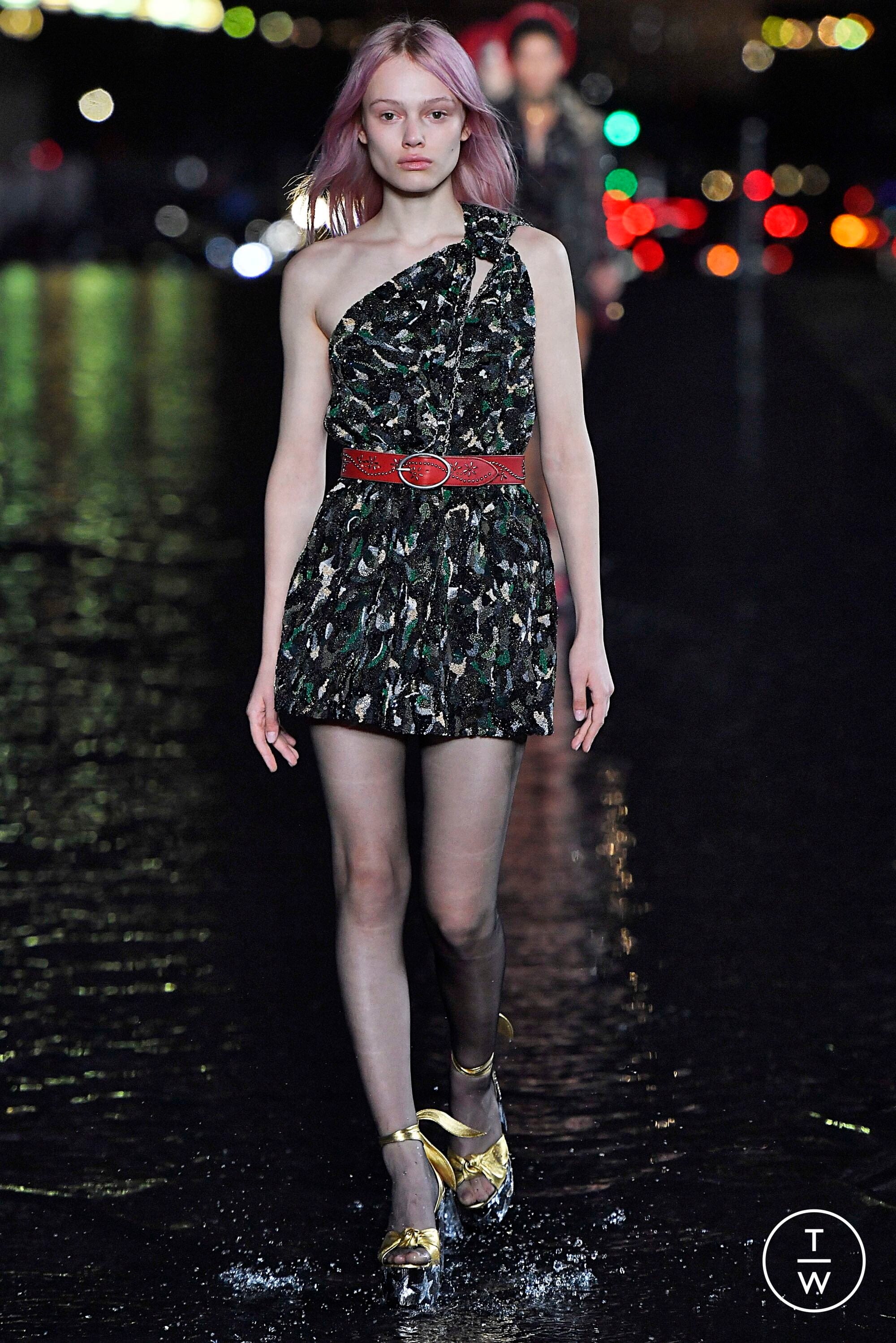
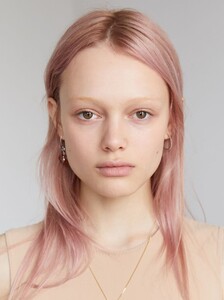 Saint Laurent [FALL 2019 READY-TO-WEAR] vogue, tagwalk, madamefigaro


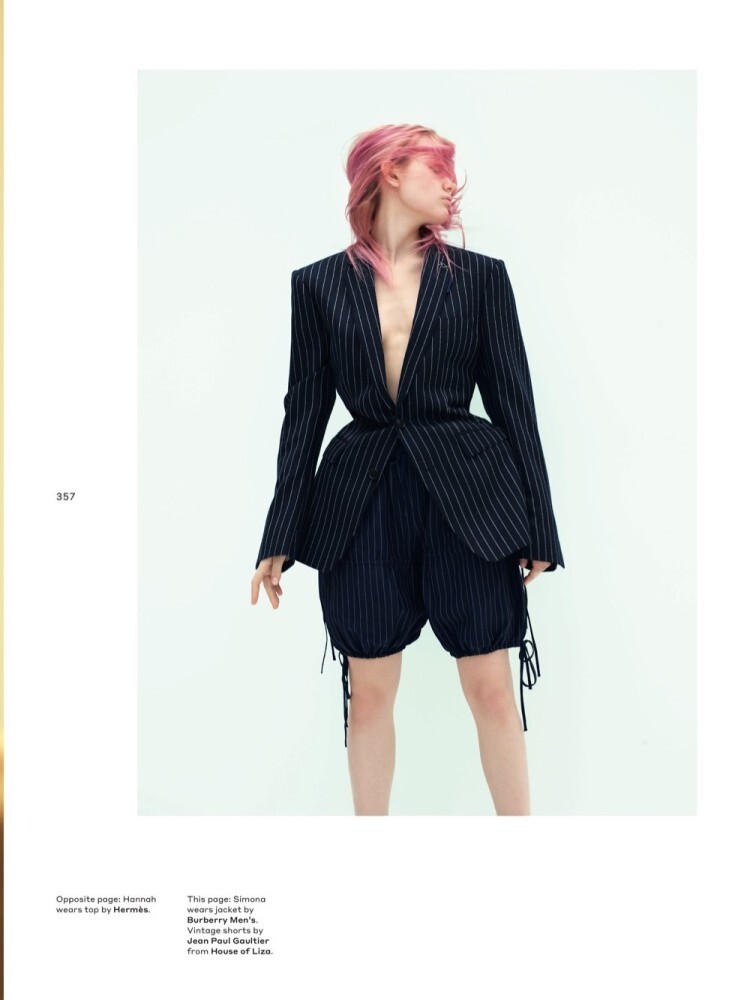
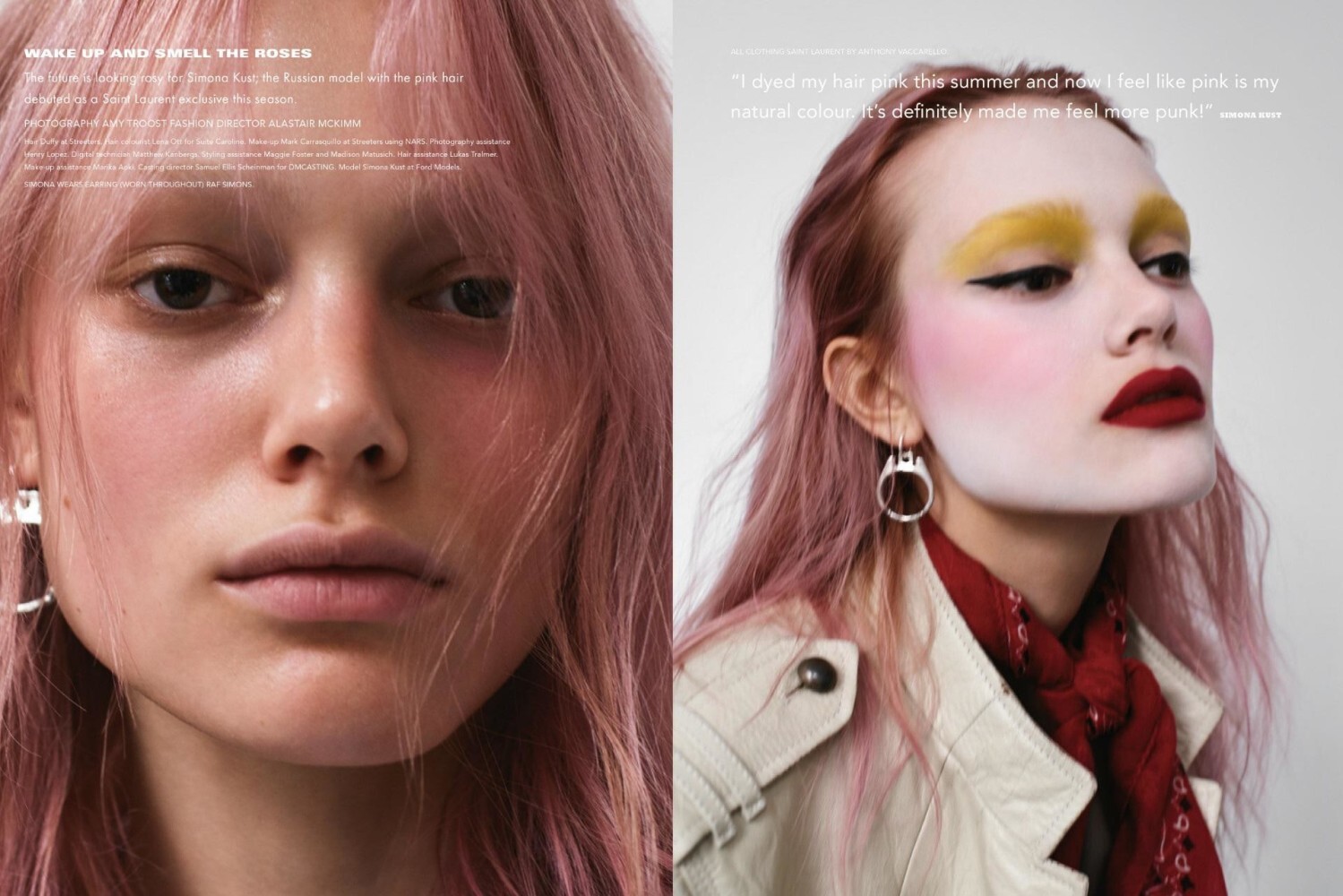
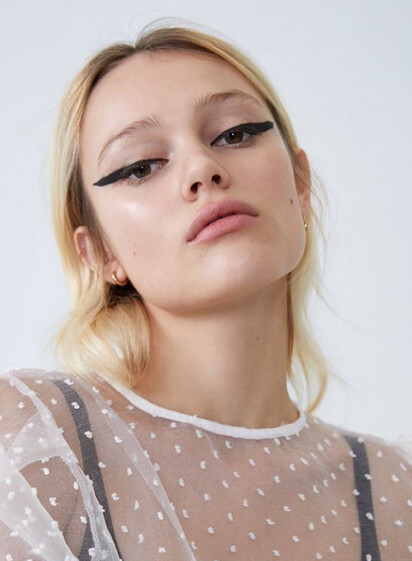
 i-D Magazine Wake Up And Smell The Roses Published: Winter 2018 models
 avantmodels














































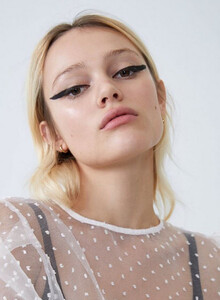

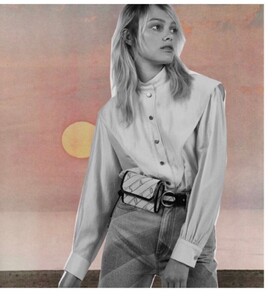




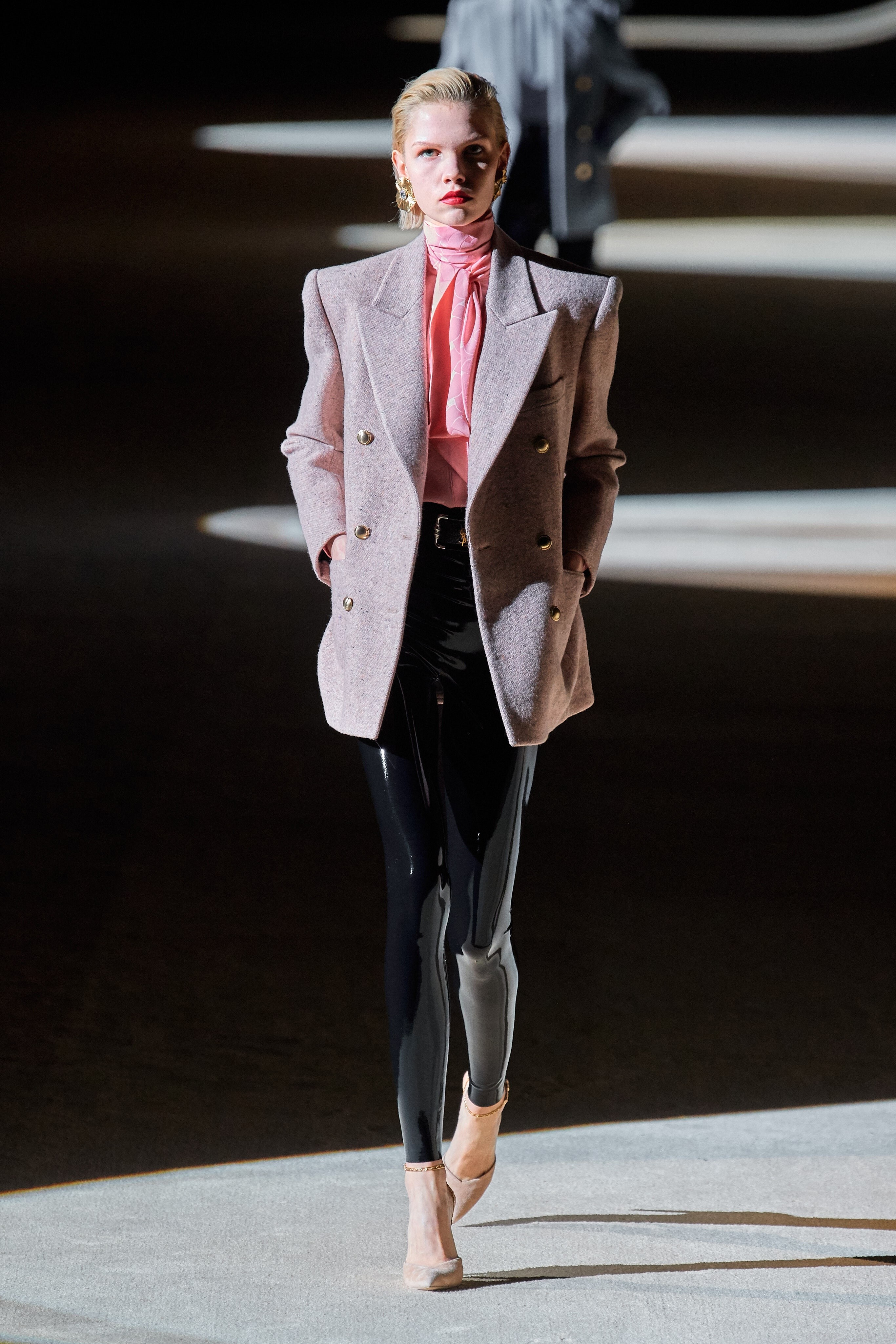
 Saint Laurent [FALL 2020 READY-TO-WEAR] vogue, tagwalk, madamefigaro


 Elle Russia Favorites Published: November 2019 models


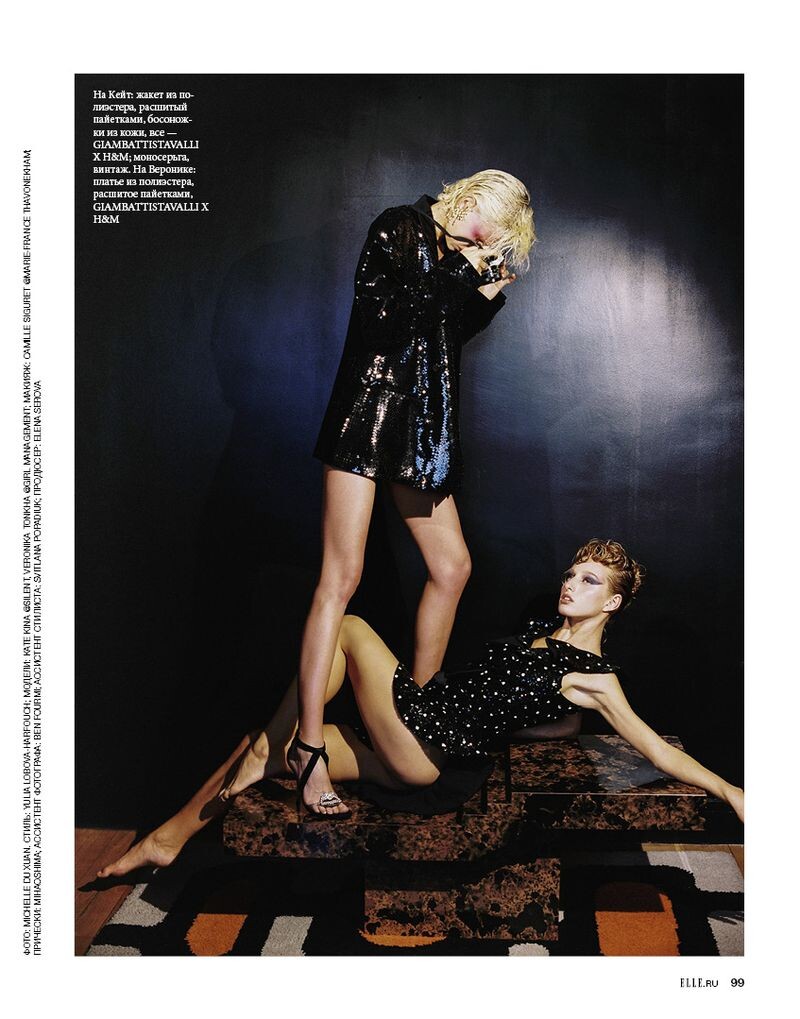
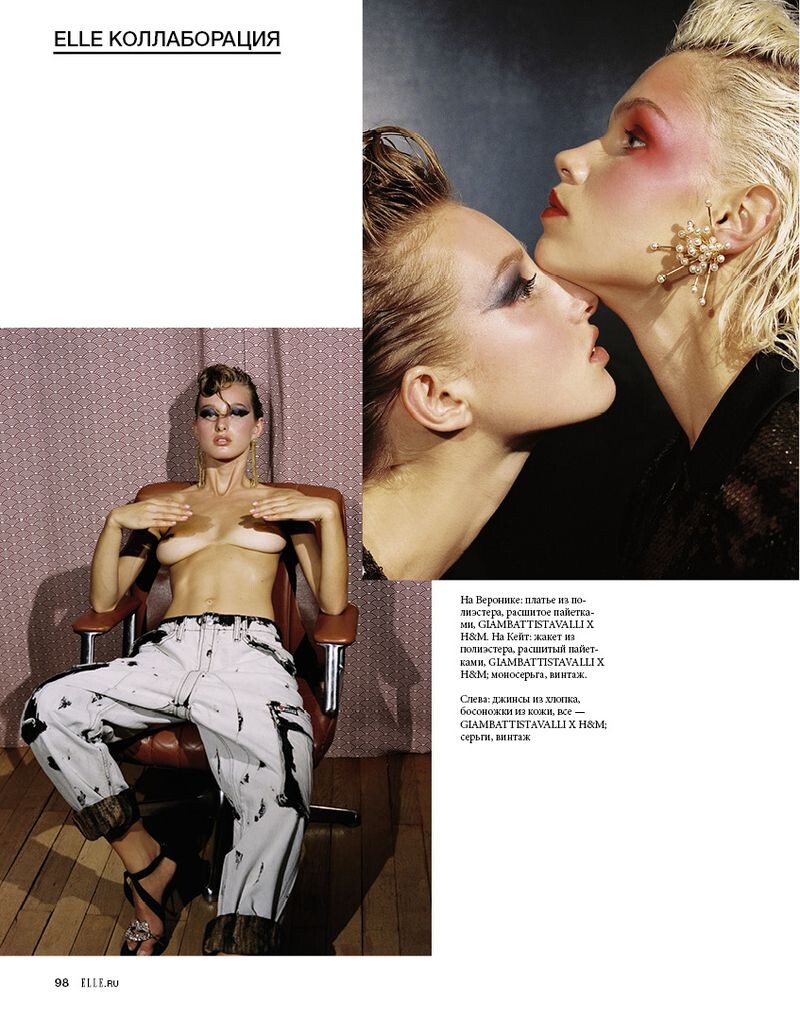
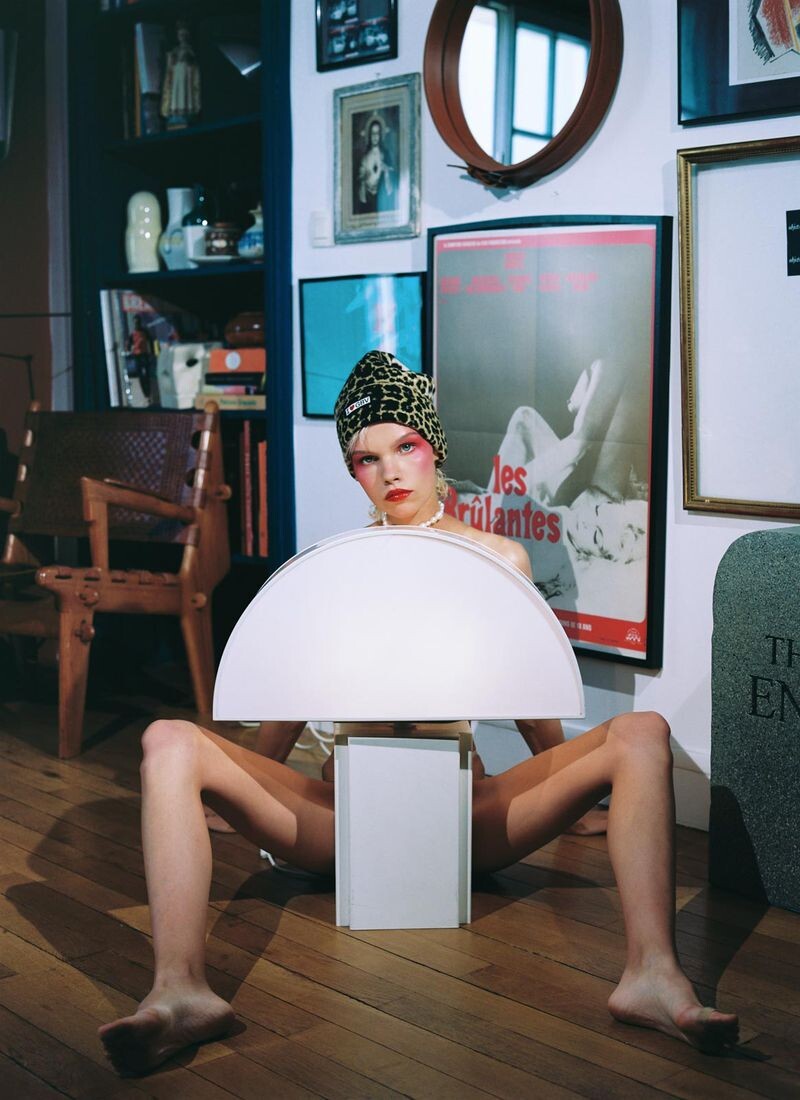
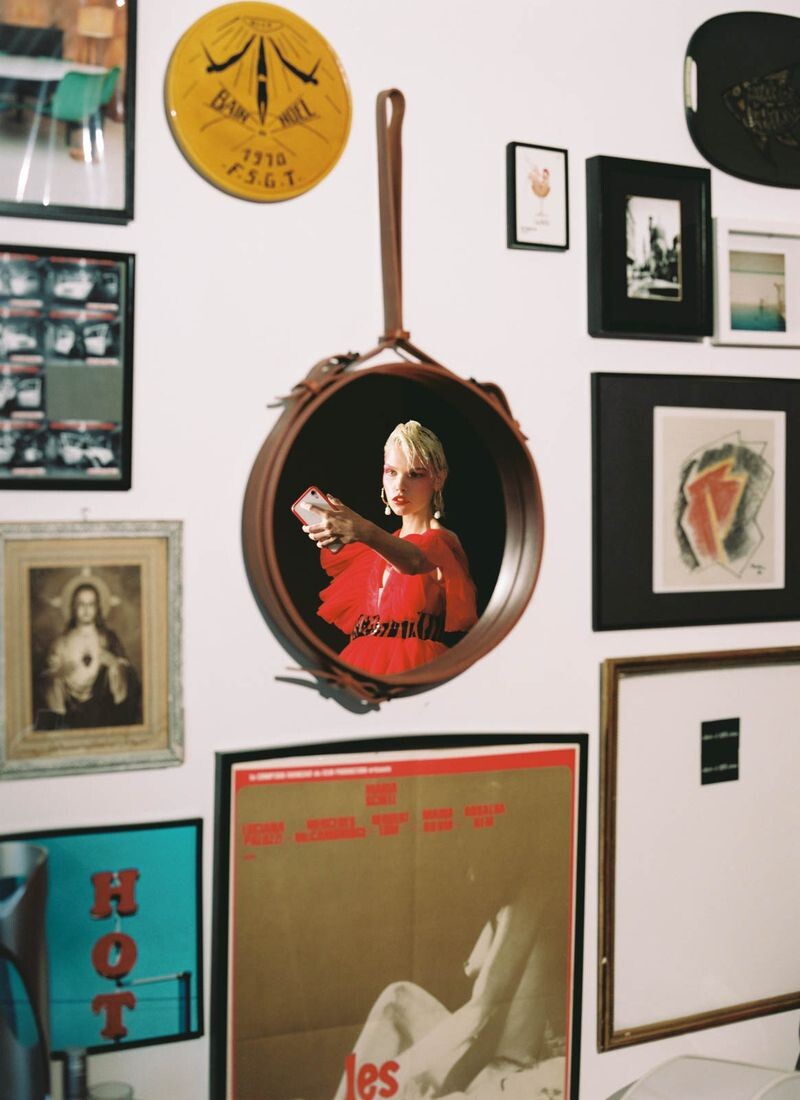
 Elle Russia Censorship Published: October 2019 models



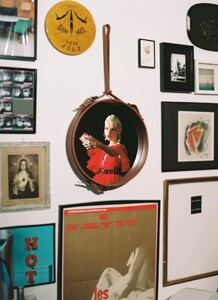




 Ralph & Russo [SPRING 2020 READY-TO-WEAR] backstage vogue, madamefigaro

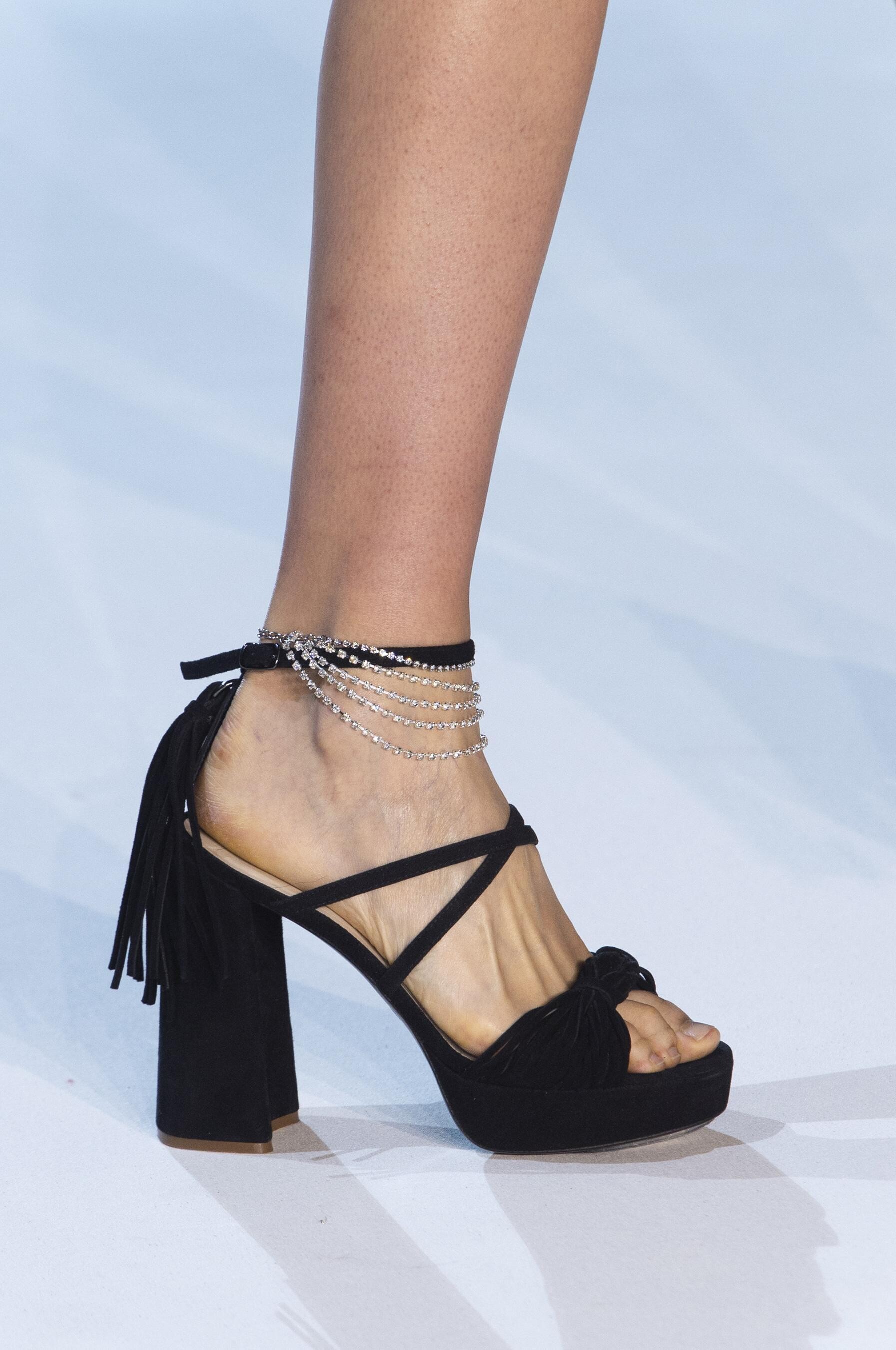
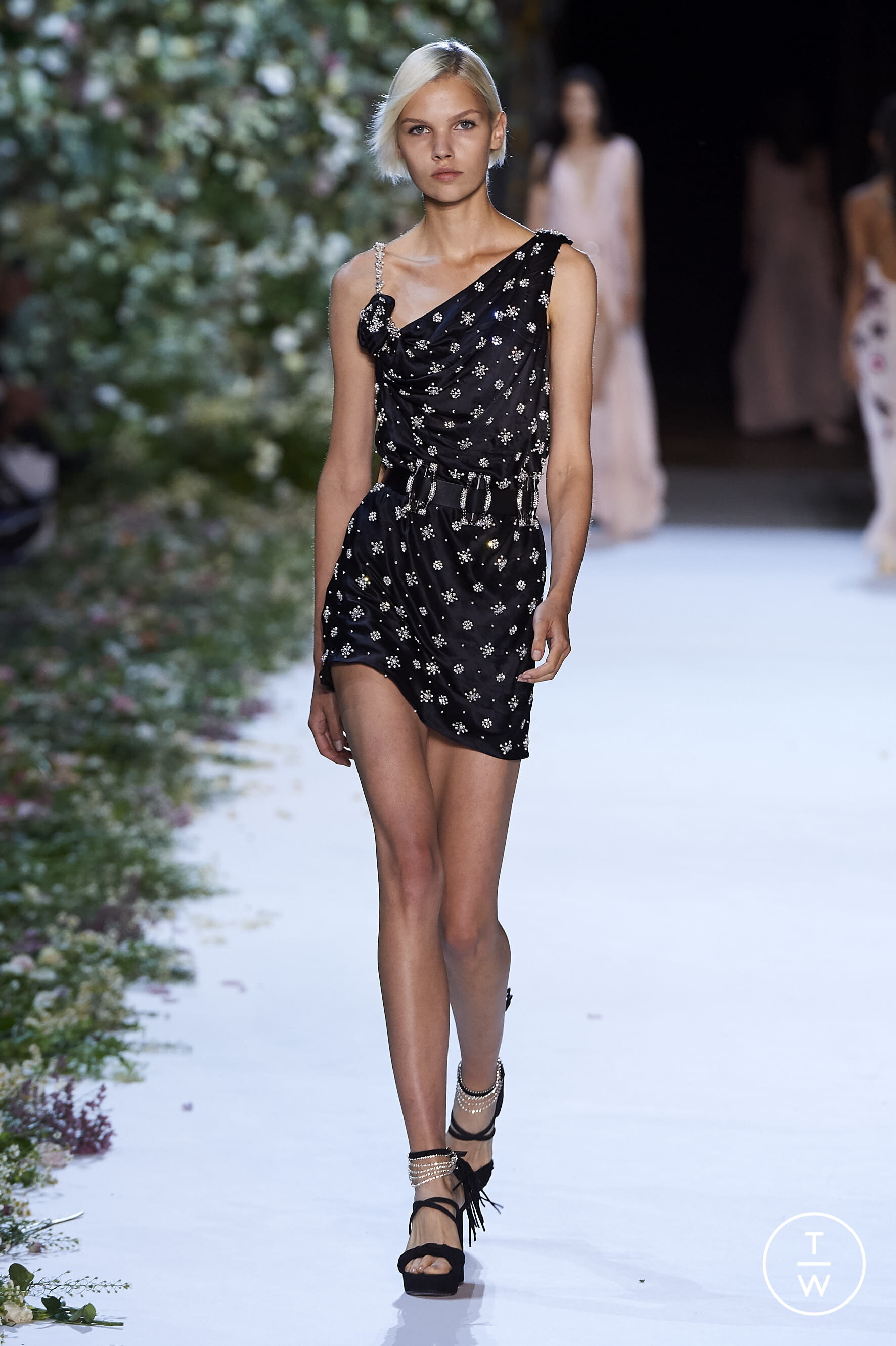
 Redemption [SPRING 2020 READY-TO-WEAR] vogue, tagwalk, madamefigaro detail
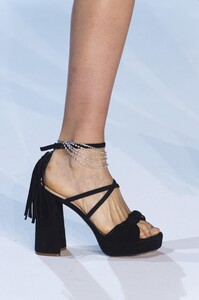

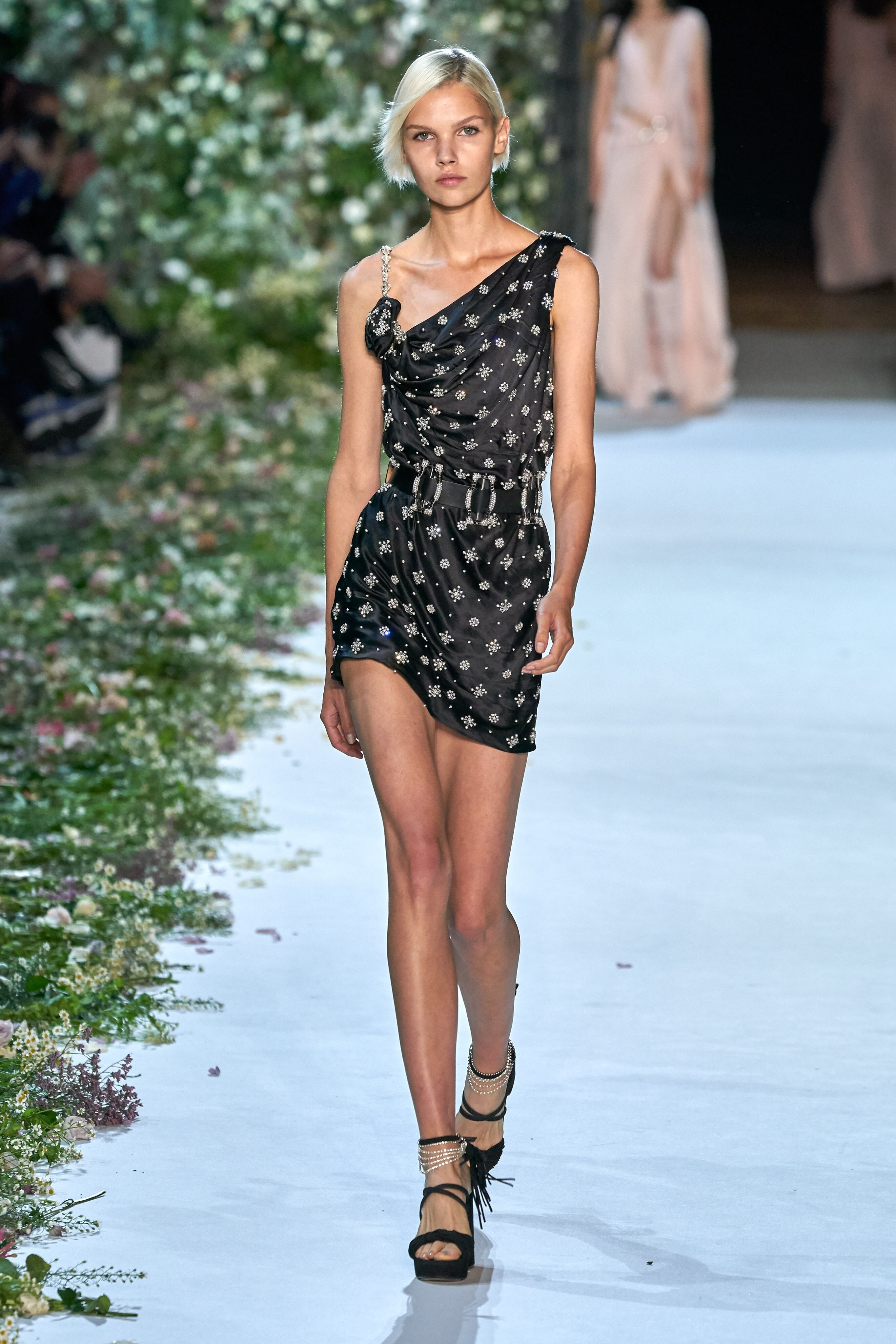
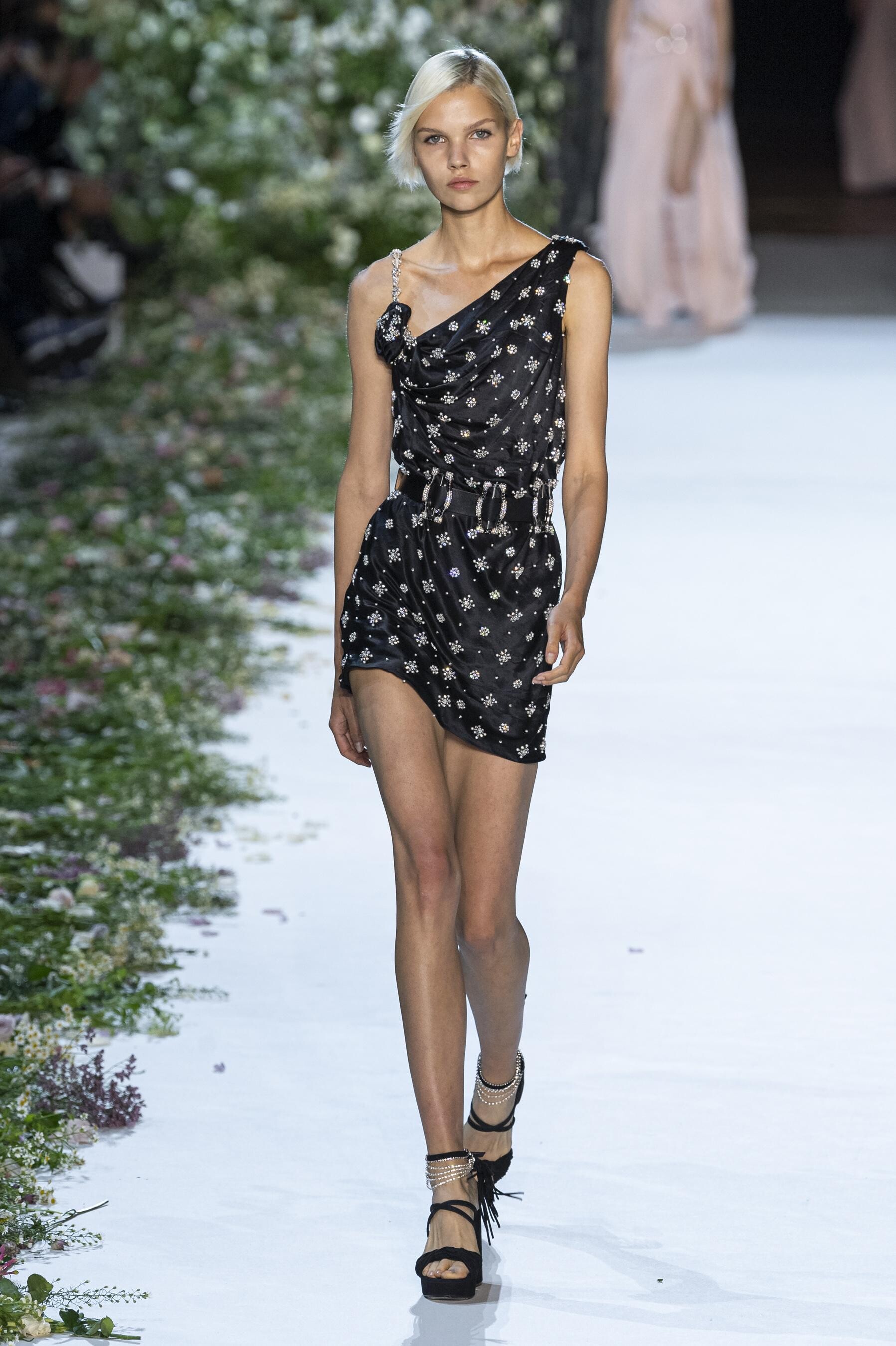
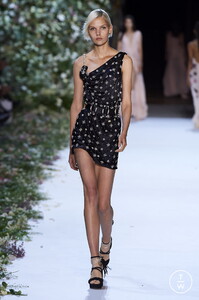 Saint Laurent [SPRING 2020 READY-TO-WEAR] vogue, tagwalk, madamefigaro








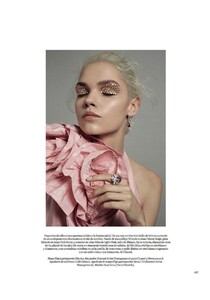
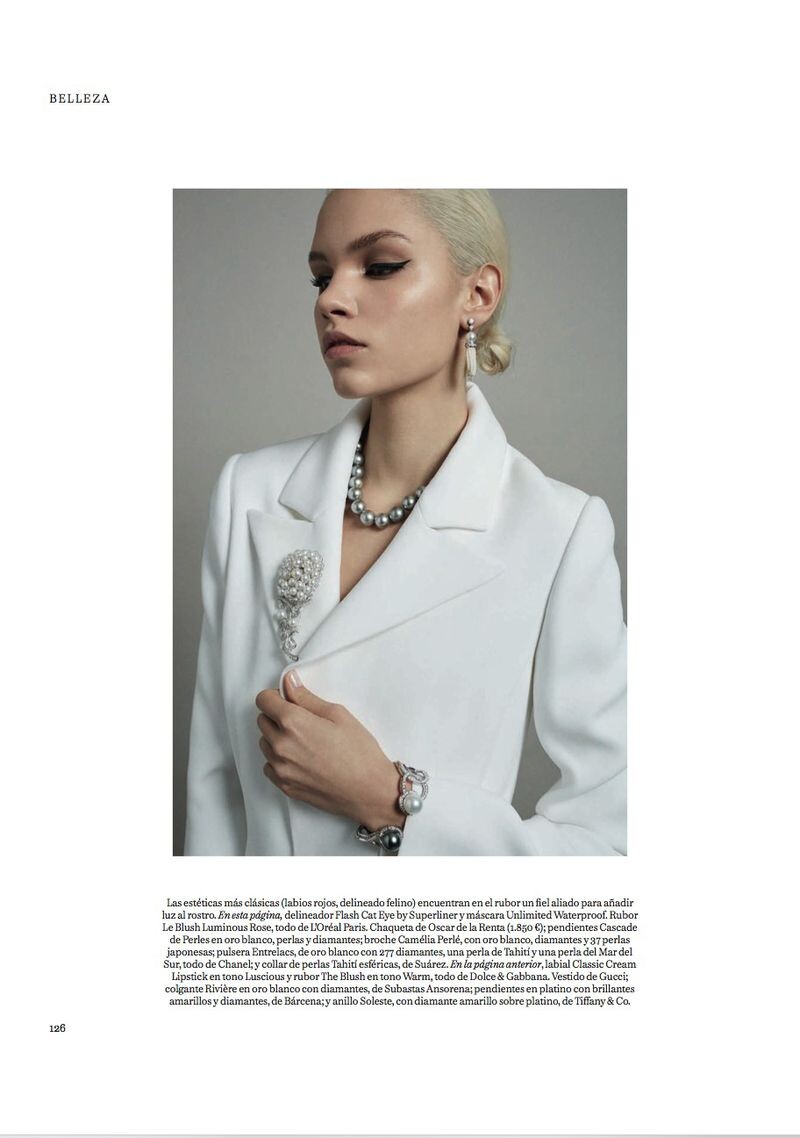
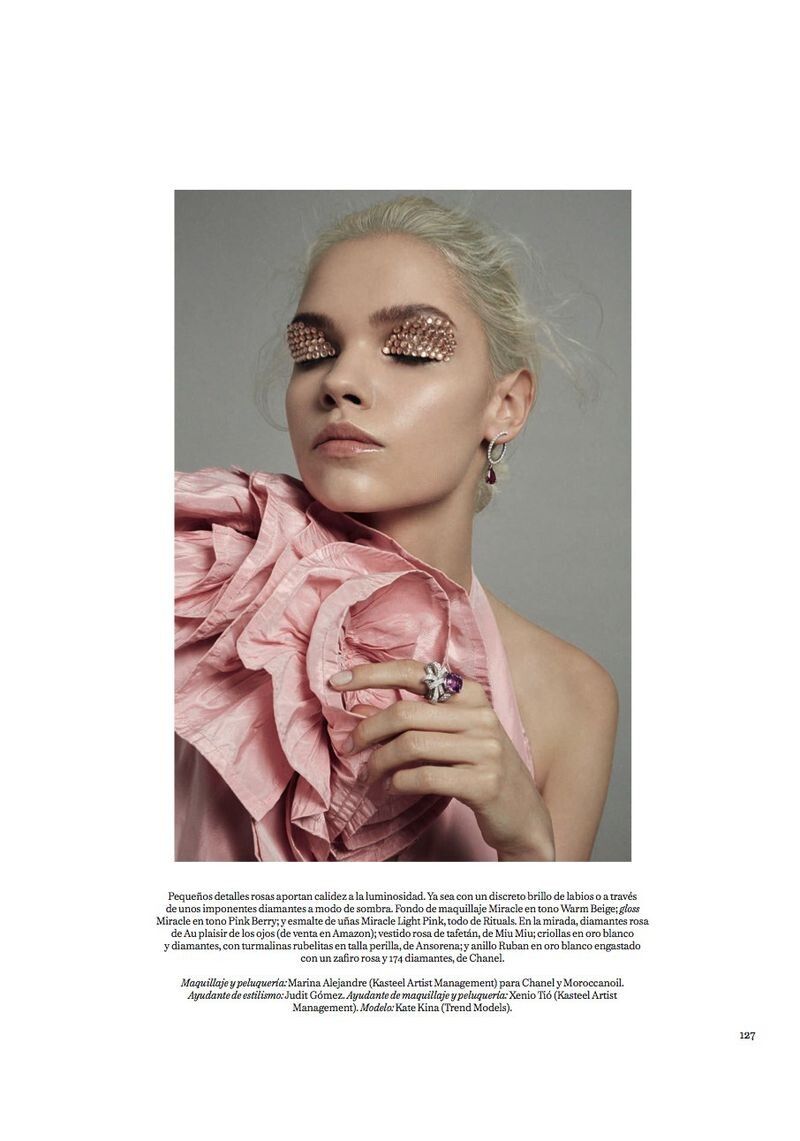
 Vogue España LA LUZ QUE HABITAS Published: March 2019 models
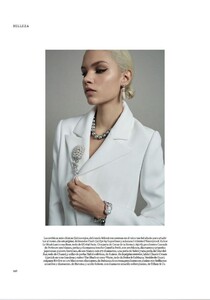
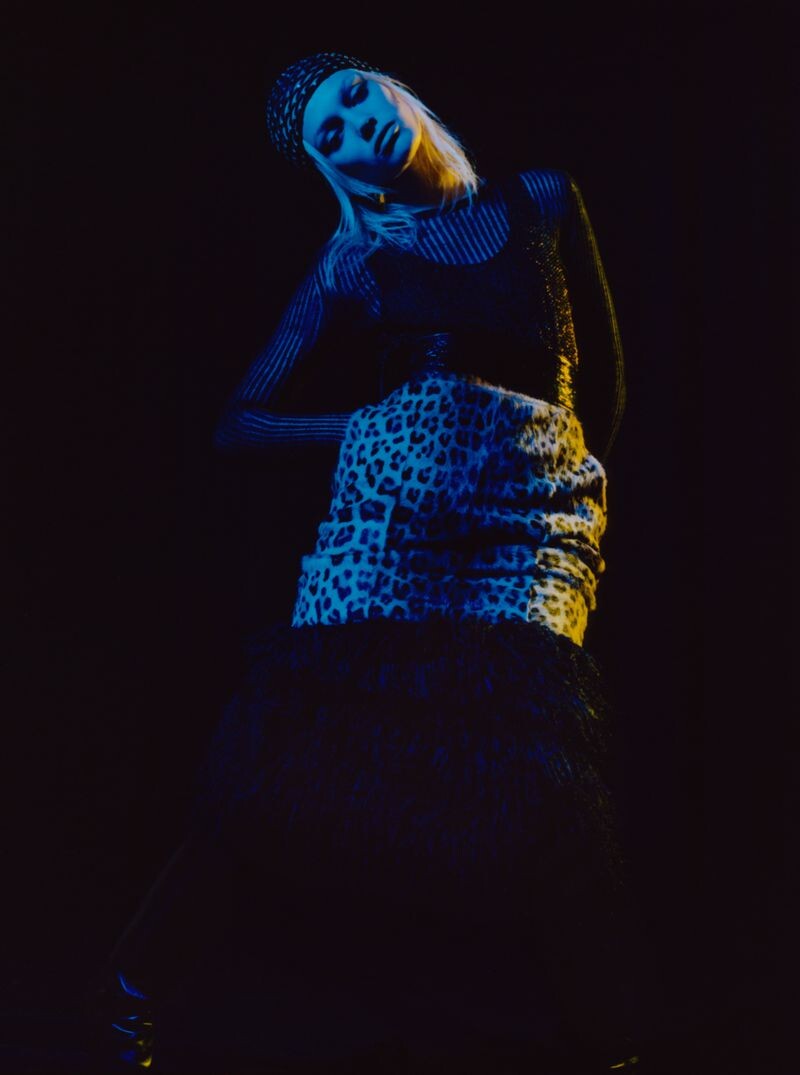
 Vogue Russia I Need Your Clothes Published: March 2019 models















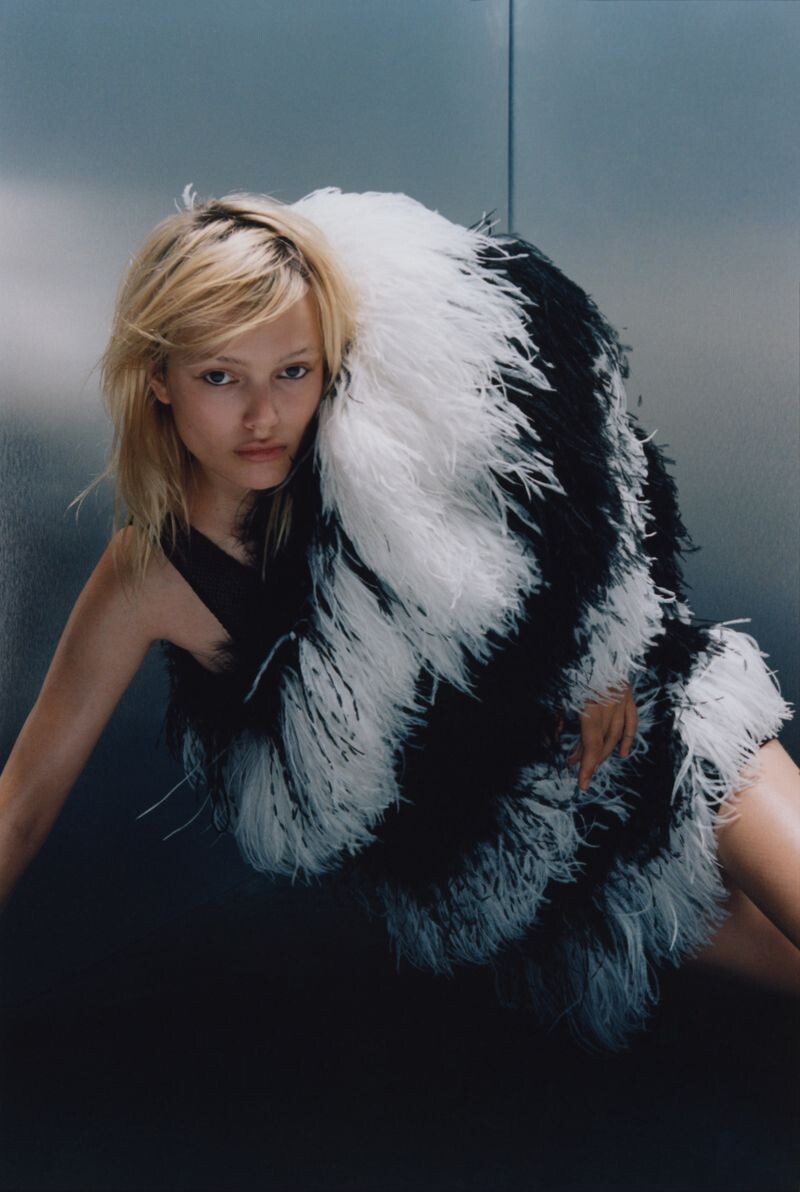

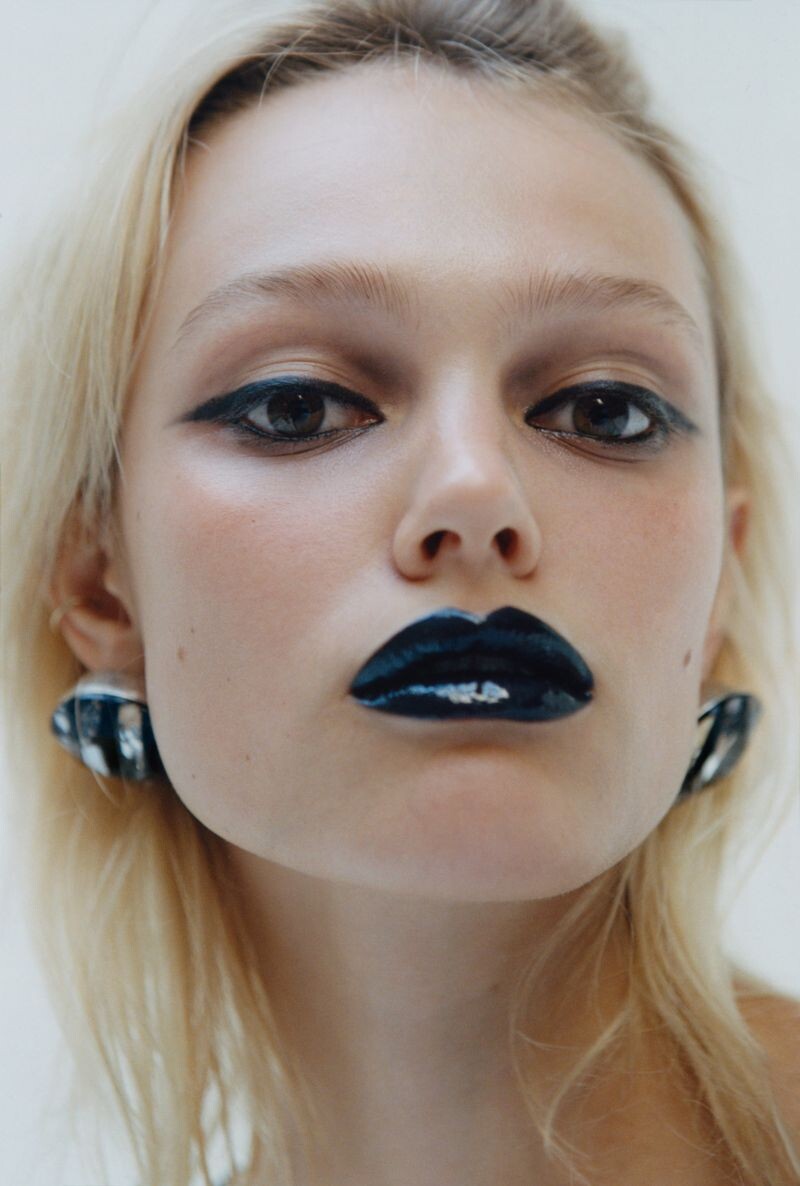
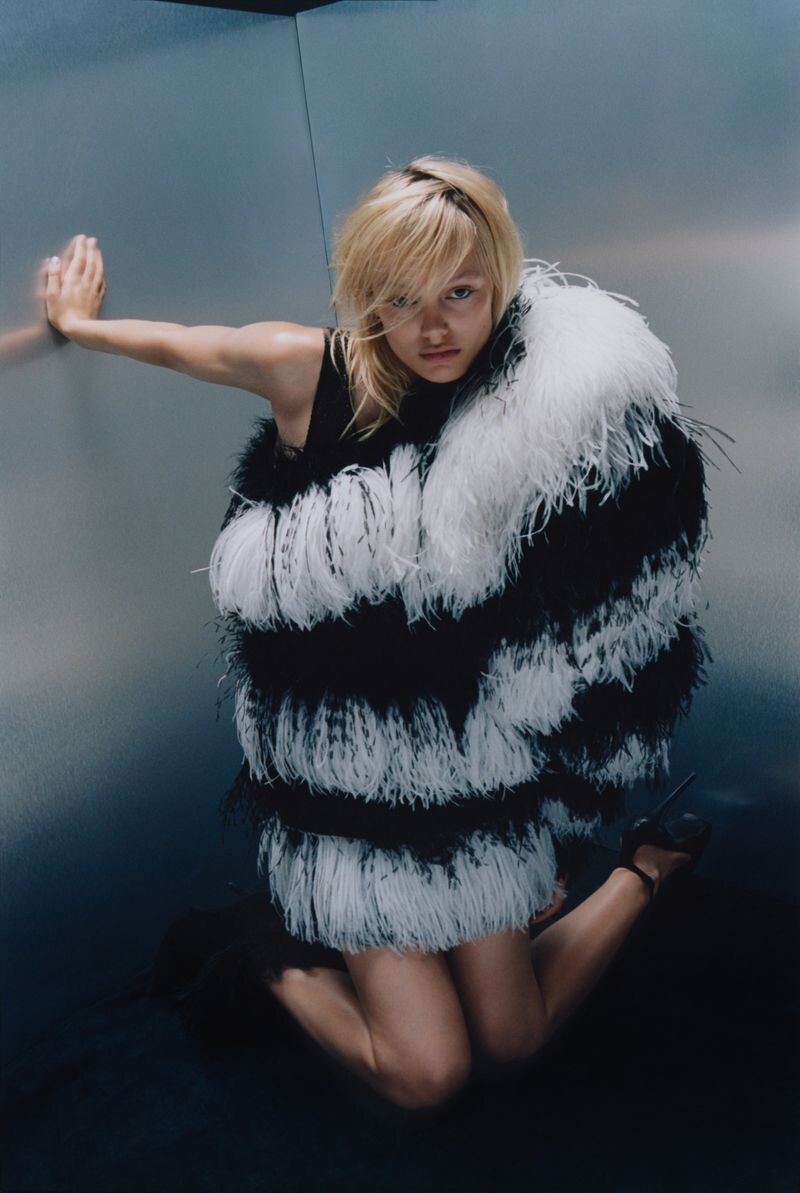


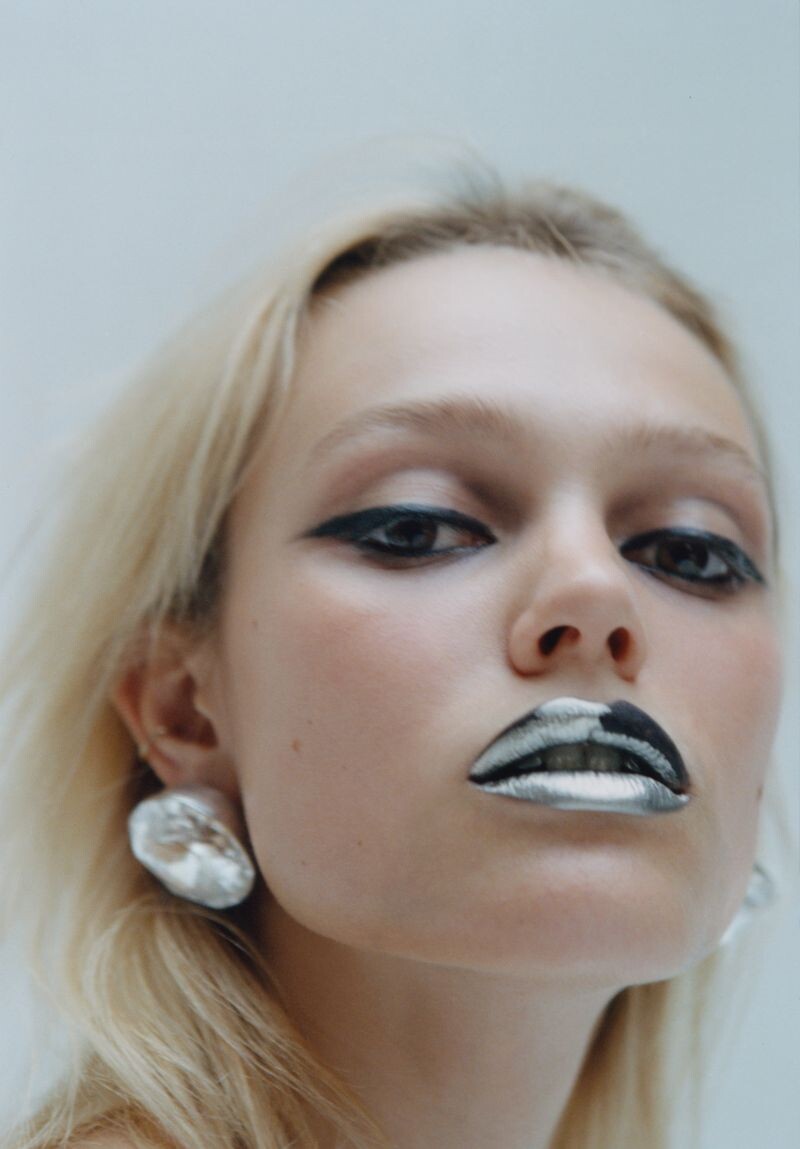


























































































Account
Navigation
Search
Configure browser push notifications
Chrome (Android)
- Tap the lock icon next to the address bar.
- Tap Permissions → Notifications.
- Adjust your preference.
Chrome (Desktop)
- Click the padlock icon in the address bar.
- Select Site settings.
- Find Notifications and adjust your preference.
Safari (iOS 16.4+)
- Ensure the site is installed via Add to Home Screen.
- Open Settings App → Notifications.
- Find your app name and adjust your preference.
Safari (macOS)
- Go to Safari → Preferences.
- Click the Websites tab.
- Select Notifications in the sidebar.
- Find this website and adjust your preference.
Edge (Android)
- Tap the lock icon next to the address bar.
- Tap Permissions.
- Find Notifications and adjust your preference.
Edge (Desktop)
- Click the padlock icon in the address bar.
- Click Permissions for this site.
- Find Notifications and adjust your preference.
Firefox (Android)
- Go to Settings → Site permissions.
- Tap Notifications.
- Find this site in the list and adjust your preference.
Firefox (Desktop)
- Open Firefox Settings.
- Search for Notifications.
- Find this site in the list and adjust your preference.