
Daradrpipara
Members
-
Joined
-
Last visited
Everything posted by Daradrpipara
-
Giuseppe Di Morabito [FALL 2019 READY-TO-WEAR] models




-
Manifesto Magazine Manifesto Magazine November-December 2018 Covers Published: November 2018 models

-
Grazia Germany Bread & Butter Published: September 2018 models






 PORTS V PORTS V drop III Fall 2018 Published: September 2018 models
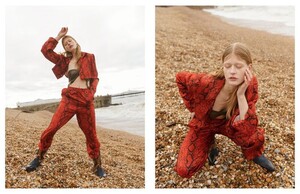
 Marie Claire Italy La ragazza e il mare Published: August 2018 models








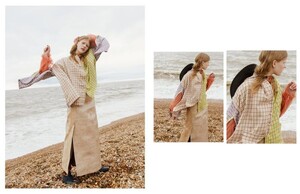
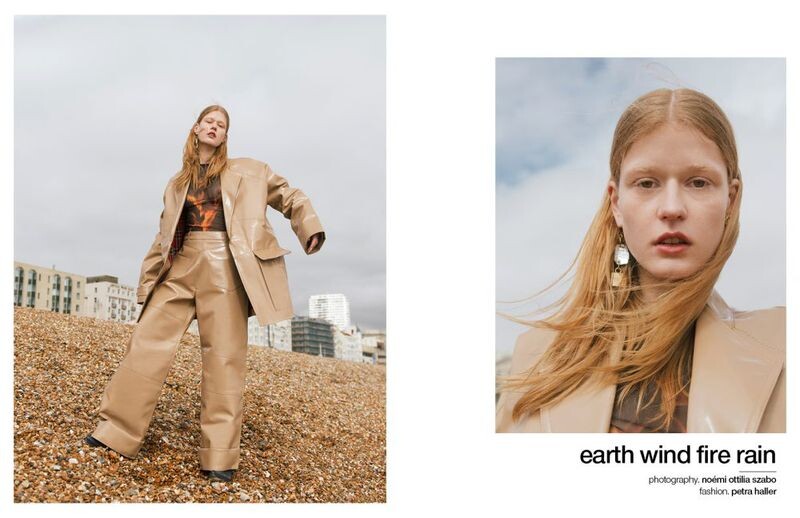
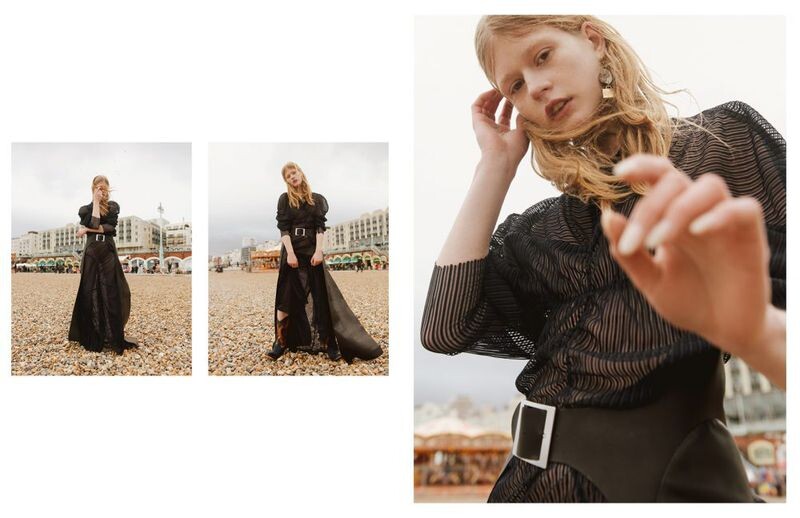
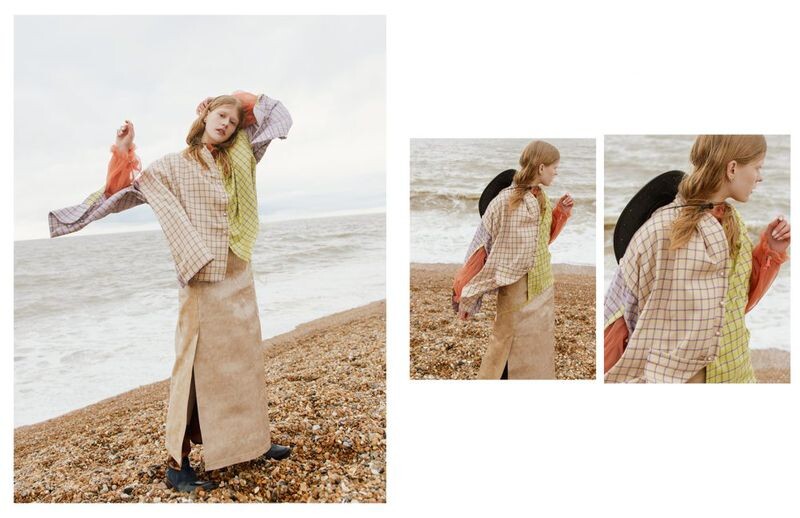
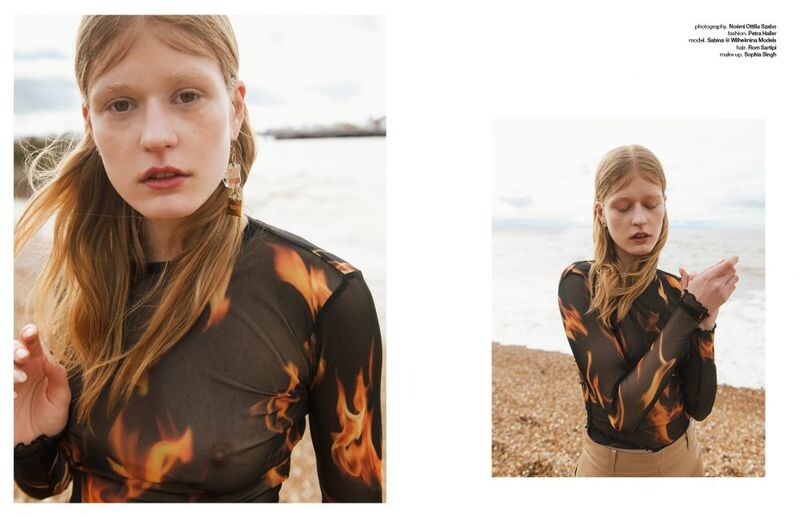
 Schön Magazine Earth Wind Fire Rain Published: June 2018 models




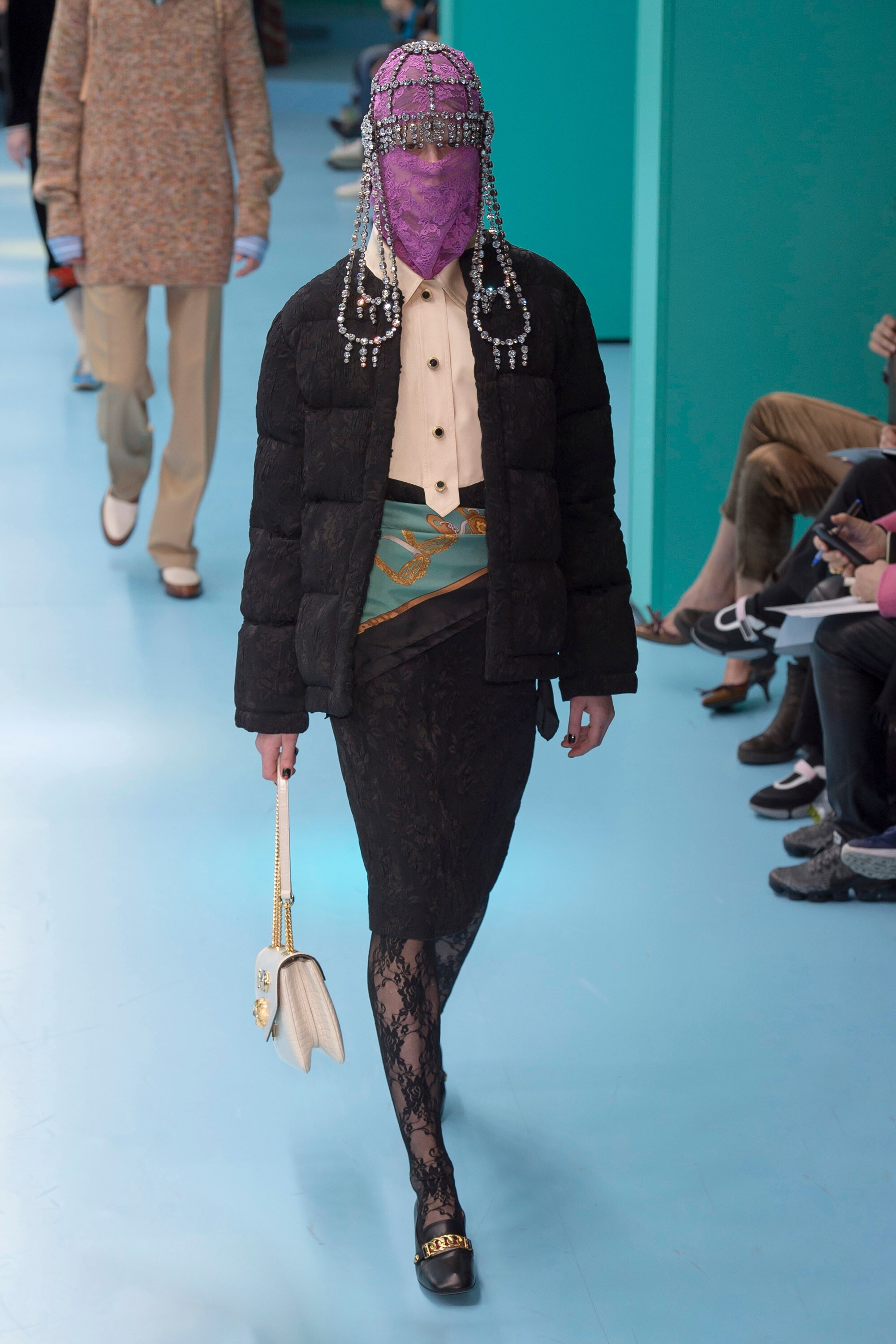
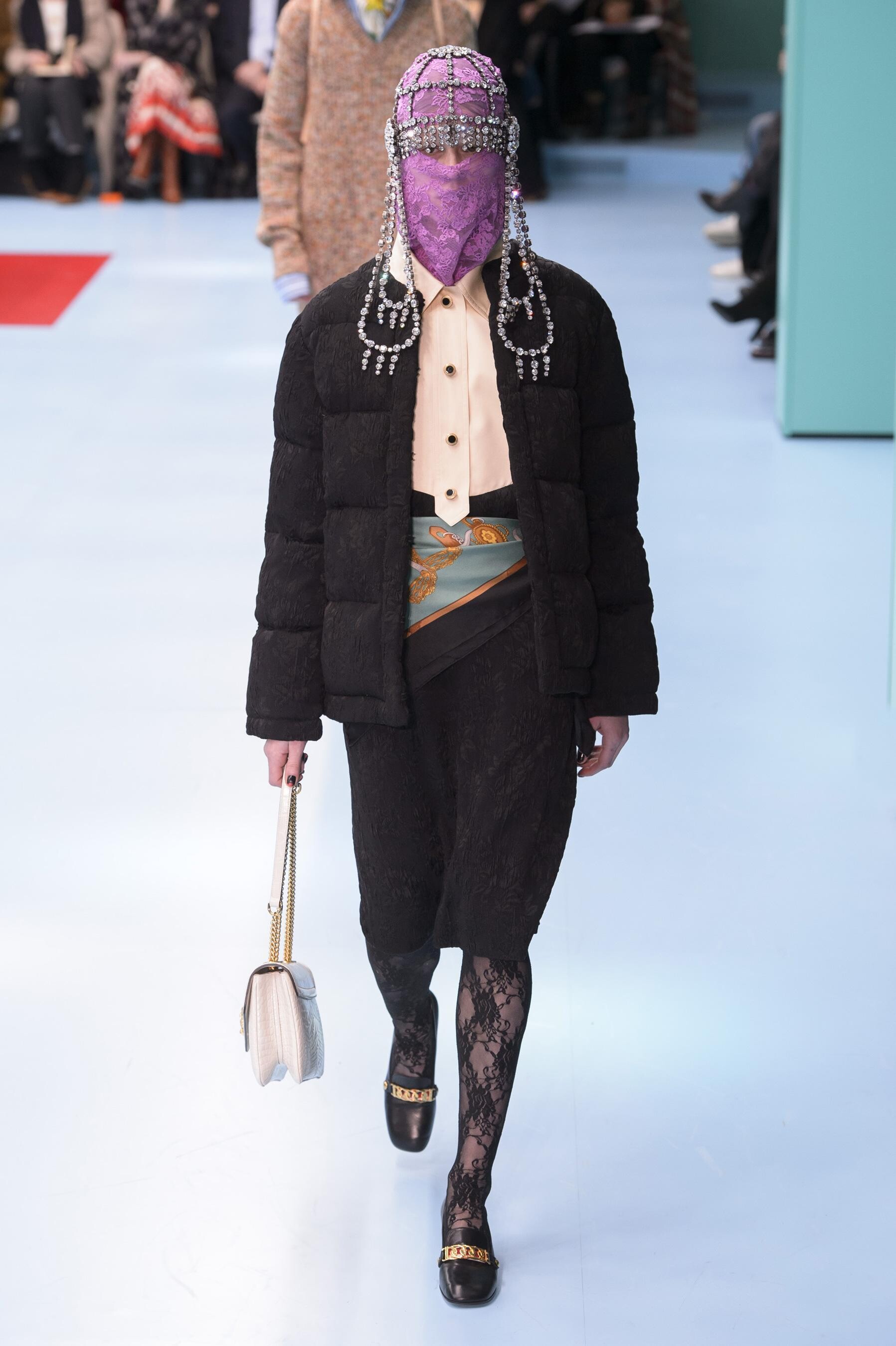
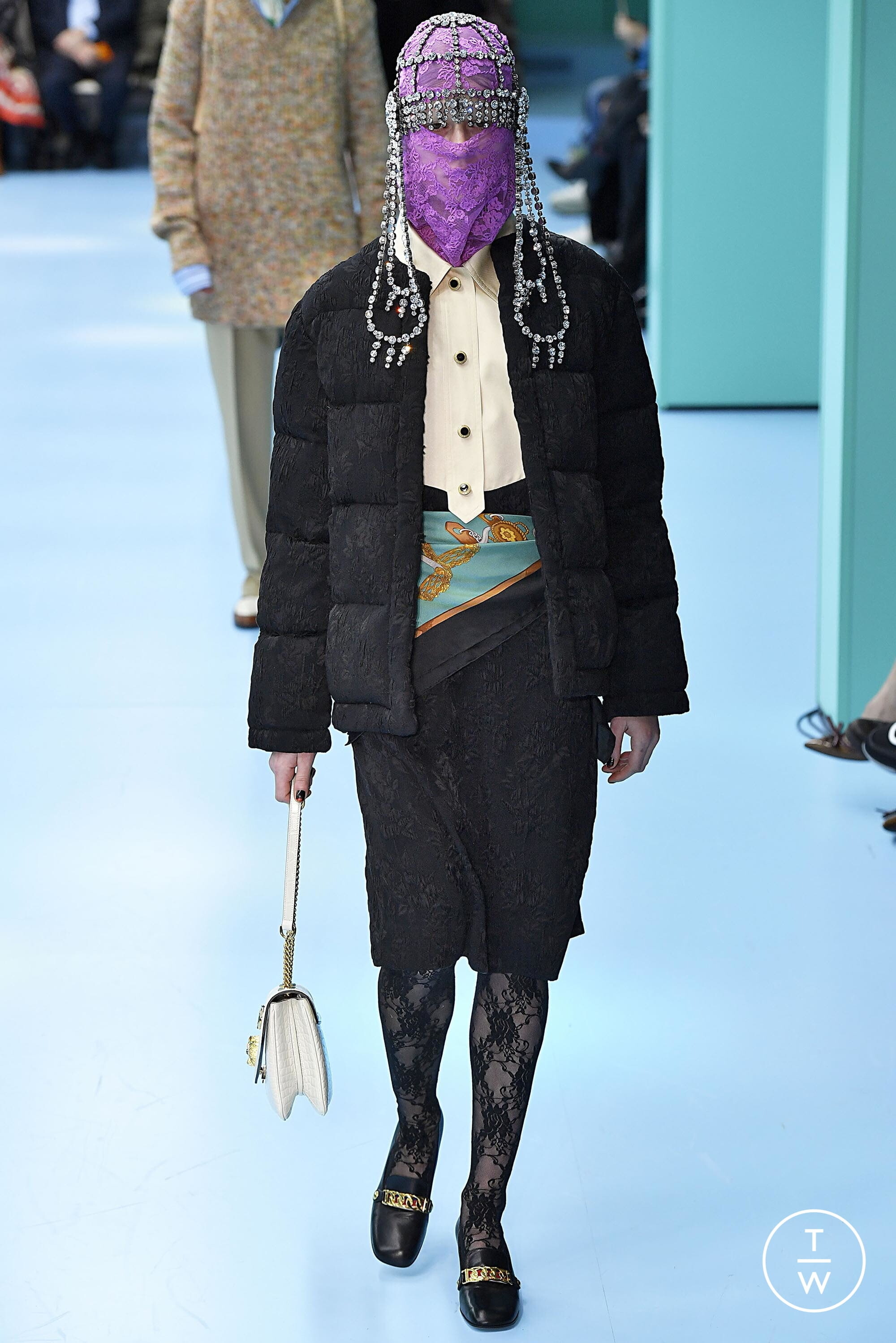
 Gucci [FALL 2018 READY-TO-WEAR] backstage vogue, tagwalk, madamefigaro





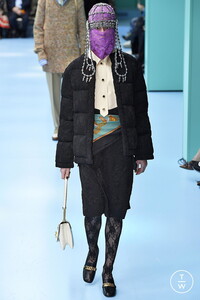
 MFW FW18 Street Style
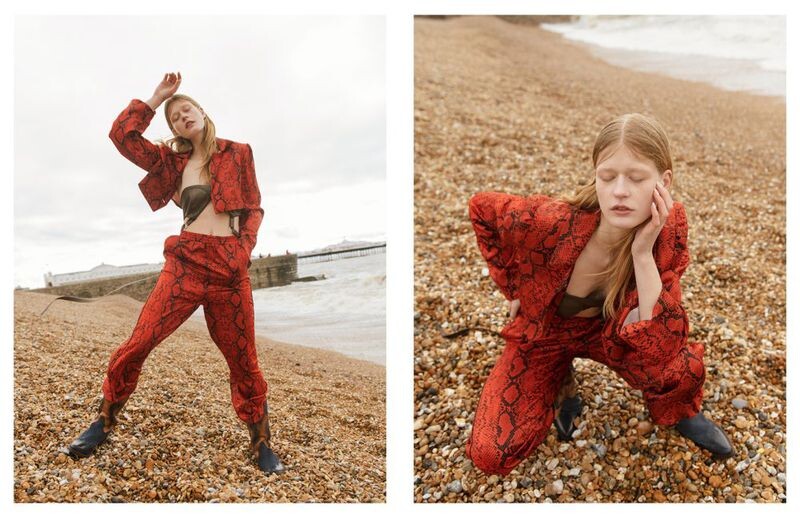
 Redmilk Magazine SABRINA GOES RED BY SIMONE COSSETTINI Published: February 2018 models










 backstage


 Pushbutton [SEOUL SPRING 2018] vogue
 Fleamadonna [SEOUL SPRING 2018] vogue
 Interview Magazine A Puff Piece Published: September 2019 models
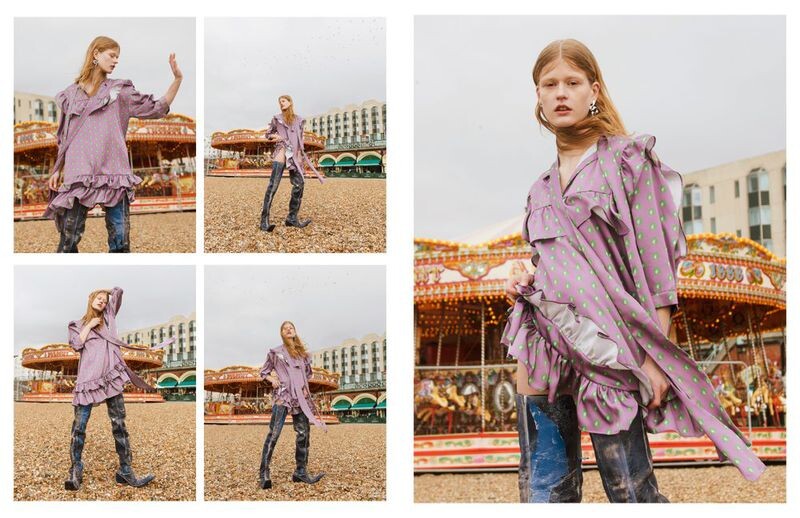
 Stylist Magazine UK Denim Published: July 2019 models

 Valentino [PRE-FALL 2019] vogue,tagwalk
 PFW SS19 Street Style
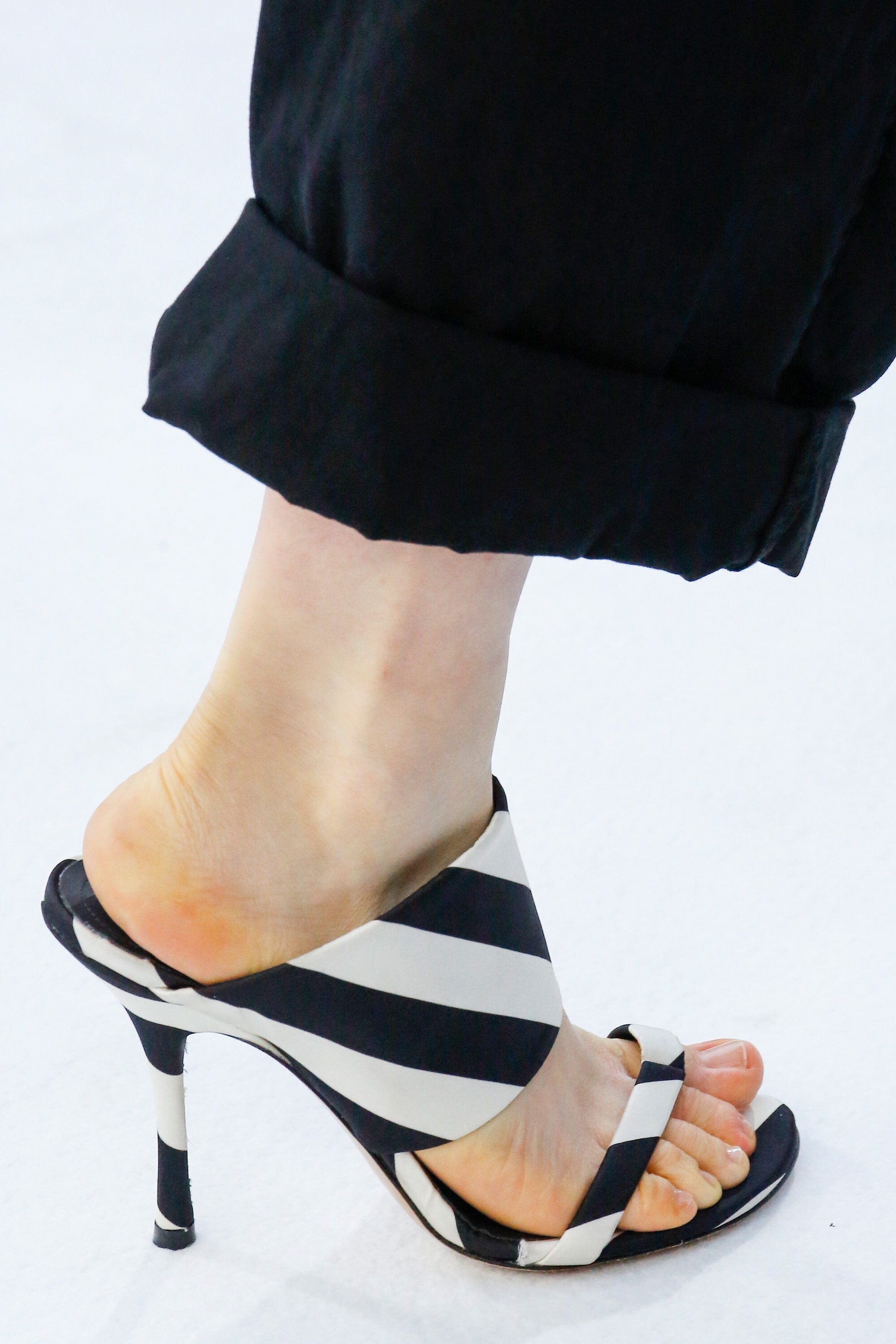
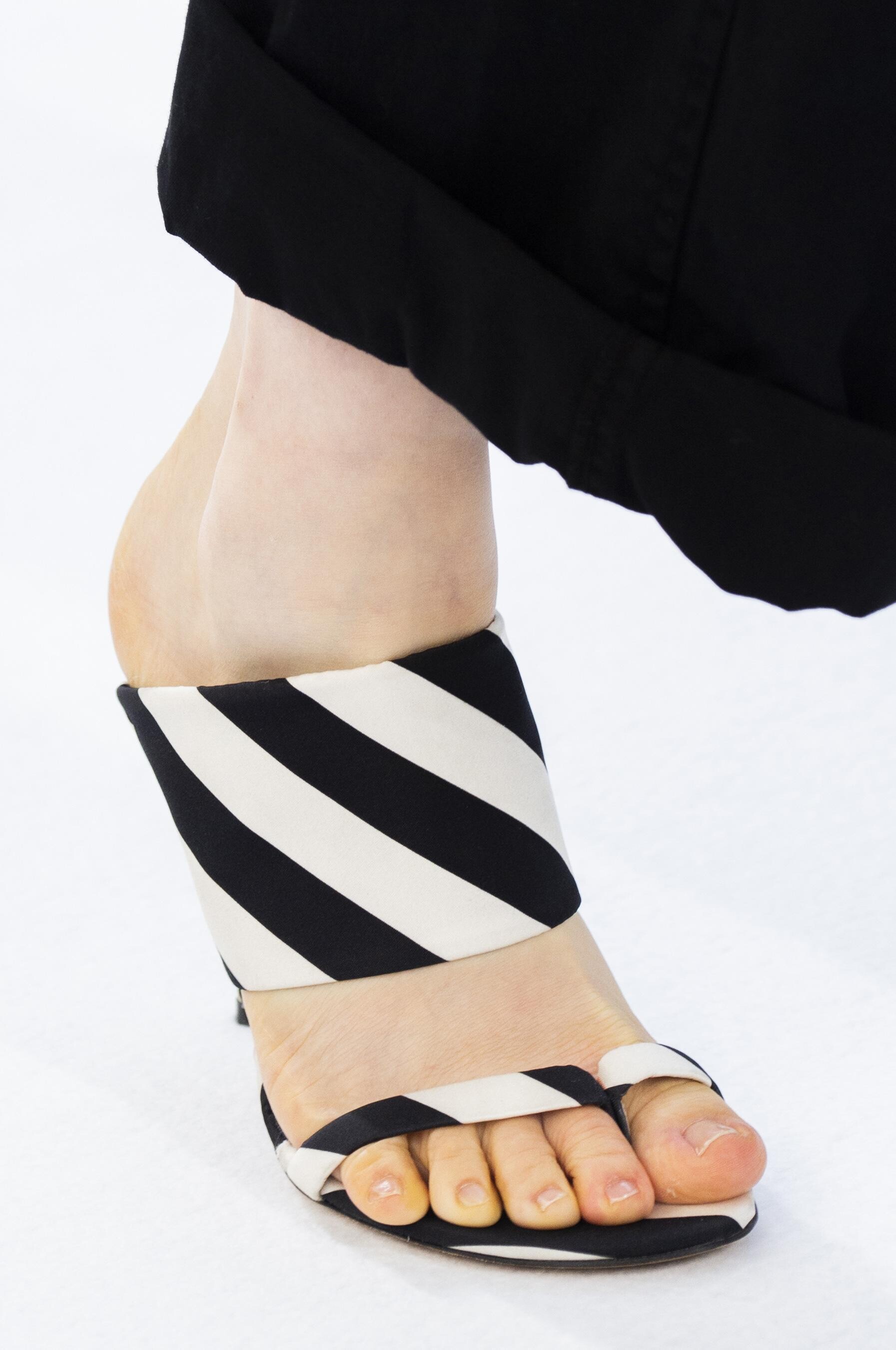
 Dries Van Noten [SPRING 2019 READY-TO-WEAR] backstage vogue,tagwalk,madamefigaro detail


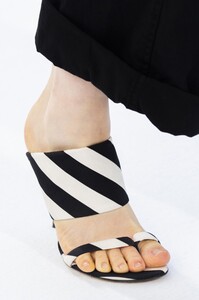



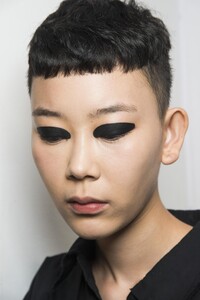


 Giddy Up [SPRING 2019 READY-TO-WEAR] wwd
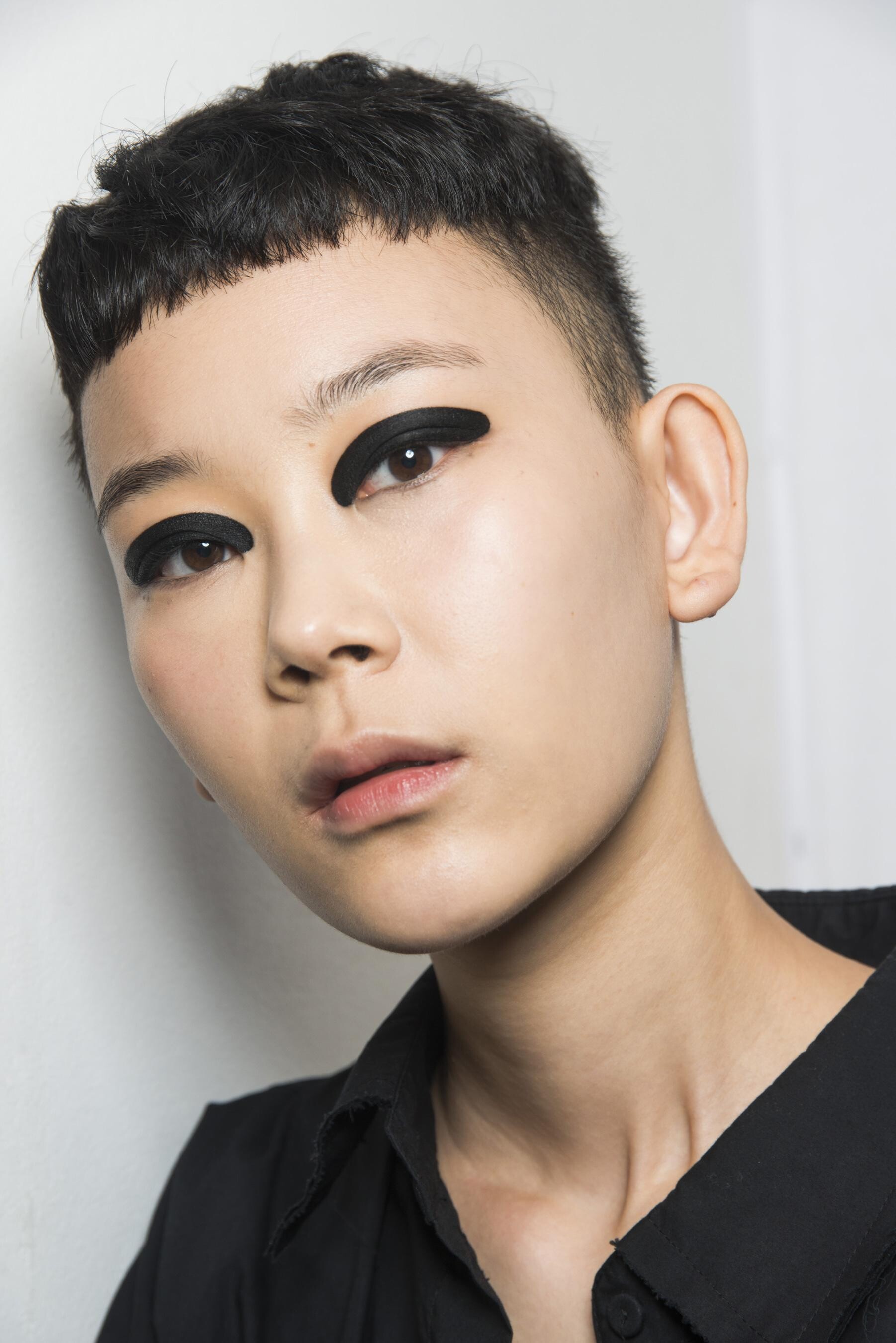
 Arthur Arbesser [SPRING 2019 READY-TO-WEAR] backstage vogue,tagwalk,madamefigaro


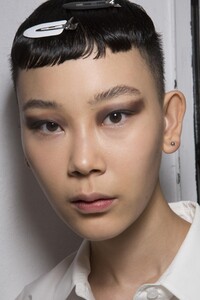









 elitemodel




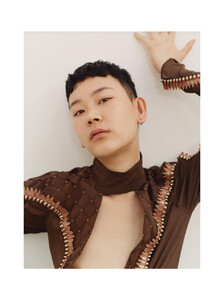
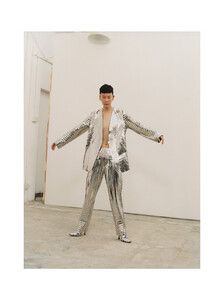











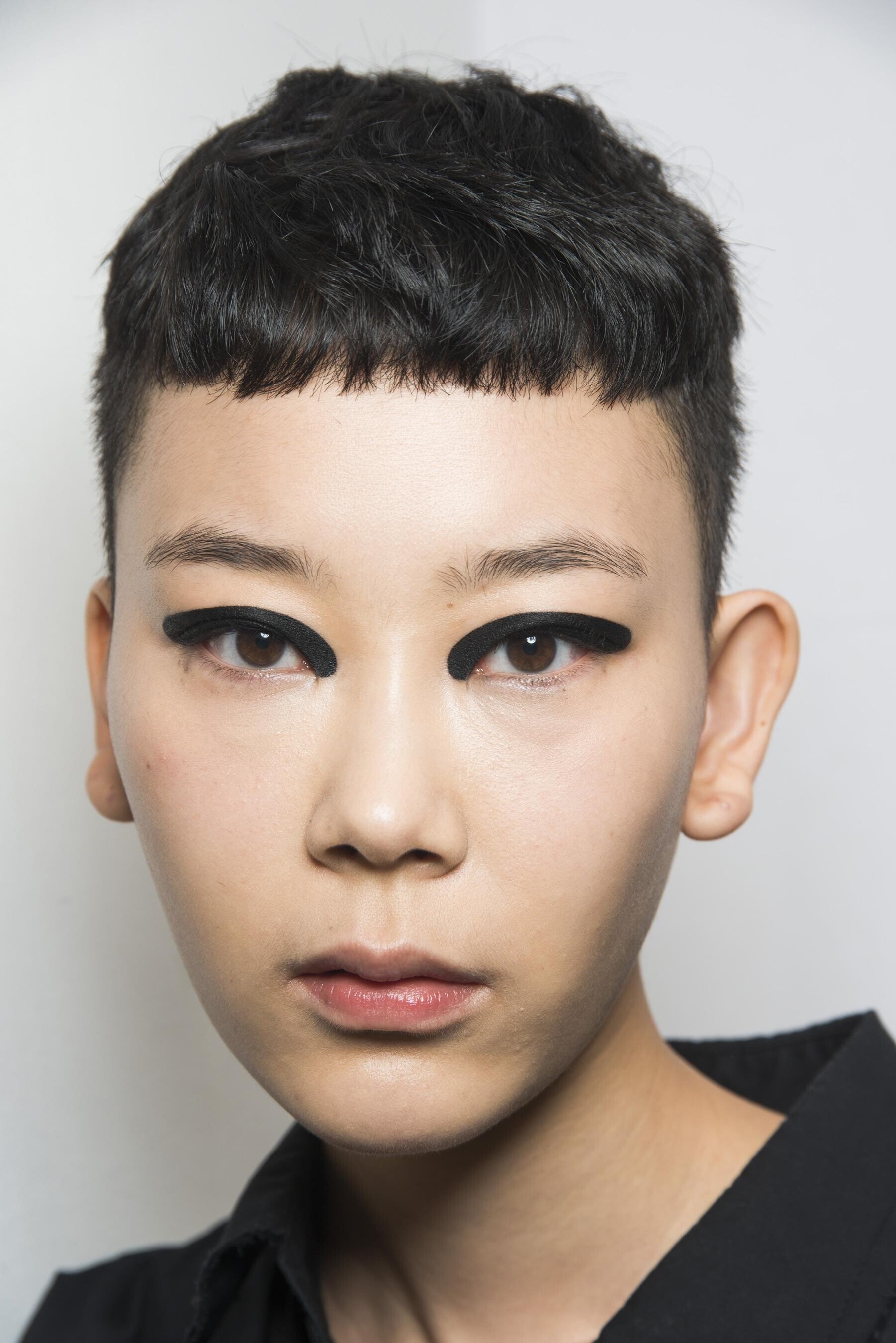
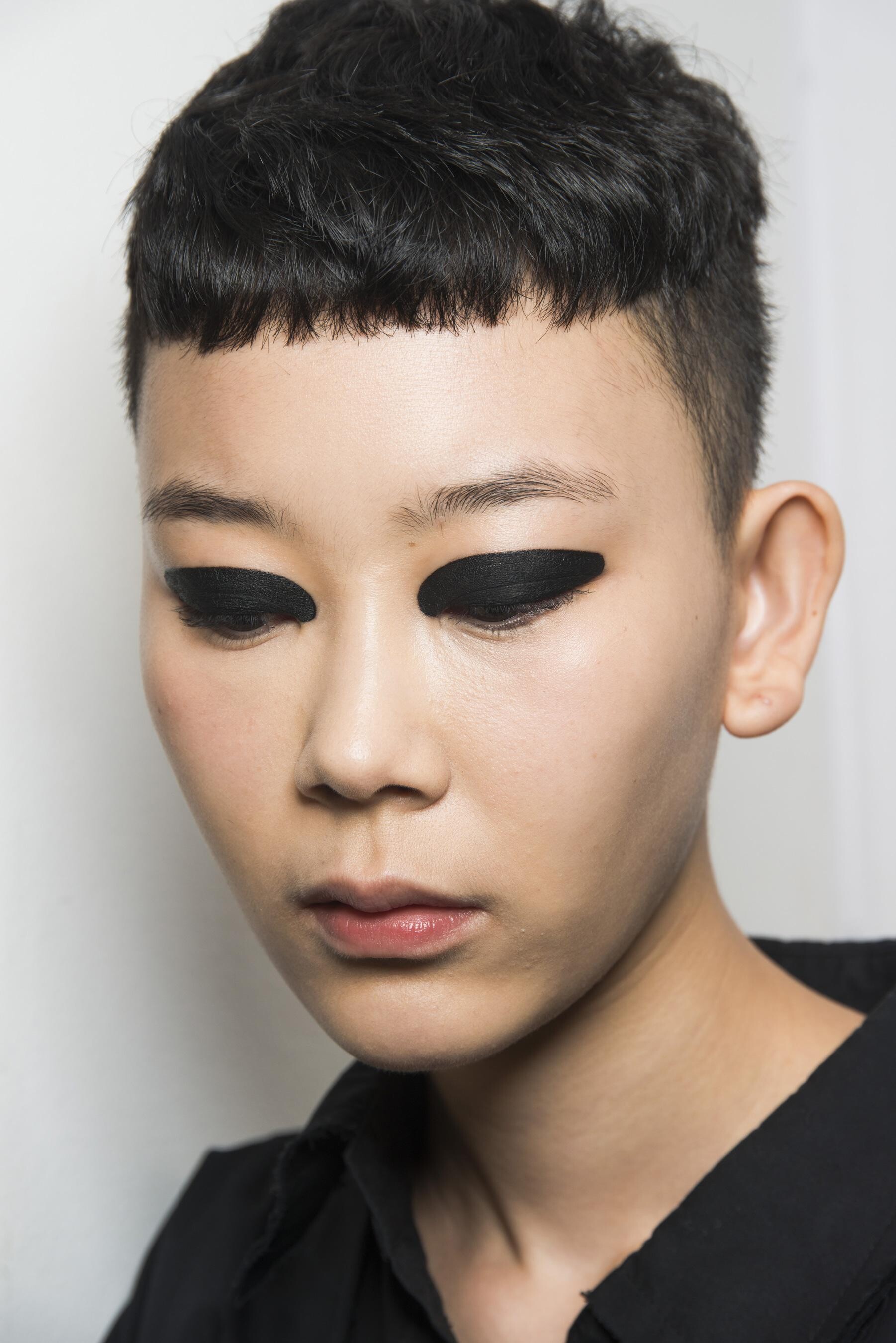
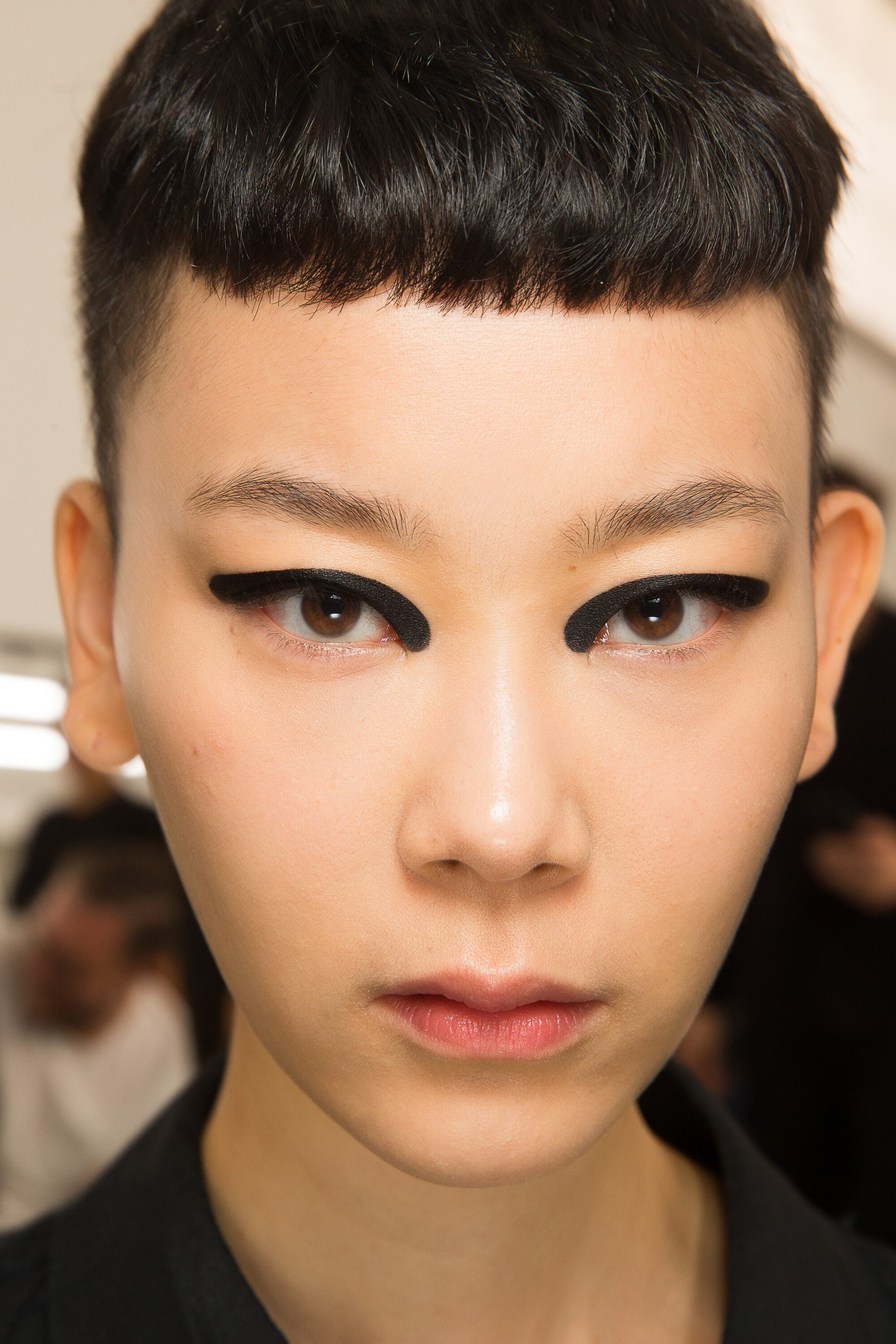
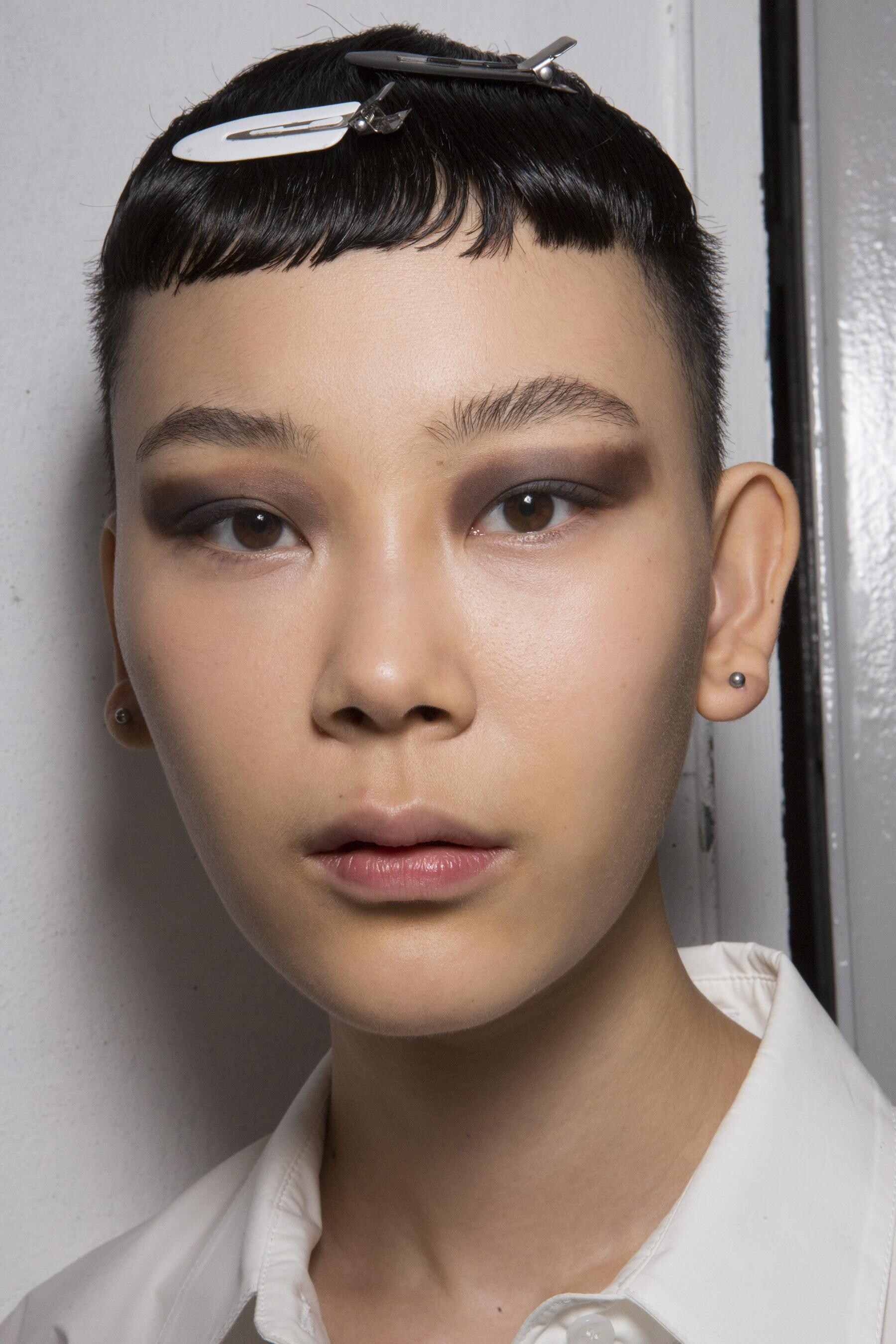
 Saint Laurent [RESORT 2020] vogue

















































































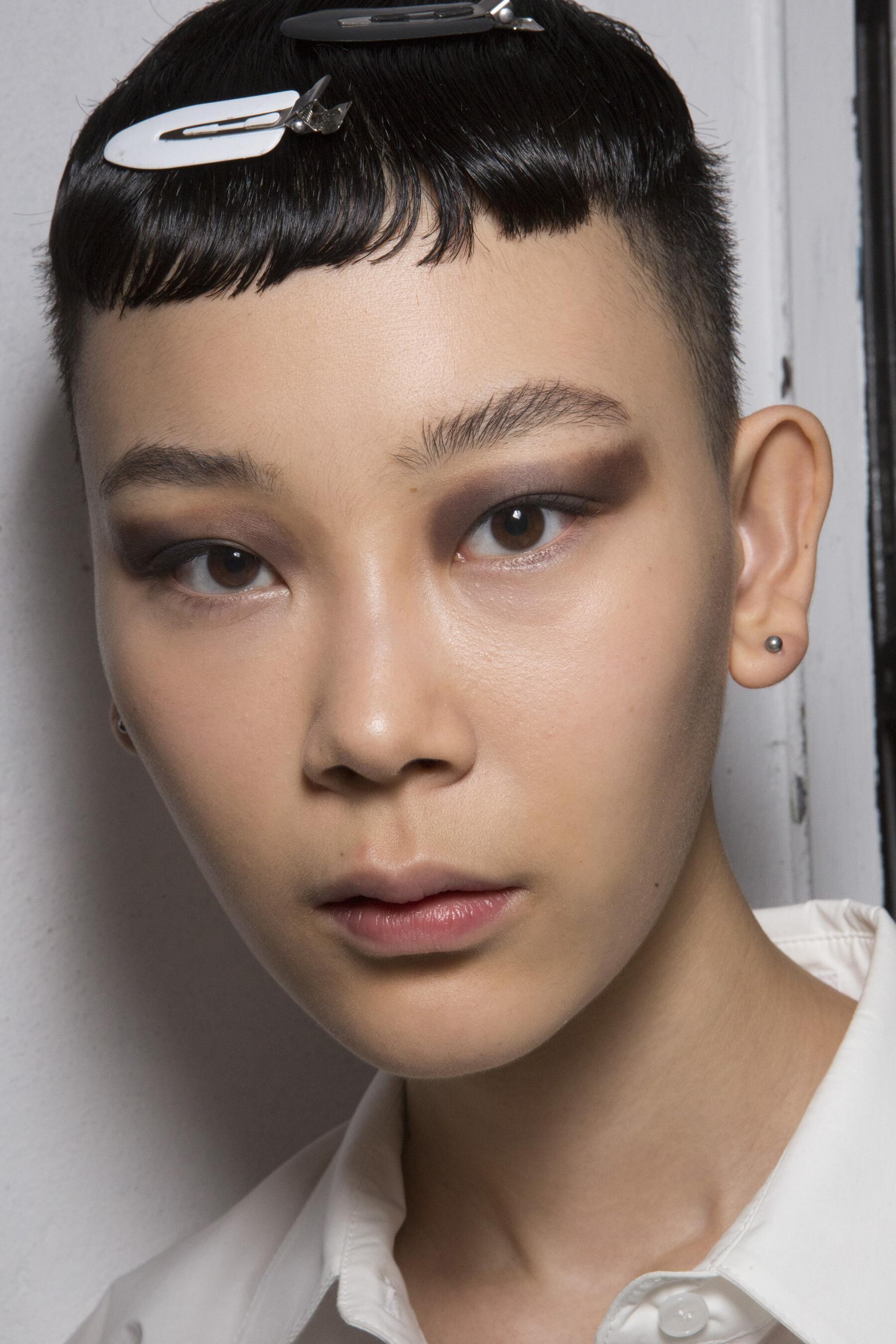

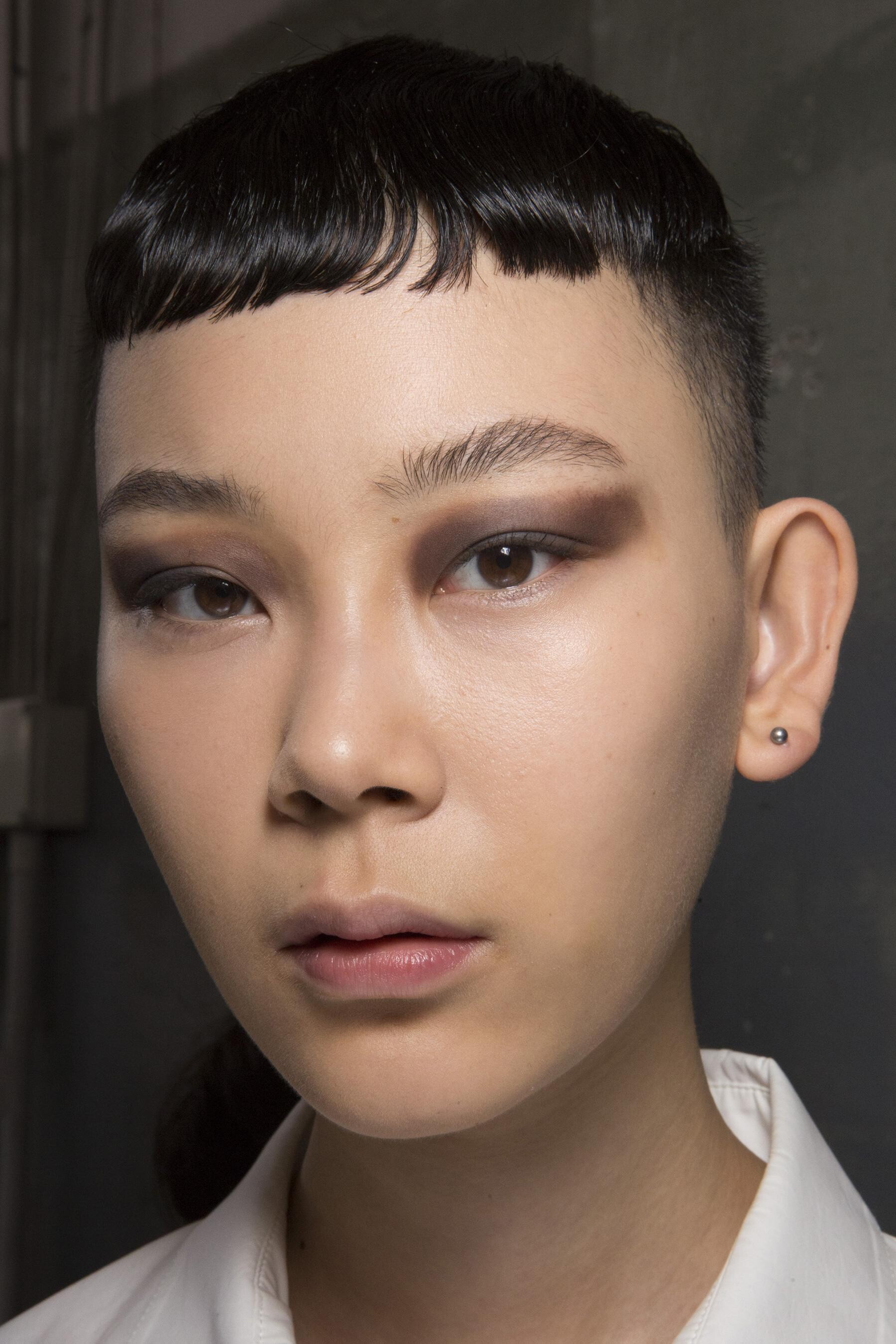




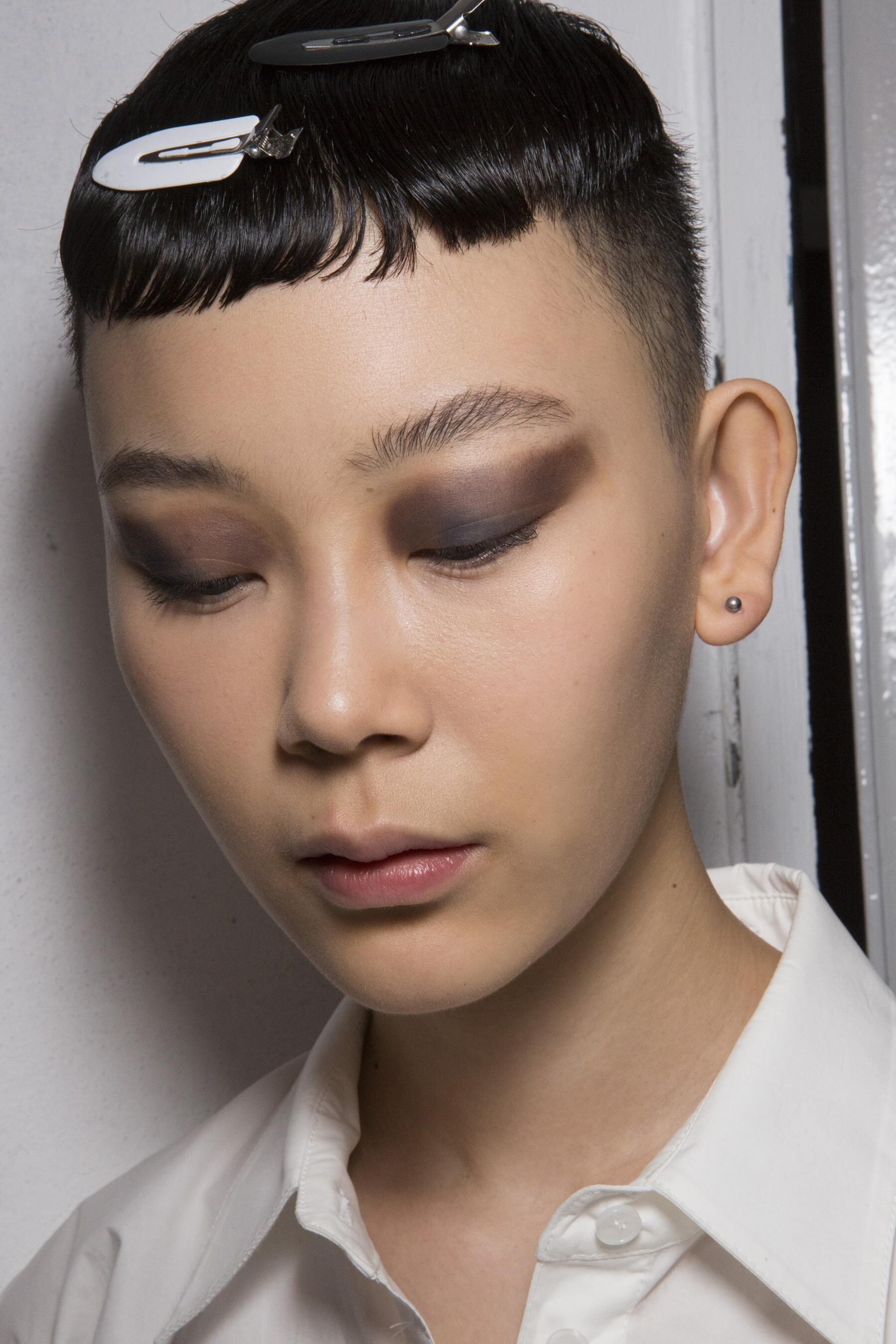



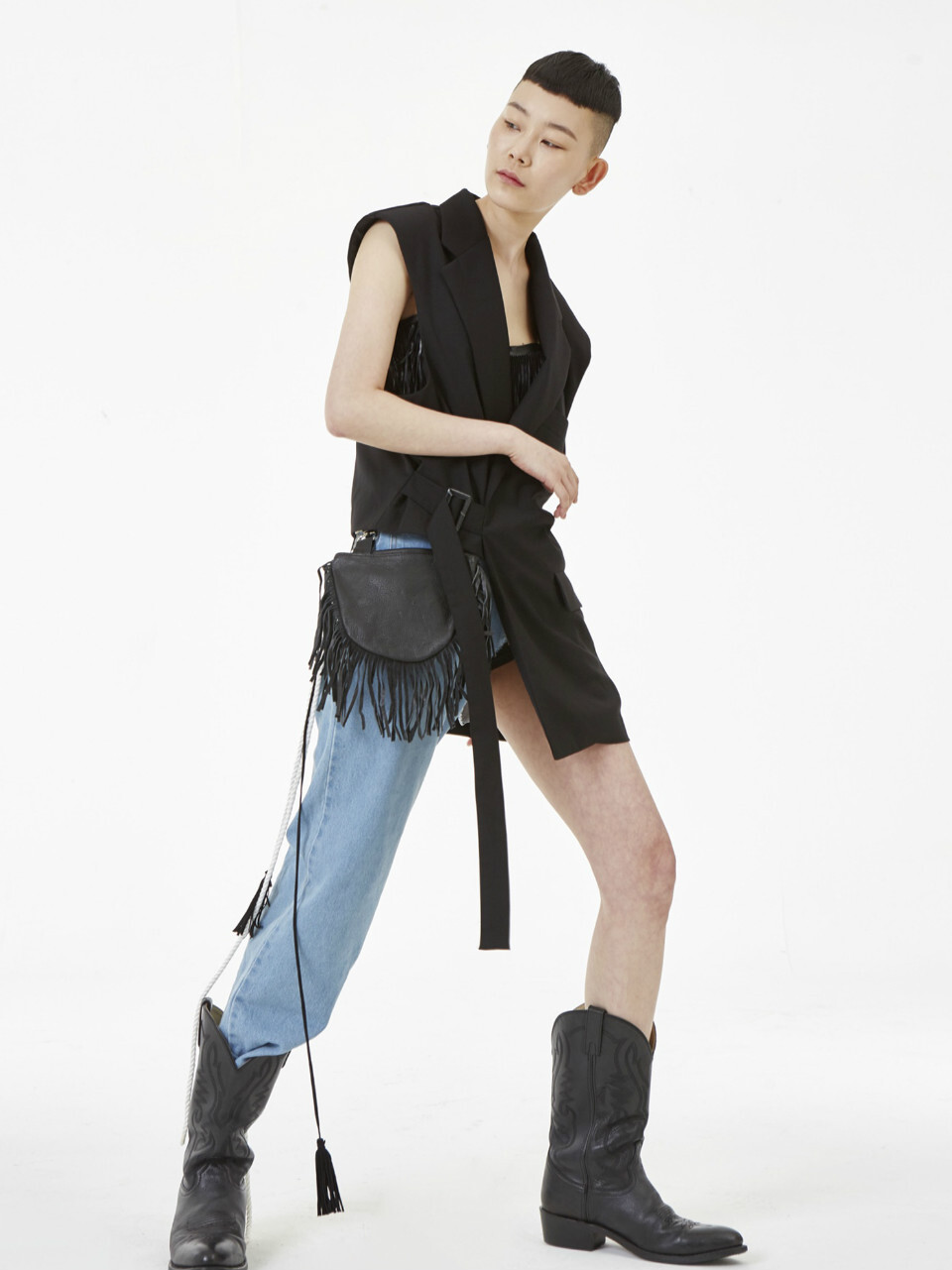

























Account
Navigation
Search
Configure browser push notifications
Chrome (Android)
- Tap the lock icon next to the address bar.
- Tap Permissions → Notifications.
- Adjust your preference.
Chrome (Desktop)
- Click the padlock icon in the address bar.
- Select Site settings.
- Find Notifications and adjust your preference.
Safari (iOS 16.4+)
- Ensure the site is installed via Add to Home Screen.
- Open Settings App → Notifications.
- Find your app name and adjust your preference.
Safari (macOS)
- Go to Safari → Preferences.
- Click the Websites tab.
- Select Notifications in the sidebar.
- Find this website and adjust your preference.
Edge (Android)
- Tap the lock icon next to the address bar.
- Tap Permissions.
- Find Notifications and adjust your preference.
Edge (Desktop)
- Click the padlock icon in the address bar.
- Click Permissions for this site.
- Find Notifications and adjust your preference.
Firefox (Android)
- Go to Settings → Site permissions.
- Tap Notifications.
- Find this site in the list and adjust your preference.
Firefox (Desktop)
- Open Firefox Settings.
- Search for Notifications.
- Find this site in the list and adjust your preference.