Jump to content
View in the app

A better way to browse. Learn more.

Bellazon

A full-screen app on your home screen with push notifications, badges and more.

To install this app on iOS and iPadOS
  1. Tap the Share icon in Safari
  2. Scroll the menu and tap Add to Home Screen.
  3. Tap Add in the top-right corner.
To install this app on Android
  1. Tap the 3-dot menu (⋮) in the top-right corner of the browser.
  2. Tap Add to Home screen or Install app.
  3. Confirm by tapping Install.

Daradrpipara

Members

Everything posted by Daradrpipara

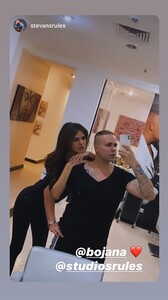
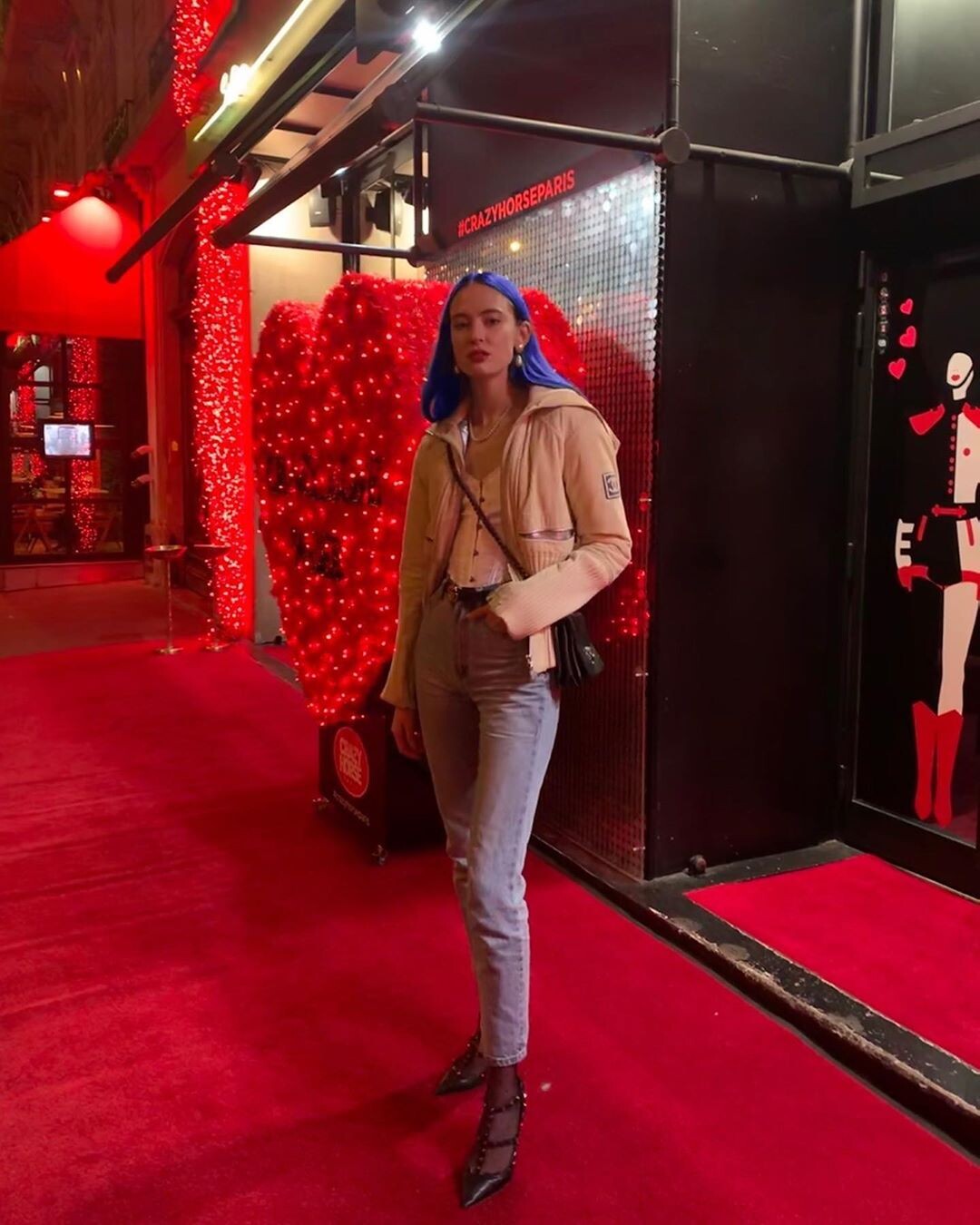
  1. Instagram Instagram stories
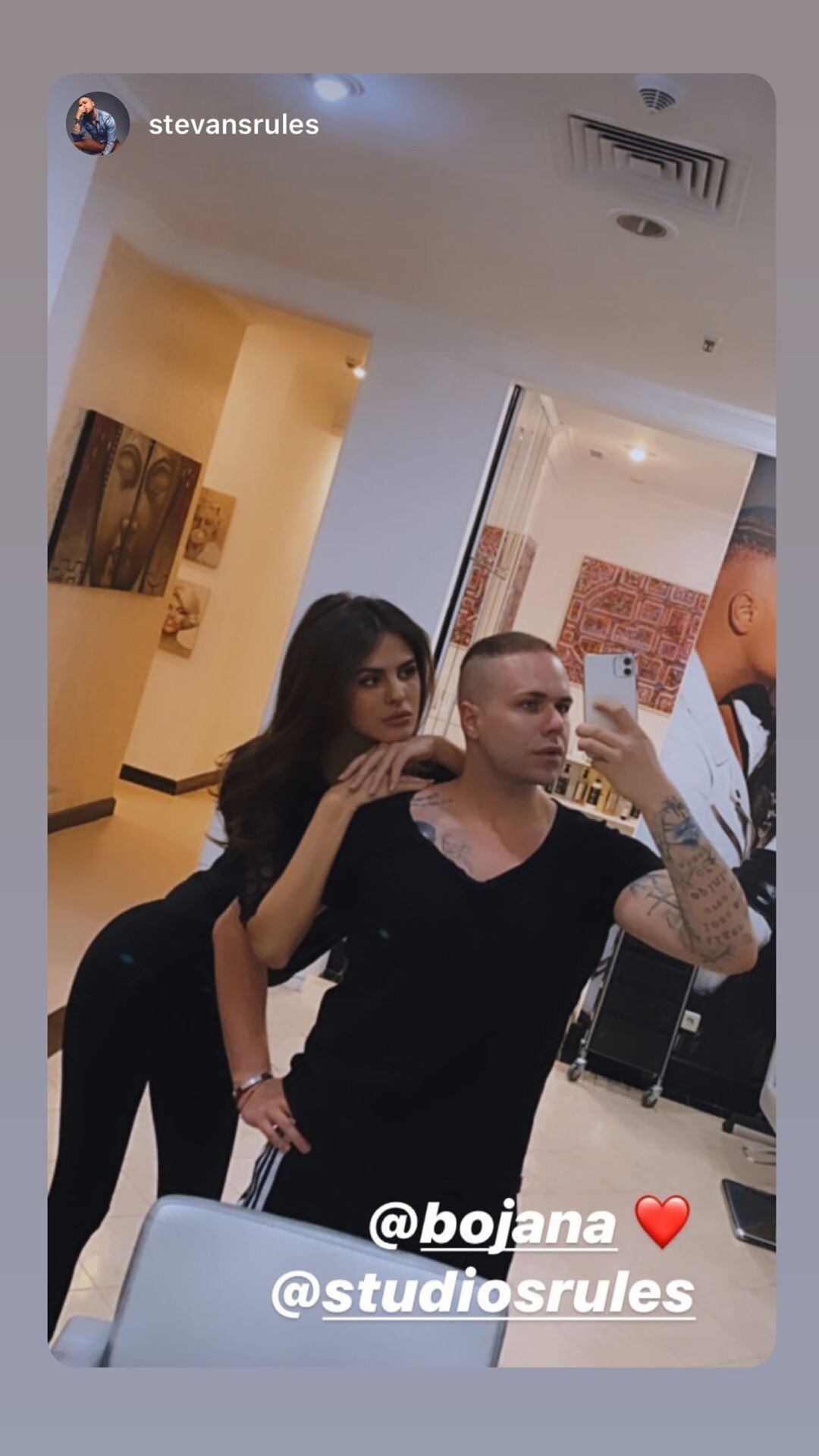
  2. Instagram stories

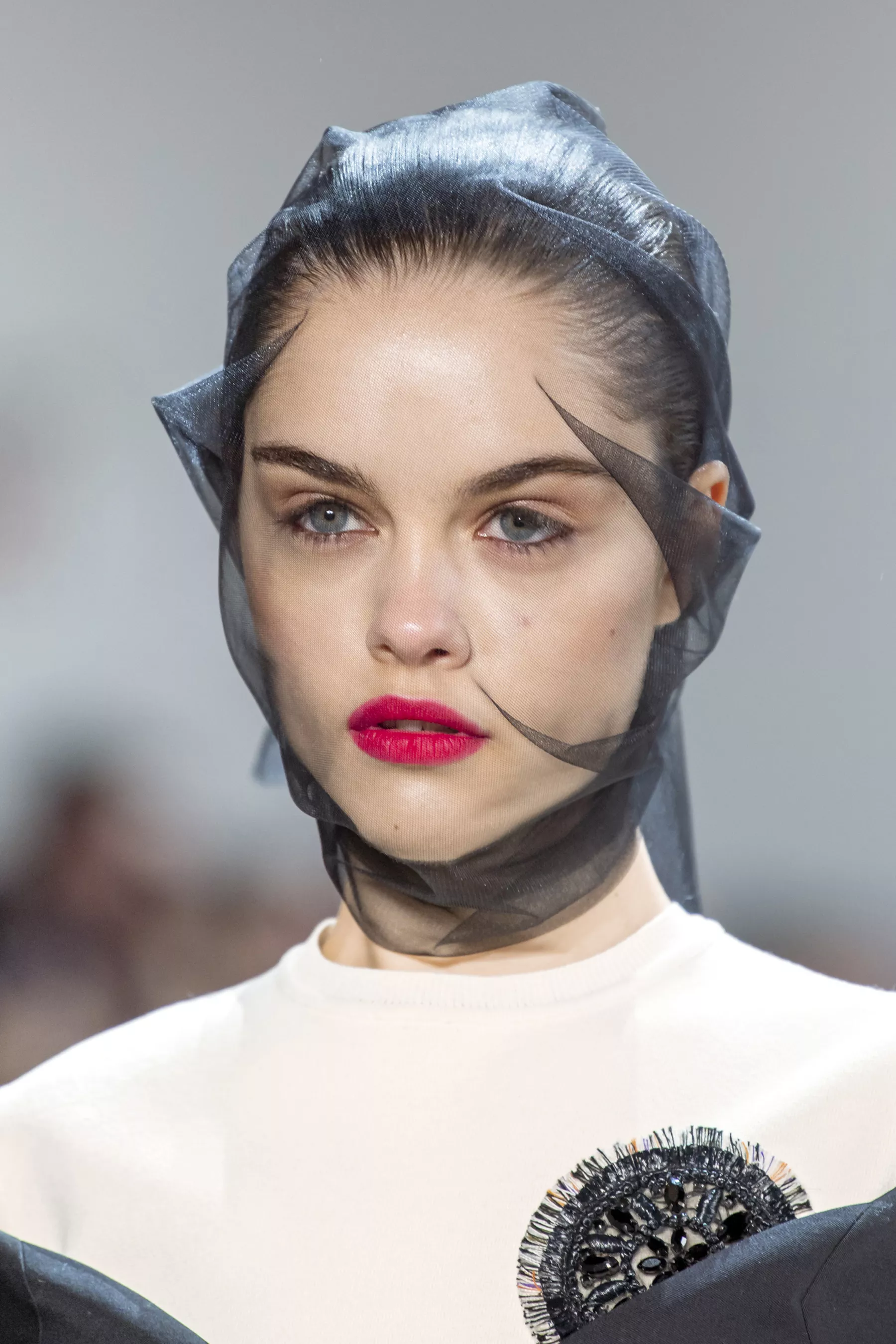
  3. Instagram Instagram stories
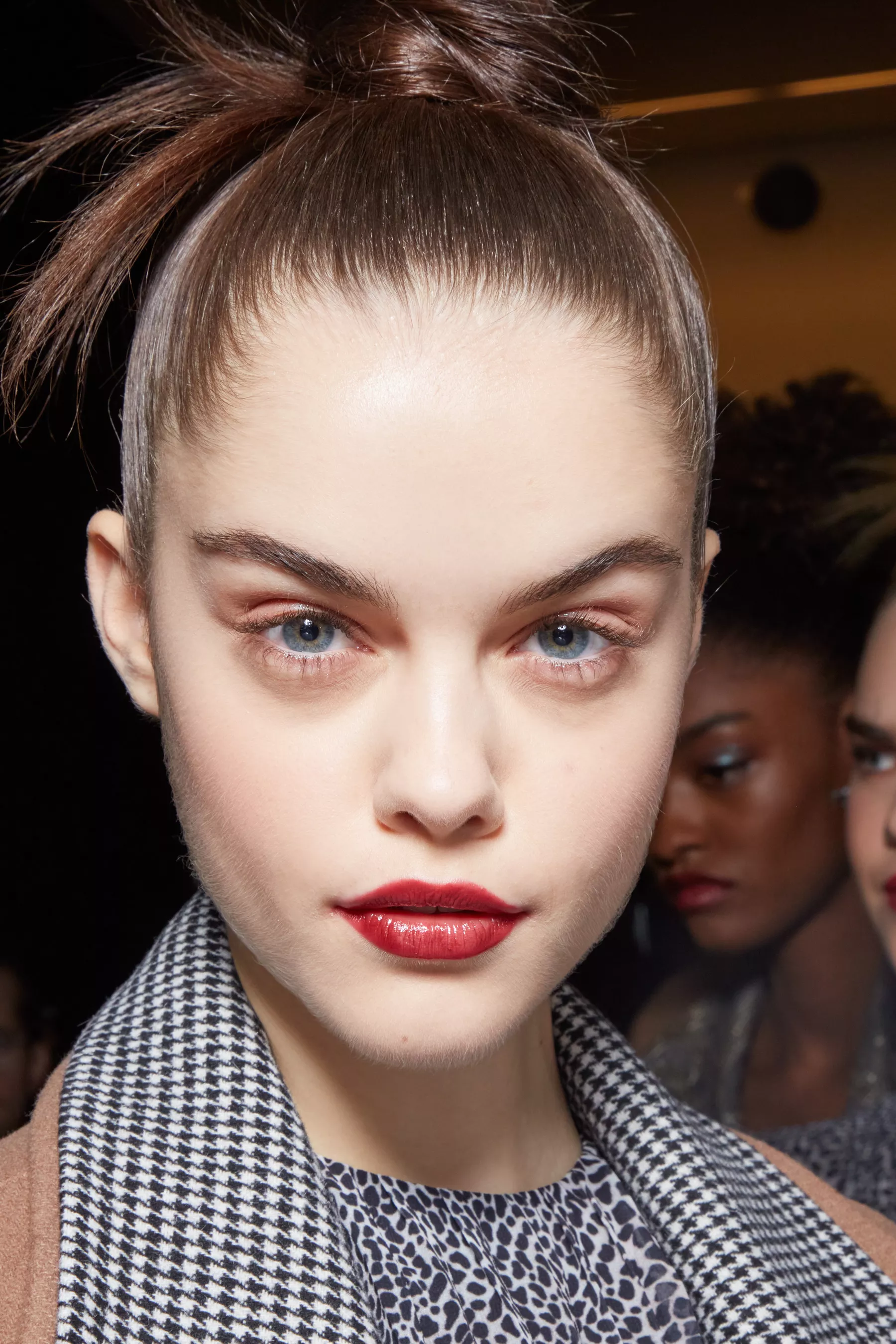
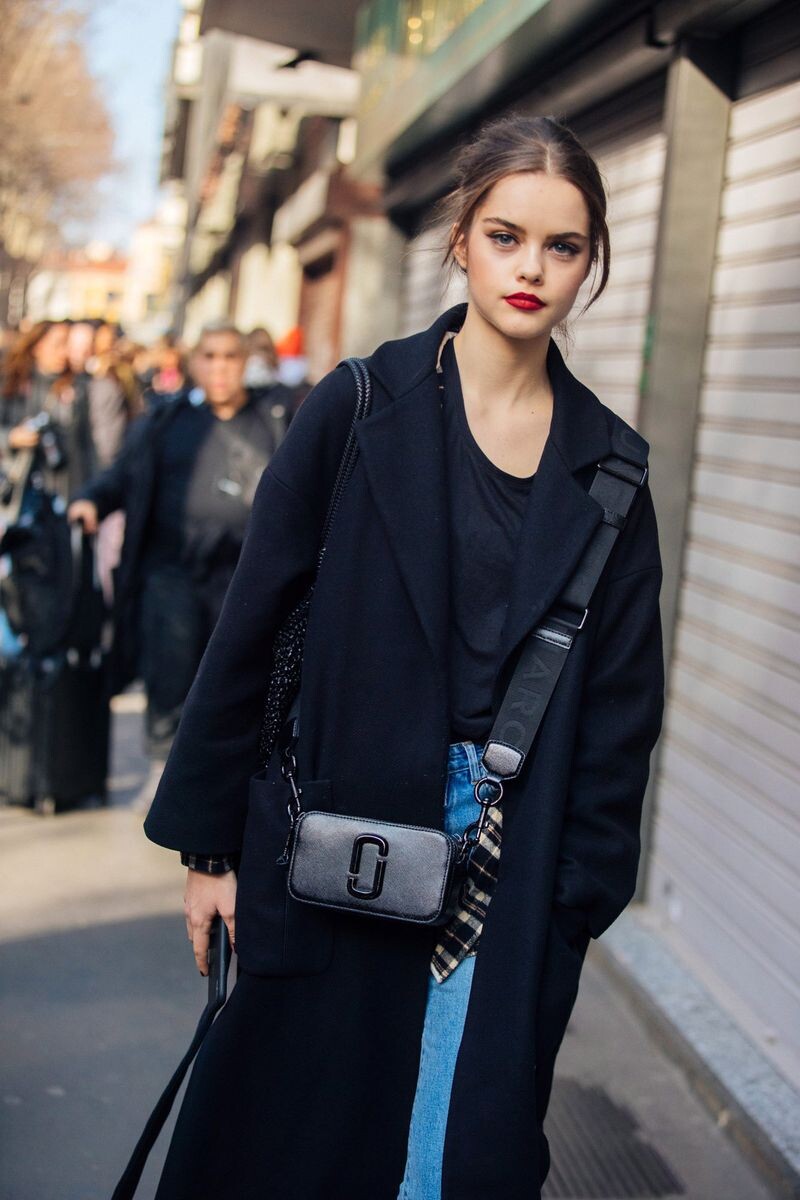
  4. NYFW SS19 Street Style
  5. LFW SS19 Street Style
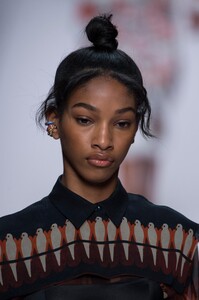
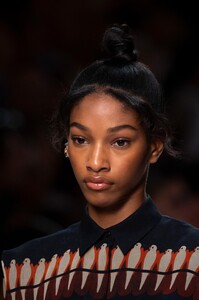
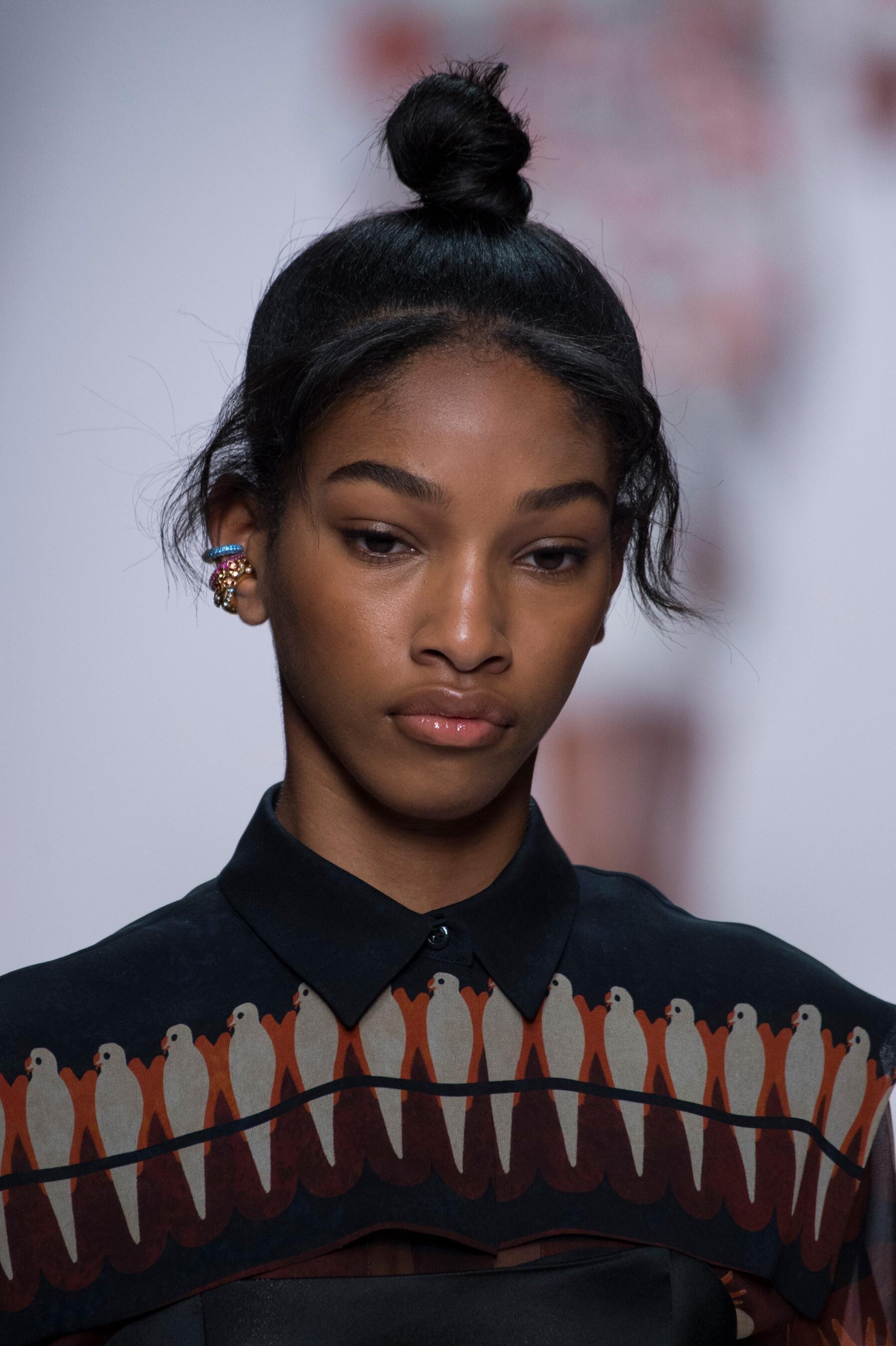
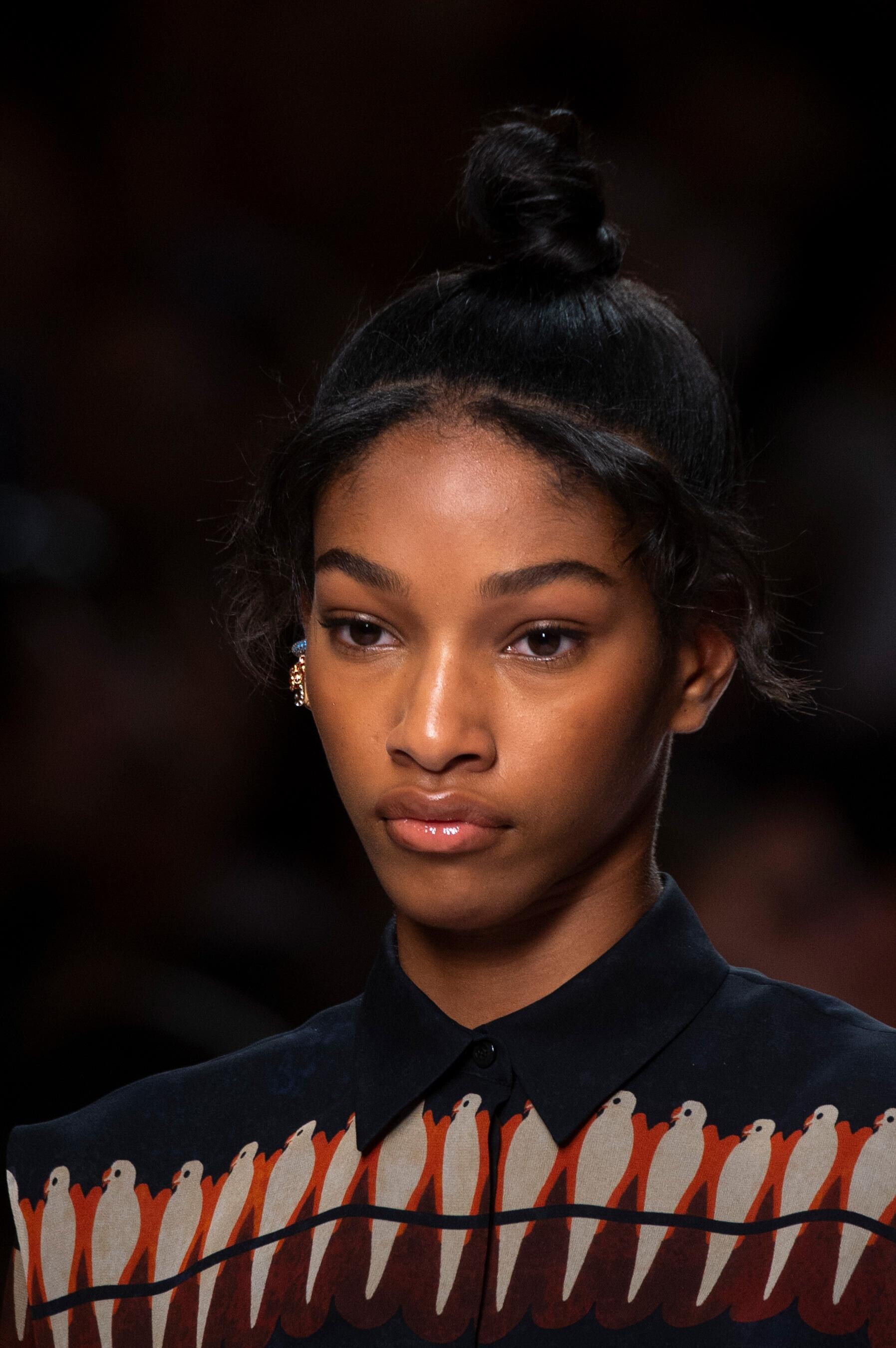
  6. Valentino FALL 2018 COUTURE vogue, nowfashion, tagwalk, madamefigaro
  7. Fendi FALL 2018 COUTURE vogue, nowfashion, tagwalk, madamefigaro
  8. Alexandre Vauthier FALL 2018 COUTURE backstage vogue, nowfashion, tagwalk, madamefigaro
  9. Elie Saab FALL 2018 COUTURE vogue, nowfashion, tagwalk, madamefigaro
  10. Redemption FALL 2018 COUTURE nowfashion, madamefigaro
  11. Dundas SPRING 2019 READY-TO-WEAR vogue, nowfashion
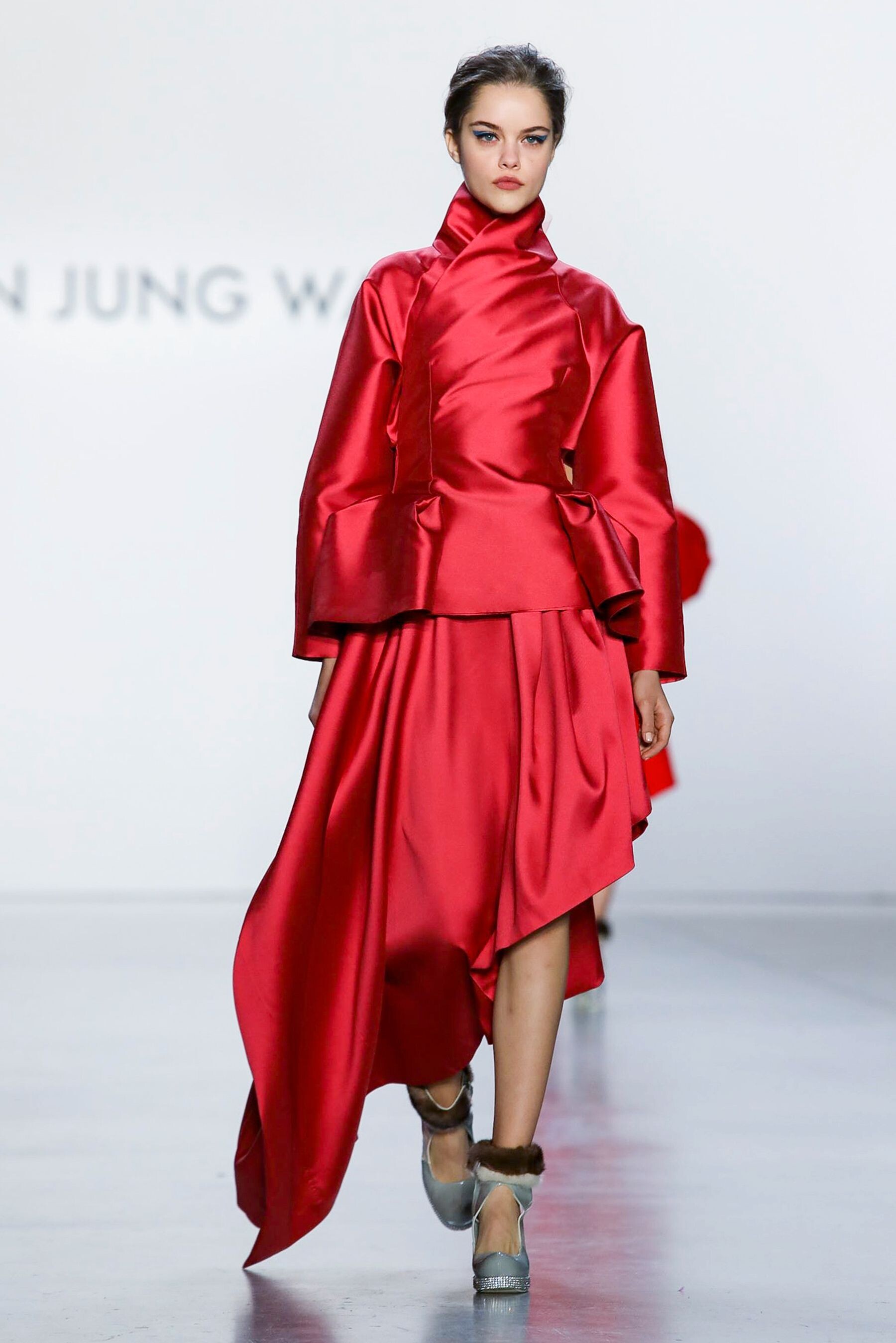
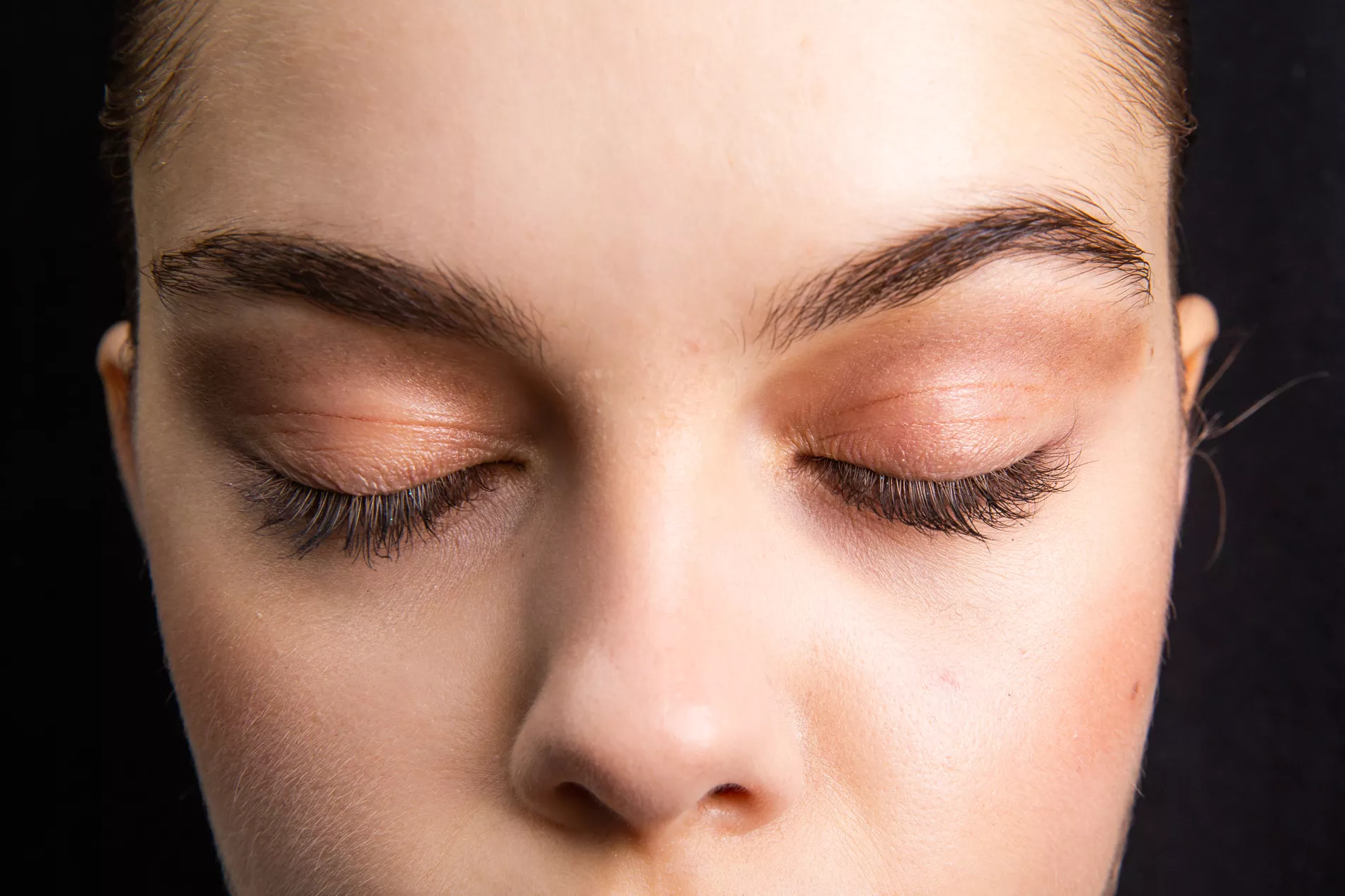
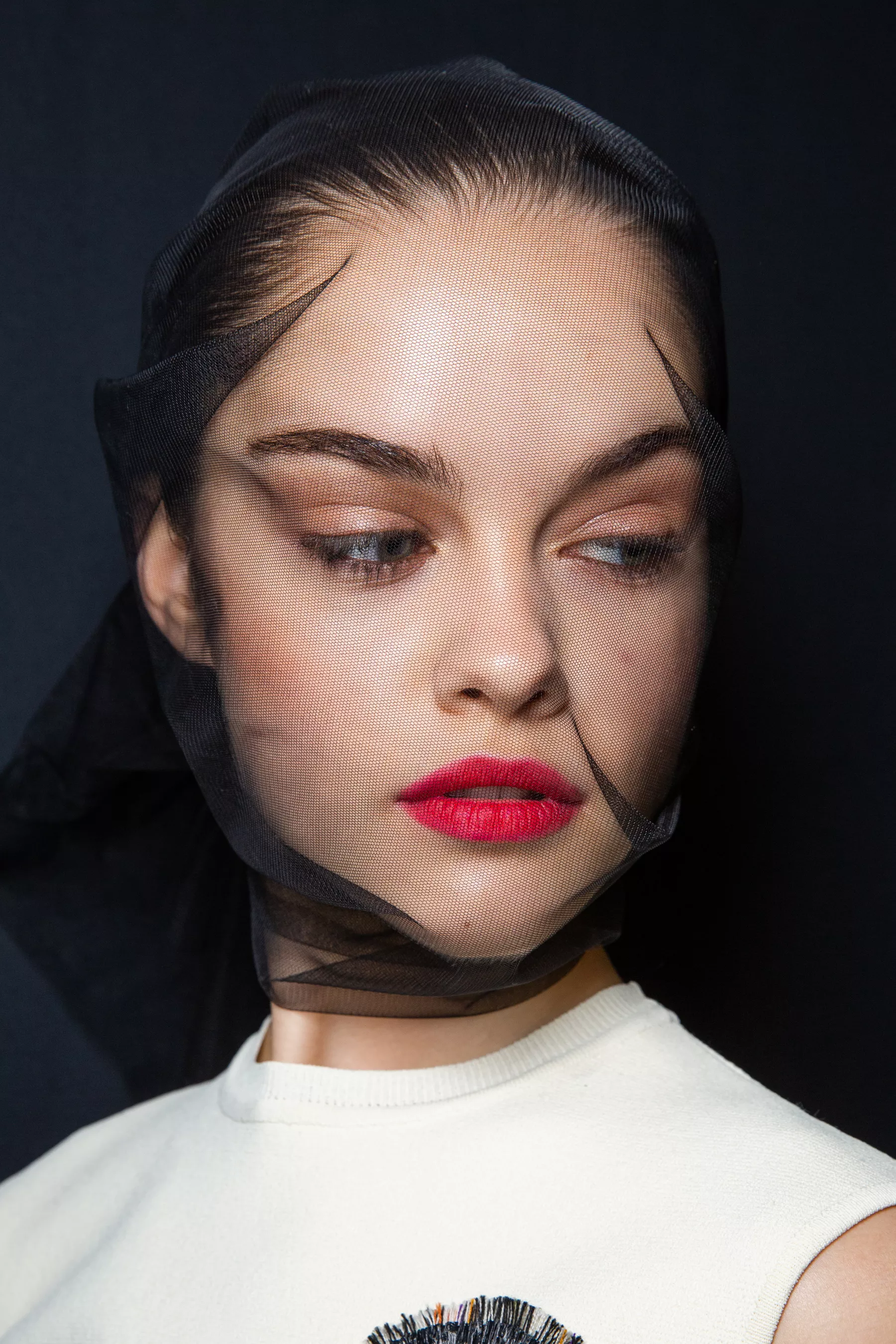
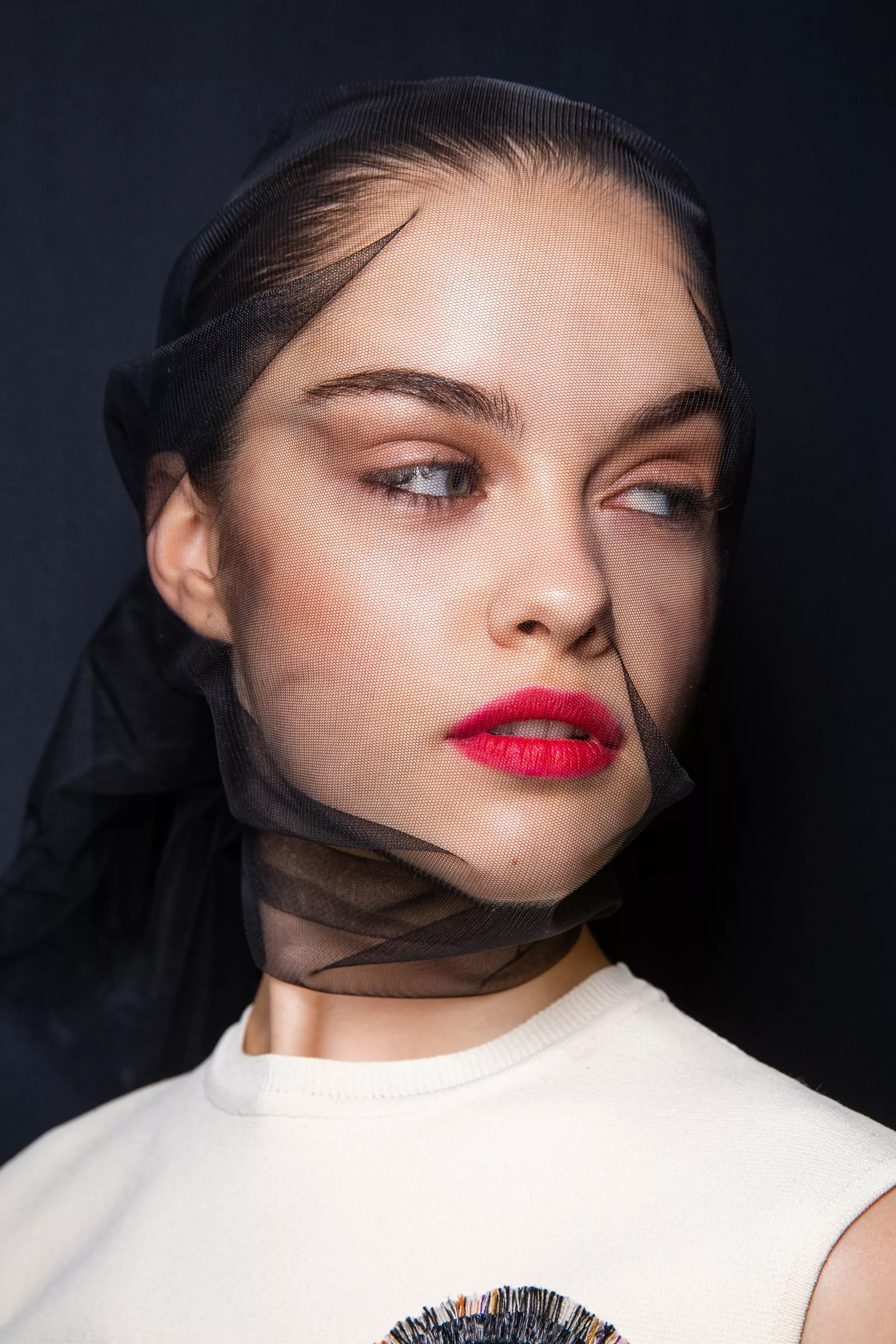
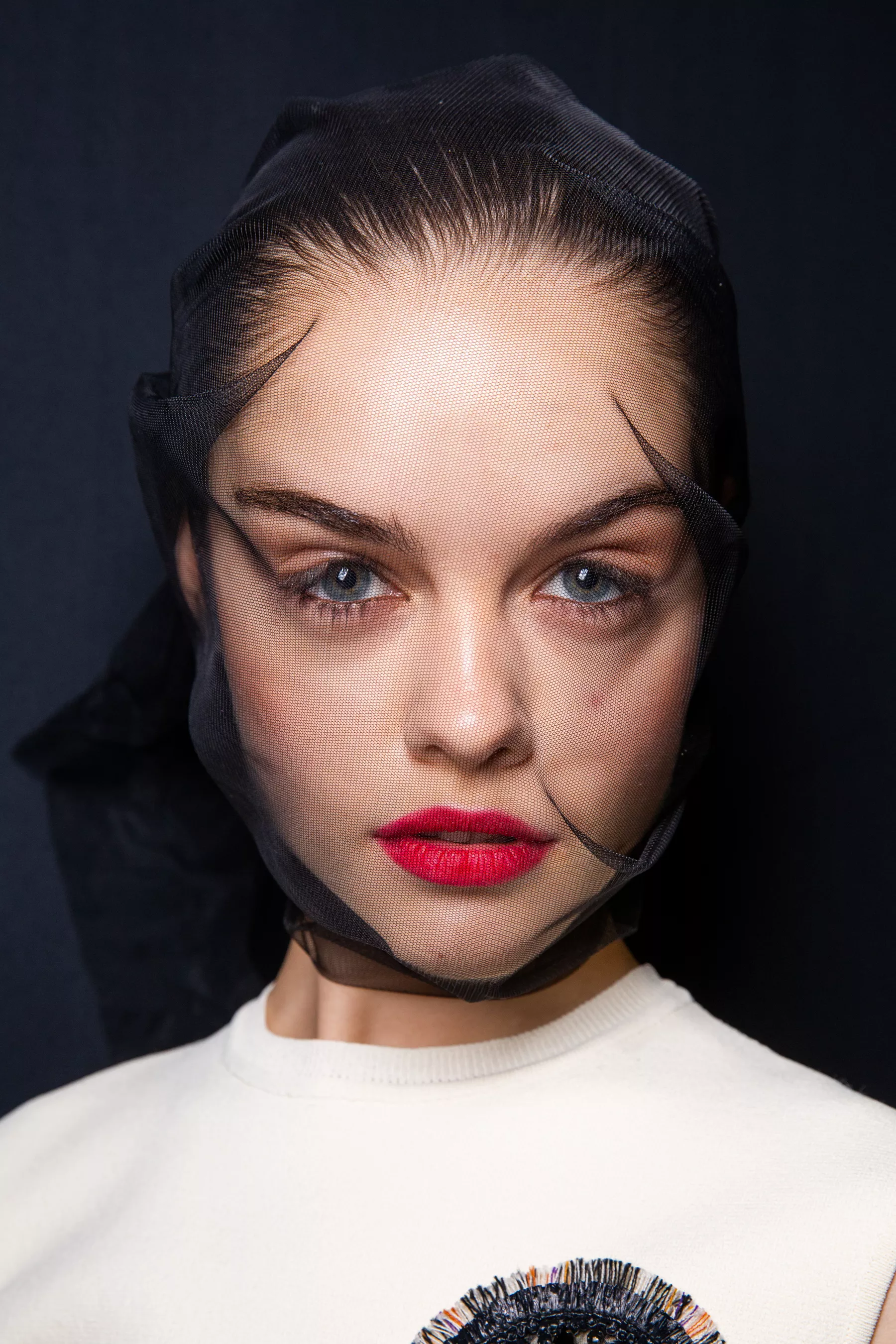
  12. Dior FALL 2018 COUTURE backstage vogue, nowfashion, tagwalk, madamefigaro
  13. Couture FW18 Street Style
  14. Azzaro FALL 2018 COUTURE backstage vogue, nowfashion, tagwalk, madamefigaro
  15. Acne Studios SPRING 2019 READY-TO-WEAR vogue, nowfashion, tagwalk, madamefigaro
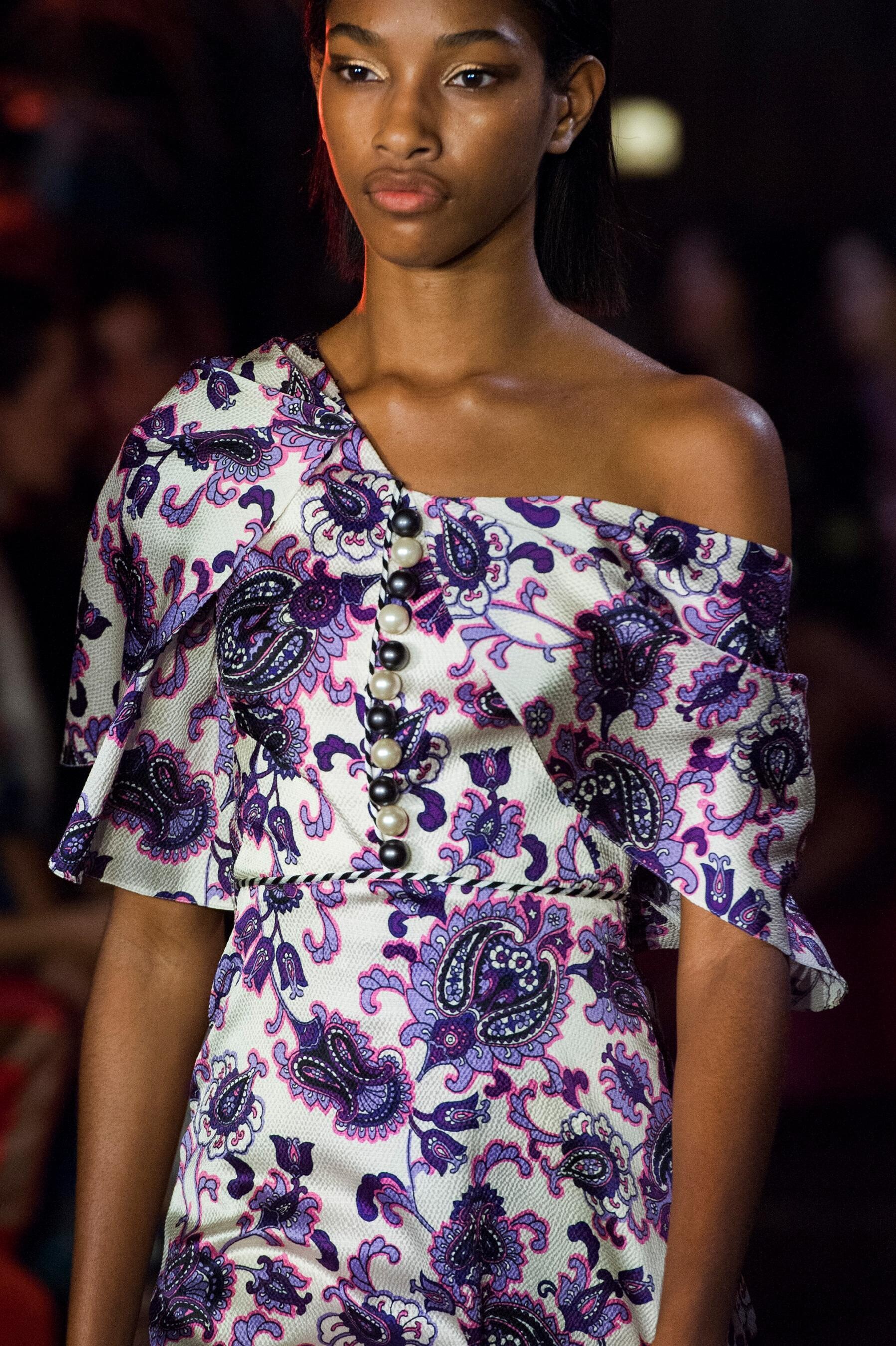
  16. Miu Miu RESORT 2019 vogue, nowfashion, tagwalk, madamefigaro
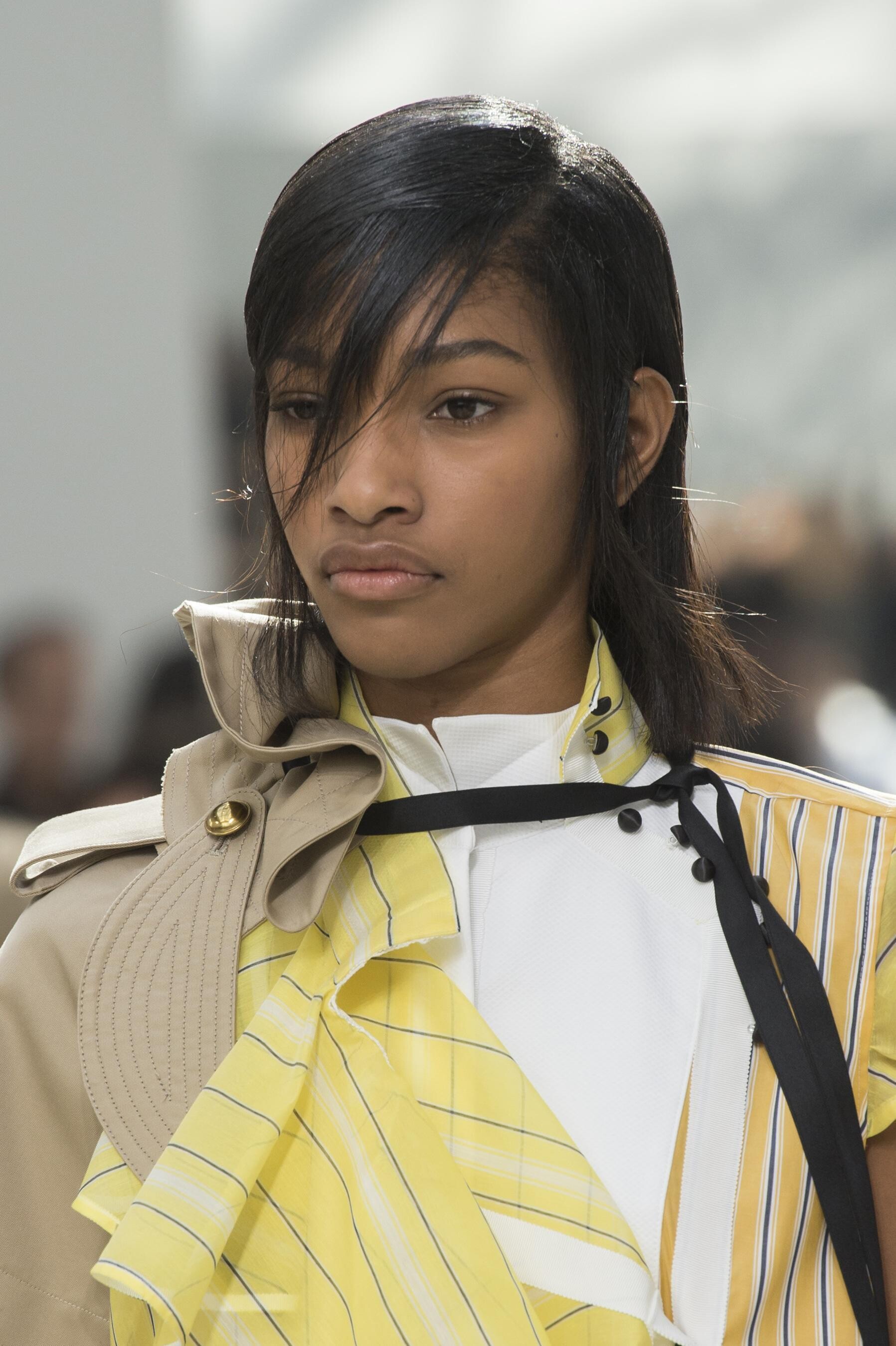
  17. Sacai SPRING 2019 MENSWEAR vogue, nowfashion, tagwalk, madamefigaro
  18. DSquared2 SPRING 2019 READY-TO-WEAR vogue, nowfashion, tagwalk, madamefigaro detail
  19. Moschino SPRING 2019 MENSWEAR backstage vogue, nowfashion, tagwalk
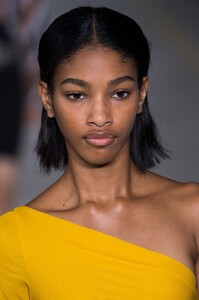
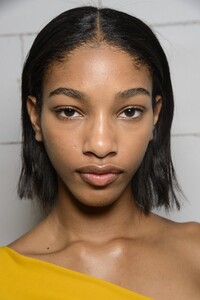
  20. Alexander Wang SPRING 2019 READY-TO-WEAR vogue, nowfashion, tagwalk
  21. PFWM SS19 Street Style

Configure browser push notifications

Chrome (Android)
  1. Tap the lock icon next to the address bar.
  2. Tap Permissions → Notifications.
  3. Adjust your preference.
Chrome (Desktop)
  1. Click the padlock icon in the address bar.
  2. Select Site settings.
  3. Find Notifications and adjust your preference.