Jump to content
View in the app

A better way to browse. Learn more.

Bellazon

A full-screen app on your home screen with push notifications, badges and more.

To install this app on iOS and iPadOS
  1. Tap the Share icon in Safari
  2. Scroll the menu and tap Add to Home Screen.
  3. Tap Add in the top-right corner.
To install this app on Android
  1. Tap the 3-dot menu (⋮) in the top-right corner of the browser.
  2. Tap Add to Home screen or Install app.
  3. Confirm by tapping Install.

robson1

Members
  • Joined

  • Last visited

Everything posted by robson1

  1. @kimflorida thank you, but I guess no, there is no 2nd moll
  2. 4 LAURÈNE CHAPUIS 3 EMILY DEYT-AYSAGE 2 NATALIE ROSER 1 LINI KENNEDY 0 MALENA LITE
  3. Julia Emily Lorena Lente Wendel
  4. 4. Jessica 3. Rocio 2. Chloe 1. Georgia 0. Daria
  5. @kimflorida thank you so much
  6. please help to id this models
  7. LEIDY AMELIA RILEY RUSSELL SHANA KOEHLER LUNA BIJL
  8. ASHLEY M. DICKERSON CELINE FARACH IDA ZEILE EMILY FELD
  9. IG Story 49872889_815686103563326_8106146166955970755_n.mp4 163334301_998973774769293_291817385403358758_n.mp4
  10. any updates?
  11. any updates?
  12. thank you
  13. any updates?
  14. missexotic.uk
  15. by Zoey Grossman Manifesto Magazine September 2015
  16. any updates?
  17. @carla_guetta wearing the new #LESUIT @uhlalabyll.mp4
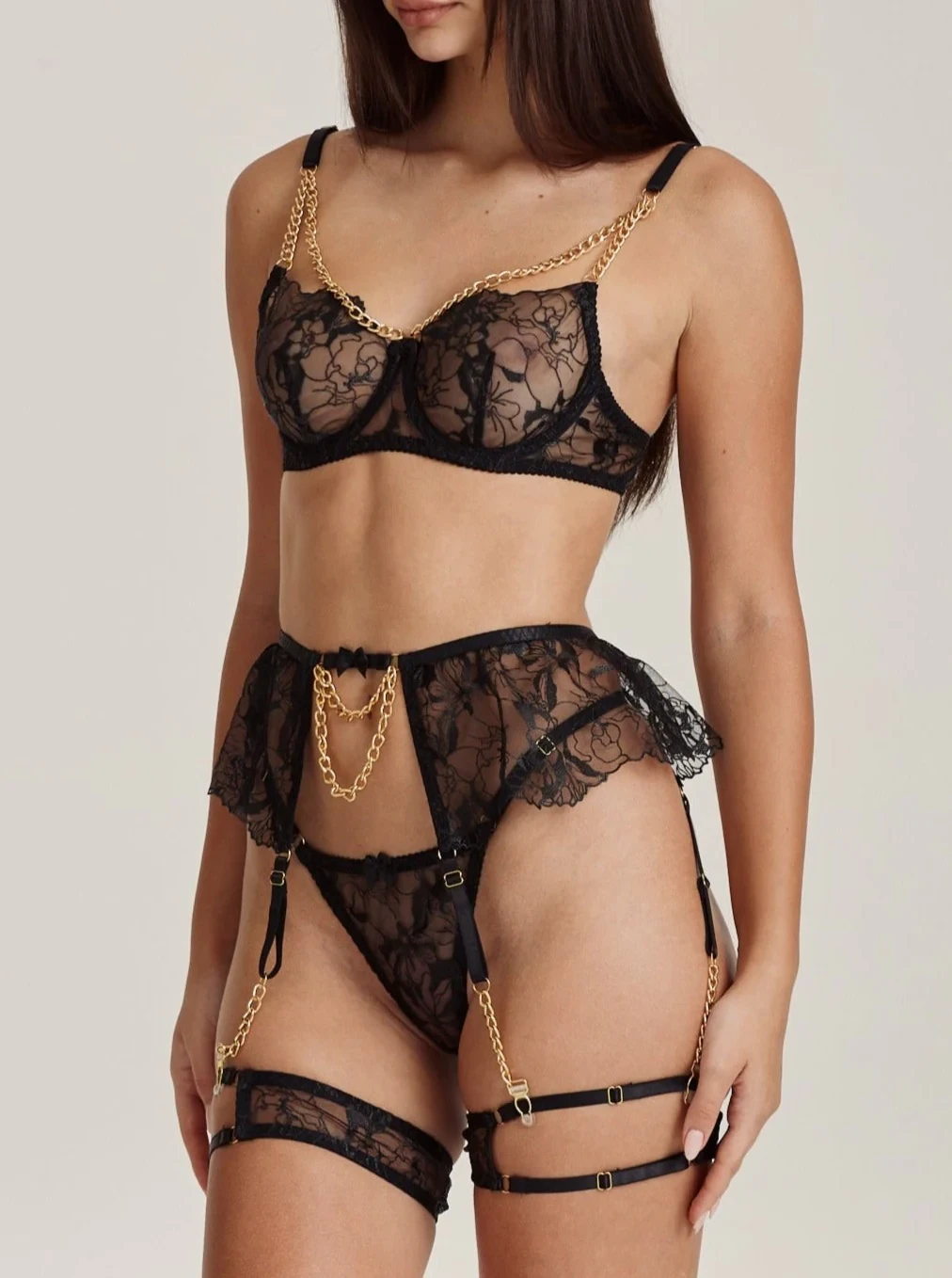
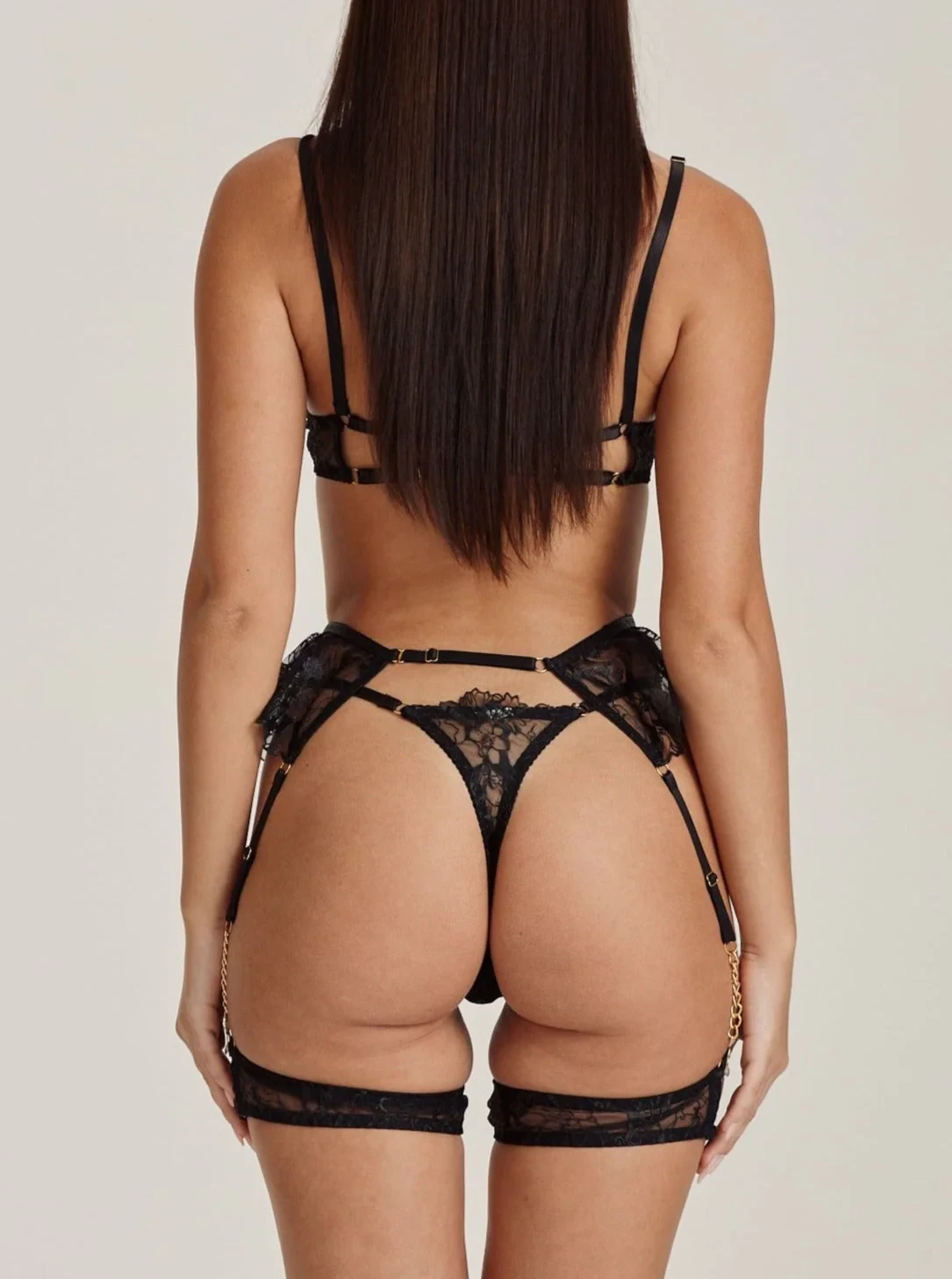
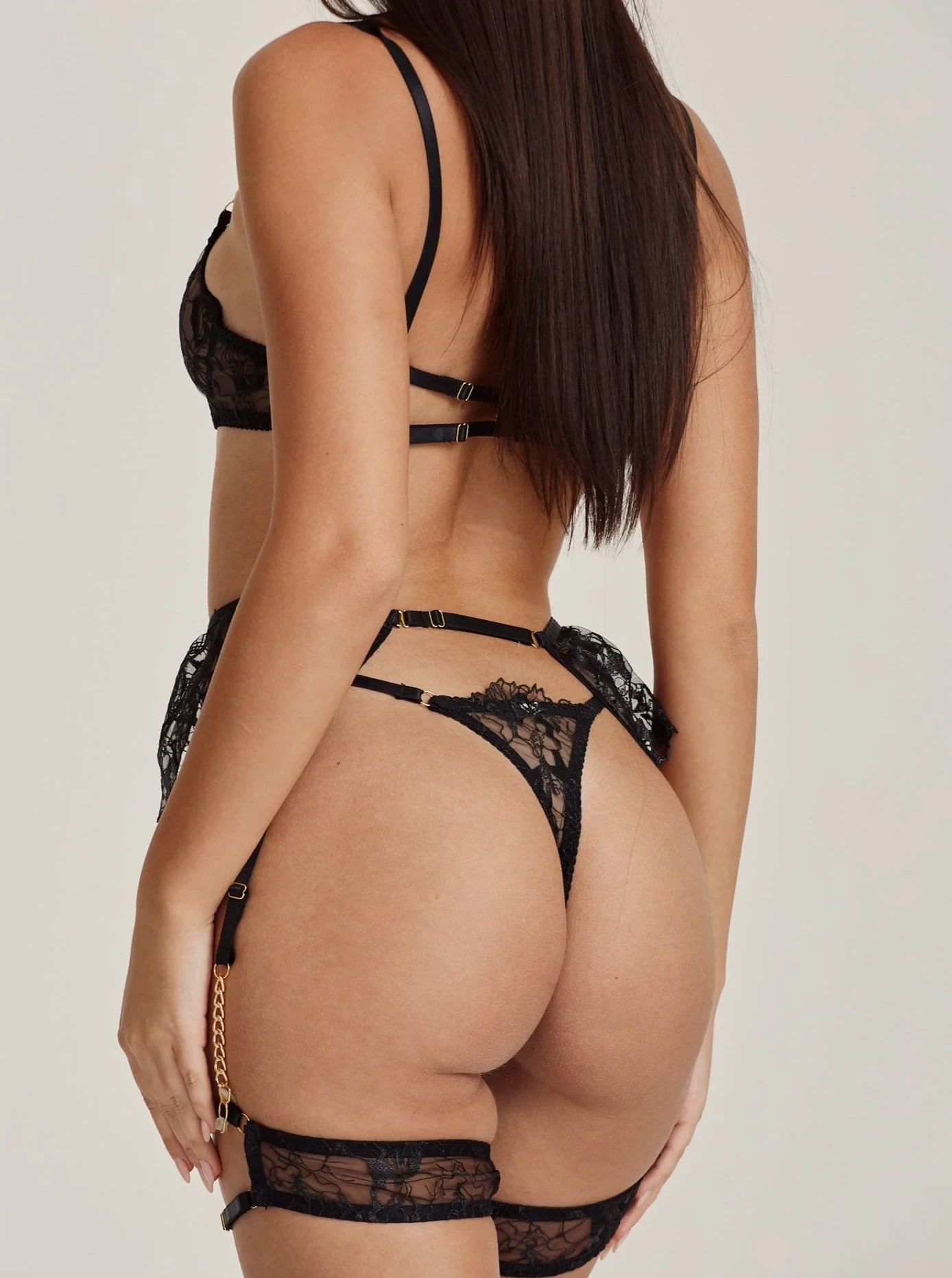
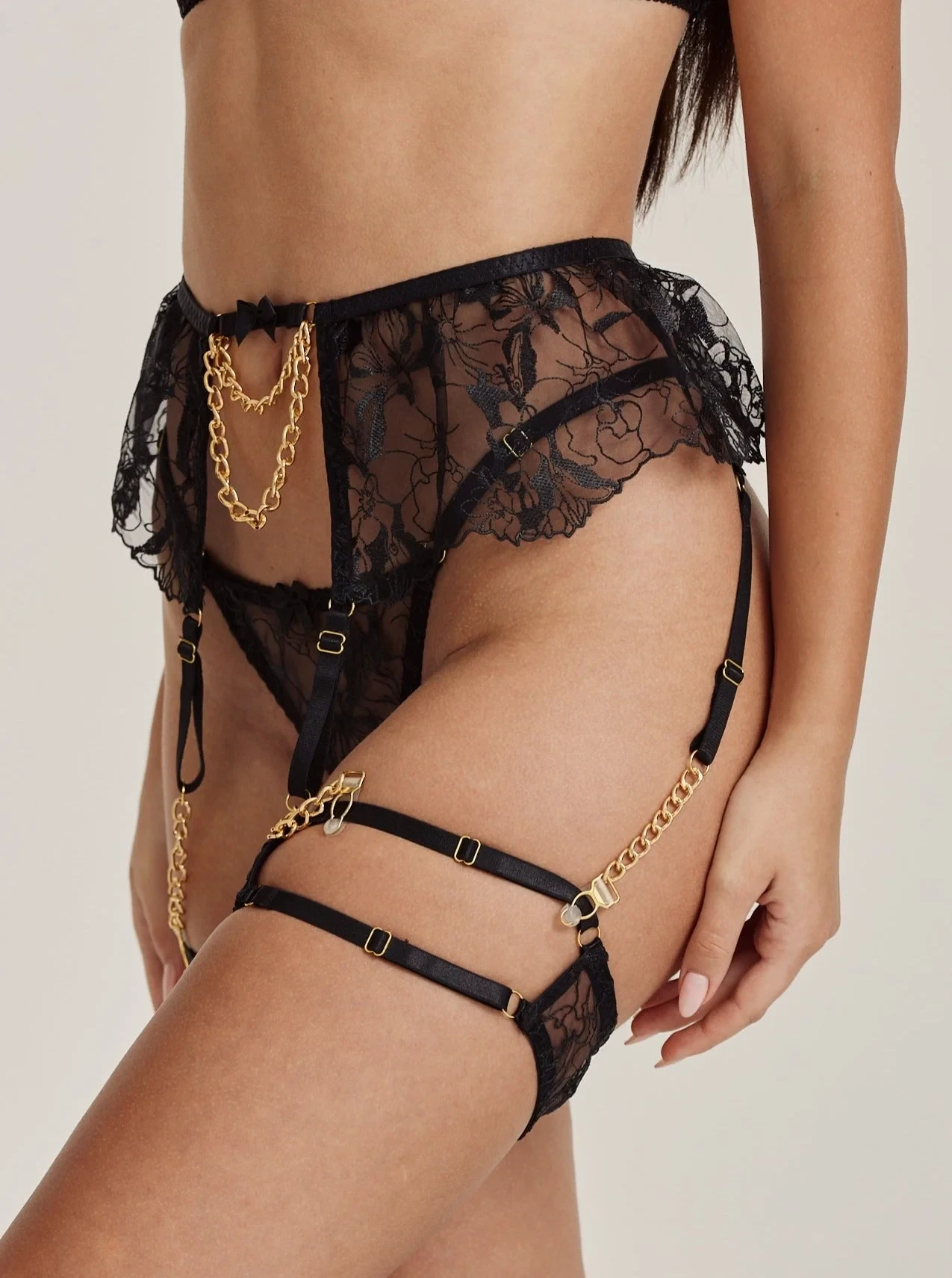
  18. Noo Paris (see through)

Configure browser push notifications

Chrome (Android)
  1. Tap the lock icon next to the address bar.
  2. Tap Permissions → Notifications.
  3. Adjust your preference.
Chrome (Desktop)
  1. Click the padlock icon in the address bar.
  2. Select Site settings.
  3. Find Notifications and adjust your preference.