Jump to content
View in the app

A better way to browse. Learn more.

Bellazon

A full-screen app on your home screen with push notifications, badges and more.

To install this app on iOS and iPadOS
  1. Tap the Share icon in Safari
  2. Scroll the menu and tap Add to Home Screen.
  3. Tap Add in the top-right corner.
To install this app on Android
  1. Tap the 3-dot menu (⋮) in the top-right corner of the browser.
  2. Tap Add to Home screen or Install app.
  3. Confirm by tapping Install.

Modelupdater

Members
  • Joined

  • Last visited

Everything posted by Modelupdater

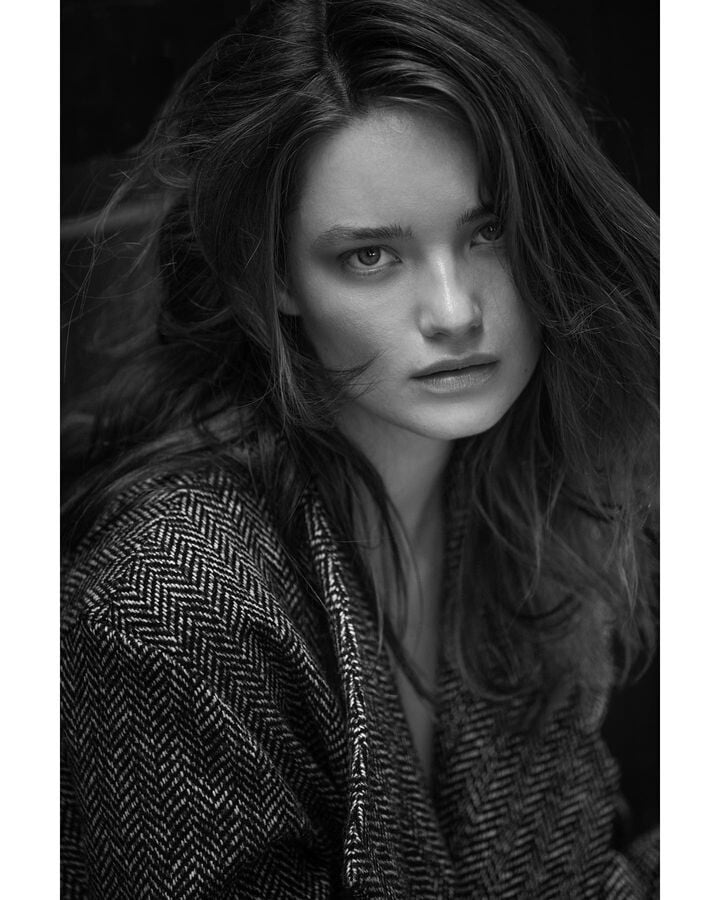
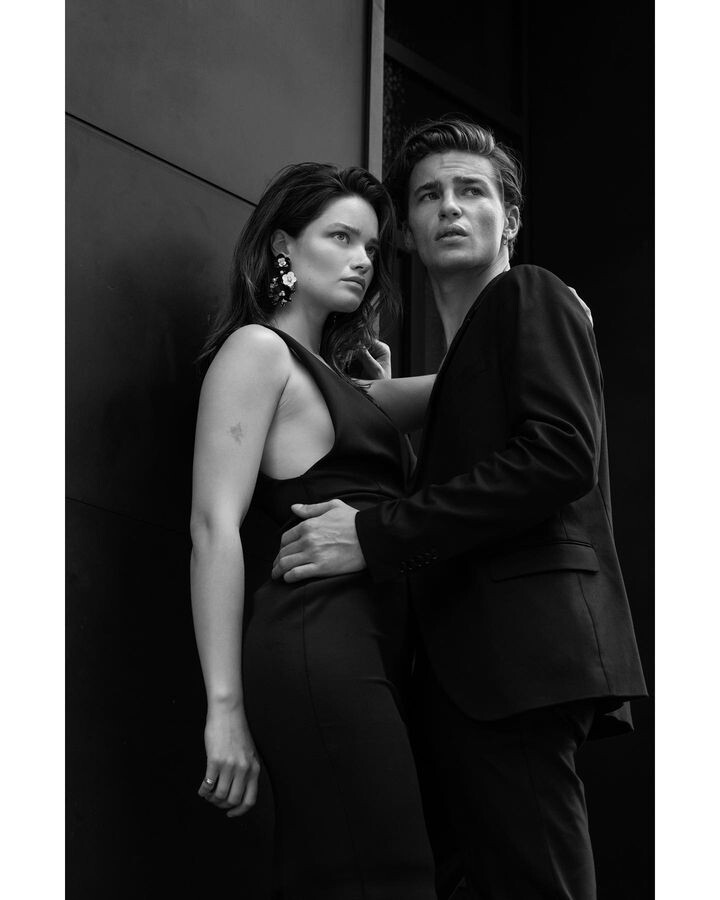
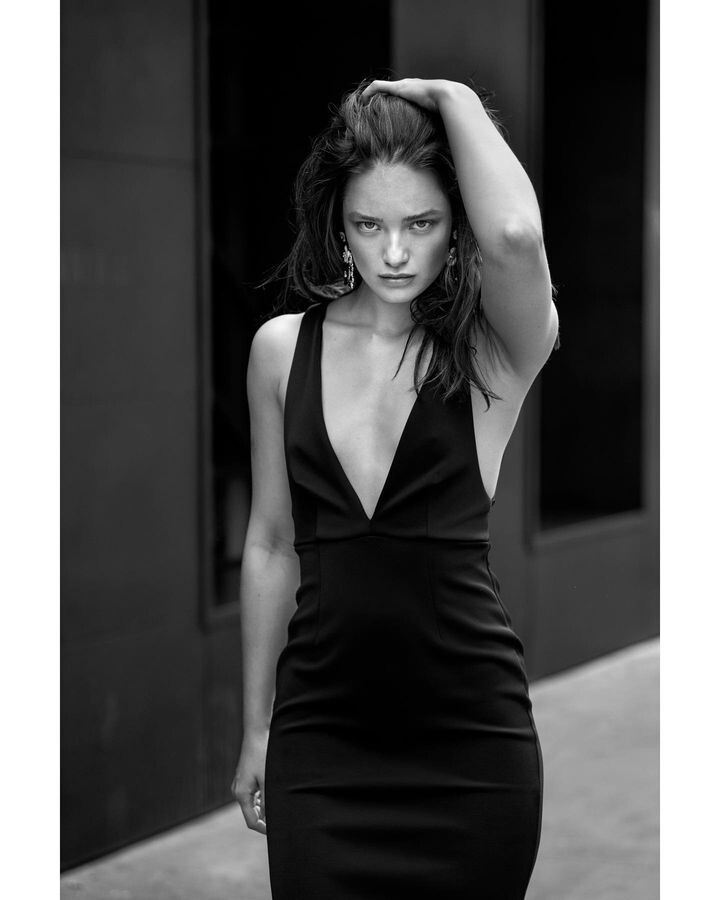
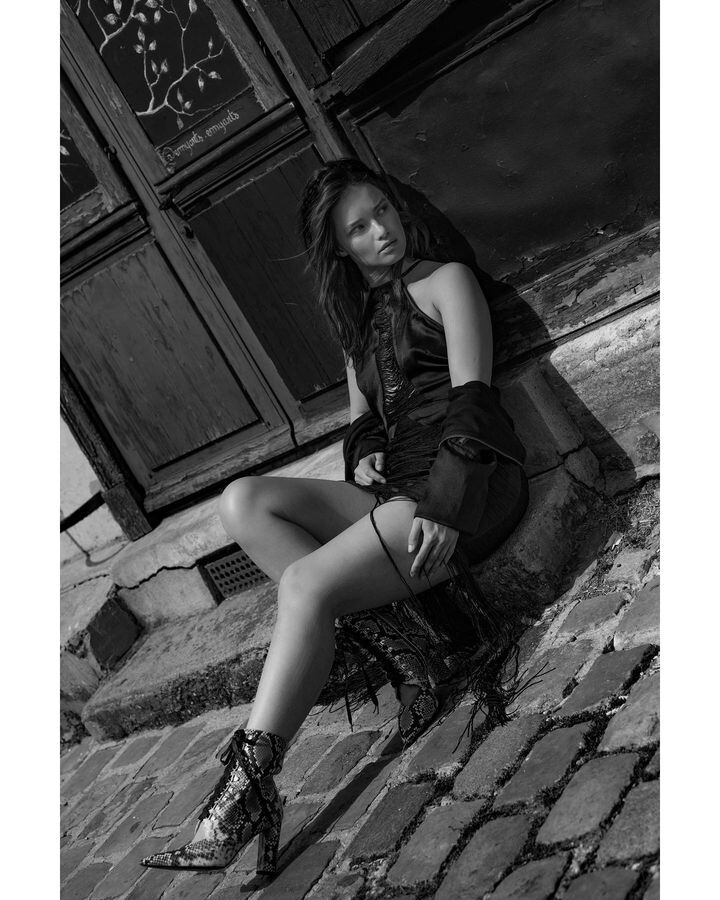
  1. Photography / Julia Galdo & Cody Cloud
  2. "Dark Days" for UK Grazia 13th October 2014
  3. "Have Fun!" for Madame Germany October 2014 Photographer: Giorgio Codazzi
  4. "Total Looks" for Marie Claire Mexico & Latin America September 2014 Photographer: An Le
  5. Tatler Philippines Ph. Joseph Chen
  6. OOB magazine November 2014
  7. "On The Beach" for Amica May 2015
  8. El Libro Amarillo F/W 2016 Photographer: Tim Zaragoza
  9. Ph. Yuji Watanabe
  10. Vogue Ukraine November 2015
  11. Elle Germany September 2015
  12. Marie Claire Russia Russia September 2015
  13. Beau Monde Romania by Greg Swales
  14. Freedom & Hope for Charles Keith by Jack Waterlot
  15. WIDOW NOIR DeAndre da Costa
  16. New York Post by Joshua Jordan
  17. "City Lights" L'Officiel Switzerland
  18. NAKED BUT SAFE #07 Dirty Pretty Things
  19. GEGENSTROM Ben Lamberty Photography
  20. Fantastics Magazine – Geometry Dash
  21. French Revue de Modes S/S 2015

Configure browser push notifications

Chrome (Android)
  1. Tap the lock icon next to the address bar.
  2. Tap Permissions → Notifications.
  3. Adjust your preference.
Chrome (Desktop)
  1. Click the padlock icon in the address bar.
  2. Select Site settings.
  3. Find Notifications and adjust your preference.