
tigerrr
Members
-
Joined
-
Last visited
Everything posted by tigerrr
-
Bailee Madison 07/06/2023




-
Lucy Hale – Shopping in Studio City 07/08/2023





-
-
Yes agree absolutely incredible)
-
Vanessa Hudgens – Tatler Magazine Taiwain July 2023





 BAILEE MADISON – Instagram Photos 07/04/2023

 Lucy Hale in Casual Outfit in Studio City 05/26/2023





 «Harper's BAZAAR» SPAIN

 SHE'S ABSOLUTELY ADORABLE IN WHITE !!!
Natalie is a guest on Dax Shepard’s latest podcast
SHE'S ABSOLUTELY ADORABLE IN WHITE !!!
Natalie is a guest on Dax Shepard’s latest podcast
 Kaitlyn Dever at San Vicente Bungalows in West Hollywood 06/27/2023





 Thank you Sunshiine for start amazing YellowJacket !!!
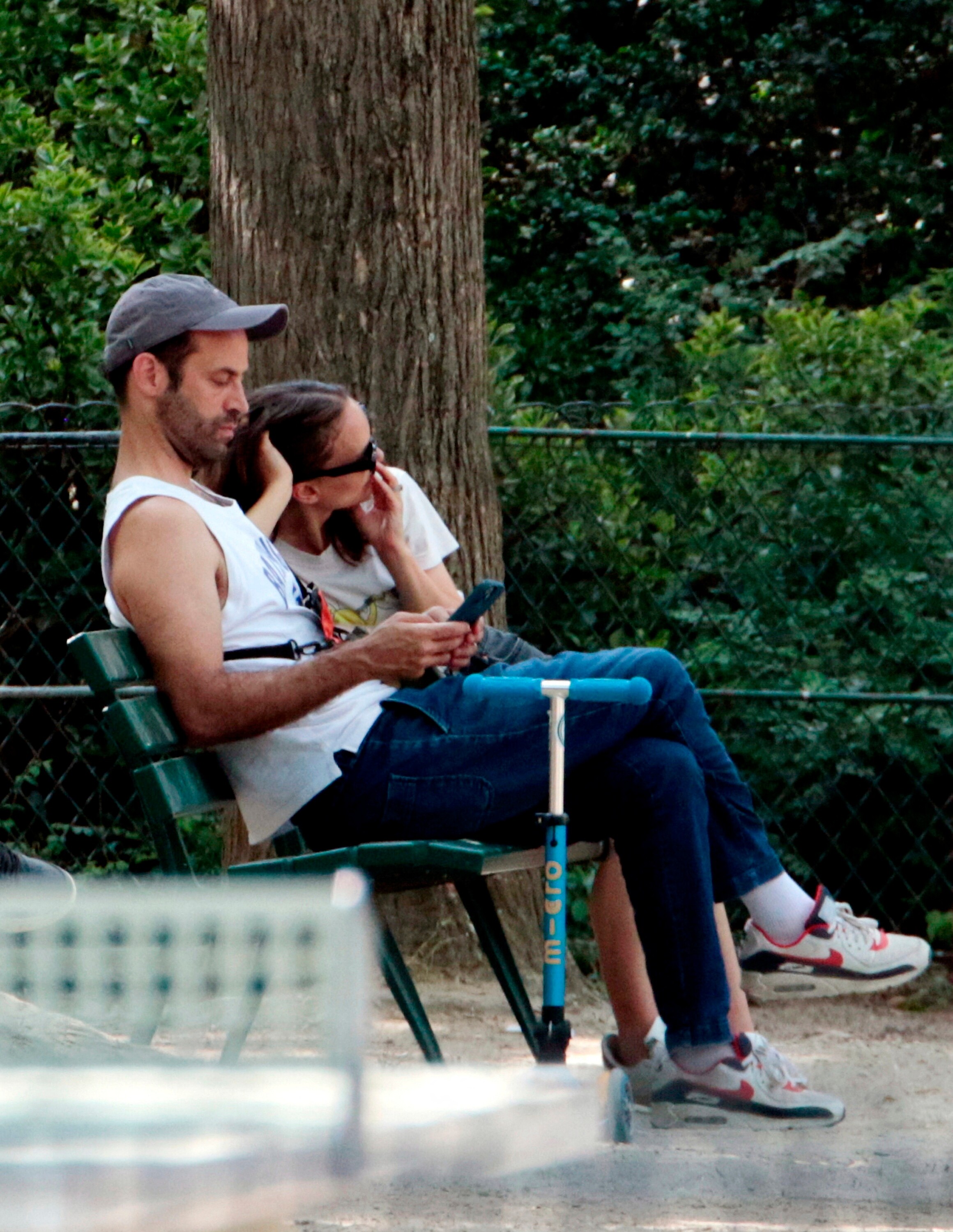
June 10 - Spends the day with family at a park in Paris
Thank you Sunshiine for start amazing YellowJacket !!!
June 10 - Spends the day with family at a park in Paris







 Lucy Hale in a Blue Sweater and Gray Sweatpants – Hollywood 05/24/2023






















































































Account
Search
Configure browser push notifications
Chrome (Android)
- Tap the lock icon next to the address bar.
- Tap Permissions → Notifications.
- Adjust your preference.
Chrome (Desktop)
- Click the padlock icon in the address bar.
- Select Site settings.
- Find Notifications and adjust your preference.
Safari (iOS 16.4+)
- Ensure the site is installed via Add to Home Screen.
- Open Settings App → Notifications.
- Find your app name and adjust your preference.
Safari (macOS)
- Go to Safari → Preferences.
- Click the Websites tab.
- Select Notifications in the sidebar.
- Find this website and adjust your preference.
Edge (Android)
- Tap the lock icon next to the address bar.
- Tap Permissions.
- Find Notifications and adjust your preference.
Edge (Desktop)
- Click the padlock icon in the address bar.
- Click Permissions for this site.
- Find Notifications and adjust your preference.
Firefox (Android)
- Go to Settings → Site permissions.
- Tap Notifications.
- Find this site in the list and adjust your preference.
Firefox (Desktop)
- Open Firefox Settings.
- Search for Notifications.
- Find this site in the list and adjust your preference.