benedikt57
Members
-
Joined
-
Last visited
Everything posted by benedikt57
-
Spoiler AQMo26zRfpCW1O6gRx9VRPudk00mSXue-Jg7RdyGAzs0RuwdvymMAQQ5AzKChMY0RmPfC1jhvztj-7556SUzk4AfG706NamFadtGXAw..mp4AQMZRxAf9Ws5GZyJW0JN6lht0yJYGLMjDI1ptKsYpvm04zetGw6lT3Rt8D7A4kZjQQaiIxZKmfDSchLkAEGZYj7_bZ1UDOCPIfxCrAI..mp4AQONjeKPOF5bOa6je4IC-E5JwlAKEHqBOGWB6m4NPC3LU0np_KPTsL-jrnl3ASLR4rkE865g_G-v104x89P9DYyaKcAz7KfiWPPfX3M..mp4AQPAJXBVXRb_FjHOFv75POR98R25PZJ4aje4D6FxS2JHeR75N3Xap4SO2gralXAFBAZWNp48caW7Il5xcDAfsR2bZKvhCsxpbxqWR2o..mp4
-
Spoiler AQMBrx7WcwreuFet14A3y4FCCM3-y6XZ5_mKq9oQAZaLIaPoZeko0QU2y5bPTTQryDUqRyQLOtPkTiXHVw7dFYKTiLhFSz56mnql5Sk..mp4
Spoiler AQP6Ow2G9hU9I4QpGjJp_Qvsf6TqF1qN8c0J1O8SIC5YigQoUoCVIWXCrGKDc6mhEhbRJ3TsFHRJn8X16uK1lOaNTsbDDeQpnuvSv2k..mp4
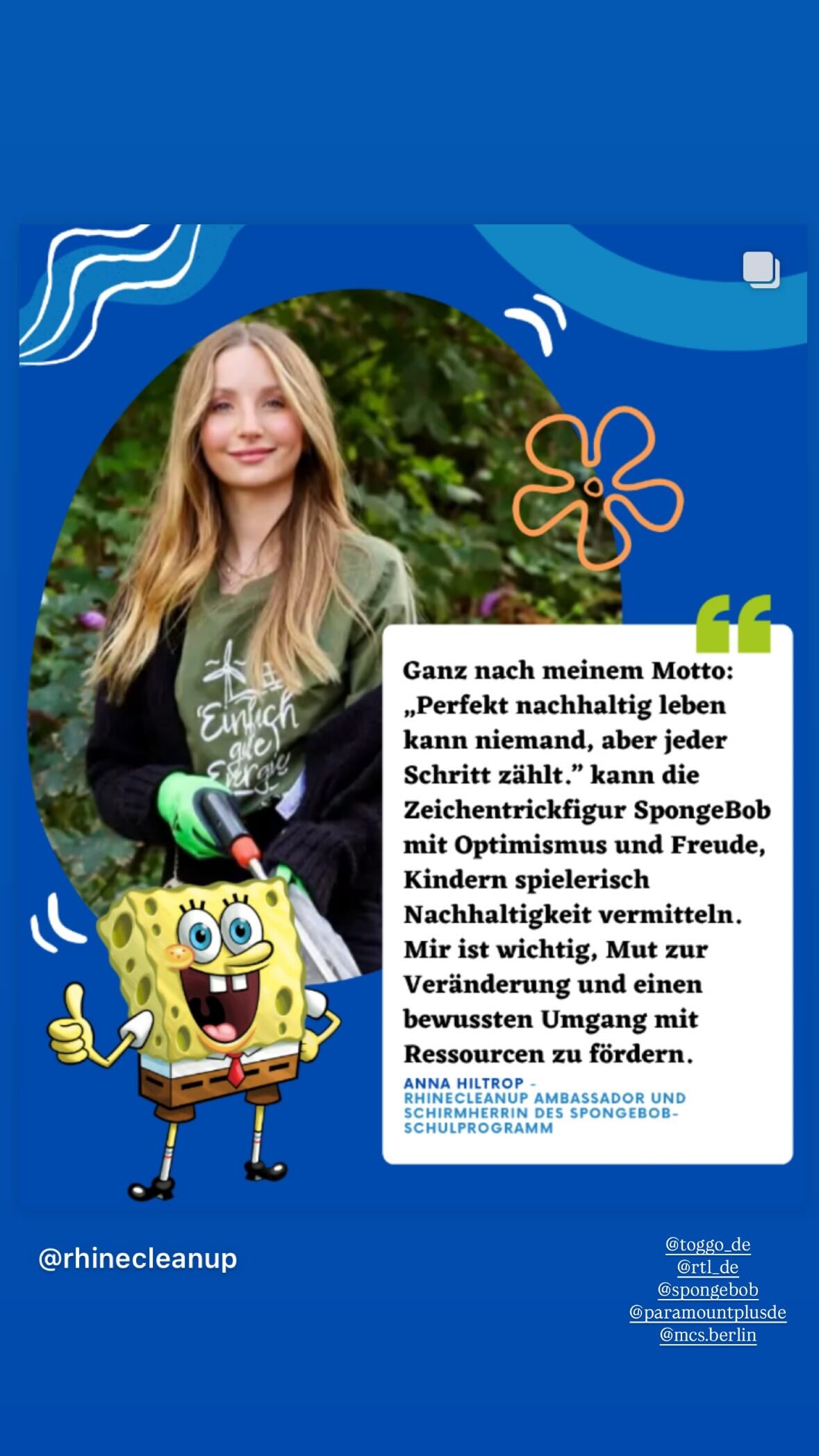
Spoiler waschies meets @annahiltrop 🎬 Wir haben unsere Markenbotschafterin Anna gefragt, wie sie es schafft, auch im stressigen Modelalltag auf nachhaltige Routinen zu setzen. 😌.mp4
Sherri Hill:






















 Spoiler AQNu4oMSijQwIBAIgc7fBuqgsorpAhrUqN3X738dRUaQe8yc0GQXMRWfMHOZcjxUZMznHSLv0g9-f_YsQMaNpxK0-lVU8Ax8ZGeuDR4..mp4AQN6tPKn9E6xeTawM-_qIJVru-ZAxTnmjhmadkmGcVV2VVjlBXGBUEDhgYOmIb1WmieVPwiYSMlf5-ZTmMoWalYv6pUz3AFZppH8x1k..mp4
Spoiler AQN3kaeLvurgdLNLBJQ5tuiCB7dGDoeBdwCri-FB8m2_lefmo_lzSAEuEsdNr1Jy0H3z2YfS9fi8yZxU97-QgkqIaZxhco62bamUPCE..mp4AQNt8KbEYU4pH8a0tjIRWI2pDHuZaPftSqclKfF5nVGjQohaOYuttFcZBik8OBIbUFMHj7plcWf3qW9KFl_ZH5wPPku4ETgoRWAVQtI..mp4
Spoiler AQNu4oMSijQwIBAIgc7fBuqgsorpAhrUqN3X738dRUaQe8yc0GQXMRWfMHOZcjxUZMznHSLv0g9-f_YsQMaNpxK0-lVU8Ax8ZGeuDR4..mp4AQN6tPKn9E6xeTawM-_qIJVru-ZAxTnmjhmadkmGcVV2VVjlBXGBUEDhgYOmIb1WmieVPwiYSMlf5-ZTmMoWalYv6pUz3AFZppH8x1k..mp4
Spoiler AQN3kaeLvurgdLNLBJQ5tuiCB7dGDoeBdwCri-FB8m2_lefmo_lzSAEuEsdNr1Jy0H3z2YfS9fi8yZxU97-QgkqIaZxhco62bamUPCE..mp4AQNt8KbEYU4pH8a0tjIRWI2pDHuZaPftSqclKfF5nVGjQohaOYuttFcZBik8OBIbUFMHj7plcWf3qW9KFl_ZH5wPPku4ETgoRWAVQtI..mp4Account
Navigation
Search
Configure browser push notifications
Chrome (Android)
- Tap the lock icon next to the address bar.
- Tap Permissions → Notifications.
- Adjust your preference.
Chrome (Desktop)
- Click the padlock icon in the address bar.
- Select Site settings.
- Find Notifications and adjust your preference.
Safari (iOS 16.4+)
- Ensure the site is installed via Add to Home Screen.
- Open Settings App → Notifications.
- Find your app name and adjust your preference.
Safari (macOS)
- Go to Safari → Preferences.
- Click the Websites tab.
- Select Notifications in the sidebar.
- Find this website and adjust your preference.
Edge (Android)
- Tap the lock icon next to the address bar.
- Tap Permissions.
- Find Notifications and adjust your preference.
Edge (Desktop)
- Click the padlock icon in the address bar.
- Click Permissions for this site.
- Find Notifications and adjust your preference.
Firefox (Android)
- Go to Settings → Site permissions.
- Tap Notifications.
- Find this site in the list and adjust your preference.
Firefox (Desktop)
- Open Firefox Settings.
- Search for Notifications.
- Find this site in the list and adjust your preference.





.jpg.3174e3a83cc2b8ff80de75cbc85d7e62.jpg)