
babybrooklyn
Members
-
Joined
-
Last visited
Everything posted by babybrooklyn
-
I meant there are many unseen images in other pages.
-
anybody can buy license? please.. https://licensing.artpartner.com/C.aspx?VP3=SearchResult&VBID=2UYSN2GPWNMU#/SearchResult&VBID=2UYSN2GPWNMU&PN=18 https://licensing.artpartner.com/C.aspx?VP3=SearchResult&VBID=2UYSN2GPWNMU#/SearchResult&VBID=2UYSN2GPWNMU&PN=3 https://licensing.artpartner.com/C.aspx?VP3=SearchResult&VBID=2UYSN2GPWNMU#/SearchResult&VBID=2UYSN2GPWNMU&PN=2 https://licensing.artpartner.com/C.aspx?VP3=SearchResult&VBID=2UYSN2GPWNMU#/SearchResult&VBID=2UYSN2GPWNMU&PN=1
-
tommitchelphoto

-
@nivora insta

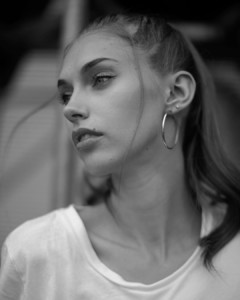

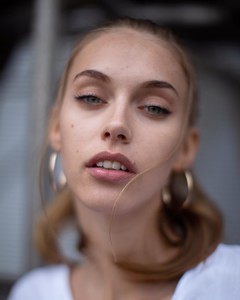
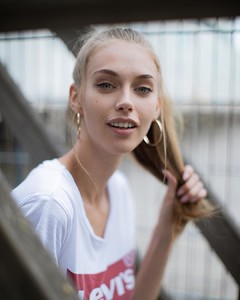

-
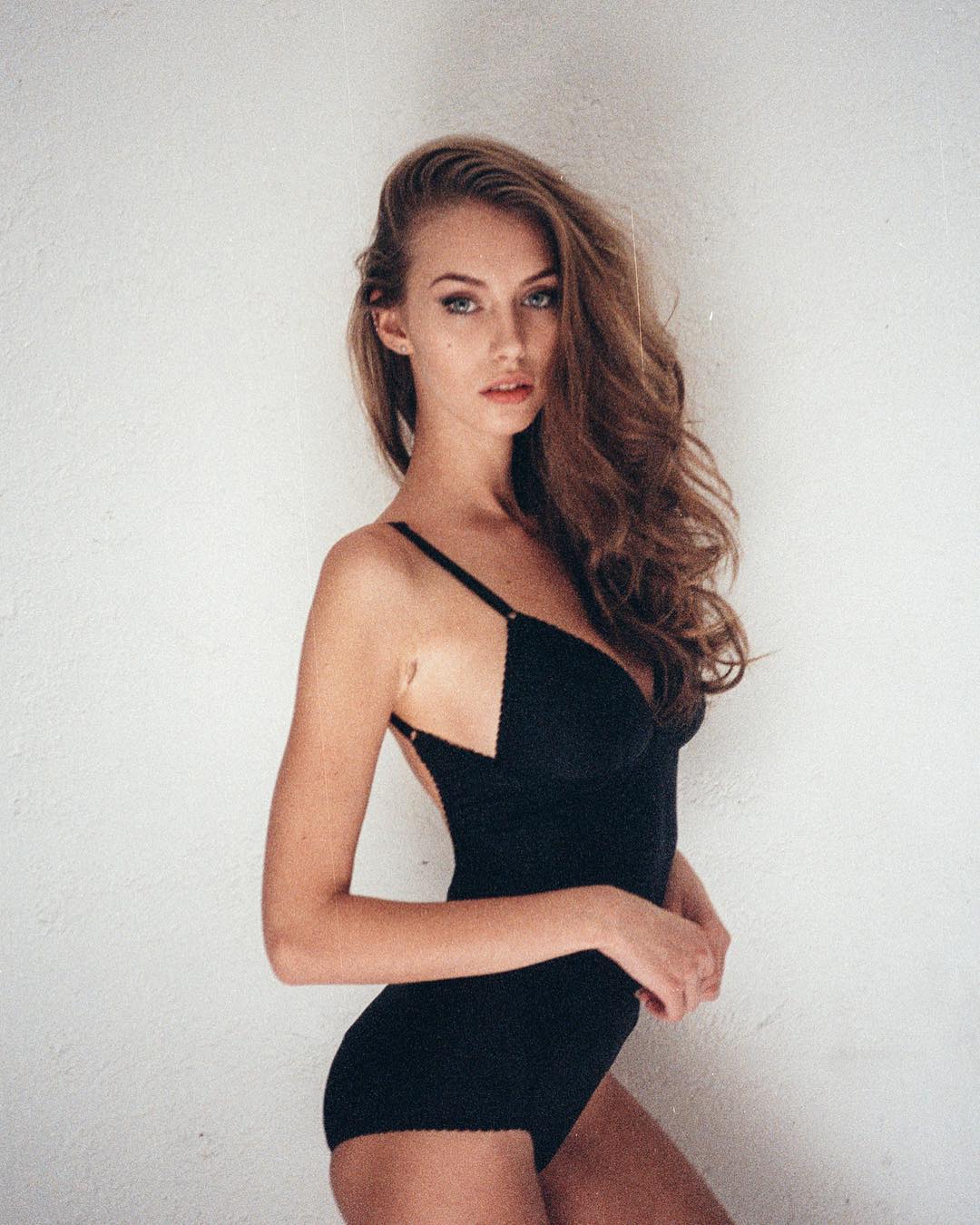
insta @markus_monster photo Emanuele Ferrari


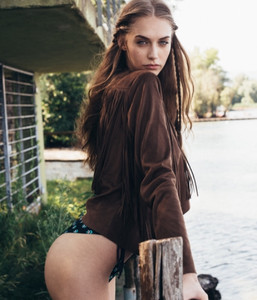

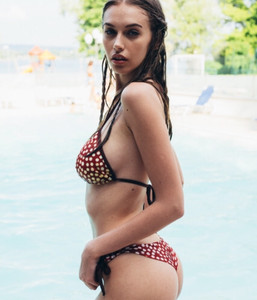
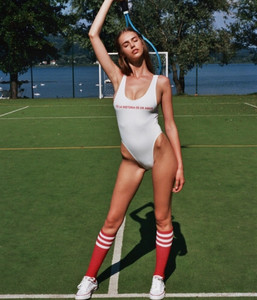
-
@emanueleferrariph


 story at insta
 monster management

 insta
insta

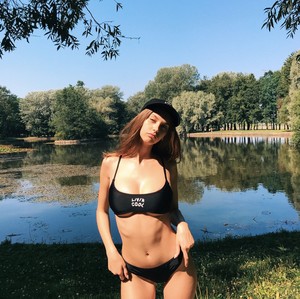 kasakai swim FB page if anyone found her in Insta, Facebook, other social media, would love to share. XX she is one of my most fav model. 22523578_515129275529808_6164182263455023104_n.mp4 22620808_1704615796224841_4296825822838259712_n.mp4 23680424_446092732455387_4695412355708747776_n.mp4
 insta
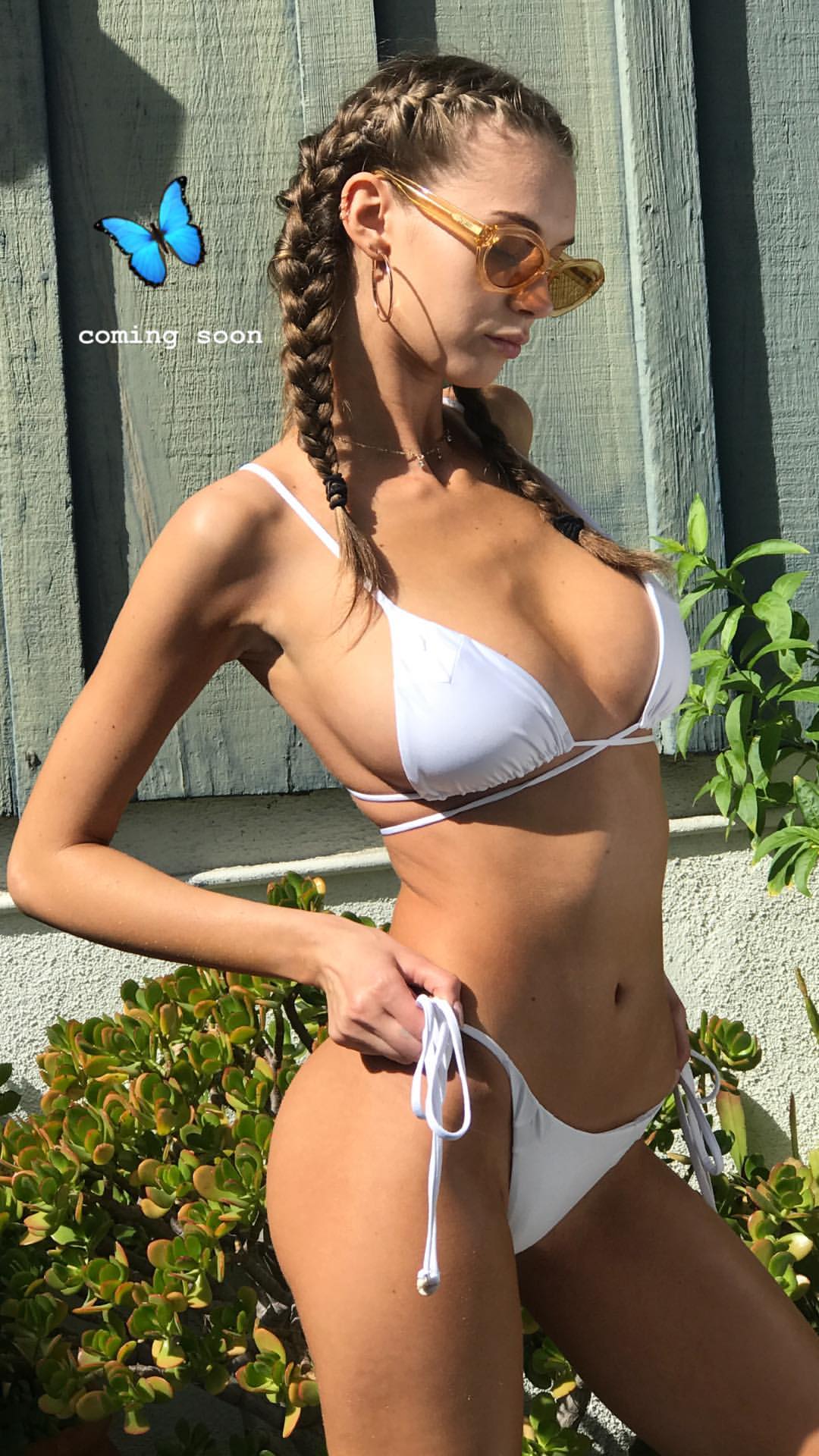
insta IG story kasakai swimwear

 @kasakaiswimwear
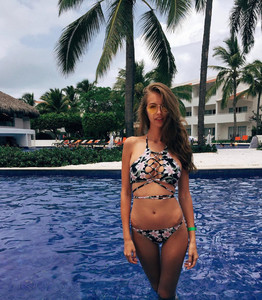 insta
insta
 I believe her breast is real. 5 years ago,she was about 16 years old right? She def got bigger by growing up. Look at first page of this topic in 2014, it can see she has already glamour shape.That wasn’t small. Now she is 21 and getting beautiful as naturally. I luv her potential so much.
social media
I believe her breast is real. 5 years ago,she was about 16 years old right? She def got bigger by growing up. Look at first page of this topic in 2014, it can see she has already glamour shape.That wasn’t small. Now she is 21 and getting beautiful as naturally. I luv her potential so much.
social media

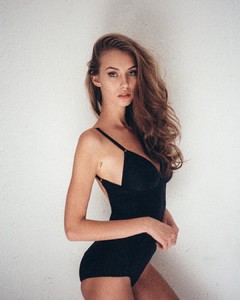
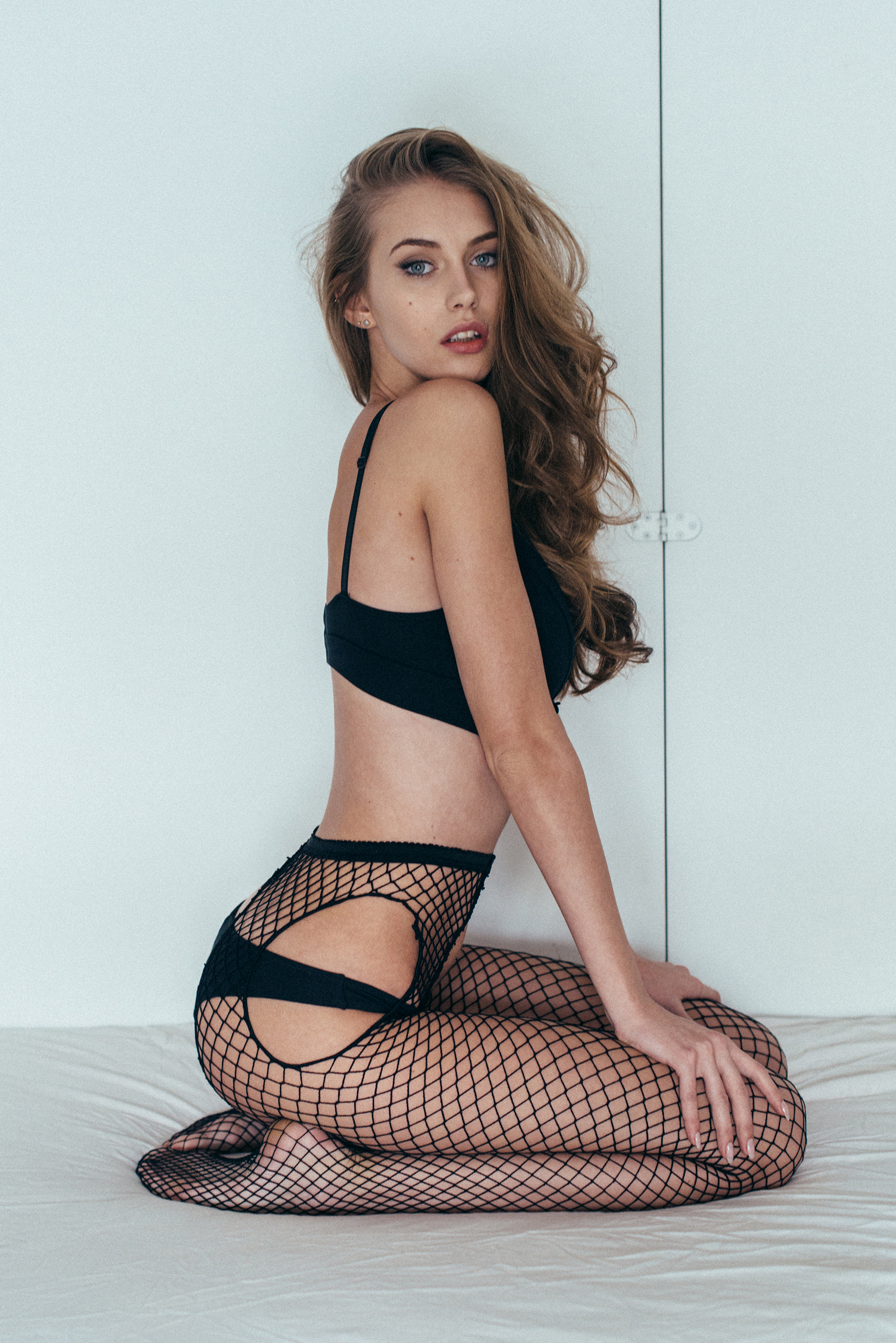
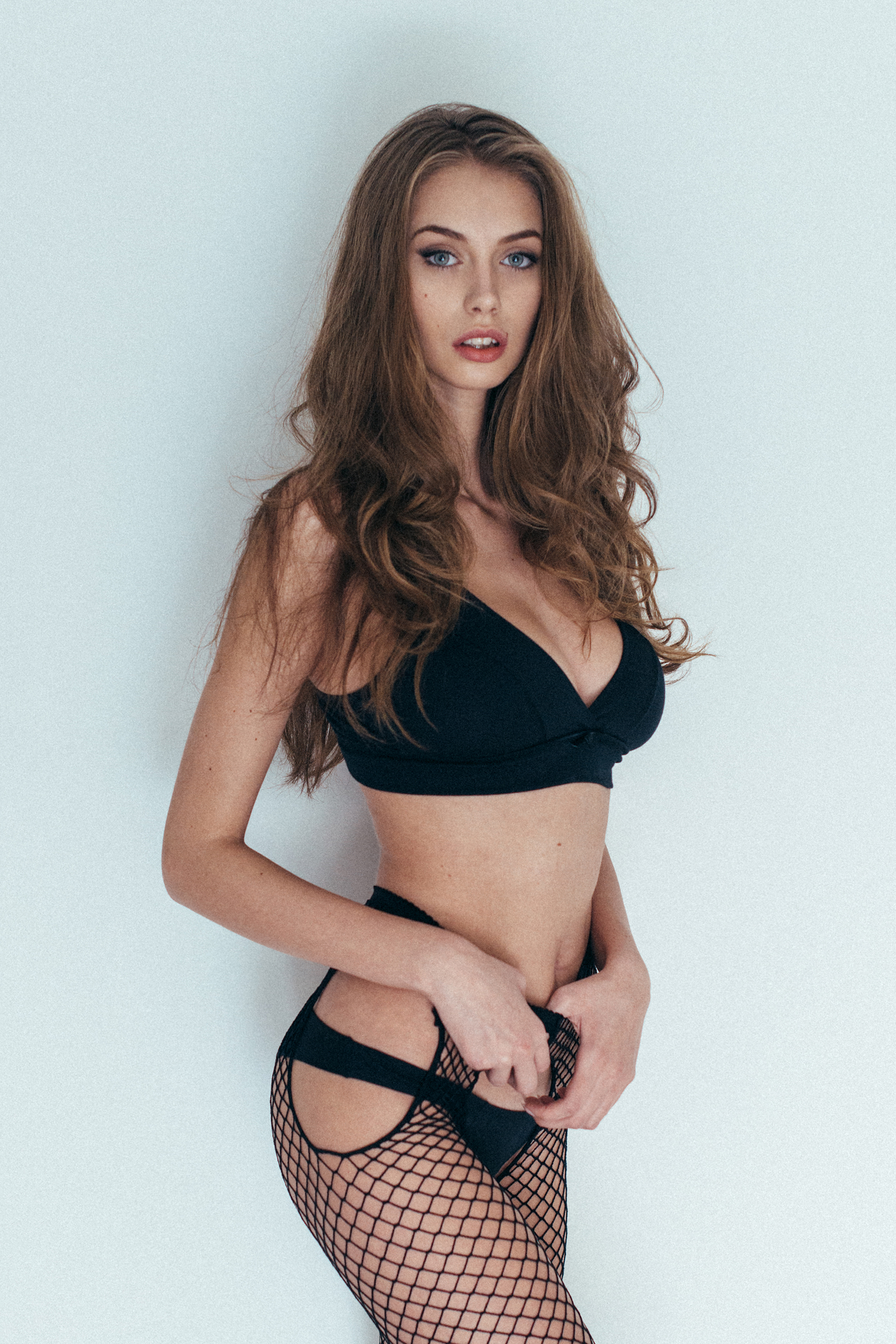
 shot by Emanuele Ferrari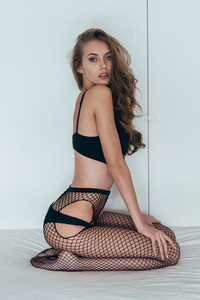

 @fabiobozzetti

 View Management + monster mgt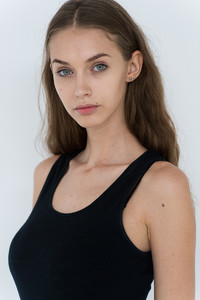
 kasakai swim

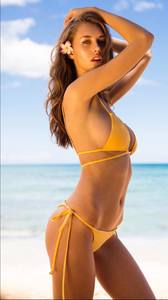 by insta @livincool
 1520366378258665614_2249853217 copy.jpg.pdf
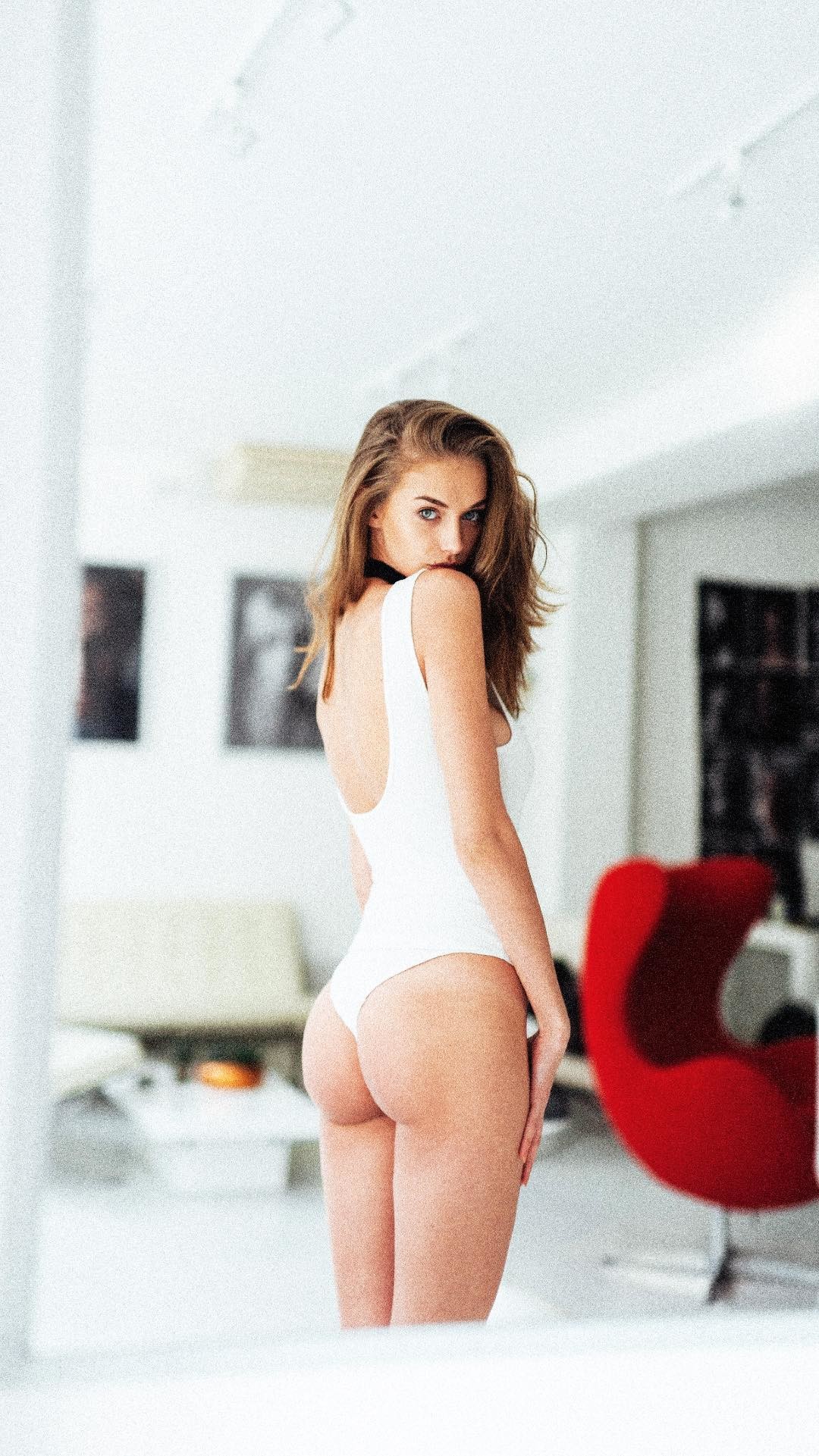
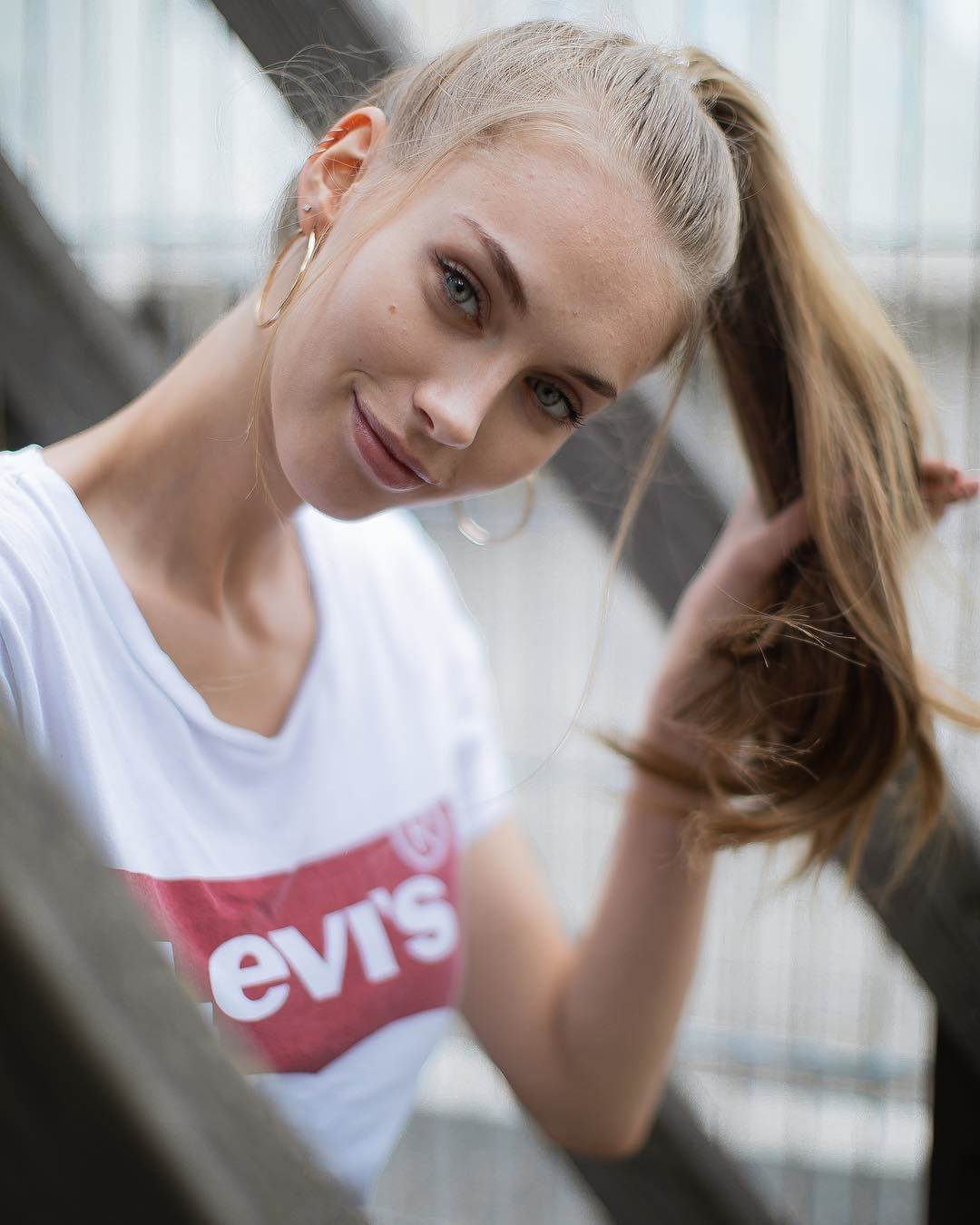
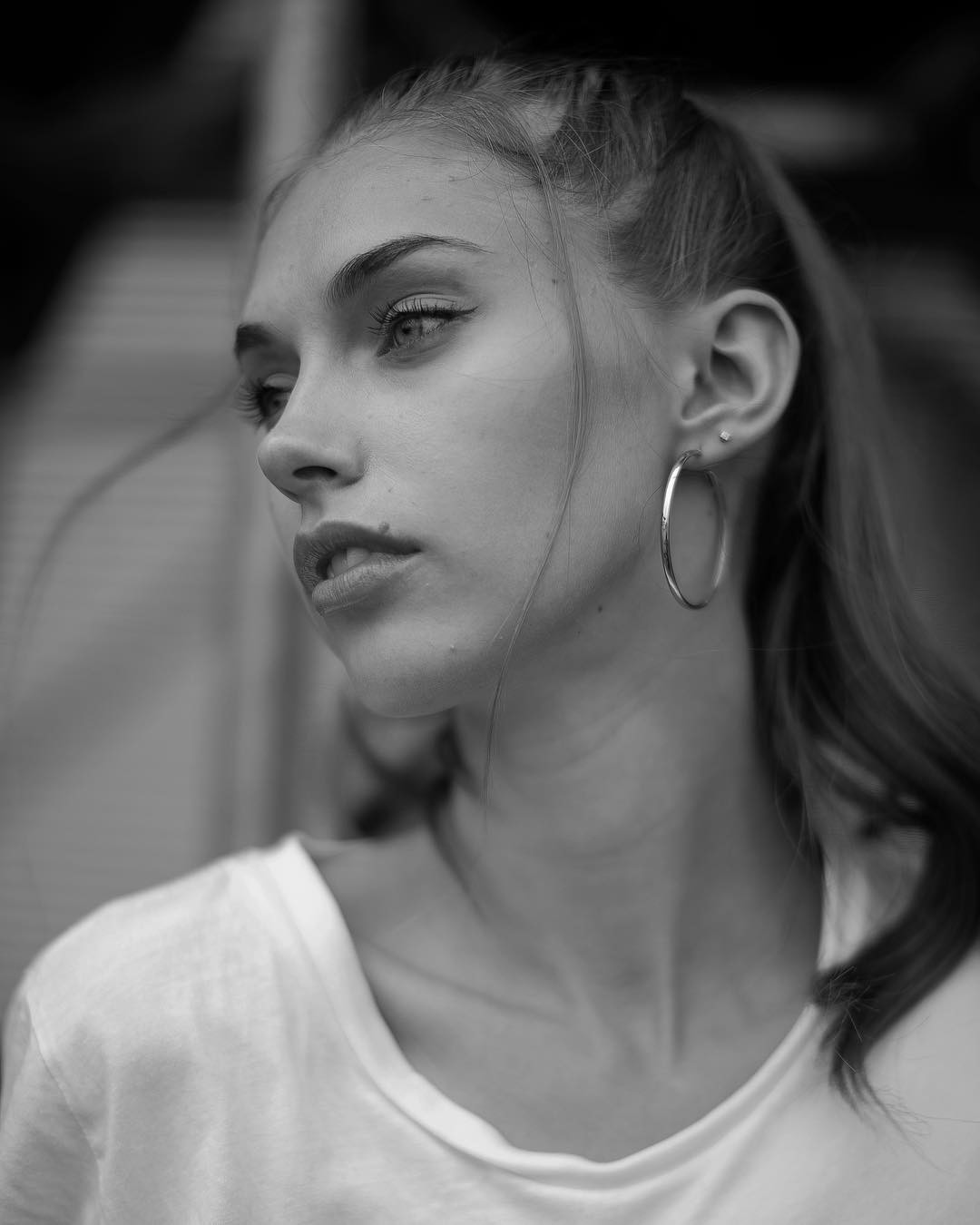


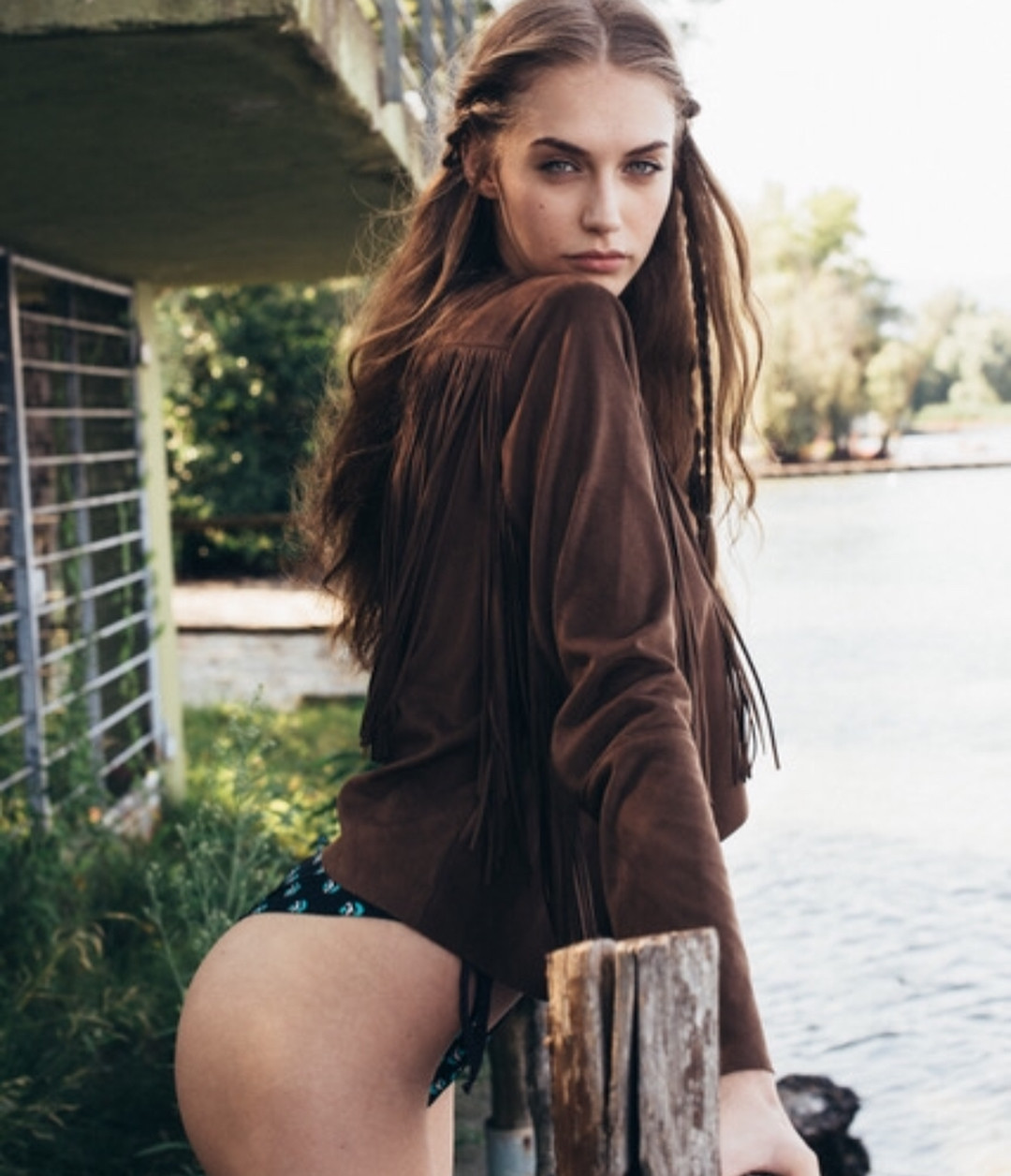
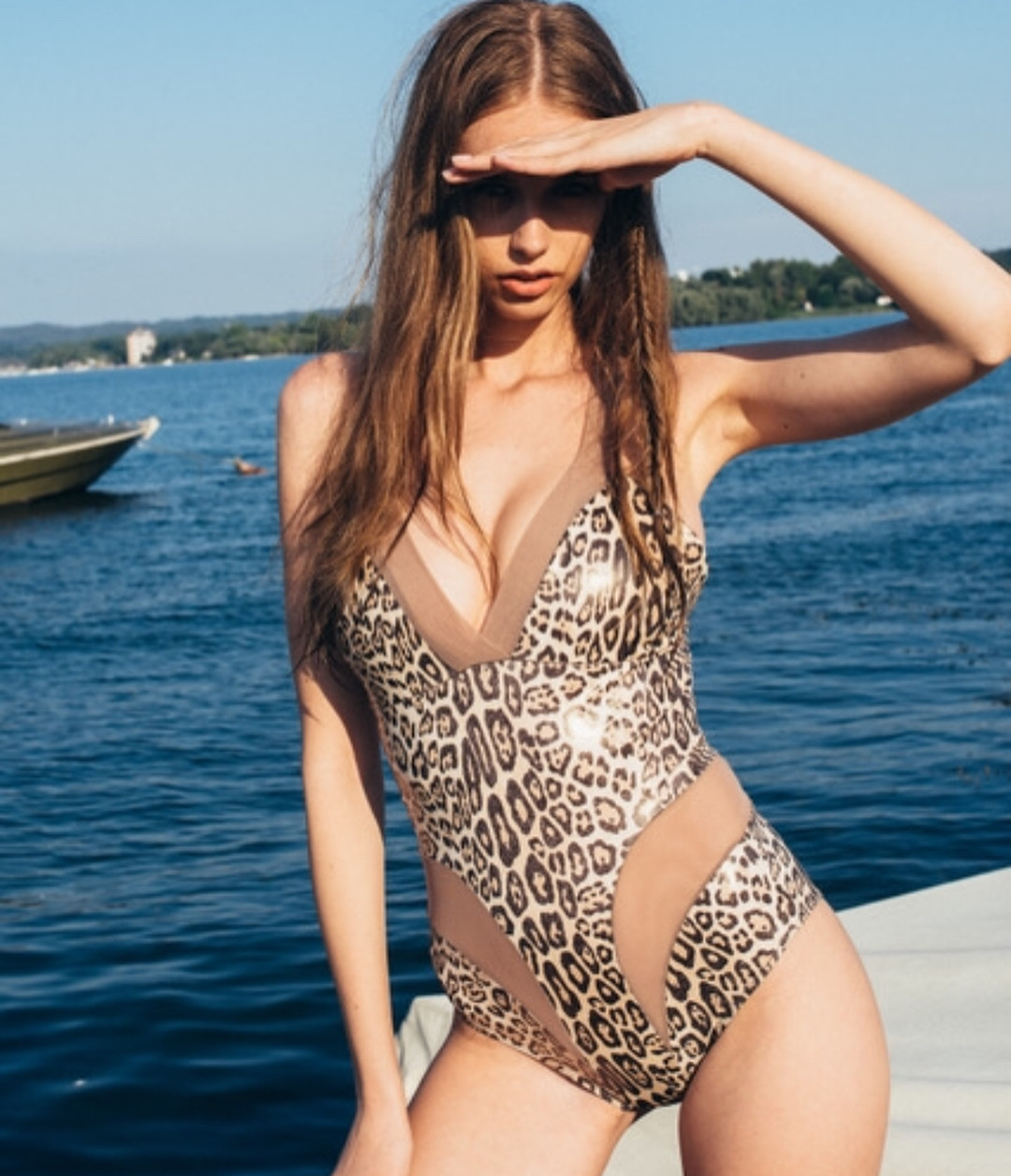
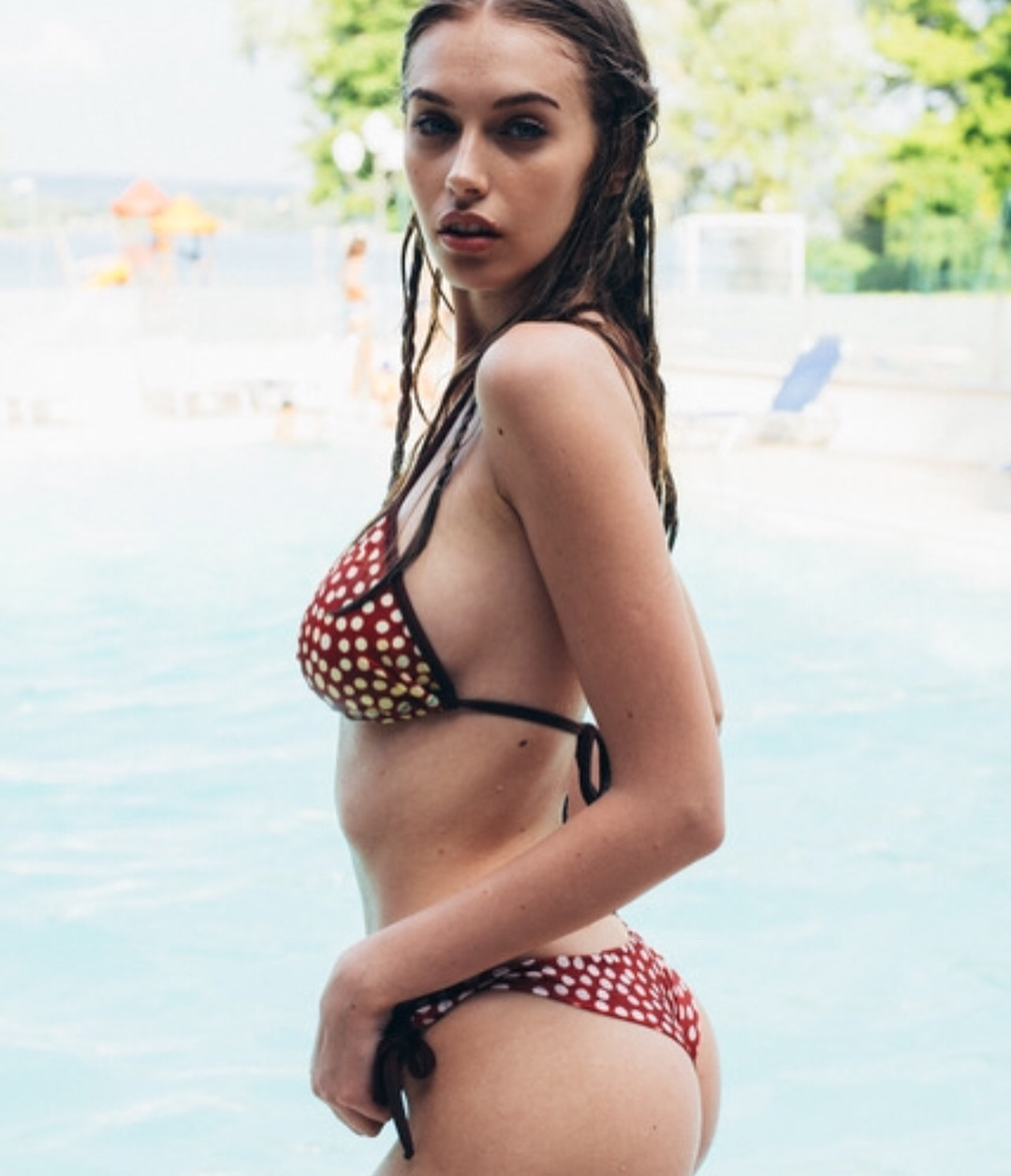
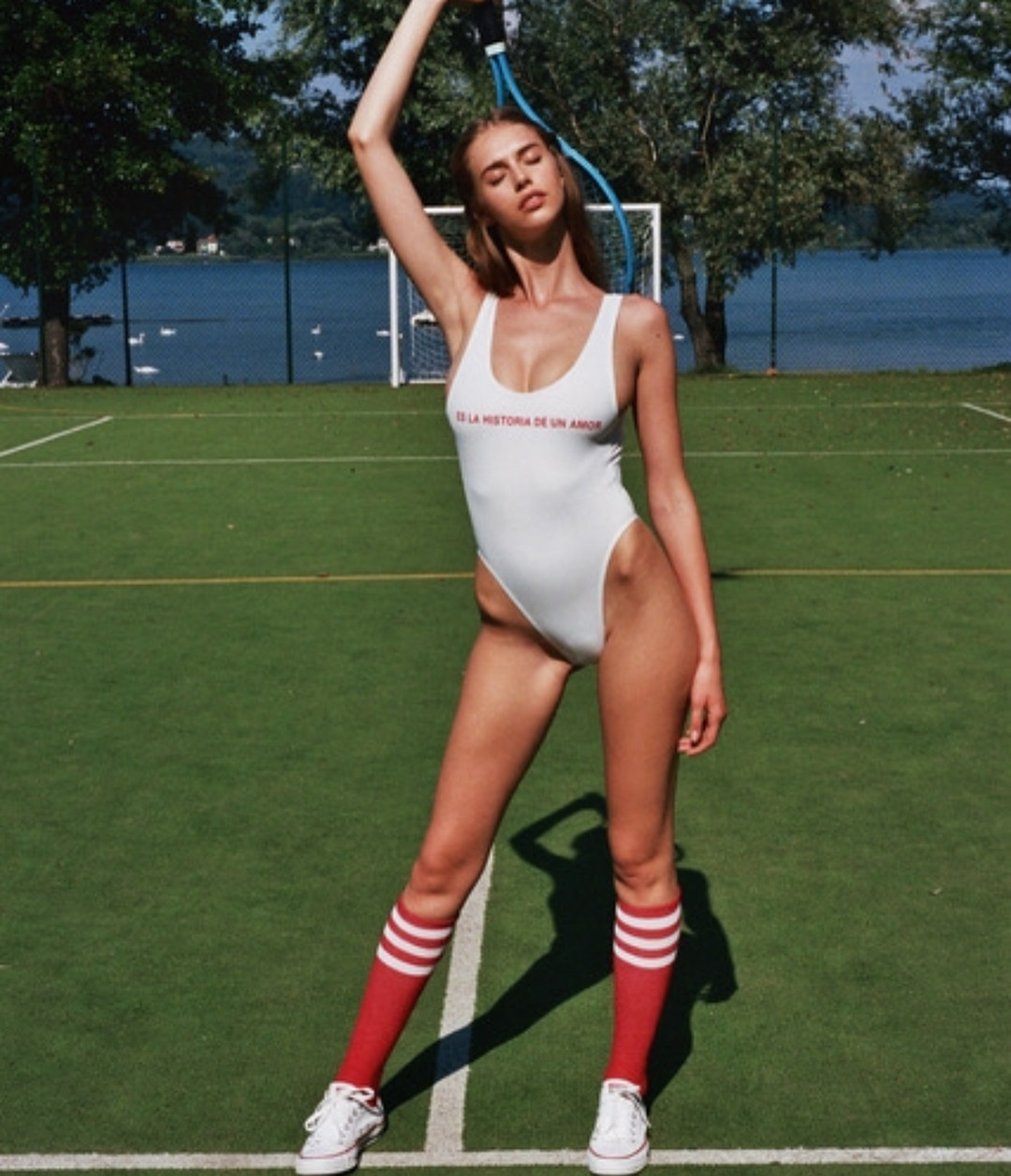



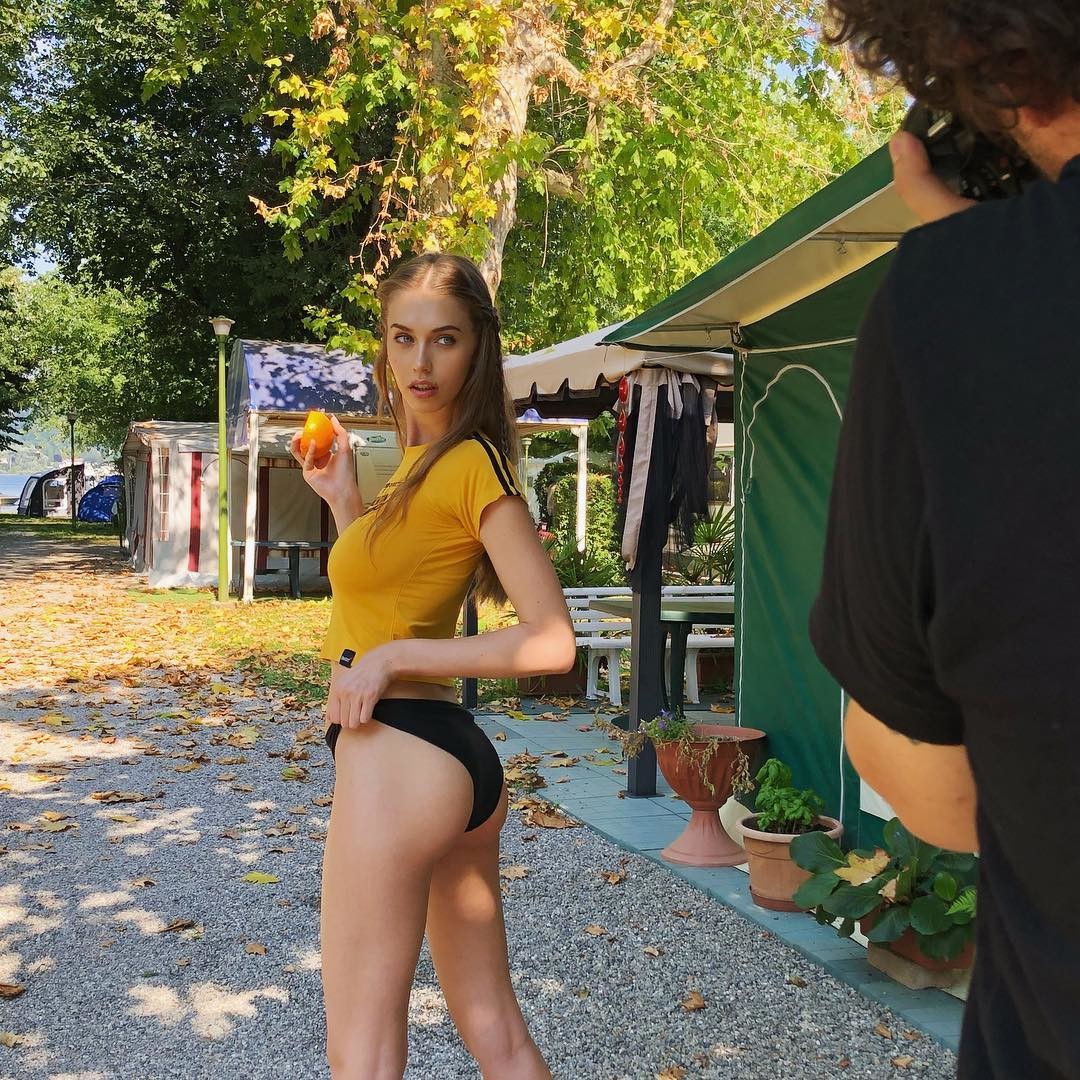
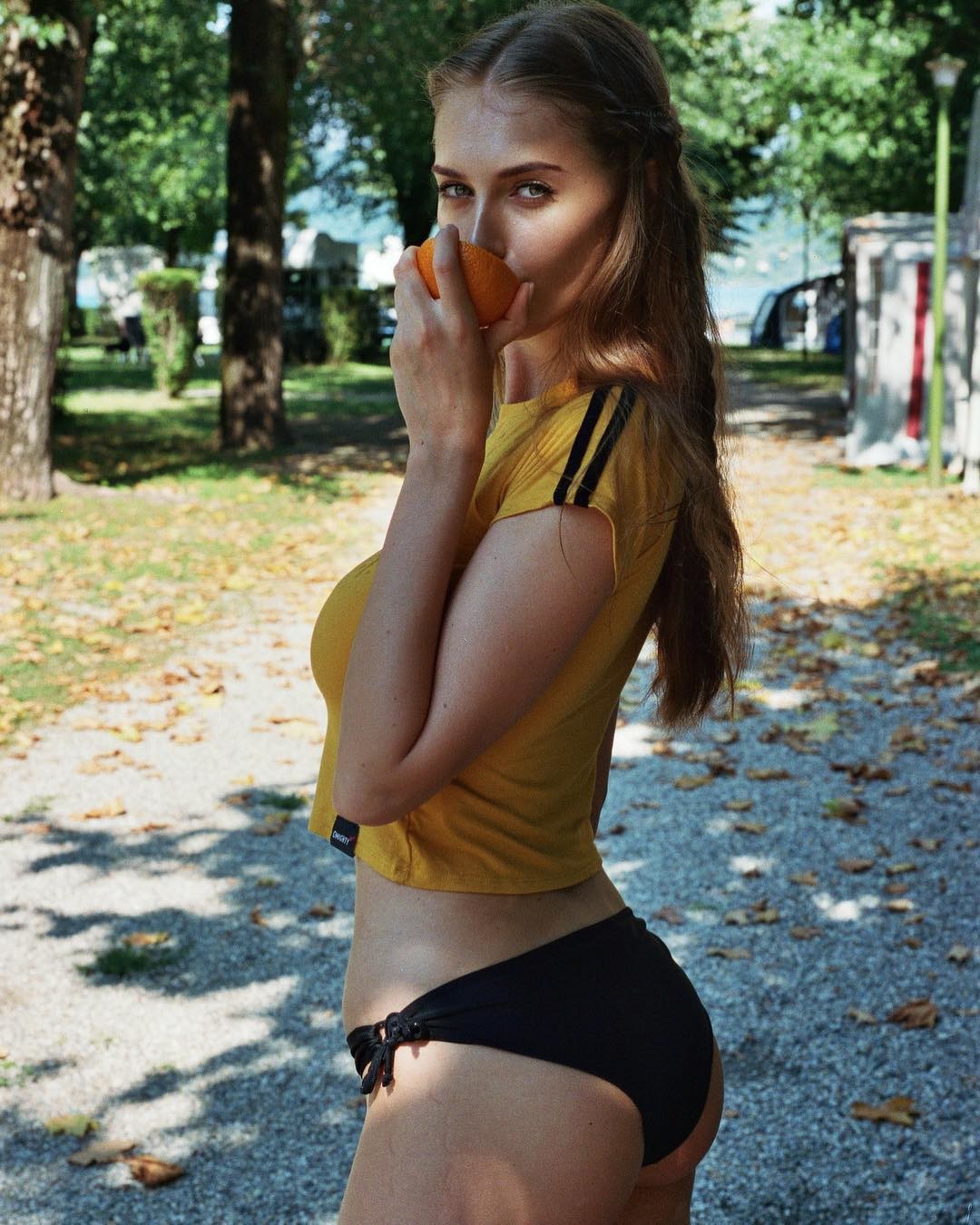

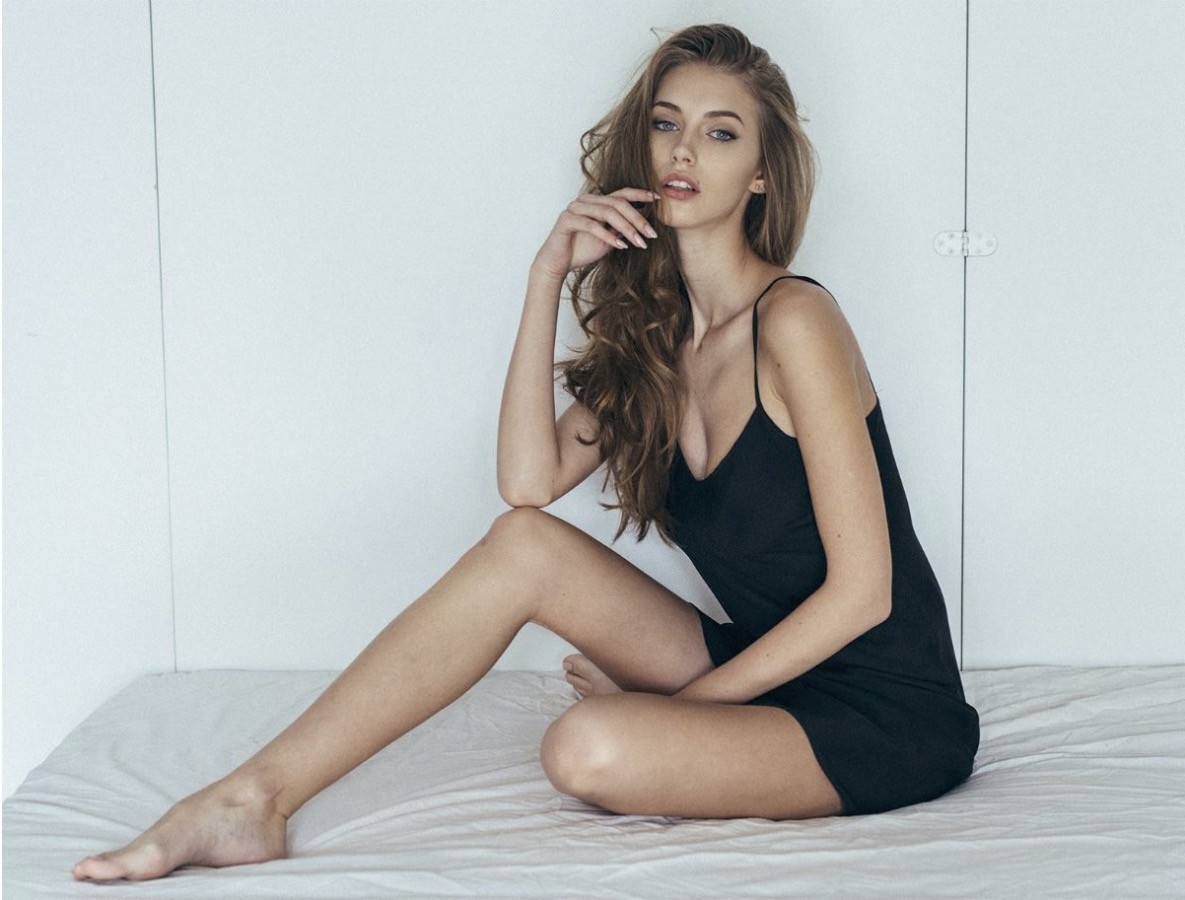
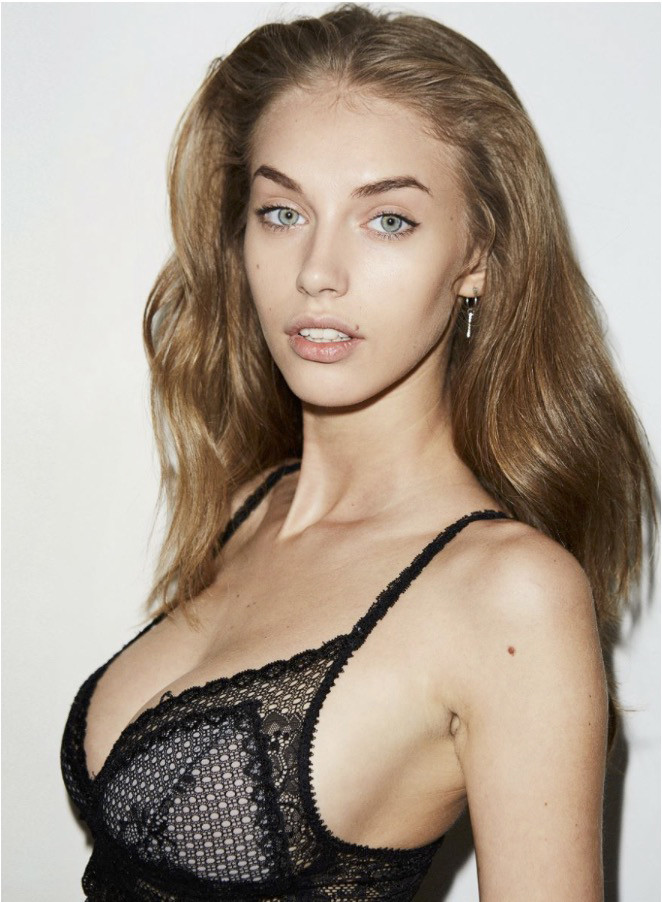


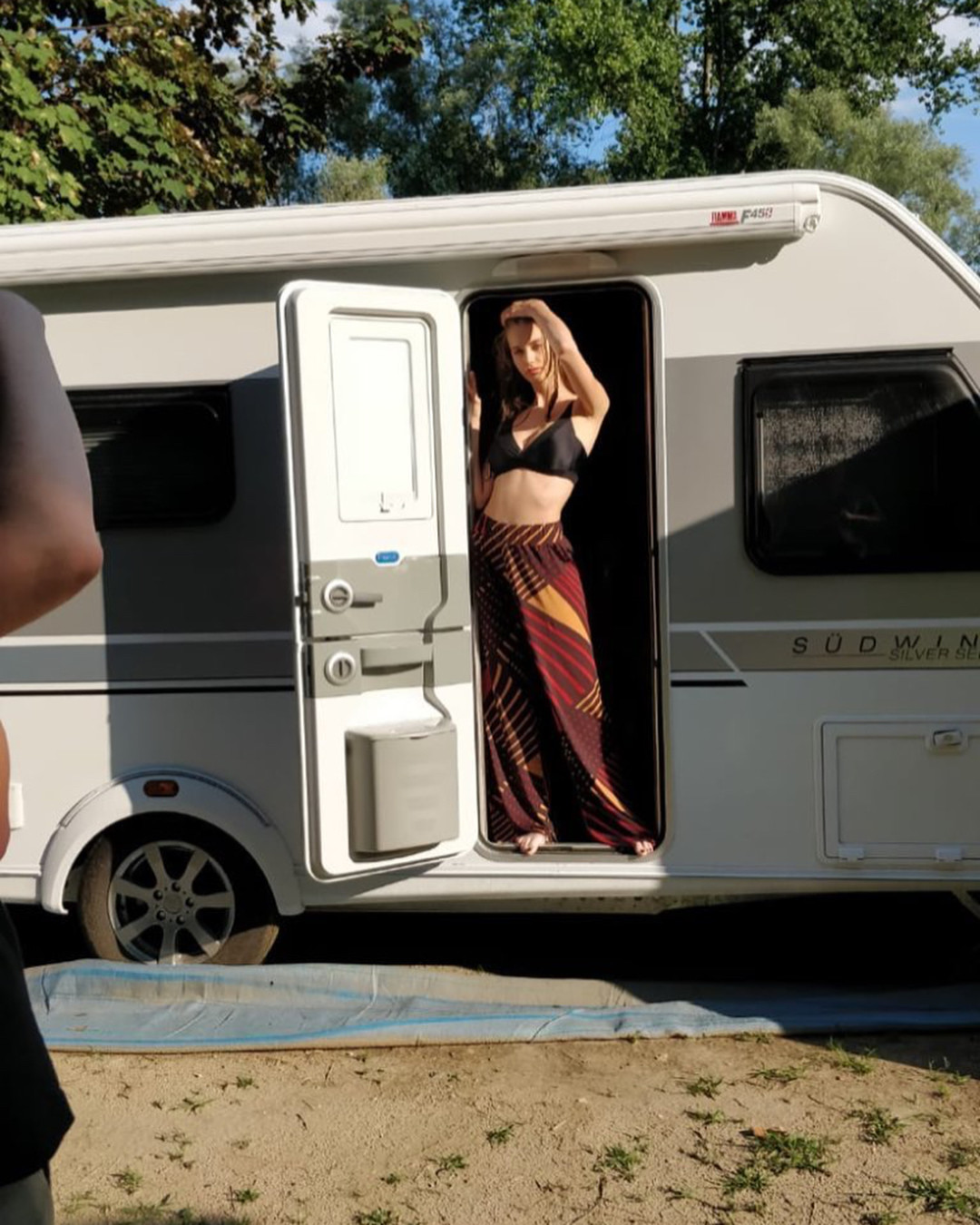

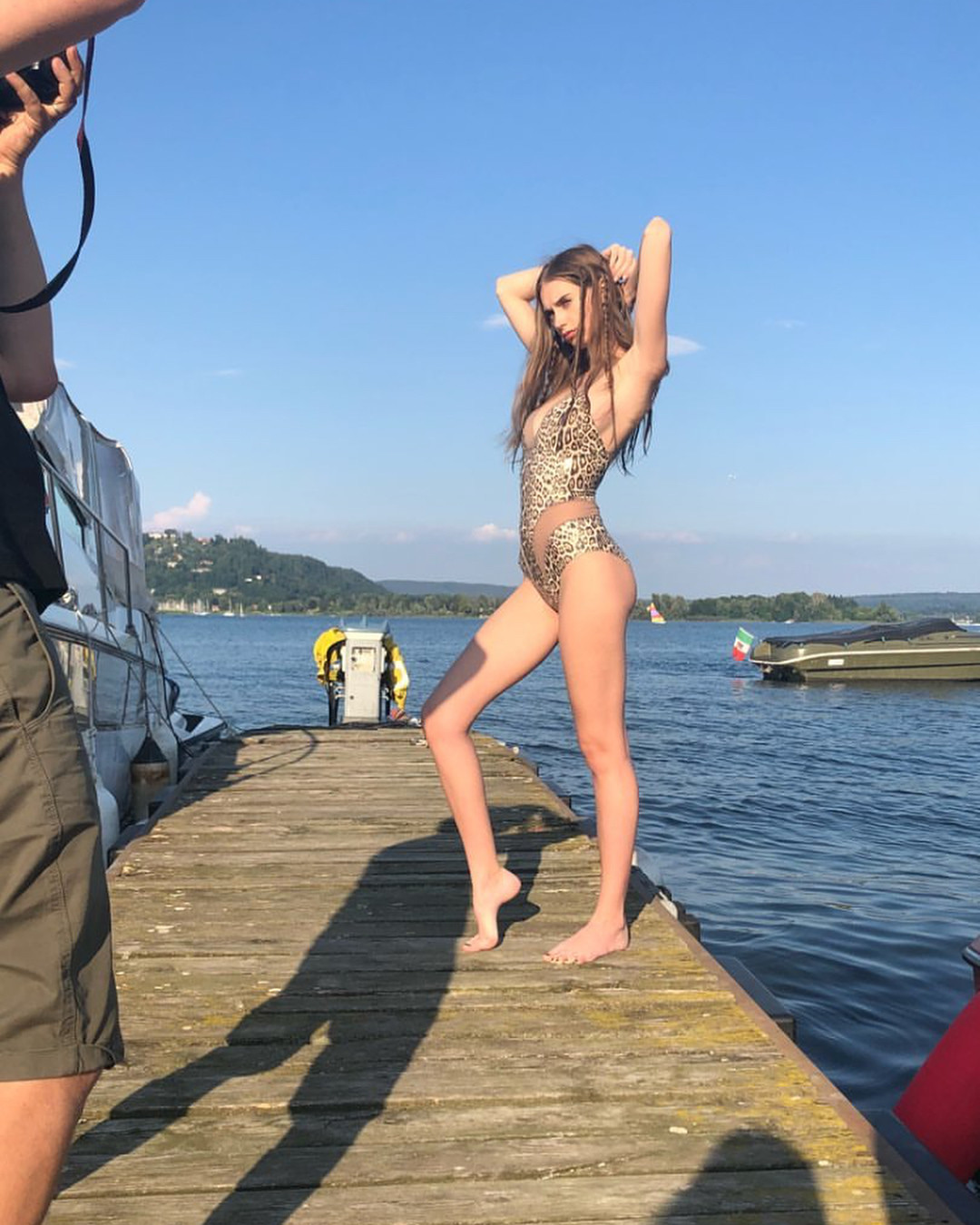
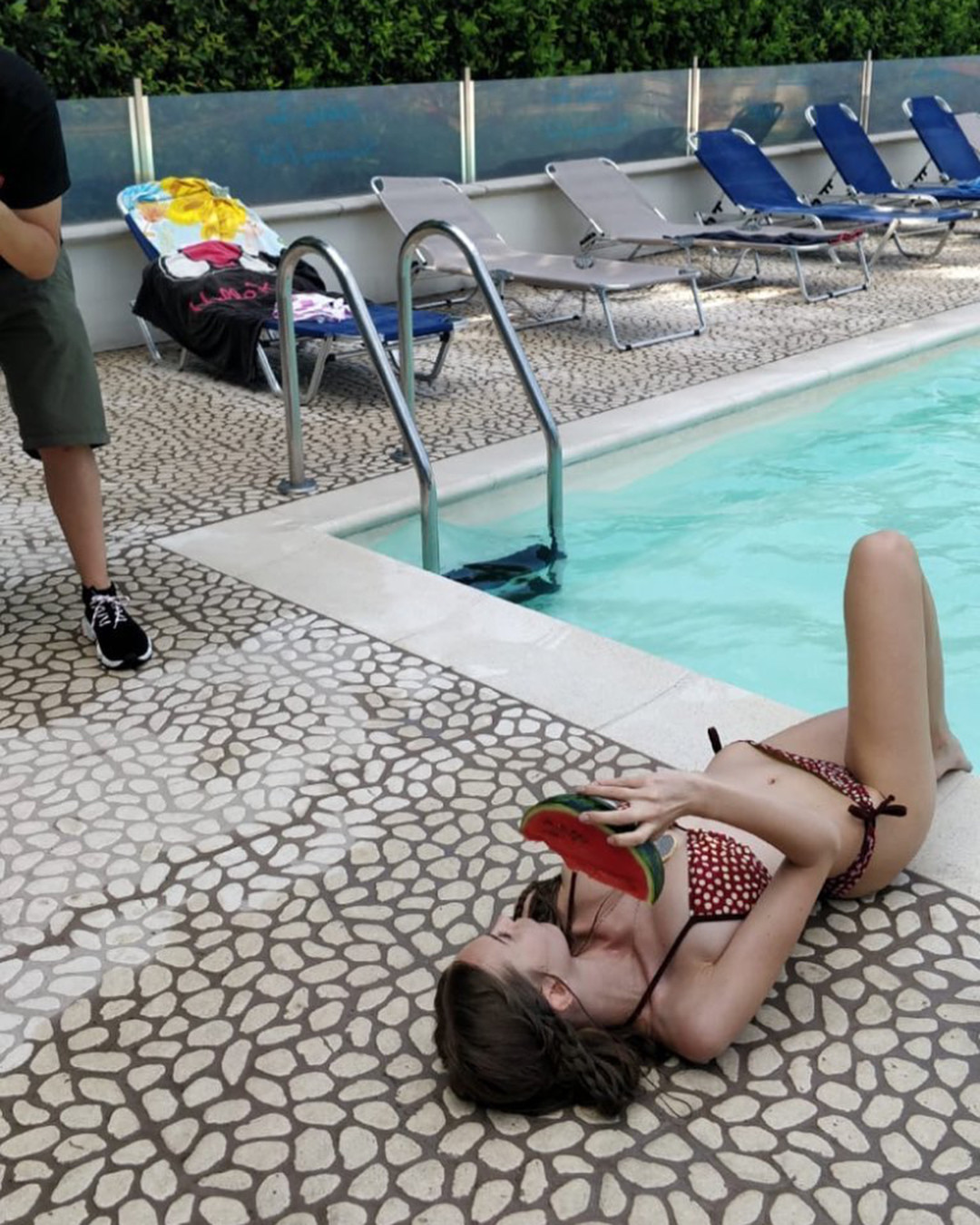

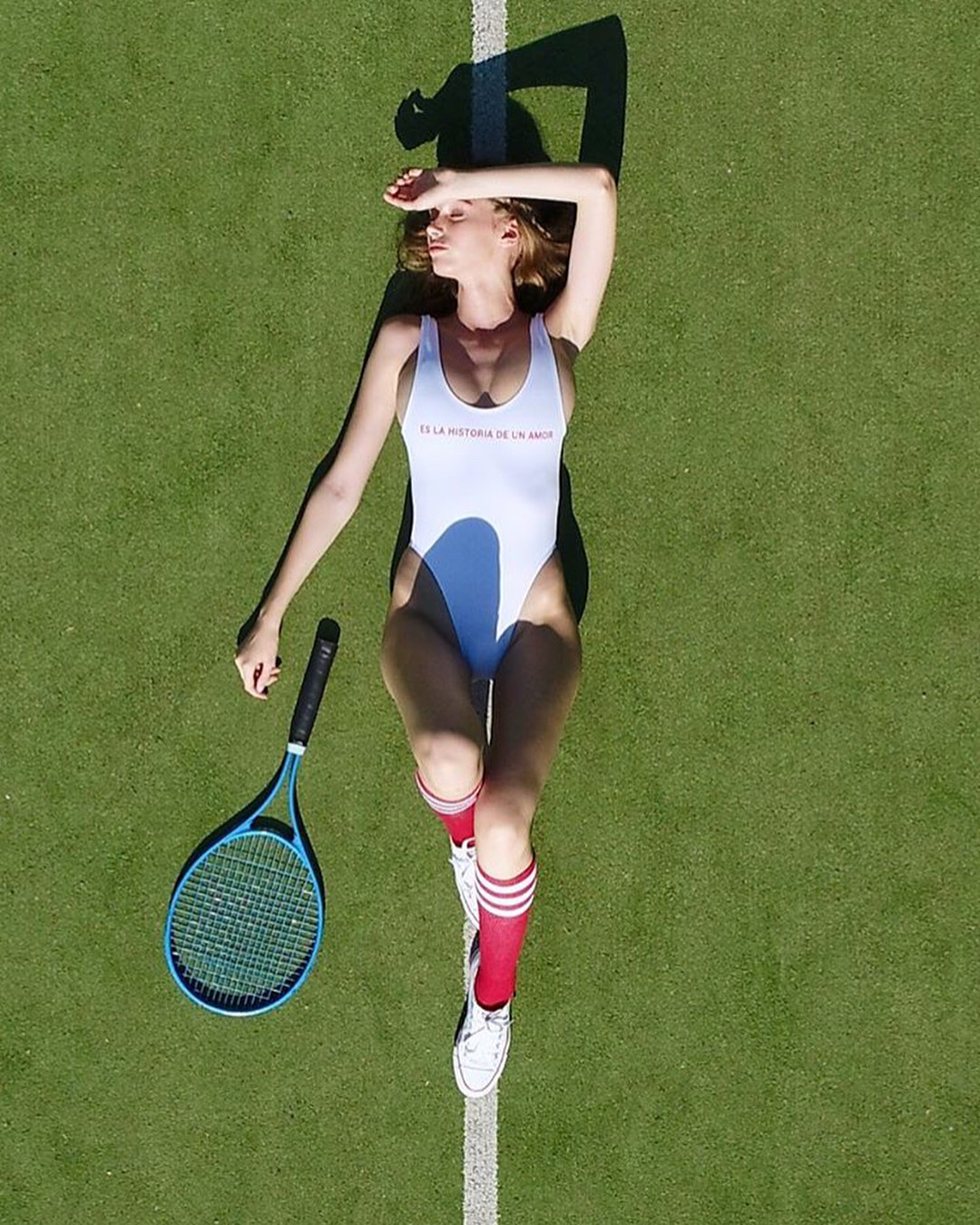

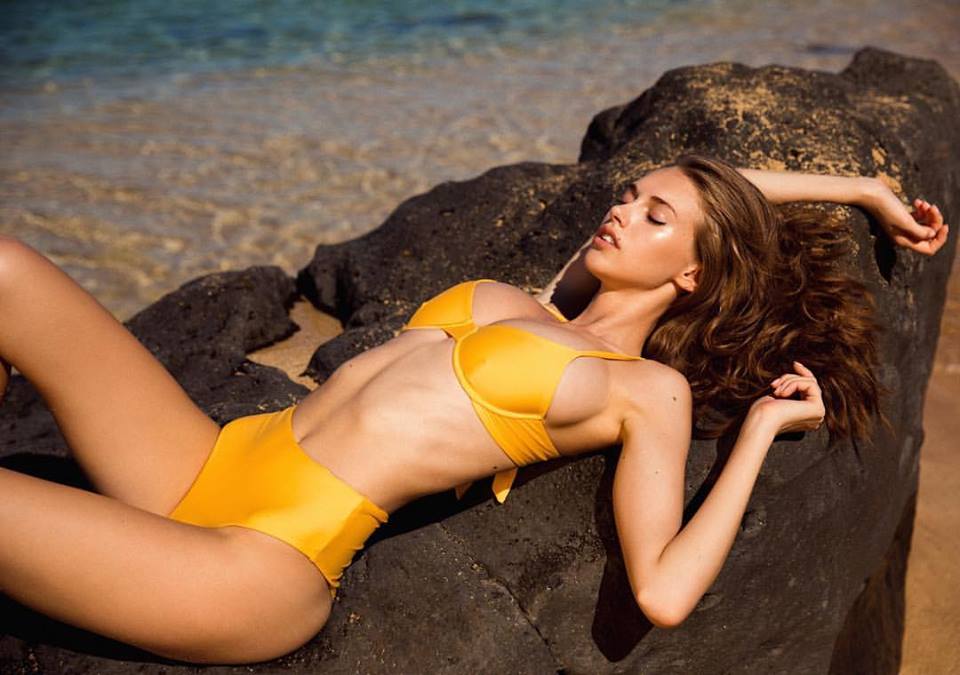


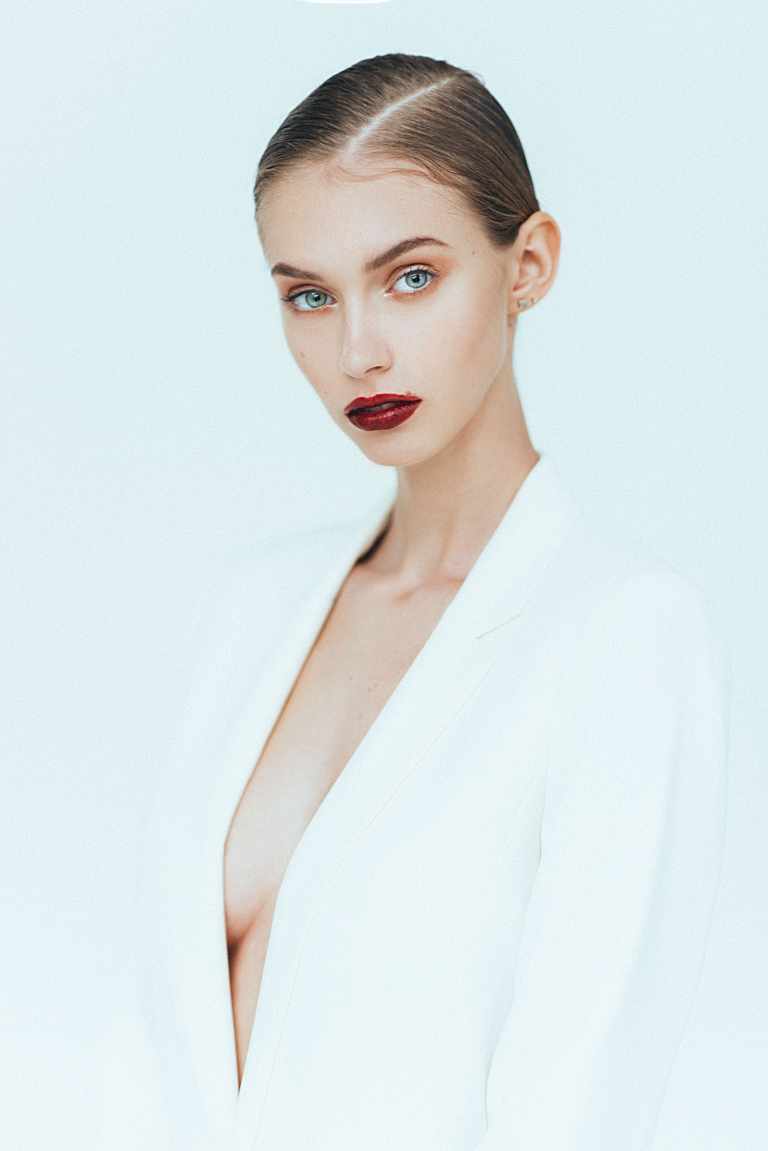

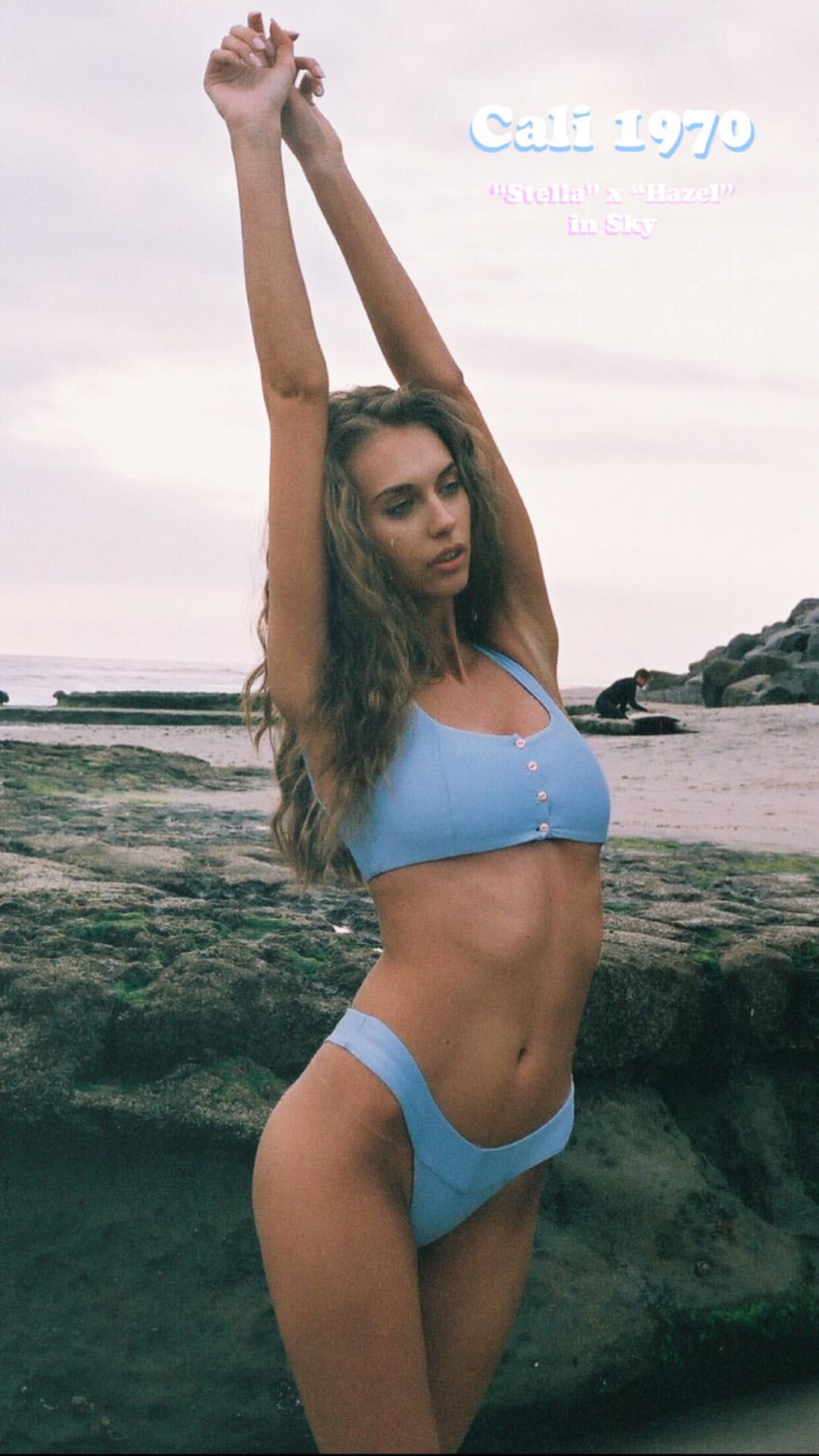
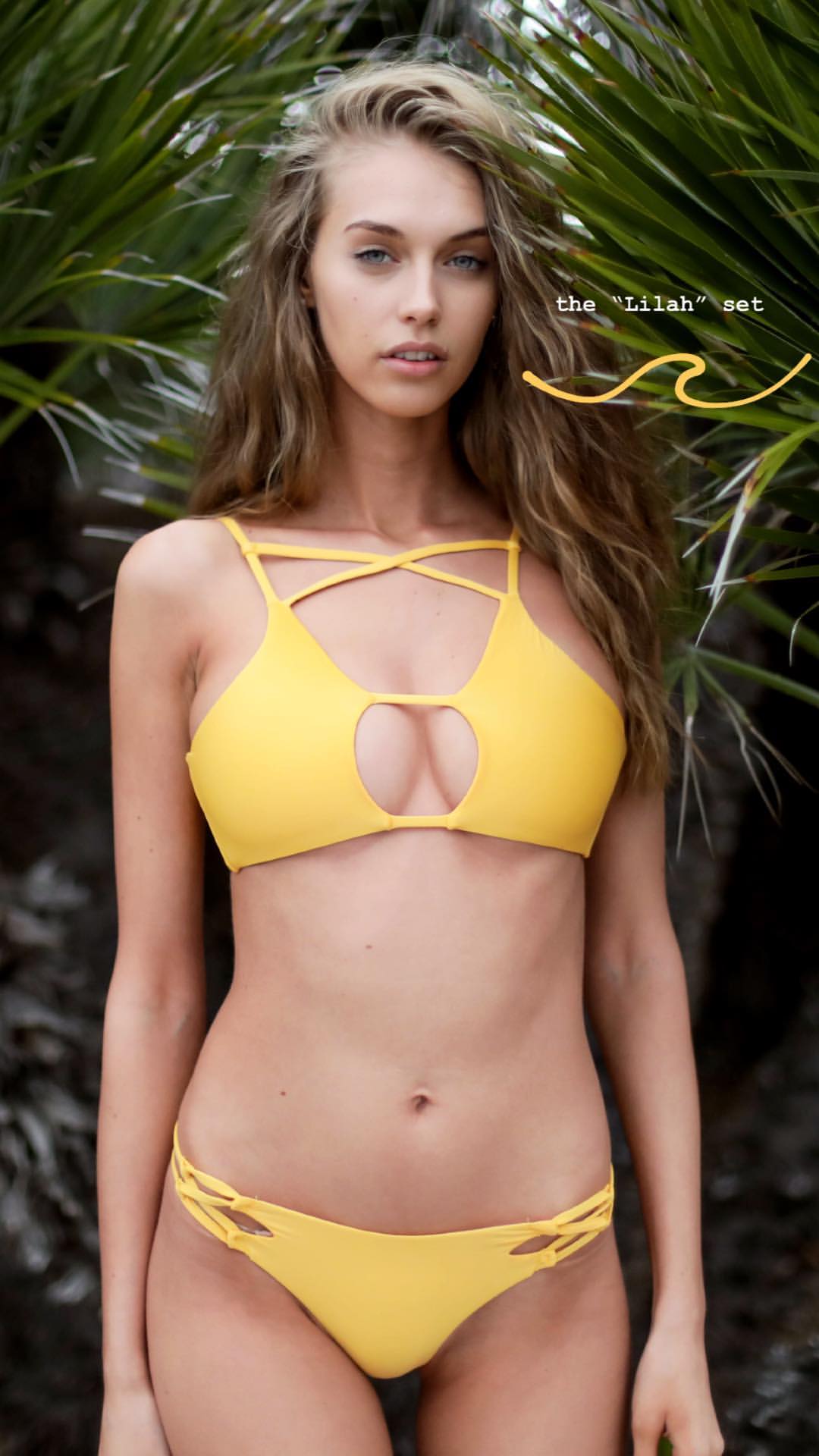
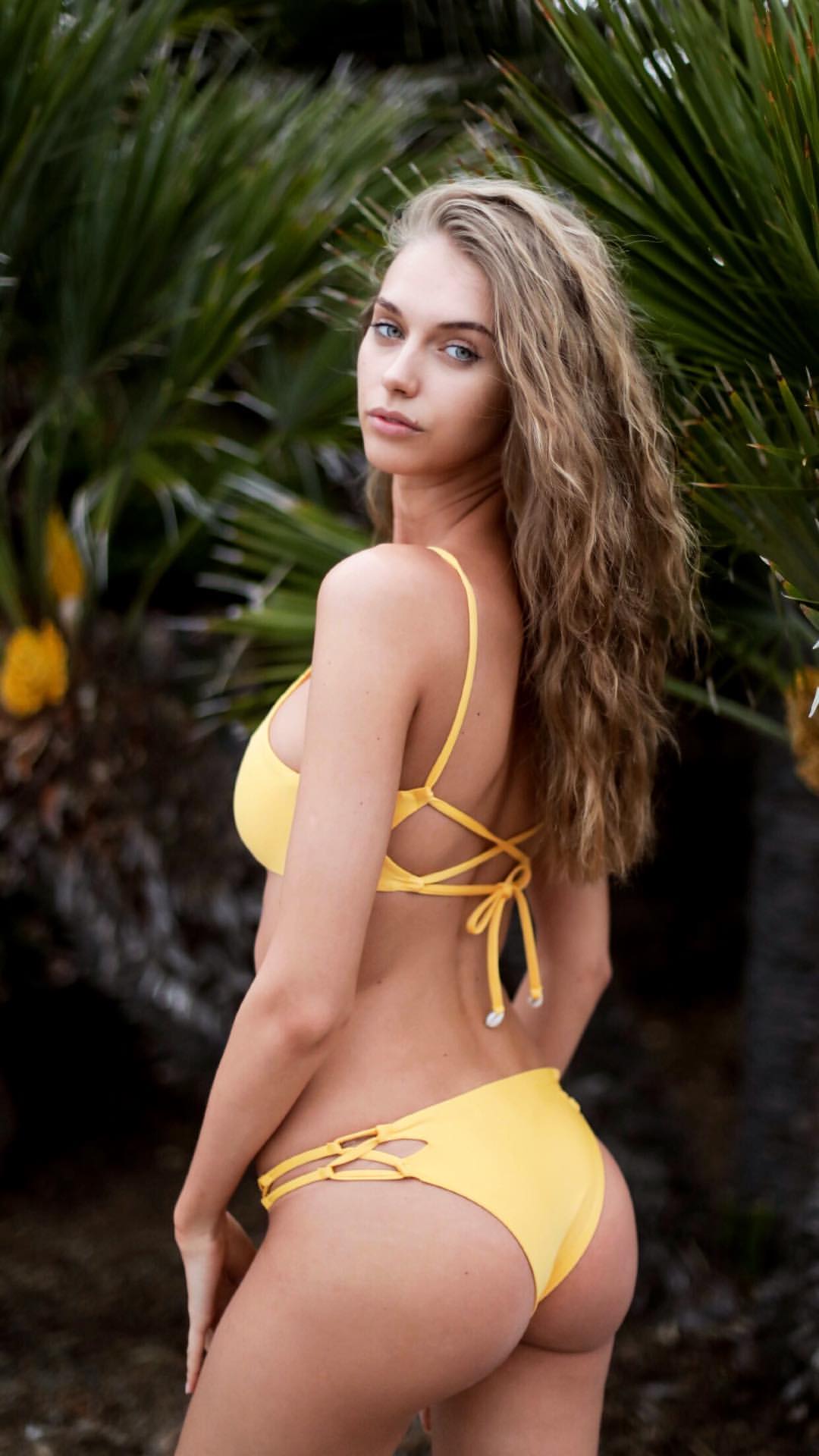
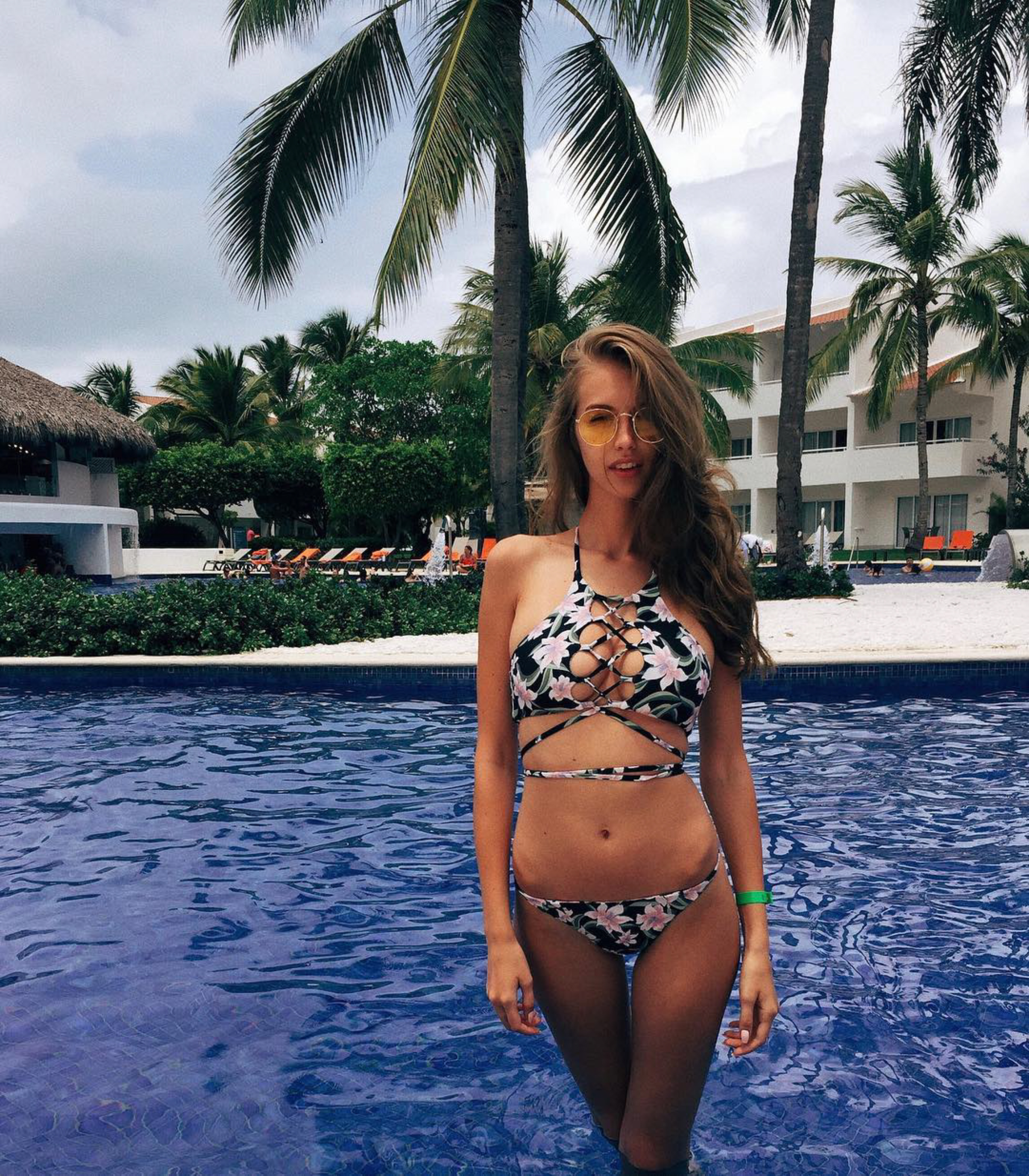
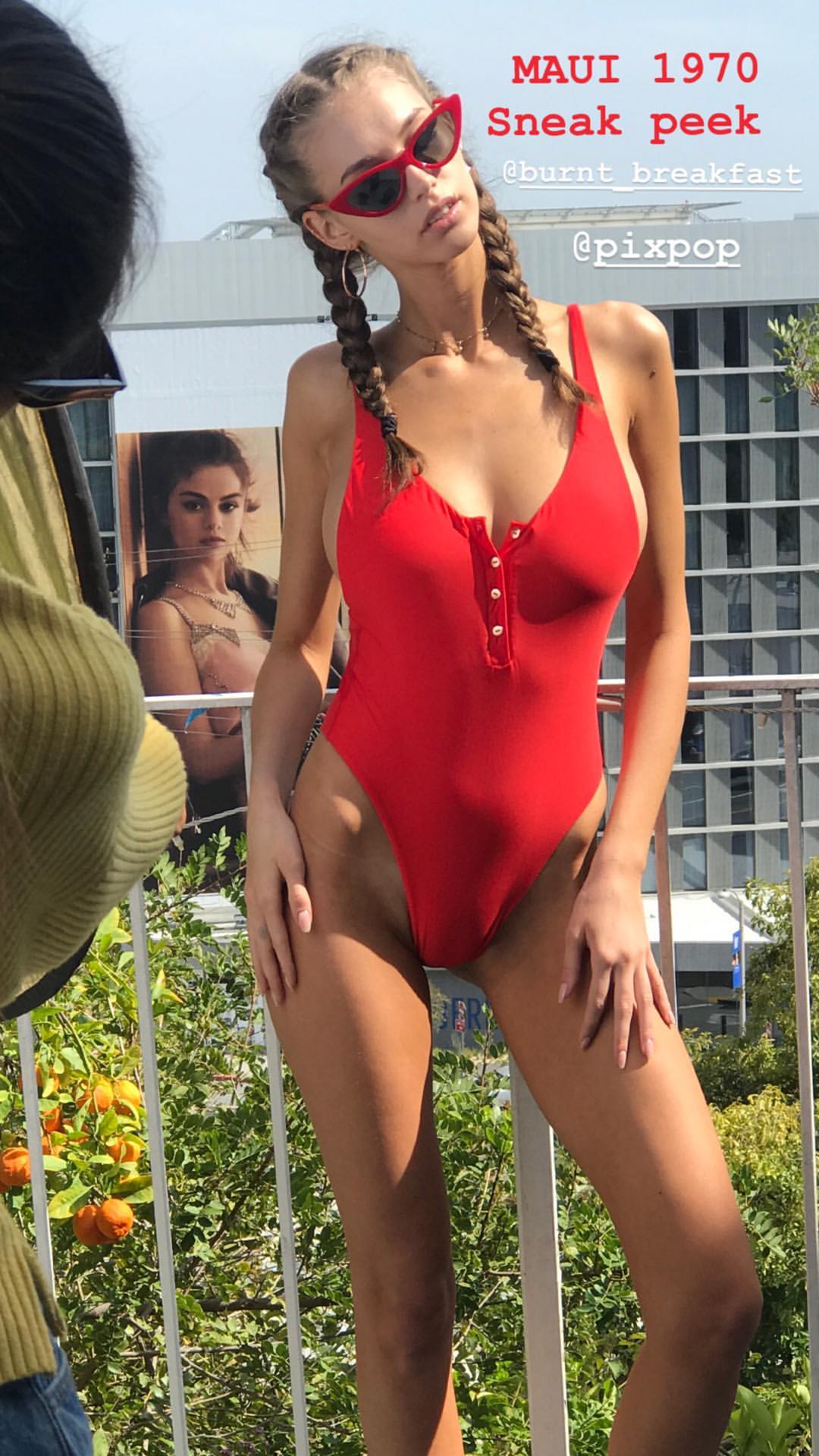



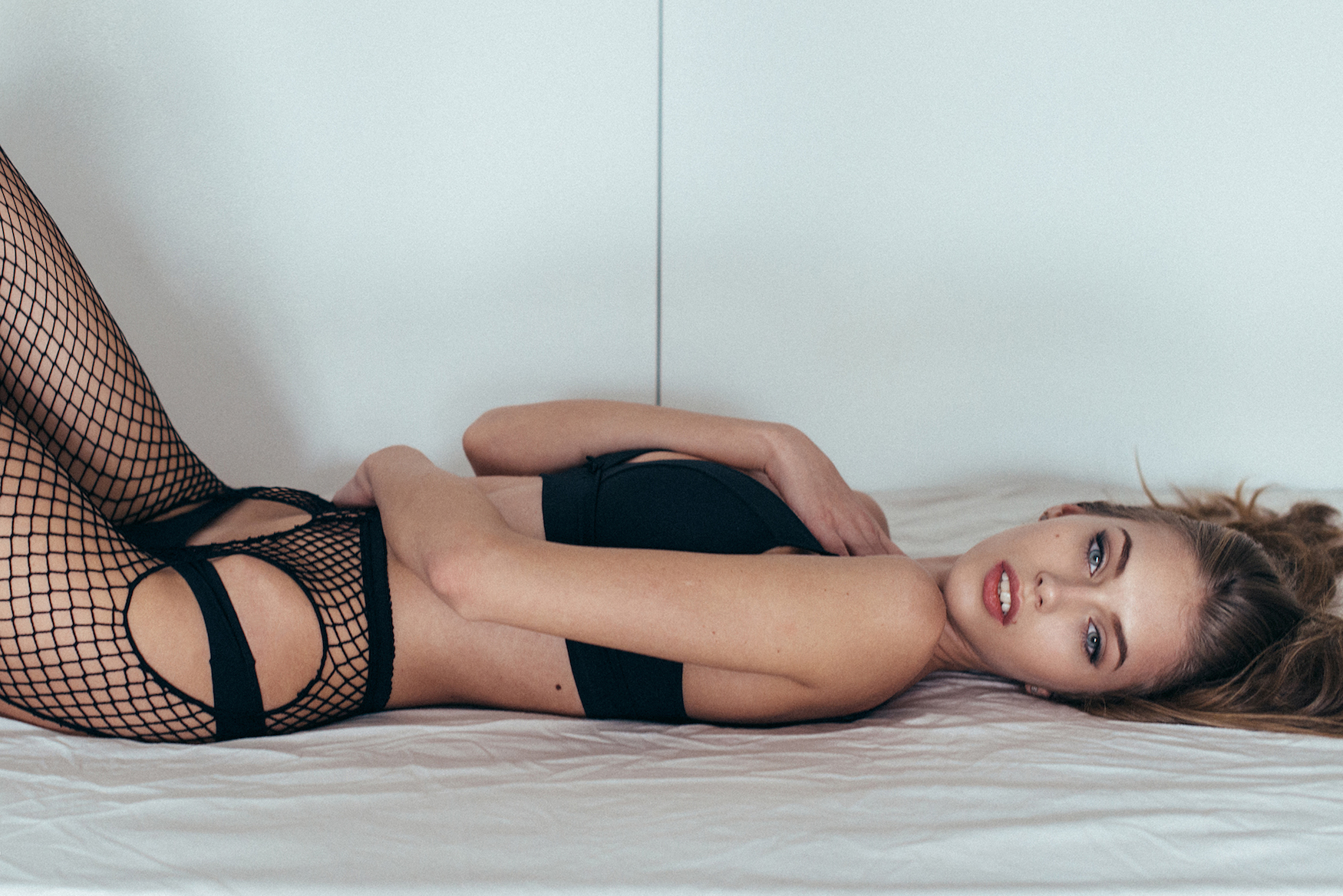



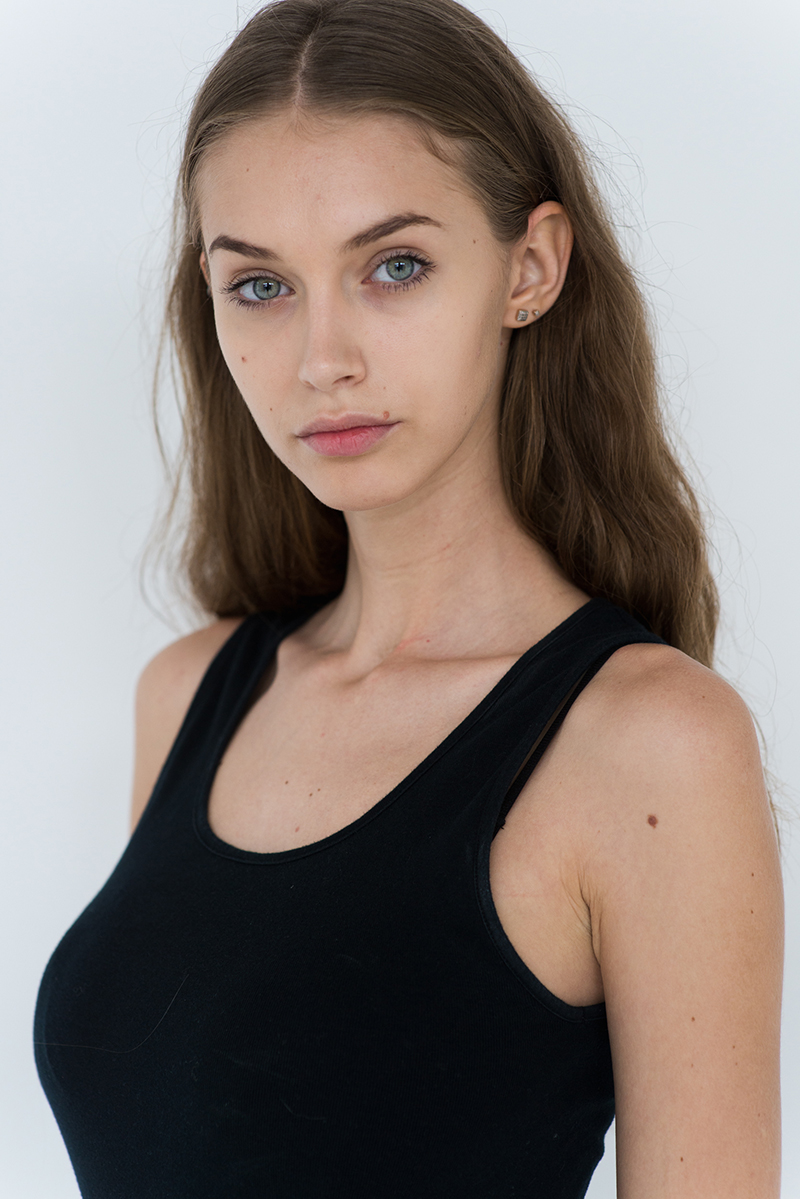


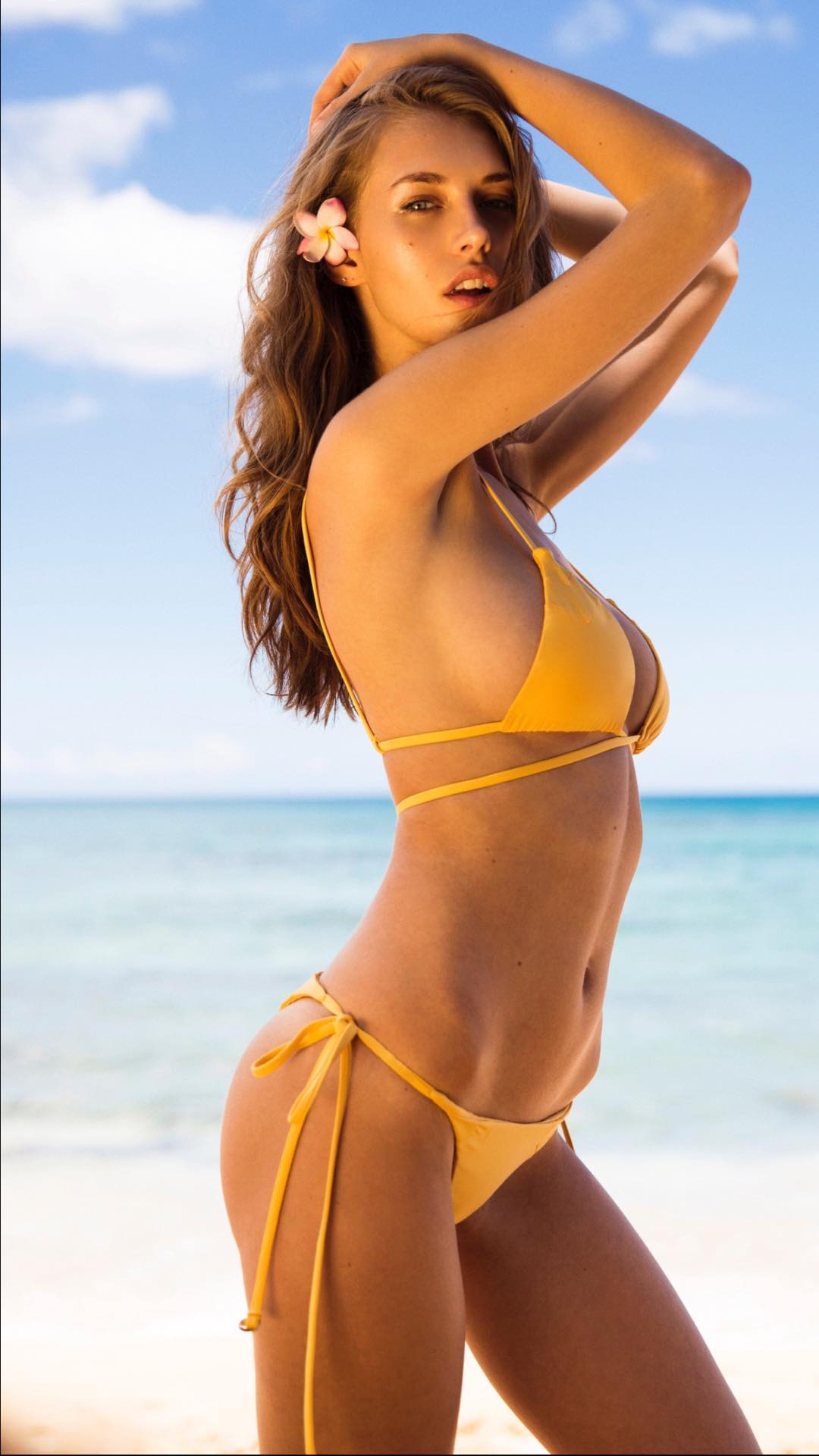

Account
Search
Configure browser push notifications
Chrome (Android)
- Tap the lock icon next to the address bar.
- Tap Permissions → Notifications.
- Adjust your preference.
Chrome (Desktop)
- Click the padlock icon in the address bar.
- Select Site settings.
- Find Notifications and adjust your preference.
Safari (iOS 16.4+)
- Ensure the site is installed via Add to Home Screen.
- Open Settings App → Notifications.
- Find your app name and adjust your preference.
Safari (macOS)
- Go to Safari → Preferences.
- Click the Websites tab.
- Select Notifications in the sidebar.
- Find this website and adjust your preference.
Edge (Android)
- Tap the lock icon next to the address bar.
- Tap Permissions.
- Find Notifications and adjust your preference.
Edge (Desktop)
- Click the padlock icon in the address bar.
- Click Permissions for this site.
- Find Notifications and adjust your preference.
Firefox (Android)
- Go to Settings → Site permissions.
- Tap Notifications.
- Find this site in the list and adjust your preference.
Firefox (Desktop)
- Open Firefox Settings.
- Search for Notifications.
- Find this site in the list and adjust your preference.