
babybrooklyn
Members
-
Joined
-
Last visited
Everything posted by babybrooklyn
-
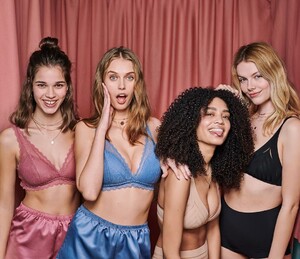
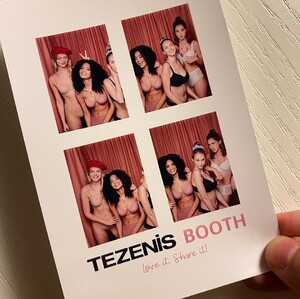
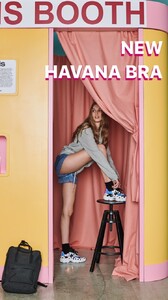
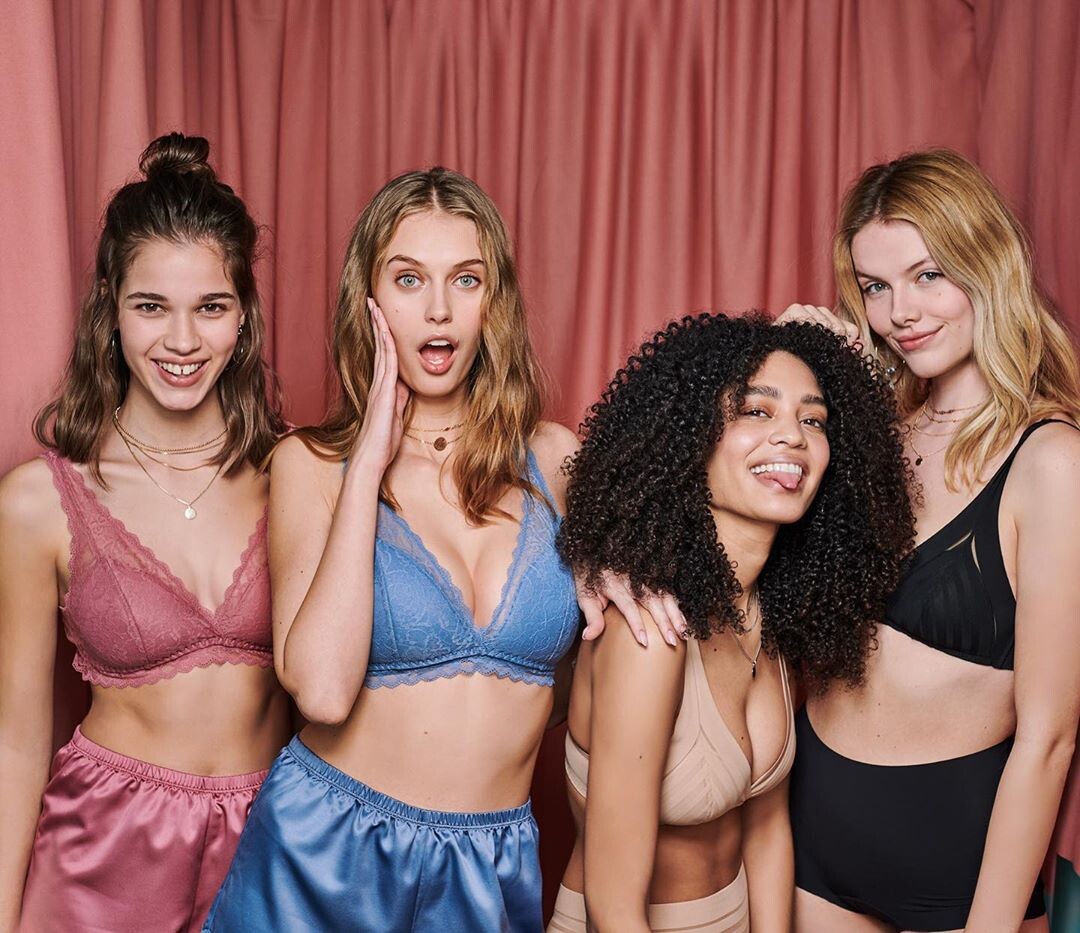
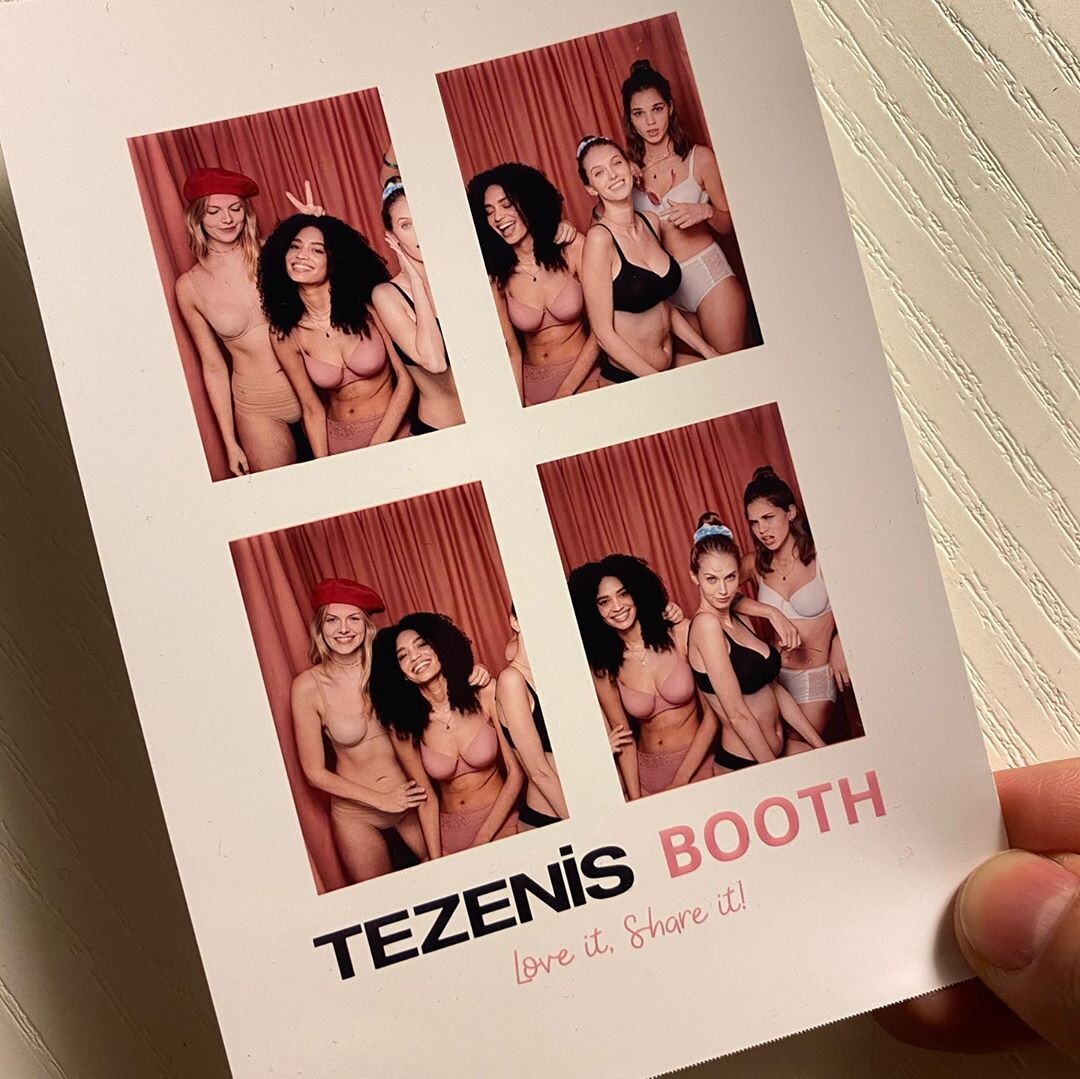
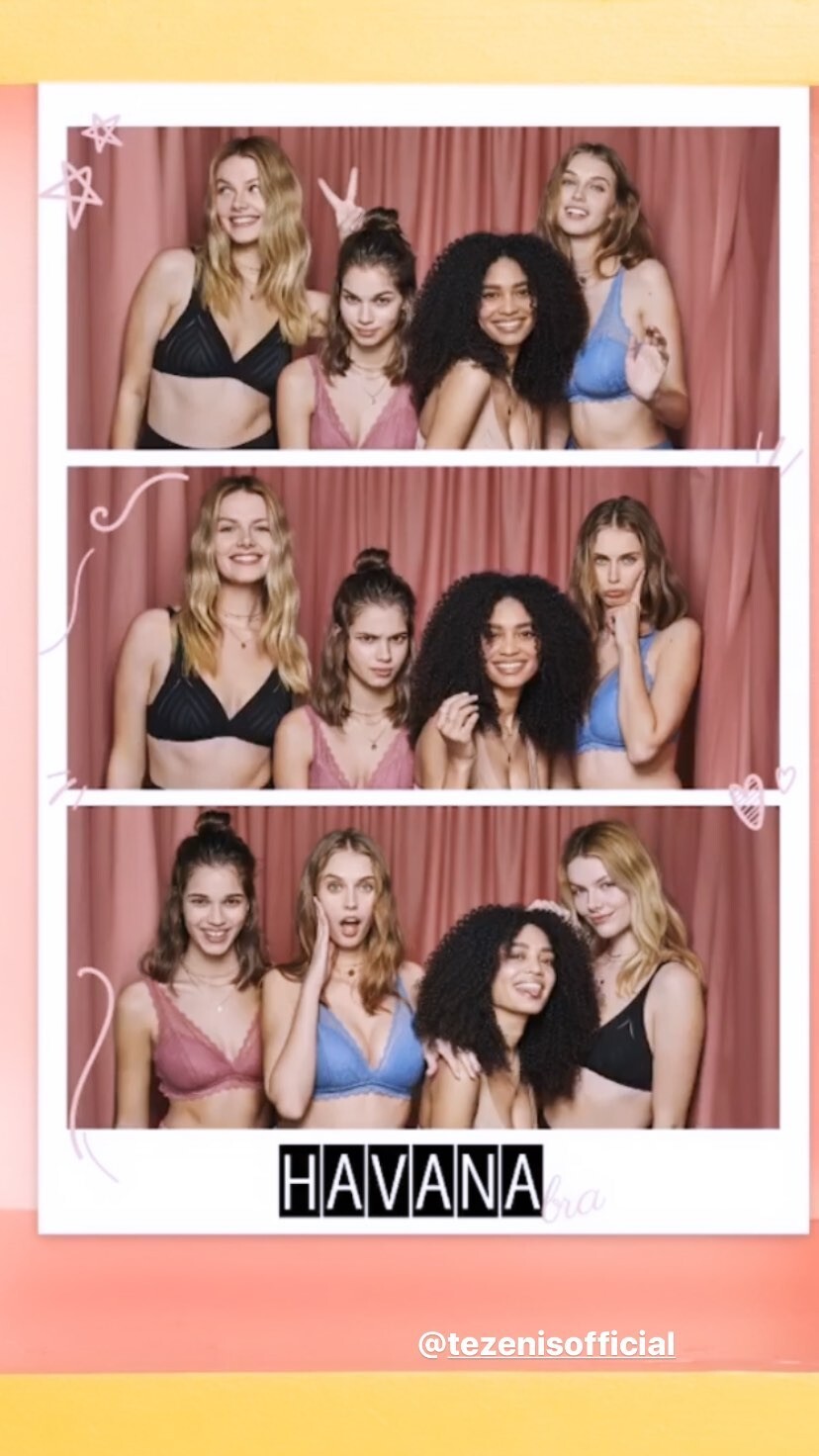
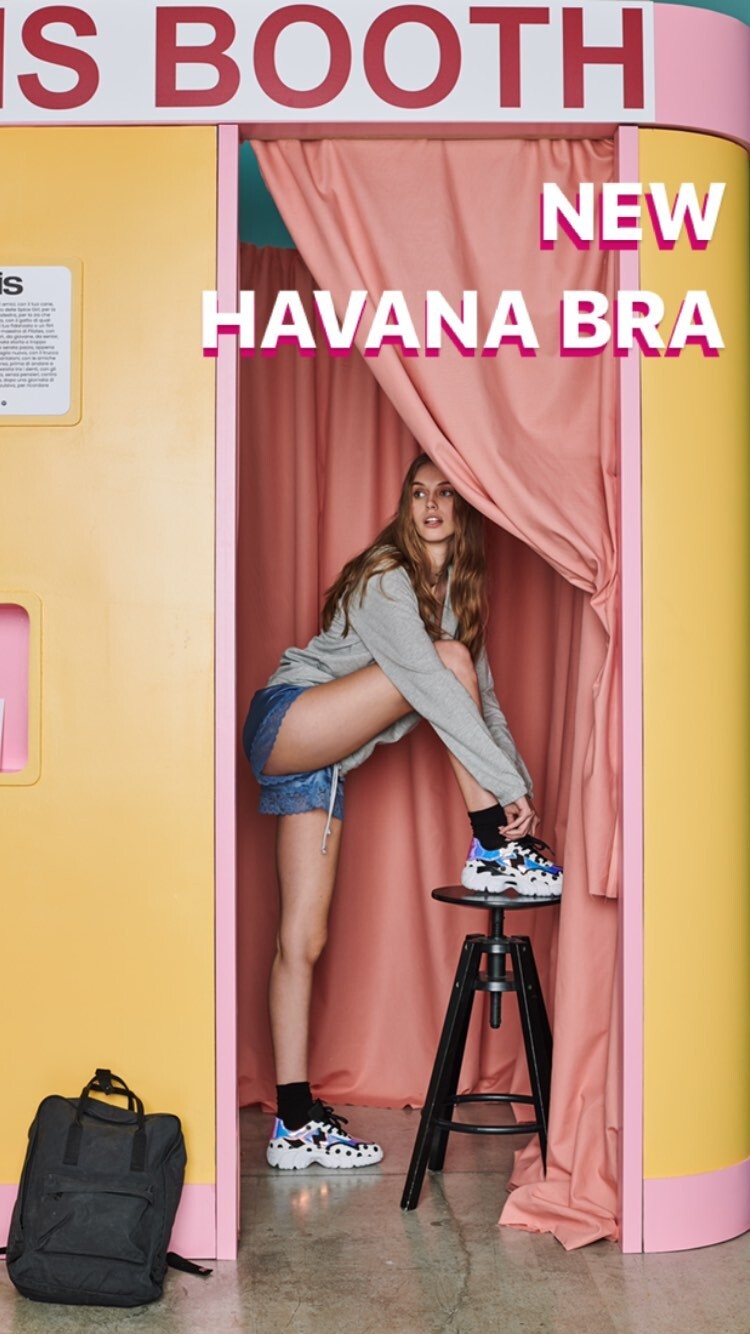
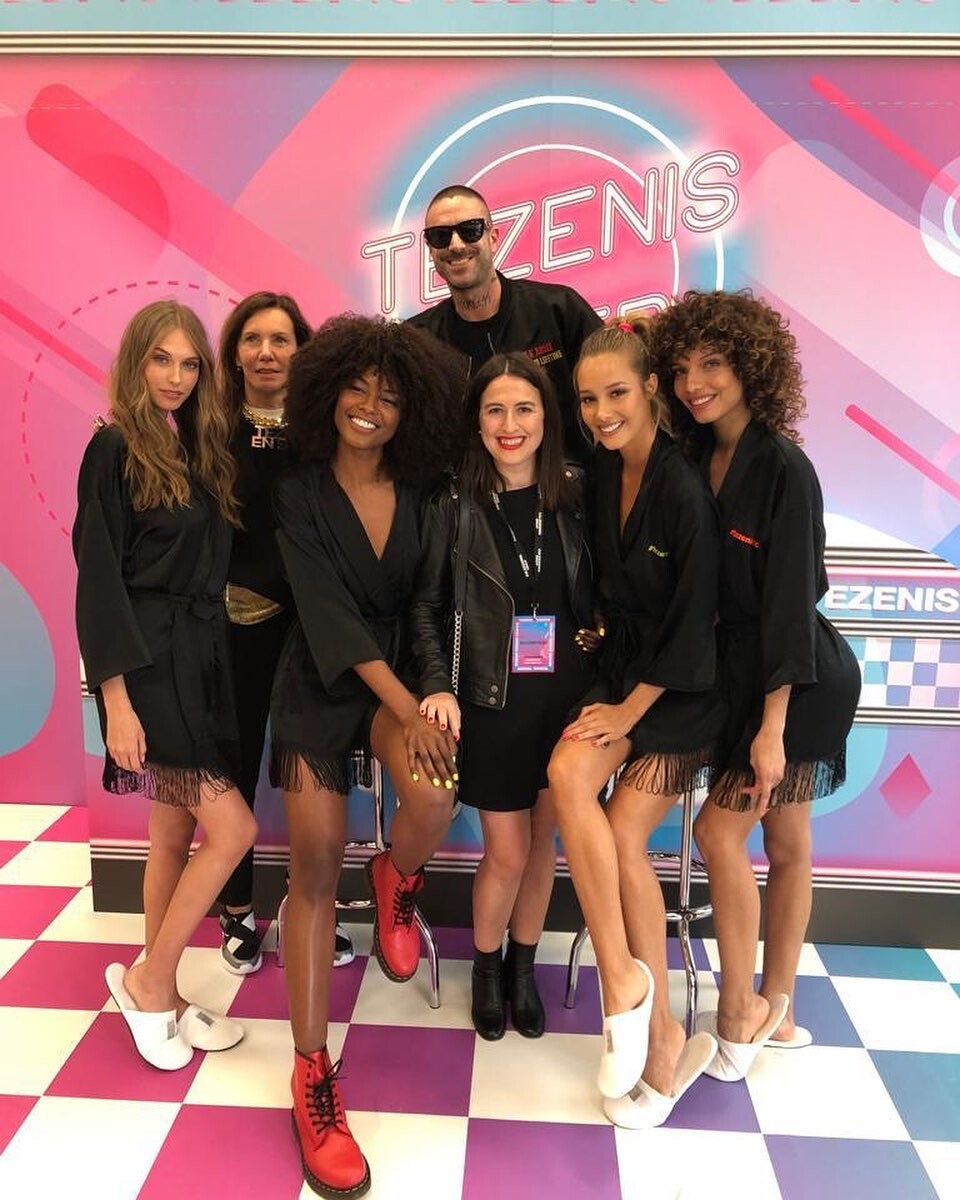
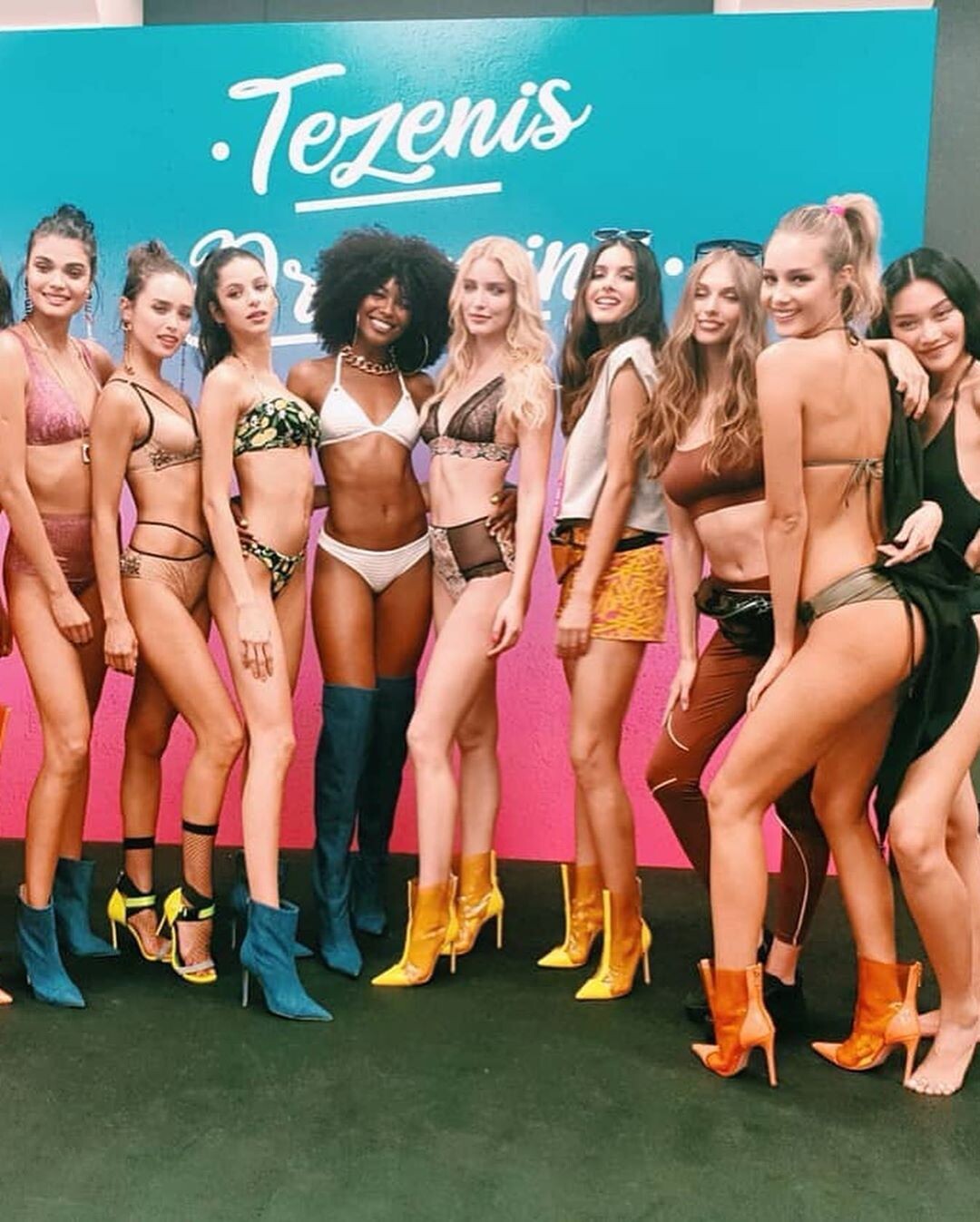
@tezenisofficial 88079784_119999772912803_4412119286274554853_n.mp4 88010566_217081539417376_5811314045642726717_n.mp4 87914284_191854265428358_808615363518042329_n.mp4 87911519_2959234900804001_2002732109572209244_n.mp4 87625080_142674673881520_282737622791626467_n.mp4 87473535_1420600701448080_94562032106914737_n.mp4 87394710_185151392810514_5366415852906704960_n.mp4 87297413_493746294862046_7306371180415001167_n.mp4 87041291_102420367980357_4307457788751736345_n.mp4 76497409_2718363368218874_2027721612420949066_n.mp4




-
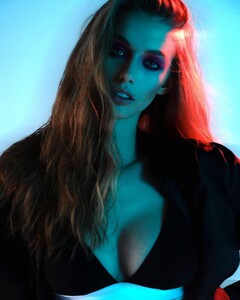
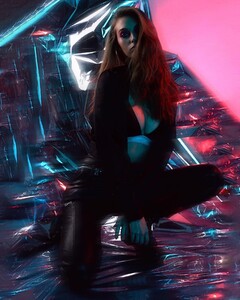
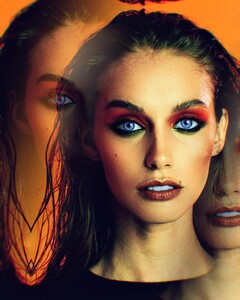
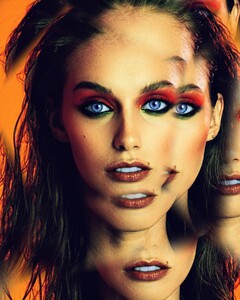
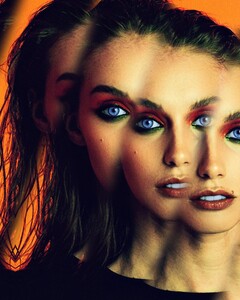
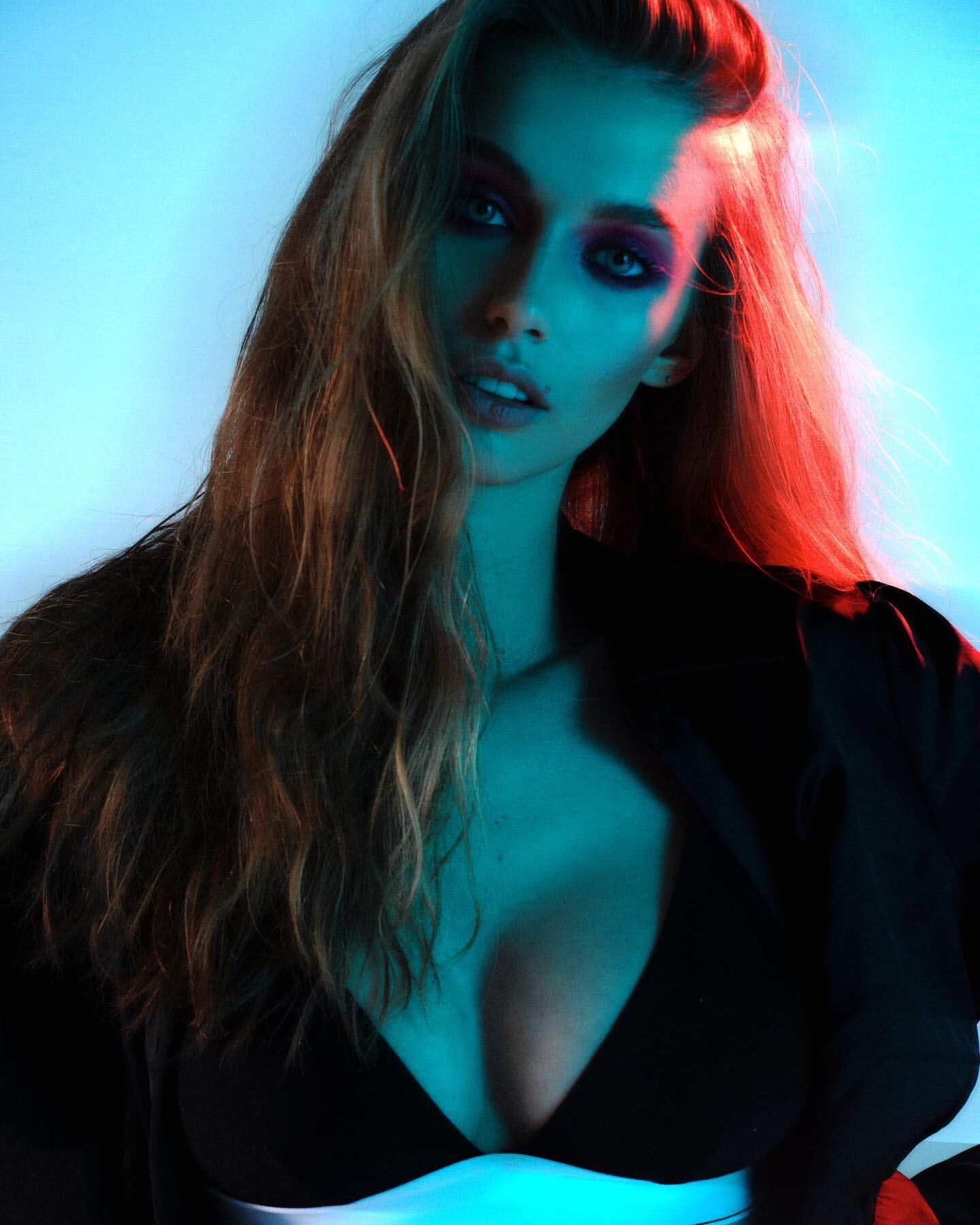
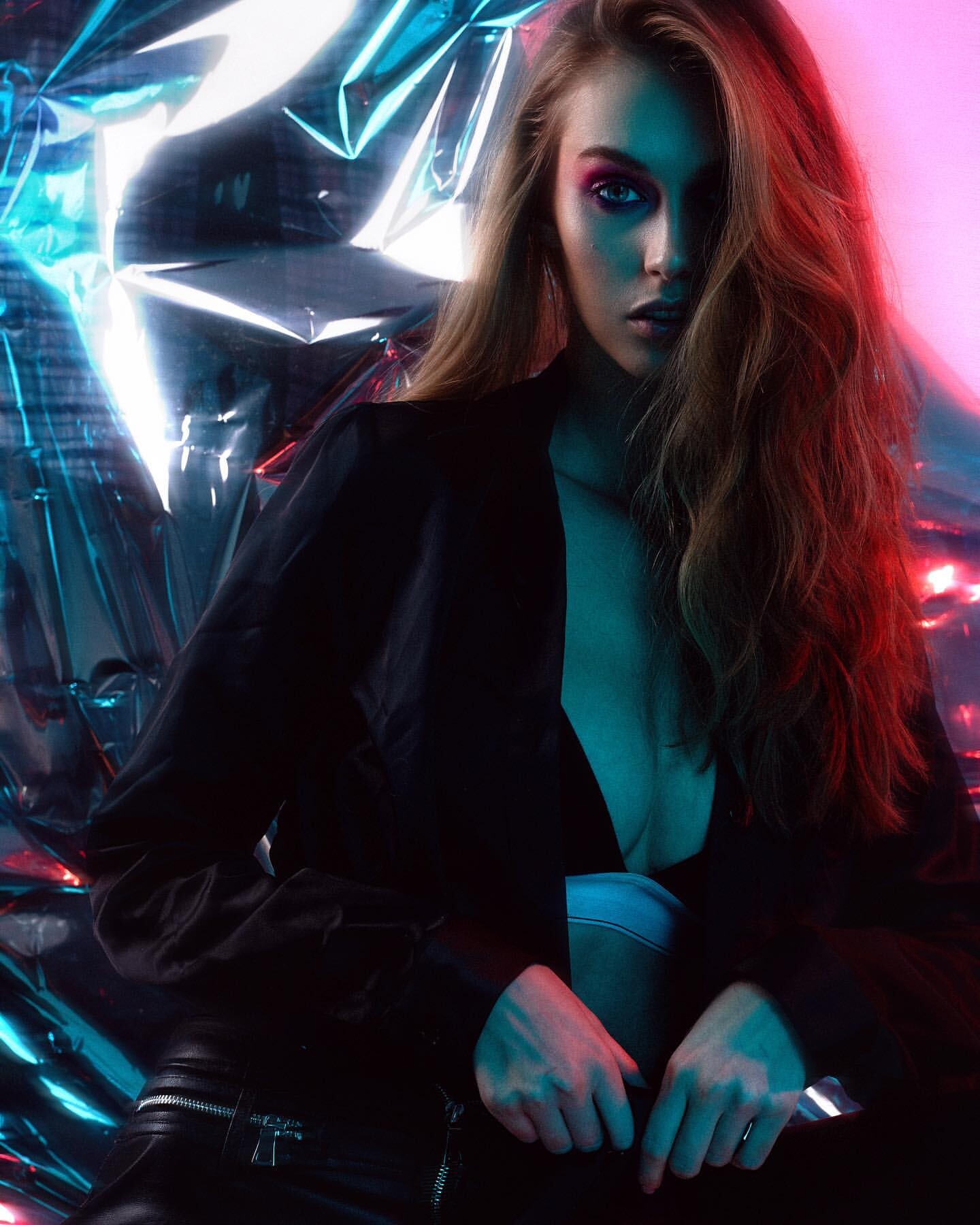
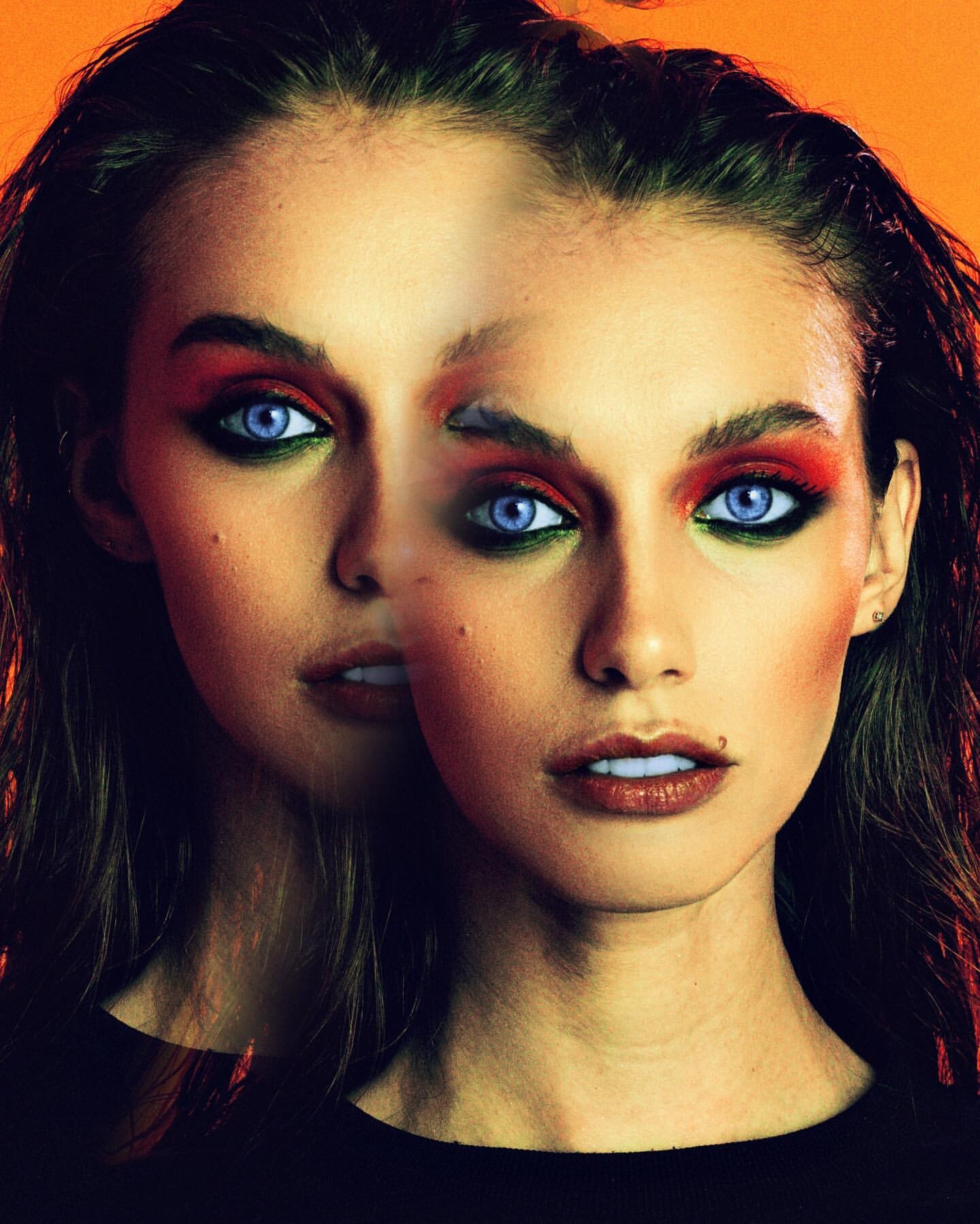
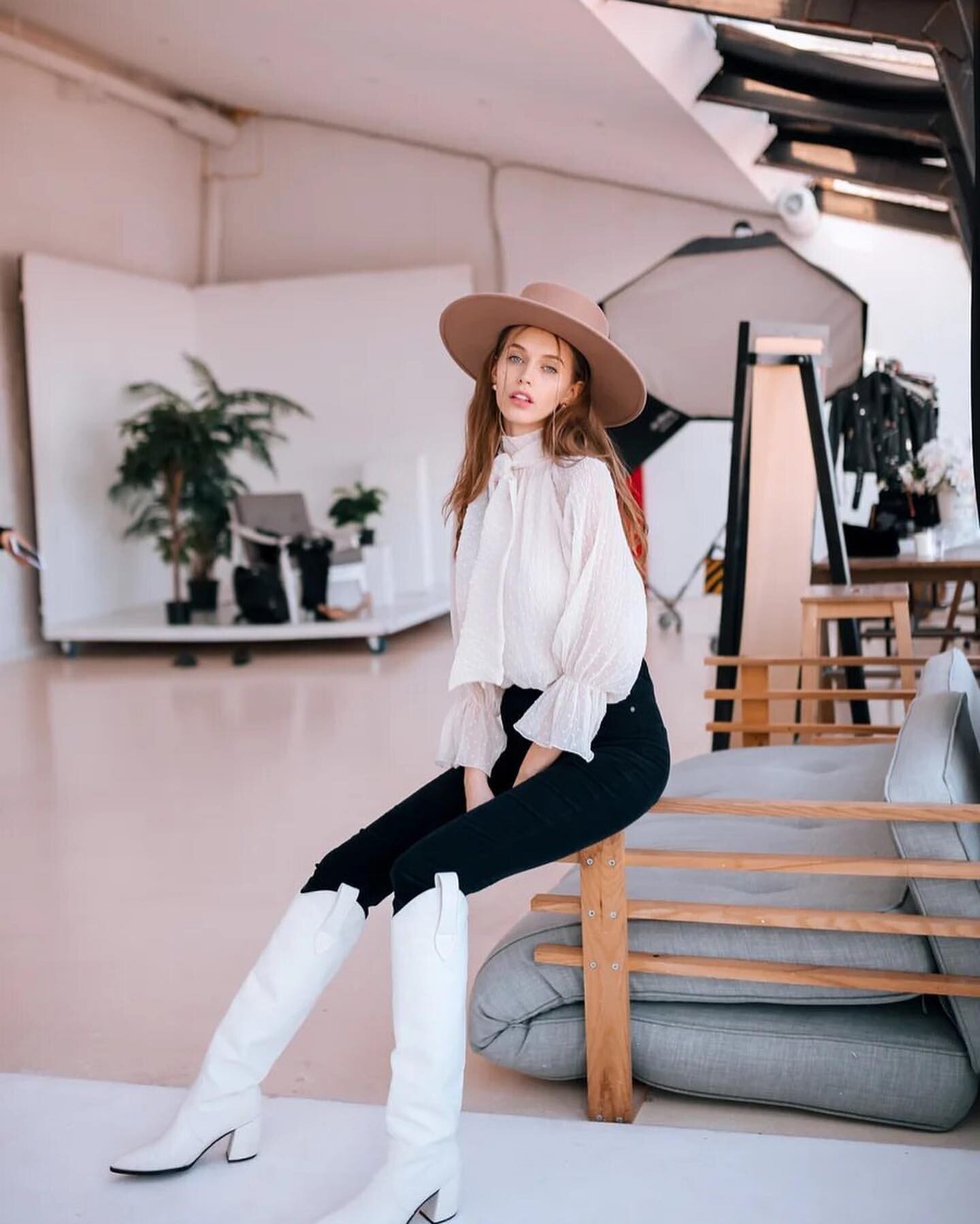
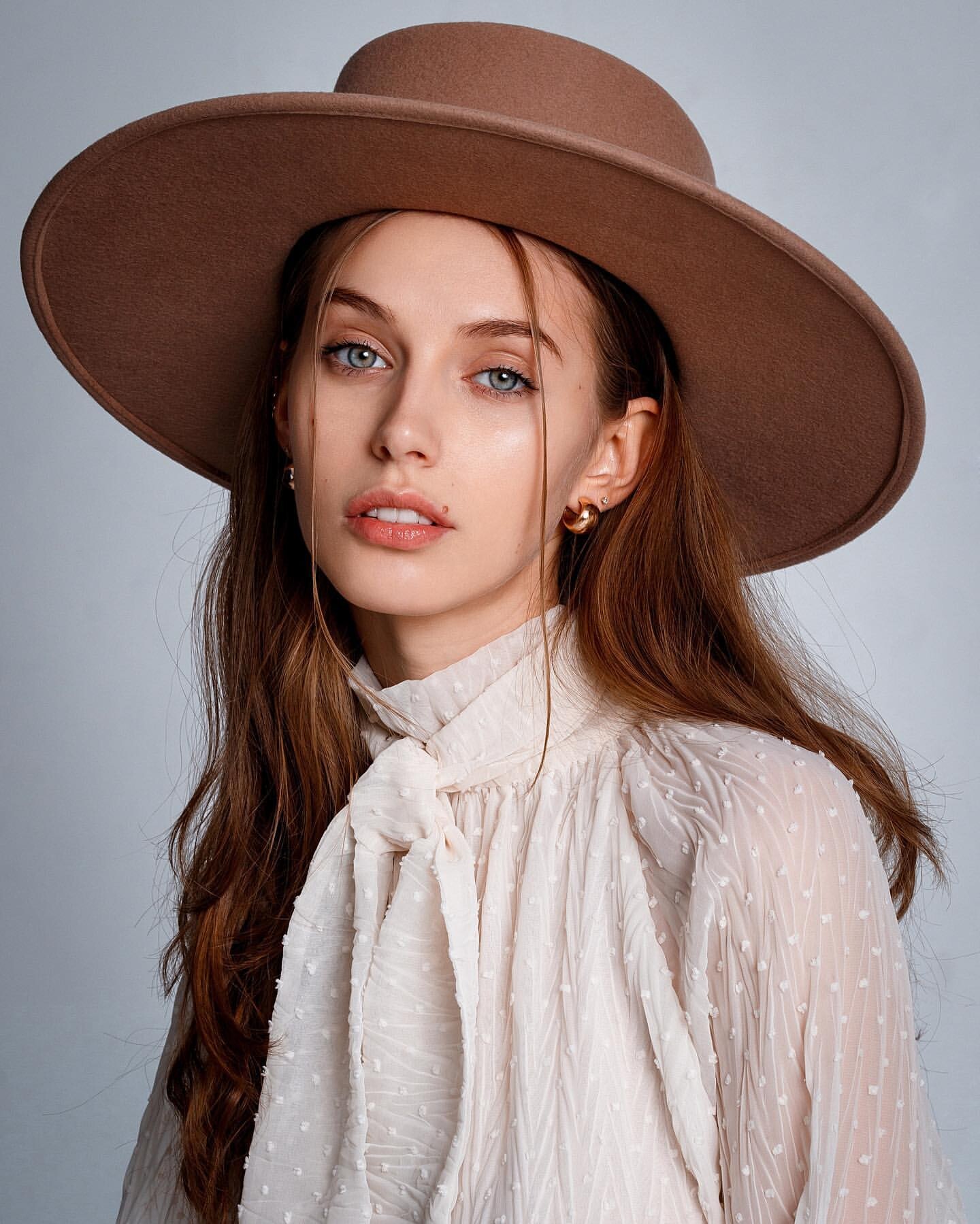
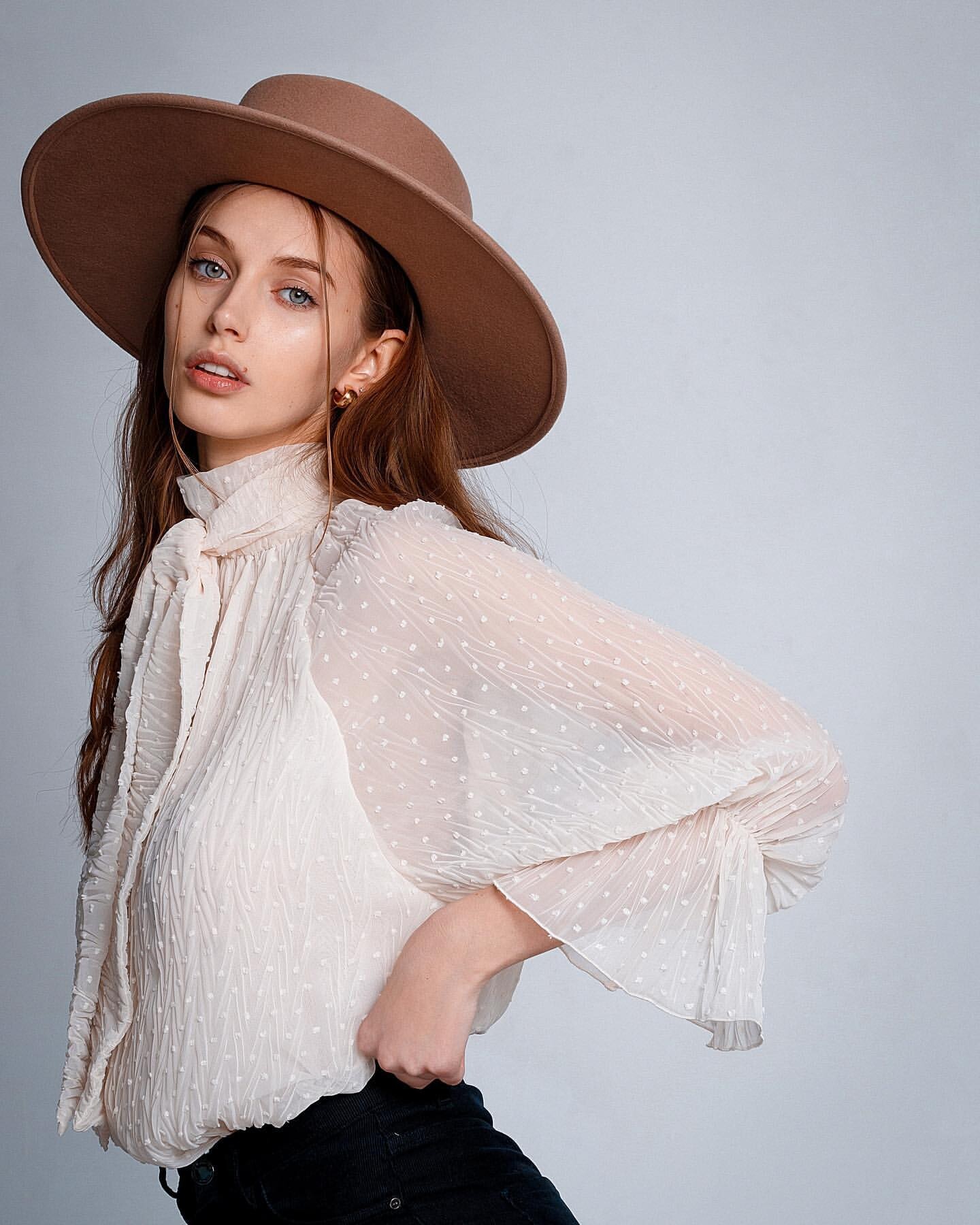
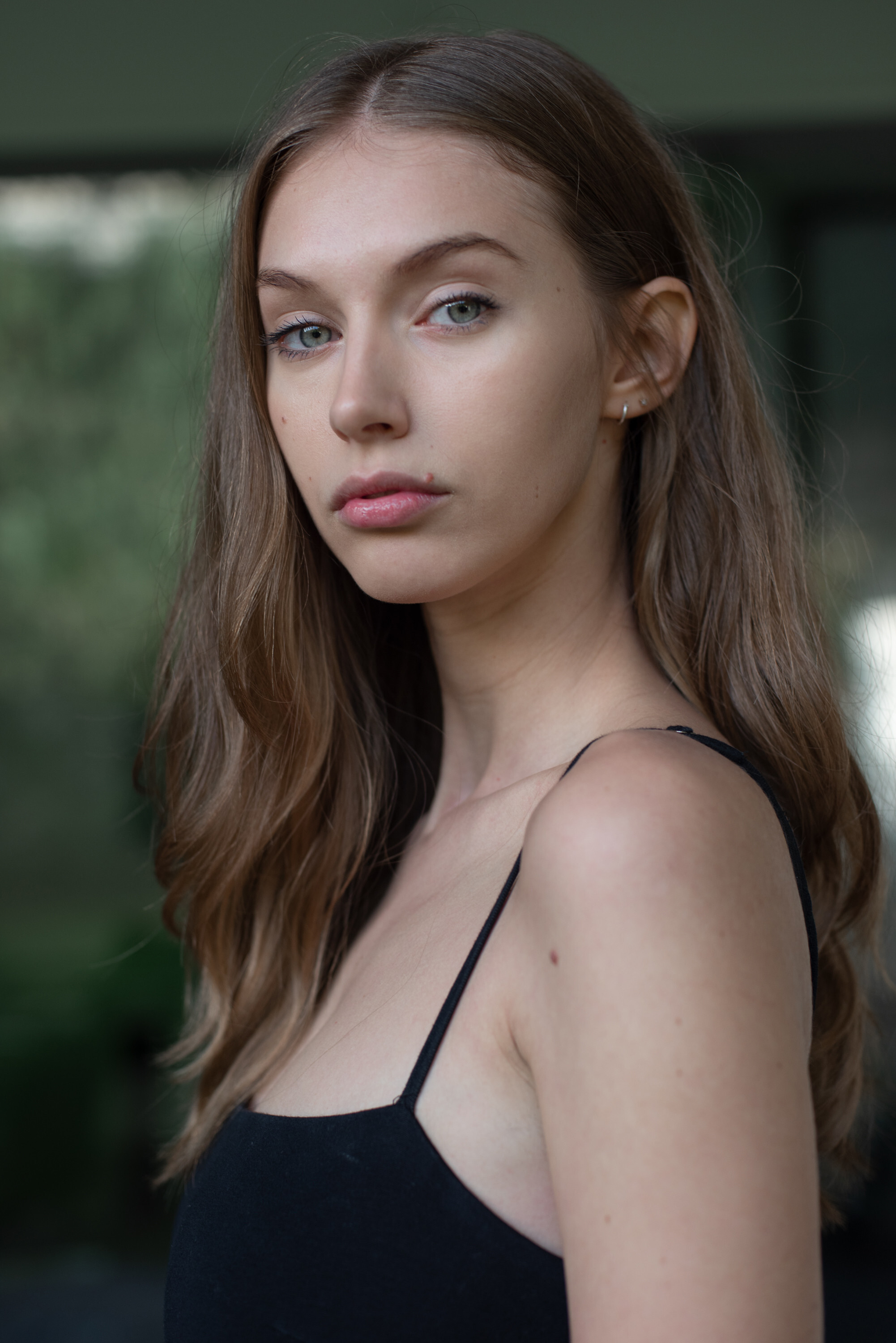
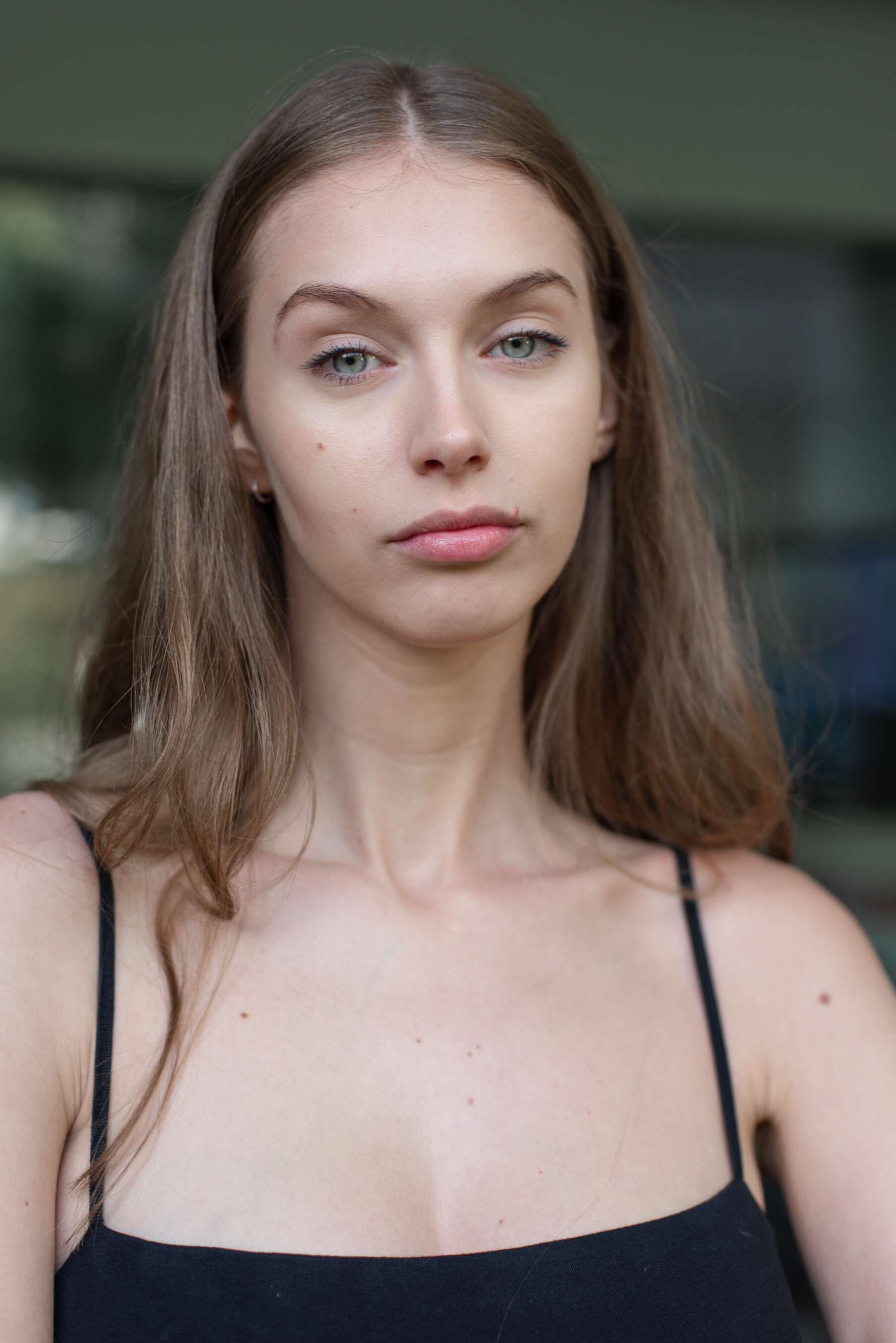
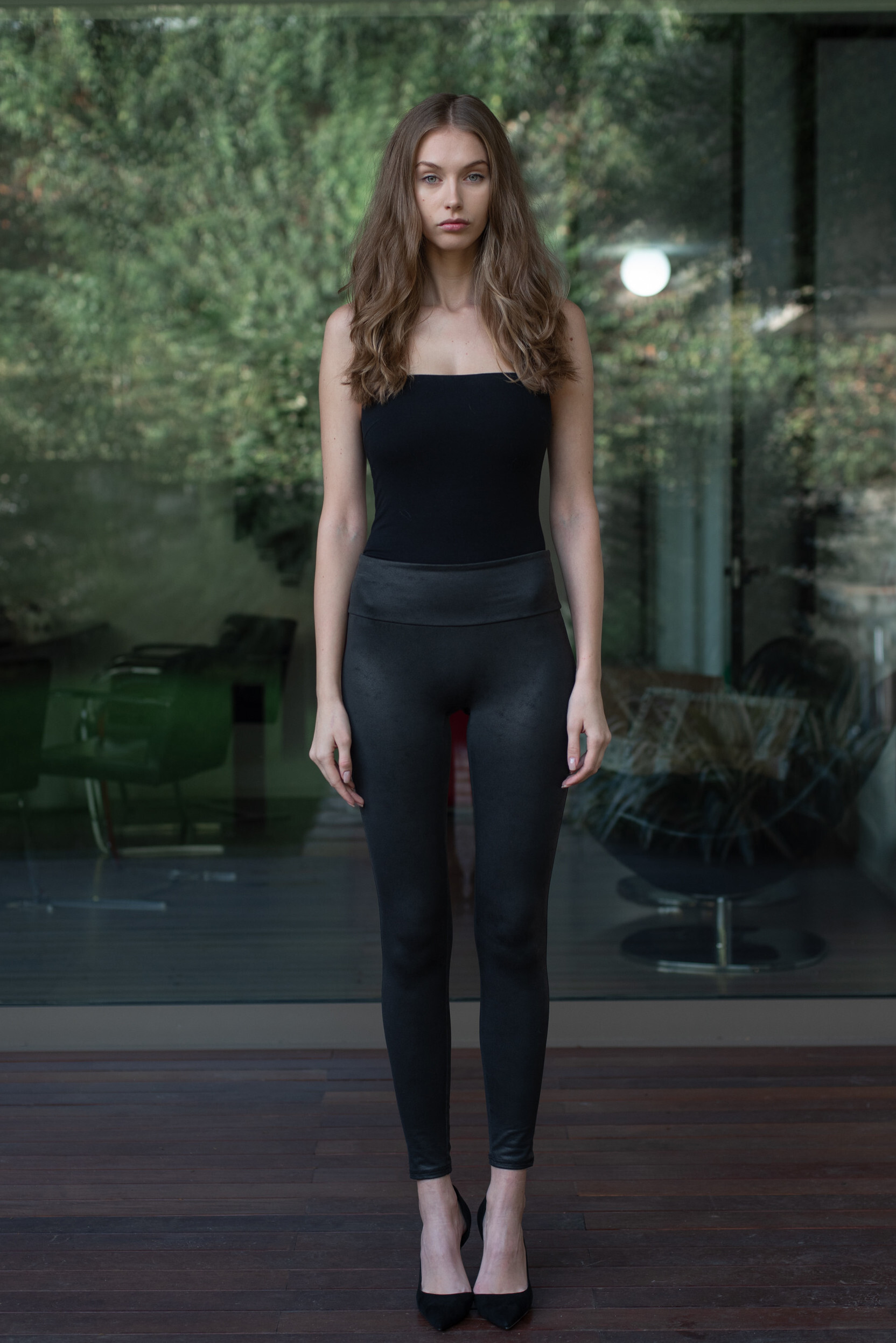
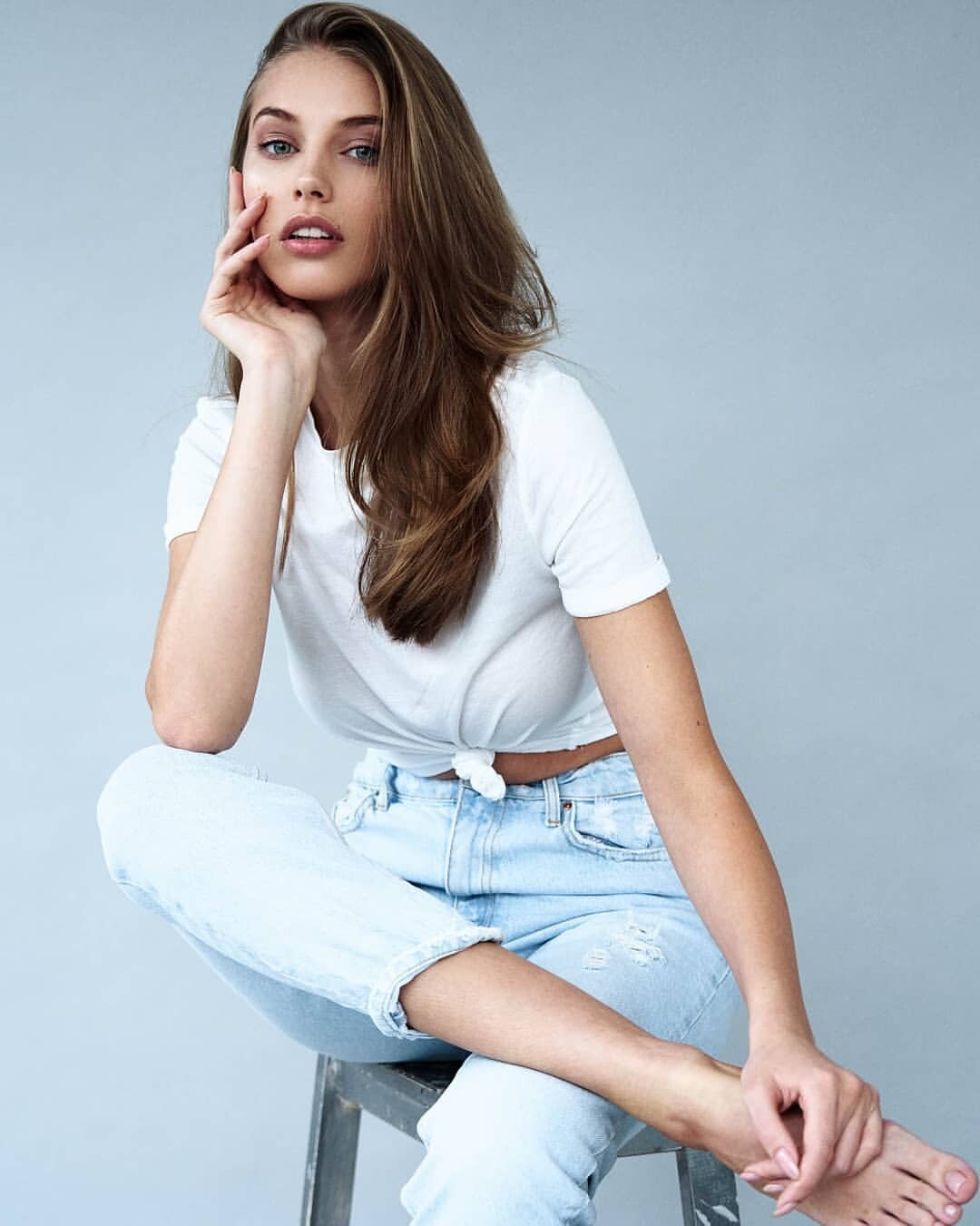
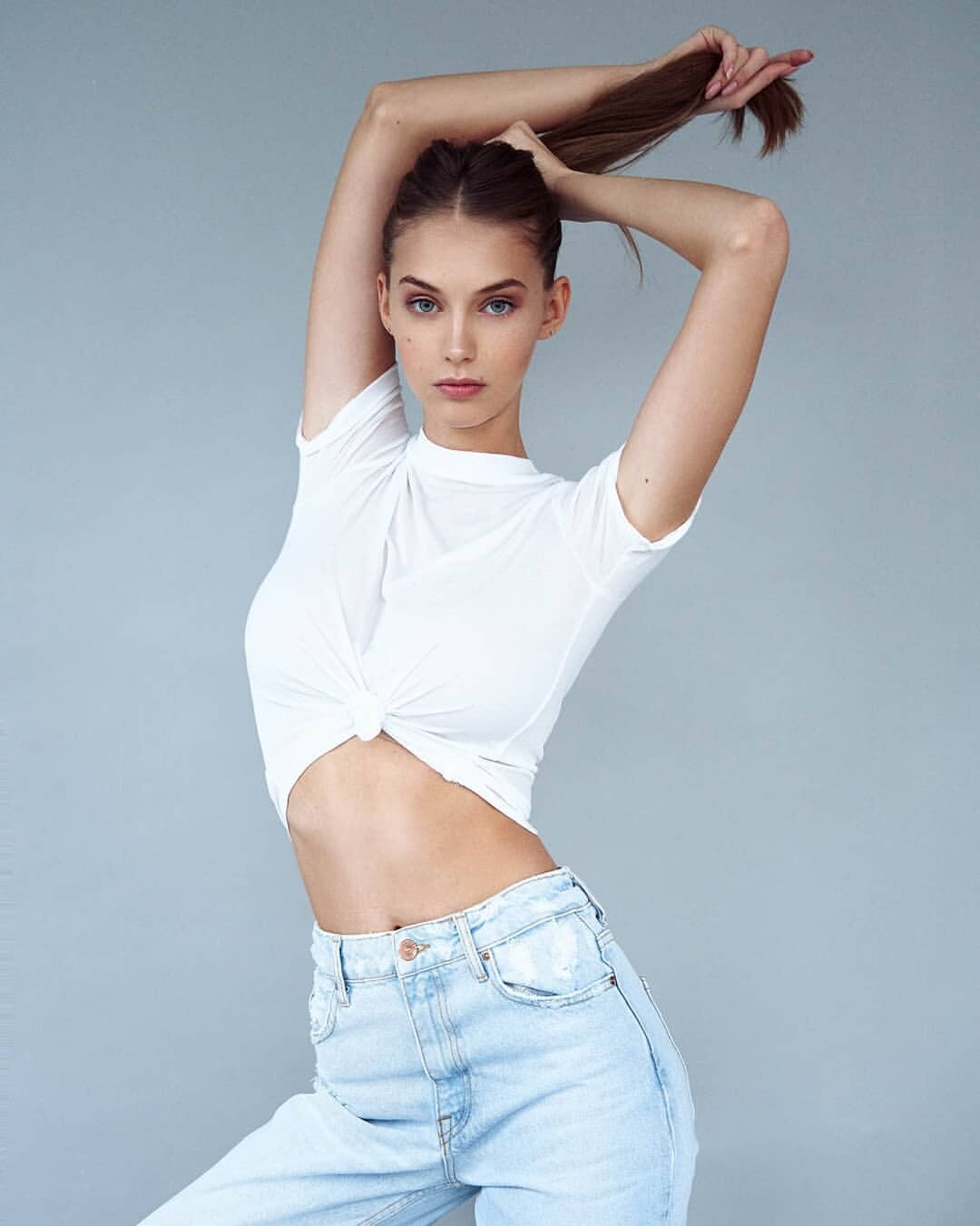
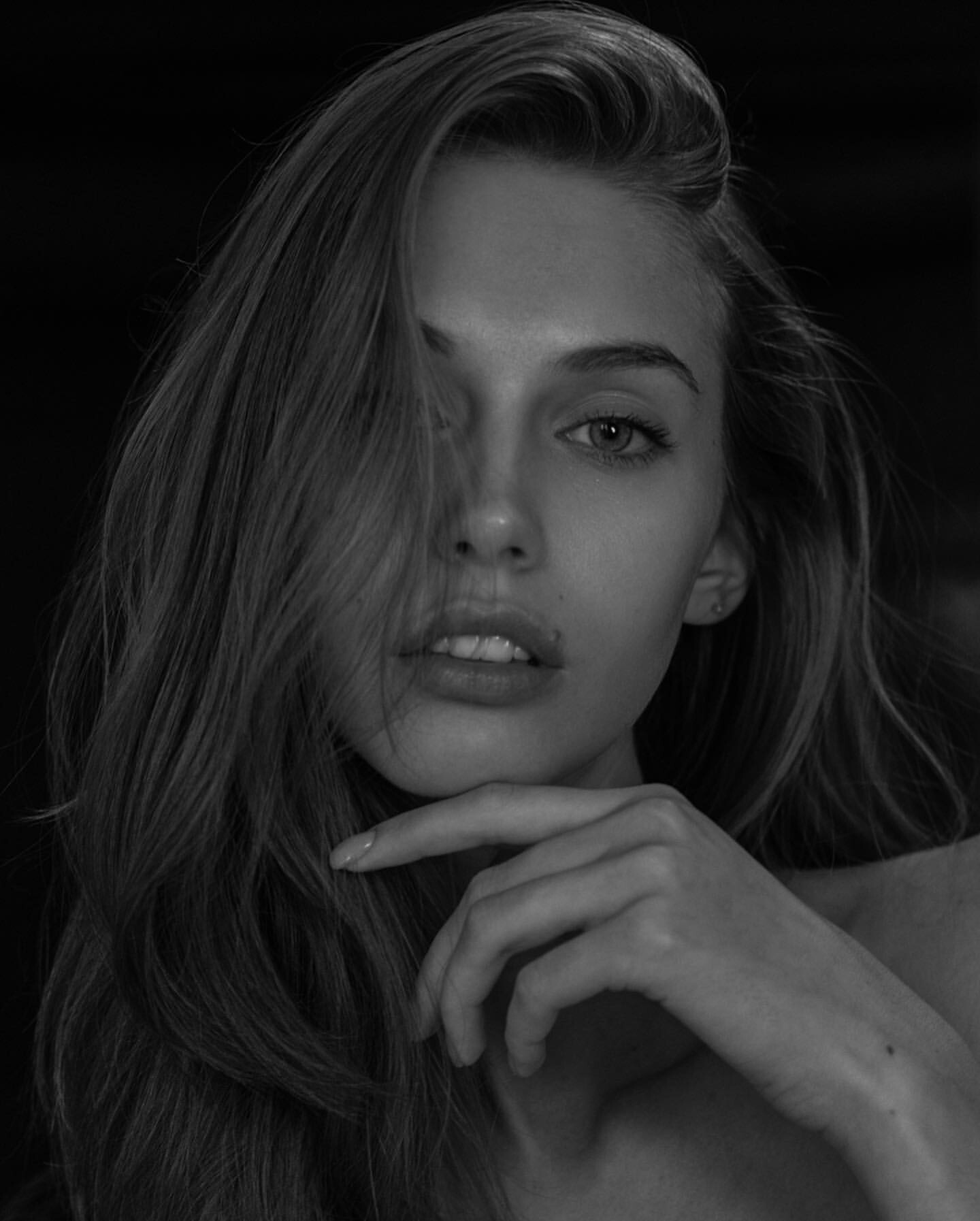
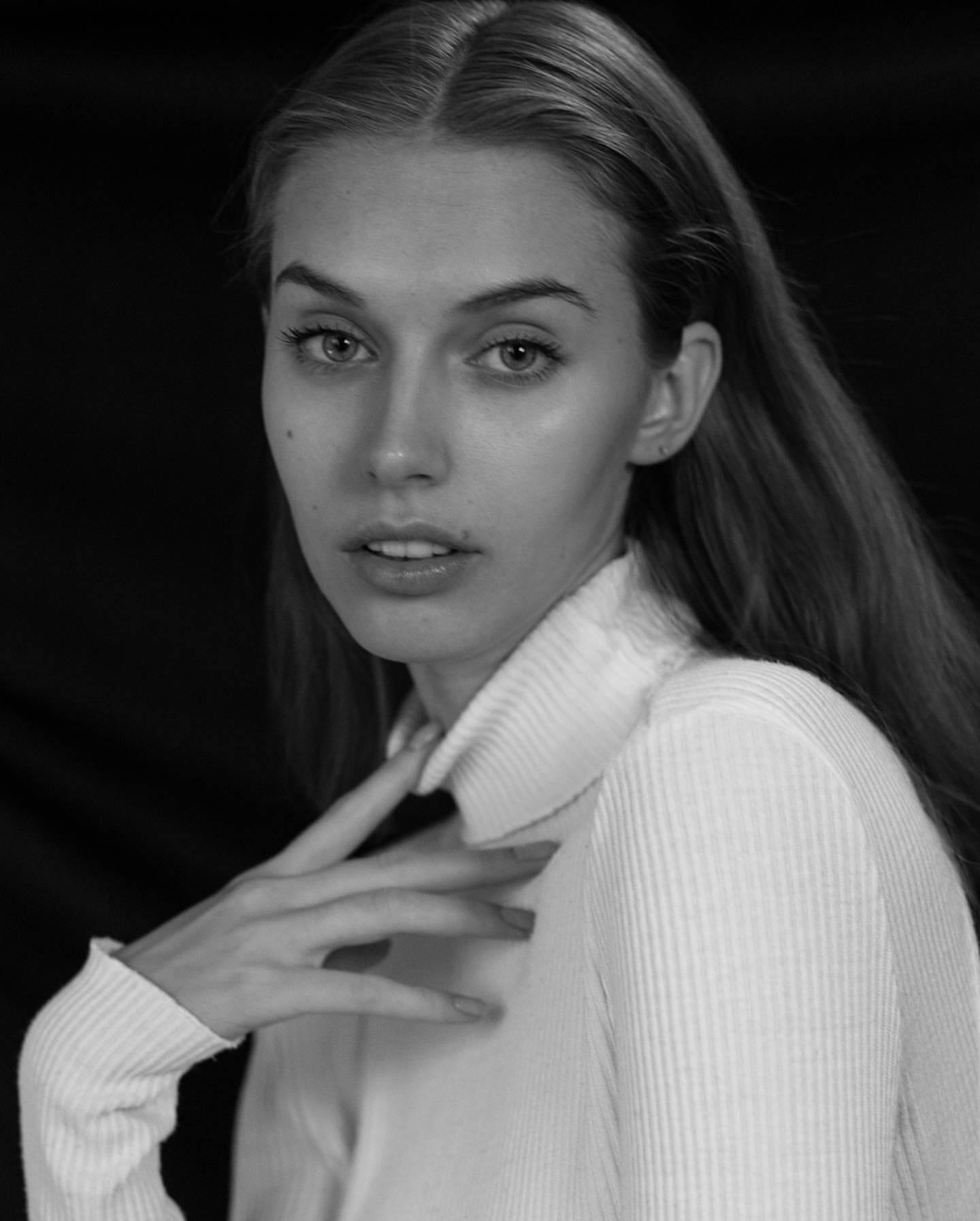
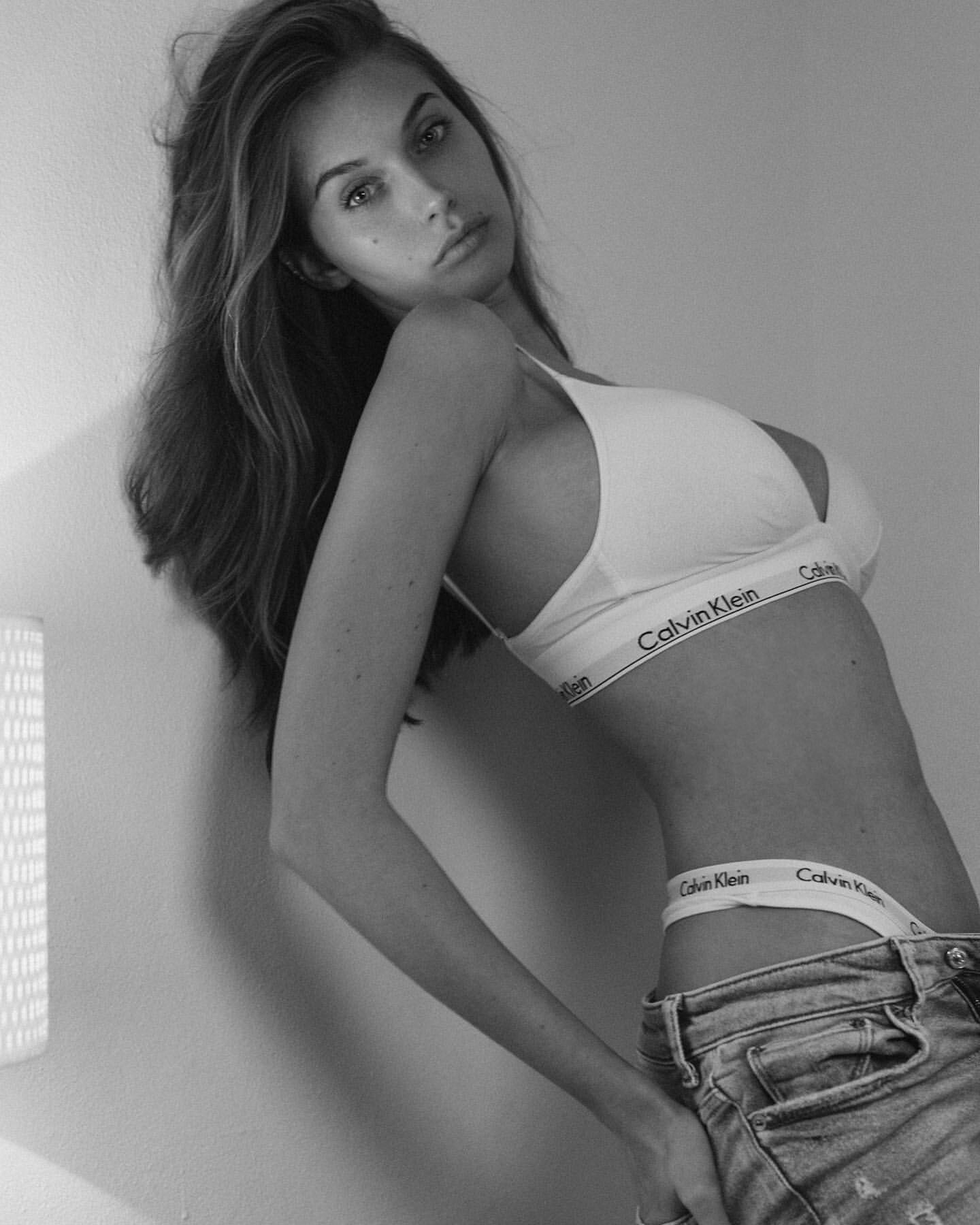
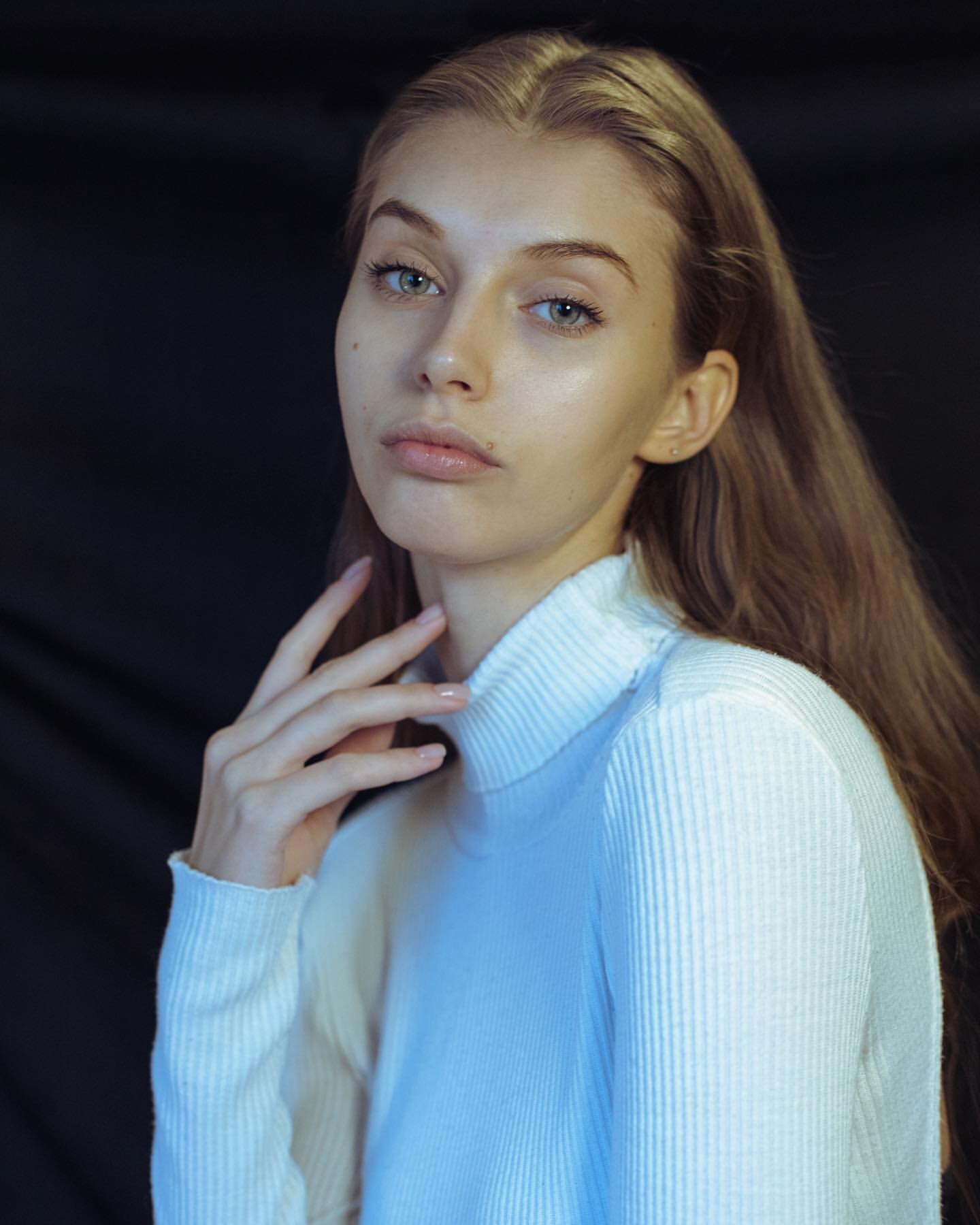
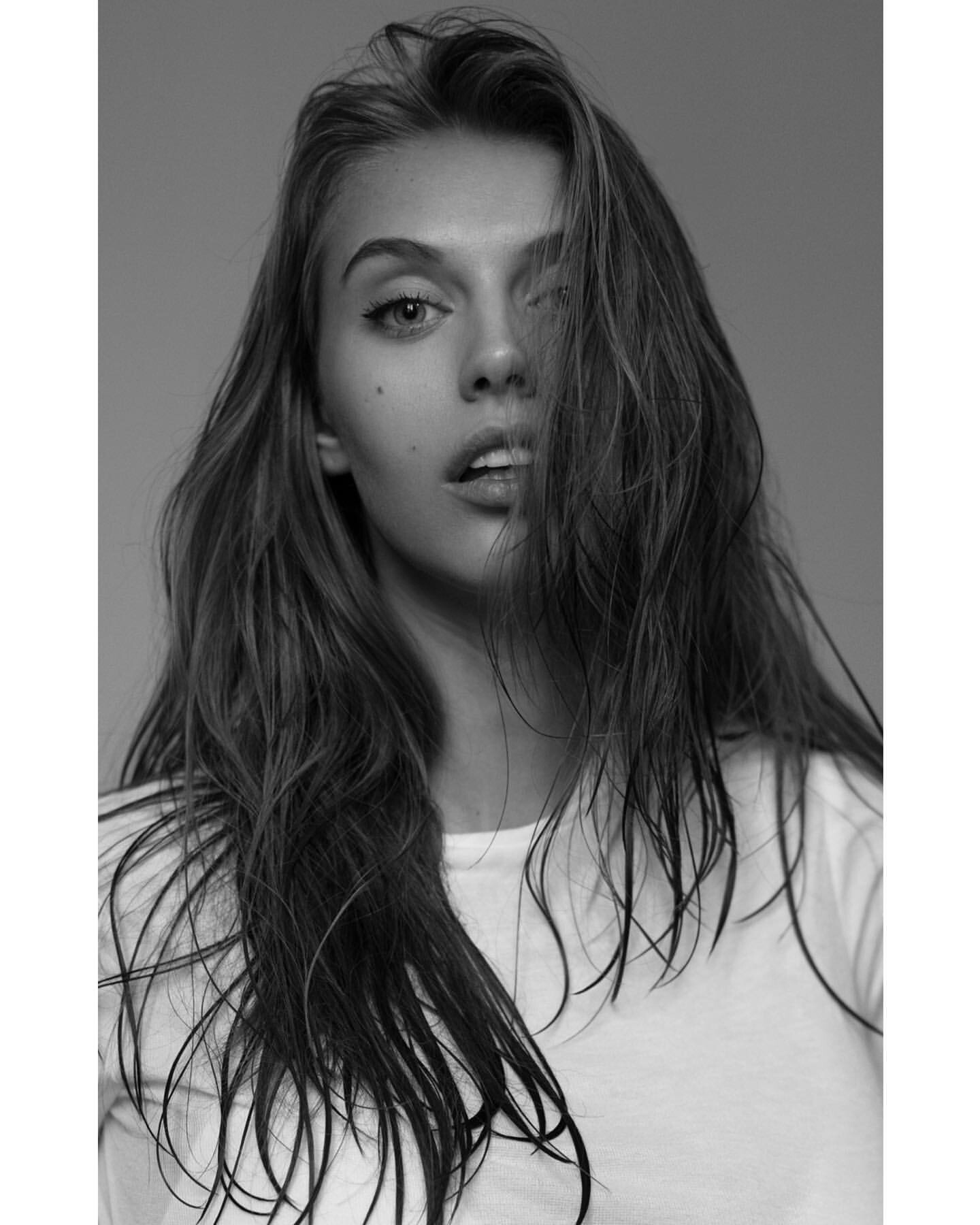
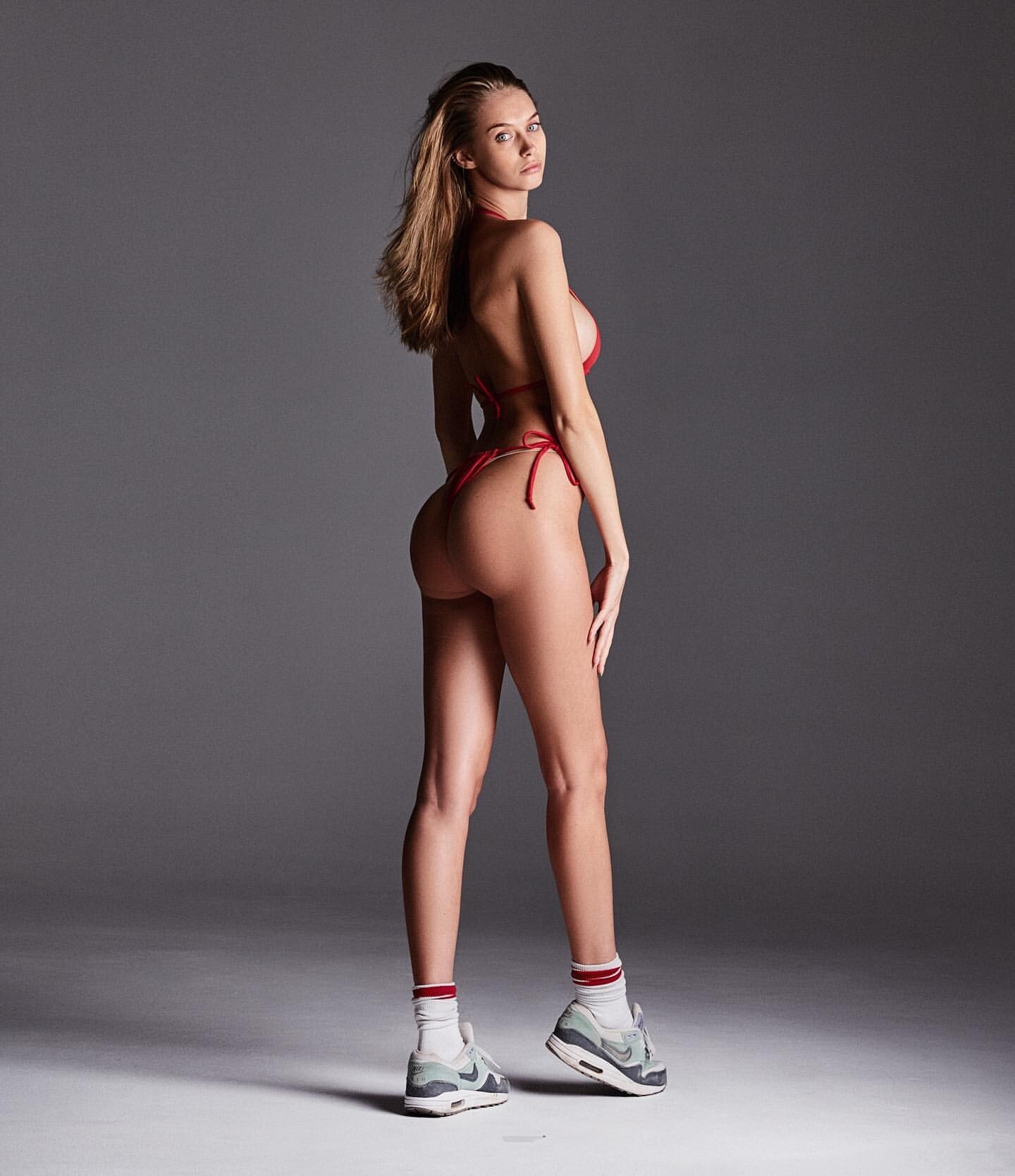
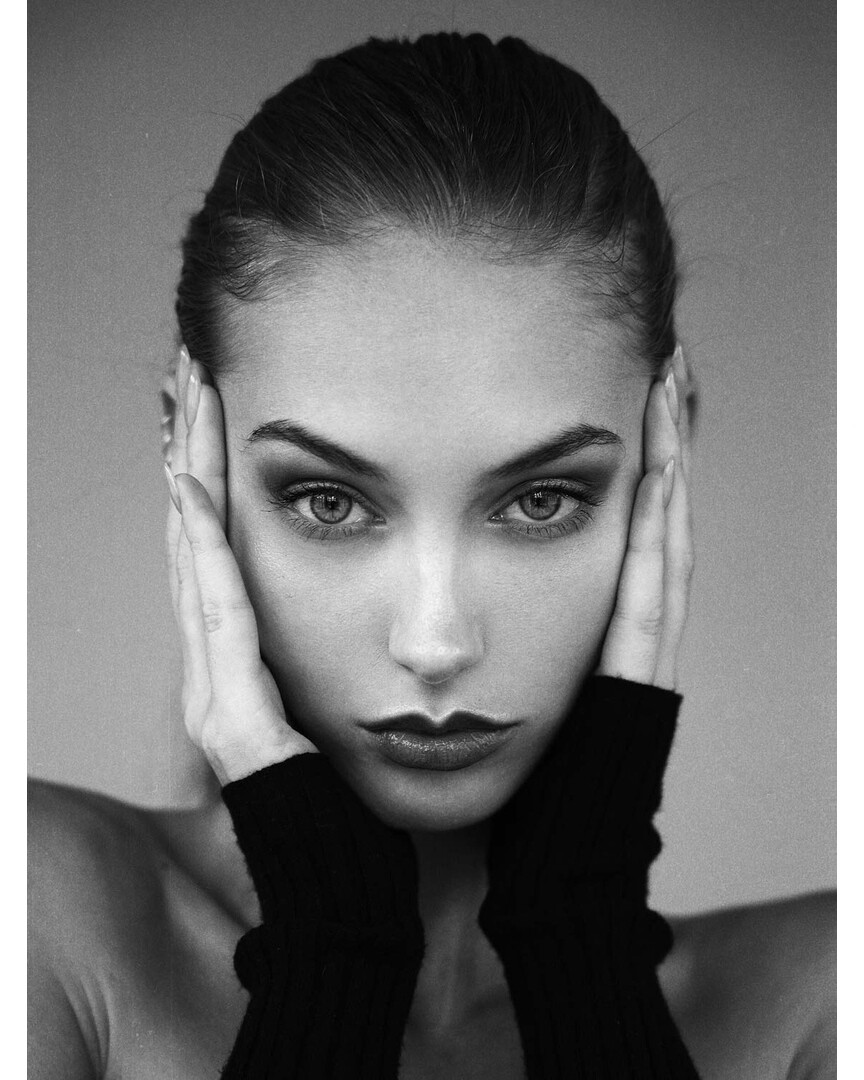
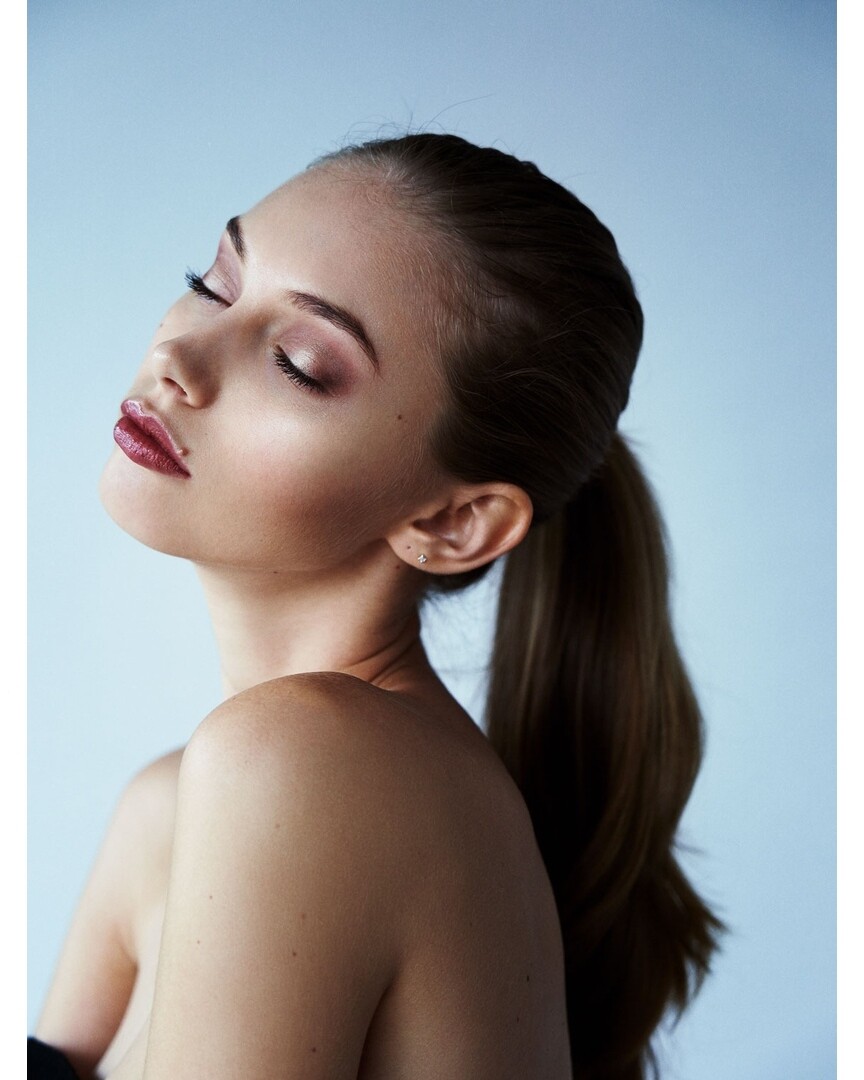
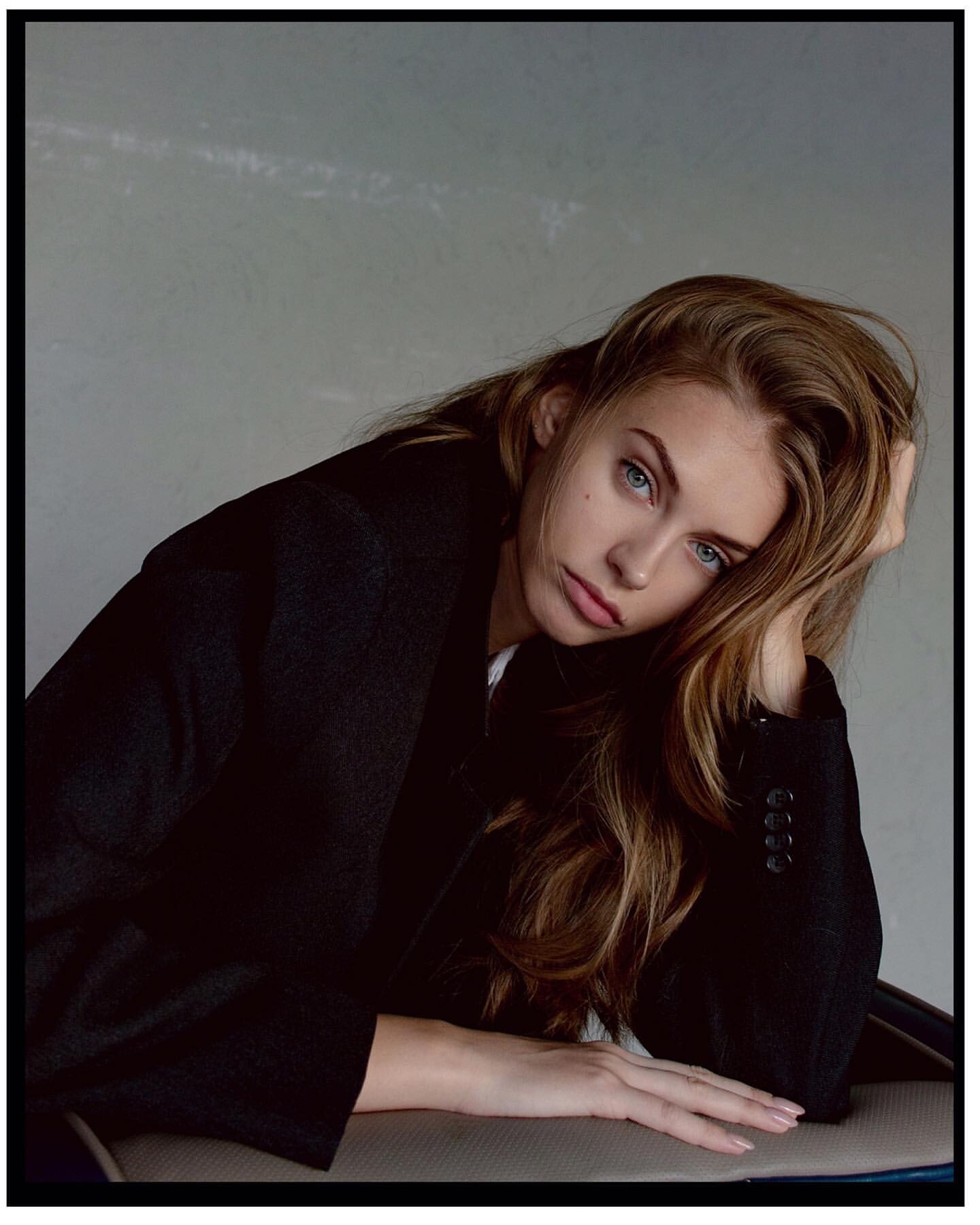
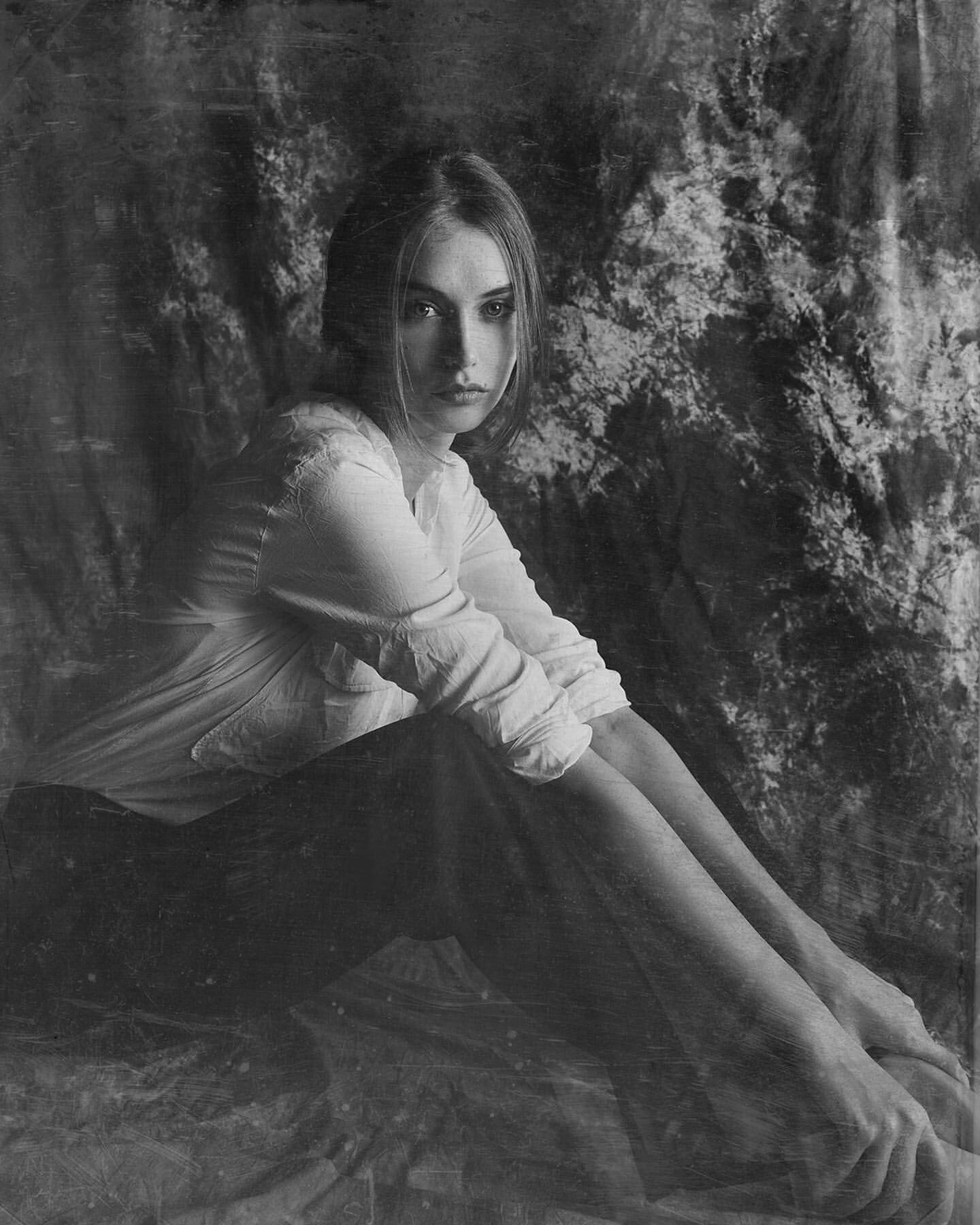
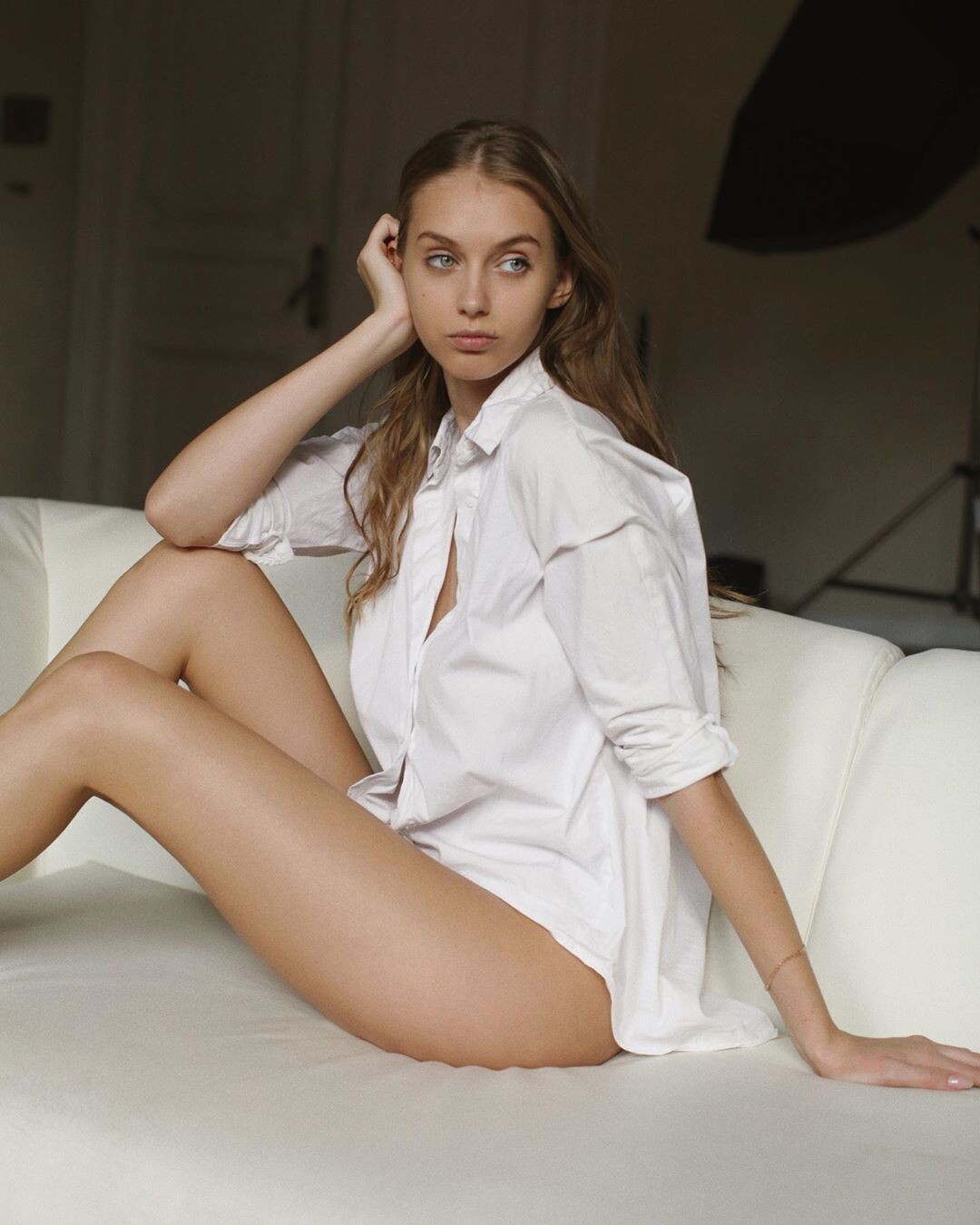
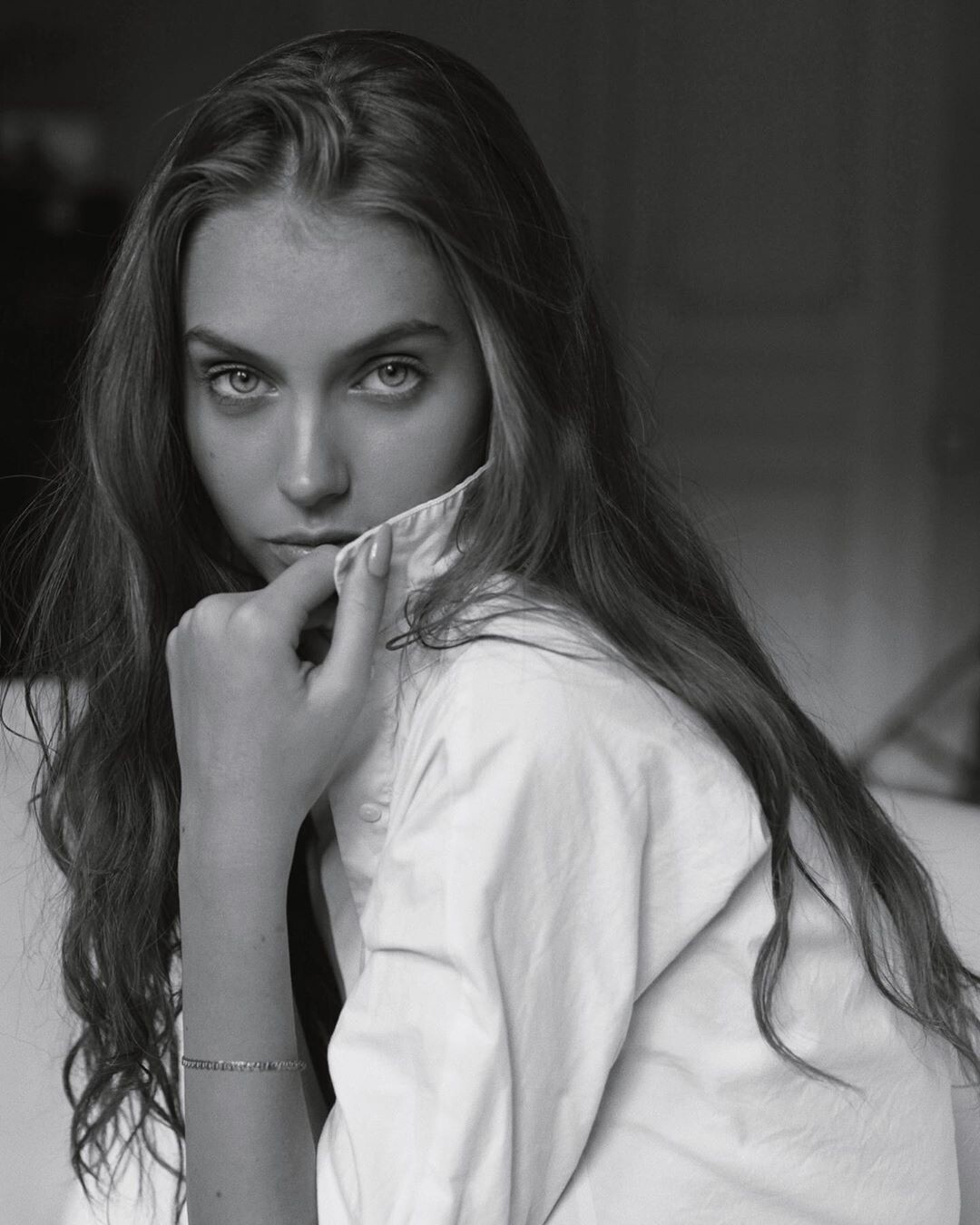
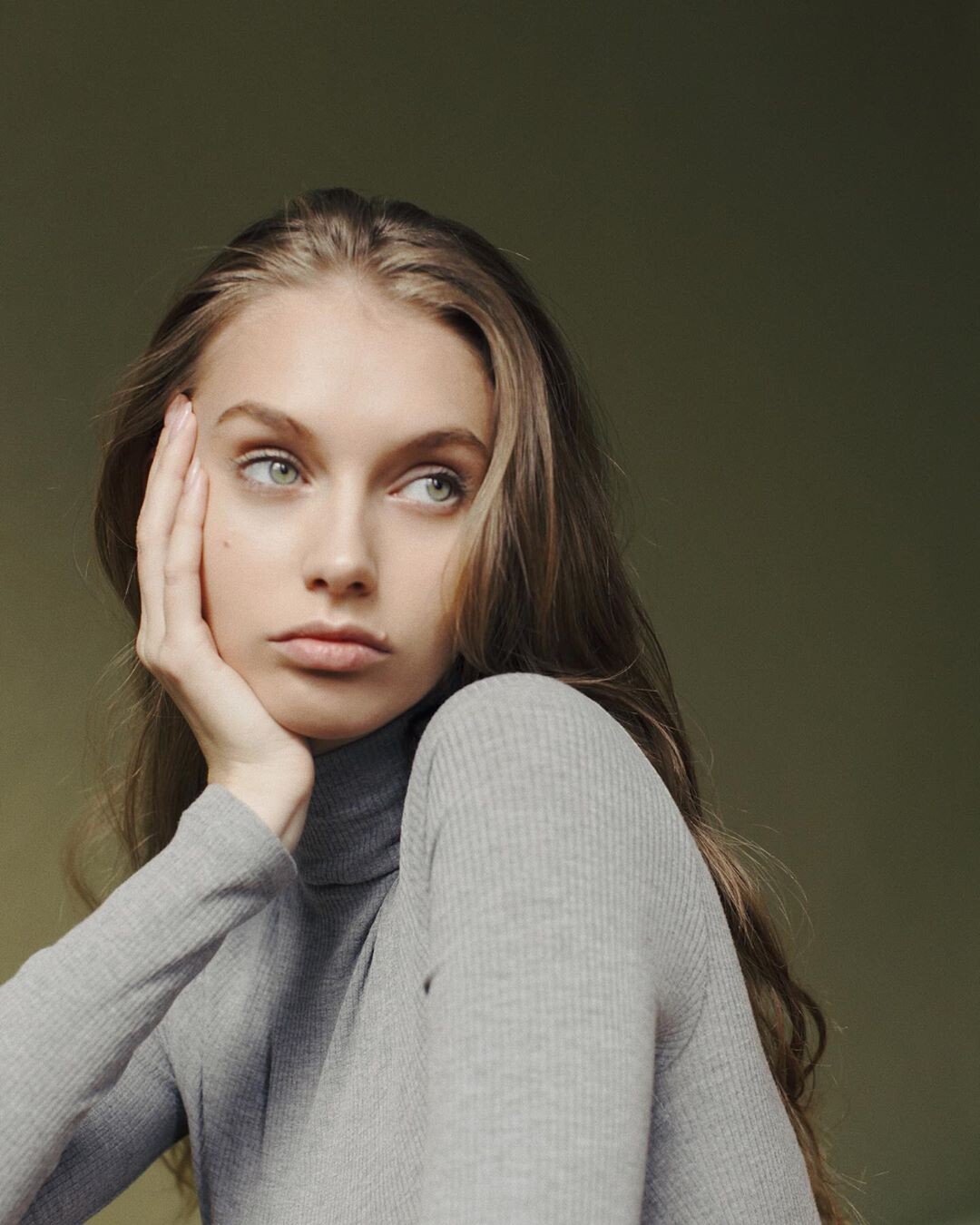
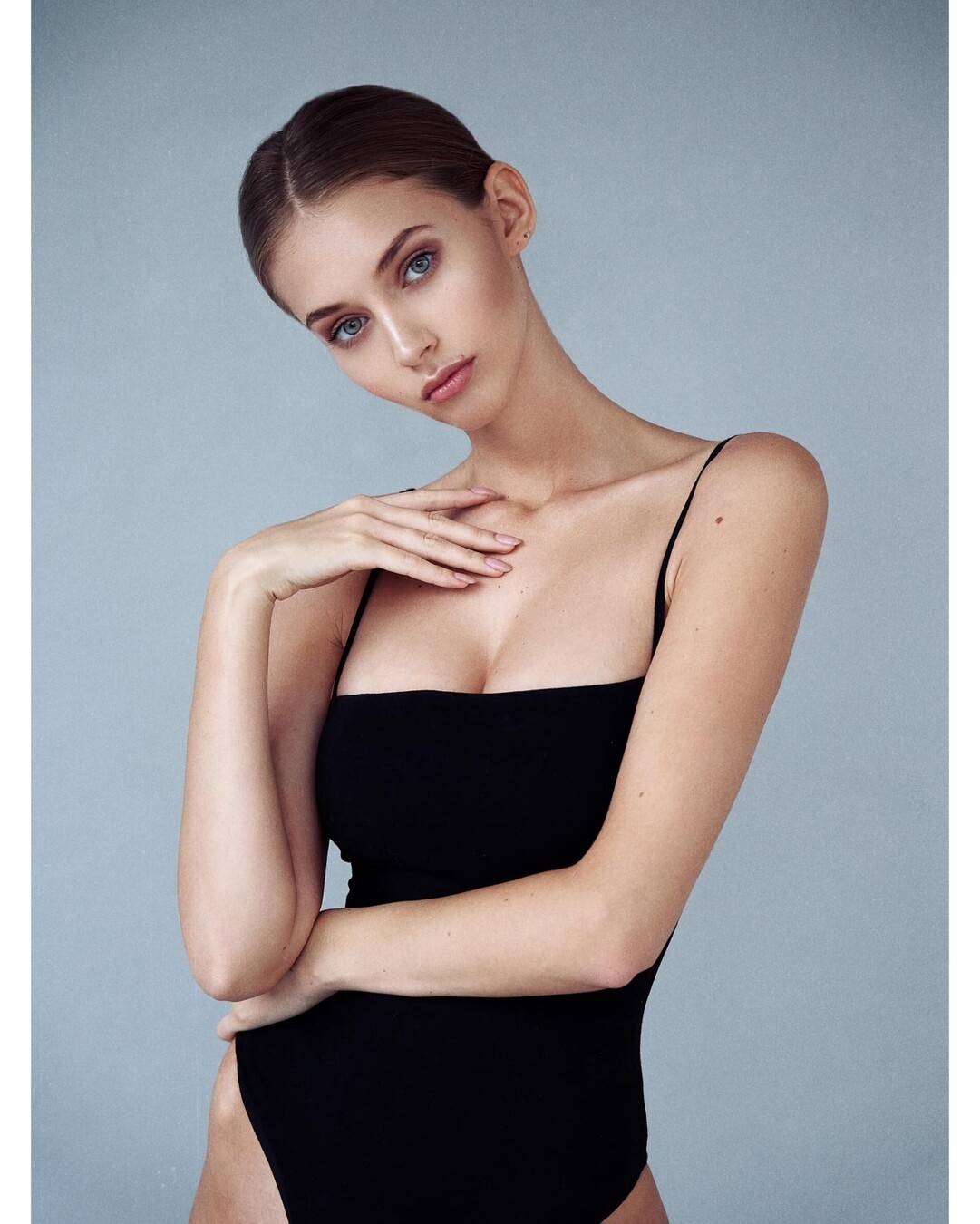
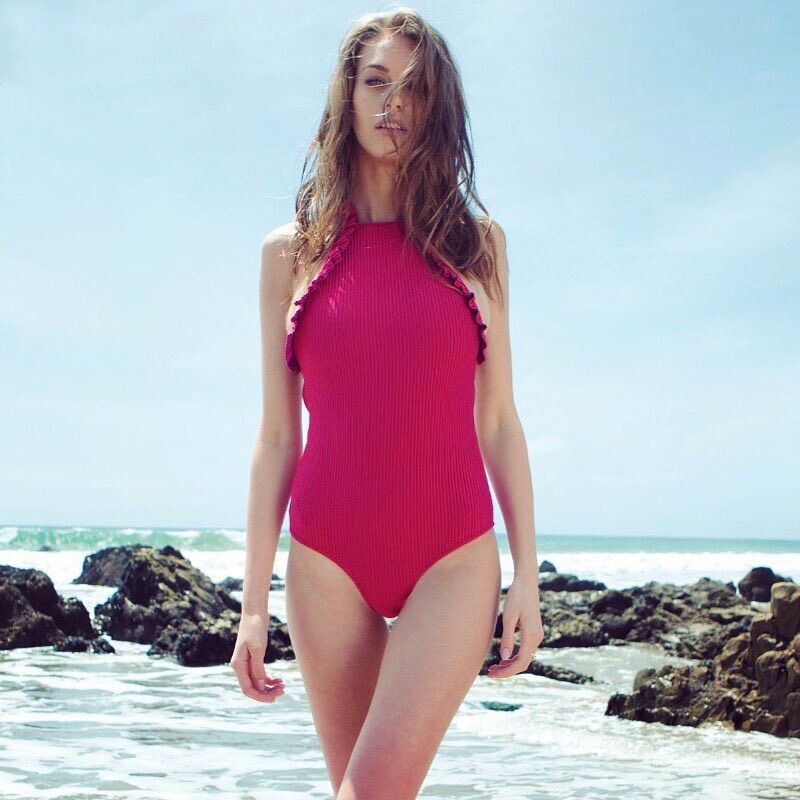
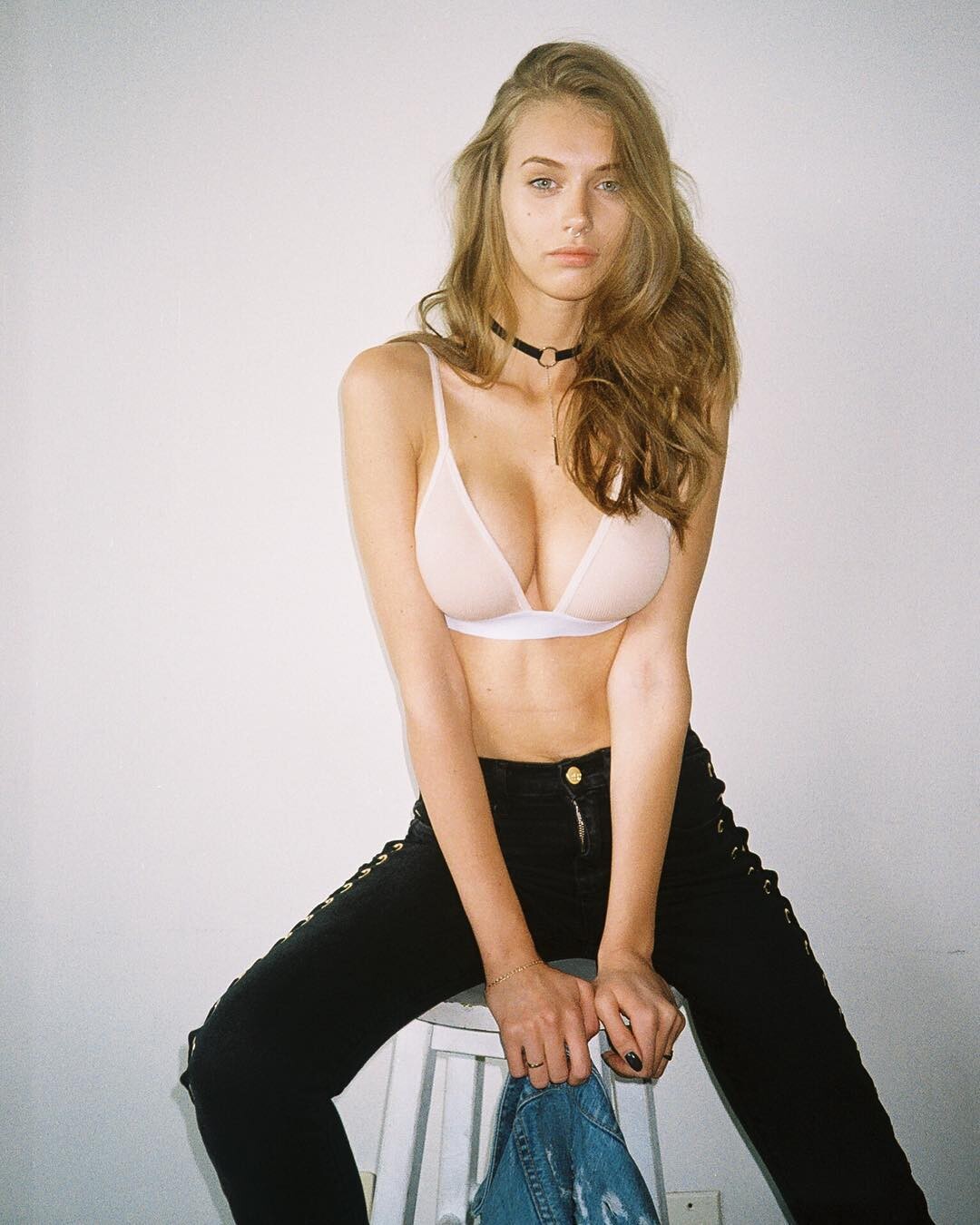
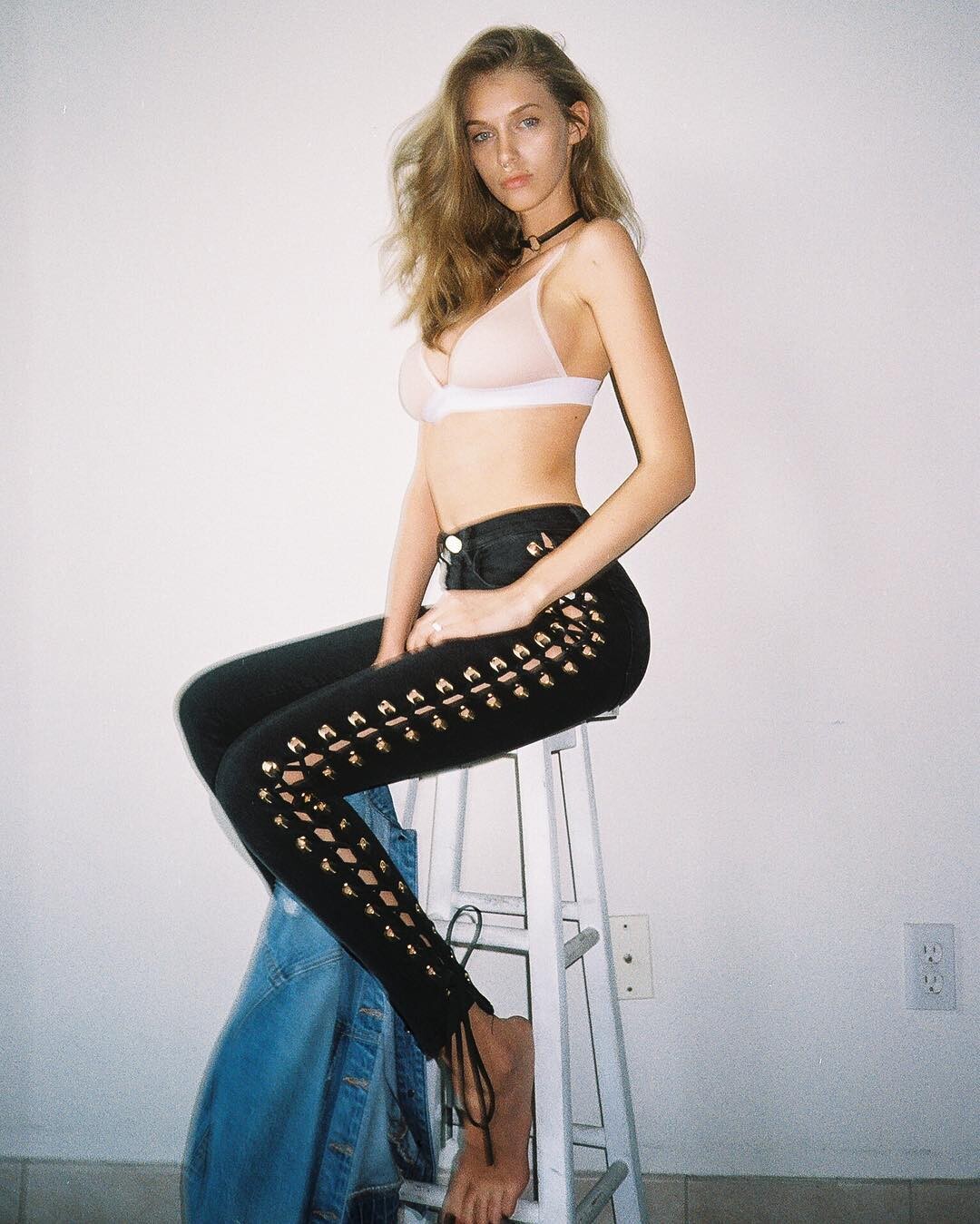
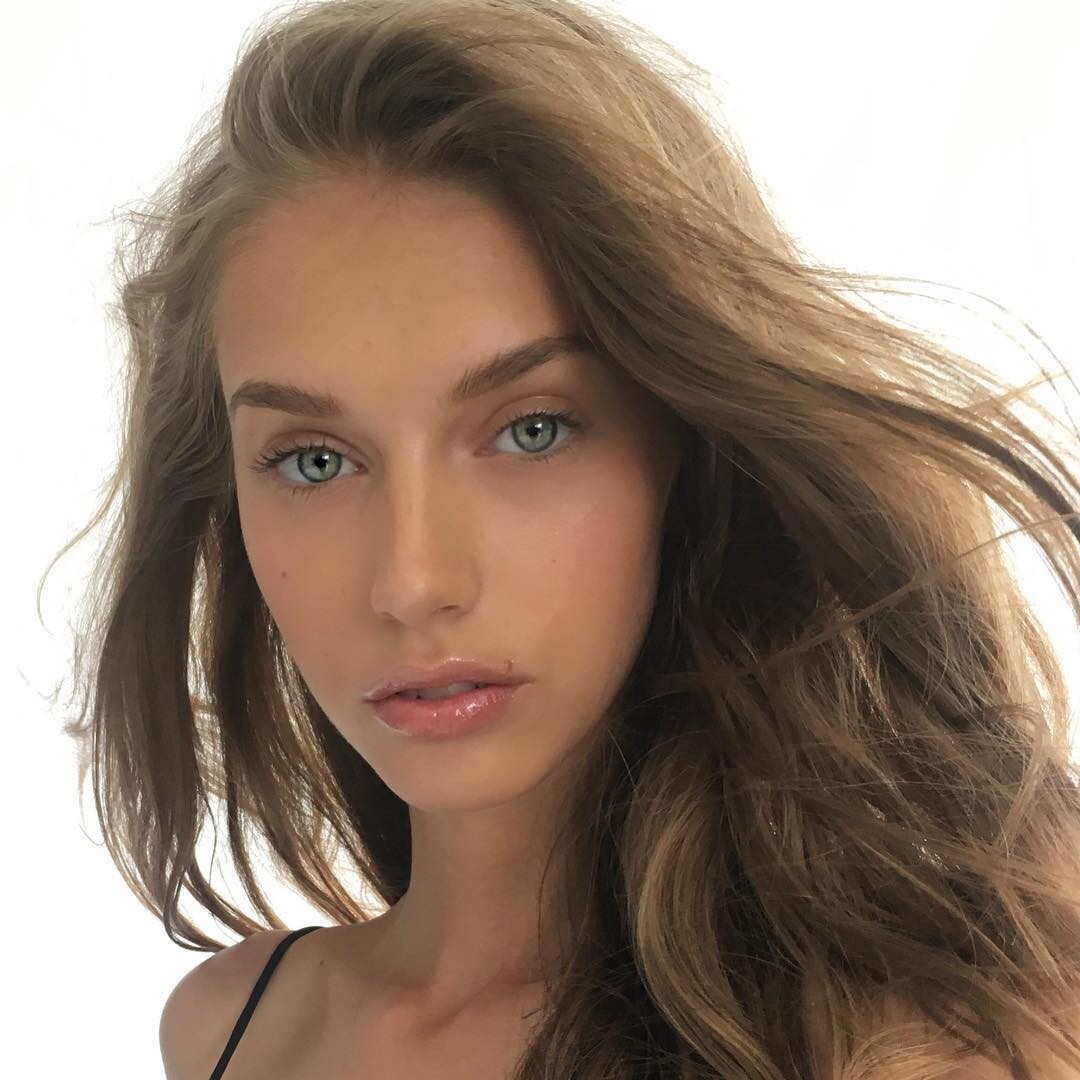
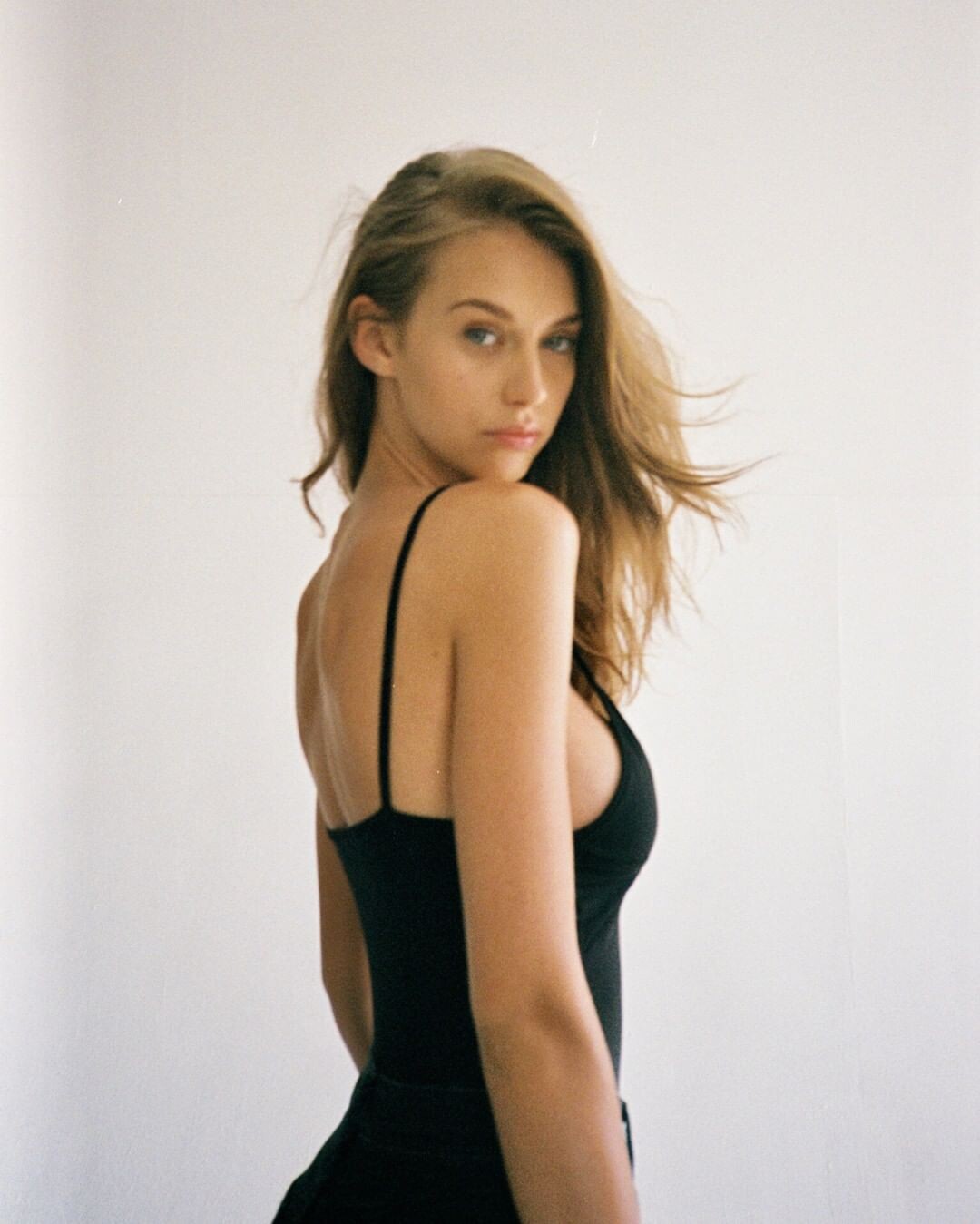
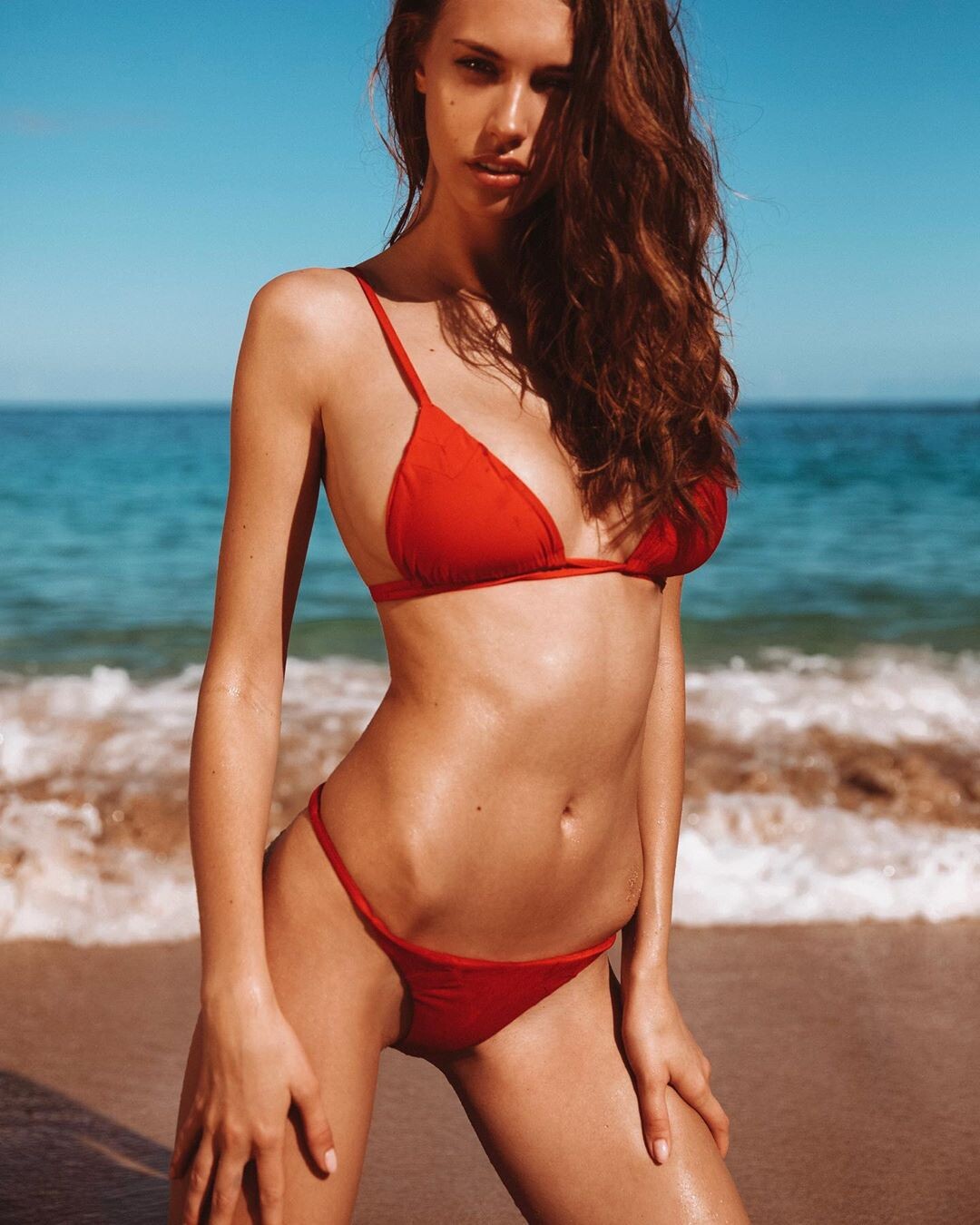
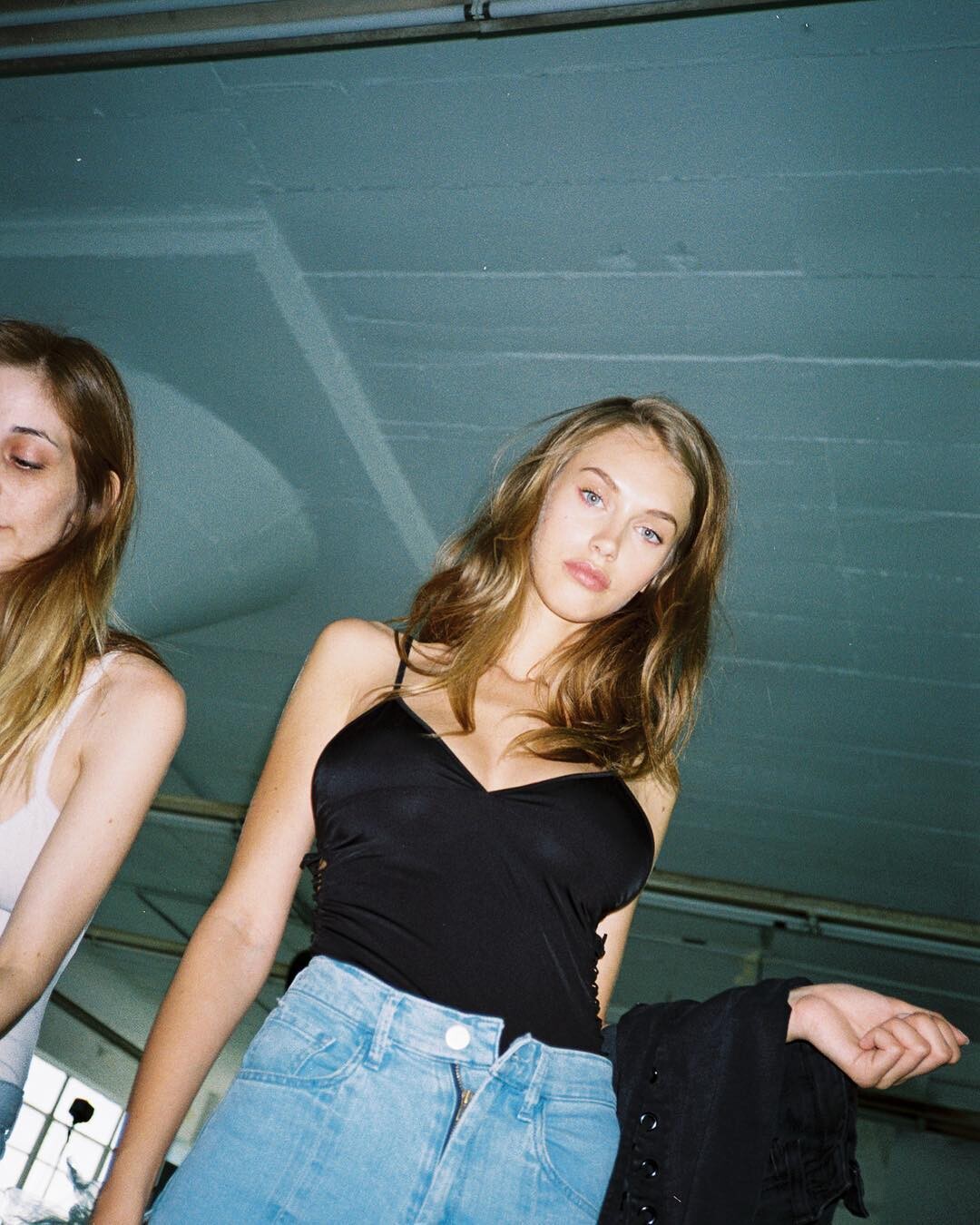
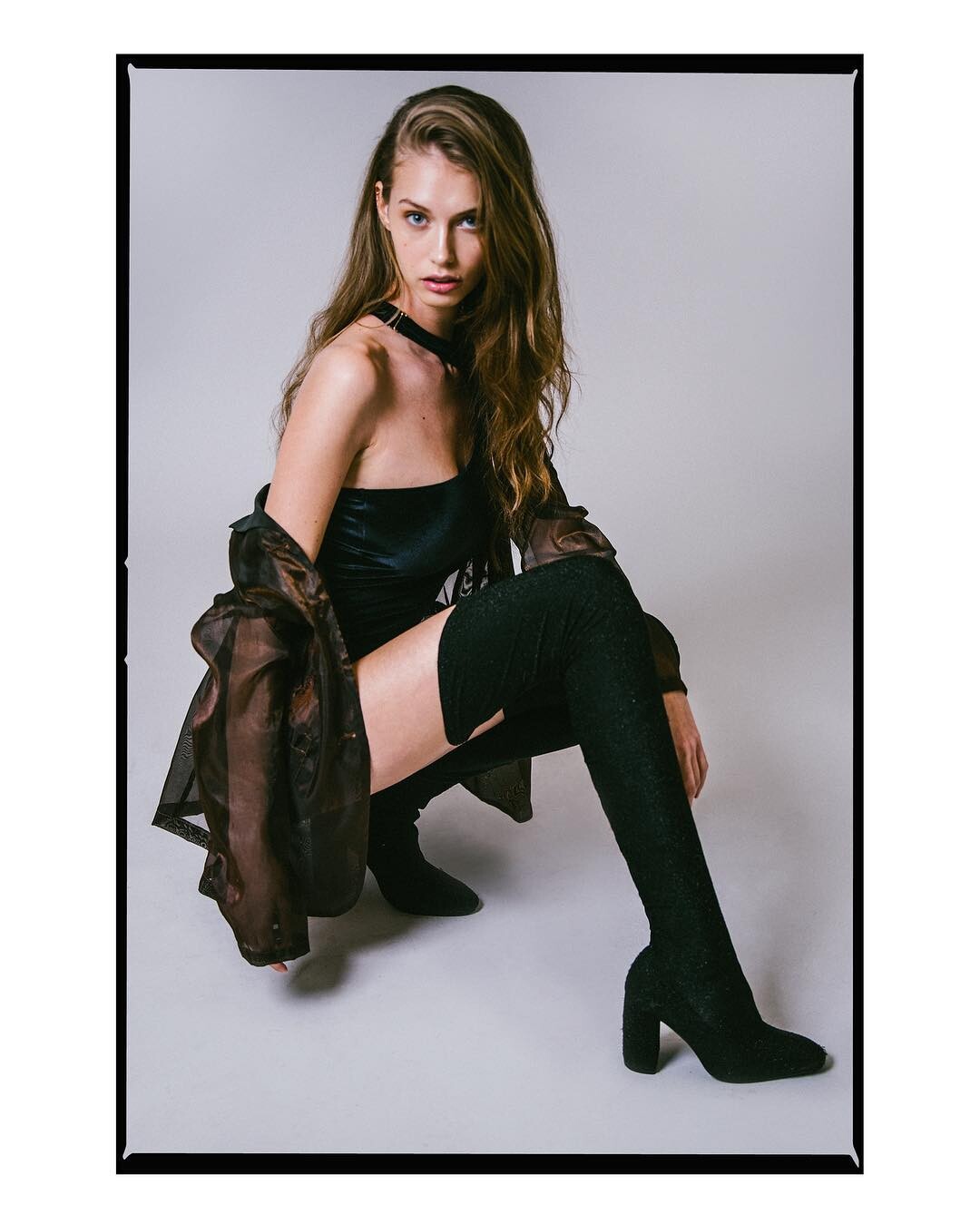
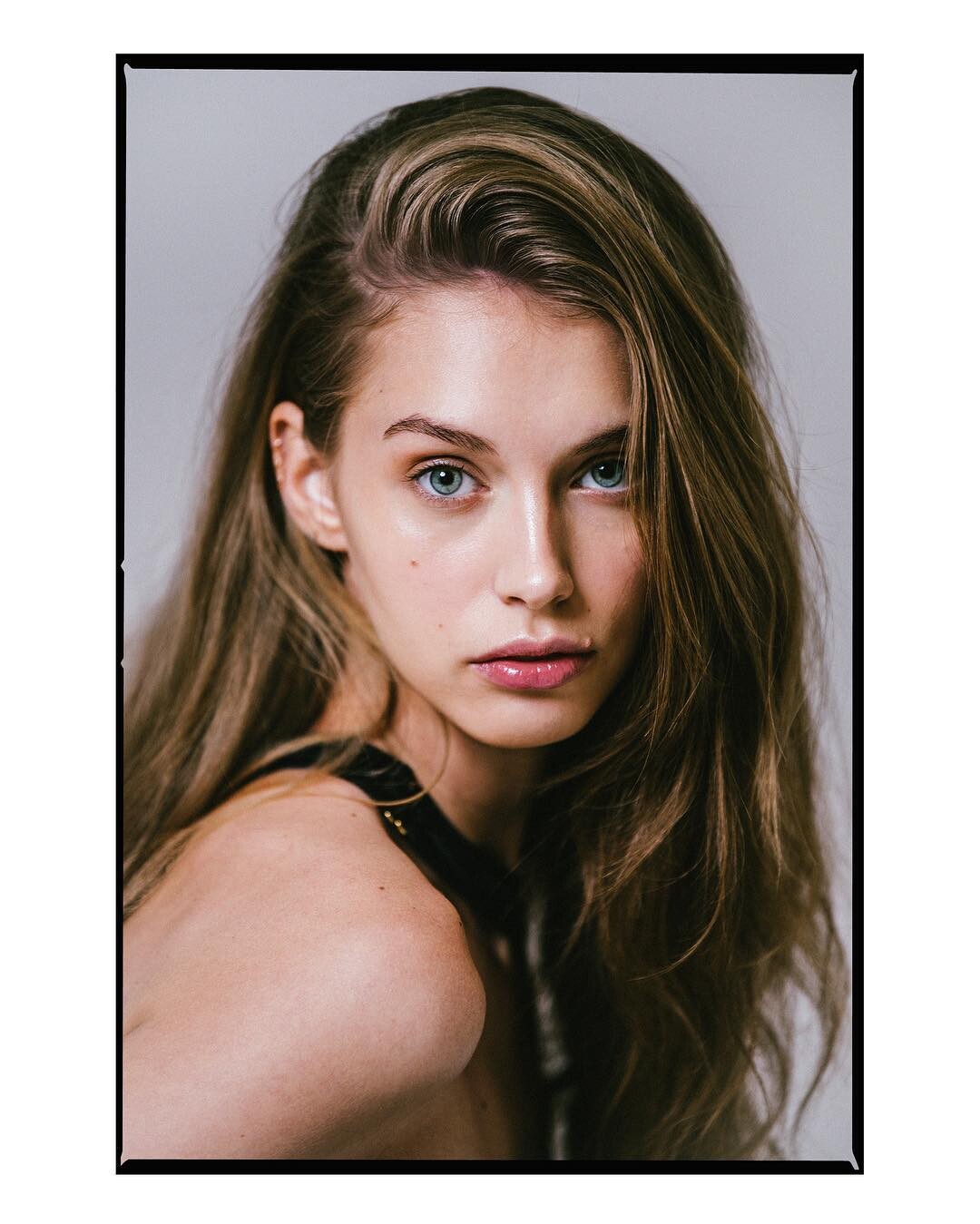
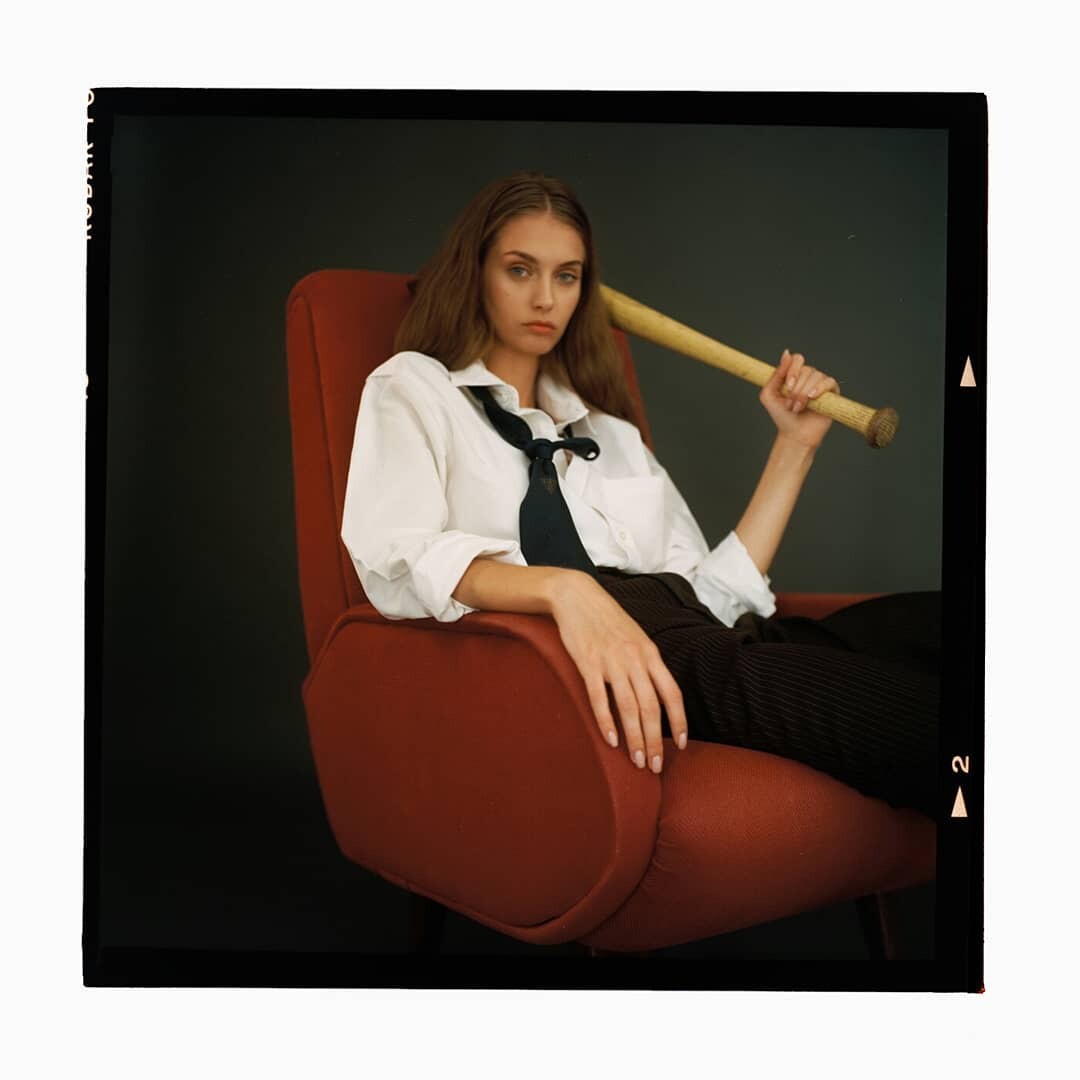
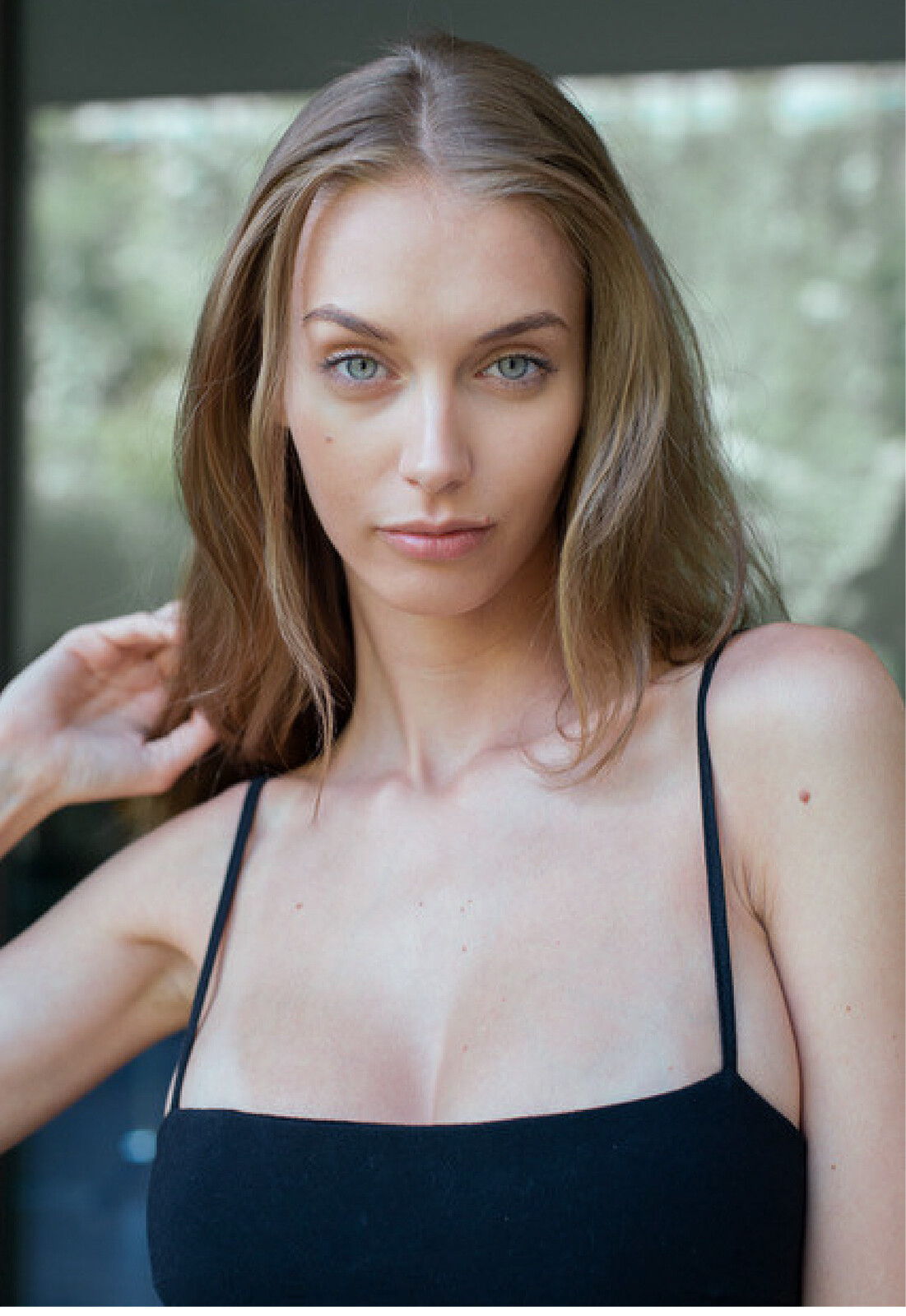
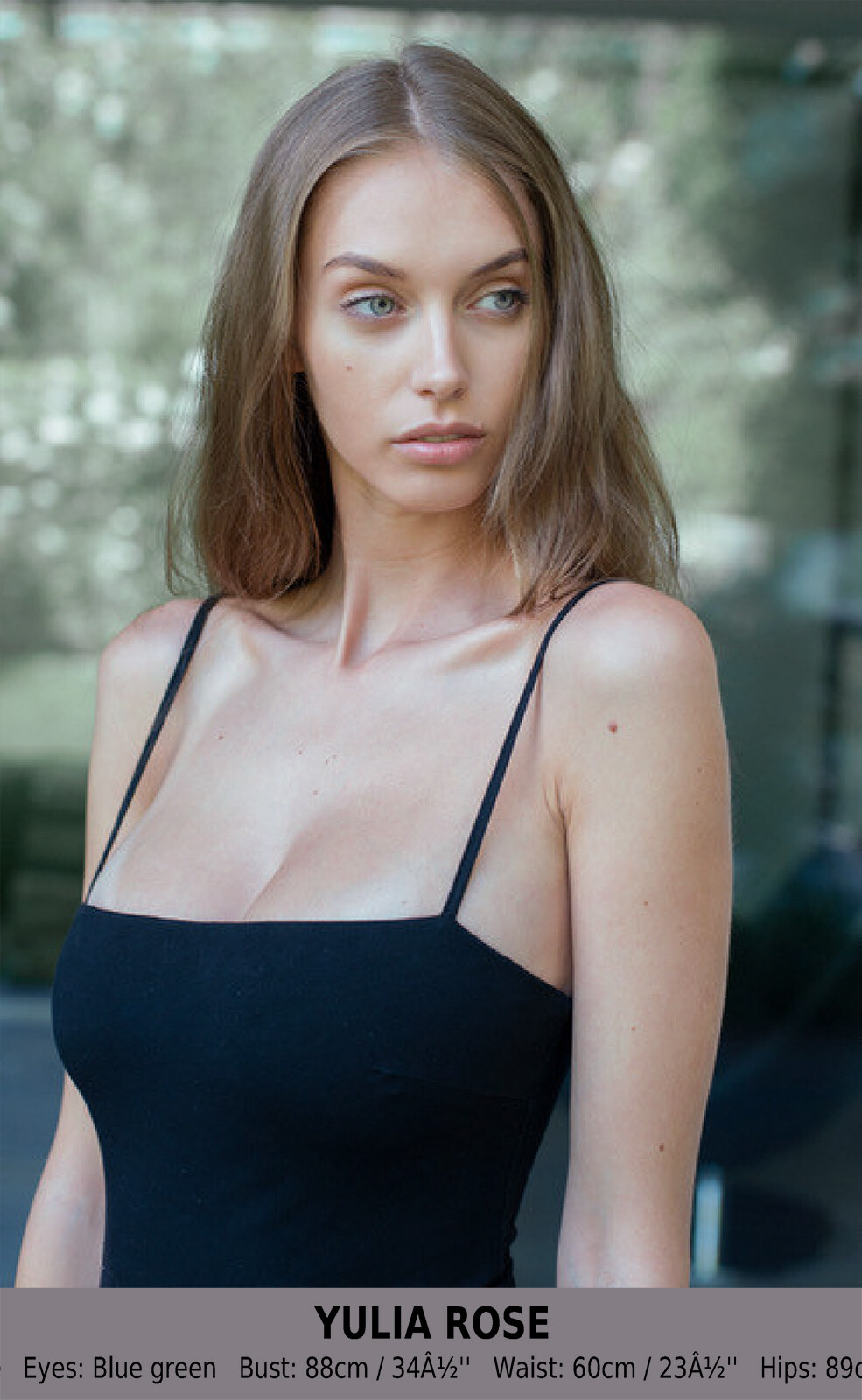
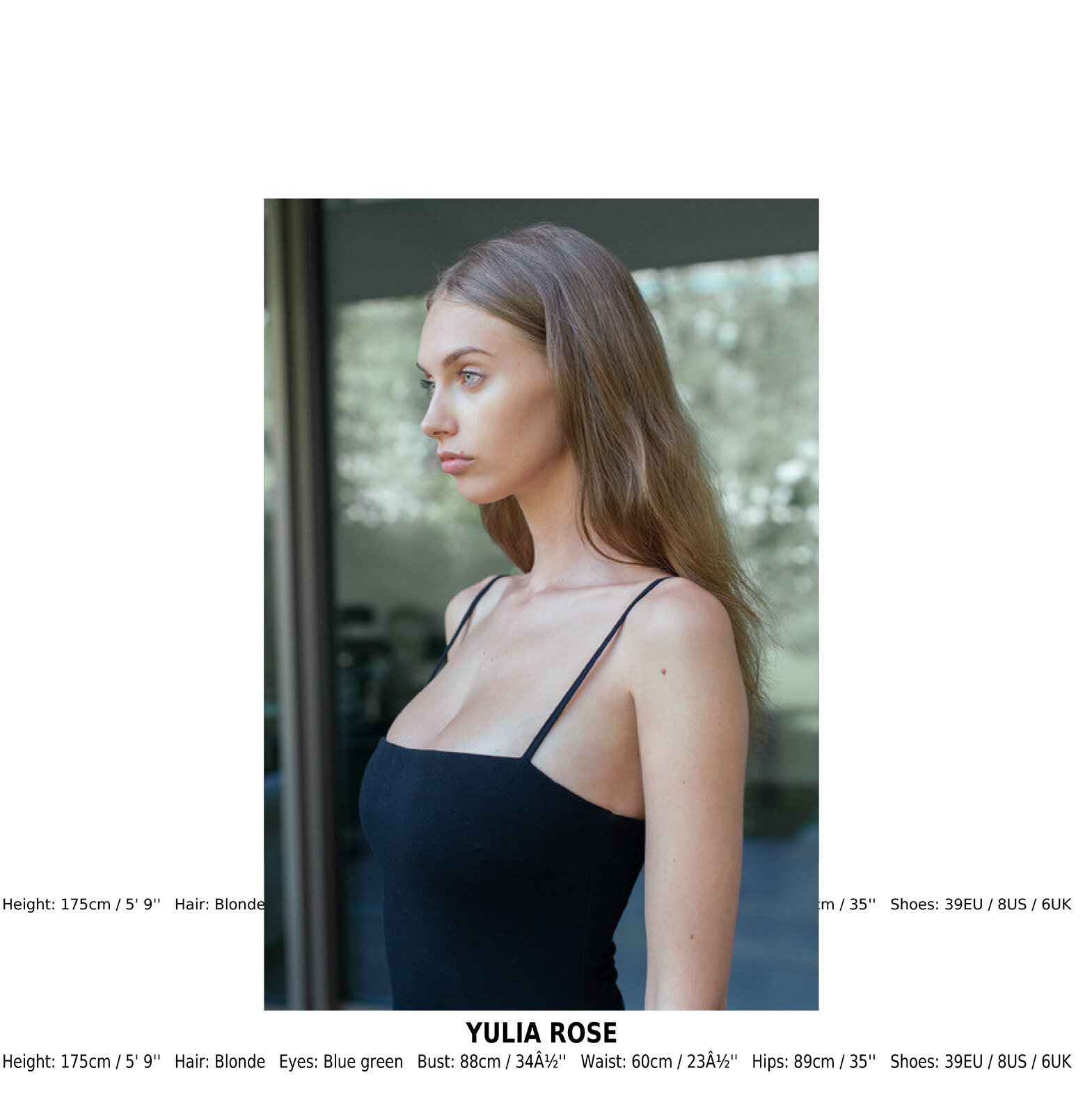
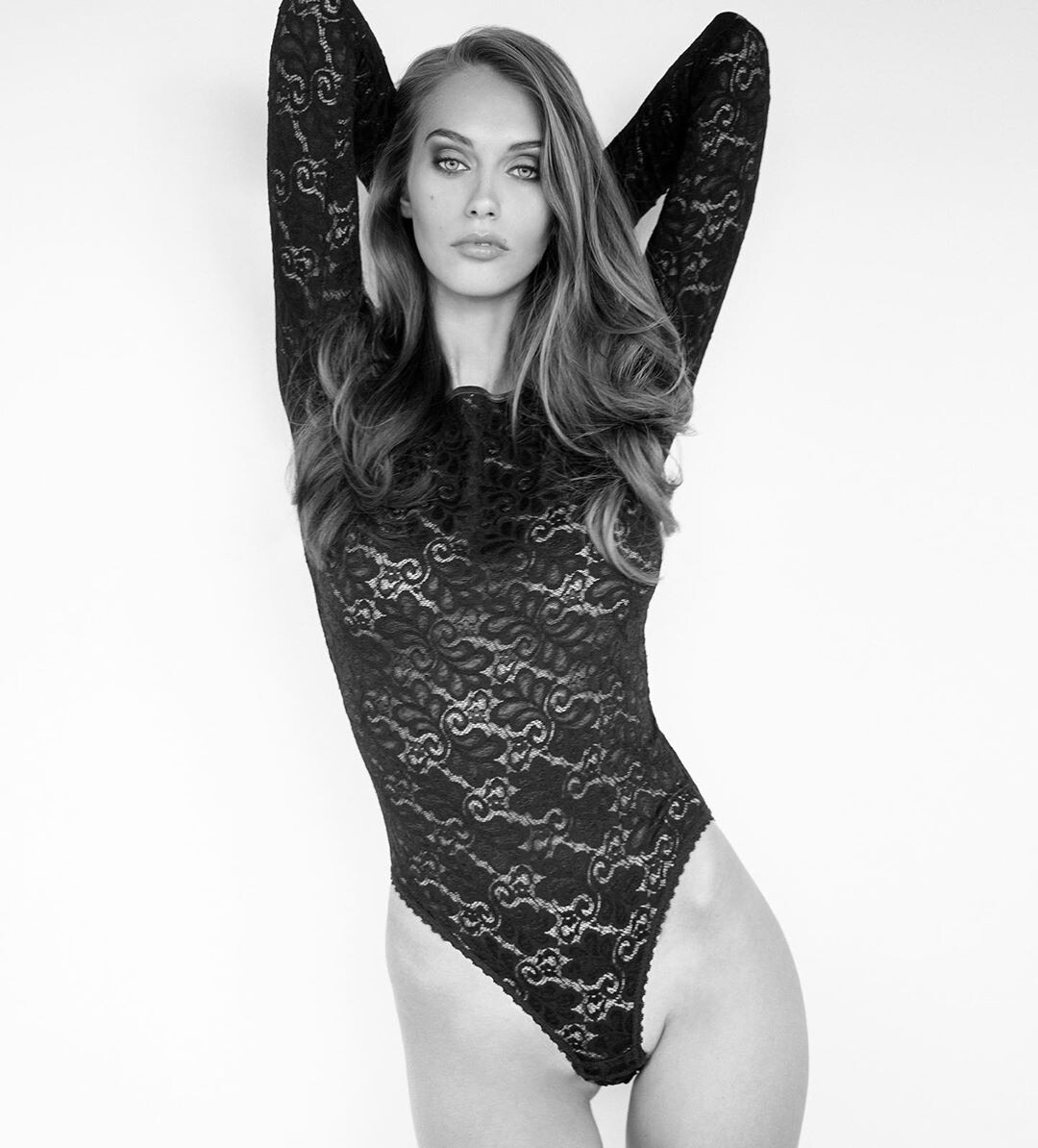
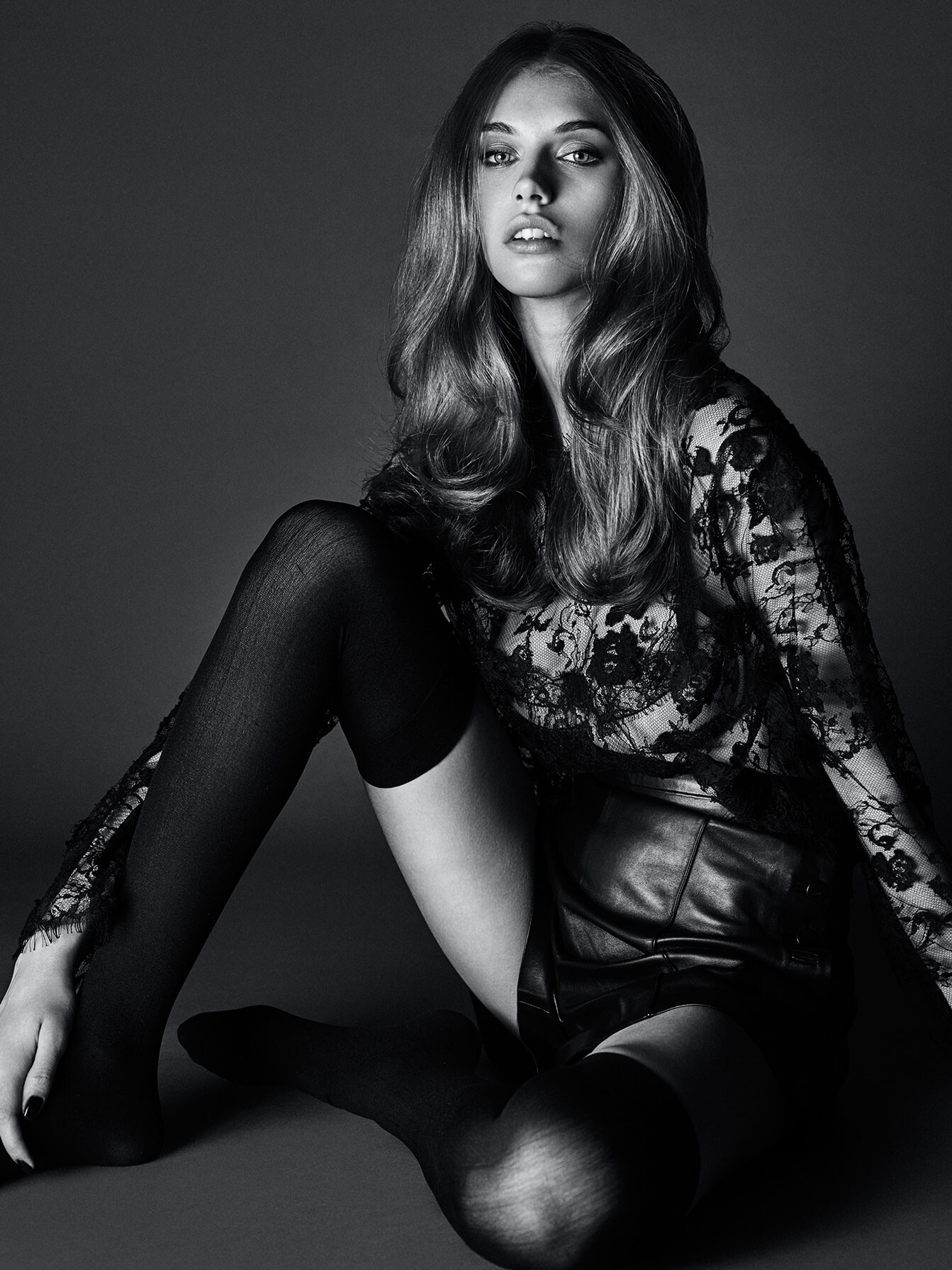
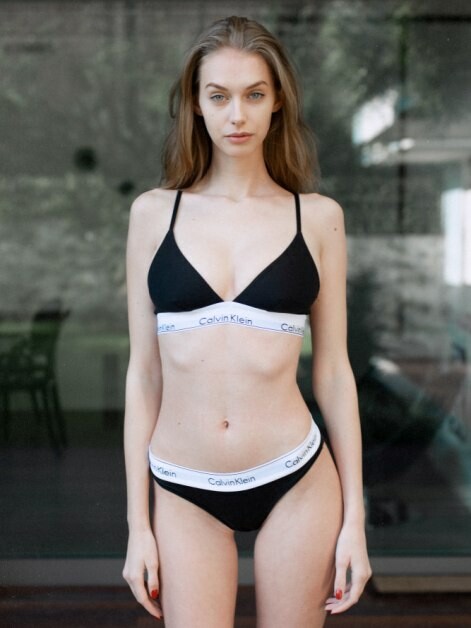
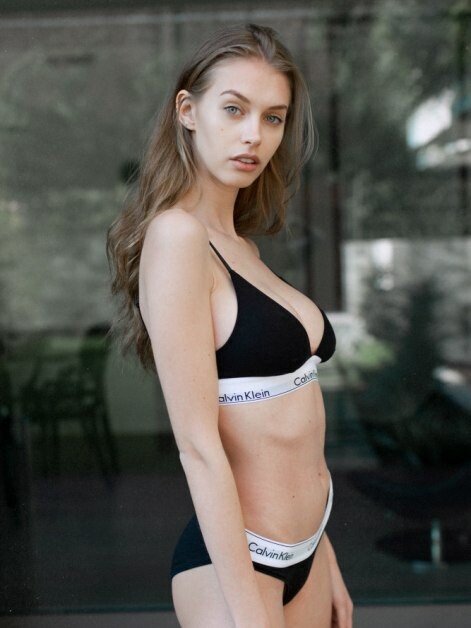
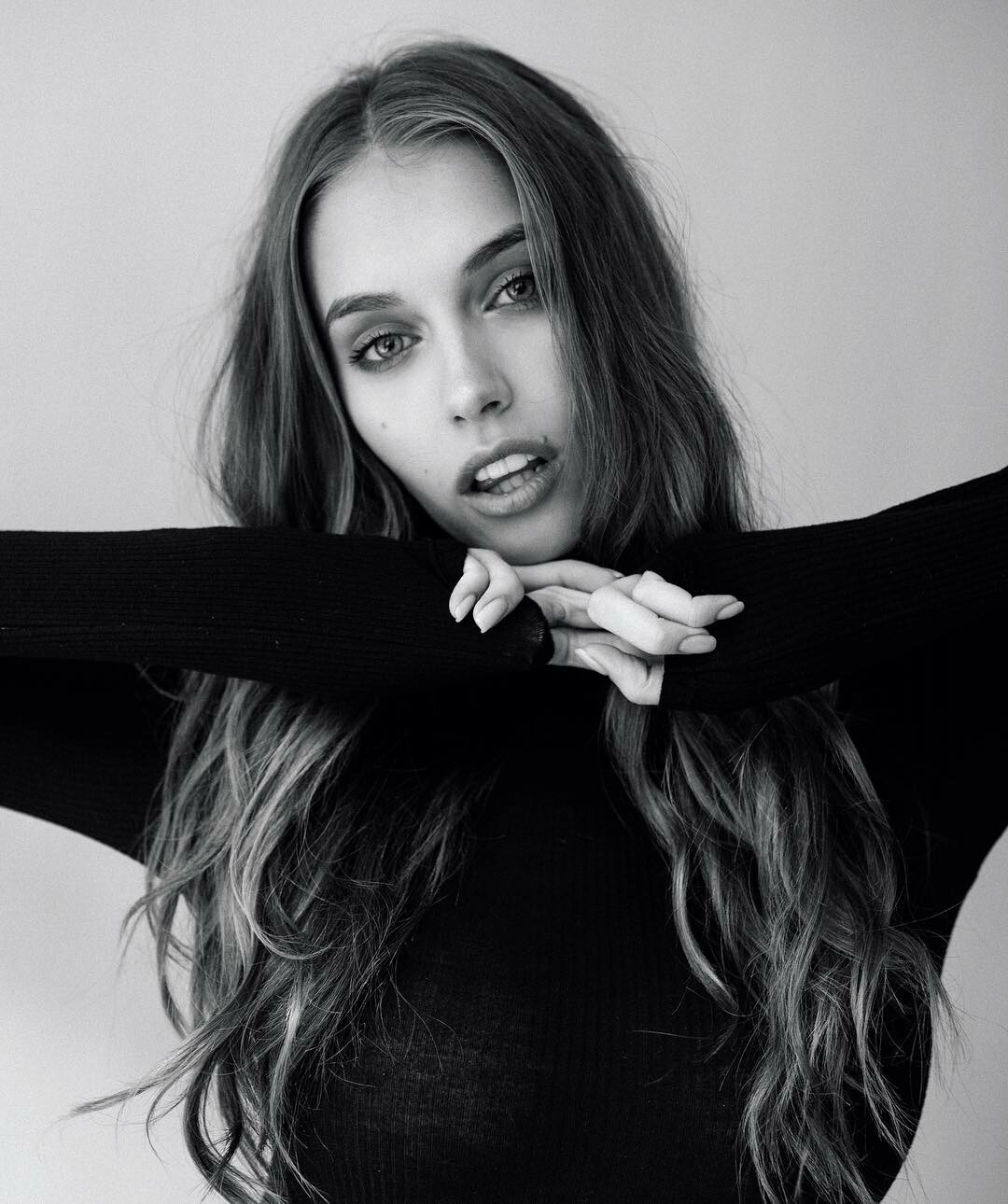
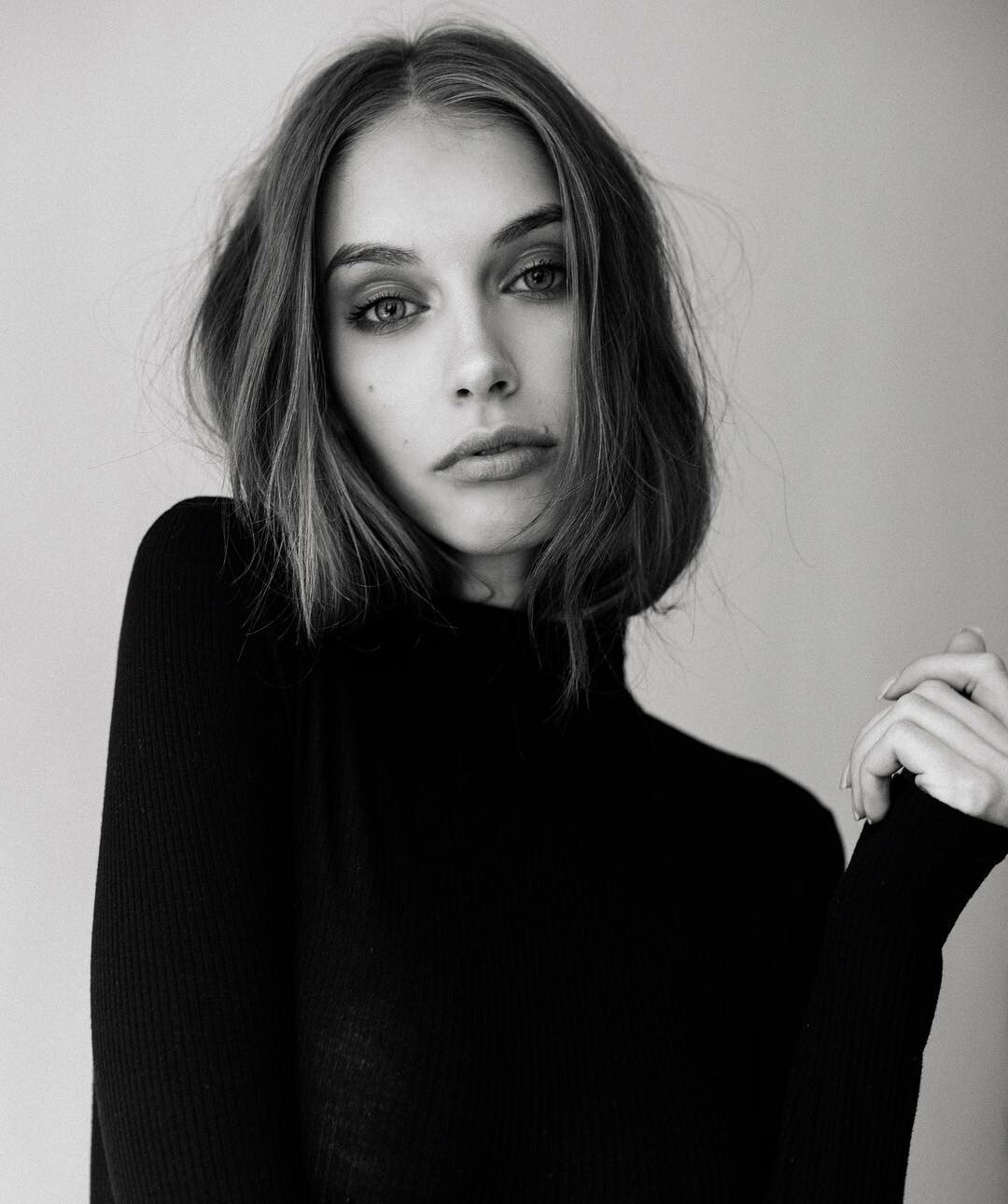
Even I'm a female, she is a dream.. so that I'm exploring her images a lot. everyone, Which photo is her best, we have ever seen? I think she looks very strong in classic mood & lighting.
-
E5E247E1-28B8-45AF-883D-96DE216DB800.MP4

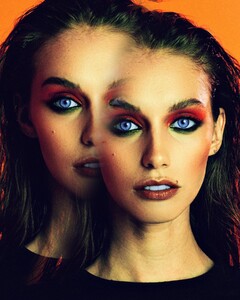
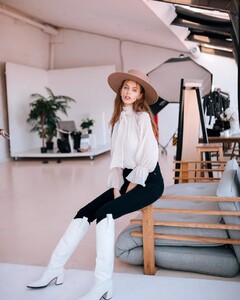
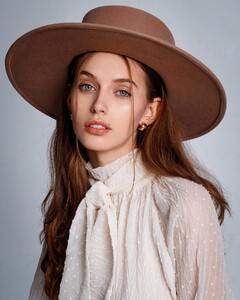
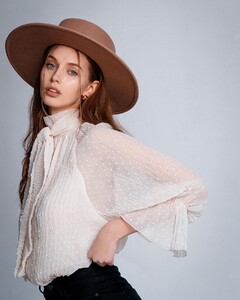
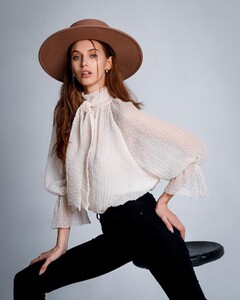
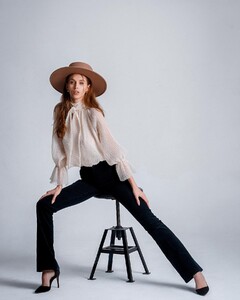
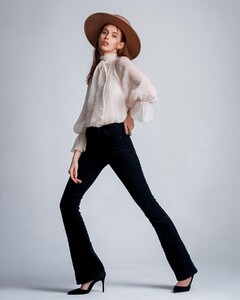
-
Systema agency
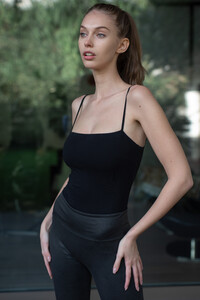
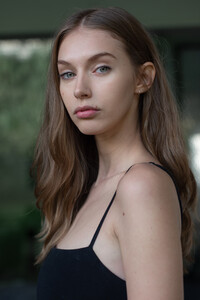
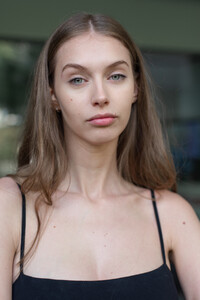
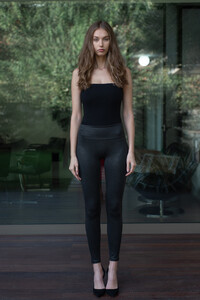
-
Omari coria
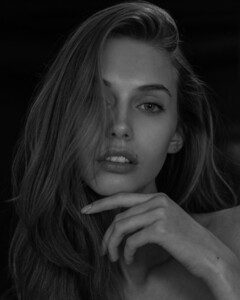
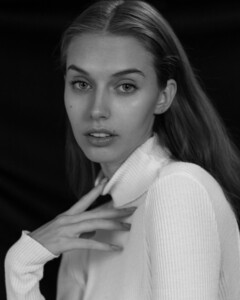

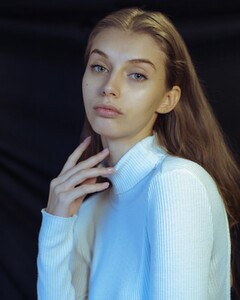
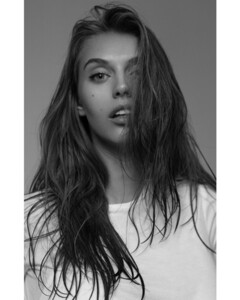 @anvarnorov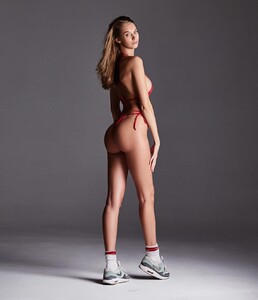
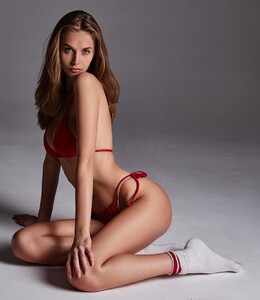
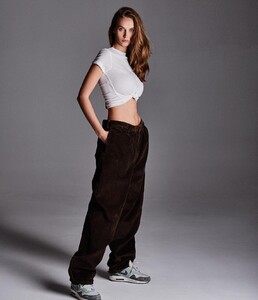
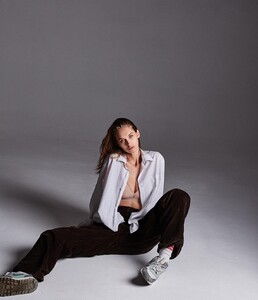
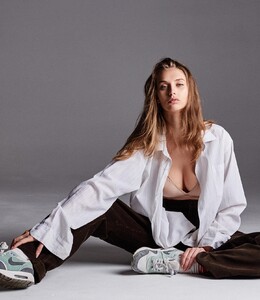
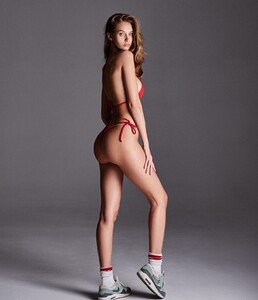
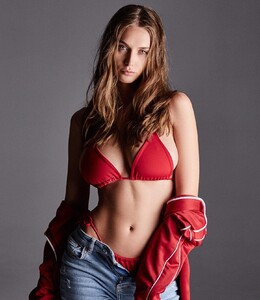
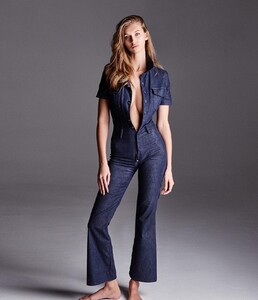
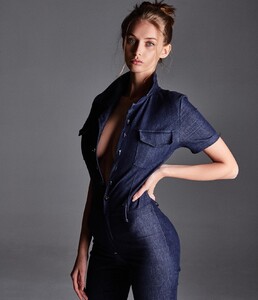 _marytree_ insta she is super beautiful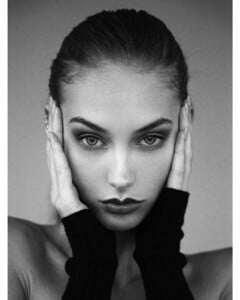
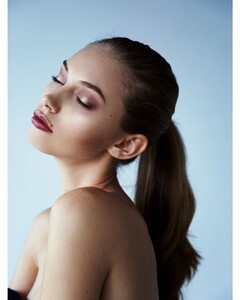 ilyakoshelew from insta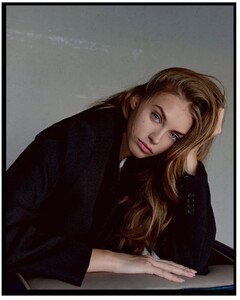
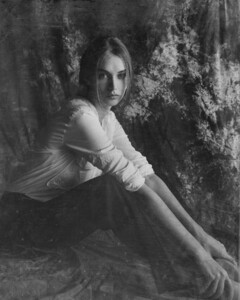
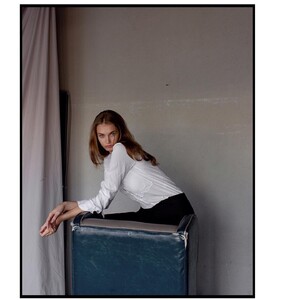 Anvar Norov from instagram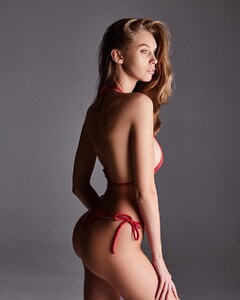
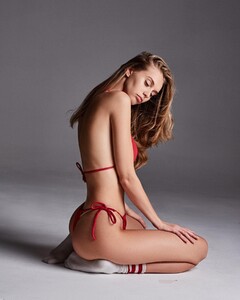
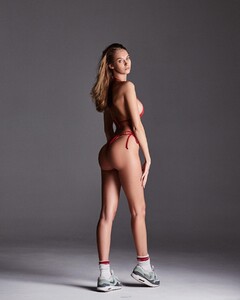
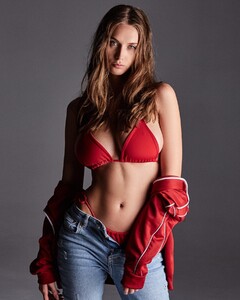
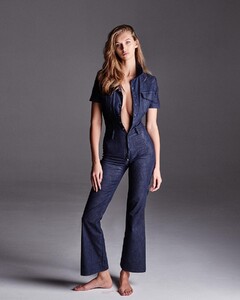

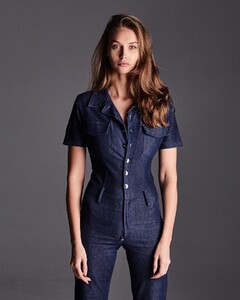
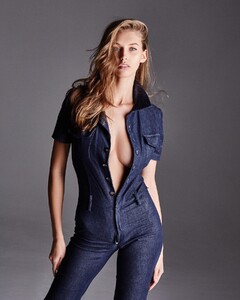
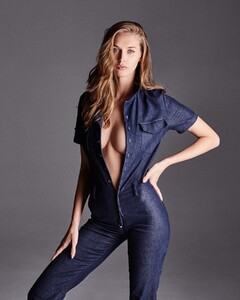 Found some Random archives from insta. 71874E95-6578-4BE6-84FA-DBBC503BD214.MP4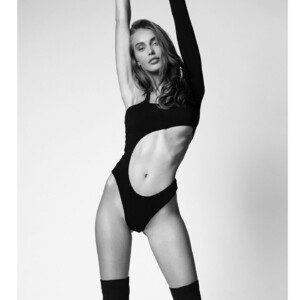
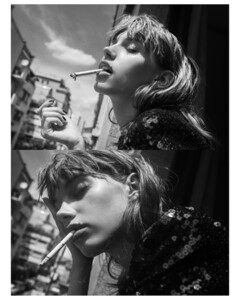
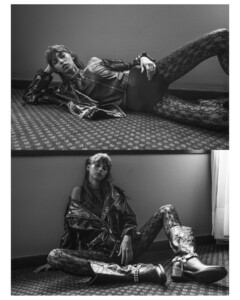
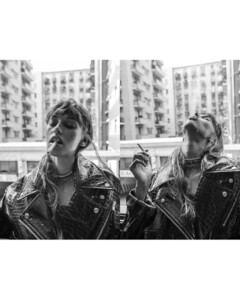
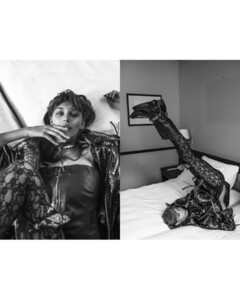
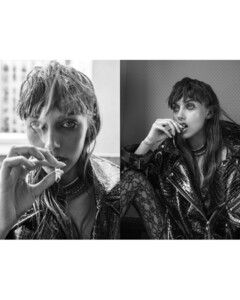 Continuing them. Thanks!
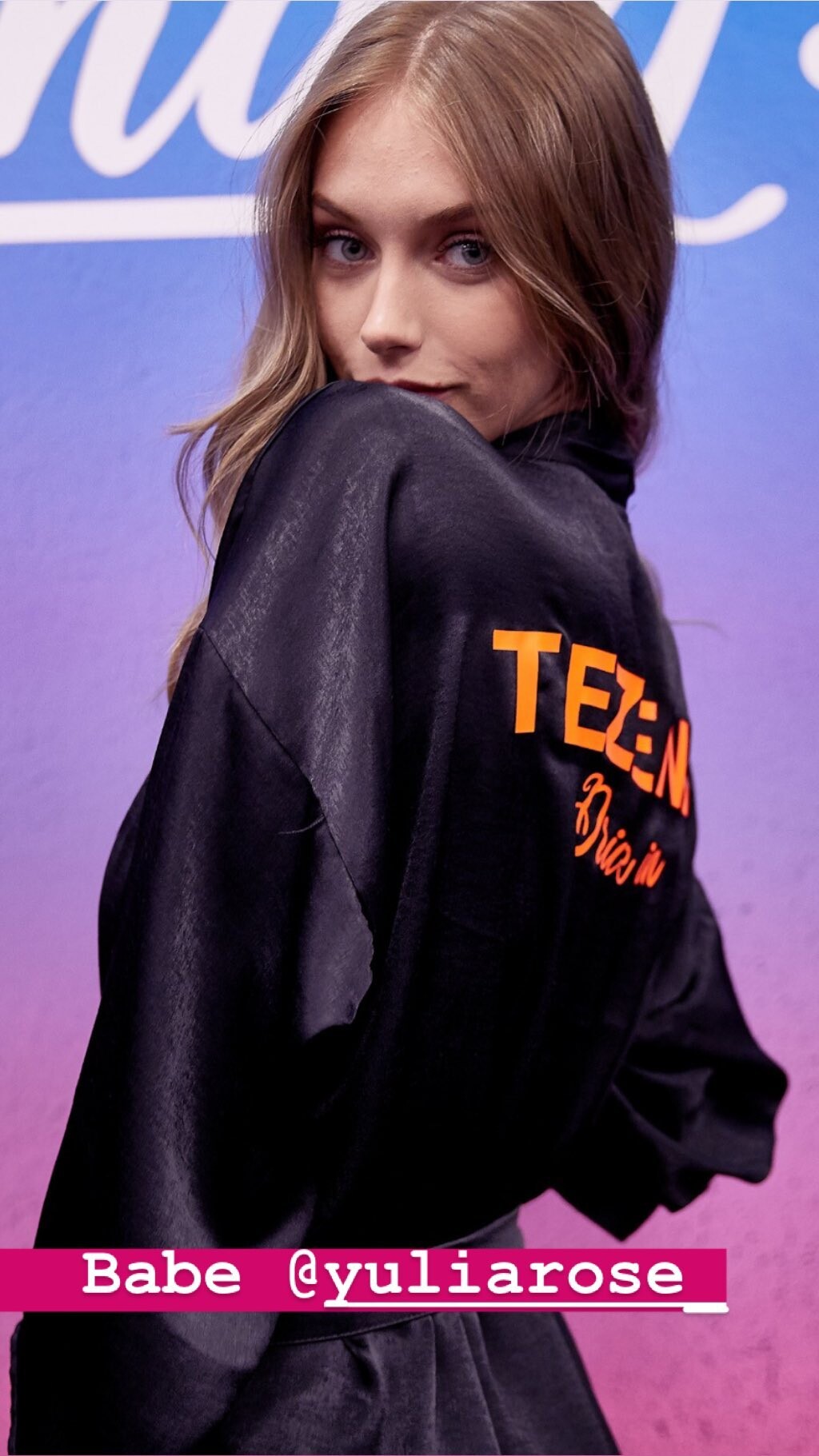
Yulia is back ! omg. she is def stunning.
insta
Continuing them. Thanks!
Yulia is back ! omg. she is def stunning.
insta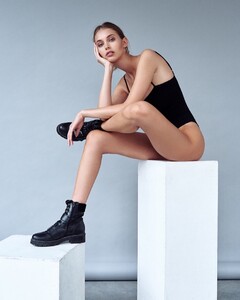





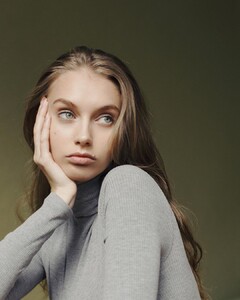 I totally agree, she could be a huge star.
@jordankhloe @aldocarrera @makeupbybrookhill
I totally agree, she could be a huge star.
@jordankhloe @aldocarrera @makeupbybrookhill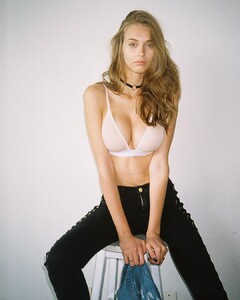
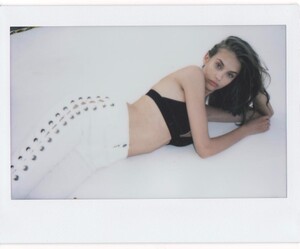
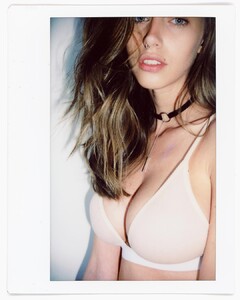
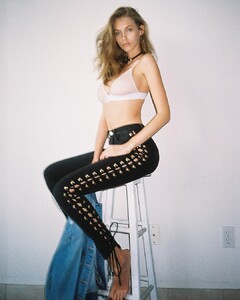
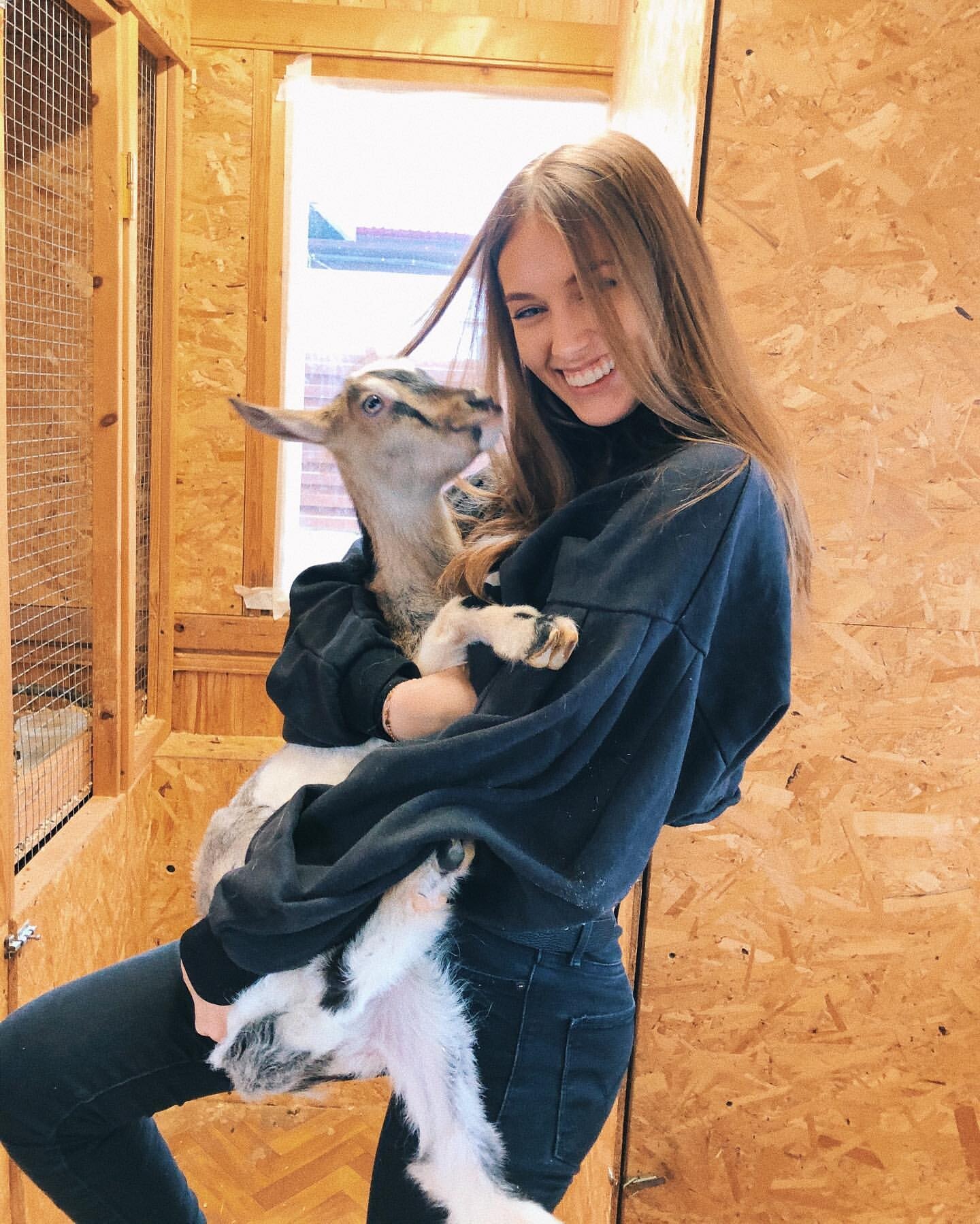
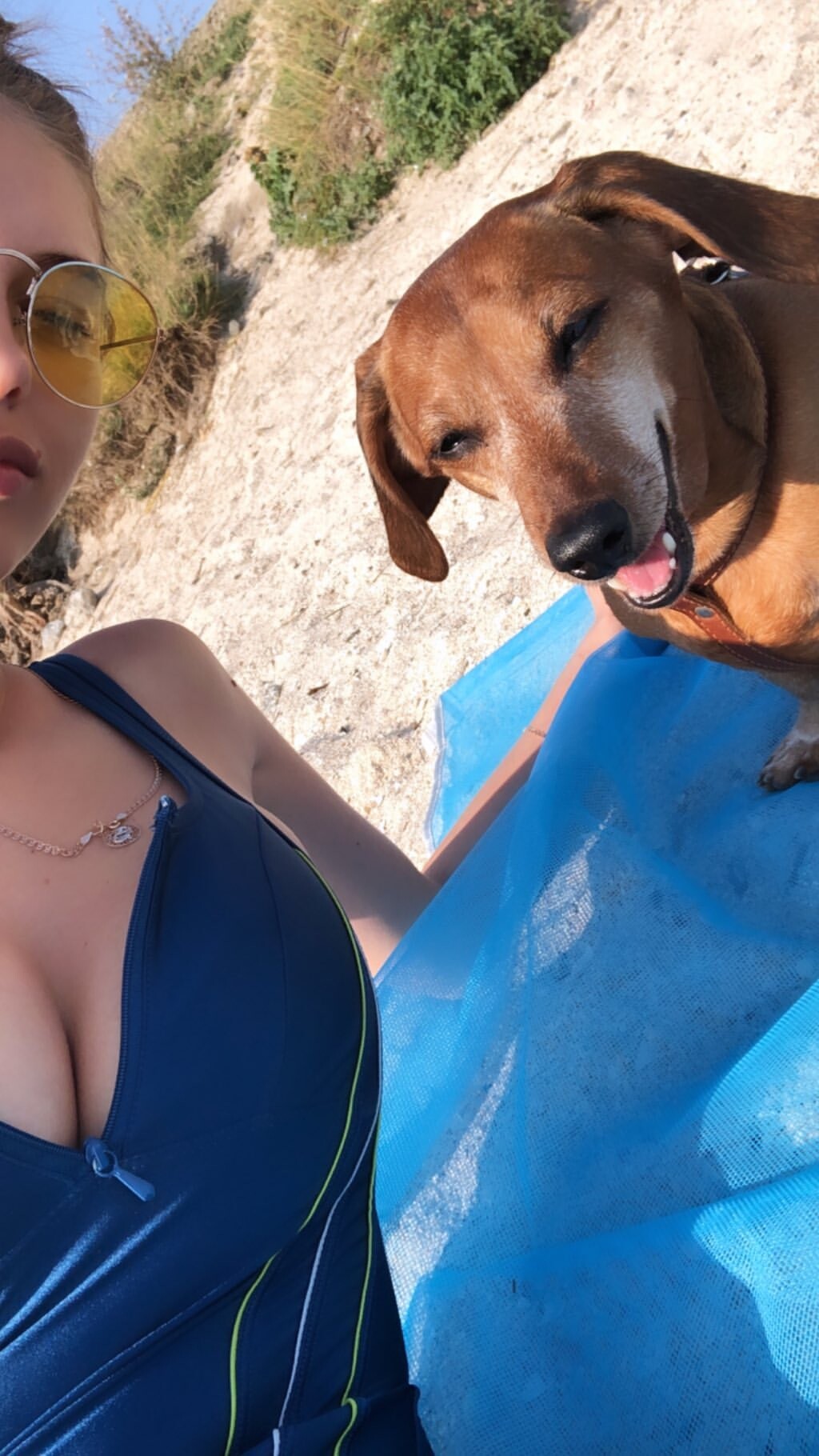
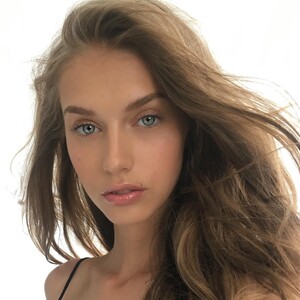 unseen images from insta ciao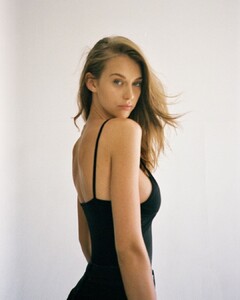
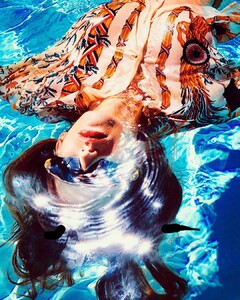
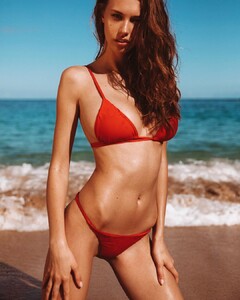

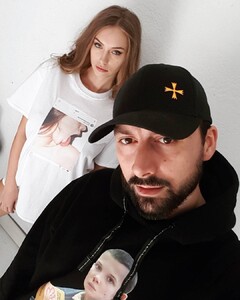
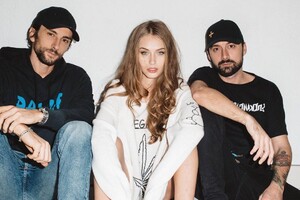
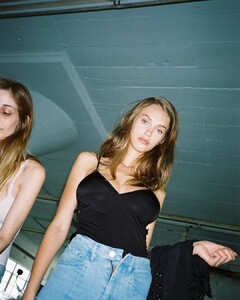
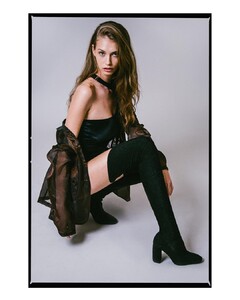
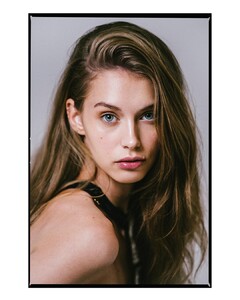

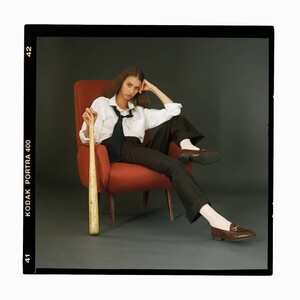
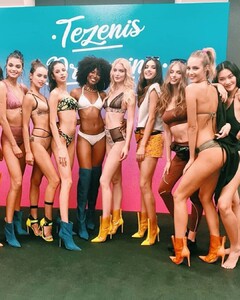



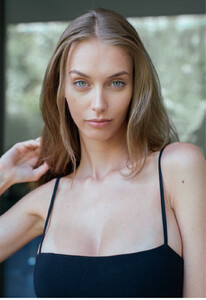
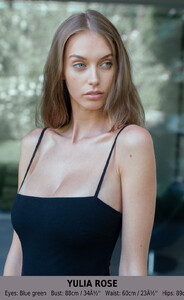
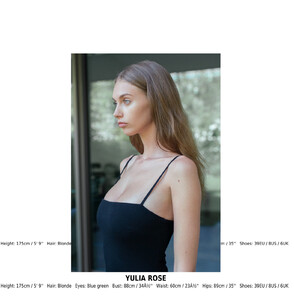
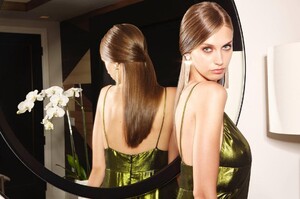
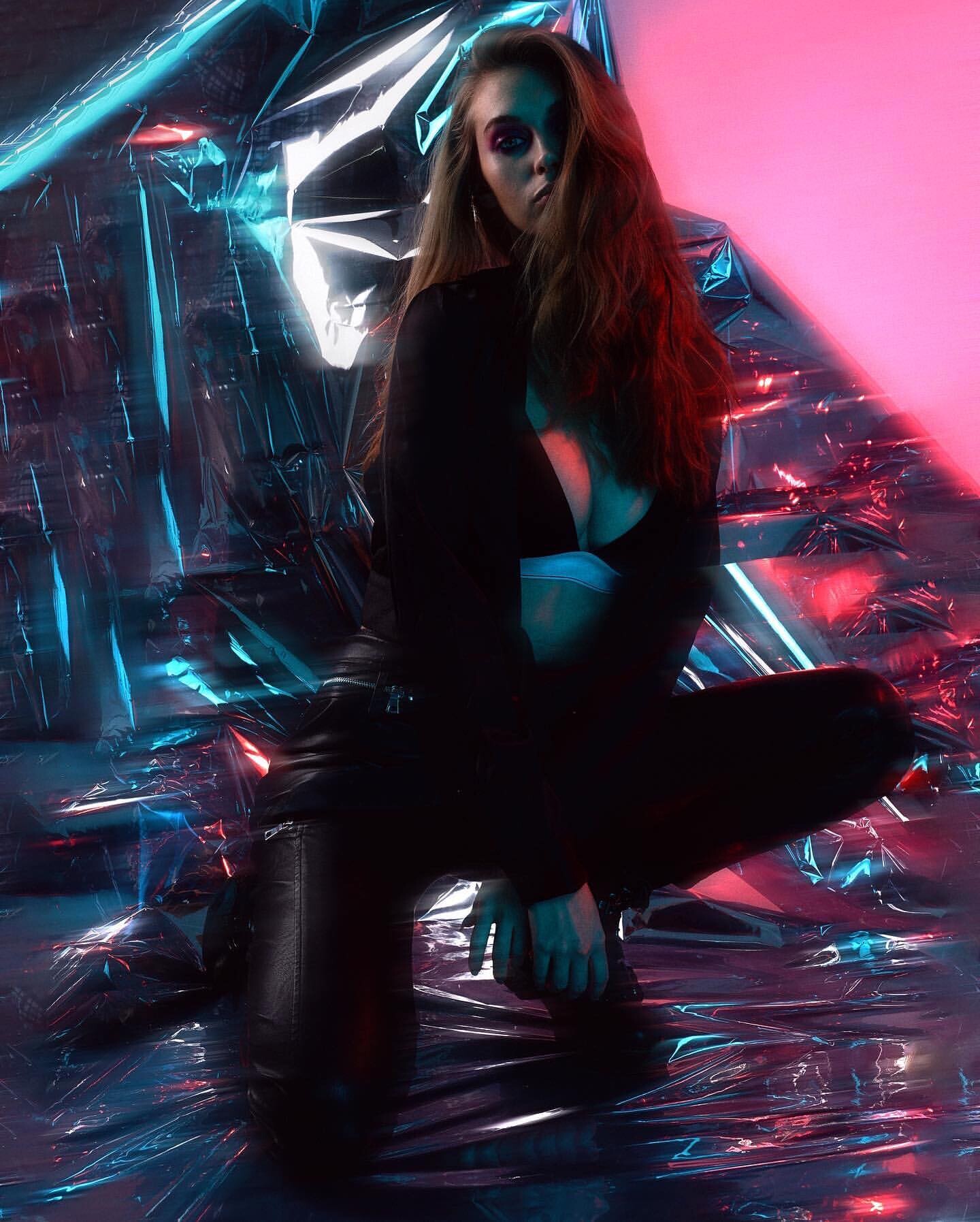
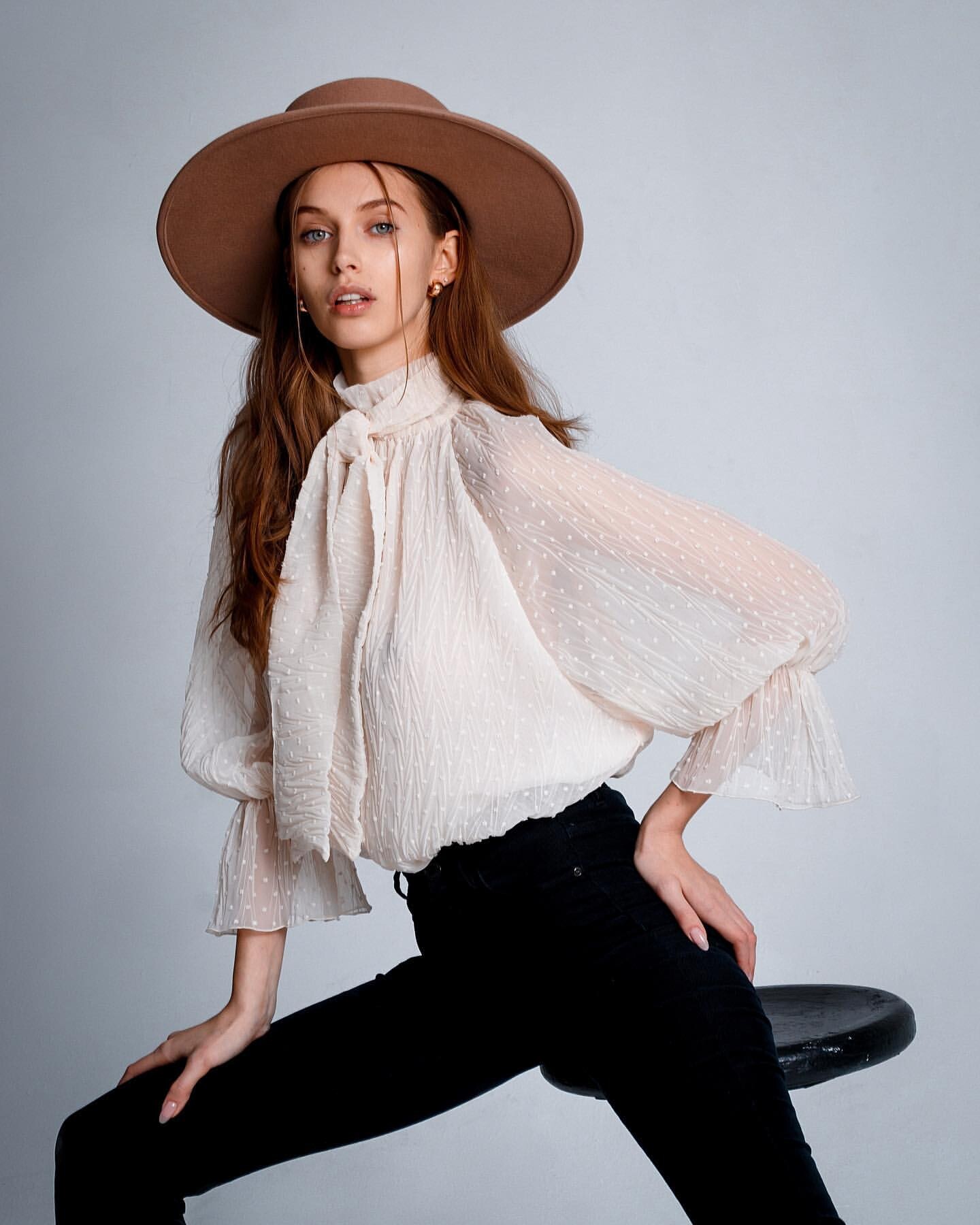
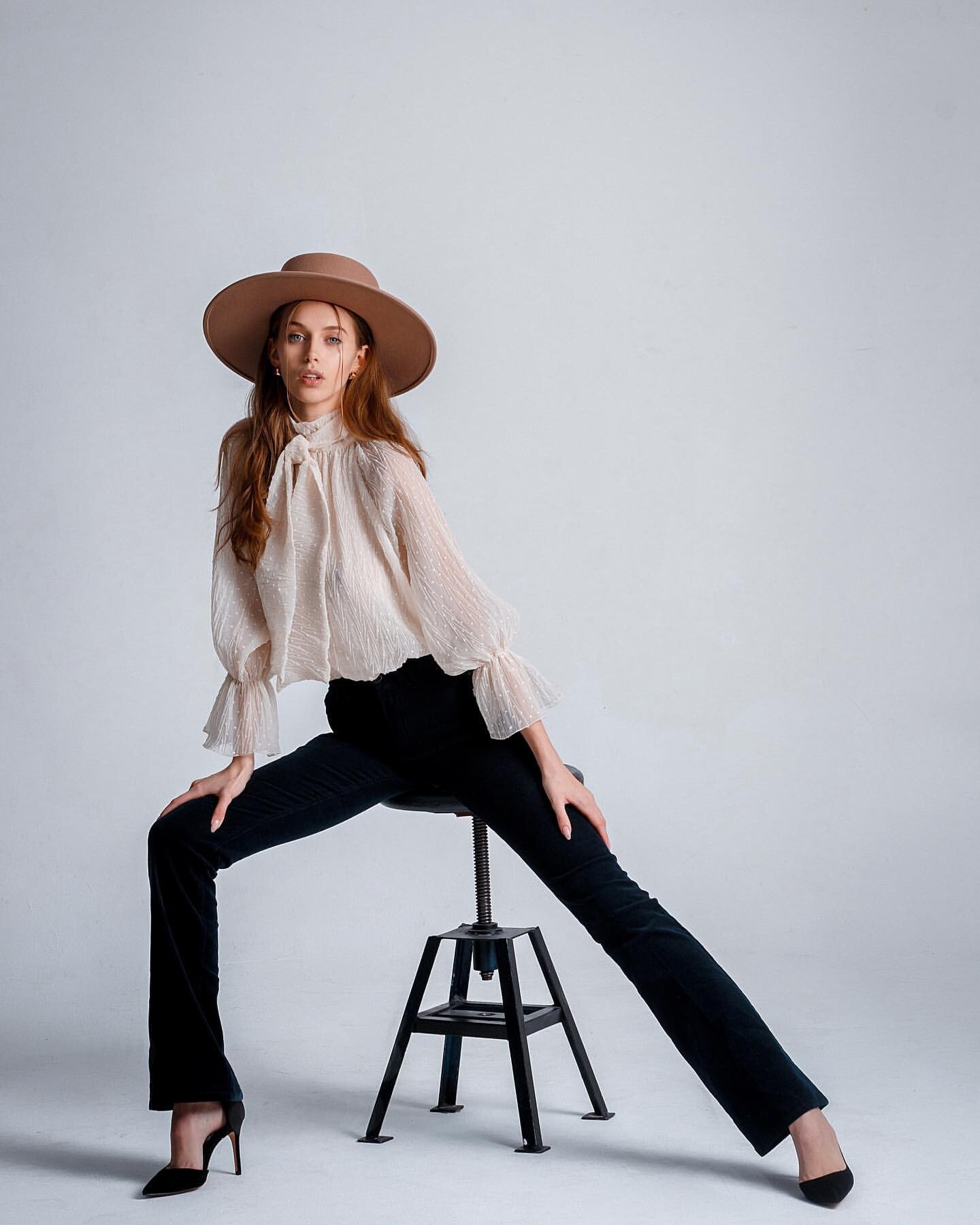
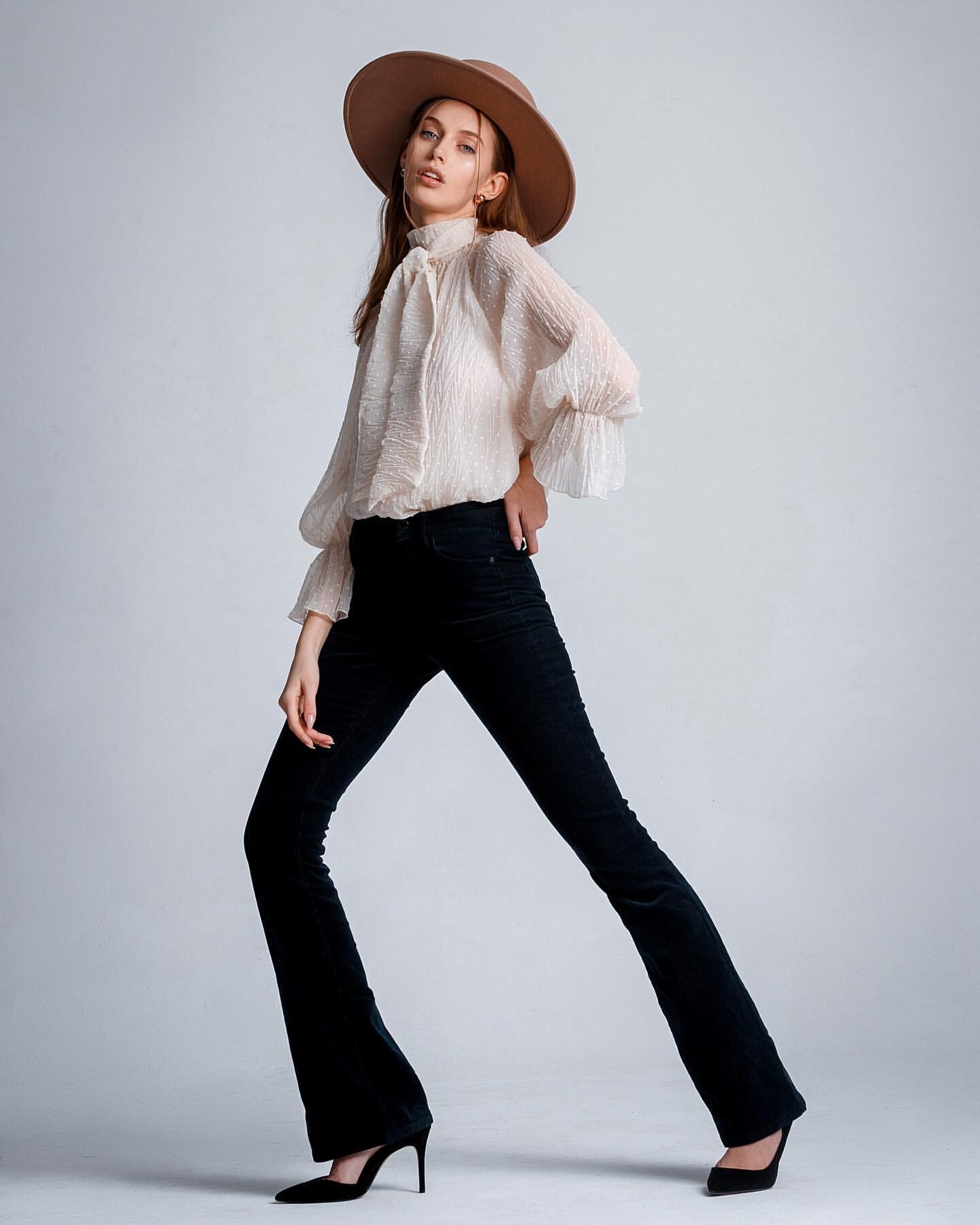
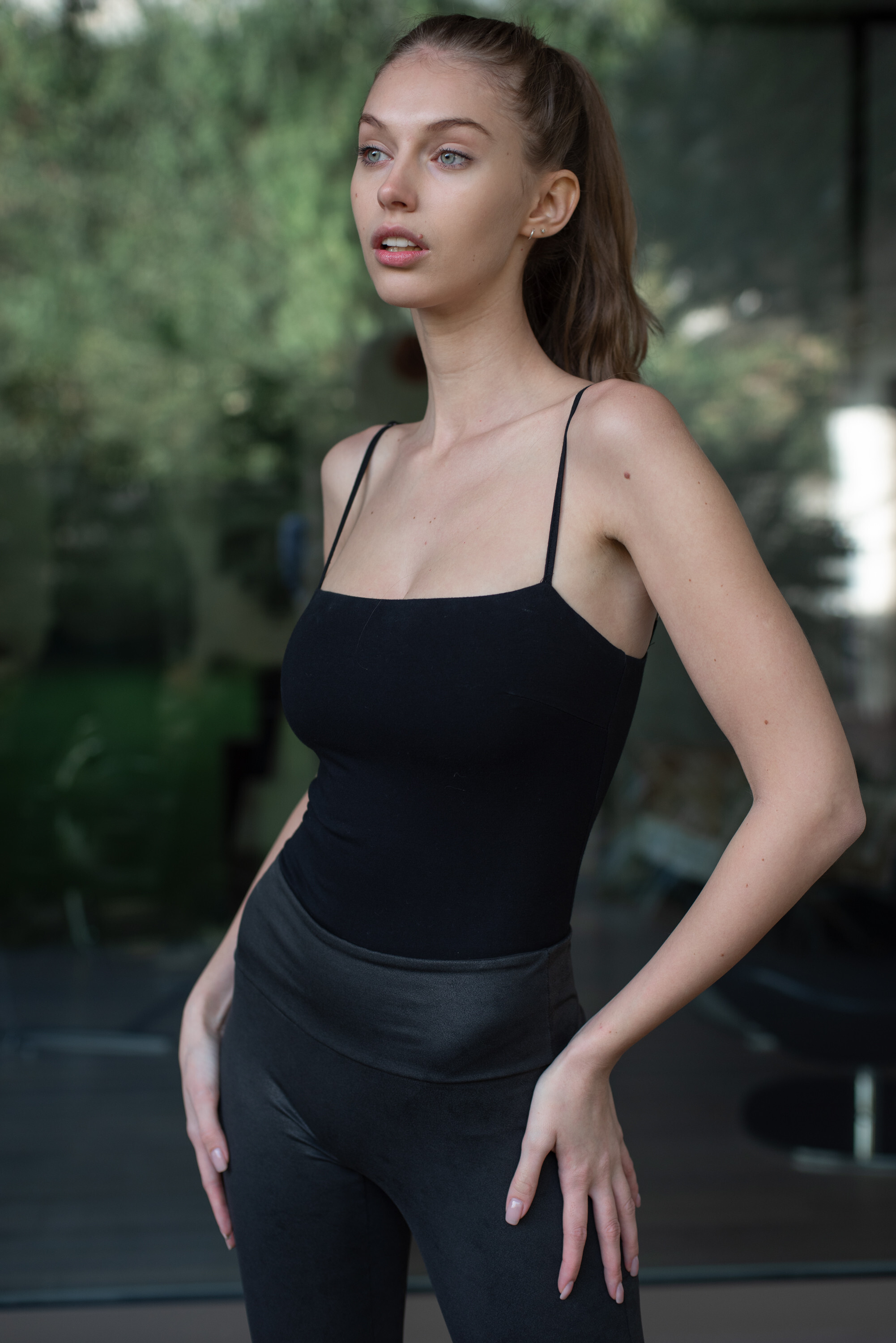
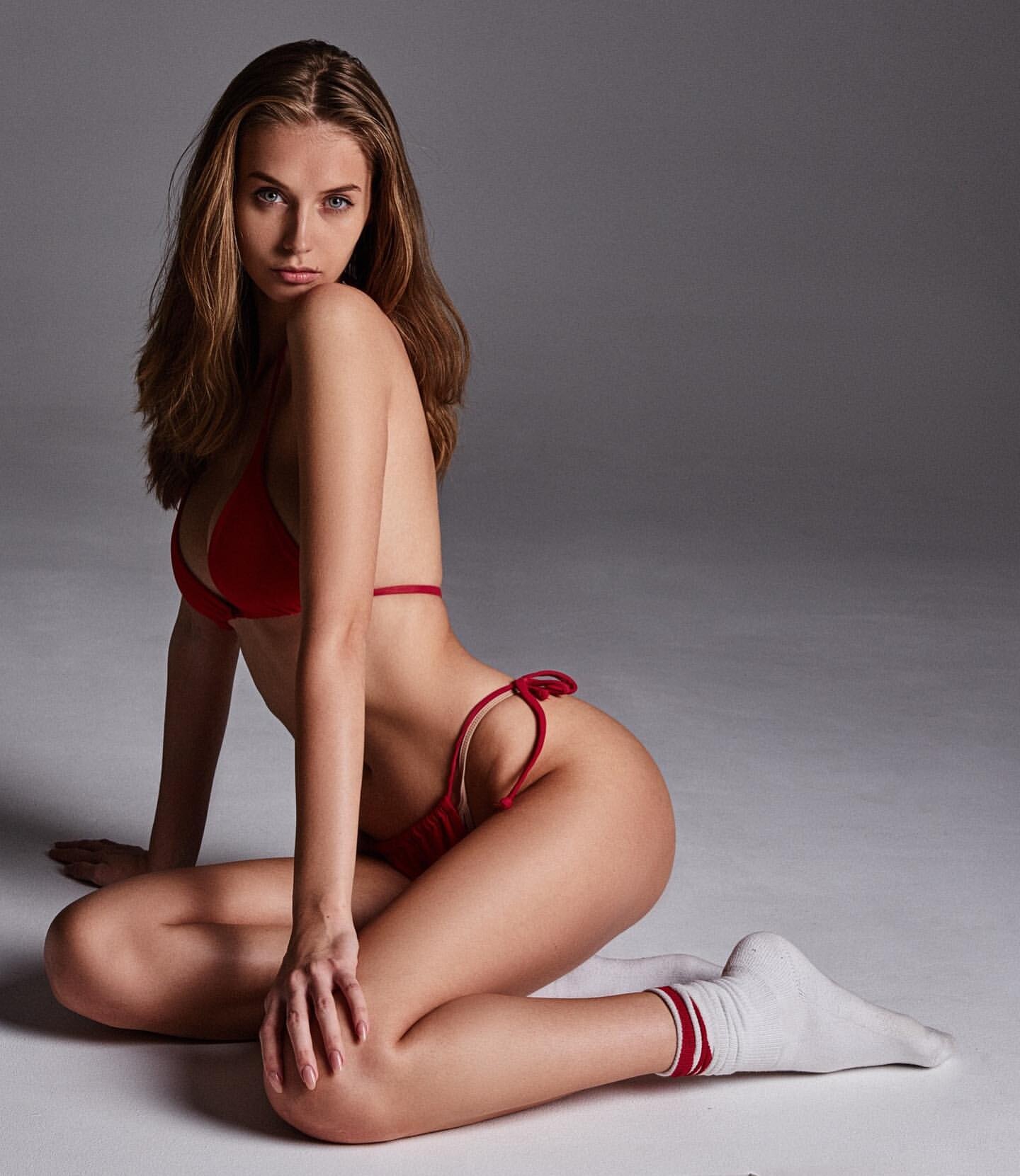
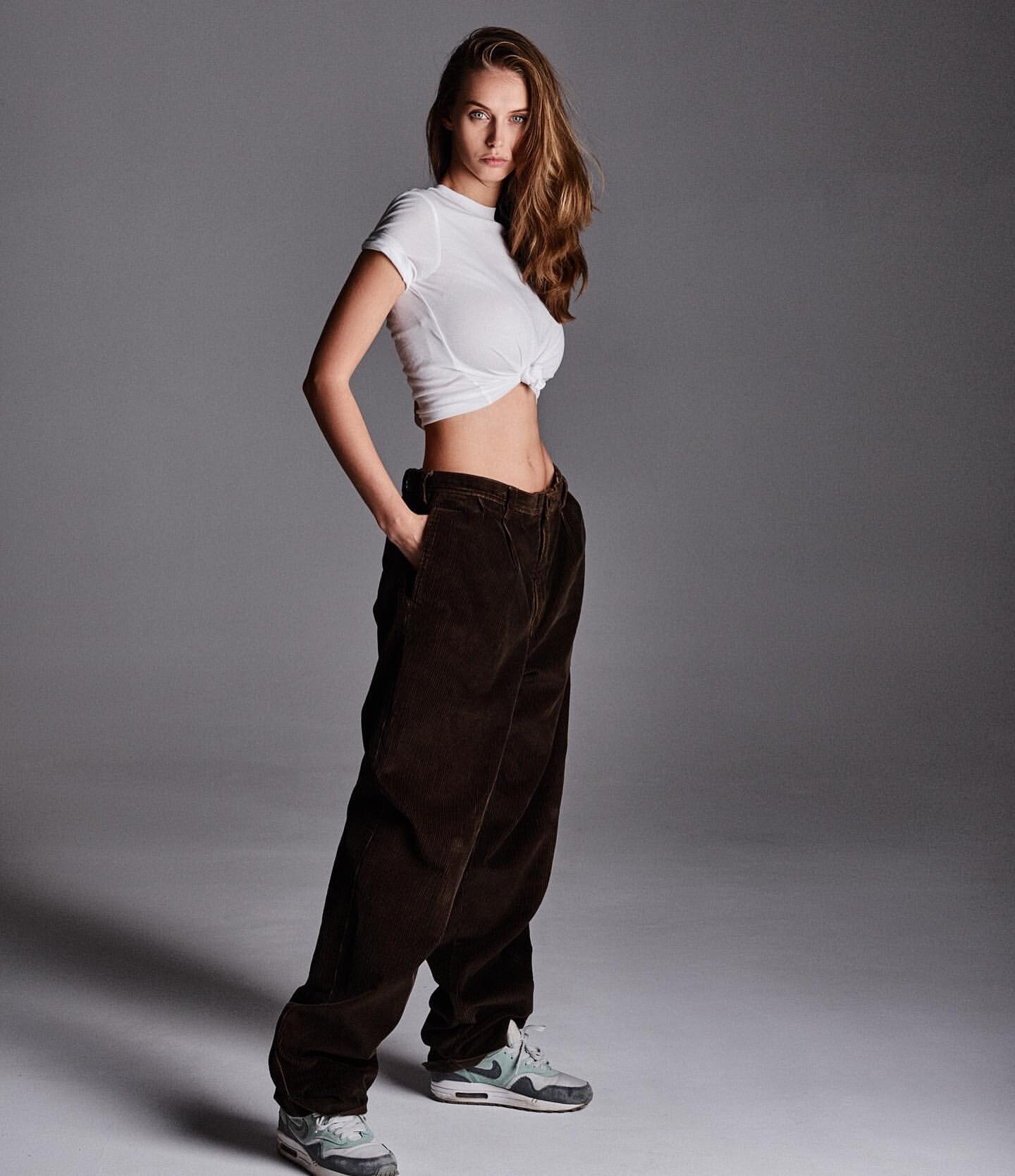
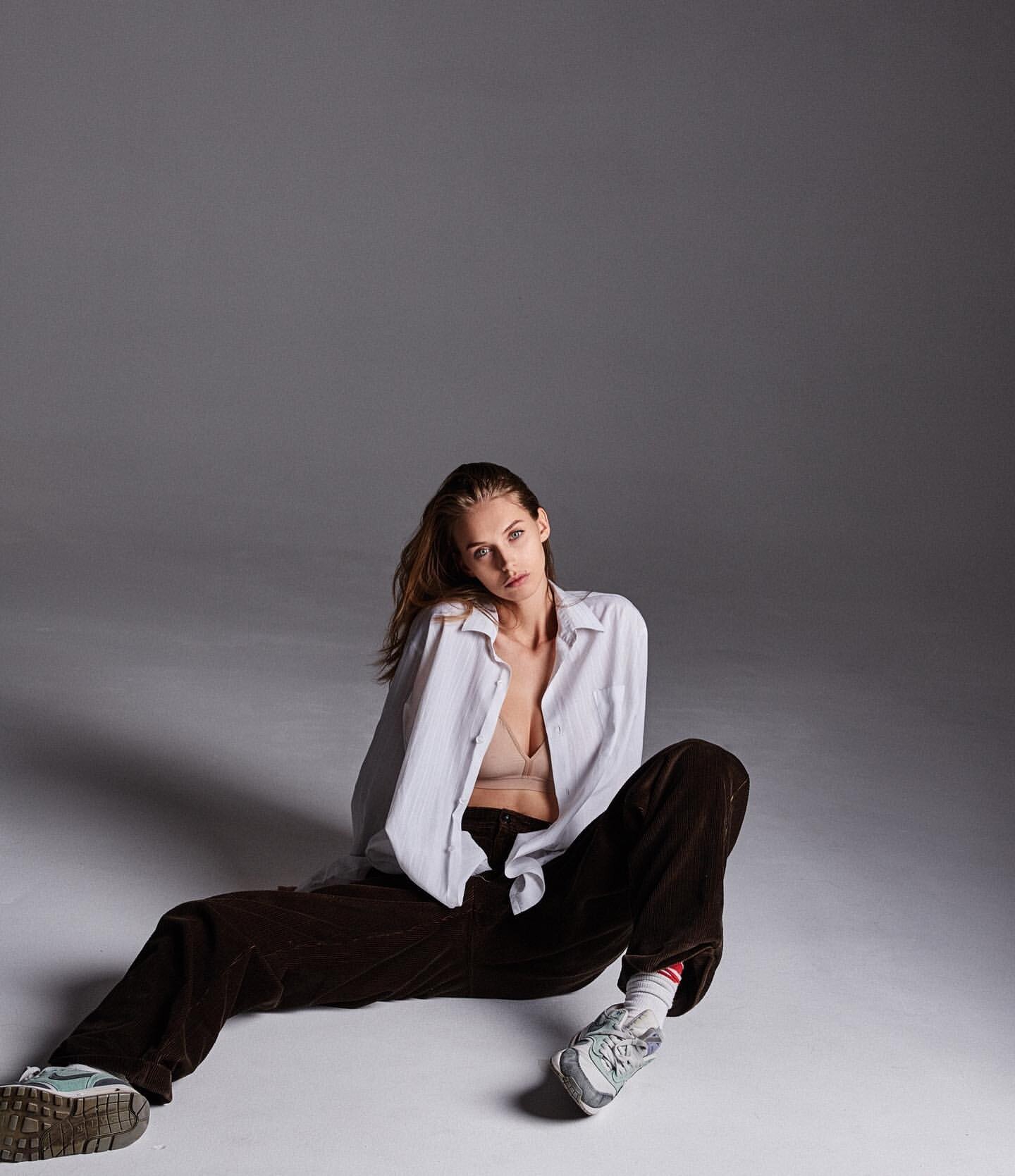
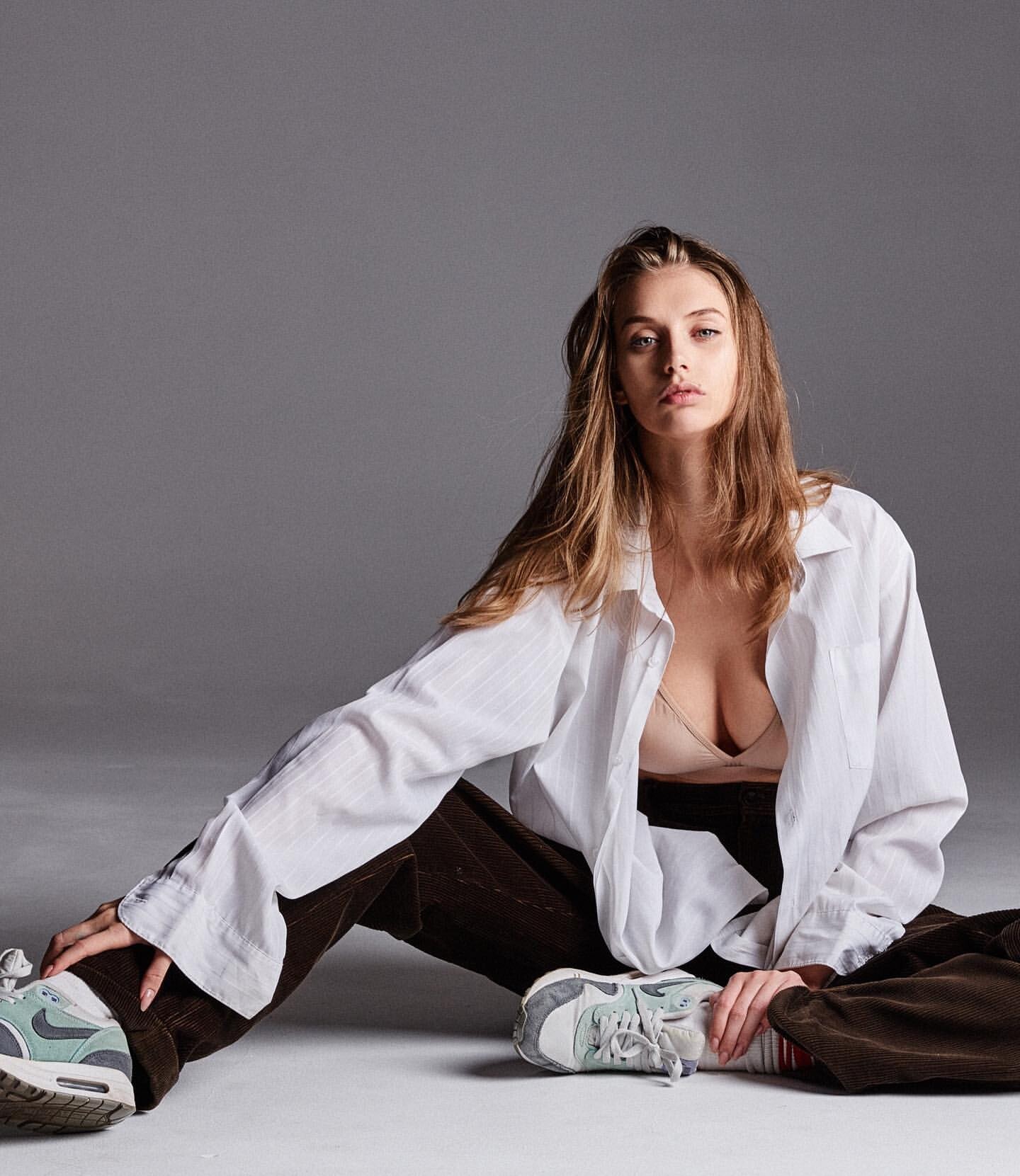
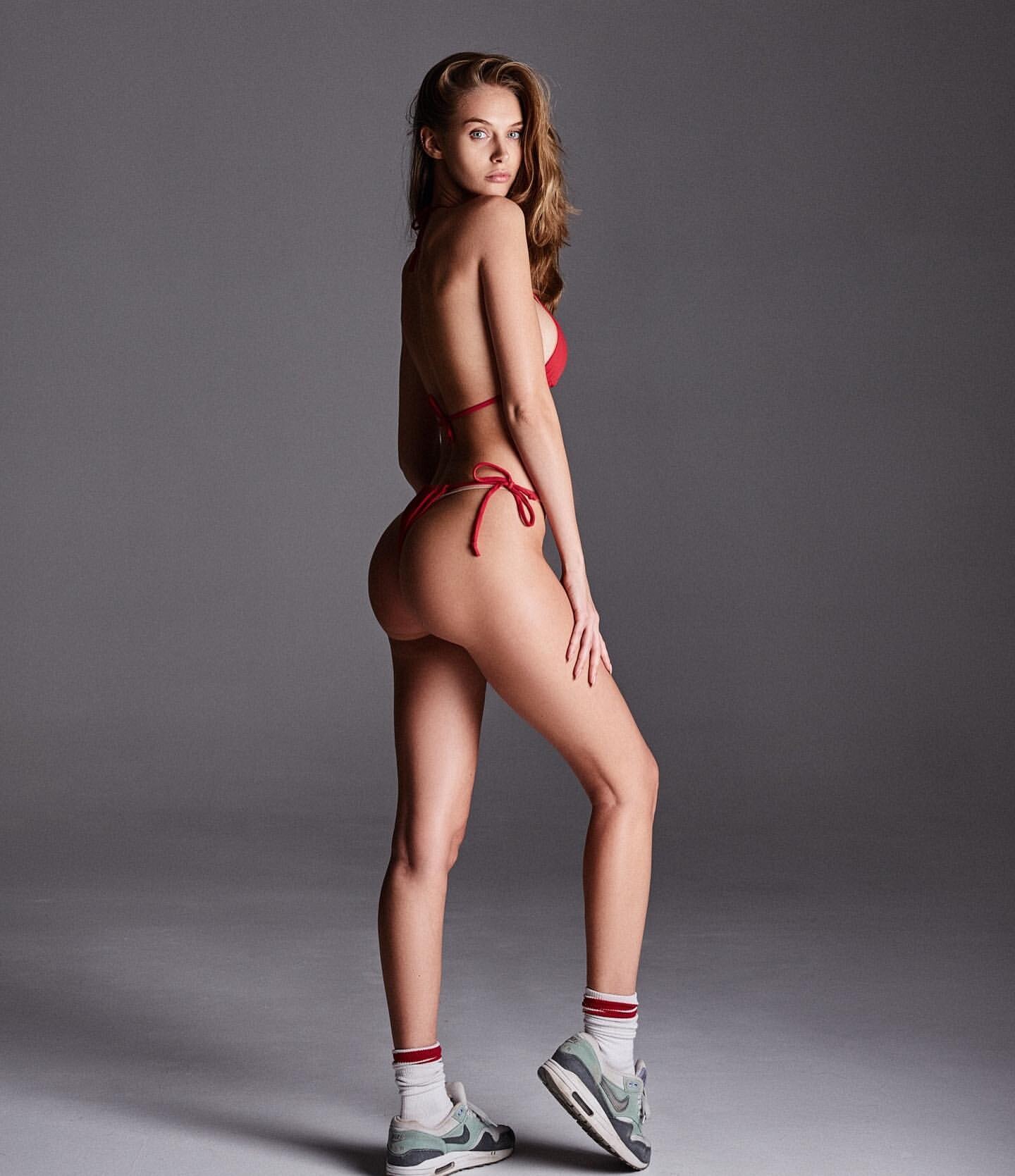
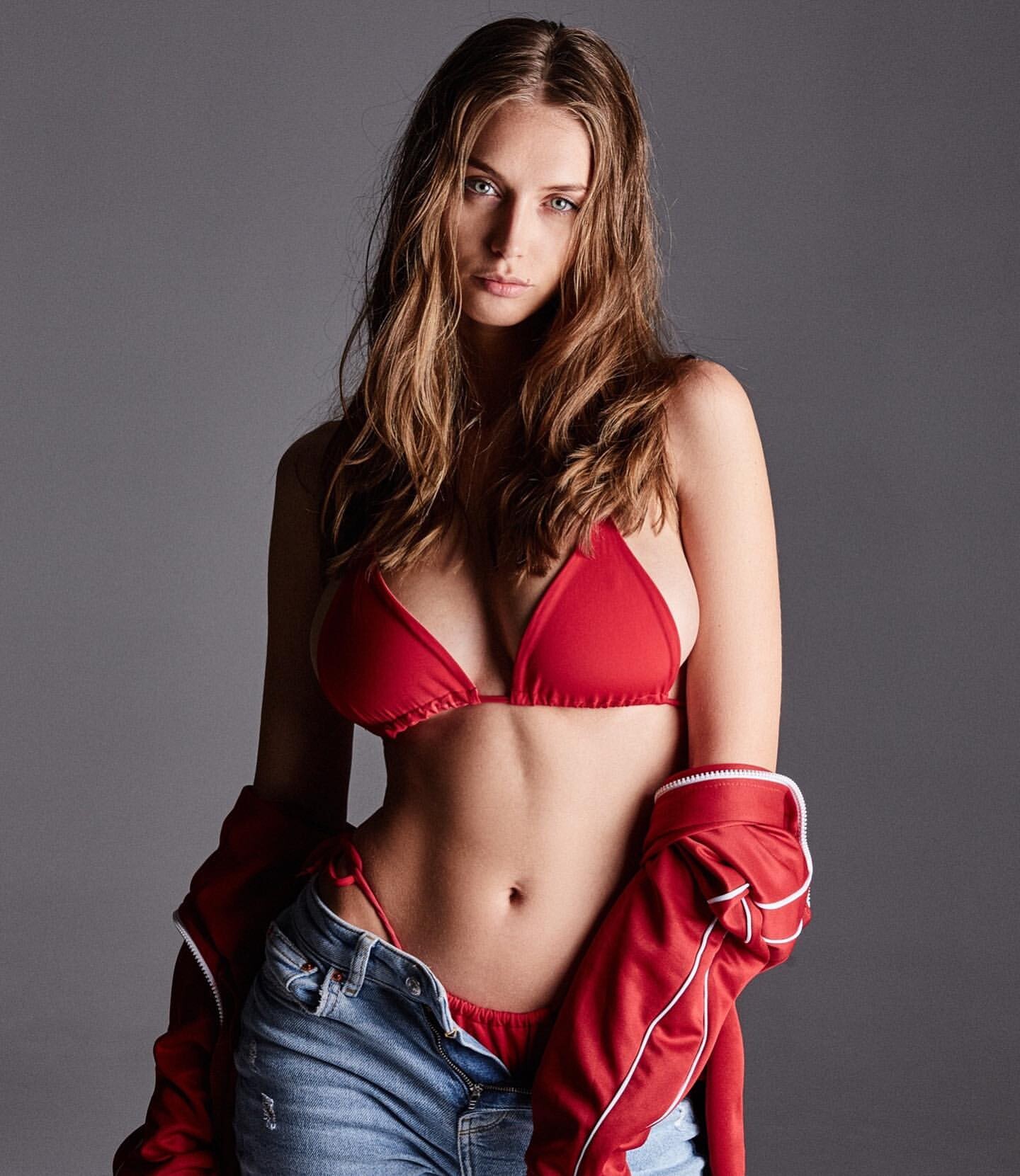
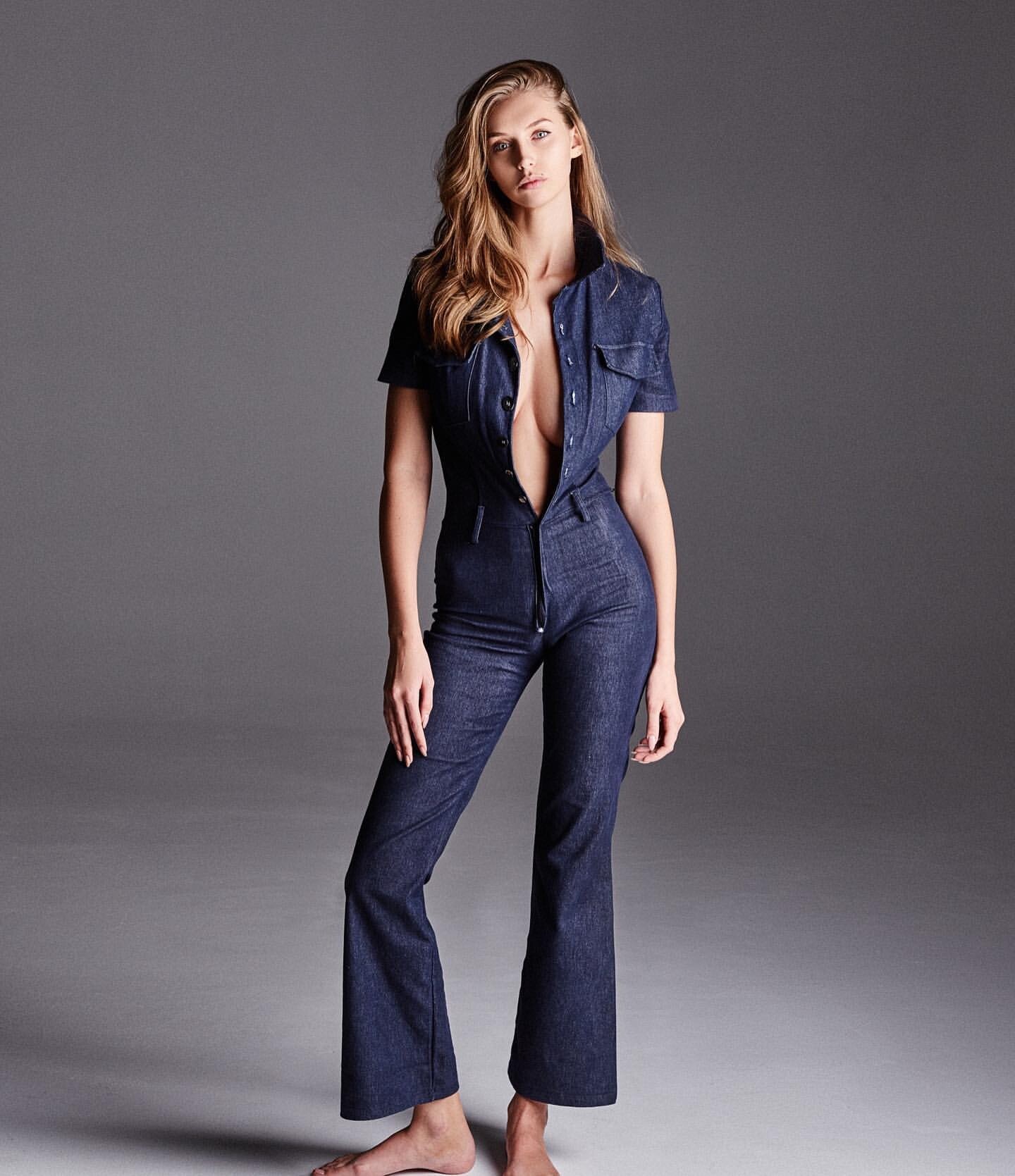
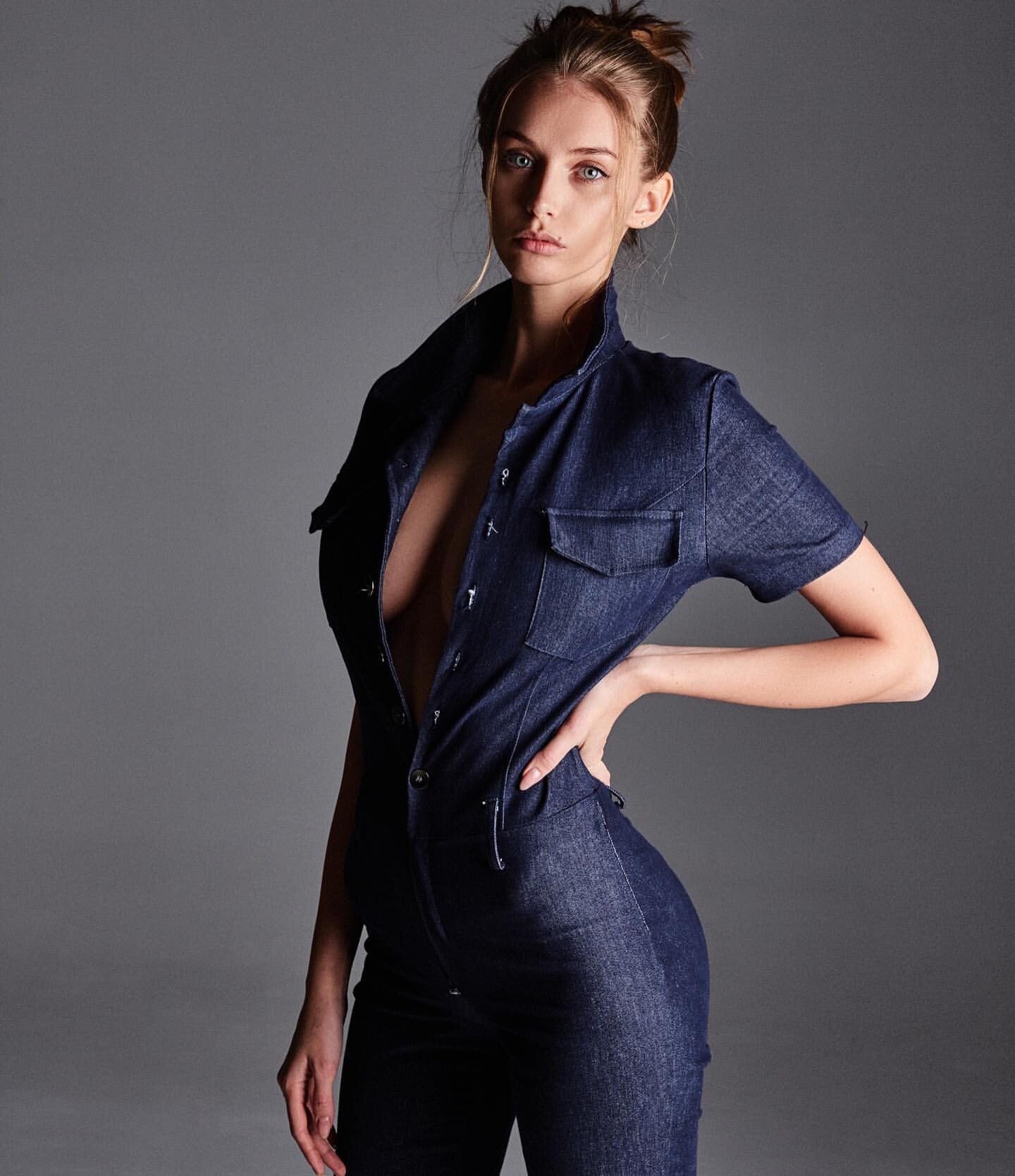
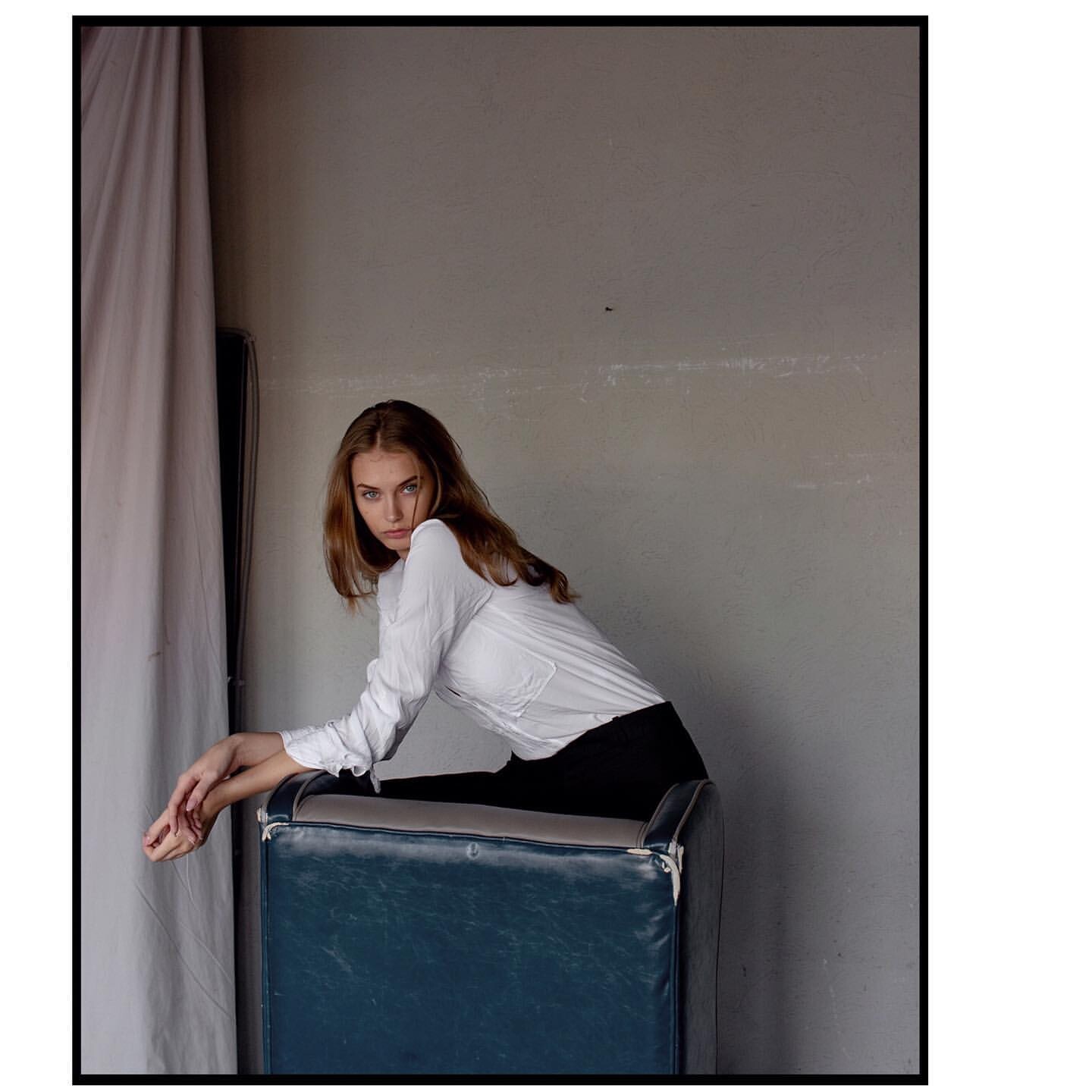
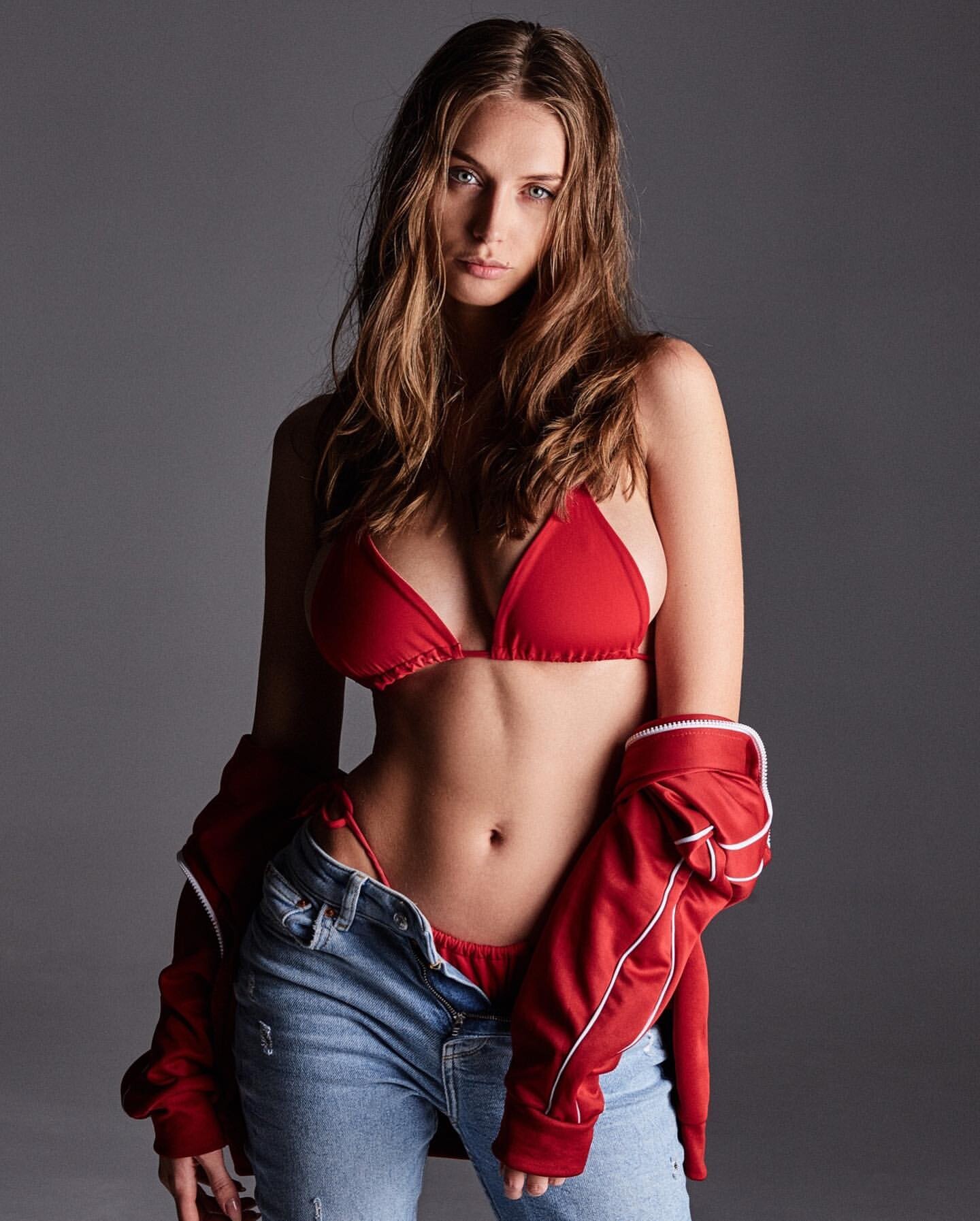
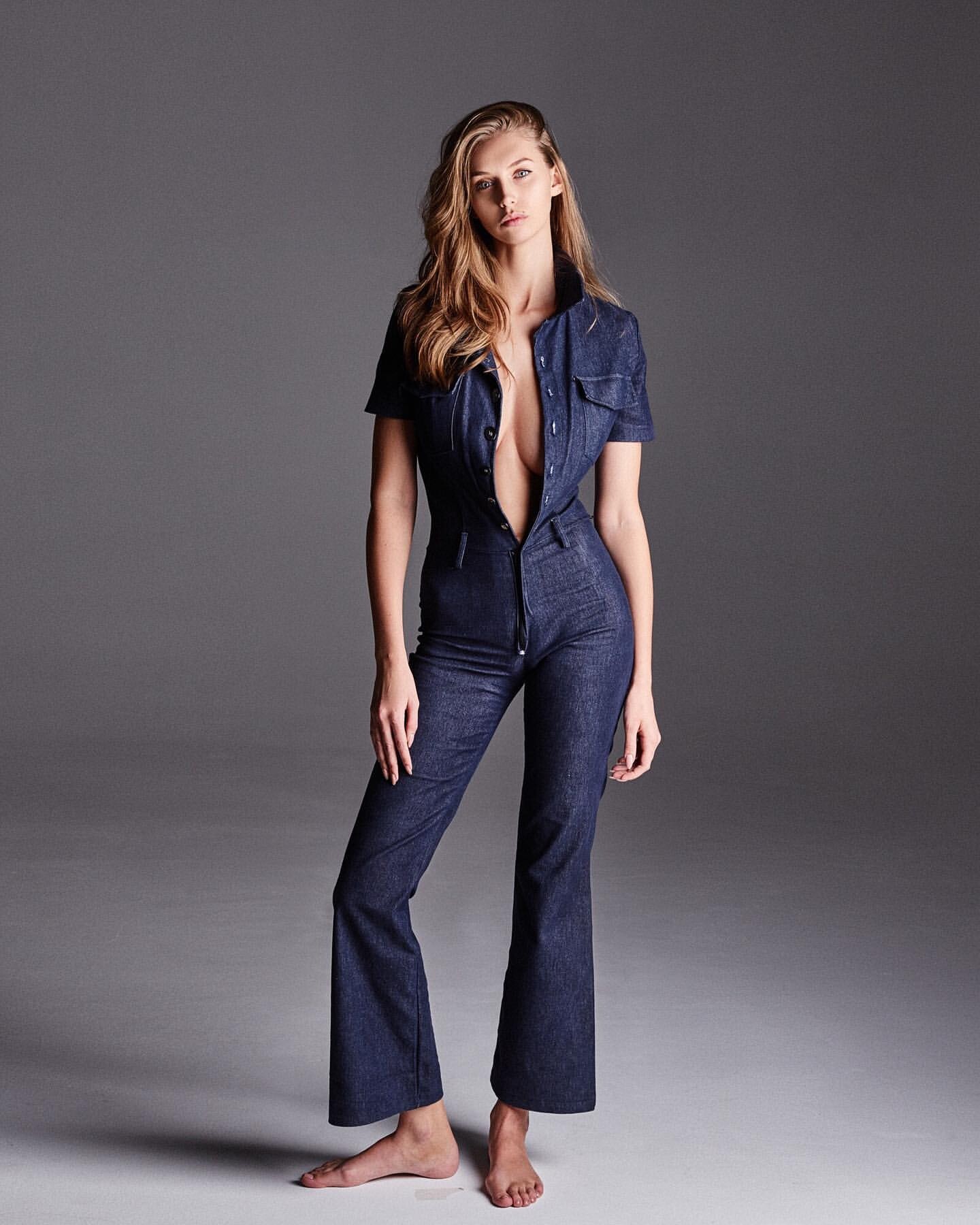
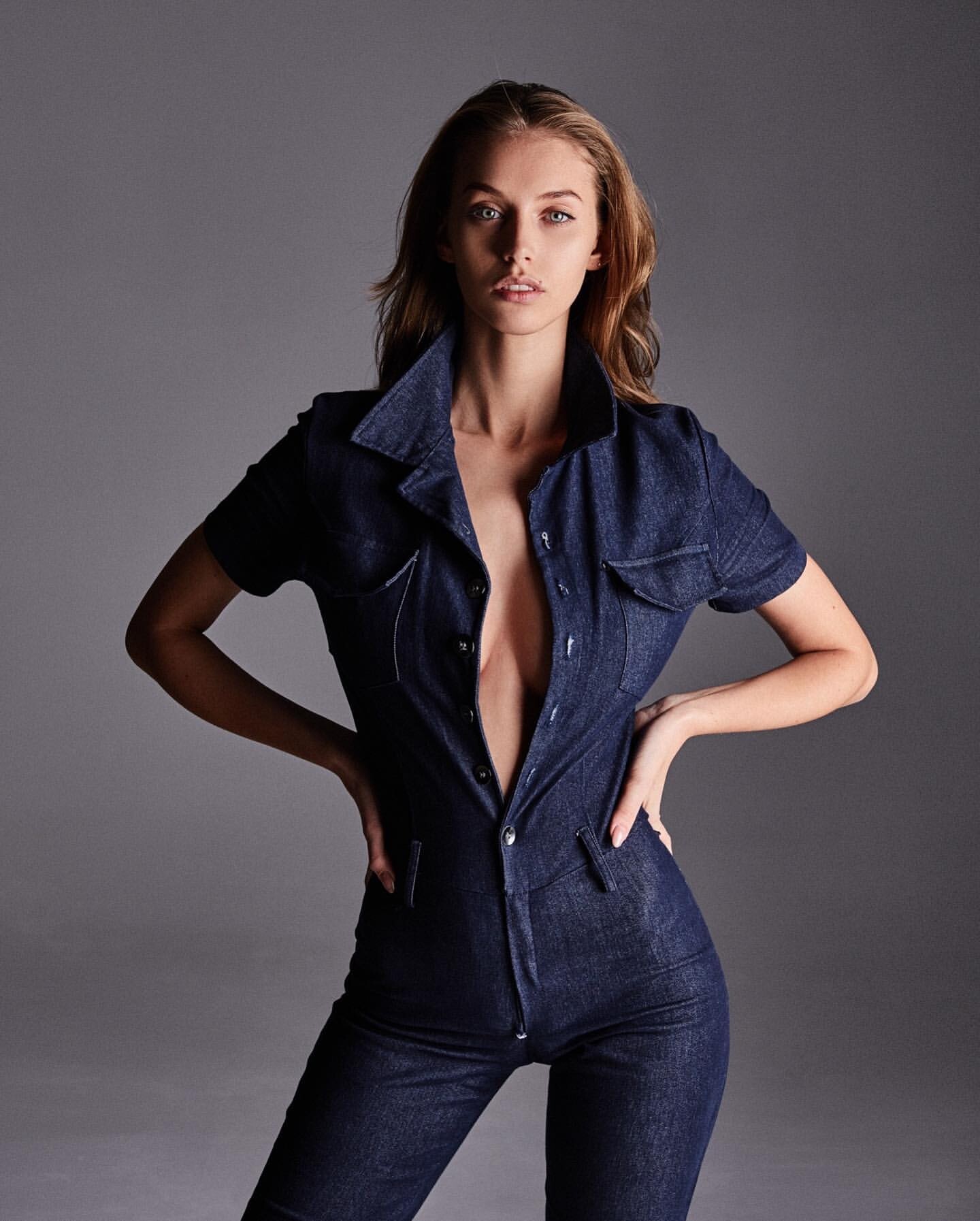
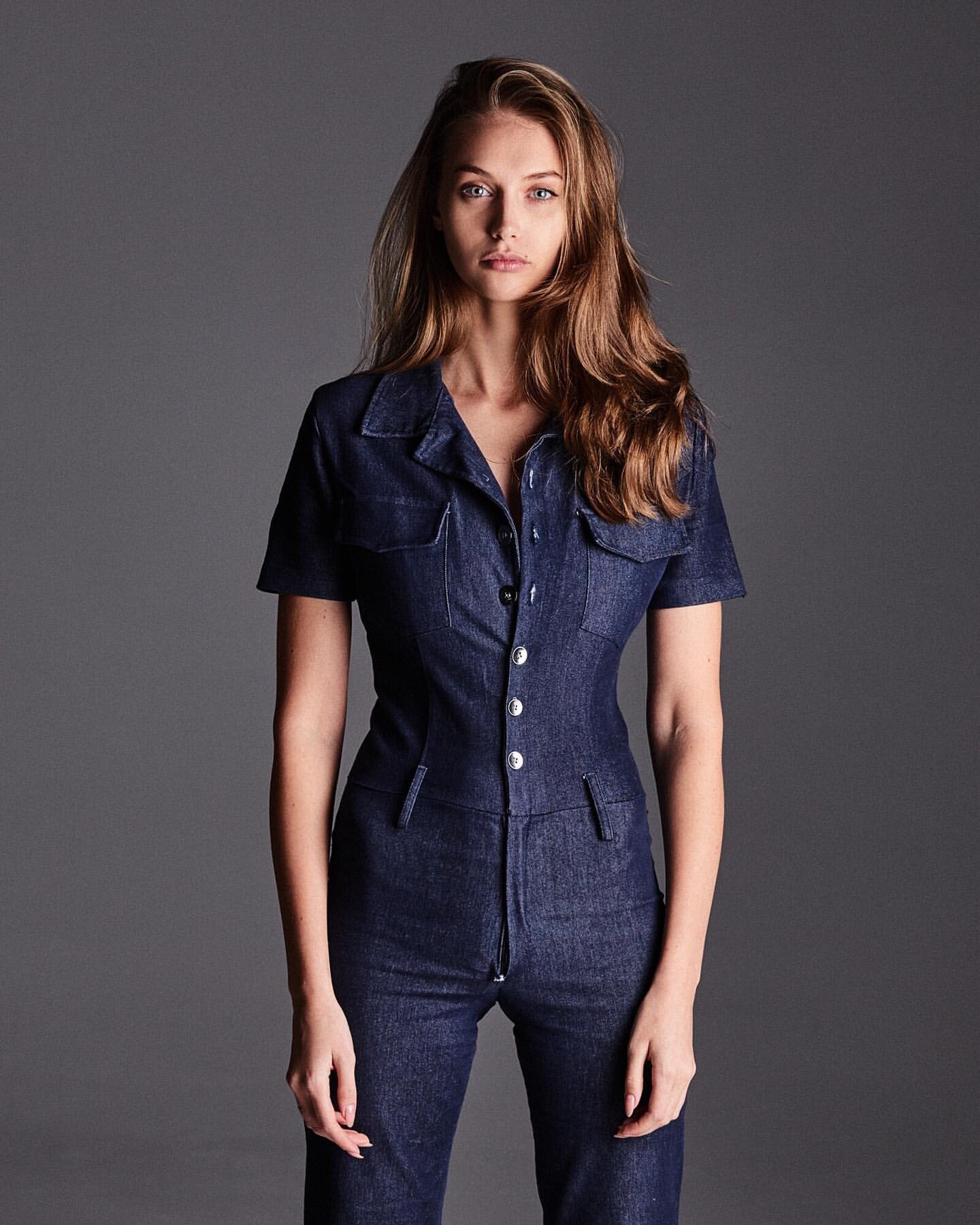
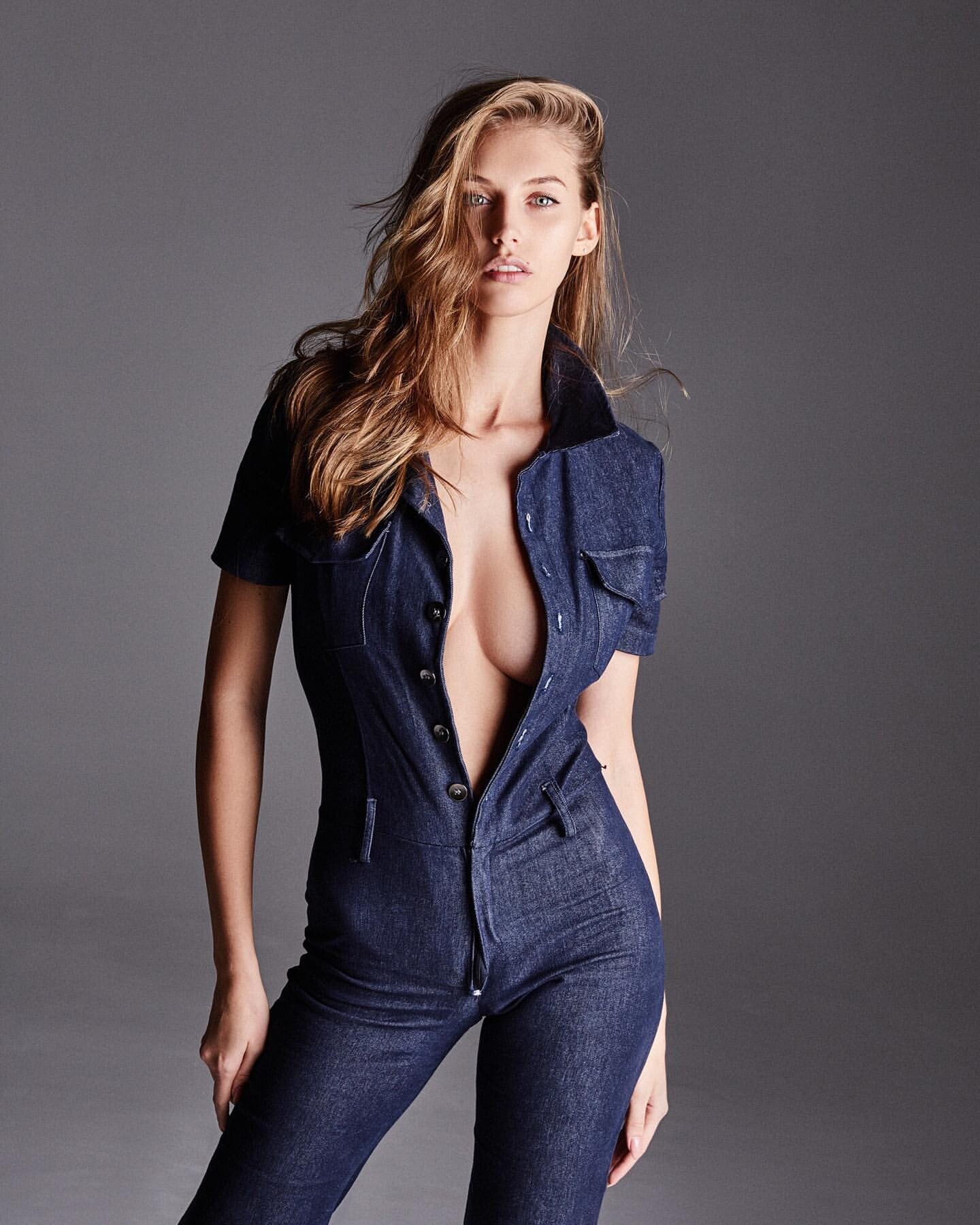
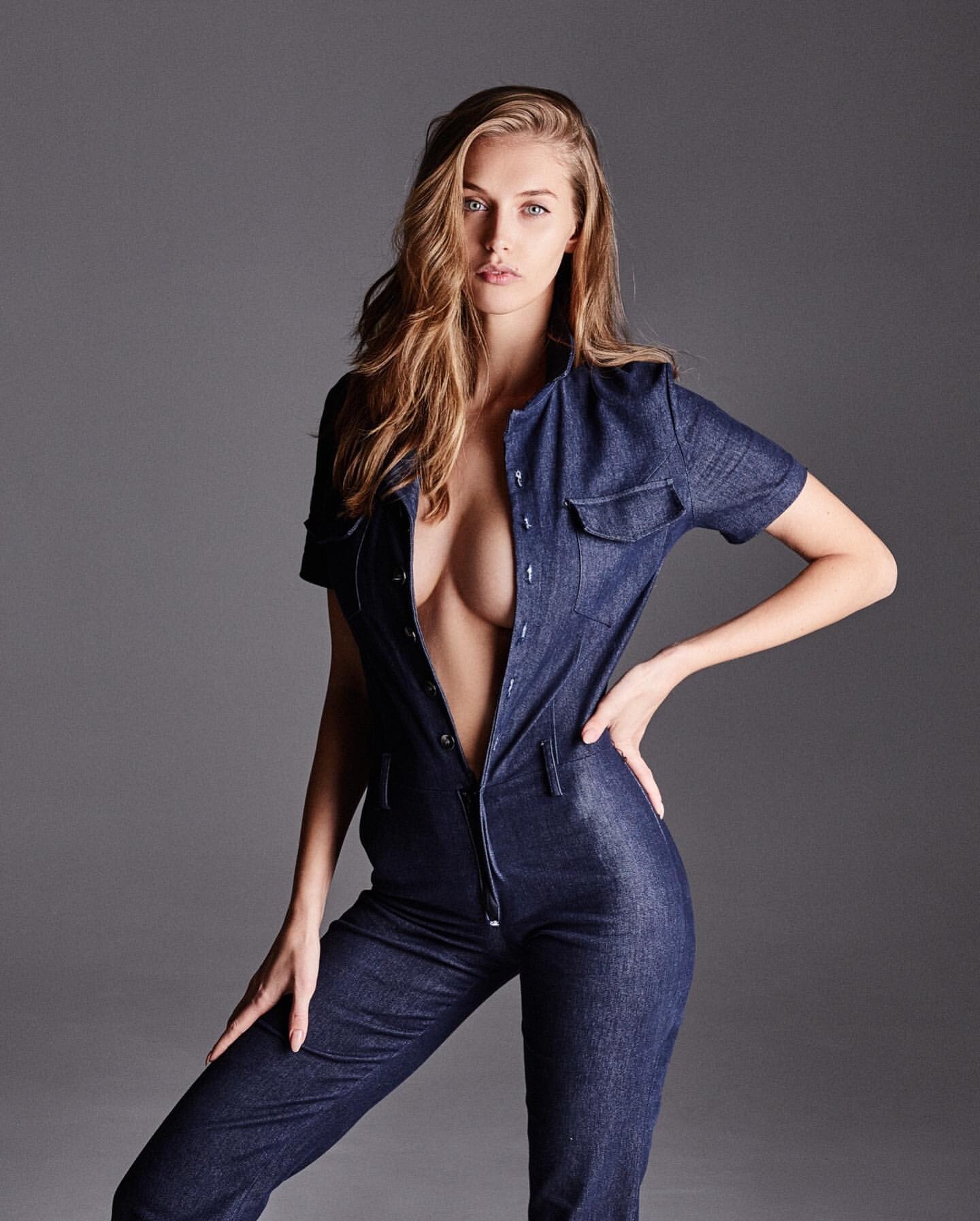
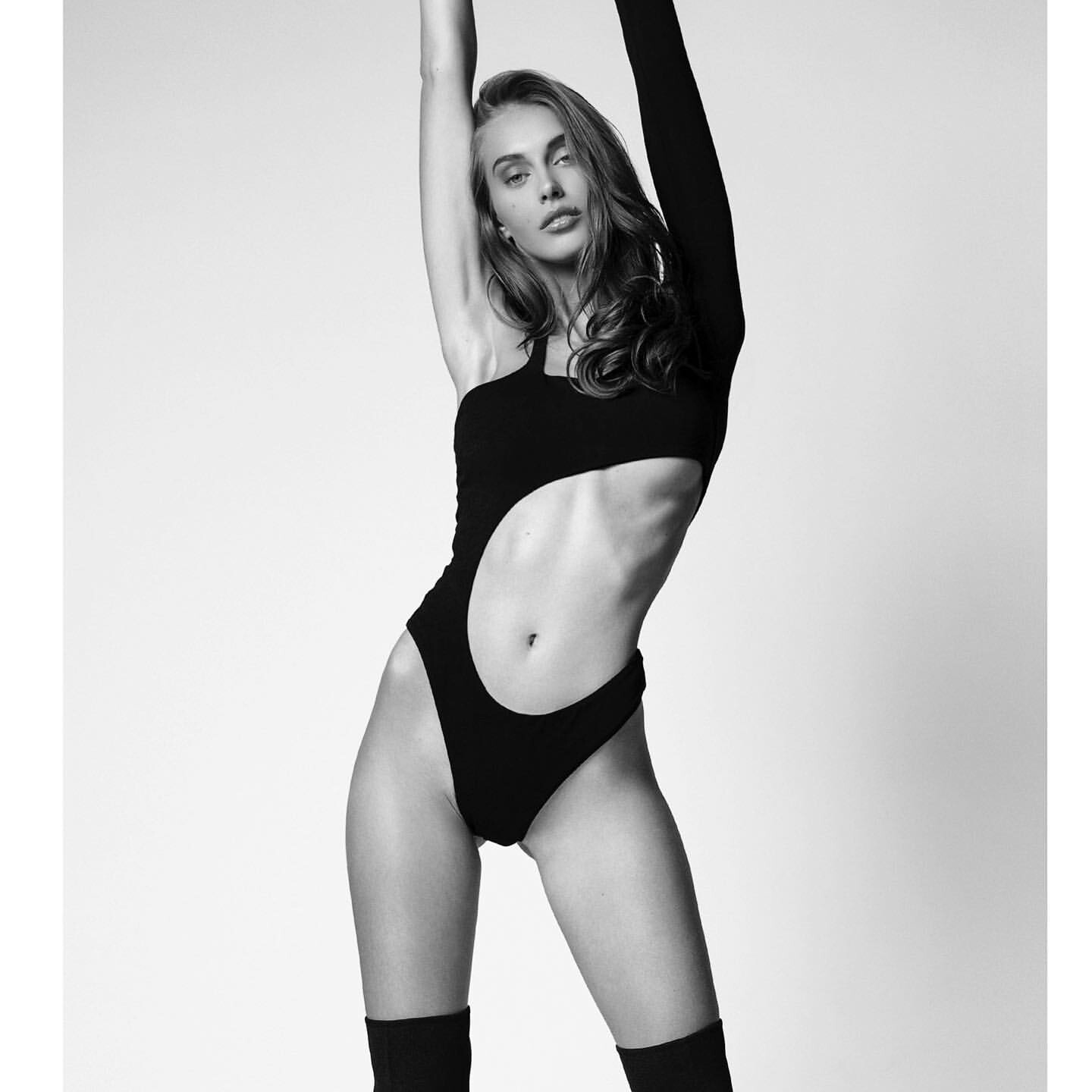
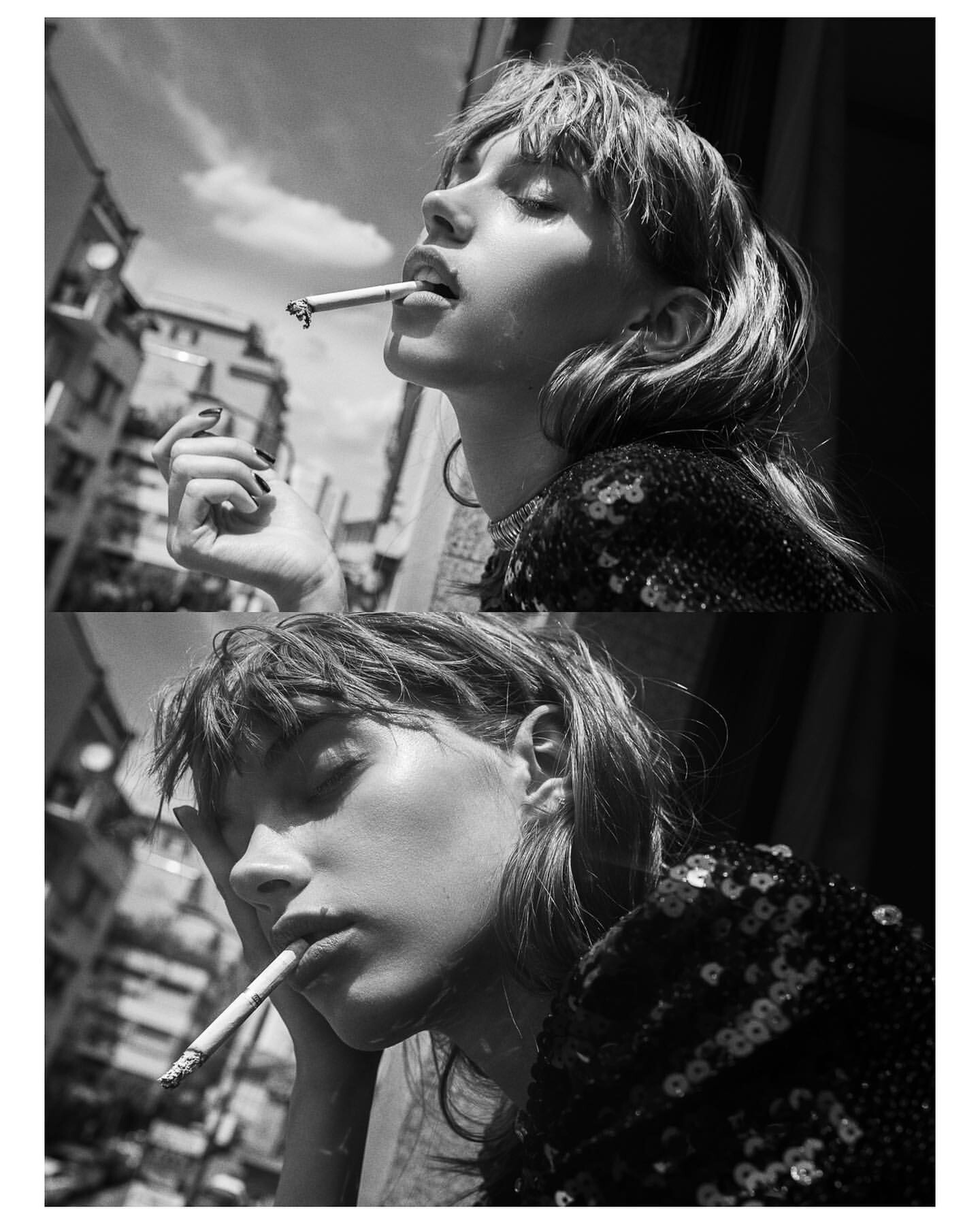
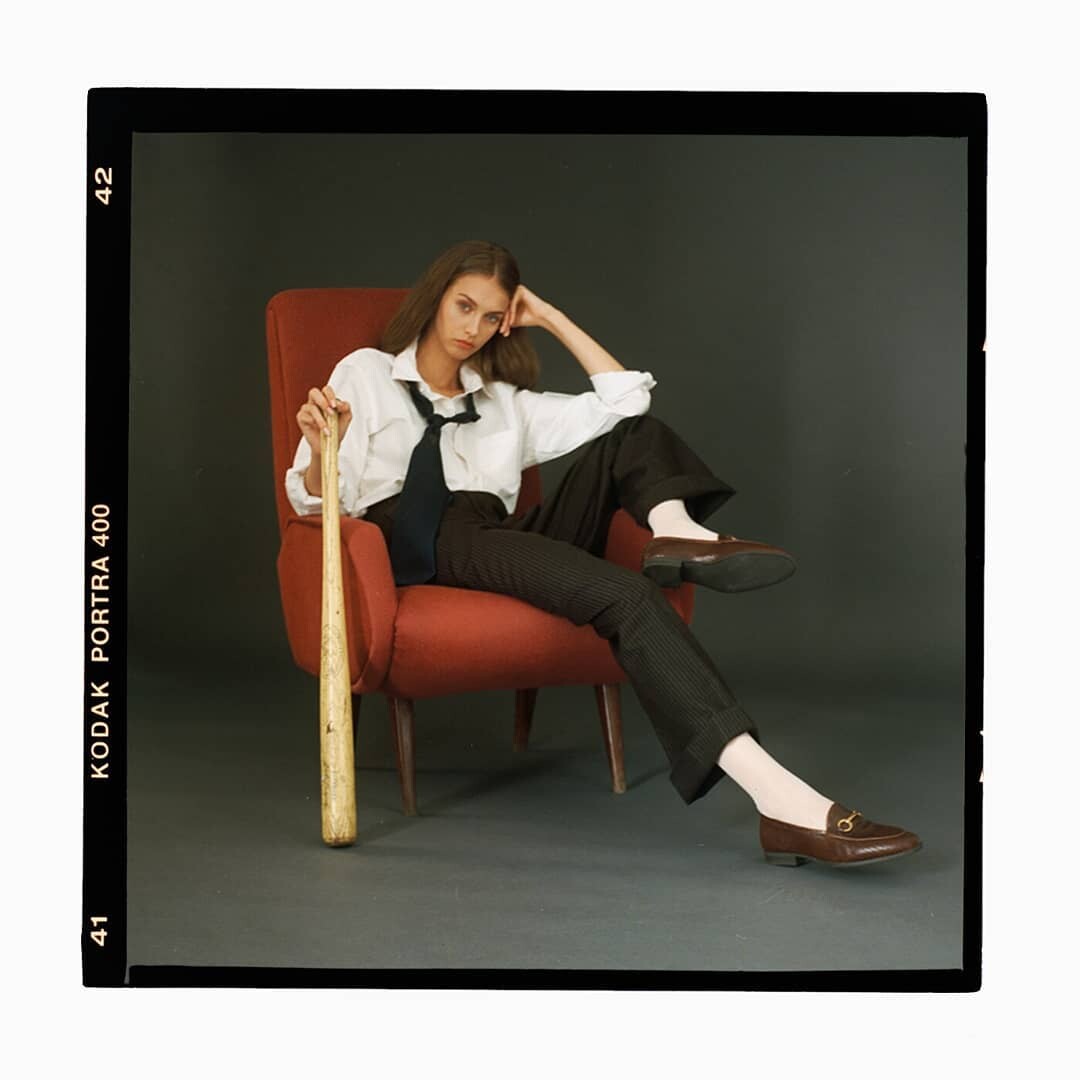
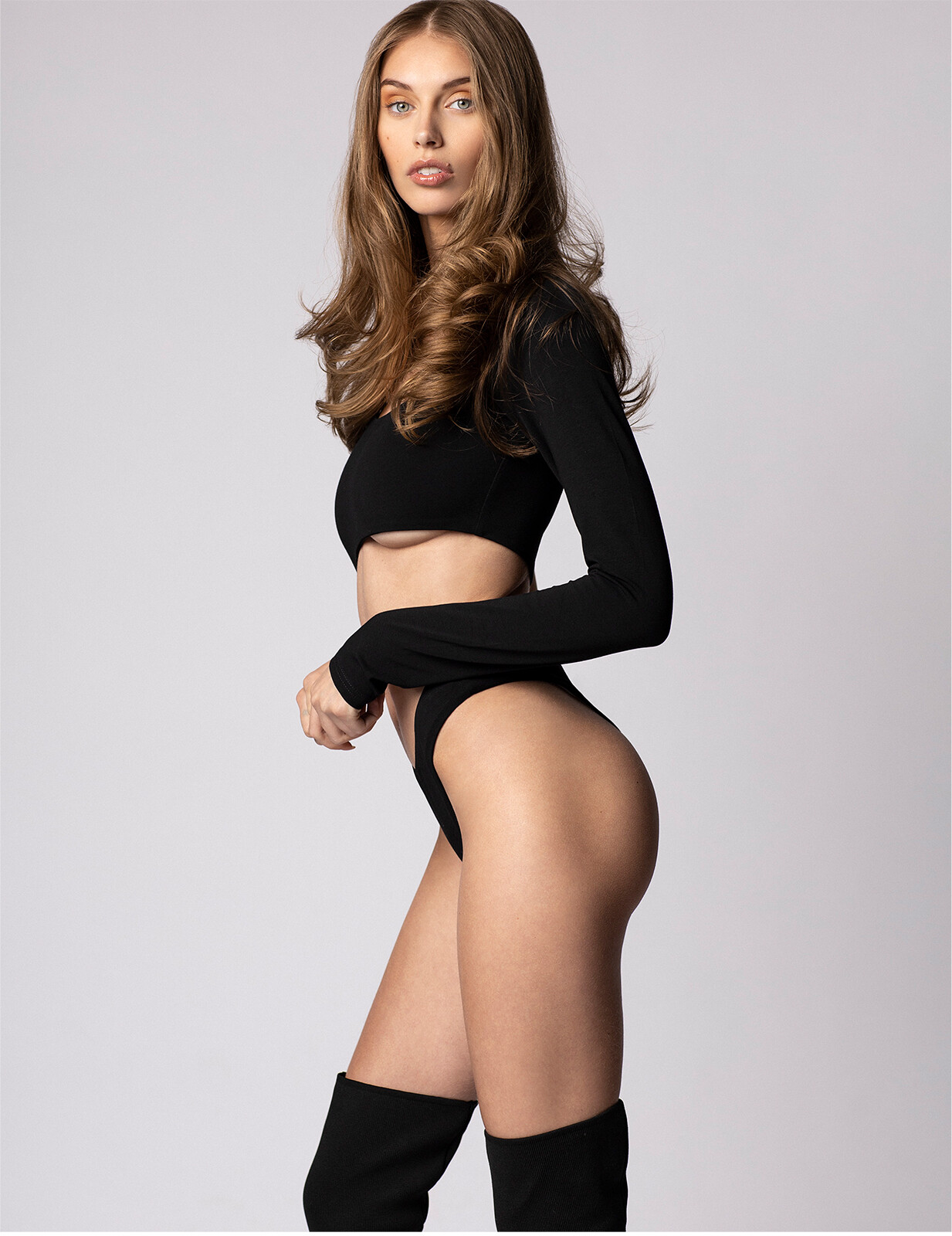
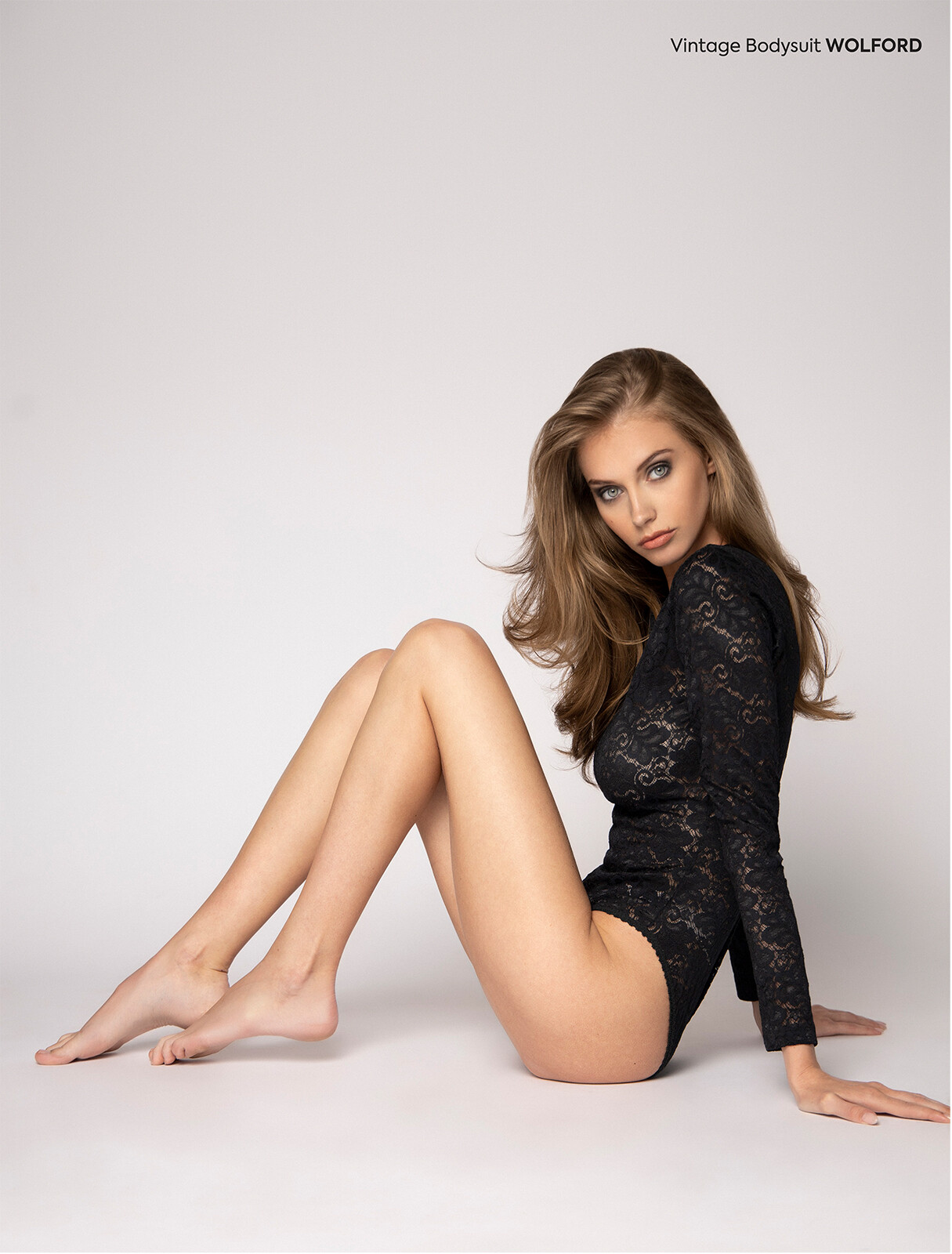
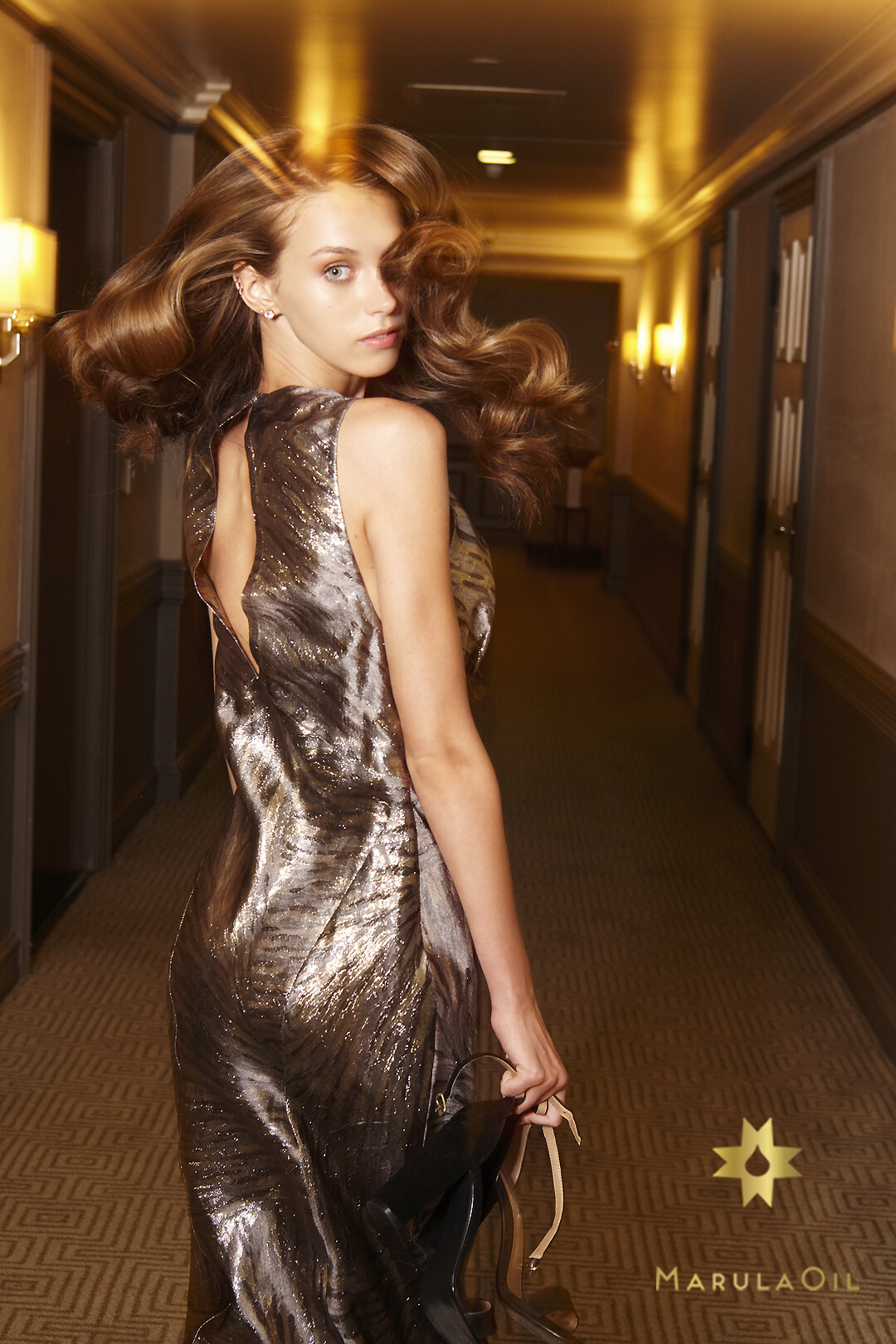
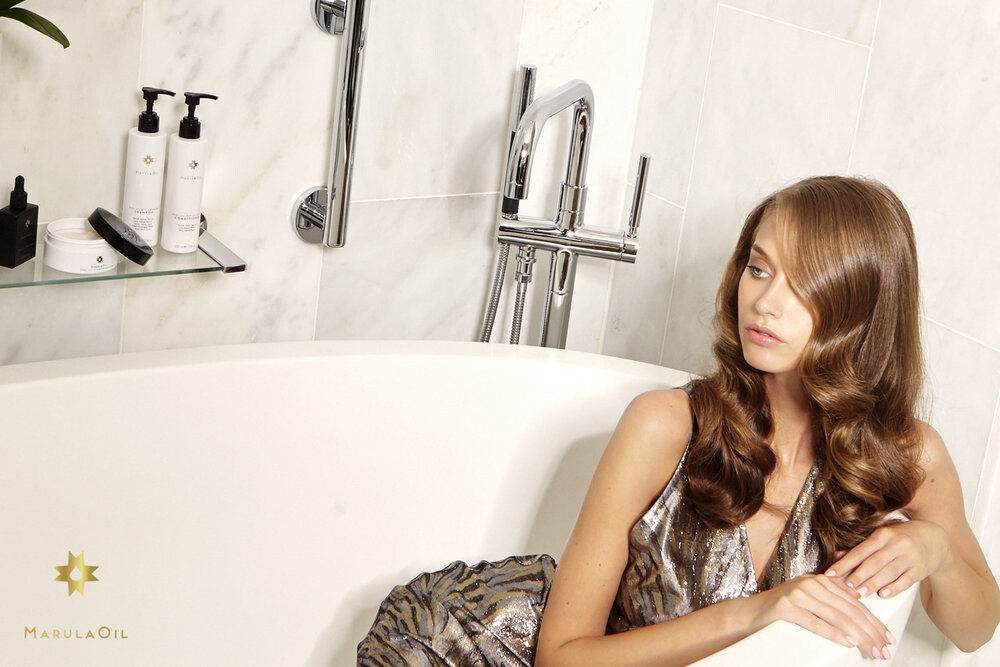
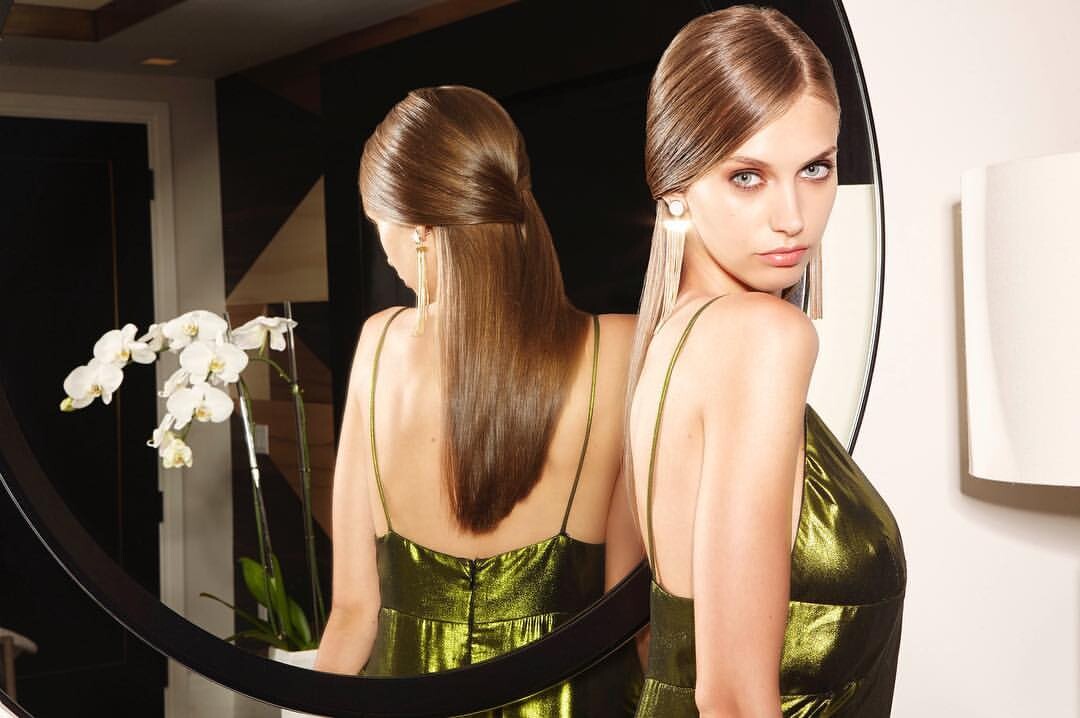
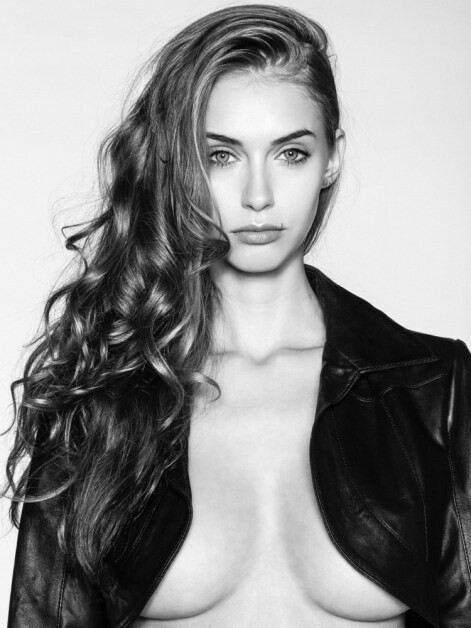
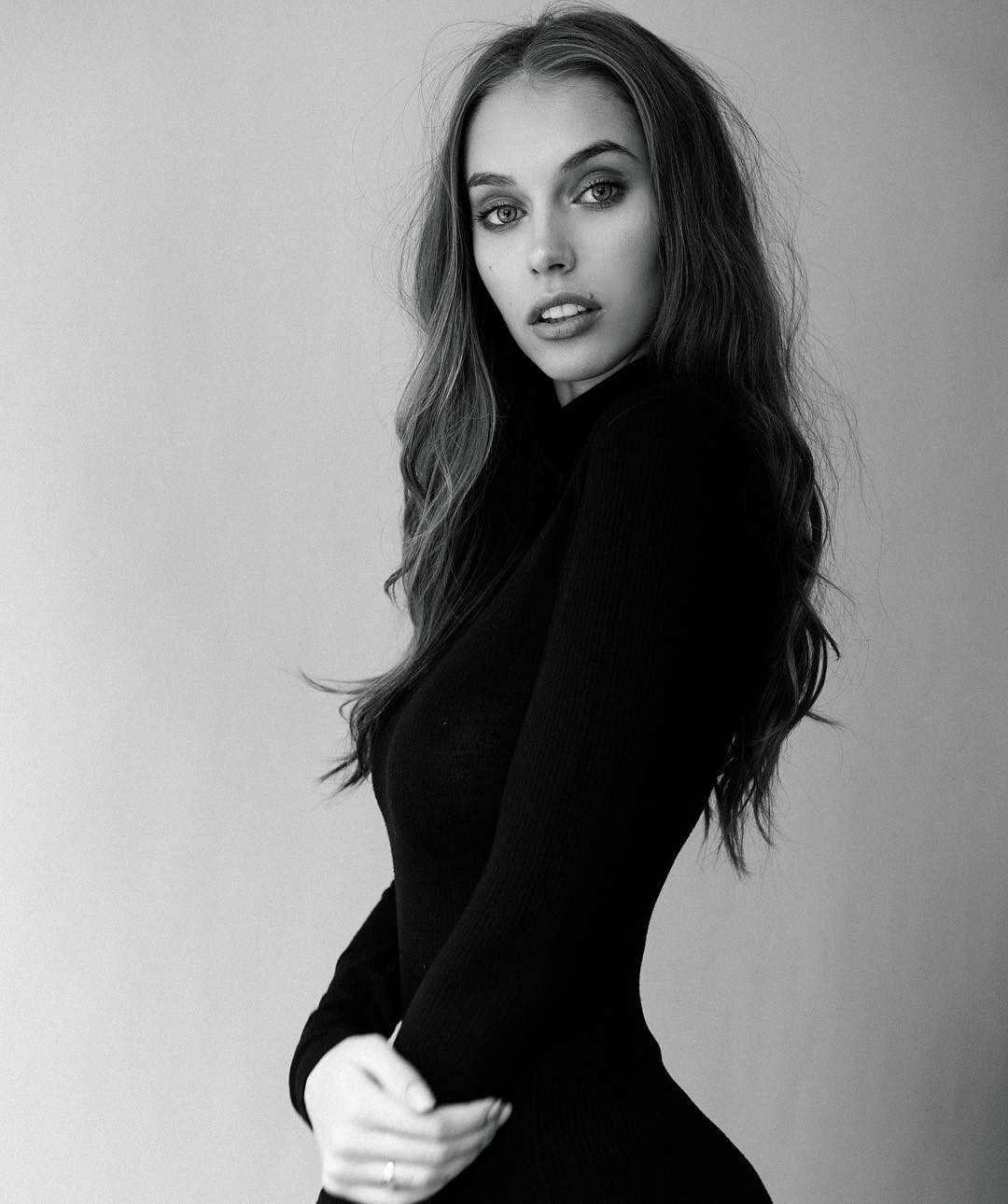
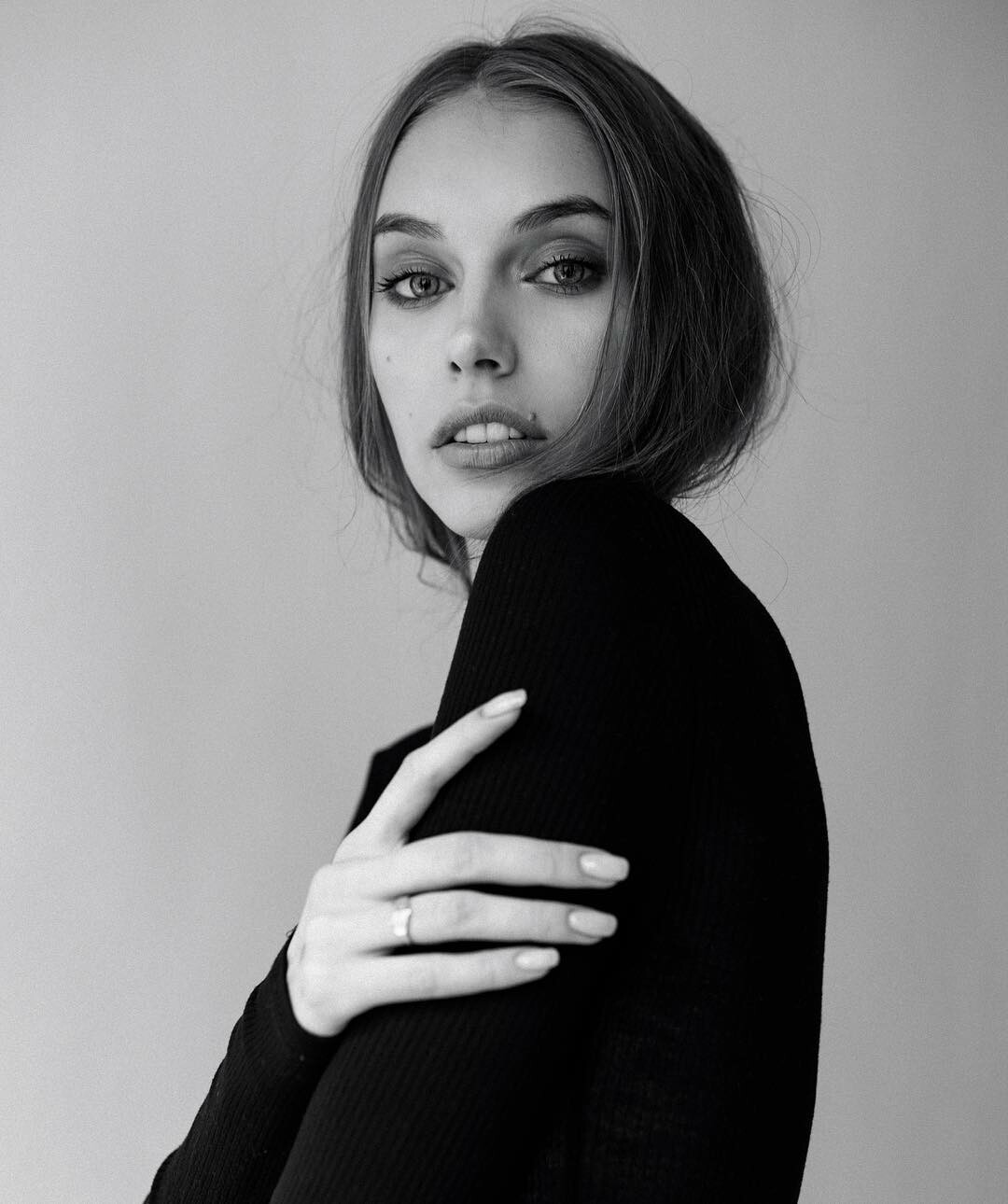
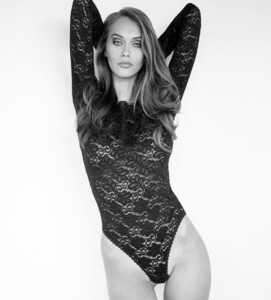 don't know when she did, but I really love this photo. this is def her the best image ever. She always gets nice mood in photo. like a movie star in frame
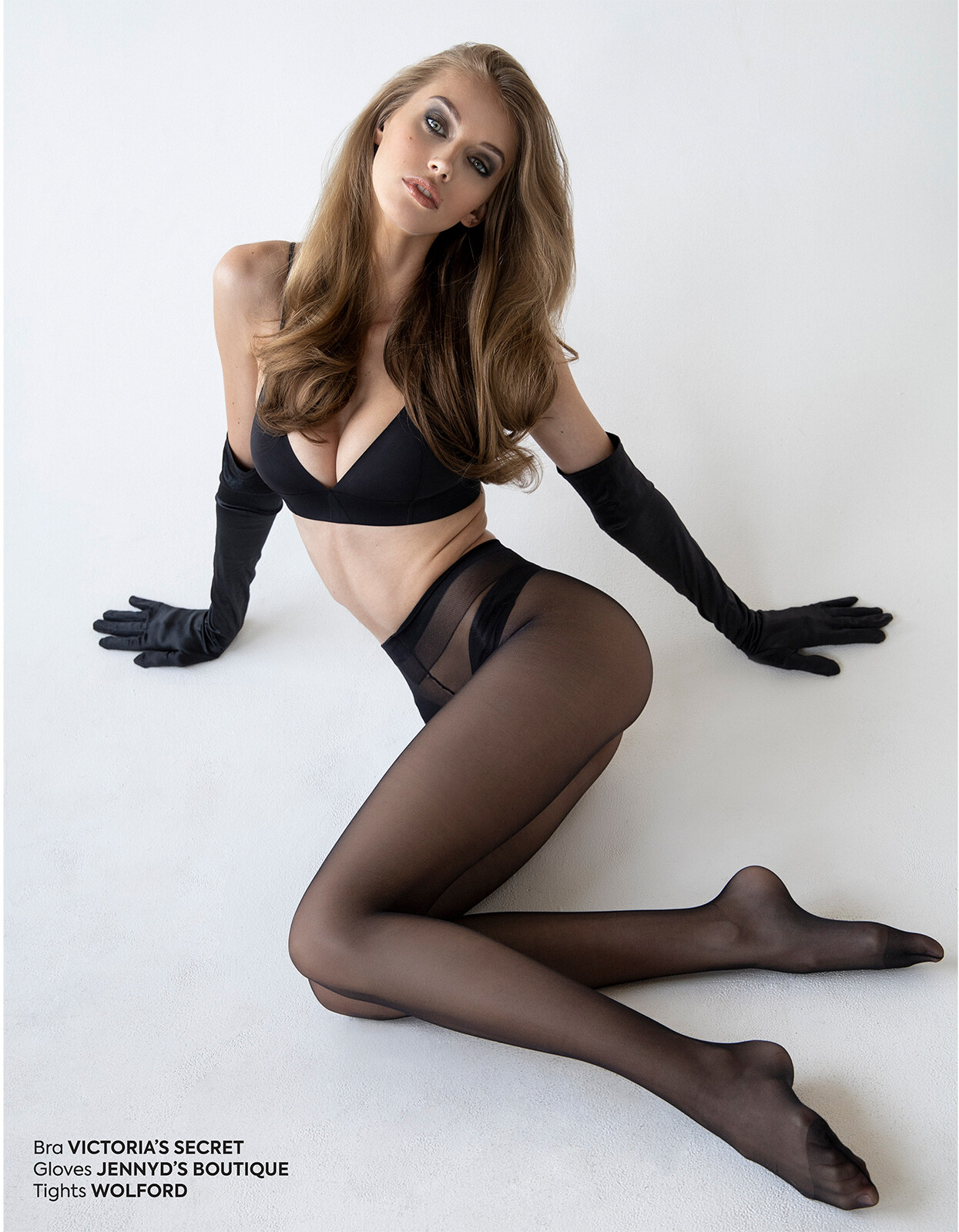
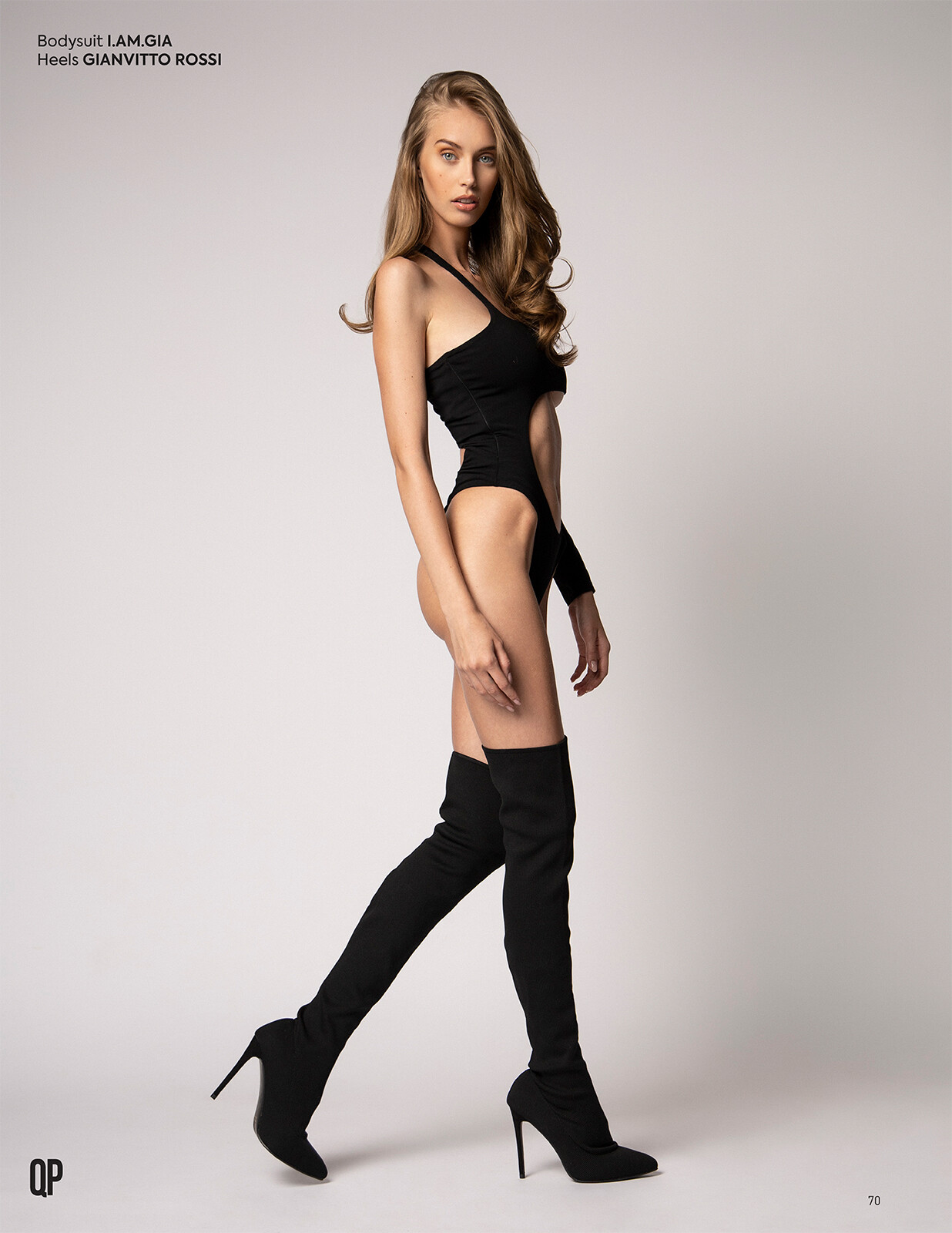
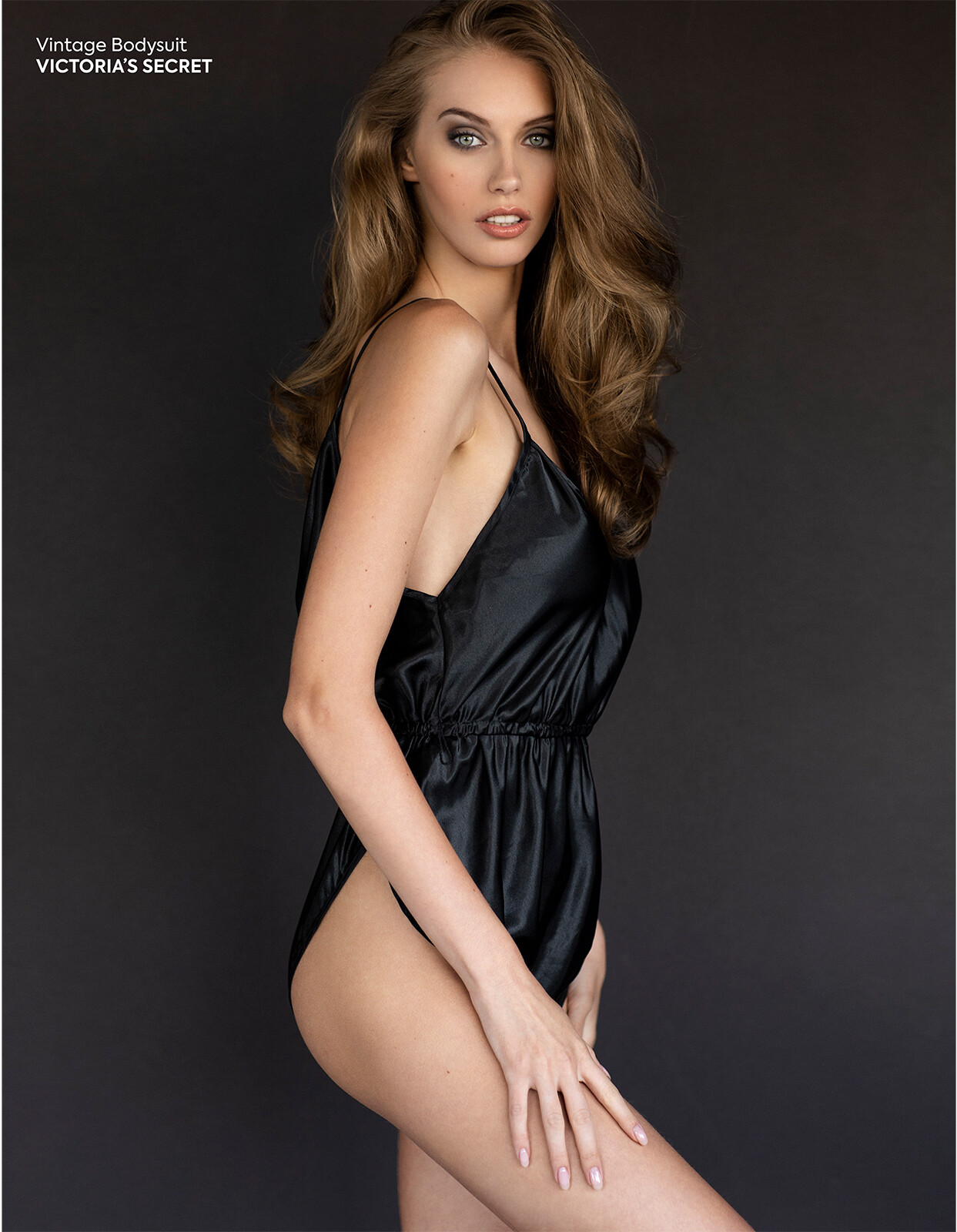
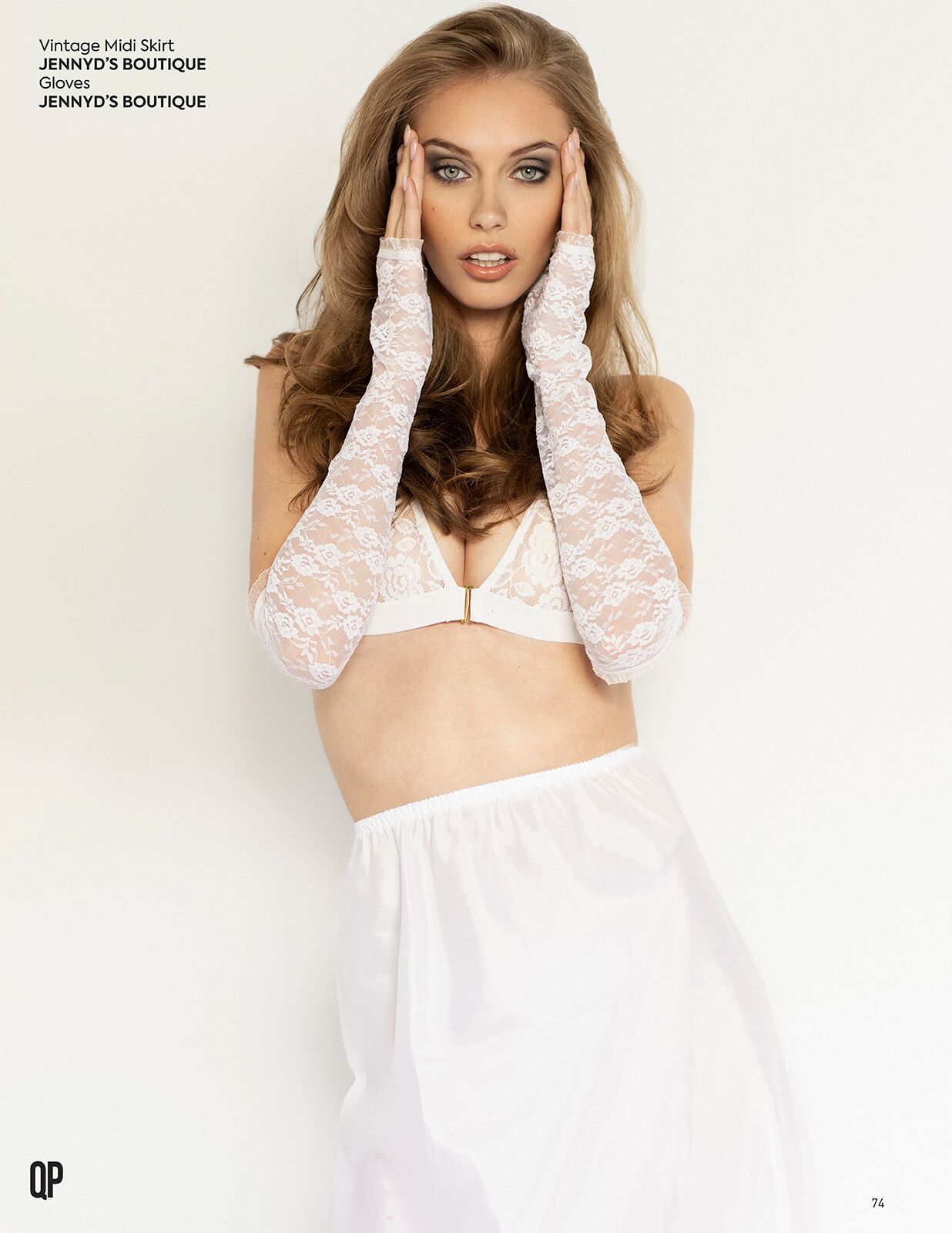
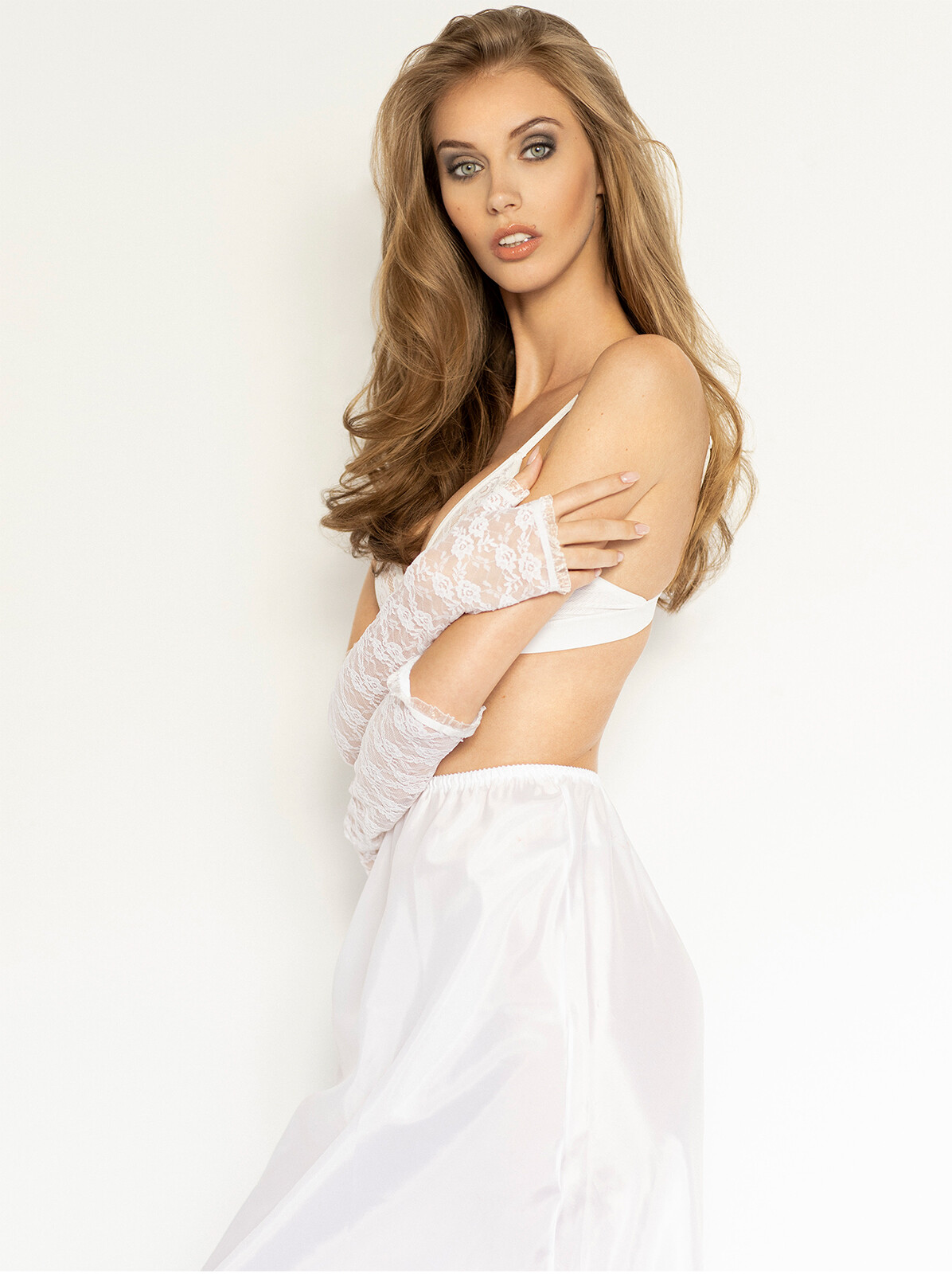
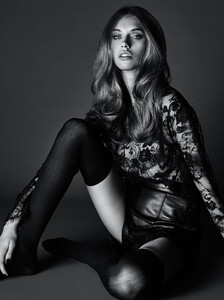 she is amazing. qp magazine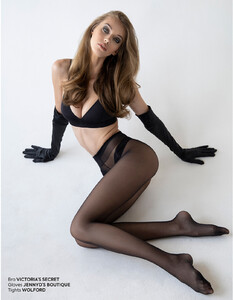

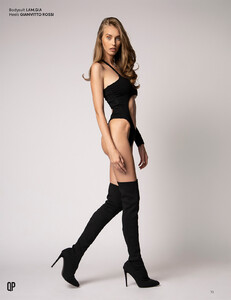
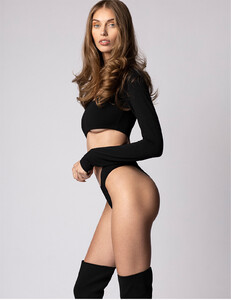
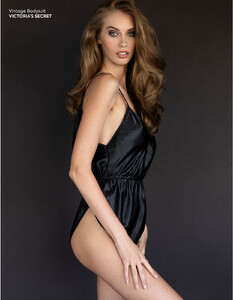
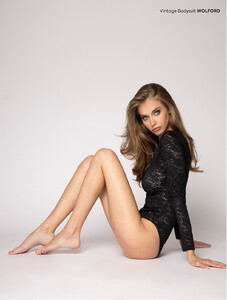
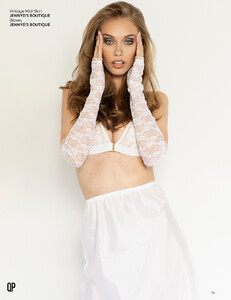
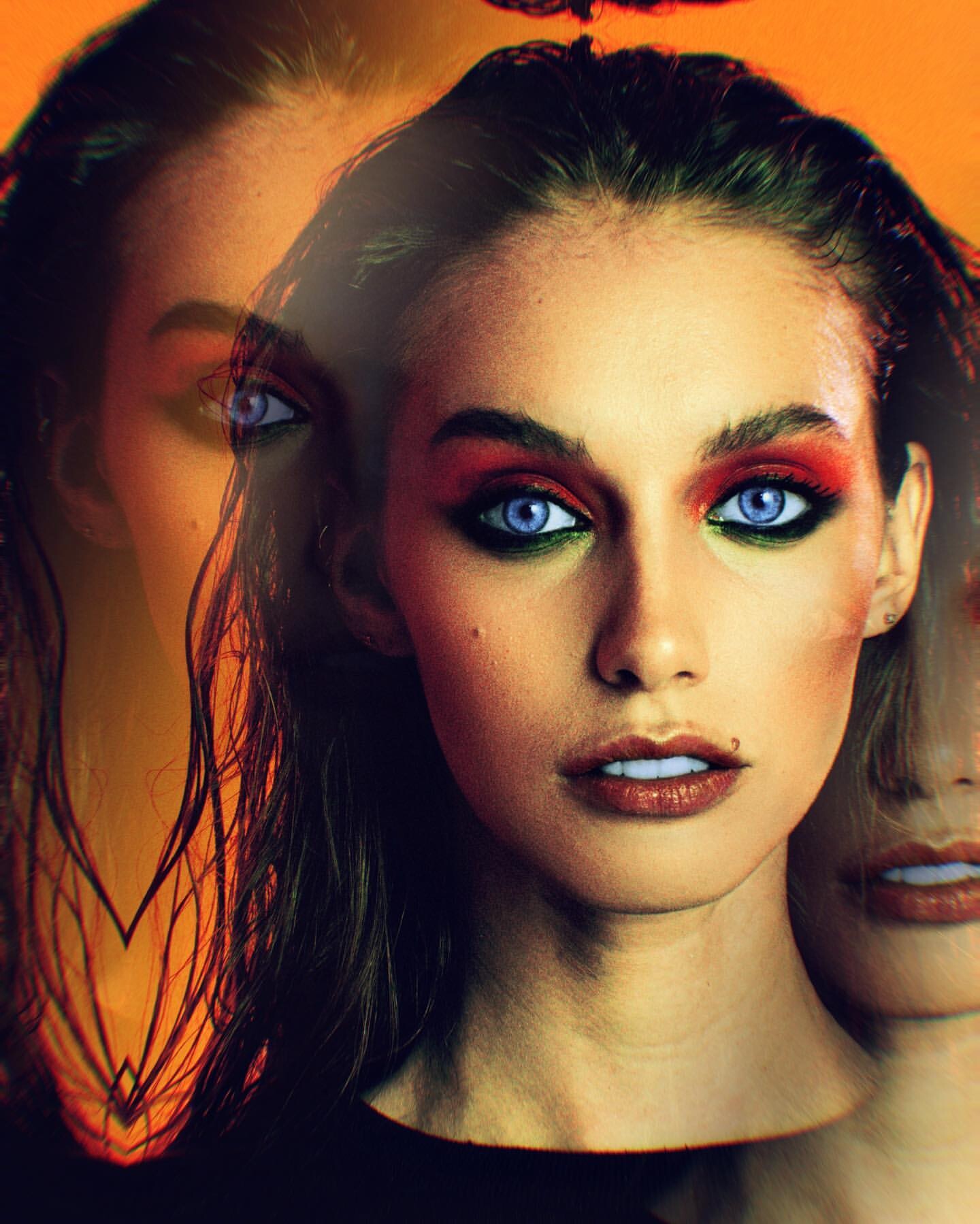
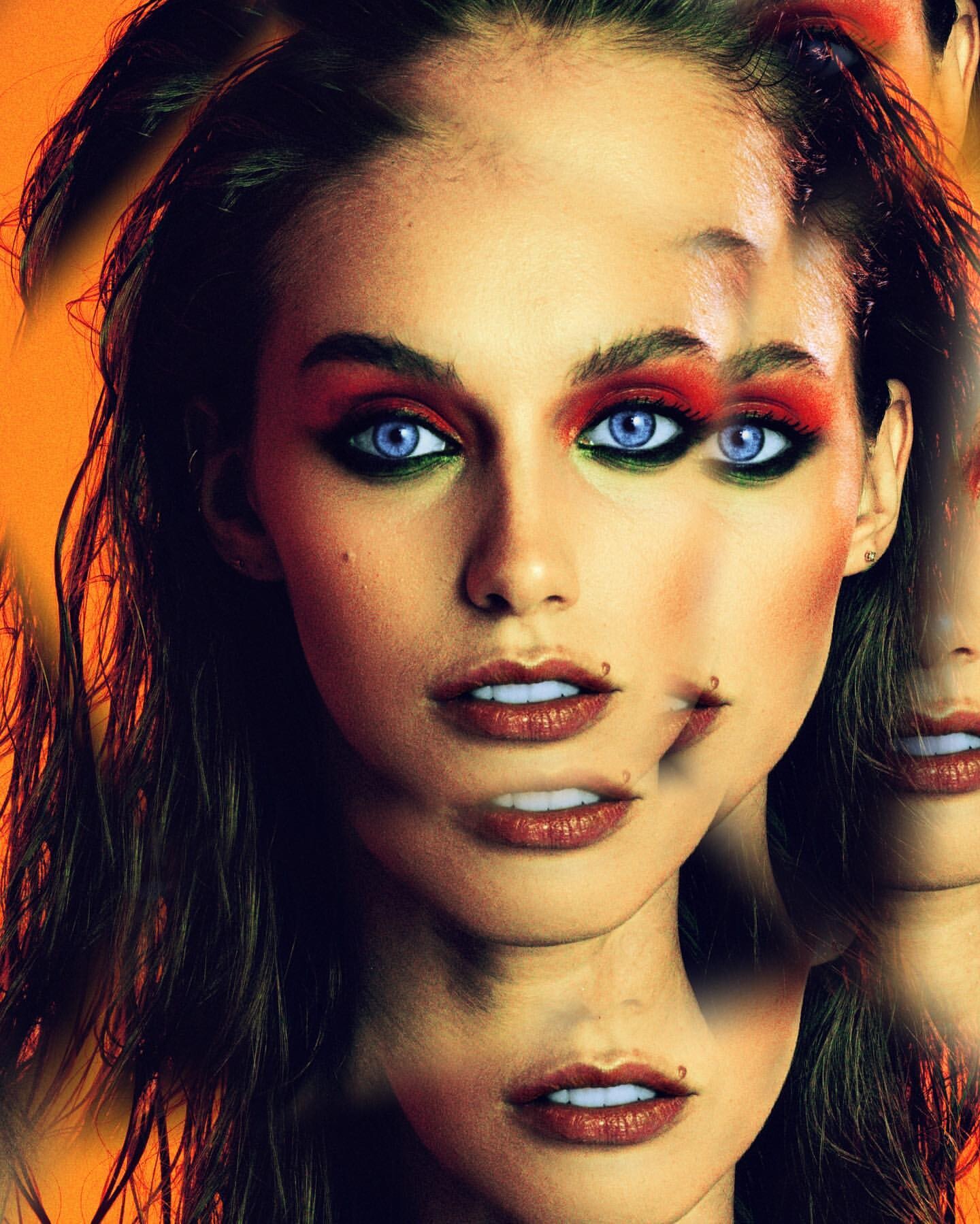
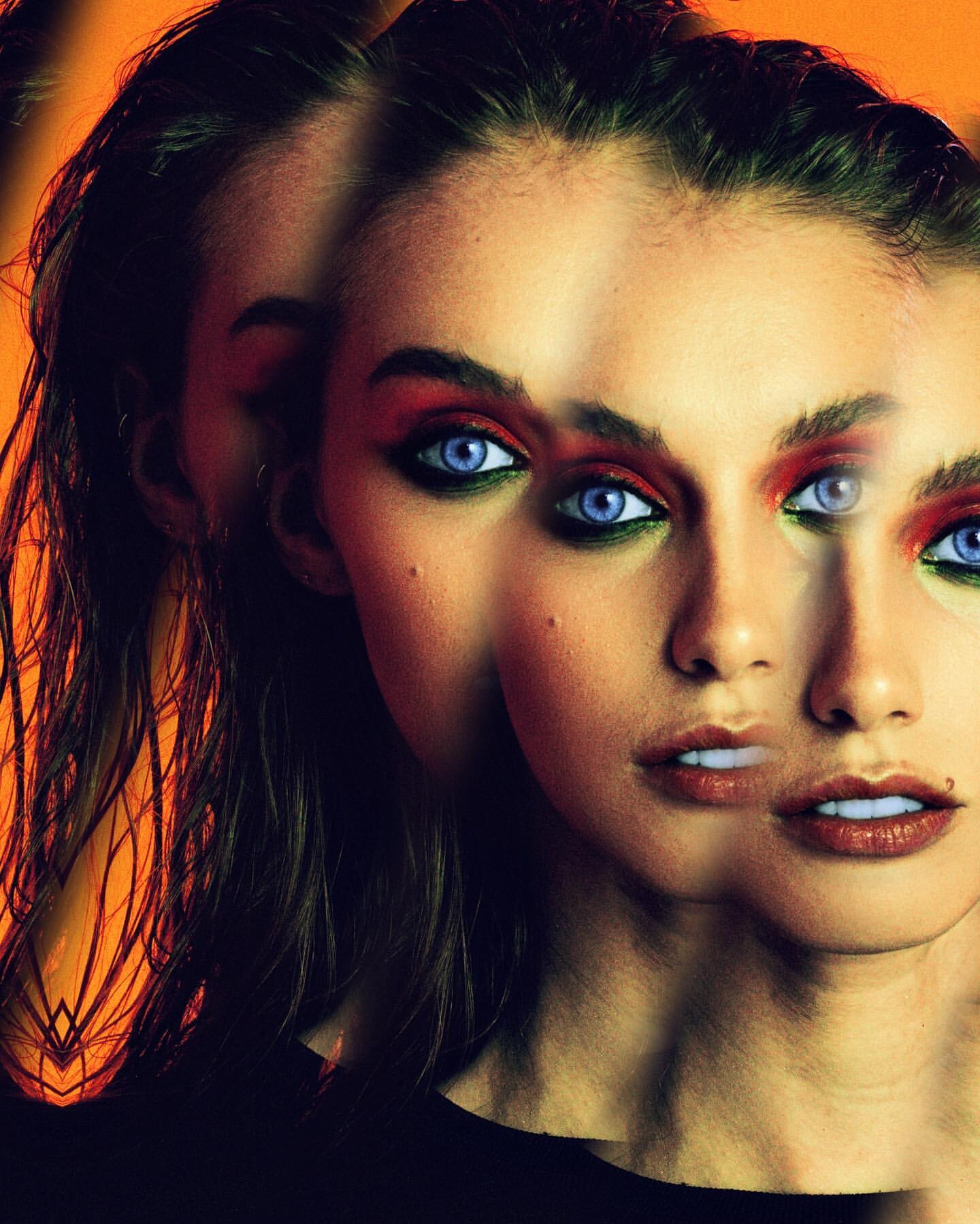
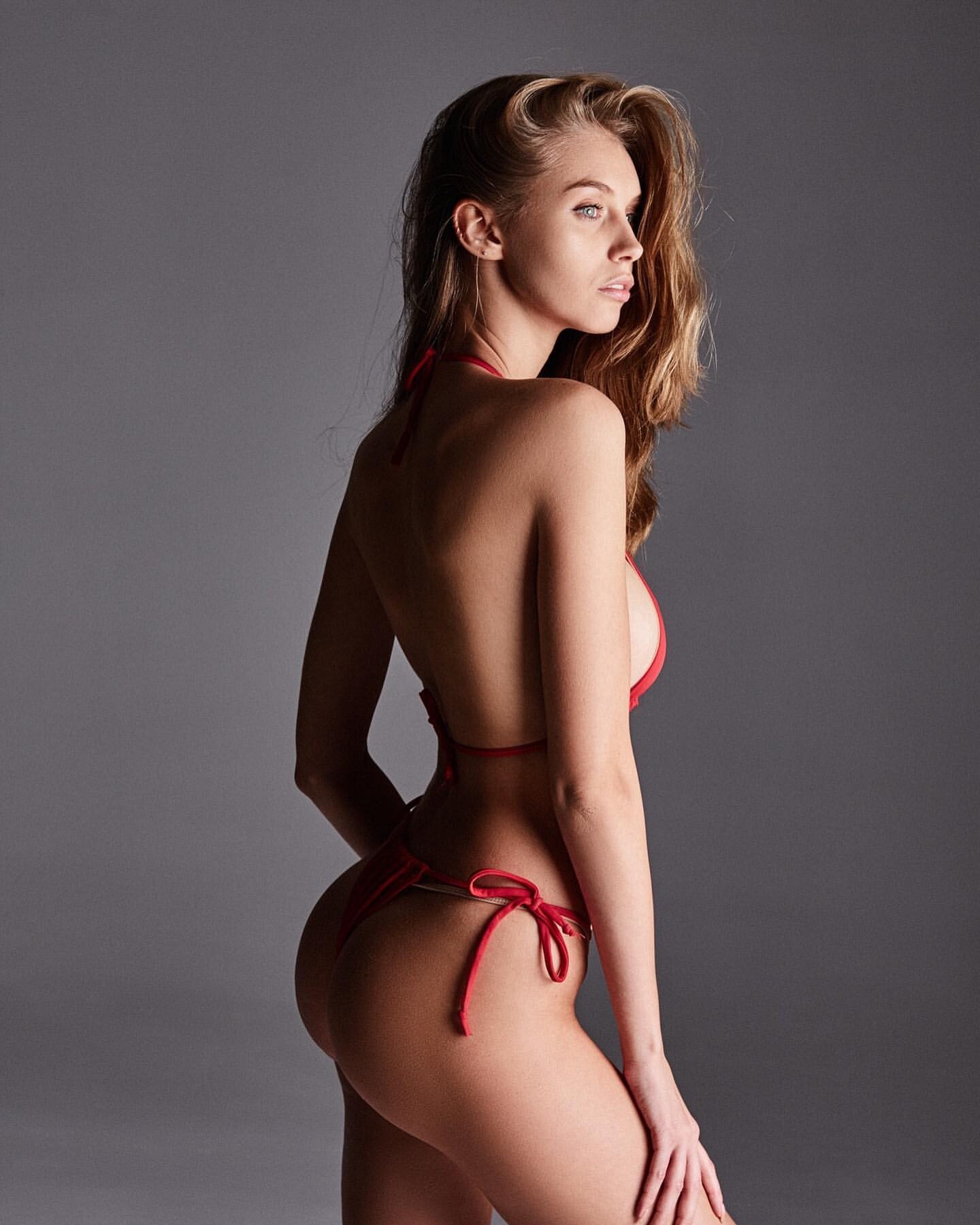
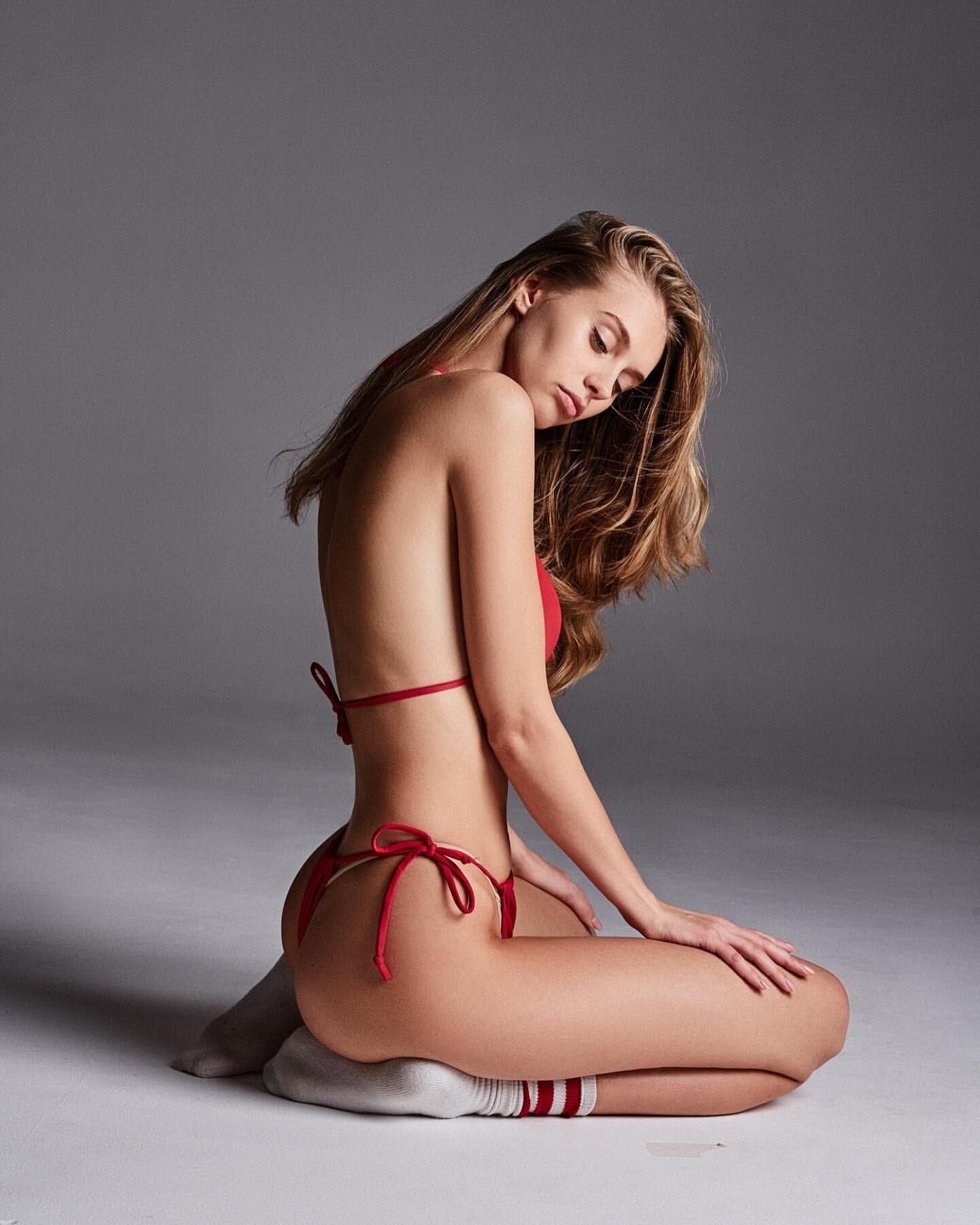
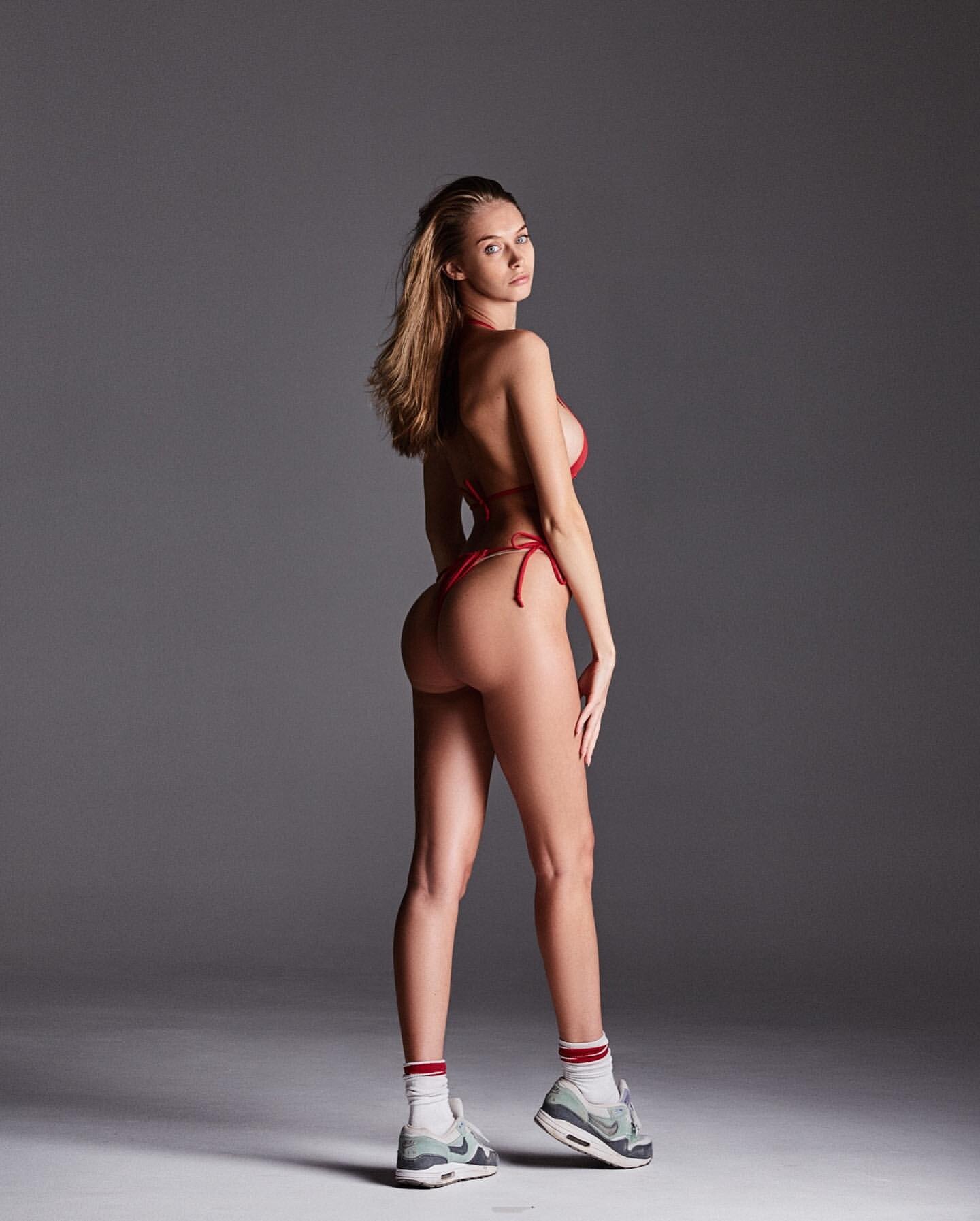
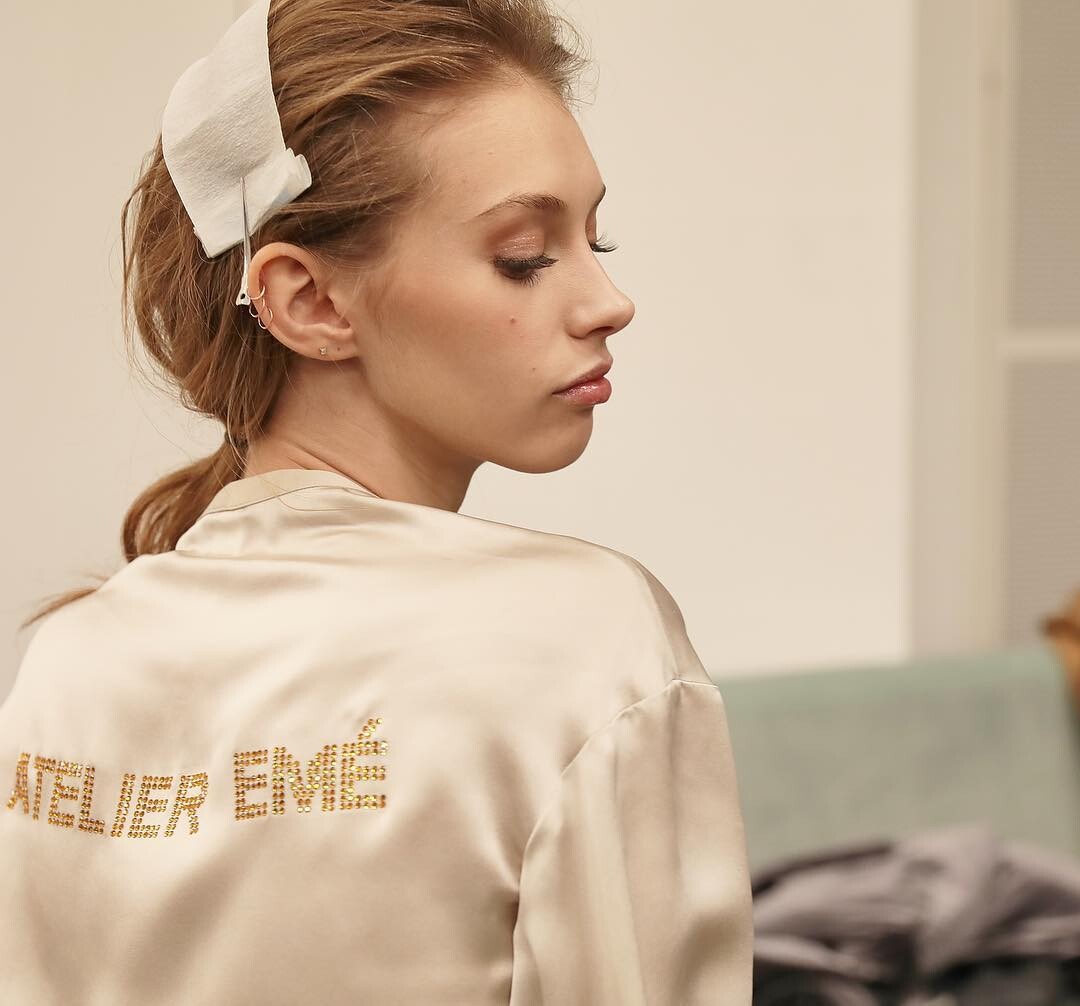
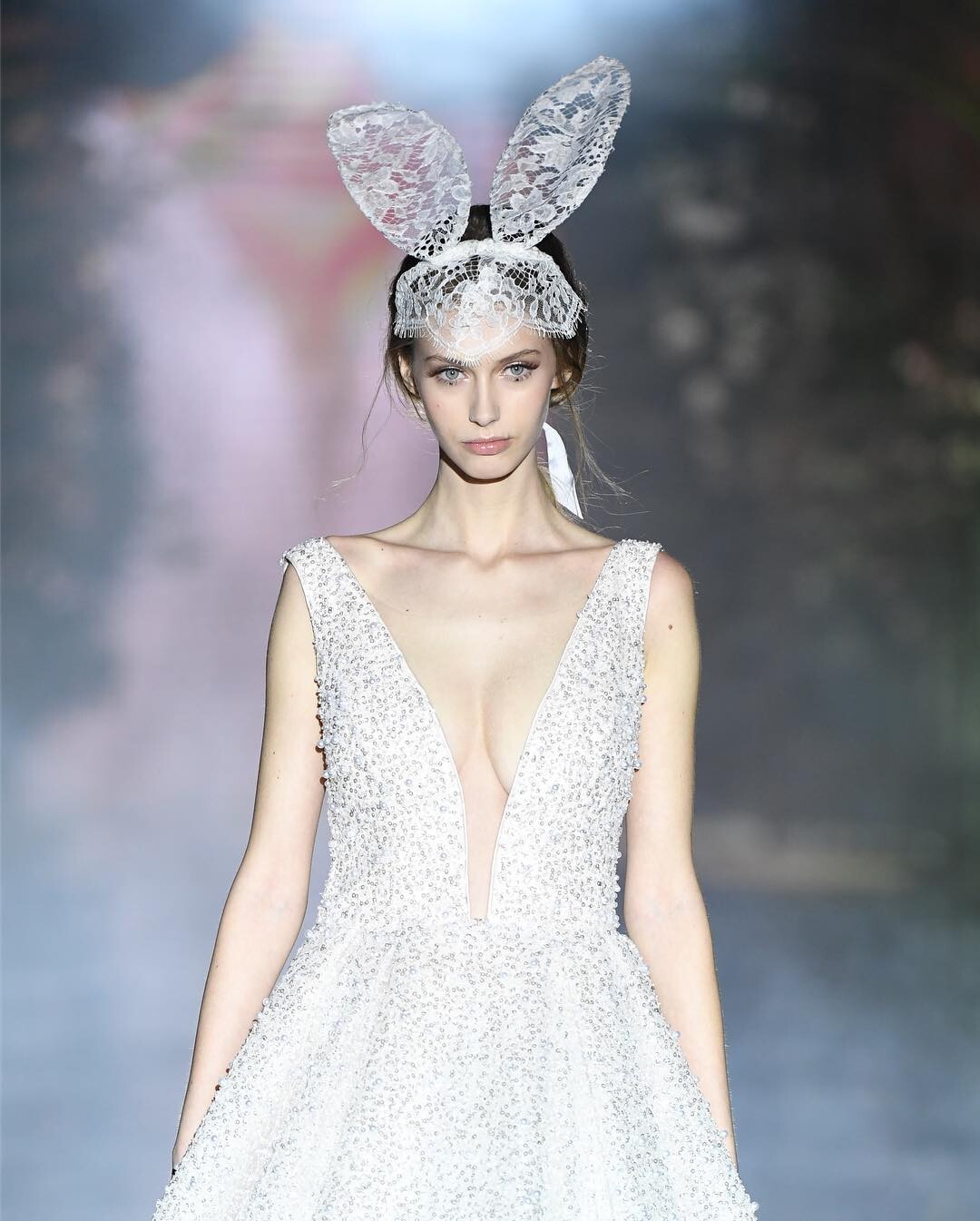
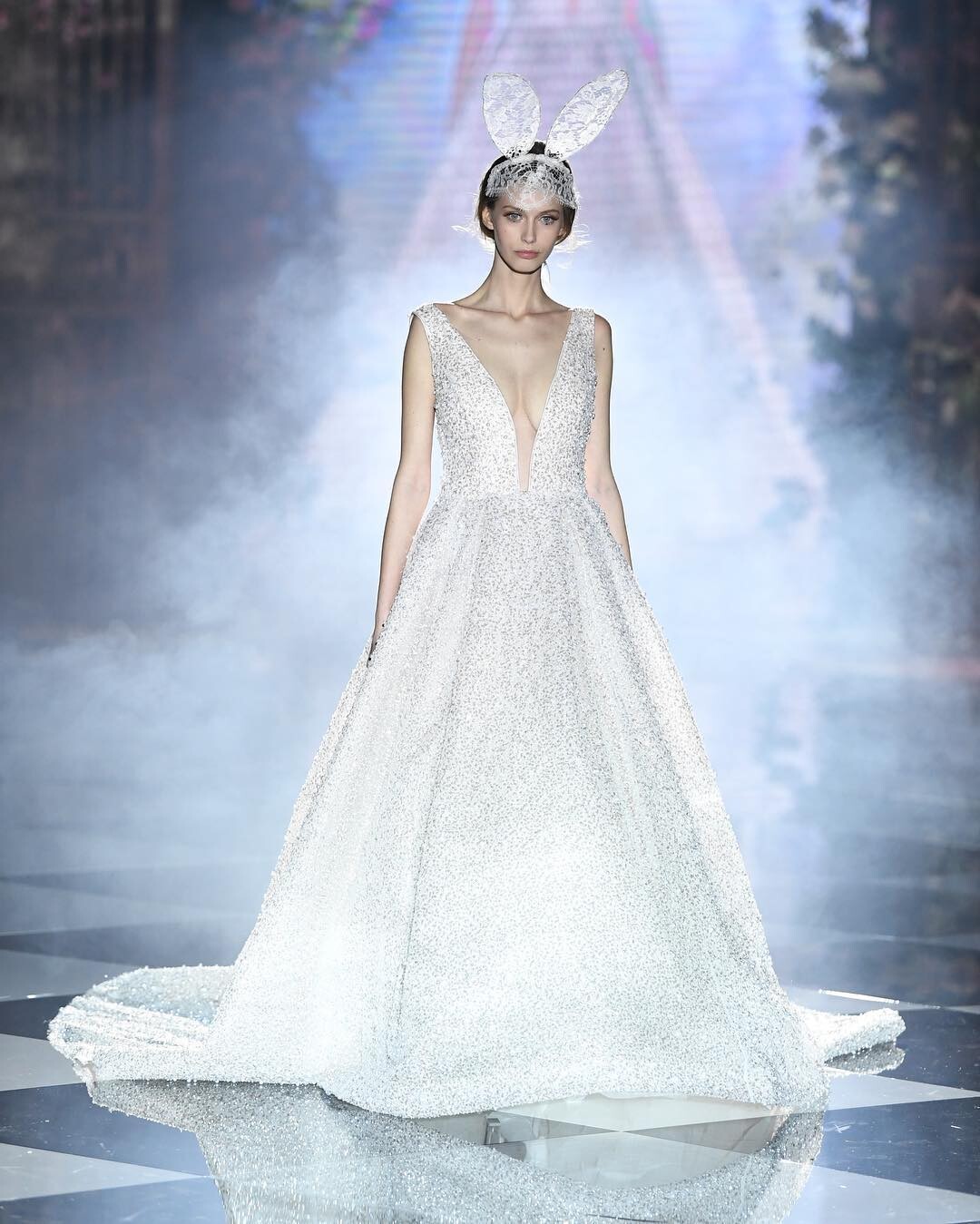
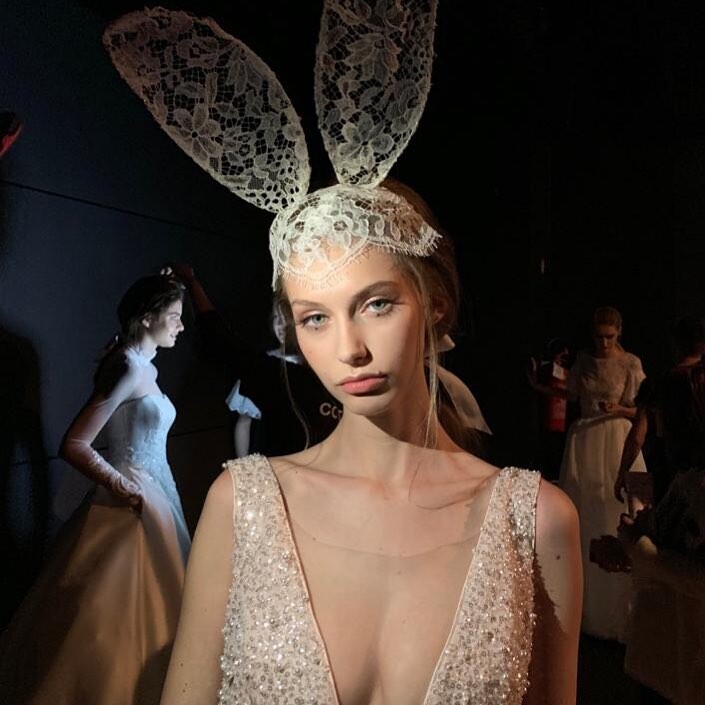
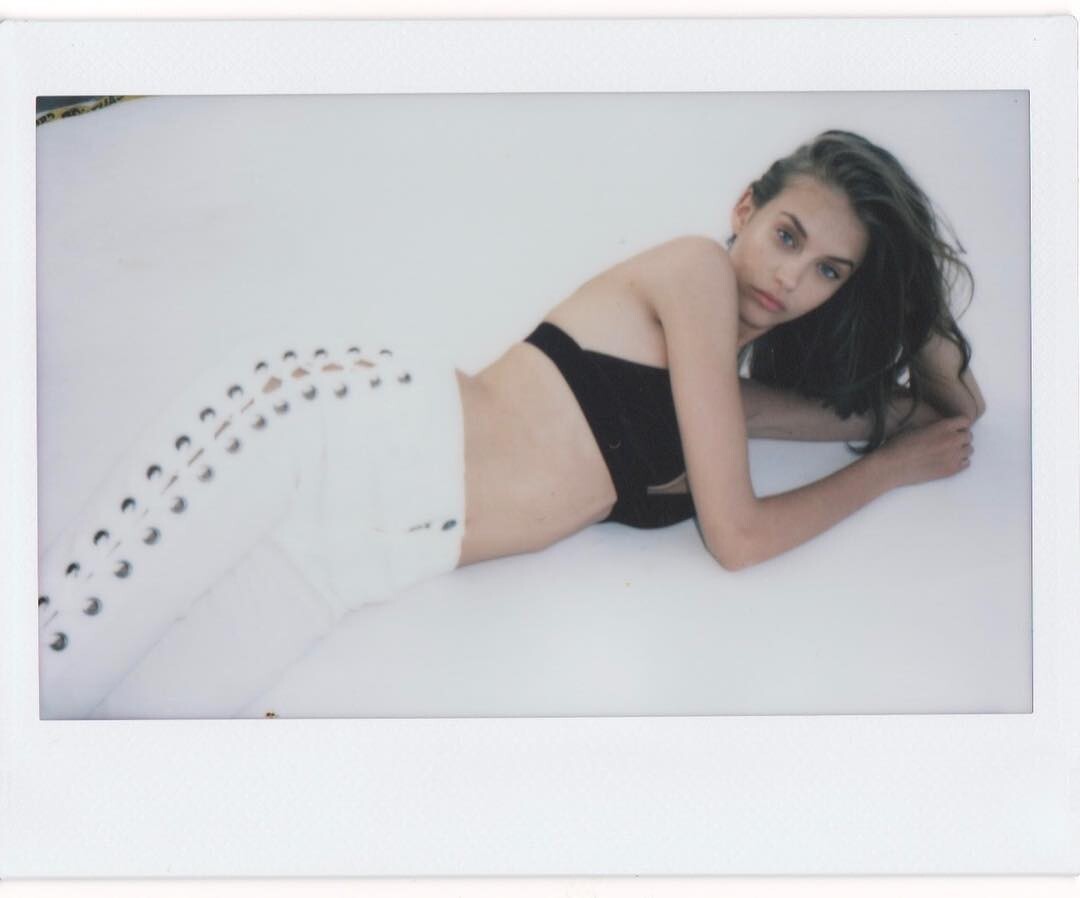
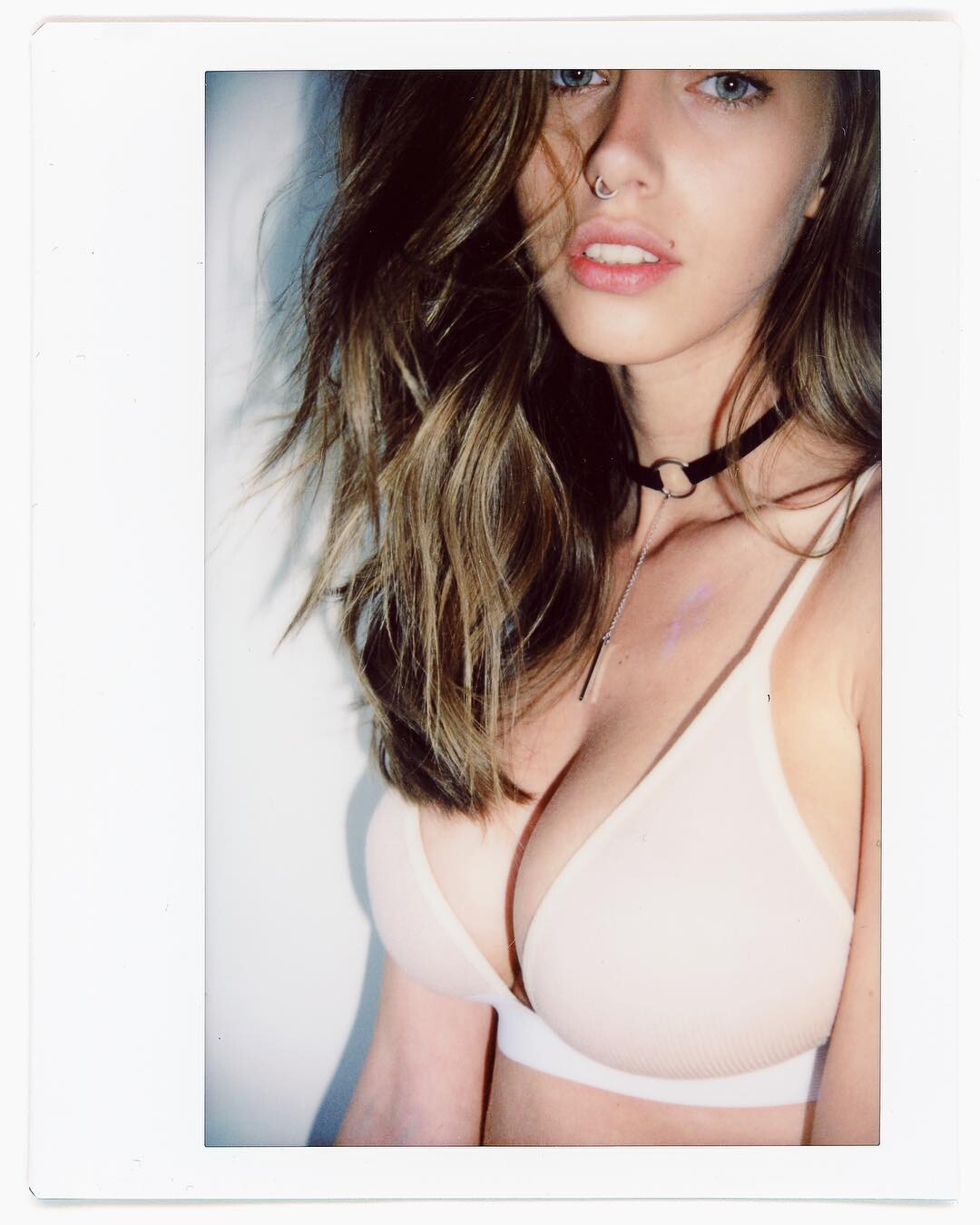
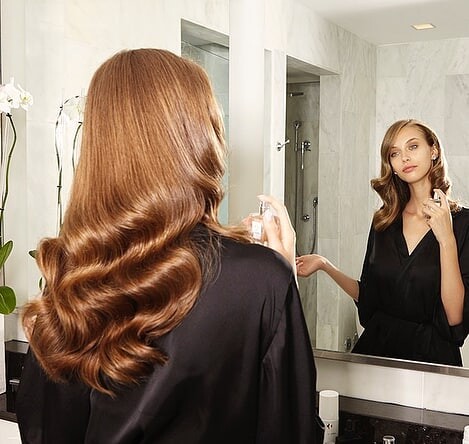
 these were while ago, just found




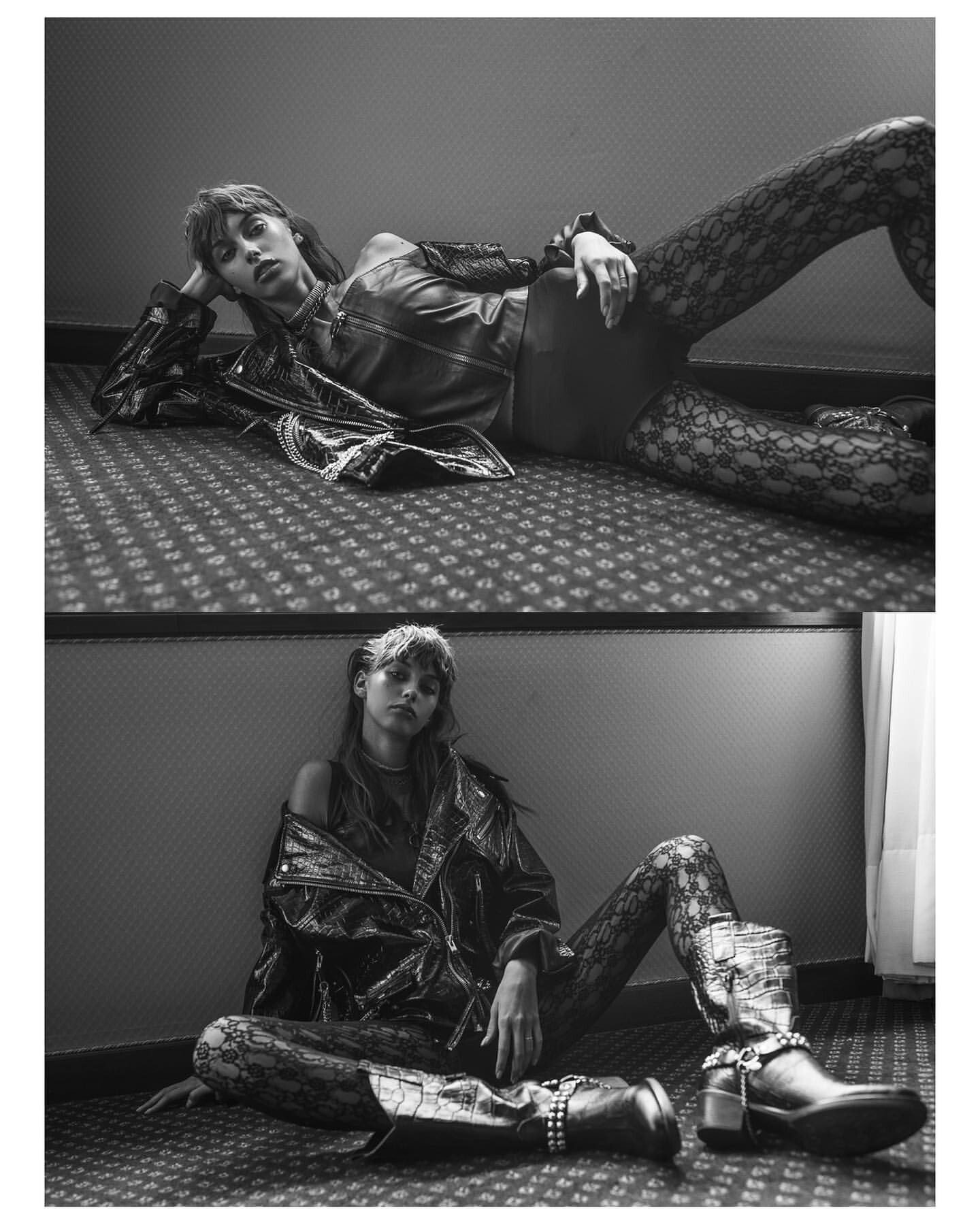
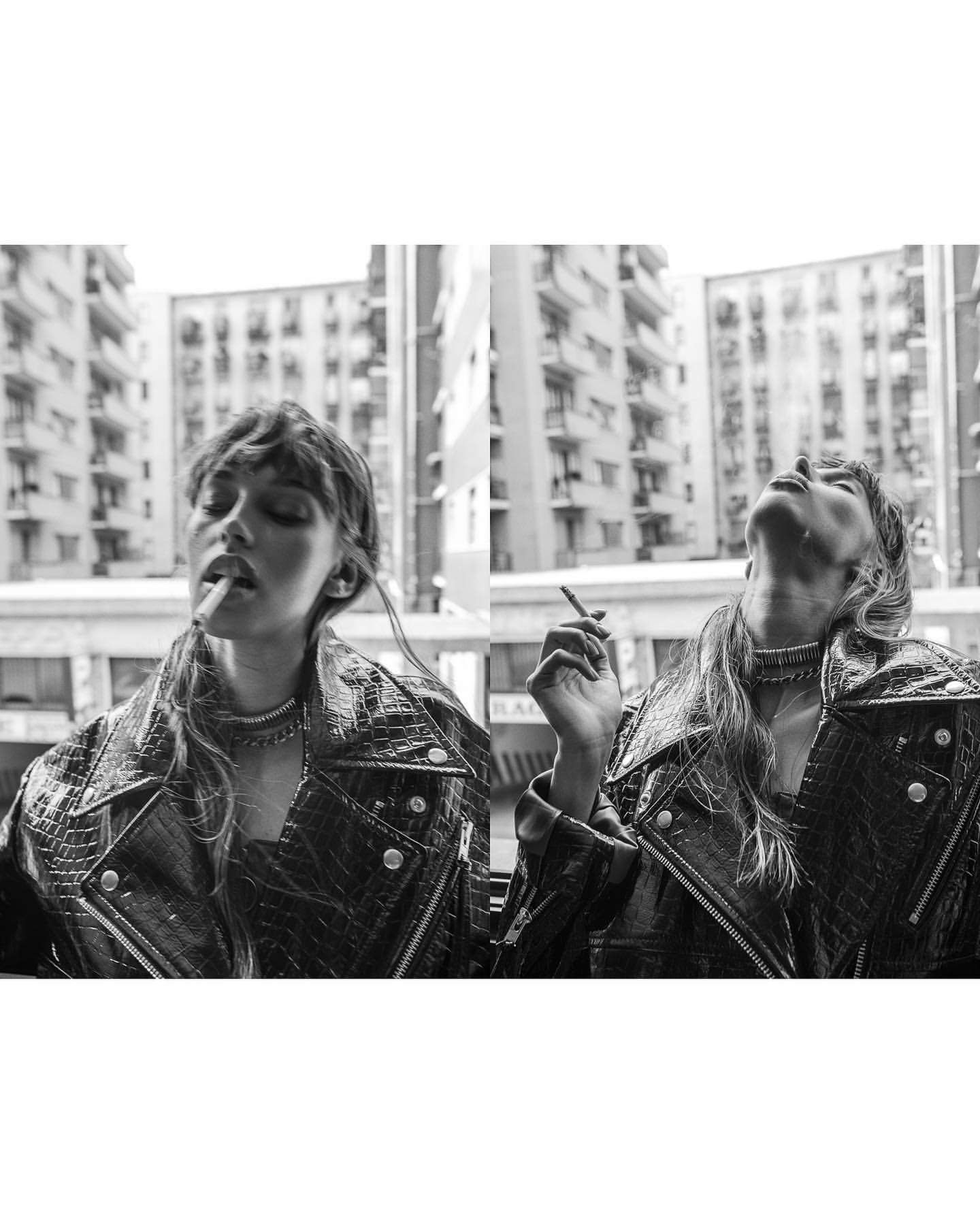
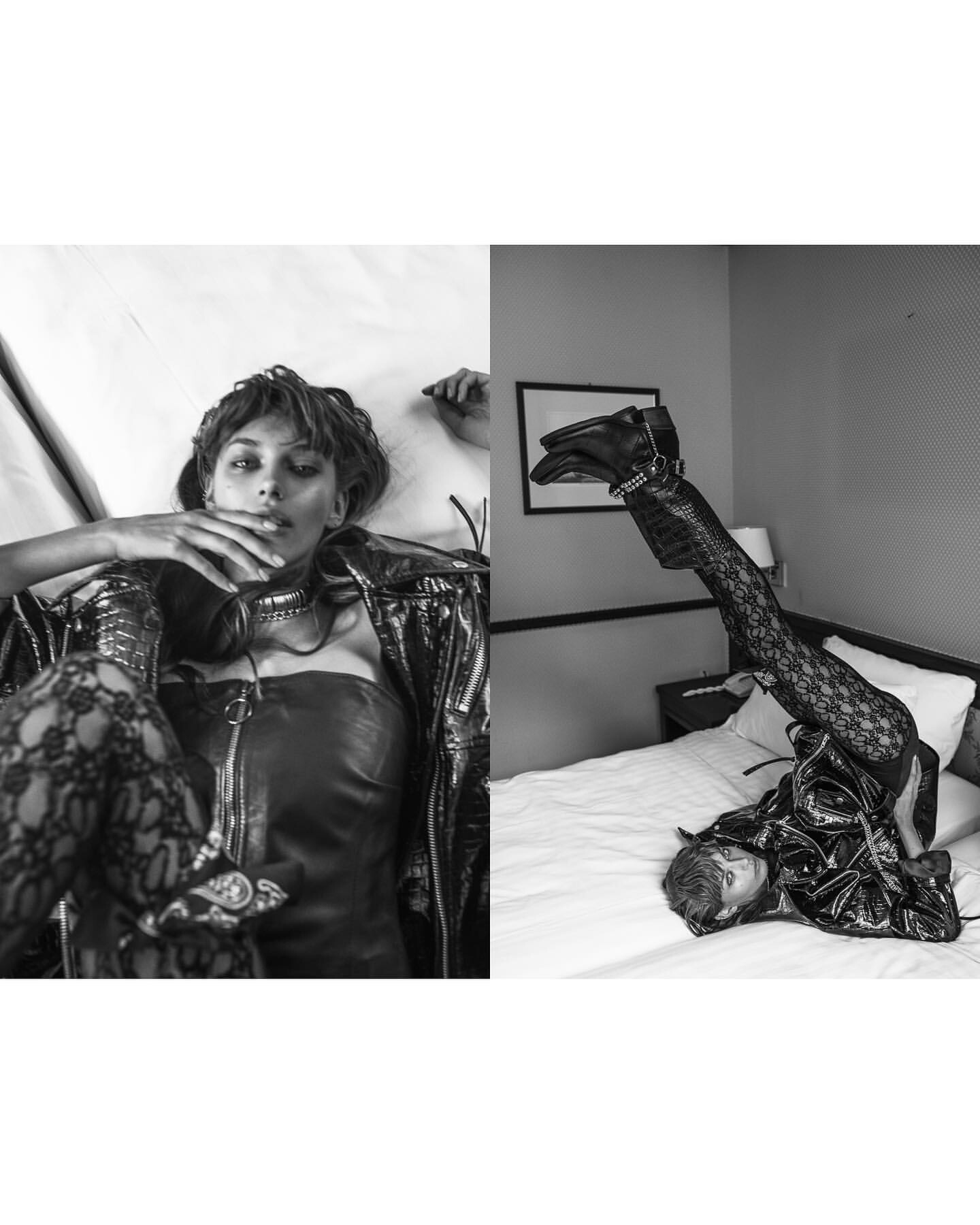
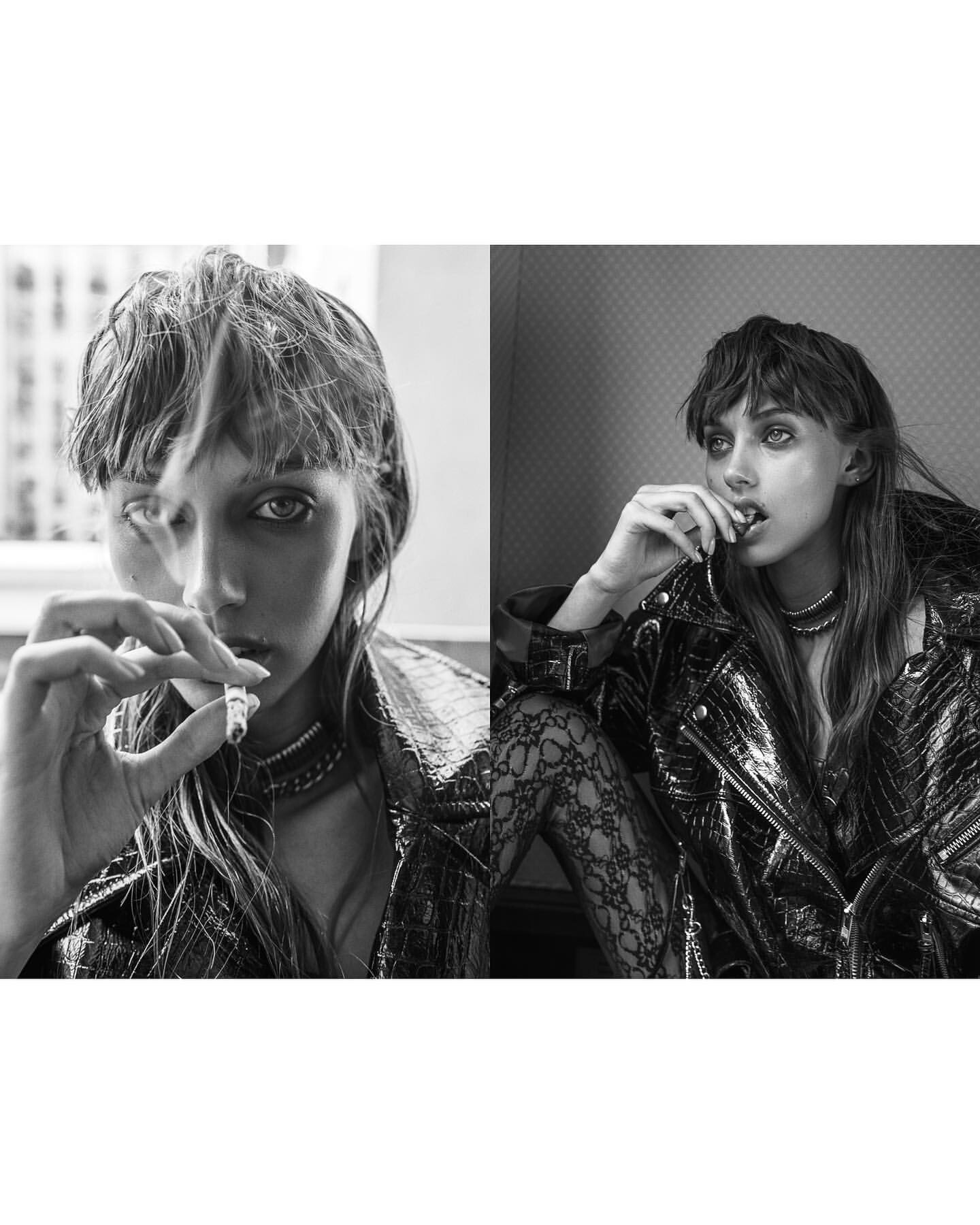
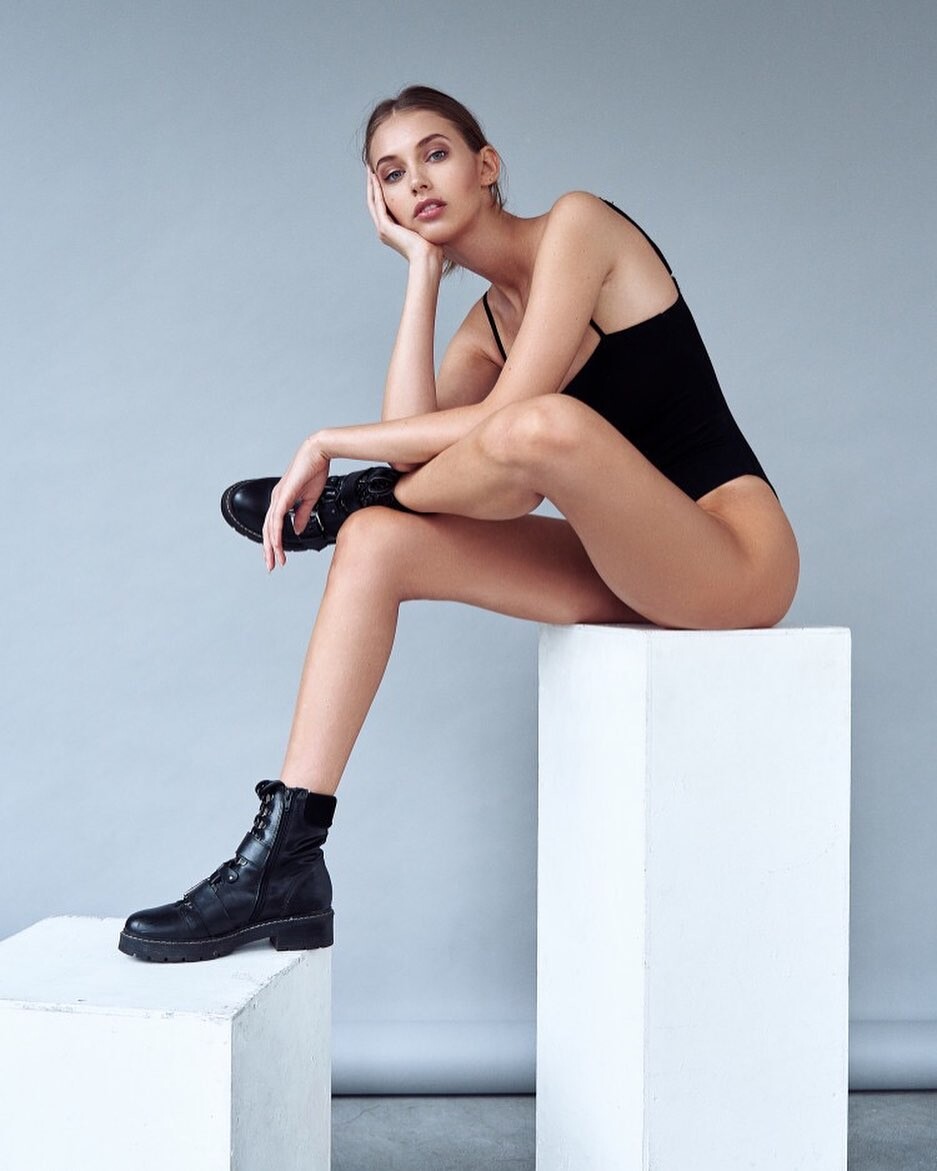
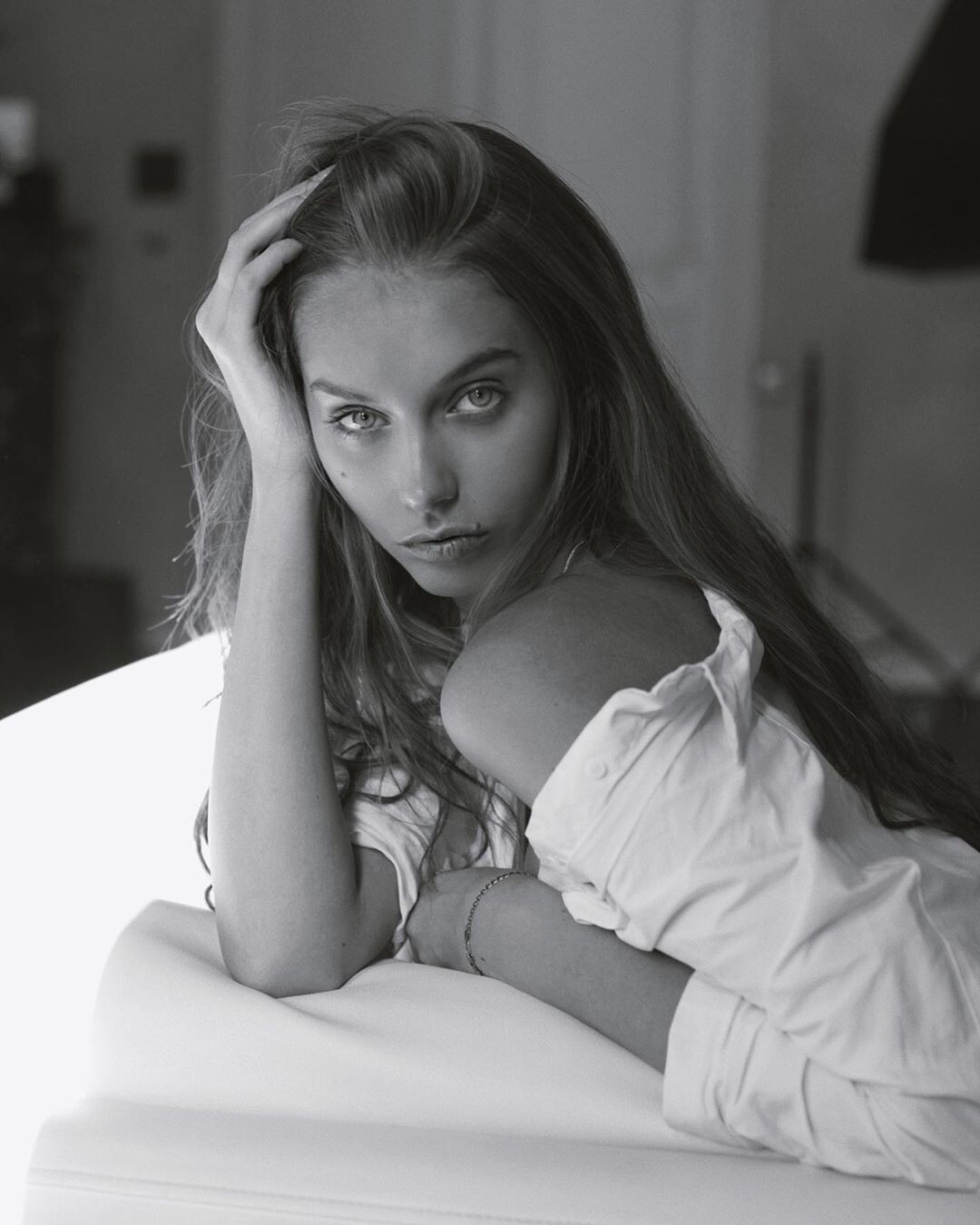
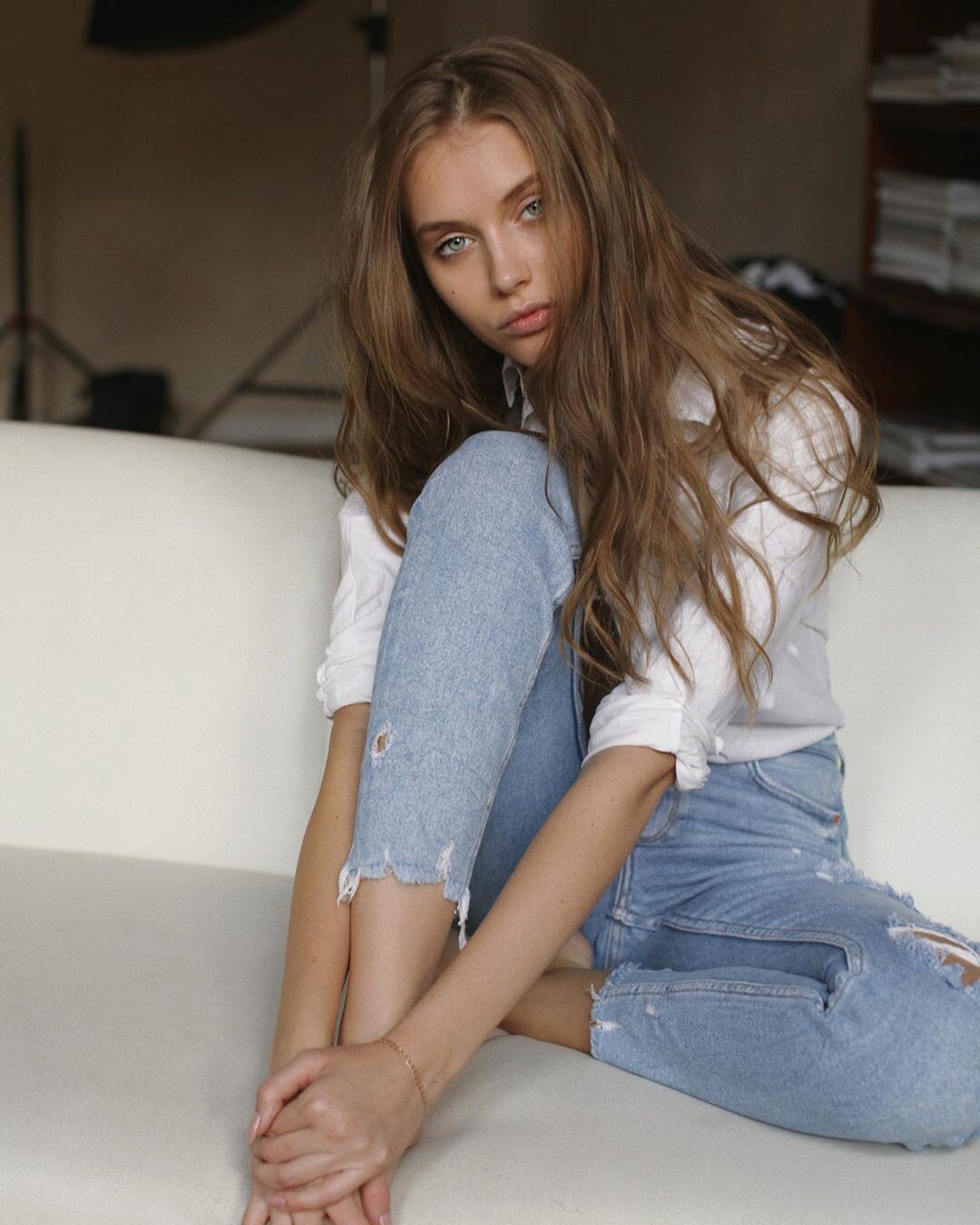
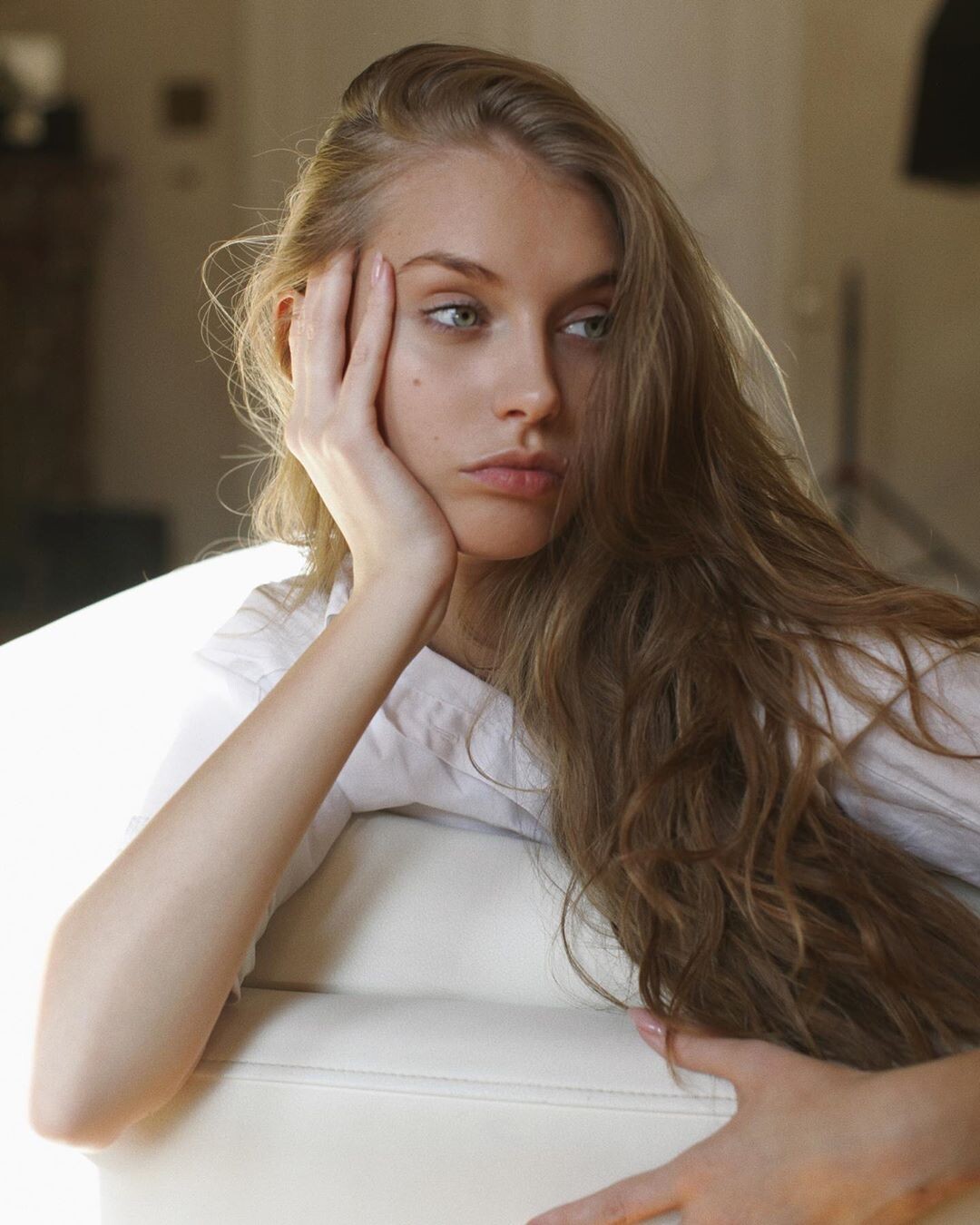



Account
Search
Configure browser push notifications
Chrome (Android)
- Tap the lock icon next to the address bar.
- Tap Permissions → Notifications.
- Adjust your preference.
Chrome (Desktop)
- Click the padlock icon in the address bar.
- Select Site settings.
- Find Notifications and adjust your preference.
Safari (iOS 16.4+)
- Ensure the site is installed via Add to Home Screen.
- Open Settings App → Notifications.
- Find your app name and adjust your preference.
Safari (macOS)
- Go to Safari → Preferences.
- Click the Websites tab.
- Select Notifications in the sidebar.
- Find this website and adjust your preference.
Edge (Android)
- Tap the lock icon next to the address bar.
- Tap Permissions.
- Find Notifications and adjust your preference.
Edge (Desktop)
- Click the padlock icon in the address bar.
- Click Permissions for this site.
- Find Notifications and adjust your preference.
Firefox (Android)
- Go to Settings → Site permissions.
- Tap Notifications.
- Find this site in the list and adjust your preference.
Firefox (Desktop)
- Open Firefox Settings.
- Search for Notifications.
- Find this site in the list and adjust your preference.