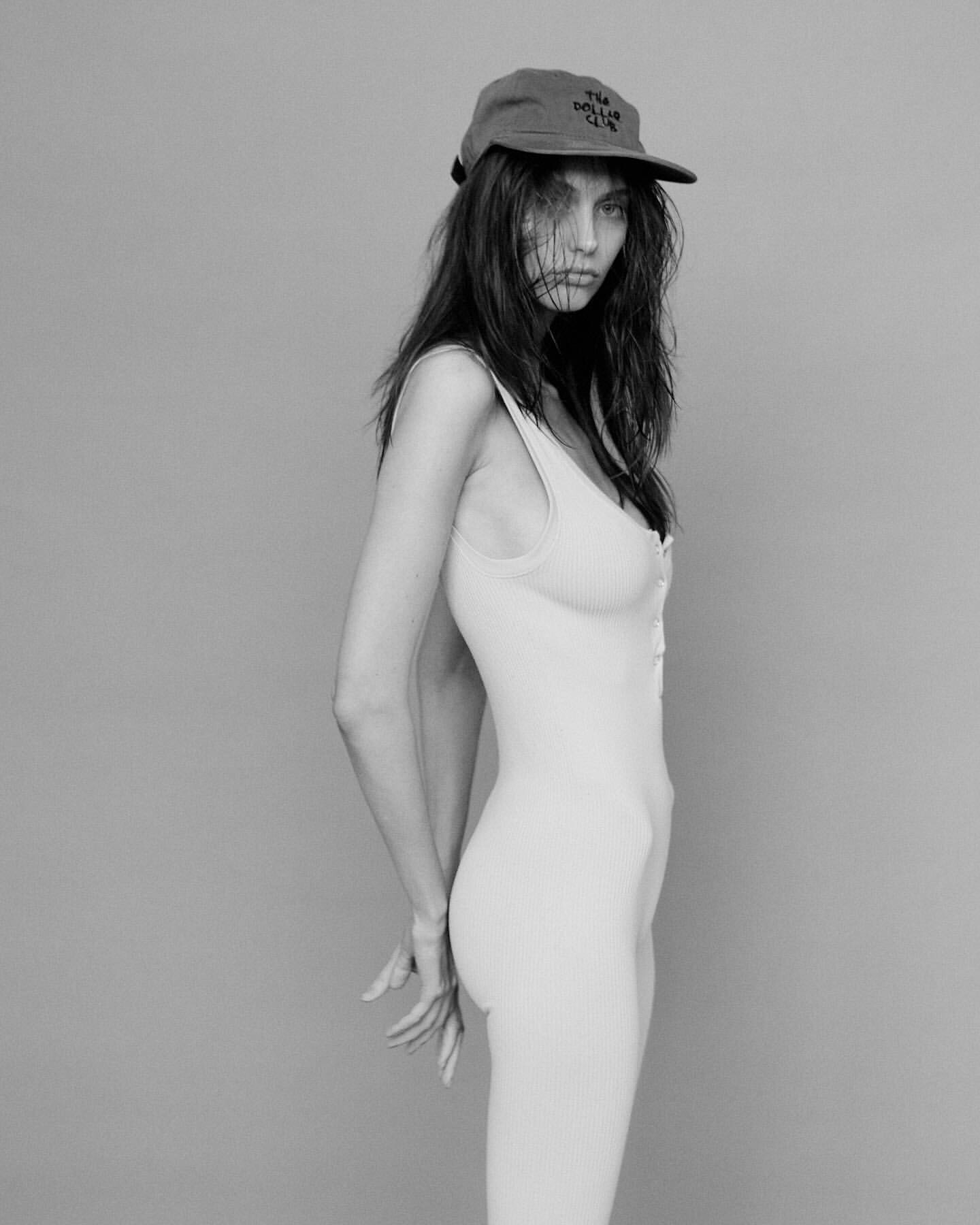
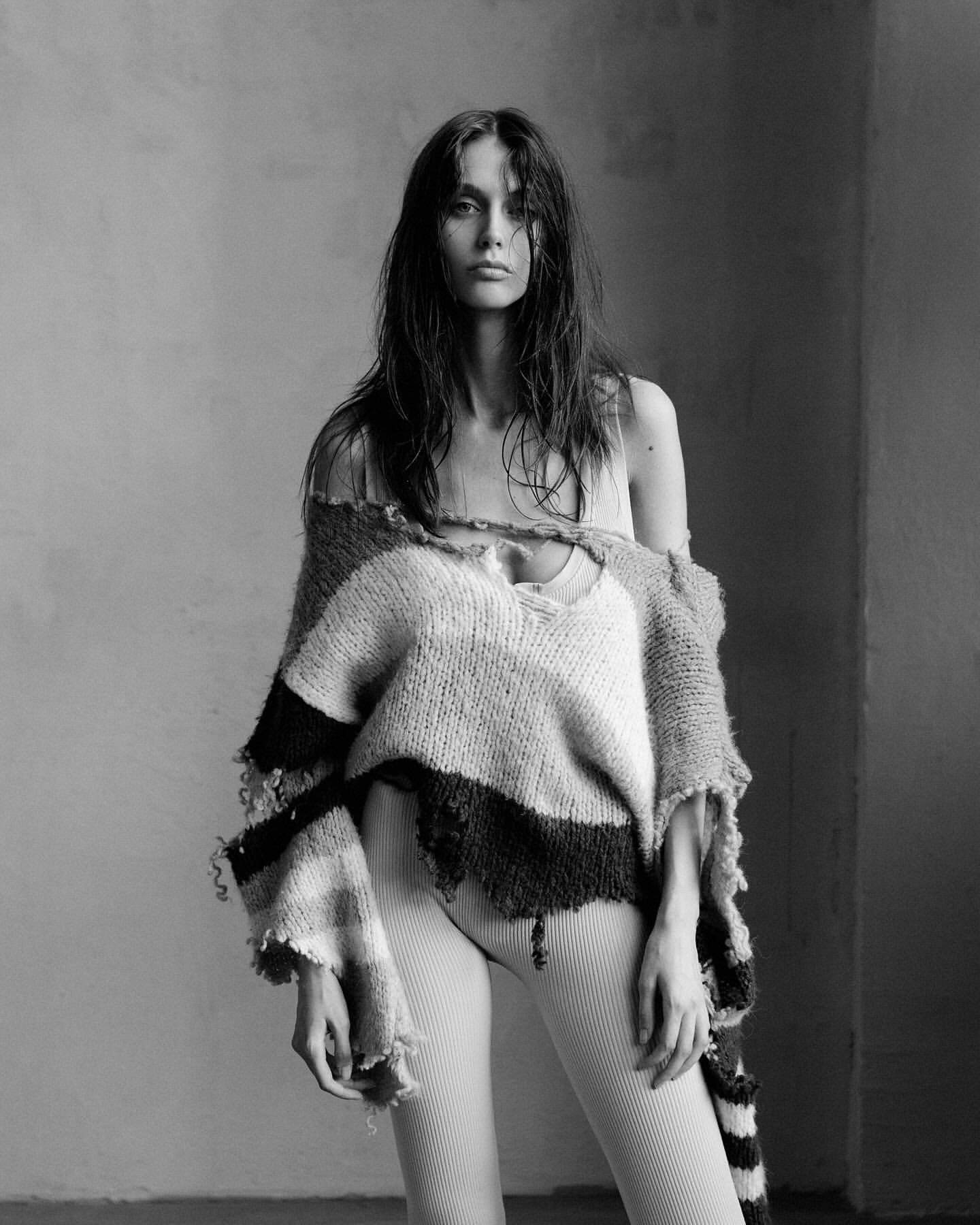
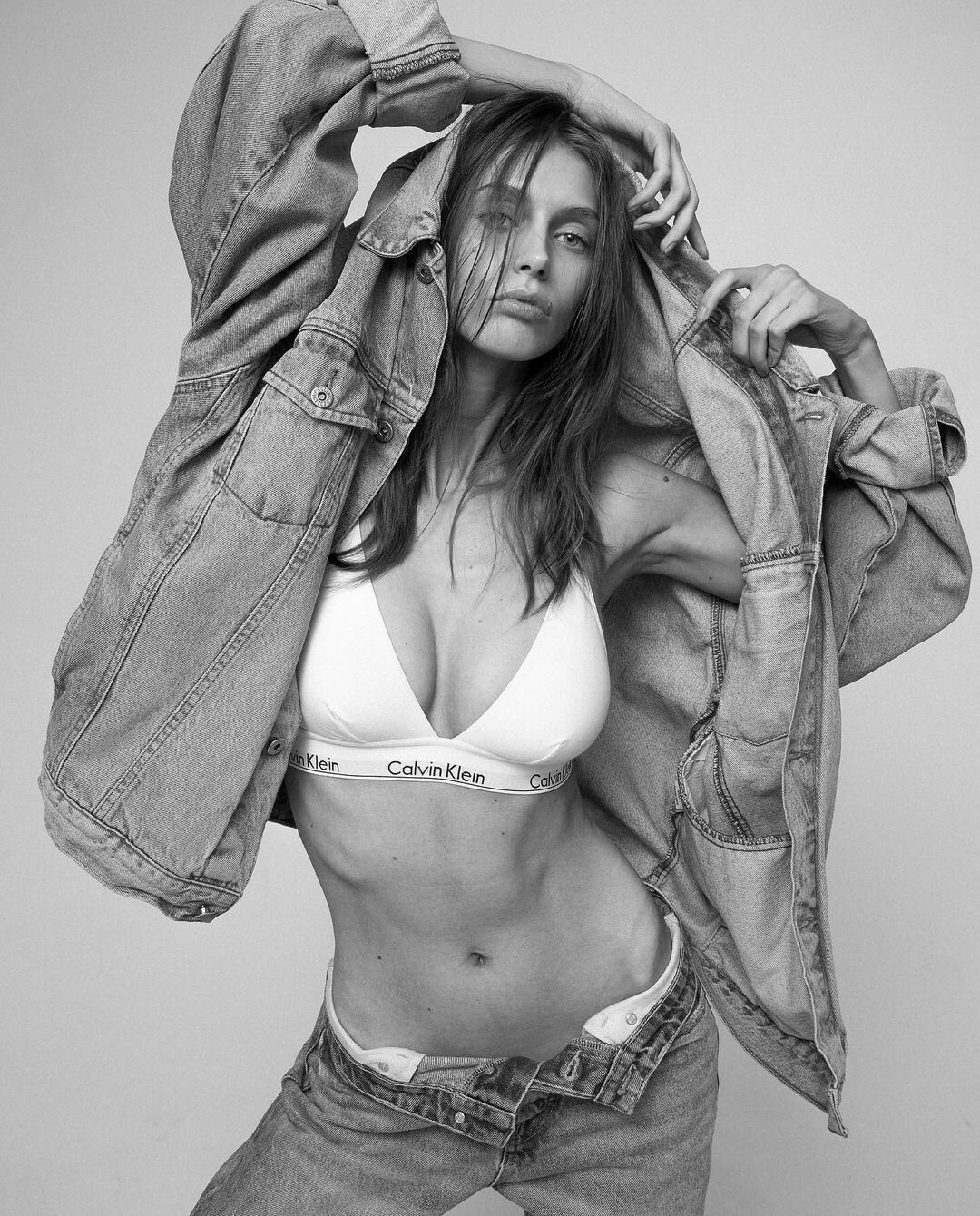
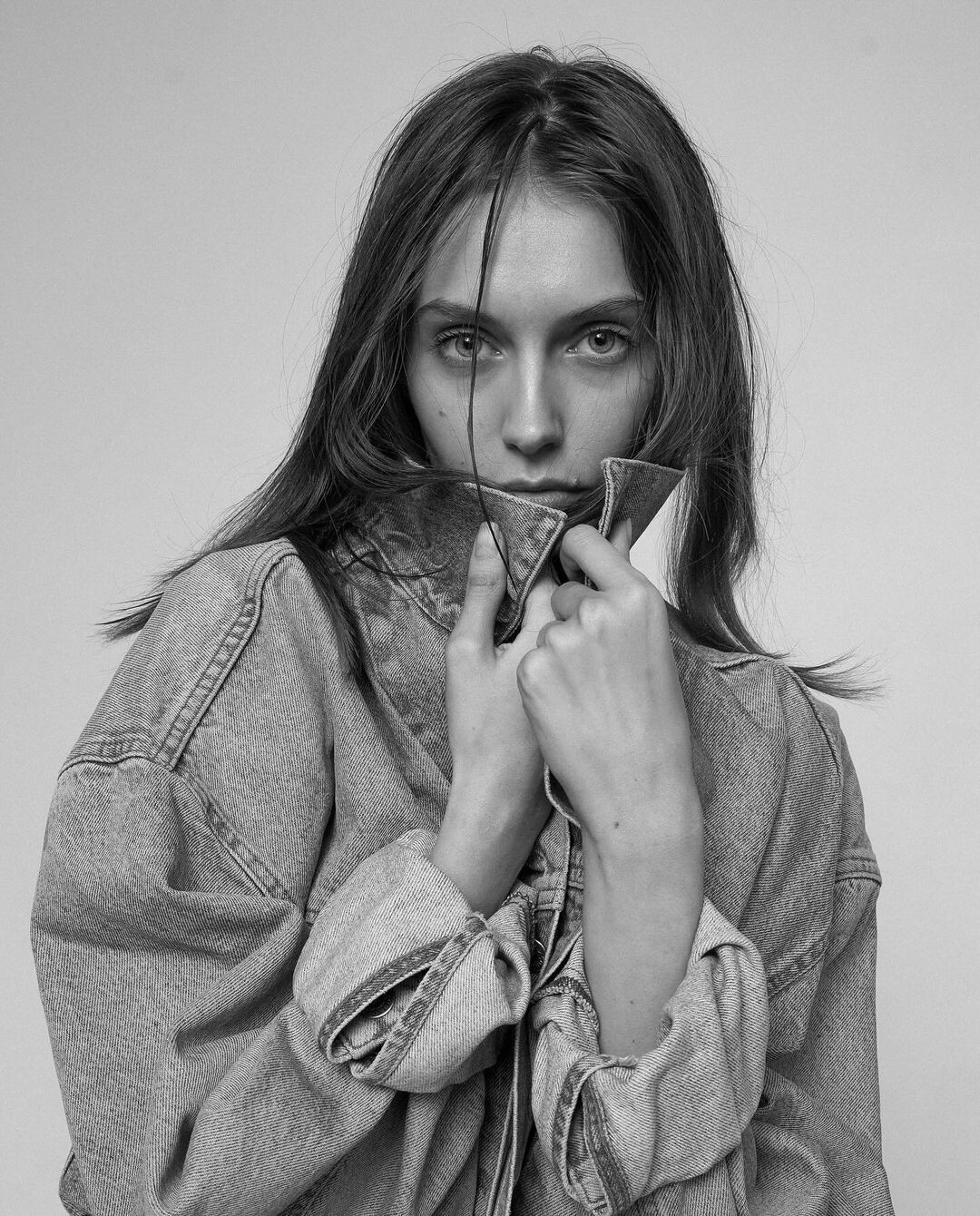
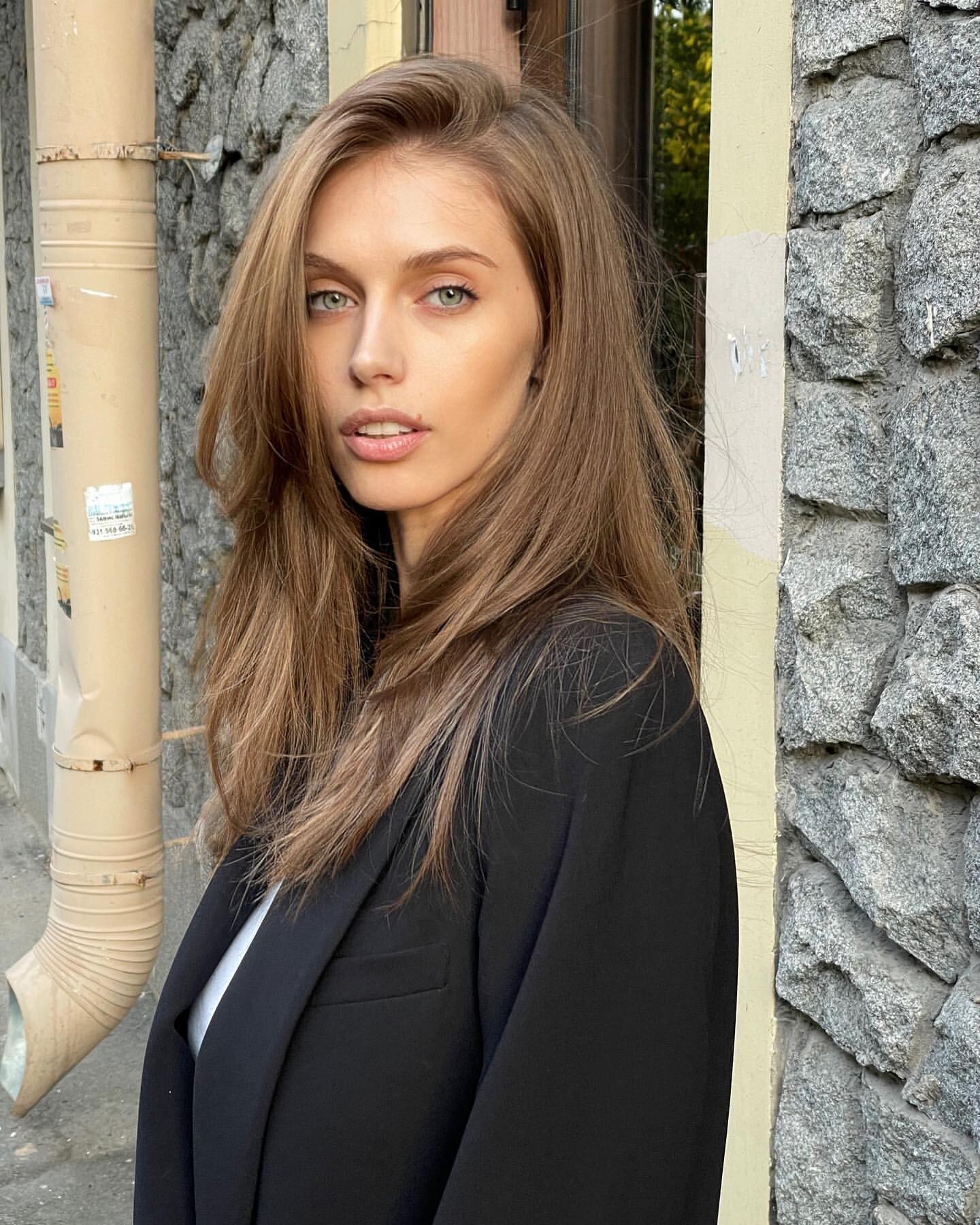
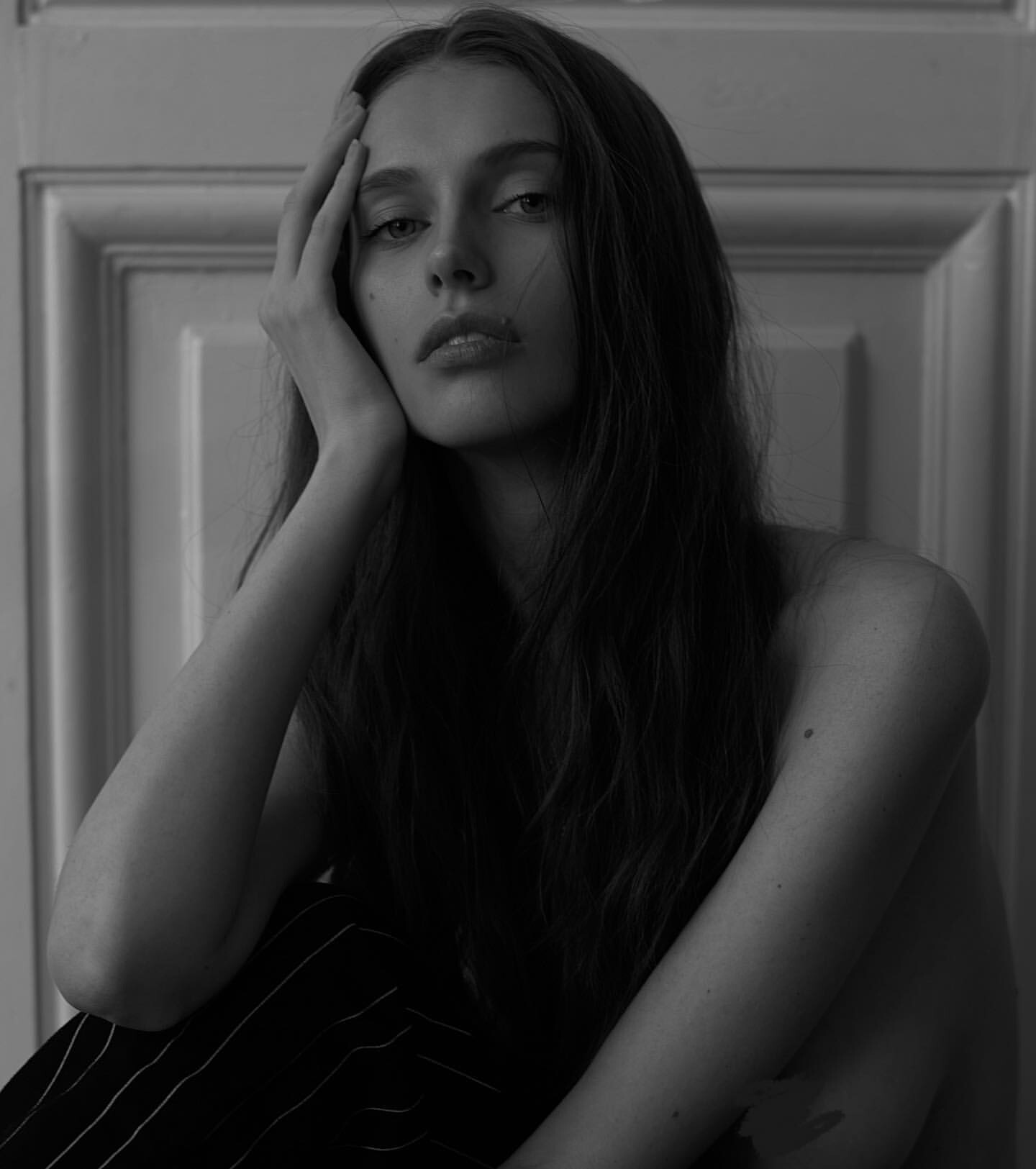
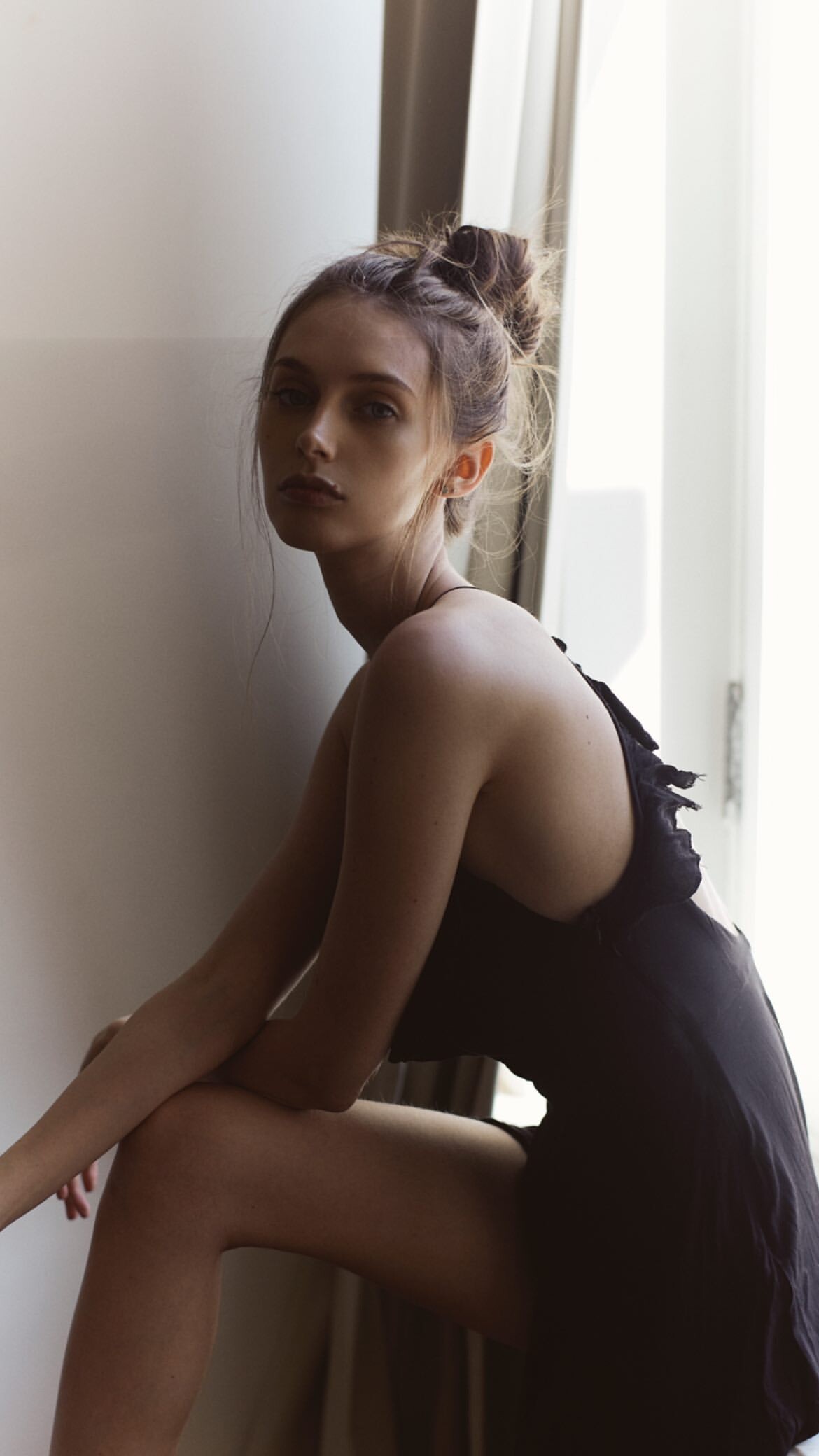
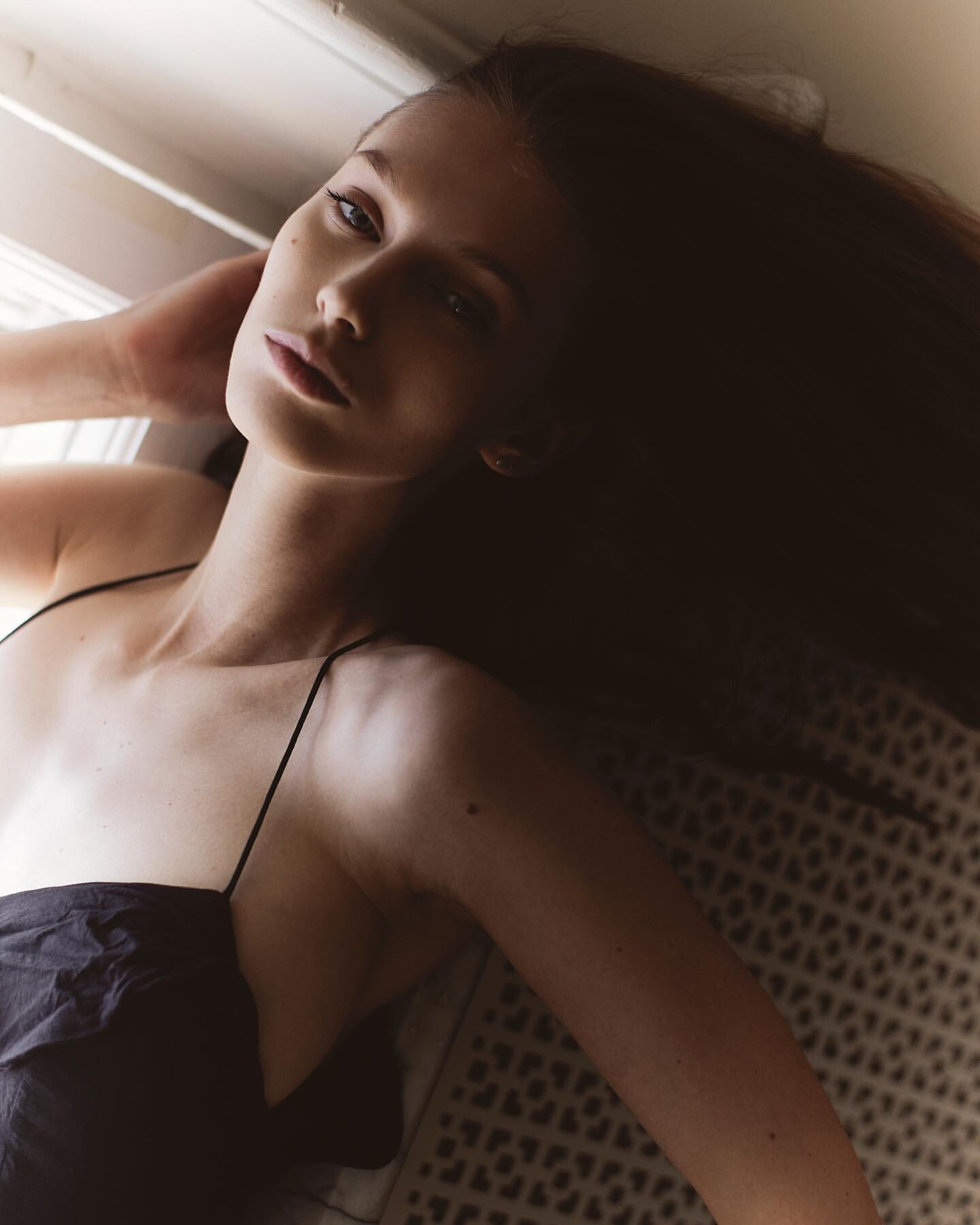
babybrooklyn
Members
-
Joined
-
Last visited
Everything posted by babybrooklyn
-
https://www.instagram.com/p/C1_pjFJikSV/
-
@vrlmgmt

 Snapinsta.app_video_1A4AC26142749B1DE9B1C487E3B862BD_video_dashinit.mp4 Snapinsta.app_video_5D40ABF430EE554070F5C54A7671CEBF_video_dashinit.mp4 Snapinsta.app_video_8641E049E02B5C7097159BA49CBD448C_video_dashinit.mp4 Snapinsta.app_video_B44519B5438AF291A8F6D12E30082F97_video_dashinit.mp4
instagram
Snapinsta.app_video_1A4AC26142749B1DE9B1C487E3B862BD_video_dashinit.mp4 Snapinsta.app_video_5D40ABF430EE554070F5C54A7671CEBF_video_dashinit.mp4 Snapinsta.app_video_8641E049E02B5C7097159BA49CBD448C_video_dashinit.mp4 Snapinsta.app_video_B44519B5438AF291A8F6D12E30082F97_video_dashinit.mp4
instagram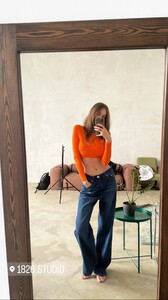 Snapinsta.app_video_A642121A5B79679BE7463E5BDBDBF984_video_dashinit.mp4
Tiktok emanuele ferrari Snaptik.app_6784876470373289221.mp4
Finally she showed up!
Snapinsta.app_video_A642121A5B79679BE7463E5BDBDBF984_video_dashinit.mp4
Tiktok emanuele ferrari Snaptik.app_6784876470373289221.mp4
Finally she showed up!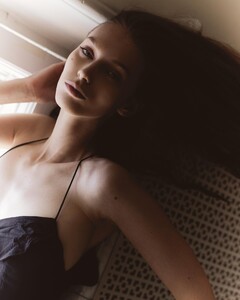
 #tezenisshow2017 IMG_2870.MOV IMG_2871.MOV IMG_2858.MOV
It's just my personal opinion, I guess she's been quiet because of Russian problem. She care for any kind of media how people are reacting out of Russia. I hope she's been doing well, and waiting for coming back to modeling as soon..
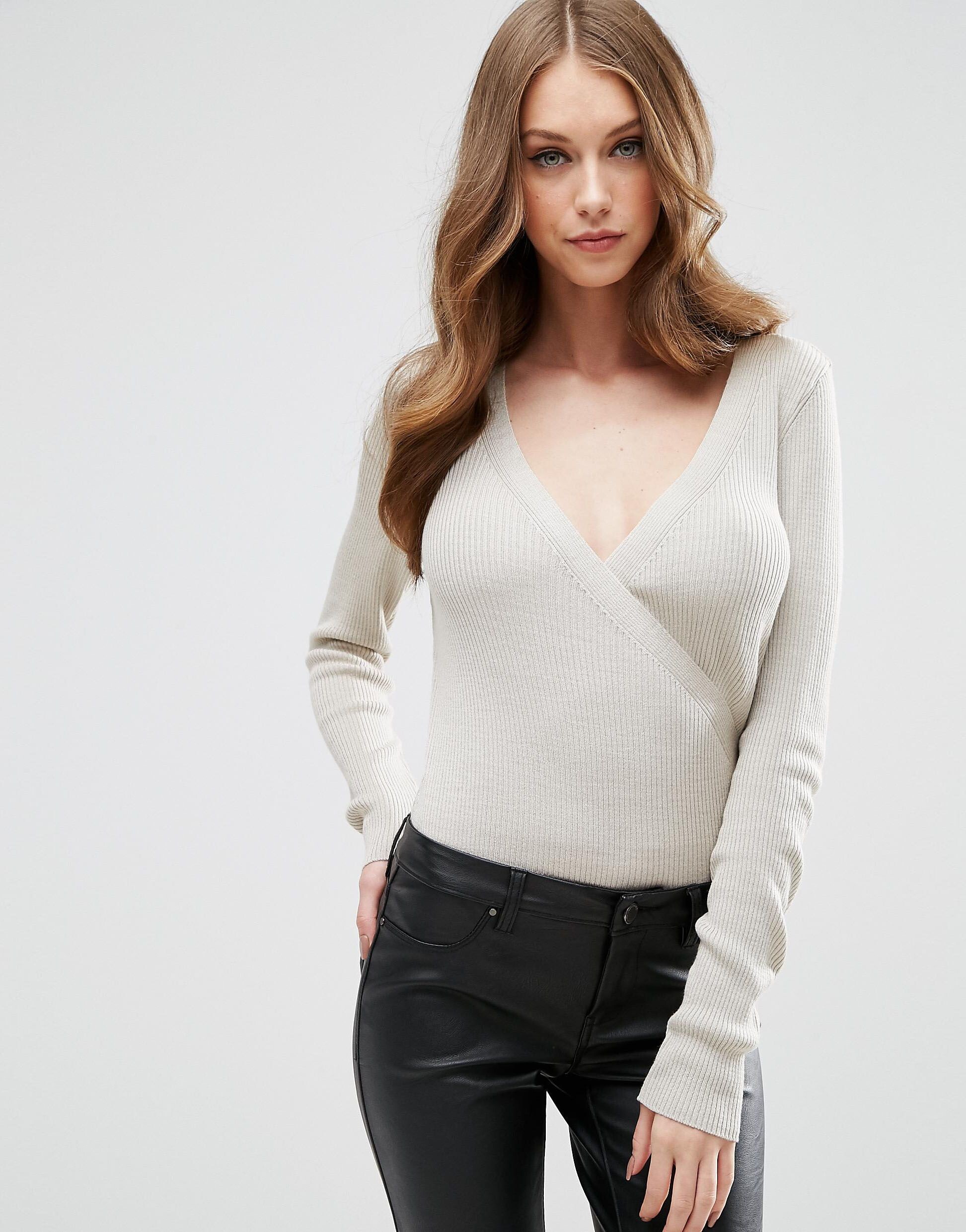
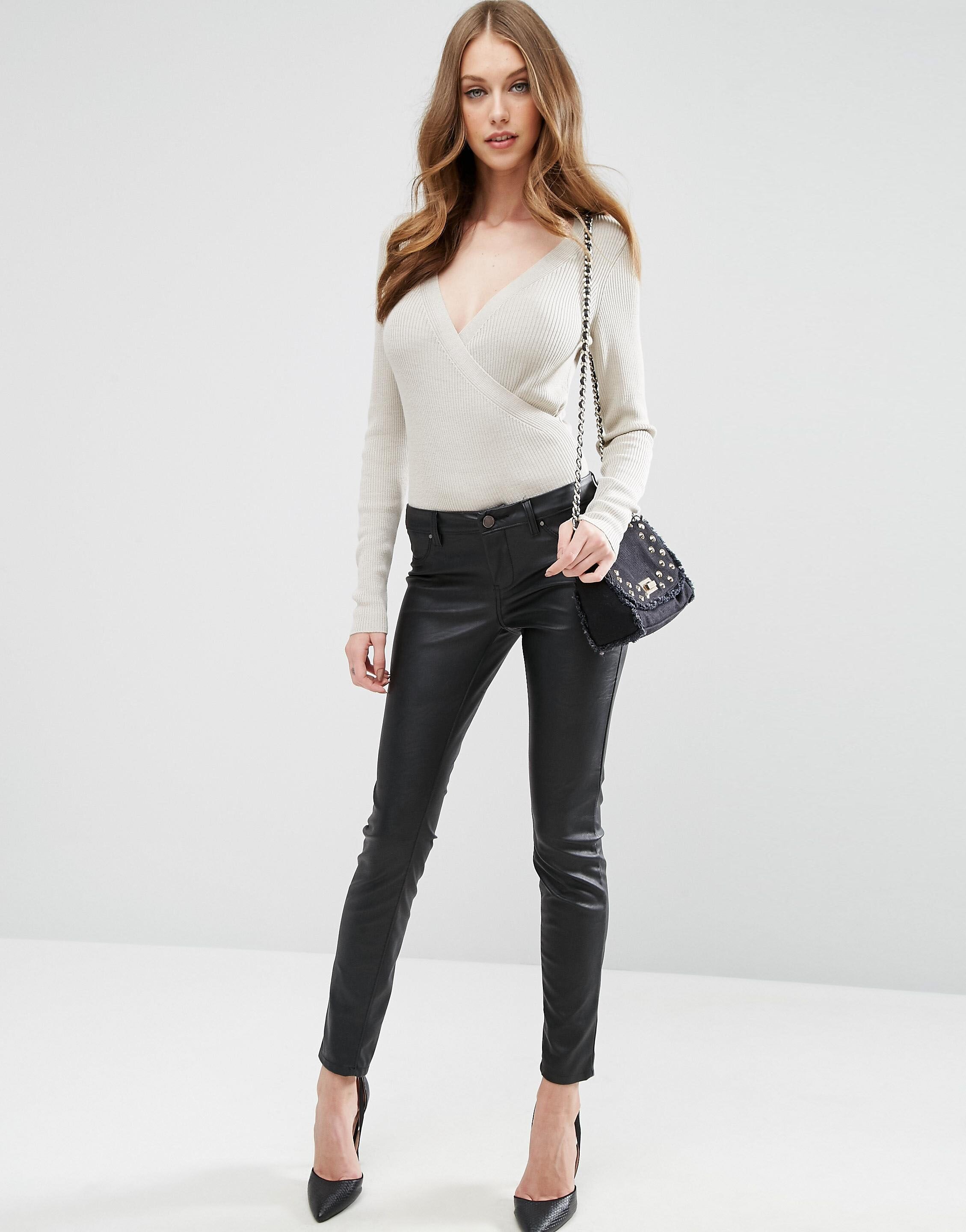
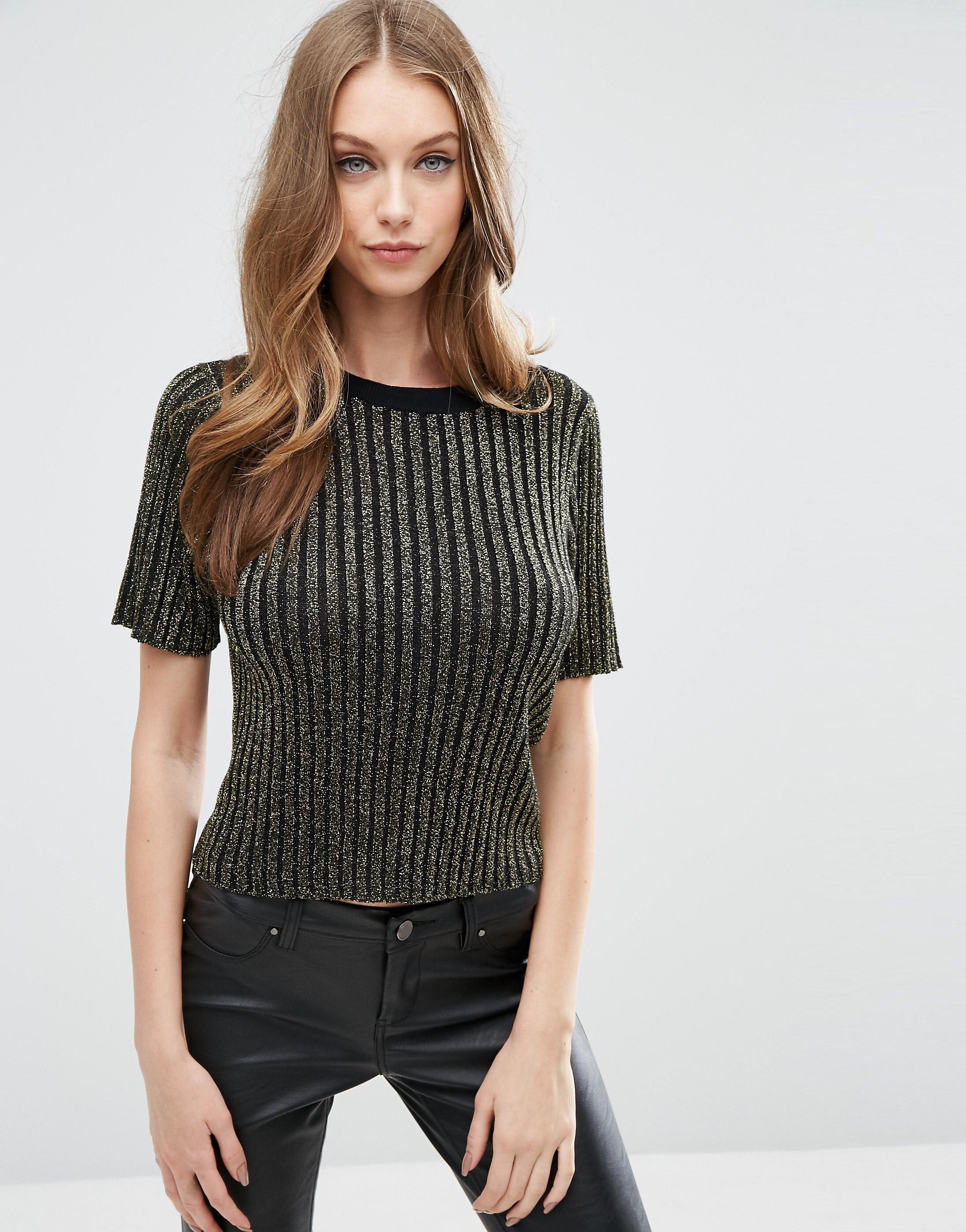
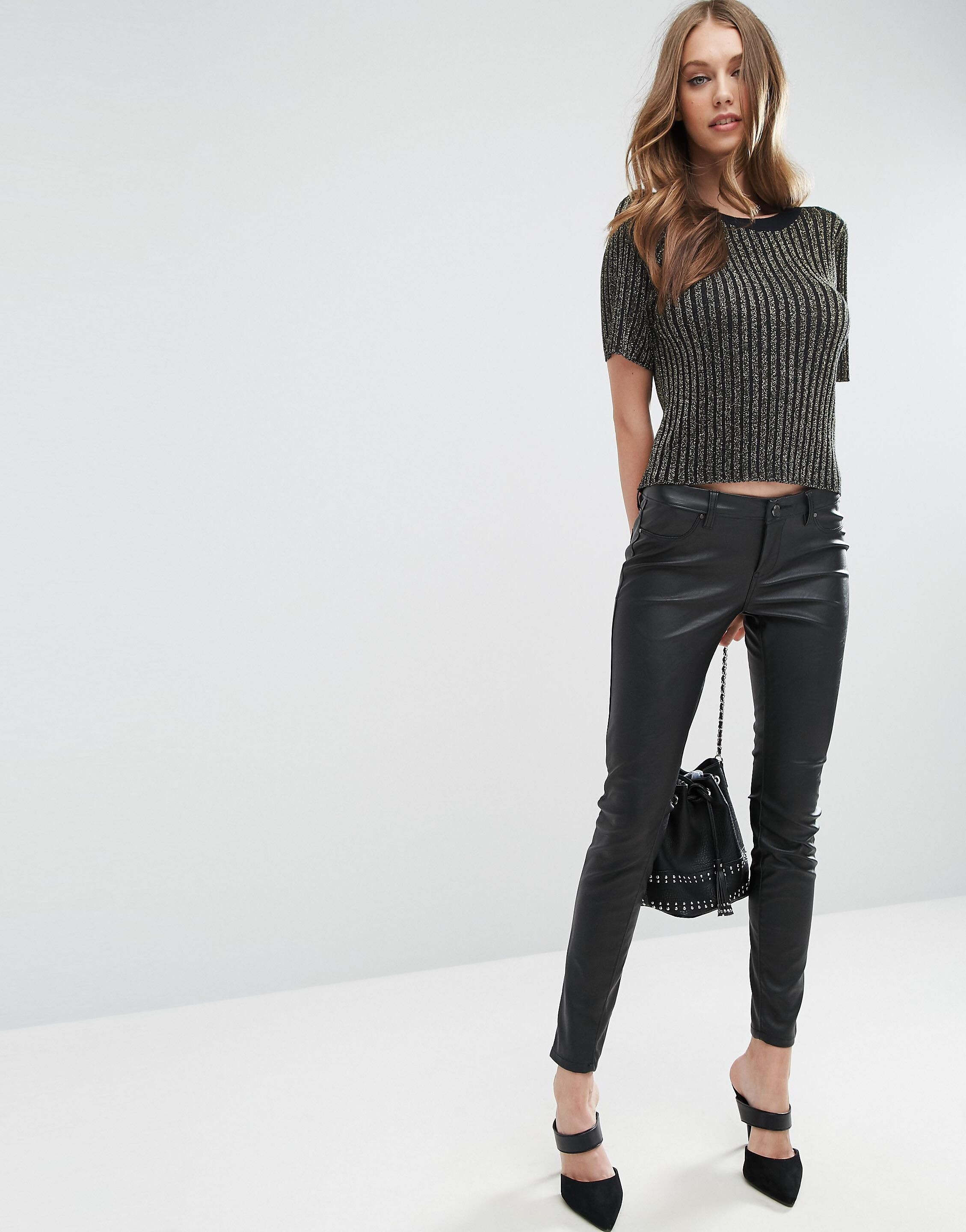
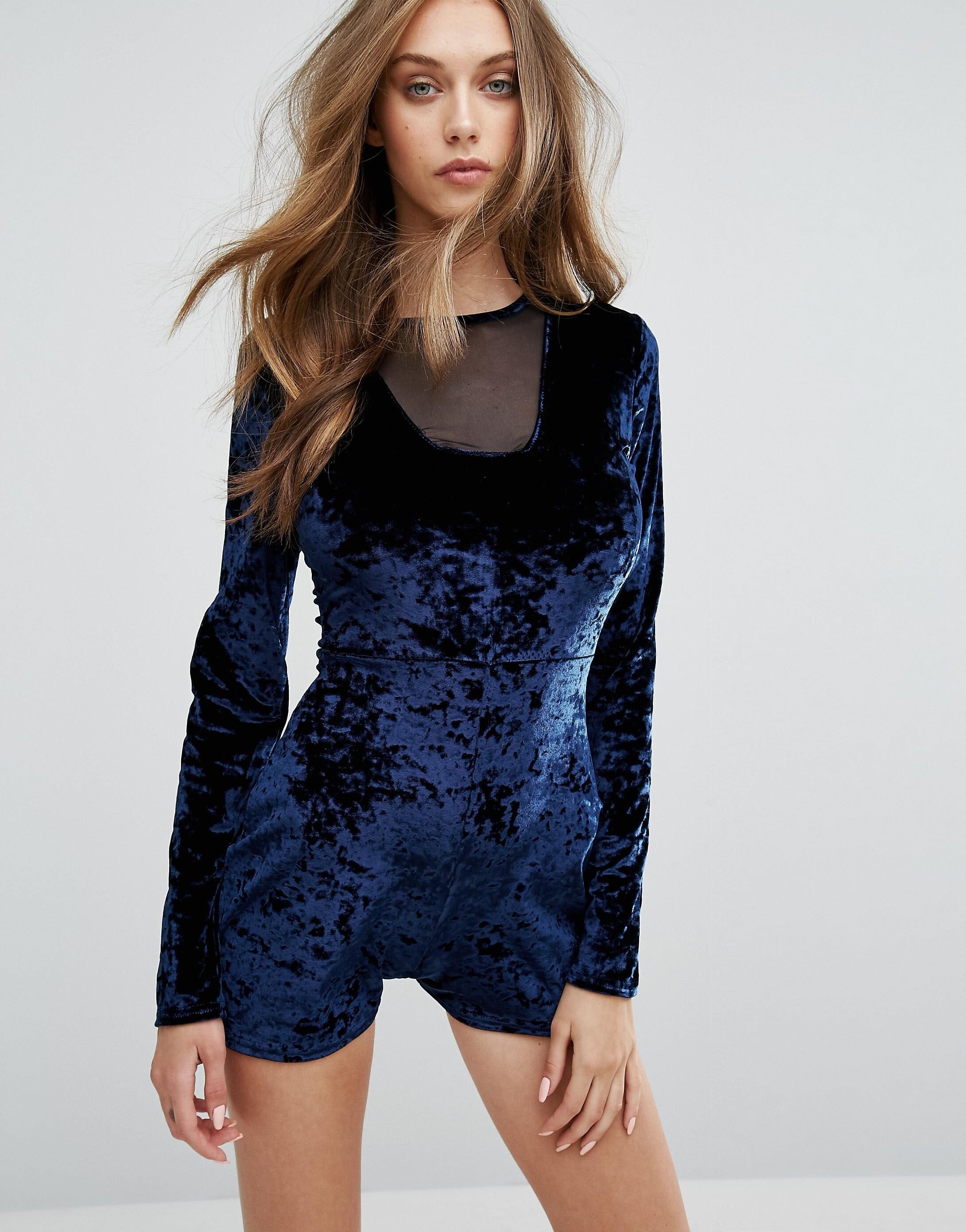
ASOS
#tezenisshow2017 IMG_2870.MOV IMG_2871.MOV IMG_2858.MOV
It's just my personal opinion, I guess she's been quiet because of Russian problem. She care for any kind of media how people are reacting out of Russia. I hope she's been doing well, and waiting for coming back to modeling as soon..
ASOS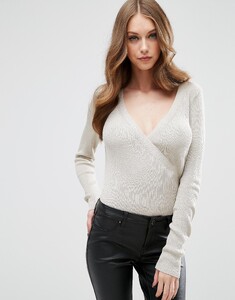
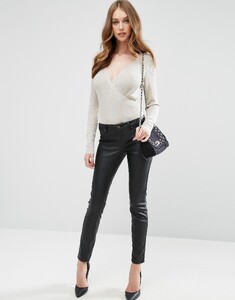
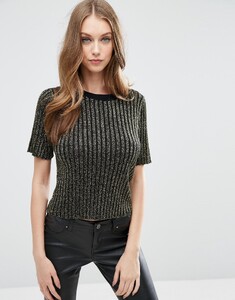
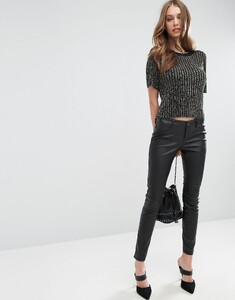
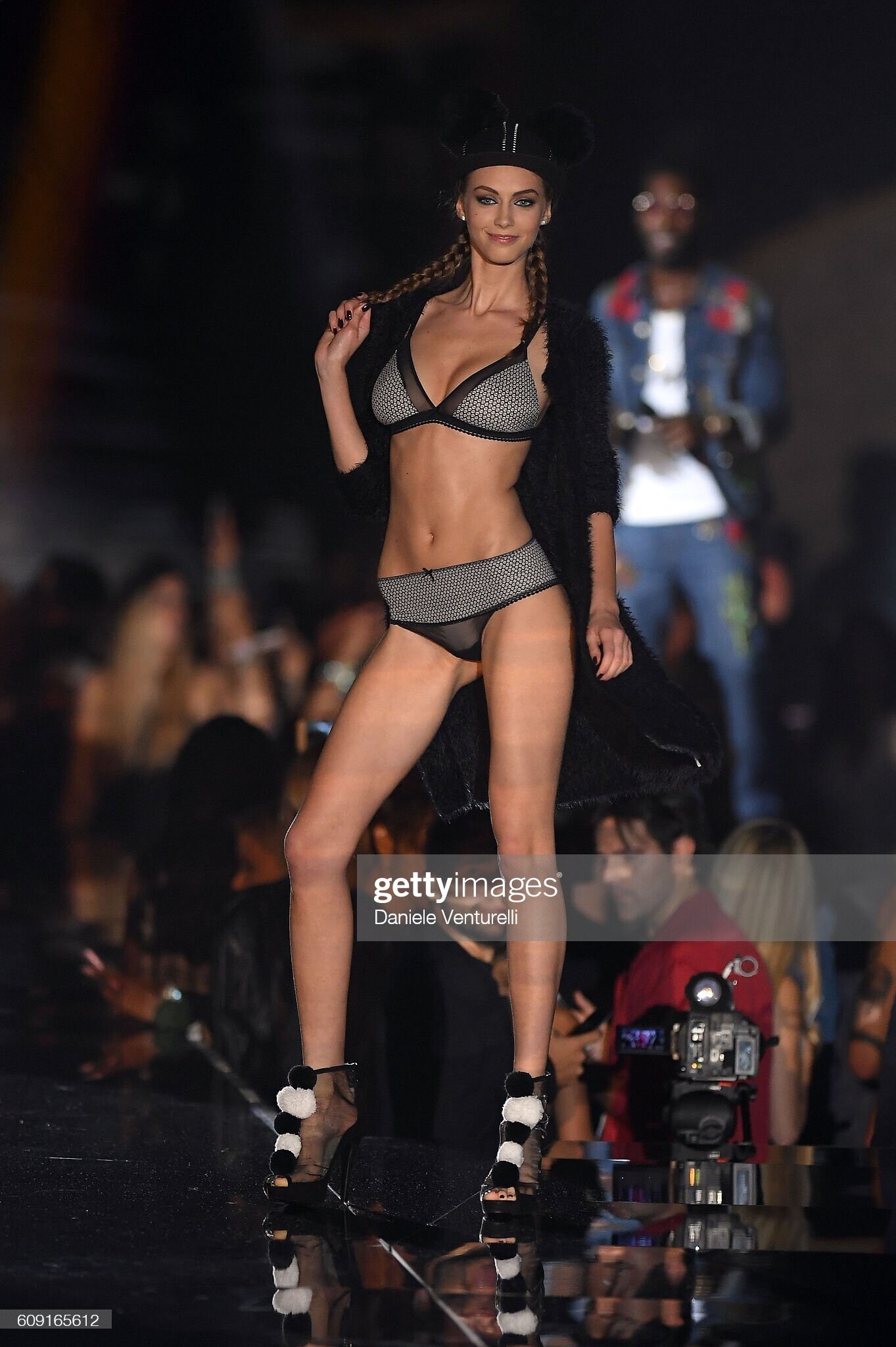
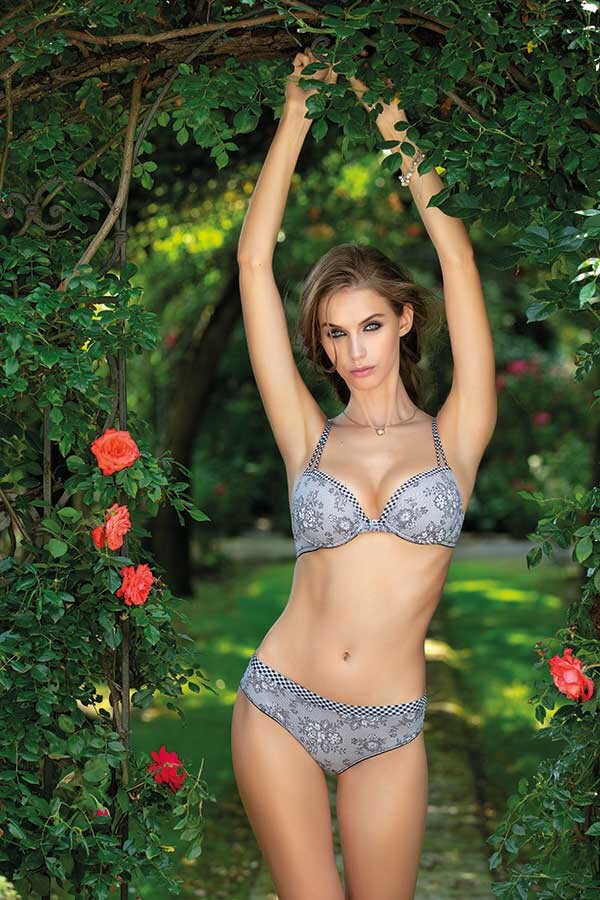
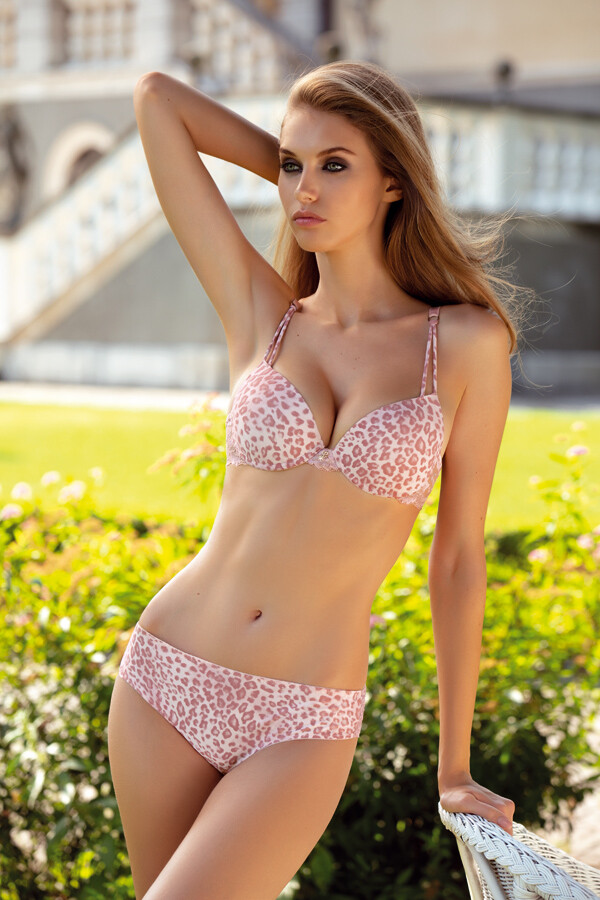
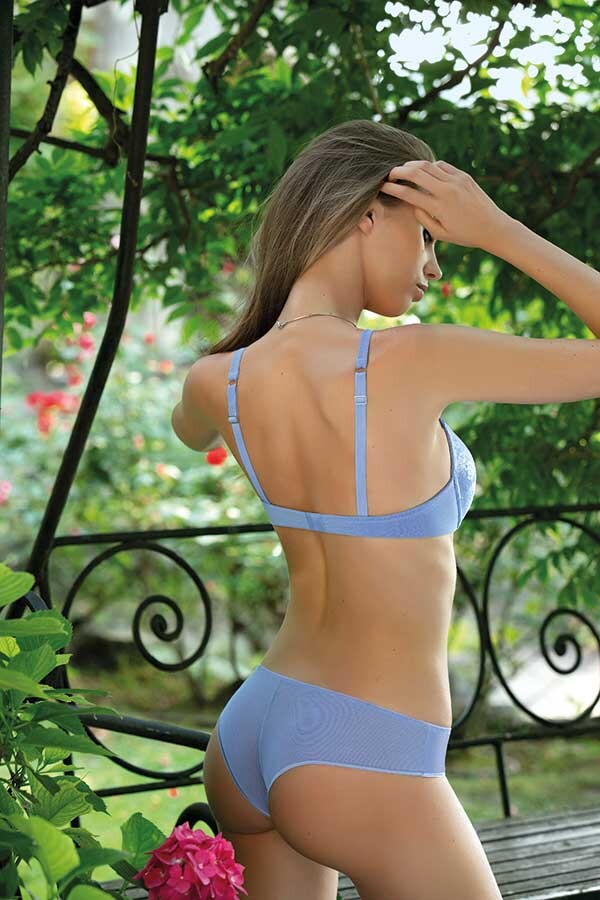
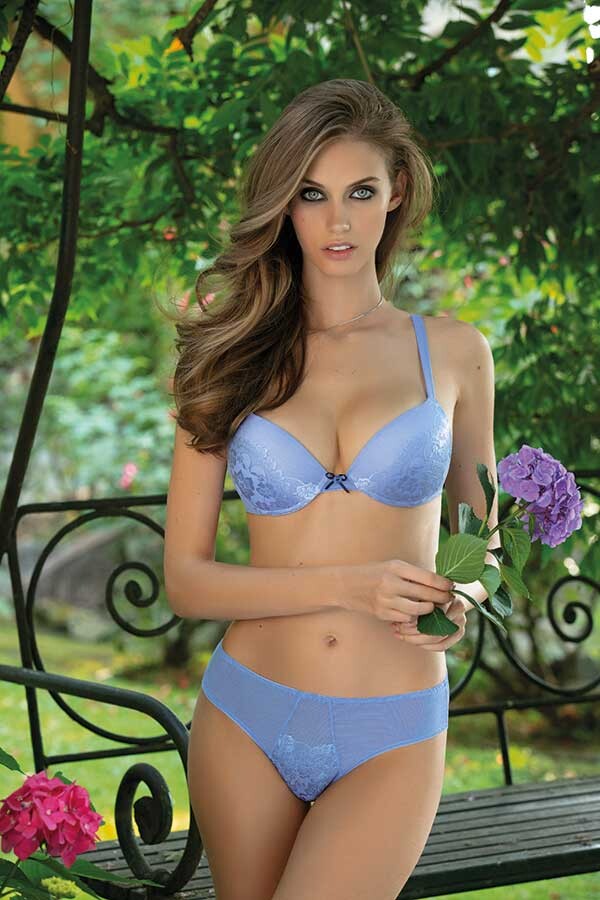
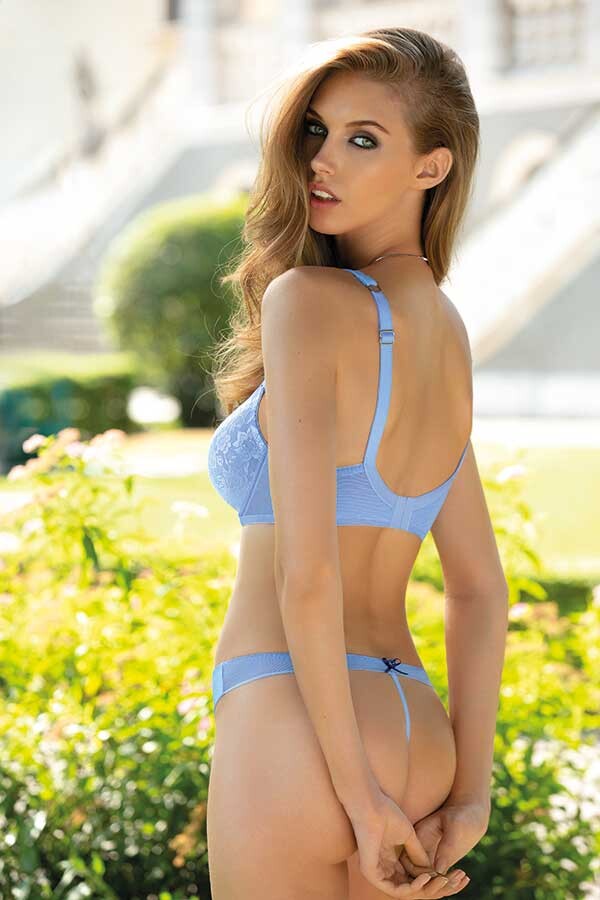
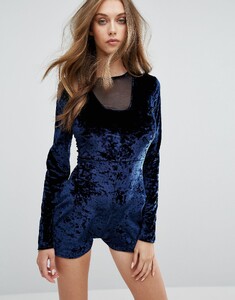 Tezenis show 2016
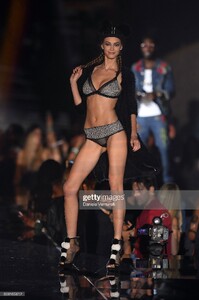 Thank you for posting!! I searched and upload more.







































 ksxpyatnova some images are already uploaded..





 @ksxpyatnova 85749487_3285092398172424_4678295502482192519_n.mp4
shot @tomohisa_kinoshita
@ksxpyatnova 85749487_3285092398172424_4678295502482192519_n.mp4
shot @tomohisa_kinoshita
Account
Search
Configure browser push notifications
Chrome (Android)
- Tap the lock icon next to the address bar.
- Tap Permissions → Notifications.
- Adjust your preference.
Chrome (Desktop)
- Click the padlock icon in the address bar.
- Select Site settings.
- Find Notifications and adjust your preference.
Safari (iOS 16.4+)
- Ensure the site is installed via Add to Home Screen.
- Open Settings App → Notifications.
- Find your app name and adjust your preference.
Safari (macOS)
- Go to Safari → Preferences.
- Click the Websites tab.
- Select Notifications in the sidebar.
- Find this website and adjust your preference.
Edge (Android)
- Tap the lock icon next to the address bar.
- Tap Permissions.
- Find Notifications and adjust your preference.
Edge (Desktop)
- Click the padlock icon in the address bar.
- Click Permissions for this site.
- Find Notifications and adjust your preference.
Firefox (Android)
- Go to Settings → Site permissions.
- Tap Notifications.
- Find this site in the list and adjust your preference.
Firefox (Desktop)
- Open Firefox Settings.
- Search for Notifications.
- Find this site in the list and adjust your preference.