
modelstan
Members
-
Joined
Everything posted by modelstan
-
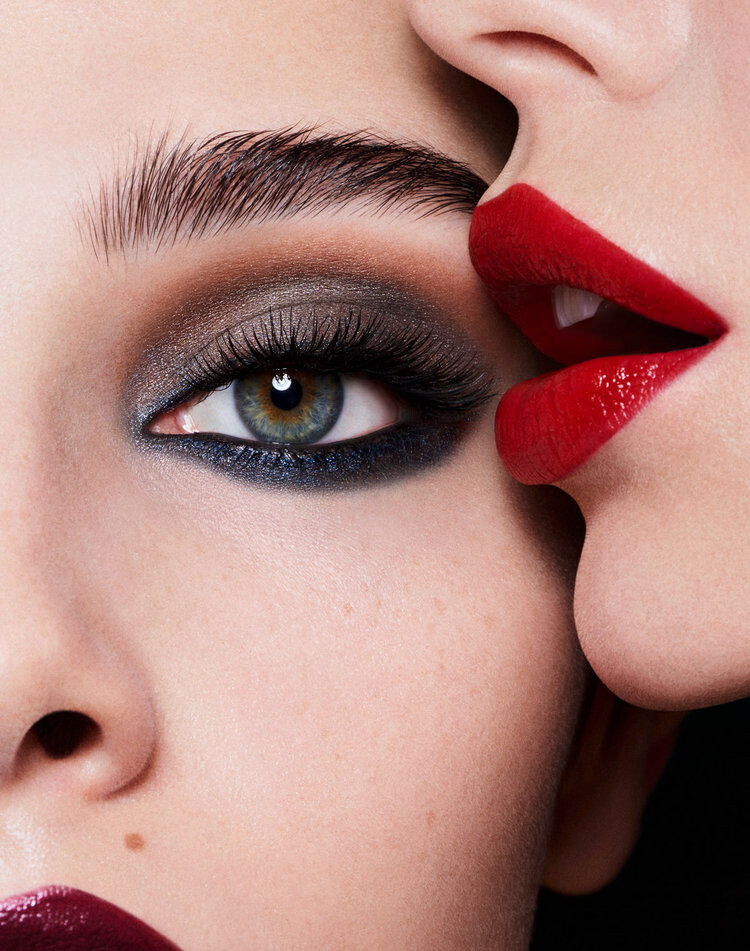
 Clé de Peau
-
-
MUA: David Razzano Spoiler AQMp5LoYuumu3JkH6_oi9Tan3ekryQn6eVFjTZoNUcvEp5tOj1JGRK0BllCflThg8f8IvrHeyleGcpNMNnorQvgOEqYL5YWYvWtgJFk.mp4

-
John Richmond F/W 2019







-
-
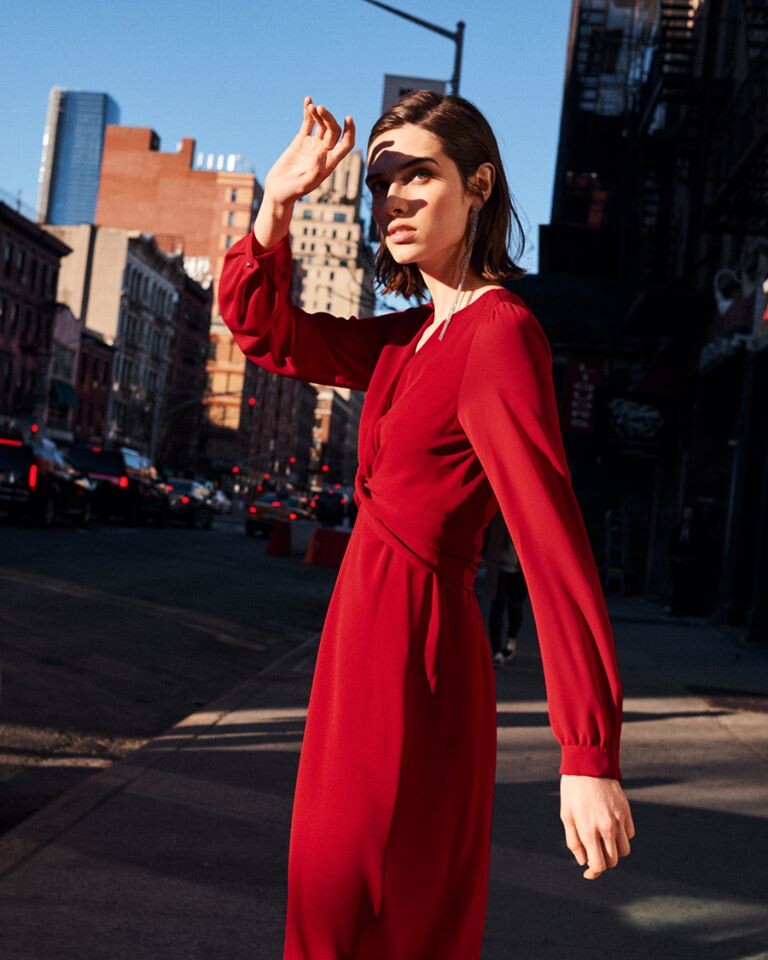
Reiss S/S 2019

-
Ph: Alex Socks















 Marc Cain S/S 17








 Marc Cain F/W 2016
.thumb.jpg.8902b93c6a53c9b1d885cbe1a377d689.jpg)
.thumb.jpg.2c39ae0e67334df135346f516bfb6fe6.jpg)
.thumb.jpg.5336e39c94d214d1b56fa9c4f9ef2b08.jpg)





 More random finds...






 Random shoots




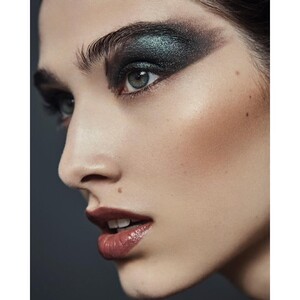
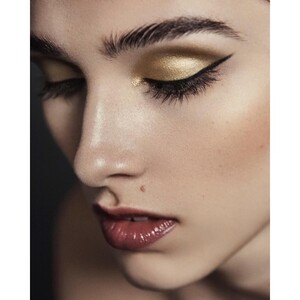

 Nina Park Beaute https://www.instagram.com/p/B39AVW-oWnA/
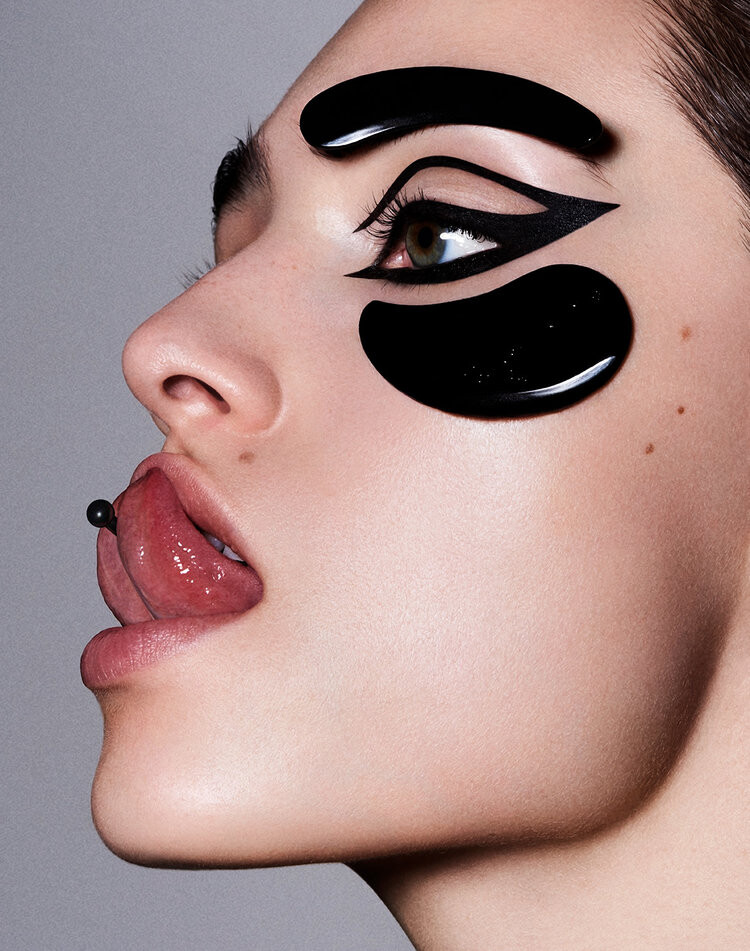
 Ph: Ryan Michael Kelly Mua: David Razzano
 Ph: Florian Sommet



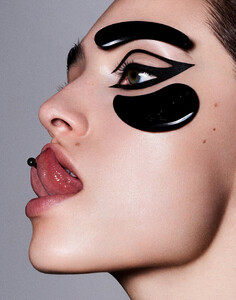

 iBlues F/W 2019












 Lacoste Timeless






 @annaritan_official










 AnnaRita N S/S 2016








 https://www.instagram.com/p/BFSjA8wJ8Xc/
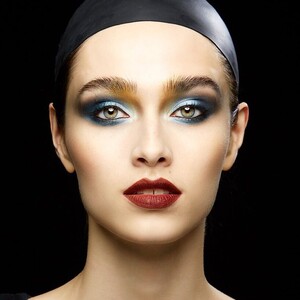 Ph: Marc Tousignant Mua: Roy Liu



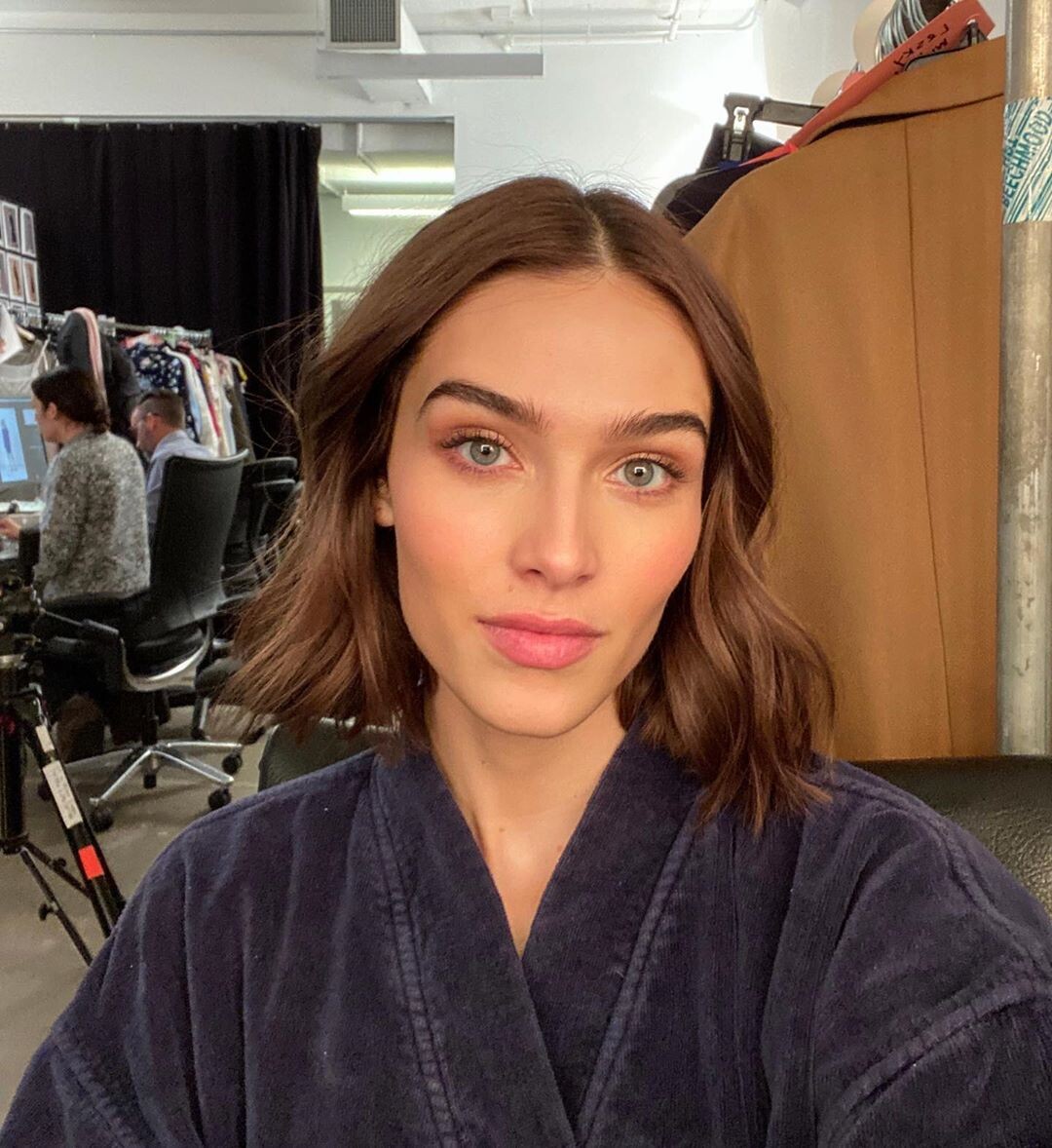












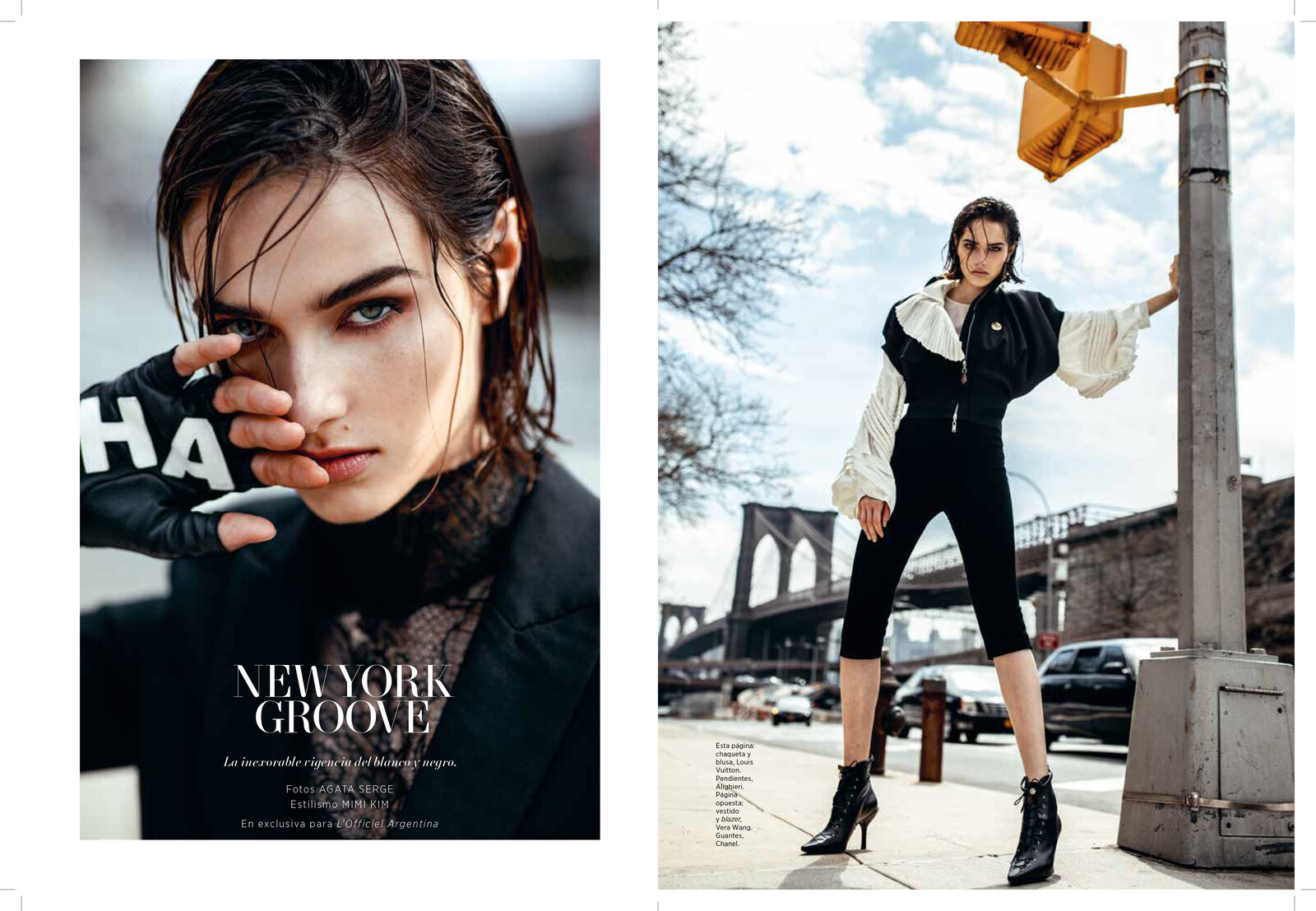


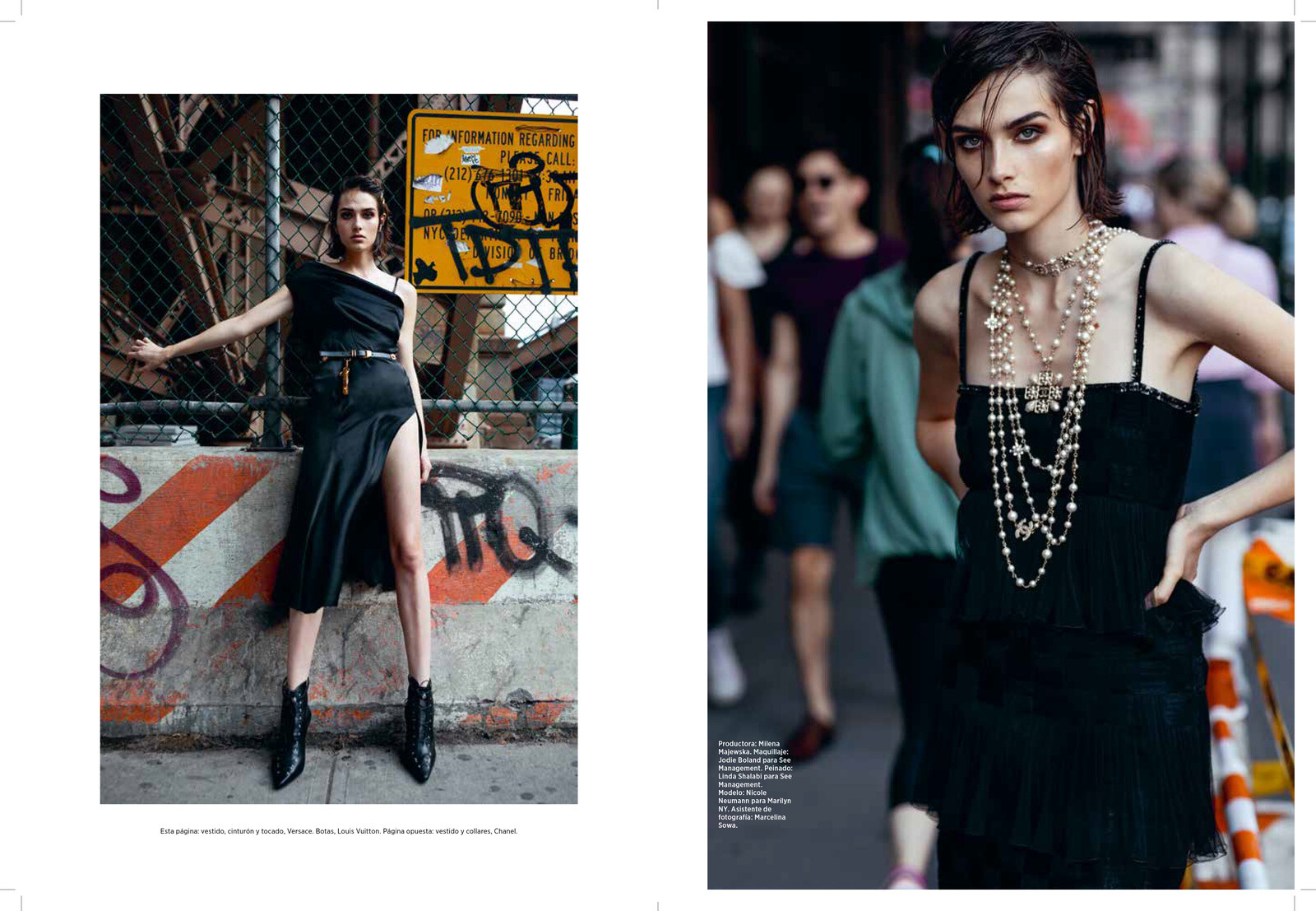



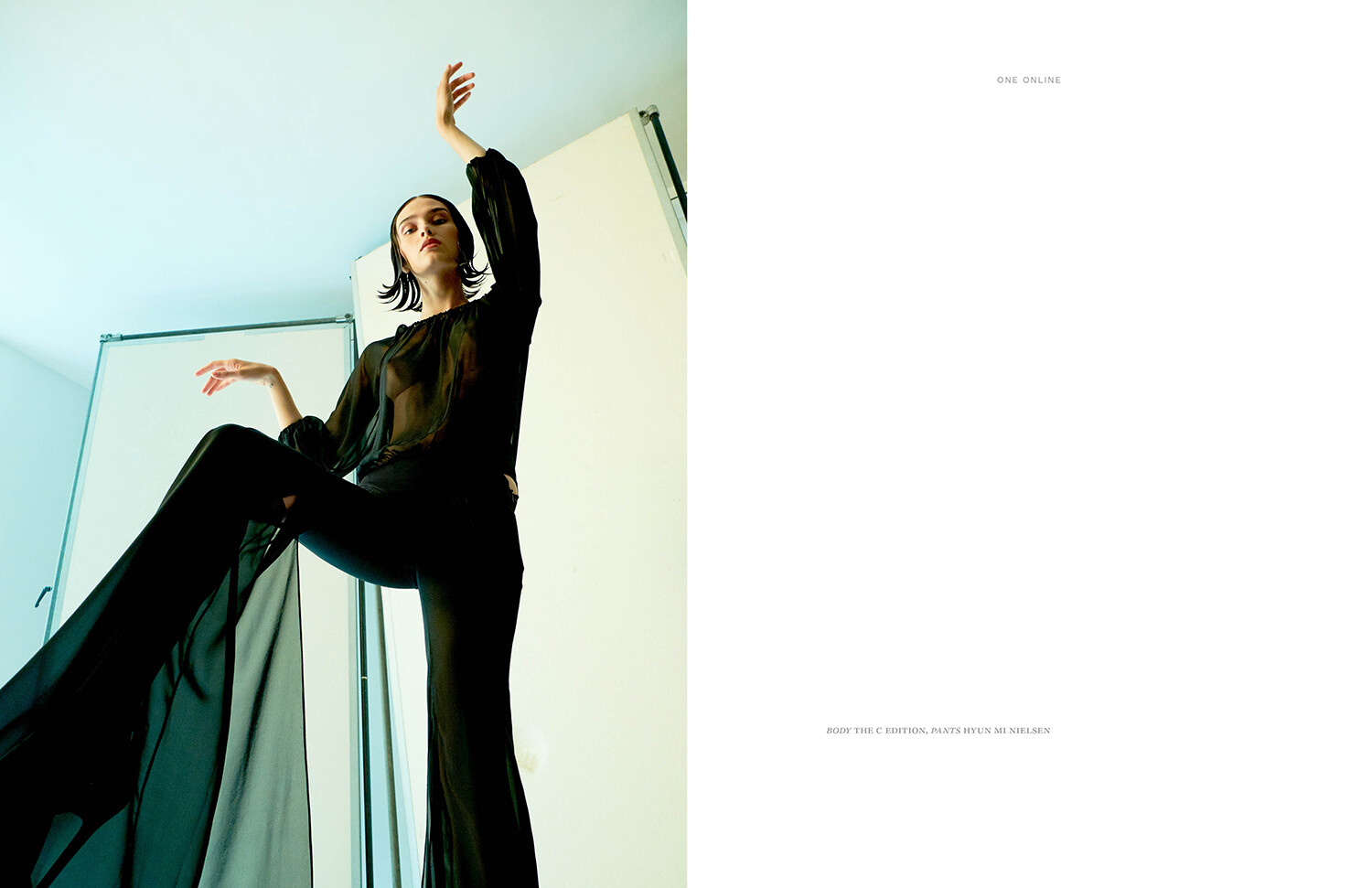
















































.jpg.5e1631b21cd7ef11a07e8d8c23046d47.jpg)
.jpg.6f182b491106d8c48aab49506f32373d.jpg)
.jpg.e6be2db043d0e8bd0cda8bdb4701fe50.jpg)


































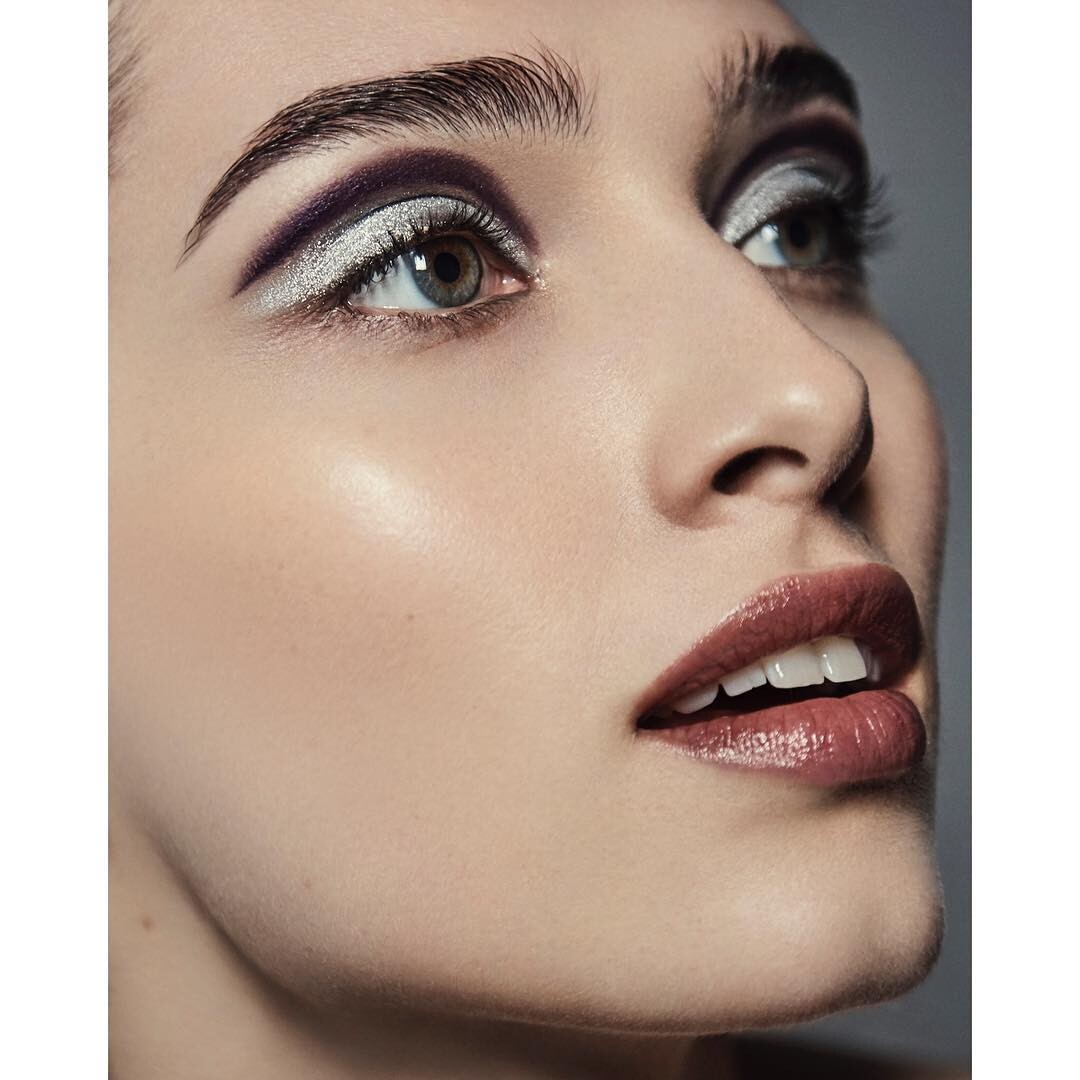
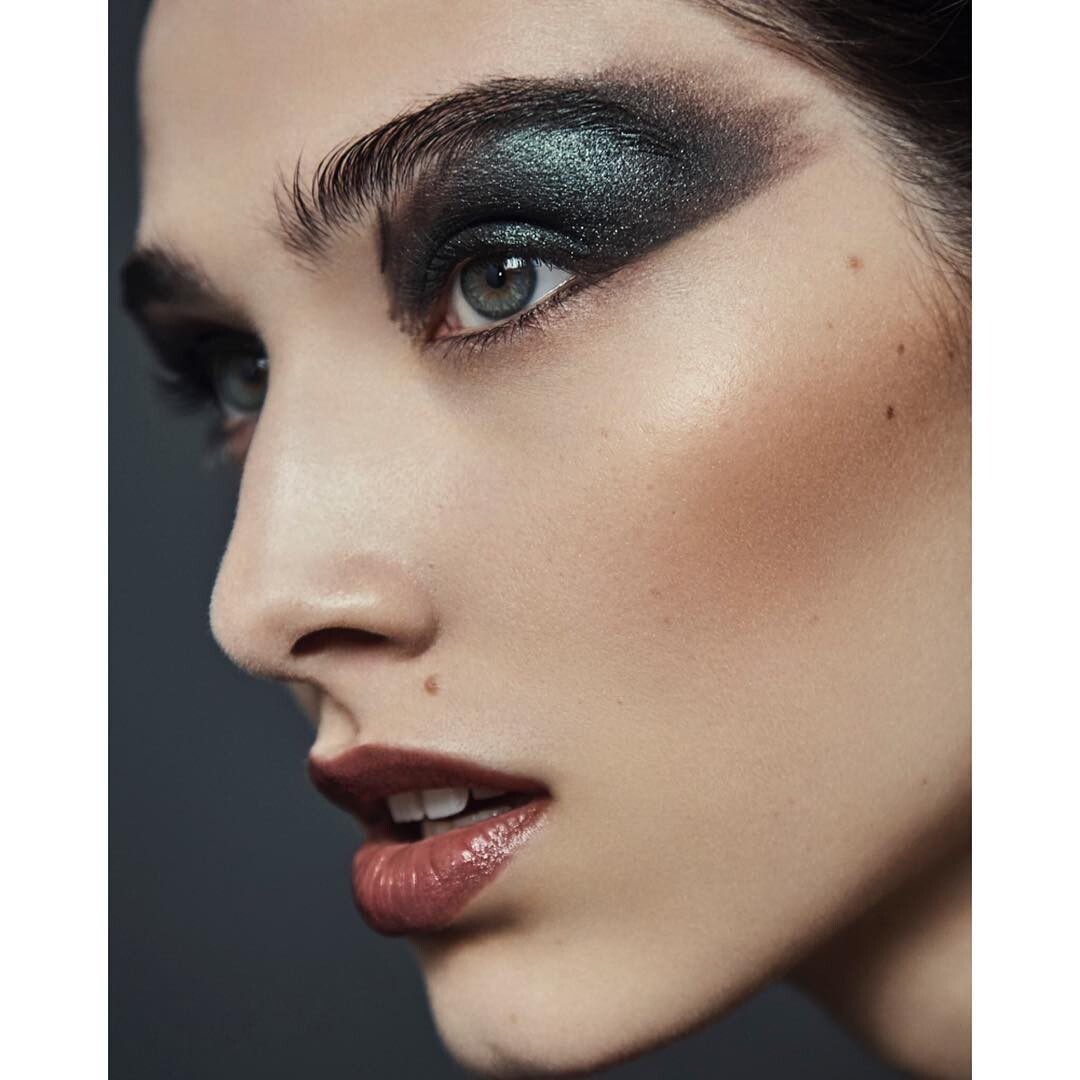
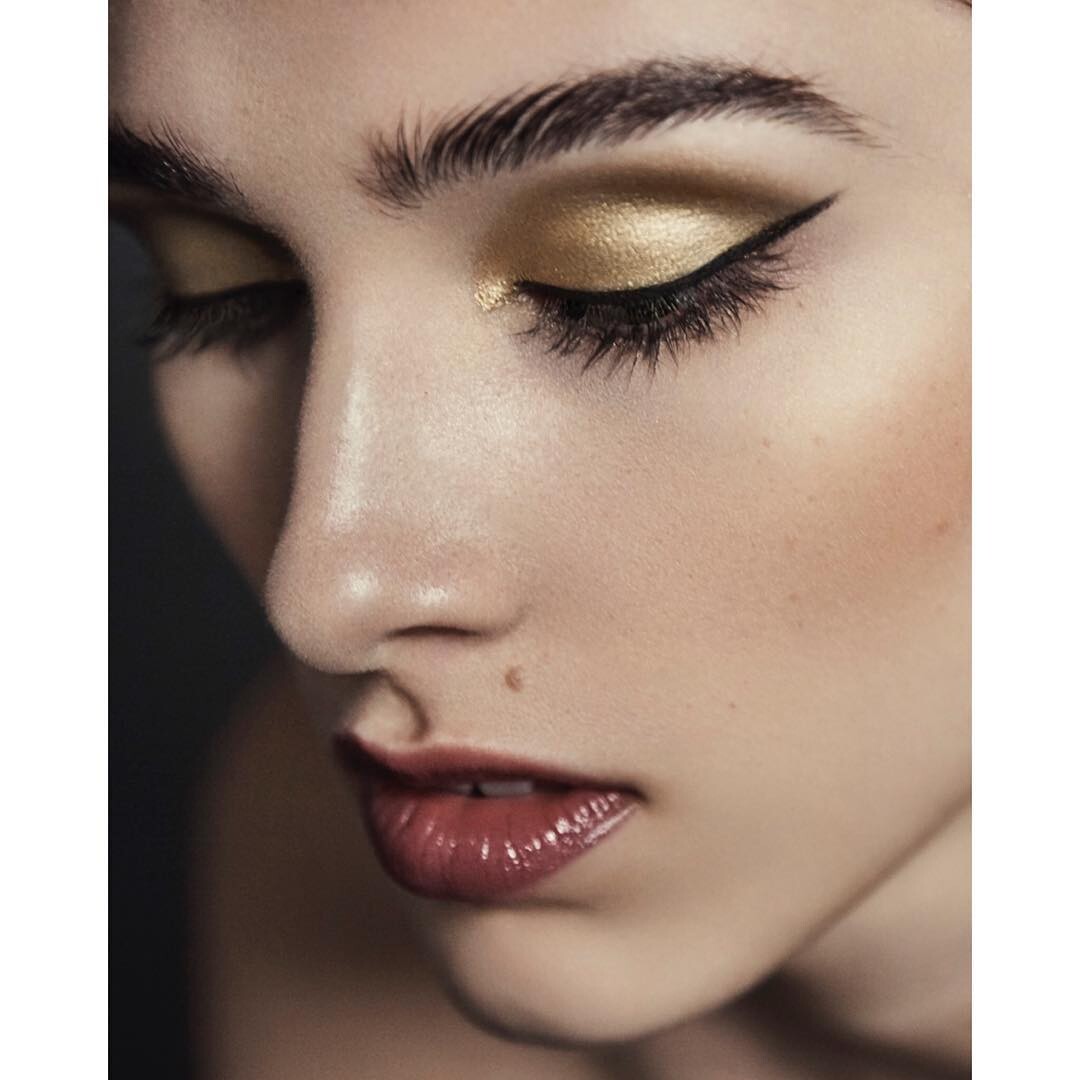





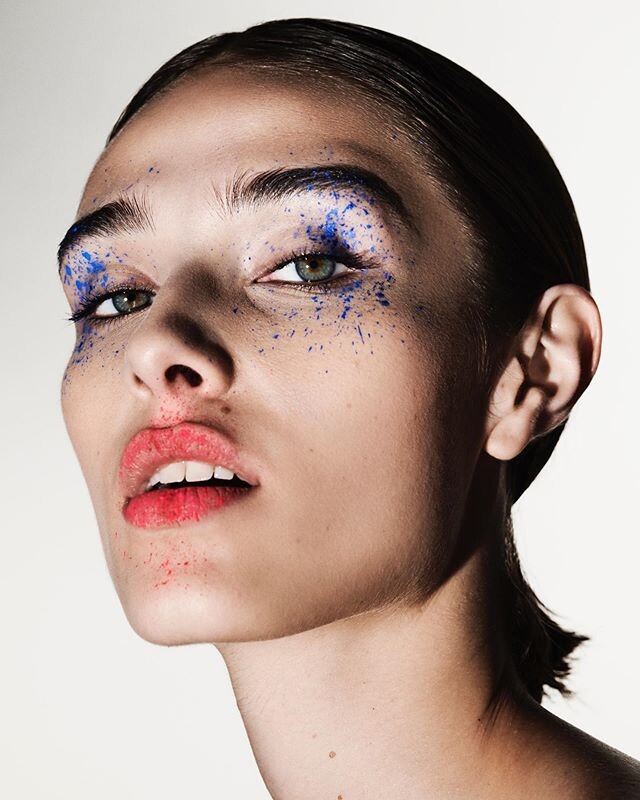
































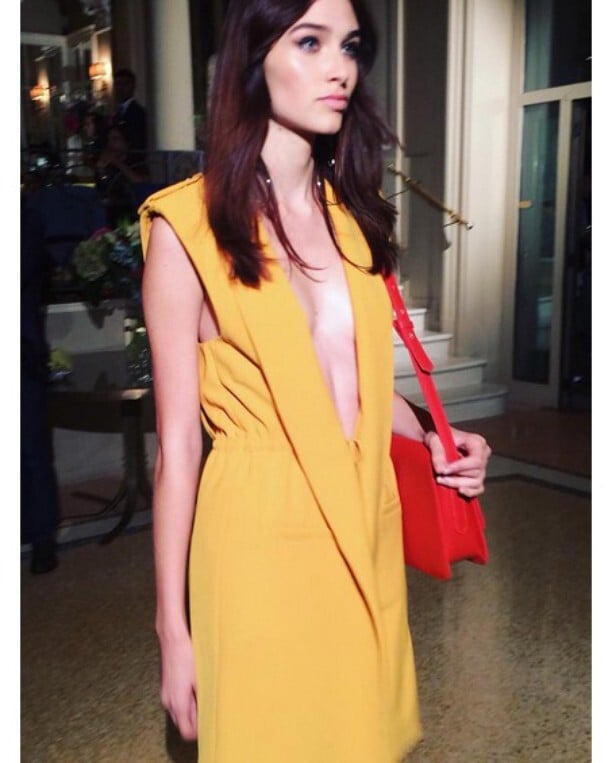















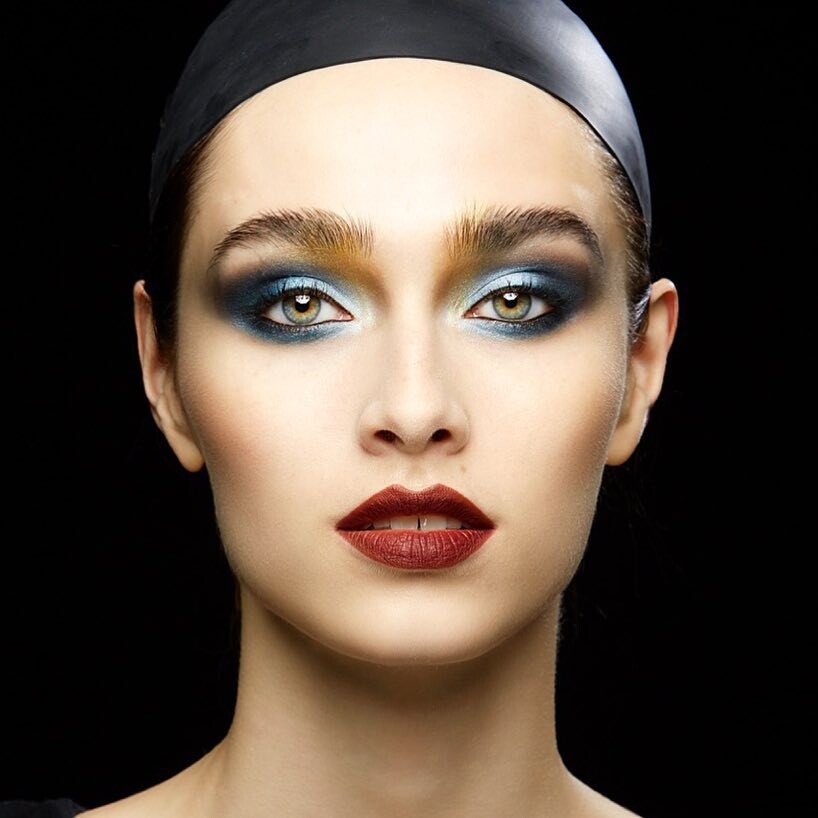


Account
Navigation
Search
Configure browser push notifications
Chrome (Android)
- Tap the lock icon next to the address bar.
- Tap Permissions → Notifications.
- Adjust your preference.
Chrome (Desktop)
- Click the padlock icon in the address bar.
- Select Site settings.
- Find Notifications and adjust your preference.
Safari (iOS 16.4+)
- Ensure the site is installed via Add to Home Screen.
- Open Settings App → Notifications.
- Find your app name and adjust your preference.
Safari (macOS)
- Go to Safari → Preferences.
- Click the Websites tab.
- Select Notifications in the sidebar.
- Find this website and adjust your preference.
Edge (Android)
- Tap the lock icon next to the address bar.
- Tap Permissions.
- Find Notifications and adjust your preference.
Edge (Desktop)
- Click the padlock icon in the address bar.
- Click Permissions for this site.
- Find Notifications and adjust your preference.
Firefox (Android)
- Go to Settings → Site permissions.
- Tap Notifications.
- Find this site in the list and adjust your preference.
Firefox (Desktop)
- Open Firefox Settings.
- Search for Notifications.
- Find this site in the list and adjust your preference.