
mikerw
Members
-
Joined
-
Last visited
Everything posted by mikerw
-
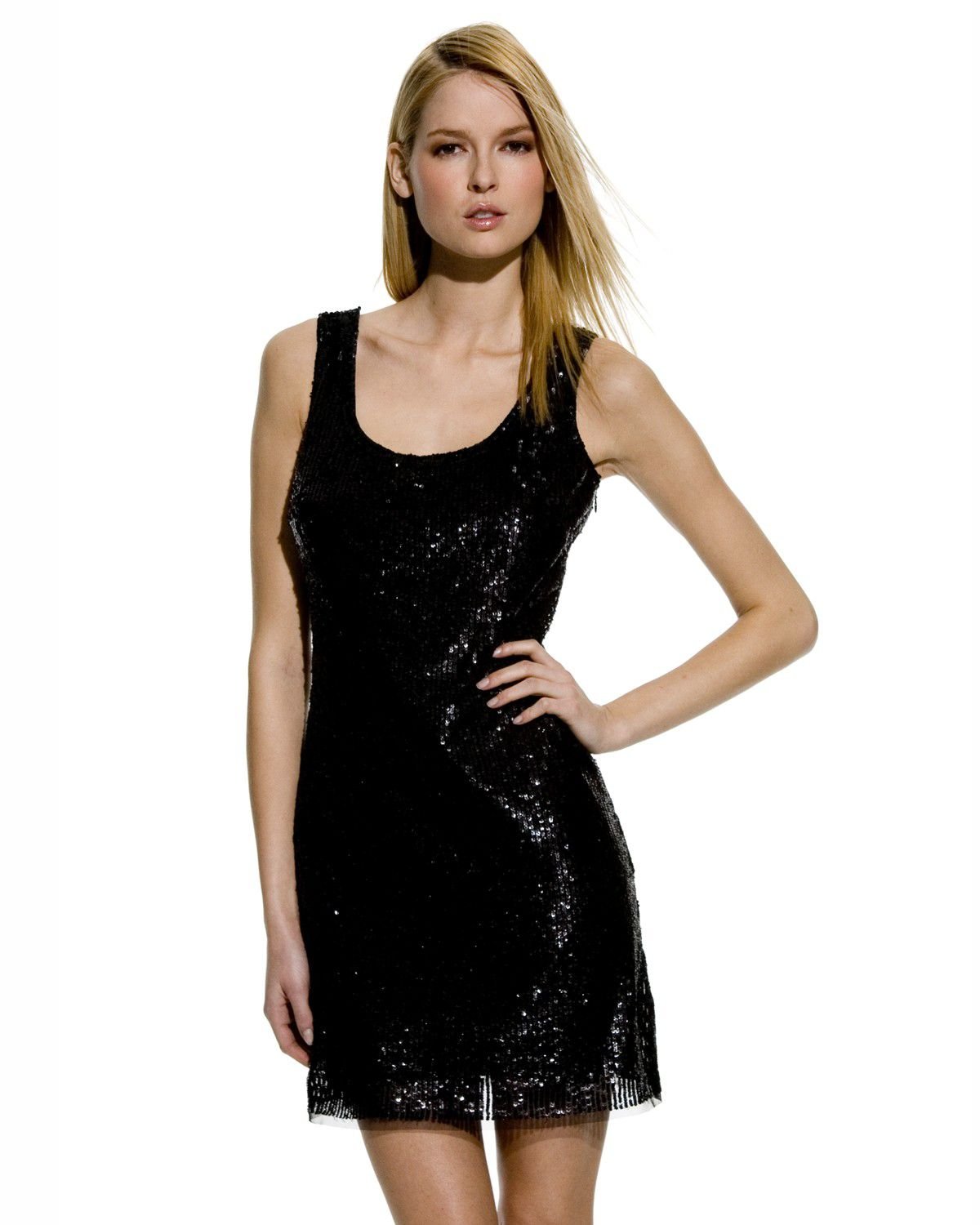
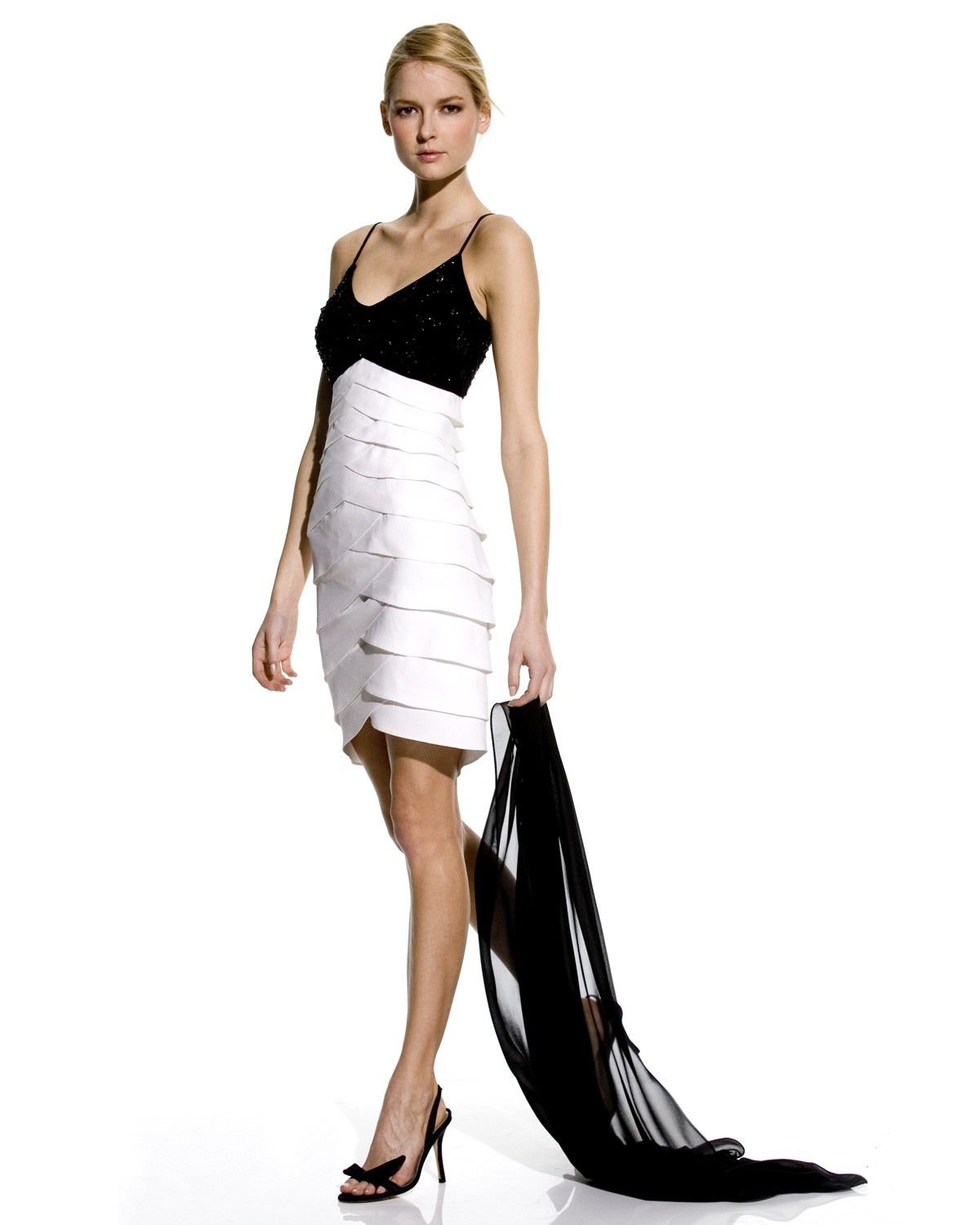
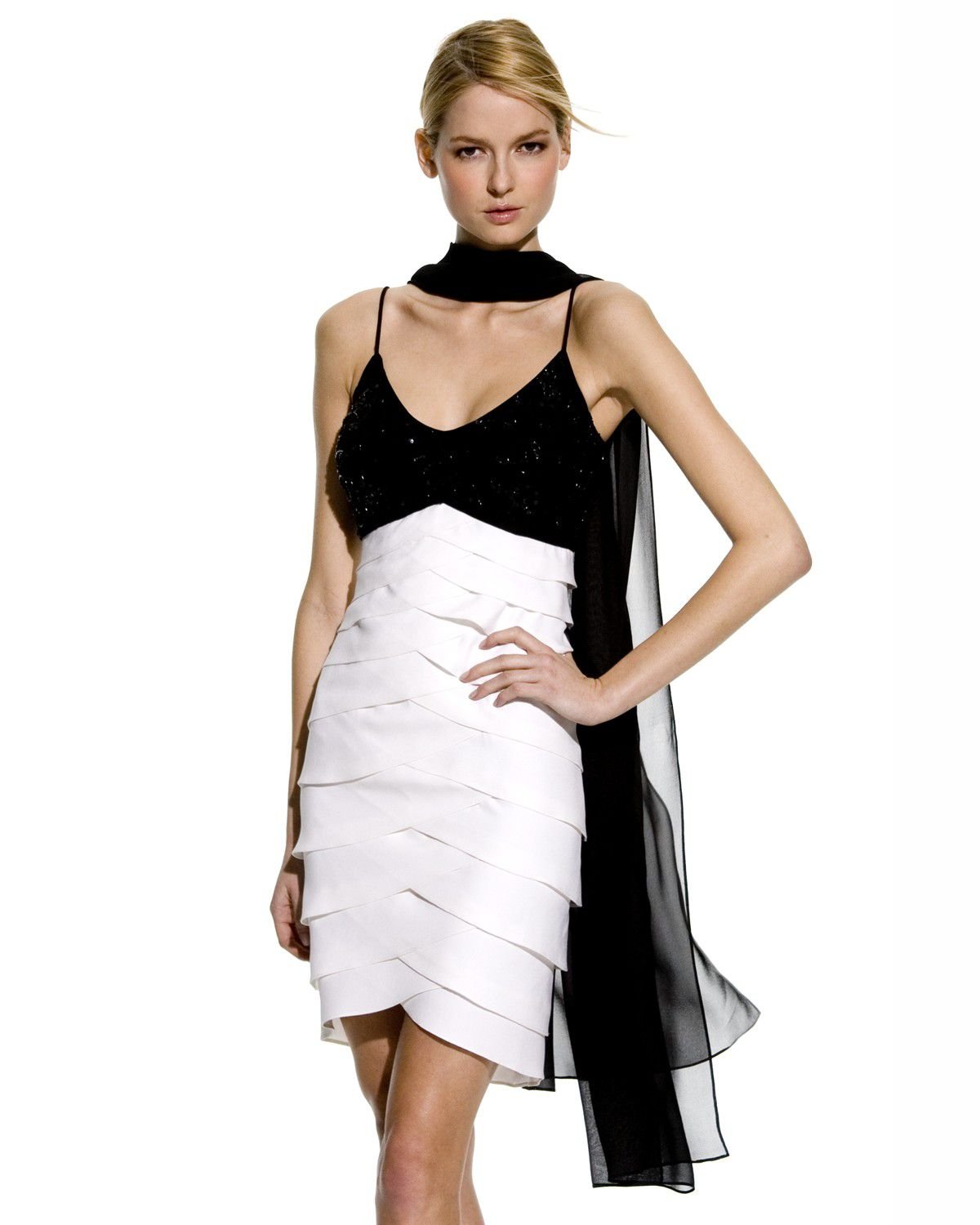
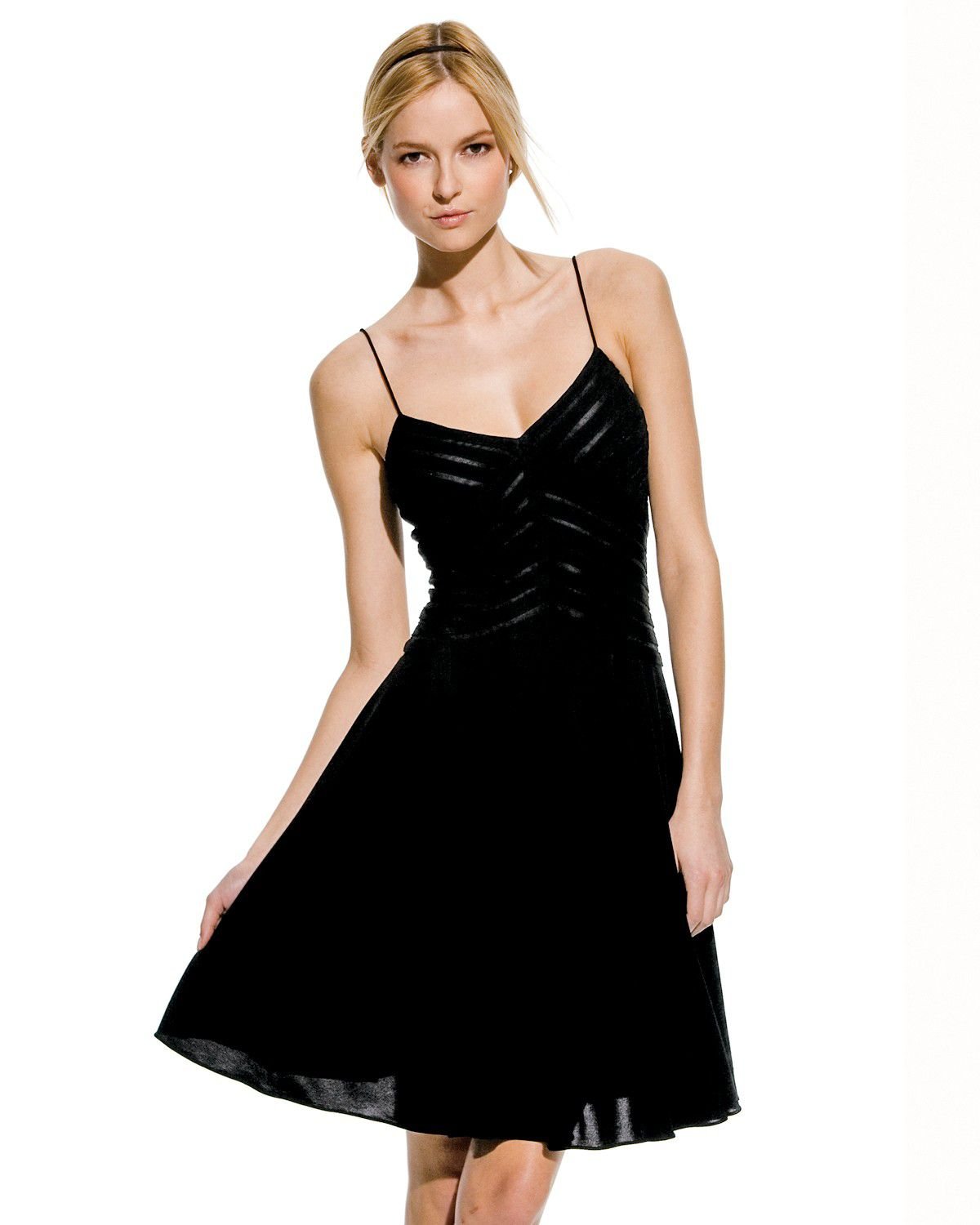
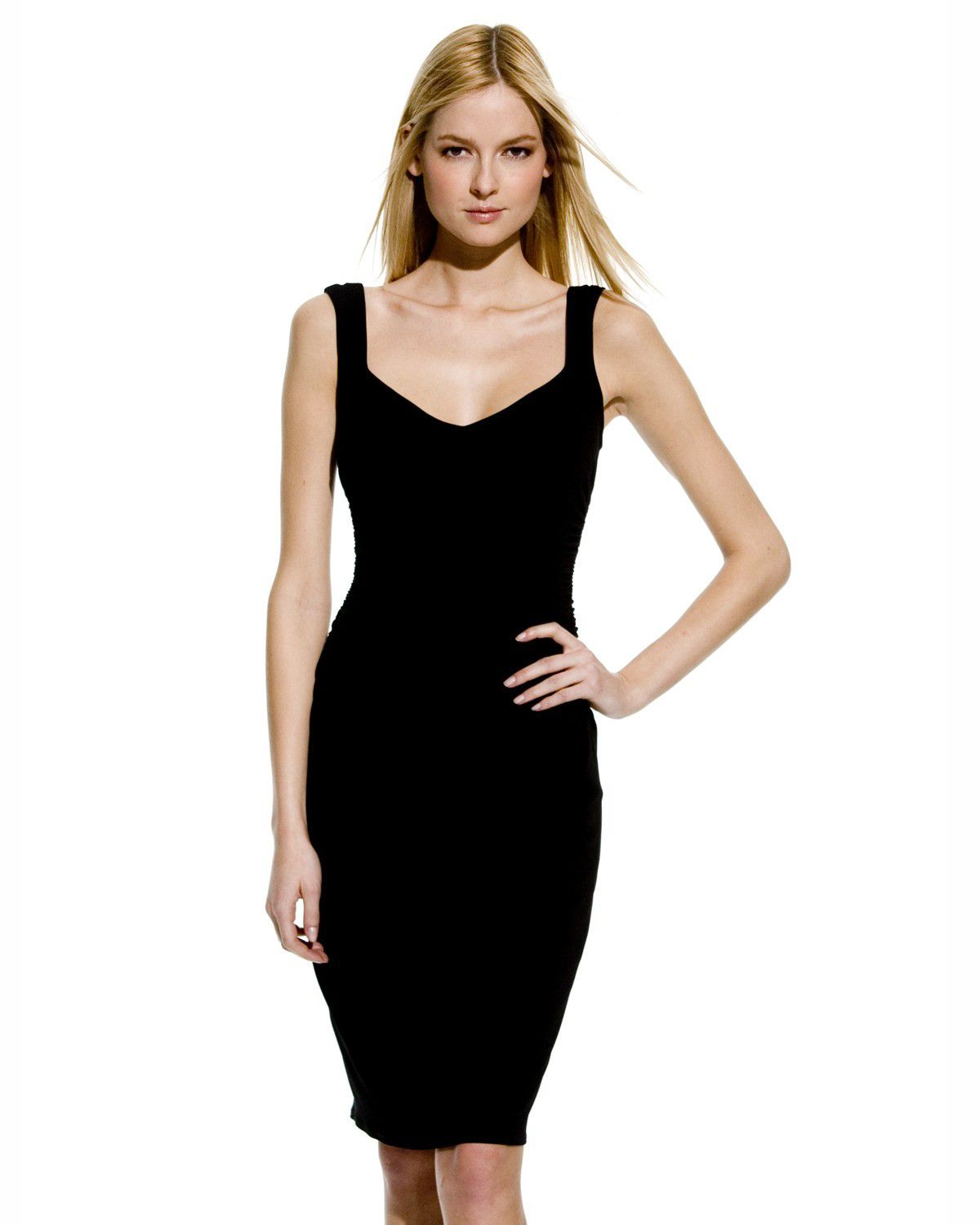
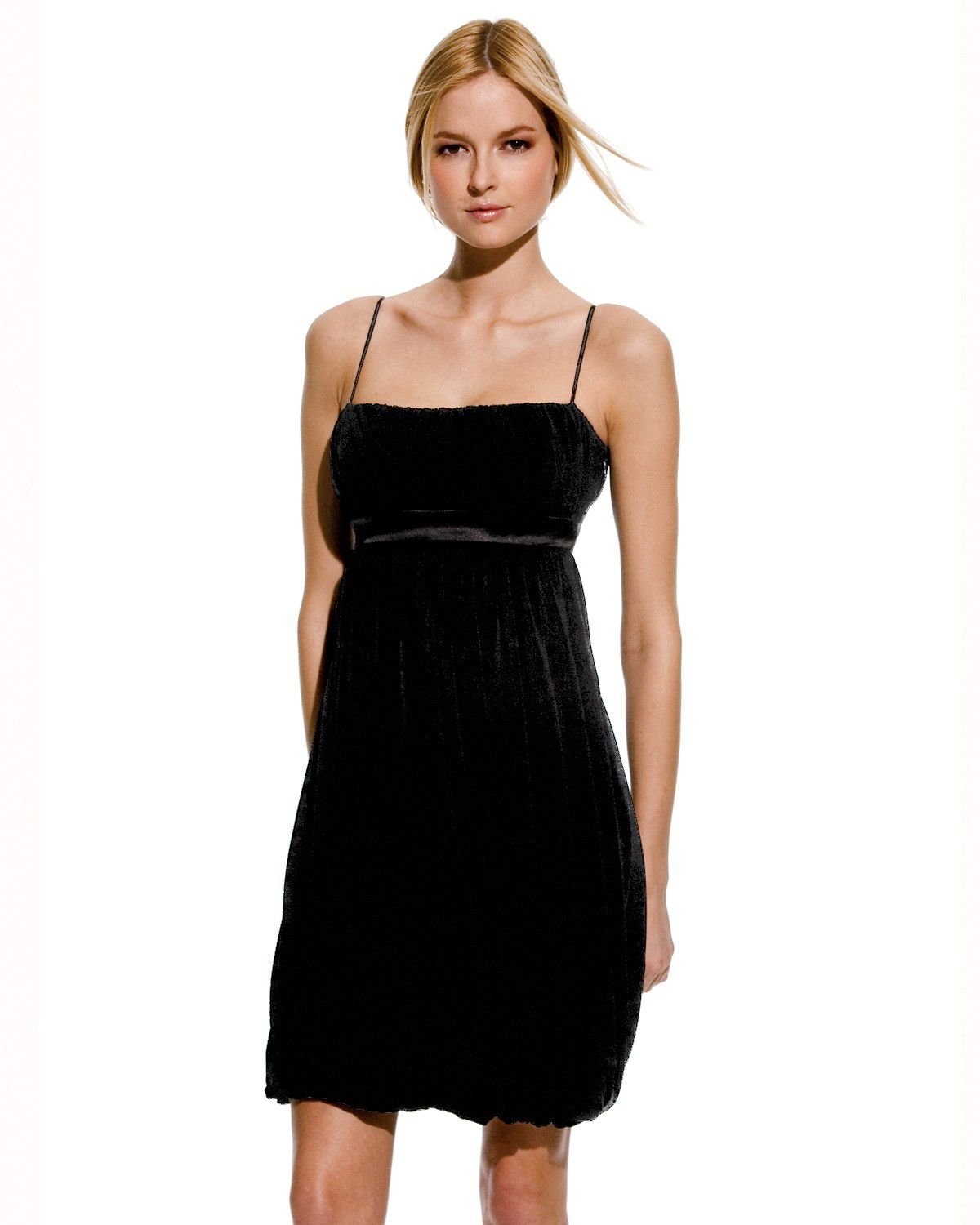
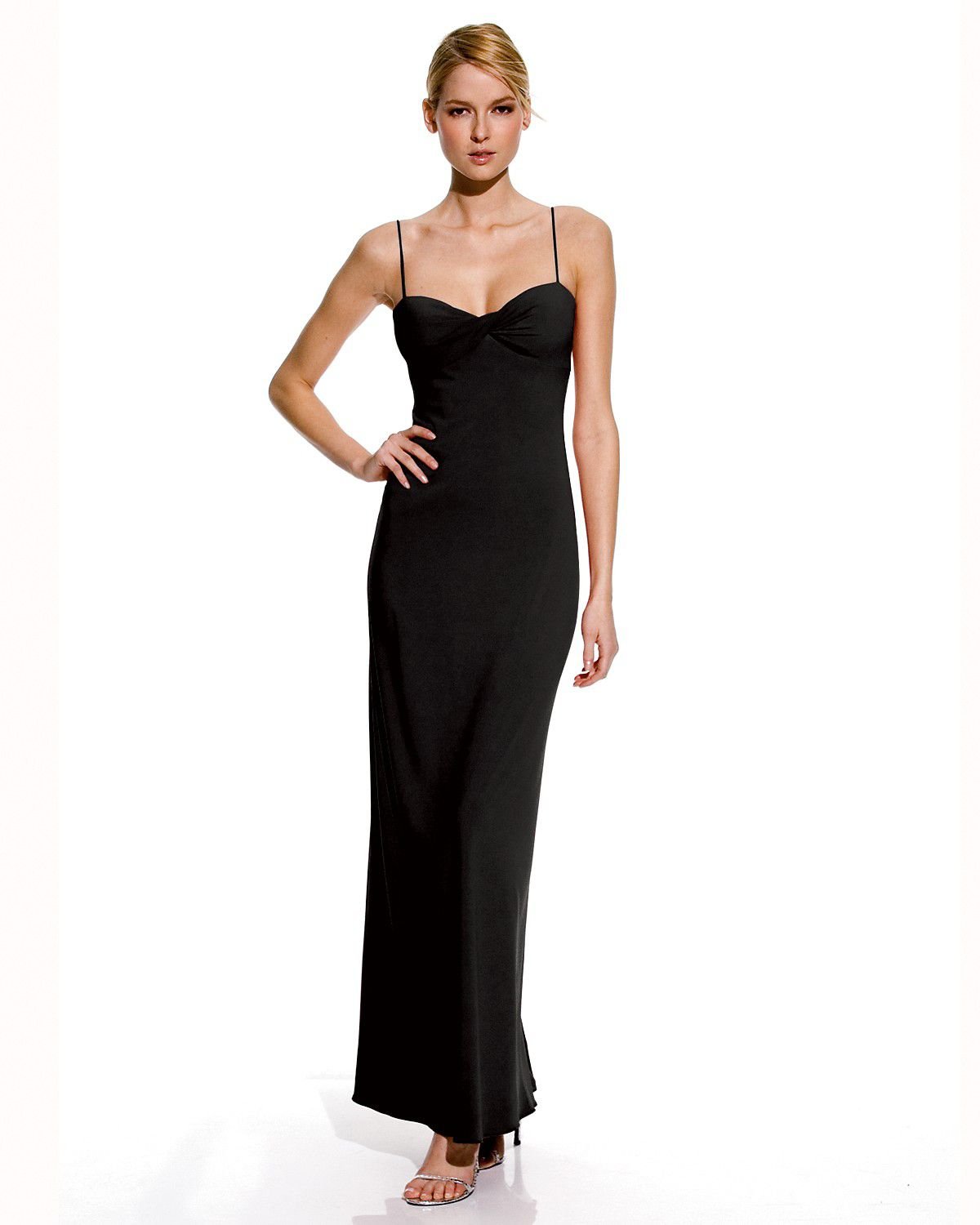
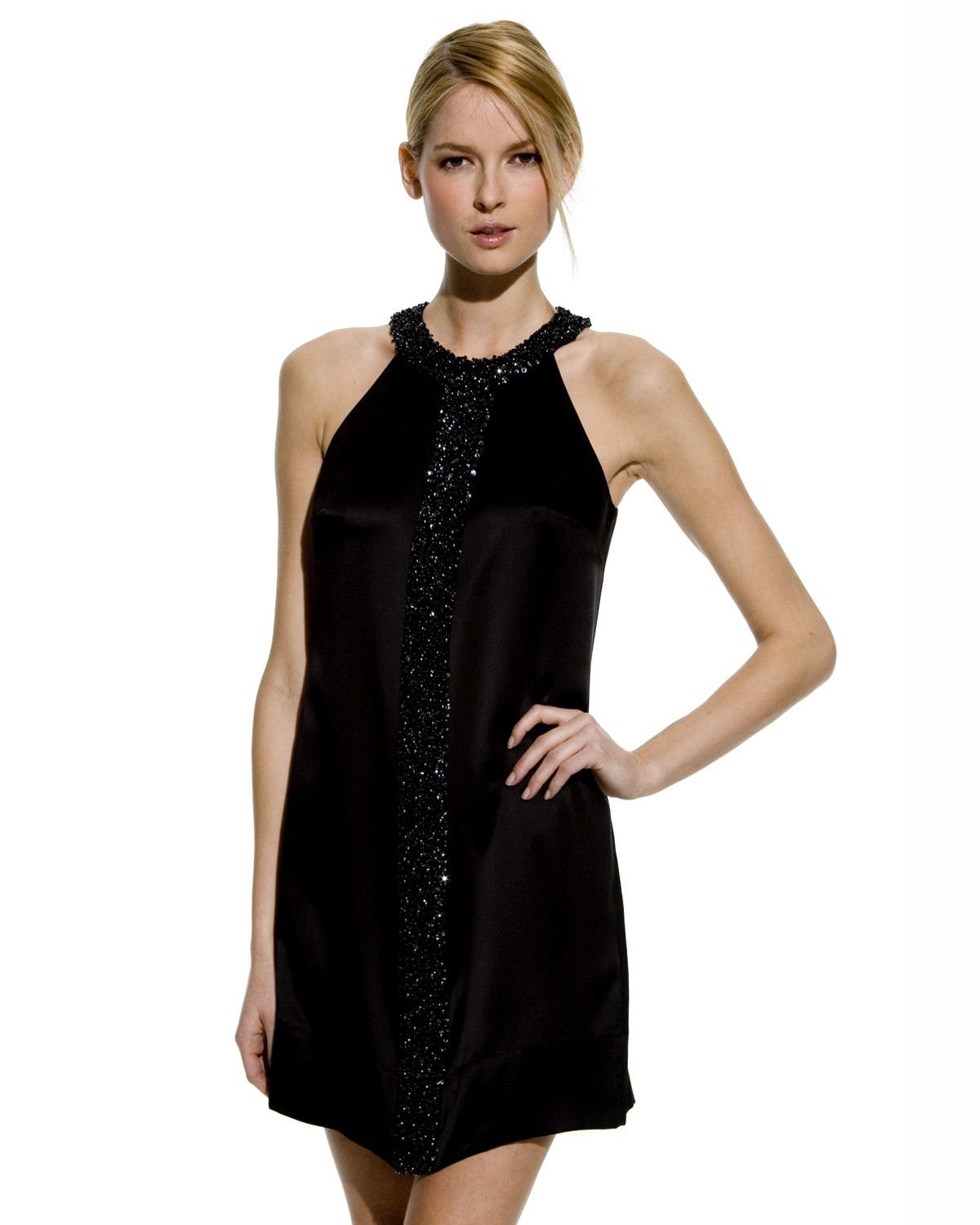
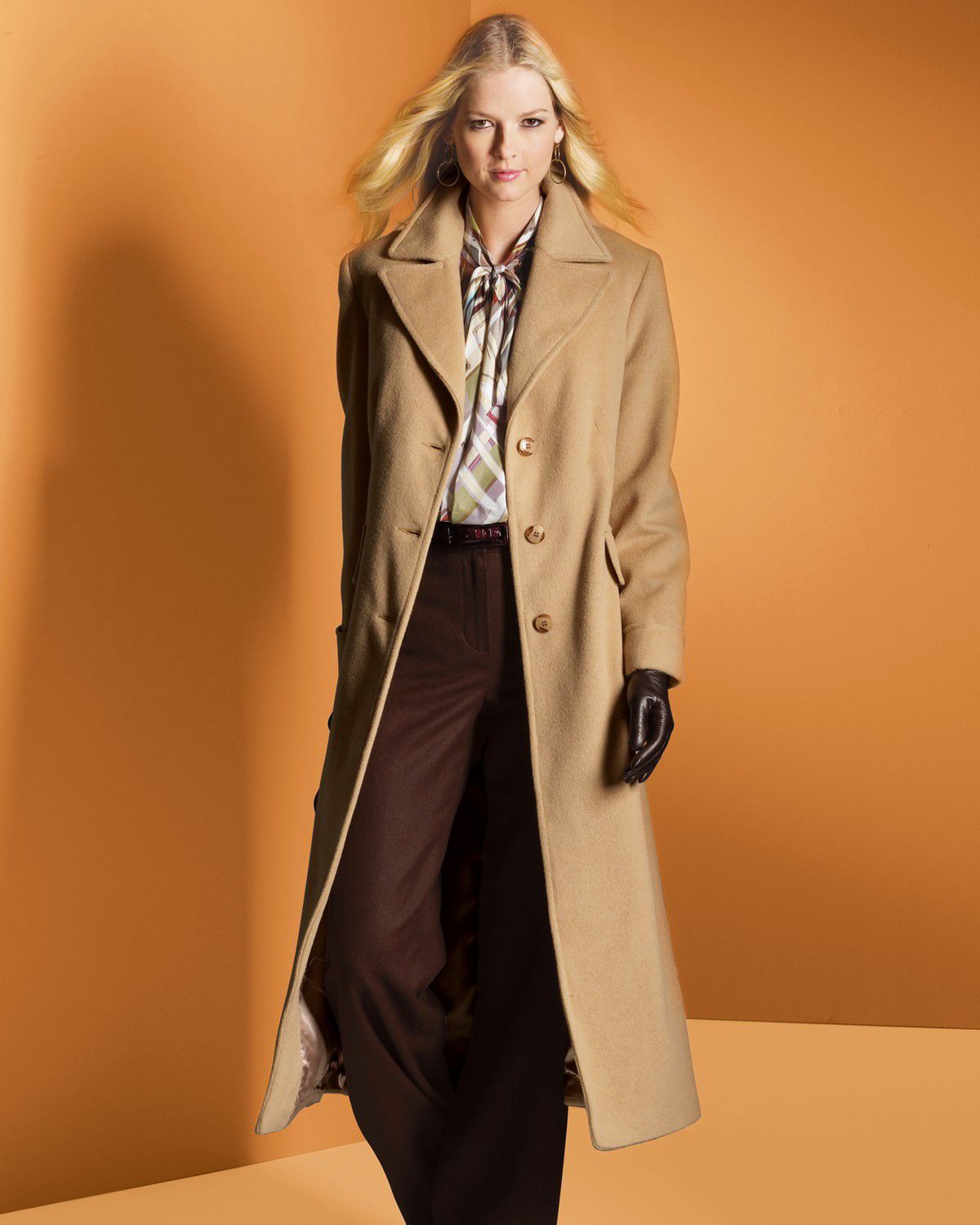
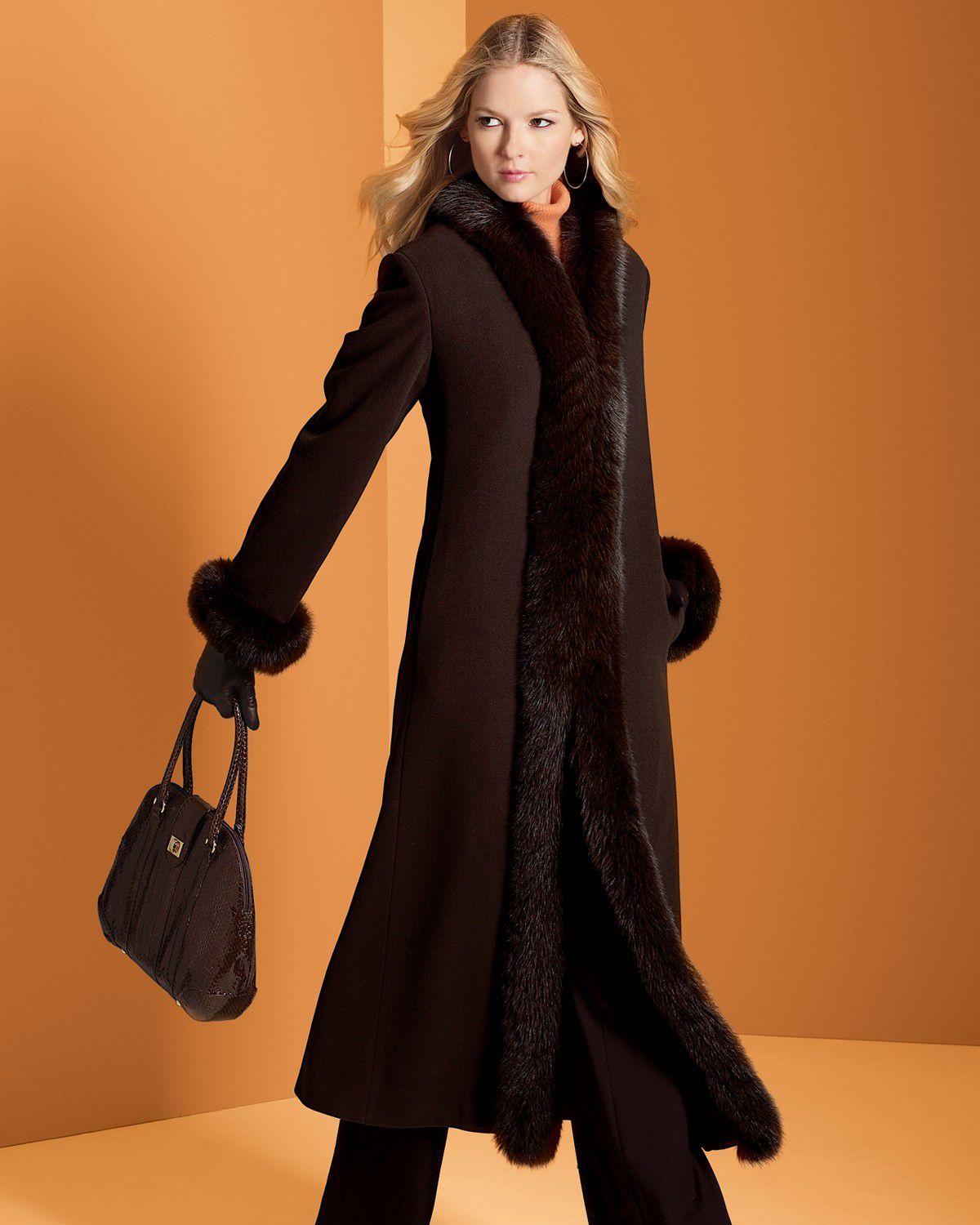
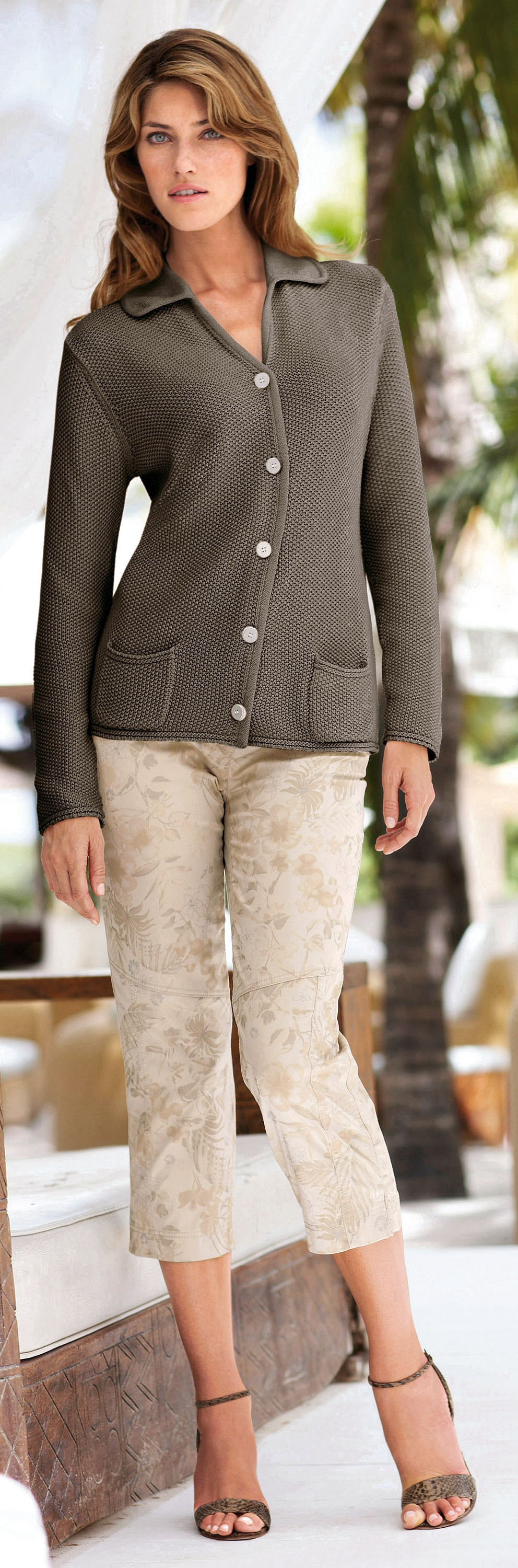
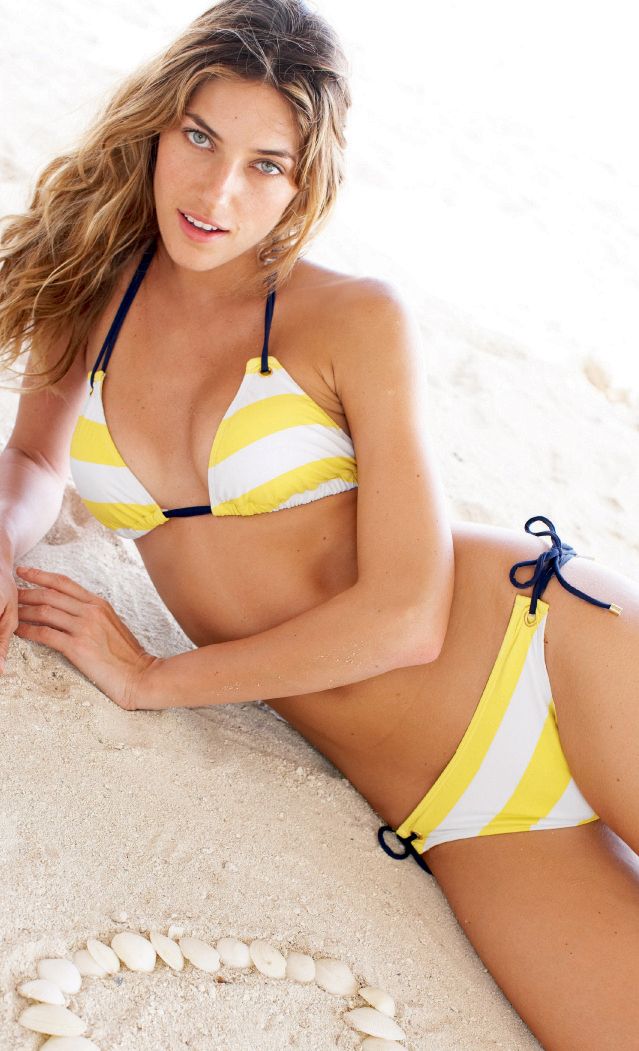
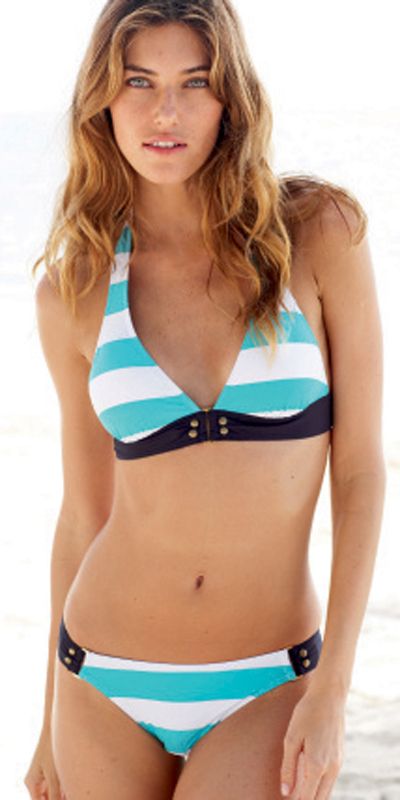
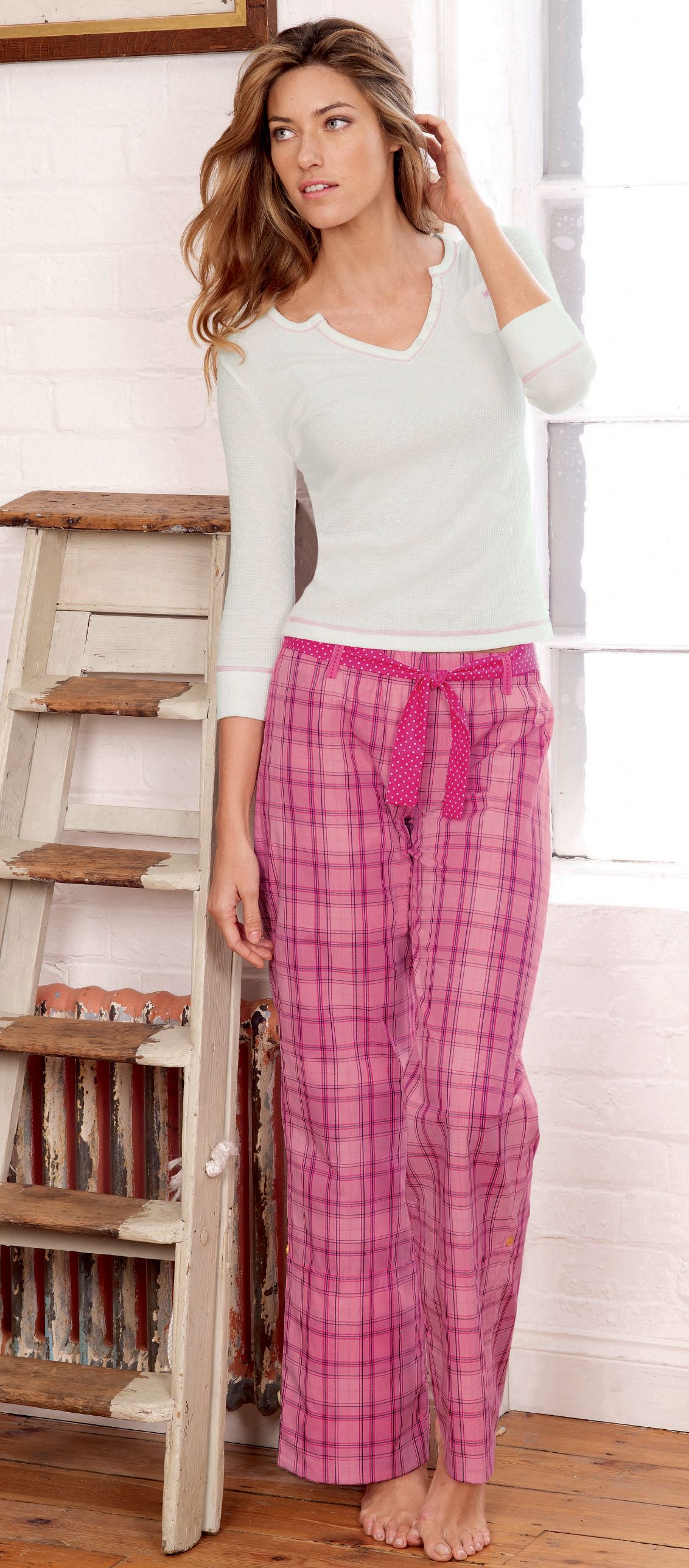
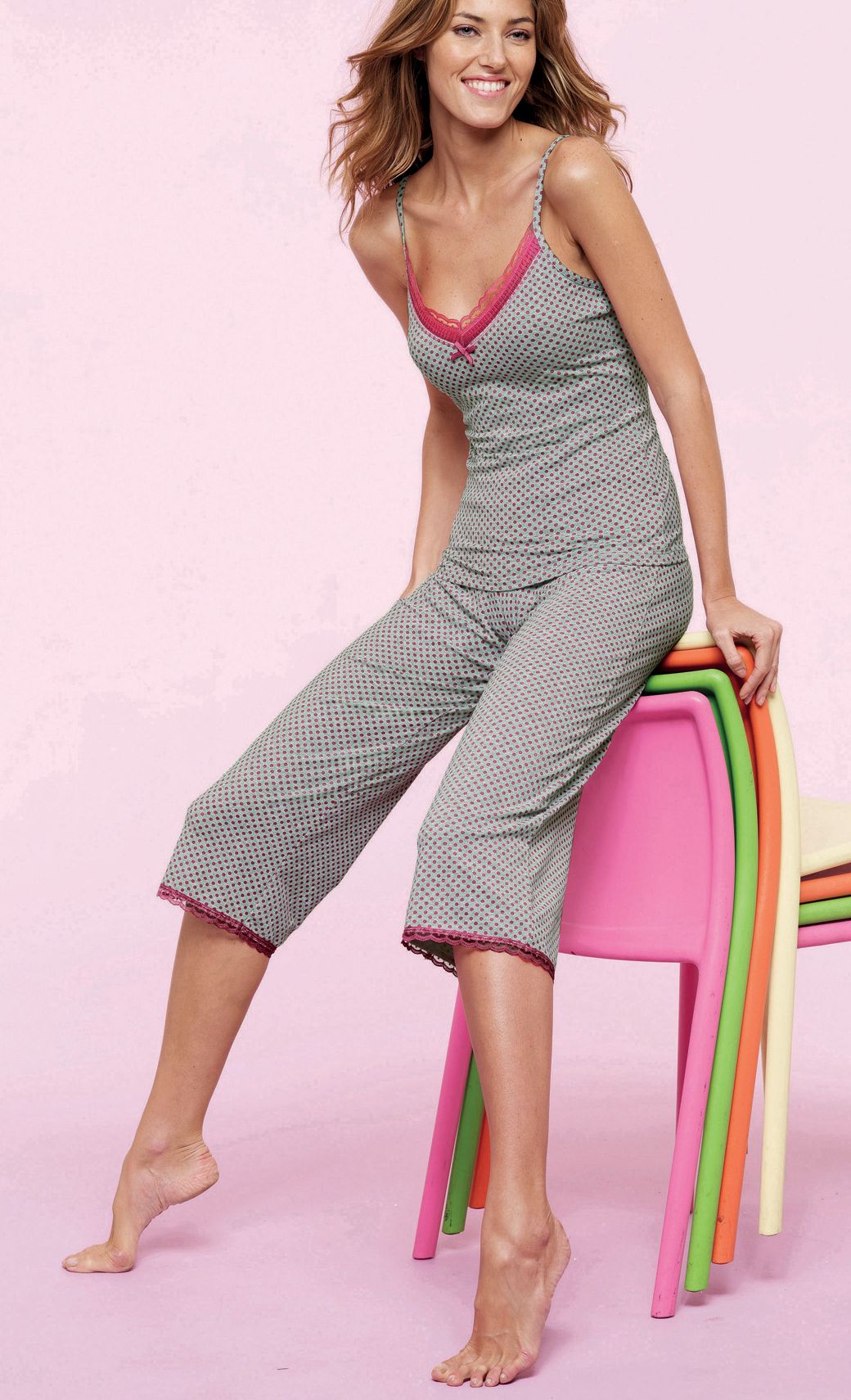
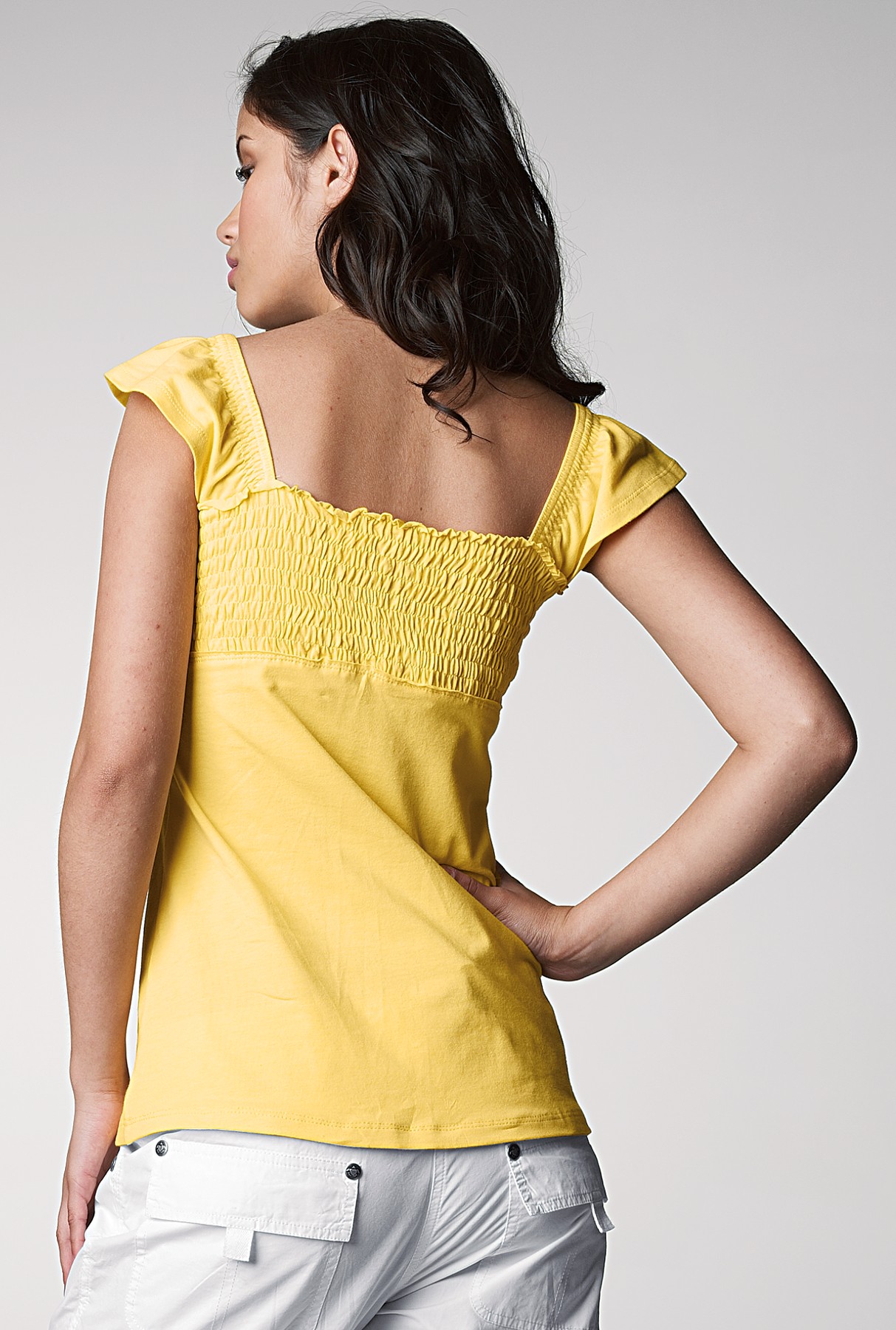
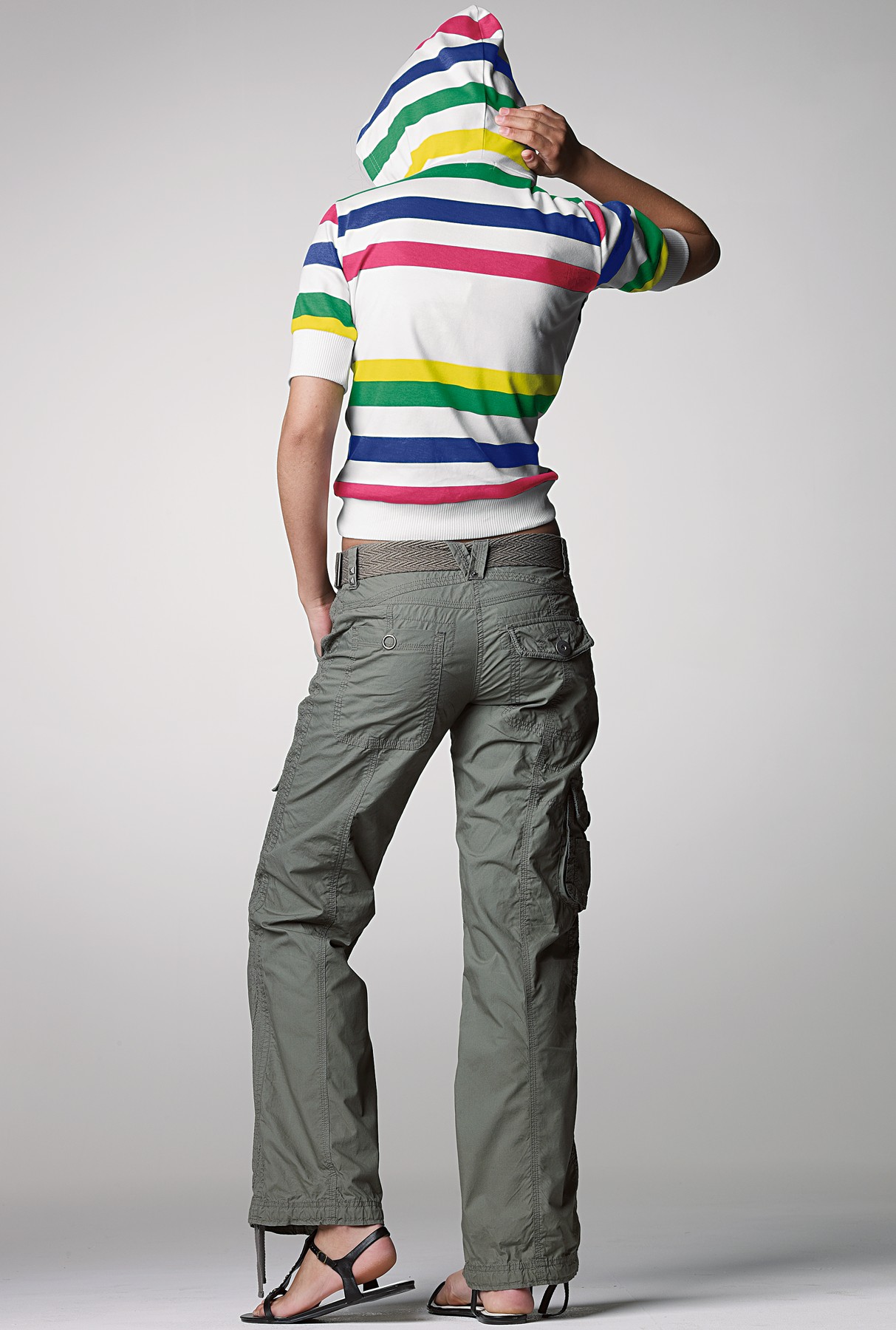
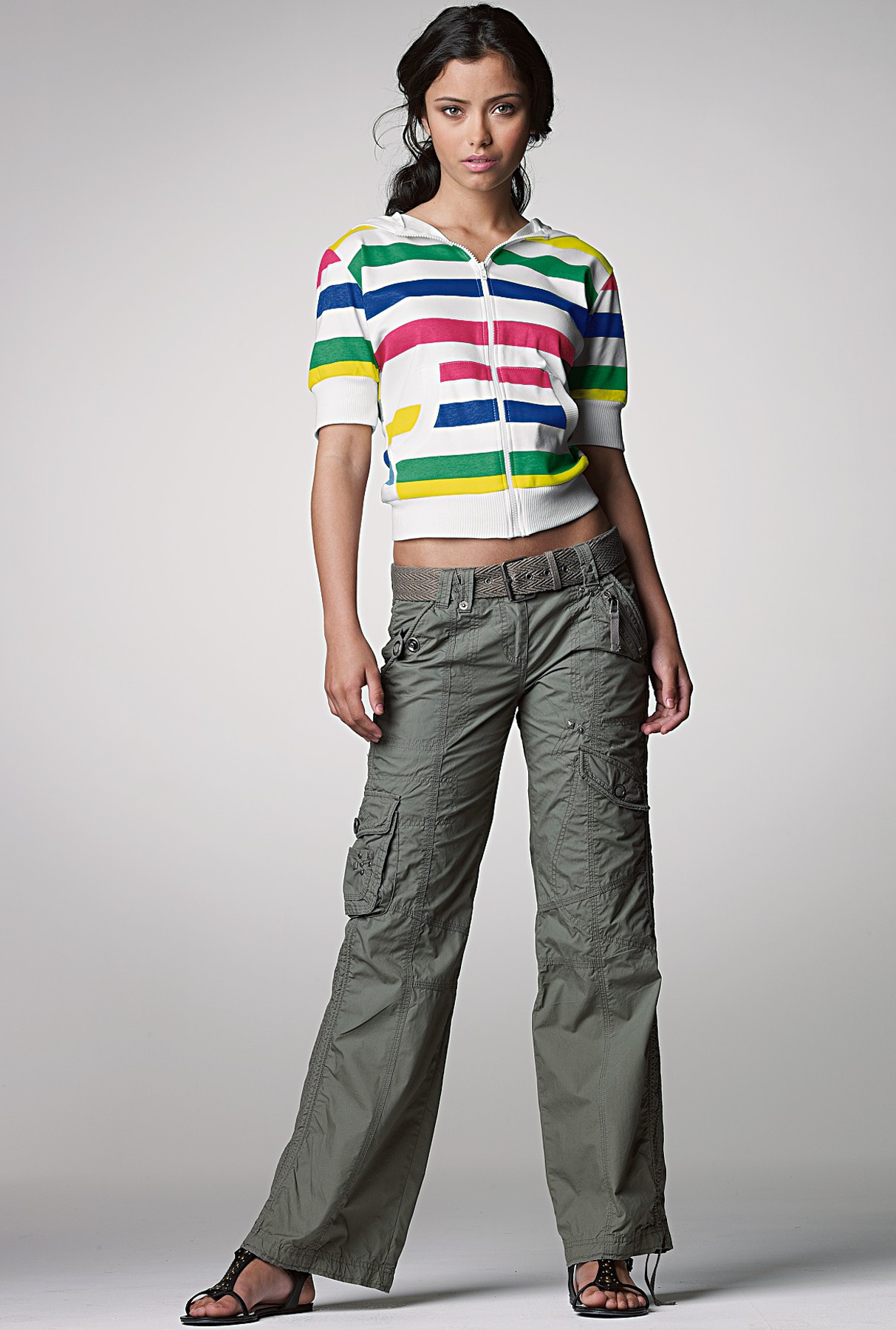
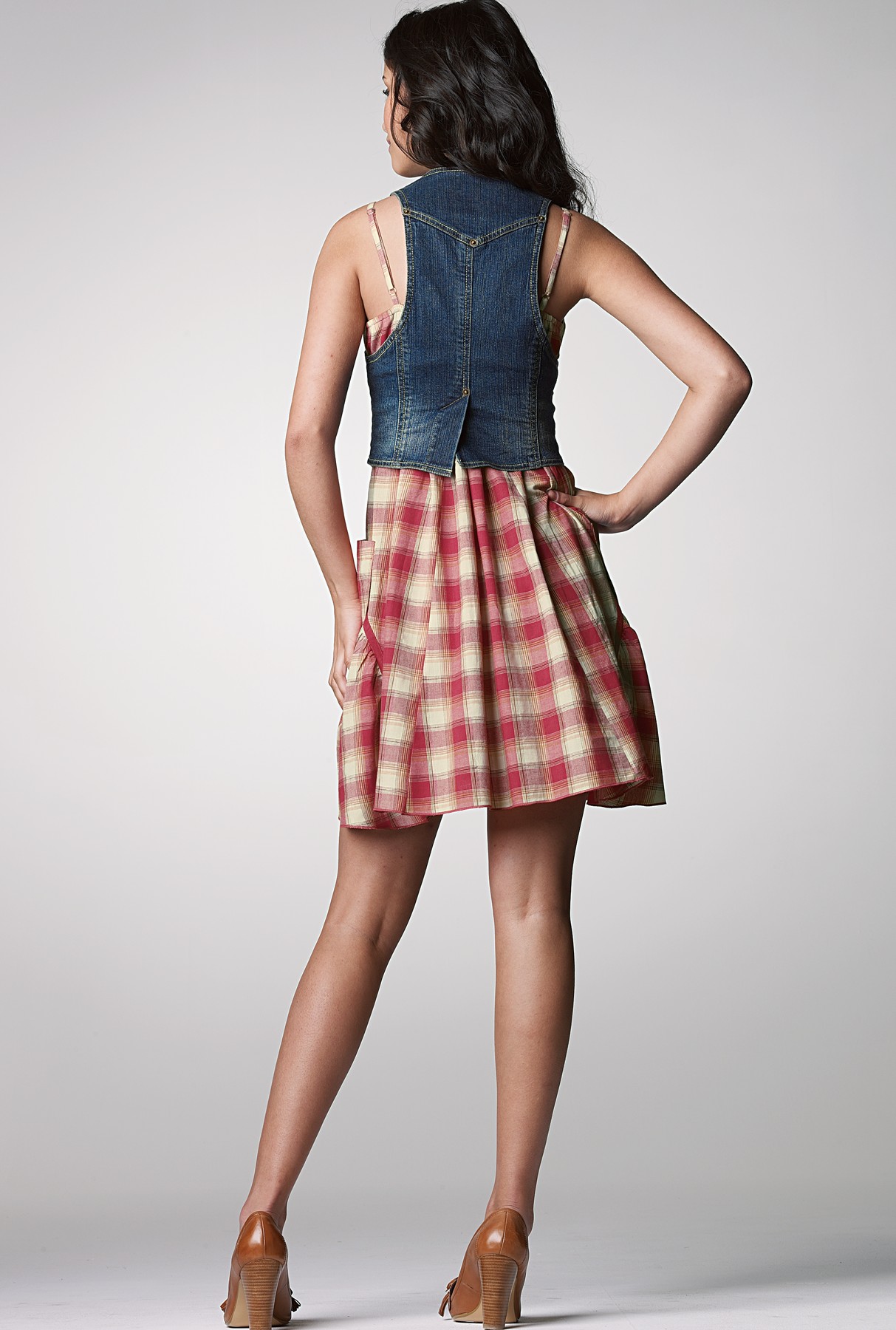
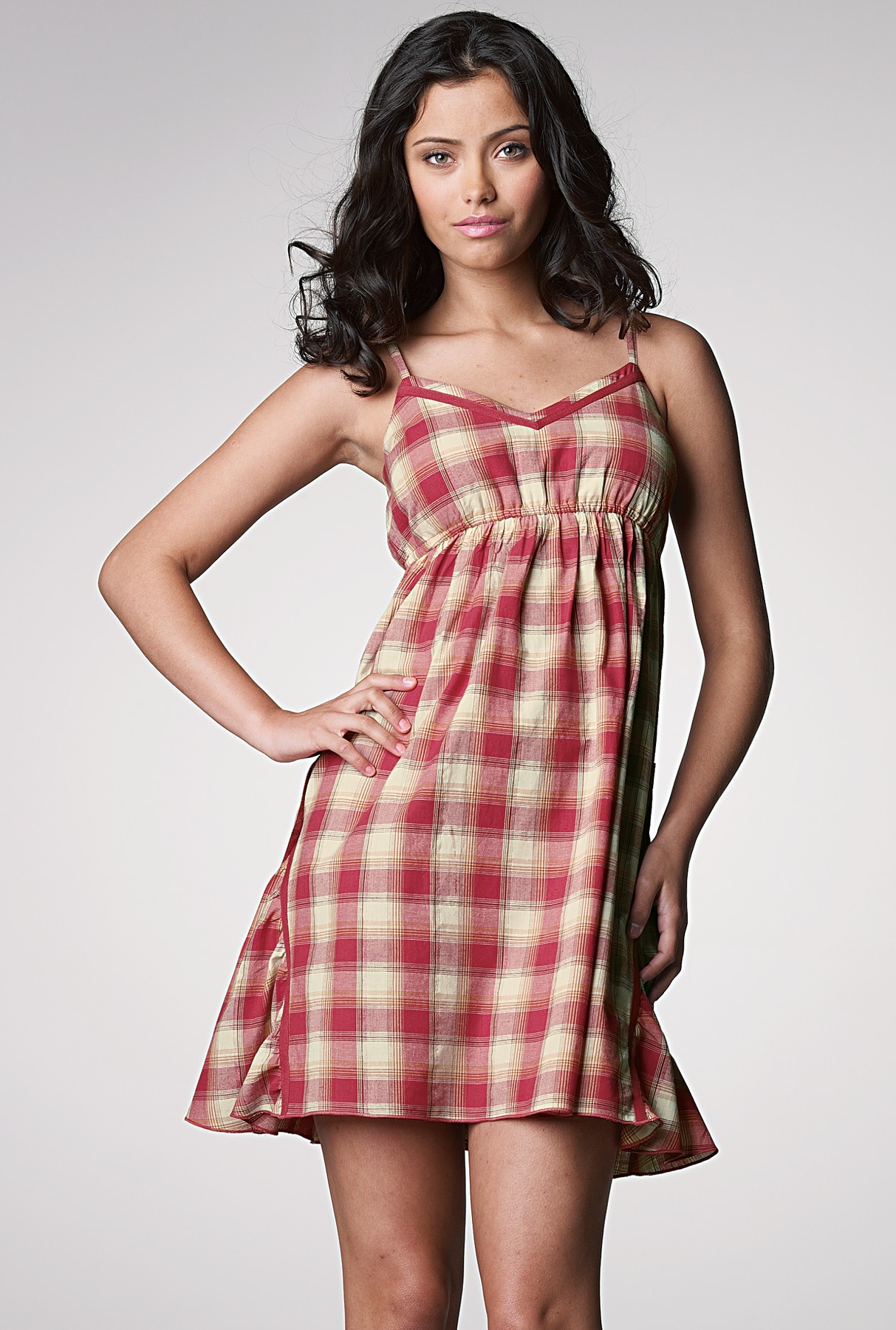
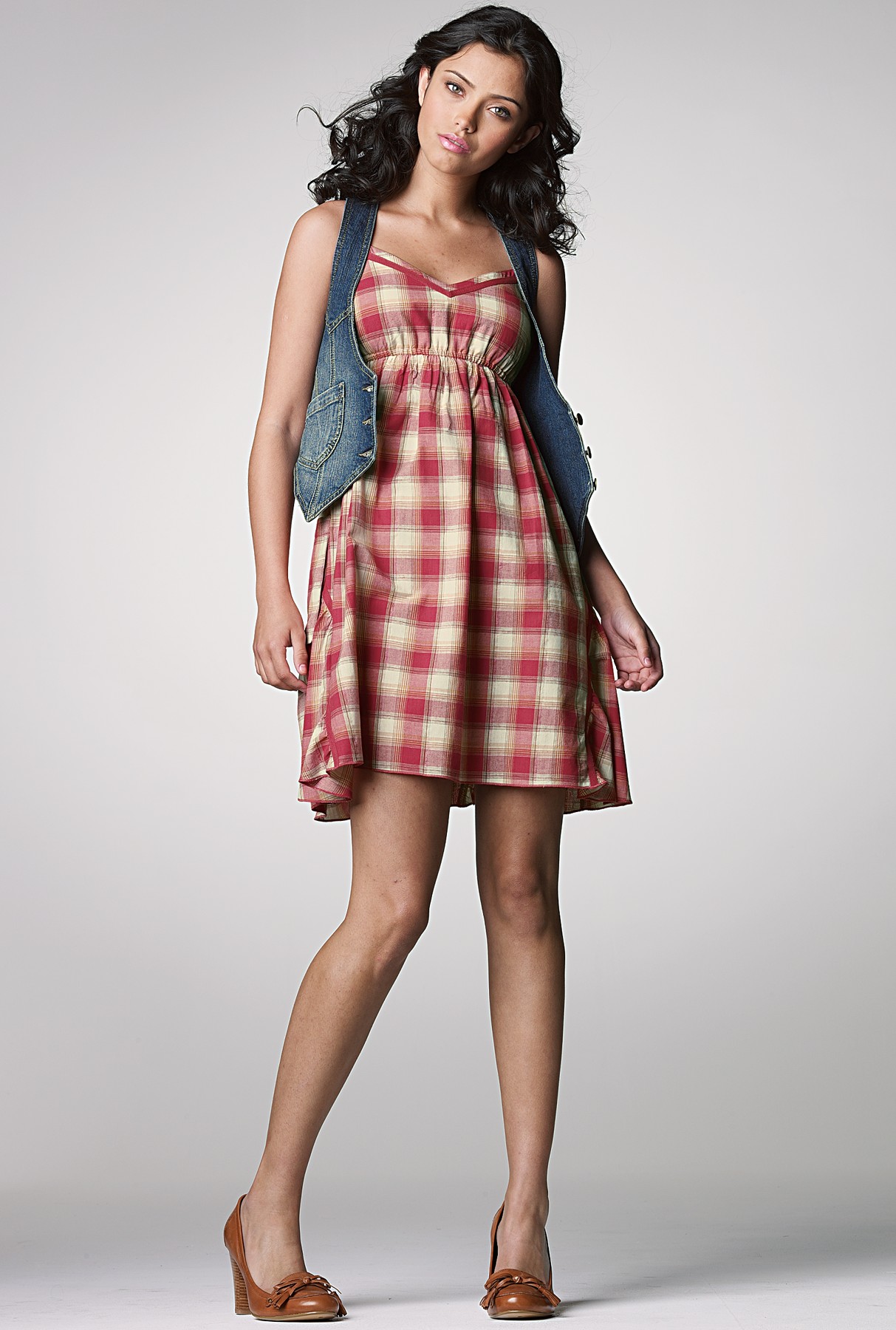
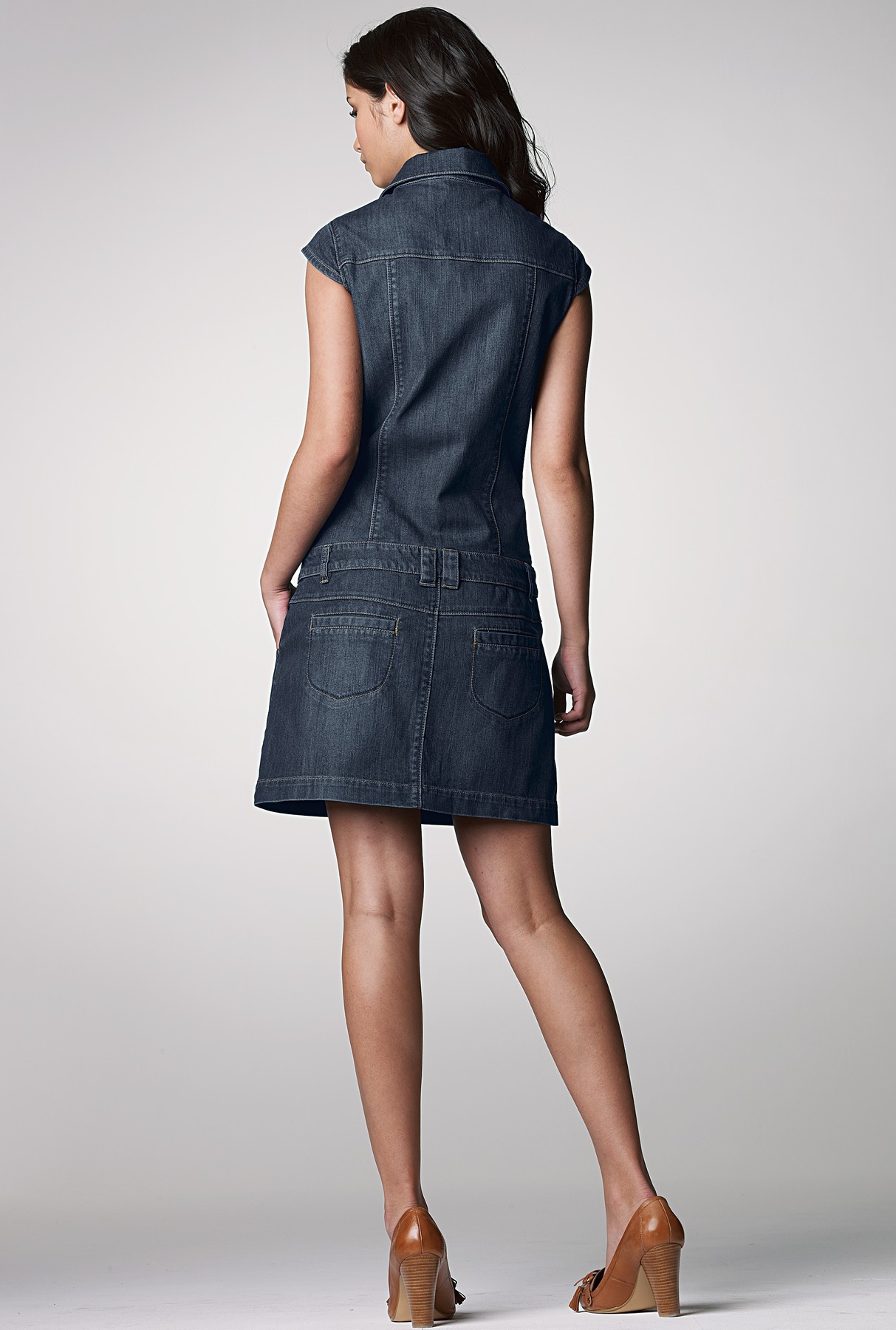
 Bloomingdales:


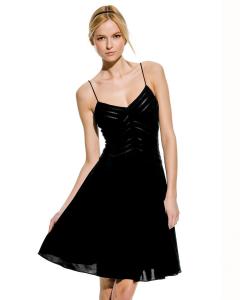
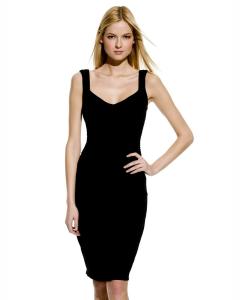
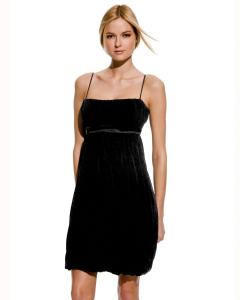












-
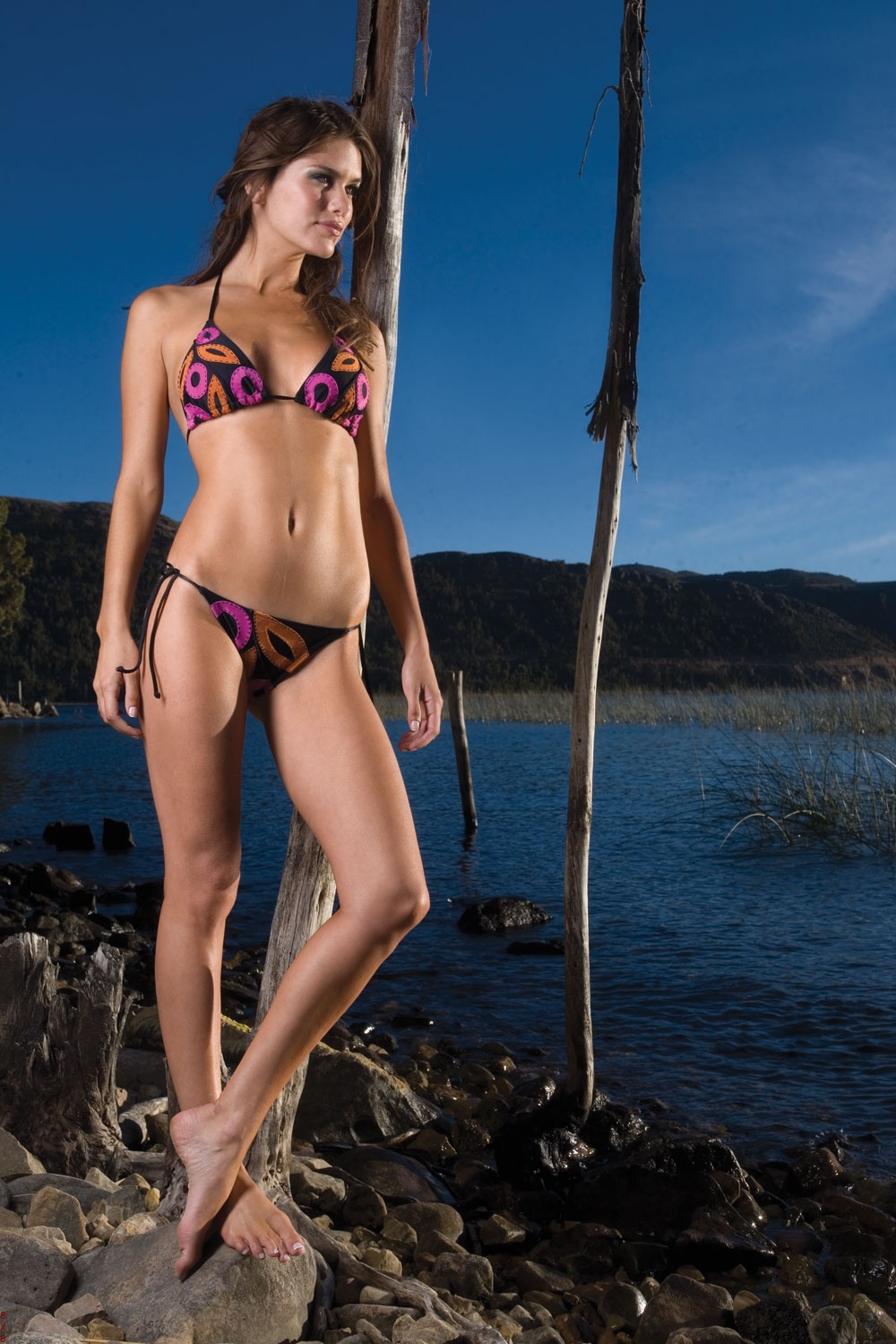
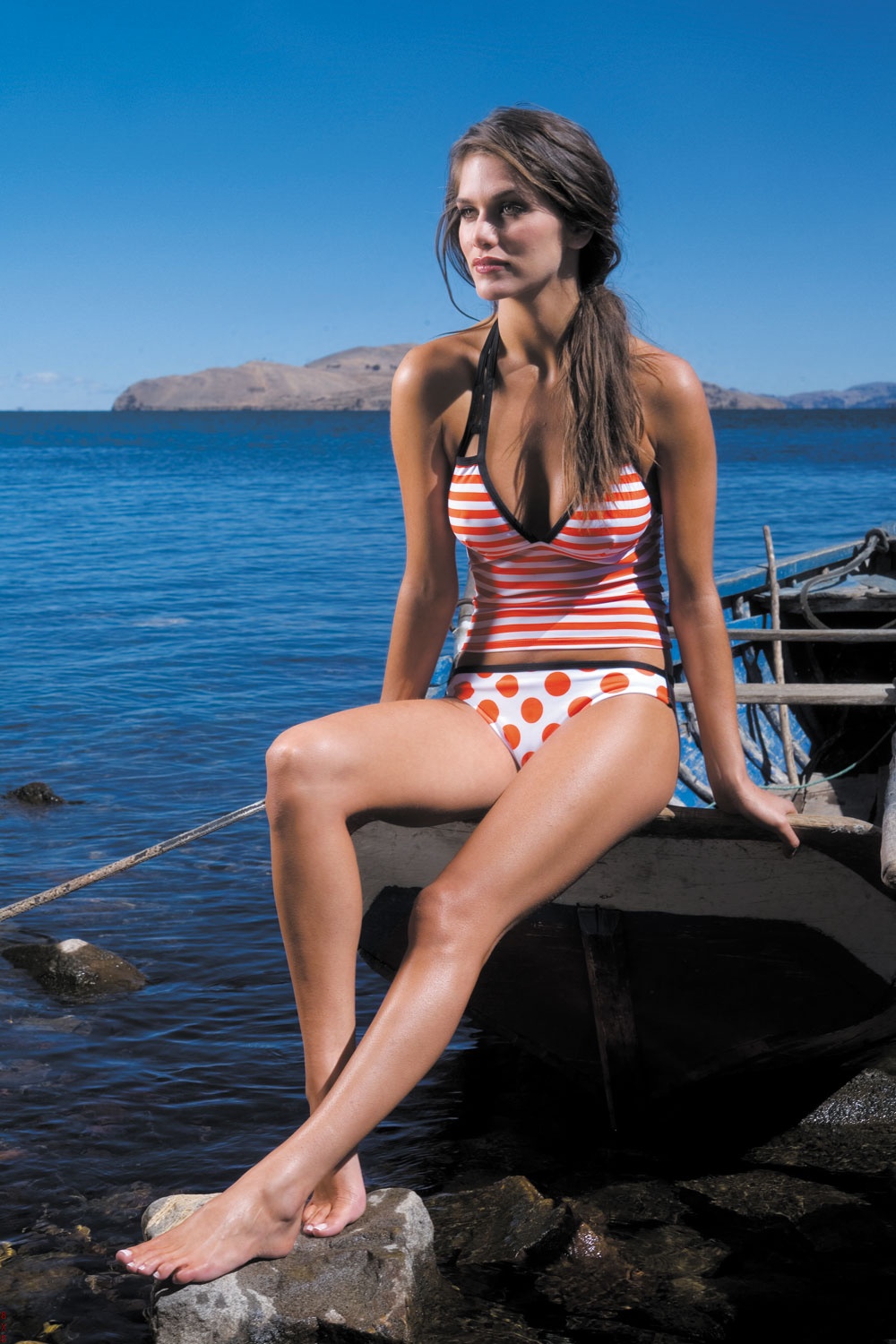
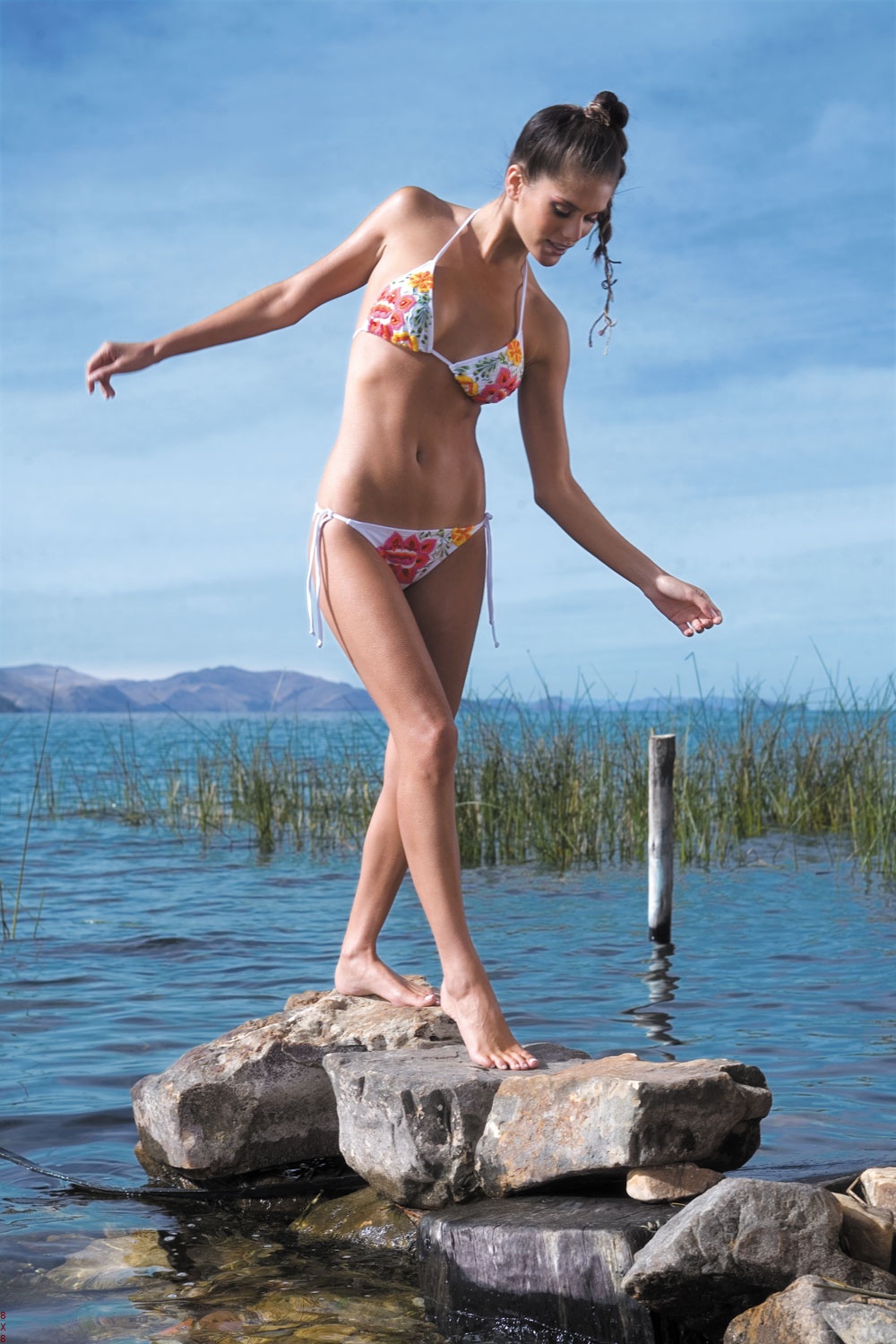
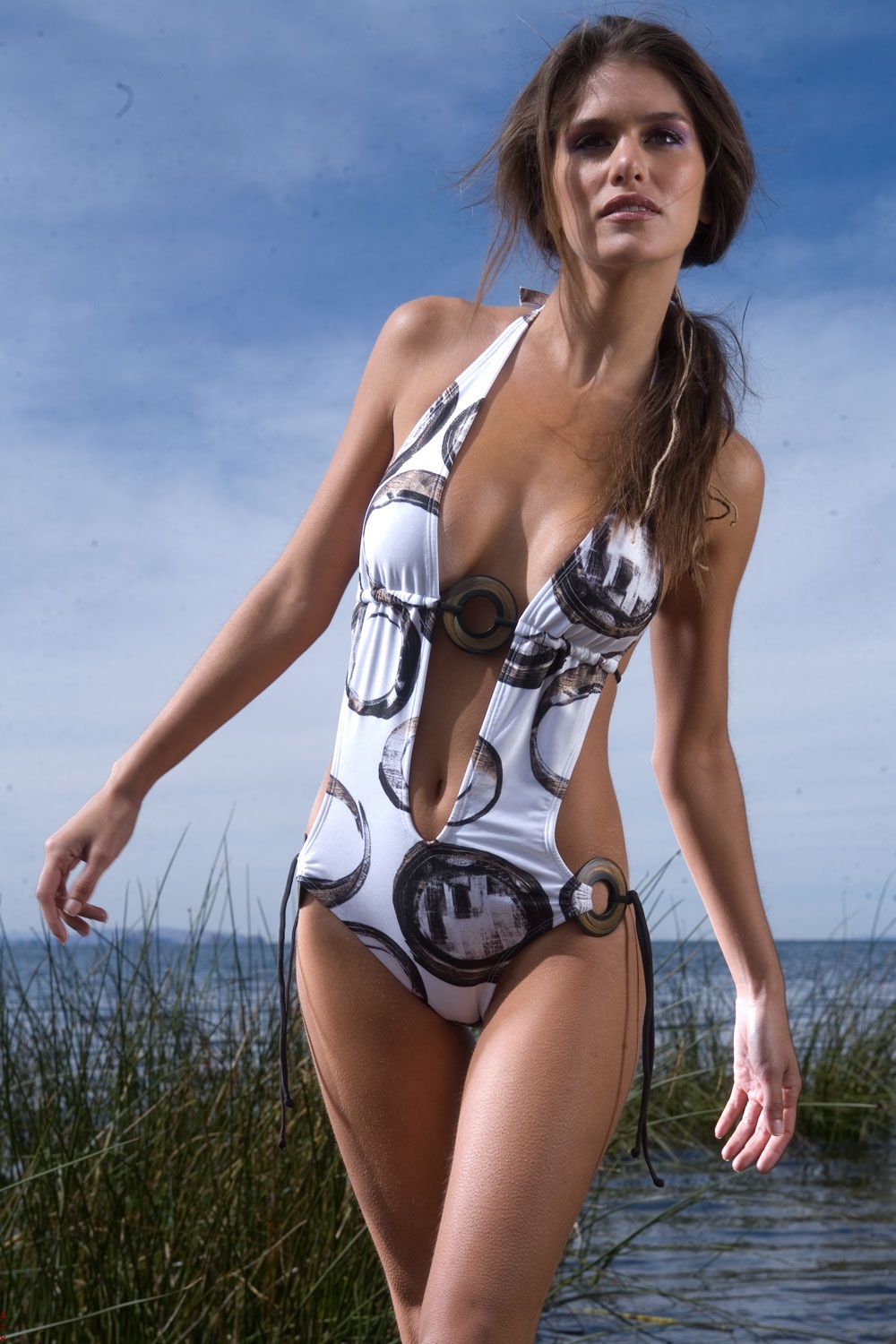
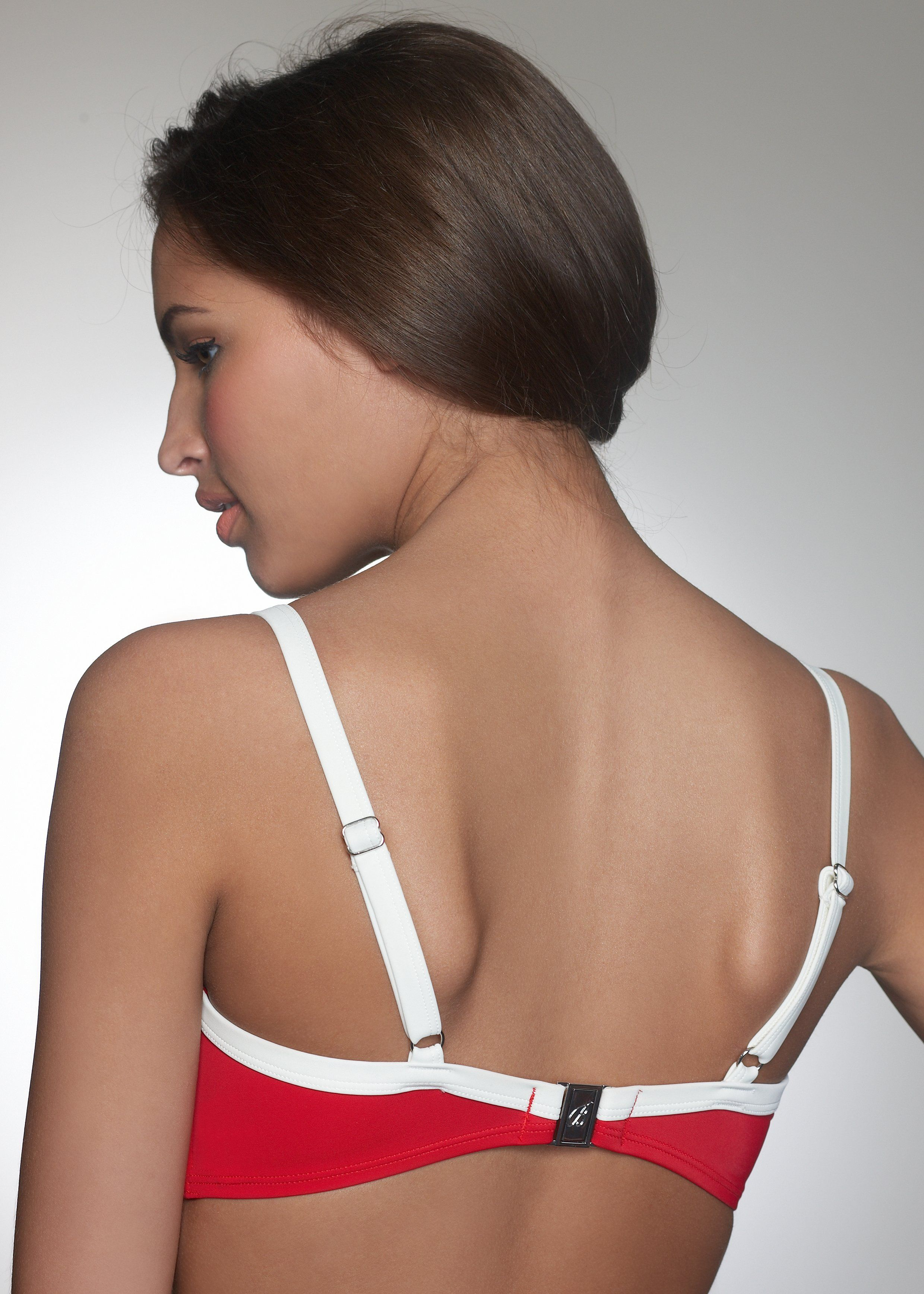
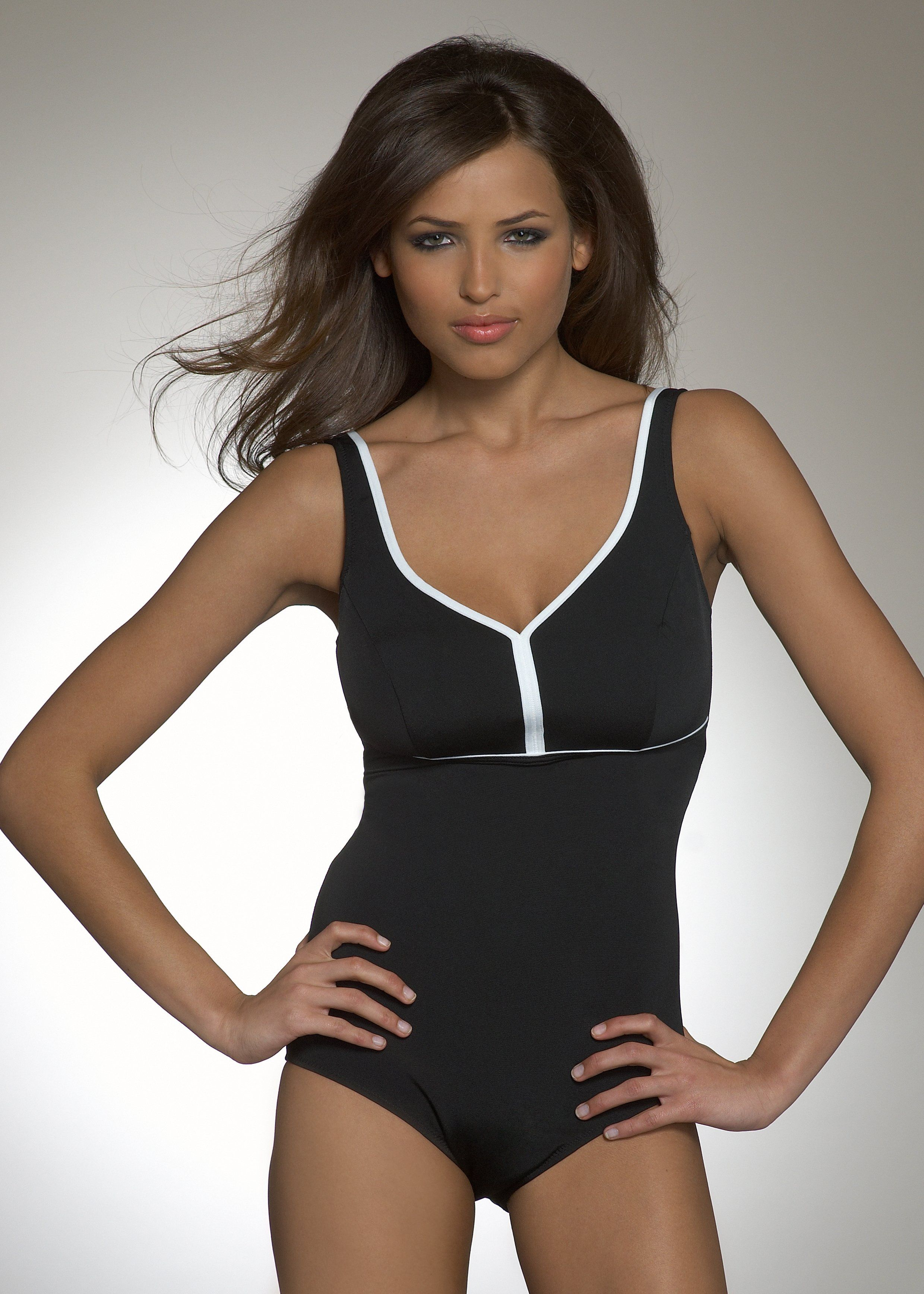
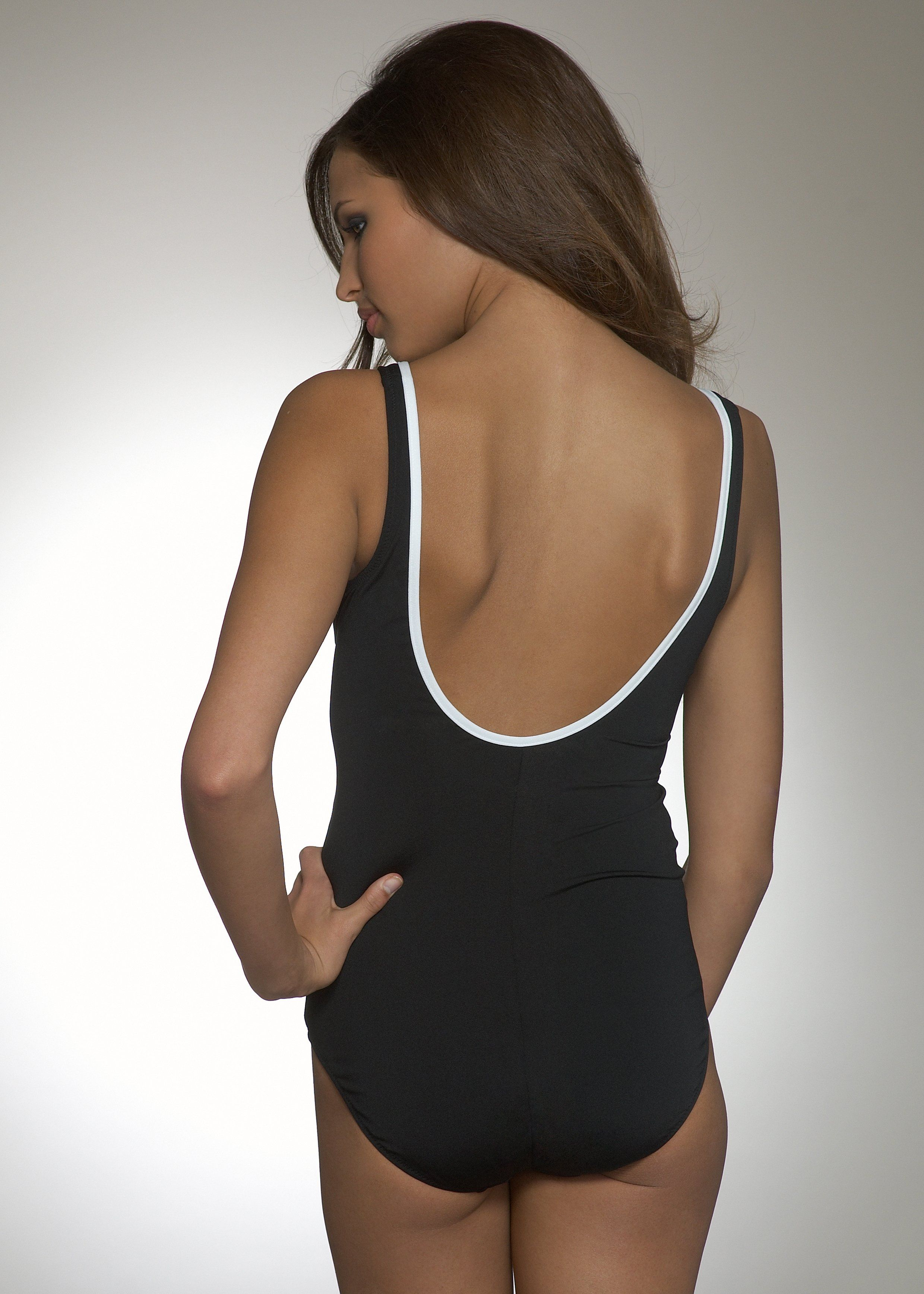
Aqua Clara swimwear. credit to original poster






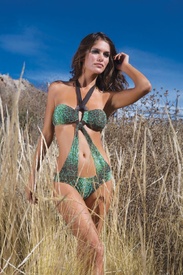
 Melissa Satta and Thais Souza Wiggers - Striscia La Notizia Photoshoot





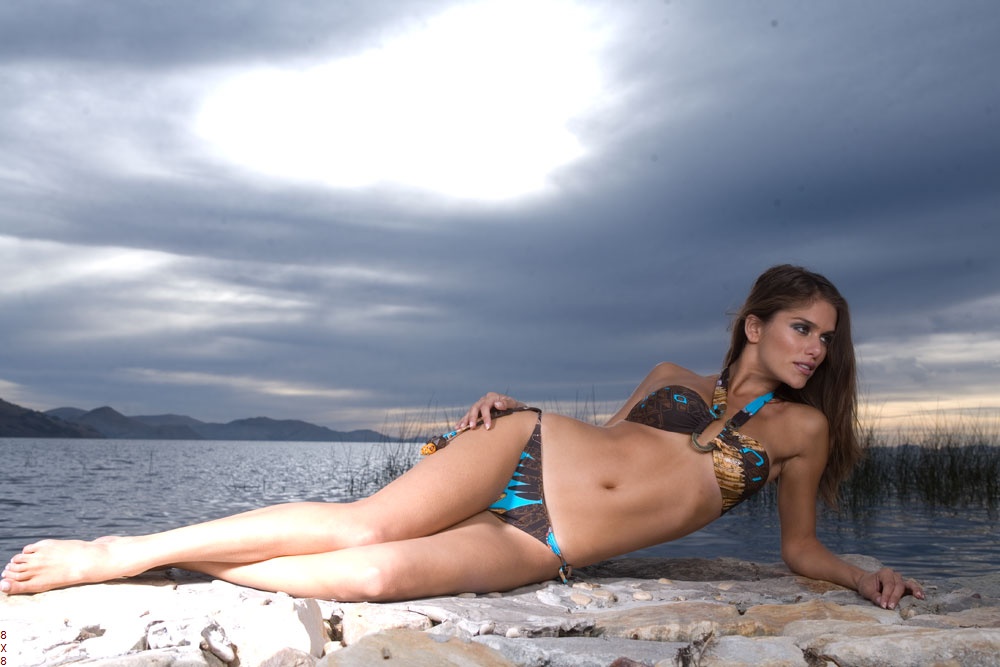
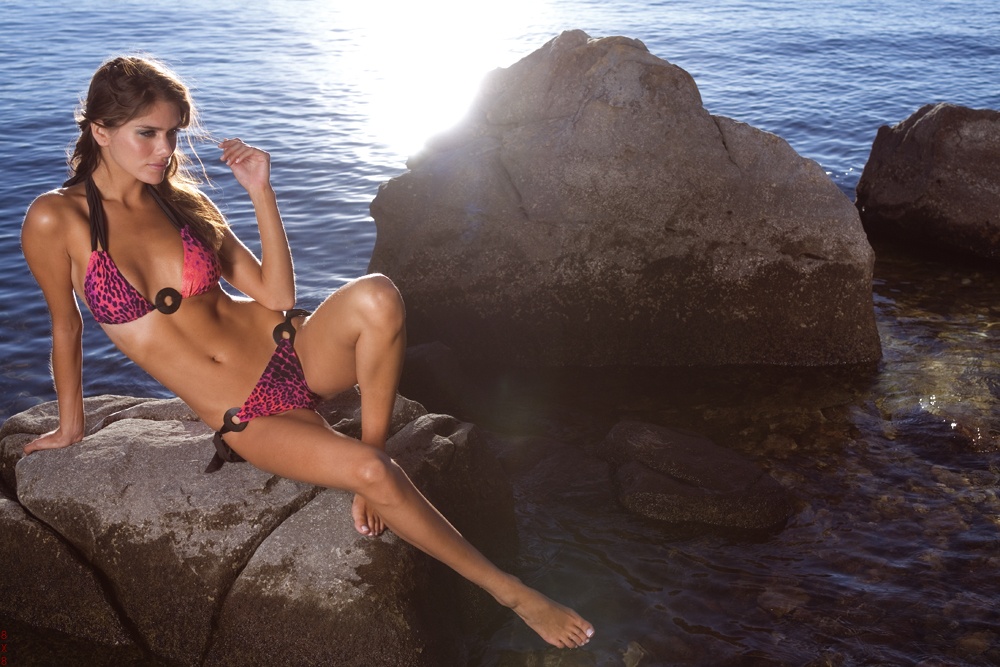
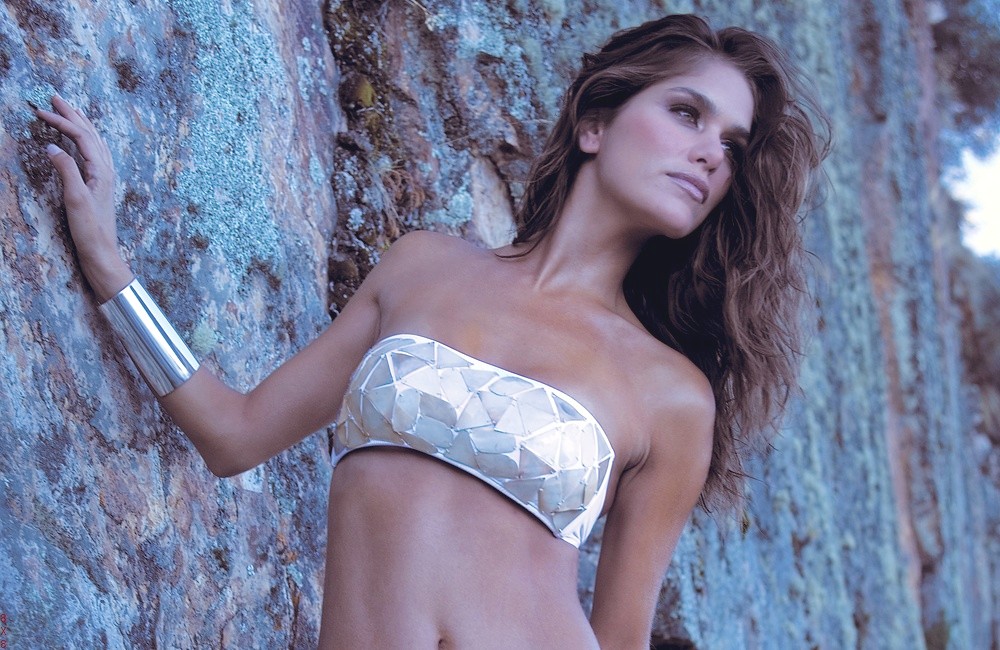
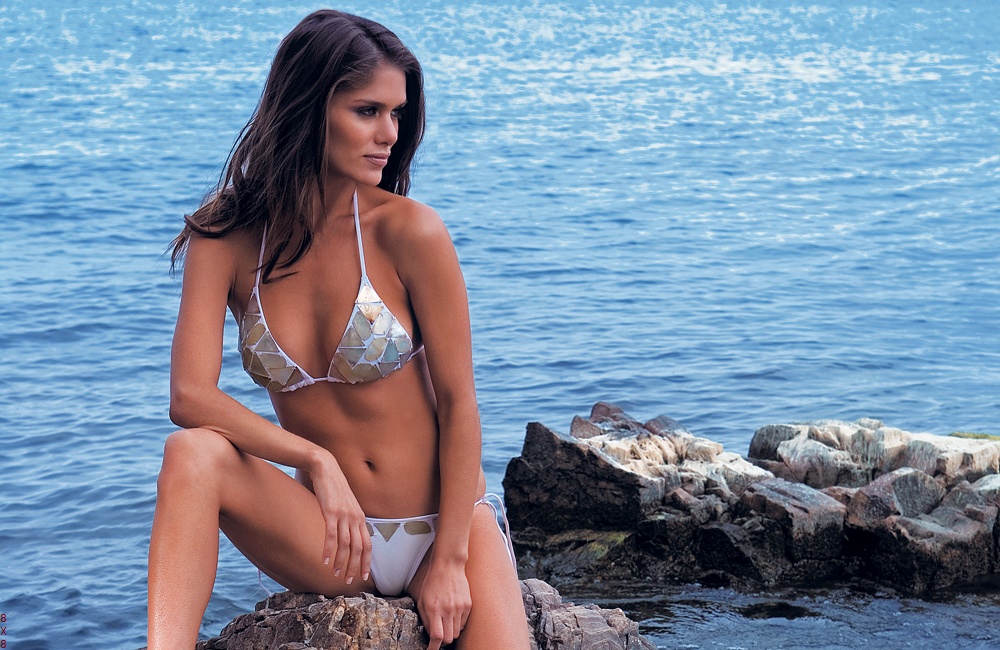
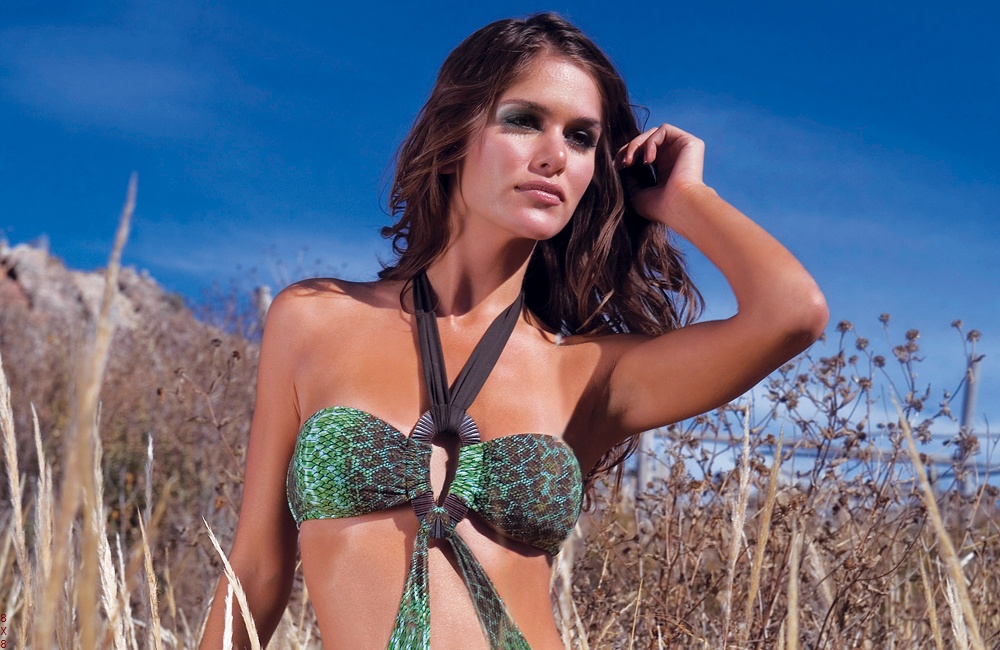
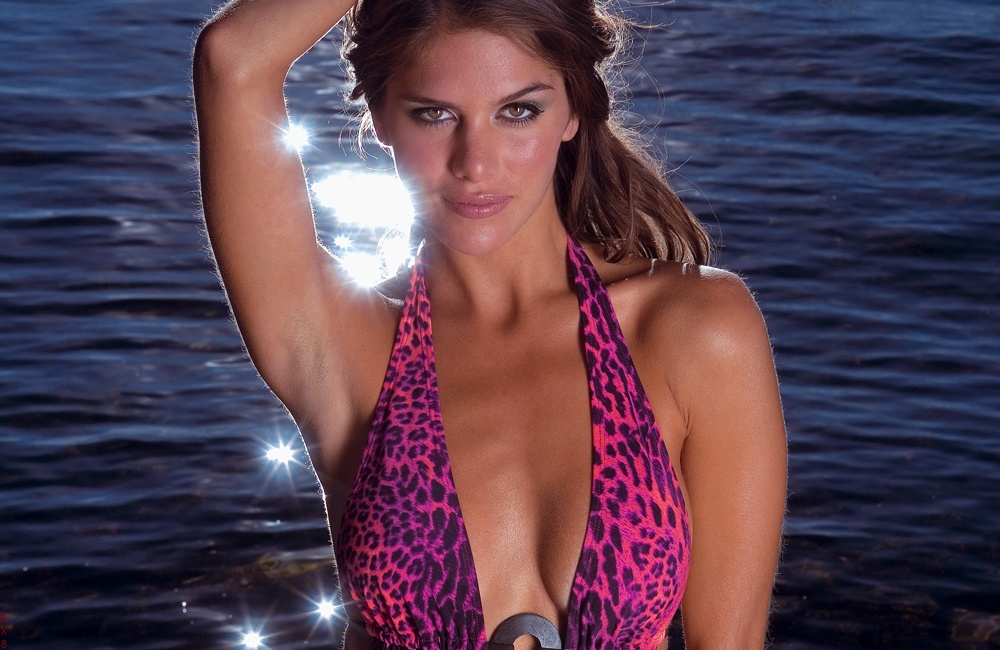
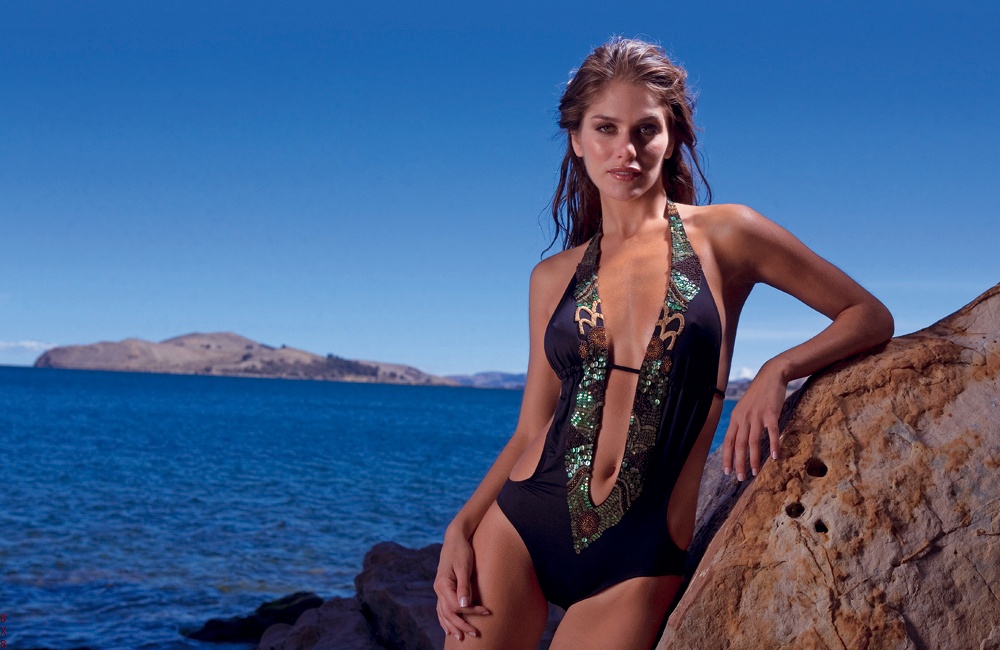
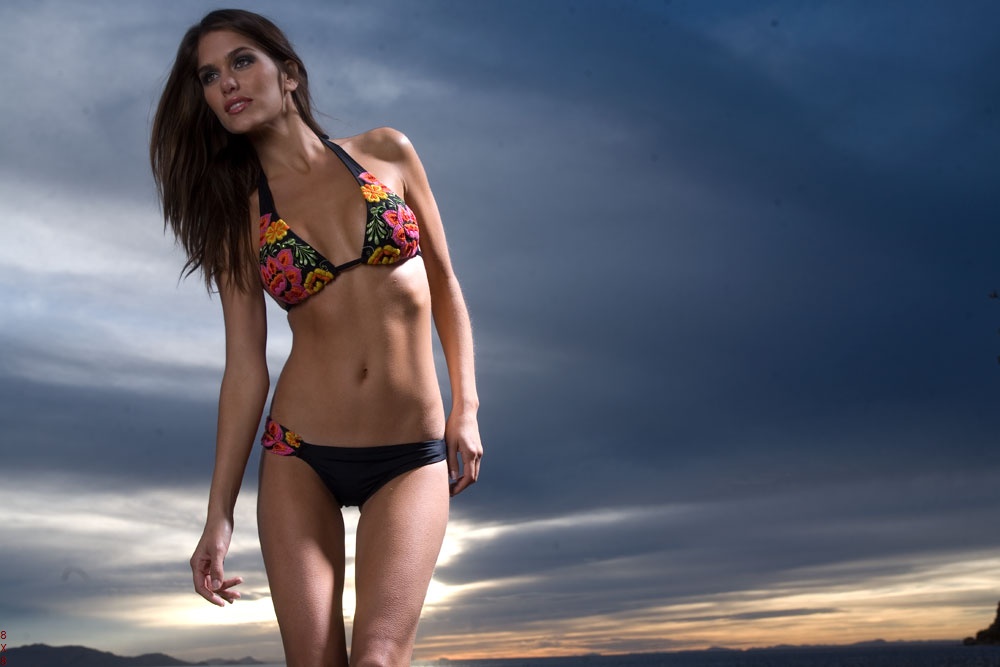
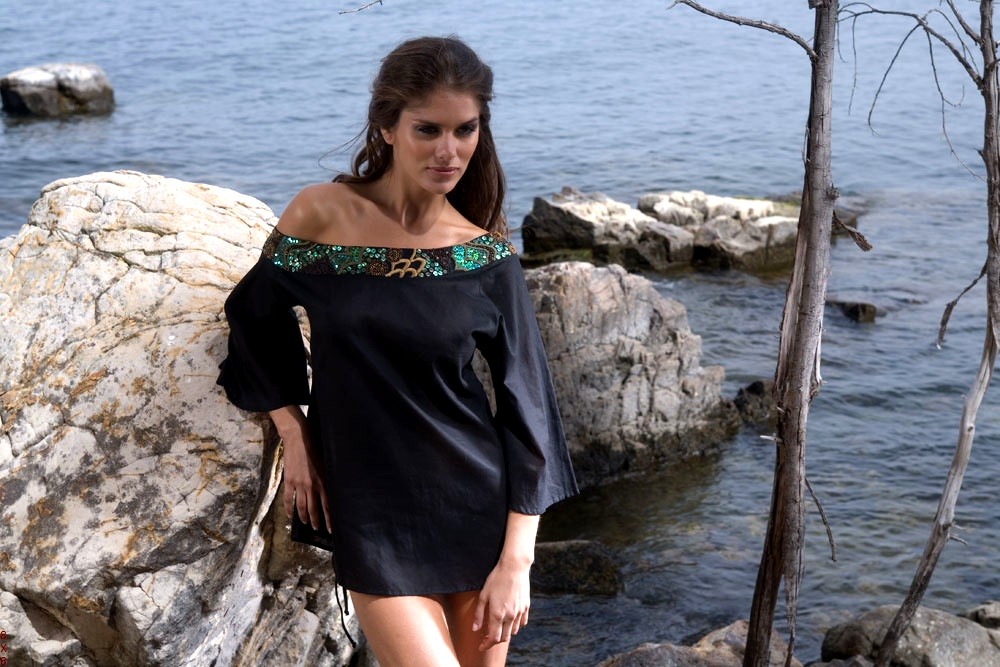
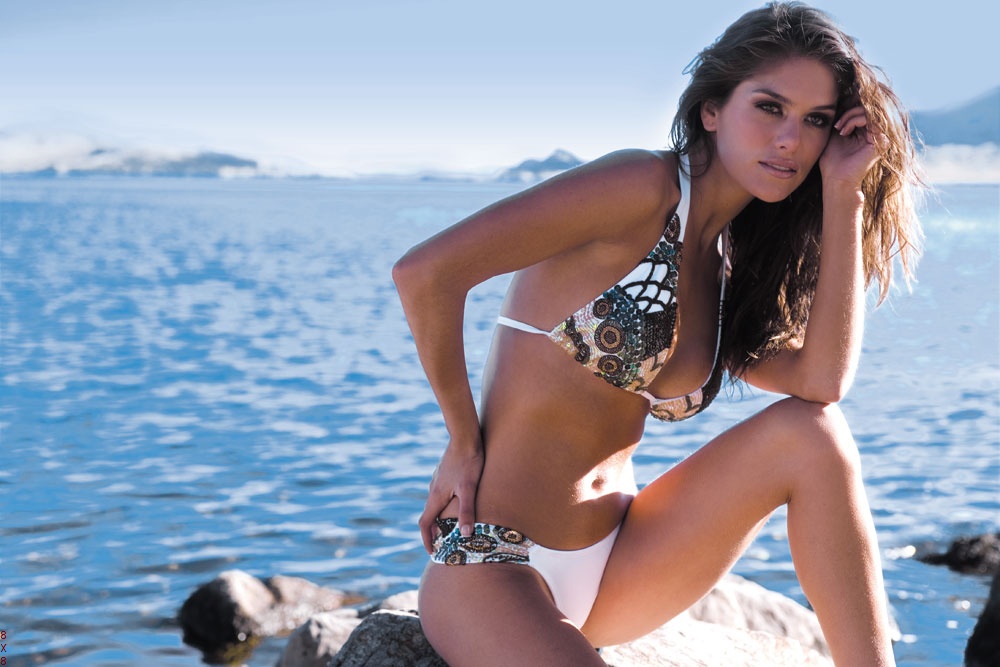
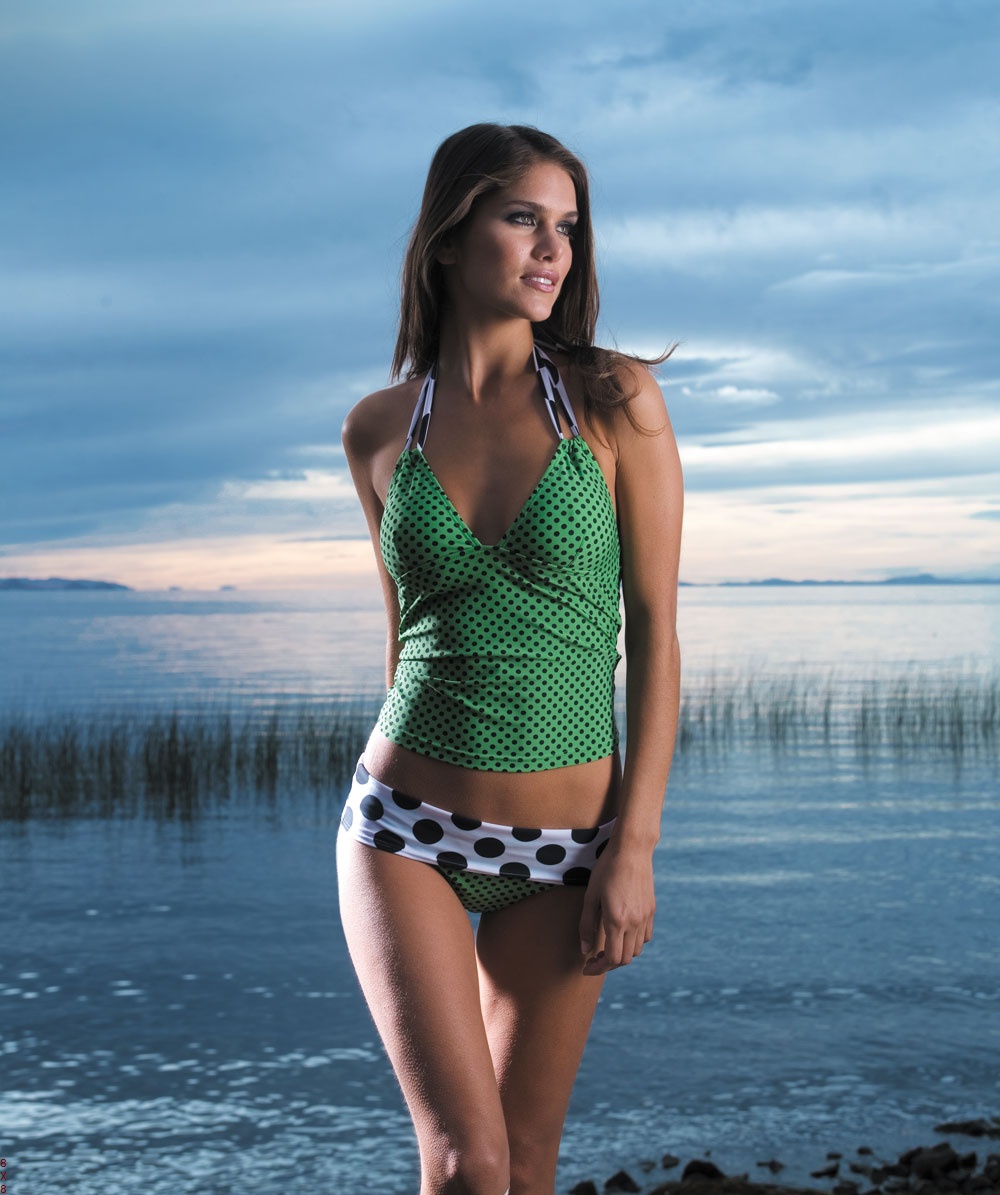
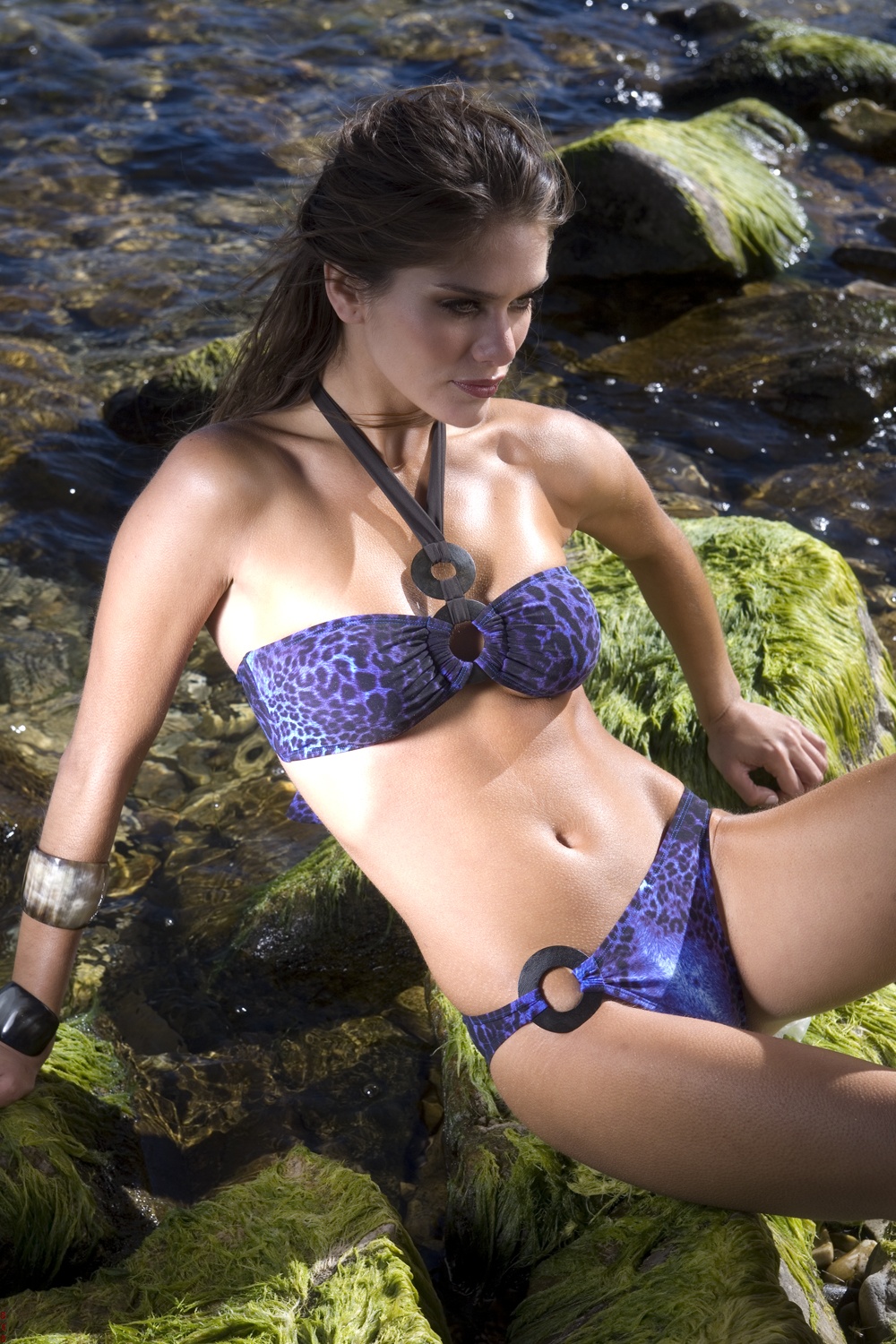
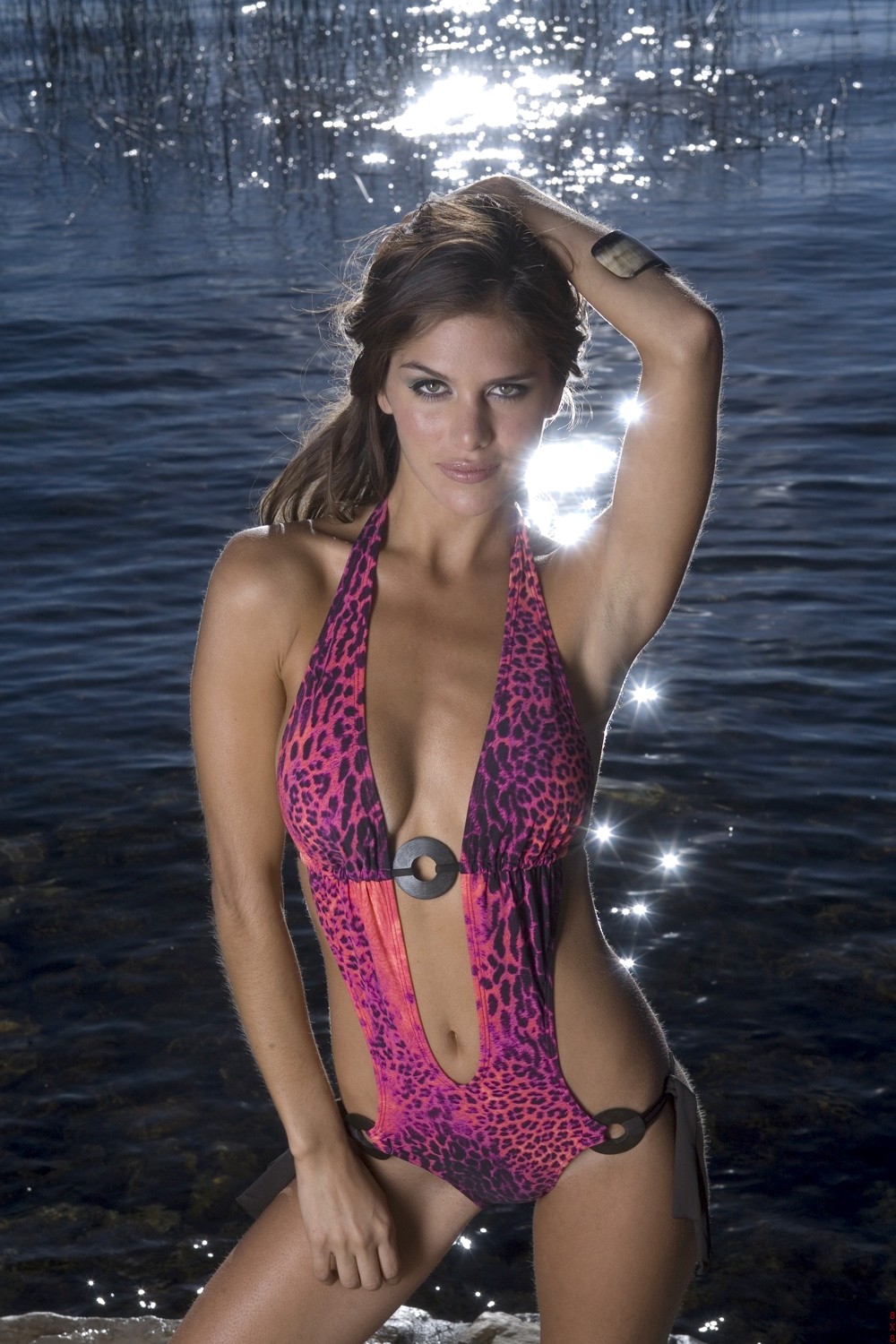
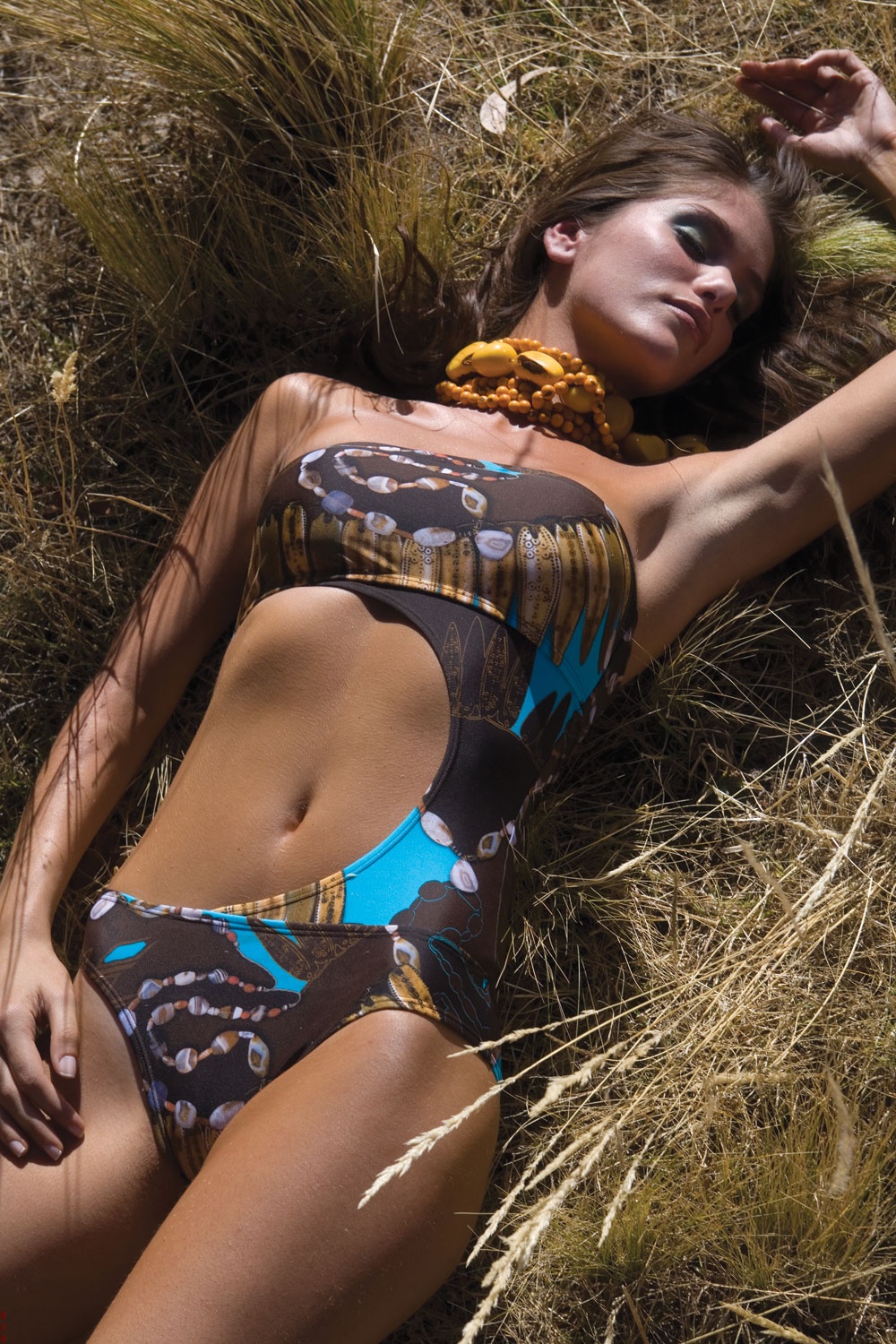
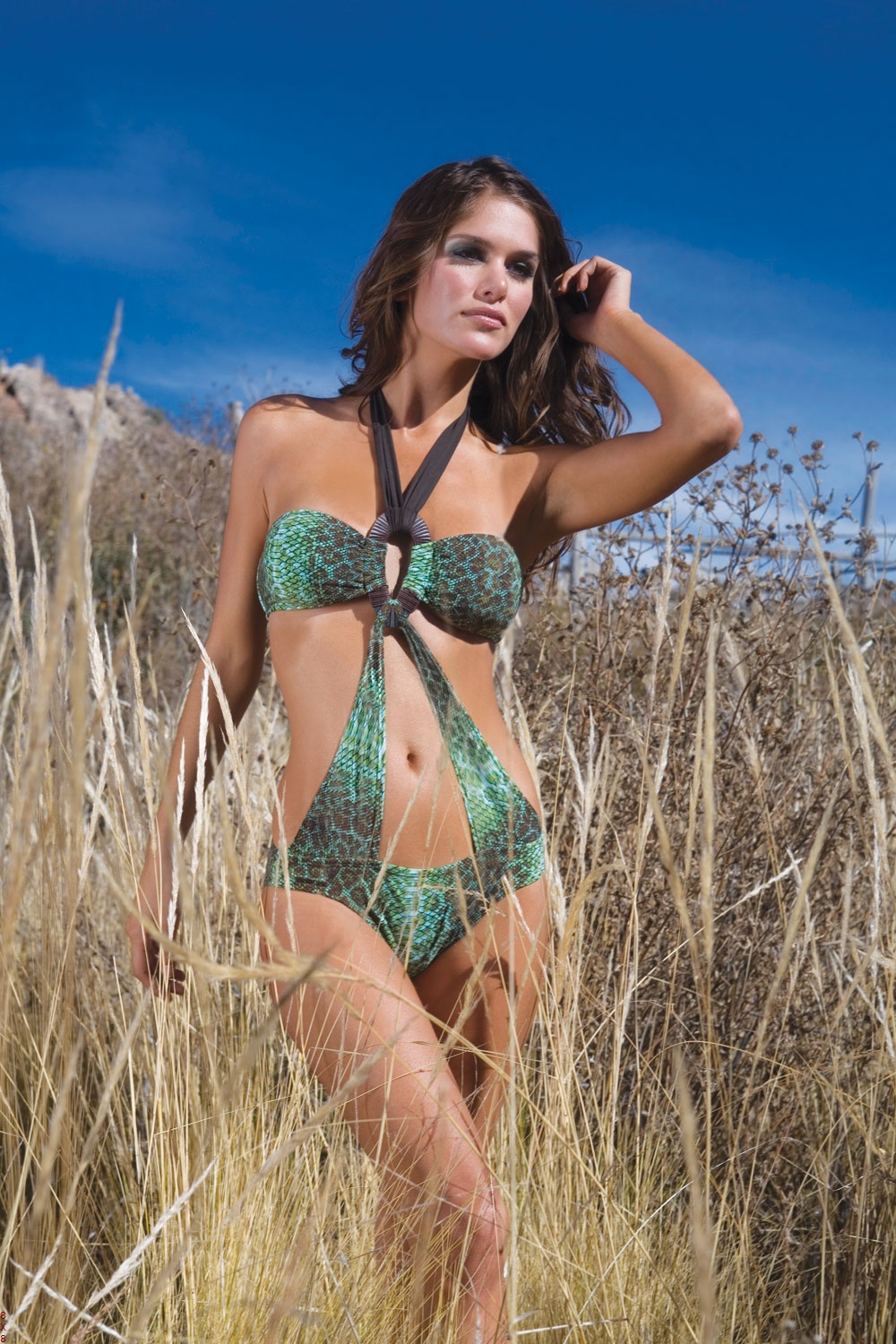
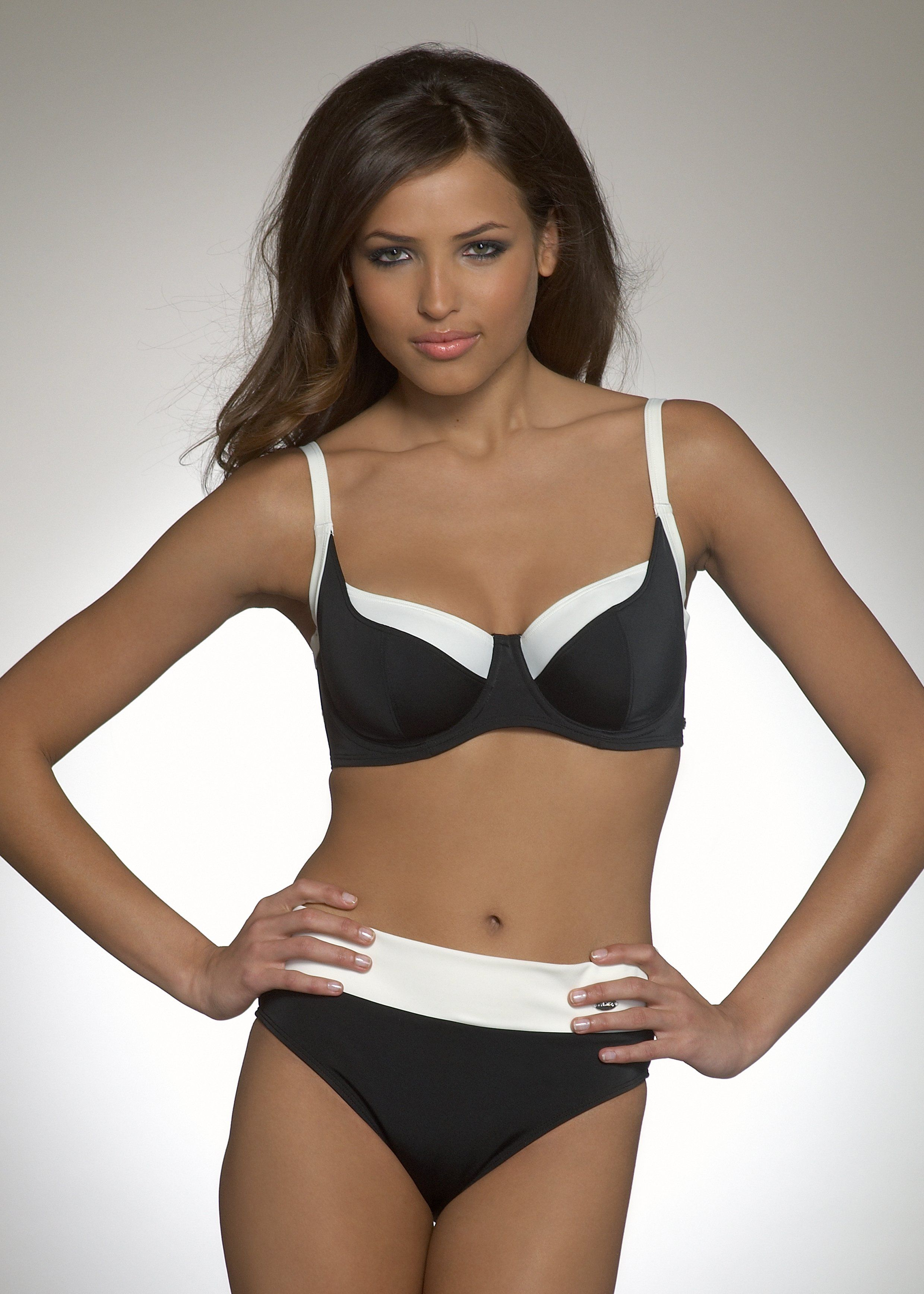
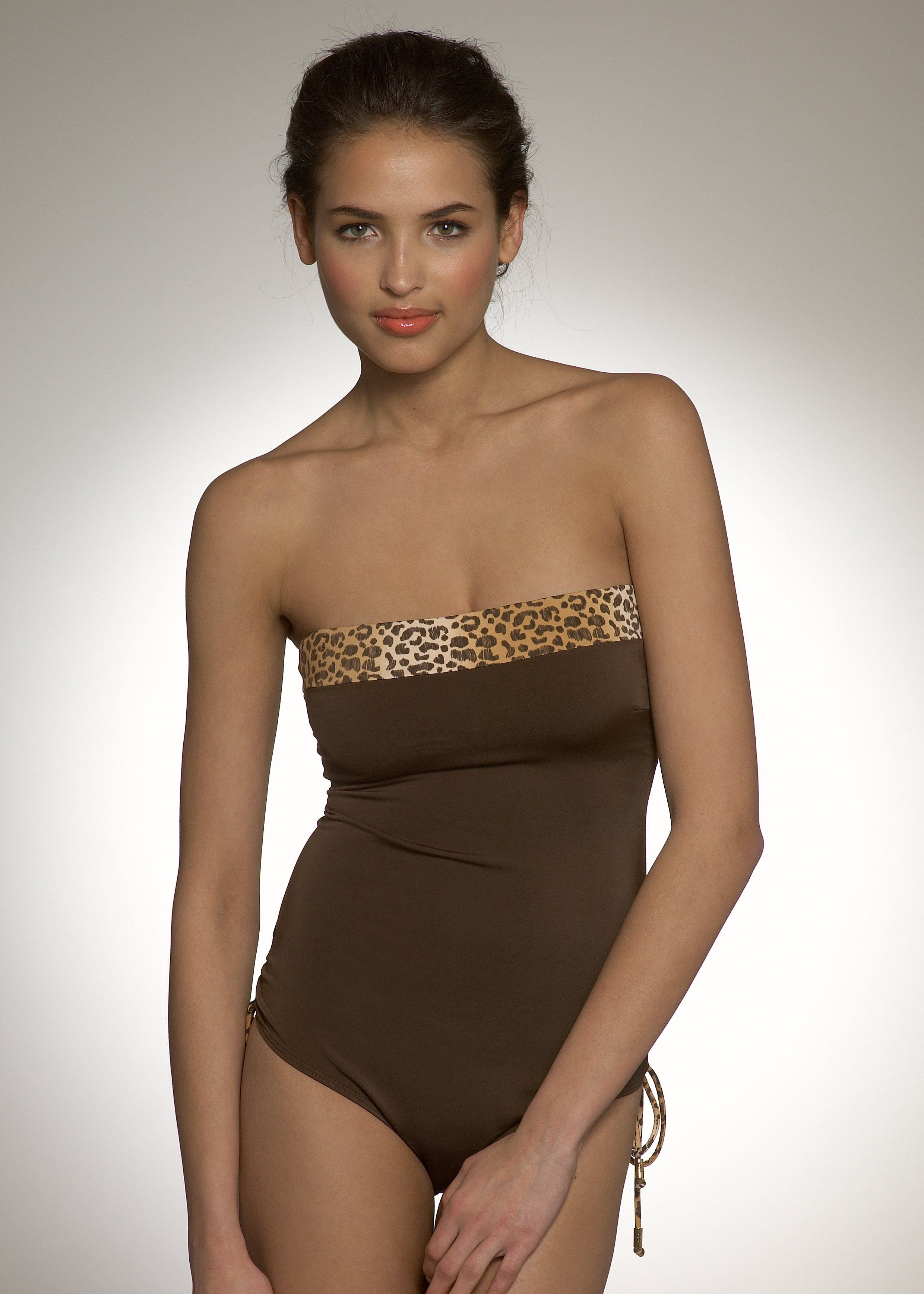
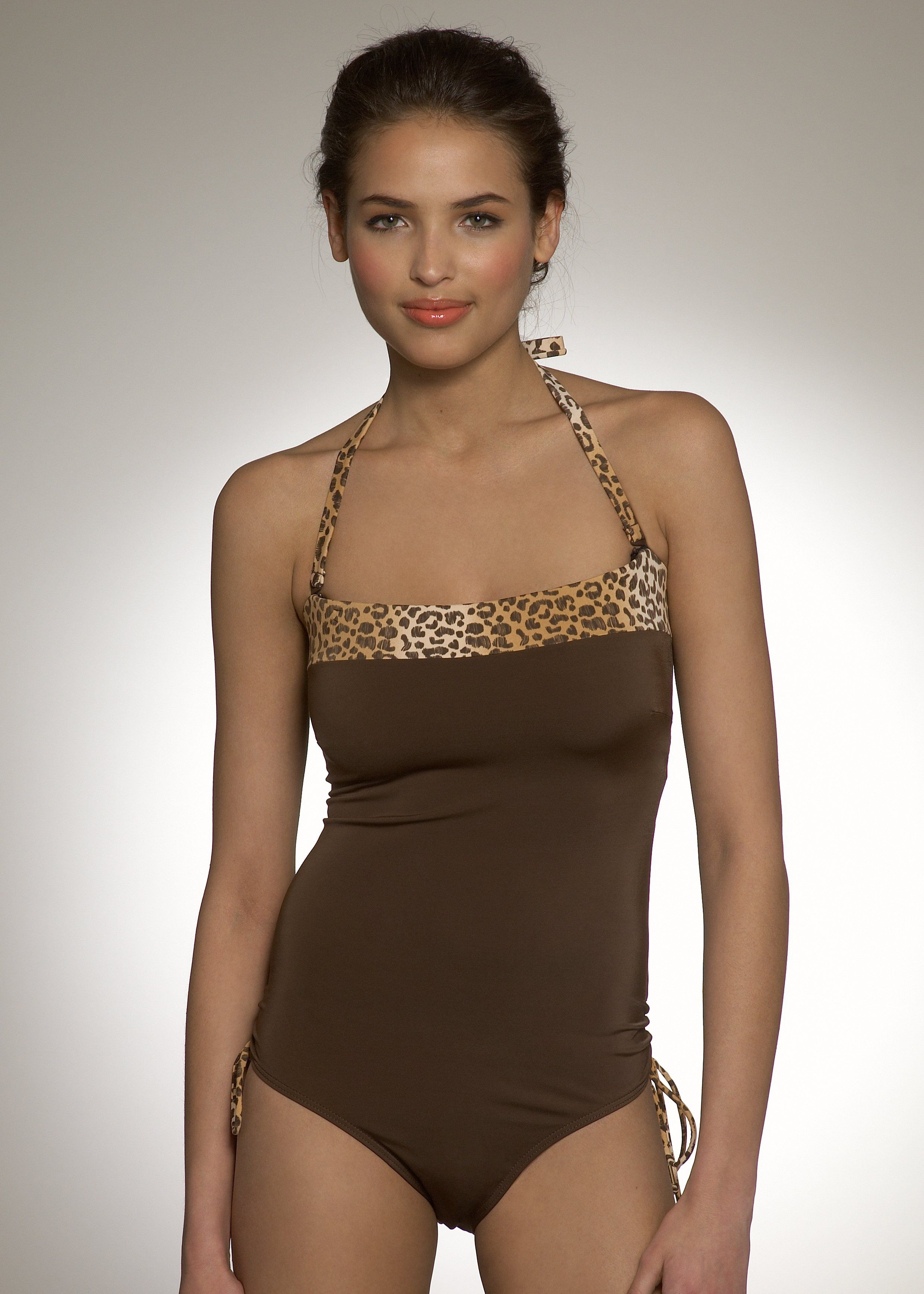
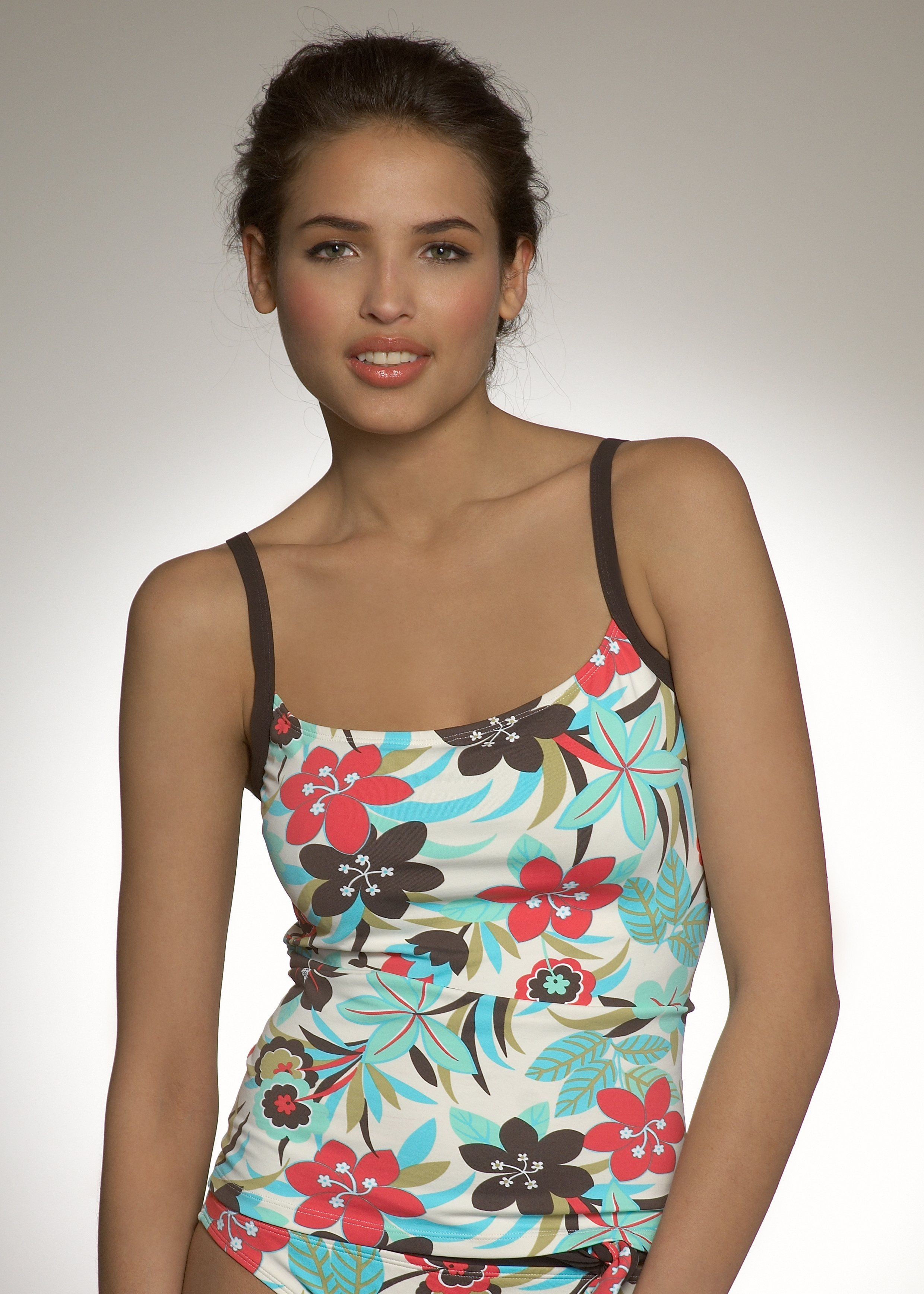
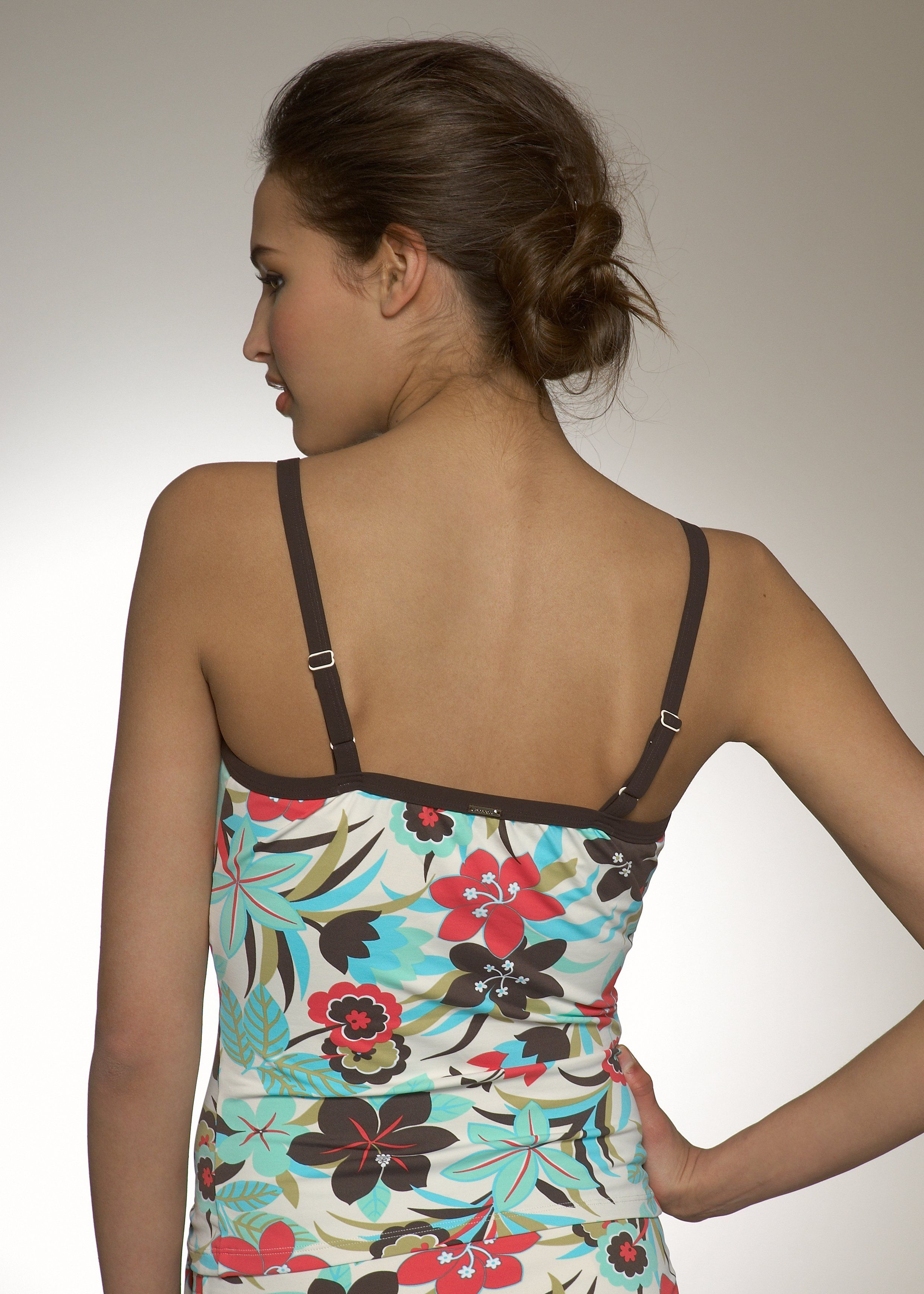
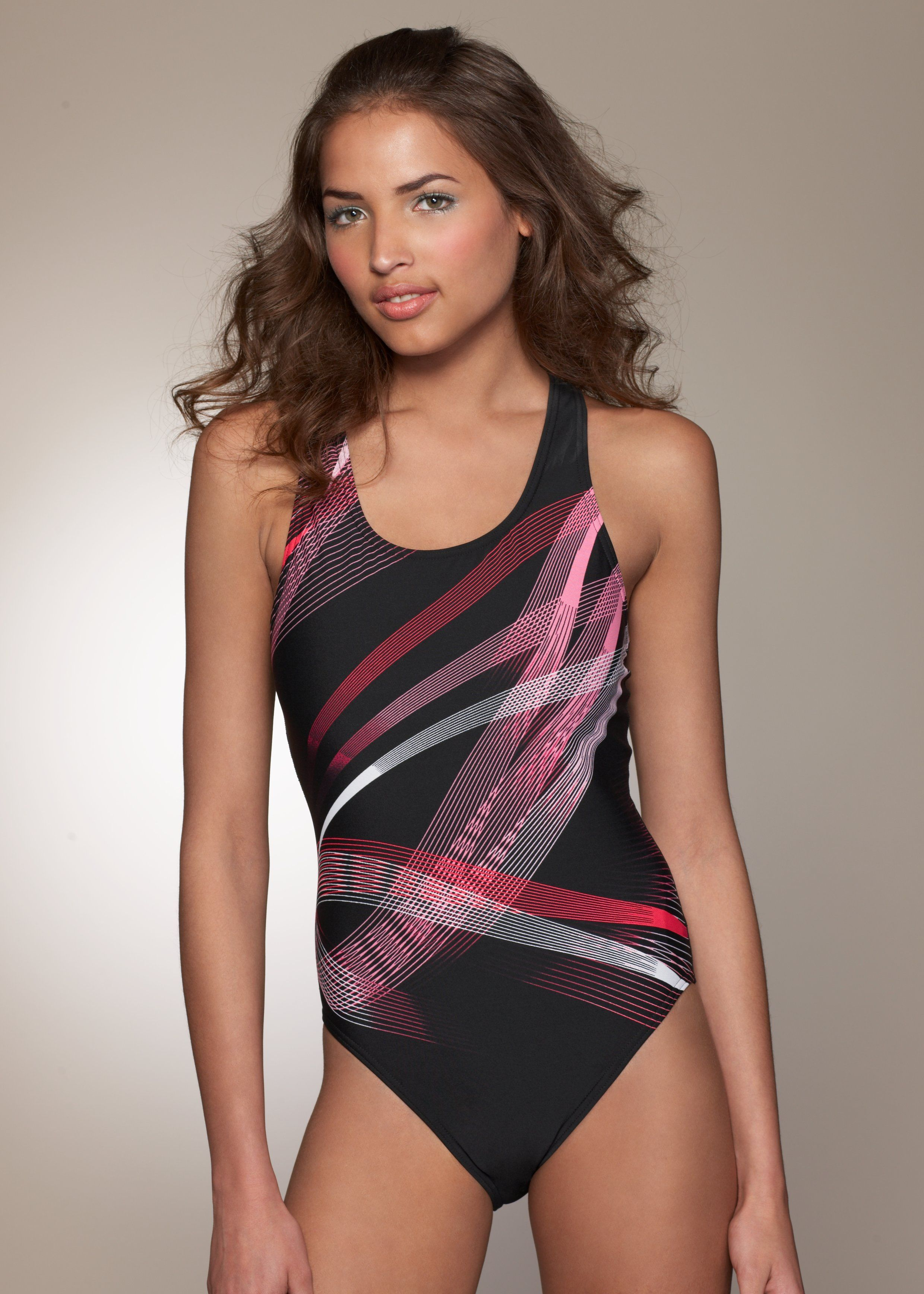
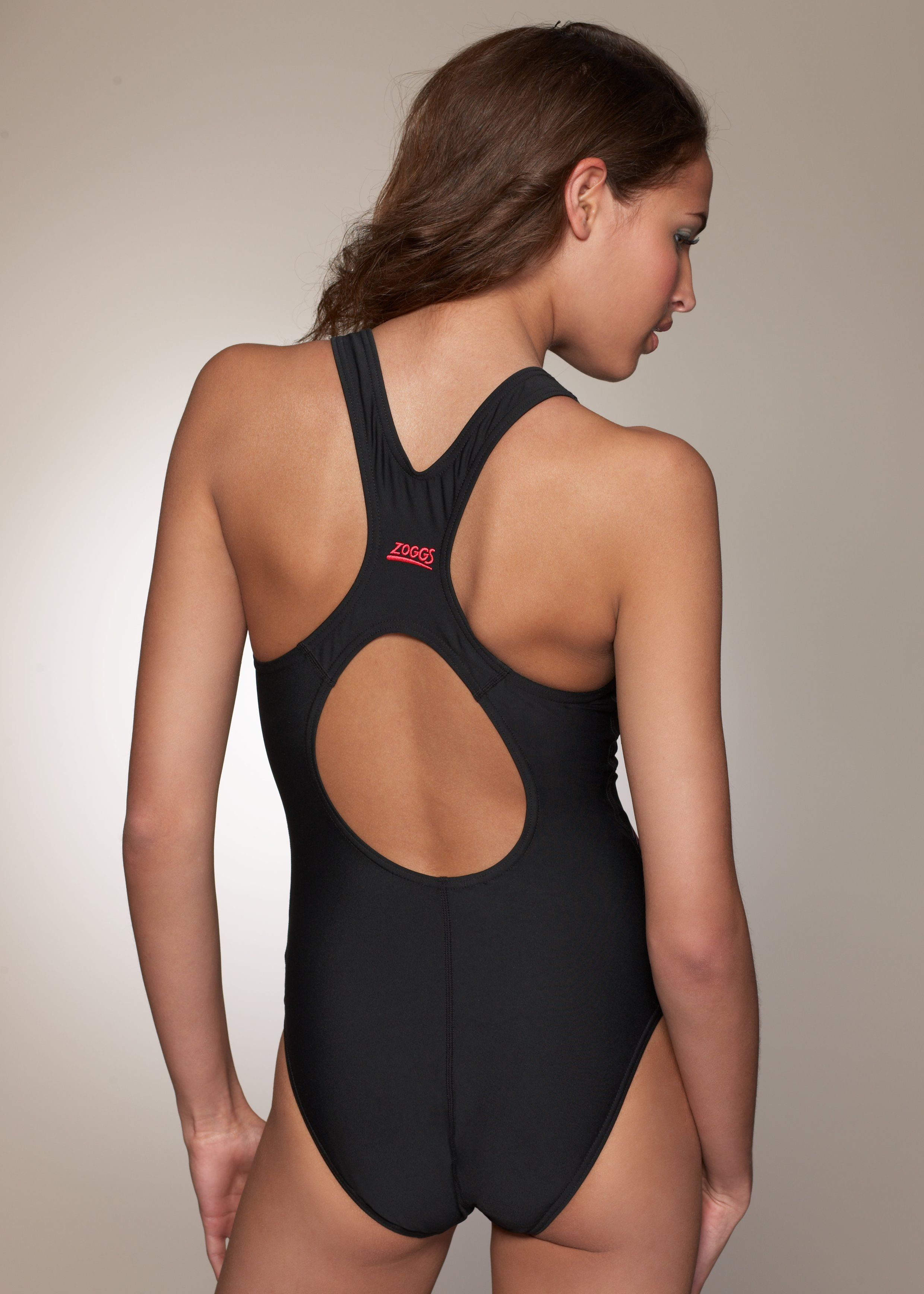
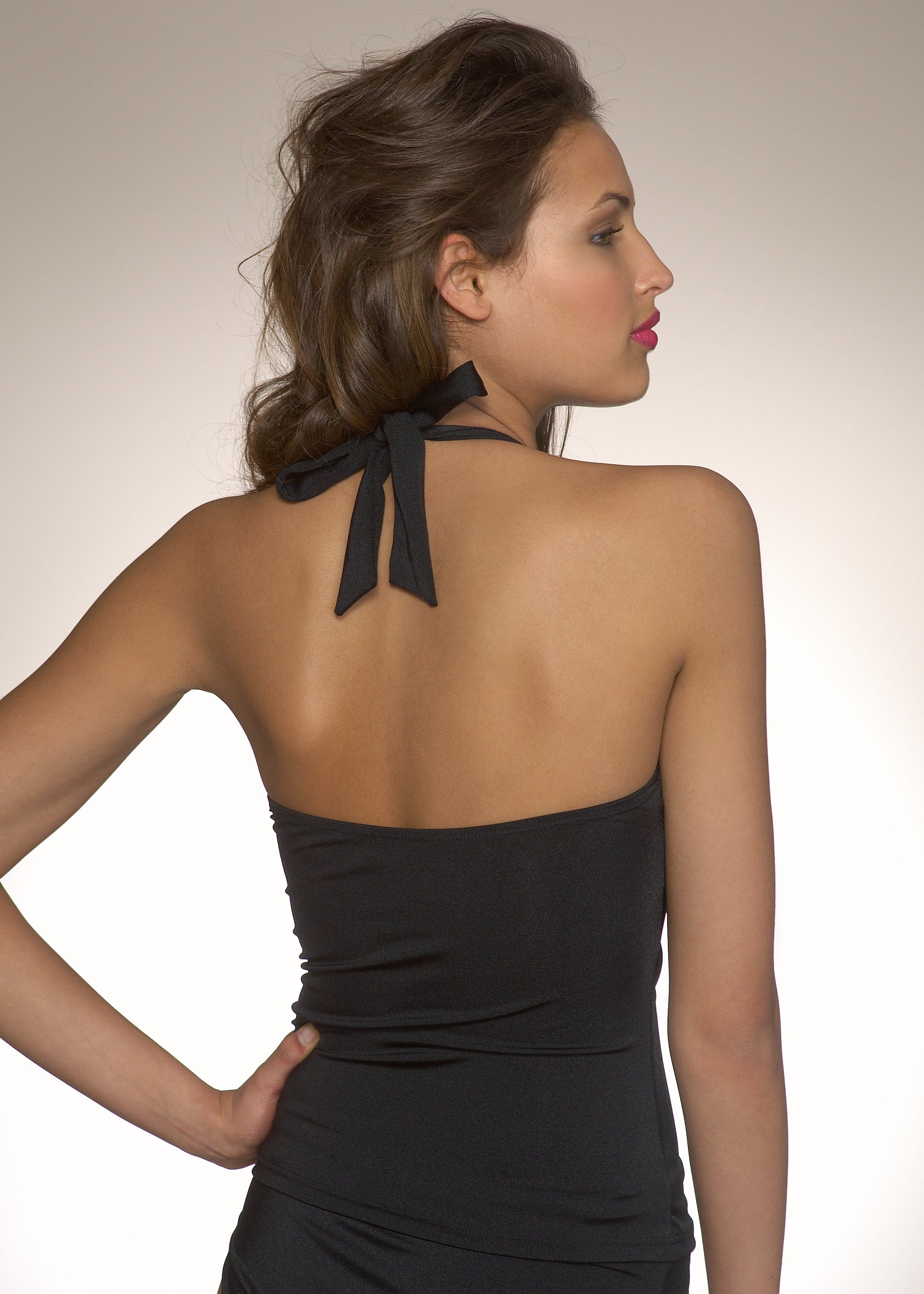
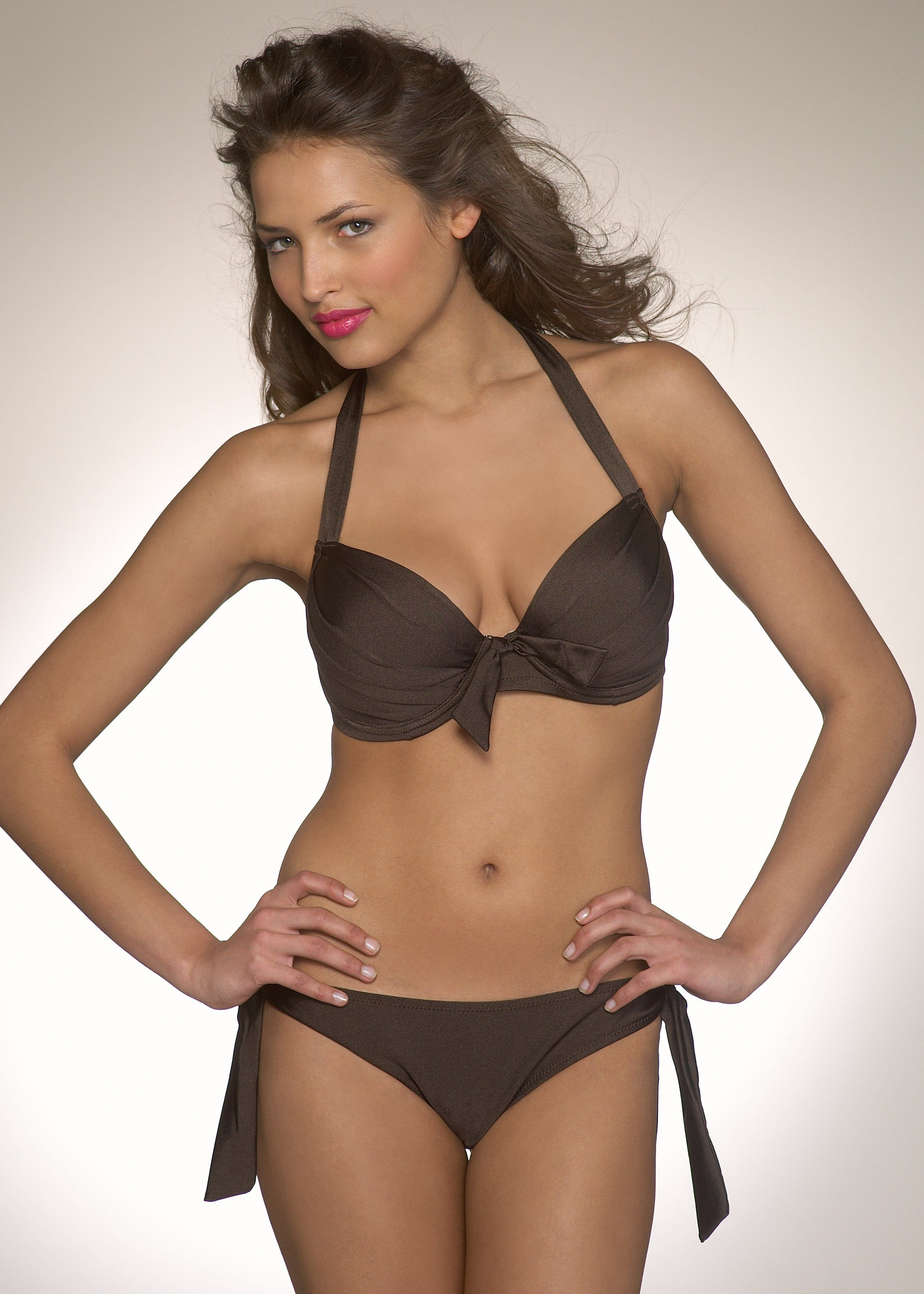
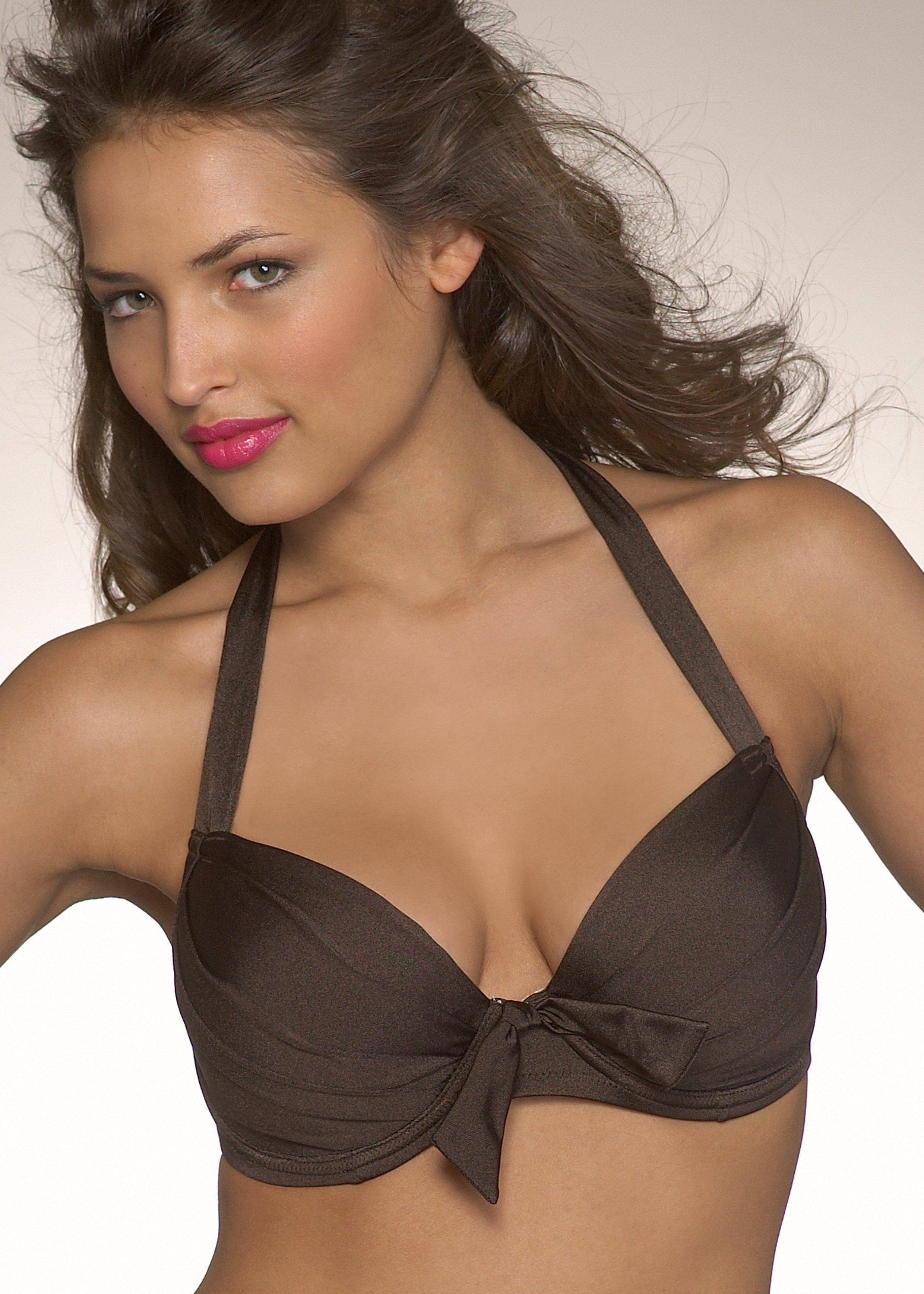
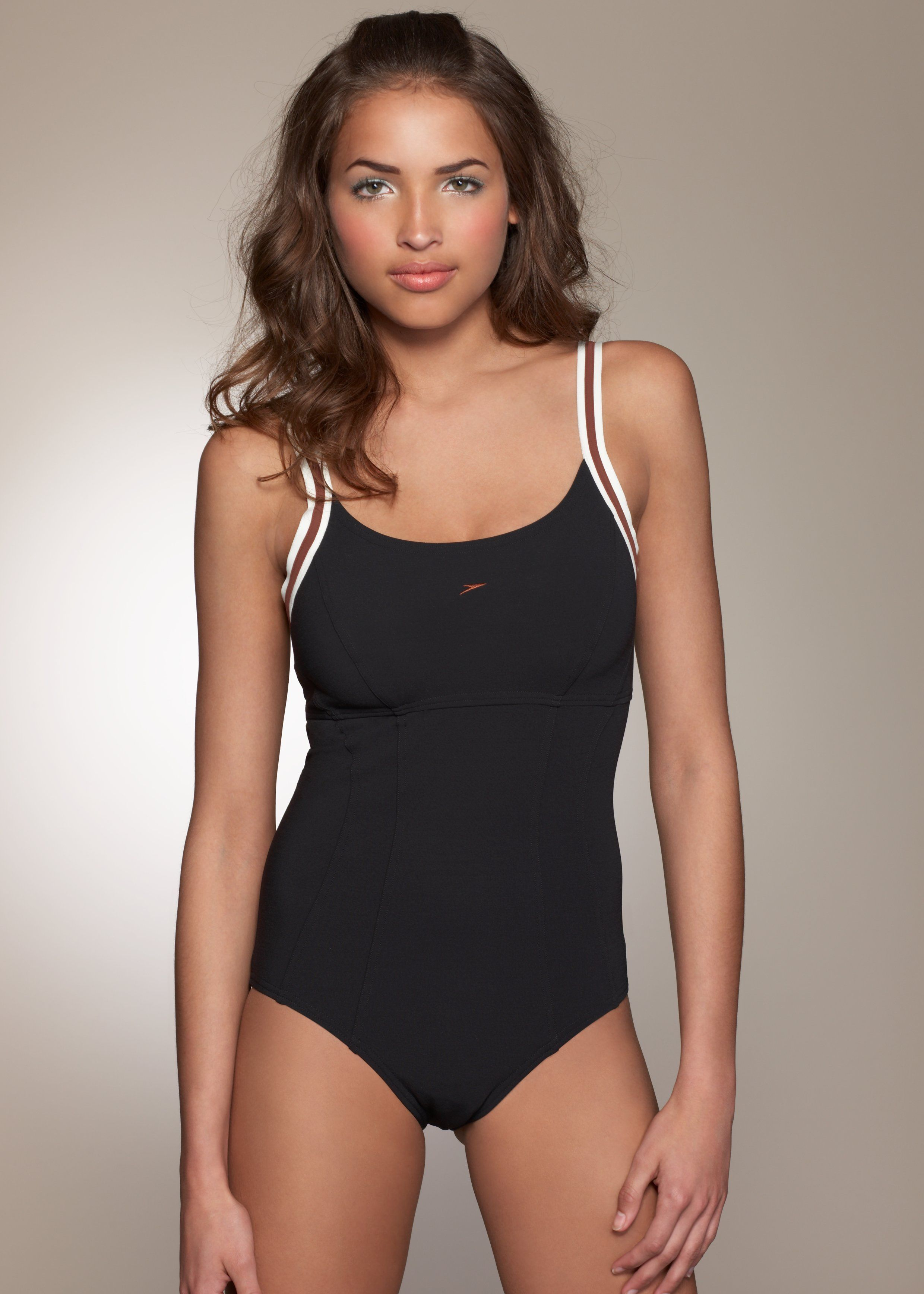
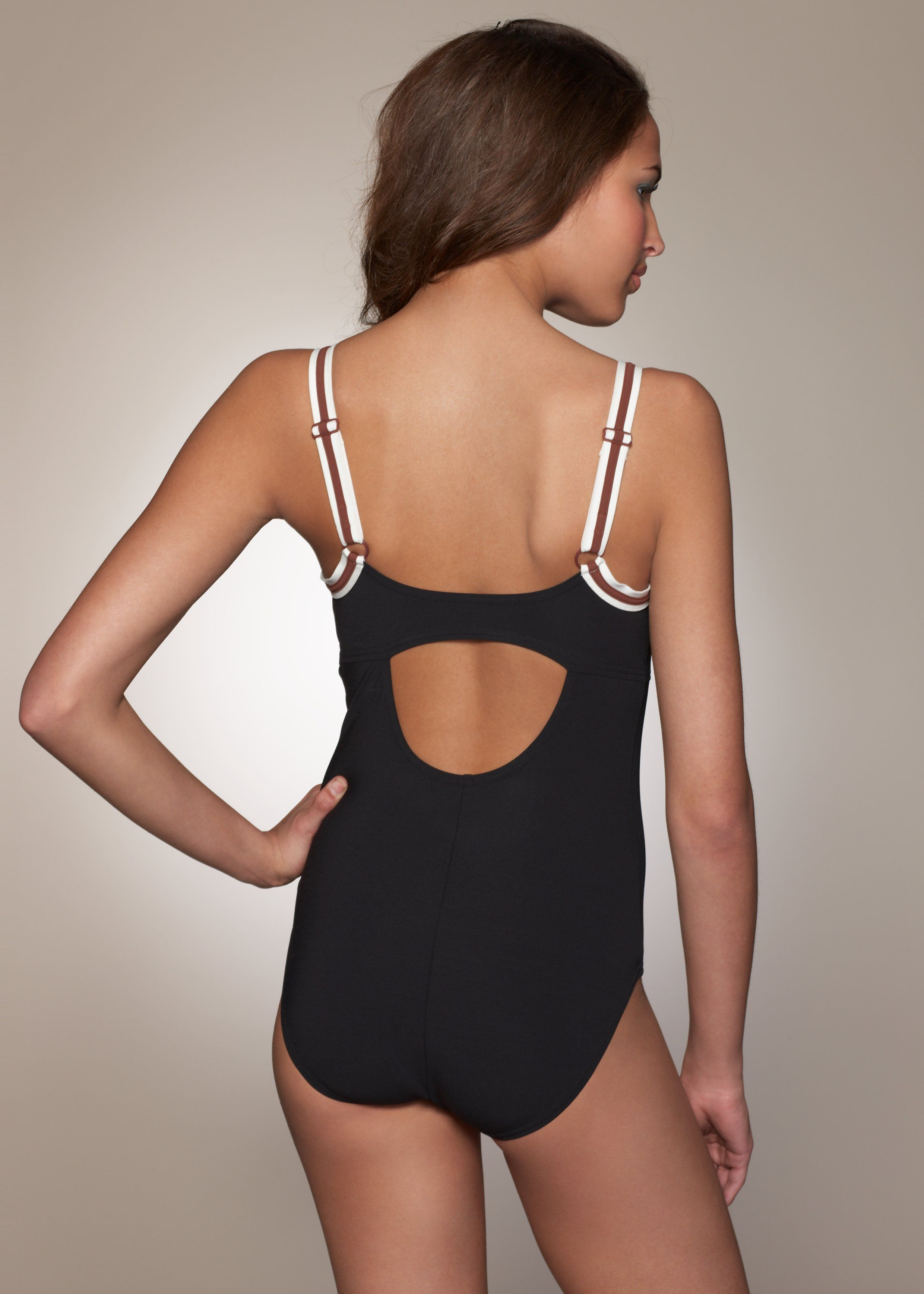
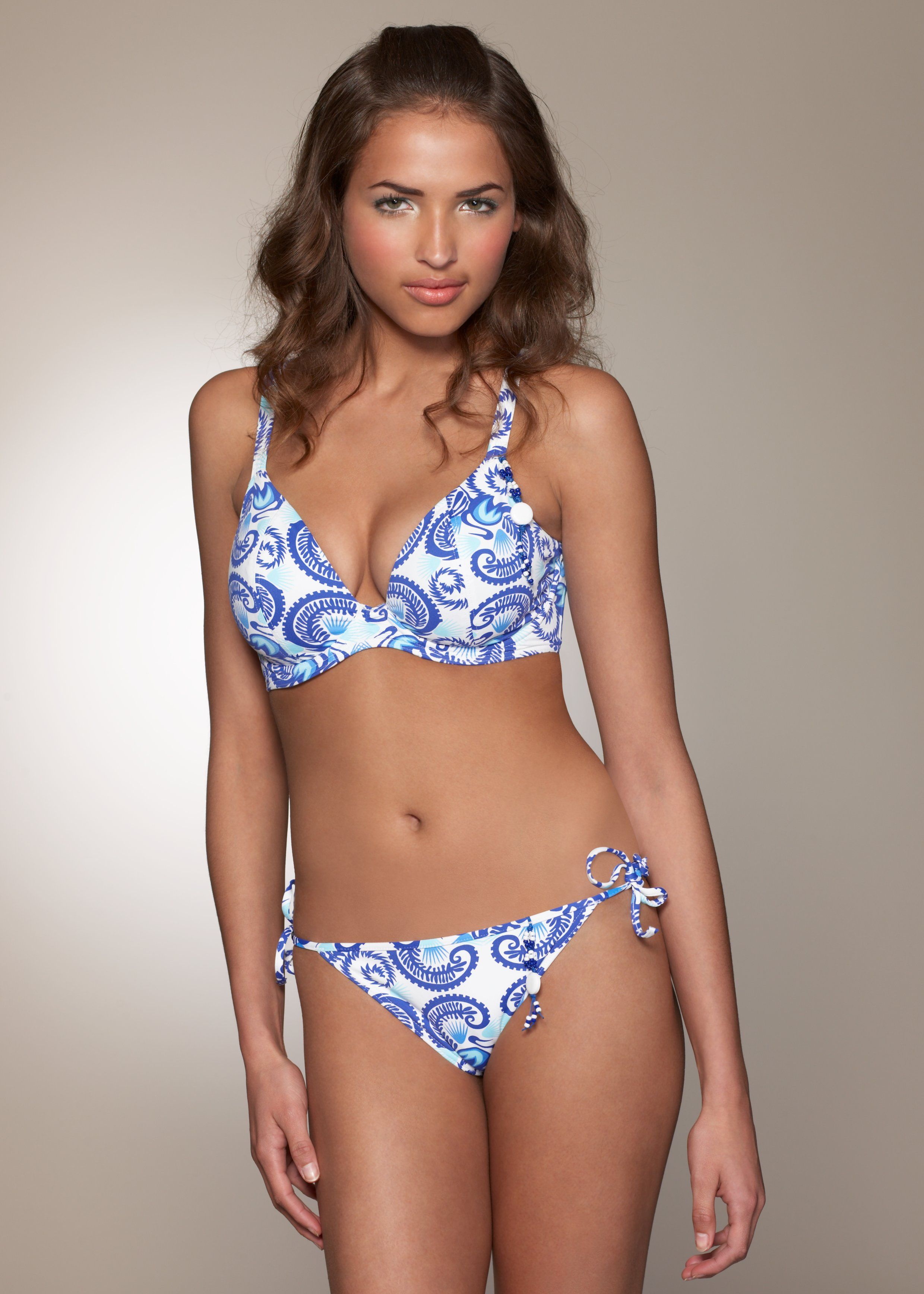
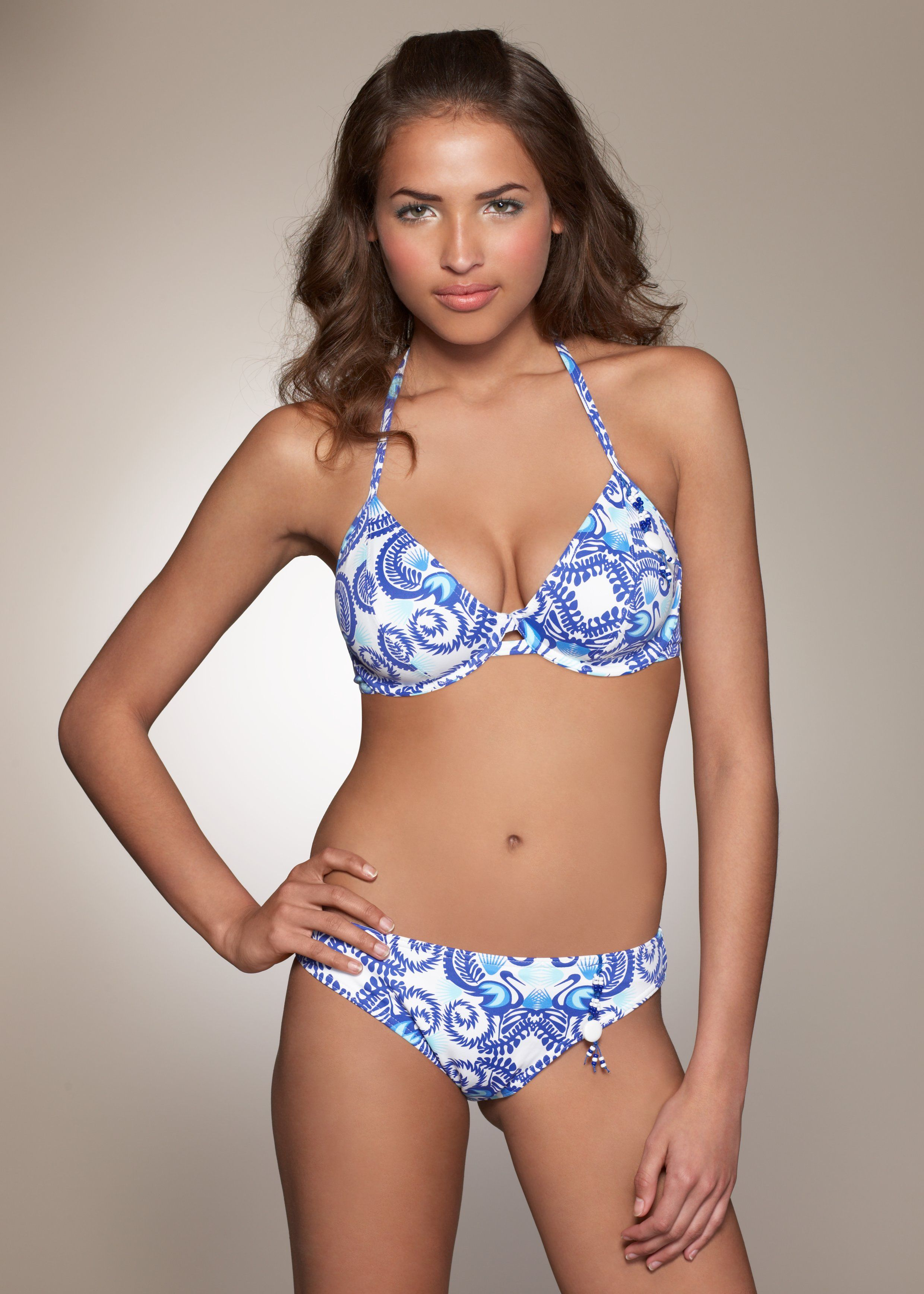
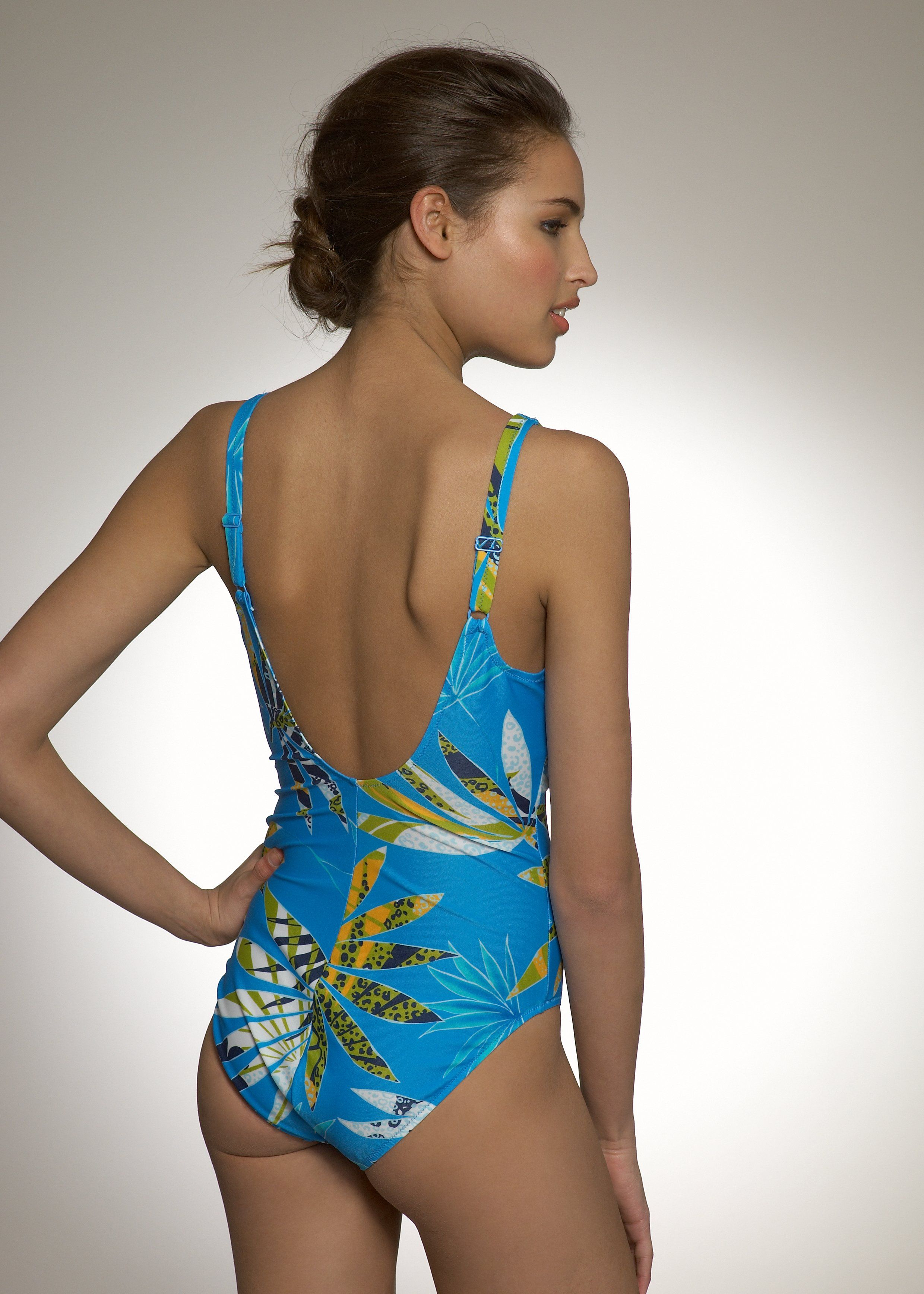
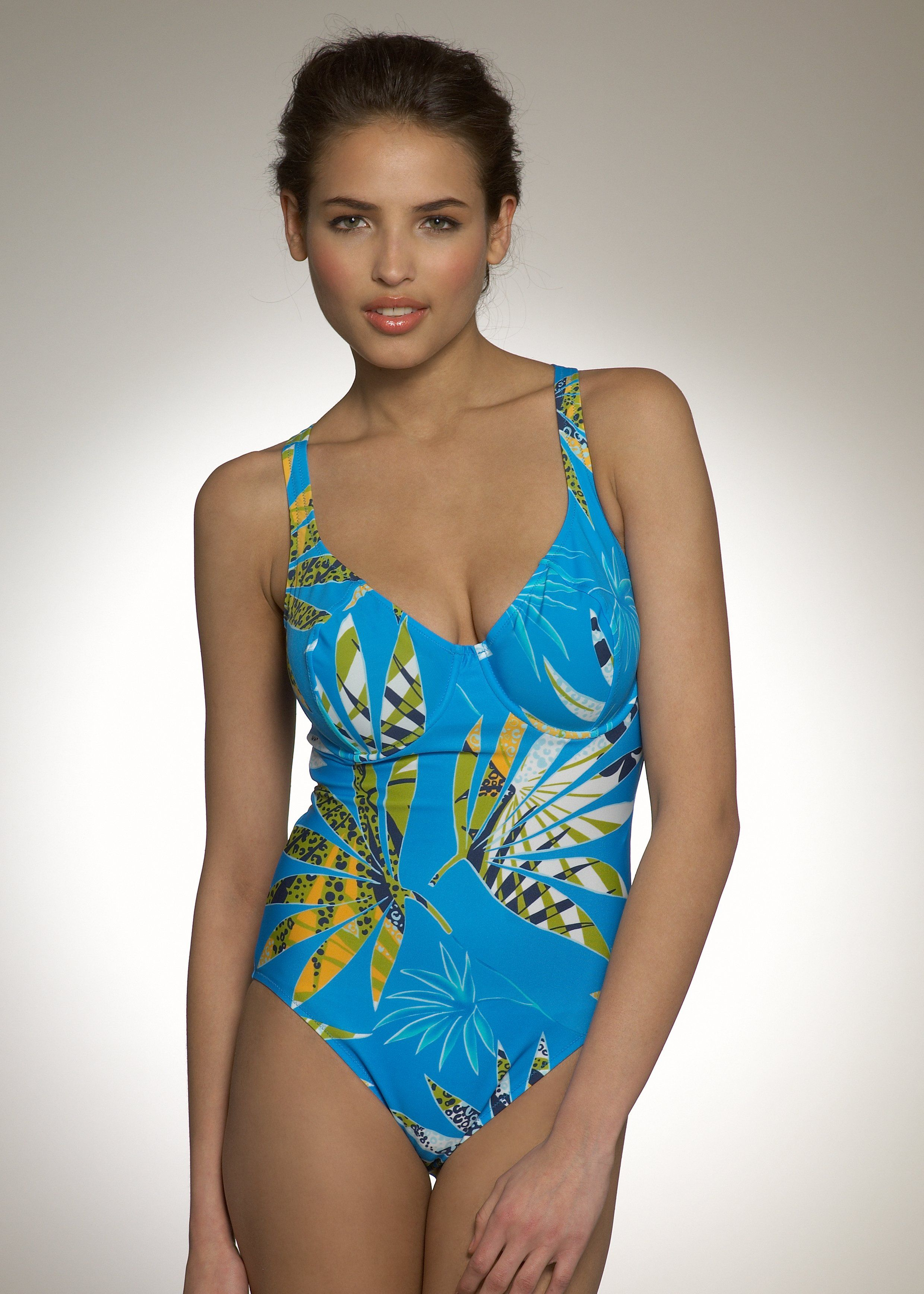
 Zeki triko swimwear
And two BIG files from Zeki (source: zekitriko.com.tr)
Zeki triko swimwear
And two BIG files from Zeki (source: zekitriko.com.tr) http://img16.imagehosting.gr/out.php/i733892_03.jpg http://img16.imagehosting.gr/out.php/i733909_06.jpg
http://img16.imagehosting.gr/out.php/i733904_11.jpg http://img16.imagehosting.gr/out.php/i733910_15.jpg http://img16.imagehosting.gr/out.php/i733906_09.jpg http://img16.imagehosting.gr/out.php/i733907_08.jpg
http://img16.imagehosting.gr/out.php/i733891_04.jpg http://img16.imagehosting.gr/out.php/i733908_07.jpg http://img16.imagehosting.gr/out.php/i733895_05.jpg http://img16.imagehosting.gr/out.php/i733901_14.jpg http://img16.imagehosting.gr/out.php/i733905_10.jpg
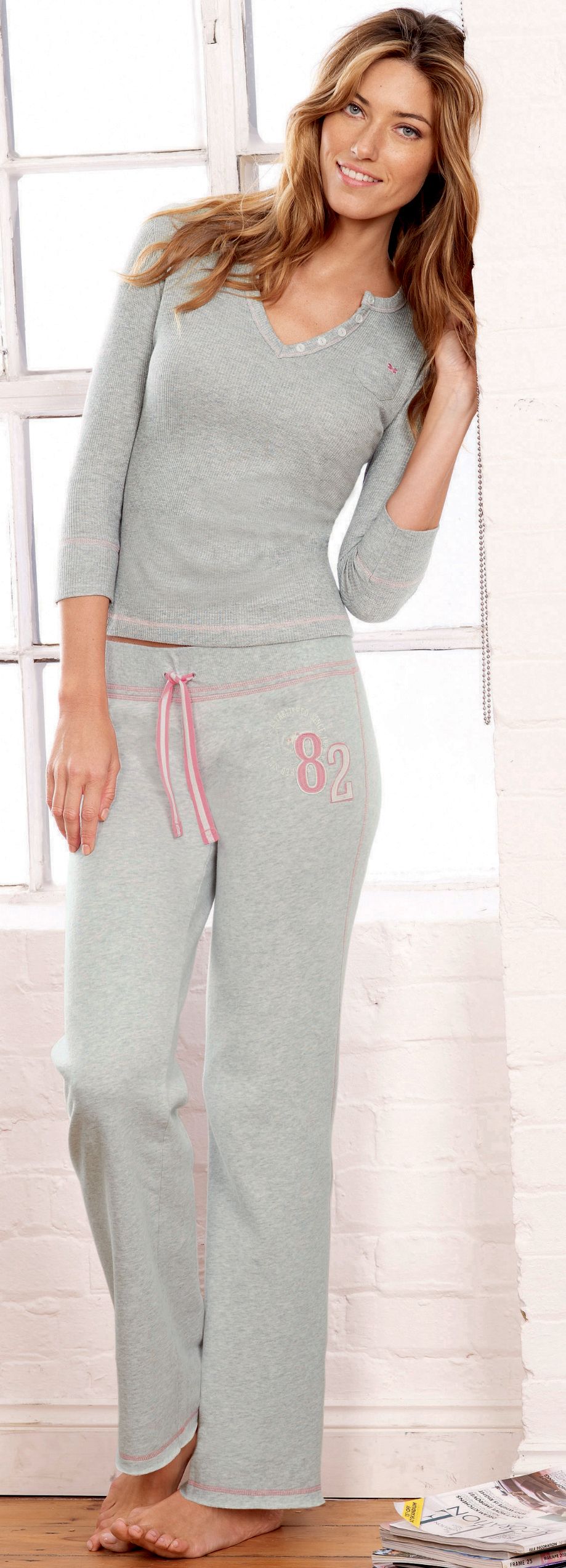
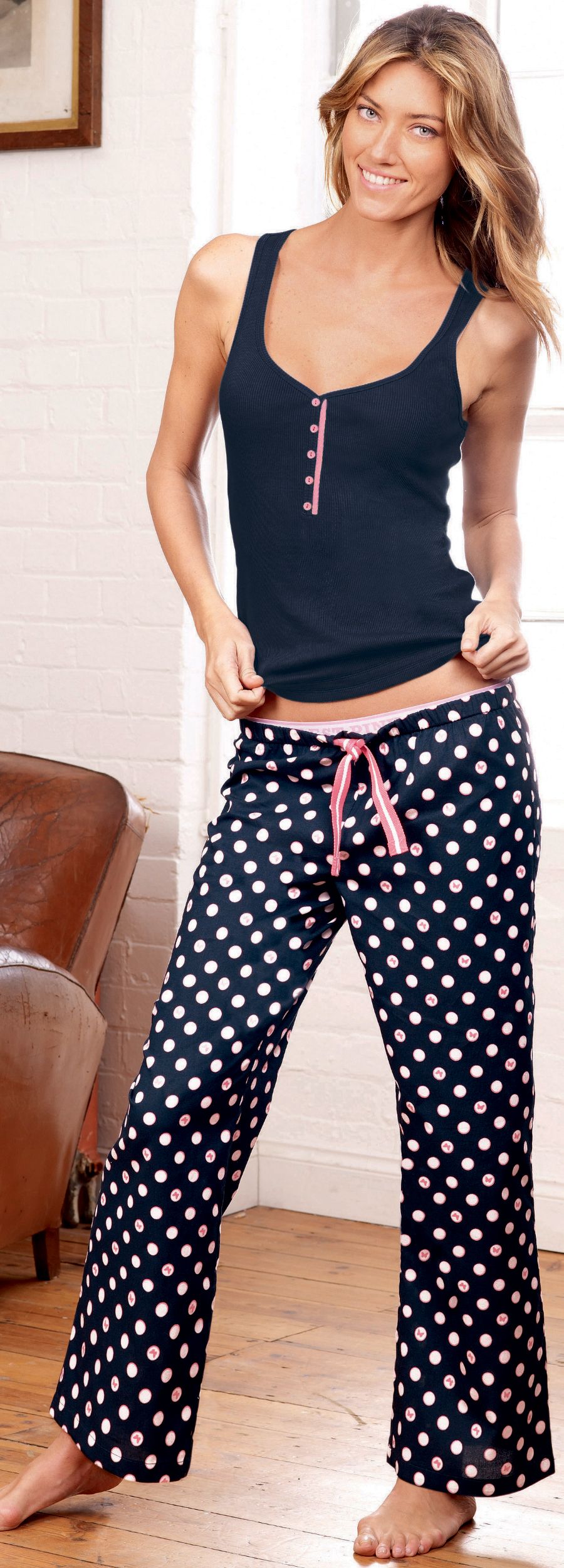
Zeki triko lingerie
credit to original poster
http://img16.imagehosting.gr/out.php/i733892_03.jpg http://img16.imagehosting.gr/out.php/i733909_06.jpg
http://img16.imagehosting.gr/out.php/i733904_11.jpg http://img16.imagehosting.gr/out.php/i733910_15.jpg http://img16.imagehosting.gr/out.php/i733906_09.jpg http://img16.imagehosting.gr/out.php/i733907_08.jpg
http://img16.imagehosting.gr/out.php/i733891_04.jpg http://img16.imagehosting.gr/out.php/i733908_07.jpg http://img16.imagehosting.gr/out.php/i733895_05.jpg http://img16.imagehosting.gr/out.php/i733901_14.jpg http://img16.imagehosting.gr/out.php/i733905_10.jpg
Zeki triko lingerie
credit to original poster












































Account
Search
Configure browser push notifications
Chrome (Android)
- Tap the lock icon next to the address bar.
- Tap Permissions → Notifications.
- Adjust your preference.
Chrome (Desktop)
- Click the padlock icon in the address bar.
- Select Site settings.
- Find Notifications and adjust your preference.
Safari (iOS 16.4+)
- Ensure the site is installed via Add to Home Screen.
- Open Settings App → Notifications.
- Find your app name and adjust your preference.
Safari (macOS)
- Go to Safari → Preferences.
- Click the Websites tab.
- Select Notifications in the sidebar.
- Find this website and adjust your preference.
Edge (Android)
- Tap the lock icon next to the address bar.
- Tap Permissions.
- Find Notifications and adjust your preference.
Edge (Desktop)
- Click the padlock icon in the address bar.
- Click Permissions for this site.
- Find Notifications and adjust your preference.
Firefox (Android)
- Go to Settings → Site permissions.
- Tap Notifications.
- Find this site in the list and adjust your preference.
Firefox (Desktop)
- Open Firefox Settings.
- Search for Notifications.
- Find this site in the list and adjust your preference.