
Modelove
Members
-
Joined
Everything posted by Modelove
-
Alessio Albi





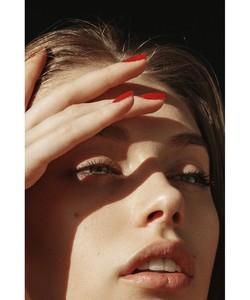

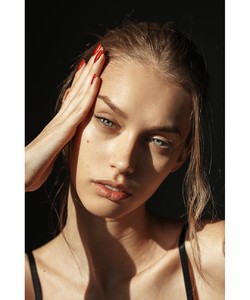


-
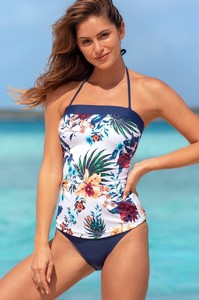
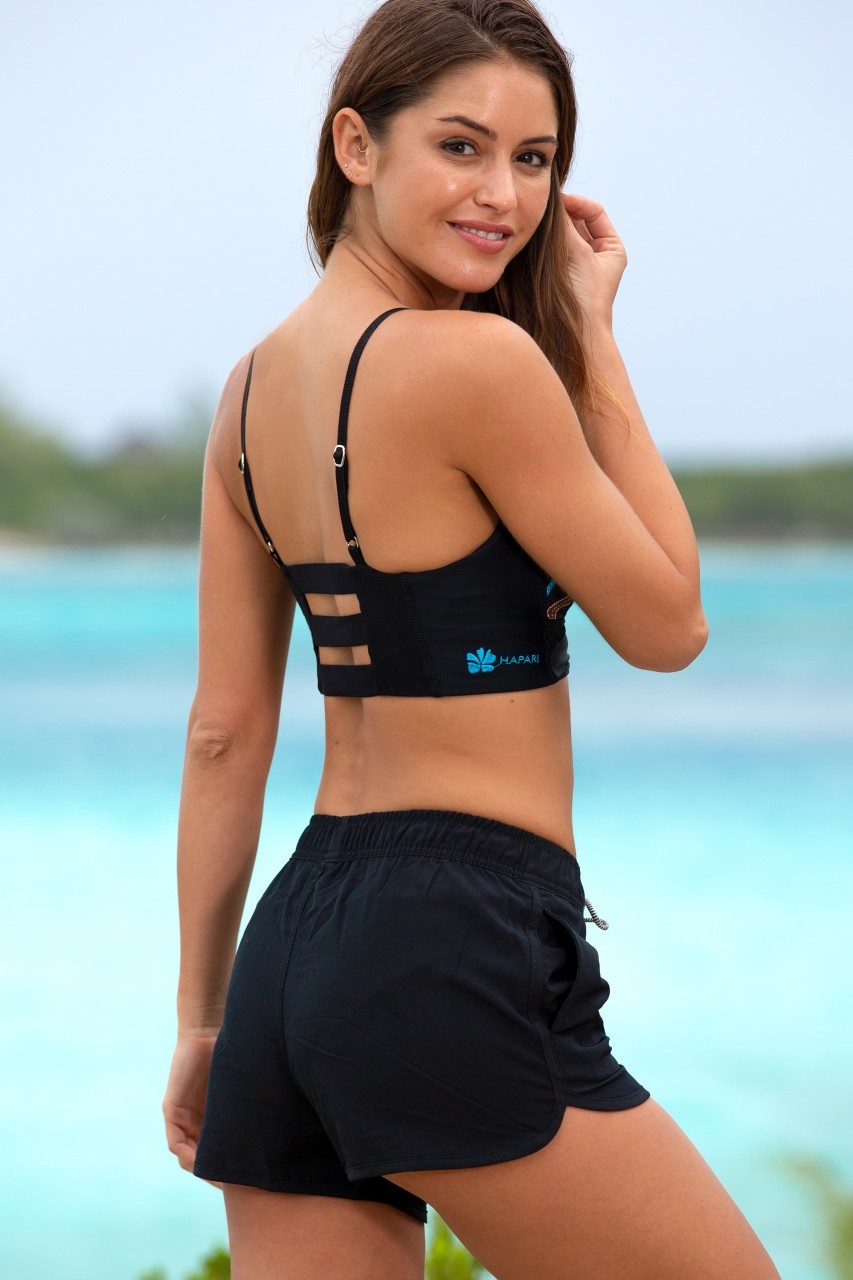
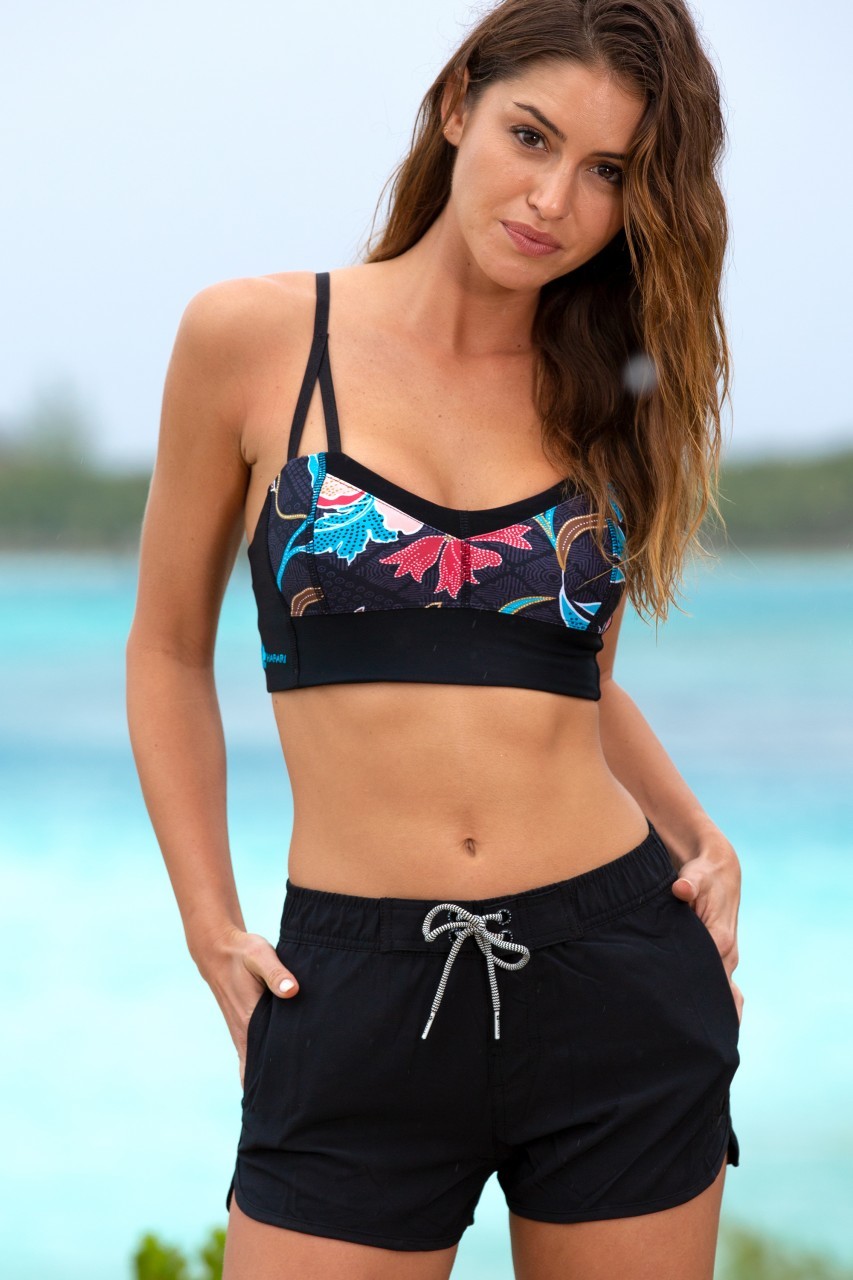
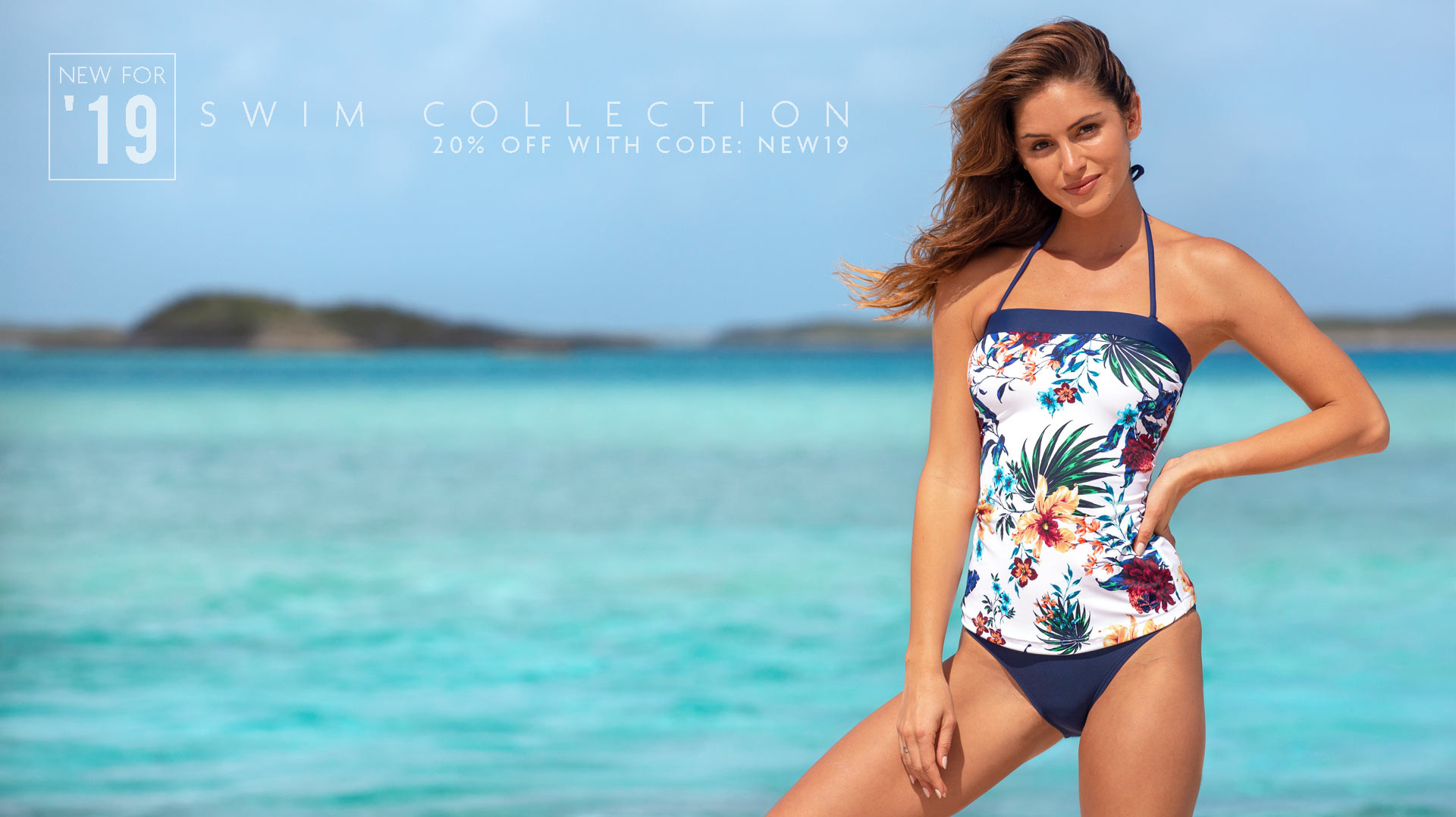
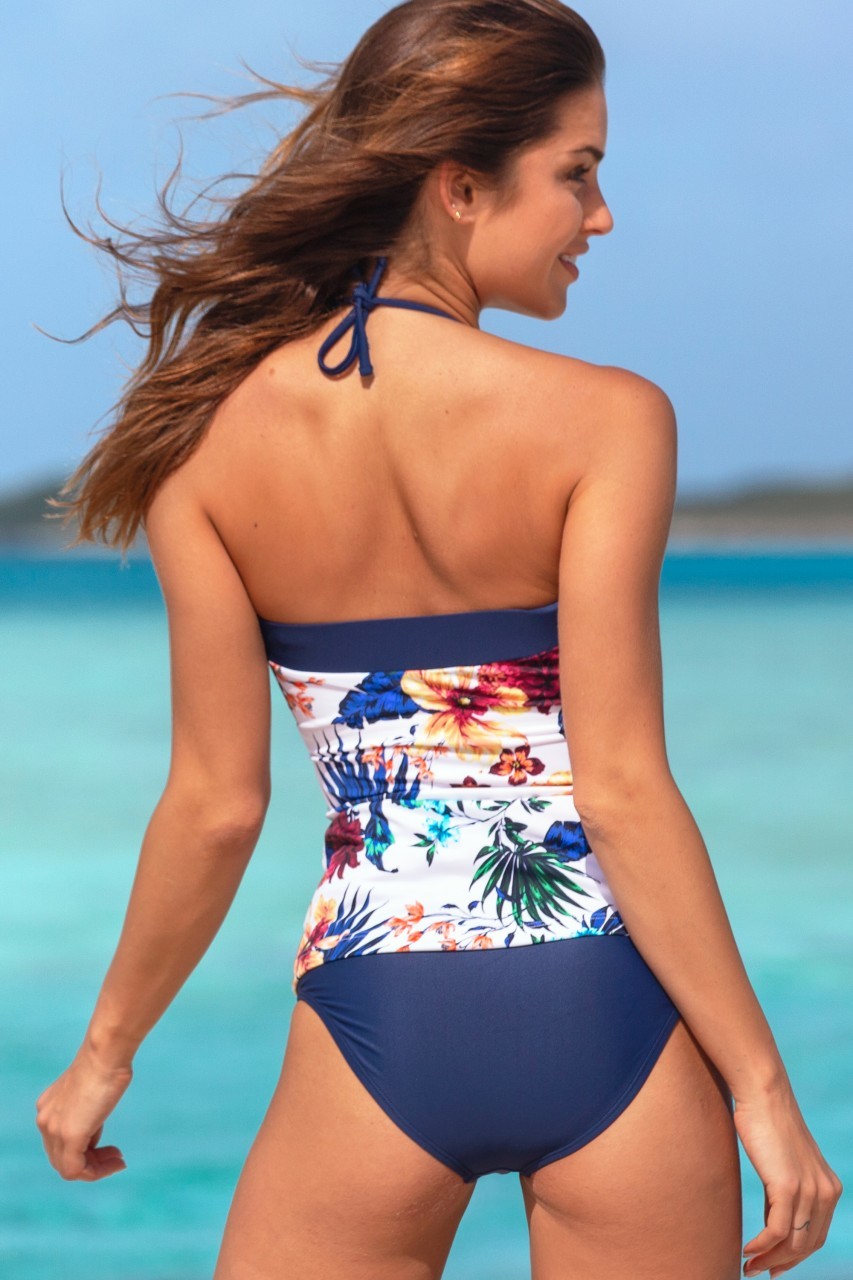
HAPARI 46941444_908965569295891_5172193226378969088_n.mp4


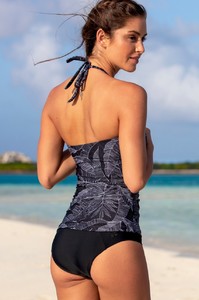
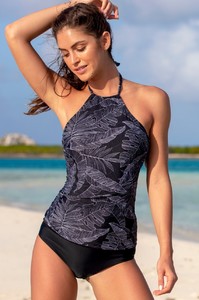

-
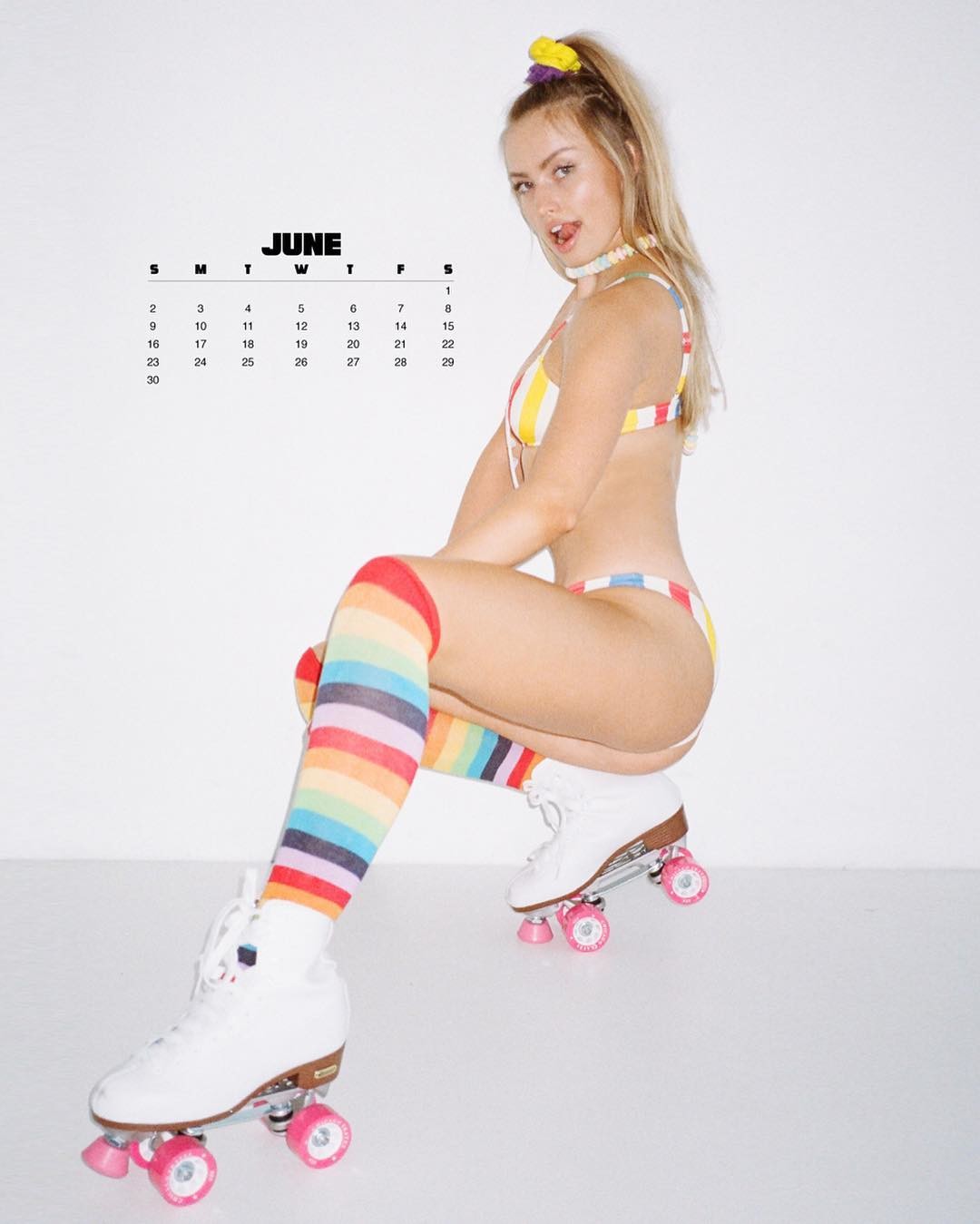
Jared Thomas Kocka (Calendar 2019) 46838691_766204437048971_2148671678914238217_n.mp4

 Madame Jules


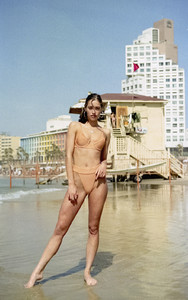






























 Elite Model Israel










 Karin Models






 אלעד מתתיהו - צלם



















 Baldwin Cunningham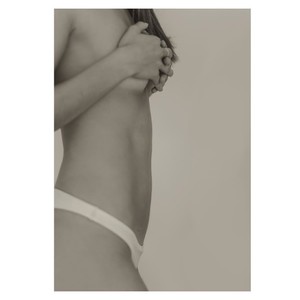
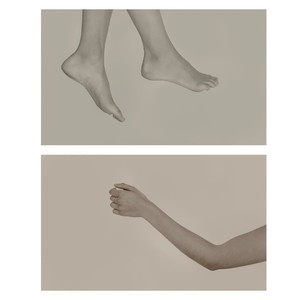
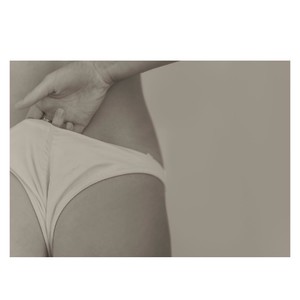
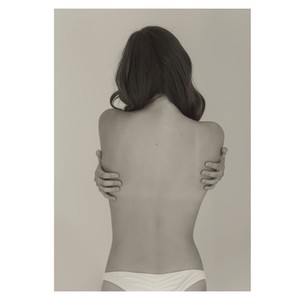
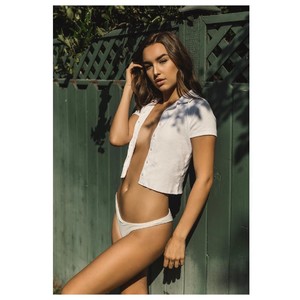
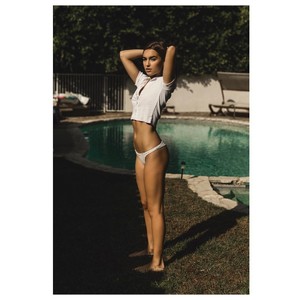


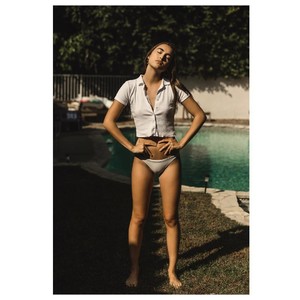
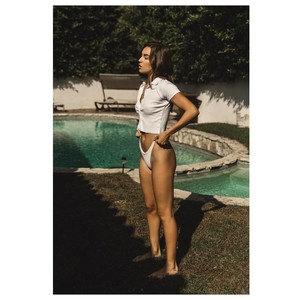





 Jethro Alaba










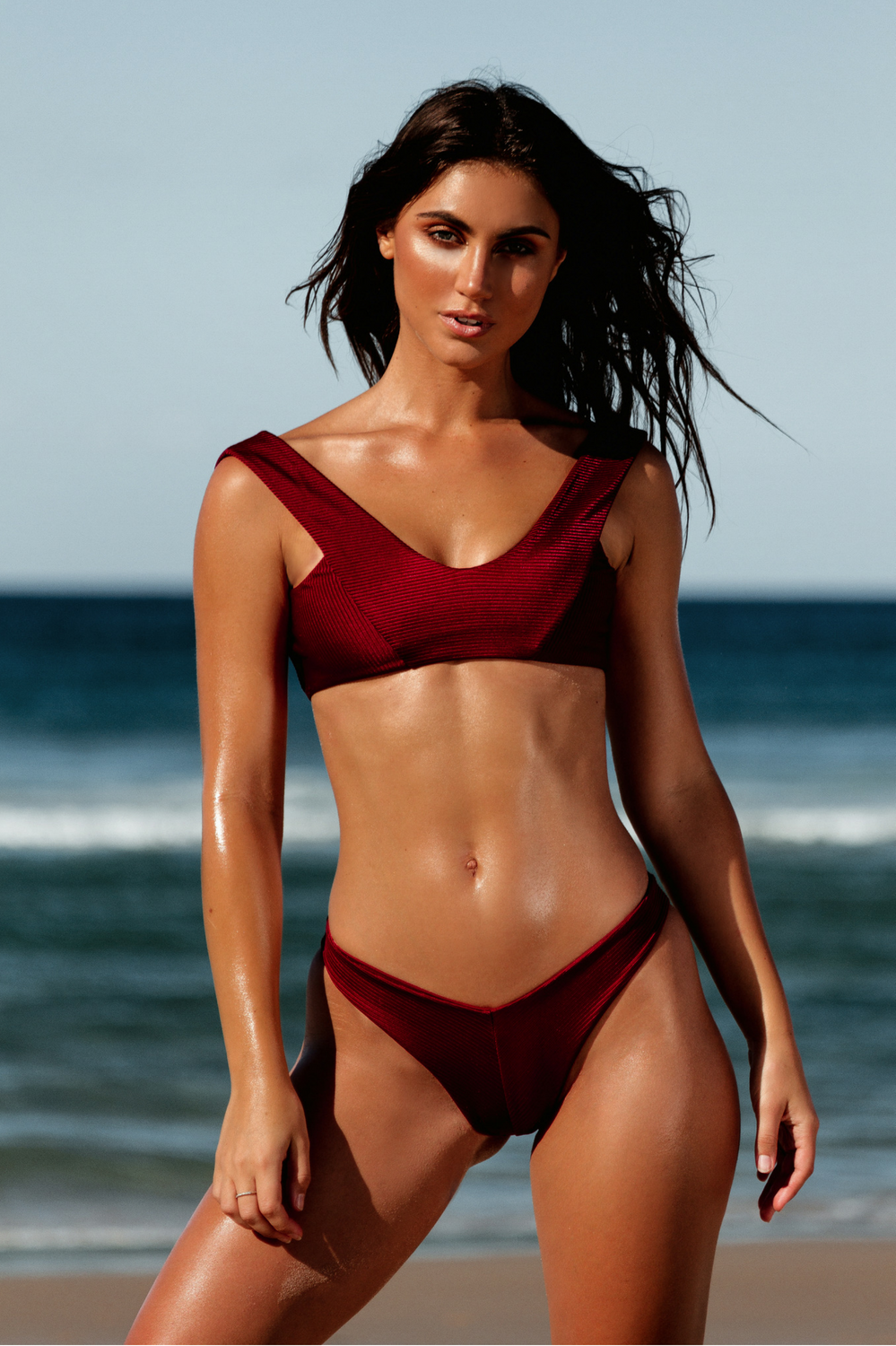
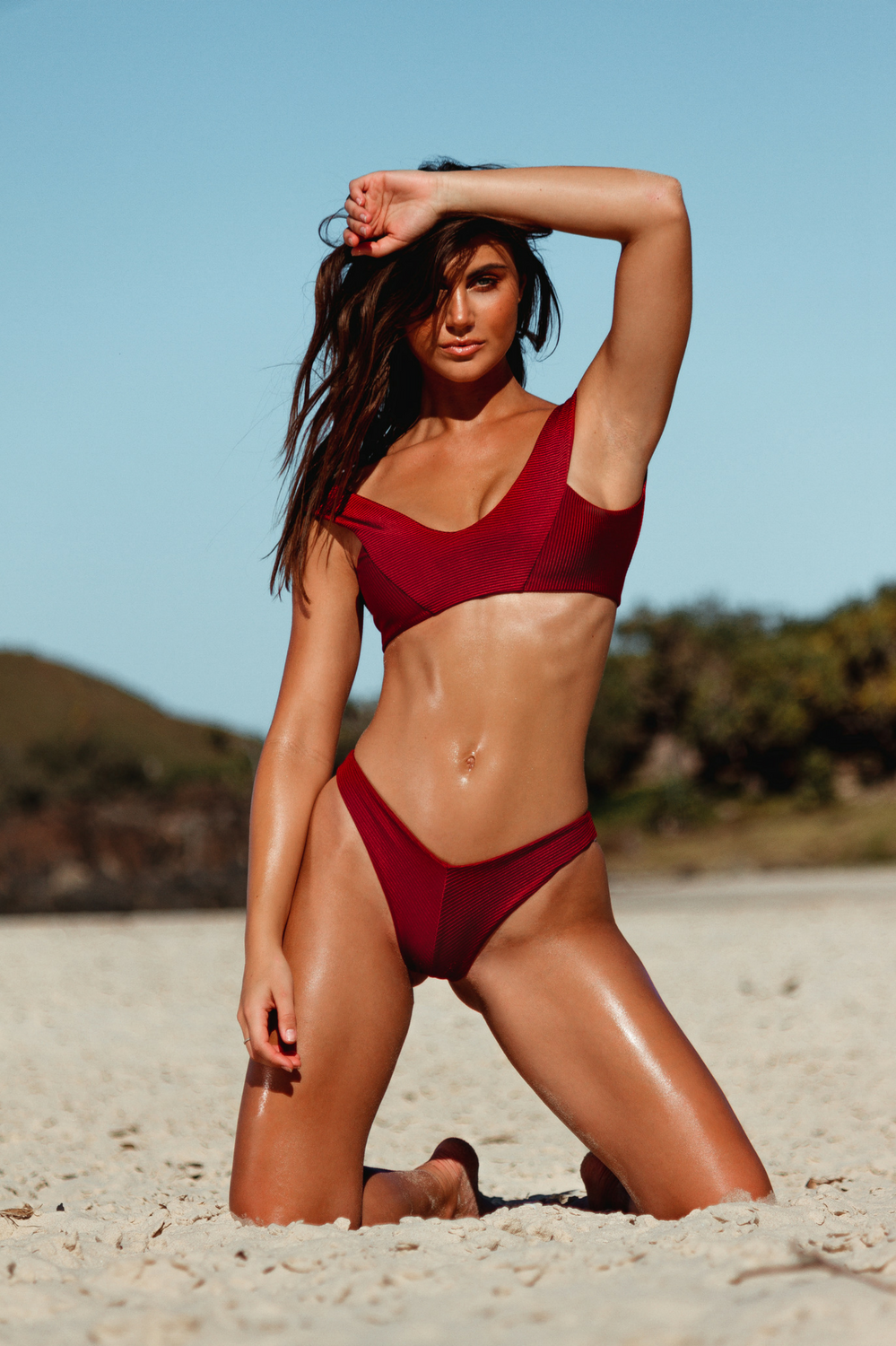
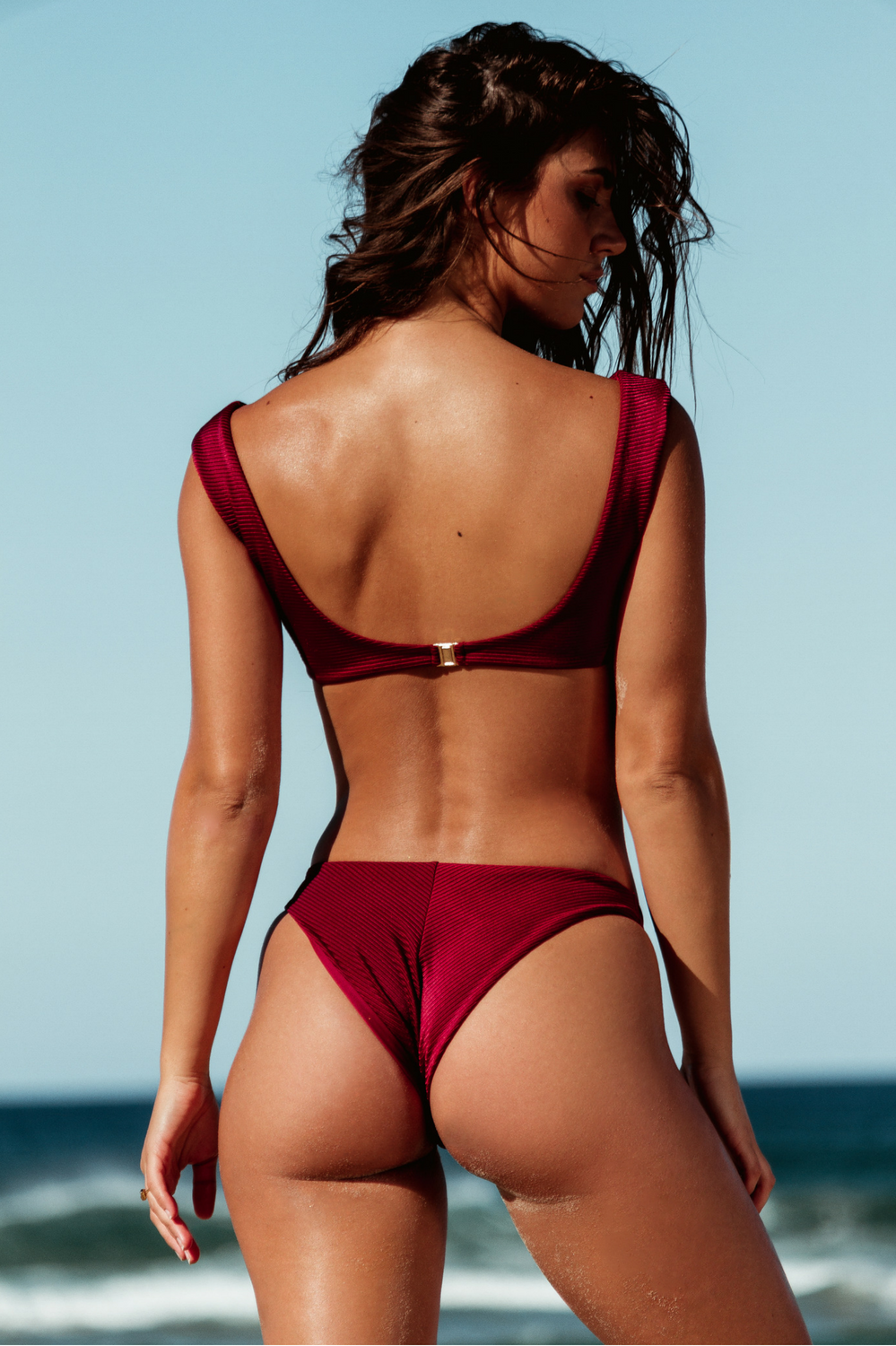
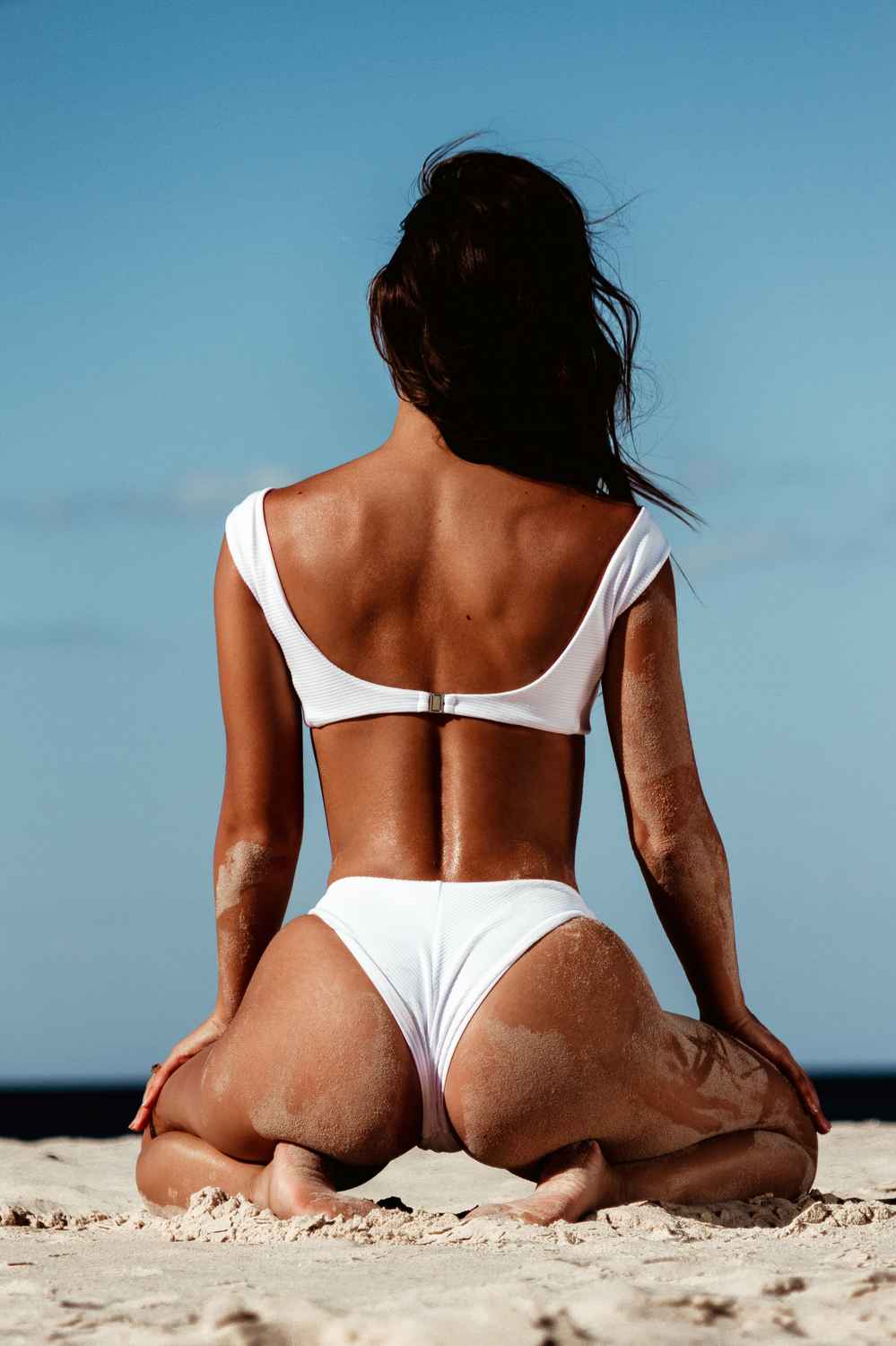

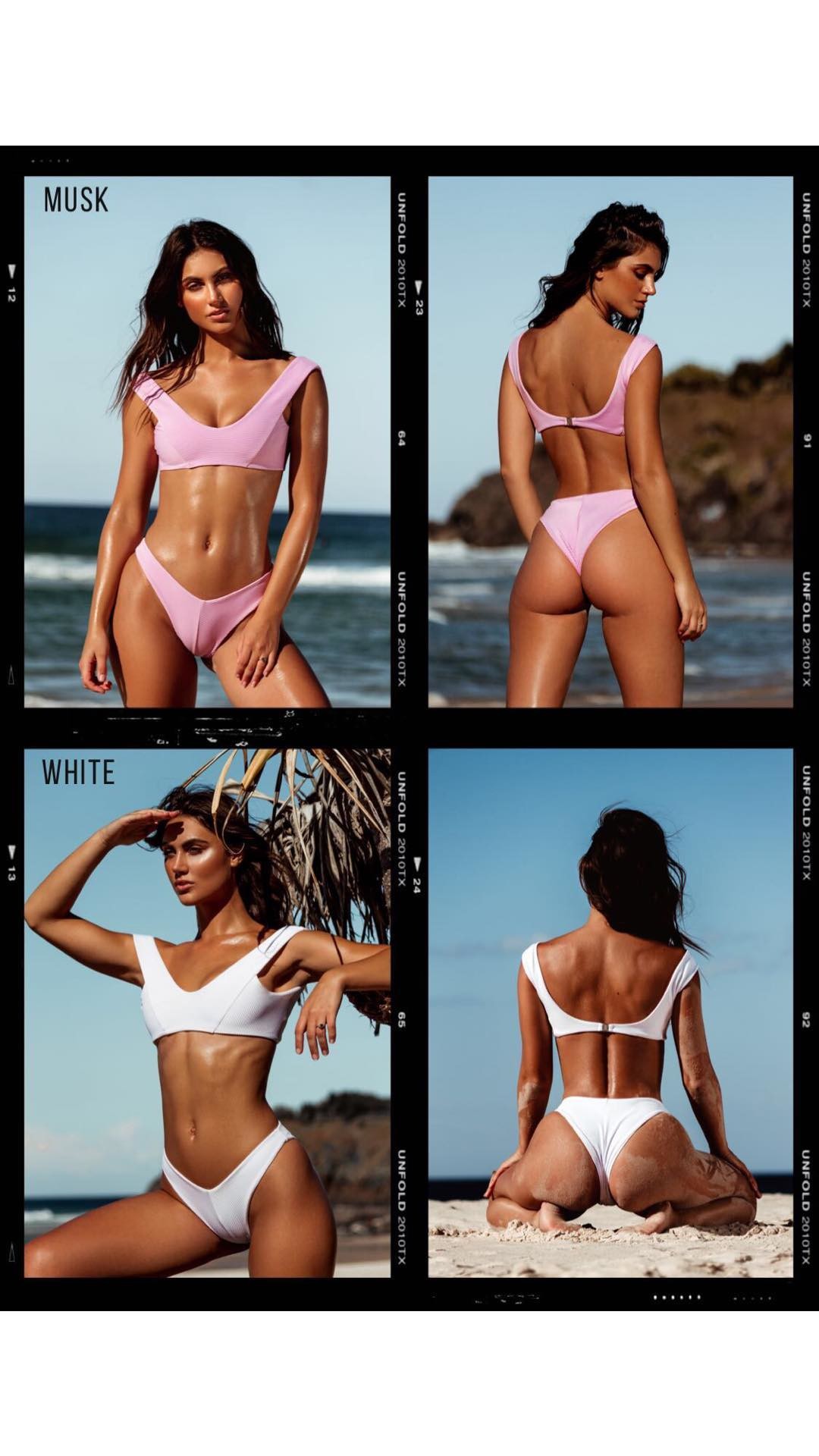
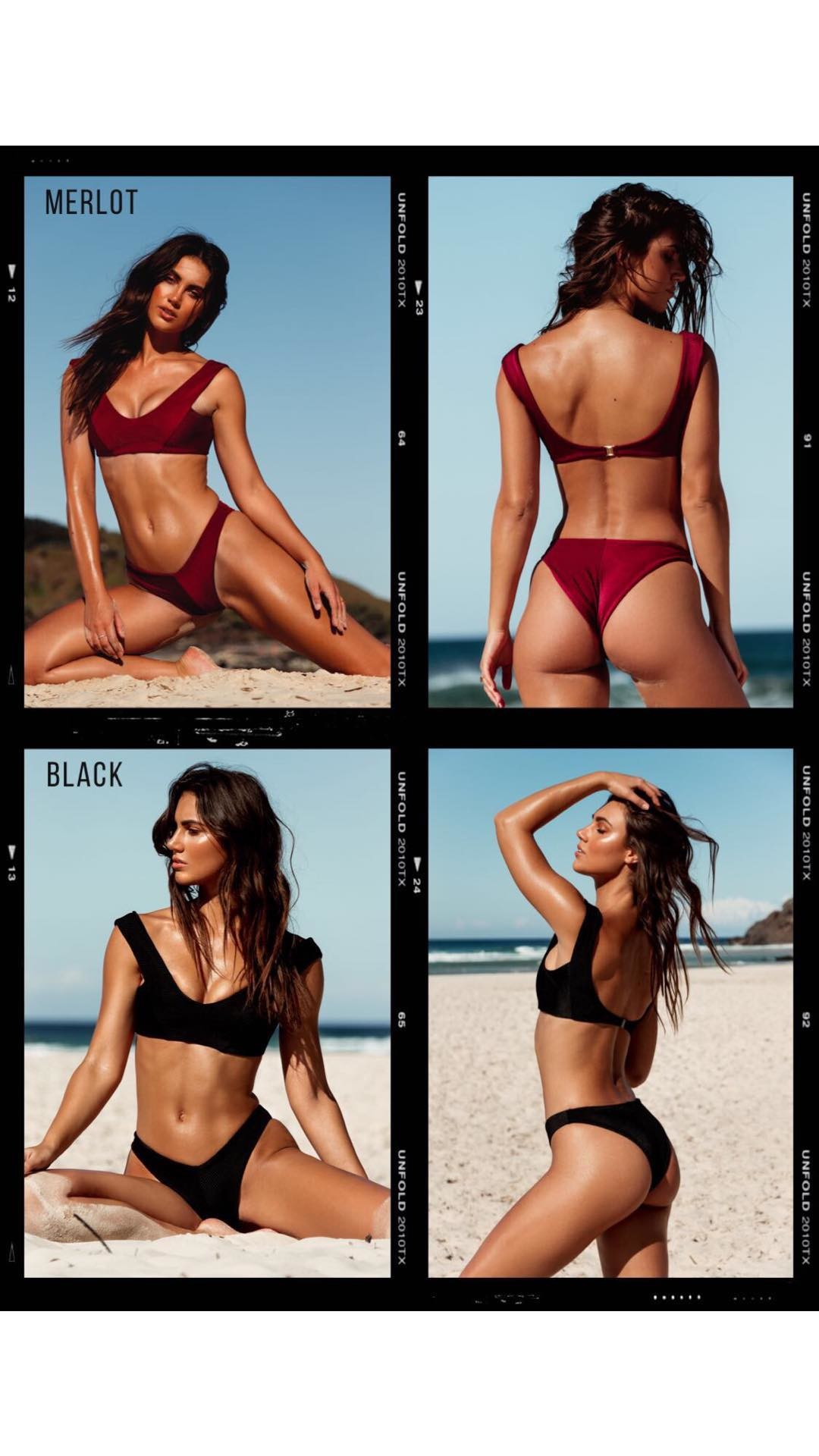



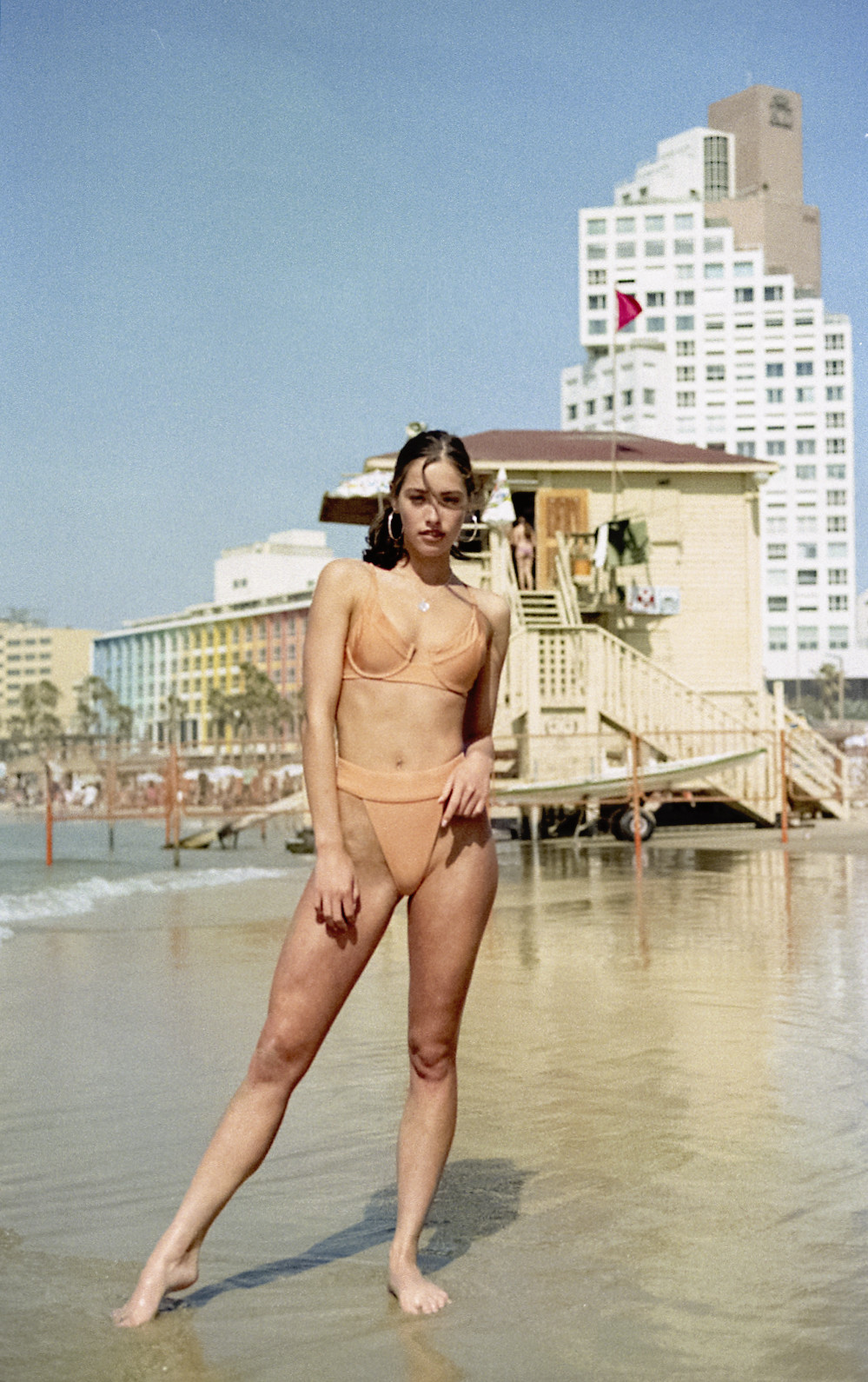

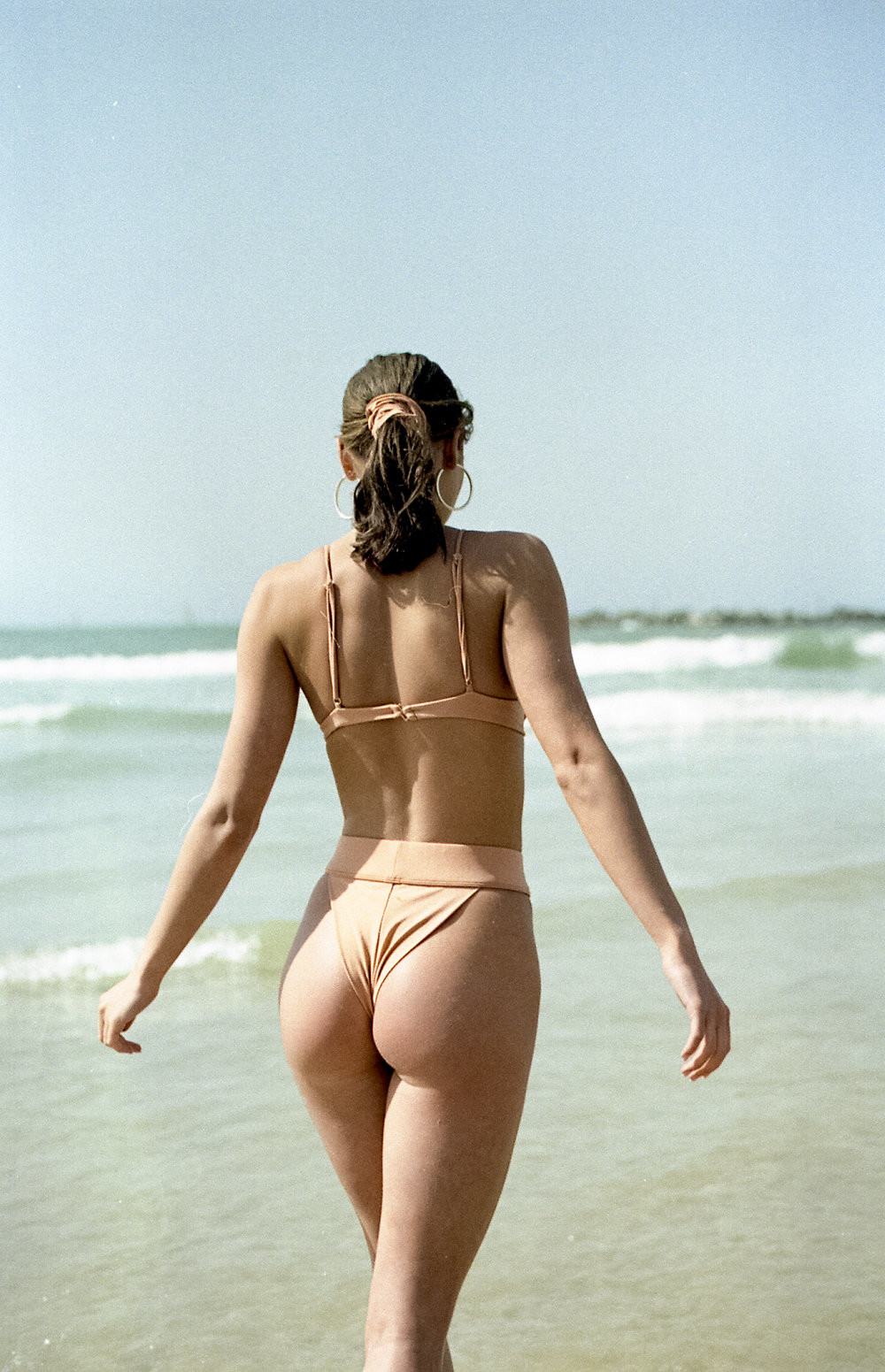


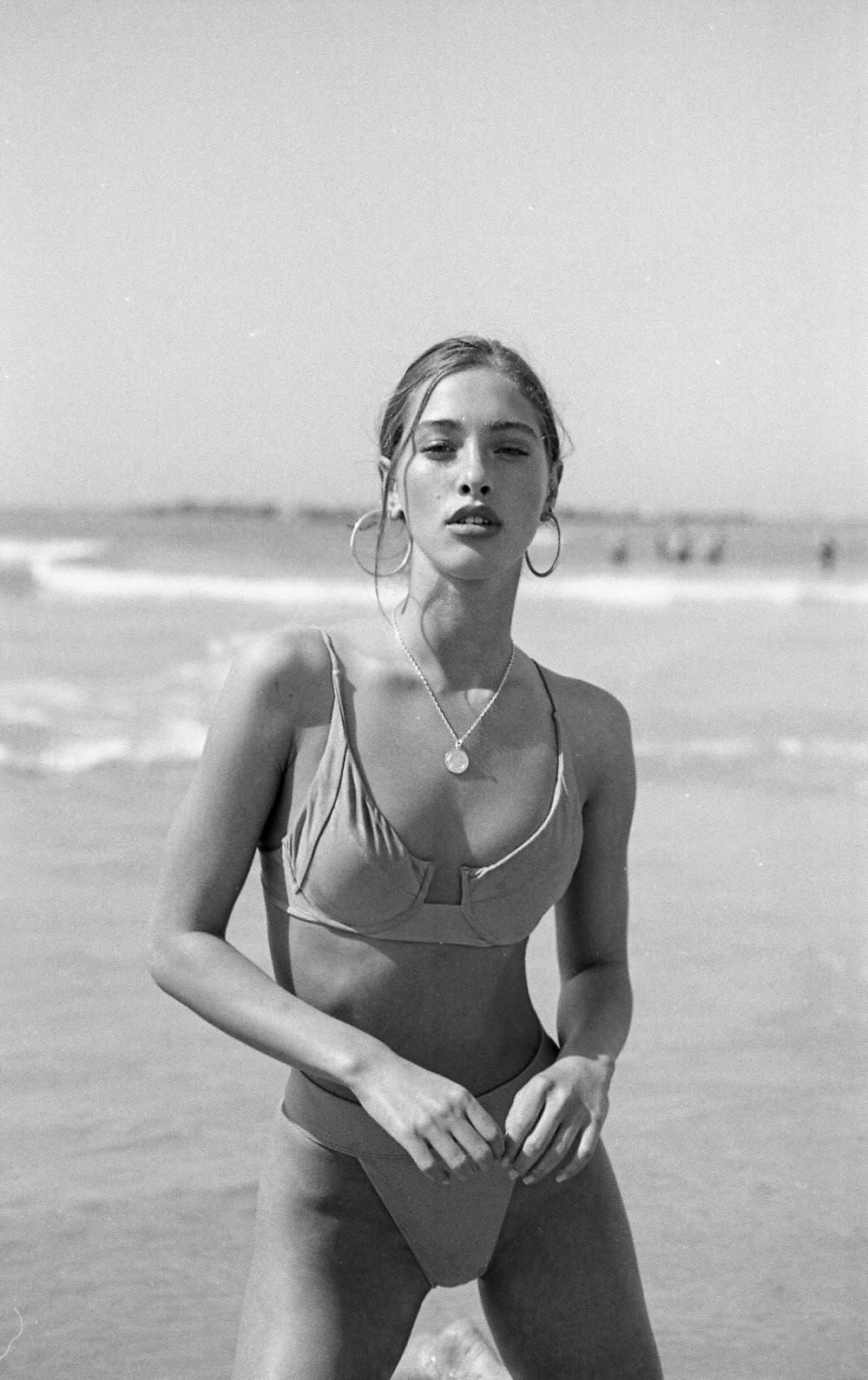

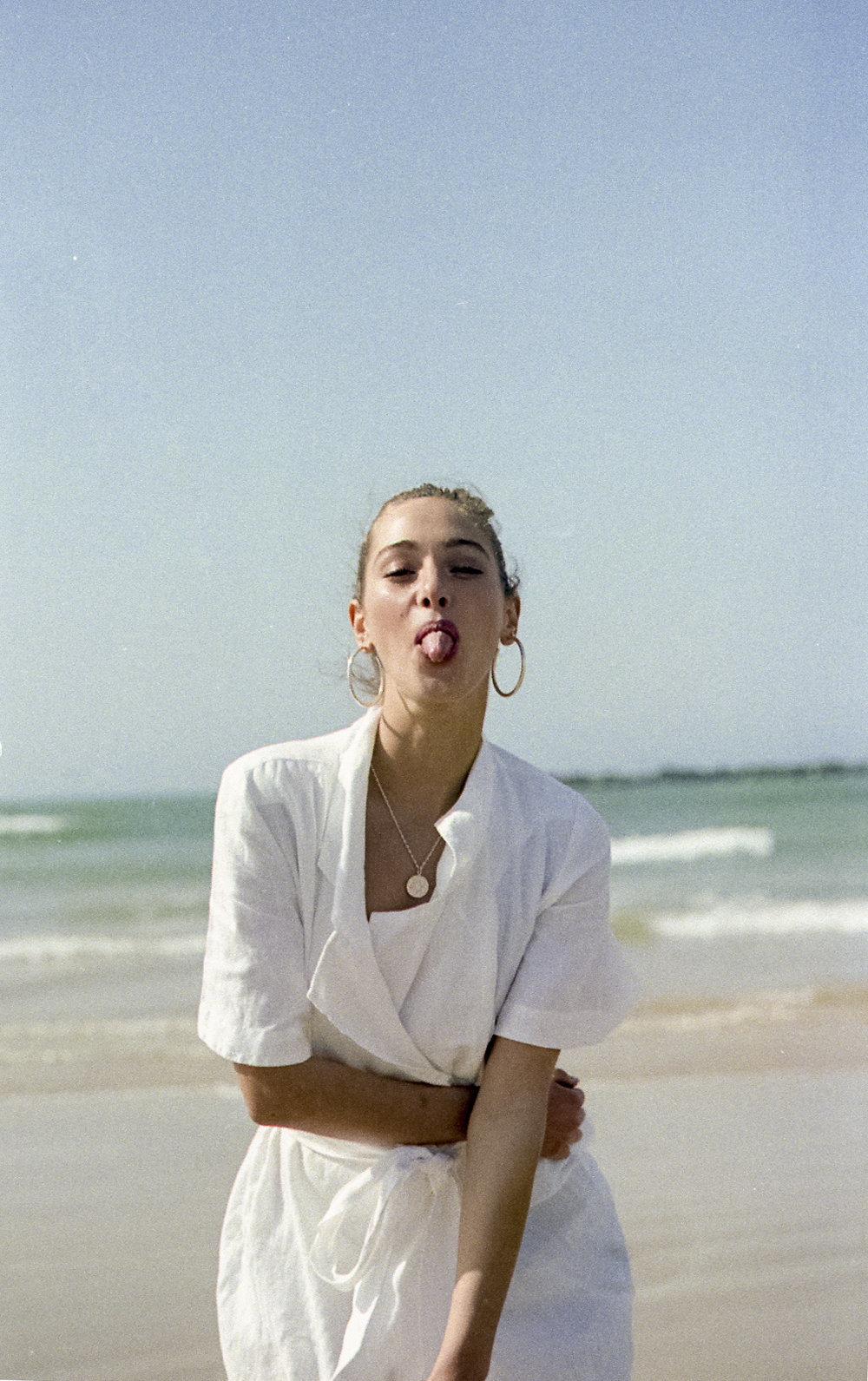

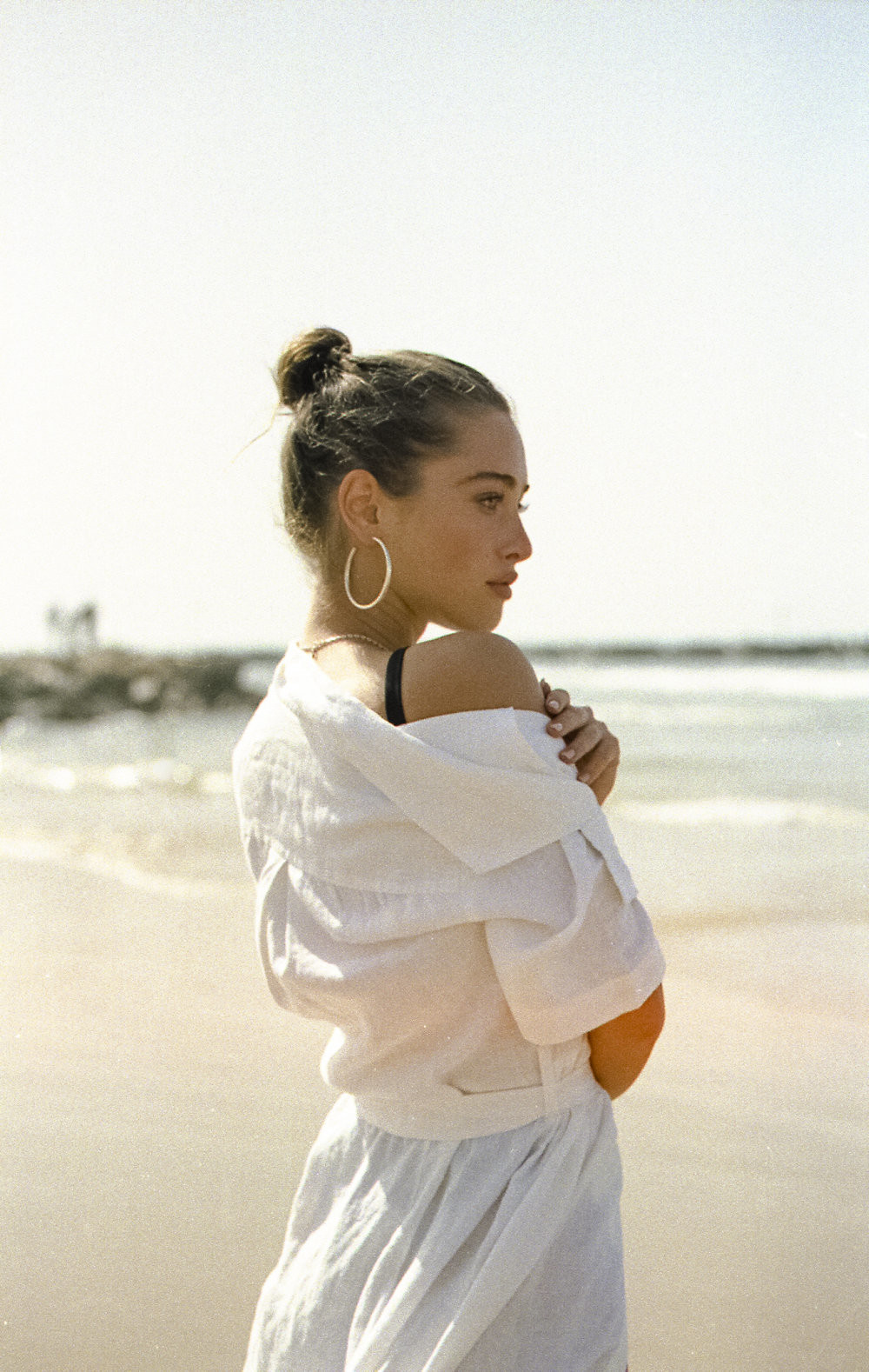

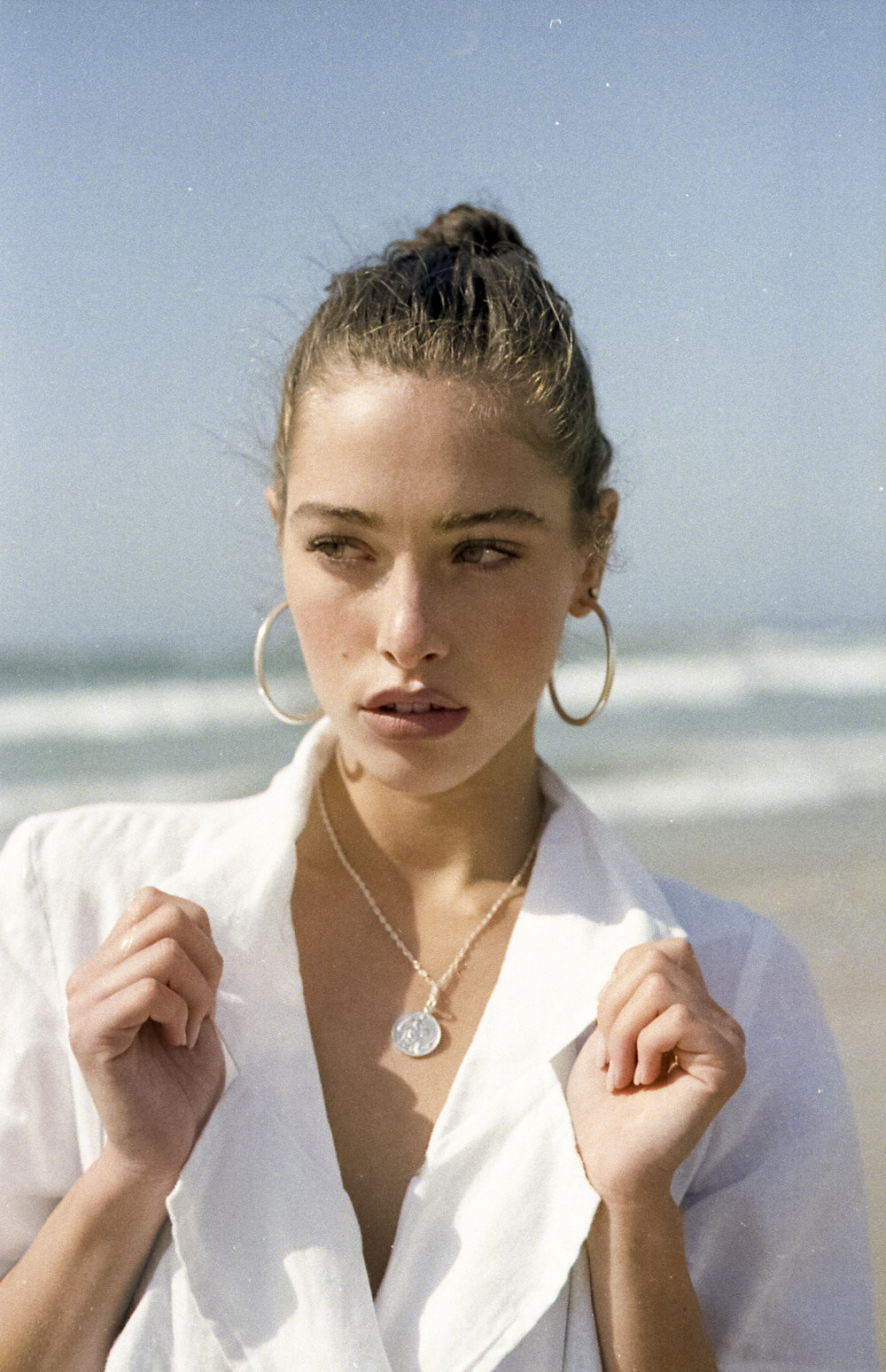









































































Account
Navigation
Search
Configure browser push notifications
Chrome (Android)
- Tap the lock icon next to the address bar.
- Tap Permissions → Notifications.
- Adjust your preference.
Chrome (Desktop)
- Click the padlock icon in the address bar.
- Select Site settings.
- Find Notifications and adjust your preference.
Safari (iOS 16.4+)
- Ensure the site is installed via Add to Home Screen.
- Open Settings App → Notifications.
- Find your app name and adjust your preference.
Safari (macOS)
- Go to Safari → Preferences.
- Click the Websites tab.
- Select Notifications in the sidebar.
- Find this website and adjust your preference.
Edge (Android)
- Tap the lock icon next to the address bar.
- Tap Permissions.
- Find Notifications and adjust your preference.
Edge (Desktop)
- Click the padlock icon in the address bar.
- Click Permissions for this site.
- Find Notifications and adjust your preference.
Firefox (Android)
- Go to Settings → Site permissions.
- Tap Notifications.
- Find this site in the list and adjust your preference.
Firefox (Desktop)
- Open Firefox Settings.
- Search for Notifications.
- Find this site in the list and adjust your preference.