
Modelove
Members
-
Joined
Everything posted by Modelove
-
51865889_814962005513422_7256871361451130880_n.mp4
-
-
-
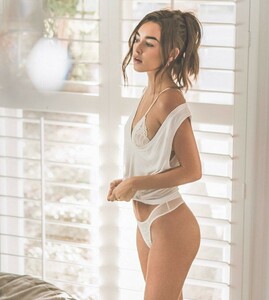
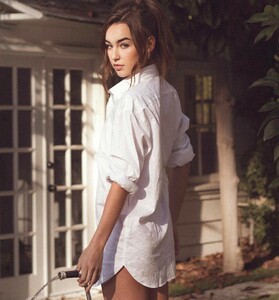
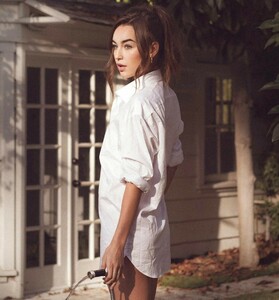
Ryan Hattaway



-
McLaren Ray












-
Greg Cunningham BTS 43803780_1784483341664431_3479456019148248088_n.mp4





-
Todd Barrett Adds

-
-
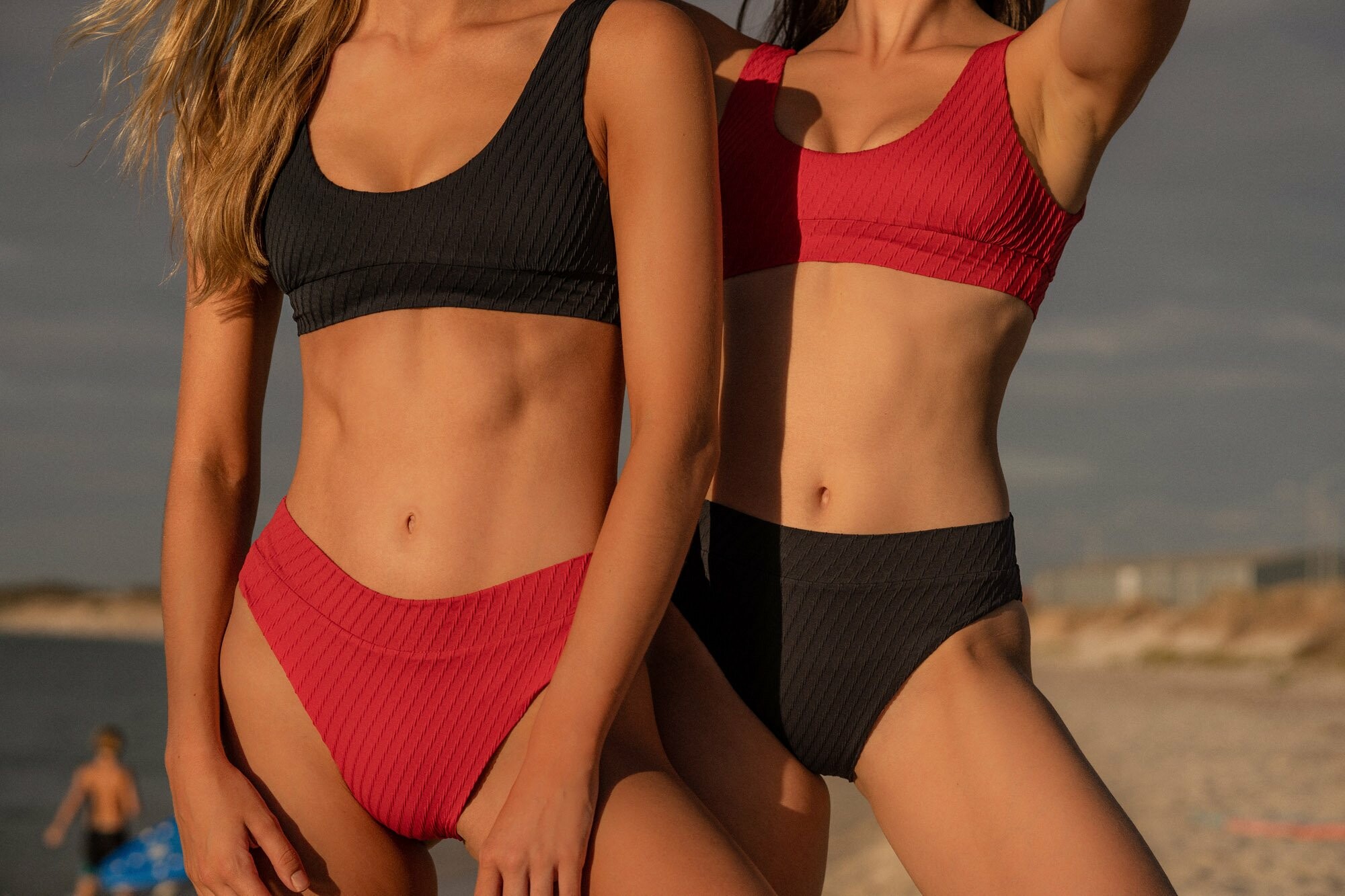
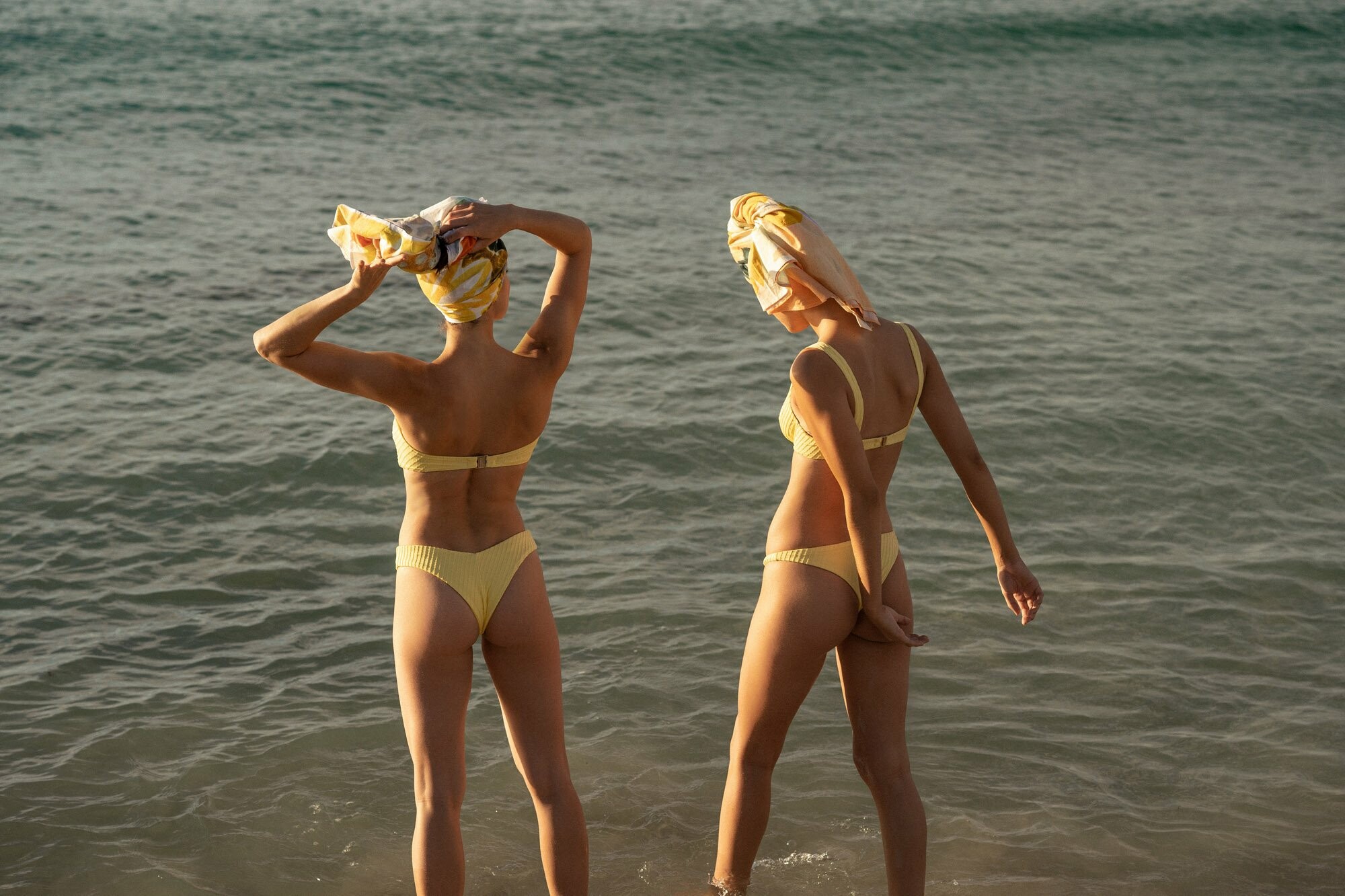
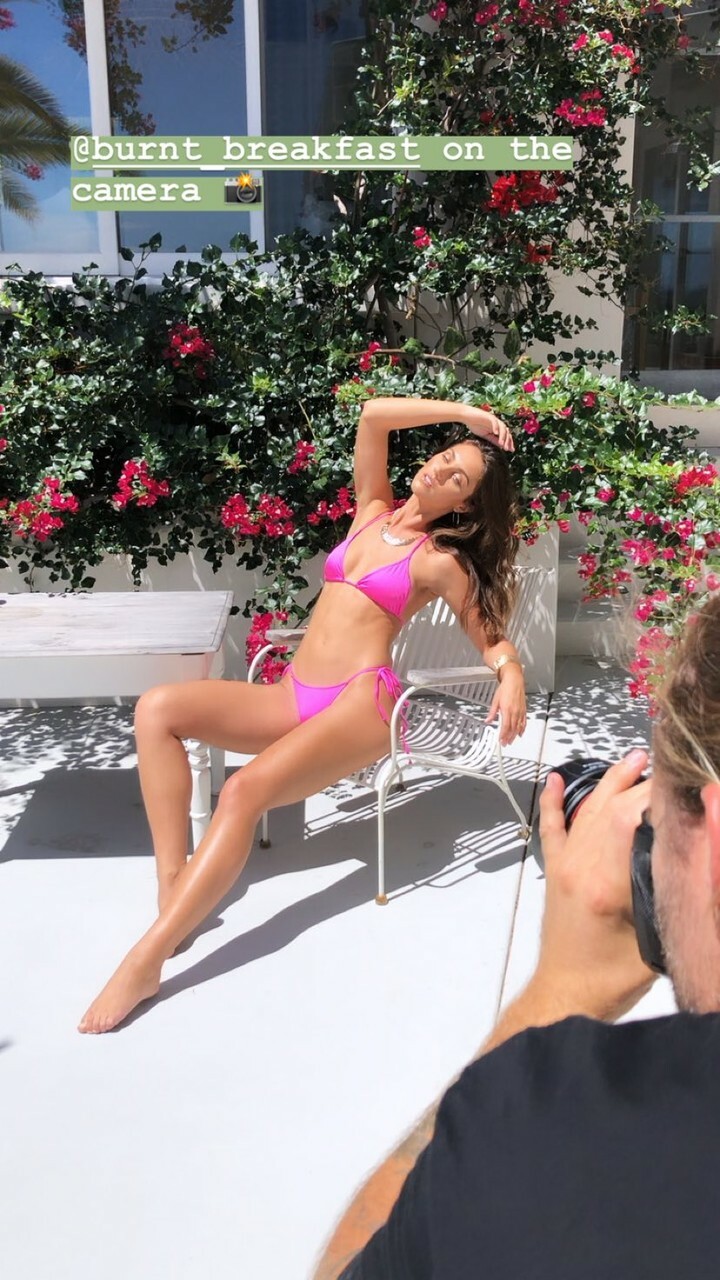
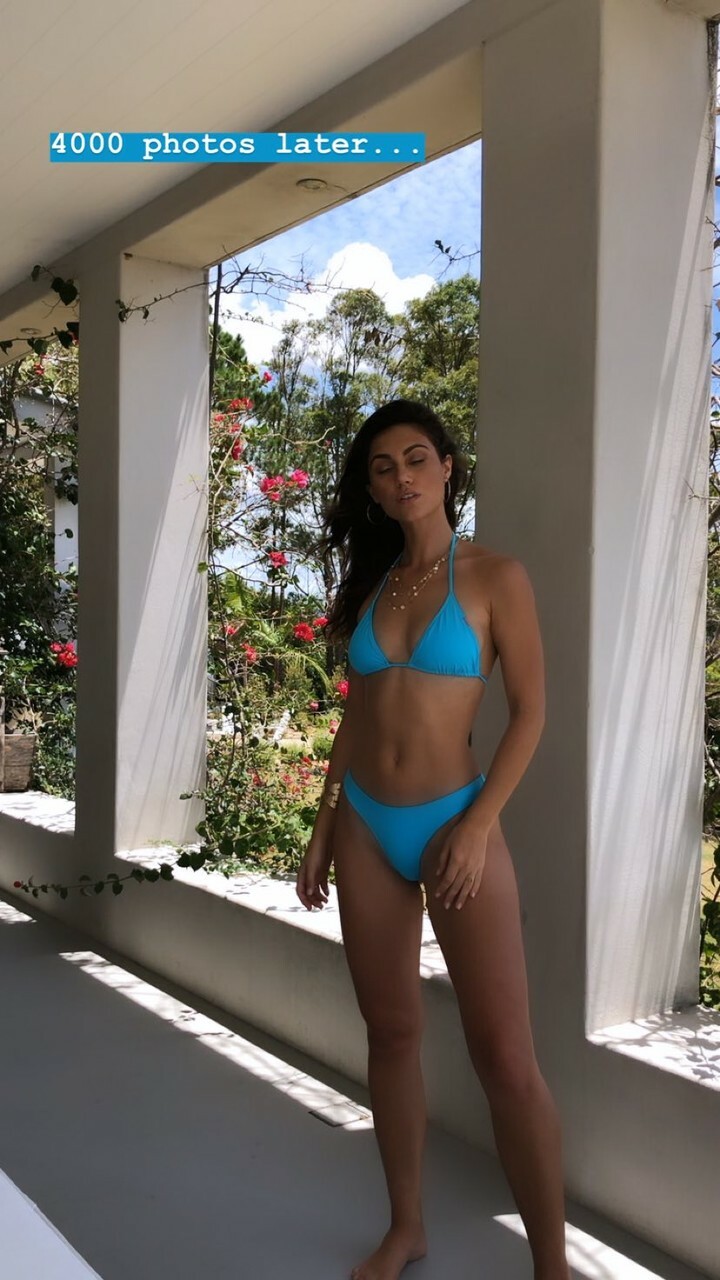
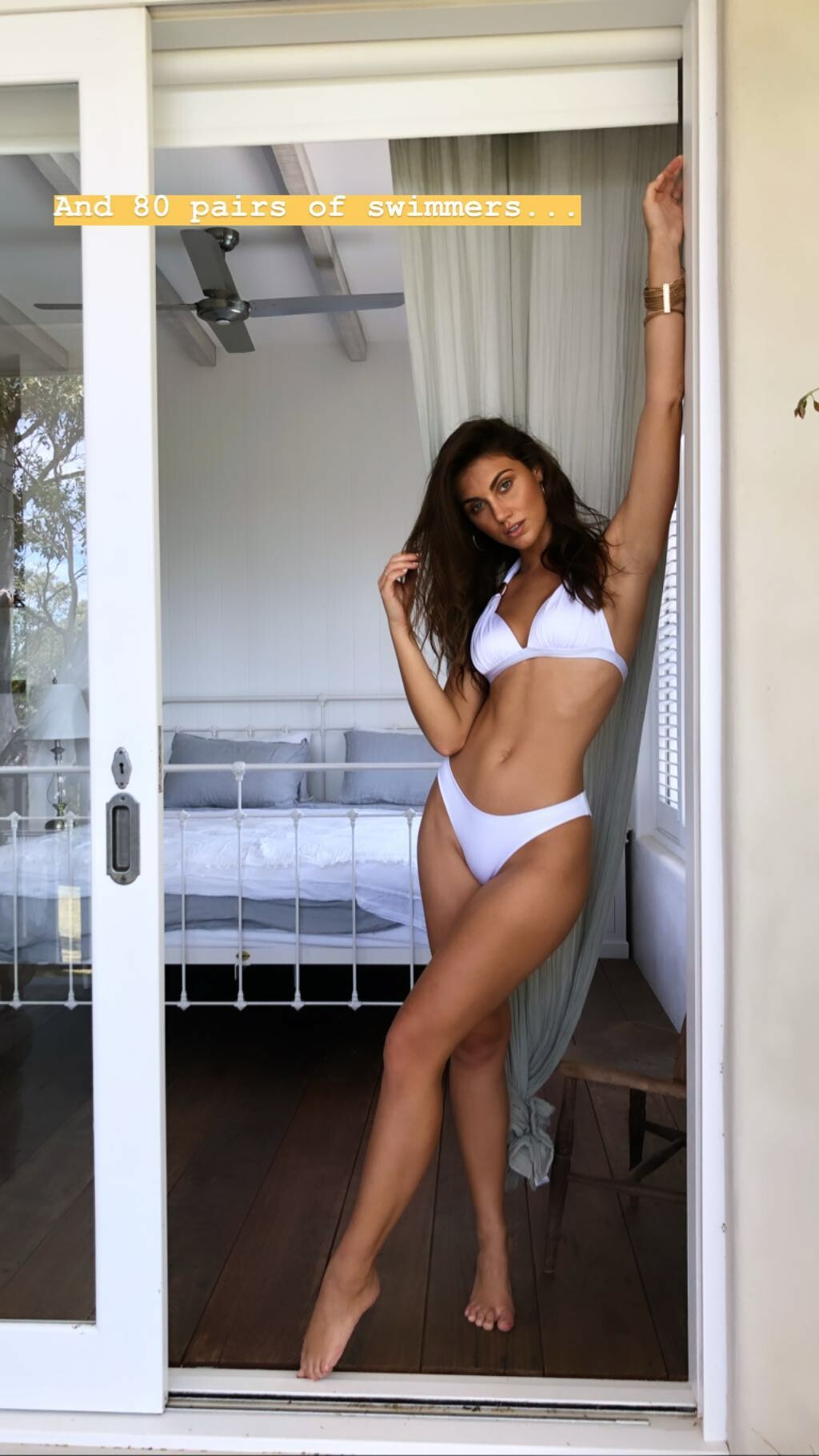
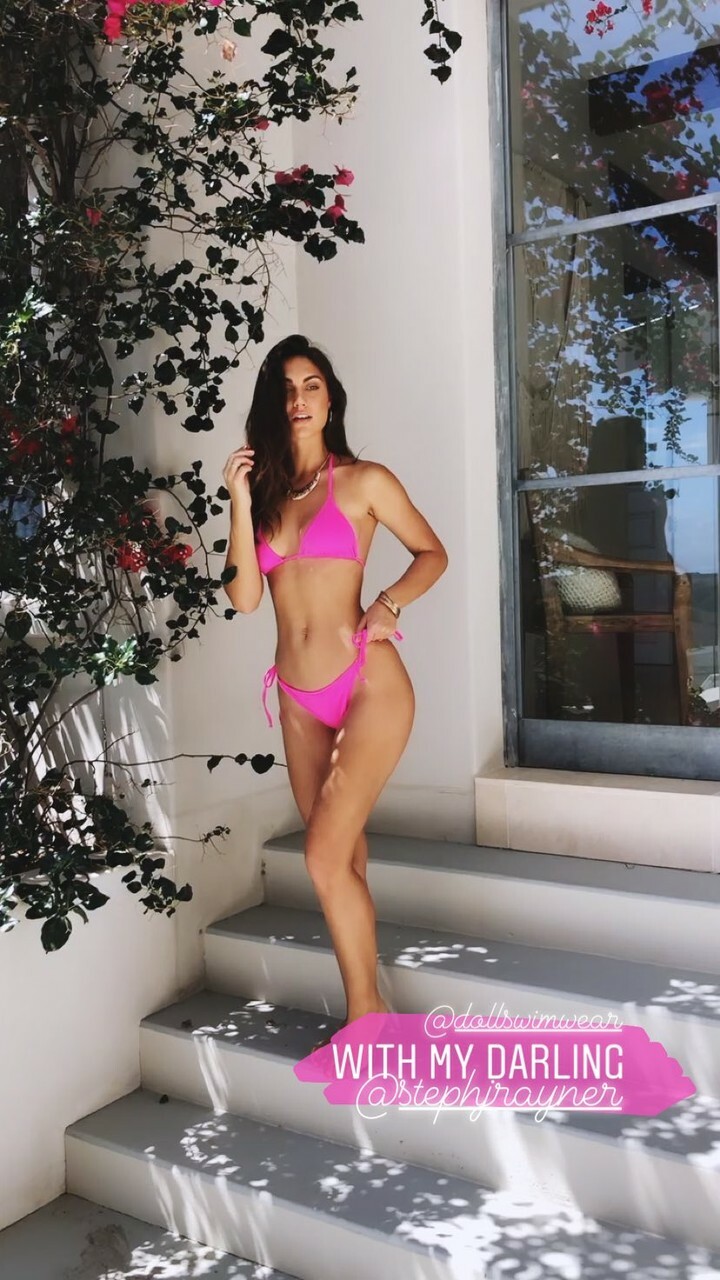
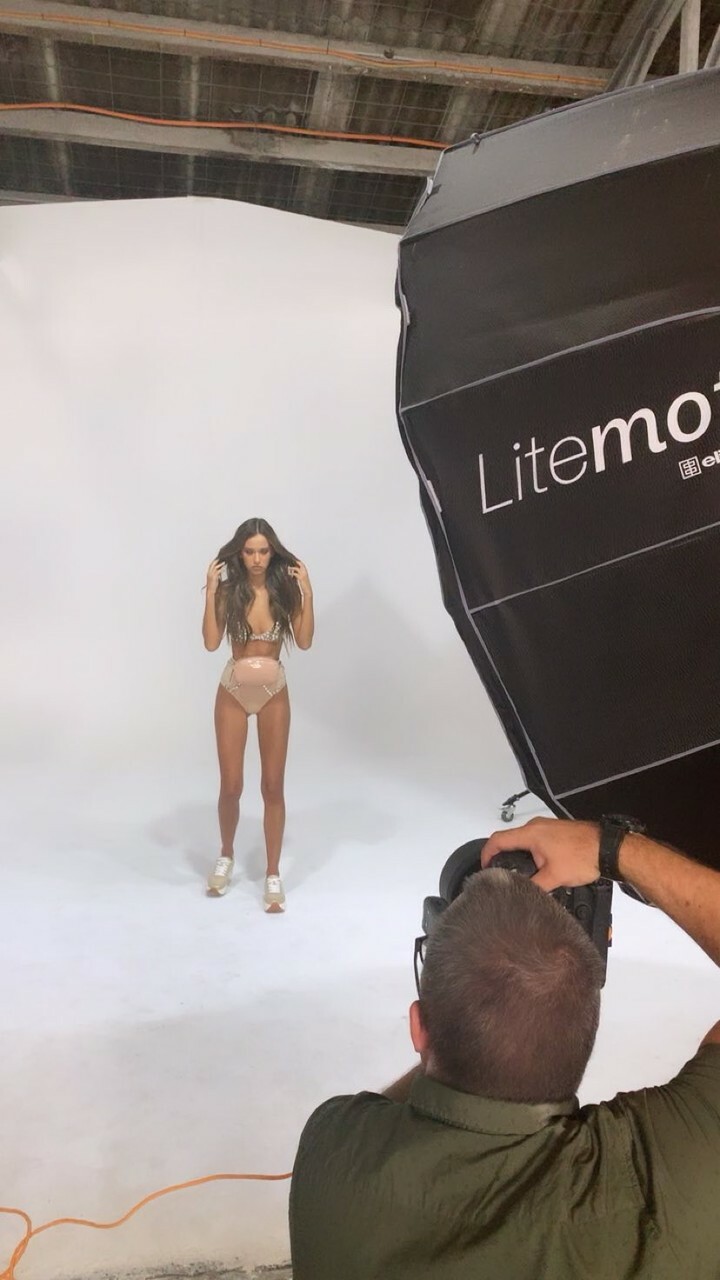
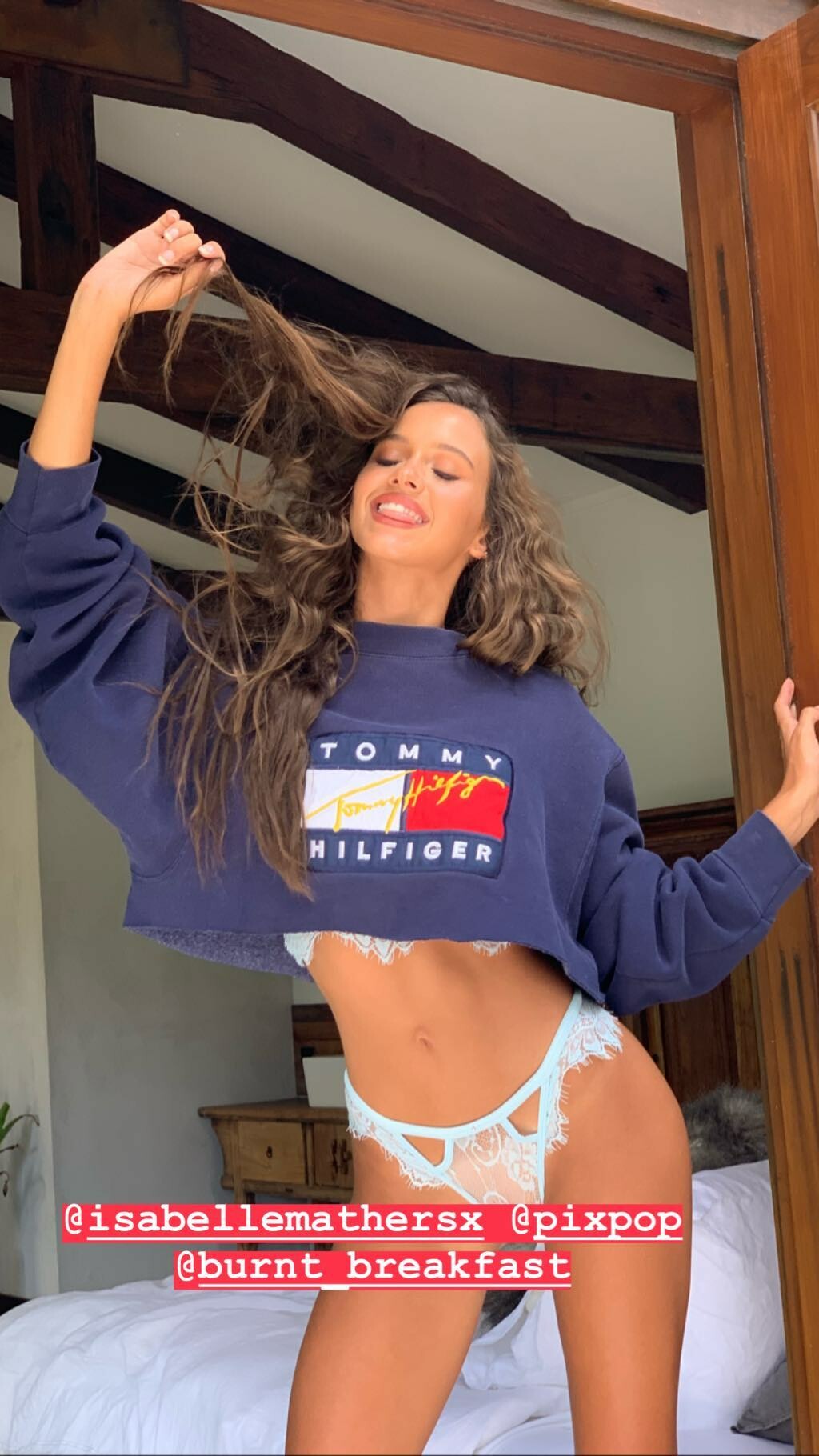
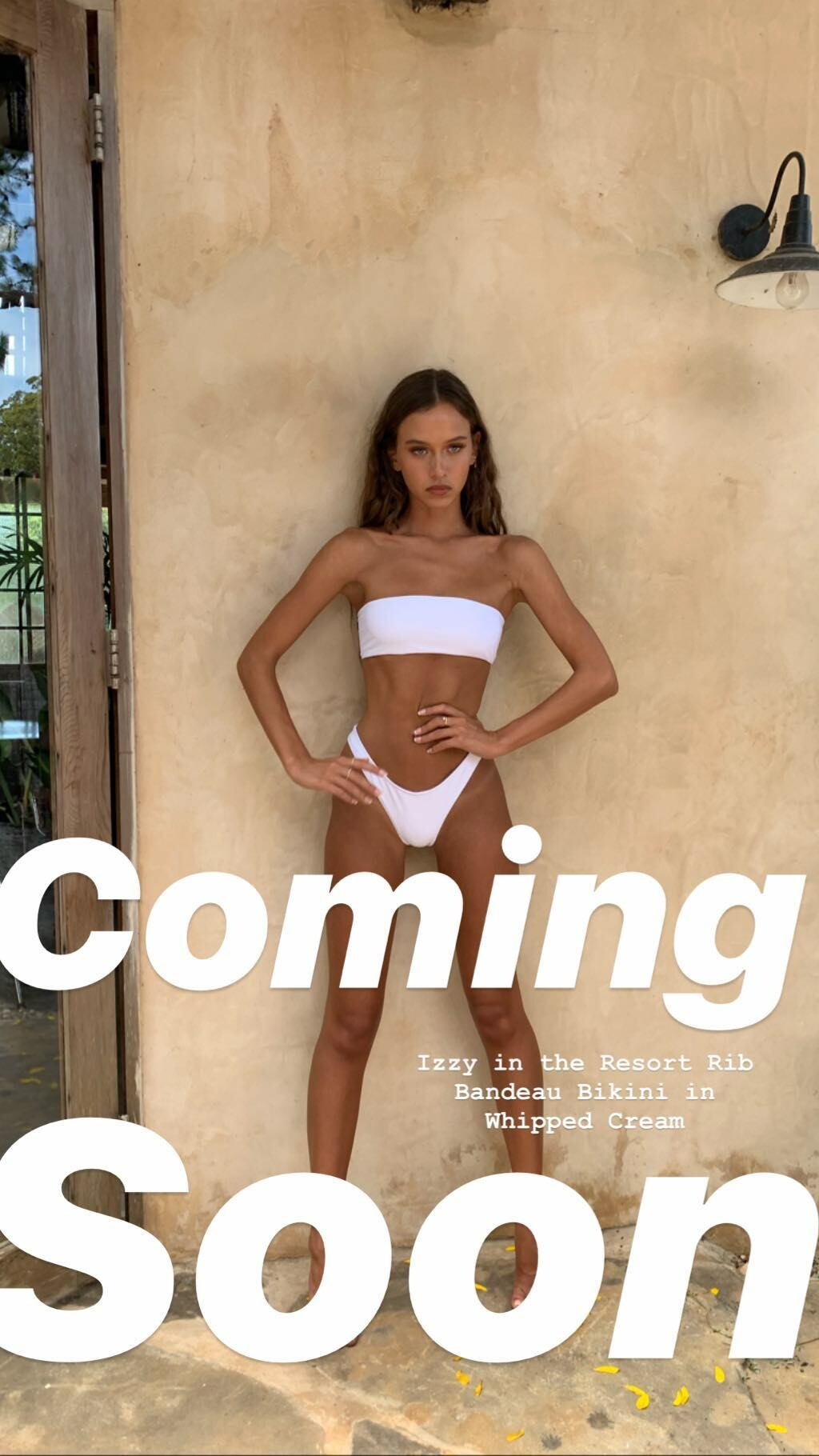
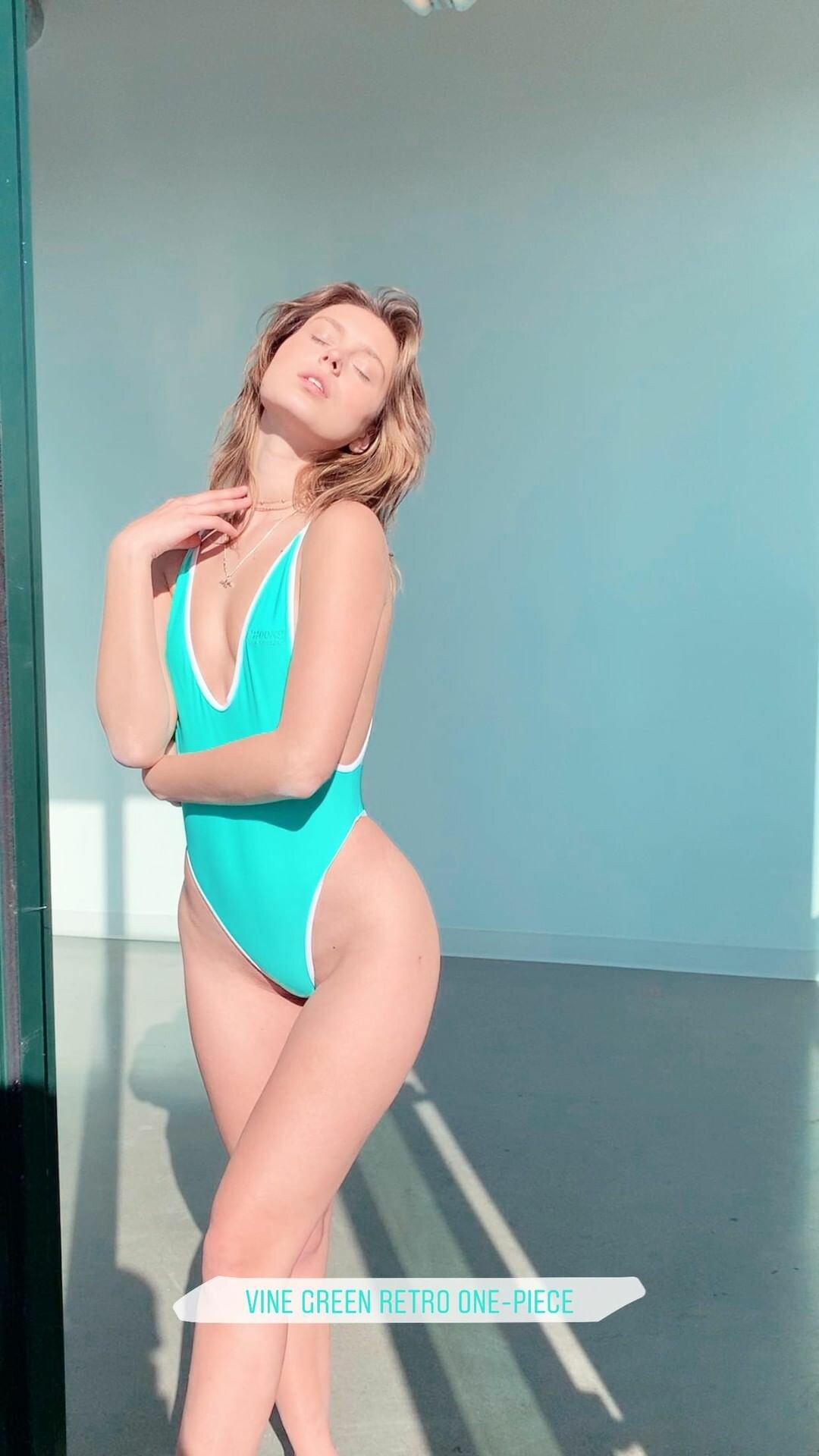
IG Story (02.02.19) Photoshooting for @dollswimwear by @pixpop and @burnt_breakfast 51462169_117588899321036_3130852784193228249_n.mp4 51710696_240831843501416_3878151562627961432_n.mp4 51907469_521864634969068_1181128773948197930_n.mp4 51515627_329254544358211_6137605022752129573_n.mp4







-
Mario Testino

-
IG Story (02.01.19) @bocciamilano

-
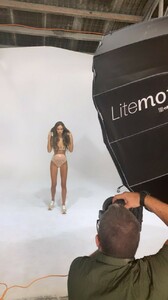
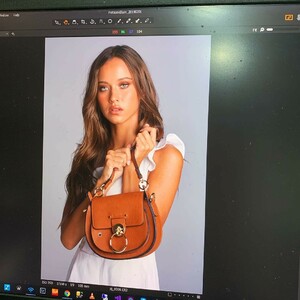
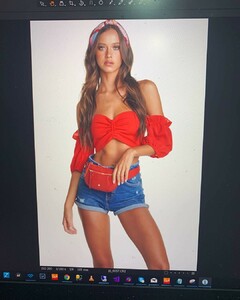
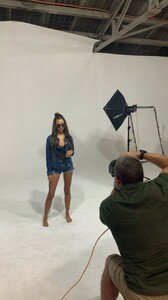
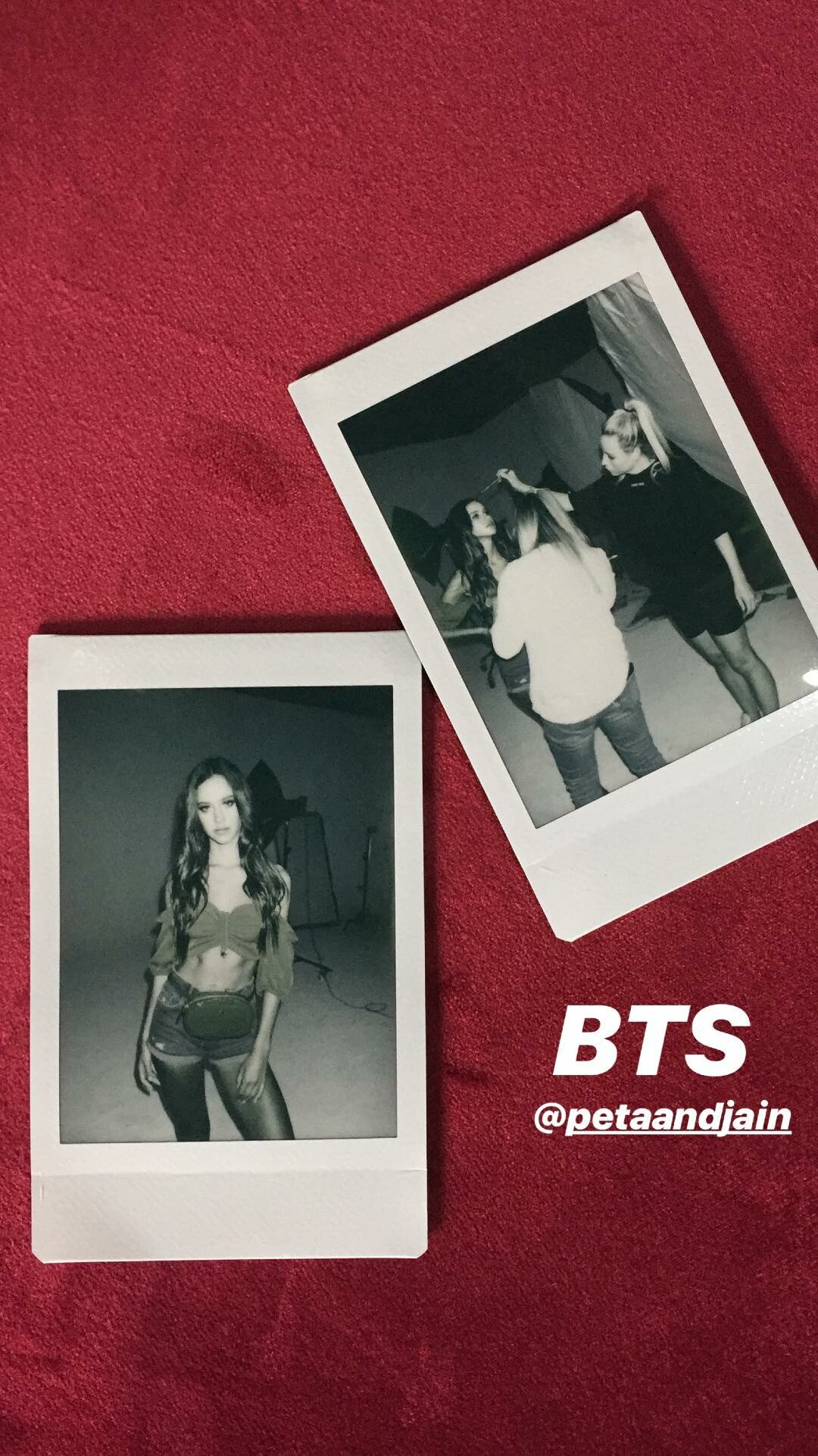
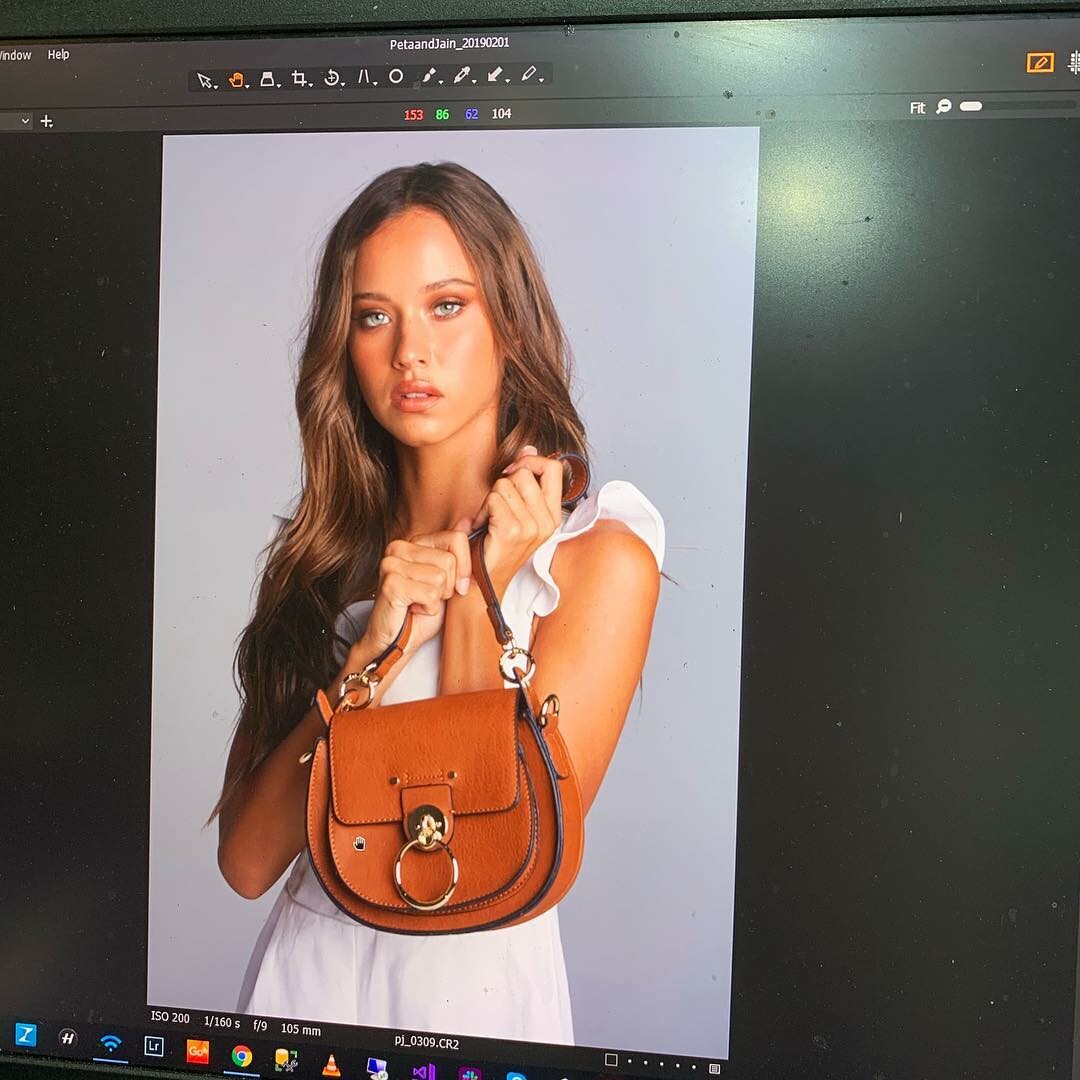
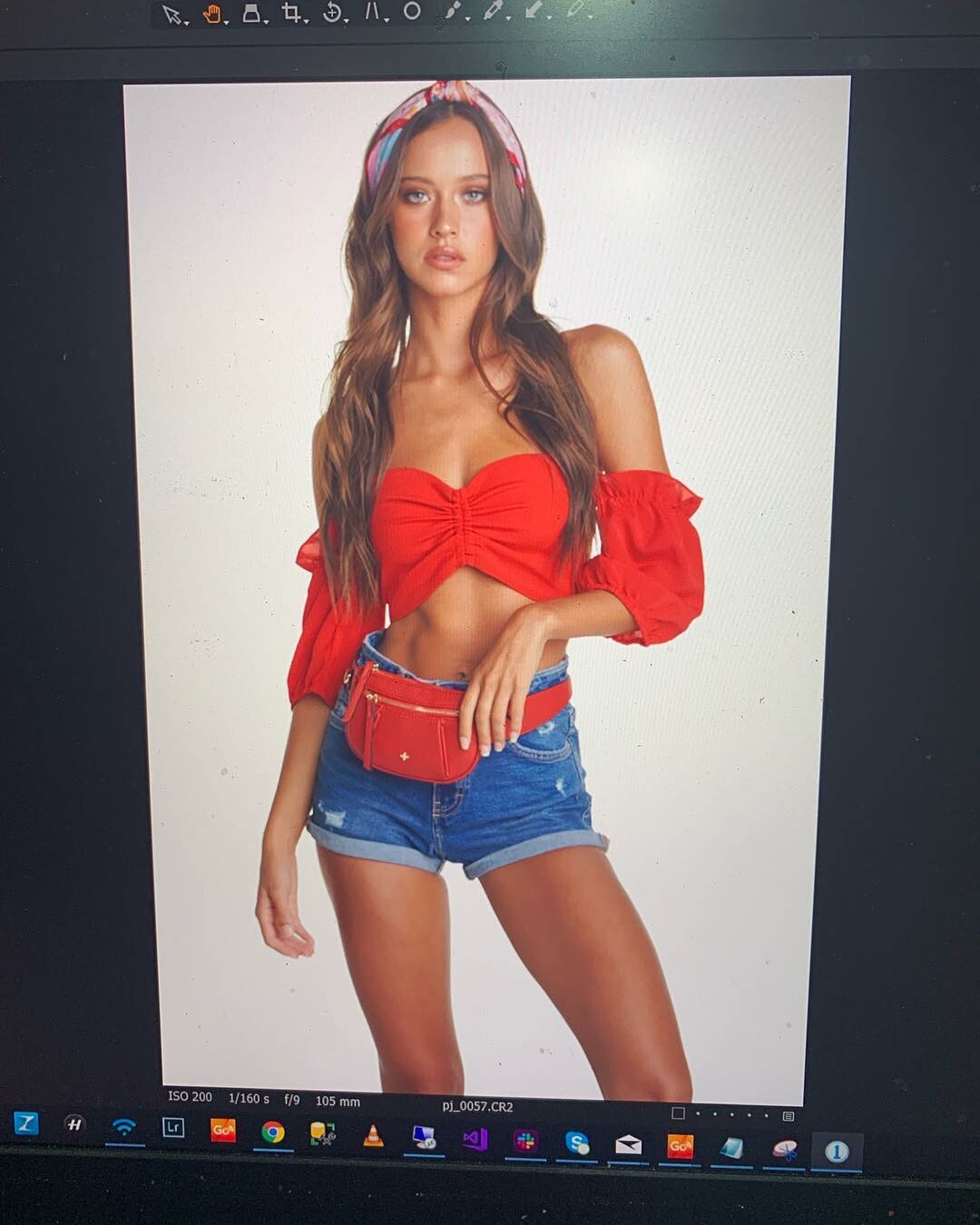
IG Story (02.01.19) Photoshooting for @petaandjain by @benscottphotographer 51356138_285080555495088_1178925807330144644_n.mp4 51512518_2351845861714723_3498448140935521843_n.mp4 51327299_813443089006286_4561021345794529836_n.mp4 51647696_1095752413919376_8374256243973567372_n.mp4 51682506_613118509128155_2869184734108716565_n.mp4





-
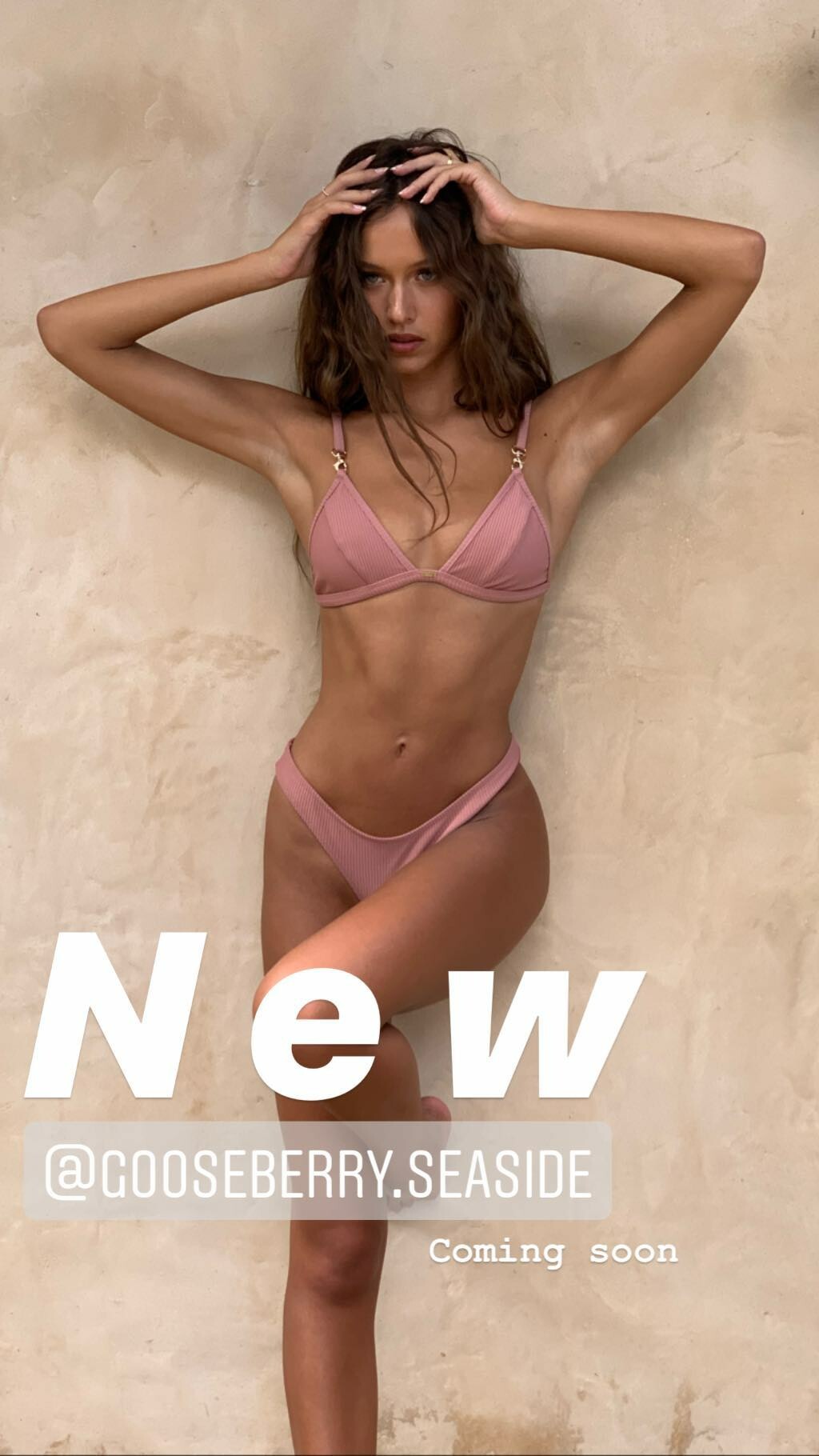
IG Story (02.01.19) @gooseberryintimates 51803736_353437342160995_820368436622435453_n.mp4

-
BTS 46417036_2120209111375981_1752738180743425561_n.mp4


-
-
@burnt_breakfast Nudity
IG Story (01.31.19) Photoshoot for @gooseberryintimates by @pixpop and @burnt_breakfast Nudity 51452593_565693073908100_1506853759624895544_n.mp4 51275526_2320157294684789_4049780151463049199_n.mp4 Nudity








 IG Story @radiantchild
 IG Story (01.30.19) Photoshoot for @gooseberryintimates by @pixpop and @burnt_breakfast Nudity 2019-01-29 19.46.43 1967906897316528411_838414191.mp4 51174191_530474044105457_6822674609049789168_n.mp4 2019-01-30 03.57.56 1968154181375614630_838414191.mp4 51467225_230885874533139_4067781514836625484_n.mp4 51373764_336392987207732_6304073127856963584_n.mp4 Nudity








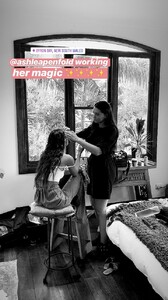






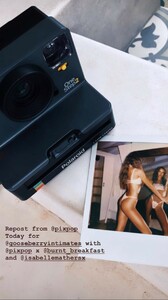

 @boutinela 51328921_283605042318329_4802583659533743312_n.mp4
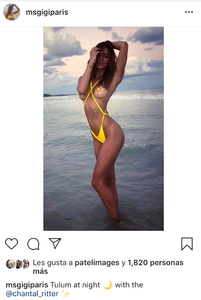
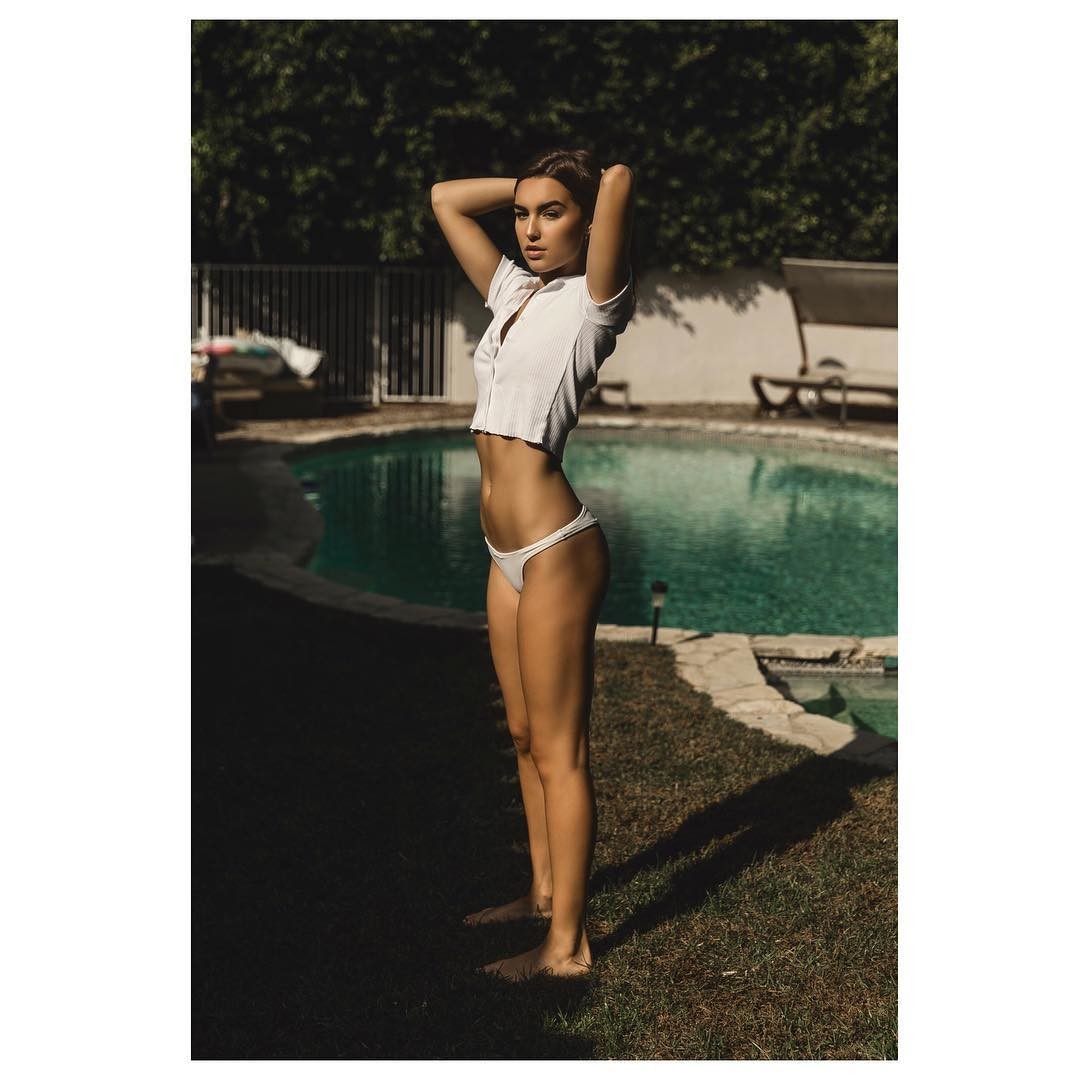
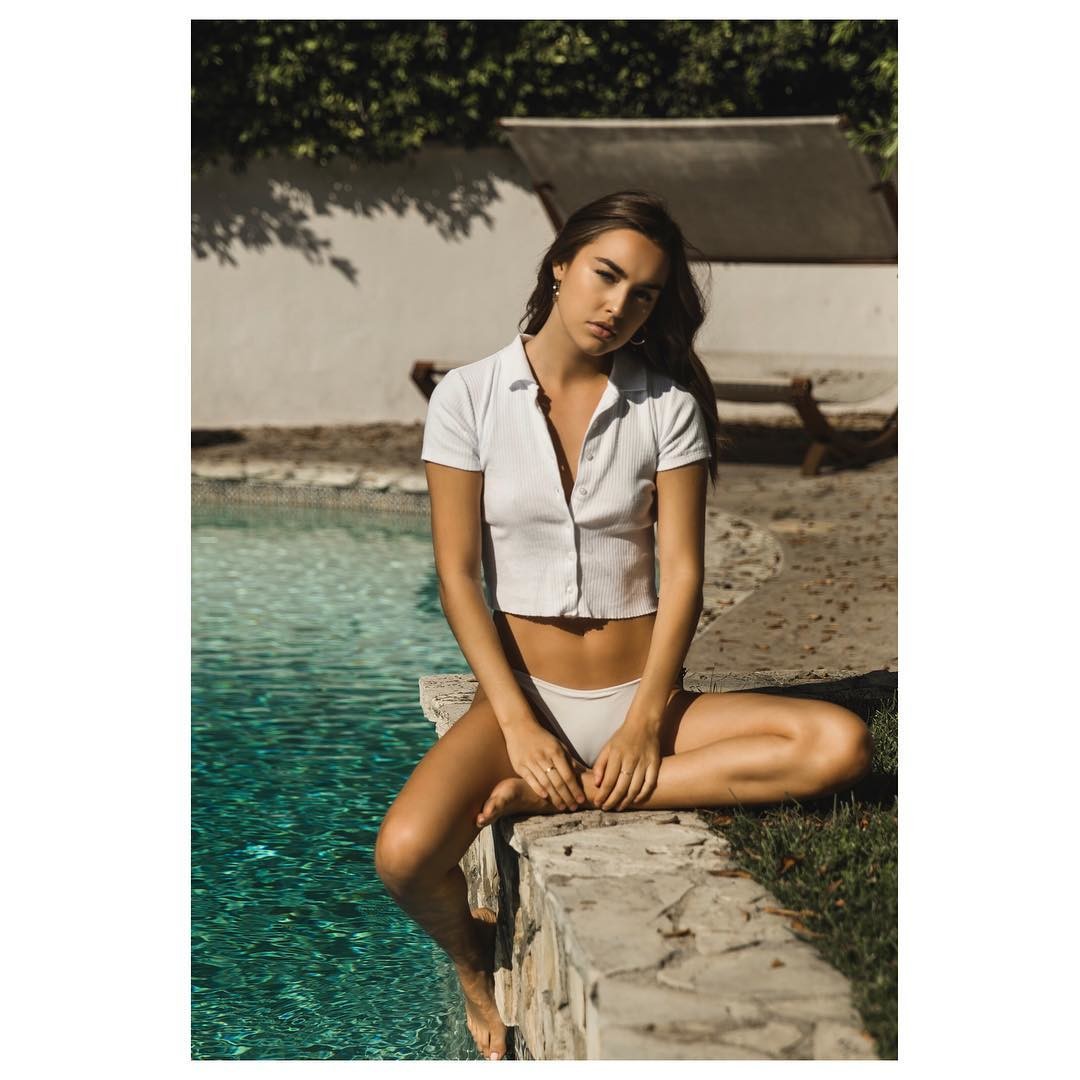
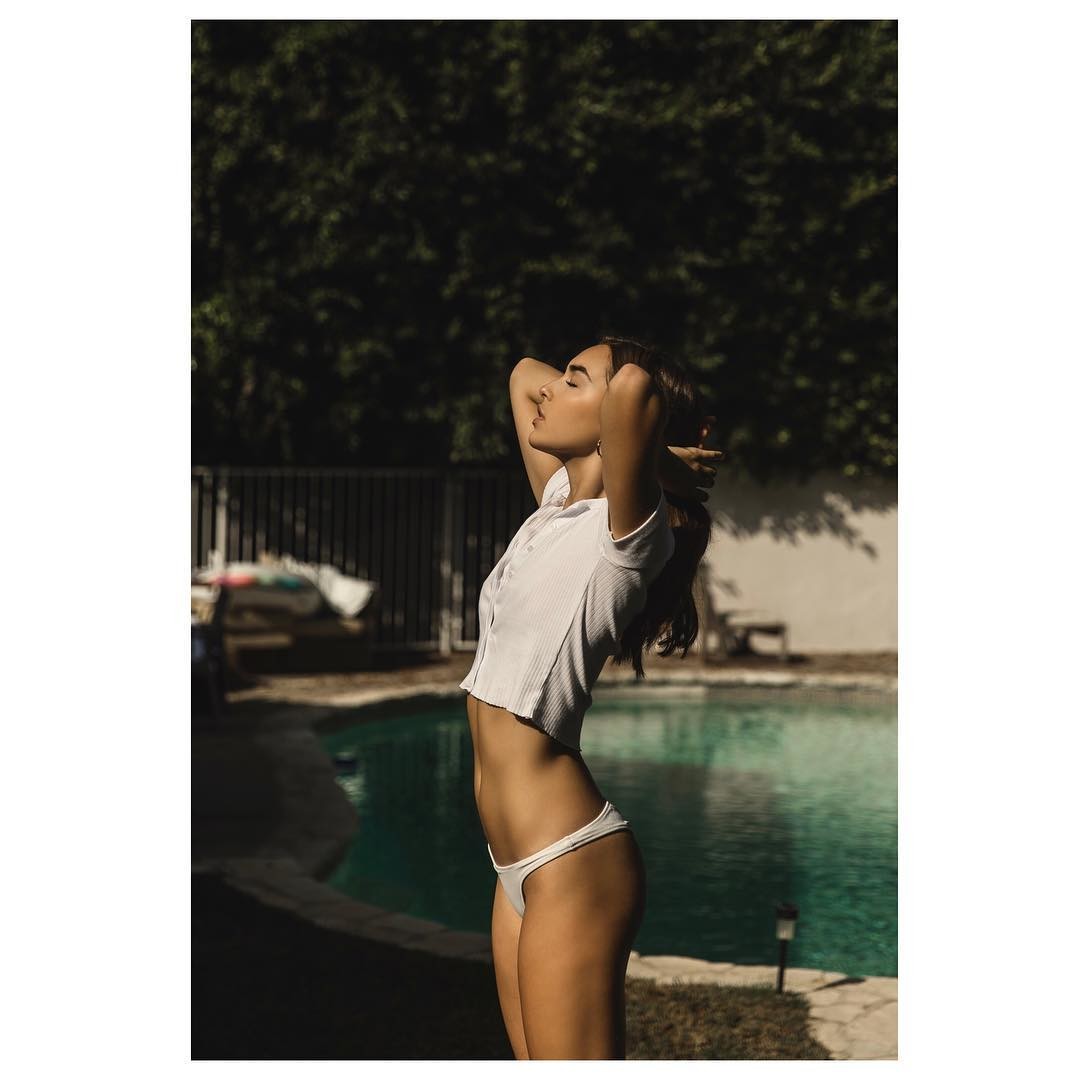
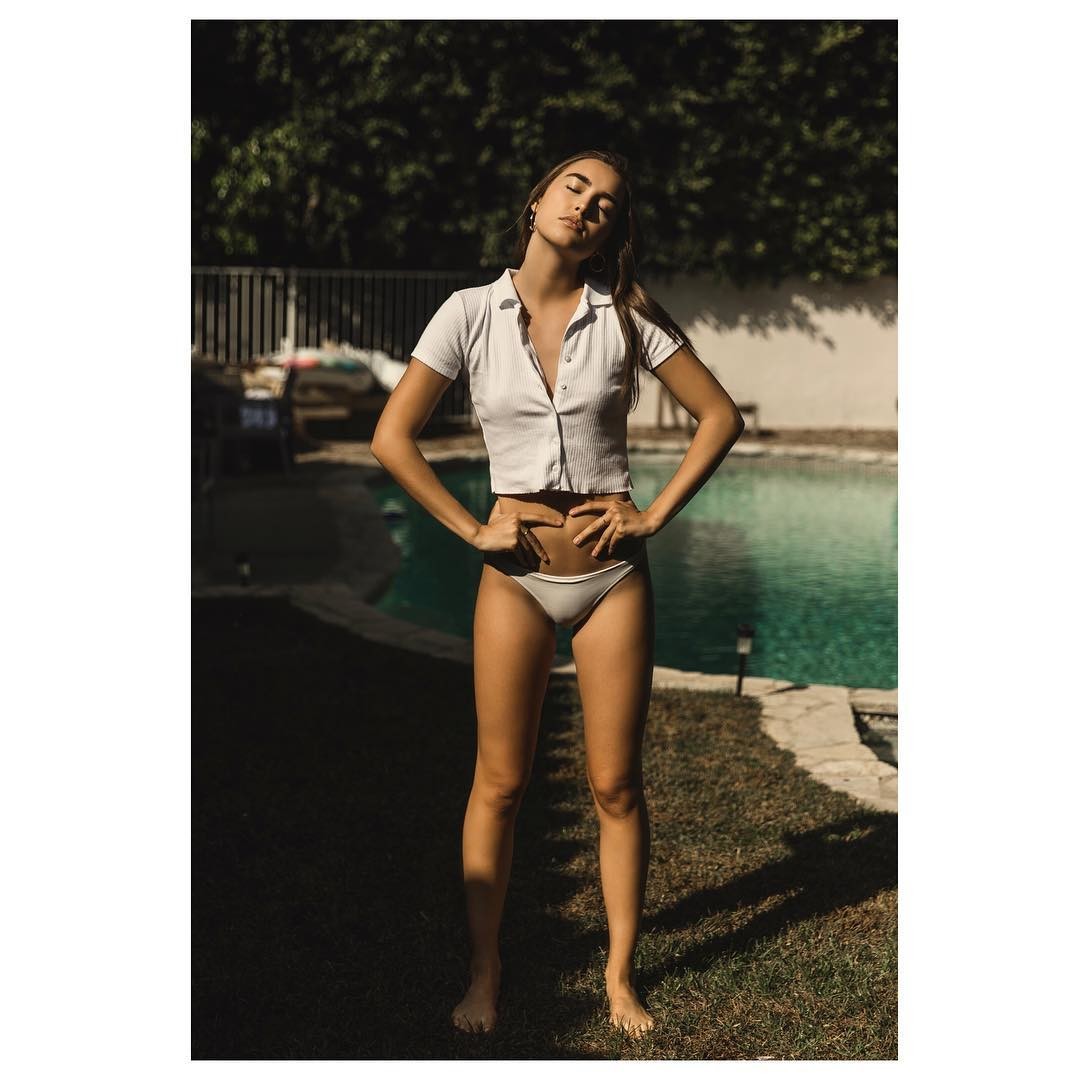
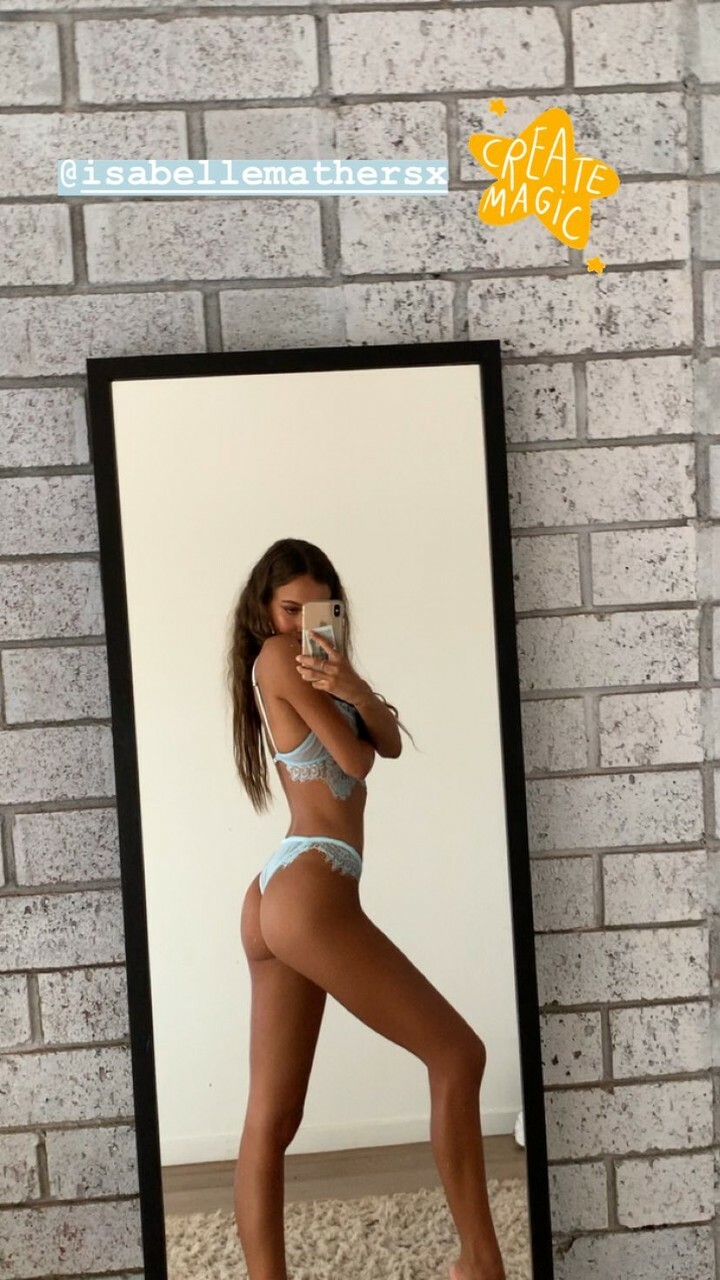
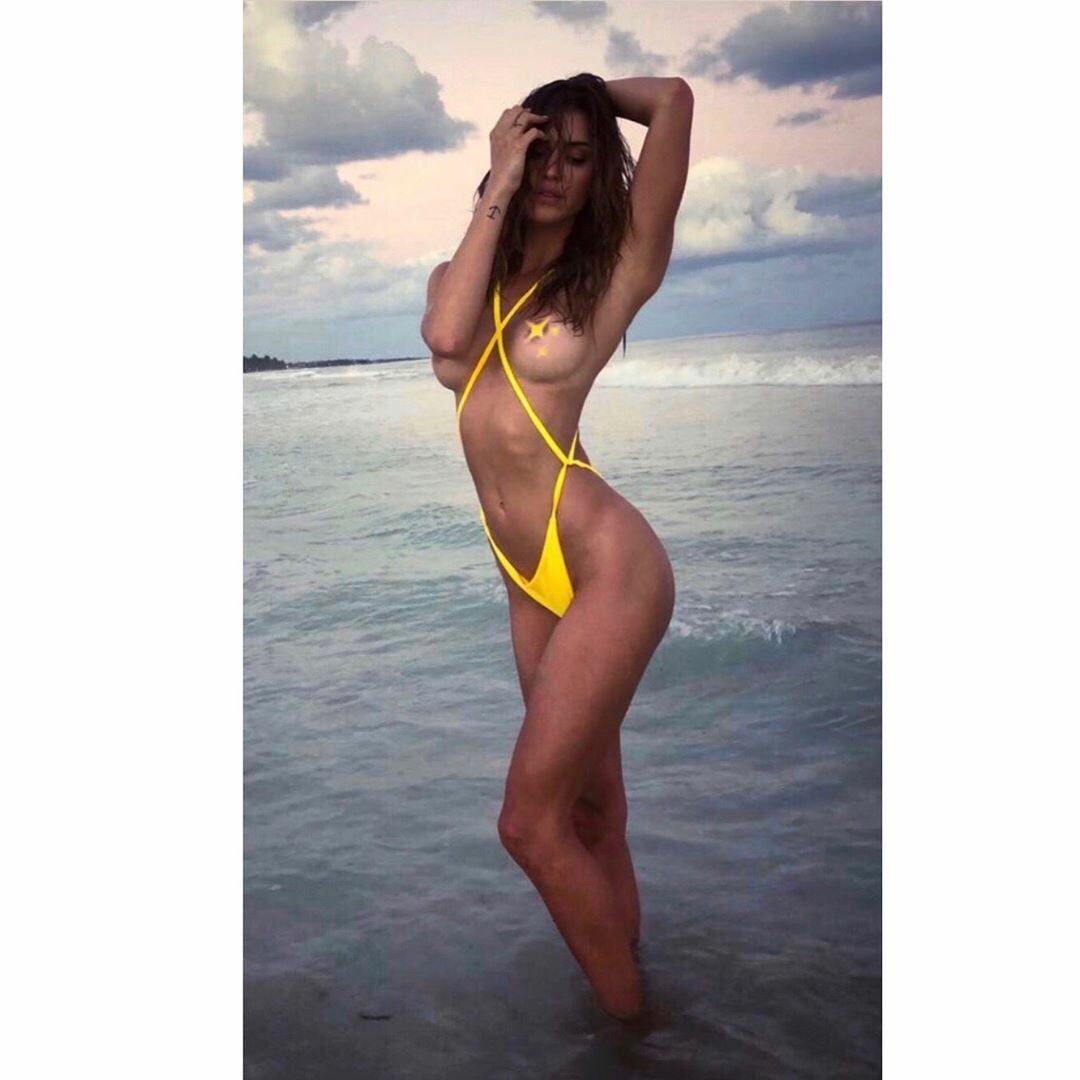
 Deleted IG (posted 2019-01-28 19:26) Nudity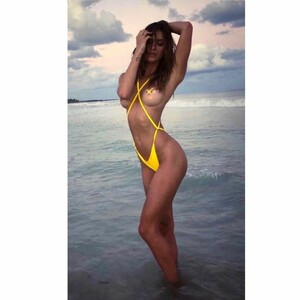
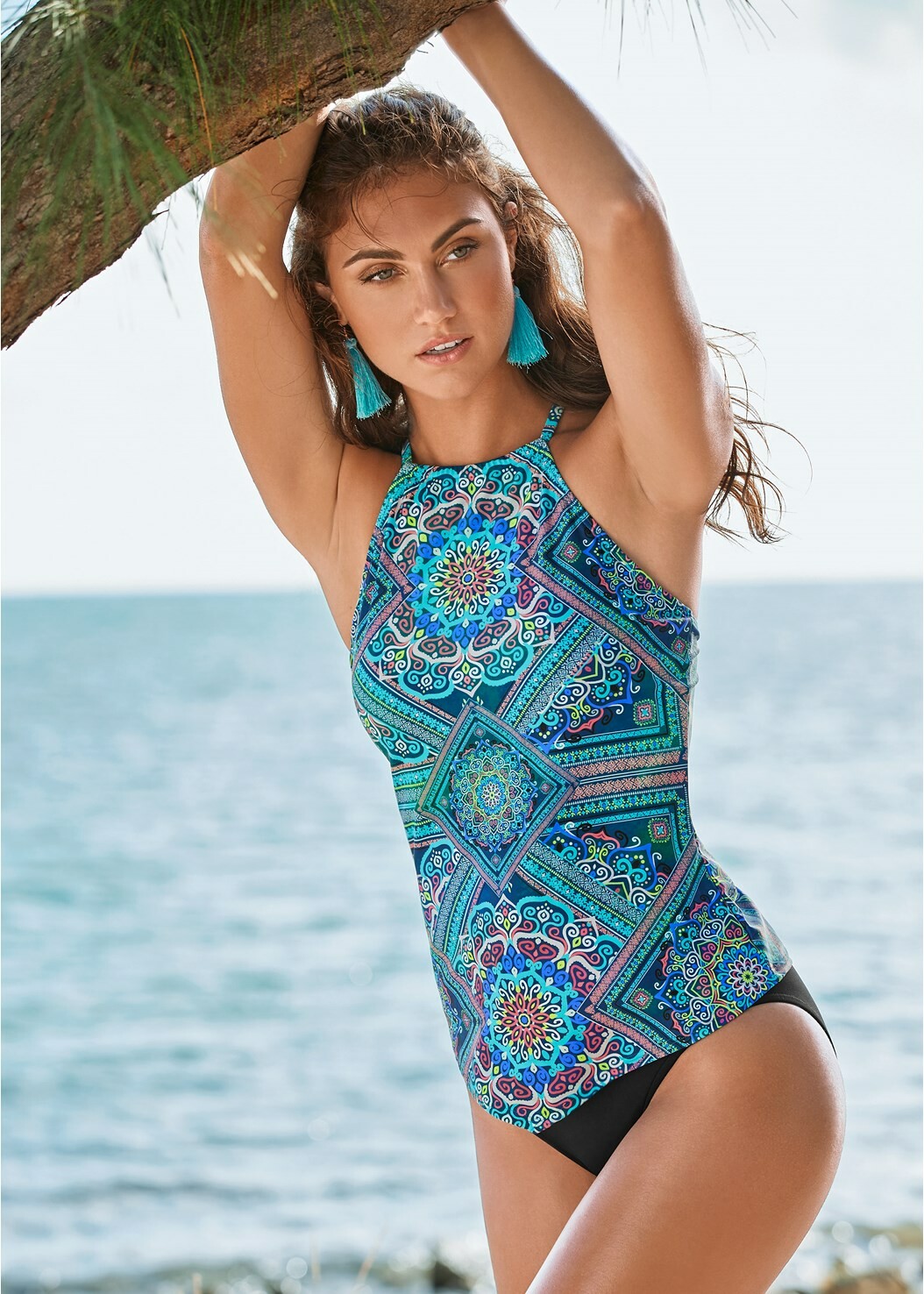
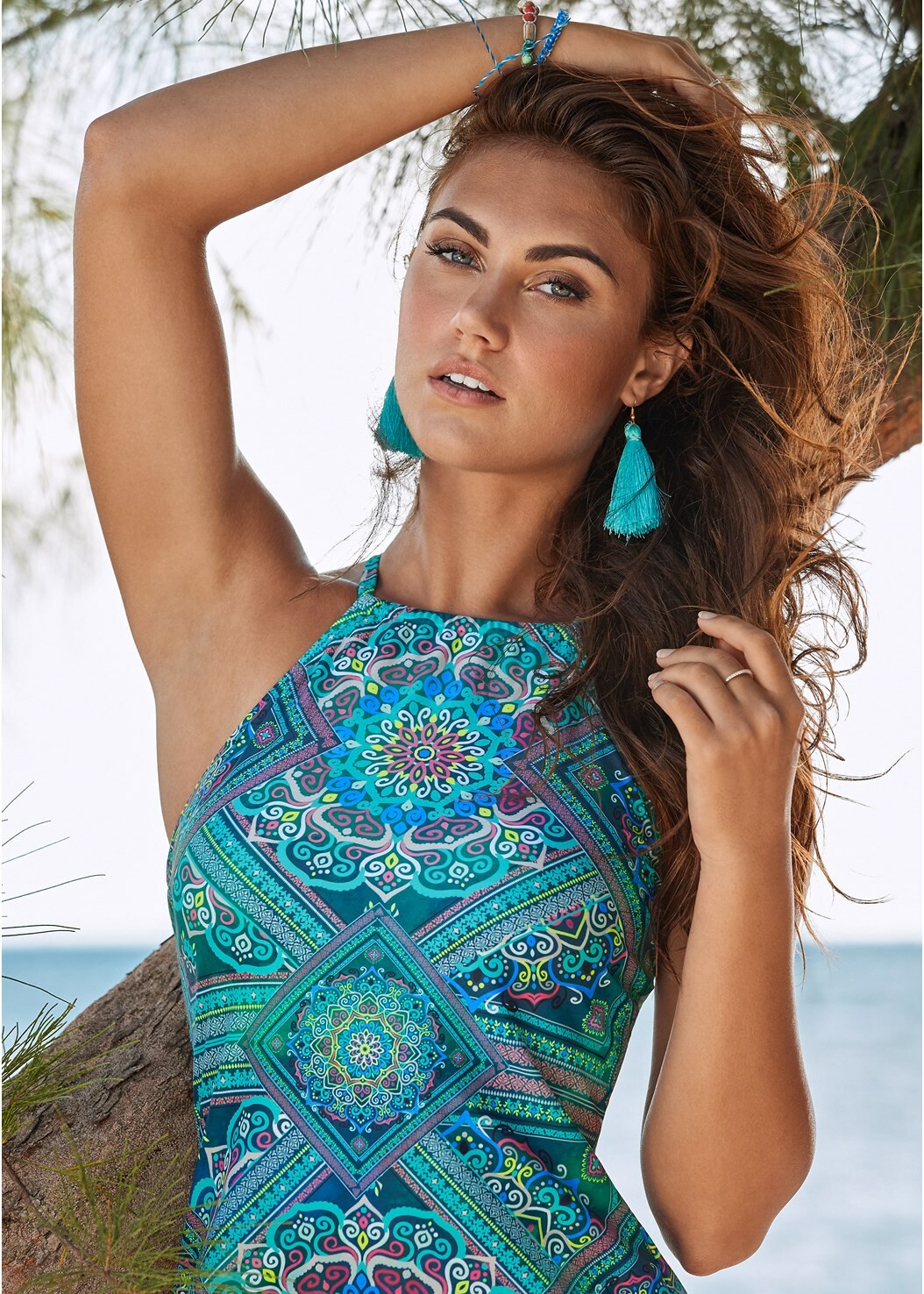
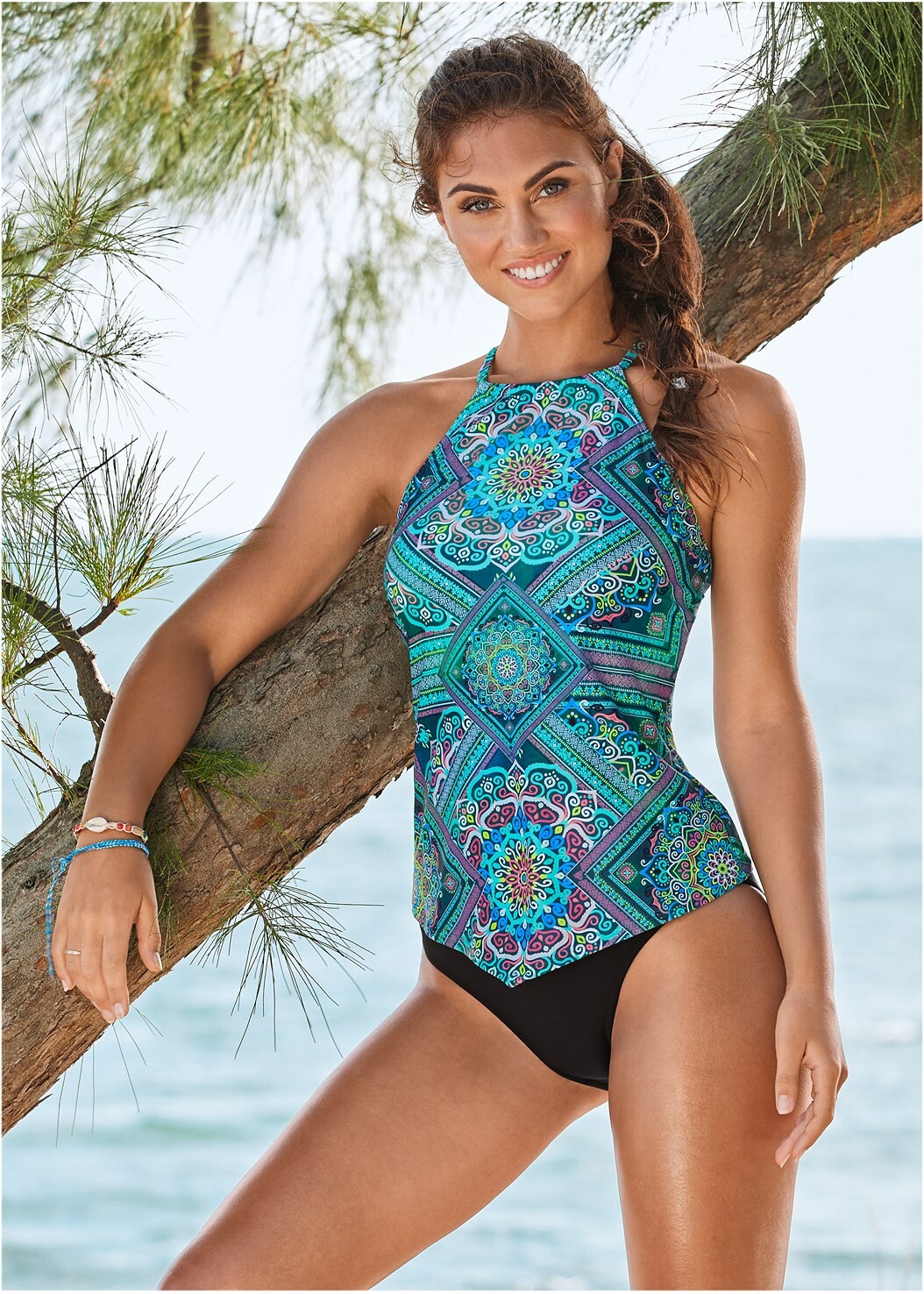

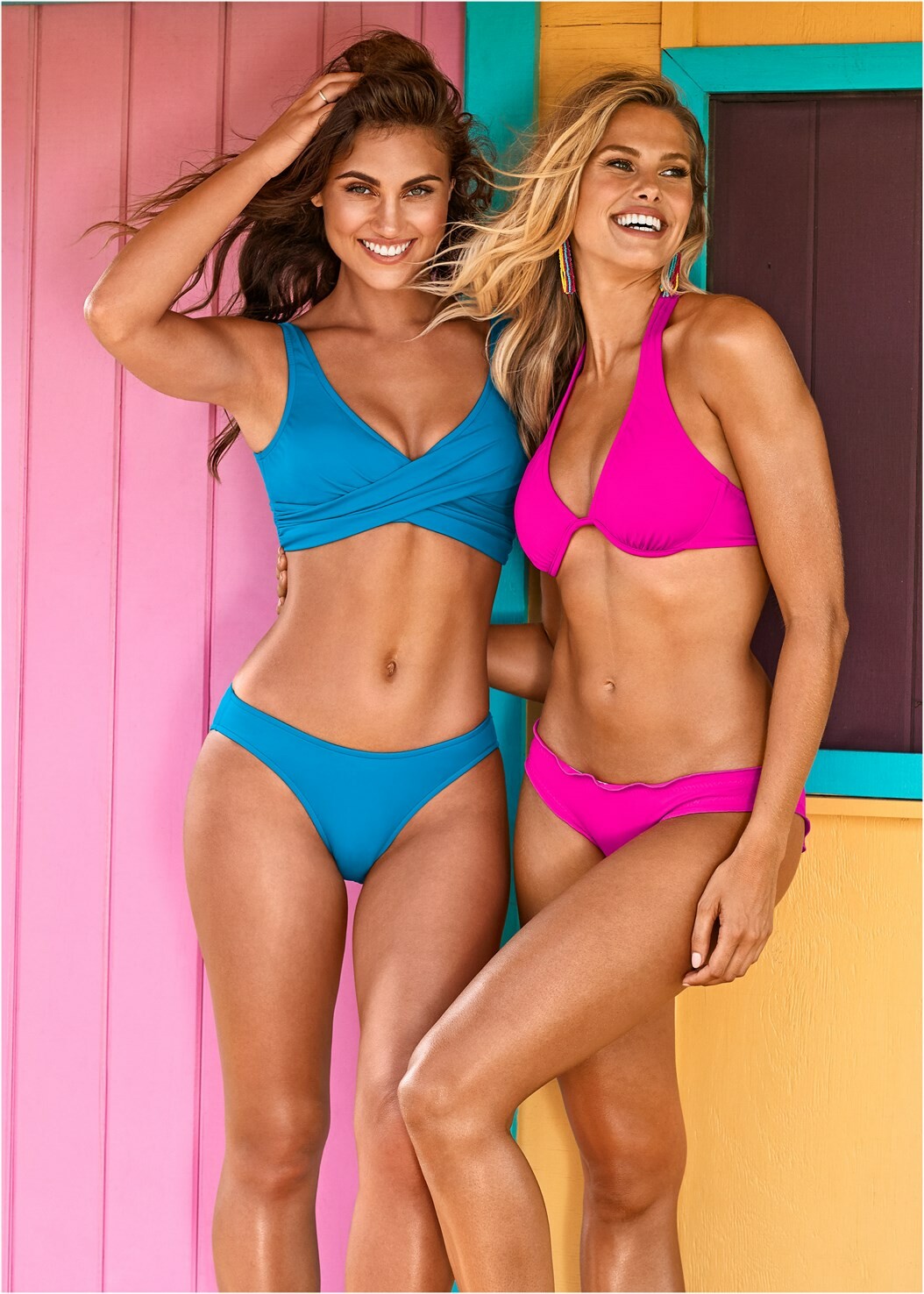
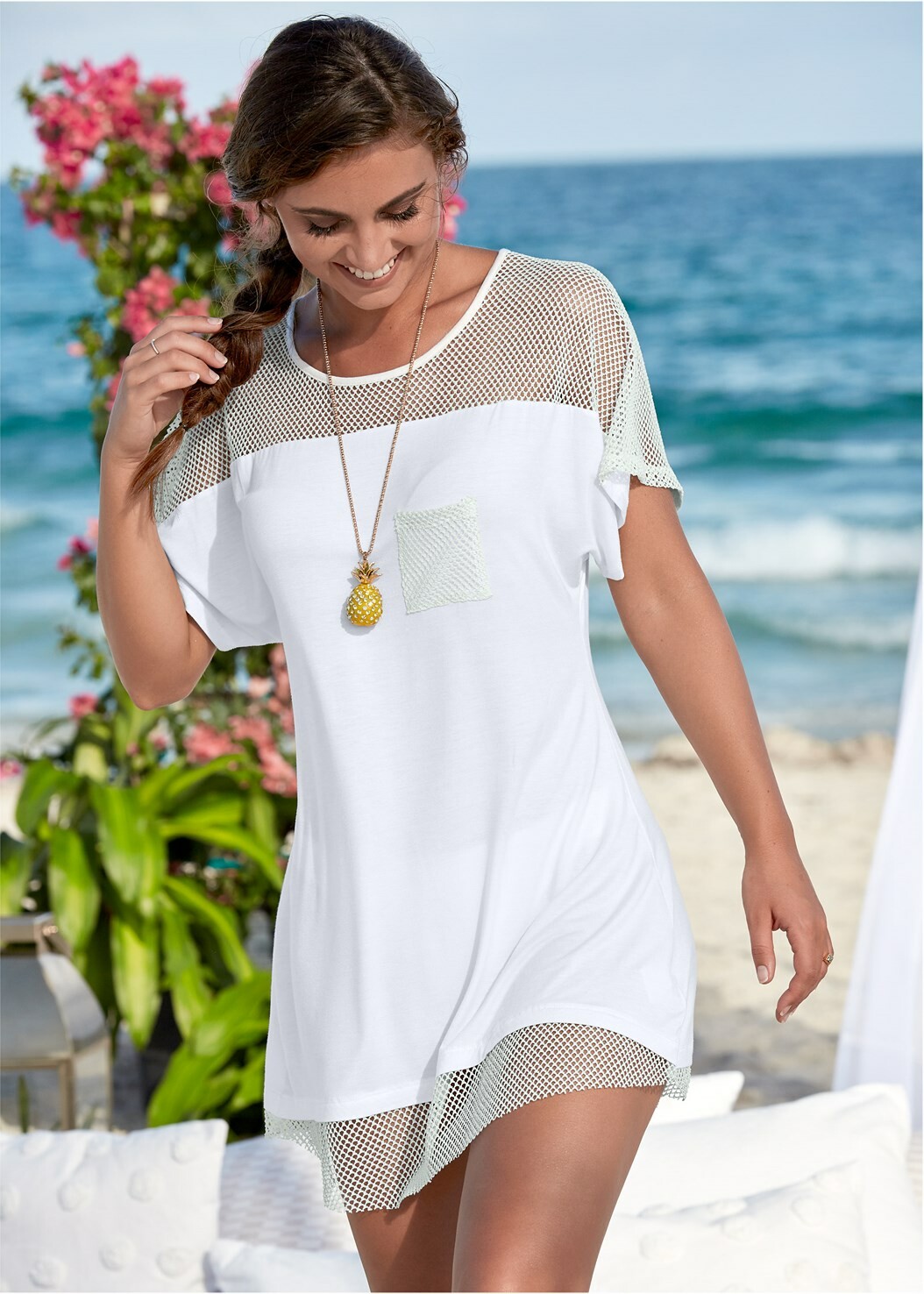
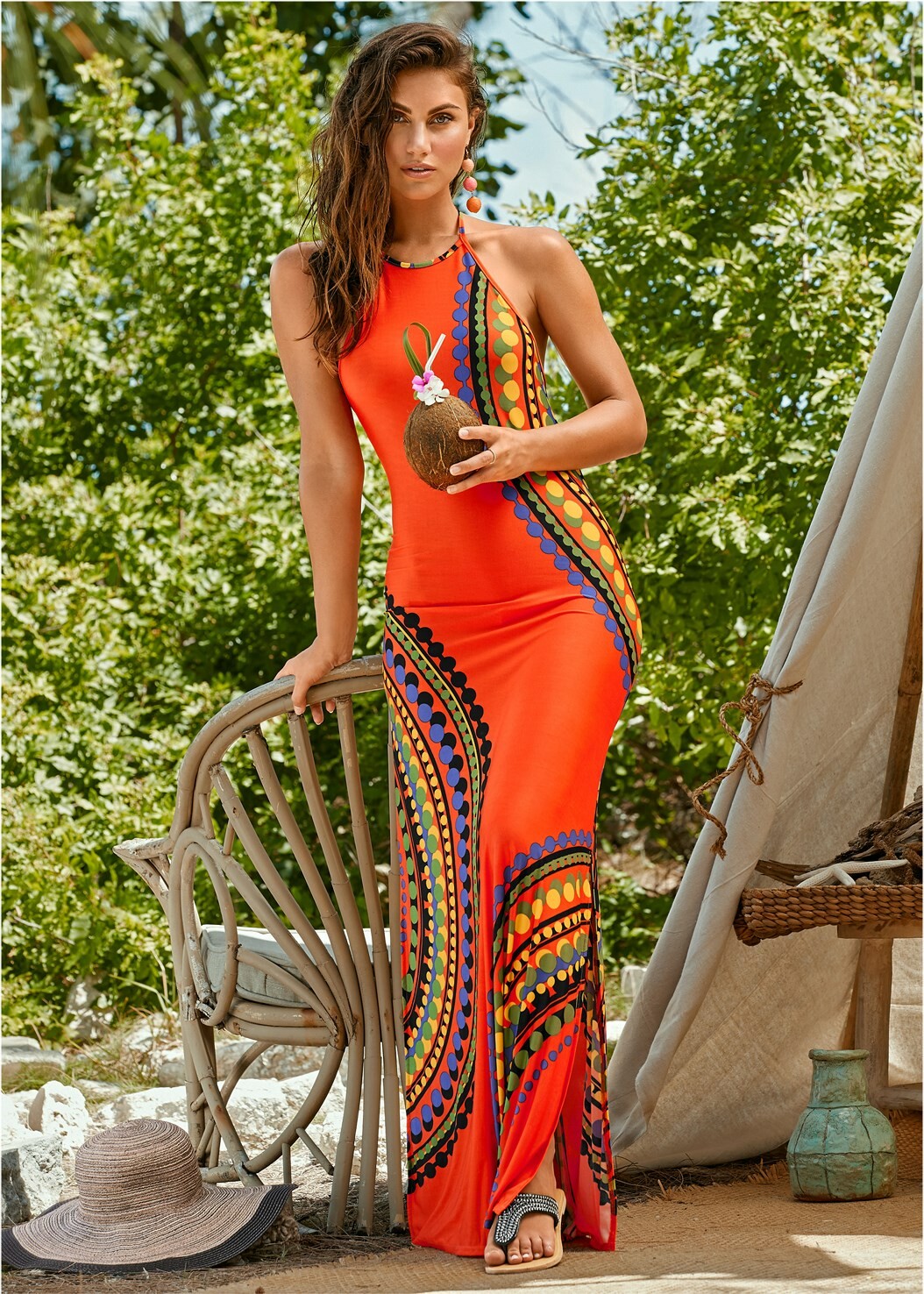

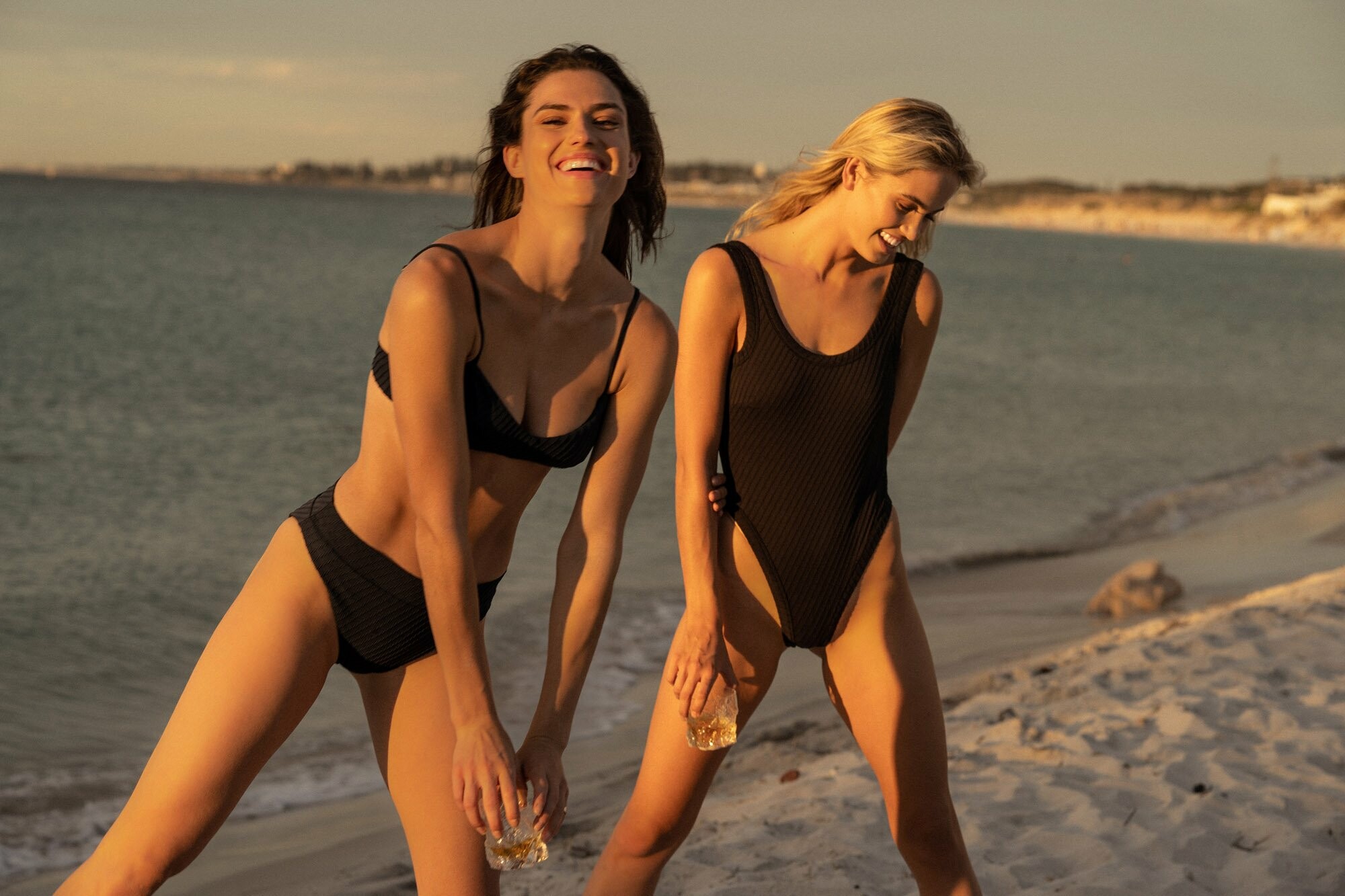


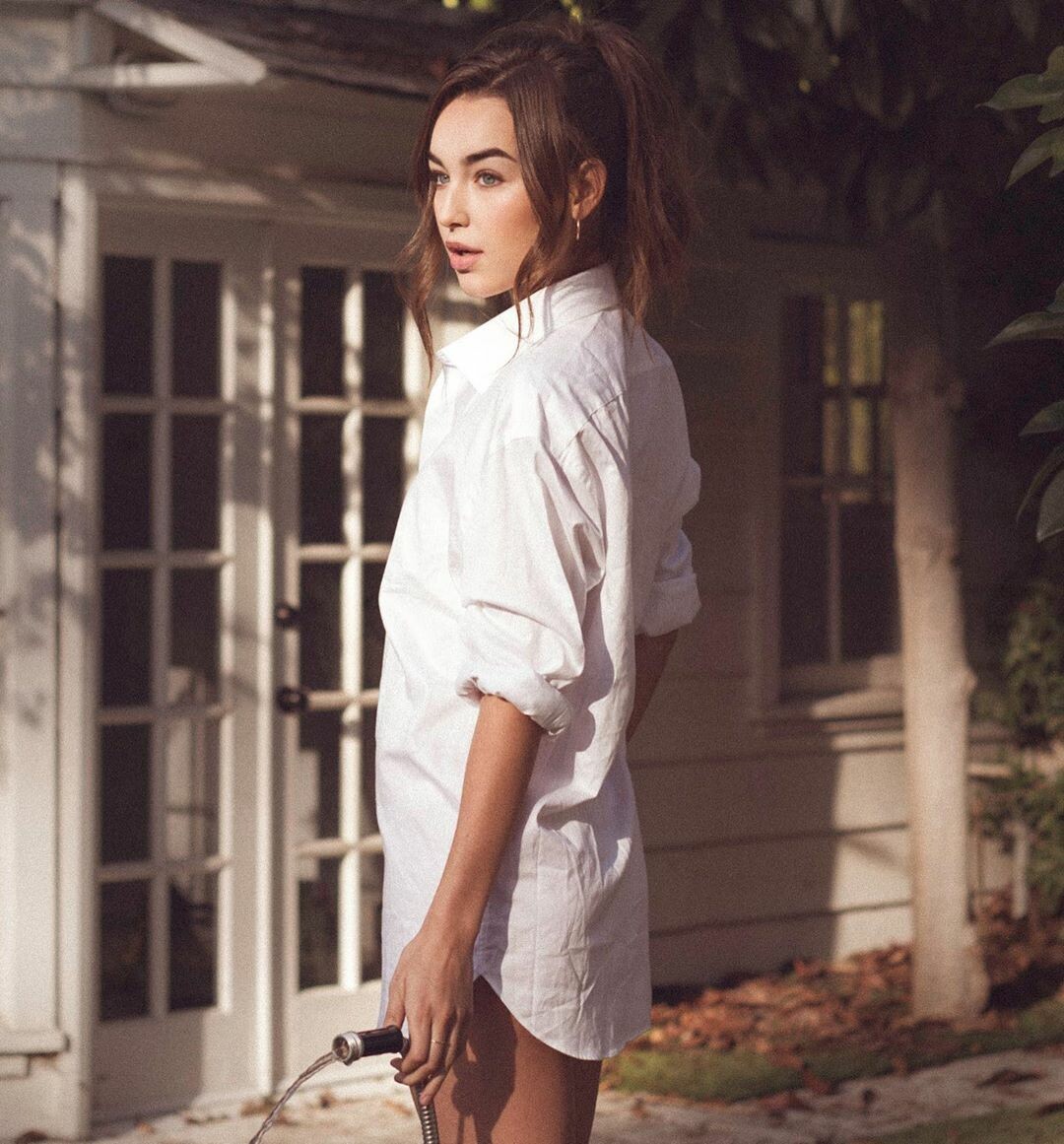


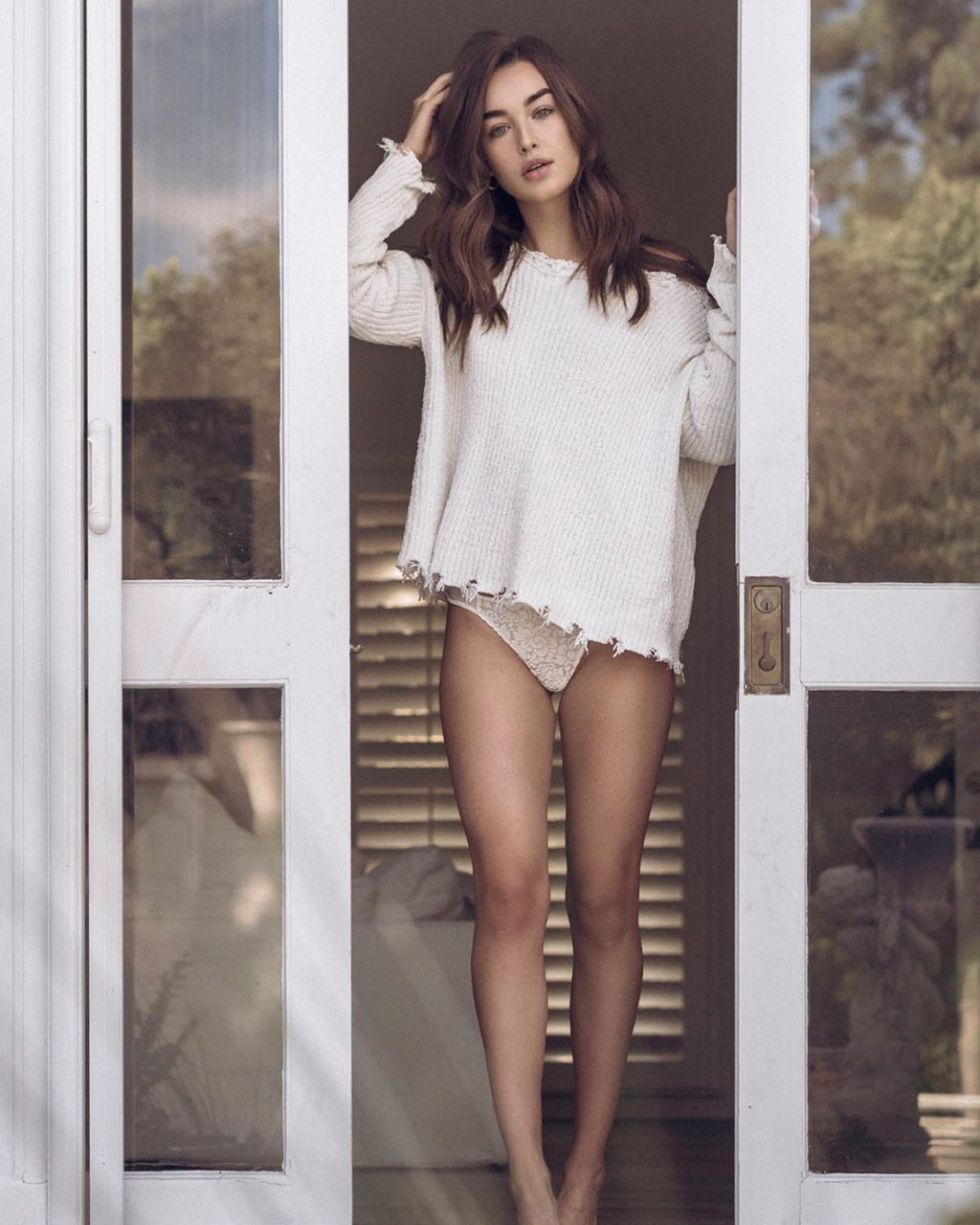
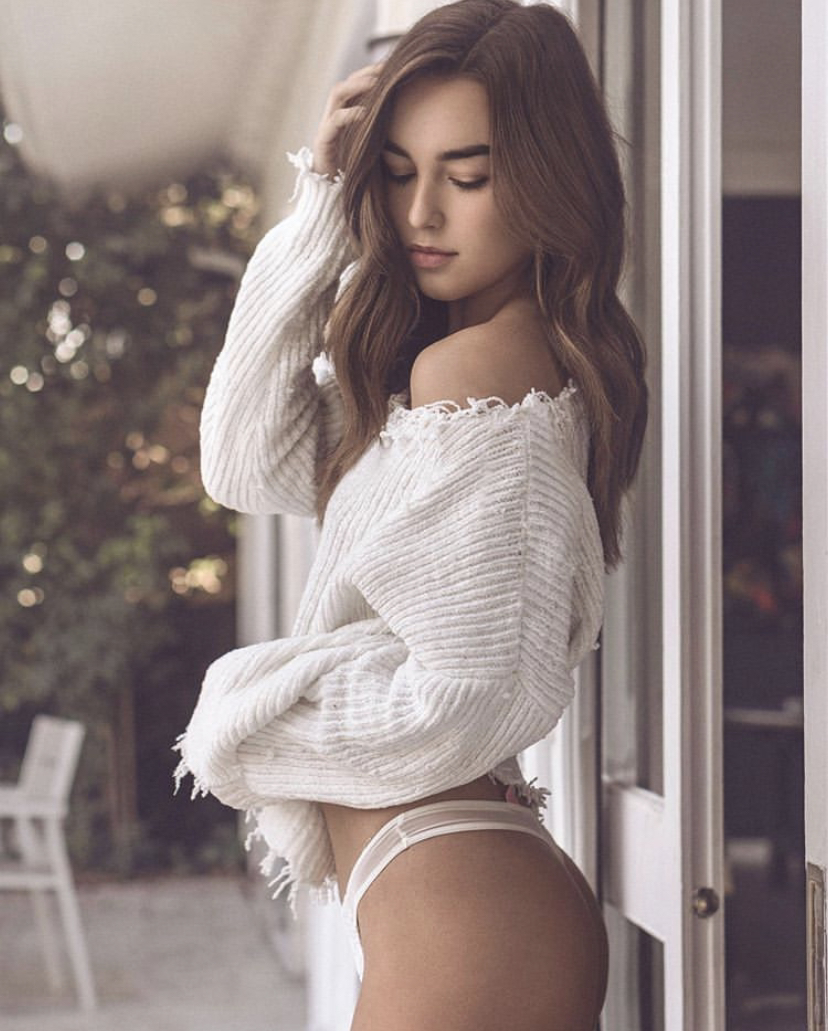
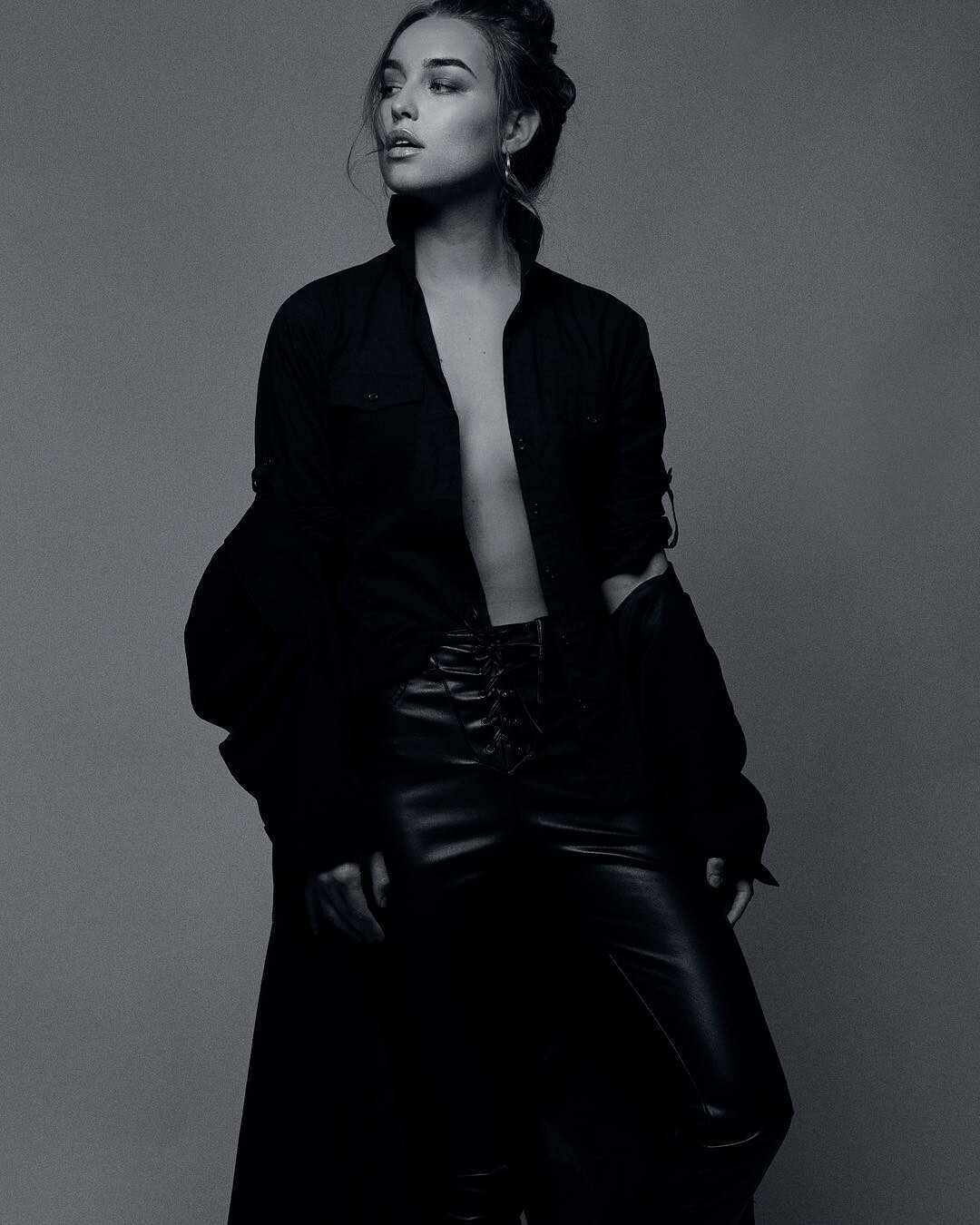
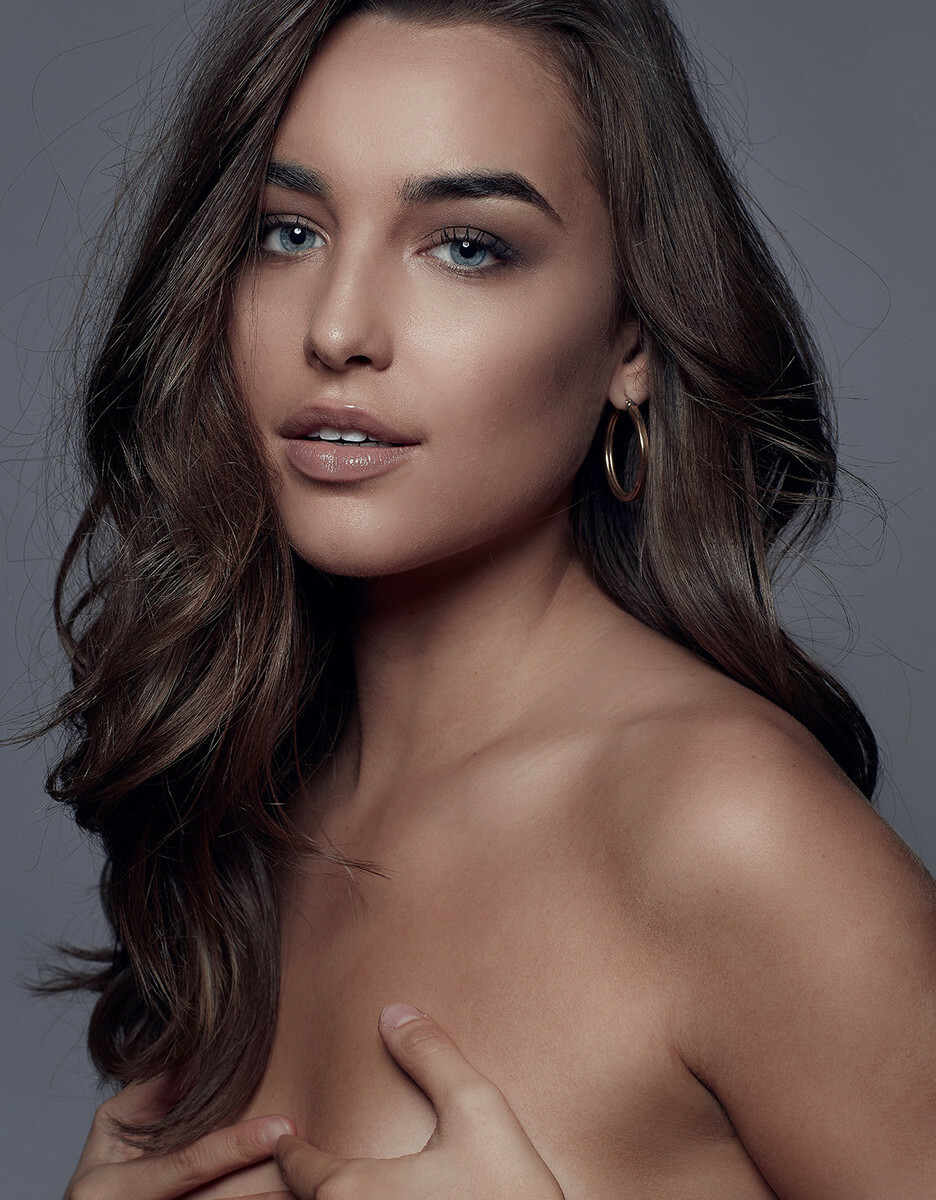

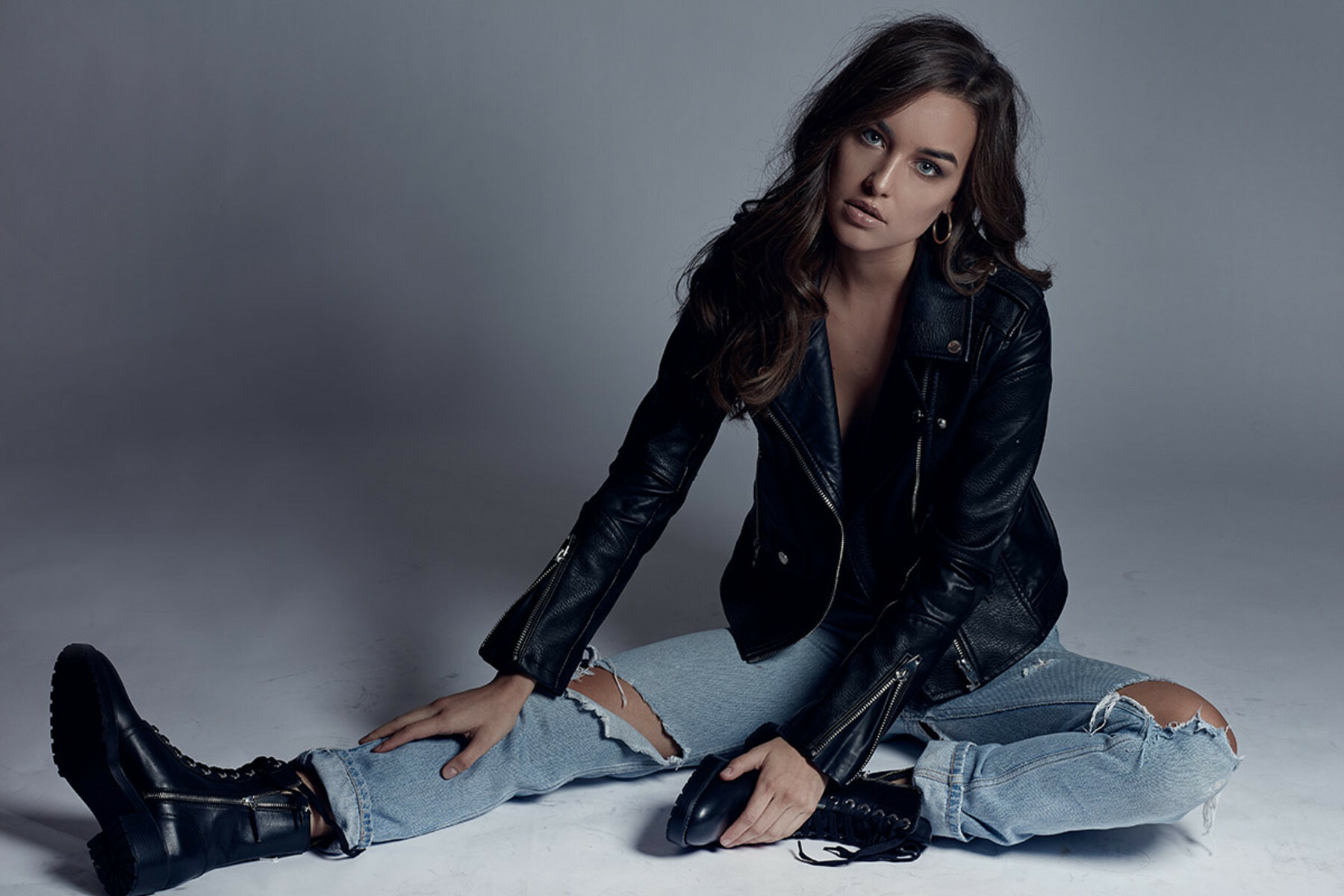
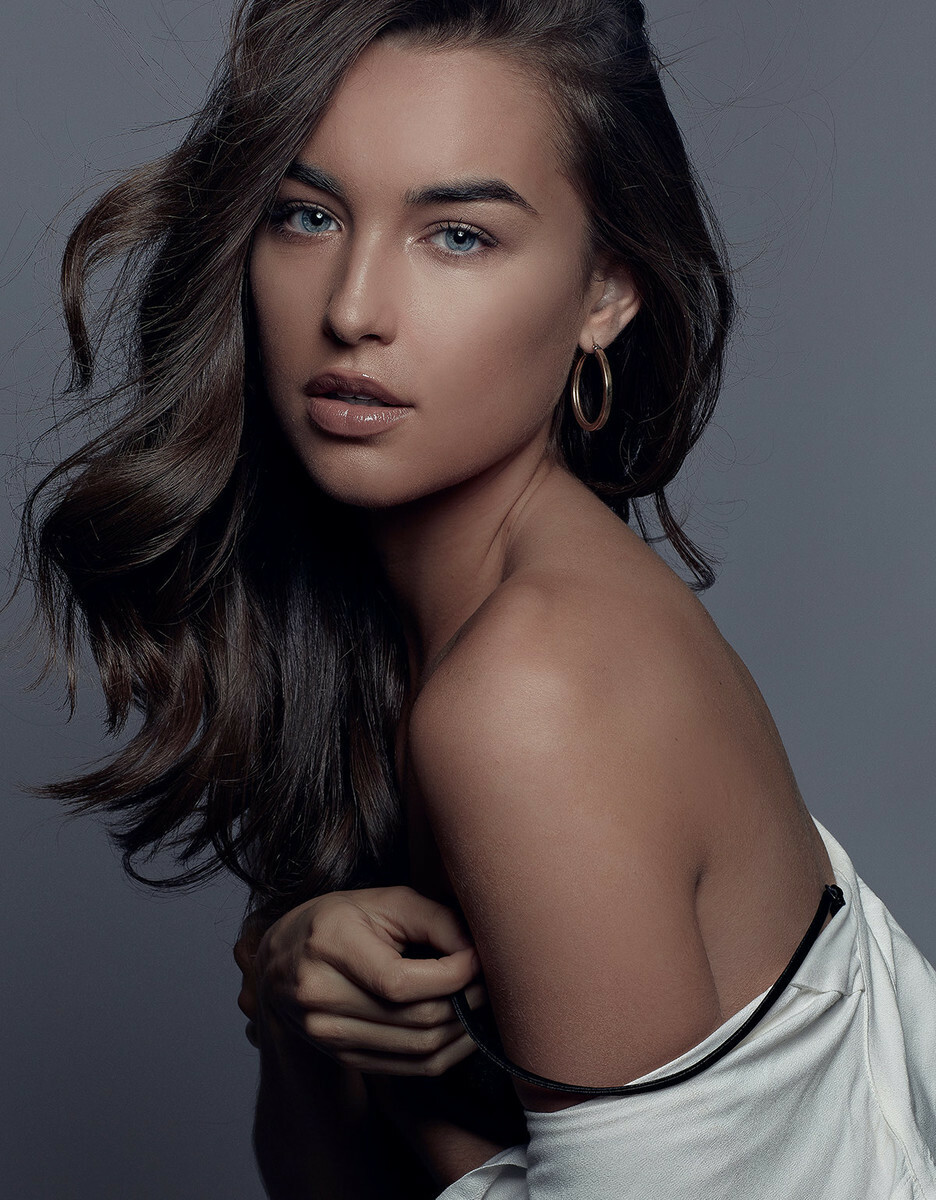



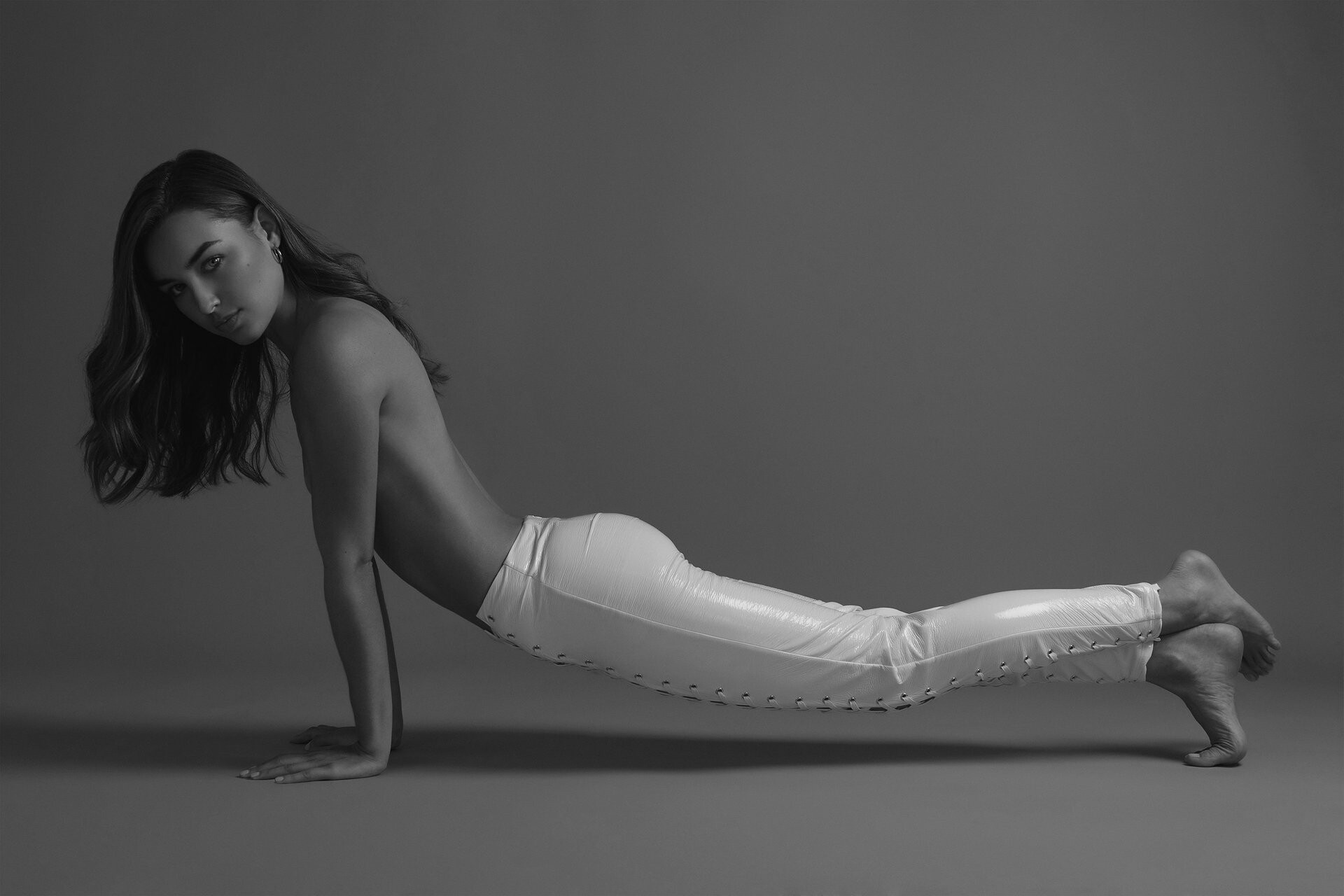




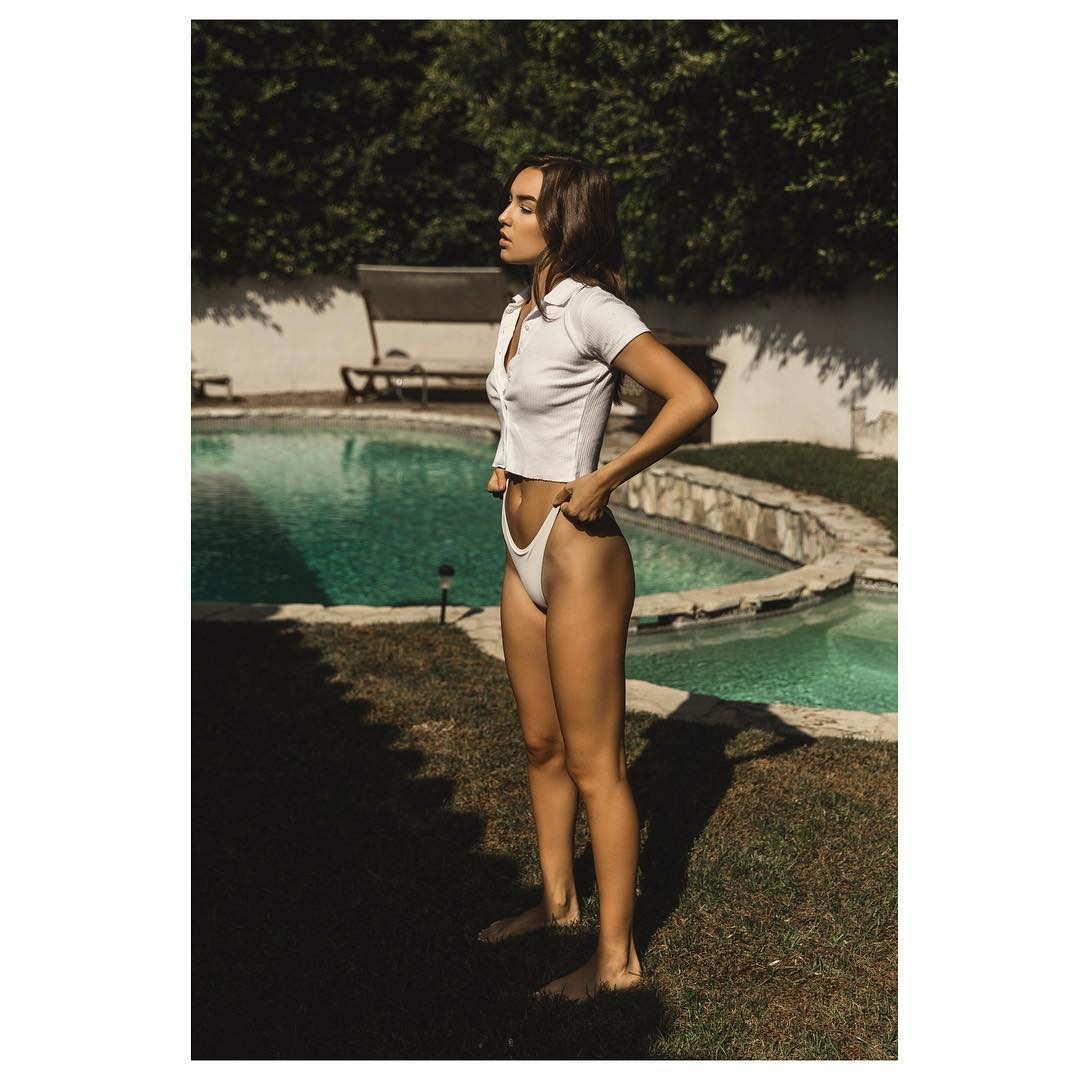
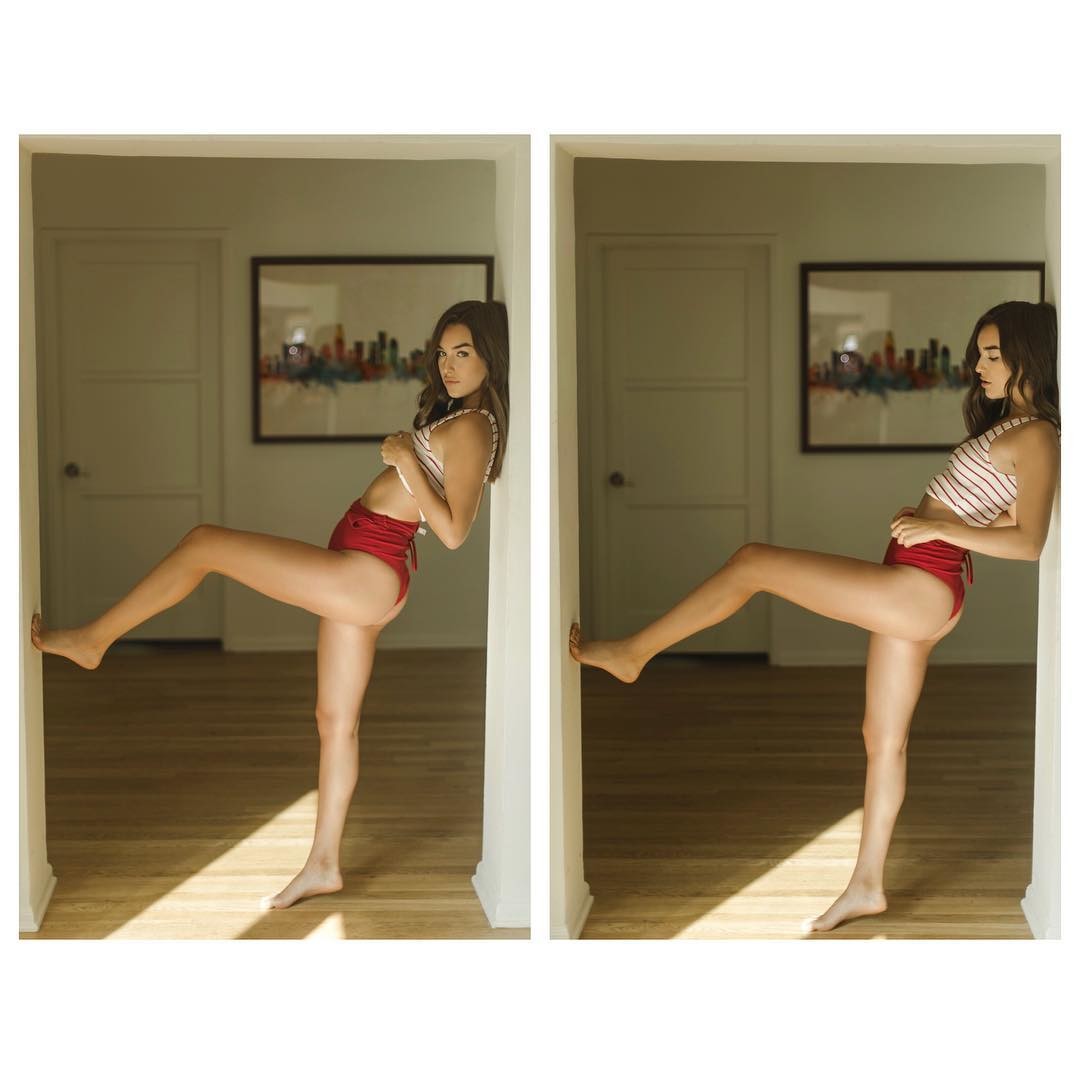
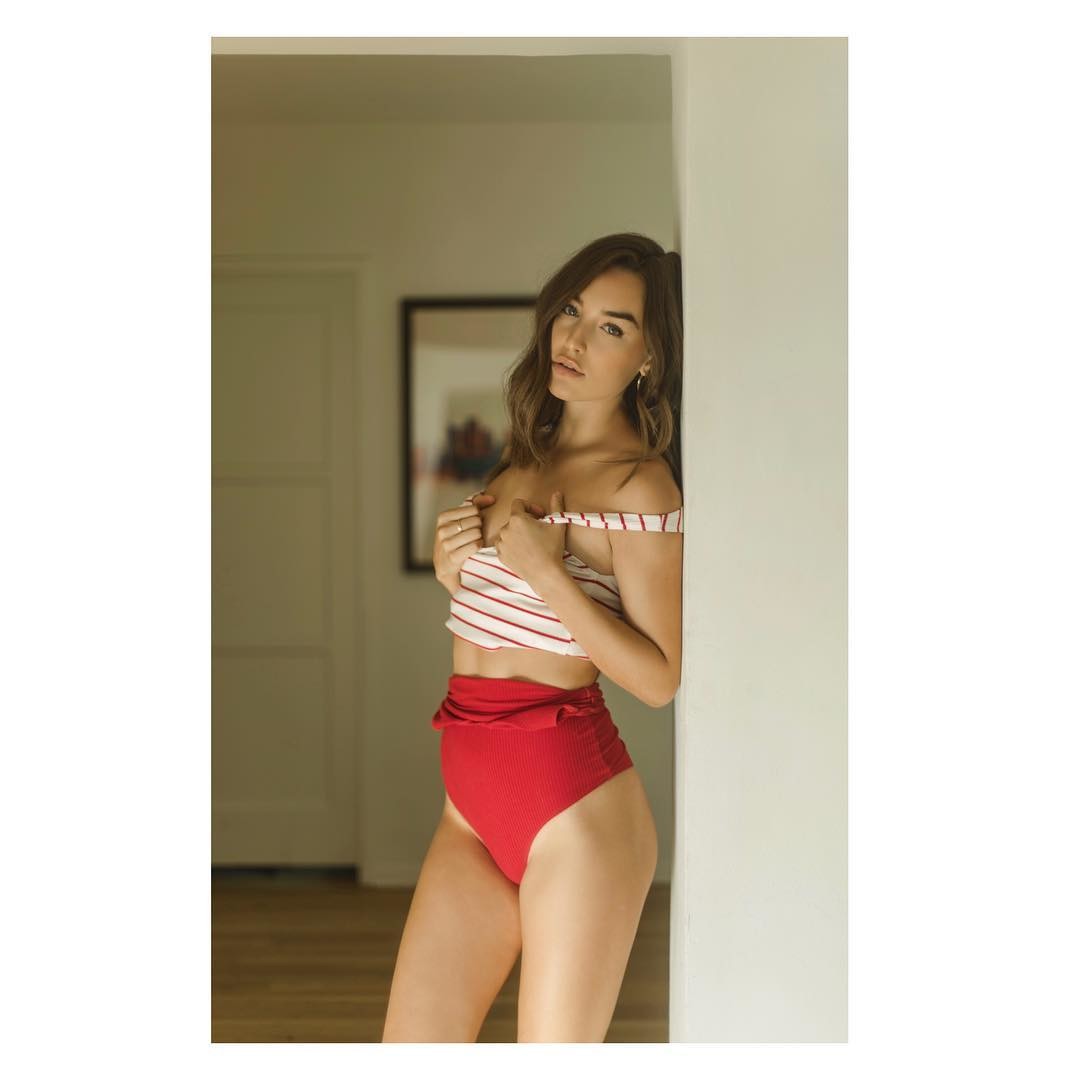
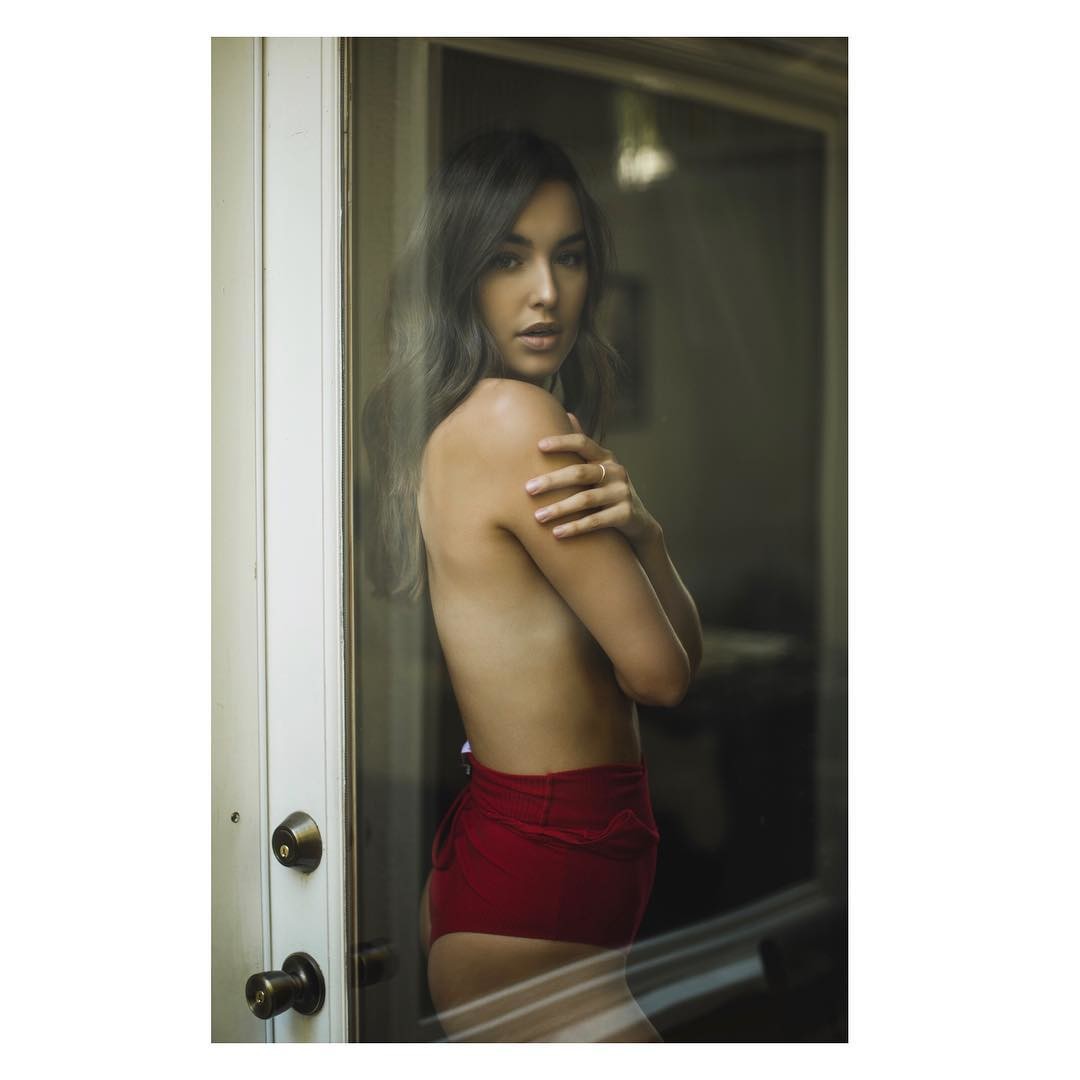





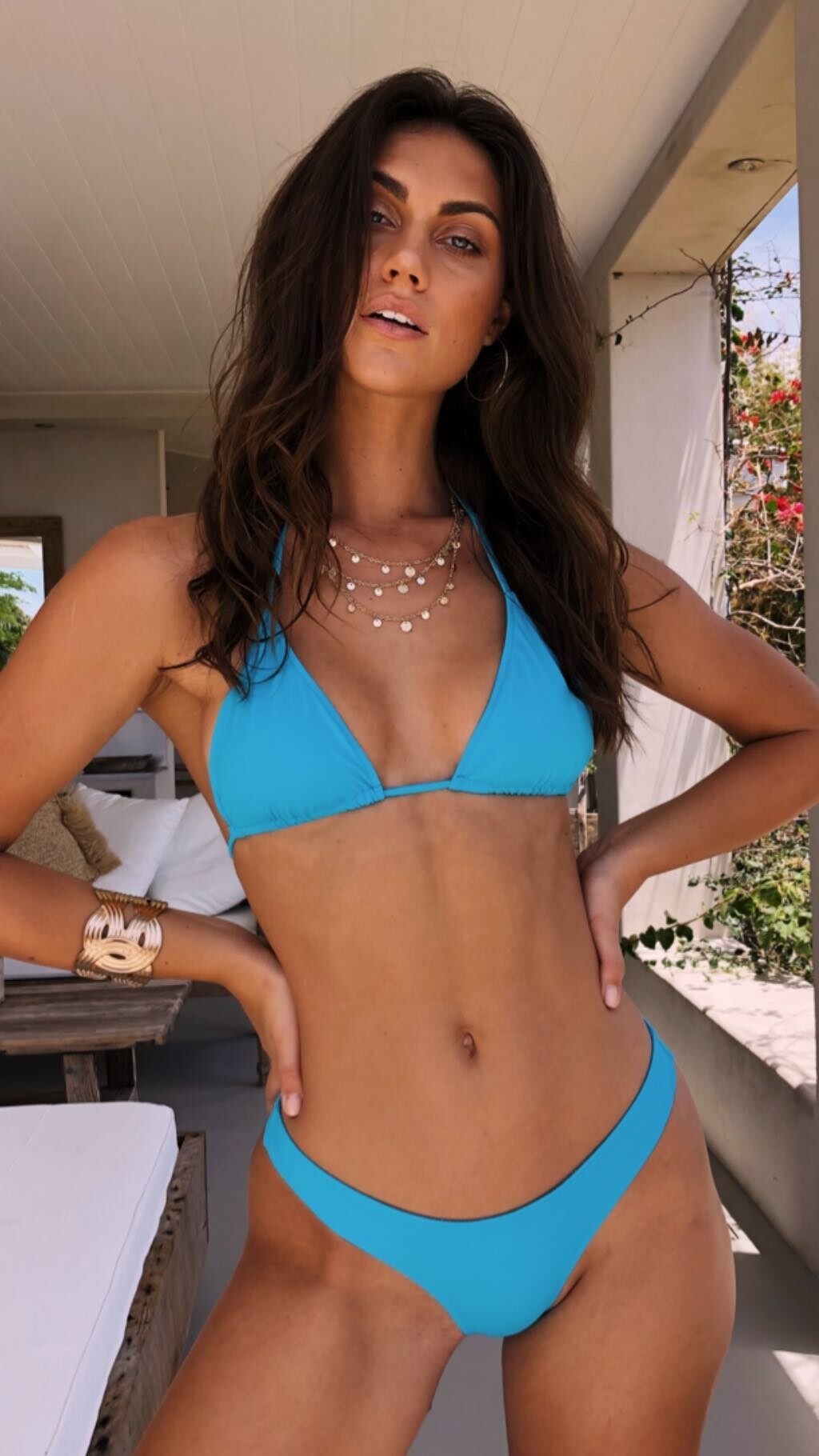
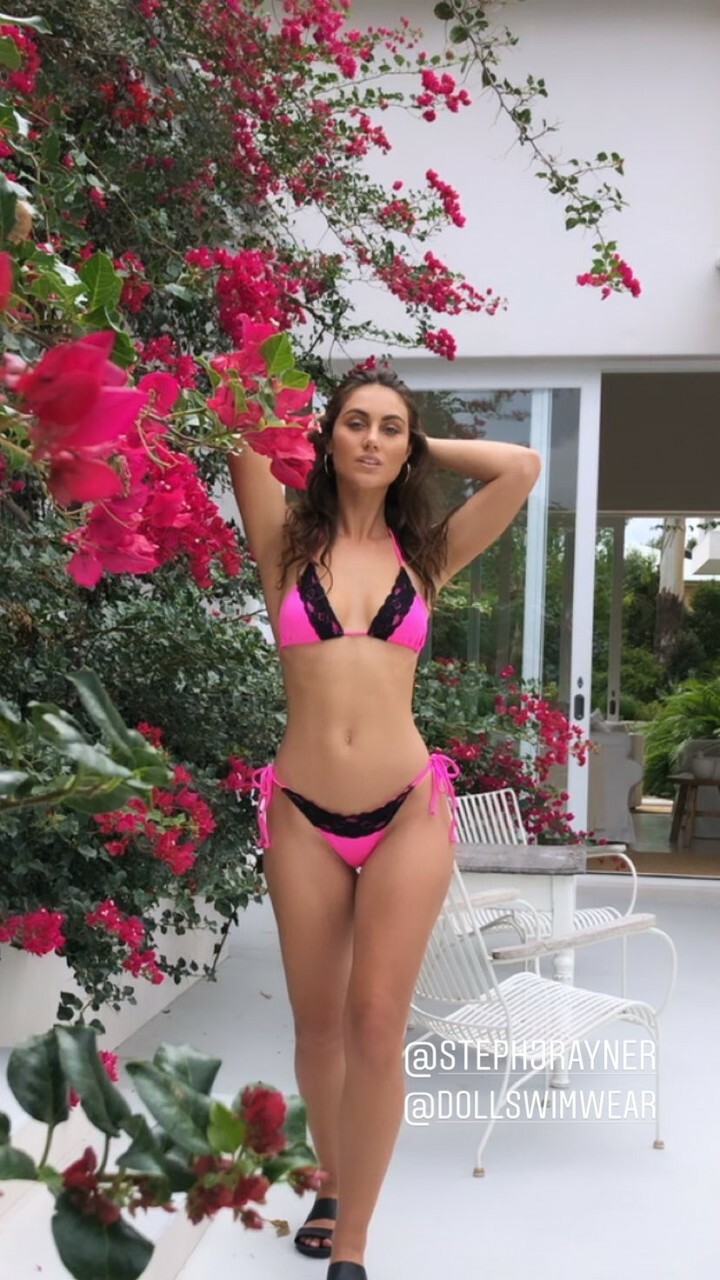
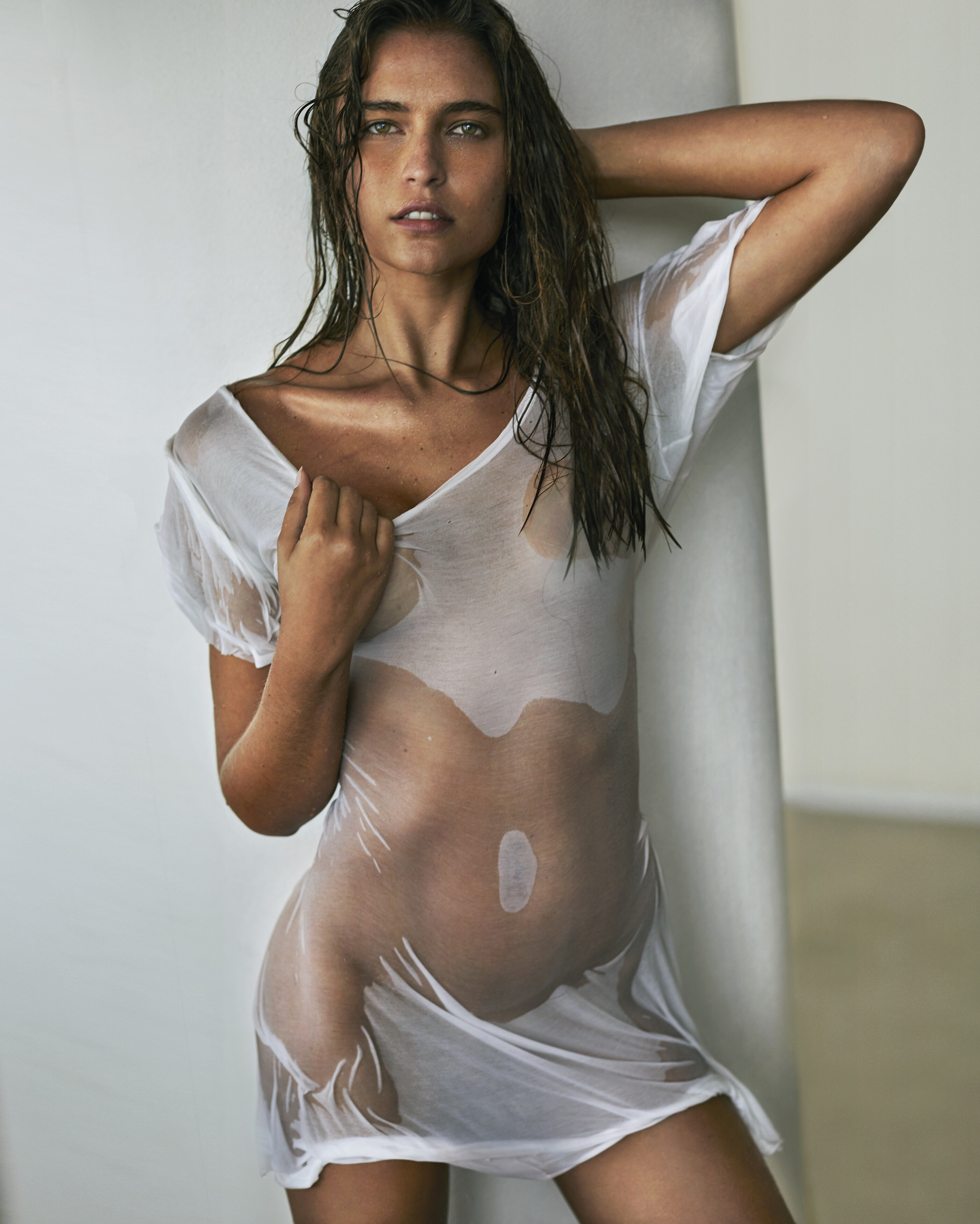

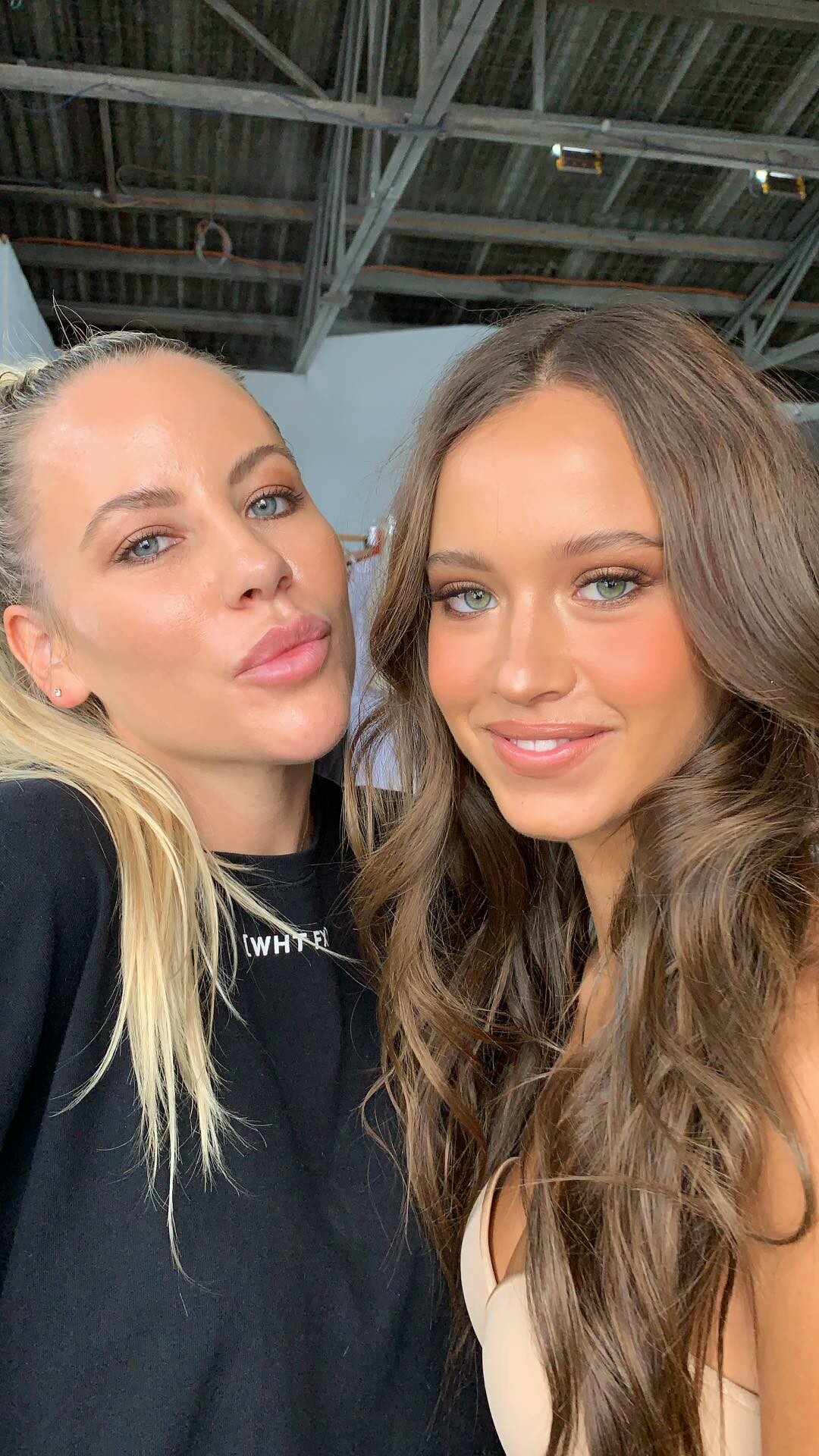


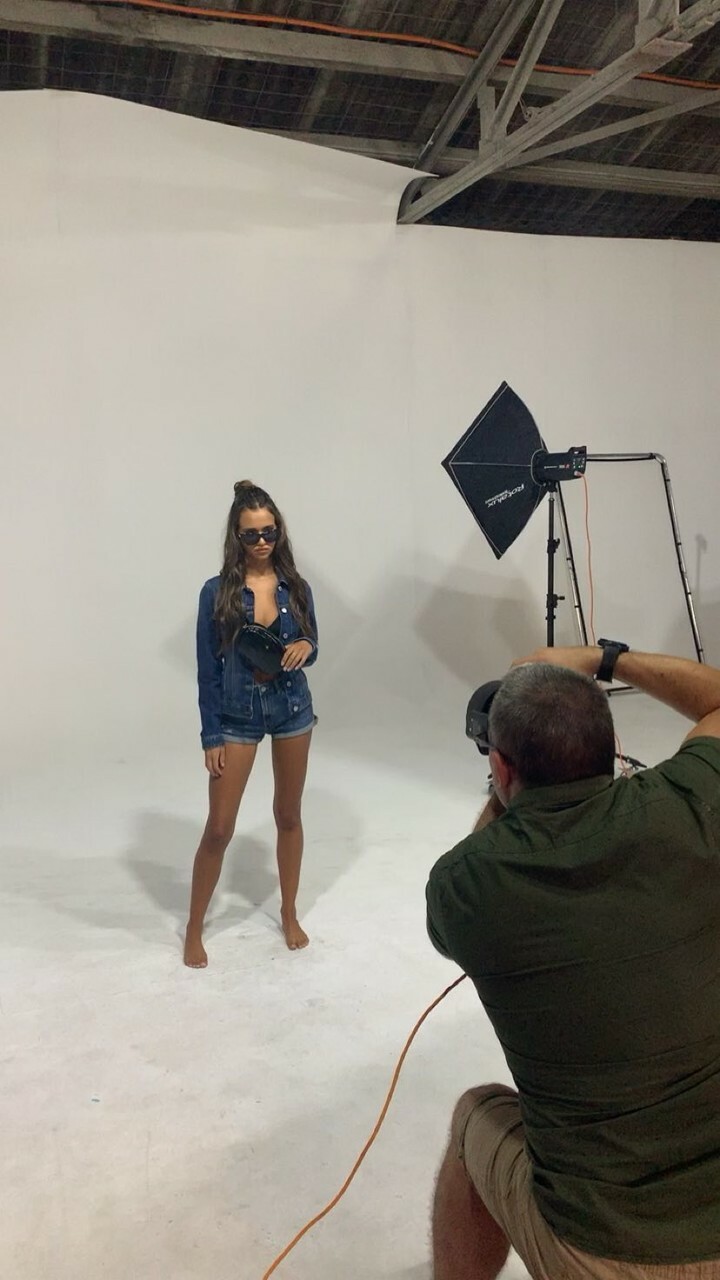



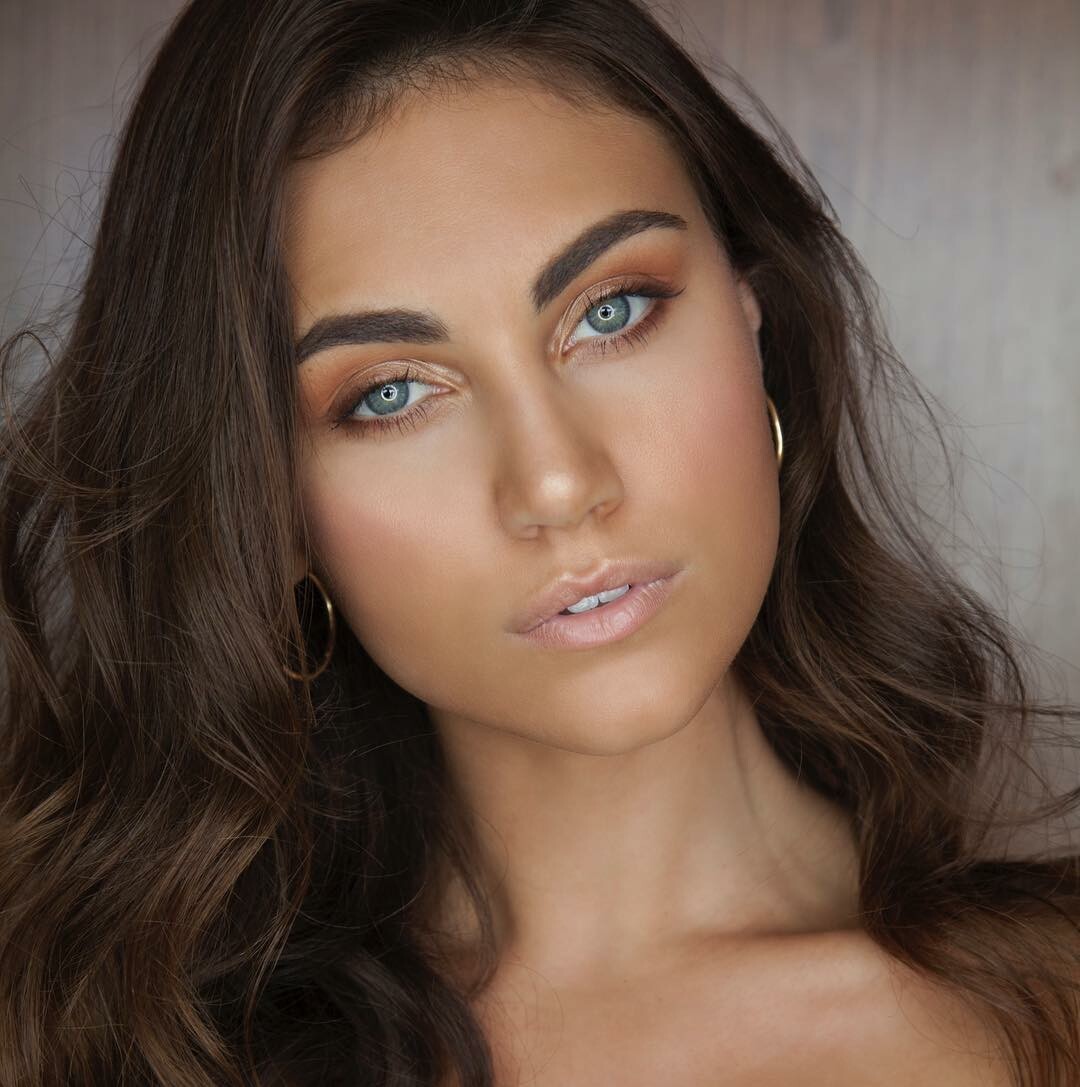
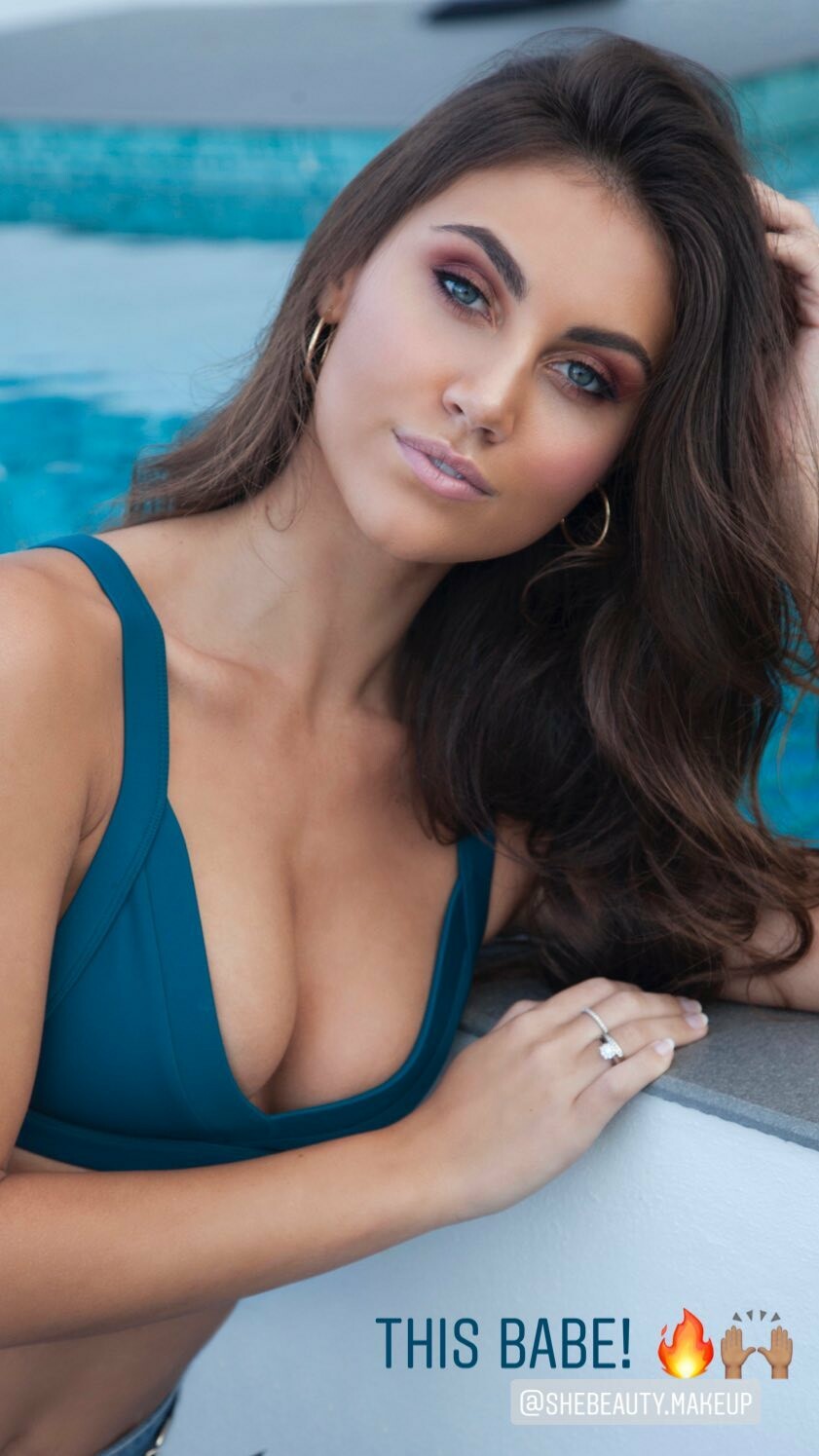


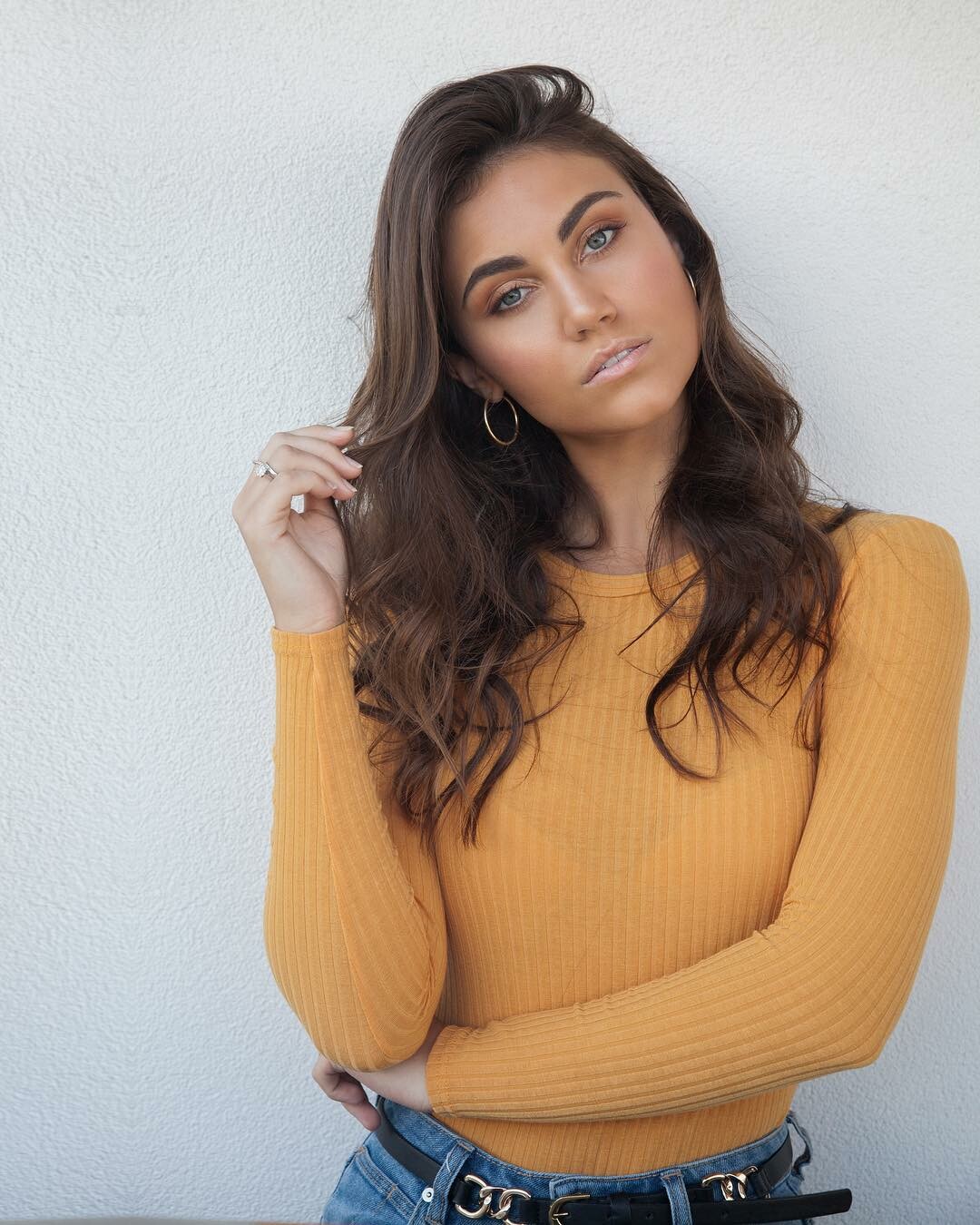

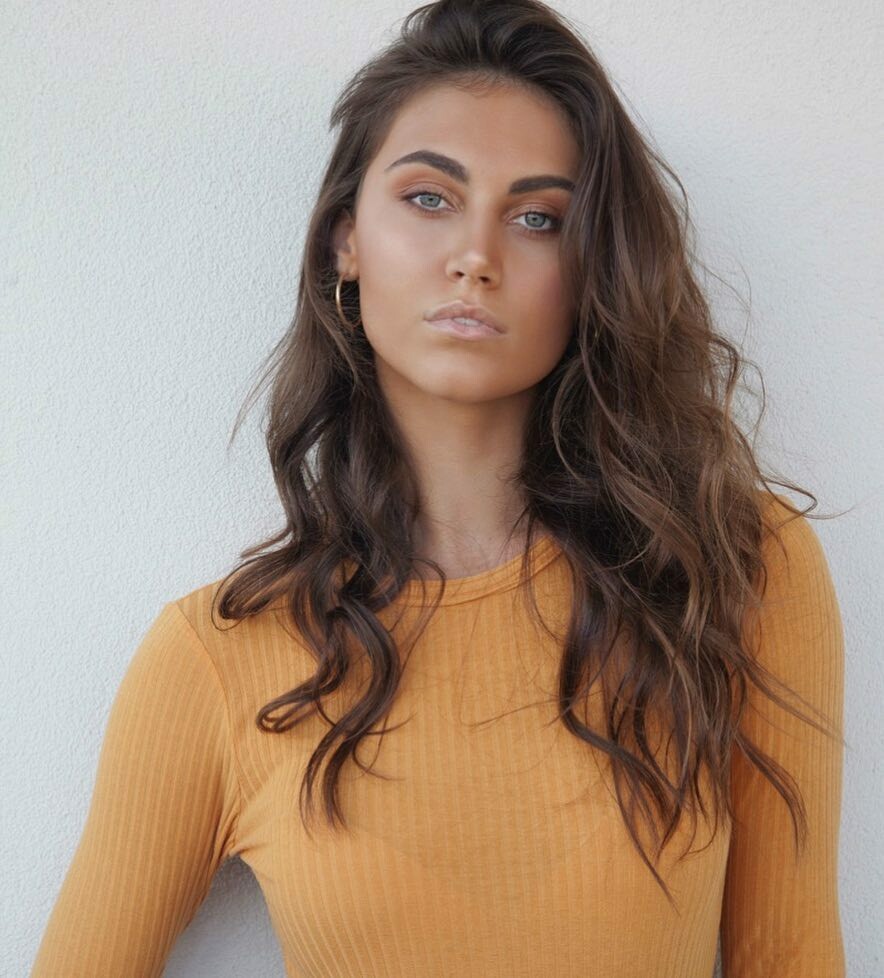

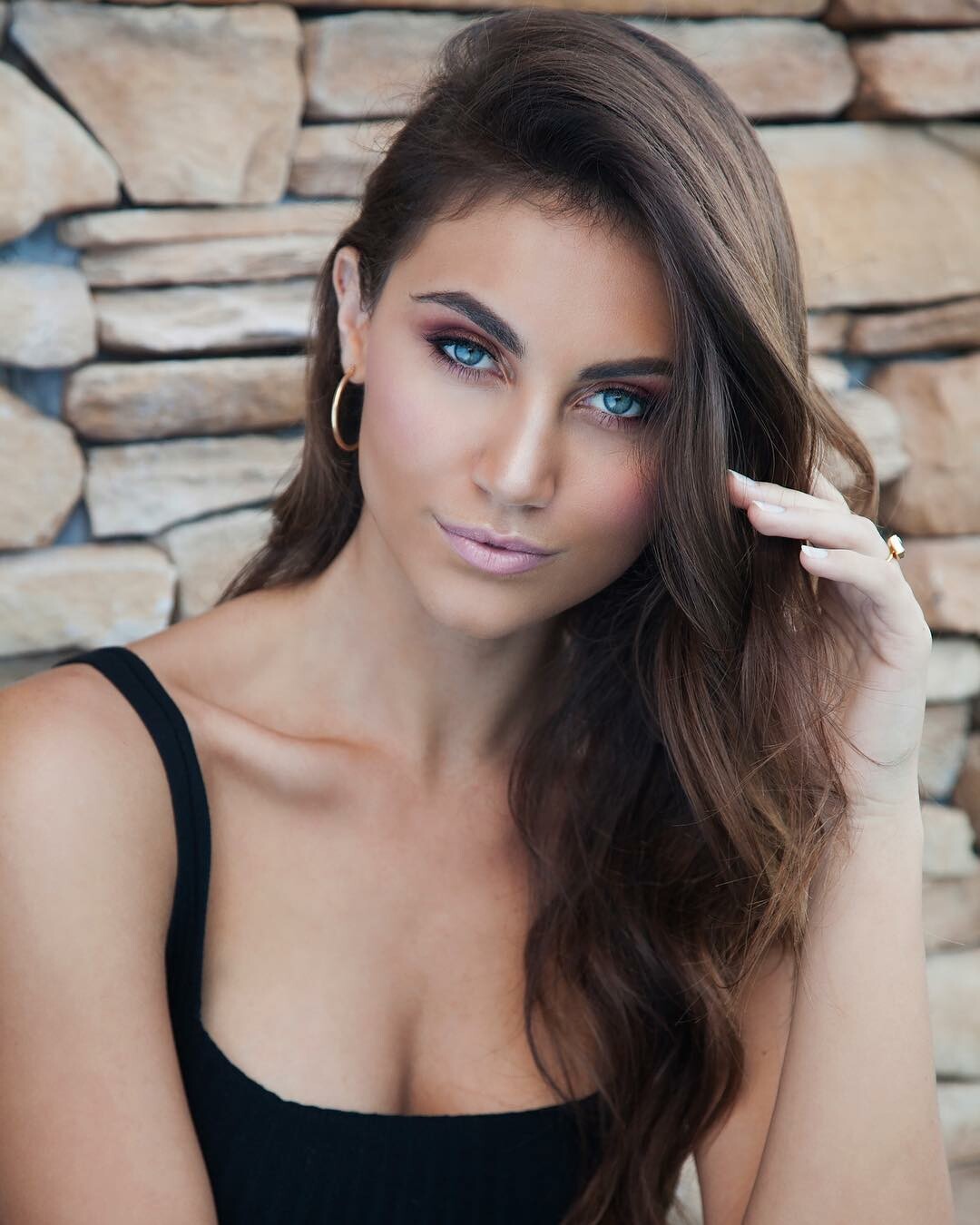
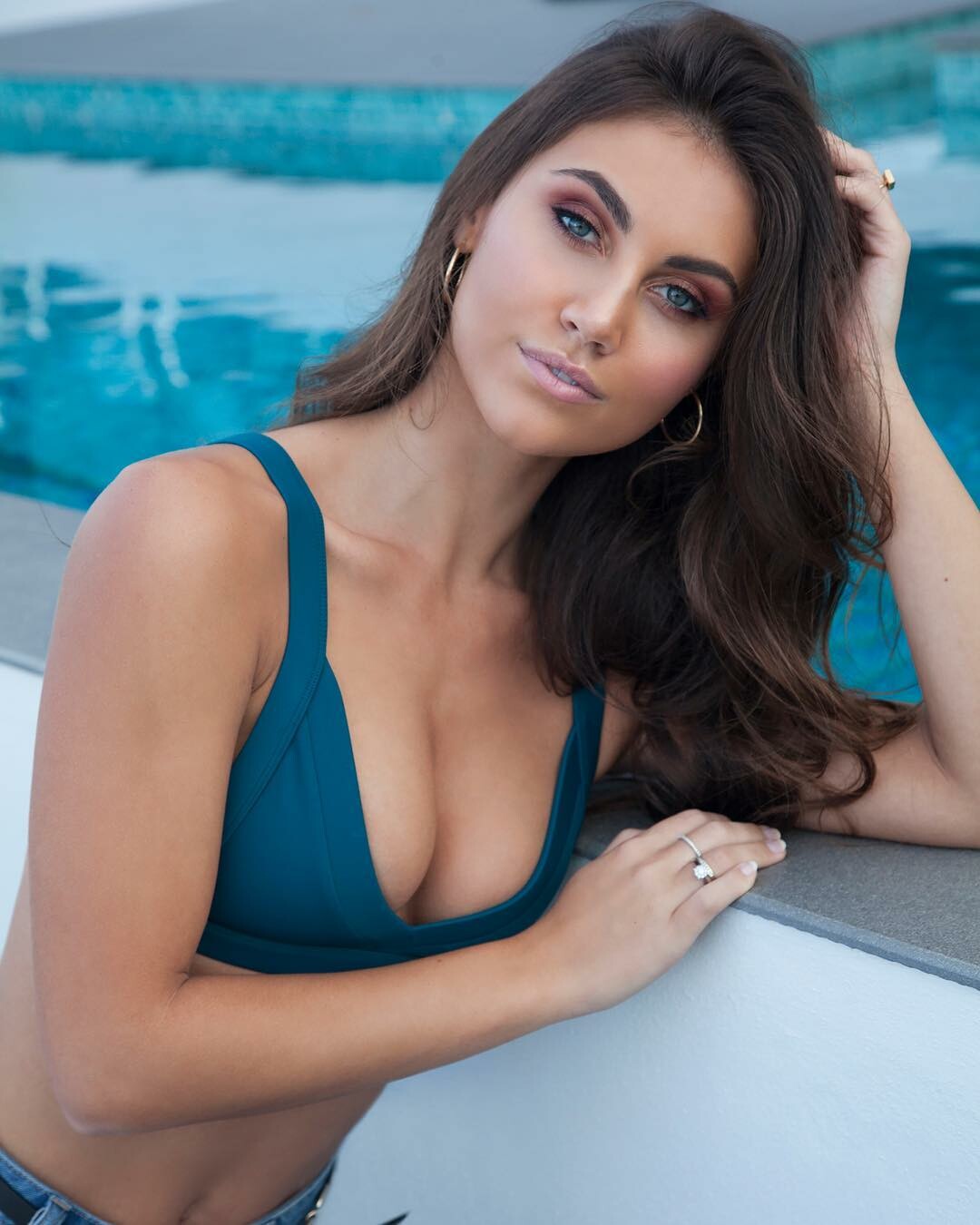

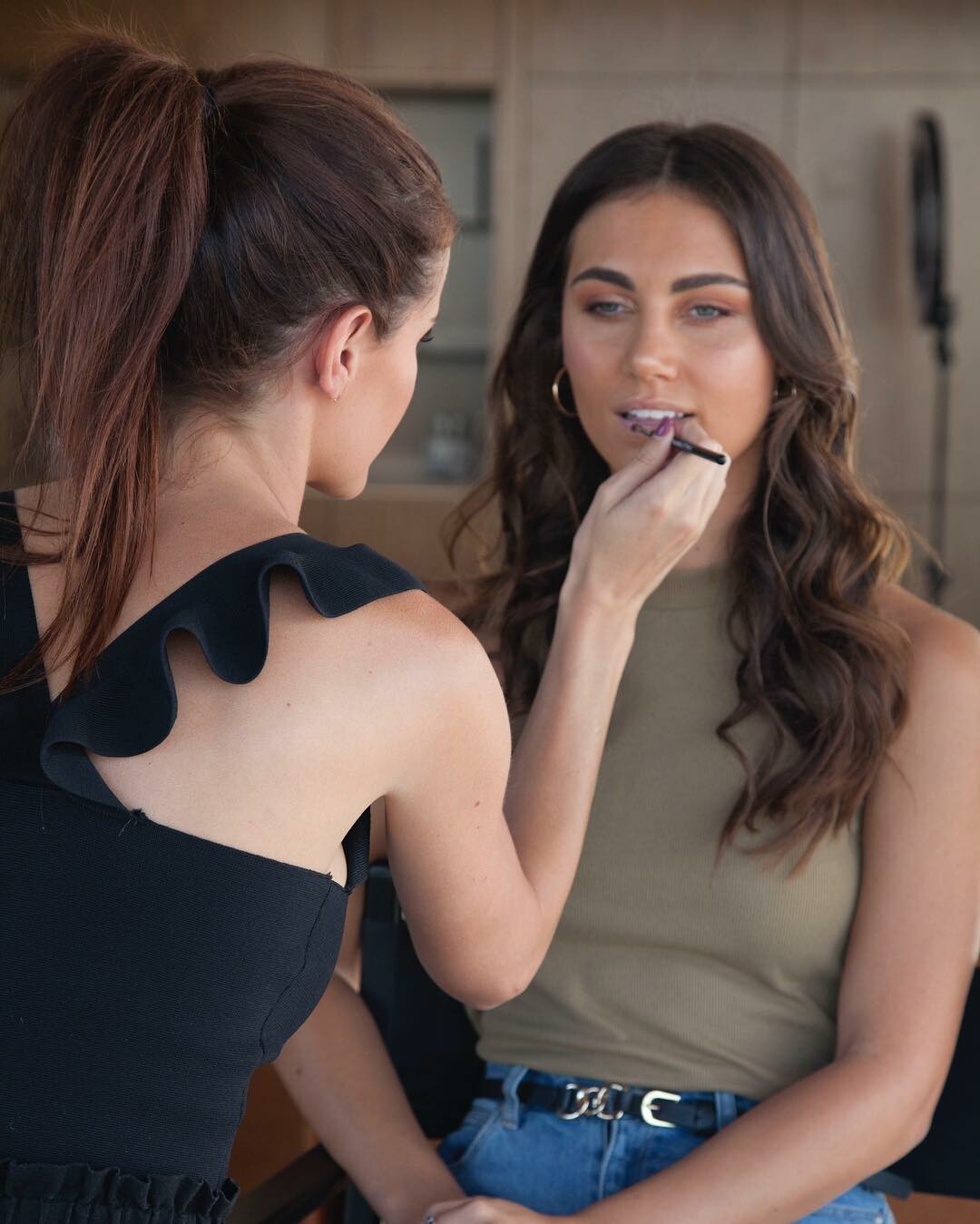
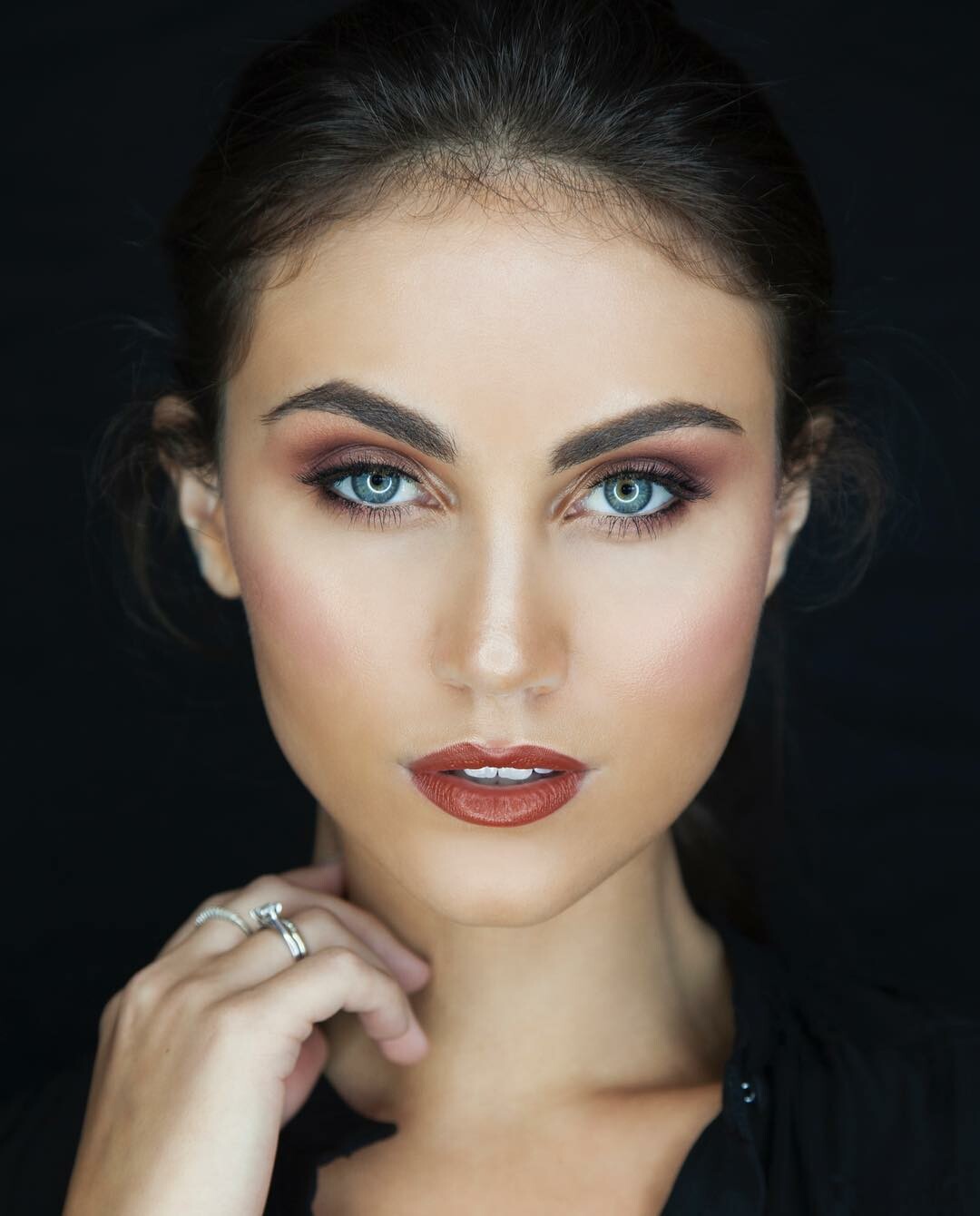



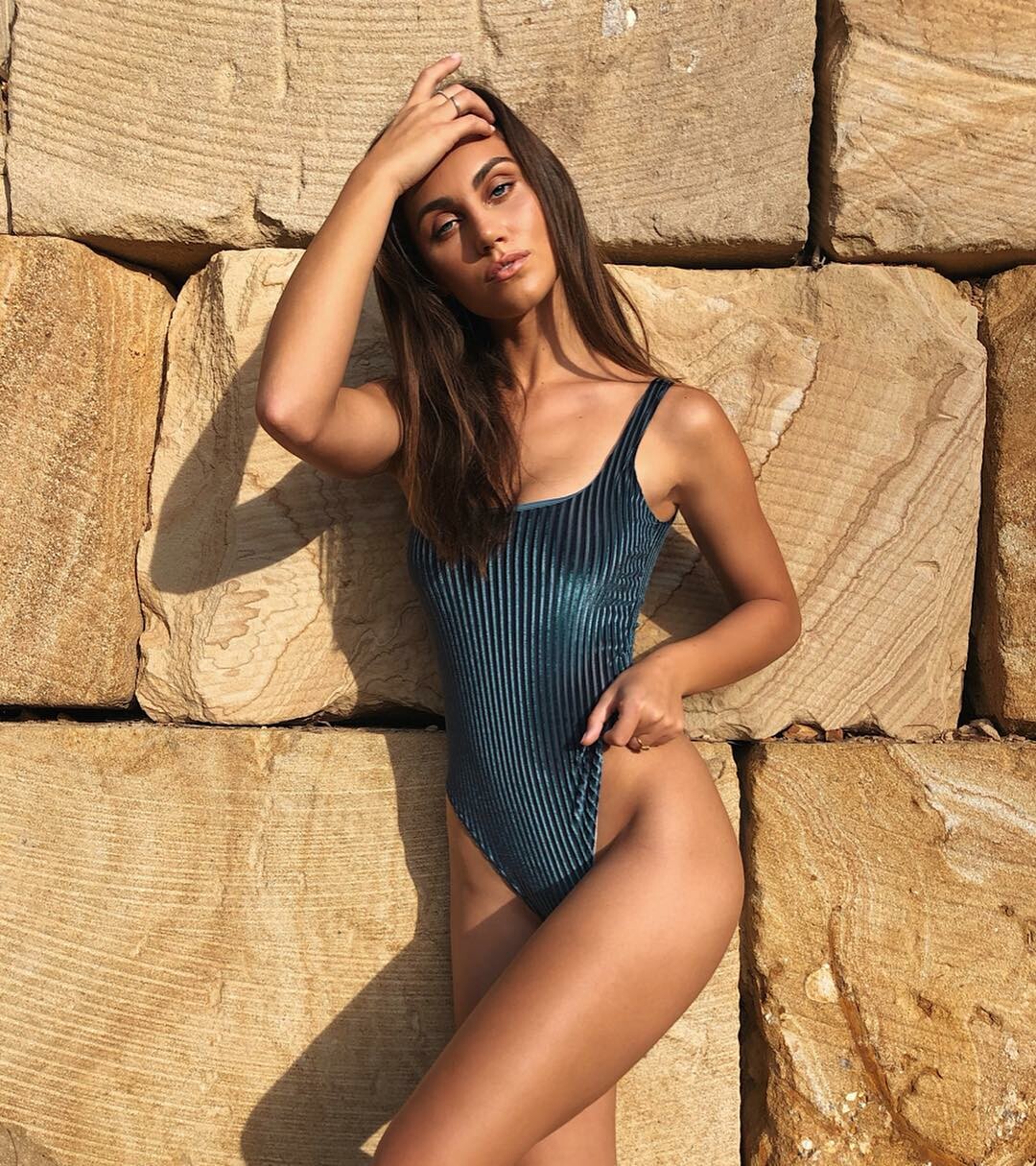
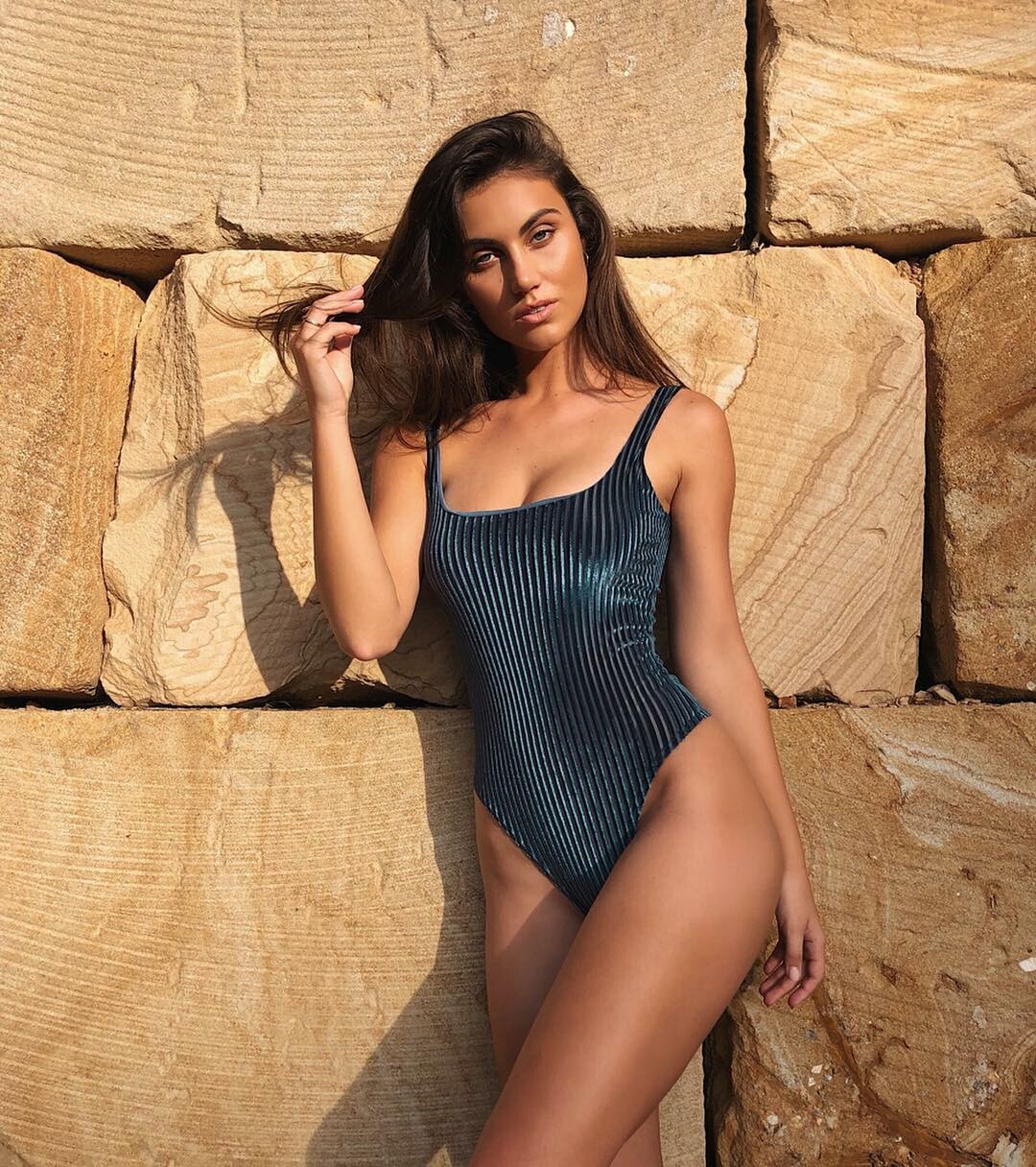
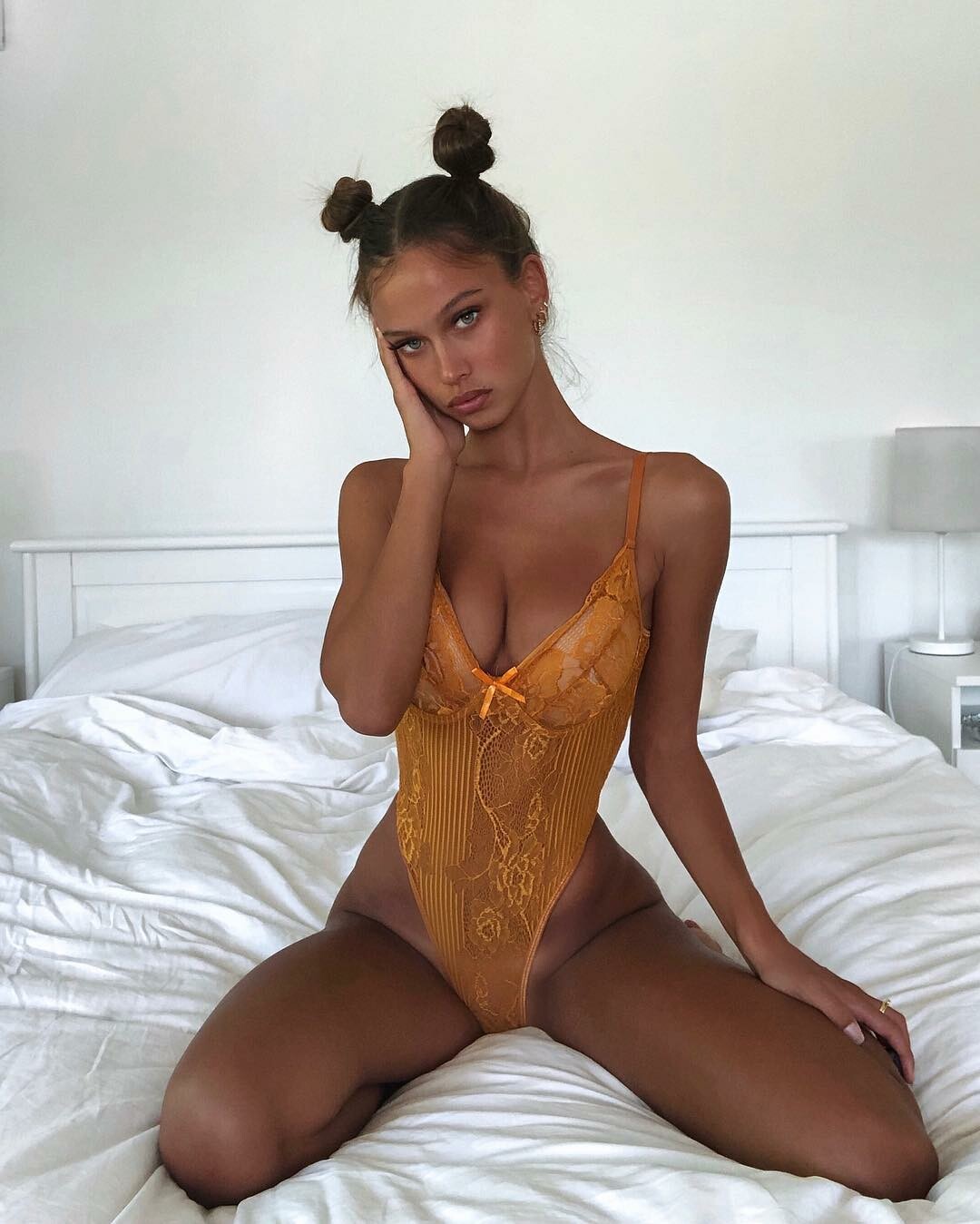
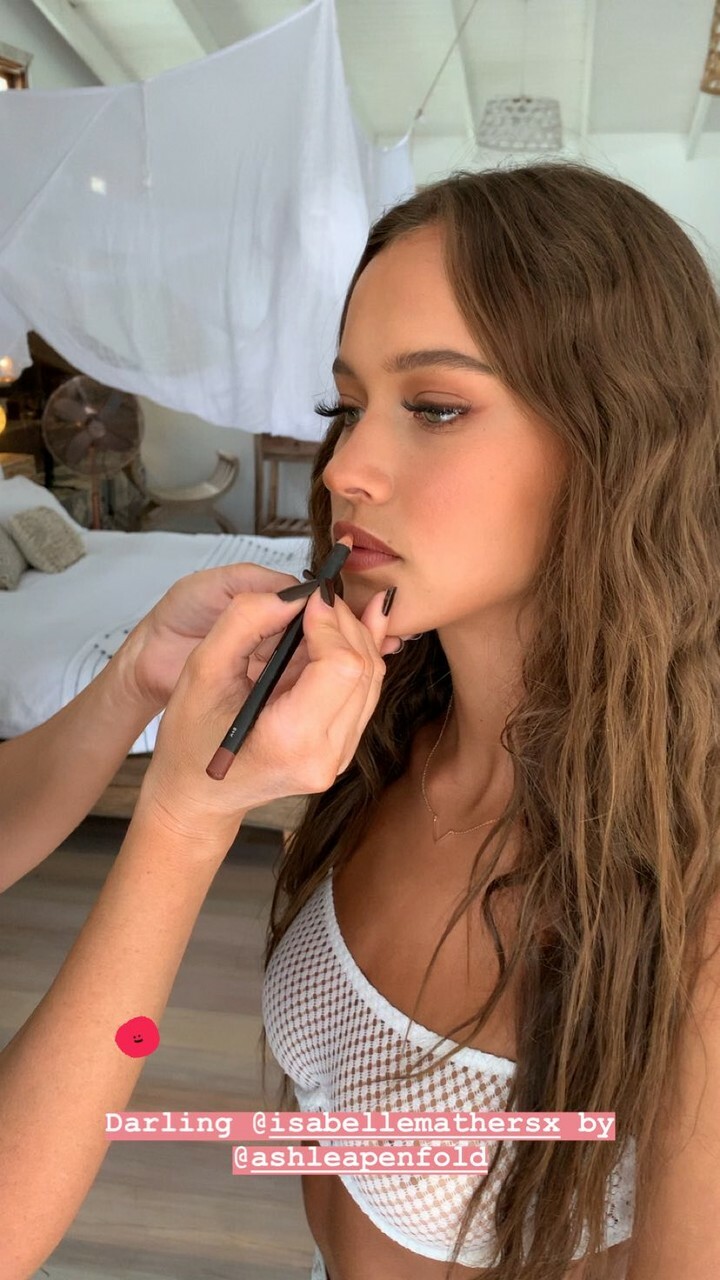


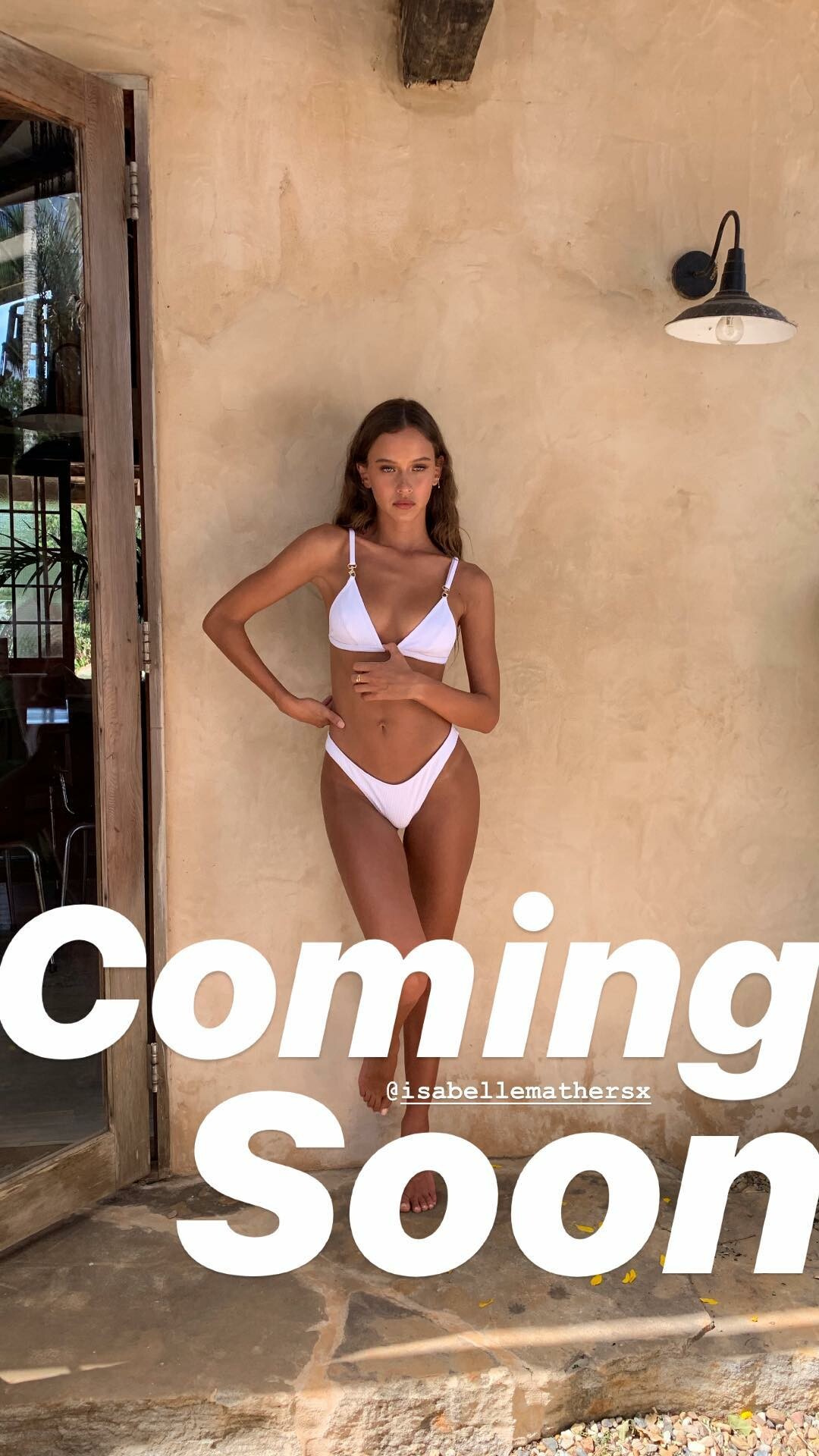



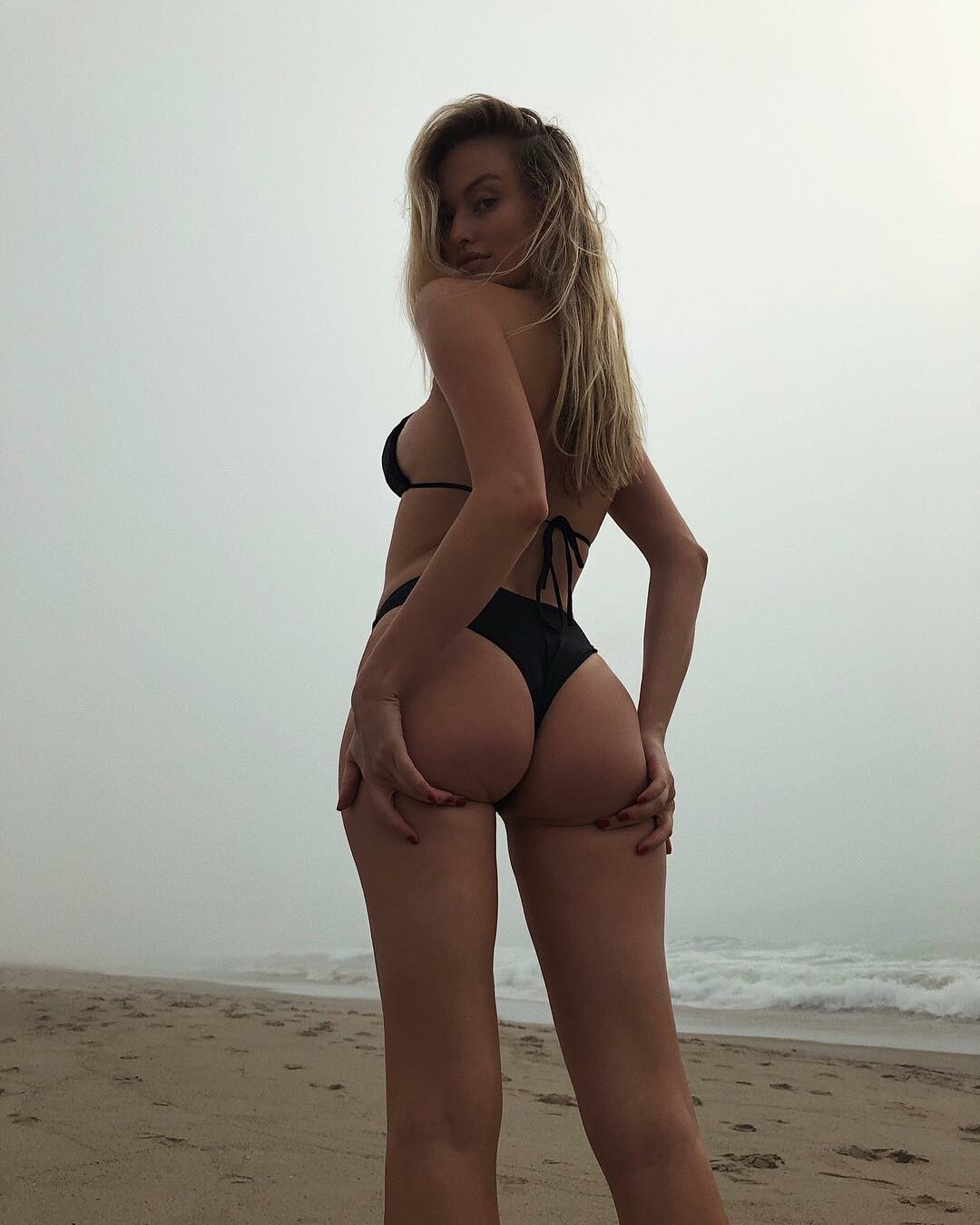
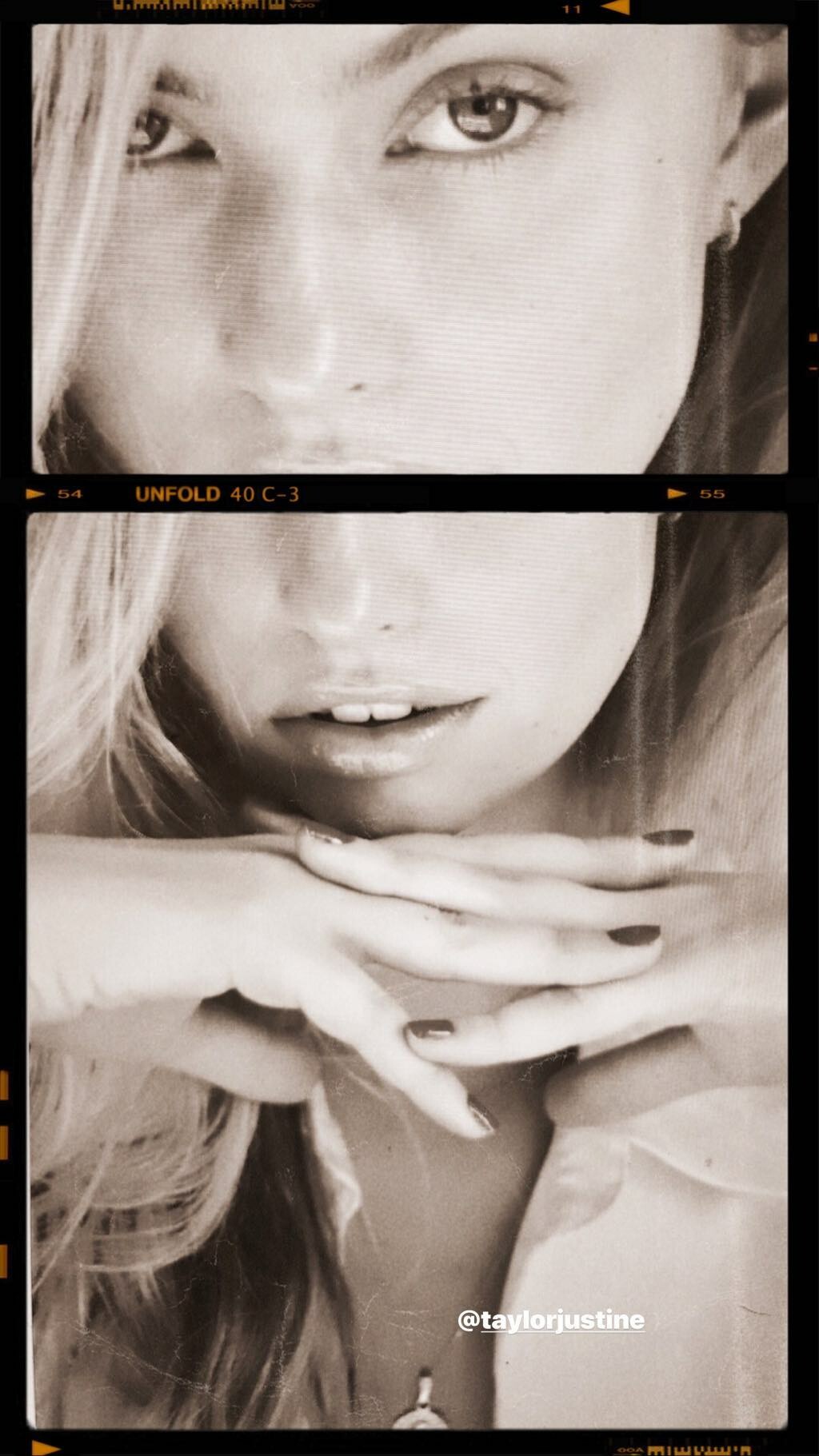

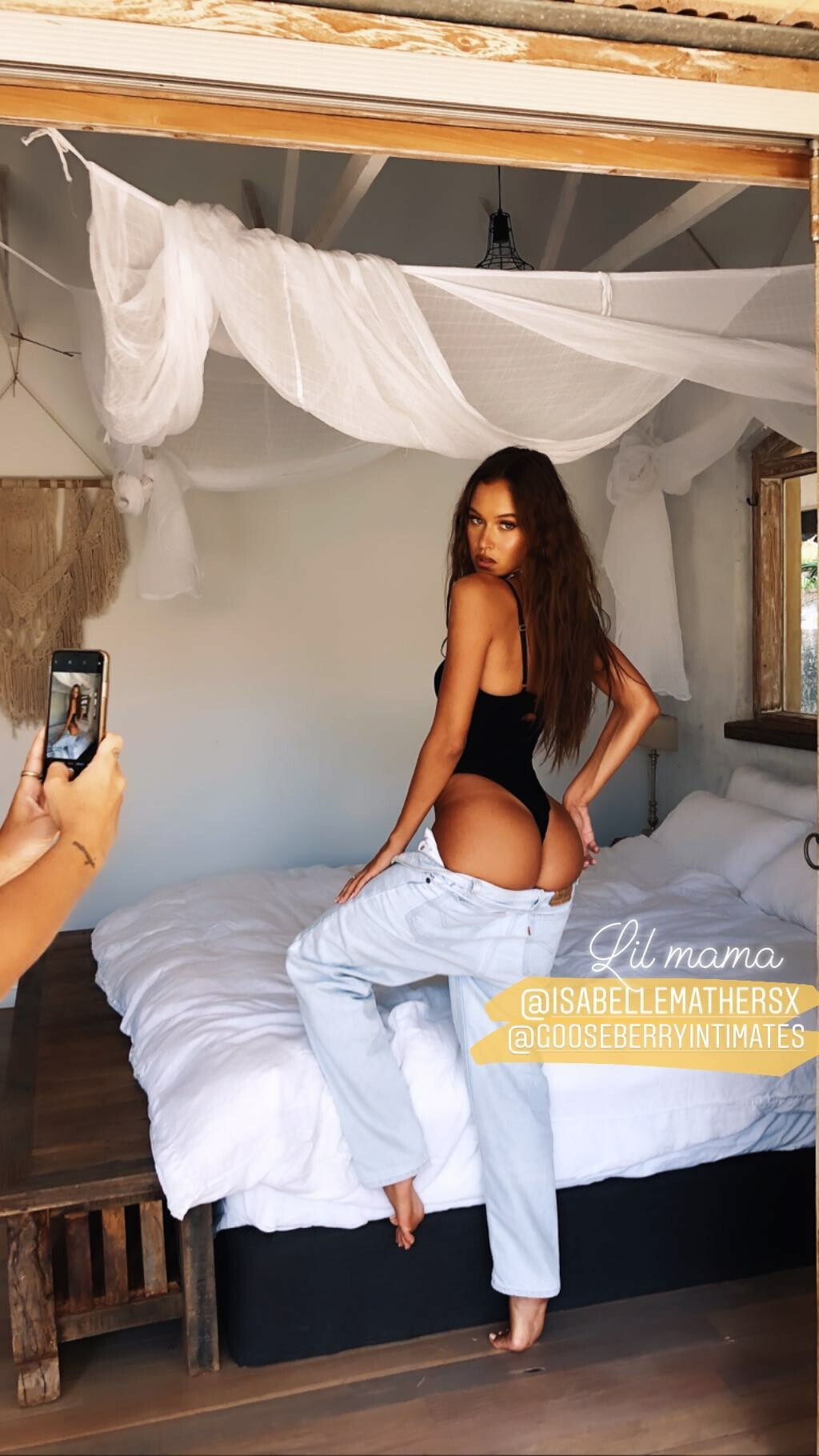
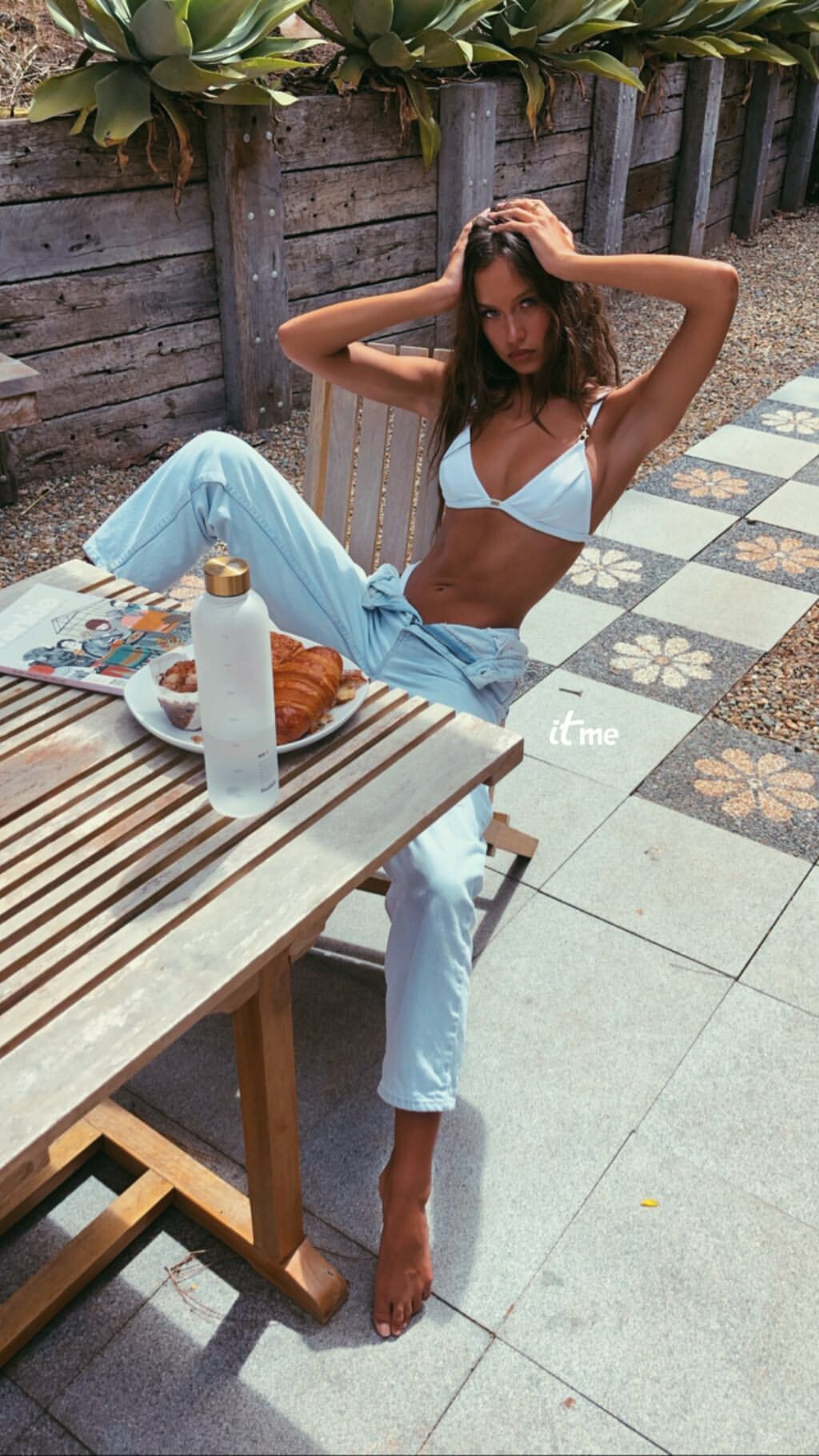
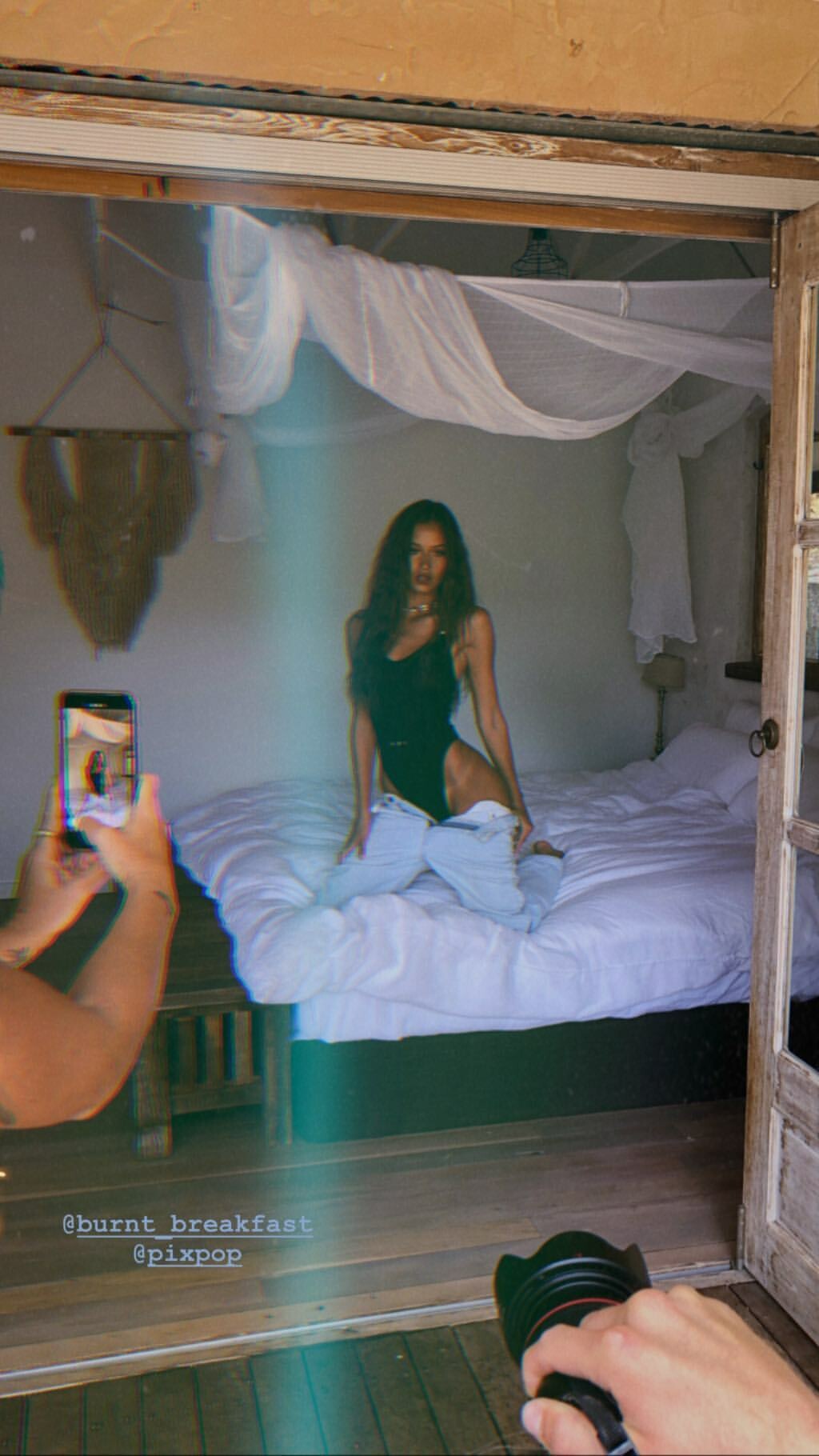


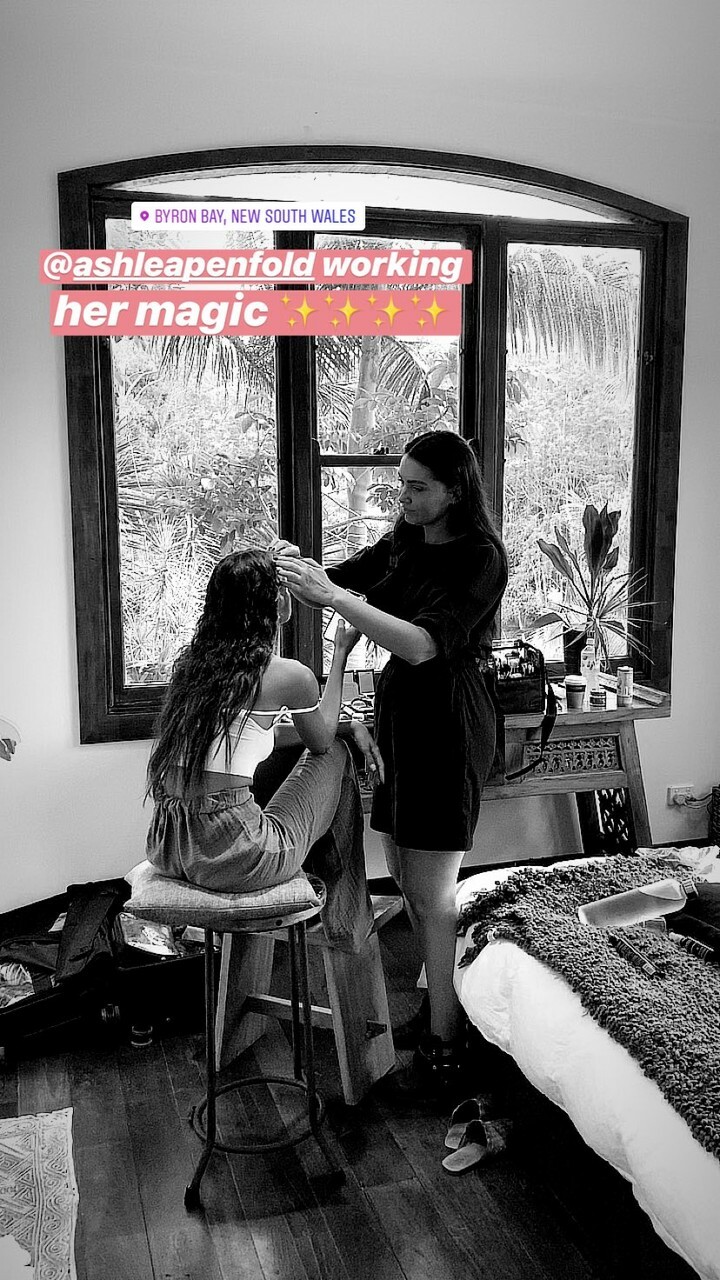
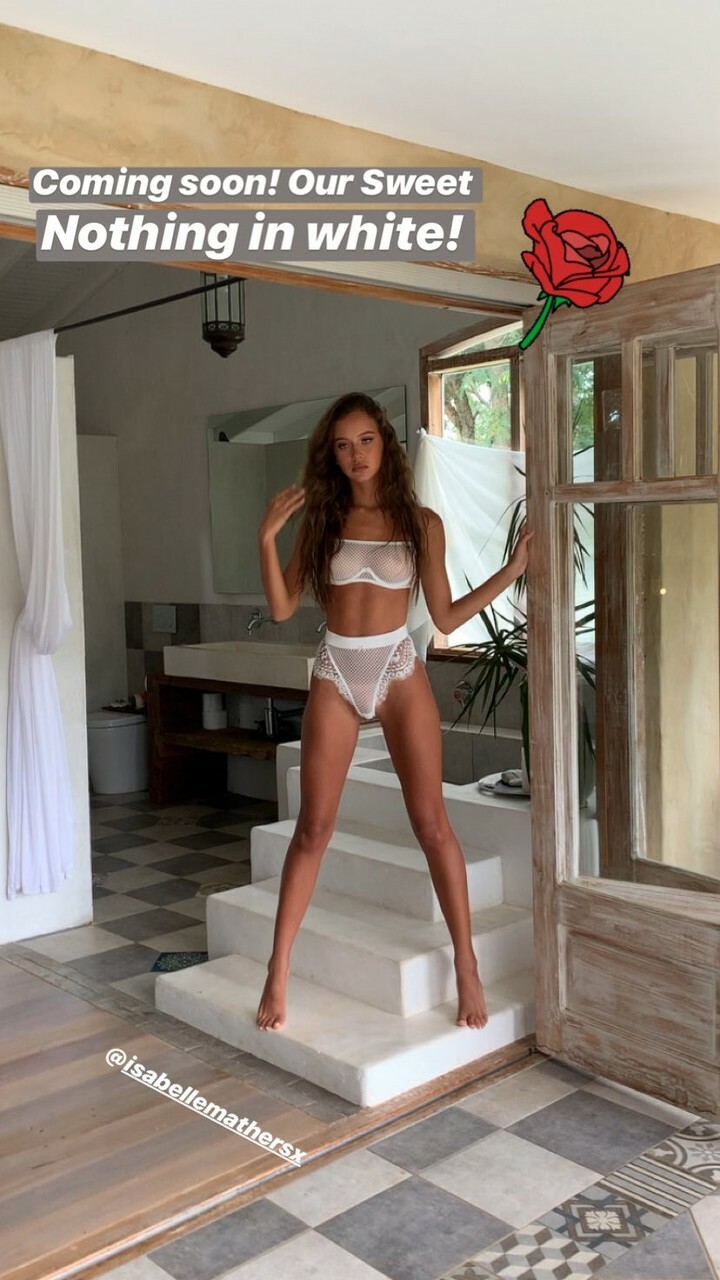


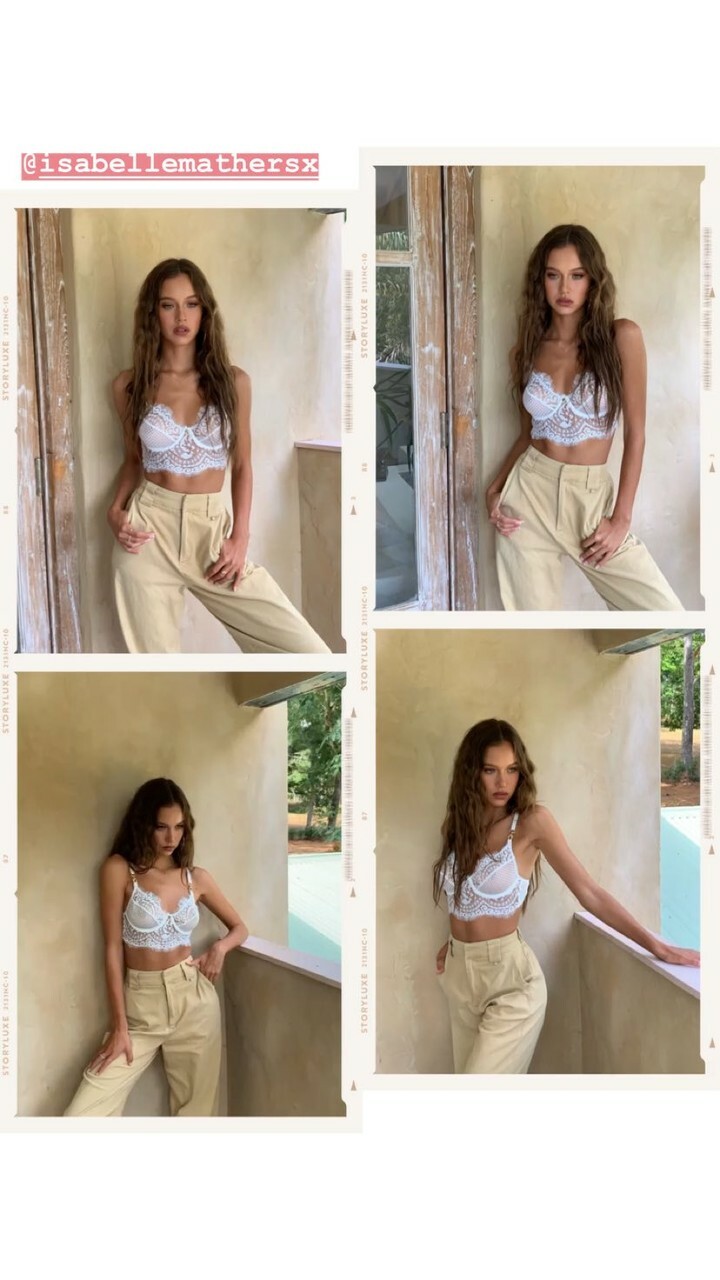

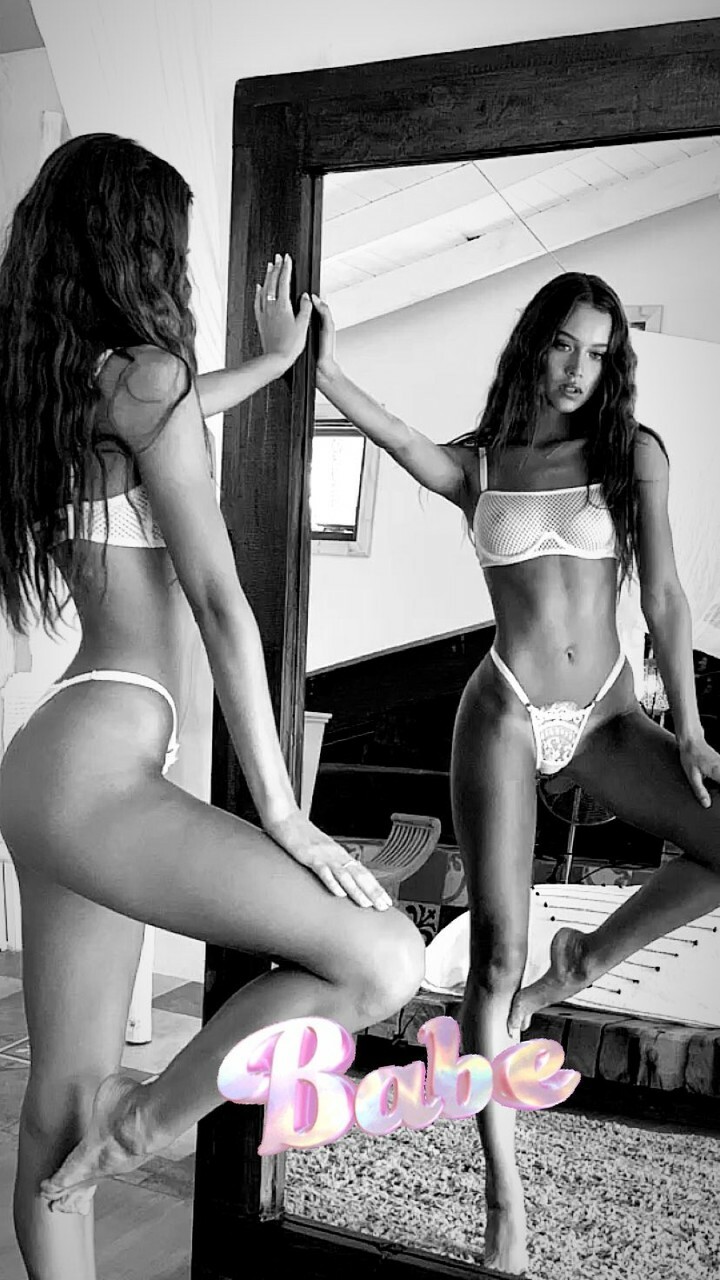
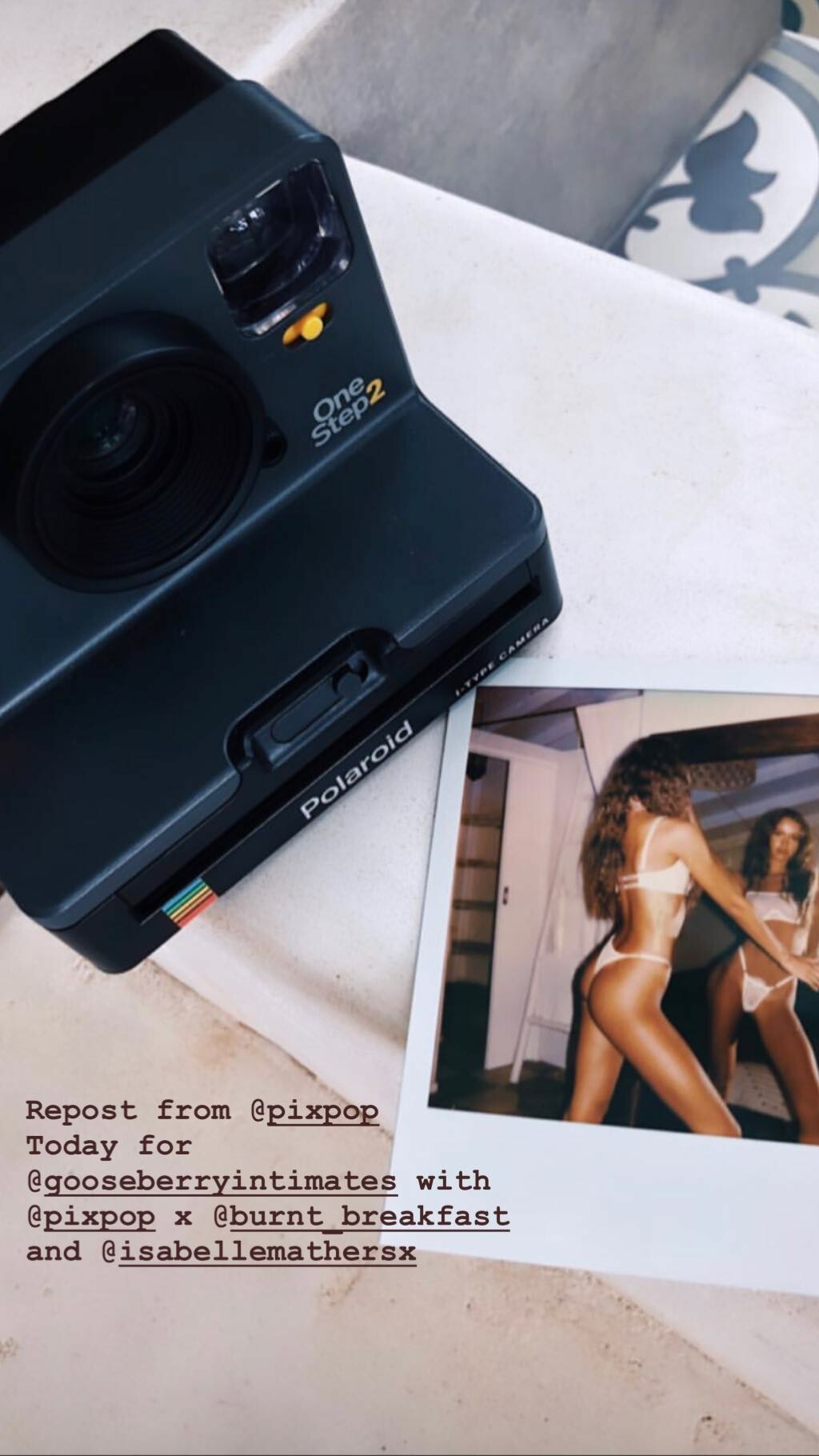
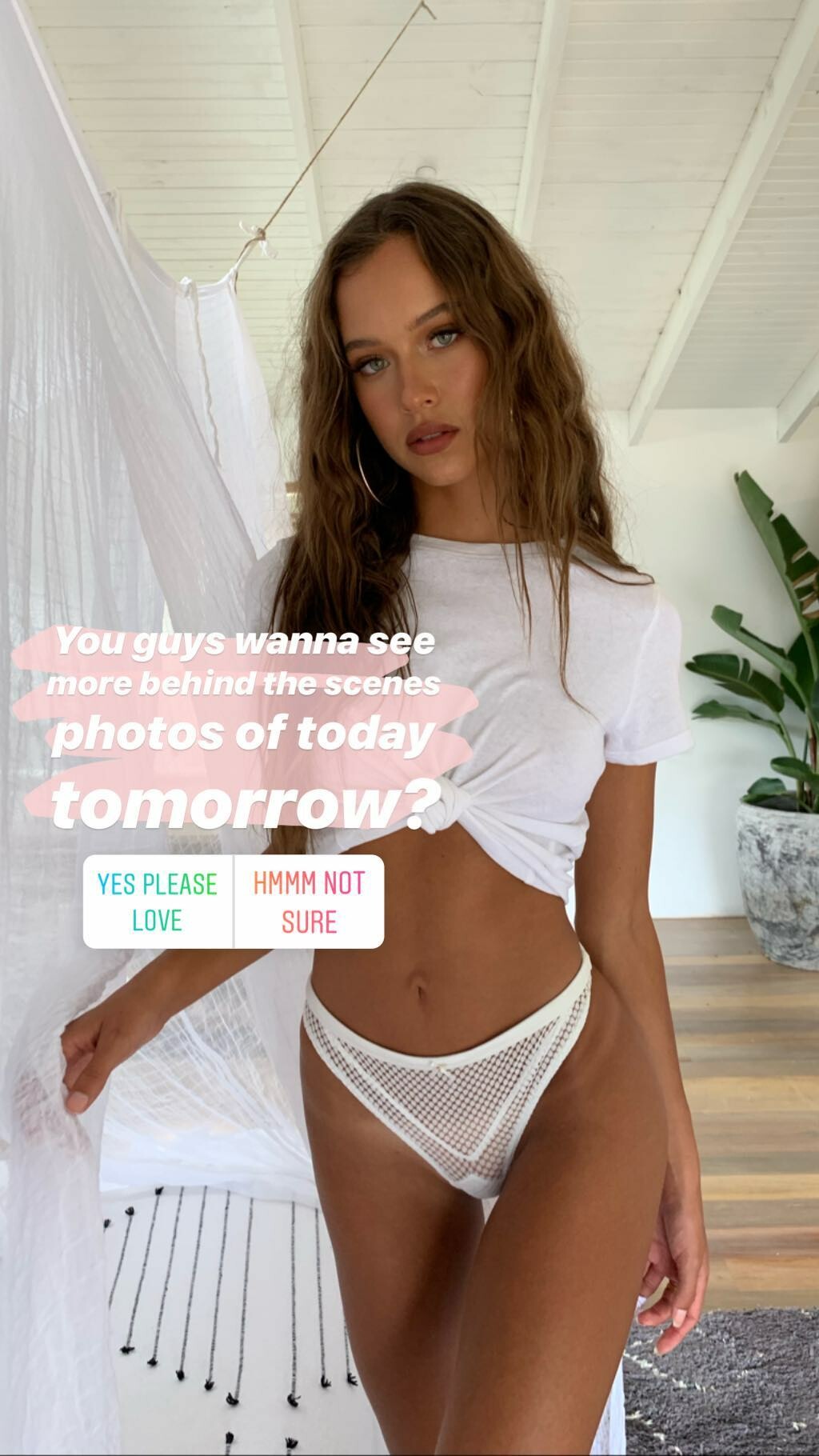


Account
Navigation
Search
Configure browser push notifications
Chrome (Android)
- Tap the lock icon next to the address bar.
- Tap Permissions → Notifications.
- Adjust your preference.
Chrome (Desktop)
- Click the padlock icon in the address bar.
- Select Site settings.
- Find Notifications and adjust your preference.
Safari (iOS 16.4+)
- Ensure the site is installed via Add to Home Screen.
- Open Settings App → Notifications.
- Find your app name and adjust your preference.
Safari (macOS)
- Go to Safari → Preferences.
- Click the Websites tab.
- Select Notifications in the sidebar.
- Find this website and adjust your preference.
Edge (Android)
- Tap the lock icon next to the address bar.
- Tap Permissions.
- Find Notifications and adjust your preference.
Edge (Desktop)
- Click the padlock icon in the address bar.
- Click Permissions for this site.
- Find Notifications and adjust your preference.
Firefox (Android)
- Go to Settings → Site permissions.
- Tap Notifications.
- Find this site in the list and adjust your preference.
Firefox (Desktop)
- Open Firefox Settings.
- Search for Notifications.
- Find this site in the list and adjust your preference.