Topped
Members
-
Joined
-
Last visited
Everything posted by Topped
-
-
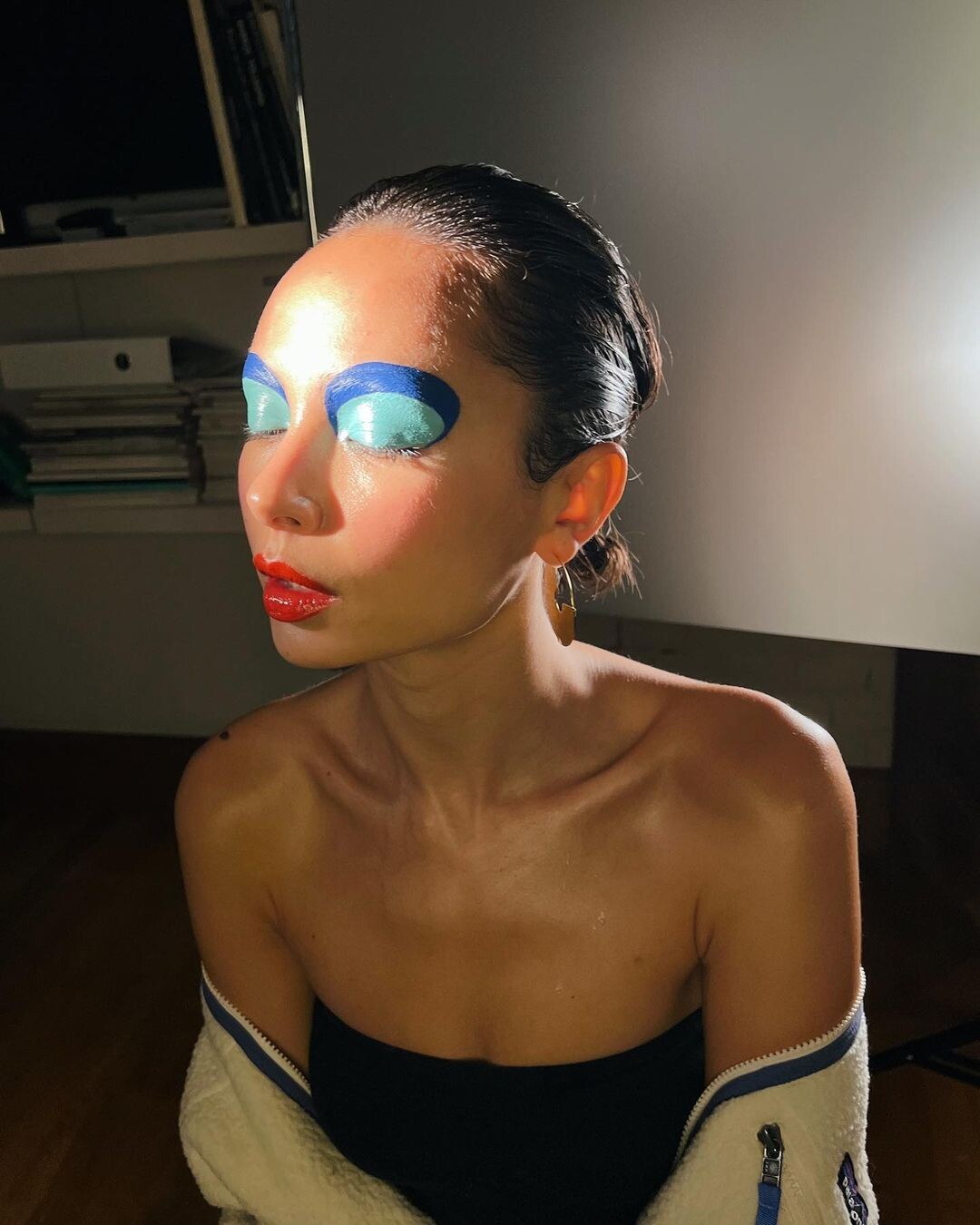
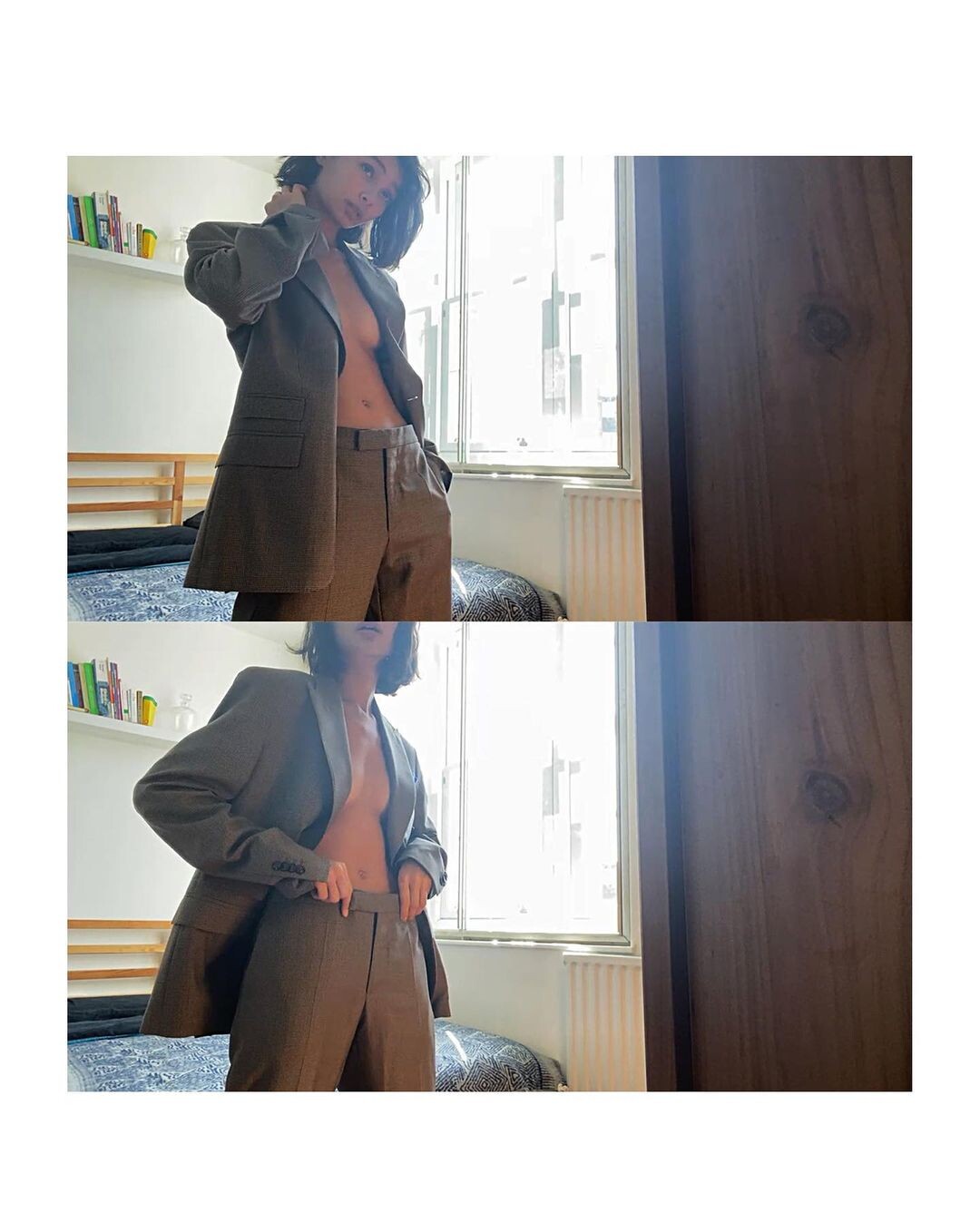
It appears to be Jenn Lee 😃 https://www.instagram.com/jennleezy/
Snapinsta.app_video_3841D22045C593C498573A9FAC0F67B1_video_dashinit.mp4
 Snapinsta.app_video_DB4069A6698548CF57E3F6FD410A9C80_video_dashinit.mp4
Snapinsta.app_video_An_Gw3RiYl8IxS3v-a2RCUGgh2APUCiLUiDjZD6Q3kR8wp86vrvQ0yP0X3ph3-36428u0IADrUIK102T0okHRQ.mp4
Snapinsta.app_video_DB4069A6698548CF57E3F6FD410A9C80_video_dashinit.mp4
Snapinsta.app_video_An_Gw3RiYl8IxS3v-a2RCUGgh2APUCiLUiDjZD6Q3kR8wp86vrvQ0yP0X3ph3-36428u0IADrUIK102T0okHRQ.mp4


Account
Search
Configure browser push notifications
Chrome (Android)
- Tap the lock icon next to the address bar.
- Tap Permissions → Notifications.
- Adjust your preference.
Chrome (Desktop)
- Click the padlock icon in the address bar.
- Select Site settings.
- Find Notifications and adjust your preference.
Safari (iOS 16.4+)
- Ensure the site is installed via Add to Home Screen.
- Open Settings App → Notifications.
- Find your app name and adjust your preference.
Safari (macOS)
- Go to Safari → Preferences.
- Click the Websites tab.
- Select Notifications in the sidebar.
- Find this website and adjust your preference.
Edge (Android)
- Tap the lock icon next to the address bar.
- Tap Permissions.
- Find Notifications and adjust your preference.
Edge (Desktop)
- Click the padlock icon in the address bar.
- Click Permissions for this site.
- Find Notifications and adjust your preference.
Firefox (Android)
- Go to Settings → Site permissions.
- Tap Notifications.
- Find this site in the list and adjust your preference.
Firefox (Desktop)
- Open Firefox Settings.
- Search for Notifications.
- Find this site in the list and adjust your preference.