

Candyliz
Members
-
Joined
-
Last visited
Everything posted by Candyliz
-
 Old bts for Raw
.thumb.jpg.374893bde2aea7029ed651faa5014743.jpg)
-
behatiprinsloo_23102018180715.mp4
-
At the launch of Fountain of truth beauty by Giuliana Rancic today in LA behatiprinsloo_23102018172609.mp4
-
behatiprinsloo_23102018141116.mp4
-
Stories behatiprinsloo_22102018074611.mp4 behatiprinsloo_22102018074625.mp4
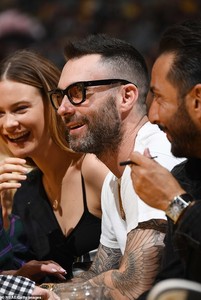
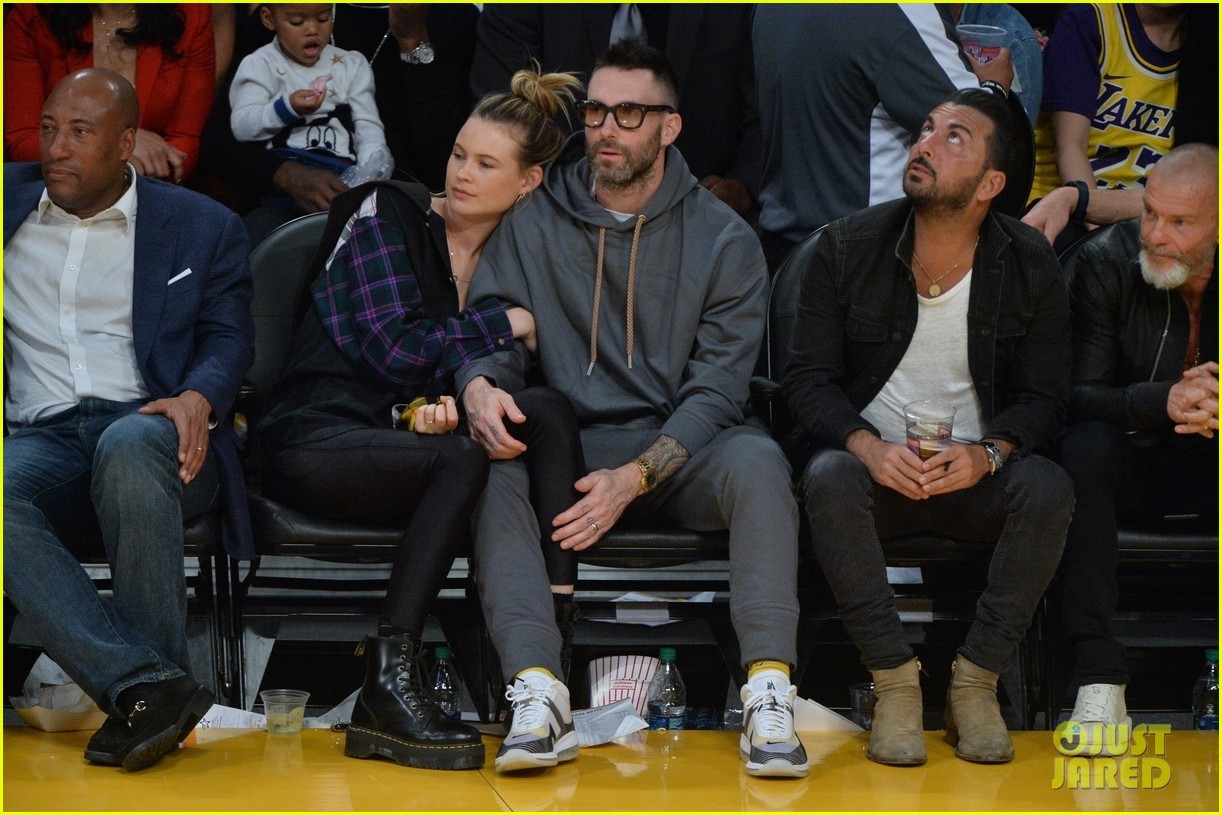
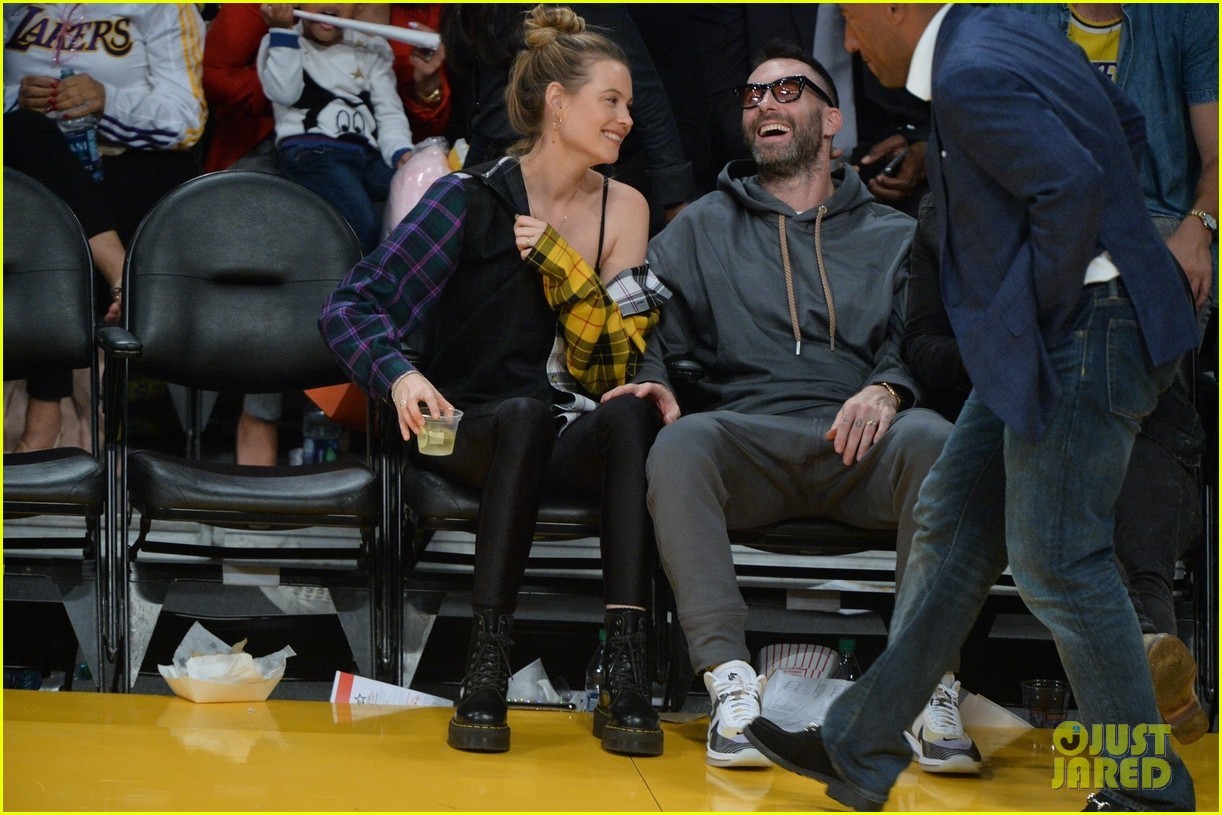
Adam Levine and Behati Prinsloo shared a sweet PDA moment while sitting court side at the Los Angeles Lakers game!












 Stories behatiprinsloo_21102018082142.mp4
 behatiprinsloo_19102018181750.mp4
From JA's blog
behatiprinsloo_19102018181750.mp4
From JA's blog








 Some of Jacquie Aiche Fall campaign with better quality














 behatiprinsloo_19102018071636.mp4
She is already in LA
behatiprinsloo_19102018071636.mp4
She is already in LA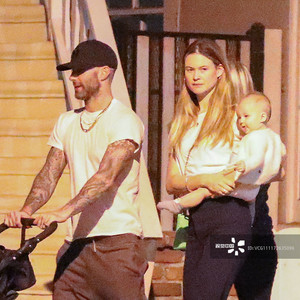

 More Bts behatiprinsloo_18102018102759.mp4 behatiprinsloo_18102018103934.mp4
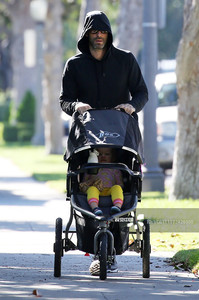
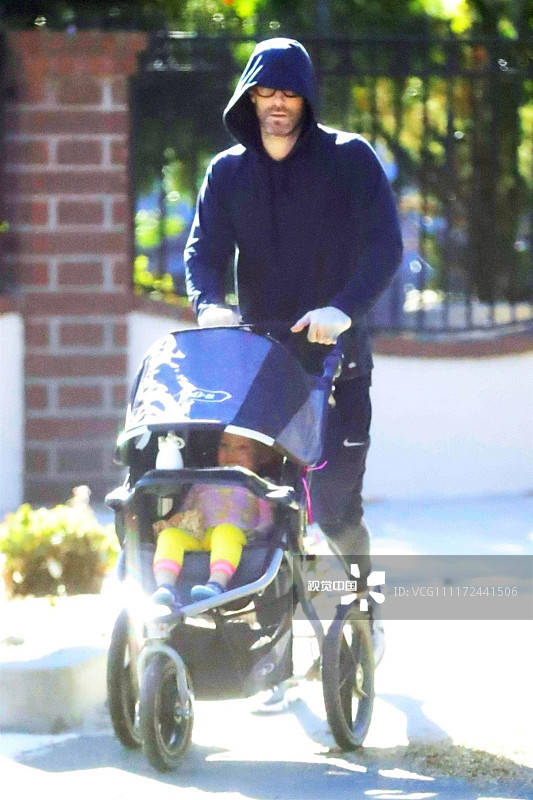
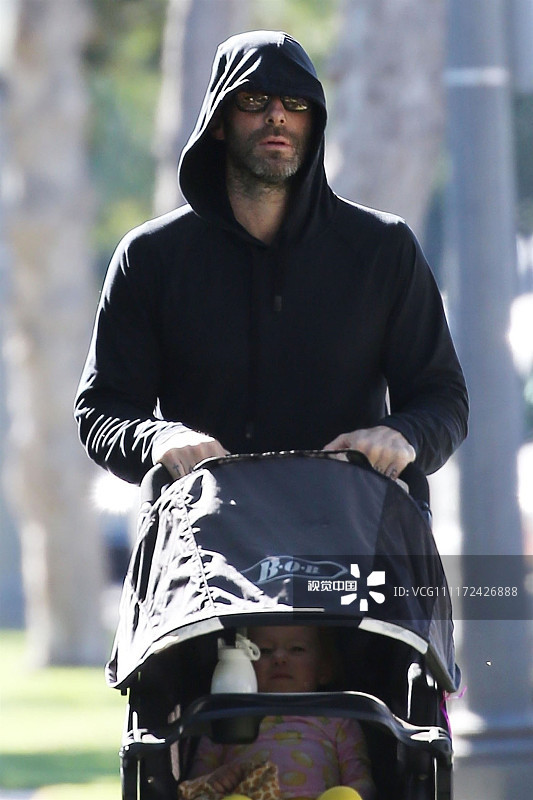
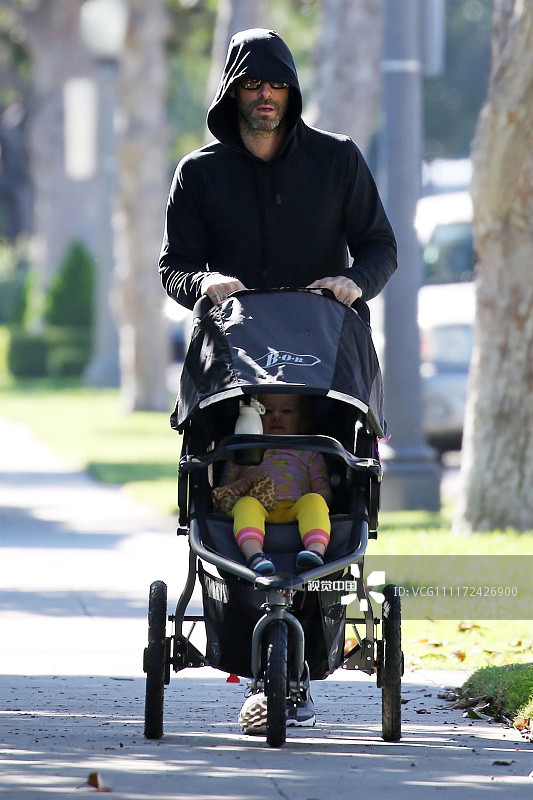
Adam and Dusty in LA while Bee is working in NYC
More Bts behatiprinsloo_18102018102759.mp4 behatiprinsloo_18102018103934.mp4
Adam and Dusty in LA while Bee is working in NYC





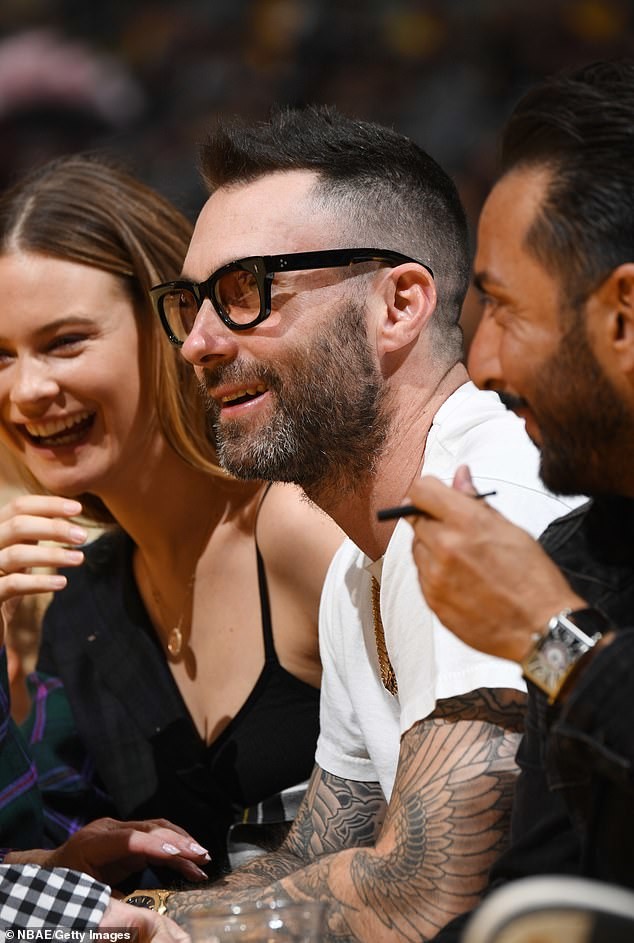
 She changed from agency in Paris
.jpg.dac5e2acd80228e3c774288d018653f2.jpg)
.jpg.1084a954b9ff4e8a0935c4e7f4d2b77b.jpg)












.jpg.a35d4fed272af743100911692782e9f2.jpg)




.jpg.4948c04b3eb81ea5128d1101cbb7ebc5.jpg)
.jpg.3d3f61421629e6f5e01716fe3fc223ca.jpg)
.jpg.087e88509caa8d6a26dba6aefe94f4b7.jpg)



































.jpg.d8d29cd9e8c39e43dac8de08bfb19203.jpg)
Account
Navigation
Search
Configure browser push notifications
Chrome (Android)
- Tap the lock icon next to the address bar.
- Tap Permissions → Notifications.
- Adjust your preference.
Chrome (Desktop)
- Click the padlock icon in the address bar.
- Select Site settings.
- Find Notifications and adjust your preference.
Safari (iOS 16.4+)
- Ensure the site is installed via Add to Home Screen.
- Open Settings App → Notifications.
- Find your app name and adjust your preference.
Safari (macOS)
- Go to Safari → Preferences.
- Click the Websites tab.
- Select Notifications in the sidebar.
- Find this website and adjust your preference.
Edge (Android)
- Tap the lock icon next to the address bar.
- Tap Permissions.
- Find Notifications and adjust your preference.
Edge (Desktop)
- Click the padlock icon in the address bar.
- Click Permissions for this site.
- Find Notifications and adjust your preference.
Firefox (Android)
- Go to Settings → Site permissions.
- Tap Notifications.
- Find this site in the list and adjust your preference.
Firefox (Desktop)
- Open Firefox Settings.
- Search for Notifications.
- Find this site in the list and adjust your preference.