Candyliz
Members
-
Joined
-
Last visited
Everything posted by Candyliz
-
 Comp Card Milan Fashion Week
 How many months do u think she have already?
Par McGrath stories patmcgrathreal_15198927_462504154130678_8077153193785556992_n.mp4
How many months do u think she have already?
Par McGrath stories patmcgrathreal_15198927_462504154130678_8077153193785556992_n.mp4 Candice on stories angelcandices_17330758_1975687842708783_3875377664382468096_n.mp4
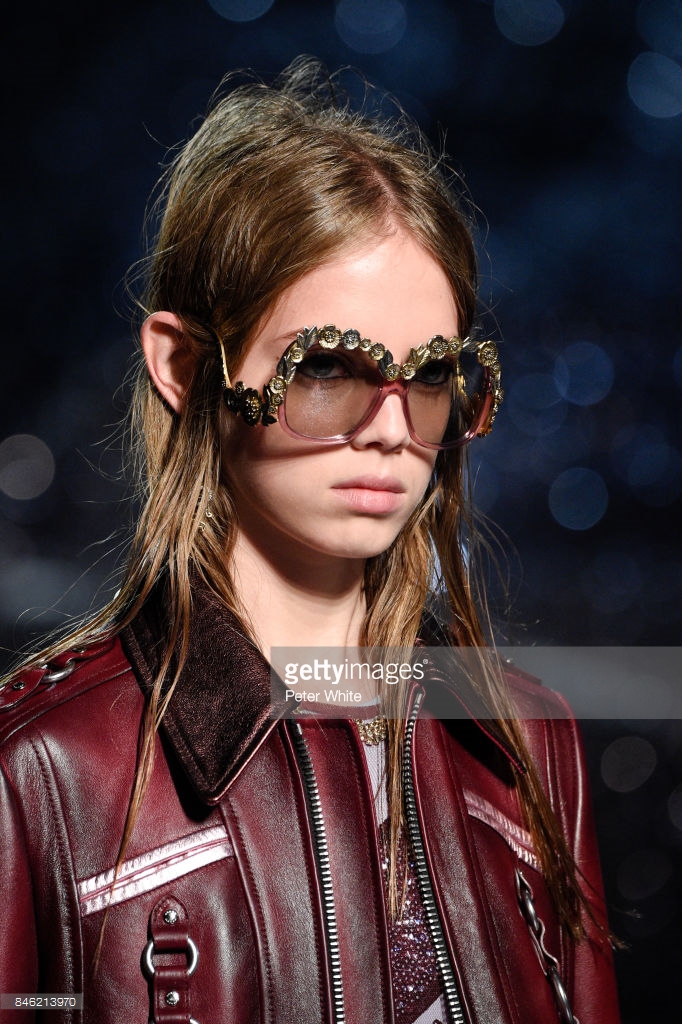
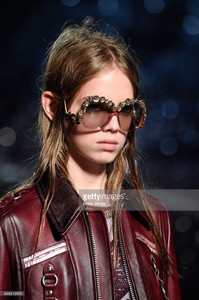
 More Coach show

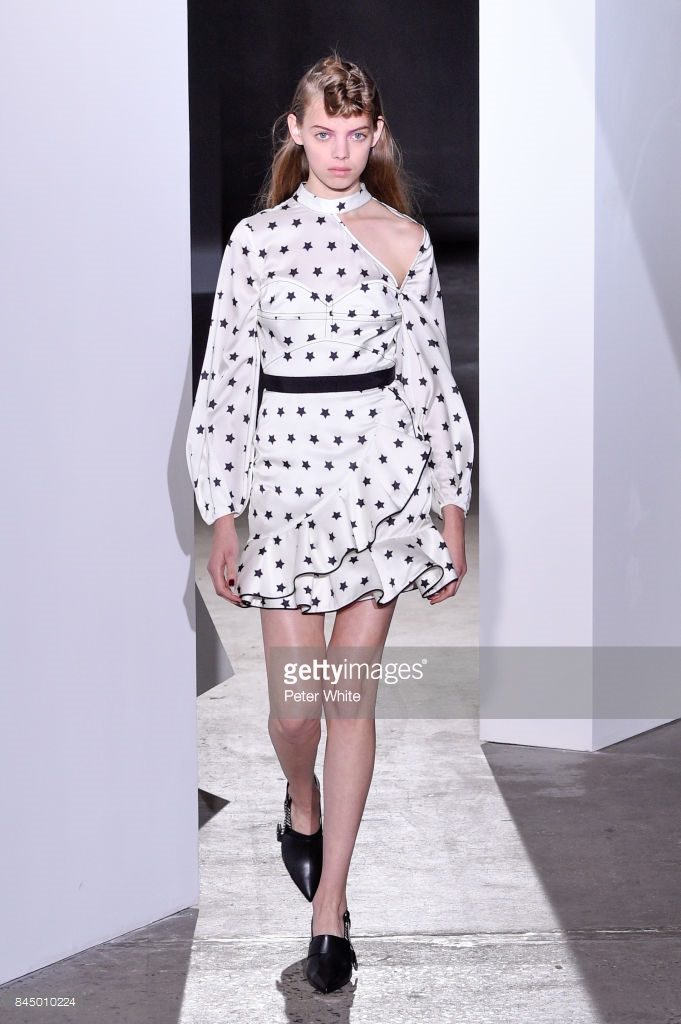
 More Mr Self Portrait show

 souzadavid_15276314_410114729386638_6651491529191849984_n.mp4 souzadavid_15220429_292669927884311_6697379595437473792_n.mp4 souzadavid_17526273_2191659511060633_597715707932704768_n.mp4


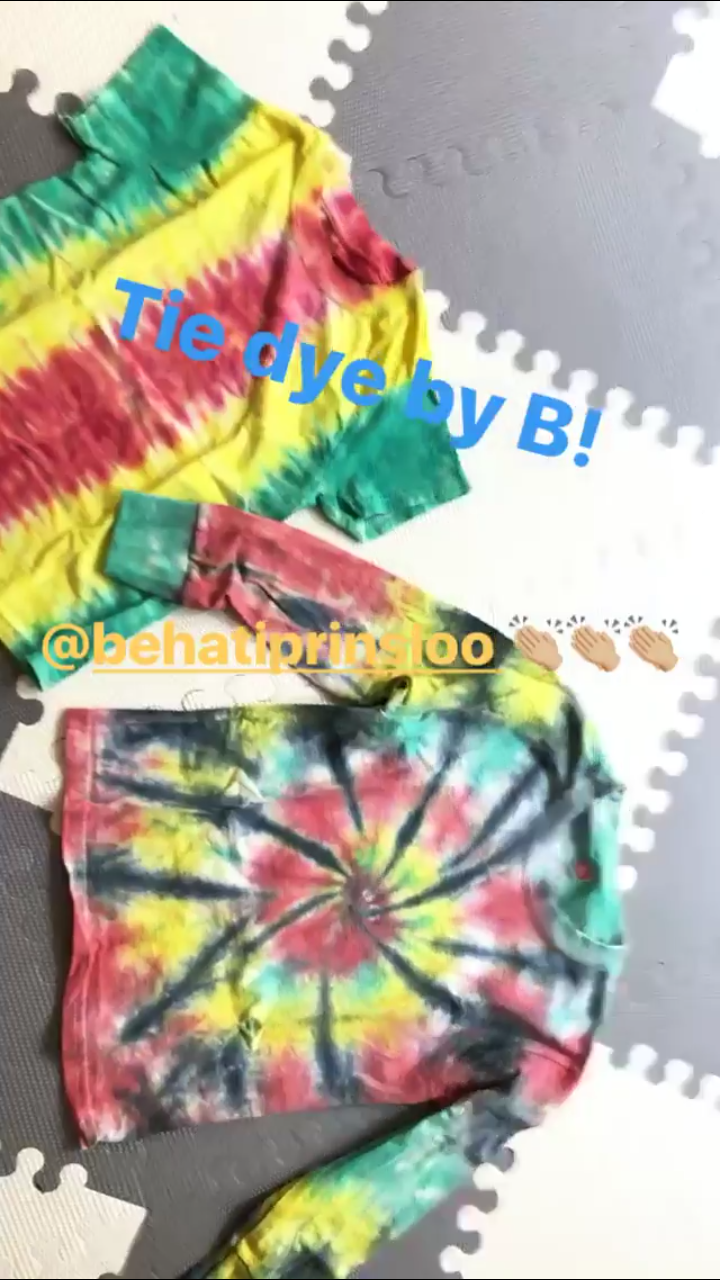
 Sarah Cano stories
 Mariana with a fan and model Sarah Cano
 Spotted after Mr Self Portrait show
 What a nice pillow!
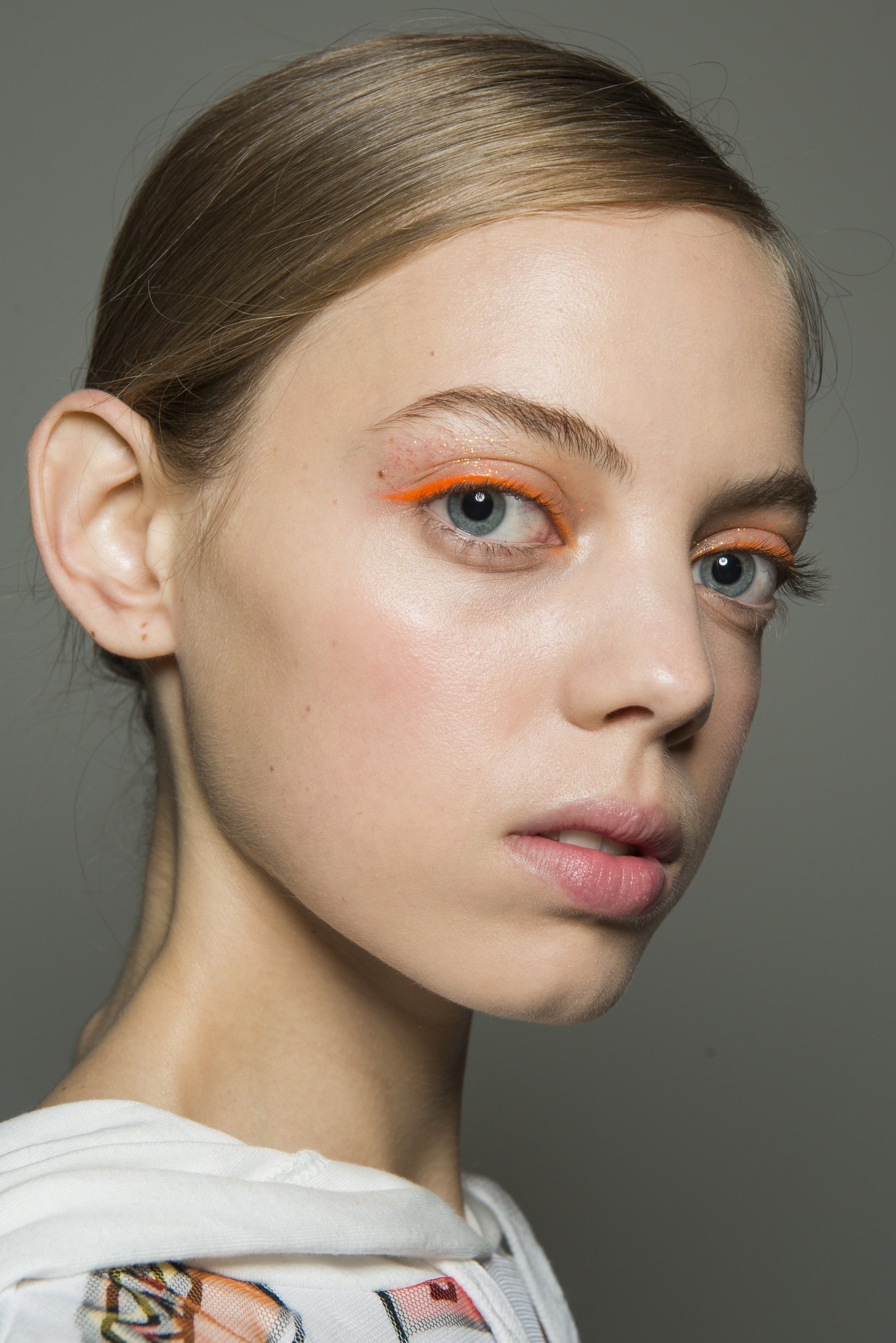
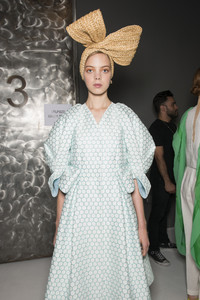
Del Pozo backstage
What a nice pillow!
Del Pozo backstage


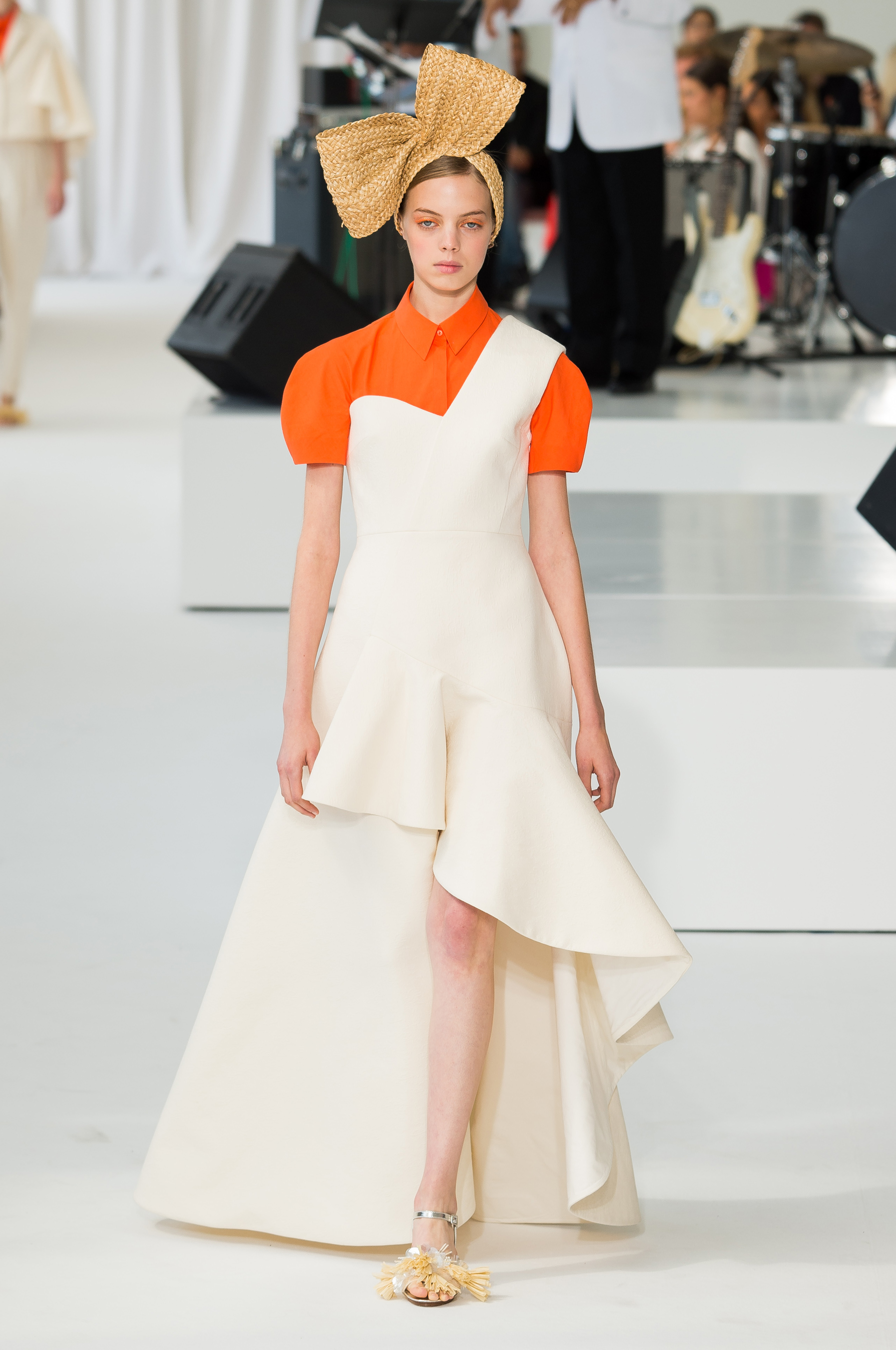
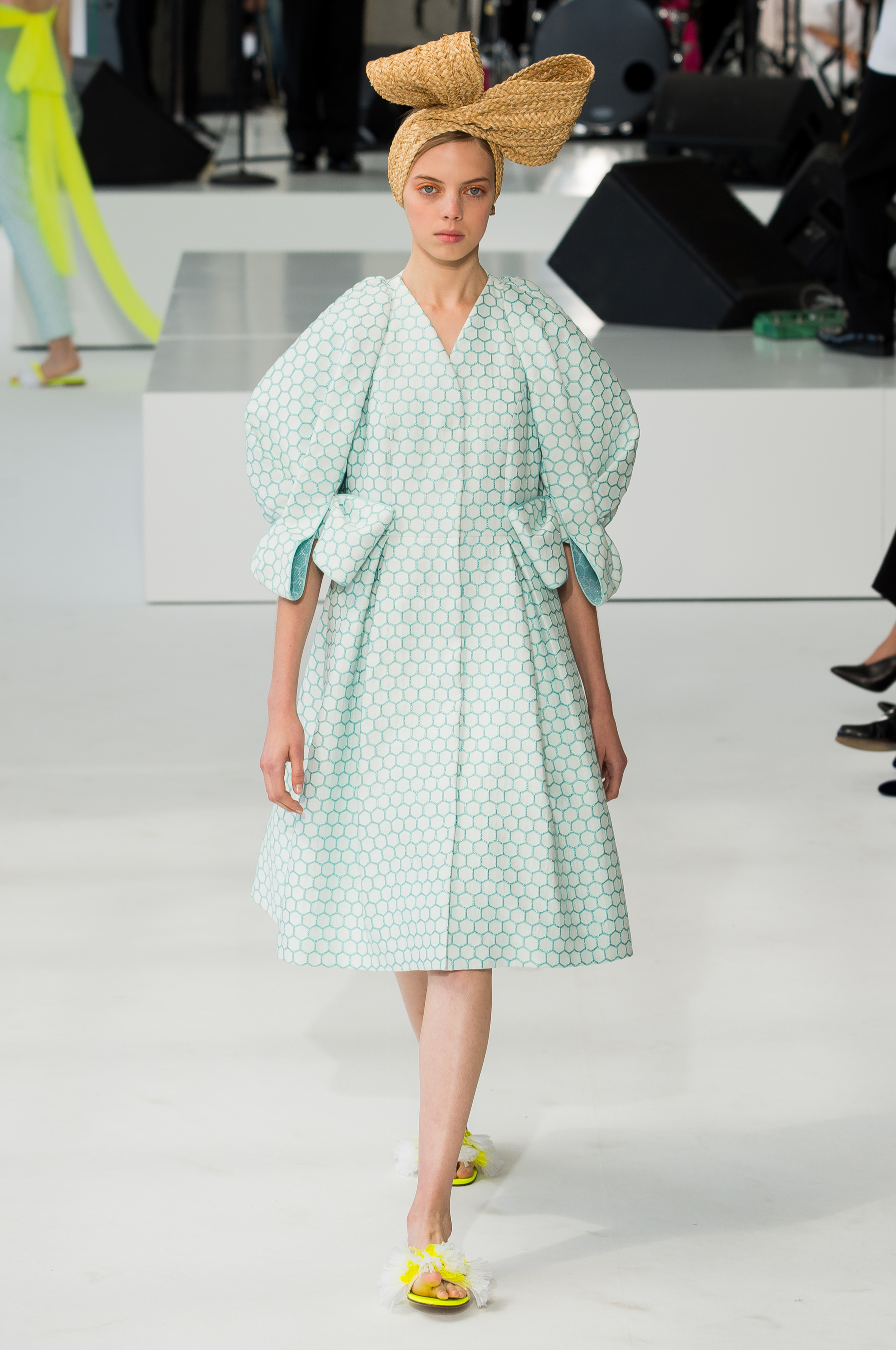
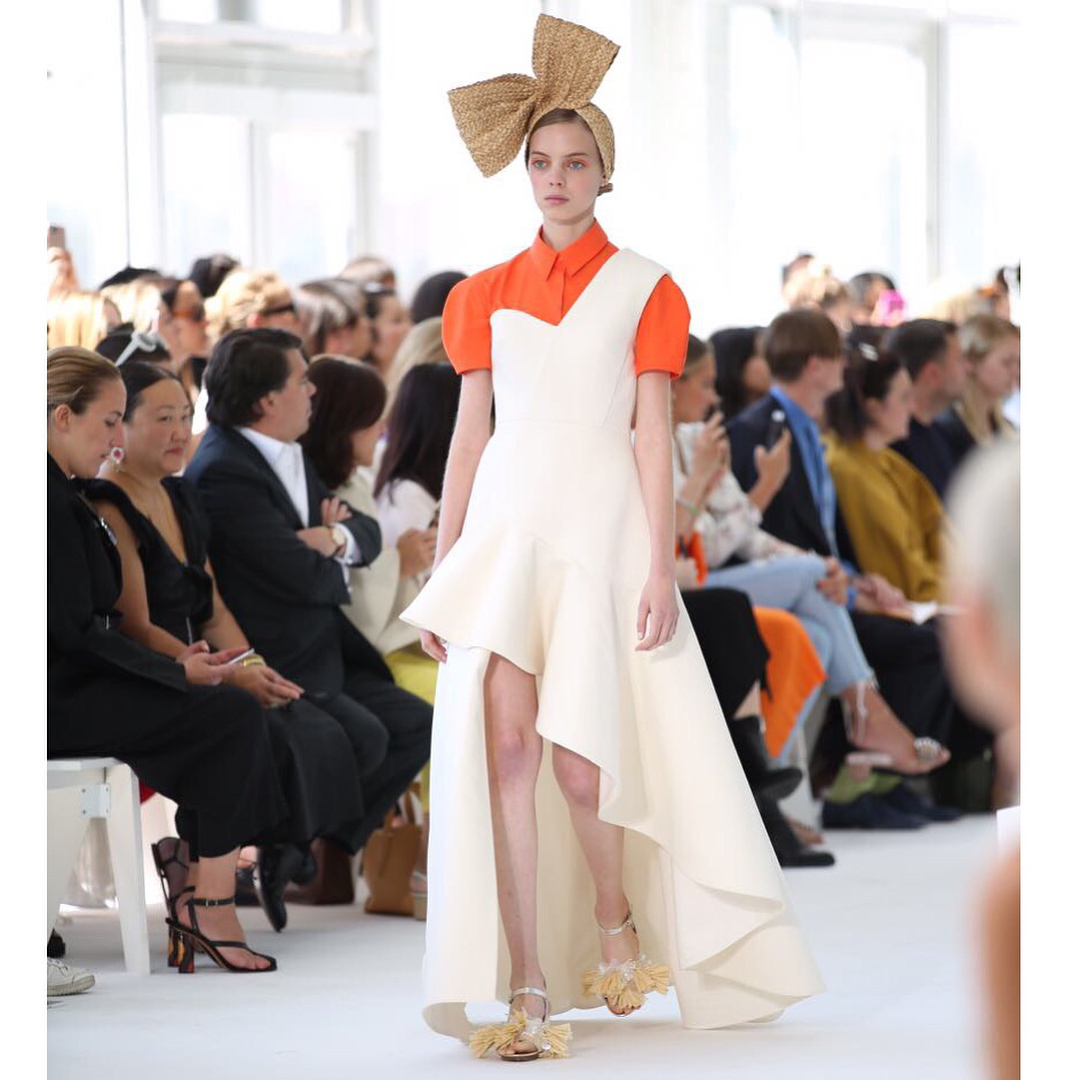
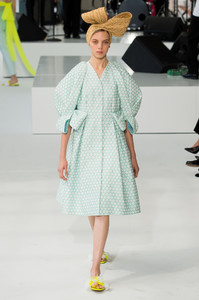
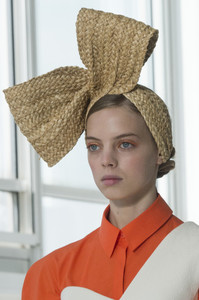
 Del Pozo S/S 18 (opening of the show)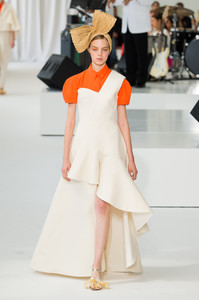



Account
Navigation
Search
Configure browser push notifications
Chrome (Android)
- Tap the lock icon next to the address bar.
- Tap Permissions → Notifications.
- Adjust your preference.
Chrome (Desktop)
- Click the padlock icon in the address bar.
- Select Site settings.
- Find Notifications and adjust your preference.
Safari (iOS 16.4+)
- Ensure the site is installed via Add to Home Screen.
- Open Settings App → Notifications.
- Find your app name and adjust your preference.
Safari (macOS)
- Go to Safari → Preferences.
- Click the Websites tab.
- Select Notifications in the sidebar.
- Find this website and adjust your preference.
Edge (Android)
- Tap the lock icon next to the address bar.
- Tap Permissions.
- Find Notifications and adjust your preference.
Edge (Desktop)
- Click the padlock icon in the address bar.
- Click Permissions for this site.
- Find Notifications and adjust your preference.
Firefox (Android)
- Go to Settings → Site permissions.
- Tap Notifications.
- Find this site in the list and adjust your preference.
Firefox (Desktop)
- Open Firefox Settings.
- Search for Notifications.
- Find this site in the list and adjust your preference.