Candyliz
Members
-
Joined
-
Last visited
Everything posted by Candyliz
-
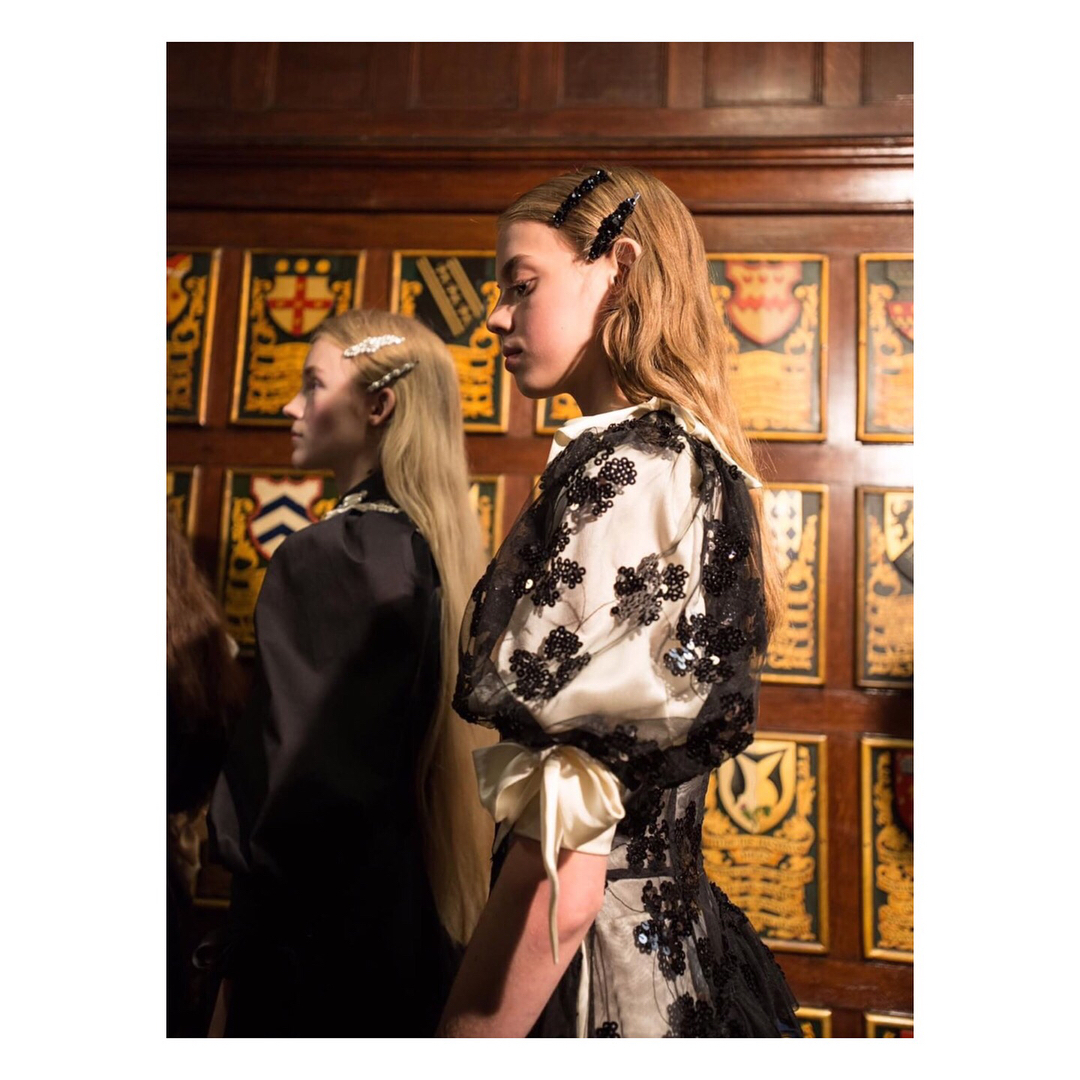
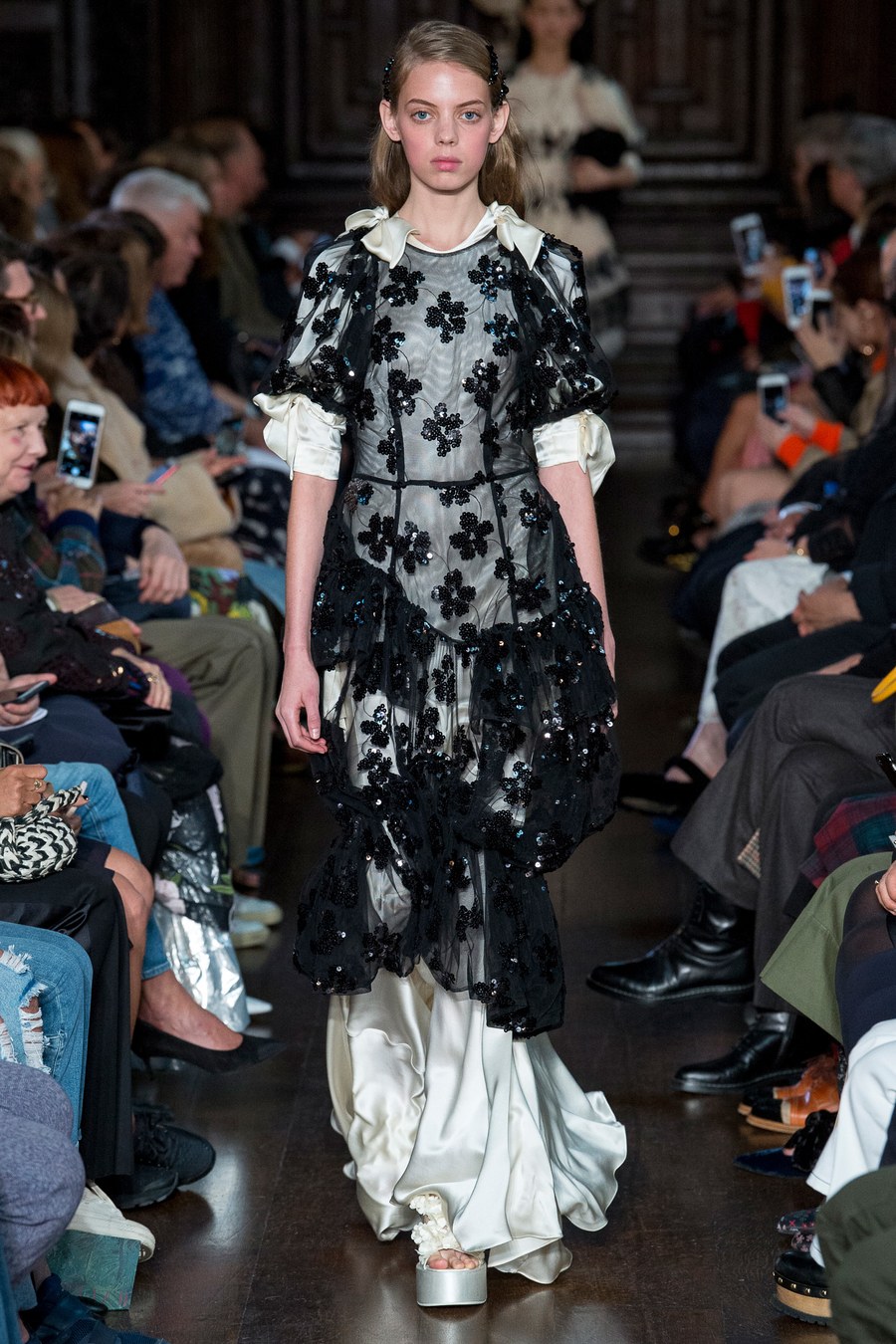
 Simone Rocha S/S 18 Now Fashion and Vogue

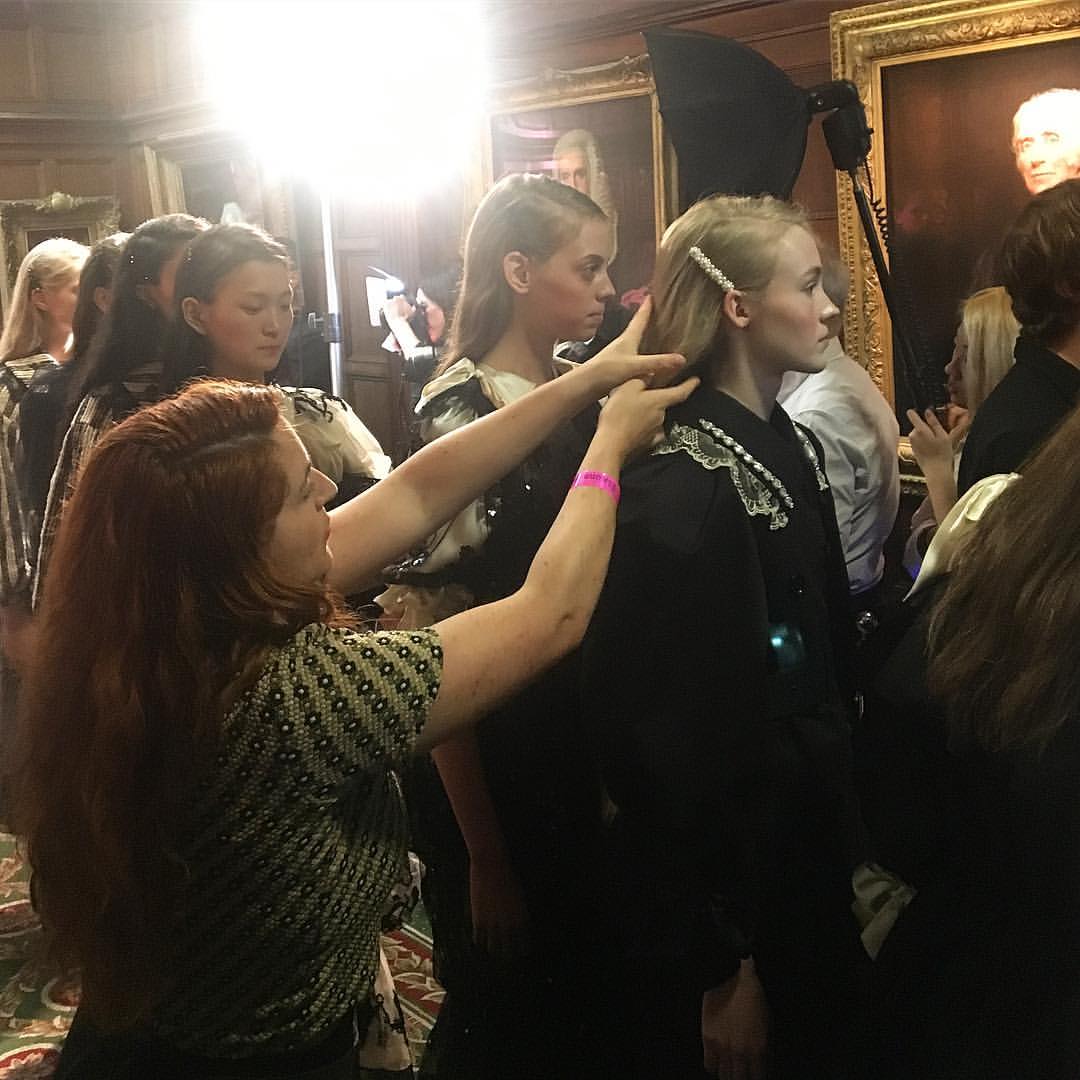
 Walking for Simone Rocha 10 Magazine stories 10magazine_18421875_828933693941094_3015088190210965504_n.mp4 10magazine_12504236_683746358502797_4632762616949768192_n.mp4
 Stories mariana_zaragoza_18135695_1994027974175166_8589748748765102080_n.mp4
 purplepr_15231848_491482964559233_5796735265682751488_n.mp4 lisatse88_16666117_139930843283459_188032474217971712_n.mp4

 Ralph & Russo stories ralphandrusso_16835058_142445166364077_2276545813221998592_n.mp4 ralphandrusso_18116883_524201544598220_5646840078123663360_n.mp4 ralphandrusso_17743477_167687470454189_1883401334628024320_n.mp4 mariana_zaragoza_17529491_126447931428461_9009817307890843648_n.mp4


 Stories mariana_zaragoza_16667062_1377148049001179_8349187179544576000_n.mp4 mariana_zaragoza_18135289_119385172059625_3048052197351751680_n.mp4
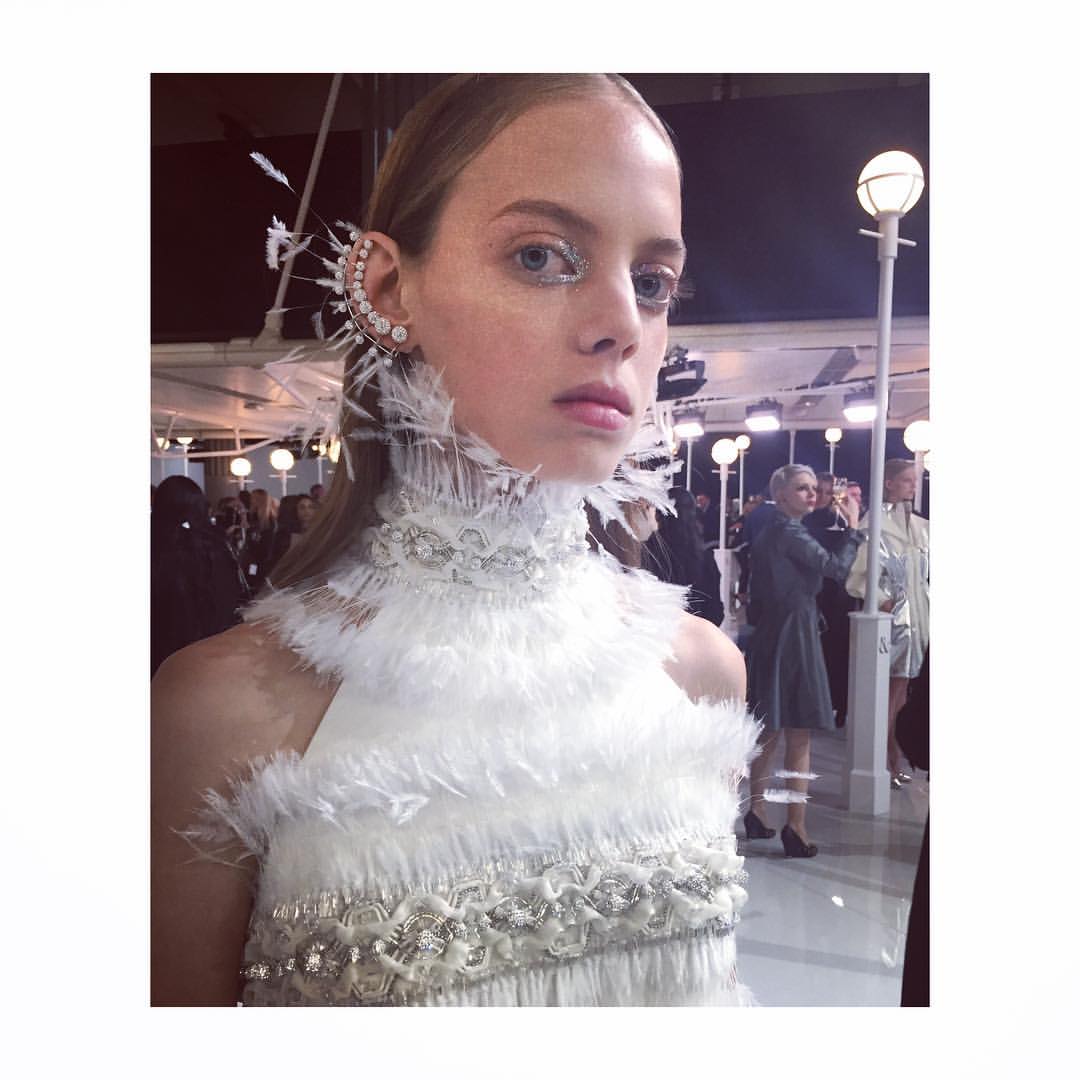
 Ralph & Russo backstage
 Polaroid for the Style Guide
 Del Pozo backstage
Account
Navigation
Search
Configure browser push notifications
Chrome (Android)
- Tap the lock icon next to the address bar.
- Tap Permissions → Notifications.
- Adjust your preference.
Chrome (Desktop)
- Click the padlock icon in the address bar.
- Select Site settings.
- Find Notifications and adjust your preference.
Safari (iOS 16.4+)
- Ensure the site is installed via Add to Home Screen.
- Open Settings App → Notifications.
- Find your app name and adjust your preference.
Safari (macOS)
- Go to Safari → Preferences.
- Click the Websites tab.
- Select Notifications in the sidebar.
- Find this website and adjust your preference.
Edge (Android)
- Tap the lock icon next to the address bar.
- Tap Permissions.
- Find Notifications and adjust your preference.
Edge (Desktop)
- Click the padlock icon in the address bar.
- Click Permissions for this site.
- Find Notifications and adjust your preference.
Firefox (Android)
- Go to Settings → Site permissions.
- Tap Notifications.
- Find this site in the list and adjust your preference.
Firefox (Desktop)
- Open Firefox Settings.
- Search for Notifications.
- Find this site in the list and adjust your preference.