Candyliz
Members
-
Joined
-
Last visited
Everything posted by Candyliz
-
 behatiprinsloo_21074685_306166029899839_933797787902935040_n.mp4
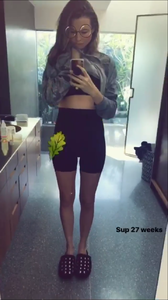
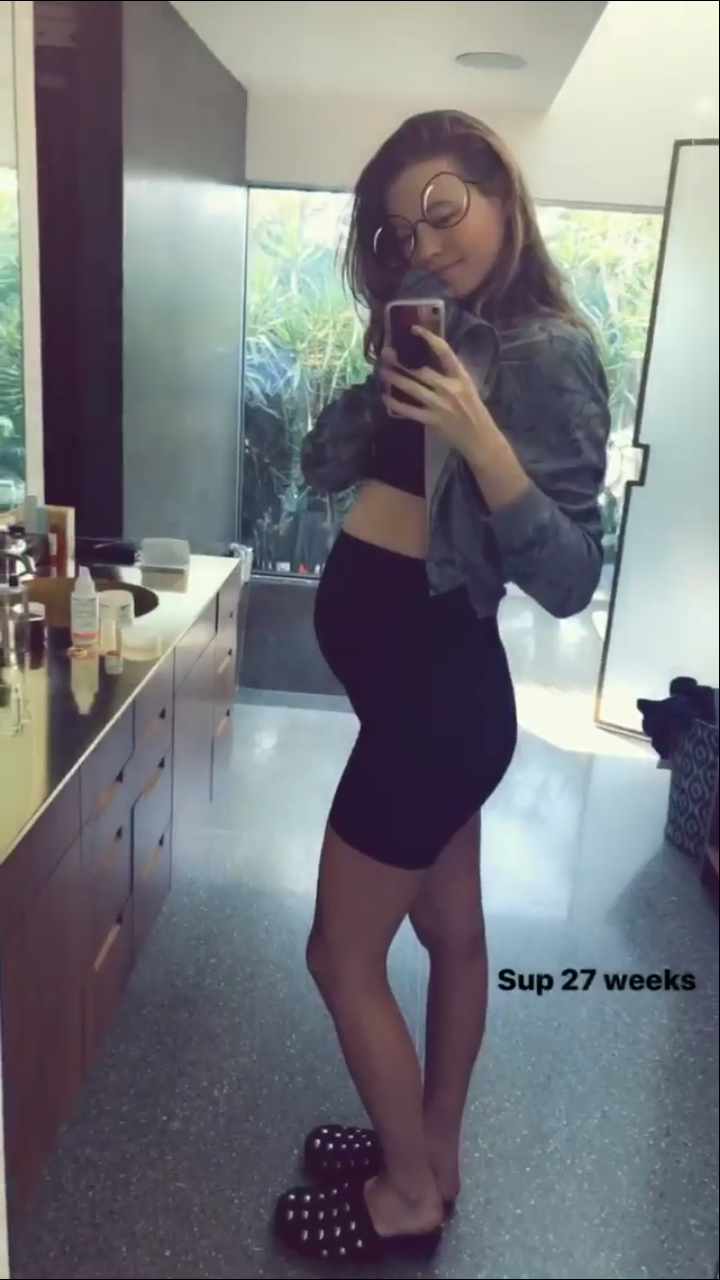
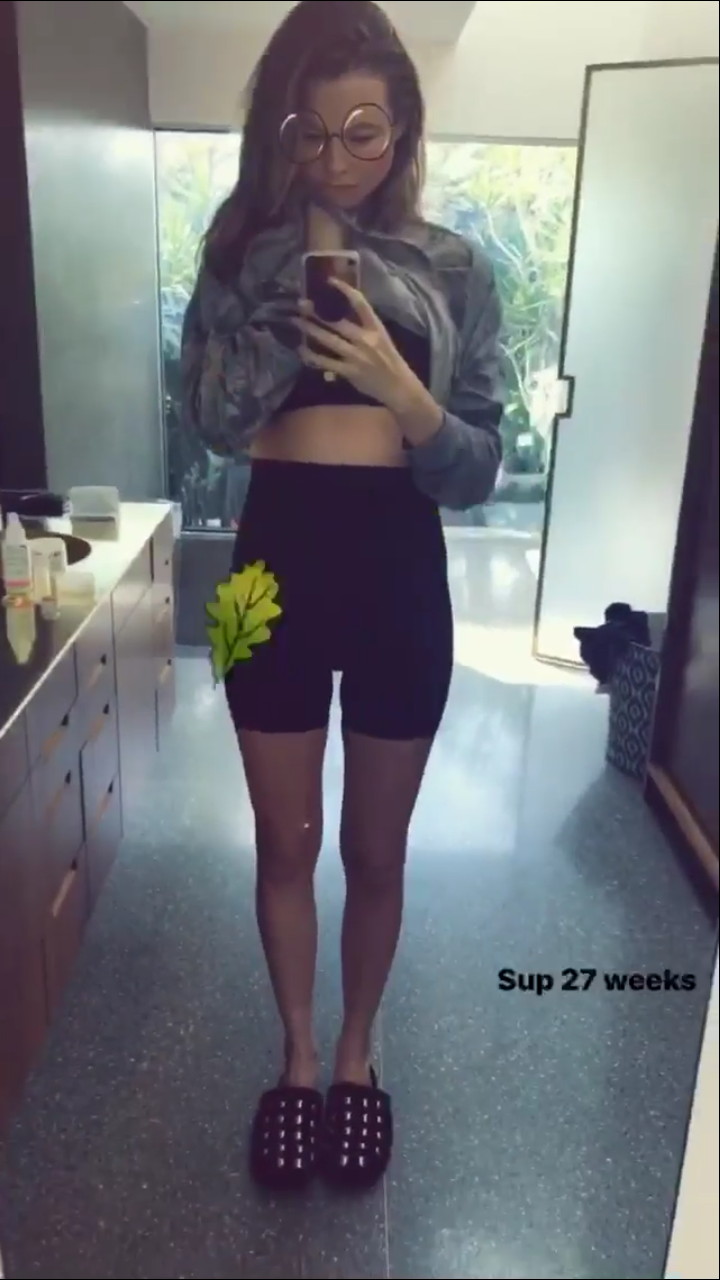
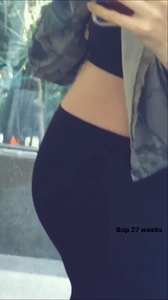 Incredible how we are just 2 months away to meet new baby girl Well I hope they share a pic just like they did with Dusty when she was born
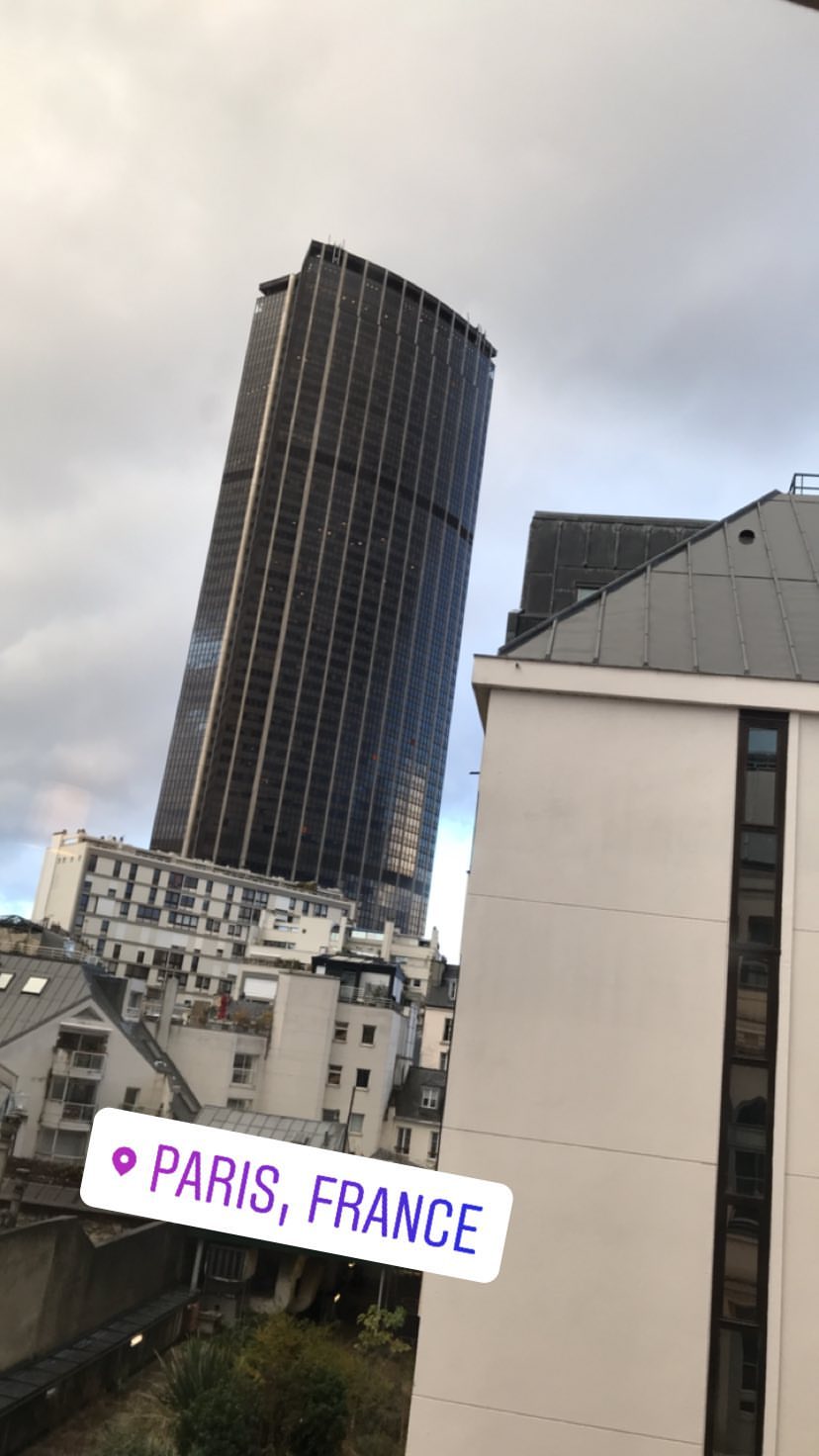
She's now in France
Incredible how we are just 2 months away to meet new baby girl Well I hope they share a pic just like they did with Dusty when she was born
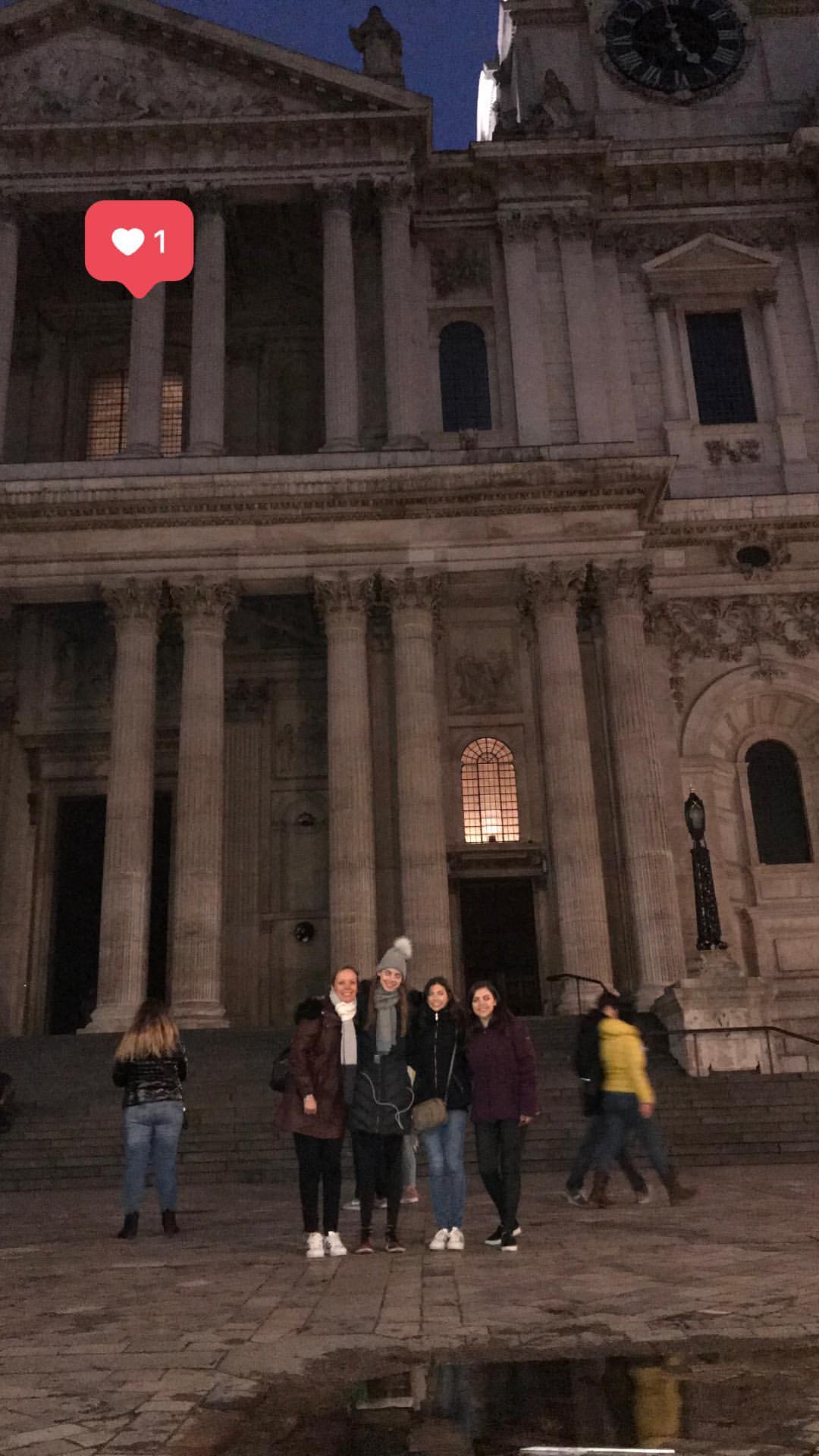
She's now in France London yesterday sofypv_16829349_138434440065132_8796448980507557888_n.mp4

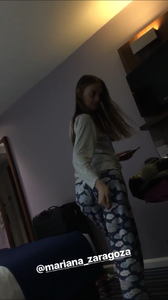 Well yes, they are better separately. But there's no doubt that together make a very beautiful girl
Same here, although I was thinking it was a boy. But another girl is awesome!
Mariana representing Chanel Haute Couture Autumn-Winter Collection 2017 by Vogue Mexico
Well yes, they are better separately. But there's no doubt that together make a very beautiful girl
Same here, although I was thinking it was a boy. But another girl is awesome!
Mariana representing Chanel Haute Couture Autumn-Winter Collection 2017 by Vogue Mexico







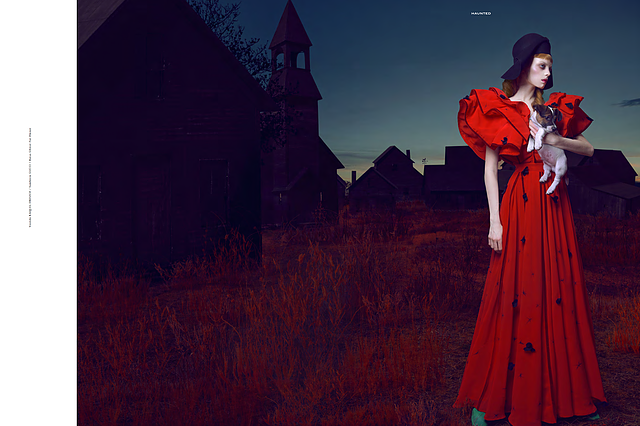
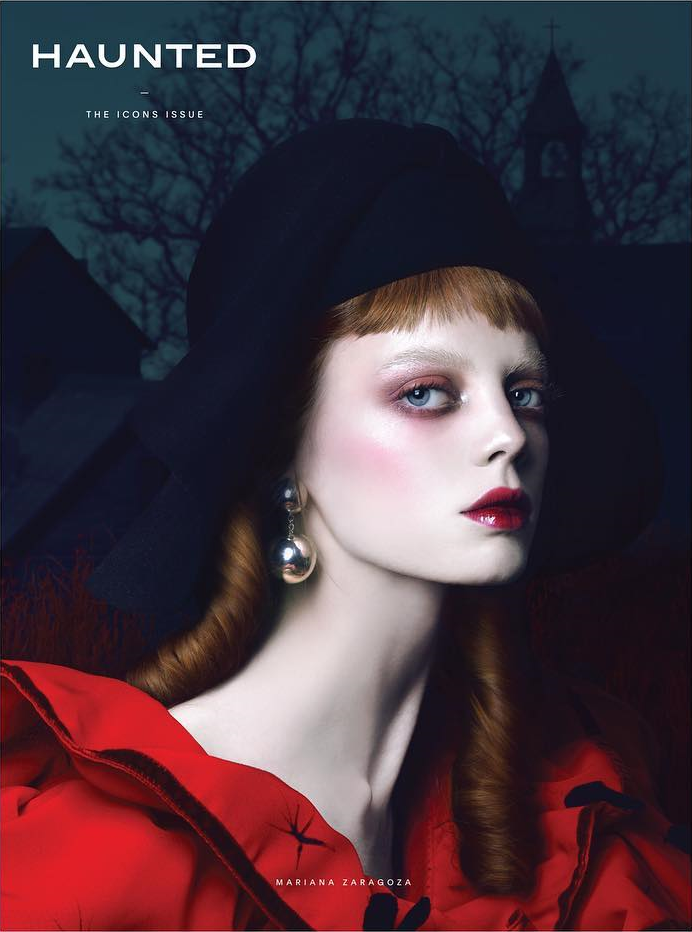
 Haunted Magazine 2017
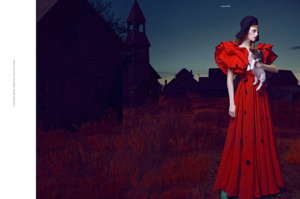 Haunted Magazine 2017"The Icon Issue"Photographer: Iván AguirreStyling: Nayeli de AlbaMakeup: Vicente MontoyaHairstyle: Carlos Arriola
 New editorial for Vogue Mexico
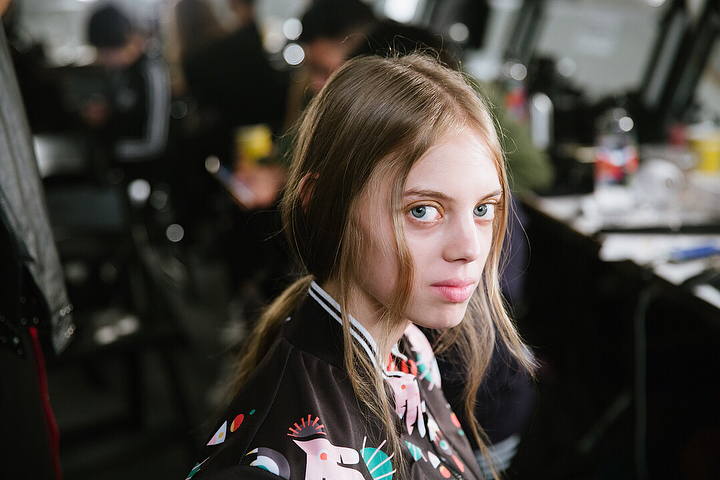
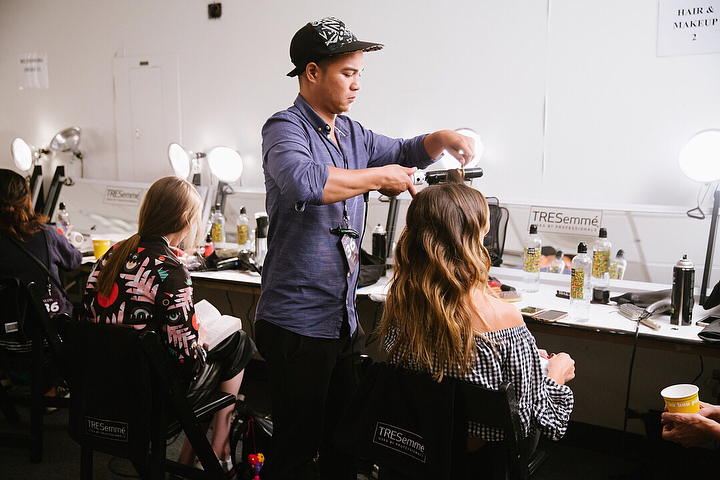
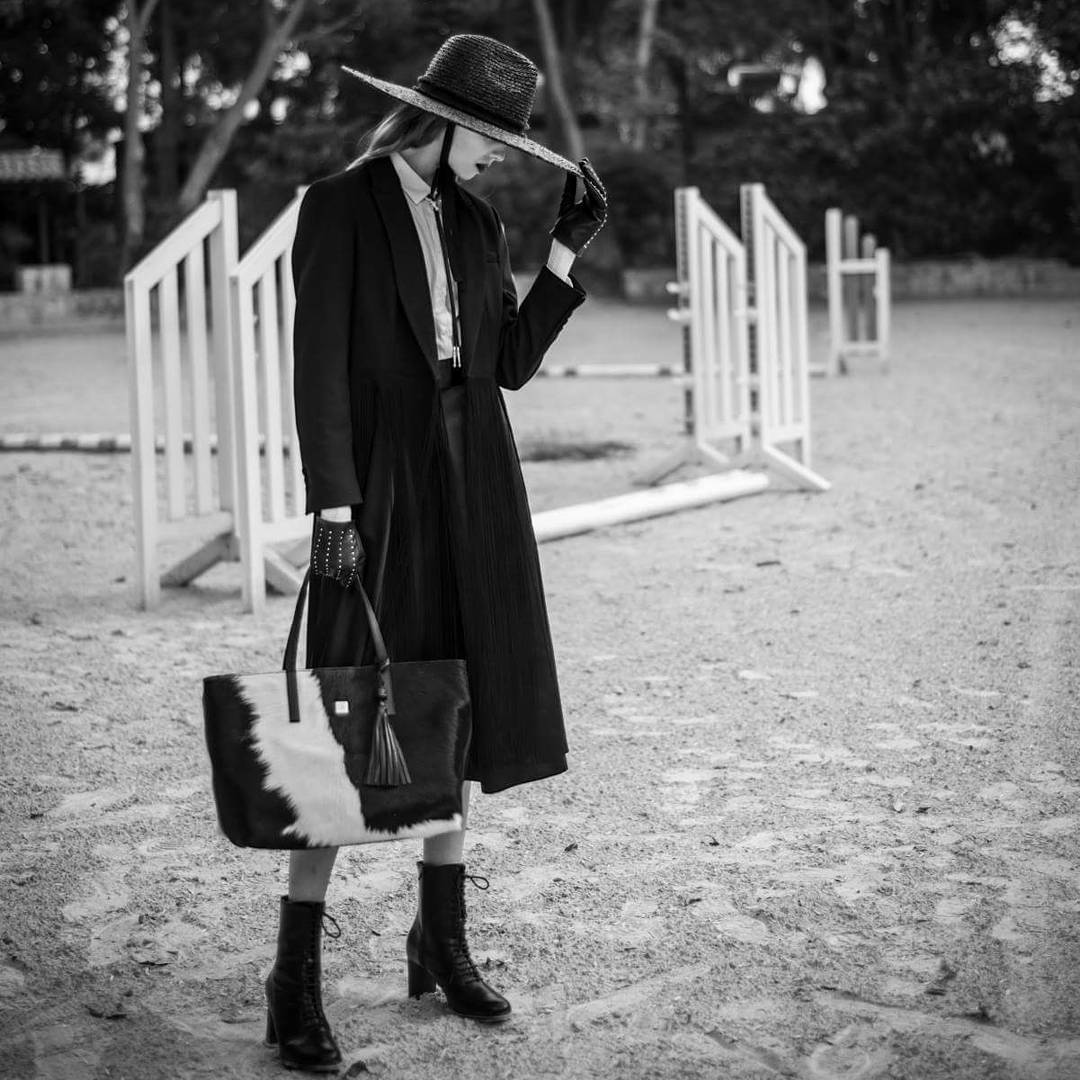
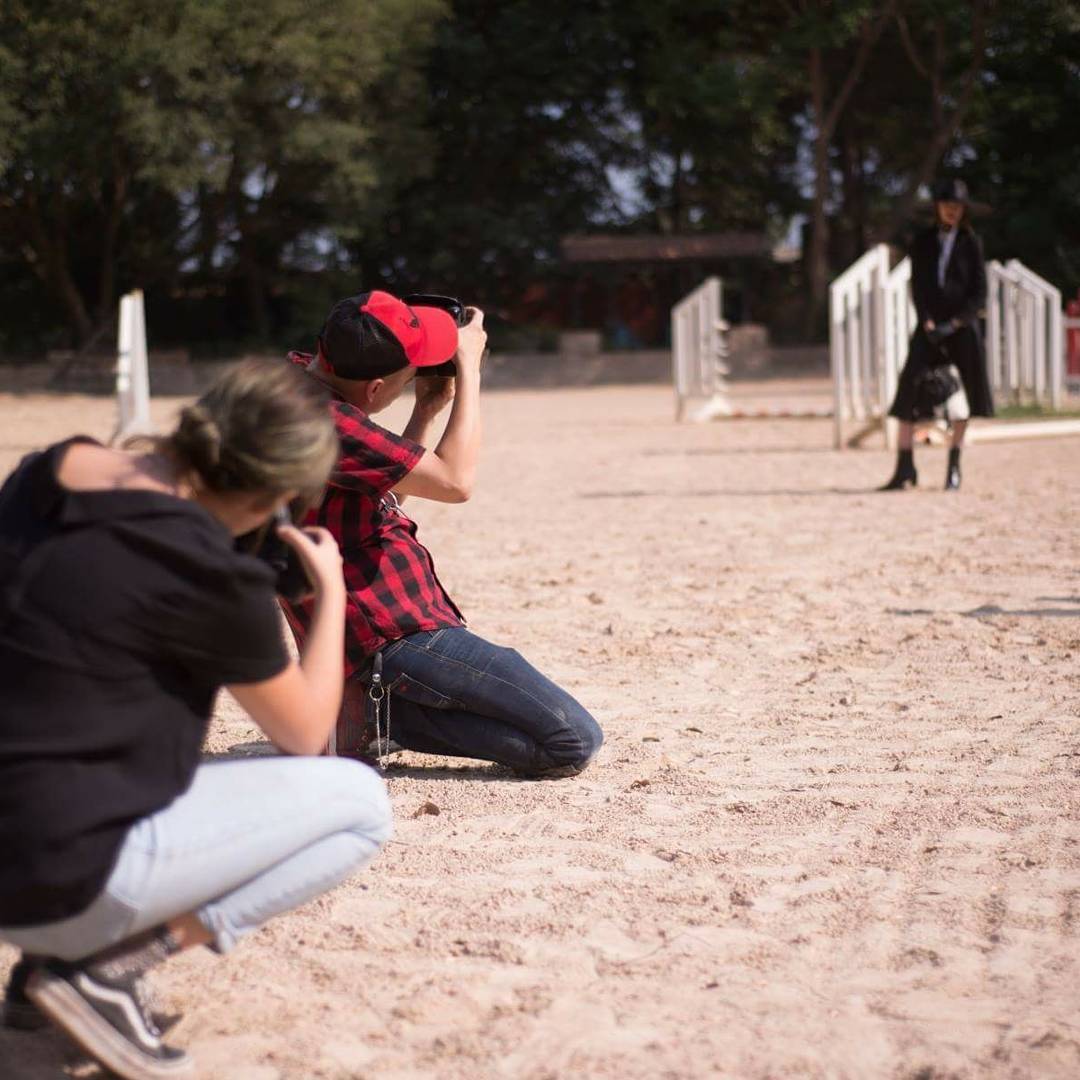
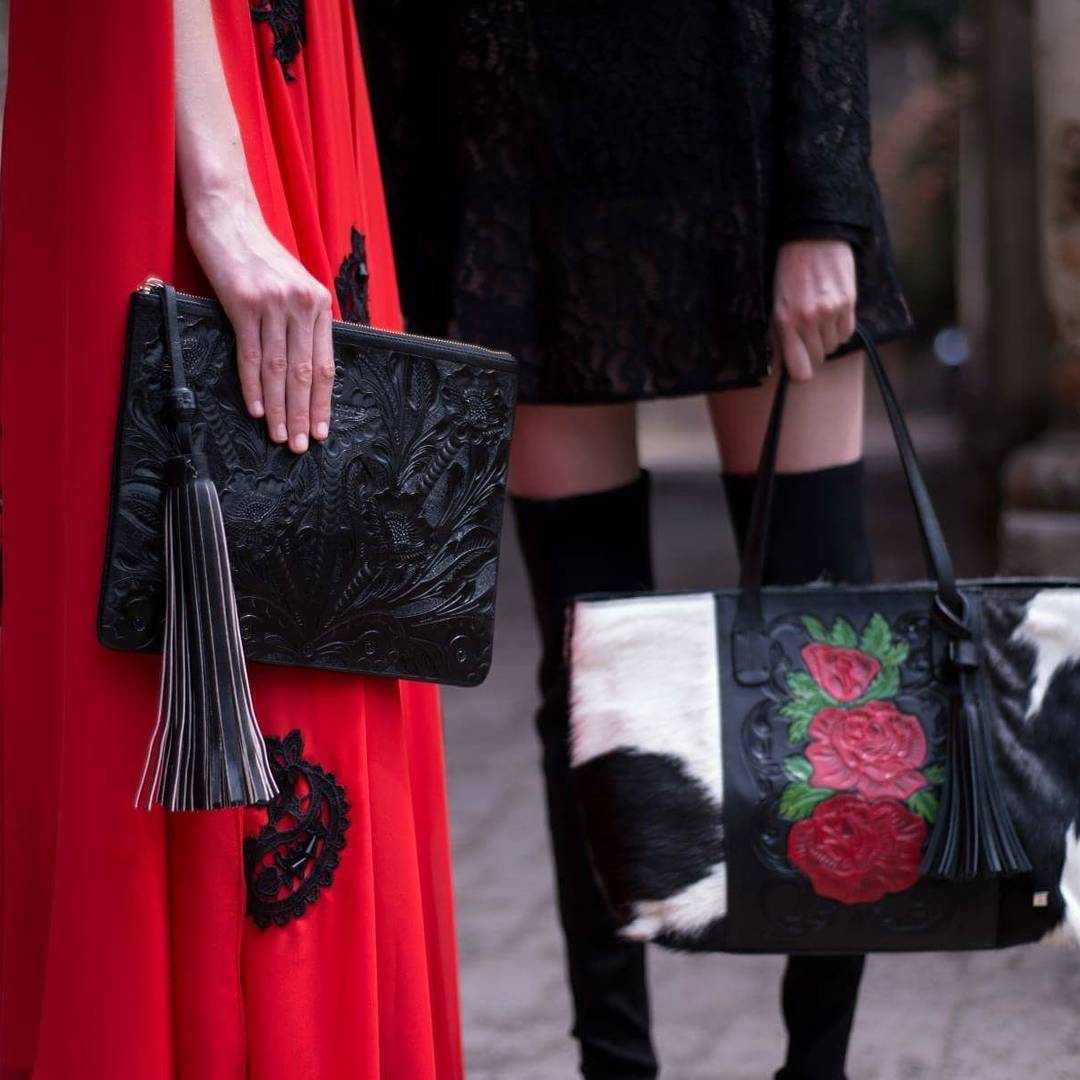
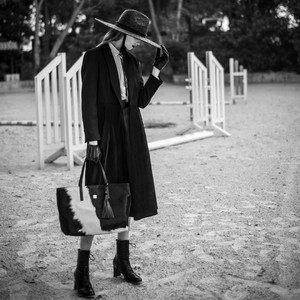
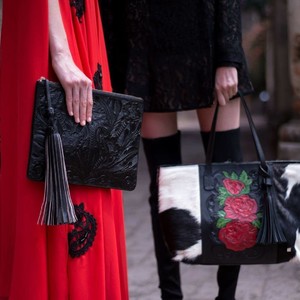
Bts shooting her campaign for Carolina Crowley
New editorial for Vogue Mexico
Bts shooting her campaign for Carolina Crowley




Account
Navigation
Search
Configure browser push notifications
Chrome (Android)
- Tap the lock icon next to the address bar.
- Tap Permissions → Notifications.
- Adjust your preference.
Chrome (Desktop)
- Click the padlock icon in the address bar.
- Select Site settings.
- Find Notifications and adjust your preference.
Safari (iOS 16.4+)
- Ensure the site is installed via Add to Home Screen.
- Open Settings App → Notifications.
- Find your app name and adjust your preference.
Safari (macOS)
- Go to Safari → Preferences.
- Click the Websites tab.
- Select Notifications in the sidebar.
- Find this website and adjust your preference.
Edge (Android)
- Tap the lock icon next to the address bar.
- Tap Permissions.
- Find Notifications and adjust your preference.
Edge (Desktop)
- Click the padlock icon in the address bar.
- Click Permissions for this site.
- Find Notifications and adjust your preference.
Firefox (Android)
- Go to Settings → Site permissions.
- Tap Notifications.
- Find this site in the list and adjust your preference.
Firefox (Desktop)
- Open Firefox Settings.
- Search for Notifications.
- Find this site in the list and adjust your preference.