

Candyliz
Members
-
Joined
-
Last visited
Everything posted by Candyliz
-
 At fittings for Anna Sui Spring 18
 -
With Anna Sui
 Mariana and her grandpa

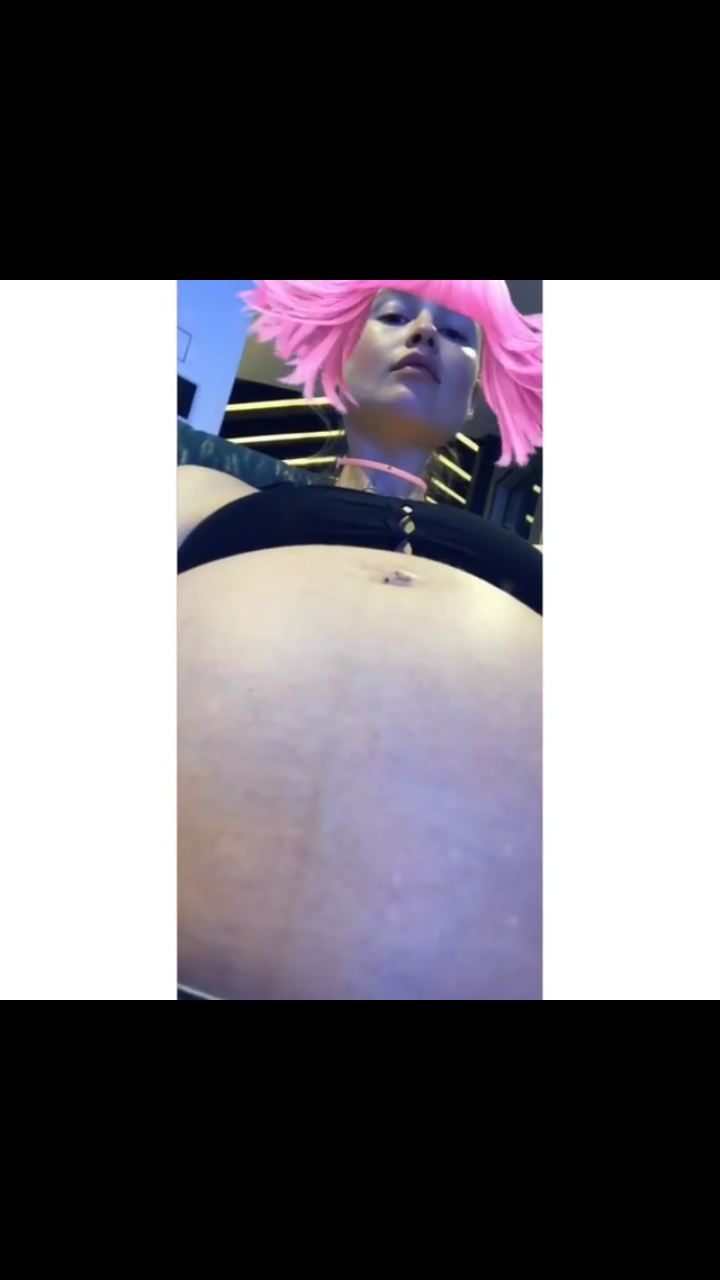
 I think she's now at her 8th month
 Outtake from Jacquie Aiche campaign
 Happy Holidays guys
Supporting hubby
Happy Holidays guys
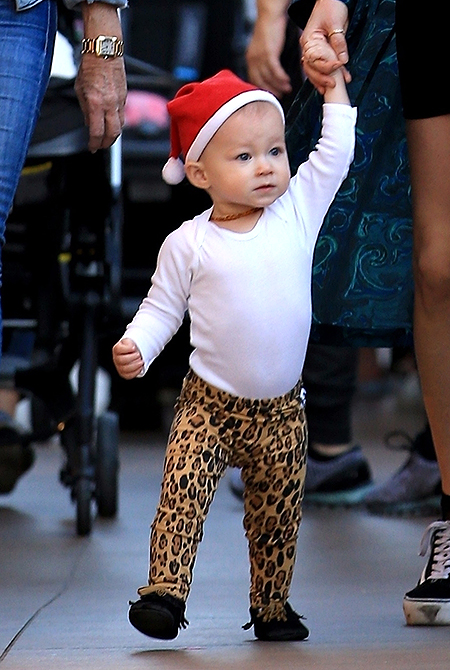
Supporting hubby Dusty is so beautiful Can't believe she's so close to be the big sister!
Congrats mama Candice I think she must be between 3-4 months of pregnancy
Thanks @Ardilla Oh God Dusty is amazing!
From Hello Russia http://m.ru.hellomagazine.com/zvezdy/paparatctci/23901-mama-mini-santy-beremennaya-bekhati-prinslu-na-progulke-s-godovaloy-docheryu-dasti-rouz.html
Dusty is so beautiful Can't believe she's so close to be the big sister!
Congrats mama Candice I think she must be between 3-4 months of pregnancy
Thanks @Ardilla Oh God Dusty is amazing!
From Hello Russia http://m.ru.hellomagazine.com/zvezdy/paparatctci/23901-mama-mini-santy-beremennaya-bekhati-prinslu-na-progulke-s-godovaloy-docheryu-dasti-rouz.html

 Dusty is so beautiful These pictures made my day!
behatiprinsloo_24995237_295102640998741_1807746005400027136_n.mp4
Dusty is so beautiful These pictures made my day!
behatiprinsloo_24995237_295102640998741_1807746005400027136_n.mp4
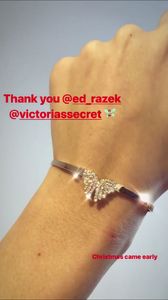 behatiprinsloo_25351501_1467864723282008_6645031065155010560_n.mp4
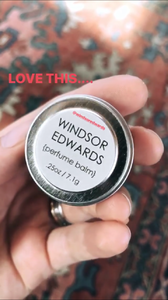 Stories behatiprinsloo_25026647_169118923686393_1041697708659703808_n.mp4















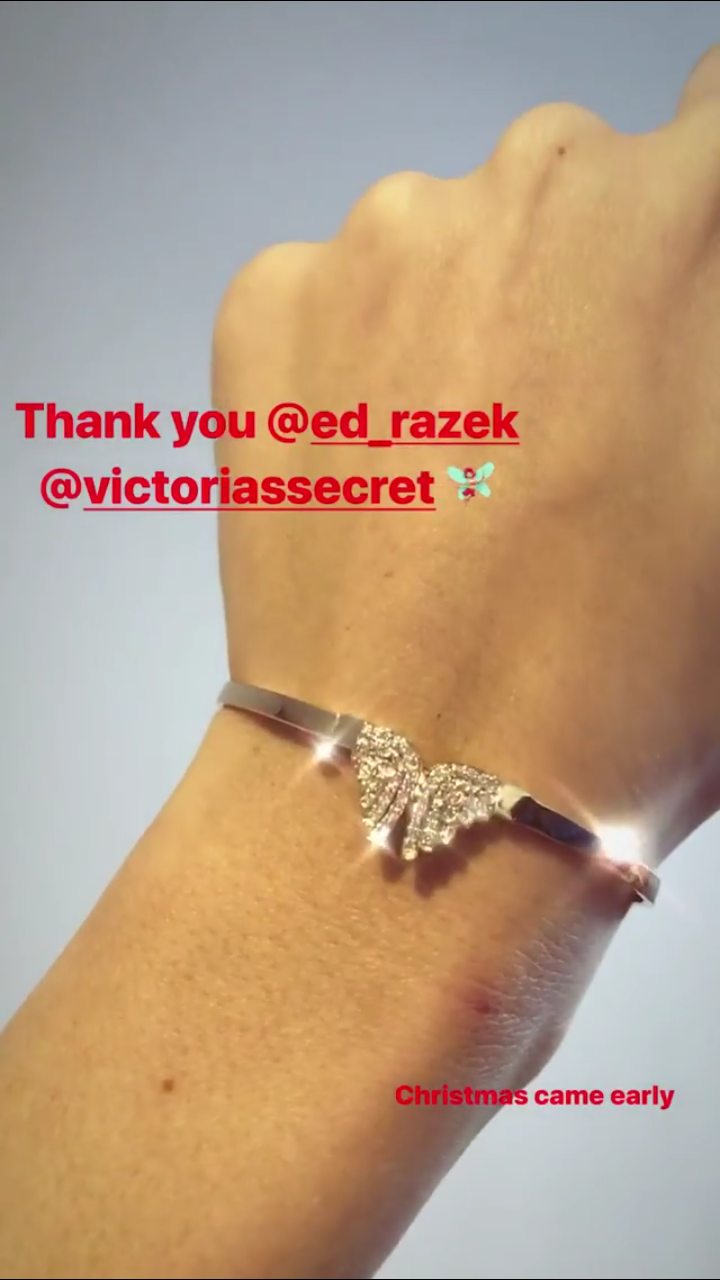
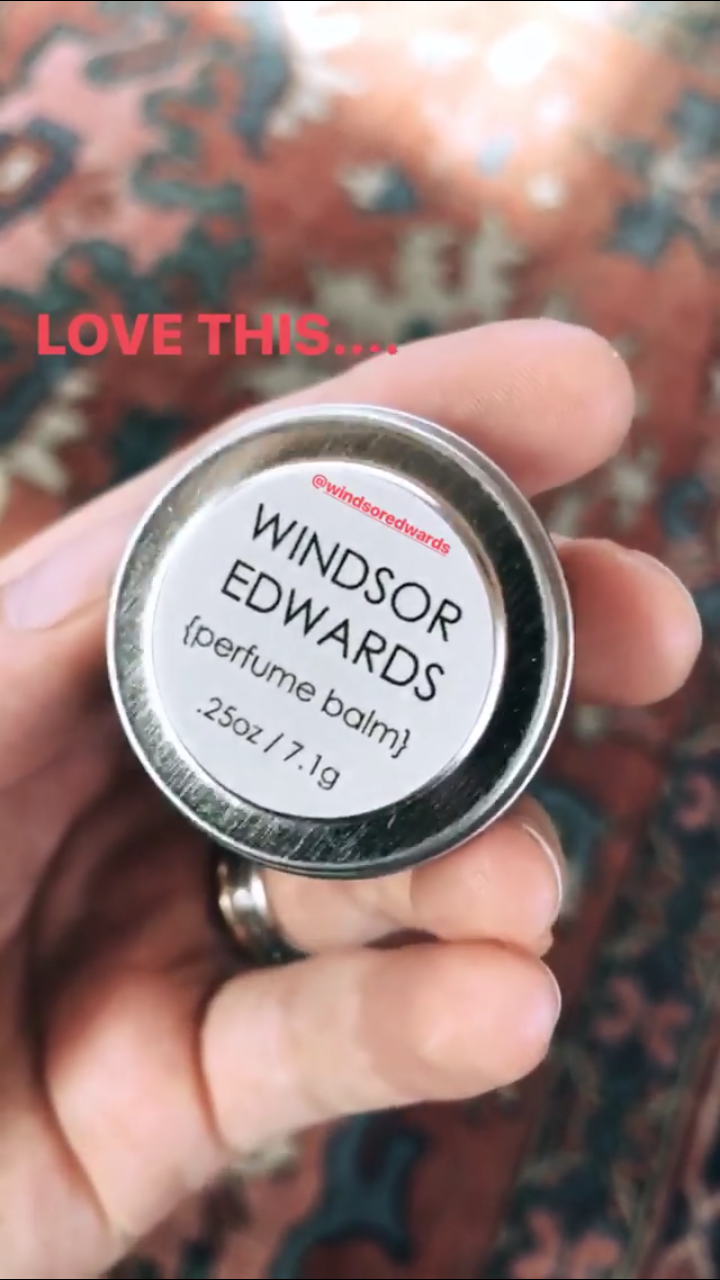




Account
Navigation
Search
Configure browser push notifications
Chrome (Android)
- Tap the lock icon next to the address bar.
- Tap Permissions → Notifications.
- Adjust your preference.
Chrome (Desktop)
- Click the padlock icon in the address bar.
- Select Site settings.
- Find Notifications and adjust your preference.
Safari (iOS 16.4+)
- Ensure the site is installed via Add to Home Screen.
- Open Settings App → Notifications.
- Find your app name and adjust your preference.
Safari (macOS)
- Go to Safari → Preferences.
- Click the Websites tab.
- Select Notifications in the sidebar.
- Find this website and adjust your preference.
Edge (Android)
- Tap the lock icon next to the address bar.
- Tap Permissions.
- Find Notifications and adjust your preference.
Edge (Desktop)
- Click the padlock icon in the address bar.
- Click Permissions for this site.
- Find Notifications and adjust your preference.
Firefox (Android)
- Go to Settings → Site permissions.
- Tap Notifications.
- Find this site in the list and adjust your preference.
Firefox (Desktop)
- Open Firefox Settings.
- Search for Notifications.
- Find this site in the list and adjust your preference.