Candyliz
Members
-
Joined
-
Last visited
Everything posted by Candyliz
-
 Team Adam Levine’s Addison Agen says her coach still “gets blushy” around his wife of three years Behati Prinsloo, who is currently seven months pregnant with their second daughter, due in February. “I briefly met [Prinsloo] this week and she is the sweetest, cutest little pregnant woman I’ve ever seen in my life and he knows it,” Agen told reporters after Monday night’s live show. “He’s like, ‘Oh my gosh, my wife is the most beautiful thing’ after she leaves.”
http://people.com/music/the-voice-coaches-significant-others-on-set/ According with this article, Bee will give birth until February (can't wait)
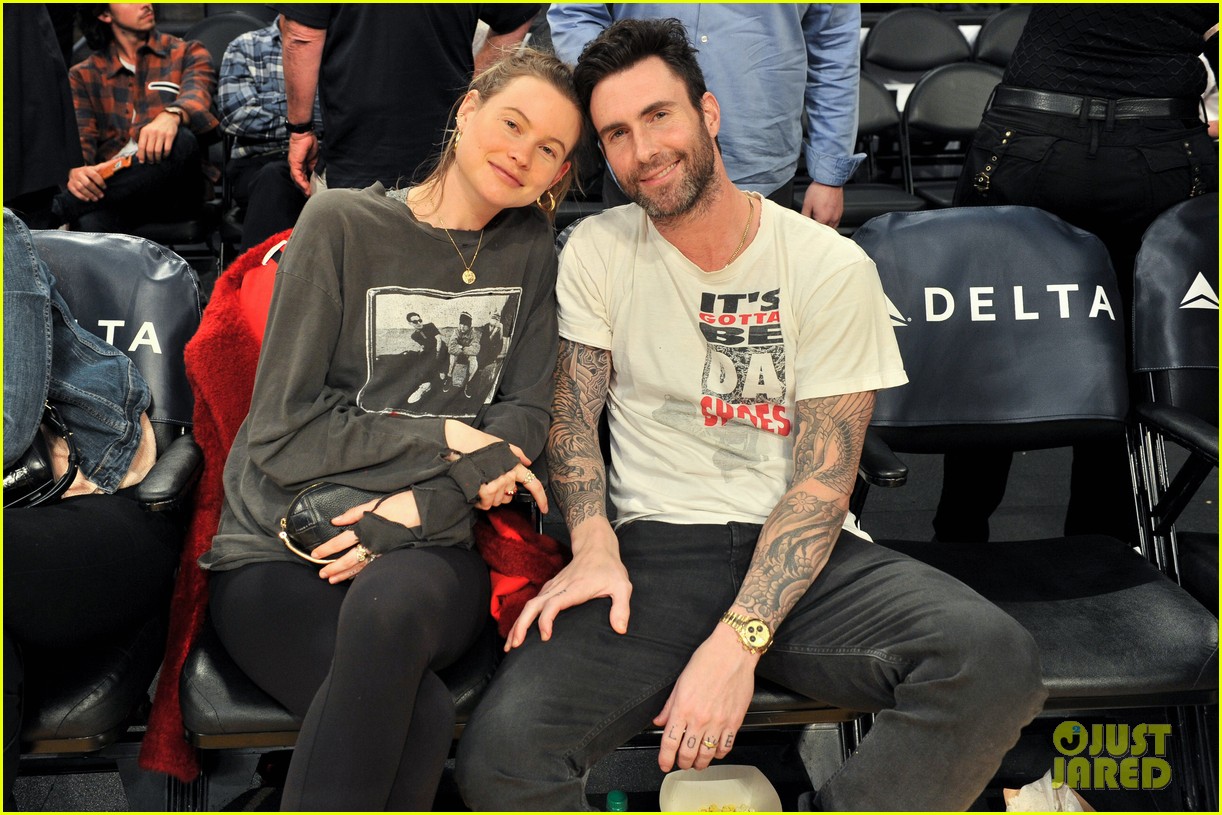
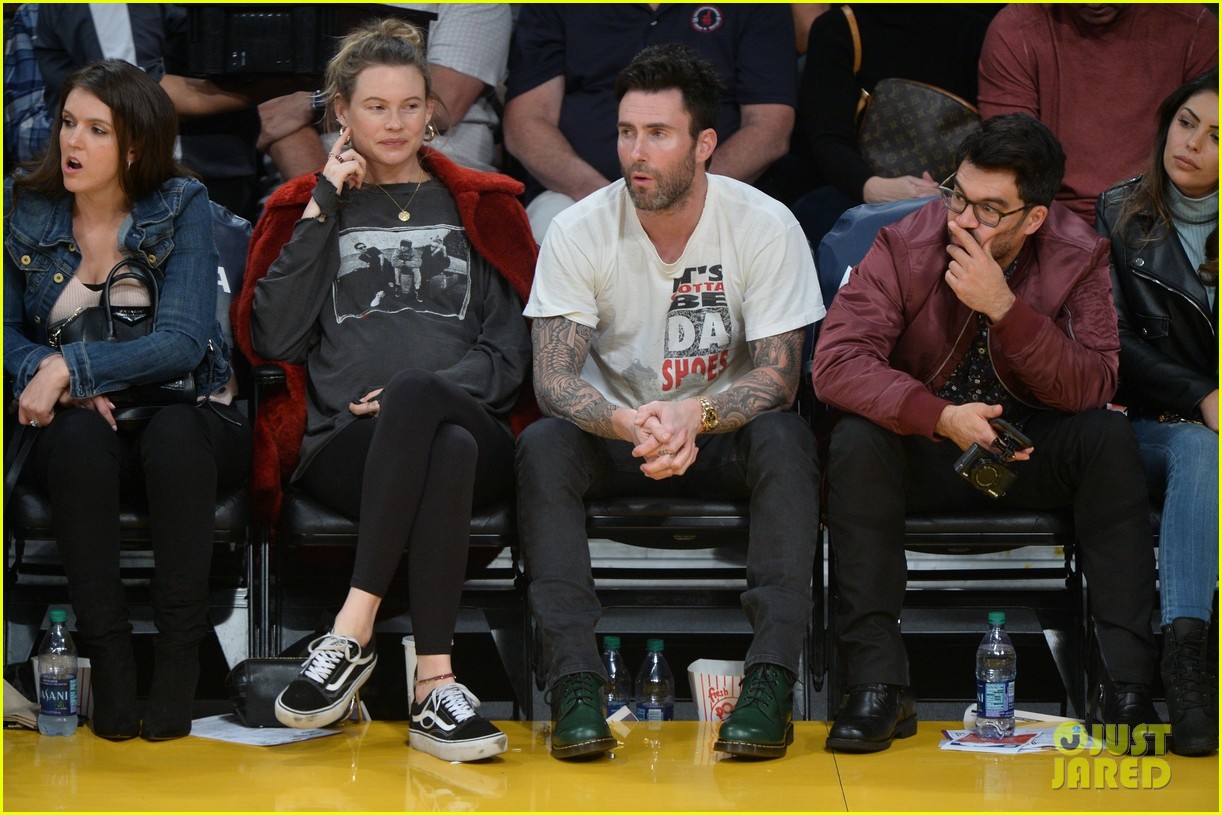
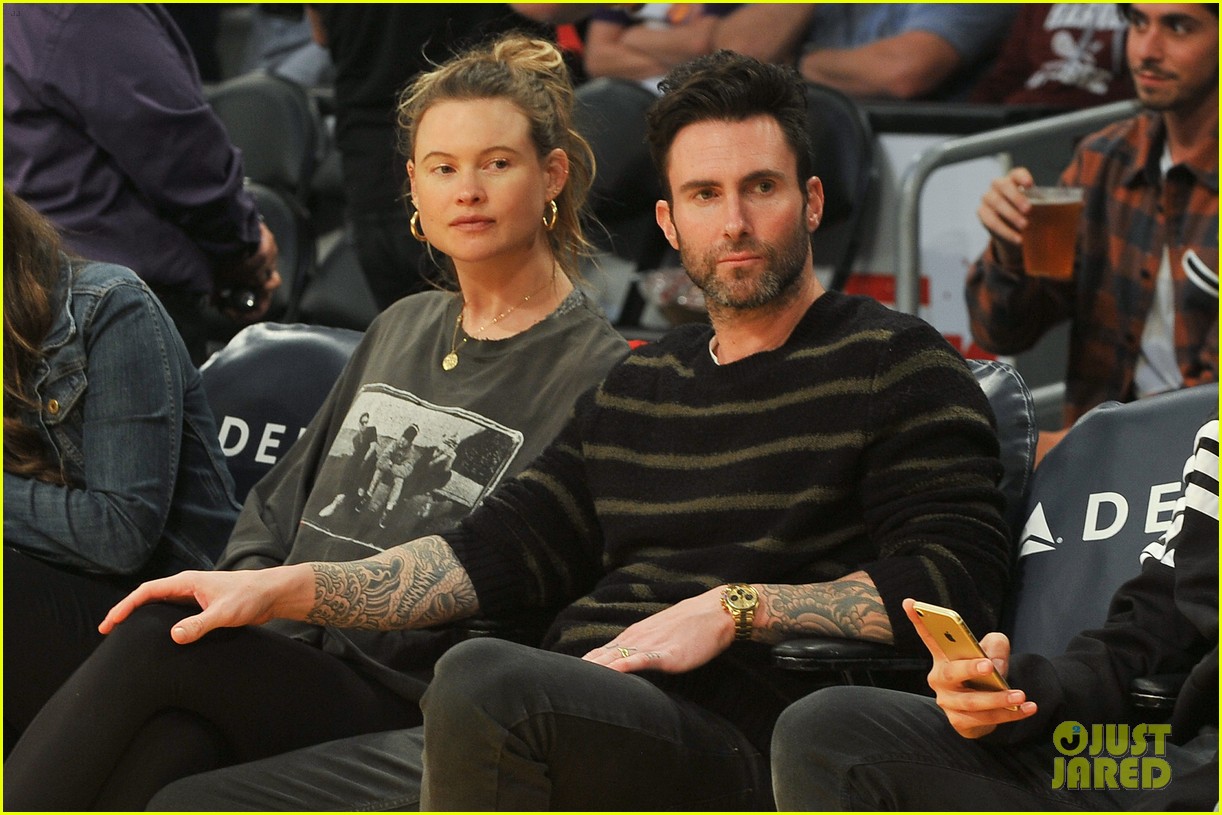
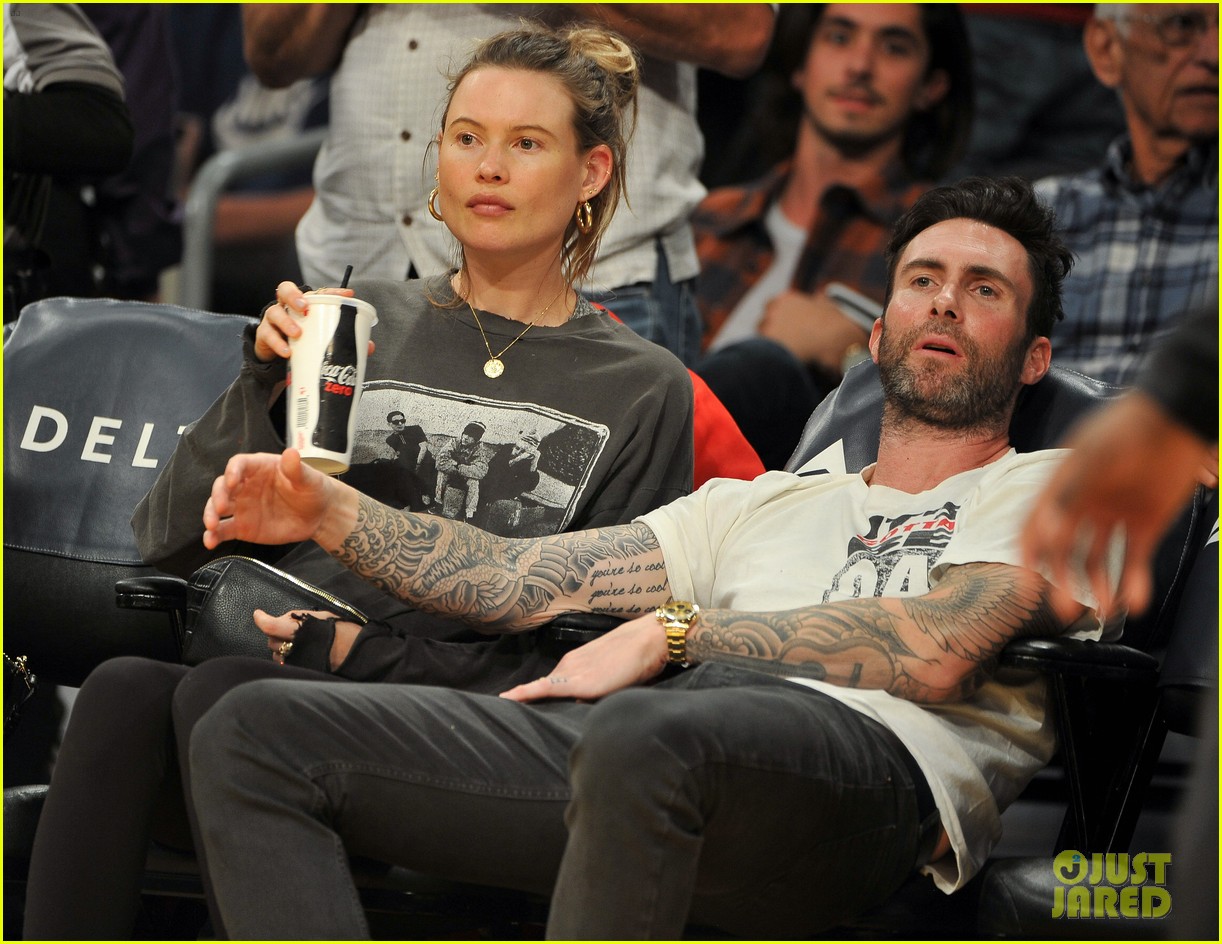
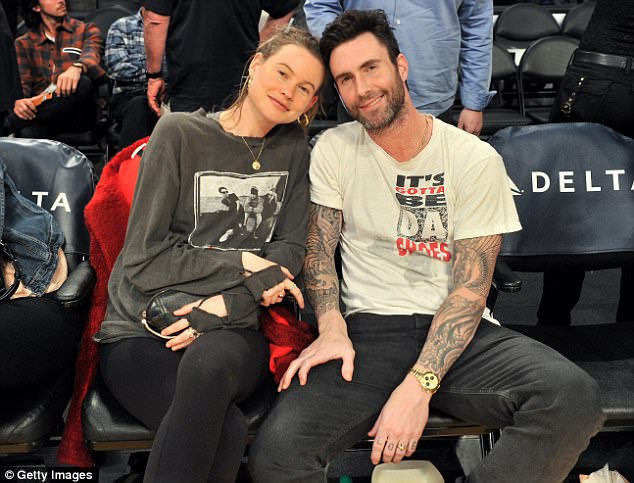
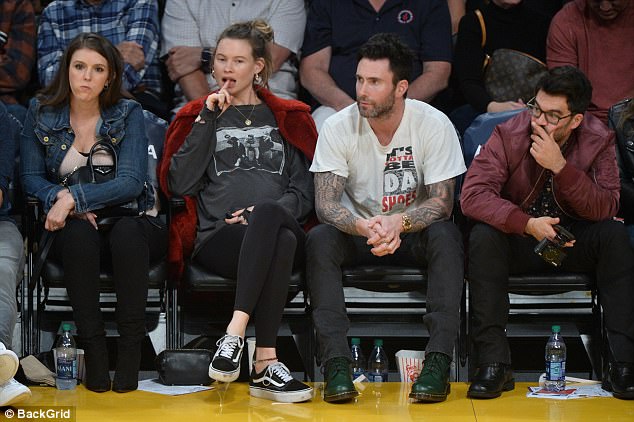
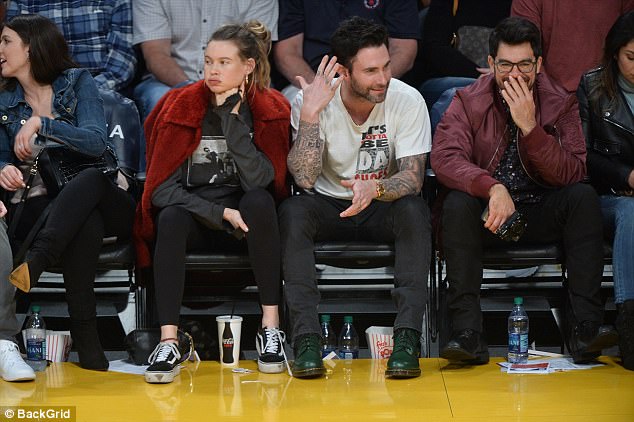
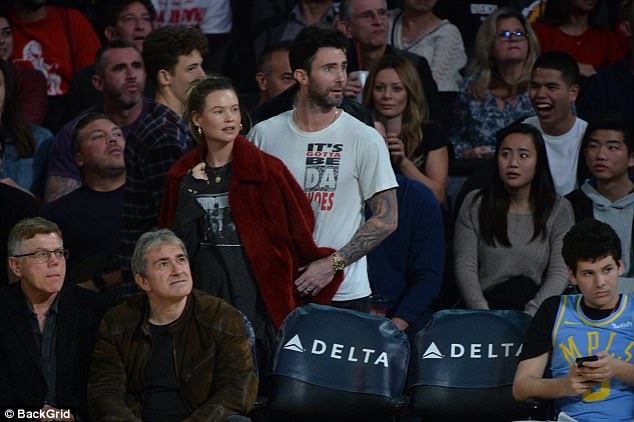
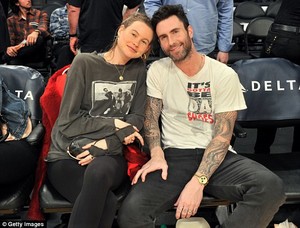
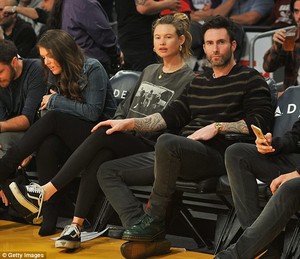
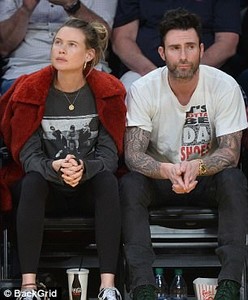
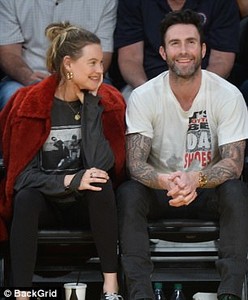
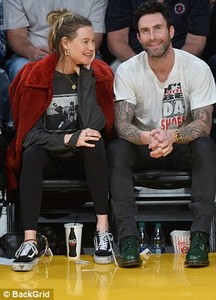
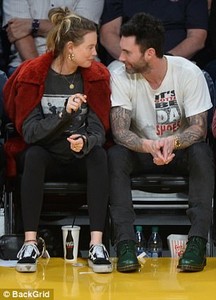
Bee and Adam last Sunday in the front row at L.A.’s Staples Center to watch the Los Angeles Lakers.
Team Adam Levine’s Addison Agen says her coach still “gets blushy” around his wife of three years Behati Prinsloo, who is currently seven months pregnant with their second daughter, due in February. “I briefly met [Prinsloo] this week and she is the sweetest, cutest little pregnant woman I’ve ever seen in my life and he knows it,” Agen told reporters after Monday night’s live show. “He’s like, ‘Oh my gosh, my wife is the most beautiful thing’ after she leaves.”
http://people.com/music/the-voice-coaches-significant-others-on-set/ According with this article, Bee will give birth until February (can't wait)
Bee and Adam last Sunday in the front row at L.A.’s Staples Center to watch the Los Angeles Lakers.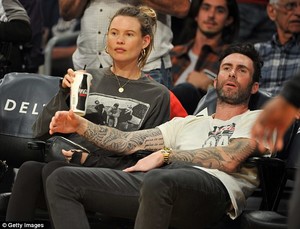



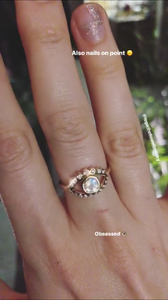
 Stories behatiprinsloo_21395028_1871653713148752_8485150785980596224_n.mp4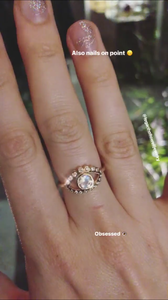
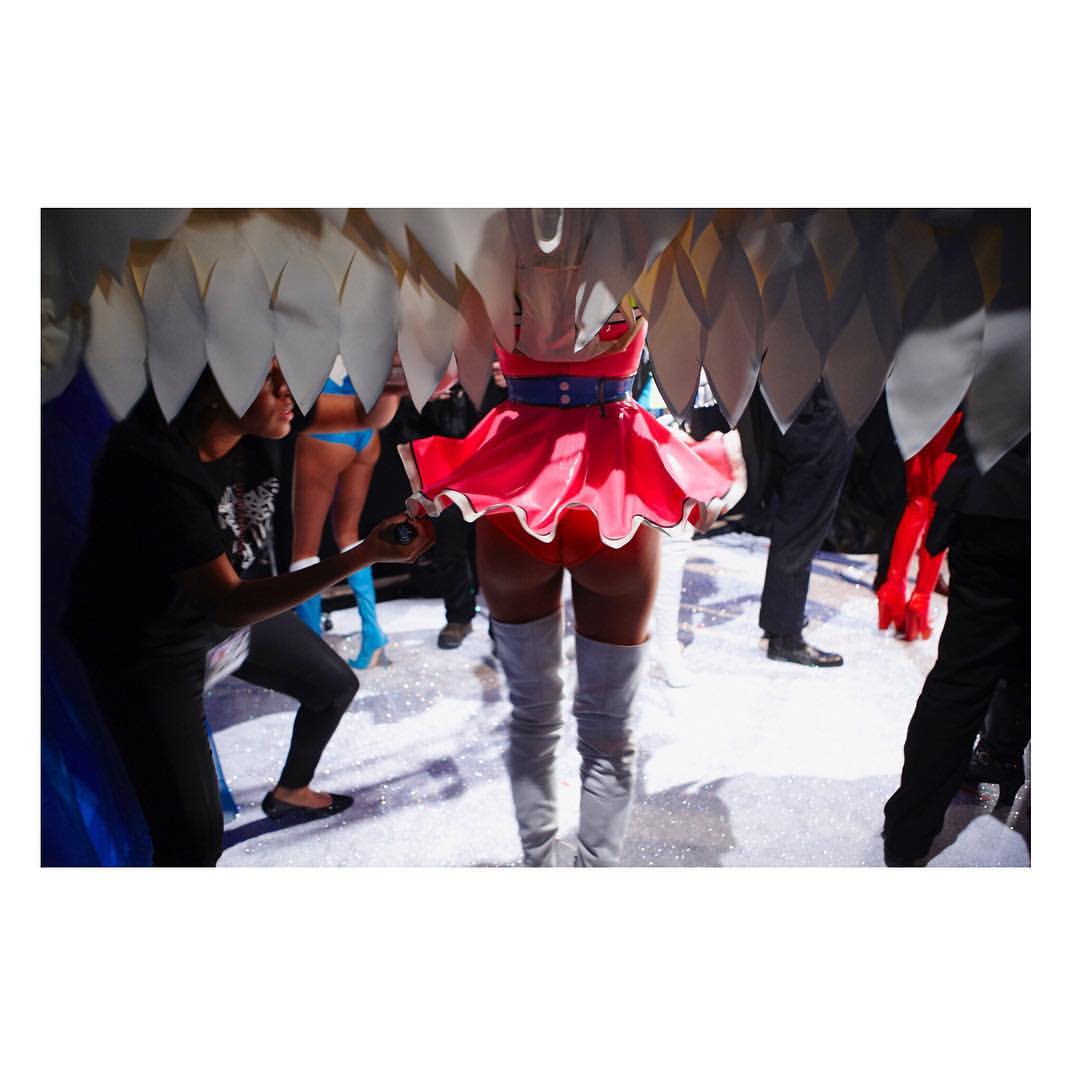
 Bee appears (a little bit) in the new VS Bombshell Commercial
mariana_zaragoza_24249271_312895325892054_8628507044745314304_n.mp4 mariana_zaragoza_24269589_1995538204062076_6997815890687295488_n.mp4
Bee appears (a little bit) in the new VS Bombshell Commercial
mariana_zaragoza_24249271_312895325892054_8628507044745314304_n.mp4 mariana_zaragoza_24269589_1995538204062076_6997815890687295488_n.mp4

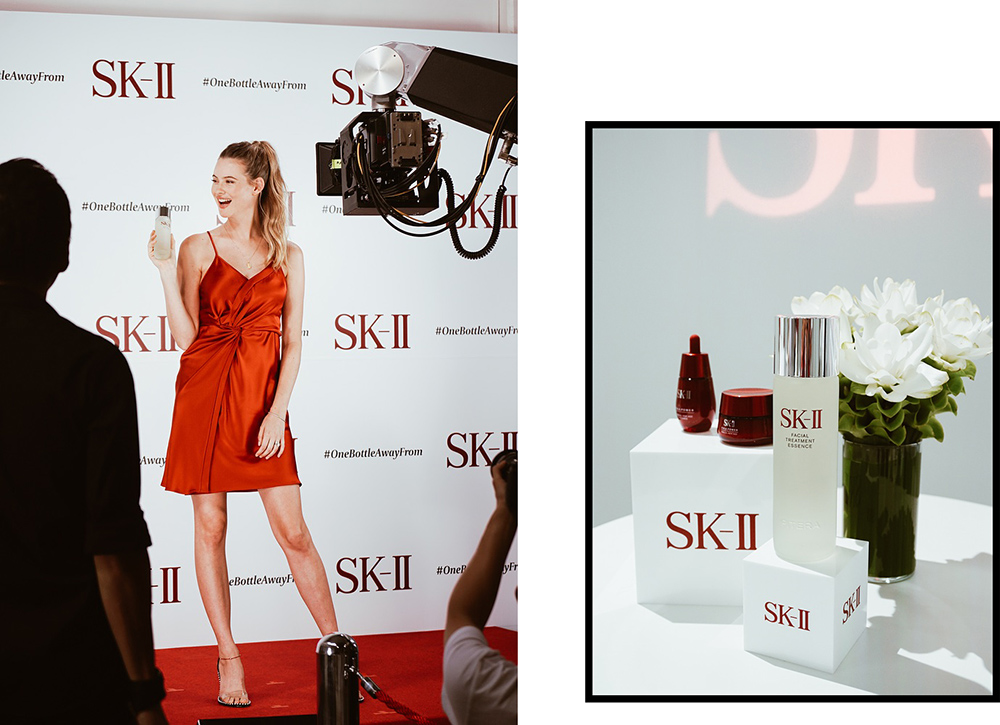
 Full Nicoline's blogger article http://blog.nicolinepatricia.com/index.php/2017/08/22/tokyo-journal-3-days-summer-diary-sk-ii/
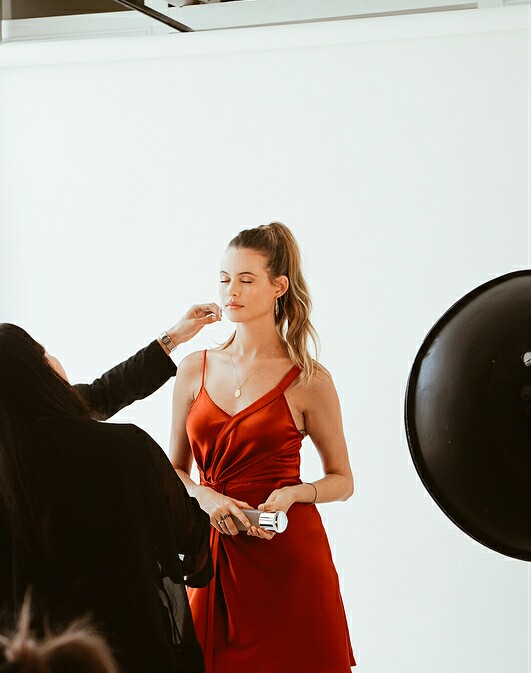
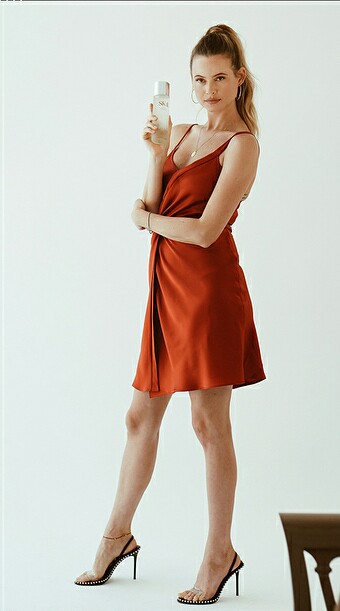
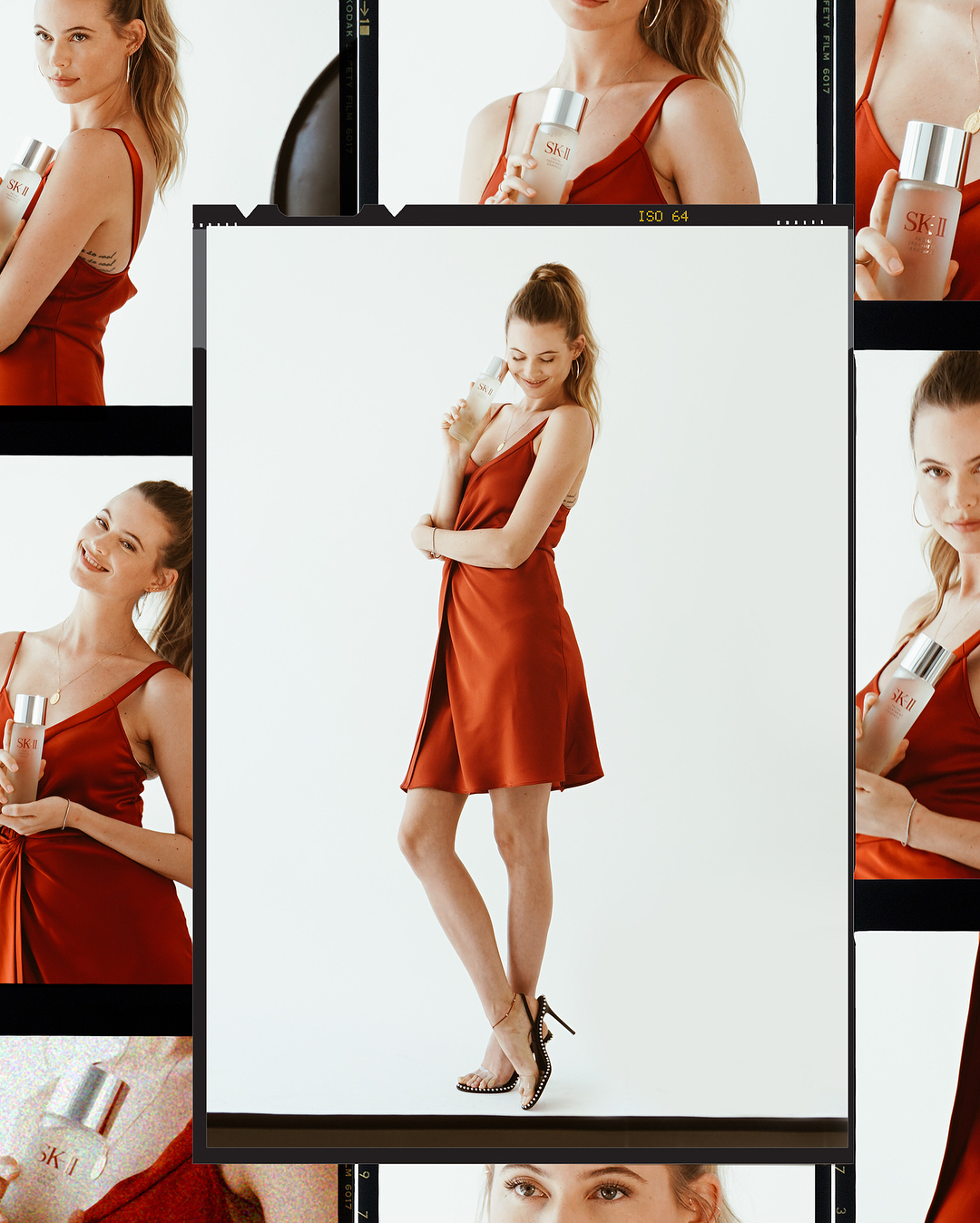
But of course, the true highlight of my day was finally meeting (and getting up close and personal) with the gorgeous (and SUPER sweet) Behati! She’s announcing her embarkment for the journey towards better skin, as she prepares for her comeback in the entertainment world after giving birth to her baby. Together with her, Chinese actress Li Qin and Korean pop singer Soo Young are also joining the SK-II squad for their skin transformation journey. Behati has been using the FTE for a few weeks now, and seeing her flawless silky skin (#goalz) in real life made me feel even more intrigued with the miracle water; I can’t wait to add this bottle into my skincare staple.
Full Nicoline's blogger article http://blog.nicolinepatricia.com/index.php/2017/08/22/tokyo-journal-3-days-summer-diary-sk-ii/
But of course, the true highlight of my day was finally meeting (and getting up close and personal) with the gorgeous (and SUPER sweet) Behati! She’s announcing her embarkment for the journey towards better skin, as she prepares for her comeback in the entertainment world after giving birth to her baby. Together with her, Chinese actress Li Qin and Korean pop singer Soo Young are also joining the SK-II squad for their skin transformation journey. Behati has been using the FTE for a few weeks now, and seeing her flawless silky skin (#goalz) in real life made me feel even more intrigued with the miracle water; I can’t wait to add this bottle into my skincare staple.

 Stories behatiprinsloo_24212170_475847066150246_6878734701180223488_n.mp4
 Stories She is still in Paris!
Account
Navigation
Search
Configure browser push notifications
Chrome (Android)
- Tap the lock icon next to the address bar.
- Tap Permissions → Notifications.
- Adjust your preference.
Chrome (Desktop)
- Click the padlock icon in the address bar.
- Select Site settings.
- Find Notifications and adjust your preference.
Safari (iOS 16.4+)
- Ensure the site is installed via Add to Home Screen.
- Open Settings App → Notifications.
- Find your app name and adjust your preference.
Safari (macOS)
- Go to Safari → Preferences.
- Click the Websites tab.
- Select Notifications in the sidebar.
- Find this website and adjust your preference.
Edge (Android)
- Tap the lock icon next to the address bar.
- Tap Permissions.
- Find Notifications and adjust your preference.
Edge (Desktop)
- Click the padlock icon in the address bar.
- Click Permissions for this site.
- Find Notifications and adjust your preference.
Firefox (Android)
- Go to Settings → Site permissions.
- Tap Notifications.
- Find this site in the list and adjust your preference.
Firefox (Desktop)
- Open Firefox Settings.
- Search for Notifications.
- Find this site in the list and adjust your preference.