
Skip to content
View in the app

A better way to browse. Learn more.

Bellazon

A full-screen app on your home screen with push notifications, badges and more.

To install this app on iOS and iPadOS
  1. Tap the Share icon in Safari
  2. Scroll the menu and tap Add to Home Screen.
  3. Tap Add in the top-right corner.
To install this app on Android
  1. Tap the 3-dot menu (⋮) in the top-right corner of the browser.
  2. Tap Add to Home screen or Install app.
  3. Confirm by tapping Install.

ArianaVSCouture

Members
  • Joined

Everything posted by ArianaVSCouture

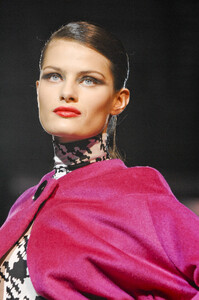
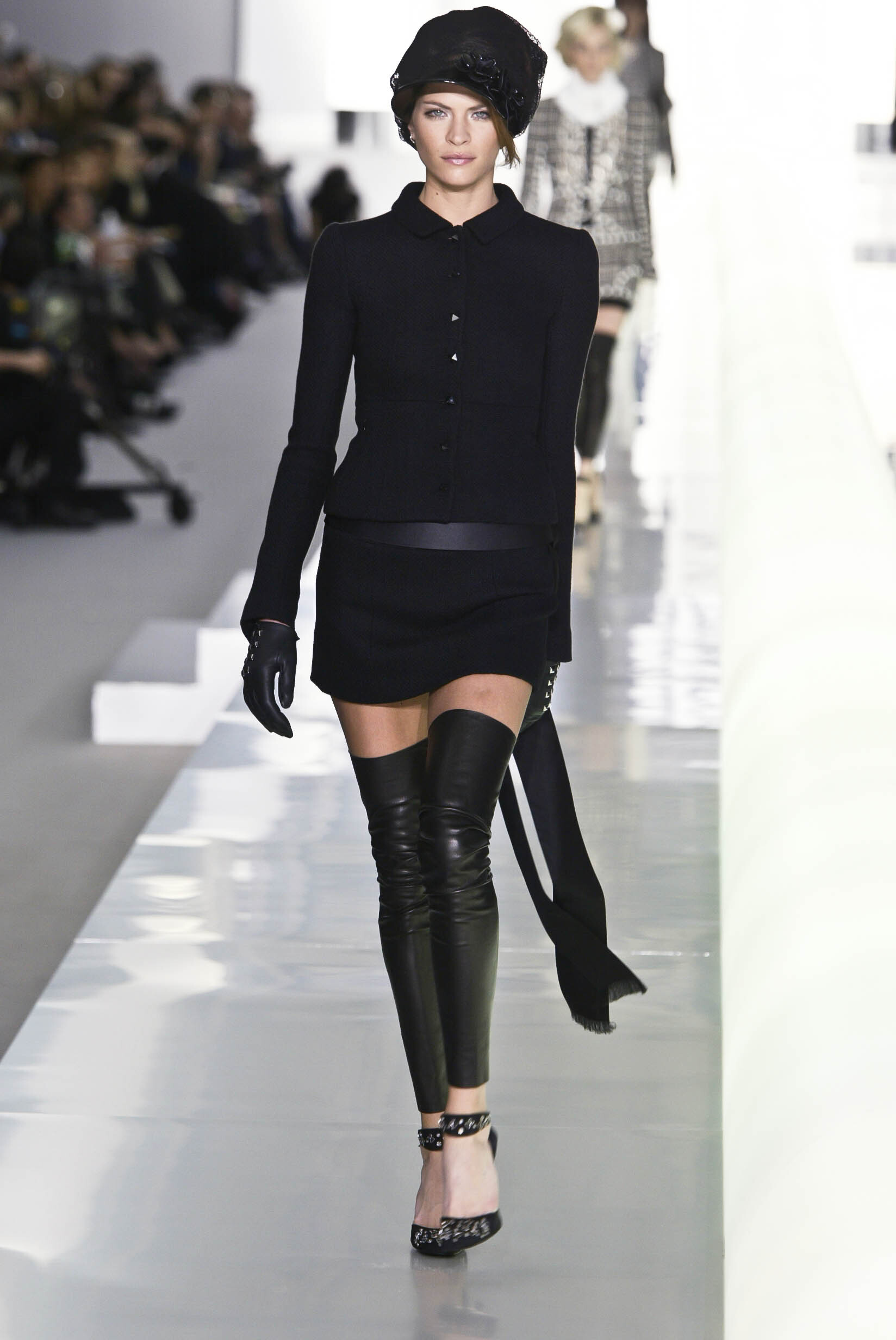
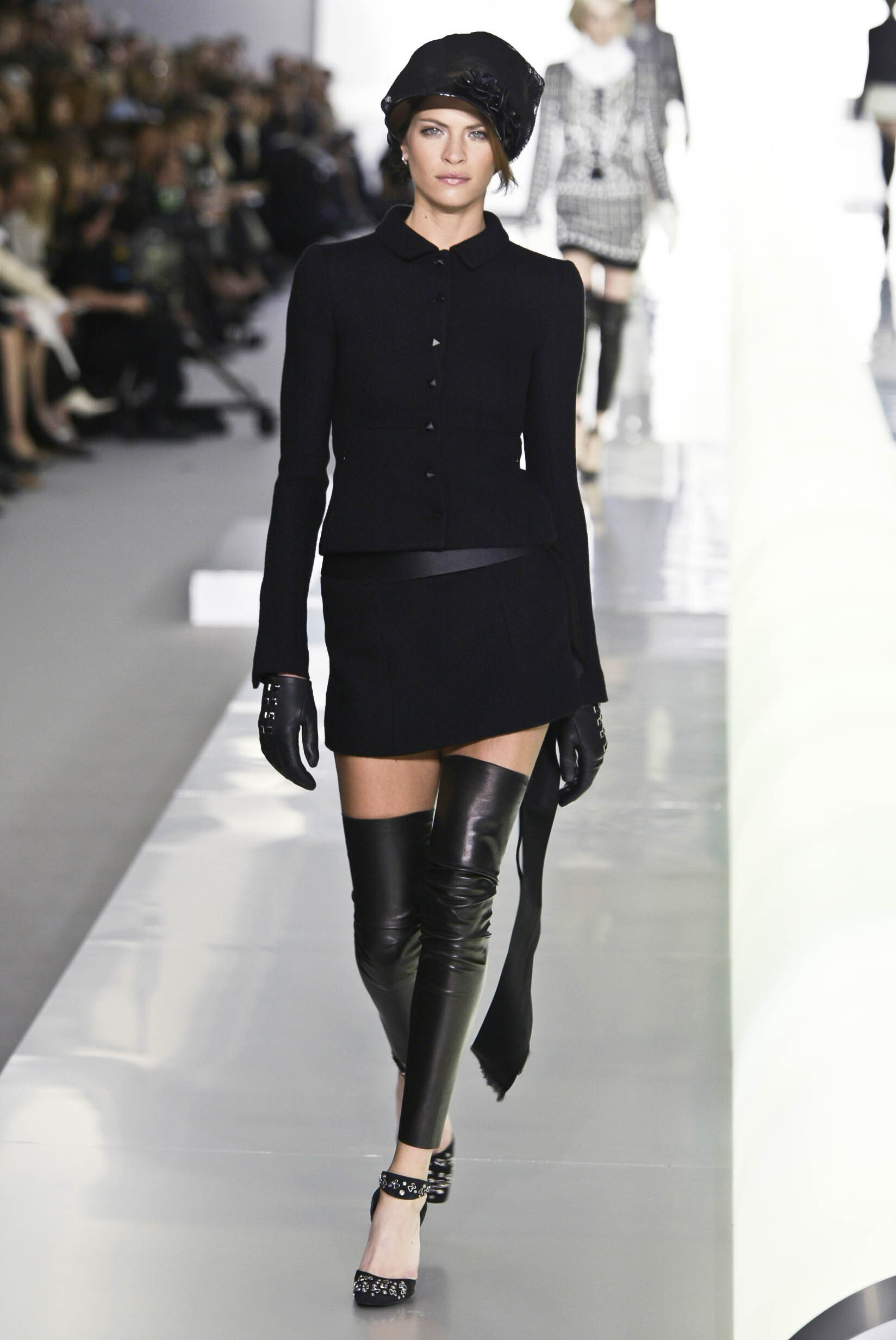
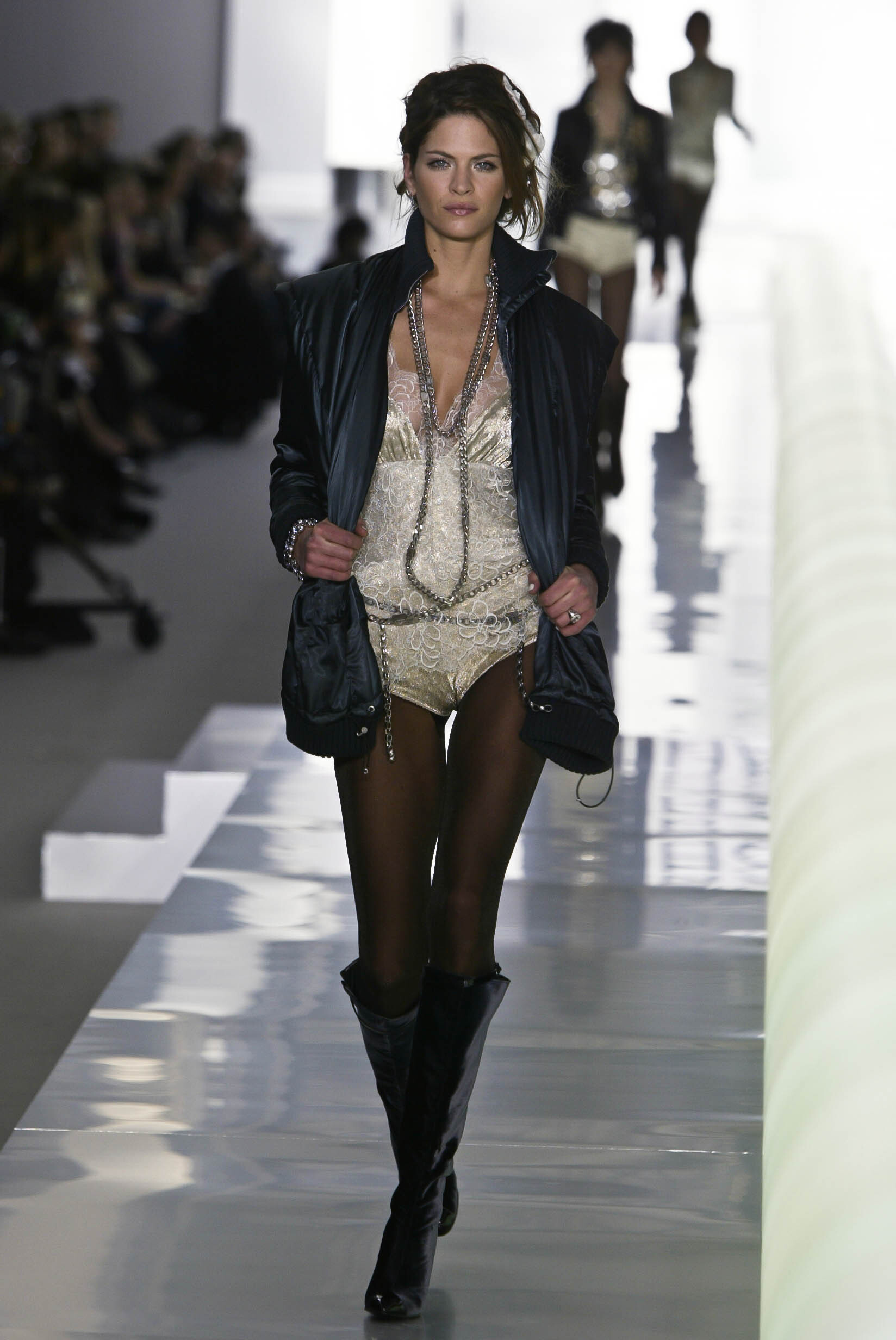
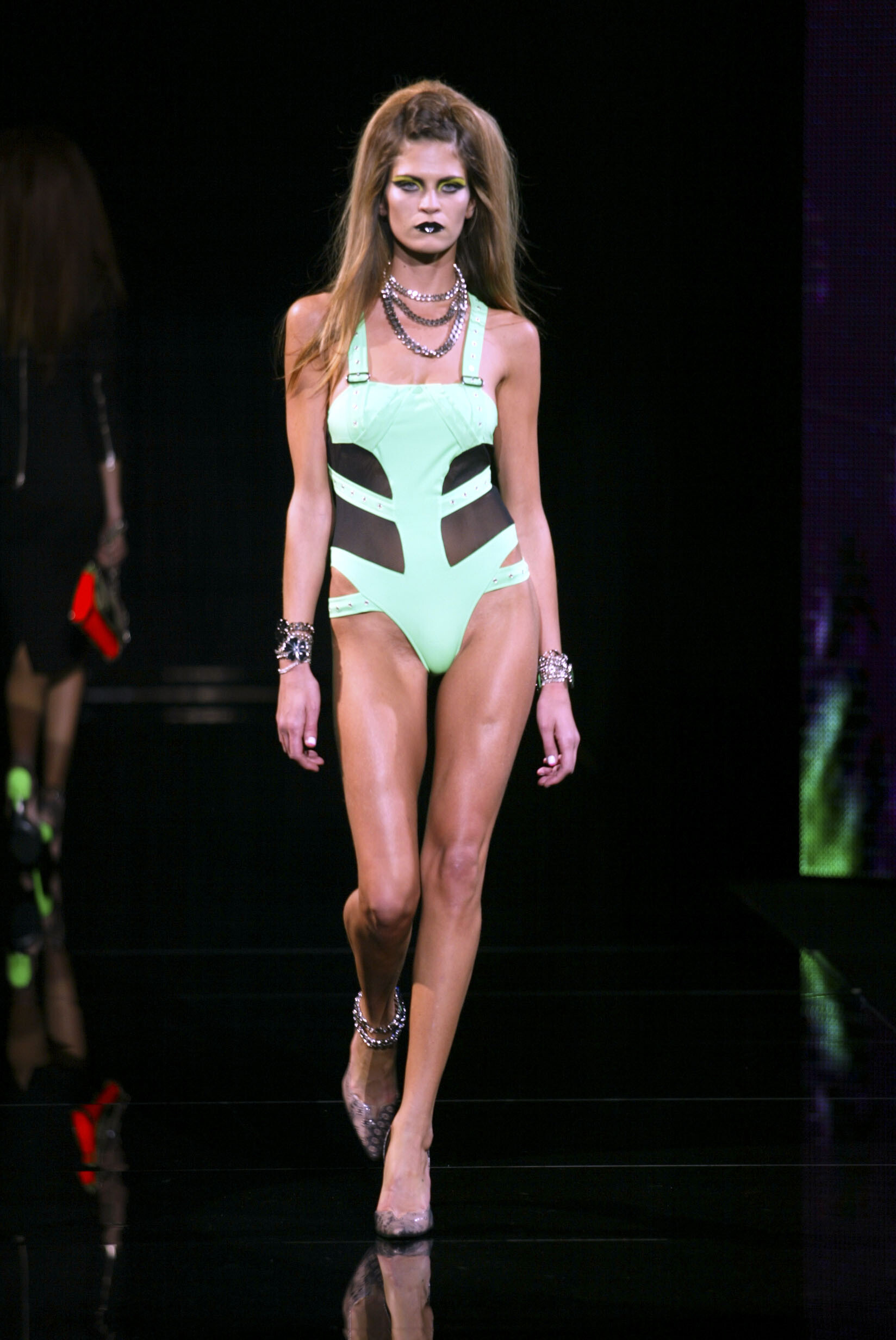
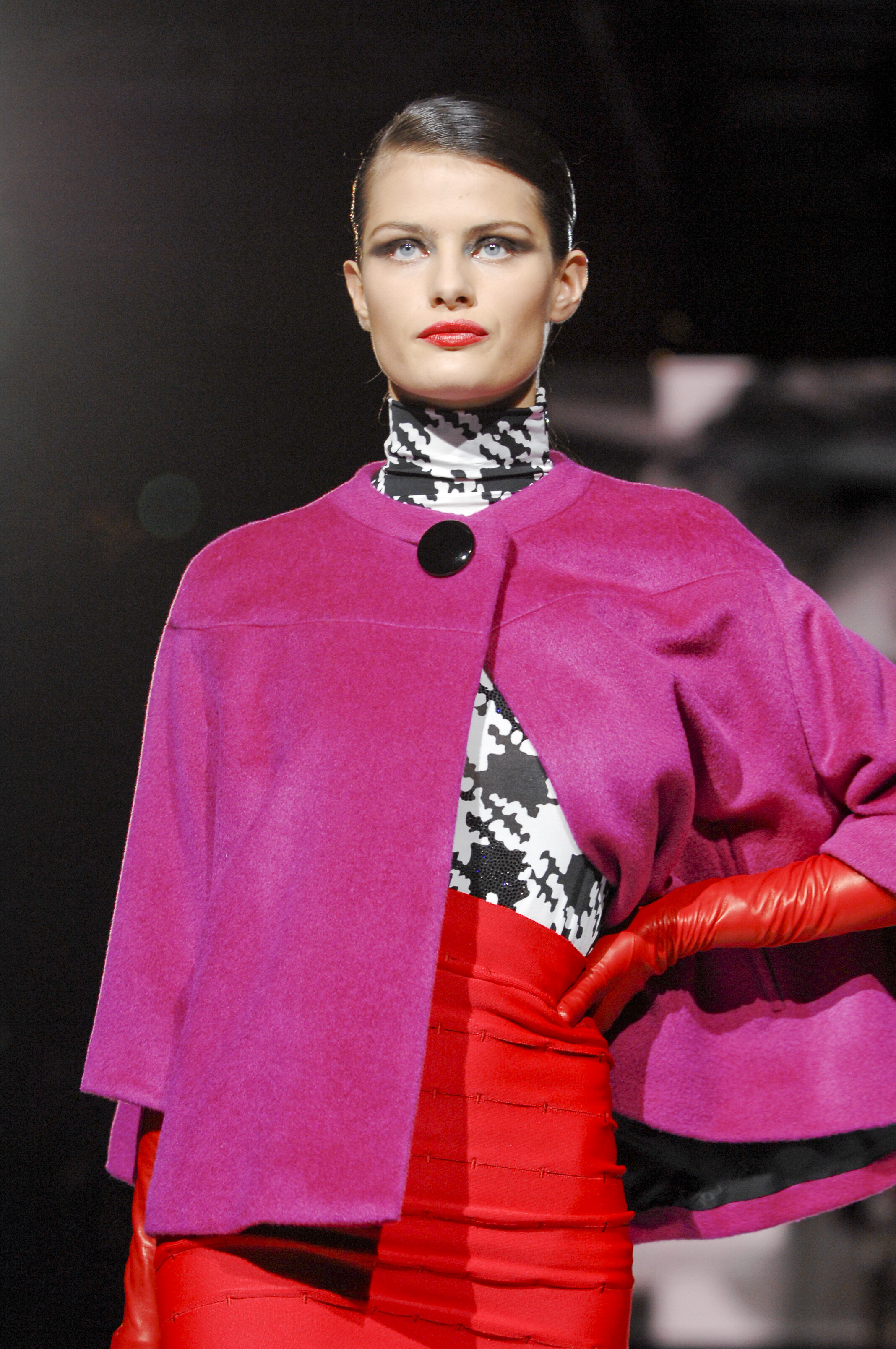
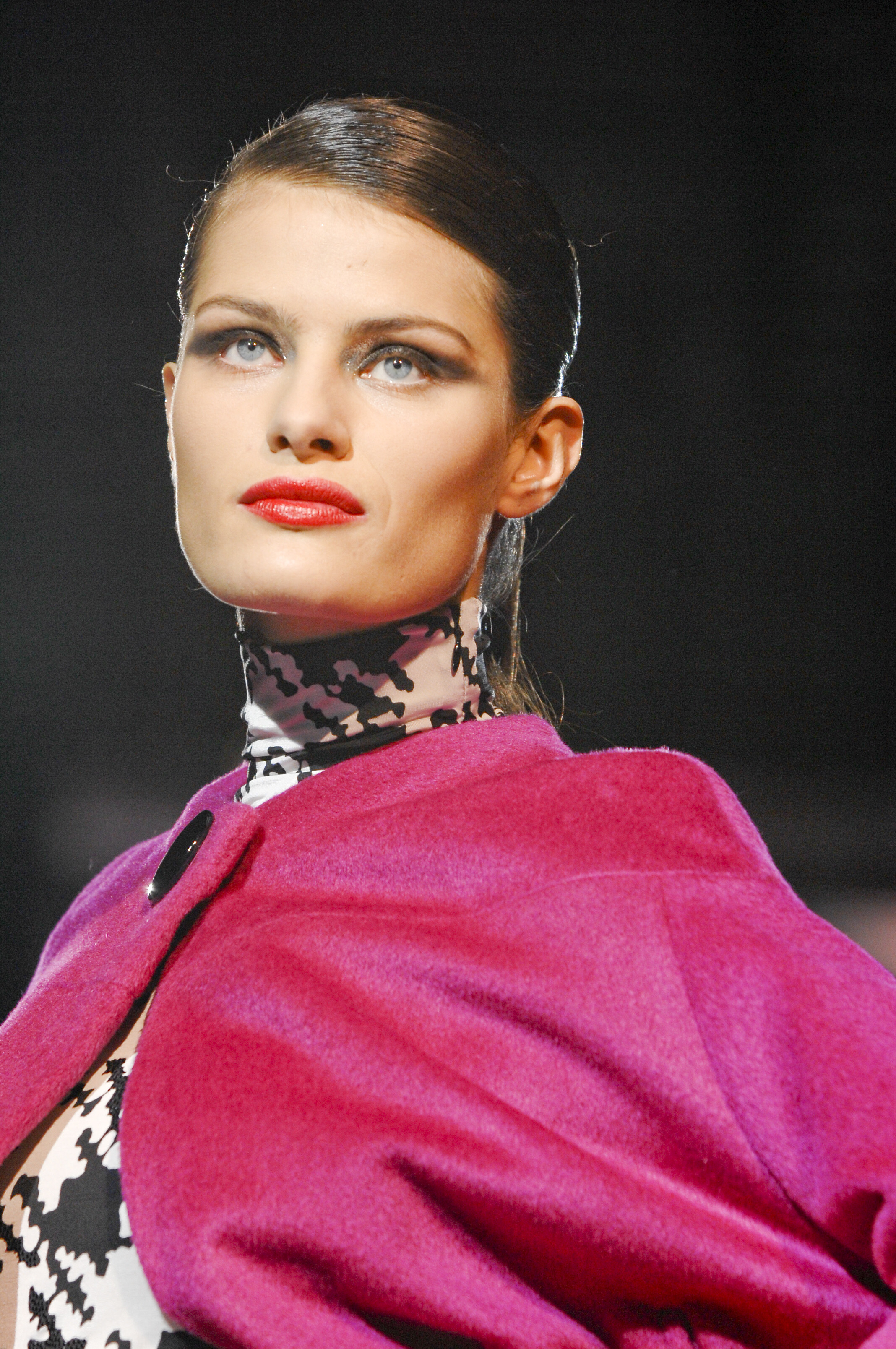
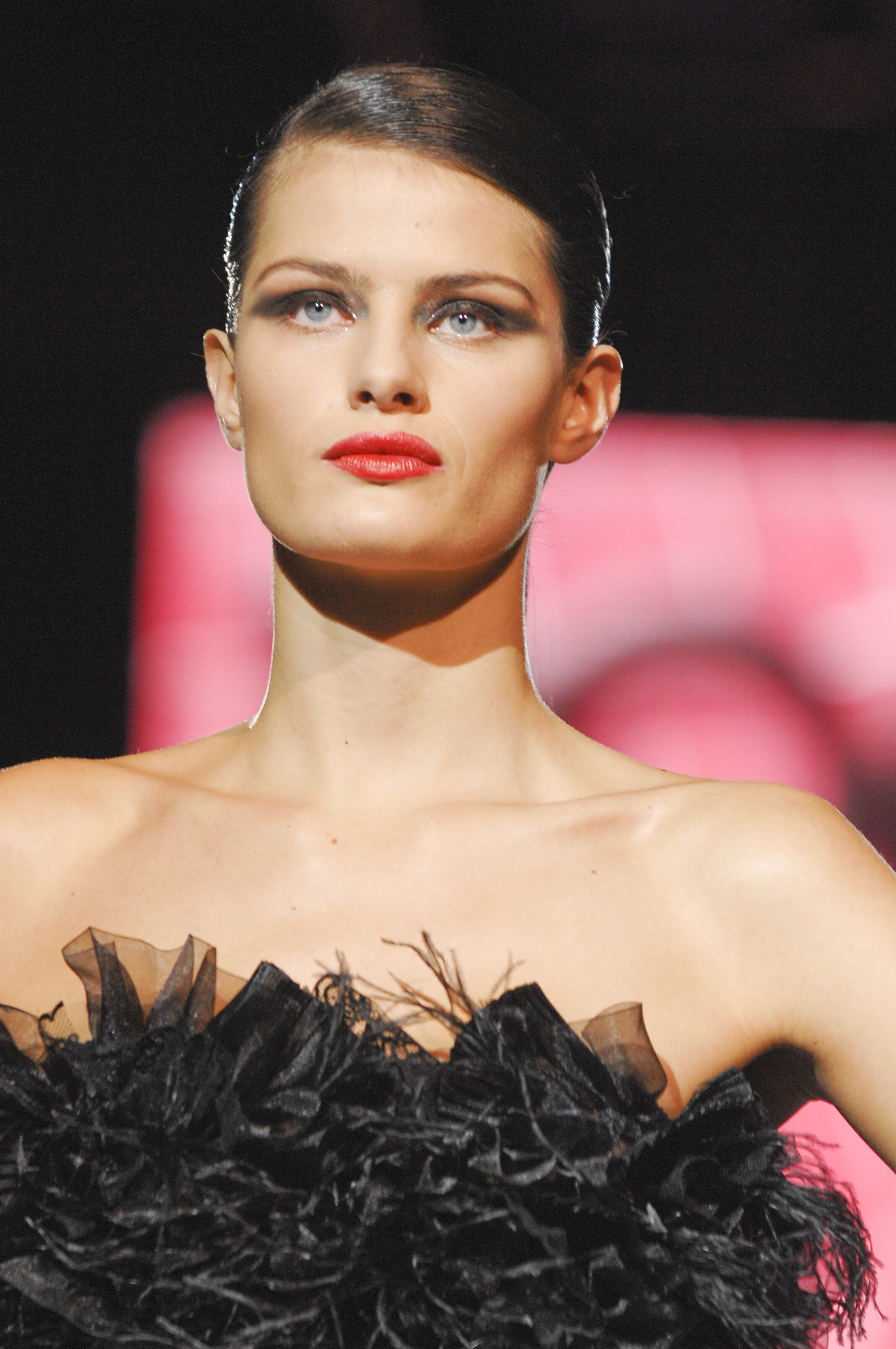
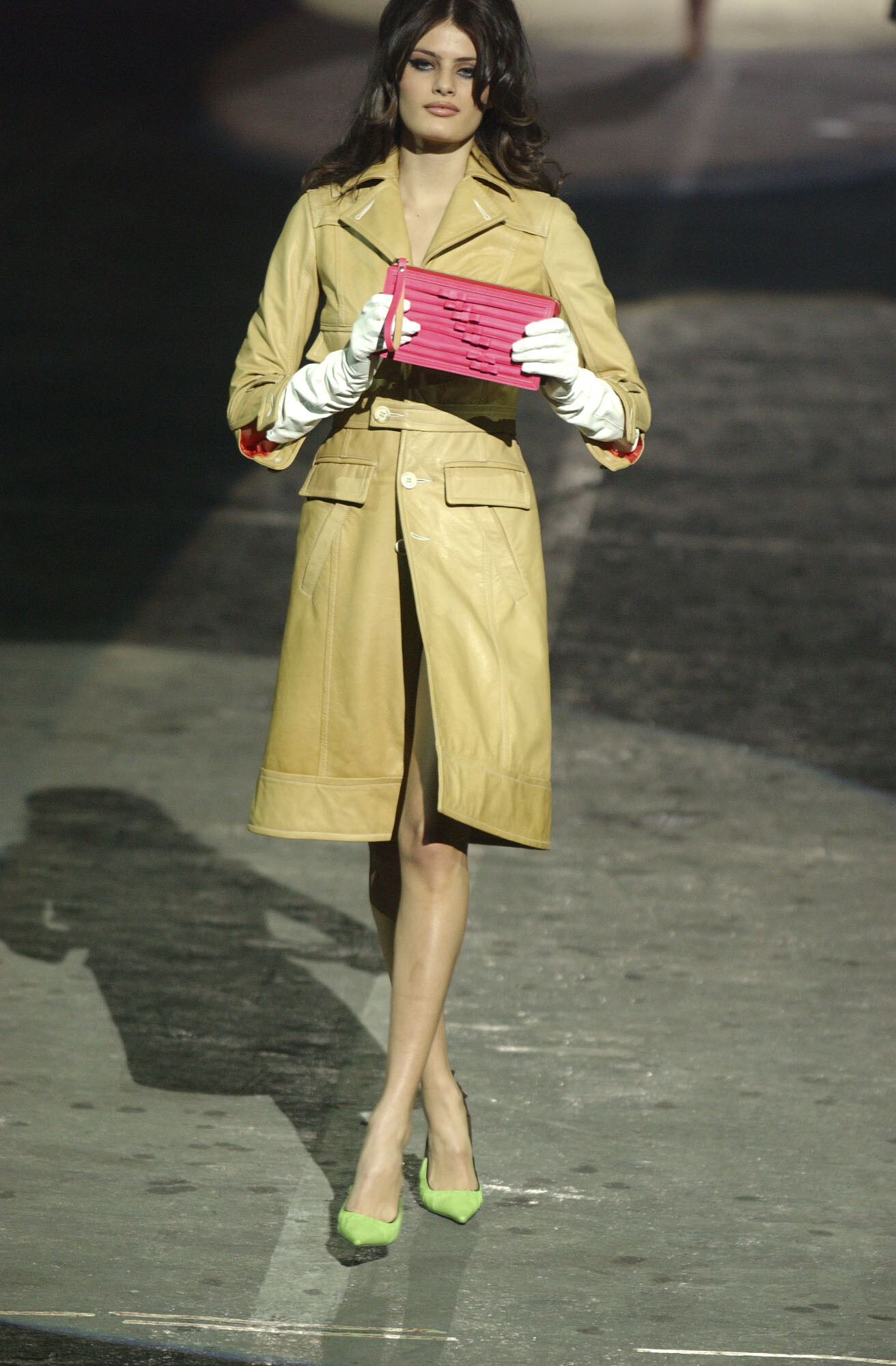
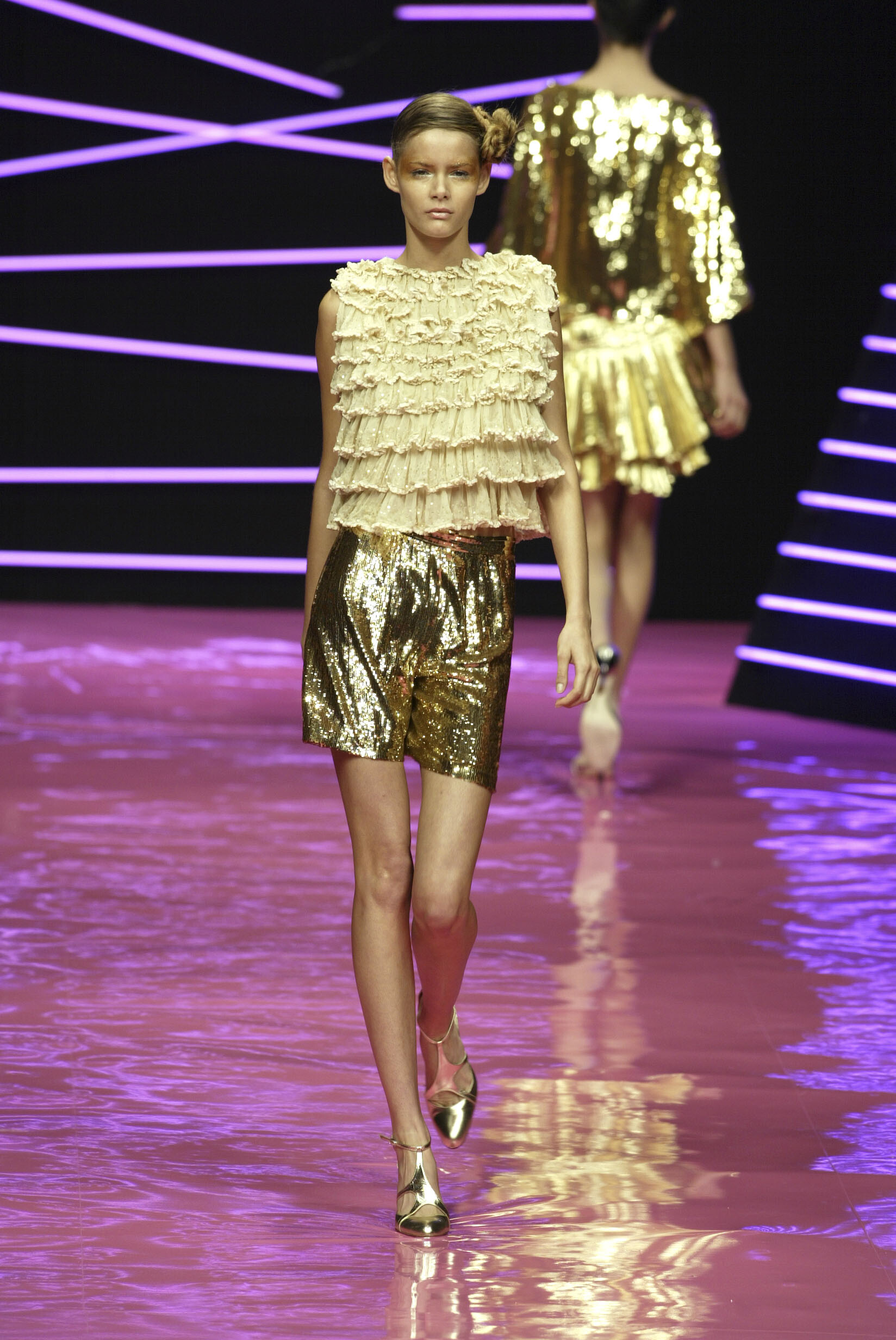
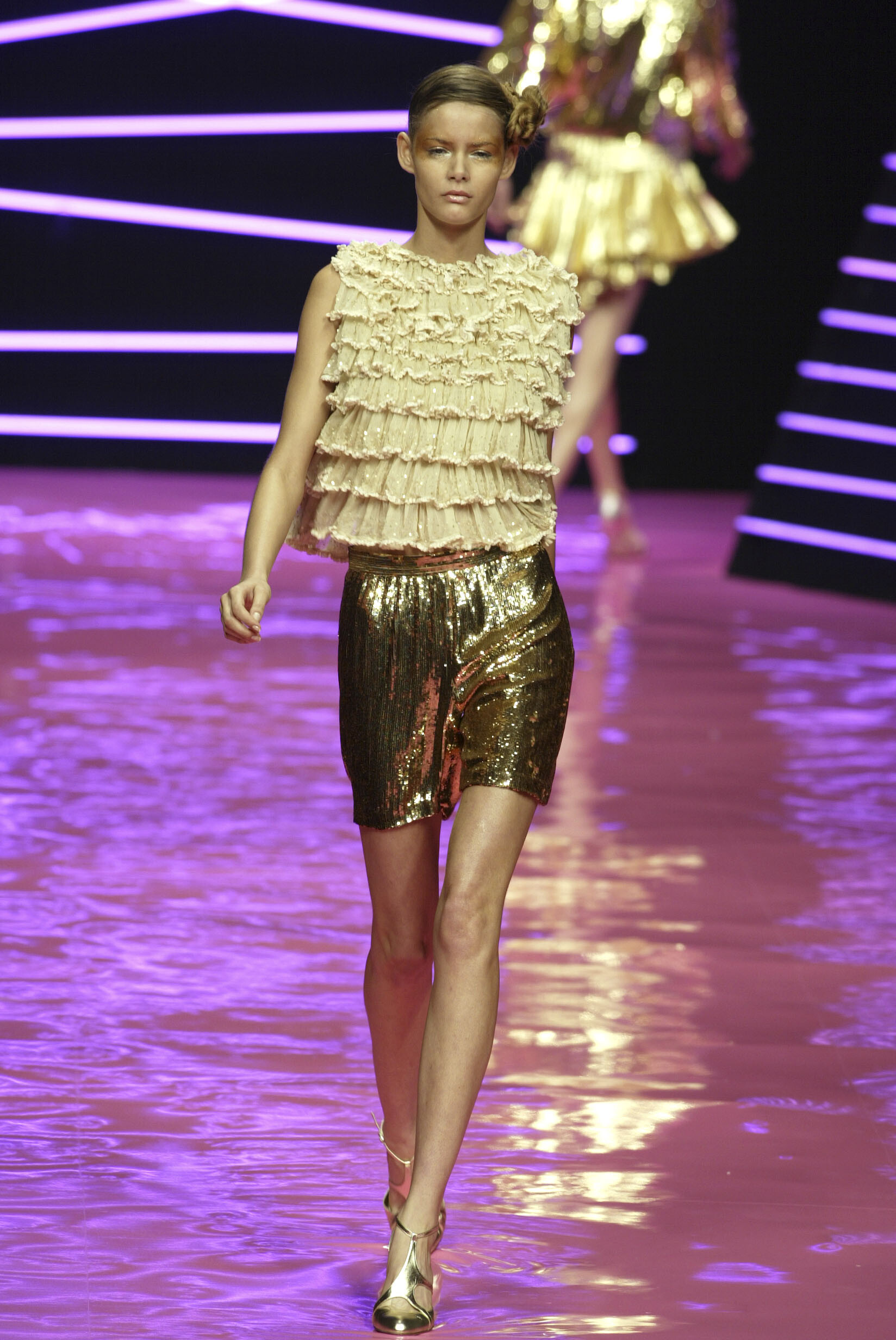
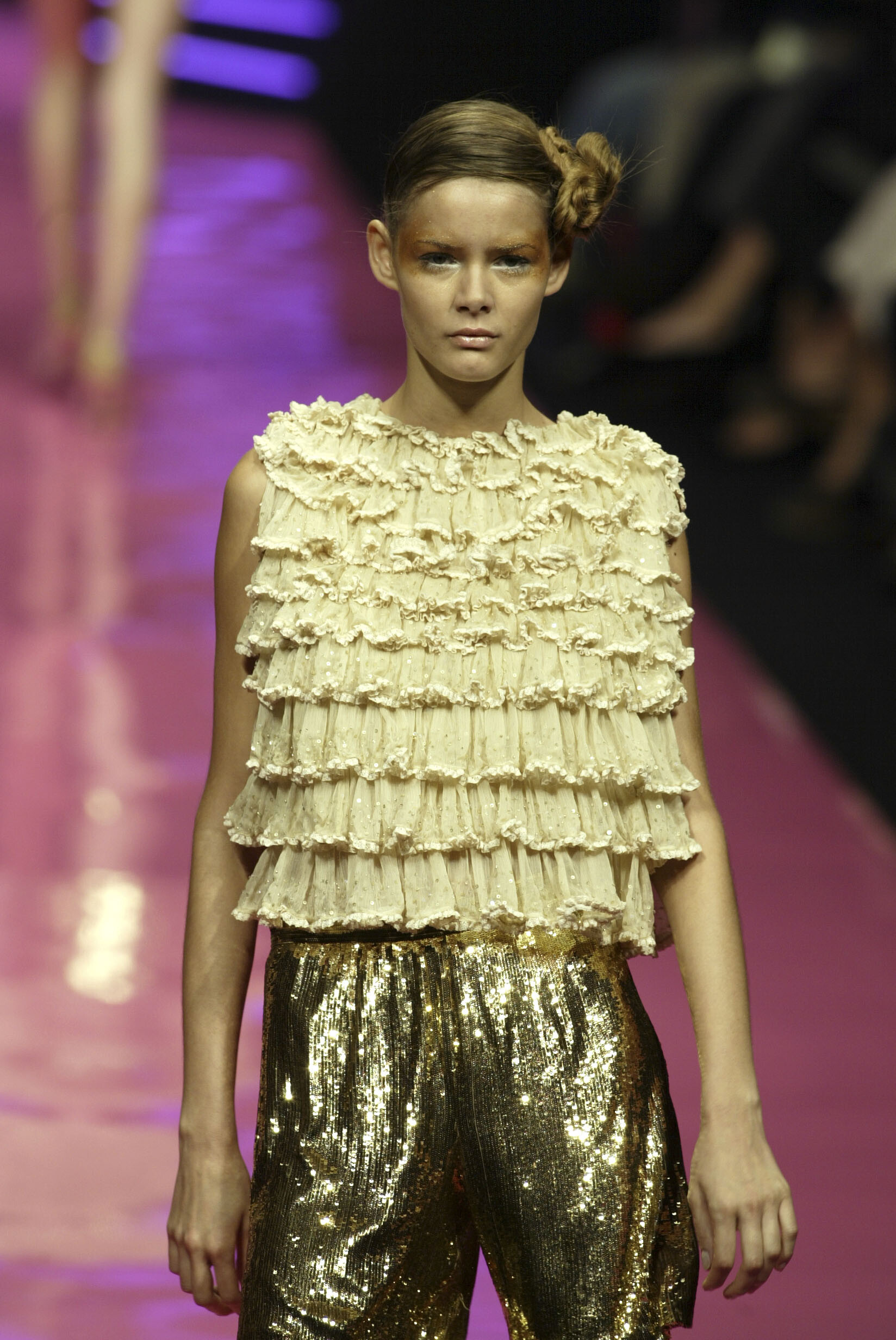
  1. Christian Dior SS 2004:
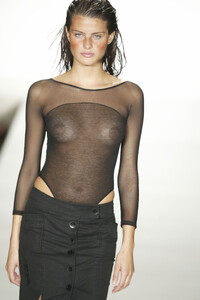
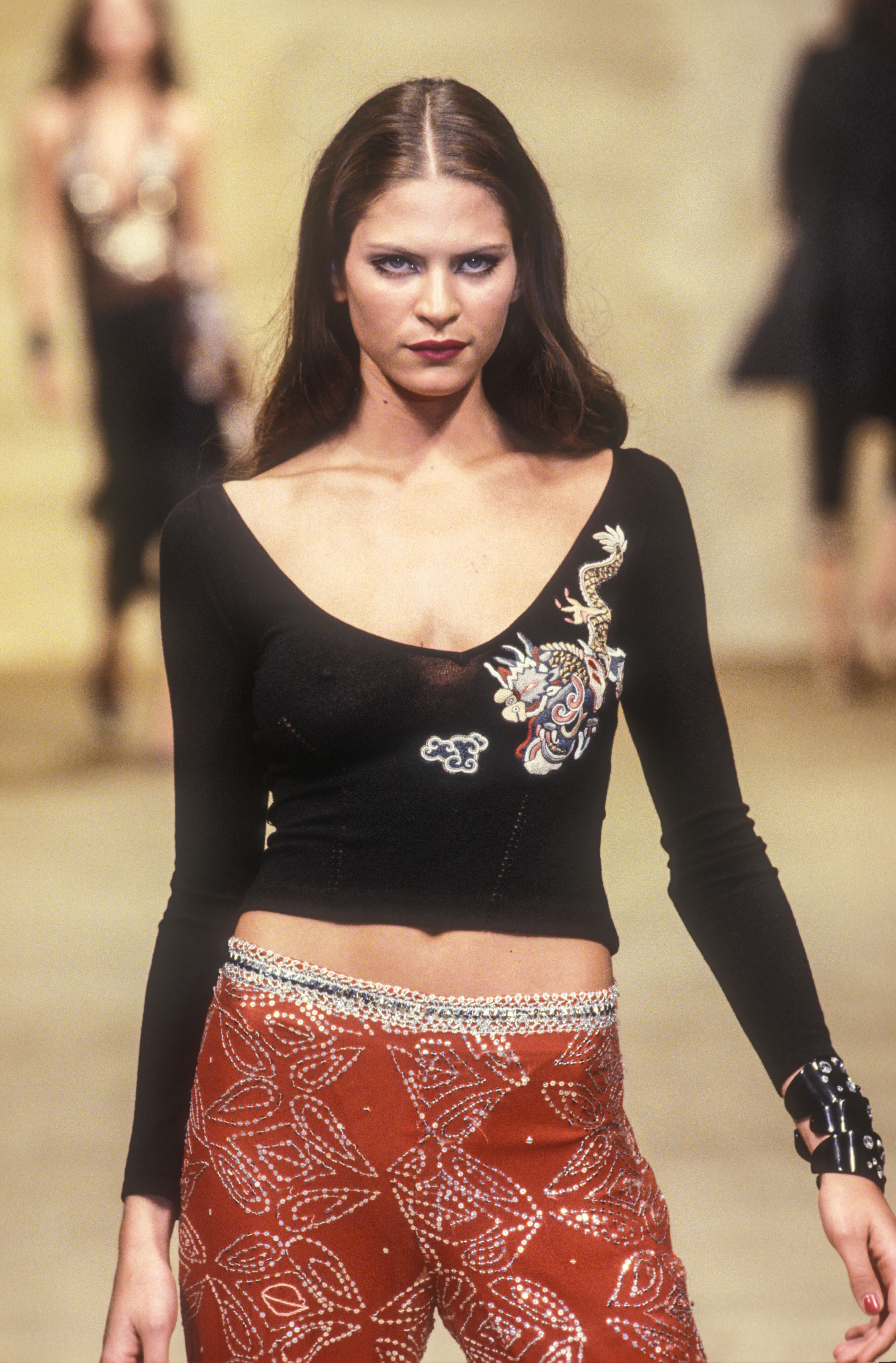
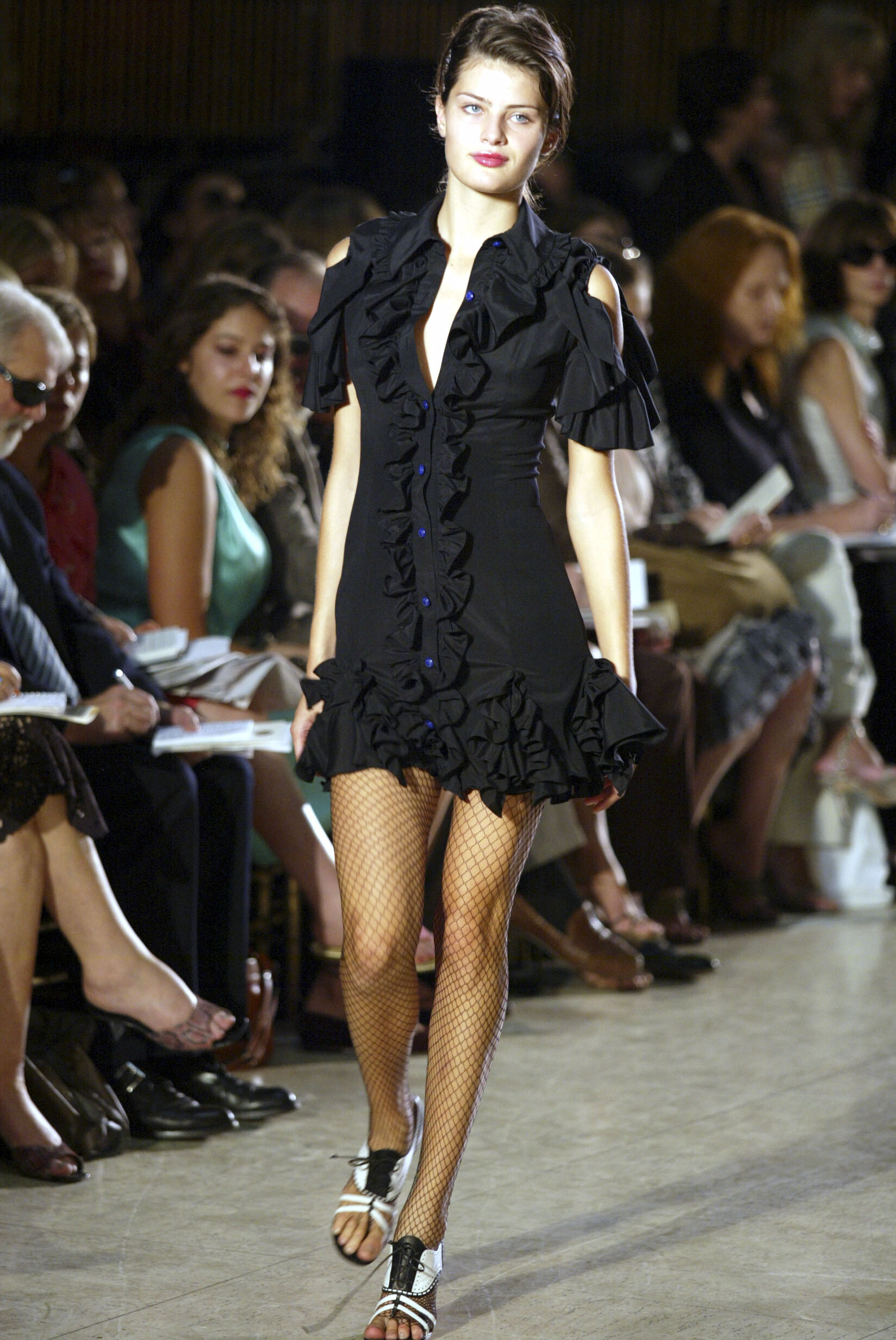
  2. Anna Molinari SS 2000:
  3. ArianaVSCouture replied to a post in a topic in Female Fashion Models
    Rocco Barocco FW 2008:
  4. ArianaVSCouture replied to a post in a topic in Female Fashion Models
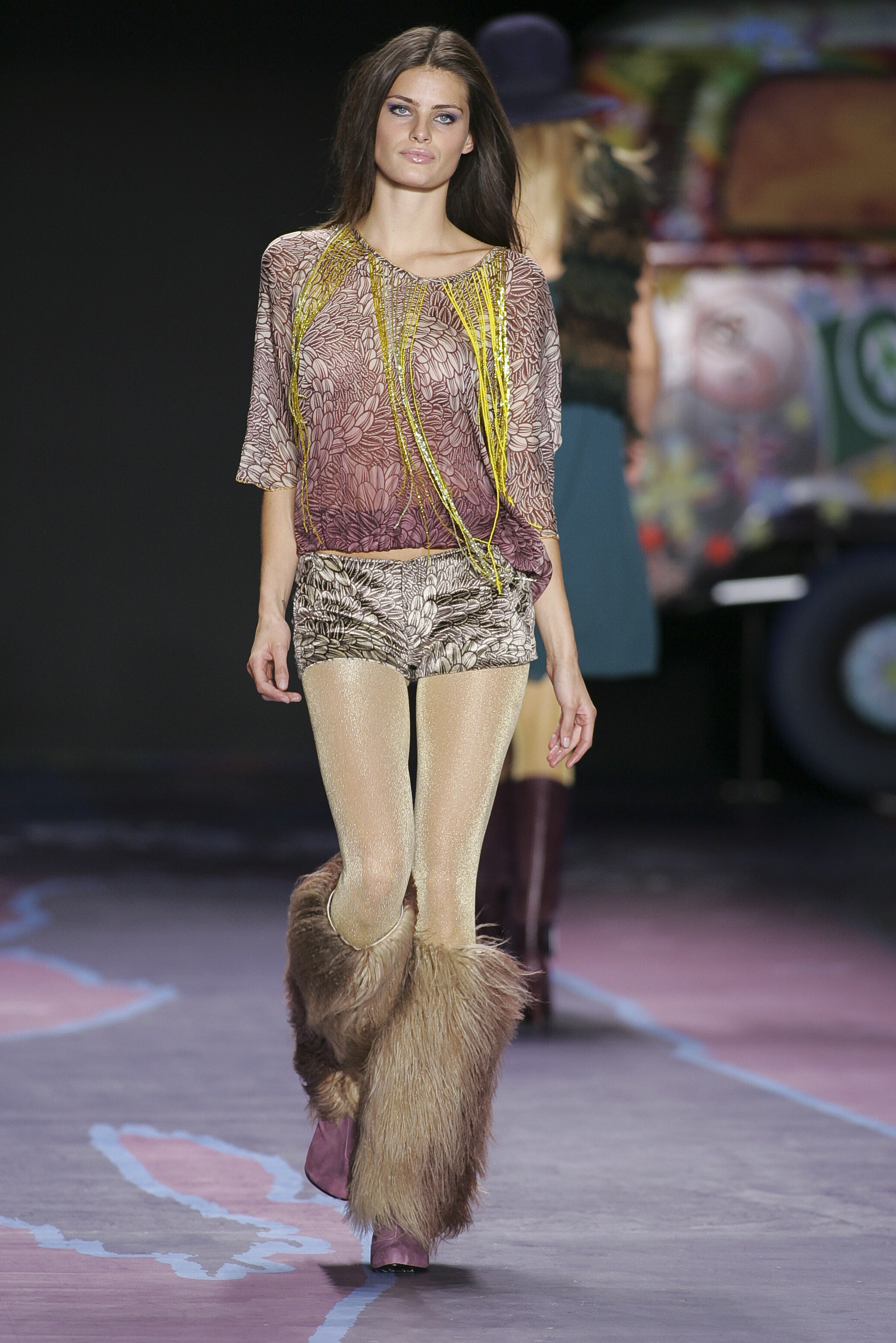
    Miss Sixty FW 2008:
  5. ArianaVSCouture replied to a post in a topic in Female Fashion Models
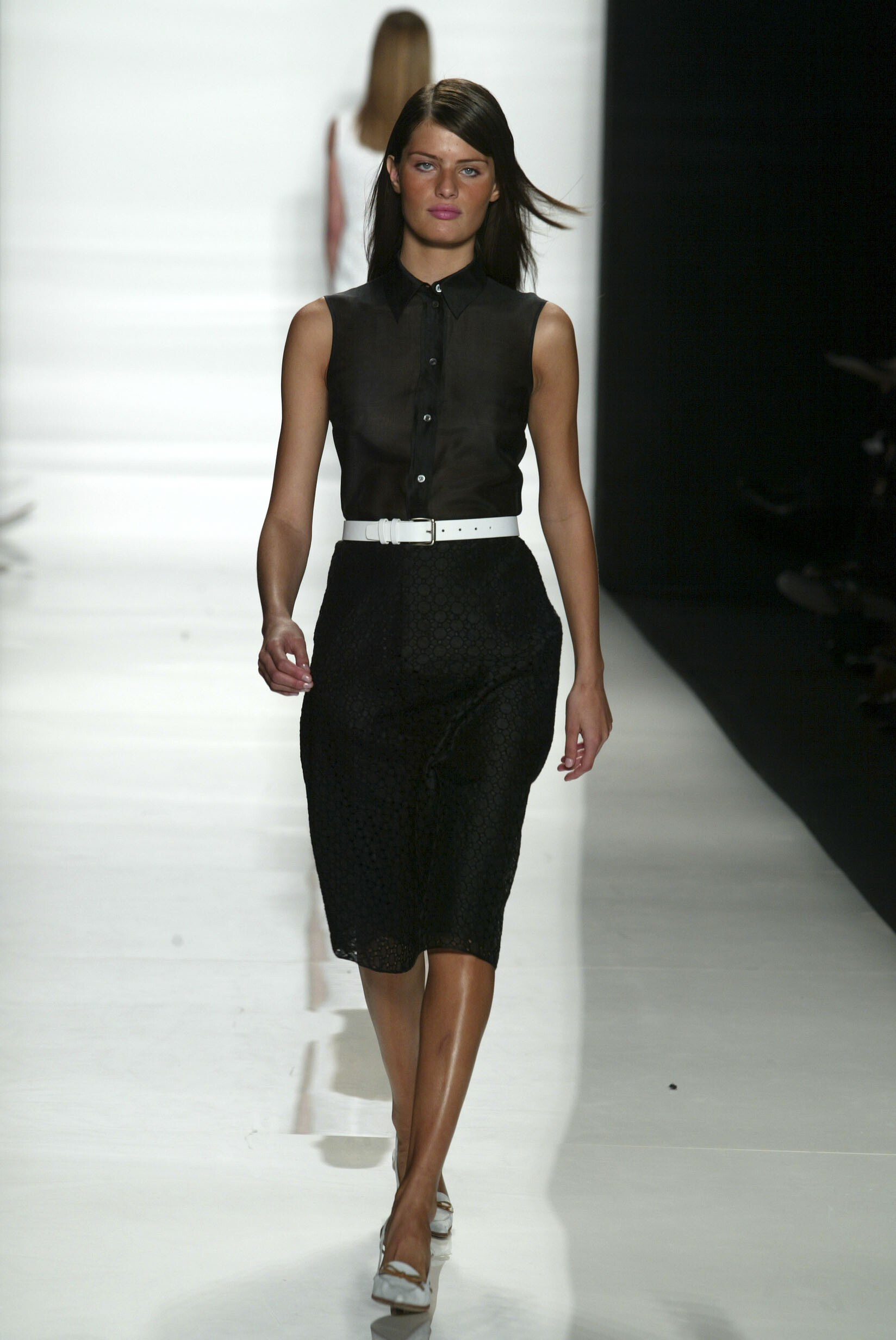
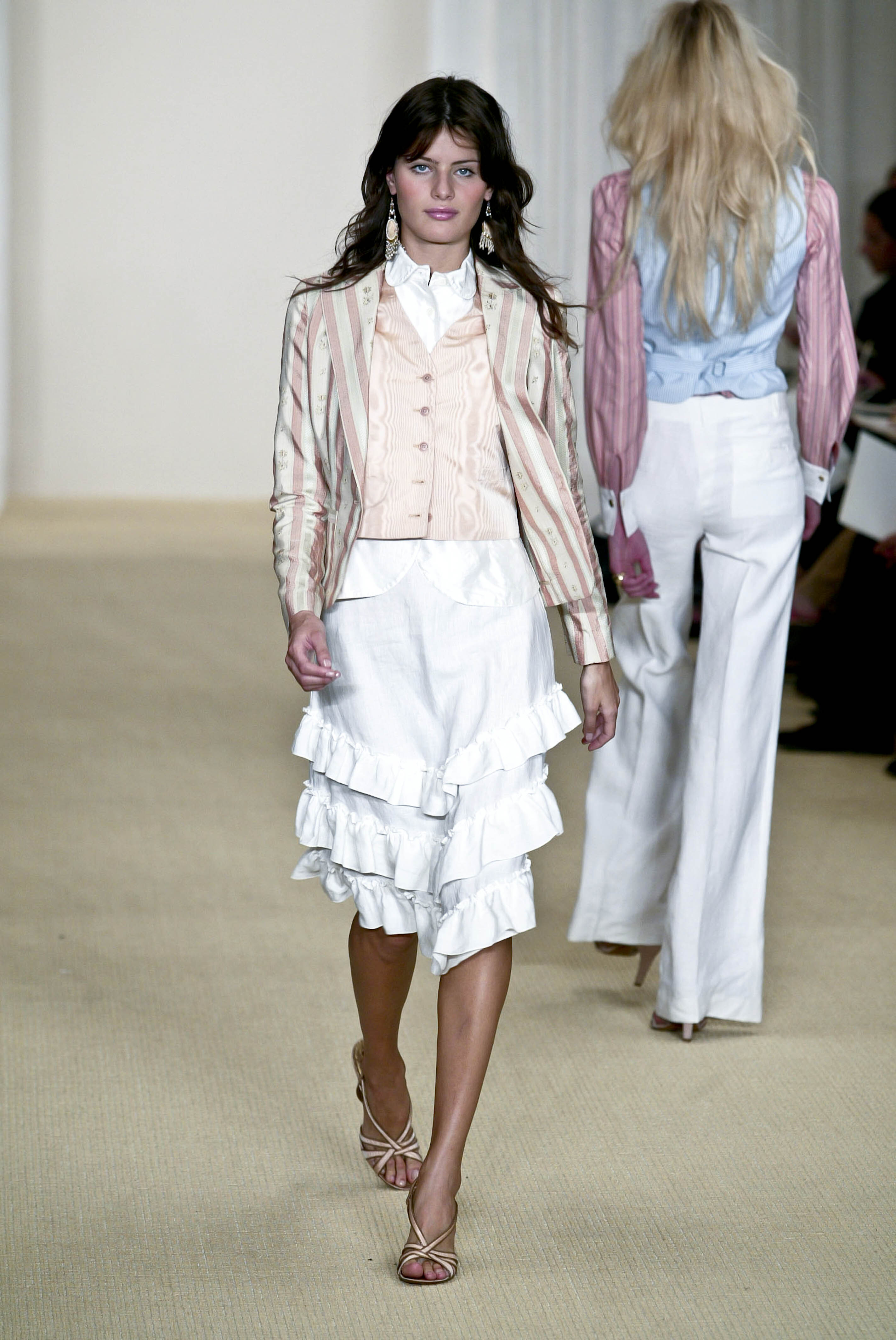
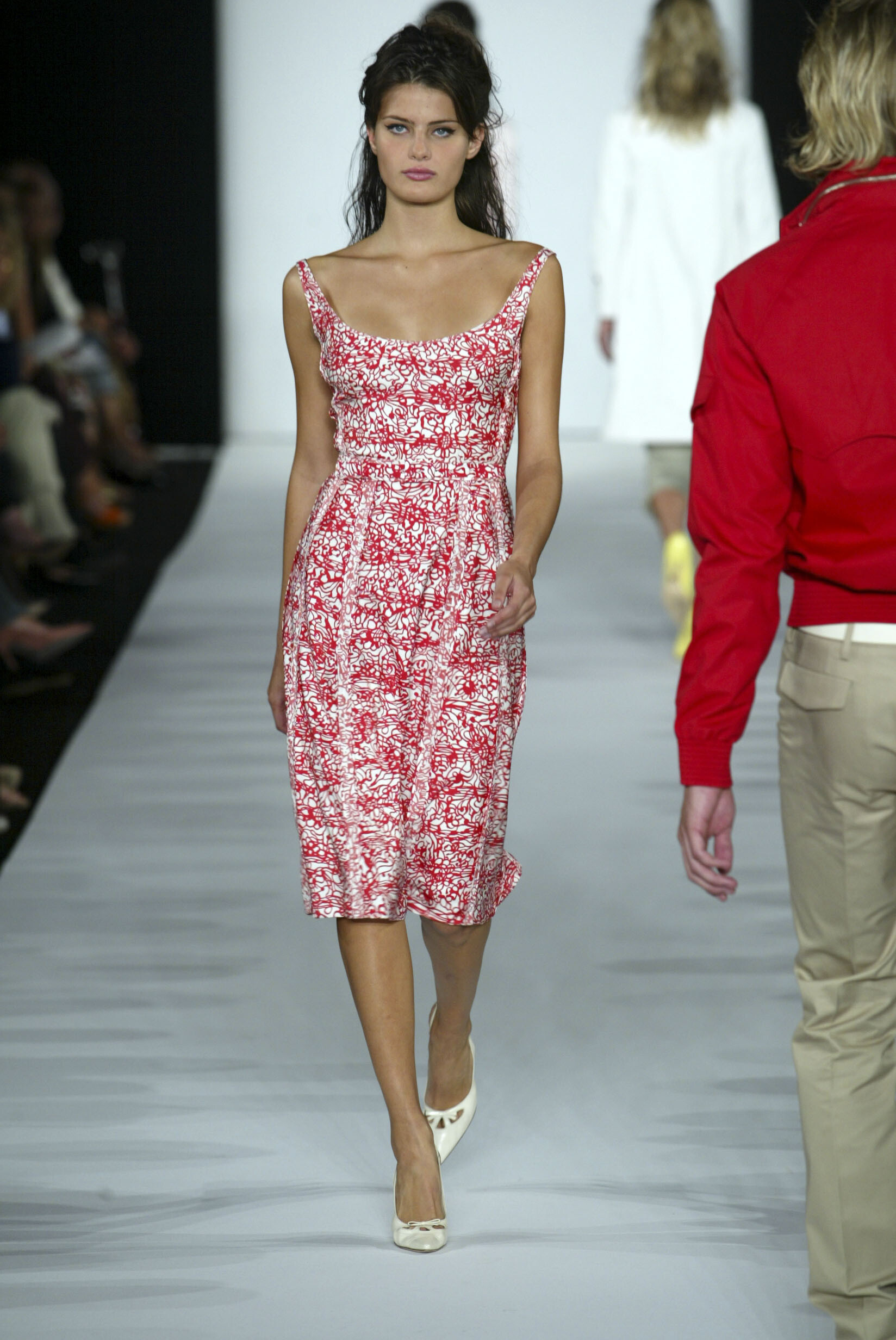
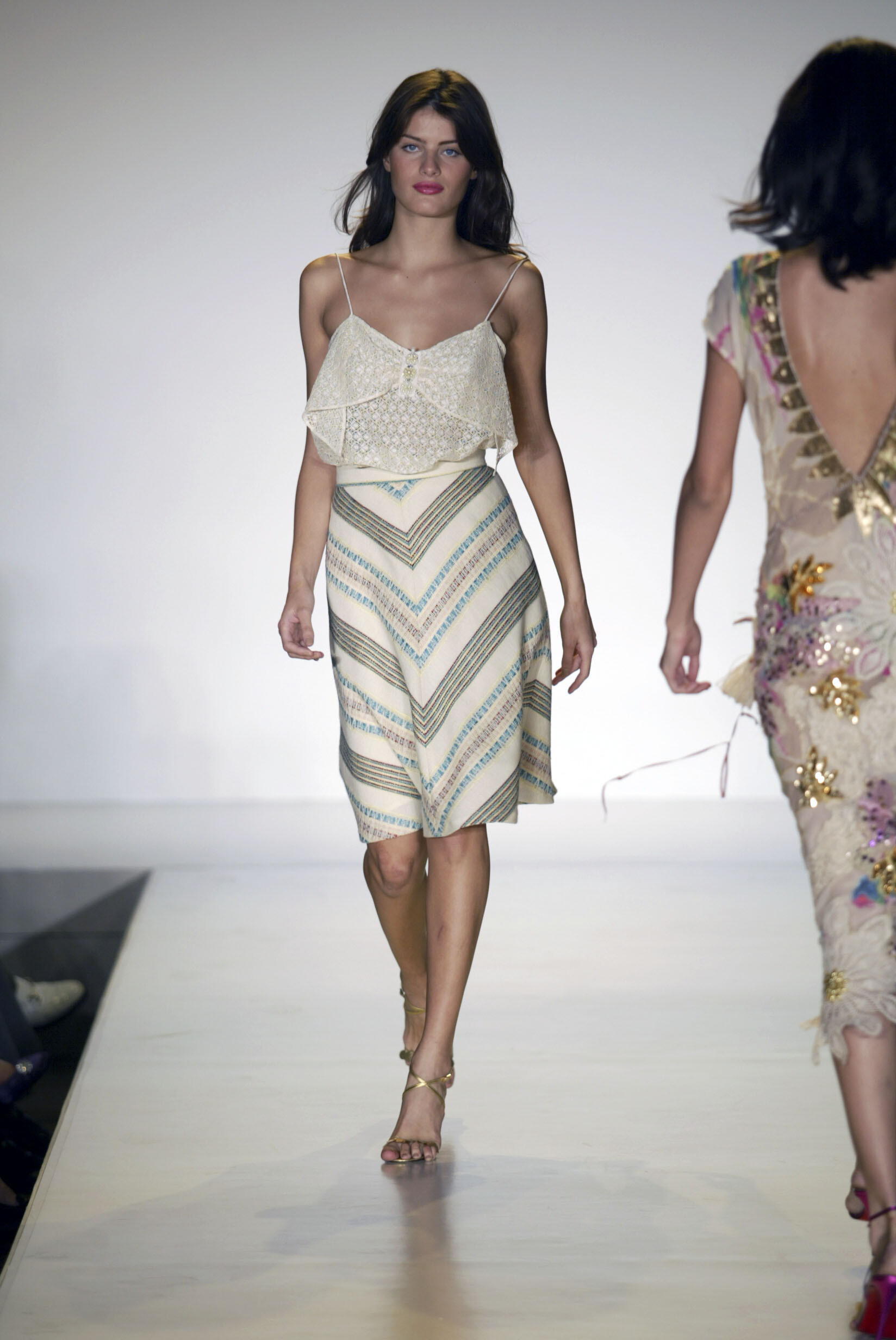
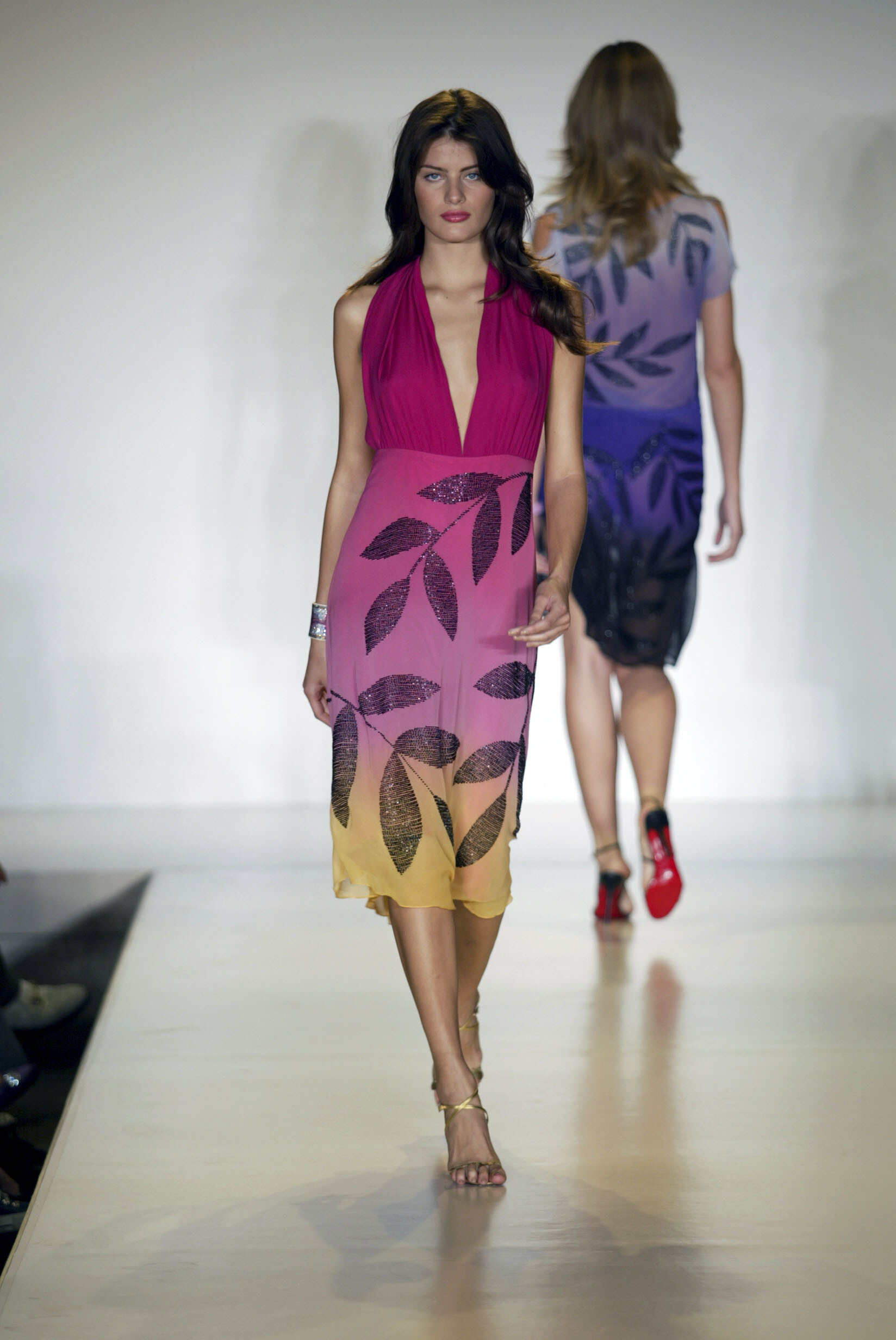
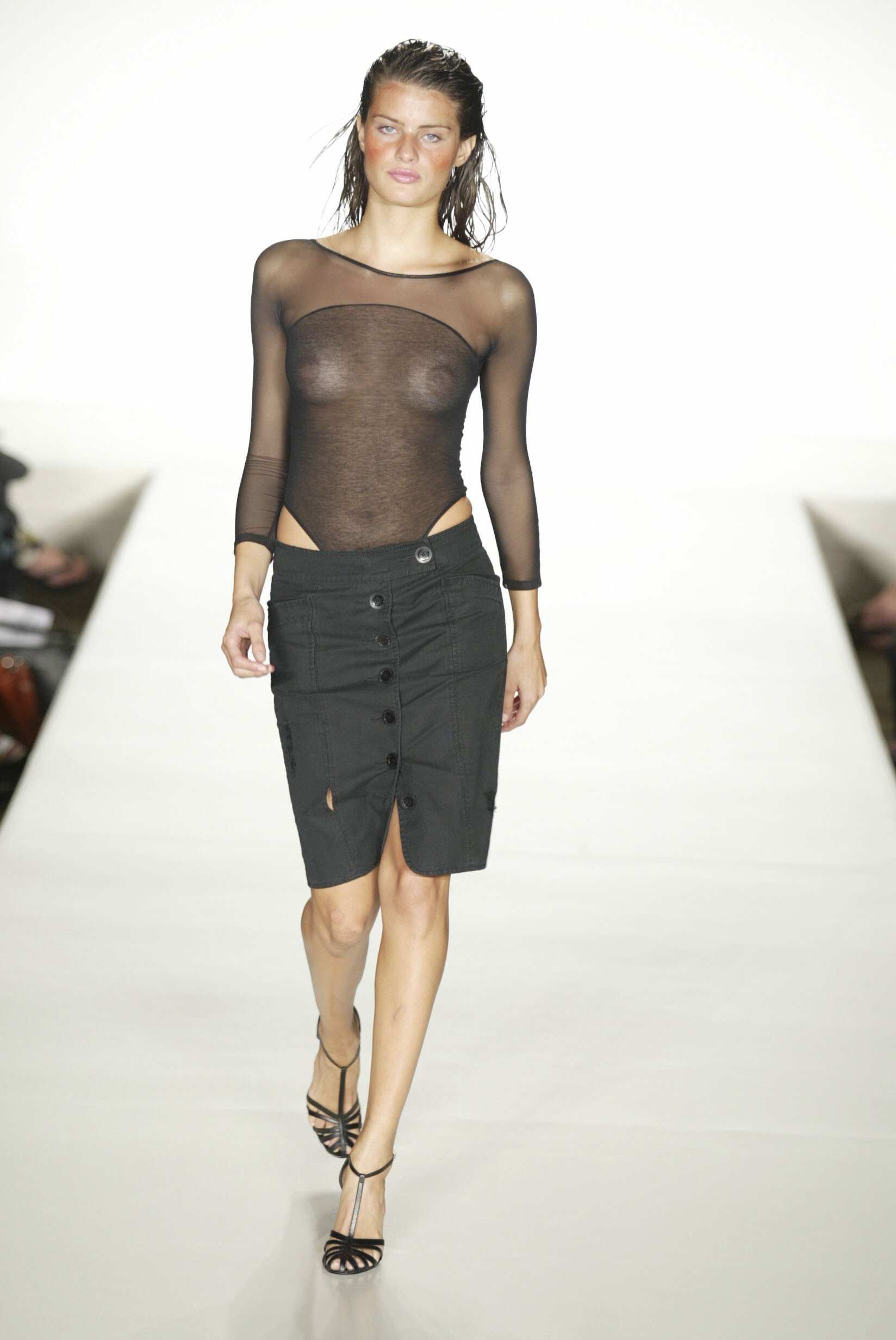
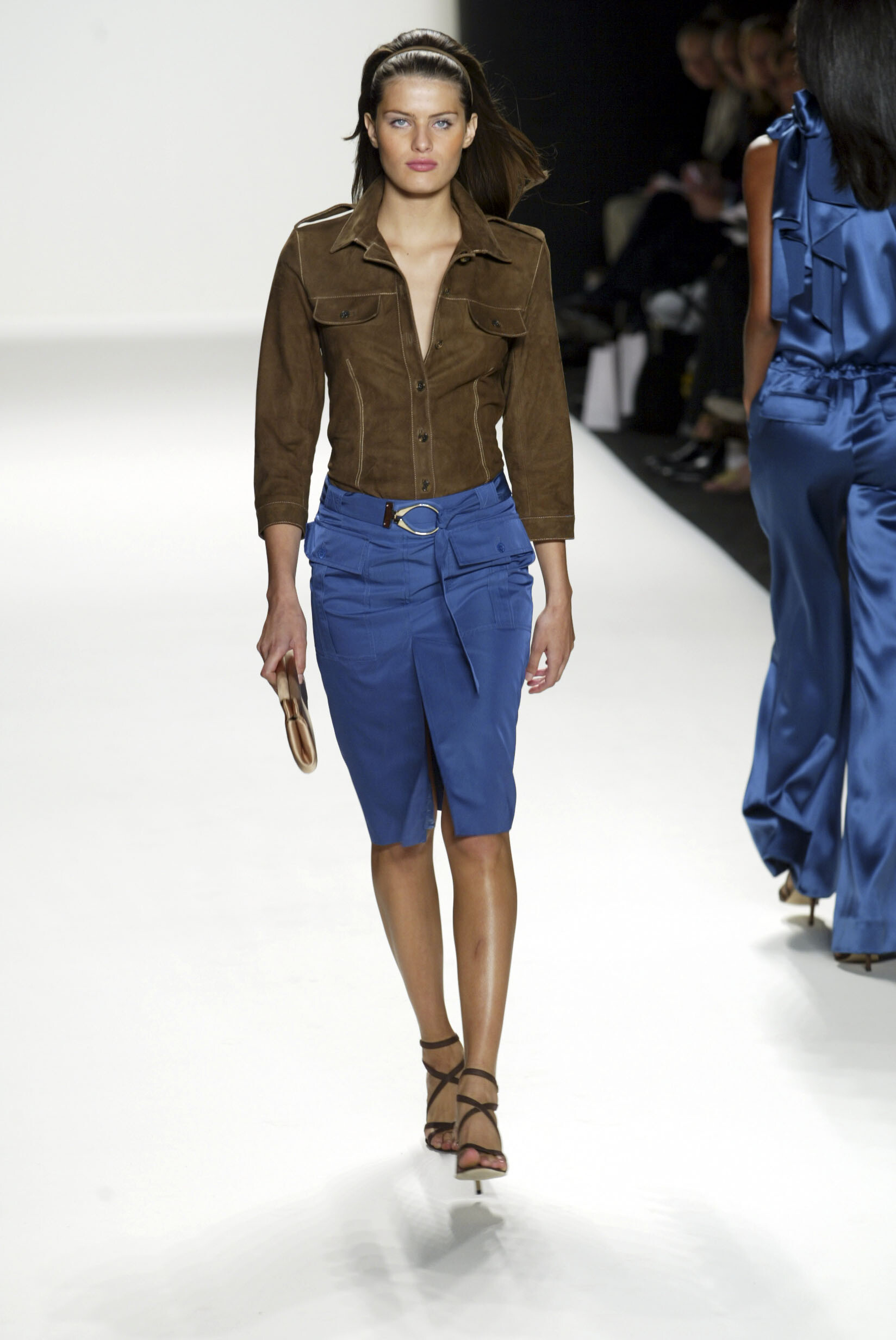
    Michael Kors SS 2003: Narciso Rodriguez SS 2003: Ralph Lauren SS 2003: Zac Posen SS 2003:

  6. ArianaVSCouture replied to a post in a topic in Female Fashion Models
    Marc by Marc Jacobs SS 2003: Marc Jacobs SS 2003: Matthew Williamson SS 2003:

  7. ArianaVSCouture replied to a post in a topic in Female Fashion Models
    Donna Karan SS 2003: Luella Bartley SS 2003:
  8. ArianaVSCouture replied to a post in a topic in Female Fashion Models
    Carolina Herrera SS 2003:
  9. ArianaVSCouture replied to a post in a topic in Female Fashion Models
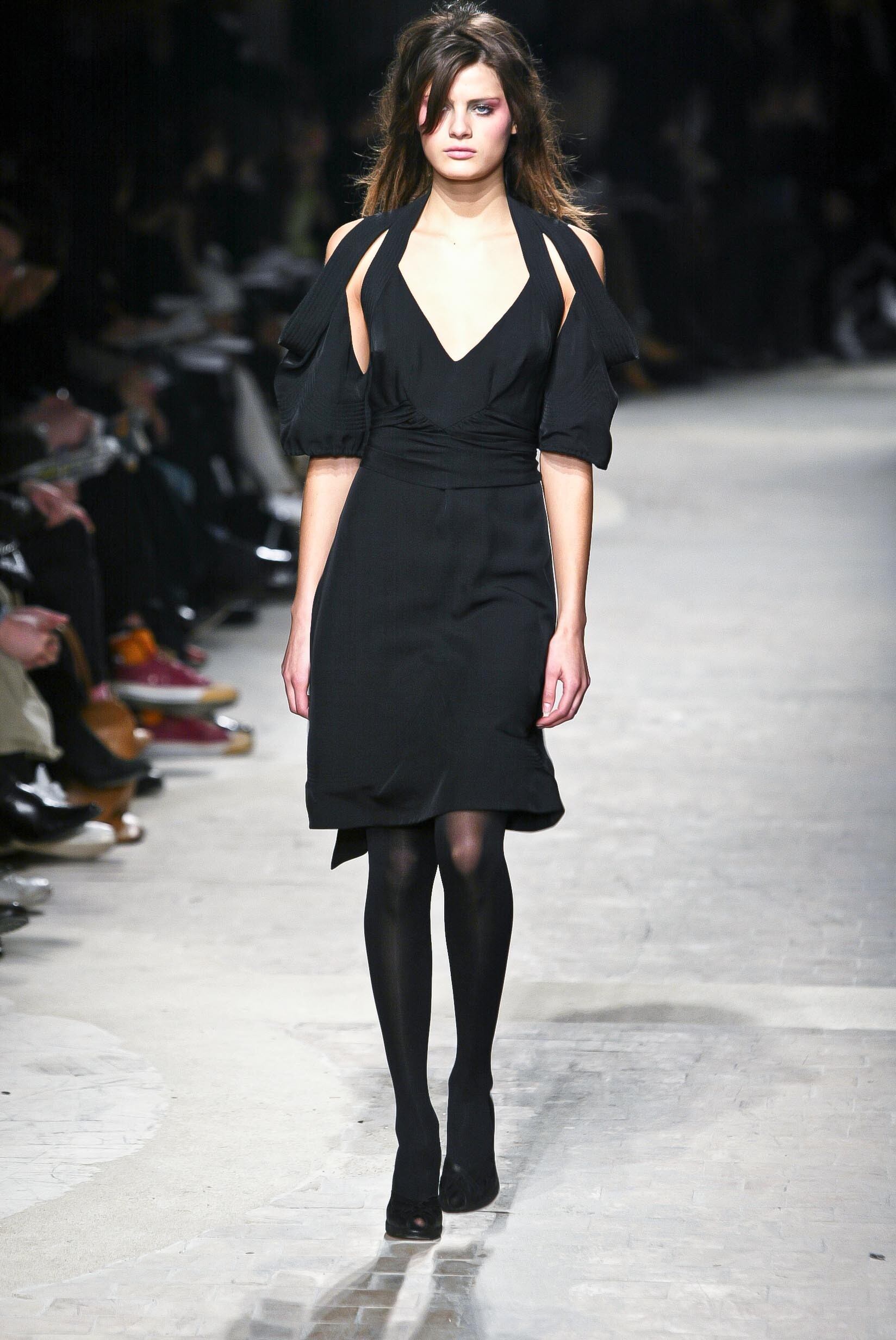
    Martine Sitbon FW 2002:
  10. ArianaVSCouture replied to a post in a topic in Female Fashion Models
    DSquared2 FW 2004: DSquared2 SS 2004:

  11. ArianaVSCouture replied to a post in a topic in Female Fashion Models
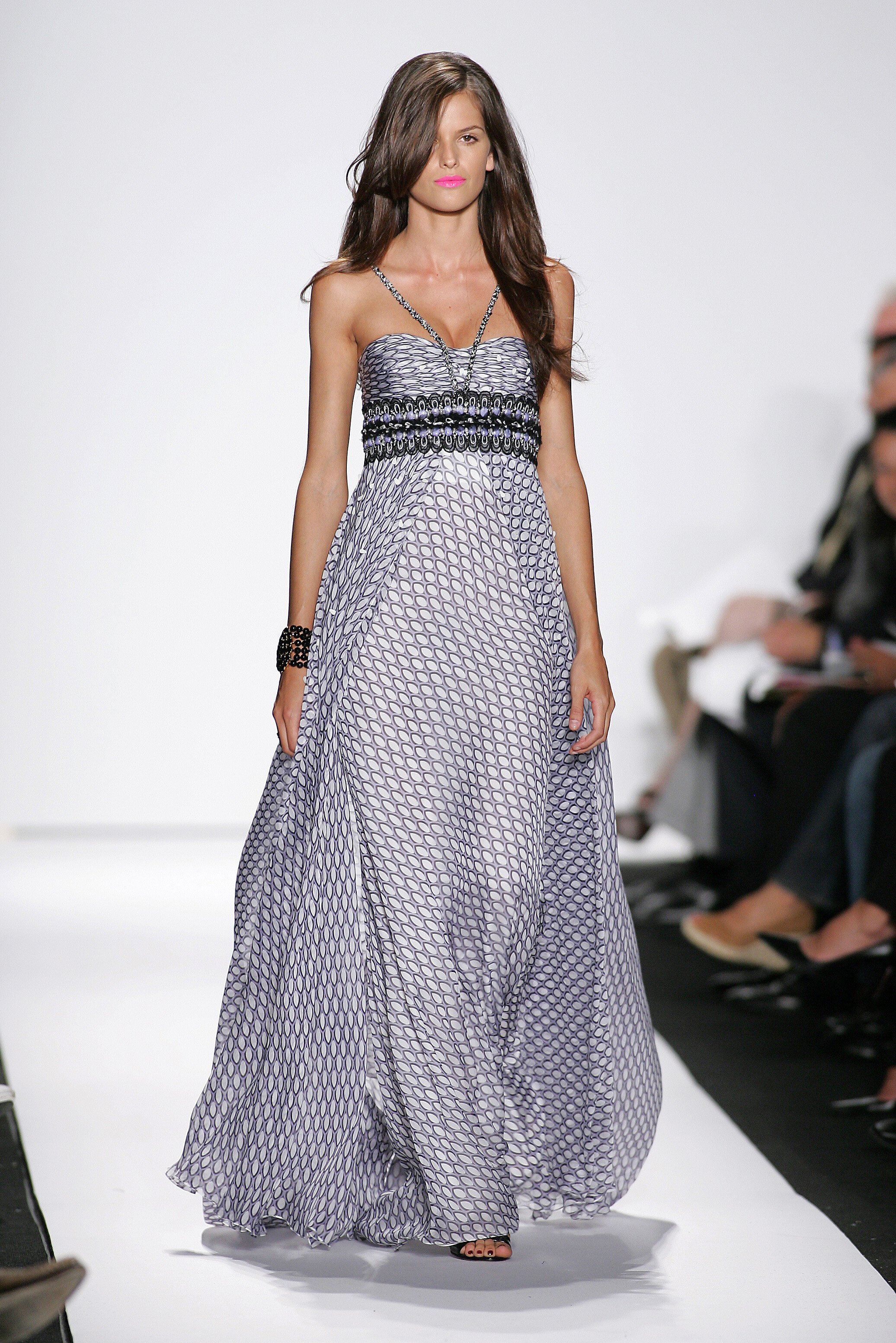
    Badgley Mischka SS 2008:
  12. ArianaVSCouture replied to a post in a topic in Female Fashion Models
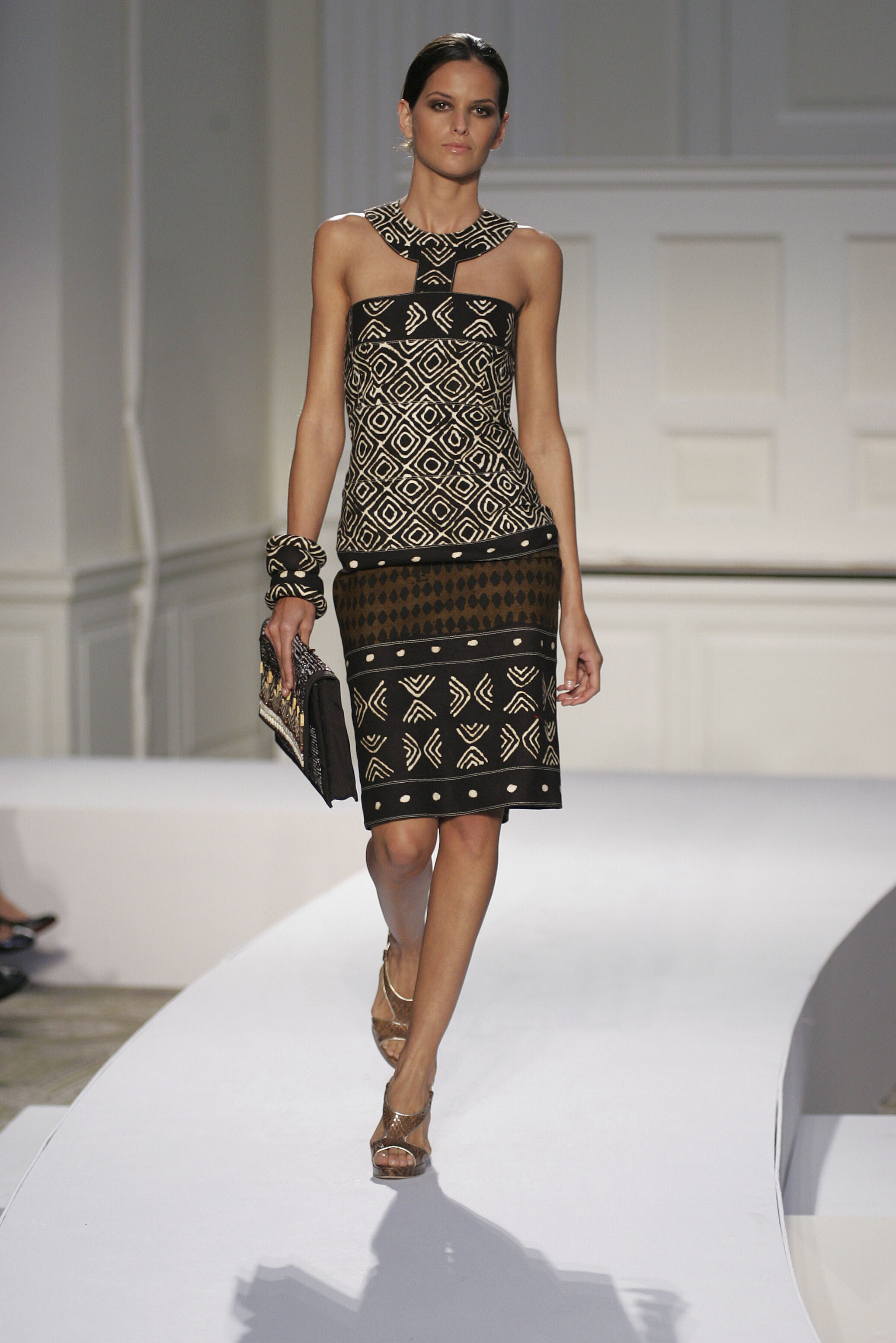
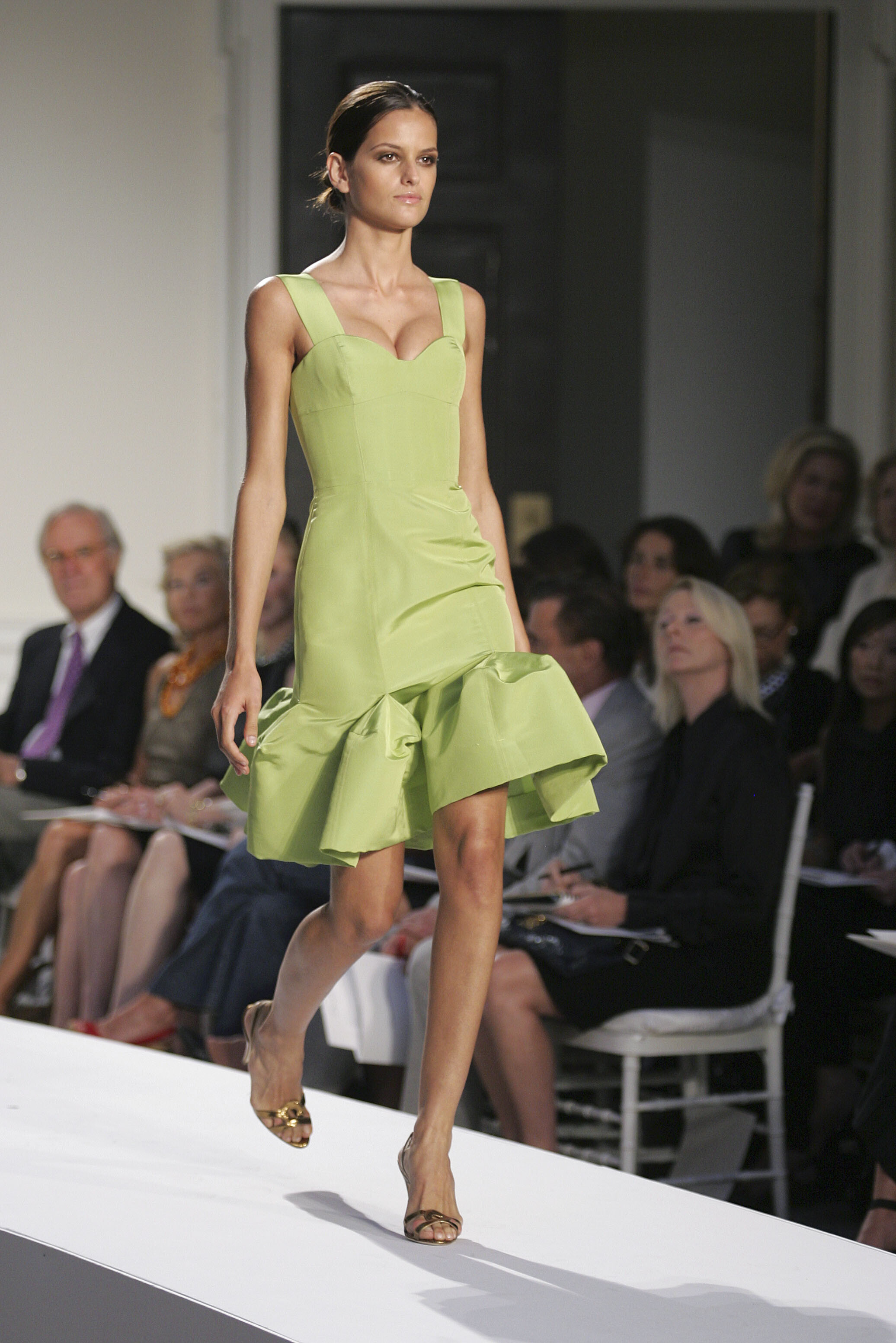
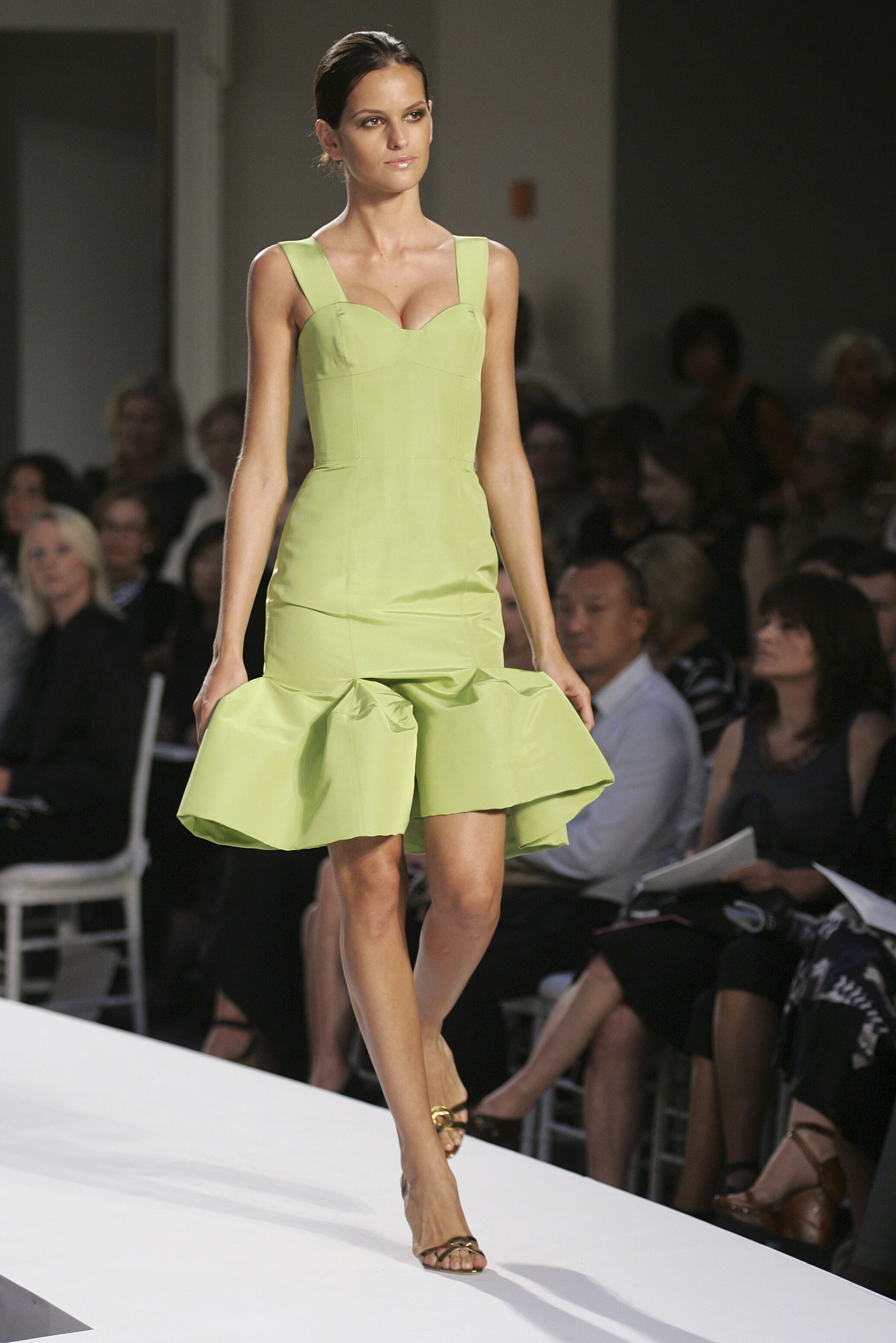
    Oscar de La Renta SS 2008:
  13. ArianaVSCouture replied to a post in a topic in Female Fashion Models
    Alexander Wang SS 2008:
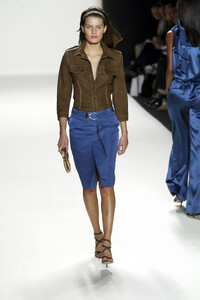
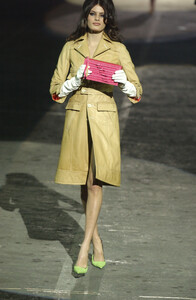
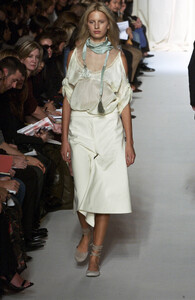
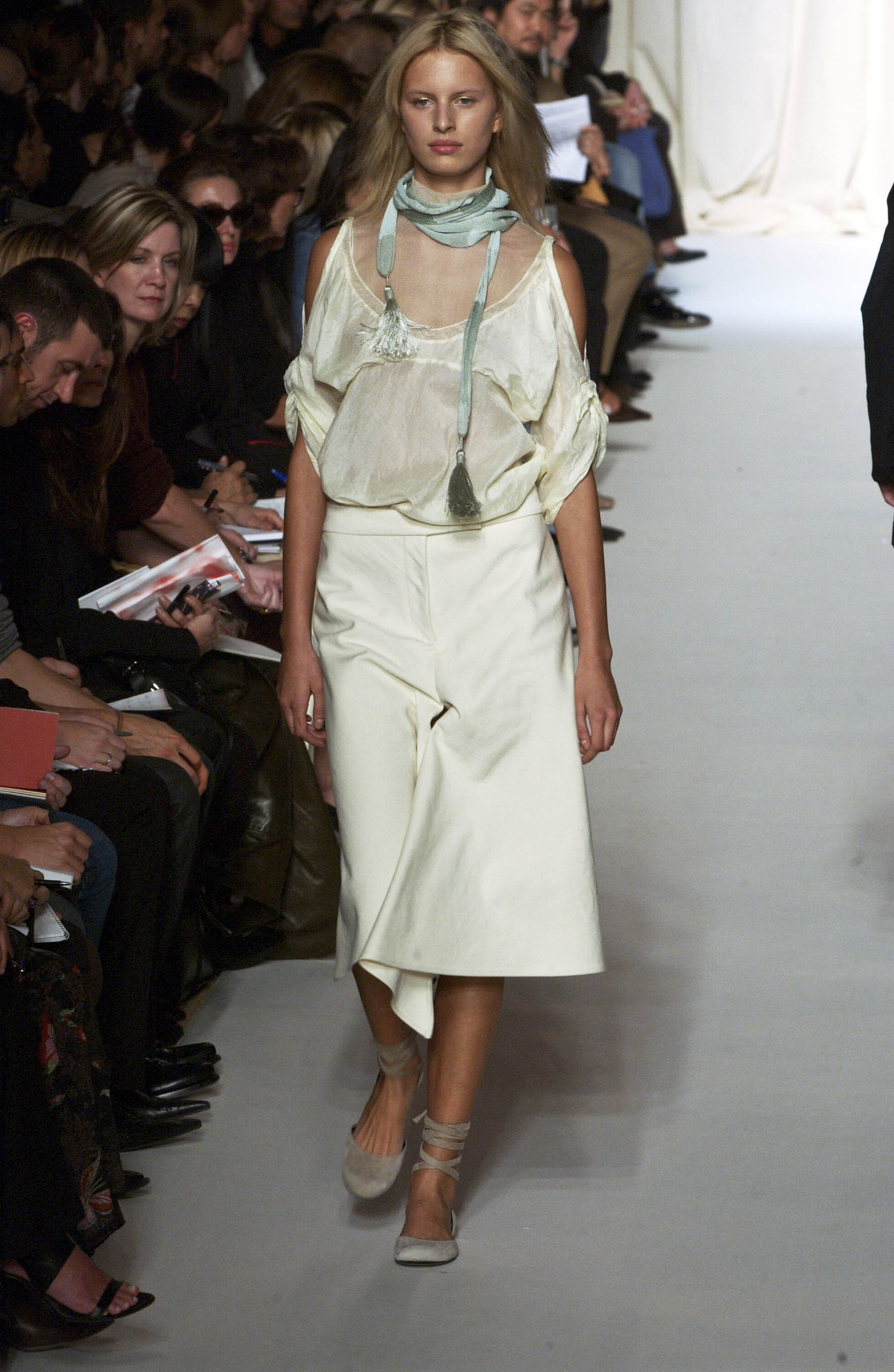
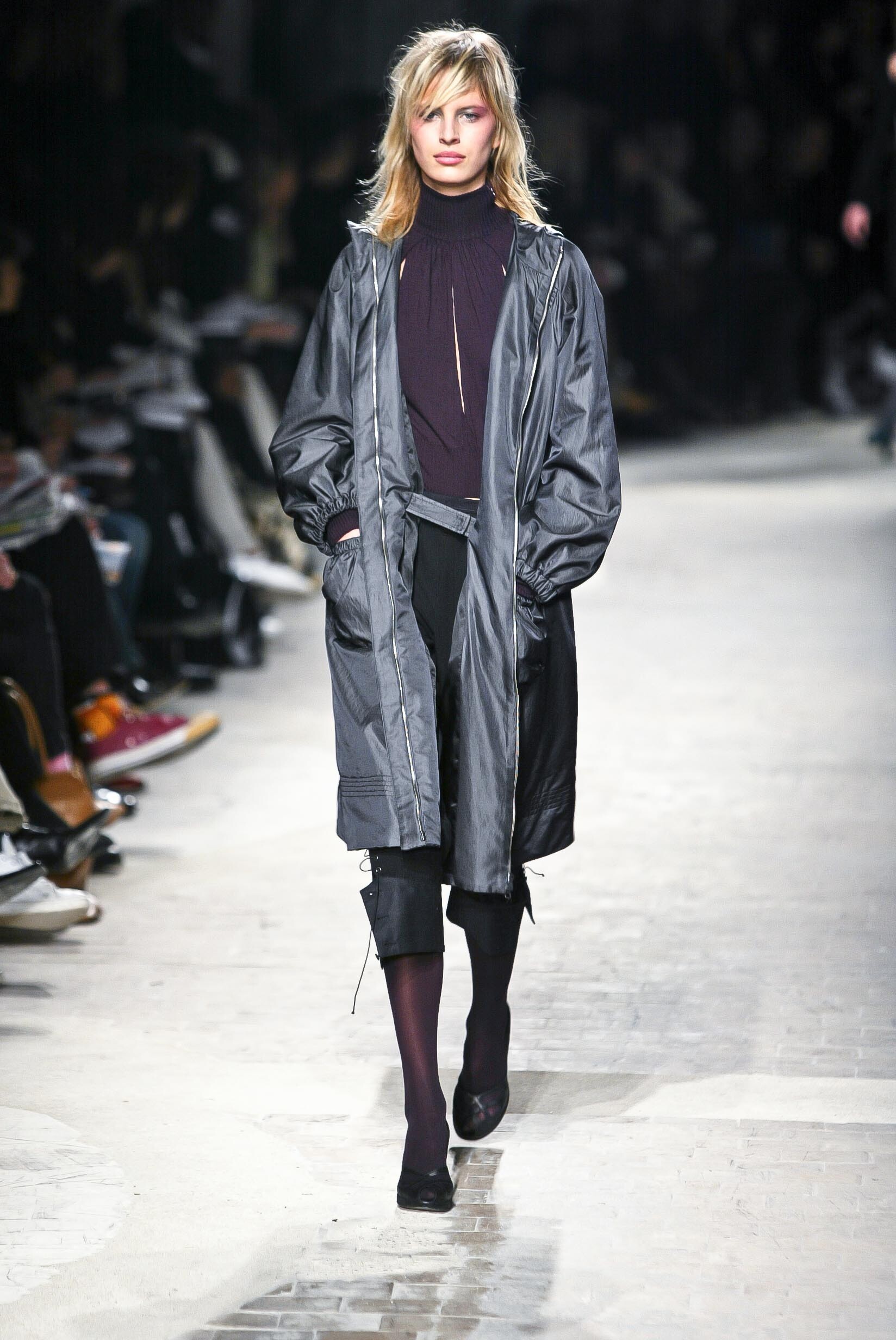
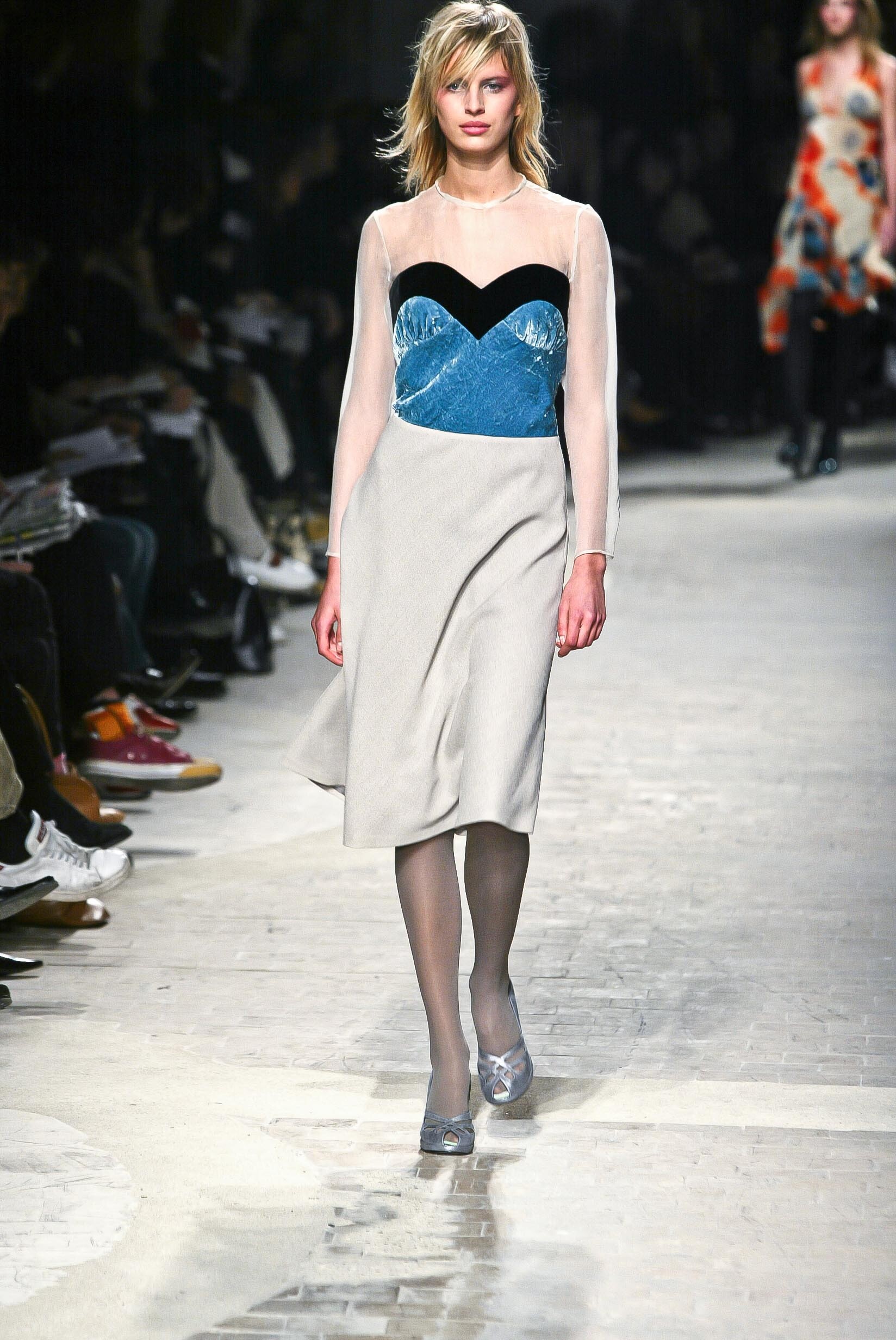
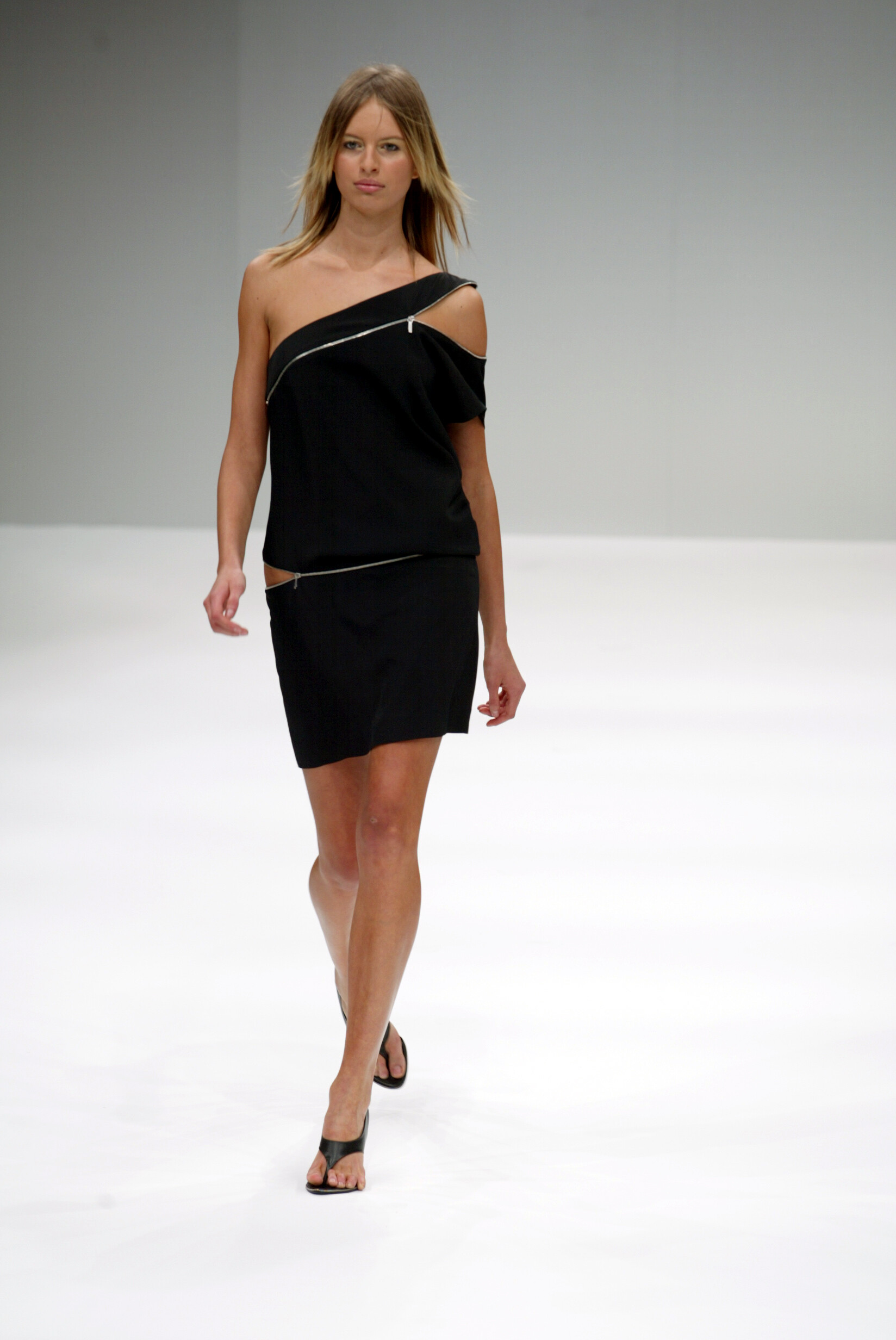
  14. Martine Sitbon SS 2002:
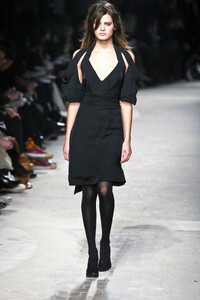
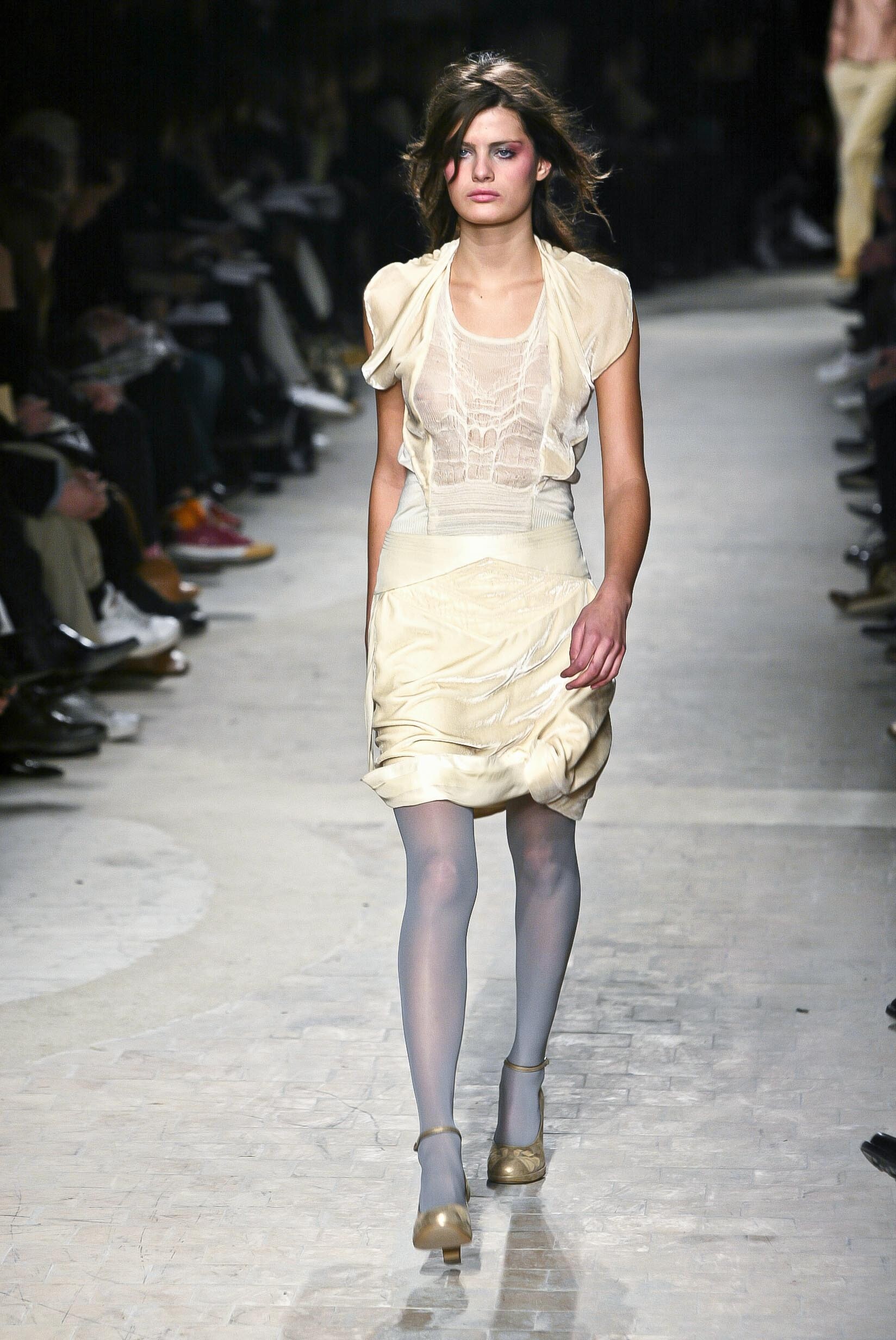
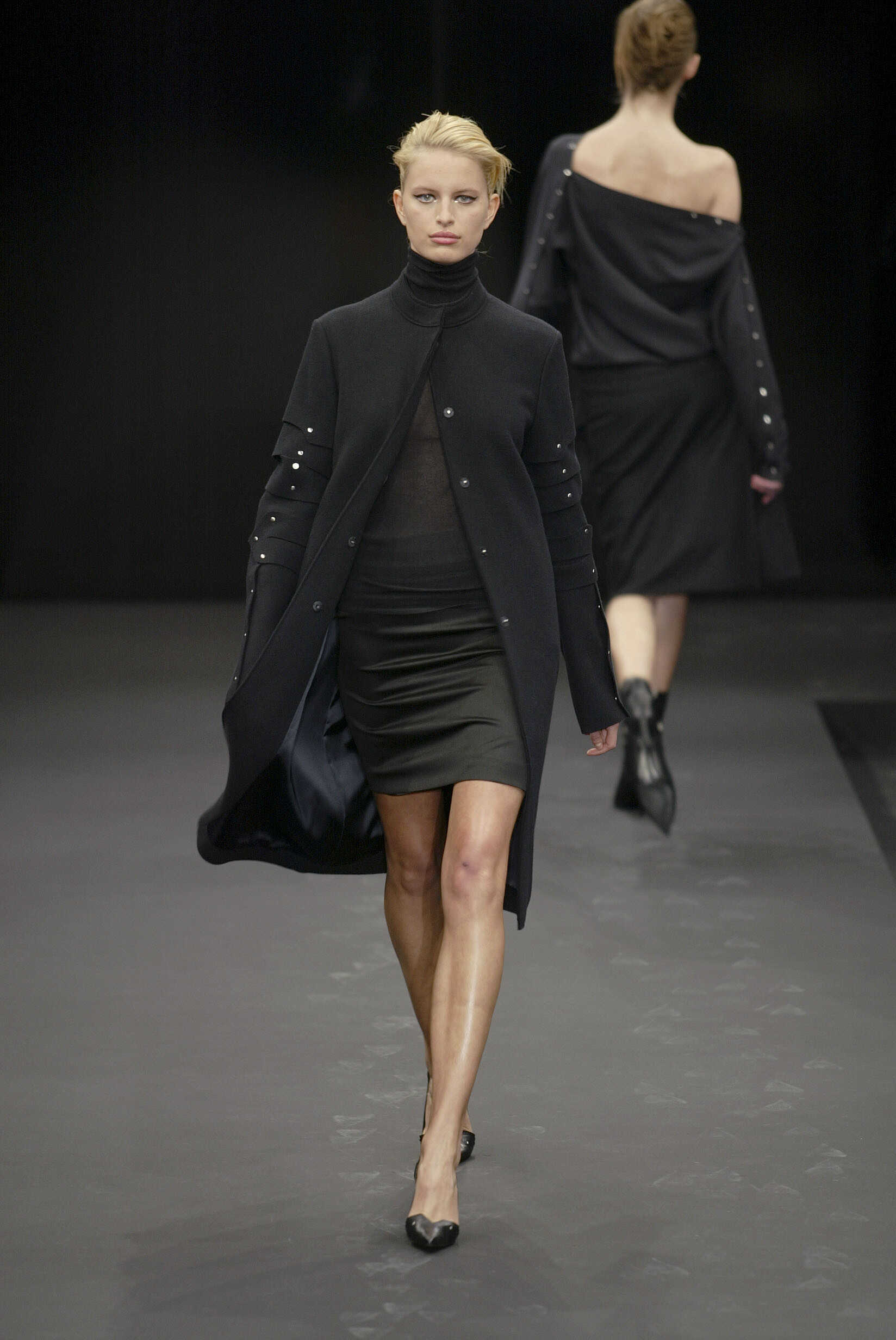
  15. Martine Sitbon FW 2002:
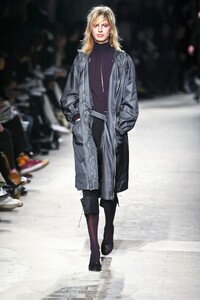
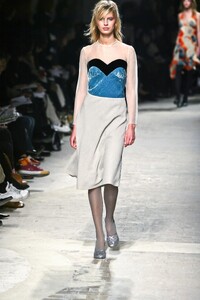
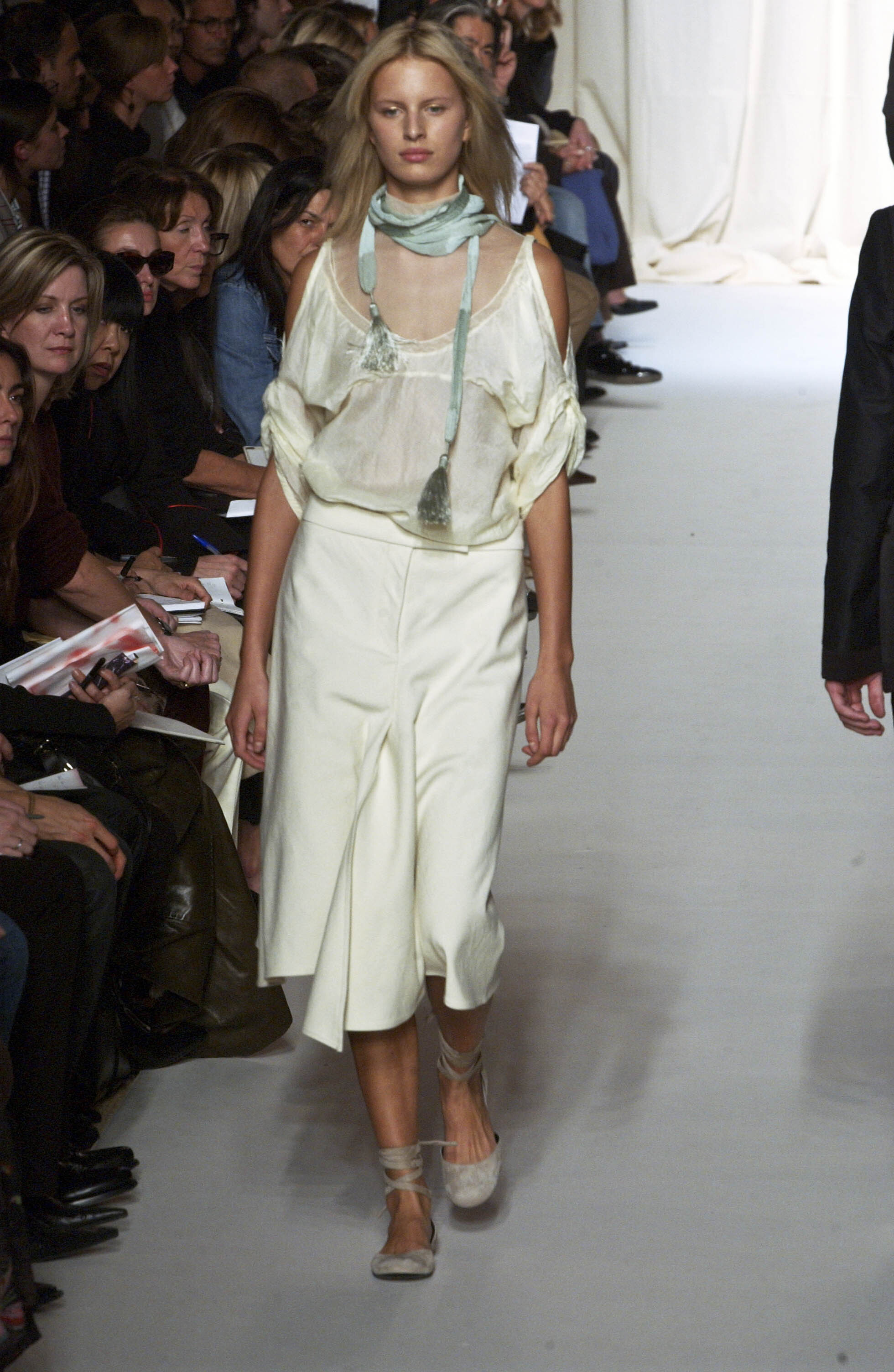
  16. Jil Sander SS 2003:

Account

Navigation

Search

Search

Configure browser push notifications

Chrome (Android)
  1. Tap the lock icon next to the address bar.
  2. Tap Permissions → Notifications.
  3. Adjust your preference.
Chrome (Desktop)
  1. Click the padlock icon in the address bar.
  2. Select Site settings.
  3. Find Notifications and adjust your preference.