nhlovesadri
Members
-
Joined
-
Last visited
Everything posted by nhlovesadri
-
 +1 17568922_122338361769158_631839313293737984_n.mp4
On this interview (in Portuguese): posted also in motion, she said that she went to China these days in September to shoot for a tv program there! She didn't say the name or anything else.
+1 17431871_685509618327022_8754083676502884352_n.mp4
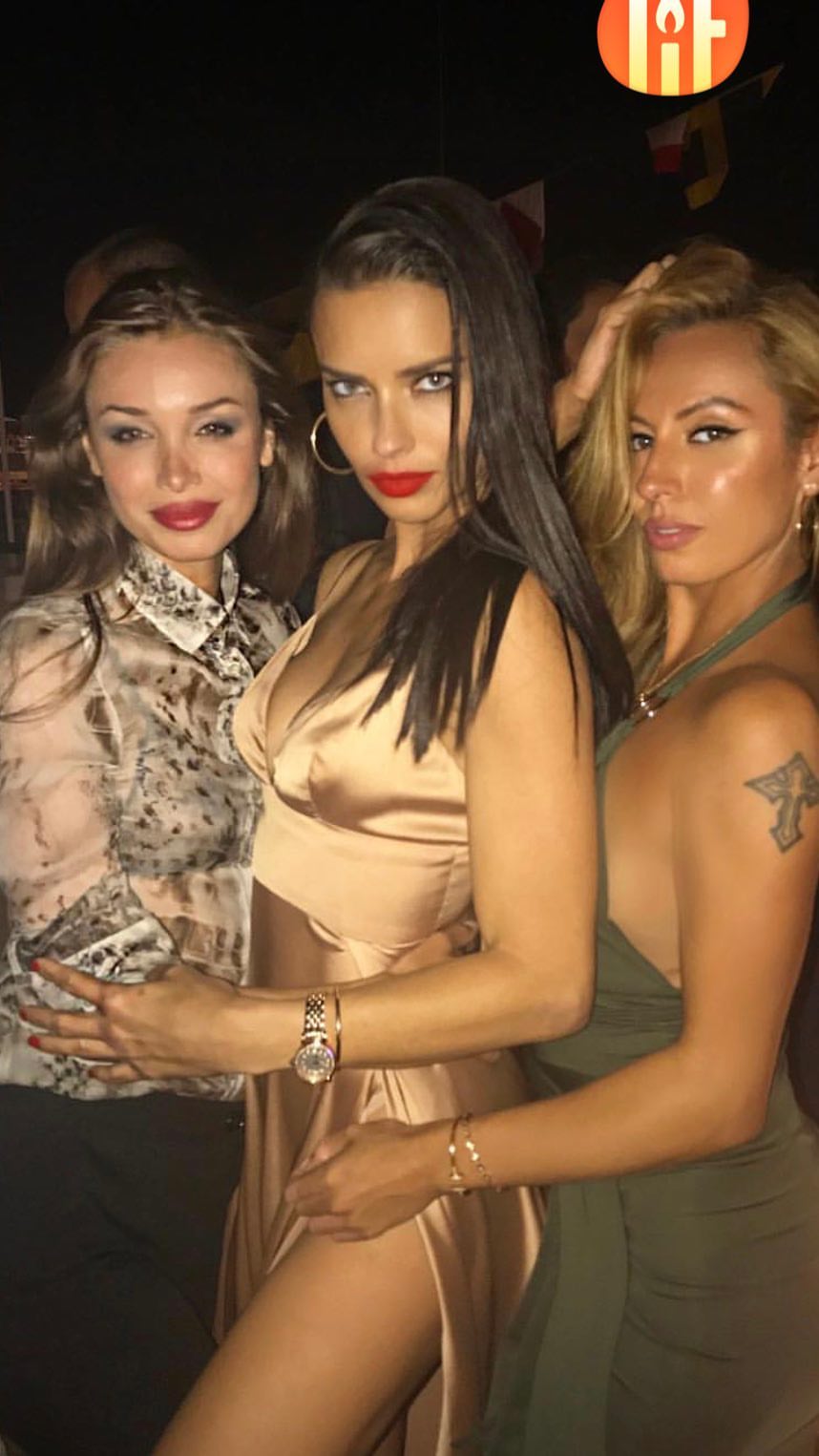
Adriana's ig stories, a throw back to Monaco GP
+1 17568922_122338361769158_631839313293737984_n.mp4
On this interview (in Portuguese): posted also in motion, she said that she went to China these days in September to shoot for a tv program there! She didn't say the name or anything else.
+1 17431871_685509618327022_8754083676502884352_n.mp4
Adriana's ig stories, a throw back to Monaco GP Adriana's ig stories. She got some bags with her initials as gifts. 21404564_1582303181827308_4746357728765542400_n.mp4 18449233_831808426978633_7855925892294377472_n.mp4
Also the first picture looks like the casting board, where all the models walking on the show are listed in no particular order related to the segments (usually all the Angels first, then the others). So it doesn't tell us anything besides who is going to walk, but not who is openig or else. As much as I'd love to see it, I don't believe Adriana has many chances of opening this year, since the brand focus is all on promoting the new girls.
gatomakeup posted this on ig but deleted it short after
Adriana's ig stories. She got some bags with her initials as gifts. 21404564_1582303181827308_4746357728765542400_n.mp4 18449233_831808426978633_7855925892294377472_n.mp4
Also the first picture looks like the casting board, where all the models walking on the show are listed in no particular order related to the segments (usually all the Angels first, then the others). So it doesn't tell us anything besides who is going to walk, but not who is openig or else. As much as I'd love to see it, I don't believe Adriana has many chances of opening this year, since the brand focus is all on promoting the new girls.
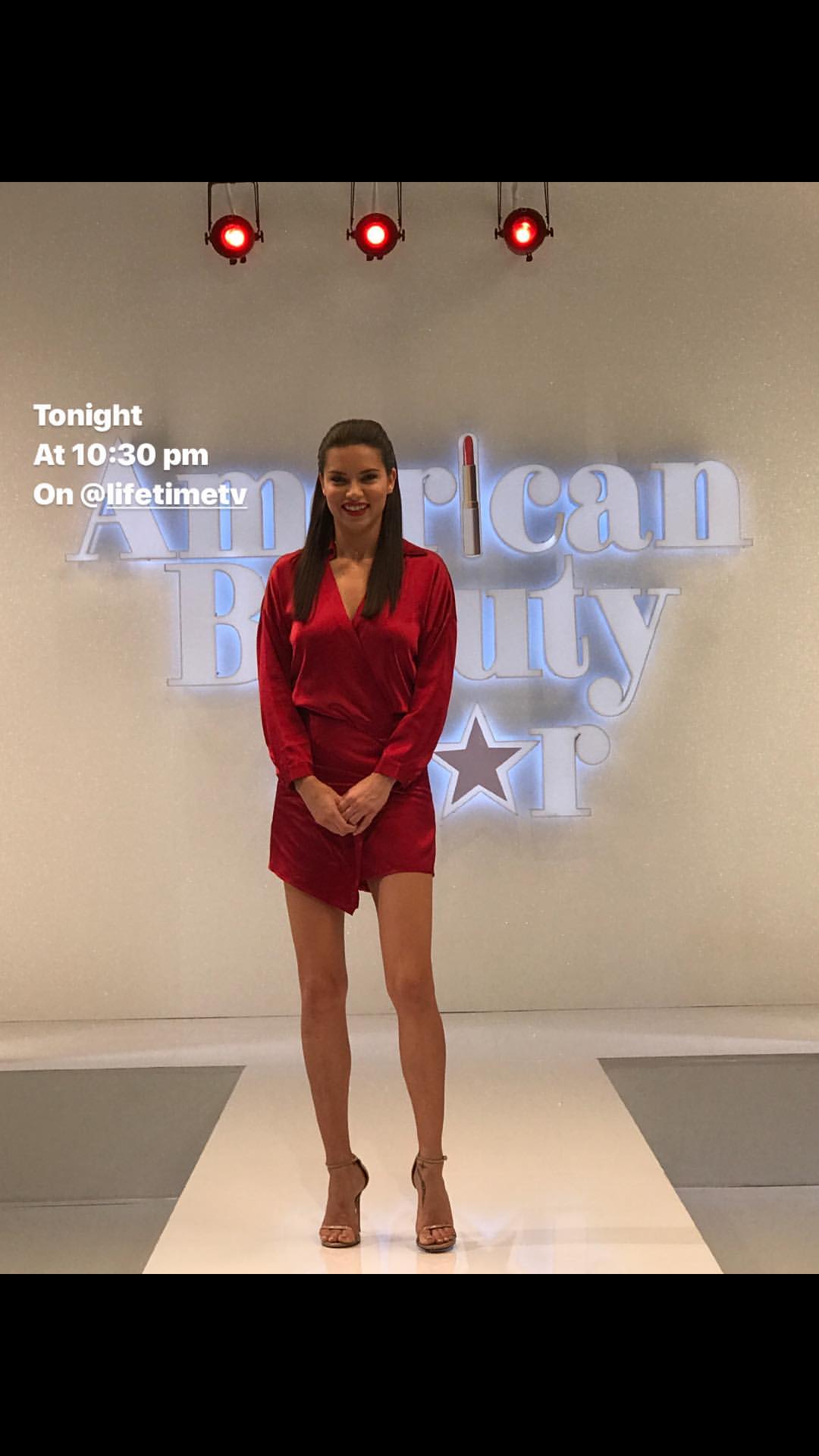
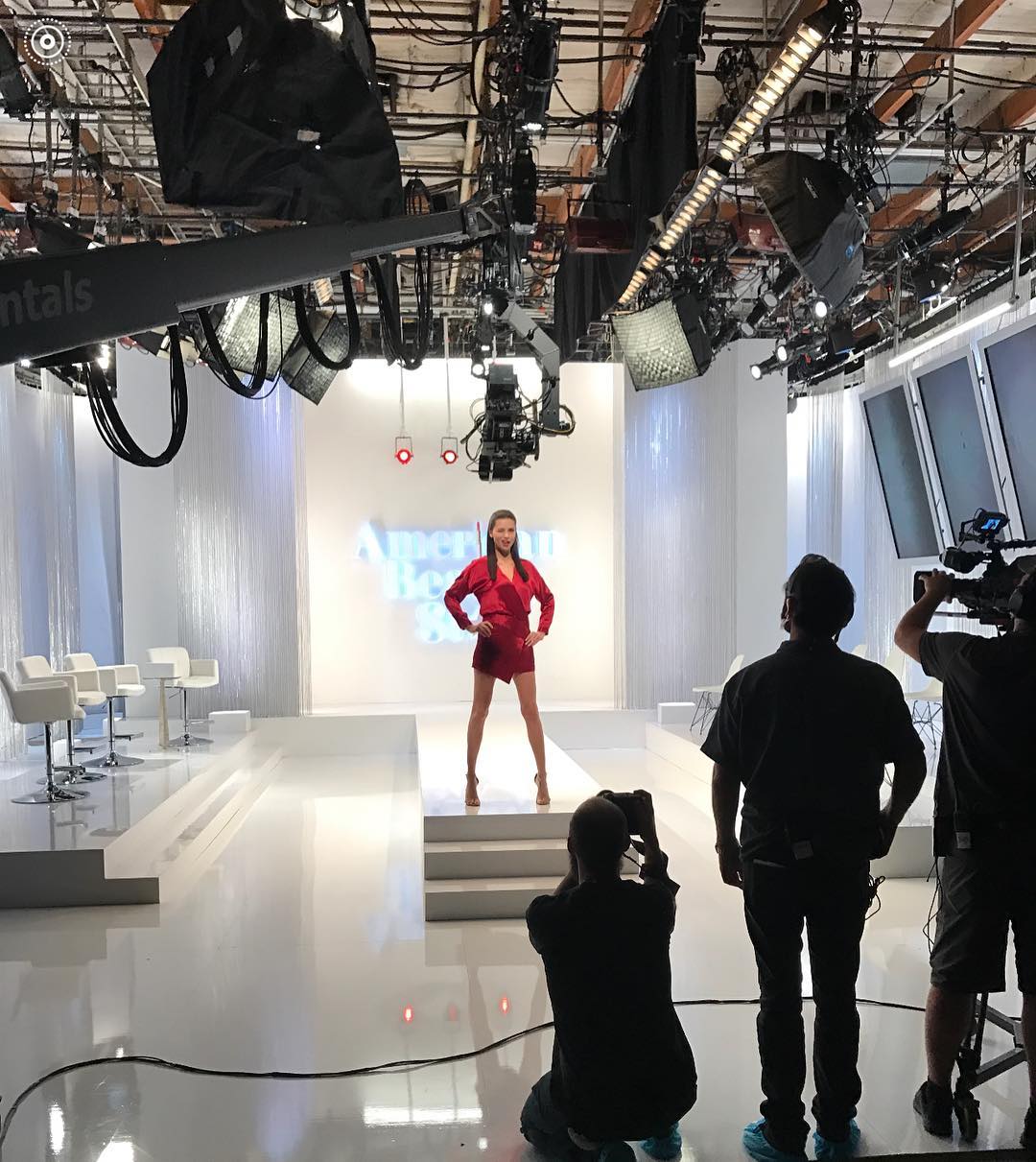
gatomakeup posted this on ig but deleted it short after Torrent link for the show, in 720p quality: http://zootorrent.com/American-Beauty-Star-S01E04-720p-HEVC-x265-MeGusta-torrent-9887660.html
Yes the link is there, and also in the motion thread: http://us.hellomagazine.com/health-and-beauty/12017100924393/adriana-lima-victorias-secret-daughters-heidi-klum/
This is what she said in the same interview she talked about the musicians, but she didn't say the exact number of outfits she will have. Very likely it will be 2, but it's not confirmed yet.
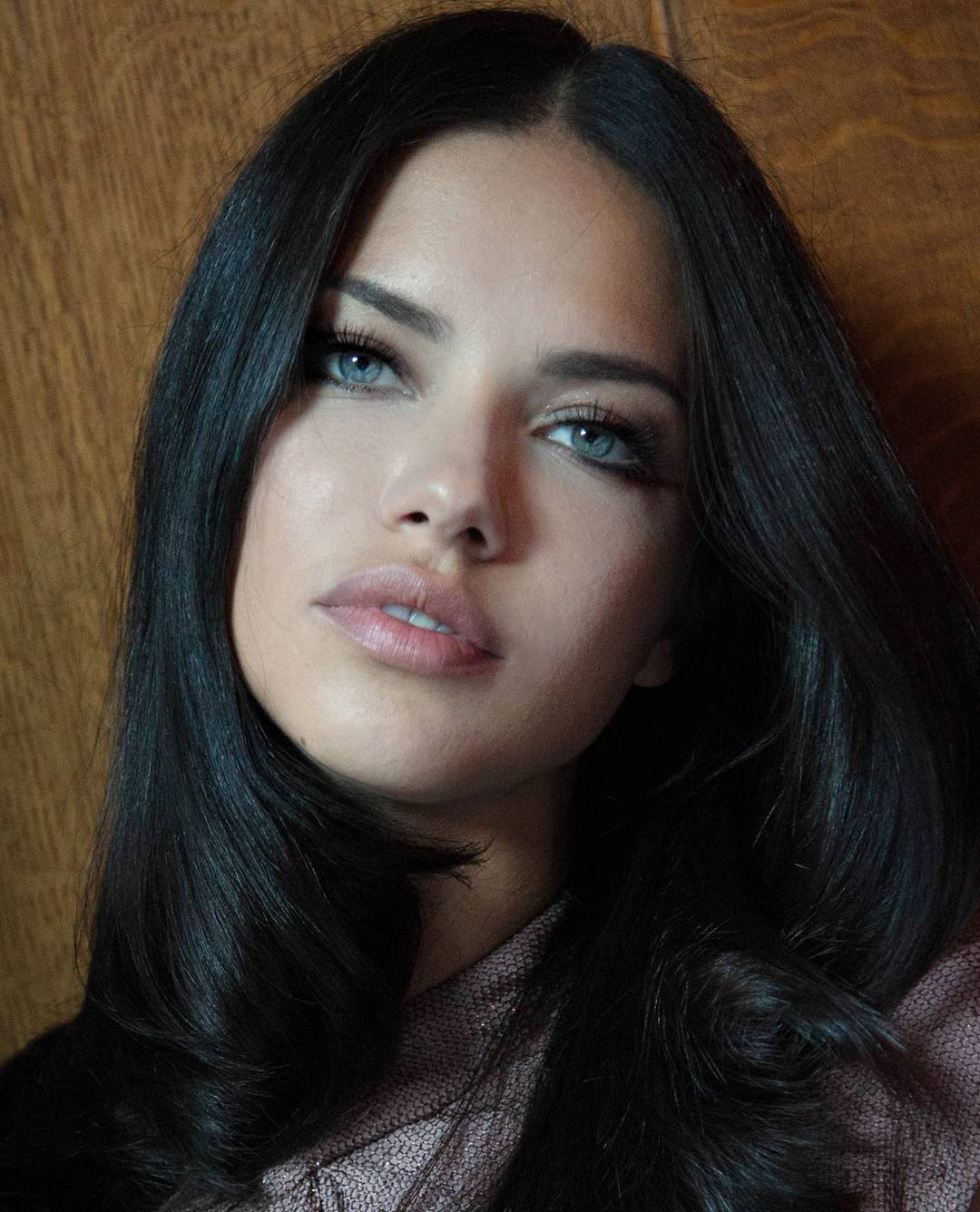
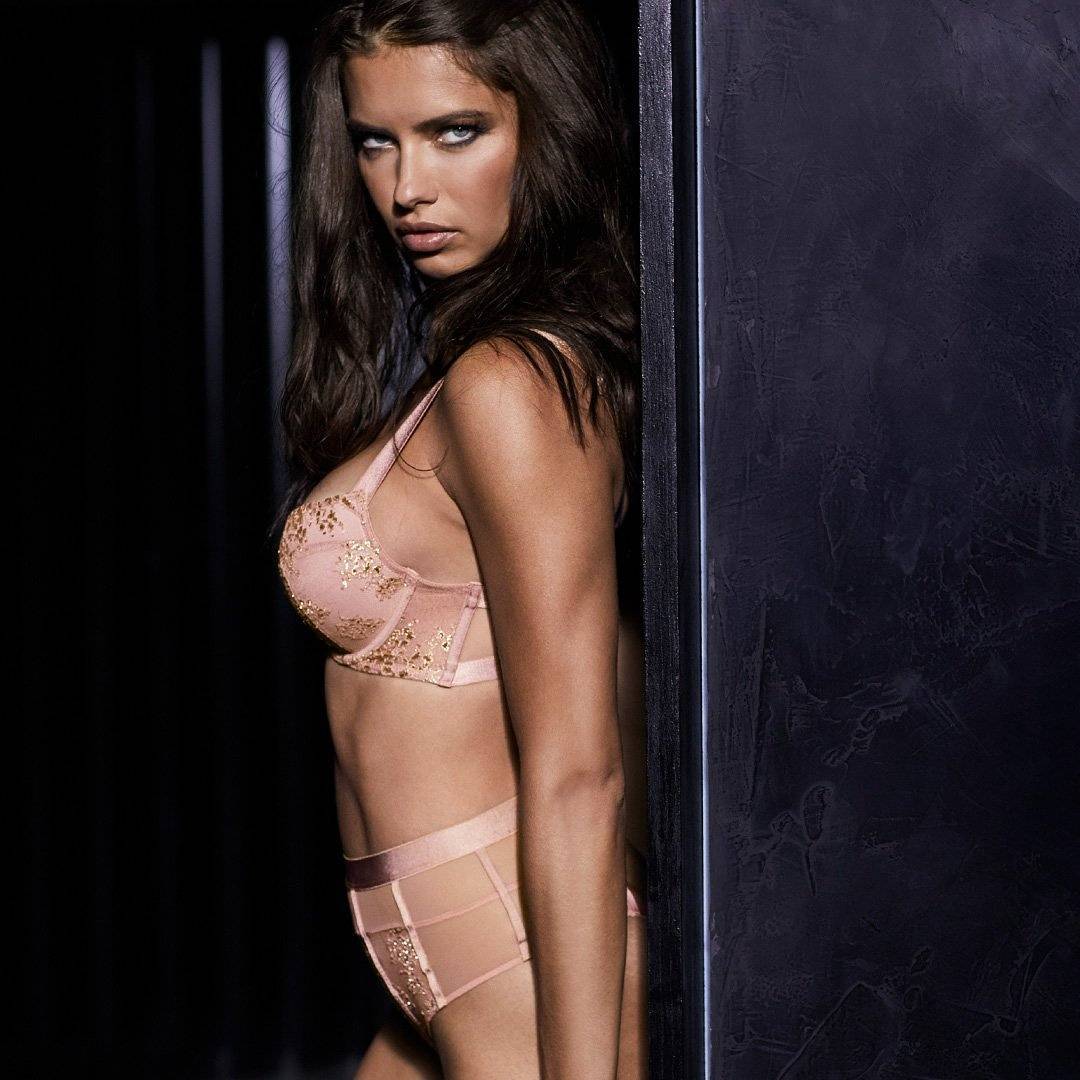
New one, credit to GoddessAdriana.com
Torrent link for the show, in 720p quality: http://zootorrent.com/American-Beauty-Star-S01E04-720p-HEVC-x265-MeGusta-torrent-9887660.html
Yes the link is there, and also in the motion thread: http://us.hellomagazine.com/health-and-beauty/12017100924393/adriana-lima-victorias-secret-daughters-heidi-klum/
This is what she said in the same interview she talked about the musicians, but she didn't say the exact number of outfits she will have. Very likely it will be 2, but it's not confirmed yet.
New one, credit to GoddessAdriana.com
Account
Navigation
Search
Configure browser push notifications
Chrome (Android)
- Tap the lock icon next to the address bar.
- Tap Permissions → Notifications.
- Adjust your preference.
Chrome (Desktop)
- Click the padlock icon in the address bar.
- Select Site settings.
- Find Notifications and adjust your preference.
Safari (iOS 16.4+)
- Ensure the site is installed via Add to Home Screen.
- Open Settings App → Notifications.
- Find your app name and adjust your preference.
Safari (macOS)
- Go to Safari → Preferences.
- Click the Websites tab.
- Select Notifications in the sidebar.
- Find this website and adjust your preference.
Edge (Android)
- Tap the lock icon next to the address bar.
- Tap Permissions.
- Find Notifications and adjust your preference.
Edge (Desktop)
- Click the padlock icon in the address bar.
- Click Permissions for this site.
- Find Notifications and adjust your preference.
Firefox (Android)
- Go to Settings → Site permissions.
- Tap Notifications.
- Find this site in the list and adjust your preference.
Firefox (Desktop)
- Open Firefox Settings.
- Search for Notifications.
- Find this site in the list and adjust your preference.