

nhlovesadri
Members
-
Joined
-
Last visited
Everything posted by nhlovesadri
-
 this was in NYC, yesterday if they posted it as soon as it was made. Today she is in Paris, not for work I guess.
 -
-
metinhara's ig stories 36891708_1787765627981613_4138722408269450117_n.mp4
metinhara's ig stories 36991306_1846998368695018_5316774039797193222_n.mp4
ysaperez ig stories 36763100_2145329539070778_1599908255910016372_n.mp4 36733469_1698633366840040_6429123476545343613_n.mp4 36840838_534450460304769_5188073802839675873_n.mp4 36997225_274353583126254_5192974519423905815_n.mp4 36769748_2365069550386494_7450373402777761393_n.mp4 36443266_432922773888087_1184322481050054309_n.mp4
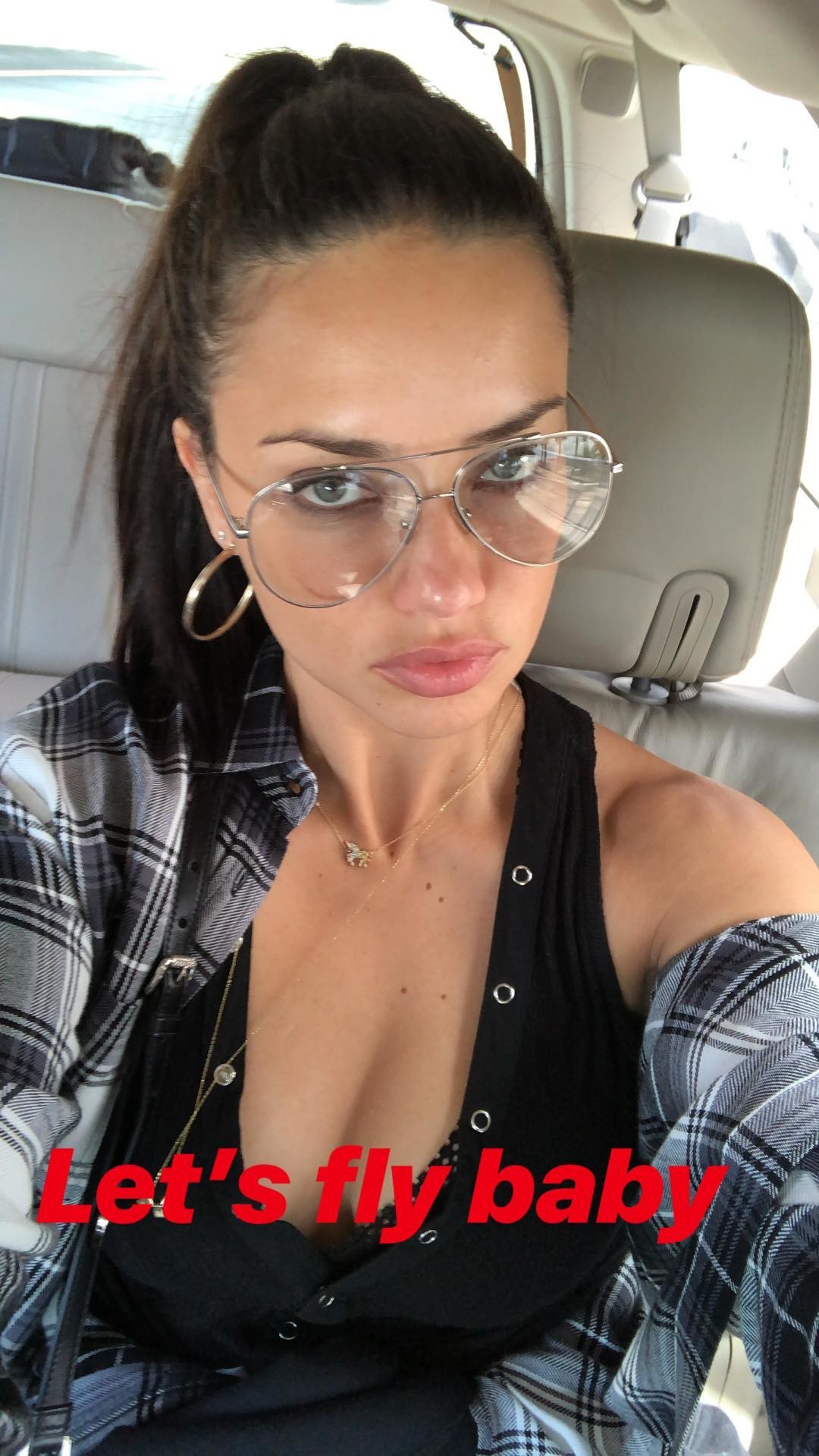
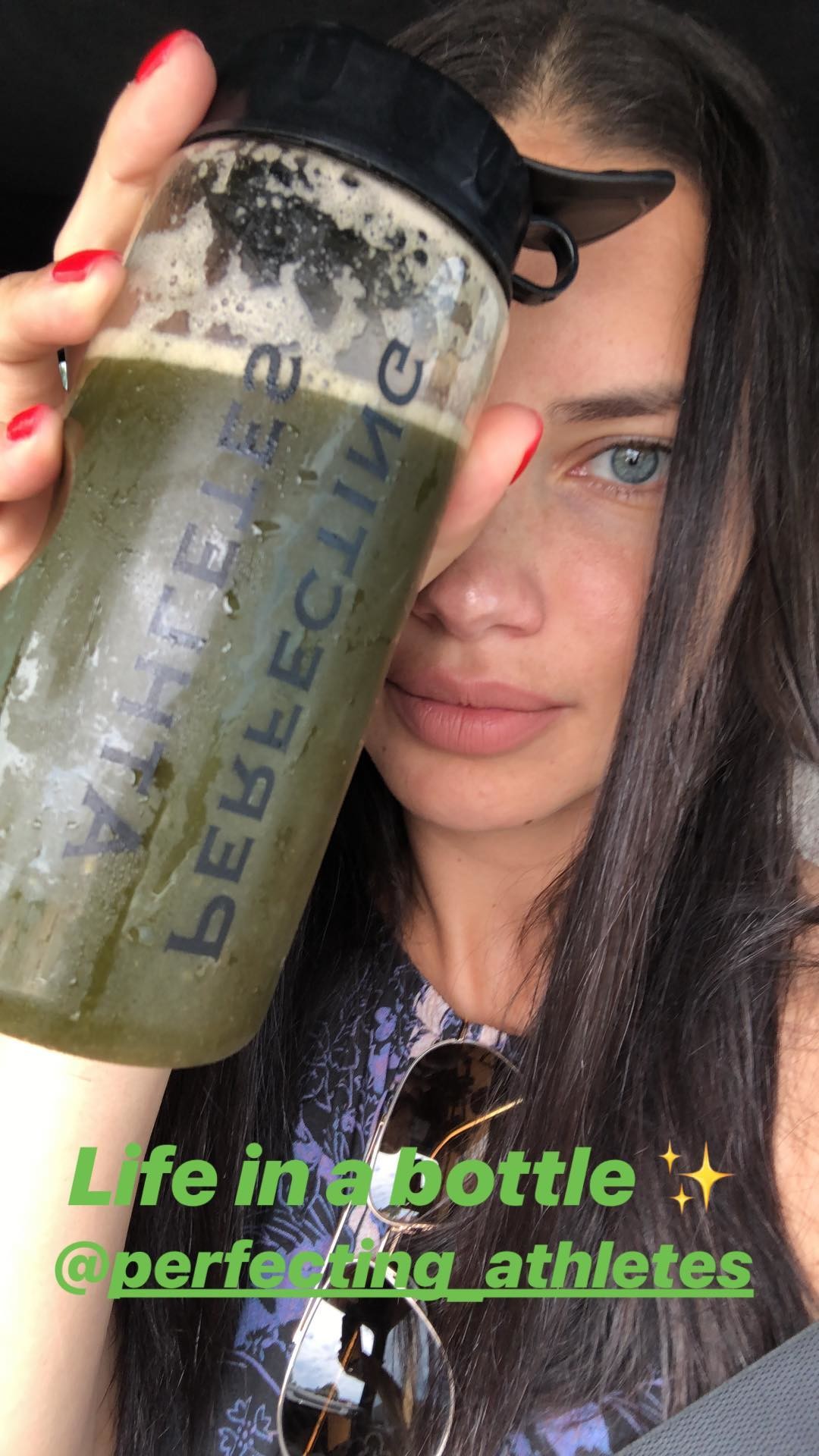
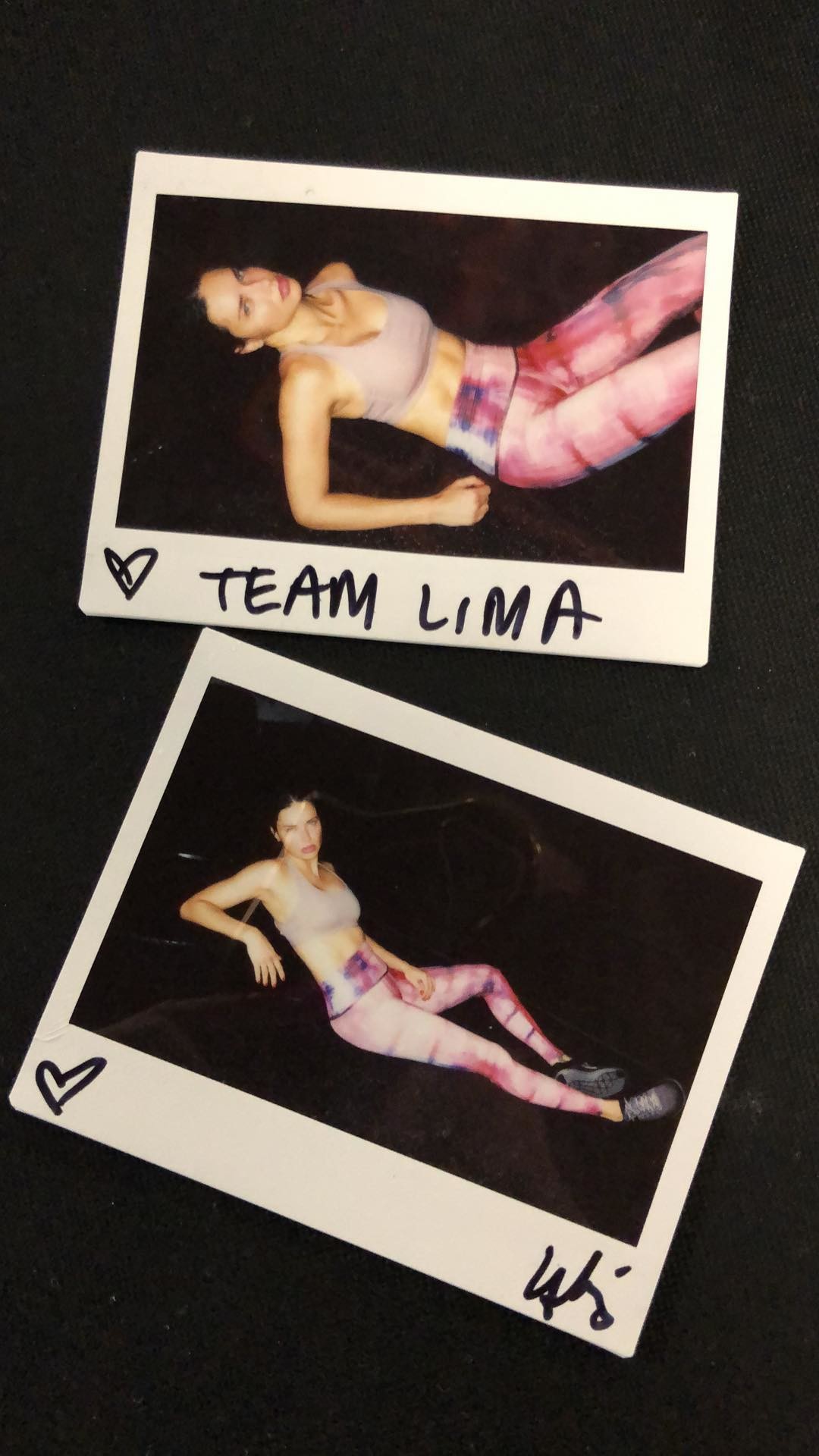
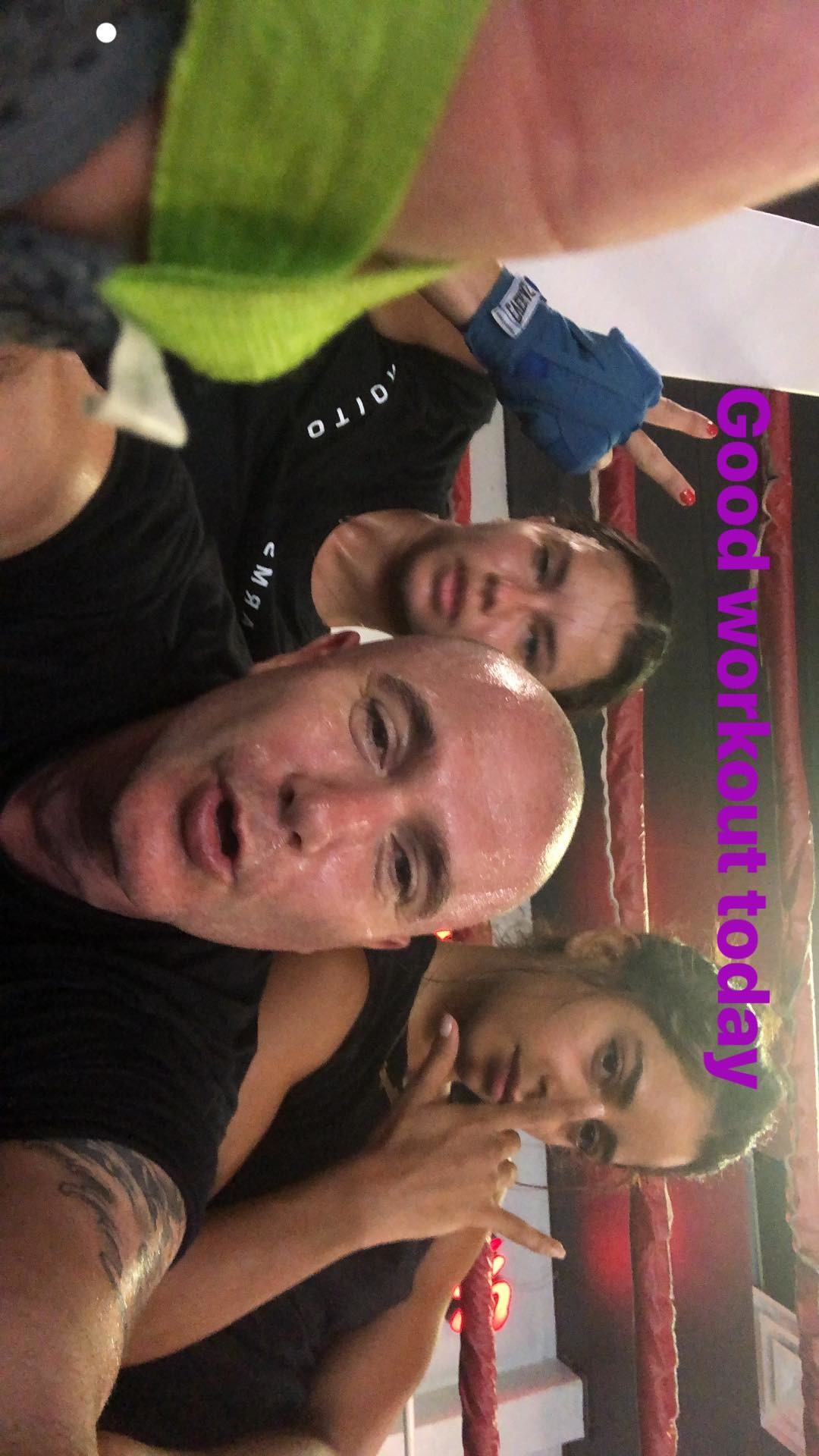
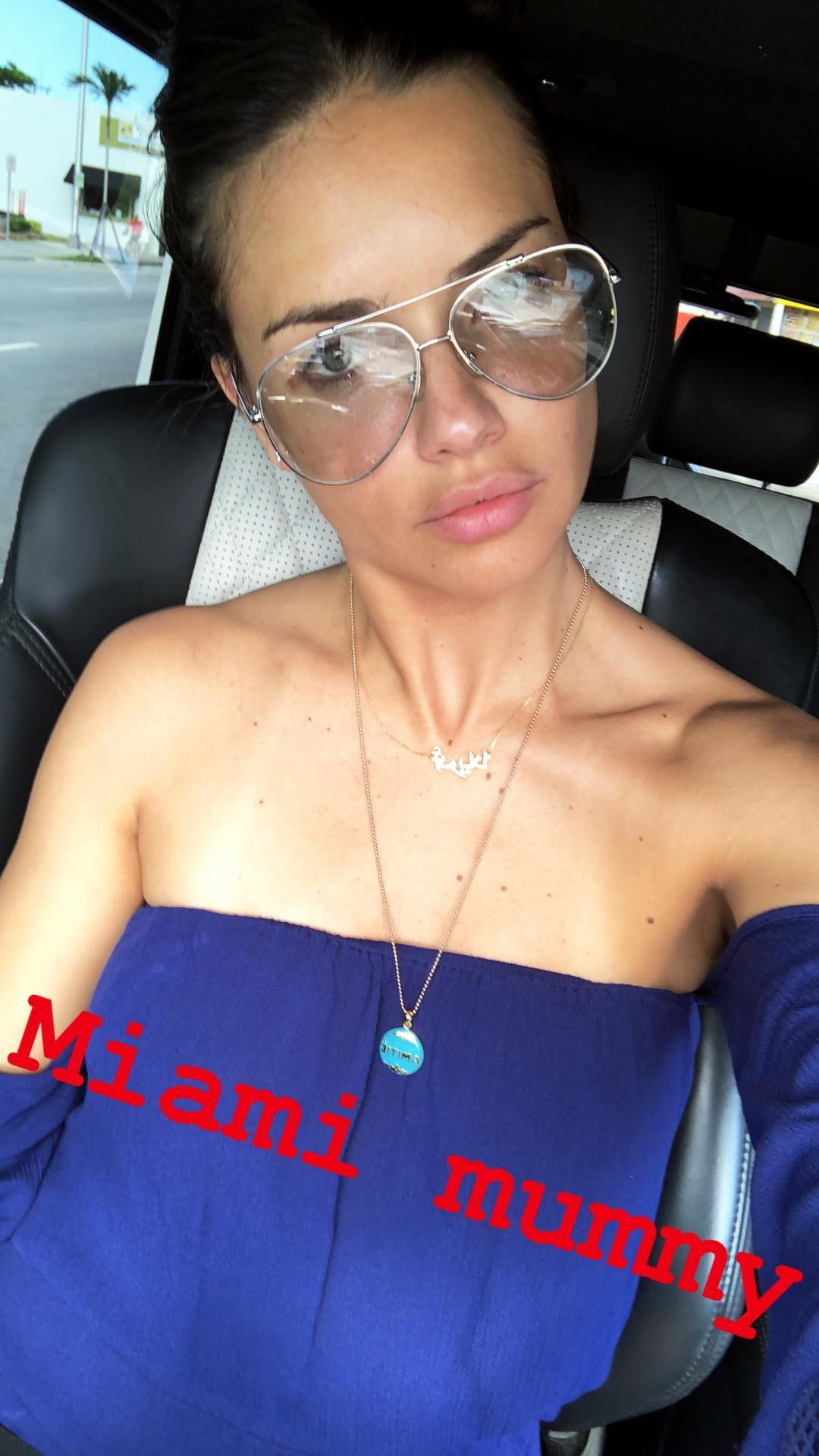
Her ig stories 36912842_624952291219481_5734636484308860248_n.mp4
It's true, I saw it around in multiple articles today. From the way she impulsively unfollowed and deleted all ABS contents from her ig a few months ago I 'm not sure she was 100% happy with this change, but whatever, as long as it gets her money anyway being executive producer it's fine. I'll miss to see her on a tv show tho.
ysaperez ig stories 36512826_194641447894656_6655065132321642772_n.mp4
https://www.harpersbazaar.com/uk/celebrities/news/a22111833/ashley-graham-tv-host-american-beauty-star/ So Ashley Graham will be the new ABS host, but the article says Adriana is still executive producer. It is not specified if she will have a role on the filming too or not.
ysaperez ig stories 36421442_275053009897702_1244589649508066562_n.mp4
ysaperez ig stories 36578681_1282612181875289_4884291312959722868_n.mp4 36397863_611687079212345_339603412312054318_n.mp4 36841528_2113311918682498_3872703590169774174_n.mp4 36503854_677400209269706_1946964817042942282_n.mp4 36914971_227757664516136_8036038914908233076_n.mp4 37007360_271952583553120_2396411988407451219_n.mp4 36951092_271693526919030_1293674595886698424_n.mp4 37057011_2130125780595686_292608772422099358_n.mp4
sebastienlevieux ig stories
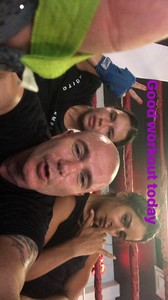 Her ig stories 36097443_204822143510185_8740422442834944741_n.mp4
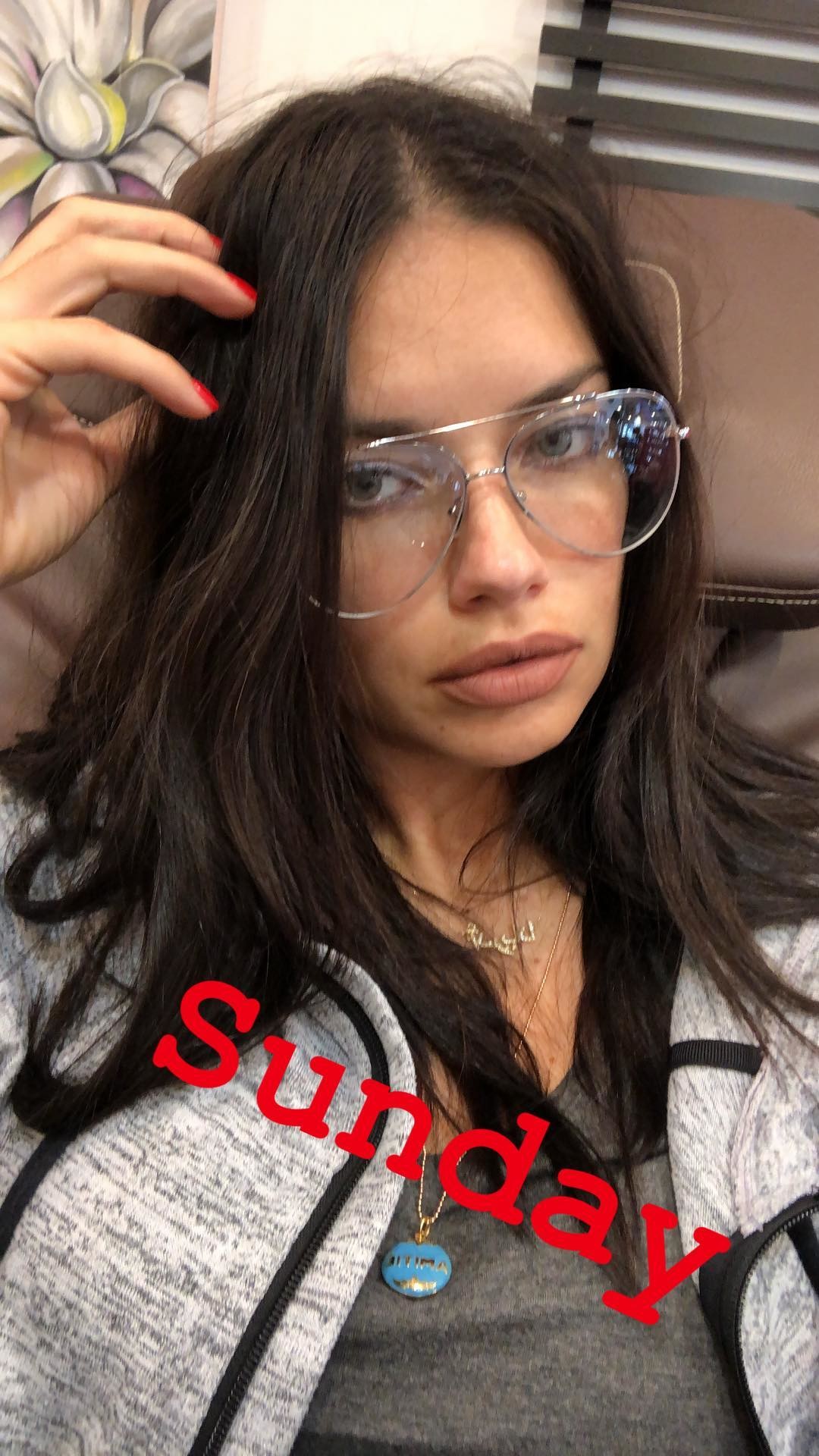
Her ig stories 36735709_213905769233018_4670965168202185440_n.mp4
Her ig stories 36097443_204822143510185_8740422442834944741_n.mp4
Her ig stories 36735709_213905769233018_4670965168202185440_n.mp4
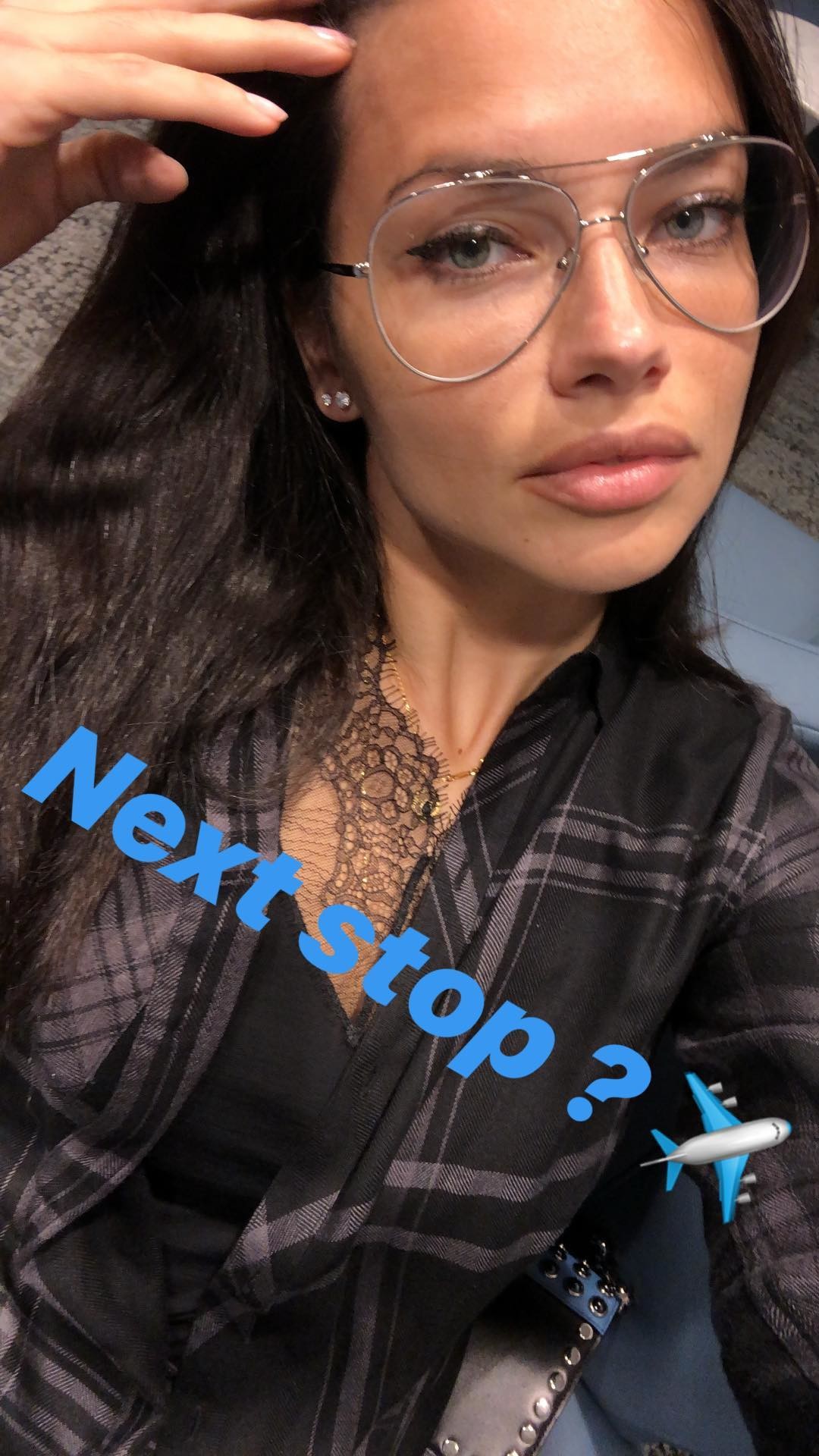
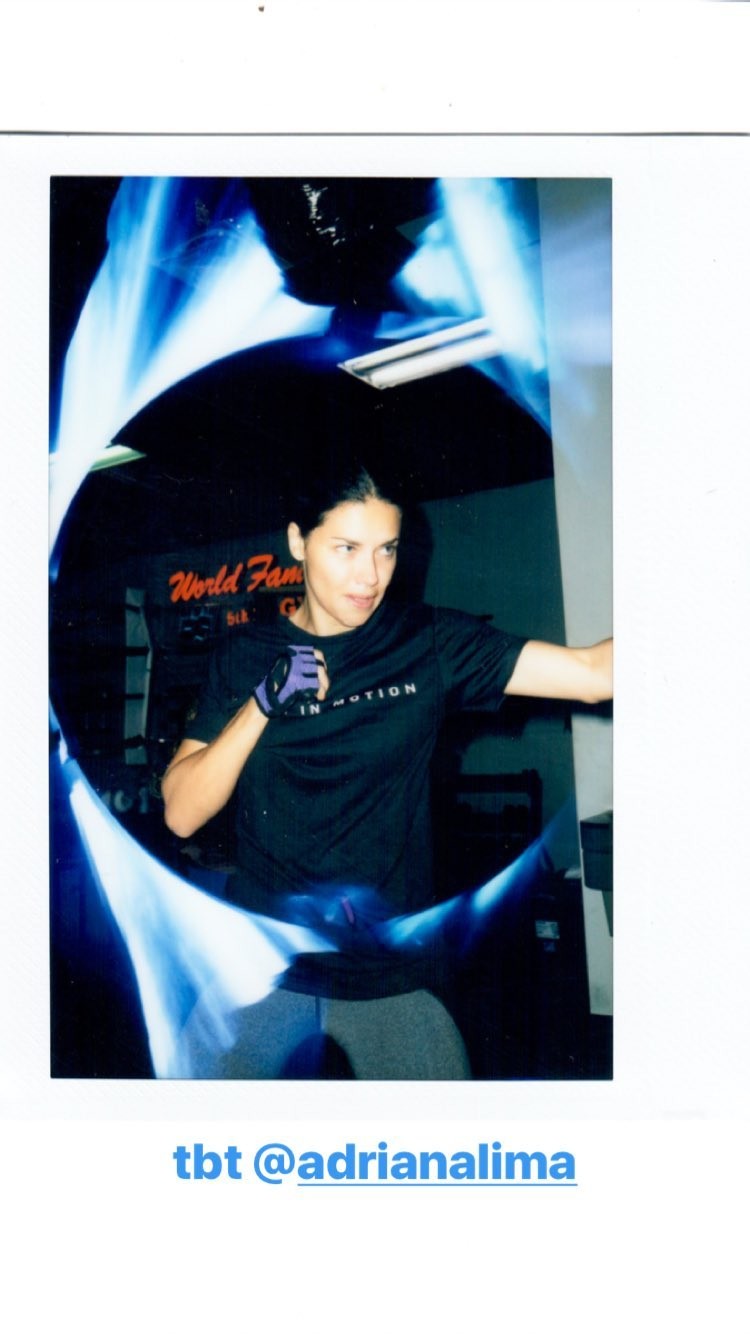
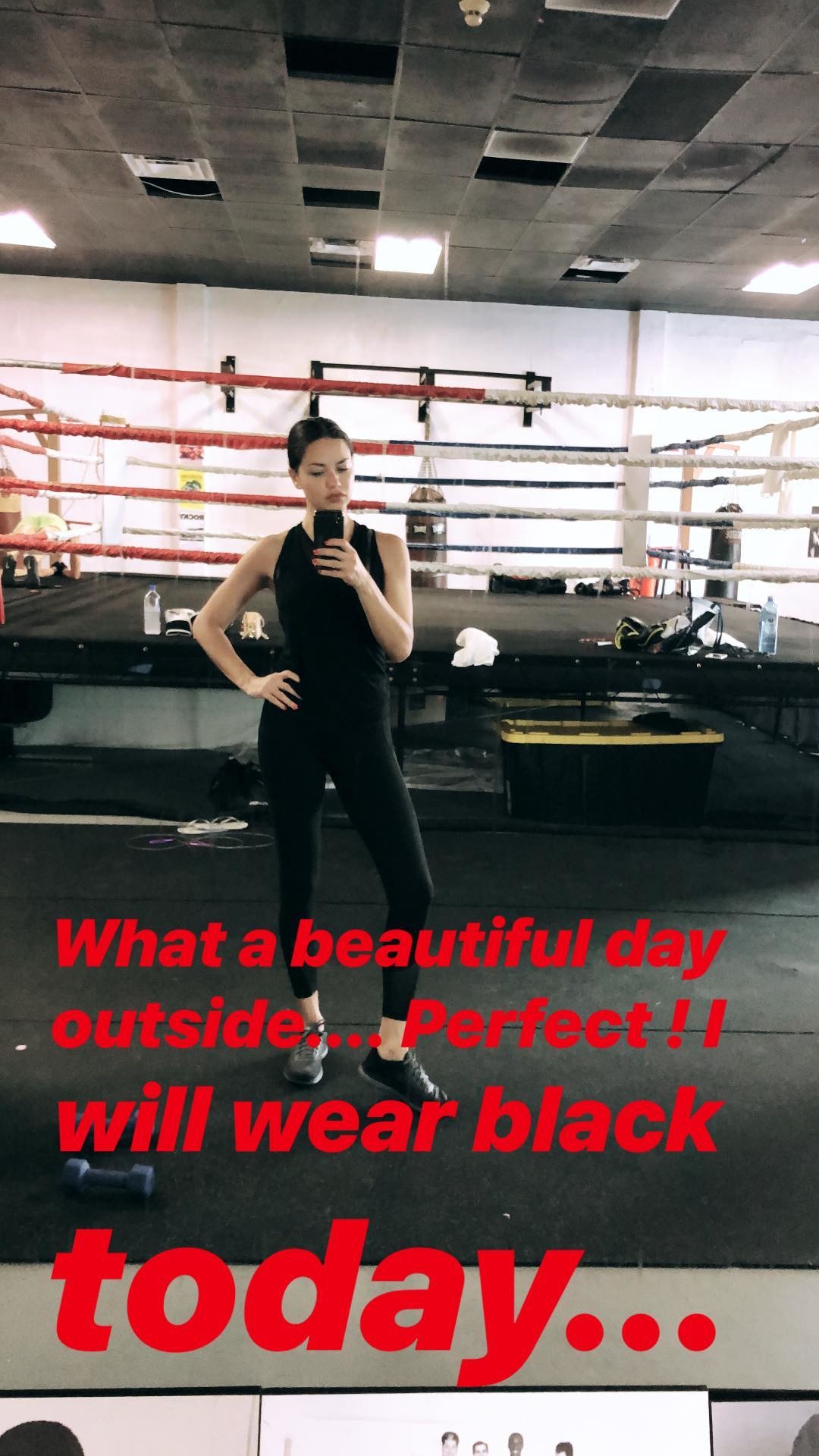
Account
Navigation
Search
Configure browser push notifications
Chrome (Android)
- Tap the lock icon next to the address bar.
- Tap Permissions → Notifications.
- Adjust your preference.
Chrome (Desktop)
- Click the padlock icon in the address bar.
- Select Site settings.
- Find Notifications and adjust your preference.
Safari (iOS 16.4+)
- Ensure the site is installed via Add to Home Screen.
- Open Settings App → Notifications.
- Find your app name and adjust your preference.
Safari (macOS)
- Go to Safari → Preferences.
- Click the Websites tab.
- Select Notifications in the sidebar.
- Find this website and adjust your preference.
Edge (Android)
- Tap the lock icon next to the address bar.
- Tap Permissions.
- Find Notifications and adjust your preference.
Edge (Desktop)
- Click the padlock icon in the address bar.
- Click Permissions for this site.
- Find Notifications and adjust your preference.
Firefox (Android)
- Go to Settings → Site permissions.
- Tap Notifications.
- Find this site in the list and adjust your preference.
Firefox (Desktop)
- Open Firefox Settings.
- Search for Notifications.
- Find this site in the list and adjust your preference.