

nhlovesadri
Members
-
Joined
-
Last visited
Everything posted by nhlovesadri
-
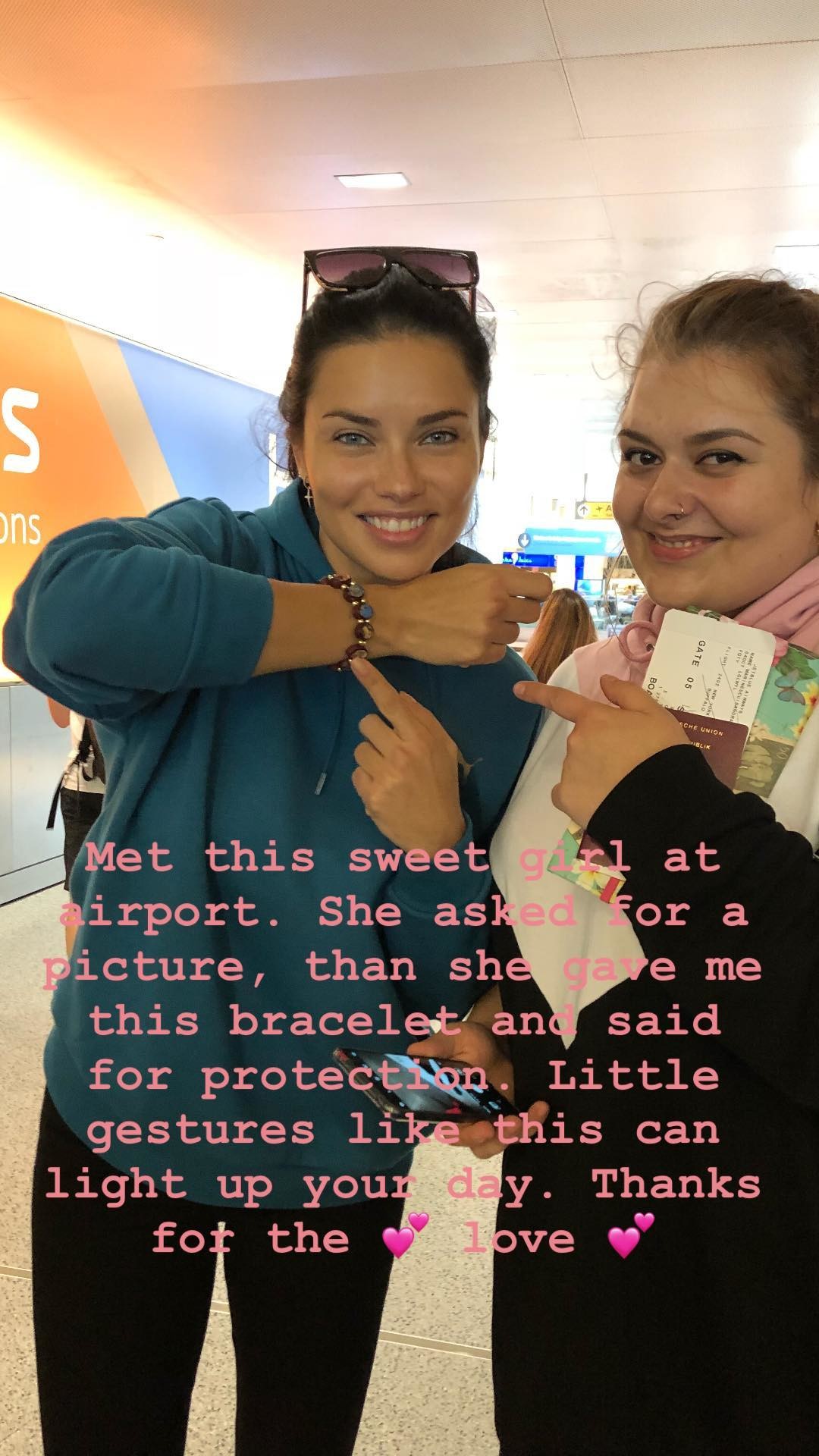
 Her ig stories 42618999_959193847607342_5012463147522366906_n.mp4
 -
-
Other ones, from PicturePub https://pixhost.to/gallery/Ump42 http://www.imagebam.com/gallery/2vfnfhbawhwavr0pnicb2pl3hwqeurlx
@misslonely thank you
From DailyMail 1024x576_MP4_3464127085016664602.mp4
HQs from HQCelebcorner https://pixhost.to/gallery/WFtvx
and her comment on this post: adrianalima: You also have made my day with your kindness.✨ Much love❤️
Shooting for Maybelline today, from DailyMail



 pumabrasil's ig stories 41744713_2382036025147012_1919993318077490770_n.mp4 42147687_694822427563754_2051593485017358318_n.mp4
metinhara's ig stories
pumabrasil's ig stories 41744713_2382036025147012_1919993318077490770_n.mp4 42147687_694822427563754_2051593485017358318_n.mp4
metinhara's ig stories pumaperformance's ig stories 41982886_250079152318785_5043958050703208021_n.mp4
All the ig stories togheter in HD from the Puma channel
Ysaperez ig stories 42101811_1907676836015215_2486510617517731293_n.mp4
pumaperformance's ig stories 41982886_250079152318785_5043958050703208021_n.mp4
All the ig stories togheter in HD from the Puma channel
Ysaperez ig stories 42101811_1907676836015215_2486510617517731293_n.mp4







Account
Navigation
Search
Configure browser push notifications
Chrome (Android)
- Tap the lock icon next to the address bar.
- Tap Permissions → Notifications.
- Adjust your preference.
Chrome (Desktop)
- Click the padlock icon in the address bar.
- Select Site settings.
- Find Notifications and adjust your preference.
Safari (iOS 16.4+)
- Ensure the site is installed via Add to Home Screen.
- Open Settings App → Notifications.
- Find your app name and adjust your preference.
Safari (macOS)
- Go to Safari → Preferences.
- Click the Websites tab.
- Select Notifications in the sidebar.
- Find this website and adjust your preference.
Edge (Android)
- Tap the lock icon next to the address bar.
- Tap Permissions.
- Find Notifications and adjust your preference.
Edge (Desktop)
- Click the padlock icon in the address bar.
- Click Permissions for this site.
- Find Notifications and adjust your preference.
Firefox (Android)
- Go to Settings → Site permissions.
- Tap Notifications.
- Find this site in the list and adjust your preference.
Firefox (Desktop)
- Open Firefox Settings.
- Search for Notifications.
- Find this site in the list and adjust your preference.