nhlovesadri
Members
-
Joined
-
Last visited
Everything posted by nhlovesadri
-
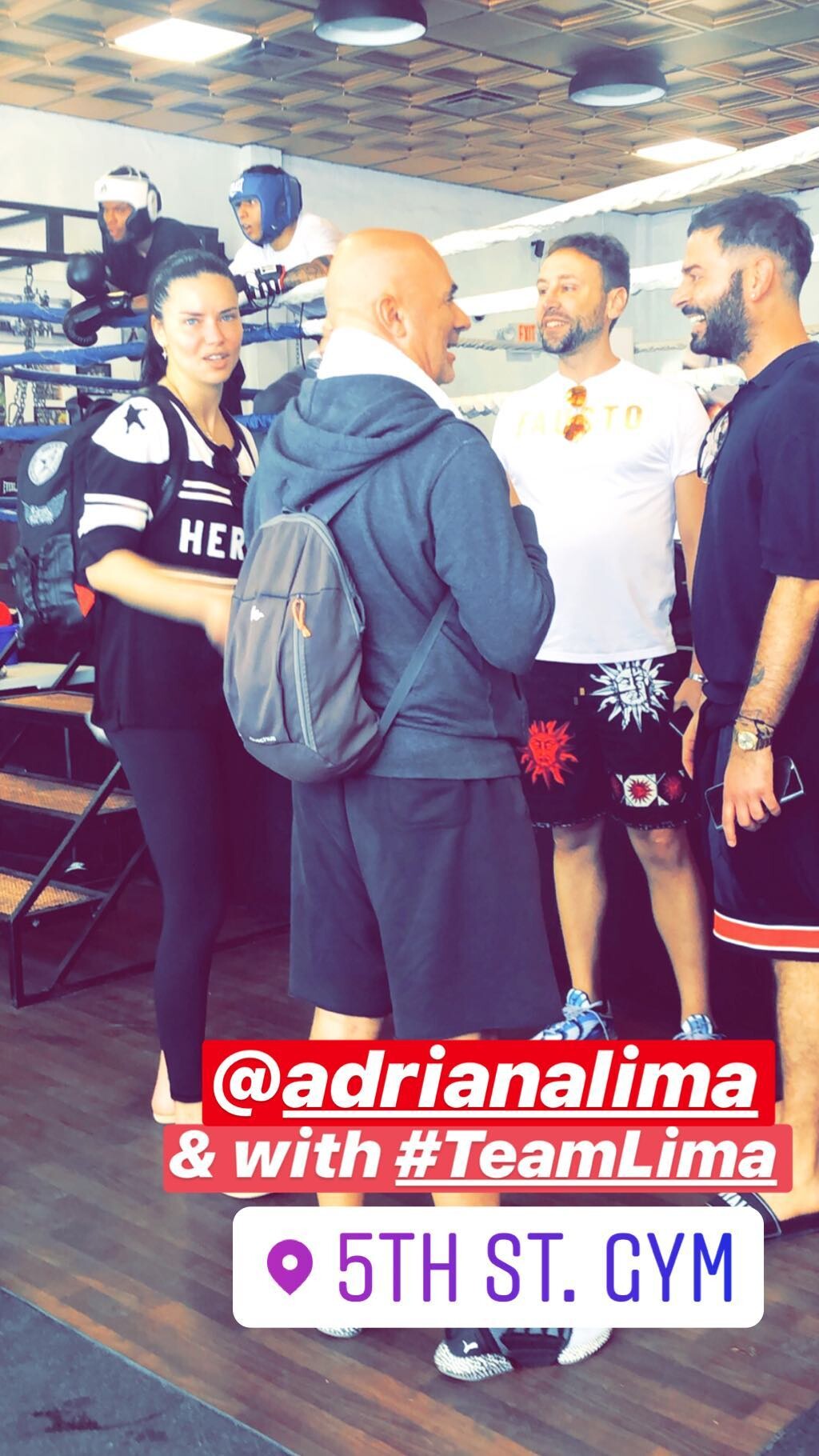
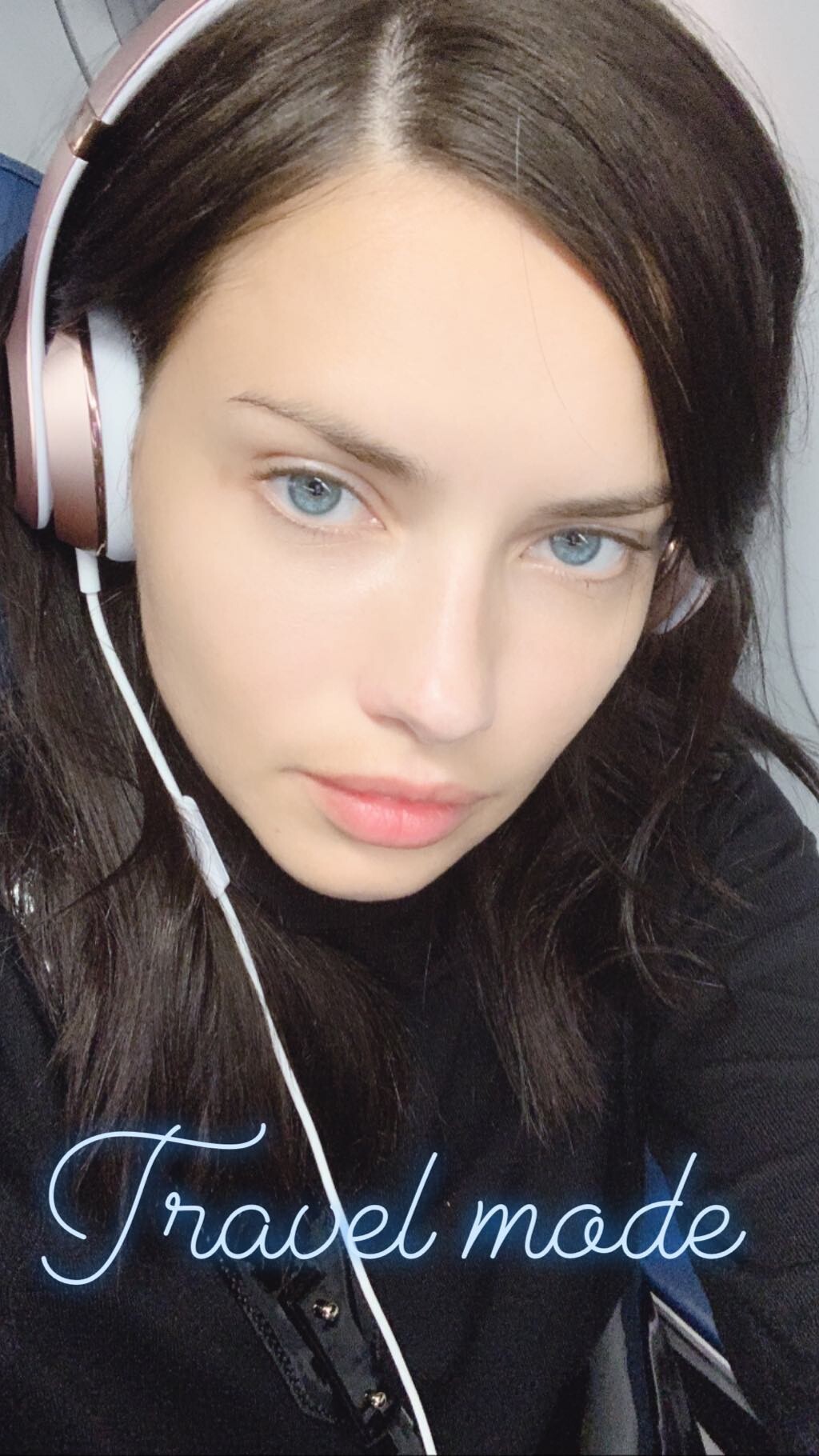
 alexissaudrey's ig stories
 Not to repeat myselft for the n-th time, but she definitely hasn't, look at her in videos when she moves, works out, or is down on her back: her bosom isn't "fixed", like an implant would because it can't compress more then a little amount, but it "moves" according to gravity.
more HQs from PicturePub: http://www.imagebam.com/gallery/kmmddufyjq27xt05ls5d3n069regtbde/1
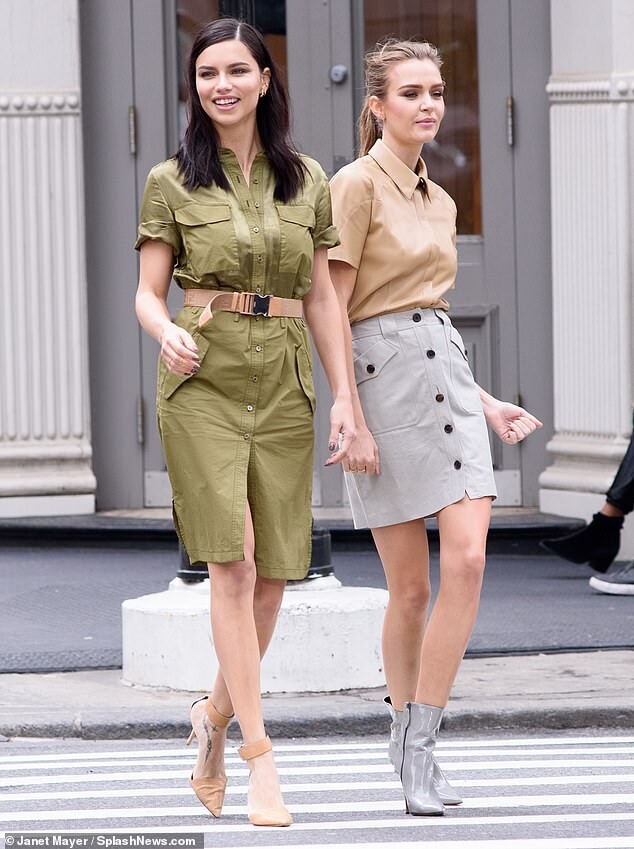
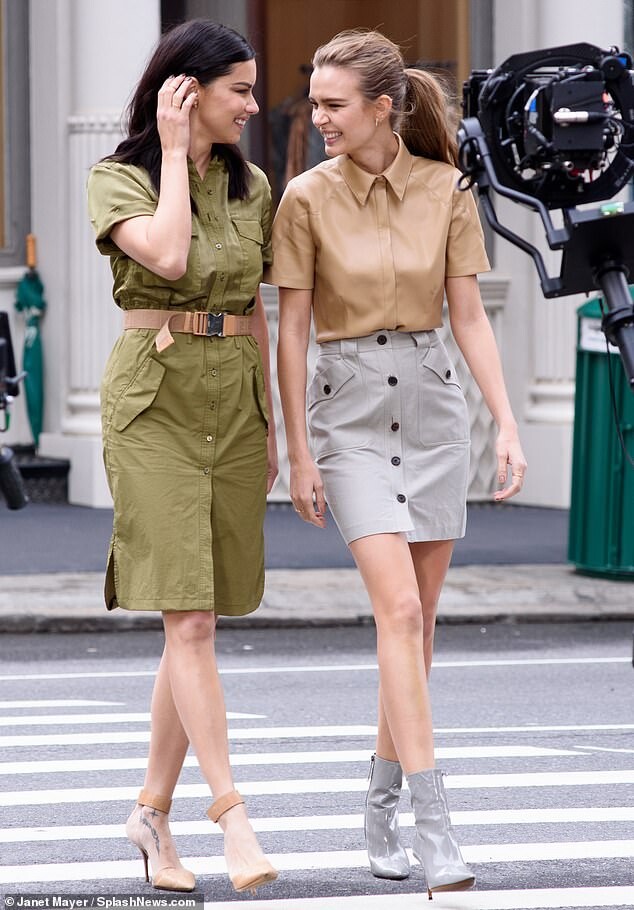
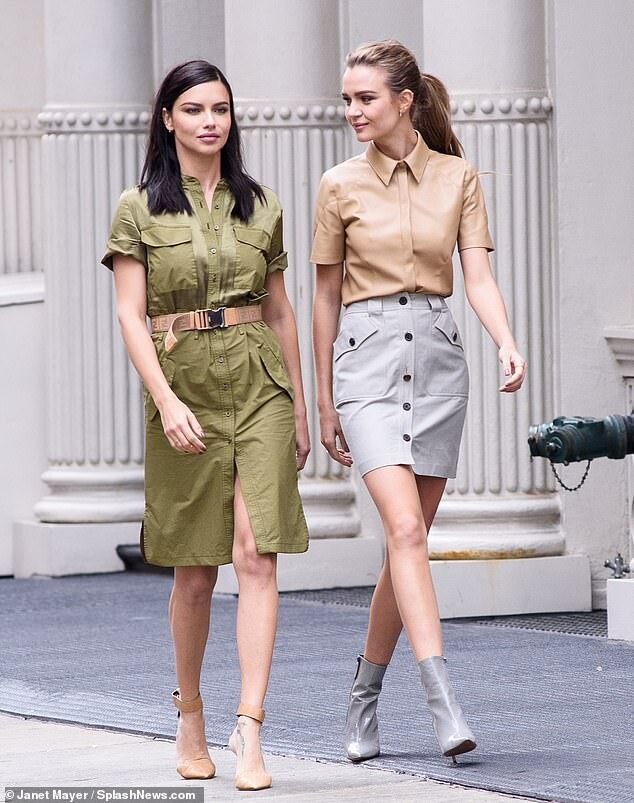
She didn't say anything about the exact period in the award event, true, but I think she is referring to early 2018 as well because in that period she posted a bit ore insistently about struggling to get back in shape and having to work harder at her age. Poor Joephine, the anti-aing line wtf?!?!?! She doesn't look older then her age at all! Adriana wouldn't work for that kind of product because for her makeup has the opposite outcome, it makes her seem older then what she looks when natural.
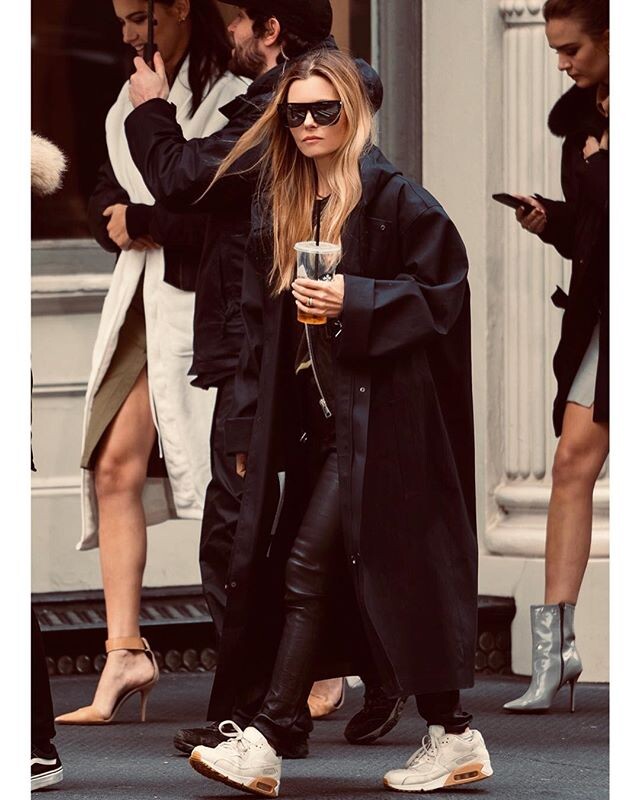
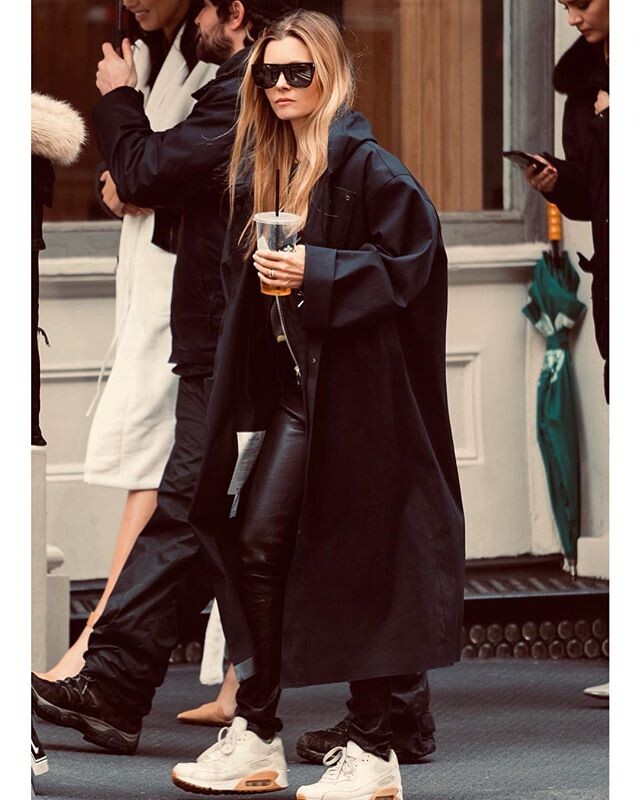
She left NYC, it was from yesterday's evening.
ysaperez ig stories. Videos from last year. 55577632_1182609461920411_7052288515416593361_n.mp4 55710377_373371820179620_2092974895805076012_n.mp4 55954022_254173395462260_3823388116936003236_n.mp4
It was deleted and reposted now
They deleted it and replaced with the same in better quality
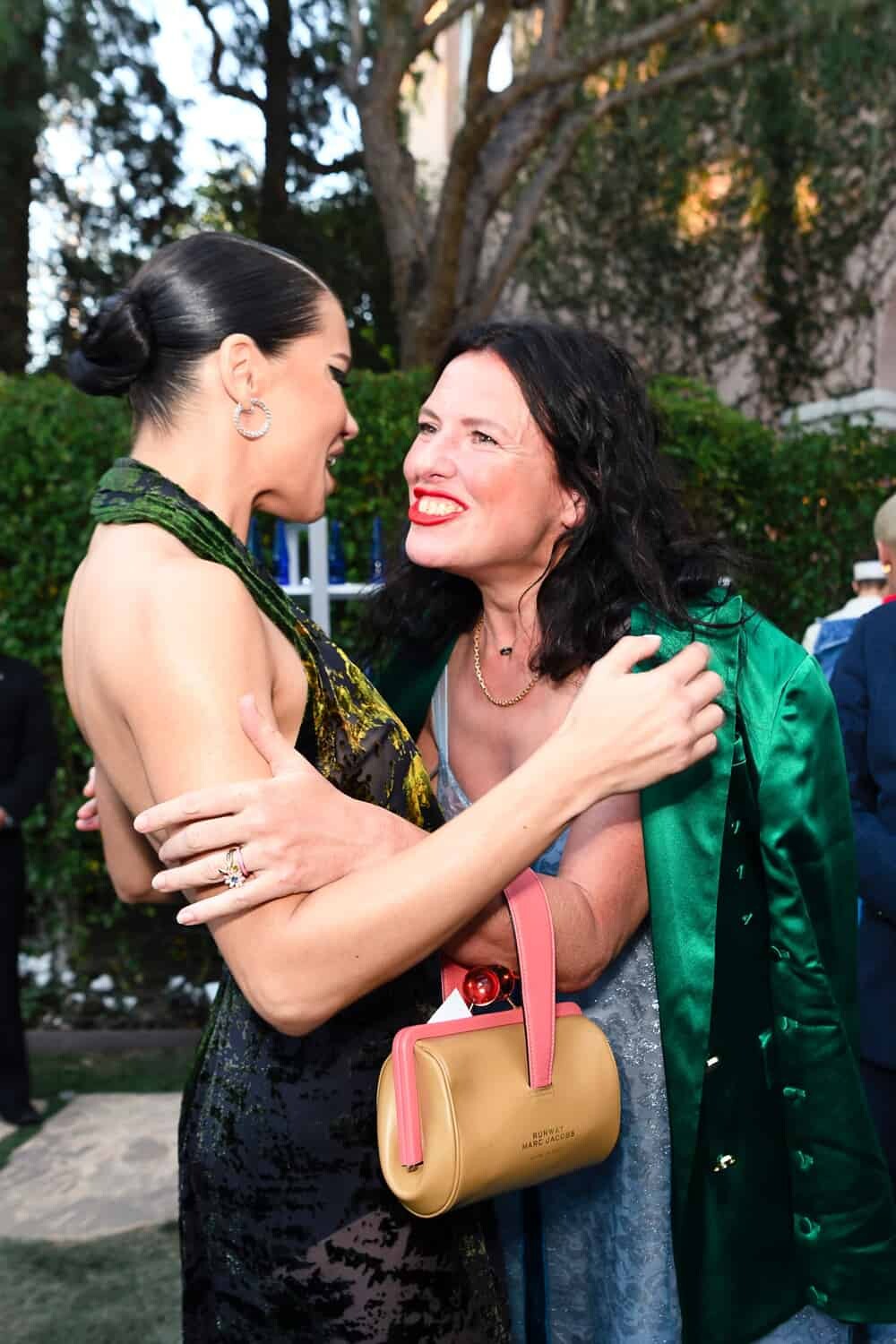
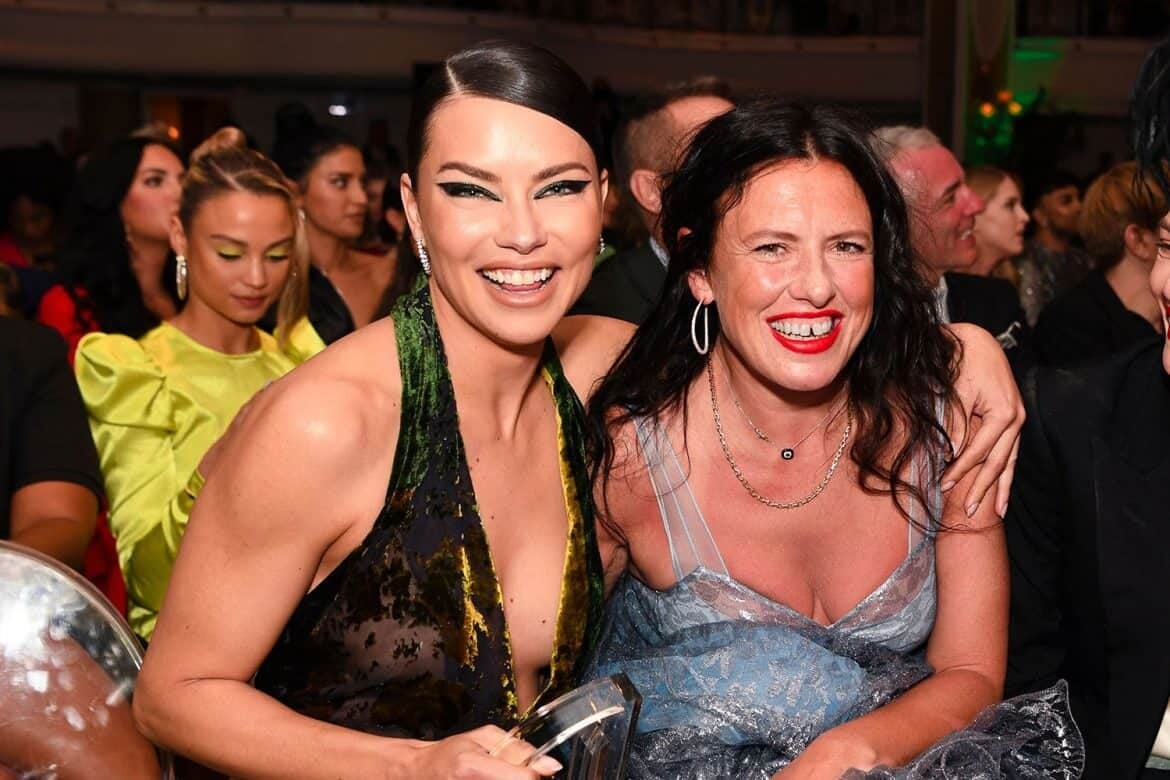
https://fashionweekdaily.com/adriana-lima-lenny-kravitz/ The story Katie Grand told presenting Adriana's award, about the diamond belly button ring they almost lost, and some pictures
Not to repeat myselft for the n-th time, but she definitely hasn't, look at her in videos when she moves, works out, or is down on her back: her bosom isn't "fixed", like an implant would because it can't compress more then a little amount, but it "moves" according to gravity.
more HQs from PicturePub: http://www.imagebam.com/gallery/kmmddufyjq27xt05ls5d3n069regtbde/1
She didn't say anything about the exact period in the award event, true, but I think she is referring to early 2018 as well because in that period she posted a bit ore insistently about struggling to get back in shape and having to work harder at her age. Poor Joephine, the anti-aing line wtf?!?!?! She doesn't look older then her age at all! Adriana wouldn't work for that kind of product because for her makeup has the opposite outcome, it makes her seem older then what she looks when natural.
She left NYC, it was from yesterday's evening.
ysaperez ig stories. Videos from last year. 55577632_1182609461920411_7052288515416593361_n.mp4 55710377_373371820179620_2092974895805076012_n.mp4 55954022_254173395462260_3823388116936003236_n.mp4
It was deleted and reposted now
They deleted it and replaced with the same in better quality
https://fashionweekdaily.com/adriana-lima-lenny-kravitz/ The story Katie Grand told presenting Adriana's award, about the diamond belly button ring they almost lost, and some pictures

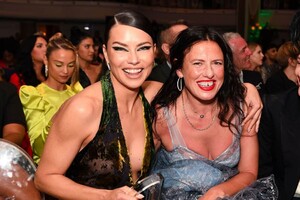 I think it's old, from before the 2018 vs show
Account
Navigation
Search
Configure browser push notifications
Chrome (Android)
- Tap the lock icon next to the address bar.
- Tap Permissions → Notifications.
- Adjust your preference.
Chrome (Desktop)
- Click the padlock icon in the address bar.
- Select Site settings.
- Find Notifications and adjust your preference.
Safari (iOS 16.4+)
- Ensure the site is installed via Add to Home Screen.
- Open Settings App → Notifications.
- Find your app name and adjust your preference.
Safari (macOS)
- Go to Safari → Preferences.
- Click the Websites tab.
- Select Notifications in the sidebar.
- Find this website and adjust your preference.
Edge (Android)
- Tap the lock icon next to the address bar.
- Tap Permissions.
- Find Notifications and adjust your preference.
Edge (Desktop)
- Click the padlock icon in the address bar.
- Click Permissions for this site.
- Find Notifications and adjust your preference.
Firefox (Android)
- Go to Settings → Site permissions.
- Tap Notifications.
- Find this site in the list and adjust your preference.
Firefox (Desktop)
- Open Firefox Settings.
- Search for Notifications.
- Find this site in the list and adjust your preference.