nhlovesadri
Members
-
Joined
-
Last visited
Everything posted by nhlovesadri
-
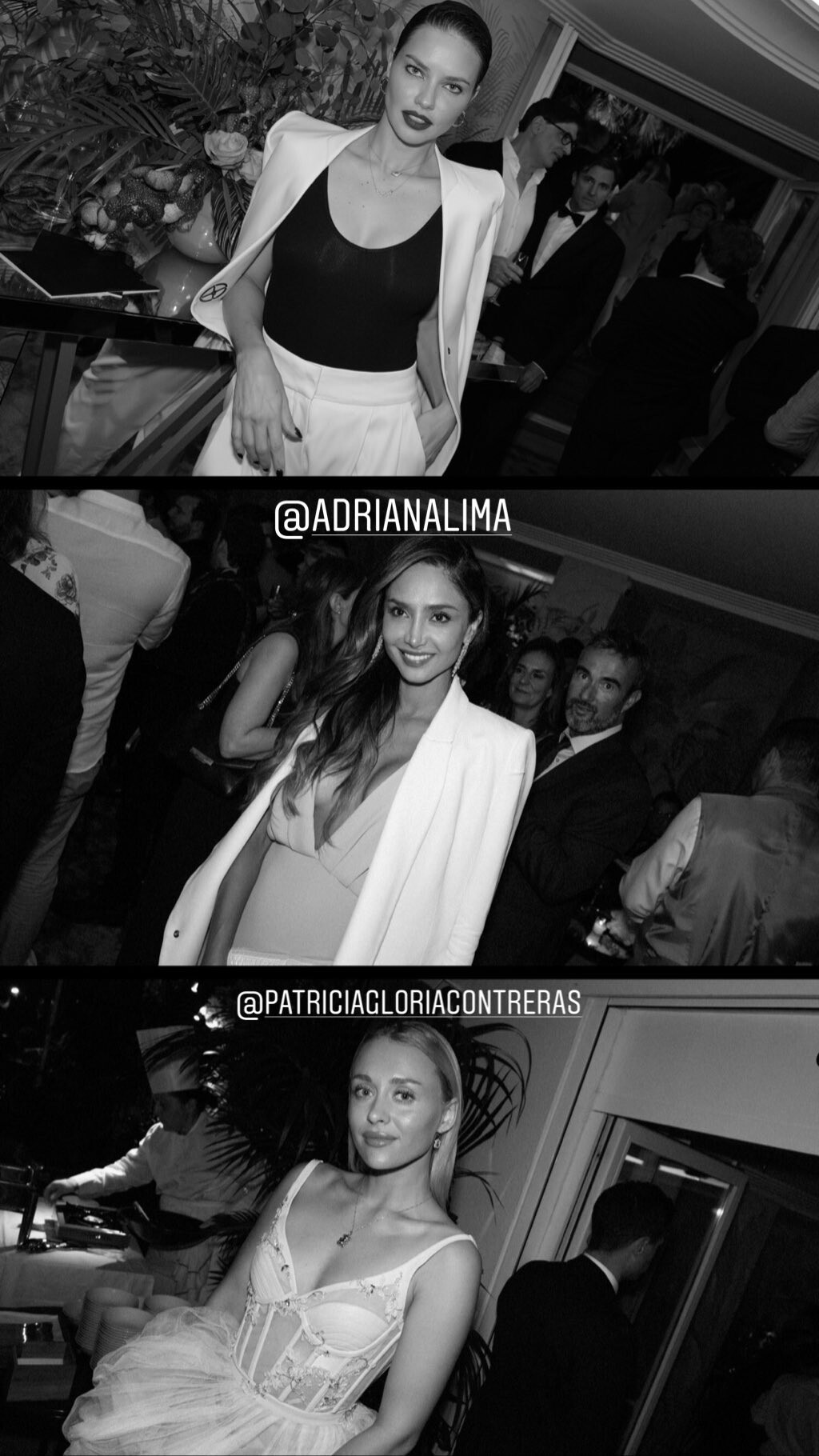
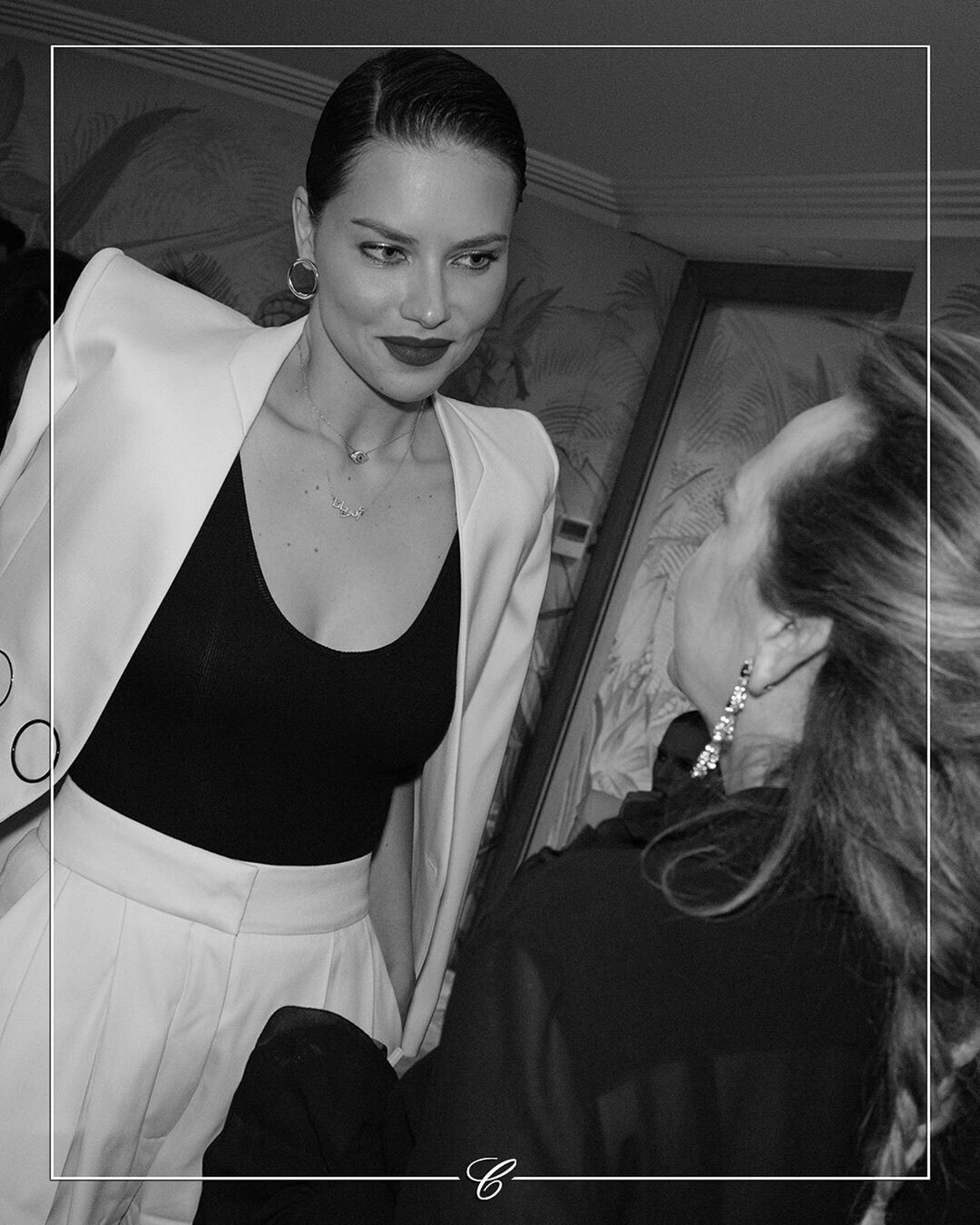
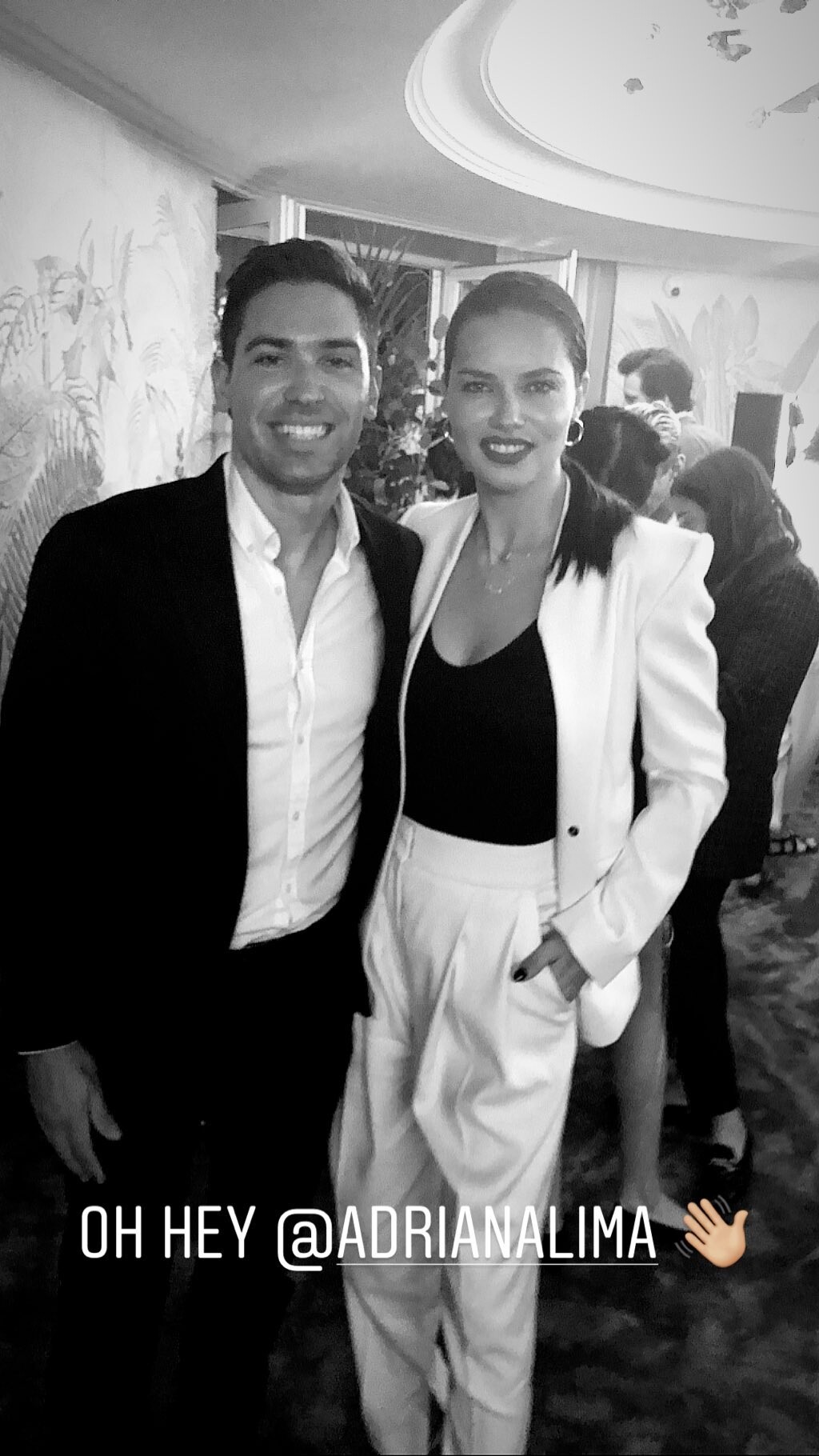
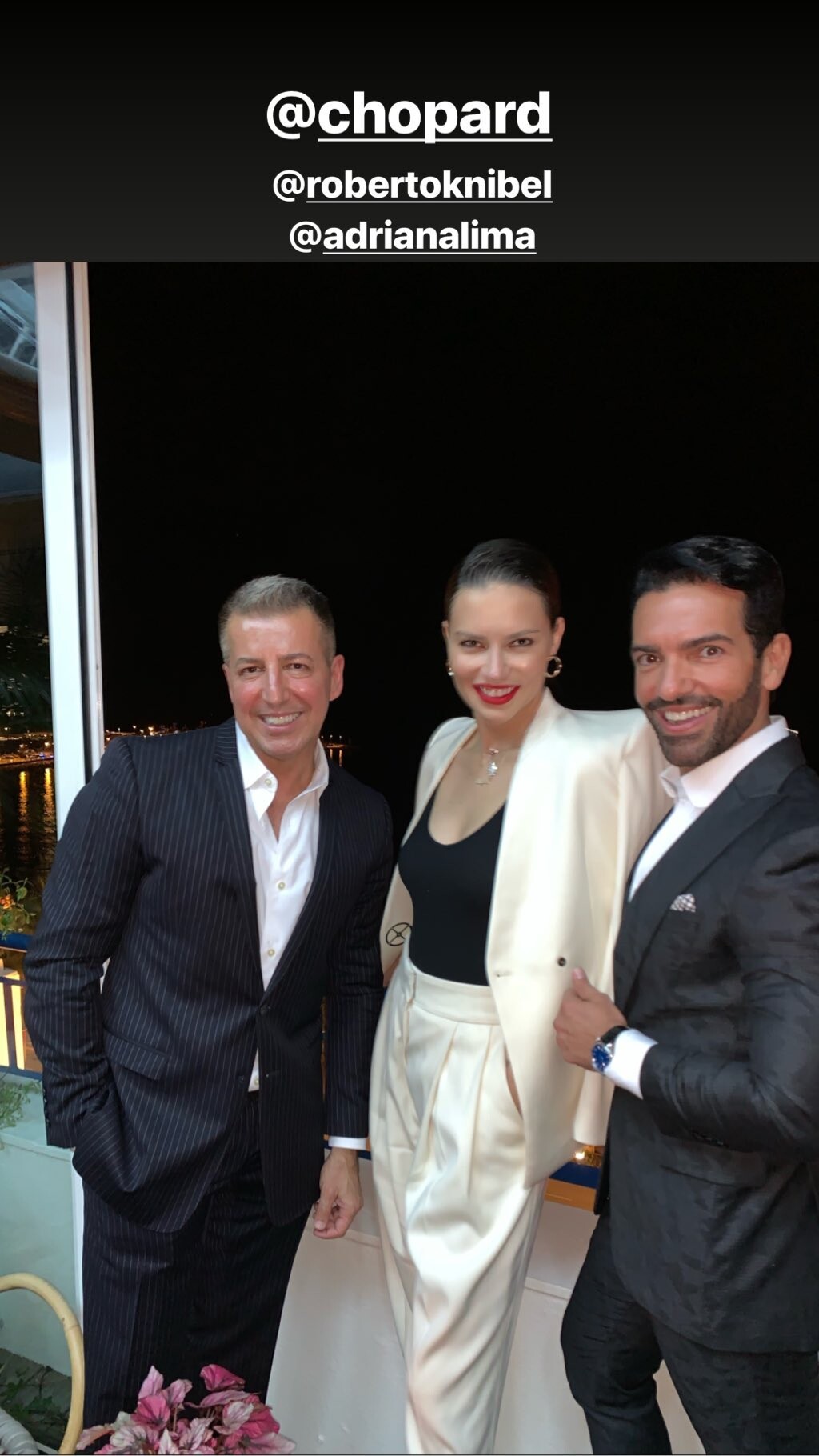
 She went to a private dinner this evening
-
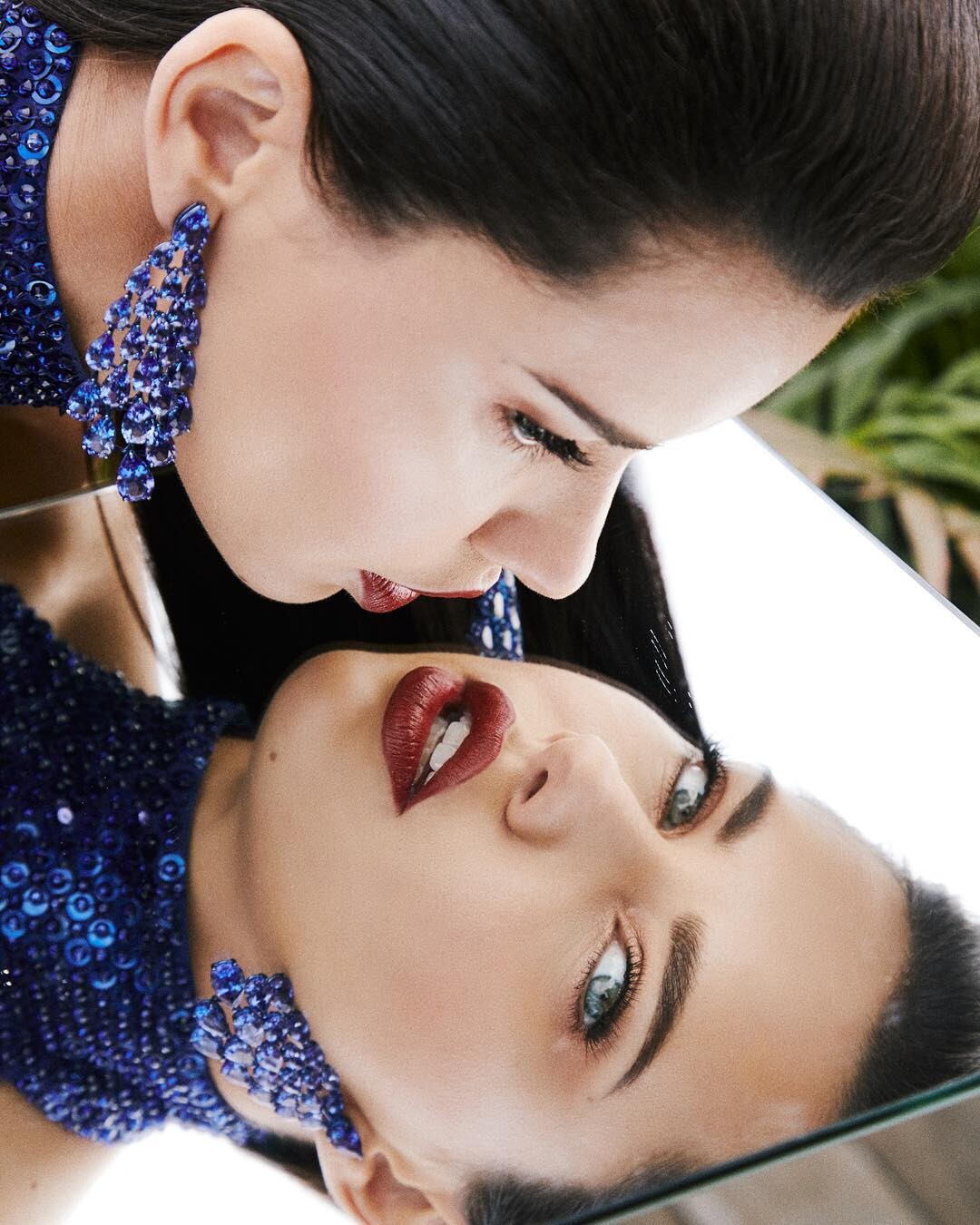
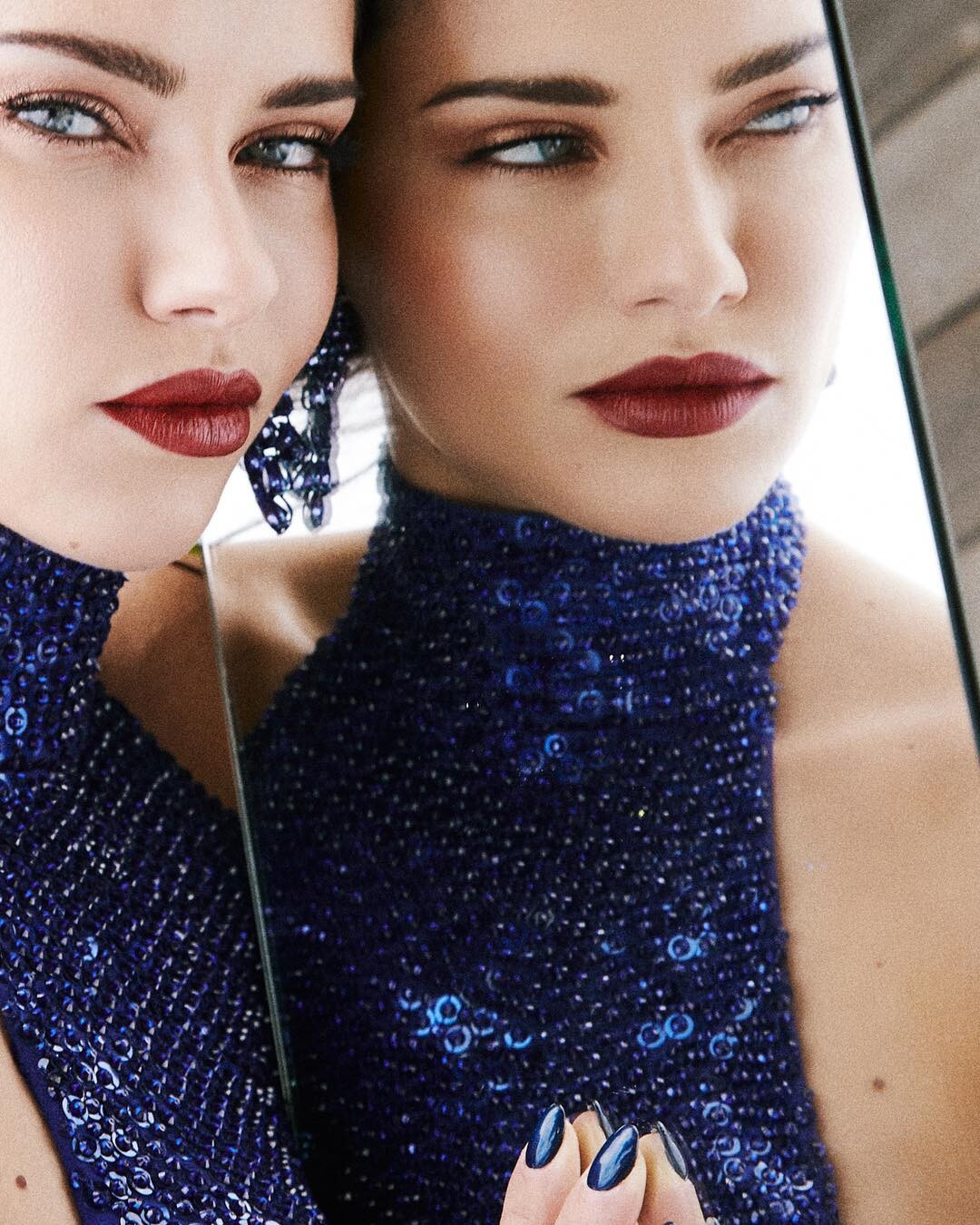
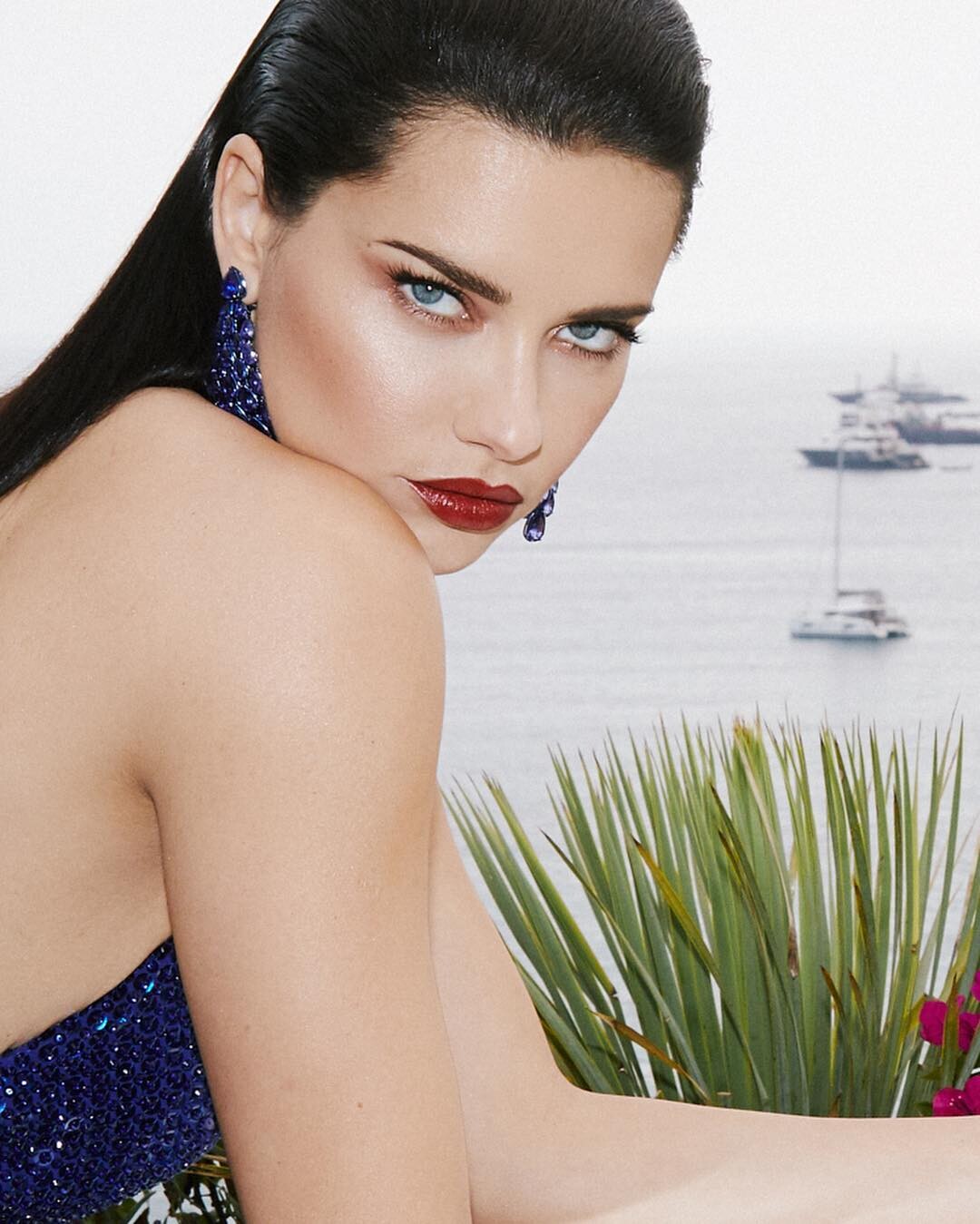
@Secondguardian I know right? And they were made in the open on an hotel terrace with just the bare minimum for a decent photoshoot because it's not a studio. Those who say Adriana isn't good for covers and magazines should have a look at these.
-
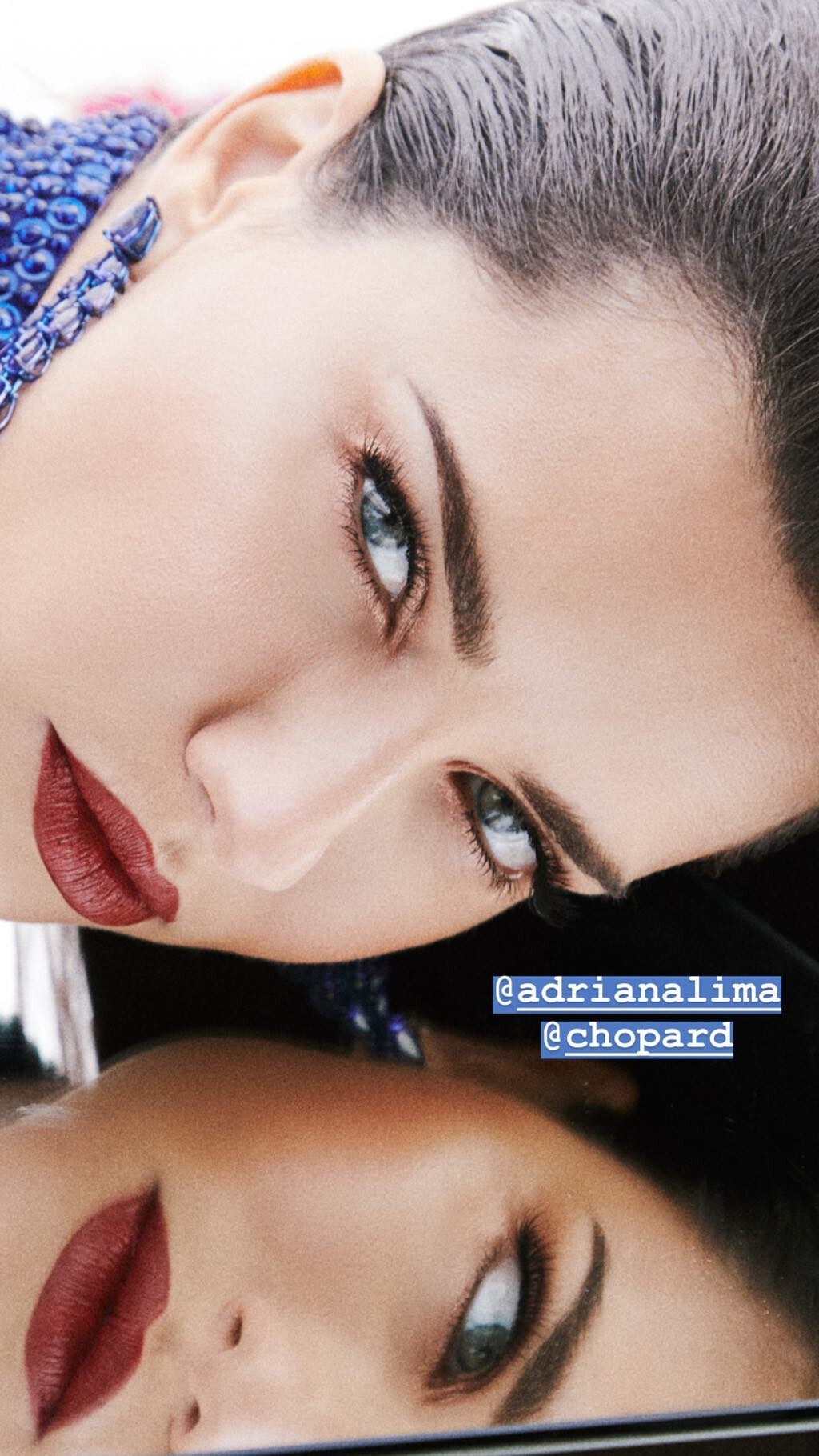
+ ig stories. Stunningly beautiful

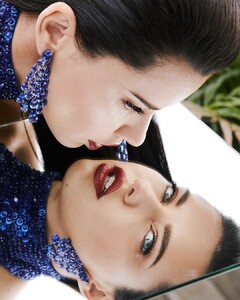
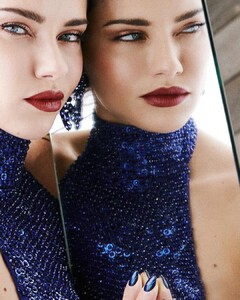
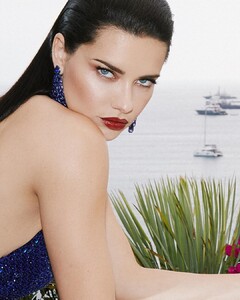 more HQs from PicturePub https://pixhost.to/gallery/HRACF https://pixhost.to/gallery/vVqmP
elenasciola.mua's ig stories elenasciola.mua_61403035_434985110619548_6256688259007733381_n.mp4
@Prettyphile Thank you
jamesdkelly's ig stories
more HQs from PicturePub https://pixhost.to/gallery/HRACF https://pixhost.to/gallery/vVqmP
elenasciola.mua's ig stories elenasciola.mua_61403035_434985110619548_6256688259007733381_n.mp4
@Prettyphile Thank you
jamesdkelly's ig stories chopard ig stories chopard_60565142_747383005656839_6925494758913179908_n.mp4
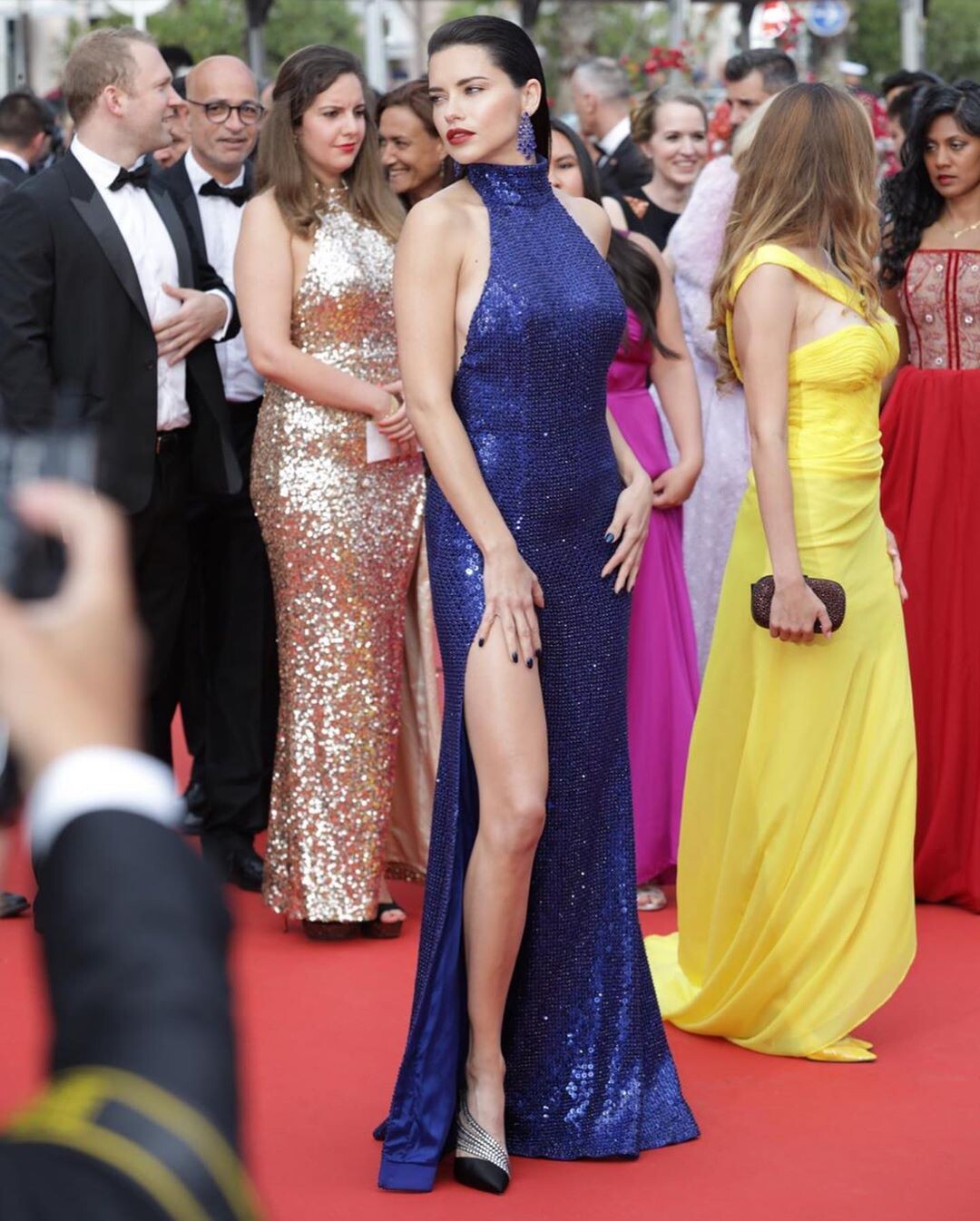
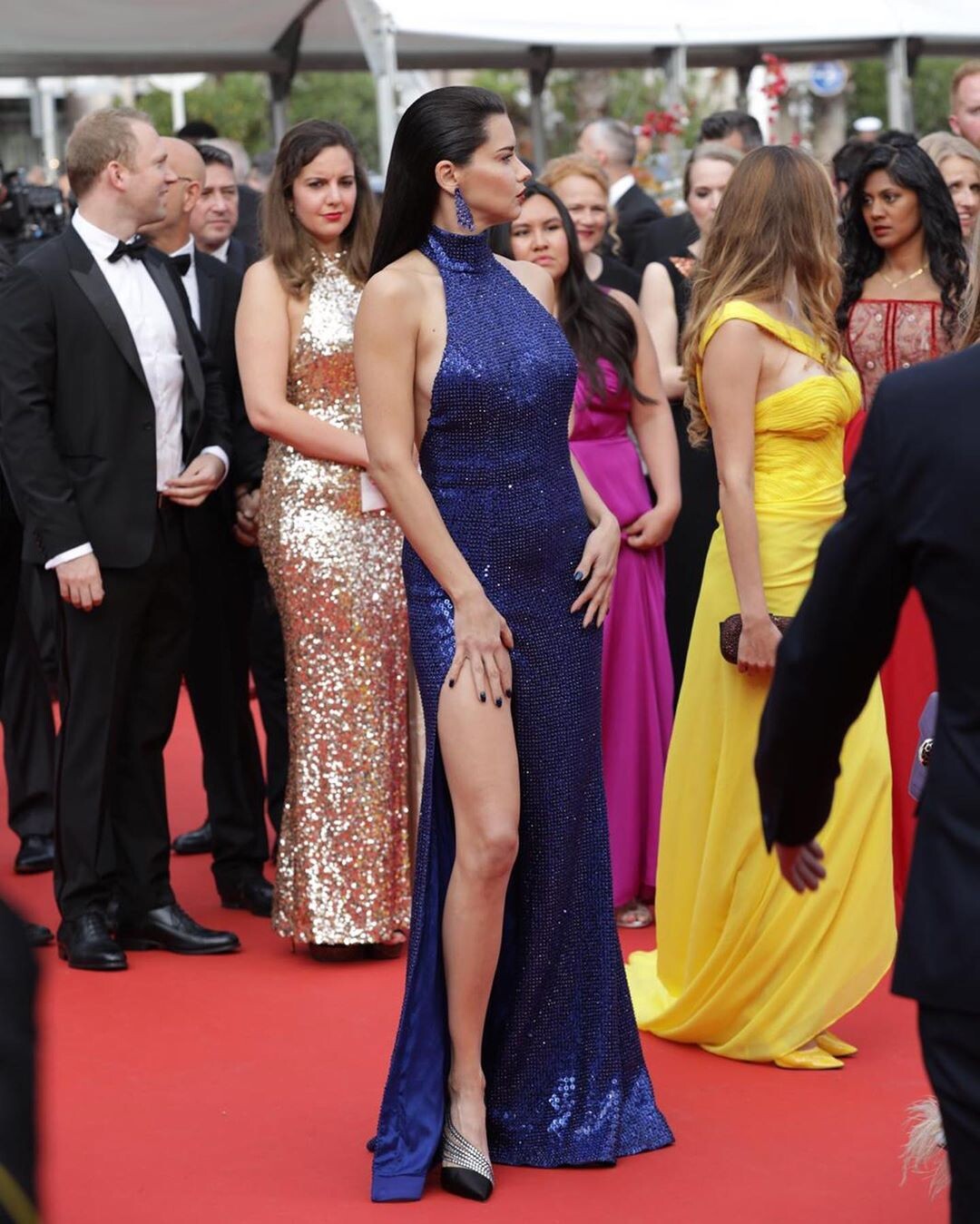
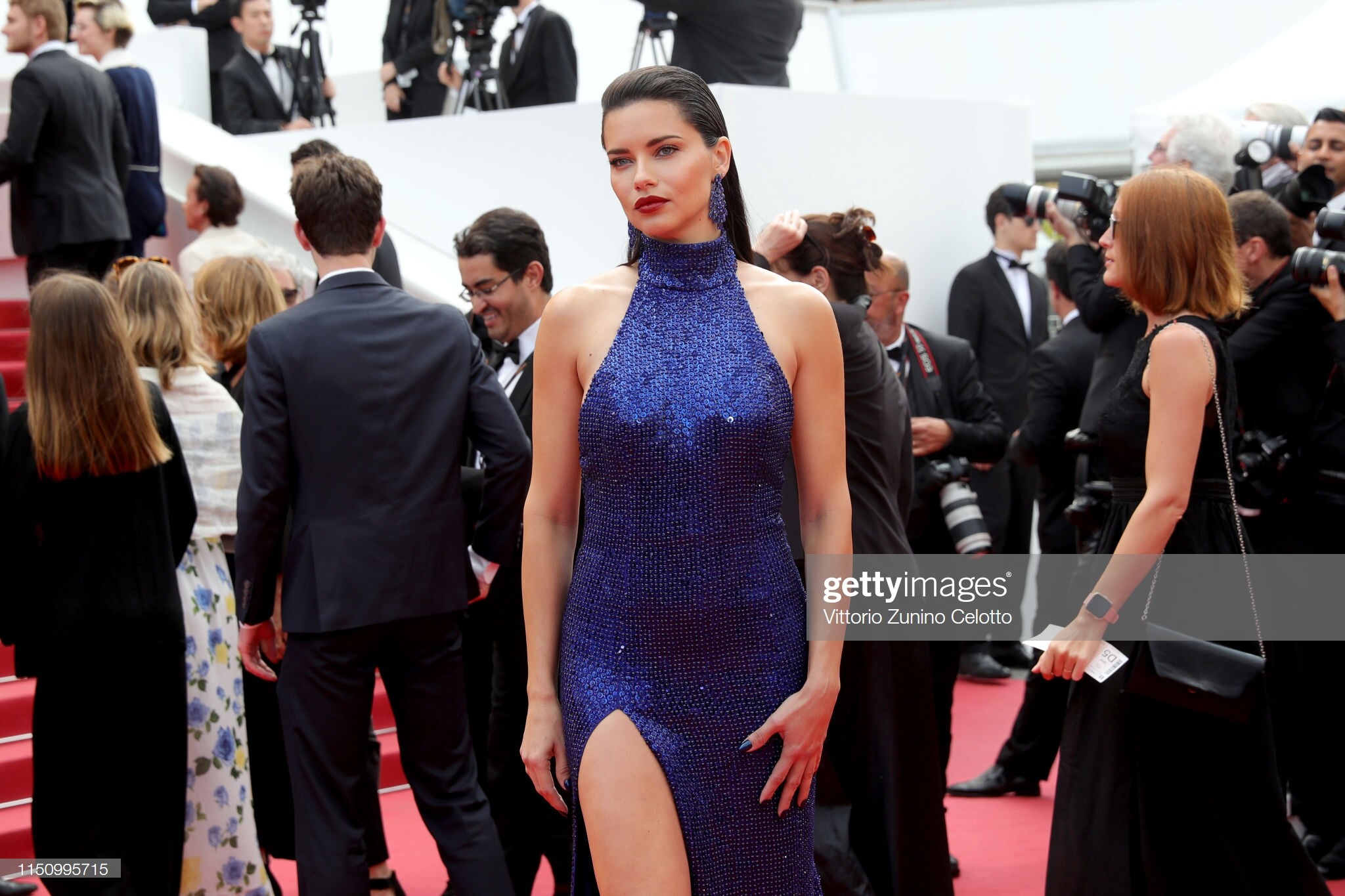
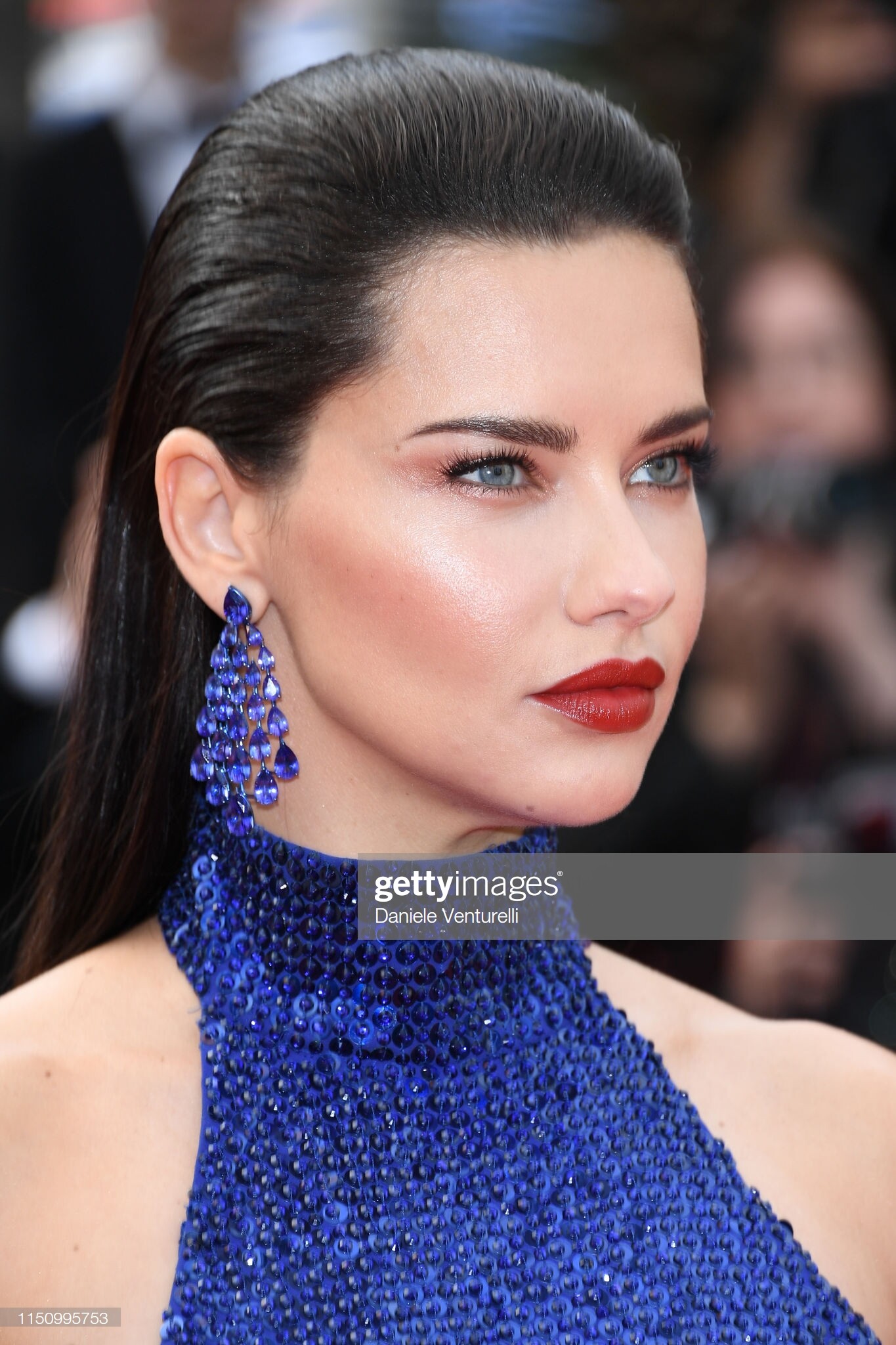
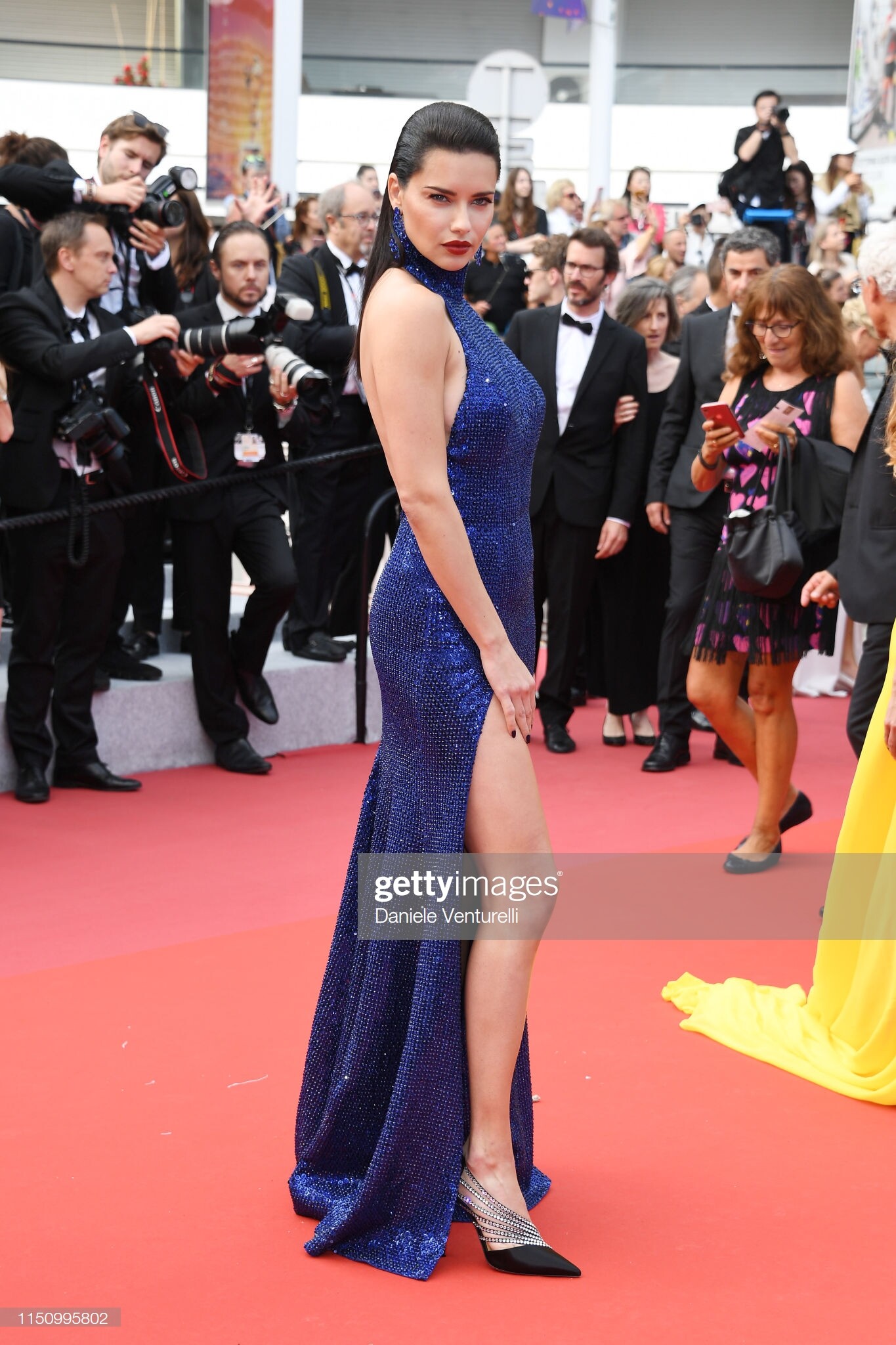
She is at the "Oh Mercy! (Roubaix, une Lumiere)" red carpet- Getty previews. GODDESS
chopard ig stories chopard_60565142_747383005656839_6925494758913179908_n.mp4
She is at the "Oh Mercy! (Roubaix, une Lumiere)" red carpet- Getty previews. GODDESS
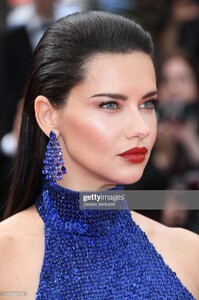
 They were showing it again today at 12 am, I was hopefull to see her there.
dreavividor ig stories dreavividor_61146113_2591367587561621_557393406879357856_n.mp4
She isn't very likely walking any red carpet until later this evening, because Andrea is out and about in Cannes right now. I think it takes at least 2/3 hours of preparation to be ready.
raphamendonca's ig stories
They were showing it again today at 12 am, I was hopefull to see her there.
dreavividor ig stories dreavividor_61146113_2591367587561621_557393406879357856_n.mp4
She isn't very likely walking any red carpet until later this evening, because Andrea is out and about in Cannes right now. I think it takes at least 2/3 hours of preparation to be ready.
raphamendonca's ig stories
Account
Navigation
Search
Configure browser push notifications
Chrome (Android)
- Tap the lock icon next to the address bar.
- Tap Permissions → Notifications.
- Adjust your preference.
Chrome (Desktop)
- Click the padlock icon in the address bar.
- Select Site settings.
- Find Notifications and adjust your preference.
Safari (iOS 16.4+)
- Ensure the site is installed via Add to Home Screen.
- Open Settings App → Notifications.
- Find your app name and adjust your preference.
Safari (macOS)
- Go to Safari → Preferences.
- Click the Websites tab.
- Select Notifications in the sidebar.
- Find this website and adjust your preference.
Edge (Android)
- Tap the lock icon next to the address bar.
- Tap Permissions.
- Find Notifications and adjust your preference.
Edge (Desktop)
- Click the padlock icon in the address bar.
- Click Permissions for this site.
- Find Notifications and adjust your preference.
Firefox (Android)
- Go to Settings → Site permissions.
- Tap Notifications.
- Find this site in the list and adjust your preference.
Firefox (Desktop)
- Open Firefox Settings.
- Search for Notifications.
- Find this site in the list and adjust your preference.