nhlovesadri
Members
-
Joined
-
Last visited
Everything posted by nhlovesadri
-

-
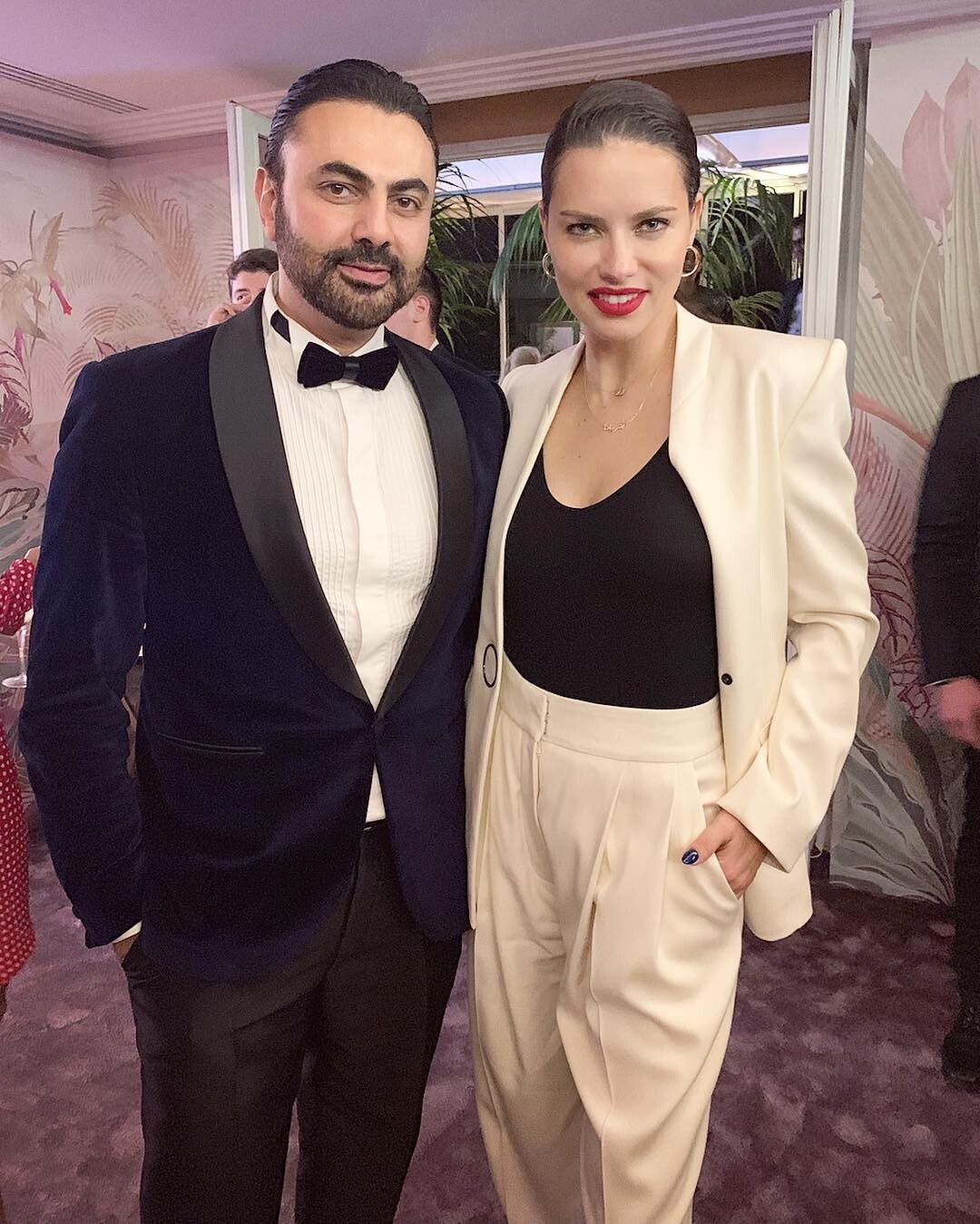
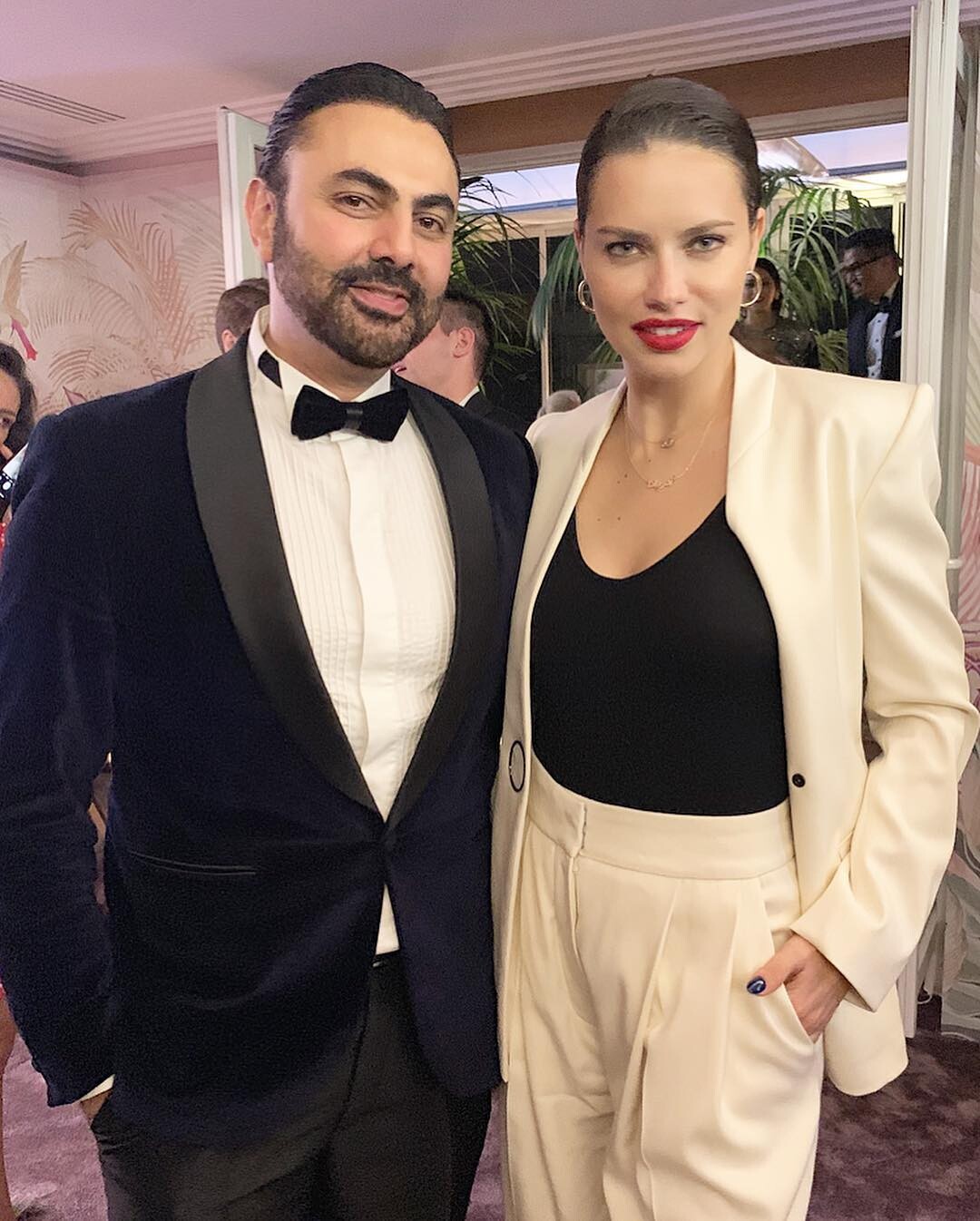
More Cannes HQs from HQcelebcorner: http://www.imagebam.com/gallery/dptgppe1v0fd141tn2zajgh4yqqibjfo https://pixhost.to/gallery/8diD5
-
I think they did, they were one of the three brands mentioned, alongside Puma and Maybelline, at the Dialy Front Row speech, and the others are the big contracts she has. S ig uess it's a big deal and not just one campaign if she talked about them at that ceremony.
-
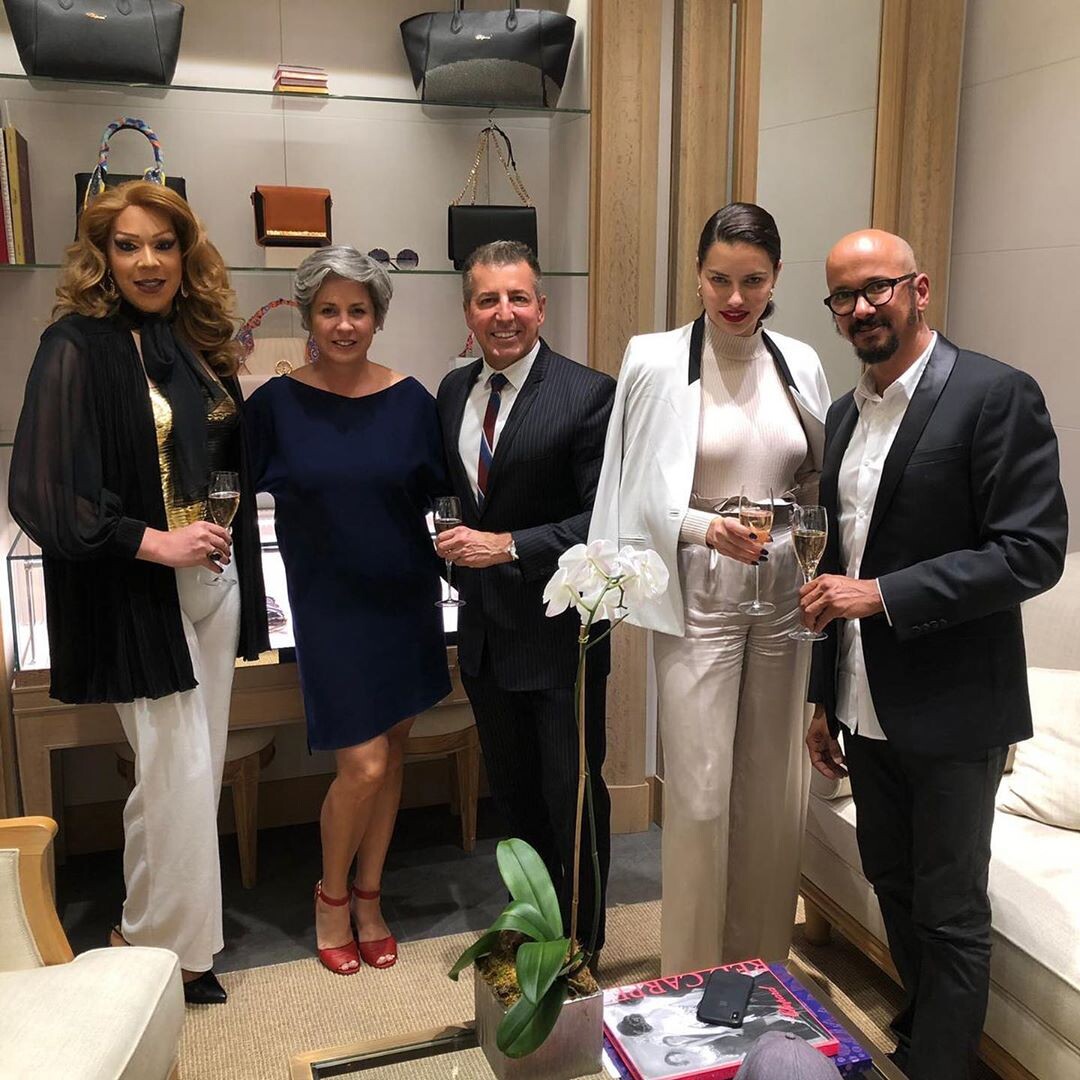
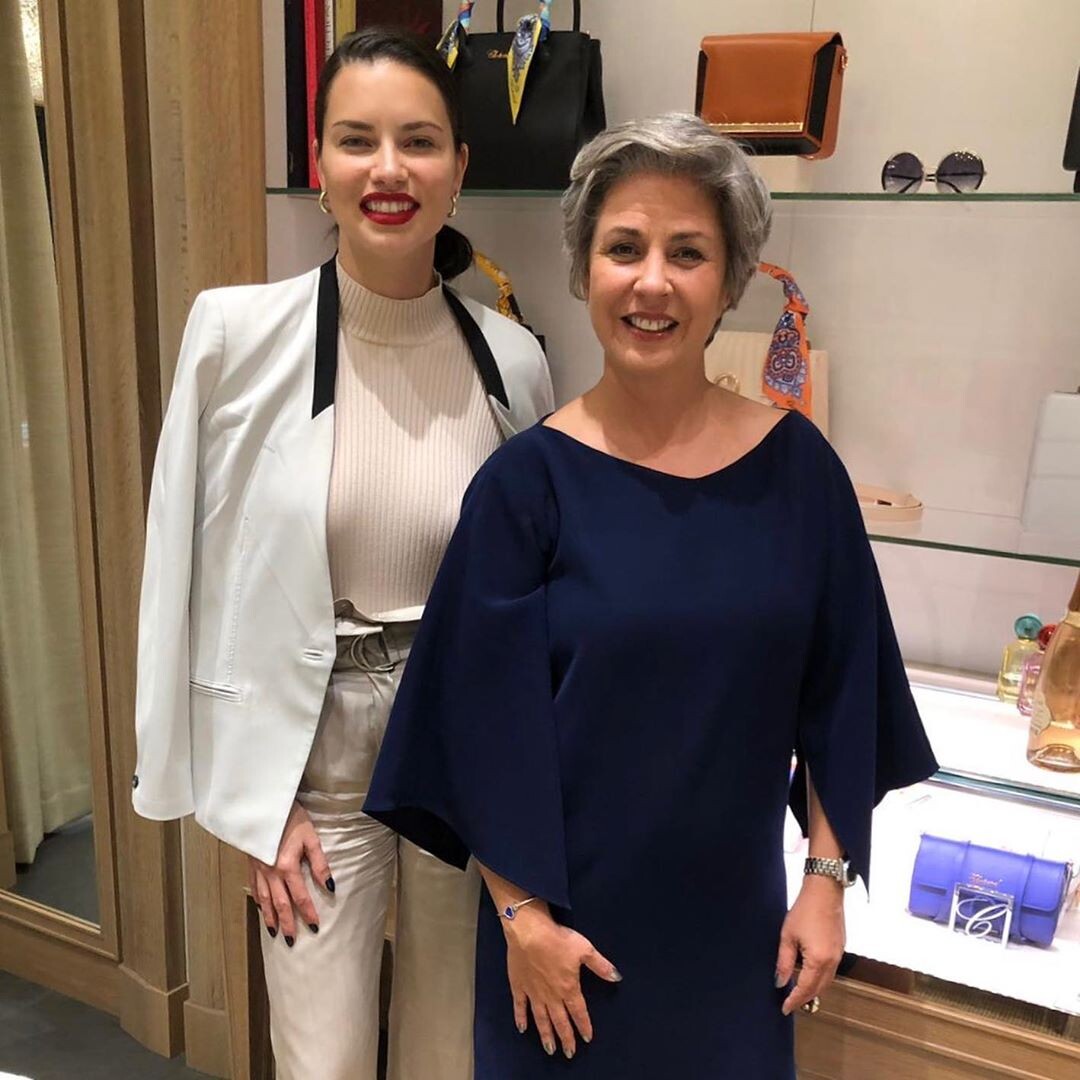
I hope more, if she began a spokeperson like Petra Nemcova who is one since years I guess she will stay a lot. And the woman CEO loves her, they always took pictures togheter at Cannes for years before this contract.
-
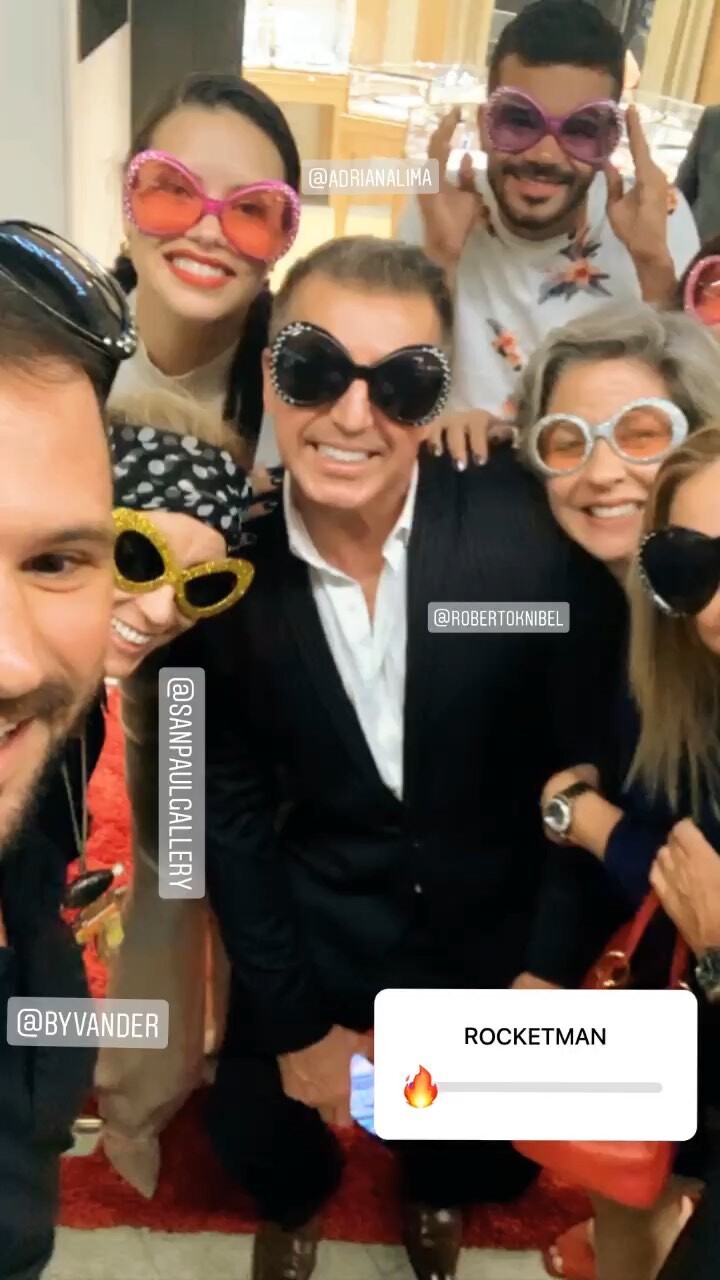
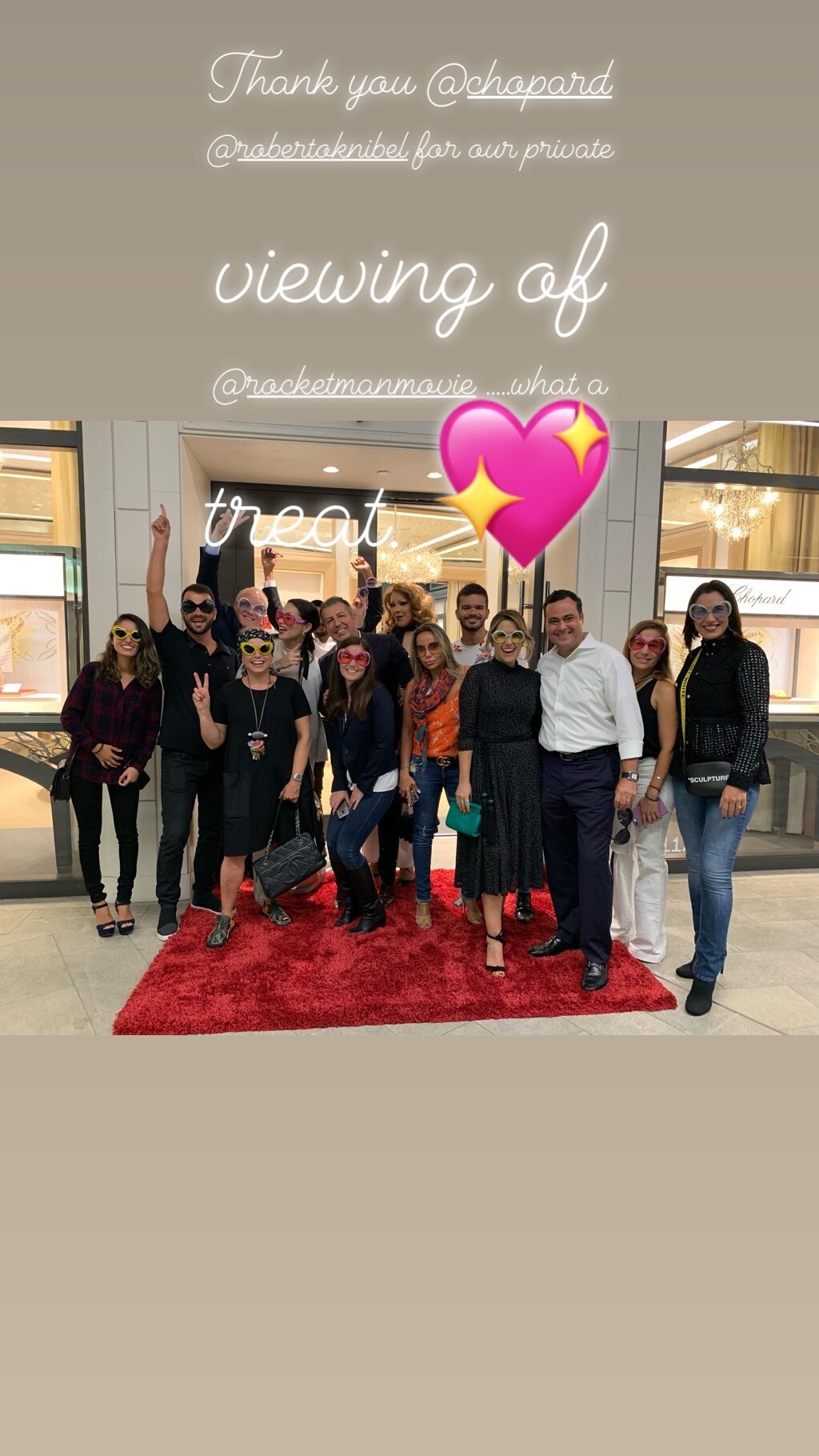
sanpaulgallery's ig stories
-
Lee Ann's ig https://www.instagram.com/lee_annfeathers/

-
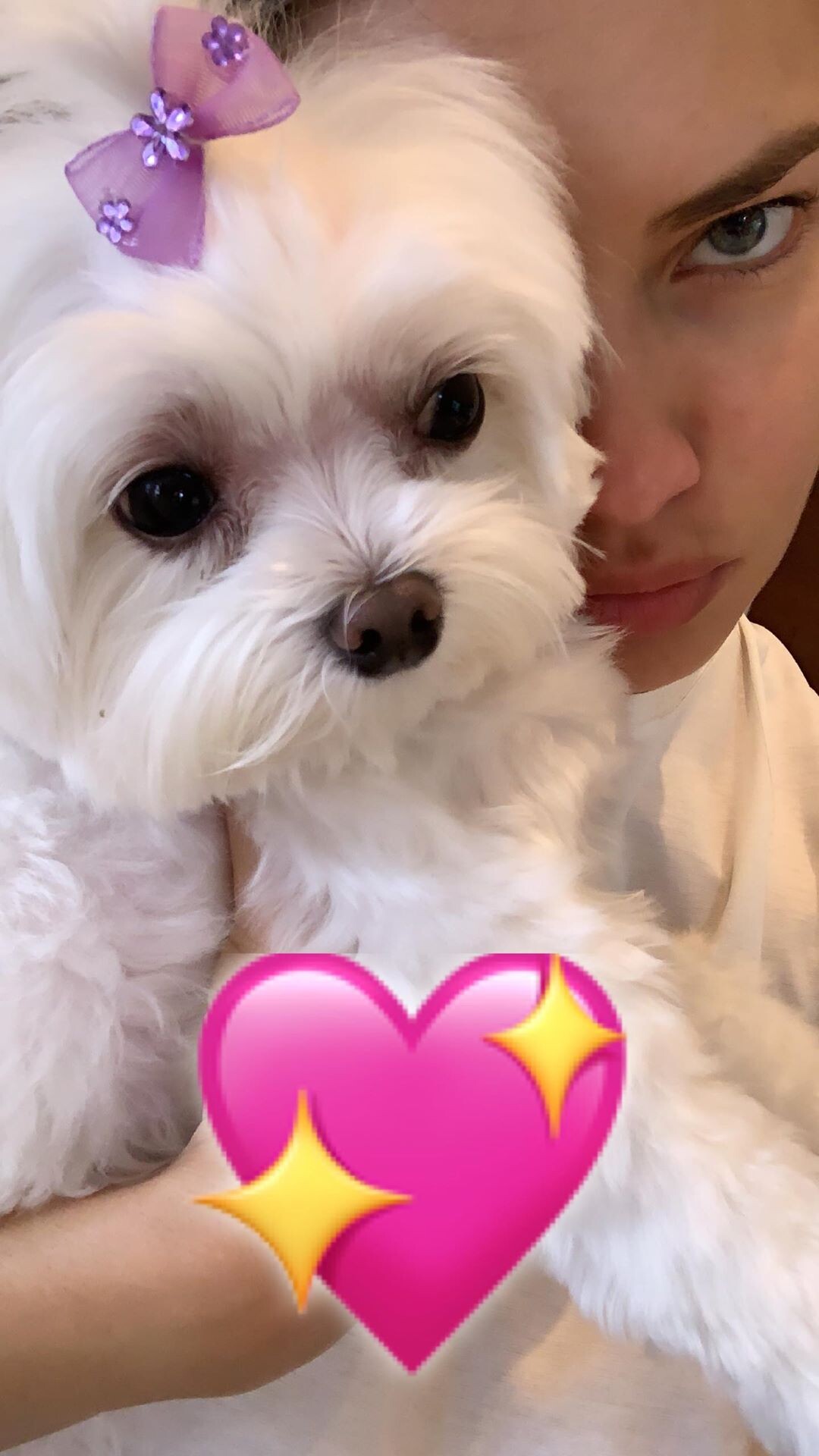
Her ig stories adrianalima_61951376_444660826351089_8134920269732178058_n.mp4
She signed pictures at the airport arriving in Nice, we even have the getty photos showing it. And on that I get why she is sometimes reticent, because as actor Mark Hamill pointed out many of those end up on ebay to be sold. She is nice with fans that she meets and recognize as real, we have tons of examples all over the years. Imo she was happy to be in Cannes and had fun, maybe the least enjoyed moment was the Chopard party because she just arrived that day and was probably jet lagged. I didn't see her that happy in a long time, and I am so glad for her.
Guess this has something to do with her new beauty line project.
From the Chopard website, they show her Amfar 2018 look around the middle of the video 1329168297.mp4
No idea, maybe an IWC event? She went to the United Arabian Emirates once already, and they have an Arabian brand dvision. We will probably get more info if it's true. Or maybe it was more of an invitation then a true statement.
Account
Navigation
Search
Configure browser push notifications
Chrome (Android)
- Tap the lock icon next to the address bar.
- Tap Permissions → Notifications.
- Adjust your preference.
Chrome (Desktop)
- Click the padlock icon in the address bar.
- Select Site settings.
- Find Notifications and adjust your preference.
Safari (iOS 16.4+)
- Ensure the site is installed via Add to Home Screen.
- Open Settings App → Notifications.
- Find your app name and adjust your preference.
Safari (macOS)
- Go to Safari → Preferences.
- Click the Websites tab.
- Select Notifications in the sidebar.
- Find this website and adjust your preference.
Edge (Android)
- Tap the lock icon next to the address bar.
- Tap Permissions.
- Find Notifications and adjust your preference.
Edge (Desktop)
- Click the padlock icon in the address bar.
- Click Permissions for this site.
- Find Notifications and adjust your preference.
Firefox (Android)
- Go to Settings → Site permissions.
- Tap Notifications.
- Find this site in the list and adjust your preference.
Firefox (Desktop)
- Open Firefox Settings.
- Search for Notifications.
- Find this site in the list and adjust your preference.