Everything posted by PrettyDeadThings
-
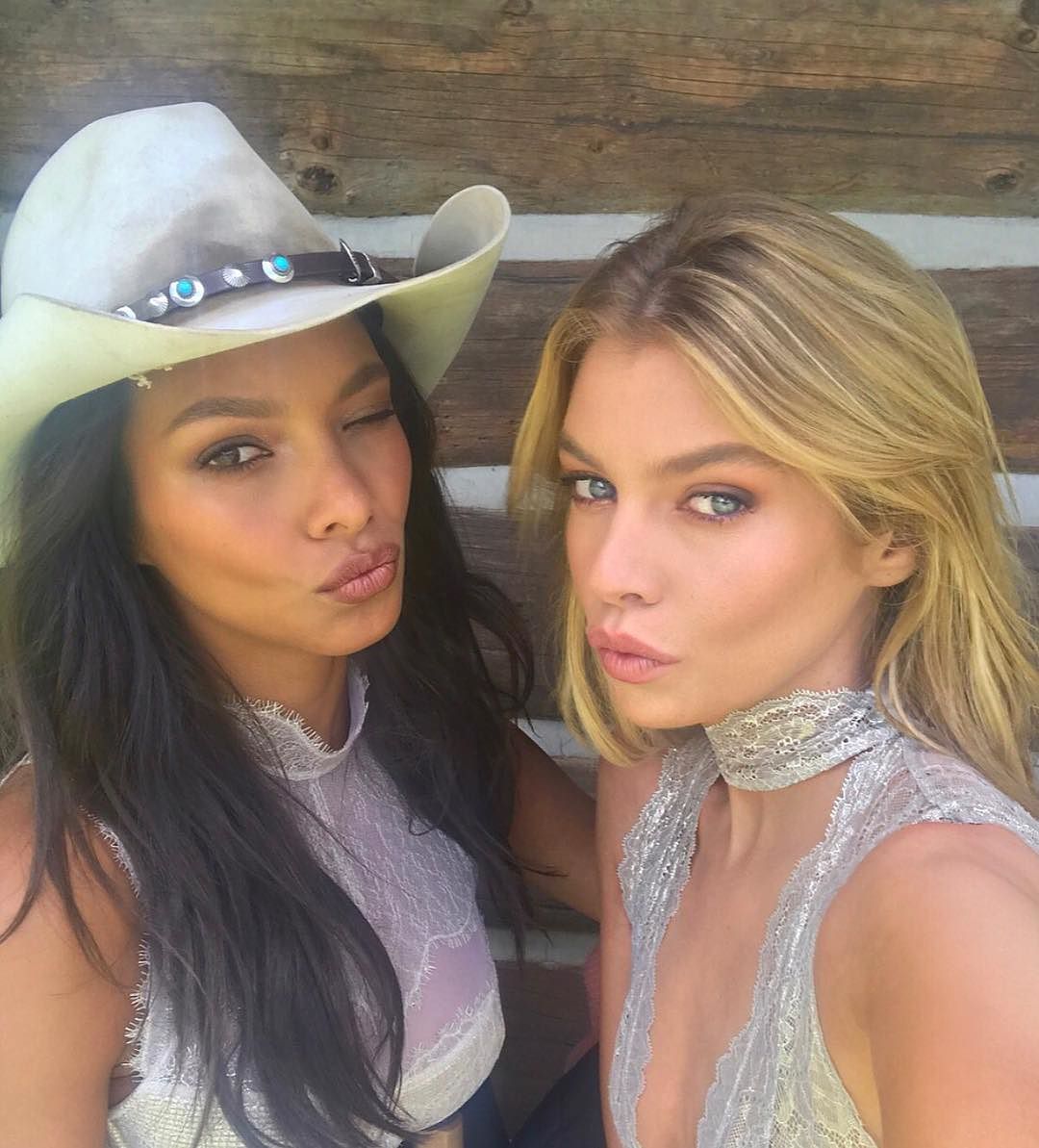
 Jasmine: "Omg you're so mean" Camera pans to Taylor Camera pans back to Jasmine: "Bitch"

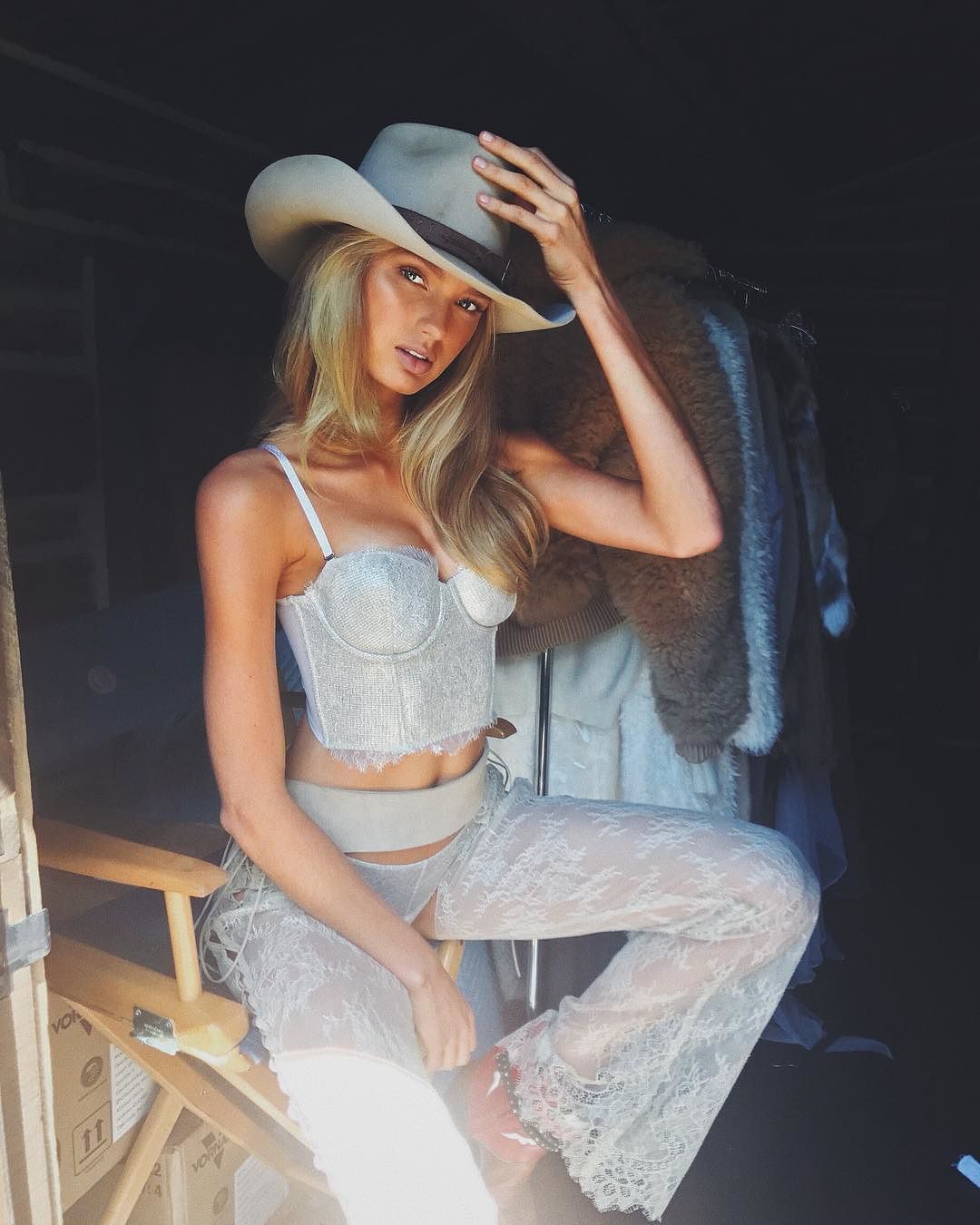
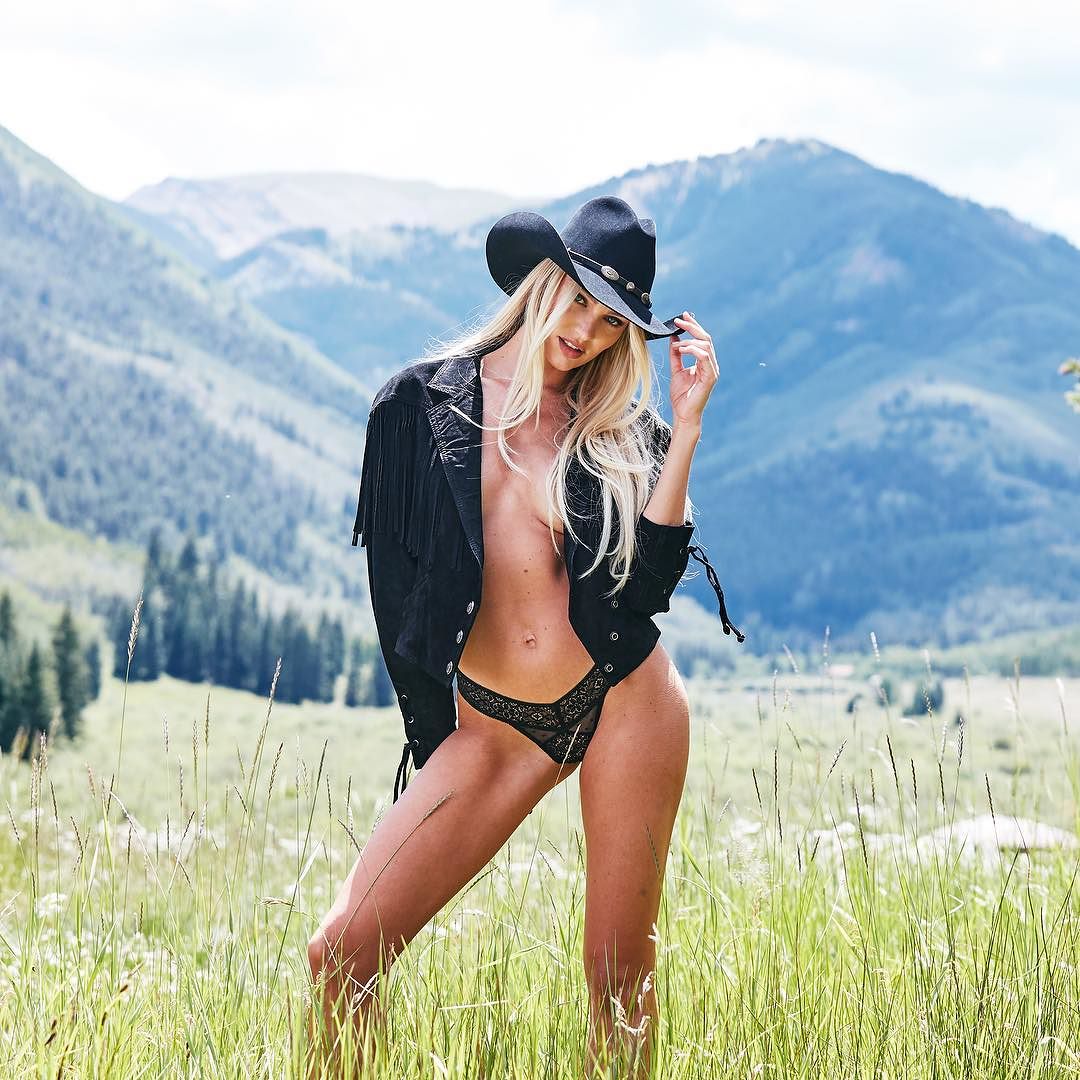
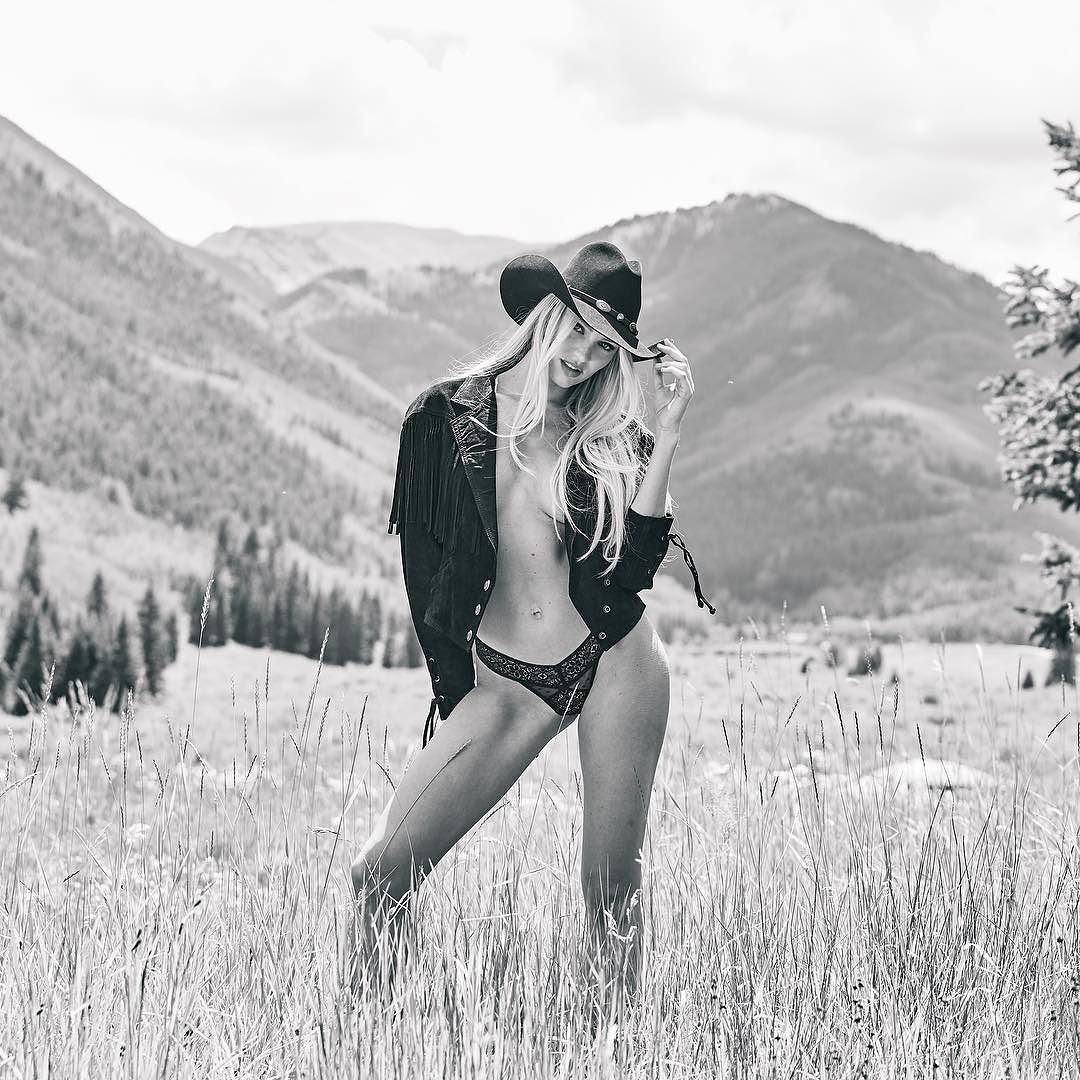
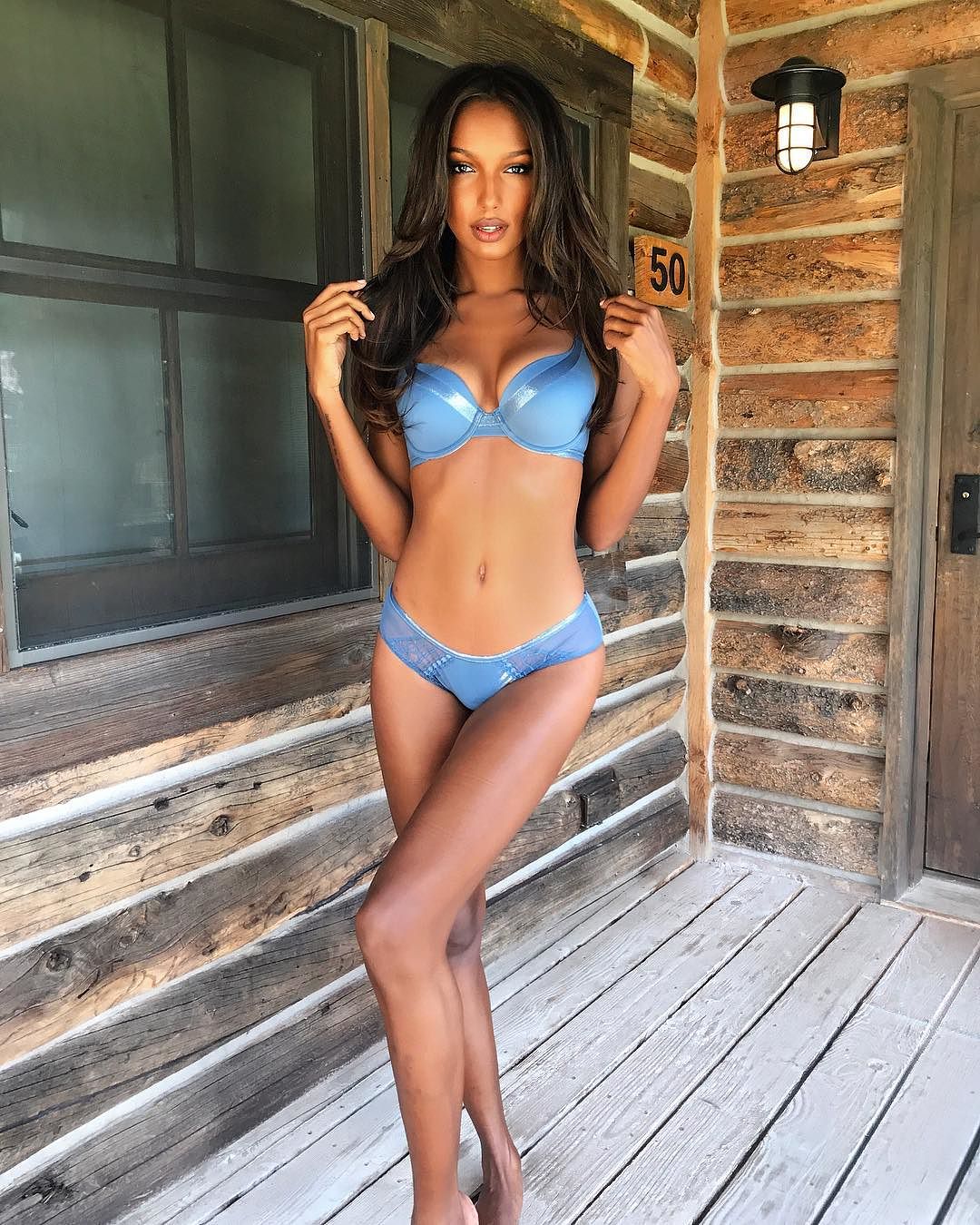
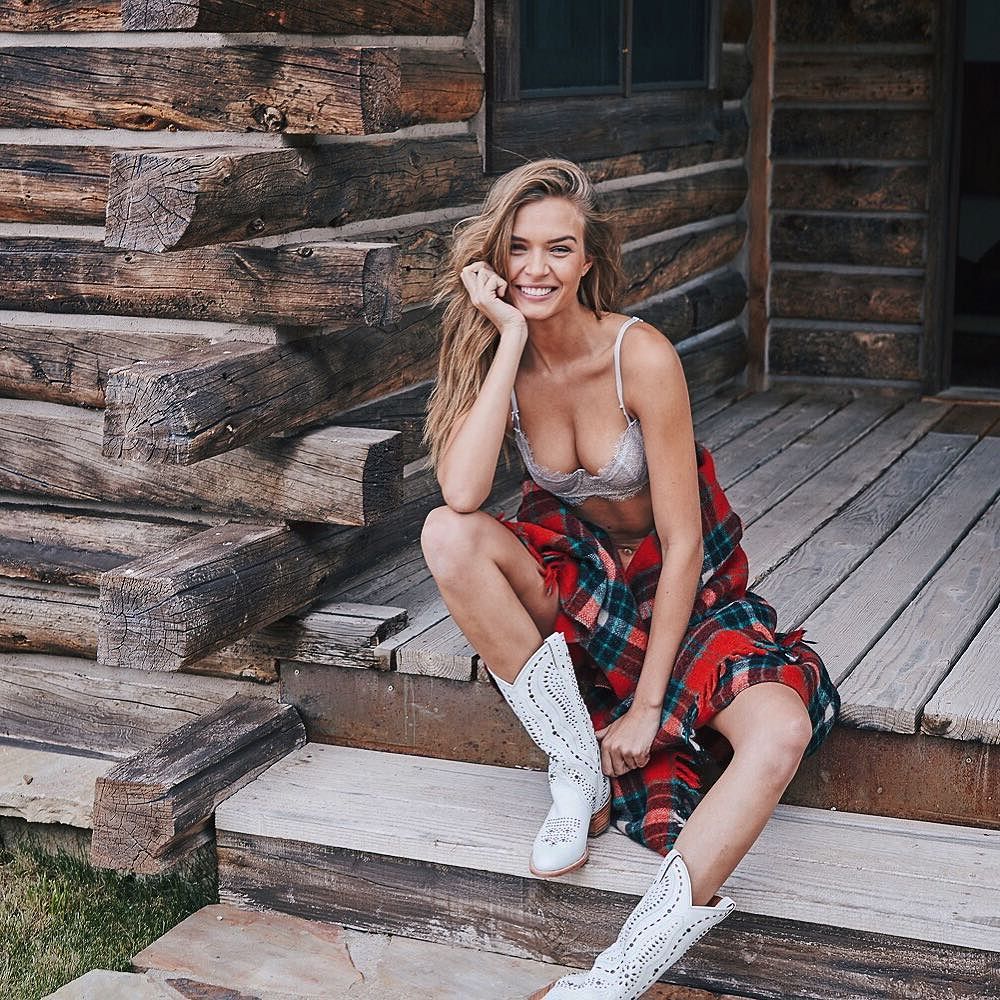
 Current shooting location...
Here she is...
Alessandra
At least it's not a giant fucking manor house or some estate (with over the top tulle skirts) Encourage the mother nature. I'd kinda like to see them in an old timey saloon to be honest.
Did they add hair extensions?
Shhh don't put the mojo into the world!
His retag backfired and the hornets are starting to sting
Current shooting location...
Here she is...
Alessandra
At least it's not a giant fucking manor house or some estate (with over the top tulle skirts) Encourage the mother nature. I'd kinda like to see them in an old timey saloon to be honest.
Did they add hair extensions?
Shhh don't put the mojo into the world!
His retag backfired and the hornets are starting to sting
Account
Navigation
Search
Configure browser push notifications
Chrome (Android)
- Tap the lock icon next to the address bar.
- Tap Permissions → Notifications.
- Adjust your preference.
Chrome (Desktop)
- Click the padlock icon in the address bar.
- Select Site settings.
- Find Notifications and adjust your preference.
Safari (iOS 16.4+)
- Ensure the site is installed via Add to Home Screen.
- Open Settings App → Notifications.
- Find your app name and adjust your preference.
Safari (macOS)
- Go to Safari → Preferences.
- Click the Websites tab.
- Select Notifications in the sidebar.
- Find this website and adjust your preference.
Edge (Android)
- Tap the lock icon next to the address bar.
- Tap Permissions.
- Find Notifications and adjust your preference.
Edge (Desktop)
- Click the padlock icon in the address bar.
- Click Permissions for this site.
- Find Notifications and adjust your preference.
Firefox (Android)
- Go to Settings → Site permissions.
- Tap Notifications.
- Find this site in the list and adjust your preference.
Firefox (Desktop)
- Open Firefox Settings.
- Search for Notifications.
- Find this site in the list and adjust your preference.