Jump to content
View in the app

A better way to browse. Learn more.

Bellazon

A full-screen app on your home screen with push notifications, badges and more.

To install this app on iOS and iPadOS
  1. Tap the Share icon in Safari
  2. Scroll the menu and tap Add to Home Screen.
  3. Tap Add in the top-right corner.
To install this app on Android
  1. Tap the 3-dot menu (⋮) in the top-right corner of the browser.
  2. Tap Add to Home screen or Install app.
  3. Confirm by tapping Install.

All Activity

This stream auto-updates

  1. Past hour
  2. Laurence Poyet!
  3. nilremy started following Ergi Bardhollari
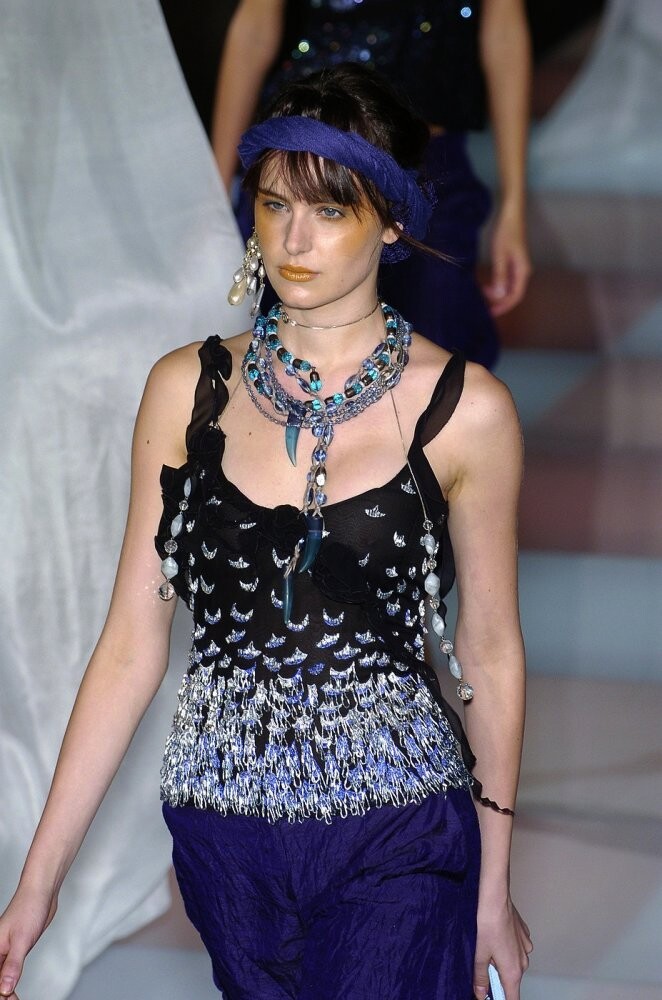
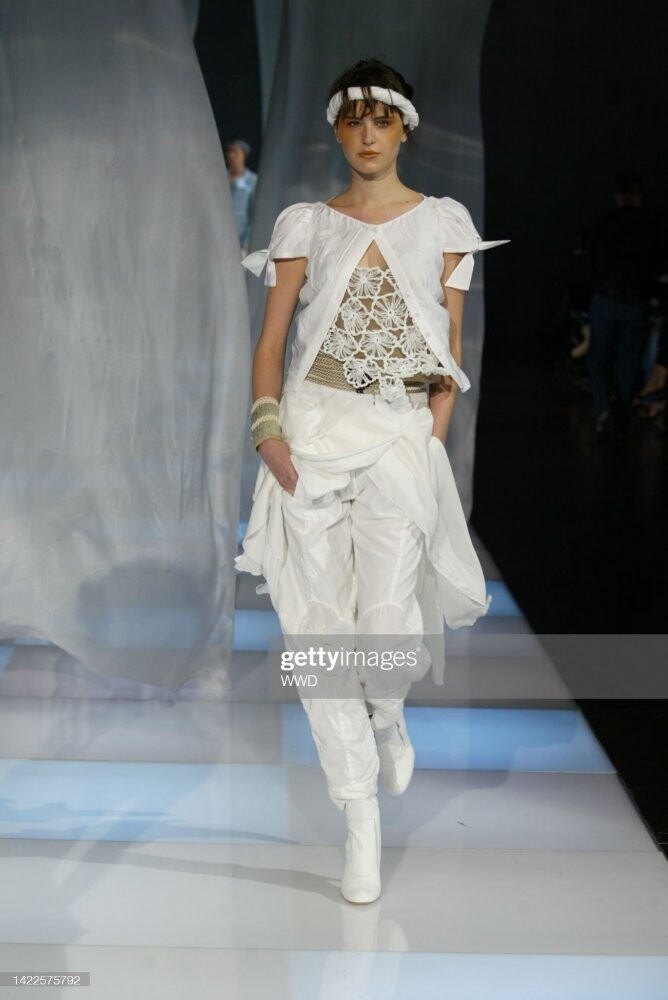
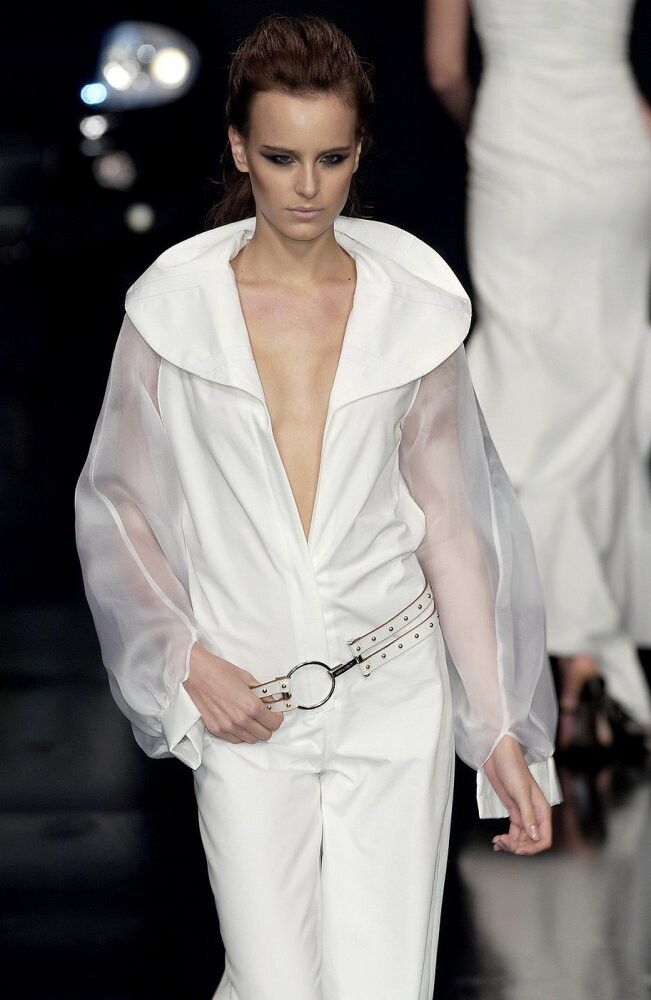
  4. yves saint laurent haute-couture s/s 2002
  5. maybe Valerie Weitz? hmmm
  6. Trin-NuN'Guyen https://www.bellazon.com/main/topic/94114-trin-nunguyen/ pics posted by @fakediorpurse
  7. i think shes chinese not korean. .. specially the name..😬
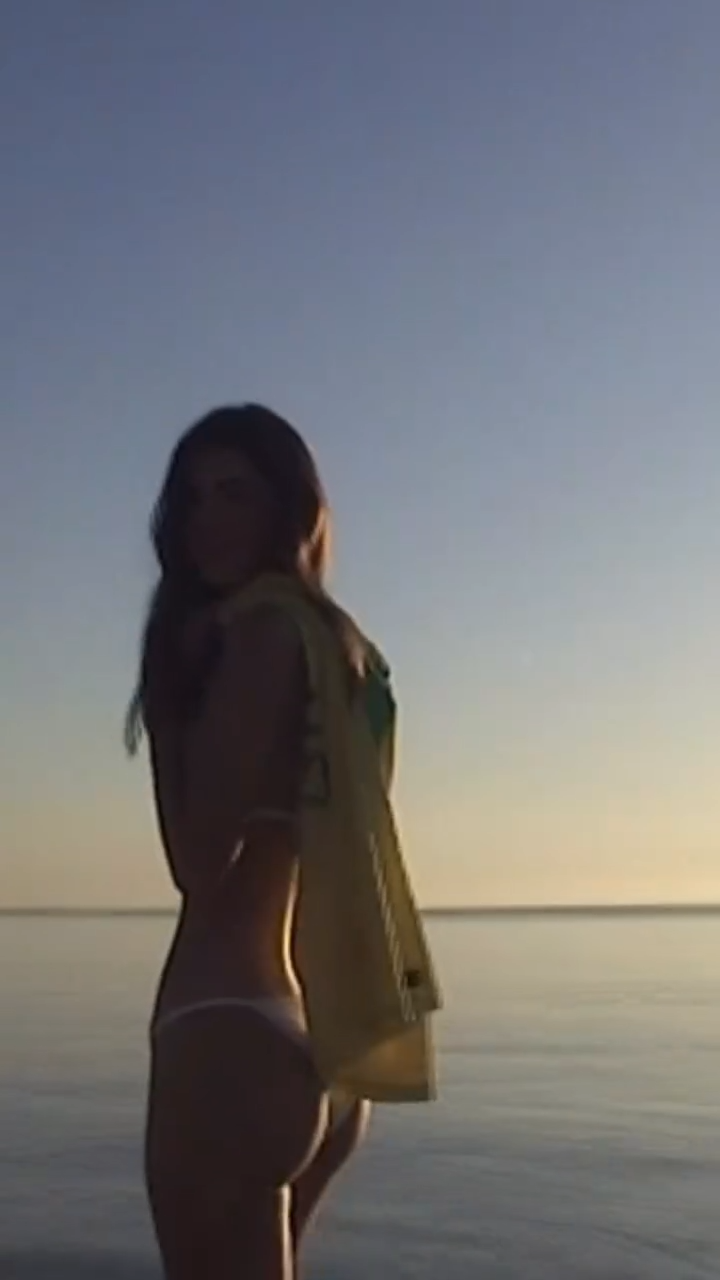
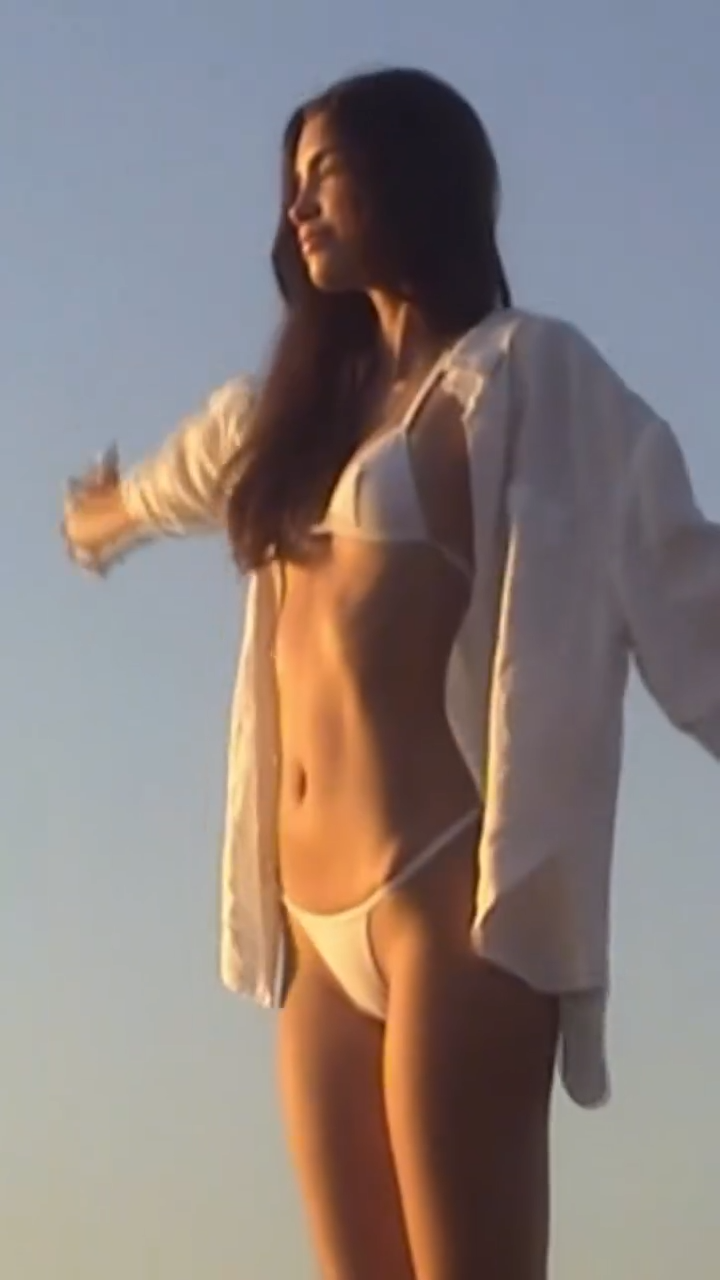
  8. Emily for Everieswim The swimwear everyone asks about. The NALA set in sea green & pastel pink!.mp4
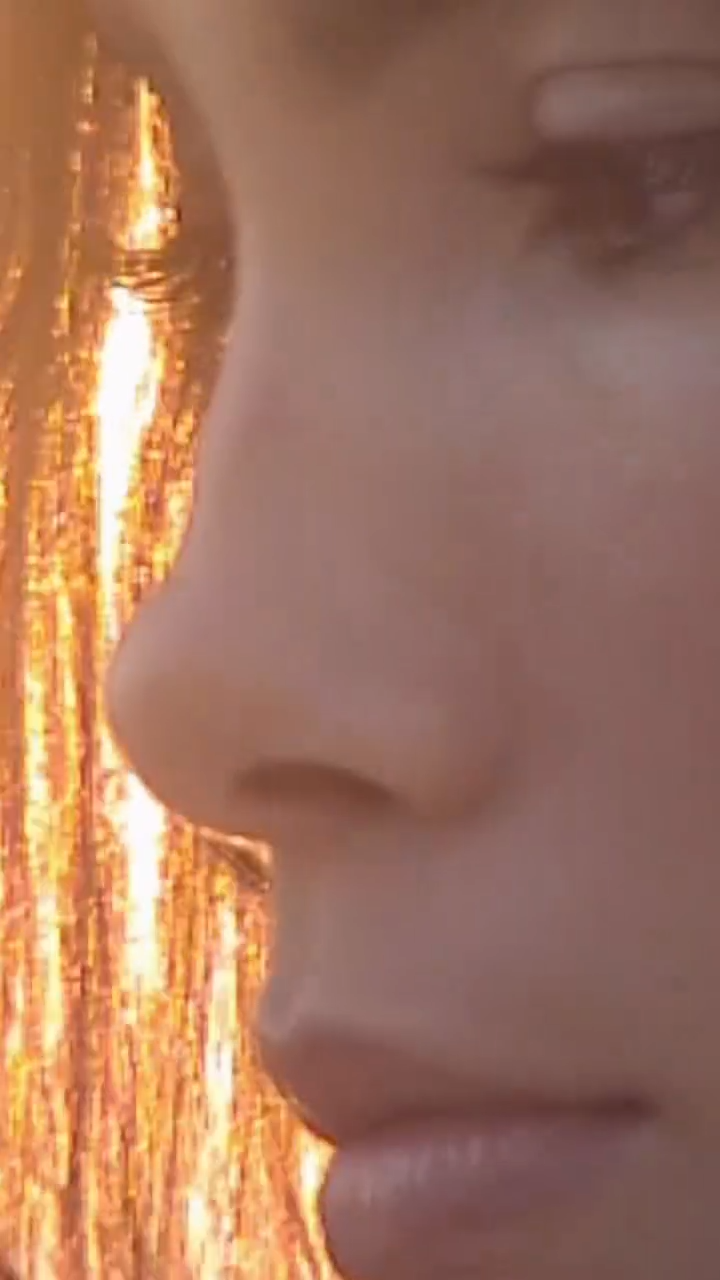
  9. Instagram Embracing my Brazilian roots with every spritz of the new #REPLICAChasingSunsets Video
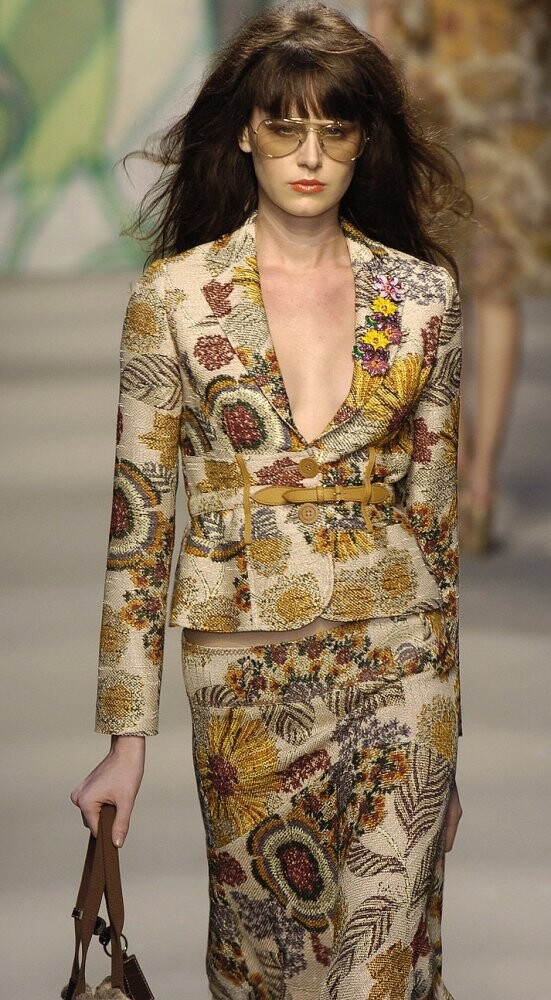
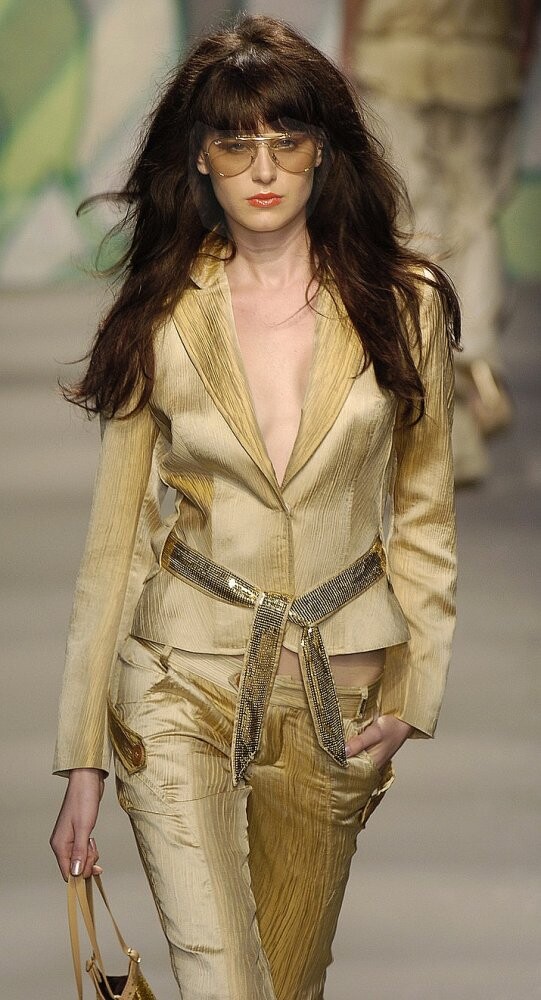
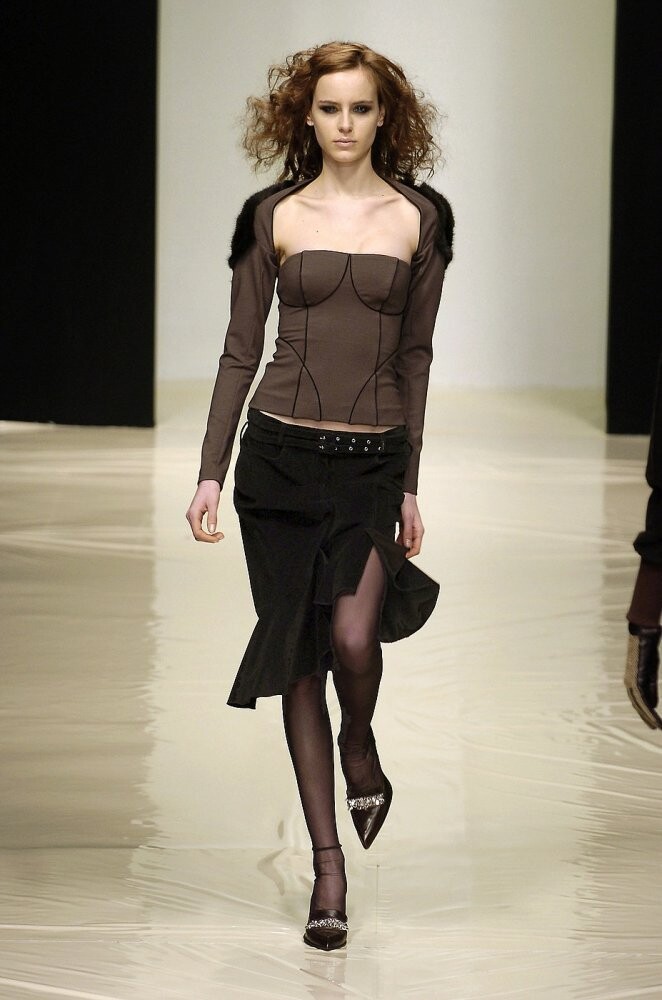
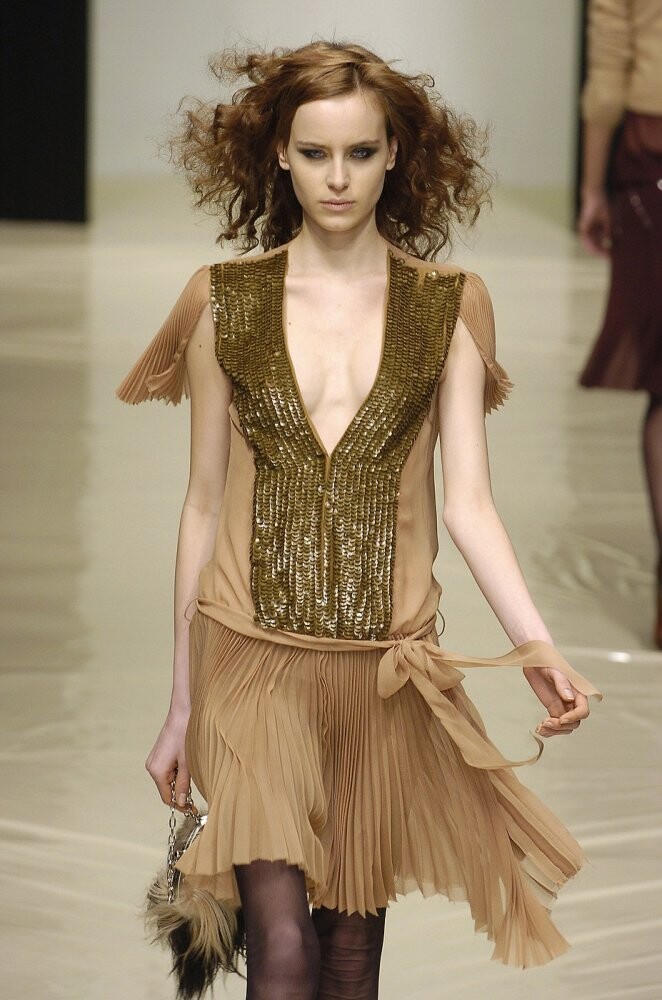
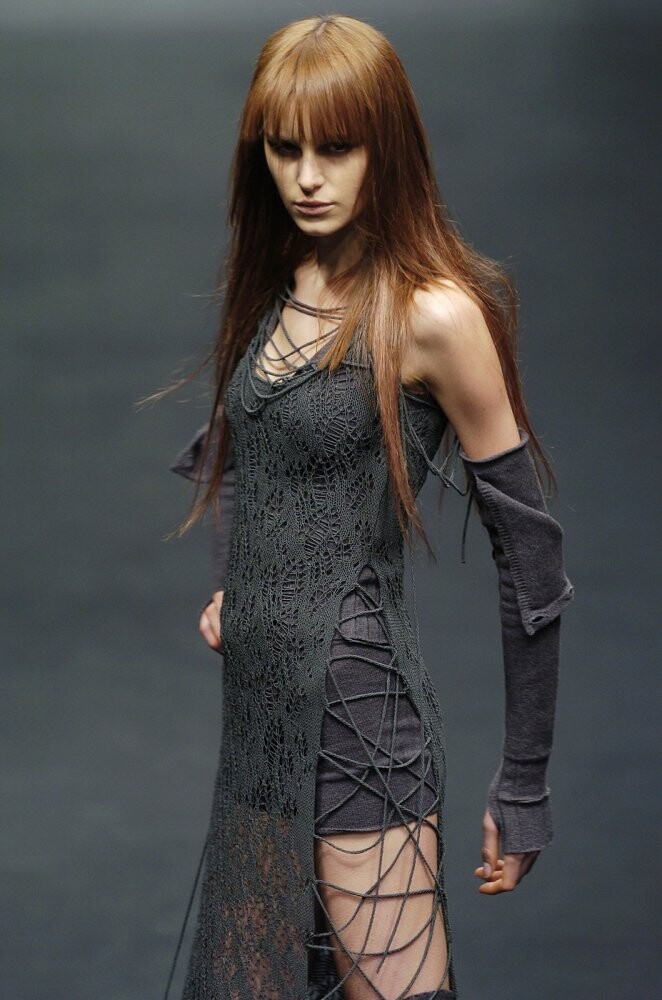
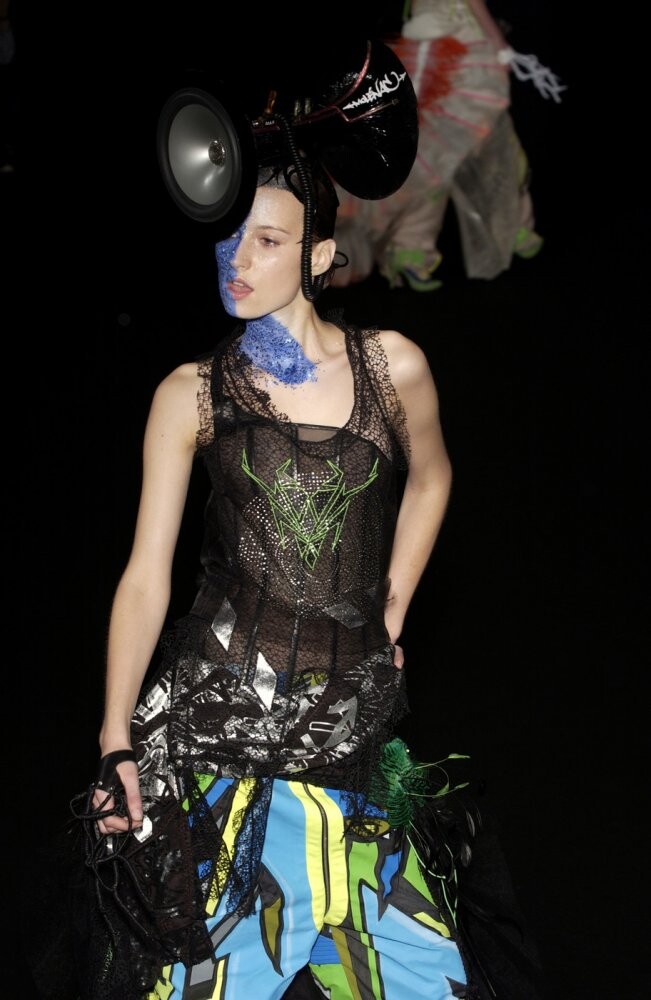
  10. alessandro de benedetti f/w 2004
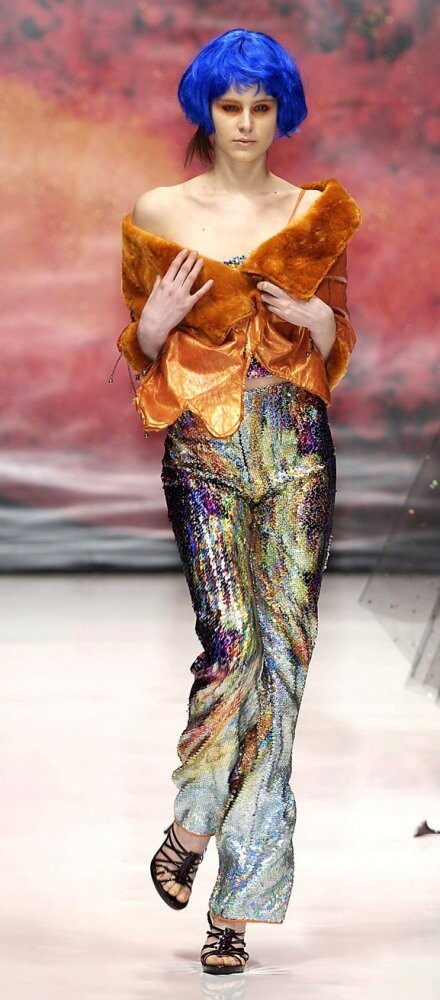
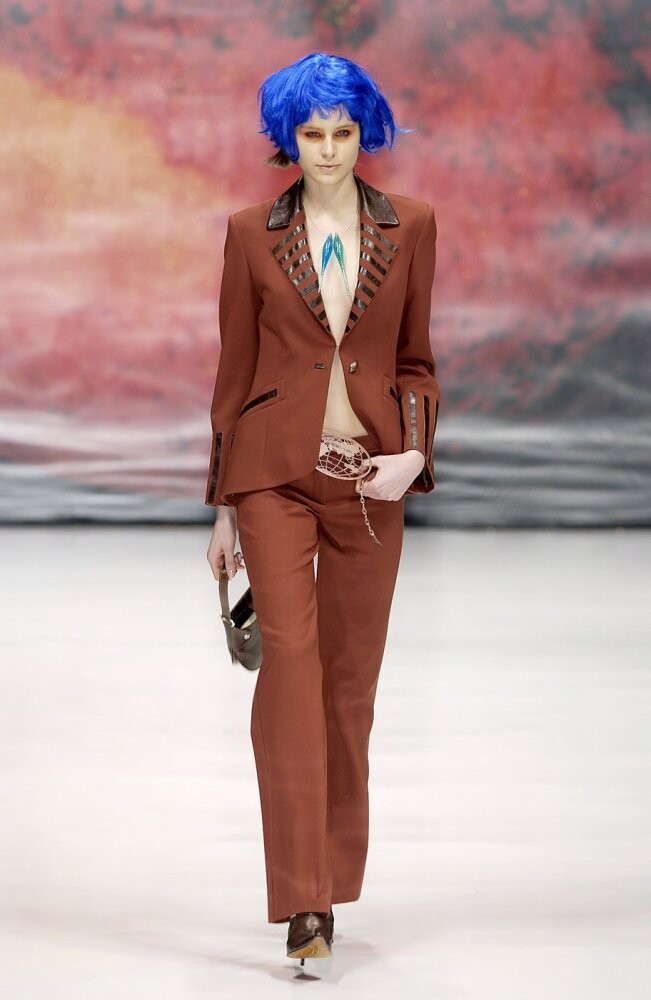
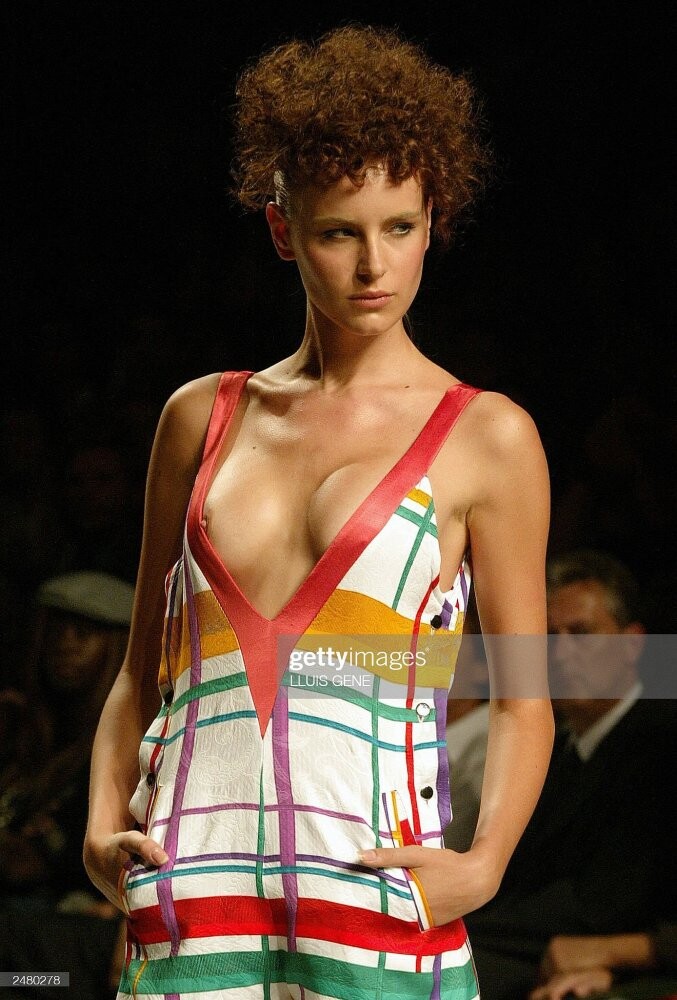
  11. TCN toton comella s/s 2004
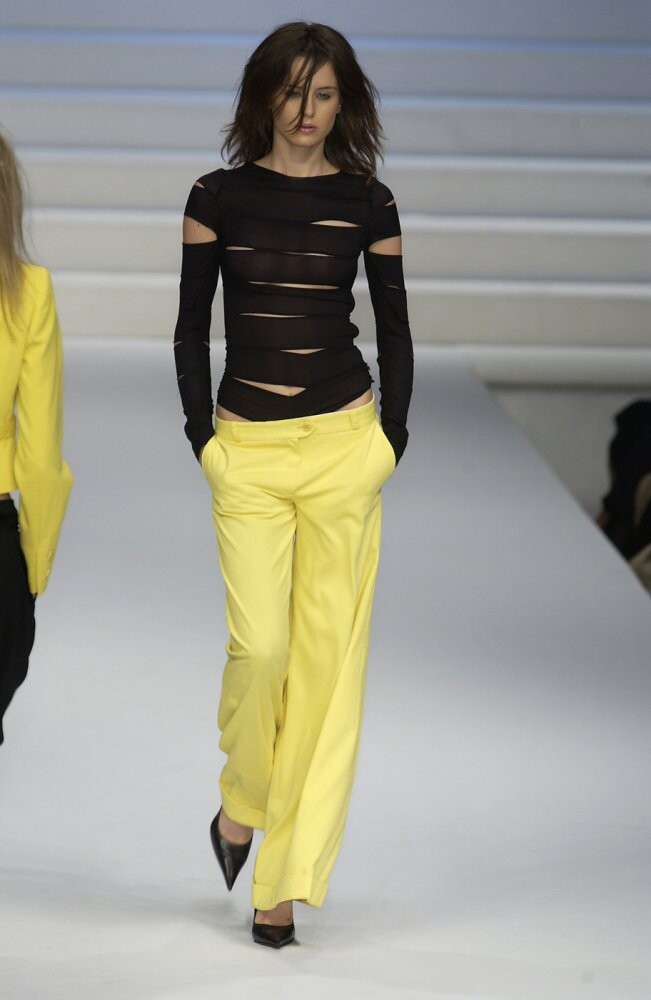
  12. frederic molenac couture f/w 2002
  13. 4 ROSE LOUWERS 3 BRITTANY HAMILTON 1 MARIA CHURCH 2 MARY ANIS 0 MARIIA DEREVIANKO

Account

Navigation

Search

Configure browser push notifications

Chrome (Android)
  1. Tap the lock icon next to the address bar.
  2. Tap Permissions → Notifications.
  3. Adjust your preference.
Chrome (Desktop)
  1. Click the padlock icon in the address bar.
  2. Select Site settings.
  3. Find Notifications and adjust your preference.