All Activity
- Past hour
-
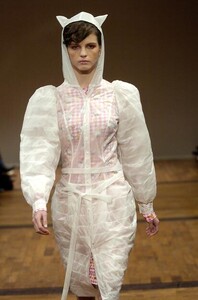
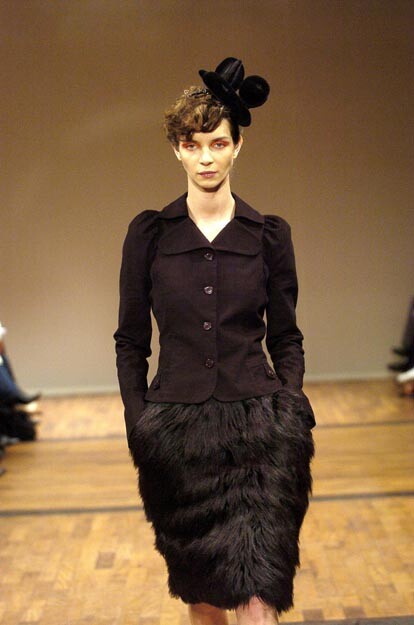
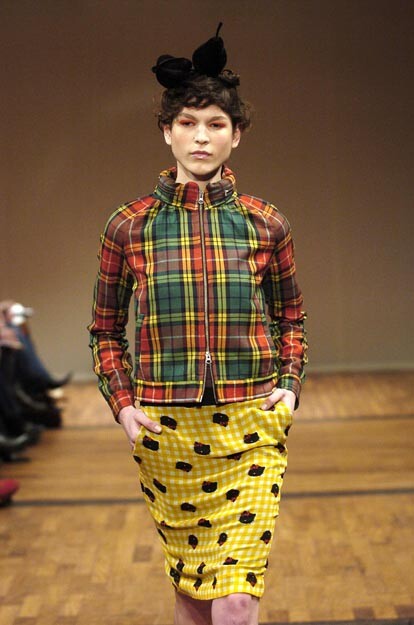
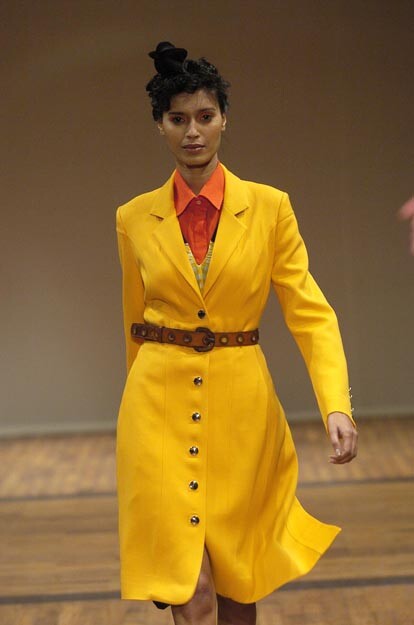
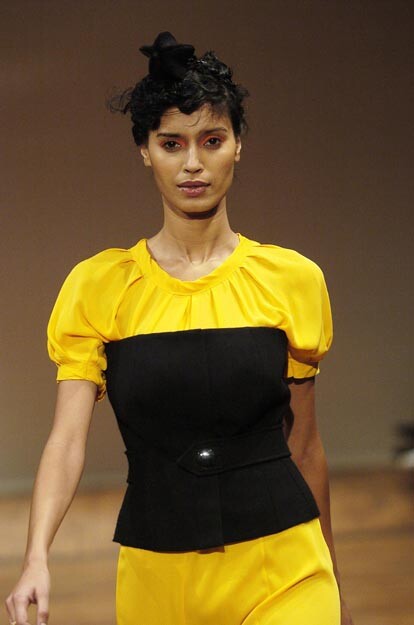
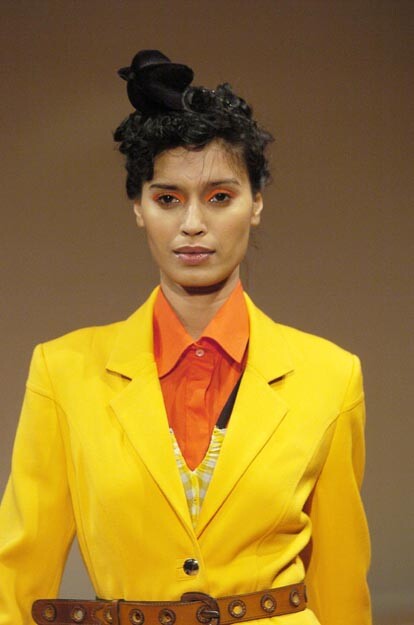
 ALEXANDRE HERCHCOVITCH SS2004
-
alexandre herchcovitch s/s 2004
-
Alexandre Herchcovitch Ss2004

-
Alexandre Herchcovitch Ss2004

-
 Solodolo777 joined the community
 -
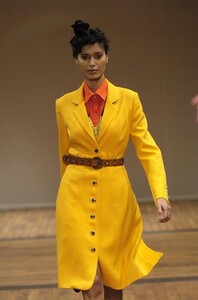
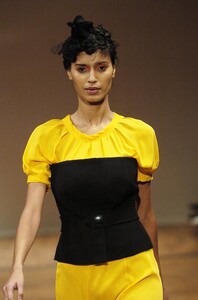
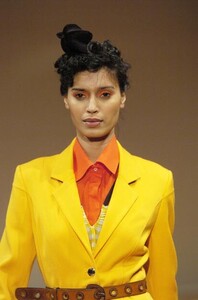
alexandre herchcovitch ss2004
-
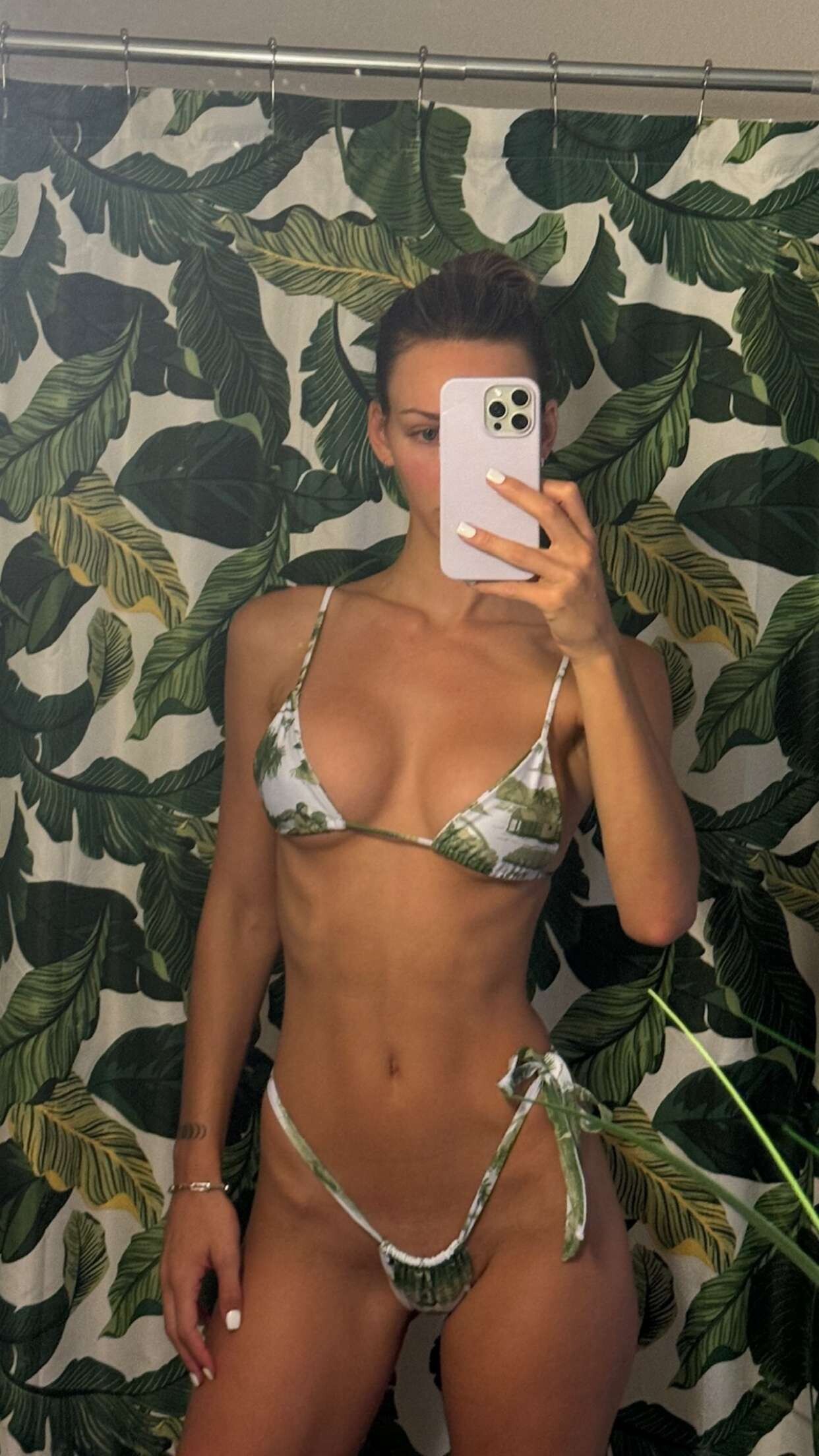
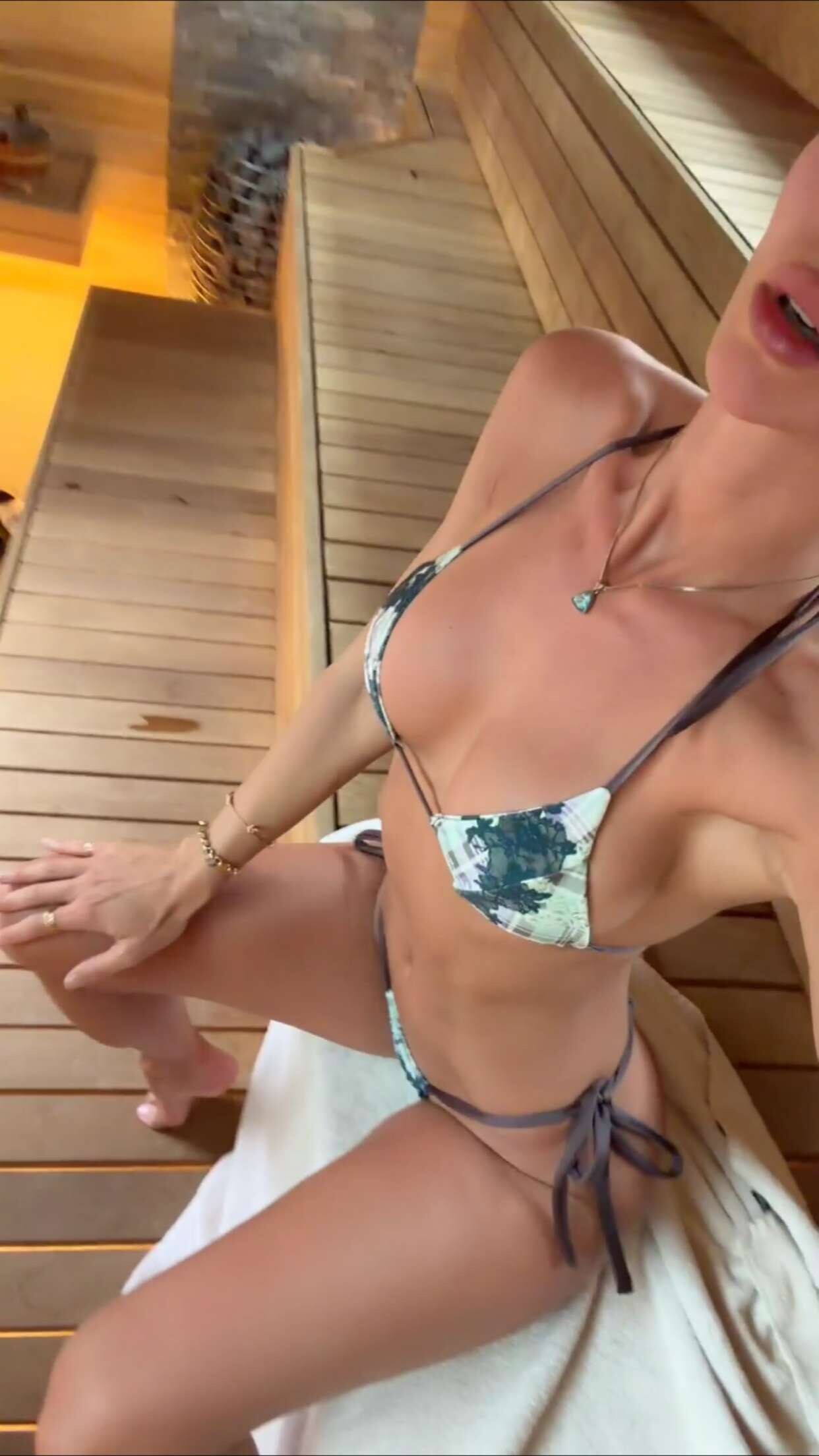
 Rachel Via Snapchat Videos





-

-

 32nd Annual Actor Awards via louisvuitton Clip
 day 2: US military claims 24 servicemen dead/wounded, 3 F-15s shot down. There is a footage of 300 million dollar US radar system getting struck as well. It looks like Iran's response is to strangle the world economy, damage the US economy and wear down the Anti-air defense systems- US patriot batteries- of countries housing the US bases. They are attacking the US bases, their supply chains, and naval assets directly. They are effecting global capital markets.
Rachel Via Instagram Videos
day 2: US military claims 24 servicemen dead/wounded, 3 F-15s shot down. There is a footage of 300 million dollar US radar system getting struck as well. It looks like Iran's response is to strangle the world economy, damage the US economy and wear down the Anti-air defense systems- US patriot batteries- of countries housing the US bases. They are attacking the US bases, their supply chains, and naval assets directly. They are effecting global capital markets.
Rachel Via Instagram Videos

 business casual - X/Twitter



 ManBat1 changed their profile photo
 MaudydeZeeuw joined the community
dior s/s 2002
MaudydeZeeuw joined the community
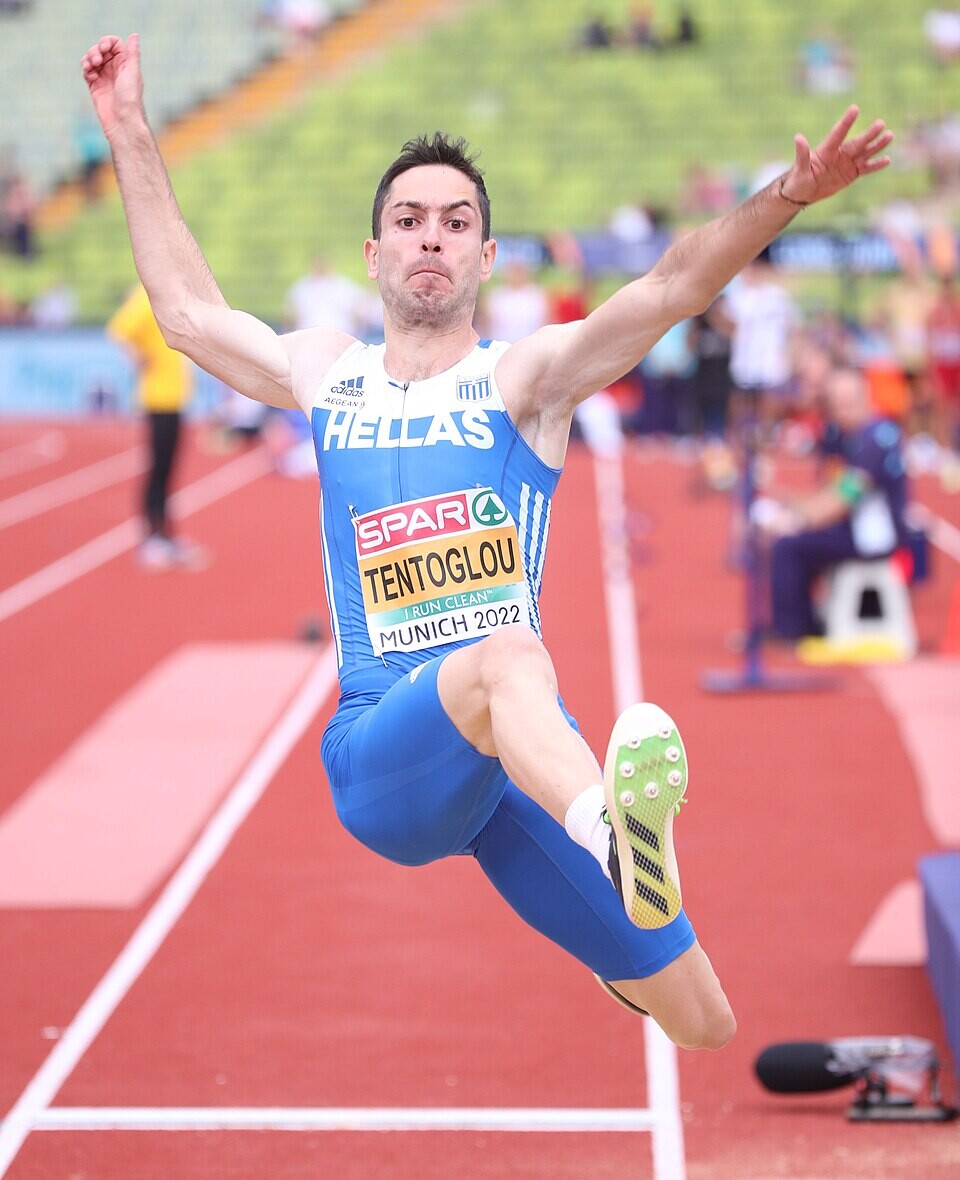
dior s/s 2002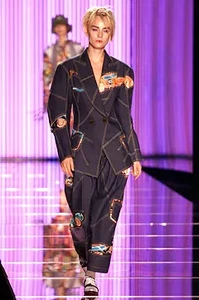 Miltiadis Tentoglou Birthday: March 18, 1998 Birthplace: Grevena, Greece Greek long jumper who is a 2-time Olympic champion. His personal best is 8.65m.
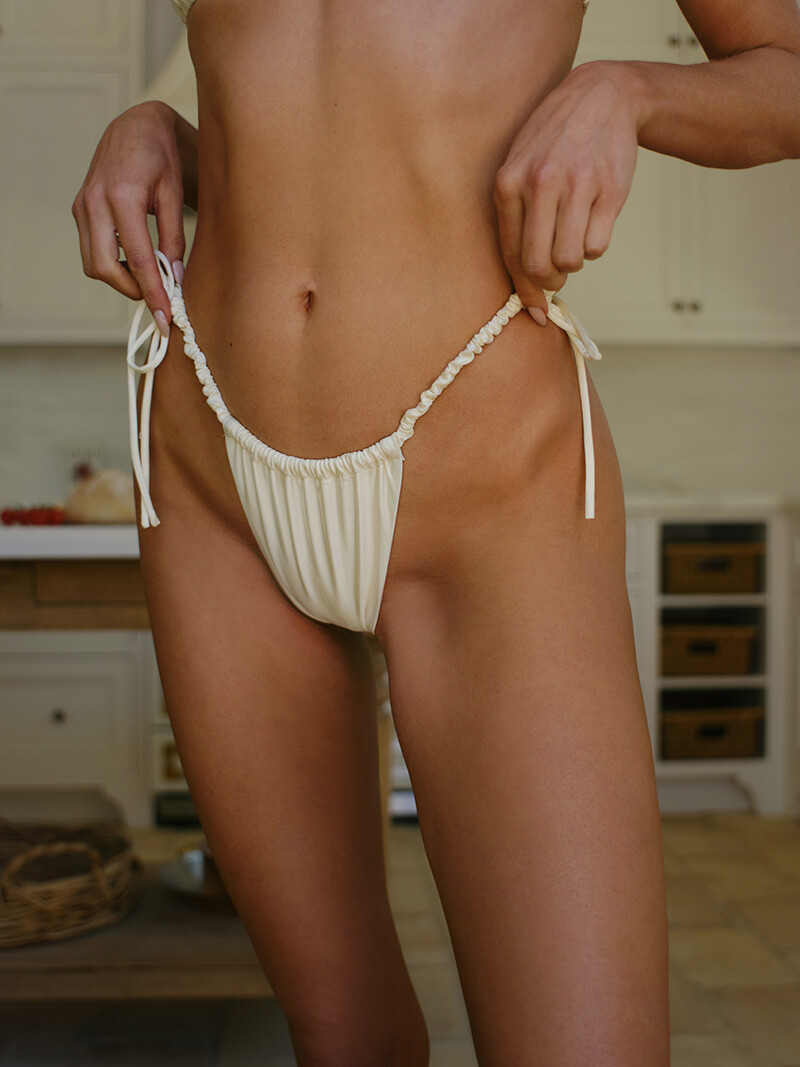
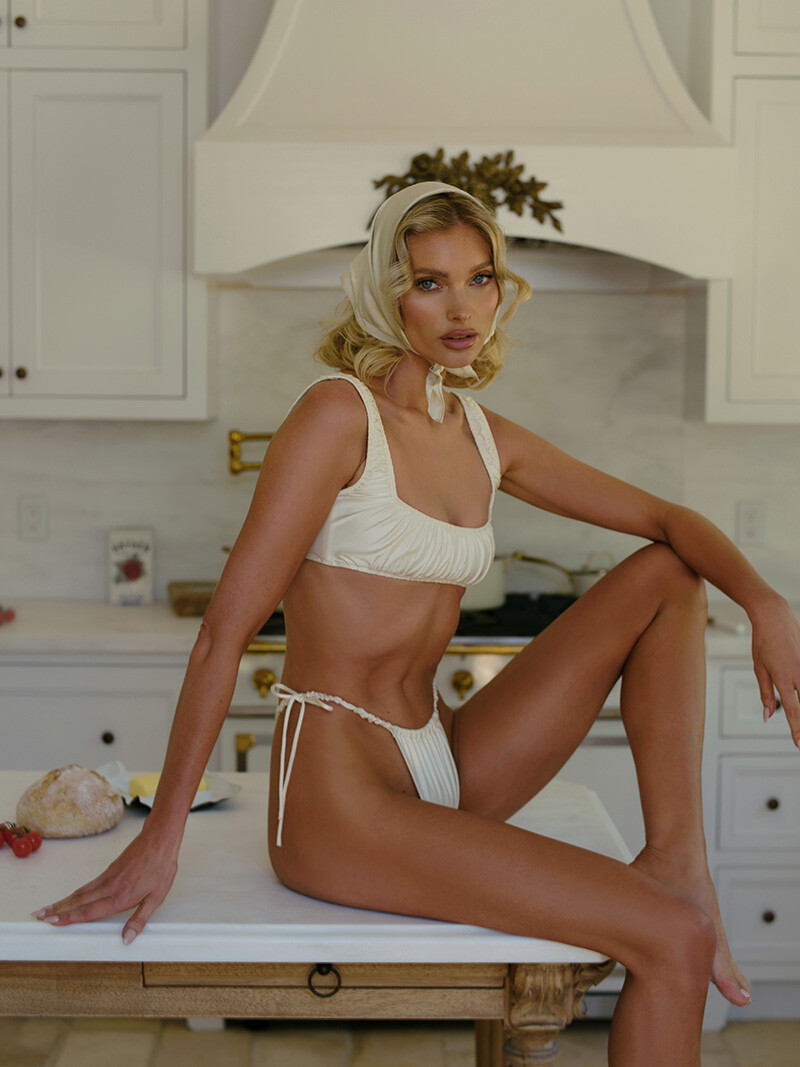
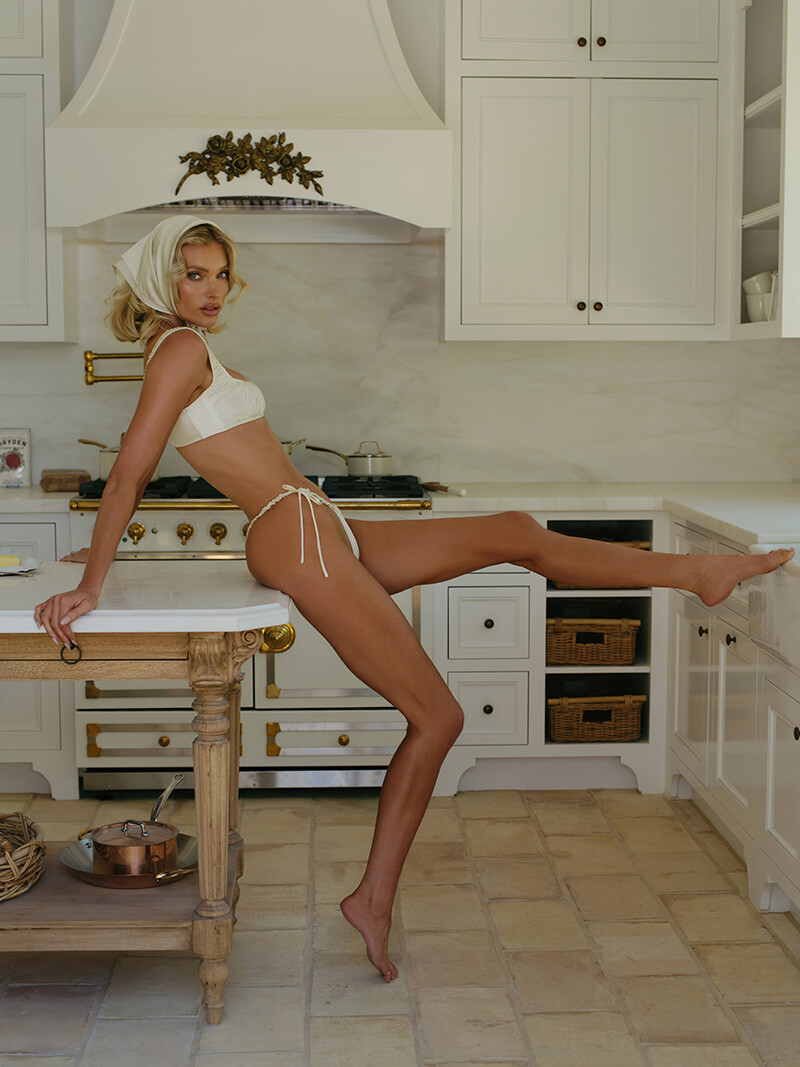
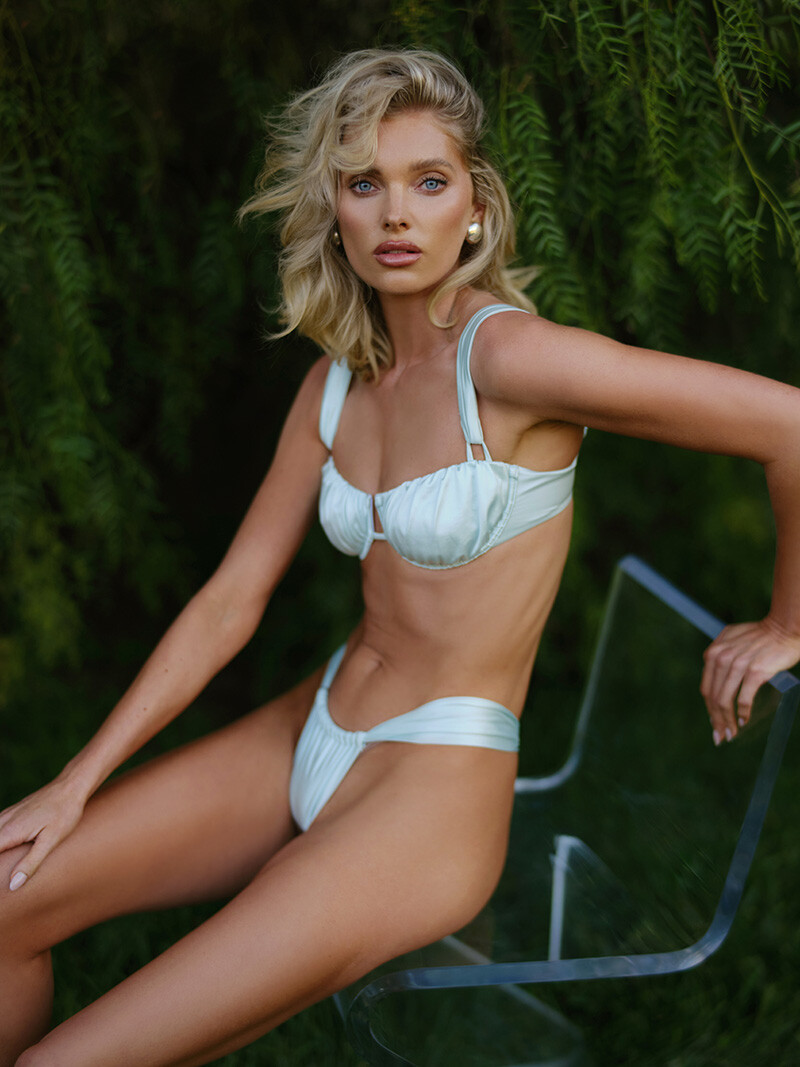
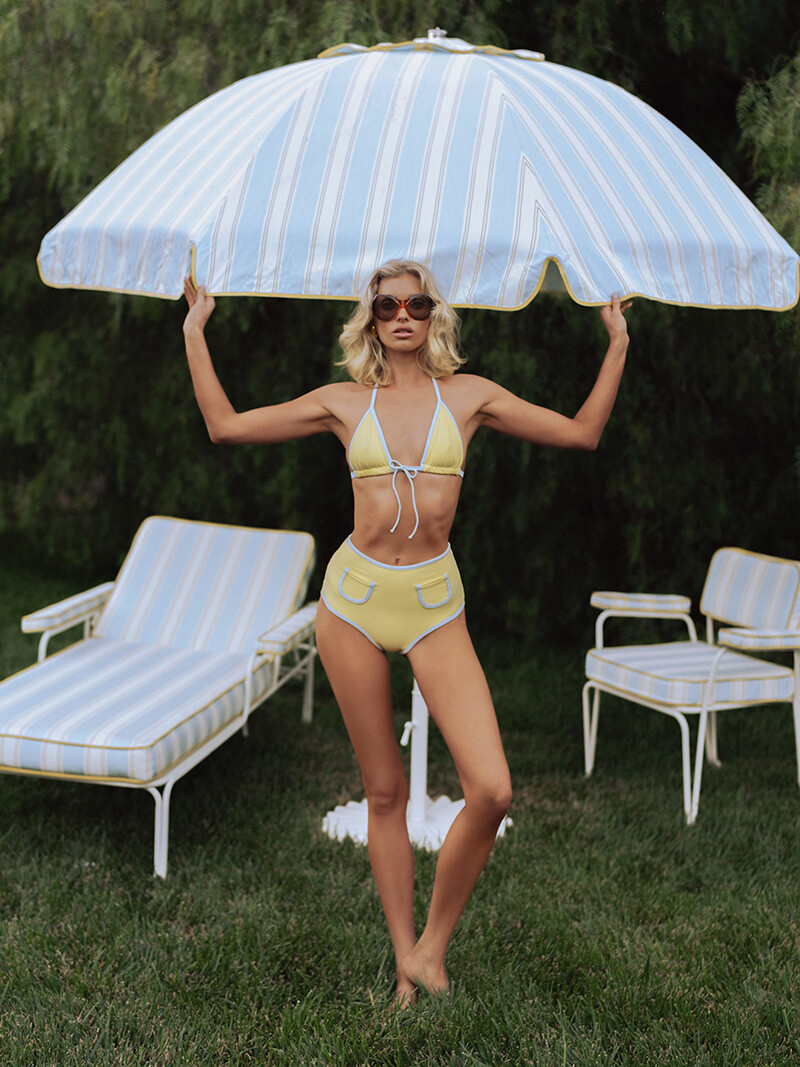
 montce x Elsa Hosk

















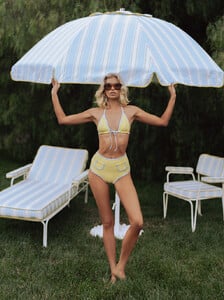


 She’s beautiful! ❤️
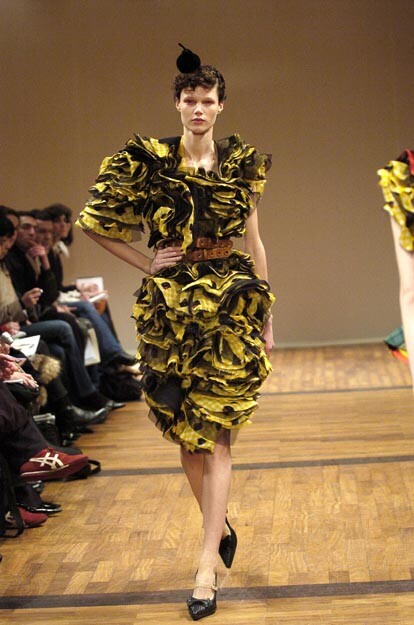
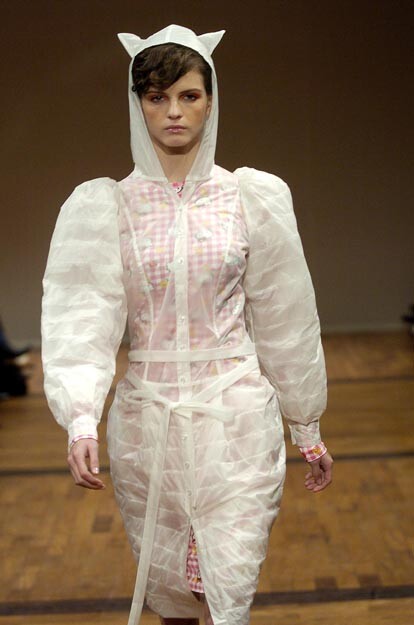
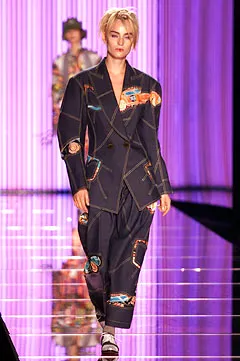
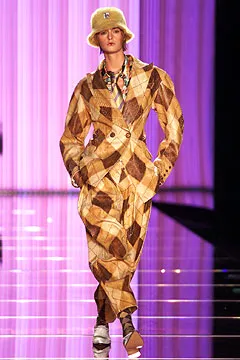
john galliano ss2002
She’s beautiful! ❤️
john galliano ss2002















































Account
Navigation
Search
Configure browser push notifications
Chrome (Android)
- Tap the lock icon next to the address bar.
- Tap Permissions → Notifications.
- Adjust your preference.
Chrome (Desktop)
- Click the padlock icon in the address bar.
- Select Site settings.
- Find Notifications and adjust your preference.
Safari (iOS 16.4+)
- Ensure the site is installed via Add to Home Screen.
- Open Settings App → Notifications.
- Find your app name and adjust your preference.
Safari (macOS)
- Go to Safari → Preferences.
- Click the Websites tab.
- Select Notifications in the sidebar.
- Find this website and adjust your preference.
Edge (Android)
- Tap the lock icon next to the address bar.
- Tap Permissions.
- Find Notifications and adjust your preference.
Edge (Desktop)
- Click the padlock icon in the address bar.
- Click Permissions for this site.
- Find Notifications and adjust your preference.
Firefox (Android)
- Go to Settings → Site permissions.
- Tap Notifications.
- Find this site in the list and adjust your preference.
Firefox (Desktop)
- Open Firefox Settings.
- Search for Notifications.
- Find this site in the list and adjust your preference.