All Activity
- Past hour
-

-






 Vanguard Building Services joined the community


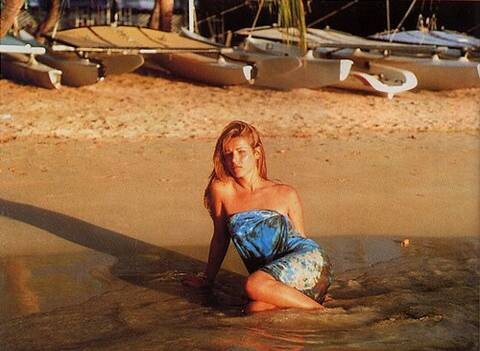
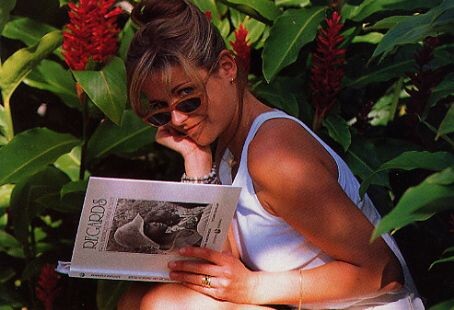
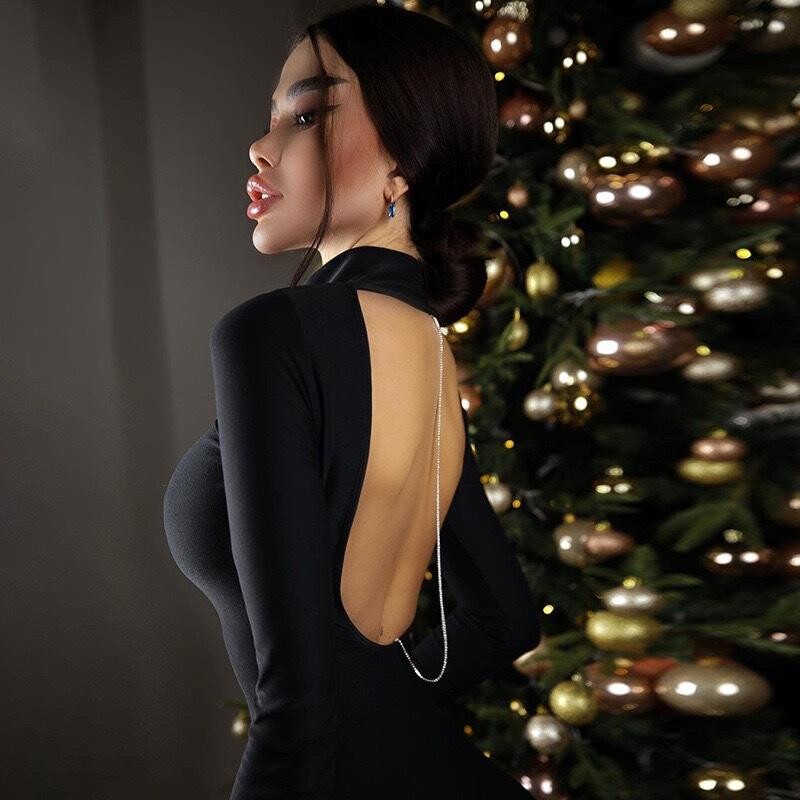
 Left Hannelore Knuts and Lisa Ratliffe / Right Lisa Ratliffe That is Natasha Poly, guys. @parisienne @Justine Lisa Ratliffe again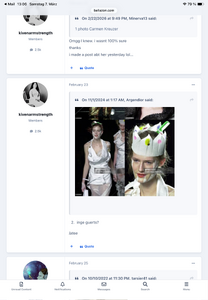
- Today
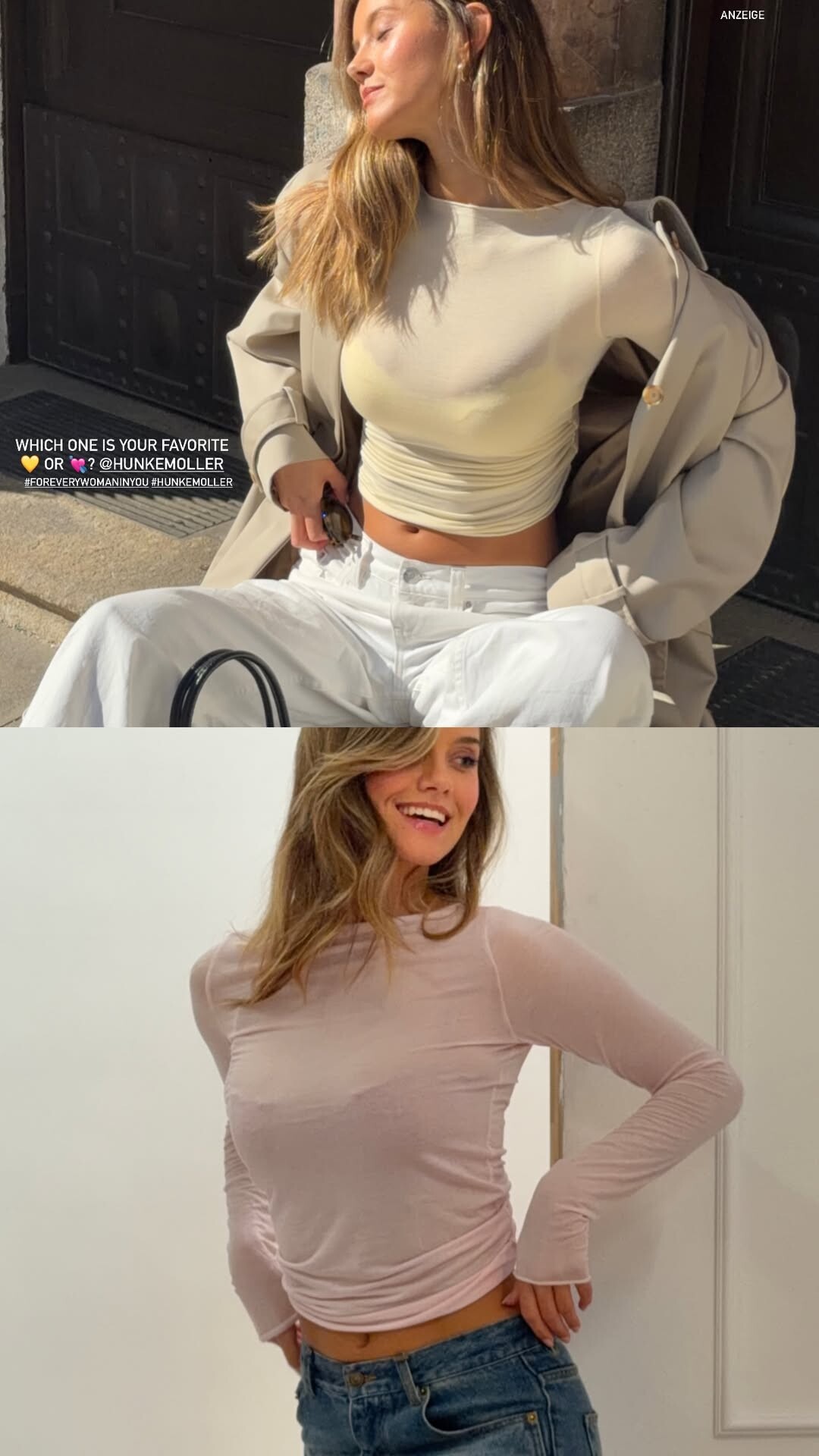
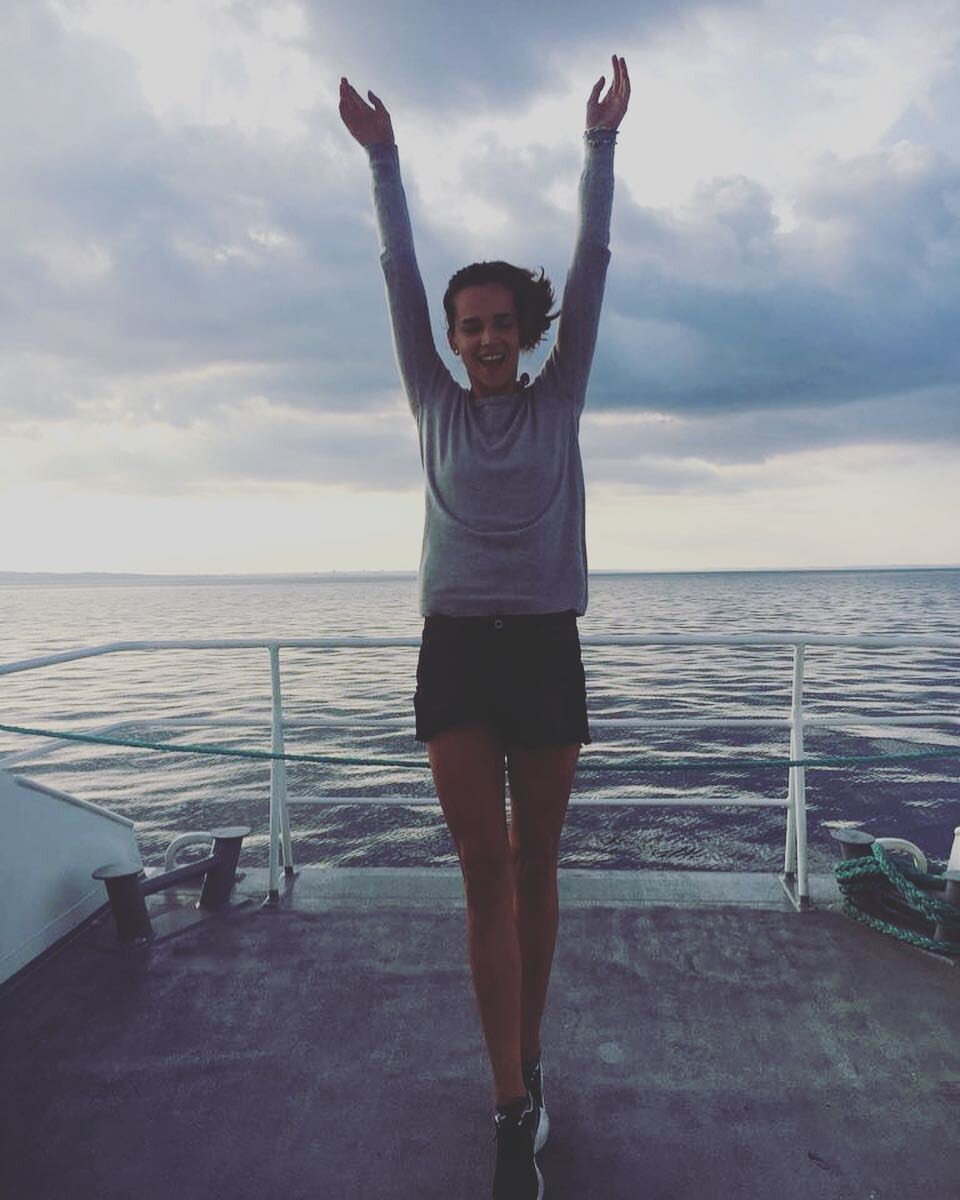
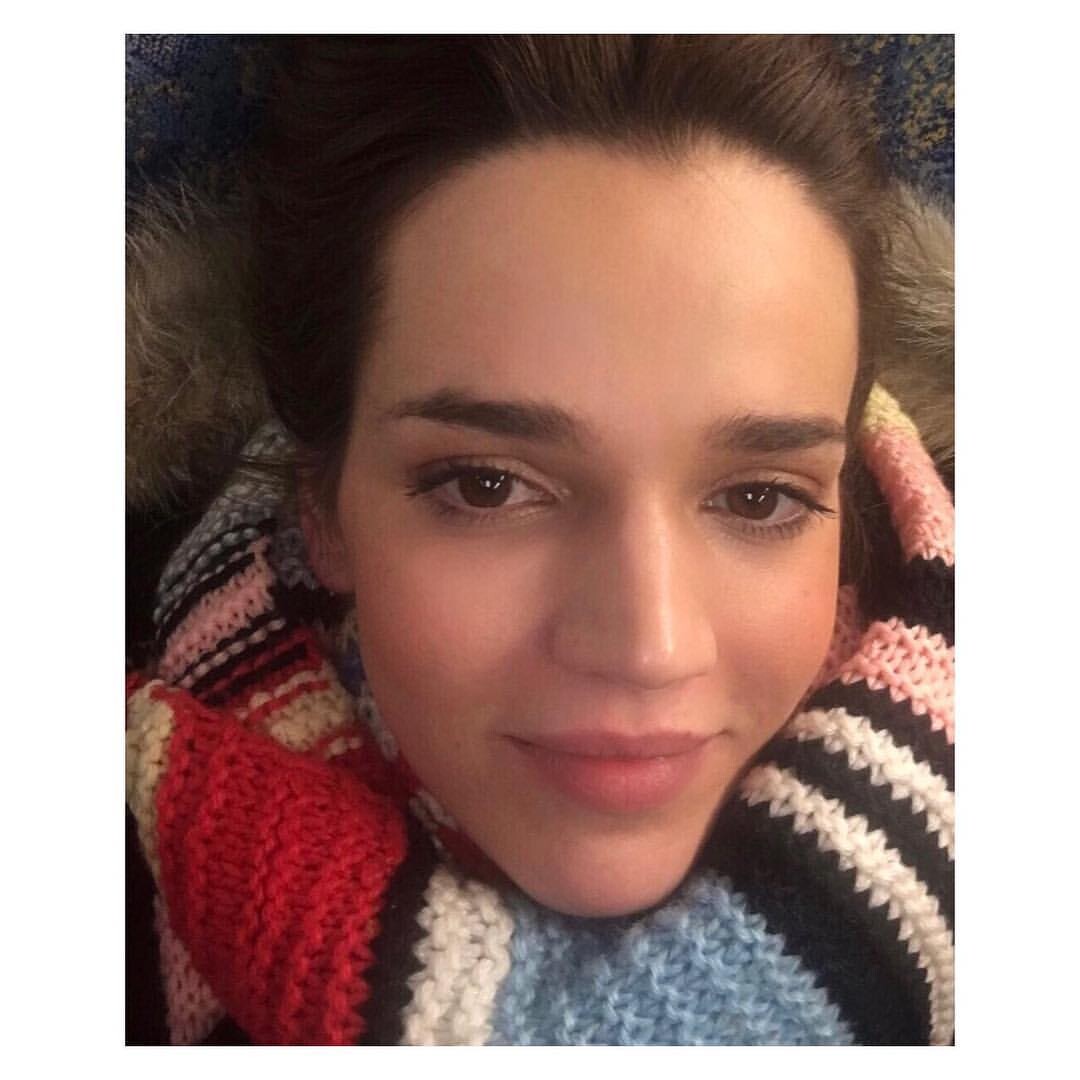
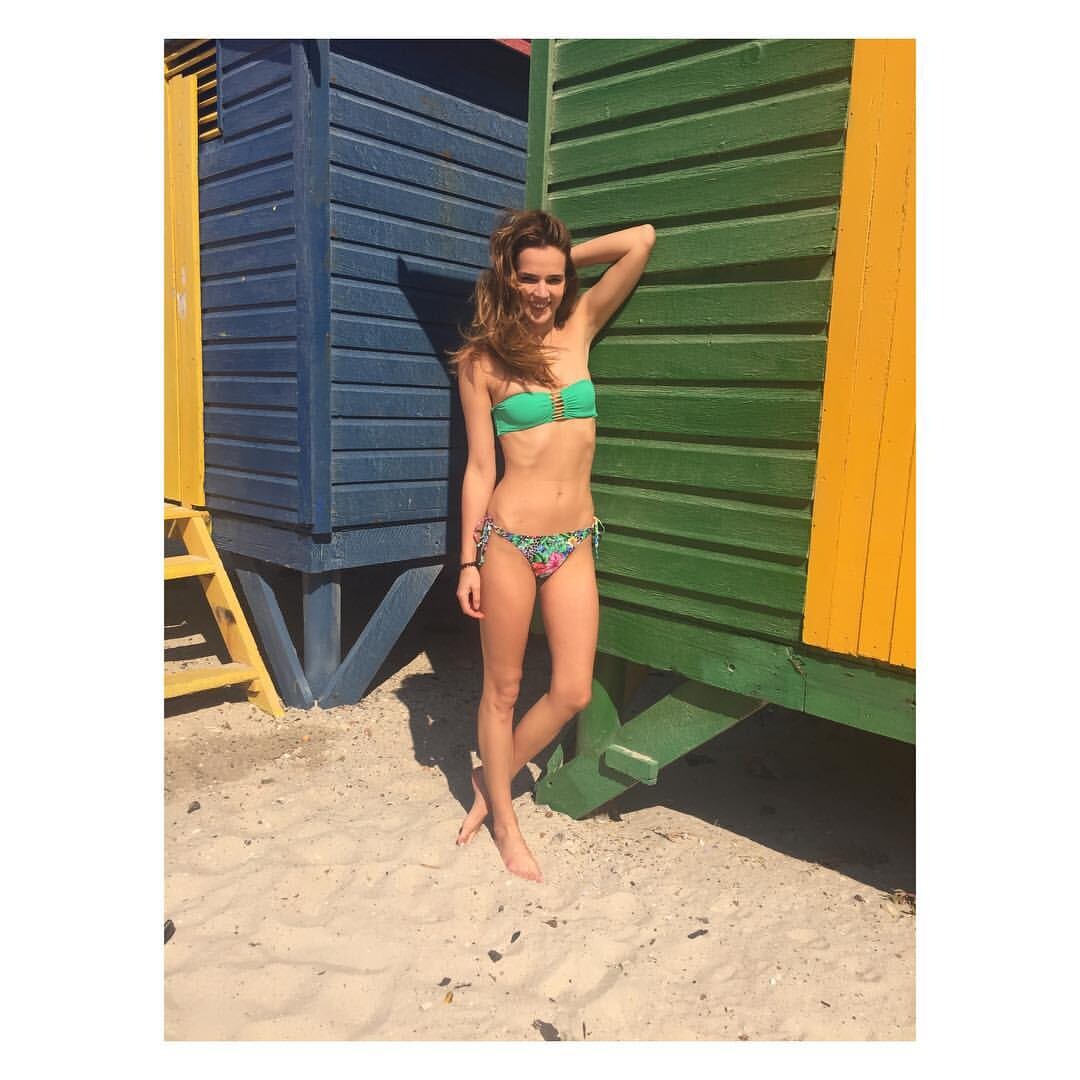
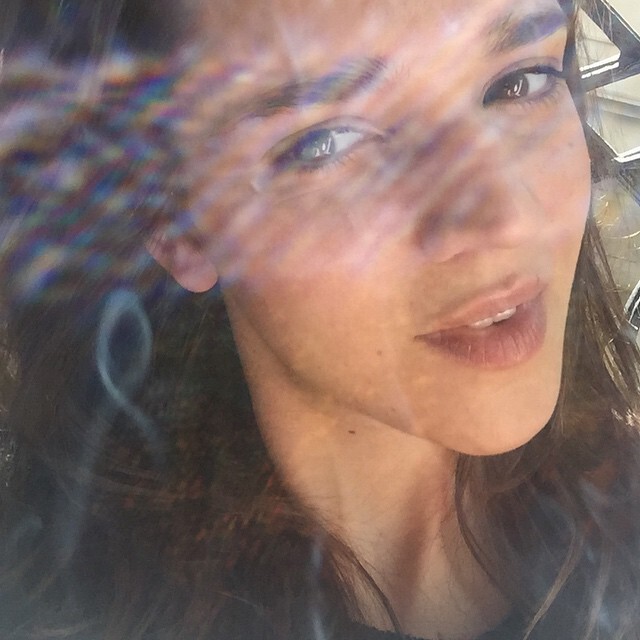
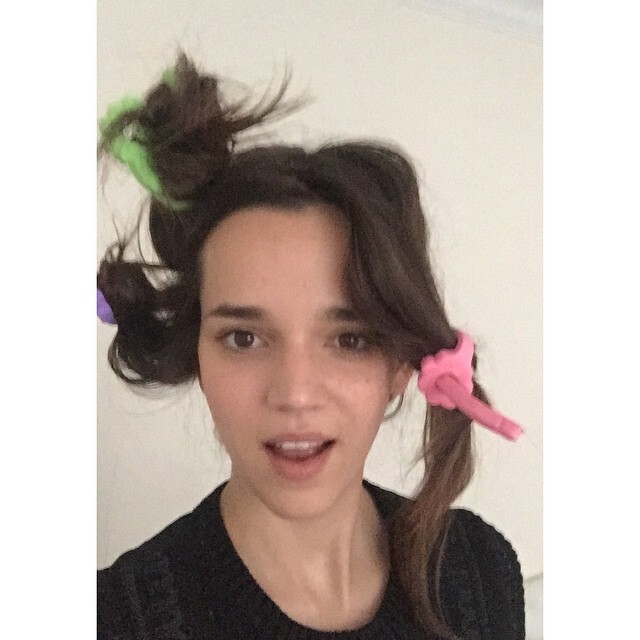
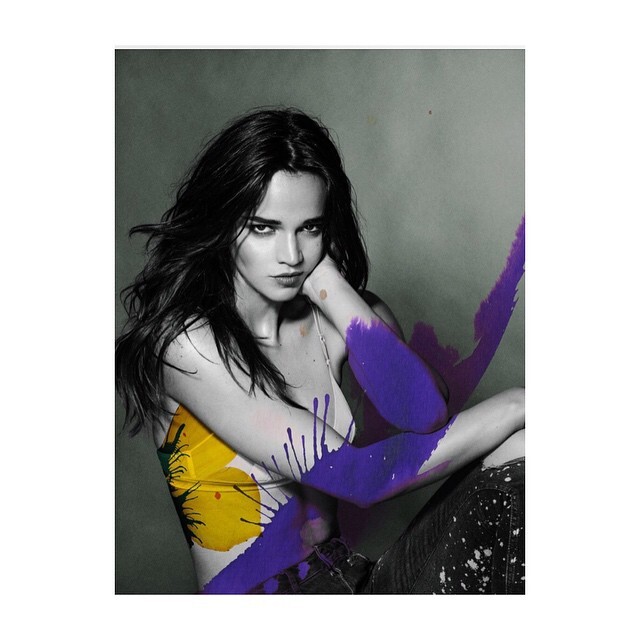
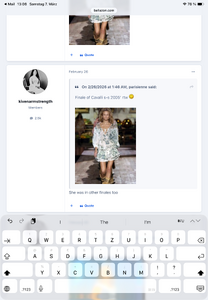
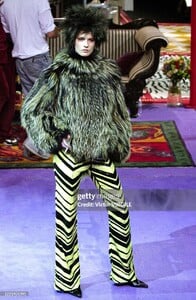
On the 1st two pics is Molly Pepper and indeed it is Rothen on the last pic.
https://www.nytimes.com/2026/03/04/arts/television/outlander-scotland.html
Anna Davolio
When is the story set? JLaw looks uhm old-fashioned lol

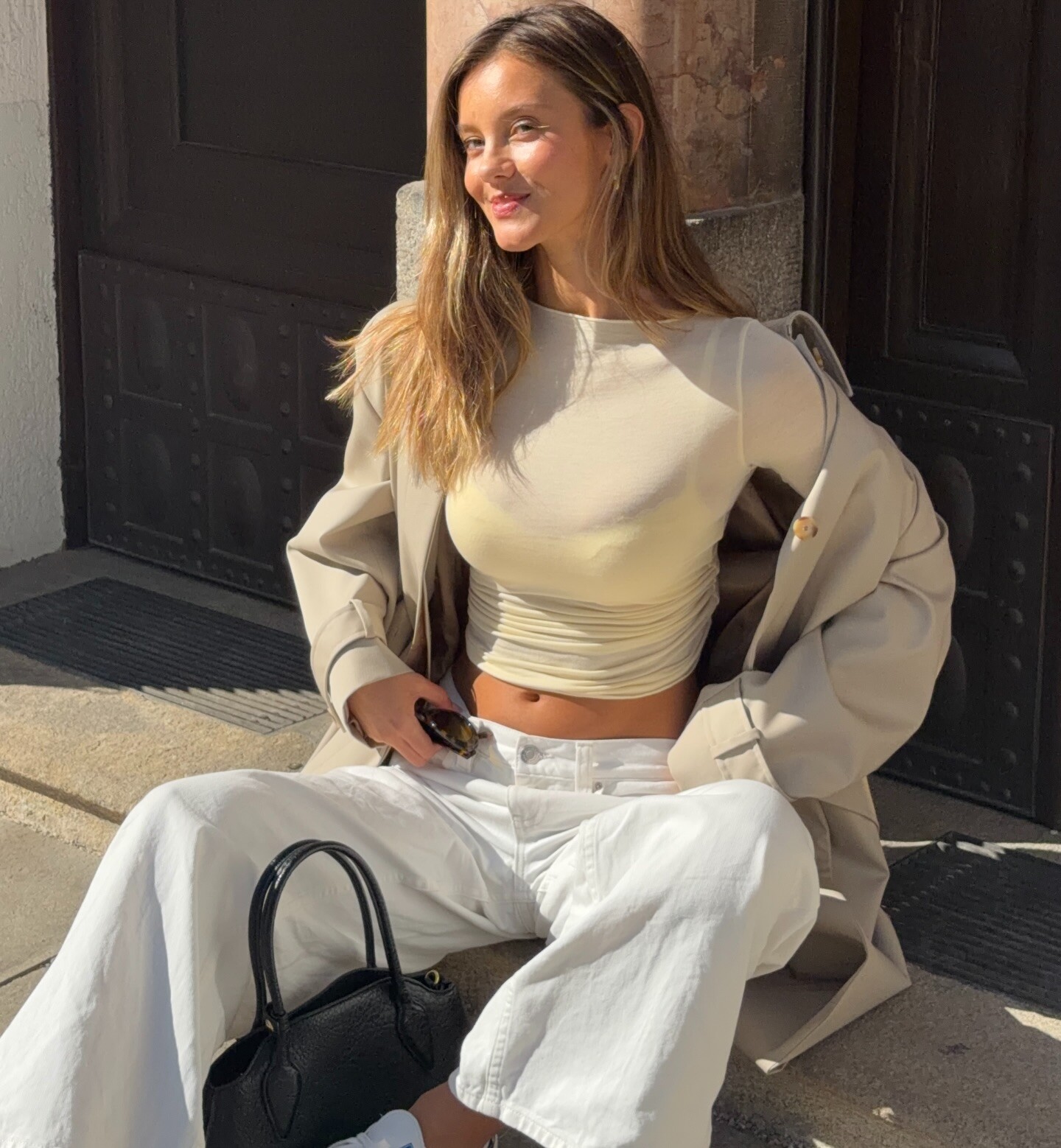
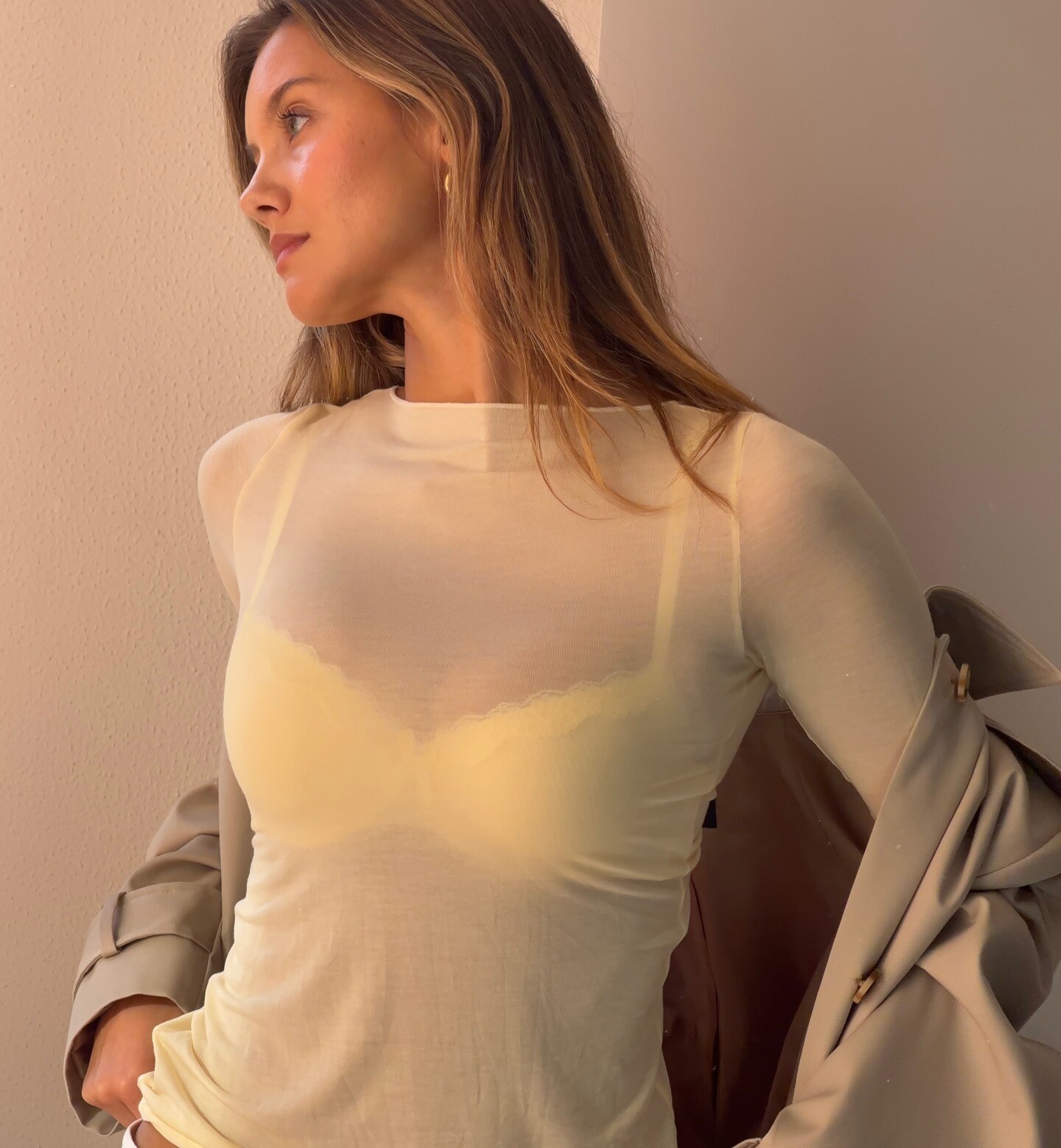
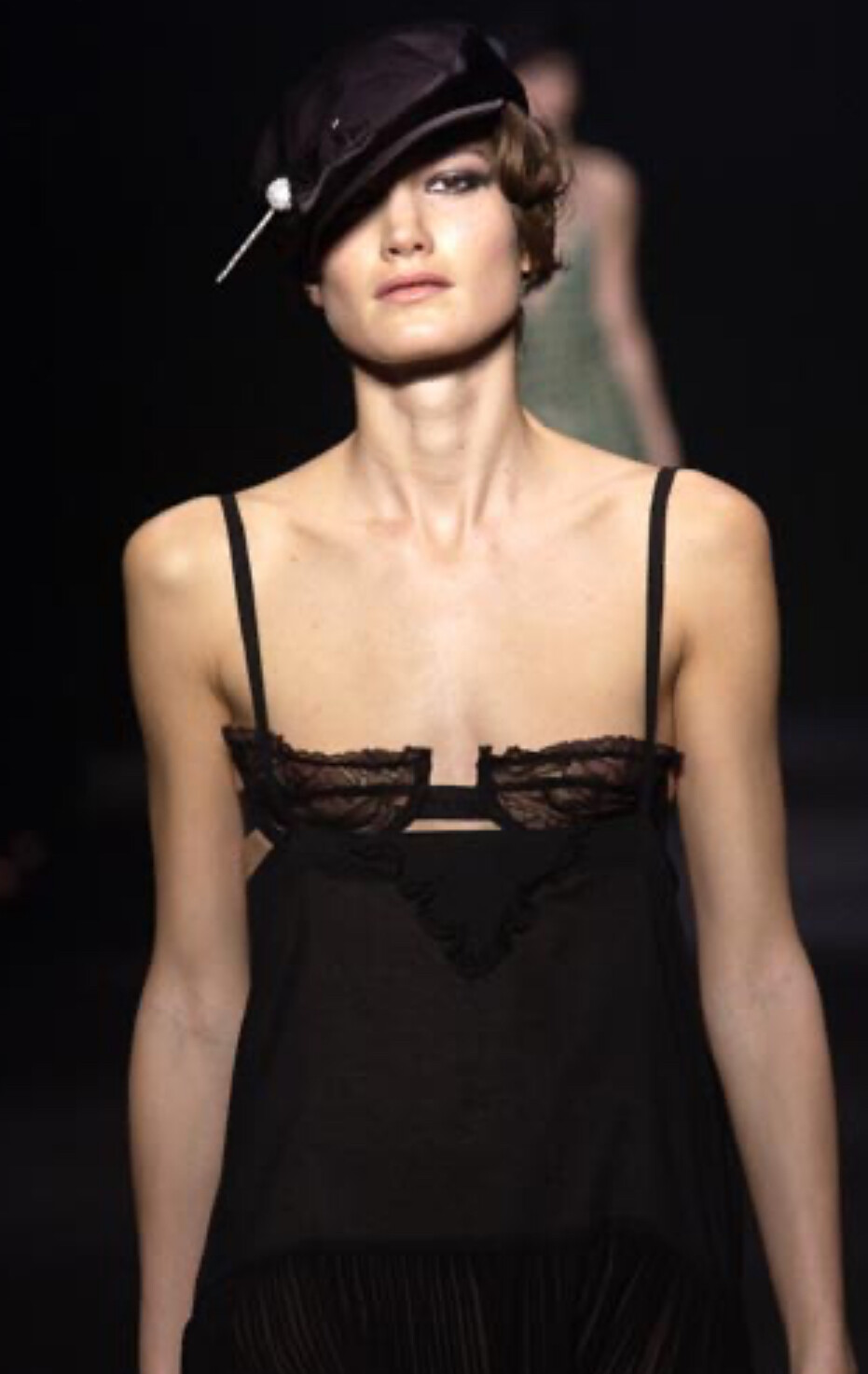
 sonia rykiel s/s 2004, not sure if this is sarah seewar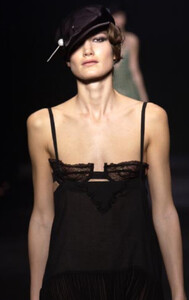
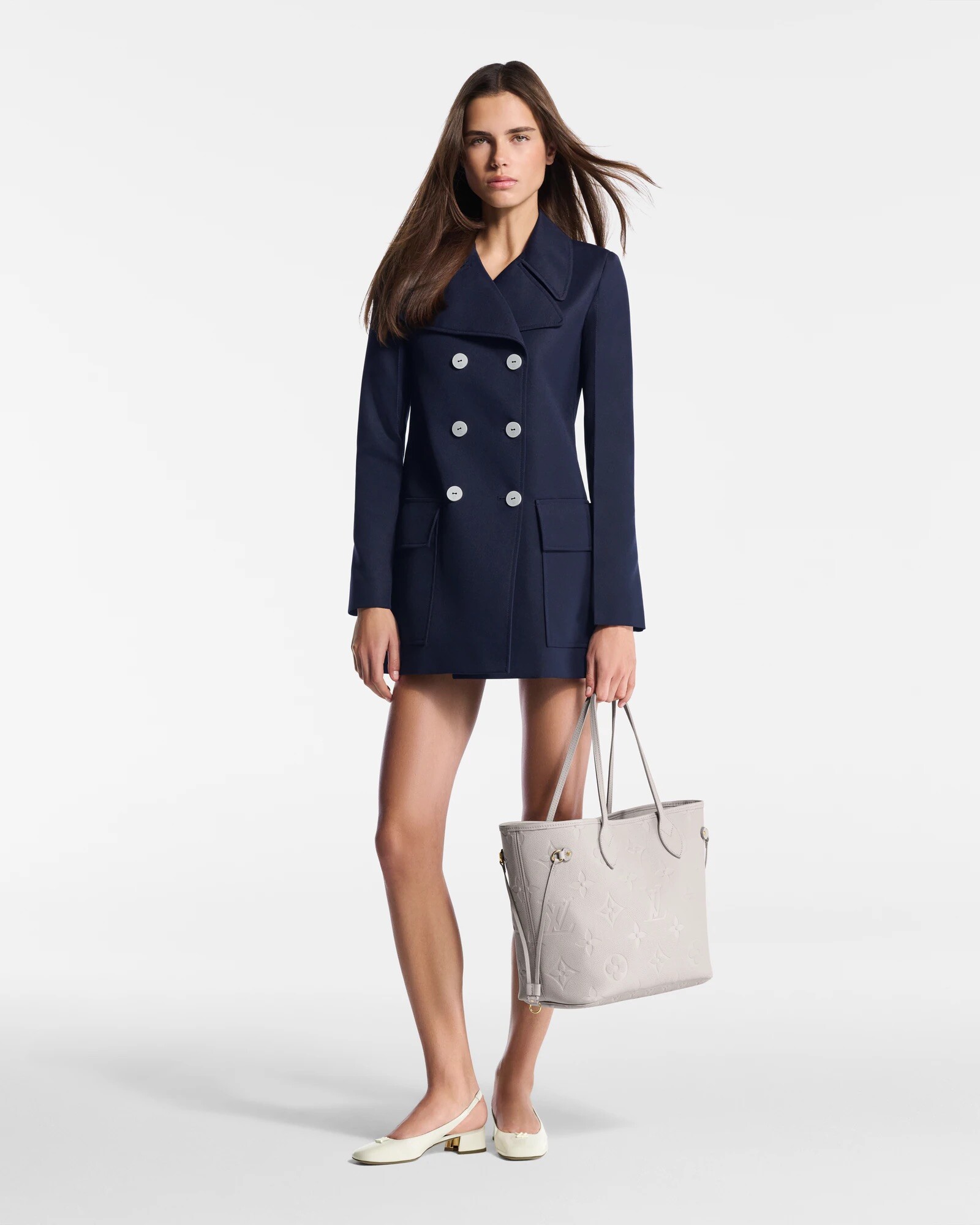
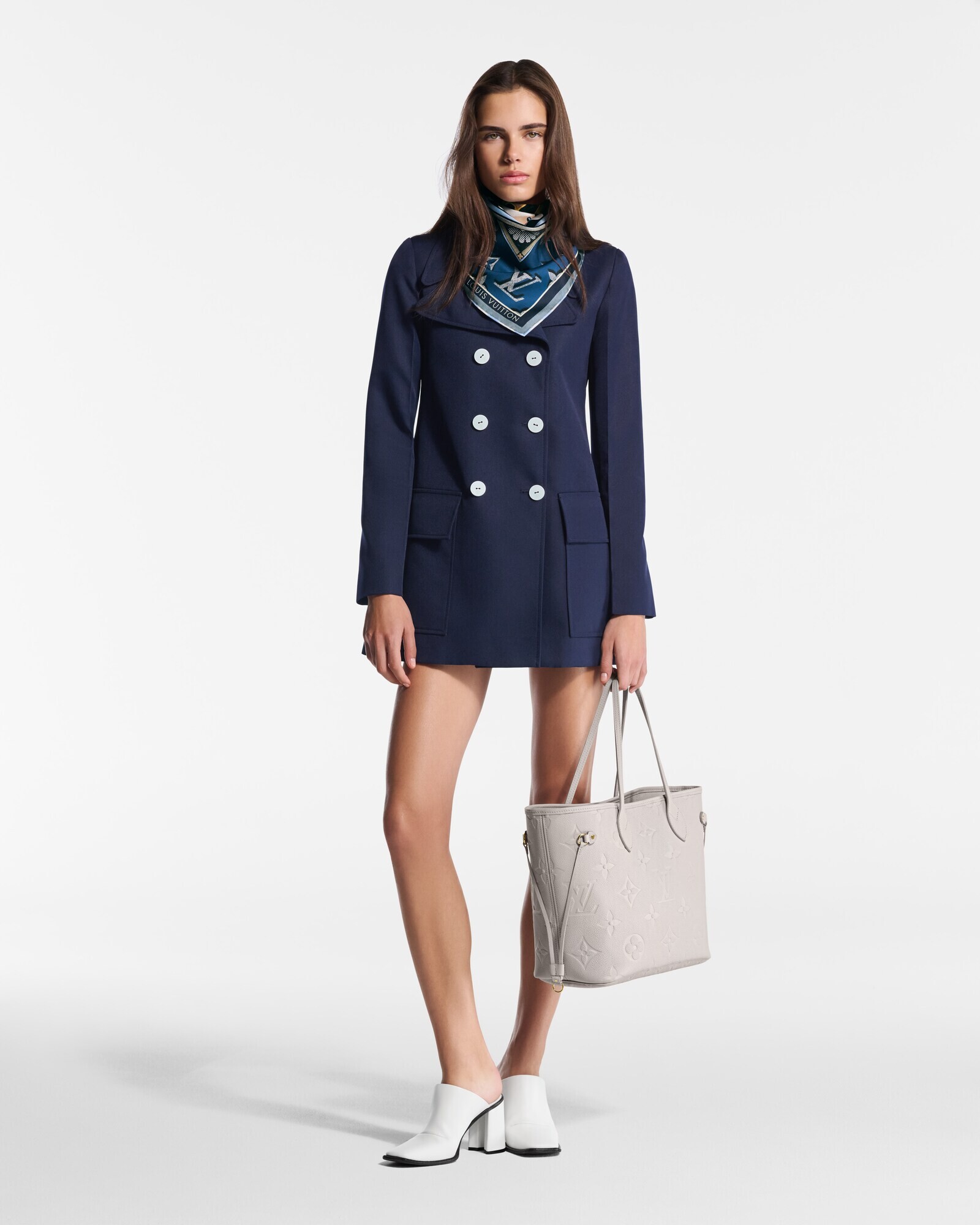
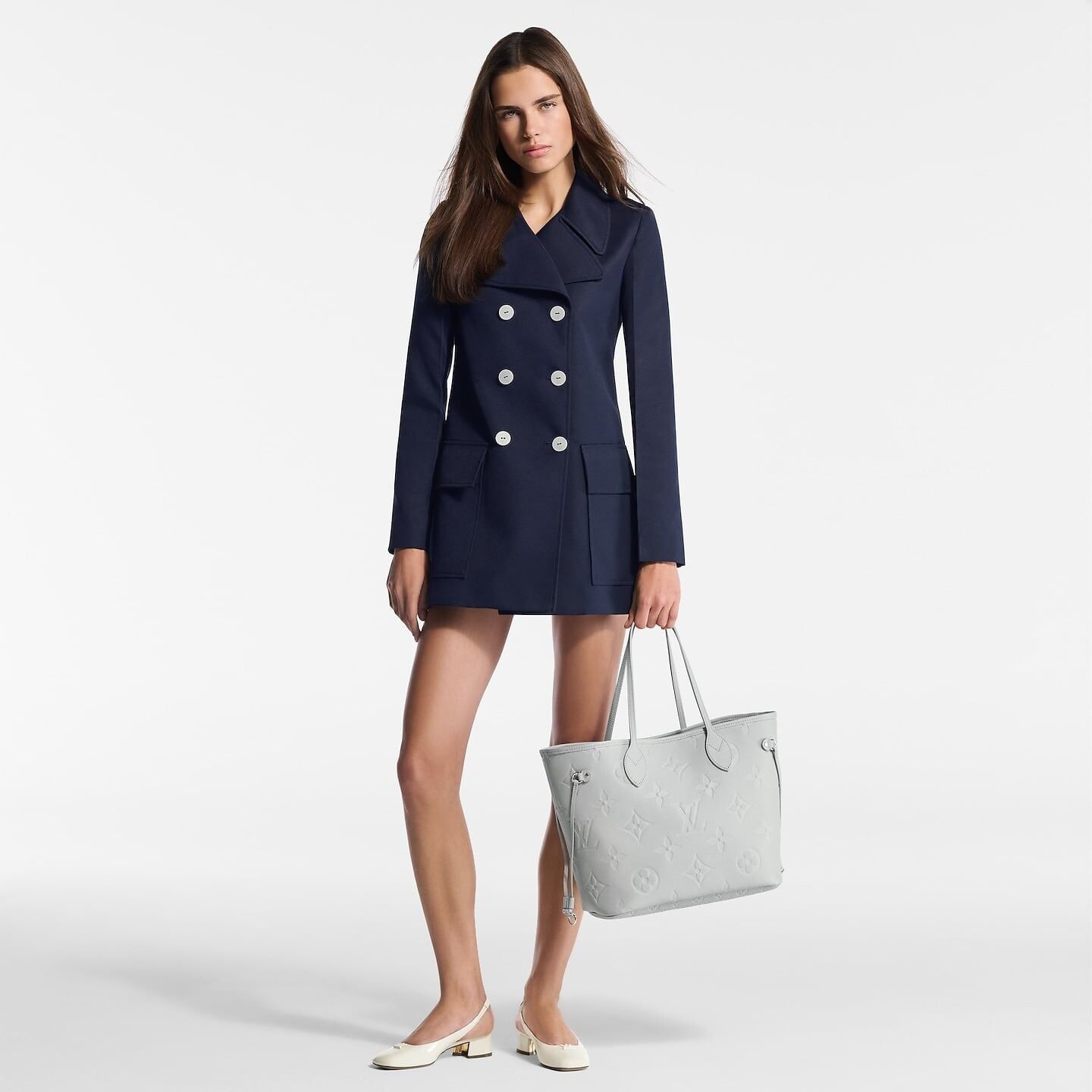
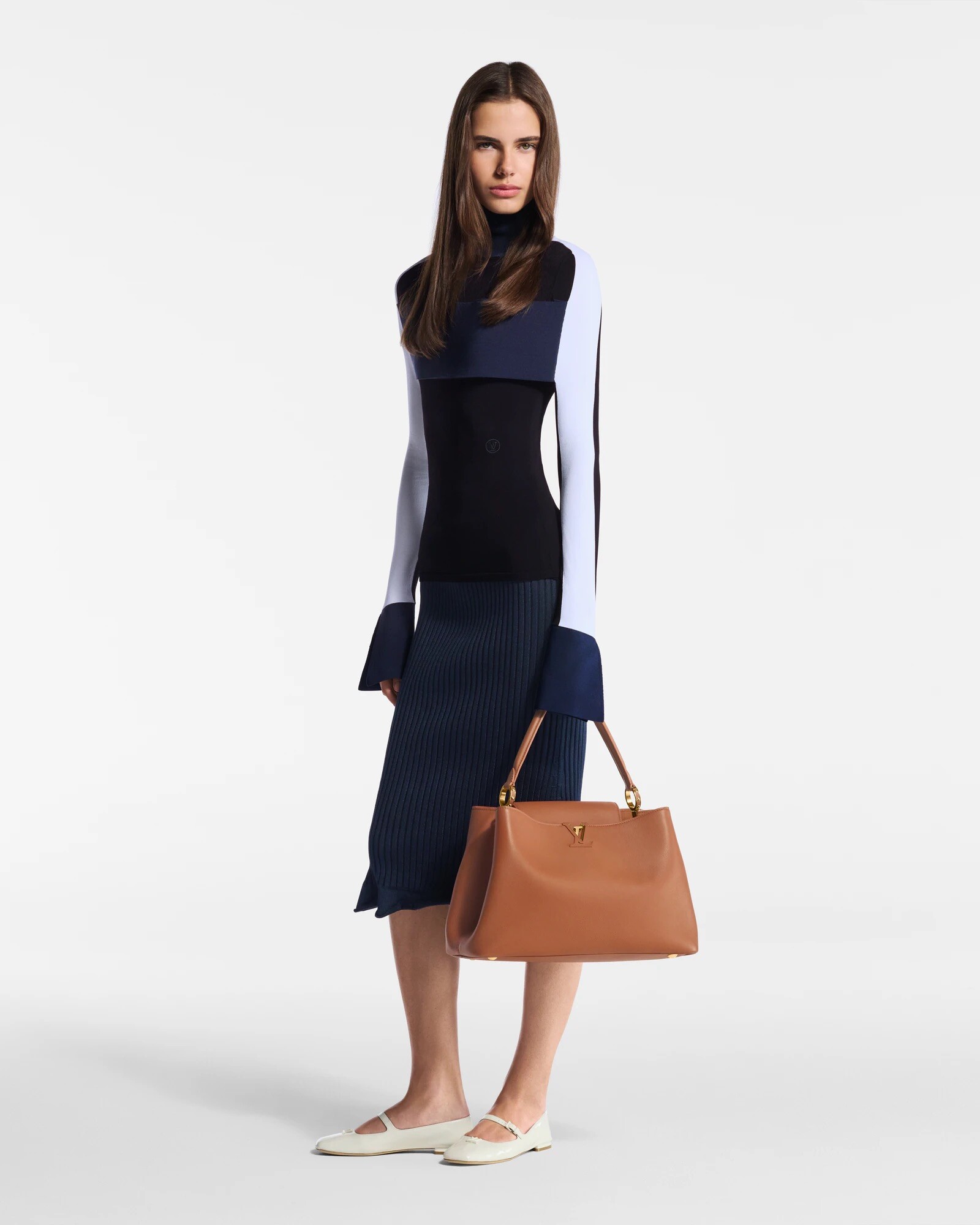
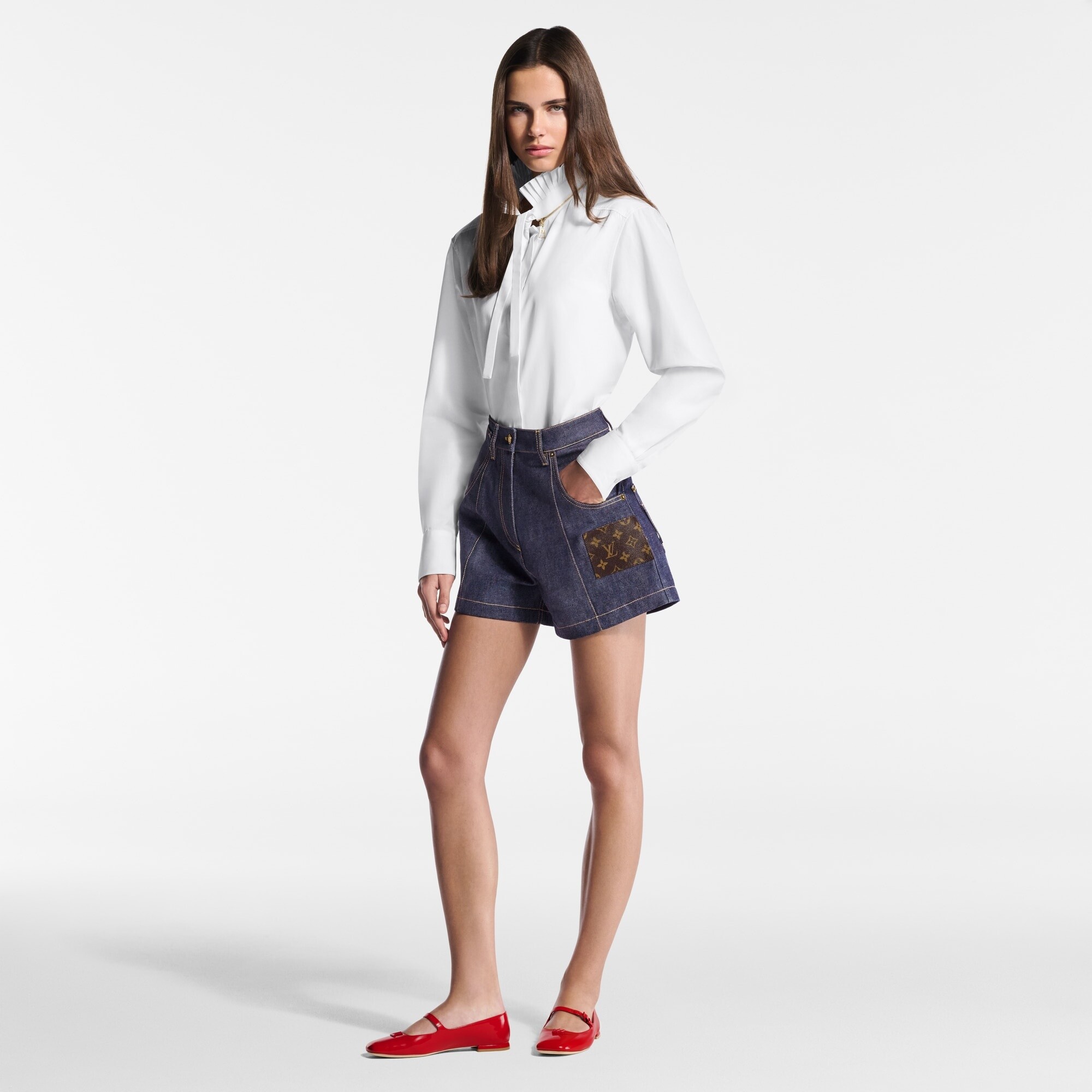
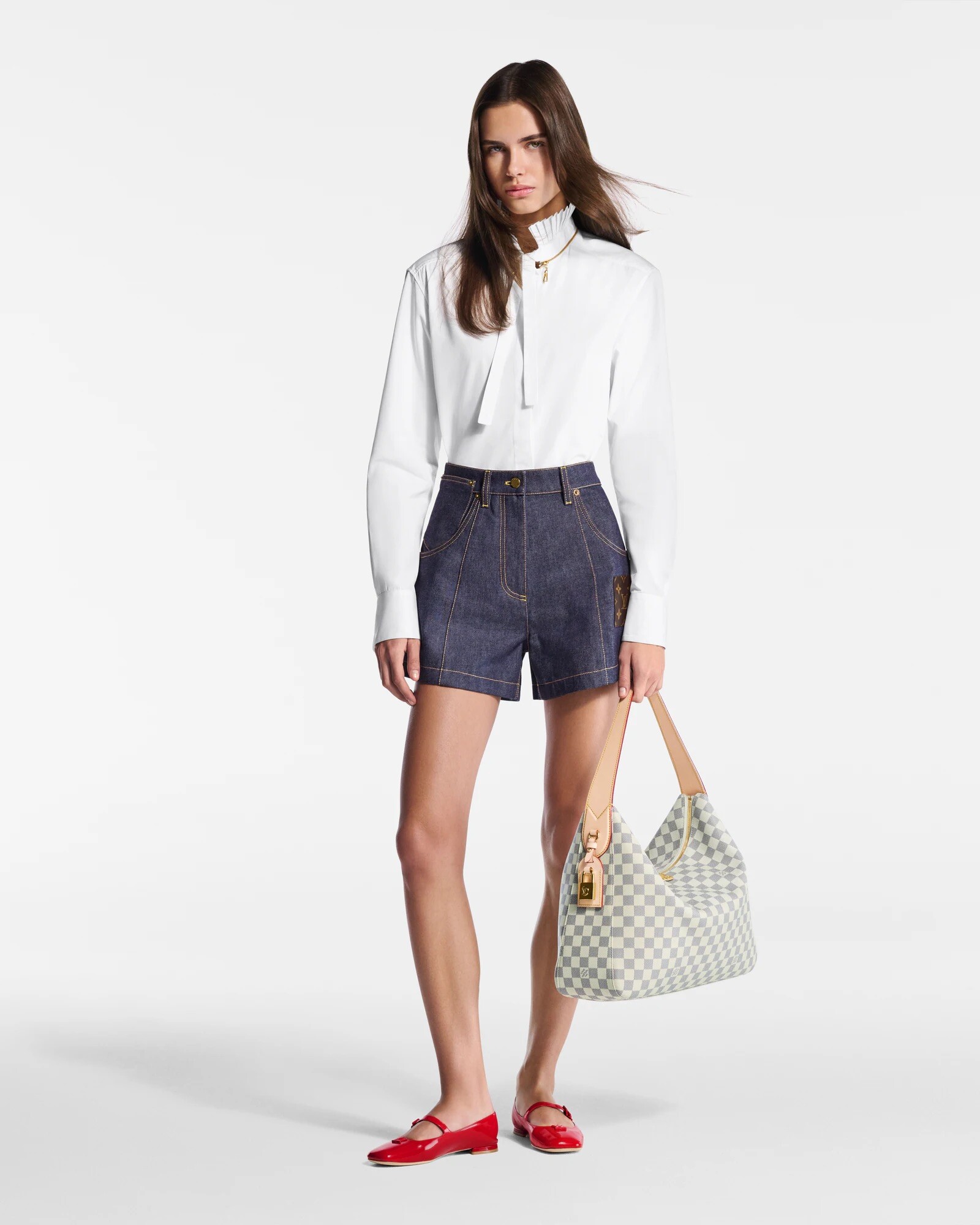
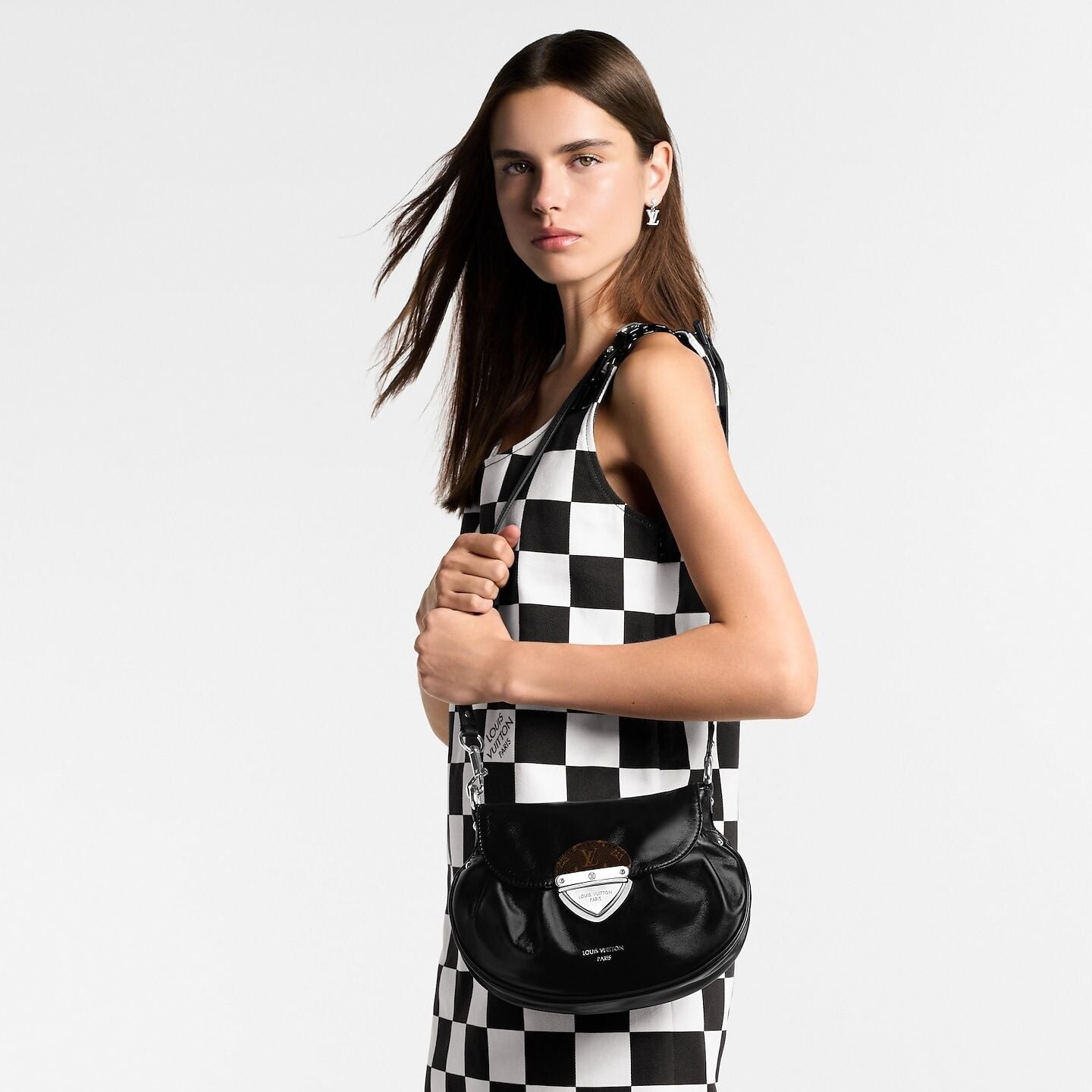
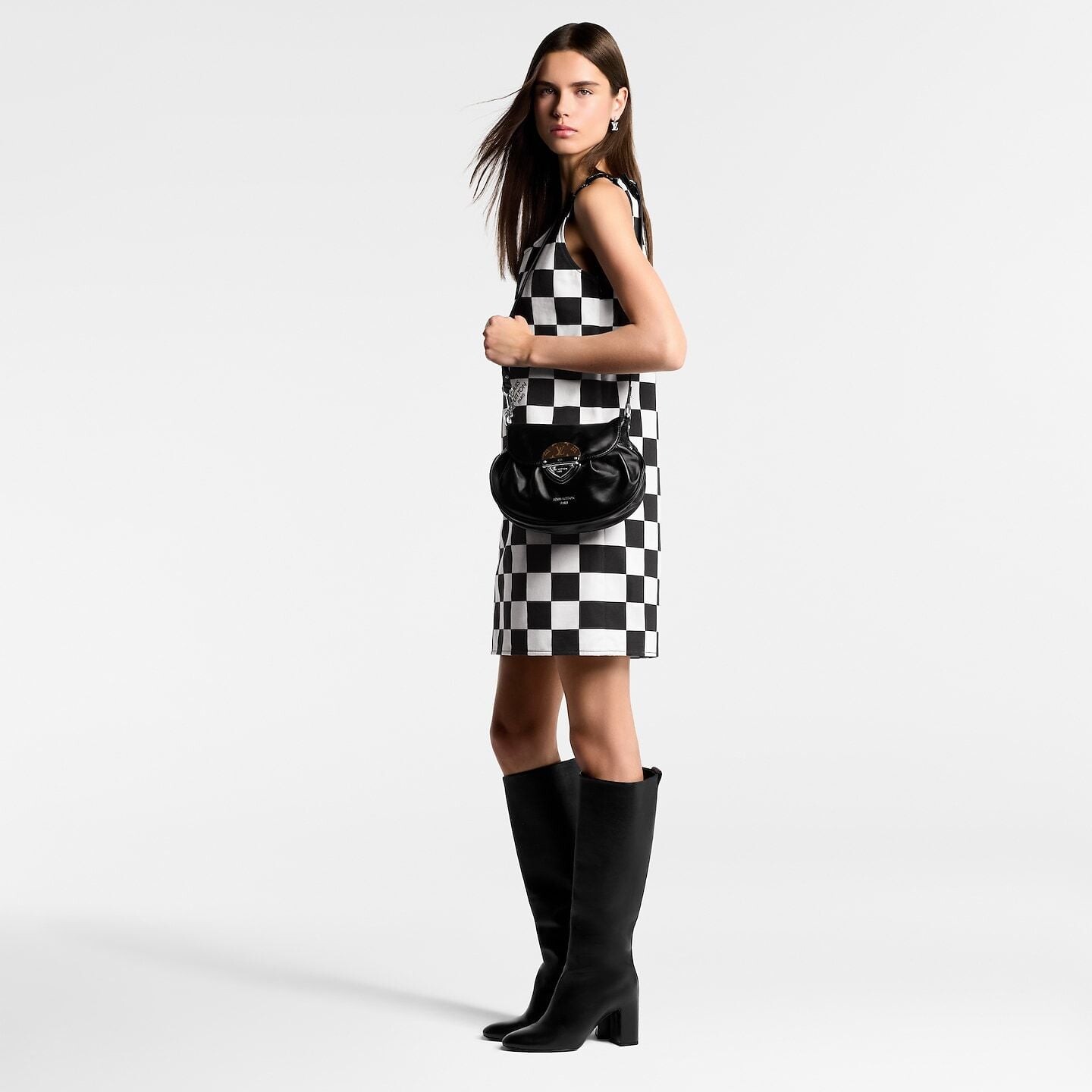
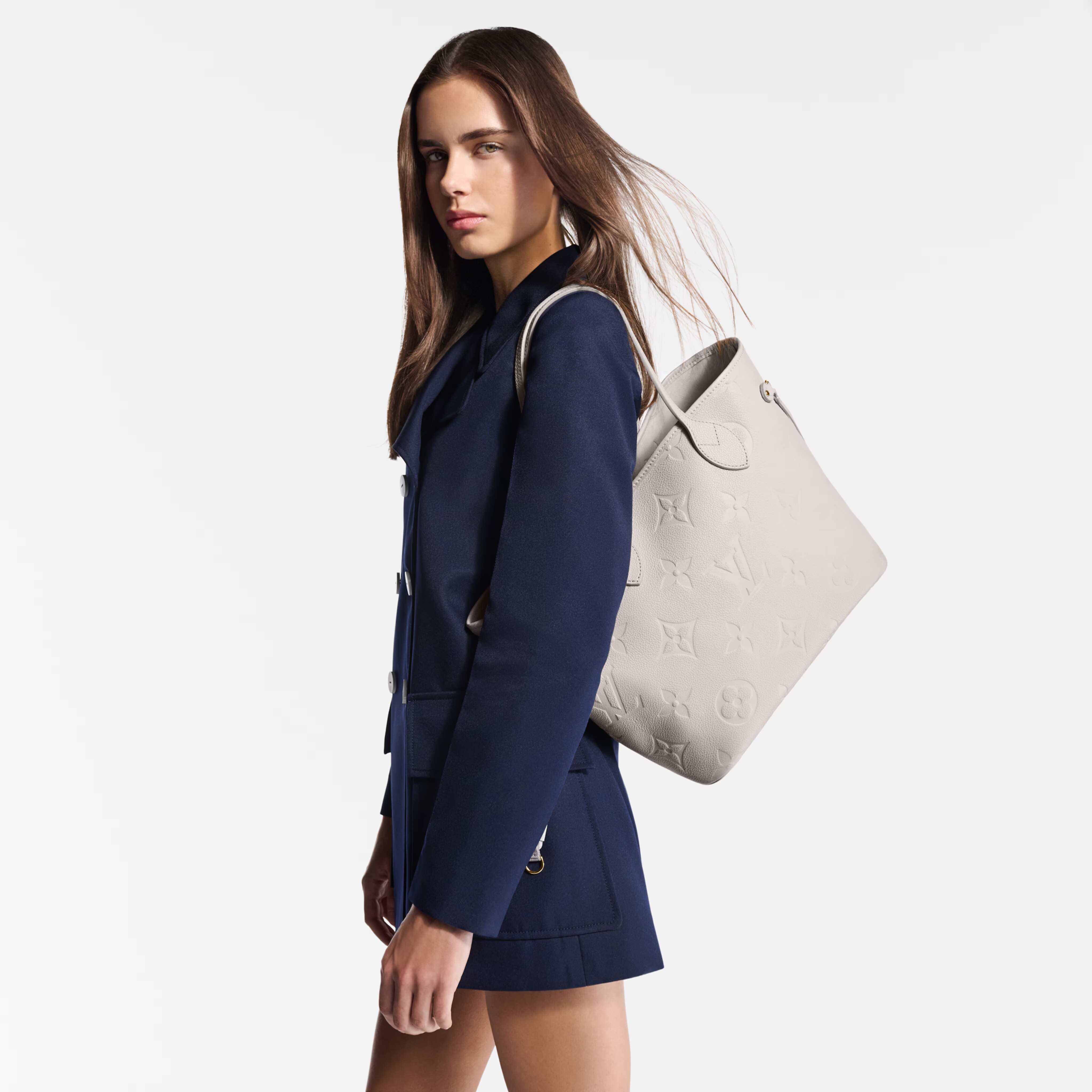
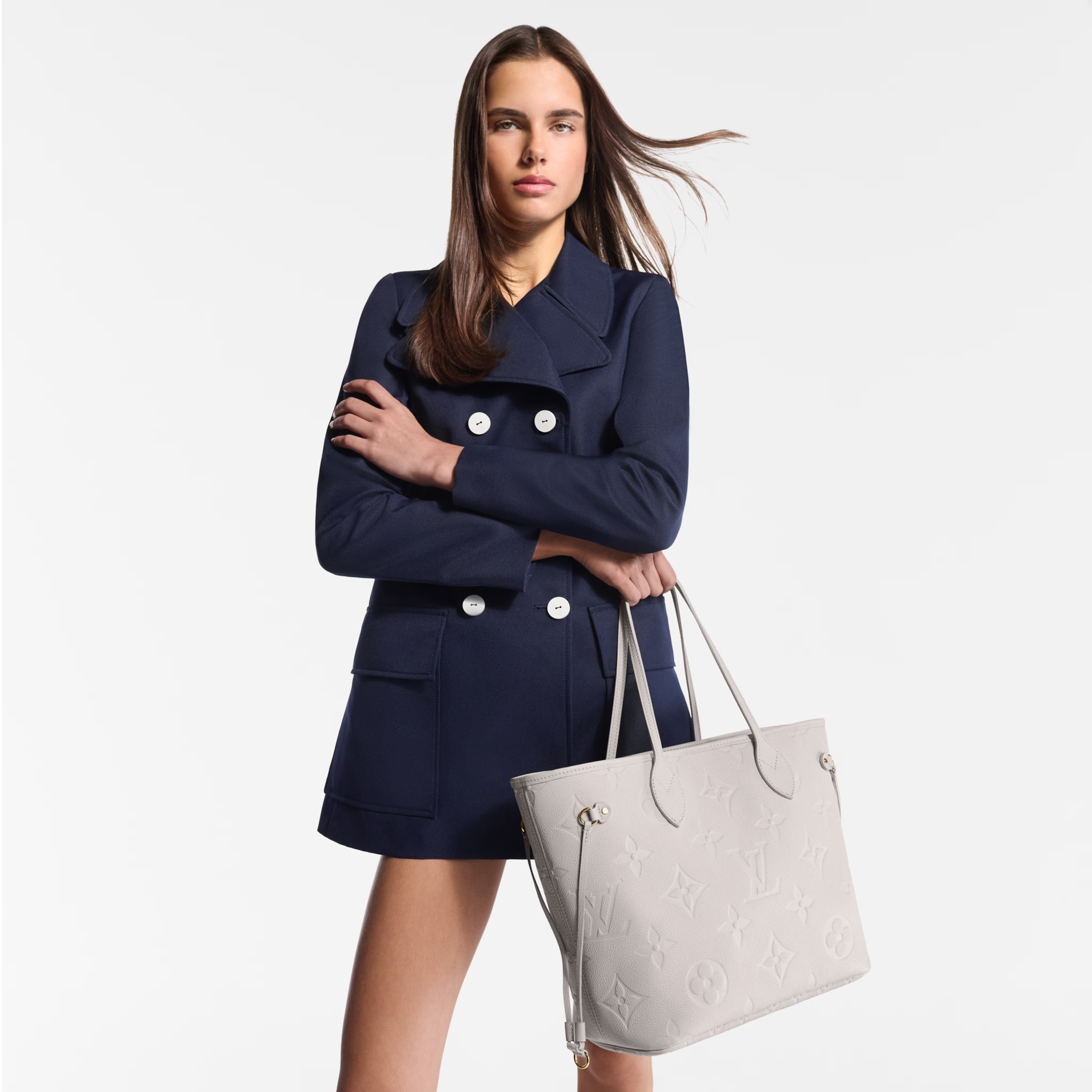
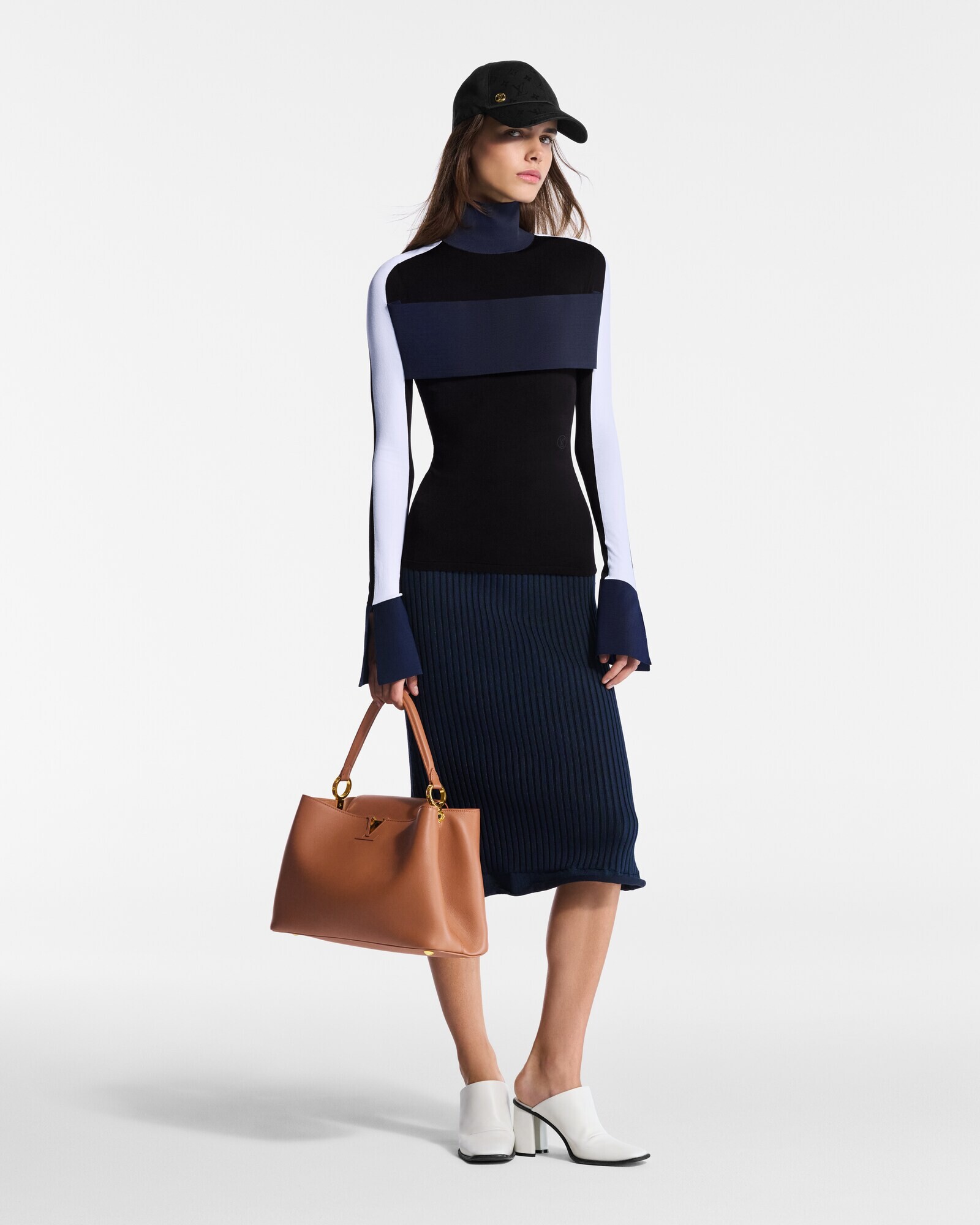
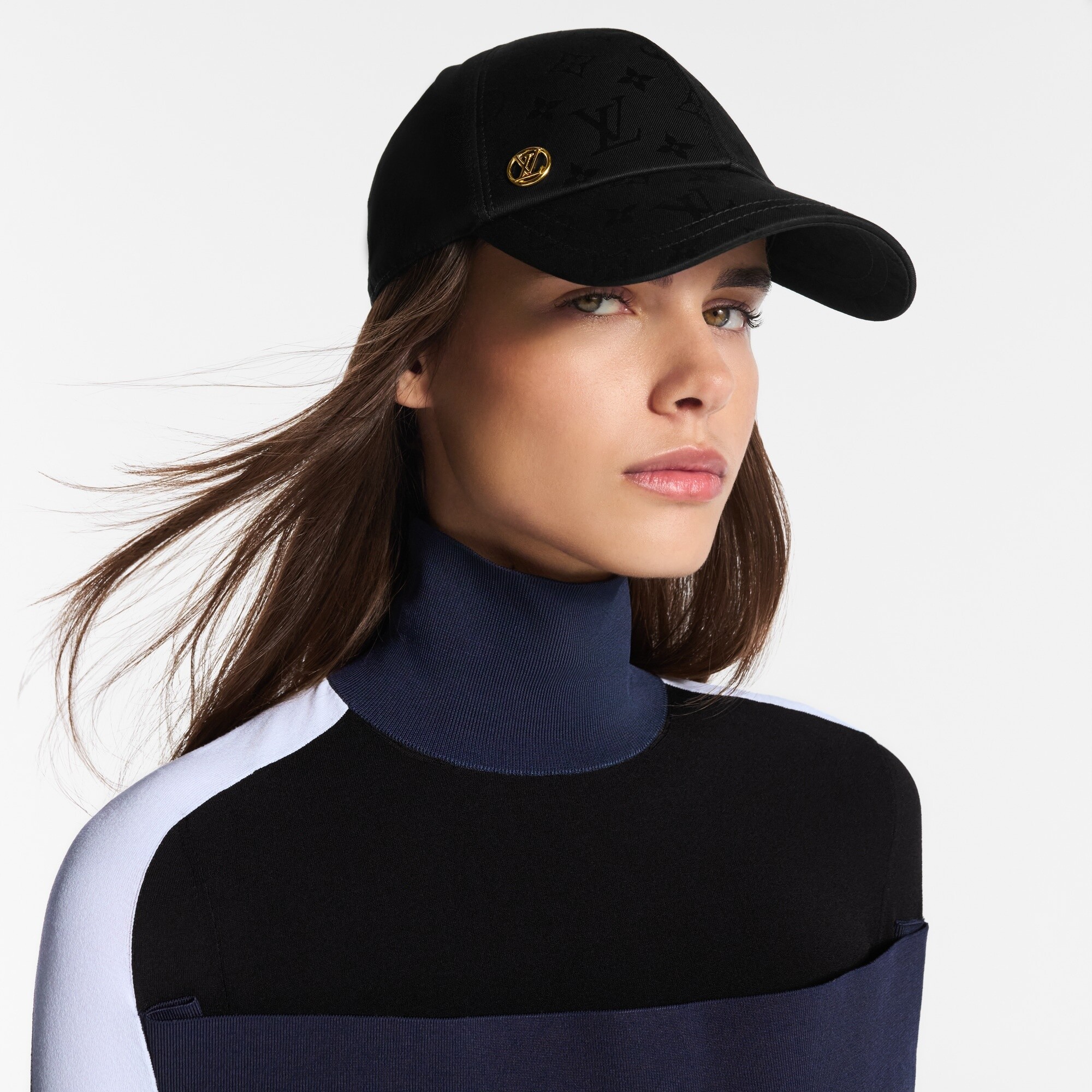
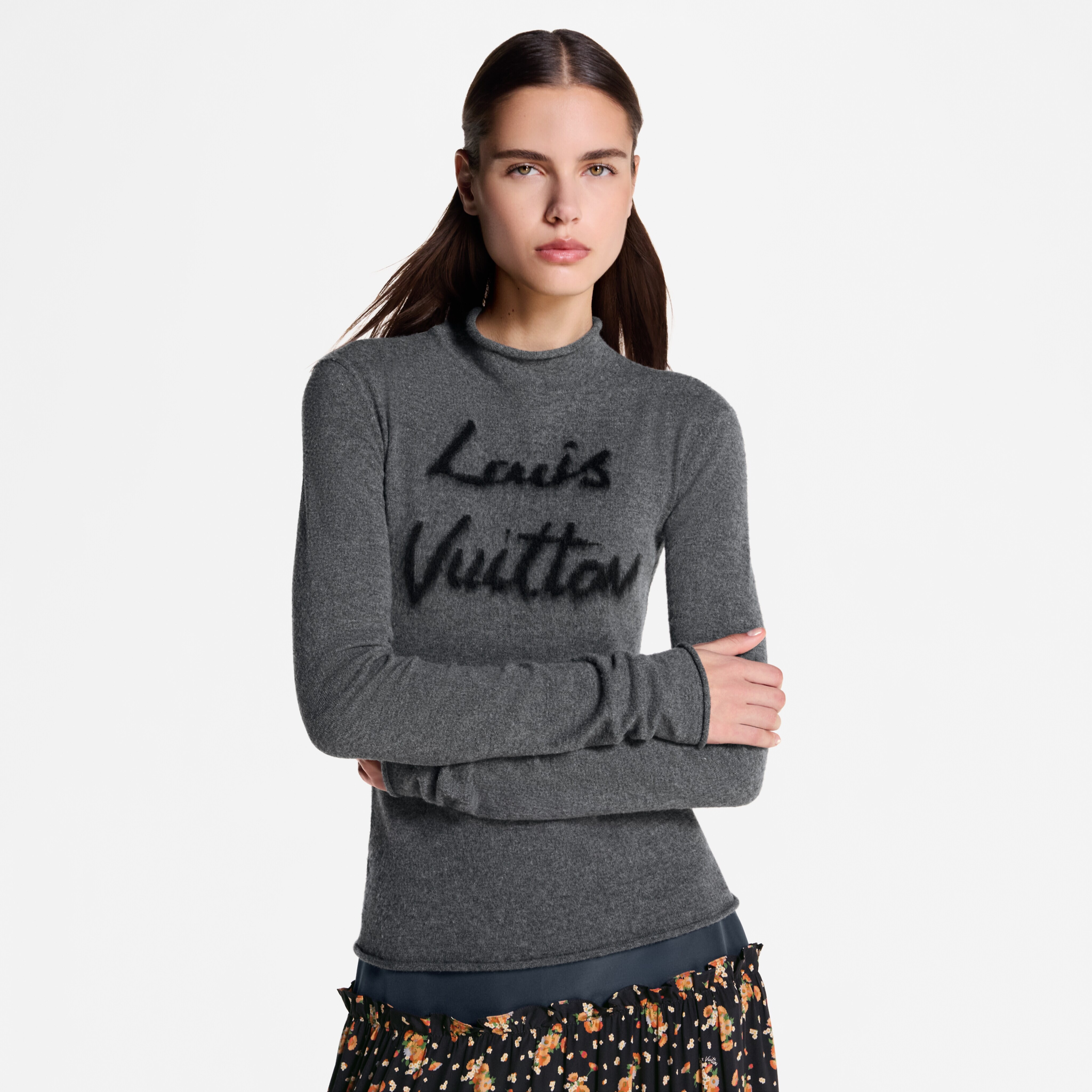
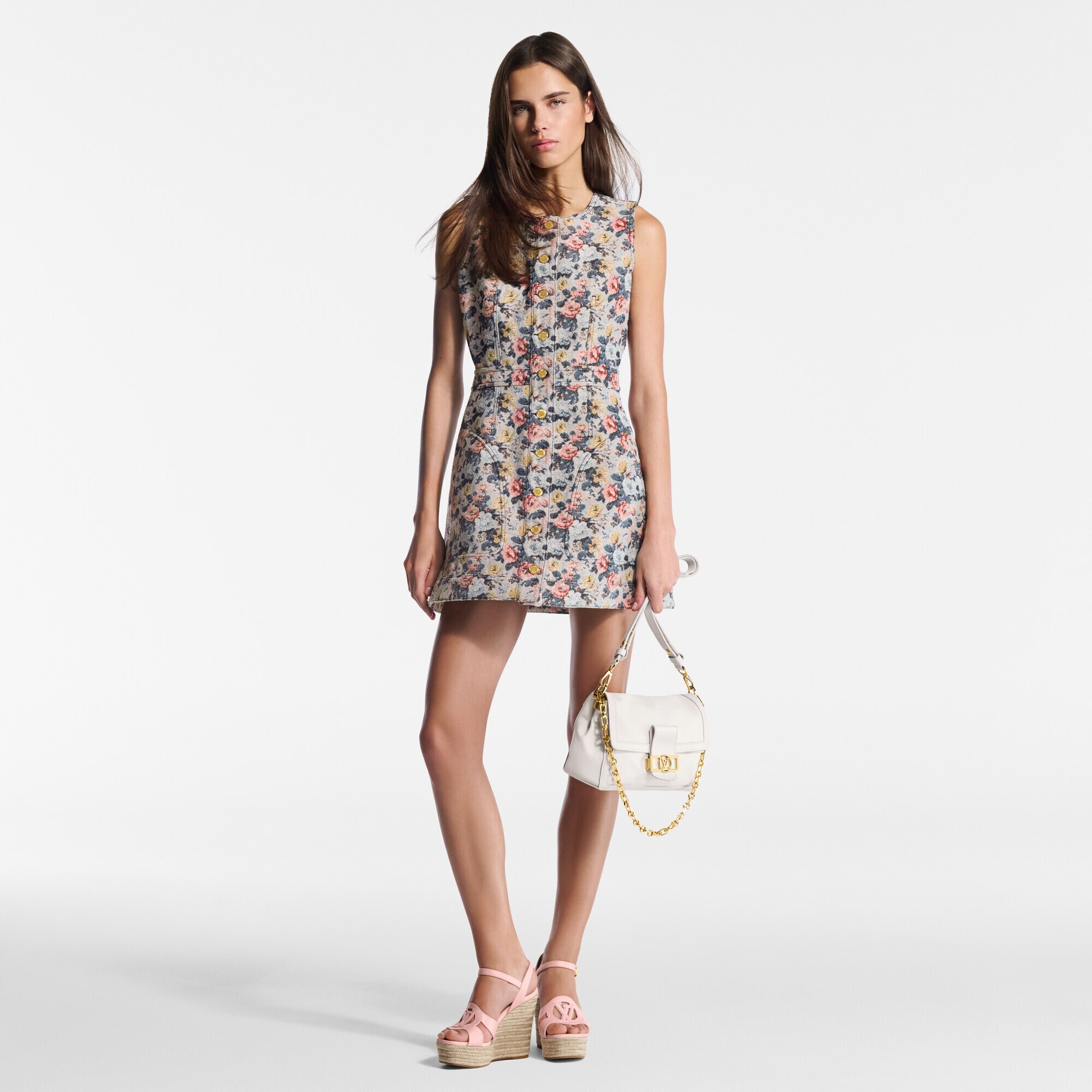
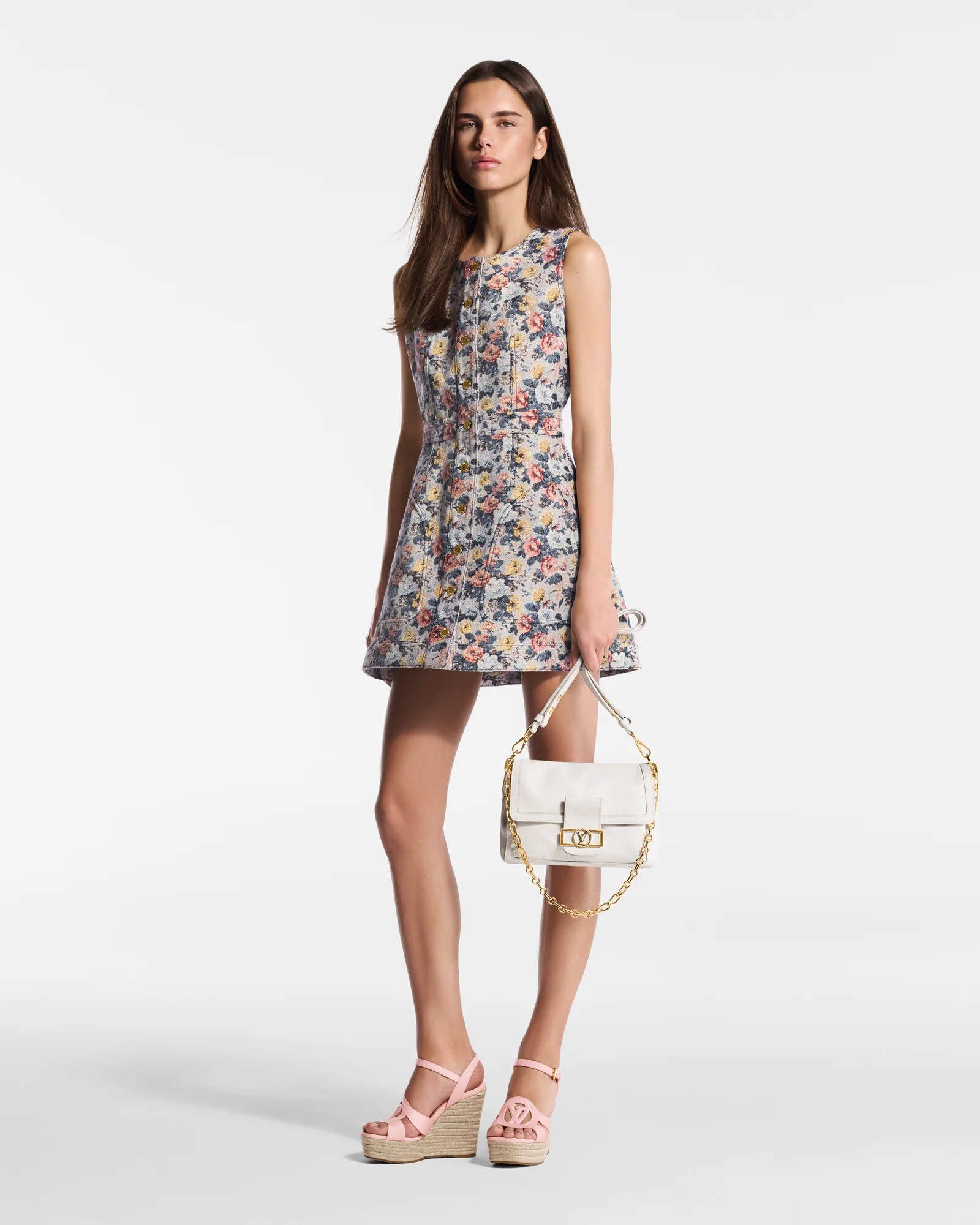
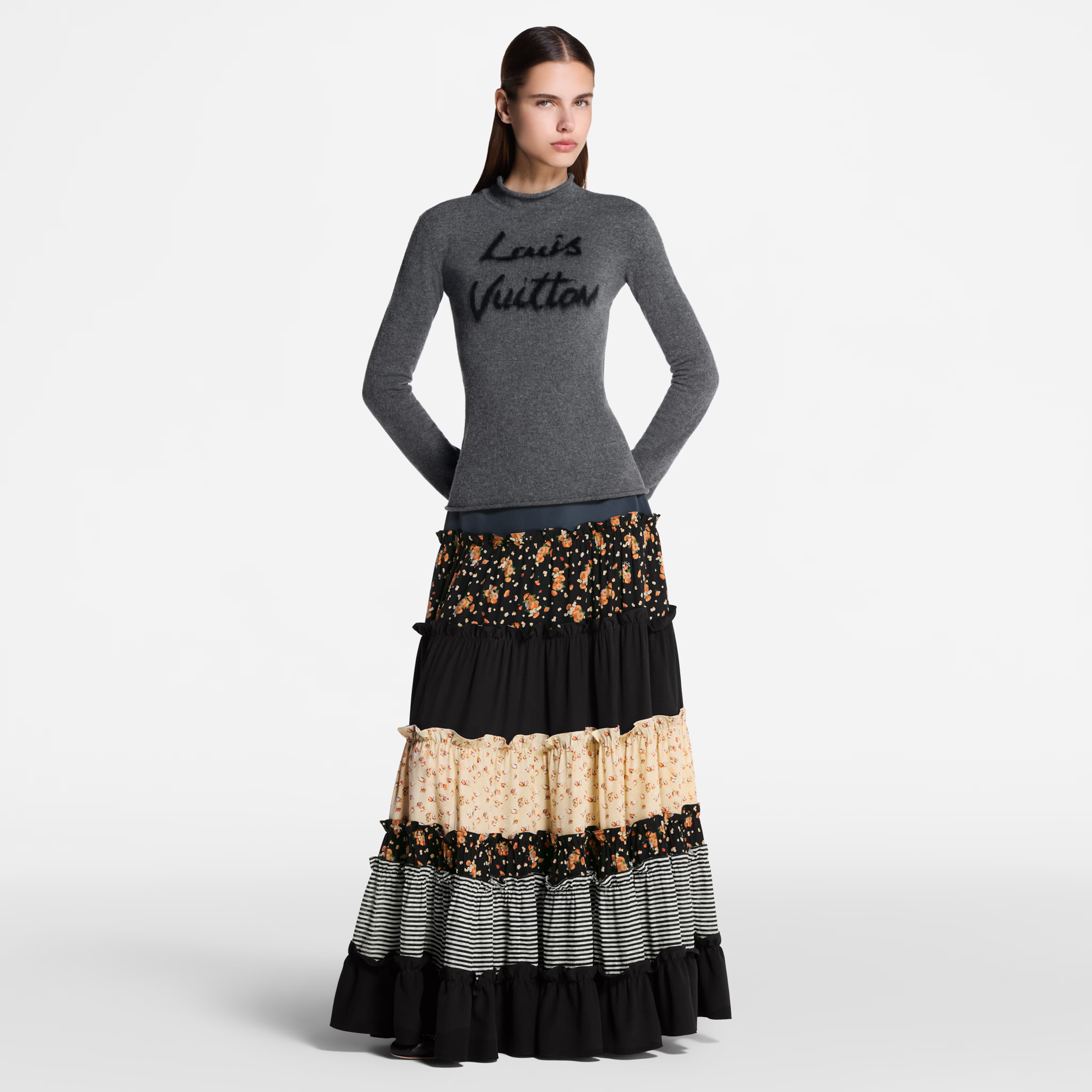
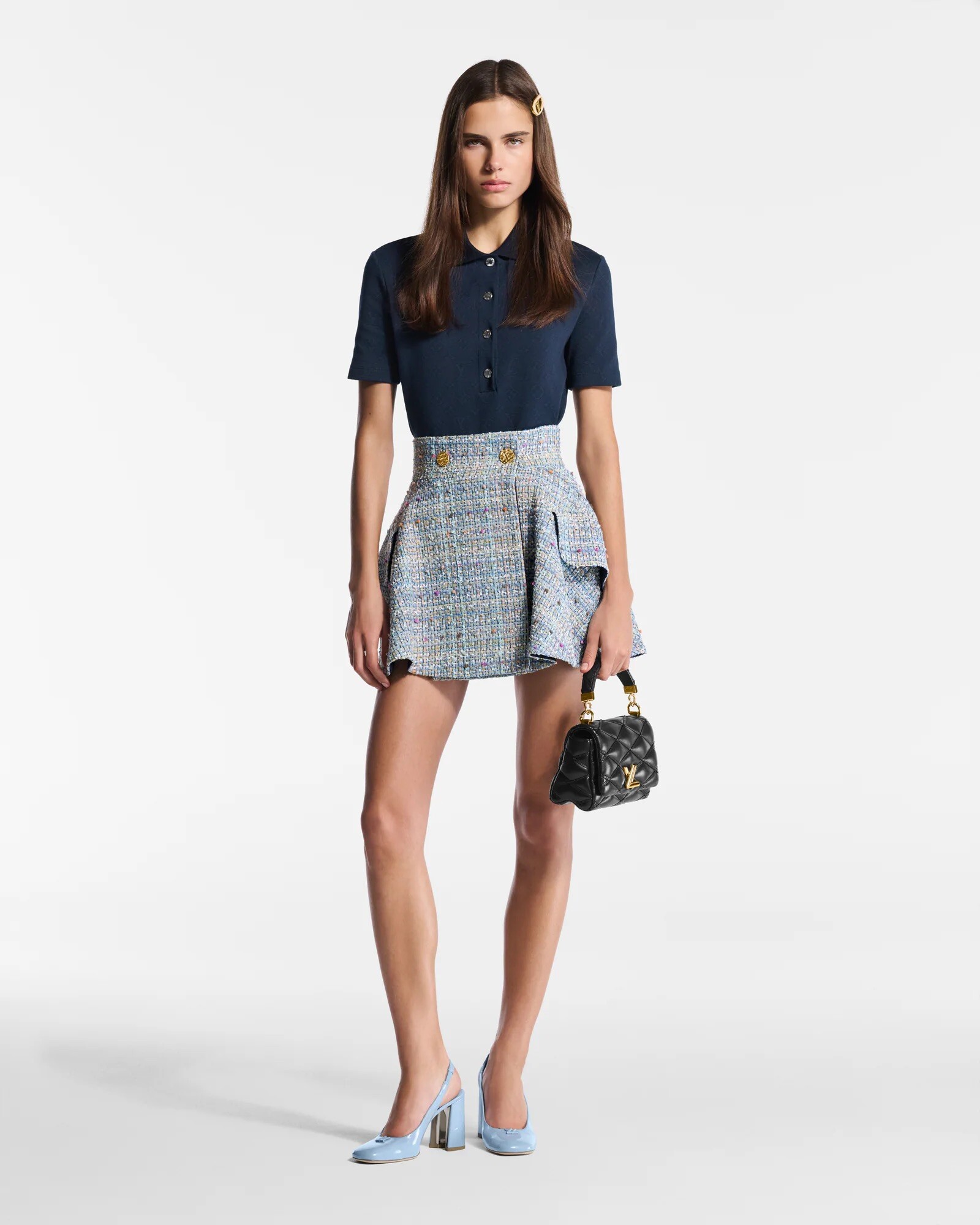
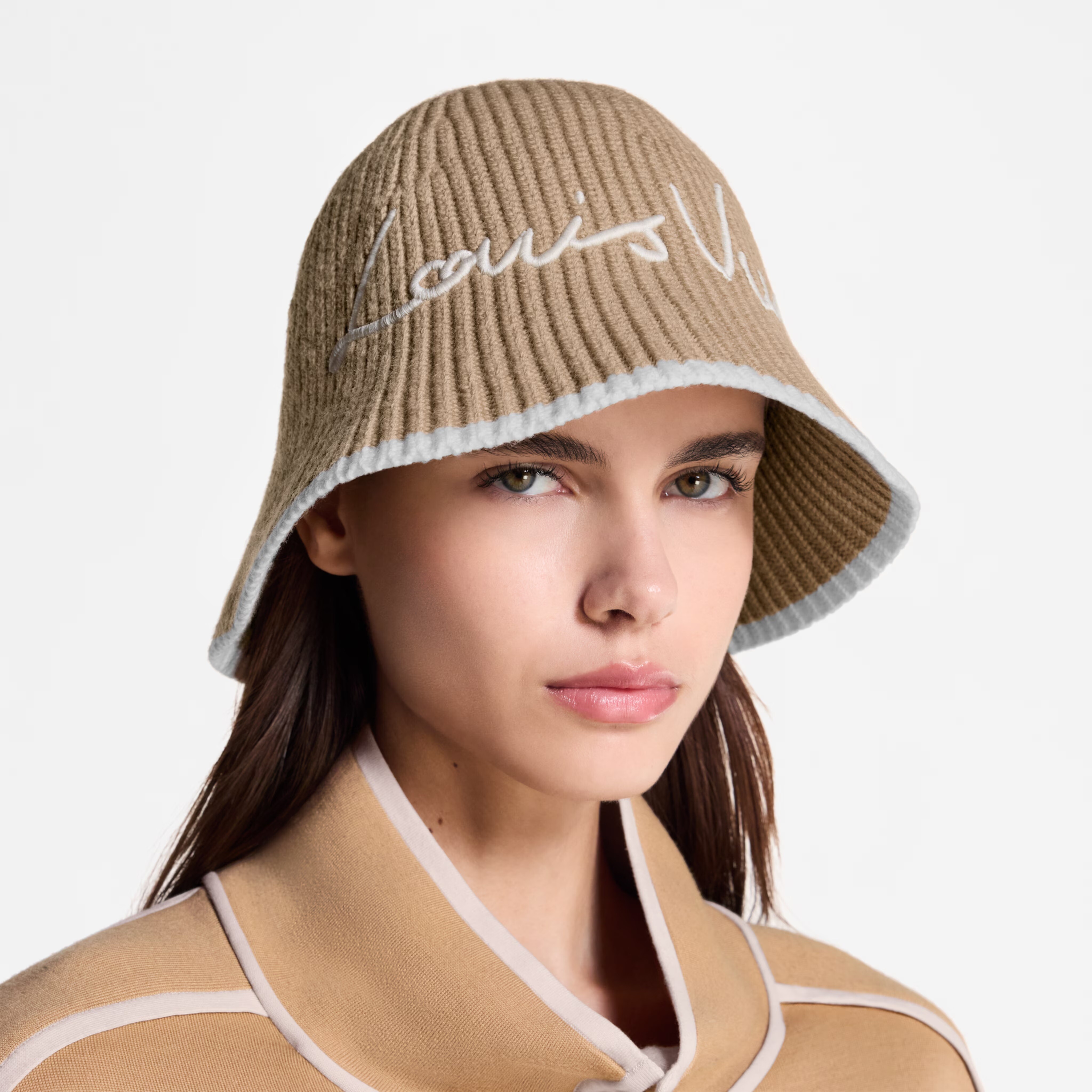
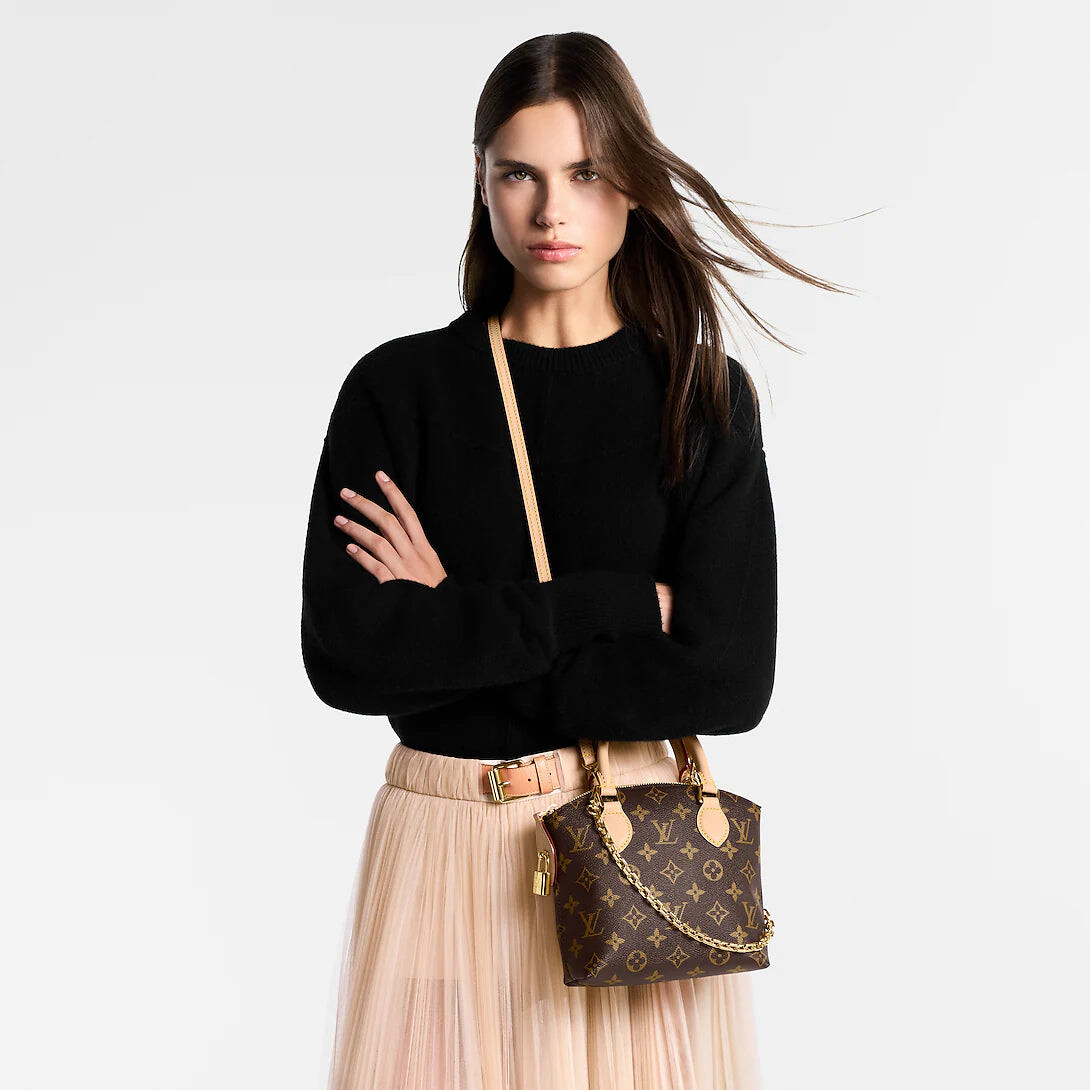
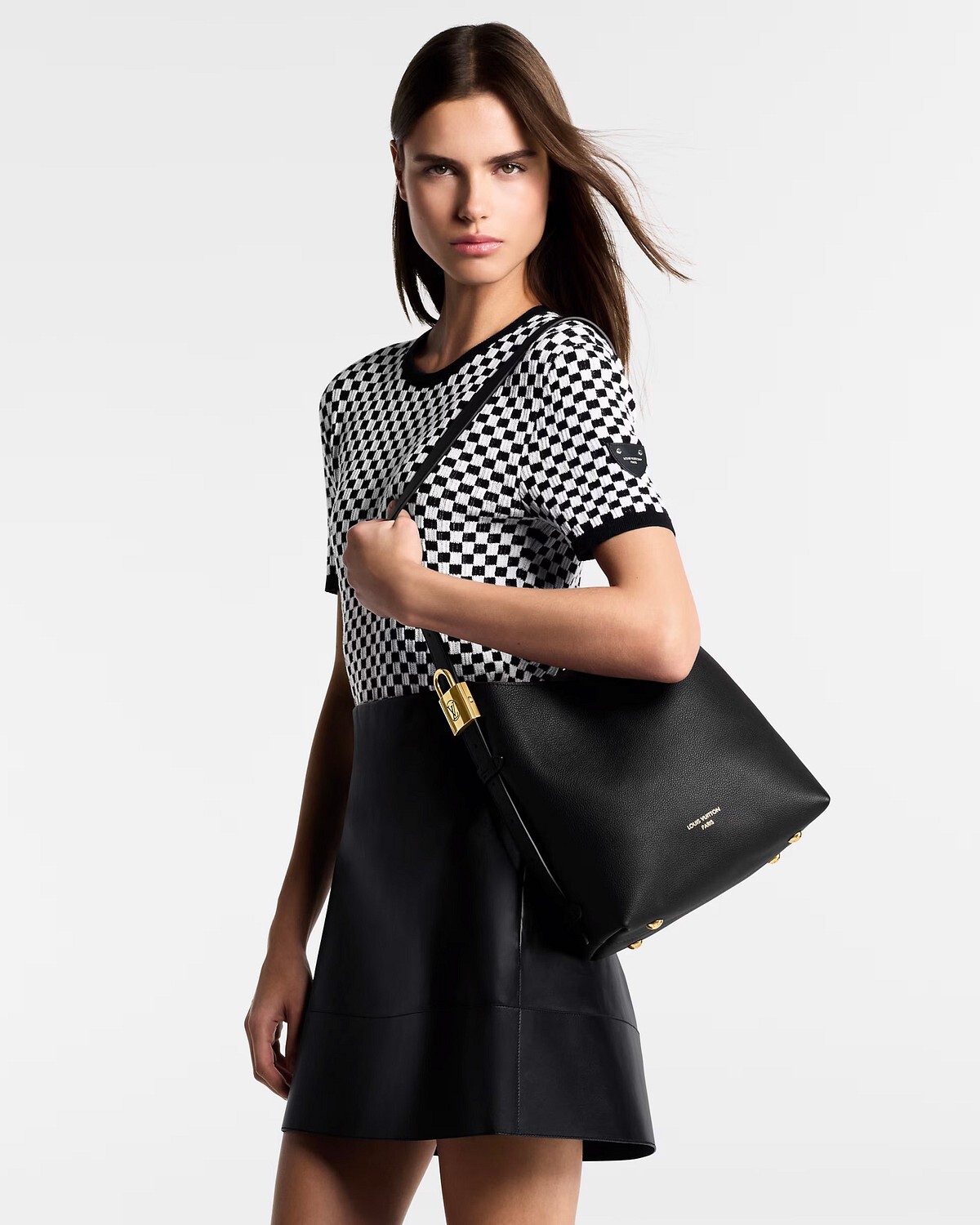
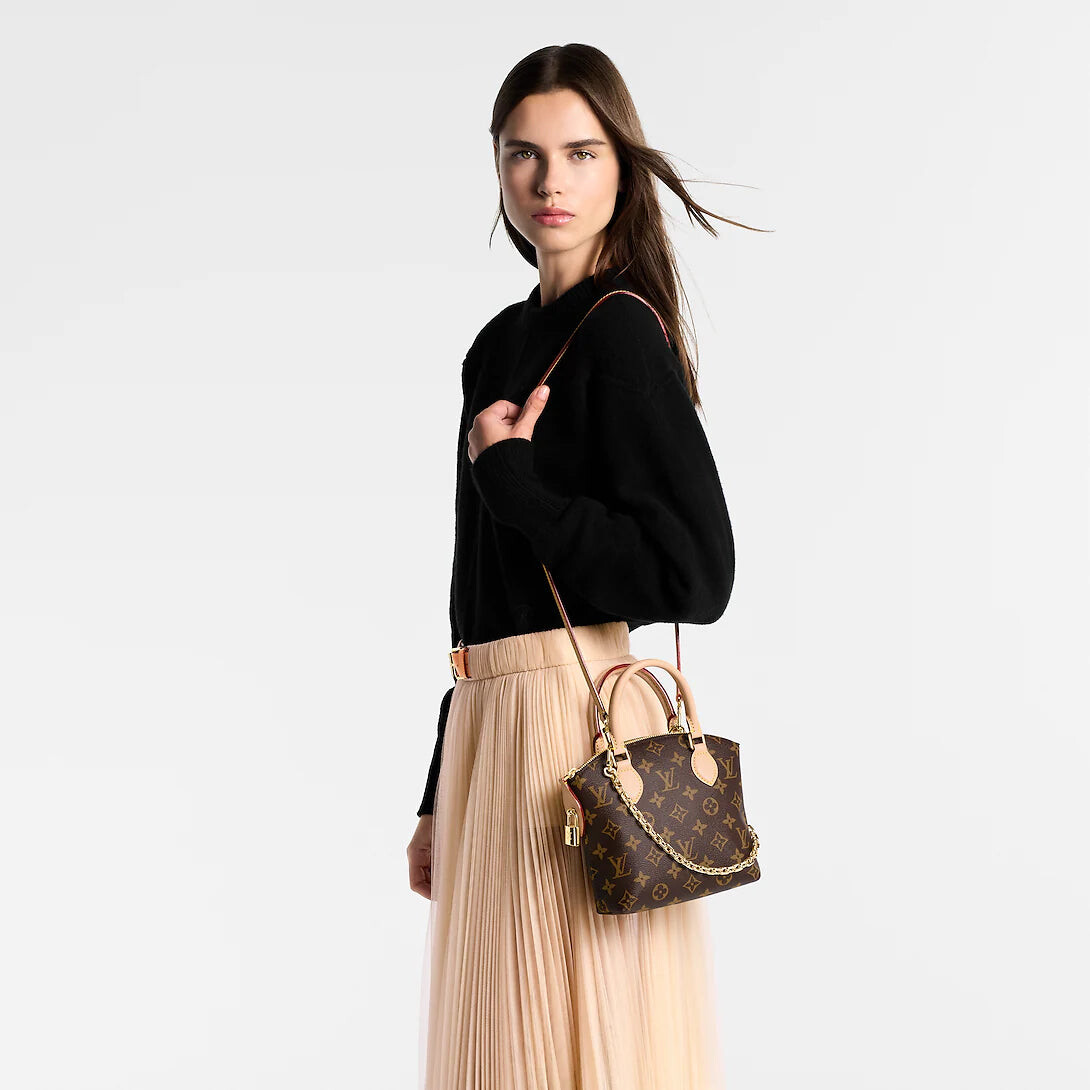
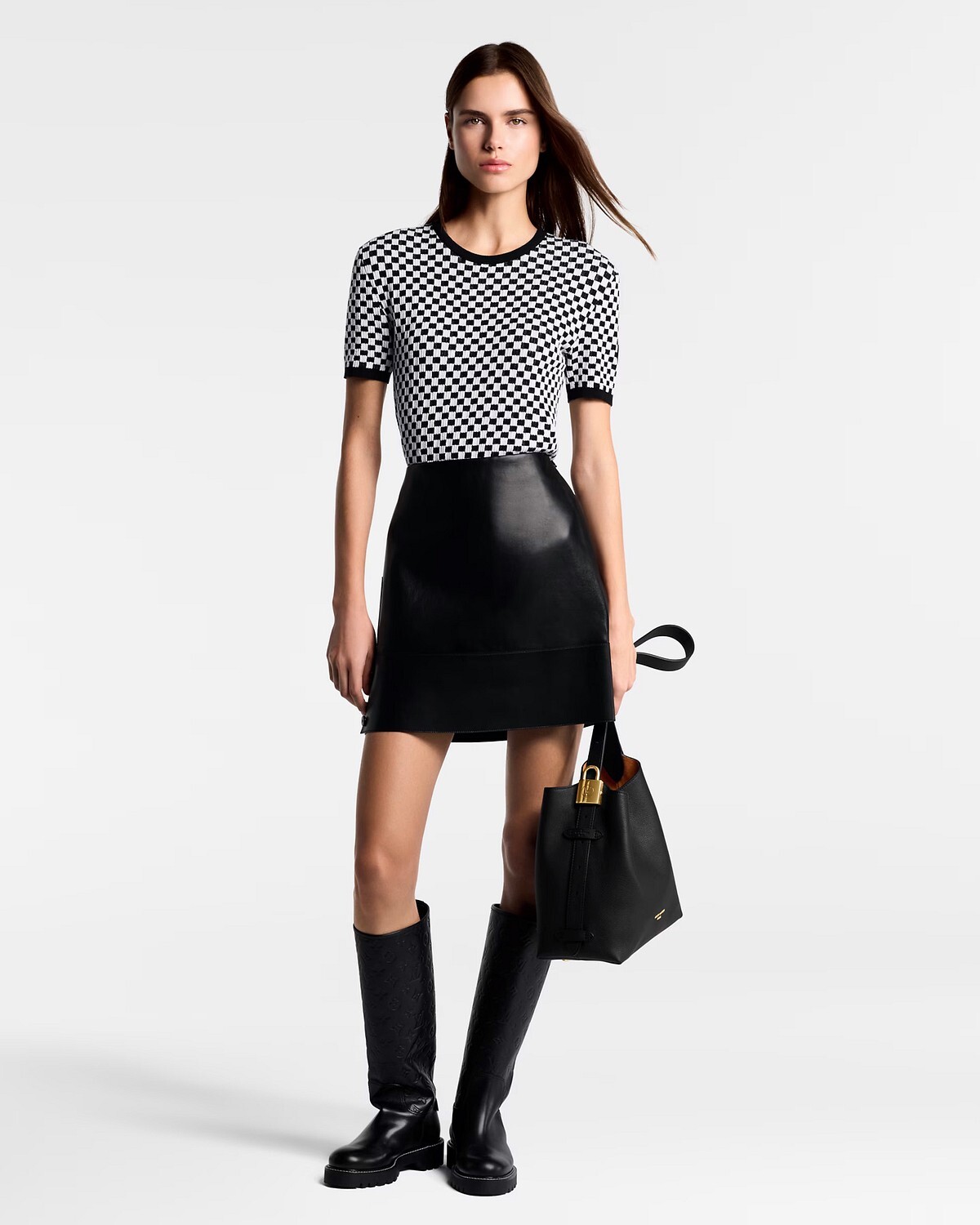
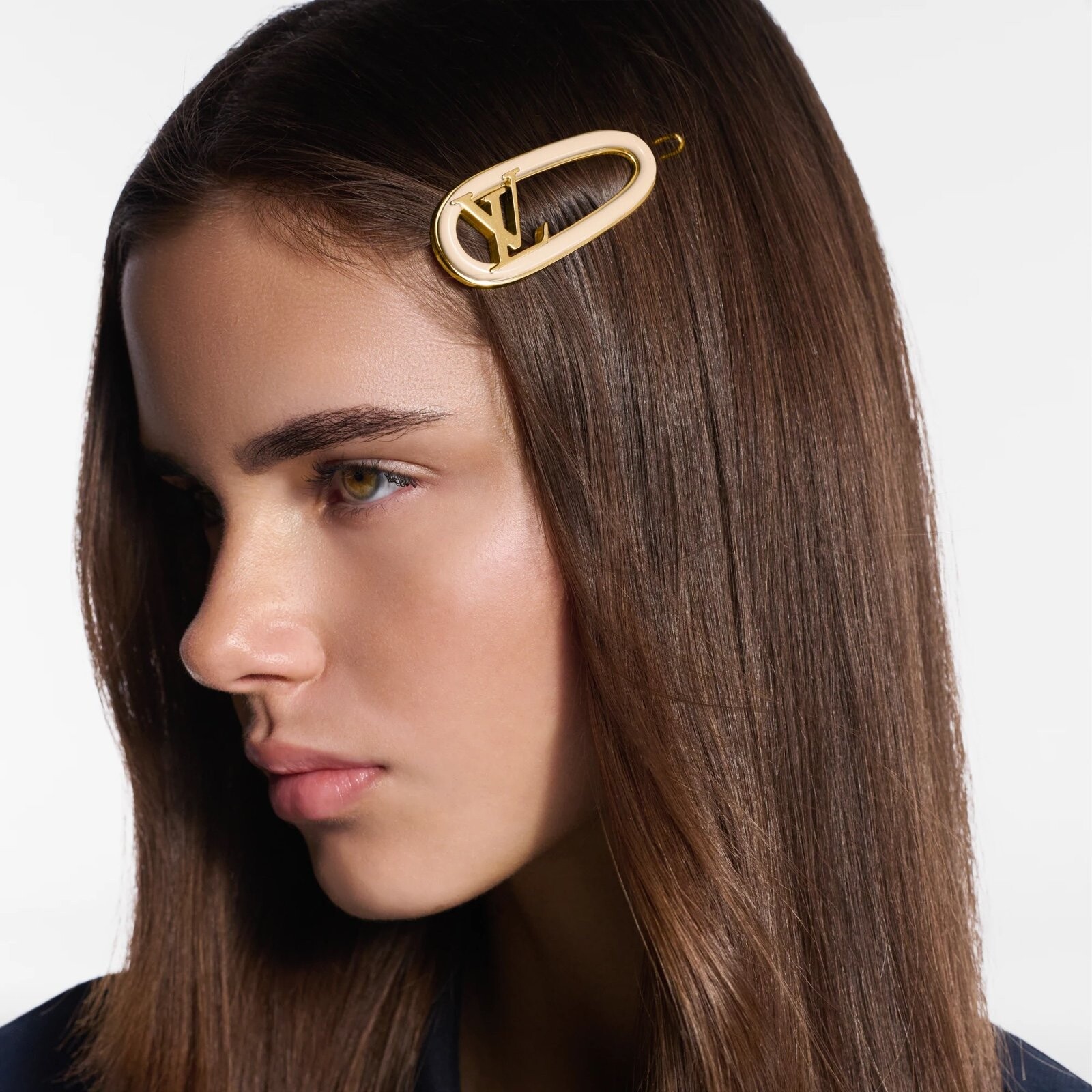
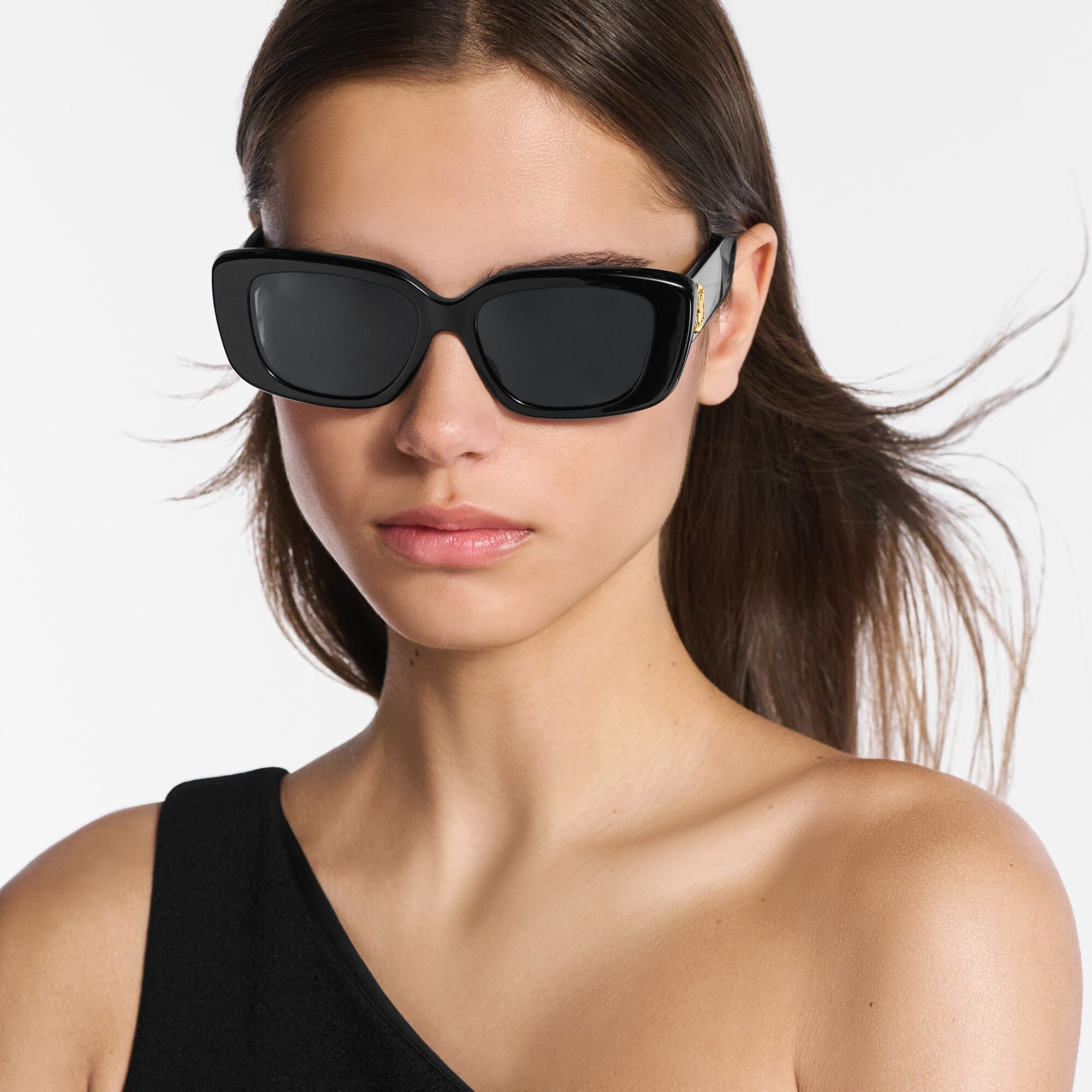
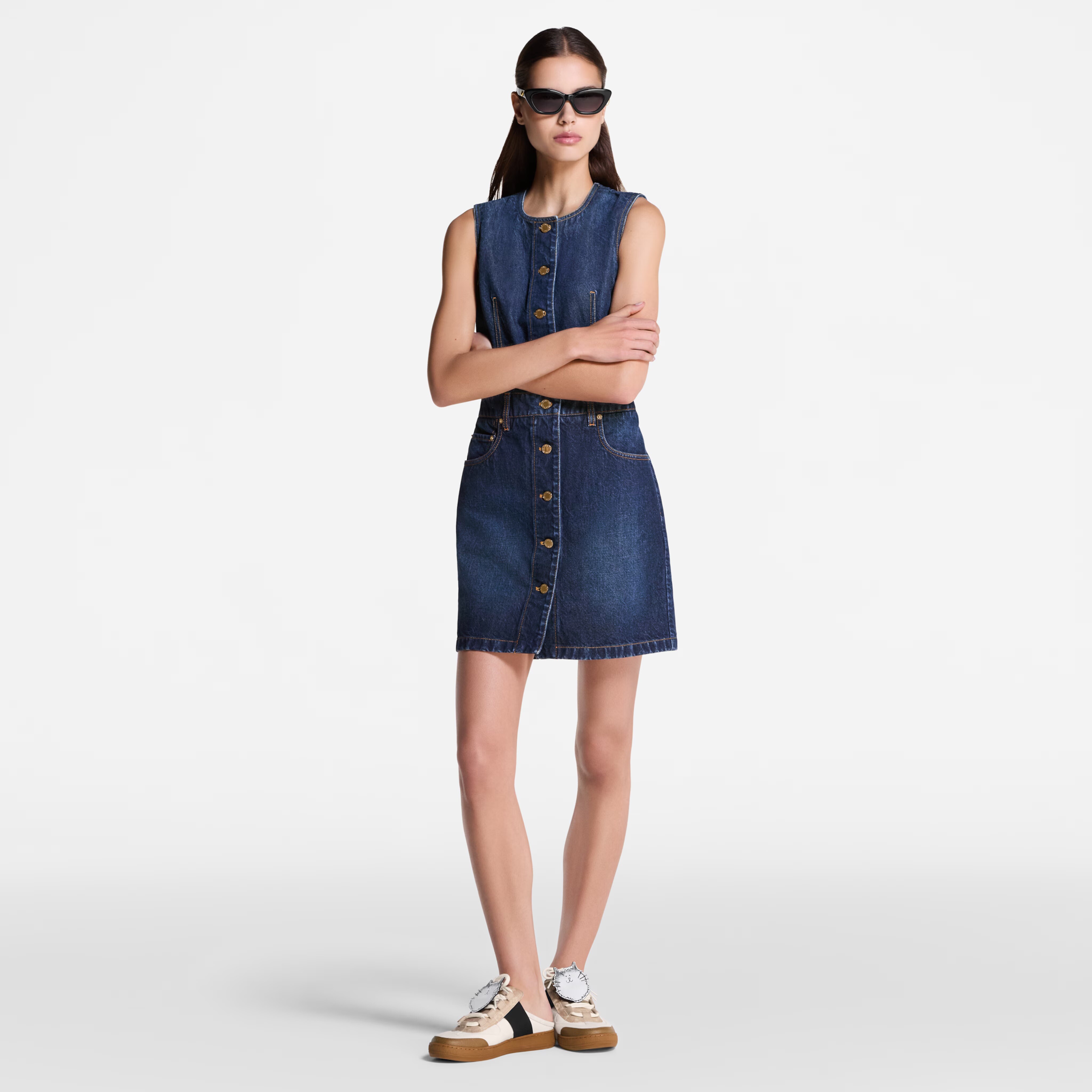
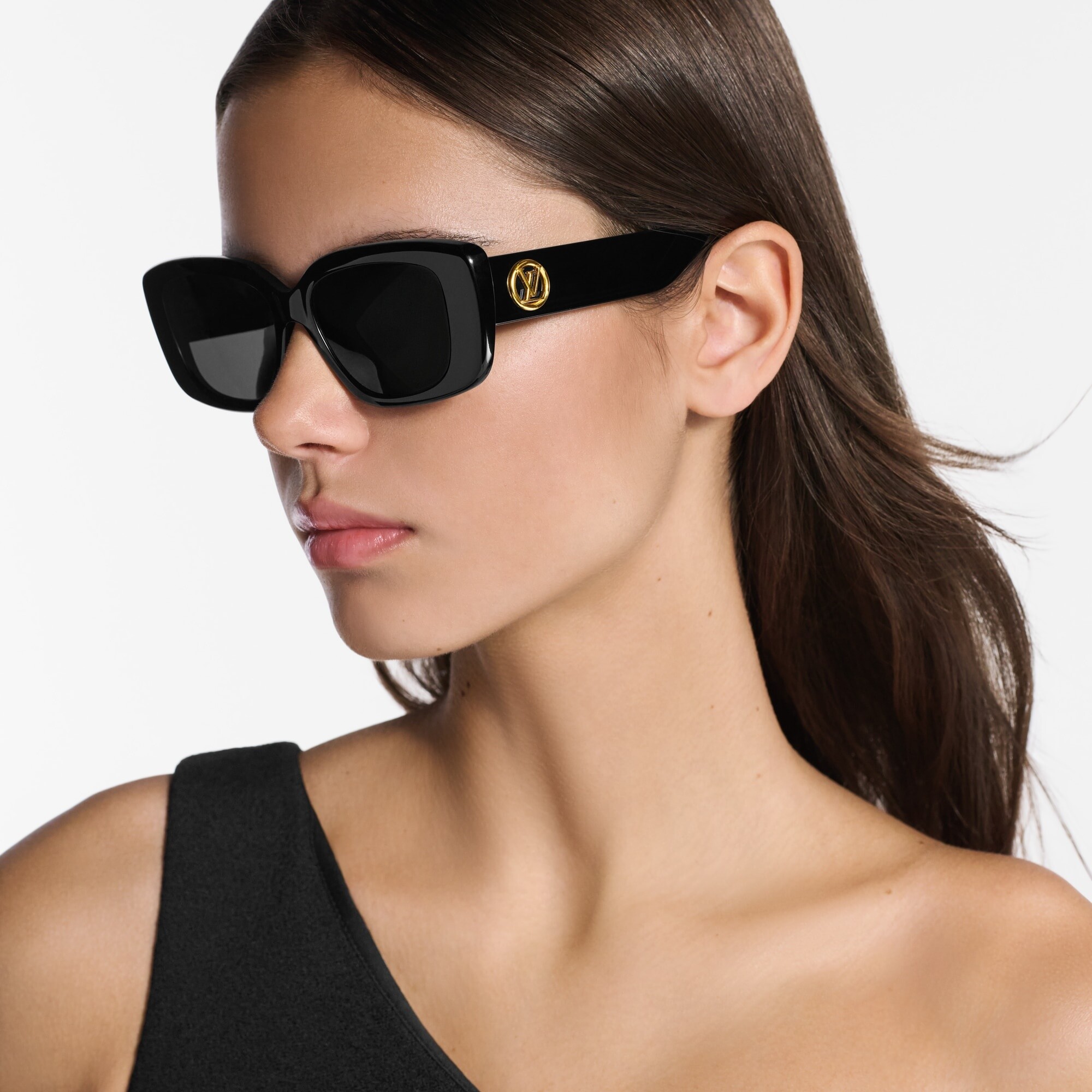
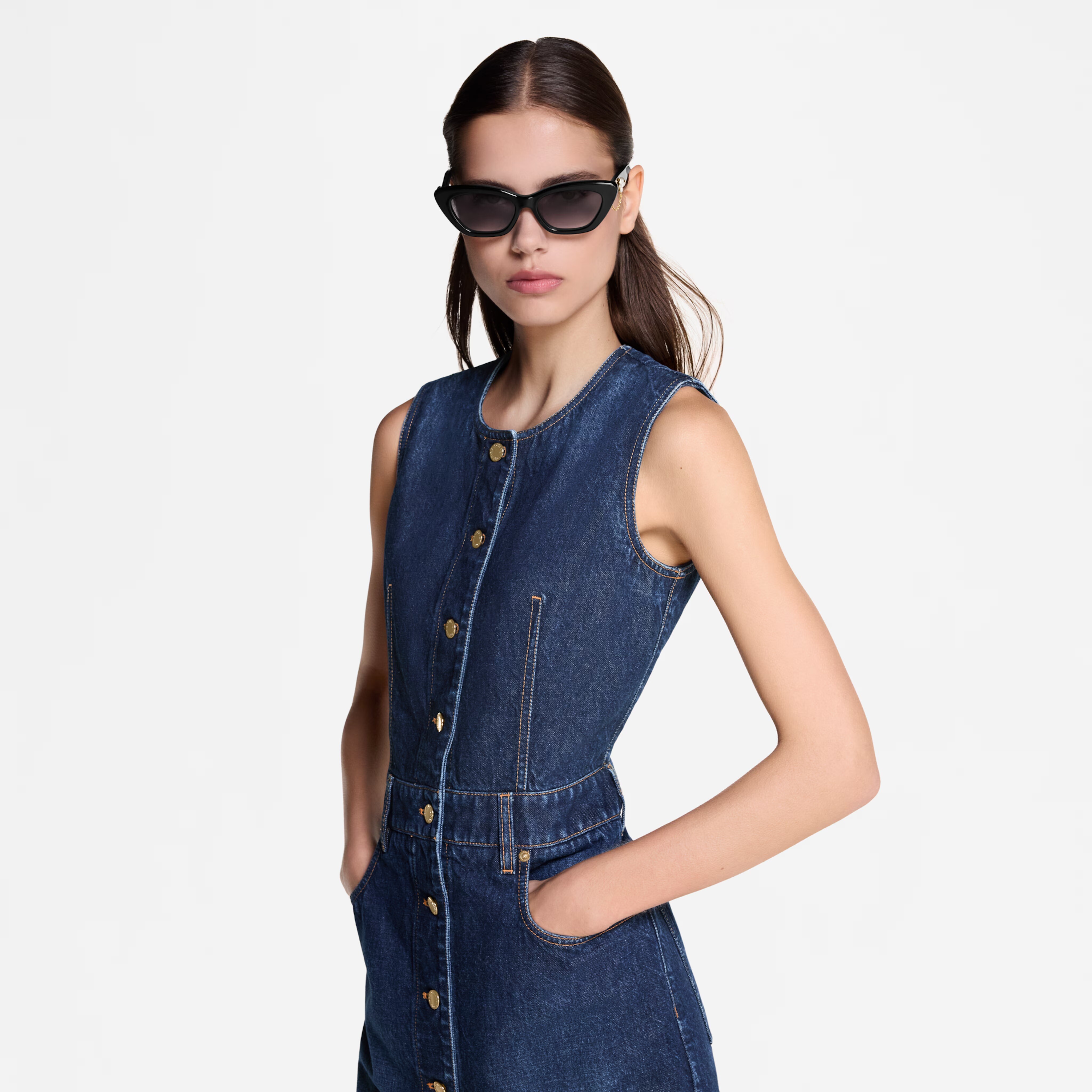
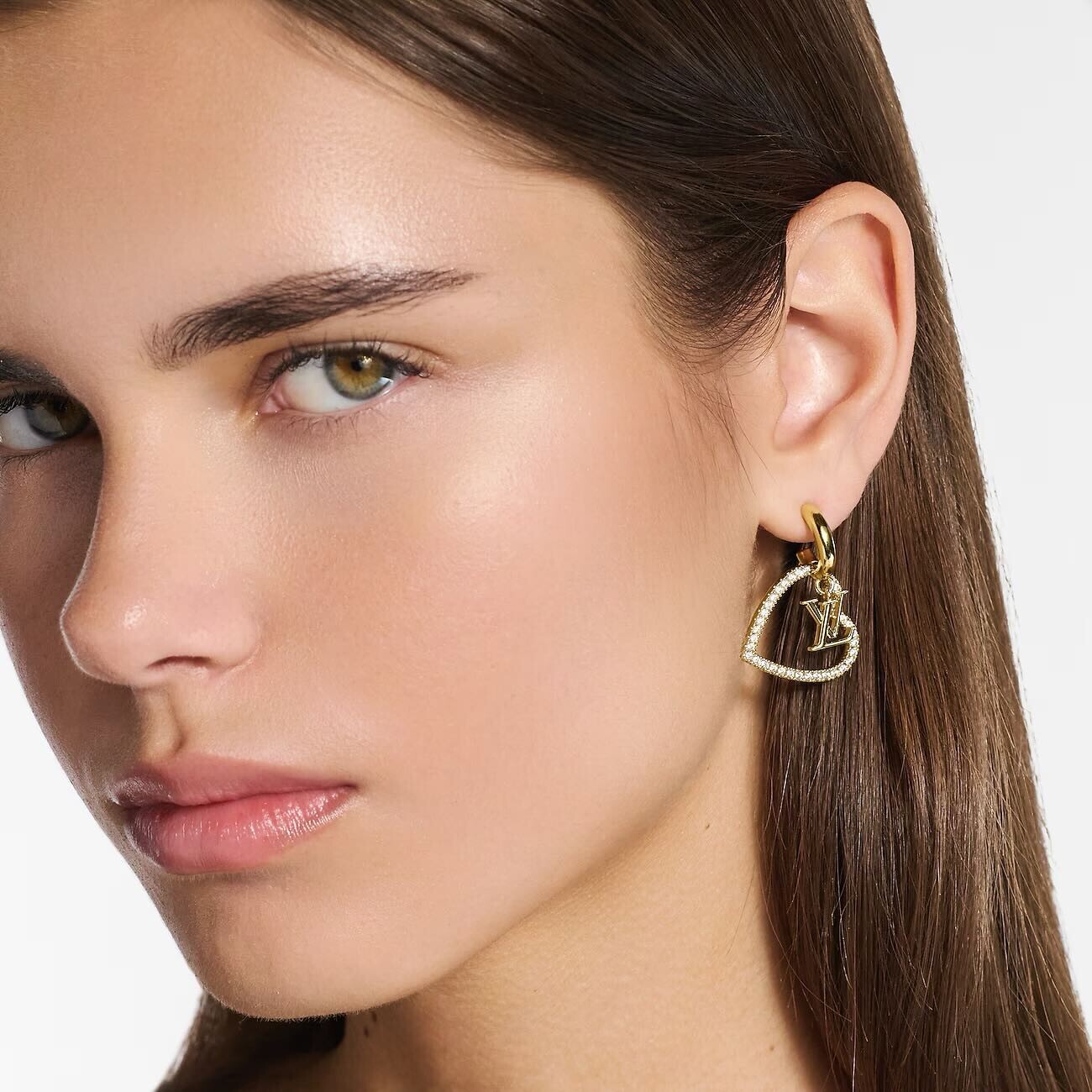
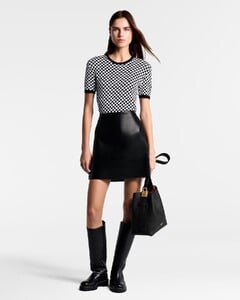
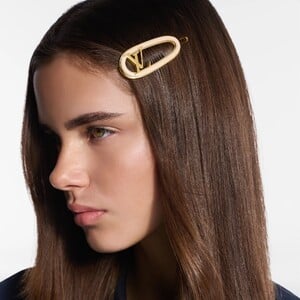
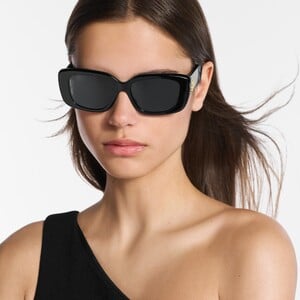
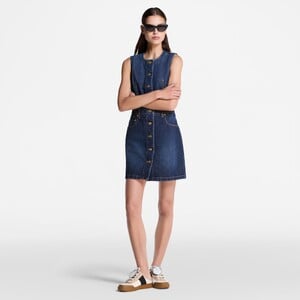
 Louis Vuitton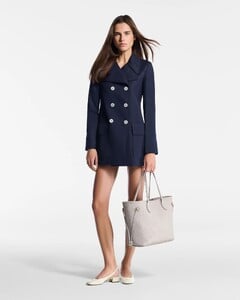
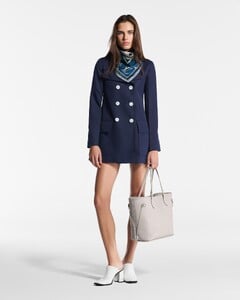
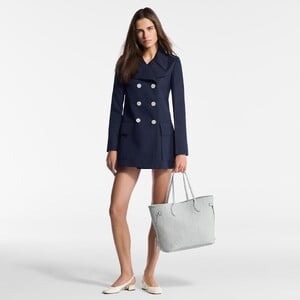
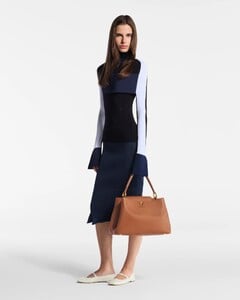
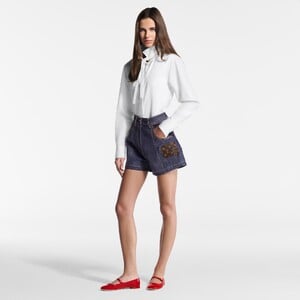
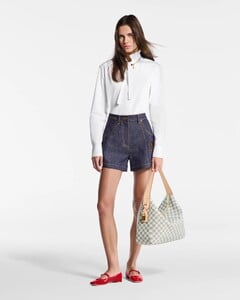
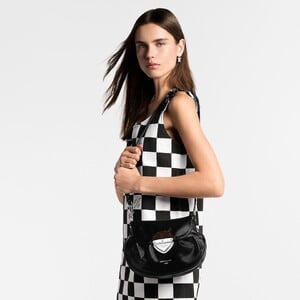
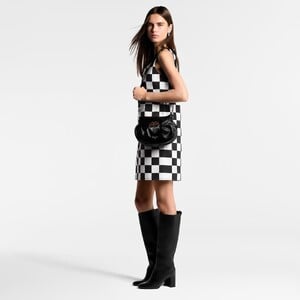
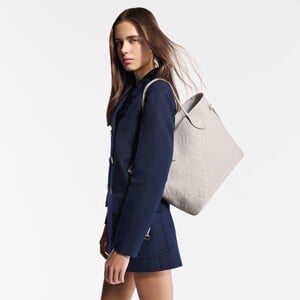
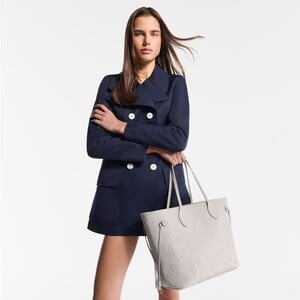
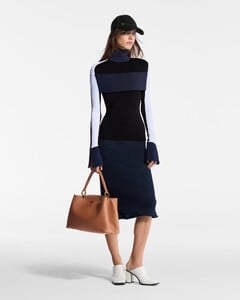
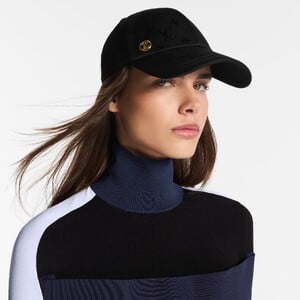

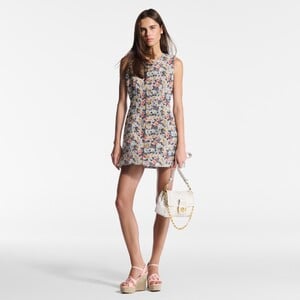
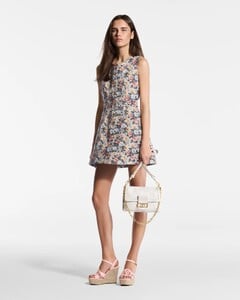
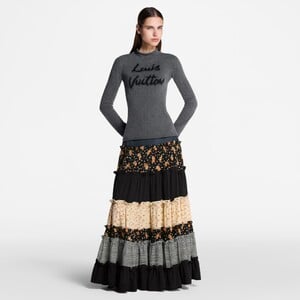
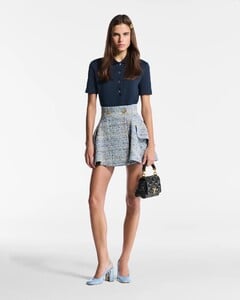

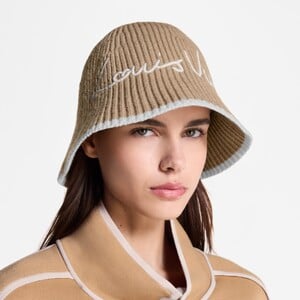

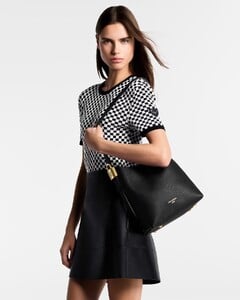
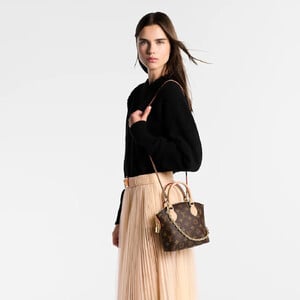

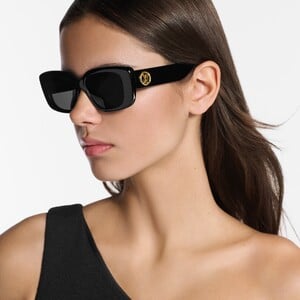
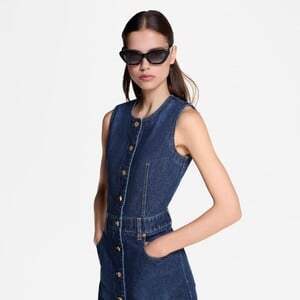
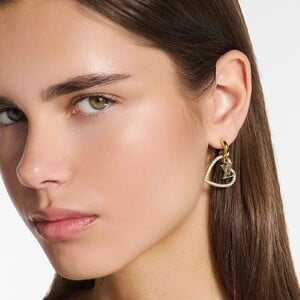 https://www.gq-magazine.co.uk/article/hero-fiennes-tiffin-takes-sherlock-home
 Tomatoli joined the community
Account
Navigation
Search
Configure browser push notifications
Chrome (Android)
- Tap the lock icon next to the address bar.
- Tap Permissions → Notifications.
- Adjust your preference.
Chrome (Desktop)
- Click the padlock icon in the address bar.
- Select Site settings.
- Find Notifications and adjust your preference.
Safari (iOS 16.4+)
- Ensure the site is installed via Add to Home Screen.
- Open Settings App → Notifications.
- Find your app name and adjust your preference.
Safari (macOS)
- Go to Safari → Preferences.
- Click the Websites tab.
- Select Notifications in the sidebar.
- Find this website and adjust your preference.
Edge (Android)
- Tap the lock icon next to the address bar.
- Tap Permissions.
- Find Notifications and adjust your preference.
Edge (Desktop)
- Click the padlock icon in the address bar.
- Click Permissions for this site.
- Find Notifications and adjust your preference.
Firefox (Android)
- Go to Settings → Site permissions.
- Tap Notifications.
- Find this site in the list and adjust your preference.
Firefox (Desktop)
- Open Firefox Settings.
- Search for Notifications.
- Find this site in the list and adjust your preference.