All Activity
- Past hour
-

-
 Variety aine at picturepub

-
 More of Tiffany Toth









-
Tiffany Toth


-
 The Fashion Awards in London December 2025











 Dakota Johnson on why she loves comedic roles | The High Note
 ph Tristan Fewings joe d at picturepub
 Amadeus Premiere London December 2025

























 ph Tristan Fewings joe d at picturepub




























 ph Tristan Fewings joe d at picturepub

















 ph. Norman Jean Roy

 homecasting vid Casting videos from home.mp4
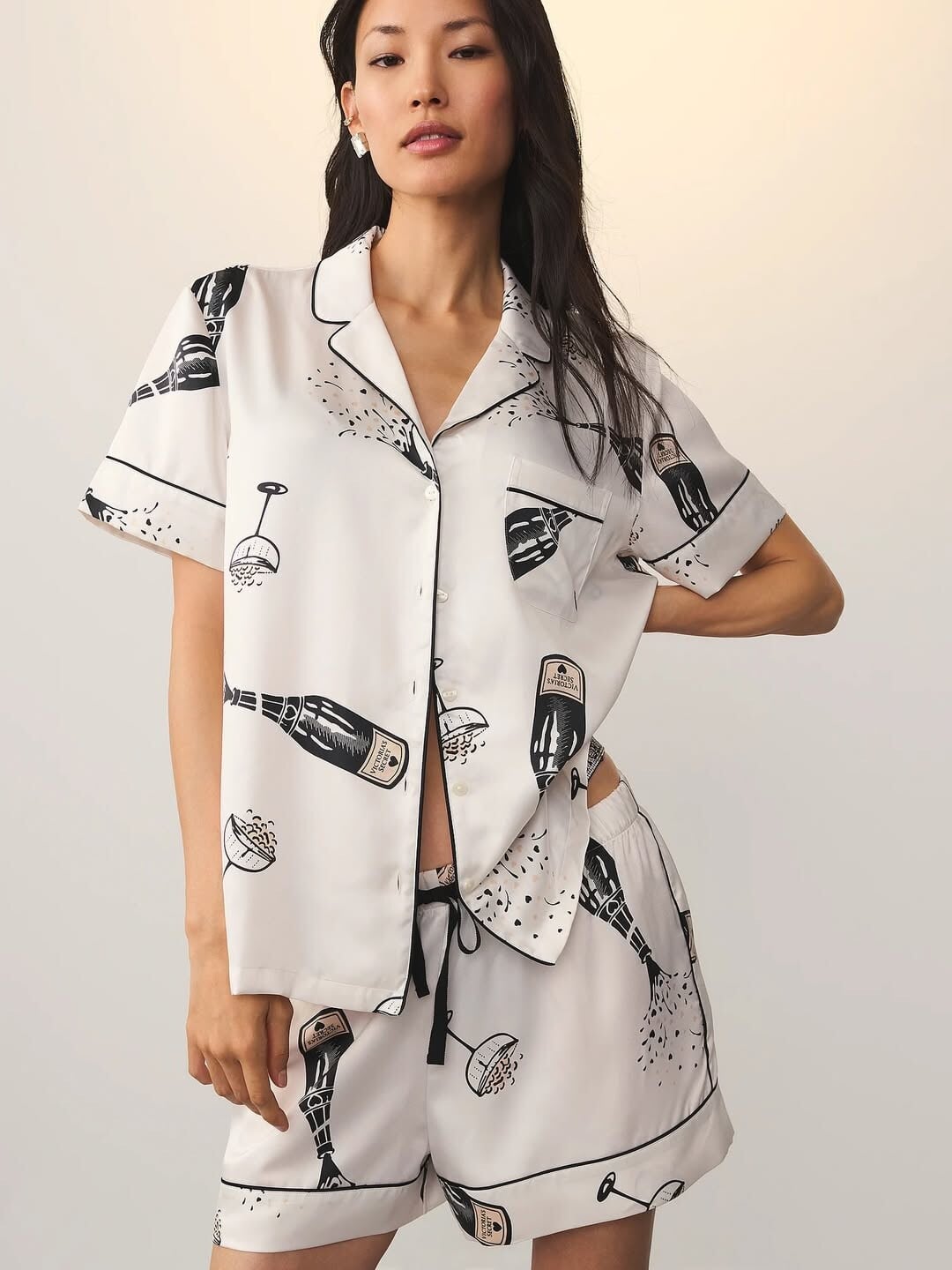
 New VS



 New portraits


- Today
attends World Premiere of Season 2 of "Percy Jackson and the Olympians", Los Angeles CA - December 3, 2025 HQs joe d at picturepub














































































































































































































Account
Search
Configure browser push notifications
Chrome (Android)
- Tap the lock icon next to the address bar.
- Tap Permissions → Notifications.
- Adjust your preference.
Chrome (Desktop)
- Click the padlock icon in the address bar.
- Select Site settings.
- Find Notifications and adjust your preference.
Safari (iOS 16.4+)
- Ensure the site is installed via Add to Home Screen.
- Open Settings App → Notifications.
- Find your app name and adjust your preference.
Safari (macOS)
- Go to Safari → Preferences.
- Click the Websites tab.
- Select Notifications in the sidebar.
- Find this website and adjust your preference.
Edge (Android)
- Tap the lock icon next to the address bar.
- Tap Permissions.
- Find Notifications and adjust your preference.
Edge (Desktop)
- Click the padlock icon in the address bar.
- Click Permissions for this site.
- Find Notifications and adjust your preference.
Firefox (Android)
- Go to Settings → Site permissions.
- Tap Notifications.
- Find this site in the list and adjust your preference.
Firefox (Desktop)
- Open Firefox Settings.
- Search for Notifications.
- Find this site in the list and adjust your preference.